
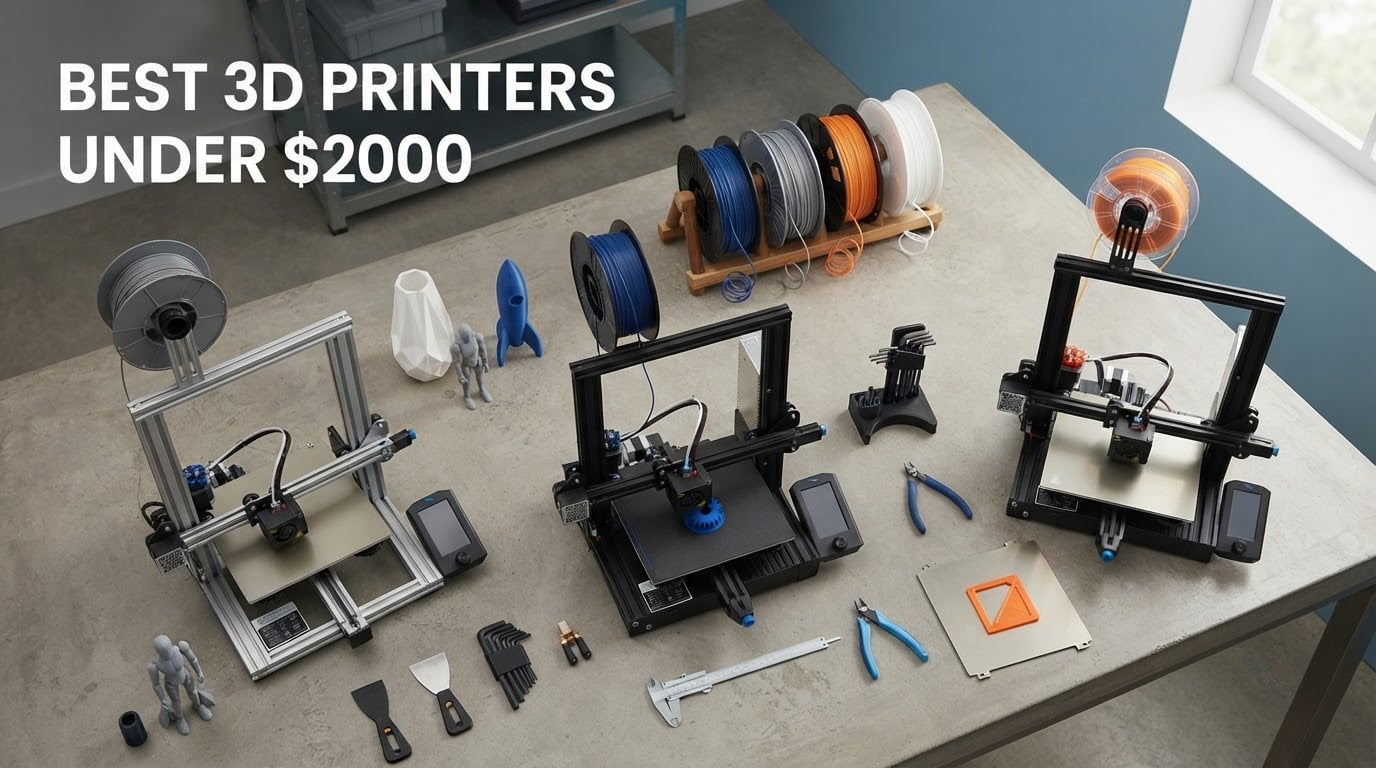
There has never been a better time to buy a desktop 3D printer, and the machines that used to live in engineering labs are now reaching hobby desks for a fraction of what they cost five years ago. We spent weeks comparing the current crop to find the best 3d printers under 2000 right now, and the shortlist covers everything from quiet enclosed filament machines to high-resolution resin systems for miniatures.
One expectation to set before you read further. The community consensus we kept running into on reddit.com/r/3Dprinting is that most FDM filament printers, regardless of brand or price, produce parts with very similar tolerances and surface finish. Asking which cheap machine prints “better” is largely the wrong question. What separates them is automation, speed, build volume, multi-material handling and how little babysitting the machine needs.
We built this list around that reality. Every printer here was judged on how much work it asks of you after the box is opened, what materials it handles, how it behaves at speed, and what owners report after living with it. Ten machines made the cut, including the robot part printing picks if you need geometry that has to hold up under load. If your work is more specialised, we also cover dental lab printers and 3D scanners that pair well with the machines below.
Table of Contents
Top 3 Picks for the Best 3D Printers Under $2000 in 2026
The Creality K2 Plus Combo takes our top slot because it does more than any other machine here: a 350mm cube of build volume, sixteen colours from four CFS feeders, an actively heated chamber and 18 smart sensors in a single machine. The Bambu Lab P1S Combo is the value pick, giving most buyers automatic multi-colour printing in an enclosed body at a fraction of the flagship cost. The Bambu Lab A1 is the top rated option, holding the highest rating in this group with owners reporting almost no calibration work at all.

Creality K2 Plus Combo
- 350mm cube build volume
- 16 colours from four CFS feeders
- 600mm/s with actively heated chamber

Bambu Lab P1S Combo
- AMS for 16-colour prints
- fully enclosed body
- 500mm/s with auto bed leveling
Quick Overview: Best 3D Printers Under $2000 (October 2026)
Here is the full lineup at a glance. Every printer below is covered in detail further down, with the use case each one suits and where it falls short.
| Product | Specifications | Action |
|---|---|---|
| Creality K2 Plus Combo |
|
Check Latest Price |
| Bambu Lab P1S Combo |
|
Check Latest Price |
 Bambu Lab A1 Bambu Lab A1 |
|
Check Latest Price |
 Flashforge Adventurer 5M Flashforge Adventurer 5M |
|
Check Latest Price |
 Elegoo Saturn 4 Ultra 16K Elegoo Saturn 4 Ultra 16K |
|
Check Latest Price |
 Elegoo Mars 5 Ultra Elegoo Mars 5 Ultra |
|
Check Latest Price |
 Bambu Lab A1 Mini Combo Bambu Lab A1 Mini Combo |
|
Check Latest Price |
 Anycubic Photon Mono M7 Max Anycubic Photon Mono M7 Max |
|
Check Latest Price |
 Snapmaker U1 Snapmaker U1 |
|
Check Latest Price |
 Flashforge Creator 5 Pro Flashforge Creator 5 Pro |
|
Check Latest Price |
1. Creality K2 Plus Combo: The Most Capable Machine in the Group
- Huge 350mm cube volume in one machine
- Sixteen colours with RFID filament auto-detection
- Actively heated chamber handles ASA and PPA
- Two AI cameras flag spaghetti and flow faults
- Dual Z-axis on four linear rods stays rigid
- Highest 1-star share in this group at 17 percent
- 70.4 lb frame needs a sturdy dedicated table
- Real learning curve for a 18-sensor multi-feeder machine
The K2 Plus Combo is the printer you buy when you want one machine to do nearly everything. Its 350 x 350 x 350 mm build volume is the largest cube in this roundup, which means tall cosplay armour, large enclosures and full-size prop weapons all print in a single pass instead of being split and bonded together. Few under-2000-dollar machines give you that much room in one axis.
Multi-colour is where it really separates itself. Four CFS feeders expand to sixteen colours, and RFID filament detection identifies colour and material type automatically, so the machine knows what it is loading without you naming it. Owners running multi-material production runs describe the automatic relay between feeders as the feature that removed babysitting from their workflow.
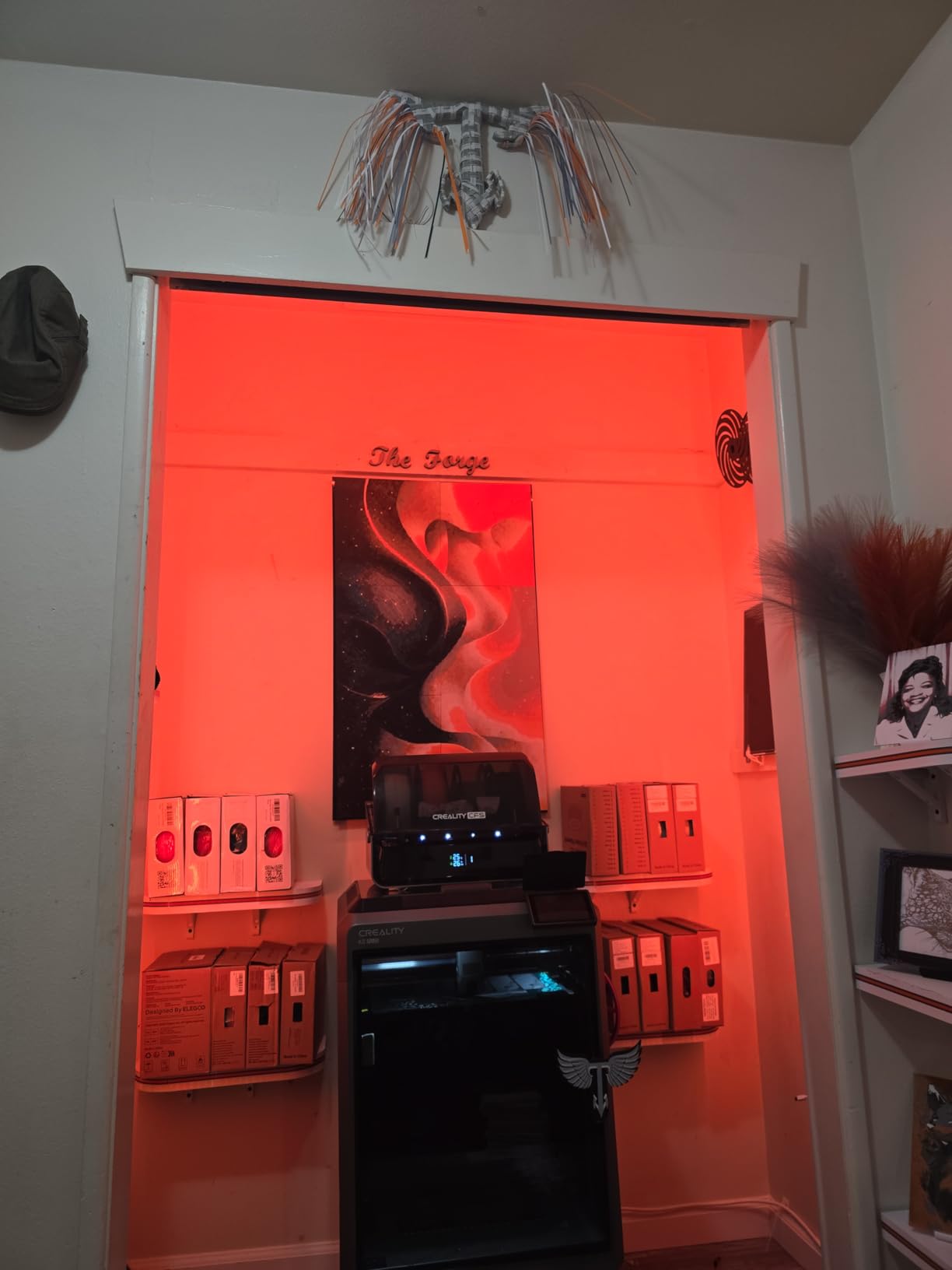
Thermal performance is where the engineering-filament case gets made. The chamber actively heats to 60C and the hardened steel nozzle reaches 350C, which is enough headroom for ASA and PPA parts that warp badly in cheaper enclosed machines. Acceleration of 30000 mm/s² and a maximum flow of 40 mm³/s mean the drive system can actually feed fast geometry without starving.
Eighteen smart sensors and two AI cameras watch the build. Owners say the cameras catch spaghetti failures, idling and flow problems while the job is still running, which matters most on long unattended prints. The dual Z-axis, independently motorised on four linear rods, held up well in our review of owner reports on tall prints, where cheaper dual-Z machines twist.
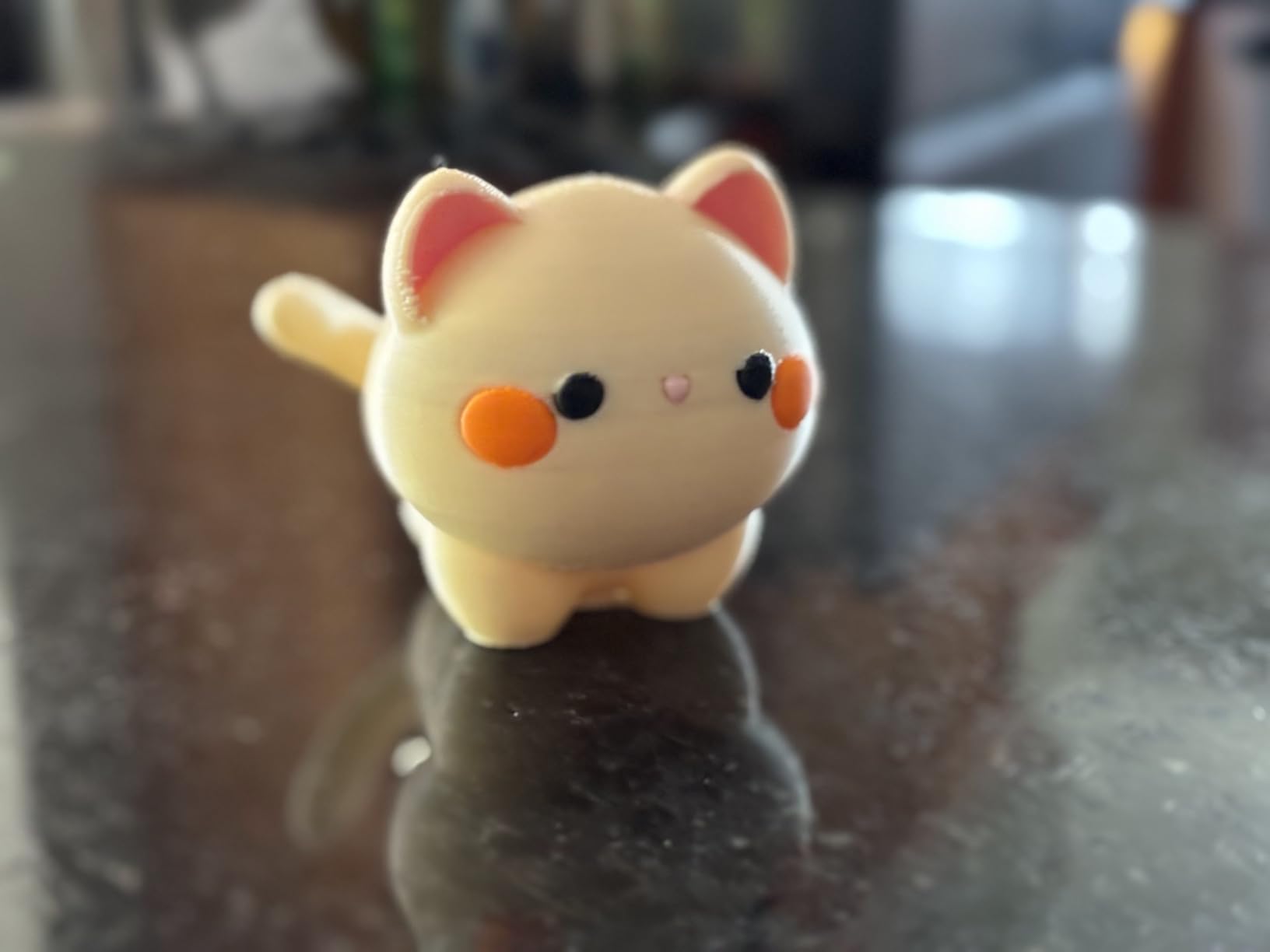
Who the K2 Plus Combo suits
This is the right pick for a small business running print farms, a cosplay workshop, or a maker who regularly needs large parts in more than one colour. If your work spans cosplay props, architectural models and functional prototypes, the volume and colour count pay for themselves quickly. The heated chamber also makes it the safest of the enclosed machines here for engineering polymers.
It also rewards anyone who prints in long blocks. The sensor and camera net means overnight jobs are far less likely to be ruined by a detected fault you did not see.
Who should skip the K2 Plus Combo
Skip it if this is your first printer and you have never calibrated a machine. Seventeen percent of its reviews are one star, the highest share in this group, and the complaints cluster around reliability, noise and setup friction that first-generation flagship hardware tends to produce. The 70.4 lb, 16.1 x 15.4 x 18.7 inch footprint also needs a dedicated sturdy table, not a desk.
Buyers who only print PLA and PETG will leave a lot of the specification sheet unused. In that case the professional-grade printer guide covers alternatives that spend their budget more efficiently.
2. Bambu Lab P1S Combo: Best Value for Automatic Multi-Color Printing
- AMS makes multi-colour printing genuinely automatic
- Enclosed body handles ABS and ASA
- Fast 500mm/s prints with reliable auto leveling
- Printing within a couple of hours of unpacking
- Small low-resolution monochrome screen draws regular criticism
- Bambu Studio binding and firmware updates take learning
- No filament spools included in the box
- SD card files ignore the AMS until printed from the app
The P1S Combo is the recommendation we make most often, and the purchase advice megathread on reddit.com/r/3Dprinting keeps surfacing the P1S and A1 family for the same reason. It pairs a fully enclosed body with the AMS in the box, so you get sixteen-colour automatic printing without a separate purchase. Very few machines bundle a working multi-colour system.
Material support is the quiet strength. The body is fully enclosed and the manufacturer lists PLA, PETG, TPU, PVA, ABS and ASA as ideal, with PA and polycarbonate capable. That means the same machine handles a cosplay helmet in ASA and a phone stand in PLA, and the automatic bed leveling on every print start means you rarely think about the bed.
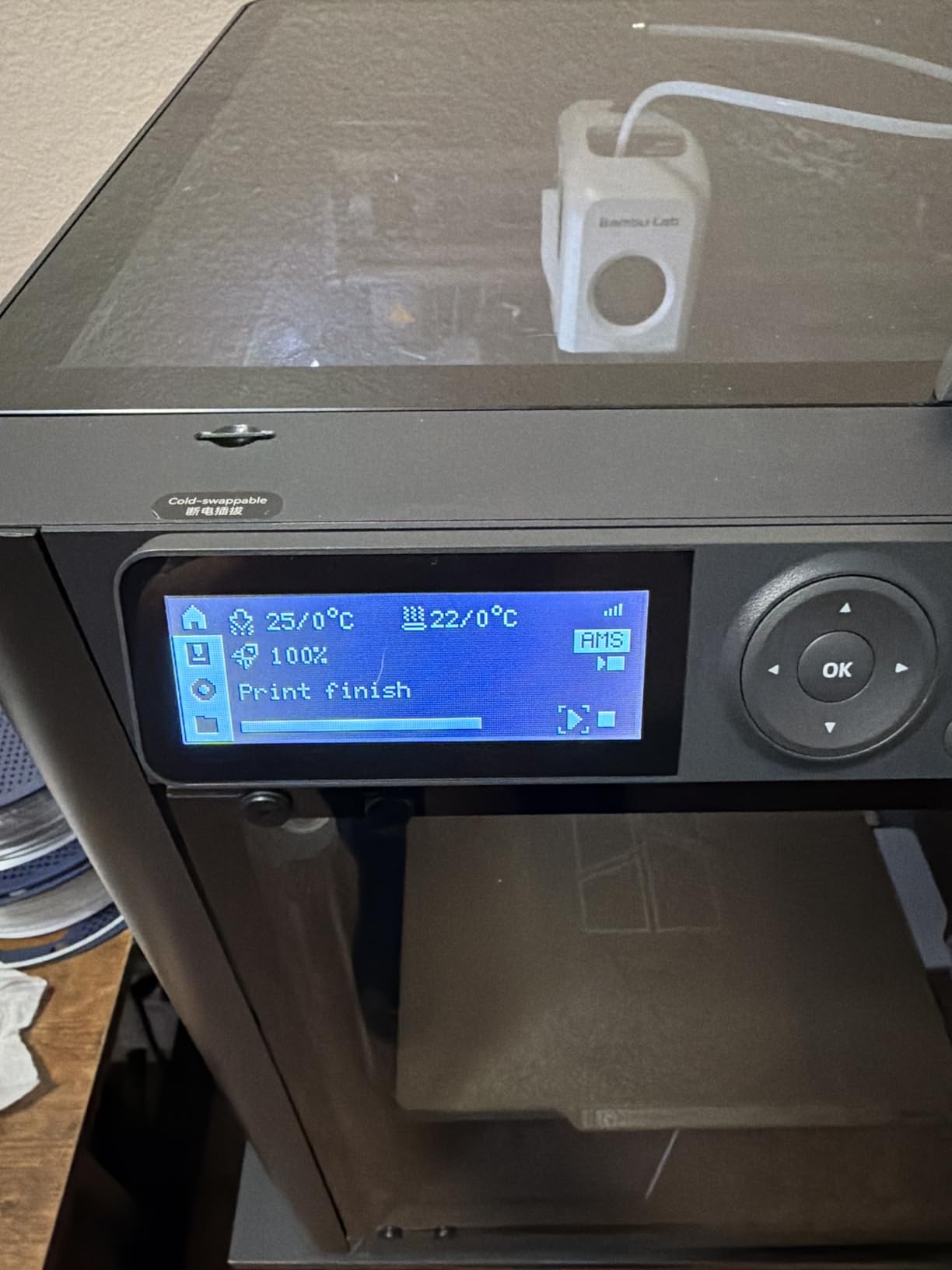
Print speed sits at 500 mm/s with 20000 mm/s² acceleration, and at 47.5 lb the machine is heavy enough to stay planted but light enough for one person to reposition. Owners consistently report that the first print happened within a couple of hours of opening the box, which is remarkable for a machine that arrives needing assembly.
The stated setup time is about fifteen minutes, and that is a fair description of the physical work rather than the software setup. The real time sinks are the Bambu Studio account binding and the first firmware update, both of which catch new owners out.
Who the P1S Combo suits
It suits hobbyists who print finished objects rather than prototypes. Anyone making multi-coloured signage, organised storage, cosplay accents or batch gifts gets the full value of the AMS straight away. It is equally at home in a classroom or small studio where one machine has to handle many different jobs from different people.
If ABS and ASA parts are on your list, the enclosure is the deciding factor over cheaper open-frame alternatives.
Who should skip the P1S Combo
Skip it if you hate vendor-locked software. The Bambu ecosystem binds printers to an account, and Bambu closed off parts of its open-source slicer history, which is a genuine grievance among tinkerers. The low-resolution monochrome screen is also the most common complaint in reviews, and owners regularly recommend a firmware upgrade before heavy use.
Note that no filament spools ship in the box, and any models on the bundled SD card do not use the AMS. Multi-colour models must be sent from the app. Buyers who want a completely hands-off workflow with zero software friction may prefer the Flashforge Adventurer 5M below.
3. Bambu Lab A1: The Highest Rated Printer Here
Bambu Lab A1 3D Printer, Ready-to-Use FDM 3D Printer for Beginners and Kids
- Highest rating in the group at 4.7 stars with 87 percent five-star
- Essentially no manual calibration
- Quiet enough for a living space
- Strong bed adhesion with no tweaking
- Flow monitoring and time-lapse through the app
- Open frame rules out ABS and ASA
- AMS lite costs extra for multi-colour
- Closed slicer ecosystem
- One report of a Z-axis fault from a loose USB-C connector
The A1 carries the highest rating in this roundup, and the reason is consistency rather than any single headline feature. Eighty-seven percent of its 671 ratings are five stars, which is unusual at this volume. Owners describe the same experience repeatedly: it arrives, you load filament, and it prints without intervention.
Calibration is fully automatic across Z-offset, bed levelling and flow rate compensation, and filament runout plus tangle detection will pause the job instead of wasting a build. At 22 lb and 21.76 x 20.83 x 12.87 inches it is light and compact, and the 1-Clip quick swap nozzle makes a clog a thirty-second fix rather than a teardown.
Active motor noise canceling keeps it usable in a home office, and the app gives real-time monitoring, timelapse and flow warnings. Acceleration of 10000 mm/s² is lower than the enclosed machines here, but for PLA and PETG parts the print times stay short because you are not fighting warping.
One review reported a Z-axis fault error traced to a partially seated USB-C connector rather than a mechanical fault. It is worth a visual check of the rear cables on day one, since the fix takes seconds.
Who the A1 suits
The A1 is the right first printer for a beginner, a family, or a classroom where the people using it are not enthusiasts. Because it needs no manual calibration, it also works well as a second machine that anyone can operate. The common regret reported by owners is not buying the AMS lite bundle at the outset.
It suits anyone printing in PLA, PETG and TPU who values quiet, dependable output over large format or high-temperature capability.
Who should skip the A1
Skip it if you print engineering polymers. The open frame has no chamber heating, so ABS and ASA will warp, and there is no way to add an enclosure later. Skip it too if you need large parts, since the build volume is modest next to the Creality K2 Plus Combo.
Multi-colour buyers should budget for the AMS lite separately, which raises the total. If multi-colour matters and you want it included, the A1 Mini Combo below covers that ground in a smaller footprint.
4. Flashforge Adventurer 5M: Best Enclosed CoreXY for the Least Money
FLASHFORGE Adventurer 5M 3D Printer,Support Multi Materials, High Precision
- Enclosed CoreXY design at the lowest cost in this group
- Roughly five times faster than entry-level bedslingers
- One-click automatic leveling
- Nozzles cover precision and production modes
- Flashforge support resolved an early LCD issue
- Noticeably loud fans including one that runs with the rear switch
- Top rear filament feed can rub the lid
- Adhesion needs generous adhesive on the PEI plate
- Some early-life carriage and bed spring failures reported
- Single colour without pausing to swap filament
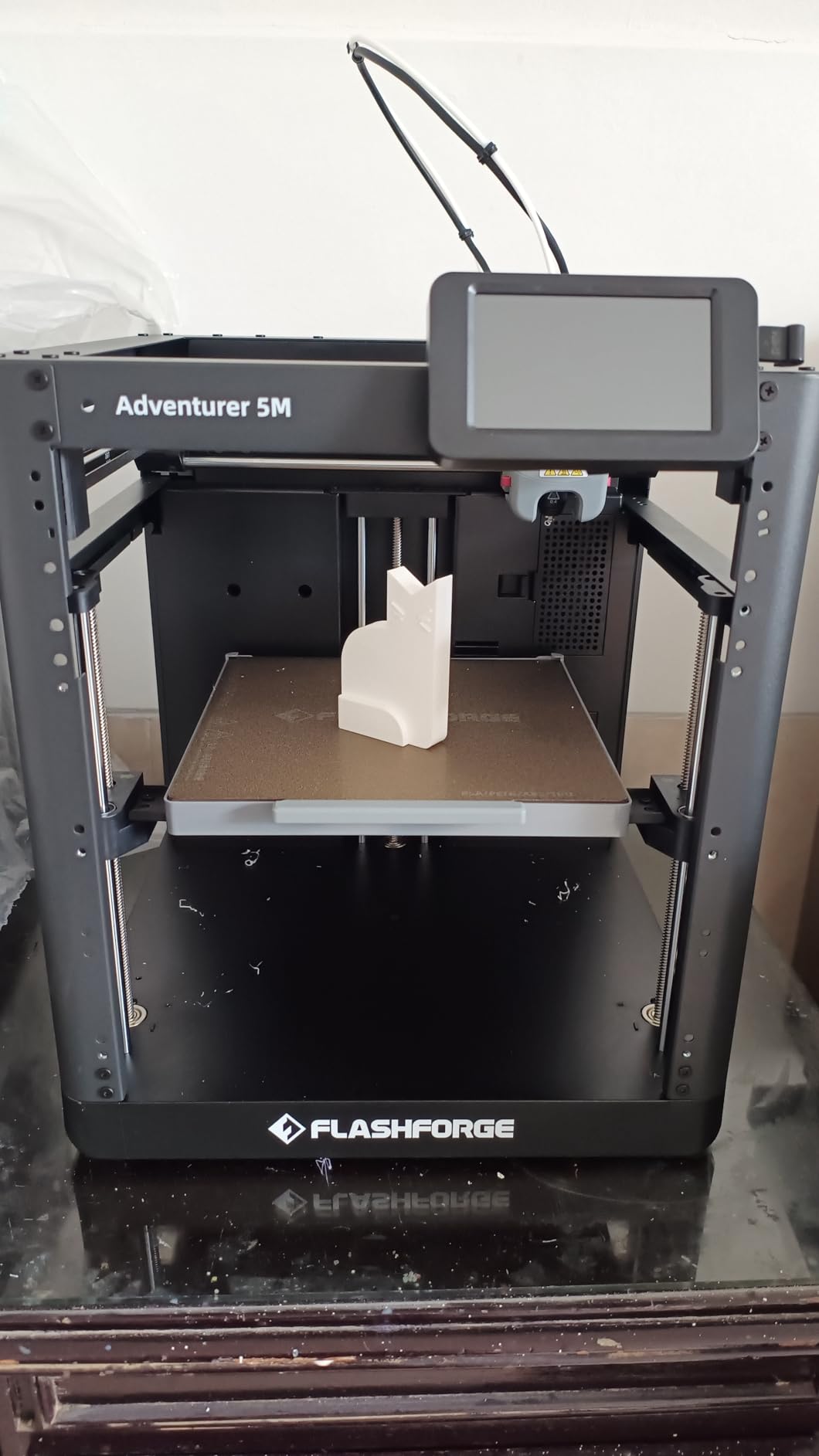
The Adventurer 5M is the value pick if your priority is an enclosed machine with real speed and you do not want an account-bound ecosystem. A fully enclosed all-metal CoreXY frame running at 600 mm/s and 20000 mm/s² usually sits well above this price band, and reviewers describe it as roughly five times faster than the cheap bedslingers people upgrade from.
Nozzle flexibility is its sleeper feature. Interchangeable 0.25, 0.4, 0.6 and 0.8 mm tips let you switch between miniature detail and fast production work without a different machine. The nozzle heats to 200C in 35 seconds, and at 32 mm³/s flow it keeps up with thick perimeters.
The Flash Maker app handles remote monitoring and parameter adjustment, and built-in vibration compensation smooths out the ringing you get with all-metal frames. The dual-sided PEI platform needs generous application of the included adhesive before the first print, which is the one step newcomers skip and then regret.
One detail worth knowing before you buy: the filament feeds in at the top rear corner, which constrains where you can place the printer and can rub against the lid on some spools. If your desk is against a wall, check clearances.
Who the Adventurer 5M suits
It suits makers who want ABS and ASA capability and CoreXY speed without paying for a multi-colour system they will not use. One owner reported that Flashforge customer support resolved an early LCD issue quickly, which matters if you value reaching a human over filing a ticket.
It also works well for education. The jewelry making printer picks cover the resin side of that use case, while this machine handles the class set of PLA and ABS assignments.
Who should skip the Adventurer 5M
Skip it if noise matters. Multiple reviews call the fans noticeably loud, and one small fan runs whenever the rear power switch is on, which means a faint hum even when idle. It is a poor fit for a bedroom or a shared office.
Skip it if you print multi-colour without pauses, since the single nozzle means manual filament changes. A few owners also report rear plate carriage and bed spring failures inside the first year, so budget for the fact that cheap hardware sometimes needs early support.
5. Elegoo Saturn 4 Ultra 16K: Best Resin Detail in the Roundup
- 16K resolution gives genuinely fine miniature detail
- Tilt release cuts peeling time substantially
- Heated vat at 30C reduces bubbles and layer separation
- Automatic leveling removes the hardest resin setup step
- Chamber light and time-lapse for unattended monitoring
- Resin workflow needs gloves
- ventilation and post-processing cleanup
- 13 percent one-star reviews cite first-layer adhesion
- A larger footprint than smaller resin machines
- No fume containment
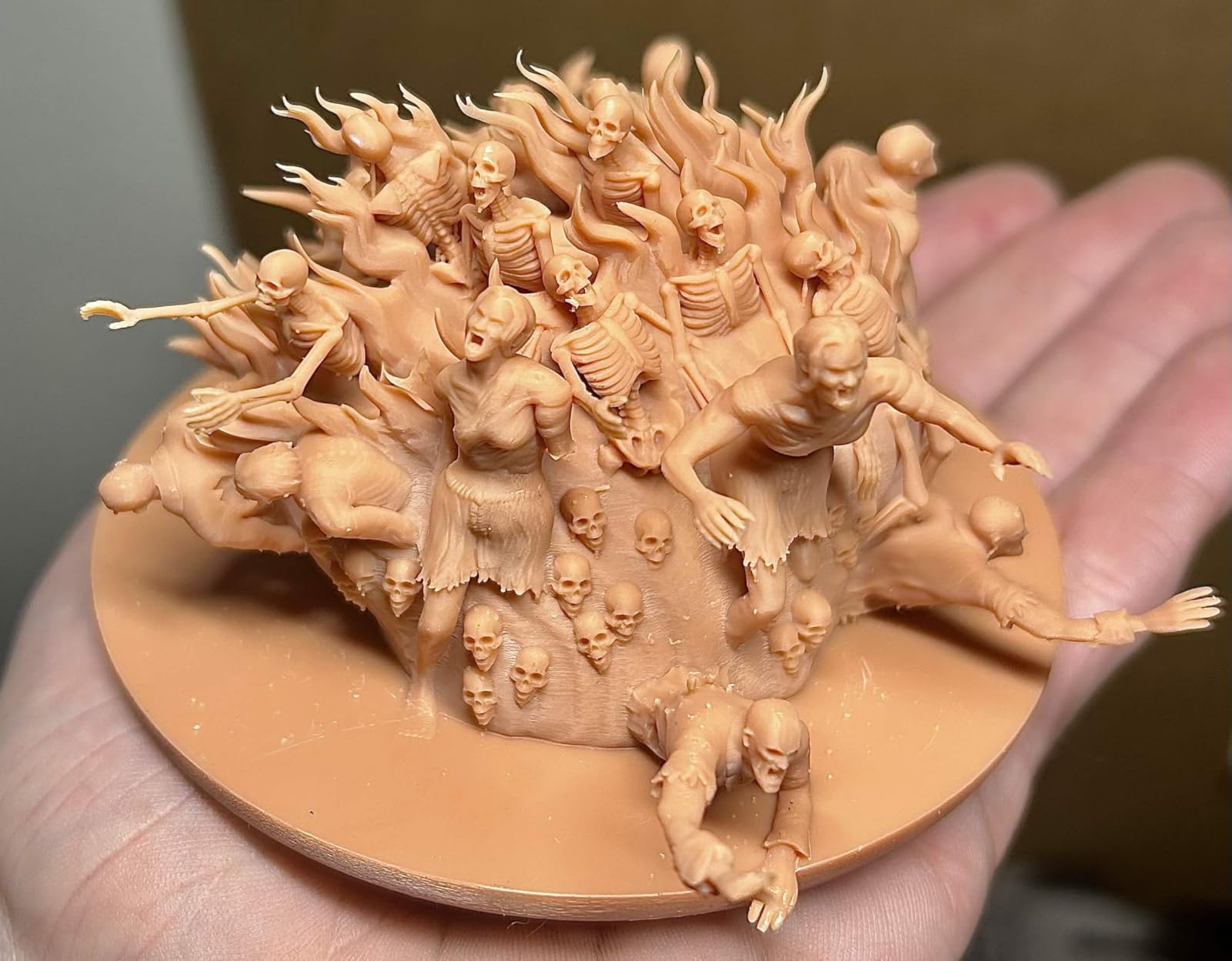
The Saturn 4 Ultra is the resolution leader here. A 16K monochrome LCD is the sharpest screen in this list, and it translates directly into fine surface detail on miniatures, which is what separates a good tabletop model from a great one. If your interest is dental and jewelry style fine detail work, this is the machine to shortlist.
Tilt release technology is the second reason to look here. By separating the part from the build plate with a controlled tilt rather than a straight lift, it speeds peeling substantially and prints run up to 150 mm/h. Heated resin at 30C reduces the bubbles and layer separation that plague cold-vat resin printers, which is a real reliability gain rather than a spec-sheet item.
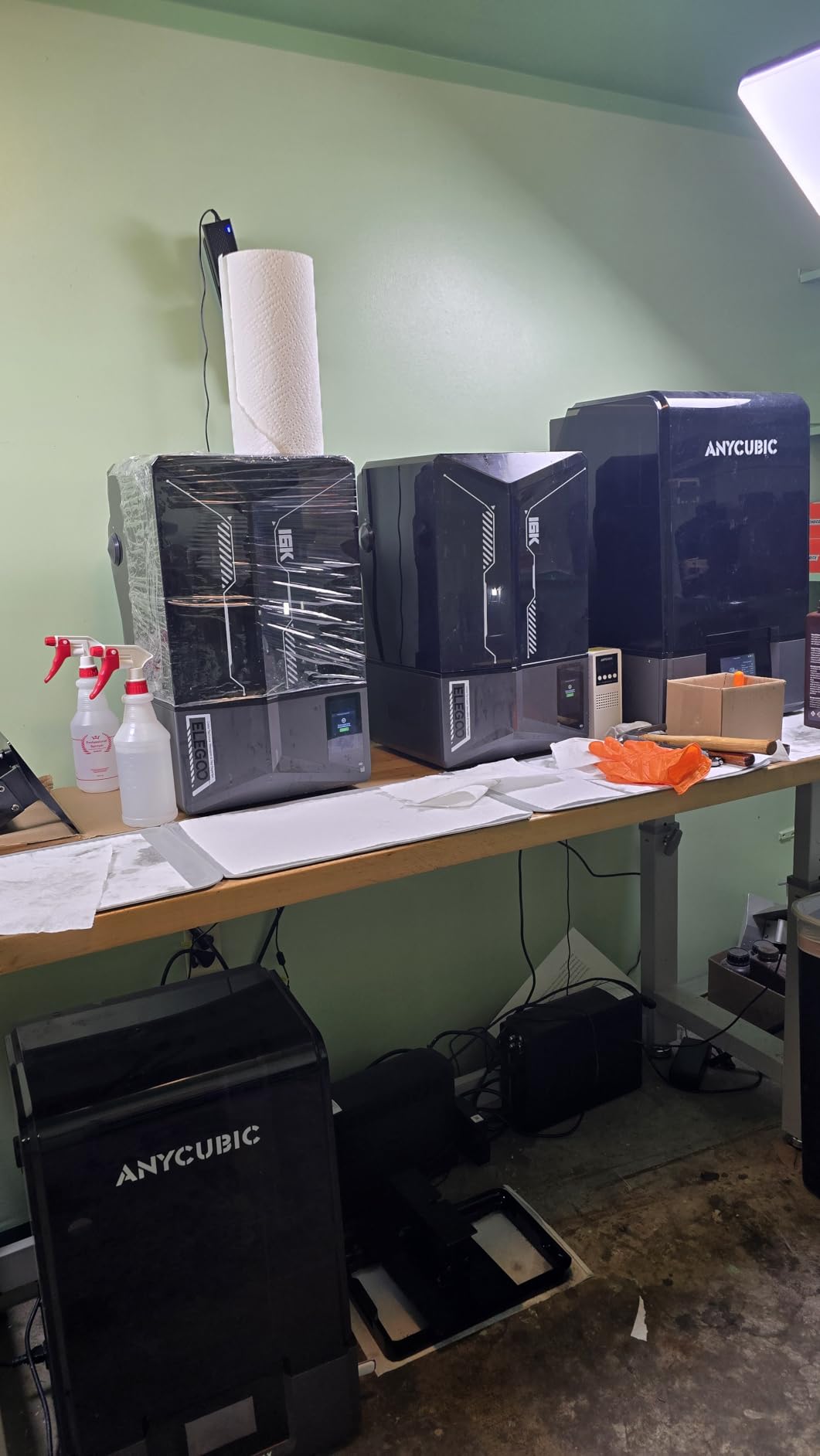
Automatic leveling removes the manual bed-shimming step that trips up most resin beginners, and a mechanical residue sensor protects the LCD from cured resin that would otherwise etch the screen. An AI camera with a built-in chamber light adds time-lapse monitoring, and it alerts on empty build plates and warped models.
At 35.5 lb and 24 x 17 x 15 inches it is bulkier than the smaller resin machines here, so measure the shelf before committing.
Who the Saturn 4 Ultra suits
It suits tabletop gamers, diorama builders and anyone chasing surface finish over raw size. Miniatures, busts and highly detailed display pieces are where a 16K panel earns its cost. The tilt release and heated vat also mean fewer failed prints, which matters more than speed once you are resin-curing every part.
It pairs naturally with a dedicated wash and cure station, and owners report the AI camera catching enough failures to justify both.
Who should skip the Saturn 4 Ultra
Skip it if resin handling is not something you want to own. Washing, curing and cleaning uncured resin are not optional, and thirteen percent of reviews are one star, with first-layer adhesion failures a recurring theme. The Reddit community we consulted repeatedly advises against resin as a first printer for exactly this reason.
Skip it if you print large single-piece props. The Anycubic Photon Mono M7 Max has a far larger build volume, and resin remains the more expensive process per finished part once support removal is counted.
6. Elegoo Mars 5 Ultra: The Easiest Way Into Resin Printing
- 9K resolution on a large 7-inch mono LCD
- Tilt release roughly halves print times versus earlier Mars models
- Self-leveling plate removes manual bed leveling
- Wi-Fi job sending and cluster printing for batches
- Reported to print professional miniatures with minimal tuning
- Lid has no hinges and must be removed to open
- Rounded resin spout makes pouring messy
- Small build plate limits larger pieces
- Resin handling and curing add post-processing time
- Some reports of first-layer adhesion failures
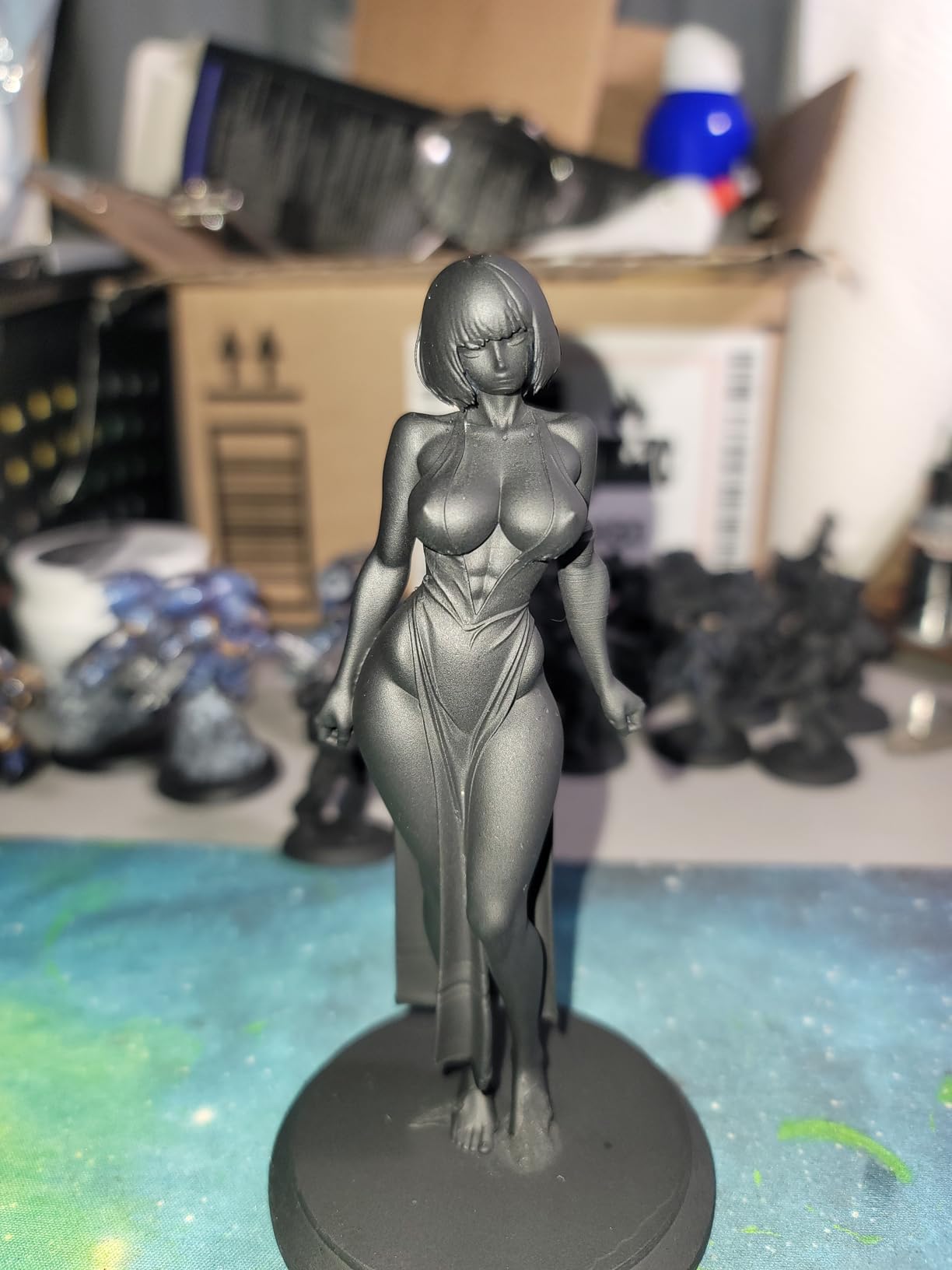
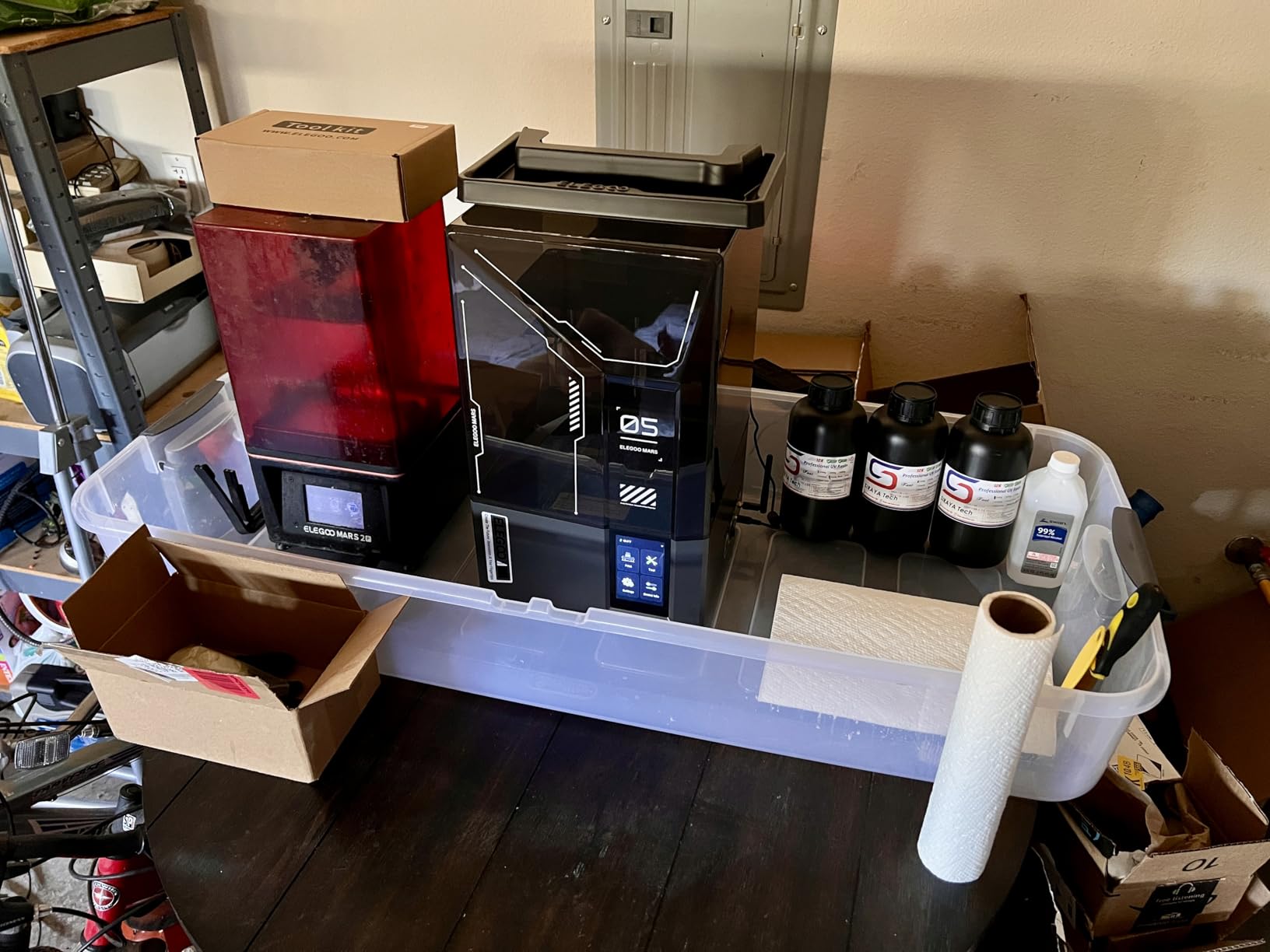
The Mars 5 Ultra is the resin machine to buy if resin is new to you. A 7-inch 9K panel with 18 micron XY resolution is sharper than most resin printers costing considerably more, and the self-zeroing build plate removes the single most common beginner failure in the process. Owners consistently describe it as the best beginner resin printer they have used.
Tilt release roughly halves print times compared with earlier Mars models, running up to 150 mm/h. That speed matters more than raw resolution, because a resin print is usually several hours per part and a slow release function is where the time goes.
Wi-Fi job sending and cluster printing stand out for anyone running more than one unit, letting a batch of machines run from a single device. An AI camera gives real-time error alerts, and a three-month Chitubox Pro subscription is included, which covers most slicing needs during evaluation.
Two design choices annoy owners. The lid has no hinges and must be fully removed to open, and the rounded resin spout makes pouring messy. Neither is dangerous, but both are the kind of friction that shows up on a Saturday afternoon when you are refilling.
Who the Mars 5 Ultra suits
It suits a first resin machine, a hobbyist in a small apartment who wants a compact 19.36 lb unit, and anyone printing 32mm tabletop scale figures who values speed over build volume. Reported results include professional-quality miniatures with minimal tuning.
Those who will print jewelry patterns alongside gaming minis can read our jewelry printer guide for resin workflow details.
Who should skip the Mars 5 Ultra
Skip it if you need large single-piece prints. The build plate is small, so masks, terrain and props need to be broken into parts. Skip it if you dislike the resin workflow, and note that a few owners report first-layer adhesion failures alongside the more common design complaints.
If detail is the priority and you have the space, the 16K Saturn 4 Ultra is the better buy. If size is the priority, look at the Anycubic M7 Max.
7. Bambu Lab A1 Mini Combo: Best for Small Spaces and Quiet Rooms
Bambu Lab A1 Mini Combo, A1 Mini 3D Printer&AMS lite, Multi-Color Printing
- Quiet operation at or under 48 dB
- AMS lite gives four-colour printing in a compact package
- Strong bed adhesion and fast reliable prints
- App-driven remote printing from a pre-assembled unit
- Consistently praised as a first printer
- Build volume is small for larger projects
- AMS and any dryer add meaningful desk space
- No enclosure so higher-temp materials warp
- Some reports of nozzle clogs and AMS loading failures
- Multi-colour needs the firmware app
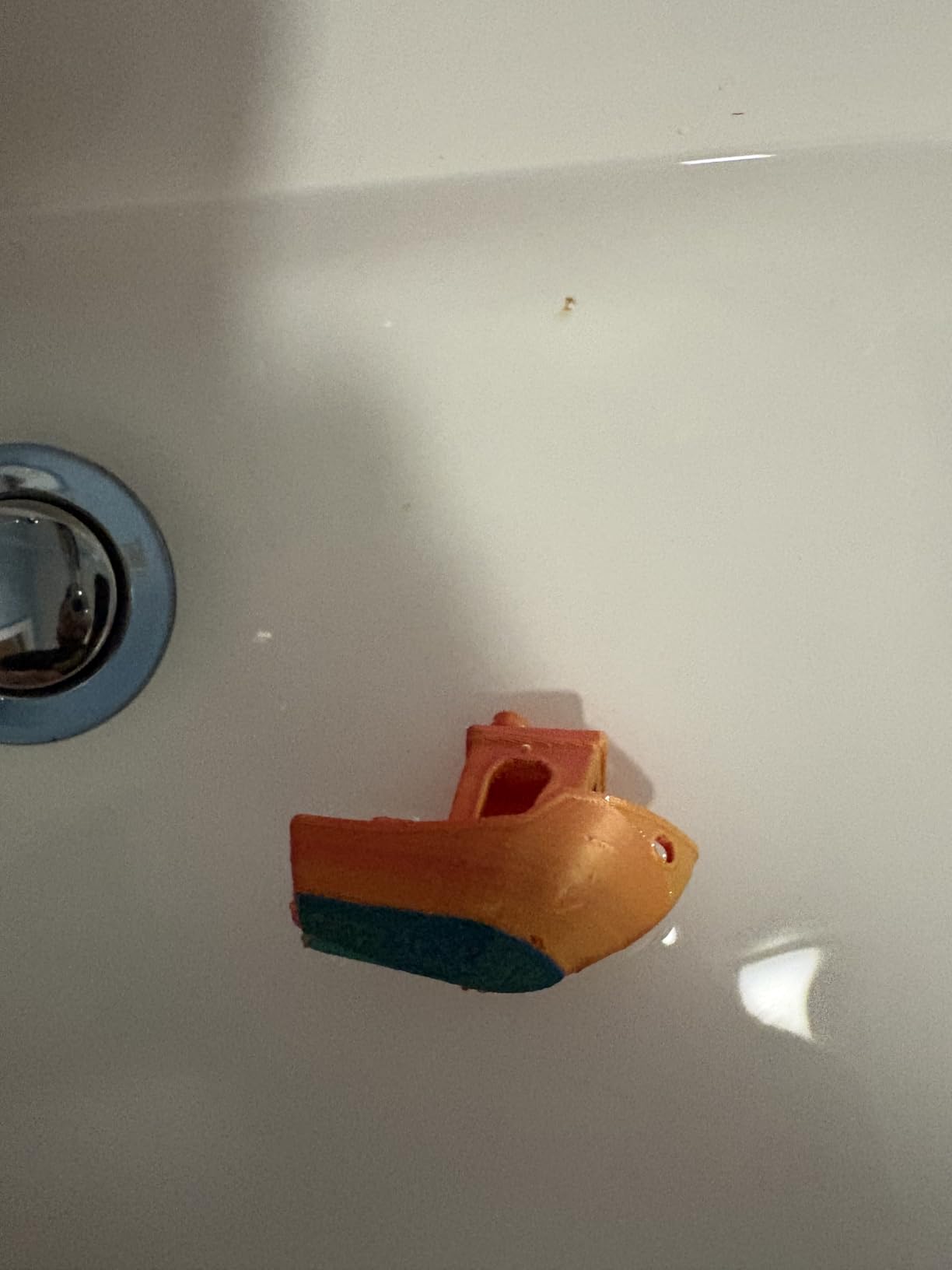
The A1 Mini Combo answers a specific problem: multi-colour printing in a room where noise matters. At 48 dB or quieter it is the quietest machine here, and the AMS lite adds automatic four-colour capability that most first printers simply do not have. The stated first-print time of about twenty minutes on a pre-assembled unit is close to reality for most owners.
Full-auto calibration and active flow rate compensation mean the same hands-off experience as the full-size A1. The 1-Clip quick swap nozzle is a sensible carry-over, since clogs are the most common filament problem and the fix should take seconds.
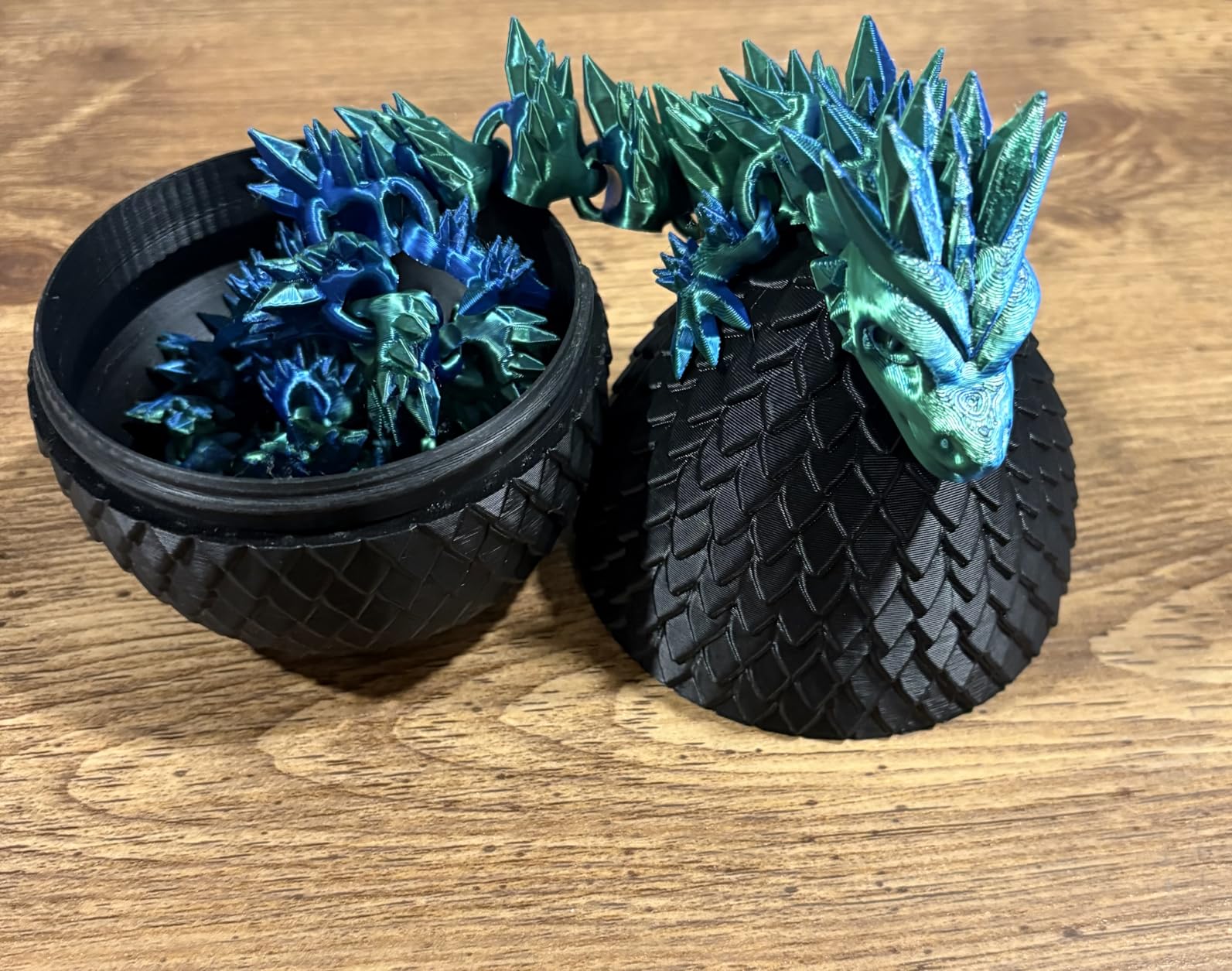
At 22 lb the unit is easy to move between a home office and a shared space, which is not something you can say about the 70 lb machines in this roundup. The app handles remote printing, and owners frequently mention using it from another room entirely.
Budget for desk space. The printer plus the AMS lite plus a filament dryer takes a real footprint, and the machine needs a solid surface because it is open frame and bed slinger based.
Who the A1 Mini Combo suits
It suits apartment dwellers, students and anyone working in a shared home office where a 60 dB CoreXY machine would be a problem. Four colours handles most hobby needs: painted parts, layered cosplay accessories, labelled storage and organisation projects all benefit.
Gift buyers rate it highly too, since the pre-assembled format means it works the day it arrives.
Who should skip the A1 Mini Combo
Skip it if you print large parts. The build volume is the limiting factor, and there is no way around it without a different machine. Skip it if you work in ABS or ASA, since the lack of enclosure guarantees warping on anything larger than a small part.
A few owners report nozzle clogging and AMS filament loading faults, and multi-colour prints require sending jobs from the firmware app rather than the bundled SD card. Anyone who wants a silent, enclosed upgrade path should read toward the Flashforge Adventurer 5M instead.
8. Anycubic Photon Mono M7 Max: The Largest Resin Build Volume Here
ANYCUBIC Photon Mono M7 MAX Resin 3D Printer, 13.6’’ 7K Large Resin Printer
- Largest resin build volume in the group at 298 x 164 x 300 mm
- Over 2000 ratings give the deepest owner feedback here
- LighTurbo 3.0 light source with over 90 percent uniformity
- Auto-fill
- heated vat and one-key resin recycling
- Flip-open cover allows one-hand access
- Heavy 52.8 lb machine with a tall 31 inch footprint
- Mono resin still needs manual supports
- washing and curing
- Temperature control adds a warm-up delay
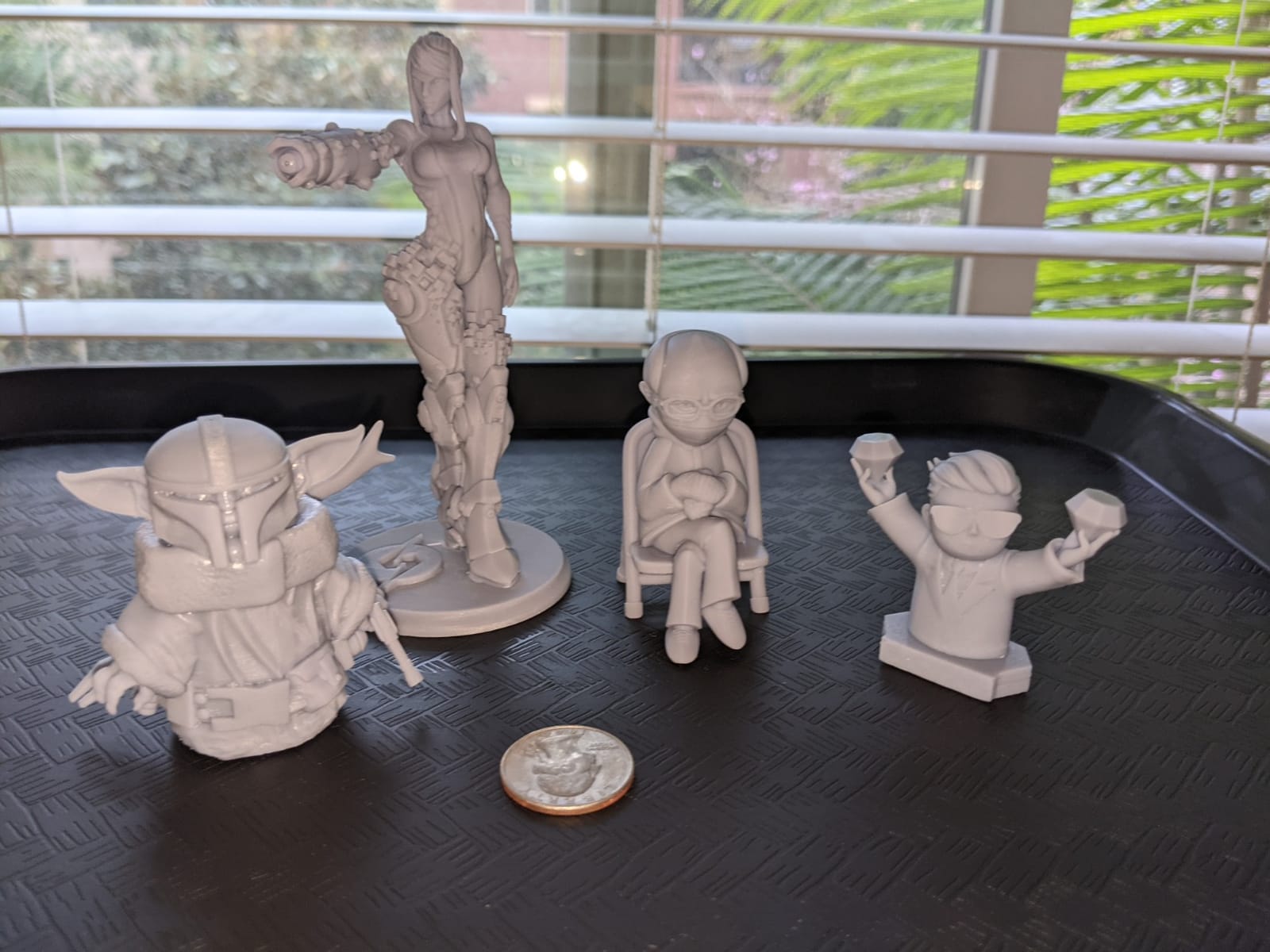
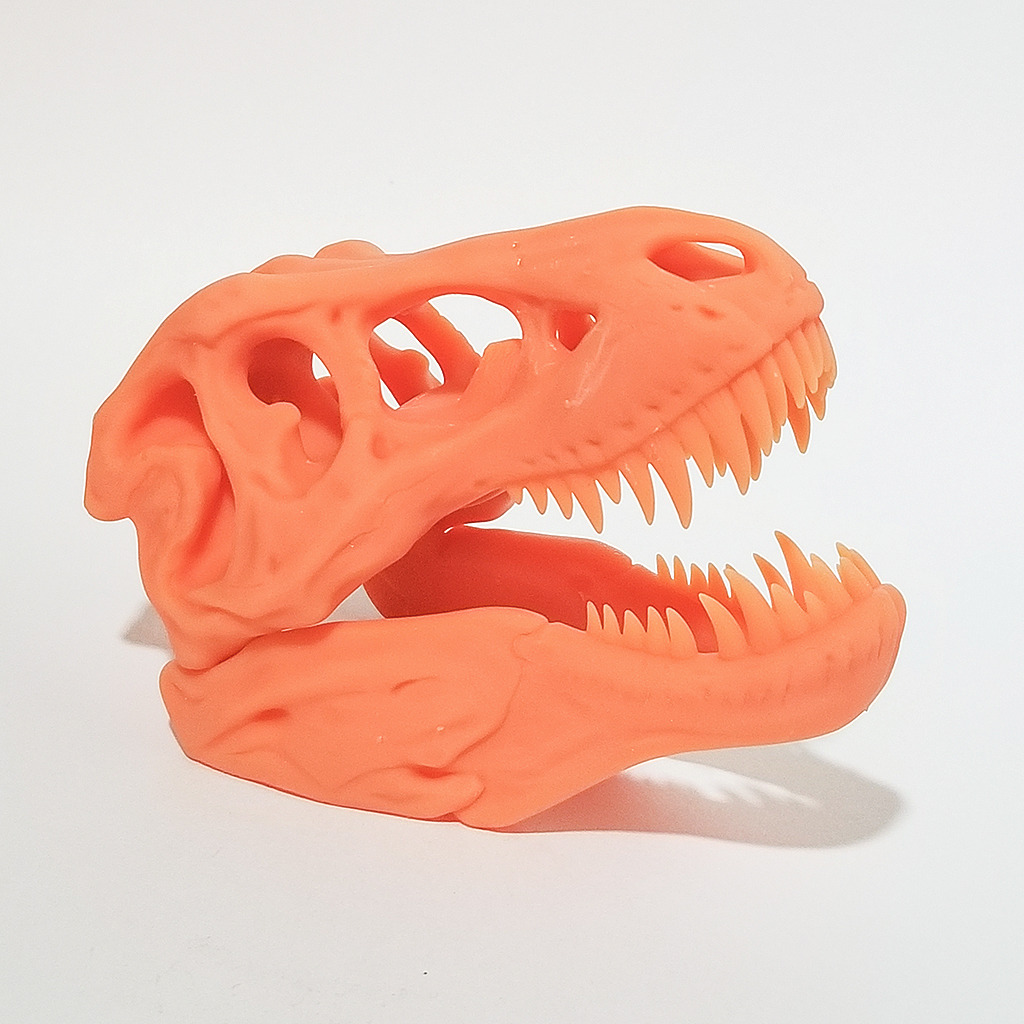
The Photon Mono M7 Max is the large-format resin option. Its 298 x 164 x 300 mm build volume is by far the biggest resin envelope here, which means masks, cosplay helmets, terrain tiles and set pieces can be printed as single pieces instead of assembled from segments. With over 2000 ratings, it also has the deepest owner feedback base in this group, which makes its reported behaviour unusually trustworthy.
Light quality determines surface finish in resin, and the LighTurbo 3.0 COB source with a Fresnel lens holds the beam within a 3 degree angle at over 90 percent uniformity. Owners credit even lighting with fewer visible layer lines, and precision lead screws with less anti-aliasing error on vertical surfaces.
Resin management is unusually automated for a mono machine. The 1300ml vat has dynamic temperature control, auto-fill and one-key recycle, so you pour less and waste less. Intelligent release 2.0 is reported at 200 percent faster than the previous M3 Max, and post-print tilt drains resin back into the vat instead of carrying it out on the part.
The flip-open cover opens one-handed at 45 degrees or more, which makes model retrieval fast during long batch runs.
Who the Photon Mono M7 Max suits
It suits cosplay builders, prop makers and anyone who has hit the wall of a small resin build plate. The single-piece capability changes project economics, because joined resin parts need far more sanding and filler than one clean print.
For scanned organic models, a scanner such as the ones in our 3D scanner roundup feeds directly into this workflow, and the dental lab models in our dental printer guide come from the same scanning pipeline.
Who should skip the Photon Mono M7 Max
Skip it if you have a small shelf. At 52.8 lb and 20.47 x 20 x 31 inches this is a tall, heavy machine, and the vertical footprint is a genuine constraint in a small studio. The dynamic vat temperature control also adds warm-up time before the first print of a session.
Skip it if you only need small gaming minis and want the least fuss, since mono resin still requires manual supports, washing and curing regardless of build volume. The heated vat and auto-fill reduce resin handling, but they do not remove post-processing.
9. Snapmaker U1: Best Multi-Material Printer Without Purge Waste
Snapmaker U1 3D Printer,4-Toolhead with 5s Toolchanger,Multi-Color Printing
- Four independent toolheads mean near-zero purge waste
- 5-second tool changes cut multi-colour print times
- True multi-material prints mixing rigid
- TPU and PVA supports
- Fast well-engineered CoreXY and good out-of-box quality
- Open-source Snapmaker Orca slicer
- AI monitoring catches failures and runouts
- Open top needs an enclosure accessory for high-temp materials
- Not as turnkey as Bambu since files must be imported manually
- One report of a motherboard fault on a day-old unit
- Only 500g spools included and a firmware update needed
The Snapmaker U1 solves the problem that annoys AMS owners most: purge waste. Instead of one nozzle cutting and wiping between colours, it carries four independent toolheads that are preloaded and preheated. The SnapSwap changer completes a swap in five seconds, validated by the manufacturer over 1,000,000 swaps, and there is essentially nothing to purge.
That architecture does more than multi-colour. Because each head is independent, the U1 can mix rigid filament with TPU and water-soluble PVA in the same print, using PVA as dissolvable support. That is something single-nozzle systems can technically do but not without painful purge cycles. Owners describe the 270 x 270 x 270 mm CoreXY build volume at 500 mm/s as fast and well engineered.
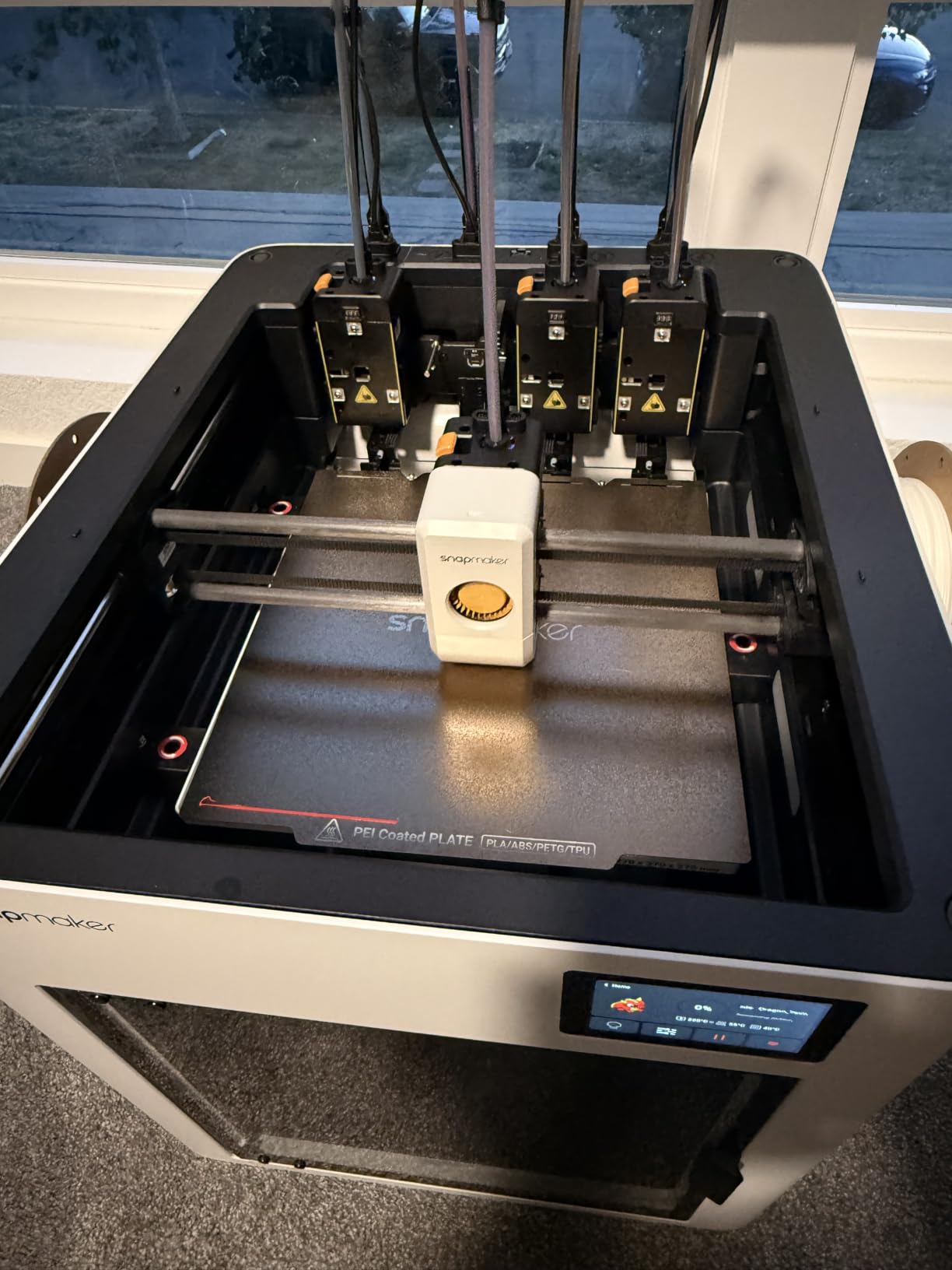
Software is the differentiator against the walled gardens. Snapmaker Orca is an open-source slicer with a built-in model library, and the machine lists compatibility from PLA, PVA, TPU and PETG through PCTG, ABS, ASA, PA and PC. Automatic toolhead offset calibration, vibration compensation and dynamic flow calibration are all handled at startup.
At 4.5 stars this machine has one of the strongest ratings among the newer entries, though 146 ratings is a small sample. Treat early reliability reports as provisional and confirm the warranty position before committing at volume.
Who the Snapmaker U1 suits
It suits anyone who prints functional multi-material parts: TPU grips on rigid brackets, PVA supports on overhangs, or two-colour signage without watching filament disappear into a purge tower. It also suits people who want open-source software and local control rather than a cloud-tied account.
Reviewers, many of them beginners, single out the four-toolhead architecture as the standout feature, which suggests the value is easy to understand even on day one.
Who should skip the Snapmaker U1
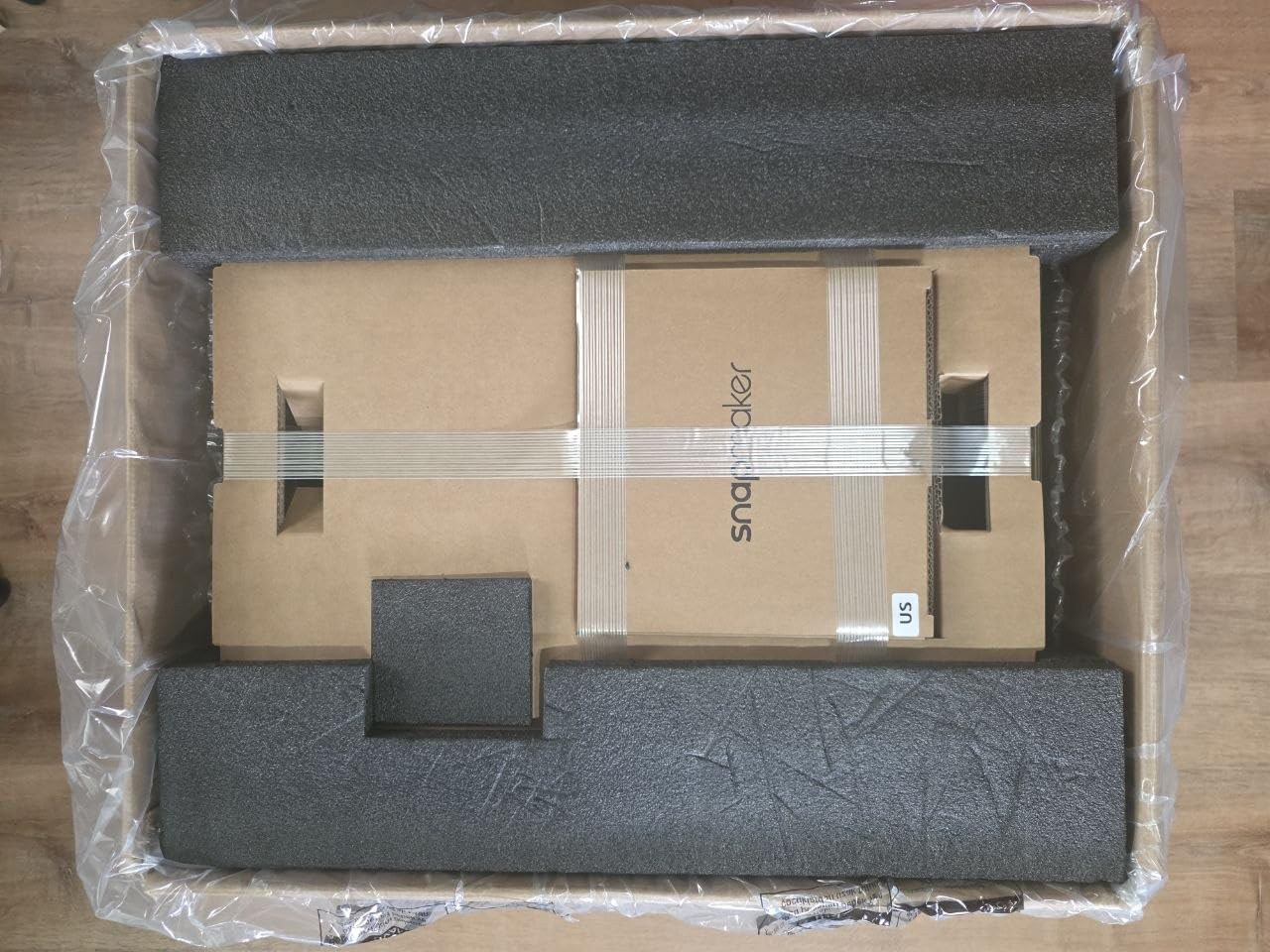
Skip it if you print high-temperature engineering materials today. The top is open, so an enclosure or lid accessory is required for ABS, ASA and PC, and that is an extra cost and extra footprint. Skip it if you want maximum turnkey convenience, because STL and 3MF files must be imported into the slicer manually rather than sent from a phone.
One review reported a motherboard fault on a day-old unit, and the box includes only 500g spools. If you need a heated chamber today, the Flashforge Creator 5 Pro is the better-specified alternative.
10. Flashforge Creator 5 Pro: Best for Engineering Filaments
FLASHFORGE Creator 5 Pro 4-Toolhead 3D Printer, Industrial Multi-Material & Color Printing, 65°C Active Heated Chamber, Near-Zero Waste System, CoreXY 600mm/s Printing
- Only four-toolhead machine here with a 65C actively heated chamber
- Handles ABS
- PC and PA parts that cheaper enclosed printers warp on
- 7-second FlashSwap changes cut purge waste and colour time
- Dual HEPA 13 plus activated carbon suits a workshop
- HD chamber camera with automatic time-lapse
- Lowest average rating here at 4.1 with 11 percent one-star reviews
- Newest listing with 131 ratings so long-term reliability is unproven
- Heated chamber adds warm-up time and power draw
- Build volume is smaller than the Snapmaker U1 at a similar tier
The Creator 5 Pro is the engineering-filament answer in this lineup. Its actively heated chamber reaches 65C, and it is the only four-toolhead machine here that pairs that with a heated chamber. That combination is what lets ABS, polycarbonate and nylon parts print without the corner lift and layer separation that plague unheated enclosures.
The four independent toolheads use a 7-second FlashSwap changer and a near-zero-waste system, so switching between colours and materials does not purge a tower of filament. CoreXY motion reaches 600 mm/s on precision linear rails with 1.5GT high-torque belts, and the 39 lb, 16 x 14 x 18 inch footprint is notably smaller than other machines in this class.
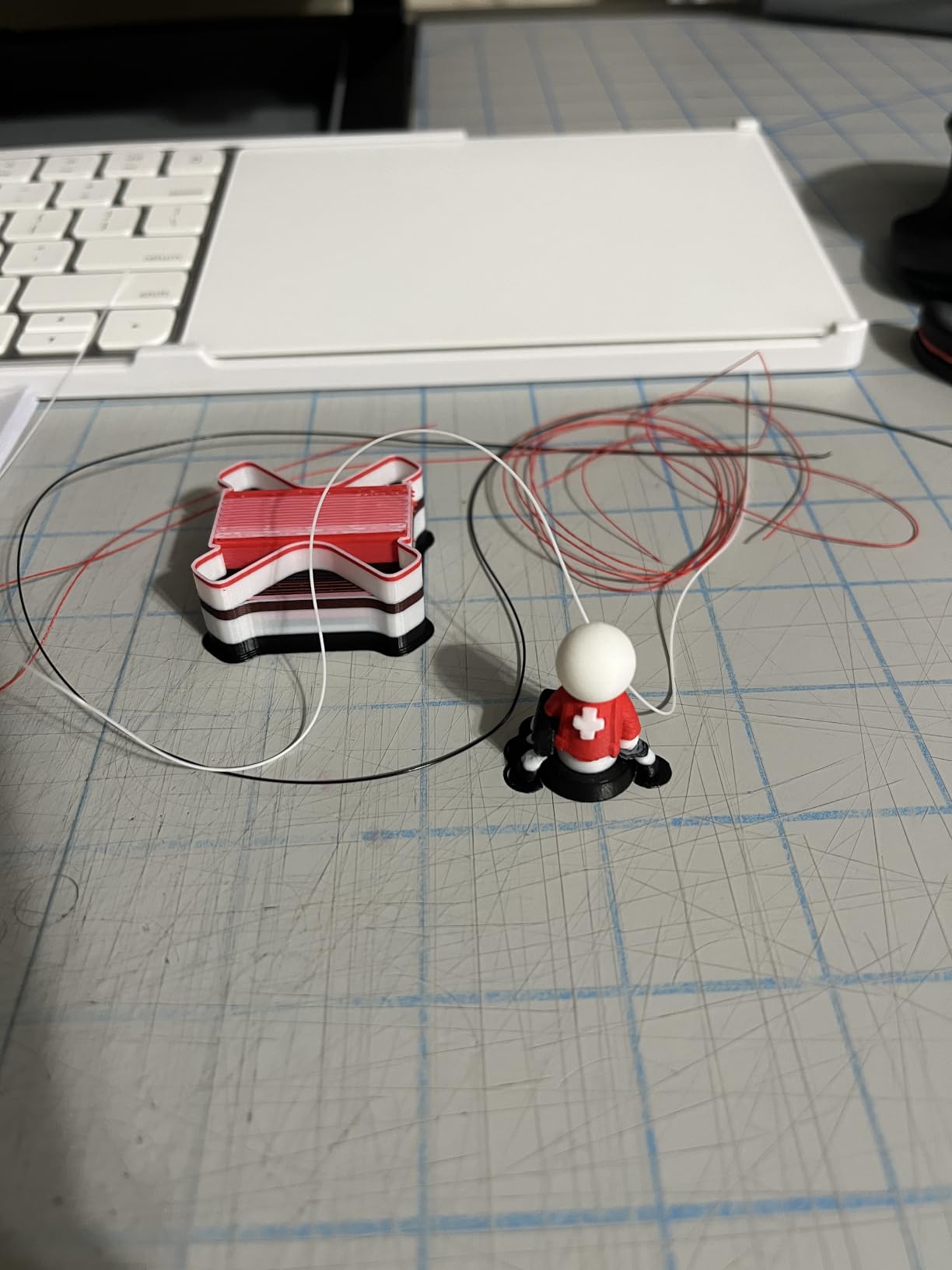
For a workshop, the dual HEPA 13 and activated carbon filtration with continuous airflow is a thoughtful inclusion, since engineering filaments produce more particulates than PLA. An HD chamber camera handles automatic time-lapse, and Flash Studio works from desktop or mobile for remote control.
Automated toolhead offset calibration, vibration compensation and dynamic flow calibration run at startup, so the multi-head system does not demand constant manual tuning once configured.
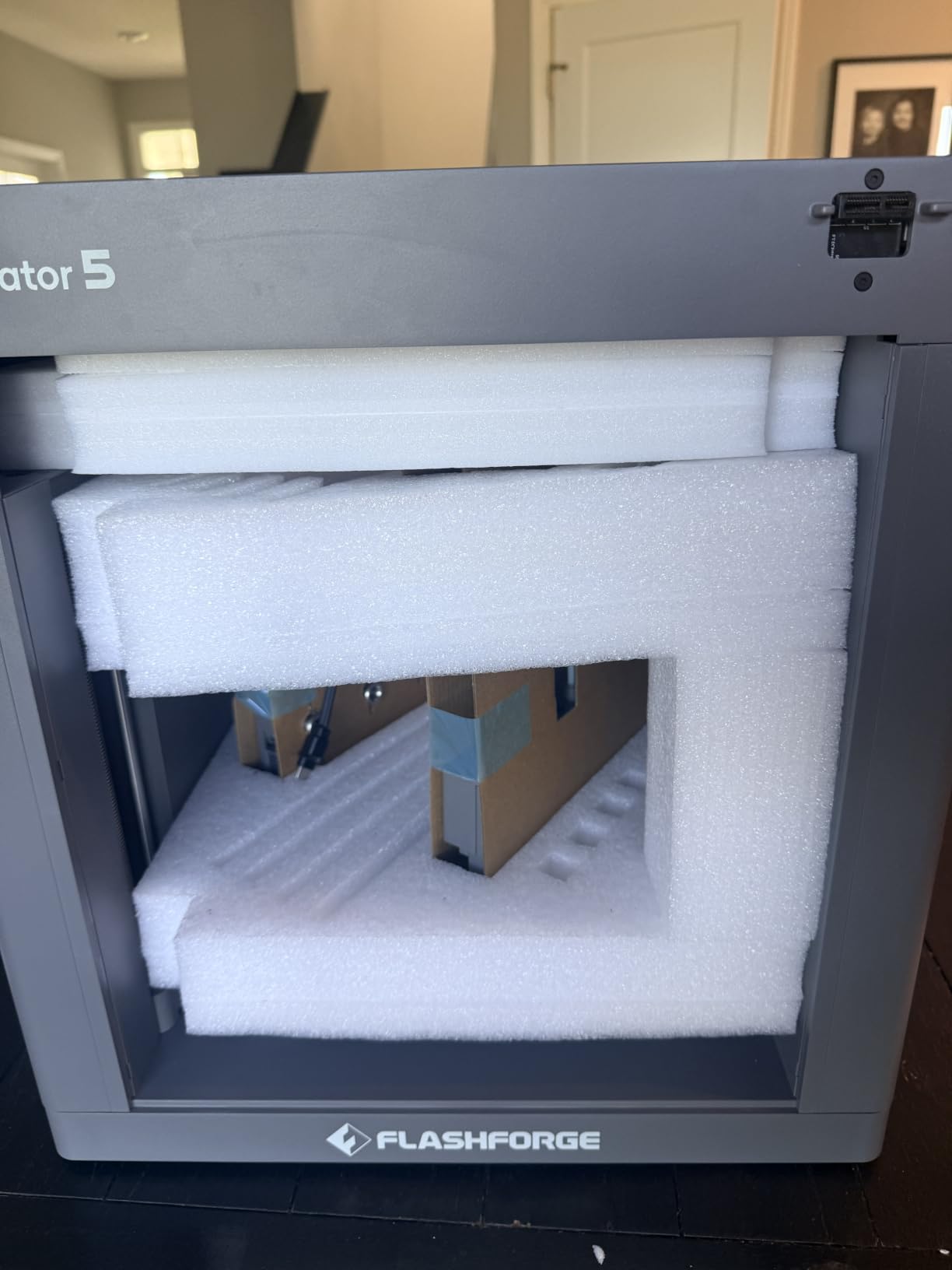
Who the Creator 5 Pro suits
It suits mechanical engineers and small businesses printing functional prototypes in ABS, PA or polycarbonate, where warp tolerance is a functional requirement rather than cosmetic. It also suits workshop environments where filtration matters. The robot parts printer picks go deeper on the mechanical side of that workload.
If you need multi-material in a tight footprint, it is the most space-efficient multi-toolhead option here.
Who should skip the Creator 5 Pro
Skip it if you want a settled, proven platform. This is the newest listing in the group with only 131 ratings, and it holds the lowest average rating here at 4.1 with eleven percent one-star reviews. Long-term reliability and spare parts availability are simply unknown at this point in the product’s life.
Skip it if you need maximum build volume, since the Cube here is smaller than the Snapmaker U1. Buyers who want multi-material and proven community support should read the trade-off section before choosing between the two.
Resin vs FDM: How to Choose the Right Technology First?
Decide resin or FDM before you compare models, because it eliminates most of the list immediately. This is the first question the community answers most consistently, and getting it wrong means buying the wrong category of machine regardless of budget.
Choose FDM if you print functional parts, prototypes, cosplay props larger than a faceplate, or anything where you want to start with a usable object quickly. Filament is clean, the machines are quiet enough for most homes, and failures cost pennies rather than dollars. It is also the technology with far more shared knowledge, so troubleshooting is easier.
Choose resin if surface finish and fine detail matter more than speed or safety. Miniatures, jewelry patterns, dental models and display pieces all look dramatically better in resin, and none of the FDM machines here produce vertical surfaces as clean. The trade is a wet, chemical workflow: gloves, ventilation, a wash station and a cure station, plus post-processing time on every part.
A practical rule from the community is that resin should rarely be a first printer. If you buy one machine, make it an FDM filament machine, then add resin later once you know you need it. Of the four resin printers here, the Mars 5 Ultra is the least intimidating place to start, and the Saturn 4 Ultra is the one to buy if detail is already the priority.
Seven Factors That Decide Whether a Printer Suits You
Build volume sets the ceiling on what you can print. The Creality K2 Plus Combo gives you a 350mm cube, the largest single-machine envelope here, while the A1 and A1 Mini sit at the other end. Measure the largest thing you actually want to make before you fall for a spec sheet.
Enclosure and chamber heating decide material range. An enclosed body unlocks ABS and ASA; an actively heated chamber at 60C or 65C, as found in the Creality K2 Plus Combo and Flashforge Creator 5 Pro, is what keeps polycarbonate and nylon from warping. Open-frame machines are fine for PLA, PETG and TPU and frustrating for everything else.
Multi-colour and multi-material systems carry a real operating cost. AMS and CFS designs work by cutting filament and purging, which creates waste that users on reddit.com/r/3Dprinting describe with a blunt nickname for the discarded purge tower. Four-toolhead designs such as the Snapmaker U1 and Creator 5 Pro avoid most of that waste and add genuine multi-material capability, at the cost of a larger machine and a newer support base.
Motion system and speed determine how productive long jobs are. CoreXY designs with linear rails, found in the K2 Plus Combo, Adventurer 5M, U1 and Creator 5 Pro, hold speed across the bed far better than bedslingers, where quality drops as the print head moves. Specified top speed means little on its own; sustained speed at the edges of a large plate is the number that matters.
Calibration and sensing determine how much attention a machine needs. Full-auto bed levelling, Z-offset compensation and flow rate calibration mean a machine can be handed to another person. The Bambu A1 and A1 Mini Combo go furthest here, with tilt, tangle detection and runout auto-pause.
Software ecosystem is a long-term commitment. Bambu gives the smoothest phone-first experience but ties printers to an account, and owners on reddit.com/r/3dprinter regularly raise that as a downside. Prusa-style open-source favouring, the Snapmaker Orca slicer and self-hosted workflows keep more control with the owner but demand more setup time. Assume the slicer ecosystem is a five-year decision, not a one-year one.
Spare parts and longevity deserve more thought than most roundups give them. A machine with published parts and a documented upgrade path is a safer bet over five years than a first-generation flagship. This is a genuine long-term advantage for established brands and the biggest uncertainty for the newest listings here.
Total Cost of Ownership: What a Printer Really Costs to Run?
The machine is the smallest part of the budget. Two years of ownership changes the comparison, and nobody covers this in enough detail.
Consumables dominate. FDM filament typically costs a few dollars per kilo and a 1kg spool prints a surprising number of small parts, so PLA-heavy printing is close to negligible. Resin is far more expensive per finished part, and support material, alcohol for washing and gloves add up faster than the printer did.
Multi-colour systems carry a hidden line item in purge waste, which is why the four-toolhead machines appeal to high-colour-volume users. Chamber heating and heated beds add electricity draw, particularly for long ABS or PC jobs, and a heated-chamber machine pulls meaningfully more than an open-frame one.
Maintenance is the third column. Nozzles wear, build plates need replacing, resin vats and FEP films need changing, and early-life failures on budget machines are the most common unexpected cost. Buyers choosing an enclosed printer with published spare parts and a responsive support line, such as the Adventurer 5M owners report favourably, tend to have lower lifetime costs than buyers of the newest and least documented machines.
Resin Safety and Ventilation in a Home or Small Studio
None of the four resin printers here is an enclosed fume-extraction machine, and that fact should drive where you put them. Uncured resin has a strong odour and produces skin contact risks that gloves and eye protection address, while the fumes need air exchange rather than a closed room.
Practical steps: run the printer in a room with a window that opens or with a small exhaust fan, keep nitrile gloves and eye protection next to the machine, wash parts in a dedicated wash station rather than the kitchen sink, and never pour uncured resin down a drain. Cure fully in a UV chamber before handling finished parts, and keep children and pets out of the work area entirely.
If your space cannot accommodate that, choose an FDM machine from this list. Every filament printer here can produce cosplay, functional and decorative parts safely indoors, and the community advice we gathered consistently points the same direction: filament first, resin only when you have a suitable room.
Frequently Asked Questions
What is the best 3D printer under 2000?
The Creality K2 Plus Combo is the best 3D printer under 2000 for most people in our roundup, because it combines a 350mm cube build volume, 16-colour printing from four CFS feeders, 600 mm/s speed and an actively heated chamber in one machine. The Bambu Lab P1S Combo is the better value pick if you want automatic multi-colour prints in an enclosed body, and the Bambu Lab A1 is the easiest machine to run.
Which 3D printer has the least amount of problems?
Machines with the deepest owner feedback and the most established brands tend to report the fewest recurring problems. In this group the Bambu Lab P1S Combo and A1 have the largest volume of settled reviews, while the newest listings such as the Flashforge Creator 5 Pro have too few ratings for long-term reliability to be proven. Budget machines like the Flashforge Adventurer 5M do see occasional early-life carriage and bed spring failures reported.
Is resin 3D printing safe in a home?
It is manageable but not free of precautions. Uncured resin needs nitrile gloves, eye protection and proper ventilation, because none of the resin printers in this roundup contain fumes. Wash parts in a dedicated station, never pour uncured resin down a drain, and keep children and pets away from the work area. If your space cannot be ventilated, choose a filament printer instead.
Should I buy a Bambu Lab or a Prusa-style open-source printer?
Choose Bambu if you want the least effort: account-bound software, phone-first control and the most settled multi-colour systems. Choose an open-source machine such as the Snapmaker U1 with its Snapmaker Orca slicer if you want local control, no account binding and the ability to modify your setup. The Bambu machines are easier to live with on day one; the open-source route costs more setup time and pays off in control.
Do I need automatic bed leveling and multi-colour printing?
Automatic bed levelling matters more than almost any other feature at this price, because it removes the most common reason a first print fails. Multi-colour is optional: an AMS or CFS system is worth it if you print cosplay, organisation projects or anything with painted detail, and unnecessary if you mostly produce single-colour functional parts. Four-toolhead machines like the Snapmaker U1 add multi-material support at the same time.
Conclusion: Our Final Picks for 2026
The Creality K2 Plus Combo wins this roundup of the best 3d printers under 2000 dollars because it does the most in a single machine: the largest build volume here, sixteen colours, an actively heated chamber and the deepest sensor network. The Bambu Lab P1S Combo is the value pick, the Bambu Lab A1 is the easiest, the Flashforge Creator 5 Pro handles engineering filaments properly, and the Elegoo Saturn 4 Ultra delivers the sharpest resin detail.
Whichever route you take, decide resin or FDM first, buy the calibration you will not have to fight, and check that the machine’s software ecosystem matches how you like to work. That is the advice that keeps regret rare.