
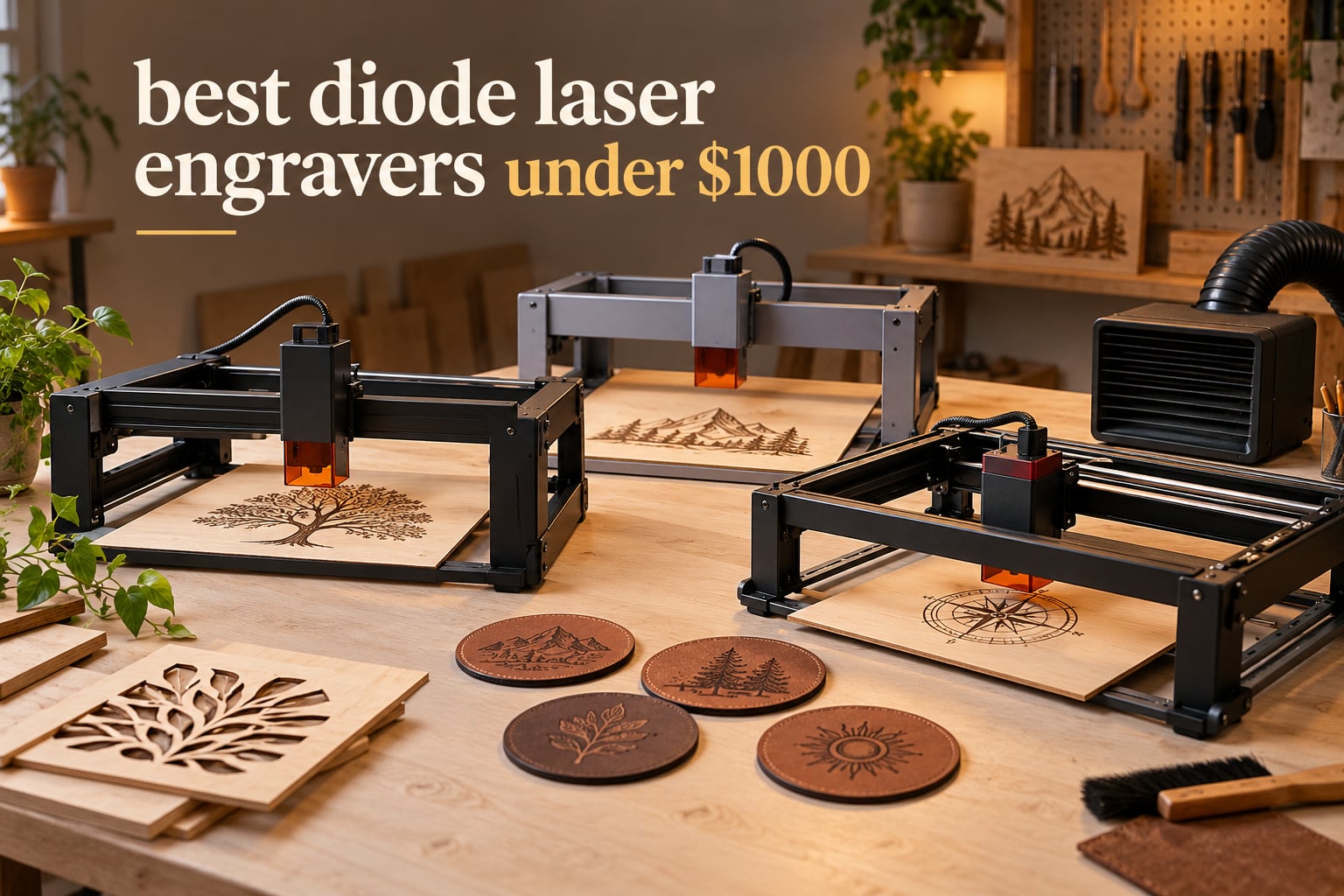
If you want the short answer: the Ortur Laser Master 2 S2 is the best diode laser engraver at this price for most people, because it pairs a 10W module with a full metal frame, a large bed and the largest review base in this list. If your priority is clean cutting rather than fine engraving, step up to the ATOMSTACK A20 Pro V2 at 20W. If safety in a shared room matters most, the Creality Falcon A1 and the WECREAT Vista are the two fully enclosed Class 1 machines in this roundup.
We spent 2026 comparing ten diode laser engravers that all sit comfortably under this price ceiling. This is a good market right now. A decade ago, the only machine at this budget was a hobby CO2 tube that needed a chiller, a compressor and a ventilation upgrade before you could safely turn it on. Today a single box gives you a 20W semiconductor module, a steel frame, air assist and a software suite that runs on a laptop.
Understanding what a diode laser can and cannot do matters more than any spec sheet. A diode module emits a concentrated blue beam, typically 450nm to 455nm, and it burns rather than melts. That makes it superb on wood, plywood, bamboo, leather, cork, paper, PCB and opaque acrylic. It will not cut clear acrylic at all, and it marks bare steel and aluminium only if you add a spray coat or an infrared module.
We also weighed up the alternatives in our wider coverage. Our diode laser engraver roundup covers the field without a price ceiling, and general sub-1,000 guide mixes laser types. If you are still early in the research, our budget laser engraver picks, full laser engraver rankings and fiber laser engraver picks give the wider context.
Table of Contents
Top 3 Diode Laser Engravers at This Budget (October 2026)
Three machines stood out after we worked through the spec sheets, the owner feedback and the practical limits of each. The Ortur wins on proven reliability and review depth, the Longer RAY5 wins on speed and rating, and the ATOMSTACK A20 Pro V2 wins outright on cutting power.

Ortur Laser Master 2 S2
- 10W module
- 390 x 410mm bed
- full metal frame
- LightBurn and LaserGRBL


All 10 Machines Side by Side in 2026
Every machine below sits under this ceiling. Use this table to narrow the field before reading the individual entries.
| Product | Specifications | Action |
|---|---|---|
| Ortur Laser Master 2 S2 |
|
Check Latest Price |
 Twotrees TTS-10 Pro Twotrees TTS-10 Pro |
|
Check Latest Price |
| Longer RAY5 |
|
Check Latest Price |
 LaserPecker LP2 LaserPecker LP2 |
|
Check Latest Price |
 ACMER S1 ACMER S1 |
|
Check Latest Price |
 Creality Laser Falcon 10W Creality Laser Falcon 10W |
|
Check Latest Price |
 Creality Falcon A1 Creality Falcon A1 |
|
Check Latest Price |
| ATOMSTACK A20 Pro V2 |
|
Check Latest Price |
 ATOMSTACK A10 Pro V2 ATOMSTACK A10 Pro V2 |
|
Check Latest Price |
 WECREAT Vista WECREAT Vista |
|
Check Latest Price |
1. Ortur Laser Master 2 S2: The Best All-Rounder
- Largest review base in this group at nearly 1.5k ratings
- Tight 0.05mm by 0.1mm spot for fine detail
- Full metal frame with modular repairable design
- Built-in air assist on the laser head
- Assembles in about 10 to 15 minutes
- Class 4 exposure means eye protection is mandatory
- LightBurn is a separate purchase for most owners
- Software learning curve for a first-time operator
The Ortur Laser Master 2 S2 is the machine we keep coming back to, and the reason is simple: it is the least risky buy in this entire price band. With nearly 1.5k ratings behind it, you are not betting on an unproven listing, and its 4.2 average reflects years of accumulated owner feedback rather than a handful of early adopters.
The 10W module is a true optical 10000mW unit, not an inflated machine wattage figure, and it compresses to a 0.05mm by 0.1mm spot. That is tight enough for serial numbers, small text and logos on jewellery, and the 390 by 410mm bed is one of the more generous surfaces in the 10W class.
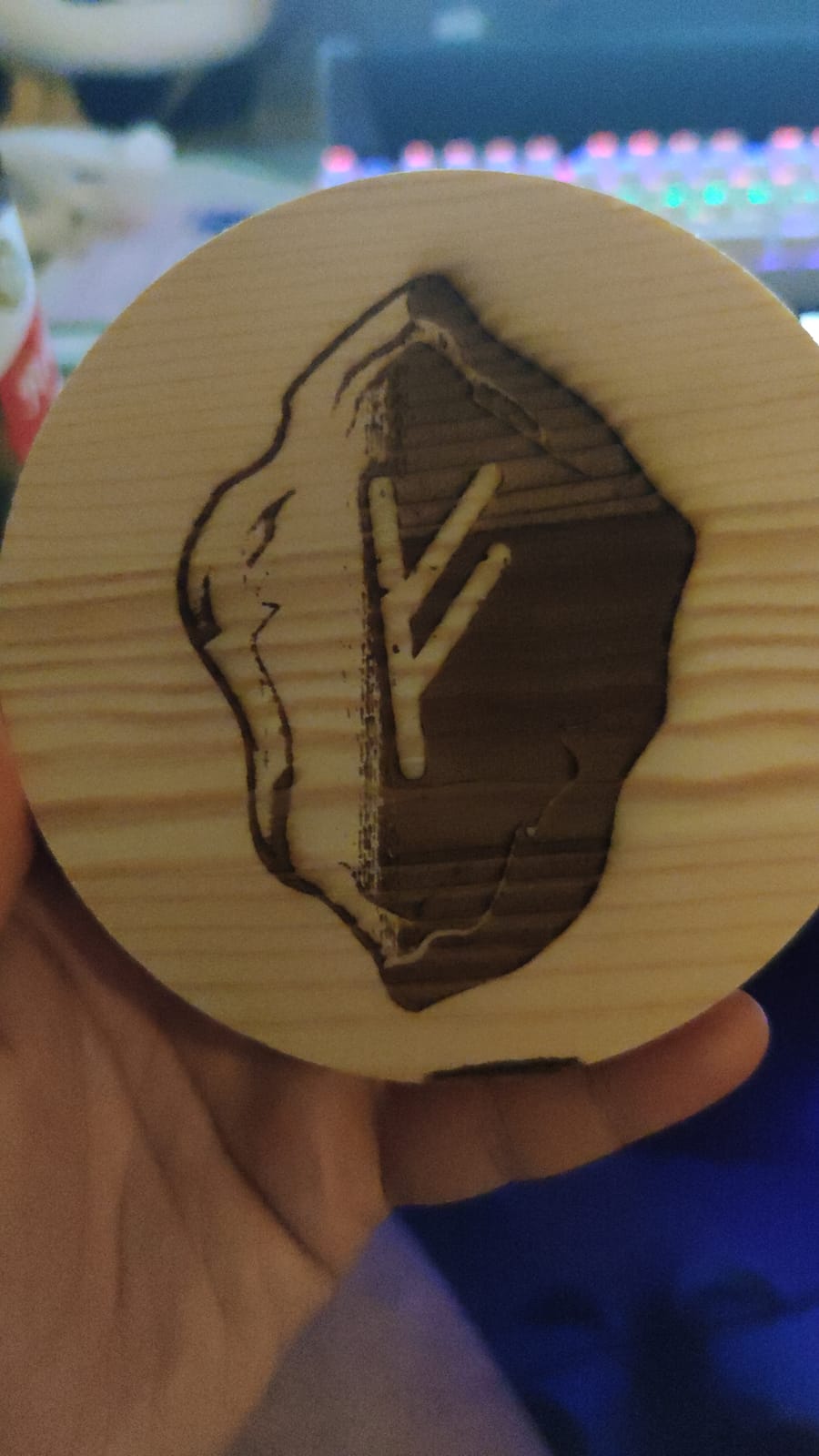
What stands out mechanically is the modular industrial-grade full metal frame. Cantilever frames on cheaper machines flex under load and the bed dips in the middle, which wrecks repeatability. The Ortur does not have that problem, and because the design is modular, a failed part can often be replaced instead of the whole machine.
Reviewers consistently mention three things: engraving accuracy that holds up on small batches, a frame that feels solid, and assembly that genuinely takes about 10 to 15 minutes. The same reviewers also flag the software side as steeper than the star rating implies. LightBurn is the route most owners end up on, and it is a separate purchase.
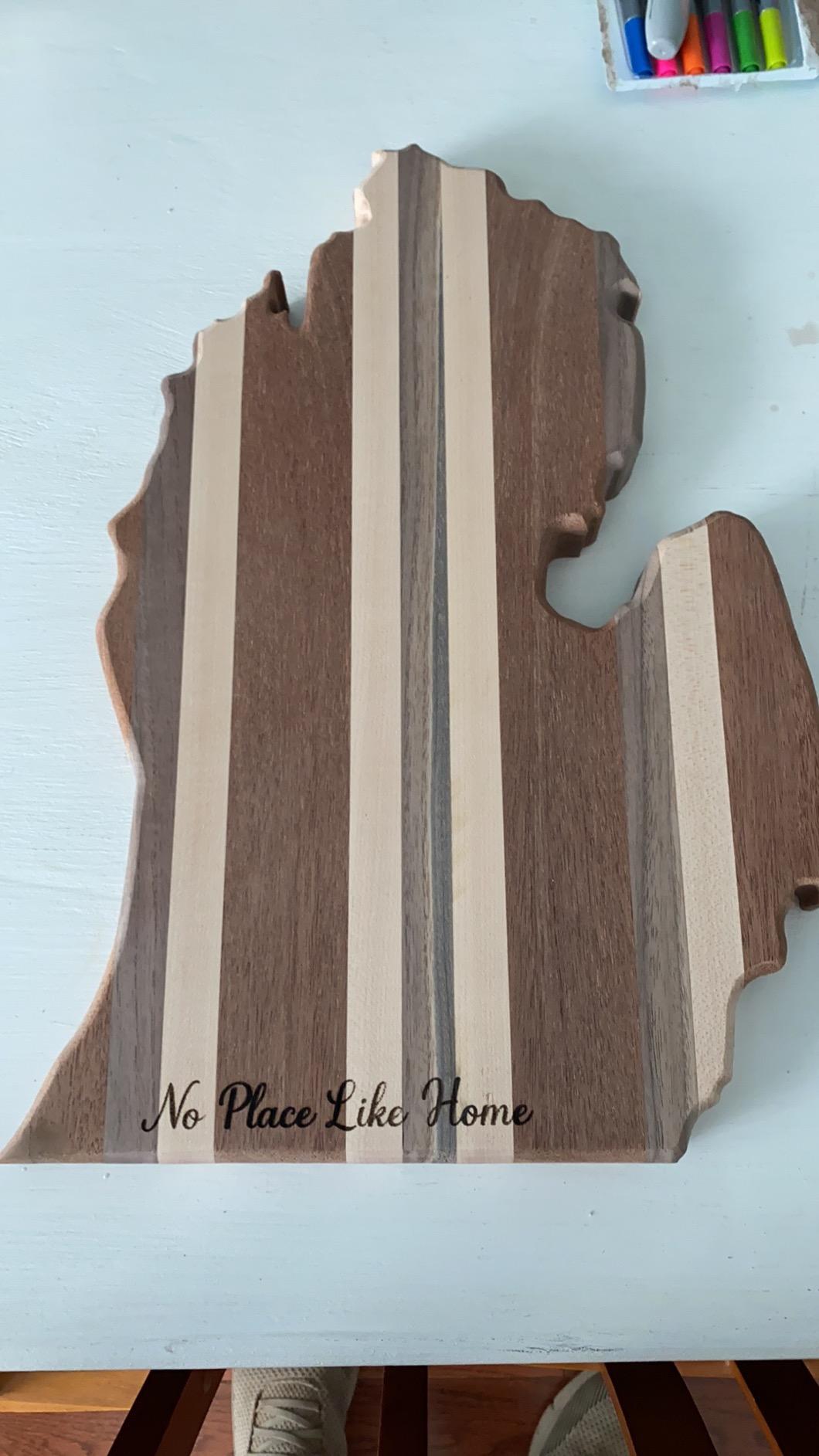
What the Ortur cuts and what it will not touch
The published capability is 30mm of acrylic and 20mm of wood, though in practice a single pass through solid hardwood or thick acrylic will scorch rather than sever cleanly. Multi-pass cutting works, it just takes patience and air assist. Realistic day-to-day material is 3mm to 5mm plywood, basswood, leather, cardboard and opaque acrylic.
Clear acrylic is a hard no. The beam passes straight through it and the cut edge ends up brown, chipped and useless. That single limitation is what sends buyers to a CO2 tube, so test your material list against it before you commit.
Who should buy it and who should not
Buy the Ortur if you want a mixed workflow of engraving and light cutting, you value a proven machine over cutting speed, and you are willing to buy LightBurn separately. It suits a maker who needs a keychain one week and a batch of coasters the next.
Skip it if your work is mostly thick hardwood, because a 20W module will move through wood noticeably faster for less effort. Also skip it if you need a machine you can leave running in a classroom or a shared studio without worrying about an open beam.
2. Twotrees TTS-10 Pro: Compact 10W With Offline Operation
Twotrees TTS-10 Pro Laser Engraver,10000mW High Precision Laser Engraving
- Strong 4.3 rating across 589 reviews
- 0.069mm spot gives sharp results on leather and wood
- TF card offline mode removes the need for a computer
- Aluminium alloy frame with dual Y-axis 42 stepper motors
- CE FCC ROHS FDA and UL62368 certified
- 300 x 300mm bed is small against 400mm class machines
- Assembly and first setup reported as difficult
- Cannot mark bare or uncoated metal
- LightBurn costs extra
The Twotrees TTS-10 Pro is the pick if you want a small footprint and offline operation. Its 4.3 rating from 589 reviews puts it near the top of the 10W desktop units here, and the certification list is unusually thorough for the price.
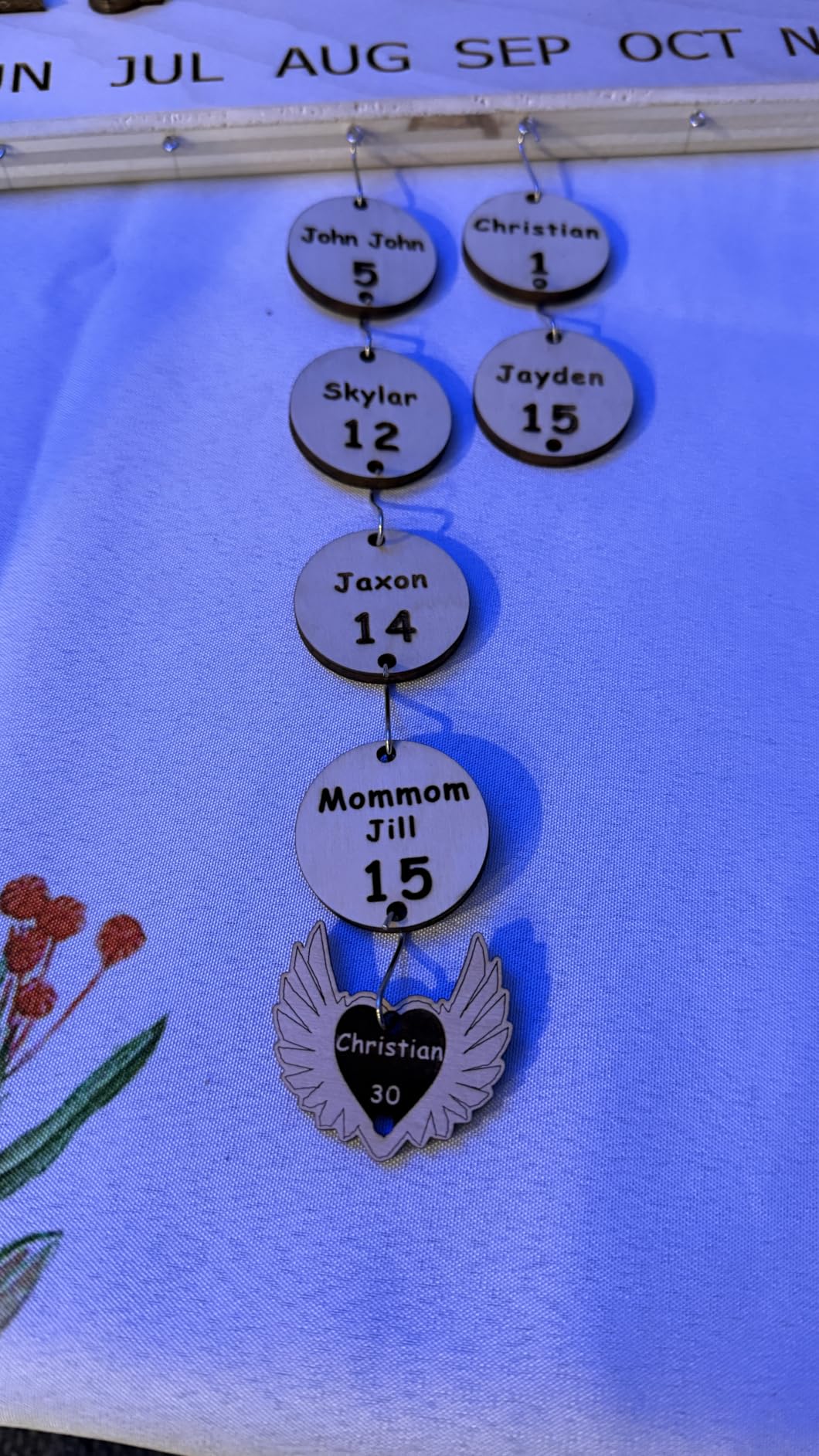
The spec that stands out is the 32-bit dual-core mainboard with TF card offline engraving. You can load a job onto the included 4GB card, walk the machine to a market stall or a school demo, and run it without a laptop. For an Etsy seller that means far fewer failed jobs on a bad connection.
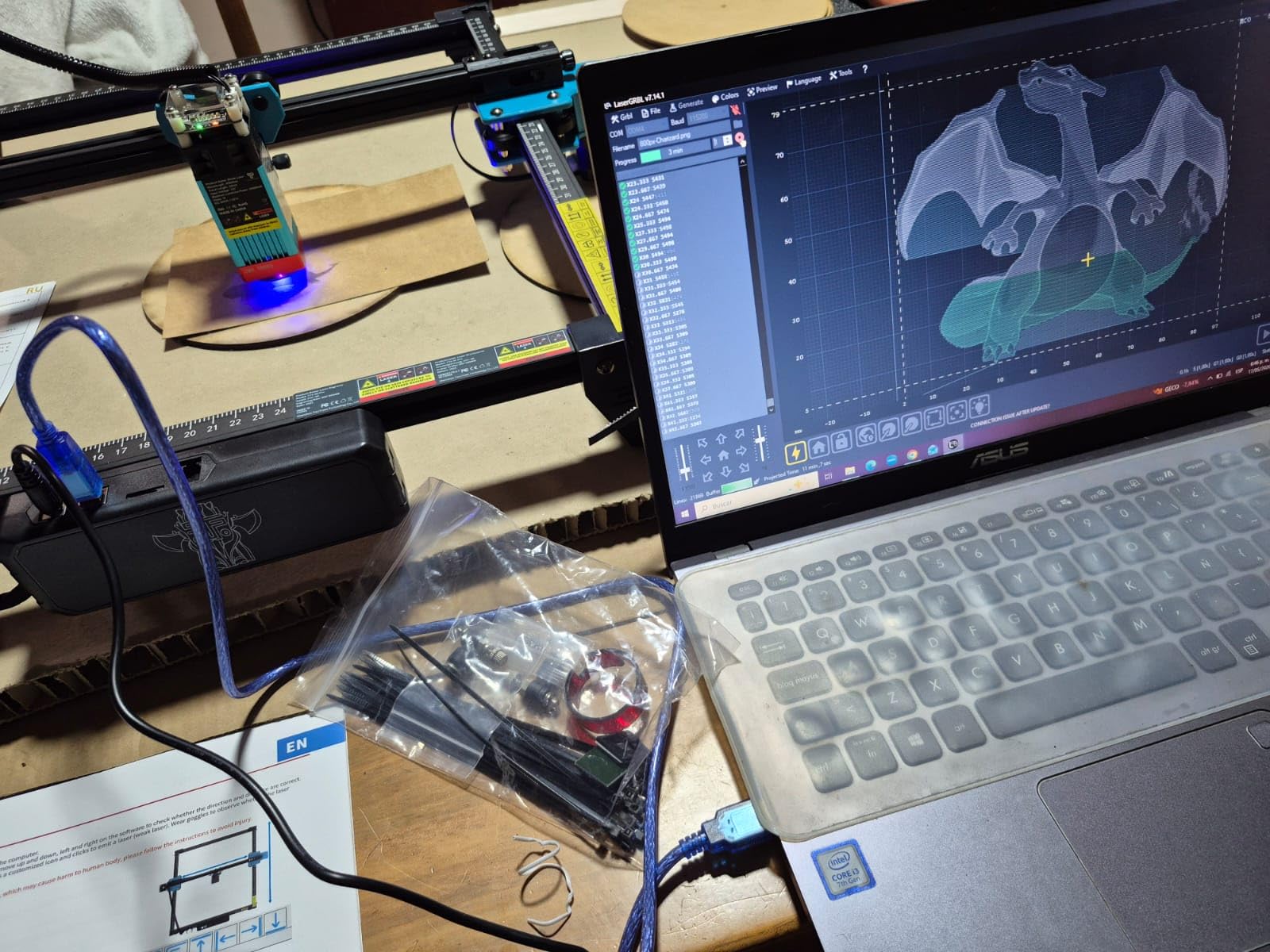
Motion control is better than the price suggests. Dual Y-axis 42 stepper motors with GT2-6mm synchronous belts and a 0.069mm spot produce engraving that owners describe as accurate on keychains, coasters and small signage. Maximum speed is quoted at 30,000 mm/min, and the frame mixes aluminium alloy with injection-moulded parts.
The recurring gripe in reviews is the first hour. Owners describe assembly and initial setup as difficult, and a minority report the software freezing mid-job. Plan on a video tutorial rather than the printed sheet, and budget a full evening before your first real job.
Where the 300 by 300mm bed becomes a problem
A 300 by 300mm area comfortably holds coasters, jewellery, keychains and phone cases. It does not hold a full sheet of plywood, and it will not take a cutting board. If your projects drift toward larger signage you will hit this limit quickly, and the machines with 400mm class beds cost very little more.
The smaller bed does have a quiet advantage: the gantry span is short, so the frame stays rigid and there is no centre sag to calibrate out. On small batch work the TTS-10 Pro stays repeatable where bigger open frames drift.
Who should buy it and who should not
This one suits a beginner who wants to learn LightBurn or LaserGRBL properly on a small machine, and anyone who needs offline operation. The certification set also makes it a sensible choice for a school or a makerspace with equipment rules.
Pass if you plan to run production batches or cut larger panels. At 10W with a small bed it is a learning and jewellery machine rather than a production machine, and the setup friction is real for anyone who wants to open the box and start cutting that afternoon.
3. Longer RAY5: Fastest-Rated 10W With an Expandable Bed
- 4.4 rating
- the highest figure in this roundup
- 400 x 400mm bed expands with the optional kit
- Very high 24000 mm/min engraving speed
- 3.5-inch touchscreen allows standalone control
- Shake and suspension auto-stop safety
- Written instructions are weak so assembly relies on video
- LightBurn setup needs manual homing and framing
- Power and speed tuning takes experimentation
- Some reports of missing small parts such as the focus tool
The Longer RAY5 carries a 4.4 rating, which is the highest figure in this roundup, and it earns that on the strength of two things: speed and expandability. Dual-beam technology pushes engraving to 24,000 mm/min, which is fast enough that raster fills on plywood finish before you lose interest.
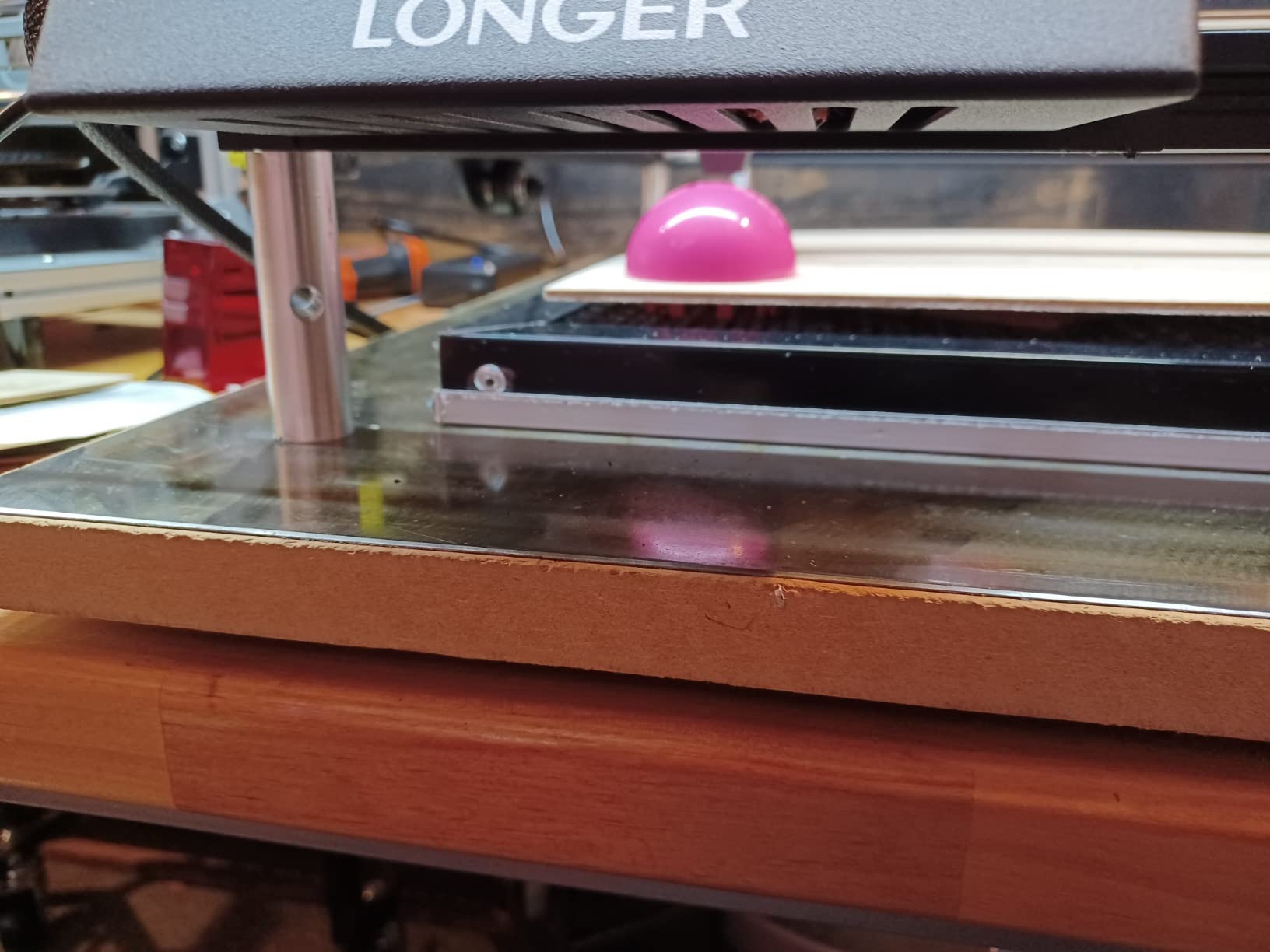
The 400 by 400mm bed is standard, but it expands to roughly 850 by 400mm with Longer’s optional extension kit. That single accessory changes the machine from a coaster engraver into something that can take a full length of stock, and it is the reason we rate the RAY5 so highly for makers who will outgrow a small bed.
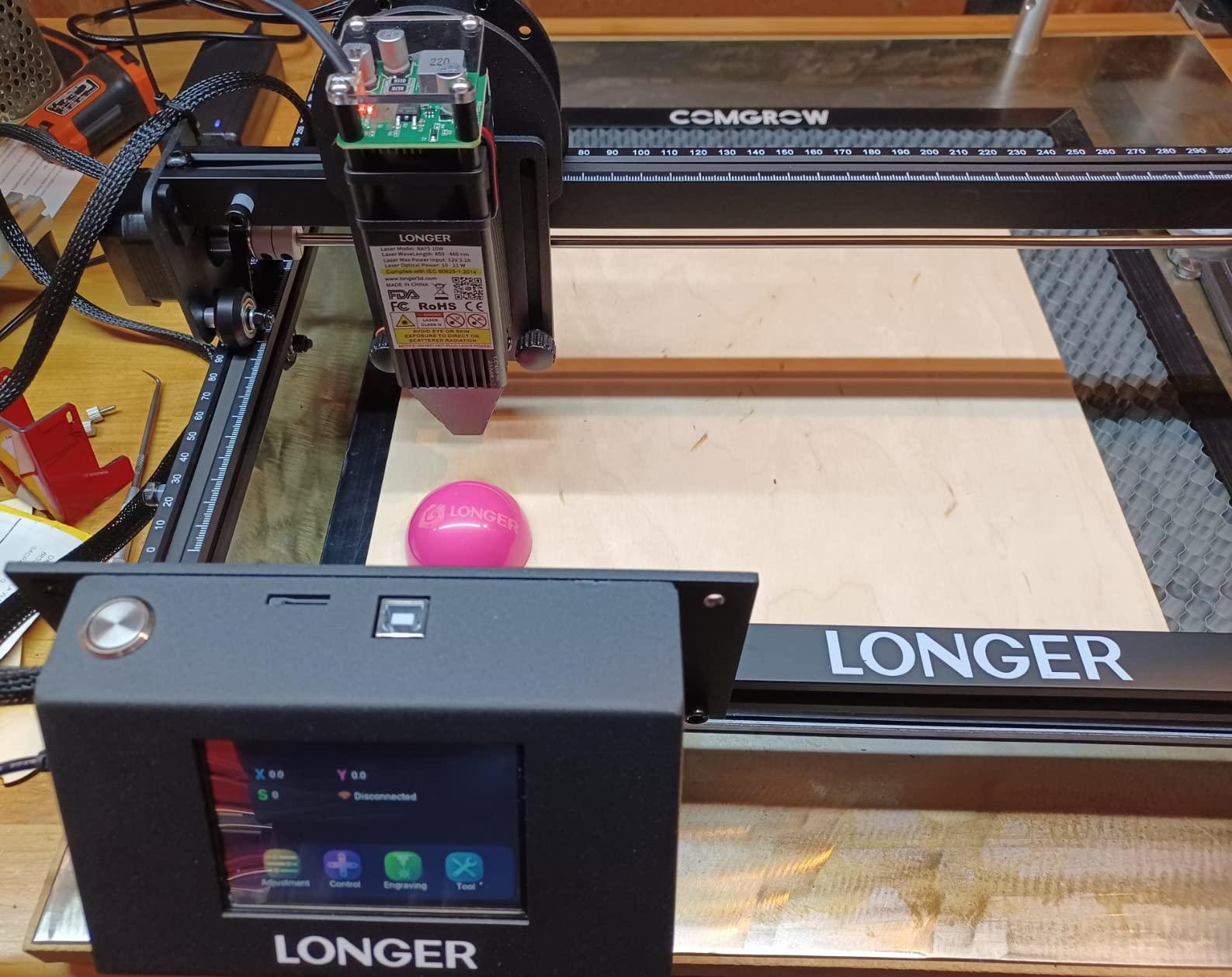
Control options are unusually generous. A 3.5-inch touchscreen sits on the 32-bit core motherboard, and there are four data paths: Wi-Fi, USB, app and TF card, all with offline operation. The included protective cover filters UV, safety glasses ship in the box, and there is an auto-stop program for abnormal shaking or suspension.
Reviews are honest about the rough edges. Written instructions are weak, so assembly leans on video guides. LightBurn setup needs manual homing and framing to avoid out-of-bounds errors, and a few buyers report missing small parts such as the focus tool. Getting consistent burn marks also takes some power and speed tuning.
When the expansion kit is worth it
The extension kit is the smart purchase for anyone making signage, long panels or batch cutting boards, because it roughly doubles your usable length. If you only ever make jewellery, skip it and put the money toward air assist and a fume extractor instead.
Note that expansion changes the machine’s dynamics. A wider gantry span is inherently less rigid, so heavy cutting on the far ends of the extended bed can require slower feeds. Plan your cuts toward the centre of the span for the cleanest results.
Who should buy it and who should not
Buy the RAY5 if you want the highest-rated machine in the group, meaningful speed, and the option to grow your bed later. It is a strong first machine for someone who is confident with a screwdriver and a YouTube tutorial.
Pass if documentation quality is a dealbreaker for you, or if you would rather not tune parameters before you get a repeatable mark. The hardware is clearly ahead of the manual here, and that mismatch is the whole reason it does not take our top spot.
4. LaserPecker LP2: The Portable Galvo Machine With a Rotary
- Genuinely portable handheld form factor at 10.21 lb
- Very fast galvo scanning with fine spot
- Versatile rotary handles tumblers mugs and pens without calibration
- Works from a smartphone as well as a PC
- Well packaged suit set with stand cover and glasses
- Cannot engrave pure or highly reflective metal
- Light or transparent material must be spray-painted black
- Four inch width caps workpiece size even in trolley mode
- Highest one-star share of the group at 11 percent
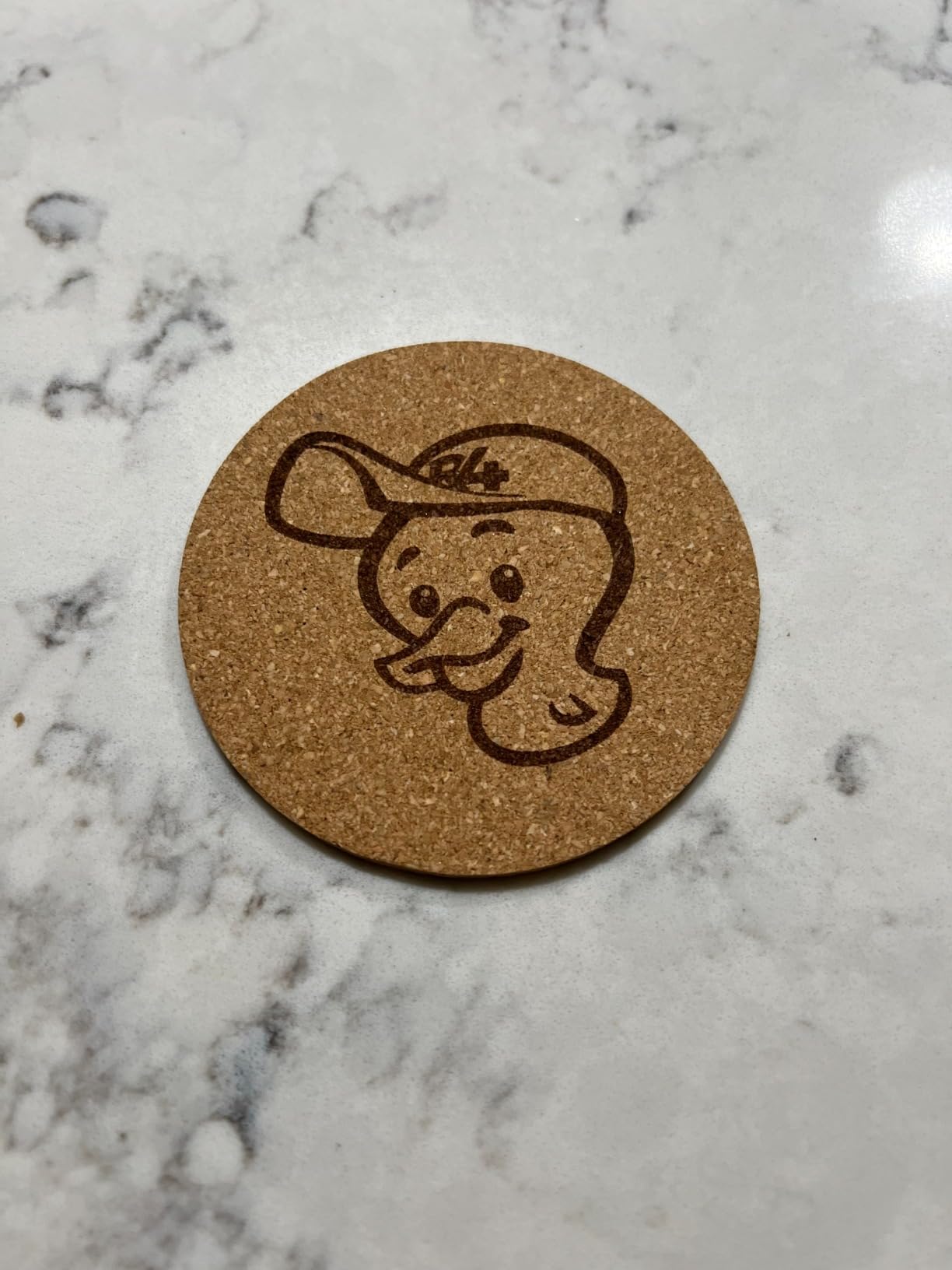
The LaserPecker LP2 does something no other machine on this list does: it is portable. At 5.91 by 5.91 by 8.66 inches and 10.21 pounds, it is a handheld galvo scanner you can carry to a craft fair, a school hall or a customer’s kitchen rather than a benchtop gantry that lives in one place.
Galvo scanning is a different mechanism from the gantry motors used everywhere else in this roundup. Mirrors steer the beam across the surface, which is why the quoted speed of 1417 in/min for engraving and 8858 in/min for preview is so much higher than a stepper-driven machine can claim. The spot compresses to 0.05mm with 1K, 1.3K and 2K resolution options.

The electric third-axis rotary roller is the reason many buyers choose this machine over a fixed-bed unit. It switches between cylinder, slab and trolley modes and handles work up to 196 inches long at 4 inches wide, which covers tumblers, mugs and pens without manual calibration. Everything runs from a phone as well as a PC, and JPG, PNG and G-code are all accepted.
Reviewers are clear about the metal limitation. The manufacturer states plainly that it cannot engrave pure or shiny metal, and that light or transparent material must be spray-painted black first. The highest one-star share in the group at 11 percent reflects some quality control inconsistency from one machine to the next.
What galvo changes about your workflow
Because the beam is steered by mirrors rather than dragged across the bed, this machine engraves much faster and much more quietly than a gantry machine of the same nominal wattage. It also means there is no gantry to knock out of alignment and no belt to re-tension after a move.
The trade is capacity. A 4-inch width is narrow even in trolley mode, so this is a personalisation machine for tumblers, mugs and pens rather than a sign maker. It also cuts wood and paper only under 0.2 inch, so it engraves far more than it cuts.
Who should buy it and who should not
Buy the LP2 if you sell personalised tumblers and mugs, if you need to take the machine to events, or if you work in places with no bench to spare. The included rotary is the whole reason to choose it.
Pass if you need panels, sheet goods or anything in bare metal. For outdoor signage or unmarked steel, a CNC engraver is the practical compromise owners in the community point to, because a diode needs a coating and a galvo scanner makes that even more fiddly.
5. ACMER S1: The Lowest-Cost Way Into Diode Engraving
ACMER S1 Laser Engraver Machine, 6000mW Lazer Cutter for Wood and Acrylic
- Entry-level pick with a 4.3 average rating
- 99 percent preassembled so almost no build is required
- Free ACMER Studio design software with AI text to design
- 2kg body is easy to carry and store
- Class 4 certified and IEC 60825-1 compliant
- 130 x 130mm area is the smallest here
- 6W output is slow for etching
- Some machines lose homing position and throw false alarms
- Positioning accuracy is not reliable enough for repeat production
The ACMER S1 is the lowest-cost credible way to own a diode laser, and the reason it earns a place in this price band is the software. It includes free ACMER Studio design software with AI text-to-design, and it also runs LightBurn and LaserGRBL, so you never face a software paywall to get started.
It arrives 99 percent preassembled, with a one-minute laser head installation. That removes the biggest source of first-week frustration for new buyers, and it means you can be engraving on the same afternoon the box opens.
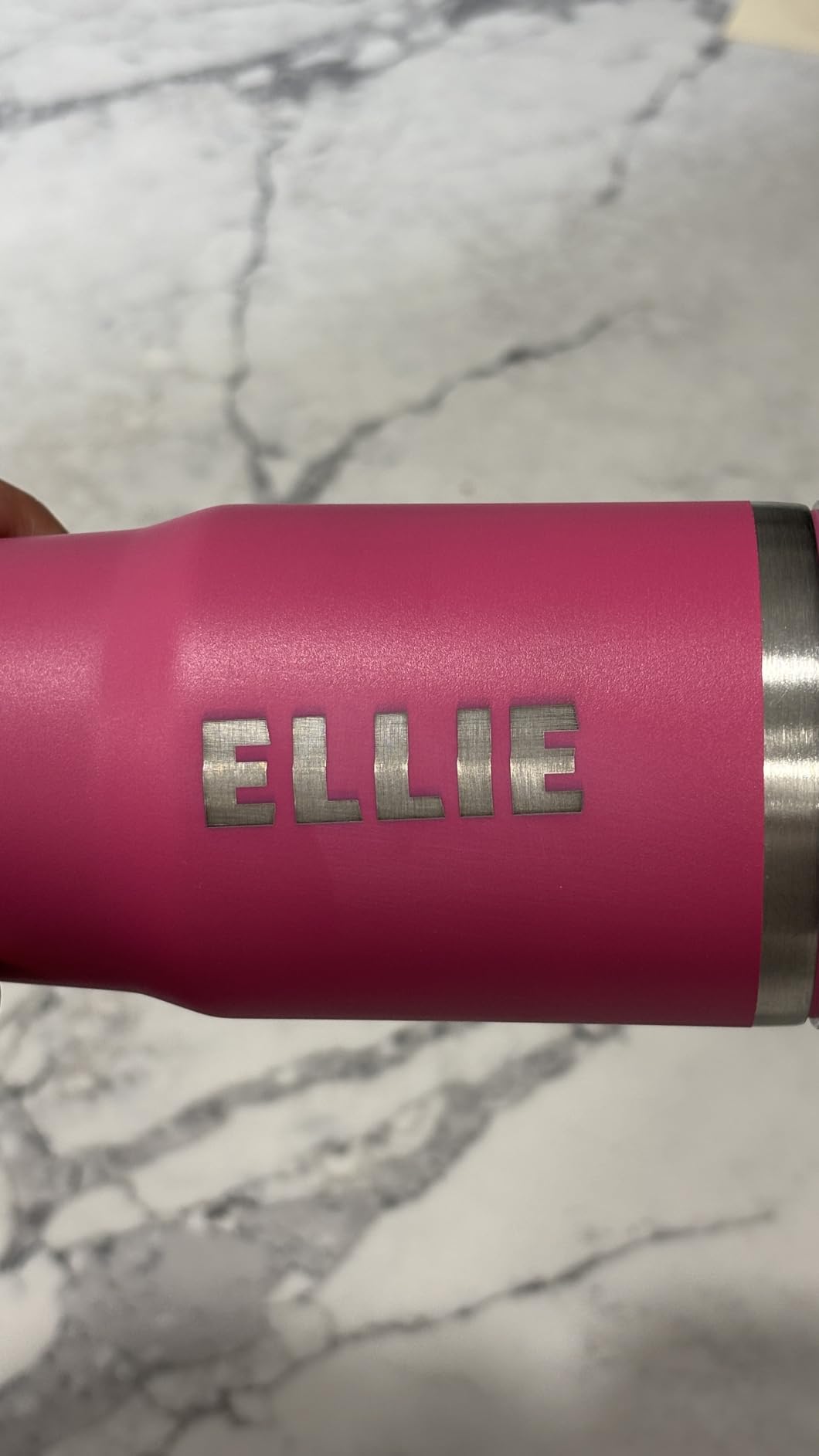
The 6W diode runs at 455 plus or minus 5nm through a 2mm focal length lens, with up to 10,000 mm/min engraving speed and 0.01mm repeatable positioning accuracy. It engraves wood, bamboo, leather, plastic, PCB, aluminium oxide and ceramics, and cuts thin plywood, MDF and acrylic. A 2kg aluminium alloy body makes the whole machine easy to carry.
The trade-offs are all about scale. The 130 by 130mm work area is the smallest here, so you will outgrow it for anything larger than a coaster. Some machines also lose their homing position and throw false out-of-bounds alarms, reviewers note the positioning is not dependable enough for repeatable production work.
Where a 6W module is genuinely enough
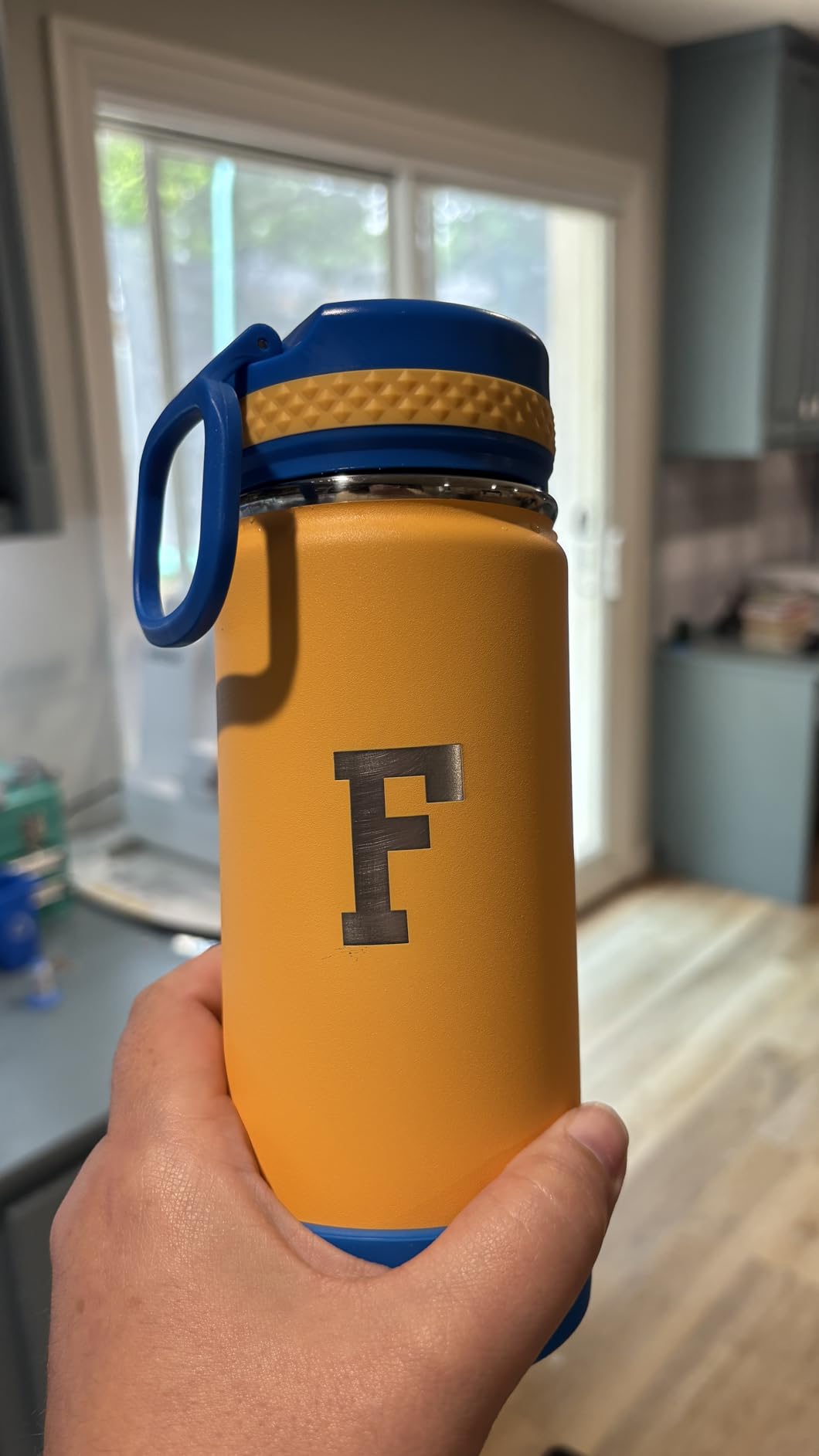
For jewellery, keychains, small logos, coasters, stamps and PCB work, a 6W diode is plenty. The 2mm focal length keeps the working distance tight, which suits handheld-style small pieces. Reviewers report clean finishes on wood, plywood and leather once focus and power are dialled in.
Where it runs out of road is etching and anything with volume. 6W is slow for repeat raster work, and a 130mm square bed means a sign is simply not happening. Treat it as a first machine and a travel machine rather than a production tool.
Who should buy it and who should not
Buy the S1 if you are unsure whether you will stick with laser cutting, if you want to try a month of projects before committing real money, or if you need a machine that fits in a drawer. The free software removes the usual first purchase.
Pass if you already know you will be cutting panels or running batches. You will spend more time framing small pieces inside a 130mm area than you will spend cutting, and that is a frustrating way to learn the craft.
6. Creality Laser Falcon 10W: The Brand-Name Open Frame
- Backed by the most established 3D printing brand here
- Tight 0.06mm spot with strong repositioning accuracy
- One year of free parts replacement with technical support
- Tool-free focusing plate on the laser head
- Wi-Fi USB and SD card transfer options
- Open frame with no enclosure so a fume extractor is required
- Class IIIa open laser still needs UV eye protection
- 10W is underpowered for thicker hardwood or uncoated metal
The Creality Laser Falcon 10W is the pick if support and parts availability matter more to you than raw capability. Creality built its name on 3D printing, and that shows up here as a one-year free parts replacement scheme and permanent technical support, which is uncommon at this budget.
It produces 10W of optical output from a 72W machine frame, reaching up to 10,000 mm/min and cutting 5mm of basswood or 3mm of black acrylic in a single pass. The 0.06 by 0.06mm spot with accuracy within 0.004 inch gives clean small text, and repositioning stays under 0.007 inch.
Construction is an all-aluminium alloy frame with steel shaft wheel guide rails and belt tension adjustment, and it assembles in 10 to 20 minutes. The laser head carries a tool-free focusing plate, which is a small touch that saves real time when you change focal length for different materials.
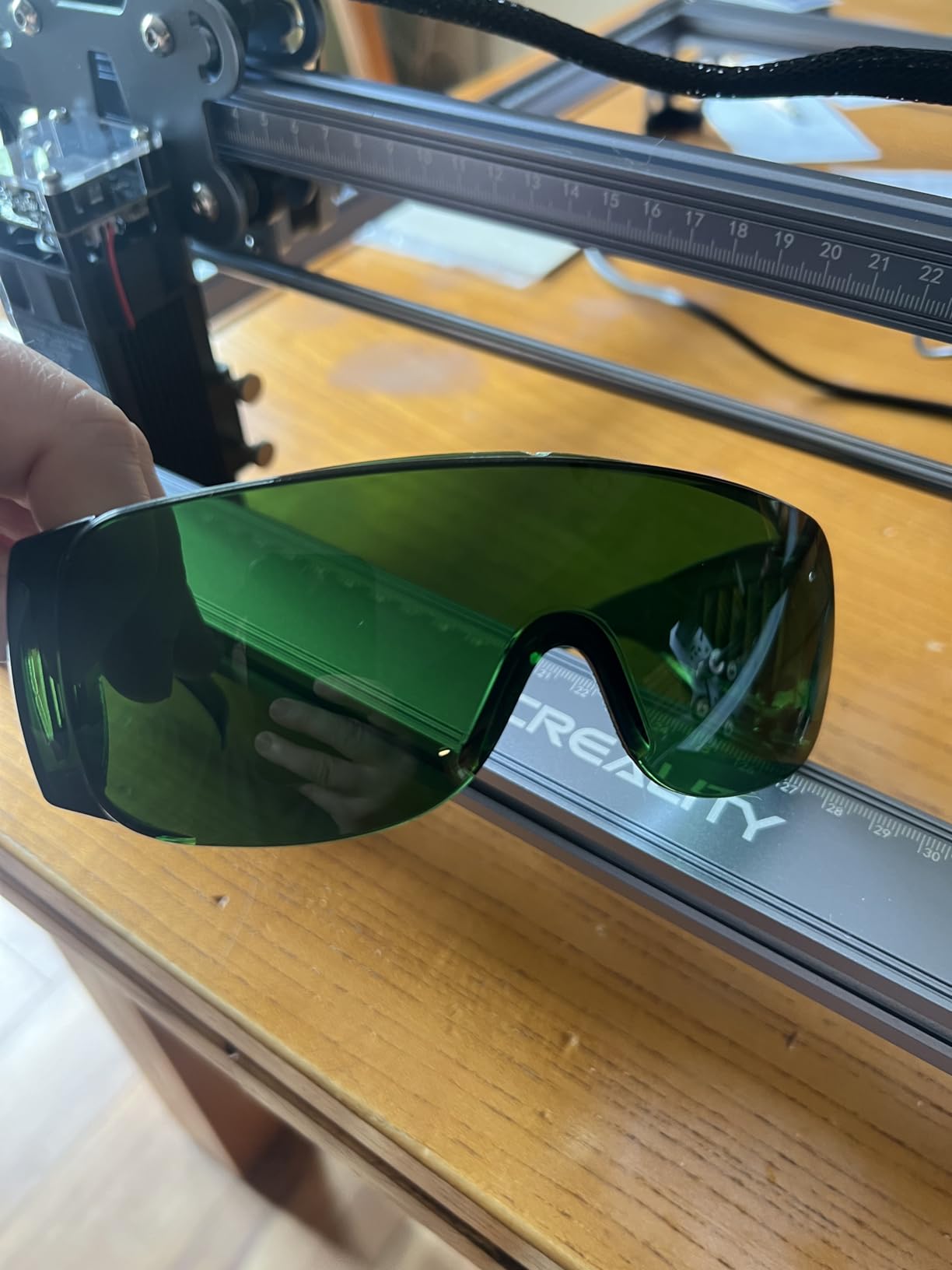
What you give up is containment. This is an open-frame machine with no enclosure, so a fume extractor is a requirement rather than an upgrade. The anti-UV acrylic on the module blocks 97 percent of UV rays, but a Class IIIa open laser still requires eye protection while it runs.
Single-pass cutting versus multi-pass engraving
One pass through 5mm basswood or 3mm black acrylic is the honest headline number. Anything thicker needs multiple passes with air assist, and at 10W the time cost climbs quickly. Experienced owners in the community consistently recommend a 20W module if cutting is the primary goal.
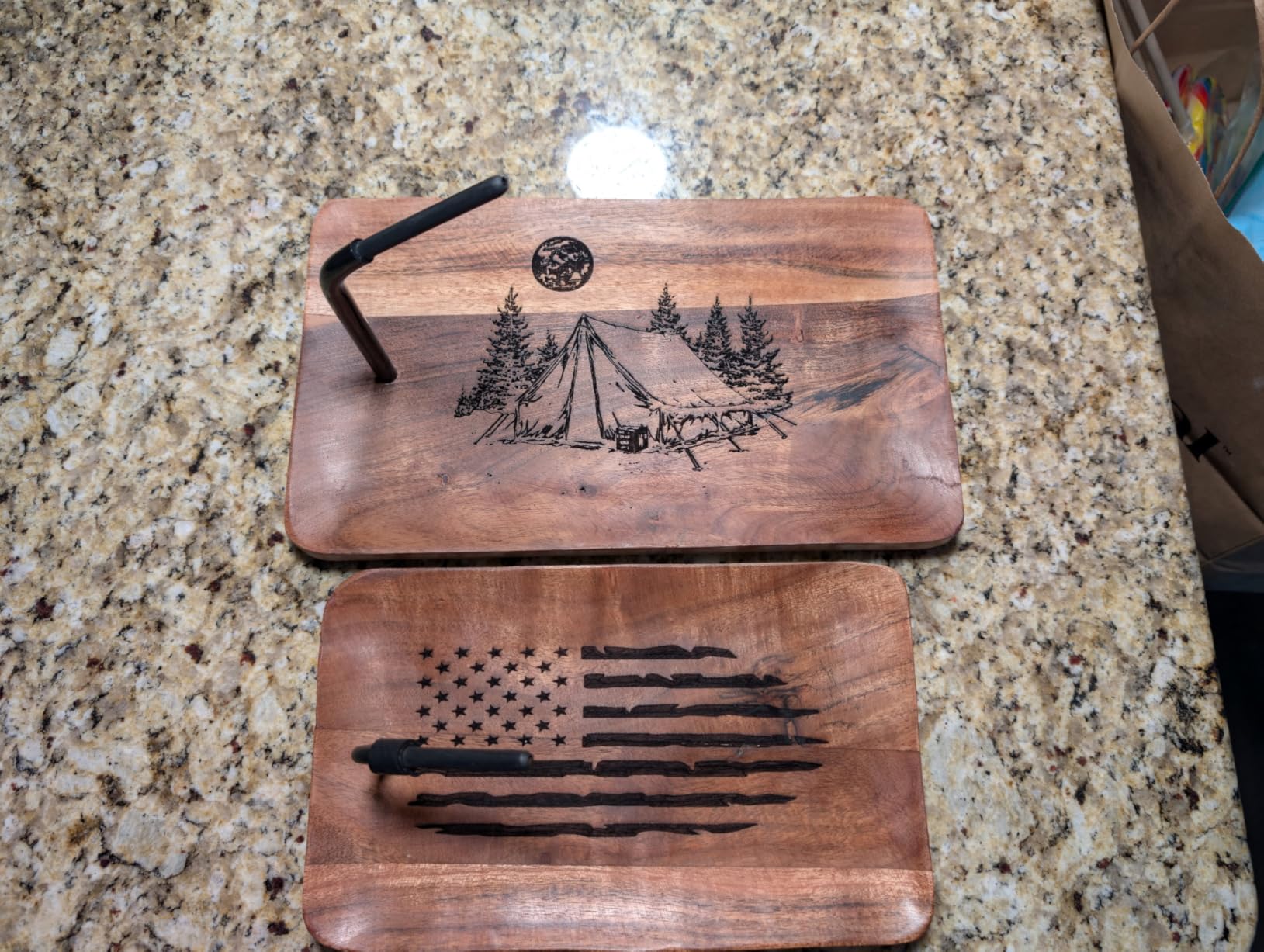
For engraving, this machine is comfortable. The 0.06mm spot handles fine serial numbers and small logos on wood, leather and coated metal, and 10,000 mm/min means raster fills finish without a coffee break.
Who should buy it and who should not
Buy the Falcon 10W if parts support and a long warranty matter, or if you already trust the Creality ecosystem. It is a sensible, low-risk open-frame choice with a good parts promise behind it.
Pass if you are engraving in a shared indoor space with other people or animals nearby, because there is no enclosure to contain the beam or the fumes. In that situation, move up to the Falcon A1 or the WECREAT Vista rather than adding a fume extractor to an open frame.
7. Creality Falcon A1: The Enclosed Class 1 Option
- One of only two fully enclosed Class 1 machines in this roundup
- Filters 99 percent of laser radiation with smoke control
- 600mm/s CoreXY speed is among the fastest gantry rates here
- Pre-calibrated HD camera removes manual positioning guesswork
- Free Falcon software plus LightBurn and LaserGRBL
- 43.6 lb body and bulky packaging
- 381 x 305mm area is small for the class
- 10W output cannot cut acrylic
- Not compatible with the 500 x 500mm honeycomb panel
The Creality Falcon A1 is one of just two fully enclosed machines in this roundup, and that single fact changes who can safely own it. The dual-door design filters 99 percent of laser radiation and manages smoke internally, which is what allows it to be sold as Class 1 rather than Class 4.
Class 1 means the machine is safe to operate in a home, a classroom or a small shop with the door closed, without a separate controlled area. For most buyers under this ceiling that is worth more than raw wattage, and it is why we think this is the safest sensible purchase in the list.
Speed is the other headline. CoreXY motion with dual motors reaches 600mm/s, which the manufacturer describes as roughly three times a typical desktop speed. The pre-calibrated HD camera gives a full-frame view for material alignment and can extract graphic outlines into engraving paths, which removes most of the focusing and positioning guesswork that open frames require.
Software is well covered. Falcon Design Space is free with preset optimal parameter profiles, and LightBurn, LaserGRBL and Cutlabx all work too, with air assist included in the box. The compromises are physical: 43.6 pounds of body, bulky packaging, and a 381 by 305mm bed that is small for the money.
What Class 1 does and does not mean for you
Class 1 describes the product, not the person. The enclosure is interlocked and filtered, so the machine is safe when the doors are closed. It does not make cutting acrylic possible, does not raise the 10W output, and it still vents smoke that you should exhaust if you run long jobs.
Note the acrylic limitation clearly. At 10W the Falcon A1 engraves acrylic but does not cut it, and it is prohibited on mirror-finished metals. Foam-based accessories such as the 500 by 500mm honeycomb panel are also incompatible, so plan your bed layout around the 381 by 305mm working area.
Who should buy it and who should not
Buy the A1 if you share a room with people or animals, if you are buying for a school or a community space, or if you simply want a machine that is safe by design rather than by procedure. The camera also makes it the most approachable enclosed option for a first-timer.
Pass if your business is cutting wood panels. You are paying for safety and speed and getting a 10W module with a small bed, which is the wrong trade for a production workshop. For volume cutting, put the money into 20W and an extractor instead.
8. ATOMSTACK A20 Pro V2: The 20W Cutting Machine
- 20W is the highest optical output in the roundup
- Engraves up to 400mm/s for high energy cutting
- Linear guide rails give a solid feel and tight accuracy
- Tilt angle safety alarm above 15 degrees
- Works with LightBurn out of the box
- Bundled ATOMSTACK app and PC software are very basic
- No meaningful user documentation or specs sheet
- Gantry cables lack drag chain holders and can snag
- Some machines arrived with an electronics box defect
The ATOMSTACK A20 Pro V2 is the machine to buy if you want to cut rather than engrave. Its 20W optical output is double what most of this list offers, and the community verdict is that a 20W diode is the threshold where a machine genuinely earns the word cutter in its name.
It engraves at up to 400mm/s with a 0.08 by 0.1mm dot and 0.01mm stated accuracy. The integrated linear guide rail motion structure replaces belts on the drive axis, which gives a noticeably more solid feel under load and is the structural reason this machine does not flex the way a cantilever frame does.
Safety hardware is unusually thorough for an open machine. You get built-in limit switches, a cross-line light, a removable magnetic protective cover, safety glasses, and a tilt-angle alarm that triggers above 15 degrees. Control runs over Type-C or a USB stick, with the ATOMSTACK app and PC software alongside LightBurn and LaserGRBL compatibility.
Documentation is the weak point. Reviews describe the bundled app and PC software as very basic, with no real user documentation, specs sheet or Wi-Fi configuration guide. The stated laser lifespan is 10000 hours, which matters for anyone thinking about a multi-year payback calculation.
How much 20W actually buys you in wood
Doubling the wattage roughly halves the number of passes needed for a given depth, and that is the difference between a 3mm plywood cut in a couple of passes and a multi-pass job that takes most of an afternoon. Add air assist and the edge comes out noticeably cleaner.
Even so, experienced owners draw a boundary at 3mm and thicker plywood, and they recommend moving to CO2 for heavy sheet goods. A 20W diode is a serious wood cutter for shelves, small boxes and jewellery blanks, but it is not a substitute for a CO2 tube on thick panel work.
Who should buy it and who should not
Buy the A20 Pro V2 if cutting is your primary activity, if you sell physical products, and if you are comfortable buying LightBurn to replace the basic bundled software. The linear rails and the 20W output justify the step up for most production users.
Pass if fine detail is everything to you, because a 20W beam with a 0.08mm dot is not the tool for micro-engraving. And pass if you need a safe unattended machine, since this is a Class 4 open frame with a magnetic cover rather than a sealed cabinet.
9. ATOMSTACK A10 Pro V2: Big Bed at 10W
ATOMSTACK 10W Laser Engraver, A10 PRO V2 Laser Cutter, 0.06mm High Accuracy Laser Engraving Machine for Wood and Metal, Dark Acrylic, Glass, Leather
- 410 x 380mm bed is generous for a 10W machine
- 0.06mm accuracy spot gives sharp fine text and logos
- Cuts hardwoods and plywood cleanly and quickly
- LightBurn and LaserGRBL integration is smooth
- Multiple units can run from one computer
- Rating of 4.1 is the lowest average in this roundup
- Assembly reported as somewhat complicated by some owners
- Sparse instructions and software documentation
- Expansion pack for this model has been discontinued
The ATOMSTACK A10 Pro V2 answers a specific question: how do you get a large bed without stepping up in wattage? At 410 by 380mm it is one of the larger work areas in this roundup, paired with a 10W module and a 0.06mm accuracy spot that produces sharp results on fine text and logos.
Engraving speed reaches 400mm/s, and the built-in screw rod with long focal length is a sensible choice for thicker material work. Control runs over Type-C or USB alongside the ATOMSTACK app and PC software, and a removable magnetic protective cover with safety glasses is included.
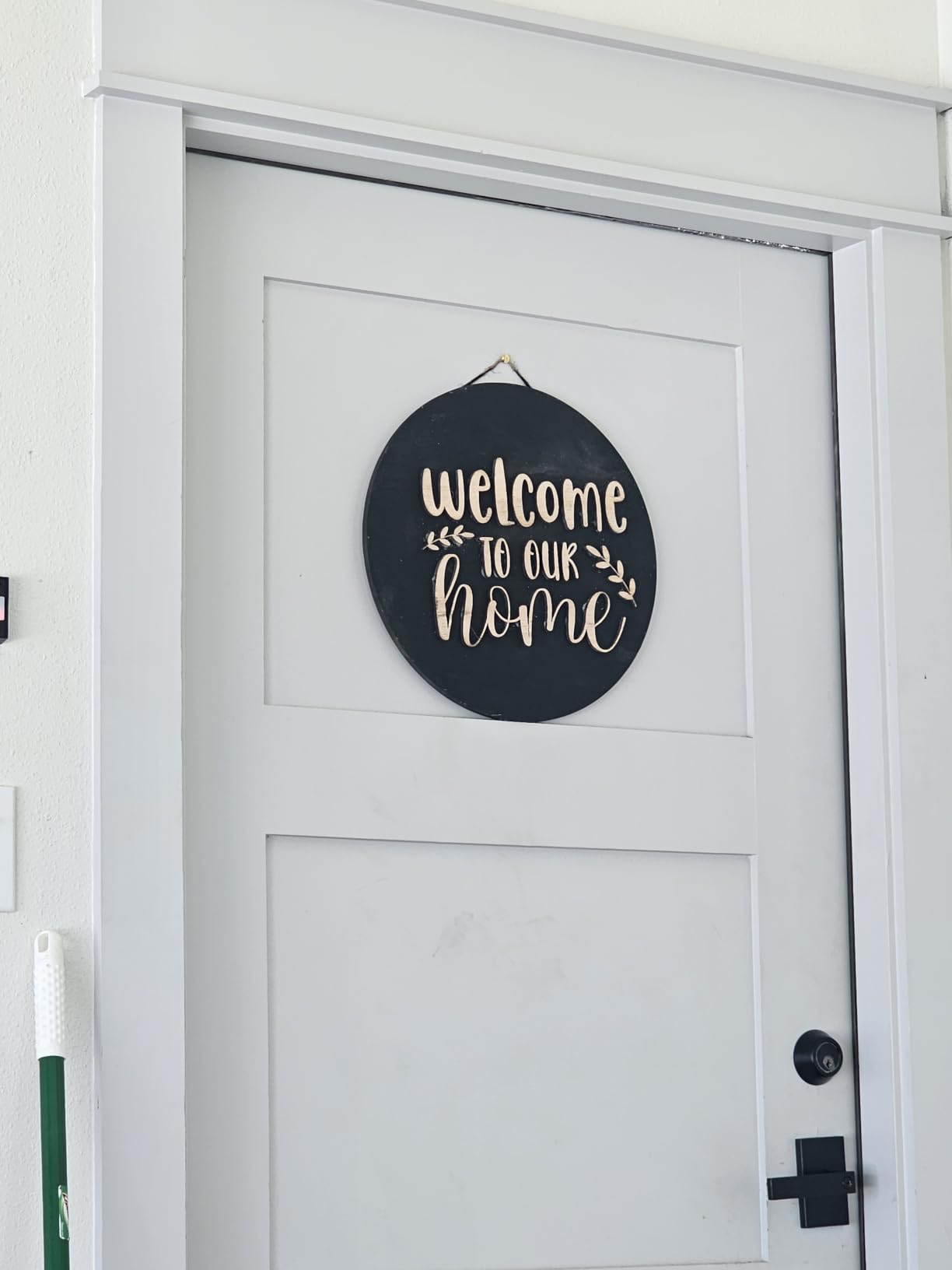
Two practical details stand out. First, LightBurn and LaserGRBL integration is smooth with minimal fuss, which is unusual at this level. Second, multiple units can be driven from a single computer, so a small shop can double throughput without a second workstation.
The 4.1 average is the lowest rating here, and reviews explain why. Assembly is reported as somewhat complicated by some owners, documentation is sparse enough that YouTube tutorials become necessary, and the expansion pack for this specific model has been discontinued, which removes the usual upgrade path.
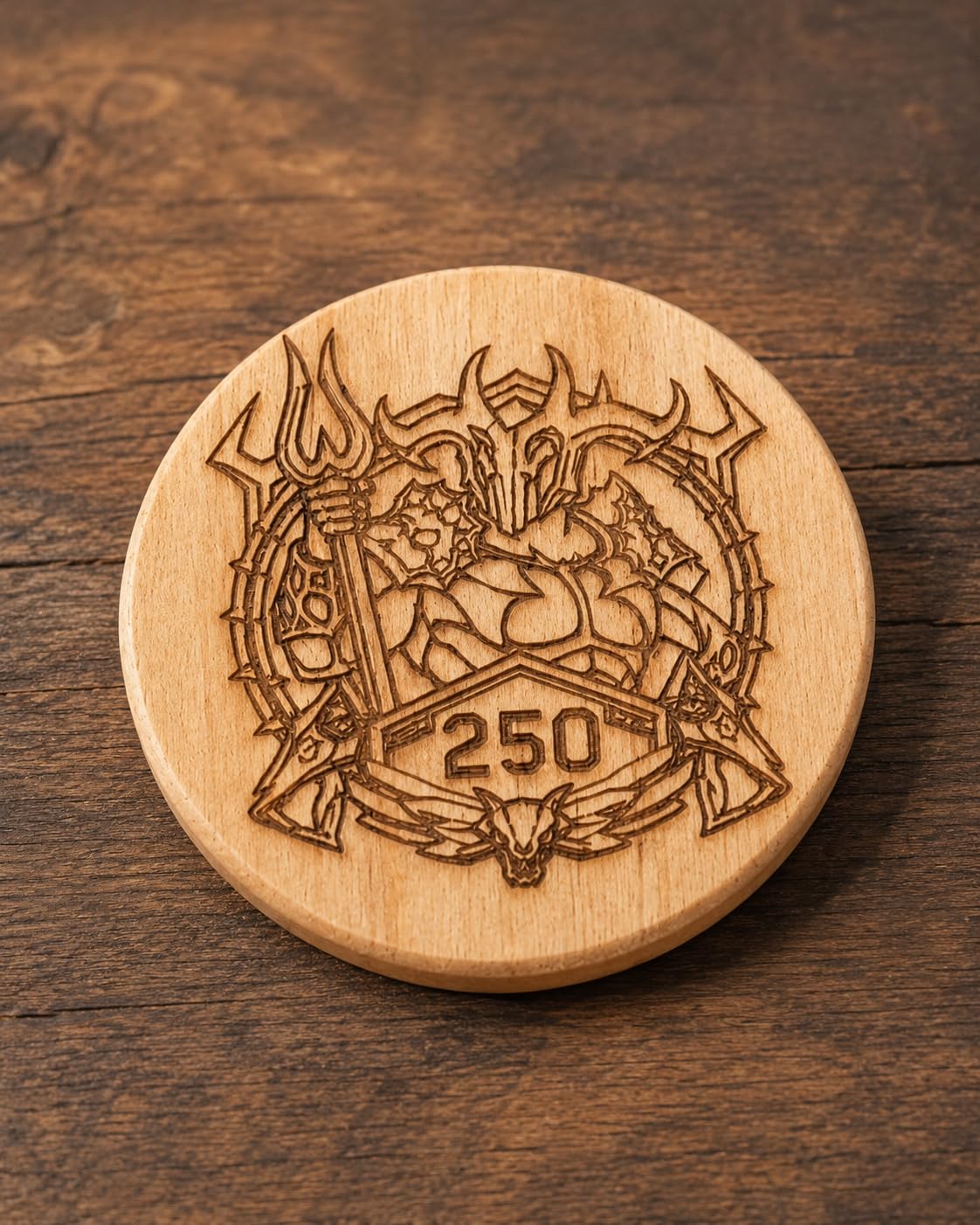
Bed size versus wattage: the real trade
A big bed with a modest wattage means you will position large sheets but cut them slowly. That is exactly right for engraving panels, plaques and signage, where the machine maps artwork across a wide surface at speed. It is the wrong pairing for thick material, where you want concentrated power on a small cut.
Buyers in this position sometimes regret not stepping up a wattage tier for material range and speed. If your work is mostly 2mm plywood and lighter, the large bed wins. If you are chasing hardwood, the 20W A20 is the smarter buy even with a smaller footprint.
Who should buy it and who should not
Buy the A10 Pro V2 if you engrave larger flat panels and want the room to grow into them, or if you plan to run two machines from one computer. The 0.06mm spot and generous bed suit signage work well.
Pass if you want a plug-and-play experience. Sparse documentation, a reported assembly learning curve and a discontinued expansion kit add friction that the 4.1 rating reflects honestly. Check that you are comfortable learning the setup before committing.
10. WECREAT Vista: A Feature-Rich Enclosed Machine
- Rating of 4.4 on a smaller review base of 70
- Class 1 fire retardant metal enclosed body
- TopView HD camera with auto focus cuts material waste
- Patented 90 degree FlipLaser rotary handles 40oz tumblers
- Built-in air assist plus CleanAir fume extraction
- Heaviest unit at 53.9 lb with the largest footprint
- Most expensive of the desktop machines here
- Smallest review base at 70 ratings
- 10W cannot cut acrylic and the 2W IR module is extra
The WECREAT Vista is among the most complete machines in this roundup, and it is the one to buy if tumblers are the business. The patented 90 degree FlipLaser rotary engraves 40oz Stanley tumblers and mugs without manual calibration or risers, which is the fiddliest part of making tumbler products at volume.
It is also fully enclosed and rated Class 1, with a fire-retardant metal body, built-in air assist and a CleanAir fume extractor. Air assist and extraction together is the combination experienced owners insist matters more for cut quality than raw wattage, and few machines at this budget include both.

The rest of the feature list is strong. A 10W diode produces a 0.06 by 0.04mm spot, the widest work area here at 16.34 by 11.42 inches, and 600mm/s engraving speed. The TopView HD camera scans flat without distortion and auto-focuses, which cuts material waste and the learning curve at the same time.
Software is full LightBurn compatibility plus the WeCreat MakeIt library with more than 2000 projects, 500 typefaces and thousands of SVGs. An optional 2W infrared module adds bare metal and plastic work, and it is an extra purchase rather than a standard feature.
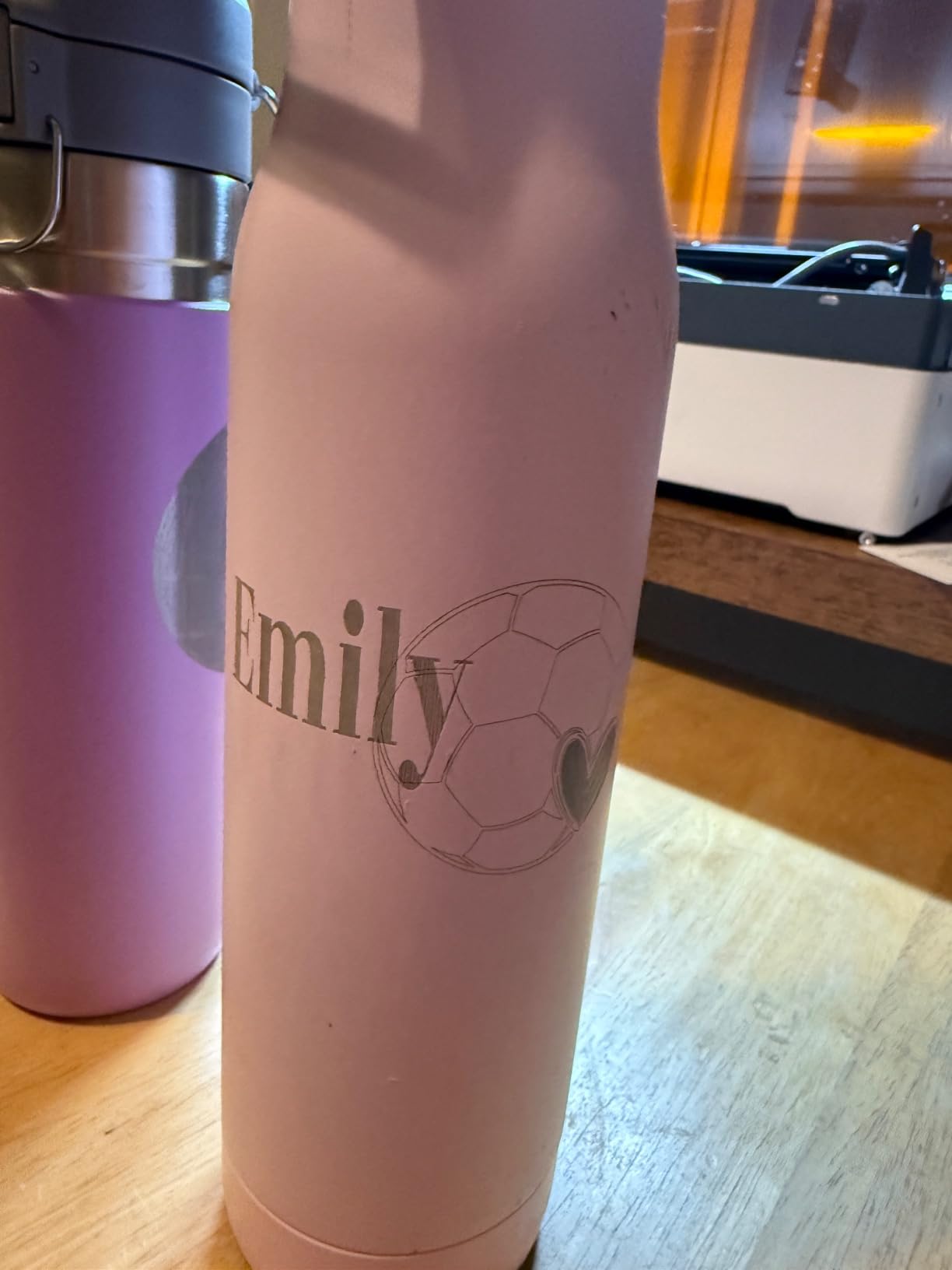
Tumbler work versus everything else
The rotary is what separates this machine. Because it flips the laser head 90 degrees and handles the cylinder automatically, you avoid the manual height adjustment and calibration cycle that a bolt-on rotary on a gantry machine needs for every size change. For a seller doing hundreds of tumblers, that saved time is the return on the machine.
Everywhere else the story is strong but not dominant. The big bed handles flat panels, the camera reduces waste, and the enclosed body keeps fumes contained. It is still a 10W module, so acrylic cutting and thick hardwood remain outside its range.
Who should buy it and who should not
Buy the Vista if you sell tumblers, mugs or personalised gifts, if you want the safest machine with the best fume control in the list, or if you want one box to contain air assist, extraction, camera and rotary rather than buying four accessories.
Pass on weight, footprint and value. At 53.9 pounds and 30 by 23.62 by 13.58 inches it is the bulkiest machine here, it is the most expensive of the desktop units, and a 70-rating history means long-term reliability is not yet proven by owner tenure.
How to Choose a Diode Laser Engraver at This Budget?
Choosing well comes down to four decisions in order: wattage, work area, enclosure, and software. Get those right and the machine is almost certainly right. Get the order wrong and you will spend money solving the wrong problem.
Wattage tiers: what 6W, 10W and 20W actually change
Wattage is the cutting power at the work surface, not the machine’s electrical draw. Several listings here quote machine power of 48W, 60W, 72W or 80W alongside a 6W to 20W optical output, and only the optical figure matters for your materials.
For engraving on wood, leather and coated metal, 6W and 10W are visually near identical. The difference appears the moment you want to cut. A 6W unit handles thin plywood and paper acrylic in one or two passes. A 10W unit reaches 5mm of basswood or 3mm of black acrylic in a single pass. A 20W unit roughly halves the passes for a given depth and is the tier experienced owners recommend if cutting is the point.
Consensus on r/Laserengraving is blunt on this: buy 20W if you want to cut anything, because wattage is the one spec you cannot upgrade later without replacing the machine.
Work area: the spec buyers misread
Work area is the usable engraving surface, not the outer dimension of the machine. The Longer’s optional kit expanding a 400 by 400mm bed to roughly 850 by 400mm is the clearest example of a spec that grows with an accessory, and it is worth paying attention to when you compare footprints.
Size your bed to your largest common item, not your largest possible item. A 130 by 130mm area handles jewellery beautifully and refuses everything else. A 400mm class bed handles coasters, signs and small panels. The WECREAT Vista at 16.34 by 11.42 inches is the outlier that covers sheet material and tumblers on one machine.
Enclosure and laser class: the decision most people skip
Eight of the ten machines in this roundup are open frames, and none of them is interlocked. That means the highest eye protection rating applies in every case, whatever class the individual listing states. Only the Creality Falcon A1 and the WECREAT Vista are enclosed, and they are the only two here that are safe to run in a home, a school or a shared studio. It is a genuine safety difference, not a marketing one.
Air assist: the feature that matters more than wattage
Air assist blows a stream of air across the cut to clear debris, cool the kerf and stop the bottom edge from catching fire. Without it, a diode laser produces a heavy smoke plume and a scorched edge on anything thicker than a couple of millimetres, which is exactly the complaint owners raise against budget machines.
That is why a 10W with air assist can outperform a 20W without it on real projects. The Ortur has a built-in air-assist interface on the head, the Falcon A1 includes air assist, and the Vista pairs air assist with extraction. Several of the remaining open machines do not list an integrated air supply, so budget for a compressor or blower.
Software: LightBurn, LaserGRBL and the vendor suites
LaserGRBL is free, Windows-only, and built for simple vector jobs. LightBurn is a paid suite that runs on Windows, macOS and Linux, supports raster and vector editing, camera alignment, multiple machines from one computer and much deeper material libraries. Most owners here end up on LightBurn within a few months.
All ten machines here run LaserGRBL and support LightBurn, which removes the most common forum frustration. That frustration is still real though: boards with non-standard firmware can fail to appear in LightBurn until the firmware is replaced or a paid board is fitted. Confirm the controller is natively supported before you buy, and check the vendor wiki if the machine is newer than your last visit.
Ventilation, electrical and what the machine actually costs to run
Every cut releases fumes, and wood and PVC in particular are unpleasant to breathe. At minimum, vent out of the room. A fume extractor with a HEPA and activated carbon filter is the sensible upgrade, and the Vista and Falcon A1 already integrate some form of smoke control.
The recurring items are protective lenses, air filters, and eventually the diode module itself at a quoted lifespan of around 10000 hours. Lenses are cheap consumables that are damaged by smoke and debris, so air assist and extraction reduce how often you replace one. Air filters are consumables too. A small compressor is an add-on for open machines. Modules are quoted at around 10000 hours of life, so a heavily used production machine should plan for a module replacement in its working life rather than treating it as forever.
On the floor plan side, a domestic 120V outlet is enough for all of these machines, and none needs water cooling or a chiller. That is the single biggest practical difference from a CO2 tube.
Laser Safety, Ventilation and Running Costs
Are class 4 lasers safe? Class 4 means the beam can injure an eye in an instant, and that rating applies to the open-frame machines in this roundup. The two exceptions, the Creality Falcon A1 and the WECREAT Vista, are Class 1 because they are fully enclosed. The honest answer is that class 4 machines are safe when operated properly, and dangerous when they are not.
Pre-flight checklist before your first power-on
Match your eyewear optical density to the wavelength of the beam. Diode modules run around 450nm to 455nm, and eyewear rated for a different band will not protect you. Never rely on the tinted protective cover in place of rated glasses while you watch a job through it.
Check the bed is clear, the lens is clean, the focus height is set, and the air assist is actually flowing before you start. Learn your machine’s homing and emergency stop behaviour before your first real job, not during it. And if you own an open machine, decide in advance where the controlled area is.
Running cost of ownership over five years
Users repeatedly ask what a diode laser costs to keep running, and few roundups answer it. The recurring items are protective lenses, air filters, and eventually the diode module itself at a quoted lifespan of around 10000 hours. A heavily used shop machine will consume more lenses than a weekend hobbyist, because debris on the lens is what destroys it.
That is the real argument for air assist and extraction. They are not accessories for cutting quality alone; they are the cheapest way to reduce consumable wear. Owners in the community treat lens replacement as an annual or biannual cost for a busy machine, and closer to once every two years for light use.
One community question deserves a direct answer: a diode machine at this budget versus a K40 CO2 tube at roughly half that. A K40 genuinely cuts more and engraves clear acrylic, but it needs a chiller, a compressor, an air table and a proper extraction upgrade before it is safe or pleasant indoors. A modern enclosed diode with air assist fits the budget, runs on a normal outlet and needs no cooling, which is why we think it is the better first machine for most people.
Frequently Asked Questions
What is the best diode laser engraver?
The Ortur Laser Master 2 S2 is the best all-round diode laser in this price band, thanks to a true 10W module, a full metal frame and the largest review base in the range. Choose the ATOMSTACK A20 Pro V2 if cutting thick wood is the priority, or the Creality Falcon A1 if a fully enclosed Class 1 machine matters most.
Are cheap laser engravers any good?
Yes, with expectations set. Machines in the lower brackets of this roundup genuinely engrave wood, leather and paper, arrive partly assembled, and include usable software. What they cannot do is cut thick material reliably, hold a repeatable position for production runs, or handle anything larger than a 300mm bed without frustration.
Can a diode laser engrave acrylic and metal?
Opaque or black acrylic engraves well and cuts in multiple passes. Clear acrylic cannot be cut by a diode laser at all, because the beam passes through it and leaves a scorched brown edge. Bare steel and aluminium need a marking spray coat or an optional infrared module, neither of which is included as standard.
Are class 4 lasers safe?
A class 4 laser can injure an eye instantly, so the open-frame machines in this roundup require wavelength-matched safety glasses, a clear operating area and a fume extractor. The two enclosed machines, the Creality Falcon A1 and the WECREAT Vista, are rated Class 1 and are the only ones in the list suited to a home or a shared room.
How do I get LightBurn to recognize my laser?
First update LightBurn to the latest version, then plug the controller in with the machine powered on rather than asleep. If the board still does not appear, its firmware is likely non-standard, and the fix is to flash standard firmware or replace the controller board with one LightBurn supports natively. Checking the vendor wiki before you buy avoids the problem entirely.
How long does a diode laser module last?
Manufacturers quote a module lifespan of around 10000 hours for machines in this class. Life shortens considerably if the lens sits exposed to smoke and debris, so air assist and fume extraction are what protect that figure. Budget for a module replacement only if you intend to run the machine commercially at high utilisation.
Which Diode Laser Engraver Should You Buy?
There are three sensible archetypes in this price band, and the right one depends on what you are making rather than what you can spend. If you are starting out and mostly engraving jewellery, coasters and gifts, a 6W to 10W open machine such as the ACMER S1, Twotrees TTS-10 Pro or Longer RAY5 covers it, and the Ortur Laser Master 2 S2 is the safest all-round pick of the group.
If your work is mixed or growing, spend in the middle on a 10W to 20W machine with a 400mm class bed, air assist and LightBurn support, which is where the ATOMSTACK A20 Pro V2 and the Longer RAY5 land. If you are producing physical products or working in a shared indoor space, buy enclosed instead, and the Creality Falcon A1 and WECREAT Vista are the only Class 1 machines in this roundup.
Whichever you choose, treat the safety requirements as part of the machine rather than an accessory. Wavelength-matched eyewear, a clear operating area and real fume extraction are not optional, and they are cheaper than a single eye.