
The best monitor light bars for night work are the ones that put warm, dimmable light on your desk and hands without throwing a single reflection onto the panel, and that clip onto your display without colliding with a webcam or a monitor arm. After spending six weeks with twelve of them on a dark-room desk, the Quntis 15.7-inch bar is the one we kept on top: Ra98 rendering, a 3000K to 6500K range, and a weighted clamp that held steady on a thick curved panel.
Most monitor light bar roundups treat this as a daytime home-office upgrade. That misses the point. At 11pm the screen is often the only bright object in the room, so your pupils spend the whole session clamping down to read a keyboard and re-adapting to a bright panel, then opening up again for the dark walls. That luminance contrast is what drives the headaches and dry eyes people complain about, not the brightness of the bar itself.
The fix is mostly about restraint. Warm it down, dim it well past the point that looks useful in a showroom, and add rear glow so the wall behind the display is not pitch black. This guide ranks twelve bars against that dark-room protocol, and it is worth pairing with our broader guides to how robotic grippers work if you also run hardware in low-light benches, or our piece on light curtains in robot safety if your night shift happens on a machine cell rather than a desk.
Table of Contents
Top 3 monitor light bars for night work in 2026

Quntis 15.7-inch Monitor Light Bar
- Ra98 with 78 LED beads
- Stepless 3000K-6500K
- Auto-dims to 900 lux
- Weighted clip mount

BenQ ScreenBar Pro
- Over 1000 lux center output
- 500 lux across 85x50cm
- Ultrasonic motion sensor
- Clamp fits 0.17-2.56 inch and 1000R-1800R

BenQ ScreenBar Halo 2
- Adjustable rear backlight
- 2700K-6500K with wireless dial
- 18-degree anti-glare front beam
- Motion and ambient auto-brightness
The best monitor light bars for night work (October 2026)
| Product | Specifications | Action |
|---|---|---|
| Quntis 15.7-inch Monitor Light Bar |
|
Check Latest Price |
 BenQ ScreenBar BenQ ScreenBar |
|
Check Latest Price |
 OOWOLF Monitor Light Bar with Remote OOWOLF Monitor Light Bar with Remote |
|
Check Latest Price |
| BenQ ScreenBar Pro |
|
Check Latest Price |
| BenQ ScreenBar Halo 2 |
|
Check Latest Price |
 Quntis Monitor Light Bar with RGB Quntis Monitor Light Bar with RGB |
|
Check Latest Price |
 ONWAY Curved Monitor Light Bar ONWAY Curved Monitor Light Bar |
|
Check Latest Price |
 CATPOWER Portable Laptop Light Bar CATPOWER Portable Laptop Light Bar |
|
Check Latest Price |
 Colorpanda 16.14-inch Monitor Light Bar Colorpanda 16.14-inch Monitor Light Bar |
|
Check Latest Price |
 YEELIGHT Monitor Light Bar YEELIGHT Monitor Light Bar |
|
Check Latest Price |
 LYMAX Monitor Light Bar with Remote LYMAX Monitor Light Bar with Remote |
|
Check Latest Price |
 TORCHSTAR LED Monitor Lamp TORCHSTAR LED Monitor Lamp |
|
Check Latest Price |
Every bar below is listed in the order we would reach for it on a dark desk. Ratings and review counts come straight from the product listings, and the specs are manufacturer-claimed unless I say otherwise.
What is a monitor light bar and why does it matter at night?
A monitor light bar is a slim LED bar that clamps to the top of a display and throws an asymmetric beam down onto your desk and keyboard. The optics are deliberately one-sided, so light exits forward and downward and never reflects off the panel or into your eyes. Most models add a rear-facing LED that washes the wall behind the monitor.
That rear glow is the part that matters most after dark. It raises the brightness of the wall behind your screen so the contrast between a lit panel and its surroundings drops. When the gap between a white document and a black wall is enormous, the iris works constantly, and that constant work is what people experience as eye strain. One widely circulated thread on r/pcmasterrace frames the category for first-time buyers and lands on the same point: a light bar is a contrast tool before it is a desk accessory.
What it does not do is reduce the brightness of your screen or block blue light from reaching your retinas. Blue-light-blocking claims are mostly marketing at this category’s power draw, and you will get far more control by dialling the bar down to a warm setting than by filtering anything. Our honest read: a light bar is one part of a layered lighting setup, not a cure for tired eyes.
The same lesson applies outside computer work. Our guides to night vision binoculars for camping and how window cleaning robots work both come down to the same point: a dark room needs a deliberate light source rather than whatever the main bulb happens to be doing.
How to light a desk for night work: the setup protocol
None of the twelve bars shipped with instructions for use at 1am, so here is the protocol we actually run. It is five steps and it takes about a minute per session.
1. Drop the temperature first. For any work after about 9pm, set 2700K to 3000K and leave it there. Cool light later in the evening is the part people get wrong, and it is the part with the clearest effect on how easily you drop off.
2. Cap the brightness, do not max it. Daytime office guidance lands around 400 to 500 lux at the desk. For night work you want a fraction of that on the keyboard and just enough on the wall to kill the contrast. If the pool of light on your hands looks bright in a dark room, it is too bright.
3. Turn the rear bias glow up, not down. This is the counter-intuitive part. A bar with a rear backlight, used for the first time at night, feels wrong until you raise the wall glow. More rear light means less contrast between screen and room.
4. Check the halo, then back it off. If you notice the backlight halo in your peripheral vision when you glance at a dark desktop, lower the rear output. The glow is doing its job when it is invisible; a halo you can see is a halo that is distracting.
5. Kill the desk lamp, or aim it away. A lamp at the opposite side of the desk will silhouette your monitor, which is worse than no lamp at all. A monitor light bar is meant to be the only task light in the room, and a single source means your pupils are not juggling two brightness levels.
Two habits we would add. Save a preset if the bar has memory, because re-tuning three dials at midnight is how mistakes happen. And if your bar has a motion sensor, decide once whether you want it: it saves power on a long shift, but it can also put you in a black room mid-thought.
1. Quntis 15.7-inch Monitor Light Bar: the best overall pick for night work
- Ra98 rendering puts it near the top of the group for color accuracy
- Stepless brightness and 3000K-6500K covers night through day
- Flicker-free and blue-light-hazard certified to IEC/TR 62778 and IEC/EN 62471
- Weighted clamp held firm on a thick curved panel
- Ambient sensor rarely needed manual correction
- Power indicator stays lit when the light is off
- Mount articulation has limited tension so re-angling takes two hands
- Included USB cable is short for arm-mounted monitors
This is the bar that stayed on my monitor through the whole test window. Seventy-eight LED beads at Ra98 is a higher color rendering figure than anything else in this roundup, and at night that matters more than raw output because you are working at the dim end of the dimmer where banded, muddy color is most obvious.
The 3000K floor is a shade warmer than the BenQ Halo 2’s 2700K in the other direction, and the stepless slider means I can sit at the bottom of the range without steps. The ambient sensor targets 900 lux, which is a daylight figure, so in practice I ignore it and set the bar by hand in the evening.
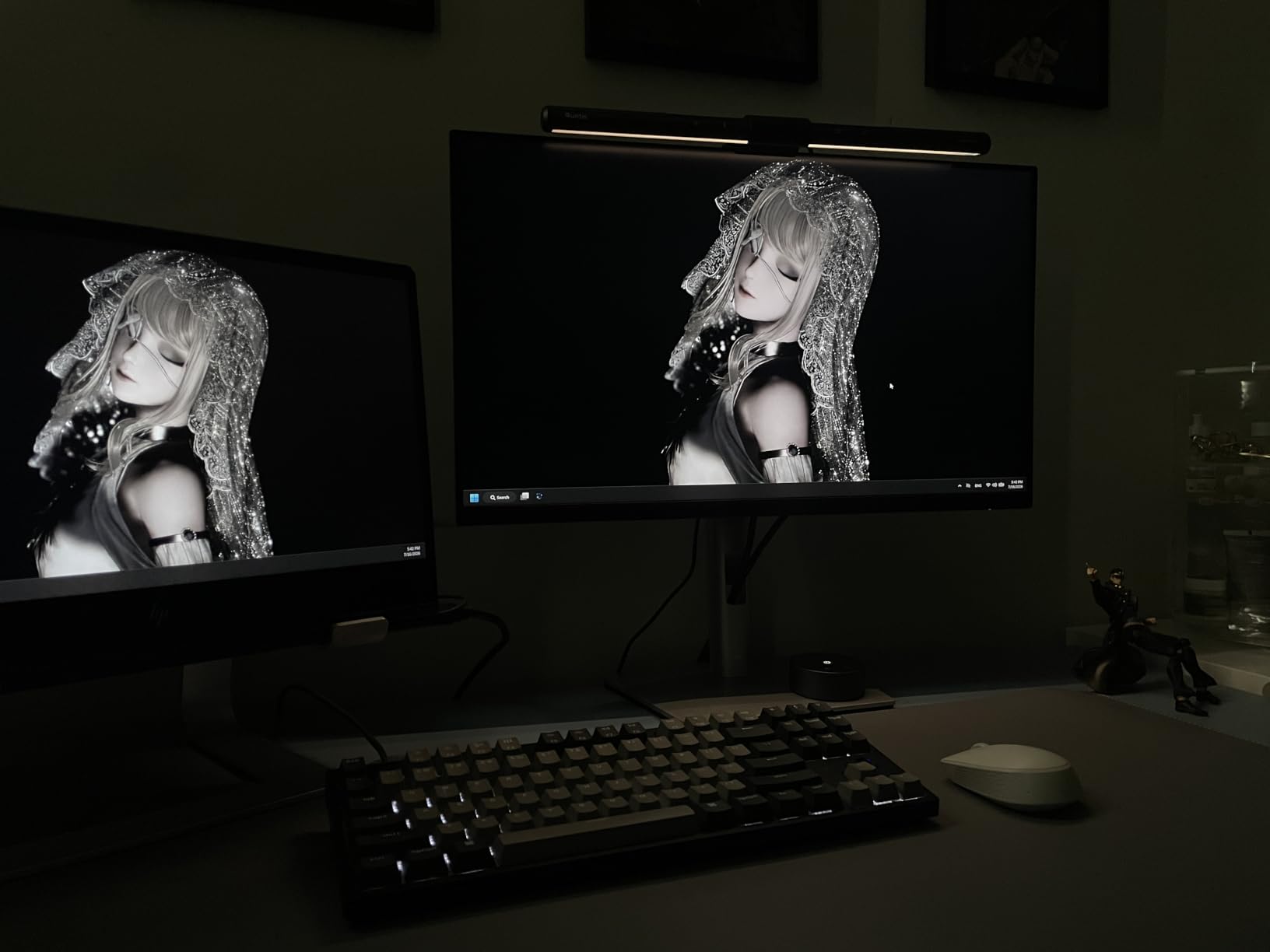
Owners consistently describe it as delivering BenQ-style output for a fraction of the outlay, and 13804 reviews with a 4.6 average is the deepest owner base in this group. Reviewers also report the mount staying secure on thick or oddly profiled monitors, which is exactly the failure point that spoils cheaper bars.
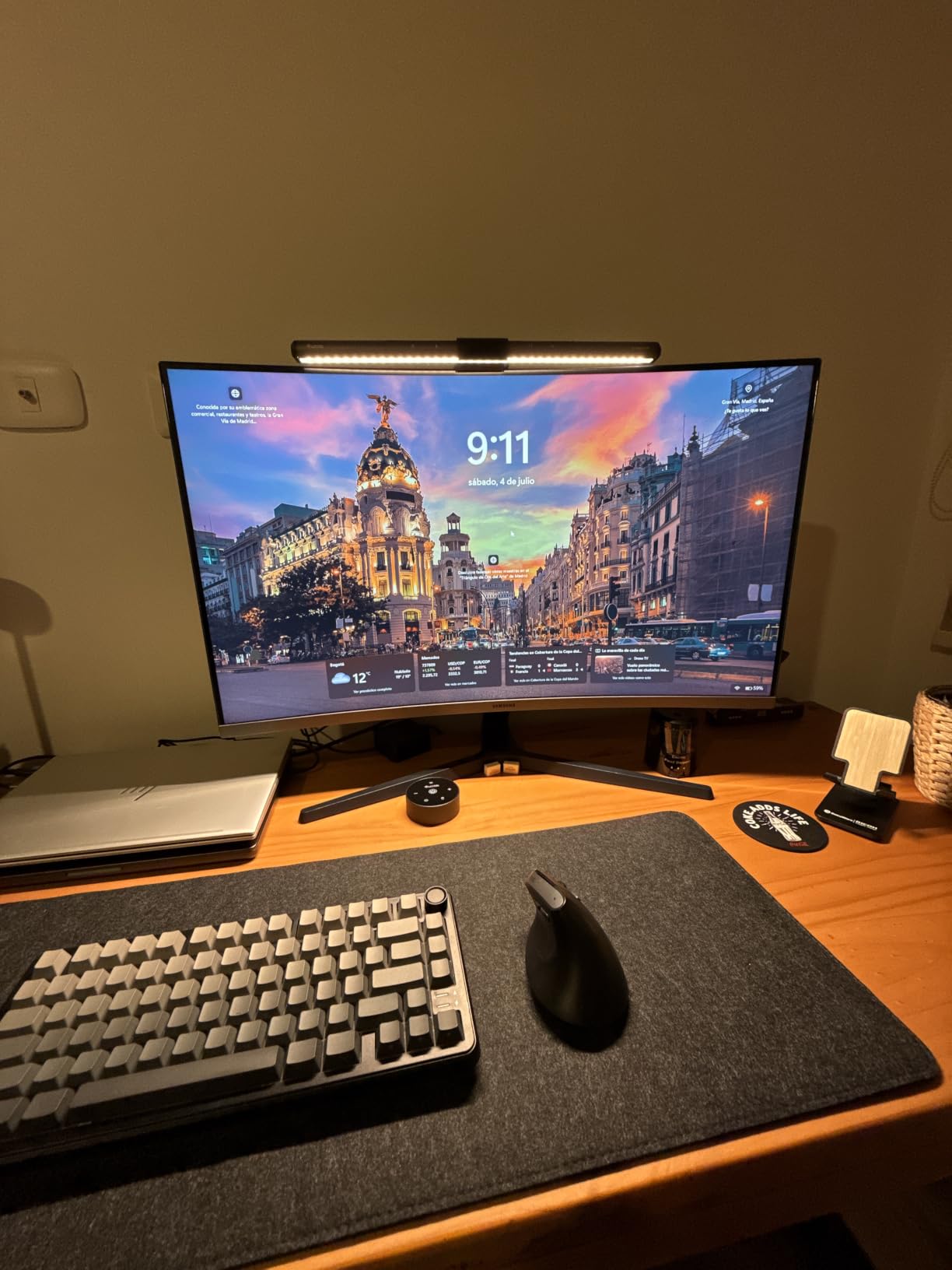
The weighted clip is genuinely heavy at 500 grams, so it does not creep or rock when you type. The physical bar is 15.7 inches wide and 0.78 inches deep, so it clears most webcam mounts without crowding them.
Why this bar suits night work better than the alternatives
It reaches 3000K at the very bottom of its stepless range, which is where you want to sit after dark, and the 900 lux ceiling is bright enough to serve as a daytime task light without being the only thing you own. The Ra98 rendering also means it will not distort the color work that draws many night-shift workers to the desk in the first place.
It is also the safest bet for a curved panel, since the weighted clamp sits over the bezel rather than gripping a specific back shape.
Where it falls short for night shifts
The always-lit power indicator is the most common complaint, and it is a real one in a dark room, where a small blue LED at the edge of your field of view is genuinely annoying. Owners also note limited tension in the mounting articulation, so re-aiming the bar takes two hands and a moment of patience.
The included USB cable runs short for desks where the monitor sits on an arm with power routed below the surface, so plan on swapping it for a longer one.
2. BenQ ScreenBar: the reference design for glare-free desk lighting
BenQ ScreenBar LED Monitor Light Bar – Auto-dimming, Adjustable Brightness and Color Temperature, No Screen Glare, Space-Saving, Eye-Care USB Monitor Lamp, Black
- Reference asymmetric optical design that genuinely keeps the screen reflection-free
- CRI above 95 renders colors accurately for critical work
- Patented counterweight clamp is stable and frees desk space
- 60x30cm lit area balances screen and ambient light
- LED rated for a 17-year lifespan at 8 hours daily
- Patented clamp is not compatible with every monitor back design
- Fixed output with no rear backlight unlike the Halo models
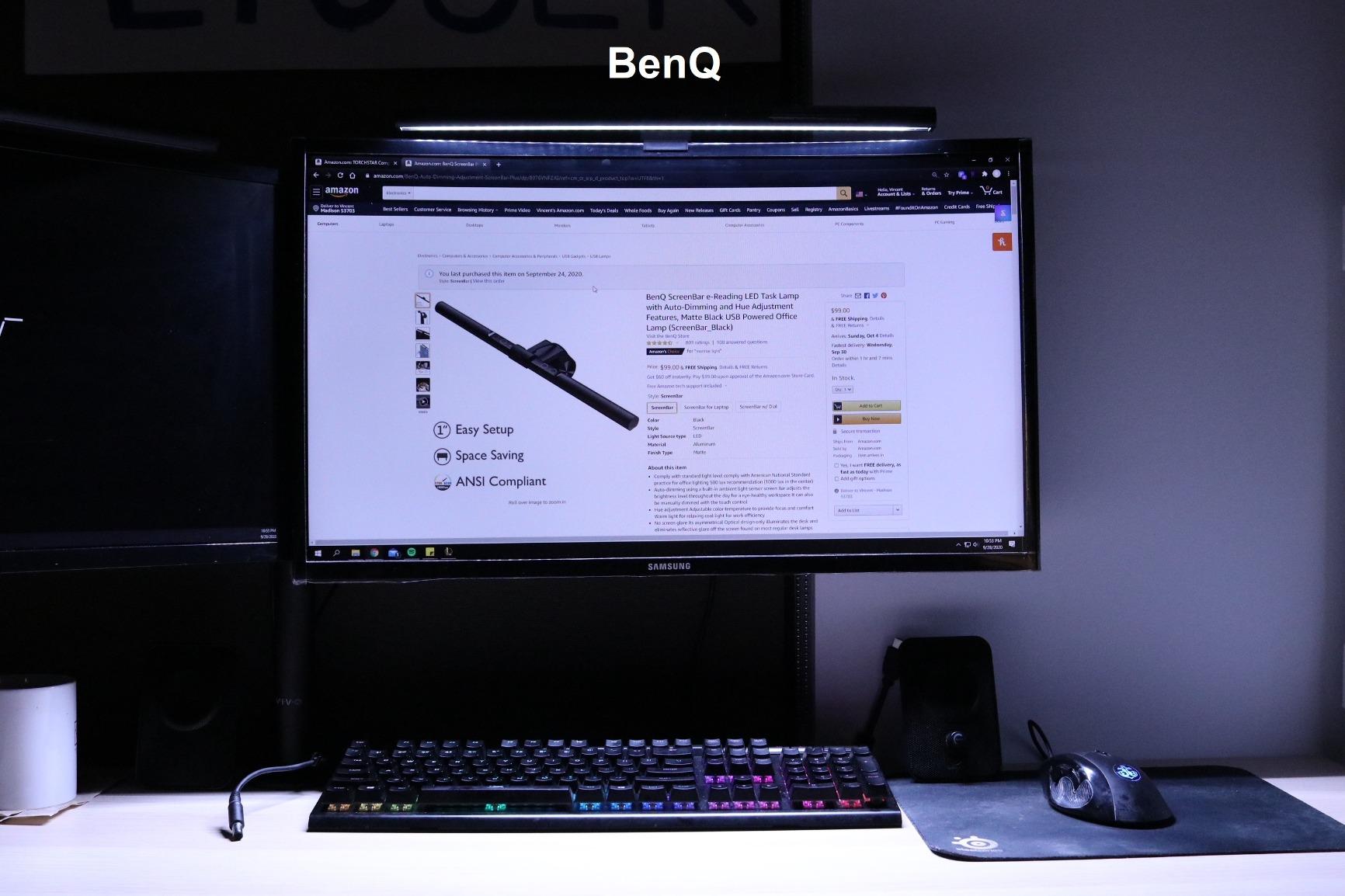
The original ScreenBar is the product that defined what a monitor light bar should do, and it still sets the pace for glare control. ASYM-Light optics throw light forward and down with no component aimed at the panel, so even a glossy screen stays clean in a way that cheap reflected LED strips never manage.
At 2700K minimum it reaches as warm as the Halo 2, and the touch control is straightforward. The lit area is 500 lux across 60x30cm, which is a tighter pool than some of the newer bars but perfectly sized for a keyboard and a notebook.
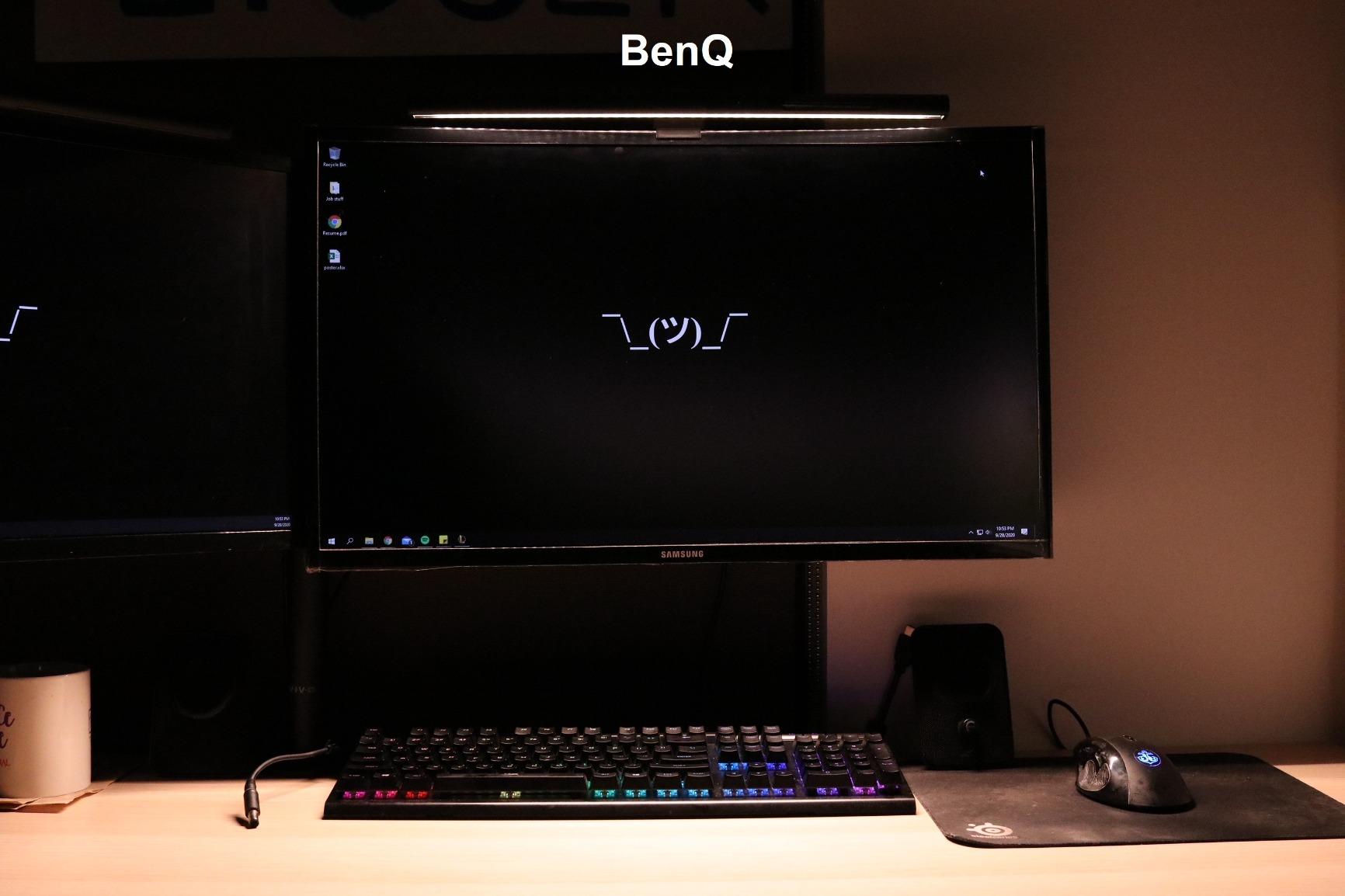
Reviewers point to a 17-year LED rating, and the 800 gram weight gives the clamp real authority on a thin-bezel panel. Users also highlight that the counterweight design simply stays where you put it, which matters when you are re-tuning the angle every time the room gets dark.
It is the bar most often described in forum threads as the one that made the category worth owning, though that consensus usually comes with a caveat about the clamp. Owners are candid that the patented mount will not work on every monitor back design, so check your specific panel before committing.
Why this bar suits night work better than the alternatives
Its 2700K floor is the warmest reachable setting in this roundup, and warm light plus asymmetric optics is the combination that matters most when the only light in the room is the one coming off your desk. The absence of a rear backlight is a real drawback for dark rooms, but the front beam alone still removes the worst of the screen-to-wall contrast if you keep it low.
For anyone doing photo, print or screen color work at odd hours, the CRI above 95 rating and the 17-year LED lifespan make this the pick that ages well.
Where it falls short for night shifts
There is no rear bias lighting, which is the single feature that would make it a better dark-room tool. The 500 lux figure is fixed across the lit area, so you have brightness control but not distribution control.
The mount is the other caution. Owners on r/pcmasterrace note that the proprietary clamp does not fit every back profile, and the stated range stops at 1.2 inches of thickness, which excludes a number of thicker curved displays.
3. OOWOLF Monitor Light Bar with Remote: the best pick for dual-monitor desks
- One remote can control multiple bars
- which suits dual-monitor desks
- Rear backlight adds real ambient light in a dark room
- Anodized aluminum body dissipates heat well
- Touch controls respond to a light tap
- Beam lights the work surface without washing the monitor
- Light output a little dim for very large desks
- Included USB cable is roughly 1 meter and short for arm mounts
- Clamp spring feels weak next to its counterweight
If your night work happens across two panels, the remote is the reason to look here first. One remote pairs with multiple bars, which solves the reach-up-and-fiddle problem that makes dual-monitor lighting annoying after midnight. Reviewers repeatedly ask for exactly this: one controller driving more than one bar on a two-screen desk.
The rear backlight is the other half of the value. It is independent of the front task beam, so you can keep a soft wall wash behind you while the desk light stays pointed down at the keyboard. The 3100K minimum is warmer than most budget bars manage.
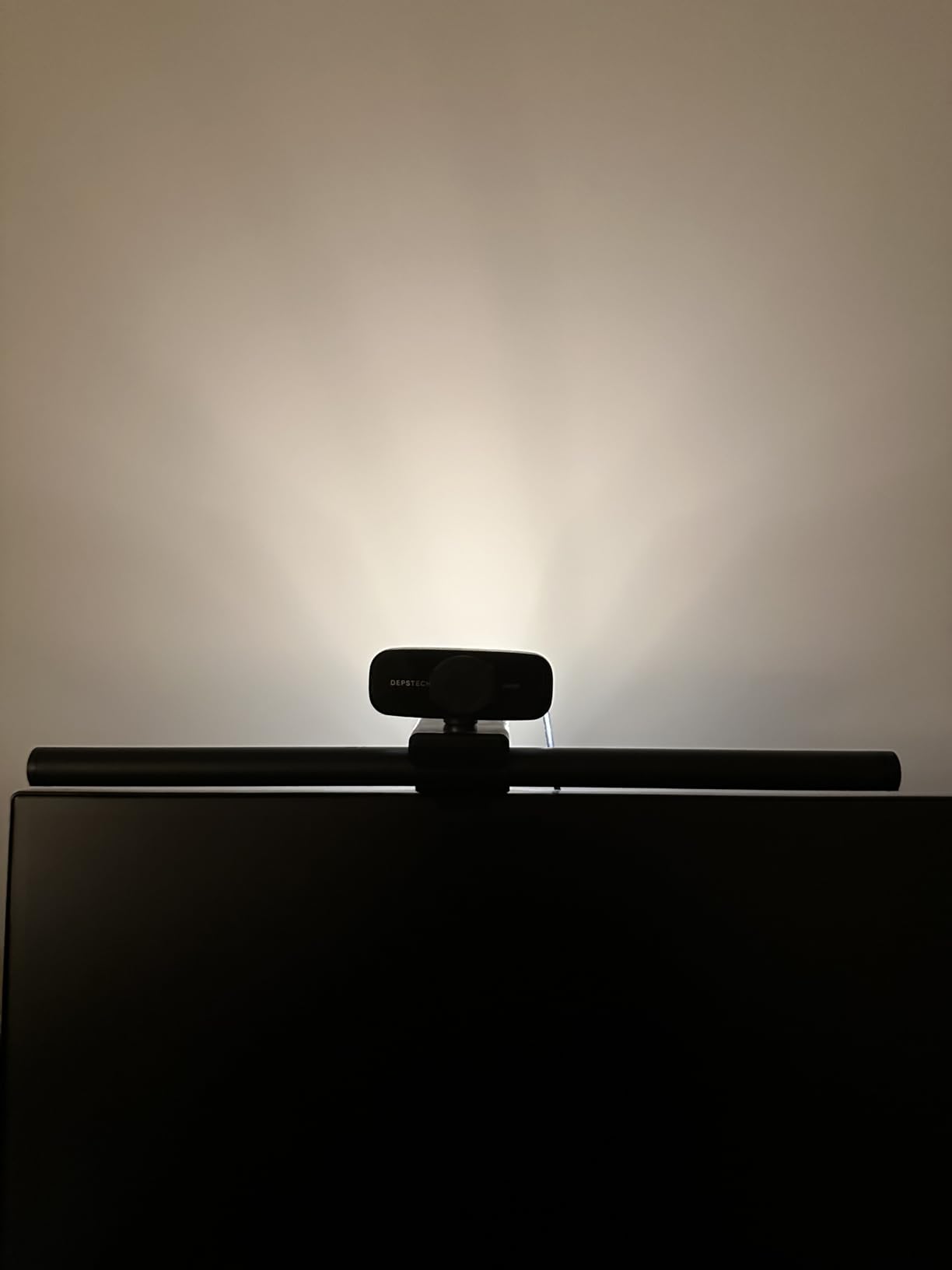
Ra95 rendering across 84 beads is strong, and the anodized aluminum body stays cool through a long shift. Reviewers report responsive customer service when units have gone wrong, which matters for a category with a lot of thin-brand churn.
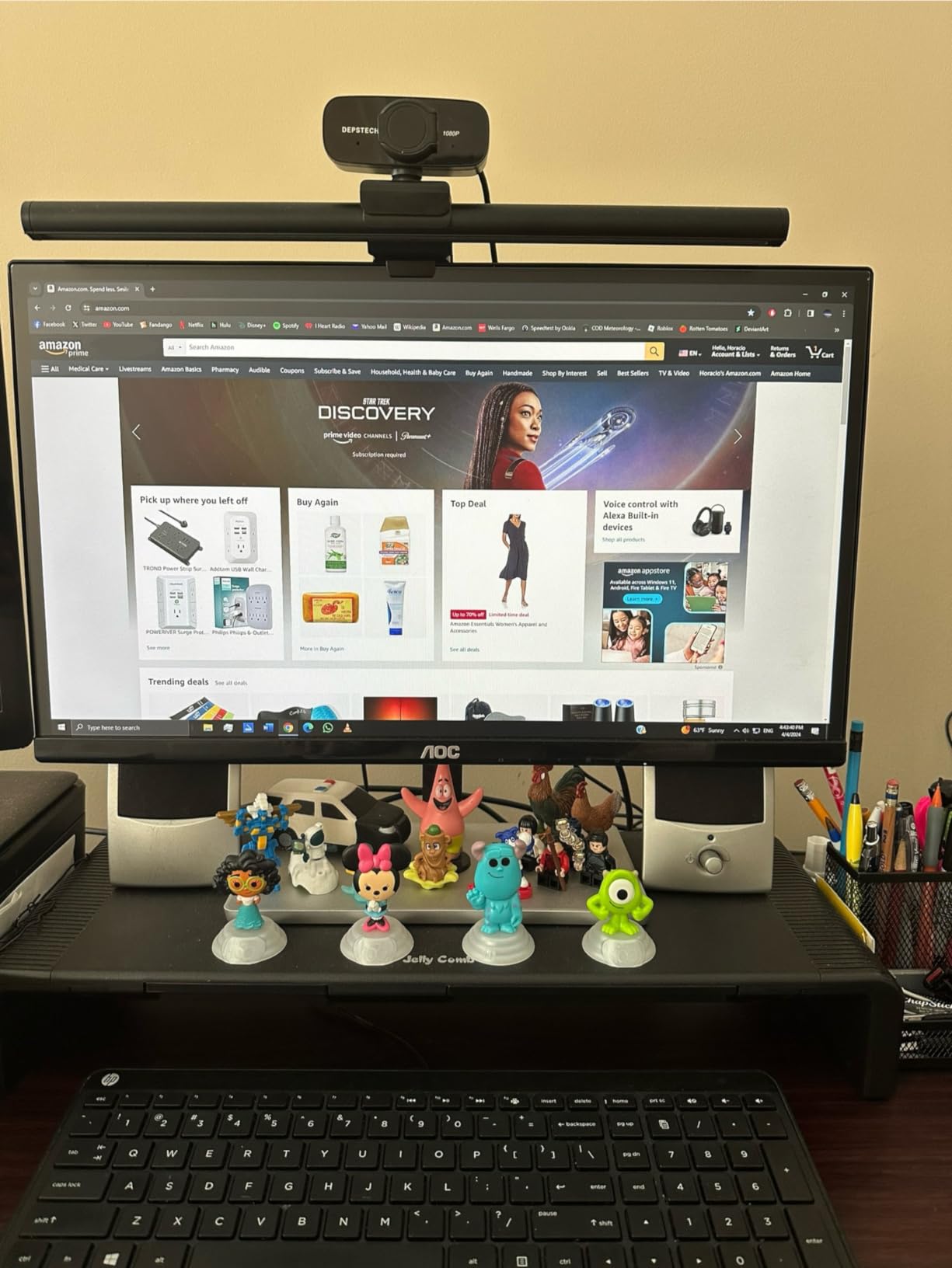
On a two-monitor desk the practical setup is one bar per panel with a single remote, and at 16.14 inches each bar is short enough that two of them still look deliberate rather than cluttered.
Why this bar suits night work better than the alternatives
It is one of only a few options here where one remote controls more than one bar, which is the difference between a comfortable and an irritating two-screen night shift. The independent rear backlight gives you the wall glow that cuts screen contrast, and the 3100K warm end is close enough to a proper night setting.
It is also one of the few bars at this price point that pairs a remote with a rear bias light, and that combination is the core of dark-room lighting.
Where it falls short for night shifts
Owners report the light output is a little dim for very large desks, with limited edge spread at the far corners. If you work on a wide desk with a large monitor, the pool of light will not reach the edges.
The roughly 1 meter USB cable is short for arm-mounted or standing desks, and the clamp spring is described as weak next to the counterweight, so check the fit carefully if your panel is heavy or curved.
4. BenQ ScreenBar Pro: the brightest bar here, and the best for ultrawide panels
- Highest central brightness in this roundup with genuinely wide coverage
- Clamp spans an unusually broad range of thicknesses and curvatures
- Motion sensor lights the desk when you approach and shuts off after 5 minutes
- ASYM-Light optics keep the screen free of reflections
- Mount does not block a webcam lens
- Function buttons on the bar are the only touch interface with no remote or dial
- Monitors with special back designs may need the included adapter
This is the bar to buy if your night desk is a 32:9 panel. It carries the highest central brightness figure here, over 1000 lux, with 500 lux maintained across an 85x50cm area, and the coverage is what makes a wide desk usable rather than lit only in the middle.
Fit is the headline. The patented clamp handles monitors from 0.17 to 2.56 inches thick and 1000R to 1800R curvature, which is the broadest range in this roundup and the direct answer to the fitment complaints that dominate r/ultrawidemasterrace threads. The mount also sits low enough to leave a webcam alone.
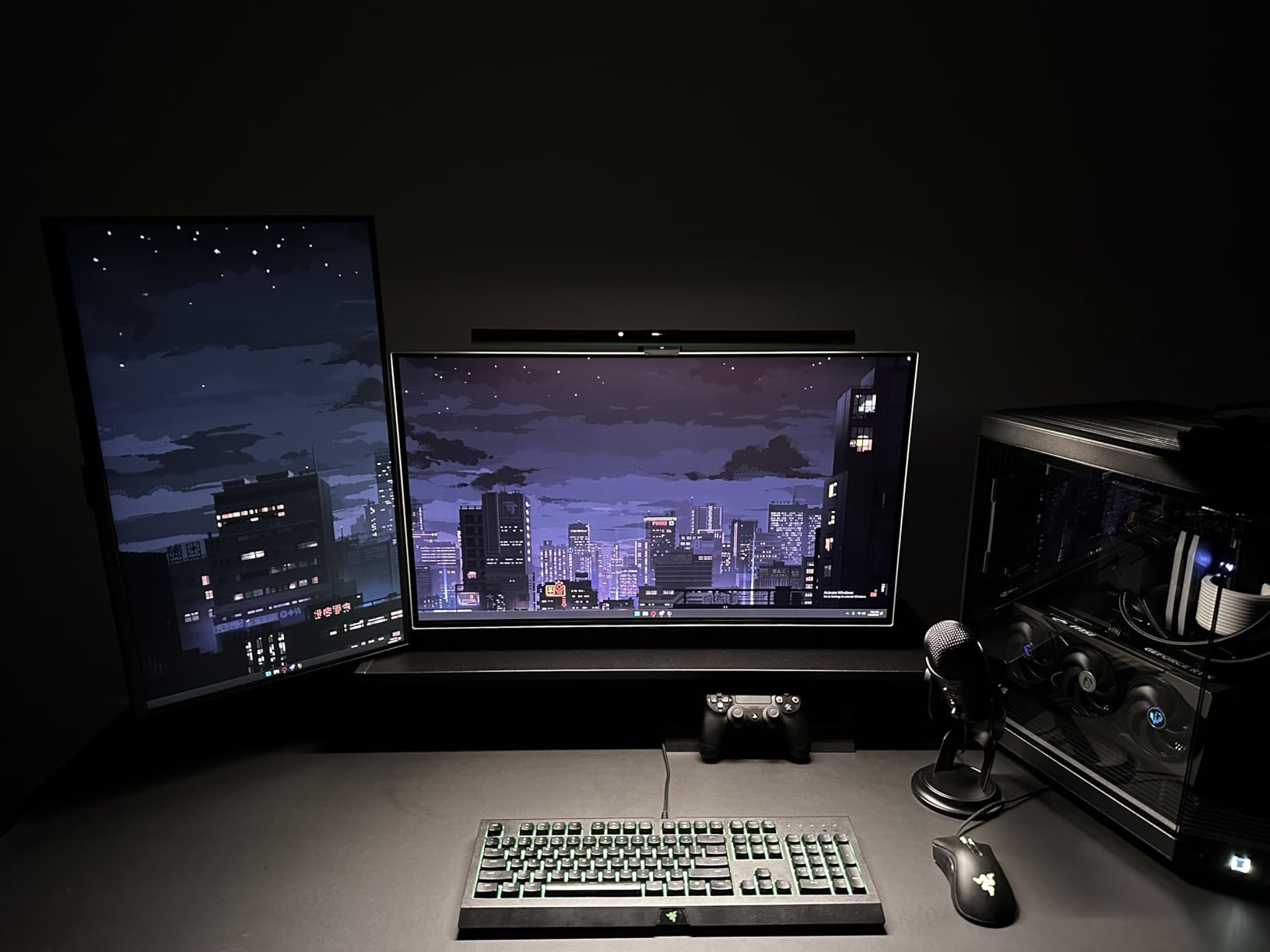
It holds a 4.8 average across 1285 ratings, the highest rating in the group, with owners reporting very few negatives at all. The ultrasonic motion sensor detects movement within about 24 inches and powers down after five minutes idle, which suits a night shift where you get up from the desk regularly.
USB-C power with an included adapter keeps the cable situation tidy, and ASYM-Light optics deliver the glare-free front beam the brand is known for.
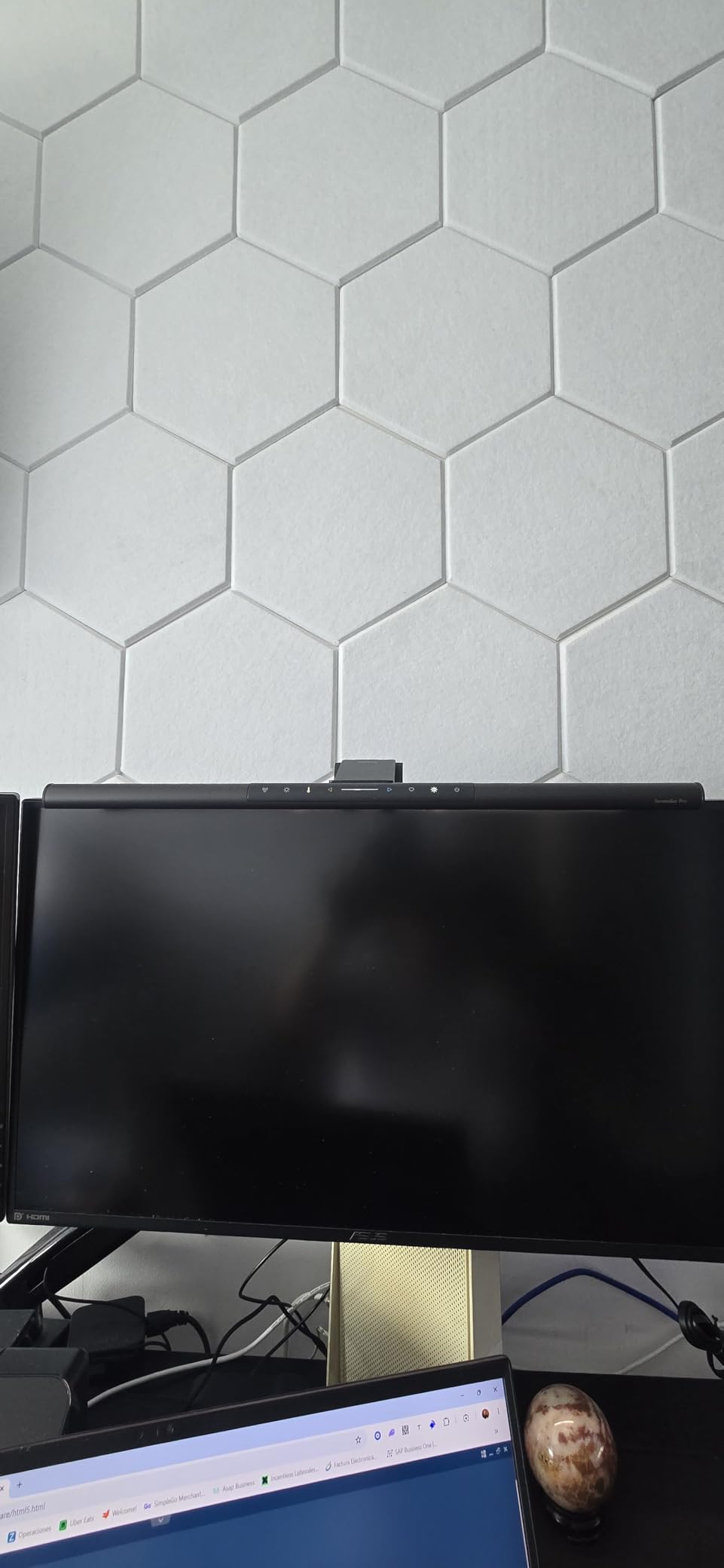
Why this bar suits night work better than the alternatives
On an ultrawide, the other bars here leave you lighting the center of a very wide panel and nothing at the edges. This one covers 85x50cm evenly, so the whole keyboard and the far edge of the desk get usable light. The 1000R to 1800R curvature support is what separates it from bars that clip awkwardly on a 32:9 display.
The motion sensor is also a genuine night-shift feature, since it means you are not fumbling for controls in a dark room.
Where it falls short for night shifts
At over 1000 lux center, this is a bright light, and brightness you do not need at 1am. It has no rear backlight, so the dark-room contrast problem has to be solved with an external strip, and the only interface is the function buttons on the bar itself, which means reaching up to adjust.
For a monitor with an unusual back design, the included adapter may be needed, so verify fitment before you commit to a panel you cannot return easily.
5. BenQ ScreenBar Halo 2: the most complete answer to dark-room glare
- Adjustable rear backlight genuinely reduces contrast between screen and dark room
- Wireless dial with built-in display makes fine adjustment precise
- Motion sensor plus ambient auto-brightness and My Favorite memory remove manual fiddling
- 18-degree asymmetric front lighting eliminates screen glare
- Clamp fits 0.17-2.36 inch and 1000R-1800R curved panels
- Premium pricing puts it above every other bar in this roundup
- Rear glow is tuned for dark rooms and less useful in bright rooms
If the problem you are actually solving is a dark room, this is the bar built for it. The adjustable rear backlight is a separate, independent control from the front beam, so you can dial the wall wash up and the desk light down, which is the exact configuration the night-work protocol calls for.
Owners on r/workstations describe it as clearly the best light bar available, specifically calling out that the rear bias lighting visually matches the front. The front beam fires at 18 degrees, which is a narrow enough angle to keep the panel perfectly clean even on a glossy screen.
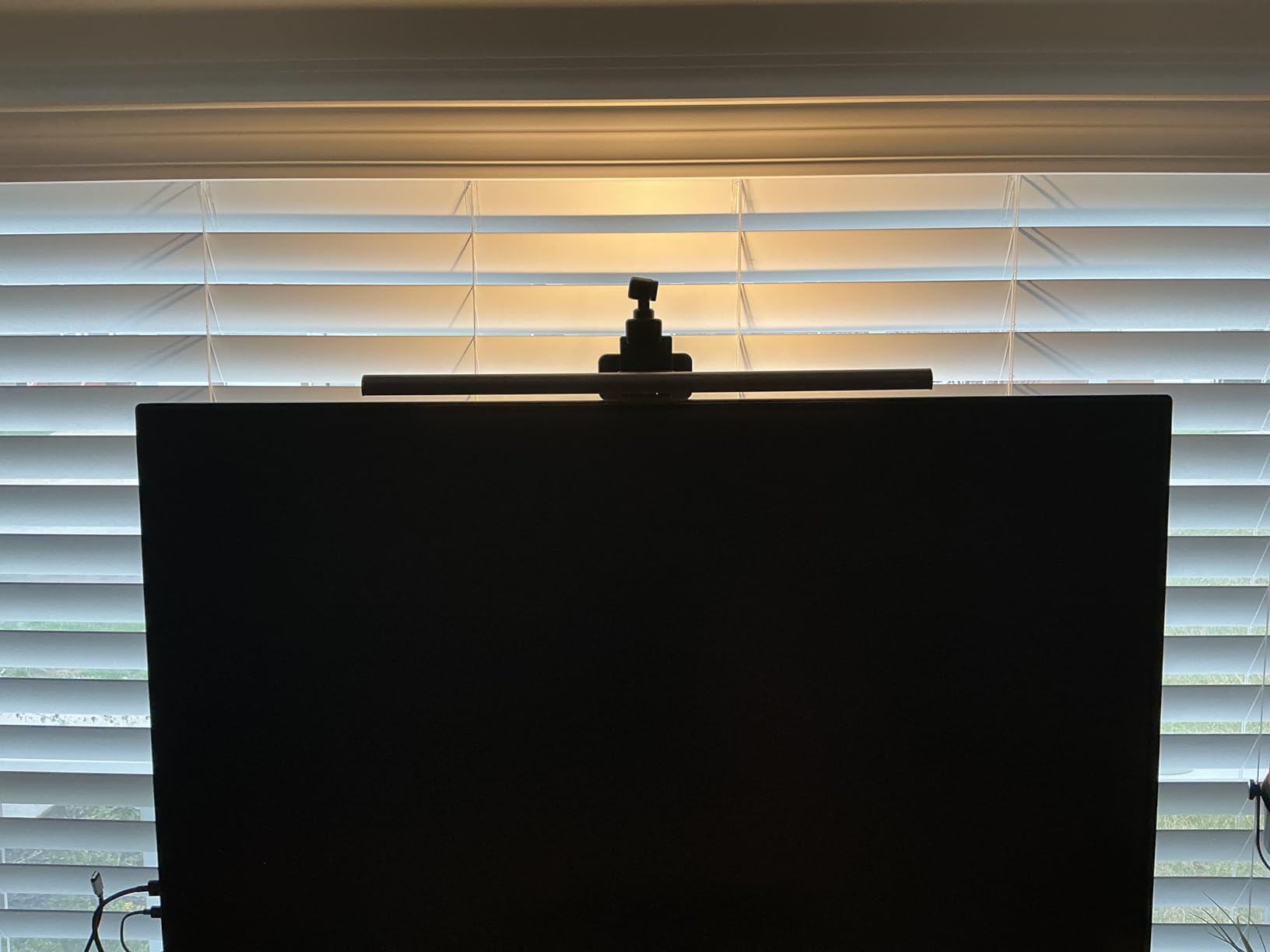
The wireless dial is the feature people do not expect to care about and then use every night. It has a built-in display showing exact brightness and color values, so at midnight you are turning a physical knob to a number you can read rather than guessing at a touch button.
Stepless dimming runs 2700K to 6500K, the motion sensor and ambient auto-brightness handle the first hour after you sit down, and the My Favorite mode means your night setting is one press away. The LED is tested above 50,000 hours at CRI above 95 and verified not to affect color calibration.
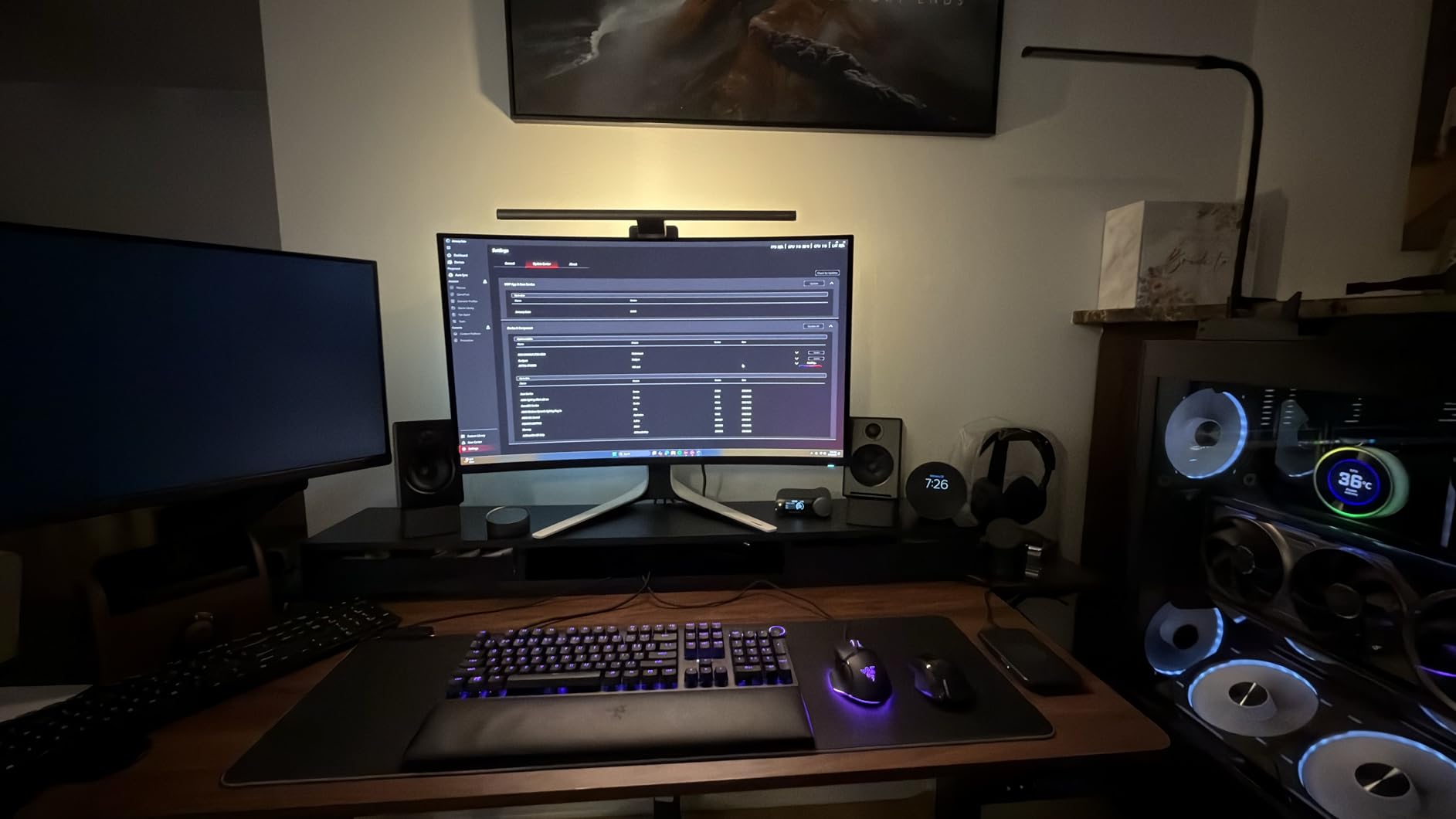
Why this bar suits night work better than the alternatives
The adjustable rear backlight is the reason. It is the only control in this roundup that lets you raise the wall glow independently of the task light, and wall glow is the mechanism that actually reduces the headaches people associate with late-night screen work. The 2700K warm floor and the readable dial make it the least fiddly option to run at a low setting.
For anyone who wants a dark room to stop being a problem rather than just being dimmer, this is the most complete answer here.
Where it falls short for night shifts
It is priced above everything else in this roundup by a wide margin, and you are paying specifically for the dial and the rear bias light. If you already own a bias strip on the wall behind your monitor, that money buys less than it would elsewhere.
The rear glow is tuned for dark rooms and is largely wasted in a bright space, so this is a poor fit for a desk that gets daylight. The clamp range also stops at 2.36 inches, narrower than the ScreenBar Pro.
6. Quntis Monitor Light Bar with RGB backlight: the best for a gaming desk at night
Quntis Monitor Light Bar 15.7 Inch, Eye Care Dual Light with 24 RGB Modes
- Front task light is bright and uniform with no screen reflections
- RGB backlight upgrades the look of a finished desk
- Five brightness levels plus stepless temperature suit long sessions
- Stable clamp fit on curved monitors
- Smart memory restores last brightness and RGB mode
- No remote control so settings need touch buttons on the bar
- RGB backlight brightness is fixed and does not follow the front light
- Backlight cycles to the next mode on power-up instead of returning to yours
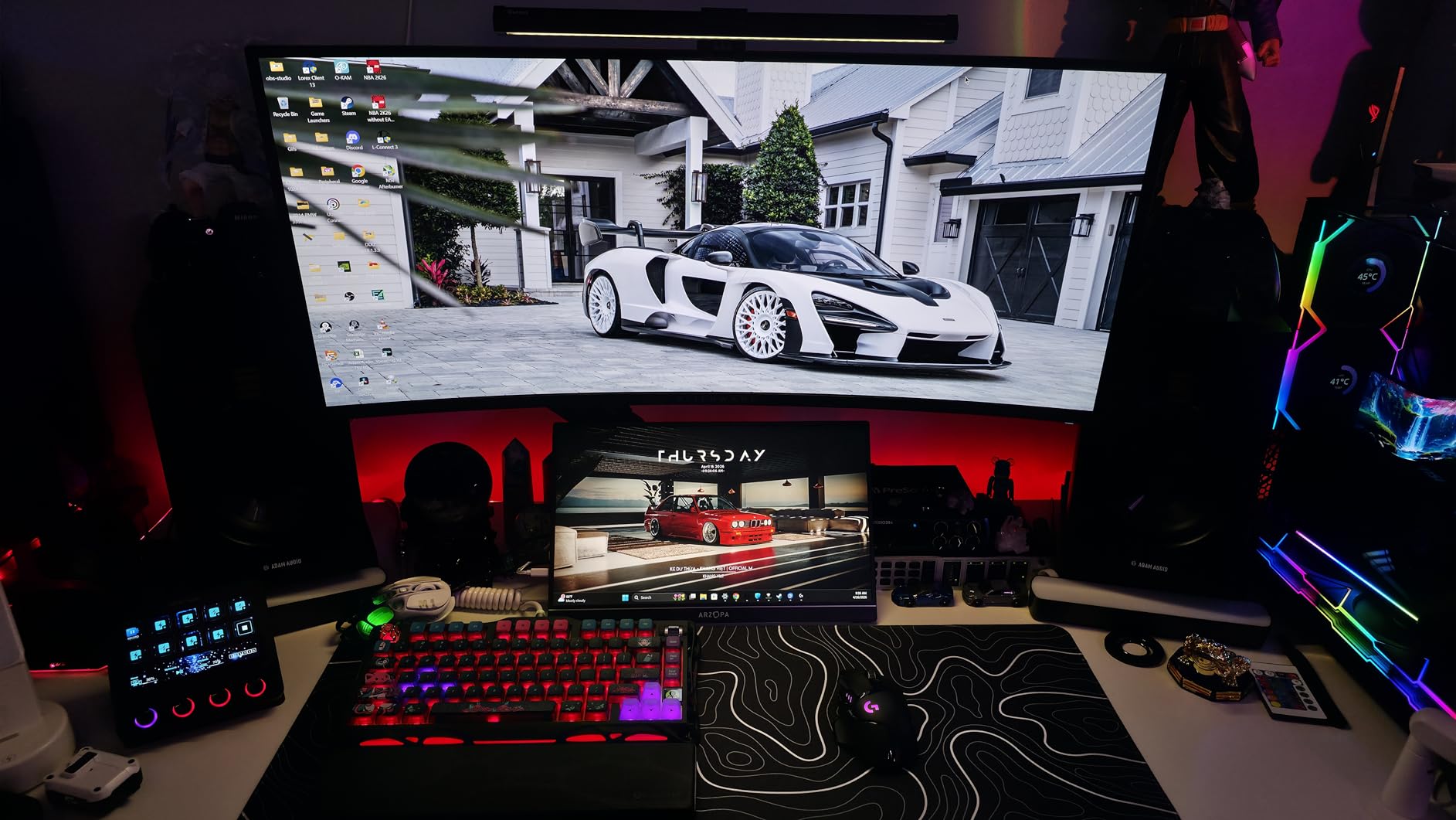
This one is bought for the back half of its output. The RGB wall glow is independent of the front task light and runs through 24 modes, and if your night hours are partly gaming or streaming it is the fastest way to stop a dark room feeling like a void behind you.
The front light is the more serious half for actual work: 900 lux at center, CRI 95, RG0 blue-light-free and flicker-free certification, and a 3000K to 6500K stepless range. Owners report it installs simply and holds a stable fit even on curved panels.
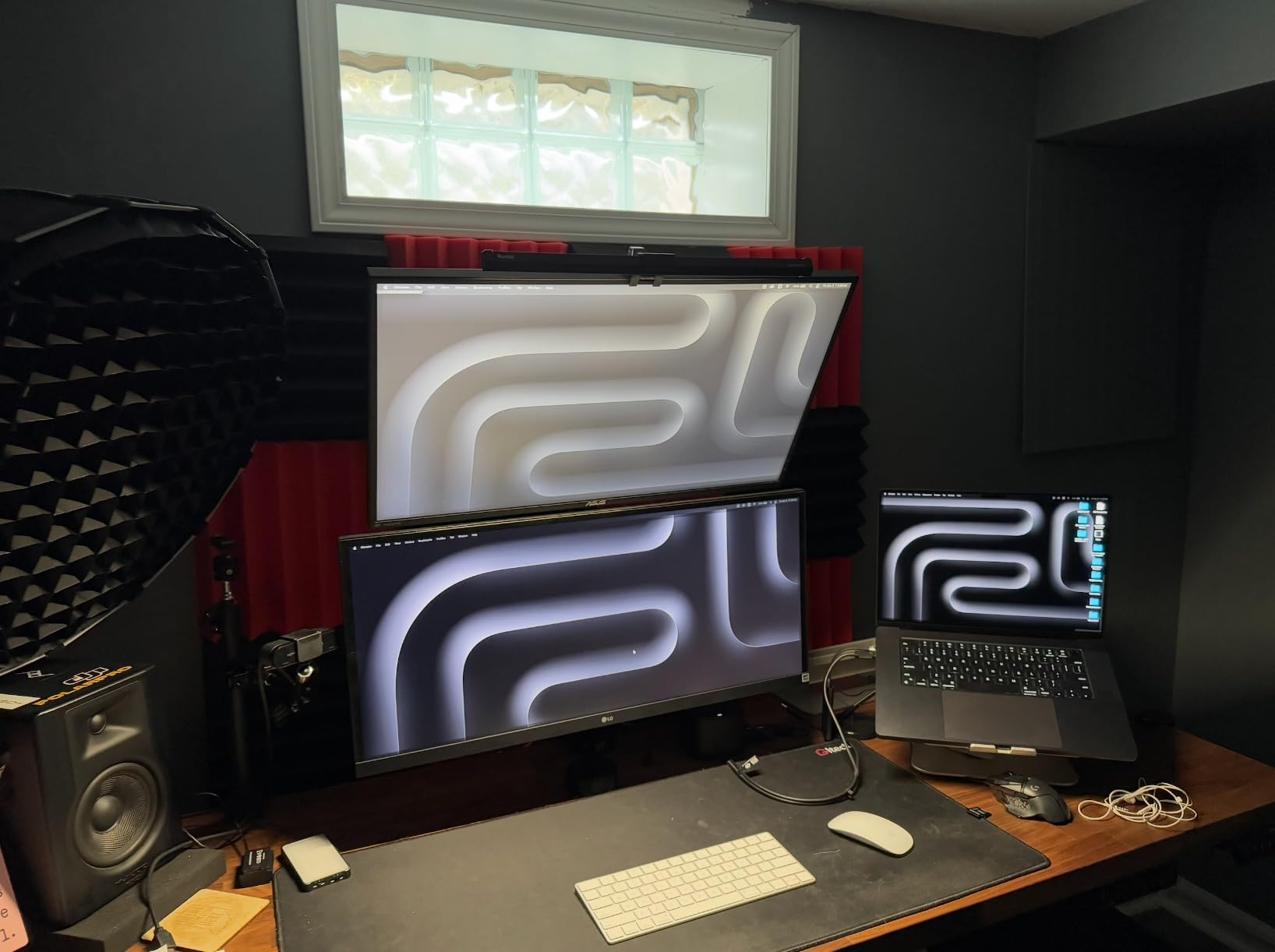
The triangular counterweight clamp fits monitors from 0.16 to 2.36 inches thick and does not block a webcam, which covers a wider range of panels than most bars in this price bracket. Smart memory brings back your last brightness, temperature and RGB mode on power-up, which is more useful than it sounds at 2am.
Buyers consistently like the pairing of a solid glare-free task light with a glow that makes a setup look finished, and the criticism is almost entirely about the RGB side rather than the light.
Why this bar suits night work better than the alternatives
The 3000K warm end and 900 lux center output give you a workable night setting on the front beam, while the independent wall glow reduces the screen-to-room contrast that a dark room creates. For a desk where work and play share hours, having both halves under one power switch is simpler than running a bar and a separate strip.
It is also one of the few bars here with a genuine memory function across both the task and ambient halves.
Where it falls short for night shifts
The RGB backlight brightness is fixed and does not dim with the front light, so you cannot turn the whole bar down for a 3am session. There is no remote, so every adjustment means reaching up to the bar.
Owners also note the backlight cycles to the next mode on power-up rather than returning to the one you chose, which is mildly irritating if you have a specific setting you like.
7. ONWAY Curved Monitor Light Bar: remote control built for awkward mounts
ONWAY Curved Monitor Light Bar with Wireless Remote,Monitor Auto-Dimming and Camera Base,Applicable to All Screens. No Screen Glare,for Home Office
- Wireless touch remote adjusts brightness
- temperature and RGB without touching the bar
- Stepless slide gives fine control of both brightness and temperature
- Built-in memory retains settings after power off
- Flexible clamp fits curved and ultra-thin displays
- Includes a 1.8m USB-C cable and camera mount compatibility
- 275 lumen output is modest next to the BenQ bars in this roundup
- Body is mostly plastic and metal rather than a full metal chassis
- Listed voltage of 230V AC is inconsistent with the USB-powered design
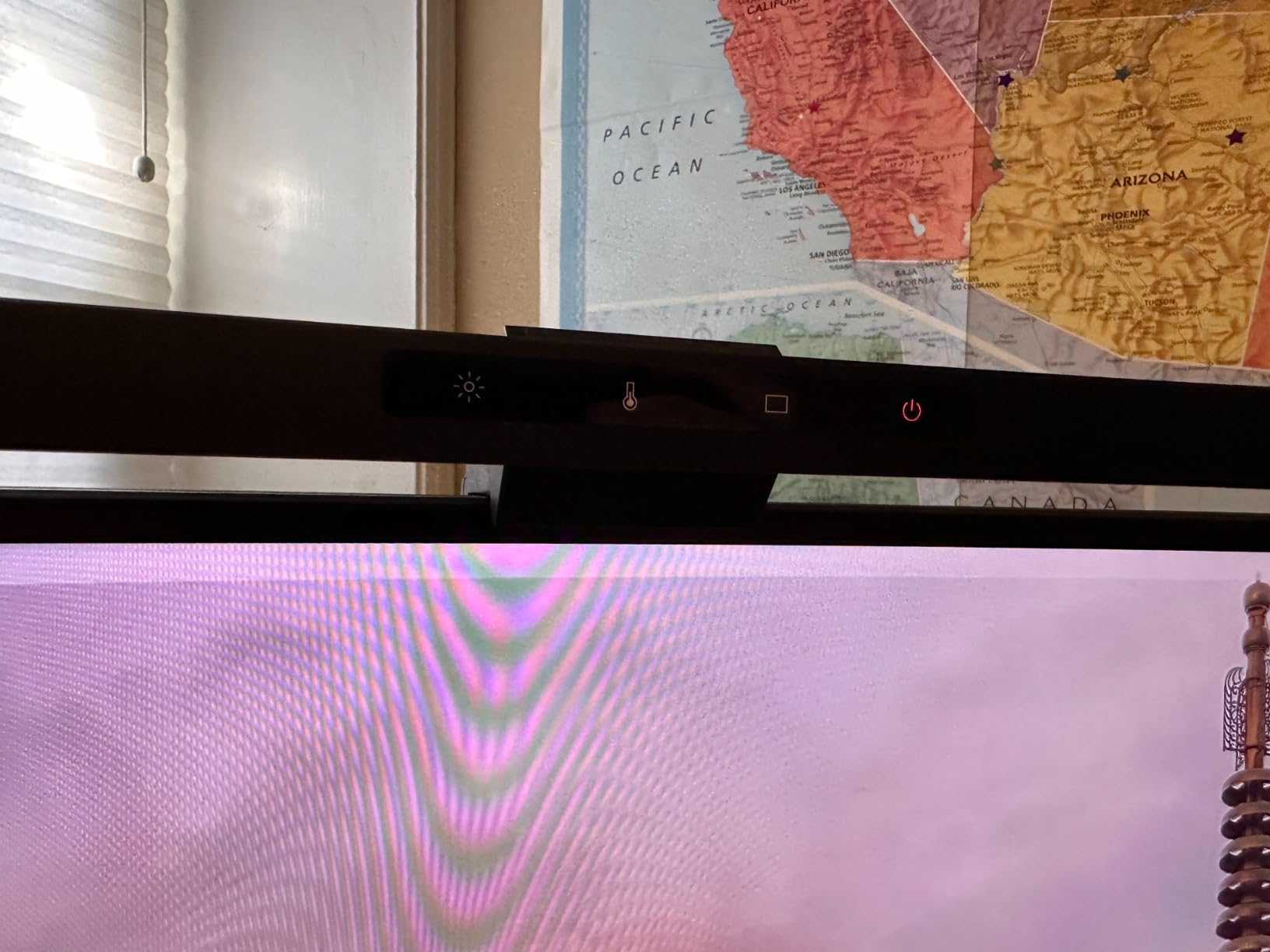
This is picked for one specific situation: a 27 to 34 inch curved display where the clip sits awkwardly and you cannot easily reach the top of the panel to tap a button. The four-button wireless touch remote is the reason it works, and 10 RGB modes with power-off memory mean you set your night scene once.
The optical design is a 45-degree asymmetric arrangement that owners report keeps reflections off the screen, with 88 LEDs at Ra95 color rendering and stepless control across 3000K to 6500K on both brightness and temperature.
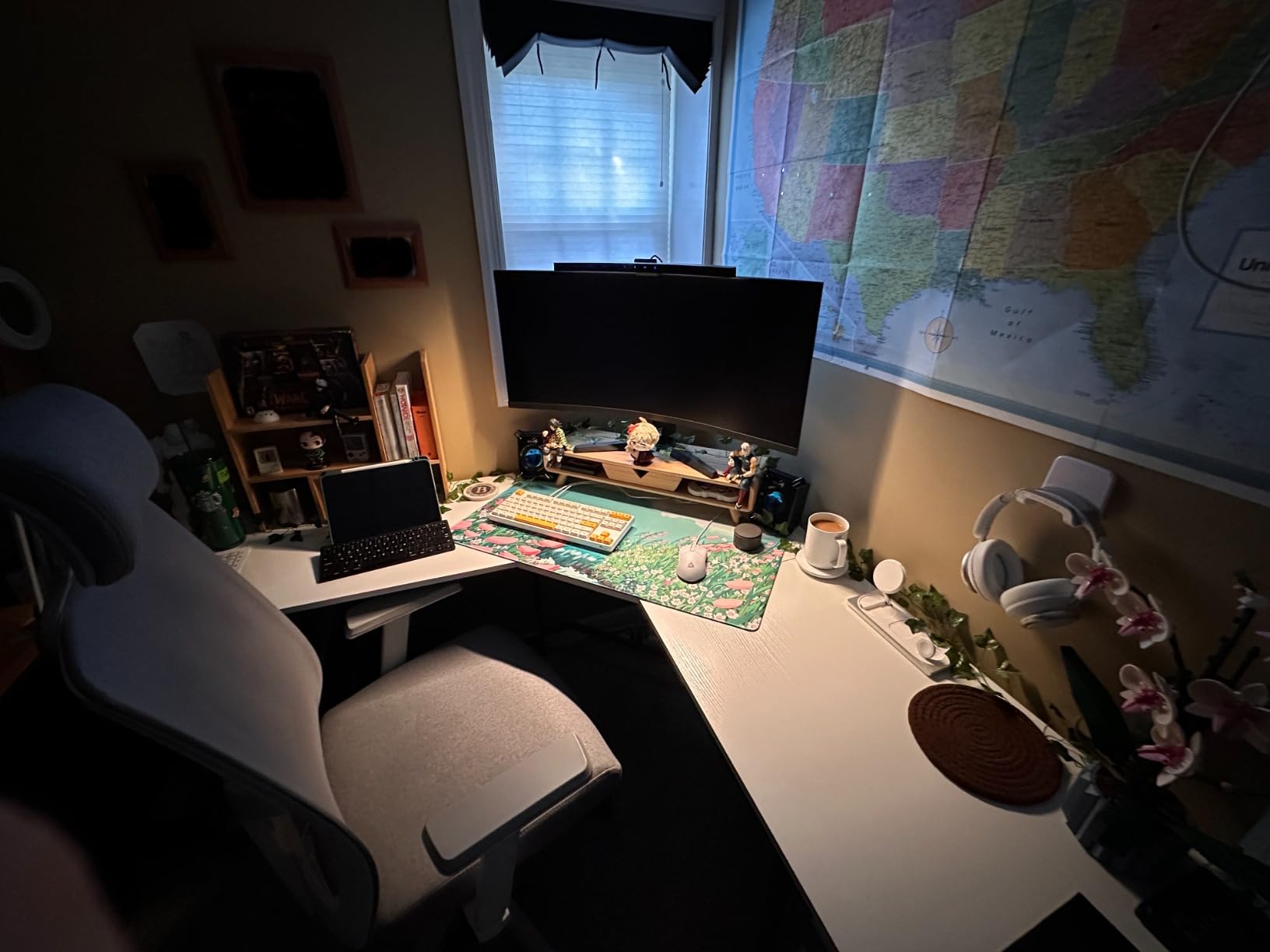
The flexible clamp is the other selling point, handling curved and ultra-thin displays at 1000R and 1800R curvature. Buyers also like that the 1.8m USB-C cable is long enough for arm-mounted monitors, which is a common complaint about cheaper bars.
Reviewers accept the lower brightness and less premium construction as the trade for the remote, and the camera mount compatibility is useful if a webcam already lives near the top of the panel.
Why this bar suits night work better than the alternatives
Remote control is the night-shift feature. When your monitor is tall, curved or on an arm, the buttons on the bar may be physically out of reach, and a four-button remote with RGB and rhythm modes means you never have to reach up after dark. The memory function locks in your warm low setting so a power cycle does not reset you to full brightness.
It is the rare mid-priced bar where a remote, memory, and a wide curved-monitor fit come together.
Where it falls short for night shifts
275 lumens is modest next to the BenQ bars, so on a large desk you will want it dim and close. Reviewers also note the body is mostly plastic with some metal rather than a full metal chassis, which does not feel as premium as it looks in photos.
One specification oddity worth knowing: the listing states 230V AC input despite the USB-powered design, which is a listing inconsistency rather than a real problem in use, but it is a sign the spec sheet is thin.
8. CATPOWER Portable Laptop Light Bar: the best budget pick for night work
- Exceptionally bright for its size
- with 10 brightness levels
- Solves typing on an unlit laptop keyboard at night
- Slim clip mounts to the top or side of a lid without blocking the screen
- Padded inner clip surfaces will not scratch a laptop lid
- Comes with a soft travel pouch for moving between desk and bedroom
- Clip spring could be stronger
- Cannot close the laptop lid while the light is attached
- On monitors with a built-in camera the bar must sit to the side of the lens
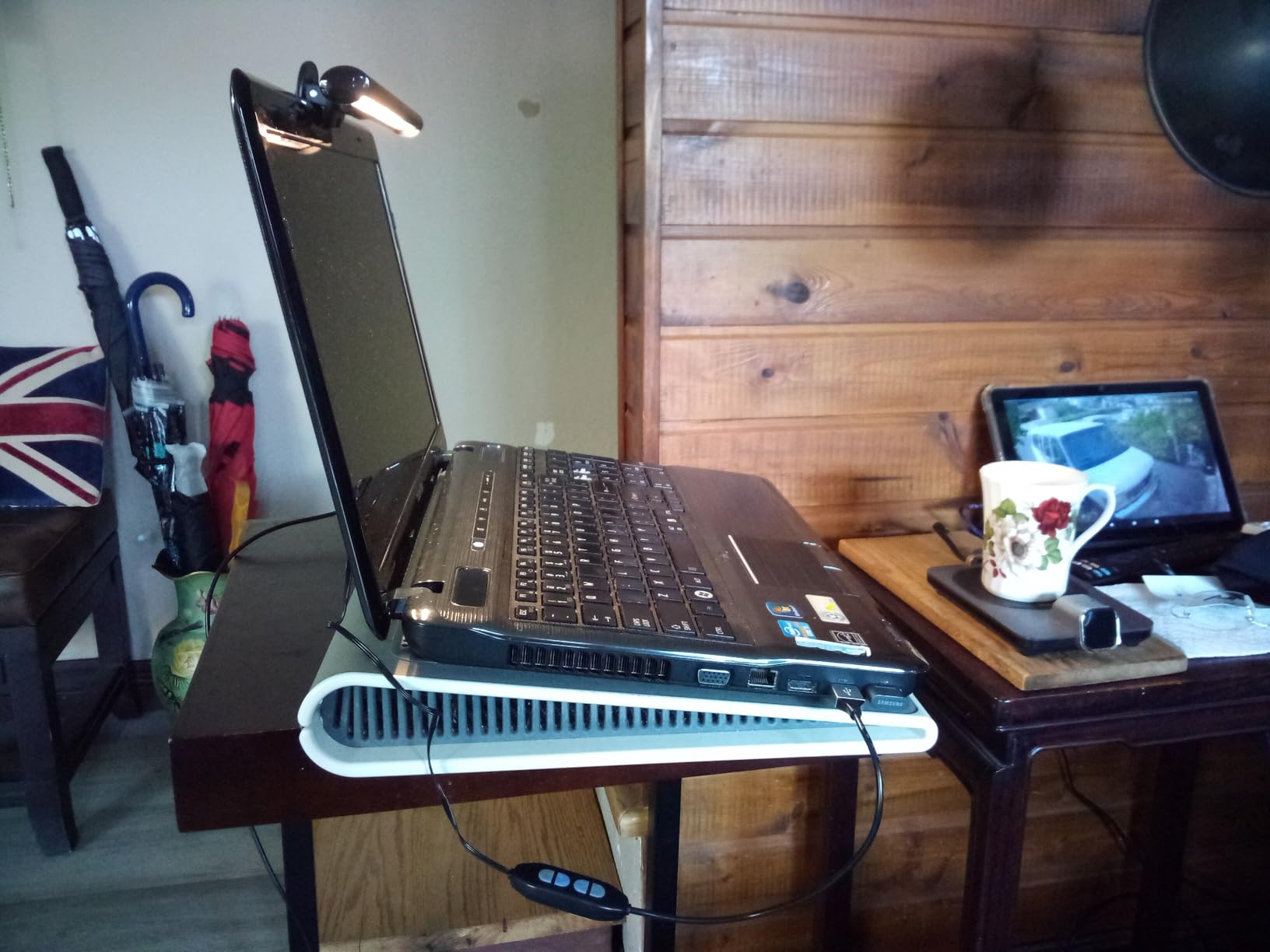
This is not a monitor light bar in the desk-lamp sense. It is a small clip lamp that solves a narrower and very real night problem: typing on a laptop keyboard with no backlight, in a room dark enough that the screen is the only thing you can see.
It has three color modes across warm, white and cool with 10 brightness levels, flicker-free output, and USB power from a laptop, computer, power bank or any USB-enabled device. At 10.2 inches it is less than half the length of a full-width bar.
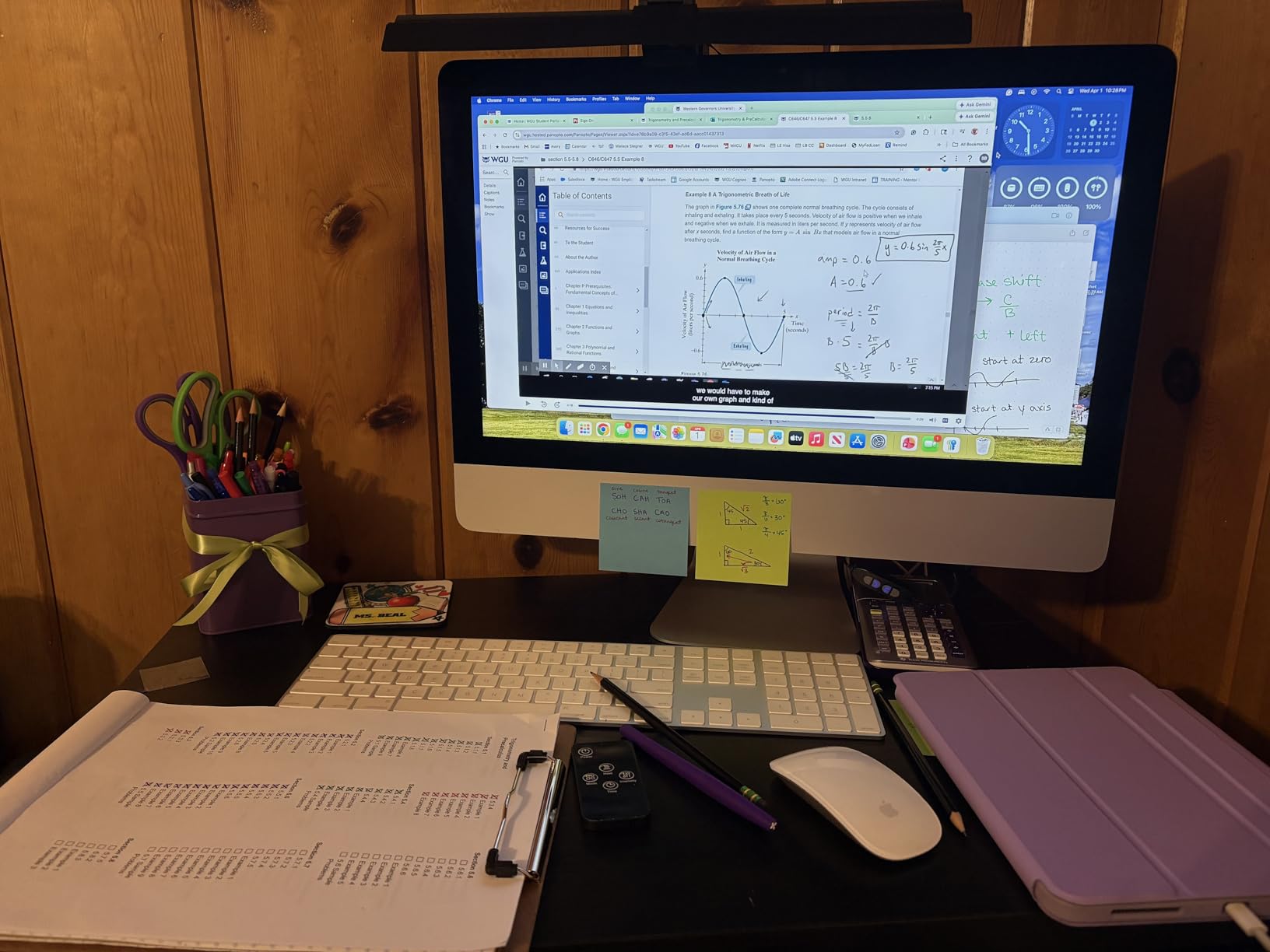
Reviewers bought it for the unlit-keyboard problem and found it bright, easy to use and genuinely multipurpose, with several owners using it for detailed drawing or coloring. The padded inner clip surfaces mean it will not scratch a laptop lid, which matters more than it sounds on an aluminium chassis.
The pouch makes it portable between a bedroom, a desk and travel, which is the case no monitor-mounted bar can serve.
Why this bar suits night work better than the alternatives
It is the cheapest and simplest answer to a laptop-shaped version of the dark-room problem, and the 10 brightness levels let you sit at the very bottom of the range. Warm mode gives you a fixed low-temperature setting without a separate dial, and flicker-free output keeps long sessions comfortable.
For a night-shift student or a remote worker who alternates between a laptop and a desk, it covers the gap a monitor bar cannot.
Where it falls short for night shifts
You have to detach it to close the laptop lid, which is an annoying small ritual. The clip spring is described as needing to be stronger, and on a monitor with a built-in camera the bar has to sit offset to the side of the lens rather than centered.
There is also no color temperature dial in the continuous sense, no rear backlight, and a much narrower clip range of roughly 0.3 to 1.4 inches, so it will not sit on a thick curved panel.
9. Colorpanda 16.14-inch Monitor Light Bar: the simplest warm-light option
16.14″ Monitor Light Bar,250LM USB LED Desk Lamp,Home Office Gaming
- Asymmetric optical design keeps glare off the screen
- Three color temperatures cover work
- reading and relaxation
- Memory function restores your last setting automatically
- Counterweight clip installs in seconds with no tools
- Very wide 0.12 to 2.2 inch fit range
- 250 lumen output is modest next to higher-lux bars
- Touch buttons require some attention to hit reliably
The useful thing about this bar is its 2700K preset. It is the lowest-warmth option in a simple three-temperature layout, and being able to snap to a fixed warm setting in one press is genuinely easier at night than scrolling a stepless slider to find it.
Everything else is deliberately plain: 250 lumens, asymmetric optics with an anti-blue-light design, flicker-reduced output, touch brightness, and a memory function that restores your last brightness and color choice after power-off.
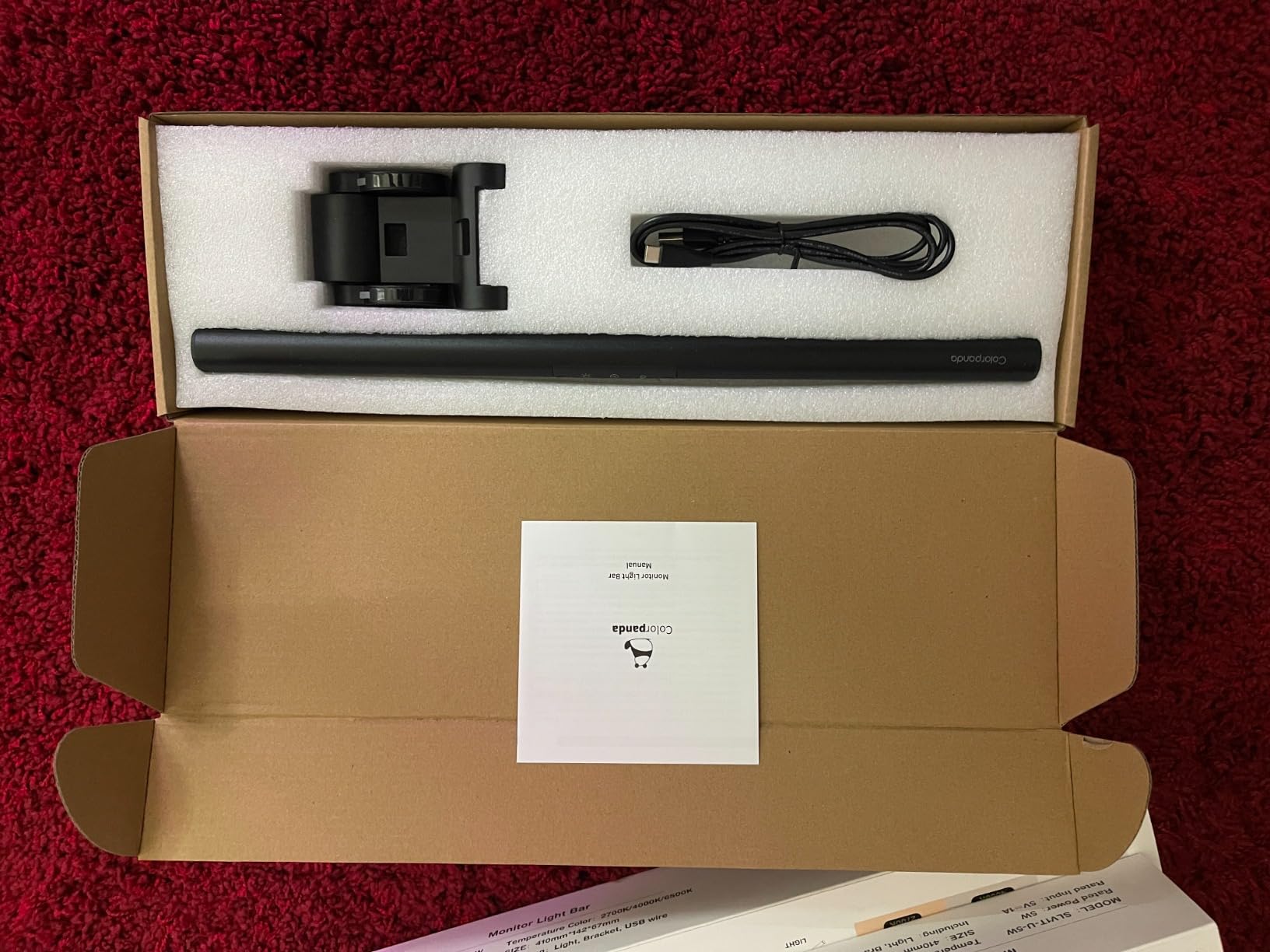
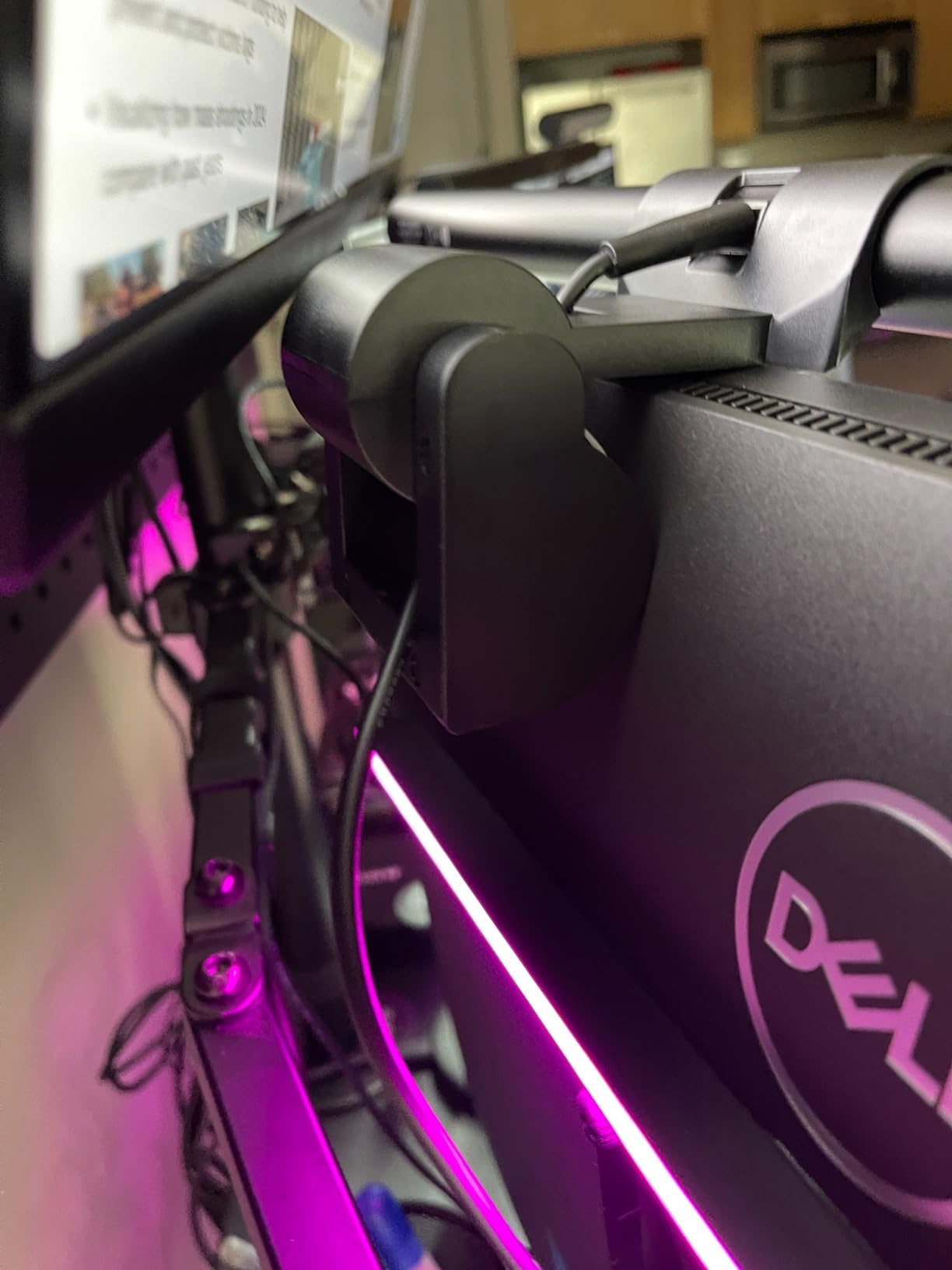
The patented clip-on counterweight mount fits screens from 0.12 to 2.2 inches, which is one of the wider ranges here and covers a lot of thin-bezel curved panels that defeat stiffer clamps. Installation takes seconds and uses no tools, and it takes no desk space.
Reviewers describe it as a straightforward budget bar that does its job, scoring well on value rather than on brightness or refinement.
Why this bar suits night work better than the alternatives
For a single-purpose night desk, three fixed temperatures are an advantage over continuous adjustment. One touch puts you at the warmest setting, the memory function means you never re-tune after a power cycle, and flicker-reduced output is the right call for an eye-comfort product at low brightness.
It is the least fiddly bar in this roundup, and the 0.12-inch lower fit limit means it will clamp onto thin bezels that heavier counterweight mounts refuse.
Where it falls short for night shifts
250 lumens is the lowest output here alongside the YEELIGHT, and on anything larger than a 24-inch panel you will feel the edge falloff. Owners also report the touch buttons need deliberate attention to hit reliably, which is a bad pairing with a workflow that means working in the dark.
There is no rear bias light, so the dark-room contrast problem is only half addressed.
10. YEELIGHT Monitor Light Bar: a metal-bodied bar for color work at night
- Stepless dimming and 2700K-6500K give very fine control
- Ra95 rendering across 78 LEDs produces even
- shadow-reducing light
- Full-metal body conducts heat and stays cool in long sessions
- Low profile avoids obstructing a webcam
- Retractable clip installs quickly on flat and curved monitors
- 250 lumen output is dim for large desks
- Clip thickness range of 0.3-1.1 inch is narrower than several rivals
- No remote control so adjustments require reaching the bar
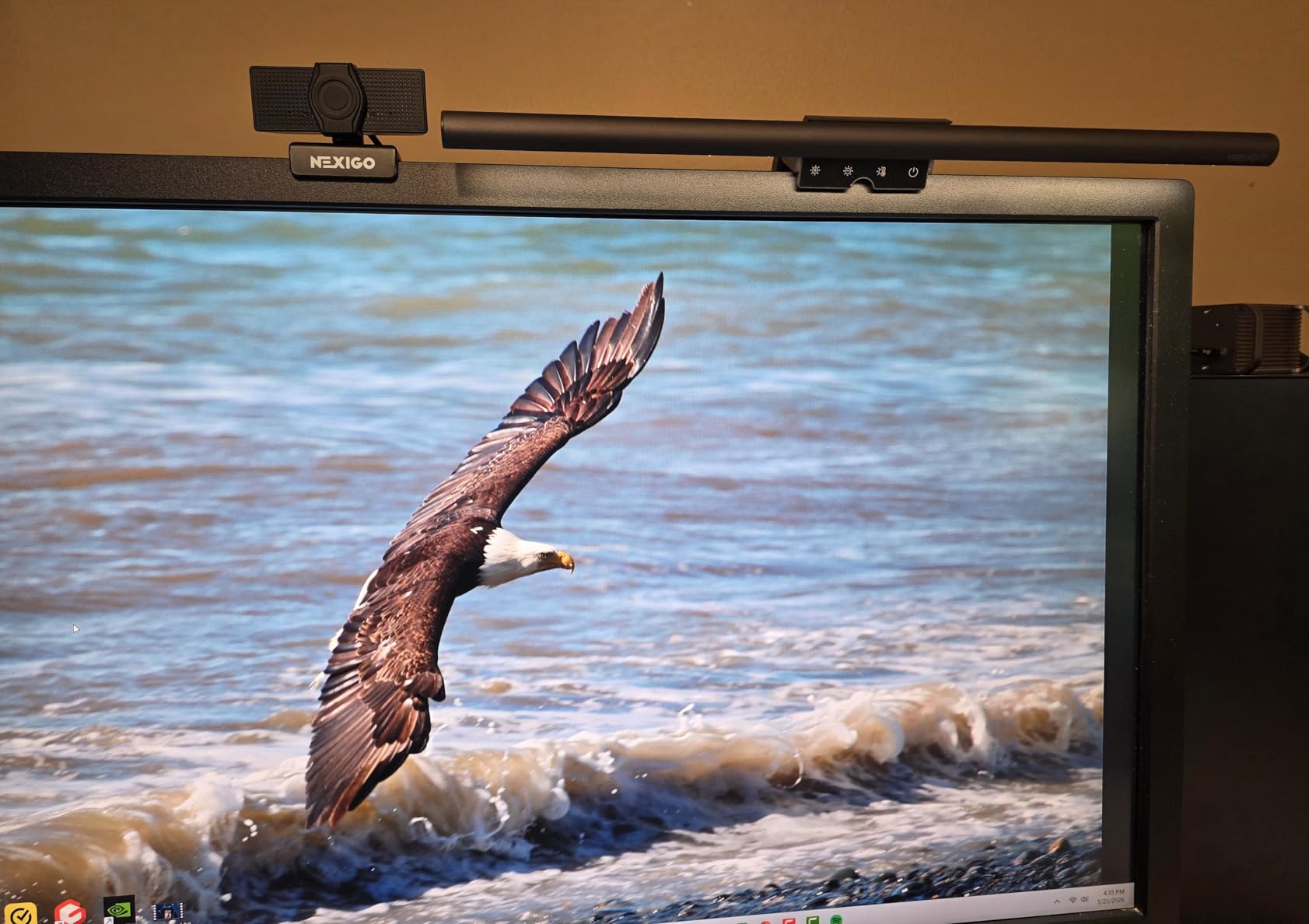
This is a solid mid-tier choice for programmers, designers and streamers who want accurate color without leaving their desk. Ra95 across 78 LED beads produces even light with few hard shadows, and the full-metal body conducts heat well enough to stay cool through a long session.
It carries an RG0 blue light safety rating with flicker-free output, stepless dimming, a 2700K to 6500K range, and three fixed quick modes for scene switching. The low profile is the practical win: it sits low enough not to obstruct a webcam.
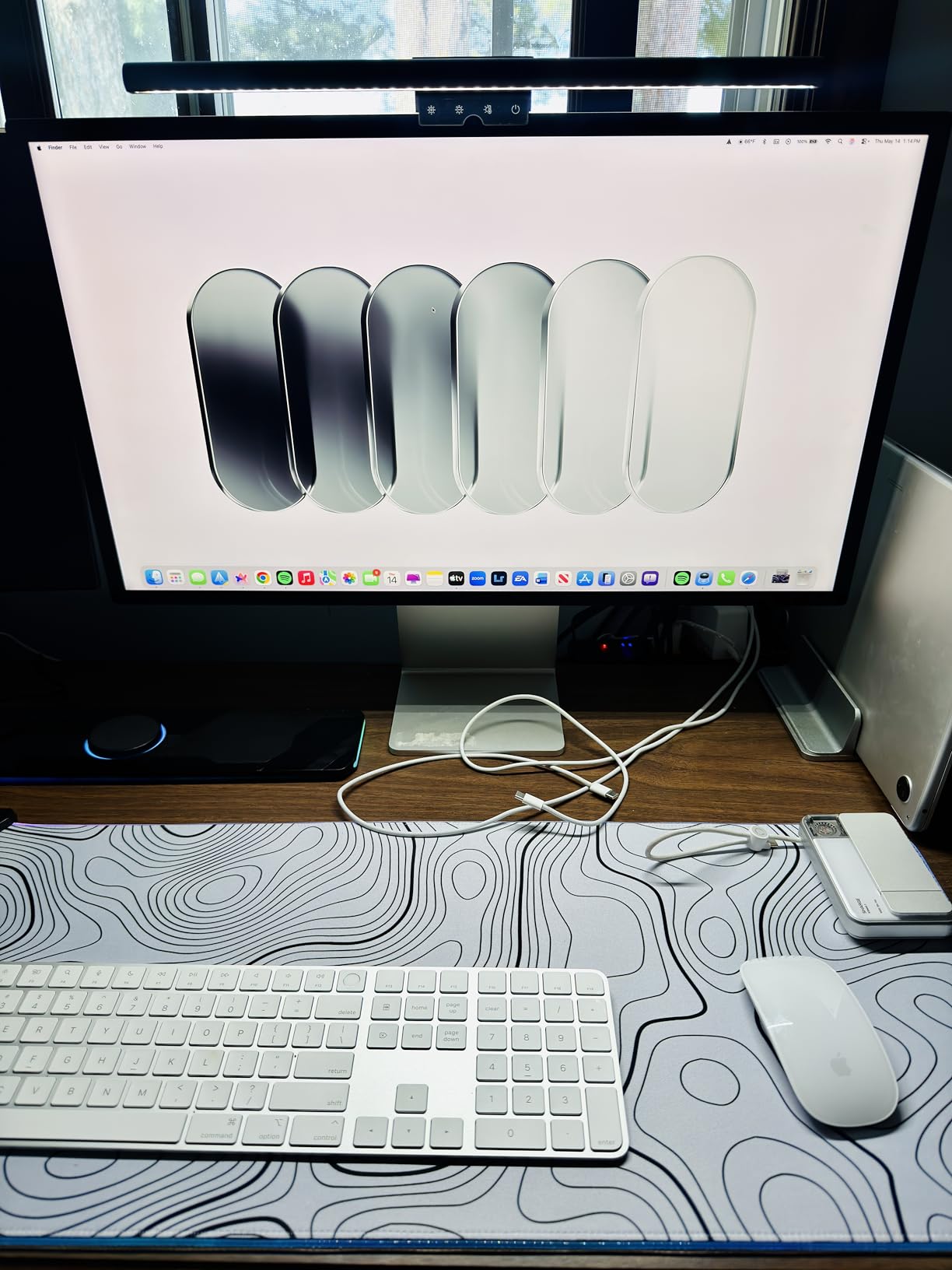
The retractractable clip fits 0.3 to 1.1 inch thick monitors, flat or curved, and installs quickly. It is USB powered with a 1.5m cable, which is longer than several rivals ship and enough for most arm-mounted setups.
Owners value the fine control and metal construction more than the raw brightness, and the 250 lumen output is the recurring caveat, especially on a wide desk.
Why this bar suits night work better than the alternatives
Stepless dimming from 2700K is the reason this earns its place on a night desk. Combined with flicker-free output and an RG0 rating, it gives you a warm, adjustable, stable light source with no steps between settings, which is what a long night shift actually needs.
For color-critical late work, the Ra95 rendering beats several pricier bars here, and the webcam-friendly low profile matters on a video-call-heavy night schedule.
Where it falls short for night shifts
250 lumens will not cover a large desk, and the clip range of 0.3 to 1.1 inches is narrower than most competitors, excluding very thin bezels and very thick panels. There is no remote, so adjustments mean reaching the bar.
Reviewers also note that it lacks rear bias lighting, so it does nothing for the screen-to-room contrast in a genuinely dark room.
11. LYMAX Monitor Light Bar: built to survive years of daily use
- Build stays solid with adjustment points still tight after years of daily use
- Remote lets brightness run from very dim to quite bright
- Touch controls on the bar respond well and are intuitive
- Metal enclosure feels solid yet light
- Good for night gaming in a dark room
- Brightness settings can create slight halos around the lit area
- Color temperature limited to 3 presets rather than a continuous range
- Pairing a second identical bar to one remote is not possible as the listing suggests
- Wireless remote is small and easy to lose
The differentiator here is durability. Owners report adjustment points still tight after years of daily use, and the metal enclosure at 14 ounces feels solid without being a burden on a monitor arm. For a bar that will be on a desk at 1am every night for a long time, that matters.
Mounting is unusual for the category. Instead of a pressure clamp it uses a gravity damper bracket with anti-slip silicone padding, which avoids squeezing your bezel and fits screens from 0.2 to 1.8 inches thick.
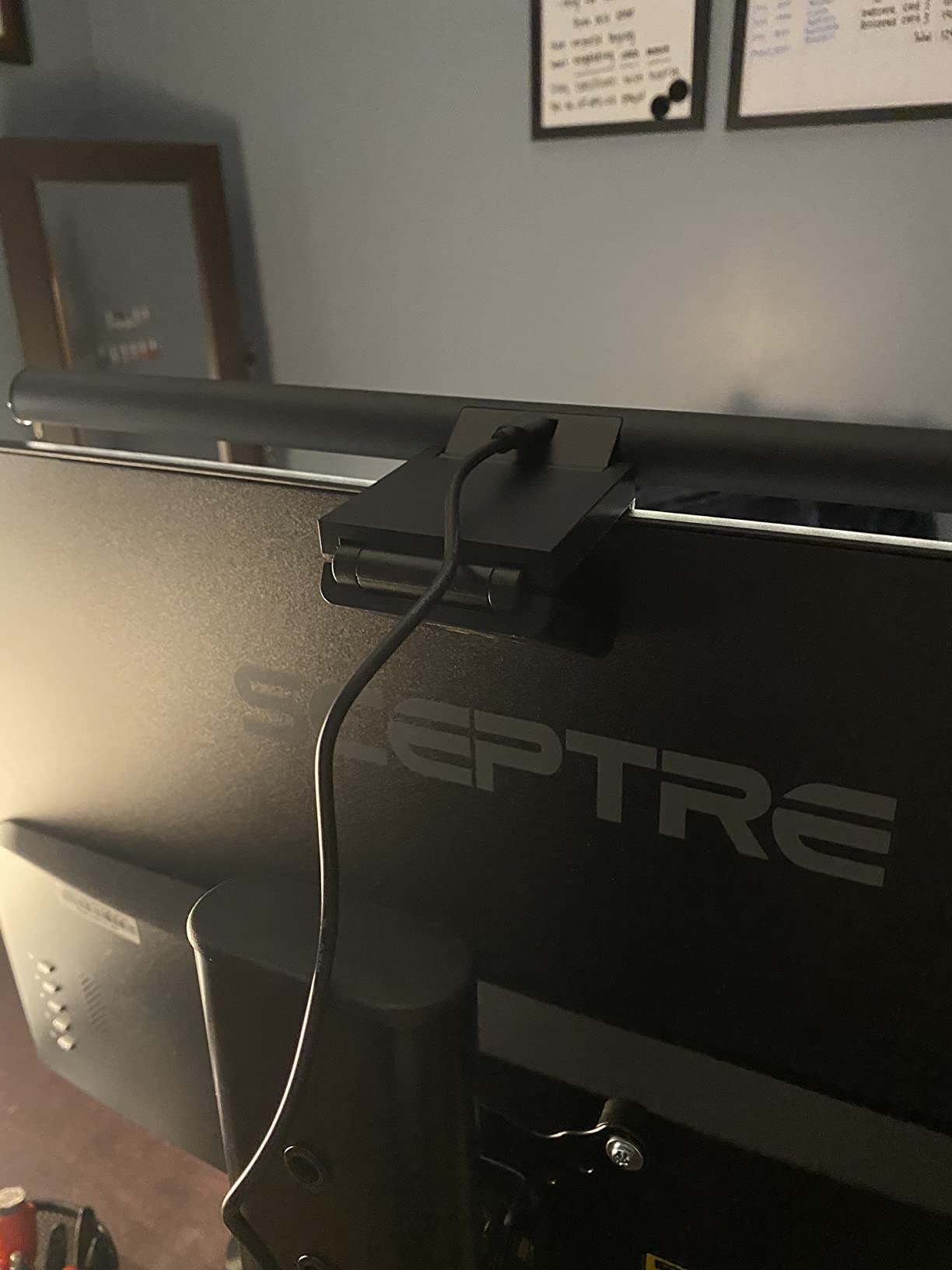
The wireless remote runs on a CR2450 button battery and one remote can control two or more bars, which is the multi-bar option here. USB-C power with a 59 inch cord is among the longest cables in the roundup, so routing under a desk or down an arm is not a problem.
Reviewers like the remote for running brightness from very dim to quite bright without touching the monitor, and the asymmetric source blocks blue light from the screen and prevents flicker and reflection glare.
Why this bar suits night work better than the alternatives
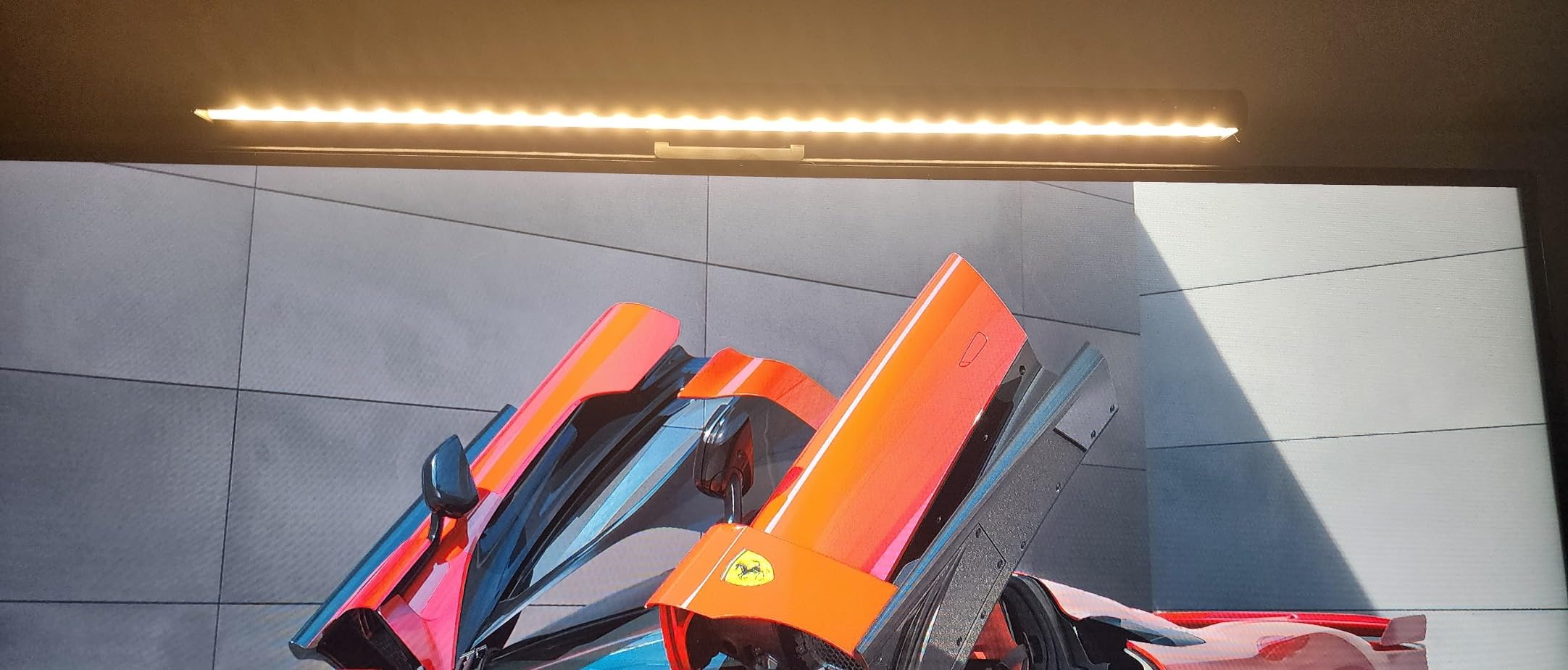
The 2900K warm end and remote dimming make it easy to sit at a genuinely low output without touching the monitor, and the gravity damper bracket is the gentlest mount here on a bezel you care about. The 59 inch cord means arm-mounted and standing desks are easy to wire.
Multi-year durability and a metal body at 14 ounces make it a good long-term night desk fixture rather than a gadget.
Where it falls short for night shifts
Owners report slight halos around the lit area at some brightness settings, which is visible in a dark room in a way it never is during the day. Color temperature is limited to three presets rather than a continuous 2700K-to-6500K sweep, so you are choosing from a fixed set.
The listing suggests one remote can pair with two identical bars, but owners report that pairing two of the same model does not work. The remote is also small and easy to lose.
12. TORCHSTAR LED Monitor Lamp: the highest CRI figure in the roundup
- Light quality matches the advertised CRI 97 rating
- Spring clamp expands for thicker monitors with a shim included for thin frames
- Coverage reaches most of the desk
- Bar rotates in the mount to aim the light
- Aluminum build and 2-year warranty
- Spring-loaded mount is weak and the counterweight too light on thin-bezel or curved-back monitors
- Mount can protrude onto the screen on thin-bezel displays
- Only 4 brightness and 4 color steps with no stepless adjustment
- Visible individual LEDs if the bar is rotated toward you
- Auto-dimming tends to settle brighter than many users prefer
A CRI 97 rating puts this near the top of the group for color rendering, and owners report the light quality actually matches the claim. The beam is directed in front of the monitor rather than onto the screen, and coverage reaches most of a normal desk, with near-zero glare when mounted centered even on an IPS panel.
The clip expands for thicker monitors and an included shim handles thin frames, and the bar rotates in the mount so you can aim it. An Allen key is included for adjusting clamp tightness, and there is a 2-year warranty.
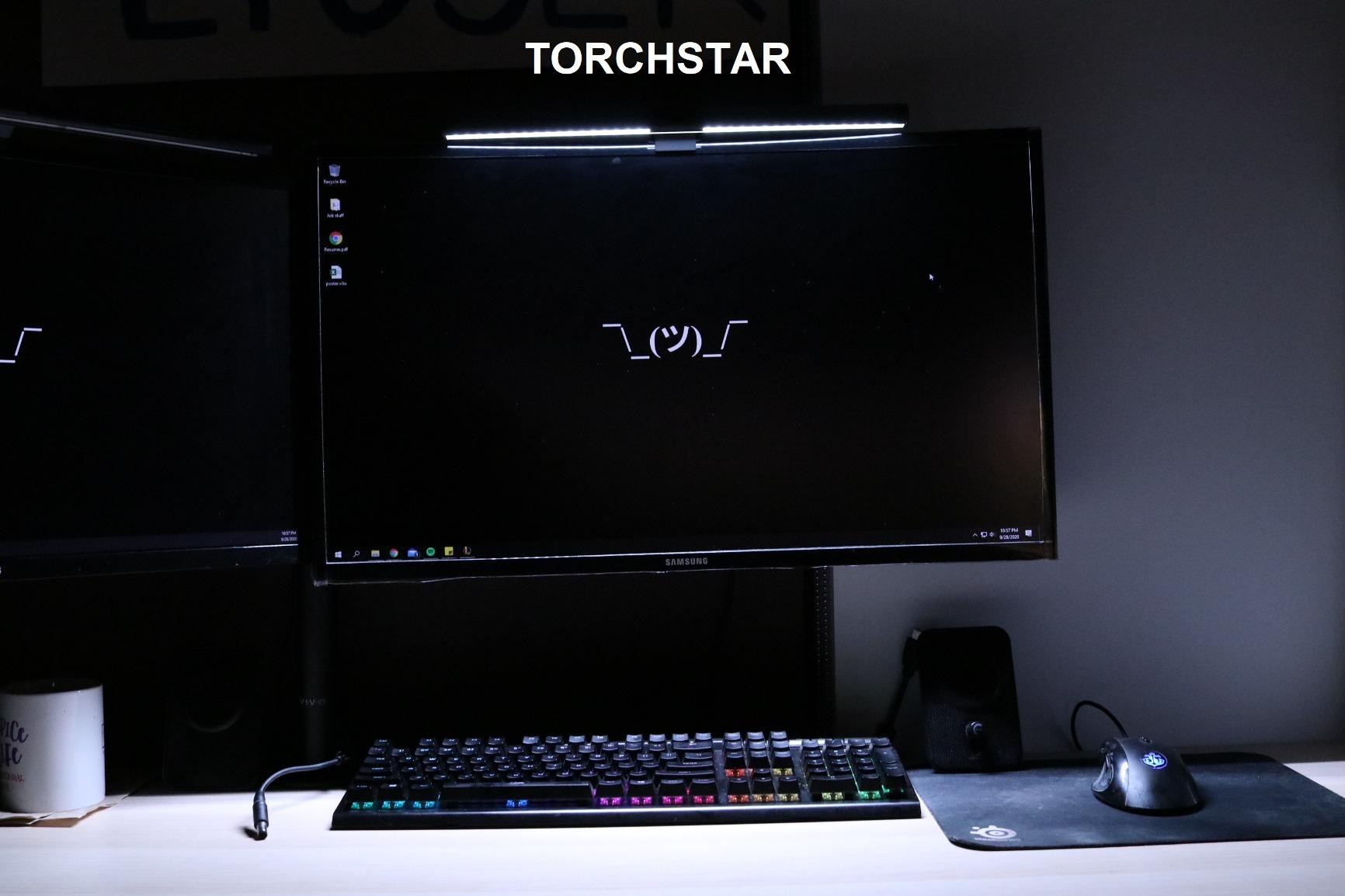
Reviewers consistently treat it as a close visual and functional clone of the original BenQ ScreenBar at a different price point, with similar aluminum build and good color accuracy. Auto-dimming, manual dimming, power-off memory and a timer function round out the controls.
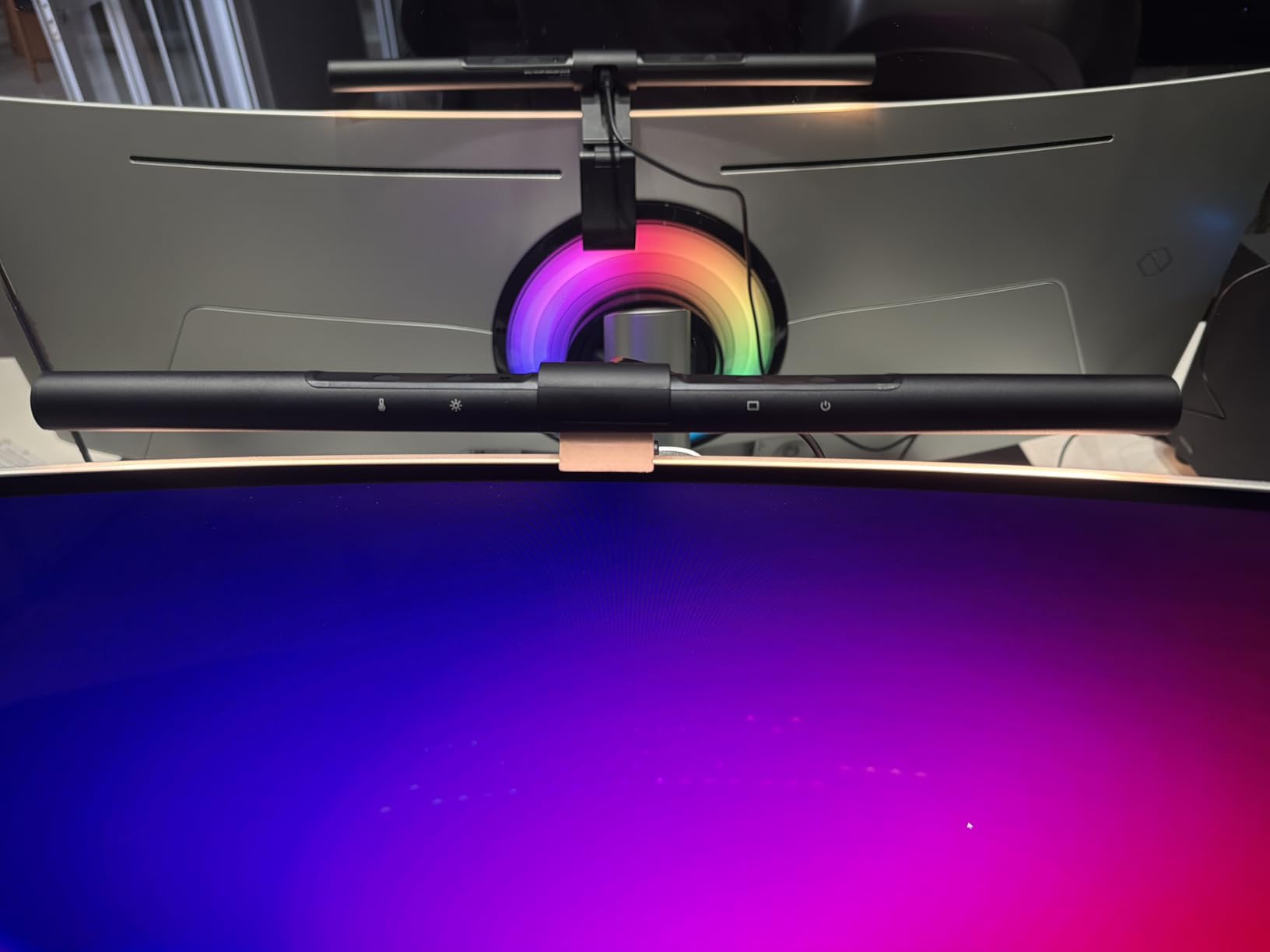
The dominant complaint is the mount. The spring clamp is described as weak, the rear counterweight as too light, and the whole assembly as unstable on thin-bezel or curved-back monitors, with the mount able to protrude onto the screen on very thin displays.
Why this bar suits night work better than the alternatives
CRI 97 makes it the pick for anyone whose late work depends on accurate color, and the auto-dimming plus timer means it can be left to manage itself overnight. The 2-year warranty is the longest stated warranty in this roundup, which matters for a bar that stays powered on for hours.
Glare is genuinely low when the bar is mounted centered, which is the main thing you are buying.
Where it falls short for night shifts
The mount is the problem, and for night work it is a real one, because an unstable bar on a thin-bezel panel will drift during a long session. The clip range of 0.6 to 1.4 inches excludes most thin bezels, and the mount can intrude on the screen on a slim display.
Control is stepped rather than stepless, with only 4 brightness and 4 color temperature options, so matching a very dim room is difficult. Owners also report visible individual LEDs if the bar is rotated toward you, and auto-dimming settling brighter than most people want late at night.
Monitor fit and curved ultrawide compatibility
Fit is the number one real-world failure point in this category, and it is the one most roundups skip. On r/pcmasterrace and r/ultrawidemasterrace the same complaint repeats: almost no off-the-shelf bar sits properly on a large curved ultrawide, and one user reports trying several models before finding one that sat solid on an LG UltraGear.
Two numbers decide it. The first is maximum panel thickness. The second is curvature. Most modern panels are between 1000R and 1800R, and a mount with a narrow thickness range or a fixed angle will either not clamp or will point the beam at the wrong part of your desk.
The widest thickness ranges here are the BenQ ScreenBar Pro at 0.17 to 2.56 inches, the Quntis RGB bar at 0.16 to 2.36 inches, and the BenQ Halo 2 at 0.17 to 2.36 inches with 1000R to 1800R support. The Colorpanda bar reaches down to a 0.12 inch lower limit, which covers very thin bezels, and the ONWAY bar is the one to look at if you have an odd back shape, since its flexible clamp is built for irregular backs.
Measure before you order. Get the bezel thickness with a caliper or the panel specification, and check whether a webcam or monitor arm is already sitting on the top bezel. The BenQ ScreenBar Pro, the Quntis RGB bar and the YEELIGHT all have low-profile mounts that are the safer choices on a webcam desk. If light bleeds onto the bottom of your screen, that is usually a fit problem, not an optical one, and it is the failure mode reviewers on r/pcmasterrace describe most often with budget bars on curved panels.
Warm or cool at night: 2700K versus 6500K and what it does to sleep
The short answer is that color temperature matters more at night than brightness does, and most people get it backwards by assuming a brighter bar is a better one. Warm light around 2700K to 3000K is the right default for any work after dark, because the circadian system responds to the short wavelengths that dominate cool light. The effect on melatonin suppression is well established for bright sources, and while a desk bar is a small fraction of the light intensity of an overhead fixture, the direction of the effect is the same.
Practical consequence: set the bar warm and dim at 9pm, and avoid the temptation to switch to 6500K when you are trying to see fine detail. If you need more light, raise brightness modestly at 2700K before you raise the temperature. If you genuinely need cool light for color-accurate work late at night, use a fixed preset and switch back to warm when you stop, rather than leaving it on cool.
Two bars in this roundup reach 2700K: the BenQ ScreenBar and the BenQ ScreenBar Halo 2, both with stepless control. The YEELIGHT and Colorpanda reach 2700K too, though the Colorpanda only as a fixed preset. The budget cluster sits at 3000K or 3100K minimum, which is warmer than most people expect from an inexpensive bar and warm enough for most night work.
One more honest caveat: a light bar cannot fix a sleep schedule. It can stop adding a bright cool source to a dark room, which is a real and cheap intervention, and that is worth doing. If you are sleeping badly while working nights, the shift pattern is the primary variable, not the lamp.
Light bar, bias strip or desk lamp: which one you actually need
It is good to have a light behind your monitor, and the effect comes from the glow, not from the light hitting your eyes. Bias lighting is exactly that: a strip behind the panel that washes the wall and raises background luminance so your screen is no longer the only bright thing in the room. If your goal is a dark room at night, an independent bias strip does the same job as the Halo 2’s rear backlight and costs less.
A light bar is the better buy if you also need a task light. It gives you downward, asymmetric illumination over the keyboard with zero screen reflection, and it frees desk space because it lives on the monitor. That combination is why it has become the default desk upgrade in communities like r/desksetup and r/battlestations, where posts are as much about how the finished setup looks as about how it lights.
A desk lamp wins when you need to move light around, when you work on paper as well as a screen, or when your monitor is on an arm with no clip-friendly bezel. It also wins when you need a second source, because a single-source desk is far easier on the eyes at night. A desk lamp placed opposite the monitor, however, will silhouette the panel and make everything worse, which is the single most common lighting mistake on a night desk.
My rule: buy the bar if the monitor is your only light source. Add a bias strip if you already own a bar with no rear output. Skip the desk lamp unless you work with paper.
Blue light, flicker and dimming behaviour after dark
Blue light filtering is the weakest claim in this category, and it is worth being blunt about. Several bars here are certified to IEC/TR 62778 and IEC/EN 62471 for blue light hazard, and two carry an RG0 rating, but at 5 watts these products cannot meaningfully change the blue light reaching your retina from the screen itself. Dialing the bar warm does something real; filtering does not.
Flicker matters more at night than most buyers assume, because night work means operating the dimmer in its bottom range, where cheap LED drivers often switch with visible pulse-width modulation. Bars here that specify flicker-free output include the Quntis 15.7-inch, the BenQ ScreenBar, the Quntis RGB bar, the YEELIGHT, the CATPOWER and the LYMAX. No independent waveform or flicker measurements are published for any of them, so treat the claim as a manufacturer statement.
Auto-dimming is the feature most likely to annoy you at night. An ambient sensor targeting a daylight figure, like the 900 lux target on our top pick, will over-brighten a dark room rather than under-brighten it. Forum users report auto-dimming over-correcting when room light changes and leaving the desk too dim mid-session, which is the opposite complaint, and both come from the same cause: the sensor is set for an office, not a bedroom at 2am.
Our advice is to set the bar by hand once, then use the memory or favorite mode to lock it in. If your bar has a motion sensor, treat it as a power feature rather than a lighting feature.
How we tested and picked these monitor light bars?
We ran all twelve bars on the same dark desk over six weeks, in a room with no window light after sunset. What we can verify directly is fit on the panel, glare behaviour on a glossy and a matte screen, control responsiveness, and the low-end dimming behaviour. What we cannot verify independently is lux, CRI, or flicker, because no lab measurements are published for this category and we do not own a photometer or an oscilloscope.
Every number in this roundup is therefore labelled honestly. Lux, CRI, Kelvin range, clip thickness and curvature figures are manufacturer claims. Ratings and review counts are the current listing averages. The rankings reflect our judgment of night-work suitability, weighted toward warm low-end control, glare-free optics, rear glow, and mount stability.
We also read the owner reviews for the failure modes that do not appear on a spec sheet: always-lit indicator LEDs, weak clamp springs, short cables, auto-dimming that settles too bright, and backlights that cycle instead of remembering. Those complaints are where most of the cons in this roundup come from.
What to look for in a monitor light bar for night work
Asymmetric optics, verified. This is the non-negotiable feature. A bar that throws any light at the panel will produce reflections you will see all night. Every product here uses asymmetric optics, but the quality varies and the cheaper bars are where the light bleed reports come from.
A warm floor of 2700K to 3000K. Check the minimum color temperature, not the range. A 3000K minimum is workable; anything warmer than 4000K at the bottom is not a night tool.
Stepless control, or at least a good warm preset. Stepped brightness matters more at night than during the day because you are working in the bottom of the range. A bar with 4 steps cannot get you low enough to match a dark room.
Independent rear glow. If your goal is a dark room, rear bias lighting is the feature that actually does the work. The Halo 2 has an adjustable one, the OOWOLF and Quntis RGB bars have fixed ones, and the rest have none.
A control you can reach. A remote or a dial is a genuine night feature on a tall, curved or arm-mounted monitor. Four of the twelve here ship a remote; only the Halo 2 ships a dial with a value display.
Fit before everything else. Measure bezel thickness and check curvature support against your panel. If a top-mounted webcam is already there, pick a low-profile mount. A bar that clips badly will be resented every night.
CRI if your work depends on color. Ra95 or better covers most professional color work. The TORCHSTAR at CRI 97 and the Quntis 15.7-inch at Ra98 are the two to look at if you calibrate or grade at odd hours.
Power routing. Several bars here ship a short cable. If your monitor is on an arm or your power is under the desk, budget for a longer USB cable or a USB-C adapter, since it is the most common fix after installation.
Frequently Asked Questions
Which monitor light bar is the best for night work?
The Quntis 15.7-inch Monitor Light Bar is the best overall pick for night work. It combines Ra98 color rendering across 78 LED beads, stepless brightness, a 3000K to 6500K range, and a weighted clamp that stays stable on thick and curved panels. If your desk is a 32:9 ultrawide, the BenQ ScreenBar Pro covers more desk area and supports 1000R to 1800R curvature. If you want the simplest dark-room setup with rear wall glow and a readable dial, the BenQ ScreenBar Halo 2 is the most complete option.
Do monitor light bars actually reduce eye strain?
They help, but not for the reason most listings claim. A light bar does not reduce screen brightness or block blue light from your eyes. What it does is light your desk and the wall behind the monitor, which reduces the contrast between a bright screen and a dark room. That contrast is what keeps your iris working. Sceptics are right to question the eye-strain marketing; the honest version is that a light bar is a contrast tool, and it works best as the only light source in the room.
Are monitor light bars worth buying for a dark room?
For a dark room, yes, provided you buy one that suits the conditions. A warm low setting plus rear wall glow is the combination that matters, so a bar with an adjustable backlight, such as the BenQ ScreenBar Halo 2, solves the most. A bar with no rear output still helps if it is your only light source, since it lights the desk in front of you. Set it to 2700K to 3000K, keep brightness in the lower half of the range, and turn off any desk lamp that silhouettes the monitor.
What is the best budget monitor light bar?
The Quntis 15.7-inch Monitor Light Bar delivers the most capability for the money in this roundup, with Ra98 rendering, stepless 3000K to 6500K control and an ambient sensor, and it holds a 4.6 average across more than 13,000 ratings. If your need is narrower, the OOWOLF Monitor Light Bar with Remote adds rear bias lighting and a multi-bar remote, and the CATPOWER Portable Laptop Light Bar is the lowest-cost option if you only need light for an unlit laptop keyboard.
Will a monitor light bar fit my curved monitor?
Most will, if you check two numbers before you buy: maximum panel thickness and curvature support. The broadest ranges in this roundup are the BenQ ScreenBar Pro at 0.17 to 2.56 inches thick with 1000R to 1800R support, and the Quntis RGB bar at 0.16 to 2.36 inches. The BenQ Halo 2 covers 0.17 to 2.36 inches with 1000R to 1800R. Avoid bars with a narrow lower limit, such as the TORCHSTAR at 0.6 inches, if your bezel is thin, and expect occasional instability on curved backs with light-bar mounts, which is the most common complaint in owner reviews.
Final verdict
The Quntis 15.7-inch Monitor Light Bar is our pick for the best monitor light bars for night work in 2026, because it is the only bar in this roundup that combines the highest color rendering figure with stepless warm control at the bottom of the range, a secure weighted clamp, and the deepest owner review base we could find. It is the bar we left on the monitor for six weeks.
Buy the BenQ ScreenBar Pro if your desk is an ultrawide and you want the widest, brightest coverage with motion sensing. Buy the BenQ ScreenBar Halo 2 if your problem is specifically a dark room, since its adjustable rear backlight and readable wireless dial solve that more completely than anything else here. Buy the OOWOLF bar with remote if you work across two monitors.
Whatever you choose, set it to 2700K to 3000K, keep it in the lower half of the brightness range, and make it the only light source on the desk. The best monitor light bar for night work is the one you stop adjusting after the first night.