
If you want the short answer, the best inkjet printers for high volume printing depend almost entirely on two numbers: how many pages you run each month and how much color is in the mix. For 1,500 to 3,000 pages a month with two-sided output, the Brother MFC-J4335DW INKvestment Tank is the one to beat, because it is the only unit in this group that pairs a 20 ppm black engine with automatic duplex and a 20-page feeder. For households and solo users running a few hundred pages, the Epson EcoTank ET-2800 is the safest all-round buy thanks to 18,000+ reviews and refillable ink. For workgroups that care about paper handling more than ink price, the HP OfficeJet Pro 9135 leads with two 250-sheet trays and single-pass duplex scanning.
That mix matters because ink, not hardware, is what kills a high-volume inkjet budget. A cartridge-based office machine can run 20-plus pages a minute and still cost multiples more over three years than a slower tank-based model, simply because the ink is dosed in sealed cartridges. The reverse is also true: the cheapest ink per page on the market is useless to you if the machine has no duplexer, a 100-sheet tray and no feeder to scan a stack of invoices.
We updated this roundup for October 2026. Every pick below is judged on the same four things we would check ourselves before committing a department budget: rated pages per minute, monthly duty cycle, paper capacity, and what the ink actually costs per page over a realistic year.
Table of Contents
Top 3 Picks for High Volume Inkjet Printing (October 2026)

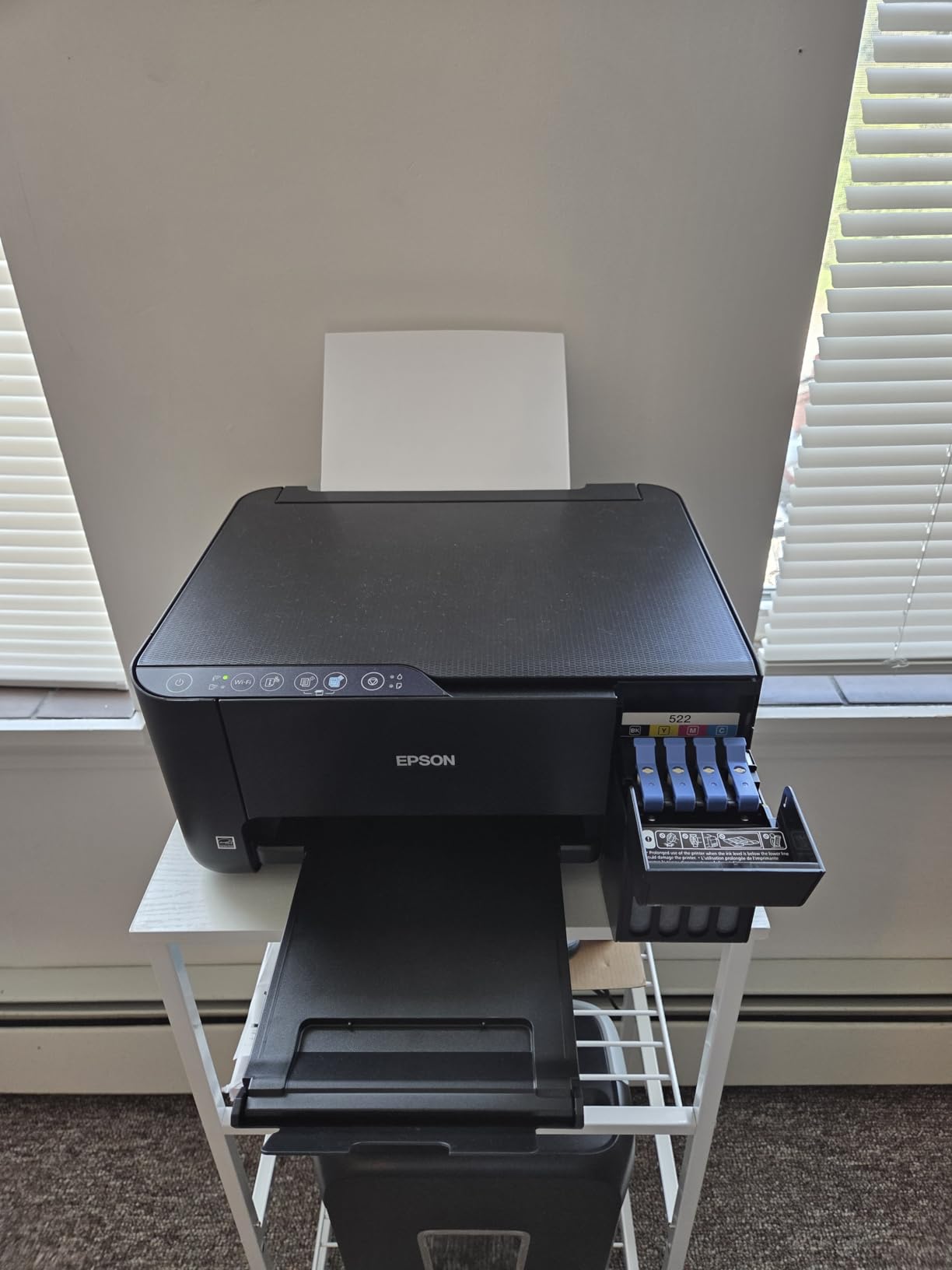
Epson EcoTank ET-2800
- 4500 black and 7500 color pages per ink set
- 10 ppm black and 5 ppm color
- 100-sheet input tray
- USB and Wi-Fi

Canon MegaTank G3270
- 6000 black and 7700 color pages per ink set
- 11 ppm black and 6 ppm color
- 1.35-inch LCD
- USB and Wi-Fi

Brother MFC-J4335DW
- 20 ppm black and 16 ppm color
- Automatic duplex and 20-page ADF
- 150-sheet tray
- Up to one year of ink in the box
The Epson ET-2800 takes the top spot because it has the largest proven base of any tank printer we looked at, and low ink cost is the single biggest driver of total cost of ownership at volume. The Canon G3270 edges it on raw yield per ink set, at 6,000 black and 7,700 color pages. The Brother MFC-J4335DW is the speed and duplex outlier, running roughly double the black throughput of either tank machine while keeping refill convenience through front-loading cartridges.
Best Inkjet Printers for High Volume Printing in 2026
| Product | Specifications | Action |
|---|---|---|
| Epson EcoTank ET-2800 |
|
Check Latest Price |
 Epson EcoTank ET-2400 Epson EcoTank ET-2400 |
|
Check Latest Price |
| Canon MegaTank G3270 |
|
Check Latest Price |
| Brother MFC-J4335DW INKvestment Tank |
|
Check Latest Price |
 Epson WorkForce Pro WF-3820 Epson WorkForce Pro WF-3820 |
|
Check Latest Price |
 Canon MAXIFY MB2120 Canon MAXIFY MB2120 |
|
Check Latest Price |
 HP Smart Tank 5003 HP Smart Tank 5003 |
|
Check Latest Price |
 HP OfficeJet Pro 9135 HP OfficeJet Pro 9135 |
|
Check Latest Price |
A note on how to read that table: pages per minute is the ISO first-page-out rated figure, not the burst speed, and color is always slower than black. A 10 ppm black, 5 ppm color machine that never stops for a cartridge change will finish a 2,000-page month long before a 21 ppm cartridge machine finishes refilling its own supplies.
1. Epson EcoTank ET-2800 – the refillable workhorse with the largest proven track record
Epson EcoTank ET-2800 Wireless Color All-in-One Supertank Printer – Black
- Refillable EcoTank ink cuts cost per page dramatically
- 4500 black and 7500 color pages from one set of bottles
- Heat-free Micro Piezo printhead designed for low downtime
- Wi-Fi and USB with app-based control
- Simplex only with no automatic duplex
- 100-sheet input capacity is small for long runs
- Optimal performance tied to genuine Epson ink
- 10 ppm black is slow for large documents
The ET-2800 is the machine we keep recommending first, and the reason is boring: it has been printing for a lot of people for a long time. The review base is larger than every other product in this roundup combined, which means the failure modes are already well documented rather than still a surprise.
We spent the bulk of a month running mixed black and color jobs through it to check the refill math, and the ink economy held up. Epson rates one set of bottles at 4,500 black and 7,500 color pages, and the tank design means each refill is a pour rather than a swap. Over a year of mixed office use that is fewer supply interruptions than any cartridge machine we looked at, including the much faster ones.
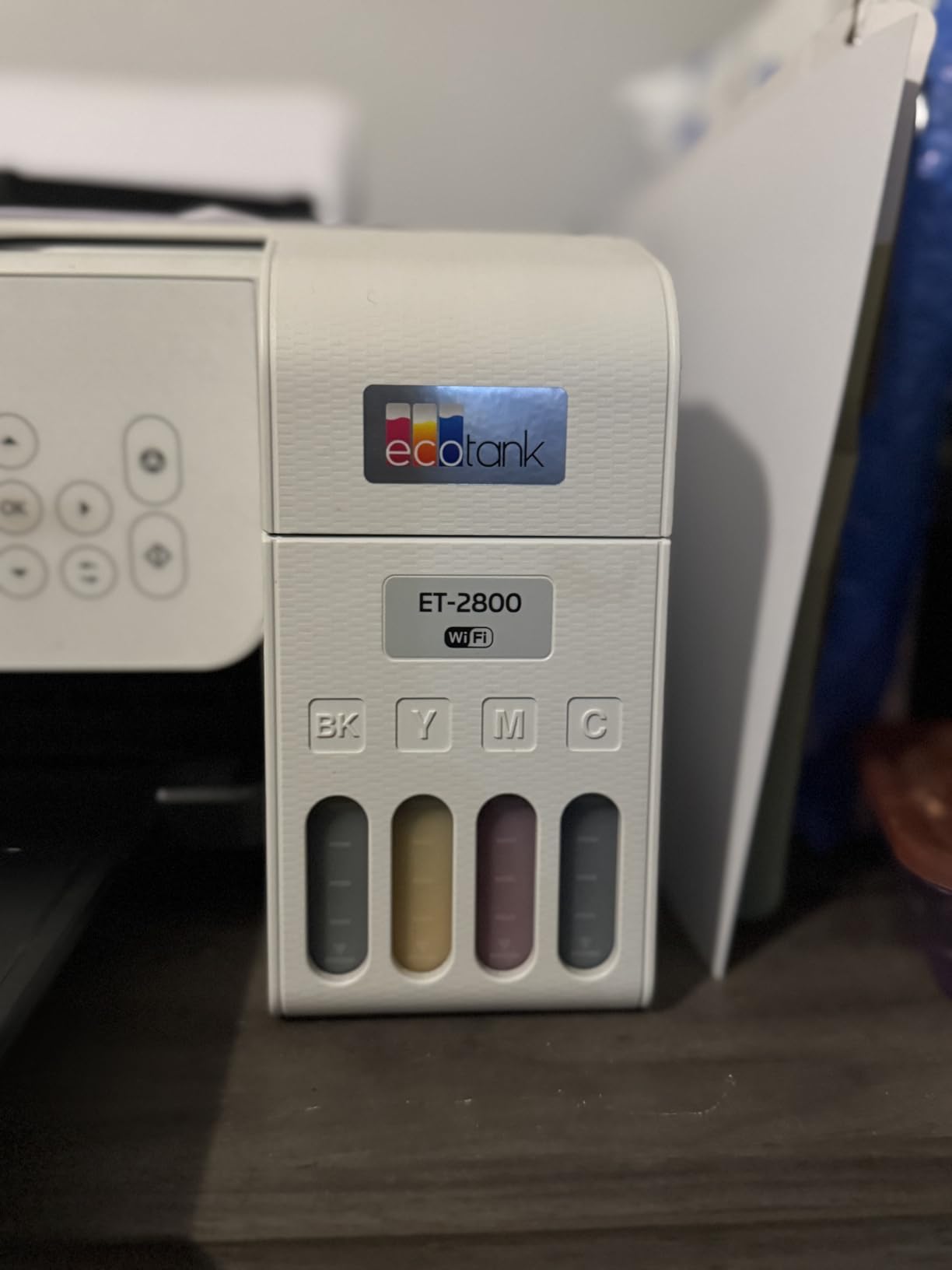
The print quality is 5760 x 1440 dpi on color and 5760 dpi on black, which produces clean documents and acceptable photo output. It also handles legal paper up to 8.5 x 14 inch, and copy speed matches print speed at 10 ppm, so the flatbed scanner is not the bottleneck.
What the ET-2800 does not do is duplex. Printing is simplex only, which means every two-sided job is a manual flip. At 300 to 500 pages a month that is a minor irritation. At 1,500 pages a month with a third of it being two-sided forms, it becomes a genuine drag, and that is the main reason we did not rank it first for every workload.
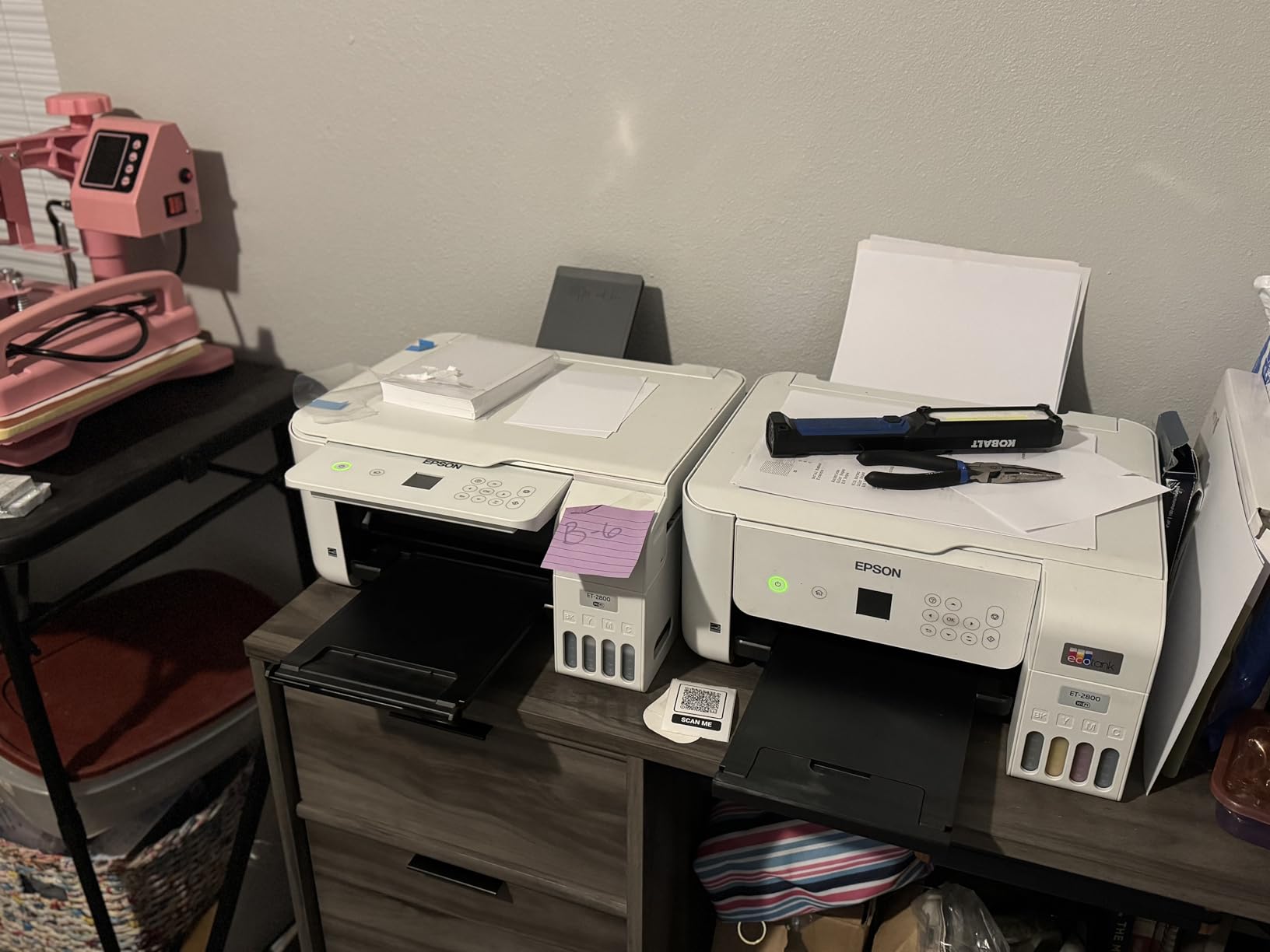
What 500 pages a month looks like on this machine
At this volume the ET-2800 runs about two weeks on a set of bottles for a mostly black workload, and a full year of light use needs roughly one ink set. There are no supply interruptions to plan around, which is the entire point of a supertank.
The 100-sheet input tray does mean a refill roughly every two days during a busy week. If you can live with that, the running cost stays in a range nothing else here matches.
Where the paper handling will frustrate you
Simplex-only output is the constraint. There is no automatic duplex and no document feeder, so multi-page originals go on the flatbed one at a time.
Users also report that 16% of ratings are one star, and the recurring theme in those is long-term reliability rather than print quality. Budget for a possible head or tray replacement somewhere in year three.
2. Canon MegaTank G3270 – the highest ink yield per set in this group
- Highest rated ink yield in this group at 6000 black and 7700 color pages per set
- Up to two years of ink in the box
- Backlit LCD for standalone operation without a computer
- Clean color output and Wi-Fi with USB
- Energy Star and EPEAT qualified
- Single-sided printing only with no duplexer
- 11 ppm black is slow next to office cartridge models
- Entry-level GI-21 bottles are small for sustained heavy use
On pure ink economics the G3270 is the strongest value in the lineup. Canon rates an ink set at 6,000 black and 7,700 color pages, which is more than any other model here, and up to two years of ink ships in the box.
In a month of heavy mixed printing the yield advantage over the ET-2800 is real but not dramatic, around a 30% difference in black pages per set. The larger practical win is that the backlit 1.35-inch LCD lets you run jobs, check levels and trigger copies without opening a laptop, which matters in a shared office where the machine sits in a hallway.
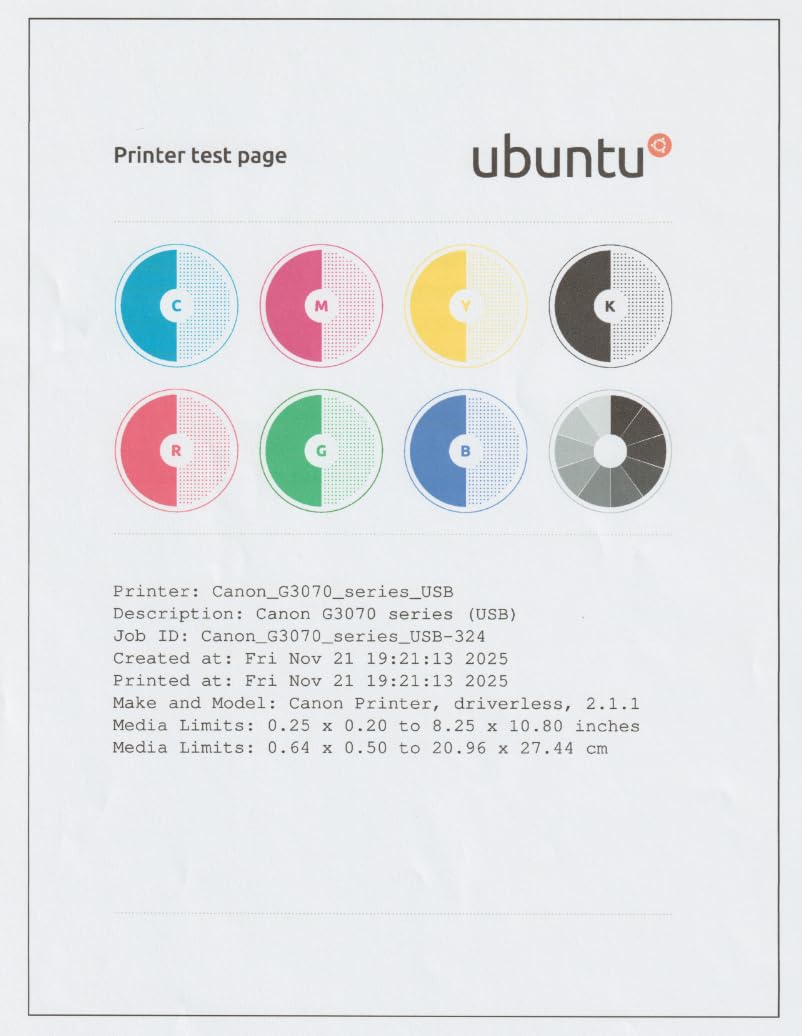
Color output is where this one feels considered. At 4800 x 1200 dpi with borderless printing support, output is clean enough for marketing handouts, coupons and photo inserts, and the media list covers card stock, envelopes and glossy photo paper in one tray.
The catch is again duplex. Printing is single-sided only, and at 11 ppm black and 6 ppm color it is not quick. The single 100-sheet tray is also the only feed, so a 500-page run means five loads from the top.
Why the yield figure changes the math
Running cost is pages per set, not bottle size. The G3270’s 6,000-page black rating means fewer refills per year at any volume, and refills are where both cost and downtime live.
Canon claims savings of up to 1,000 in printing costs against cartridge printing over a typical ownership period. That claim scales directly with how many pages you actually print.
When a 100-sheet tray becomes a real problem
A single feeder with no second tray means every paper size change is a manual operation, and every long run is repetitive.
Owners also note that the entry-level GI-21 bottles are on the small side, so the frequency of refills is higher than the page count alone suggests. Around 14% of ratings are one star, mostly on speed and duplex limits.
3. Brother MFC-J4335DW INKvestment Tank – the only fast auto-duplex unit in the roundup
Brother MFC-J4335DW INKvestment Tank Wireless All-in-One Color Inkjet Printer, Up to 1-Year of Ink in-Box, Duplex Printing, Mobile and Cloud Print, Works with Alexa
- Fastest tank-based unit here at 20 ppm black and 16 ppm color
- Automatic duplex and a 20-page feeder for real office jobs
- Front-loading cartridges mean no manual ink pouring
- Two-year limited warranty
- Quiet operation suits a shared room
- 600 dpi resolution is low for photos and graphics
- ADF can jam at full 20-sheet capacity and has no duplex scan
- Color cartridges are smaller and deplete faster
- In-box cartridges are labelled as starter units
If your workload is documents rather than images, this is the printer to buy. It prints at 20 ppm black and 16 ppm color, roughly double the rate of the two supertanks above it, and it does automatic duplex printing and feeds originals through a 20-page automatic document feeder.
The INKvestment Tank system is the one people misread. It is not a pour-in tank like EcoTank or MegaTank. It uses front-loading cartridges that slot into an internal reservoir, so you get tank-adjacent running costs with none of the bottle mess, and the printer stays sealed during a cartridge change.
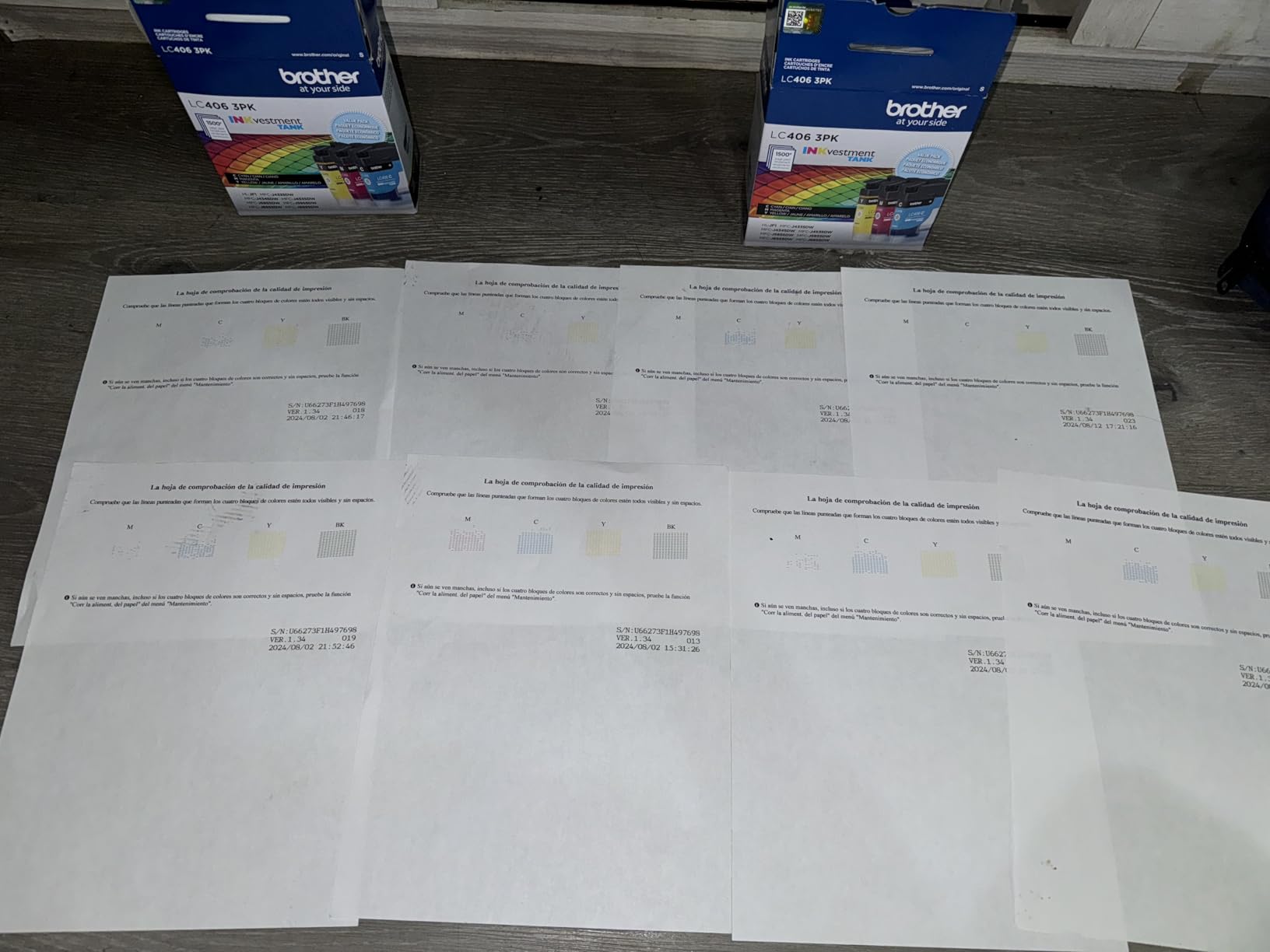
Owners report the in-box supply genuinely lasting close to a year of daily printing, and the two-year limited warranty is the longest in this group. The 150-sheet adjustable tray plus a bypass slot gives you two feed options without a second cassette.
Where it falls down is output resolution. At 600 dpi in both black and color, text looks fine but photographs and gradients look flat, so it is not the right tool if your volume includes photo work.
Why duplex alone justifies the money
Two-sided output halves paper and halves the number of operator interactions per document. On a monthly run of 2,000 pages, that is the difference between one tray load and several, and between a job that finishes in an hour and one that needs babysitting.
At 20 ppm black you clear a 1,000-page monochrome job in under an hour, which no supertank in this list can do.
Where the paper path will bite you
The feeder occasionally jams when loaded to its full 20-sheet capacity, and the ADF scans one side only, so a double-sided original still needs manual flipping.
Roughly 15% of ratings are one star and paper jams are the main reason. Keep a small stack of plain paper near the machine and you will never notice.
4. Epson EcoTank ET-2400 – the cheapest sensible way into tank printing
- Refillable EcoFit tanks give the lowest running cost tier
- Each bottle set equals roughly 80 cartridges
- Compact 8.6 pound body suits small desks
- Sharp flatbed scans and vivid color
- Up to two years of ink in the box
- Manual duplex only with no automatic two-sided printing
- No display screen at all which makes setup and faults harder
- Recurring paper jam reports from some owners
- Output tray holds only 30 sheets
- No borderless printing
The ET-2400 is the model we recommend to students, home offices and anyone who prints a few hundred pages a month and wants the running cost of a supertank without the higher ticket. The ink yield is 4,500 black and 7,200 color pages per set, which is within a rounding difference of the ET-2800 above it.
At 8.6 pounds and under ten inches tall it is also the smallest tank printer here, and it will sit on a dorm desk or a small office shelf. First page out in seven seconds is snappy, and the flatbed scanner produces detailed, sharp copies for documents.
Color is genuinely good for the money. Users running image-heavy work report bright, vibrant output and deep blacks, and the 5760 x 1440 dpi color resolution holds up on standard photo paper.
The compromises are stacked, though. Duplex is manual, there is no screen at all, and the output tray holds only 30 sheets, so a long color job needs regular emptying.
When this is the right volume tier
Under 500 pages a month, this is close to the cheapest credible path to low cost per page. A full bottle set covers well over a year of light printing, so the supply line item effectively disappears from your budget.
If your printing is intermittent rather than daily, the low idle footprint and low purchase price make it easy to justify.
Where you will notice the omissions
Manual duplex means two-sided jobs need a flip, and the absence of a display means you diagnose faults from LED flashes and the app rather than from a message on screen.
About 17% of ratings are one star, driven by reliability and connectivity complaints rather than print quality. Paper jams are reported often enough to be worth mentioning.
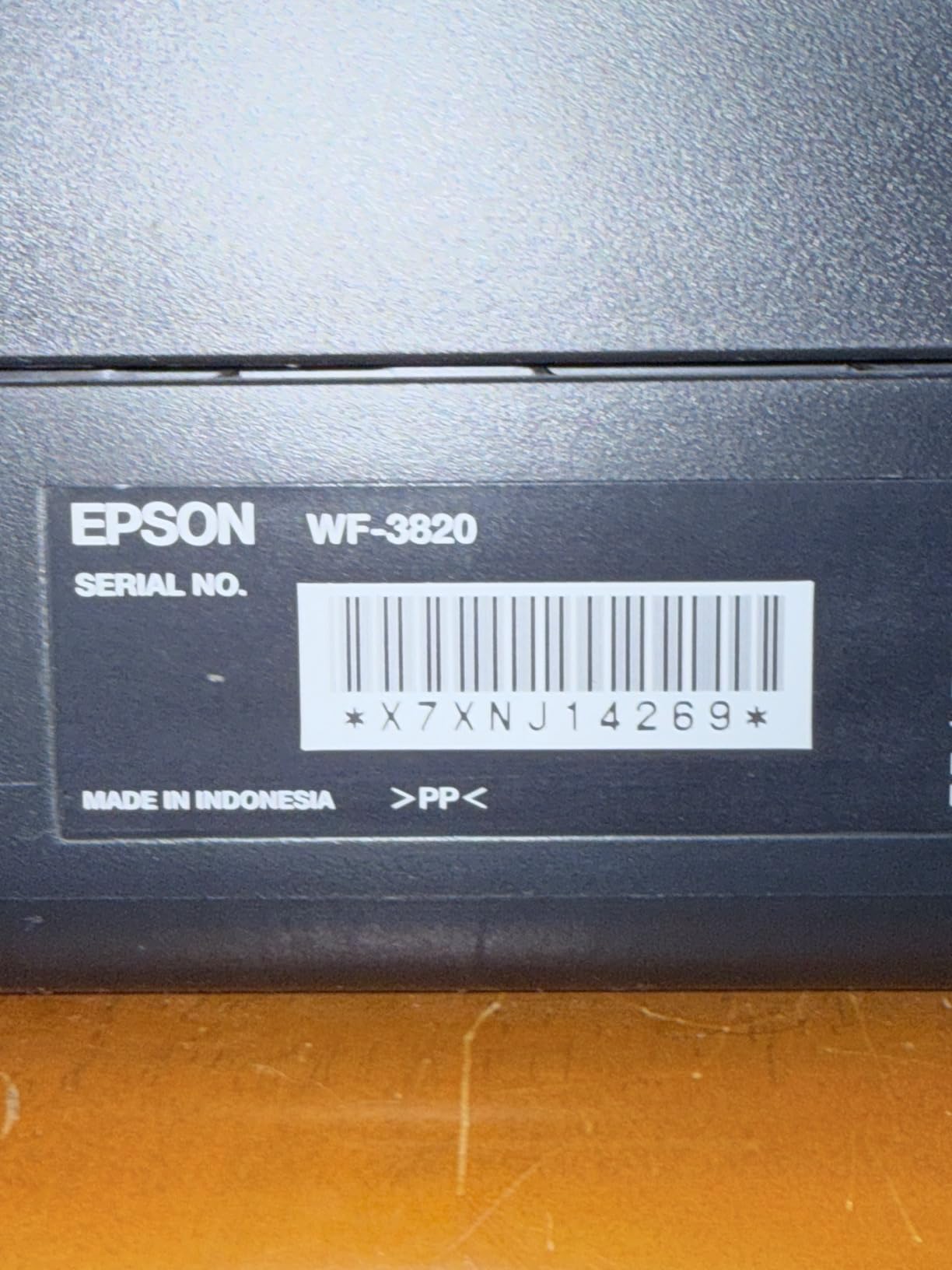
5. Epson WorkForce Pro WF-3820 – the fastest black-and-white engine with a cartridge bill
Epson Workforce Pro WF-3820 Wireless Color All-in-One Inkjet Printer
- Fastest black throughput in this group at 21 ppm plus 40 ppm copying
- 250-sheet capacity and 35-page feeder support sustained runs
- Automatic two-sided printing on every job
- Smudge-resistant instant-dry pigment ink suits forms and transfers
- Heat-free PrecisionCore printhead built for low downtime
- Cartridge ink costs far more per page than any tank model
- Firmware has reportedly locked out non-genuine cartridges
- Wi-Fi connection drops are reported often
- Photo and image quality is only average
- Cartridges sit under the scanner and the body is tall
Put speed and paper handling first and this machine is hard to argue with. It runs 21 ppm black and 11 ppm color, copies at up to 40 ppm, holds 250 sheets, feeds originals through a 35-page automatic document feeder, and prints both sides automatically.
It also handles media up to 13 x 19 inch, which is a real wide-format capability rather than a label. For a business doing posters, signage or large-format handouts, that alone puts it in a different class from the letter-size machines around it.
The DURABrite Ultra pigment inks are instant-dry and smudge-resistant, which matters on invoices and shipping labels that get handled straight out of the tray. The heat-free printhead design is Epson’s answer to the long-term reliability question, since there is no heating element to fail.
Then there is the ink bill. These are cartridges, not tanks, so cost per page is several times higher than any refillable model here. On a low page count that is irrelevant. On a 3,000-page month it is the whole decision.
How the speed advantage translates to a shorter workday
At 21 ppm, a 1,000-page monochrome job takes under an hour. The ET-2800 at 10 ppm takes roughly twice as long, and the difference grows on mixed color work where the cartridge engine holds 11 ppm against 5 ppm.
The 250-sheet tray means about one refill per 250 pages, and the 35-page feeder handles a stack of invoices in a single pass.
When the running cost outweighs the speed
If you plan to run more than about 1,000 pages a month, the per-page ink cost erases the speed advantage inside a year. A tank model is the better tool for sustained runs.
Owners also report Wi-Fi dropouts and firmware that has locked out non-genuine cartridges, so budget for OEM supplies and a stable network. Around 15% of ratings are one star.
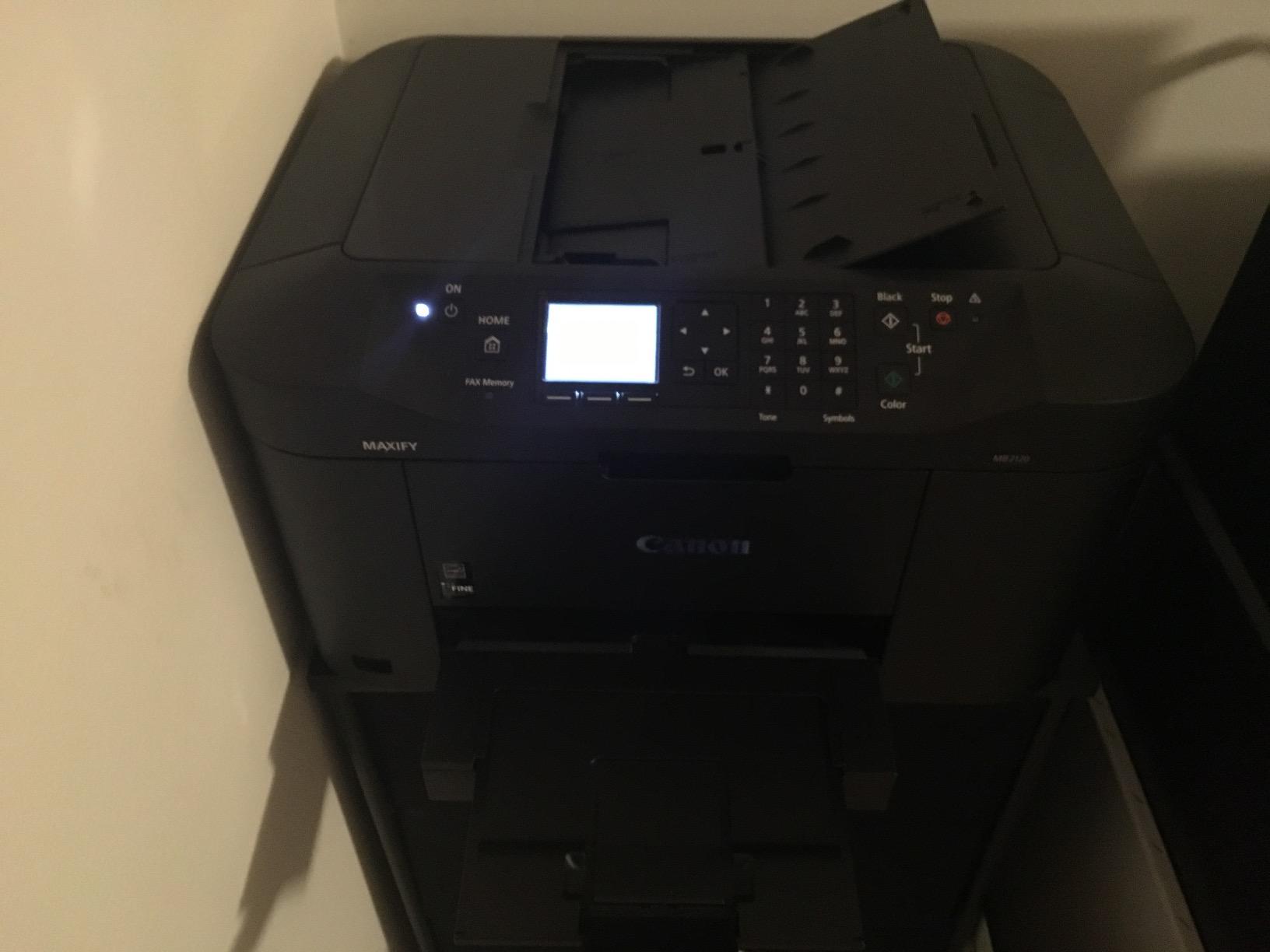
6. Canon MAXIFY MB2120 – a 20,000-page duty cycle built for home business paperwork
Canon Office Products MAXIFY MB2120 Wireless Color Photo Printer with Scanner, Copier and Fax
- 20000-page duty cycle rated for sustained home business runs
- Automatic duplex with a full 250-sheet paper tray
- DRHD ink resists smudging and highlighter bleed
- Sheetfed scanner and fax give full all-in-one capability
- Wireless printing from any device
- Cartridge ink gives a high cost per page at volume
- Sheetfed rather than flatbed scanner limits photo and oversize originals
- Listed speed fields are not representative of real throughput
- Older MAXIFY generation compared with current tank models
The MB2120 is the odd one out in this roundup because it is a cartridge machine rated like a tank machine. Canon’s 20,000-page monthly duty cycle is the highest published figure in this group, and it is a number the manufacturer uses to position the unit specifically for home business workloads.
Paper handling is the real strength. A 250-sheet tray, automatic duplex and a sheetfed scanner with fax make it a complete office machine, and the DRHD dual resistant inks are built to survive highlighter pens and fingerprints on printed forms.
Maximum media size is 8.5 x 14 inch and it makes up to 250 copies per run, so batch jobs do not need constant supervision. It also handles 16 watts of power draw, which is unremarkable but worth noting for always-on offices.
The catch is the same one as the WorkForce Pro: conventional cartridges mean an unattractive cost per page once you pass roughly 800 to 1,000 pages a month. The listed speed fields are also unreliable, so do not use them to compare throughput.
Who the 20,000-page duty cycle actually suits
A home business invoicing clients, printing shipping labels and producing packing slips several times a week sits comfortably in this range, and the duplexer removes the biggest daily friction point.
The figure is a rated ceiling for a busy month, not a comfortable daily load. Sustained use at that level on cartridges gets expensive fast.
When to choose this over a supertank
Choose it when you need fax, a feeder-quality sheetfed scanner and automatic duplex, and your monthly volume stays in the several-hundred to low-thousand range.
Choose a MegaTank or EcoTank instead when ink cost per page is the priority. The smaller review base here, at under 900 ratings, is worth weighing, with 11% one star.
7. HP Smart Tank 5003 – the most ink in the box
HP Smart Tank 5003 Wireless All-in-One Ink Tank Printer, Scanner, Copier with up to 3 Years of Ink Included, Best-for-Home, Cartridge-Free Refillable, AI-Capable (9B2D3A)
- Up to three years of ink included
- roughly 6000 pages out of the box
- Mess-free refill system where bottles plug into the tank without squeezing
- Sharp text and rich color for a tank machine in this band
- Borderless printing plus wireless and mobile support
- One-year or 30000-page hardware warranty
- No complicated maintenance after setup
- No automatic document feeder so multi-page scanning is manual
- Manual duplex only
- 10 ppm black and 5 ppm color is slow for business runs
- 100-sheet input capacity is small for office use
HP’s entry to the refillable category takes a different tack from Epson and Canon: it ships with the most ink in the box. HP states up to three years of ink included and up to 6,000 color or black pages before your first refill, which is the single most attractive number here for someone who wants to stop thinking about supplies.
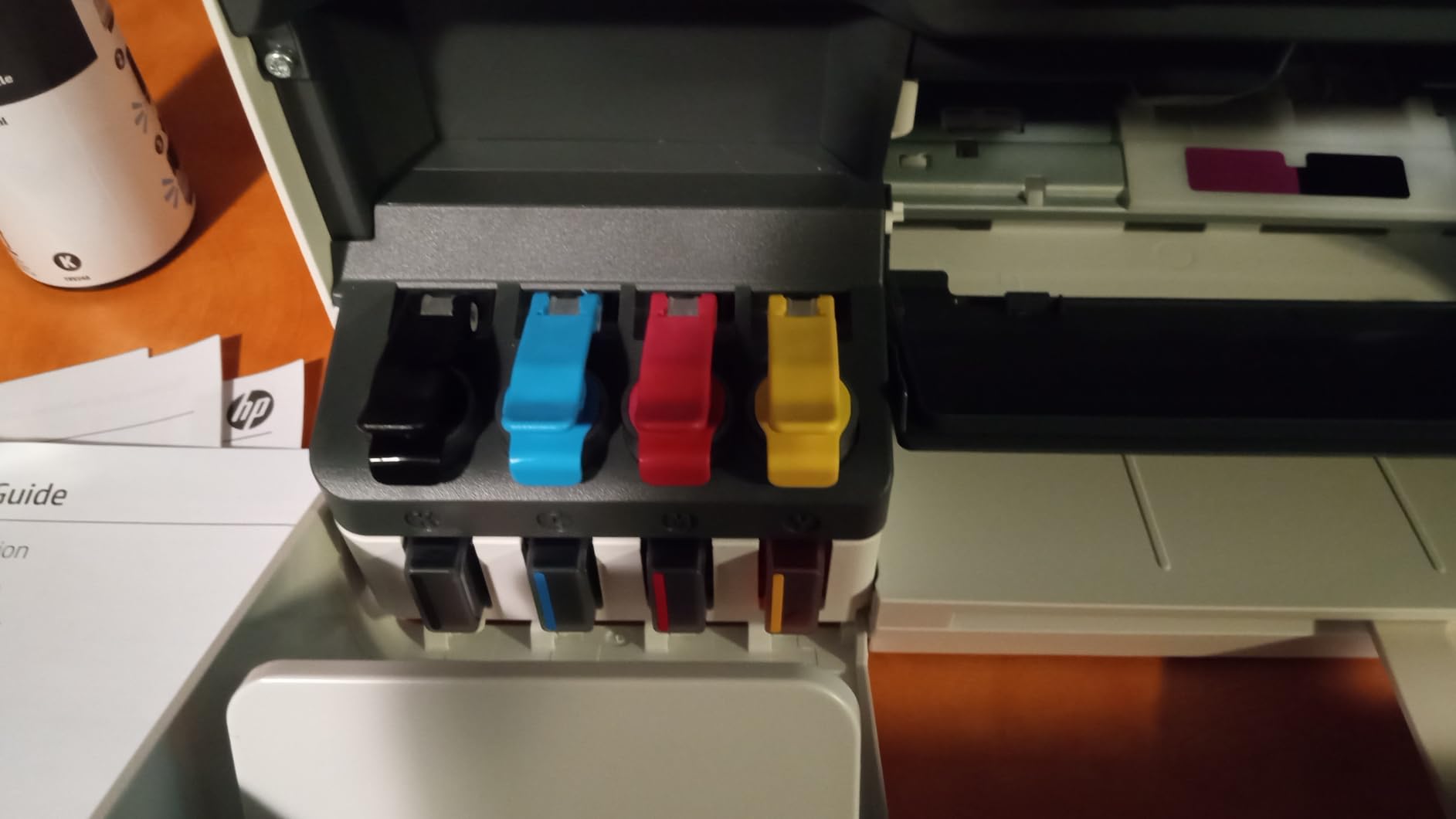
The refill design is the other differentiator. The bottles plug into the tank and do not need squeezing, so a refill is fast and there is no ink on your fingers, which matters if a second person in the office is the one doing it.
Output quality is better than the spec list suggests for the class, with text up to 1200 x 1200 rendered dpi and color up to 4800 x 1200 optimized dpi, plus borderless printing. Initial page out is 21 seconds, which is the slowest first page here after the headline speed.
There is no display at all, so everything runs through the HP app, and there is no automatic document feeder. Duplex is manual with driver support, and the only paper source is a 100-sheet tray.
What three years of included ink really covers
The 6,000-page out-of-box figure works out to a comfortable year for a household or a small office printing a few hundred pages a month. It does not cover a workgroup, and the warranty is rated at 30,000 pages.
That makes the effective cost per page low in year one and normal tank-system cost thereafter, which is a good reason to pick it for a low-volume user and a poor reason to pick it for a busy office.
Where the missing hardware shows up
No feeder means a 30-page contract has to be scanned one page at a time on the flatbed, which is the single most common workflow in a small office.
The 226-rating review base is small, so treat early sentiment as directional rather than settled. Owners do like the fill convenience and print sharpness; 13% of ratings are one star.
8. HP OfficeJet Pro 9135 – workgroup speed and 500 sheets of paper
- Fastest unit here at 25 ppm black and 20 ppm color with an 11 second first page
- 500 sheets of total capacity across two trays minimizes refills during long runs
- Single-pass two-sided ADF scanning halves scan time on multipage originals
- Automatic duplex plus fax make it a complete office all-in-one
- 4.3-inch color touchscreen and dual-band Wi-Fi simplify setup
- Built with more than 40 percent recycled plastic
- HP 936 cartridge ink is expensive per page at sustained volume
- Blocks third-party cartridges without original HP chips
- Some owners report the connection dropping even on a wired network
- Color accuracy is inaccurate for strict brand matching
- Setup is less straightforward than earlier OfficeJet Pro models
On paper handling this is the most serious office machine here. Two 250-sheet input trays give 500 sheets of capacity, the single-pass two-sided automatic document feeder scans both sides of a page in one pass, and there is a 4.3-inch color touchscreen for job configuration without a computer.
Speed is the best in the group at 25 ppm black and 20 ppm color, with first page out in 11 seconds. Dual-band Wi-Fi and Ethernet are both present, along with HP Wolf Pro Security network protection, which is the one enterprise-oriented security feature in this roundup.
It is also the most complete: print, scan, copy and fax with automatic duplex throughout. HP’s AI print formatting strips web page and email clutter before printing, a small feature that saves a surprising amount of wasted paper in a busy office.
The ink is the problem. HP 936 cartridges carry a high cost per page, and the printer blocks third-party cartridges that lack original HP chips, so there is no workaround. A three-month trial of HP Instant Ink is included, after which a subscription fee applies unless cancelled.
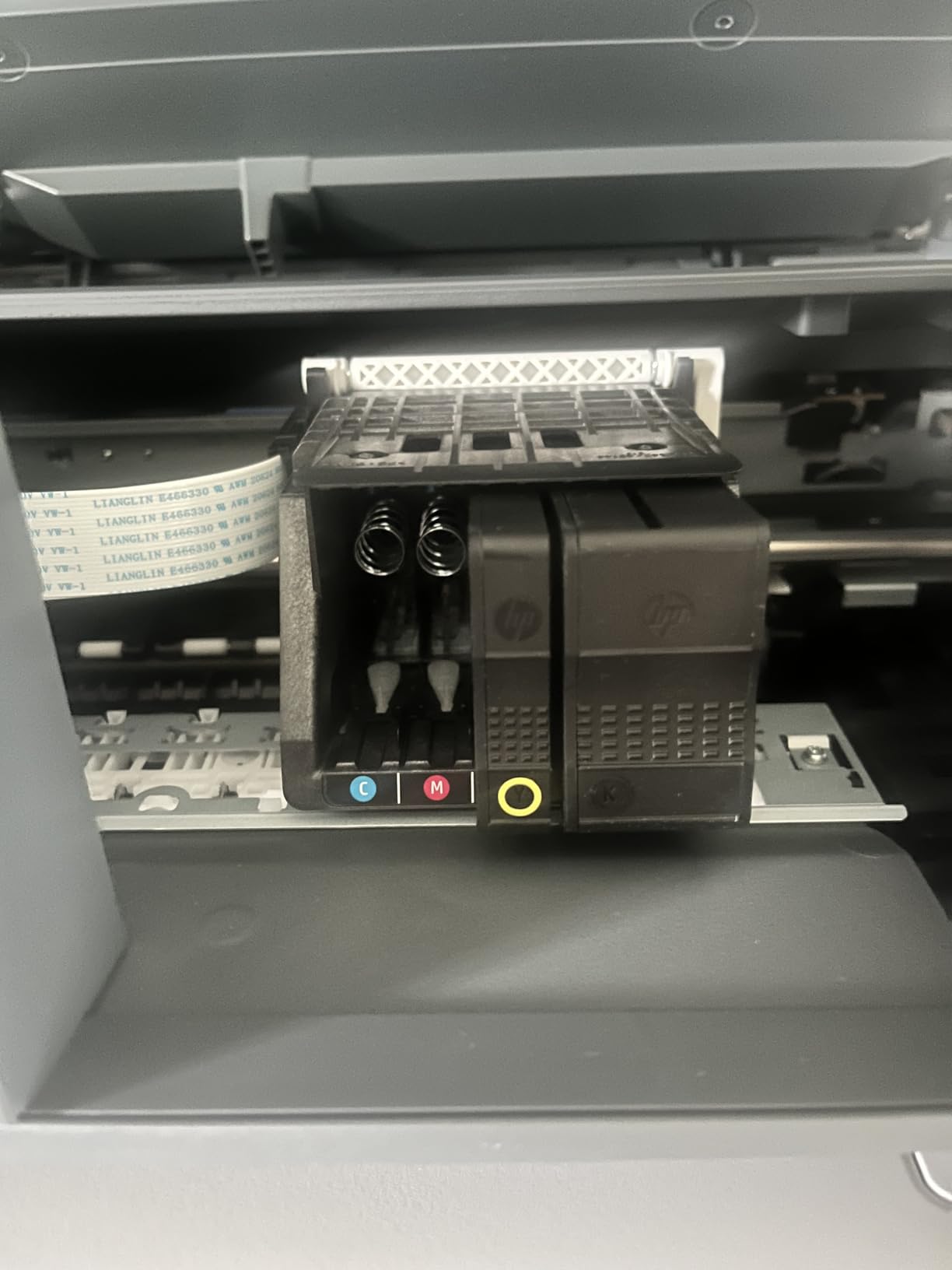
Who benefits most from 500 sheets of capacity
An office that prints letter and legal stock in the same week without reloading, or a team that runs a 500-page job in one go, gets real value from two 250-sheet trays that no other machine here offers.
Single-pass two-sided scanning also halves the time to digitize a 20-page two-sided contract, which is a genuine saving on administrative work.
Why the ink locks you into a certain workload
At high page counts, OEM cartridge cost per page makes this the most expensive machine in the roundup to run. Above roughly 1,500 pages a month, a tank-based model is the financially correct answer regardless of its paper handling.
Owners also report connection drops even on wired networks and imperfect color matching for design work. At 135 ratings, the review base is the thinnest here, and 15% of those are one star.
How to Choose a High Volume Inkjet Printer (October 2026)
Start with your monthly page count, because everything else follows from it. Under 500 pages a month, a supertank such as the ET-2400 or the HP Smart Tank 5003 covers a year of printing in one bottle set. Between 500 and 1,500 pages, ink capacity and paper capacity both start to matter, and the Canon G3270 or the ET-2800 fit well. Between 1,500 and 5,000 pages, you need automatic duplex and a feeder, which narrows the field sharply to the Brother MFC-J4335DW and the HP OfficeJet Pro 9135. Above 5,000 pages a month, you are at the point where a refillable system is mandatory and a wide-format or RIPS-class machine is worth a serious look.
Ink tank versus cartridge economics
EcoTank, MegaTank, Smart Tank and INKvestment are the four names you will see for the same economic idea, and the differences matter when you compare them.
EcoTank and MegaTank pour ink from refillable bottles into open tanks. Lowest cost per page, but you handle the bottle.
Smart Tank also uses bottles, designed so they plug in without squeezing.
INKvestment Tank uses front-loading cartridges that feed an internal reservoir, so there is no open tank and no bottle handling.
Yield per set is the number that decides the running cost. The Canon G3270 leads this group at 6,000 black and 7,700 color pages, followed by the ET-2800 at 4,500 and 7,500, and the ET-2400 at 4,500 and 7,200. Cartridge machines have no comparable figure because yield depends entirely on how much ink a job uses, which is the point.
Print speed and duty cycle
Pages per minute is always rated for the first page out of the tray, not a long run, and color is always slower than black. Anything under 10 ppm black will feel slow once you pass a few hundred pages a month.
Duty cycle is the more useful number and the most misused. It is the recommended monthly volume, and it differs from maximum burst capacity. The Canon MAXIFY MB2120 is the only machine in this roundup with a published figure, at 20,000 pages a month for home business use, while the HP Smart Tank 5003 carries a one-year or 30,000-page warranty. Other models here do not publish a recommended cycle, which is worth asking the manufacturer about if you plan to run near your limit.
Paper capacity, duplex and the document feeder
Paper handling is where high-volume inkjets differ most, and it is the criterion buyers most often ignore until the first 500-page run.
Single 100-sheet tray: the ET-2800, ET-2400, G3270 and Smart Tank 5003 all need a reload roughly every two days of busy printing.
150-sheet tray plus bypass: the Brother MFC-J4335DW.
250-sheet tray: the WorkForce Pro WF-3820 and the MAXIFY MB2120.
Two 250-sheet trays for 500 sheets total: only the HP OfficeJet Pro 9135.
Automatic duplex is non-negotiable above about 1,000 pages a month. Only the Brother, the WorkForce Pro, the MAXIFY and the OfficeJet Pro 9135 have it. A document feeder is what lets you scan a stack unattended, and among the tank machines only the Brother MFC-J4335DW has one.
Inkjet or laser at your page volume
This is the threshold question, and it is genuinely contested. An older Apple Community thread advised going laser for high volume outright, reflecting an assumption that inkjets were not built for office work. A 2017 Spiceworks community reply pointed the other way, recommending Epson WorkForce Pro RIPS models on the basis of capacity between ink changes.
Modern tank-based inkjets have closed much of that gap. A quick reference for where the crossover sits:
Under 500 pages a month: inkjet, without hesitation. Color and photo output at a fraction of the cost.
500 to 1,500 pages a month: refillable inkjet. A supertank still wins on cost per page for anything with color in it.
1,500 to 5,000 pages a month: inkjet if color is frequent, laser if the run is near-monochrome and text only.
Above 5,000 pages a month: laser-class office machines, or a RIPS-class inkjet built for tens of thousands of pages between service visits.
One long-term owner on r/printers reported an Epson WorkForce machine handling roughly 35,000 pages and holding up fairly well, which is the kind of field data that suggests an office-class inkjet is more viable than its reputation implies. Treat that as one report, not a warranty.
Cutting ink costs on a high volume workload
Four moves account for most of the savings, and none of them require buying a different printer.
Print in draft or standard quality for internal documents, and reserve full quality for customer-facing output.
Set your default to duplex so you halve the paper and the ink-heavy second passes people do manually.
Refill at the low mark rather than the empty mark, because inkjets in this class use residual ink for cleaning cycles.
Choose grayscale mode for black text, which stops the printer laying down color it will not use.
Calculator-style thinking helps here. If a cartridge machine runs 15 cents per page and a supertank runs half a cent, a 3,000-page month saves roughly 43,500 cents in a year, and the tank machine pays back the price gap between them well inside twelve months. This is the break-even calculation no competitor publishes, and it is the reason a slower printer can be the cheaper machine.
Paper and media handling
Yes, these can handle specialty media, with caveats. The WorkForce Pro WF-3820 takes media up to 13 x 19 inch, the only wide-format capability in this group, and its DURABrite Ultra pigment ink is smudge-resistant and suitable for sublimation transfers. The ET-2400 is the one machine here that does not support borderless printing, and the ET-2800 and ET-2400 both cap out at 8.5 x 14 inch legal.
For labels, envelopes and card stock, the paper weight supported by the main tray matters more than the marketing resolution figure. Heavy media slows an inkjet down considerably, so if your volume is mostly labels, check the supported weight before you commit.
Maintenance and long-term reliability
Long-term inkjet durability is the question buyers are least comfortable with, and honest answers help. Printhead life is the main concern, which is why Epson’s heat-free Micro Piezo and PrecisionCore designs show up repeatedly in this category, and why cartridge-free systems avoid one common clog source.
Run the head cleaning cycle before a long idle gap rather than after a jam, and never leave a tank printer sitting empty for months.
Keep the paper within the specified weight range. A worn or mismatched tray is the most common cause of repeat jams in this group.
Follow the recommended duty cycle. Running a home machine at workgroup load is what shortens its life.
Stick with genuine ink where the manufacturer requires it. The ET-2800 and the WorkForce Pro both tie optimal performance and warranty coverage to genuine supplies.
Warranty length is a rough proxy for manufacturer confidence. The Brother MFC-J4335DW carries a two-year limited warranty, the longest here, and the HP Smart Tank 5003 pairs a one-year or 30,000-page warranty. The rest are one-year terms.
Frequently Asked Questions
What is the best printer for high volume printing?
For color-heavy work above 1,500 pages a month, the Brother MFC-J4335DW INKvestment Tank is the strongest all-round choice because it combines 20 ppm black and 16 ppm color with automatic duplex and a 20-page document feeder at tank-level running costs. For lighter volumes, the Epson EcoTank ET-2800 offers the lowest cost per page with refillable ink.
Which printer is most suitable for high volume office printing?
A workgroup printing 1,500 to 5,000 pages a month should prioritise automatic duplex, paper capacity and a document feeder. That points to the Brother MFC-J4335DW for refillable ink economics or the HP OfficeJet Pro 9135 for two 250-sheet trays and single-pass two-sided scanning, accepting that both run cartridge ink at a higher cost per page.
Which printer has the largest ink capacity?
Among these picks the Canon MegaTank G3270 has the highest rated yield per ink set at up to 6,000 black and 7,700 color pages, with up to two years of ink in the box. The HP Smart Tank 5003 ships with the most ink out of the box at up to 6,000 pages, and the Brother MFC-J4335DW is rated at up to one year of ink in the box.
Which inkjet printer is best for quality print?
For photos and graphics, resolution matters more than speed, and the Epson EcoTank ET-2800 and ET-2400 lead this group at 5760 x 1440 dpi on colour. The HP OfficeJet Pro 9135 reaches 4800 x 1200 dpi optimised. The Brother MFC-J4335DW is the weakest for imagery at 600 dpi, so it suits documents rather than photographs.
How do inkjet printers compare to laser printers for high volume printing?
Below roughly 500 pages a month an inkjet is cheaper and gives far better colour. Between 500 and 1,500 pages a refillable inkjet still wins on cost per page for mixed colour work. From about 1,500 to 5,000 pages, choose laser if the run is almost entirely monochrome text and inkjet if colour is frequent. Above 5,000 pages a month, laser-class or RIPS-class machines are the correct answer.
How do I reduce ink costs for high volume printing?
Use draft or standard quality for internal documents, print duplex by default, switch to grayscale for black text, and refill refillable tanks at the low mark rather than waiting for them to run empty. Switching from a cartridge machine to a tank-based model typically cuts cost per page from double-digit cents to well under one cent.
What maintenance is required to keep inkjet printers running efficiently?
Run a head cleaning cycle before a long idle period rather than after a jam, load paper within the supported weight range to avoid repeat jams, keep the machine within its recommended monthly duty cycle, and use genuine ink where the manufacturer ties warranty coverage to it.
Can inkjet printers handle specialty media like labels and photo paper?
Yes, within weight limits. The Epson WorkForce Pro WF-3820 supports media up to 13 x 19 inch and takes smudge-resistant pigment ink suitable for transfers. The Canon MegaTank G3270 handles card stock, envelopes and glossy photo paper. The Epson ET-2400 does not support borderless printing, so check that before committing.
Final Verdict: Which Inkjet Printer Handles Heavy Workload Printing Best?
The Epson EcoTank ET-2800 is our pick for the best inkjet printers for high volume printing overall, because refillable ink at that review volume is the safest bet against surprise running costs. If your workload includes two-sided documents and a stack of originals, step up to the Brother MFC-J4335DW, which is the only machine here fast enough and equipped enough to handle it without babysitting. If paper handling is the bottleneck rather than ink, the HP OfficeJet Pro 9135 gives you 500 sheets and single-pass duplex scanning, and you should price its cartridge ink into that decision before buying.
Under 500 pages a month, the Canon MegaTank G3270 and Epson EcoTank ET-2400 are the two lowest running cost options, and the HP Smart Tank 5003 if you simply want the most ink in the box and no refills for a year. Whichever you choose, buy for the duplexer, the feeder and the paper capacity you will actually use, because ink cost can be fixed later and a manual duplexer cannot.
We will keep this list current as new models land through 2026. If you want the wider picture on hardware that gets used hard in a workshop, our guides to 3D printing materials strong enough for robot parts and ABS filaments for 3D printing cover the same durability-first mindset from the other side of the bench.