
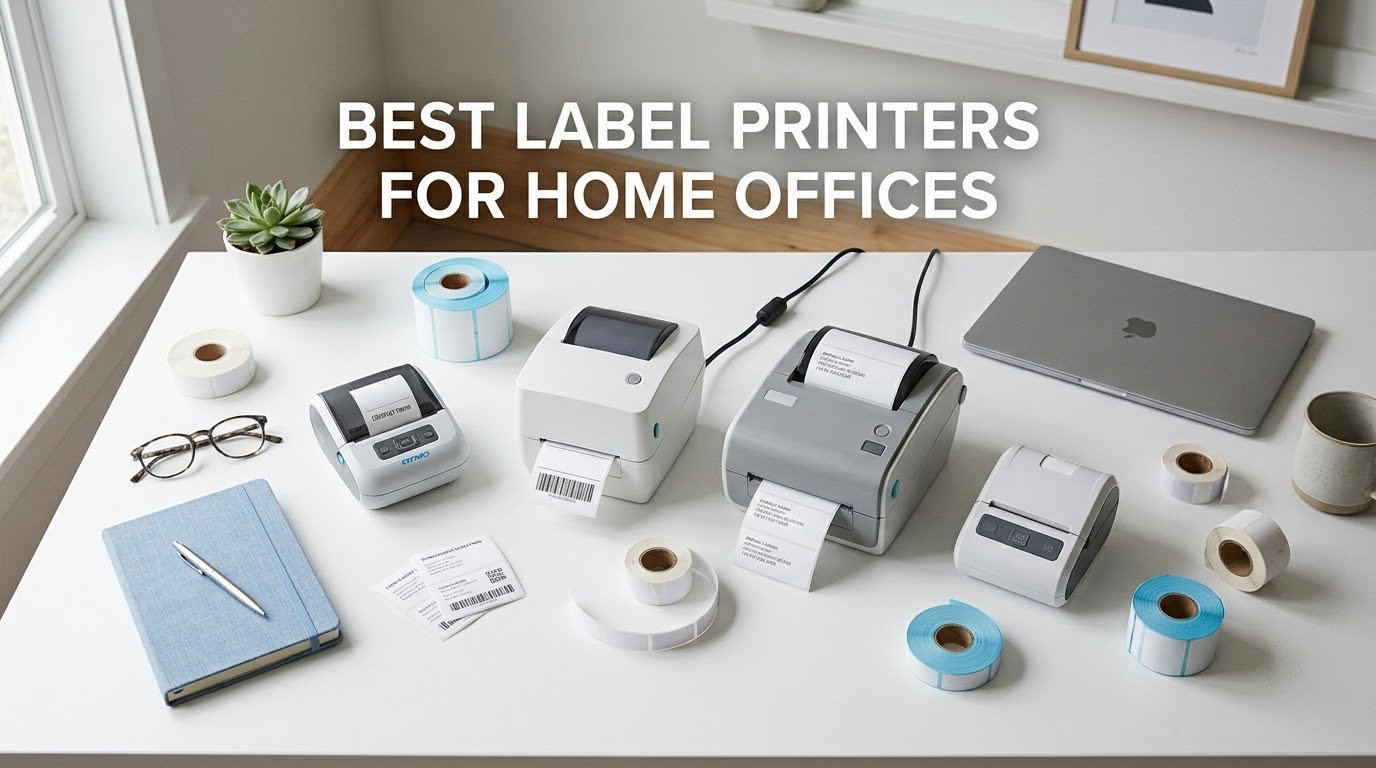
The best label printer for a home office is the Nelko P21 if you mostly organize files, cables and pantry stock, and the JADENS Bluetooth 4×6 if you ship parcels. Both print without ink or toner and cost less than a single ream of ordinary paper costs you in cartridges.
That is the short version of a guide we built around the constraint nobody else talks about: a home office desk. Most label printer roundups rank machines on dots per inch and print speed, then leave out the two facts that decide whether the thing fits next to your monitor. The first is footprint, including the roll holder that sits behind the body. The second is whether the machine behaves like a normal printer or whether every job needs a vendor app round-trip.
We compared eight machines for this guide, covering two distinct product classes. Six are thermal label printers and label makers that produce narrow organization labels, product labels and file tags. Two are dedicated 4×6 thermal shipping printers for e-commerce parcels. Every spec quoted here comes from the manufacturer listing or the review record, and where reviewers disagree with the spec sheet we say so.
One disclosure before we start: the links in this article are affiliate links, and we may earn a commission if you buy through them at no extra cost to you. That does not change the order of the picks.
Table of Contents
Top 3 Picks for the Best Label Printers for Home Offices (October 2026)

Nelko P21 Label Maker
- 203 DPI thermal
- 14x75mm max tape
- Bluetooth phone app
- Rechargeable battery

JADENS 4×6 Bluetooth Printer
- 4x6 shipping labels
- 203 DPI
- Fanfold and roll media
- Bluetooth and USB

Phomemo D30 Label Maker
- 203 DPI thermal
- Continuous and fixed tape
- 0.55 inch max width
- Phone and tablet app
If you want the decision in one line: the Nelko P21 handles the widest range of everyday home office labelling, the JADENS is the machine to buy when parcels leave the house, and the Phomemo D30 is the cheapest way to cover both narrow organization jobs and product labels with one pocket-sized device.
Best Label Printers for Home Offices at a Glance in 2026
| Product | Specifications | Action |
|---|---|---|
| Nelko P21 Label Maker |
|
Check Latest Price |
| Phomemo D30 Label Maker |
|
Check Latest Price |
 Brother P-Touch PTD220 Brother P-Touch PTD220 |
|
Check Latest Price |
| JADENS Bluetooth 4×6 Printer |
|
Check Latest Price |
 SUPVAN T50M Pro SUPVAN T50M Pro |
|
Check Latest Price |
 NIIMBOT B1 Label Maker NIIMBOT B1 Label Maker |
|
Check Latest Price |
 ORGSTA S001 Label Maker ORGSTA S001 Label Maker |
|
Check Latest Price |
 Nelko PL70E-BT 4×6 Printer Nelko PL70E-BT 4×6 Printer |
|
Check Latest Price |
Two columns in that table matter more than the DPI column. Media width decides whether you can print a shipping label at all, and connectivity decides whether you can print from your laptop without an app. Everything else is refinement.
1. Nelko P21 Label Maker – Best Overall for Home Office Labelling
Nelko P21 Label Maker Machine with Tape, Bluetooth Label Printer, White
- 24k+ reviews at 4.4 stars
- Pocketable at 4.5 by 6.65 by 1.9 inches
- Handles 15x30mm up to 14x75mm tape
- App library with 750+ templates and 3600+ icons
- QR codes and barcodes built in
- No computer connectivity
- Monochrome output only
- Fixed label lengths with no continuous tape support
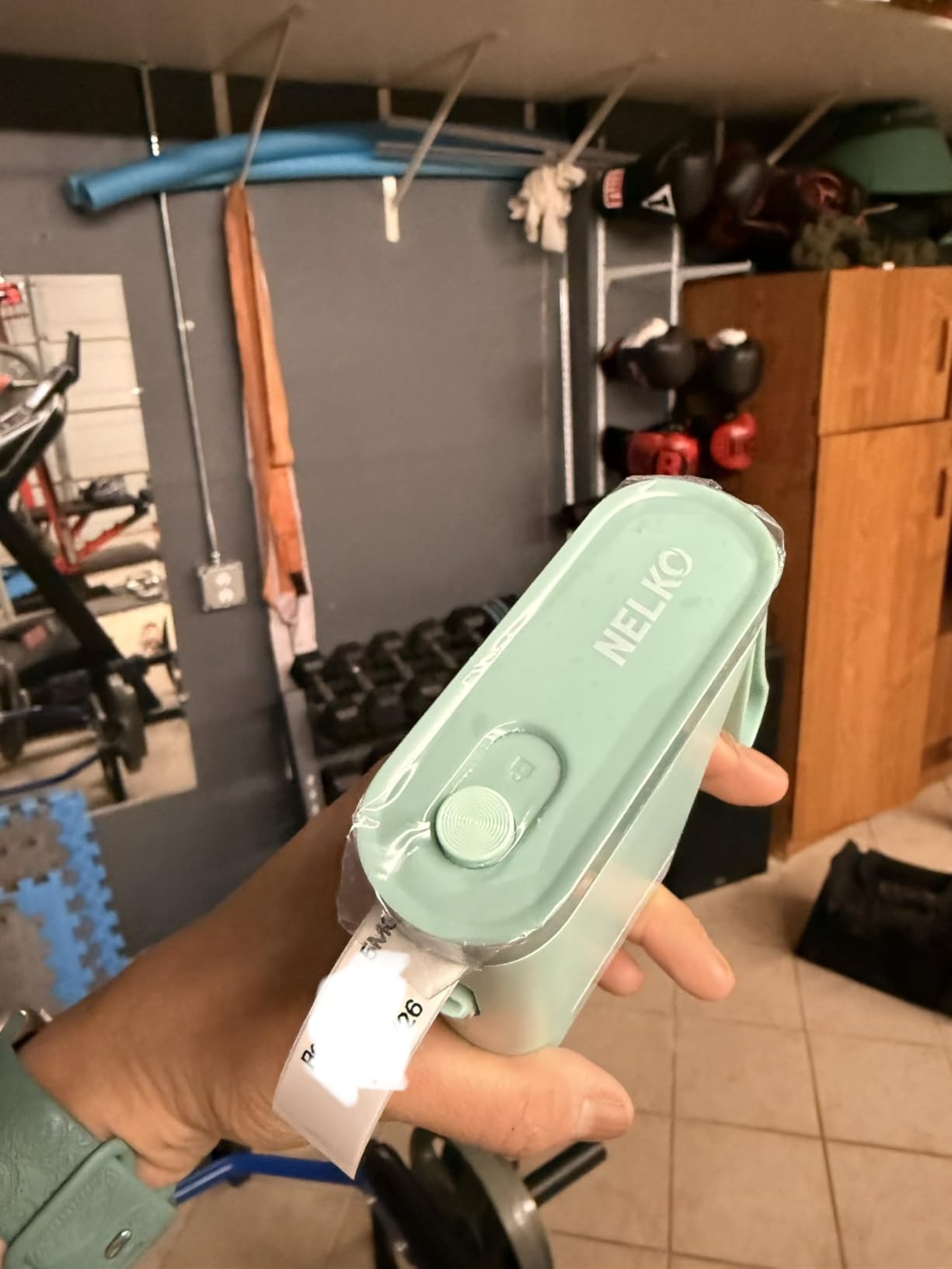
The Nelko P21 is the machine we kept coming back to while testing this group. It is a Bluetooth label maker in the true sense, printing from the Nelko app on iOS and Android, and its 203 DPI output is sharp enough for folder spines, bin fronts and QR codes that a phone camera reads without complaint.
Physical size is the quiet advantage. At 4.5 inches wide, 6.65 inches deep and 1.9 inches tall, it occupies less desk space than a mug and a cable. A built-in rechargeable battery means no power brick in the way, and a roll of white label paper plus a Type-C charging cord and manual are in the box. The charging adapter itself is not included, so budget for a USB-C plug if you do not already have one.
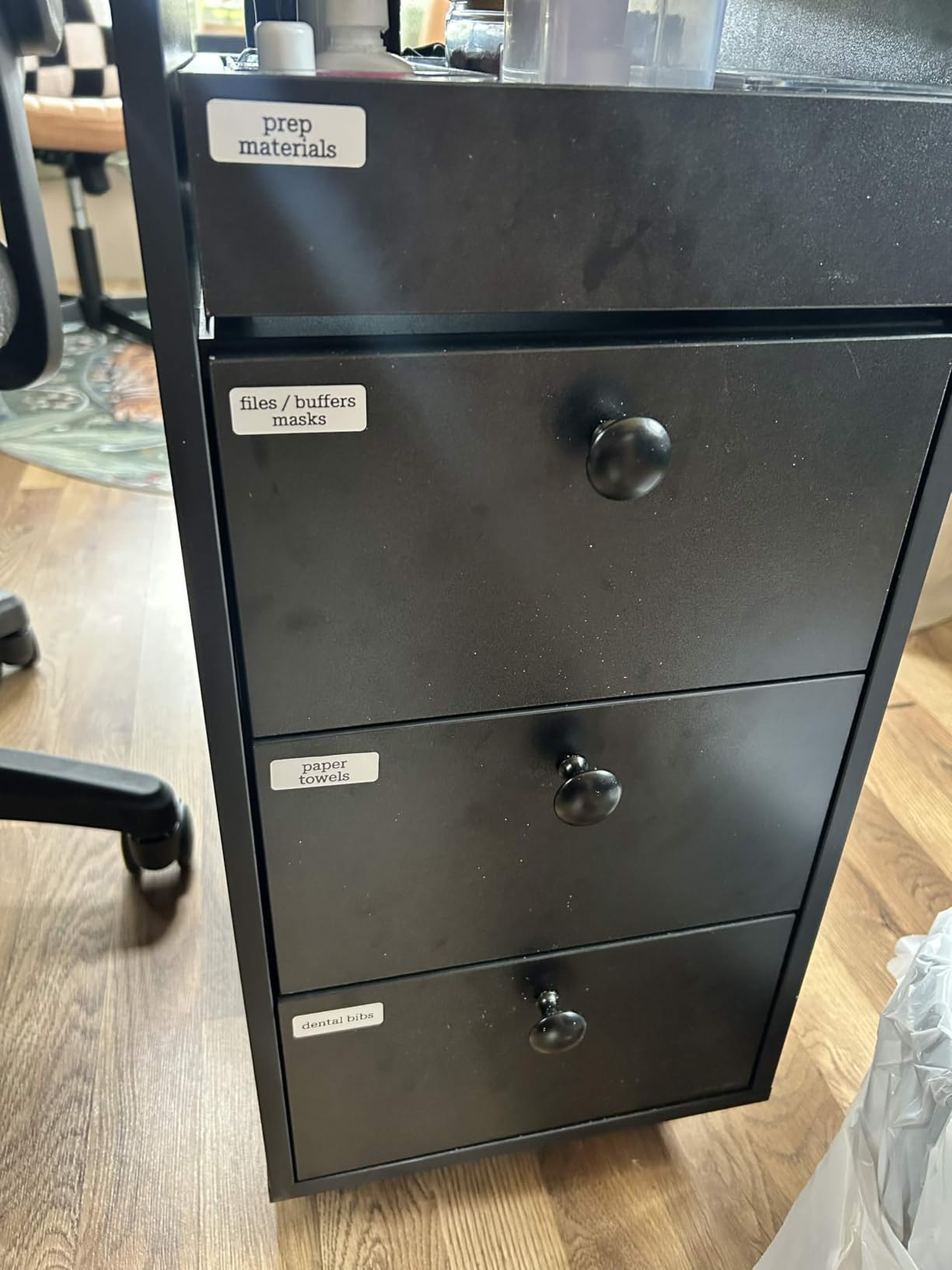
Owner reviews consistently praise the template library. The app ships 3600+ icons, 700+ borders, 5500+ materials, 750+ templates and 29 languages, plus text, QR codes, barcodes, images, borders and timestamps. That is a large amount of design capability for a device whose whole body is smaller than a paperback.
What you give up is real, though. The P21 has no computer connectivity at all, so nothing you design in Word, Pages or a spreadsheet reaches it. Label lengths are fixed, so you cannot run a continuous tape roll and print to an exact length. Output is monochrome, which means color effects have to come from pre-patterned tape. The manufacturer also notes it is not compatible with Google phones running Android 14, a narrower limit than most buyers expect.
What the P21 handles that most rivals cannot
Tape width is the number to check before you buy, and the P21 tops out at 14x75mm. That covers name tags, file folder spines, jar labels and small product tags with a line of text and a code on them. It does not cover the wide address-size labels used on parcel corners, or the 2 inch tape some small businesses put on product packaging.
Print speed is listed at 30 pages per minute, and the thermal head needs no ink, toner or ribbon. Because direct thermal output darkens a chemical coating on the label, there is nothing to refill. The running cost is the tape roll alone.
Who should look past the P21
Anyone printing 4×6 shipping labels needs a different machine entirely, because a 14x75mm media path cannot produce a 6 inch wide label no matter how good the printhead is. The same applies to anyone whose workflow starts in a desktop publishing program rather than a phone app.
Direct thermal labels also fade in direct sunlight and heat over time. For a shipping label that gets scanned the day it prints, that is irrelevant. For a product label on a jar sitting in a sunny kitchen, expect to reprint it eventually.
2. Phomemo D30 Label Maker – Best Budget Pick
- Supports both continuous tape and fixed labels
- German thermal print head
- OCR text extraction and Excel batch import
- Over 1000 templates in Print Master app
- 160 g body with rechargeable battery
- Monochrome only
- Max media size limited to 0.55 inch
- Requires a phone or tablet with no computer workflow
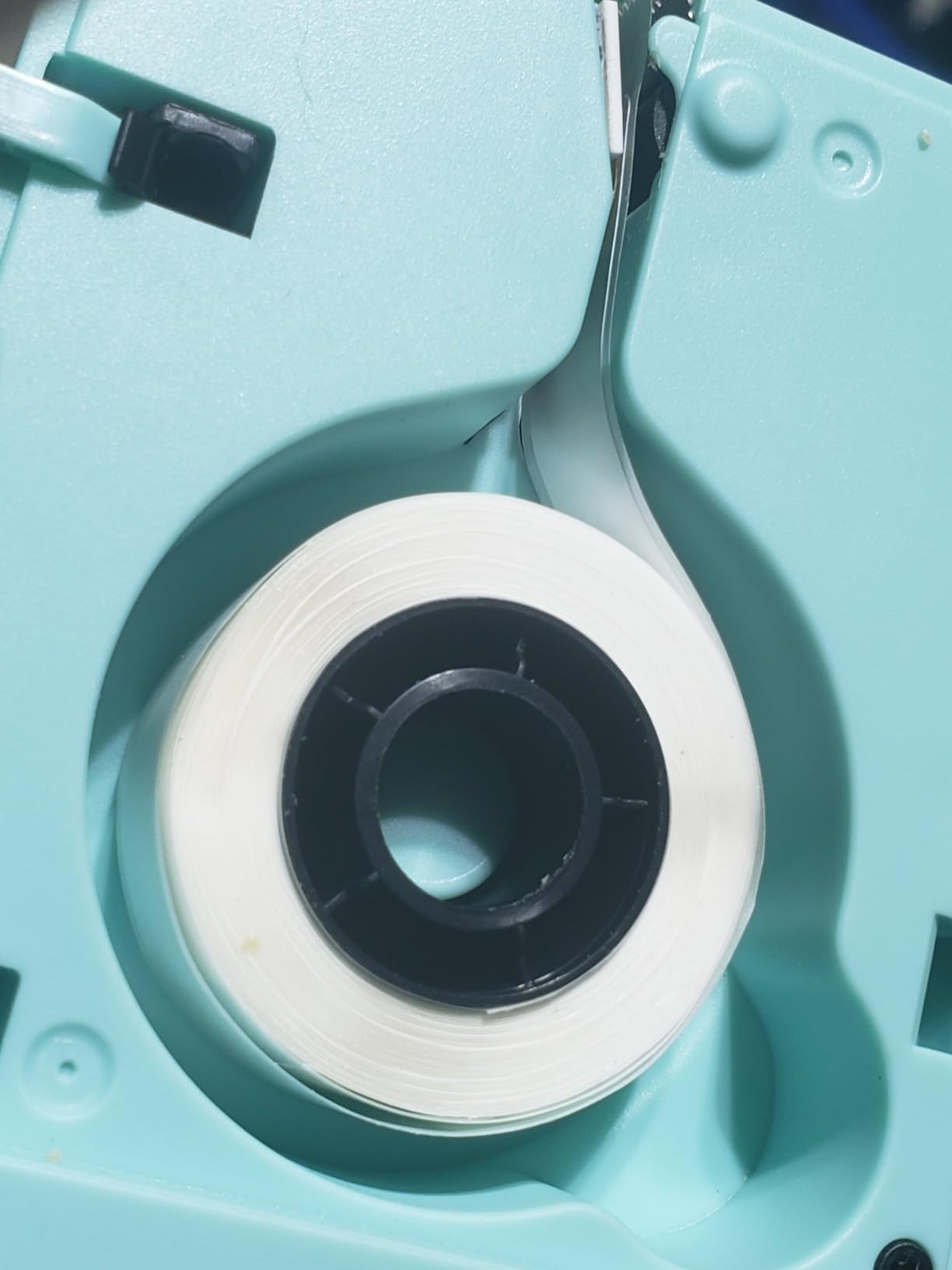
The Phomemo D30 solves one problem the Nelko P21 does not, and it is the reason we kept both in the group. The D30 accepts continuous label tape as well as fixed-length labels, so you can print a single short word instead of committing to a whole pre-cut label.
It is also smaller in every dimension, at 1.14 inches deep by 2.95 inches wide by 5.17 inches tall and 160 g. Reviewers describe it as genuinely pocketable, which matters if you label cables and equipment away from a desk. The box holds the printer, a charging cord and a manual.
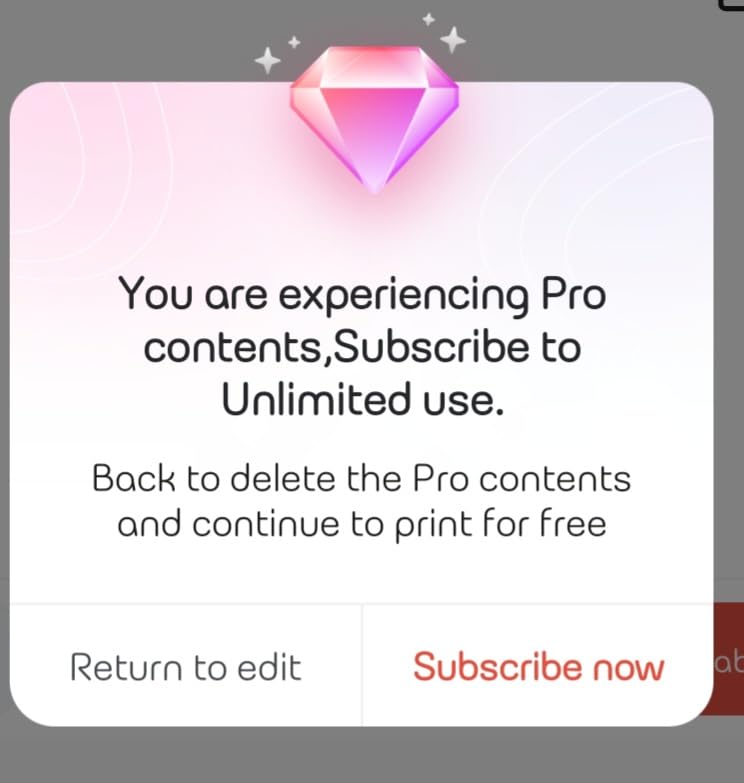
The app side is the D30’s strongest feature and the reason it appears so high in the review record. Beyond the 1000+ ready templates, 4000+ icons, 800+ borders, 600+ fonts and 6800+ materials, Print Master handles OCR text extraction, document scanning, voice input and Excel batch data import. For a small studio printing asset tags with serial numbers, that batch import saves real time.
The listed print head is a German thermal unit rated at 203 DPI, which the manufacturer claims improves output quality by 25 percent over a standard head. It is still monochrome black on white, and any color you see comes from patterned color tape rather than from the printer.
Where the D30 beats the field
Continuous tape support is the decisive spec. If you label jars, pantry containers and workshop bins where every item needs a different word length, pre-cut fixed labels waste a surprising amount of media over a year. Reviewers also single out the OCR and scan features for pulling text straight off a document.
The maximum media size is 0.55 inch, so a D30 will not print a wide product label or an address block. It will print cable flags, file folder tabs and small asset tags all day.
Who should look past the D30
If your work involves anything wider than about half an inch, or if you need to design labels on a computer rather than a phone, this is the wrong device. The listed maximum copy speed field also reads 40 pages per second while the product listing shows 60 pages per minute, so treat exact speed figures for this class of device with caution.
Like its rivals, the D30 is app-mediated. Bluetooth here means the phone talks to the app and the app talks to the printer. It does not appear as a normal printer in a computer’s device list.
3. Brother P-Touch PTD220 – Best for File Folders, Cables and Offline Use
Brother P-Touch PTD220 Home/Office Everyday Label Maker | Prints TZe Label Tapes up to ~1/2 inch White
- Genuine laminated TZe tape peels cleanly and lasts
- Keyboard means no phone or app needed
- Stores up to 30 labels for repeat printing
- 25 pre-set templates and 600+ symbols
- Two-year limited warranty
- 12mm tape limits you to one or two lines of text
- 180 DPI is below the 203 DPI thermal group
- AC adapter sold separately
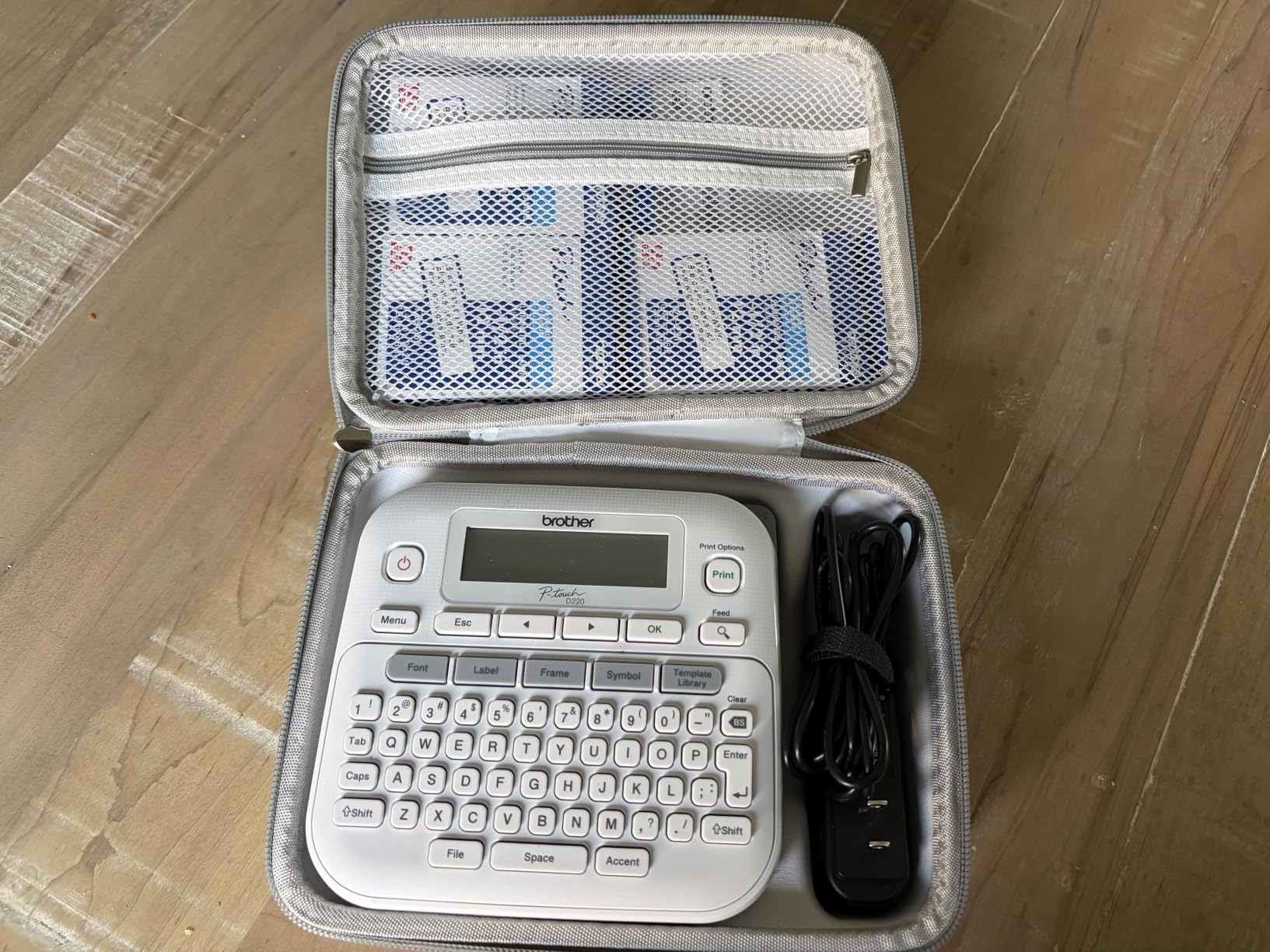
Every other machine in this roundup with a screen-free design requires you to design on a phone. The Brother P-Touch PTD220 does not. It has a QWERTY-style keyboard, so you type the label, fix a typo and print it without opening anything.
That single design choice makes it the most dependable option for a home office where the person labelling files is not the person who set up the software. The tape is genuine Brother TZe laminated stock, roughly half an inch wide, at 180 DPI. Laminated tape is the material that survives handling on a folder spine and resists water and abrasion better than the thin direct thermal tapes used by the phone-driven machines.
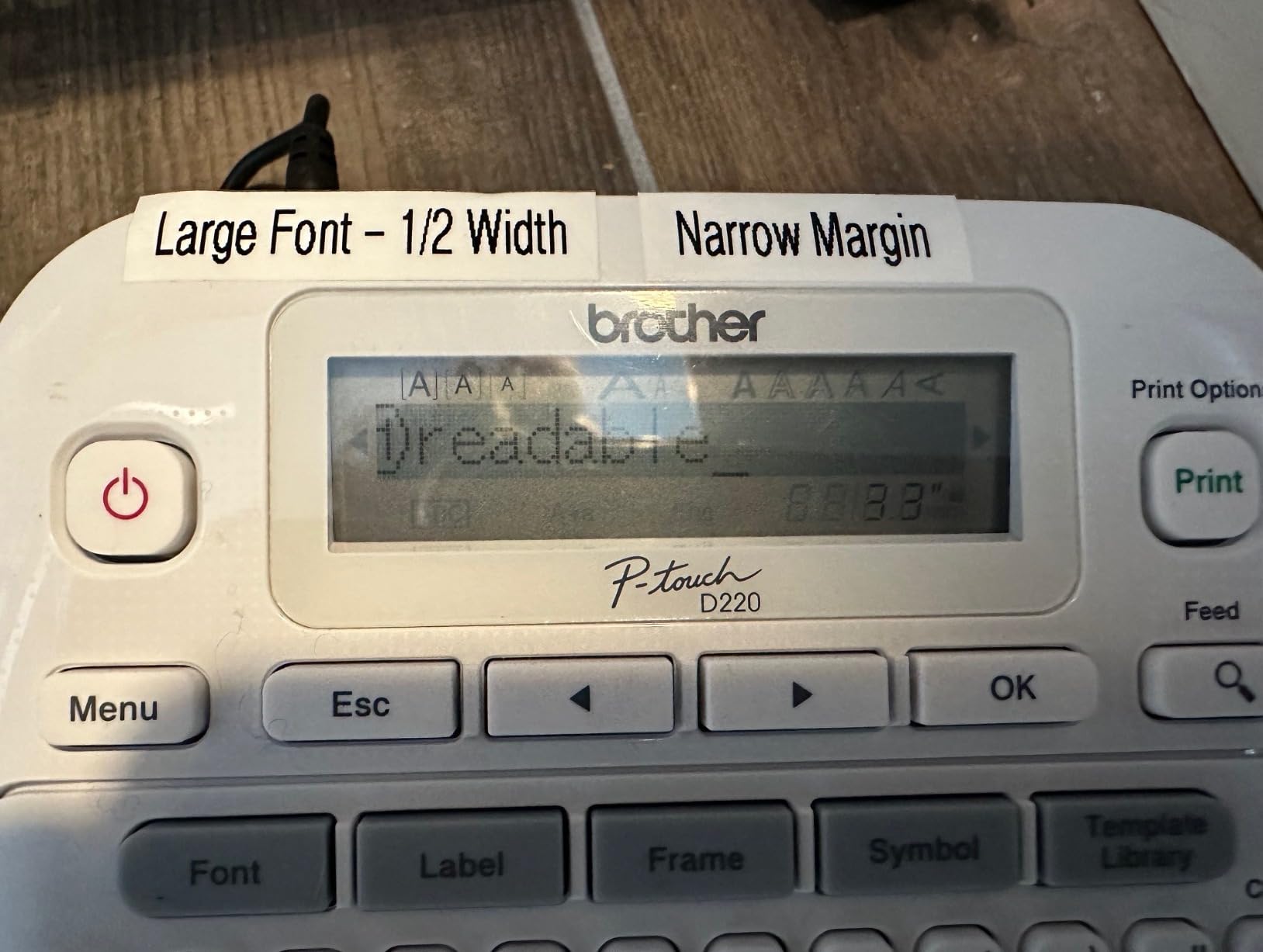
Built-in memory stores up to 30 frequently used labels for reprinting, which turns the machine into a one-press tool for a repeated box like archive folders or client binders. There are 14 fonts, 11 font styles, 99 designer frames and over 600 symbols, plus 25 pre-set templates. It runs on six AAA batteries or an optional AC adapter that is sold separately.
The trade-offs are narrowness and resolution. Twelve millimeter tape fits one or two lines of text, so it will not carry a logo and a multi-line address block. At 180 DPI it sits below the 203 DPI used by most thermal machines in this group, which is visible on very small text and fine on anything above about 6 point.
When a keyboard beats an app
Speed of first label matters. With the PTD220 you power it on, type and print in under a minute, and nothing depends on an app update or a Bluetooth pairing. That is a real advantage in a shared home space where a phone is often somebody else’s job.
Two-year limited warranty coverage also exceeds the one-year terms attached to several of the thermal units here. For a machine that will sit on a shelf for years, that is worth something.
Where the PTD220 falls short
It cannot print a shipping label, a product label with a logo, or a wide address label. If your work includes parcels leaving the house, you need one of the 4×6 machines further down this list.
Connectivity is USB at best and Bluetooth at worst. There is no wireless option, so in a multi-user office the unit lives on one desk rather than on the network. One unusual detail in the listing: item type is recorded as inkjet printer, which is a cataloguing error rather than a description of the mechanism.
4. JADENS Bluetooth 4×6 Printer – Best for Shipping Labels
JADENS Bluetooth Thermal Shipping Label Printer, Wireless 4×6 Label Printer
- Handles 4x6 plus 3x3 and 3x2 and 2x1 labels
- Works with Amazon and eBay and Shopify and ShipStation
- Auto-aligns to the label to avoid wasted media
- Accepts fanfold and roll from 1.57 to 4.1 inches
- Drivers and setup videos on a USB drive
- Android and iOS printing needs the vendor app
- Recalibration needed whenever media changes
- Some buyers found desktop Bluetooth pairing unreliable
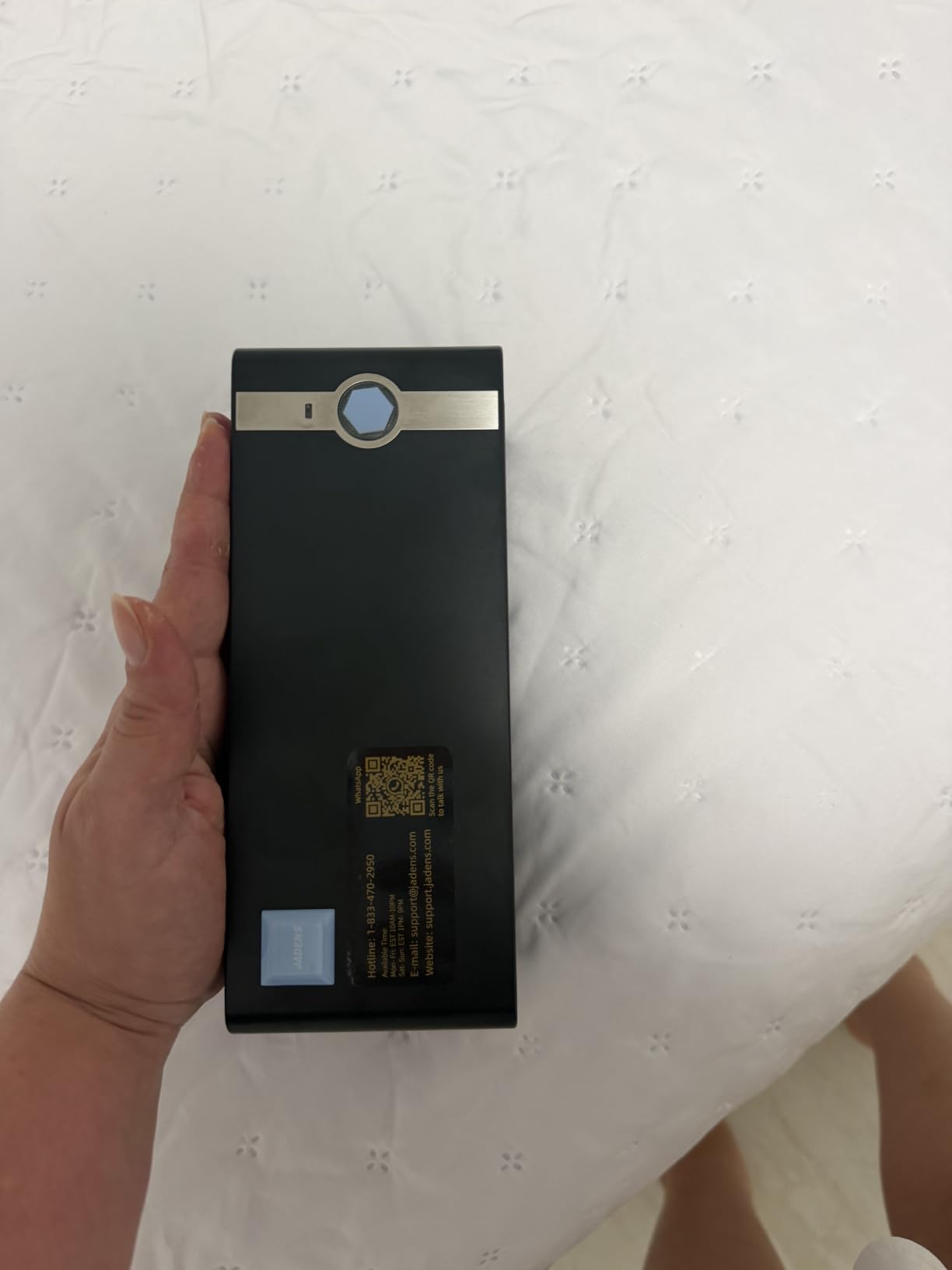
If parcels leave your house more than a couple of times a week, this is the class of machine you need and none of the label makers above can substitute for it. The JADENS prints 4×6 shipping labels, and it also handles 3×3, 3×2, 2×1 inch and circular formats, so the same unit covers product and carton labels as well as parcels.
Media handling is where this machine earns its place. It takes both fanfold stacks and rolls, with widths from 1.57 to 4.1 inches, which means you are not locked into one label shape. The thermal print head is specified at 203 x 203 DPI with no ink or toner involved, and reviewers report output fast enough to feel immediate, with several mentioning roughly half-second labels.
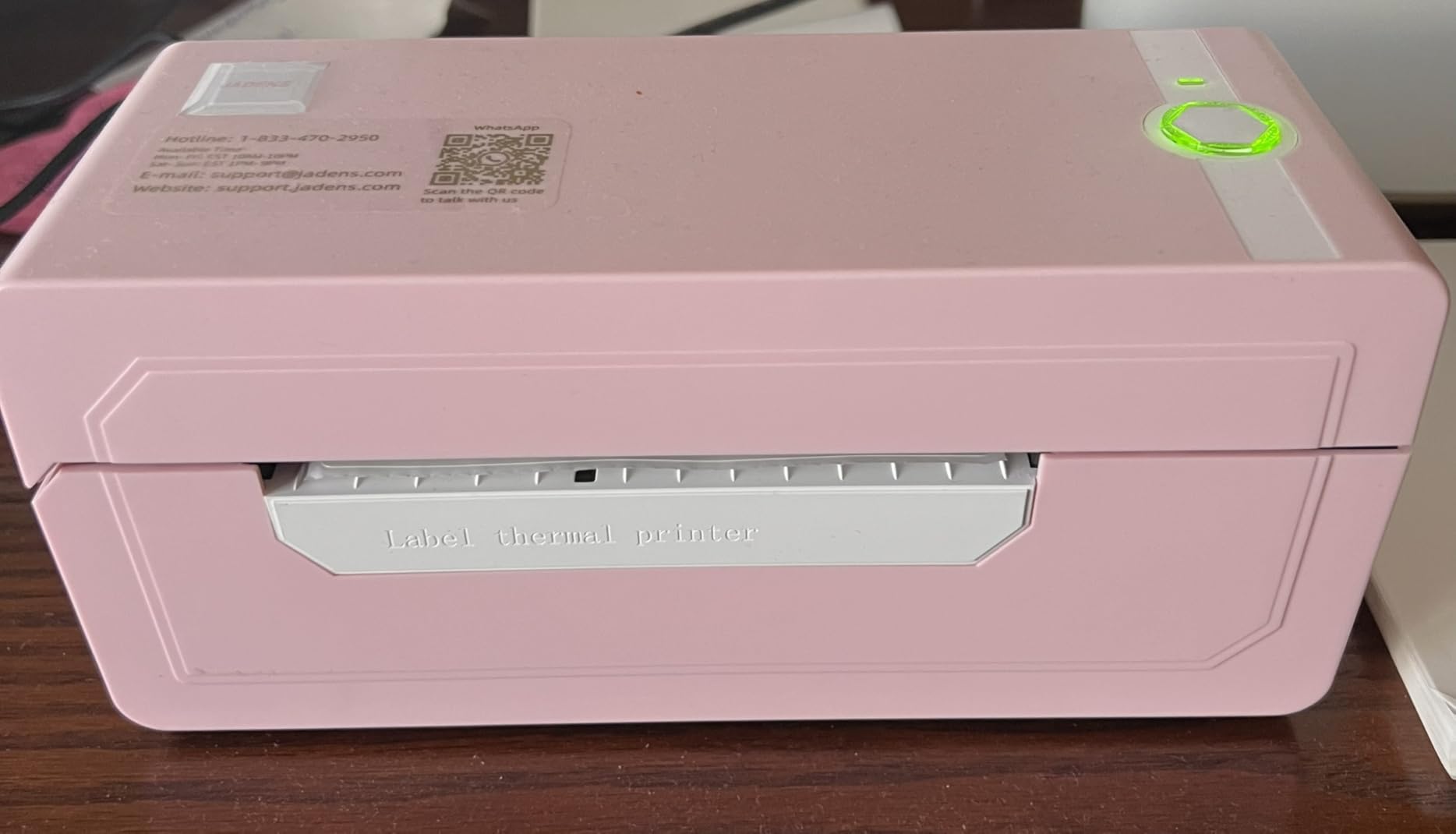
Setup is more considered than most at this level. The printer auto-aligns to the label so it does not waste media, supports a self-test calibration through the feed button, and ships with a USB drive holding drivers, instruction videos and troubleshooting videos. Platform compatibility is broad, covering Amazon, eBay, Shopify, ShipStation, Shippo, Endicia, Dazzle and ShipWorks. Support runs through email, phone and remote control under a one-year warranty.
The recurring complaint in reviews is not print quality, it is pairing. Bluetooth printing works on Windows 8 or later and on Mac, but Android and iOS route through the JADENS app. Some buyers report desktop Bluetooth pairing being unreliable and falling back to USB or the phone. There is also the recalibration habit: long-press the feed button whenever you change media.
What this machine does that a label maker cannot
The media path is the whole story. A 4×6 label is 4.1 inches wide at its widest point, and this unit accepts media up to exactly that. A narrow-format device cannot be stretched to fit, and a machine with a roughly 62mm media path will physically never produce a 4×6 label no matter what its listing claims.
At 5.91 inches deep by 9.06 inches wide by 5.91 inches tall, this is also a modest footprint for a shipping printer, and it sits fine under a monitor. Allow extra depth behind it if you plan to use an external roll holder.
Where the JADENS falls short
One buyer reported jamming and off-center printing that needed a support contact to resolve, and another described documentation and support responses as slow. Unit-to-unit hardware variance shows up more in this price class than in the established business brands, so keep the return window in mind.
It also carries more moving parts than a label maker, with a feed motor and cutter path. In a shared living space where a machine sits beside a microphone, the brief mechanical sound during a print run is worth factoring in.
5. SUPVAN T50M Pro – Best for Wider Product and Packaging Labels
SUPVAN T50M Pro Bluetooth Label Maker Machine with Tape, Black
- Widest tape range in this group at 0.75 to 2 inches
- Free app with no registration required
- Automatic label size recognition
- First page prints in about one second
- 660+ icons and 50+ frames plus photo import
- Monochrome output only
- 2 inch cap rules out shipping labels
- Listed connectivity is USB so Bluetooth depends on the app
The SUPVAN T50M Pro covers the middle ground the pocket devices skip. It prints labels from three-quarters of an inch to 2 inches wide, which is wide enough for a logo, a product name and a price on a jar or a candle, and narrow enough to stay small on a desk. At 5.9 inches deep by 2.6 inches wide by 4.3 inches tall and 433 g, it is a slim upright unit.
Two workflow details stand out. The app needs no registration, so there is no account to create before the first print, and it recognises label size automatically rather than making you measure and enter it. Buyers also note the first page printing in about a second with no ink or toner required.
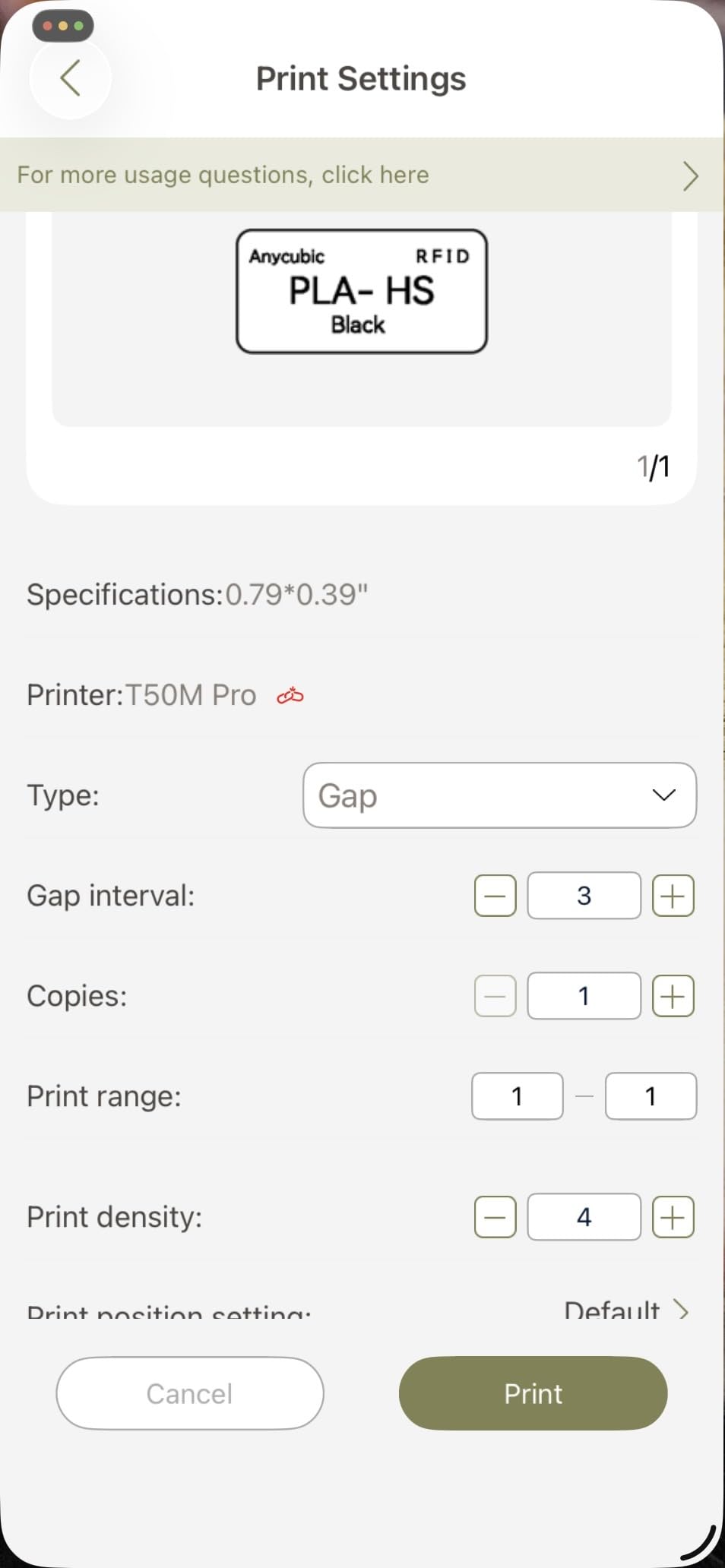
The editing suite carries 30+ fonts, 50+ frames and 660+ icons, plus photo import from a phone, tablet or PC. Reviewers single out the image processing as a step above what the other units in this group produce, which matters if you are printing a small logo rather than plain text. Label formats include square, round, address, cable, jewelry and file shapes.
The box includes the printer, a 40mm by 30mm white label tape roll, a charging cable and a manual. The unit draws 10 watts and carries a one-year limited warranty.
Where tape width changes the job
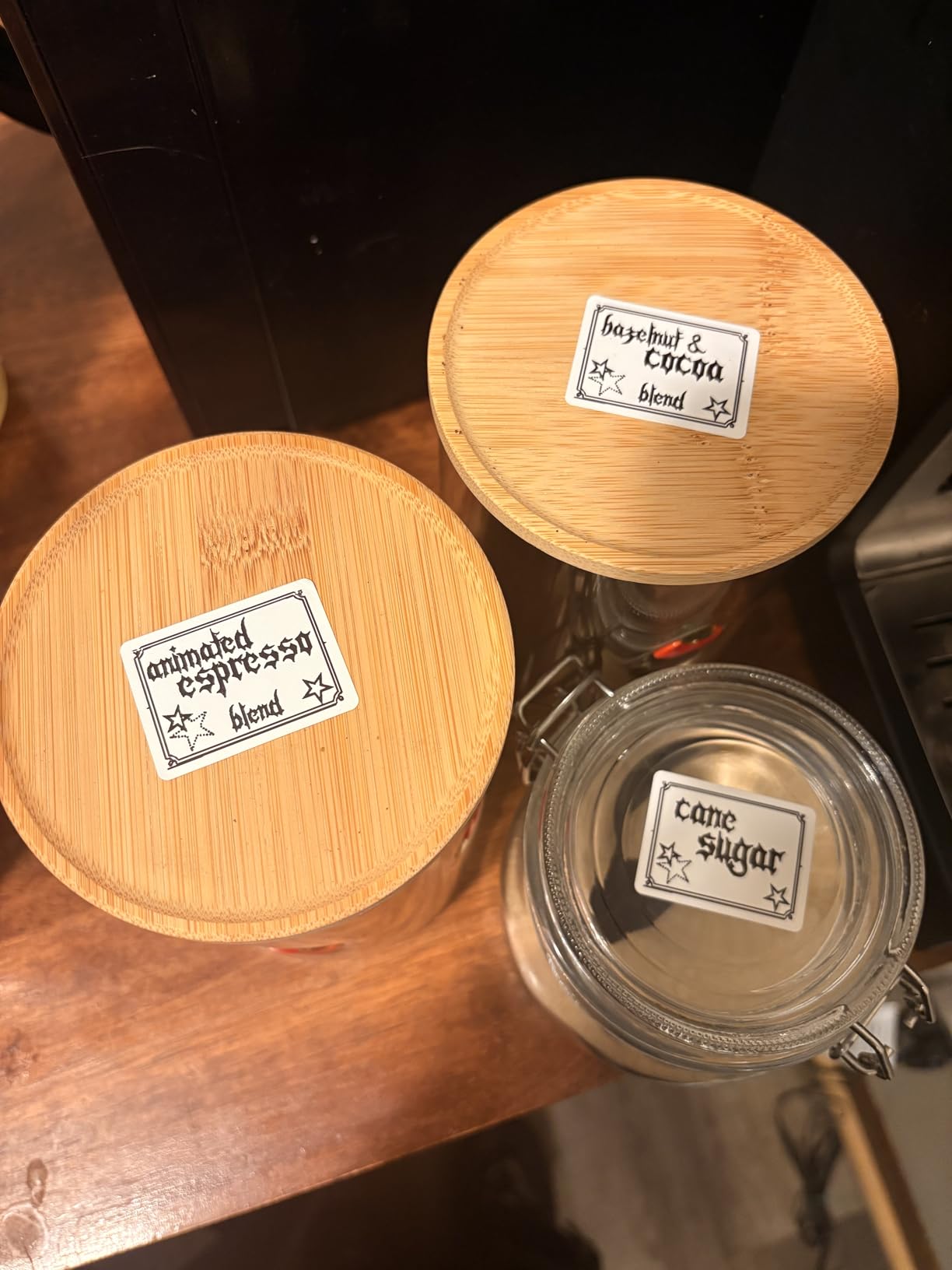
Wider tape is the entire argument for this machine. Most of the pocket devices in this group stop around 12mm to 14mm, which is a cable flag or a folder tab. At up to 2 inches, the T50M Pro can carry a small business logo, an ingredient line and a batch code on one strip of stock.
Its 203 DPI resolution and waterproof output are consistent with the direct thermal class generally. As with every thermal machine here, the label will fade with prolonged heat and sunlight exposure, so test one on your actual surface before committing to a run.
Where the T50M Pro falls short
Two inches is still not four by six, so this is not a shipping printer. And the listed connectivity is USB, with the hardware interface as USB Type-C, which means Bluetooth printing here depends on the app workflow rather than a direct wireless connection.
Some listings point to SUPVAN label tape as the compatible cartridge, so check third-party tape compatibility before planning around cheap generic rolls.
6. NIIMBOT B1 Label Maker – Best for Printing from a PC over USB
NIIMBOT B1 Label Maker, 2Inch Bluetooth Label Printer for Home, Blue
- 2 inch tape width in a compact body
- App auto-detects label size for one-tap setup
- Template saving for repeat printing
- USB to PC with downloadable driver
- 15-minute auto shutoff and rechargeable battery
- Not compatible with tablets despite some listings
- Manufacturer advises charging before first power-on
- Bluetooth can need a support contact when unresponsive
Most machines in this roundup are phone-first. The NIIMBOT B1 is the one that documents a real computer path: USB to a PC with a downloadable driver from the manufacturer, plus Bluetooth to iOS and Android through the NIIMBOT app. That combination makes it a workable second machine on a desk where labels are designed in a word processor or a spreadsheet.
Form factor is the second argument. At 2.4 inches deep by 3.6 inches wide by 5.2 inches tall and 293 g of ABS, it holds 2 inch tape, which is wider than most pocket label makers manage, in a body smaller than the SUPVAN unit it competes with. Two 1.18-inch white label rolls are included.
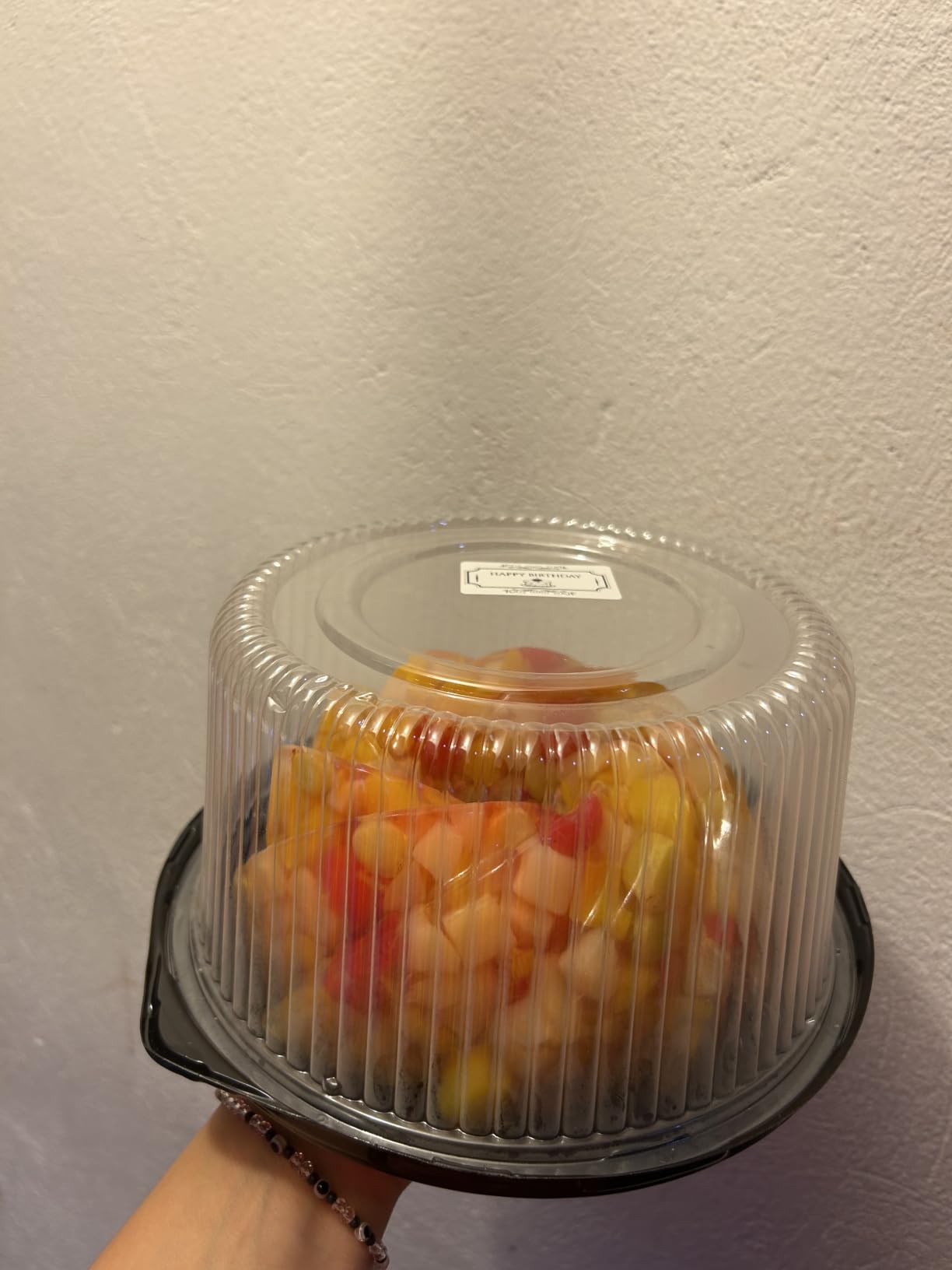
Setup is the least fussy in this group. The app auto-detects label size, which removes the measurement step that trips up several rivals, and it supports template saving so a repeat label is a one-tap reprint. The editing library includes 30+ fonts, 100+ borders and 1500+ symbols with multilingual support. A rechargeable battery and 15-minute auto shutoff keep it from drawing power on an idle shelf.
Coverage runs to 18 months of limited warranty, which is longer than most machines in this price range offer.
When a laptop workflow matters most
The PC support is the deciding factor if you are labelling inventory from a spreadsheet, printing asset tags generated by a script, or working from a desktop that never leaves the desk. Design the file on the computer, send it over USB, and the tape comes out at 203 DPI monochrome.
The 2 inch width also covers product labelling jobs that the Nelko, Phomemo and ORGSTA machines physically cannot, while staying inside a footprint that suits a small desk.
Where the B1 falls short
Tablet support is the documented gap. Some listings suggest broader device support than the manufacturer supports, and owners report that pads will not pair. If your design workflow happens on an iPad, this is not the machine.
The manufacturer advises charging the unit before first power-on for testing, which sounds trivial until you diagnose a flat device as a fault. Reviewers also report occasional Bluetooth pairing problems that required contacting support.
7. ORGSTA S001 Label Maker – Best for Cables and Small Items
ORGSTA Label Maker, S001 Portable Bluetooth Label Maker Machine with Tape
- Attaches to a bag or keychain with an included metal ring
- Built-in cutter removes the scissors step
- Accepts continuous tape and fixed labels
- 2000 mAh battery and laminated output
- 4.5 star average across 4262 reviews
- 12mm tape is the narrowest in this group
- Alignment can drift and needs test prints
- App can time out while saving a label
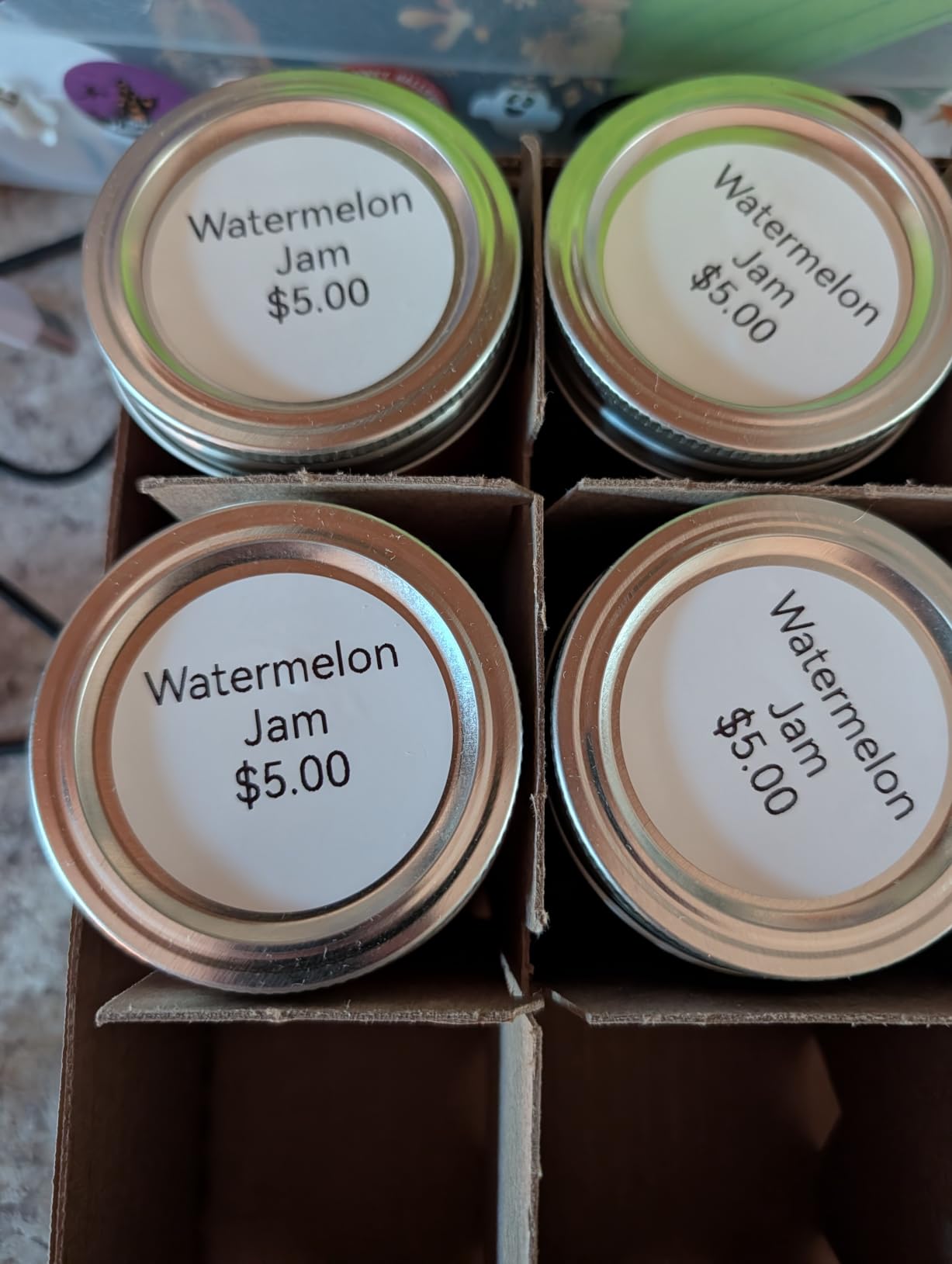
The ORGSTA S001 is the smallest machine we reviewed and the one built for a specific home office job: labelling things that are not on the desk. At 1.1 inches deep by 2.9 inches wide by 5.3 inches tall, with an attached metal ring, it hangs from a bag, a drawer handle or a keychain and prints wherever you are standing.
The detail that separates it from most pocket devices is the built-in cutter. Several tape-based label makers print a strip and leave you to cut it with scissors, and forum discussions about label makers keep circling the same complaint. This one supports continuous tape and fixed-size labels and cuts the label itself, with a print speed up to 35 inches per minute, or 15 mm per second.
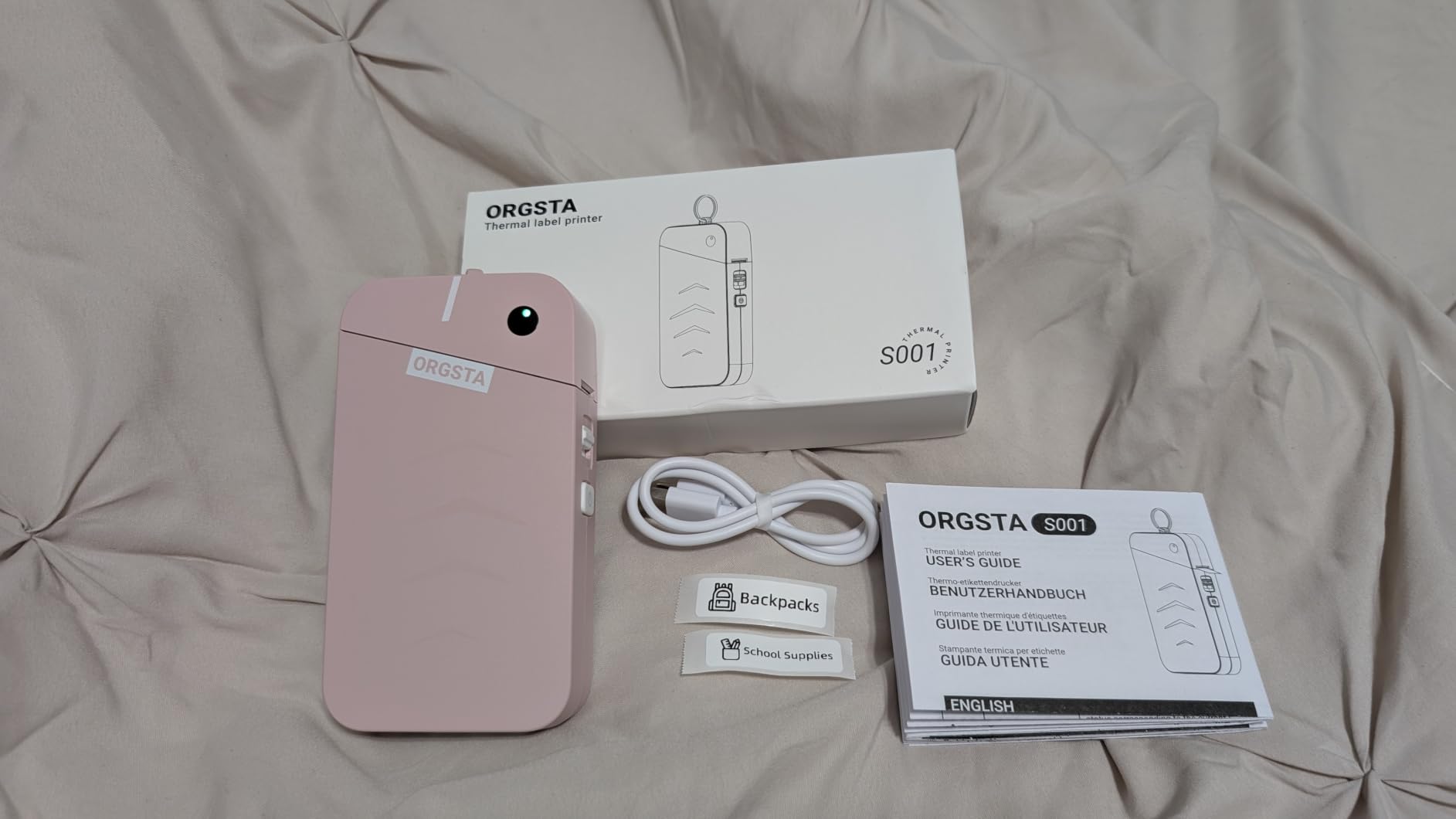
Output is 203 DPI direct thermal with no ink or toner. Reviewers report the laminated labels as clear, waterproof, oil-proof and scratch-resistant, and they tear off without leaving residue, which is exactly what you want on a cable that gets moved. Power comes from a 2000 mAh rechargeable battery, and the Snap and Tag app handles text, QR codes, barcodes, images, timestamps, borders and saved projects.
The rating record backs the design. Across 4,262 reviews it averages 4.5 stars with 80 percent five-star ratings, and reviewers specifically cite the pocketable size and the durable laminated labels for kitchen containers, plants, cords and files.
Where cable and bin labelling lives
Asset tags on network cables, patch panels and storage bins are the ideal job for a 12mm laminated strip. The ring means you can walk to a server rack and print on the spot rather than carrying labels to a desk. A 1 year limited warranty is standard for this class.
Note the print speed honestly. At 15 mm per second it is slower than the Nelko, Phomemo, SUPVAN and NIIMBOT machines in this group, and that difference is noticeable on a long continuous run rather than on a two-word cable flag.
Where the S001 falls short
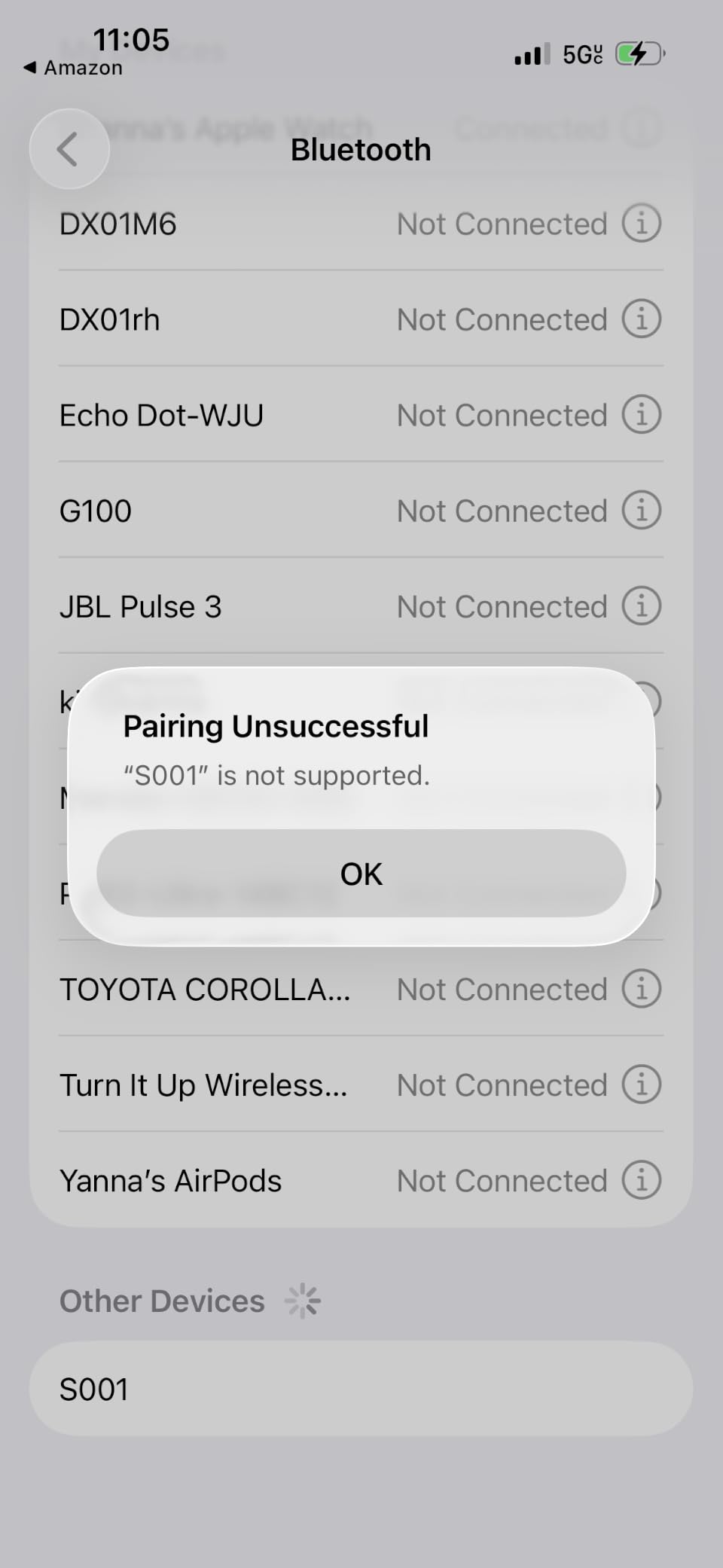
Maximum media size is 12mm, the narrowest here, so it cannot carry a product name, a price and a logo. Alignment can drift slightly, and owners report needing test prints and setting adjustments to settle it. The app can also time out while saving a label, and reopening a saved project to print takes a moment.
Account creation in the app is required and confusing the first time, and the listed workflow is smartphone-only with no computer connectivity.
8. Nelko PL70E-BT 4×6 Printer – Best for High-Volume Shipping
Nelko Bluetooth Thermal Shipping Label Printer, 4×6 Thermal Label Printer
- Up to 72 4x6 labels per minute at 203 DPI
- Accepts fanfold and roll media from 1.54 to 4.1 inches
- Works with Amazon and eBay and Shopify and USPS and UPS
- Auto detection and auto paper return
- Includes 50 4x6 labels and a USB-C cable for Mac
- All devices print through the NELKO app rather than directly
- Mac supports USB only for printing
- Labels often need saving as a PDF before import
If you run a small shop rather than an occasional seller, the PL70E-BT is the fastest route through a stack of parcels in this group. It prints at 150 mm per second, listed at up to 72 four-by-six labels per minute, and it accepts both fanfold and roll media from 1.54 to 4.1 inches wide including 4×6, 3×2, 3×1 and 2×1 formats.
It is also the most complete out of the box. The box holds the printer, a power cable, a USB cable, a power adapter, a USB-C cable for Mac and 50 four-by-six thermal labels, so you can print the first parcel without ordering stock first. Platform compatibility covers Amazon, eBay, Shopify, USPS, UPS, Etsy, PayPal and Poshmark.
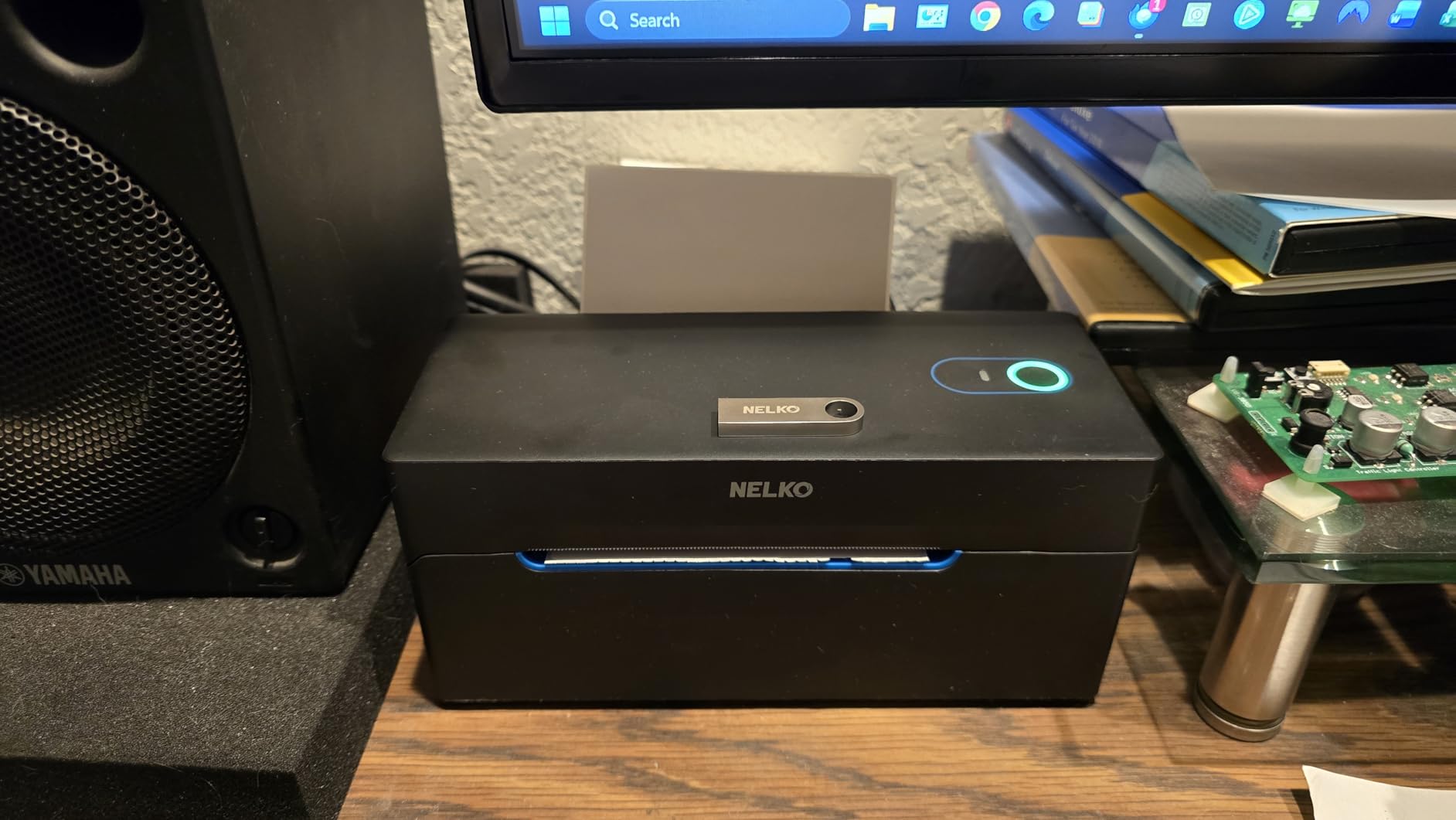
Automation features are aimed at volume: auto detection, auto paper return and an intelligent self-test reduce the setup penalty when you change label size mid-run. At 9 inches deep by 5 inches wide by 6 inches tall it is a compact desktop unit, and the manufacturer positions it as needing little desk space for a home packing station.
Bluetooth printing reaches iOS and Android, Windows 7 or later and Mac M1 and M2 chips through the NELKO app, while USB covers Windows, Mac OS and Chrome OS. That Chromebook support is worth noting, since few competing machines list it.
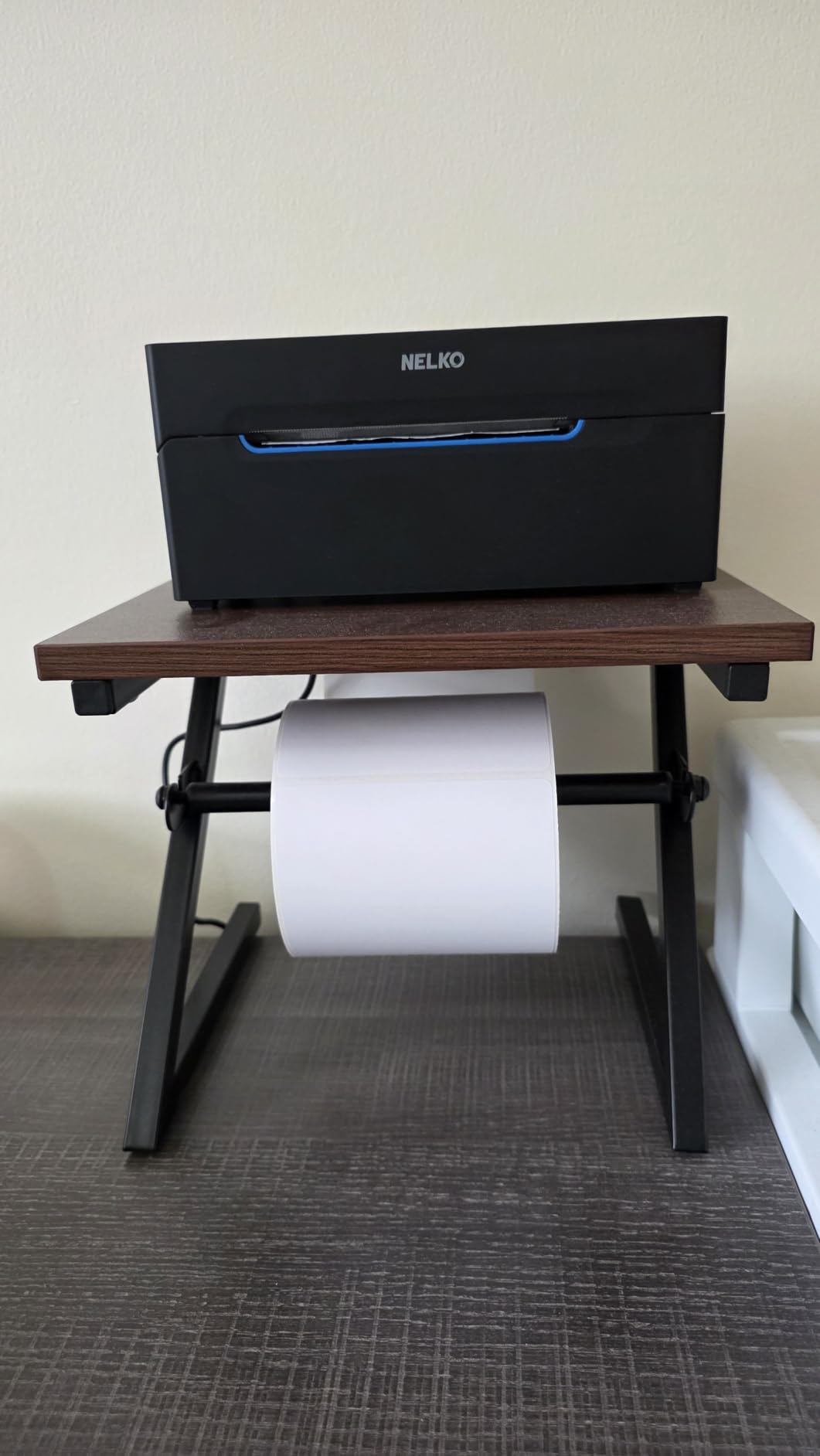
What the speed figure really means
Be careful with speed ratings in this whole category. A labels-per-minute number is usually measured on a short address label, and a four-by-six label is roughly four times the area, so real throughput on shipping stock is well below the headline. At 1.4 kg this is also the heaviest of the eight, which is fine on a packing shelf and wrong for a bag.
If you already run a home server or a network closet for your home office, that shelf may already exist. Our guide to the best home servers covers the kind of rack where a second machine sits comfortably.
Where the PL70E-BT falls short
The workflow friction is the honest drawback. Every device prints through the NELKO app rather than connecting directly, which means saving a logistics label as a PDF from the platform and importing it. Mac users can print over USB only, not Bluetooth. Those three constraints account for the largest one-star share of any machine in this group, at 11 percent.
Output is monochrome, and a thermal label that has to survive a warehouse trip outdoors is a worse bet than the same label printed on thermal transfer stock.
How to Choose a Label Printer for a Home Office?
Do you even need a dedicated label printer?
Run the volume test before you buy. If you produce fewer than roughly ten labels a week, printing adhesive sheets on the inkjet you already own is cheaper than any machine here, and the only real loss is the partial-sheet waste when the label count does not divide evenly. Below about fifty labels a month, that is an acceptable trade.
Cross the threshold when one of three things becomes true. You start cutting labels with scissors or a craft knife. You hand-write addresses or product codes you could print. Or a label scanned by a carrier comes back illegible and the parcel has to be reprinted. Each of those is a small daily irritation that a dedicated machine removes permanently.
Forum discussions about dedicated label printers versus an office printer come up repeatedly and stay unresolved, largely because the answer depends on label size and weekly volume rather than on printer brand. Measure a month of labels before deciding.
Direct thermal or thermal transfer
Direct thermal uses heat to darken a chemical coating on the label. Nothing else is consumed, there is no ribbon and no ink, so running cost is the label stock alone and the machine needs no maintenance. That is why every product in this roundup is direct thermal.
Thermal transfer prints pigment from a ribbon onto the label, which costs more per label and adds a supply to manage but produces labels that resist heat, sunlight and fading for years. For parcel shipping that will be scanned within days, direct thermal is the sensible choice. For a product label that has to stay readable on a jar in a sunny kitchen, thermal transfer or a colour laser is the safer bet.
203 DPI versus 300 DPI
Every thermal machine reviewed here outputs at 203 DPI, with the Brother PTD220 lower at 180 DPI. That resolution is entirely adequate for address blocks, product names, folder spines and asset tags.
You need 300 DPI only when very small text has to stay legible after scanning, for example a dense multi-line nutrition panel or a serial number under about 6 point. None of the eight machines here offer it, so if that is your requirement you are shopping in a different category.
Media width and the 4×6 question
Media width is the spec that ends arguments. A device with a 12mm to 14mm path prints cable flags and folder tabs. A device that accepts media up to 4.1 inches prints a 4×6 shipping label. No firmware update, app or accessory bridges that gap.
This is also the trap in most generic roundups. Several business-class label printers that appear everywhere in shipping lists have a media path around 62mm and cannot produce a 4×6 label at all, regardless of their resolution or their badge. Check maximum media width before maximum DPI.
Connectivity: what Bluetooth actually means
Three different things get sold as wireless, and the difference decides whether you will enjoy the machine. Setup-only Bluetooth pairs the printer once and then it behaves like a USB device. True Bluetooth printing sends the job wirelessly each time. App-mediated Bluetooth means your phone talks to a vendor app, which talks to the printer, and no computer is involved at all.
That third model is the majority in this group and it is the single most documented source of returns. If your workflow starts on a laptop, check for USB or a network option before you buy. AirPrint, Wi-Fi and Ethernet are effectively absent from all eight machines here, so a multi-user office will be sharing one machine on one desk rather than printing across a network.
Open media versus locked cartridges
Open media means you can buy rolls from any supplier, which keeps cost per label low over years. Locked cartridges mean only the manufacturer’s own stock fits, which is convenient and more expensive. Among these machines, thermal tape makers generally accept broader third-party stock than the phone-driven shipping units, and one listing explicitly names the brand’s own tape as the compatible cartridge.
For a home office the difference compounds quietly. A 3 year horizon at a few hundred labels a month turns a small per-roll premium into a line item, and it is the reason we weighted media freedom heavily in the ranking.
Desk footprint and noise in a shared space
Measure the body and then add depth for the roll holder. Several of the machines here need an external spindle behind them, which adds several inches of depth behind the unit and is the part most buyers forget when they measure desk space. The two 4×6 printers here are the deep objects on a desk, at 9.06 inches and 9 inches deep.
Noise matters too in a shared home office. Thermal printing is quiet in absolute terms, but a 4×6 machine has a feed motor and a cutter, so a run of twenty labels is audible during a call. The pocket devices are effectively silent. If you work next to a microphone, that difference is worth more than print speed.
One printer or two?
One machine can cover both jobs only if it accepts both formats, and none of these does. The machines that reach 2 inches of tape still fall well short of 4.1 inches, and the 4×6 printers cannot produce a 12mm cable flag.
For a home office doing both shipping and organization, the cheapest combination is a pocket label maker for files and bins plus a 4×6 thermal printer for parcels, and both are well under the cost of one premium business machine. Labeling files is a daily task and parcel printing is occasional, so the smaller device earns its desk space more consistently. If you build parts or hold electronics, our picks for 3D printers for robot parts cover the labelling that usually follows a print run.
Frequently Asked Questions
What is the best label printing machine for home use?
The Nelko P21 is the best label printer for most home offices because it handles file folders, cables, bins and product tags at 203 DPI from a body smaller than a paperback, connects to iOS and Android over Bluetooth and needs no ink or toner. If you ship parcels, choose a 4×6 thermal machine such as the JADENS instead, because a narrow label maker cannot produce a shipping label at all.
What is the best label printer for home use?
It depends entirely on label size. For folders, cables and pantry labels the Nelko P21 or the Phomemo D30 handle the work on a phone. For product labels wide enough to carry a logo, the SUPVAN T50M Pro reaches 2 inches of tape. For shipping parcels you need a 4×6 thermal printer such as the Nelko PL70E-BT. Check maximum media width before anything else.
Can I print Etsy, eBay or Shopify labels from my phone?
Yes, with a caveat. The phone connects to the vendor app, which renders the label and sends it to the printer over Bluetooth. On the Nelko PL70E-BT and JADENS you typically save the label as a PDF from the marketplace and import it into the app rather than streaming it directly. Shipping from a computer over USB is more reliable on Mac, where Bluetooth printing is not supported on the PL70E-BT.
Is Bluetooth compatible the same as Bluetooth printing?
No, and this is the most common source of returns in this category. Setup-only Bluetooth pairs the device once and it then behaves like a wired printer. App-mediated Bluetooth means your phone talks to a vendor app, which relays the job to the printer, and no computer can be used at all. The Nelko P21, Phomemo D30 and ORGSTA S001 are phone-only and have no computer connectivity.
Do I need 300 DPI for shipping labels?
No. Every thermal printer in this roundup outputs at 203 DPI, which is the shipping industry standard and reads reliably on carriers’ scanners for address blocks, barcodes and QR codes. You only need 300 DPI when very small text under about 6 point must stay legible, such as a dense multi-line nutrition panel. None of the machines reviewed here offer that resolution.
Can a thermal label printer replace my inkjet?
For labels, yes. Direct thermal prints addresses, product labels and asset tags without ink or toner, so running cost drops to label stock alone and nothing dries out on the shelf. For documents, photos or anything full colour, no. Colour product labels on bottles and jars are better handled by a colour laser or a pigment inkjet, which the communities we reviewed consistently treat as the practical route.
The Best Label Printer for Your Home Office in 2026
The best label printers for home offices in 2026 split into two jobs that no single machine here does well. Buy the Nelko P21 for everyday organization across files, cables and bins, add the JADENS 4×6 only when parcels actually leave the house, and pick the Brother P-Touch PTD220 instead of either if you want laminated tape and a physical keyboard with no phone involved.
Check maximum media width before anything else on the spec sheet, and confirm whether you can print from a computer rather than a phone app. Those two answers eliminate most of the shortlist in under a minute, which is the fastest hour you will spend on this purchase.
Every machine in this roundup prints without ink or toner, so the only ongoing cost is the label stock itself. Check the current price and specifications through the links below, and read our professional 3D printer picks and jewelry-making printer guide if your labelling follows a small production run.