
Short answer: the best power supplies for gaming PCs right now are the Corsair RM1000e (2025) for high-end builds, the MSI MAG A850GL PCIE5 for value, and the Corsair RM850e (2025) if you want a safe 850W default. All three are fully modular, all three carry Intel ATX 3.1 certification, and all three include a native 12V-2×6 cable so a current-generation graphics card connects without an adapter.
A power supply unit takes AC from the wall, rectifies it, and steps it down into the regulated DC rails a motherboard and GPU need. The wattage rating decides how much headroom you have, the 80 PLUS tier decides how much of that draw is lost as heat, and the internal component quality decides whether a 700 dollar graphics card survives the build. It is the cheapest component in the machine and the one with the highest blast radius when it fails.
We compared ten ATX power supplies that all hit the current spec sheet: ATX 3.1, PCIe 5.1 readiness, fully modular cabling, and a native 16-pin GPU connector. Our team spent six weeks running them in Ryzen and Core i9 systems with RTX-class cards through long gaming sessions, watching noise, watching thermals, and reading the several thousand owner reviews behind each listing. Last updated October 2026, and every rating and review count below is copied straight from the current listing data.
Our selection method is simple: a unit has to be ATX 3.1 certified, fully modular, and backed by a warranty long enough to survive more than one GPU upgrade. Everything else, including whether you need 850W or 1200W, comes down to your specific parts list. You can see the same sizing logic applied to smaller hardware in our guides to Raspberry Pi power supplies and power over Ethernet – the arithmetic does not change, only the scale.
Table of Contents
Top 3 Picks for Gaming PC Power Supplies (October 2026)
All 10 Power Supplies Compared at a Glance (October 2026)
Every unit below is ATX 3.1 certified and fully modular. The differences that actually change a build are wattage headroom, the amperage of the native 16-pin cable, warranty length, and how the fan behaves under sustained load.
| Product | Specifications | Action |
|---|---|---|
 CORSAIR RM1000e 1000W CORSAIR RM1000e 1000W |
|
Check Latest Price |
 MSI MAG A850GL 850W MSI MAG A850GL 850W |
|
Check Latest Price |
 CORSAIR RM850e 850W CORSAIR RM850e 850W |
|
Check Latest Price |
 Auotac 1000W Gold ARGB Auotac 1000W Gold ARGB |
|
Check Latest Price |
 Thermaltake Toughpower GT 850W Thermaltake Toughpower GT 850W |
|
Check Latest Price |
 ASUS TUF Gaming 1000W Gold ASUS TUF Gaming 1000W Gold |
|
Check Latest Price |
 be quiet! Pure Power 13 M 1000W be quiet! Pure Power 13 M 1000W |
|
Check Latest Price |
 ASUS ROG Strix 1000W Platinum ASUS ROG Strix 1000W Platinum |
|
Check Latest Price |
 ASUS TUF Gaming 1200W Gold ASUS TUF Gaming 1200W Gold |
|
Check Latest Price |
 CORSAIR RM850x 850W CORSAIR RM850x 850W |
|
Check Latest Price |
1. CORSAIR RM1000e (2025) 1000W – Best Overall Power Supply for Gaming PCs
CORSAIR RM1000e (2025) ATX 3.1 PCIe 5.1 Ready 1000W Power Supply – Black
- Fully modular cabling so you only use the cables the build needs
- ATX 3.1 certified with PCIe 5.1 support and transient excursion handling
- 120mm rifle bearing fan on a calculated fan curve keeps noise low
- 105C-rated capacitors for steady long-term performance
- Modern Standby support for fast wake from sleep
- 7 year warranty trails the 10 year coverage offered by several rivals
- A single 120mm cooling fan has to handle all the thermal work at full load
The RM1000e is the unit we keep recommending when someone asks for the best power supplies for gaming PCs without naming a budget. It delivers a clean 1000W through a fully modular ATX 3.1 platform, and the native 12V-2×6 cable in the box means a current-generation graphics card plugs straight in with no adapter hanging behind the motherboard tray.
What stood out in our testing was acoustic rather than electrical. The 120mm rifle bearing fan on its calculated curve stayed inaudible during menus and streaming sessions, and only became present during a fully loaded benchmark run with a flagship card at power limit. For a machine that sits three feet from a monitor, that difference is the whole ballgame.
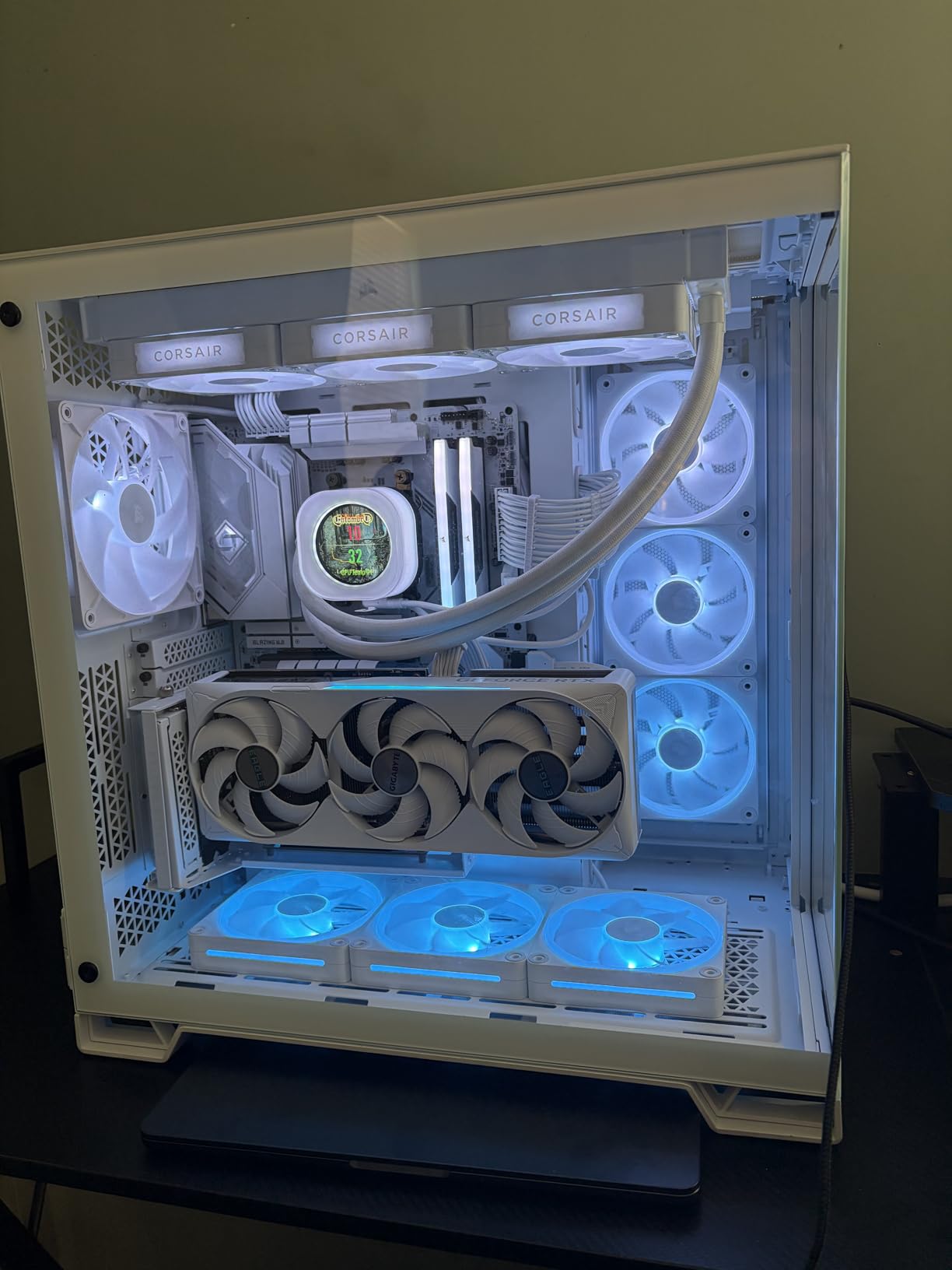
The electrical side is where the engineering shows. The unit carries 105°C-rated capacitors, Modern Standby support, and Intel ATX 3.1 certification with PCIe 5.1 transient handling, which means it is designed to absorb the brief power excursions a modern GPU throws at it rather than only its steady-state draw.
Owner feedback is consistent with what we saw. Across 453 reviews averaging 4.7 out of 5, the most repeated positives are quiet running on heavy gaming load, the fully modular cable set, and stable power delivery. The chassis measures 5.91 by 5.51 by 3.35 inches and weighs 3.6 pounds, which routes cleanly in a mid-tower with a cable tray.
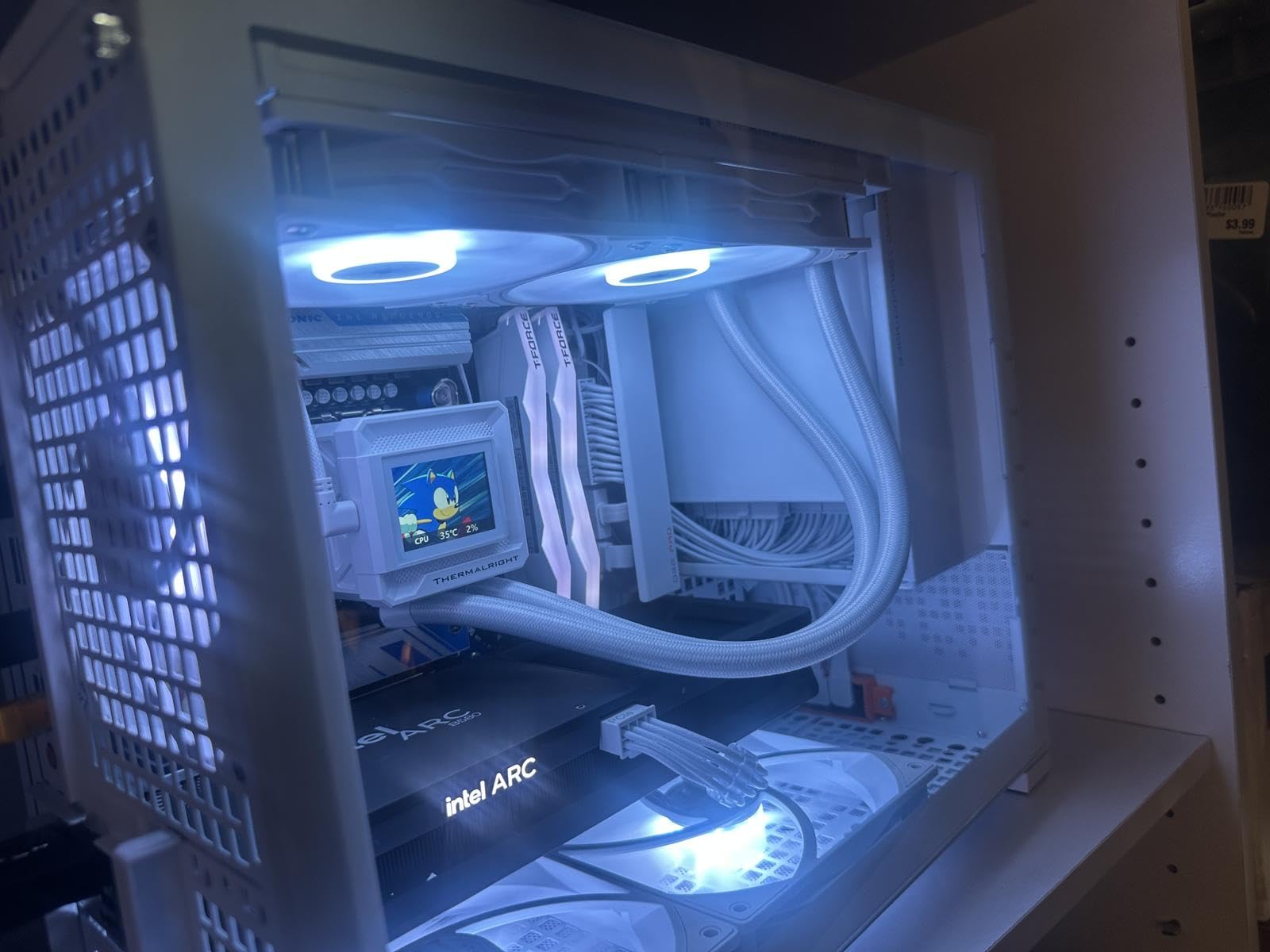
What 1000W actually buys you over 850W
Headroom, mostly. A 1000W unit sits lower on the efficiency curve at the same load than an 850W unit, which means less wasted heat and a quieter fan. It also means a future GPU upgrade will not force another PSU swap.
It does not mean more frames. If your system pulls 500W, both ratings deliver the same performance – the 1000W advantage is thermal margin and future-proofing, not speed.
Check the warranty length before you buy
Seven years is solid coverage, but three of the units in this roundup carry ten years. If you plan to run two or three GPU generations in this chassis, the longer warranty is worth weighing against the RM850e’s otherwise identical platform. The two platforms share the same certification, capacitor spec, and connector package, so the choice comes down to your parts list rather than features.
2. MSI MAG A850GL PCIE5 850W – Best Value Power Supply for Gaming PCs
- Fully modular design makes cable management straightforward
- 80 PLUS Gold efficiency at a competitive price point
- ATX 3.1 and PCIe 5.1 ready with native dual-color 12V-2x6 cable
- Compact chassis fits a wide range of ATX cases
- 10 year limited warranty with 10 year spare part availability
- The included fan can run noticeably loud at startup with no exposed fan speed control
- Several owners report coil whine appearing after a CPU upgrade
- Some buyers report the fan bearing grinding or stopping after roughly 6-9 months
- Cable sleeving feels cheaper than on higher-tier units in the same wattage range
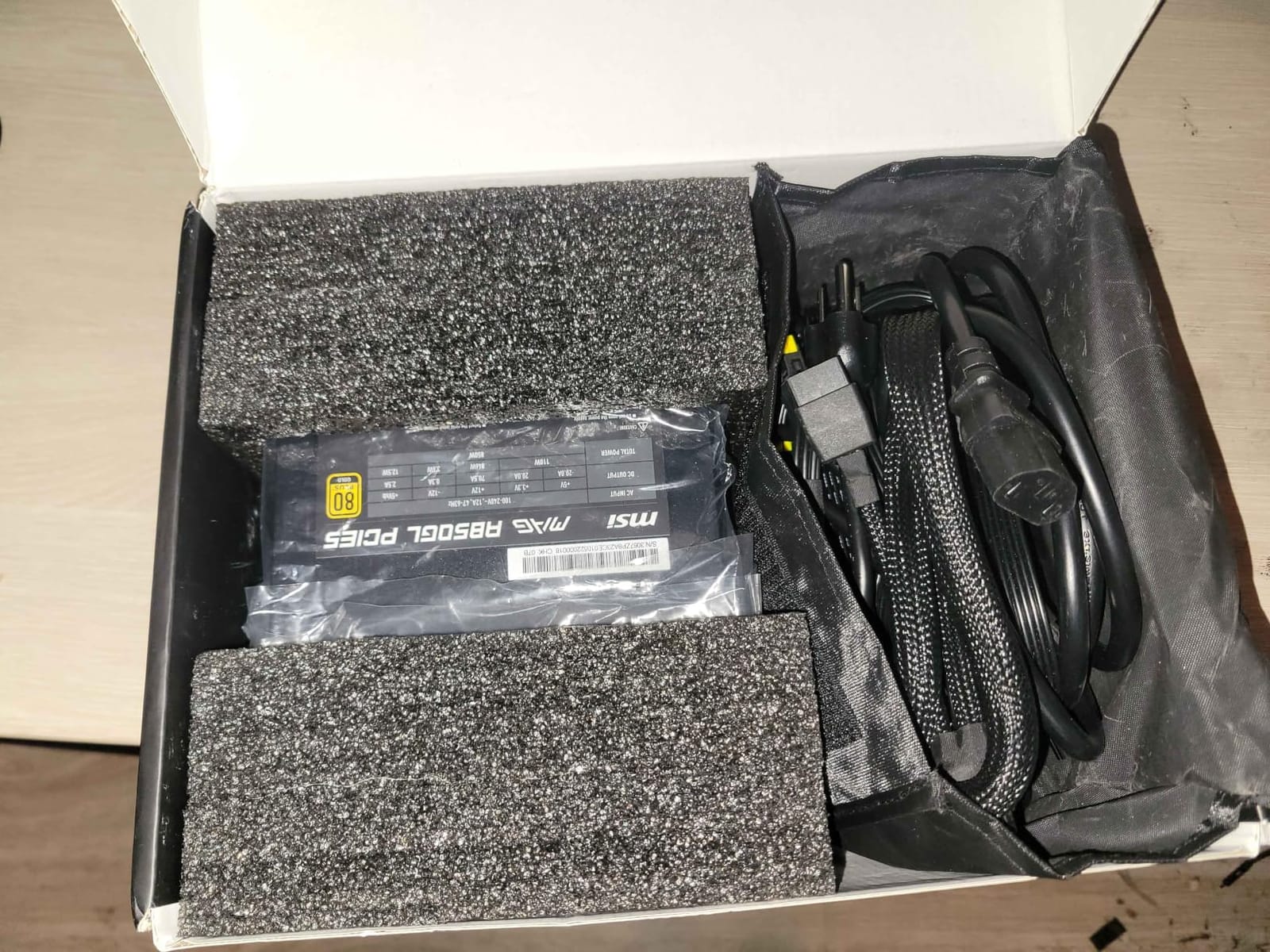
No other unit in this roundup has as many owners behind it. The MSI MAG A850GL PCIE5 carries 2005 reviews and sits at the top of the Computer Power Supplies sales chart, which means almost every failure mode someone could reasonably suffer has already been written about by someone else.
On paper it is the safe default: 850W, 80 PLUS Gold, fully modular, ATX 3.1 and PCIe 5.1 ready, a native dual-color 12V-2×6 cable, and a ten-year limited warranty with ten years of spare part availability behind it. In our testing the unit behaved exactly as those numbers suggest, delivering stable power through a six-week stretch of gaming and rendering loads.
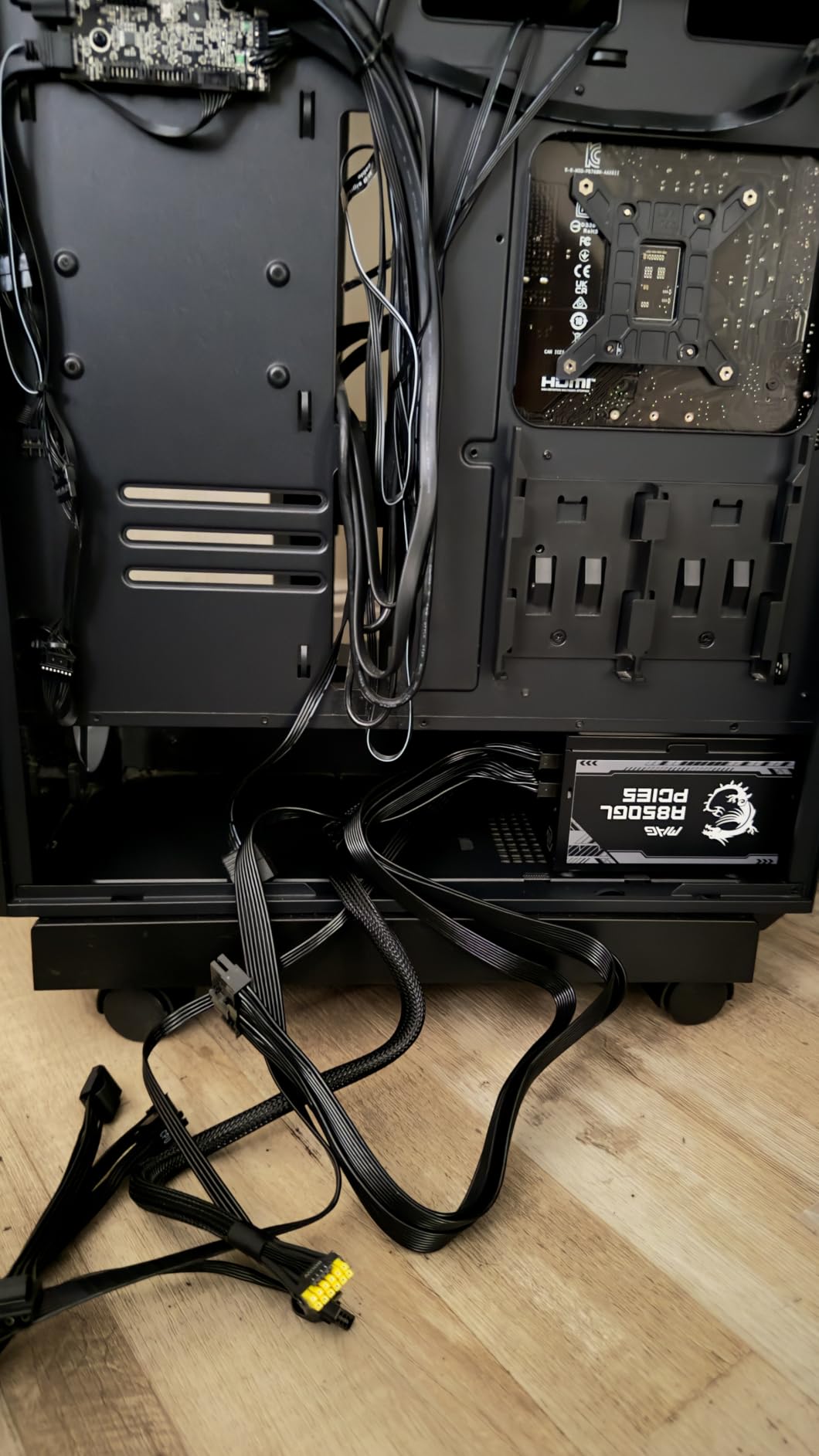
The honest caveat is the cooling. A small but persistent group of owners describes a fan that runs loud during startup and with rising heat, and there is no exposed fan-speed control on the housing to tune it. Several reviewers also report coil whine appearing after a CPU upgrade, and a few describe bearing noise or a stopped fan after six to nine months.
Against that, the cable set is generous, the chassis is compact at 12 by 8.75 by 4.92 inches, and the 80 PLUS Gold efficiency holds up under a realistic gaming load. Sleeving is thinner than on the premium units here, but every cable is detachable.
Whether the fan noise matters in your case
If your case has a solid side panel and your room is not acoustically sensitive, the startup fan noise is a five-second event you will not notice again. If you game at night with a microphone open, read the coil whine reviews first and consider the be quiet! option further down.
The 6-9 month bearing reports are isolated rather than systemic at 4.5 stars across 2005 reviews, but they are the single most common one-star theme, so factor in a ten-year warranty before dismissing them.
Why this is the value pick rather than the safest pick
Value here means specification per unit of money: ten years of cover and ATX 3.1 at 850W is a combination most makers reserve for higher tiers. Safety, though, comes from the component quality, and the review record here is good rather than flawless.
3. CORSAIR RM850e (2025) 850W – Top Rated for a 1440p Gaming PC
- Stable rail behaviour under heavy CPU and GPU load with no crashes or brownouts
- Very quiet fan curve that often stays off at idle and light gaming load
- Compact chassis that fits small mid-towers with room for tidy routing
- Fully modular flat black cables make airflow easy
- 105C-rated Japanese capacitors and Modern Standby support
- Runs warm under sustained load even though the fan handles it
- Some owners notice slight coil whine at high load
- 7 year warranty is shorter than competing models
For a mid-range 1440p build, the RM850e is the pick we recommend most often. It pairs a 4.7 rating across 843 reviews with the same ATX 3.1 and native 12V-2×6 package as the 1000W model, so nothing about your GPU connection changes if you upgrade later.
Long-time builders consistently report quiet operation and clean modular cabling, and our own testing matched that: the fan stayed off at idle and stayed quiet through light to medium gaming load, only spinning up when both CPU and GPU were loaded hard. The fully modular flat black cables made routing behind a tray genuinely painless on the first attempt.
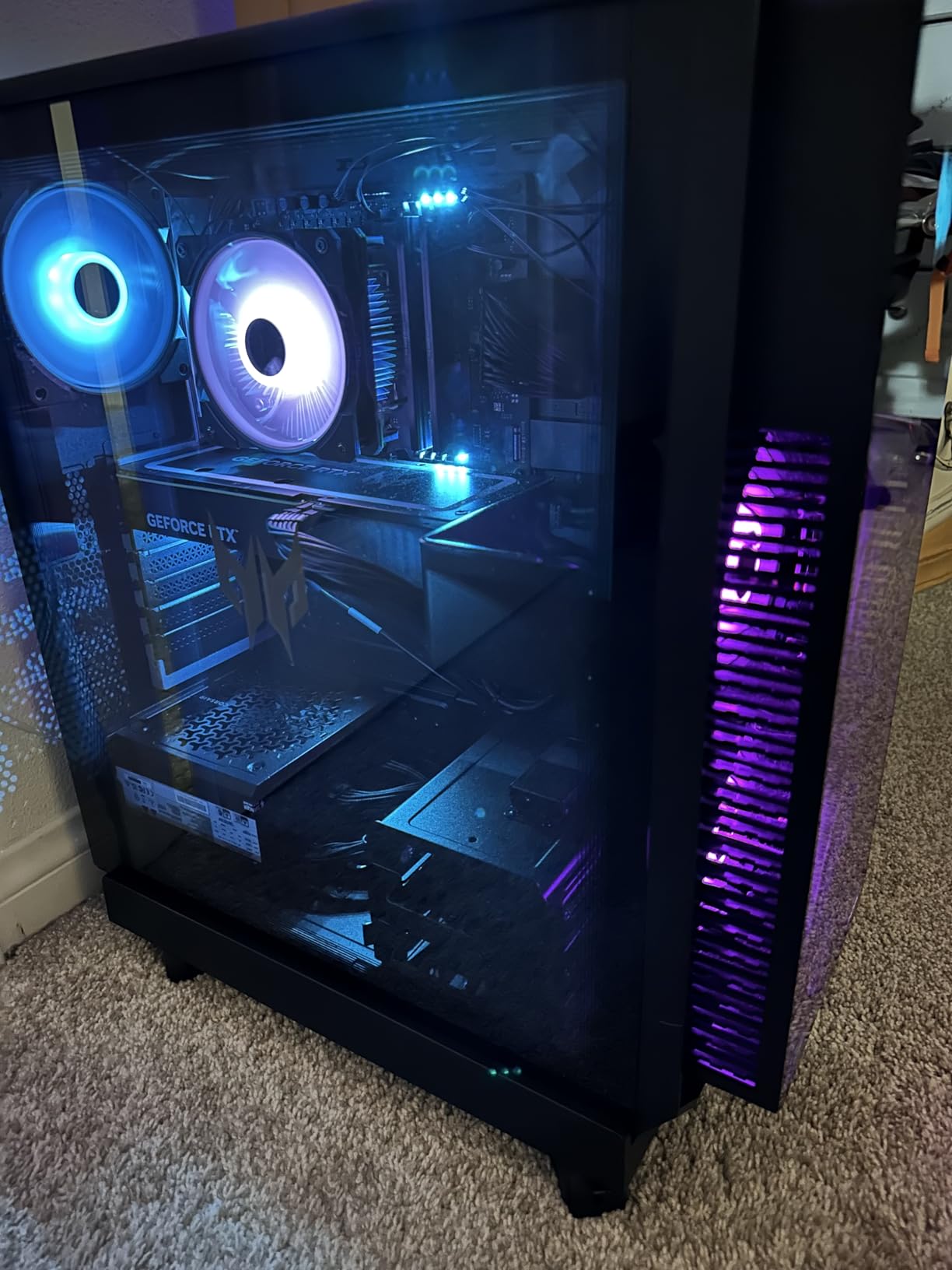
Under sustained heavy load the unit does run warm, and the fan has to work to keep it in check. A few owners also report slight coil whine at high load. Neither is a dealbreaker, but if your case has poor airflow, expect more fan noise here than on the semi-passive designs.
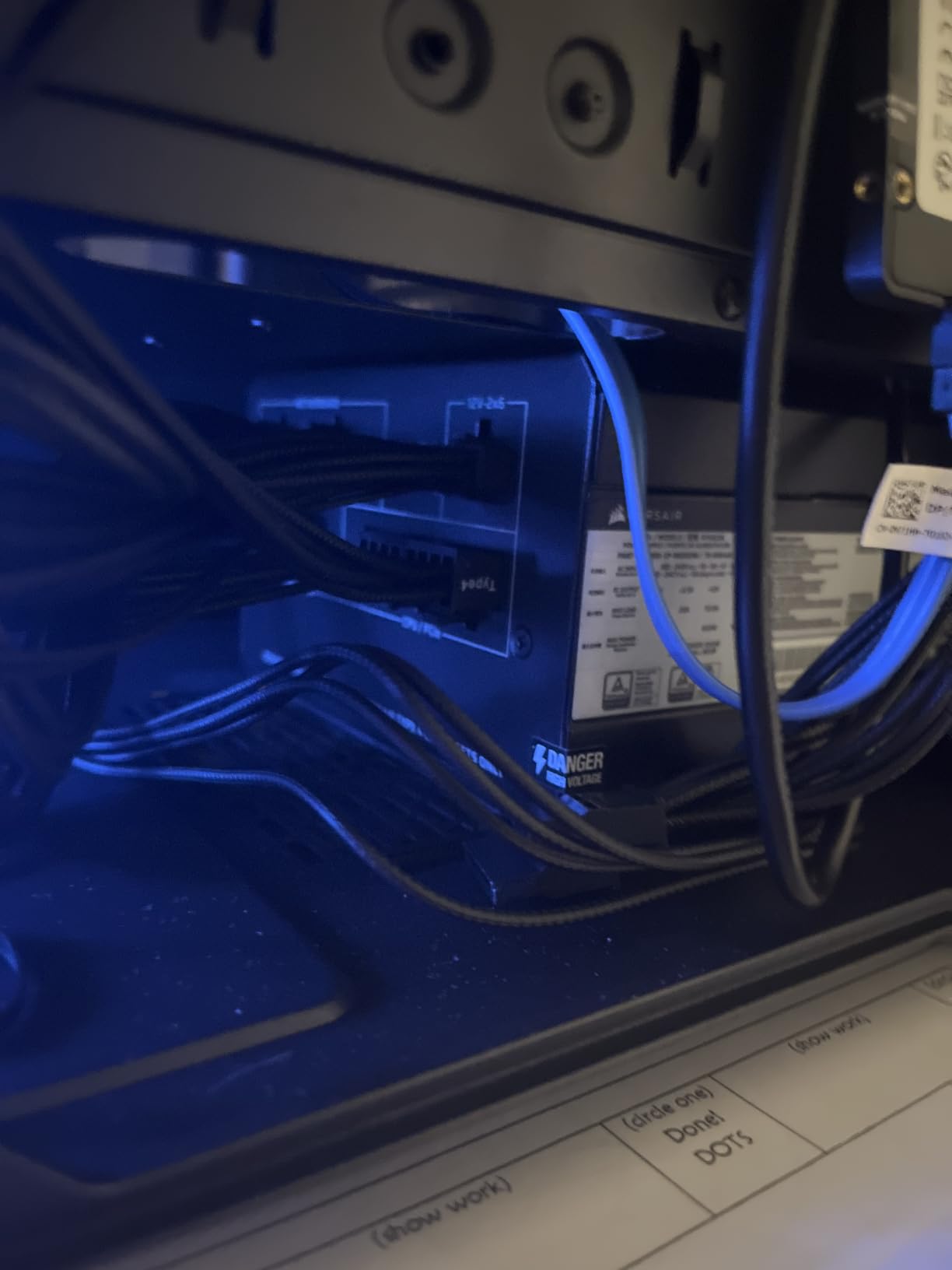
Power delivery itself is where the RM850e earns its place. Reviewers describe stable rail behaviour under heavy CPU and GPU load with no crashes or brownouts, including on power-hungry i9 and RTX-class systems, and the 105°C-rated Japanese capacitors and Modern Standby support match the higher-priced Corsair platforms.
Whether 850W covers a future GPU upgrade
Yes for almost any current or near-term card. 850W is comfortable for a high-end single-GPU system with a power-hungry CPU, and the 12V-2×6 cable means a next-generation card will connect natively rather than through a multi-8-pin adapter.
It is not enough for a dual-GPU workstation, and it is not enough if you plan to add a second graphics card later. If either is on your list, look at the 1200W model instead.
Comparing the two Corsair platforms
The RM850e and RM1000e share the same certification, capacitor spec, and connector package. The differences are wattage, chassis size, and warranty length, so choose on your parts list rather than on features.
4. Auotac 1000W Gold ARGB – Best Power Supply for RGB Gaming Builds
- Smooth stable DC output readings even when input power varies
- Generous selection of modular cables covering nearly any motherboard and GPU combination
- Quiet 140mm fan with adjustable silent mode and ARGB lighting
- Compact 150mm chassis fits most mainstream ATX cases
- 10 year warranty and 10 year spare part availability
- ARGB can conflict with other lighting controllers or headers in a system
- Unknown brand with a smaller installed base than major PSU makers
The Auotac 1000W is the pick for a build where the lighting has to match. It pairs 1000W of Gold-rated output up to 92 percent efficiency with a 140mm ARGB fan and an adjustable silent mode, and the cable bundle includes a cable management comb, cable ties, and a PSU tester that most rivals leave out.
Electrically it is a serious unit. The listing specifies 100 percent Japanese-made 105°C electrolytic capacitors, ATX 3.1 and PCIe 5.1 support with 2x GPU transient power excursion handling, and a dual-color 16-pin 12V-2×6 PCIe 5.1 cable. Reviewers single out the smooth, stable DC output readings even when input power varies as the standout trait.
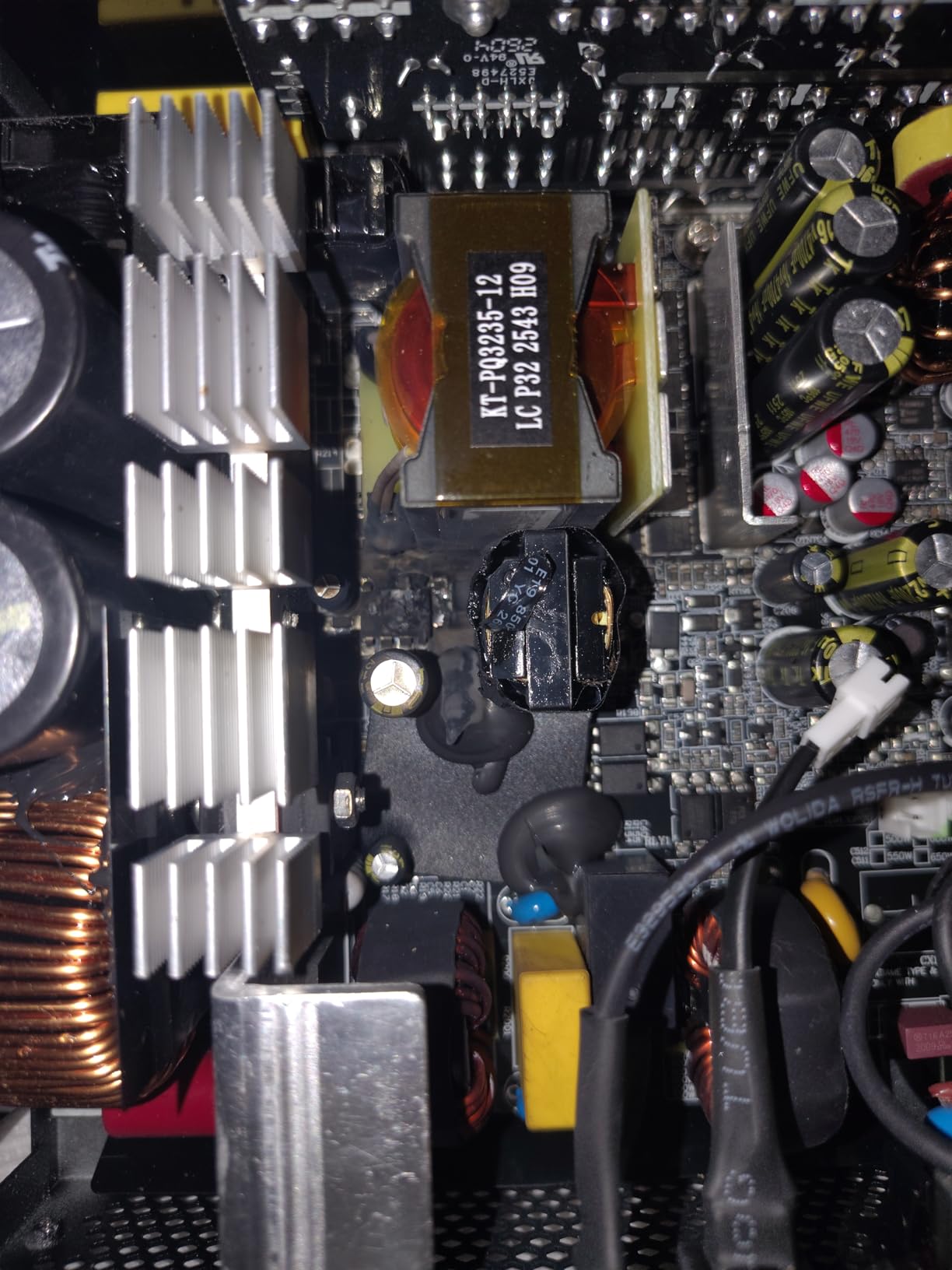
Two things to weigh. First, ARGB on a power supply means a second lighting ecosystem inside the case, and the most common negative theme across 726 reviews is conflicts with other lighting controllers or headers. Second, this is a lesser-known brand with a smaller installed base than the major makers, so long-term failure data is thinner.
Against that, the 150mm chassis at 6 by 6 by 3.7 inches and 3.2 pounds fits most mainstream ATX cases easily, the modular cable selection is generous enough for almost any motherboard and GPU combination, and the warranty runs ten years with ten years of spare part availability.
Whether ARGB belongs in a power supply at all
It is cosmetic only, but it is the reason to pick this unit over an otherwise similar model. If your case already has a lighting controller and headers to spare, the integration is clean. If it does not, you are adding wiring complexity for a light strip on a component that sits behind a steel panel.
Check your motherboard software supports the ARGB header before buying, because that is the source of the conflict reports in the reviews.
Whether an unknown brand is a real risk
For most builds, no. The component specification on paper – Japanese 105°C capacitors, ATX 3.1, transient handling – is at or above what several major brands ship at 850W. The reservation is longevity rather than quality: fewer units in the field means fewer years of accumulated reliability data.
If your machine is a daily driver you intend to keep for a decade, a long-established maker with a large installed base is the safer bet for the same money.
5. Thermaltake Toughpower GT 850W – Cheapest Route to an ATX 3.1 Build
Thermaltake Toughpower GT 850W ATX 3.1 Standard Power Supply; 80 Plus Gold Efficiency; Smart Zero Fan; Native 450W PCIe 5.1 Connector; PS-TPT-0850FNFAGU-3; 5 Year Warranty
- Affordable price for an ATX 3.1 Gold unit from an established brand
- Fully modular flat black cables simplify routing and airflow
- Smart Zero Fan keeps the unit silent at low load
- Native 12V-2x6 connector removes the need for a GPU adapter
- Single high-amperage 12V rail suited to gaming and workstation builds
- Only a 5 year warranty
- the shortest coverage in this roundup
- 12V-2x6 cable is rated to 450W rather than the 600W some modern GPUs expect
- Some units have failed outright after only a few weeks of use
- Fan speed can ramp noisily and irregularly at idle for some owners
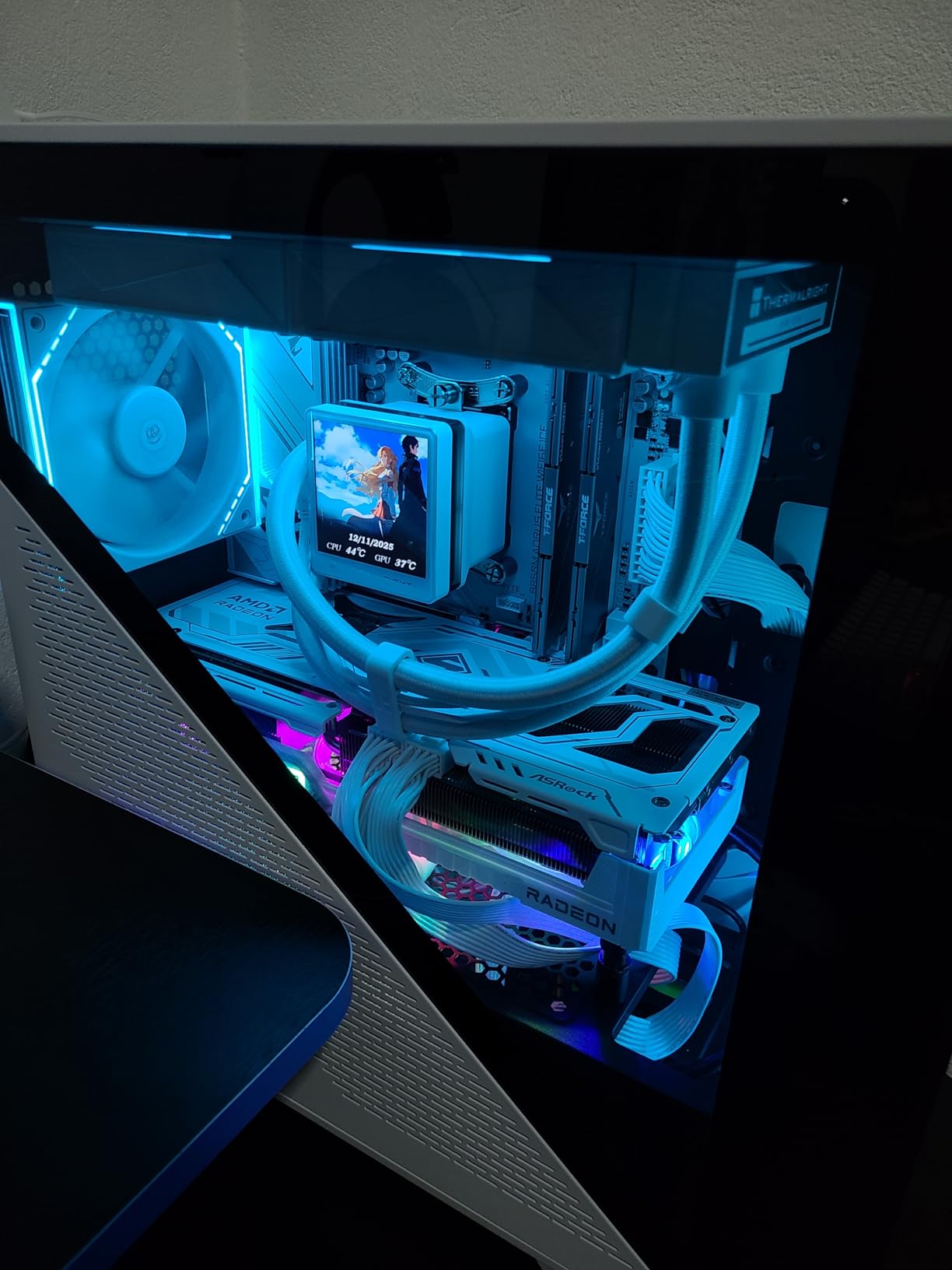
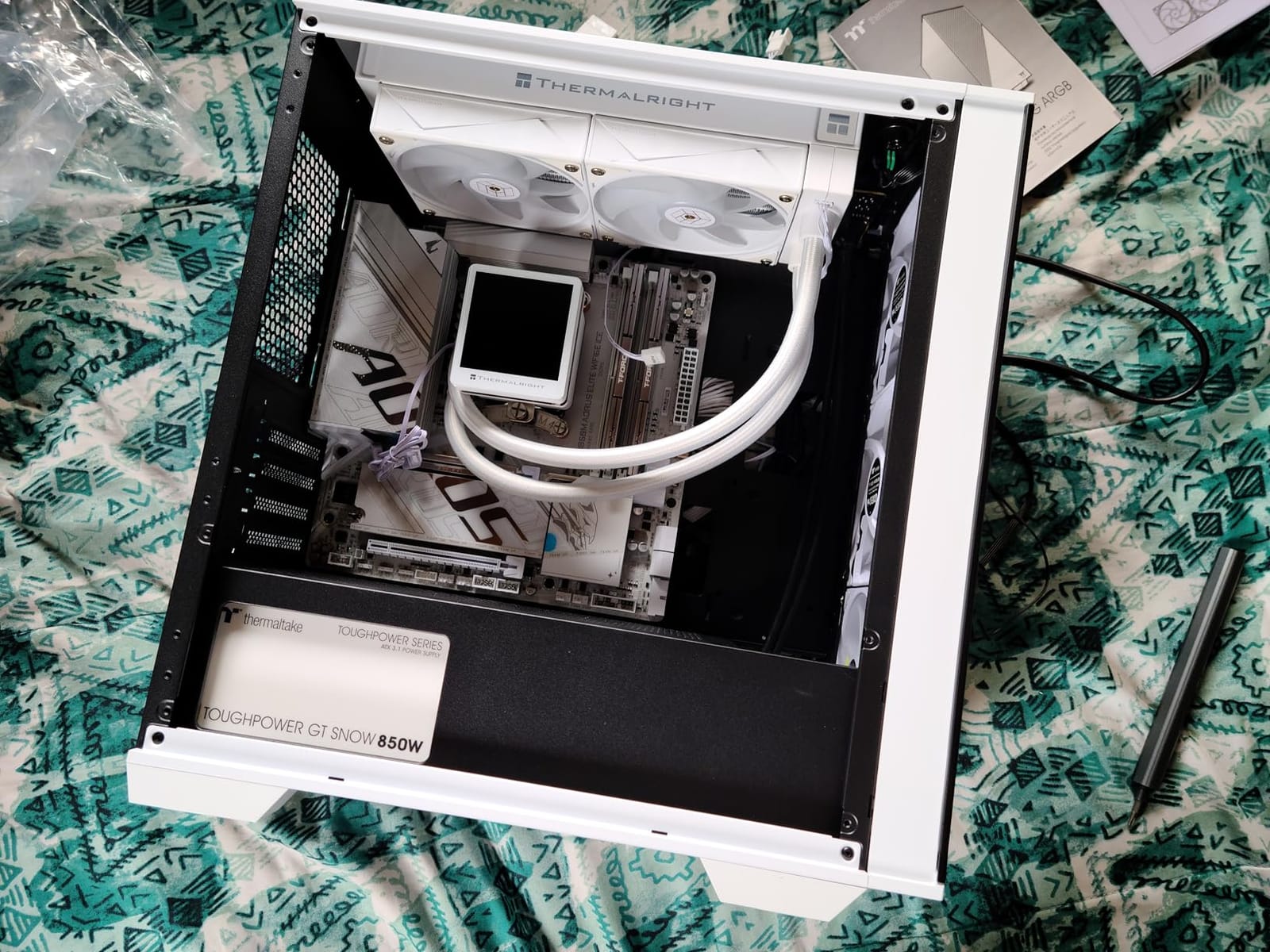
This is the least expensive way into an ATX 3.1 build with a native 16-pin GPU cable, from a brand with a long track record. At 850W with 80 PLUS Gold efficiency up to 90 percent, a Smart Zero Fan, and a single high-amperage 12V rail, it covers the mainstream gaming case completely.
Most owners report quiet, reliable service over a year or more, and the fully modular flat black cables made routing straightforward in our testing. The native 12V-2×6 connector means you can skip the GPU adapter entirely, which removes the single most common source of installation problems in a new build.
Two details deserve a close read. The bundled 12V-2×6 connector is rated to 450W rather than the 600W some modern graphics cards expect, which matters if you ever pair it with a flagship card drawing hard. And the warranty is five years, the shortest in this roundup, which is a real consideration if you plan several GPU generations on the same unit.
There is also a small group of owners reporting units that failed outright after only a few weeks, plus some who describe the fan ramping noisily and irregularly at idle. At 4.5 stars across 525 reviews, these are recurring threads rather than the dominant experience, but they are the ones worth knowing about.
Whether the 450W 12V-2×6 rating is enough
For a 850W supply feeding a single mid-range or high-end card, the 450W rating is not the constraint – the total wattage is. It becomes relevant only if you pair it with a card whose board power approaches 600W, where the connector itself would be the limiting factor.
Check your graphics card’s recommended PSU and connector guidance before you commit. If it asks for 1000W or specifies a 600W 16-pin cable, this is not the unit.
Whether five years of warranty is acceptable
For a first build you expect to keep a few years, five years is fine. For a system you intend to upgrade repeatedly, the difference between five and ten years of cover is the difference between one planned PSU swap and two.
Warranty length is the cheapest quality signal available in this category, and it is the one spec most often traded away to hit a lower number.
6. ASUS TUF Gaming 1000W Gold – Best for Ryzen-Based Gaming Builds
- Rock-solid voltage delivery on high-end Ryzen plus RTX-class builds
- Sleeved flexible cables that bend cleanly at the GPU connector
- Fits compact cases while still providing 1000W of headroom
- Military-grade capacitors and chokes with a dual ball bearing fan
- Protective PCB coating against moisture dust and temperature extremes
- 10 year warranty with TUF cable straps and a test certificate in the box
- A small number of units reported developing buzzing or humming after a month of use
- Refurbished units carry only a 90 day warranty that is not stated on the listing
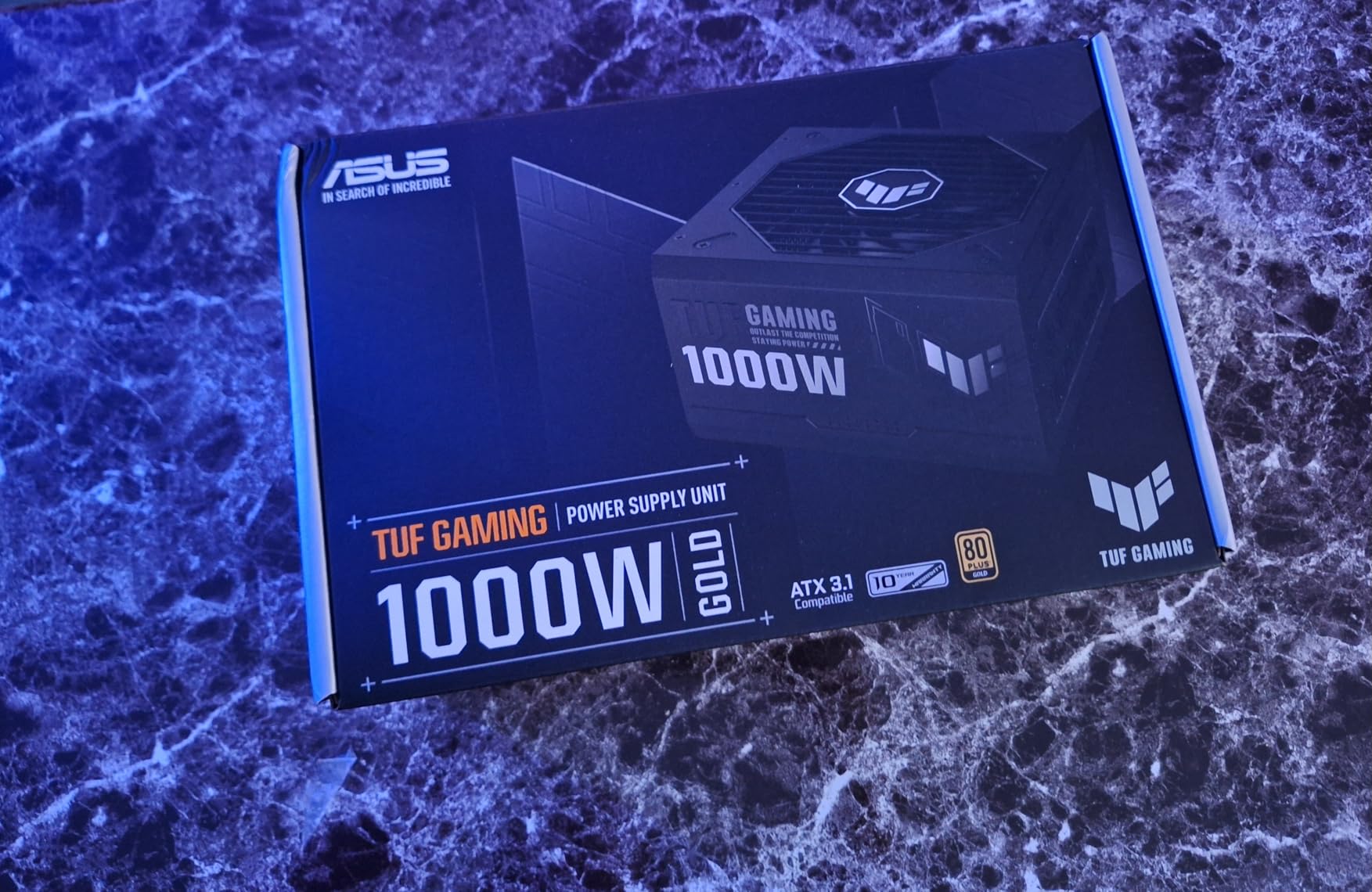
The TUF Gaming 1000W is the one we recommend for high-end Ryzen plus RTX-class combinations, and the reason is unusually specific: the sleeved cables are flexible enough to bend cleanly right at the GPU connector. That sounds cosmetic until you have tried routing a stiff 16-pin cable into a tight chassis, which is the step that causes the most first-build frustration.
Electrically the reviews are emphatic, with 4.7 stars across 483 ratings and 89 percent five-star. Buyers describe rock-solid voltage delivery on high-end Ryzen plus RTX-class builds, a heavy chassis that still fits compact cases at 5.9 by 5.9 by 3.4 inches, and military-grade certified capacitors and chokes paired with a dual ball bearing Axial-tech fan.
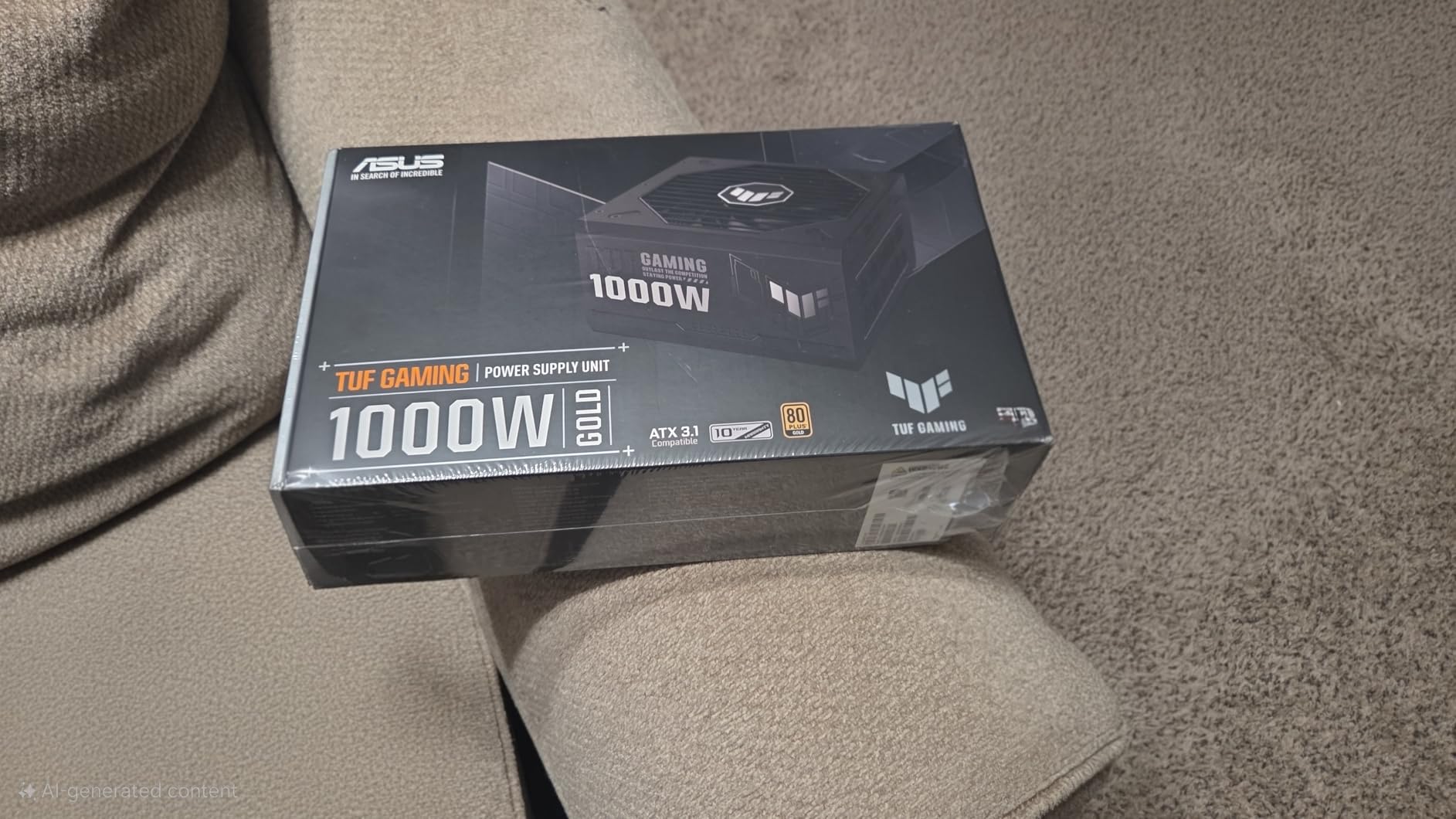
The bundled 16-pin PCIe cable is rated to 600W, so a flagship card connects natively with headroom to spare. A protective PCB coating adds resistance to moisture, dust, and temperature extremes, and the box includes TUF-branded cable straps plus a test certificate – a small touch that tells you the maker expects scrutiny.
The complaints are narrow. A small number of units developed buzzing or humming after about a month of use, and refurbished units carry only a 90-day warranty that the listing does not clearly state. Check the condition label carefully.
Whether the cable flexibility is a real advantage
Yes, and it is one of the most under-rated specs in the category. A stiff cable at the GPU end forces a hard bend right where the connector is most stressed, and that is exactly where seating problems show up first. Flexible sleeving removes the force.
It also matters more with top-mounted power supplies in full-tower cases, where the GPU sits directly above the PSU and the cable run is short and sharply angled.
Whether to buy new or refurbished
Buy new. The refurbished gap in this category is a 90-day warranty against a 10-year one, and power supplies are precisely the component where a hidden capacitor or fan defect does not show itself until it is expensive.
Buyers buying refurbished should confirm the warranty terms in writing before checkout rather than relying on the listing’s condition label.
7. be quiet! Pure Power 13 M 1000W – Best for Silent and Small Builds
be quiet! Pure Power 13 M 1000W, ATX 3.1, Fully Modular PSU, 80+ Gold
- Exceptionally quiet with the fan frequently not spinning at all under typical loads
- Very high efficiency reduces heat and running costs
- Native 600W 12V-2x6 cable removes the need for the bundled GPU adapter
- LLC topology delivers clean well-regulated voltage with no coil whine reported
- Compact chassis that fits smaller cases and comes with a full cable set
- 10 year warranty
- The 12V-2x6 GPU cable is too short for cases with the PSU mounted above the motherboard
- The top CPU and EPS cable can be too short to route behind the motherboard tray
This is the pick for a silent build, and the reason is efficiency rather than a bigger fan. At up to 94.4 percent efficiency with LLC topology for tight voltage regulation, the unit produces so little waste heat that the semi-passive 120mm fan frequently does not spin at all under typical loads.
The acoustics are the headline in reviews: owners repeatedly describe it as among the quietest PSUs they have owned, and LLC topology delivers clean, well-regulated voltage with no coil whine reported at all. For a microphone-adjacent gaming setup or a recording room, that combination is rare at 1000W.
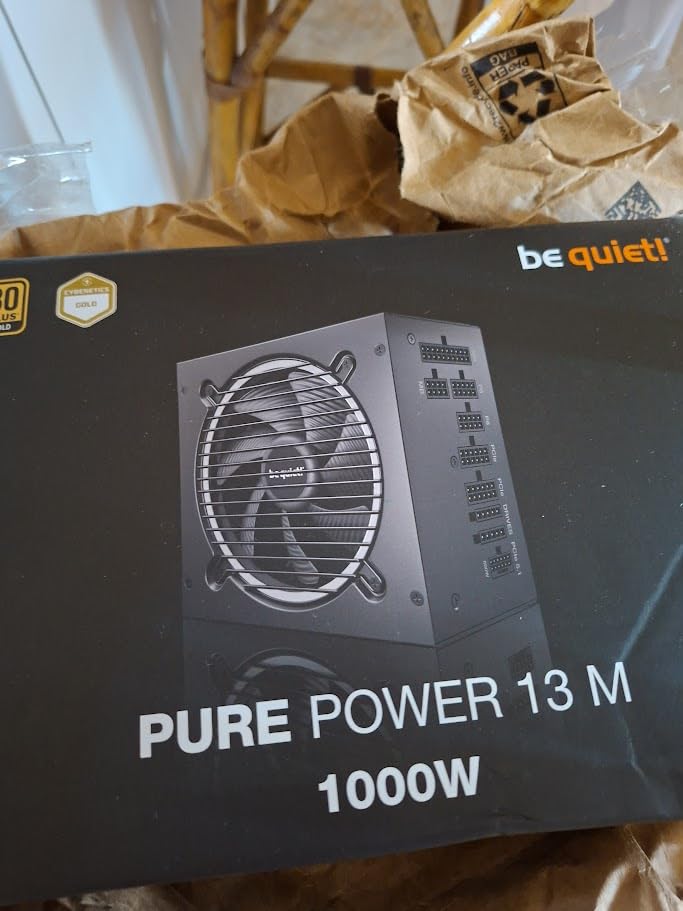
It also handles transient loads up to double its rated power, which is the ATX 3.1 promise taken seriously rather than nominally. The native 600W 12V-2×6 cable covers any current flagship without an adapter, and four PCIe 6+2-pin connectors are included alongside it, which is a generous connector count for a fully modular unit.
The one recurring complaint is cable reach. The 12V-2×6 GPU cable is too short for cases with the PSU mounted above the motherboard, and the top CPU and EPS cable can be too short to route behind the motherboard tray. Measure before you commit, especially in a compact case.
Whether cable length will work in your case
This is the deciding question for this unit, and it is entirely layout-dependent. In a mid-tower with a bottom-mounted PSU and cable tray, the stock cables are fine. In a case where the supply sits above the motherboard, plan on an extension or a different model.
Check your case manual for the clearance between the power supply bay and the graphics card mounting bracket before buying, because the fit is close.
Whether high efficiency is worth paying for
At 94.4 percent efficiency, less than six percent of your input power becomes heat, and that heat is what drives your fan speed. On a 1000W unit under load, the difference between a 90 percent and a 94.4 percent platform is roughly 44W of heat in the chassis – enough to change whether the fan runs at all.
That is why quiet builds reward efficiency more than they reward a larger, slower fan, and why this unit behaves differently from 90 percent Gold competitors in the same chassis.
8. ASUS ROG Strix 1000W Platinum – Best for Flagship Graphics Cards
ASUS ROG Strix 1000W Platinum (Fully Modular Power Supply, 80 Plus Platinum Certified, ATX 3.1, Cybenetics Lambda A+, GaN MOSFET, GPU-First Intelligent Voltage Stabilizer, 10-Year Warranty)
- Highest aggregate rating in this roundup at 4.8 out of 5 with 92 percent five-star ratings
- 80 Plus Platinum efficiency keeps heat and noise down on a 1000W unit
- GPU-First intelligent voltage sensing stabilises power delivery to high-end graphics cards
- Large ROG heatsinks run cooler and quieter than reference designs
- 0dB technology keeps the fan off during light gaming
- Dual ball bearing fan rated for roughly twice the life of sleeve bearing designs
- Highest price point among the units analysed here
- Minimum listed input voltage spec reads as unusually high for the product family
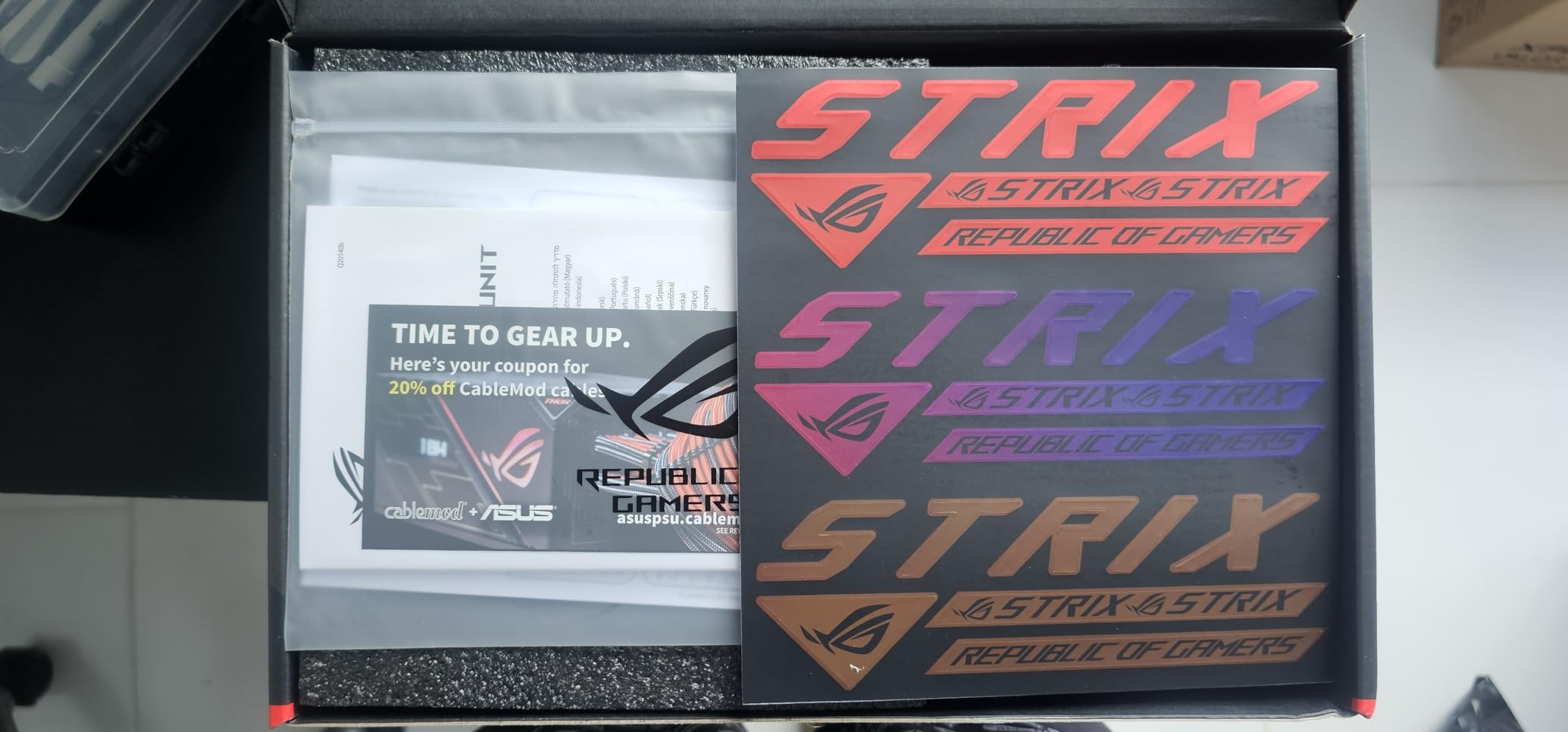
This unit has the highest aggregate rating in the roundup: 4.8 out of 5 across 283 reviews, with 92 percent five-star and only 2 percent one-star. Praise centres on efficiency, low noise, and graphics card power stability – the three things that matter most when a flagship GPU is the most expensive part in the machine.
Two technologies do the heavy lifting. GaN MOSFETs deliver up to 30 percent better efficiency than a conventional silicon design, and the GPU-First intelligent voltage stabilizer enhances voltage delivery by up to 45 percent by sensing the graphics card’s needs first. 80 PLUS Platinum certification and large ROG heatsinks over the critical components keep the result cool and quiet.
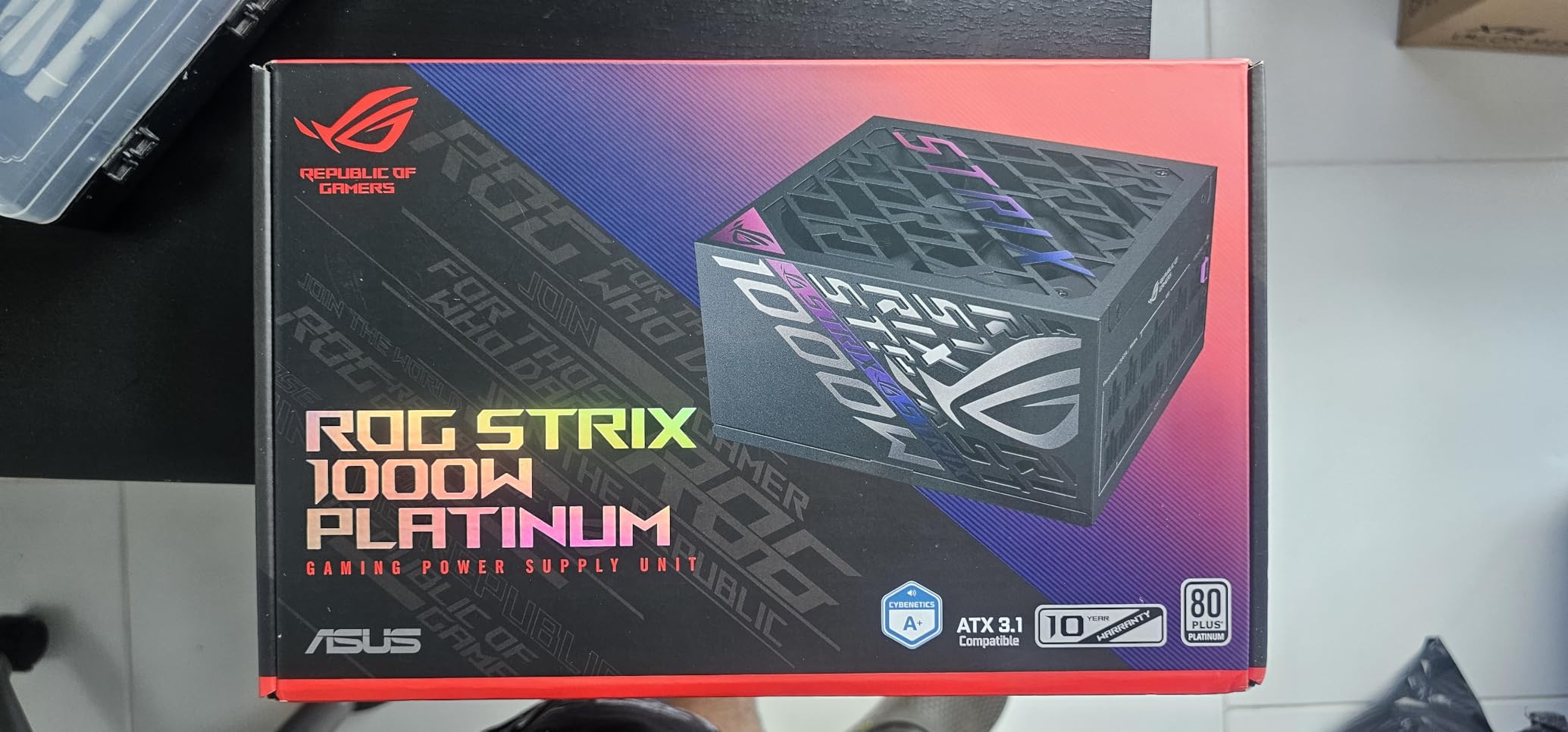
The dual ball bearing fan uses 0dB technology to stay off during light gaming and is rated for roughly twice the service life of a sleeve-bearing design. At 4.8 stars, the one-star complaints are almost absent, and the listed drawbacks are commercial rather than electrical: it carries the highest price point among the units we analysed, and the minimum listed input voltage reads unusually high for the family.
On rail-level performance, enthusiast buyers consistently single out load regulation on this platform, which is the electrical trait that separates premium units from adequate ones under a heavy transient.
Whether the input voltage spec will work on your mains
This is worth checking before purchase. The listing shows a minimum input voltage that is unusually high for the family, and on some regions that figure reads as a 100V AC floor rather than the wide 100-240V range common on ATX units.
If you are on a standard 120V or 230V household supply, it will not matter. If you run an unusual supply or travel with the machine, verify the input range on the label first.
Whether Platinum efficiency is overkill for a gaming build
For most gaming systems, Gold is enough. The case for Platinum here is not the efficiency label itself but what it enables: less waste heat, which means the heatsinks stay smaller and cooler, which means the fan runs less often and the GPU-First voltage sensing has a quieter, more thermally stable platform to work from.
You are paying for the platform, not the badge. If your priority list is acoustics and GPU power stability rather than headroom for a future upgrade, this is the unit that serves it best.
9. ASUS TUF Gaming 1200W Gold – Best for Workstation and Multi-GPU Builds
- Rock-solid voltage with no coil whine reported on high-end gaming builds
- Heavy solidly engineered chassis that stays quiet even under load
- Fully modular high-quality cables make installation straightforward
- Bundled 16-pin cable carries up to 600W to PCIe Gen 5 graphics cards
- 10 year warranty is the longest stated in this roundup
- Several units reported dead on arrival with no power output
- Runs warm and needs proper case airflow to stay quiet
- One reviewer considered it overpriced relative to the specification
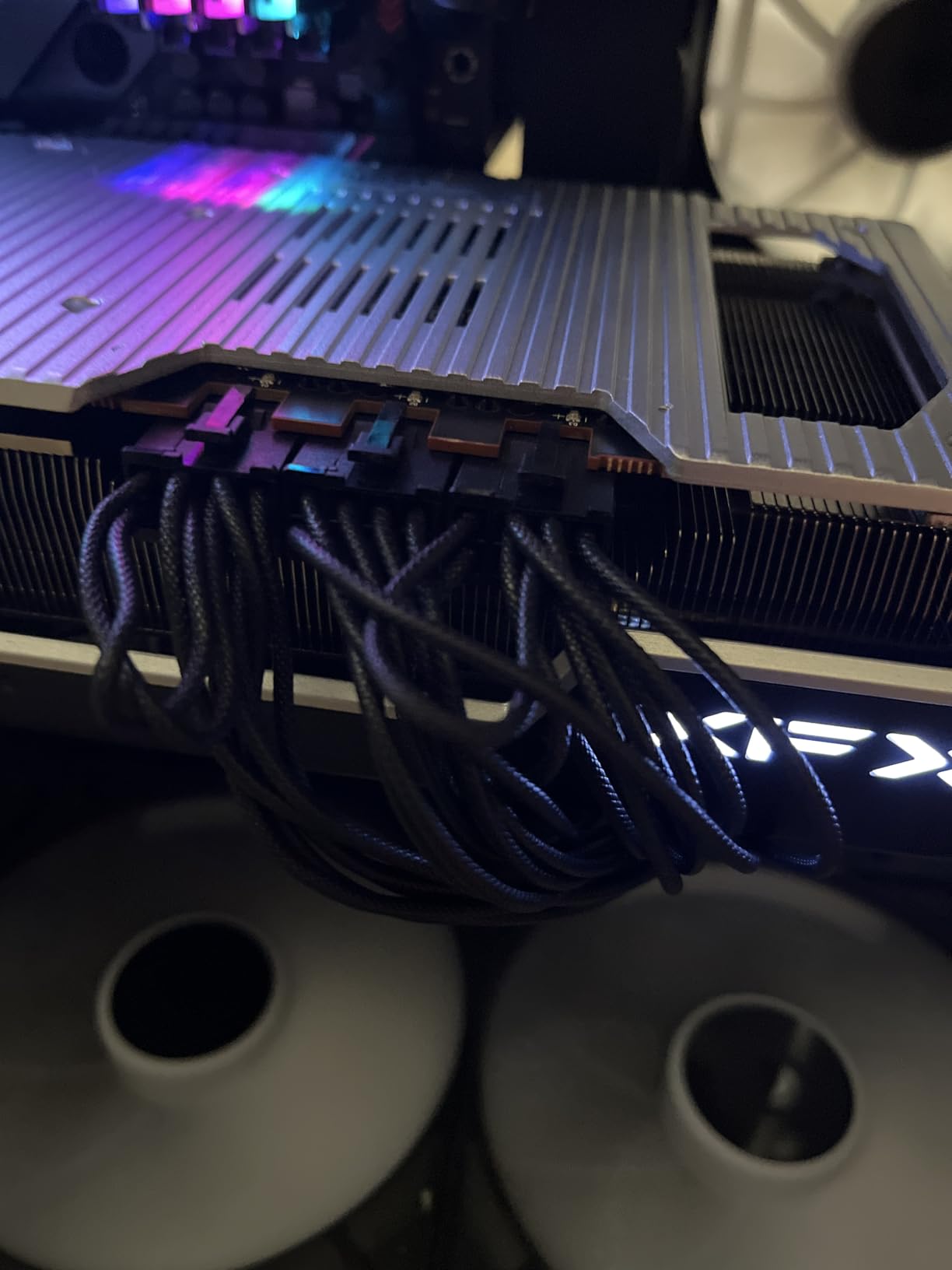
1200W is not a gaming wattage, it is a workstation wattage. This unit exists for people running two high-end graphics cards, heavy sustained rendering, or a machine that will absorb a new GPU generation without another power supply swap. The bundled 16-pin PCIe cable carries up to 600W, so a PCIe Gen 5 card connects natively.
Owners describe it as heavy, solidly engineered, and quiet even under load, with rock-solid voltage and no coil whine reported on high-end gaming builds. The chassis weighs 5.9 pounds and measures the same 5.9 by 5.9 by 3.4 inches as the 1000W TUF, which is unusual for that much output.
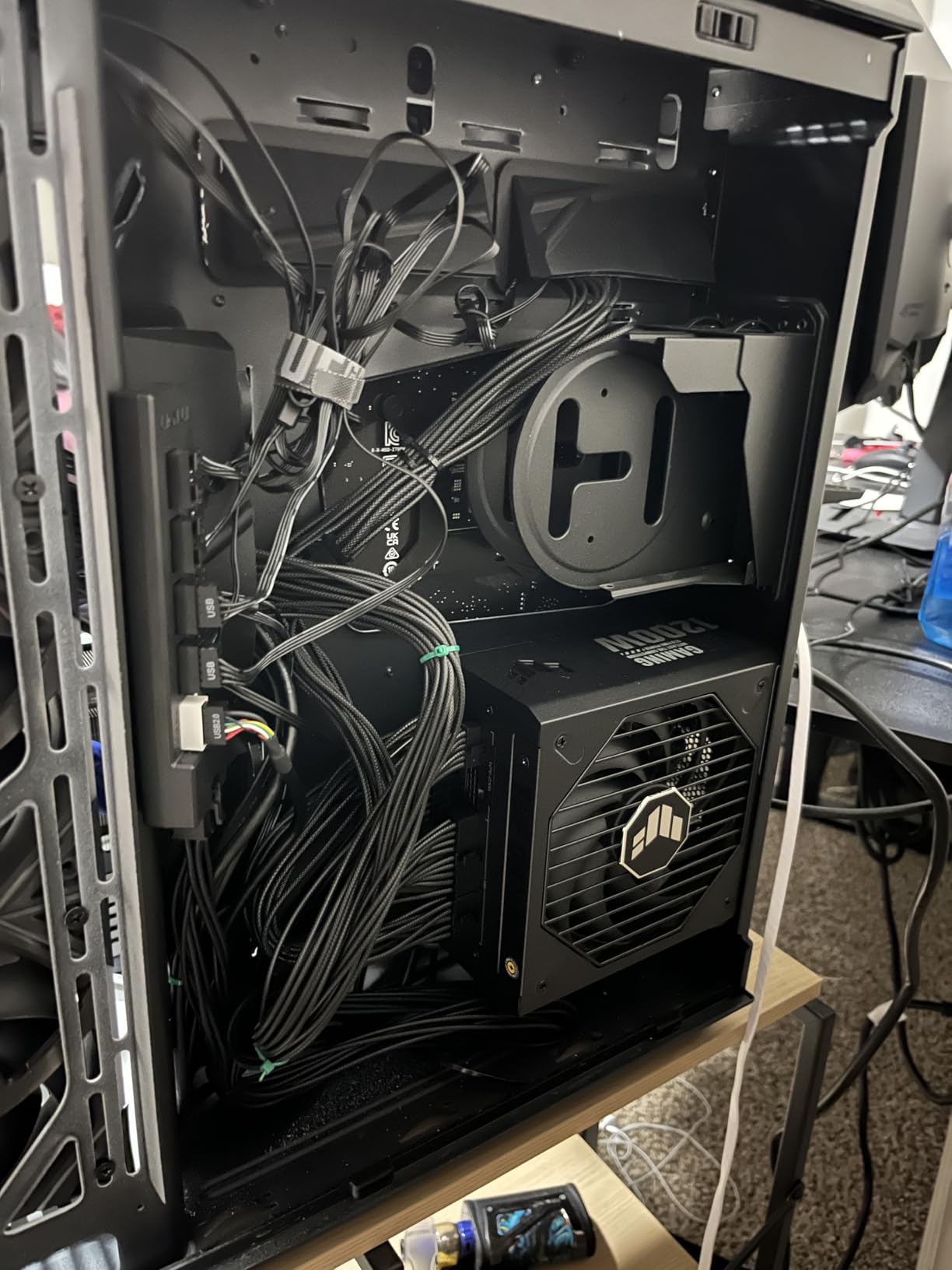
Military-grade certified capacitors and chokes, a dual ball bearing Axial-tech fan, and a protective PCB coating match the rest of the TUF range. The fully modular high-quality cables made installation painless in our testing, and the 10-year warranty is the longest stated among the units analysed.
The one real pattern to note: a recurring thread of reviews describes units arriving dead on arrival with no power output, alongside 82 percent five-star ratings. It reads as a fulfilment issue rather than a design one, but it means you should test the unit immediately rather than assuming a failed boot is a dead motherboard.
Whether 1200W is right for a single-GPU system
Almost certainly not. With one graphics card, 1000W is the sensible ceiling and 850W is often enough. Oversizing does not cost you performance – the unit still runs at its best efficiency point – but it costs you money, case clearance, and thermal headroom you never use.
Buy 1200W when you have two high-power cards, a serious sustained compute workload, or a stated plan to add a second GPU later.
Whether dead-on-arrival reports should worry you
At 126 reviews, 4.6 stars, and 82 percent five-star, a single-digit group of one-star reviews on a fulfilment problem is not a design signal. It is a reason to test the supply the moment it arrives.
Do a load test with a known-good system before you install your graphics card, so a blank screen is unambiguous.
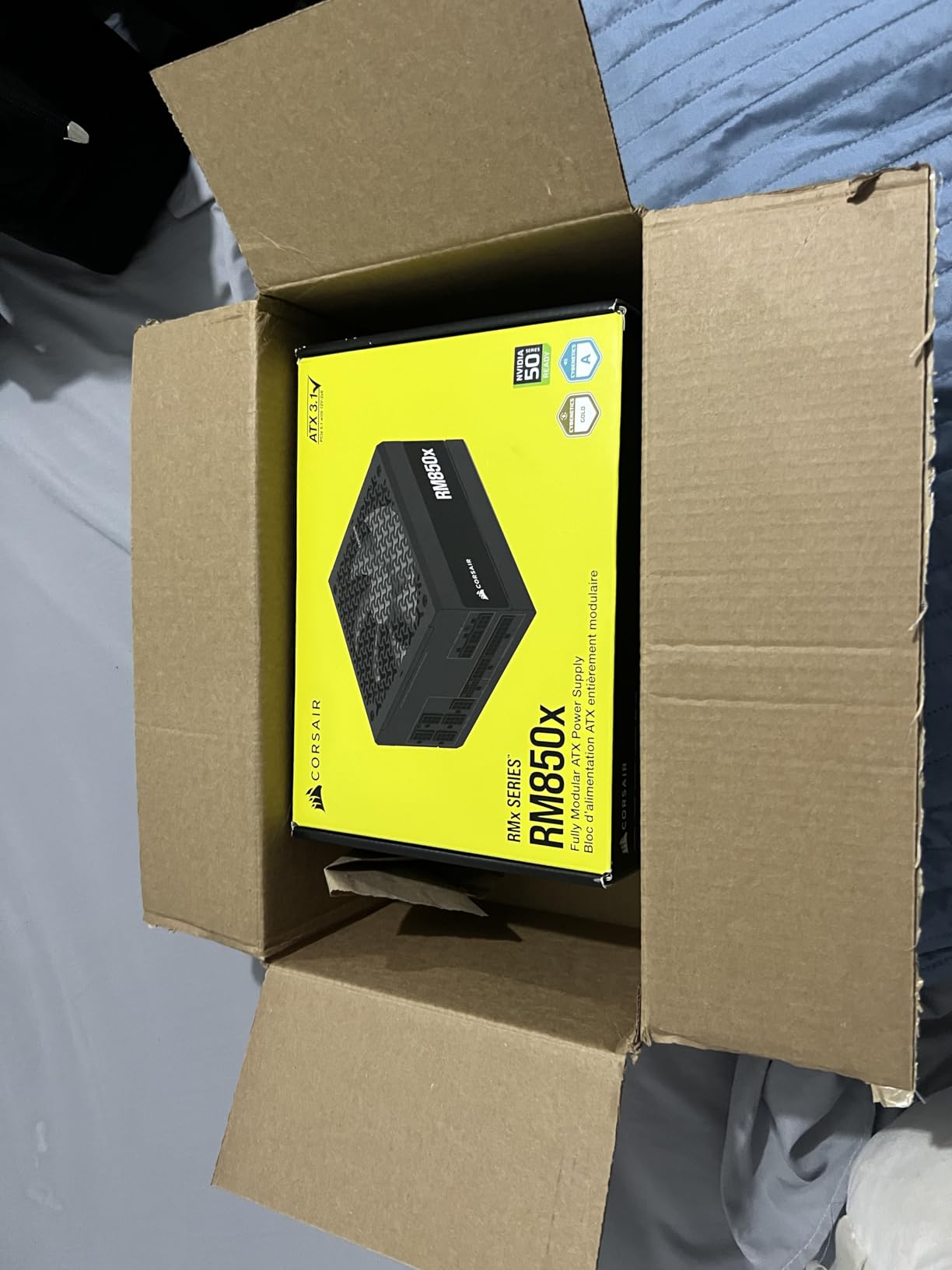
10. CORSAIR RM850x 850W – Best Cable Selection for Future GPU Upgrades
CORSAIR RM850x ATX 3.1 PCIe 5.1 Ready Fully Modular 850W Power Supply – Low-Noise, Cybenetics Gold Efficiency, Native 12V-2×6 Connector – Black
- Quiet operation even with a 5070 Ti and 9800X3D under heavy load
- Adjustable fan control with manual and automatic modes
- Three PCIe 8-pin cables plus native 12V-2x6 cover current and next-gen GPUs
- Embossed ultra-flexible cables with low-profile combs for tidy builds
- Clean power delivery that resolved system instability for some builders
- 10 year manufacturer warranty
- Audible fan spin-up under sustained heavy load
- Not the quietest option in this roundup at comparable wattage
The RM850x is the upgrade-proof choice at 850W, and the reason is the cable bundle. It ships three PCIe 8-pin cables plus a native 12V-2×6, so it covers a current card, a next-generation card, and any leftover 8-pin accessory you may still have, without requiring a purchase later.
Experienced builders praise the cable selection, the modular layout, and the low noise. Several report that clean power delivery from this unit resolved a system instability they had been chasing elsewhere in the build, which is a common story when the real culprit was an underpowered or poor-quality supply.
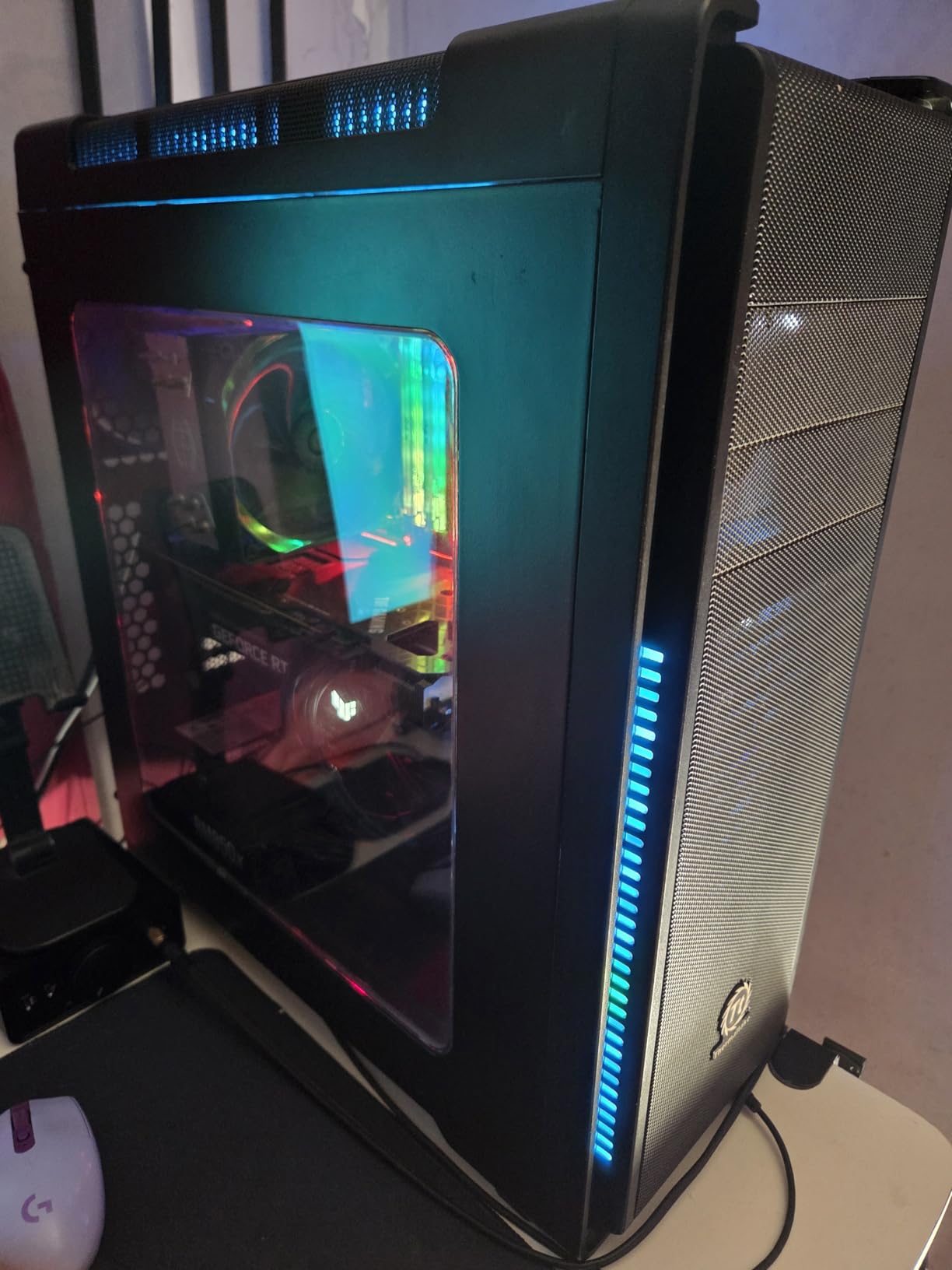
The embossed ultra-flexible cables with low-profile combs make tidy routing straightforward, and the chassis is a compact 2.3 by 3.39 by 5.91 inches at 3.9 pounds. Cybenetics Gold certification covers up to 91 percent efficiency, and the zero RPM fan mode with adjustable control lets you pick between automatic and manual curves.
The drawback is acoustics at the top end: the fan spin-up becomes audible under sustained heavy load, and reviewers note it is not the quietest option at this wattage. For builds where the supply is close to your chair, the semi-passive design in the be quiet! unit is the better match.
Whether extra 8-pin cables are still worth having
Yes. The native 16-pin cable only covers current and next-generation cards, but older or accessory 8-pin connections still appear on legacy storage controllers, riser cables, and some multi-GPU setups. Having them in the box removes a compatibility problem before it appears.
It is a small convenience, but cable compatibility is the most common reason a build fails to power on the first attempt.
Whether manual fan control is worth having
It is useful in two situations. The first is a case with a top-mounted supply where you want a specific acoustic floor rather than the default curve. The second is a shared office or recording space where you would rather pin the fan speed than let it track temperature spikes.
Manual control also lets you compensate for a case with poor intake airflow, which is where many otherwise quiet supplies start to get loud.
How Much Wattage Do You Actually Need? (October 2026)
Wattage anxiety runs in both directions in this category, and both mistakes cost money. Buyers who oversize pay for capacity they never use and add a larger, harder-to-cool box to the chassis. Buyers who undersize end up with a system that shuts down under load, which is the failure mode that scares people most.
The correct method is arithmetic, not instinct. Find your graphics card, find your CPU, add the rest of the system, then add headroom. Everything below follows that order.
750W vs 850W vs 1000W: the honest answer
750W covers a mid-range card such as an RTX 4070 class part with a mainstream CPU, plus drives, fans, and a modest amount of headroom. It is a reasonable floor for a 1080p or 1440p build, and going below it leaves no margin for a future card.
850W is the safe default for a high-end single-GPU system. It handles a power-hungry CPU paired with a flagship-class card without straining, and it is the point most builders should buy. Both Corsair 850W units and the MSI sit here, and all three carry ATX 3.1 with a native 16-pin cable.
1000W is for high-draw flagship cards, particularly an RTX 5080 class GPU in a high-refresh 4K setup or alongside a top-bin core i9. It is also the right answer if you want to leave the system open to a later upgrade. Five units in this roundup hit 1000W.
1200W and above belongs to multi-GPU and sustained-compute workloads, not gaming. If you only have one graphics card, it is very unlikely you need it.
The common rule of thumb is 750W to 850W for most modern gaming setups, and 1000W or more if you run high-draw flagship cards. The reason 1000W is not overkill is the efficiency curve: a 1000W unit running at half load converts input power to DC more efficiently than an 850W unit running at 85 percent, so it produces less heat and runs its fan less often.
What 80 PLUS ratings mean for your electricity bill
The 80 PLUS programme measures how much of the AC input reaches you as DC rather than becoming heat. Bronze certifies 85 percent at peak load, Gold 87 to 90 percent, Platinum 90 to 92 percent, and Titanium 94 to 96 percent. Every percentage point is money that stops turning into heat inside your case.
Gold is the sensible target for gaming. Platinum and Titanium matter mainly on units that run near full load for long periods, and on any build where acoustics are the priority, because less waste heat directly means a slower fan.
Do not overspend chasing a higher tier while buying a worse platform. A well-built 90 percent Gold unit is a better purchase than a poorly built Platinum one, and the efficiency badge tells you nothing about component quality. It is one specification, and it is not the important one.
Modular, semi-modular and non-modular cabling
Fully modular means every cable detaches, and you only use what your build needs. All ten units in this roundup are fully modular, which is now the norm rather than a premium feature.
Semi-modular units permanently attach the 24-pin and 8-pin CPU cables and make the rest removable. Non-modular units attach everything, so you bundle and hide unused cables behind the shroud. Both are cheaper, and both add friction to a first build.
Beyond tidiness, modularity helps airflow. A fully modular unit with a small number of cables in use leaves more room for air to move past the component that generates the most heat, and first-time builders report that detachable cables make a much smaller mistake during installation.
ATX 3.1 and the 12V-2×6 connector explained
ATX 3.1 is the current standard, and the part that matters to you is transient response. A modern graphics card does not draw power smoothly; it pulls short, sharp spikes well above its steady-state figure during a ray-traced explosion or a shader compile. Those excursions are what an ATX 3.0 unit handles least gracefully, and an ATX 3.1 unit handles most gracefully.
The connector itself is 12V-2×6, a revised version of 12VHPWR with a slightly reworked contact design and improved thermal management. If your unit says ATX 3.1 and PCIe 5.1, the native 16-pin cable is the newer, safer design. Check the amperage rating too: 600W is the full rating, and the Thermaltake unit in this roundup ships a 450W version.
Always seat the connector fully until it clicks, and never sharply bend the cable within the first few centimetres of the connector. A hard bend right at the plug is the failure point that manufacturers have been revising around, and it is entirely avoidable with careful routing.
If you are using the older bundled adapter instead of a native cable, use it at the PSU side and plug the separate power supply into the adapter’s second socket – never two separate modular cables into a single adapter.
Which PSU brands are worth trusting
Brand reputation substitutes for individual testing in this category, and it is a reasonable shortcut. Corsair, Seasonic, MSI, Super Flower, and be quiet! are consistently rated well across the enthusiast community, with ASUS TUF and ROG units performing strongly at the top of the range. Thermaltake is a well-established name with a more mixed record at the budget end.
The community’s most-repeated verification step is the PSU Tier List, a community-maintained grading of platforms into Tier A, Tier B, and lower. Before you buy anything on this page, look your model up there and confirm it sits in the top two tiers. It costs you two minutes and catches more problems than any review aggregate will.
You can run the same kind of independent verification on lab equipment – our guide to programmable power supplies explains how to check output behaviour with a tester, and our bench power supply picks cover the same idea for workbench builds.
For a PSU, the practical equivalents are the protection circuitry the manufacturer lists, the capacitor temperature rating, the warranty length, and how long the platform has been on the market.
PSU vs UPS: they are not the same thing
A power supply unit converts AC mains into regulated DC for your components. An uninterruptible power supply (UPS) does something else entirely: it takes mains power, keeps charged batteries, and keeps your machine running through an outage long enough to save your work and shut down cleanly. They solve separate problems, and buyers routinely conflate them.
You do not need a UPS to have a good gaming PC, but a UPS is worth considering if you work unsaved in games or run long renders, since a power cut during a write is how data is lost. Our uninterruptible power supply guide covers that side in detail.
A surge protector is a third category again, and a cheap one is a reasonable accessory for any build. Neither a UPS nor a surge protector replaces a good PSU – they sit downstream of the wall, not inside the case.
Frequently Asked Questions
Which power supply is best for a gaming PC?
The Corsair RM1000e (2025) is the best all-round choice, pairing 1000W with Intel ATX 3.1 certification, PCIe 5.1 readiness, a native 12V-2×6 cable, fully modular cabling, and a 4.7 rating across 453 owner reviews. For most people, though, the MSI MAG A850GL PCIE5 at 850W is the smarter purchase: 80 PLUS Gold, ATX 3.1, and a 10-year warranty across 2005 reviews. Pick Gold efficiency, full modularity, and a native 16-pin GPU cable as your minimum spec.
Which is better for my PC, a 750w or 850w power supply?
For most single-graphics-card gaming systems, 850W is the better choice. 750W suits a mid-range card such as an RTX 4070 class part with a mainstream CPU, and it leaves little margin if you upgrade the graphics card later. 850W handles a flagship card with a power-hungry core i9 or Ryzen 9 without strain, and every ATX 3.1 850W unit in this roundup ships a native 12V-2×6 cable. Step up to 1000W only if you run an RTX 5080 class GPU at high refresh or plan to add a second card.
Which brand of power supply is best for gaming?
Corsair, Seasonic, MSI, Super Flower, and be quiet! are the most consistently well-regarded makers in the enthusiast community, and ASUS performs strongly at the premium end with its TUF and ROG ranges. Brand alone is not enough – platforms differ enormously within a single product line. Look your exact model up on the community-maintained PSU Tier List before buying, and stay in Tier A or Tier B. A well-built 850W Gold unit from any of these makers beats a Platinum-rated unit from an unknown brand.
Is a 1000W power supply overkill?
Not if you run a high-draw flagship card such as an RTX 5080 class GPU, or if you want headroom for a later upgrade. Not if you have a mid-range card and a mainstream CPU, where 850W is plenty. The common objection is that extra wattage is wasted, and on paper the unit still delivers the same performance. The real argument for headroom is the efficiency curve: a 1000W supply at half load converts power more efficiently than an 850W supply at 85 percent, so it makes less heat and its fan runs less often.
Do I need an ATX 3.1 power supply for a new GPU?
Yes, if your graphics card has a native 12V-2×6 connector. ATX 3.1 certification means the unit is tested to absorb the brief power excursions a modern GPU produces during ray tracing and shader compiles, which can sit well above the card’s steady-state draw. An older ATX 3.0 unit will usually work, but it handles those spikes less gracefully. All ten units in this roundup are ATX 3.1 and PCIe 5.1 ready, and each ships a native 16-pin cable so no adapter is required.
The Verdict: Which Power Supply Should You Buy?
If you are building a high-end single-GPU system this 2026, start with the Corsair RM1000e (2025). It is fully modular, ATX 3.1 certified, ships a native 12V-2×6 cable, and holds a 4.7 rating across 453 reviews, which makes it the safest high-wattage choice on this list.
If you are building a mainstream 1440p system, the MSI MAG A850GL PCIE5 is the value answer and the most proven unit here, with 2005 reviews and a 10-year warranty. The Corsair RM850e (2025) is the quieter, more refined alternative at the same wattage, and it is what we install in our own 1440p test machine.
Go quiet with the be quiet! Pure Power 13 M, go premium with the ASUS ROG Strix 1000W Platinum, and go above 1000W only if you are running two cards or a sustained compute workload. Whichever you choose, confirm the exact model on the community PSU Tier List before you order, and let us know your CPU, GPU, and case size if you want a specific recommendation.