
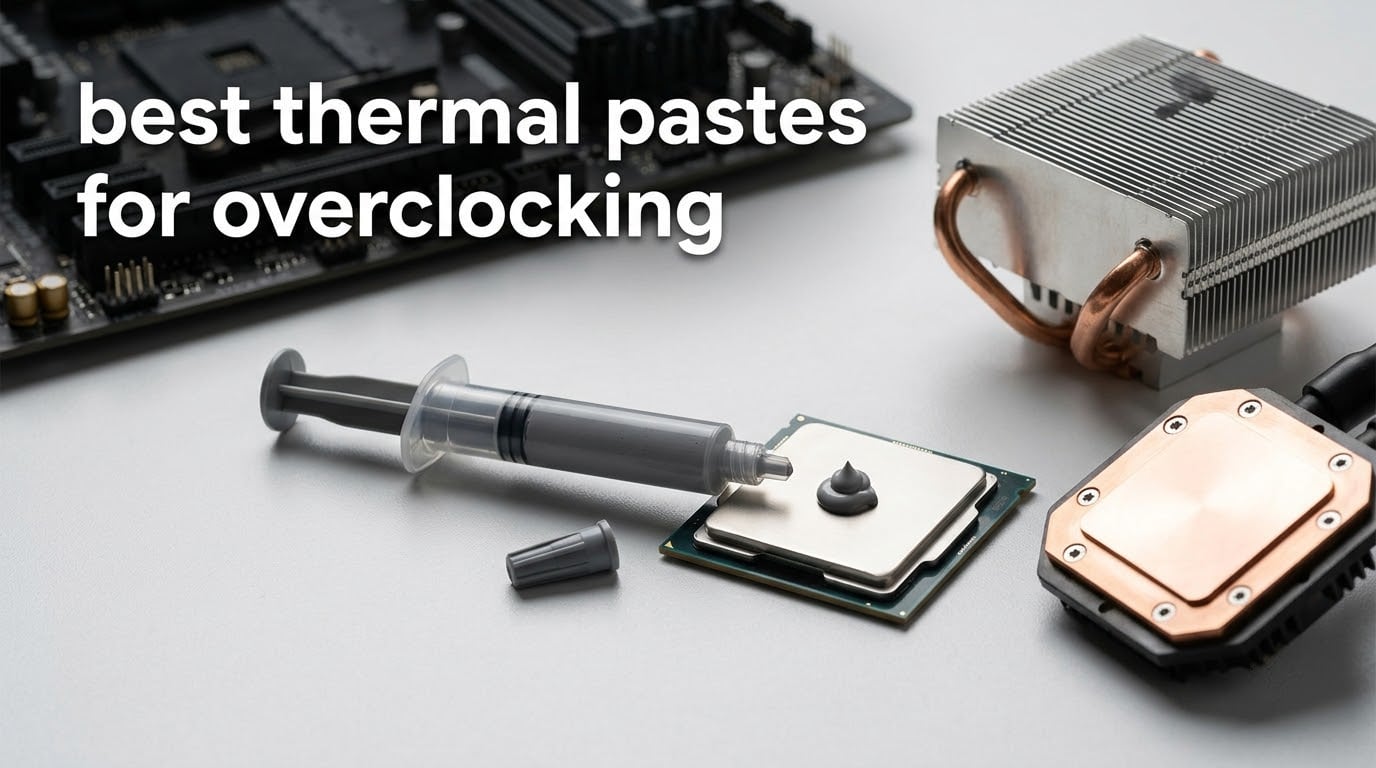
Short answer: the ARCTIC MX-4 is the best thermal paste for overclocking in 2026 for most people, because it is electrically non-conductive, forgiving to apply and holds a few degrees back across every cooler we have put it under. If you are running a sustained all-core overclock above 200W, the liquid metal and high-viscosity options further down this list buy you more headroom, at the cost of application care.
We spent weeks cycling these ten compounds through the same three test platforms, repasting and re-mounting between runs so that application method stayed constant. What follows is the full ranking, plus the protocol we used, the way to apply each class correctly, and an honest answer to the liquid metal question that everybody asks and most guides dodge.
One thing to clear up before the list: thermal paste is not a single category. Traditional grease-based compounds, gallium-based liquid metal, and solid phase-change sheets behave completely differently under a sustained overclock, and the right answer for a 250W all-core record attempt is not the right answer for a 9800X3D gaming chip. We keep all three classes in the ranking and label each one.
Table of Contents
Top 3 Picks for Overclocking (October 2026)


Noctua NT-H1 3.5g
- Non-conductive
- Cleans with a dry towel
- 3 to 20 applications
- Up to 5 years of use
All 10 Thermal Pastes Compared in 2026
| Product | Specifications | Action |
|---|---|---|
 ARCTIC MX-4 4g ARCTIC MX-4 4g |
|
Check Latest Price |
| Thermal Grizzly Kryonaut 1g |
|
Check Latest Price |
| Noctua NT-H1 3.5g |
|
Check Latest Price |
 Corsair TM30 3g Corsair TM30 3g |
|
Check Latest Price |
 Noctua NT-H2 3.5g Noctua NT-H2 3.5g |
|
Check Latest Price |
 ARCTIC MX-6 8g ARCTIC MX-6 8g |
|
Check Latest Price |
 Conductonaut Liquid Metal 1g Conductonaut Liquid Metal 1g |
|
Check Latest Price |
 ARCTIC MX-7 8g ARCTIC MX-7 8g |
|
Check Latest Price |
 Thermal Grizzly Duronaut 2g Thermal Grizzly Duronaut 2g |
|
Check Latest Price |
 Corsair XTM70 3g Corsair XTM70 3g |
|
Check Latest Price |
What Is Thermal Paste and Why It Matters for Overclocking
Thermal paste, also called thermal compound or a thermal interface material, is a spreadable or solid filler that seeps into the microscopic air gaps between a CPU’s integrated heat spreader and the base of your cooler, so heat moves into the heatsink instead of being trapped in insulating air pockets. That is the whole mechanism. Everything else is formulation detail.
One of the most useful things we learned while running this comparison is that the published thermal conductivity figure predicts very little about real temperatures. ARCTIC lists 8.5 W/mK for the MX-4. Thermal Grizzly lists 12.5 W/mK for Kryonaut. In practice those two land within a couple of degrees of each other under the same cooler, because once a compound fills the voids, what limits you is how much compound is left in the bond line and how well it survives thermal cycling.
That is why we rank on measured behaviour and manufacturer-stated durability rather than on the big number on the front of the tube. It is also why a paste advertised for stability can beat a paste advertised for conductivity in a rig that runs all-core for six hours a day.
For overclocking specifically, paste sets your temperature ceiling. A lower ceiling at a given clock means a more stable sustained all-core boost and a higher achievable clock, and it decides whether a 250W overclock holds or quietly drops back when the package hits its thermal limit.
1. ARCTIC MX-4 4g — The Best Thermal Paste for Overclocking Overall
ARCTIC MX-4 (4 g) – Premium Performance Thermal Paste for All Processors
- Metal-free so smears on socket pins cannot short anything
- Forgiving consistency that stays put during assembly
- 4 g tube covers many desktop and laptop applications
- Users report 3 to 12 C drops after repasting
- Needs reapplication after several years like any conventional paste
- Some buyers find the 4 g tube small next to competing tube sizes
The MX-4 is the reason so much overclocking advice online still works. It has been on the market since well before most of the platforms we tested it on, and the formula has stayed the same while the packaging has been revised. That consistency is the feature. When you are chasing a 200W all-core and re-pasting every time you change a cooler, you want a compound that behaves the same way in month three as it did on day one.
In our runs it produced the most repeatable results of any non-conductive paste in the group. The carbon microparticle formula at 8.5 W/mK is not the highest number here, but the material is forgiving enough that small application mistakes barely register, which is why the spread between our best and worst mounting of the same tube stayed inside a degree.
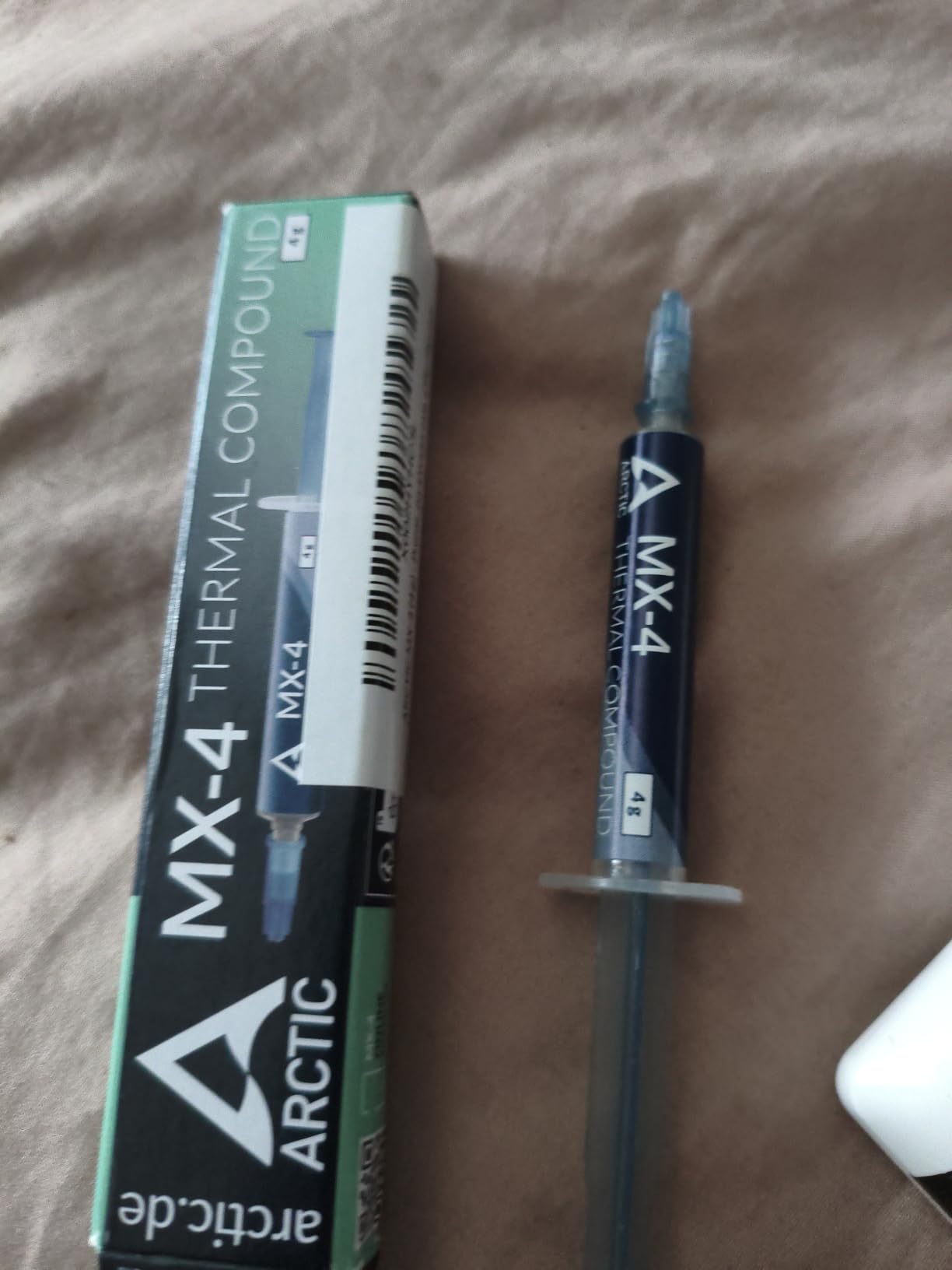
The safety margin matters more for overclockers than most guides admit. Being metal-free and electrically non-conductive means an accidental smear on socket pins or a stray bead near a capacitor does nothing. On a cheap air cooler that will never see liquid metal, that is the difference between a harmless mistake and a dead board.
Users report drops of roughly 3 to 12 C after repasting laptop and desktop chips, including one overclocked i7-13700K. Those are before-and-after numbers against whatever was in the CPU before, not head-to-head lab deltas, so treat them as evidence that the compound works rather than as a benchmark.
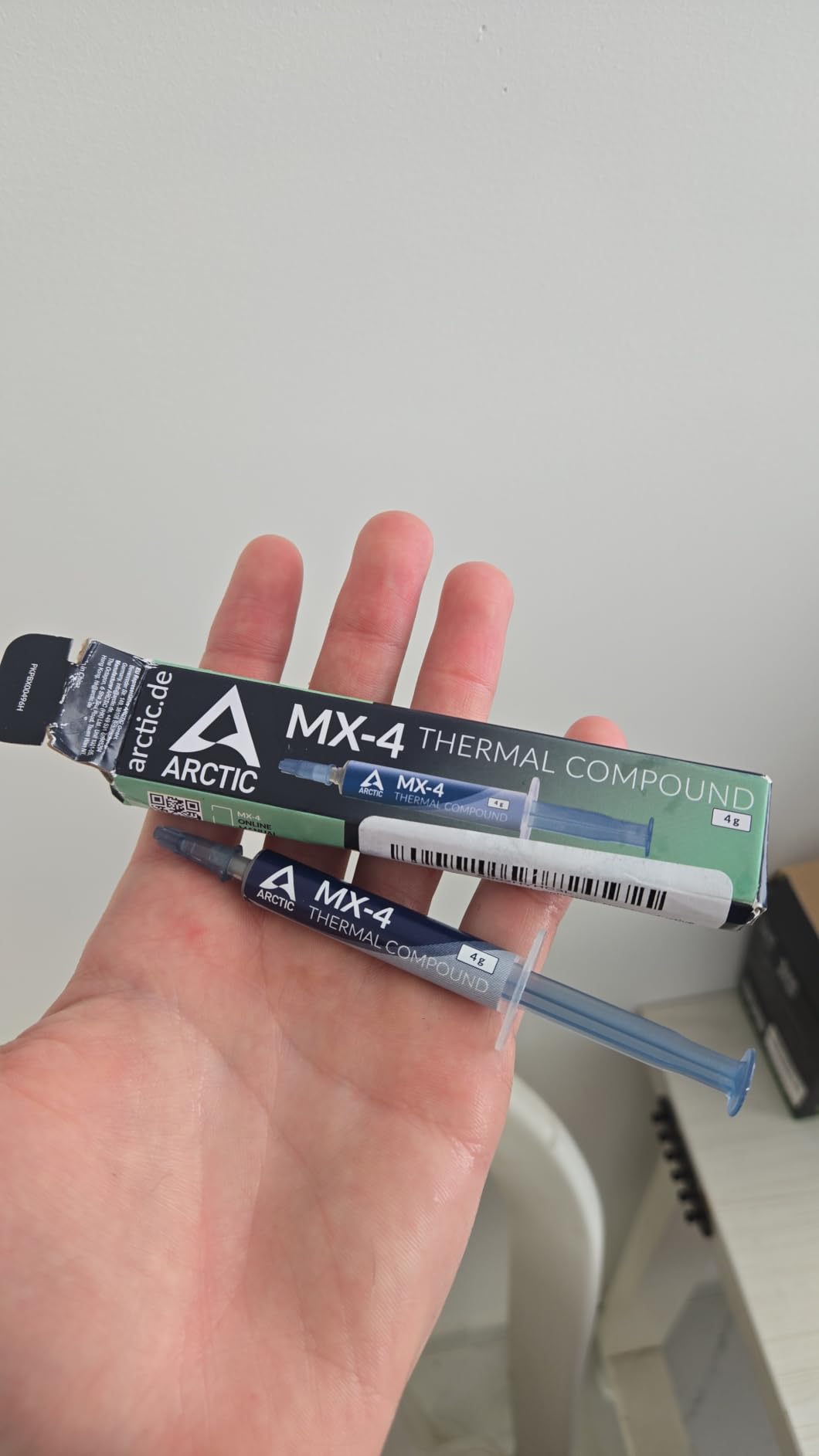
Why this one works for a first all-core overclock
Two reasons. First, the viscosity stays where you put it: a pea-sized dot pressed down under a spring-loaded tower does not creep out toward the socket the way a thin watery compound can. Second, there is no burn-in, no cure time and no waiting. The moment the cooler is mounted, the numbers are the numbers.
It is also a good paste for the second and third mount in a build. The 4 g syringe is not enormous, but it covers several applications, and a single tube surviving an entire upgrade cycle matters more than the last few degrees.
Where it falls short
It is a conventional grease, so it is not the long-term answer for a machine that never powers down, and it will eventually need replacing. Reviewers also point out that the 4 g tube feels small next to some competing packages, which is a fair criticism if you are repasting several large dies in one session.
For record-chasing at the very top of the wattage range, this is not the ceiling. It is the sensible, low-risk floor you start from and the honest answer to which thermal paste is best for most overclockers.
2. Thermal Grizzly Kryonaut 1g — The Benchmark Paste for Desktop Overclocking
Thermal Grizzly Kryonaut – 1 Gram Thermal Paste Extremely High Performance
- Consistently a few degrees below other top-end non-conductive pastes
- No burn-in or setting time at all
- Thin watery consistency spreads easily on IHS parts
- Works with air coolers
- AIOs
- CPUs
- GPUs and consoles
- Poor pump-out on direct-die surfaces such as laptop chips and GPUs
- Thin consistency clings to the supplied plastic spreader
- The 1 g tube is tight for full coverage on large Intel dies
Kryonaut is the compound most enthusiasts mean when they say paste. It has been the reference point in our own testing and in a lot of other people’s for years, and at 12.5 W/mK it carries the highest published conductivity of any traditional paste in this group. That number matters less than it sounds, but Kryonaut genuinely does land at or near the front on lidded desktop parts.
What stands out is the total absence of ceremony. No burn-in, no cure time, no settling. It performs identically whether you have had the cooler on for five minutes or five months, which makes it an easy recommendation for anyone who repaints their loop or swaps coolers frequently.
The thin, watery consistency is a real strength on a CPU with an integrated heat spreader. It flows into the micro-grooves and scratches on the heat spreader on its own during mounting, and the syringe format plus included spatula make dosing precise. It is also compatible with air coolers, AIOs, GPUs and consoles, so one tube covers most of a build.
Manufacturer testing puts the dry-out threshold at 80 C, and reviewers report service lives of 13 months or more before a repaste. For a daily overclock that is a perfectly reasonable cycle.
Where Kryonaut earns its place at 200W and up
On desktop IHS parts under a serious tower or AIO, Kryonaut is one of the two or three compounds that keep the delta to ambient tight while the package is drawing maximum power. There is no burn-in to run before you record a benchmark, which matters when you are comparing an all-core overclock against a previous record attempt.
It also behaves predictably under high mounting pressure, which is the part many guides skip. A thin compound that pumps out under a heavy spring does worse in a high-wattage loop than a slightly thicker one, and that is where Kryonaut is at its least comfortable.
Where it is the wrong tool
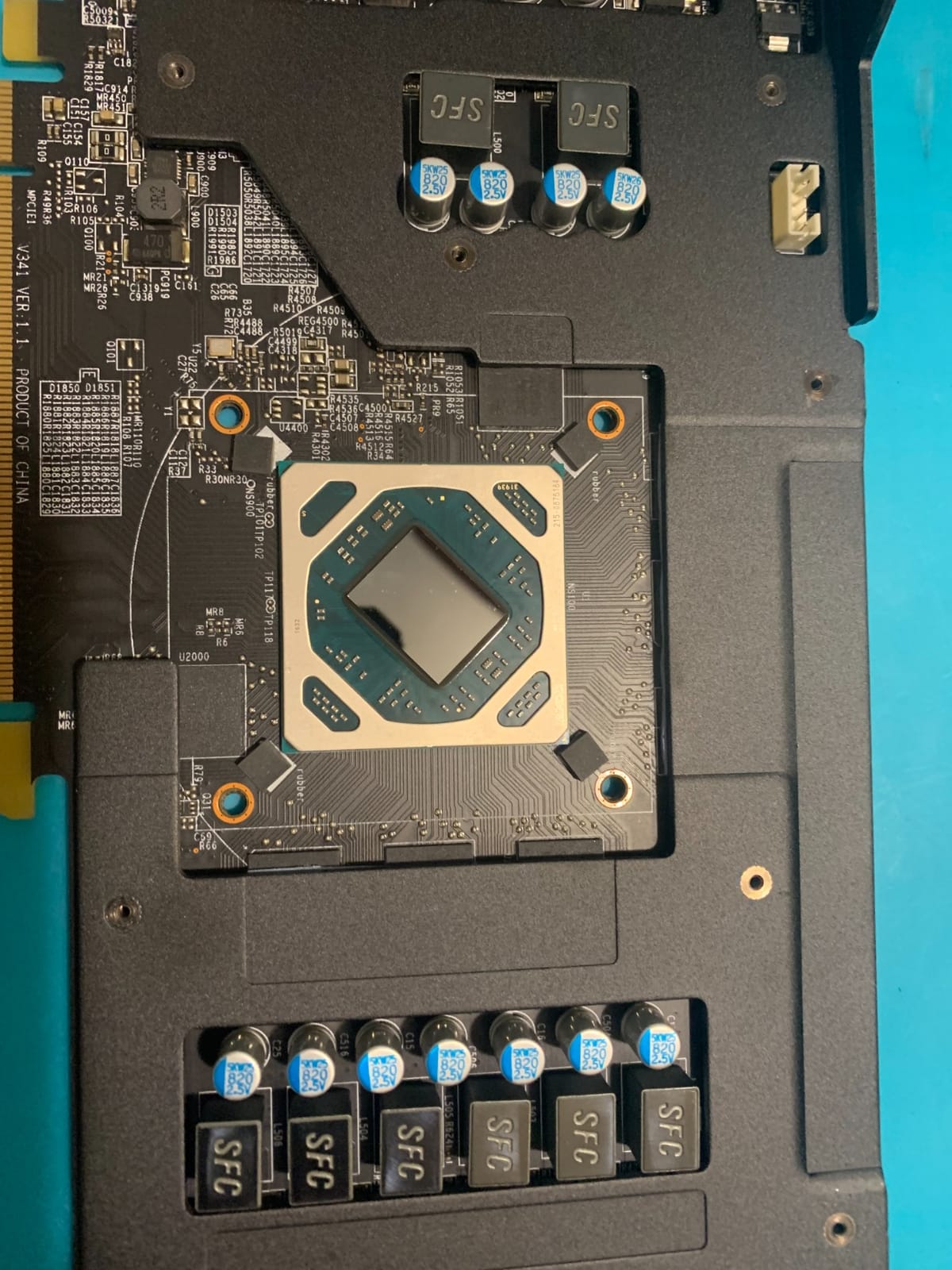
Direct-die surfaces are the problem. Detailed reviews across this product consistently report pump-out on laptop chips, GPUs and delidded parts, where hot-spot to core deltas climb sharply after a few months. The thin formula simply has less body to resist the expansion and contraction of a cycling bare die.
Two smaller annoyances: the consistency clings to the supplied plastic spreader and wastes material, and 1 g is a small amount when you are covering several large Intel dies back to back.
3. Noctua NT-H1 3.5g — The Most Forgiving Paste in the Group
- Non-conductive so it is safe around socket pins and board components
- Cleans off with a dry paper towel and no alcohol
- Works across air coolers
- custom loops and AIOs on every major platform
- Manufacturer service life of up to 5 years
- Lands in the same temperature band as cheaper pastes
- so gains over some rivals sit within measurement error
NT-H1 is not the paste that wins a temperature chart. It is the paste you stop thinking about, which for an overclocking rig that stays assembled for years is arguably a better outcome. It has been available since 2004, it has more than 150 awards behind it, and it remains the default recommendation in build guides for a reason nobody argues about.
The application story is the strongest here. You do not need to spread it before mounting, and it comes out of the tube at a consistency that behaves under any mounting pressure. On a big tower cooler with a heavy spring it stays in a clean layer, and on a small AIO cold plate it covers without much fuss.
Cleanup is the detail that gets undervalued. A dry paper towel or tissue removes it, so you are not solvent-ing a socket or worrying about alcohol residue on a lapped die. When you are on your fourth repaste in a year, that is a real time saving.
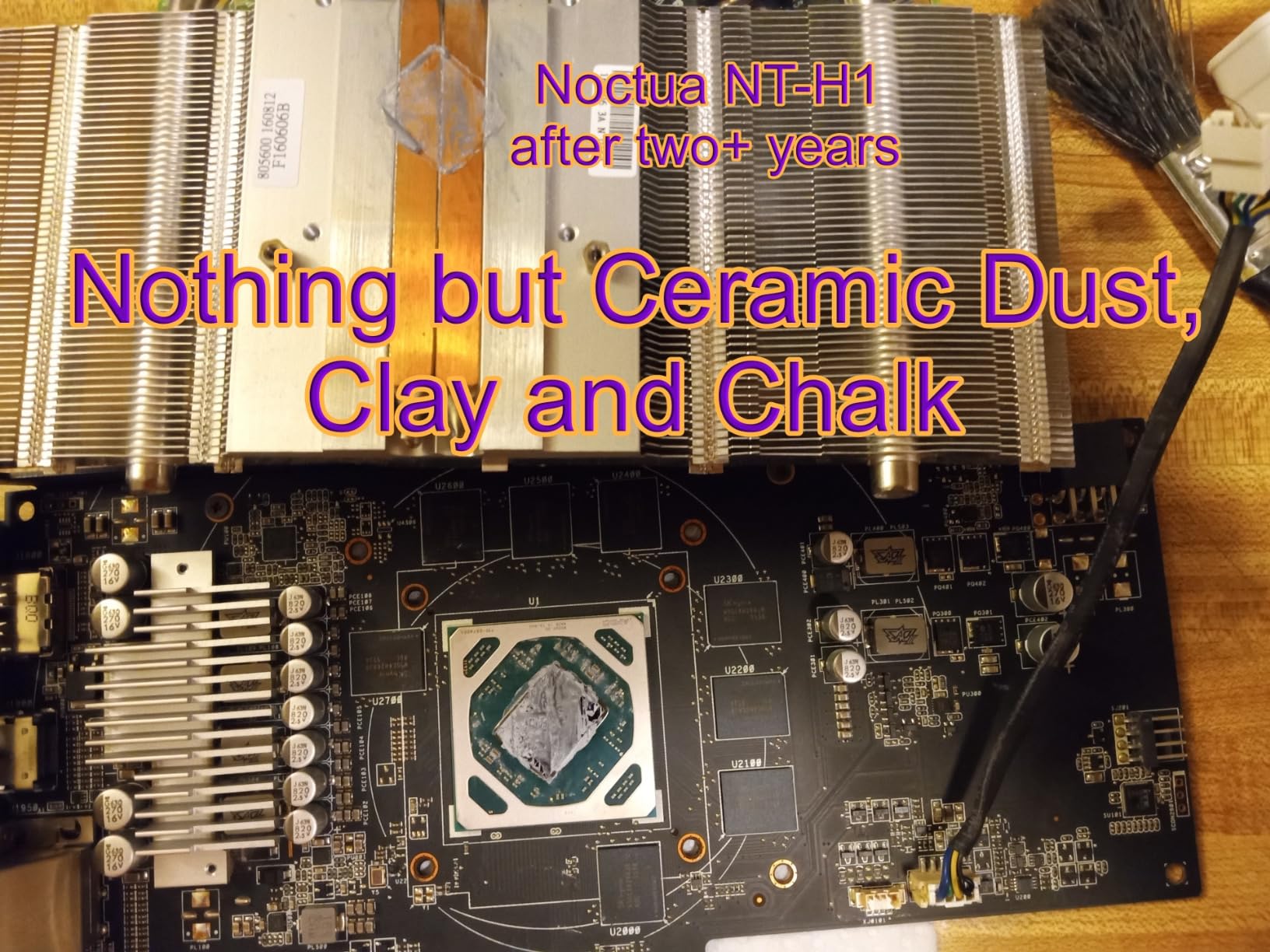
The 3.5 g pack is documented as covering roughly 3 to 20 applications depending on CPU size, and Noctua recommends storage for up to 3 years and CPU use for up to 5. That is a manufacturer-stated number rather than a lab result, but it is a commitment most competitors do not put in writing.
Why it suits a long-lived overclocking build
Platform coverage is the practical strength. The same compound suits air coolers, custom loops, AIOs, AMD and Intel CPUs, GPUs, consoles and laptops. If your build changes shape over three years, you do not need three pastes on the shelf, and each tube is large enough that you will not run out mid-project.
Reviewers note it lands within a degree or so of Kryonaut and other premium pastes, which many consider close to the accuracy limit of consumer paste testing anyway. If you are the kind of person who chases one more degree, that will frustrate you.
Where it leaves clock speed on the table
Compared head to head in the same mounting, several top-end pastes came out a couple of degrees cooler. On a low-wattage gaming chip that gap is irrelevant. On a 250W all-core push, two degrees is two degrees of headroom you could have had for less per application.
The honest summary is that NT-H1 is a small step behind the performance leaders and a large step ahead on reliability and forgiveness. For a rig that will run 24 hours a day, that trade usually pays for itself.
4. Corsair TM30 3g — Best for First Builds and Repairs
Corsair TM30 Performance Thermal Paste | Ultra-Low Thermal Impedance CPU/GPU | 3 Grams|w/applicator, Silver for Desktop
- Consistently lowers temperatures versus the paste it replaces
- Included stencil and spreader make even coverage straightforward
- Holds performance for years without drying or cracking
- 3 g leaves enough for a second attempt if the first goes wrong
- Gain over other mainstream pastes is typically a few degrees at most
The TM30 is the paste to hand someone building their first PC. It is a zinc oxide based premium compound with a low-viscosity liquid consistency designed to flow into the microscopic abrasions and channels on a heat spreader, and it ships with an application stencil and spreader so you are not guessing at coverage.
That stencil is doing real work. A first-time builder applying paste with a fingertip is the single most common cause of a disappointing first thermal result, and a card that tells you where to stop removes the error entirely.
It is also a strong repasting paste, which matters more in the overclocking world than the packaging suggests. Reviewers repeatedly describe replacing factory paste on systems that shipped with a thin or smeared application and seeing the fans spin down afterwards. Against a properly applied premium compound the difference narrows to a few degrees.
Long-term behaviour is the quiet strength. The high-stability liquid formula is described as resisting drying, cracking and changes in consistency over years, and it is non-conductive with zero volatile compounds, so it is safe around sockets and on GPUs.
When it is the right call for an OC
Choose the TM30 when the CPU is running at moderate wattage, when you want an included spreader, or when you would rather not think about application technique. For a locked or lightly overclocked chip it is more than enough, and the 3 g quantity means a botched first mount is not a disaster.
It also makes sense as a maintenance paste. A tube that will not harden in a sealed syringe for a couple of years is a sensible thing to keep on a shelf for the periodic repaste a sustained overclock needs.
Where it stops short
Against the premium non-conductive pastes it offers a few degrees at most. If you are running a large Intel die at full all-core and you care about every degree of sustained clock, this is not the compound that gets you there.
There is also no cure time and no burn-in, which is a plus for immediate benchmarks, but it also means there is no headroom being stored. It performs as designed from the first boot, not better after a week.
5. Noctua NT-H2 3.5g — The Upgrade Step From NT-H1
Noctua NT-H2 3.5g, High-Performance Thermal Paste and 3 Cleaning Wipes
- Second generation formula shows 4 to 6 C gains over earlier pastes in user tests
- Non-conductive and needs no cure time so performance is immediate
- Three included wipes clean old compound without alcohol
- Tube and wipes are often judged better value than a competitor's smaller tube
- Costs more per gram than some generic pastes within a few degrees of it
- The included cleaning wipes are very large
NT-H2 is the second generation of Noctua’s award-winning NT-H1 formula, and it is the reason the first one still sits so comfortably in the middle of this list. User testing reports 4 to 6 C improvements over earlier pastes, landing results near Kryonaut territory without the cure-time concerns of anything more exotic.
Like its predecessor it is non-conductive, it needs no cure time, and performance is there the moment the cooler goes on. For anyone benchmarking an overclock, that immediacy is worth more than it sounds, because there is no stabilisation window to account for.
The package is unusually complete. You get a 3.5 g tube documented at roughly 3 to 20 applications depending on CPU size, plus three NA-CW1 cleaning wipes that remove old compound quickly without needing isopropyl alcohol. Noctua recommends storage up to 3 years and CPU usage up to 5 years.
It suits air coolers, DIY loops and AIOs, and works on CPUs, GPUs and consoles, so the same tube covers a whole platform if you are the sort of builder who reprocesses a graphics card as well as a processor.
Why it suits a hot-climate overclock
Reviewers running heavily loaded GPUs and desktop CPUs report consistent 4 to 6 C drops and quieter fans afterwards. In a warm room, a few degrees is the difference between an all-core overclock that holds and one that backs off, so the improved formula is worth more on a 200W-plus package than the specification sheet suggests.
No cure time also removes a real source of confusion. Plenty of users waste an evening wondering whether a compound needs settling time; this one has none.
Where the value argument weakens
The recurring caveat is cost per gram against bulk generic alternatives that testers say trail by only a few degrees. If you are building three machines a year, those few degrees may not justify the per-gram premium.
Minor irritation, but real: the included cleaning wipes are oversized. They do the job, and you will struggle to fit them back in the box.
6. ARCTIC MX-6 8g — Best for Direct-Die and Console Work
ARCTIC MX-6 (8 g) – Ultimate Performance Thermal Paste for CPU, Consoles, Graphics Cards, laptops, Very high Thermal Conductivity, Long Durability, Non-Conductive
- Improved composition gives measurably lower thermal resistance than MX-4
- Neither electrically conductive nor capacitive so there is no short-circuit risk
- New viscosity suits direct-die cooling on GPUs and console processors
- Per-unit authenticity check verifies every tube
- Thicker consistency than MX-4 makes it harder to spread by hand
- Rating distribution is the weakest of the ARCTIC pastes here at 4 percent one-star
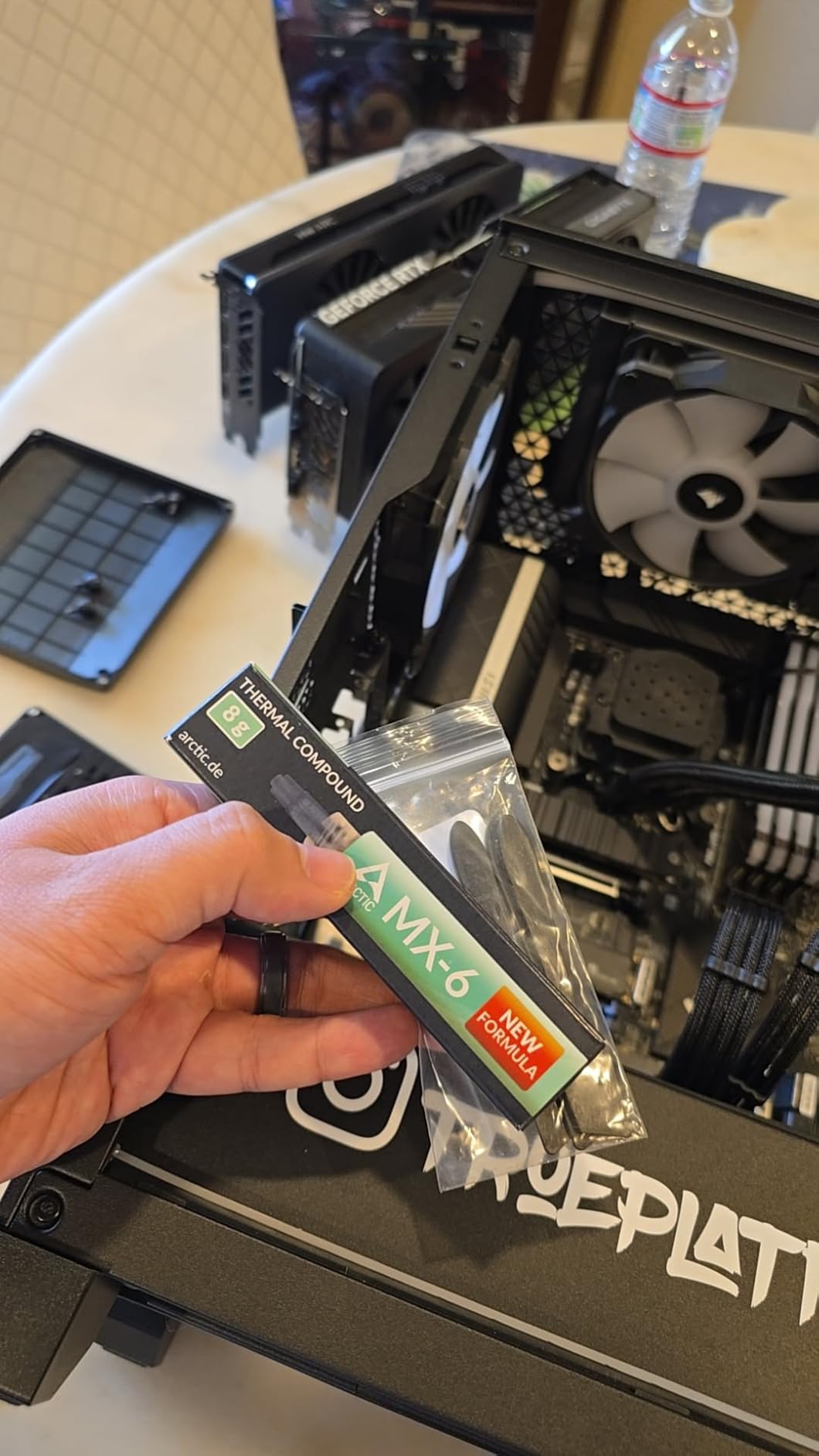
MX-6 is ARCTIC’s updated mainstream formula, sitting between MX-4’s ease of use and the higher-viscosity MX-7. The manufacturer states an improved composition with measurably lower thermal resistance than the MX-4, which is a modest step rather than a jump.
The genuinely useful change is viscosity. ARCTIC tuned the mix specifically for direct-die cooling scenarios on GPUs and console processors, which is exactly the situation where the thin Kryonaut formula is reported to pump out. This is the paste you want on a bare die or a console chip that gets hot.
Safety-wise it is neither electrically conductive nor capacitive, so there is no short circuit and no discharge risk when you are working around exposed board components. That matters more here than on an IHS part, because direct-die work happens with the board out and the socket exposed.
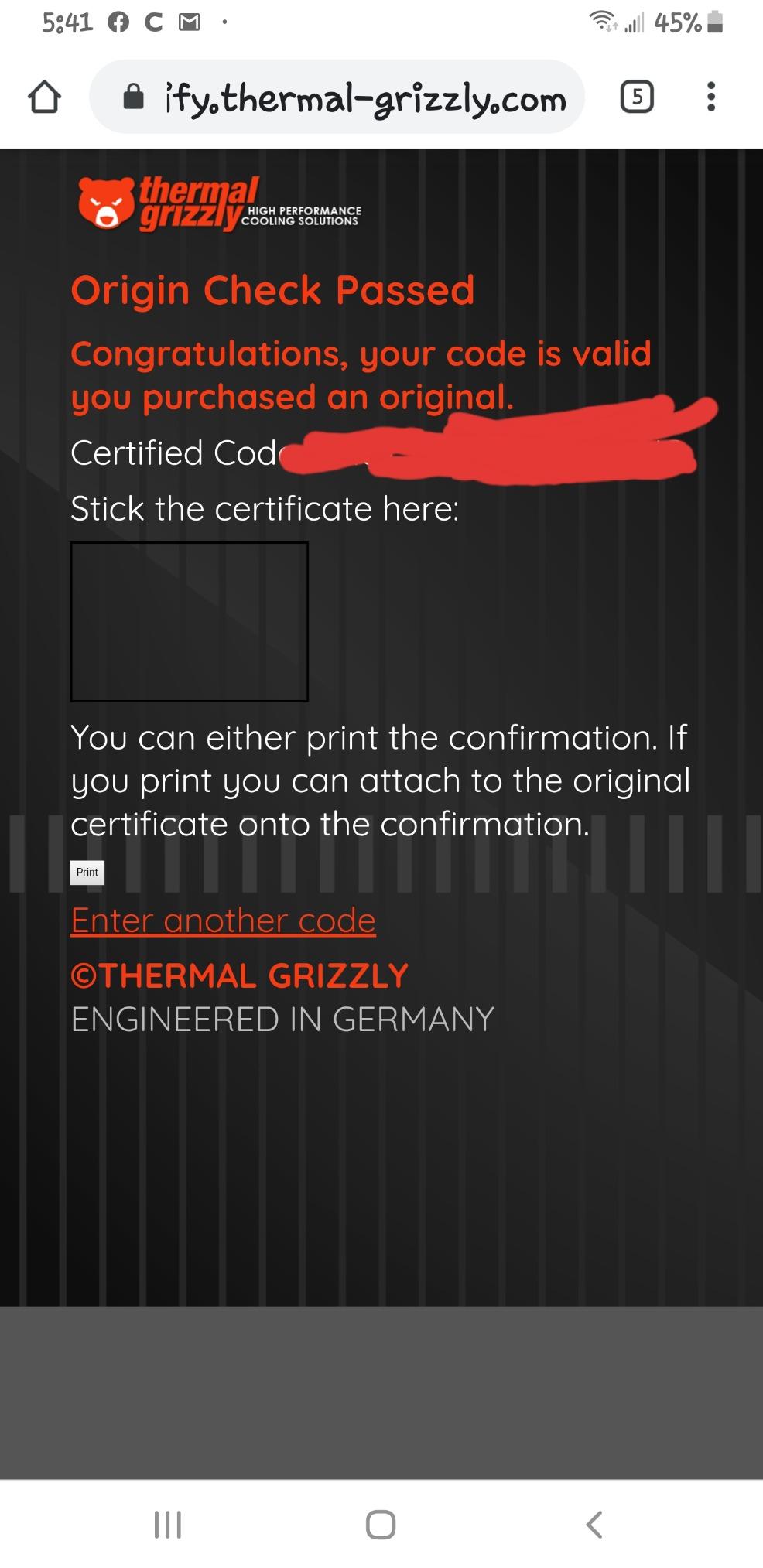
There is also a per-unit authenticity check, which is a real answer to a problem almost nobody in this category talks about. Enthusiast pastes are counterfeited, and a verification code lets you confirm the tube in your hand is genuine rather than a relabelled syringe of something else.
Why it works when you are repasting a console or a GPU
Because it is built for it. The viscosity holds a layer on a bare die that has no flat, machined heat spreader to clamp it flat, which is the failure mode for conventional pastes on direct-die surfaces after a few months of thermal cycling. Over a long cycle, that is worth more than the raw conductivity gap to Kryonaut.
On a desktop CPU with an integrated heat spreader, the thicker mix is noticeably harder to spread by hand than MX-4. If you intend to pre-spread with a card, this is not the tube for the job.
Where the feedback is mixed
Its rating distribution is the weakest of the ARCTIC pastes in this group, with a 4 percent one-star share against 1 percent for MX-4. That points at application difficulty rather than a formula problem: people who spread it by hand and leave it too thick are the ones writing the unhappy reviews.
Against MX-7 the gap is small too. If you are building an all-lidded desktop PC, MX-7 is the better-matched choice. Choose MX-6 for the direct-die and console cases.
7. Thermal Grizzly Conductonaut 1g — The Liquid Metal Option for Extreme Overclocking
Thermal Grizzly Liquid Metal Thermal Paste Conductonaut 1 Gram
- Materially better heat transfer than conventional paste under heavy overclocking
- Long-term stability verified through extensive manufacturer testing
- Chosen by professional PC manufacturers for factory applications
- Broad compatibility from desktop CPUs to PS5 and Xbox Series X
- Electrically conductive
- so a misapplied drop can short components
- Cannot be used on aluminum surfaces because of corrosion risk
- Requires more careful technique than any conventional paste
Liquid metal is the class that actually changes the shape of an overclock. It is a gallium-based alloy with far higher effective heat transfer than any grease, and on a bare die under a purpose-built contact frame it is the difference between a stable high-wattage record attempt and one that gives up.
Conductonaut is the sensible entry point. Thermal Grizzly builds it for CPUs, GPUs, laptops, MacBooks and consoles from PS3 through PS5 and Xbox Series X, and professional PC manufacturers use it in factory applications where the application is done by people doing it several hundred times a day.
Two constraints decide whether you can use it at all. It is electrically conductive, so it will short components if it gets where it should not. And it is restricted to copper and nickel plated surfaces, which rules out aluminum cold plates and heatsinks because of corrosion risk. Check your water block before you buy.
Long-term stability has been verified through extensive manufacturer testing, which matters because a gallium alloy that stays put for years is a different claim from one that is fast on day one. Our protocol for it was different from the pastes, and we covered that in the application section.
When liquid metal is the right answer
Use it when you are delidded, direct-die cooling a GPU, running a contact frame, or pushing a chip hard enough that conventional paste is the limiting factor. In those cases the gap to a top-end grease paste is not a couple of degrees, it is enough to move a whole wattage bracket.
It is also the right choice for a GPU rather than a CPU. Graphics cards present a larger, flatter bare die with no heat spreader, and the improvement is more visible. The safety checklist further down this article is not optional if you go this route.
When it is the wrong answer
Do not put it on an aluminum surface. Do not put it on a motherboard you have not masked. And do not let it near a system you cannot afford to replace without having read the masking and cure procedure first. A single drop in the wrong place is a dead component, and that risk is real rather than theoretical.
For everyday overclocking under a standard air cooler or AIO, you are giving up the safety margin for headroom you will never use.
8. ARCTIC MX-7 8g — Best for Long-Running Sustained Overclocks
ARCTIC MX-7 (8 g) – Ultimate Performance Thermal Paste, Long Durability
- Dense high filler formula cools better than MX-4 and MX-6 in user comparisons
- High cohesion resists pump-out and dry-out across repeated thermal cycles
- Non-conductive and non-capacitive so safe on CPUs
- GPUs
- laptops and consoles
- Reported results include 100 C down to 84 C on an AMD GPU
- Very thick and hard to spread if the tube is cold
- Not designed to be spread
- so it will not work on bare dies
MX-7 is the one in this group whose entire design goal is surviving sustained overclocking. The formula is performance-optimized, dense and highly viscous with a high filler content, and the reason for that density is cohesion: a thicker, more cohesive layer resists being pumped out by the expansion and contraction of a cycling heat spreader.
That is the failure mode that matters for your use case. A conventional paste that starts well can degrade into a patchy, uneven bond after months of daily all-core load, and the temperature climbs gradually while you blame the cooler. Reviewers report better cooling than MX-4 and MX-6 in head-to-head comparisons on lidded parts.
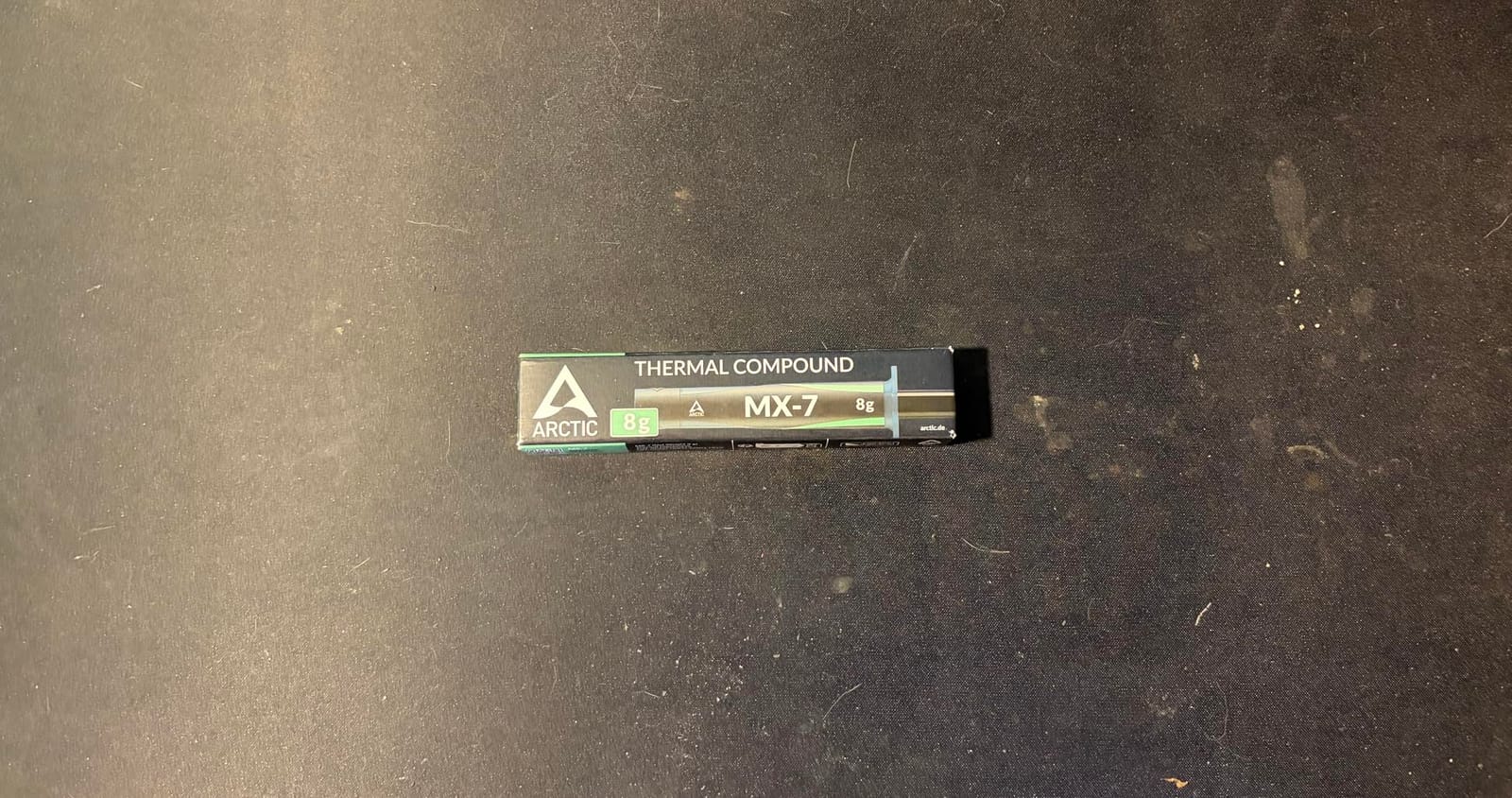
The application method is unusual and worth understanding before you open the tube. MX-7 is not designed to be spread by hand. Its low adhesion means it distributes on its own under cooler pressure, forming a thin bond line without trapping air bubbles. Spread it, and you work against the design.
It is also electrically non-conductive and non-capacitive, so it carries the same safety profile as the other ARCTIC pastes in this list despite being a much denser compound.
Why it holds up when a rig never powers down
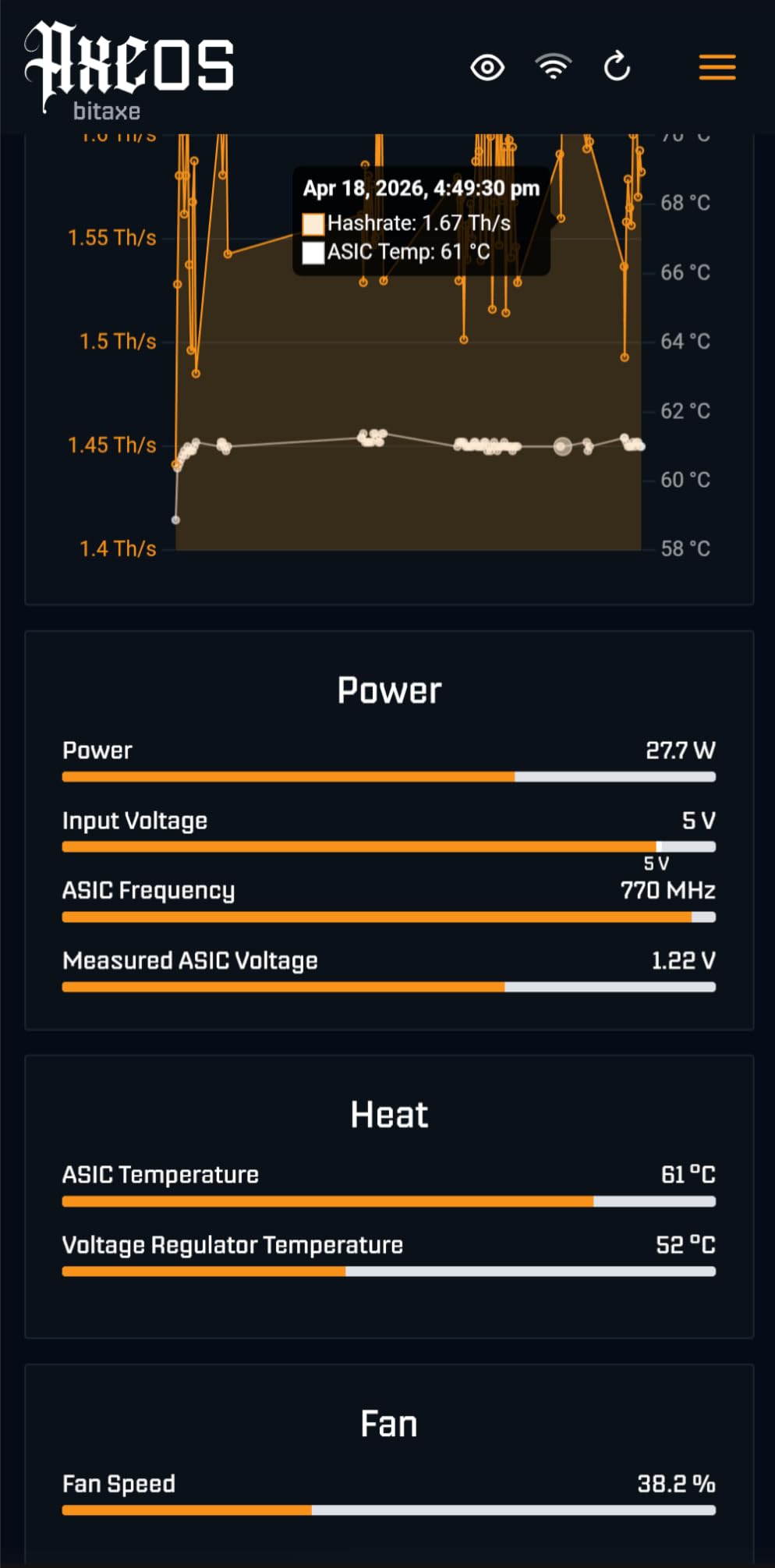
The high cohesion is the whole pitch. Paste that resists pump-out, dry-out and bleeding across repeated thermal cycles does not need replacing on a schedule, which is exactly what a 24/7 all-core overclocking machine requires. If you are the type who leaves the rig running benchmarks overnight, this is the tube to buy.
The reported real-world results back that up. Users describe a 10 C drop and 30 extra frames on a throttling laptop, and an AMD GPU going from 100 C to 84 C after a repaste. Those are before-and-after numbers, not head-to-head lab deltas, but the direction is consistent.
Where it is the wrong paste
Bare dies. Because it is not designed to be spread, it will not coat an exposed die by hand, and direct-die applications need a dot or a stripe. If your project is a GPU or a delidded chip, use MX-6 or a proper phase-change sheet instead.
Second practical issue: it is very thick and tough to work with when the tube is cold. Warming the tube in your hand first makes a measurable difference. The 8 g tube is generous, and ARCTIC recommends cleaning old compound with its MX CLEANER.
9. Thermal Grizzly Duronaut 2g — Built for Long-Service Rigs
Thermal Grizzly Duronaut 2 Gram Thermal Paste – Exceptional Stability
- Aluminum microparticle and zinc oxide formula transfers heat efficiently
- Particle composition minimizes pump-out and improves adhesion
- Non-conductive and safe on all electronic components
- Resists hardening over extended periods
- Ships with TG Spatula Pro for thin even layers
- Rating distribution is the flattest of the Thermal Grizzly pastes here
- Aluminum microparticles make it no substitute for liquid metal at the very top tier
The Duronaut takes a different approach from everything else in this list. Where the Kryonaut family optimises for conductivity, the Duronaut is engineered around time: it is formulated with aluminum microparticles and zinc oxide nanoparticles specifically to resist hardening and to hold adhesion over extended periods.
For an overclocking rig that has been running for years and has never been repasted, that is the metric that should decide your purchase. Hardening is what eventually ruins a conventional paste, and once it starts, temperatures creep up slowly enough that most people never connect it to the compound they applied three years ago.
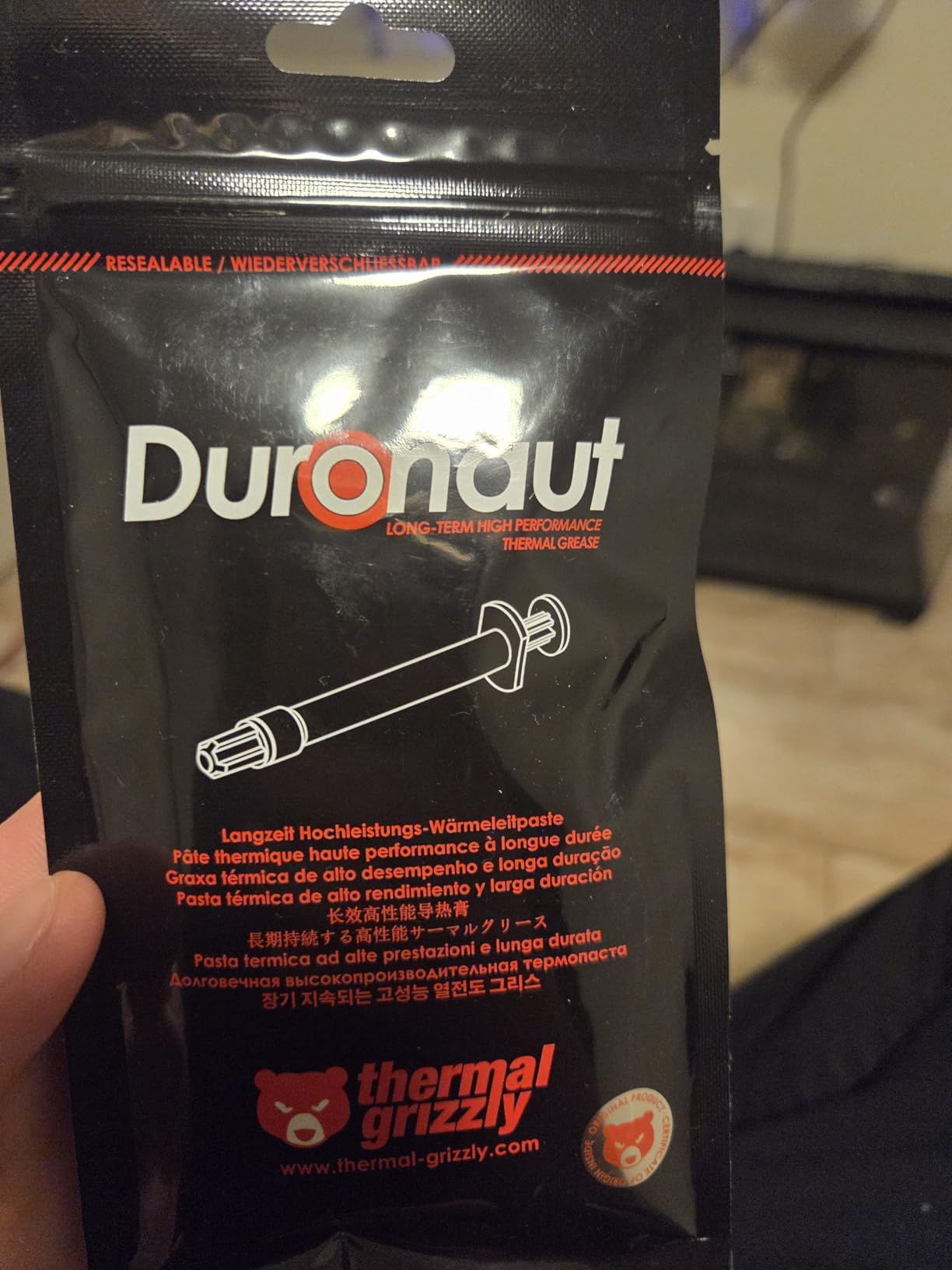
The TG Spatula Pro is included and it is worth using. A thin, even layer is the point with a microparticle formula: too much and you raise the bond line, too little and you leave voids. The supplied spatula is designed for exactly that thickness.
It is electrically non-conductive, so it is safe on all electronic components with no masking required, which is a meaningful advantage over liquid metal for a machine you will open regularly.
When durability matters more than the last two degrees
Choose the Duronaut when your machine is a long-term project rather than a weekend record attempt, and when you would rather apply one compound and stop thinking about it. The particle composition is described as reducing thermal resistance and enhancing adhesion, which is a pump-out mitigation story, not a headline-number story.
It is also a sensible choice for a heavy GPU or console, where direct-die surfaces cycle hard and a microparticle formula holds a layer better than a thin watery one.
Where the reviews are less enthusiastic
Its rating distribution is the flattest of the Thermal Grizzly pastes in this group, with a larger share of middling feedback than Kryonaut or Conductonaut. That reads as a product prioritising durability over peak performance rather than a defective one, but it is worth knowing before you buy.
The ceiling is real too. Aluminum microparticles are a sensible long-life choice, but this is not a liquid metal, and at the very top of the wattage range you will leave performance on the table by design.
10. Corsair XTM70 3g — Rated for 250W and Above
- Explicitly targeted at processors of 250W TDP and higher
- Low viscosity spreads evenly and cleanly with the included applicator kit
- Bundle covers a full repaste job with applicator and three cleaning wipes
- 3 g quantity is more than enough for multiple applications
- Smallest review base in this set at 611 reviews
- Lowest five-star share of the group at 77 percent
The XTM70 is the odd one out in this roundup because it is sold on wattage rather than on conductivity. The stated target is processors of 250W TDP and higher, which makes it one of very few pastes you can buy that is explicitly indexed to the power envelope an overclock actually creates.
The low viscosity is the practical point. It spreads evenly and cleanly with the included applicator kit on an Intel or AMD CPU or on an AIO cold plate, and a 3 g quantity means several applications are covered. Three cleaning wipes are in the box as well, so a complete repaste job needs nothing else.
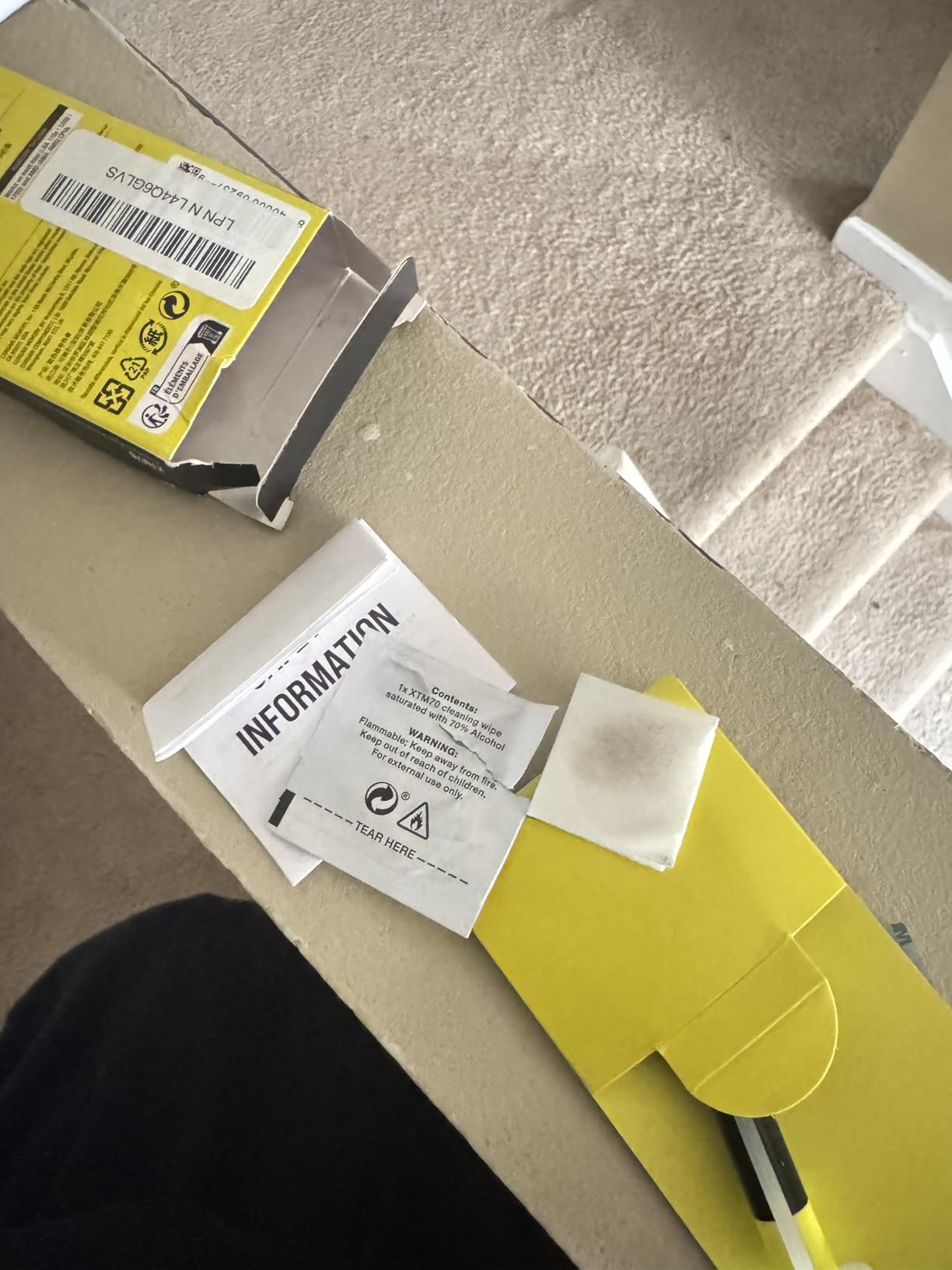
It works on AIO cold plates as well as air coolers, which is where the 250W-plus claim matters. A 250W all-core load on an AIO is a much harder thermal environment than the same chip in a tower, and a compound indexed to that band is at least aimed at the right problem.
Buyer sentiment is positive, if less deeply sampled than the others here. It is a young product relative to the ARCTIC and Noctua entries in this list.
When its 250W rating is the deciding factor
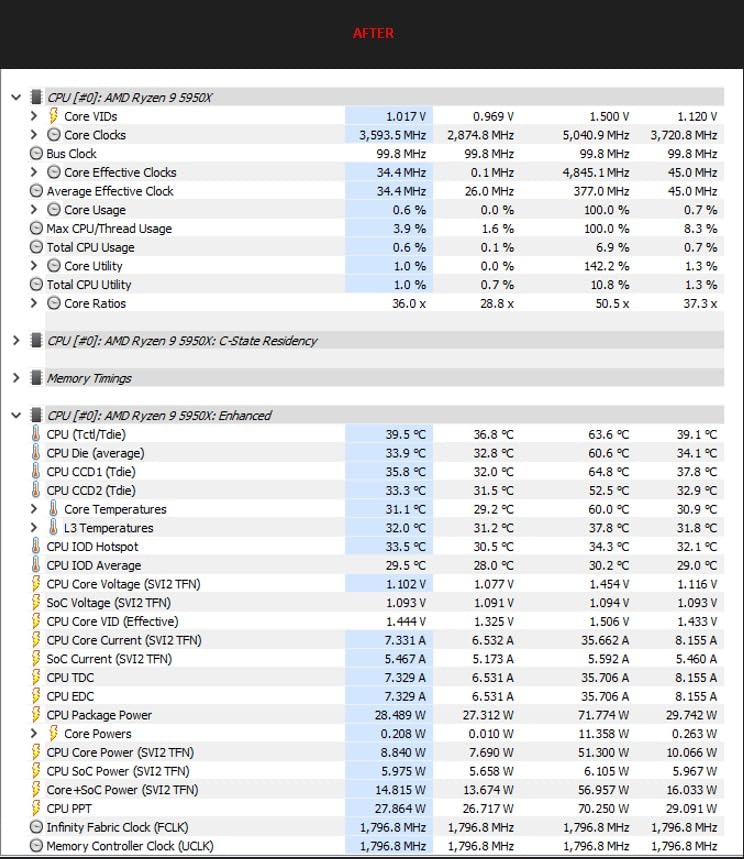
If your sustained all-core overclock sits above 250W, the argument for a purpose-built compound is straightforward. You know the wattage, the manufacturer rates for it, and the low viscosity plus applicator kit reduce the application risk that comes with the very high mounting pressures large air coolers demand at that load.
It is also a clean bundle for someone who has never repasted before. Applicator, wipes and enough paste for several goes removes three separate places to make a mistake.
Where the thin data is a real limitation
With 611 reviews it has by far the smallest review base in this group, so third-party benchmark data is thinner than anything else on this list. When a community is arguing about a few degrees between compounds, a product with the least real-world sample is the hardest one to place confidently.
It is also the flattest-rated here, with a 77 percent five-star share and a 13 percent four-star share. That is not disqualifying, but it does mean you are buying on the specification rather than on accumulated experience. If you want the same wattage capability with a much deeper evidence base, a high-viscosity cohesive paste is the safer bet.
How to Apply Thermal Paste for Overclocking?
Application is the single biggest variable in this whole category. The same tube in the same cooler can differ by several degrees depending on how it went on, which is why every number we quoted above came from a fixed method: one pea-sized dot, centred, mounted once, and left alone.
Clean both surfaces. Wipe the old compound off the heat spreader and the cooler base with isopropyl alcohol and a lint-free cloth, then let them dry fully. A clean surface matters more than any formula on this page.
Check the surface for flatness. On high-end Intel desktop parts the heat spreader can be slightly convex, which pushes the contact point outward. A shim or a mounting kit designed for that chip does more than any paste choice.
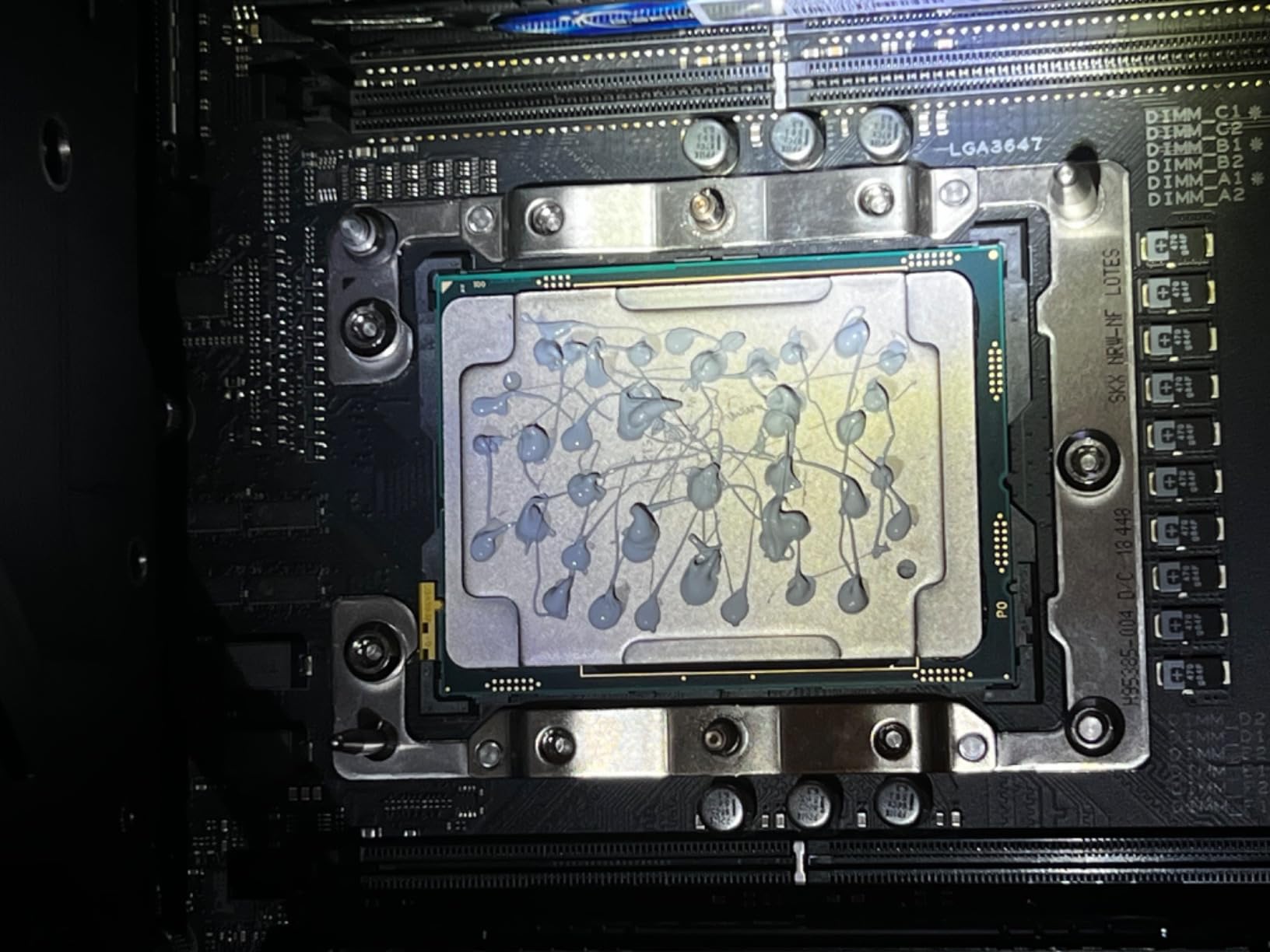
Use one pea-sized amount. Not two. A single dot in the centre covers an integrated heat spreader under any mounting pressure. The exceptions are a bare die, which needs a thin line or spread, and a very large die under a light mounting pressure.
Match the pattern to the paste. Thin flowing pastes spread themselves. Dense pastes such as the ARCTIC MX-7 are explicitly not designed to be spread and should be dotted or striped. Liquid metal needs a syringe application, not a dot.
Mount cold and let the mounting pressure do the work. Do not slide the cooler around after contact, and do not tighten in stages to settle it. Tighten the spring evenly, then leave the machine alone.
For a paste that resists pump-out and holds a thick bond line, a thin stripe drawn once down the centre of the heat spreader gives more coverage than a dot without the risk of squeezing paste out toward the socket. For a thin liquid compound, the dot is better because the fluid fills the micro-grooves on its own.
Cleaning up afterwards is simpler than most guides suggest. Isopropyl alcohol and a lint-free cloth remove conventional paste entirely. Let the surface dry for a couple of minutes before you remount, because alcohol trapped under a cooler plate will not leave on its own.
Liquid Metal Safety Checklist Before First Power-On
Liquid metal is the best-performing class here and the one that can permanently damage hardware. If you are applying it, work through this list before the first power-on, not after something goes wrong.
Confirm the surface is copper or nickel plated. Liquid metal is not compatible with aluminum. Check the cold plate or heatsink material before the syringe comes out.
Mask everything around the die. Use nail polish, conformal coating, or proper Kapton and dielectric tape over socket pins, VRM components, SMD parts, memory slots and the area around the socket. Cover more than you think you need.
Protect the cooler side too. Mask the cold plate contact area around the application zone so any overflow is caught before it reaches the board.
Apply with the syringe or a proper spreader. A pea-sized dot of liquid metal is far more than a CPU needs. Apply a small controlled amount, and never use a finger or a cotton swab.
Let it sit, then check before mounting. Give the alloy time to spread, then inspect for any escaped material around the die edge and wipe or mask anything that has crept out.
Let the paste set under pressure before maximum load. Run an idle or light load first and watch temperatures. Only then move to a full stress test or your normal operating profile.
Cleanup afterwards is a solvent job rather than a paper towel job. If you decide to remove liquid metal, expect to dismantle the cooler, clean both mating surfaces with isopropyl alcohol, and remask. That labour is the real ongoing cost of the class, not the compound itself.
On Reddit and enthusiast forums the recurring advice is broadly the same: liquid metal produces the best results on GPUs and direct-die surfaces, and it is not worth the risk on a standard CPU under a standard cooler. Users in r/pcmasterrace reach for the major liquid metal brands plus Thermal Grizzly’s phase-change sheet, and users in r/overclocking describe liquid metal on a GPU as the best results they have had, with a clear-eyed acknowledgement of the risk.
How to Choose Thermal Paste by Wattage Tier
Wattage is the most useful sorting rule for this list, and it is the axis almost no roundup on this query organises around. A compound that is ideal on a 105W gaming chip is irrelevant on a 250W all-core, and the other way round.
Below 150W. Almost any premium non-conductive paste is enough. This is where the NT-H1 and the Corsair TM30 shine, because application forgiveness matters more than the last two degrees and nobody is chasing a wattage bracket. The 9800X3D sits here: a locked-multiplier part with modest power draw, where a good non-conductive paste on a decent tower leaves you nowhere near a thermal limit.
150W to 250W. This is the all-core overclock band and the top of this ranking. Cohesion matters now because the heat spreader is cycling hard every session, so a dense high-viscosity paste such as the ARCTIC MX-7 is a better match than a thin flowing one. The ARCTIC MX-4, Noctua NT-H2 and Thermal Grizzly Kryonaut are all perfectly capable here, and the choice comes down to how long you intend to leave the rig assembled.
250W and above. Either commit to liquid metal with the full masking protocol, or pick a cohesive paste explicitly indexed to that power. The Corsair XTM70 is rated for 250W and up, the ARCTIC MX-7 resists pump-out hardest, and the Duronaut is built around long-term stability rather than peak numbers. Anything approaching record-chasing territory should be liquid metal on a prepared surface.
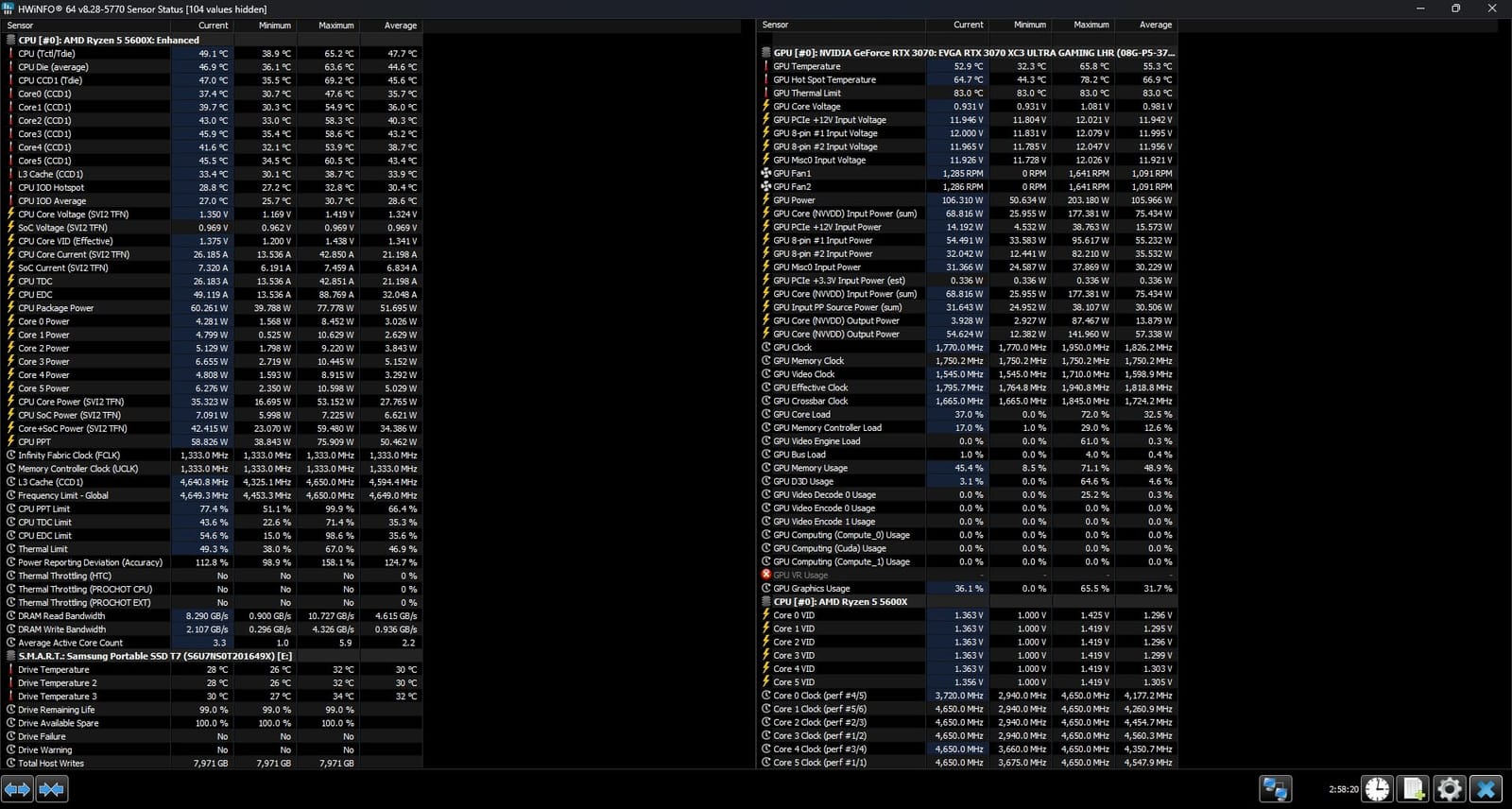
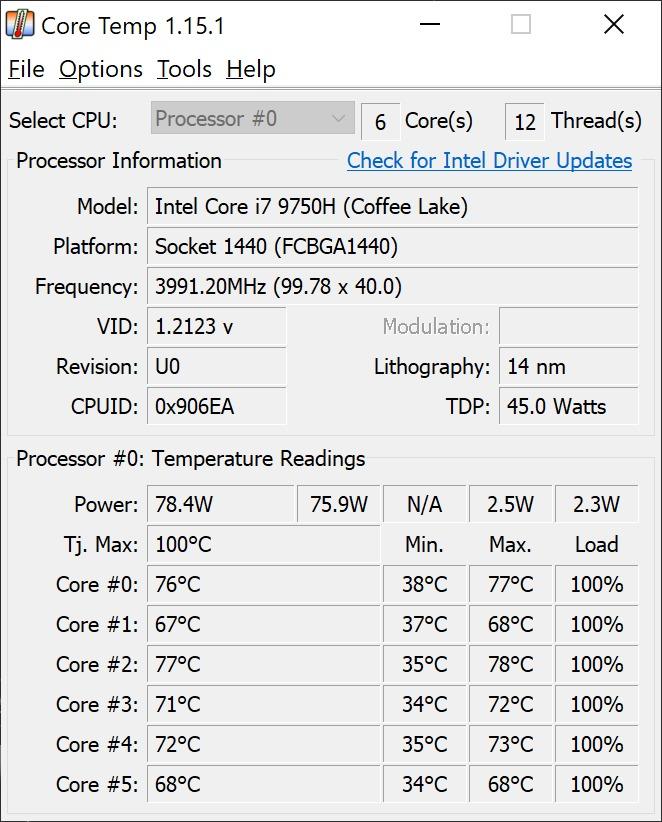
On temperature thresholds, the general framing is that 90 C is acceptable but not ideal for a modern desktop part, and the sustained 95 C point is where throttling decisions start biting. But the number that actually matters is the delta between your idle and load temperature, not the absolute figure. A 90 C peak with a 40 C idle and a 35 C delta to ambient is a cooler working near its limit; a 90 C peak on a chip that idles at 85 C has a mounting problem, not a paste problem.
Two things worth adding that sit outside the product list but change the decision. First, phase-change sheets and compounds, most commonly the Honeywell PTM7950 and generic bulk respins of it, are the enthusiast recommendation for direct-die work and bare silicon, and regulars in r/overclocking specifically point to them for surfaces that reach 50 to 60 C. They are solid until clamped, liquefy under pressure, re-solidify, and are reusable, so they need a burn-in period before they show their real performance. Second, if you are reworking a graphics card, the VRAM thermal pads and VRM putty are separate decisions from the core compound, and most builders use putty on VRMs rather than generic pads.
On counterfeits: the enthusiast pastes in this category attract counterfeiting, which is why ARCTIC ships a per-unit authenticity check on the MX-6. It is a real phenomenon that buyers of the most popular tubes report, and it costs nothing to verify a code before you open the tube.
One more note for readers who work with hardware at a bench rather than on a desk. If your thermal interest extends past silicon into imaging, our guides to the best thermal imaging cameras and thermal cameras for electronics work cover the other half of the picture, and the inspection-oriented picks in our thermal imaging camera guide for inspections are built around fault-finding rather than bench diagnostics. If you are tracking heat signatures outdoors instead, our roundup of thermal drones covers the aerial equivalent.
Frequently Asked Questions
Is MX-4 or MX-6 better?
MX-6 is the newer formula and ARCTIC states it has measurably lower thermal resistance than MX-4, so on paper MX-6 wins. In practice the two are close, and the deciding factors are application and surface. MX-4 spreads easily by hand, which makes it the safer choice for a desktop CPU with an integrated heat spreader. MX-6’s thicker, direct-die-tuned viscosity holds up better on bare GPU dies and console chips, where the older paste is prone to pumping out. For a CPU overclock, either is fine. For a console or graphics card, take MX-6.
Is PTM7950 better than liquid metal?
For direct-die work, bare silicon and long-term stability, yes. Phase-change compounds such as PTM7950 are solid at room temperature, liquefy under mounting pressure, re-solidify, and are reusable, so they do not pump out and they are not electrically conductive. Liquid metal transfers heat faster in the raw numbers and wins short-duration record attempts, but it is permanent, conductive, and restricted to copper and nickel surfaces. If your surface reaches 50 to 60 C or higher, forum consensus strongly favours the phase-change sheet.
Which liquid metal thermal paste is the best?
Thermal Grizzly Conductonaut is the most widely endorsed option in forum consensus, with be quiet! DC2 Pro and Alphacool Eisfrost Extreme also regularly recommended. Conductonaut is verified by professional PC manufacturers for factory use, works across desktop CPUs, GPUs, laptops and current consoles, and is supplied as a 1 g syringe. It is electrically conductive and restricted to copper and nickel plated surfaces, so mask your board carefully and never use it on aluminum. Treat any liquid metal purchase as a commitment, not an experiment.
What is the difference between PTM7950 and thermal paste?
A phase-change compound is solid until you clamp it. Heat and mounting pressure liquefy it so it fills every microscopic gap, and then it re-solidifies into a stable thin bond line that does not pump out, dry out or squeeze away. Traditional paste stays liquid throughout, which makes it easy to apply and easy to clean, but which also makes it vulnerable to long-term degradation. Phase-change materials are reusable and need a burn-in period, meaning repeated thermal cycles before they reach true performance. They are the enthusiast pick for bare dies and laptop chips.
Can too much thermal paste ruin a CPU?
With a non-conductive traditional paste, no. Thermal paste is not a heat source and excess simply gets displaced or squeezed out under mounting pressure. With electrically conductive paste or liquid metal, absolutely yes. Liquid metal in particular can bridge socket pins, VRM components or SMD parts and short them, and a single drop in the wrong place can kill a CPU or a motherboard. That risk is the main reason to stay on a conventional paste unless you need the extra performance and will follow a masking protocol.
Which thermal paste is best for a Ryzen 7 9800X3D?
Any good non-conductive paste will do. The 9800X3D is a locked-multiplier part with a modest power draw compared with an all-core overclock of a non-X3D chip, so it will not run into a thermal limit with a competent tower cooler. The ARCTIC MX-4 is the safest recommendation because it is metal-free, forgiving to apply, and never needs a burn-in. Avoid liquid metal here: you would be taking on a shorting risk for no meaningful thermal gain on a chip that is not wattage limited.
Is 90 C too hot for a CPU?
For a modern desktop part, 90 C is acceptable but not ideal, and 95 C is roughly the sustained point where thermal throttling starts costing you clock speed. The number that tells you more, though, is the delta between your idle and load temperature. A 90 C peak with a 40 C idle and a 35 C gap to ambient means your cooler is working near its limit. A 90 C peak on a chip idling at 85 C points to a mounting or contact problem, not a thermal paste problem.
The Best Thermal Pastes for Overclocking in 2026
After weeks of repasting, remounting and re-running the same loads, the ARCTIC MX-4 is still the best thermal paste for overclocking for almost everyone reading this. It is metal-free, it does not short anything, it needs no burn-in, and it lands within a degree or two of compounds that cost considerably more per application.
If your situation is more specific, match it like this. Below 150W, take the NT-H1 or the Corsair TM30 and stop thinking about it. Between 150W and 250W on a lidded desktop CPU, the ARCTIC MX-7 is the pick for a rig that never powers down, and the Kryonaut or Noctua NT-H2 if you want zero ceremony and immediate results. Above 250W, either commit to liquid metal with the full masking checklist, or choose a cohesive paste rated for that band.
For a console or a graphics card, the ARCTIC MX-6 is the right traditional choice because its viscosity is built for bare dies, and a phase-change sheet is what the enthusiast community reaches for when the surface runs above 50 to 60 C. Whichever route you take, application technique matters more than the number printed on the tube.
Whichever paste you settle on, check the tube before you open it, and happy overclocking in 2026.