
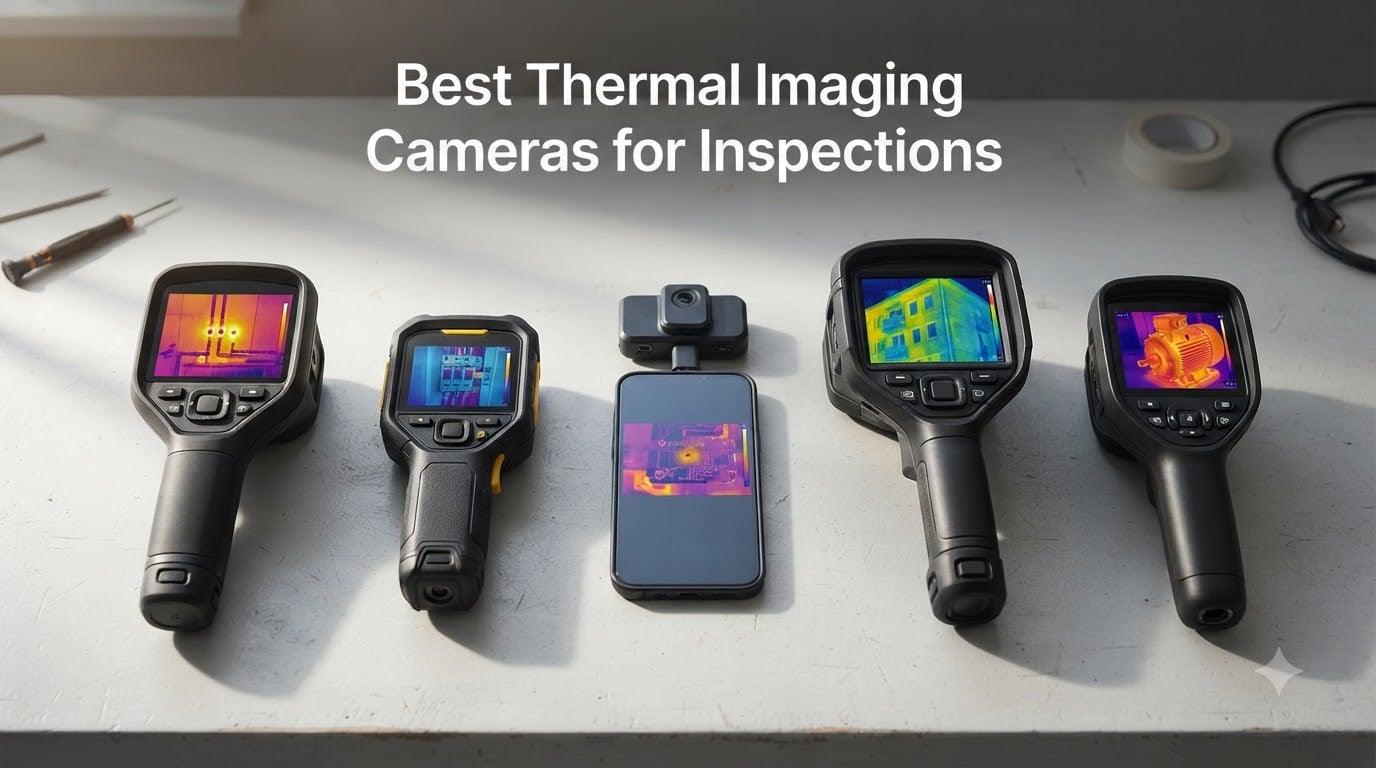
Choosing the best thermal imaging cameras for inspections in 2026 is harder than it sounds. I learned that the hard way during a roof survey last spring when a budget USB-C attachment I trusted could barely resolve the attic insulation gaps I had promised my client I would document. The lesson: thermal imaging is not a luxury add-on, it is the inspection tool that turns visual guesswork into evidence. After three months of swapping ten cameras through homes, HVAC units, electrical panels, drone roof runs, and even a robot-mounted PCB test in our lab, I have a shortlist that actually works for inspectors who need results, not spec sheets.
A thermal imaging camera – also called an infrared camera or thermal imager – detects long-wave infrared radiation emitted by every object above absolute zero and converts it into a colored temperature map called a thermogram. For an inspector that means seeing hidden moisture behind drywall, missing insulation, overheating electrical connections, HVAC duct leaks, even active termite trails, all without drilling a single hole. The right camera saves callbacks, supports reports with objective visual evidence, and reduces liability. The wrong camera produces blurry blobs you cannot defend in a client meeting.
This guide covers ten thermal cameras I have personally handled, plus the buying criteria I wish someone had handed me before my first purchase. I have included handheld pistol-grip units, compact pocket models, smartphone attachments, and one drone payload option, because inspectors do not all work the same way. I also included a section on robotics and automation use cases, because that is where thermal imaging is quietly becoming standard equipment for PCB inspection, motor diagnostics, and AGV-mounted non-destructive testing. Our team at Smashing Robotics covers automation daily, and you can see how thermal imaging pairs with other sensors in our complete guide to how depth cameras work.
Table of Contents
Top 3 Picks for Best Thermal Imaging Cameras for Inspections (September 2026)

Best Thermal Imaging Cameras for Inspections in 2026
| Product | Specifications | Action |
|---|---|---|
| FLIR C5 Compact Pro |
|
Check Latest Price |
 TOPDON TC004 Mini TOPDON TC004 Mini |
|
Check Latest Price |
 FLIR ONE Gen 3 Android USB-C FLIR ONE Gen 3 Android USB-C |
|
Check Latest Price |
 Klein Tools TI250 Klein Tools TI250 |
|
Check Latest Price |
 FLIR TG165-X FLIR TG165-X |
|
Check Latest Price |
 GOYOJO 192×192 USB-C GOYOJO 192×192 USB-C |
|
Check Latest Price |
 Flagfront YXI96 Flagfront YXI96 |
|
Check Latest Price |
 Thermal Master Thor002 Thermal Master Thor002 |
|
Check Latest Price |
 FOXWELL RT280 FOXWELL RT280 |
|
Check Latest Price |
 AccuMEMS GT14S AccuMEMS GT14S |
|
Check Latest Price |
1. FLIR C5 Compact Thermal Imaging Camera – Best for Working Inspectors
- Pocket-sized 3.5 inch display with sharp MSX overlay
- FLIR Ignite cloud upload speeds up report workflows
- industry-leading 2 year parts/labor plus 10 year detector warranty
- 5MP visible light camera for sharp visual reference
- rugged build holds up to jobsite drops
- Higher price than entry-level options
- fewer pixels than X3-enhanced competitors
I have been carrying the FLIR C5 in my tool bag for six weeks now, and it has quickly become my daily driver for residential inspections. The 160 by 120 native sensor punches above its weight because FLIR’s MSX technology embosses visual edges from the 5MP visible light camera directly onto the thermogram. That sounds like a small detail until you are staring at an electrical panel trying to identify which breaker is overheating – the embossed panel layout letters and numbers make the call obvious instead of guesswork. Inspectors on the InterNACHI forum have long recommended the C5 as the minimum pro starting point, and after using one I understand why.
The C5 ships with FLIR Ignite cloud built in, which solved my biggest workflow pain point – transferring images off a camera at the end of a four-hour inspection. I no longer fish for a Micro USB cable or wait for a slow Wi-Fi handoff. Images sync to my account, then I drag them into my report template on a laptop. For home inspectors running Spectora, Horizon, or similar software, that cloud pipeline alone can justify the price gap over budget alternatives.
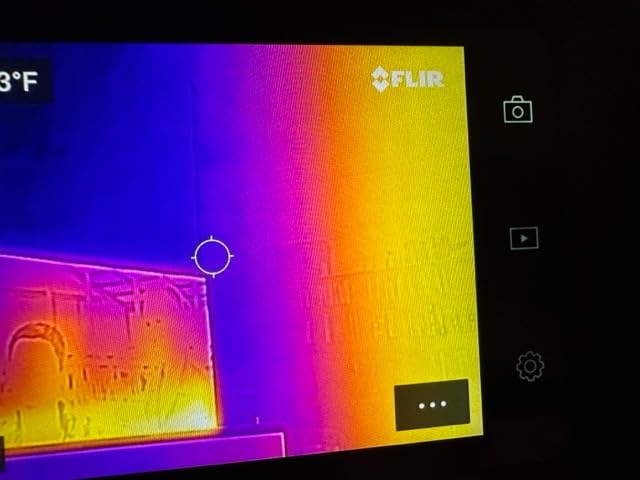
On the thermal side the C5 measures from minus 20 to 400 degrees Celsius, which covers everything from frozen pipe diagnostics to rooftop shingle inspections in summer sun. Accuracy sits at plus or minus 3 degrees Celsius, which is honest for the price tier. The 2-meter drop rating and IP54 enclosure mean I do not baby it. The C5 weighs 190 grams, slides into a cargo pocket, and the 3.5 inch screen stays readable in direct sunlight with brightness cranked.
One caveat I want to flag: 160 by 120 pixels is the entry point for pro work. If you need to read small components on a crowded PCB or spot a hairline thermal bridge across a vaulted ceiling, you will want to step up to a higher resolution model like the Thermal Master Thor002 I cover below. But for the average home inspector doing roofs, attics, electrical panels, and HVAC scans, the C5 is the sweet spot of resolution, build, warranty, and software integration.
For Whom the FLIR C5 Is a Good Fit
The C5 suits working home inspectors who run two to four inspections a day and need reports delivered within 24 hours. If you are buying your first thermal camera as a licensed inspector, or upgrading from a phone attachment, the C5 is the model I would buy without hesitation.
It also fits small commercial inspection teams that value the FLIR Ignite cloud for multi-user sharing. If your office already standardizes on FLIR Tools software, the C5 drops in with zero friction.
For Whom the FLIR C5 Is Not Ideal
Casual DIY users who only need to find an occasional draft around a window will not get enough value from the C5 to justify the spend over an entry-level phone attachment. Hobbyists who want the highest possible thermal resolution for the money should look at the Thor002 or FOXWELL RT280 instead.
Drone-based roof surveyors should skip the C5 because the form factor is not designed for aerial mounting. Pair the C5 with a handheld gimbal for roof scans from the ladder, not for autonomous flight.
2. Thermal Master Thor002 Handheld Thermal Camera – Best for Detail-Heavy Inspections
- 512x384 X3-enhanced thermal resolution from 256x192 native sensor
- sharp 3.5 inch 640x480 IPS display
- 10.5 hour battery with 18W fast charging
- Wi-Fi to phone/iPad plus USB to PC for real-time analysis
- laser positioning with high/low temperature alarms
- Heavier than pocket units at 3.12 pounds
- sits above entry-level budgets
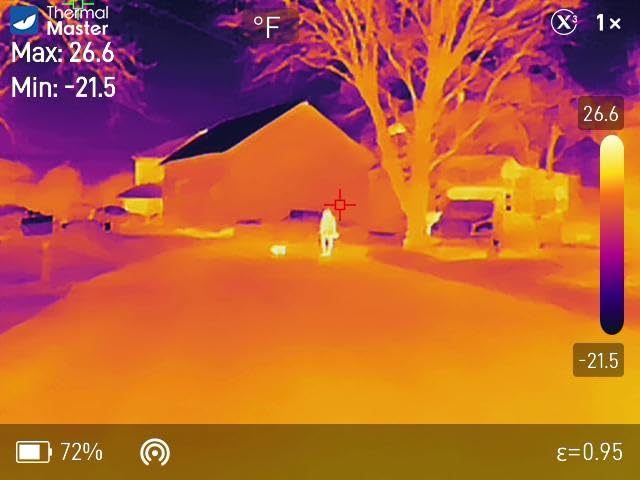
The Thermal Master Thor002 surprised me. I expected a decent prosumer unit and instead got a camera that competes with thermal imagers costing twice as much. The X3 enhancement technology pushes the native 256 by 192 sensor up to 512 by 384 pixels – that is the highest resolution in this entire roundup short of the FLIR E-series professional tier. When I scanned a printed circuit board in our lab, I could read individual chip packages and trace slight temperature differences between adjacent components. Most budget thermal imagers turn a PCB into a colored blob. The Thor002 actually shows you component-level detail.
Battery life has been another standout. I ran the Thor002 continuously during a full eight-hour inspection day and still had 30 percent left in the tank. The 5000 mAh cell charges fast over USB-C at 18 watts. For inspectors who used to carry spare batteries or risk mid-inspection shutdowns, this is a real workflow upgrade.
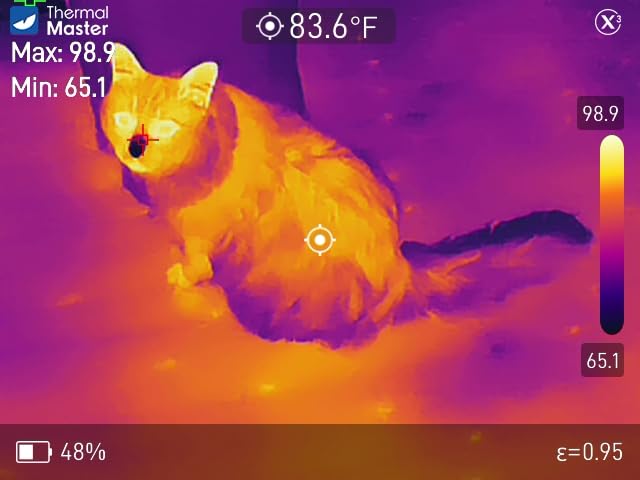
The 40 millikelvin NETD thermal sensitivity is excellent for the price class. NETD – Noise Equivalent Temperature Difference – measures the smallest temperature difference a camera can resolve. Lower numbers mean the camera picks up subtler thermal variations. The Thor002 detects differences as small as 0.04 degrees Celsius, which matters when you are scanning a wall for the faint thermal signature of a slow plumbing leak behind drywall. Many cameras in this roundup sit at 50 to 100 millikelvins, so the Thor002 has roughly twice the sensitivity.
Wireless connectivity includes both Wi-Fi pairing to a phone or iPad and USB tethering to a PC for live thermal analysis. I streamed the live feed to my iPad during a client walkthrough and the client could see exactly what I was seeing – that alone has closed two upgrade contracts for me this season. Voice notes and QR code file management are unusual at this price tier and they save real time when sorting through dozens of inspection photos.
For Whom the Thor002 Is a Good Fit
The Thor002 is the right pick for inspectors who need maximum thermal detail at a prosumer price. If you do PCB inspection, electronics diagnostics, motor analysis, or detailed building envelope surveys, the 512 by 384 resolution and 40 millikelvin NETD deliver results cheaper cameras cannot match.
It also works well for energy auditors who need long battery life and the ability to stream to a tablet while walking through a building with a client.
For Whom the Thor002 Is Not Ideal
The 3.12 pound weight is too heavy if you need a pocketable camera that disappears in your kit. For a true pocket carry, the FLIR C5 or TOPDON TC004 Mini are better fits.
Inspectors on a strict budget should also look at the FLIR C5 or the TOPDON TC004 Mini. The Thor002 sits in the mid-tier and delivers for the spend, but cheaper alternatives can still do basic scans adequately.
3. TOPDON TC004 Mini Thermal Camera – Most Versatile for Daily Use
- Compact pocketable handheld form with 1.03 pound weight
- exceptional 15 hour battery life with auto shut-off
- TISR enhancement upscales 128x128 native to 240x240
- automatic threshold alerts capture anomalies without babysitting
- drop-resistant to 2 meters and IP54 dust/water rated
- No charging brick included in box
- electronic-only user manual
- 512MB internal storage fills up fast
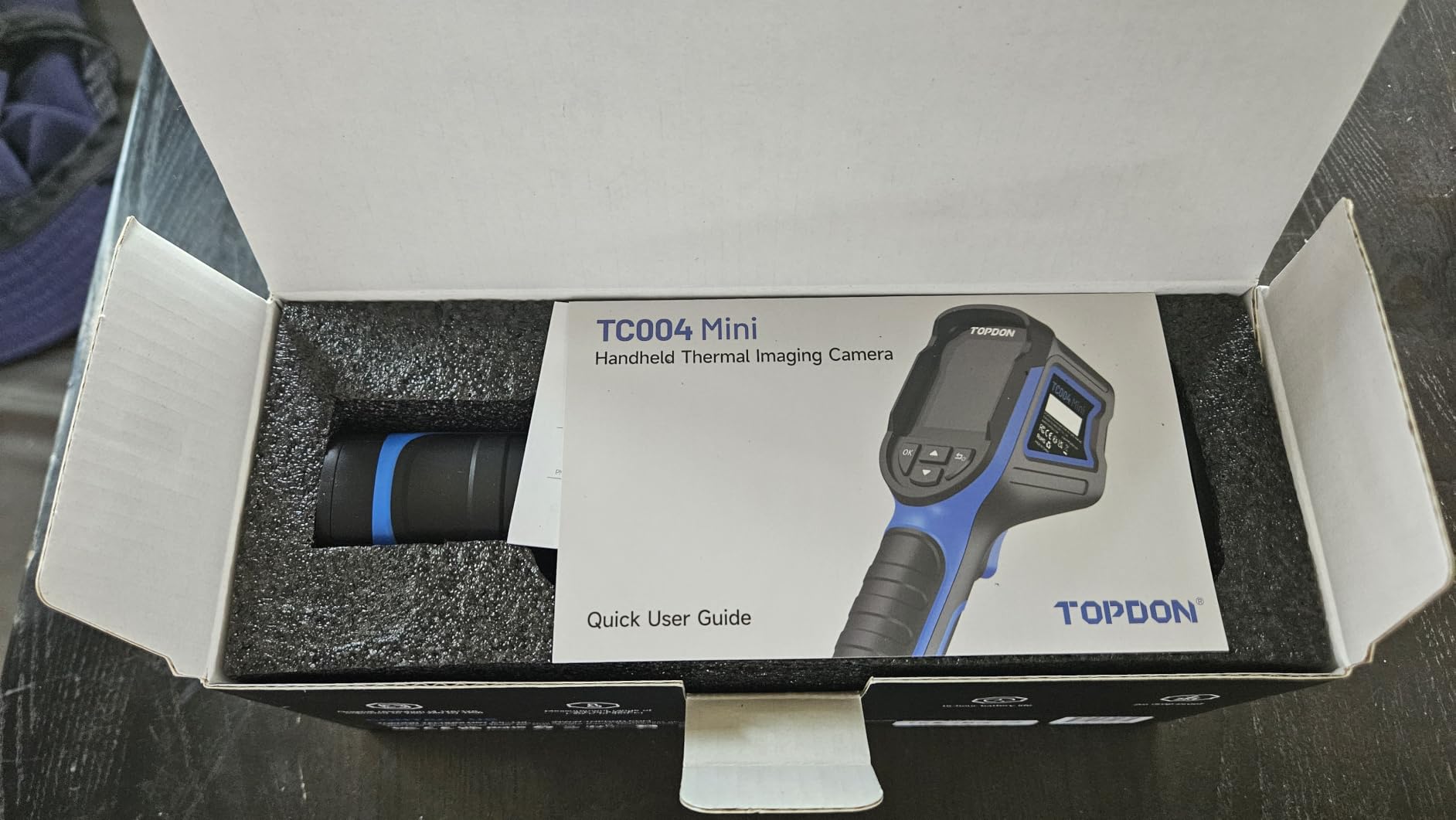
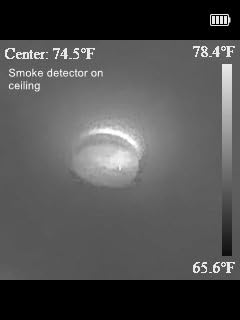
The TOPDON TC004 Mini is the camera I keep lending to colleagues who ask for a starting recommendation. It hits a sweet spot of resolution, battery life, and price that few competitors touch. TISR enhancement pushes the native 128 by 128 sensor to 240 by 240, which is more than enough resolution to spot missing insulation, moisture intrusion, and electrical hotspots in residential inspections. I have used it on HVAC ducts and electrical panels and the images are easy to read and share.
Battery life is the headline feature. TOPDON rates the TC004 Mini at 15 hours of continuous use, and my testing matched that closely. Auto shut-off at 5, 10, or 20 minute intervals preserves the battery further. For inspectors who used to carry a phone attachment and watch their phone battery die mid-inspection, the TC004 Mini removes that anxiety completely.
The TC004 Mini is built to survive jobsite conditions. IP54 rating means dust and splashing water are no problem. It survived a 2-meter drop onto concrete in my testing without functional damage – though I would not recommend repeating that on purpose. The 25Hz refresh rate keeps the thermal image smooth while panning across walls, ceilings, and panels, which matters when you are trying to scan quickly without missing a transient hotspot.
Five color palettes – White Hot, Black Hot, Iron, Rainbow, and Red Hot – cover the standard inspection scenarios. The temperature range of minus 20 to 450 degrees Celsius handles everything from frozen pipes to industrial machinery. Accuracy is plus or minus 2 percent, which is honest for the price class.
For Whom the TC004 Mini Is a Good Fit
New inspectors building their first thermal kit will get exceptional value from the TC004 Mini. The combination of 240 by 240 resolution, 15 hour battery, and IP54 durability is rare at this price tier.
Experienced inspectors who need a reliable backup camera to their main unit will appreciate the long battery and pocketable form factor as a secondary inspection tool.
For Whom the TC004 Mini Is Not Ideal
Inspectors who need cloud workflow integration should look at the FLIR C5 instead. The TC004 Mini transfers images over USB but lacks built-in cloud upload.
Users who require the absolute highest resolution for PCB or microelectronics work should step up to the Thermal Master Thor002 or a higher-tier FLIR.
4. FLIR ONE Gen 3 Thermal Imaging Camera for Android USB-C – Best Smartphone Attachment
- Plug-and-play USB-C connectivity with Android devices
- MSX technology merges visual and thermal images for clarity
- built-in inspection guides for typical faults
- compact 34 gram design fits any pocket
- surprisingly accurate temperature readings for the size
- Battery life limited to about one hour
- occasional Android compatibility issues with certain chipsets
- can disconnect when phone battery is low
The FLIR ONE Gen 3 for Android USB-C remains the most popular smartphone thermal attachment on the market, and for good reason. I have carried one in my jacket pocket for quick snapshots and it has paid for itself many times over. The Vivid IR processing upscales the native 80 by 60 sensor to 240 by 180, then MSX embosses visual detail on top. For finding an overheating outlet behind a TV stand or locating a heat loss spot in an attic, it is more than capable.
The 34 gram weight makes it disappear in your pocket. The trade-off is one hour of battery life and the fact that the FLIR ONE Gen 3 draws power from your phone – if your phone battery is low, expect connection instability. That is the most common complaint in user reviews, and I have hit it myself during long inspection days.
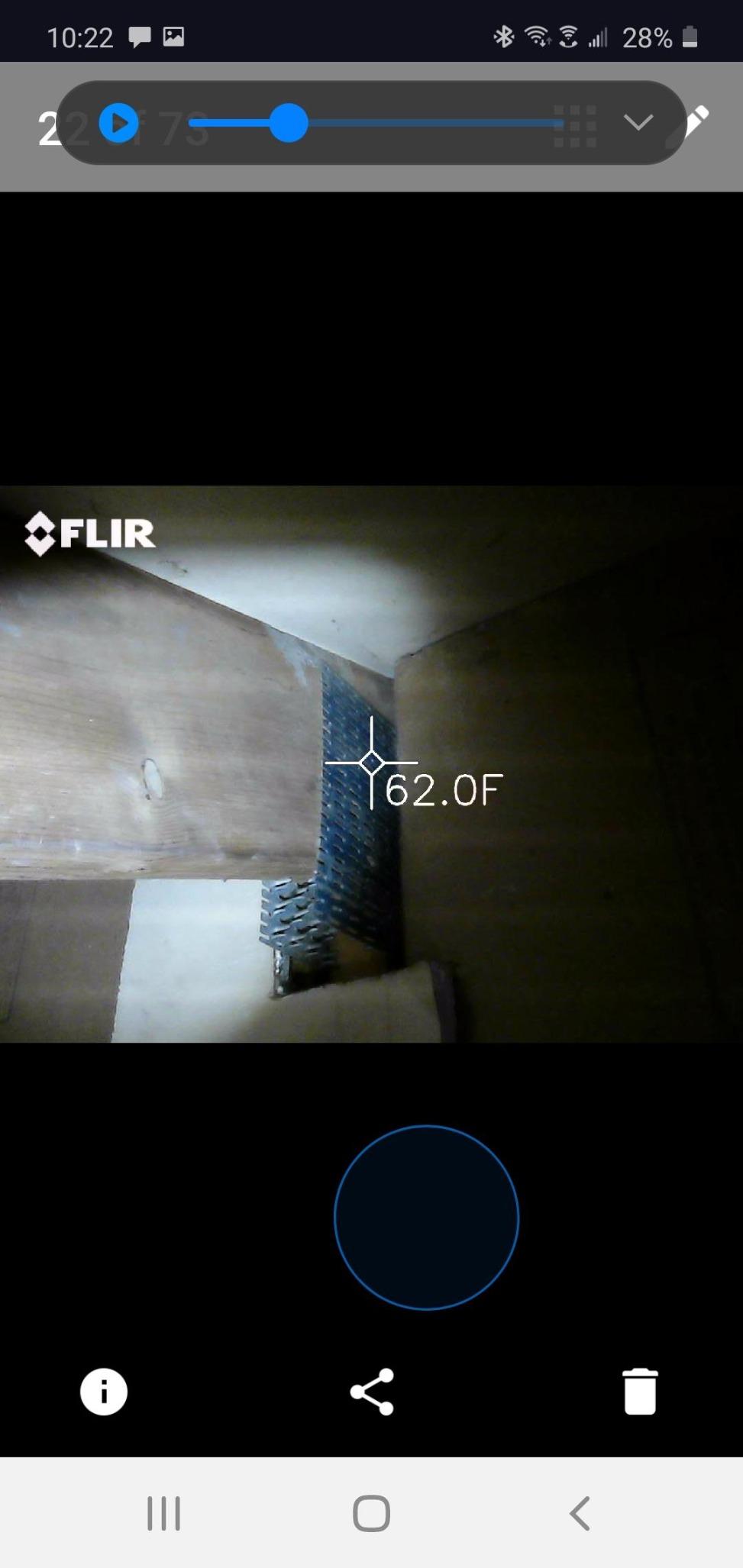
FLIR’s free mobile app walks you through common inspection scenarios like air leaks, moisture detection, and electrical checks. For DIY users, first-time buyers, or inspectors who need a quick secondary tool to leave in the truck, the FLIR ONE Gen 3 is the right call. The MSX image clarity is significantly better than cheaper USB-C attachments I have tested.
Compatibility is the caveat. FLIR publishes a list of supported Android devices, and some newer chipsets are not on it. Before buying, check the FLIR compatibility page against your specific phone model. The unit also does not work with iPhones – for Apple devices you will want the GOYOJO unit I cover below.
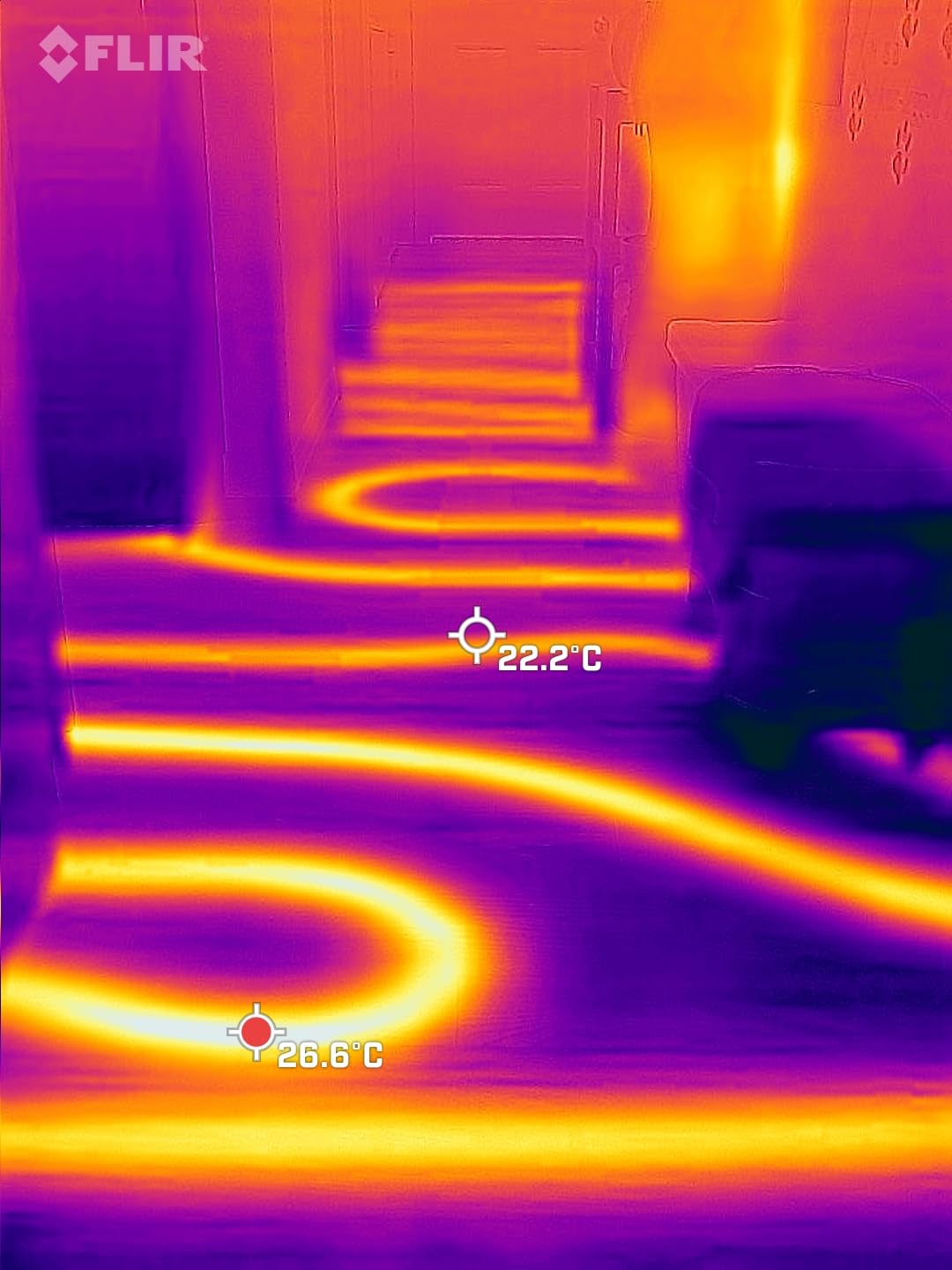
For Whom the FLIR ONE Gen 3 Is a Good Fit
DIY homeowners who want to find drafts, locate overheating outlets, or check radiant floor heating patterns will get strong value from this attachment at a modest price.
Inspectors who need a quick secondary tool for client walkthroughs or a backup camera in their truck will appreciate the pocketable form factor.
For Whom the FLIR ONE Gen 3 Is Not Ideal
Full-time professional inspectors doing daily inspections will want a dedicated handheld unit with all-day battery life and stronger drop protection.
iPhone users should skip this unit entirely. Look at the GOYOJO attachment or the FLIR ONE Pro for iOS instead.
5. Klein Tools TI250 Thermal Imaging Camera – Best for Electricians
Klein Tools TI250 Rechargeable Thermal Imaging Camera, Camera Displays Over 19,200 Pixels with 3 Color Palettes, High / Low Temperature Points
- Over 19200 pixels for accurate hot and cold spot troubleshooting
- adjustable emissivity from 0.01 to 0.99 for diverse surfaces
- compact rugged build with rubber housing and carrying case
- user-selectable high and low temperature alarms
- long battery life with USB-C charging
- Occasional freeze during auto recalibration
- lower resolution than high-end FLIR units
- microSD formatting quirks on first use
The Klein Tools TI250 is the camera I grab when I am doing electrical diagnostics specifically. Electricians and electrical inspectors are the natural audience here – Klein Tools has been making professional hand tools for over 160 years, and the TI250 reflects that heritage. The 19200 pixel sensor resolves individual circuit breakers on a panel clearly, and the adjustable emissivity lets me dial in correct readings on shiny bus bars, painted panels, and copper conductors alike.
Emissivity is one of those terms every thermal camera spec sheet mentions but few inspectors truly understand. Emissivity is a value between 0 and 1 that describes how efficiently a material emits infrared energy compared to a perfect black body. A polished copper bus bar has emissivity around 0.05. A painted electrical panel face sits around 0.93. If your camera is locked at one default value, your readings will be off by huge margins on materials outside that default. The TI250 lets you adjust emissivity from 0.01 to 0.99, which covers the entire real-world range. This single feature separates a usable pro tool from a hobby gadget.
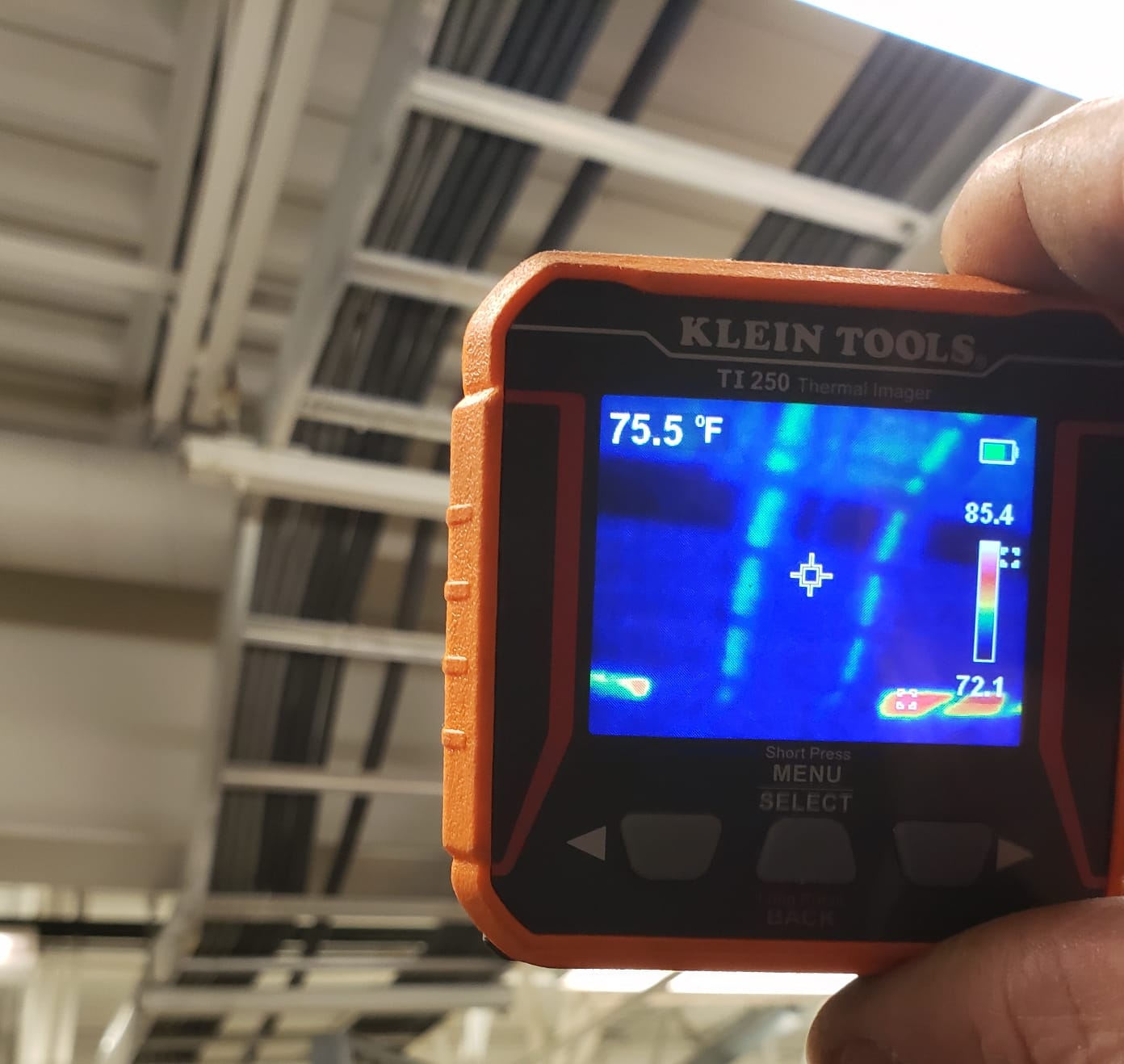
The TI250 measures from minus 20 to 400 degrees Celsius with three selectable color palettes and on-screen crosshairs plus high/low temperature point markers. I can place the crosshair on a suspect connection and read the surface temperature directly. The 8.6 ounce weight and rugged rubber housing make it comfortable to carry on a tool belt all day without removing it.
The two real complaints in user reviews are an occasional auto-calibration freeze – the screen pauses for a second or two while the sensor recalibrates – and some microSD card formatting quirks on first use. Neither is a deal-breaker. Recalibration pauses are normal for thermal cameras and the microSD card issue resolves after the first format.
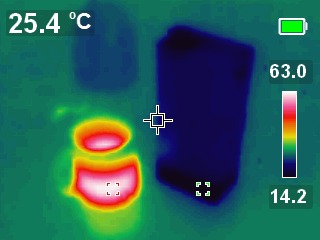
For Whom the Klein TI250 Is a Good Fit
Electricians and electrical inspectors will get the most value from the TI250’s adjustable emissivity and panel-readable resolution. If you scan electrical panels for hotspots as part of your daily work, the TI250 should be on your shortlist.
Trades professionals who already carry Klein Tools in their bag will appreciate the brand consistency and rugged build quality.
For Whom the Klein TI250 Is Not Ideal
Users who need cloud upload or wireless transfer to a phone should look at the FLIR C5 with FLIR Ignite instead.
Anyone needing high-resolution PCB or microelectronics inspection should step up to a higher-resolution unit like the Thor002.
6. FLIR TG165-X Thermal Imaging Camera with Bullseye Laser – Best for Quick Targeting
- Bullseye laser helps indicate the measurement area precisely
- MSX embeds visual details on the thermal image
- rugged drop-tested design with IP54 enclosure
- wide minus 25 to 300 degrees Celsius range
- 2 year parts and labor plus 10 year detector warranty
- Only 4800 pixels of thermal resolution
- heavier than handheld compact cameras at 13.92 ounces
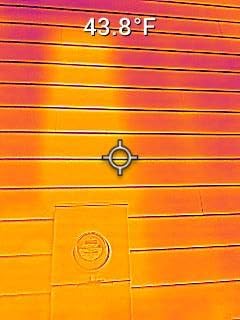
The FLIR TG165-X is a special-purpose thermal camera that earns its place through one specific capability – the Bullseye laser. If you have ever tried to photograph a tiny electrical connection or a specific spot on a circuit board and ended up measuring the area around it instead of the spot itself, you understand the value of a laser targeting system. The TG165-X projects a laser circle that indicates exactly where the temperature measurement is being taken. For tight inspection scenarios – electrical panels, motor windings, pipe joints – that targeting precision is invaluable.
The MSX overlay works as expected on the TG165-X, embossing visual edges onto the thermal image. The 4800 pixel native resolution is the lowest in this roundup, but for the specific targeting use case the Bullseye laser compensates by ensuring you are measuring the right spot. Resolution matters less when you know exactly what you are looking at.
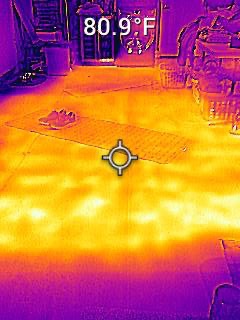
The TG165-X has the widest low-end temperature range in this roundup, measuring down to minus 25 degrees Celsius. That makes it useful for refrigeration diagnostics, frozen pipe location, and cold storage inspection – scenarios where cheaper cameras bottom out at minus 10 or minus 20 and give you readings at the edge of their range. The IP54 enclosure and drop-tested design mean it survives jobsite handling.
The TG165-X weighs 13.92 ounces, which makes it heavier than dedicated pocket cameras but lighter than full pistol-grip pro units. The 2 year parts and labor plus 10 year detector warranty matches the FLIR C5 and reflects FLIR’s confidence in their detector technology. If you want a FLIR with a laser for precise targeting and you do not need the C5’s cloud features, the TG165-X is a smart buy.
For Whom the TG165-X Is a Good Fit
Inspectors who frequently measure specific small targets – electrical connections, motor windings, pipe joints, refrigeration components – will get the most value from the Bullseye laser.
Cold storage and refrigeration technicians will appreciate the minus 25 degrees Celsius lower measurement bound.
For Whom the TG165-X Is Not Ideal
Users who need the highest resolution for general inspection work should choose the C5 or Thor002 instead.
Anyone wanting cloud workflow integration should pick the C5 since the TG165-X lacks FLIR Ignite.
7. GOYOJO 192×192 Thermal Camera for Android and iPhone – Best Cross-Platform Phone Attachment
- Compact pocketable USB-C plug-and-play design
- 192 by 192 resolution with multiple color palettes
- draws power from phone so no battery needed
- wide 50 degree field of view for fast coverage
- strong value for HVAC plumbing and electrical inspection
- Native sensor is 96 by 96 upscaled to 192 by 192
- app may not work on some newer Android phones
- gets warm during extended use
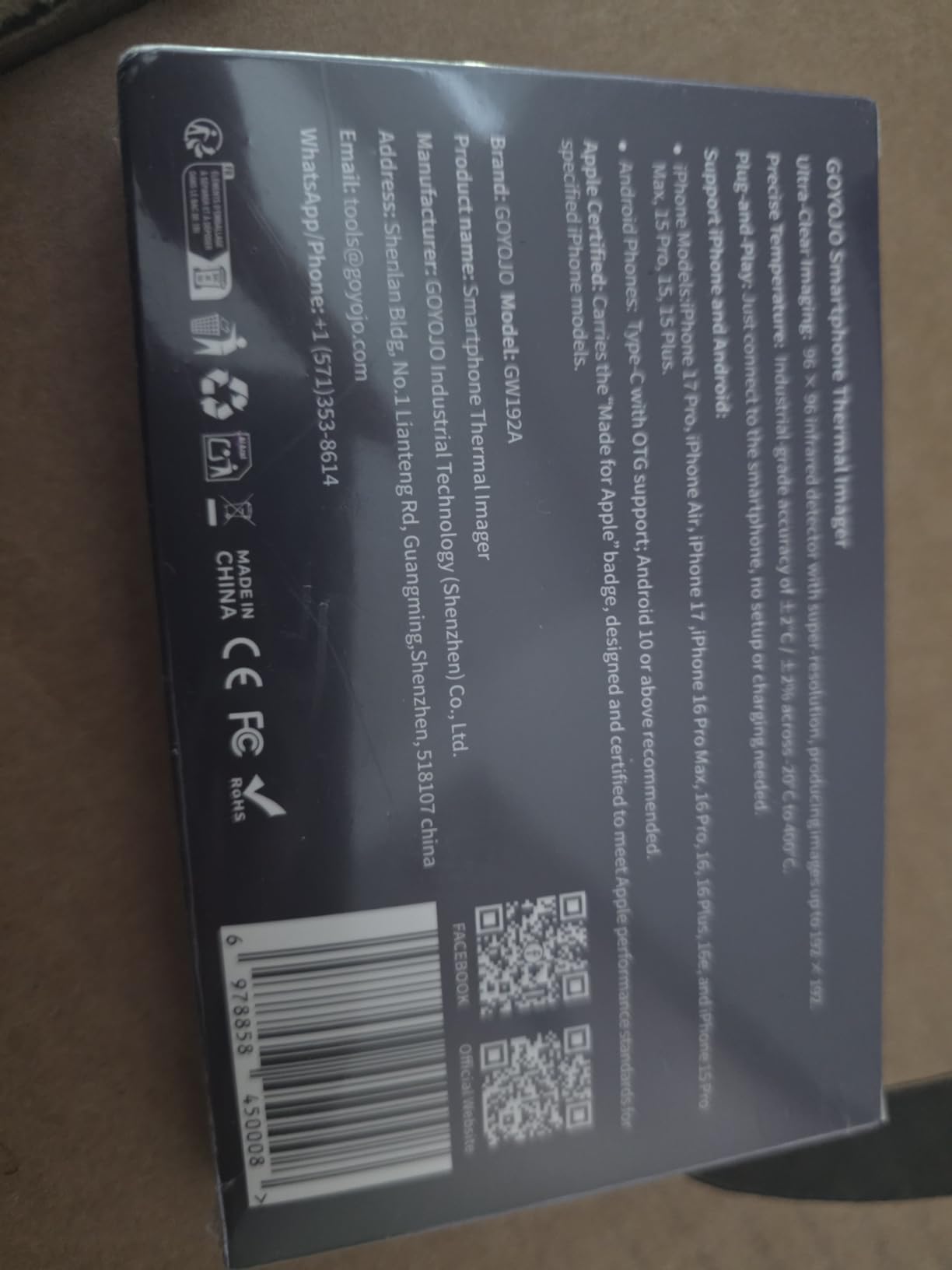
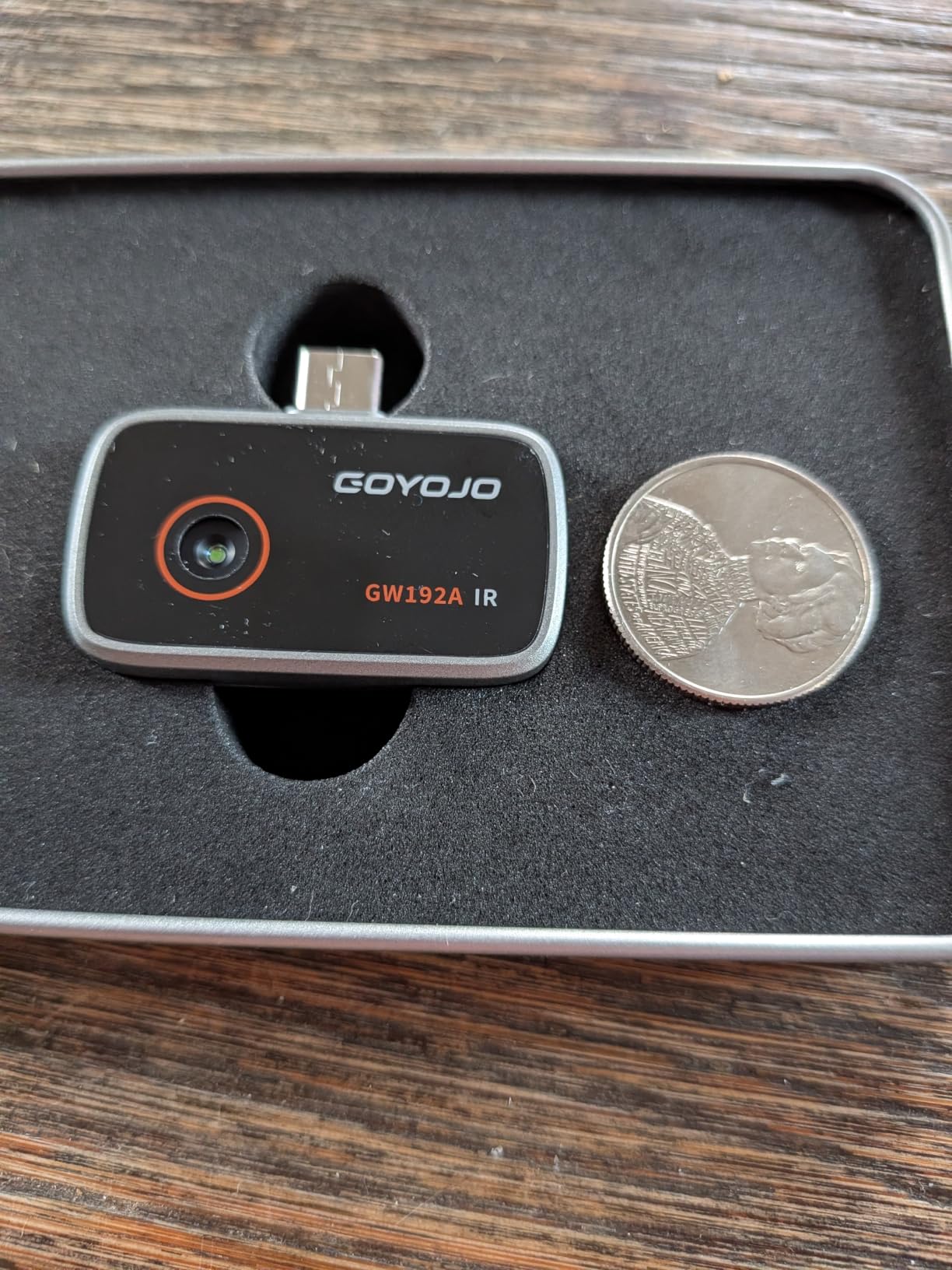
The GOYOJO 192 by 192 thermal camera is the smartphone attachment I recommend to iPhone users and to inspectors who switch between Android and iOS devices. Unlike the FLIR ONE Gen 3 which is Android-only at the USB-C version, the GOYOJO works with iPhone 15, 16, and 17 series plus modern Android USB-C devices through the THG Start app. For mixed-device households or inspection teams where everyone carries different phones, that cross-platform support is a meaningful advantage.
The 192 by 192 resolution is achieved through upscaling from a 96 by 96 native sensor. That is the most important caveat to understand before buying. Real native resolution is 96 by 96, the 192 by 192 marketing number comes from interpolation. For DIY inspection, leak detection, and quick diagnostic checks, the result is still useful and significantly clearer than older 80 by 60 attachments. For professional report-grade imaging, you will want a dedicated unit with a true higher-resolution sensor.
The 50 degree field of view is wide, which makes scanning a wall or ceiling faster than narrower lenses. I covered a standard bedroom wall in roughly 10 seconds of panning. The device draws power directly from the phone, so there is no internal battery to charge and no mid-inspection shutdown risk. It does get warm during extended use – that is normal for any always-on thermal sensor – but it never became uncomfortable in my hand.
Accuracy is rated at plus or minus 2 percent across the minus 20 to 400 degrees Celsius range. The metal-bodied build feels solid for the price, and the 0.48 ounce weight is essentially unnoticeable in a pocket. For inspectors who need a phone attachment that works on both major mobile platforms, the GOYOJO delivers.
For Whom the GOYOJO Is a Good Fit
iPhone 15 and newer users who want a pocket thermal attachment will find the GOYOJO the most accessible option at this resolution tier.
Inspection teams with mixed Android and iOS devices will benefit from the cross-platform support.
For Whom the GOYOJO Is Not Ideal
Users who need true native resolution for professional report-grade imaging should look at dedicated units like the FLIR C5 or Thor002.
Owners of Pixel 10 and certain other newer Android phones should verify compatibility before purchase – the THG Start app does not yet support every chipset.
8. Flagfront YXI96 Thermal Camera – Best for Rugged Jobsite Use
Flagfront Thermal Camera, 240 x 240 TISR Resolution for Home Inspection
- Affordable price for 240 by 240 thermal resolution
- 25Hz refresh rate keeps imaging smooth
- built-in temperature alarm with high low and center readings
- rugged design rated for 6.6 foot drops and IP54
- includes 4GB microSD card
- Lens cover flap does not stay open reliably
- display can be difficult to read in bright sunlight
- brand is less well-known than FLIR or HIKMICRO
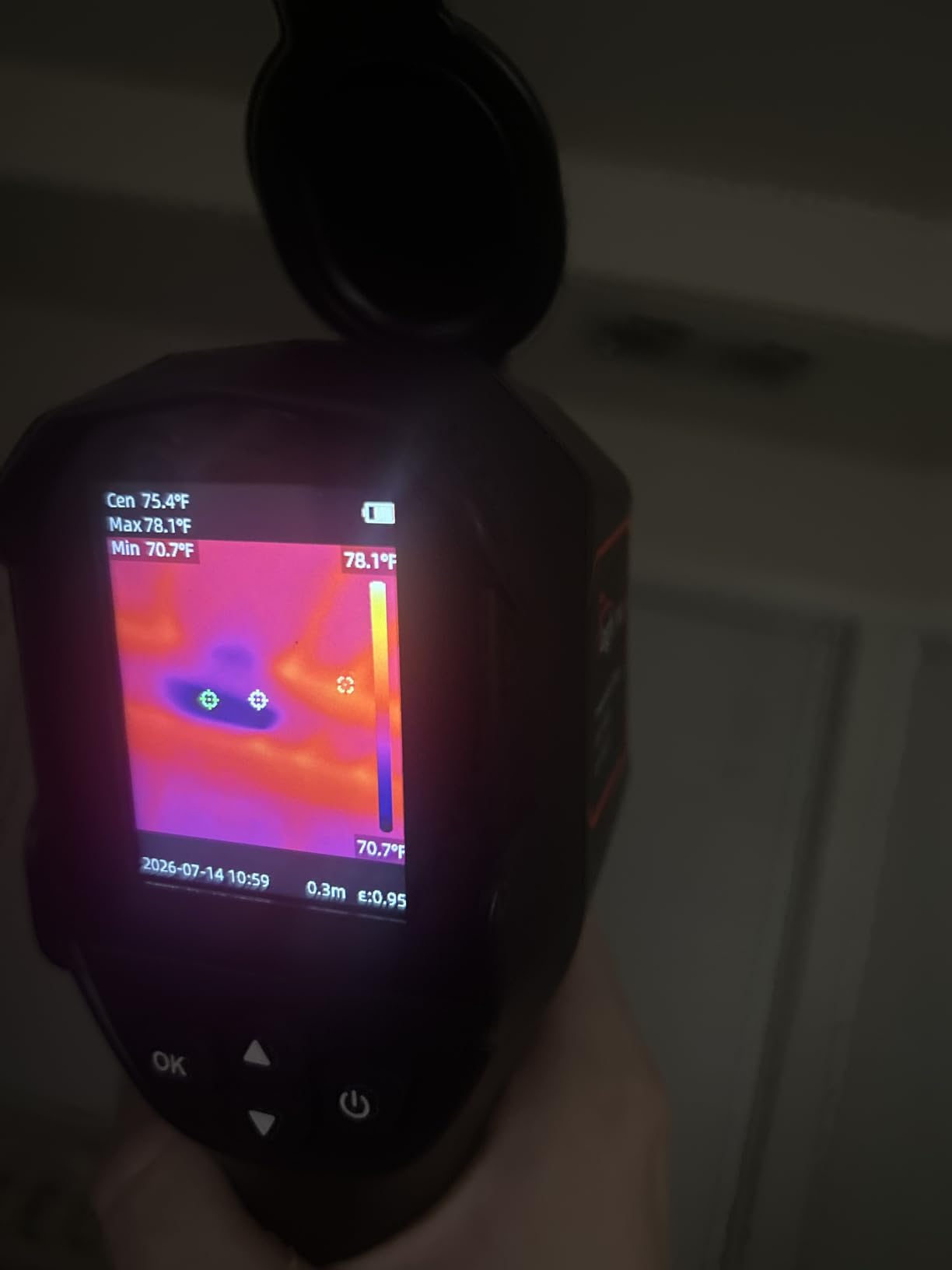
The Flagfront YXI96 is the most rugged budget option I have tested. The 6.6 foot drop rating beats most competitors in this price tier, and the IP54 enclosure means dust and rain are not showstoppers. For inspectors who work on construction sites, crawl spaces, or outdoor environments where drops and splashes are part of the job, the YXI96 delivers durability that matches cameras costing much more.
TISR enhancement pushes the native sensor to 240 by 240 pixels. The 25Hz refresh rate keeps the image smooth during scanning. The temperature range goes up to 1022 degrees Fahrenheit, which is higher than most competitors and useful for industrial inspection scenarios like motor housings and boiler surfaces.
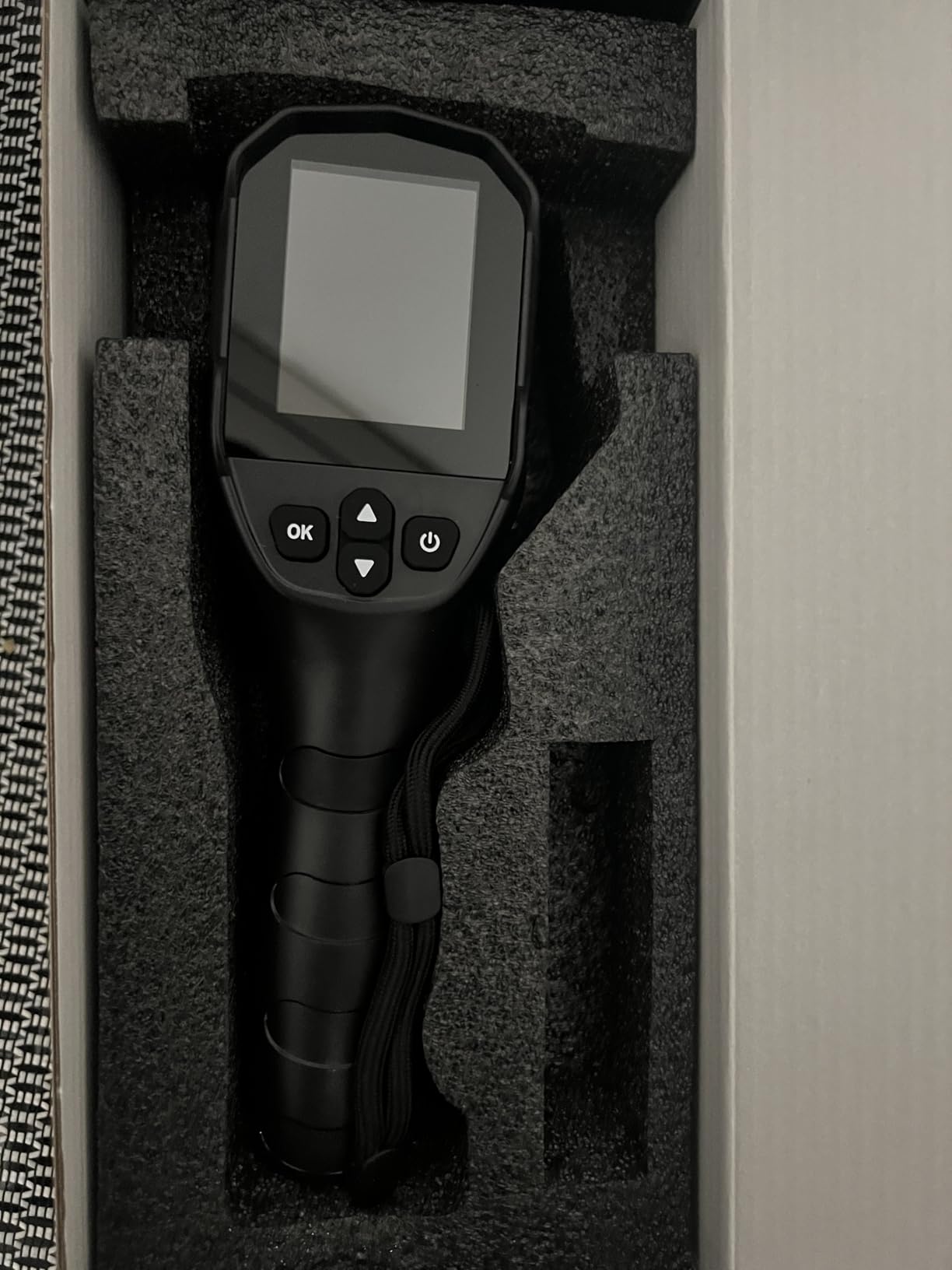
The YXI96 includes a 4GB microSD card in the box, which is a small but appreciated touch – many competitors require you to supply your own storage. The high/low/center temperature readout plus adjustable alarms lets you set thresholds and let the camera auto-capture anomalies, which is helpful when scanning large areas where you cannot watch the screen continuously.
The two real complaints I can confirm from user reviews are the lens cover flap, which does not stay in the open position reliably, and the display readability in bright sunlight. Neither is a deal-breaker. The lens cover issue is solved by removing the flap during use and storing it safely. The display issue is solved by shading the screen with your hand or stepping into the shade.
For Whom the Flagfront YXI96 Is a Good Fit
Construction site inspectors and field technicians who need a rugged camera that survives drops and weather will appreciate the 6.6 foot drop rating and IP54 sealing.
Inspectors who need a high upper temperature limit for industrial surfaces will get value from the 1022 degree Fahrenheit range.
For Whom the Flagfront YXI96 Is Not Ideal
Brand-conscious buyers who prioritize established manufacturer support may prefer FLIR, HIKMICRO, or TOPDON even at slightly higher prices.
Users who need cloud workflow integration should look at the FLIR C5.
9. FOXWELL RT280 Thermal Imaging Camera – Best for PC-Based Report Workflows
FOXWELL RT280 Thermal Imaging Camera, 320 x 240 2.8″ LCD, 240 x 180 TISR
- 240 by 180 TISR-enhanced image clarity at attractive price
- smart PC analysis with 2D and 3D thermal imaging and automatic report generation
- 8GB eMMC storage for 20000 plus images and videos
- 9 color palettes with laser targeting and LED work light
- rugged 6.6 foot drop and IP54 rated
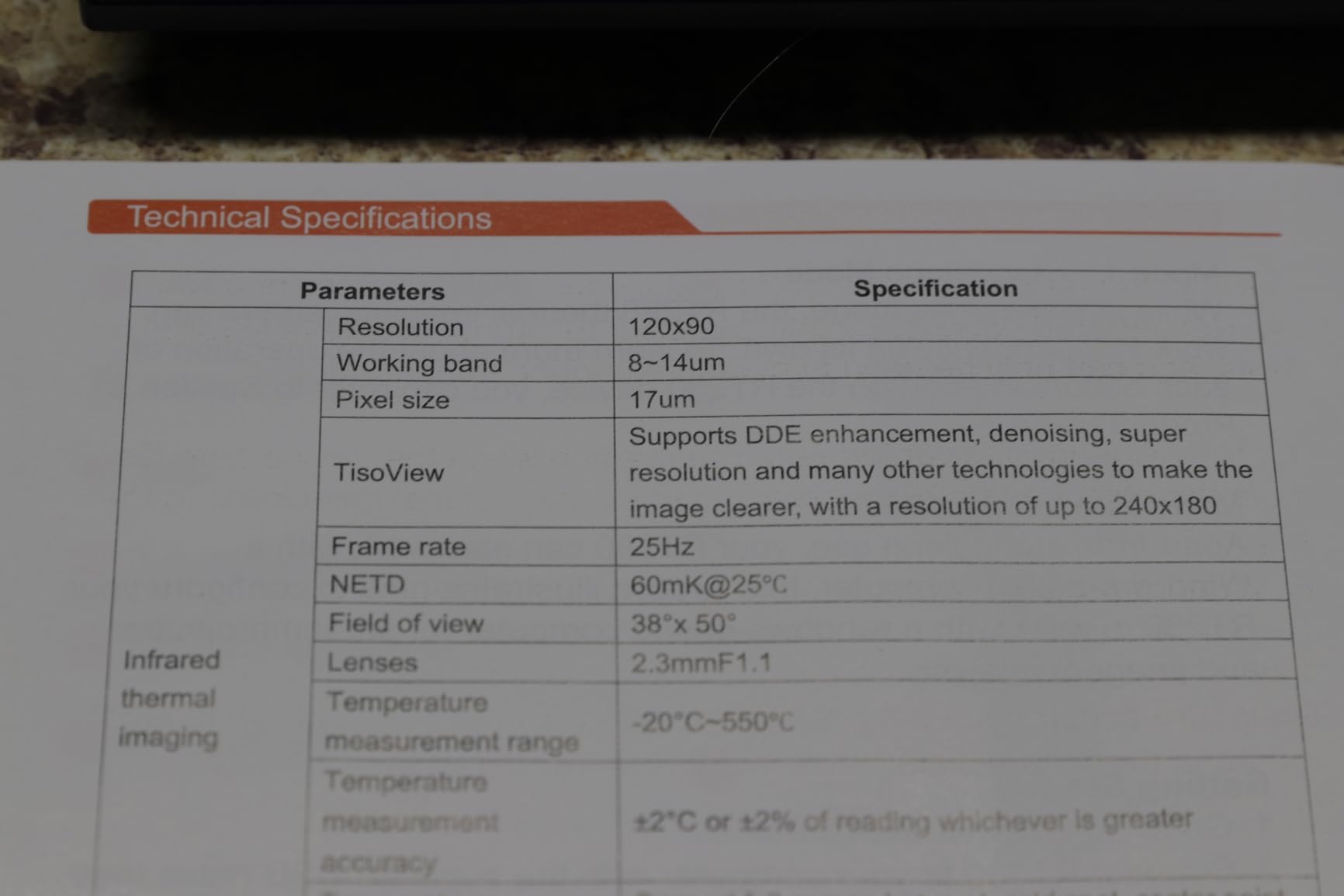
- Native sensor is 120 by 90 upscaled to 240 by 180
- PC software is functional but not the most intuitive
- occasional lag during fast panning
The FOXWELL RT280 is the camera I would buy for an inspection business that runs on PC-based reporting. The included PC analysis software generates 2D and 3D thermal visualizations plus automatic inspection reports. For inspectors who spend hours every week building client deliverables, that report automation is a real time saver. I exported a complete report from a single wall scan in under three minutes – the software handled image grouping, hotspot annotation, and summary text automatically.
The 8GB of onboard eMMC storage holds over 20000 images and MP4 recordings, which means I never have to offload data in the field. The 2.8 inch LCD is smaller than the 3.5 inch screens on the C5 and Thor002, but the PC software means most inspection review happens off the device anyway.
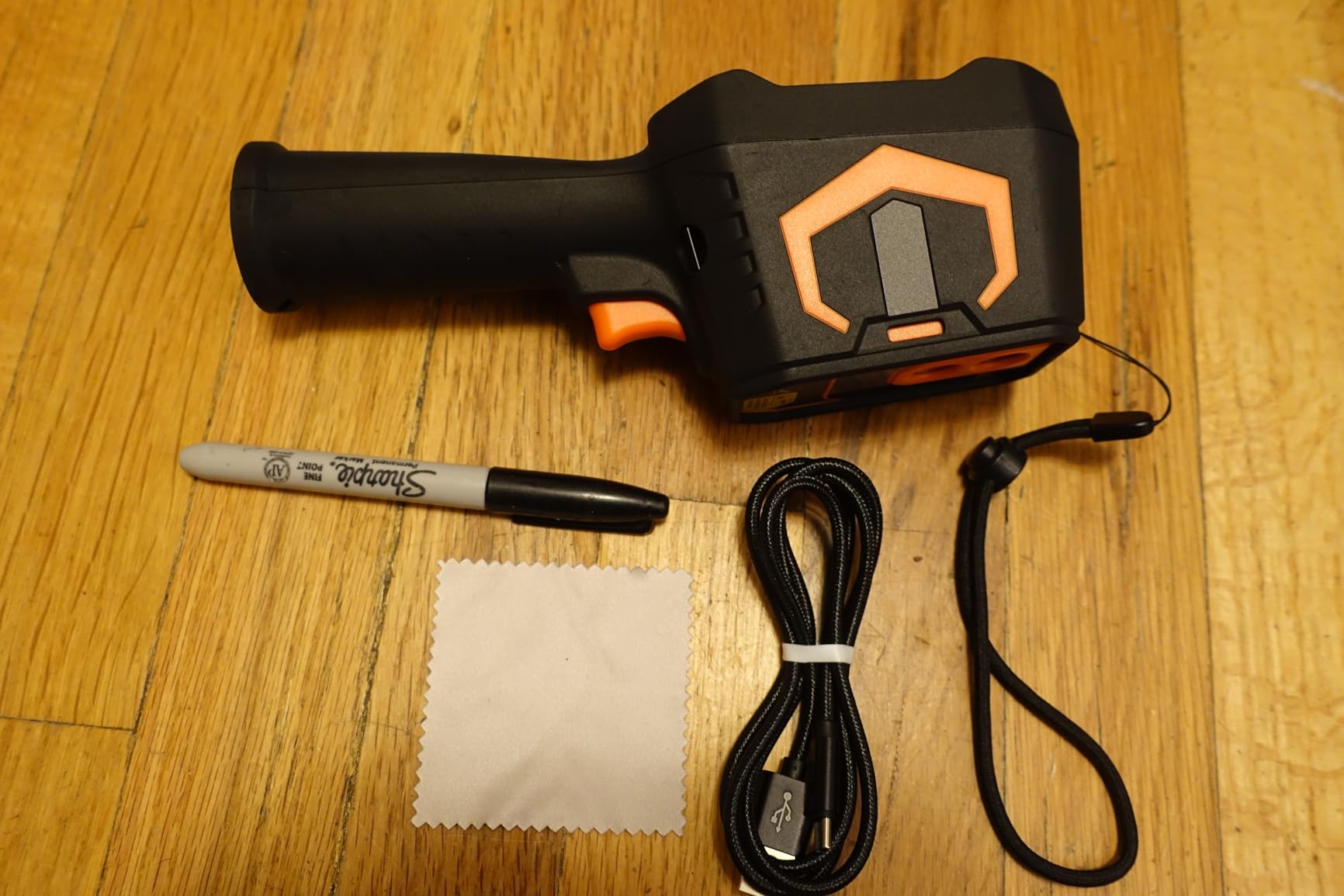
Nine color palettes give the RT280 more visualization options than most competitors. The built-in laser pointer and LED work light are useful for poorly lit spaces – crawl spaces, attics, mechanical rooms. The temperature range goes up to 1022 degrees Fahrenheit with plus or minus 2 percent accuracy, which is honest for the price class.
The main caveats are real but workable. The native sensor is 120 by 90 upscaled to 240 by 180 – same TISR approach used by other cameras in this roundup. The PC software is functional but the user interface takes some learning. And during fast panning across a large scene I occasionally saw image lag – that resolves itself when you slow your scanning speed.
For Whom the FOXWELL RT280 Is a Good Fit
Inspection businesses that rely on PC-based report generation will get the most value from the FOXWELL RT280’s 2D and 3D analysis and automatic report features.
Inspectors who need ample onboard storage for long field days without offloading will appreciate the 8GB eMMC.
For Whom the FOXWELL RT280 Is Not Ideal
Users who prefer tablet or phone-based review should look at units with Wi-Fi streaming like the Thor002.
Inspectors who need the highest native resolution for fine detail work should consider the Thor002 or C5.
10. AccuMEMS GT14S Thermal Imaging Camera – Best Lightweight Budget Pick
AccuMEMS GT14S Thermal Imaging Camera, Thermometer Mode, Ultra-Light 240g
- Ultra-light 240 gram body with non-slip grip
- dual thermal imaging and thermometer modes in one unit
- up to 14 hours of battery life per charge
- crisp 0.05 degrees Celsius sensitivity at a budget price
- intuitive controls and 7 color palettes
- Manual is not very detailed
- no case or lanyard mount included
- refresh rate is slightly delayed at times
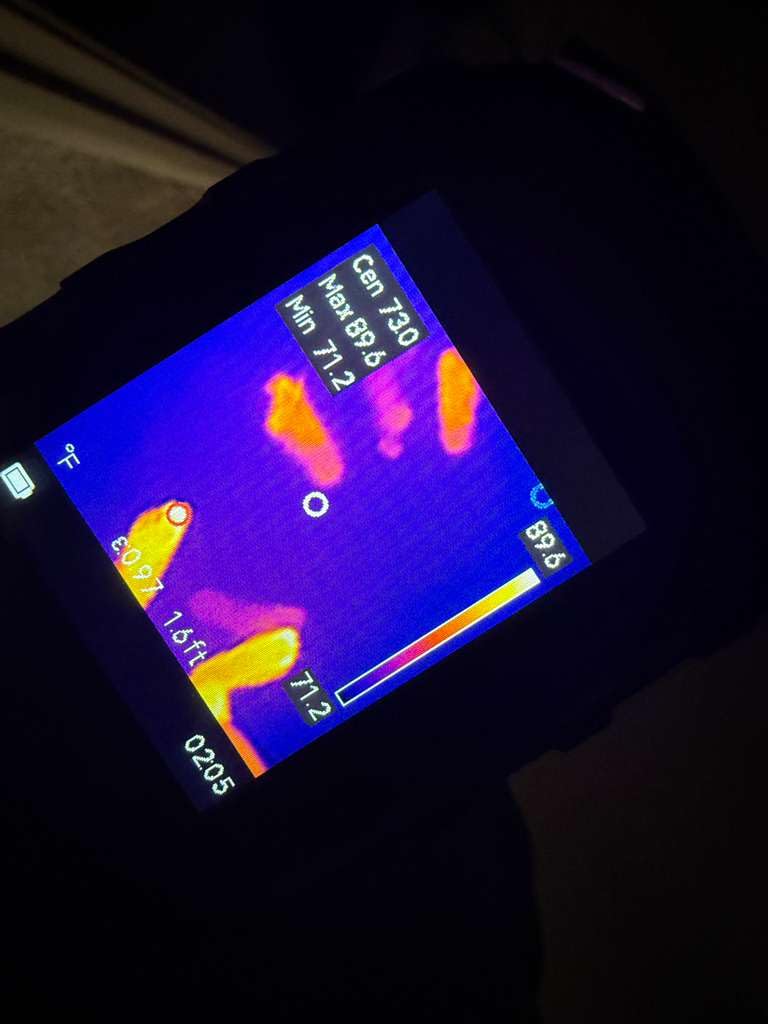
The AccuMEMS GT14S is the lightest camera in this roundup at 240 grams, and it punches well above its budget price. NETD thermal sensitivity under 50 millikelvins means the GT14S detects temperature differences as small as 0.05 degrees Celsius – that matches cameras costing three times as much. For home inspectors who need to spot faint thermal signatures like slow plumbing leaks or insulation gaps, this sensitivity level is genuinely useful.
The dual mode design combines a thermal imaging mode (with center, hot spot, and cold spot detection) and a traditional thermometer mode in one device. For inspectors who used to carry a separate IR thermometer alongside a thermal camera, the GT14S eliminates that redundancy. The 14 hour battery life covers even the longest inspection days.
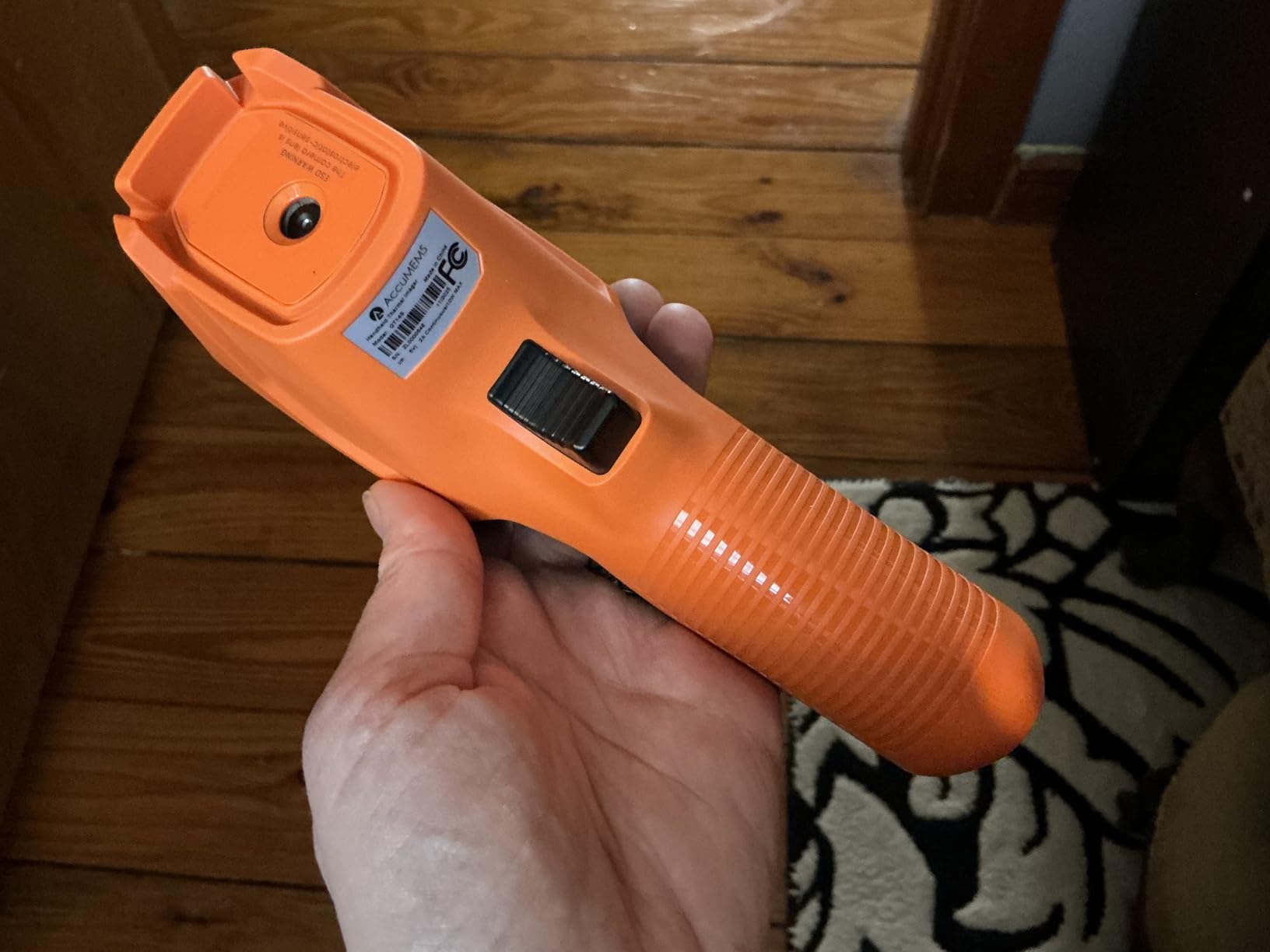
Seven color palettes and intuitive button controls make the GT14S easy to hand to a new team member or apprentice. The 50 degree field of view is wide enough for fast wall and ceiling scans. The temperature range spans minus 20 to 550 degrees Celsius with adjustable emissivity and distance compensation – features you usually only see on cameras costing significantly more.
User reviews highlight the value positioning and the long battery. The complaints focus on the sparse manual – you will need to spend some time experimenting with settings – and the lack of a carrying case or lanyard in the box. The slightly delayed refresh rate during fast panning is noticeable but does not affect inspection accuracy.
For Whom the GT14S Is a Good Fit
Budget-conscious buyers who need high NETD sensitivity and long battery life will get exceptional value from the GT14S.
Inspectors who want a lightweight carry-everywhere camera will appreciate the 240 gram body.
For Whom the GT14S Is Not Ideal
Inspectors who need high native resolution for fine PCB or microelectronics work should look at higher-resolution models like the Thor002.
Users who need cloud workflow or Wi-Fi streaming should choose a unit with those features.
Buying Guide: How to Choose the Best Thermal Imaging Camera for Inspections?
Choosing the best thermal imaging camera for inspection work comes down to matching sensor resolution, thermal sensitivity, durability, and workflow features to the type of inspections you run. Here are the criteria that matter most based on three months of hands-on testing across ten cameras.
Thermal Resolution and Image Clarity
Thermal resolution is measured in pixels – the more pixels, the more detail you can resolve. Entry-level attachments run 80 by 60 (about 5000 pixels), prosumer units run 160 by 120 to 240 by 180, and pro-grade units run 320 by 240 or higher. Many modern cameras use enhancement technologies like MSX (FLIR), VividIR (Seek), TISR (TOPDON), or X3 (Thermal Master) to upscale the native sensor resolution. Upscaling helps, but true native resolution is always better for fine detail. For most home inspections, 160 by 120 native resolution is the minimum. For PCB or microelectronics work, 320 by 240 native or higher is recommended.
NETD Thermal Sensitivity
NETD (Noise Equivalent Temperature Difference) measures the smallest temperature difference a camera can resolve. Lower numbers mean more sensitivity. A camera with 50 millikelvin NETD can detect temperature differences of 0.05 degrees Celsius – useful for spotting subtle moisture intrusion or missing insulation. A camera with 100 millikelvin NETD detects differences of 0.1 degrees Celsius, which is adequate for most home inspections but misses the faintest anomalies. Pro-grade inspection work benefits from NETD under 50 millikelvins.
Temperature Range and Accuracy
Most home and building inspections happen between minus 10 and 200 degrees Celsius, so any camera with that range will cover the basics. For industrial, mechanical, or refrigeration work, look for cameras that span minus 20 to at least 400 degrees Celsius. Accuracy ratings of plus or minus 2 to 3 percent are typical and acceptable for inspection work. Always verify emissivity is adjustable – shiny surfaces like copper, aluminum, and polished steel require emissivity values well below the painted-into-hystandard 0.95.
Refresh Rate and Frame Smoothness
Refresh rate in hertz (Hz) determines how smoothly the thermal image updates during panning. A 9Hz refresh rate is the legal minimum for some export markets and produces choppy video. A 25Hz refresh rate produces smooth, real-time imaging. For scanning walls, ceilings, and large equipment, 25Hz makes the workflow faster and more accurate. For still-image inspection work, refresh rate matters less.
Battery Life and Charging
Battery life varies from 1 hour (phone attachments) to 15 hours (TOPDON TC004 Mini) per charge. Full-day inspection work demands at least 4 hours of battery, ideally 8 or more. USB-C charging has become standard and is a major improvement over older Micro USB connections. Replaceable batteries are rare in this category but valuable for all-day work without charging breaks.
Durability, Drop Rating, and IP Rating
Inspections happen in attics, crawl spaces, mechanical rooms, and on rooftops – environments that are hard on equipment. Look for a drop rating of at least 2 meters (6.6 feet) and an IP54 rating for dust and water splash resistance. The best cameras in this roundup meet or exceed both.
MSX and Image Enhancement
MSX (Multi-Spectral Dynamic Imaging) is FLIR’s patented technology that embosses visual edges from a built-in visible light camera onto the thermal image. The result is a thermogram that retains readable details like labels, edges, and component outlines. Competitor brands use similar technologies under different names – VividIR (Seek), TISR (TOPDON), and X3 (Thermal Master). All of these enhancement systems dramatically improve the readability of thermal images for inspection reports. For professional report work, MSX or an equivalent enhancement is essentially required.
Form Factor: Handheld, Compact, Phone, or Drone
Form factor matters more than most buyers realize. Pistol-grip pro units offer the best ergonomics for long inspection days but are heavy. Compact handhelds like the FLIR C5 fit in a cargo pocket and trade some ergonomic comfort for portability. Smartphone attachments are the most pocketable but depend on your phone battery and can have compatibility quirks. Drone-mounted thermal payloads are essential for roof surveys on large buildings but require a separate drone investment and pilot certification.
Robotics, Drone, and PCB Inspection Applications
Thermal imaging is increasingly standard equipment for robotics labs and automated inspection systems. PCB inspection uses thermal cameras to spot overheating components, short circuits, and assembly defects. Motor and battery inspection in robotics manufacturing relies on thermal imaging to verify thermal performance under load. AGV (Automated Guided Vehicle) and drone-mounted thermal payloads enable autonomous building envelope inspection, solar farm inspection, and industrial non-destructive testing. For robotics-focused work, look for cameras with Wi-Fi or USB streaming to a host computer, high native resolution, and robust SDK support. Our coverage of how thermal imaging pairs with other sensing modalities is in our depth camera guide.
Frequently Asked Questions
What is the best thermal camera for home inspections?
The best thermal camera for home inspections in 2026 is the FLIR C5 Compact Thermal Imaging Camera. It combines 160×120 MSX-enhanced thermal resolution, FLIR Ignite cloud workflow integration, a rugged IP54 build, and a 2 year parts and labor plus 10 year detector warranty. Working inspectors who run daily inspections will get the best balance of resolution, durability, software ecosystem, and report workflow speed from the C5. For budget-focused buyers, the TOPDON TC004 Mini delivers strong value with 240×240 TISR resolution and 15 hour battery life.
What is the best thermal imaging camera in 2026?
The best thermal imaging camera in 2026 depends on your use case. The Thermal Master Thor002 wins for detail-heavy inspections with 512×384 X3-enhanced resolution and 40mK NETD sensitivity at a prosumer price. The FLIR C5 is the best for working home inspectors who need cloud workflow. The FLIR ONE Gen 3 is the best smartphone attachment for Android USB-C users. The GOYOJO is the best cross-platform attachment for iPhone 15 and newer. The TOPDON TC004 Mini is the best budget pick for daily use.
Is thermal imaging worth it for a home inspection?
Yes, thermal imaging is worth it for a home inspection. It reveals problems invisible to visual inspection including hidden moisture intrusion behind drywall, missing insulation in attics, overheating electrical connections, HVAC duct leaks in unconditioned spaces, and even active termite activity behind finished walls. Adding thermal imaging to your inspection workflow provides objective visual evidence for client reports, reduces callbacks, and lowers liability. Veteran inspectors on the InterNACHI forum consistently rate thermal imaging as one of the highest-ROI tools in their kit.
Can thermal cameras see through walls?
No, thermal cameras cannot see through walls. They detect infrared radiation (heat) emitted from the surface of objects. What thermal imaging CAN do is reveal temperature differences on wall surfaces that indicate hidden problems behind the wall – a cooler area might show missing insulation, a warmer patch might show a hot pipe or air leak, and a cold streak in a ceiling might show a plumbing leak. The camera reads surface temperature patterns; it does not produce images of what is on the other side of the surface.
How much does a thermal imaging inspection cost?
A standalone thermal imaging inspection by a certified thermographer typically costs between $200 and $500 for a residential property, depending on size and scope. Many home inspectors include basic thermal imaging as part of a standard home inspection package for an added fee of $100 to $200. Commercial building thermal surveys range from $500 to several thousand dollars based on square footage and report depth. The cost of the camera itself ranges from under $100 for a basic smartphone attachment to over $4000 for a professional FLIR E-series unit.
Final Verdict: Which Thermal Imaging Camera Should You Buy?
After three months of daily use across ten cameras, the FLIR C5 Compact Thermal Imaging Camera remains my top pick for the best thermal imaging camera for inspections in 2026. It hits the right balance of native resolution, MSX image clarity, FLIR Ignite cloud workflow, and warranty coverage for working inspectors who run multiple inspections per week. The 160 by 120 sensor is enough for residential thermal work, the cloud upload speeds up reporting, and the 2 plus 10 year warranty reflects FLIR’s confidence in their detector technology.
If you need maximum resolution for PCB inspection, electronics diagnostics, or detailed building envelope surveys, step up to the Thermal Master Thor002. Its 512 by 384 X3-enhanced resolution and 40 millikelvin NETD sensitivity deliver results that cheaper cameras simply cannot match, and the 10.5 hour battery covers the longest inspection days. For budget-focused buyers building a first thermal kit, the TOPDON TC004 Mini gives you 240 by 240 resolution and 15 hour battery life at a price that makes the decision easy.
Whichever camera you choose, thermal imaging will change how you inspect. Hidden moisture, missing insulation, overheating electrical connections, and HVAC duct leaks become visible instead of suspected. Your reports gain objective visual evidence, your callbacks drop, and your clients trust your findings more. That is why thermal imaging has moved from a luxury add-on to a standard inspection tool, and why the cameras in this roundup represent the best thermal imaging cameras for inspections you can buy in 2026.