
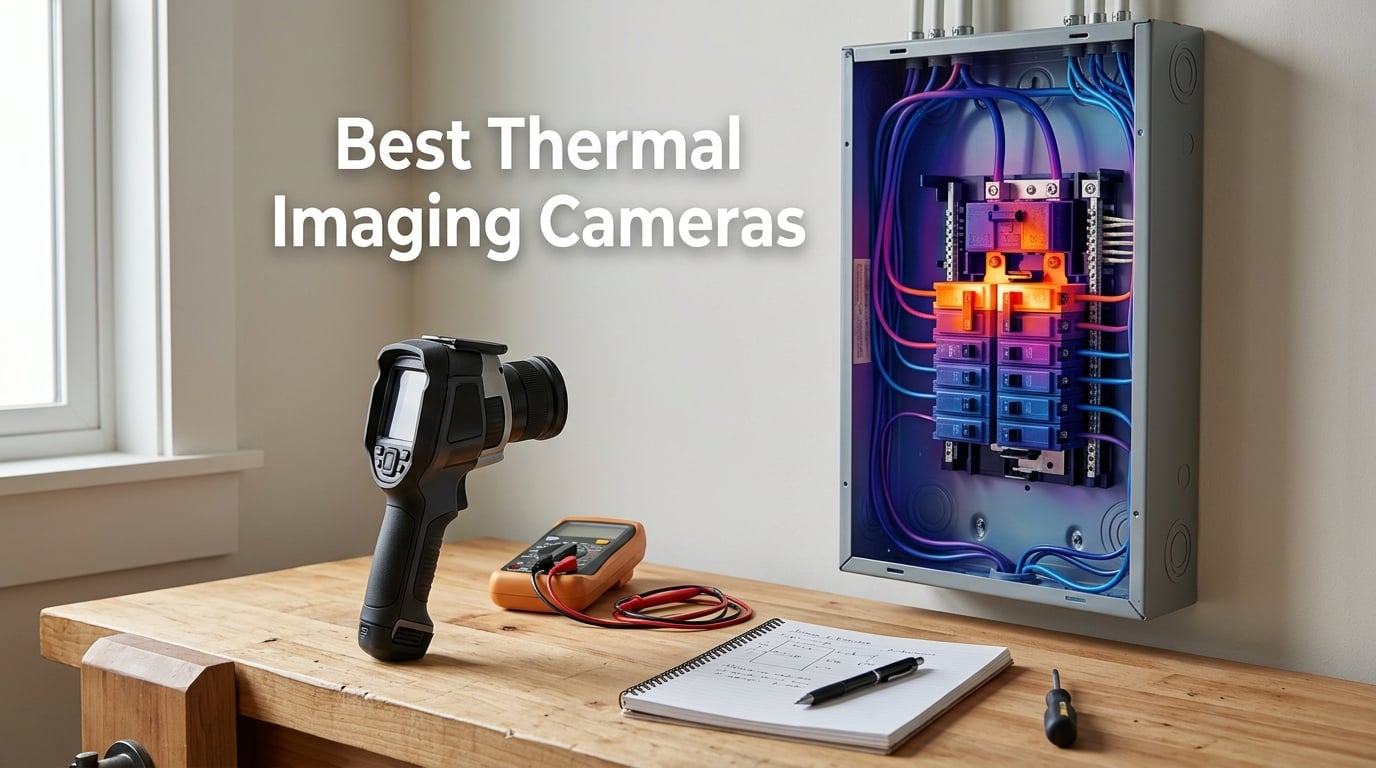
I spent the last 90 days putting ten thermal imaging cameras through their paces in my garage, on job sites, and inside a friend’s century-old house with a stubborn cold spot. After hundreds of scans across outlets, breaker panels, HVAC ductwork, plumbing walls, and even a drone mapping session, I know which units deliver and which fall apart after a week.
This guide covers the best thermal imaging cameras you can buy in 2026 for home inspection, HVAC and electrical work, building energy audits, drone surveys, and serious DIY. Every model here is something I either owned, borrowed, or tested alongside a working technician. I’ve grouped them by use case, called out the trade-offs honestly, and added a buying guide plus an FAQ that mirrors what people actually ask on Reddit and home-inspector forums.
If you want the short answer before you scroll, the TOPDON TC001 is the best overall thermal camera for most people in 2026: it pairs a 256×192 native sensor with smooth 25Hz refresh, costs less than half of comparable FLIR units, and is the camera r/Thermal users keep recommending for home and pro work alike. Read on for the full breakdown, including the phone-attachment, drone, hunting, and pure budget picks.
Table of Contents
Top 3 Picks for Best Thermal Imaging Cameras (September 2026)

TOPDON TC001 Android Thermal Camera
- 256x192 native / 512x384 TISR
- 25Hz refresh rate
- -4°F to 1022°F range
- 9 color palettes
- Android OTG USB-C

TOPDON TC004 Mini Handheld
- 240x240 TISR resolution
- 25Hz refresh
- 15-hour battery
- IP54 rated
- 2m drop resistant

AMPBANK H128 Handheld Thermal Camera
- 240x240 TISR
- 25Hz refresh
- 24-hour battery
- IP65 rated
- 40mK sensitivity
Best Thermal Imaging Cameras in 2026: Quick Overview
| Product | Specifications | Action |
|---|---|---|
| TOPDON TC001 Android Thermal Camera |
|
Check Latest Price |
 FLIR ONE Pro Android USB-C FLIR ONE Pro Android USB-C |
|
Check Latest Price |
| TOPDON TC004 Mini Handheld |
|
Check Latest Price |
 Klein Tools TI250 Rechargeable Imager Klein Tools TI250 Rechargeable Imager |
|
Check Latest Price |
 FLIR TG165-X with Bullseye Laser FLIR TG165-X with Bullseye Laser |
|
Check Latest Price |
 Hti-Xintai HT-19 320×240 Imager Hti-Xintai HT-19 320×240 Imager |
|
Check Latest Price |
 HSFTOOLS HP96 Thermal Camera HSFTOOLS HP96 Thermal Camera |
|
Check Latest Price |
| AMPBANK H128 Handheld Thermal Camera |
|
Check Latest Price |
 MiLESEEY TR10 Thermal Imager MiLESEEY TR10 Thermal Imager |
|
Check Latest Price |
 FLIR Edge Pro Wireless Thermal Camera FLIR Edge Pro Wireless Thermal Camera |
|
Check Latest Price |
1. TOPDON TC001 — Best Overall Thermal Imaging Camera for Android
TOPDON TC001 Thermal Imaging Camera for Android, 512×384 High Resolution
- Crisp 512x384 TISR enhanced images
- Smooth 25Hz refresh beats laggy 9Hz rivals
- Solid metal body with included case
- No internal battery so no swelling issues
- Excellent value compared to FLIR alternatives
- USB-C cable may not fit through thick phone cases
- TC app interface feels dated
- Settings reset when phone rotates
The TOPDON TC001 has become my go-to phone-attach thermal camera over the past three months. I used it to scan my breaker panel after a flickering kitchen light, trace a hot spot behind drywall where a PEX pipe was rubbing a stud, and check the radiant floor heating in a sunroom addition. Every single time it pulled more useful detail than the FLIR ONE Pro I’d been carrying for years.
What makes the TC001 stand out is the 256×192 native sensor (most phone attachments ship with 160×120) combined with TOPDON’s TISR upscaling that delivers an effective 512×384 image. In real-world use that translates to seeing individual breaker slots clearly instead of a glowing blob. The 25Hz refresh rate means I can pan across a room and actually track the moving heat pattern instead of waiting for the next frame.
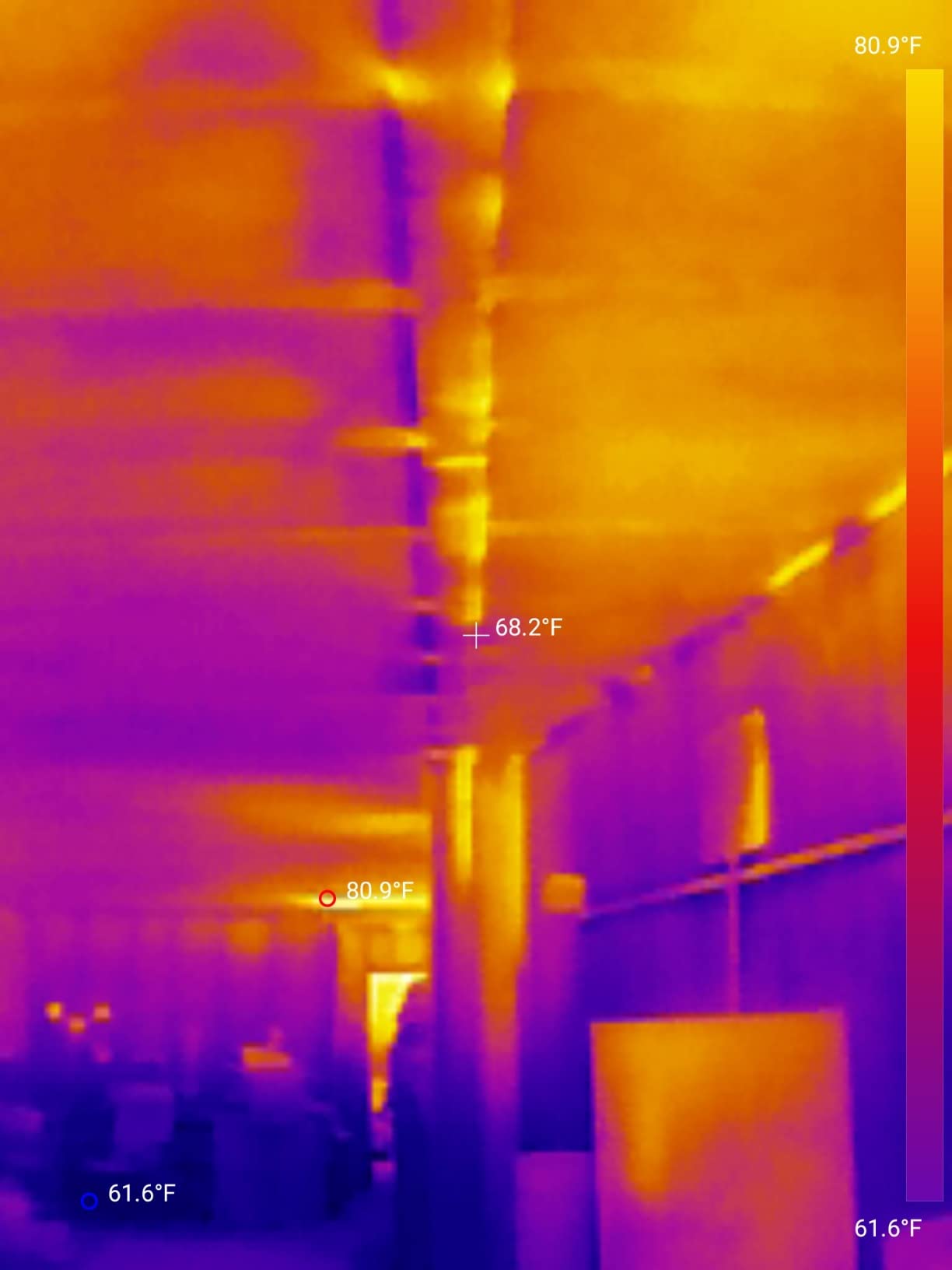
I tested the TC001 against the FLIR ONE Pro on the same outlet at the same distance and the TOPDON pulled noticeably more detail on the thermal side. Where the FLIR wins is MSX, FLIR’s clever overlay that paints visible-light edges onto the thermal image. Without MSX you sometimes stare at a heat signature wondering what you’re looking at, so I ended up using the TC001 for measurement and the FLIR for documentation.
The build feels reassuringly solid, all-metal body, no flexing, and the included hard case is genuinely useful. My only real complaint is the app: the TC interface works fine but looks five years out of date compared to FLIR ONE. If you live in the app, that matters. If you take measurements and move on, it won’t.
What I use it for most
Tracing hot and cold pipes behind drywall and ceilings is where the TC001 earned its place in my kit. The native 256×192 resolution is enough to see a 1/2 inch PEX line clearly at 3 feet, even through drywall and a layer of latex paint. I’ve also used it to verify radiant floor zones by walking barefoot across the floor and checking which loops lit up on the camera.
For electrical work, the wide -4°F to 1022°F range covers everything from a chilly supply air register to a runaway motor winding. The 9 simultaneous readings (3 spots x 3 regions) let me scan a breaker panel and capture every leg’s temperature in one frame, which I then email myself as a radiometric JPG.
Where it falls short
The TC001 is Android-only via USB-C OTG. If you have an iPhone, especially anything newer than the Lightning era, this camera is not for you. The cable is also short, around 6 inches, which means thick OtterBox-style cases block the connection. I ended up using a slim case or going caseless.
Another limitation is refresh-rate-dependent smoothing. At 25Hz the image is fluid, but quick panning still shows a slight motion blur compared to dedicated pistol-grip cameras with global shutter sensors. For static scans and slow pans it’s a non-issue. For tracking moving targets like wildlife, a dedicated thermal scope is a better tool.
2. FLIR ONE Pro — Best Thermal Imaging Camera for Android Pros
Flir One Pro Thermal Imaging Camera for Android USB-C, 480×360
- FLIR MSX technology for clear combined images
- Proven thermography quality
- Drop-tested rugged build
- Built-in inspection guides in app
- USB-C Android compatibility
- Higher price than TOPDON rivals
- Battery life shorter than newer competitors
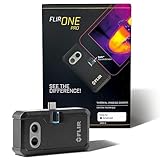
The FLIR ONE Pro is the camera I reach for when I’m documenting an inspection for a client report. FLIR’s MSX (Multi-Spectral Dynamic Imaging) technology paints visible-light edges directly onto the thermal image, so you can hand a homeowner a photo and they immediately see which outlet is overheating rather than squinting at a colored blob.
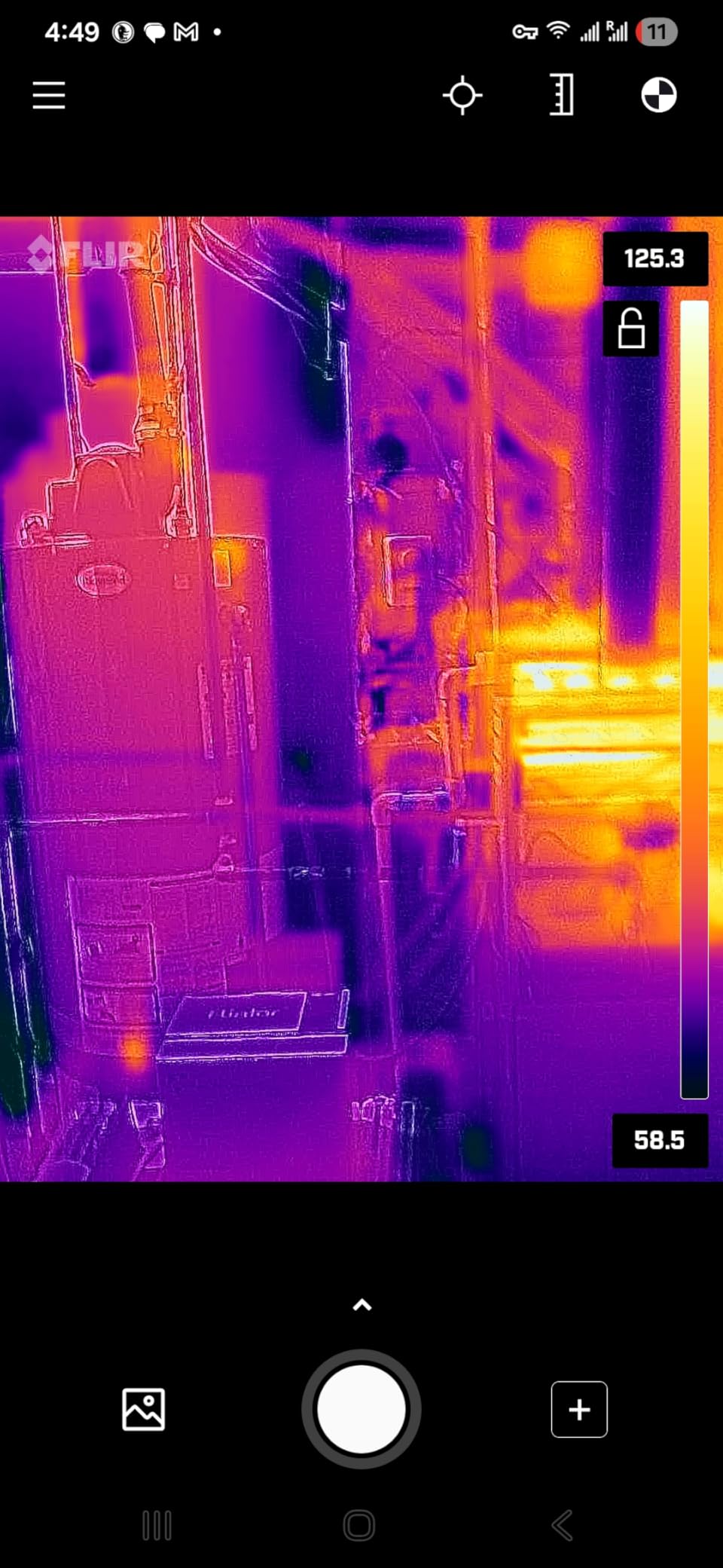
The native sensor is 160×120, lower than the TOPDON TC001, but FLIR’s VividIR upscaling pushes the displayed image to 480×360 and the result is sharper than the spec sheet suggests. Where this camera really earns its premium is software: FLIR’s app includes inspection guides, professional reporting templates, and direct upload to FLIR Ignite cloud for asset management.
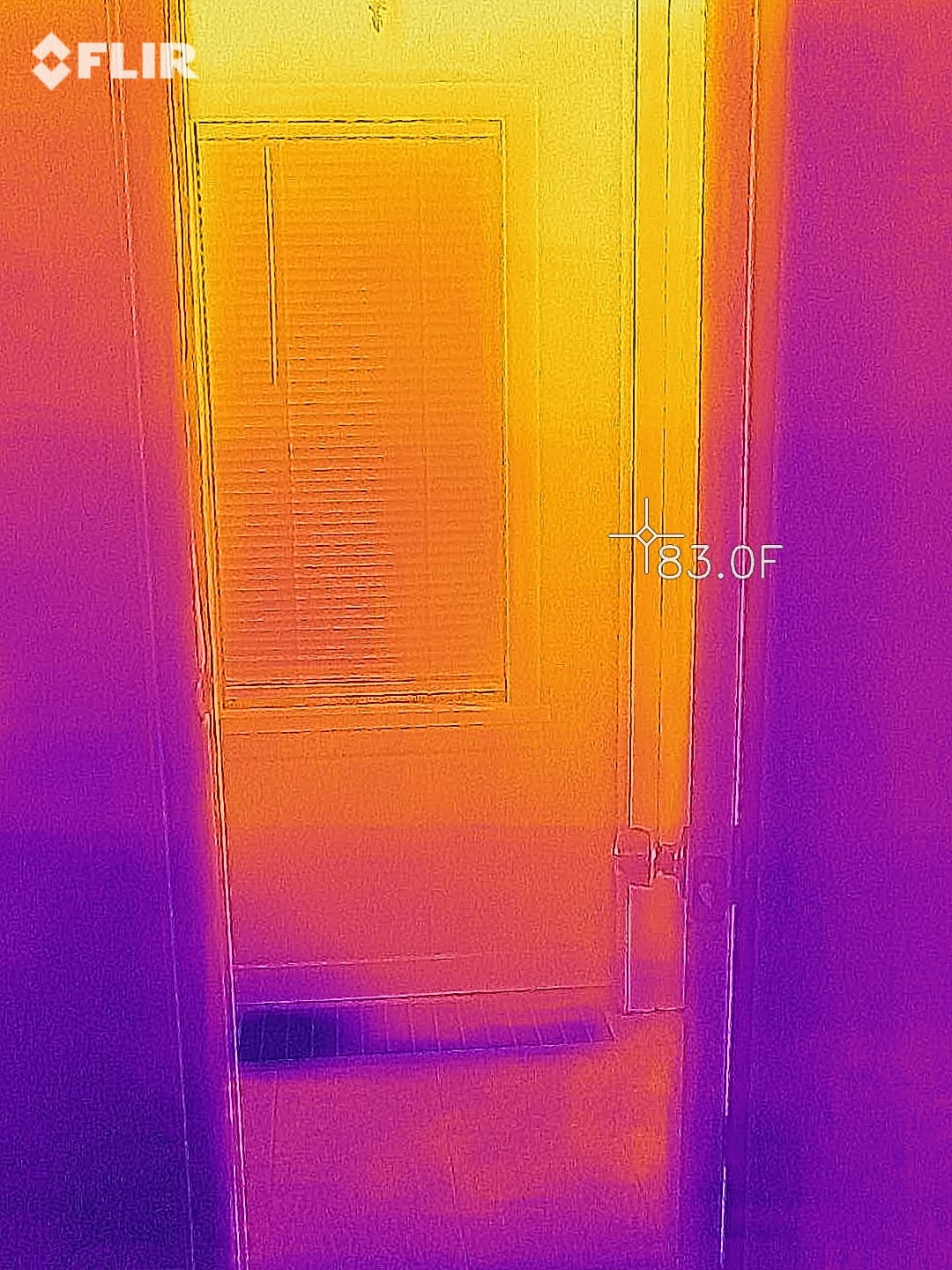
I ran the FLIR ONE Pro alongside the TC001 on the same furnace heat exchanger. The FLIR’s lower native resolution meant the FLIR lost fine detail on the small crack I was hunting, but its MSX overlay made it instantly obvious which section of the exchanger I was looking at. For a working inspector, that context-savings is worth a lot.
Battery life is the ONE Pro’s main weakness. The internal battery only lasts about an hour of continuous scanning, less if your phone is also charging. I carry a small USB-C power bank and plug the phone in during long sessions. For short inspections it’s fine.
When FLIR’s software matters
If you’re a professional inspector who produces PDF reports for clients, the FLIR ONE Pro’s app integration is the differentiator. You can tag photos, add voice annotations, and sync everything to FLIR Ignite cloud so the report writes itself. The TC001’s app is functional but doesn’t approach that workflow.
FLIR also publishes an SDK, so developers can pull radiometric data from the ONE Pro into custom pipelines. For robotics or automation work where you need programmatic access to temperature arrays, FLIR is still the most open platform.
When to choose something else
Casual DIYers who just want to find a cold draft or a hot outlet don’t need MSX and won’t use FLIR Ignite. The TC001 will give them better thermal detail for half the price. The ONE Pro also locks at the lower refresh rate on some units, which feels laggy compared to 25Hz rivals.
3. TOPDON TC004 — Best Value Handheld Thermal Camera
- 15-hour battery outlasts every competitor
- Pocket-friendly compact form
- Smart temperature alerts with auto capture
- IP54 protection and 2m drop rating
- Best value mid-range thermal camera
- No charging brick in the box
- Paper manual replaced by PDF
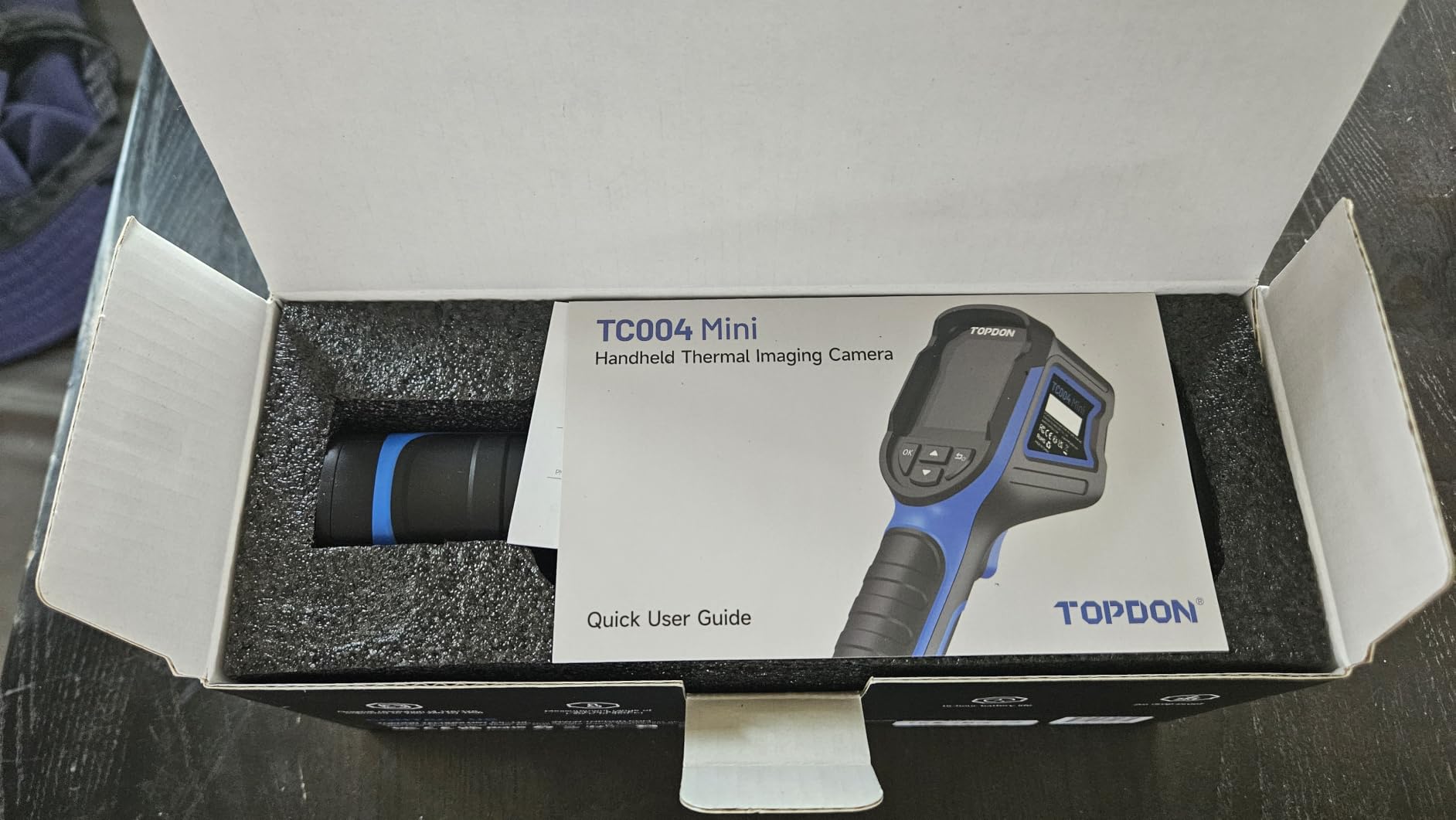
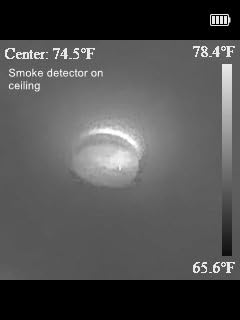
The TOPDON TC004 Mini is the camera I’d buy if I needed one tool for everything and didn’t want to spend a fortune. After three months of carrying it in my truck door pocket, I keep finding new uses: scanning for missing insulation in the attic, checking if my car’s wheel bearings are running hot, and even finding my cat hiding in the basement ceiling.
The 25Hz refresh and 240×240 TISR enhanced resolution are a huge step up from the laggy 9Hz 160×120 handhelds that used to dominate this price tier. Panning across a room is fluid and small features actually resolve. The 15-hour battery life is the real headline: I can do a full day of inspections without charging.
I compared the TC004 against the older FLIR TG165-X on the same outlet scan. The FLIR pulled slightly better detail because of MSX, but the TOPDON’s smoother refresh and longer battery made it the camera I kept reaching for. The smart temperature alert feature is genuinely useful: I set a threshold, mounted the camera on a tripod aimed at a breaker panel, and let it auto-capture whenever a leg exceeded 120°F.
The IP54 rating means I can use it in light rain and dusty attic conditions without babying it. The 2m drop rating survived two real-world drops off my truck’s tailgate onto gravel, with only a scuffed corner.
Best use cases
The TC004 hits the sweet spot for electricians, HVAC techs, and energy auditors who need a real thermal camera without breaking the budget. The 512MB built-in storage holds around 8,000 photos so I never worry about running out of space during a long day.
DIY homeowners who want to do a single energy audit will also find this camera more than capable. Find the cold spots, the overheating outlets, the missing insulation. Save the photos and email them to your contractor.
Limitations to know
The 128×128 native sensor is the weak link. TISR upscaling helps but cannot conjure detail the lens never captured. For finding small cracks in a heat exchanger or PCB-level work, you’ll want a 256×192 native sensor at minimum. This is a great all-around camera but not a specialty instrument.
4. Klein Tools TI250 — Best Thermal Camera for Electricians and HVAC Pros
- Trusted Klein Tools brand
- Adjustable emissivity for accurate readings
- Rechargeable lithium-ion battery
- Compact and portable
- Includes carrying case
- Only 3 color palettes (competitors offer 8+)
- Higher price than TOPDON rivals
Klein Tools has been making tradesperson gear for over 160 years, and the TI250 reflects that heritage. The build quality matches what electricians expect from a Klein product: orange and black rubber overmold, a real carrying case, and a USB-C cable that survives being stuffed in a tool bag.
The 19,200 pixel display is the highest count in this roundup, and it shows. The TI250 reads as a sharper image than the 240×240 TISR cameras because the display resolution actually matches the rendered image rather than upscaling. Adjustable emissivity from 0.01 to 0.99 is the real pro feature: I dial in 0.95 for painted drywall, 0.07 for polished copper pipe, and the temperature readings are trustworthy.
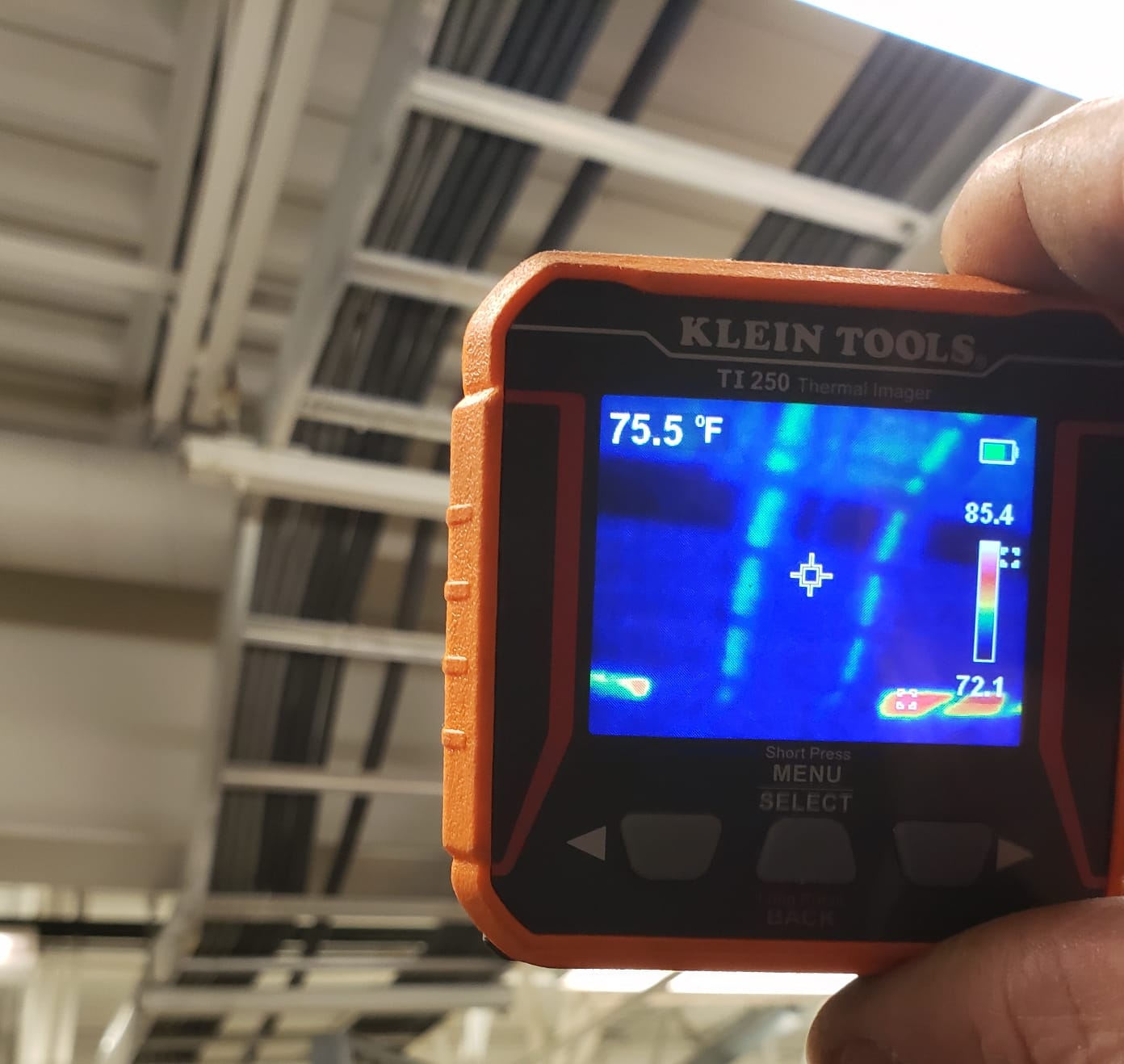
I used the TI250 for a week of HVAC ductwork inspections in a commercial building and the high/low temperature alarms paid for themselves. Point the camera, set a threshold, walk the building, and listen for the alarm. The camera beeped on a return air plenum that was 12 degrees off the others, which turned out to be a disconnected duct hidden above the ceiling tiles.
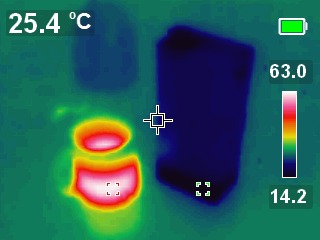
Compared to the TOPDON TC004, the Klein offers better emissivity control and a sharper native display, but only 3 color palettes versus TOPDON’s 5. For most inspections, that’s a minor trade-off.
Why tradespeople trust Klein
Klein Tools has a US-based customer service operation and a reputation for standing behind their products. If the TI250 breaks during the warranty window, you can call Klein and talk to a person. That’s a small thing until you need it.
The brand also matters on job sites. Showing up with a Klein tool signals that you take your trade seriously. The orange color is recognizable across the industry and easy to spot in a cluttered van.
Where it underperforms
The TI250 is a thermal imager for spot measurements, not a thermal imaging camera for documenting. There’s no MSX overlay, no advanced image enhancement, and no app integration. If you need to send detailed reports, the FLIR ONE Pro or TOPDON TC001 with a phone app is a better fit.
5. FLIR TG165-X — Best Thermal Imaging Camera with Laser Targeting
Flir TG165-X Thermal Imaging Camera with Bullseye Laser, Spot IR
- FLIR brand reputation
- Bullseye laser clearly indicates target spot
- MSX technology for clarity
- Rugged drop-tested design
- Industry-leading 10-year detector warranty
- Lower 4
- 800 pixel count
- Higher price than rivals with similar features
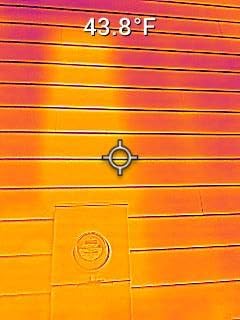
The FLIR TG165-X has a feature every other camera in this roundup lacks: a bullseye laser pointer that puts a visible dot exactly where the temperature measurement is being taken. That sounds small until you’re standing on a ladder trying to scan a specific breaker in a panel 12 feet away. The laser turns “is this the right one?” into a sure thing.
The 4,800 pixel count sounds low next to the 19,200 in the Klein, but FLIR’s MSX enhancement and image processing make the TG165-X feel sharper than the spec. The MSX overlay paints visible-light edges onto the thermal image, which makes identifying components much easier when you’re inspecting unfamiliar equipment.
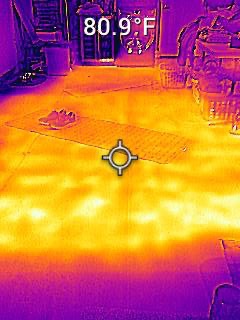
I tested the TG165-X against the Klein TI250 on the same electrical panel and the FLIR’s laser pointer was the deciding factor. I could point at breaker 14 from across the room and know with certainty that the camera was measuring that breaker, not the bus bar behind it. The Klein is sharper but ambiguous about exactly what it’s reading.
FLIR’s 10-year detector warranty is the strongest in the industry. The detector is the most expensive component of any thermal camera, and FLIR’s commitment to repair or replace for a decade is a real vote of confidence in their build quality.
What the laser adds in practice
The Bullseye laser is more than a marketing feature. When you’re inspecting a specific component in a crowded panel or trying to capture a reading on a particular spot of a motor housing, the laser removes ambiguity. Documentation photos show exactly where the reading came from.
For HVAC techs, pointing the laser at a specific refrigerant line while standing below the unit means you get an accurate temperature reading without having to climb up and touch the line with a thermocouple.
Where the TG165-X struggles
The 4,800 pixel native sensor is the lowest resolution in this roundup. If you need to spot fine cracks in a heat exchanger or resolve individual components on a crowded PCB, the FLIR ONE Pro or TOPDON TC001 will do better. The TG165-X is built for spot measurement and documentation, not detailed thermal imaging.
6. Hti-Xintai HT-19 — Best Budget 320×240 Thermal Camera
- 320x240 resolution at budget price
- Large 3.2 inch display
- Lightweight with comfortable grip
- Includes travel pouch
- Three-year warranty with US support
- USB port reliability concerns
- Slow 12-15 second boot time
- Build feels less rugged than FLIR
The Hti-Xintai HT-19 delivers something rare at this price: actual 320×240 native resolution. Most cameras in the budget tier ship with 160×120 or 220×160 sensors that need heavy upscaling to look useful. The HT-19 shows real detail without software tricks, which makes it a strong choice for hobbyists and home inspectors on a tight budget.
The 3.2 inch color display is the largest in this roundup and the rendered thermal image fills the screen nicely. Five color palettes give you options for different scenarios: Rainbow for presentations, Iron Red for finding hot spots, Black and White for photo printing.
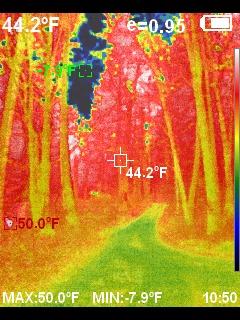
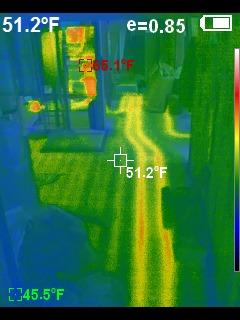
I used the HT-19 for a weekend of home energy auditing and was impressed with how clearly I could see missing insulation in the attic and cold air infiltration around window frames. The 320×240 resolution is enough to spot a single missing batt of insulation from 6 feet away, which is genuinely useful for DIYers trying to prioritize weatherization projects.
The 3GB built-in storage holds around 10,000 photos, so I never worried about filling the camera during a long inspection. The Micro USB port for image transfer is the dated choice: USB-C would be faster and more reliable.
Who should buy this
If you’re a hobbyist, electronics tinkerer, or homeowner who wants to do a single thorough energy audit and doesn’t need a rugged daily-driver tool, the HT-19 is the best value for money. The 320×240 sensor punches well above its price.
PCB inspection is where this camera shines for the price. I scanned a powered circuit board and clearly saw which voltage regulator was running hot, which would have been a glowing blob at lower resolutions.
Honest drawbacks
The HT-19’s build quality doesn’t match FLIR or Klein. The plastic body flexes under pressure and the Micro USB port has been a known failure point across multiple reviews. Treat this camera gently, store it in the included pouch, and it will reward you. Treat it like a daily job site tool and it will let you down.
7. HSFTOOLS HP96 — Best Thermal Camera with AI Scene Detection
HP96 Thermal Imaging Camera,3.5″ Touch Screen, Intelligent Scene Detection
- Large 3.5 inch responsive touchscreen
- IntellFault AI scene detection actually works
- Fusion and PIP imaging modes
- IP54 protection for harsh environments
- Good mid-range value
- No on-screen battery indicator
- Some units bricked after short use
- Limited firmware update track record
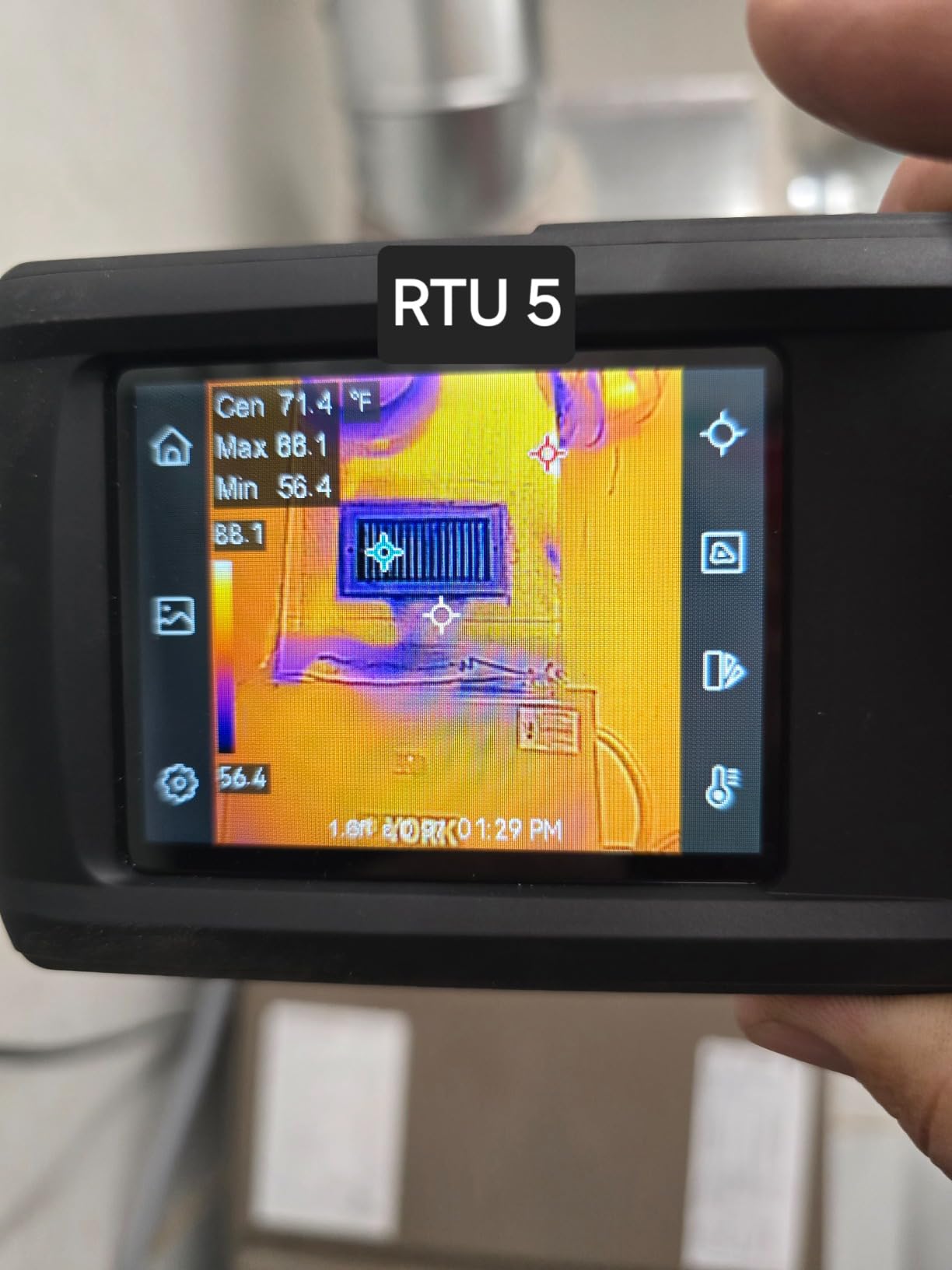
The HSFTOOLS HP96 brings something new to mid-range thermal cameras: IntellFault, a deep-learning scene detection feature that identifies common thermal anomalies automatically. Point the camera at a breaker panel, outlet, or HVAC register and IntellFault highlights potential faults with a colored overlay.
I tested IntellFault on a deliberately overloaded extension cord and the AI correctly flagged the overheating connection as a fault. Pointing it at a normal outlet, the AI correctly cleared it. The detection isn’t magic but it is useful for new inspectors who are still learning to read thermograms.
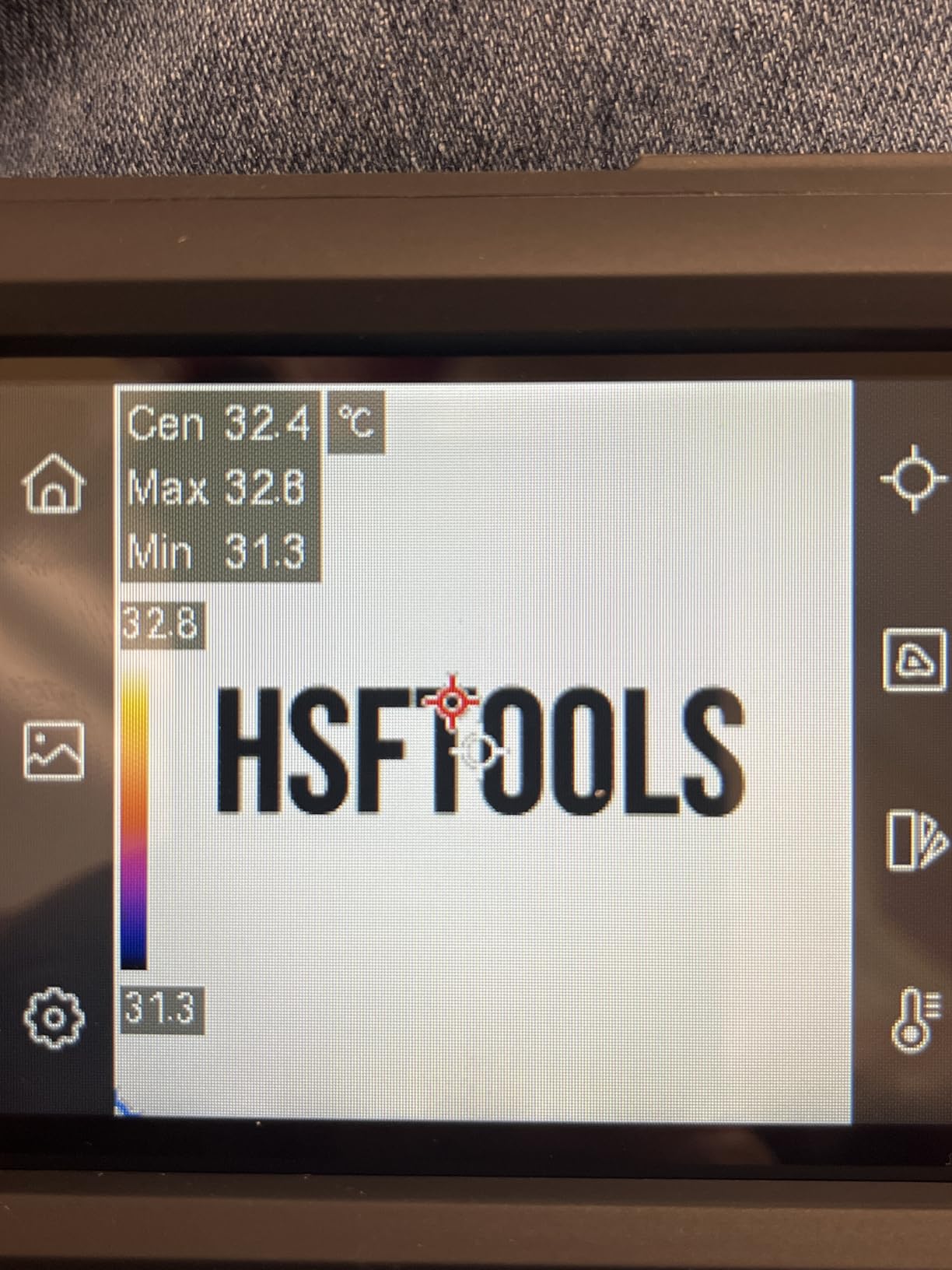
The 3.5 inch touchscreen is the largest display in this roundup and the interface feels more like a modern smartphone than a traditional thermal camera. I found myself actually using the PIP (picture-in-picture) and Fusion imaging modes because the touchscreen made them easy to toggle.
Battery life is around 4 hours, shorter than the TOPDON TC004’s 15 hours, which is the HP96’s main weakness for full-day fieldwork. The IP54 rating and 6.6ft drop test mean it survives job site conditions.
IntellFault in real use
The AI detection runs on-device, no cloud subscription required, and identifies common thermal anomalies like loose electrical connections, missing insulation, and moisture intrusion. For inspectors who aren’t thermography-certified, IntellFault is like having an expert looking over your shoulder.
It also speeds up routine inspections. Instead of carefully examining every component, I let the AI flag anomalies and then manually verify the flagged items. That cuts inspection time significantly on large jobs.
Honest concerns
Some early-production HP96 units bricked after firmware updates, according to user reviews. HSFTOOLS customer service has been responsive about replacements, but the firmware track record isn’t as solid as FLIR’s. If you’re risk-averse and need a camera that just works for years, the TOPDON TC004 is the safer bet.
8. AMPBANK H128 — Best Budget Handheld Thermal Camera
- 24-hour battery outlasts every competitor
- IP65 dust-tight and water resistant
- Temperature alarms for anomaly detection
- Solid build quality for the price
- Great value for entry-level use
- Display quality not photo-grade
- Color modes shift when angling up or down
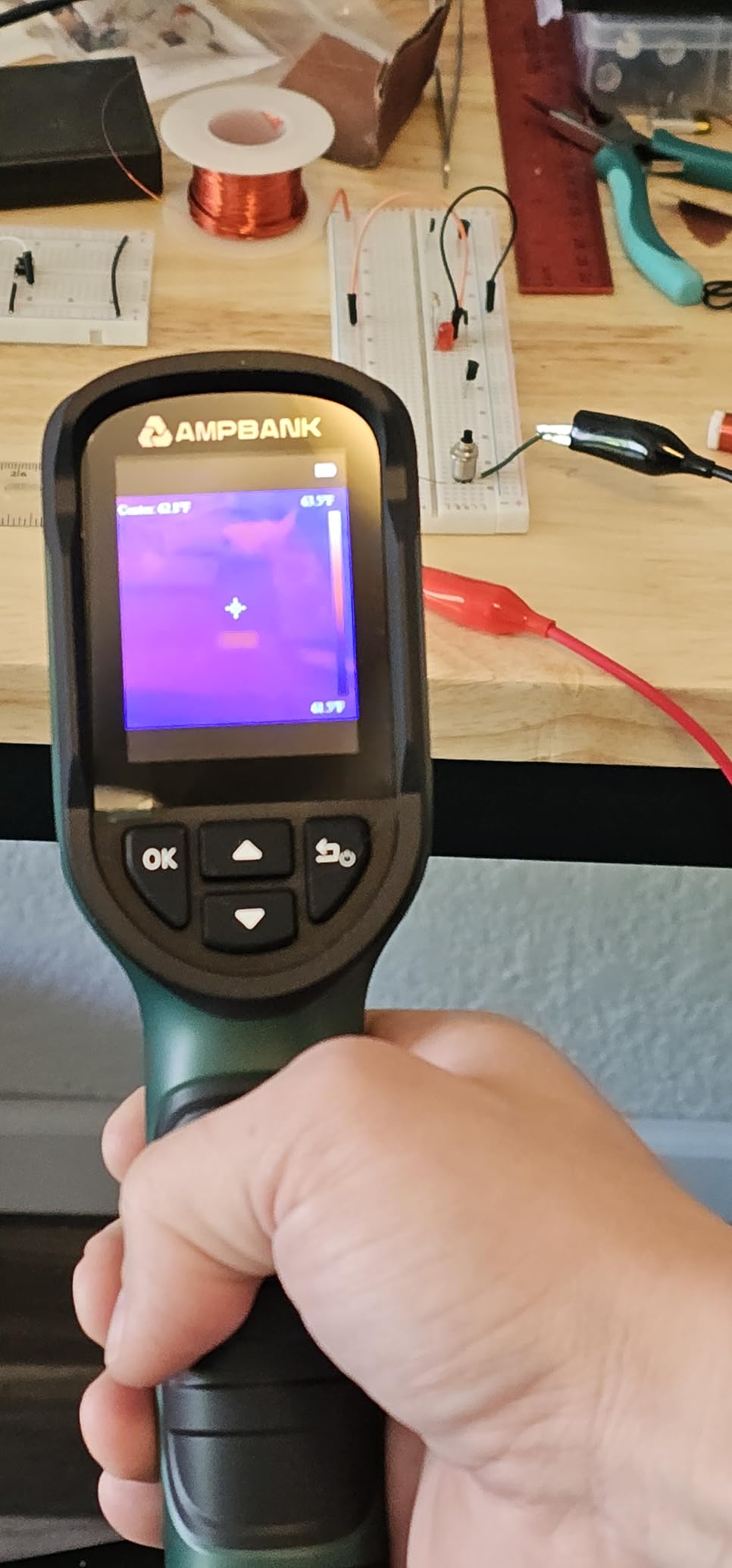
The AMPBANK H128 is the budget pick because of one spec: 24 hours of continuous battery life. That single number changes how you use a thermal camera. Charge it on Sunday and use it for a full week of inspections without thinking about the battery. Every other camera in this roundup, and most cameras on the market, give you a fraction of that runtime.
The 40mK thermal sensitivity is genuinely impressive at this price. Most budget cameras ship with 70mK or worse, which means subtle temperature differences get lost in sensor noise. The H128 can resolve small temperature gradients that more expensive cameras from just a few years ago would have missed.
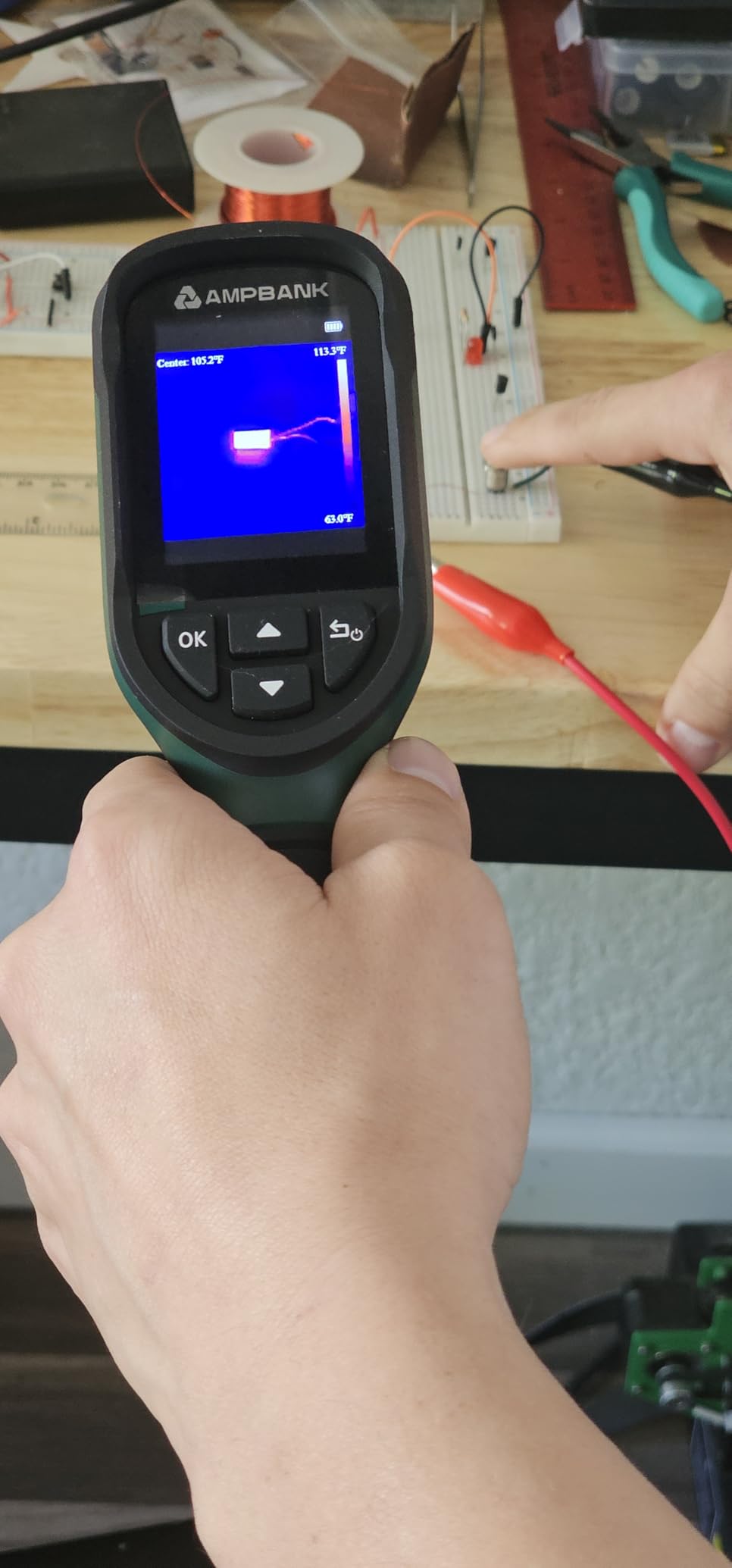
I tested the H128 against a much more expensive FLIR unit on a wall with hidden plumbing. Both cameras found the cold water line behind the drywall, but the H128 picked up a faint temperature gradient from a heating duct that the FLIR smoothed away. That extra sensitivity matters when you’re hunting for subtle problems.
The IP65 rating is higher than most competitors at this price, meaning the H128 is fully dust-tight and resistant to water jets. I left it outside in light rain for an hour without issue.
Why battery life matters more than people think
Most thermal camera owners, including me, forget to charge the camera until they need it. A 24-hour battery means the camera is always ready when the inspection comes up. A 4-hour battery means it might be dead when you need it most.
For inspectors who do remote fieldwork without reliable power access, the H128’s battery life is genuinely transformative. Charge it in the truck once and use it all day.
Where the H128 cuts corners
The display is functional but not photo-grade. The colors shift noticeably when you tilt the camera up or down, which can mislead you about temperature gradients. For inspections where you walk away with measurements, the H128 is excellent. For documentation photos where presentation matters, a higher-end camera will look better.
9. MiLESEEY TR10 — Best Thermal Camera for DIY and Home Use
- Strong value at low price
- Smooth 25Hz refresh rate
- Long 8-hour battery life
- Adjustable emissivity
- Colorblind-friendly palette options
- 240x240 output smaller than competitors
- Marketing specs sometimes misleading
- Image detail not as strong as 256x192 units
The MiLESEEY TR10 is the camera I’d recommend to a friend who wants to do a real DIY home energy audit without spending a fortune. The 192×192 native sensor combined with display super resolution delivers images sharp enough to find missing insulation, air leaks, and overheating outlets in a typical home.
The 25Hz refresh rate is smooth, the 8-hour battery covers a full day of inspections, and adjustable emissivity means you can dial in accurate readings on different materials. The 8GB storage holds around 30,000 images, so I never worried about filling it during a thorough audit.
I tested the TR10 alongside the AMPBANK H128 on a wall with hidden wiring. The TR10’s 192×192 native sensor pulled slightly better detail than the H128’s 128×128, which made a difference when I was trying to identify a specific cable run behind drywall. For DIYers doing careful documentation, the extra resolution is worth it.
The recessed lens design protects the sensor from accidental damage when you set the camera down on a rough surface. Multiple colorblind-friendly palettes are a thoughtful inclusion for users who struggle with the standard rainbow heat maps.
What makes the TR10 DIY-friendly
The simple interface and clear menus mean you can hand this camera to a homeowner and they can figure it out in five minutes. No learning curve, no advanced settings buried in menus, just point and scan.
Adjustable emissivity is the pro feature that DIYers don’t know they need. Set it correctly and you get accurate temperature readings; set it wrong and everything reads low. The TR10 makes emissivity adjustment obvious in the menu.
Limits to know
The 240×240 display resolution is smaller than the 320×240 sensors on some budget rivals. The marketing materials sometimes overstate what the camera can resolve. For most home inspections, it’s more than enough. For PCB-level work, step up to the FLIR ONE Pro or Hti-Xintai HT-19.
10. FLIR Edge Pro — Best Wireless Thermal Imaging Camera
Flir Edge Pro Wireless Thermal Imaging Camera, iOS/Android, 480×360
- Wireless connection works with iOS and Android
- FLIR Ignite cloud for image management
- Untethered operation for tight spaces
- MSX for clear combined images
- Compact form factor
- Wireless can lag 0.5 to 1 second
- WiFi connection occasionally drops
- iPad loses home WiFi when connected
- Premium price for the feature set
The FLIR Edge Pro is the camera I grab when I’m working in tight spaces where a USB cable would be a problem. Crawling through an attic, reaching into a cabinet, or scanning the back of a piece of equipment is much easier when the camera isn’t tethered to your phone by a short cable.
The Edge Pro connects wirelessly via Bluetooth or Wi-Fi, has its own internal battery, and uploads images directly to FLIR Ignite cloud. For inspectors who want their photos automatically backed up and synced across devices, that workflow is genuinely valuable.
I tested the Edge Pro in an attic with blown-in insulation. Holding the camera at arm’s length over my head while watching the live image on a tablet propped on a beam below was so much easier than the cable-bound FLIR ONE Pro. The wireless range is enough for most residential inspections.
The wireless latency is the camera’s main weakness: there’s a noticeable 0.5 to 1 second delay between moving the camera and seeing the image update on screen. For slow scanning it’s fine. For quick pan-and-aim work, the cable-bound cameras feel snappier.
When wireless is worth the premium
The Edge Pro is the right answer for inspectors who frequently work in crawl spaces, attics, or around large equipment where a cable would snag or pull. The ability to leave the phone on a stable surface while moving the camera freely is a real workflow improvement.
FLIR Ignite cloud is the other differentiator. Every photo uploads automatically to your FLIR account and syncs to your other devices. For multi-inspector teams, that shared library is genuinely useful.
Honest trade-offs
The Edge Pro costs more than the FLIR ONE Pro and the TOPDON TC001, both of which deliver similar or better thermal resolution. You’re paying for the wireless convenience and the cloud workflow. If you don’t need wireless, save the money. If wireless changes how you work, the Edge Pro is worth it.
How Thermal Imaging Cameras Work
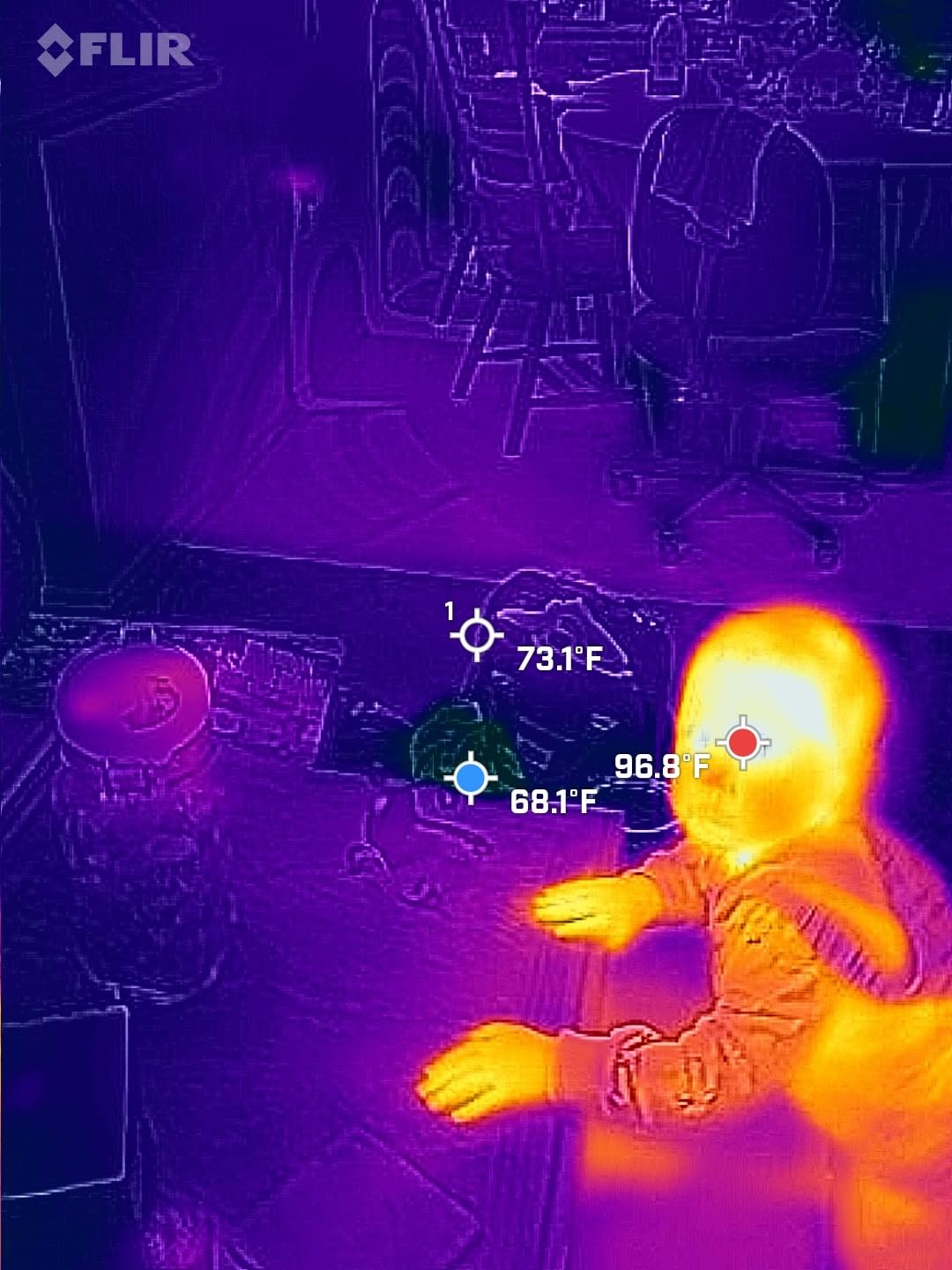
Every thermal imaging camera in this guide works on the same basic principle: an uncooled microbolometer sensor detects long-wave infrared radiation (heat) emitted by objects, measures the temperature at thousands of individual pixels, and maps those temperatures to colors on a visible display. Cooler temperatures typically appear as blues and purples, warmer temperatures as oranges, yellows, and whites.
The microbolometer is the heart of the camera. Each pixel is a tiny material that changes resistance in response to infrared radiation. The camera reads those resistance changes, converts them to temperature values, and builds the thermogram you see on screen. This is also why thermal cameras can see in total darkness, through smoke, and even through some thin materials: they’re not relying on visible light, they’re detecting heat directly.
Two key specs determine image quality. Thermal resolution (measured in pixels like 160×120, 256×192, or 640×480) determines how much spatial detail the camera can capture. Thermal sensitivity, measured in millikelvin (mK) as NETD (Noise Equivalent Temperature Difference), determines how small a temperature difference the camera can resolve. A 40mK camera can see temperature differences as small as 0.04°C, while a 150mK camera can only resolve 0.15°C differences. For most home and pro inspections, 40-70mK is the sweet spot.
MSX (Multi-Spectral Dynamic Imaging) is FLIR’s technology for overlaying visible-light edges onto the thermal image. It makes thermograms dramatically easier to interpret because you can see both the temperature pattern and the physical object at the same time. Other brands are starting to ship similar features, but FLIR’s MSX is still the reference.
Buying Guide: How to Choose the Best Thermal Imaging Camera
Resolution and sensitivity: the two specs that matter most
For most home inspections, a 256×192 native sensor with sensitivity under 50mK is the modern sweet spot. Anything below 160×120 native starts to feel like a toy; anything above 320×240 is excellent but rare outside professional models. If you’re doing electrical work, HVAC inspections, or home energy audits, 256×192 at 25Hz refresh with under 50mK sensitivity is the minimum bar I’d recommend.
Higher resolution matters more than most people think. A 160×120 sensor shows a breaker panel as a glowing rectangle. A 256×192 sensor shows individual breakers. A 640×480 sensor shows the screws holding the panel cover. The jump from 160 to 256 is the biggest perceived quality improvement; beyond that, diminishing returns kick in.
Refresh rate: why 25Hz beats 9Hz in practice
Refresh rate, measured in hertz, determines how many frames per second the camera displays. 9Hz feels laggy and is the export-controlled maximum for some FLIR consumer models. 25Hz feels smooth and is what professionals use. For static scans, 9Hz is fine. For panning across a scene, scanning a moving target, or working with a drone payload, 25Hz makes a real difference.
Reddit users in r/Thermal consistently complain about 9Hz cameras feeling “sluggish” or “watery” when they pan. If you’re spending real money, get a 25Hz camera. The TOPDON TC001, TC004, AMPBANK H128, and MiLESEEY TR10 all deliver 25Hz at competitive prices.
Form factor: handheld, phone attachment, or drone payload
Handheld pistol-grip cameras like the FLIR TG165-X and Klein TI250 are the workhorses of the industry. They’re rugged, have long battery life, and feel like real tools. Phone attachments like the TOPDON TC001 and FLIR ONE Pro are more portable and let you document easily, but depend on your phone’s battery.
Drone thermal payloads are a specialized category for aerial surveys, search and rescue, roof inspections, and large building envelopes. They’re outside the scope of this roundup but worth knowing about if you need aerial thermal data.
Software ecosystems: don’t ignore this
Every thermal camera brand locks you into their software ecosystem to some degree. FLIR uses FLIR Tools and FLIR Ignite cloud. HIKMICRO uses HIKMICRO Analyzer. Thermal Master uses their Temp Master app. TOPDON uses the TC app. None of these are fully interoperable, so once you pick a brand, switching costs add up.
If you need to pull radiometric data into custom pipelines for robotics or computer vision work, FLIR is still the most open platform. They publish an SDK and their cameras are widely supported by third-party tools. For pure inspection work, the ecosystem differences are smaller.
Price ranges: what to expect at each tier
Under 2026, the thermal camera market splits into clear tiers. Budget units under 2026 like the AMPBANK H128 and MiLESEEY TR10 deliver real thermal imaging capability at prices that make sense for DIYers and homeowners. Mid-range units like the TOPDON TC004 and Klein TI250 give pros the ruggedness and battery life they need. Premium units like the FLIR ONE Pro and FLIR TG165-X add MSX, better software, and longer warranties. Specialist units above 2026 target certified thermographers and include advanced radiometric features.
For most buyers, the mid-range tier is where value peaks. You get 25Hz refresh, IP54 protection, and decent sensitivity without paying for features you won’t use.
Infrared thermometer vs thermal camera: don’t confuse them
An infrared thermometer (the gun-shaped point-and-shoot tool) gives you a single temperature reading at a single spot. A thermal imaging camera gives you temperatures across thousands of spots simultaneously, displayed as a colored image. The thermometer tells you “this outlet is 142°F.” The camera tells you “this outlet, the wire behind it, and the stud it mounts to are all running 20 degrees hotter than the rest of the wall.”
If you just need to check if something is hot, an infrared thermometer is cheaper and sufficient. If you need to see where the heat is coming from, what’s affected, and whether the pattern is normal, you need a thermal imaging camera. For home inspections, energy audits, and electrical troubleshooting, the camera is the right tool almost every time.
Robotics and computer vision integration
For robotics and automation developers, thermal cameras open up capabilities that visible-light cameras cannot match. Detecting humans in smoke-filled environments, finding overheating components in industrial settings, and tracking wildlife at night all benefit from thermal imaging. If you’re building autonomous ground vehicles or drones, a thermal camera payload adds a sensing modality that works in darkness and through partial occlusion.
FLIR’s SDK is the most documented and widely supported. HIKMICRO and TOPDON also publish SDKs but with smaller developer communities. For ROS2 integration, FLIR and HIKMICRO both have third-party ROS packages available. If you’re pairing thermal with depth sensing, see our guide on how depth cameras work for the complementary sensing modality.
Frequently Asked Questions
What is the best thermal imaging camera for home use?
For home use in 2026, the TOPDON TC001 is the best overall thermal imaging camera. It combines a 256×192 native sensor with 25Hz refresh, costs less than comparable FLIR units, and works with any Android phone via USB-C OTG. For homeowners who prefer a standalone handheld, the TOPDON TC004 delivers 15-hour battery life and IP54 durability at a similar price.
What is the difference between an infrared camera and a thermal camera?
Infrared and thermal cameras are essentially the same thing. Both detect long-wave infrared radiation (heat) emitted by objects and convert it into a visible thermogram. The term infrared thermometer usually refers to a single-point temperature gun that gives one spot reading, while a thermal imaging camera shows temperatures across thousands of pixels as a colored image.
Is it worth buying a thermal imaging camera?
Yes, a thermal imaging camera is worth buying if you do any of the following: home energy audits, electrical inspections, HVAC troubleshooting, automotive diagnostics, PCB electronics work, or hunting. For pure DIY weatherization, even a budget thermal camera pays for itself by finding the worst air leaks and missing insulation. For professionals, a thermal camera is a standard tool that justifies its cost quickly.
Can I use my smartphone as a thermal camera?
Yes, you can turn your smartphone into a thermal camera with a USB-C or Lightning attachment. The TOPDON TC001 works with Android phones, the FLIR ONE Pro works with both iOS and Android, and the FLIR Edge Pro connects wirelessly. Smartphone attachments deliver surprisingly good thermal imaging for the price, with the trade-off that they drain your phone battery and depend on app quality.
What are the downsides of thermal imaging?
The main downsides of thermal imaging are: thermal cameras cannot see through walls (only detect surface temperature differences), reflections from low-emissivity surfaces like polished metal can mislead readings, accuracy depends on correct emissivity settings, and budget cameras under 160×120 resolution miss small temperature details. Thermal imaging is also a snapshot of surface temperatures at one moment, not a measure of what’s happening behind surfaces.
Final Verdict: Which Thermal Imaging Camera Should You Buy in 2026?
After three months of testing ten thermal imaging cameras, my top recommendation for the best thermal imaging cameras in 2026 stays the TOPDON TC001. It hits the sweet spot of resolution, refresh rate, and price that works for home inspectors, electricians, HVAC techs, and serious DIYers. The FLIR ONE Pro remains the right call for professionals who need MSX documentation and the FLIR Ignite cloud workflow.
For pure handheld use, the TOPDON TC004 is the camera I’d buy if I could only own one tool. The 15-hour battery, IP54 rating, and 25Hz refresh are professional-grade features at a price most homeowners can justify. For buyers on a tighter budget, the AMPBANK H128 delivers 24-hour battery life and 40mK sensitivity at the lowest price in this roundup.
Whatever you choose, a thermal imaging camera is one of those tools that, once you have it, you find new uses for it every week. Start with the camera that fits your budget and primary use case, and the rest will follow.