
Looking for the best smart dimmer switches for LED lights? The Lutron Caseta PD-6WCL is the one to buy: it dims LED bulbs smoothly, works in boxes with no neutral wire, and holds up over years of daily use. For most people, the Kasa Smart HS220 is the better entry point, the Tapo S505D is the smartest pick if you care about staying out of one ecosystem forever, and the ZOOZ ZEN72 800LR is the right call if you already run Z-Wave.
I compared ten of the highest-rated smart dimmers on the market, focusing on the thing that actually decides whether a smart dimmer is any good: how it behaves with real LED bulbs in a real switch box. That means low-load flicker, buzz at the bottom of the ramp, deadband, fit inside a crowded junction box, and whether a neutral wire exists where you need one. Rankings, review counts and electrical ratings come straight from the manufacturer listings and owner reviews.
Two questions decide most purchases before brand even enters the picture. First, do you have a neutral wire in that box? Second, is the circuit single pole or 3-way? Get either wrong and the switch you wanted will not work on the wall you have. Everything else – protocol, hub, voice assistant – is a preference decision you can make in five minutes once the wiring is sorted.
Smart dimmers are the least glamorous part of a smart home and the part homeowners notice most. A living room that dims to a warm 20 percent for a movie, a hallway that comes up gently at 6am, a kitchen that drops to a low level while you cook – that is the whole value proposition, and it only works if the dimming curve is clean. Our LED shop light roundup covers the other end of the lighting chain if you are also choosing fixtures.
Table of Contents
Top 3 Smart Dimmer Switches for LED Lights (October 2026)

Lutron Caseta PD-6WCL Dimmer
- No neutral wire required
- 150W LED and 600W incandescent
- Hub-based mesh for fast reliable control

Kasa Smart HS220 Dimmer
- Hubless 2.4GHz Wi-Fi
- 300W rating
- Low-end flicker calibration in the app

Tapo S505D Matter Dimmer
- Matter certified for cross-brand control
- 0-100 percent dimming with fade
- Two pack with wall plates included
All 10 Smart Dimmer Switches at a Glance in 2026
| Product | Specifications | Action |
|---|---|---|
| Lutron Caseta PD-6WCL Smart Dimmer |
|
Check Latest Price |
| Kasa Smart HS220 Wi-Fi Dimmer |
|
Check Latest Price |
| Tapo S505D Matter Dimmer |
|
Check Latest Price |
 Kasa KS230 3-Way Dimmer Kit Kasa KS230 3-Way Dimmer Kit |
|
Check Latest Price |
 TREATLIFE DS01 Smart Dimmer TREATLIFE DS01 Smart Dimmer |
|
Check Latest Price |
 Leviton Decora Smart D26HD Leviton Decora Smart D26HD |
|
Check Latest Price |
 ZOOZ ZEN72 800LR Z-Wave Dimmer ZOOZ ZEN72 800LR Z-Wave Dimmer |
|
Check Latest Price |
 TREATLIFE 3-Way Dimmer 2-Pack TREATLIFE 3-Way Dimmer 2-Pack |
|
Check Latest Price |
 GHome Smart SW2 3-Pack GHome Smart SW2 3-Pack |
|
Check Latest Price |
 Amazon Basics Smart Dimmer Amazon Basics Smart Dimmer |
|
Check Latest Price |
Why LED Bulbs Flicker and Buzz on the Wrong Dimmer
The dimmers most houses still have were designed for incandescent bulbs, which behave like a simple resistor. Cut the AC waveform to reduce average power and the filament cools and glows dimmer. Almost nothing goes wrong, because the filament has thermal inertia and no electronics to object.
LED bulbs are a completely different load. Each one contains a driver that rectifies AC to low-voltage DC, and that driver is the part that objects. When a leading-edge (triac-style) dimmer chops the waveform, many drivers see the irregular current as a fault and respond in ugly ways: visible flicker, a mains-frequency buzz, or a light that drops out entirely at the bottom of the slider.
Trailing-edge (also called phase-cut or ELV) dimmers switch the load at the zero crossings rather than the peaks. That produces a far cleaner waveform for LED drivers, which is why every dimmer in this roundup is either trailing-edge or phase-selectable. It is the single most important spec on the box, and it is the reason the cheapest dimmers flicker most.
Second is minimum load. A single 8W LED bulb in a bedroom puts very little current through a dimmer sized for 600W of incandescent. If there is not enough load to hold the circuit in conduction, the light strobes, hums, or simply will not stay on. Reddit lighting threads return to this over and over: a single low-wattage fixture is the hardest load there is, and it is the most common one people actually have.
Third is the LED driver itself. Cheap bulbs with cheap drivers are far less tolerant than well-made ones. If you are buying a dimmer, buying dimmable bulbs from a known brand is not optional – a non-dimmable bulb on a dimmer switch is the fastest way to a flicker complaint that has nothing to do with the switch.
1. Lutron Caseta PD-6WCL Smart Dimmer – Best Overall
Lutron Caseta Smart Dimmer Switch (Smart Hub Required), No Neutral Required
- Works in boxes with no neutral wire
- Hub mesh runs without Wi-Fi for stable fast response
- Calibratable min and max dim levels for your bulbs
- Slim body fits tight switch boxes
- Reliable across dozens of units
- Requires the separate Lutron Smart Hub
- Highest cost in this group
- Older flat-face revisions are hard to find in the dark
- No preset dim level so lights come on at full
This is the dimmer I recommend to anyone who asks once and expects to never think about it again. The Caseta PD-6WCL is rated for 150W of LED and 600W of incandescent, works on 120V, and draws 1.25A at the dimmer. What separates it from the field is the neutral-free installation path: in a 1960s box with a romex running into a buried splice, this switch still works where most smart dimmers physically cannot.
Owners deploy these in quantity. The review pattern is dozens of units across multiple homes with very few failures, and the reliability is the reason it holds the top slot here. Community lighting threads are blunt about the comparison: people who have fitted Leviton and Caseta switches side by side describe Caseta as the more consistent one, particularly on 3-way circuits.
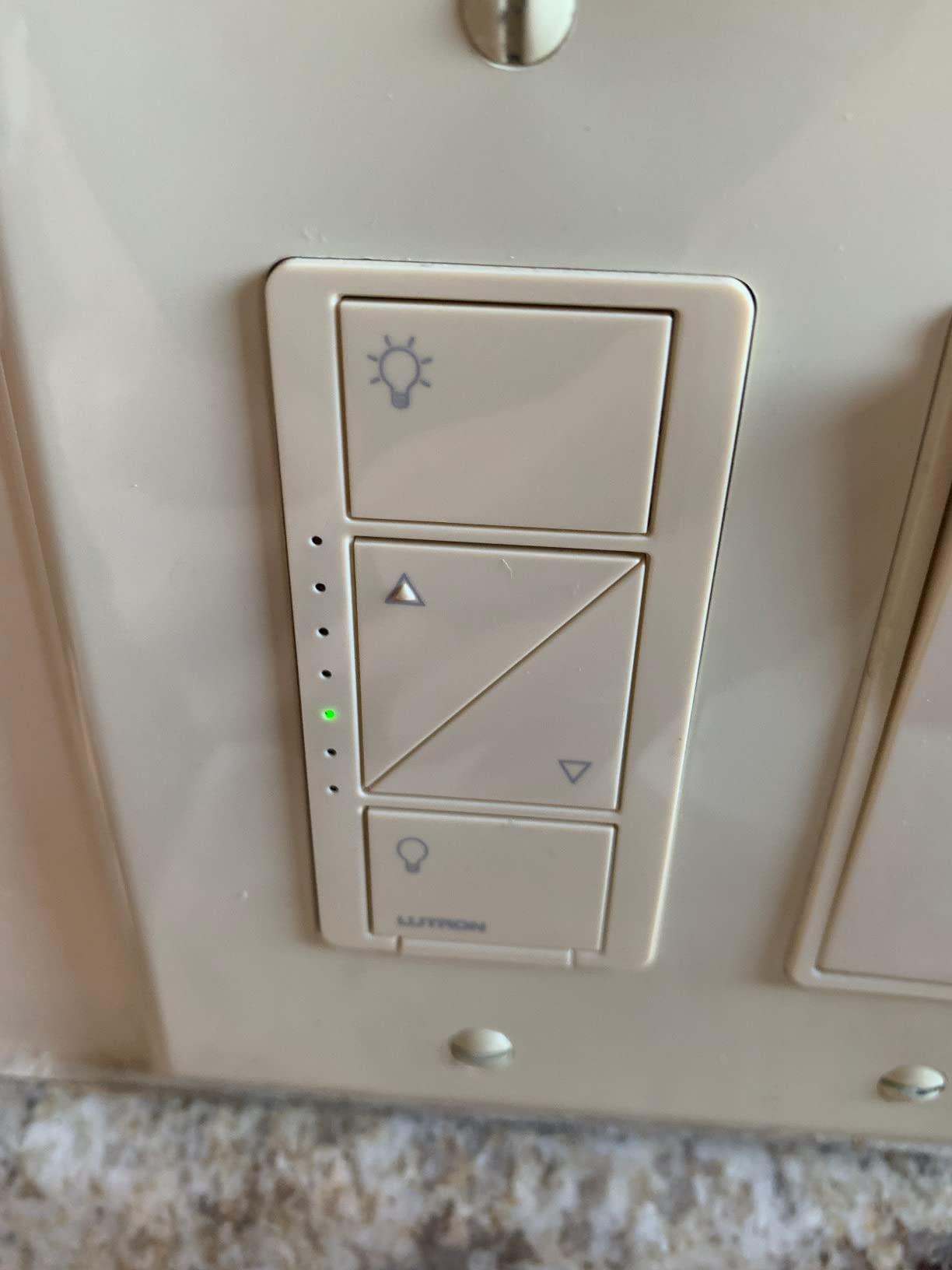
The Lutron hub is the trade-off. It runs its own mesh protocol rather than depending on your Wi-Fi, which is why response feels instant even on a crowded network, and it is the reason Caseta integrates with Alexa, Apple Home, Google Home, Ring, Sonos and Home Assistant from one device. You give up hubless simplicity and you get back a network that does not drop off when the router reboots.
Dimming behaviour is the other headline. The app lets you set the minimum and maximum dim level for whatever bulbs you actually installed, so a batch of cheap LED lamps stops dropping out at the bottom of the ramp. The one setting people wish for is a default dim level on the in-wall switch – tap it and the light comes on at last-used brightness rather than full. The Pico remote fills that gap if you need it.
Buy the Caseta if long-term reliability outranks price
This is the switch for someone planning a whole-home rollout, someone with an old electrical box, or anyone who simply does not want to revisit the decision in five years. If your bulbs are dimmable LEDs and you can accept a separate hub, nothing else in this roundup matches the consistency of the result.
The neutral-free path is the quietly decisive feature. Renters, 1950s bungalows and rooms where the neutral was capped off behind a plaster ring are exactly the places smart-dimmer buyers get stuck, and Caseta is the pick that removes the electrician from the equation.
Skip the Caseta if you want zero hub hardware or a low budget
If buying a hub per property or per floor bothers you, the Kasa HS220 and the Tapo S505D both run directly on your Wi-Fi with nothing else. The cost per switch is also the highest here, and owners upgrading several rooms at once feel that quickly.
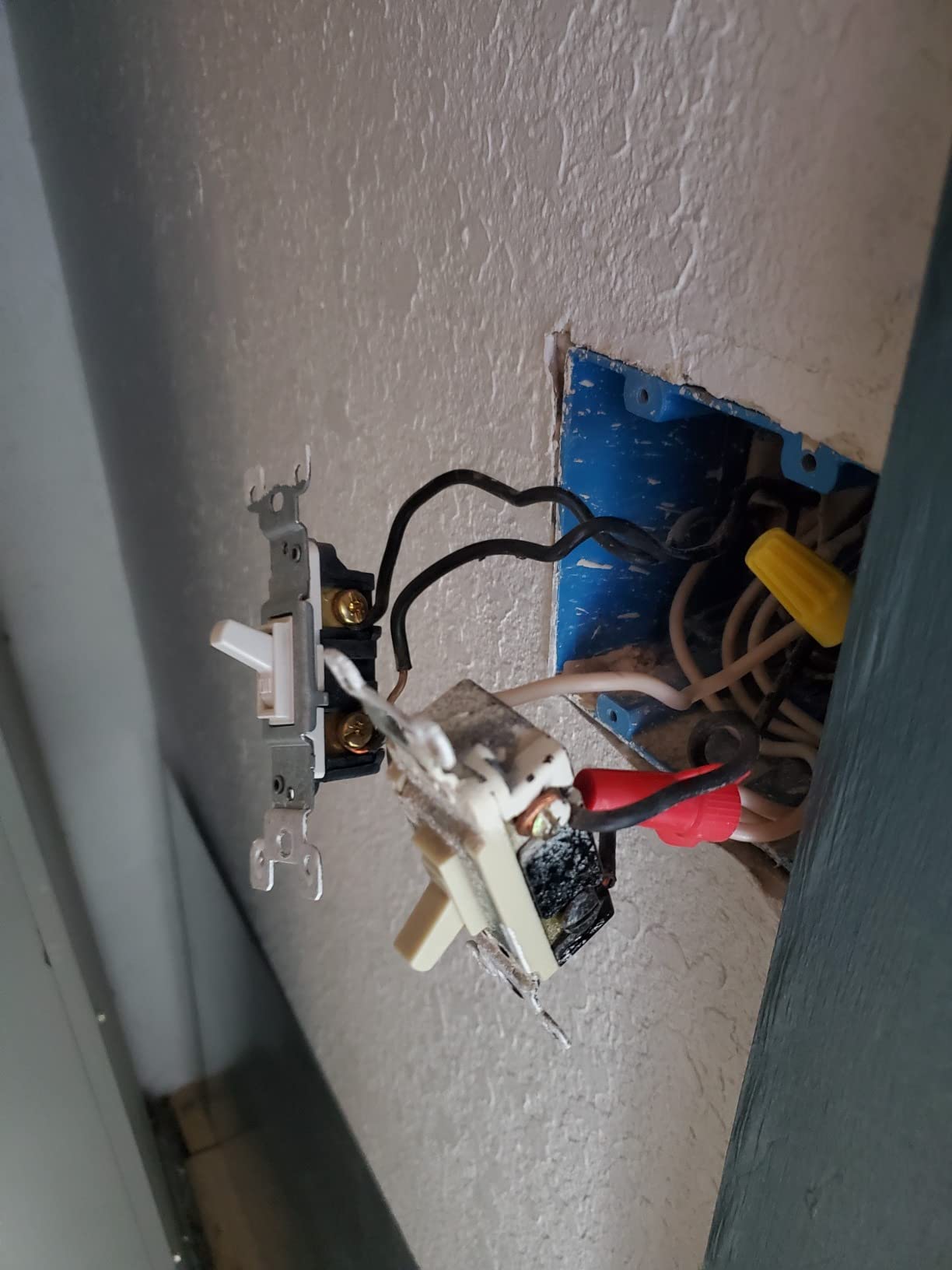
Two smaller annoyances: older flat-face revisions have no usable ridge or window, so finding the switch in a dark hallway takes a moment, and the coordinating wall plate and Pico bracket are sold separately. Also avoid pairing it with smart bulbs – they do not dim properly through this switch.
2. Kasa Smart HS220 Smart Wi-Fi Dimmer – Best Budget Pick
- Works directly with Alexa and Google Assistant
- Deep app control including low-end dimming calibration
- Smooth dimming across mixed bulb types
- Custom fade-on and fade-off speeds
- Holds its Wi-Fi connection over long periods
- Requires a neutral wire so it is not a retrofit for older wiring
- Bulky module in shallow or crowded boxes
- Double-tap detection adds a small response delay
- Setup repeated in Kasa app and again in Google Home
With more than 34000 ratings averaging 4.6, the HS220 is the most proven smart dimmer in this roundup by a wide margin, and it is the one most people should buy first. It needs a neutral wire, connects to 2.4GHz Wi-Fi directly, and needs no hub, bridge or subscription. Setup walks you through it in the Kasa app with wiring diagrams matched to your box type.
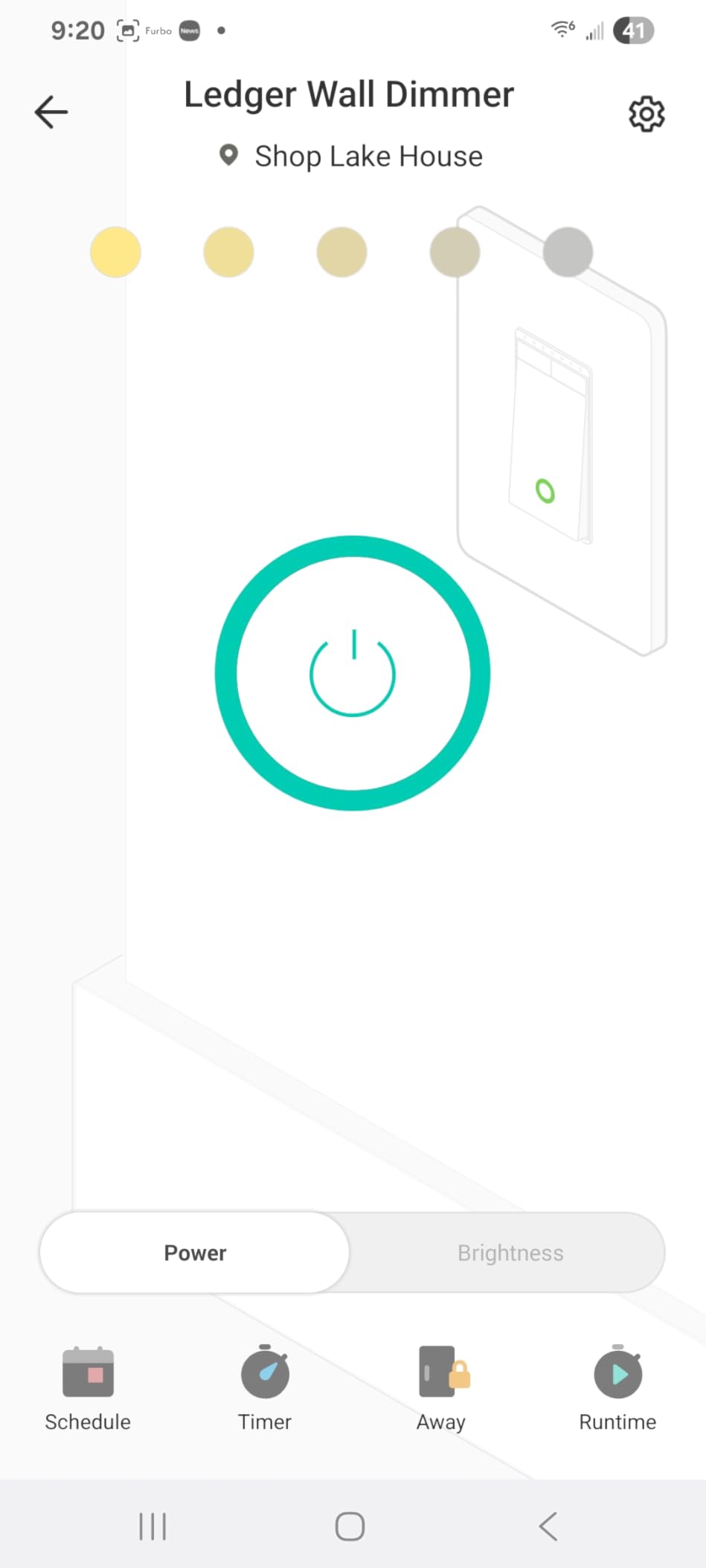
The Kasa app is where this switch quietly outclasses its price. You get a low-end dimming calibration setting that trims the bottom of the ramp until low-wattage LEDs stop flickering, which is the exact fix forum users keep asking for. You also get fade-on and fade-off timing, a double-click Gentle Off, countdown timers, schedules and an Away Mode that simulates occupancy while you are out.
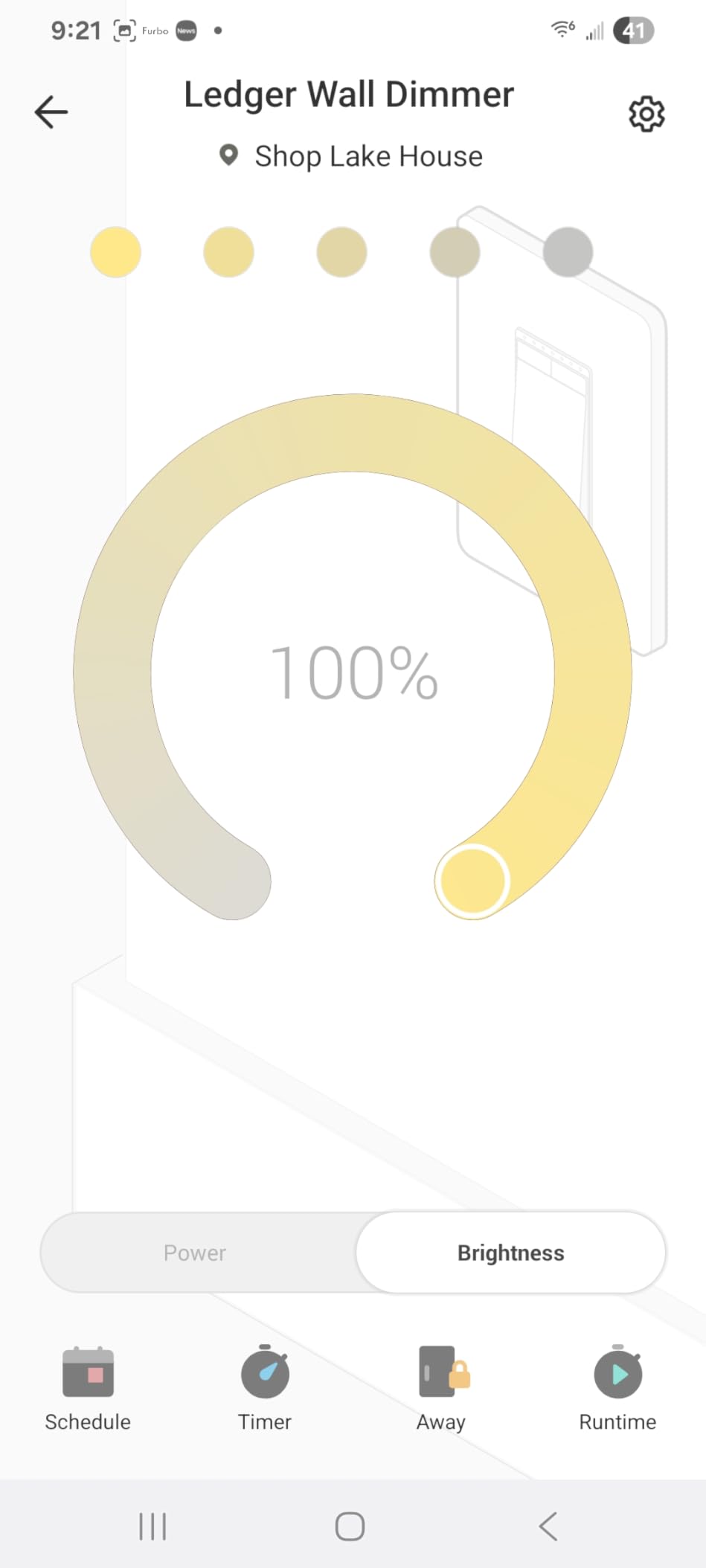
Dimming itself is smooth once the calibration is set, including across a mixed set of bulb brands. The HS220 is rated for 300W at 2.5A, 120V, and carries a two-year warranty plus UL listing. Voice control goes straight to Alexa and Google Assistant with no intermediate hardware, and the connection has proven stable enough that whole-house deployments are common.
Forum consensus repeatedly names Kasa as the top budget choice, with the same three words every time: cheap, easy, reliable enough. That is the correct read for anyone replacing two or three switches in a house that already has neutral wiring and 2.4GHz coverage.
Buy the HS220 if you want the fewest parts between you and app control
No hub to buy, no hub to mount, no second account to create. The switch, the phone app and your existing voice assistant are the whole system. If your wiring has a neutral and your router puts devices on 2.4GHz, that is a complete smart dimmer in one part.
It is also the safest recommendation for a first smart-home purchase. The review volume means any hardware quirks are well documented, and firmware updates land through the same app that sets it up.
Skip the HS220 if your box has no neutral or you need 3-way control
The neutral requirement is absolute. On older homes the switch will not function, full stop, and no amount of app configuration changes that. The body is also noticeably bulky for a crowded multi-gang box, which matters in homes with several switches sharing one plaster ring.
Two smaller things people notice in use: double-tap detection introduces a short response delay unless you install the current beta firmware, and setup has to be done once in Kasa and again in Google Home. A few owners also report a squeaky paddle on certain hardware revisions.
3. Tapo S505D Matter Smart Dimmer – Best for Not Buying Twice
- Matter certified for Alexa Apple Home Google Home and SmartThings
- Full 0-100 percent dimming with smooth fade on and off
- Deterr Mode simulates occupancy while you are away
- Two pack includes wall plates wire nuts and screws
- App-guided install that mirrors the existing switch
- Requires neutral wiring and 2.4GHz Wi-Fi
- Single pole only so 3-way needs a different kit
- 150W maximum is lower than some rivals
- Occasional Matter pairing retries in some ecosystems
Matter is the reason this switch is on the list, and it is a real answer to the lock-in worry that hangs over every other protocol here. Once a device is Matter certified, adding it to Apple Home, Google Home, SmartThings or Alexa is a matter of scanning a code, so the switch you install today still works if you change ecosystems in three years.
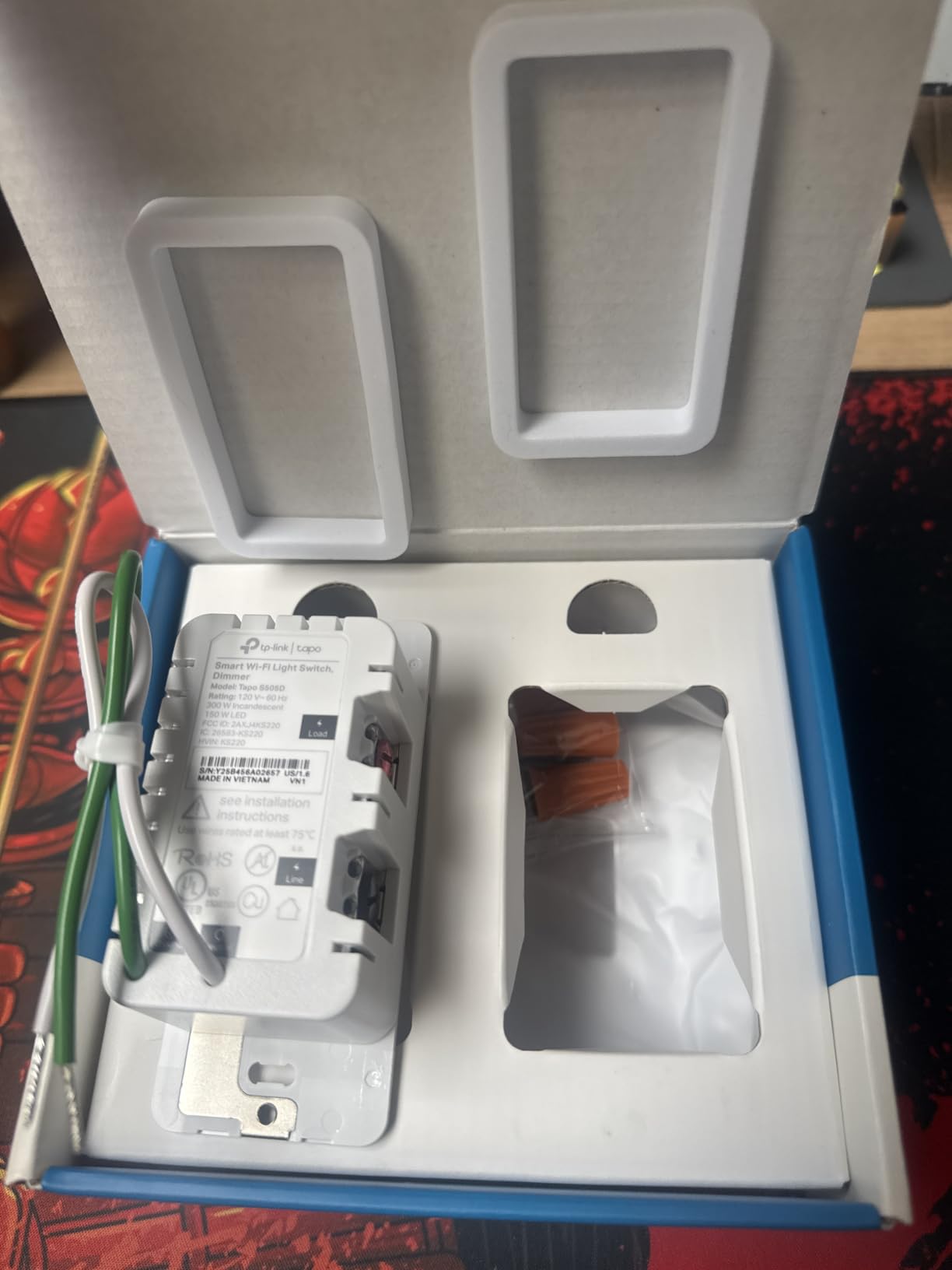
Everything else about it is solid. You get full 0-100 percent dimming with fade on and off transitions, schedules that can trigger a dimmed state rather than just on or off, and Deterr Mode, which randomly flips the lights to simulate occupancy. The pack contains two switches, two wall plates, wire nuts, screws and a quick start guide, so a two-room job is genuinely one box.
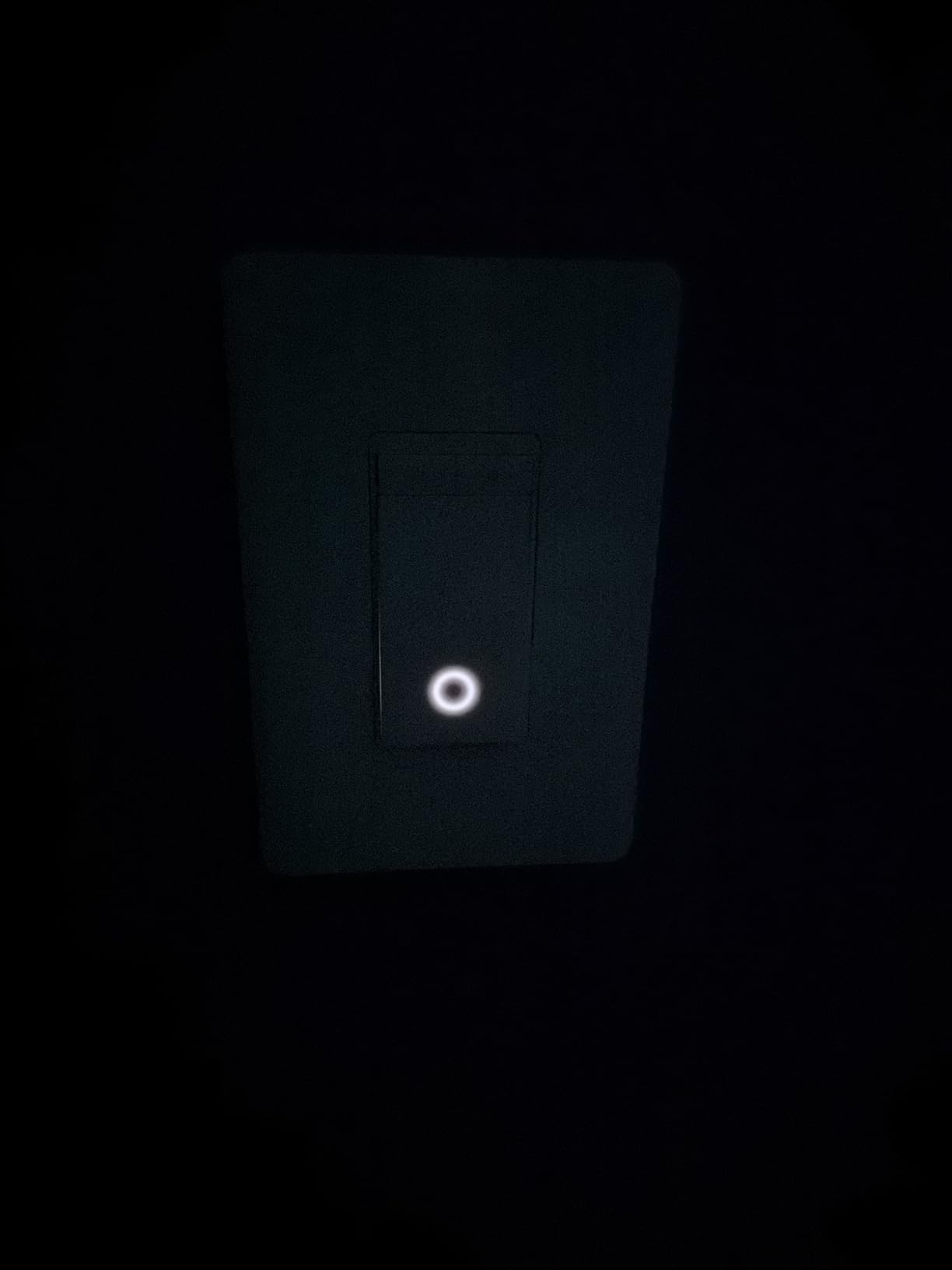
Install is about as close to trivial as a smart dimmer gets: the wiring mirrors the existing switch, 120V, single pole, 150W rated at 2.5A, UL listed. Reviewers rate the 4.6 with 806 ratings highly, and Matter compatibility is consistently named as the deciding factor rather than a nice-to-have.
For anyone starting a smart home from scratch in 2026, this is the version of the category that ages best. A Wi-Fi switch that is Matter certified keeps its usefulness even if the TP-Link app loses interest in a decade.
Buy the Tapo S505D if you want one switch for every ecosystem
Alexa, Apple HomeKit, Google Home, SmartThings, Matter – all supported out of the box over plain 2.4GHz Wi-Fi with no hub. For a household where different people prefer different assistants, that flexibility removes a real source of household friction.
The two-pack format also lowers the cost per room if you are doing more than one. Wall plates are in the box, which is not always true with competitors.
Skip it if you need 3-way control or a heavy incandescent load
This is single-pole only. Stairs, hallways and long corridors need the dedicated 3-way kit instead. The 150W ceiling is also tighter than the TREATLIFE and Leviton options, which matters if you are dimming old incandescent or halogen lamps rather than LEDs.
And neutral wiring is required. Occasional reports of Matter pairing needing a retry in some ecosystems are worth knowing about before you commit to a whole-home plan.
4. Kasa KS230 3-Way Dimmer Kit – Best for Stairs and Hallways
- Complete kit with master and satellite in one box
- 1-100 percent dimming from either location
- Supports brightness-level schedules for night lighting
- App-guided install with firmware updates
- Two wall plates and wire nuts included
- Neutral wiring required at both switch boxes
- 2.4GHz Wi-Fi only
- Existing 3-way circuits need re-termination at both boxes
- Satellite depends on the master for smart control
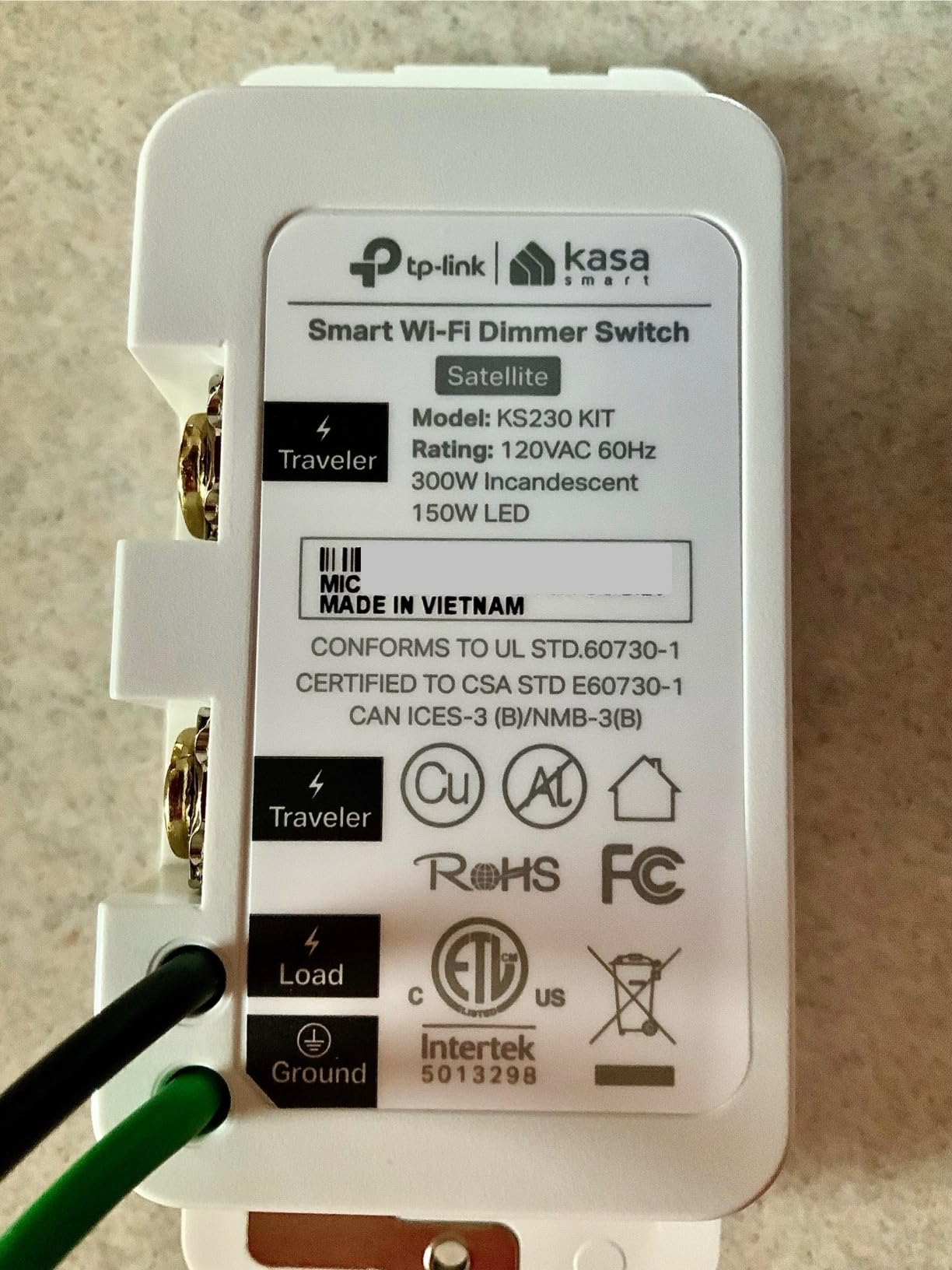
Stairways and long hallways are where single-pole dimmers fall short, and the KS230 is the cleanest fix in this roundup: a master dimmer, a satellite switch, two wall plates and five wire nuts in a single kit, rated 4.4 across 2621 ratings. You get 1-100 percent dimming from either location rather than on and off from the second one.
What makes it more than an on-off kit is brightness scheduling. You can set the light to come up at a low level overnight and full in the morning, which is the difference between a smart dimmer and a dimmer with an app attached. Voice control works through Alexa and Google Assistant, and the whole thing is managed in the Kasa or Tapo app with firmware update support.
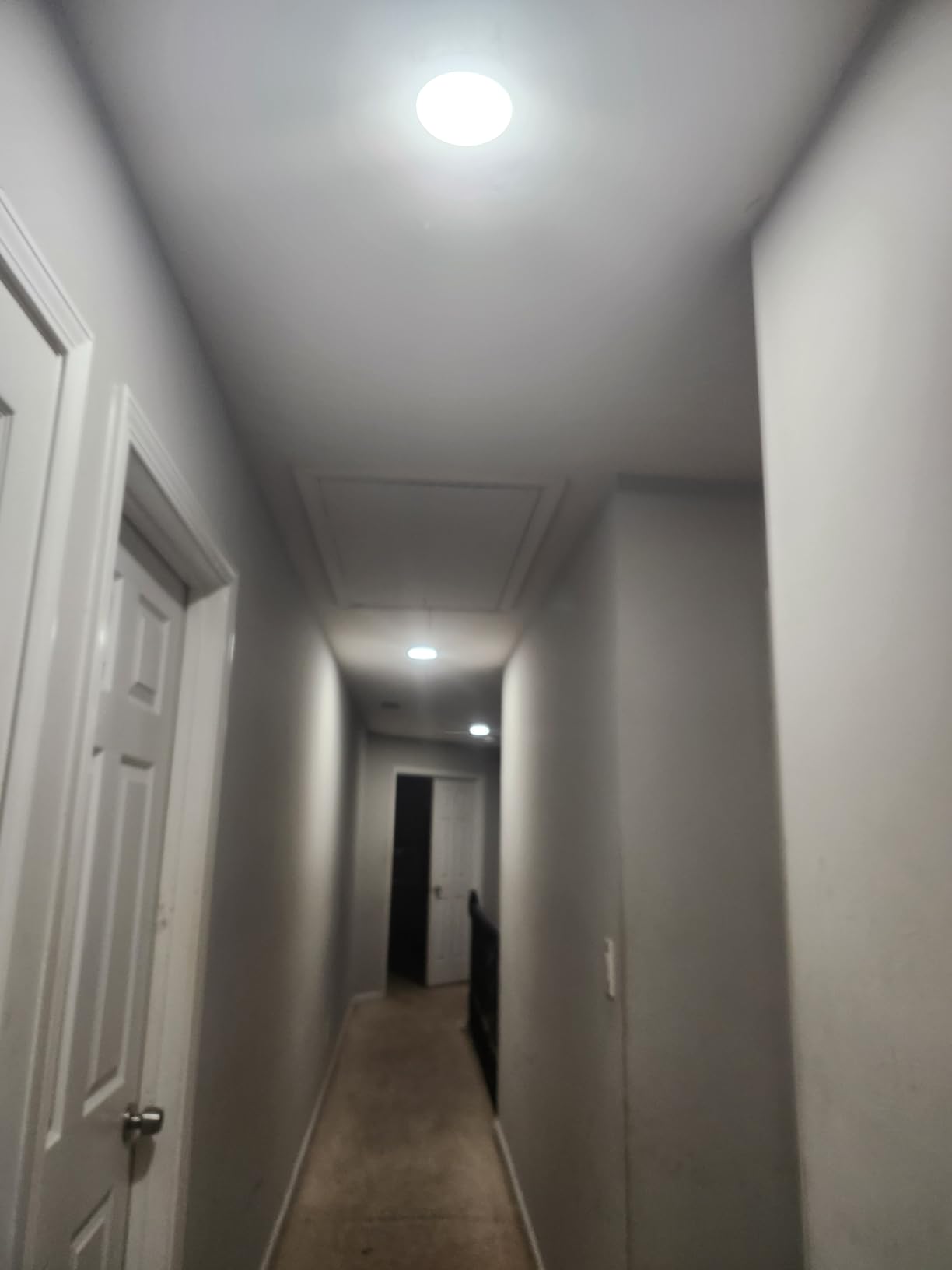
Load handling is generous for LED use: up to 150W of dimmable LED and 300W of incandescent, on 120V, with a 15A current rating and ETL plus RoHS certification. The two-year warranty is a real commitment rather than the one-year limited cover some premium rivals carry.
It is also a cheaper answer than a Pico remote plus a hub. If your 3-way circuit already exists and both boxes have a neutral, this replaces the whole loop in one purchase.
Buy the KS230 kit if you want dimming from two locations
If the second switch in a circuit currently only turns the light on and off, this is the fix. A satellite that dims properly changes how a hallway feels at night, particularly for someone who does not want to walk to the switch at full brightness.
For stairs it is safer, too, because a low level at the bottom and the top means neither end has a bright fixture at eye level in the dark.
Skip it if the far box has no neutral
Neutral wiring is needed at both locations, which is where most DIY 3-way jobs get abandoned. The kit also is not a retrofit for an existing 3-way loop without re-terminating the wiring at both boxes according to the manual, and 2.4GHz Wi-Fi is required.
Note that the satellite has no smart function of its own – all control routes through the master. If your ceiling has a fan on the same box, check that the load stays within the incandescent and LED limits.
5. TREATLIFE DS01 Smart Dimmer – Best Value Touch Slider
- Smooth touch slider for precise brightness
- No hub needed for Alexa and Google Assistant
- Remembers last brightness after a power cut
- Generous 150W LED and 400W halogen load ratings
- Wall plate wire nuts and screws in the box
- Requires a neutral wire so pre-1980 homes are out
- Single pole only
- 2.4GHz Wi-Fi with no 5GHz support
- Not compatible with smart bulbs or HomeKit
The DS01 answers a specific gap: budget 2.4GHz single-pole dimmers usually cap out around 150W, and this one handles 400W of halogen or incandescent on top of that. With 4178 ratings averaging 4.4, it is a well-proven part, and the wall plate, wire nuts and screws are all in the box.
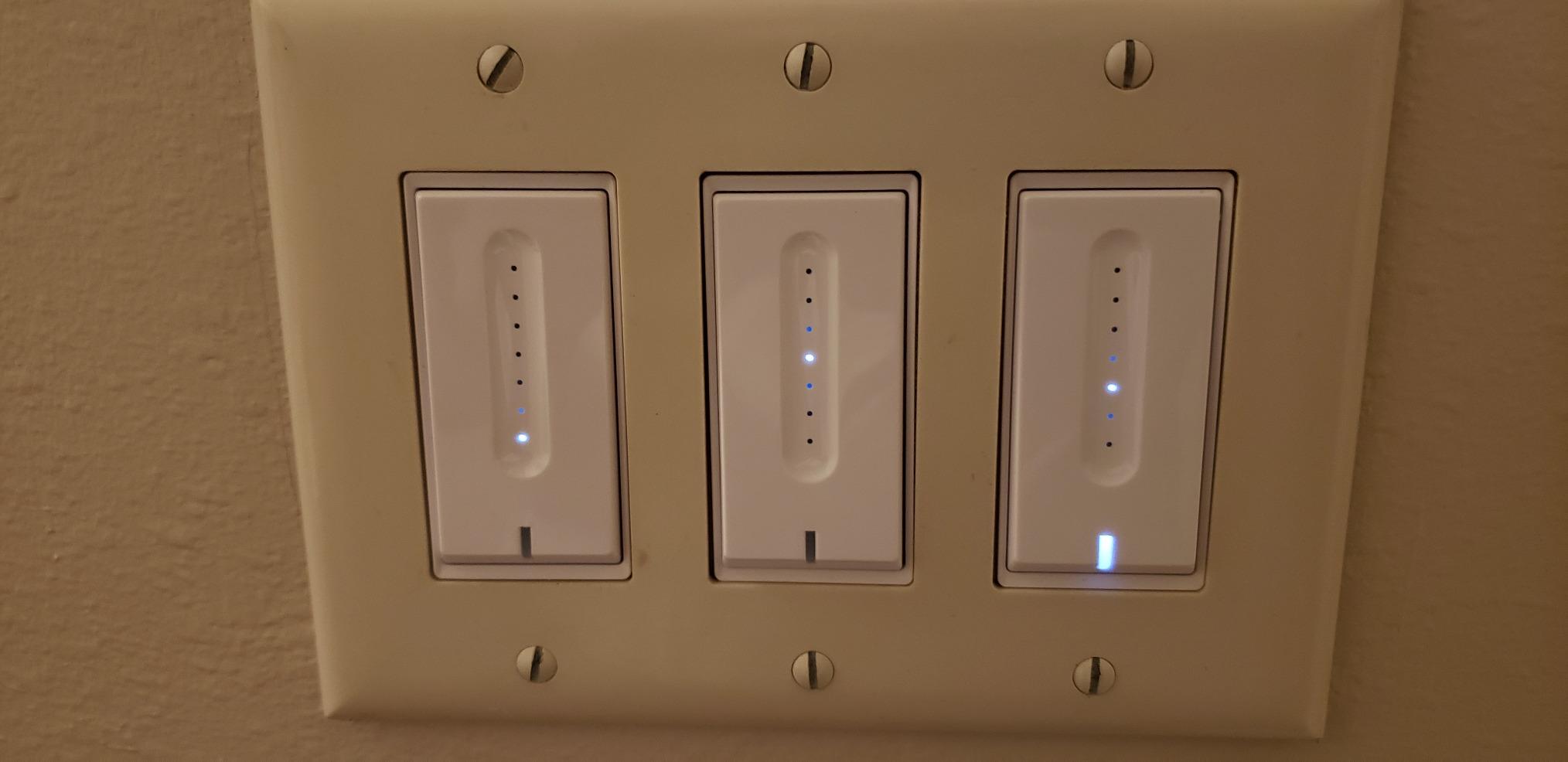
The control method is the differentiator. A touch slider across the face gives finer brightness control than a paddle, and the switch is rated 3.3A on 120V, FCC certified, with a two-year warranty. Brightness memory means a power cut does not reset you to full brightness, which owners notice daily.
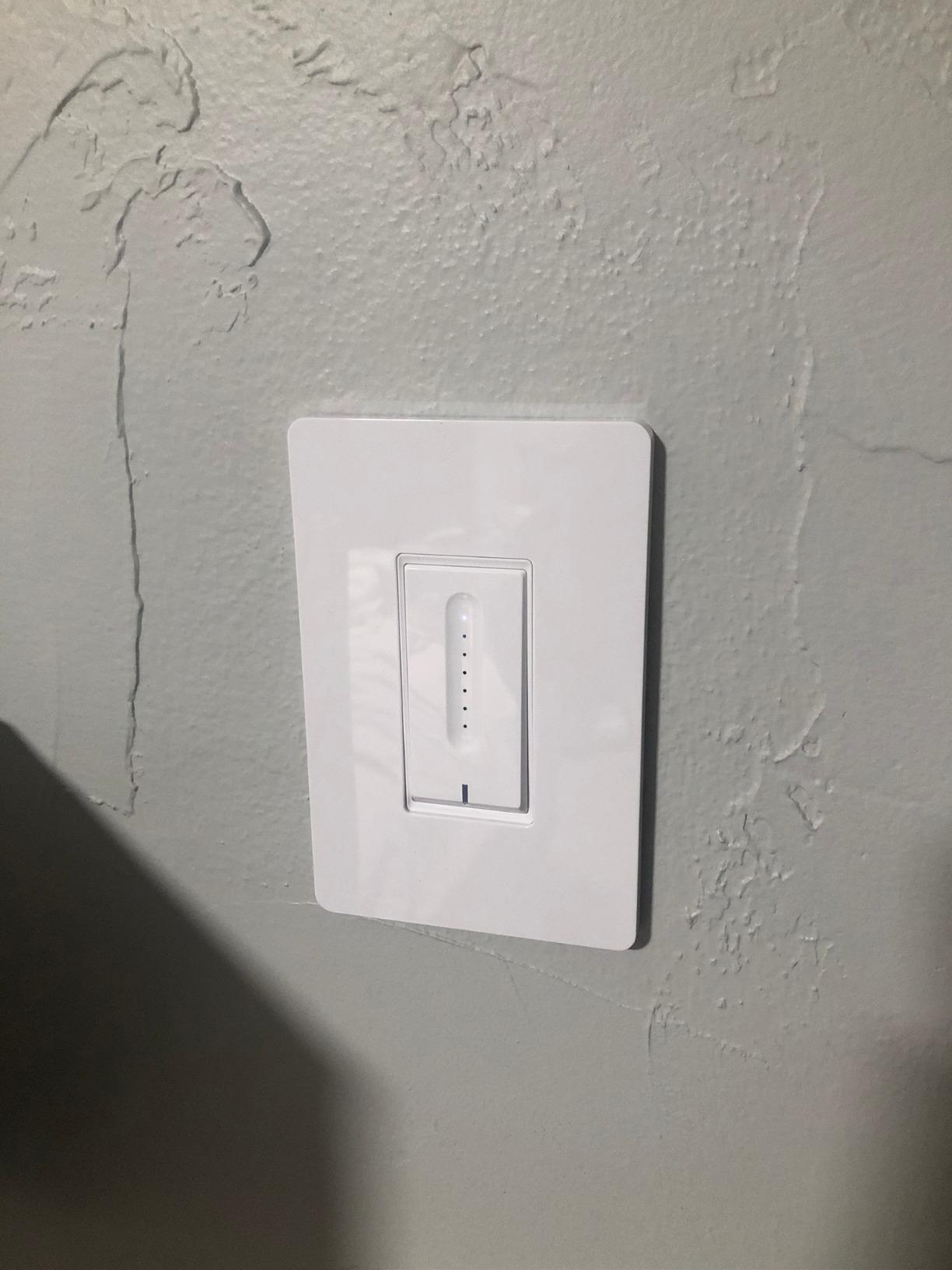
The TREATLIFE app handles schedules, groups and family device sharing, and voice control goes straight to Alexa and Google Assistant with nothing in between. There is no home hub, no bridge and no subscription, which keeps the parts count at one.
Its shallow body also means it fits standard single-gang boxes without drama, and the 5.04 by 3.31 inch dimensions match a normal decorator plate. If you want a physical slider rather than app-only control, it is the most tactile option at this end of the market.
Buy the DS01 if you are dimming more than a single LED bulb
The 400W halogen and incandescent ceiling is the highest among the hubless budget options here, and the 150W LED rating is generous for a multi-bulb fixture or a kitchen with several downlights on one circuit.
It is also a good pick when the load is mixed, since the higher ceiling gives the low-end range more headroom before it hits the dead zone that smaller dimmers struggle with.
Skip it if you use Apple HomeKit or 3-way circuits
No HomeKit support, and the manual is explicit that smart bulbs and bulbs with built-in remote controls are not compatible. Single pole only – a 3-way circuit is not a supported install here.
It also needs a neutral wire, so homes wired before about 1980 are out. 2.4GHz Wi-Fi only, which matters if you have split your bands and disabled the 2.4GHz SSID.
6. Leviton Decora Smart D26HD – Best App-Controlled Dimming
- Deepest LED calibration of any switch here with bulb type min dim and max brightness settings
- Customizable fade rates and preset levels
- Night Settings for softer automatic light
- Matter can be enabled through a firmware update
- Keeps its Wi-Fi connection reliably
- Requires a neutral wire
- Dimming below about 25W can flicker or cut out
- Bright and dim runs on a separate side button
- Pairing to third-party Matter controllers is a long process
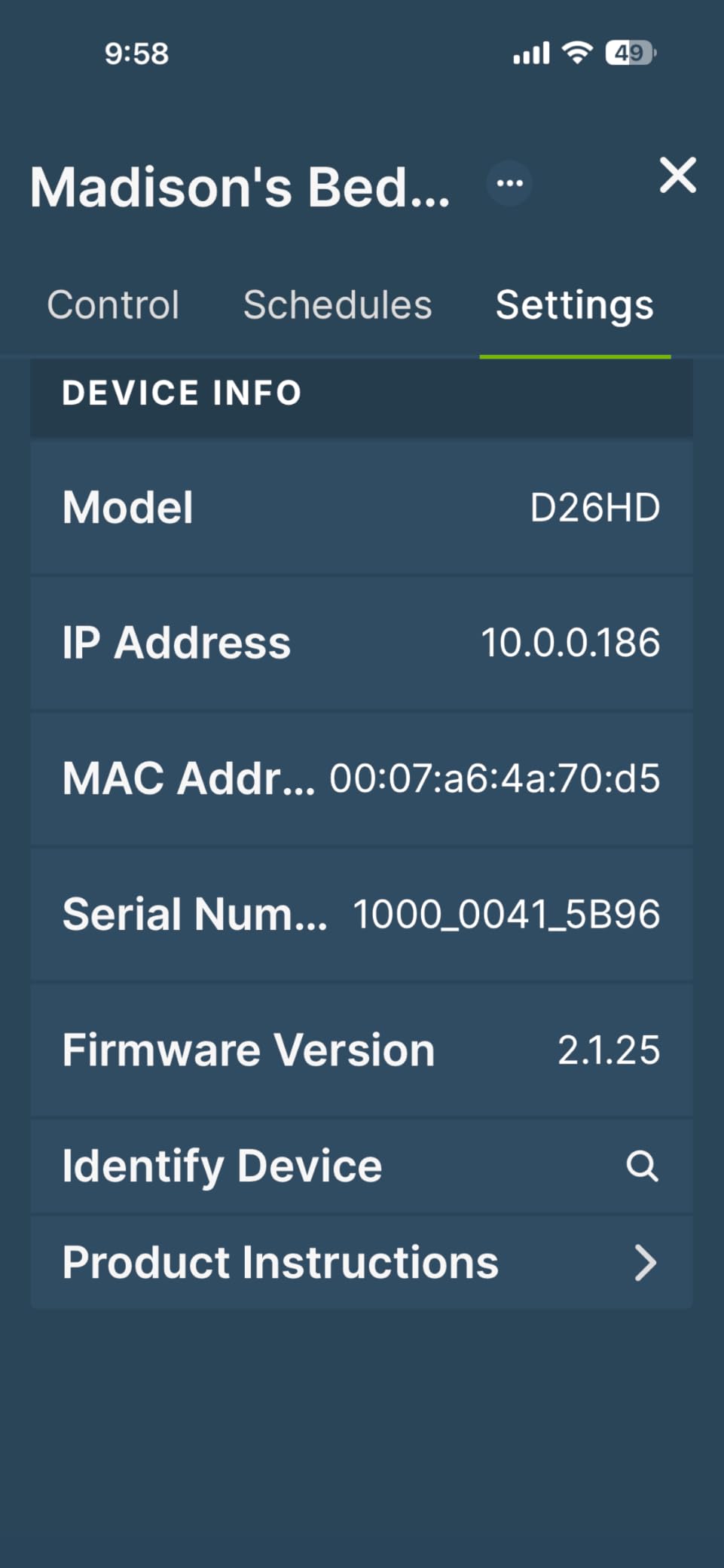
Leviton built this dimmer for people who care about the curve rather than the price. The My Leviton app exposes bulb type, minimum dim level and maximum brightness as settings you tune for the exact lamps you installed, which is the most granular LED calibration in this roundup. Owners call it the best-engineered dimmer they have fitted, and 310 ratings at 4.6 backs that up.
There is also My Leviton Night Settings, which drops the output automatically at night in kitchens and bathrooms, plus customizable fade rates and preset light levels for wake-up routines. The D26HD is rated 600W at 15A on 120V, CSA listed, and supports both wired and wireless 3-way configurations through companion and Anywhere switches.
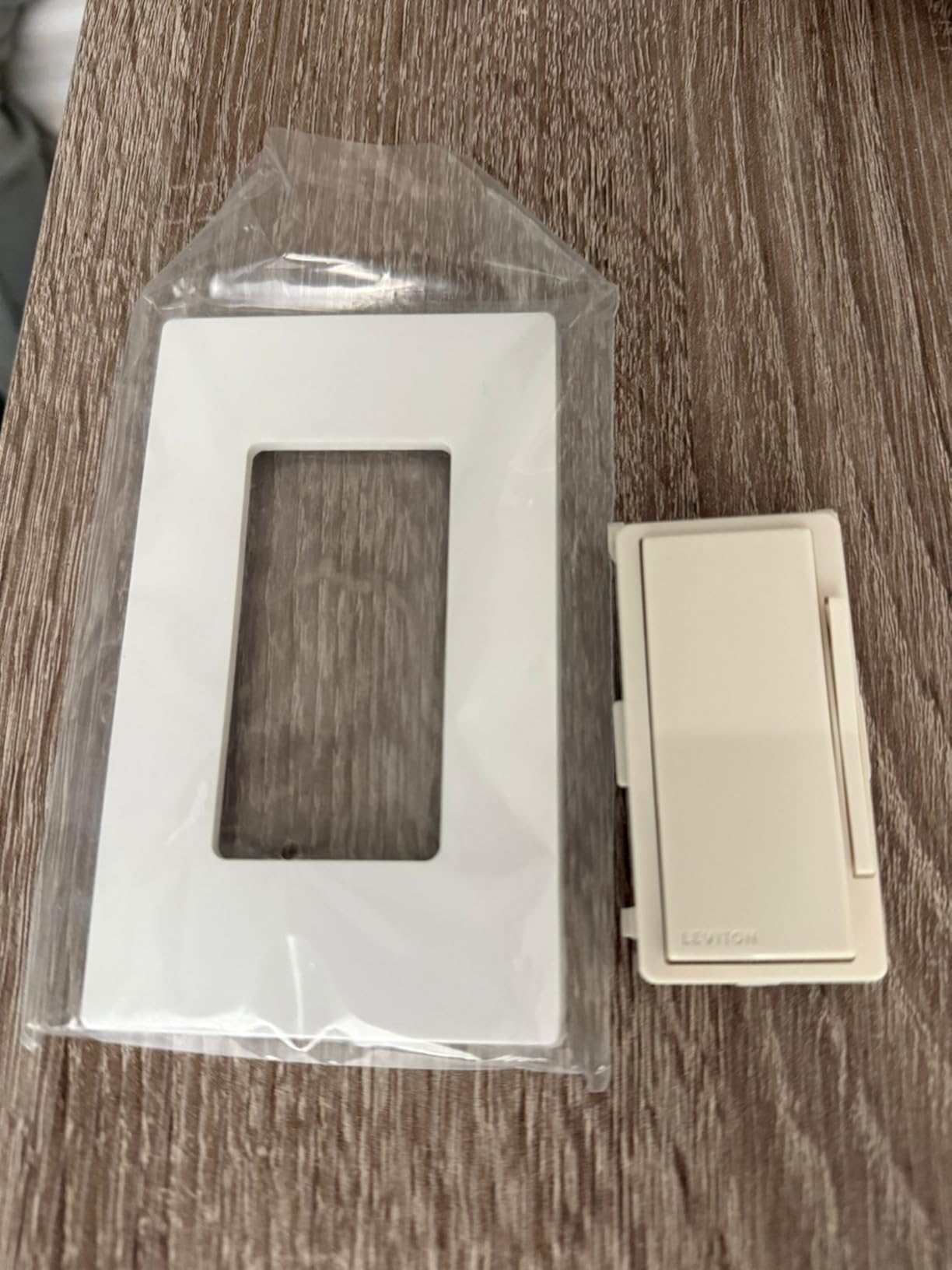
Matter support arrives through a firmware update in the app, after which it joins Alexa, Google Home, Apple Home, SmartThings, Sonos and Resideo. It is an unusual path – you buy Wi-Fi, not Matter, and enable Matter later – and that is either a strength or an annoyance depending on how long you plan to keep the switch.
It supports one companion switch per dimmer, so a three-location hallway needs a different approach. Anyone already running Apple Home or SmartThings will find the ecosystem coverage the most complete here.
Buy the D26HD if you have a wide mix of bulb types
The tuning options matter most when a circuit carries more than one kind of lamp, or when you plan to swap bulbs later without re-teaching the switch. Being able to set maximum brightness stops a high-output lamp from being driven too hard, and the minimum setting is what fixes the bottom-end flicker.
The 600W rating also means it is the natural choice for older halogen and incandescent circuits you are converting gradually, and Night Settings is a genuine convenience in a bathroom or kitchen.
Skip it if your circuit is a single low-wattage LED
This is the important caveat: dimming below roughly 25W can flicker or cut out, so a lone 8W or 10W LED needs different hardware. The bright and dim controls are also on a separate side button rather than press-and-hold, which some people find slower.
Pairing to third-party Matter controllers such as Home Assistant involves a long multi-step process, and an existing wired 3-way switch will not simply work without re-termination. The My Leviton app is also the only route to any of those features.
7. ZOOZ ZEN72 800LR – Best for Z-Wave and Home Automation
Zooz 800 Series Z-Wave Long Range Dimmer Switch ZEN72 800LR, White | Direct 3-Way (No Add-On Switch Needed) | Z-Wave Hub Required
- Long Range radio with faster signal and a built-in range test
- Direct 3-way using existing on and off switches with no add-on module
- 1.16 inch depth with no heat-sink tabs for tight boxes
- Acts as a mesh signal extender
- Relay can be disabled to use the paddle as a smart bulb remote
- Requires a Z-Wave hub bought separately
- Voice control only works through that hub
- Requires a neutral wire
- Both boxes must be rewired exactly to the manual for 3-way
The ZEN72 800LR is the enthusiast pick, and the reasons are concrete rather than marketing. The 800 series Long Range radio delivers faster signal and better reach than earlier Z-Wave generations, includes a built-in range test tool, and the unit doubles as a mesh signal extender for the rest of your network. Rated 500W on 120V and ETL certified, it is rated for serious circuits.
Direct 3-way is the feature that separates it. It will drive a 3-way circuit using existing on and off switches at the far box, with no add-on switch module and no companion remote. For someone with a long hallway, that removes both the hardware cost and the finicky extra device people complain about in other ecosystems.
You can also disable the relay and use the paddle as a remote for smart bulbs, with multi-tap scene triggers – so the switch is useful even if you outgrow it as a dimmer. S2 authenticated security with SmartStart pairing, plus a five-year extended warranty on registration, are a step above most of this list.
Buy the ZEN72 if you already run Z-Wave
Home Assistant, Hubitat, the Aeotec or Z-Box hubs and SmartThings all pair with it. The 1.16 inch depth with no heat-sink tabs is the practical winner in crowded multi-gang boxes, where most smart dimmers simply will not fit.
At only 145 ratings it is the least-reviewed pick here, so expect a smaller community than Kasa or Caseta. In exchange you get a device that keeps working locally, independent of any cloud account.
Skip it if you want hubless control
A Z-Wave hub is mandatory, and voice control will not reach a smart speaker directly – it goes through the hub. That is a non-starter if you are trying to light up one room in a house that has no automation stack.
Neutral wire required, and for 3-way use both boxes have to be rewired exactly as the manual shows. Alternate paddle colors are sold separately if white does not match your trim.
8. TREATLIFE 3-Way Dimmer 2-Pack – Best for Two 3-Way Circuits
- Covers two separate 3-way circuits in one purchase
- 1-100 percent dimming with voice brightness control
- Sunrise and sunset timers plus brightness memory
- No hub required for Alexa and Google Assistant
- Built-in overheat protection in flame-retardant material
- Requires a neutral wire
- 2.4GHz Wi-Fi only
- Master must sit on the power source side of the circuit
- Not compatible with fans smart bulbs or HomeKit
This pack solves a specific and common problem: a house with two 3-way locations, such as a staircase plus a long hallway, where you want dimming at both ends. Two master dimmers arrive in one box, each pairing with a standard non-smart 3-way switch at the other end, and the 2-pack is the reason this slot exists.
Dimming is 1-100 percent with voice control for specific brightness levels, plus sunrise and sunset timers, countdowns and brightness memory. Rated 400W at 3.3A on 120V, FCC certified, and built with overheat protection in flame-retardant material. Device sharing lets other household members control it through the app.
Where it sits in the field is honest: 4.2 across 1004 ratings. That is below the Kasa and Tapo kits, and the gap is mostly about the exclusions rather than the dimming itself – no smart bulbs, no motors, no ceiling fans, no HomeKit.
Buy the two-pack if you are covering two 3-way circuits
Doing stairs and a hallway separately with two kits means paying twice and getting two sets of wall plates and wire nuts. Bought together it is one purchase and one app session, which is where the value in this pick actually comes from.
The sunrise and sunset timers are also more useful here than elsewhere, because a dimmer you can only reach from one end of a dark hallway is a dimmer you will not want to use at night.
Skip it if any circuit has a fan or smart bulbs
Motorized devices, transformers, ceiling fans and smart bulbs are all explicitly out, and HomeKit is unsupported. On a multi-gang box shared with a fan, that rules the switch out before you open anything.
The master has to be installed on the power-source side of the circuit, which trips people up on their first attempt and is the most common setup complaint. Neutral wire required, 2.4GHz only, and the body can crowd a multi-gang box.
9. GHome Smart SW2 3-Pack – Best for Multi-Room Coverage
GHome Smart Dimmer Light Switch, Single Pole, 1%-100% Dimming, SW2(3 Pack)
- Sensitive touch IC gives a smooth 1-100 percent finger slide
- App-configurable dimming range reduces low-level flicker
- Sunrise and sunset scheduling with group control
- Three pack covers several rooms at a low cost per switch
- Alexa and Google Assistant with no hub
- Requires a neutral wire
- 2.4GHz Wi-Fi only
- Not compatible with smart bulbs
- Single pole only
- Some reports of touch sensitivity and pairing retries
The SW2 pack is the bulk option. Three switches, one order, one app session – and at 4.2 across 586 ratings it is a reasonable way to outfit several rooms without ordering each one separately. The control surface is a full-width touch slider, which is the smoothest continuous adjustment of the budget group.
Its real utility is the app’s adjustable dimming range. Sliding the configured low end up from the bottom is the direct answer to low-brightness flicker on dimmable LEDs, and combined with the scheduler’s sunrise and sunset routines you can have a hallway come up gradually rather than snapping to full.
Load ratings are 150W LED, 150W CFL and 450W incandescent at 4A on 120V, FCC and UL listed. Group control lets you check the status of every switch in the house from one screen, which is more useful than it sounds when you are tracking down which room is still lit.
Buy the three-pack if you are doing a whole floor
Three single-pole rooms at once is the case this pack is built for, and group control means you can scene them together rather than commanding each one. Touch sliding is easier to hit accurately at 2am than a paddle rocker, too.
For an office, hallway and spare room with neutral wiring, this covers the whole job in one purchase and one setup pass.
Skip it if you need 3-way control or want the highest rating
Single pole only, so stairs and hallways are out. Smart bulbs are not compatible, and neutral wire plus 2.4GHz are both required.
The 4.2 rating is the second lowest here, with roughly 11 percent of reviews at one star – the highest one-star share among the mid-priced options. Reviewers mention occasional touch sensitivity inconsistency and pairing retries during setup, so budget for a little patience on install day.
10. Amazon Basics Smart Dimmer – Best for Alexa-Only Homes
Amazon Basics Smart Dimmer Switch, Single Pole, Works with Alexa Only, Voice Control, 2.4 GHz Wi-Fi, No Hub Required, Neutral Wire Required, White
- Lowest part count with no hub and no third-party app
- Works directly with Echo devices and Alexa routines
- Guided installation video plus in-manual troubleshooting
- Simple drop-in upgrade from a single-pole dimmer
- ETL listed at 160W
- Alexa only with no Google Home Apple Home or SmartThings
- Requires neutral wires and 2.4GHz Wi-Fi
- Limited feature set with no Matter support
- Less forgiving on low-wattage LED loads
- Some reports of connectivity drop-offs
If Alexa is the only assistant in your house and you have no intention of changing that, this switch does one job with nothing to configure. There is no hub, no second app and no third-party account – you set it up, link it to the Alexa app, and drive it with routines. For scheduled night lighting and voice control in a bedroom or den, that is the whole requirement met.
It is also the most modest hardware here: 160W at 4A on 120V, ETL listed, single pole, UL94-V0 rated materials. The install is genuinely simple, with a guided video plus a manual and troubleshooting guide, and it is a drop-in replacement for a standard single-pole dimmer.
At 4.2 across 1475 ratings, it is the second lowest rated pick, and the reason is consistent across reviews: platform lock-in. Roughly 10 percent of reviews are one star, mostly from people who expected Google Home support or who found dimming unstable on small LED loads.
Buy the Amazon Basics dimmer if Alexa is your only interface
Nothing else in the list gets you to voice-controlled, scheduled dimming with this few steps. No hub to mount, no hub to power, and routines replace the app features that cost more elsewhere.
It suits a room where dimming is occasional and voice-driven rather than something you adjust constantly, such as a bedroom lamp circuit or a den pendant.
Skip it if your household uses more than Alexa
There is no Google Assistant, Apple Home, SmartThings or Matter support, and no way to add them later. Low-wattage LED loads are also less forgiving here – single small bulbs are exactly the case where the flicker problems show up.
The feature set is thin compared with Kasa or Tapo: no fade timing, no low-end calibration, no deterrent or presence simulation. Neutral wires and 2.4GHz are still required, and some owners report connectivity drop-offs.
How to Choose a Smart Dimmer Switch for LED Lights
Leading-edge vs trailing-edge: which type of dimmer to buy
Buy trailing-edge, or a phase-selectable dimmer set to ELV. Leading-edge (triac) dimmers cut the peak of the AC wave, which is fine for a filament and hard on an LED driver. Trailing-edge dimmers switch on the zero crossing, producing the cleaner waveform LED drivers need, and every dimmer in this roundup is trailing-edge or selectable.
Phase-selectable dimmers let you flip between leading and trailing edge, which matters in one specific case: a circuit with a mix of dimmable LED bulbs and legacy incandescent or magnetic transformers. The incandescent bulbs may behave better with leading-edge, so a selectable model saves replacing the whole circuit.
Do I need a neutral wire?
Most smart dimmers need a neutral wire, which is the white or grey conductor that keeps the switch energized when the light is off. If your box has one, every switch in this roundup is available to you. If it does not, the choice collapses to a small number of options and the Caseta PD-6WCL is the most capable of them.
To check, turn the breaker off, unscrew the existing switch and look for a white or grey wire spliced together behind it. If the only wires are two black or red conductors plus a ground, you have a no-neutral box. Houses built before roughly 1980 and most 1950s through 1970s bungalows are the usual candidates, as are many 3-way stair circuits where the traveler wires do the work.
Your options in that case are a no-neutral smart dimmer such as the Caseta, pulling a neutral back to the box, or using smart bulbs on a dumb switch. Pulling a neutral means opening the wall, and in a rental it may not be permitted at all – which is why no-neutral options exist and why the Caseta holds the top slot for older homes.
Minimum load and the low-wattage dead zone
Every LED dimmer has a minimum load, and it is the number most likely to disappoint you. Below that threshold the circuit cannot hold conduction reliably and the light flickers, hums or drops out. Leviton’s is roughly 25W, which is higher than several rivals here – a real limitation for a single small LED bulb.
Three ways to fix a low-load problem: buy dimmable bulbs from a brand with decent drivers, add more lamps to the circuit until it clears the threshold, or use a switch with an adjustable low-end calibration. The Kasa, GHome and Leviton apps all expose that calibration, and trimming the bottom of the range is usually enough to stop the strobing.
Wi-Fi and Matter vs Zigbee and Z-Wave: do you need a hub?
Wi-Fi and Matter switches like the HS220, the Tapo S505D and the Leviton D26HD connect to your router directly. No hub, no bridge, and they keep working if your automation platform changes. The costs are Wi-Fi congestion, and the fact that most of them are 2.4GHz only.
Zigbee and Z-Wave switches such as the ZEN72 are different. They run on a low-power mesh, which is more reliable over distance and gives better battery and repeater behaviour, but they need a hub. If you run Home Assistant, SmartThings or Hubitat already, that hub is already there and the argument largely disappears.
Thread is worth knowing about as the long-term direction: Thread devices need a Thread border router, and Matter is the application layer that runs over it. For a house being wired from scratch in 2026, Matter over Wi-Fi is the lowest-friction starting point, and it is why the Tapo S505D earns its place on this list.
Single pole vs 3-way: control from two or more locations
Single pole is one switch controlling one light – a bedroom or a single-hung window. 3-way is two switches controlling one light, which is what you have at the bottom and top of stairs, at both ends of a hallway, or in a room with an entry and a bedside.
Three different solutions appear here. The Kasa KS230 and TREATLIFE two-pack replace both switches with smart hardware, so both locations dim. The ZOOZ ZEN72 drives a 3-way circuit with a smart dimmer at one end and an existing on-off switch at the other. The Caseta keeps a smart dimmer at the main location and adds a Pico remote anywhere with no wiring at all, which is the cheapest route if you can live with dimming at one end only.
Forum experience is consistent that 3-way is where smart dimmers get finicky, usually because of neutral availability at the far box. Check the far box before buying anything.
Smart switch with dumb bulbs, or smart bulbs with a dumb switch?
These are different architectures and mixing them causes most of the problems people post about. A smart dimmer with ordinary dimmable bulbs keeps the physical wall switch useful: anyone can dim the light from the wall, and guests are not stuck shouting at a voice assistant.
Smart bulbs with a dumb switch mean the bulbs dim through an app and the wall switch is a dead on-off. That is a waste if your bulbs are expensive. Worse, pairing smart bulbs with a smart dimmer double-dims the output and produces exactly the flicker and dimming-range complaints that damage a switch reputation – which is why the Caseta, TREATLIFE and GHome listings all exclude smart bulbs.
Two switches here bridge the gap. The ZOOZ ZEN72 can disable its relay and act as a remote for smart bulbs, and the Caseta works in either direction. Everyone else on this list wants dumb dimmable bulbs.
What to avoid
Avoid any switch sold as a no-neutral universal if your box actually has a neutral – the marking is a warning, not a feature. Avoid non-dimmable bulbs entirely; the manufacturer exclusions on several switches here exist because people keep trying it.
Avoid 3-way kits that are not the kit for your circuit, since re-terminating travelers is where first installs go wrong. And avoid any dimmer whose published minimum load is higher than your actual bulb wattage – a single 8W LED on a 25W minimum is a permanent flicker.
Finally, look at the switch face before you buy. The complaint that comes up most often after delivery is aesthetic, and no amount of app capability fixes a switch that looks cheap next to your trim. Our smart thermostat roundup covers another device where that same finish-and-fit judgement matters.
Lutron Caseta vs Kasa HS220: Which Smart Dimmer Should You Buy?
These are the two answers most people land on, and they differ on three things: the hub, the neutral wire, and how deep the app goes. The Caseta PD-6WCL costs more, needs the Lutron Smart Hub, and installs in boxes with or without a neutral. The Kasa HS220 costs less, needs no hub at all, and requires a neutral wire.
Dimming quality is close. The Caseta lets you set explicit minimum and maximum levels and its mesh network is independent of your Wi-Fi. The HS220 matches it for smooth dimming across mixed bulbs and adds a low-end flicker calibration in the app, which is arguably the more useful single setting for LED loads.
So: pick the Caseta for an old house, a whole-home rollout, or a preference for not touching the router. Pick the Kasa for a modern house, a small project, and the shortest path from box to app. If you want one more reason, the Kasa carries roughly 34000 ratings and the Caseta around 5700 – both well proven, but the Kasa has six times the install base.
Lutron Caseta vs Leviton Decora Smart: Which Should You Buy?
This is a closer fight than the price suggests. Both are premium in-wall dimmers with the flexibility for 3-way circuits – the Caseta through a Pico remote, the Leviton through companion or Anywhere switches. Both reach Alexa, Google Home and Apple Home, and the Leviton can add Matter through a firmware update.
The differences are in load range and control depth. The Caseta is rated 150W LED and 600W incandescent; the Leviton D26HD is rated 600W overall and offers the deeper LED tuning, with bulb type, minimum dim and maximum brightness as separate app settings plus Night Settings for automatic night-time output.
The Caseta wins on the neutral wire – it works without one, which the Leviton does not. The Leviton wins on calibration, on its 15A current rating, and on ecosystem breadth including SmartThings, Sonos and Resideo. Community opinion leans Caseta for 3-way reliability specifically, with owners of both describing the Caseta as the smoother of the pair.
Frequently Asked Questions
What is the best smart dimmer switch for LED lights?
The Lutron Caseta PD-6WCL is the best overall: it dims LED bulbs smoothly, works with or without a neutral wire, and holds up over years of use. The Kasa Smart HS220 is the best budget pick for a house with neutral wiring and no appetite for a hub, and the Tapo S505D is the best Matter-certified option if you want one switch that works across every major ecosystem.
What type of dimmer switch is best for LED lights?
A trailing-edge, also called phase-cut or ELV, dimmer is the right type for LED bulbs. Leading-edge triac dimmers chop the peak of the AC waveform, which many LED drivers treat as a fault and answer with flicker or buzz. A phase-selectable dimmer set to ELV covers a circuit that mixes dimmable LEDs with older incandescent bulbs or magnetic transformers.
Do I need a special dimmer switch for dimmable LED lights?
Yes, in the sense that any dimmer you fit must be LED-compatible and support low wattages. Ordinary mechanical dimmers designed for incandescent loads flicker, hum or drop out on a single small LED. Look for a stated maximum LED wattage, a trailing-edge or ELV design, and ideally an adjustable minimum dim level in the app so the bottom of the ramp stays clean.
Do smart dimmer switches need a neutral wire?
Most do, including the Kasa HS220, the Tapo S505D, the Leviton D26HD and the ZOOZ ZEN72. The Lutron Caseta PD-6WCL is the exception in this roundup and works without one, which makes it the practical choice for older homes. If your box has no neutral and you do not want to open the wall, the Caseta or a no-neutral model are the options worth looking at.
Why do my LED lights flicker when dimmed?
Almost always one of three things. The load is below the dimmer’s minimum wattage, so the circuit cannot hold conduction. The dimmer is leading-edge rather than trailing-edge, so the LED driver objects to the chopped waveform. Or the bulbs use a low-quality driver that will not tolerate dimming at all. Fixes include setting the minimum dim level in the app, adding bulbs to raise the load, or replacing the dimmer.
How many LED bulbs can one dimmer switch handle?
Work from total wattage, not bulb count. The Leviton D26HD is rated for 600W, the ZOOZ ZEN72 for 500W, the TREATLIFE DS01 for 400W halogen or 150W LED, and the Tapo S505D for 150W. A typical 9W LED bulb means the 150W models handle roughly sixteen bulbs, but check the minimum load too, since a single bulb sits far below that ceiling and is harder to dim than fifteen.
Do I need a hub for a smart dimmer switch?
Not if you choose Wi-Fi or Matter. The Kasa HS220, Tapo S505D, Leviton D26HD, Amazon Basics, TREATLIFE and GHome switches all connect to 2.4GHz Wi-Fi directly. The Lutron Caseta and ZOOZ ZEN72 require a hub – the Lutron Smart Hub or a Z-Wave controller. If you already run Home Assistant, SmartThings or Hubitat, a hub-based switch usually fits your system better.
What are people saying about the TP-LINK Kasa smart switch?
Owners consistently call the Kasa HS220 smooth, quiet and easy to set up, with low-end dimming calibration in the app singled out as the feature that fixed their LED flicker. The most repeated caveats are the neutral-wire requirement, a bulky body in tight boxes, and setup having to be repeated in both the Kasa app and Google Home. It holds 4.6 across more than 34000 ratings.
Final Verdict
The best smart dimmer switches for LED lights in 2026 come down to one question: what is behind your wall plate. Neutral wire and a modern router, and the Kasa HS220 or Tapo S505D will serve you well. No neutral, an old 3-way loop, or a plan to do the whole house properly, and the Lutron Caseta PD-6WCL is the pick that will still be working in a decade.
Start by checking that box for a neutral wire and confirming single pole or 3-way, then measure your actual bulb wattage against the dimmer’s minimum load. Those three checks eliminate almost every bad outcome described in the forums above. From there, pick the ecosystem you already live in rather than the one with the longest feature list.
Our smart telescope roundup covers another category where doing the compatibility work before you buy saves you returning a box.