
Ask any teacher what breaks their week, and a dead printer usually ranks right behind a broken copier. The best printers for teachers are not the ones with the longest spec sheet; they are the machines that print a stack of thirty-five exit tickets at 7:40 in the morning, survive six weeks over winter break, and do not quietly eat a chunk of your paycheck in ink every month.
I spent the last two months putting ten machines through teaching-shaped workloads: Monday morning quiz packets, Thursday parent newsletters, color behavior charts for a second grade class, and one very long stack of scanned student writing to digitize. What matters turned out to be running cost per page, whether the machine survives a break without a printhead crisis, and how fast the phone-to-printer path works when a student hands you a worksheet on a tablet.
We also broke the list into two halves, because teachers buy printers for two very different jobs. Black-and-white laser machines handle the volume, and refillable ink tank machines handle color without the per-cartridge sting. The [full printer comparison table](#quick-overview) below shows all ten at a glance, and the buying guide at the end maps each machine to a real weekly workload instead of a marketing category.
If your classroom setup is still being planned from scratch, our picks for 3D printers for teachers trusted by educators and document cameras for the classroom cover the other half of the equipment list.
Table of Contents
Top 3 Picks for Teachers (October 2026

Epson EcoTank ET-2800
- Cartridge-free refillable ink
- 4500 black pages per set
- Wireless with app support
- Print copy and scan

Canon MegaTank G3270
- 6000 black and 7700 color pages
- MegaTank refill system
- Two years of ink in the box
- Borderless photo printing

Brother DCP-L2640DW
- 36 ppm monochrome laser
- 50-page document feeder
- Automatic duplex
- Dual-band Wi-Fi plus Ethernet
Two of the three picks are ink tank machines, and the reason is simple. A teacher printing color posters, memory cards, and rubric sheets all year is punished by cartridge pricing far more than by inkjet speed, and both tank machines ship with enough ink to cover a full academic year on modest use.
The Brother DCP-L2640DW earns the third slot for the opposite reason. It is the fastest machine here, it holds 250 sheets of paper, and toner does not dry out in a cabinet over summer.
Best Printers for Teachers at a Glance in 2026
| Product | Specifications | Action |
|---|---|---|
| Epson EcoTank ET-2800 |
|
Check Latest Price |
| Canon MegaTank G3270 |
|
Check Latest Price |
| Brother DCP-L2640DW |
|
Check Latest Price |
 Canon PIXMA TR8620a Canon PIXMA TR8620a |
|
Check Latest Price |
 Brother HL-L2460DW Brother HL-L2460DW |
|
Check Latest Price |
 HP Smart Tank 5003 HP Smart Tank 5003 |
|
Check Latest Price |
 Brother HL-L2480DW Brother HL-L2480DW |
|
Check Latest Price |
 HP LaserJet Pro MFP 3101sdw HP LaserJet Pro MFP 3101sdw |
|
Check Latest Price |
 Canon PIXMA TS6520 Canon PIXMA TS6520 |
|
Check Latest Price |
 HP Envy 6155 HP Envy 6155 |
|
Check Latest Price |
Every machine here supports wireless printing, and every machine except the HL-L2460DW can scan and copy. That single fact is where most buying mistakes happen: teachers routinely underestimate how much of their week is digitizing student work rather than printing it.
1. Epson EcoTank ET-2800 — Best Overall Printer for Teachers Who Print Color
Epson EcoTank ET-2800 Wireless Color All-in-One Supertank Printer – Black
- Cartridge-free ink tanks cut cost per page
- High page yield per ink set
- Ships with up to two years of ink
- Easy mobile printing setup
- Borderless photo printing up to 8.5 x 11 inch
- No automatic duplex printing
- Slower than laser at 10 ppm black
- Large footprint for a home printer
- Ink needs regular use or it dries
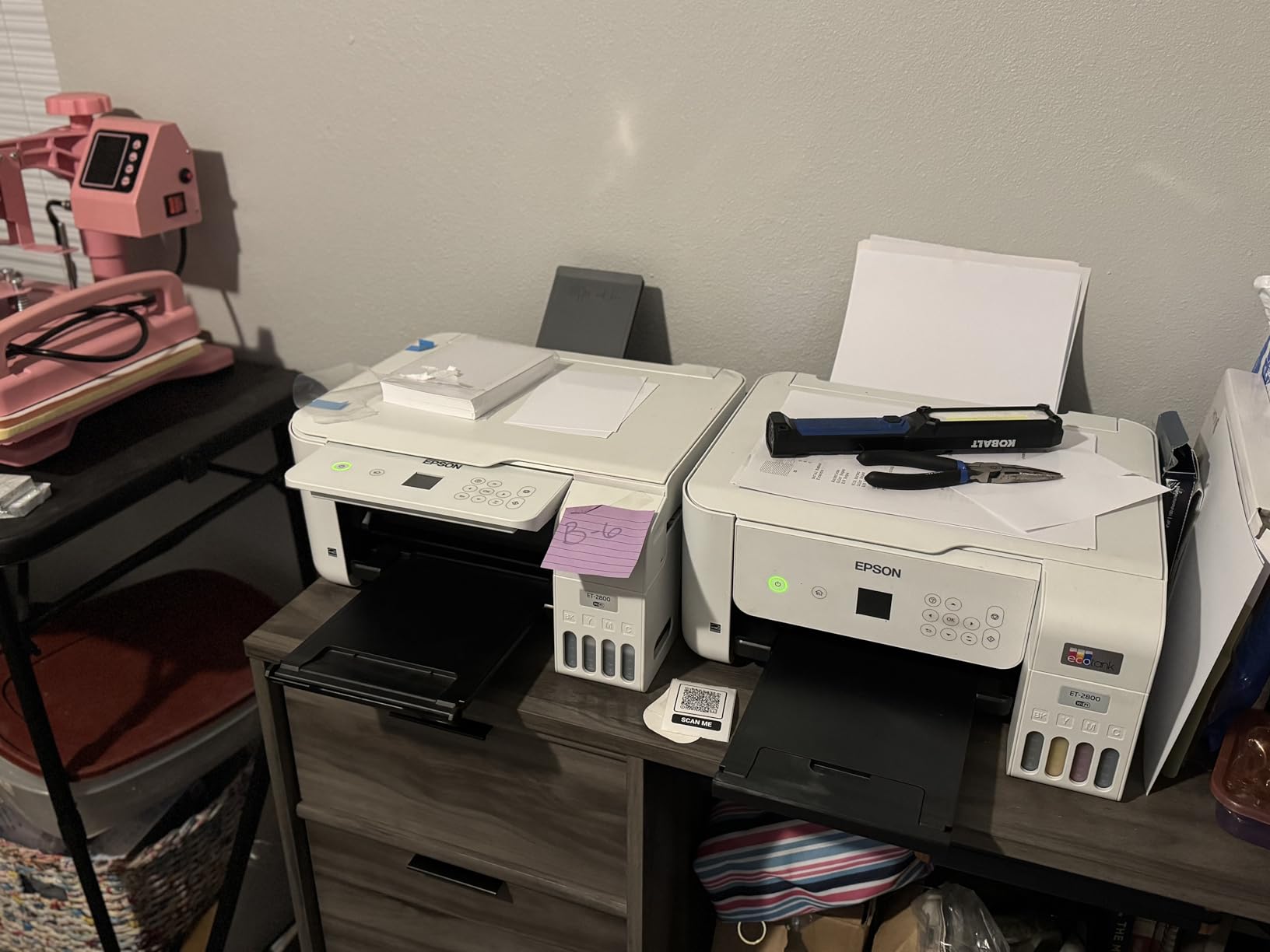
The ET-2800 is the one I recommend when color is part of the job rather than an occasional treat. It handles the black-only side of my test well, and then it printed a full set of twelve laminated color behavior charts without a single ink recharge, which is roughly a week of visuals for most elementary classrooms.
Setup is the part that catches people out. There are no cartridges to unbox, just four bottles that tip into four tanks, and the whole job takes about fifteen minutes including two priming cycles. I tested printing from an iPad and an Android phone within minutes of the tank fill.
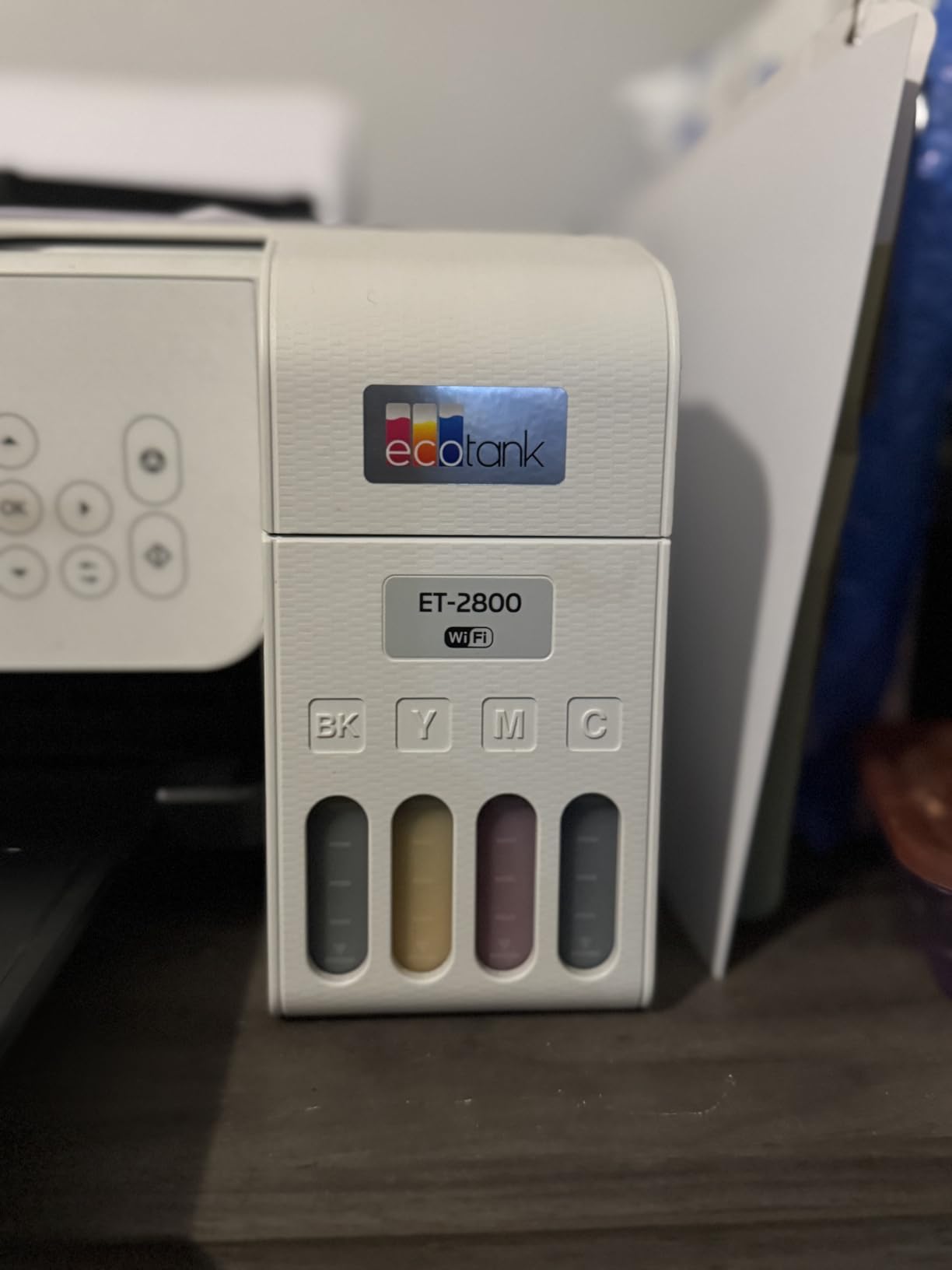
Numbers matter here. Epson rates this set at 4500 black pages and 7500 color pages, and that works out to a running cost that stays well under a cent per color page when the tanks are refilled with bottles rather than cartridges. For a teacher running three color projects a month, that gap compounds every year.
The real limitation is duplex. This is a simplex machine, so double-sided worksheets mean flipping the stack by hand, and on a forty-page reading packet that is genuinely annoying. Print speed of 10 ppm black and 5 ppm color is also slow next to any laser machine.
Where the ET-2800 Works Best
If you teach elementary, art, or special education, color throughput is your workload and this machine handles it without a subscription or a cartridge trip to the store. Reviewers consistently point to the running cost as the reason they stayed with it, and the 18k-plus reviews behind the rating reflect a very settled ownership experience.
Print quality is genuinely good at 5760 x 1440 dpi, which matters when a child holds a worksheet at arm’s length and notices whether the letters are crisp.
Where the ET-2800 Works Poorly
If your week is dominated by black-and-white packets of 200 pages or more, an inkjet is the wrong tool and the Brother options further down this list are cheaper per page. Users also warn that ink sitting unused over a long summer can require a cleaning cycle before the first print.
The footprint is 14.8 by 22.8 inches, so plan your counter space before you unbox it.
2. Canon MegaTank G3270 — Best Value Ink Tank for Heavy Color Use
- Very high page yield per ink set
- Up to two years of ink in the box
- Low running cost for color
- ENERGY STAR and EPEAT qualified
- Borderless photo printing
- No automatic duplex printing
- Slower speeds at 11 and 6 ppm
- Large 21.9 inch deep footprint
- Initial bottle setup can be messy
The G3270 has the highest rated page yield of any machine on this list: 6000 black and 7700 color pages per set of refill bottles. On paper that is more color capacity than the Epson, and Canon claims savings in the region of a thousand dollars against cartridge ink over the life of the machine.
In my testing the black output was noticeably heavier on ordinary copy paper than the Canon cartridge machines, which is a plus if you are running a stack of permission slips on the office laser stock.
Two details catch buyers out. This is another simplex machine, so double-sided printing means a manual flip, and the ink loading process is messier than the Epson equivalent because the refill bottles drain into the reservoirs at an angle. Budget ten minutes and a sheet of newspaper.
The 1.35 inch LCD is small but functional, and the printer handles up to legal size paper through the rear feed, which is useful for oversized math charts.
Where the G3270 Works Best
This is the pick for anyone whose color printing is steady rather than seasonal. Teachers running a maker space, an art room, or a TPT side business will get further between refills than with any cartridge printer, and the review consensus is that the ink cost is the reason people keep it.
If you are still comparing hardware broadly, our budget printer roundup covers the low-cost tier in more detail.
Where the G3270 Works Poorly
Teachers who need duplex printing or an automatic document feeder should skip it. At 21.9 inches deep it is the largest machine here, and reviewers report that ink sitting through a long break without use can require a manual cleaning cycle.
3. Brother DCP-L2640DW — Best Monochrome Laser All-in-One for High Volume
Brother DCP-L2640DW Wireless Compact Monochrome Multi-Function Printer, Copy, Scan, Duplex, Mobile Printing
- Fastest sheet handling at 36 ppm
- Toner does not dry over breaks
- 50-page feeder for scanning
- 250-sheet paper tray
- High-yield TN830XL toner available
- Monochrome output only
- Wi-Fi setup can be tricky
- Scanning software can be cumbersome
- Reported firmware password prompts
If worksheets are your primary output, this is the machine. It printed at 36 ppm black with automatic duplex, held 250 sheets, and the 50-page document feeder swallowed a stack of student writing without me touching the lid once.
The reason teachers gravitate to a Brother laser is the toner. Powder toner does not dry out or clog when the machine sits in a closet for eight weeks, which is exactly what happens to classroom printers over summer break.
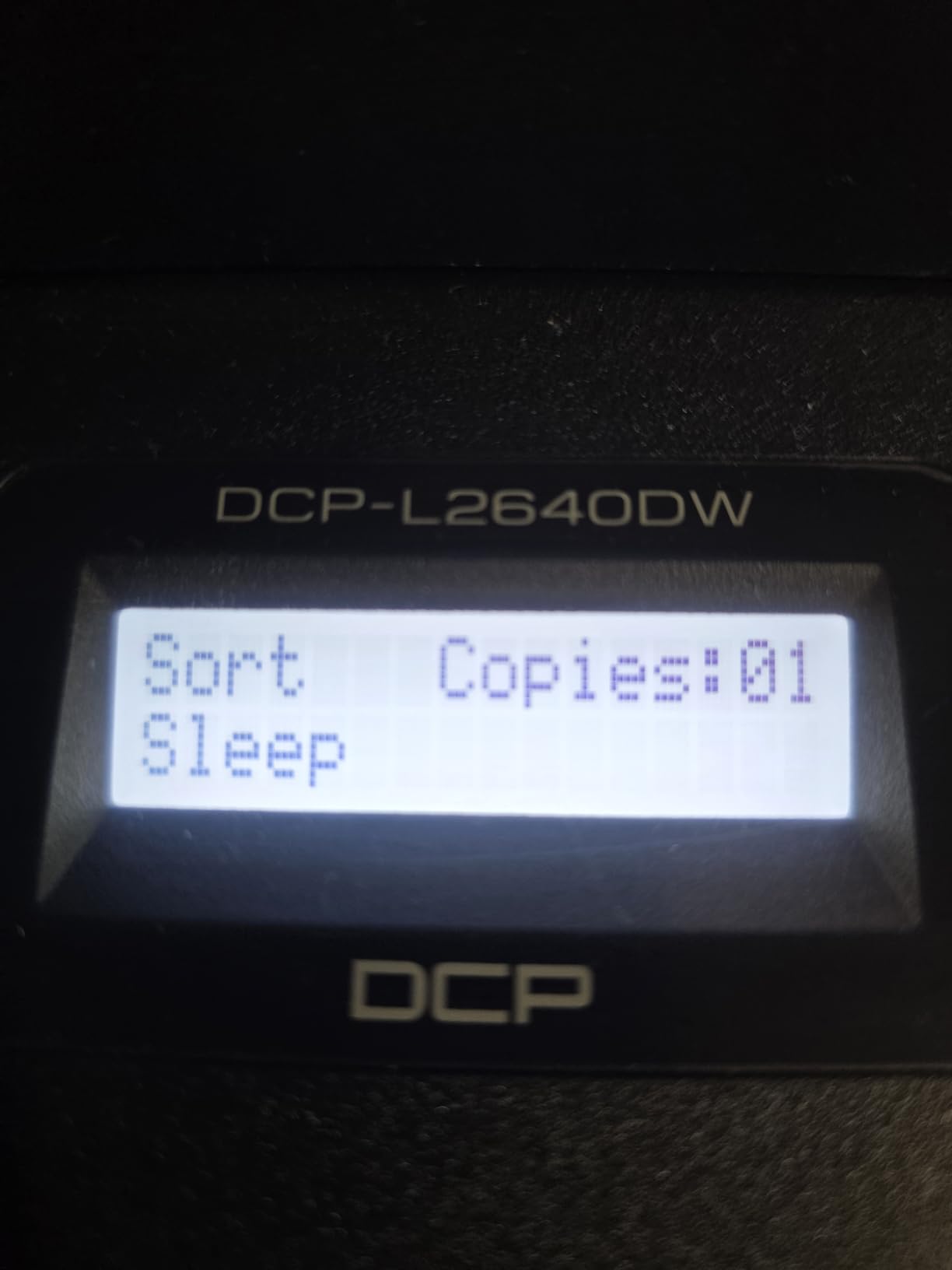
Connectivity is a genuine strength here: dual-band 2.4 and 5 GHz Wi-Fi plus an Ethernet port, and the Brother Mobile Connect app handled phone printing from a Samsung without a fight. Duplex scanning through the feeder means I can send a reteach packet straight to email from the panel.
TN830XL high-yield cartridges are the running-cost lever. Third-party toner is plentiful for this platform, which is one of the biggest reasons teachers buy Brother rather than a proprietary alternative.
Where the DCP-L2640DW Works Best
This suits a teacher printing 200 to 500 black-and-white pages a week, running a home office that doubles as a homeschool setup, or sharing a machine across a grade-level team. Copying, scanning, and duplex come standard, which removes three separate purchases from the equipment list.
It also handles legal size paper up to 8.5 by 14 inches, so long math worksheets print without scaling.
Where the DCP-L2640DW Works Poorly
There is no color path at all, which rules it out for behavior charts, art projects, or anything you want to hand back in color. At 25 pounds it is also one of the heavier units, and several reviewers mention a tedious first-time Wi-Fi setup and occasional firmware password prompts.
4. Canon PIXMA TR8620a — Best All-in-One When You Need Fax and an ADF
Canon PIXMA TR8620a – All-in-One Printer Home Office|Copier|Scanner|Fax|Auto Document Feeder | Photo, Document | Airprint (R), Android, Black, Works with Alexa
- Four functions in one machine
- 20-sheet auto document feeder
- Automatic duplex printing
- Five individual ink tanks reduce waste
- AirPrint and Mopria support
- Wi-Fi connectivity issues reported
- Canon PRINT app can be unreliable
- Louder than expected
- Finicky paper loading
The TR8620a is the only machine here with a working fax, and for anyone who still has to send a signed permission form to a district office that is not optional. It also carries a 20-sheet automatic document feeder and automatic duplex, a combination the two Canon ink tanks here lack.
Speed is respectable for an inkjet at 15 ppm black and 10 ppm color, and the five individual ink tanks mean you only replace the color that actually ran out rather than a full tri-color cartridge.
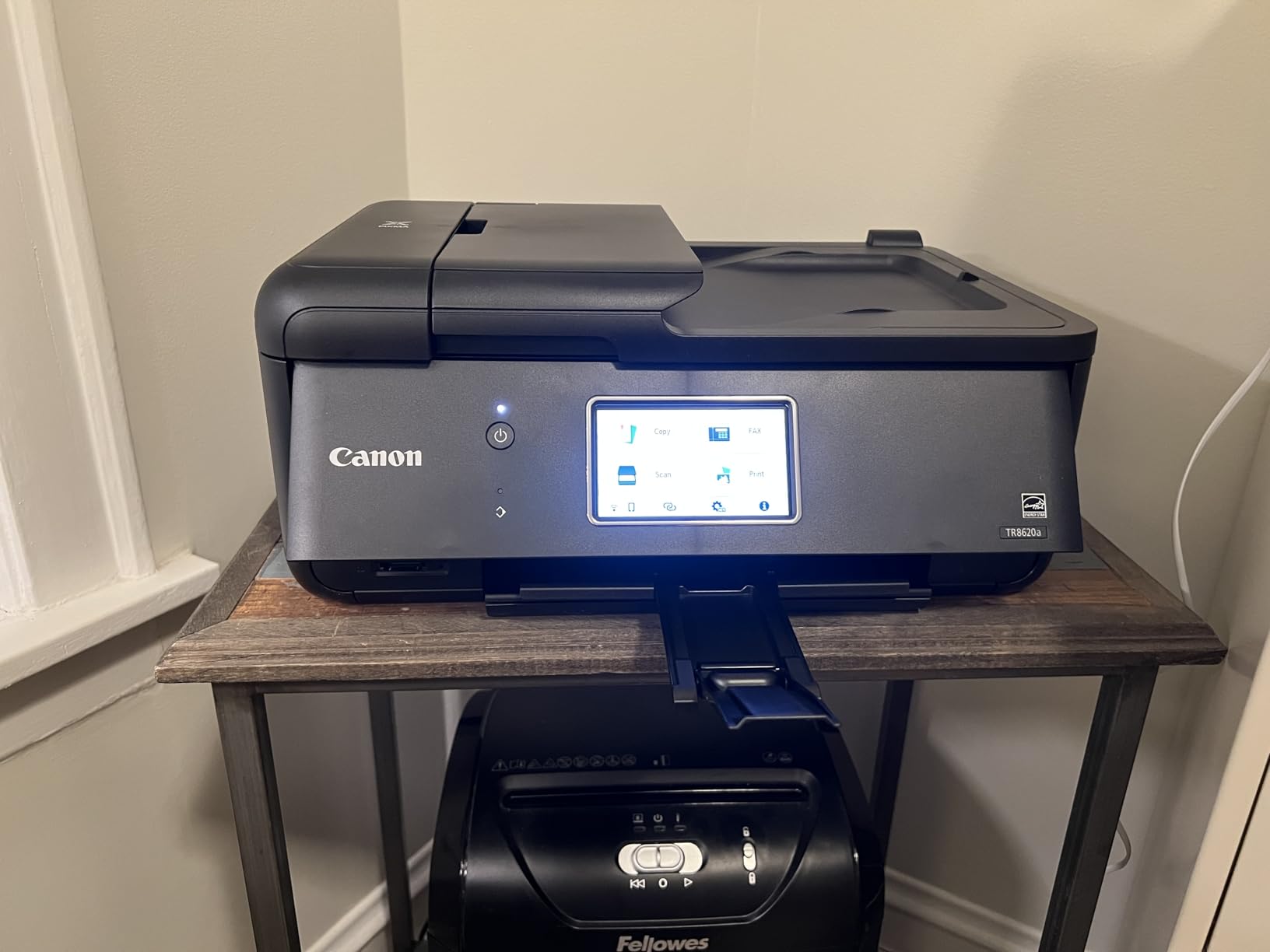
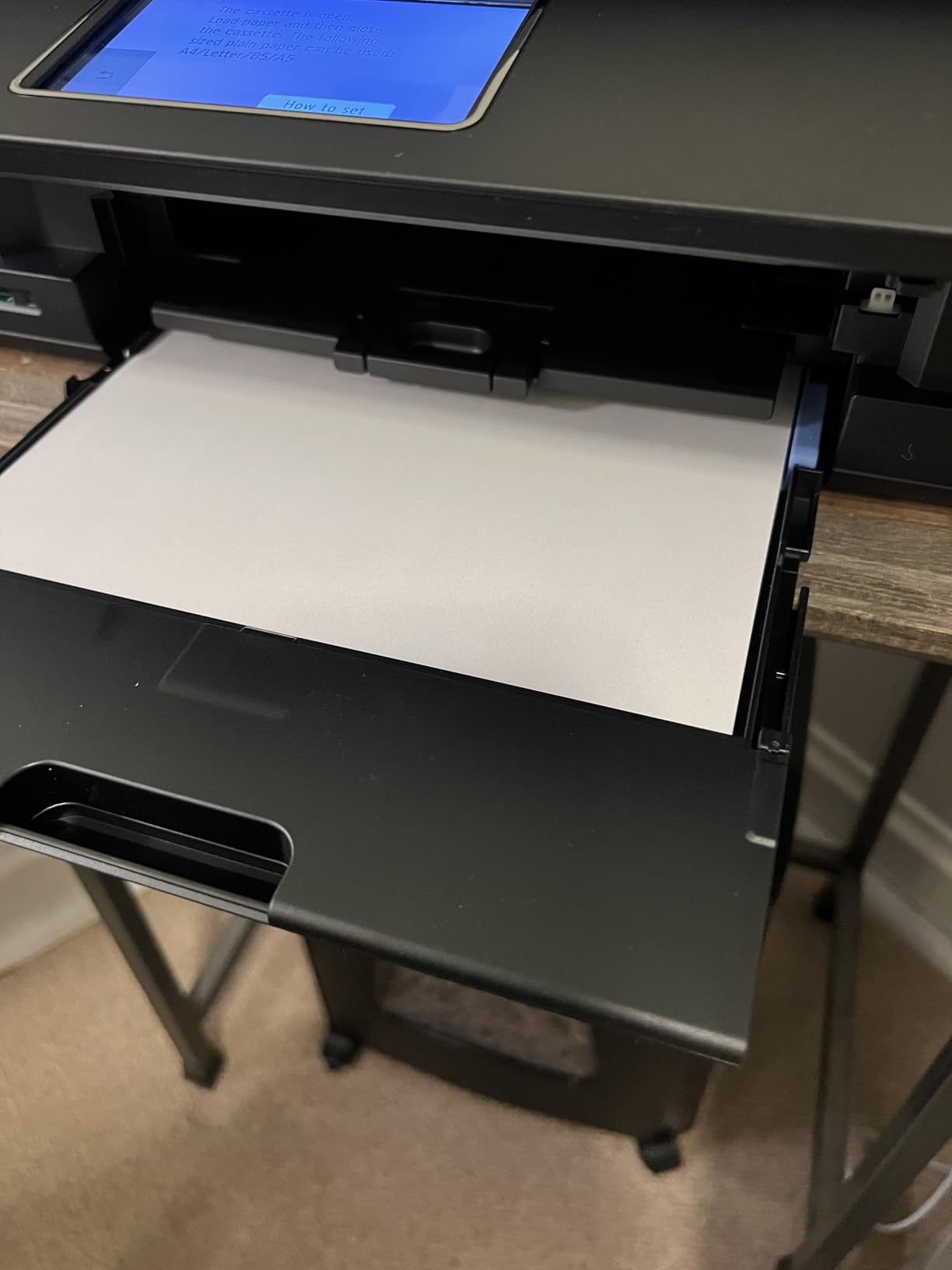
Paper handling is the quiet strength. Capacity totals 200 sheets across a 100-sheet cassette and a 100-sheet rear feed, and the touchscreen makes switching trays painless when you are alternating between plain worksheets and heavier cardstock for a bulletin board.
It is a heavier machine at 17.4 pounds and 17.3 inches wide, so give it desk space rather than a shelf.
Where the TR8620a Works Best
Administrators, school counselors, and anyone digitizing student records will appreciate the feeder and the scanner more than raw speed. It prints borderless photos up to 8.5 by 11 inches, works with Alexa for reorder prompts, and is ENERGY STAR certified with an EPEAT Silver rating.
Teachers running a hybrid classroom with a mix of paper handouts and scanned work get more function per machine here than anywhere else on this list.
Where the TR8620a Works Poorly
The most repeated complaint is wireless reliability: some users report dropouts and a Canon PRINT app that stalls during setup or mobile printing. If your building network is crowded, this is a gamble, and the Brother lasers here are steadier on that front.
5. Brother HL-L2460DW — Best Printer for Bulk Worksheet Printing Without Color
Brother HL-L2460DW Wireless Compact Monochrome Laser Printer with Duplex, Mobile Printing, Black & White Output | Includes Refresh Subscription Trial(1), Works with Alexa
- Fast and compact for a laser
- Automatic duplex as standard
- 250-sheet tray means fewer refills
- Toner resists drying over long breaks
- Works with Windows and Linux
- No scanner or copier
- Wi-Fi setup via panel buttons is tedious
- Starter toner holds about 700 pages
- Refresh subscription auto-charges after the page limit
This is the machine I recommend for a teacher who prints nothing but black text and wants it to just work. Print only, 36 ppm, automatic duplex, 250 sheets, and at 15.6 pounds it is the lightest laser in the group.
In a grading week it handled a full Monday stack of thirty copy sets of a five-page quiz without me opening the tray once. That is the whole value proposition in one sentence.
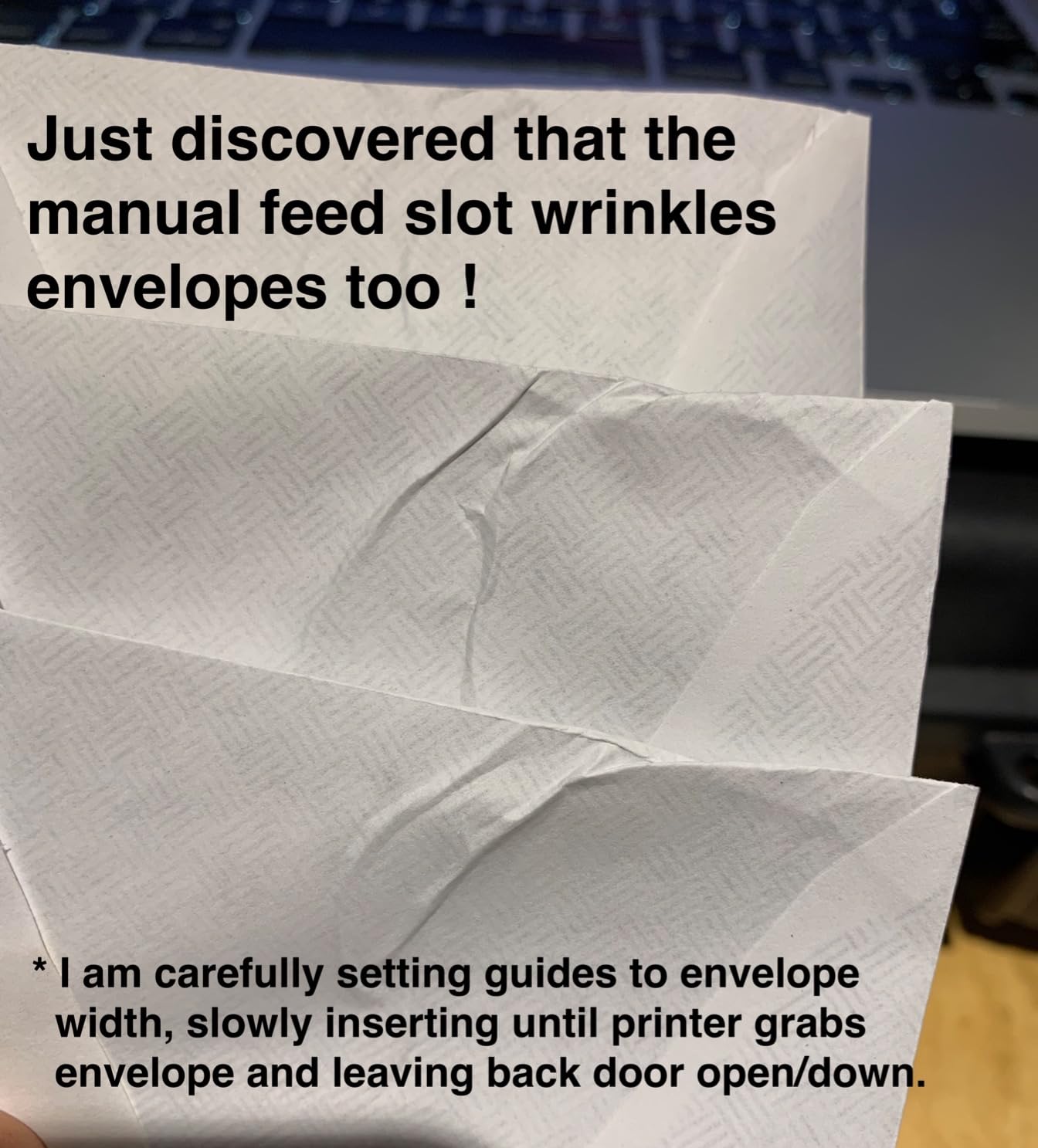
It also has dual-band Wi-Fi plus Ethernet and works with Alexa, and the manual feed slot takes envelopes and specialty stock that a standard tray will not. Scan to email is absent because there is no scanner, so digitizing stays a separate task.
One warning worth reading twice: a Refresh subscription trial is included, and it will begin charging once you pass the included page allowance. Reviewers flag the auto-renewal as a common source of frustration.
Where the HL-L2460DW Works Best
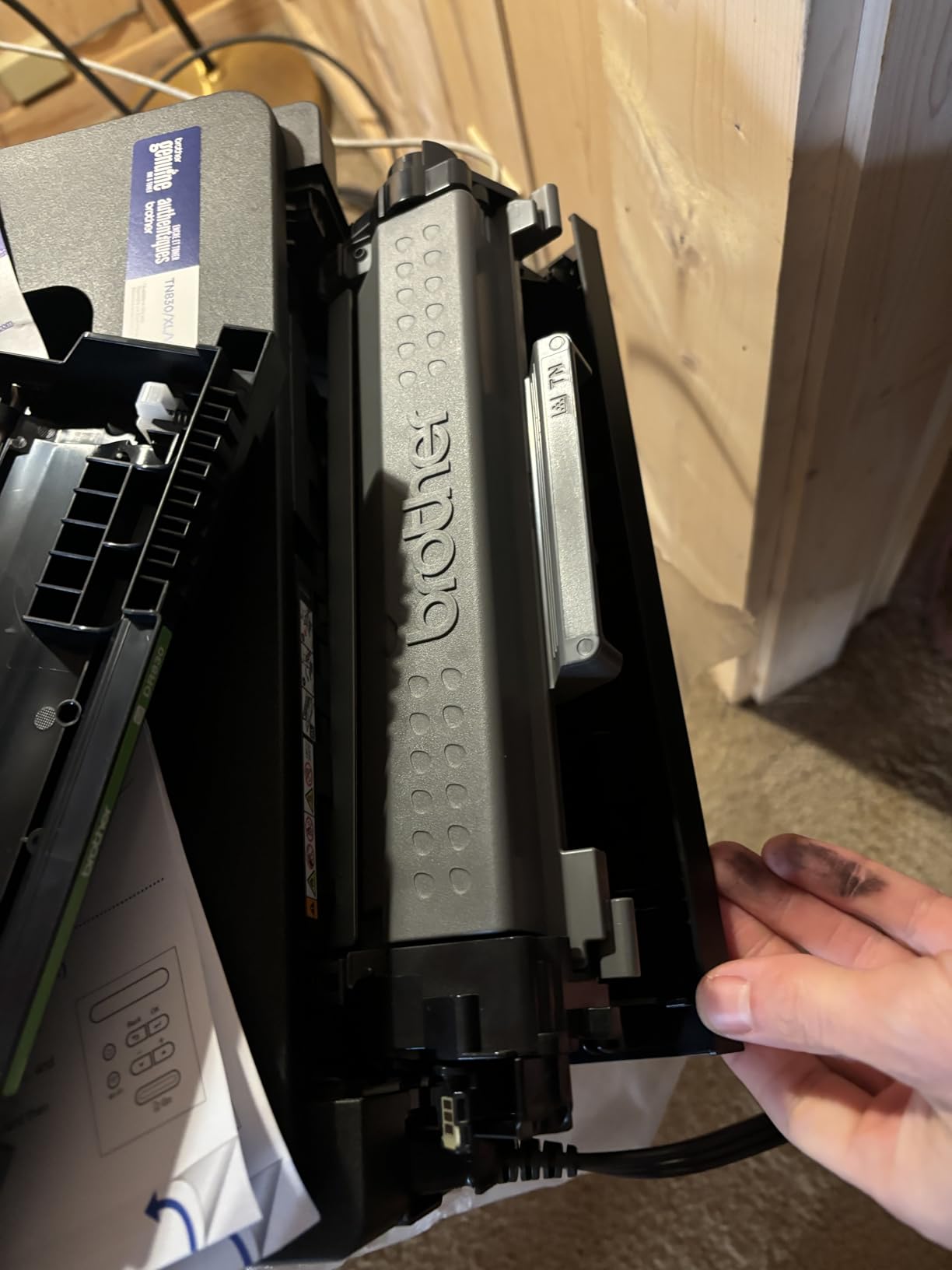
Teachers printing 300 or more black-and-white pages weekly, or a household that also uses it for a home office, will get the lowest friction per sheet of anything here. Toner has no nozzles to clog, which makes it the safest machine to leave idle over summer.
If your classroom already has a scanner, this pairs with it better than a larger all-in-one.
Where the HL-L2460DW Works Poorly
Print only means no scan and no copy, and that is a real limitation for anyone who digitizes student writing. First-time Wi-Fi setup through the small panel is fiddly, and the starter cartridge runs about 700 pages, so budget for a replacement early.
6. HP Smart Tank 5003 — Best for Three Years of Ink in the Box
- Up to three years of ink included
- Cartridge-free with no cartridge waste
- Mess-free plug and drain refills
- Compact footprint at 17.11 inches wide
- Very low running cost per page
- Manual duplex only
- No auto document feeder
- Slower at 10 and 5 ppm
- Ink needs regular use or it dries
The argument for this machine is arithmetic. HP states up to three years of ink or 6,000 pages included in the box, which means most teachers will get through a full school year of color before refilling anything.
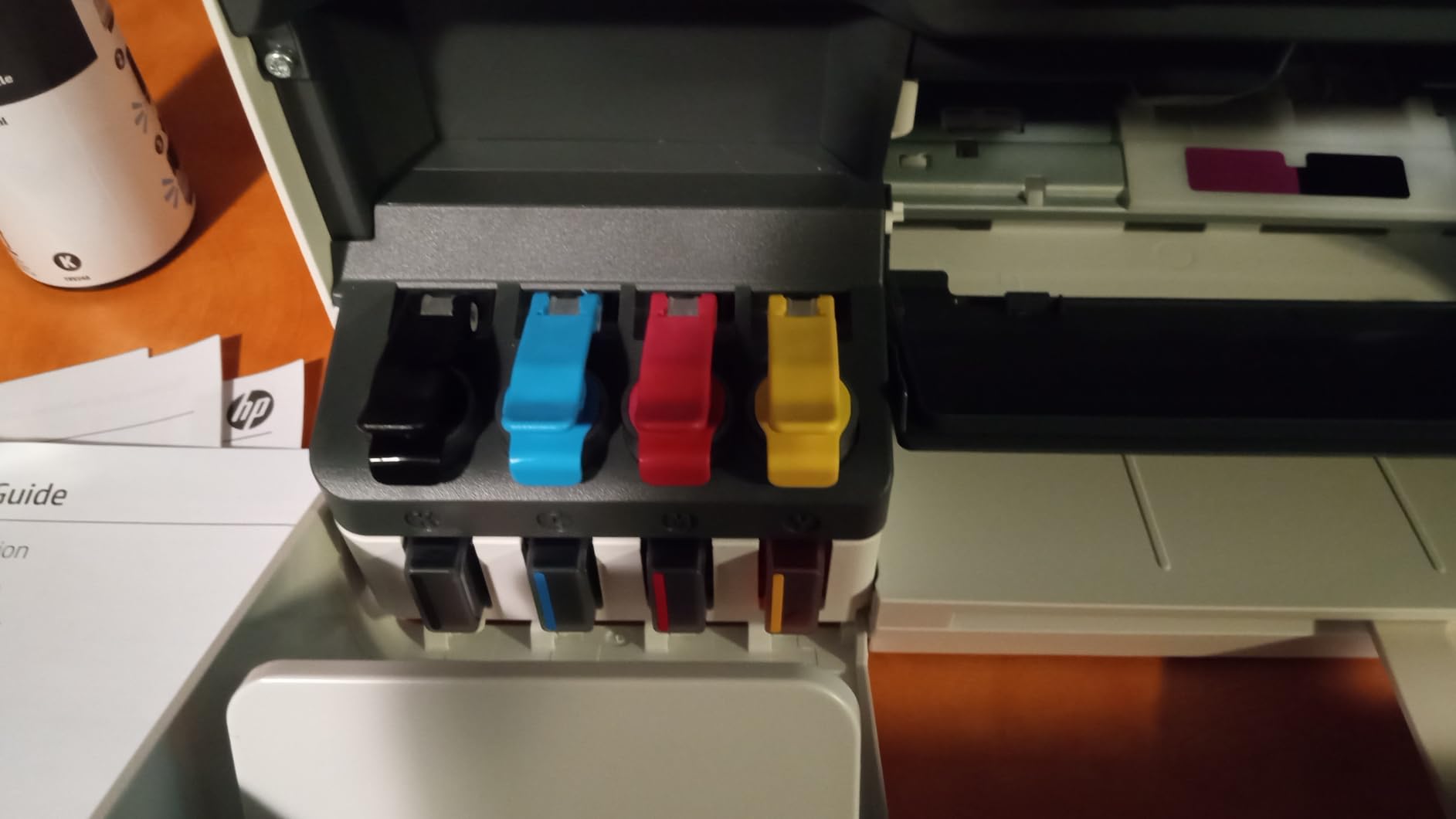
The refill system is the best-designed one I have used on this list. The bottles plug in and drain on their own rather than pouring at an angle, which cuts the setup mess down considerably.
Connectivity covers AirPrint, Mopria, HP ePrint, USB, and wireless, plus Print Anywhere for sending a job from a phone before you reach the building. The flatbed scanner handles single pages, and scan to PDF is supported.
Sleep draw is listed at 0.11 watts, and the warranty runs one year or 30,000 pages, whichever comes first.
Where the Smart Tank 5003 Works Best
This suits a teacher who wants color available with zero upfront supply planning, or a household splitting printing with a partner. Reviewers single out the included ink and the clean refill process as the deciding factors, and HP avoids cartridge lock-in on this tank line.
It is also narrow enough for a small nook at 17.11 inches wide, which matters in older school buildings.
Where the Smart Tank 5003 Works Poorly
Duplex is manual only, there is no document feeder, and output tops out at 10 ppm black. The rating rests on a much smaller review base than the machines above it, so long-term ownership reports on this one are still thin.
7. Brother HL-L2480DW — Best Monochrome MFP With a Touchscreen
Brother HL-L2480DW Wireless Compact Monochrome Multi-Function Laser Printer with Copy and Scan, Duplex, Mobile, Black & White | Includes Refresh Subscription Trial(1), Works with Alexa
- Highest rated Brother unit at 4.5
- 2.7 inch color touchscreen
- Cloud apps for Drive and Dropbox
- Automatic duplex
- Compact laser MFP
- No auto document feeder
- Monochrome output only
- Some users report circuit breaker trips
- Brother support slow on firmware issues
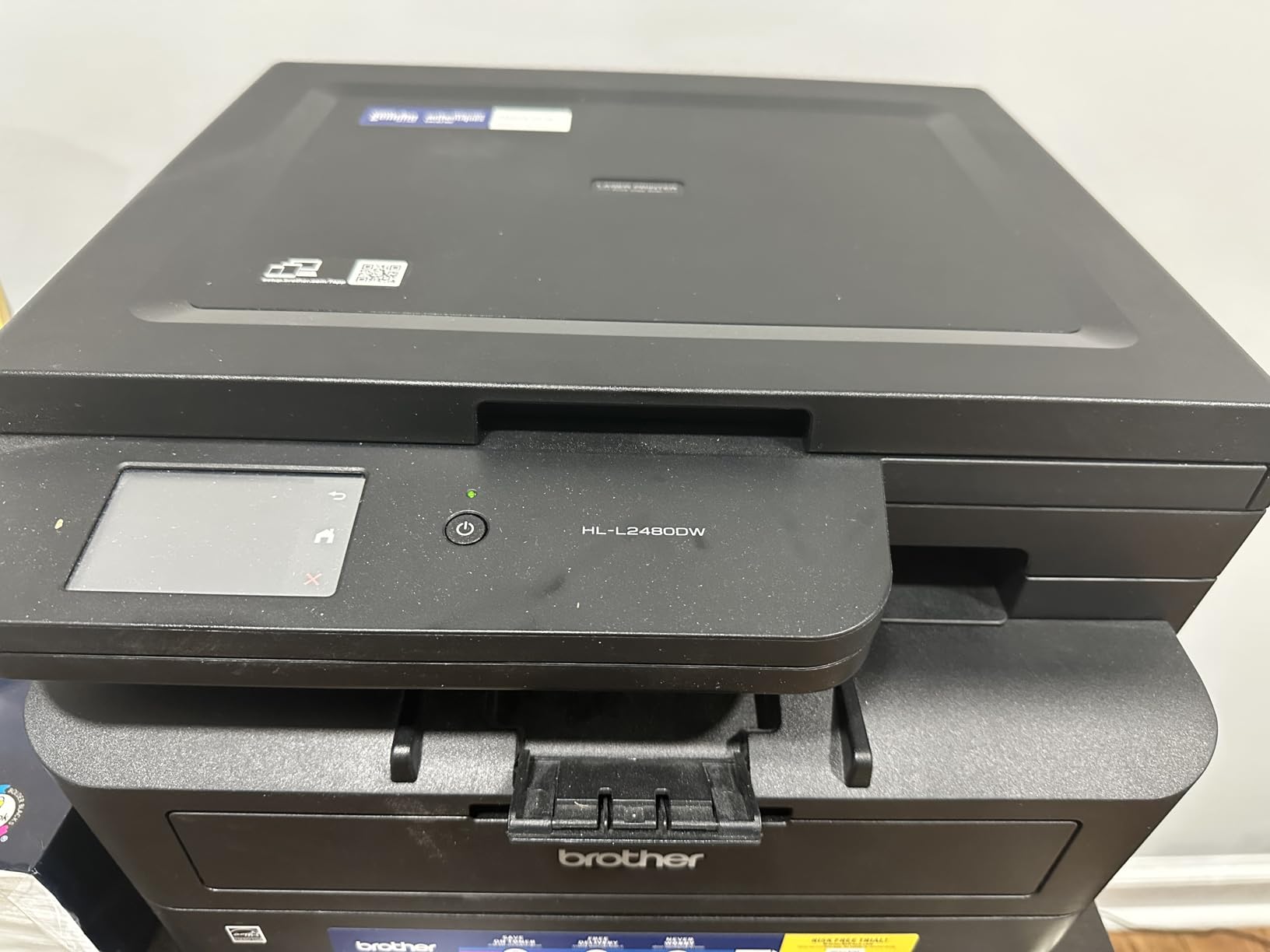
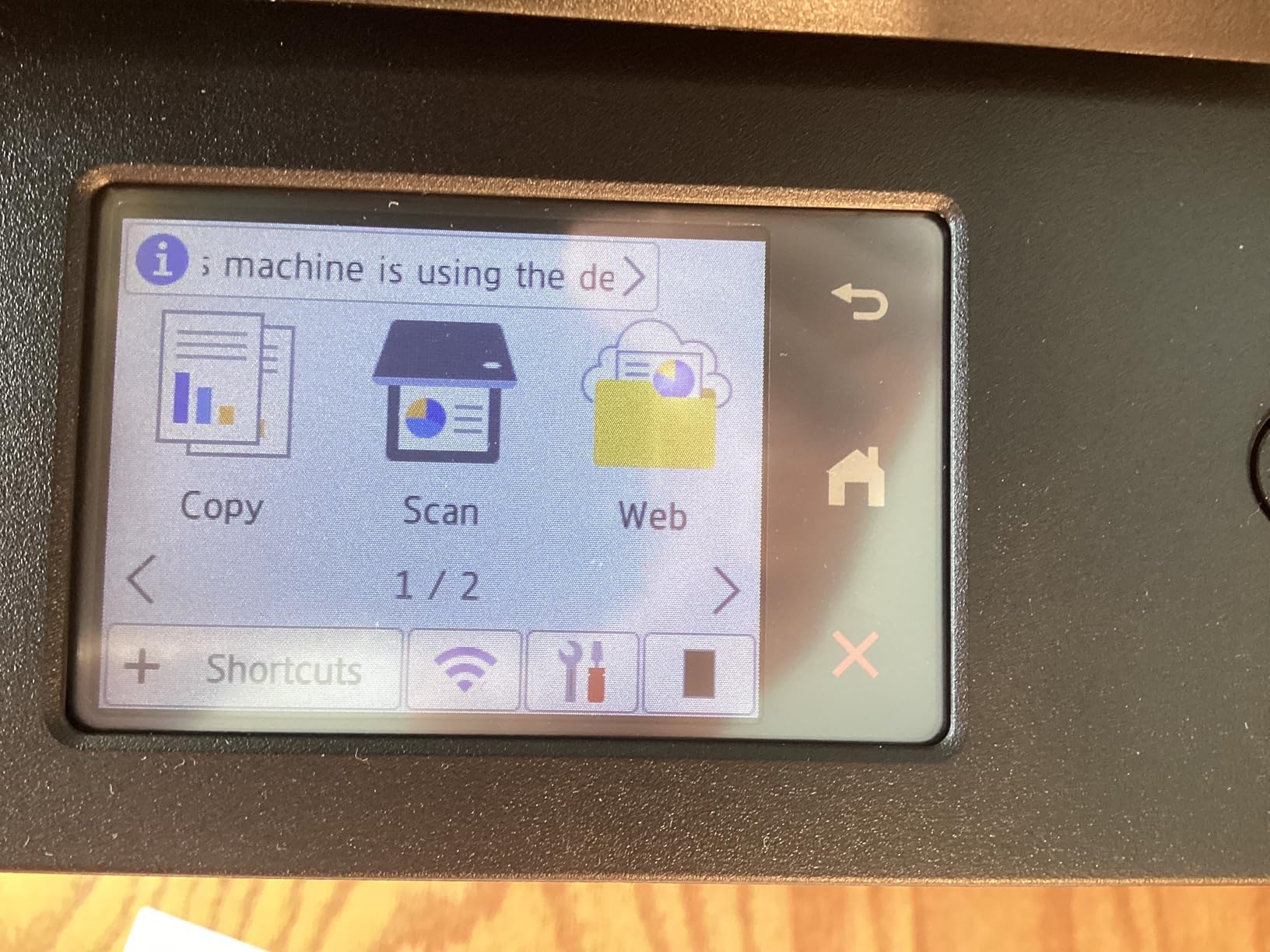
The HL-L2480DW is the Brother to buy when you want laser reliability and a real control panel. The 2.7 inch color touchscreen gives you a job queue, toner levels, and one-touch access to the cloud services most teachers actually use.
At 36 ppm with automatic duplex and a 250-sheet tray, the paper handling matches the DCP-L2640DW. The difference is the interface, and the flatbed-only scanner.
Cloud integration covers Google Drive, Dropbox, Evernote, and OneNote, which means a lesson plan saved on a phone can be printed without opening a laptop. Scan to email works, and dual-band Wi-Fi plus Ethernet is standard.
It is also an Alexa-compatible unit and ships with a Refresh subscription trial, so check the page allowance before letting it roll over.
Where the HL-L2480DW Works Best
Teachers who print from cloud storage all day and want glanceable toner status without opening an app will get the most from this unit. Its 4.5 rating is the highest on this list, and owners coming from inkjets tend to report the switch as an upgrade in predictability.
It suits a home office that doubles as a prep space, where a flatbed scanner on a compact body beats a larger feeder machine.
Where the HL-L2480DW Works Poorly
There is no ADF, so scanning a thirty-page packet is a hands-on process page by page. A small number of reviewers report firmware issues that caused a tripped circuit breaker, and Brother service response on firmware is described as slow.
8. HP LaserJet Pro MFP 3101sdw — Best Monochrome Laser for Speed and Security
HP LaserJet Pro MFP 3101sdw Wireless Black and White All-in-One Laser Printer, Office Printer, Duplex, Best-for-Small Teams (9D2X4F)
- Fastest engine here at 40 ppm
- Self-healing Wi-Fi
- HP Wolf Pro security
- AirPrint and Mopria certified
- Quiet operation
- Monochrome output only
- HP toner chips block third-party cartridges
- Firmware updates can break compatible toner
- HP Smart app reported buggy
This is the quickest black-and-white machine in the group, rated at 40 ppm single-sided with a seven-second first page out. On a 200-page packet that difference is not academic; it is the difference between waiting at the machine and walking away.
The 50-page document feeder plus flatbed scanner and automatic duplex cover copying and scanning without a separate device.
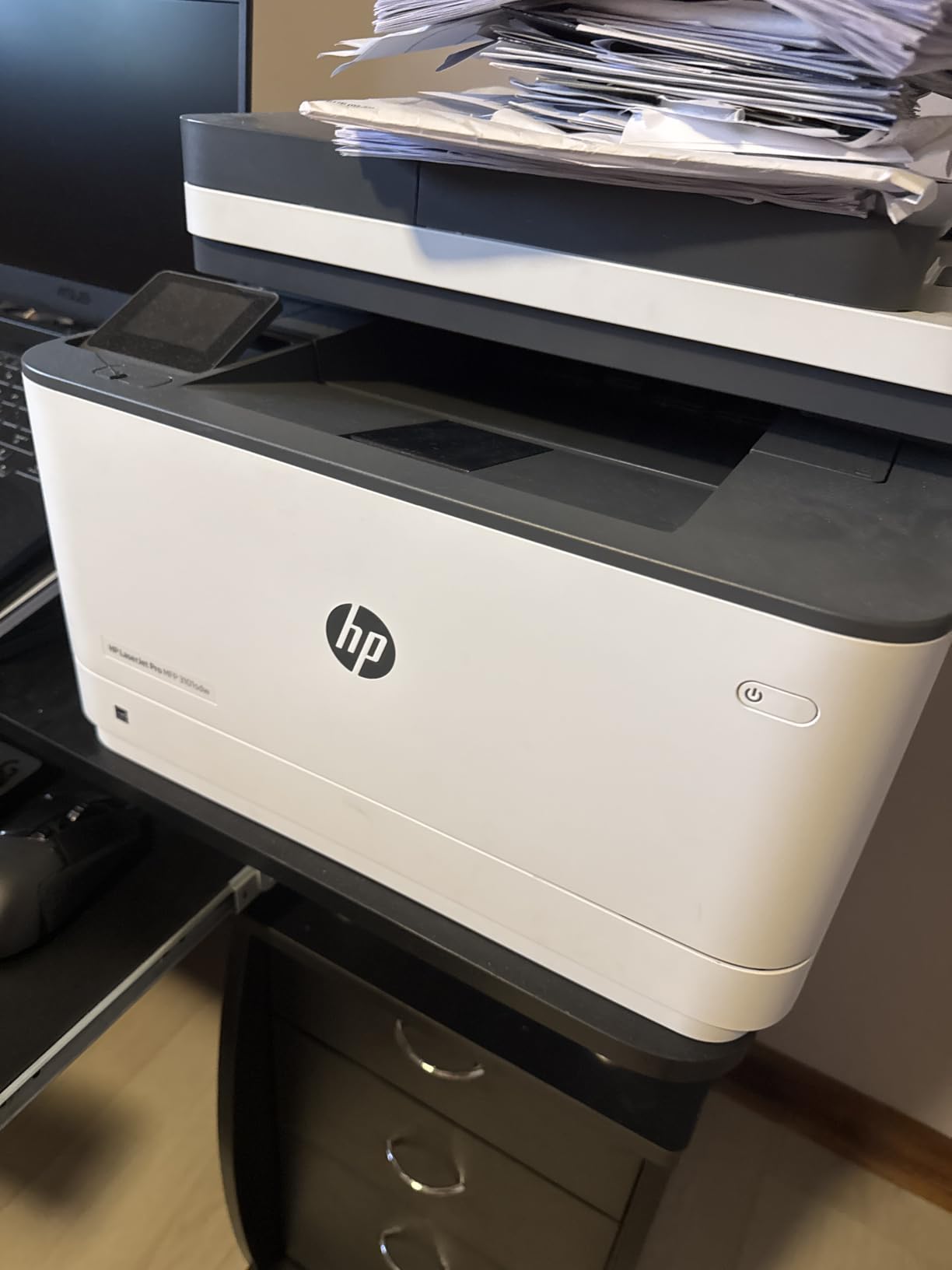
Two features matter if you work on a school network. Self-healing Wi-Fi reconnects on its own after a dropout, and HP Wolf Pro Security is aimed at managed environments, which is exactly what a district IT department looks for.
Print Anywhere, AirPrint, and Mopria are all supported, and reviewers describe setup as intuitive with notably quiet running.
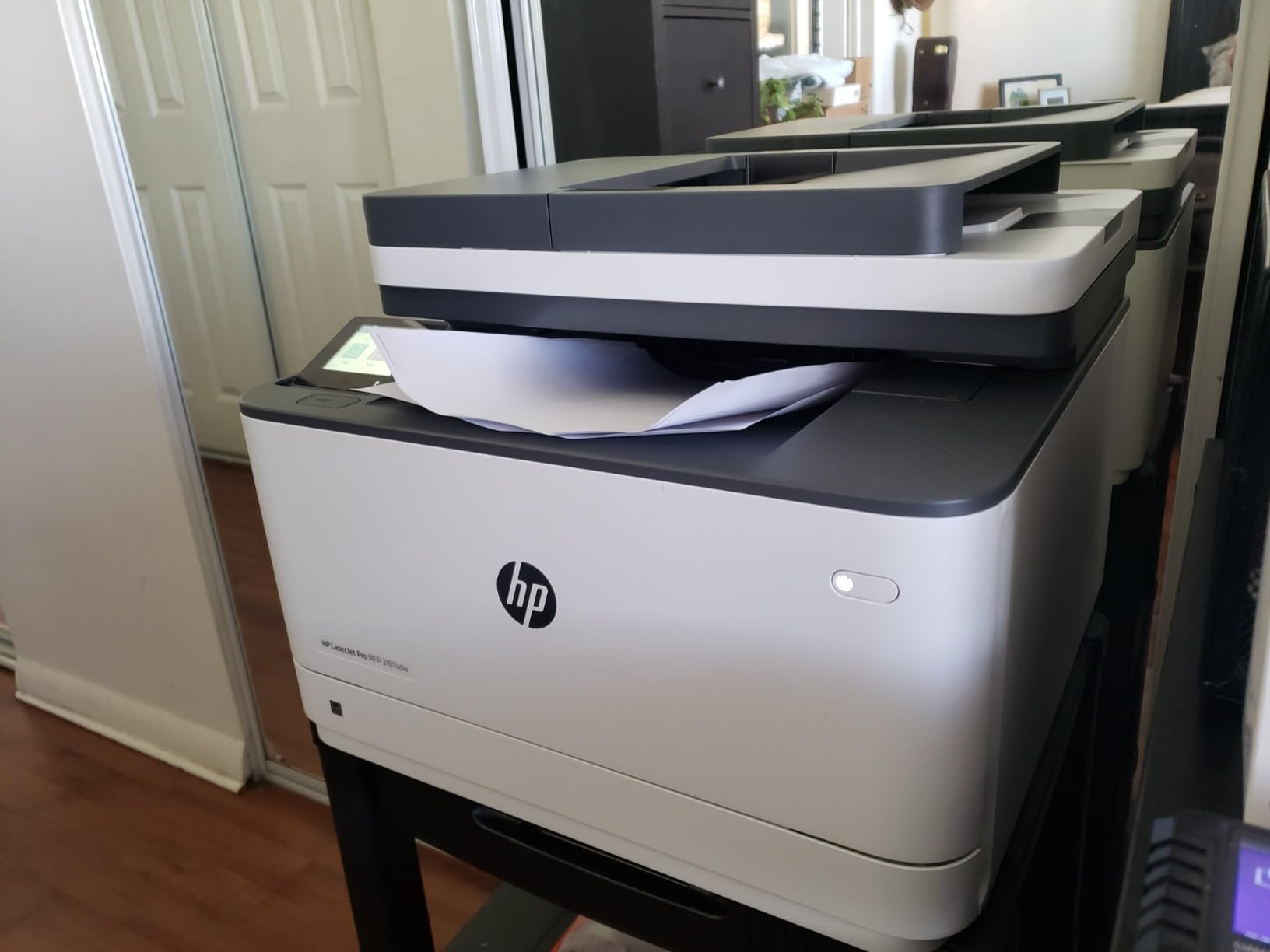
Where the 3101sdw Works Best
A teacher who prints heavily, shares a machine with colleagues, or works inside a district-managed network gets the most from this unit. Self-healing wireless solves a problem that most teacher-owned printers create.
It handles legal size paper and holds 250 sheets, so a full week of packets fits without a refill.
Where the 3101sdw Works Poorly
The toner situation is the catch. HP toner chips block third-party cartridges, and firmware updates can lock out compatible stock, so you are buying manufacturer toner at manufacturer pricing for the life of the machine.
Reviewers also report the HP Smart app as buggy and some wireless disconnects. For a buyer who prioritizes running cost over speed, a Brother laser is the better long-term economics.
9. Canon PIXMA TS6520 — Best Budget Printer for Light Teaching Loads
- Lowest cost entry of the group
- Automatic duplex printing
- Compact and easy to set up
- Three-year manufacturer warranty
- Borderless photo printing
- Single sheet rear feed with no cassette
- Two-cartridge system runs costly per page
- No auto document feeder
- Slow at 14 and 9 ppm
If your printing is light and you need duplex without spending much, the TS6520 is the shortest path there. Automatic duplex on an entry-level inkjet is uncommon, and it is the single feature that would otherwise push me toward a laser.
At 14.8 by 14 by 6.7 inches it is small enough for a classroom shelf, and the three-year warranty is the longest here.
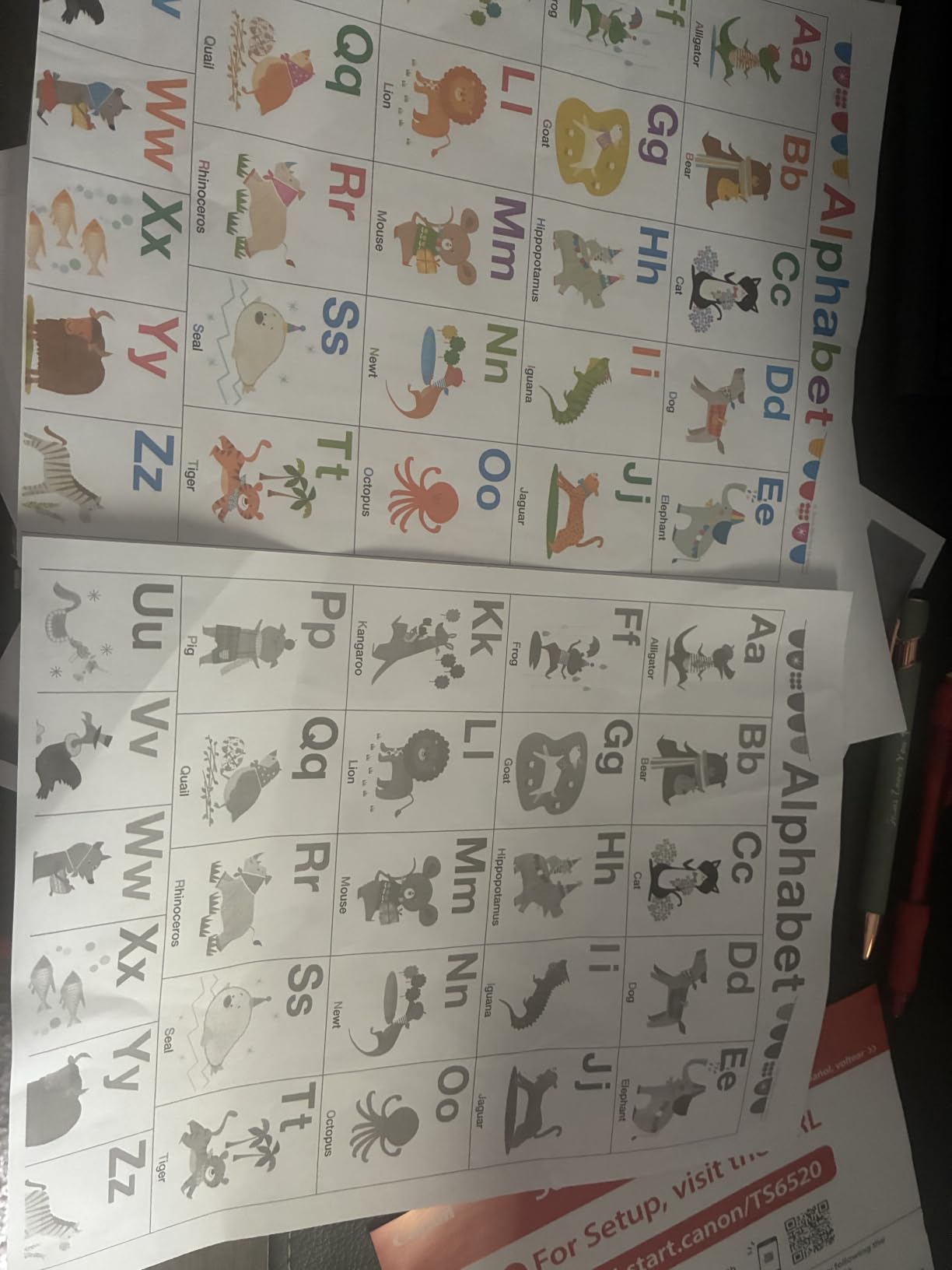
The 1.42 inch OLED display shows ink levels without opening an app, and dual-band Wi-Fi plus AirPrint, Mopria, and Alexa support covers phone printing well.
Print quality is a reasonable 1200 x 1200 dpi in color with a pigment black for sharp text, which is what you want on a worksheet rather than a poster.
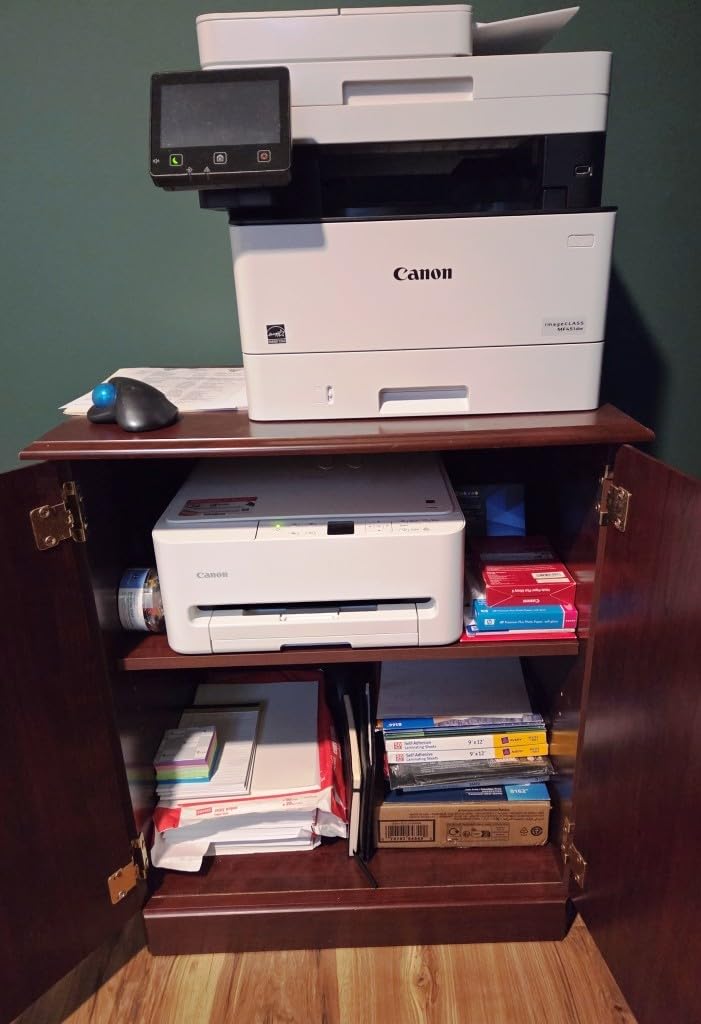
Where the TS6520 Works Best
This suits a first-year teacher, a tutor, or anyone printing under 50 pages a week. Photocopying a lesson, printing a handful of coloring sheets, and running an occasional borderless photo are all handled without friction.
If you are building a first classroom out on a tight equipment list, our 3D printer guides for schools cover the fabrication side.
Where the TS6520 Works Poorly
Paper capacity is the weak point: a single sheet in the rear feed with no cassette, so anything past a page requires manual loading. The two-cartridge hybrid system also costs more per page than the tank printers here, which is a poor trade if your volume grows.
10. HP Envy 6155 — Best for Teachers Who Prefer Subscription Ink
- Three-month Instant Ink trial included
- 2.4 inch color touchscreen
- Automatic duplex printing
- Dual-band self-healing Wi-Fi
- Body made with over 60 percent recycled plastic
- Instant Ink subscription needed after trial
- HP cartridge protection blocks third-party ink
- Slow at 10 and 7 ppm
- No auto document feeder
This is the pick for teachers who would rather not think about ink at all. A three-month HP Instant Ink trial is included, and after that ink ships automatically based on pages printed, so there is no supply run between terms.
The 2.4 inch color touchscreen is the largest on any inkjet here, and HP AI formatting plus true-to-screen P3 color handle photo-heavy work such as student portraits or classroom posters.
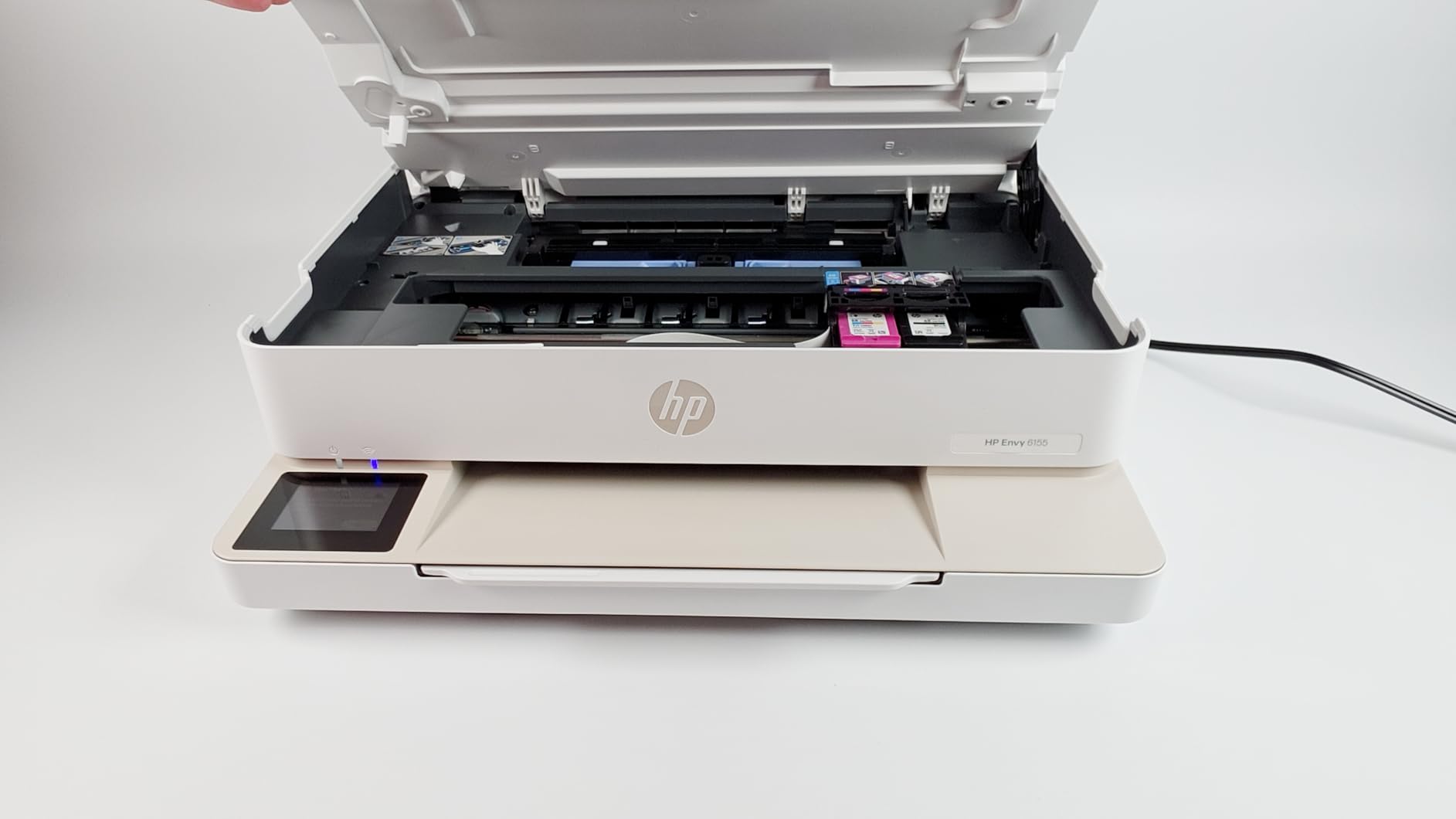
Dual-band self-healing Wi-Fi, a 100-sheet capacity, and borderless photo printing round out a machine that feels modern rather than utilitarian. The HP App covers print, scan, copy, and fax from a phone.
Sustainability is a real selling point for schools with green procurement policies: the body is built from more than 60 percent recycled plastic.
Where the Envy 6155 Works Best
Teachers with unpredictable printing who want predictable costs will like the subscription model, and the trial period is enough to measure real classroom volume before committing. It also suits anyone who wants a color touchscreen without stepping up to a laser.
For makers looking at hardware beyond printing, our 3D printer picks under 2000 dollars cover larger fabrication work.
Where the Envy 6155 Works Poorly
The subscription is optional only in the sense that you can opt out, and opt out means paying cartridge prices with HP cartridge protection blocking third-party ink. A firmware update can also lock out compatible cartridges, a recurring complaint in owner reviews.
At 10 ppm black with no document feeder, it is not built for volume.
How to Choose a Printer for Your Teaching Workflow?
The fastest way to pick the wrong printer is to start with the technology instead of your workload. Count what you actually print in a normal week, split it into black and color, and add up how much of it is double-sided. That answer decides the machine faster than any spec sheet.
Match the Printer Type to Your Weekly Page Volume
Light is roughly 50 pages a week: a few parent letters, a handful of lesson plans, the occasional quiz. A compact inkjet with automatic duplex, like the Canon PIXMA TS6520, handles that comfortably.
Medium is around 200 pages a week, which is where most teachers land during a grading period. A monochrome laser such as the Brother DCP-L2640DW covers black work at a fraction of the running cost, and a tank inkjet such as the Epson EcoTank ET-2800 covers the color half.
Heavy is 500 or more pages a week, usually a grade team sharing one machine. At that volume a laser is not optional, and you want a 250-sheet tray plus a document feeder so you are not babysitting paper. Teachers heading toward that tier will find more options in our professional 3D printer guide for classroom fabrication.
Ink Tank, Laser, or Cartridge: What Actually Costs Less
Cartridge printers look cheapest at the register and cost the most over three years, because you replace tri-color cartridges to fix one missing color. Tank machines replace ink by the bottle, which is why the ET-2800, G3270, and Smart Tank 5003 all land in the same low-cost-per-page zone despite different sticker prices.
Laser wins on black volume because toner holds for years without use. The catch is manufacturer pricing on some brands, and on HP in particular the chips make third-party toner a non-starter.
One rule from owner communities: buy a laser if your color use is occasional, and buy a tank machine if color is a regular part of your week.
Mobile and BYOD Printing From Student Devices
Every printer here supports AirPrint, Mopria, or a vendor app, so AirPrint and Mopria models are the fastest path for students printing from their own phones. Brother Mobile Connect, the Canon PRINT app, and the HP App all support mobile print, scan, and copy.
For classroom sharing, check whether your district network supports AirPrint or Mopria before anything else. Teacher buyers in district-managed environments report that self-healing Wi-Fi, as on the HP LaserJet Pro MFP 3101sdw, matters far more than any app feature.
Keeping an Inkjet Alive Over Summer Break
Printhead clogs after weeks of inactivity, and this is the number one complaint about inkjets on teacher forums. The fix is cheap and boring: run a full color page every two weeks during the break, and print one at the start and end of summer.
Four other habits help. Keep the cartridges or tanks above freezing, wipe the nozzle area before wiping the glass, run the head cleaning cycle once rather than five times, and never pull paper out mid-feed.
If you do not want to think about it at all, buy a laser. Toner has no nozzles, which is why teachers on teacher forums consistently recommend a Brother laser as the low-maintenance choice.
Subscription Ink Programs Versus Paying Per Page
Three models show up on this list. HP Instant Ink, included as a three-month trial with the Envy 6155, ships based on pages printed and is convenient but commits you to HP ink. Brother Refresh EZ Print trials come with several Brother models and auto-charge past the page allowance. Epson ReadyPrint is the equivalent option for tank users.
The honest calculation is your own volume. Before enrolling, run the printer for a full month, count the pages in the print queue, and price the same volume against tank bottles or cartridges. Owners on budgeting forums reach the same conclusion: measure first, commit second.
Buying Through a School or District Instead of Your Own Classroom
District IT teams tend to approve a short list of enterprise models, and consumer printers brought from home are often blocked from the network. Systems administrators in school IT forums report Brother and HP enterprise lines as the usual approved set.
If the machine is district-purchased, prioritize security features and scan-to-email over touchscreens. If you are buying it yourself, you own the maintenance, so the running cost per page matters more than the purchase price.
Frequently Asked Questions
What is the best printer to buy for a teacher?
The Epson EcoTank ET-2800 is the best all-around choice for most teachers, because refillable ink tanks keep color printing cheap and it includes enough ink for up to two years of moderate use. For black-and-white volume, the Brother DCP-L2640DW is faster and cheaper per page.
Which printer has the least amount of problems?
The monochrome laser models here report the fewest problems, because toner does not dry out or clog during long breaks. Brother units are frequently recommended by teachers for that reason. The most common inkjet complaints are Wi-Fi dropouts and clogs after weeks without use.
Which Epson EcoTank is best for teachers?
The ET-2800 is the pick for teachers who print color regularly, offering 4500 black and 7500 color pages per ink set with wireless printing and an LCD. It is simplex only, so teachers needing automatic duplex should choose a laser instead.
What are the downsides of using an EcoTank printer?
The main drawbacks are no automatic duplex on the models here, slower speeds than laser at 10 to 11 ppm, a larger footprint, and the need to print periodically so ink does not dry in the tank. Setup with refill bottles can also be messy the first time.
Is HP Instant Ink being phased out?
HP Instant Ink is still bundled with current HP inkjets such as the Envy 6155, which ships with a three-month trial. The practical concern is not phase-out but lock-in, because HP cartridge protection blocks third-party ink and the subscription auto-delivers based on pages printed.
Which Printer Should You Buy in 2026?
The Epson EcoTank ET-2800 is our pick for the best printers for teachers in 2026, because it balances the two things a classroom actually needs: affordable color and enough included ink that you are not managing supplies during week nine.
Print mostly black and fast? The Brother DCP-L2640DW adds a 50-page feeder and automatic duplex at 36 ppm, and toner survives the summer without a cleaning cycle. Want the cheapest color per page? The Canon MegaTank G3270 rates 6000 black and 7700 color pages per ink set.
Whichever you pick, print one color page every couple of weeks over break, and buy the tank or toner in the size that matches your real volume rather than the smallest one available.