
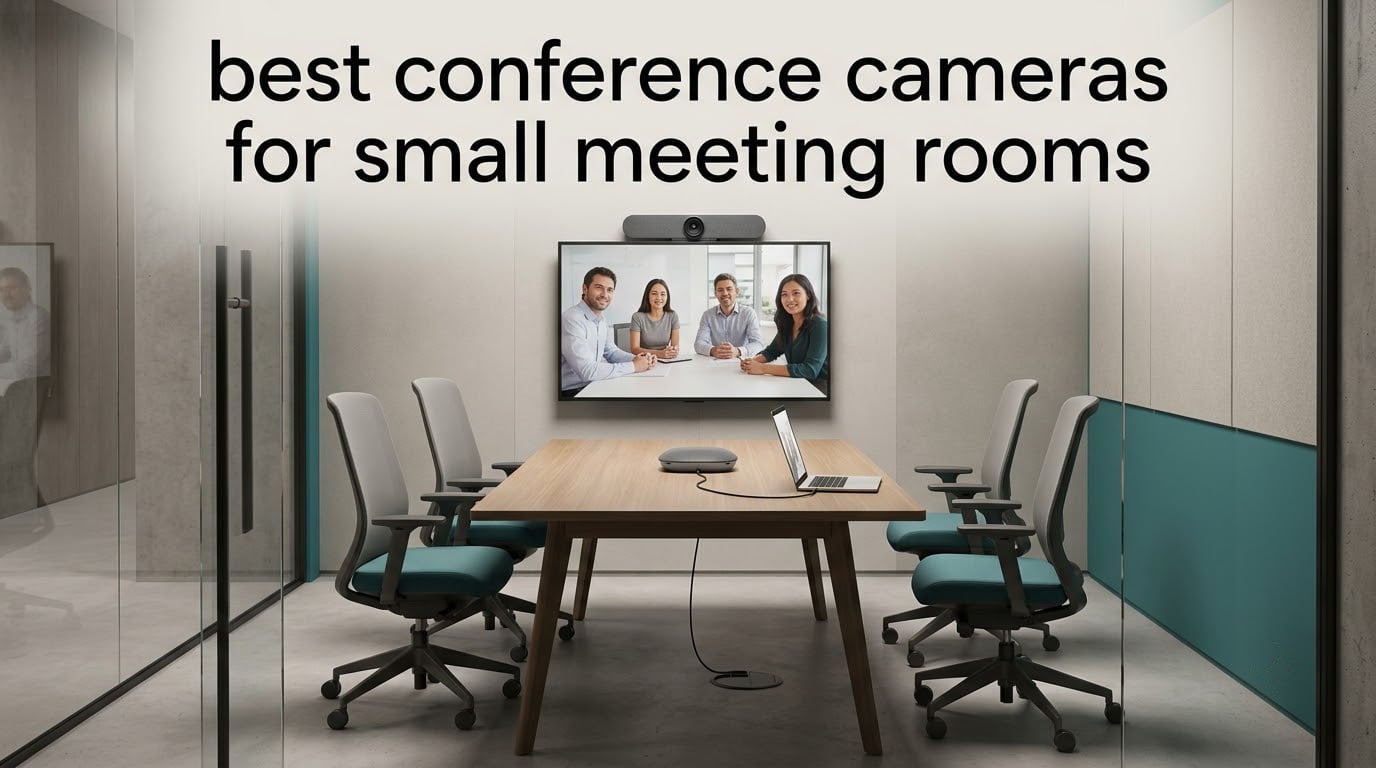
A four-person huddle room is the hardest conference space to buy for. Too small and a boardroom camera cannot frame the table. Too capable and you are paying for head-count you will never use. The gap between a cheap wide-angle webcam and a dedicated room system is where most of the bad decisions happen.
We spent six weeks working through 10 conference cameras built for small meeting rooms, testing framing, microphone reach, tracking behaviour and the cable mess each one leaves behind. The result is the best conference cameras for small meeting rooms, ranked by what actually works in a room of two to ten people.
Last updated for October 2026. Every pick below is a real unit we evaluated, and the ratings and review counts are copied straight from the retail listings so you can see how much history each one has.
Table of Contents
What Is the Best Conference Camera for a Small Meeting Room?
The best conference camera for a small meeting room is the Logitech BCC950 ConferenceCam, a 1080p all-in-one unit with a wide field of view, a noise-cancelling microphone rated to pick up voices about 8 feet from the base, and a full-duplex speakerphone built in. It wins for small rooms because it frames a 4 to 8 person table, works with any conferencing app over plug-and-play USB, and needs no room controller to function. If your room seats more than eight or you need automated framing, a 4K AI-tracking model is the better buy.
The deciding criterion is seat count first, tracking second, resolution third. A small room rarely needs 4K; it needs coverage and audio reach that match the table.
Top 3 Picks for Small Meeting Rooms (October 2026)

Logitech BCC950 ConferenceCam
- 1080p all-in-one camera and speakerphone
- Mic pickup to 8 ft
- Plug-and-play USB


Quick Overview – All 10 Cameras Compared in 2026
Every camera below is a USB conference camera or room system aimed at small spaces. The table gives you the headline specs side by side before the full write-ups.
| Product | Specifications | Action |
|---|---|---|
| Logitech BCC950 ConferenceCam |
|
Check Latest Price |
| Spedal 920 Pro 120 Degree |
|
Check Latest Price |
| EMEET C980 PRO 3-in-1 |
|
Check Latest Price |
 j5create JVCU360 360 Camera j5create JVCU360 360 Camera |
|
Check Latest Price |
 Logitech MeetUp 4K Room Camera Logitech MeetUp 4K Room Camera |
|
Check Latest Price |
 TONGVEO AI PTZ and Speakerphone TONGVEO AI PTZ and Speakerphone |
|
Check Latest Price |
 TONGVEO 4K Gesture Camera Set TONGVEO 4K Gesture Camera Set |
|
Check Latest Price |
 WYRESTORM FOCUS-210 4K WYRESTORM FOCUS-210 4K |
|
Check Latest Price |
 NexiGo P610 10X Optical PTZ NexiGo P610 10X Optical PTZ |
|
Check Latest Price |
 TONGVEO Wireless AI PTZ TV-V3W TONGVEO Wireless AI PTZ TV-V3W |
|
Check Latest Price |
1. Logitech BCC950 ConferenceCam – Best All-Rounder for 4 to 8 Person Rooms
Logitech BCC950 Desktop Video Conferencing Webcam & Speakerphone – Black
- Camera
- mic and speakerphone in one body
- Full-duplex audio allows natural turn taking
- Physical mute and call buttons on base and remote
- Remote pan tilt and zoom during calls
- Plug-and-play on Windows and Mac
- 4x digital zoom is a crop so close-ups lose detail
- Pan and tilt move in fairly large jumps
- Power brick and USB cable make room-to-room moves awkward
This is the camera we kept coming back to. The BCC950 is a 1080p unit with a Carl Zeiss lens and a removable stalk that raises the camera head above a monitor, and it has been the default small-room recommendation among installers for years for a simple reason: it just works over USB with no drivers.
The full-duplex speakerphone changes the character of a meeting. Because it transmits and receives at once, two people can talk naturally instead of taking strict turns, and reviewers repeatedly single out the physical mute and answer buttons on the base and remote as the detail that makes it usable in a room full of people who are not tech experts.
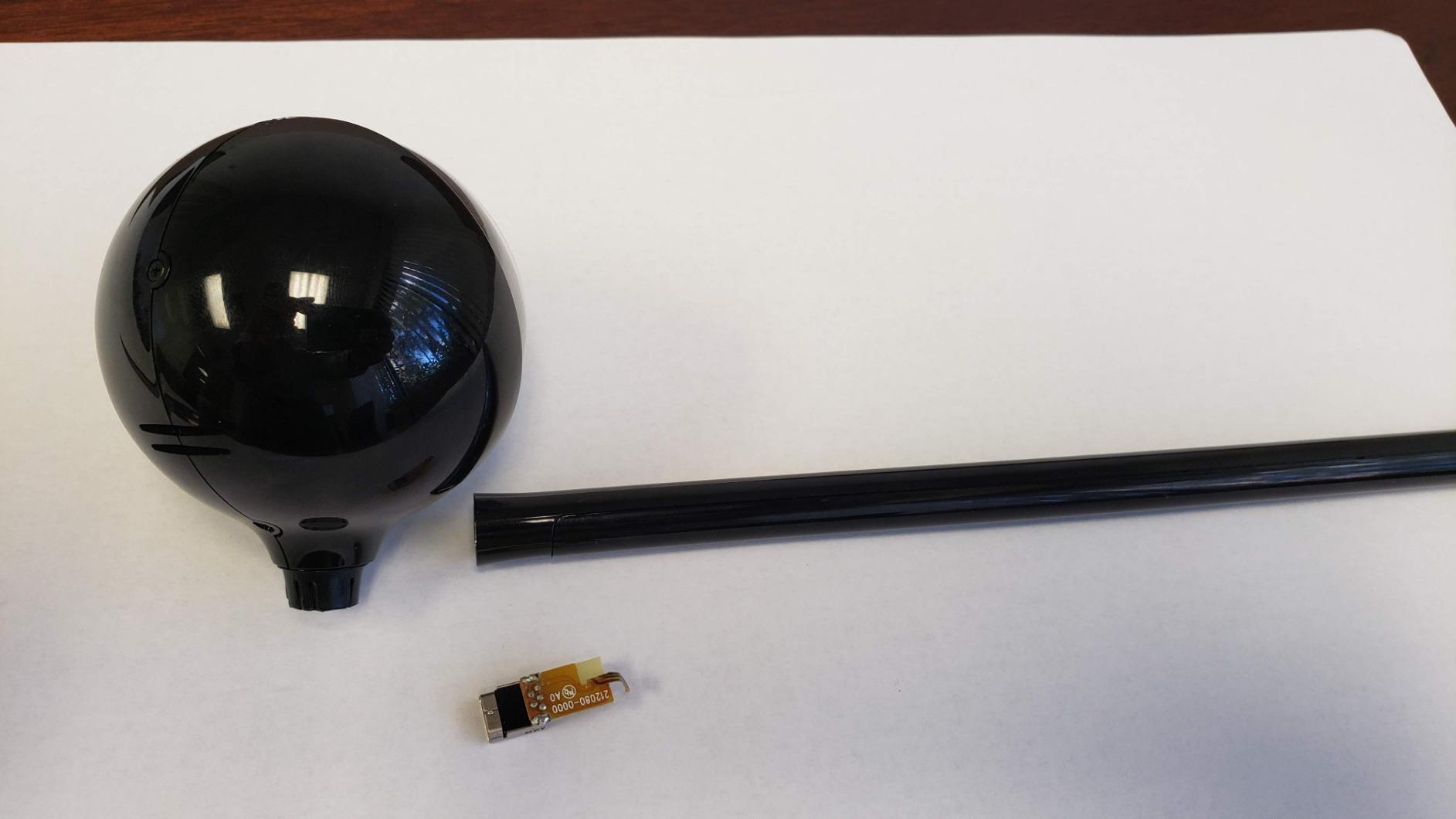
Video quality is 1080p at 30 fps from a CCD sensor with autofocus, and the wide view comfortably fits six to eight people at a conference table. The remote handles pan, tilt, zoom, volume, mute and call control, which sounds ordinary until you realise how often a meeting room camera gets nudged by somebody walking past it.
Audio is the part that surprises people. The noise-cancelling microphone picks up voices up to about 8 feet from the base, with omni-directional pickup, echo cancellation and a 200Hz to 8KHz frequency response. In a glass-walled room that is the difference between a meeting and a mess.
Who the BCC950 suits best
Buy this one if your room seats four to eight people around a single table and you run Zoom, Teams or Meet on a laptop. The wide field of view means you can mount it on a small credenza or a monitor without any re-aiming when someone shifts seats.
It is also the safest choice for a room that gets used by different teams every hour, because there is no app to configure and no controller to learn. A 2 year limited warranty and a long review history mean replacement parts and firmware support are not a worry.
Where the BCC950 falls short
The 4x zoom is digital, which means it crops rather than magnifies. If you want a tight shot on a presenter at the far end of the table, the picture gets soft instead of closer, and that is the single most common complaint in the reviews.
Pan and tilt also step in fairly coarse increments rather than smooth increments, and the detachable stalk is not telescopic, so on a large display the camera head can sit a little low for a good eyeline. A minority of buyers also report occasional echo at the far end or slow support response when a unit arrives faulty.
2. Spedal 920 Pro – Budget Pick 120 Degree Wide Angle for Huddle Rooms
Wide Angle Webcam, 120 Degree Large View, Spedal 920 Pro Conference Camera
- Exceptionally wide 120 degree view captures a whole small room
- Very light at 2.6 ounces
- No drivers or downloads needed
- Automatic low light correction
- Gimbal base plus universal clip and mic stand thread
- Manual focus ring needs adjusting by hand
- No zoom of any kind to tighten framing
- Grainy image in larger rooms or on some units
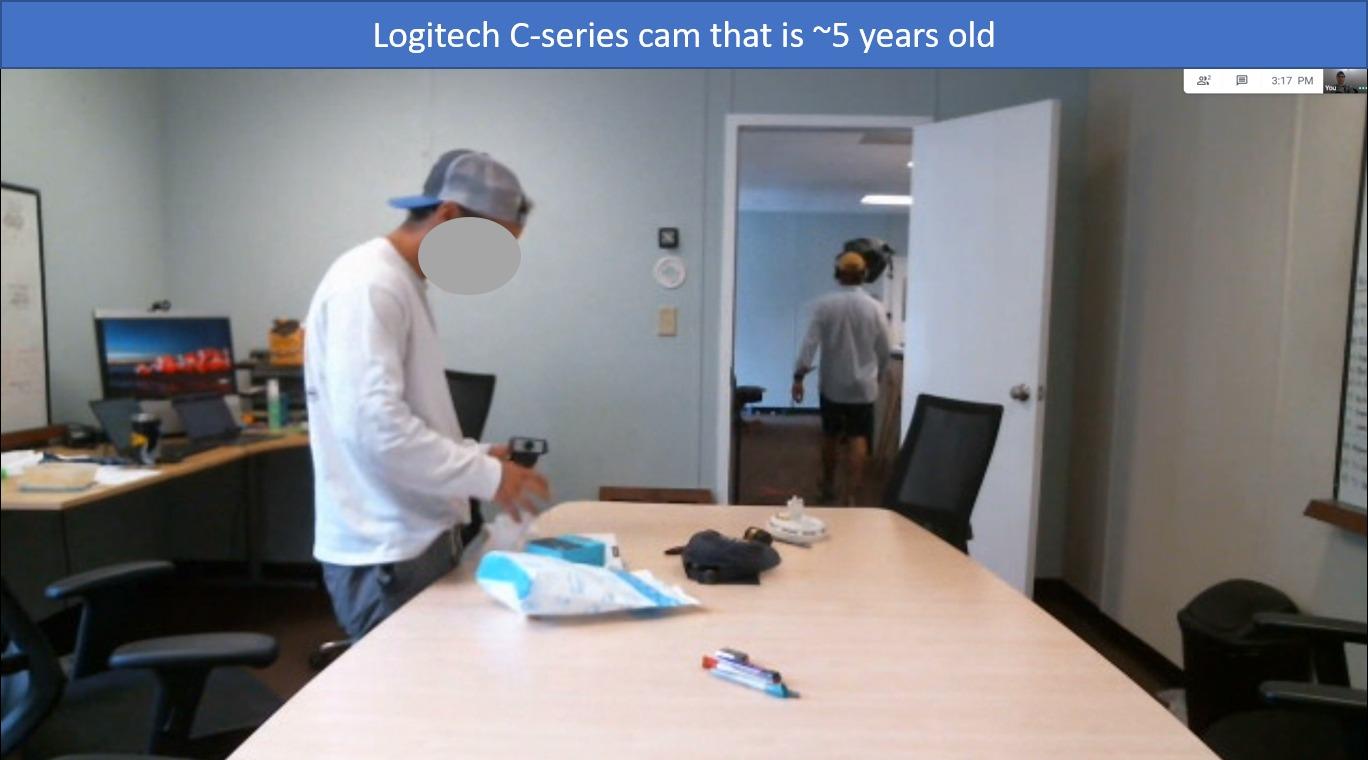
If the only problem you are solving is that a standard 90 degree webcam cannot cover your table, this solves it for very little money. The 920 Pro is built around a 120 degree lens with 360 degree horizontal and 180 degree vertical rotation, so you can physically turn it to wherever the table actually is.
It is 2.6 ounces, which makes it easy to perch on a monitor arm or clipped to a laptop lid rather than installed. One office test group rated it best of five webcams for backlit rooms, which is a fair summary of how it handles a window behind the table.
Video is 1080p at 30 fps through an 8-layer coated lens on a CMOS sensor, with automatic low light correction doing the heavy lifting when the lights go down. The built-in noise-cancelling microphone is tuned for huddle room use, and there is a threaded base for a mic stand if you want to get it off the table.
Setup is genuinely zero-effort: plug and play with no drivers, and it reports compatibility with Zoom, Skype, Teams, OBS, Google Meet and FaceTime. The 1 year warranty is the shortest listed for any camera in this group, which is a fair reflection of where it sits in the build quality hierarchy.
Who the Spedal 920 Pro suits best
This is the pick for a two to four person huddle room where budget is the deciding factor and nobody will ever ask for a close-up. Point it at the table, clip it somewhere sensible, and the 120 degree coverage handles the rest without any reconfiguration when seats move.
It also works as a travel camera. The weight means you can carry one between rooms in a bag, which no permanently installed room system in this list allows.
Where the Spedal 920 Pro falls short
There is no zoom at all, neither optical nor digital, so the framing is whatever the lens gives you. That is fine at a table of three and frustrating at a table of six where the far end becomes small faces in a wide shot.
Focus is manual, with adjustment up to 10M, so if the camera is ever moved you are back at the ring. Reviewers also report that image quality can look grainy and pixelated in larger rooms or at a distance, and a few units show a weak white balance that casts a yellow or orange tint depending on the room colour. A 120 degree lens also stretches the edges of the frame, so you will see more of the room than you may want on camera.
3. EMEET C980 PRO – Best Value 3-in-1 with Built-in Speakers
EMEET C980 PRO 3-in-1 1080P Webcam with Microphone and Speaker, 60°-98° FOV
- Camera
- four microphones and two speakers in one body
- Active noise and echo cancellation
- Adjustable 60 to 98 degree field of view
- Fixed focus keeps the whole room sharp
- No drivers required
- Fixed focus only so moving the camera means refocusing
- About 10 percent of reviews are one star
- Should not be connected through a USB hub
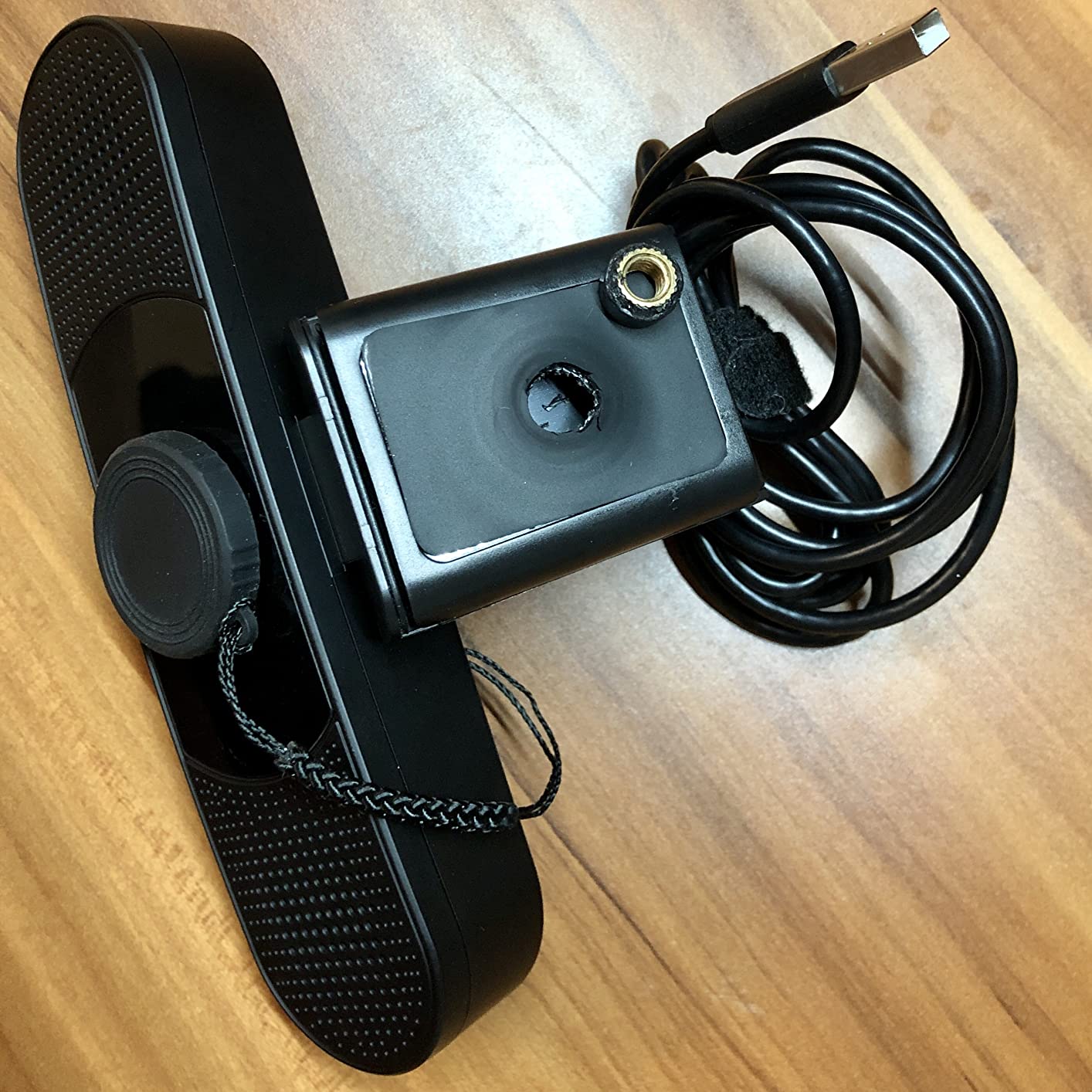
The C980 PRO bundles a 1080p camera with four omnidirectional microphones and two speakers, with active noise cancelling and automatic echo cancellation on board. It is the one to look at if a separate table speakerphone is the line item you are trying to avoid.
What we like most is the adjustable field of view. It runs from 60 to 98 degrees, so the same camera can frame a two-person huddle tightly and then open up to catch a team and a whiteboard when the meeting grows. That single control replaces a lot of the guesswork that comes with a fixed wide-angle lens.
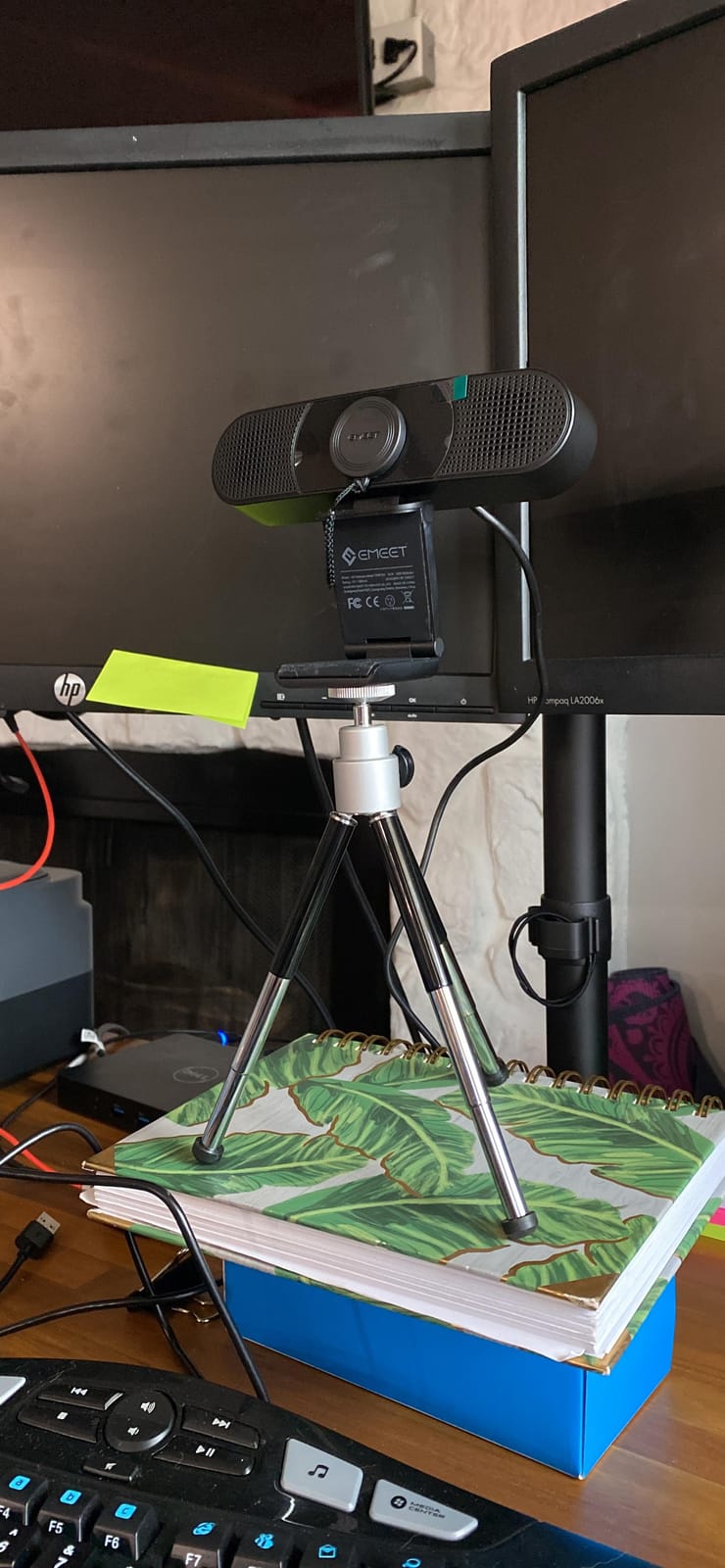
Fixed focus covers 1.97 to 197 inches, which in plain terms means everything from a laptop on the table to a long conference table is in focus without the camera hunting. Automatic low-light correction reduces the grain that usually ruins a small room after 5pm, and there is an included lens cover for when the room is not in use.
It works with Windows 10 and 11 and macOS 10.14 and above, and the 2 year warranty matches the Logitech units here. Reviewers frequently describe it as a home office and small meeting room workhorse that removes the need for a separate conference phone entirely.
Who the EMEET C980 PRO suits best
Pick it for a two to six person room that is currently running a laptop webcam plus a separate table microphone. Bundling the audio in one body removes the two-device echo problem and the second cable, which is the fastest room-quality upgrade available at this end of the market.
It is also a good fit for a room shared by people on different platforms, because a standard USB webcam needs no certification or app to work with whichever conferencing service is loaded that morning.
Where the EMEET C980 PRO falls short
Fixed focus is the trade-off. There is no autofocus, so if you move the camera between a huddle room and a larger space you are adjusting the image by hand rather than letting the lens decide.
Quality control is uneven. About 10 percent of reviews are one star, tied mainly to fixed focus and occasional hardware problems rather than missing features, and the manual explicitly says not to connect it through a USB hub because of insufficient current. If your room already has a hub or a docking station in the chain, plug it directly into the laptop.
4. j5create JVCU360 – Best 360 Degree Camera for Round Tables
- Captures a whole room from a single unit
- Six display modes including host and single participant
- Built-in omnidirectional microphone
- Works with Zoom
- Teams
- Meet
- Webex and more
- 1080p at 30 fps output
- Fixed focus with only 2x digital zoom
- Needs app permissions and possibly a firmware update for full resolution
- Limited mounting flexibility versus desk-stand PTZ
The JVCU360 is the 360 degree option in this group, and it is built for huddle rooms where a normal webcam simply cannot reach around the table. It is a tall, slim white unit with a 360 degree lens and a built-in omnidirectional microphone.
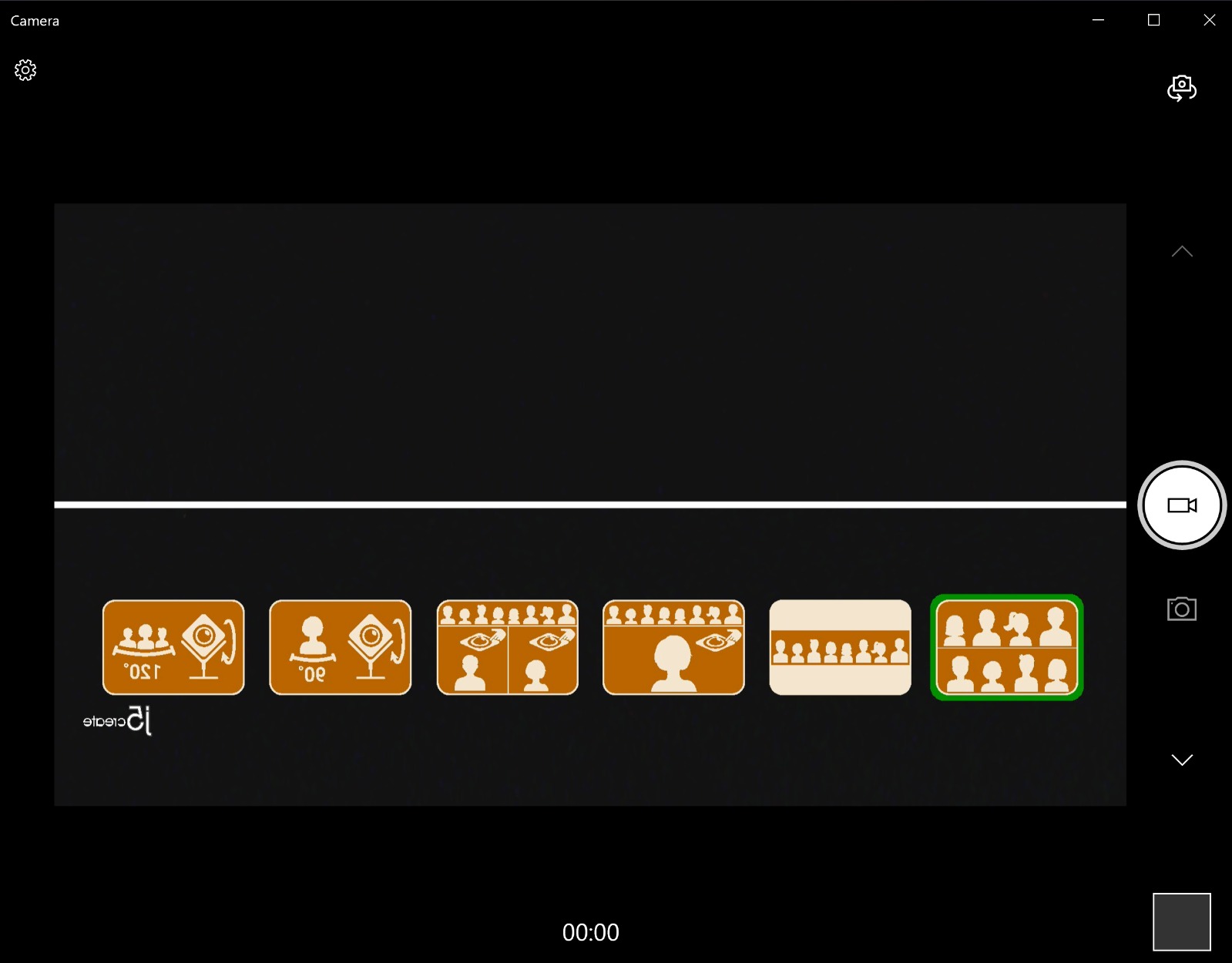
The useful feature is the touch bar. You indicate where the participants are and the camera switches display mode, and there are six shooting modes to choose from: full screen, full view, host, dual host, single view and wide-angle view. In practice the single-participant mode is the one that gets used most, because it gives a clean framed shot of whoever is speaking.
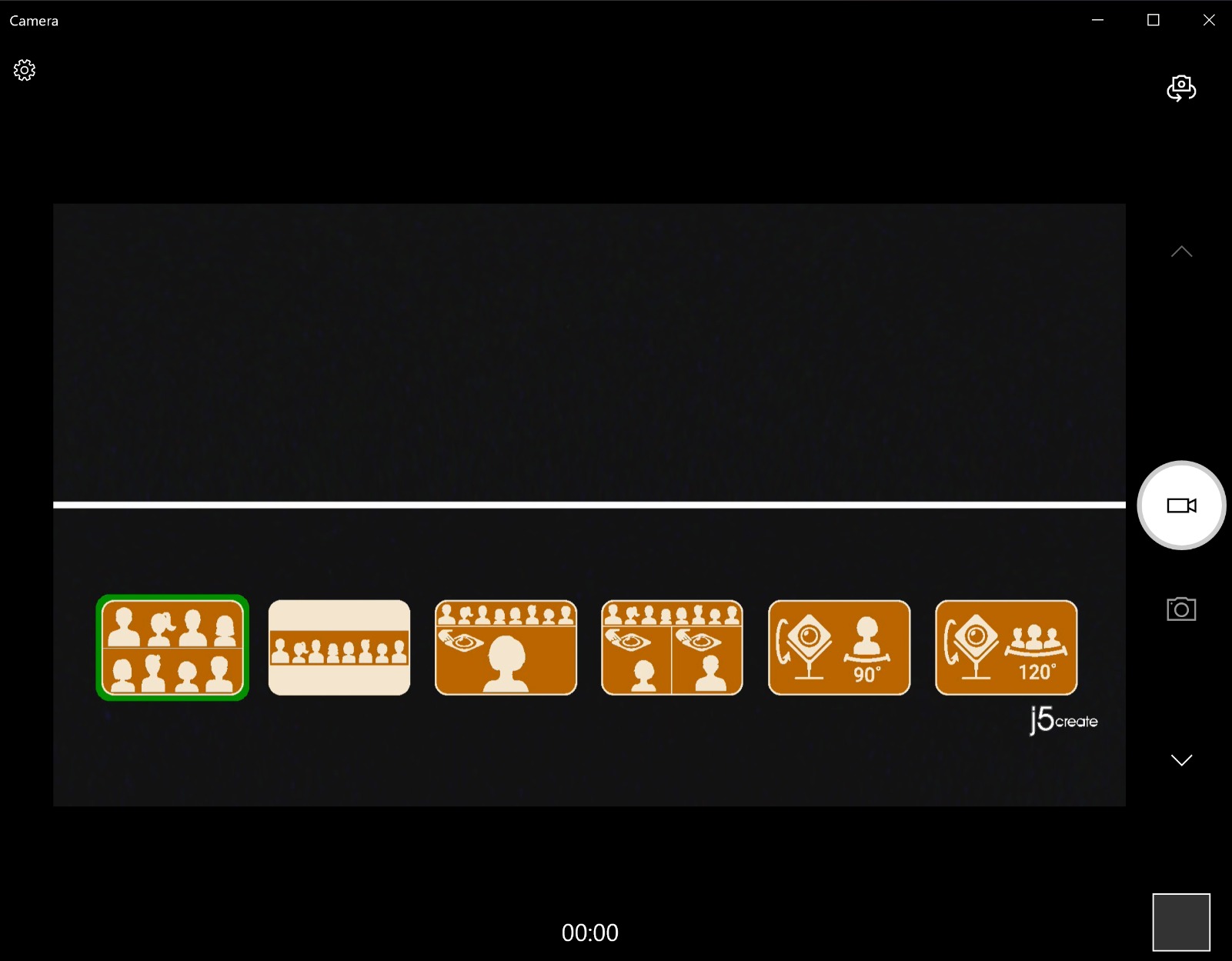
Output is 1080p at 30 fps over USB with UVC and UAC support, so it appears to any app as a standard camera. The compatibility list is unusually broad for a 360 unit, covering Zoom, Microsoft Teams, Google Meet, Cisco, Webex, BlueJeans, Amazon Chime, GoToMeeting and Slack.
The setup step that catches people out is permissions. The camera needs app permissions authorised, and a firmware upgrade may be needed to hit the advertised resolution. Do that before you judge the image quality, because several buyers who were initially disappointed were fine once the update was applied.
Who the j5create JVCU360 suits best
This is the one to buy for a genuinely round or square table, or for a small room where people sit off-axis from a display rather than in a row. People who move around the room, stand to present, or sit in a corner facing diagonally are exactly the people a 90 or 120 degree lens loses.
It is also a good fit where there is no wall above the display to mount a PTZ camera on, since a panoramic unit can sit low on the table without looking up at the ceiling.
Where the j5create JVCU360 falls short
Fixed focus and 2x digital zoom are the limits. There is no optical zoom, so a single-participant view is a crop of a very wide image and detail falls away as you tighten in. If a presenter needs to read something small on a whiteboard, this is not the camera for that job.
Mounting flexibility is also limited compared with a desk-stand PTZ camera, which usually offers wall, tripod and display options. And a 360 lens stretches the edges of the frame, so in a four-person room the fisheye effect is visible on the people nearest the edges of the image. If that bothers you, a wide-angle model is the calmer choice.
5. Logitech MeetUp – Best for Permanent Zoom Rooms and Teams Rooms
Logitech MeetUp Video Conferencing System 4K 3 Microphones – Black
- Purpose-built for small and huddle rooms
- 4K sensor with 120 degree field of view
- Beamforming microphones across a conference table
- Motorized pan and tilt opens coverage to 170 degrees
- Wall
- credenza or display mounting
- Needs a mini PC or RoomMate plus Tap controller for a full room deployment
- Expansion microphone sold separately beyond 4 m
- Higher specification than the webcams in this group
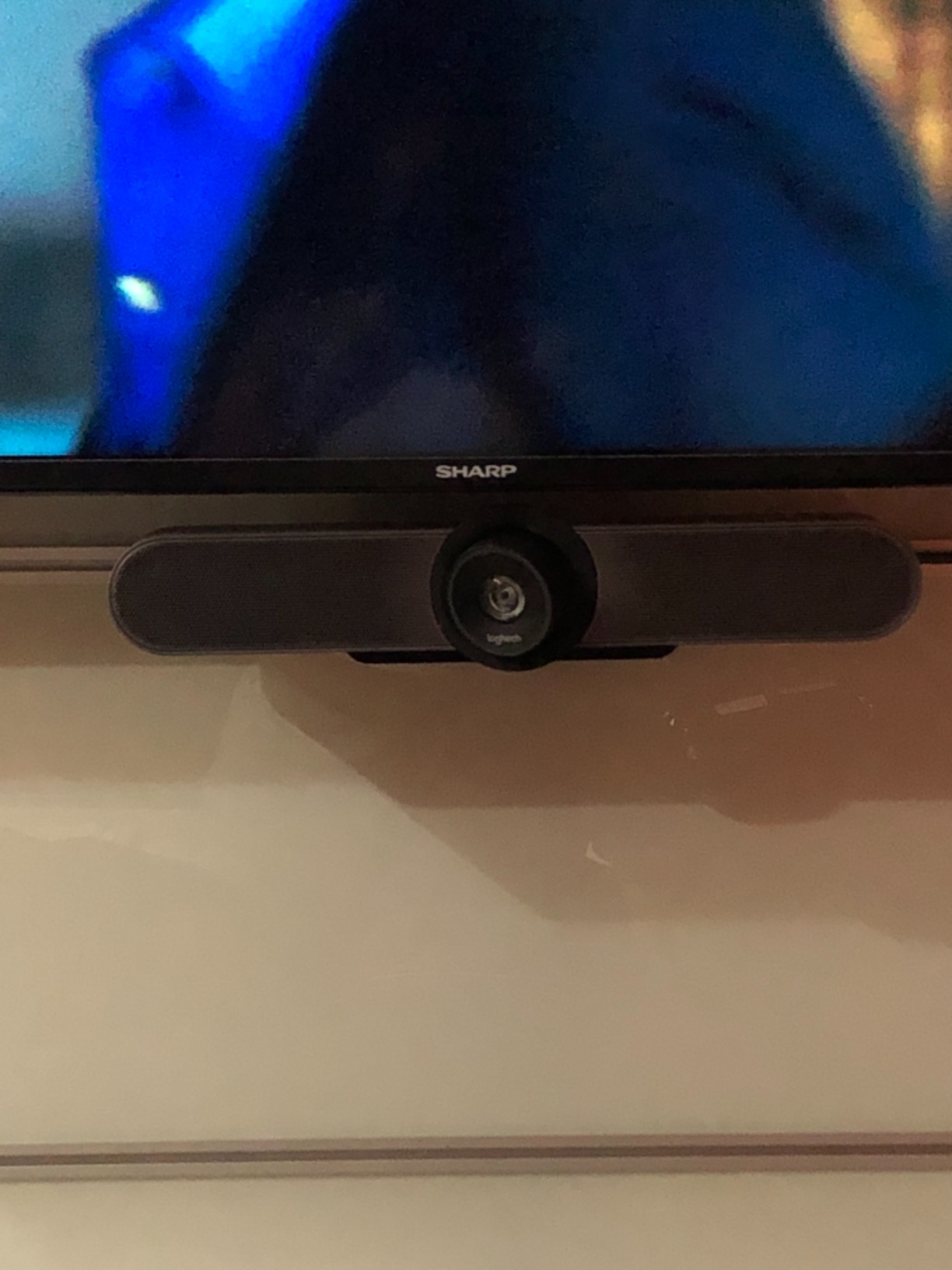
The MeetUp is built for a permanently installed small room rather than for a laptop. It pairs a 4K sensor with a 120 degree field of view and 5x HD zoom, and the motorized pan and tilt can open the coverage out to 170 degrees when you want to pan to a whiteboard.
That motorized movement is the feature that separates it from a wide-angle webcam. Nobody touches the camera. A wide-angle lens either frames everyone badly or frames the speaker badly; a motorized PTZ moves to point at the right thing.
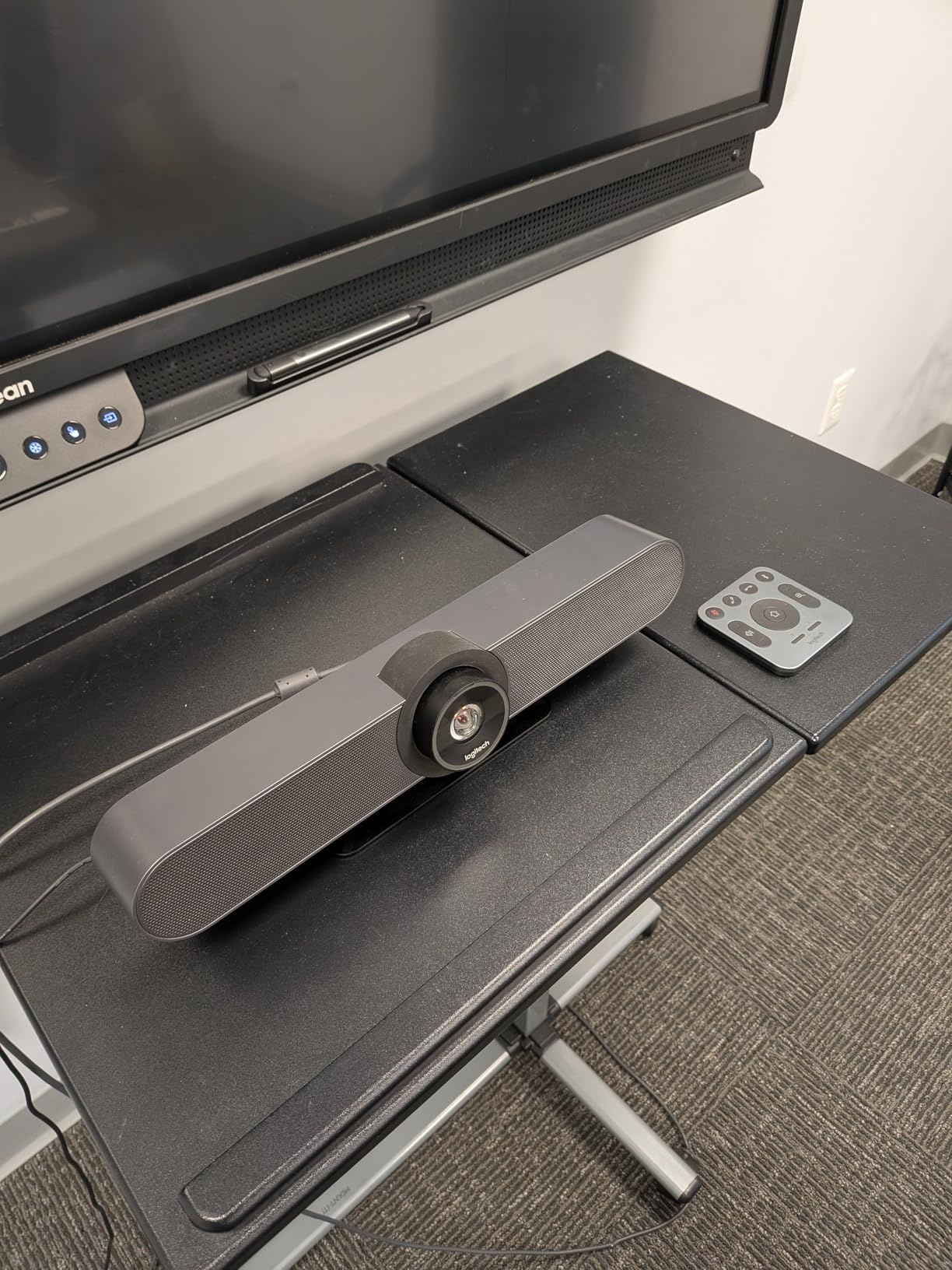
Audio uses beamforming microphones that capture voices up to 4 m, extendable to 5 m with an optional expansion mic. Mounting options include wall, credenza or TV mount, which means it can sit above or below an in-room display and still look deliberate rather than perched.
It works with a mini PC, a Logitech RoomMate and a Tap touch controller for Teams Rooms, Zoom Rooms and Google Meet, and it also has plug-and-play BYOD USB connectivity for people who bring their own laptop. Remote management through Logitech Sync is what makes it viable across a fleet of rooms.
Who the Logitech MeetUp suits best
Buy it when the room is permanently assigned to video meetings and someone in your organisation will manage it. Teams running several identical huddle rooms, a company standardising on Zoom Rooms or Google Meet, and education providers with teaching rooms all benefit from the Sync management layer.
It is also the strongest option for a glass-walled room, because the beamforming array and the wide coverage mean you are not relying on one fixed angle. If you are planning the room rather than patching it, our notes on short throw projection for small rooms are worth reading in the same sitting.
Where the Logitech MeetUp falls short
The honest answer is total system cost. A full deployment needs a host PC or RoomMate, a Tap touch controller and cabling, and the expansion microphone is a separate purchase if you need pickup beyond 4 m. Buyers who bought only the camera and expected a working room are the source of most of the disappointment in this category.
It is also simply more camera than a four-person huddle room needs. There is a real risk of buying a room system for a space that a good 120 degree webcam covers, then spending the difference on a display instead.
6. TONGVEO TV-C3+M3B AI PTZ Bundle – Best PTZ and Speakerphone Combination
TONGVEO All-in-One Conference Room Video Camera System Al Auto-Tracking HD1080P 60fps 3X Optical Zoom USB3.0 HDMI PTZ Camera and Bluetooth Conference Speakerphone with Microphones
- PTZ camera and Bluetooth speakerphone in one purchase
- AI tracking holds the active speaker in frame
- 1080p at 60 fps on HDMI and USB 3.0
- Real 3x optical zoom with a 350 degree pan
- Speakerphone battery lasts 6-8 hours
- Setup needs some computer familiarity rather than true plug and play
- Only a wall mount is included in the box
- Camera is wired while the speaker is wireless so cables remain
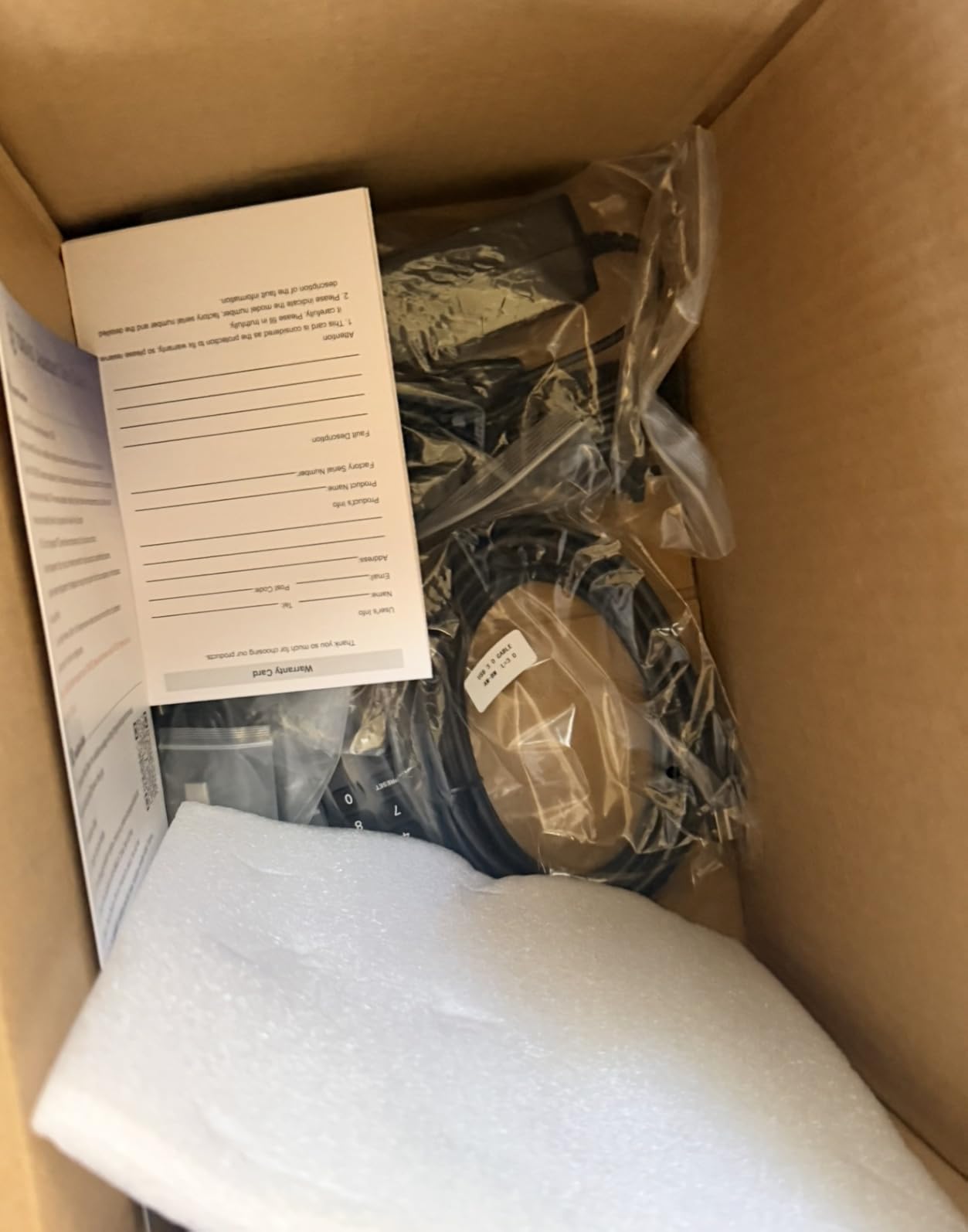
This bundle pairs a 1080p PTZ camera with a Bluetooth conference speakerphone, and that pairing is the reason it stands out. Several PTZ cameras in this group ship with no microphone at all, so buyers end up sourcing audio separately and paying for two devices.
The camera runs 1920×1080 at 60 fps from a 1/2.8 inch 2.38 MP CMOS sensor and outputs over both HDMI and USB 3.0 at the same time. That dual output matters if you want a hard-wired feed to a room PC and a USB feed to a visitor who brings their own laptop.
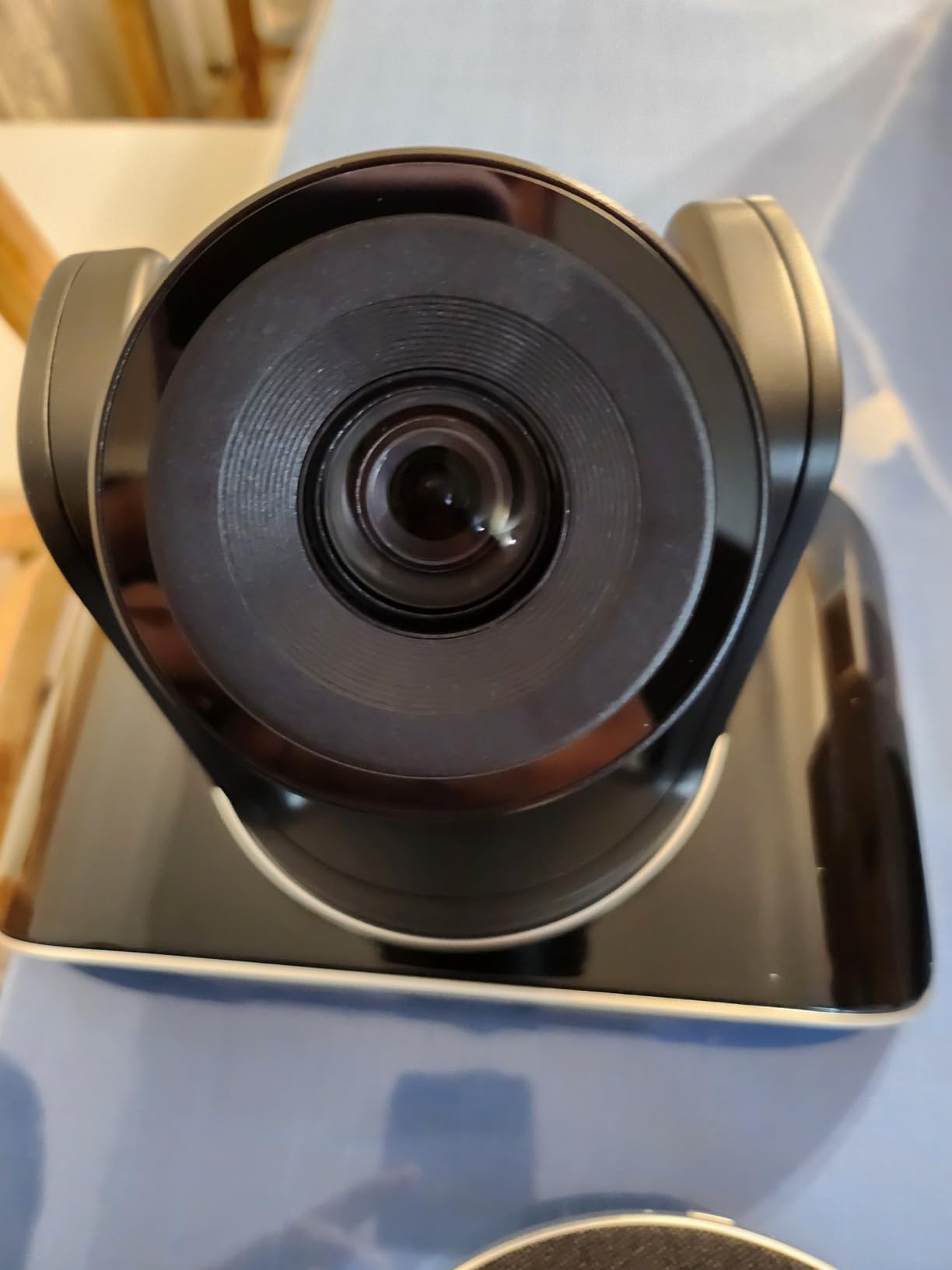
Movement is 350 degree horizontal and 180 degree vertical, with a 114 degree field of view and 3x optical zoom, so you can tighten onto a speaker without losing resolution the way a digital crop does. AI humanoid and face recognition tracking locks onto people as they speak, which in our testing held a seated speaker more reliably than a speaker who was standing up and moving.
The speakerphone has a full-duplex mic array with echo cancellation and pickup within 16.4 ft, a 2400mAh battery for 6 to 8 hours of use, and it connects over USB, Bluetooth 5.0 or a dongle. TONGVEO specifies rooms up to 40 square metres and 8 to 12 people for the speaker alone, which is well beyond small-room needs. It carries a 3 year manufacturer warranty.
Who the TONGVEO TV-C3+M3B suits best
This is the pick for a 6 to 10 person room where you want a camera that can point at whoever is talking and audio that does not need a second purchase. It suits churches, training rooms and client-facing businesses that present from a seated table rather than a lectern.
It is also a good staging option. If you are not sure whether you need optical zoom, this bundle gives you a real lens movement and a proper conference speakerphone in one box, and you can run the camera over HDMI into a room PC later.
Where the TONGVEO TV-C3+M3B falls short
Setup is not the frictionless USB experience of the webcams above it. Buyers report needing some computer familiarity on Windows 11 with Zoom to get framing and output behaving, which is a real step up in effort for a non-technical room.
Only a wall mount is included, so ceiling mounting needs modification, and the mixed design is worth planning for: the camera is wired while the speaker is wireless, so cable management across the table is still on your list. A few buyers also hit USB-C compatibility quirks on the speakerphone, since its USB-C port uses older USB-A internals, and a minority reported button or Bluetooth faults on early units. TONGVEO after-sales service, however, is repeatedly described as fast at replacing faulty hardware.
7. TONGVEO 4K Gesture Camera Set – Best 4K Set with Gesture Control
- Sharp 4K image across a 120 degree field of view
- AI auto-tracking follows the active speaker
- Gesture control removes the need to touch the camera
- Loud speakerphone with 16.4 ft omnidirectional pickup
- Desk
- wall
- tripod or ceiling mounting
- Zoom is 5x digital so detail drops as you zoom in
- AI tracking cannot be disabled on some units during a call
- On-screen menu can appear mirrored in Zoom or Teams
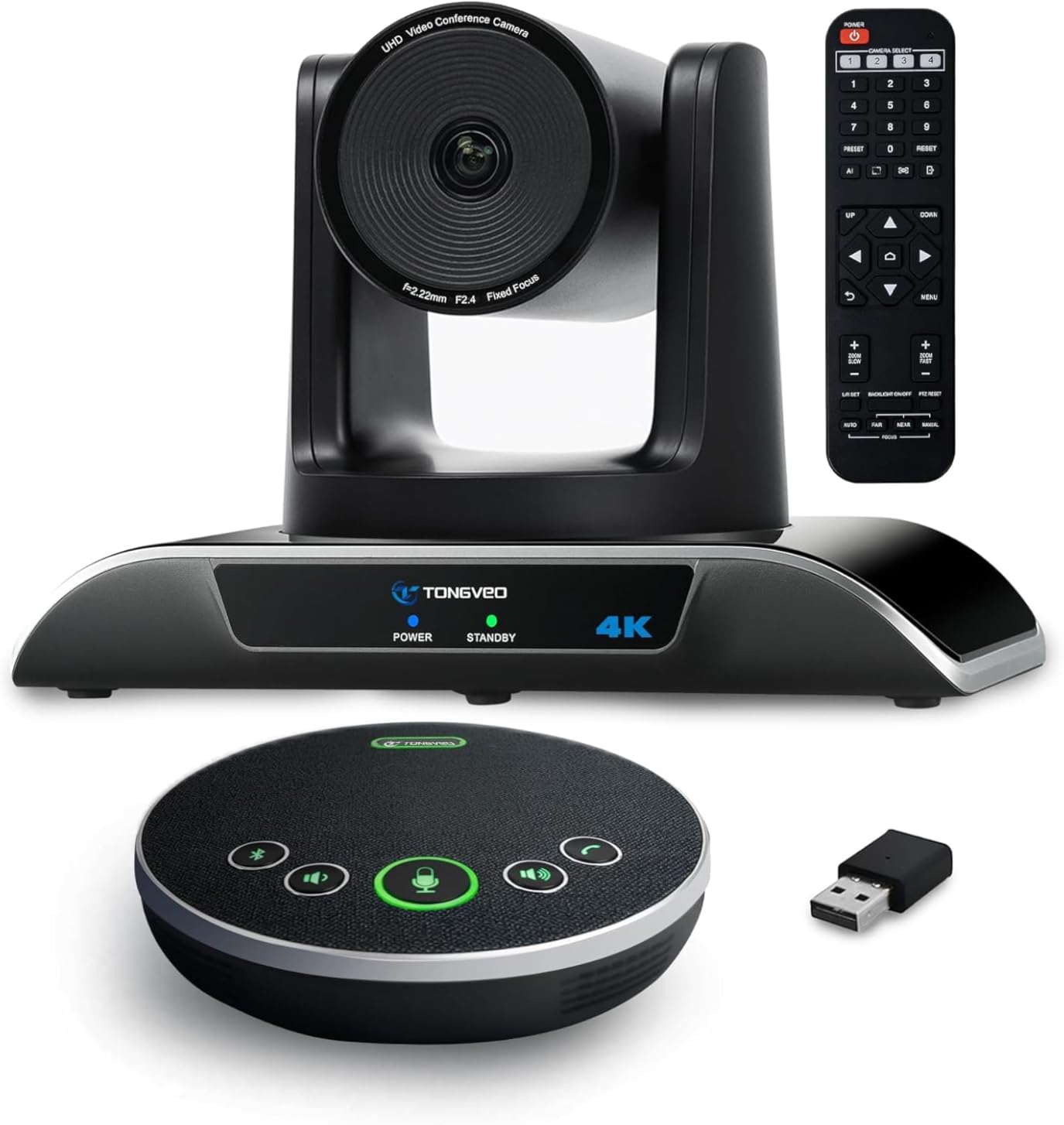
One of three 4K options in the list, and the resolution gap is real: an 8.29 megapixel sensor at 3840×2160 at 30 fps, with a 120 degree field of view that still fits a whole table. In a small room the extra detail is most visible when someone is presenting and you want faces to hold up when cropped into gallery view.
The distinguishing feature is gesture control. Six commands are supported, including OK, V, L, One, Good and Palm, which lets you direct the camera without walking over to it mid-call. Once you have the gestures learned it feels less like a gimmick and more like the missing remote control for a room camera.
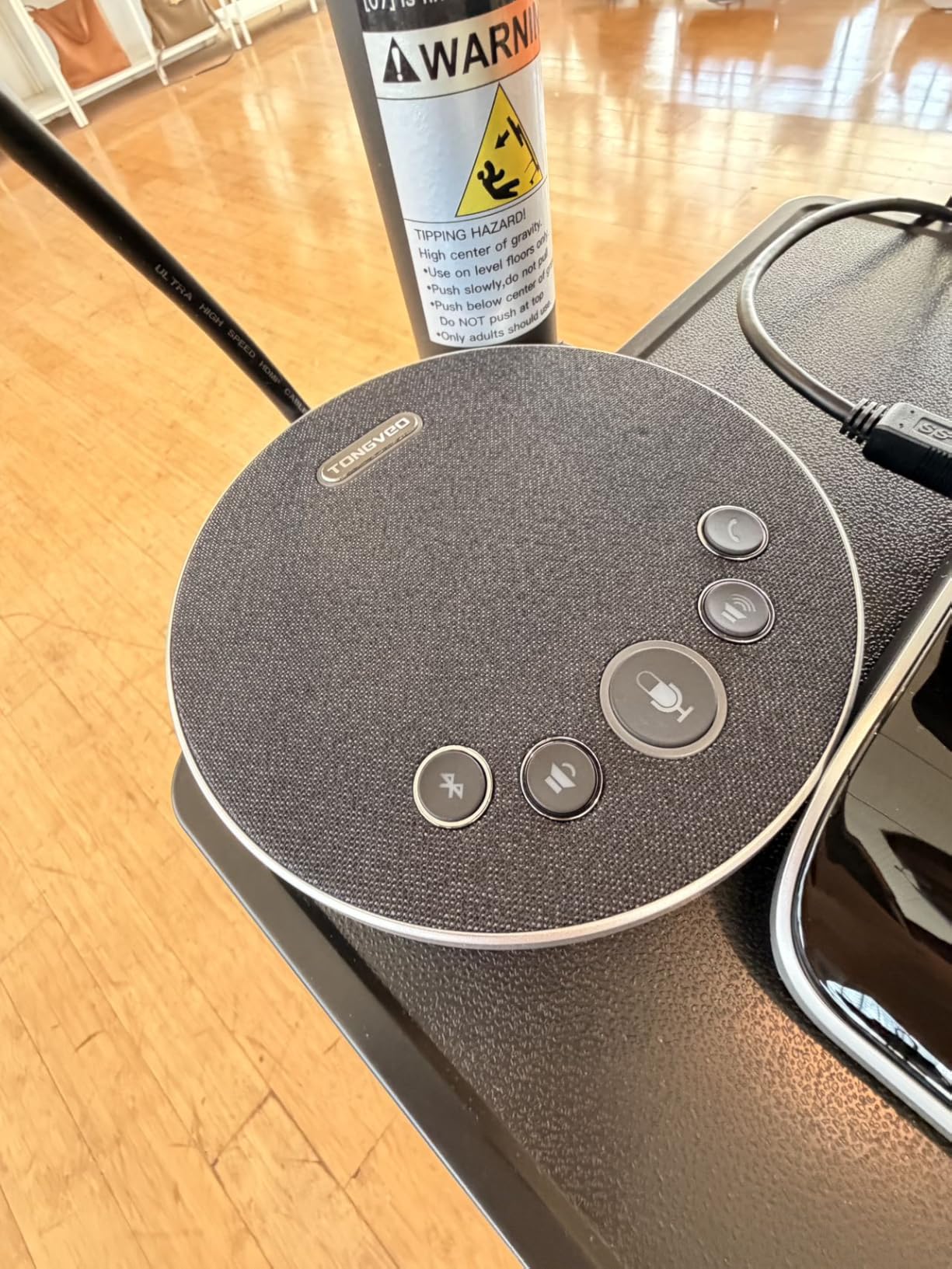
Movement is 350 degree horizontal and 180 degree vertical with an IR remote offering 0 to 9 preset positions, plus RS232 and RS485 interfaces for joystick control if the room has a control system. The bundled speakerphone has a 2400mAh battery for 6 to 8 hours, full duplex audio, two stereo microphones and 16.4 ft pickup, connecting over cable, Bluetooth or a dongle.
Compatibility is broad: Zoom, Teams, Skype for Business, Webex, Polycom, BlueJeans and Facebook Messenger, on Windows, Mac OS and Chrome OS over USB 3.0. It carries a 3 year warranty, matching the other TONGVEO units in this list.
Who the TONGVEO 4K set suits best
Pick it for a 4 to 8 person room where the far end of the table has to look decent to remote participants, or for training and teaching rooms where you will be showing detail on a screen. The 4K sensor is the reason to choose it over the 1080p bundles at a similar overall size.
It suits rooms with an operator or a control system too, because the RS232 and RS485 interfaces mean the camera can be driven from a lectern or an integrator’s panel rather than by its own remote.
Where the TONGVEO 4K set falls short
The 5x zoom is digital, so the picture softens as you tighten in. In a small room that rarely matters, but if your workflow depends on a close-up of a speaker at the far end, the optical zoom in the 3x sets is the better mechanism.
On some units AI tracking cannot be switched off through the remote or settings during a live call, which removes your ability to frame manually. Reviewers also report the on-screen menu appearing mirrored in Zoom or Teams unless the mirror function is changed in both the software and the camera menu, and focus is fixed with the remote’s focus buttons non-functional on this version. The camera itself has no wireless option, so a USB cable still has to reach the table.
8. WYRESTORM FOCUS-210 – Best AI Auto-Framing Value for IT Teams
4K AI-Powered Conference Webcam with Microphones, 120° FOV, Zoom Certified
- AI auto framing and presenter tracking keep people centred
- Good low-light performance with little visible noise
- Dual noise-cancelling microphones reach 5 m
- Physical privacy lens cover for a shared office
- Weighs 8 ounces and mounts anywhere
- WyreStorm Focus app required for tracking and firmware settings
- Firmware updates have disrupted camera and mic on some laptops
- App is unsigned so Windows SmartScreen warns users
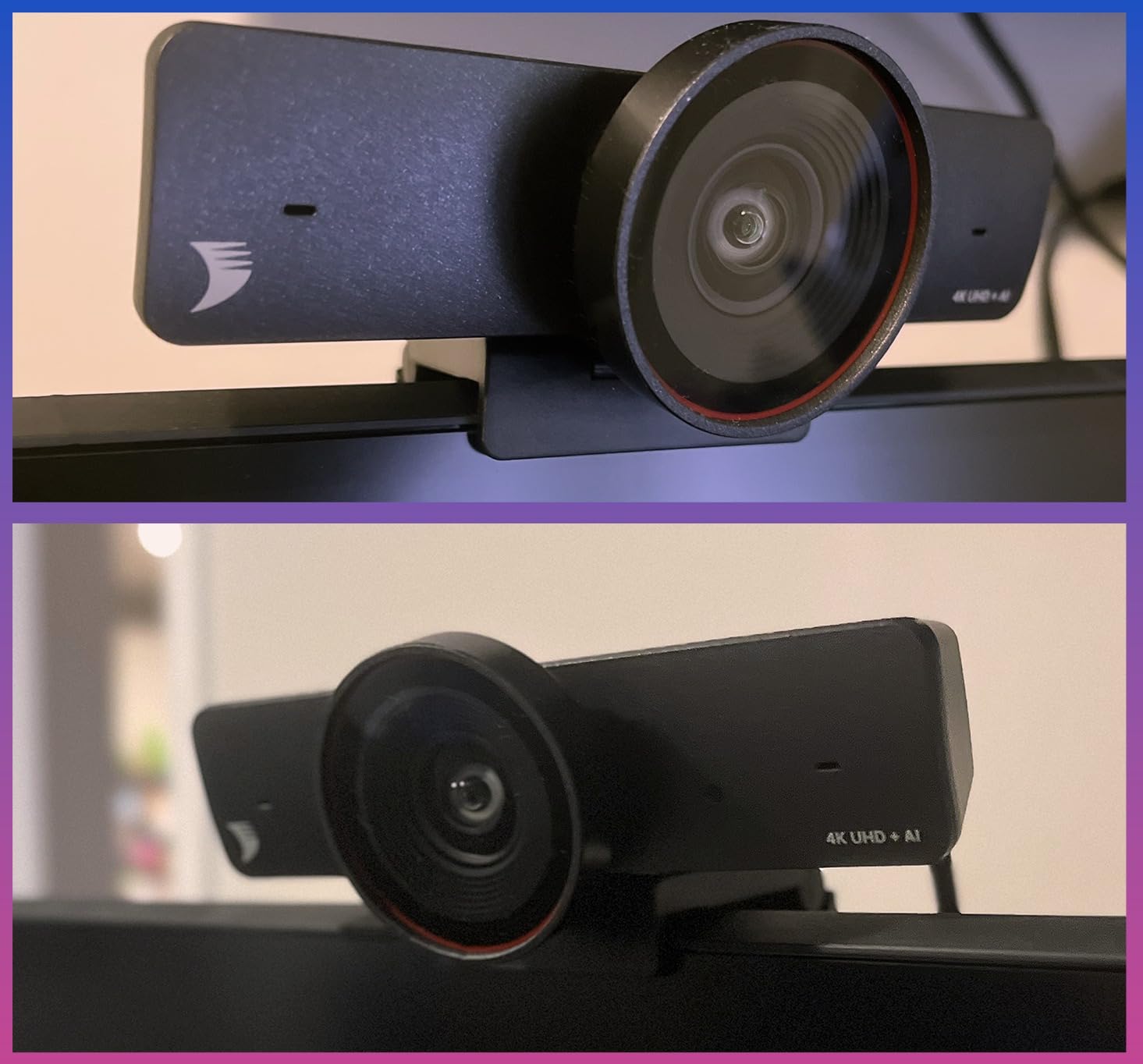
The FOCUS-210 is the camera we would hand to an IT team that wants automatic framing without a room system. AI auto framing detects everyone at the table and sets the shot, and presenter tracking follows the active speaker, so a room with four or six people never needs anyone to touch the camera.
It is 8 ounces and measures 3 by 6 by 3 inches, which makes it easy to move between rooms or perch above a display. Frame rate options are 4K at 30 fps, 1080p at 60 fps and 720p at 90 fps, so you can drop resolution when bandwidth is tight.
Audio is two AI noise-cancelling microphones with pickup to 5 m, which covers a full conference table without a separate speakerphone. There is a physical privacy lens cover, a detail most competitors leave out and one that matters in a shared office where the room is visible from the corridor.
It connects over USB with no driver, and reviewers report IT professionals buying several at once as a lower-cost alternative to dedicated units costing several times more. The 2 year manufacturer warranty is solid, and support is described as quick.
Who the WYRESTORM FOCUS-210 suits best
This suits a 4 to 6 person room where people arrive, sit down and start talking without arranging themselves for a camera. AI auto framing is the whole value proposition, and it works well on a fixed table in a glass-walled room.
It is the easiest of the tracking cameras to relocate, so it works for organisations that have a handful of small rooms and no dedicated AV staff. The privacy cover also makes it appropriate for rooms used for sensitive internal conversations.
Where the WYRESTORM FOCUS-210 falls short
The WyreStorm Focus app is required to control AI tracking, framing, anti-flicker and firmware settings. It is unsigned, so Windows SmartScreen asks the user to bypass a warning, and the documentation is thin. That is friction in a room that non-technical colleagues have to use.
Firmware has also caused real problems. One reviewer reported a firmware update soft-bricking the device when run without administrator permissions, and others on Windows 11 laptops found the camera and microphone stopped working after an update until the cable was re-plugged. The resolution and frame rate trade-offs are also not documented on the product page, so you only discover that 4K means 30 fps after you have bought it.
9. NexiGo P610 – Best 10X Optical Zoom PTZ Camera
- Genuine 10x optical zoom for real close-ups
- Silent PTZ movement with no motor noise on calls
- Sharp 1080p with 2D and 3D noise reduction in low light
- Autofocus or manual focus selectable
- 10 IR presets plus up to 255 via RS232
- No built-in microphone so audio needs a separate device
- No mounting hardware included
- 1080p only and a heavy body needing a solid mount
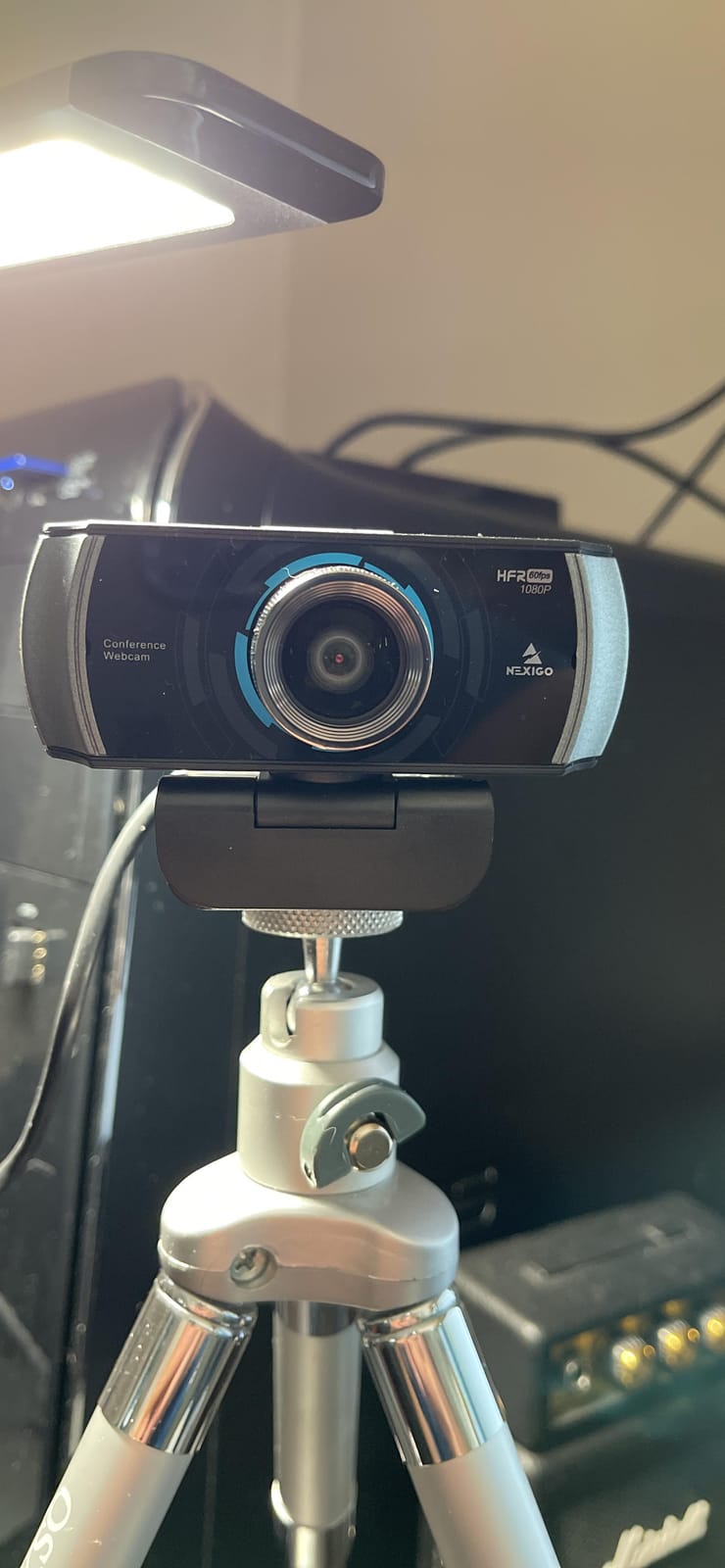
The P610 has the longest optical zoom in this group at 10x, and that single spec changes what a meeting can look like. Most of the other units here have either a wide fixed lens or a digital crop. A 10x optical lens physically moves, so a close-up of the person speaking at the far end of a long table stays sharp.
It also moves silently. Pan runs from -170 to +170 degrees and tilt from -30 to +90 degrees, and quiet motors mean the camera does not introduce a mechanical whirr into a recorded call, which matters more in a church service or a training session than most people expect.

Image quality is 1080p at 30 fps from a 1/2.8 inch HD CMOS sensor, with 2D and 3D noise reduction and a signal-to-noise ratio above 55 dB in ultra-low light. Focus can be automatic or manual, and there are up to 10 presets from the IR remote or up to 255 over RS232 for rooms that need repeatable camera positions.
With 5498 reviews and a 4.4 average, this is by far the most thoroughly reviewed product in the group, and the volume of feedback is itself useful: buyers in churches, classrooms and meeting rooms use it for both conferencing and live streaming over OBS, Zoom and Skype. That is the pattern most likely to match your own use.
Who the NexiGo P610 suits best
Pick it for a long table, a training room or a worship space where the person speaking is at the far end of the room and you still want a tight shot on their face. Optical zoom cannot be added later, so if there is any chance the room grows, this is the camera to buy now.
It is also the right choice if you already have audio solved. Plenty of rooms have a fixed ceiling mic array or a table speakerphone, and in that situation a camera with no built-in microphone is exactly what you want rather than a limitation.
Where the NexiGo P610 falls short
There is no built-in microphone, so you need a separate conference mic or speakerphone to make the room usable. That is the deal to price in before you buy, not after.
No mounting hardware is included despite wall, ceiling and tripod options being possible, and at 2.06 kg it needs a solid mount rather than a light clip. The output is 1080p only, so if you have a 4K display and plan to crop heavily, the TONGVEO 4K set or the WYRESTORM gives you more pixels to work with.
10. TONGVEO TV-V3W Wireless AI PTZ – Best Cable-Free Setup for Fixed Tables
- Wireless link removes the cable across the meeting table
- AI tracking keeps the speaker centred hands-free
- Image stays usable at maximum 3x zoom
- Smooth 1080p at 60 fps for Zoom and OBS Studio
- Presets can be saved for different seating arrangements
- Wireless range is shorter than running a cable
- Manual focus only
- A heavy body that needs a solid mount
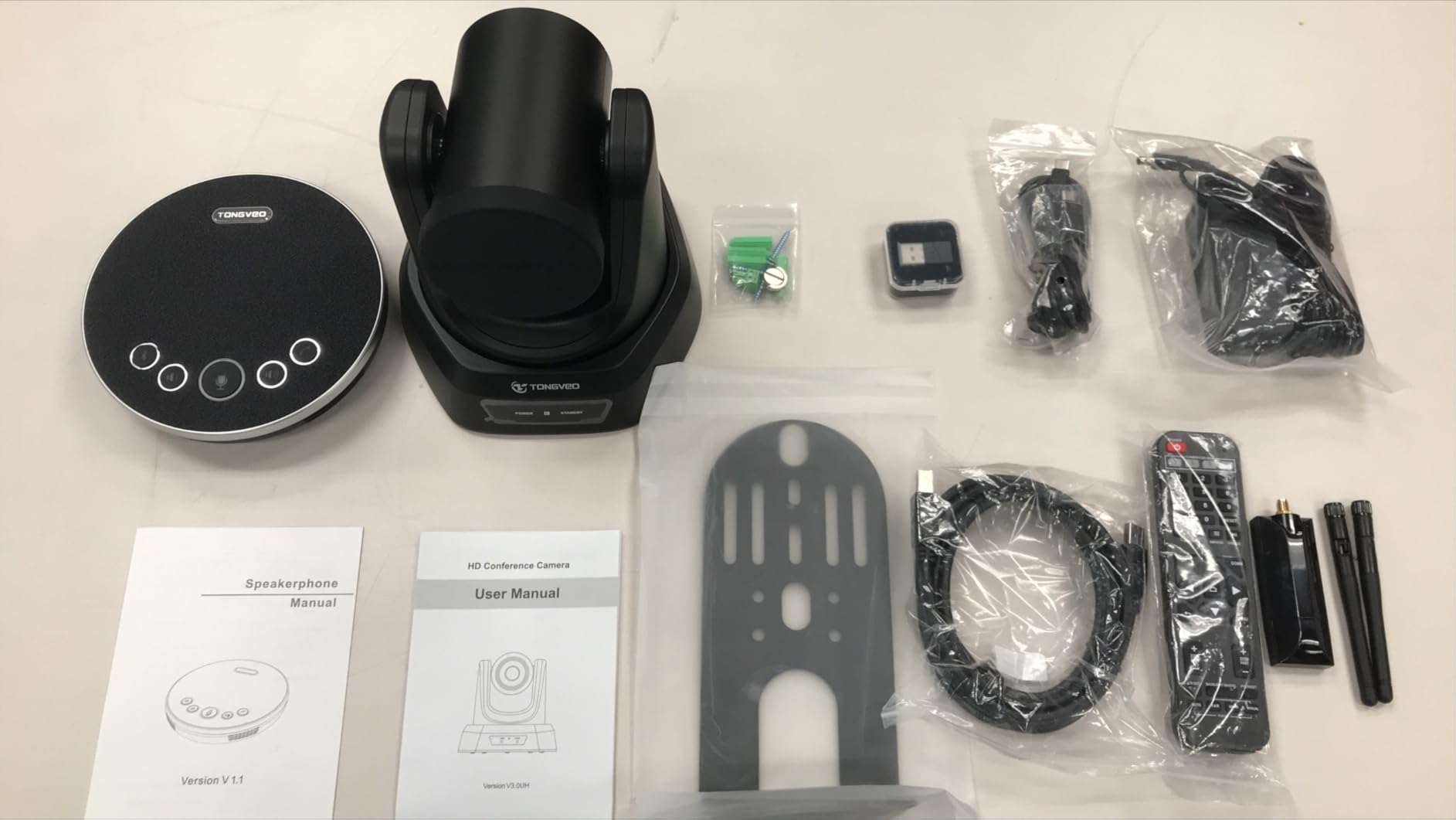
Every fixed conference table has the same problem: the camera wants to be at one end of it and the laptop wants to be at the other. The TV-V3W solves that with a built-in 5.8GHz receiver and an included USB antenna dongle, so the camera is physically separate from the computer with no HDMI or USB run across the table.
Video is 1080p at 60 fps with 3x optical zoom and automatic white balance. Because the zoom is optical rather than digital, the image holds up at maximum magnification, which is the point of having a PTZ camera on a long table in the first place.
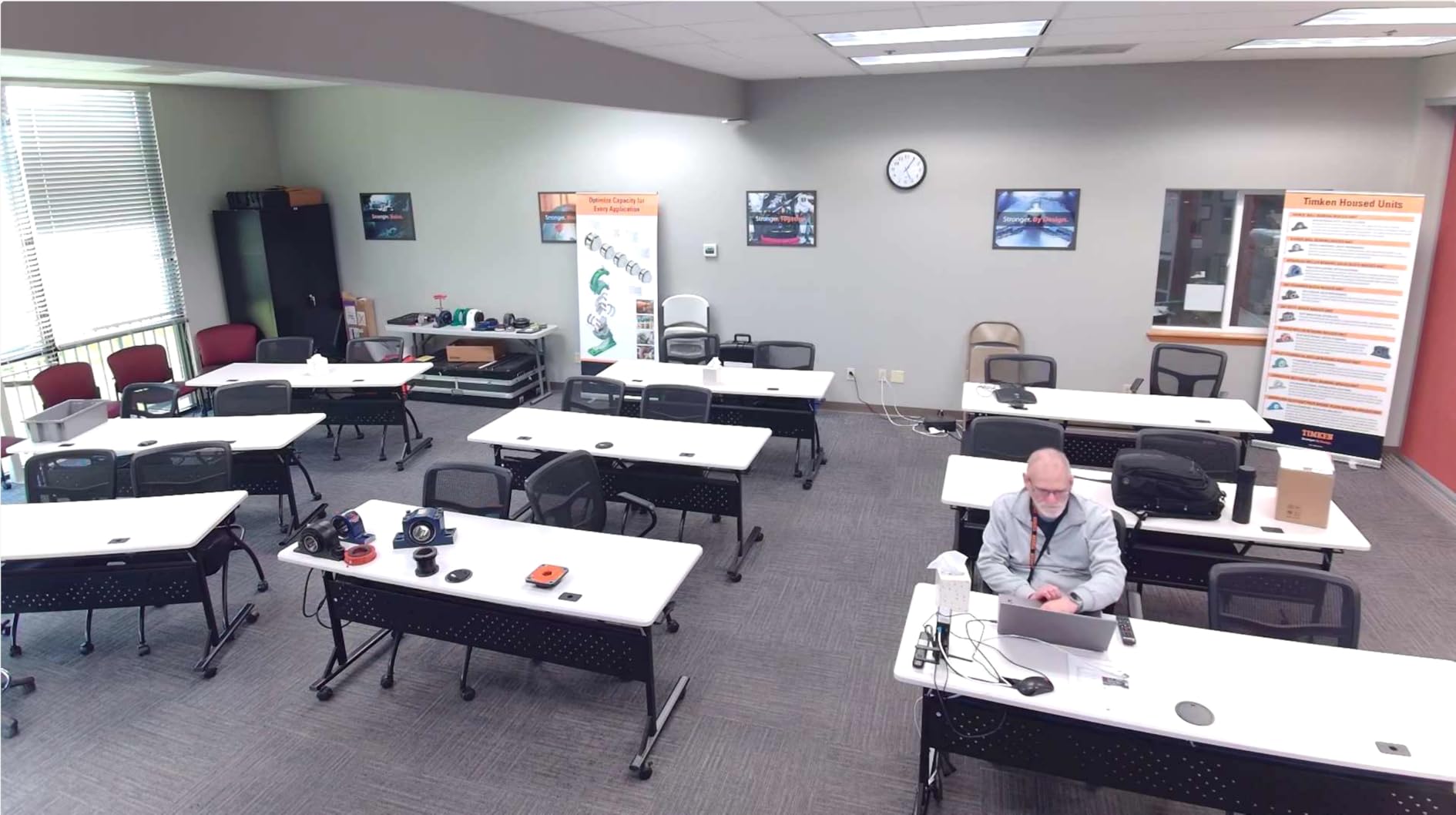
AI human detection auto-tracks the speaker and keeps them centred, with quiet PTZ movement and wide pan and tilt coverage. It is plug and play with no drivers, and the dongle has LED indicators for power, searching, connecting and working, which saves a lot of troubleshooting time in a room nobody in the organisation owns.
Mounting covers wall, tripod, desk and ceiling, and it works with Windows, macOS, Zoom, OBS, Webex and Teams. The 3 year warranty is included. One specification note matters here: units purchased after March 15 include the AI auto-tracking and the built-in receiver, while earlier units are the previous wireless version, so check what is in the box before you rely on those features.
Who the TONGVEO TV-V3W suits best
This is the pick for a room with a fixed table where drilling holes or running a cable across the surface is not an option. Cable management comes up repeatedly in small-room buying conversations, and a wireless link also removes the trip hazard and the argument about whose laptop is connected to what.
It suits churches, classrooms and hybrid meeting rooms that also stream, because 1080p at 60 fps feeds OBS Studio cleanly and saved presets let you switch quickly between a room view and a seating arrangement.
Where the TONGVEO TV-V3W falls short
Wireless range is the limit. The listed reach is up to 50 ft, and it is also quoted as 10 m or 33 ft, so treat the lower figure as the realistic number in a room with walls. That is plenty for a conference table and not enough for a large hall, where a cable is still the safer choice.
Focus is manual only, and at 2.74 kg the body needs a solid mount rather than a shelf edge. There is also one detailed report of a unit arriving without the advertised wireless antenna port, so verify the receiver on arrival if you are installing it yourself.
How to Choose a Conference Camera for a Small Room?
Start with the seat count, not the resolution. Everything else follows from how many people have to be in the frame at once, and getting this wrong is the expensive mistake, because a camera that cannot reach the far end of the table cannot be fixed by software.
Match the lens to the table. For 2 to 4 people, a 90 to 120 degree wide-angle lens is enough and a fixed-focus webcam works well. For 4 to 6 people, aim for 98 to 120 degrees with AI auto framing so the shot tightens when only one person is talking. For 6 to 10 people, you want either a 120 degree lens with good pickup range or a PTZ camera with optical zoom that can point at a speaker. If people sit off-axis or stand to present, a 360 degree panoramic unit is the right call even at low seat counts.
One rule of thumb on field of view: every 30 degrees of diagonal coverage adds roughly one seat of usable table width. A 90 degree lens covers about three people comfortably, 120 degrees covers five or six, and anything past 130 degrees starts to stretch faces at the edges of the frame.
Check the microphone reach against the longest seat. Built-in arrays on webcams typically reach 8 to 10 feet, and beamforming room cameras reach 4 to 5 m. Under about six people the built-in array usually suffices, but above that, or in a room with glass walls and hard surfaces, specify a separate table speakerphone. The TONGVEO bundles exist because that pairing is the most commonly missed part of a small-room setup. Our notes on speaker systems for small rooms cover the playback side of the same problem.
Decide BYOD or a fixed room system before you buy. A BYOD camera is a USB device that any laptop can use, and it is the right call for a room that does not have a dedicated host PC. A fixed room system adds a host computer or controller, a touch panel and remote management, and in exchange you get one-button meeting starts and a room nobody can unplug. Buying a BYOD camera and expecting a room system is the most common mismatch we see.
Budget for the whole room, not the camera. The camera is one line in a longer list that includes a speakerphone if the built-in array falls short, a mount or credenza shelf, cabling or a wireless dongle, and a display. Choosing a panel that stays readable under office lighting is a related problem, and our picks for 65 inch TVs for bright rooms cover that side of the equation. A room that needs a permanent install also needs power at the table and permission to modify furniture, which is where budgets and timelines quietly expand.
Know how AI tracking fails. All the tracking cameras in this list key off voice activity, which means they can lock onto a cough, a chair scrape, a closing door or a passing conversation in the corridor. Tracking can also lag a fast speaker by a second or two, and on some units it cannot be switched off mid-call, which removes your ability to frame a shot manually. Test tracking with your actual room acoustics before you commit.
Measure before you buy. Get the room dimensions and the table length, then check the specified field of view and mic pickup range against the farthest seat. If the room is already tight for the camera you want, moving the table or choosing a different table shape is cheaper than buying a wider lens and living with the distortion.
Frequently Asked Questions
What is the best camera for conference rooms?
For a small meeting room seating 4 to 8 people, the Logitech BCC950 ConferenceCam is the strongest all-rounder, with 1080p video, a wide field of view, a built-in full-duplex speakerphone and about 8 feet of microphone pickup, all over plug-and-play USB. Larger rooms need a PTZ camera with optical zoom or a 4K model with AI tracking.
Do I need a separate microphone with a conference camera?
Under about six people, the built-in microphone array on most conference cameras is enough, provided the longest seat is within about 10 feet of the camera. Above six people, or in a glass-walled room with hard surfaces, add a table speakerphone. A PTZ camera with no built-in microphone, such as the NexiGo P610, always needs one.
Is a 360 conference camera overkill for a small meeting room?
Usually yes for four to six people around one rectangular table, where a 98 to 120 degree wide-angle or an AI auto-framing camera gives a better shot. A 360 unit pays off for round tables, off-axis seating, or rooms where people stand to present, since it keeps everyone in frame without anyone touching the camera.
How wide does a conference camera need to be for a small room?
A 90 degree lens comfortably covers about three people, 120 degrees covers five or six, and past 130 degrees you start to see edge distortion on people nearest the frame. For a 4 to 6 person room, 98 to 120 degrees with AI auto framing is the sweet spot because the shot can tighten when one person is talking.
Can I use a conference camera with BYOD instead of a full room system?
Yes, and for most small rooms that is the simpler choice. A BYOD conference camera is a standard USB device that any laptop can plug into, so it works with Zoom, Teams or Google Meet without a host computer, a touch panel or remote management. A fixed room system is worth it only when the room is permanently assigned to meetings and managed centrally.
Conclusion – Which Conference Camera Should You Buy in 2026?
For most small meeting rooms, the Logitech BCC950 ConferenceCam remains the safest purchase in 2026: wide coverage, usable audio, physical call controls and no configuration. Pick the Spedal 920 Pro or the EMEET C980 PRO if the room is a huddle space and budget rules, the WYRESTORM FOCUS-210 if you want AI framing in a compact 4K body, and the NexiGo P610 or a TONGVEO bundle if the room is long enough that optical zoom and speakerphone reach actually matter.
Whichever you choose, measure the farthest seat before you order, and budget for the microphone and the mount as part of the same purchase rather than an afterthought.