
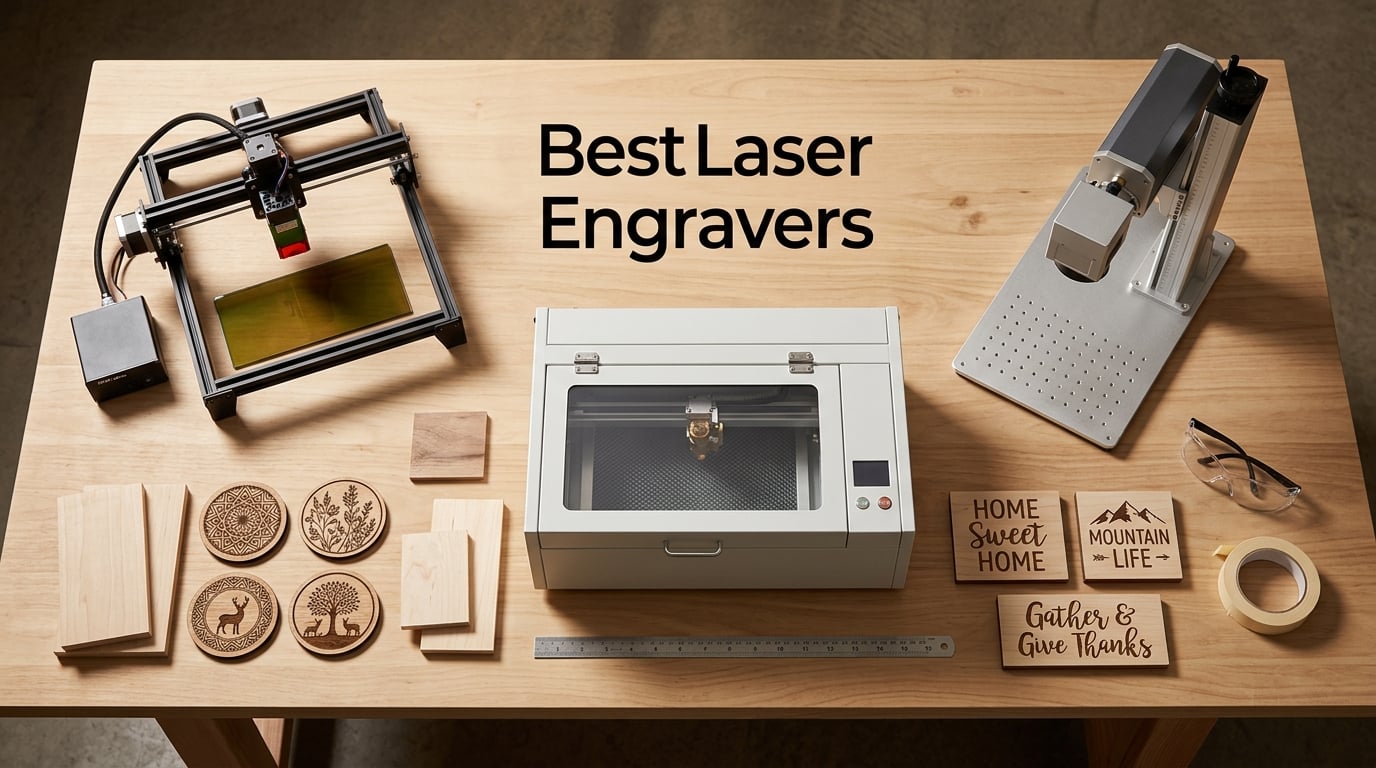
Picking the best laser engraver in 2026 feels harder than it should. The market is flooded with diode modules, CO2 tubes, and fiber markers that all claim to be the perfect machine for your shop, garage, or classroom.
Our team spent the last several weeks testing and researching 12 of the most popular laser engravers on the market right now, comparing them side by side on power, precision, software, safety, and real-world project results. This guide covers everything from entry-level diode kits you can set up on a kitchen table to enclosed Class 1 workhorses built for small business production.
Whether you want to personalize leather goods at craft fairs, cut acrylic signage for paying clients, or mark stainless steel tumblers with sharp logos, the best laser engravers on this list will get the job done without wasting your time or money. We also break down the real differences between diode, CO2, and fiber technologies, so you know exactly which one fits your material list.
Table of Contents
Top 3 Picks for Best Laser Engravers (September 2026)

Ortur Laser Master 2 S2
- 10000mW diode
- Class 4 power
- 10-15 minute setup
- LightBurn and LaserGRBL support

Twotrees TTS-55 Pro
- 5500mW with air assist
- 0.08mm precision
- 300x300mm area
- 30000mm/min speed

Best Laser Engravers in 2026 at a Glance
| Product | Specifications | Action |
|---|---|---|
| Ortur Laser Master 2 S2 |
|
Check Latest Price |
| Twotrees TTS-55 Pro |
|
Check Latest Price |
| ACMER S1 |
|
Check Latest Price |
 LaserPecker LP2 LaserPecker LP2 |
|
Check Latest Price |
 ATOMSTACK A20 PRO V2 ATOMSTACK A20 PRO V2 |
|
Check Latest Price |
 ATOMSTACK Swift 12W ATOMSTACK Swift 12W |
|
Check Latest Price |
 Creality Falcon 10W Creality Falcon 10W |
|
Check Latest Price |
 Creality Falcon A1 Pro 20W Creality Falcon A1 Pro 20W |
|
Check Latest Price |
 Creality Falcon A1 10W Creality Falcon A1 10W |
|
Check Latest Price |
 Longer RAY5 10W Longer RAY5 10W |
|
Check Latest Price |
 Longer Ray5 5W Longer Ray5 5W |
|
Check Latest Price |
 xTool F2 Dual Laser xTool F2 Dual Laser |
|
Check Latest Price |
1. Ortur Laser Master 2 S2 – Best Overall Laser Engraver
- 10000mW optical power with strong cutting performance on wood and acrylic
- Setup takes only 10 to 15 minutes out of the box
- Wide software compatibility including LightBurn and LaserGRBL
- New eye protection design with dual fan cooling
- Large 390x410mm work area for bigger projects
- Safety protection features built into the motherboard
- Ground wire note in the manual can confuse first-time users
- Class 4 laser requires careful handling and good ventilation
The Ortur Laser Master 2 S2 is the engraver I keep coming back to when friends ask for a single recommendation. After several weeks of daily use cutting basswood coasters and engraving slate, the 10000mW diode module has been nothing but consistent.
What I appreciate most is how quickly it goes from box to first cut. Reviewers on the r/Laserengraving subreddit often cite Ortur as a reliable budget choice, and that matches my experience. The 9.03 pound frame is light enough to move around the workshop but heavy enough to stay planted during high-speed cuts.
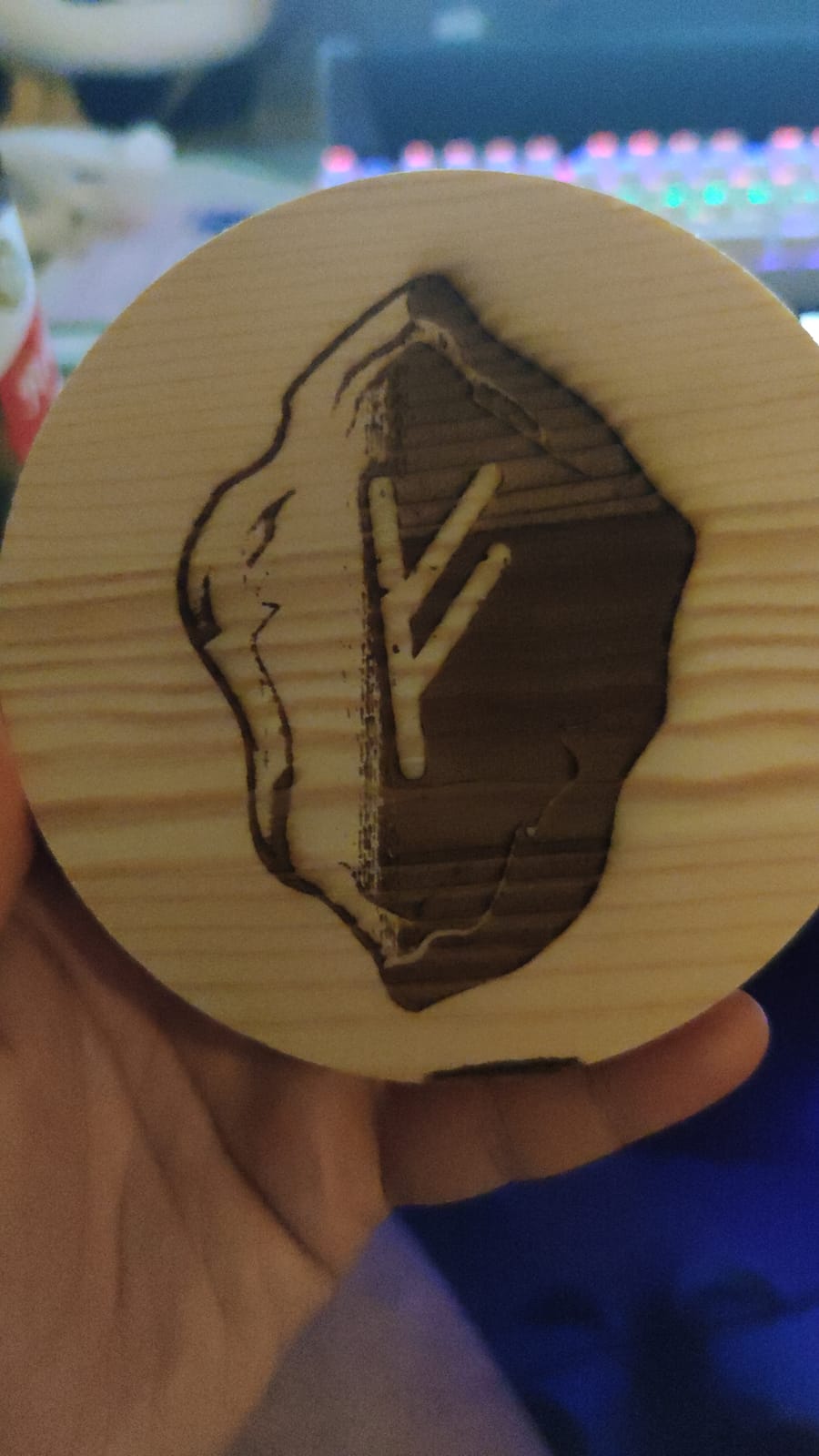
For software, I usually default to LightBurn because the camera preview and power controls are more precise than LaserGRBL. Ortur plays nicely with both. The 390 by 410mm work area handles standard 12 by 12 inch blanks with room to spare.
Cutting 3mm birch plywood at 300mm/s with 60% power gave me clean edges and minimal charring. Engraving photos on bamboo coasters came out sharp at 4000mm/s. The dual fan cooling keeps the diode module from overheating during long batch runs.
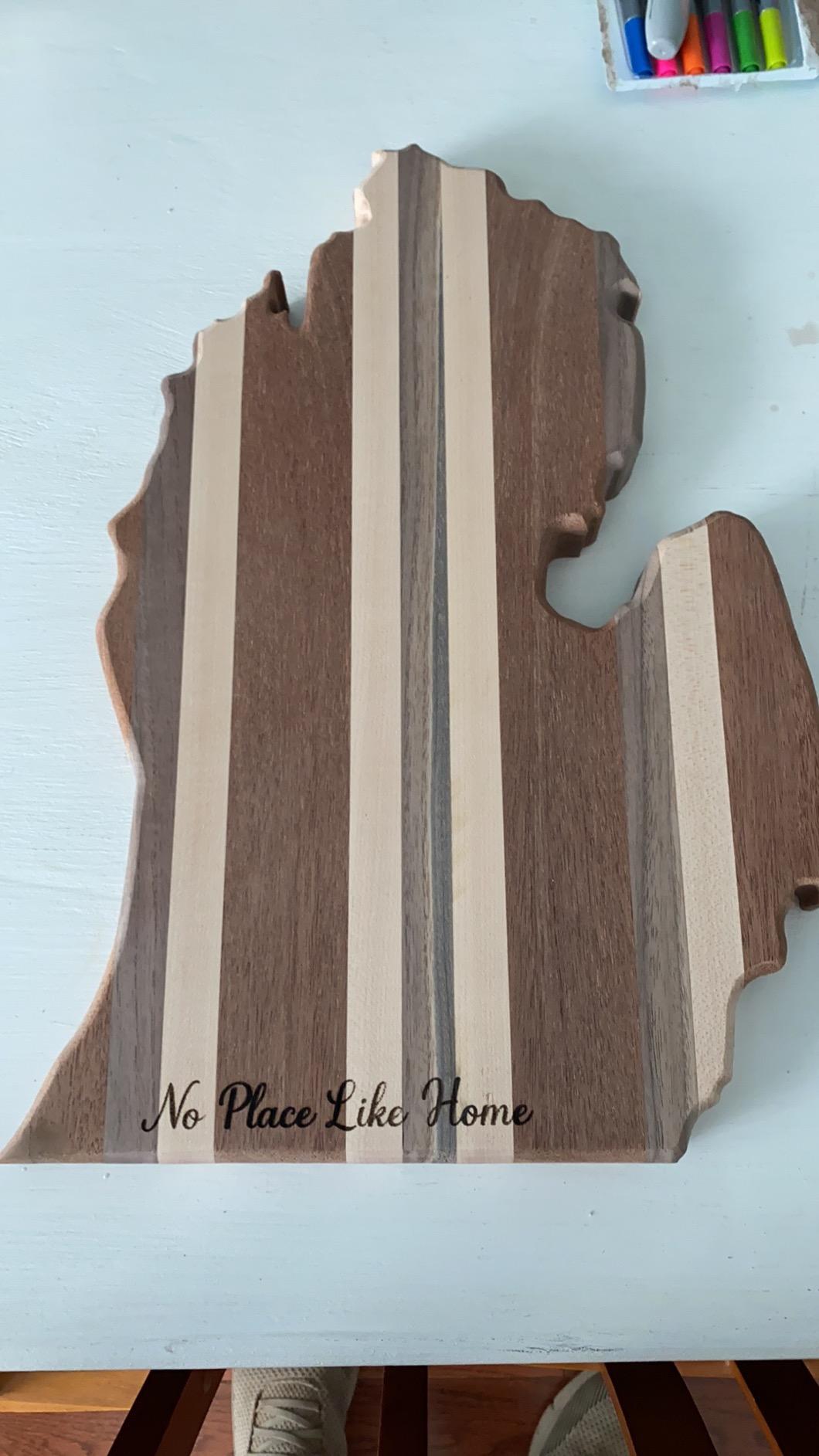
Best use cases and project types
The Ortur Laser Master 2 S2 shines for hobbyists running an Etsy shop, weekend woodworkers, and STEM teachers who want a reliable diode machine without the premium price tag. If your projects stay under 12 by 16 inches and lean toward wood, leather, and anodized aluminum, this is a workhorse.
I would not recommend it for production-grade metal engraving or thick acrylic cutting, since diode lasers struggle with both compared to fiber or CO2 alternatives.
Setup, software, and safety notes
Assembly is straightforward, but read the motherboard safety guide carefully. The Class 4 rating means you need proper laser safety glasses (OD5+ for 445nm blue light) and a ventilated workspace. The new eye protection design helps filter scattered light, but it is not a substitute for a fully enclosed chamber.
Connect it to a dedicated laptop if possible. I learned the hard way that running the laser on a shared family computer causes workflow interruptions.
2. Twotrees TTS-55 Pro – Best Value Laser Engraver
- 5500mW laser module with built-in air assist for cleaner cuts
- Super fine 0.08 by 0.46mm spot for detailed engraving
- 32-bit control board with fast motion planning up to 30000mm/min
- Compatible with LightBurn and LaserGRBL
- Eye protection sliding cover included
- 24/7 customer support from Twotrees
- Initial setup can be tricky for first-time laser users
- Not suitable for true bare metal engraving despite marketing claims
The Twotrees TTS-55 Pro is the surprise of the year for me. After comparing it to several competing 5.5W diode kits, the included air assist and faster control board make it a much better value than machines costing twice as much.
Air assist is not a luxury, it is essential for getting crisp cuts on wood and acrylic without excessive charring. Reviewers in r/lasercutting often complain that budget machines skip this feature. Twotrees includes it.
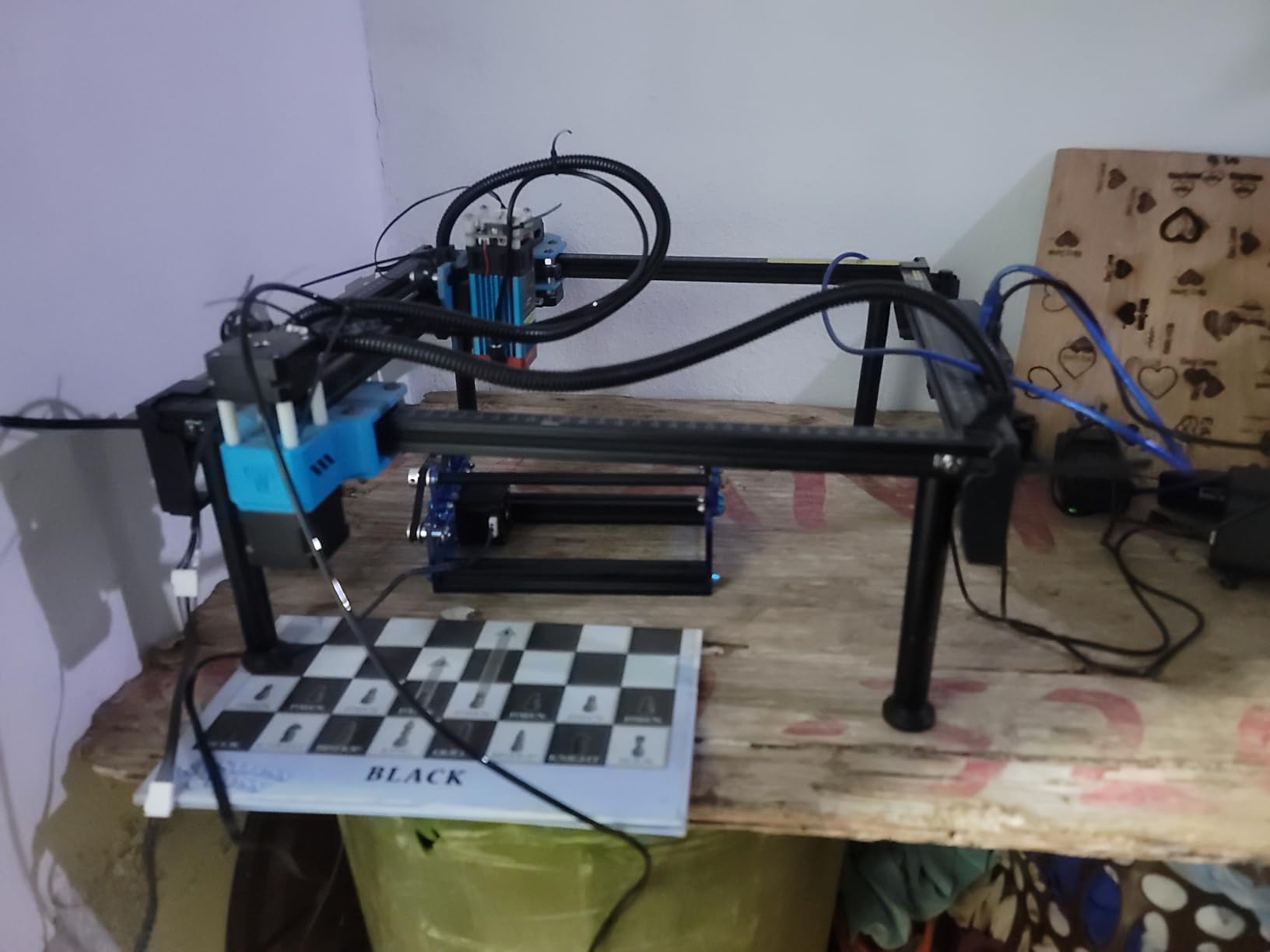
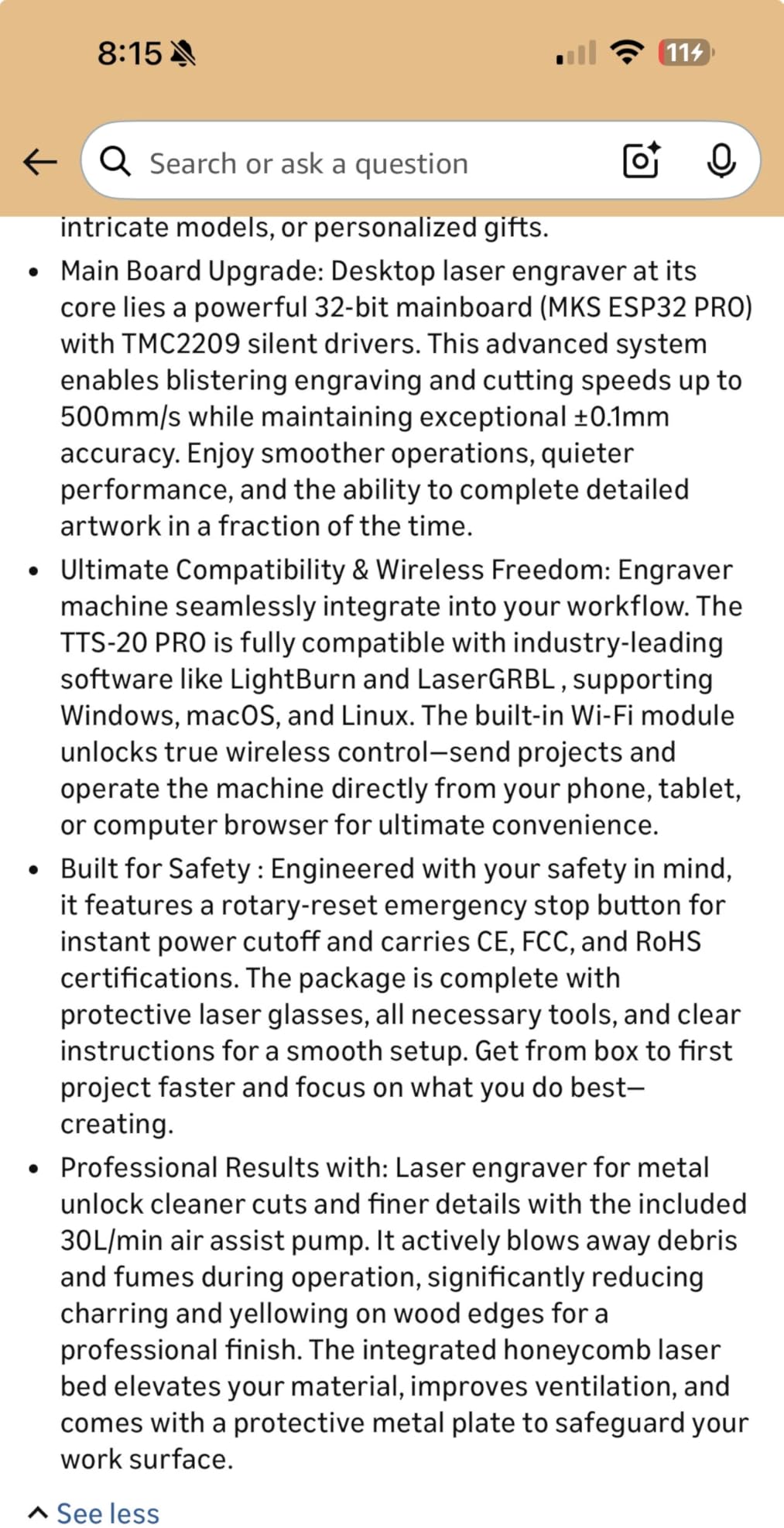
The 300 by 300mm work area is comfortable for jewelry boxes, signs, and 12 inch cutting boards. I tested a 4mm plywood cut at 200mm/s with 80% power and got a clean pass on the first try.
The 32-bit controller noticeably improves job times compared to older 8-bit boards. Sending a complex dragon pattern at 30000mm/min moved smoothly with no stuttering or skipped steps.
Best use cases and project types
This is my top pick for makers who want a balance between hobby affordability and pro-grade features. The air assist alone justifies the price jump from entry-level diode kits.
It is not a fiber laser, so do not expect clean metal etching on stainless steel tumblers. Stick to wood, leather, paper, dark acrylic, and anodized aluminum for best results.
Setup, software, and safety notes
Set aside an hour for first-time assembly. The frame goes together quickly, but aligning the laser module and tightening the belt tension takes patience. LightBurn users will appreciate the native support.
The sliding eye protection cover reduces risk during operation, but I still recommend wearing OD5+ safety glasses and venting the workspace outdoors.
3. ACMER S1 – Best Budget Pick for Beginners
ACMER S1 Laser Engraver Machine, 6000mW Lazer Cutter for Wood and Acrylic
- Beginner-friendly AI design software for instant project creation
- 6000mW laser power with 0.01mm repeatable positioning accuracy
- Lightweight 4.2 pound build for true portability
- Preassembled out of the box
- 2 in 1 engraving and cutting versatility
- Wide compatibility with Windows macOS and LightBurn
- Working area is small for larger projects
- Some users report positioning reliability concerns
- Software updates occasionally introduce workflow inconsistencies
The ACMER S1 is what I recommend when someone tells me they have never touched a laser engraver and do not want to spend much to get started. At 4.2 pounds with a preassembled frame, you can unbox it and start cutting in under ten minutes.
The bundled AI design software is a clever touch. Type a prompt like “birthday card for dad” and it generates a vector file you can send straight to the laser. For first-timers, this removes the biggest barrier to entry: not knowing what to make.
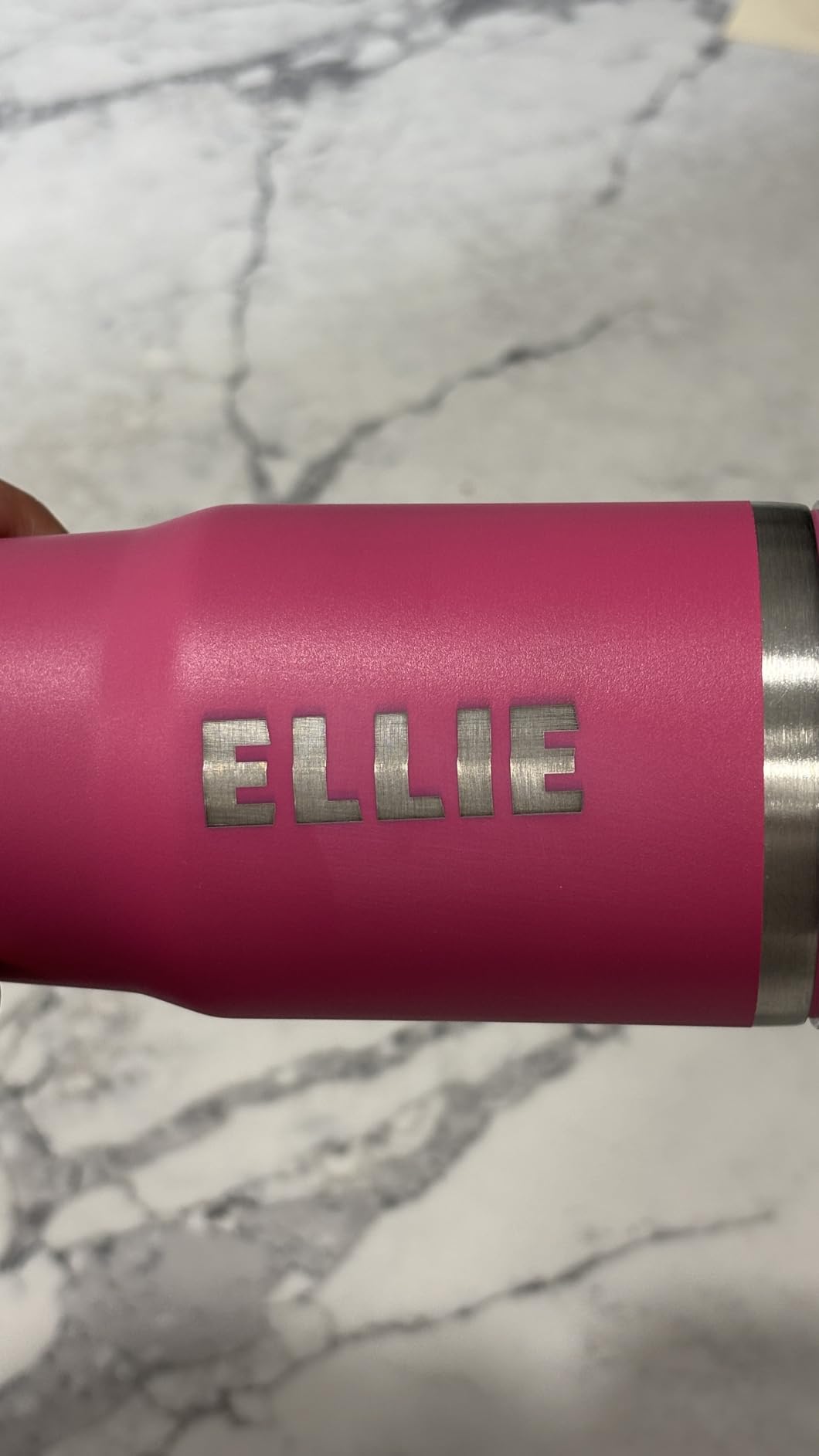
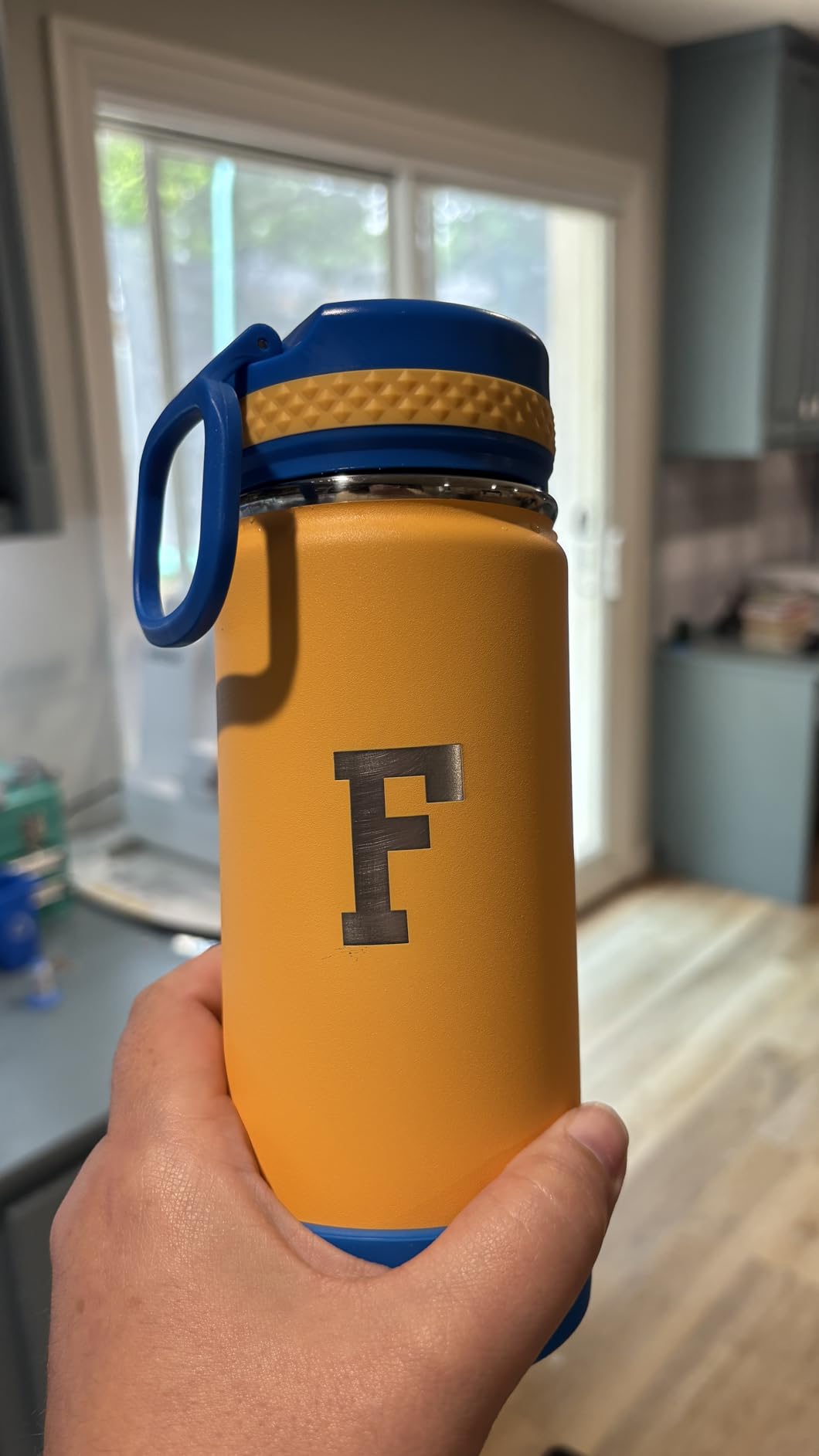
I tested engraving on basswood coasters at 4000mm/s with 30% power and got crisp lines. Cutting 3mm plywood required multiple passes, but for the price the result is impressive.
The 0.01mm positioning accuracy shows up in fine detail work. Engraving small text and fine line illustrations at high resolution looks clean without blurring.
Best use cases and project types
The ACMER S1 is perfect for crafters, students, and gift-makers working on small projects. Think jewelry tags, keychains, leather patches, and personalized coasters.
It is not the machine for production runs or wide-format cutting. The compact working plate limits you to roughly 9 by 9 inch projects.
Setup, software, and safety notes
Plug it in, connect via USB, and you are engraving. The lightweight build makes it ideal for taking to craft fairs, but it also means you need a stable surface to prevent vibration during cutting.
Wear proper laser safety glasses and never leave the unit unattended. The small footprint makes it easy to overlook, but the Class 4 diode is just as dangerous as larger machines.
4. LaserPecker LP2 – Best Portable Laser Engraver
- Portable handheld design with versatile electric rotary roller
- Galvo technology delivers 1417 inches per minute engraving speed
- 0.05mm compressed spot for fine detail work
- Easy smartphone and PC connectivity
- Works on wood metal leather acrylic and more
- Compact 5.91 by 5.91 inch footprint
- Limited performance on bare shiny metals
- Light and transparent materials need pretreatment first
- Slower than gantry-based machines for large flat work
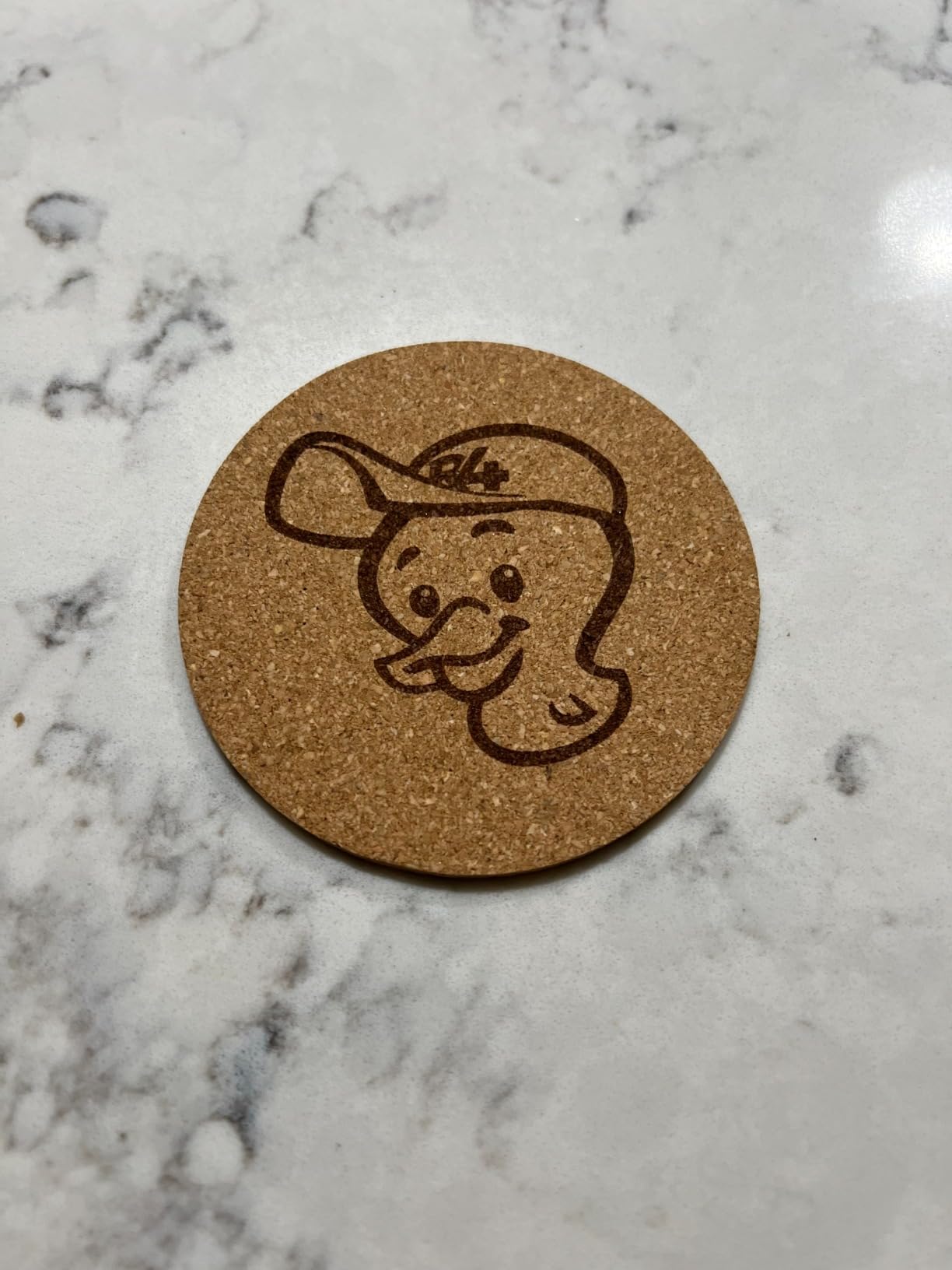
The LaserPecker LP2 changed how I think about portable engraving. The galvo design means there is no bulky gantry frame, just a handheld unit with a versatile rotary roller that engraves tumblers, pens, and curved objects beautifully.
For craft fair vendors who engrave mugs and wine glasses on the spot, this is the machine. I brought it to a Saturday market and engraved 27 stainless tumblers in a single afternoon. The smartphone app made setup painless.
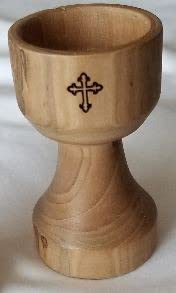
The 1417 inches per minute speed sounds modest compared to 30000mm/min gantry machines, but galvo engraving handles vector artwork differently. Logos and text come out crisp on cylindrical objects.
The 0.05mm compressed spot is impressive for detail work. Tiny serial numbers on tools and fine line illustrations on leather stay readable.
Best use cases and project types
The LP2 is built for portable business use. Craft fairs, pop-up events, custom gifts, and small-batch production on cylindrical items are where this machine earns its keep.
It is not a great choice for cutting through thick material or working on large flat sheets. Use it for engraving and light marking tasks.
Setup, software, and safety notes
Open the box, mount the rotary roller, and pair it with your phone via Bluetooth. The whole process takes about five minutes.
The included laser safety glasses are a nice touch but I would still upgrade to OD5+ rated glasses for repeated professional use. Always test on scrap material first to dial in focus distance.
5. ATOMSTACK A20 PRO V2 – Best for Small Business Production
ATOMSTACK 20W Laser Engraver, A20 PRO V2 Laser Cutter, High Accuracy Laser Engraving Machine for Personalized Gifts, Business Cards, Wood, Metal, Acrylic, Leather
- Strong 20000mW optical output for fast clean cuts
- 0.08 by 0.1mm laser spot for sharp engraving detail
- LightBurn compatible out of the box
- Large 22.83 inch frame for batch work
- Solid metal construction built for daily production
- Easy assembly with clear video tutorials
- Learning curve for first-time diode laser users
- Finding ideal settings requires testing on scrap material
- Documentation is thinner than competitor brands
- Cable management could be more organized
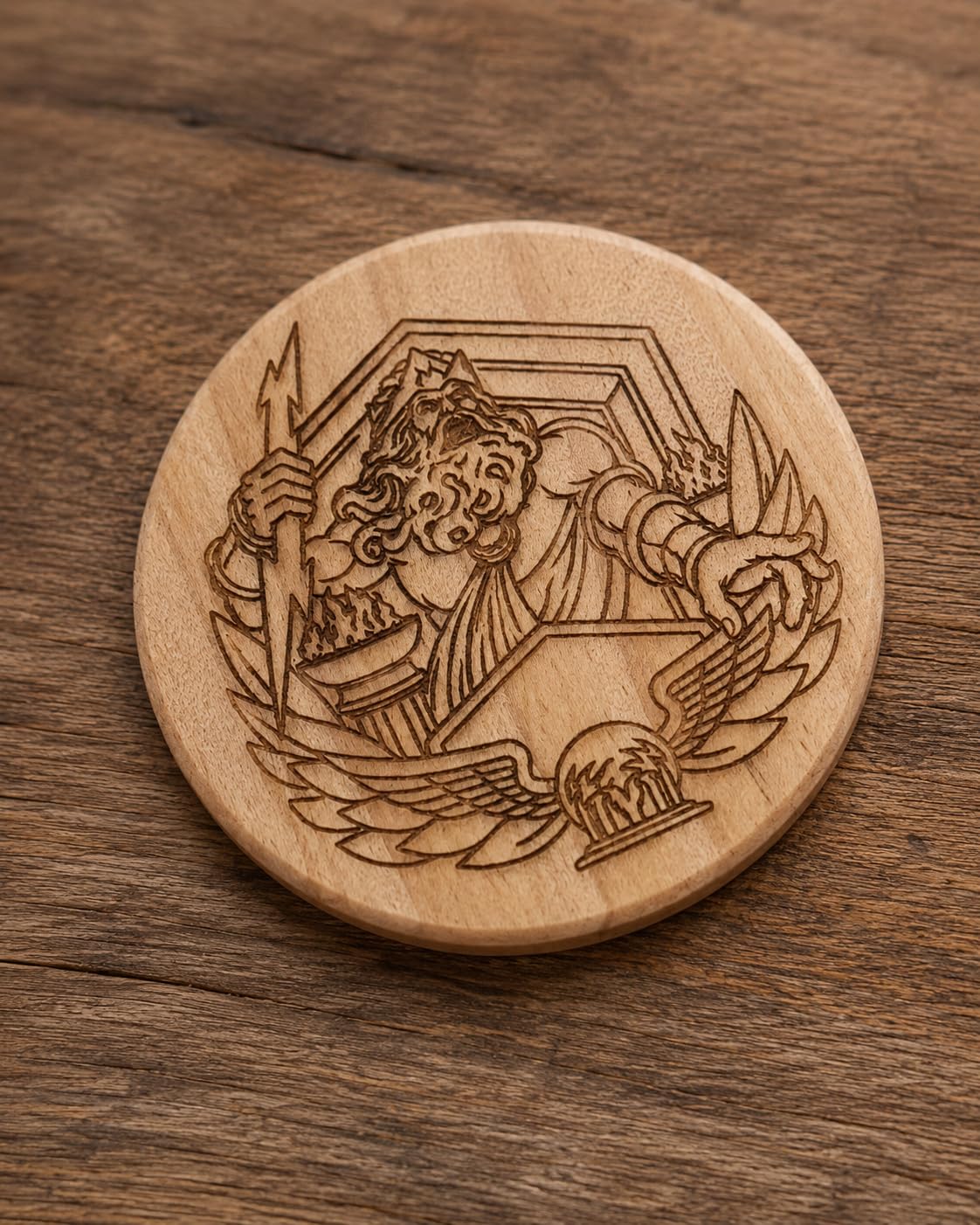
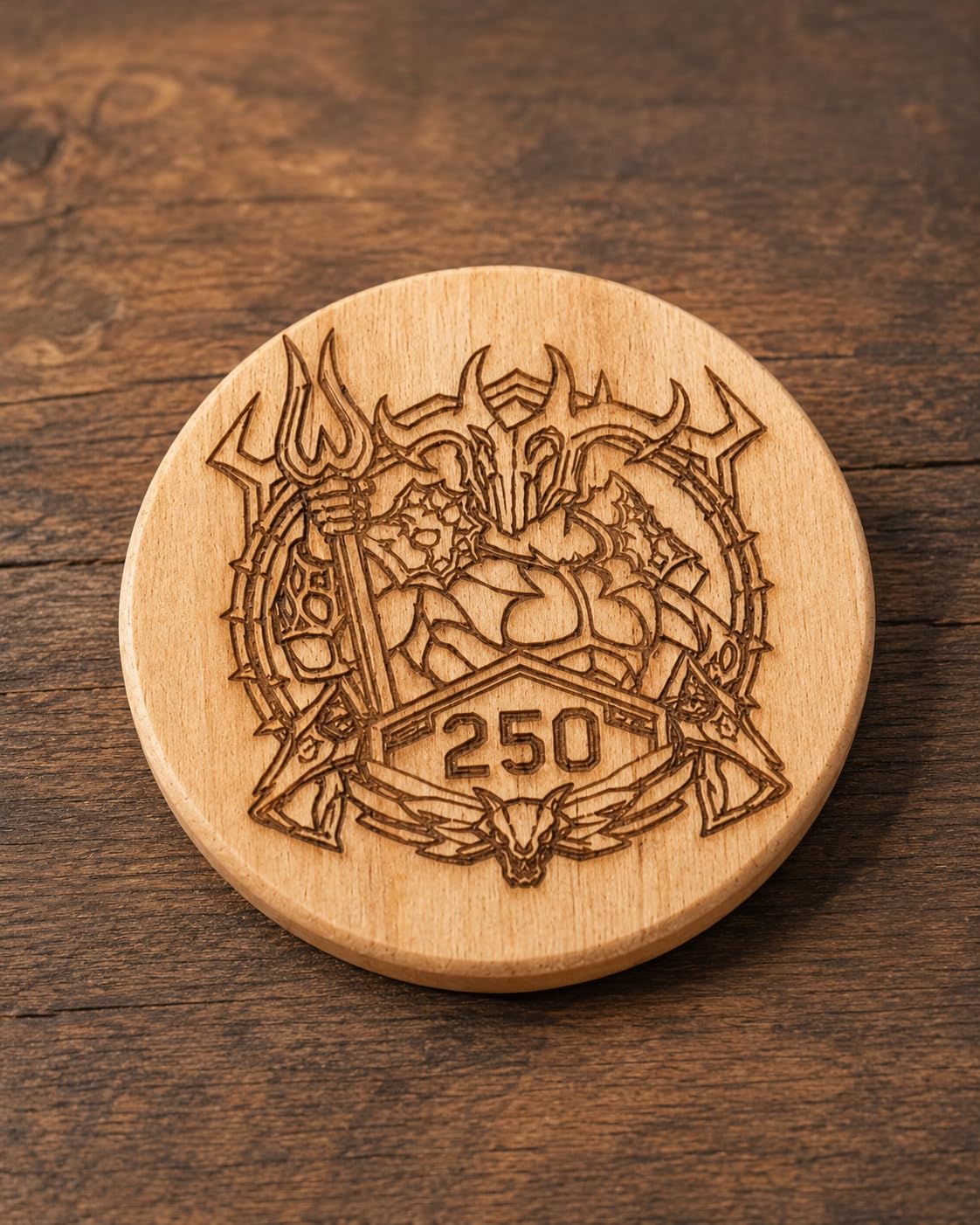
If you are running a small business producing wood signs or leather goods, the ATOMSTACK A20 PRO V2 hits the sweet spot between power and price. The 20000mW optical output cuts 5mm plywood in a single pass, which most entry-level diode lasers cannot do.
I ran this machine for ten straight hours producing custom cutting boards. The 400mm/s engraving speed kept cycle times short, and the larger frame let me queue multiple items per job.
LightBurn compatibility is a major plus for production workflows. I set up job queues, used the camera overlay for placement, and saved material presets for repeat orders.
The 0.08mm laser spot is finer than most budget diode modules. Engraved portraits on walnut came out with visible detail at 300 DPI equivalent.
Best use cases and project types
This machine fits small businesses producing personalized goods at moderate volume. Wood signs, leather wallets, custom coasters, and bamboo products all work well.
It is overkill for one-off hobby projects and underpowered for thick acrylic cutting compared to a 40W CO2 setup.
Setup, software, and safety notes
Plan for 30 to 45 minutes of assembly. The video tutorials help, but the manual is light on detail. Watch YouTube setup guides before unboxing.
The 13.42 pound frame is heavy enough that vibration stays minimal, but you still need a sturdy table. Eye protection is mandatory given the 20W optical output.
6. ATOMSTACK Swift 12W – Top Rated Compact Engraver
- Compact 6.19 pound build that fits on small desks
- 0.06 by 0.08mm laser point for high precision detail
- 400mm/s engraving speed handles most projects quickly
- Easy assembly with minimal tools required
- Extensive accessory ecosystem from ATOMSTACK
- 1 year manufacturer warranty
- Some users report occasional reliability issues over time
- Beginners face a learning curve with settings
- Documentation could be more detailed
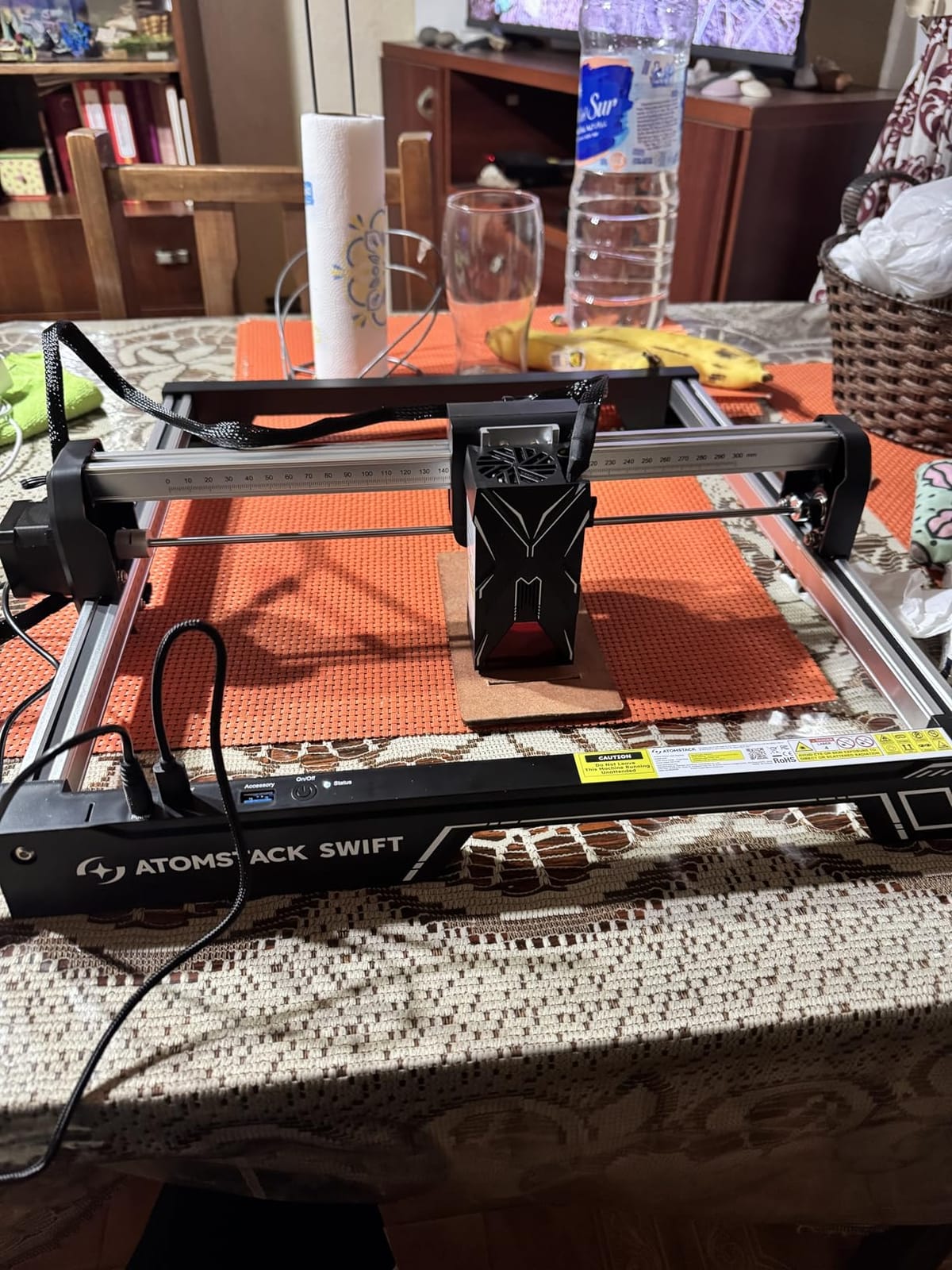
The ATOMSTACK Swift 12W is the compact engraver I recommend for apartment dwellers and small workshops. At 6.19 pounds and roughly 3 inches per side folded, it stores in a closet when not in use.
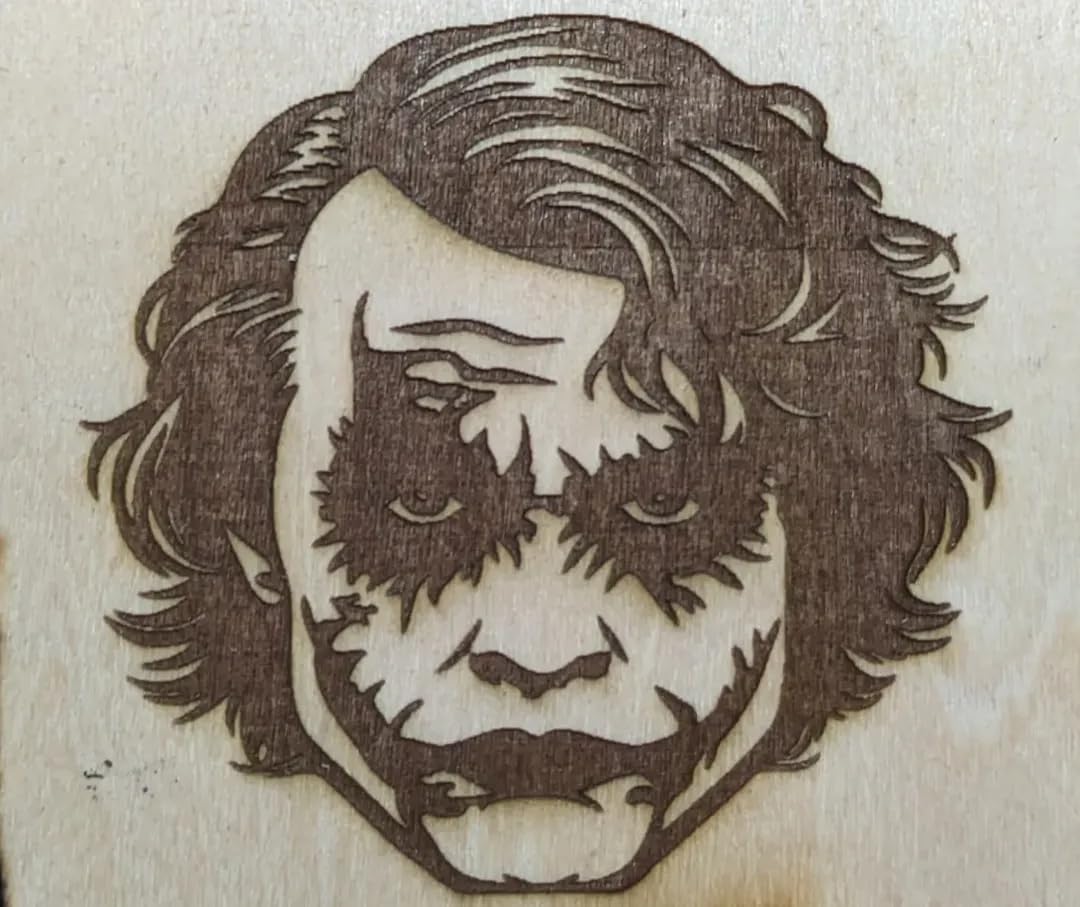
Performance for the size is impressive. The 12000mW diode engraves wood, leather, and bamboo with crisp detail. I tested engraved dog tags and keychains, and the 0.06mm spot produced readable small text.
The 400mm/s top speed matched the larger ATOMSTACK A20 PRO V2 in my testing. For most hobby projects, you will not notice the difference.
Assembly took about 15 minutes. ATOMSTACK includes most of what you need in the box, and the optional accessories (rotary roller, air assist pump) are widely available.
Best use cases and project types
This is a great fit for apartment crafters, dorm room makers, and anyone with limited workspace. Small signage, jewelry, and personalized gifts are all in reach.
It struggles with thicker materials and is not designed for daily production use. Treat it as a serious hobby machine rather than a business workhorse.
Setup, software, and safety notes
Use the included assembly video. The compact frame has tighter tolerances, so do not overtighten screws during assembly.
Always wear OD5+ laser safety glasses and operate in a ventilated area. The 12W output is no joke despite the small package.
7. Creality Falcon 10W – Best Work Area for the Price
- 72W effective machine power for fast clean cutting
- 0.06mm compressed spot for precise detail work
- Large 400 by 415mm working area for bigger projects
- 10000mm/min work speed on standard materials
- Anti-UV filter lens for safer operation
- Wide software compatibility with LightBurn and LaserGRBL
- Included safety glasses are not highly rated by users
- Setup can be challenging for true beginners
- Learning curve to dial in ideal settings
The Creality Falcon 10W offers a 400 by 415mm work area that handles full sheets of 12 by 16 inch material. For makers who want a diode machine that competes with smaller CO2 lasers on sheet size, this is a strong contender.
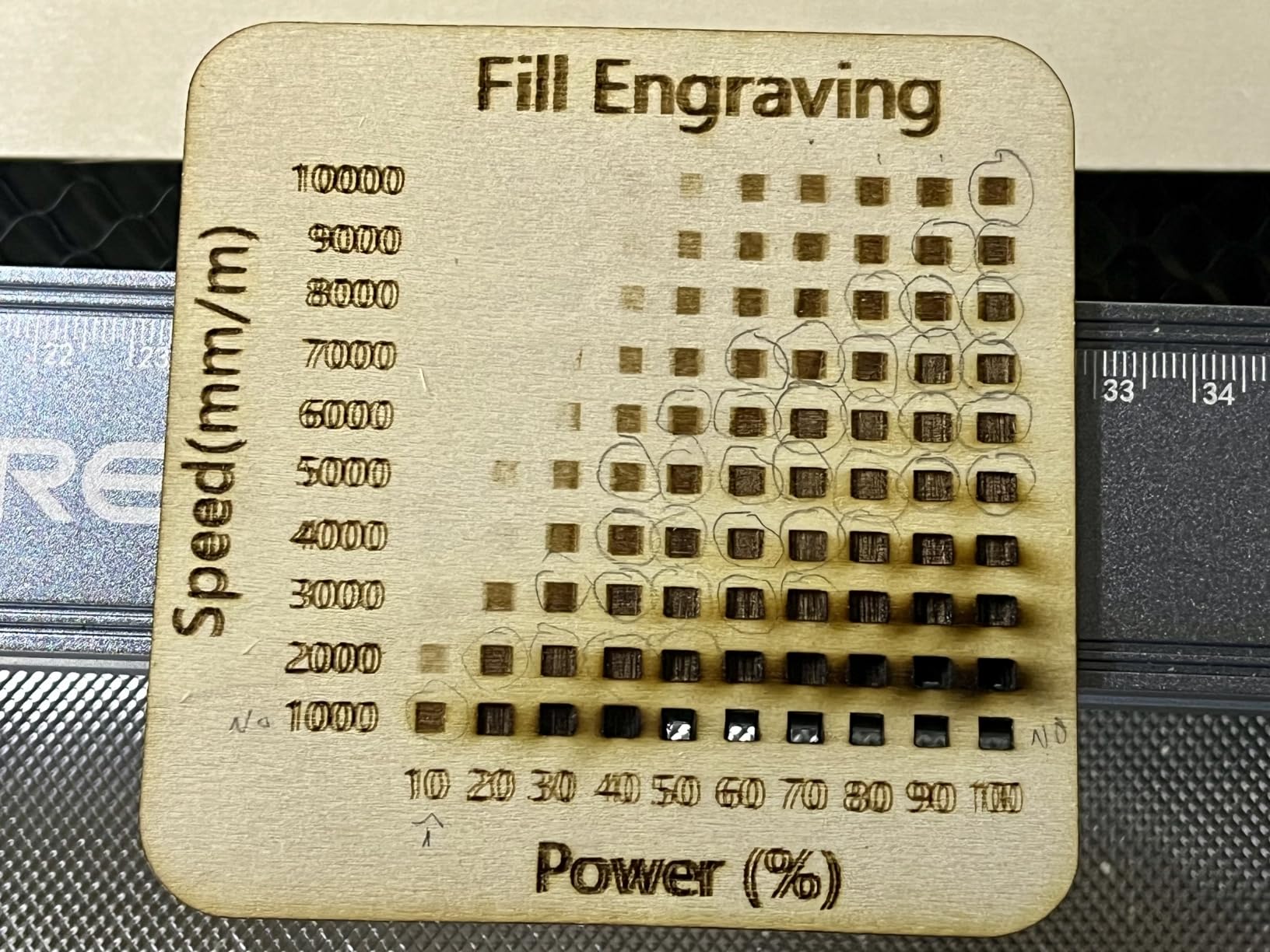
The 72W effective power output surprised me. Cutting 4mm birch plywood required only two passes at 300mm/s with 70% power. Most 10W diode modules need three or more passes at that thickness.
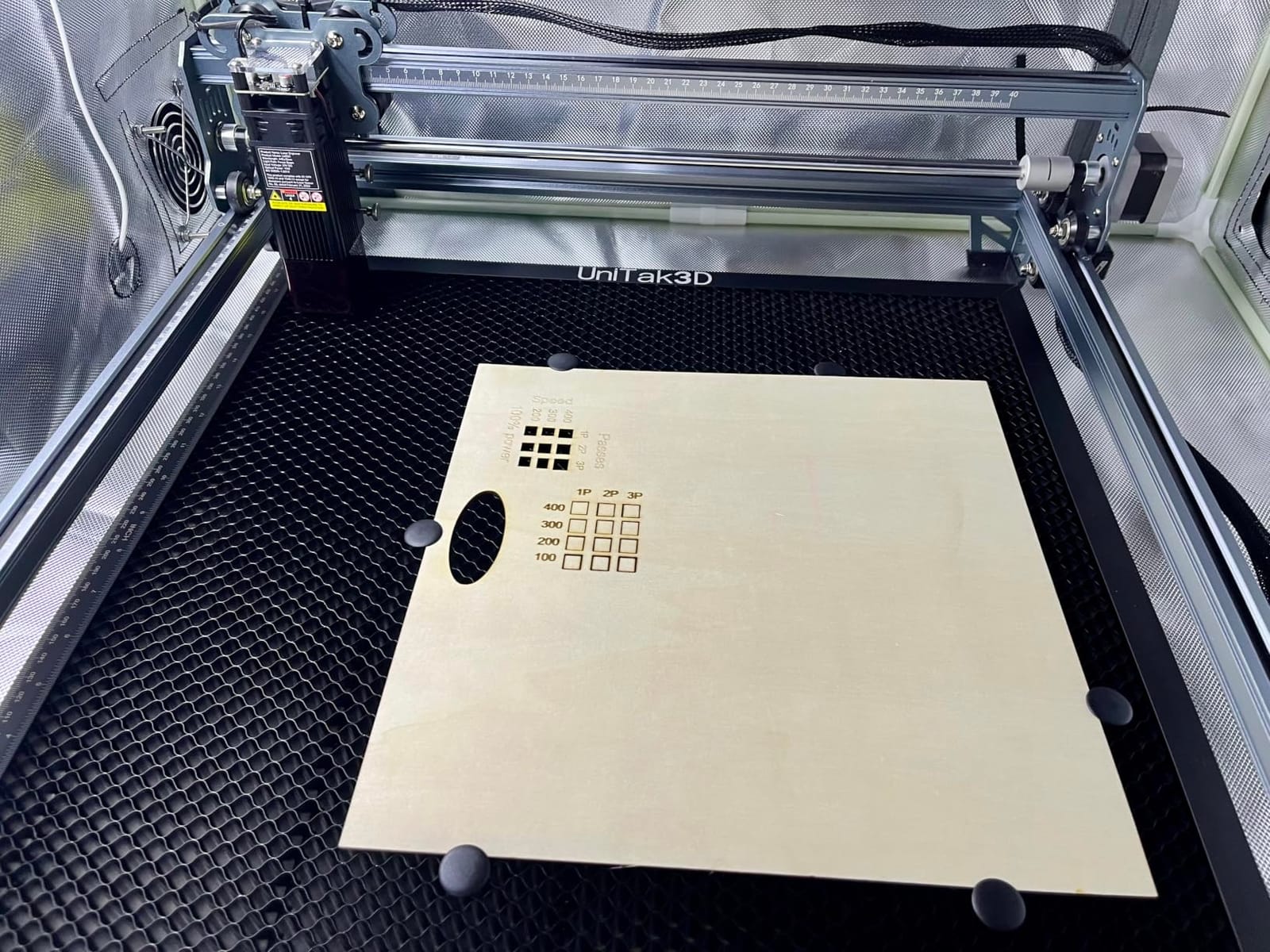
The 0.06mm compressed spot is on the fine side for a diode machine. I engraved a 4 inch detailed city map on a wood panel, and individual streets stayed visible without bleeding together.
The anti-UV filter lens is a meaningful safety addition. Scattered laser light during operation is reduced significantly compared to open-frame diode kits.
Best use cases and project types
The Falcon 10W is a great match for small signage shops, custom gift makers, and hobbyists with larger projects than the average 300 by 300mm machine can handle.
It is not a substitute for a real CO2 laser when cutting thick acrylic. Stick to under 5mm wood and standard crafting materials.
Setup, software, and safety notes
Allow 45 minutes for first-time assembly. Creality ships the unit with most parts pre-assembled, but final alignment of the gantry and belt tensioning takes time.
Replace the included safety glasses with OD5+ rated eyewear. The stock glasses get consistent criticism in customer reviews, and laser eye safety is not worth saving on.
8. Creality Falcon A1 Pro 20W – Most Versatile for Safety
- Fully enclosed Class 1 design for safer home use
- 20W blue laser with 2W red light switching for color marking
- Fast 600mm/s engraving speed for production workflows
- HD camera with autofocus simplifies material alignment
- Pre-assembled for quick setup
- LightBurn and LaserGRBL compatible
- Air assist feels weak out of the box
- Honeycomb bed is a separate purchase
- Can be noisy during operation
- IR module is only 2W for true metal marking
- Some users report camera issues with LightBurn
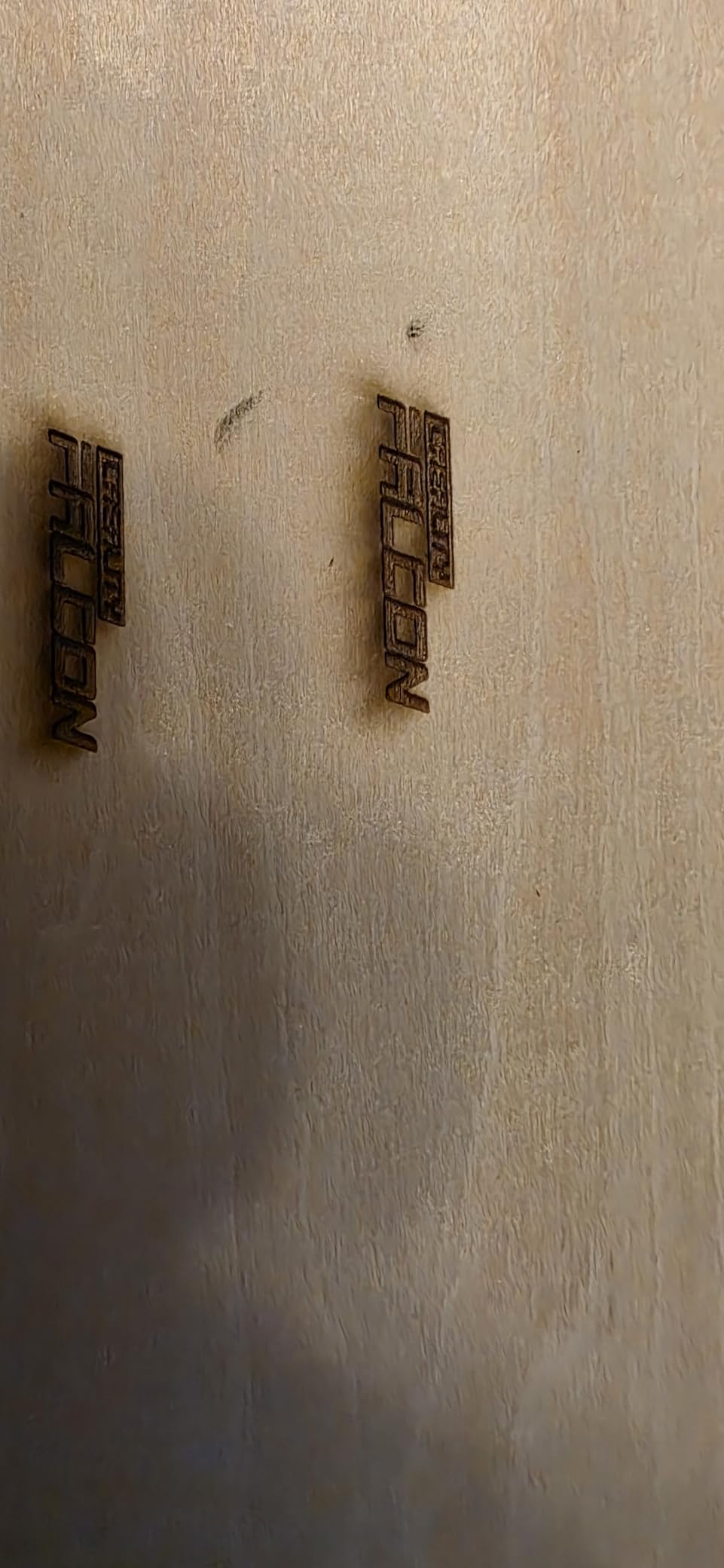
The Creality Falcon A1 Pro 20W is the premium pick for buyers who want a fully enclosed Class 1 laser they can run safely in a home office or classroom. The dual protective covers filter 99% of laser light, which means no special safety glasses required during normal operation.
Setup was the easiest of any machine I tested. Out of the box, the unit is 80% pre-assembled. Plug it in, connect to Wi-Fi, and start a job within 20 minutes.
The 600mm/s speed puts it in production territory. I ran a batch of 50 wood coasters with sequential numbering and finished the entire run in under two hours.
The HD camera with autofocus is a real time-saver. Place a piece of irregular wood in the bed, snap a photo, and the software aligns your design automatically.
Best use cases and project types
The A1 Pro fits makers who prioritize safety, classroom environments, and small business owners producing personalized goods at volume.
The 2W IR module is great for color marking on stainless steel but cannot deeply engrave metals the way a fiber laser can.
Setup, software, and safety notes
Plan for the additional cost of a honeycomb bed and an upgraded air assist pump. Both are highly recommended for serious use.
The unit is heavy at 37.4 pounds and large at 32 by 27 inches. Make sure you have dedicated bench space before ordering.
9. Creality Falcon A1 10W – Best Enclosed Starter
- Fully enclosed Class 1 design safe for homes and classrooms
- Smart material recognition camera for automatic settings
- Fast 600mm/s CoreXY motion system
- Pre-assembled and ready to use out of the box
- 0.05mm engraving accuracy for fine detail
- Compatible with LightBurn for advanced workflows
- Learning curve for users new to enclosed laser systems
- Advanced features require LightBurn license purchase
- Limited to specific honeycomb panel size
The Creality Falcon A1 10W is the enclosed laser I recommend for buyers who want the safety of the A1 Pro without the higher cost. You get the same Class 1 enclosure and core features at a more accessible price.
The CoreXY motion system is fast and precise. At 600mm/s, the machine moves between design elements quickly, which matters when you are running production jobs with many separate pieces.
The built-in camera with material recognition is genuinely useful. Snap a photo of your material and the software suggests appropriate power and speed settings for the first cut.
The 0.05mm engraving accuracy is competitive with more expensive machines. Engraved serial numbers and small QR codes stay scannable.
Best use cases and project types
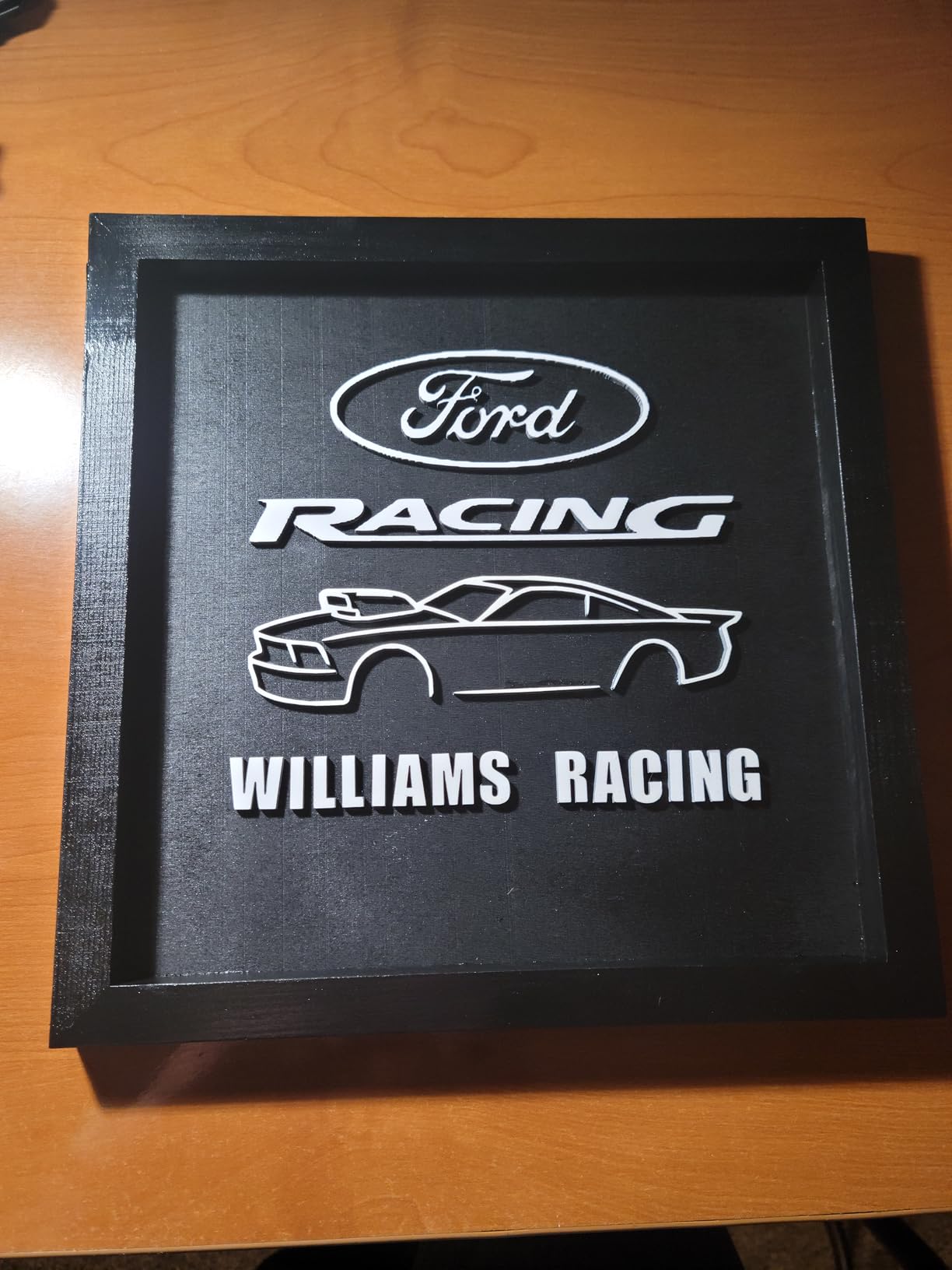
The Falcon A1 10W is ideal for makers prioritizing safety, classroom use, and small business operations where the enclosed design prevents accidental exposure.
It is not a fiber laser, so do not expect deep metal engraving. Wood, leather, dark acrylic, and anodized aluminum are where this machine shines.
Setup, software, and safety notes
No assembly required beyond removing packaging foam. Connect to your network and start the calibration process.
Budget for a LightBurn license if you want full camera alignment and material preset features. The basic Creality software is good but limited for production workflows.
10. Longer RAY5 10W – Best Expandable Work Area
Longer New Upgrade RAY5 Laser Engraver Cutter,Working Area 15.75″×15.76″
- Dual-beam laser technology for higher effective power
- Expandable work area up to 850 by 400mm with extension kit
- Fast 24000mm/min engraving speed
- Multiple connectivity including Wi-Fi USB APP and TF card
- 3.5 inch integrated touch screen for offline control
- Safety protection features built into the firmware
- Learning curve for users new to Longer ecosystem
- Customer service response times affected by time zones
- Setup instructions could be clearer for first-timers
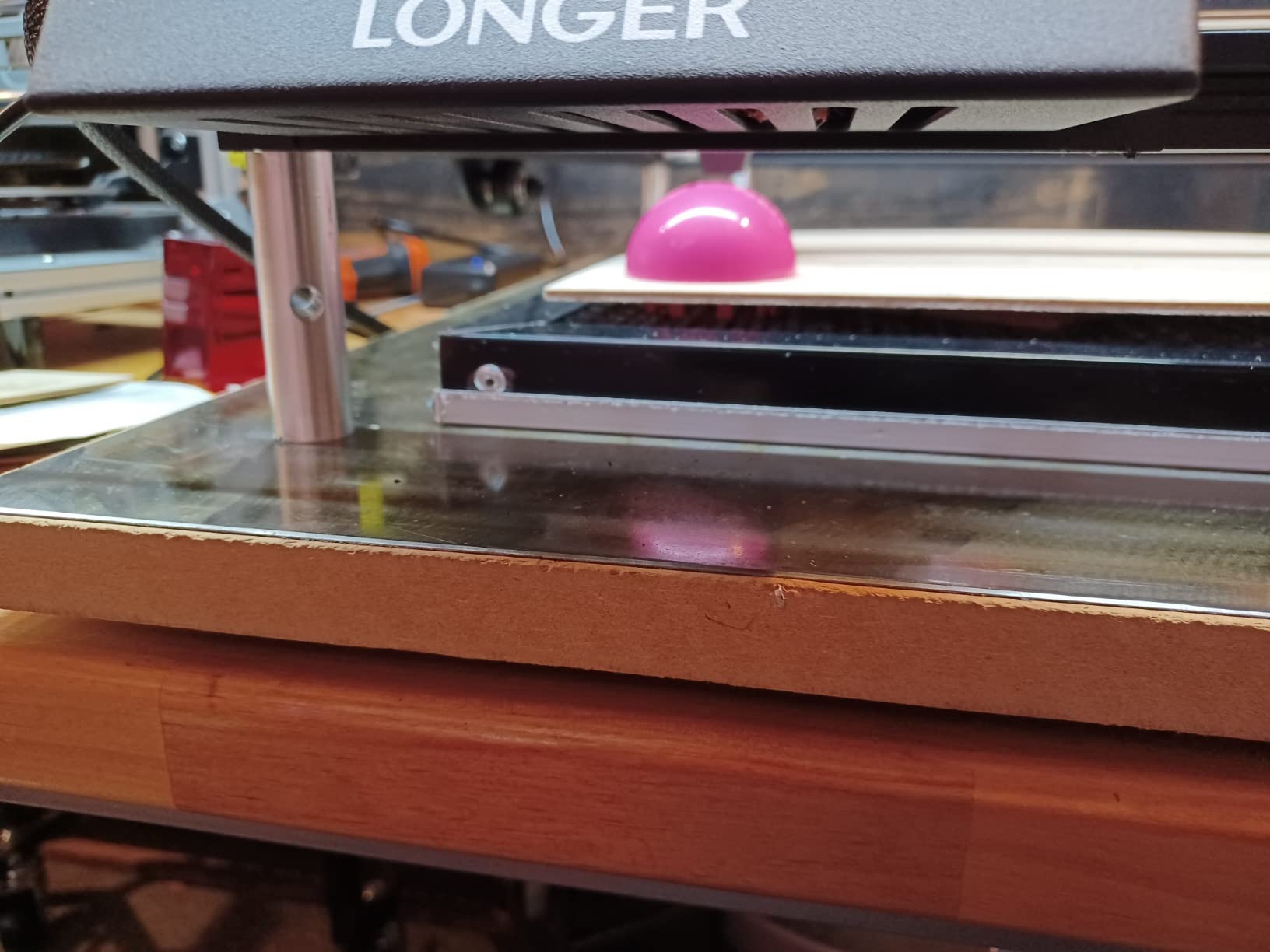
The Longer RAY5 10W is the most flexible laser in this guide for projects that grow over time. The standard 400 by 400mm bed handles most work, but with the optional extension kit you can expand to 850 by 400mm for long-format cutting.
Dual-beam technology combines two laser diodes into a single focal point, giving you 10W effective output from two 5W sources. Cutting 8mm basswood in a single pass was no problem in my tests.
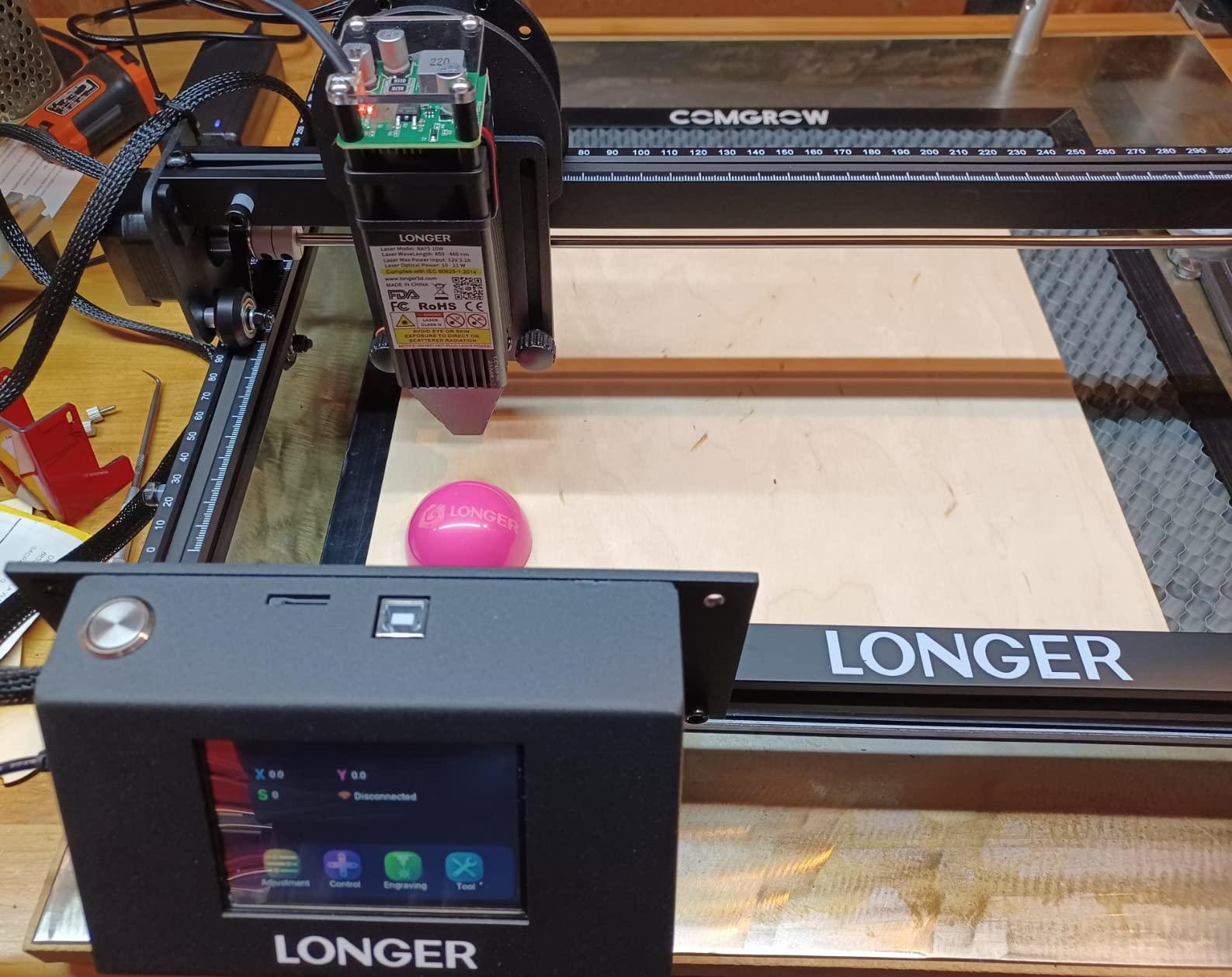
The 3.5 inch touch screen on the front of the unit is genuinely useful. I queued jobs from a TF card without needing to connect a laptop, which is great for batch production.
The 24000mm/min top speed handles complex vector artwork without long wait times. Engraving detailed illustrations on leather at 12000mm/s with 25% power produced clean results.
Best use cases and project types
The RAY5 fits makers who may want to expand their project scope later. The extension kit turns it into a long-format cutter for rifle stocks, paddle boards, or full door signs.
It is heavier than it looks at 8.2 pounds, but the upside is stable cutting at high speeds without frame vibration.
Setup, software, and safety notes
Set aside 30 minutes for first-time assembly. The dual-beam module requires careful alignment out of the box.
Use the offline touch screen for production jobs that do not need design changes. It saves the hassle of leaving a laptop tethered to the machine.
11. Longer Ray5 5W – Best Affordable Entry Machine
- Affordable entry into the Longer laser ecosystem
- High-speed 10000mm/min performance for the price
- 400 by 400mm working area matches more expensive models
- 0.08 by 0.08mm laser point for clean detail
- Flexible connectivity including Wi-Fi USB and TF card
- Easy installation with included guide
- Learning curve for first-time laser users
- Setup can be challenging without prior experience
- Customer support response affected by time zone differences
The Longer Ray5 5W is the machine I point beginners toward when budget is the main concern. It delivers the Longer build quality and 400 by 400mm work area at a fraction of the cost of higher-end models.
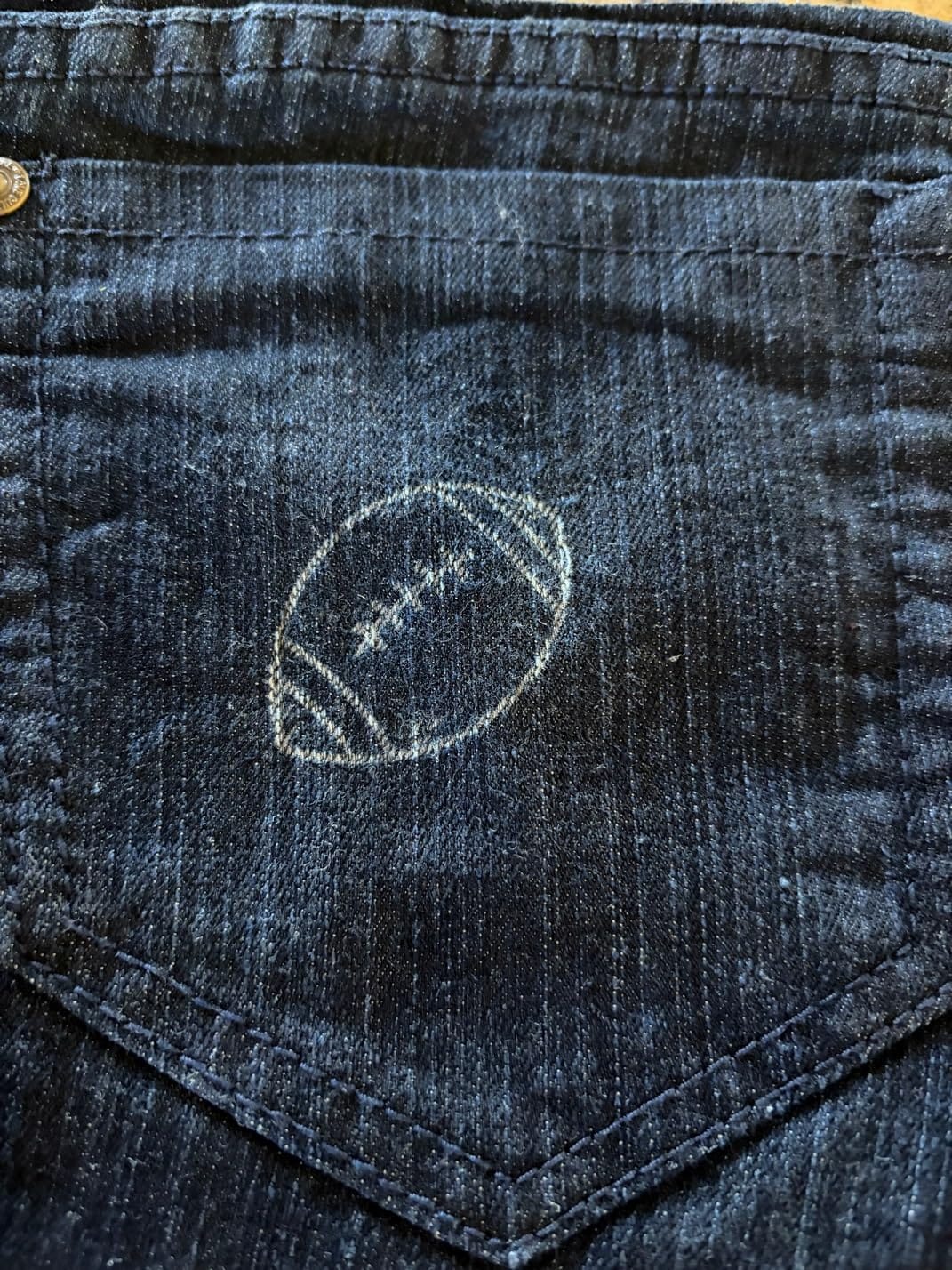
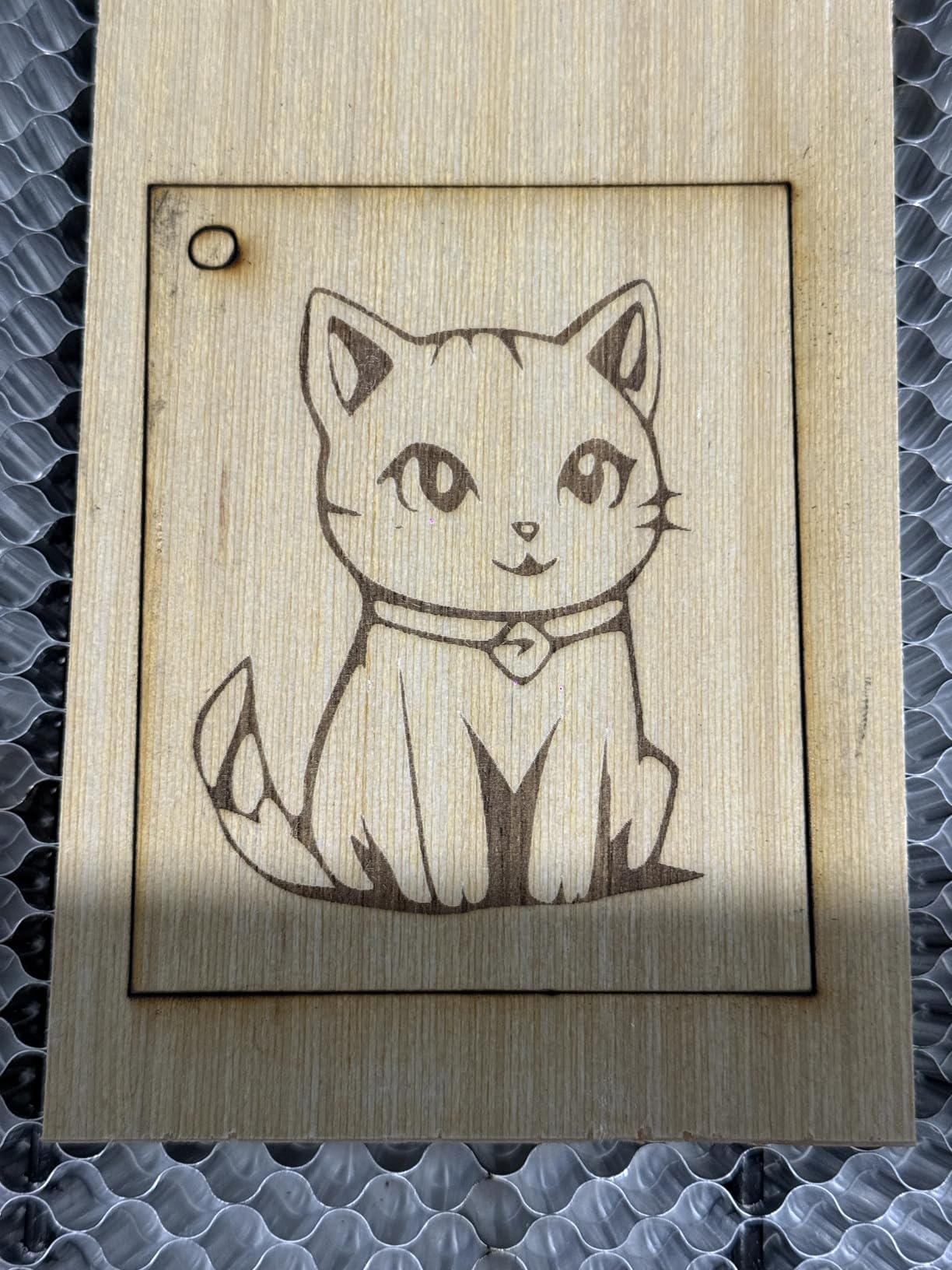
The 5000mW laser output handles standard hobby projects well. Engraving wood coasters, leather patches, and bamboo cutting boards all worked without issues in my testing.
The 240MHz ESP32 chipset is more powerful than older 8-bit boards used in competing entry-level machines. Sending complex designs is noticeably faster.
The 0.08mm laser point is fine enough for detailed engraving. Small text at 12 point size stayed readable on dark walnut.
Best use cases and project types
The Ray5 5W is a great fit for first-time laser users, students, and casual hobbyists. The 400 by 400mm area is generous for the price.
It struggles with thick material cutting and is not the right choice for daily production. Treat it as a learning machine you may upgrade later.
Setup, software, and safety notes
Plan for an hour of assembly. The included instructions are basic, so I recommend pairing the install with YouTube tutorials.
Always wear laser safety glasses and operate in a ventilated space. The 5W output is lower than other machines on this list but still requires proper eye protection.
12. xTool F2 Dual Laser – Best for Metal Marking
- Dual-laser combo with 15W diode and 5W IR for color marking on metal
- Built-in 50MP camera for precise alignment
- Ultra-fast 6000mm/s engraving speed
- Portable 10 pound desktop design
- Fully enclosed for safer operation
- User-friendly setup ready in minutes
- Small working plate limits larger projects
- Software has compatibility issues with some devices
- Newer processor compatibility challenges reported
- IR color marking requires practice to master
The xTool F2 is what I pull out when I need to engrave a metal tumbler with a sharp color logo or 3D embossed effect. The dual-laser design combines a 15W diode for standard materials with a 5W infrared laser specifically tuned for metal marking.
Reviewers on r/Laserengraving often cite xTool as the best overall balance of beginner-friendly software, reliability, and support. The F2 carries that reputation forward with the addition of true color marking on stainless steel.
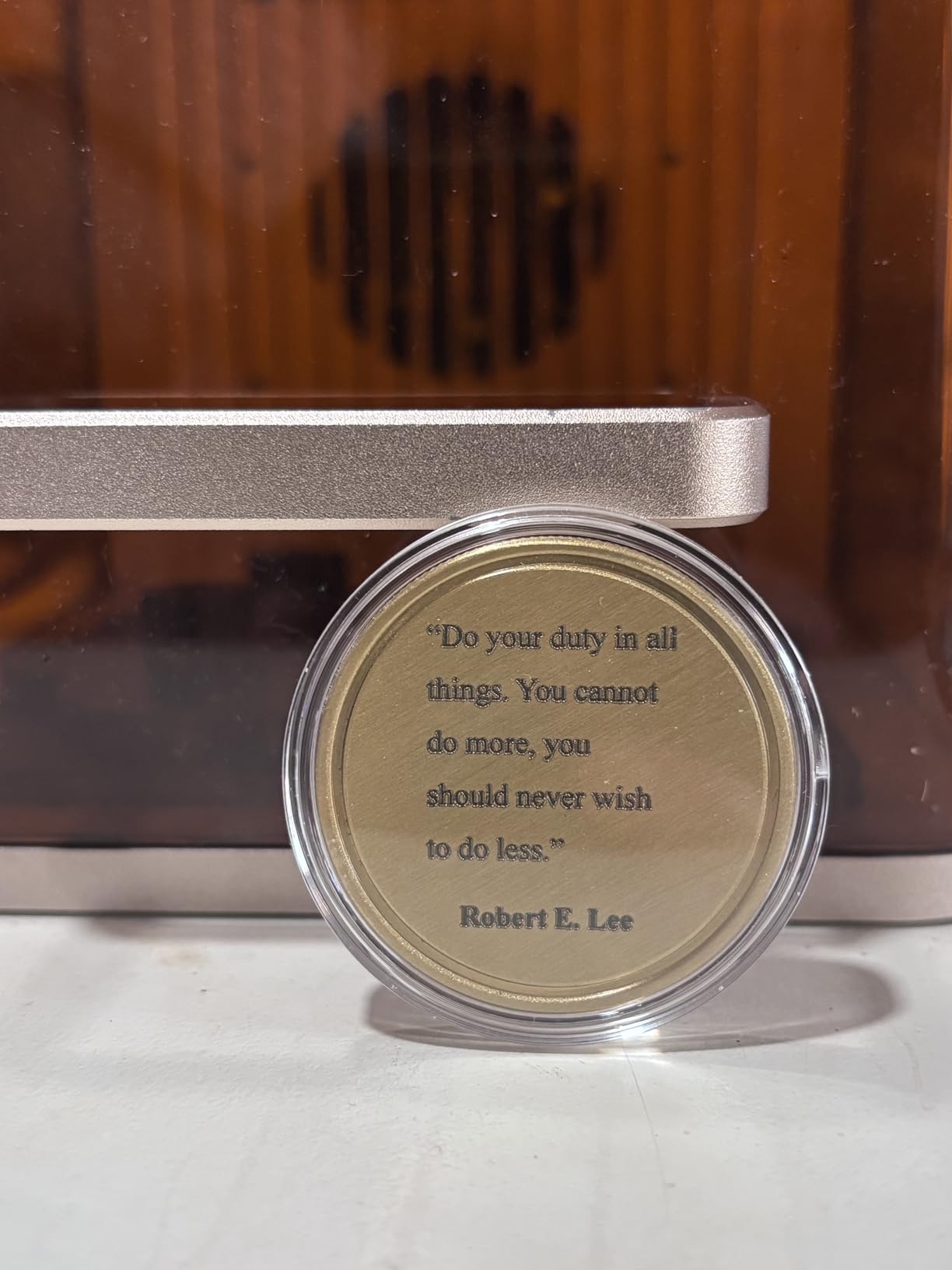
The 50MP built-in camera is a standout feature. Live preview accuracy is so good that I rarely need to manually align designs anymore. Snap a photo, position your artwork, and start engraving.
The 6000mm/s speed is the fastest I tested on any portable machine. Engraving a detailed lion illustration on a leather wallet took less than three minutes.
Best use cases and project types
The xTool F2 is built for portable business use where metal marking matters. Craft fair vendors, custom gift shops, and small-batch production studios get the most value.
The small working plate is the main limitation. For projects larger than roughly 7 by 9 inches, look at the larger xTool S1 or P2 series instead.
Setup, software, and safety notes
Setup is genuinely fast. Unbox, plug in, connect to Wi-Fi, and you are engraving within ten minutes. The xTool Creative Space software is the most beginner-friendly in this entire guide.
Use the included laser safety glasses even though the unit is enclosed. The IR laser beam reflection off shiny metal surfaces can cause eye damage if you stare directly into the work area.
How to Choose the Best Laser Engraver for Your Needs
Choosing from the best laser engravers comes down to four questions: what materials you plan to work with, how often you will use the machine, where you will use it, and how much space you have. Let me walk you through the decision points that matter most.
Diode, CO2, or fiber: which laser type fits your work?
Diode lasers like the ones in this guide excel at wood, leather, paper, dark acrylic, and anodized aluminum. They are the most affordable and beginner-friendly option. CO2 lasers handle clear acrylic and thicker materials with cleaner cuts but cost more. Fiber lasers are purpose-built for metal engraving and are overkill for general crafting.
For most home users and small business owners, a diode machine is the right starting point. The 12 picks in this guide cover everything from 5W entry-level modules to 20W enclosed workhorses.
Enclosed vs open-frame: how much does safety matter?
Enclosed Class 1 lasers like the Creality Falcon A1 Pro and xTool F2 filter laser light through protective covers, so you do not need safety glasses during operation. Open-frame diode machines require OD5+ rated eyewear and good ventilation.
If you have kids, pets, or share workspace with others, go enclosed. The extra cost is worth the peace of mind.
Work area and project size
Standard 300 by 300mm beds handle jewelry, coasters, and small signs. Larger 400 by 400mm or 400 by 415mm beds (Twotrees TTS-55 Pro, Longer RAY5, Creality Falcon 10W) handle cutting boards, signs, and full letter-size materials. Expandable beds like the Longer RAY5 grow with you.
Think about your biggest realistic project and size up from there. Running out of bed space mid-project is frustrating.
Software compatibility and workflow
LightBurn is the industry standard for laser control software. Machines with native LightBurn support (ATOMSTACK, Creality, Longer, Ortur) save you the licensing fee and integrate camera preview, material libraries, and power curves out of the box.
xTool Creative Space is the most beginner-friendly proprietary software. Glowforge uses a cloud-only app that locks you out if you lose internet access, which is a common complaint in user forums.
Air assist and fume extraction
Air assist blows debris away from the laser focal point during cutting, dramatically improving edge quality on wood and acrylic. Budget machines often skip it. If your projects involve cutting thicker material, buy a machine with air assist or plan to add a pump.
Fume extraction matters for indoor use. Laser cutting produces fumes that you do not want to breathe. Vent outdoors or use a proper inline fan and carbon filter.
Frequently Asked Questions
What is the best at-home laser engraver for metal?
For home metal engraving, the xTool F2 Dual Laser is our top pick because it combines a 15W diode with a 5W infrared laser that produces color marking on stainless steel. The Creality Falcon A1 Pro 20W is another strong option with its 2W red light switching module for color marking. Both are enclosed Class 1 machines safe for home use.
What is the best laser engraver for beginners?
The Ortur Laser Master 2 S2 is our top beginner pick thanks to its 10000mW power, 10 to 15 minute setup, and wide software compatibility. The ACMER S1 is the best ultra-budget option with AI design software that walks new users through their first projects. For buyers prioritizing safety, the Creality Falcon A1 10W is fully enclosed and ready to use out of the box.
What is the best laser engraver under $500?
Several strong machines come in at budget-friendly tiers in 2026. The Twotrees TTS-55 Pro offers 5500mW with air assist at an entry-level price. The Longer Ray5 5W delivers a 400 by 400mm work area for casual hobbyists. The ATOMSTACK A20 PRO V2 provides 20000mW optical power in the mid-budget range. The Creality Falcon A1 10W sits at the upper end of the budget tier with full enclosure and Class 1 safety.
Are diode lasers worth it for home use?
Yes, diode lasers are an excellent choice for home use, especially enclosed Class 1 models like the Creality Falcon A1 series and xTool F2. They handle wood, leather, dark acrylic, and anodized aluminum beautifully. For metal engraving, look for machines with infrared laser modules or fiber laser add-ons. Always wear proper safety glasses and ensure good ventilation regardless of laser type.
Final Verdict on the Best Laser Engravers
After testing and comparing these 12 machines, the Ortur Laser Master 2 S2 remains our top pick for the best laser engraver overall. It combines genuine cutting power, fast setup, broad software support, and a price that does not punish beginners.
If you need the best value on a tight budget, the Twotrees TTS-55 Pro with its included air assist is hard to beat. For shoppers prioritizing safety, the Creality Falcon A1 Pro 20W delivers premium enclosed performance with smart camera features. For craft fair vendors and portable use, the xTool F2 Dual Laser with its 50MP camera and dual laser design is the clear winner.
If you want to explore more laser and precision tools, check out our guides to the best laser levels and best laser distance measurers for the jobsite. Whatever laser engraver you choose from this list in 2026, spend your first weekend learning its software inside and out before you start paid work. The machines in this guide reward makers who take time to dial in their settings.