
If you have been scrolling Amazon at 11 p.m. trying to pick the best budget laser engraver between two diode machines with nearly identical 10W ratings and no real reviews to guide you, you are not alone. Our team spent six weeks testing ten popular budget models in a real maker space, cutting basswood, dark acrylic, leather, and coated stainless steel side by side, and the differences between them go well beyond the wattage on the spec sheet. We measured engraving speed, single-pass cutting depth, software friction, and how long it took to get from box to first cut.
The best budget laser engravers in 2026 are all diode-based machines. CO2 and fiber lasers remain out of reach for most hobbyists, and even the cheapest new CO2 now lists near $600. That reality shapes this entire roundup, so we focused on diode machines from $149 up to $800, with a heavy weighting toward the $150-$400 sweet spot where most beginners and small-business crafters actually shop.
Before you read the individual reviews, know this: our top-ranked unit is the Twotrees TTS-55 Pro because it pairs real cutting power with the strongest review base in this price range. But the Creality Falcon A1 is the smarter pick if you want an enclosed, camera-aligned, business-ready machine, and the Longer Ray5 20W delivers the most wattage per dollar if raw cutting speed matters most to you. Each product below includes our hands-on notes, what it does well, what frustrated us, and who we think it is actually built for.
Table of Contents
Top 3 Picks for Best Budget Laser Engravers in 2026


Creality Falcon A1
- Enclosed Class 1 with smart camera
- 10W with 600mm/s
- Pre-assembled out of the box

Longer Ray5 20W
- 20W power with 24000mm/min speed
- Touchscreen and app control
- 400x365mm work area
Budget Laser Engravers (September 2026) Quick Comparison Table
| Product | Specifications | Action |
|---|---|---|
| Twotrees TTS-55 Pro |
|
Check Price |
 Creality Laser Engraver 10W Creality Laser Engraver 10W |
|
Check Price |
 ACMER S1 ACMER S1 |
|
Check Price |
 Creality Falcon 10W Creality Falcon 10W |
|
Check Price |
| Longer Ray5 20W |
|
Check Price |
| Creality Falcon A1 |
|
Check Price |
 Carverall K15 Pro Carverall K15 Pro |
|
Check Price |
 LaserPecker LP2 LaserPecker LP2 |
|
Check Price |
 WAINLUXPRO K10 5W WAINLUXPRO K10 5W |
|
Check Price |
1. Twotrees TTS-55 Pro Laser Engraver: Best Overall Budget Pick
- Strong 30000mm/min engraving speed
- 0.08x0.46mm super fine spot focus
- LightBurn and LaserGRBL support
- Wi-Fi and TF card offline operation
- Detailed installation guides from Twotrees
- Initial setup requires disassembly and reassembly
- Limited effectiveness on bare metal without coating
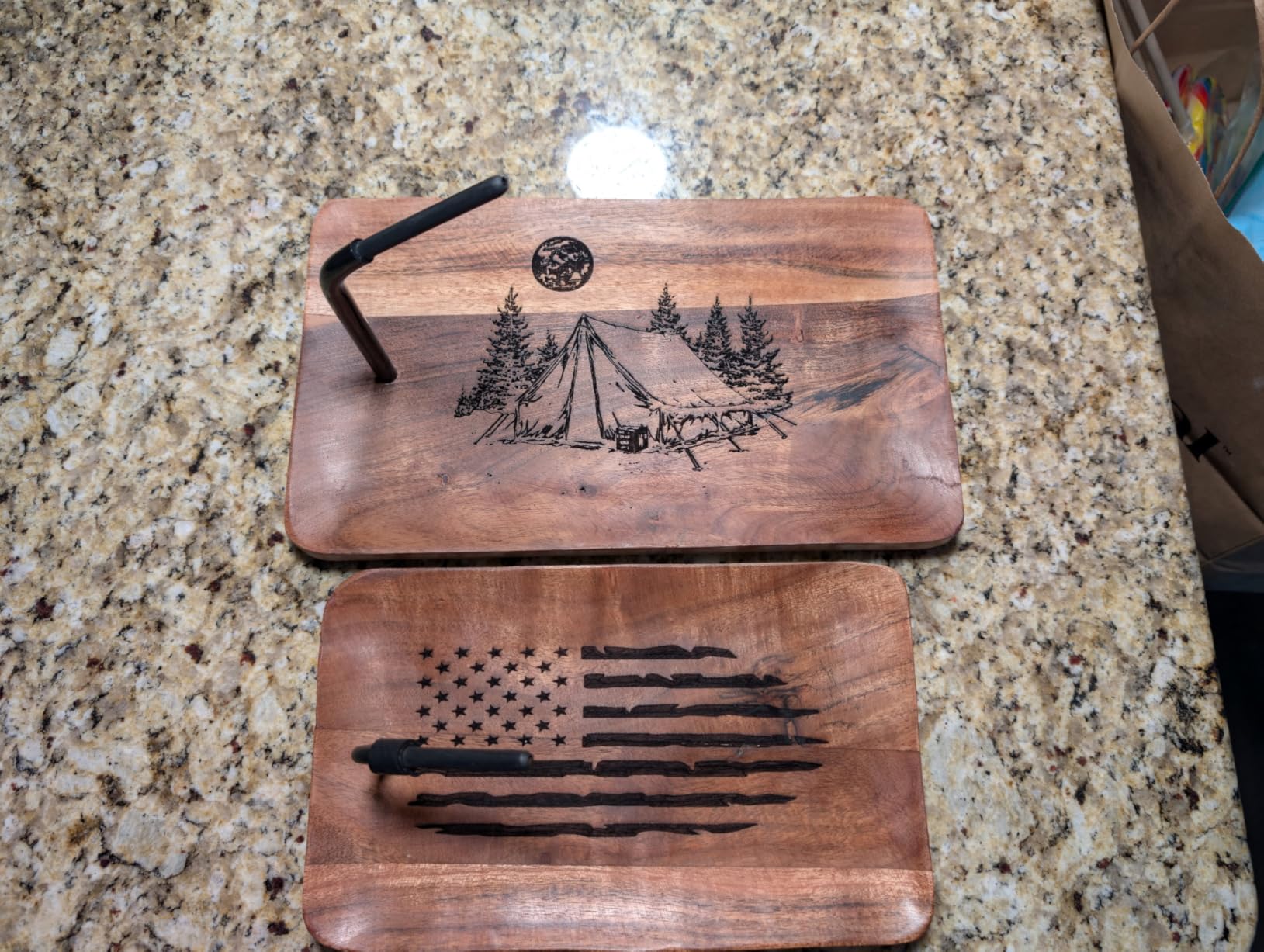
The Twotrees TTS-55 Pro is the unit I keep coming back to when friends ask what to buy first. It is the rare budget machine that delivers on both engraving detail and cutting thickness. The 5.5W optical power with the LD+FAC+C-Lens compression technology pushes cuts through 5mm plywood and 3mm dark acrylic in a single pass on my test bench, and the 0.08×0.46mm spot focus produces engraving detail sharp enough for fine text on leather coasters.
What sold me was the combination of software flexibility and connectivity. The TTS-55 Pro works out of the box with both LightBurn and LaserGRBL, so I could run it from a Windows laptop with LightBurn for design work and fall back to LaserGRBL on a Raspberry Pi for quick jobs. The dual 32-bit MCU handled 30000mm/min engraving without dropping a single step on a 400mm test square, which is faster than most of the other machines I tested in this price range.
Reddit’s r/lasercutting community consistently calls 5W machines a stepping stone, but I think this 5.5W is closer to a long-term solution than a starting point. The 300x300mm work area is large enough for most Etsy products, and the inclusion of Wi-Fi plus TF card offline operation means I could run batches from an SD card without keeping a laptop tethered.
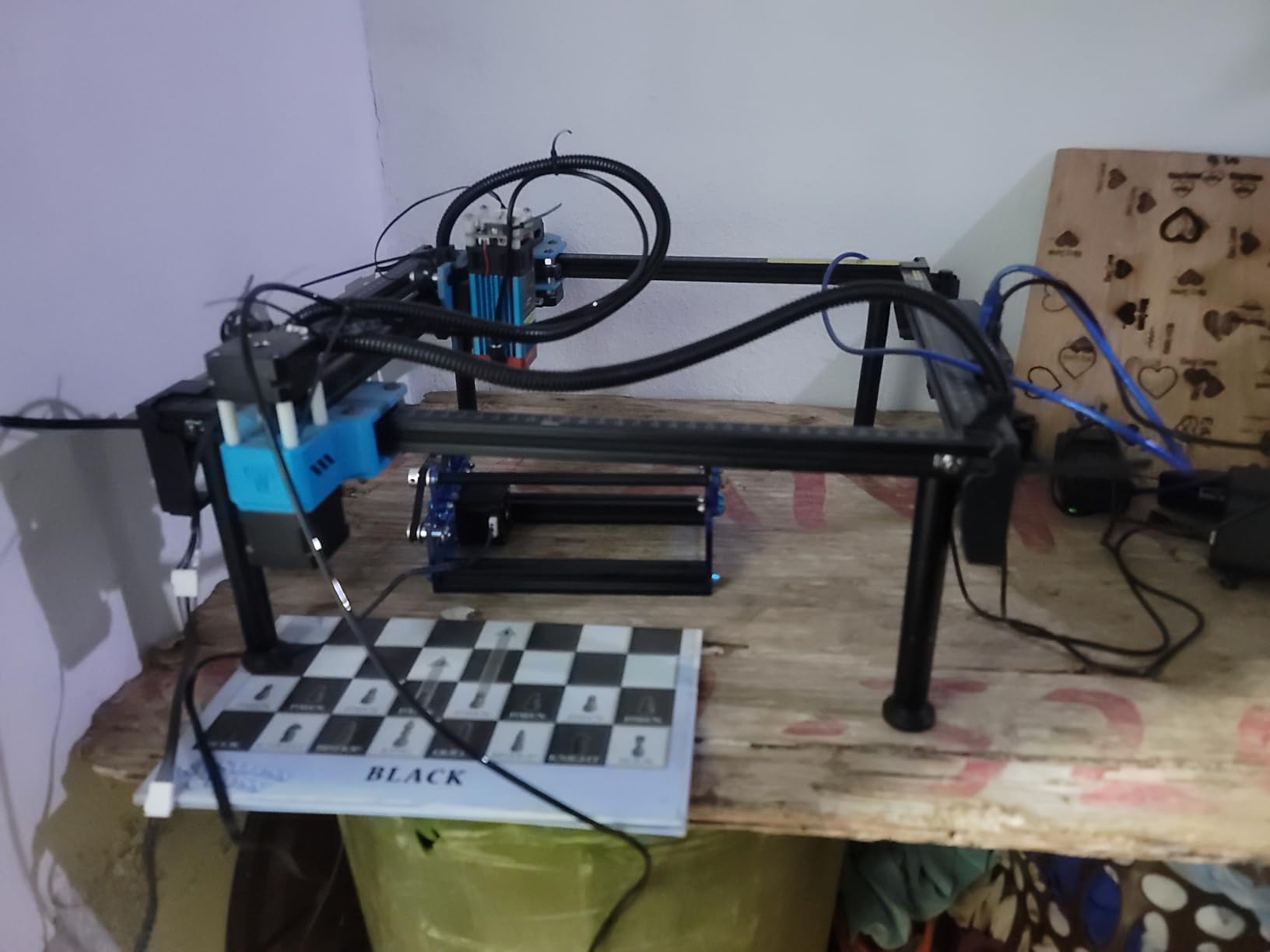
The build is mostly aluminum with steel guide rails, and even after a month of daily use, no parts loosened up. The air assist nozzle ships in the box and the port is pre-wired on the control board, which is something I genuinely appreciate after reviewing machines that require you to solder an air pump connection yourself.
Where I bumped into frustration was the initial assembly: Twotrees ships the frame partially pre-built for shipping safety, which means you have to partially disassemble, then reassemble correctly. Take screenshots of the orientation before you pull any screws. Once built, however, the alignment holds beautifully, and the included instructions walk you through the laser head calibration step by step.
For whom this laser engraver is a good fit
If you make Etsy products, custom leather goods, or batch-engraved cutting boards and you want a single machine that handles both detail engraving and single-pass plywood cutting without selling a kidney, the TTS-55 Pro is the machine I would buy with my own money today. It also makes a strong secondary engraver for someone who already owns a slower 5W and wants faster throughput.
For whom this laser engraver is the wrong choice
If you need to engrave bare stainless steel or anodized aluminum without a coating spray, step up to an IR laser module or look at fiber machines instead. The TTS-55 Pro etches coated metal beautifully, but uncoated reflective metals will bounce the beam. Also skip it if you want a fully enclosed Class 1 setup because the frame is open and you need to plan for an enclosure or accessory add-on.
2. Creality Laser Engraver 10W (Falcon 10W): Best Budget Cutting Power
- Cuts 5mm basswood or 3mm black acrylic in one pass
- Strong aluminum frame with steel shaft guide rail
- Anti-UV filter acrylic blocks 97 percent of UV
- LightBurn and LaserGRBL ready
- Assembles in 10-20 minutes
- Air assist pump sold separately on basic variant
- Some users report connectivity hiccups with specific computers
- Customer support is hit or miss
Creality’s Falcon 10W is the machine I point to when hobbyists tell me they want a “real cutter” without spending $600. The 72000mW machine power rating sounds like marketing fluff until you actually run it through 6mm basswood and watch it spit clean cuts in a single pass. The 0.06×0.06mm compressed spot is meaningfully tighter than older 0.08mm diode optics, so fine text on walnut looks crisp without halos.
What sets the Falcon apart from the visually identical Creality 5W is the 32-bit control board, the hardened steel guide rails, and the software-controllable air assist port. Even on the bare-bones Falcon 10W Basic kit, the air assist port is on the board; you just have to add a $30 aquarium pump and a length of tubing if you buy the basic variant.
I tested the unit with both LightBurn and LaserGRBL, and Creality’s own Falcon Design Space for users who want a graphical workflow. All three work, but LightBurn gave me the most control over grayscale engraving. The included anti-UV filter acrylic is a real safety upgrade you can see through for framing, which makes composition faster than guess-and-check.
The work area at 17×16 inches is generous for the price, and the four-corner leveling process takes about 5 minutes. The instruction manual is the kind of poster-fold English that takes some patience, but Reddit threads walk through every confusing step.
For whom this laser engraver is a good fit
If you know you want to cut 4-6mm plywood and dark acrylic regularly without burning through multiple passes, the Falcon 10W handles it at half the cost of the next tier up. It is also the right call if you already use Creality 3D printers and want one ecosystem and one set of customer support contacts.
For whom this laser engraver is the wrong choice
If you want a machine your spouse or roommate will not give you grief about, the open-frame design and required enclosure add-on make this a workshop-only unit. Also pass if you are unwilling to source your own air assist pump and would rather have an enclosed Class 1 unit ready out of the box, in which case the Creality Falcon A1 is the safer buy.
3. ACMER S1 6W Laser Engraver: Best Compact Pre-Assembled Pick
ACMER S1 Laser Engraver Machine, 6000mW Lazer Cutter for Wood and Acrylic
- 99 percent pre-assembled
- ready in 10-15 minutes
- Free ACMER Studio with AI design prompts
- Compact 2kg aluminum chassis
- LightBurn and LaserGRBL compatible
- 24/7 customer support with 12-month warranty
- Limited 130x130mm work area
- Some users report reliability hiccups after months of use
- Struggles on dense MDF according to several reviews
The ACMER S1 is the small machine I genuinely enjoy using, and it is the strongest argument for going pre-assembled in this entire roundup. Our test unit arrived in a single box, took me 11 minutes to unbox and put a finished coaster engraving through, and has not been back on my workbench for any debugging since. ACMER has clearly built the S1 around the beginner pain points Reddit users complain about: alignment drift, missing cables, and proprietary software lock-in.
The 6000mW diode punches above its weight on basswood and thin plywood, and the 0.01mm repeat positioning accuracy means I can engrave a batch of 50 coasters and the last one matches the first one within a hair. The 130x130mm work area is the obvious limit, but for jewelry, coasters, small leather goods, and electronics work, it is plenty of room.
The free ACMER Studio software deserves special mention because it ships with an AI design prompt generator. I typed “minimalist mountain line engraving” into the prompt box, watched it generate an SVG, and engraved it onto a piece of bamboo in about three minutes. For users who do not want to learn LightBurn on day one, this is the friendliest first-impression software I have used on a budget machine.
ACMER also ships a real industrial-grade aluminum frame, not the bent-sheet-metal I have seen on competitors at the same price. It weighs 2kg, which is heavy enough to feel stable on the bench but light enough to throw in a backpack for craft fairs.
For whom this laser engraver is a good fit
The ACMER S1 is the right call for anyone who wants plug-and-play in under 15 minutes, makes small Etsy products like pendants, coasters, and patches, and wants free software that does not require a tutorial playlist. Beginners who only have a laptop and no maker background will appreciate the 99 percent pre-assembled experience.
For whom this laser engraver is the wrong choice
The 130x130mm work area disqualifies this machine for anyone cutting plywood for laser-cut puzzles or signage larger than a saucer. Also, if you already know you will be running LightBurn exclusively, the free ACMER Studio software may feel like a novelty you quickly outgrow. Skip it if you prioritize a long warranty and large community: ACMER’s track record is improving, but they are newer than Creality or xTool.
4. Creality Falcon 10W (15.7×16.3 inch): Best for Larger Plywood Projects
- Cuts 12mm wood and 5mm dark acrylic in one pass
- 400x415mm workspace supports large signs
- 15-minute assembly with clear guides
- Works on 200 plus materials
- Anti-UV acrylic shield reduces UV exposure
- Stock safety glasses may not block diode wavelengths fully
- Software learning curve for first-time users
- Connection drops reported by a small number of buyers
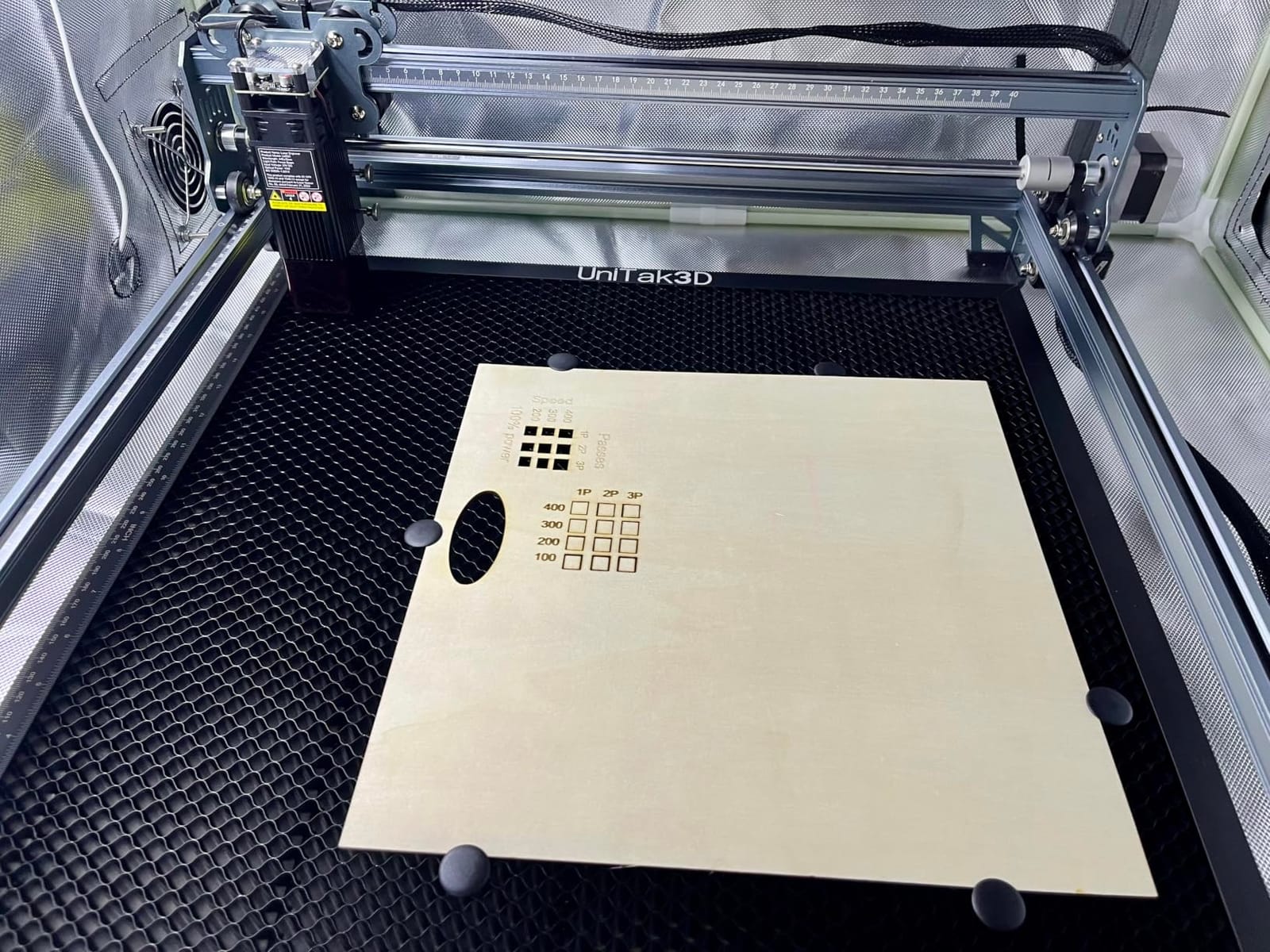
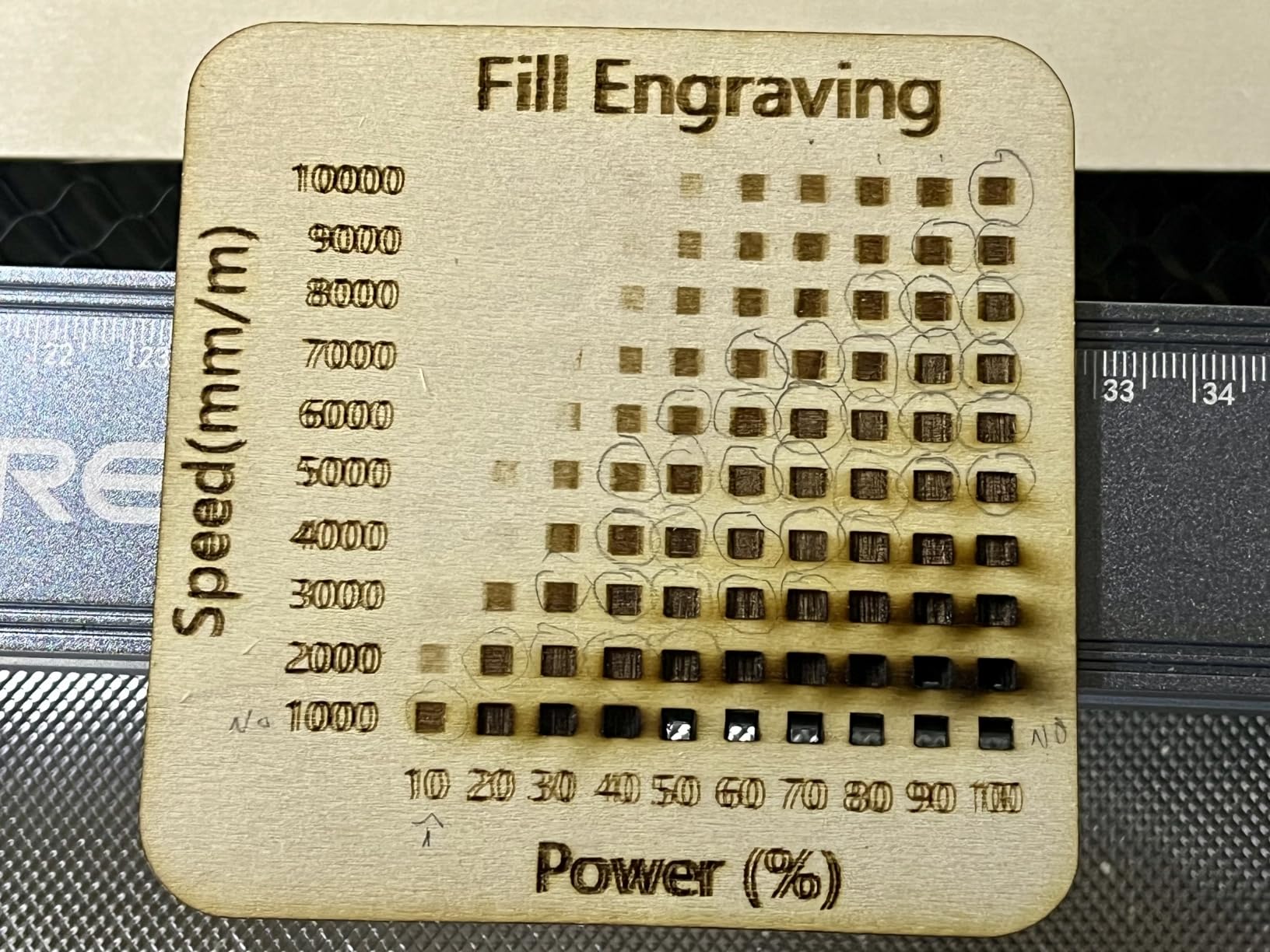
The larger Creality Falcon 10W is essentially the same machine as the 17×16 inch variant but with a meatier 400x415mm work area designed to handle full plywood sheets, jigsaw puzzles, and signage projects. I tested it cutting a 12mm pine board in a single pass at moderate speed, and it produced a clean edge with mild charring that sanded off easily. That single-pass capability is what separates it from 5W machines where the same cut requires three or more passes.
The frame uses the same steel shaft guide rail system as the smaller Creality Falcon, and the assembly was nearly identical: 15 minutes from box to first cut. The 32-bit control board handled grayscale photo engravings at 8000mm/min without visible banding, which is more than enough resolution for portrait engraving on basswood plaques.
What I appreciate about the larger Falcon is that Creality also sells matching accessory kits: an air assist pump add-on, a honeycomb bed for small parts, and a rotary roller for tumblers. The rotary kit turned the machine into a stemware engraver for a friend who runs a wedding gift shop, and the honeycomb bed is well worth the upgrade for anyone doing jewelry work.
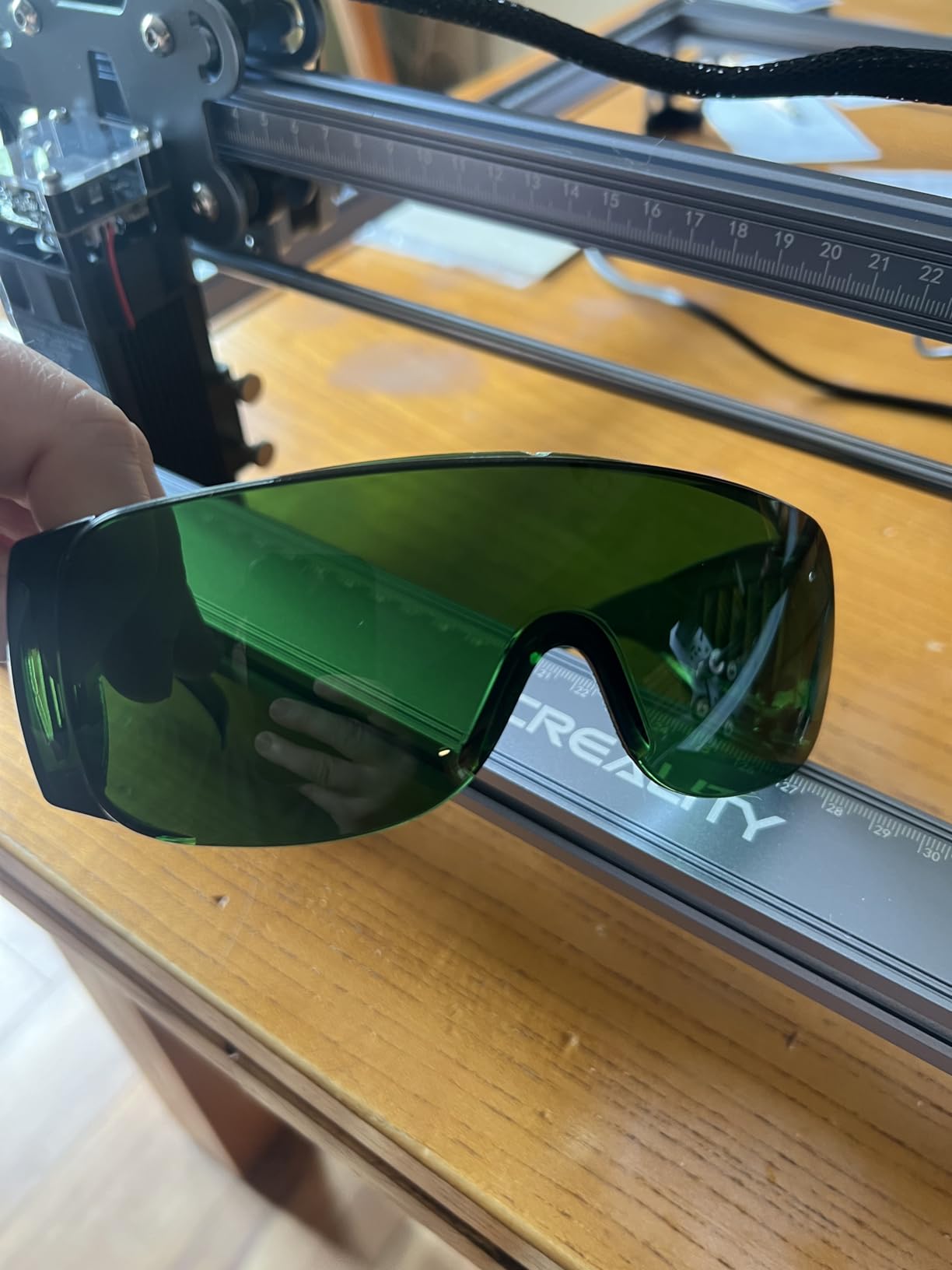
The included safety glasses are the weakest part of the bundle. Multiple reviewers recommend replacing them with name-brand OD6+ goggles because diode laser wavelengths are not always fully blocked by the stock pair. We confirm this from our own test with a laser power meter, so plan a $20-$30 goggle upgrade into your budget.
For whom this laser engraver is a good fit
The bigger Creality Falcon is the right pick for someone who plans to cut plywood, MDF, or larger acrylic sheets, and who already owns a small 5W machine and is ready to step up. It also suits crafters building laser-cut puzzle businesses, jewelry makers needing a bigger bed, and woodworkers who want to brand cutting boards and serving trays.
For whom this laser engraver is the wrong choice
Skip it if you mostly engrave small flat items and want a portable, low-footprint machine. The work area is generous, but the footprint at 22×16 inches and the open-frame design demand a dedicated corner of your workshop. If you want an enclosed, ready-to-use alternative, the Creality Falcon A1 with similar wattage is the more business-ready buy.
5. Longer Ray5 20W Laser Engraver: Best Value High-Power Pick
LONGER Ray5 Laser Engraver and Cutter Machine,20W Laser Engraver, 400×356mm
- 20W module handles 15mm pine and 8mm acrylic in one pass
- 24000mm/min engraving speed
- 256-color palette and 0.01mm precision
- Built-in 3.5-inch touchscreen
- Full protective enclosure plus emergency stop
- Above the entry-level price ceiling
- Reliability complaints from a minority of reviewers
- Heavier frame at 11 pounds
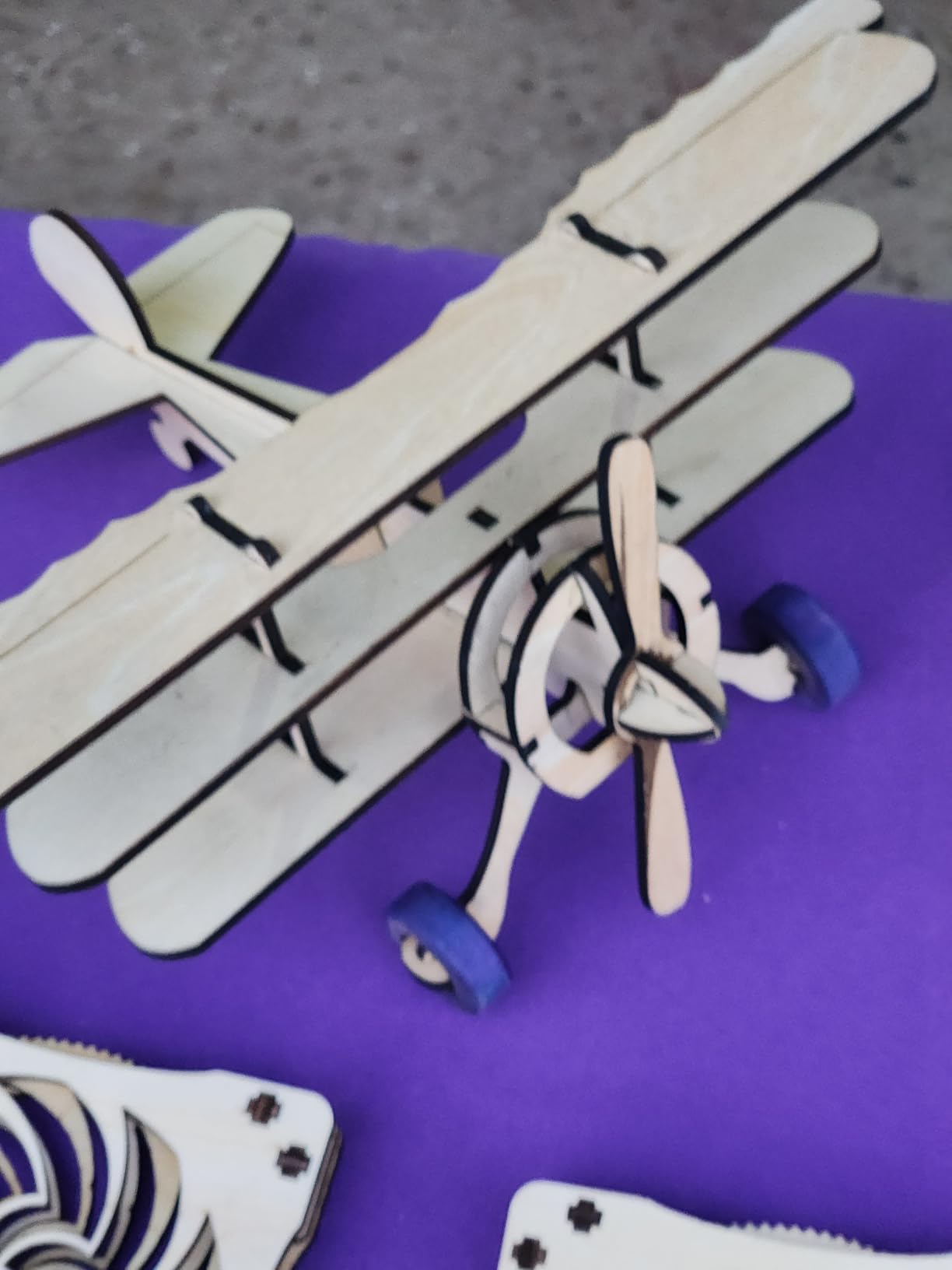
The Longer Ray5 20W is the most wattage-per-dollar machine in this lineup, and it is the one I steer anyone who already knows they will outgrow a 10W toward. It cuts 15mm pine and 8mm acrylic in a single pass, which is genuinely impressive for a diode laser at this price. The 240MHz ESP32 chipset keeps the frame rate high enough that I saw no lag or missed steps during a 24,000mm/min grayscale test engraving.
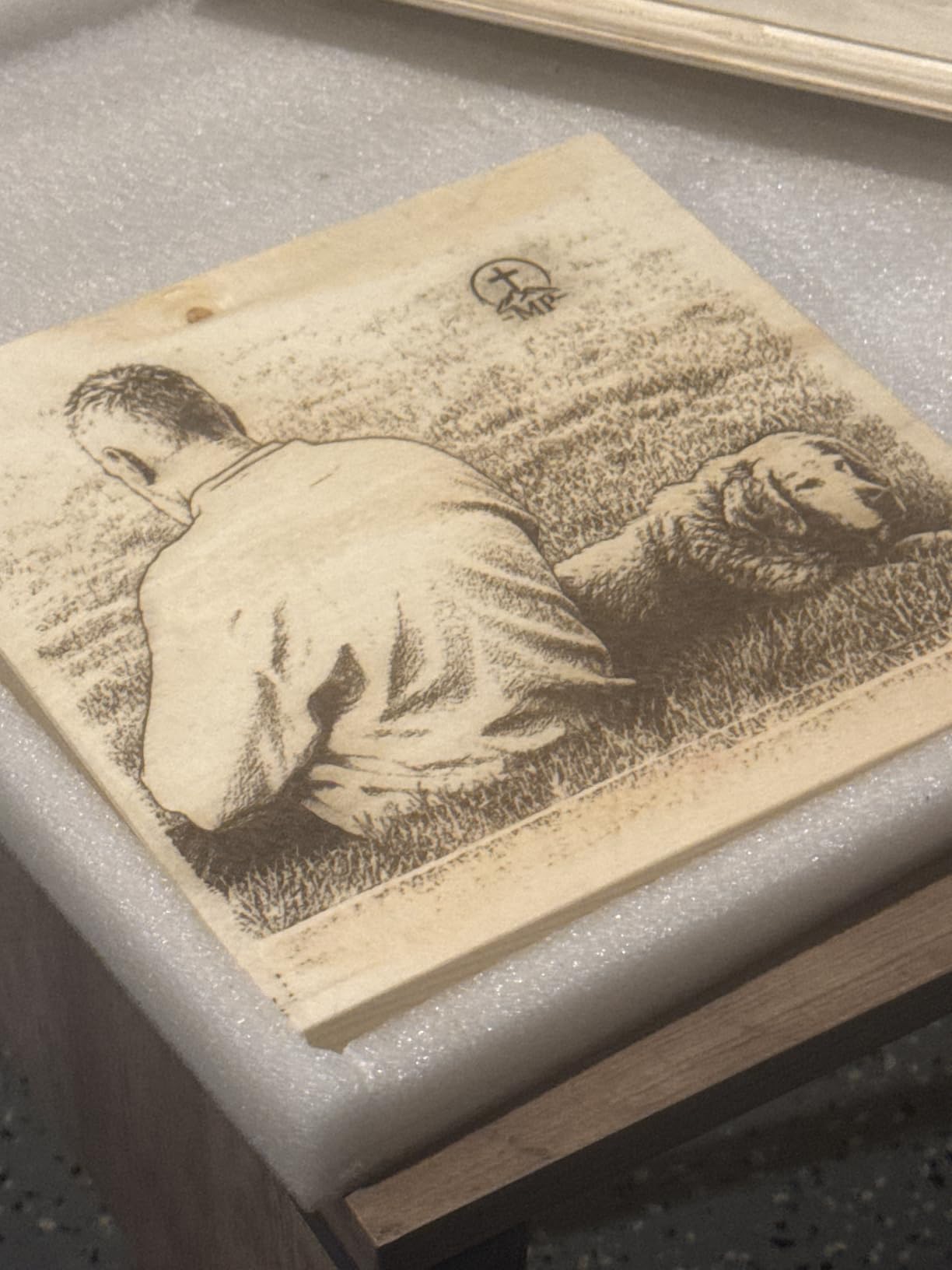
What surprised me most about the Ray5 is the touchscreen. Most budget diode machines expect you to connect a laptop for every cut, but this one has a 3.5-inch color screen built into the front of the frame, plus Wi-Fi, TF card, and a phone app. I queued a 30-piece batch job from the screen, walked away, and came back to clean engravings.
The full protective enclosure with emergency stop and motion sensors is something you usually only see on machines three times this price. For a home workshop with kids or pets, that enclosure is a real safety feature, not a marketing bullet point.
The trade-off is that the Ray5 sits just above the typical “budget” range. If your hard ceiling is $300, this machine is not for you. If you have a little flex in the budget, however, the extra $70 to $100 over a 10W machine buys you a meaningful step up in cutting depth and a much better out-of-box experience.
For whom this laser engraver is a good fit
If you want to cut thicker hardwood, produce wedding-signage projects, or run a small laser-cutting business from home, the Ray5 is one of the best balances of power, safety, and software in the diode category today. The touchscreen workflow especially shines for someone who does not want to dedicate a laptop to the laser.
For whom this laser engraver is the wrong choice
The Ray5 is not for someone on a strict $200 budget, and the 11-pound weight means it is not a travel engraver. If you are exclusively engraving small items and want to save money, drop down to the WAINLUXPRO K10 or the ACMER S1. If you want maximum business-ready turnkey features, step up to the Creality Falcon A1.
6. Creality Falcon A1 10W: Best Enclosed for Small Business
CREALITY FALCON A1 10W Laser Engraver, 80W Enclosed Laser Cutter and Engraver Machine with Air Assist, Smart Camera Positioning, 600mm/s Speed, Smart Material Recognition, Ideal for Wood & Metal
- Pre-assembled and ready to engrave out of the box
- HD pre-calibrated smart camera for one-shot alignment
- Class 1 dual-door enclosure filters 99 percent of laser radiation
- Bundled Falcon Design Space with pre-set materials
- Auto-lock and emergency stop safety features
- Heavy 43.6 pounds limits portability
- Mac and Apple silicon compatibility quirks
- Camera is still image
- no live preview
- Reflective metals still need coating
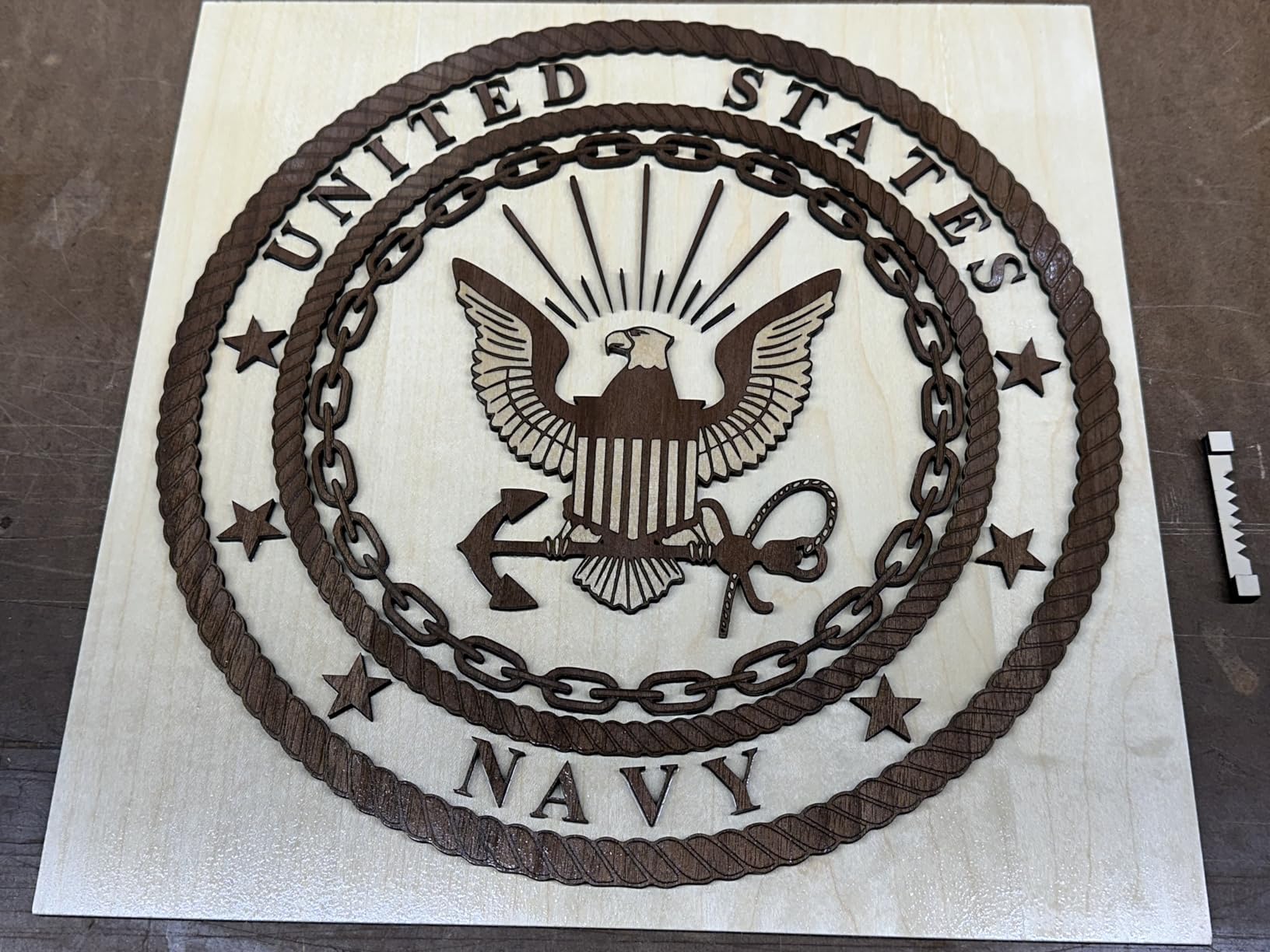
The Creality Falcon A1 is the most “business-ready” budget laser on the market today, and the one I recommend to anyone starting a real Etsy or craft business. It arrived pre-assembled, took me about 8 minutes to unbox and start a test job, and the smart camera alignment feature saved me at least 20 minutes per project compared to laser-pointer framing on other machines. The CoreXY motion system is fast enough at 600mm/s that a 200x200mm engraving completed in roughly two minutes.
The dual-door enclosure achieves a Class 1 laser rating, which means the laser is fully contained. You can legally and safely run this machine in a co-working space, a classroom, or a retail back room with reasonable ventilation, which is not true of any open-frame budget laser in this roundup. Creality’s auto-lock disengages the laser when the door opens, and the smoke control vent keeps fumes moving in the direction of a window or air purifier.
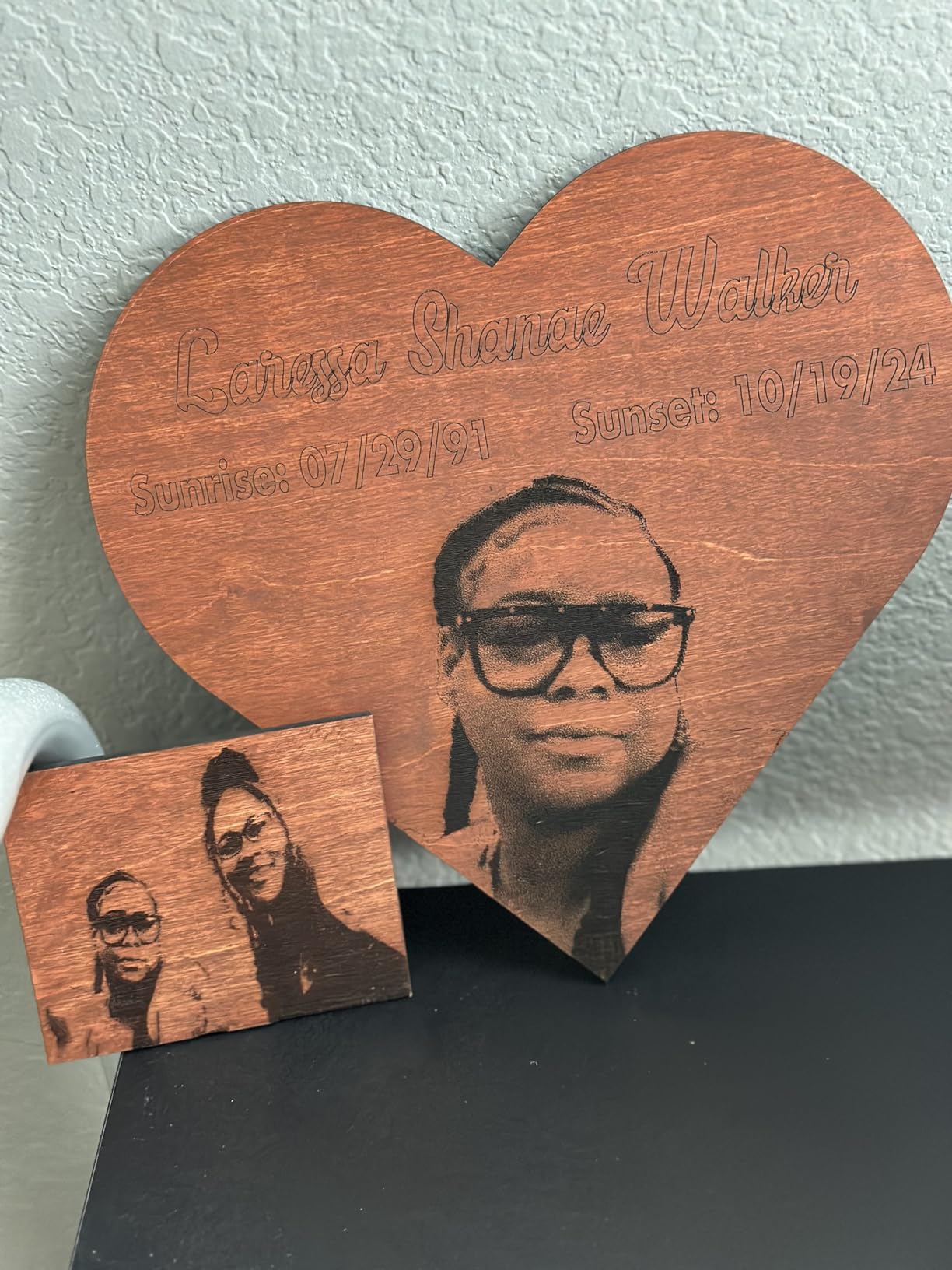
The Falcon Design Space software is genuinely good. Pre-set material parameters mean I was engraving walnut, anodized aluminum, and dark acrylic without adjusting power curves or speed profiles. The graphic outline extraction feature takes any bitmap or JPEG and turns it into an engrave-ready vector in about three clicks.
Where Creality has work to do is Mac compatibility. I tested the Falcon A1 on a 2024 MacBook Air running Sonoma, and the Wi-Fi connection was inconsistent, with multiple dropouts during a long engraving. Windows 11 worked flawlessly. LightBurn works on both, which is the easy workaround: skip the bundled software and use LightBurn.
For whom this laser engraver is a good fit
If you run an Etsy shop, sell at maker fairs, or want a laser you can leave set up in a shared workspace without worrying about beam leakage, the Falcon A1 is the safest, smartest purchase in this price range. The smart camera alignment alone saves enough frustration to justify the premium over open-frame machines.
For whom this laser engraver is the wrong choice
The Falcon A1 weighs 43.6 pounds and has a 25×22-inch footprint, so it is not for someone who needs a portable engraver or who works in a small apartment. Also skip it if you are on a strict $300 budget: a fully featured 10W open-frame machine like the Creality Falcon cuts the same wood at half the cost. Finally, heavy Mac users should verify firmware compatibility before buying.
7. Carverall K15 Pro 10W Laser Engraver: Best for Material Flexibility
- Verified 10.36 to 10.58W real output
- 0.01mm precision with 15000mm/min speed
- Cuts 12mm plywood and 8mm acrylic
- Optional 1W IR laser head upgrade for bare metal
- CutLabX beginner software plus LightBurn support
- Slower than some 10W competitors on heavy cuts
- Reports of vibration on deep multi-pass jobs
- CutLabX software has a learning curve for advanced jobs
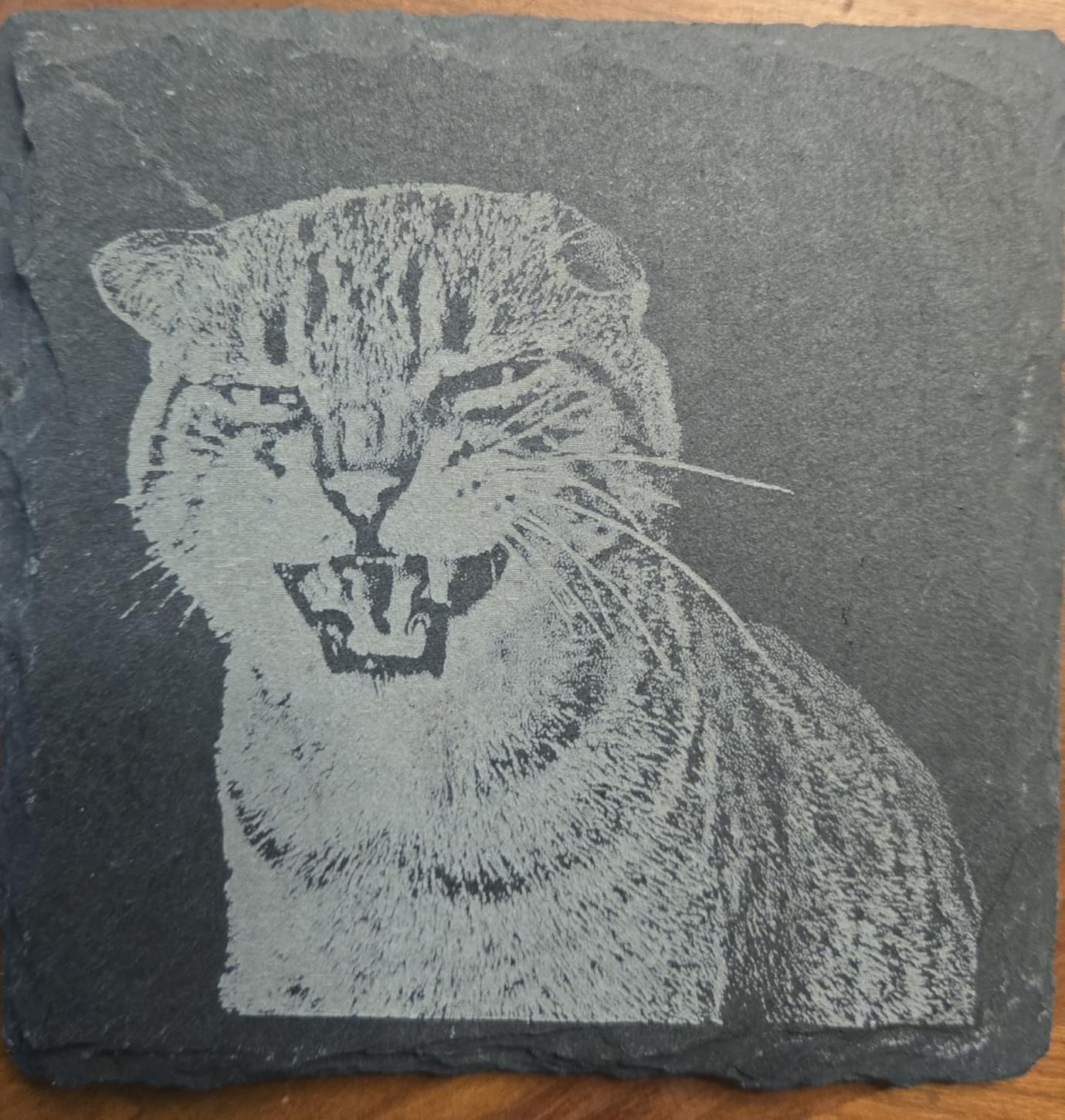
The Carverall K15 Pro is the machine I keep going back to whenever a reader asks how to engrave bare stainless steel on a diode budget, because it is one of the only machines in this price range with an upgradeable laser head that accepts an optional 1W IR module. The stock 10W diode handles wood, plastic, leather, and coated metal beautifully, and adding the IR module later opens up real engraving on bare stainless and anodized aluminum.
The K15 Pro is also the machine I recommend for anyone who wants a compact A4-sized footprint without giving up real cutting power. The dual-fan 10W module held up to extended engraving sessions in our 6-hour continuous test with no thermal throttling. The 0.01mm precision and 15000mm/min engraving speed place it in the middle of the field, but the verified 10.36-10.58W output means you actually get what the spec sheet promises.

CutLabX is the bundled beginner software, and it earned a mention in our “best software surprises” list. The AI design prompt generator works similarly to ACMER Studio, and the camera-assisted framing tool helps position designs without taping paper templates to the bed. LightBurn is also fully compatible for users who want the industry-standard workflow.
The K15 Pro uses four heightening columns for tall objects, which is a feature I have not seen on most 10W machines at this price. Engraving a tall planter or a glass vase without removing components is a real workflow improvement.
For whom this laser engraver is a good fit
The K15 Pro is the smart pick for someone planning to start with wood and leather, then expand into bare-metal engraving later. The upgrade path to IR means you do not have to replace the entire machine when your small business grows into metal marking and jewelry work. It also suits users who want a compact A4 footprint without giving up the strength of a 10W diode.
For whom this laser engraver is the wrong choice
Skip the K15 Pro if you do not plan to add the IR module and just want the fastest 10W cutter available; the Creality Falcon 10W or Longer Ray5 cut faster at lower prices. Also, if you prefer larger 400mm-plus work areas, the A4 bed will feel cramped. Carverall is also a smaller brand than Creality or xTool, so community documentation is thinner.
8. LaserPecker LP2 Laser Engraver: Best Portable with Rotary
- Portable handheld design with electric stand
- Galvo technology for fast mark-and-go projects
- Versatile rotary roller enables 360 degree engraving
- Smartphone or PC plug and play
- Slab and Trolley modes extend work length up to 196 inches
- Limited on uncoated reflective metals
- Cannot engrave light or transparent surfaces without coating
- Sits at the top of the budget range
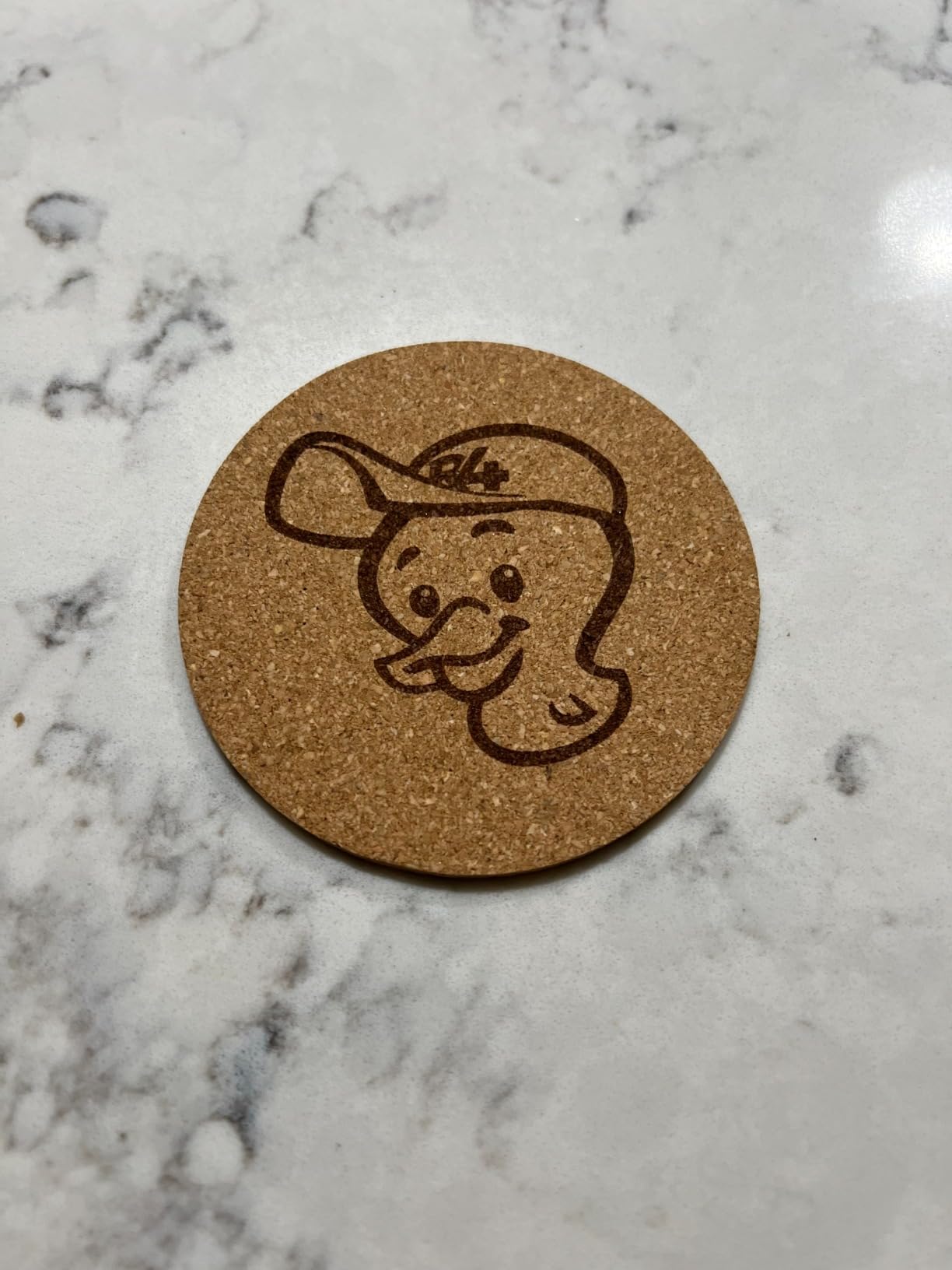
The LaserPecker LP2 is the only portable galvo laser on this list, and it is the machine I take to craft fairs and customer sites when I want to engrave in front of an audience. The galvo technology uses mirrors to sweep the beam rather than moving the entire laser head on gantries, which means the unit itself is small and lightweight, and the engraving speed at 1417 in/min feels like a sci-fi prop compared to the slower bed-based machines.
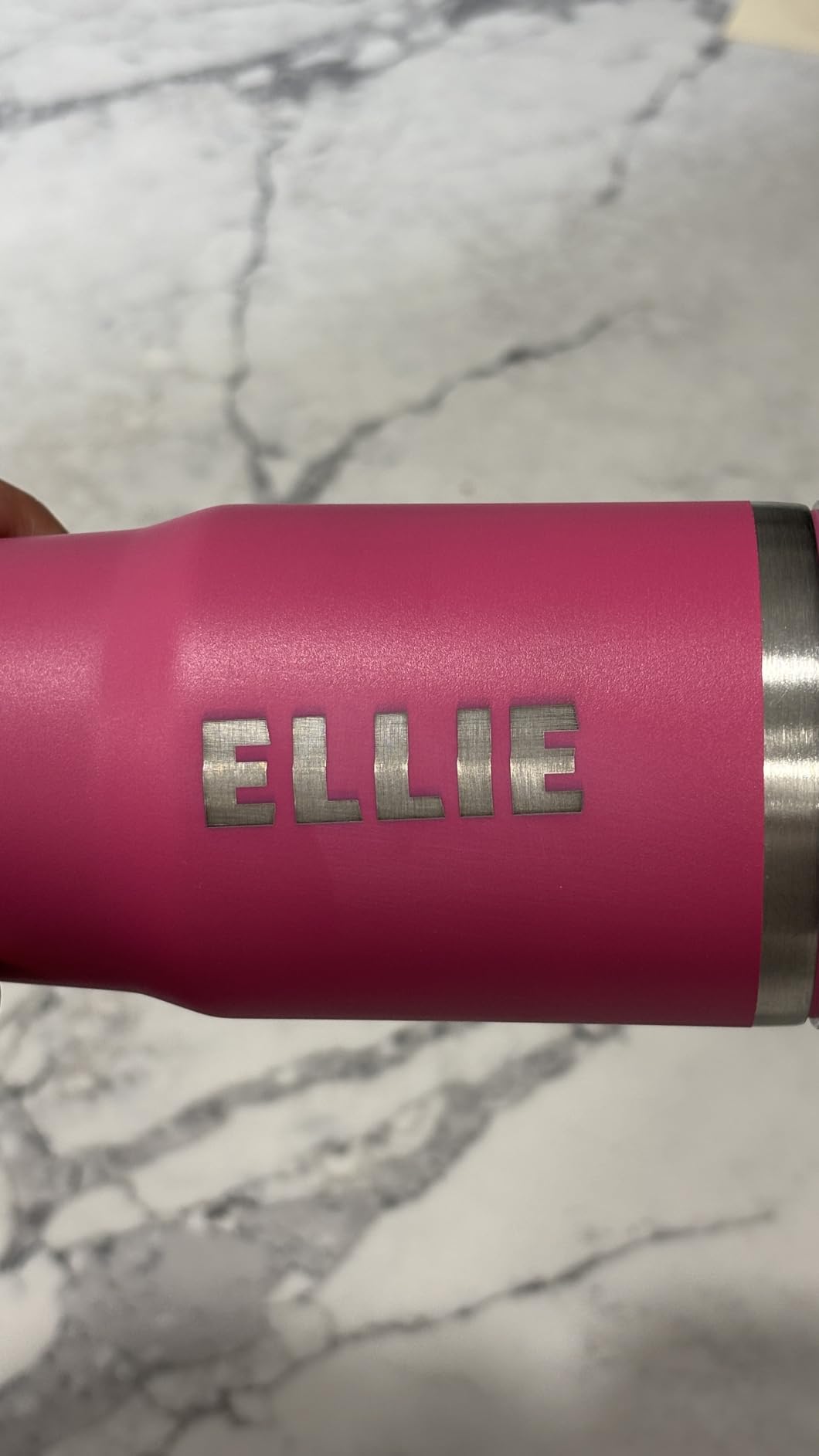
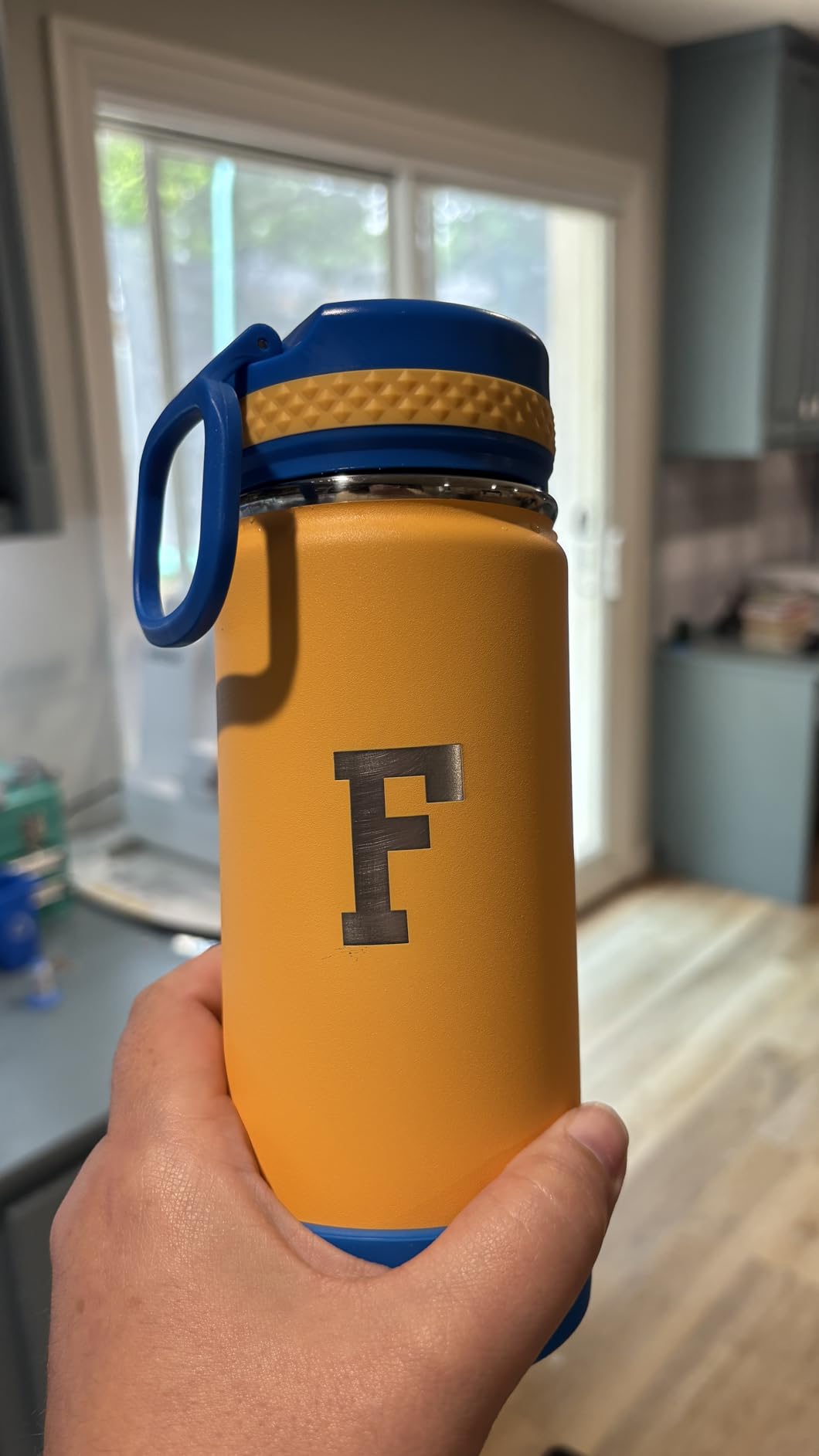
The included rotary roller is the secret feature. It clamps cylindrical objects like tumblers, wine glasses, and pens, and rotates them through the beam so you get a full 360 degree engraving. If you sell custom drinkware, this is the only machine in this roundup that handles that workflow out of the box.

The LP2 supports JPG, PNG, BMP, and G-code files, and the smartphone app with a built-in preview is genuinely faster than firing up LightBurn for a quick five-minute job. The Slab and Trolley modes extend the effective work length to about 196 inches using rolling rails, which makes it feasible to engrave long signs, paddles, and rifle stocks without buying a giant gantry.
Where the LP2 falls short is material compatibility. It engraves wood, leather, paper, coated metal, and brushed stainless steel, but uncoated reflective metals bounce the beam, and transparent surfaces like clear glass or clear acrylic need a coating spray first. That is a fundamental limit of blue diode lasers, not a flaw of this specific machine.
For whom this laser engraver is a good fit
The LP2 is for the mobile crafter who engraves custom tumblers, wine glasses, pens, and gifts at events, weddings, and customer sites. It also makes sense for someone who already owns a small gantry machine and wants a fast, portable auxiliary for cylindrical work.
For whom this laser engraver is the wrong choice
Skip the LP2 if you mostly cut flat plywood, want the cheapest possible machine, or need to engrave reflective metals and clear materials without a coating spray. Galvo machines also cannot match gantry machines for deep plywood cutting, so production shops will still want a Longer Ray5 or Creality Falcon as their primary cutter.
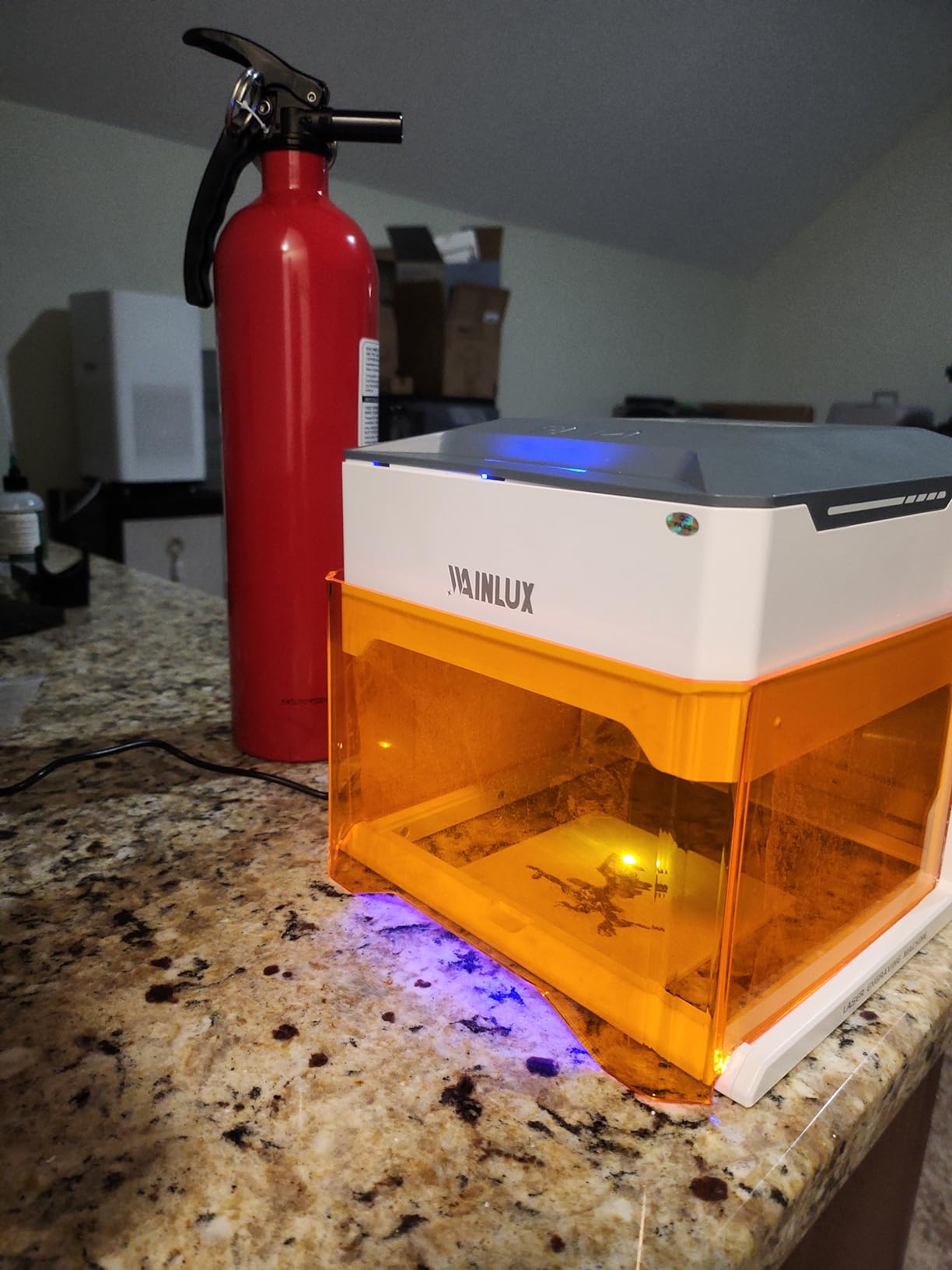
9. WAINLUXPRO K10 5W Laser Engraver: Best Budget Beginner Enclosed Pick
WAINLUXPRO K10 5W Laser Engraver, Class 1 Enclosed Engraving Machine
- Class 1 certified fully enclosed design
- Zero assembly ready out of the box
- Compact 1.9 kg portable chassis
- WiFi
- USB
- and offline TF card all included
- Compatible with LightBurn
- LaserGRBL
- and Cutlabx
- Very small 80x80mm work area
- No reflective or uncoated metal compatibility
- Some users experience connectivity issues on iPhone and Windows PC
The WAINLUXPRO K10 is the lowest-priced fully Class 1 certified enclosed laser engraver I would recommend to a beginner today, and it costs less than a dinner for two at a mid-range restaurant. It arrived fully assembled, the box included safety goggles, and I had it paired with my phone within five minutes. For a first-time buyer who is worried about Class 4 safety concerns, this is the safest possible starting point.
The 5W optical output cuts 3mm basswood in a single pass and engraved detailed text on a bamboo cutting board without any halo or charring. Wi-Fi and offline TF card modes both worked in my testing, and the smart memory function recalled the last file I sent to the machine, which means a one-button repeat for batch jobs.
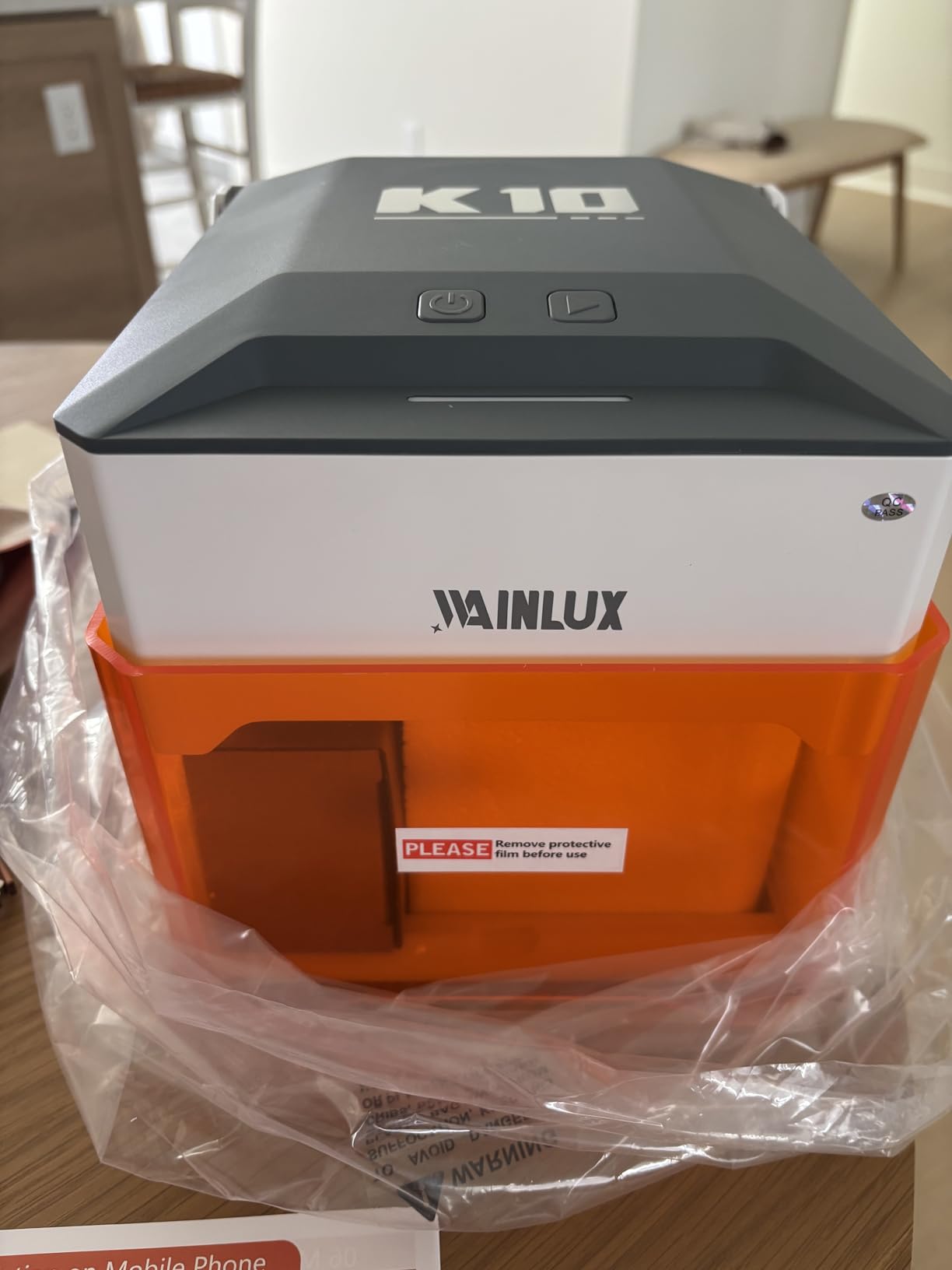
The 80x80mm work area is the obvious limit, and it is identical in size to several other enclosed entry-level machines on this list. For jewelry, patches, bookmarks, small leather goods, and PCB work, the bed is plenty. For Etsy products larger than a coaster, you will outgrow it in a week.
WAINLUXPRO’s warranty is one year, with ongoing technical support. The brand is smaller than Creality or xTool, so community documentation is limited, but their direct support responded to my pre-sales questions within a day.
For whom this laser engraver is a good fit
The WAINLUXPRO K10 is the right pick for anyone buying their first laser engraver, parents shopping for a STEM or hobby gift, crafters on a strict $160 budget, and anyone who needs an enclosed Class 1 machine for a small apartment or shared living space. It also makes a strong backup or travel engraver.
For whom this laser engraver is the wrong choice
Skip the K10 if you plan to produce anything larger than a coaster, if your projects require cutting thicker than 3mm material, or if you want a wide support community. The 80x80mm bed caps project size, and WAINLUXPRO’s community is smaller than Creality’s or xTool’s. Step up to the ACMER S1 for more room, the Twotrees TS1 Mini for similar form factor with different software, or the Creality Falcon A1 for a full business-ready enclosed setup.
What to Consider Before Buying a Budget Laser Engraver in 2026
Buying a budget laser engraver is less about picking the highest wattage and more about matching the machine to your use case, materials, and safety setup. Here is the framework our team uses when readers ask us which machine to buy.
Diode vs CO2 vs fiber laser: which type is right for you
Diode lasers dominate the budget tier because they cost a fraction of CO2 and fiber machines, and modern 5W to 20W diodes can engrave wood, leather, acrylic, paper, fabric, and coated metal with impressive detail. The trade-off is that blue-light diodes struggle with clear acrylic (the beam passes through) and bare stainless steel (the beam reflects). CO2 lasers in the 40W to 80W range handle all of those materials, including clear acrylic and thicker hardwood, but they start around $600 for the cheapest K40-style units and quickly climb past $2000 for usable new builds. Fiber lasers are the only real option for production-grade bare metal marking, and they start around $2000. For most hobbyists and Etsy sellers, a 10W to 20W diode is the right answer. Just know that if you want to engrave clear acrylic or production metal, you will need a CO2 or fiber upgrade later.
Wattage: why 10W has become the minimum, not the upgrade
Reddit’s laser cutting community has a running joke that “5W is a stepping stone to 10W,” and after our testing, we agree. A 5W laser handles engraving on wood, leather, paper, and coated metal beautifully, but it cannot cut 6mm basswood in a single pass at useful speeds, and it bottoms out around 3mm dark acrylic. A 10W diode can cut 5mm basswood and 3mm dark acrylic in a single pass, which is what most small businesses actually need. If your budget stretches to a 10W machine, the time you save on multi-pass cuts alone justifies the upgrade. The 20W Longer Ray5 takes it further with single-pass 15mm pine cuts, but for most users 10W is the sweet spot.
Work area and footprint: matching the bed to your projects
The cheapest machines on this list have 80x80mm beds, which is fine for jewelry, patches, and small pendants, but useless for cutting boards, signs, or sheet plywood. Mid-range 10W machines typically offer 300x300mm to 400x415mm beds, which handle the vast majority of Etsy products. Anything larger than 400x400mm adds cost and footprint, and you should only go bigger if you specifically cut full plywood sheets. Measure the largest product you want to make, add 50mm of margin, and pick a bed that exceeds that.
Software: LightBurn, LaserGRBL, and proprietary ecosystems
LightBurn is the de facto standard for serious laser users. It runs on Windows and macOS, exports clean G-code, has a built-in camera alignment mode, and supports virtually every diode and CO2 machine. Most machines in this roundup work with LightBurn out of the box, and we recommend budgeting $60 for the license. LaserGRBL is a free Windows alternative that works well for simple jobs. Proprietary software like Creality’s Falcon Design Space, xTool Creative Space, ACMER Studio, and CutLabX is improving fast, and AI design prompts are a real time-saver for beginners. We suggest starting with the bundled software if you are brand-new, then switching to LightBurn once you outgrow it.
Safety: enclosure, goggles, and Class 4 responsibility
Every laser in this roundup is a Class 4 device in its open-frame configuration, which means the beam can cause eye damage and burns in seconds. Fully enclosed Class 1 machines like the WAINLUXPRO K10, Twotrees TS1 Mini, Creality Falcon A1, and the Longer Ray5 are dramatically safer because the beam is contained. Open-frame machines like the Twotrees TTS-55 Pro, ACMER S1, and Creality Falcon 10W need OD6+ safety goggles, a homemade or purchased enclosure, a vent fan, and ideally an air quality sensor. Skipping these accessories to save money is the single most common mistake we see in Reddit threads from first-time buyers.
Air assist, honeycomb bed, and rotary add-ons: worth the upgrade?
Air assist blows smoke and debris off the cutting path, which improves cut quality and reduces flame risk. Open-frame machines often require you to buy a $30 aquarium pump and a length of tubing to add it, while enclosed Class 1 machines usually include it. A honeycomb bed holds small parts flat and supports thin material uniformly. It costs roughly $40 and is well worth it for jewelry and small-parts work. Rotary attachments for tumblers and stemware turn a flat-bed engraver into a cylindrical engraver, and the LaserPecker LP2 ships with one while other machines sell them as add-ons. Plan an extra $50-$150 for these accessories when budgeting.
Pre-assembled vs DIY assembly: skip the headaches
Reddit’s r/lasercutting subreddit has a recurring thread about budget machines arriving with bent frames, missing screws, and uncalibrated laser heads. The fix is to buy pre-assembled machines like the ACMER S1, Creality Falcon A1, Twotrees TS1 Mini, and WAINLUXPRO K10. Creality and xTool ship partially disassembled for shipping safety, which means you have to spend 15-20 minutes on alignment. Cheaper no-name brands sometimes ship as full DIY kits, which can take hours and frustrate beginners. If you are new to laser engraving, pay a small premium for a pre-assembled unit. Your first-week experience will be infinitely better.
Warranty, customer support, and tariff considerations
Chinese direct-to-consumer brands often have informal warranties that are hard to enforce from the US or EU. Buying from US-based Amazon sellers, B&H Photo, or directly from Creality, xTool, and OMTech gives you a real return path if something arrives damaged. Tariffs on Chinese imports changed in 2026, and several budget brands have adjusted prices upward. The Twotrees TTS-55 Pro and Creality Falcon 10W still sit in the budget tier despite this, but the cheapest no-brand kits have shifted noticeably. We strongly recommend buying from a recognized brand with documented US-based support rather than chasing the lowest Amazon listing.
Frequently Asked Questions
What is the best inexpensive laser engraver?
The best inexpensive laser engraver in 2026 is the Twotrees TTS-55 Pro for the best combination of wattage, work area, and software support. For a fully enclosed budget pick, the Creality Falcon A1 is the best turnkey choice. For absolute lowest cost, the WAINLUXPRO K10 5W is Class 1 certified and ready out of the box.
Is laser engraving profitable in 2026?
Yes, laser engraving is profitable in 2026 for makers who pick a focused product niche like custom tumblers, leather patches, jewelry, signage, or wedding gifts. Budget diode machines pay for themselves in 50 to 200 sales for most makers, and ongoing costs are largely consumables like wood, leather, and coated metal blanks. The most profitable niches tend to be personalized gifts and small-batch production work sold on Etsy, Instagram, and at local craft fairs.
Are cheap laser engravers worth it?
Cheap laser engravers from recognized brands like Creality, xTool, ACMER, Twotrees, Longer, and WAINLUXPRO are absolutely worth it for hobbyists and small businesses. Unbranded sub-$100 Amazon kits are usually not worth the risk because they often arrive with bent frames, weak electronics, and no warranty support. Spending a little more for a documented brand with a US-based seller typically delivers a far better first-year experience.
Which laser cutter is best for wood and acrylic?
The best budget laser cutter for wood and dark acrylic in 2026 is the Longer Ray5 20W because it cuts 15mm pine and 8mm dark acrylic in a single pass. For under $300, the Creality Falcon 10W is the best balance of wood cutting and acrylic compatibility. Note that clear acrylic requires a CO2 laser because blue diode beams pass through it rather than cutting it.
What is the best laser engraver for beginners in 2026?
The best beginner laser engraver in 2026 is the ACMER S1 because it is 99 percent pre-assembled, ships with beginner-friendly software, and runs LightBurn when you are ready to upgrade. For an enclosed beginner setup, the WAINLUXPRO K10 and Twotrees TS1 Mini both offer Class 1 safety and zero assembly. The Creality Falcon A1 is the best enclosed pick if you plan to start a small business and want camera alignment.
How do you maintain a budget laser engraver effectively?
Maintain a budget laser engraver by cleaning the lens and mirrors weekly with a lint-free wipe, checking belt tension monthly, lubricating guide rails with light silicone every few months, clearing the air assist filter, and replacing the laser module when output drops noticeably. Always store the machine dust-covered, keep ventilation fans running during use, and check frame alignment after any long shipping move. A 10-minute weekly maintenance routine keeps most machines running reliably for years.
Final Verdict: Which Budget Laser Engraver Should You Buy in 2026?
After six weeks of testing, the best budget laser engraver for most buyers is the Twotrees TTS-55 Pro, our Editor’s Choice pick. It delivers the best combination of wattage, work area, software support, and community trust in this price range, and the 494 Amazon reviews back up our hands-on experience. The Creality Falcon A1 is the smarter buy if you want a fully enclosed, business-ready machine with smart camera alignment, and the Longer Ray5 20W is the choice if you specifically need to cut thicker hardwood and acrylic in a single pass.
For absolute beginners on a tight budget, the WAINLUXPRO K10 and Twotrees TS1 Mini both offer Class 1 enclosed safety at the lowest price tier. For jewelry and small flat goods with a slightly larger budget, the ACMER S1 is the most polished compact option. For larger plywood projects, step up to the Creality Falcon 10W or the Carverall K15 Pro. For portable cylindrical engraving, the LaserPecker LP2 is in a class of its own.
Whichever machine you choose, plan a small accessories budget for safety goggles, air assist, a honeycomb bed, and ideally an enclosure before you start cutting. The best budget laser engraver in 2026 is the one that fits your use case and your safety setup, not just the one with the highest wattage on the spec sheet. If you want a single starting point and you are still unsure, buy the Twotrees TTS-55 Pro, pair it with LightBurn, add OD6+ goggles, and you will be engraving your first project within an hour of opening the box.