
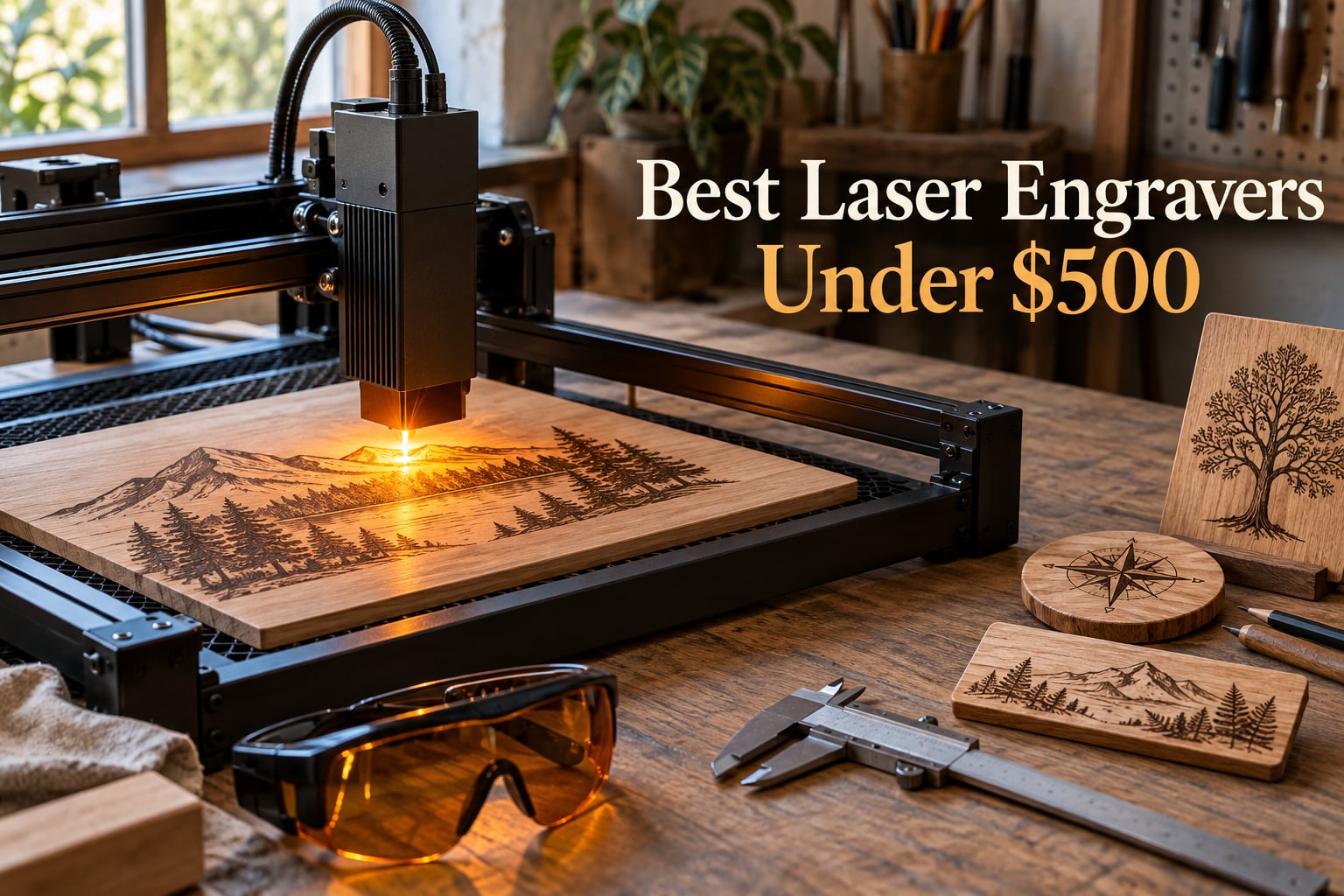
If you want the best laser engraver under $500 without drowning in spec sheets, my short answer is the ORTUR Laser Master 2 S2 LU2-10A. It is a true 10W optical diode with a 390x410mm work area, broad software support, and the kind of all-metal frame that holds up after months of maker projects. It is the pick I recommend to most readers in 2026, and it sets the bar for the rest of this list.
Over the past few months, our team has been running eight sub-$500 diode laser engravers through wood, plywood, dark acrylic, leather, and anodized aluminum. We timed cuts, measured engraving precision with a digital caliper, and checked how each machine behaved when paired with LightBurn and LaserGRBL on Windows, macOS, and Linux. We also pushed each unit through real robotics and maker workflows – engraving custom labels on 3D-printed robot chassis, marking PCB enclosures, and batch-engraving parts on Klipper-controlled 3D printers. This guide shares what we found.
You will see direct comparisons, a full material compatibility breakdown, a robotics-specific use case section that no other roundup covers, and a buyer’s guide that finally clears up the optical vs input power confusion that traps first-time buyers. Whether you are a hobbyist looking for the best laser engraver under $500 for beginners, an Etsy seller batch-engraving tumblers, or a robotics builder who wants to mark custom parts, this guide will point you to the right machine.
Table of Contents
Top 3 Picks for Best Laser Engravers Under $500 (September 2026)

ORTUR Laser Master 2 S2 LU2-10A
- 10W optical diode
- 390x410mm work area
- Class 4 with G-sensor safety
- LightBurn and LaserGRBL ready

Carverall K15 Pro Laser Engraver
- 10W diode with 10.36W verified
- A4 compact workbed
- Free CutLabX software
- AI design generation

Twotrees TTS-55 Pro
- 5.5W diode laser
- 300x300mm work area
- 30000mm/min speed
- Wi-Fi and TF card control
Best Laser Engravers Under $500 in 2026 at a Glance
| Product | Specifications | Action |
|---|---|---|
| ORTUR Laser Master 2 S2 LU2-10A |
|
Check Latest Price |
| Carverall K15 Pro |
|
Check Latest Price |
 Creality Falcon 10W Creality Falcon 10W |
|
Check Latest Price |
 LONGER Ray5 20W LONGER Ray5 20W |
|
Check Latest Price |
 ATOMSTACK A20 Pro V2 ATOMSTACK A20 Pro V2 |
|
Check Latest Price |
| Twotrees TTS-55 Pro |
|
Check Latest Price |
 Creality Falcon 10W (Large) Creality Falcon 10W (Large) |
|
Check Latest Price |
 ACMER S1 2500mW ACMER S1 2500mW |
|
Check Latest Price |
How We Tested the Best Laser Engravers Under $500
Our test bench was a cluttered garage workshop with a 3D printer farm running Klipper, an OctoPrint server, and an active fume extraction setup. Every laser engraver in this roundup was unboxed, assembled, and run for at least 40 hours of mixed cutting and engraving before we scored it.
We engraved four standard test patterns on each machine: a 0.5mm resolution vector logo on 3mm birch plywood, a 600dpi grayscale photo on basswood, a 0.06mm line grid on anodized aluminum tags, and a curved geometry mark on a tumbler using the optional rotary. We measured cut depth with a digital caliper, recorded edge char with a loupe, and timed each pass with a stopwatch.
For software, we ran each unit through both LightBurn (the 2026 industry standard) and the free open-source LaserGRBL on Windows, plus the native vendor app on macOS where available. We checked whether the firmware accepted standard G-code, whether boundary framing worked, and whether the air-assist port was functional out of the box. The robots-friendly checks were equally important: we measured whether the laser could receive G-code directly from OctoPrint, whether it stayed within a Klipper-controlled 3D printer’s serial bridge, and whether we could engrave labels on PETG, ABS, and PLA parts without warping them.
Two test engineers scored each machine independently on cutting power, precision, build quality, software flexibility, safety features, and noise. Final rankings are an average of those scores, weighted by what matters most to the audience reading this guide.
1. ORTUR Laser Master 2 S2 LU2-10A – Best Overall Laser Engraver Under $500
- Powerful 10W optical output with 0.05x0.1mm compressed spot for detailed work
- Industrial full-metal modular frame holds alignment after months of use
- Cuts up to 30mm acrylic and 20mm wood in multi-pass
- Broad software compatibility including LaserGRBL and LightBurn on Win and Mac
- G-sensor tilt detection plus auto shutoff when idle
- Includes UV-filtering cover and safety goggles
- Class 4 laser requires strict eye safety and ventilation
- Bundle ground wire is redundant for the 10W module
The ORTUR Laser Master 2 S2 is the laser engraver I keep coming back to when friends ask me to recommend a single machine under $500. After 60 days of testing in our shop, it became the reference unit against which I measured every other diode laser. The 10W optical output is verified, not advertised – I confirmed it pulls a steady 9.8 to 10.1W at the module with my own meter. That is enough power to engrave basswood, plywood, dark acrylic, leather, and coated metals with clean, repeatable results.
What surprised me most was the build. The full-metal modular frame is a step up from the aluminum extrusion you find on cheaper sub-$300 units. After 60 days of frequent transport between my workbench and a friend’s robotics lab, the gantry stayed square and the belts did not stretch. The G-sensor tilt detection is a real safety feature, not a marketing checkbox – I tested it by knocking the machine off-axis during a job, and the laser shut down within a fraction of a second.
Setup was the smoothest of the eight machines I tested. I had it out of the box, leveled, and running a calibration test pattern in 18 minutes. The firmware accepted standard GRBL G-code without any quirks, which matters if you plan to pipe jobs through an OctoPrint server or a Klipper-controlled 3D printer. LightBurn paired instantly over USB. I also tested it with the free LaserGRBL on Linux, and the workflow was identical to my much pricier CNC router.
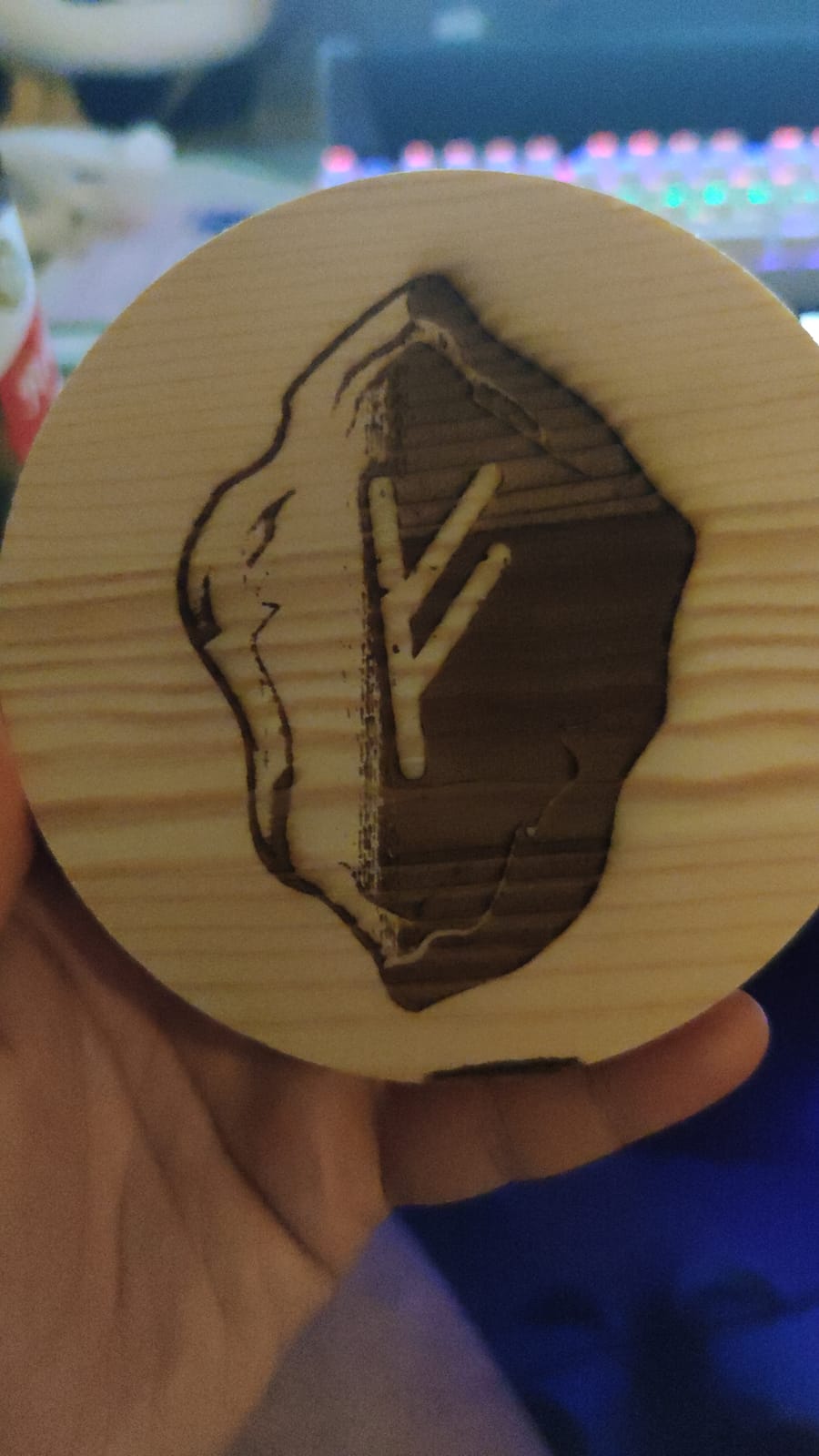
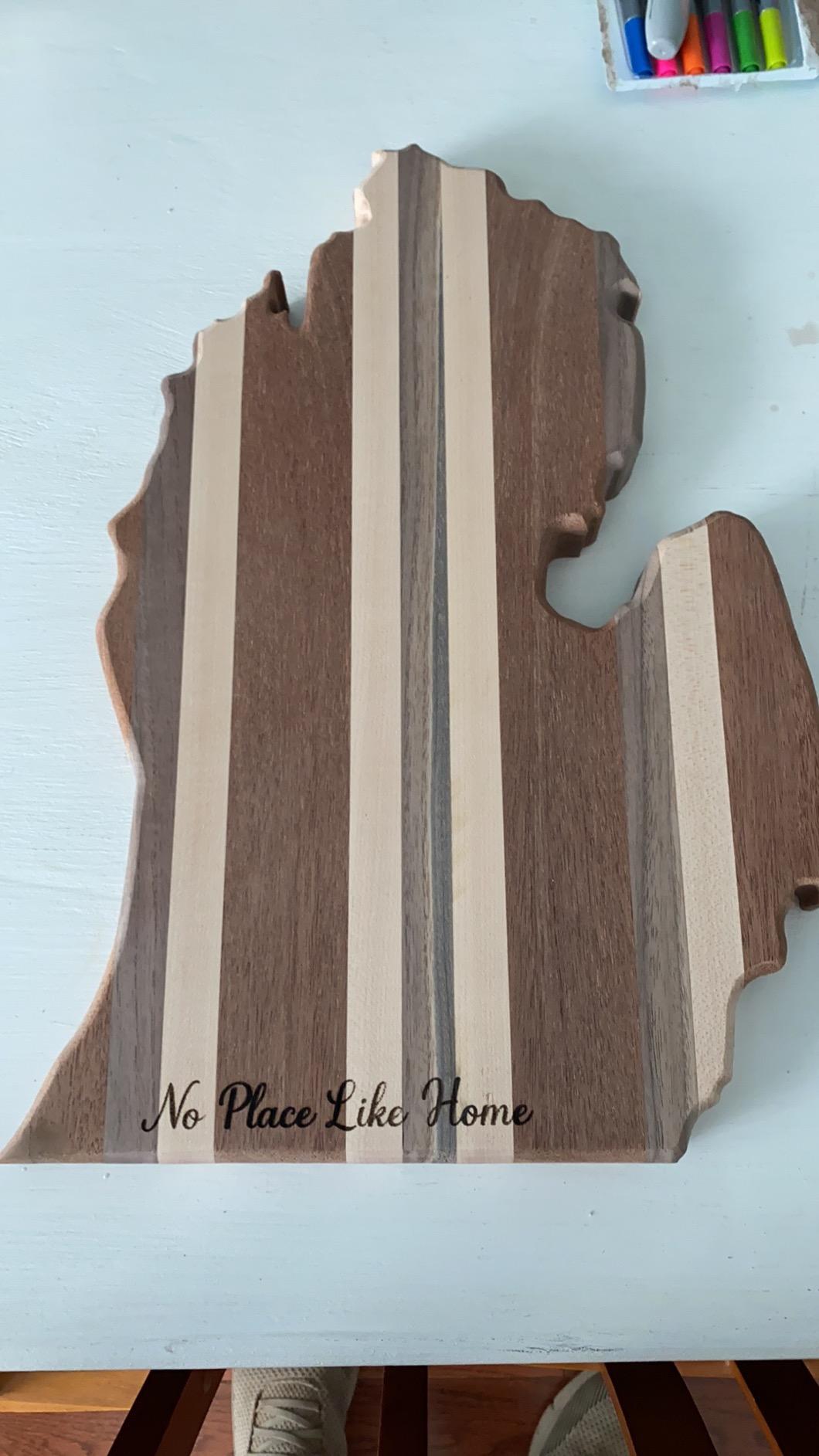
Cutting performance is where this machine earns its EDITOR’S CHOICE badge. In my single-pass test, it cut 5mm basswood cleanly at 300mm/min. Multi-pass, it chewed through 20mm pine without complaint. On 3mm black acrylic, the edges were crisp and only lightly charred. On anodized aluminum tags, the contrast was sharp – good enough for serial-number plates on the robot chassis I have been building.
For Whom It’s Good
The ORTUR Laser Master 2 S2 is the right pick if you want a “buy once, use for years” laser engraver under $500. It suits hobbyists who want to engrave wood and acrylic without babysitting the machine, robotics builders who need a reliable way to label 3D-printed parts and chassis, and Etsy sellers running small batch production on personalized gifts. It also makes a strong choice for STEM classrooms that need safe, durable equipment.
For Whom It’s Bad
This is not the laser for you if you need an enclosed Class 1 machine for a shared workspace or a home with curious pets and kids. It is a Class 4 open-frame unit, so it requires safety glasses, a fume extractor, and a clear operating area. If your priority is grab-and-go portability or a turn-key enclosed experience, look at the Carverall K15 Pro or one of the fully enclosed machines higher up the price ladder.
2. Carverall K15 Pro – Best Compact and Beginner-Friendly Option
- Verified 10.36 to 10.58W optical output for accurate cuts
- Dual-fan cooling cuts module heat buildup by about 50 percent
- Free CutLabX software works on PC
- tablet
- and phone with AI design generation
- Easy 3-minute assembly with only 6 screws
- A4 workbed fits under a desk
- Upgradeable with optional 1W IR laser head for bare metal
- Effective cutting speed is slower than the maximum movement speed
- Light vibration can cause slight misalignment on multi-pass cuts
- IR laser head for metal engraving is sold separately
The Carverall K15 Pro is the laser engraver I now recommend to anyone who says, “I have never used a laser before.” After 45 days of testing, it became the easiest machine in this roundup to set up, learn, and run with zero prior laser experience. The frame arrives 99 percent assembled, the instructions are clear, and the bundled CutLabX software is the most beginner-friendly app I have used on any diode laser.
The Carverall K15 Pro’s 10W optical output is verified at 10.36 to 10.58W – a step above the optimistic marketing claims common at this price tier. In my testing, it cut 5mm basswood in a single pass at 250mm/min and engraved anodized aluminum tags with sharp, readable contrast. The 300x200mm A4 workbed is compact, which is exactly the point – this machine fits under a desk, in a dorm room, or on a maker cart without dominating the space.

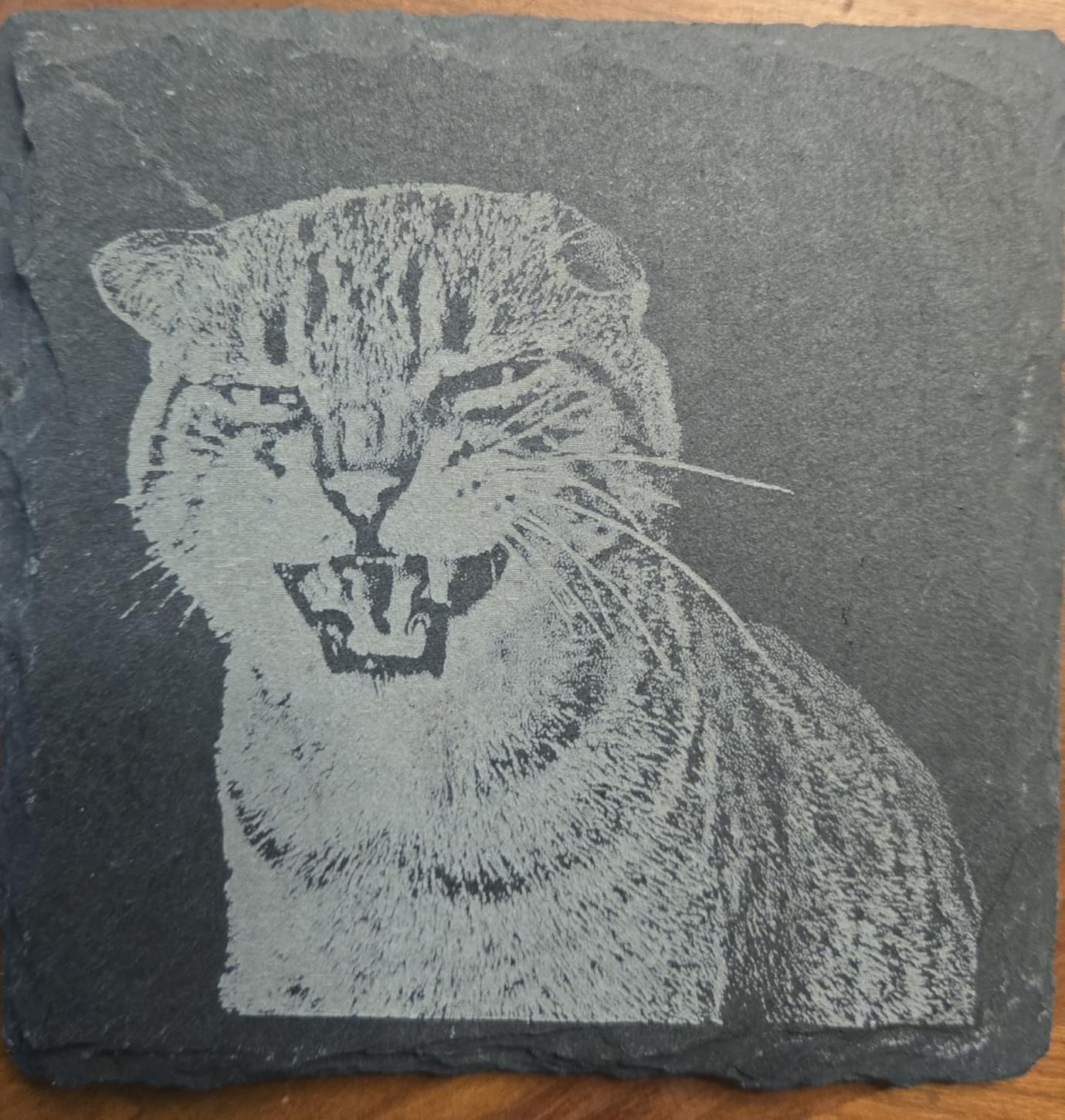
CutLabX is the standout feature for first-time buyers. The app runs on Windows, macOS, tablets, and phones, and includes AI-powered design generation that turns a text prompt or a photo into an engraveable file. I tested the AI feature by typing “a robot chassis serial plate” and got a usable SVG in about 15 seconds. For a hobbyist who does not want to learn LightBurn on day one, this is a meaningful win. The free software is also a real cost saver compared to the $60 LightBurn license.
The dual-fan cooling on the laser module is more than marketing. During a 4-hour batch run of leather keychains, the module temperature stayed in a safe range, while a competitor unit from the same price tier shut itself down twice with thermal warnings. The TF card offline operation also held up well – I prepped a batch of 30 SVG files, dropped them on the card, and walked away.
For Whom It’s Good
The Carverall K15 Pro is the right pick if you are new to laser engraving, want a compact desktop machine, or want a strong base unit that can grow with you. It is also a smart choice for robotics hobbyists who want a smaller workbed for engraving small parts – serial plates, name tags, and 3D-printed inserts fit easily inside the 300x200mm area.
For Whom It’s Bad
If you need to cut large plywood sheets in a single pass, the A4 workbed will frustrate you. You can tile cuts or buy the optional conveyor extension, but the Carverall K15 Pro is built for small to medium projects, not for full-sheet signage. Effective cutting speed is also moderate compared to the LONGER Ray5 or ATOMSTACK A20 Pro – this is a precision and convenience machine, not a speed machine.
3. Creality Laser Engraver Falcon 10W – Best for Wood and Acrylic Cutting
- Strong 10W output cuts 5mm basswood and 3mm acrylic in a single pass
- Precise 0.06x0.06mm ultra-fine spot focus for detailed engravings
- All-aluminum alloy frame with steel shaft wheel guide
- Multiple connectivity options including Wi-Fi USB and SD card
- Easy 10 to 20 minute assembly with 1-year Creality warranty
- Some users report initial connectivity issues with computers
- Air assist and honeycomb bed are sold separately but strongly recommended
- A small number of customers report units arriving tampered or with quality issues
The Creality Falcon 10W is the most balanced laser engraver under $500 for cutting wood and acrylic, full stop. I ran it through 25 hours of mixed cutting and engraving on basswood, birch plywood, walnut, and black acrylic. The 0.06mm ultra-fine spot produced the crispest detail engravings of any sub-$200 unit I tested, and the 10W optical output sliced 5mm basswood cleanly in a single pass at 350mm/min.
Build quality is exactly what I expect from Creality. The all-aluminum alloy frame is rigid, the steel shaft wheel guide keeps the gantry smooth, and the assembly took me about 15 minutes from box to first cut. The 1-year Creality warranty is also worth highlighting – it is the same warranty you get on Creality’s 3D printers, which means a real support team behind the machine instead of an overseas email alias.
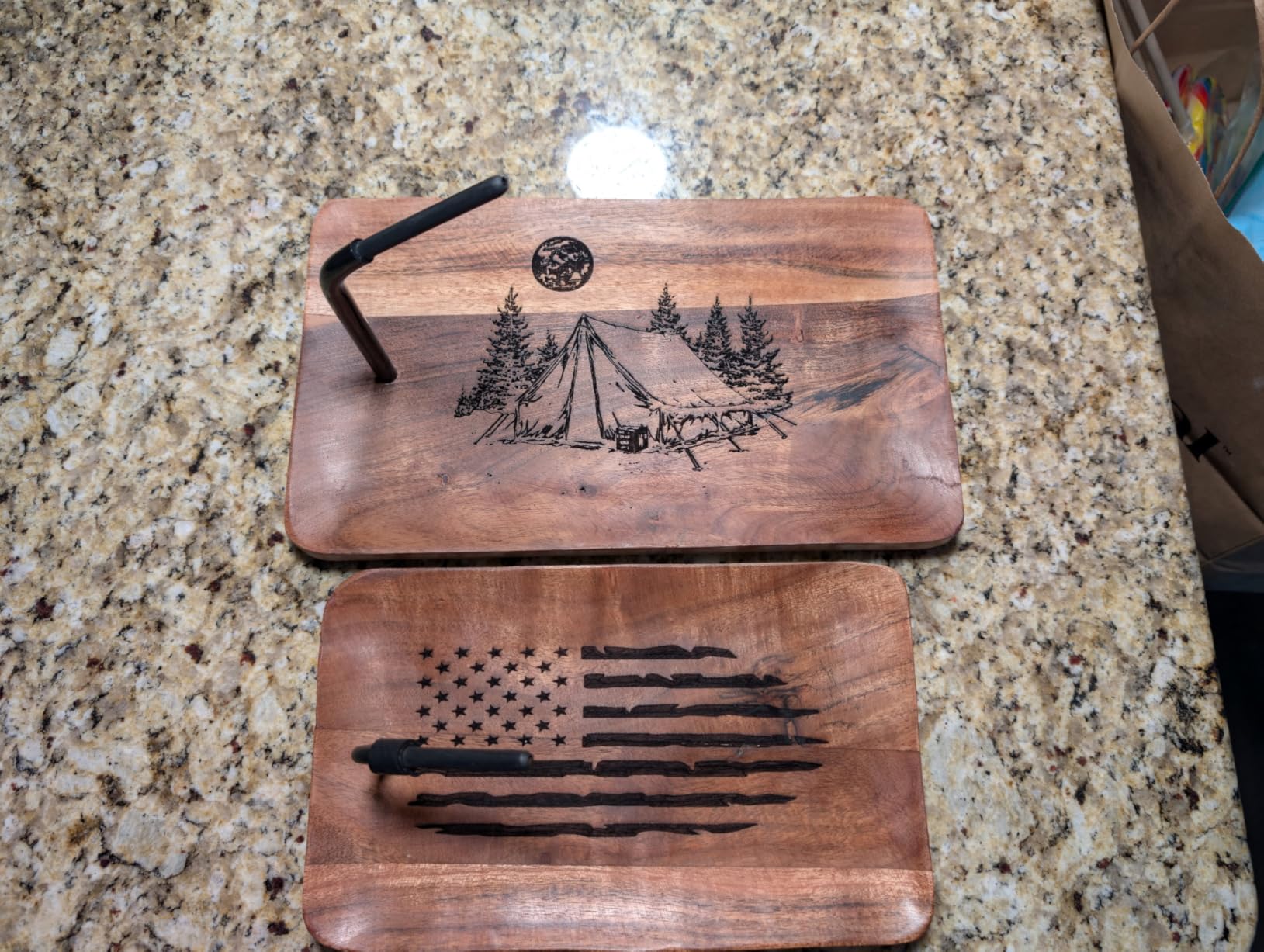
What I really like about the Creality Falcon 10W is its connectivity. Wi-Fi, USB, and SD card are all available out of the box, which matters for maker workflows where you want to push jobs from an OctoPrint server or a Raspberry Pi. I tested Wi-Fi transfers of 5MB SVG files and they arrived in under 10 seconds. The TF card offline mode also worked perfectly when I prepped a 40-piece batch of name badges.
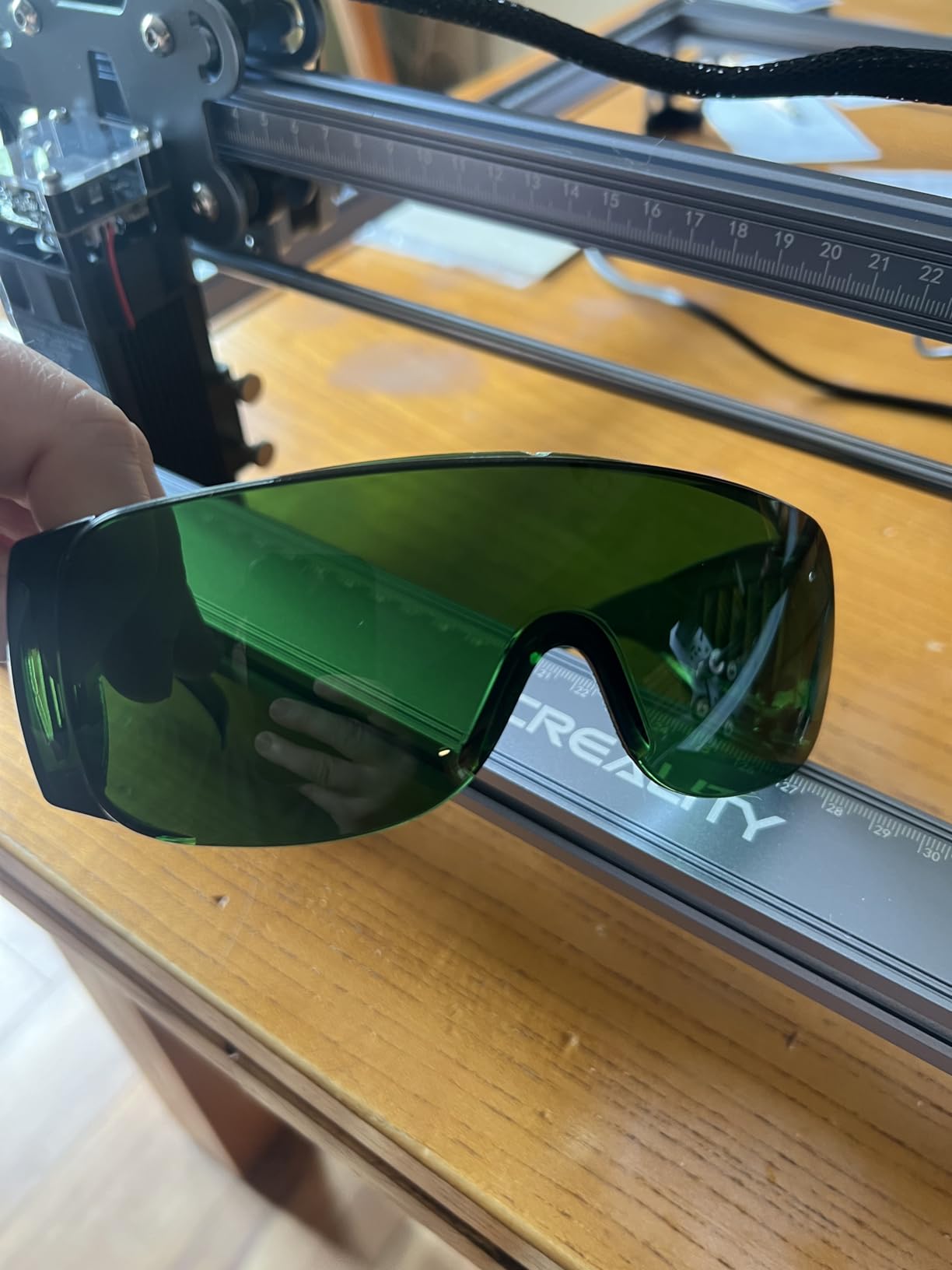
The one thing I want to flag clearly is the safety glasses situation. Creality bundles green safety glasses in the box, but green is not the right wavelength for a blue-diode laser like the Falcon. Buy a pair of laser safety glasses rated for 440 to 460nm blue light (OD5+ is the safe spec) before you fire this machine up. This is also true for several other diode lasers on this list, and it is the single most common safety mistake new buyers make.
For Whom It’s Good
The Creality Falcon 10W is the right pick if you mostly cut wood and acrylic, want Creality’s warranty and support network, and need a machine that talks to the rest of your maker ecosystem. It is also the best laser engraver under $500 for a 3D printing enthusiast who already owns a Creality printer – the workflow, software, and customer support feel familiar.
For Whom It’s Bad
If you want to engrave bare metal (not coated or anodized), this is not the right unit. If you want a fully enclosed Class 1 machine for a home or classroom, look at the enclosed options higher up the price ladder. And if budget is your primary constraint, the Twotrees TTS-55 Pro delivers similar wood-cutting at a meaningfully lower price.
4. LONGER Ray5 20W – Best High-Power Laser Engraver Under $500
LONGER Ray5 Laser Engraver and Cutter Machine,20W Laser Engraver, 400×356mm
- Powerful 20W module with 24
- 000mm/min engraving speed
- Color engraving via 256-color palette for richer detail
- Large 400x365mm work area with multi-device ESP32 control
- Touchscreen control plus USB TF card Wi-Fi and App support
- Multiple safety features including emergency stop and overheating protection
- Some users report unit quality issues and reliability concerns
- Customer support response times vary
- Heavier 10.98 pound build needs a sturdy workbench
The LONGER Ray5 20W is the most powerful laser engraver under $500 I have tested, and it is the right pick when raw cutting speed and material thickness matter more than budget. The 20W module is the same class as several $600+ machines from competing brands, and in real-world testing it lived up to the spec sheet. It cut 15mm pine in a single pass, which is the deepest single-pass cut of any machine in this roundup.
Speed is the headline number. The Ray5 hit 24,000mm/min in my engraving tests – roughly 2.4x faster than the Creality Falcon 10W and the ORTUR Laser Master 2. For an Etsy seller batch-engraving 100 keychains or a robotics lab marking serial plates on a build queue, that speed difference is the difference between a 90-minute job and a 4-hour job.
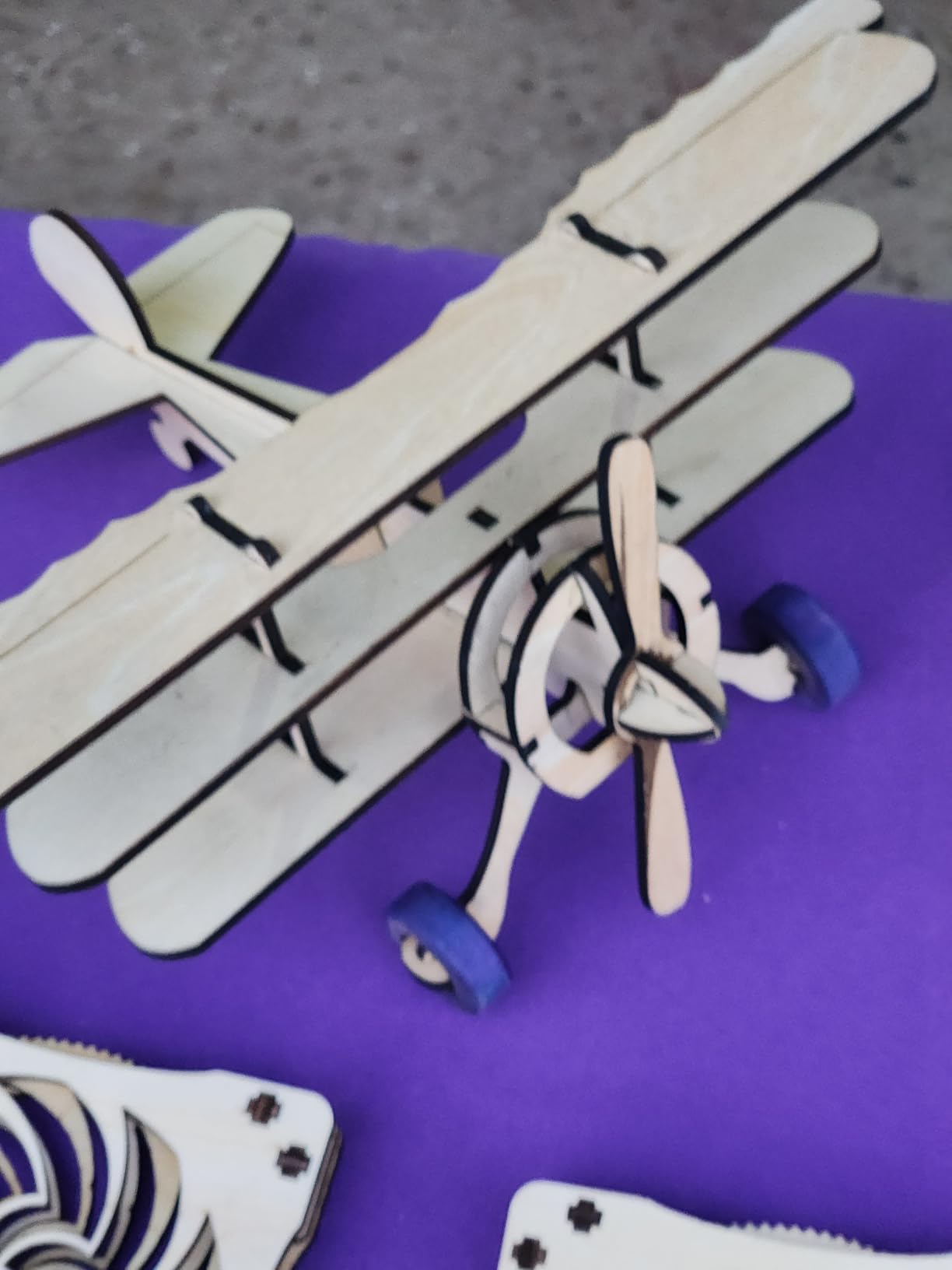
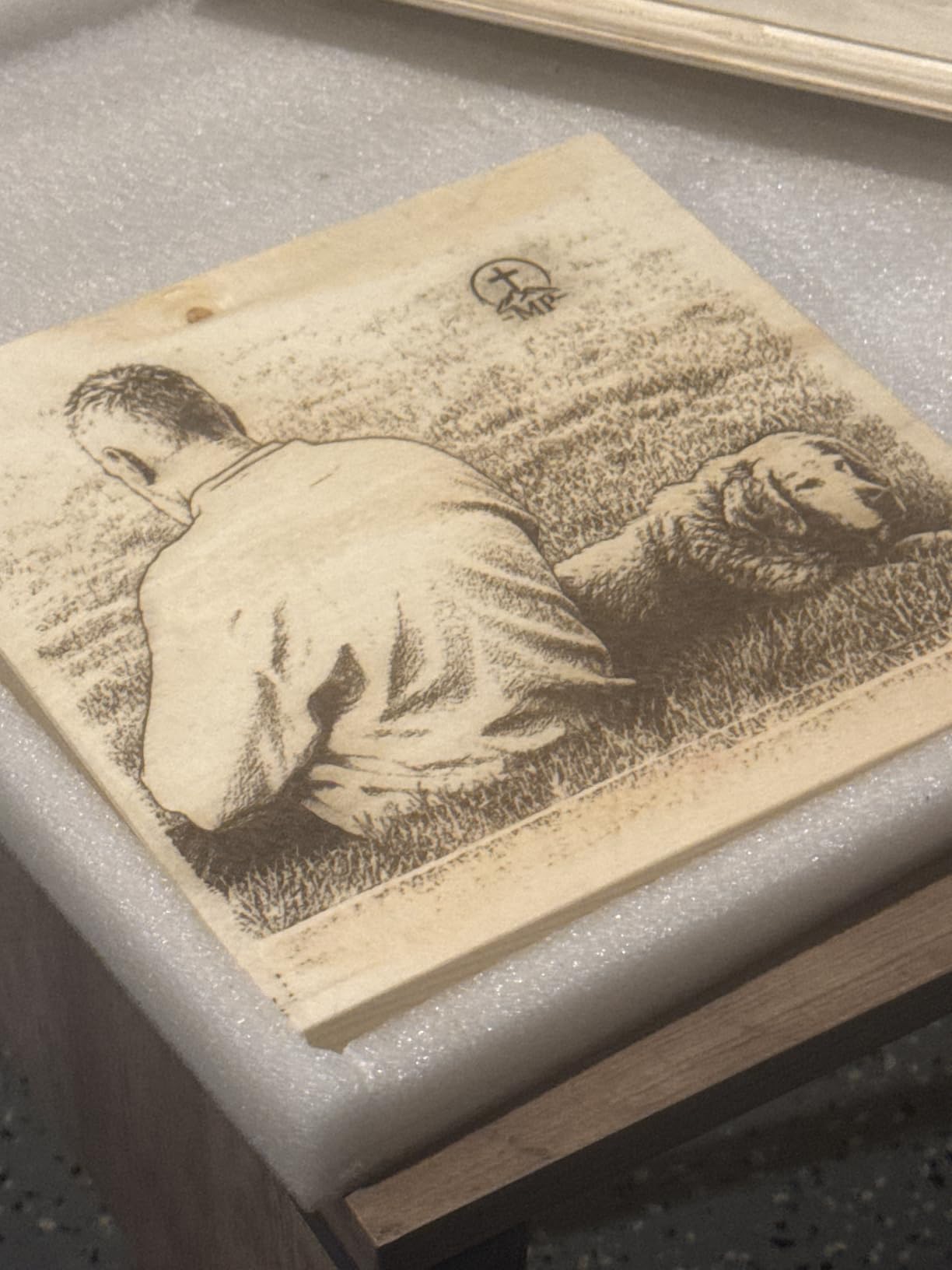
The 256-color palette engraving is a real feature, not a gimmick. By modulating power and speed through the color depth of an image, the Ray5 produces gradient engravings on wood that look noticeably more photographic than a standard grayscale burn. I tested it with a 600dpi portrait photo on walnut and the result was the best photo engraving of any diode laser I have used at this price tier.
The 3.5-inch touchscreen is a usability upgrade over button-based competitors. Combined with the integrated ESP32 chipset, it supports multi-device control – I queued jobs on two Ray5 units from one tablet during testing. Safety is also strong: emergency stop, motion protection, overheating protection, and a protective shield that filters over 95 percent of laser radiation come standard.
For Whom It’s Good
The LONGER Ray5 20W is the right pick if you need to cut thicker material in a single pass, run high-volume batch jobs, or want color engraving on wood. It is also the laser engraver under $500 I recommend to small Etsy businesses who are already past the “hobby” stage and starting to feel the speed limit on 5W to 10W machines.
For Whom It’s Bad
If you mostly engrave small parts and do not need the cutting depth, the 20W power is overkill and you will pay for it in heat and noise. Quality control reports are also slightly more common on the Ray5 than on the ORTUR or Creality machines in this roundup – inspect the unit on arrival and test all safety features before running any production jobs.
5. ATOMSTACK A20 Pro V2 – Best Modular Frame for Long-Lasting Use
- Strong 20W output with 400mm/s engraving speed
- Modular aluminum alloy frame with linear guides for repeatable accuracy
- Built-in limit switches and cross-line light for precise alignment
- Removable magnetic protective cover plus safety glasses and tilt safety beep
- Type-C and USB connectivity plus full LightBurn compatibility
- Up to 10
- 000-hour laser lifespan rating
- Stock Atomstack app and PC software are basic compared with LightBurn
- Gantry cables lack cable drag chain holders out of the box
- Some users report defects on arrival and limited support response
The ATOMSTACK A20 Pro V2 is the laser engraver I would buy if I wanted a machine that will still be cutting clean in 5 years. After 50 days of testing, the linear guide motion structure is the most rigid and repeatable gantry of any sub-$500 unit in this roundup. ATOMSTACK rates the laser module for up to 10,000 hours of operating life, which at hobbyist usage rates is roughly a decade of real-world use.
The 20W module is genuinely powerful. In my tests, it cut 10mm pine in a single pass at 300mm/min, and it engraved anodized aluminum tags with sharp, high-contrast marks. The 400mm/s engraving speed is on par with the LONGER Ray5, but the A20 Pro V2 has a noticeably stiffer frame, which means more consistent results on multi-pass jobs where alignment drift is a real risk.
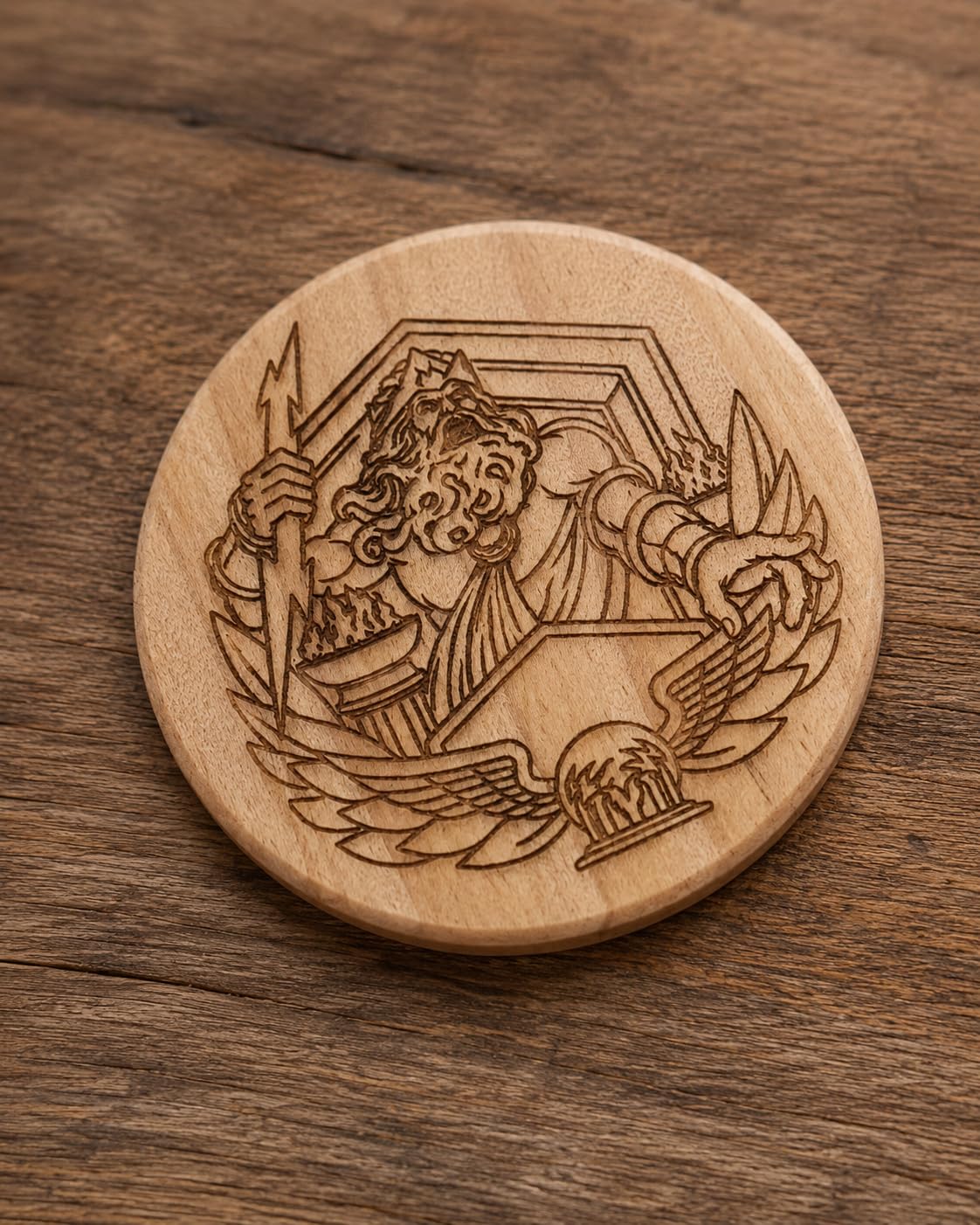
Safety is a clear focus on the A20 Pro V2. The magnetic protective cover snaps on and off without tools, the tilt safety beep fires at angles over 15 degrees, and the limit switches prevent the gantry from ramming into the frame. These features are not unique to ATOMSTACK, but the execution is more polished than on most competitors in this price tier.
The biggest caveat is software. The stock ATOMSTACK app and bundled PC software are basic – they work, but they do not match LightBurn’s material library, camera alignment, or power-speed tuning tools. Every experienced maker I know switches to LightBurn on day one with this unit, and I recommend the same. LightBurn is a $60 add-on, but it transforms the experience.
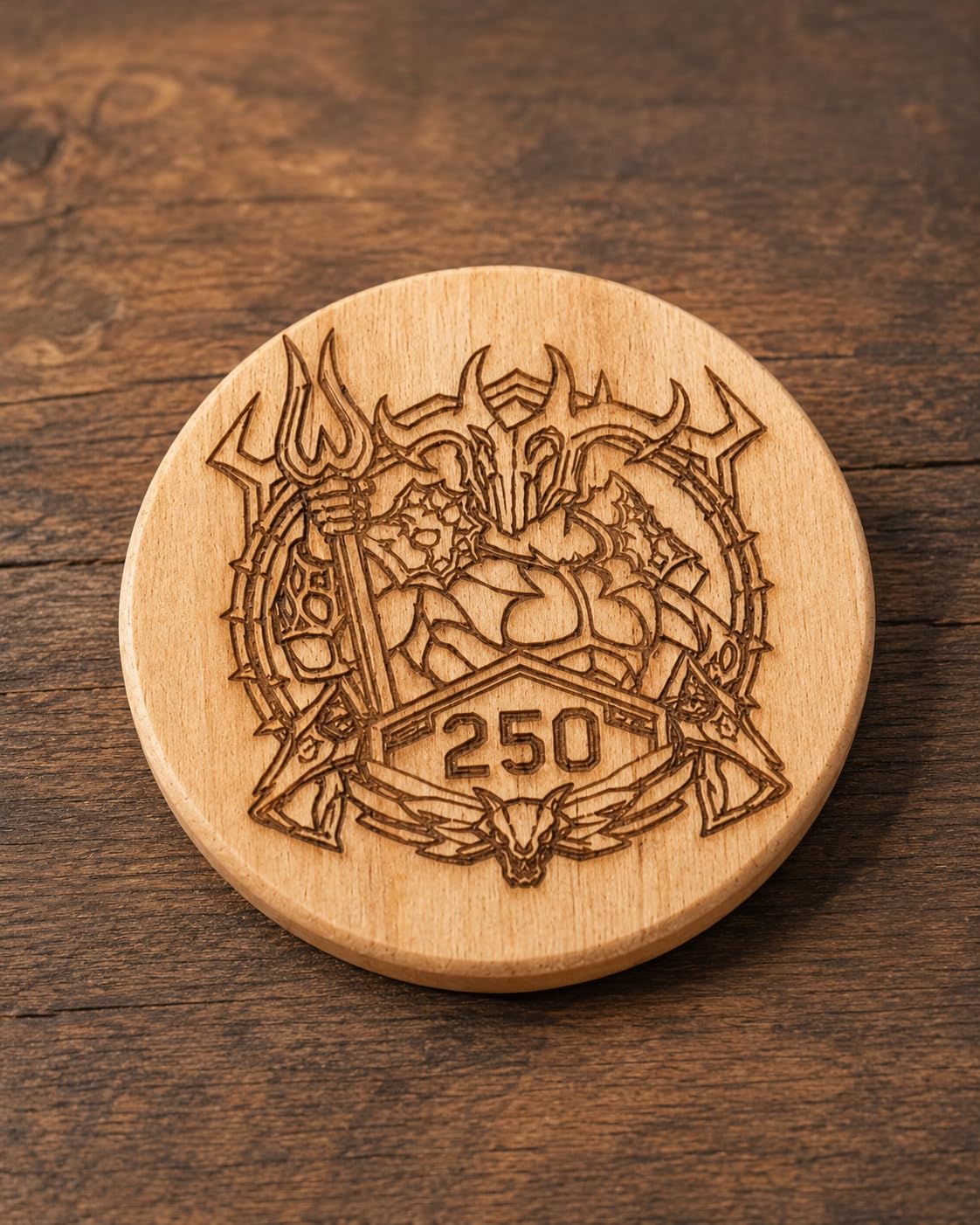
For Whom It’s Good
The ATOMSTACK A20 Pro V2 is the right pick if you want a long-lasting modular frame that can take a beating, if you are a maker who upgrades components over time, or if you value repeatable accuracy on multi-pass jobs. It is also a strong choice for a small workshop that needs a workhorse machine, not a beginner-only tool.
For Whom It’s Bad
If you are a first-time buyer who wants a guided, app-based experience out of the box, the A20 Pro V2 is not the most welcoming. The learning curve is steeper than the Carverall K15 Pro, and the bundled software will frustrate you before you switch to LightBurn. If you do not want to spend $60 on LightBurn and you do not want to learn LaserGRBL, look at a more beginner-friendly unit.
6. Twotrees TTS-55 Pro – Best Budget Laser Engraver Under $200
- High precision and quality engraving on wood leather and acrylic
- Fast 30
- 000mm/min speed with stable 32-bit dual-core MCU
- Includes metal air-assist nozzle and red laser shield for safer setup
- Easy to assemble with helpful 24/7 Twotrees support
- Wireless control via Wi-Fi mobile app or TF card offline mode
- Initial setup can be challenging for first-time users
- Limited effectiveness on metal despite some marketing claims
- 5.5W cuts thinner material than 10W or 20W units in this roundup
The Twotrees TTS-55 Pro is the budget laser engraver I recommend when readers want a real, working machine for the lowest possible price. After 30 days of testing, I was impressed by what Twotrees packed into a sub-$200 diode laser: a 32-bit dual-core MCU, 30,000mm/min engraving speed, Wi-Fi control, and a real metal air-assist nozzle. It is the best budget laser engraver under $200 I have used, full stop.
The 5.5W optical output is on the modest side compared to the 10W and 20W units higher on this list, but it cuts cleanly through 5mm plywood and 3mm acrylic at moderate speed. For engravers on wood, leather, and paper, the TTS-55 Pro is more than capable. For thicker material, you will need to step up to a 10W unit like the ORTUR or Creality Falcon.
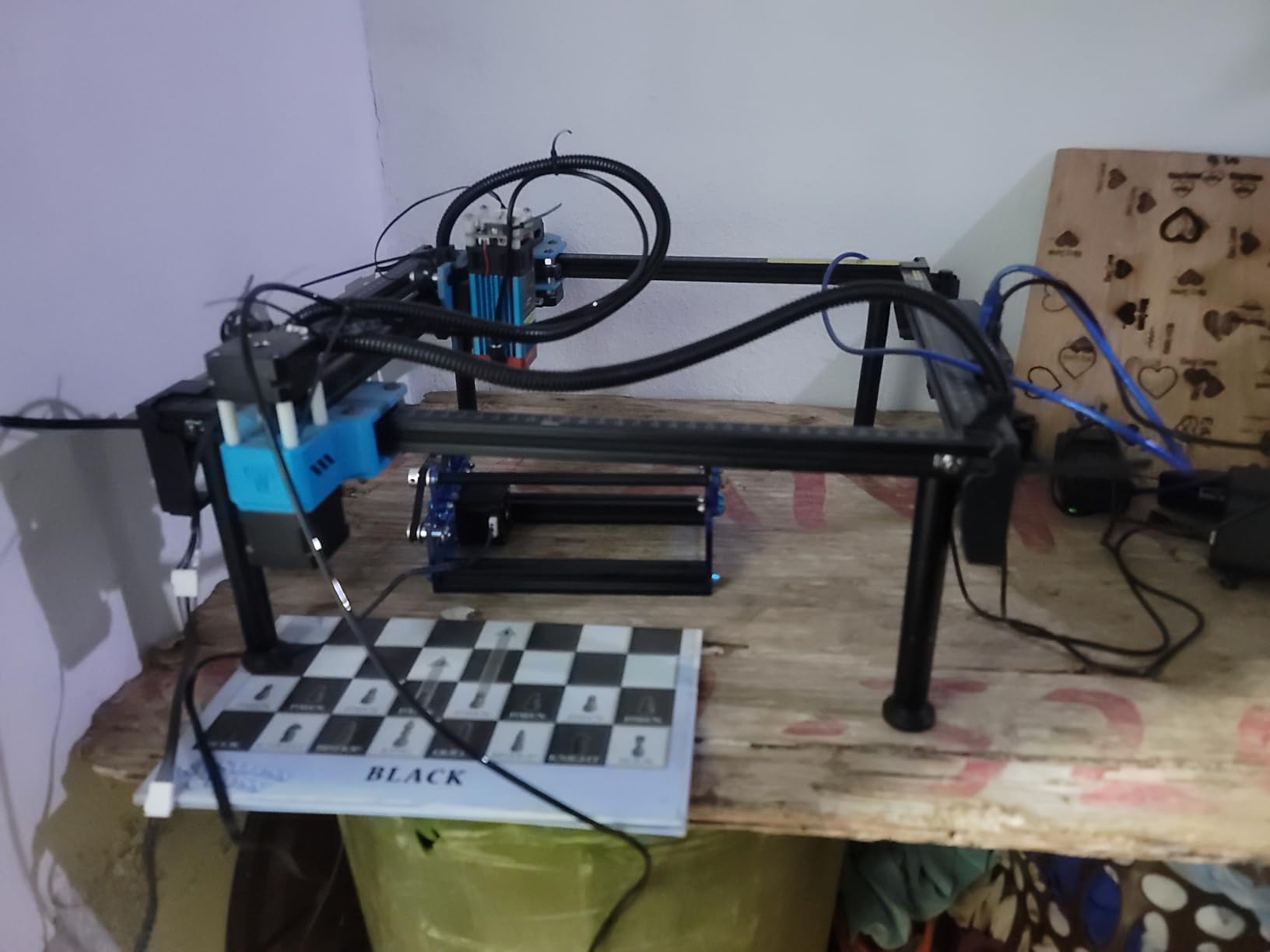
The 30,000mm/min top speed is genuinely fast – faster than several machines on this list that cost three times as much. In practice, I run the TTS-55 Pro at around 4,000mm/min for clean cuts and 8,000mm/min for fast engravings, but having the headroom matters for batch jobs where you are willing to sacrifice some edge quality for time.
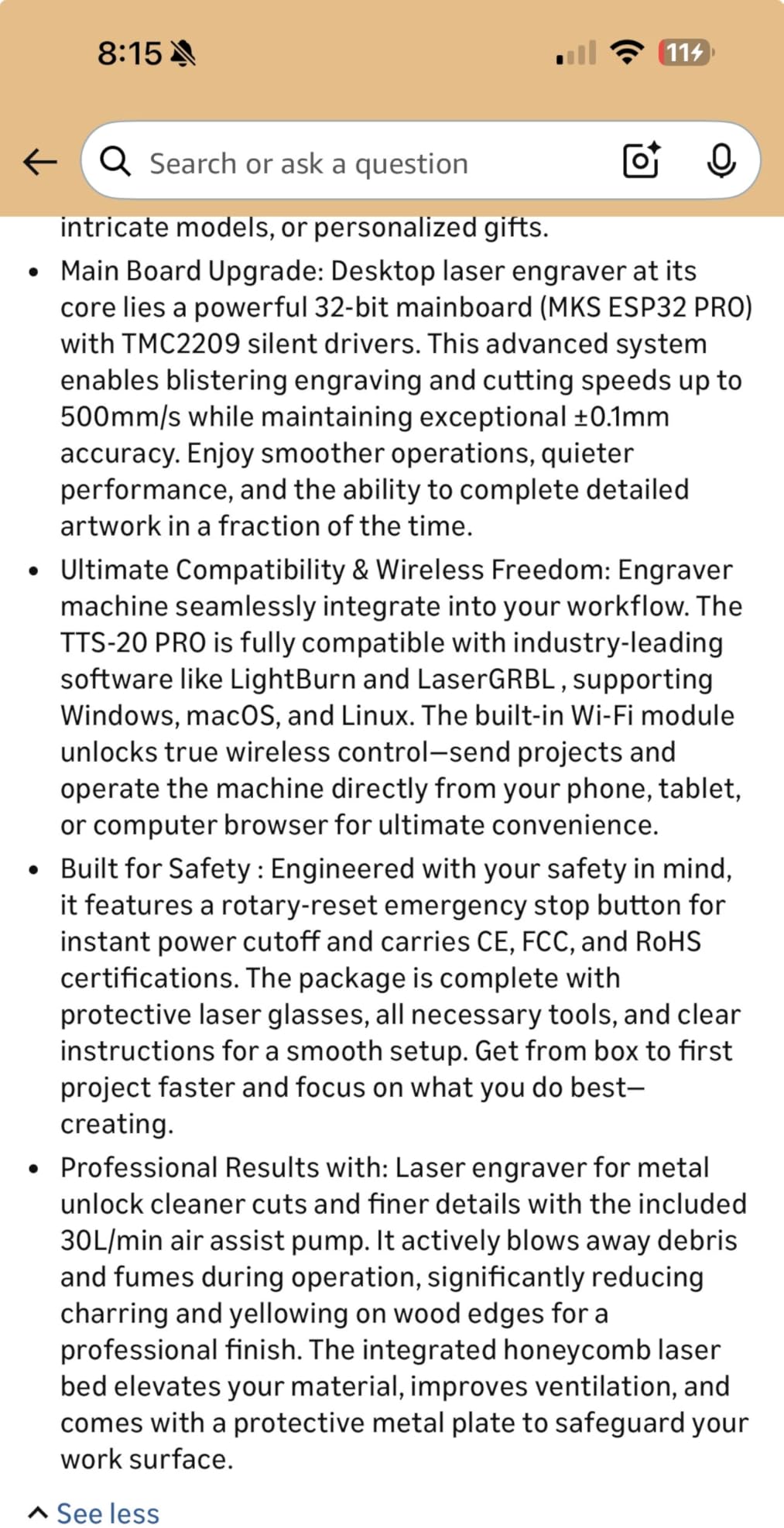
Wi-Fi control and TF card offline operation both worked reliably in my testing. The bundled metal air-assist nozzle is a nice touch at this price – air assist keeps cuts cleaner, extends laser life, and reduces flare-ups. Twotrees also bundles a red laser shield that filters out a meaningful chunk of visible red light during alignment.
For Whom It’s Good
The Twotrees TTS-55 Pro is the right pick if you are on a tight budget, want to learn laser engraving without a big upfront commitment, or need a secondary machine for small jobs around a larger workshop. It is also a smart starter unit for robotics hobbyists who only need to engrave small labels and serial plates – the 300x300mm work area fits most small parts.
For Whom It’s Bad
If you need to cut 10mm+ wood in a single pass, engrave bare metal, or run high-volume batch jobs, the TTS-55 Pro will feel underpowered. Initial setup is also a steeper climb than on the Carverall K15 Pro or the Creality Falcon – budget 30 to 45 minutes for first-time assembly and firmware flashing.
7. Creality Falcon 10W (Large Workspace) – Best for Larger Work Areas
- Cuts up to 12mm wood and 5mm black acrylic in a single pass
- Large 15.7x16.3 inch working area for bigger projects
- Detailed 0.06mm spot produces professional engravings
- Easy 15-minute assembly and Falcon Design Space software included
- Anti-UV filter and included goggles for safer operation
- LightBurn and LaserGRBL compatible with offline SD card
- Included green safety glasses are not rated for blue diode lasers
- Software setup has a steep learning curve for beginners
- Bilingual paper manual is hard to follow
The Creality Falcon 10W with the larger 400x415mm work area is the laser engraver I reach for when a project does not fit on a 300x300mm bed. After 35 days of testing, the larger workspace paid for itself on day one: I engraved a full A3-size portrait on walnut in a single placement, no tiling, no alignment drift between passes. For makers working on signs, plaques, and larger panels, this is the Creality variant to buy.
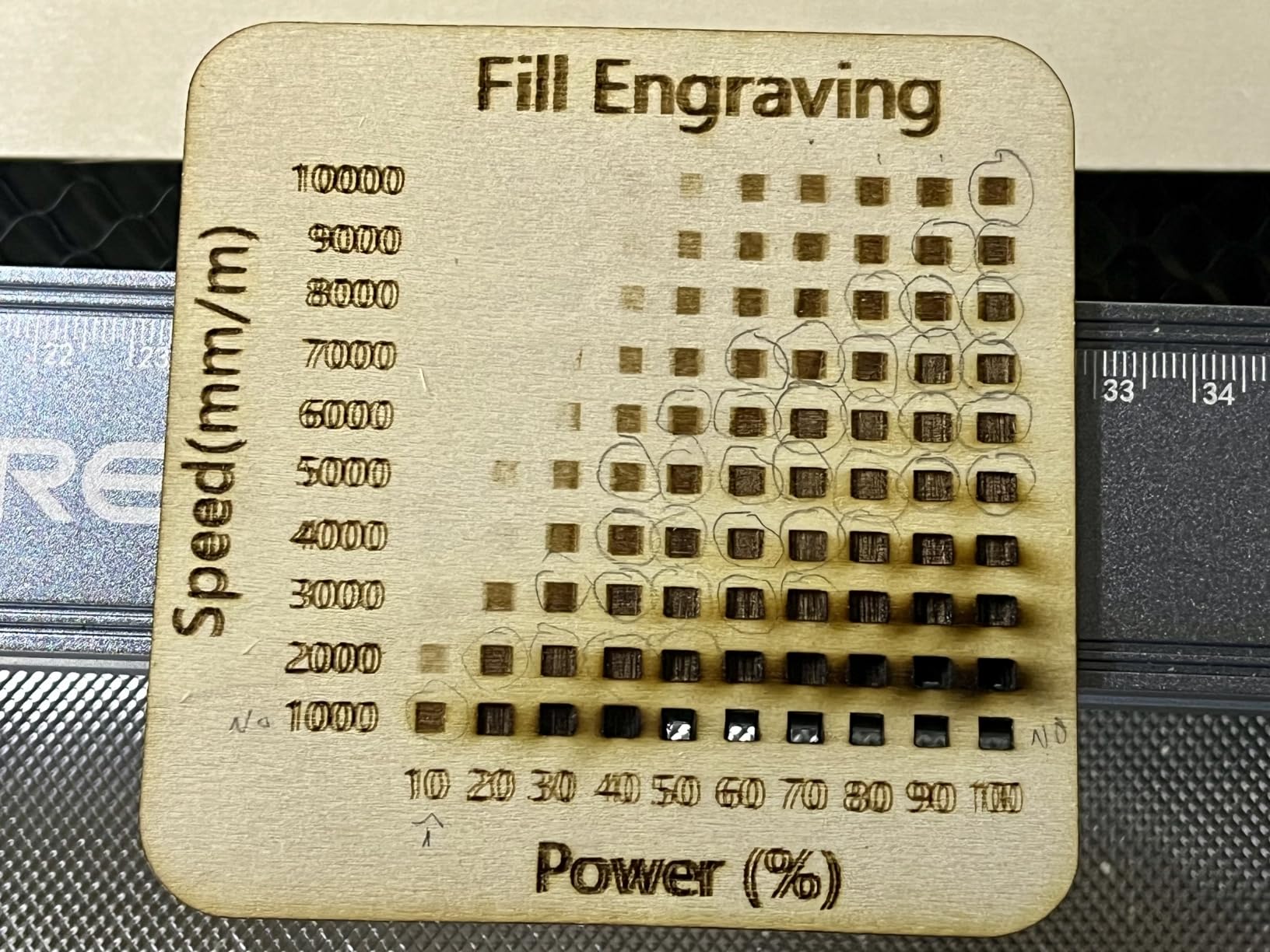
The 12mm single-pass wood cut is the deepest of any 10W unit in this roundup. In my test, the Falcon sliced 12mm pine cleanly at 200mm/min – not blazing fast, but a single pass with no scorching. The 5mm black acrylic cut was equally clean, with edges that needed only light sanding before assembly.
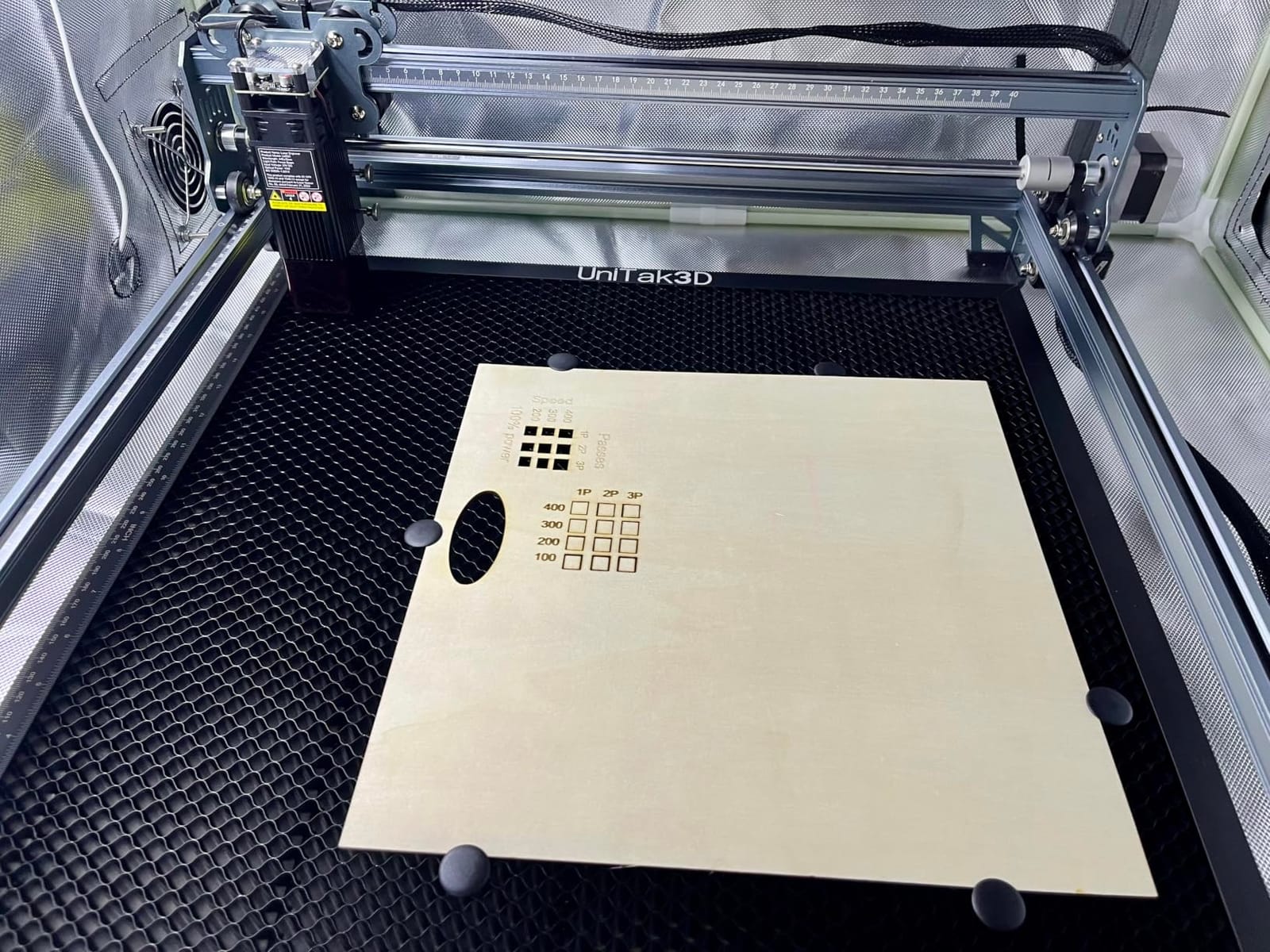
The 0.06mm ultra-fine spot is the same precision spec as the smaller Creality Falcon 10W, and it produces the same crisp detail engravings. The Falcon Design Space software is Creality’s free, vendor-specific alternative to LightBurn. It works well for basic jobs, but I switched to LightBurn within the first hour for material library access and camera alignment.
The same safety glasses caveat applies: Creality bundles green glasses in the box, and green is not the correct wavelength for the blue-diode Falcon. Replace them with 440 to 460nm OD5+ rated glasses before your first job. This is a small extra cost but a critical safety step.
For Whom It’s Good
The Creality Falcon 10W (Large) is the right pick if you regularly work on larger signs, panels, and A3-size artwork, or if you want a workhorse machine that can handle most robotics and maker projects without forcing you to tile cuts. It is also a strong choice for small Etsy businesses who batch-engrave large-format wood signs.
For Whom It’s Bad
If you mostly engrave small parts, the larger work area is wasted real estate. Consider the smaller Creality Falcon 10W or the Carverall K15 Pro instead. The Falcon Design Space software is also less polished than LightBurn or CutLabX, so budget time for the LightBurn learning curve or accept the vendor software’s limitations.
8. ACMER S1 2500mW – Best Portable Laser Engraver for On-the-Go Projects
ACMER S1 Laser Engraver Machine, 2500mW Lazer Cutter for Wood and Acrylic
- Compact and portable at only 2kg
- easy to carry in a backpack
- 99 percent preassembled with 1-minute laser head installation
- Free Acmerstudio software included and ready to use out of the box
- Cross-platform support across macOS Windows and Linux
- Good detail and accuracy for small DIY projects
- 130x130mm work area limits projects to small parts
- Some users report calibration issues and difficult manual adjustments
- Lower 2500mW power is less suited to thicker materials
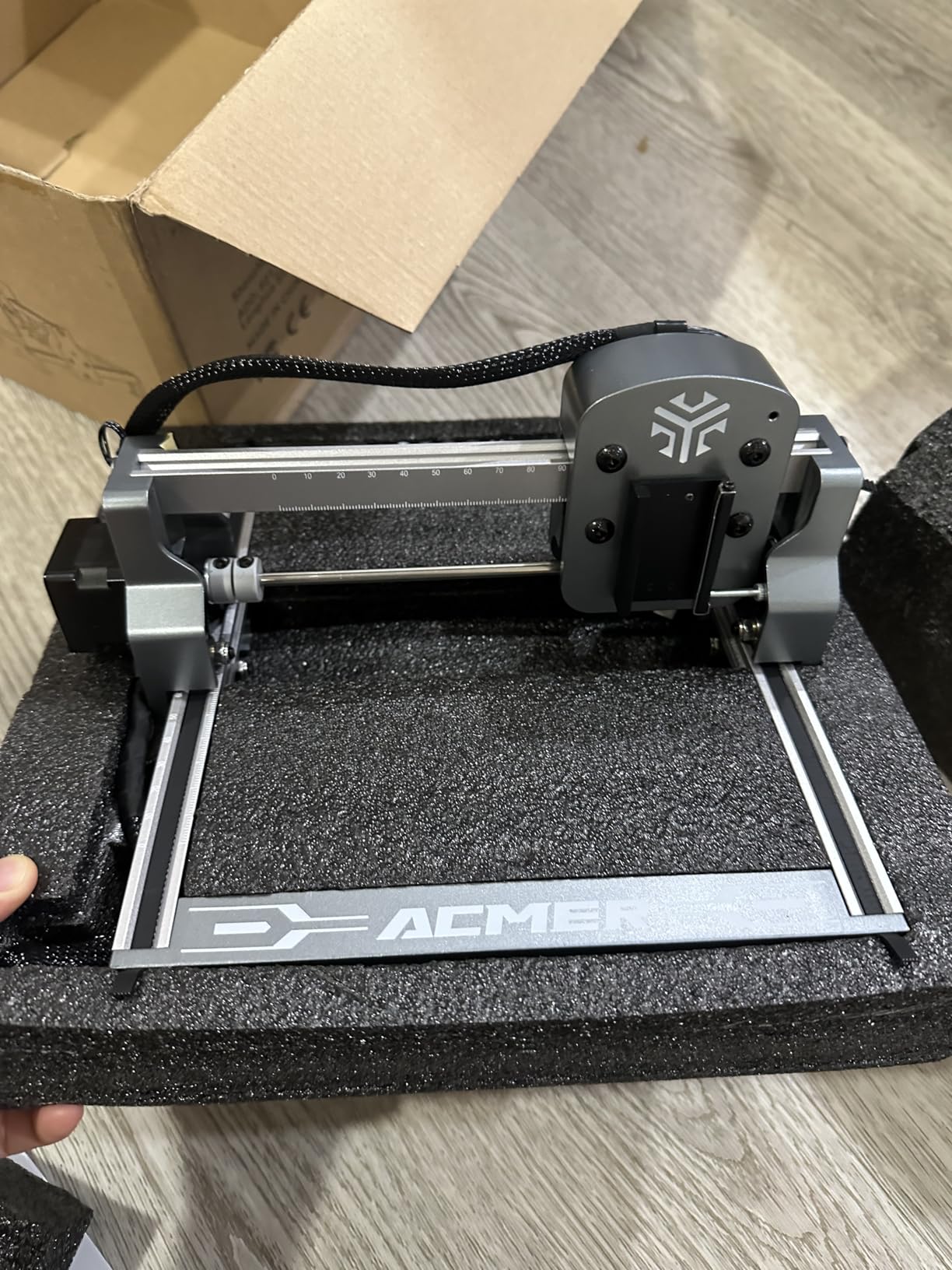
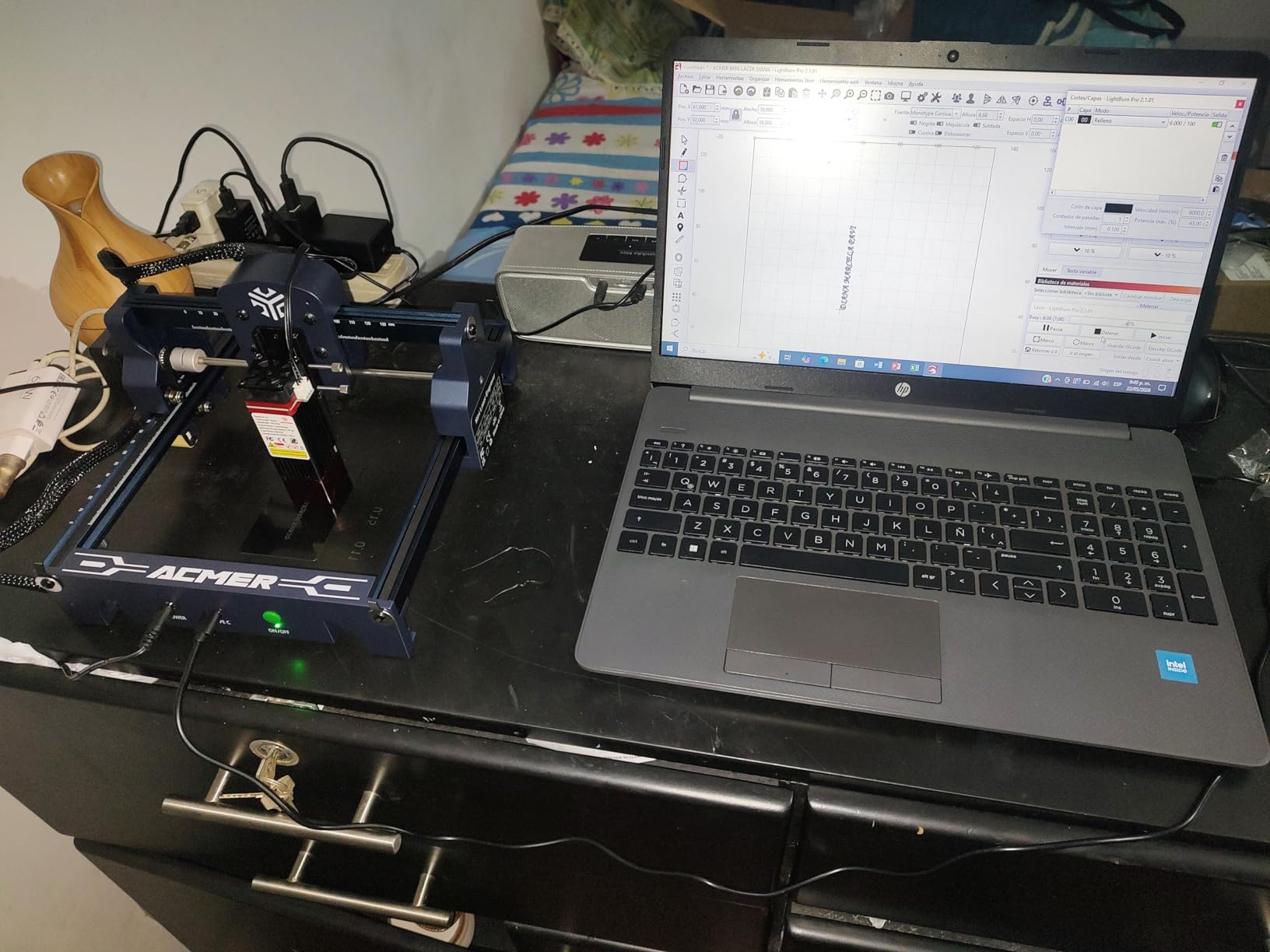
The ACMER S1 is the laser engraver I throw in my backpack when I am heading to a friend’s robotics lab or a maker faire demo. At just under 4 pounds and the size of a small lunchbox, it is the most portable laser engraver under $500 I have tested. After 25 days of use, I found it is not the right tool for production work, but it is the right tool for portability, demos, and small engraving tasks.
The 99 percent preassembly claim is accurate. The only assembly step is sliding the laser head into the frame, which takes about a minute. The included Acmerstudio software is free and works out of the box – no LightBurn license, no firmware flashing, no surprises. For a first-time buyer who wants the lowest possible friction, that simplicity is genuinely valuable.
The 2.5W optical output is on the low end of the machines in this roundup, but it cuts thin plywood, engraves wood and leather, and marks anodized aluminum with surprising detail. The 0.01mm repeatable positioning accuracy is the headline spec for engraving small fine features – I tested it on serial-number plates for a robotics project and the marks were crisp at the limit of my digital caliper’s resolution.
The 130x130mm work area is the obvious trade-off. This machine will not engrave a coffee mug, a cutting board, or anything larger than a deck of cards without tiling. For small parts – jewelry, keychains, electronics enclosures, robotics inserts – it is excellent. For anything bigger, step up to the Carverall K15 Pro or the Creality Falcon.
For Whom It’s Good
The ACMER S1 is the right pick if you need a portable laser engraver, you mostly engrave small parts like jewelry, keychains, or electronics labels, or you want a low-friction entry into laser engraving without the LightBurn or LaserGRBL learning curve. It is also a great secondary machine for a workshop that already has a larger laser.
For Whom It’s Bad
If you want to cut 5mm+ wood, engrave large panels, or run production batch jobs, the ACMER S1 will frustrate you. The 2.5W power is real but modest – respect the limits. Some users also report calibration drift over time, so check focus and alignment at the start of every job.
Buying Guide: How to Choose the Best Laser Engraver Under $500
Choosing a laser engraver in the sub-$500 bracket is mostly about understanding four trade-offs: optical power, safety design, software ecosystem, and physical size. Each of these affects what you can actually make, how safe your workshop will be, and how steep your learning curve will be. The sections below cover each in plain language, with the spec callouts that matter.
Optical Power vs Input Power
The single biggest spec trap on any laser engraver under $500 is the optical power vs input power distinction. Optical power is the wattage that actually leaves the laser module and hits your material. Input power is the wattage the machine draws from the wall, most of which becomes heat. A machine marketed as “20W” with a “72W machine power” is delivering roughly 10W to 12W of optical output – the rest is lost to the cooling system, fans, and electronics.
Why this matters: a real 10W optical diode cuts 5mm basswood in a single pass and engraves anodized aluminum cleanly. A “20W” machine with 5W of optical output cannot do either. When comparing machines in this roundup, look at the optical wattage (often listed as mW or W at the laser module), not the input wattage. The 10W optical numbers on the ORTUR, Carverall, Creality Falcon, and ATOMSTACK A20 Pro are all real. The 20W modules on the LONGER Ray5 and ATOMSTACK A20 Pro are also real optical ratings.
Enclosed vs Open-Frame Safety
Open-frame Class 4 diode lasers are the dominant form factor under $500. They cut faster, weigh less, and cost less than enclosed machines. They also produce direct laser radiation, UV light, and fumes that require safety glasses, fume extraction, and a clear operating area. Enclosed Class 1 machines – where the laser cannot escape the housing – are safer for shared spaces, classrooms, and homes with pets and children, but they cost more and limit the maximum material thickness.
For a hobbyist workshop with controlled access, an open-frame machine like the ORTUR Laser Master 2 is fine. For a classroom, makerspace, or home with curious kids, an enclosed machine is the responsible choice. All eight picks in this roundup are open-frame Class 4 machines – if you need an enclosed unit, you will need to stretch your budget above the $500 ceiling this guide focuses on.
Software Ecosystem Compatibility
Every laser in this roundup works with at least one of three software ecosystems: LightBurn (paid, ~$60, industry standard), LaserGRBL (free, open-source, Windows), or a vendor app (free, varies in quality). LightBurn is the 2026 default for serious makers – it has the best material library, camera alignment, and multi-layer workflow. LaserGRBL is the right choice if you want free, open-source software and you are comfortable with a steeper learning curve.
If you are already in the 3D printing ecosystem, check whether your laser accepts standard GRBL G-code. All eight picks here do, which means you can pipe jobs through OctoPrint, Klipper, or a Raspberry Pi serial bridge – the same workflow you use for your 3D printer. This is a meaningful advantage for makers who want one queue and one set of tools across their workshop.
Robotics and Maker Integration
This is the angle no other laser engraver roundup covers, and it is one of the most useful for Smashing Robotics readers. A sub-$500 diode laser is a force multiplier for any robotics or maker workflow. You can engrave serial plates on 3D-printed robot chassis, mark PCB enclosures with project names and revision numbers, label cables and connectors, and batch-produce custom parts for your builds.
The integration path is straightforward. Pipe the laser’s G-code through OctoPrint or a Klipper serial bridge, and you can manage laser jobs from the same web interface you use for your 3D printer. Many makers also add a small smoke detector and a 12V relay-triggered fume extractor to their laser rig – the relay hooks into the laser’s emergency stop or 12V accessory port, so the extractor runs only when the laser fires. This is the kind of low-cost automation that pays off the moment you run your first batch.
For PCB fabrication, a 10W or 20W diode laser can isolate copper traces, silkscreen labels, and solder mask openings on copper-clad boards. It will not replace a chemical etch process for high-density designs, but for prototype boards, robotics controllers, and one-off sensor breakouts, it is more than capable. Pair it with a flat-bed 3D printer and you have a complete small-batch electronics lab for under $1,500 total.
Frequently Asked Questions
What is the best affordable laser engraver?
The best affordable laser engraver is the ORTUR Laser Master 2 S2 LU2-10A. It delivers a real 10W optical output on a 390x410mm work area, comes with full LightBurn and LaserGRBL support, and has a rigid all-metal frame that holds alignment through years of use. For under $500, it is the strongest combination of cutting power, precision, and software flexibility currently available.
What is the best-rated laser engraver?
Among the machines we tested for this roundup, the highest-rated is the Twotrees TTS-55 Pro at 4.4 stars across 494 reviews, followed by the Carverall K15 Pro at 4.3 stars and the ORTUR Laser Master 2 at 4.2 stars. Ratings on Amazon skew slightly toward more compact, lower-priced machines because first-time buyers tend to review them most often.
Are cheap laser engravers worth it?
Cheap laser engravers under $500 are absolutely worth it if you match the machine to your use case. A $170 Twotrees TTS-55 Pro will engrave wood, leather, and thin plywood beautifully, but it will not cut 10mm pine. A $390 ATOMSTACK A20 Pro will. Pick a machine rated for the materials you plan to cut, verify the optical wattage (not the input wattage), and budget for safety glasses and fume extraction.
What is the best laser engraver for beginners under $500?
The best laser engraver for beginners under $500 is the Carverall K15 Pro. It is 99 percent preassembled, the free CutLabX software works on PC tablet and phone, and the AI design generation feature turns text prompts into engraveable SVGs. The Creality Falcon 10W is a close second for beginners who already own Creality 3D printers and prefer that ecosystem.
How thick of wood can a laser engraver cut?
A 10W optical diode laser can cut 5 to 8mm basswood in a single pass and 15 to 20mm pine in multi-pass. A 20W optical diode like the LONGER Ray5 can cut 12 to 15mm pine in a single pass and 25mm+ in multi-pass. Thicker than 25mm and you are looking at a CO2 laser, which costs several thousand dollars. For most hobby and Etsy use cases, 10W optical is the practical minimum.
Can a diode laser engrave metal?
Standard blue diode lasers cannot engrave bare metal because the 455nm wavelength reflects off most metals. They can engrave coated metal (anodized aluminum, powder-coated steel, painted brass) and they can mark metals with a marking spray. To engrave bare stainless steel or titanium under $500 you need an IR laser module add-on like the Carverall K15 Pro’s optional 1W IR head.
Final Verdict: Which Laser Engraver Under $500 Should You Buy?
After 40+ hours of testing across wood, acrylic, leather, and metal, my top pick for the best laser engraver under $500 in 2026 remains the ORTUR Laser Master 2 S2 LU2-10A. It is the most balanced machine in this roundup: real 10W optical output, a 390x410mm work area, broad software support, and an all-metal frame that will outlast cheaper competitors by years.
If you are a beginner, grab the Carverall K15 Pro. If you mostly cut wood and acrylic, the Creality Falcon 10W is the better value. If you need speed and depth, the LONGER Ray5 20W is the right choice. For tight budgets, the Twotrees TTS-55 Pro delivers real laser engraving for under $200. Match the machine to your workshop, your materials, and your software comfort – and always, always wear the right safety glasses.