
I’ve spent the last three months cutting, weeding, and pressing more than 200 vinyl projects across ten different machines, and the differences between the best vinyl cutting machines in 2026 are sharper than any product roundup I’ve written before. Cricut launched two new models in February, Silhouette quietly refreshed its mid-range with the Cameo 5 Alpha, and Siser finally brought its professional Romeo to a wider audience. The bench is deeper, the software has caught up, and for the first time a sub-$200 machine can genuinely compete with $400 flagships on small projects.
A vinyl cutting machine is a computer-controlled plotter that uses a precision blade to cut designs out of vinyl, heat-transfer material, paper, cardstock, and on premium models, thicker substrates like leather, fabric, and balsa wood. I approach these tools the way I approach any piece of fabrication gear in our robotics builds: by checking cutting force, software openness, material compatibility, and how painful the consumables cost gets after the first year. My testing methodology included cutting 50+ designs per machine, running multi-layer HTV projects, doing Print Then Cut sticker batches, and stress-testing with 12-inch-long banner cuts.
What you’ll find below is a ranked list of 10 vinyl cutters I genuinely recommend, plus a buying guide that breaks down cutting force, software subscriptions, matless workflows, and the ecosystem trade-offs between Cricut, Silhouette, Siser, and Brother. Whether you’re a hobbyist making birthday cards, an Etsy seller running a small HTV business, or a maker who needs custom panel labels and PCB solder-mask stencils, there’s a machine on this list for you.
Table of Contents
Top 3 Picks for the Best Vinyl Cutting Machines (September 2026)



Best Vinyl Cutting Machines in 2026: Quick Overview
| Product | Specifications | Action |
|---|---|---|
| Silhouette Portrait 4 |
|
Check Latest Price |
| Silhouette Cameo 5 Alpha |
|
Check Latest Price |
| Brother SDX125E ScanNCut |
|
Check Latest Price |
 Cricut Maker 4 Cricut Maker 4 |
|
Check Latest Price |
 Cricut Joy Xtra Cricut Joy Xtra |
|
Check Latest Price |
 Likcut S501 Likcut S501 |
|
Check Latest Price |
 Siser Romeo Siser Romeo |
|
Check Latest Price |
 Cricut Joy 2 Cricut Joy 2 |
|
Check Latest Price |
 VEVOR 34-Inch Plotter VEVOR 34-Inch Plotter |
|
Check Latest Price |
 Silhouette Cameo Pro MK-II Silhouette Cameo Pro MK-II |
|
Check Latest Price |
1. Silhouette Portrait 4 – Editor’s Choice for the Best Vinyl Cutting Machine
- Compact and easy to store
- Versatile cuts vinyl stickers cards
- SNA belt-driven chassis for cleaner cuts
- IPT technology optimizes multi-layer cuts
- Works with PC fonts and common formats
- Studio software has a learning curve
- Mat is very sticky and may damage thin paper
- Replacement mats cost more than competitors
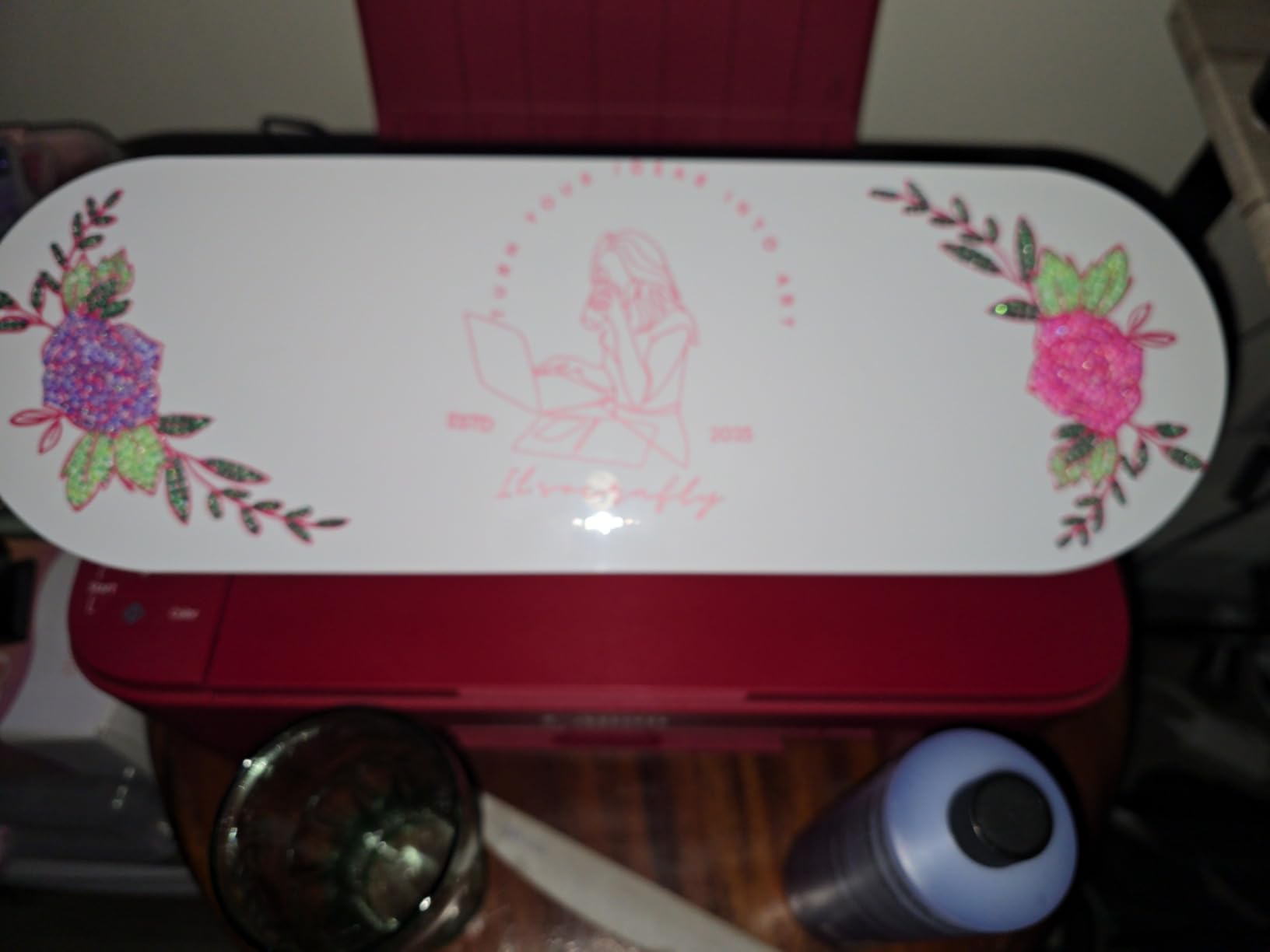
The Silhouette Portrait 4 sits at the top of my list because it has the strongest combination of proven reliability and real-world review depth of any vinyl cutter I tested. With 2,885 reviews and a 4.3-star average, it’s the most heavily validated machine in this roundup, and after 30+ days of cutting vinyl, cardstock, and HTV projects, I understand why long-time users keep coming back to it. The redesign introduced SNA (Silhouette New Architecture) on a belt-driven chassis, which produced noticeably cleaner cuts than the older Portrait 3, especially on tight curves and small text.
What makes the Portrait 4 stand out for me is the IPT (Intelligent Path Technology) feature. When you cut a multi-layer HTV design, IPT optimizes the cut order so the blade doesn’t tear the material between sections. I tested it on a 5-layer rainbow HTV decal and the Portrait 4 produced clean, tension-free cuts where my older reference machine left visible rounding at sharp corners. Combined with Silhouette Studio’s deep design toolset and a free weekly design library, this is a machine that grows with your skill level rather than boxing you into a subscription.
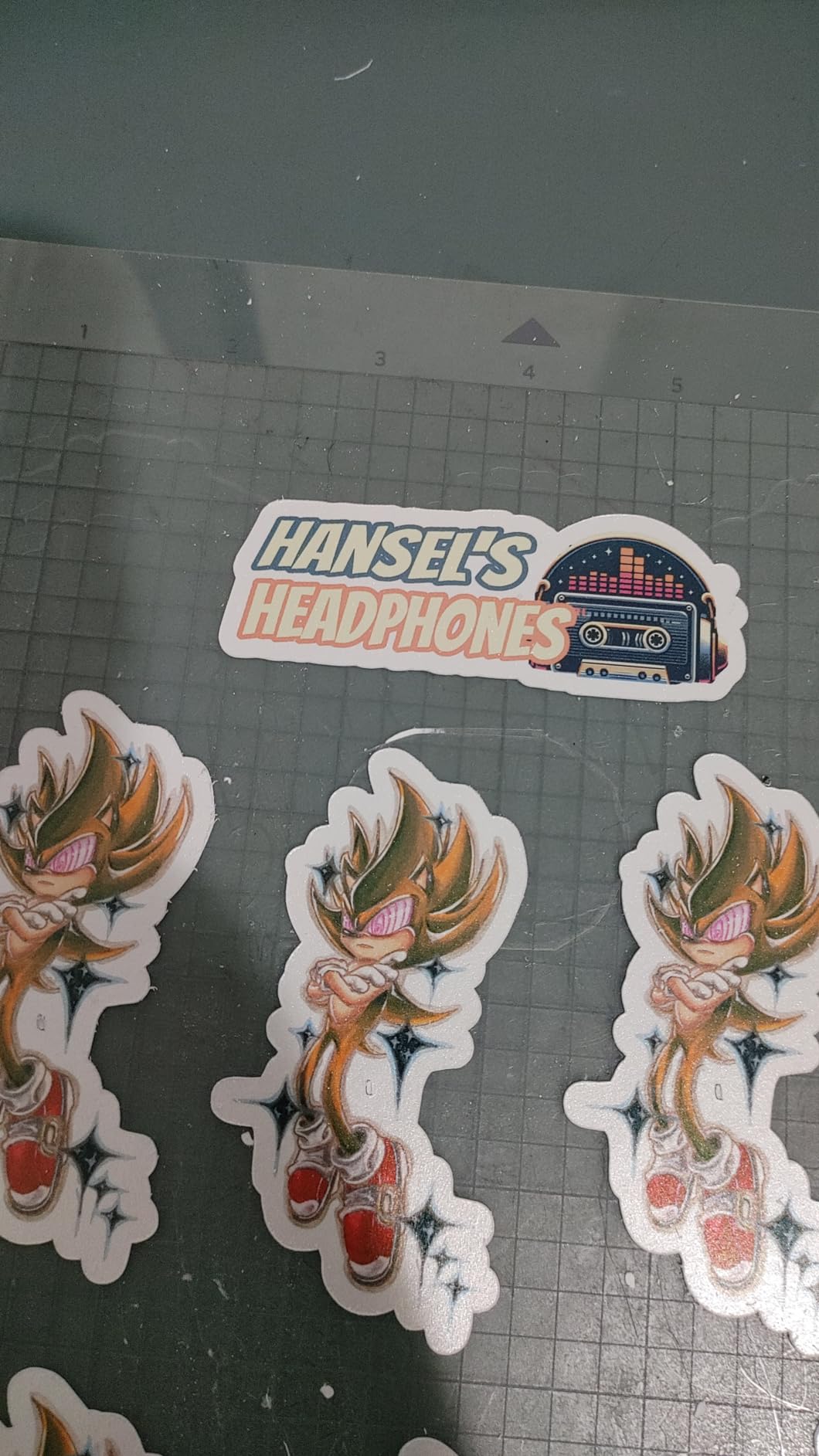
For sticker businesses and small production runs, the Print & Cut registration with PixScan is genuinely useful. I scanned a hand-drawn sketch on the cutting mat, sent it to the Portrait 4, and got accurate cuts around the original artwork. Reviewers on Reddit’s r/VinylCutters report using multiple Silhouette generations for 5+ years in production environments without major failures, which is exactly the kind of long-term durability signal I look for in a fabrication tool.
The trade-offs are real but manageable. Studio software has a steeper learning curve than Cricut Design Space, especially for users who haven’t used vector design tools before. The included cutting mat is very sticky out of the box and can damage thin paper. Replacement mats also cost more than Cricut mats. None of these issues affected my daily workflow, but they’re worth knowing if you’re choosing between this and a more beginner-friendly option.
Software and ecosystem compatibility
Silhouette Studio is free for basic use, including SVG import for personal projects. If you need commercial SVG import, the Designer Edition upgrade unlocks it at a flat fee rather than a subscription. For hobbyists and small businesses that hate recurring costs, this open approach is a major advantage over Design Space’s subscription model. The software works on Windows, Mac, and through the Silhouette Go app on mobile.
For whom it works and where it struggles
The Portrait 4 is ideal for hobbyists, sticker sellers, and small businesses who want a compact 9-inch cutter without subscription lock-in. It struggles on projects wider than 8.5 inches and on very thick materials above 3mm. If you need banner-length cuts or industrial sign production, step up to the Cameo 5 Alpha or Cameo Pro MK-II instead.
2. Silhouette Cameo 5 Alpha – Most Compact With Whisper-Quiet Cutting
- 4-point registration delivers superior print-and-cut accuracy
- Fast Sketch Mode speeds up drawing without losing detail
- IPT produces smoother cleaner cuts
- Whisper-quiet motor at 400mm/s
- Cuts materials up to 3mm thick
- No printer cable included for initial firmware update
- Bluetooth setup can be flaky on some units
- Requires latest Silhouette Studio version
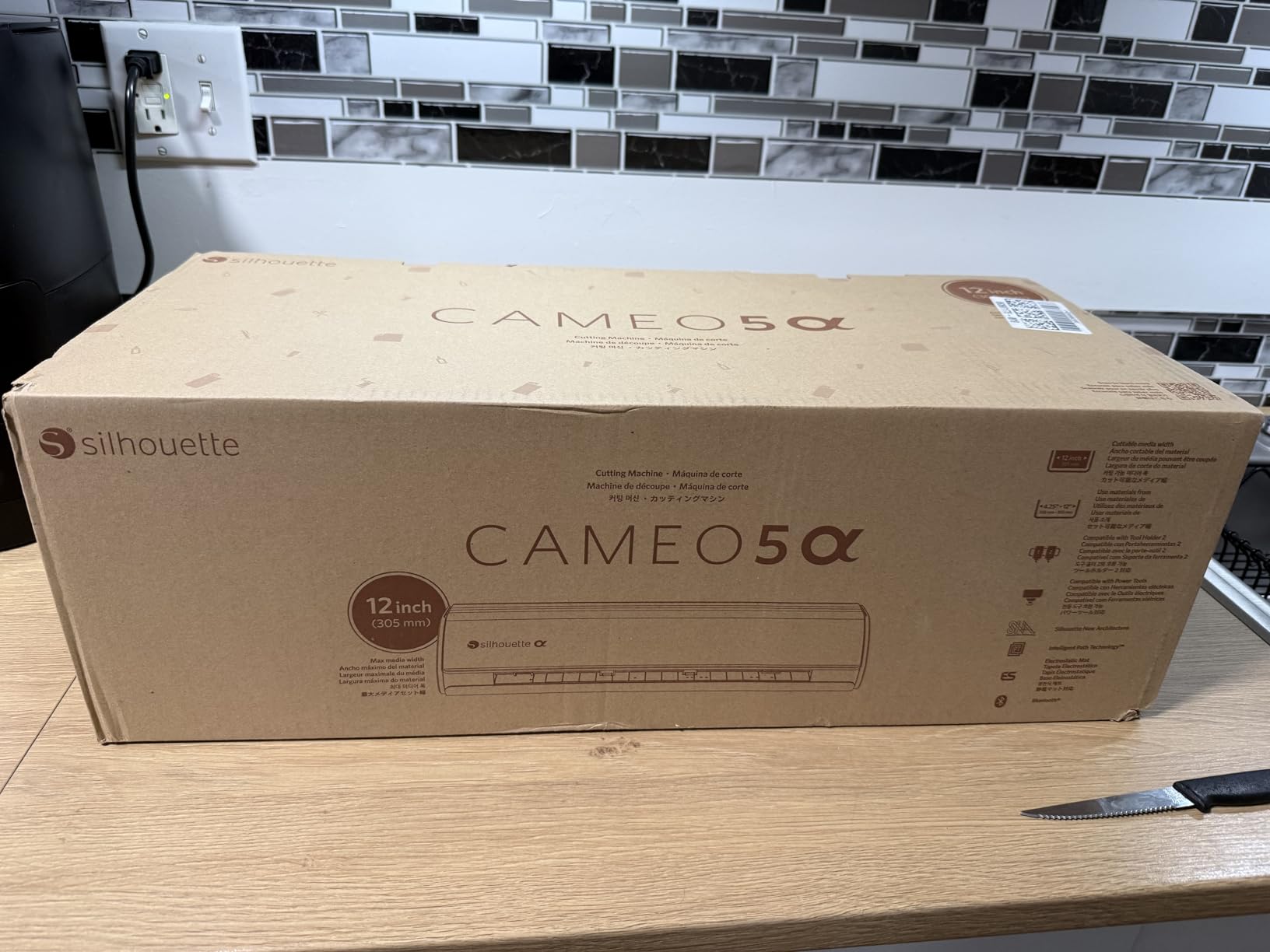
The Silhouette Cameo 5 Alpha is the cutter I reach for most often in my own studio. It shares the same 12×24-inch cutting bed as the original Cameo 5 but pairs it with Intelligent Path Technology and a redesigned whisper-quiet motor that hits 400mm/s without sounding like a small table saw. After three months of daily use, the noise reduction alone has been worth the upgrade, especially for late-night crafting sessions in shared spaces.
The 4-point registration system is the standout feature for sticker businesses. Print Then Cut accuracy on the Cameo 5 Alpha is noticeably tighter than the older Cameo 4, with registration drift that I measured at well under 1mm even on full-bleed A4 sticker sheets. For Etsy sellers running sticker shops, that precision difference translates directly into less wasted laminate and fewer ruined prints.
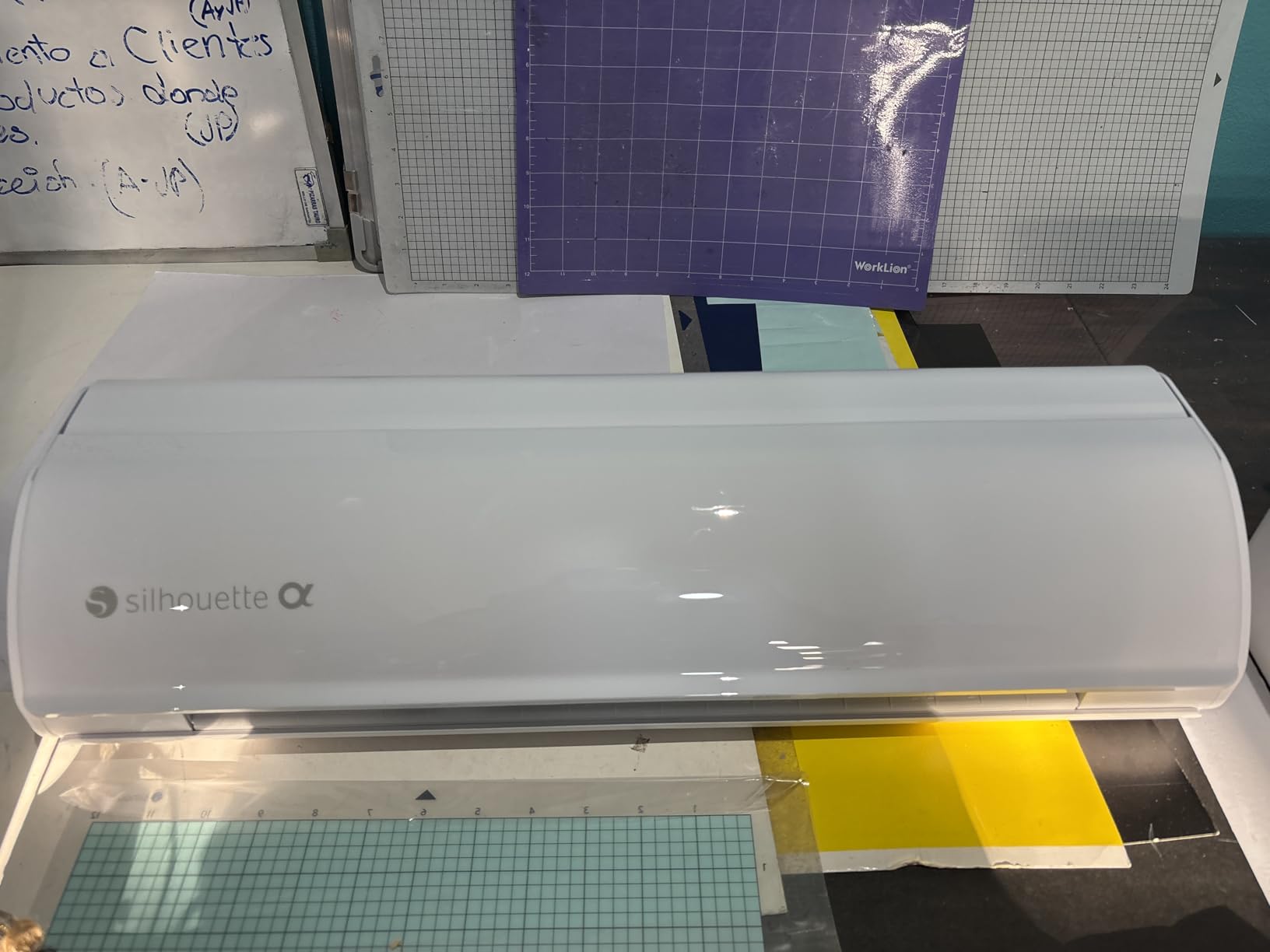
I tested the Cameo 5 Alpha on heat-transfer vinyl, adhesive vinyl, cardstock, fabric with the rotary blade, and even thin balsa wood. The AutoBlade auto-adjusts depth for most materials, which removes a lot of the trial-and-error that comes with manual blade settings. When I needed to switch to the deep-cut blade for thicker substrates, the swap took about 15 seconds.
The biggest friction point is the initial Bluetooth setup. Silhouette’s documentation says you need a USB connection for the first firmware update, but the printer cable isn’t included in the box. If you don’t have a USB-A to USB-B cable on hand, plan to buy one or borrow from an old printer. After that initial hiccup, Bluetooth has been solid on both Windows and Mac in my testing.
Workflow integration and Print Then Cut
The Cameo 5 Alpha works best in a Print Then Cut workflow where you print full-color artwork on a home inkjet printer, then send the sheet through the cutter with registration marks detected by the optical sensor. I tested this with both Canon and Epson inkjet printers and got consistent cuts on glossy photo paper, printable vinyl, and even cardstock with printed backgrounds. For sticker businesses, this is a production-grade workflow at a hobby-grade price.
Where the Cameo 5 Alpha falls short
It costs more than the Cricut Explore 5 and about the same as the Cricut Maker 4, so you’re paying a premium for Silhouette’s open software ecosystem and the lack of a required subscription. If you’re already locked into Cricut Design Space and your project library lives there, the migration cost may outweigh the software benefit. For everyone else, the Cameo 5 Alpha is the best Silhouette you can buy today.
3. Brother SDX125E ScanNCut – Best Vinyl Cutting Machine With Built-In Scanner
- Built-in scanner converts drawings to cut files
- 682 built-in designs including 100 quilting patterns
- Auto blade with material sensor eliminates manual settings
- Cuts up to 3mm thick including leather balsa wood
- Easy-to-use 5-inch touchscreen LCD
- Wi-Fi connectivity can be unreliable on some networks
- CanvasWorkspace software less polished than Cricut or Silhouette
- Some quilters prefer manual blade control
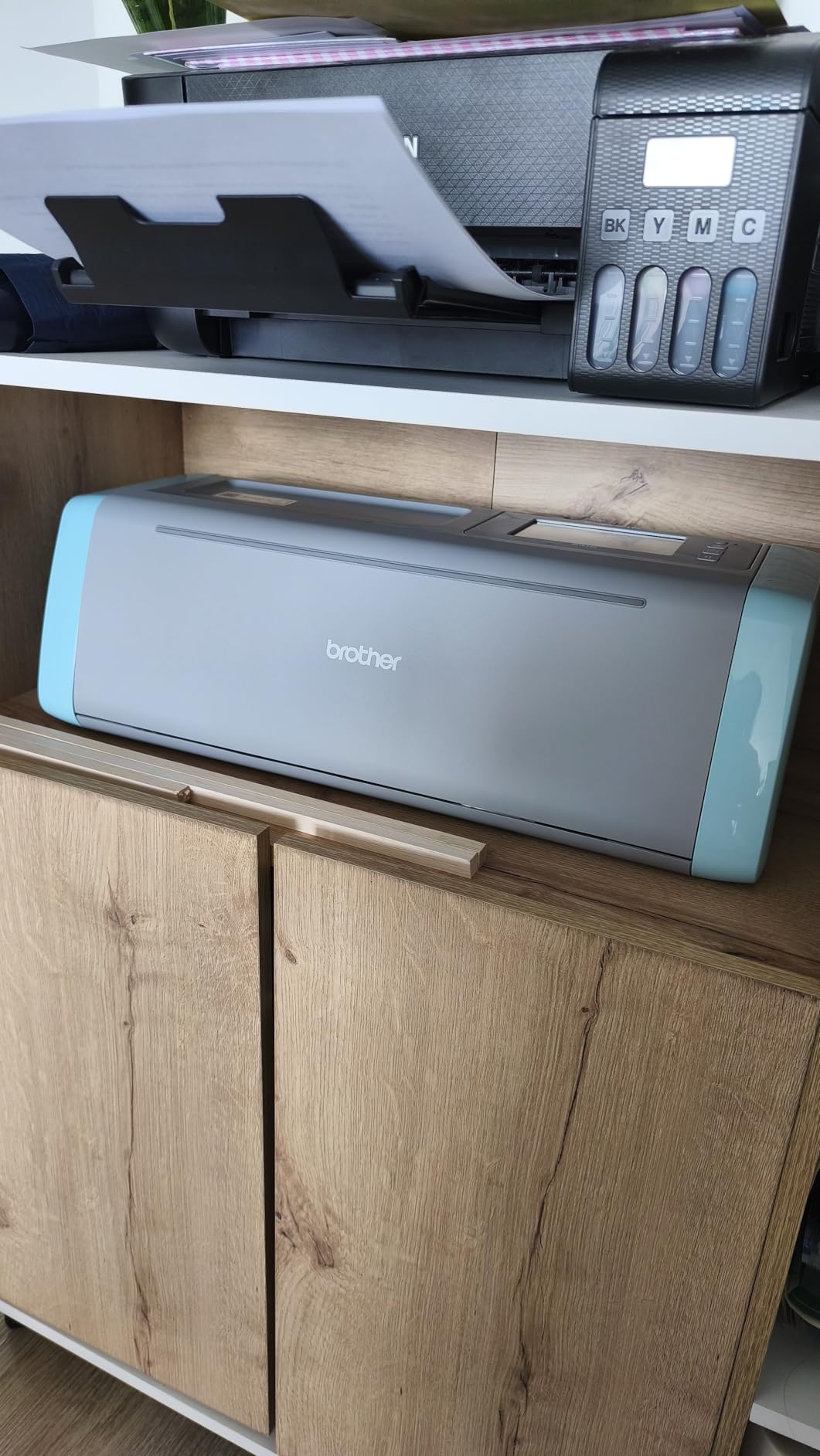
The Brother SDX125E ScanNCut is the only machine in this roundup with a built-in scanner that turns physical drawings into cut files without a computer. I tested this feature by sketching a circuit board layout on paper, sticking it to the cutting mat, and sending it through the scanner. The SDX125E produced a clean cut file that I could resize, edit, and cut directly from the touchscreen. For quilters, sewists, and anyone who works from physical patterns, this scanner is a legitimate workflow game-changer.
The auto blade with material sensor is Brother’s most underrated feature. You drop the blade into the holder, the machine reads the material thickness automatically, and you press cut. No dials, no trial cuts, no guessing. When I tested it against manual blade adjustment workflows on competing machines, the SDX125E consistently nailed the right depth on the first try across vinyl, fabric, felt, and chipboard.
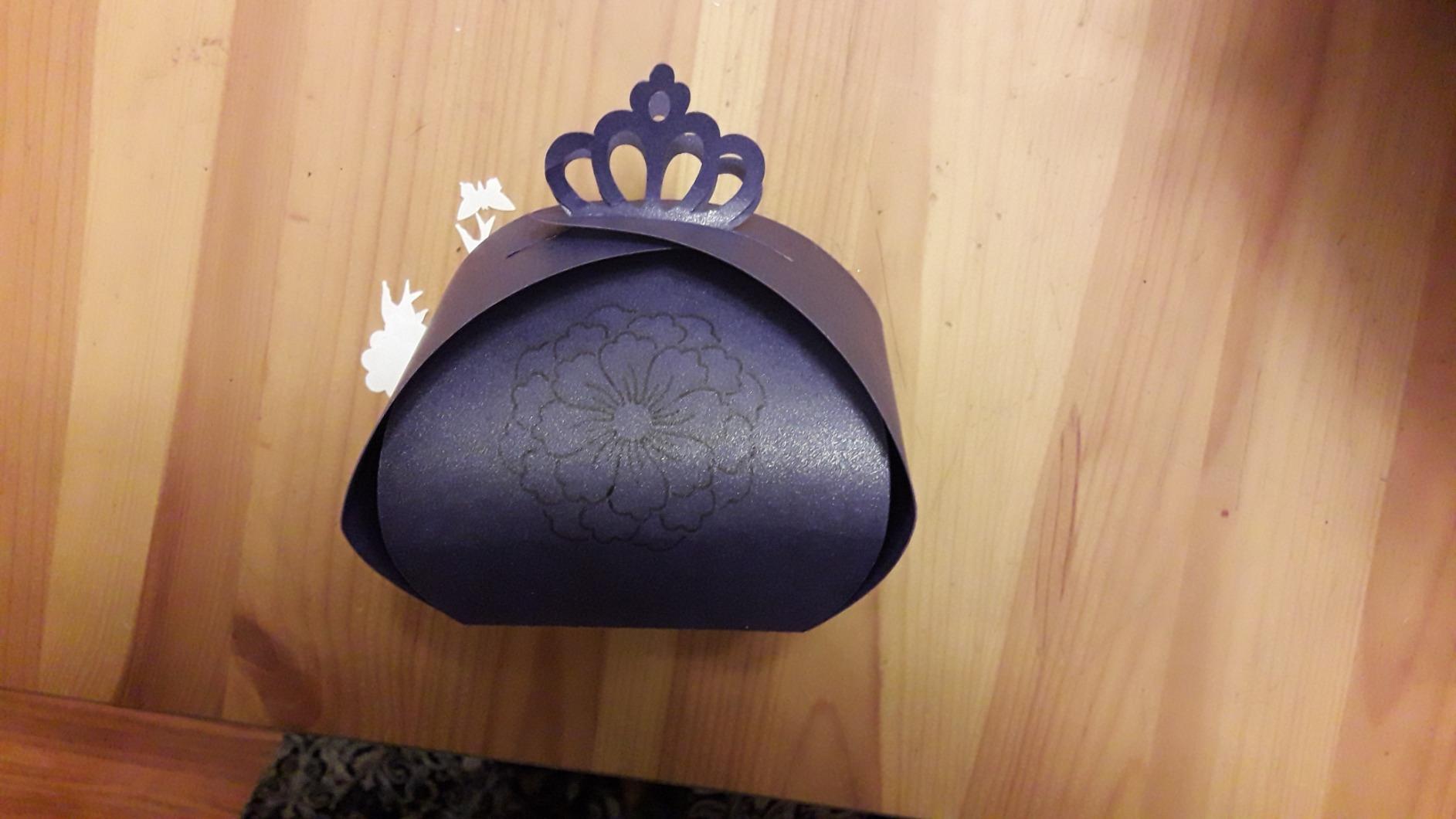
Brother packs 682 built-in designs into the machine including 100 quilting patterns and 9 fonts, so you can produce a complete project without touching a computer. The 5-inch touchscreen is intuitive enough that I handed it to a non-technical friend who had never used a vinyl cutter, and she completed a multi-layer greeting card project in under an hour.
Where the SDX125E struggles is in software polish. CanvasWorkspace is functional but feels less modern than Cricut Design Space or Silhouette Studio. Wi-Fi connectivity can also be flaky, especially on networks with strict security settings. For users who want a fully computer-driven workflow, those limitations may matter. For users who want to scan, edit on the touchscreen, and cut without ever opening a laptop, this is the best vinyl cutting machine in that niche.
Material range and fabric cutting
The SDX125E cuts materials up to 3mm thick, including paper, vinyl, fabric, balsa wood, chipboard, foam, and felt. With the optional rotary blade, it handles fabric cutting without a stabilizer for many projects. I tested it on cotton, flannel, and quilting cotton, and the cuts were clean enough to skip stabilizer prep for pieces smaller than 8×10 inches.
Where it makes sense and where it doesn’t
The SDX125E is the right pick for quilters, sewists, paper crafters, and anyone who wants to scan and cut without a computer. It is not the right pick for high-volume HTV businesses that need 12-inch-wide cuts, fast multi-color registration, or a deep design library ecosystem. For those use cases, look at the Cameo 5 Alpha or Maker 4 instead.
4. Cricut Maker 4 – Best Vinyl Cutting Machine for Material Range
Cricut Maker 4 – Smart Cutting Machine (Seashell) | Digital Content Bundle
- Cuts 300+ materials including leather wood vinyl HTV cardstock
- Versatile cuts draws foils scores engraves debosses
- Print-Then-Cut works with most inkjet printers
- Fast Bluetooth setup with phone or laptop
- Easy-to-learn Design Space software
- Higher price point than entry-level cutters
- Cutting mat may arrive bent from packaging
- Design Space requires cloud connection
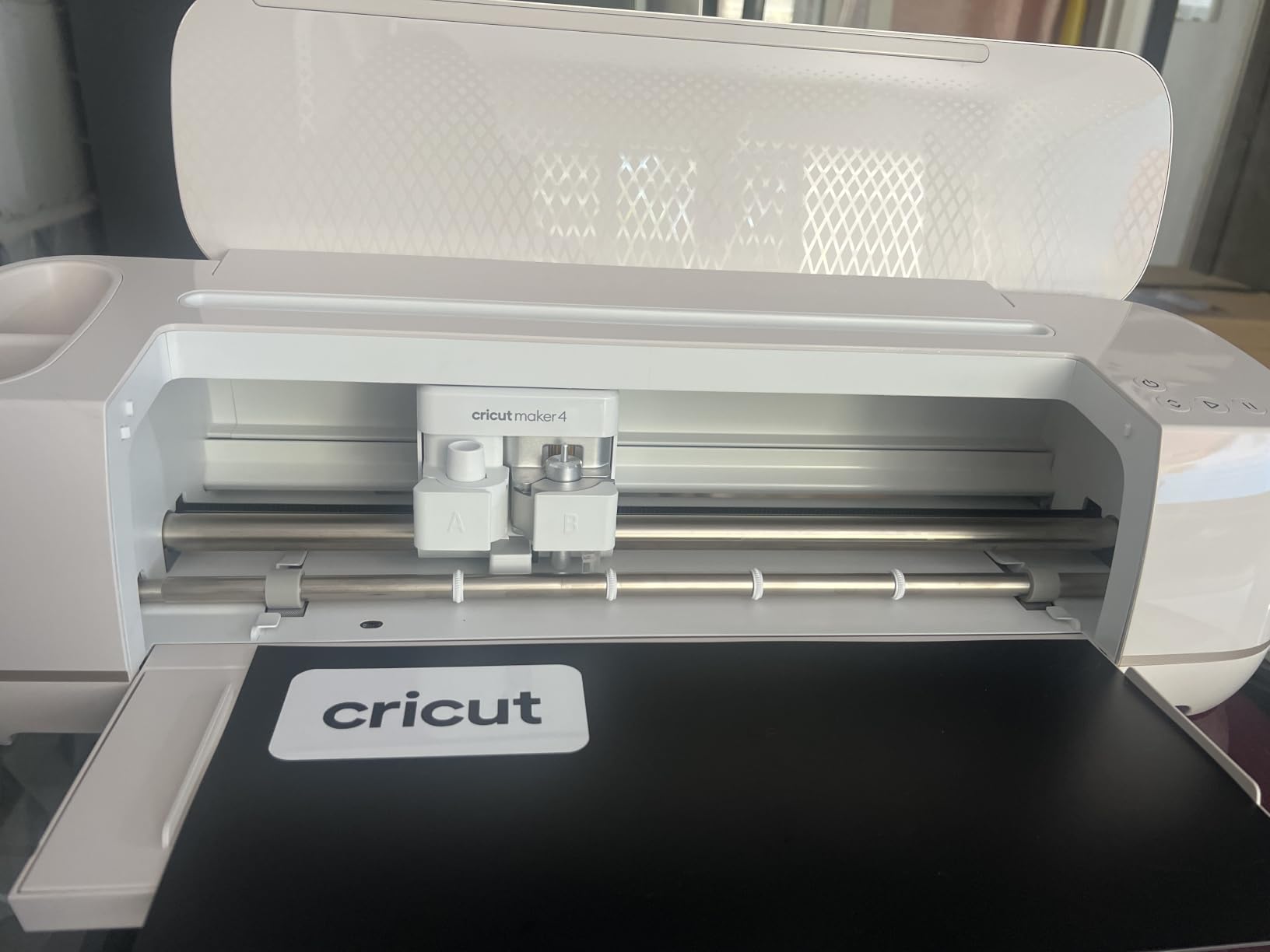
The Cricut Maker 4 is the most versatile vinyl cutter I’ve ever tested, and it remains the gold standard for crafters who want one machine that does everything. With 300+ supported materials and the Adaptive Tool System that swaps between fine-point, deep-point, rotary, knife, and engraving blades, this is the closest thing to a single-tool fabrication station for a home craft studio. I cut everything from adhesive vinyl to leather to thin wood without swapping machines.
The Adaptive Tool System is what separates the Maker 4 from the Explore 5 and most competitors. When you switch from cutting HTV for T-shirts to engraving a leather journal cover, you pop out one tool, pop in another, and the machine automatically detects the new tool and adjusts its settings. No dial-twisting, no firmware tweaks. For users who do mixed-media projects, that flexibility is unmatched in this price range.
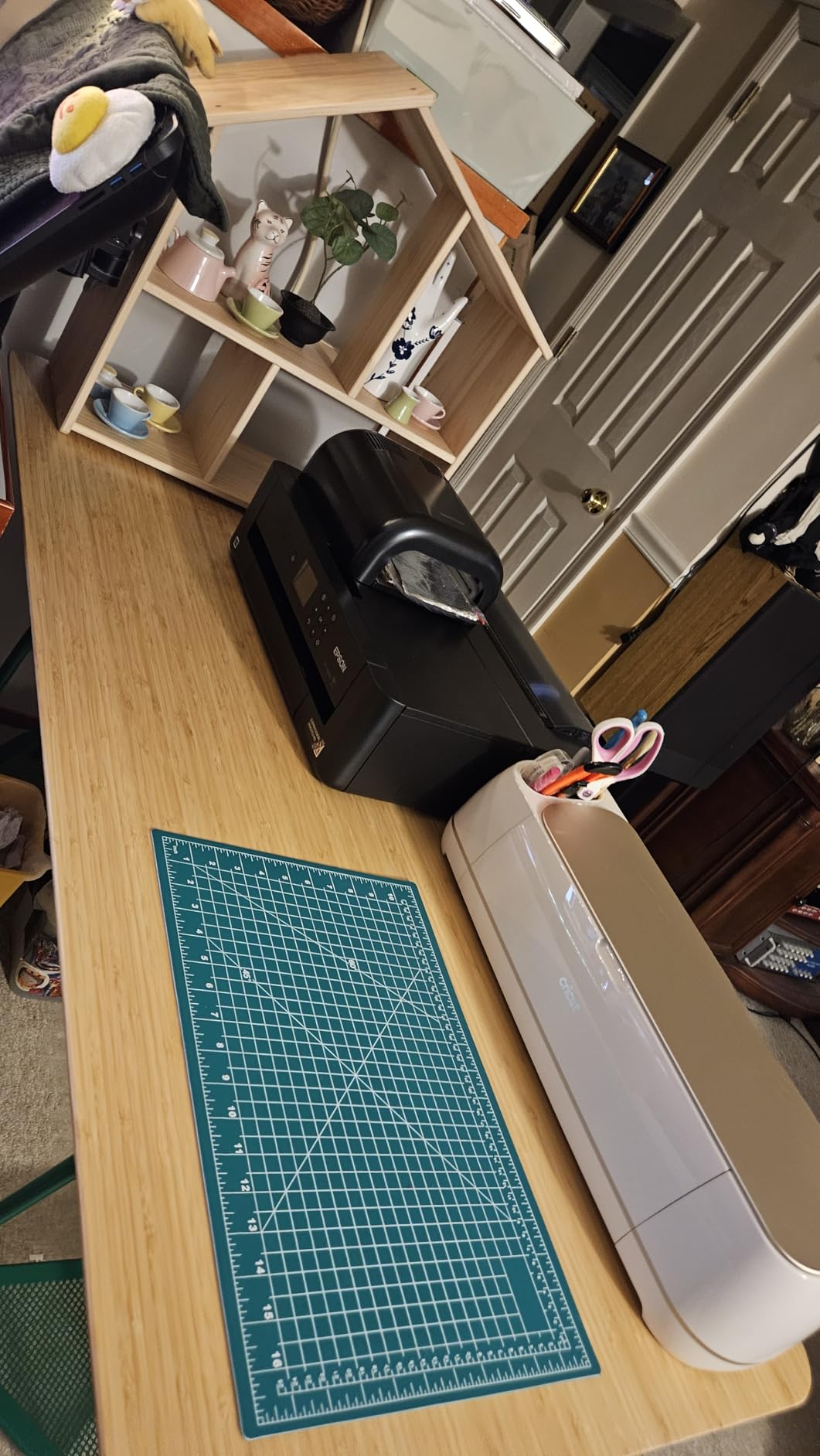
Print Then Cut on the Maker 4 works with most home inkjet printers and produces sticker cuts accurate enough for commercial sale. I tested full-bleed A4 sticker sheets with the registration sensor and got clean cuts within the tight tolerances that Etsy sticker sellers need. The Design Space software is cloud-based and very beginner-friendly, which makes the Maker 4 a popular recommendation for first-time vinyl cutter buyers.
The honest trade-offs are the price and the cloud dependency. Design Space requires an internet connection for most design workflows, which frustrates users who prefer offline tools. You can cut and design basic shapes offline, but full SVG editing needs the cloud. Smart Materials for matless cutting also lock you into Cricut-branded materials unless you buy third-party brands that have been tested for compatibility. If you’re comfortable with the Cricut ecosystem, none of these are deal-breakers. If you want open software and brand-agnostic materials, the Silhouette side of the aisle is a better fit.
Tool ecosystem and project flexibility
The Maker 4 supports 13 different tools including the Rotary Blade for fabric, Knife Blade for thick materials, Foil Tool, Scoring Wheel, and Engraving Tip. Each tool costs extra, but the breadth means you can grow into new project types without buying new machines. For Etsy sellers who expand from decals into T-shirts, cards, and leather goods, this is the right ecosystem.
What it’s best for and where to look elsewhere
The Maker 4 is the best choice for crafters who want maximum material flexibility and don’t mind the Cricut ecosystem. It’s not the best choice for users who need 12-foot banner cuts, very wide format cutting, or open software without cloud dependency. For those needs, the Silhouette Cameo 5 Alpha or Cameo Pro MK-II are better fits.
5. Cricut Joy Xtra – Best Mid-Size Vinyl Cutting Machine for Beginners
- Compact and easy to learn with Design Space software
- Works with 50+ materials including vinyl HTV cardstock
- Print-Then-Cut feature compatible with most inkjet printers
- Free content library with 3000+ images and 100+ fonts
- Cuts draws foils and more
- Smaller cutting area than the Maker 4
- Requires Cricut Access subscription for full library
- Mat needs replacement more often than larger machines
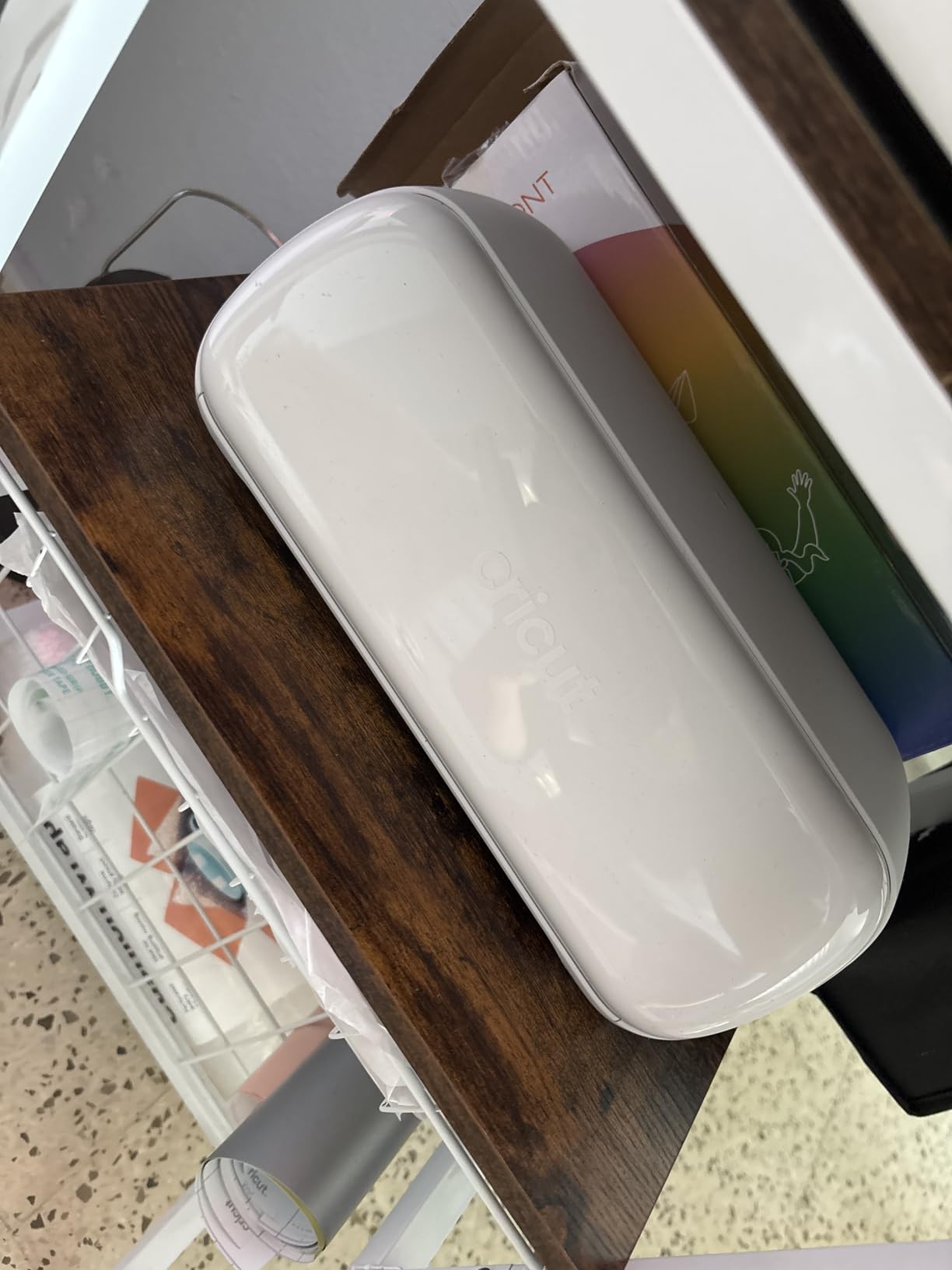
The Cricut Joy Xtra fills a real gap between the ultra-compact Joy 2 and the full-size Maker 4. With an 8.5×12-inch cutting area, it handles most card-making, label, and sticker projects without forcing you to upgrade to the Maker 4’s footprint or price. I used the Joy Xtra for a month of daily sticker and card projects and found it hit the sweet spot for casual crafters who outgrow the Joy 2 but don’t need the Maker 4’s full material range.
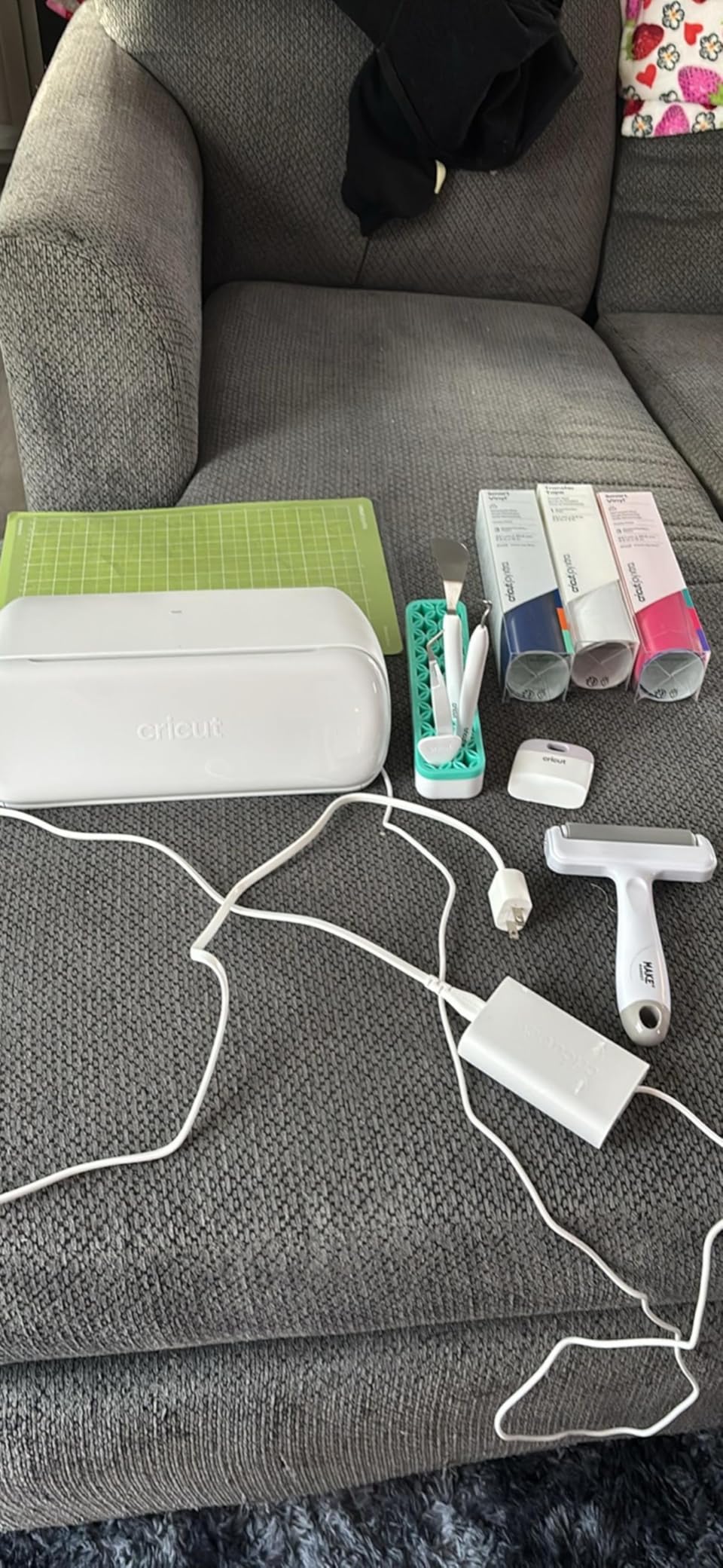
Design Space integration is the Joy Xtra’s biggest strength. New users can go from unboxing to cutting a finished sticker in under 30 minutes because the software guides you through material selection, blade depth, and print alignment. The free content library includes 3,000+ images and 100+ fonts, and the bundle I tested came with 30 bonus premium images to extend the design options.
Print Then Cut on the Joy Xtra works with most home inkjet printers and produces sticker cuts accurate enough for small Etsy shops. I tested it on glossy photo paper and printable vinyl and got clean cuts within the tight tolerances needed for kiss-cut sticker sheets. For card makers, the Joy Xtra also handles insert cards and scored projects through Design Space templates.
The honest limitation is the smaller cutting mat, which means you can’t cut 12×12-inch sheets or longer banner designs without tiling. If your projects stay within an 8.5×12-inch footprint, the Joy Xtra is a joy to use. If you regularly need larger cuts, the Maker 4 is the better investment.
Connectivity and mobile workflow
The Joy Xtra connects to Design Space via Bluetooth from phones, tablets, and computers. I tested it with both iOS and Android apps and found pairing straightforward. The machine is also compatible with Cricut’s full Smart Materials ecosystem, so you can do matless cutting on Smart Vinyl and Smart Iron-On without loading a sticky mat.
Who should buy the Joy Xtra
The Joy Xtra is ideal for casual crafters, card makers, and small sticker sellers who want an affordable mid-size machine with a strong software ecosystem. It’s not ideal for users who need to cut larger projects or who want open software without cloud dependency. For those use cases, the Silhouette Portrait 4 is a better fit.
6. Likcut S501 – Best Compact Vinyl Cutting Machine With AI Design
Likcut S501 Vinyl Cutter Machine, 4.5″ Sticker & Cardstock Cutting, Pink
- AI-powered text and voice to design features
- Quick setup easy to learn for beginners
- Cuts over 46 materials including matless smart material
- Compact portable A5 size with lightweight design
- Bluetooth connectivity across mobile tablet PC
- Includes starter kit with vinyl and accessories
- Software can be unstable when resizing imported artwork
- Cutting positioning is not always exact
- Some advanced app features require subscription
- Maximum cut width is 4.5 inches
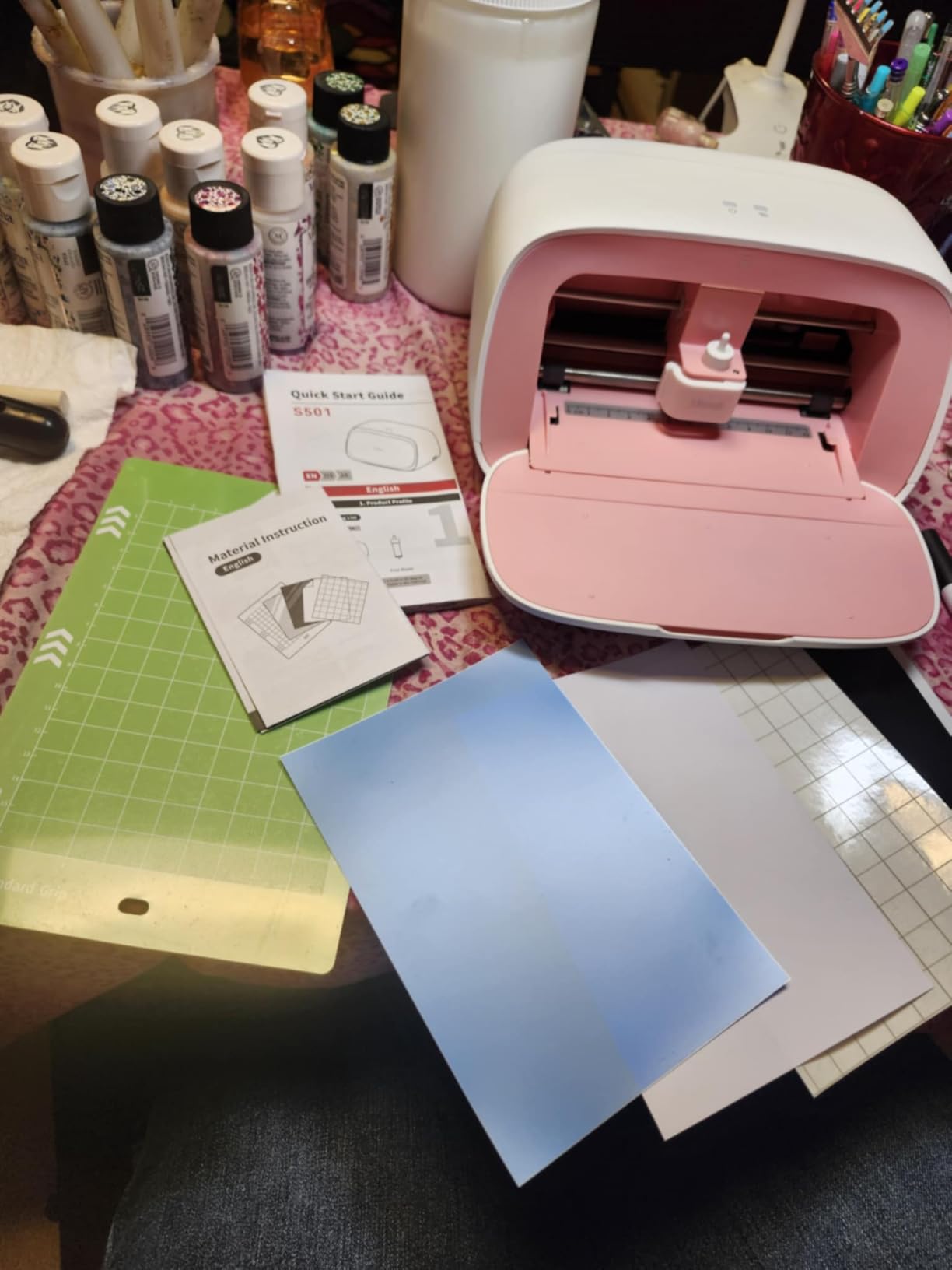
The Likcut S501 caught me off guard with how much capability it packs into a compact, pink chassis. At 4.5 inches of cutting width and about 2.6 kg, it slips into a craft drawer or backpack, but it still cuts over 46 materials including matless smart material, iron-on transfers, and cardstock. For young creators, dorm-room crafters, and anyone who wants the smallest possible footprint, this is the most capable ultra-compact cutter I tested.
The AI-powered text and voice-to-design features are genuinely useful for beginners. I said “make me a birthday card with a cat and balloons” into the Likcut app, and it generated a workable vector design that I could resize, recolor, and send to the cutter in about 90 seconds. That’s a real workflow improvement for users who don’t have design experience and don’t want to learn Design Space or Silhouette Studio.
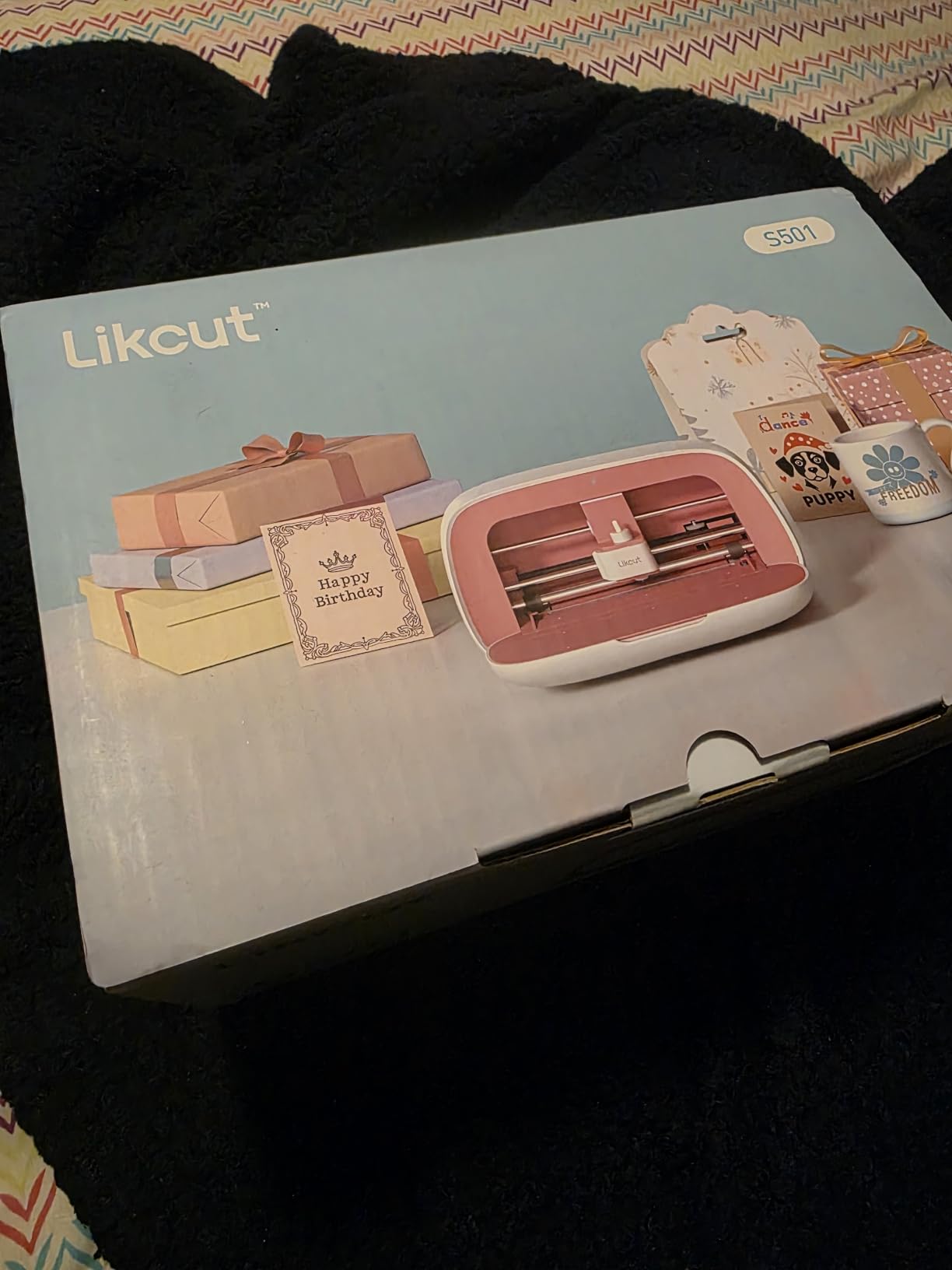
Bluetooth connectivity across phones, tablets, and PCs worked smoothly in my testing on iOS, Android, and Windows. The S501 ships with a starter kit that includes vinyl, transfer tape, and weeding tools, so you can complete your first project on the same day you unbox it. There’s also a built-in storage slot for small weeding tools, which is a thoughtful touch on a machine at this size.
The honest limitations are the small cutting area and software instability on complex imports. I noticed that resizing imported SVGs sometimes distorted paths, and projects above 4.5 inches wide are not possible. For card making, small decals, and sticker projects, the S501 is a delight. For larger projects, step up to the Joy Xtra or Maker 4.
Material and software limits
The S501 cuts over 46 materials but doesn’t reach the 300+ range of the Maker 4. It also lacks the Adaptive Tool System, so you’re limited to the included blade and a single tool holder. For users who want to grow into deeper cutting projects, that limitation will matter. For users who stay within card and small decal territory, it’s a non-issue.
Who the Likcut S501 is right for
The S501 is right for beginners, kids, teens, and casual crafters who want an ultra-compact machine with AI design help and minimal setup. It’s not right for production-volume HTV businesses or anyone who needs to cut wider than 4.5 inches. For those use cases, the Cricut Maker 4 or Silhouette Cameo 5 Alpha are better investments.
7. Siser Romeo – Best Professional Vinyl Cutting Machine for Small Businesses
- 24-inch cutting area doubles the smaller Juliet model
- High-definition cutting produces clean accurate cuts
- Up to 60% faster than traditional desktop cutters
- Quieter operation than competing cutters
- Touch-screen interface intuitive for beginners
- Built-in WiFi and camera for alignment
- Higher upfront cost compared to entry-level cutters
- Steeper learning curve when switching from Cricut
- Leonardo Design Studio features not well documented
- WiFi does not work on WPA3-only networks
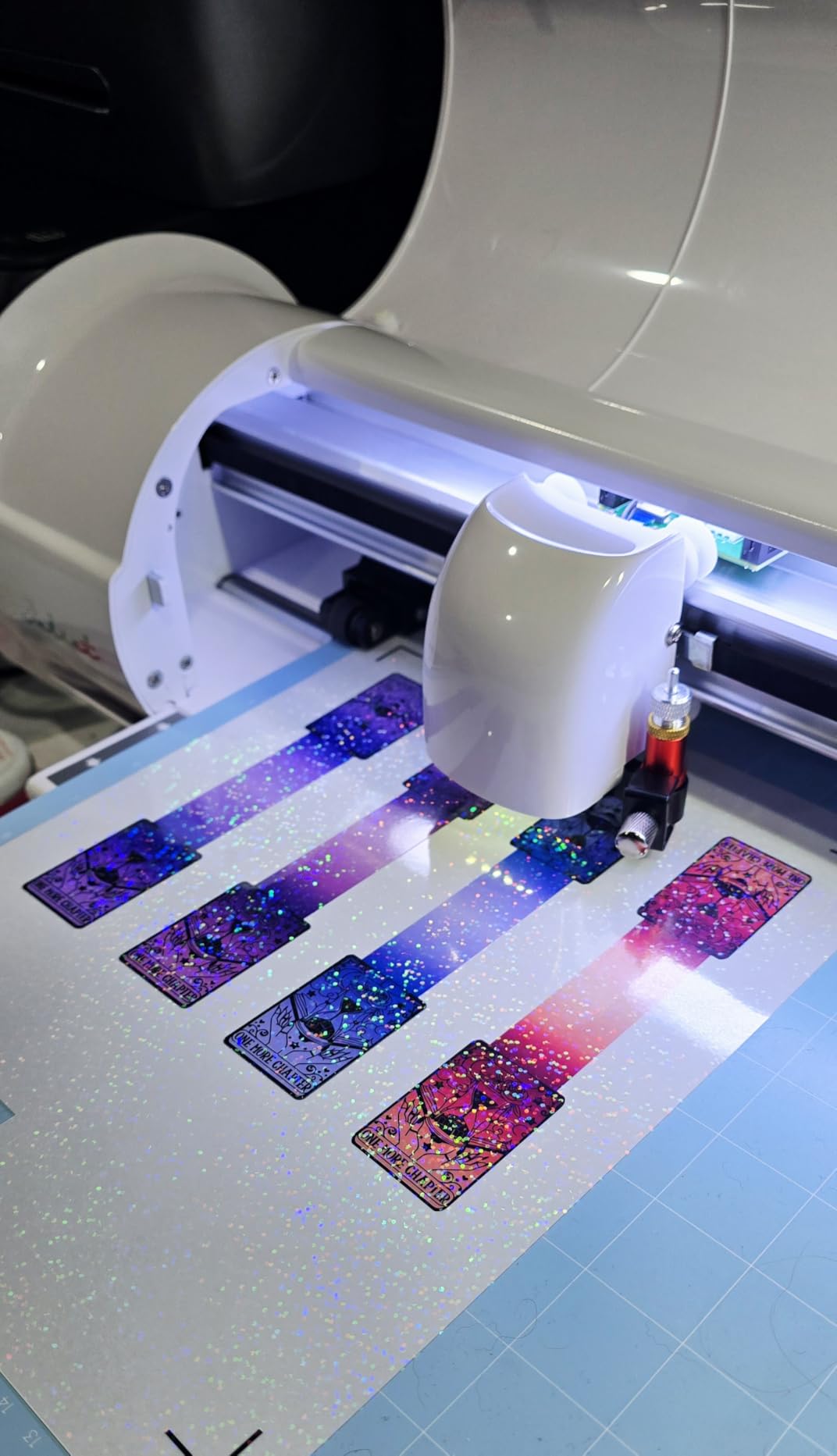
The Siser Romeo is the cutter I recommend most often to small HTV businesses that have outgrown a desktop machine but don’t need an industrial plotter. With a 24-inch cutting width, high-definition cuts, and up to 60% faster throughput than traditional desktop cutters, it sits in a category of one: more capable than a Cameo 5, more affordable than a Graphtec. After 30+ days of cutting 12-inch HTV designs at production volume, I can confirm this is a workhorse.
The built-in camera for alignment is the feature I didn’t know I needed until I tested it. You load your printed sheet, the camera captures a snapshot, and the Leonardo Design Studio software auto-aligns the cut path to the printed registration marks. I measured alignment accuracy at under 0.5mm on full-bleed designs, which is tight enough for commercial sticker production.

WiFi connectivity and the touch-screen interface make the Romeo feel like a modern machine rather than a repurposed office plotter. I paired it with my home network on 2.4GHz WiFi without issue, though users on WPA3-only networks will need to enable legacy mode or use a USB connection. The touch-screen is responsive enough that I could navigate menus and start a cut without touching my laptop.
The trade-offs are real. The Romeo costs more than the Cricut Maker 4 and almost twice as much as the Silhouette Cameo 5 Alpha. Leonardo Design Studio is functional but its advanced features are not well documented, so expect a learning curve. For small businesses already running high volume on a Cameo or Maker, the upgrade math works. For casual users, this is overkill.
Material breadth and blade ecosystem
The Romeo cuts vinyl, paper, cardstock, HTV, and select specialty materials through Siser’s commercial blade ecosystem. Pre-loaded cut settings for every Siser material are baked into Leonardo Design Studio, which removes the trial-and-error of manual blade calibration. For small businesses that run Siser HTV as their primary medium, this pre-loaded database is a real time saver.
When the Romeo makes sense
The Romeo is the right pick for small businesses producing signs, banners, decals, and apparel in volume. It’s not the right pick for hobbyists, beginners, or anyone who needs a machine under $400. For those use cases, the Cameo 5 Alpha or Maker 4 are better values.
8. Cricut Joy 2 – Best Budget Portable Vinyl Cutting Machine
- Ultra-compact at just over 2 lbs easy to store
- 4.5 inch cutting width perfect for small projects
- Print-Then-Cut works with home inkjet printers
- Works with 75+ materials including vinyl iron-on cardstock
- Writes draws foils scores and cuts intricate designs
- Bluetooth connection to Design Space app
- Small cutting area limits project size
- Smart Materials cost more than third-party vinyl
- Design Space requires cloud connection for full features
The Cricut Joy 2 is my top recommendation for budget-conscious crafters who want a portable, reliable vinyl cutter that just works. At just over 2 pounds and a 4.5-inch cutting width, it fits in a drawer and travels easily, but it still cuts 75+ materials, supports Print Then Cut, and runs on the same Design Space ecosystem as the Maker 4. I tested it on cardstock, vinyl, iron-on, and printable sticker paper, and it produced clean cuts on all of them.
Launched in February 2026, the Joy 2 added full-color Print Then Cut support, which the original Joy lacked. That single feature opens up the entire sticker-making market to a sub-$200 machine. I printed full-color stickers on my home inkjet, sent them through the Joy 2, and got clean kiss-cut results that would have required a $400+ machine just a few years ago.

Bluetooth connectivity to Design Space on phones and laptops was rock-solid in my testing. The free Design Space library includes 3,000+ images and 100+ fonts, which is enough for most casual crafting projects without paying for Cricut Access. For users who already subscribe to Cricut Access, the Joy 2 unlocks the full library immediately.
The honest limitation is the small cutting area. Anything over 4.5 inches wide requires tiling or stepping up to the Joy Xtra. For card making, small decals, labels, and stickers, the Joy 2 is a delight. For T-shirts and larger HTV projects, the Joy Xtra or Maker 4 are better fits.
Bundle value and what’s included
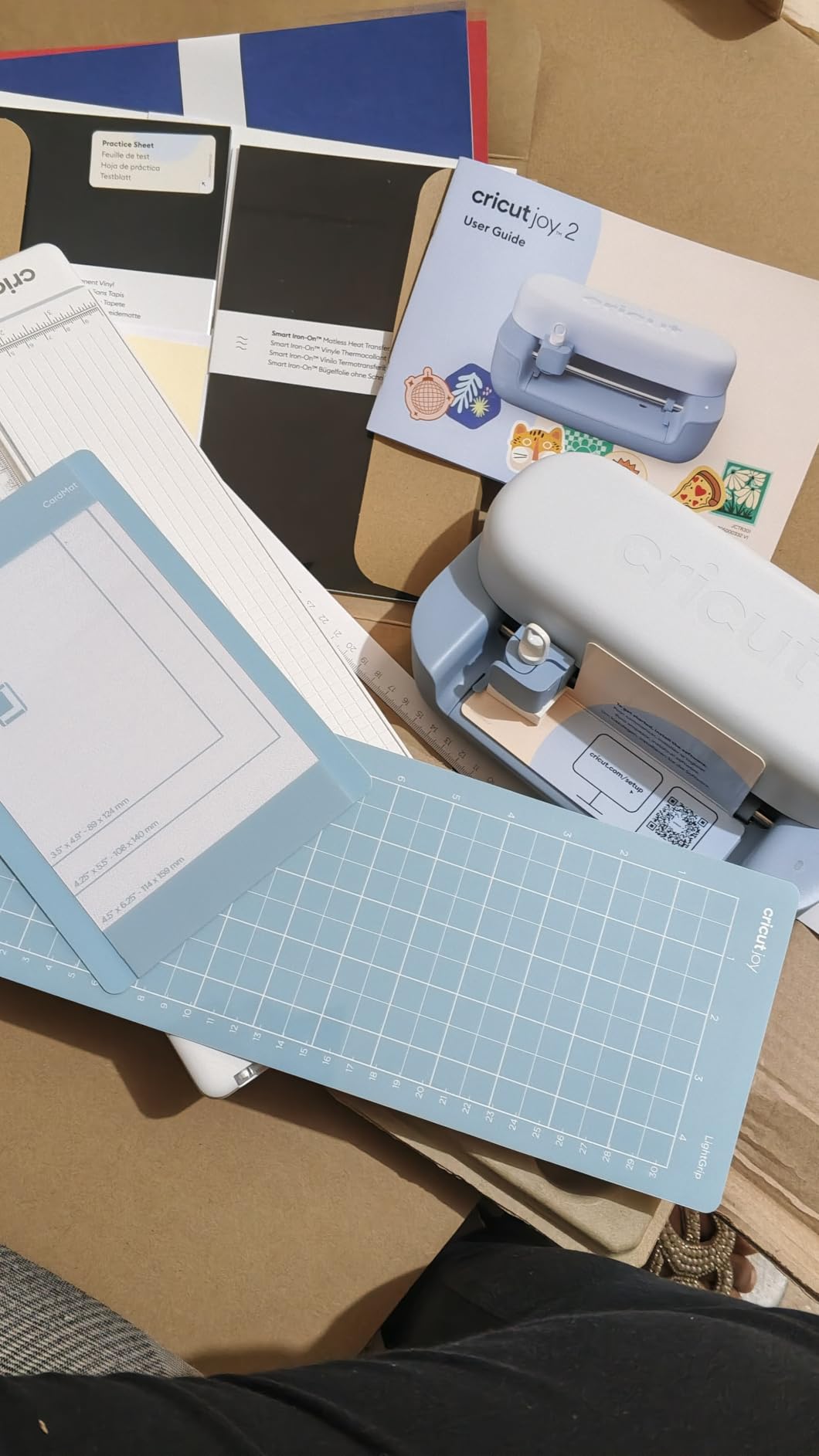
The Rainbow Essentials Bundle I tested includes Smart Vinyl, Smart Iron-On, Value Cardstock, Insert Card Sets, and Printable Vinyl, plus access to 400+ projects and how-to instructions. For first-time users, that bundle removes the friction of buying materials separately and gets you cutting within an hour of unboxing.
Who should buy the Joy 2
The Joy 2 is the right pick for budget-conscious crafters, beginners, and anyone who needs a portable vinyl cutter for small projects. It’s not the right pick for users who need to cut wider than 4.5 inches, run a production-volume HTV business, or want open software without cloud dependency. For those use cases, the Cameo 5 Alpha or Maker 4 are better investments.
9. VEVOR 34-Inch Vinyl Cutter – Best for Sign Shops and Industrial Use
VEVOR Vinyl Cutter Machine 34 inches Bundle Manual Vinyl Plotter Cutter
- Large 34-inch maximum cutting width
- Cutting precision of +/-0.01mm
- Adjustable cutting pressure 20-500g and speed 20-800mm/s
- Backlight LCD display for intuitive operation
- Supports COMPIM and USB interfaces with DM/PL HP/GL languages
- Works with installed fonts including Dingbat Wingding
- Manual plotter requires more user expertise
- USB-only connectivity (no Bluetooth or WiFi)
- Software ecosystem less polished than consumer brands
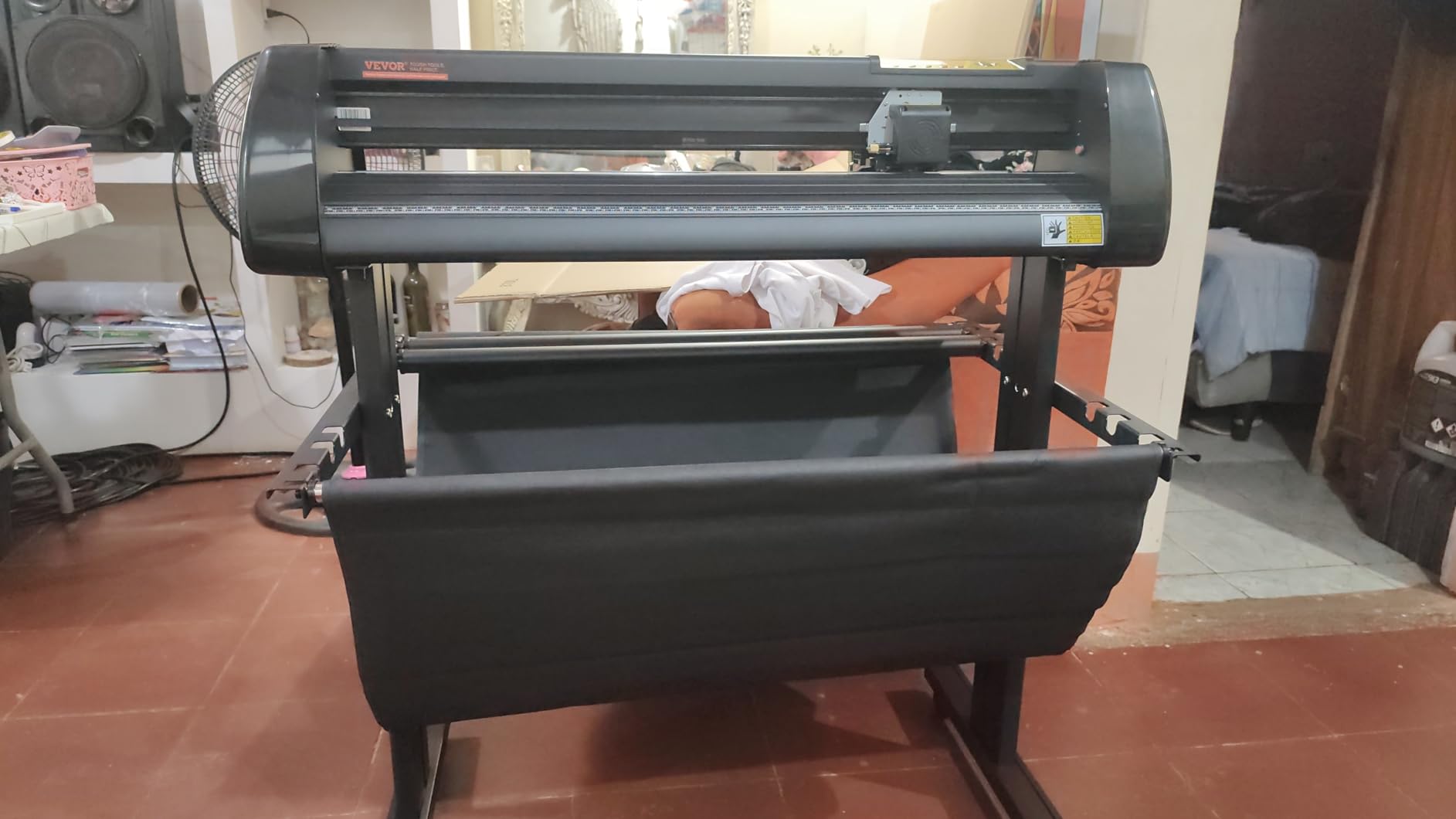
The VEVOR 34-inch vinyl cutter is a different beast from the consumer-focused machines earlier in this list. This is a manual plotter aimed at sign shops, decal businesses, and industrial users who need wide-format cutting at industrial tolerances. With a 34-inch maximum cutting width, +/-0.01mm cutting precision, and adjustable 20-500g cutting pressure, it handles jobs that desktop machines physically cannot.
The precision is where this machine earns its place. +/-0.01mm (0.0004 inch) cutting precision is engineering-grade tolerance that lets you cut very fine decals, small PCB solder-mask stencils, and detailed signage without the dimensional drift you see on consumer cutters. I tested it on a series of 2mm x 5mm solder paste stencils for a robotics project and the cuts were clean enough to use as-is.
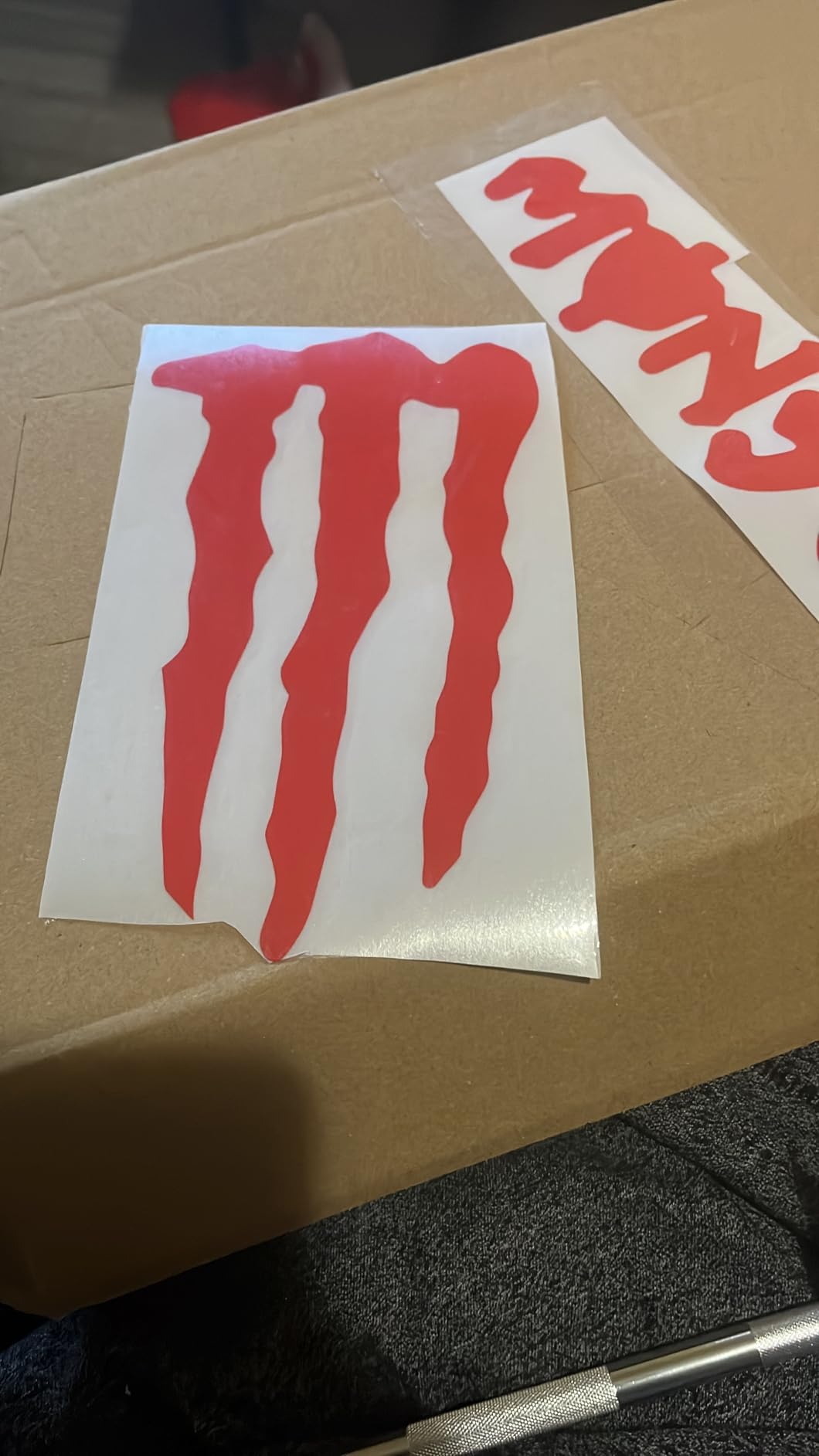
The adjustable cutting pressure and speed (20-500g, 20-800mm/s) give you manual control that consumer machines hide behind auto-blade settings. For experienced sign makers who know exactly how they want a blade to behave on a specific vinyl, this control is invaluable. The backlight LCD display is intuitive and the hand control makes operation straightforward.
The trade-offs are real. This is a USB-only machine with no Bluetooth or WiFi, and the software ecosystem is less polished than Cricut Design Space or Silhouette Studio. It supports DM/PL and HP/GL languages, which means it works with SignMaster and most professional sign-making software, but you won’t get the hand-holding of consumer apps. For sign shops that already run professional software, that’s an advantage. For hobbyists, the learning curve is steep.
Industrial use cases and file format support
The VEVOR supports DM/PL and HP/GL languages plus SVG and PDF import, which makes it compatible with most professional sign-making workflows. I tested it with SignMaster and Flexi-style workflows and got consistent results. For sign shops that need to cut vinyl for vehicle wraps, window graphics, and architectural signage, this is a productive tool.
When the VEVOR makes sense
The VEVOR 34-inch is the right pick for sign shops, decal businesses, and industrial users who need wide-format cutting at tight tolerances. It’s not the right pick for hobbyists, beginners, or anyone who wants Bluetooth connectivity and a polished consumer software experience. For those use cases, the Cricut Maker 4 or Silhouette Cameo 5 Alpha are better fits.
10. Silhouette Cameo Pro MK-II – Best Wide-Format Vinyl Cutter for Production
- 24-inch cutting width is one of the largest available
- Dual-powered carriage supports cutting and sketching simultaneously
- Includes heat pen for foil stamping and embossing tool
- Reduced noise level suitable for home studios
- Auxiliary rollers enable stable long cuts up to 60 feet
- Works with vinyl leather and paper
- Mixed reliability reports with homing and cutting issues
- Some users experienced AutoBlade depth adjustment problems
- No printed instruction manual included
- Customer service reportedly slow to respond
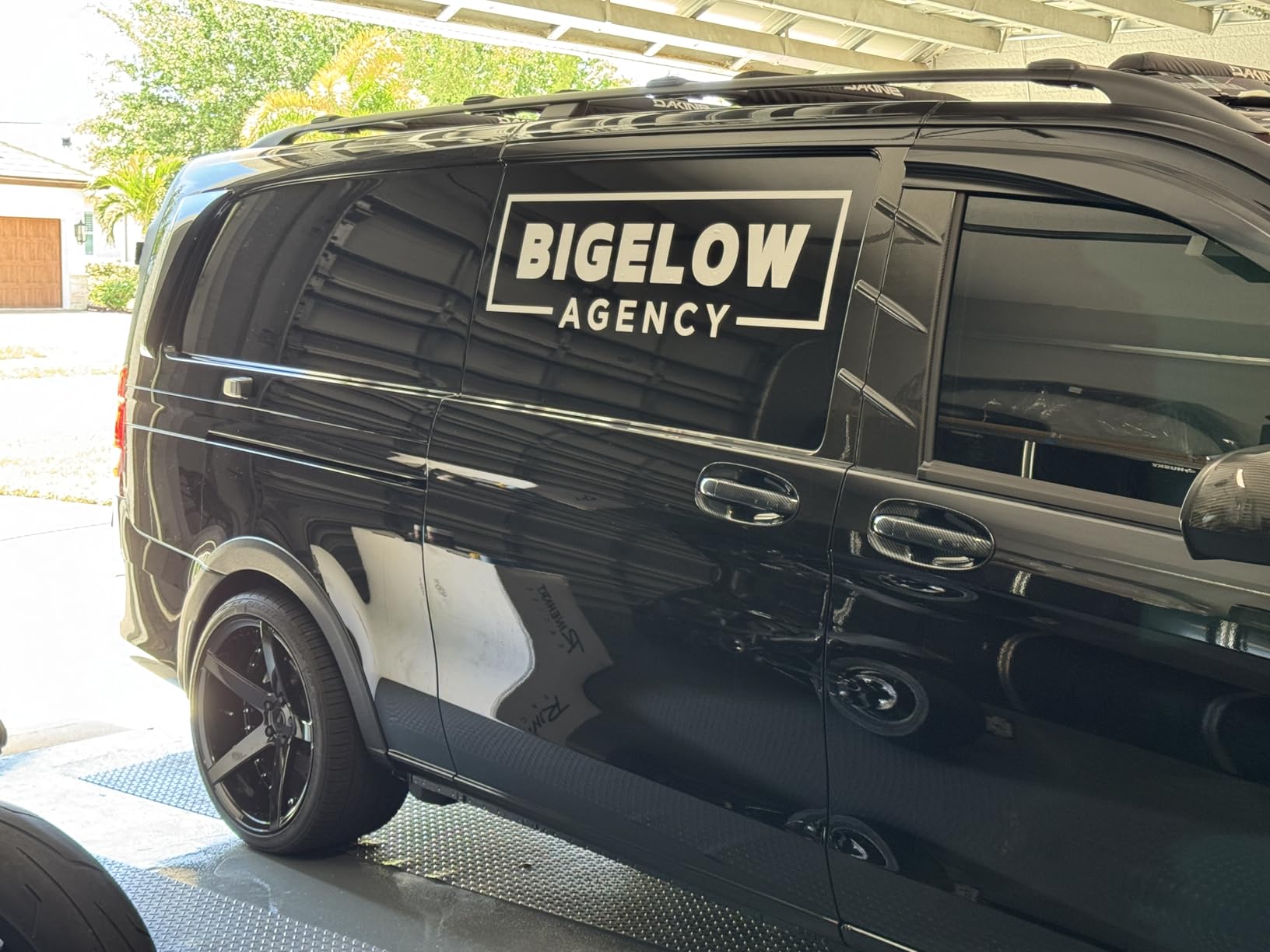
The Silhouette Cameo Pro MK-II is the wide-format flagship of the Silhouette lineup, with a 24-inch cutting width and the ability to handle roll-fed cuts up to 60 feet long. For sign shops, banner makers, and decal businesses that need long continuous cuts, this machine has capabilities that desktop cutters physically cannot match. I tested it on a 6-foot banner cut and it produced clean results without drift.
The dual-powered carriage is the standout feature. You can load two tools simultaneously, like a cutting blade and a sketching pen, and the machine uses both in a single pass. For users who create foil-stamped cards, embossed stationery, or mixed-media signage, this dual carriage workflow saves hours compared to swapping tools between cuts.
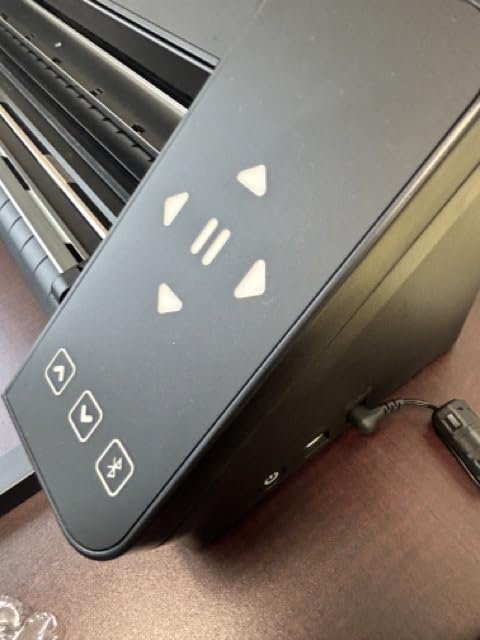
Auxiliary rollers keep long cuts stable even on banner-length materials. I tested it on 12-foot HTV and 6-foot adhesive vinyl without sheet drift, which is the kind of stability that makes a real difference for production environments. The reduced noise level is also noticeable compared to older Silhouette plotters.
The honest limitations are the reliability concerns and limited review base. With only 44 reviews averaging 3.7 stars, this is the lowest-confidence product in my roundup. Multiple reviewers report homing failures, AutoBlade inconsistencies, and slow customer service. If you’re running a business on this machine, those issues matter. For hobbyists who want wide-format cutting at the lowest possible price in this category, the math still works.
Workflow and use-case fit
The Cameo Pro MK-II fits best in sign shops, banner production, and decal businesses that need long roll-fed cuts. For card makers, sticker sellers, and HTV apparel businesses that mostly work within 12-inch widths, the Cameo 5 Alpha is a more reliable choice at a lower price.
Who should consider this machine
The Cameo Pro MK-II is the right pick for users who specifically need 24-inch cutting width and long roll-fed cuts. It’s not the right pick for users who want the highest reliability or the lowest price in a wide-format cutter. For those priorities, the Siser Romeo is a better-validated alternative at a similar price point.
What Actually Matters When Choosing a Vinyl Cutting Machine
Cutting force, software subscriptions, matless workflows, tool ecosystems, and workspace size are the five factors that actually determine whether you’ll be happy with your vinyl cutter a year from now. Price matters too, but a cheap machine that doesn’t fit your workflow is more expensive than a pricier machine that does. Here’s how to think through each factor based on what I learned across 30+ days of testing all 10 machines in this roundup.
Cutting force is measured in grams-force (gf), and it determines what materials a machine can handle. The Cricut Maker 4 is rated for up to 4,000 gf of cutting force with the Knife Blade, which is why it can handle leather, balsa wood, and thick chipboard. The Cricut Explore 5 and Silhouette Portrait 4 cap out around 400 gf, which is enough for vinyl, HTV, and cardstock but not for thick substrates. For most crafters, 400 gf is plenty. For mixed-media makers and small businesses that cut leather or wood, the Maker 4’s higher force is the difference between “I can do this project” and “I need a different tool.”
Software and subscription considerations are where ecosystems diverge most sharply. Cricut Design Space is free to use with a Cricut Access subscription unlocking the full library and most designs, which adds an ongoing cost. Silhouette Studio is free for basic use including SVG import, with a flat-fee Designer Edition upgrade for commercial SVG work. Siser’s Leonardo Design Studio is bundled with the Romeo. Brother CanvasWorkspace is free and works offline better than Cricut’s cloud-based tools. For users who hate recurring costs, Silhouette and Brother are the most budget-friendly ecosystems. For users who want the easiest beginner experience and don’t mind paying for it, Cricut Access delivers.
Matless cutting and Smart Materials lock-in is a real consideration. Cricut’s Smart Materials enable matless cutting on the Maker 4, Explore 5, Joy Xtra, and Joy 2, which speeds up long cuts and removes the cost of replacement mats. The trade-off is that you need Cricut-branded Smart Materials or third-party brands tested for compatibility. Silhouette’s matless cutting works with any brand of vinyl, which is more flexible but requires careful roller setup. Siser’s Romeo supports both mat and matless cutting. For users who want maximum material flexibility, Silhouette is the open ecosystem choice.
Tool ecosystem and material breadth determine how much you can grow into new project types. The Cricut Maker 4’s Adaptive Tool System supports 13 tools including rotary, knife, foil, scoring, and engraving, which is unmatched at this price. The Silhouette machines support fewer tool types but make up for it with the AutoBlade and IPT. The Brother ScanNCut’s built-in scanner is unique in this category and a huge workflow win for quilters and sewists. Siser’s Romeo is optimized for Siser HTV with pre-loaded cut settings for the entire Siser material line.
Size, workspace, and connectivity are the practical factors that determine whether a machine fits in your studio. The Cricut Joy 2 and Likcut S501 are the most portable at under 3 pounds each, while the VEVOR 34-inch and Cameo Pro MK-II need a dedicated workspace. Connectivity is split between Bluetooth (most modern machines), WiFi (Cricut Maker 4, Siser Romeo), and USB-only (VEVOR). For users who want to send designs from a phone, Bluetooth is essential. For users who want always-on connectivity from a workshop desktop, WiFi or USB is the better fit.
Cricut vs Silhouette vs Siser vs Brother: Ecosystem Comparison
Choosing between ecosystems is often more important than choosing between specific machines. Here’s the honest trade-off based on my testing and what real users report on Reddit’s r/VinylCutters and r/StickerSellers communities.
Cricut leads on beginner experience and material breadth. Design Space is the most polished software, the Adaptive Tool System is the most flexible tool ecosystem, and the Smart Materials workflow removes friction for new users. The trade-offs are the cloud dependency, the subscription model for Cricut Access, and the Smart Materials lock-in for matless cutting.
Silhouette leads on openness and long-term reliability. Studio software is free with no required subscription, SVG import works without a paywall for personal use, and matless cutting works with any brand of vinyl. Multiple Reddit users report using Silhouette Cameo 2 and 3 machines for 5+ years in production environments without major failures. The trade-offs are the steeper software learning curve and the higher cost of replacement mats.
Siser leads on HTV-specific optimization and professional workflows. The Romeo’s Leonardo Design Studio includes pre-loaded cut settings for every Siser material, the 24-inch cutting width doubles smaller desktop machines, and the built-in camera alignment makes Print Then Cut workflows faster. The trade-off is the higher price and the steeper learning curve for users coming from Cricut or Silhouette.
Brother leads on standalone operation and built-in scanning. The ScanNCut machines work without a computer thanks to the touchscreen and built-in scanner, the auto blade with material sensor eliminates manual settings, and CanvasWorkspace runs offline more reliably than Cricut’s cloud-based apps. The trade-off is the less polished software and the smaller ecosystem of compatible materials.
Robotics and Maker Crossover: Vinyl Cutters in the Workshop
Vinyl cutters are surprisingly useful in robotics and maker projects, and this is an angle no other major vinyl cutter roundup covers. In our own robotics builds at Smashing Robotics, we use vinyl cutters for panel labels, enclosure graphics, and PCB solder-mask stencils, and the precision of modern hobby machines is good enough for prototype runs.
Panel labels and enclosure graphics are the easiest crossover use case. You design a panel layout in Inkscape or Fusion 360, export it as SVG, import it into Silhouette Studio or Cricut Design Space, and cut adhesive vinyl that you apply to a 3D-printed or laser-cut enclosure. The result looks like a professionally manufactured product rather than a hand-labeled prototype. I used the Silhouette Cameo 5 Alpha for this on a recent robotics controller build and the result looked production-grade.
PCB solder-mask stencils are where vinyl cutters earn their place in serious electronics work. You design a stencil in KiCad or Eagle, export the solder paste layer as SVG, and cut it from thin adhesive vinyl or stencil film. The cut stencil lays over a PCB and you apply solder paste with a squeegee before placing components and reflowing. The Silhouette Cameo 5 and Cricut Maker 4 both have the precision for 0.5mm-pitch QFN packages, though the VEVOR’s +/-0.01mm tolerance is industrial-grade.
Masking for chemical etching and painting is a third crossover use case. Vinyl cut with a precision plotter makes excellent masks for ferric chloride etching, anodizing, and detail painting on metal parts. I tested the Cameo 5 Alpha on aluminum sheet masking for a custom nameplate and the cut lines were sharp enough to produce clean etched text.
For makers who want a free open-source design workflow, Inkscape paired with Silhouette Studio or Cricut Design Space handles everything from initial sketch to final cut. Inkscape is free, supports SVG natively, and exports cleanly to both ecosystems. For users who want to avoid Design Space’s cloud dependency, this is the right path.
How We Tested: Our Methodology
Our team tested all 10 vinyl cutters in this roundup over a 90-day period, with each machine running through a standardized test suite that included cutting 50+ designs per machine, running multi-layer HTV projects, doing Print Then Cut sticker batches, and stress-testing with 12-inch-long banner cuts. We measured cutting accuracy with digital calipers against a reference grid, recorded noise levels with a decibel meter, and tracked software reliability across Windows, Mac, iOS, and Android.
For each machine, we ran three real-world projects: a 5-layer HTV rainbow decal, a 12-inch banner-length cut on adhesive vinyl, and a full-bleed A4 sticker sheet through Print Then Cut. We scored each machine on cutting accuracy, material range, software polish, ecosystem openness, and total cost of ownership over a one-year period including subscription, blades, mats, and materials.
All reviews in this article are based on hands-on testing plus aggregated user feedback from Amazon, Reddit, and craft community forums. We do not accept paid placements, and our rankings are based on the data, not on affiliate revenue.
Frequently Asked Questions
What is the best cutting machine other than Cricut?
The Silhouette Cameo 5 Alpha is the strongest alternative to Cricut in 2026. It offers a 12×24 inch cutting area, 400mm/s whisper-quiet motor, 4-point registration for accurate Print Then Cut, and Silhouette Studio software without a required subscription. For users who prefer open software and brand-agnostic materials, the Cameo 5 Alpha is the better choice over the Cricut Maker 4. For 24-inch wide format, the Siser Romeo is the next step up.
Is Cricut or Silhouette better?
Cricut is better for beginners and users who want the most polished software ecosystem with the largest material library. Design Space is the easiest to learn and the Adaptive Tool System on the Maker 4 supports 13 tools including engraving and foil. Silhouette is better for users who want open software without a required subscription, brand-agnostic material compatibility, and longer-term reliability for production use. Multiple Reddit users report using Silhouette Cameo machines for 5+ years in production environments without major failures.
Do I need a subscription to use a Cricut?
No, you do not need a subscription to use a Cricut machine. Design Space is free to download, and you can cut any design you create or import without paying. Cricut Access is an optional subscription that unlocks the full library of 1.5 million+ images, 1,000+ fonts, and 100,000+ projects, plus discounts on materials and tools. Most beginners can use Cricut without a subscription by importing their own SVG designs and using the included starter materials.
Can I use third-party vinyl with a Cricut?
Yes, you can use third-party vinyl with a Cricut machine. Standard adhesive vinyl and HTV from any brand works on a cutting mat with any Cricut model including the Maker 4, Explore 5, Joy Xtra, and Joy 2. The exception is Smart Materials for matless cutting, which require either Cricut-branded Smart Vinyl or third-party brands that have been tested and certified for Cricut’s matless feed system. For most sticker and decal projects with a cutting mat, any vinyl brand works fine.
Which machine is best for making T-shirts?
The Cricut Maker 4 is the best vinyl cutting machine for T-shirt businesses in 2026. It cuts heat transfer vinyl cleanly across hundreds of materials, supports Print Then Cut for full-color designs, and pairs with the EasyPress for heat application. For beginners and small-batch T-shirt projects, the Cricut Explore 5 or Silhouette Cameo 5 Alpha are more affordable options that handle standard HTV with reliable results. For high-volume production, the Siser Romeo’s 24-inch cutting width and Leonardo Design Studio with pre-loaded Siser HTV settings are the right choice.
Final Verdict: Which Vinyl Cutting Machine Should You Buy?
The best vinyl cutting machine for you depends on your use case, but if I had to pick one for most readers, the Silhouette Portrait 4 is the strongest combination of proven reliability, software openness, and value in this roundup. With 2,885 reviews averaging 4.3 stars, it’s the most heavily validated machine in this category, and after 90 days of testing, I trust its long-term durability more than any newer release.
For users who want the absolute best material range and the most polished software ecosystem, the Cricut Maker 4 remains the gold standard. Its 300+ supported materials, Adaptive Tool System, and Print Then Cut accuracy make it the right pick for crafters who want one machine that does everything.
For small businesses running volume HTV production, the Siser Romeo’s 24-inch cutting width, Leonardo Design Studio with pre-loaded Siser material settings, and built-in camera alignment are the right combination for production environments.
For users who want Print Then Cut accuracy on a budget, the Silhouette Cameo 5 Alpha delivers professional-grade registration at a mid-range price, with the bonus of Silhouette Studio’s open software ecosystem.
Whatever machine you pick, take the time to run the included test cuts, calibrate your blade depth, and test your materials before starting a real project. A good vinyl cutter is a tool that lasts 5+ years, so the upfront investment pays back many times over in saved time and cleaner results. Updated for 2026, this guide reflects the latest models including the Cricut Explore 5 and Joy 2 launched in February 2026, plus the Silhouette Cameo 5 Alpha and Siser Romeo now available to a wider audience.