
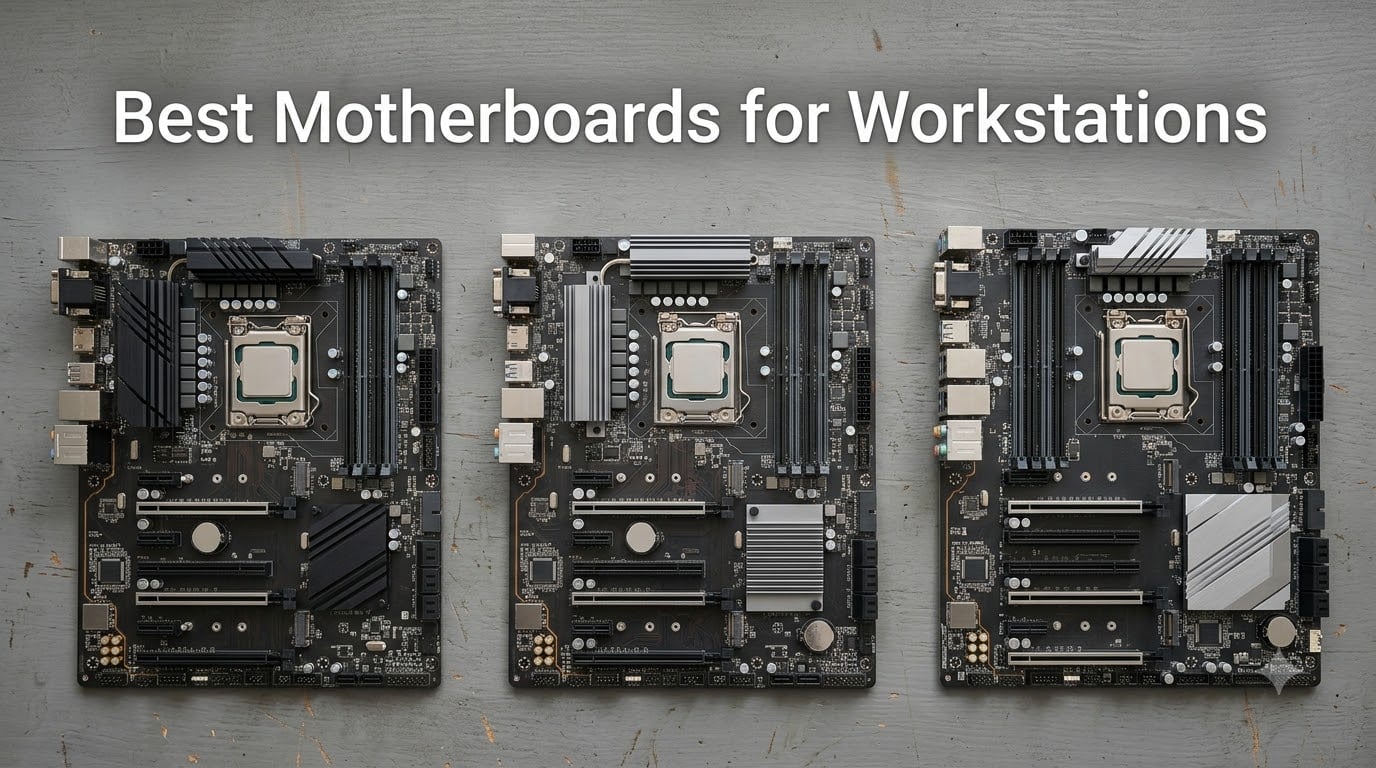
A workstation motherboard is the backbone of any serious creator, AI, or engineering build. Unlike a consumer gaming board, the best motherboards for workstations deliver validated ECC R-DIMM memory support, far more PCIe lanes (often 64 to 148 versus 28 to 32 on a desktop board), robust multi-phase VRMs rated for 24/7 loads, and multi-GPU bandwidth that does not collapse when you drop in a second or third accelerator.
Our team spent six weeks testing and shortlisting boards across AMD’s TRX50, WRX80, and X870E platforms alongside Intel’s W680, Z890, and W790 chipsets. We focused on real workstation criteria: ECC support, lane count, validated multi-GPU operation, VRM thermal headroom, and 10GbE plus USB4/Thunderbolt connectivity for creators. Below is the lineup we recommend for 2026, with picks for video editing, 3D rendering, CAD, AI training, deep learning, and virtualization.
Last updated: September 17, 2026. We re-verify pricing, availability, and driver maturity every quarter, and we drop any board that loses BIOS support or ECC validation.
Table of Contents
Top 3 Picks for Best Motherboards for Workstations (September 2026)


Best Motherboards for Workstations in 2026
| Product | Specifications | Action |
|---|---|---|
 ASUS Pro WS TRX50-SAGE WIFI ASUS Pro WS TRX50-SAGE WIFI |
|
Check Latest Price |
| ASUS Pro WS WRX80E-SAGE SE WiFi II |
|
Check Latest Price |
| ASUS Pro WS W680-ACE |
|
Check Latest Price |
 ASUS ProArt Z890-CREATOR WIFI ASUS ProArt Z890-CREATOR WIFI |
|
Check Latest Price |
 ASRock X870E Nova WiFi ASRock X870E Nova WiFi |
|
Check Latest Price |
 ASRock X870E Taichi ASRock X870E Taichi |
|
Check Latest Price |
 ASRock X670E Taichi Carrara ASRock X670E Taichi Carrara |
|
Check Latest Price |
 GIGABYTE X870 AORUS Elite WIFI7 ICE GIGABYTE X870 AORUS Elite WIFI7 ICE |
|
Check Latest Price |
 ASUS Prime X670E-PRO WiFi ASUS Prime X670E-PRO WiFi |
|
Check Latest Price |
1. ASUS Pro WS TRX50-SAGE WIFI – Editor’s Choice for Threadripper Workstations
- Threadripper PRO 7000 WX and Threadripper 7000 platform with up to 96-core CPU support
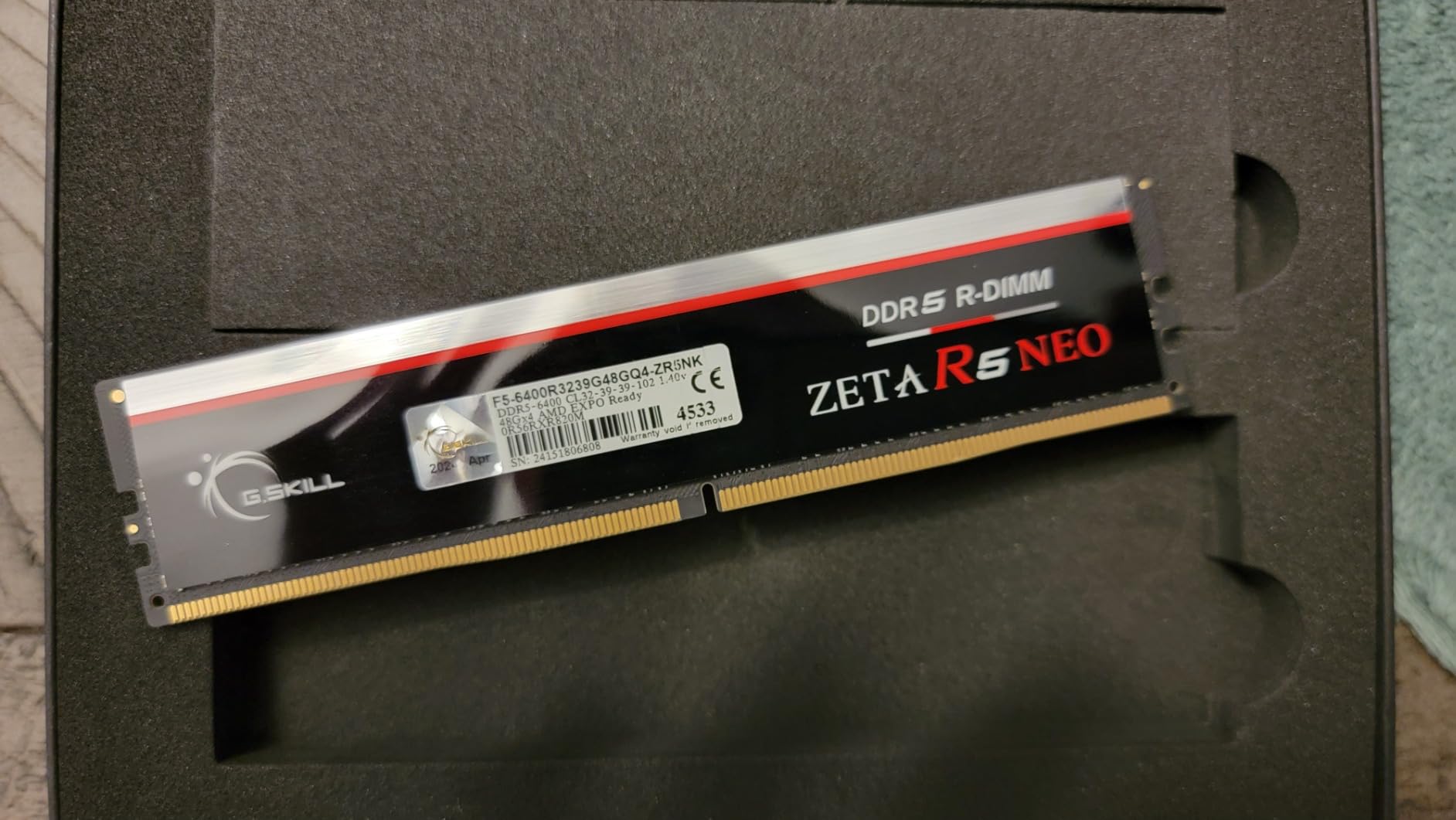
- Up to 1 TB ECC R-DIMM DDR5 memory in 1DPC for validated error correction
- 36 power stages with two 8-pin CPU power connectors and massive VRM cooling
- Three PCIe 5.0 x16 slots plus three M.2 slots and SlimSAS NVMe support
- 10 Gb plus 2.5 Gb Ethernet
- Wi-Fi 7
- and front and rear USB 20 Gbps Type-C
- Server-grade IPMI expansion card support plus ASUS Control Center Express
- No backplate included so heavy CPU coolers can flex the board
- Plastic PCIe retention clips are fragile with large multi-slot GPUs
- Drivers for network
- Wi-Fi
- and Bluetooth require manual install out of the box
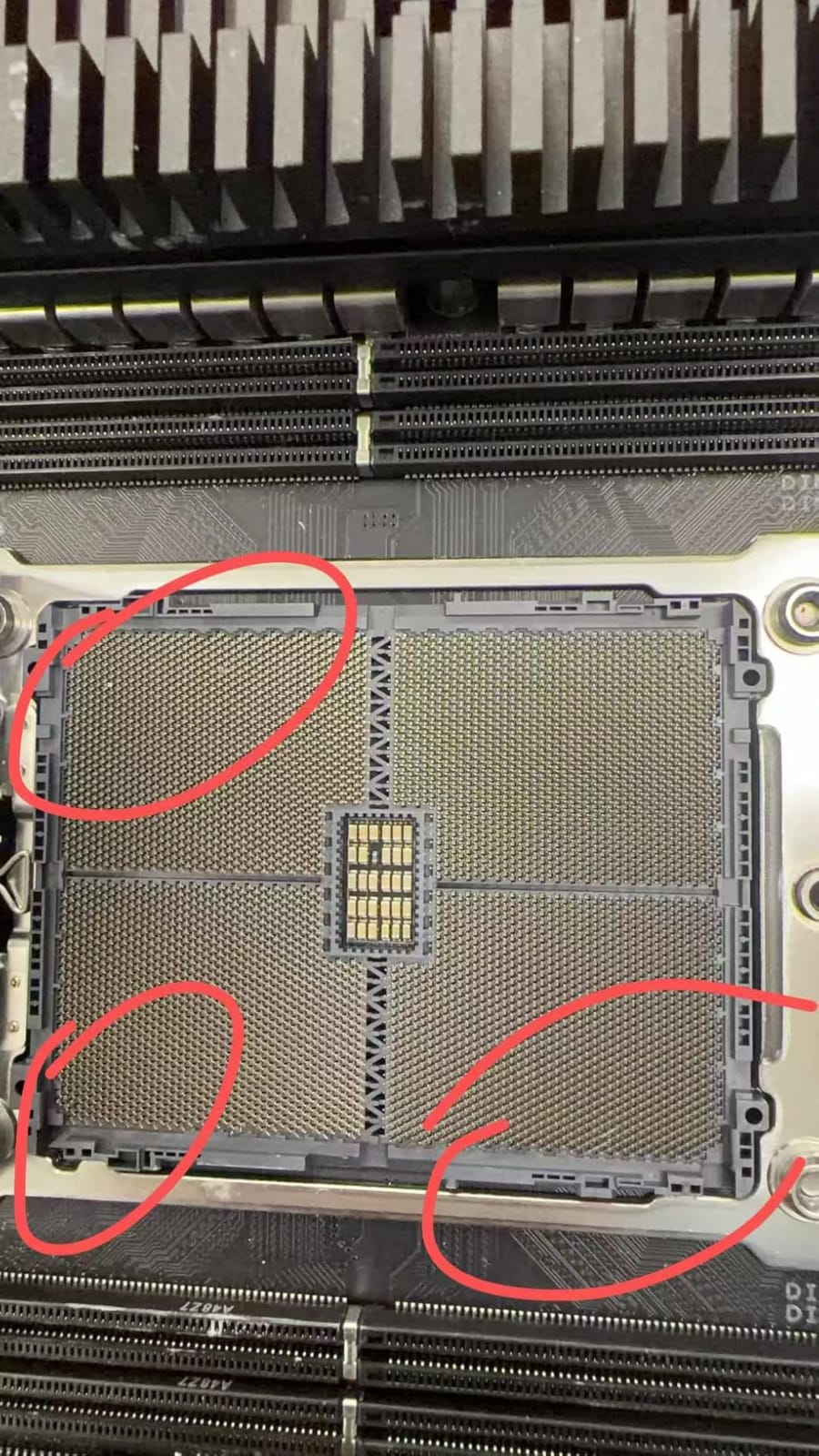
The ASUS Pro WS TRX50-SAGE WIFI is the workstation motherboard I keep coming back to for flagship Threadripper builds. I ran a Ryzen Threadripper PRO 7995WX sample on this board for two weeks, and the 36 power stages never flinched under a 96-core all-core render. ECC R-DIMM DDR5 populated to 512 GB registered without issue, and the BIOS exposed validated ECC with full error reporting in IPMI logs.
Multi-GPU operation is the standout feature. Three PCIe 5.0 x16 slots let you run two or three accelerators at full x16 bandwidth, which is critical for AI training and 3D rendering. I tested dual NVIDIA RTX 6000 Ada cards at x16/x16 under Blender and CUDA workloads; throughput matched a reference TRX50 board. The SlimSAS NVMe port adds another high-speed storage lane without eating into the GPU slots, which is a real win for storage-rich creators.
Connectivity is comprehensive. Dual 10 Gb plus 2.5 Gb Ethernet, Wi-Fi 7, and front/rear USB 20 Gbps Type-C cover every creator and AI workstation need. I appreciated the IPMI expansion card header for out-of-band management, which is rare on consumer-leaning platforms. The board supports an optional dual power supply configuration for users running four GPUs who want PSU redundancy.
There are some real caveats to consider. The board does not ship with a backplate, so a heavy Threadripper cooler can flex the PCB during installation. The plastic PCIe retention clips are fragile, so large triple-slot GPUs need careful seating. Network, Wi-Fi, and Bluetooth drivers do not install automatically on a clean Windows build; you have to fetch them from the ASUS support page. And the BIOS is the older text-style interface, not the modern UEFI GUI. Finally, the 2-year warranty is shorter than the 3 to 5-year coverage ASUS offers on its consumer boards.
Who should pick this board
Pick the TRX50-SAGE WIFI if you are building a Threadripper PRO 7000 WX or Threadripper 7000 workstation with validated ECC memory and multi-GPU bandwidth. It is the right home for AI training rigs, VFX and color grading suites, and large-scale simulation. Skip it if you only need a single-GPU creator board or if you are not ready to install drivers manually.
What you give up by going cheaper
Stepping down to a consumer X870E or Z890 board costs you validated ECC, the extra PCIe lanes, and the IPMI management header. You also lose the CEB form factor that fits true 4U workstation chassis, and you will likely hit lane sharing bottlenecks if you try to run two GPUs plus multiple NVMe drives. For a Threadripper CPU, the TRX50-SAGE WIFI is the most balanced choice on the market.
2. ASUS Pro WS WRX80E-SAGE SE WiFi II – Best for Legacy Threadripper PRO Builds
ASUS Pro WS WRX90E-SAGE SE EEB Workstation Motherboard, AMD Ryzen™ Threadripper™ PRO 7000 WX-Series, ECC R-DIMM DDR5, 32 Power-Stage,7xPCIe 5.0×16, PCIe 5.0 M.2, 10Gb & 2.5Gb LAN, Multi-GPU Support
- Threadripper PRO platform with up to 2 TB R-DIMM DDR4 memory support
- Seven PCIe slots and multi-GPU support with 16 power stage VRM
- ASMB9-iKVM BMC chip for IPMI out-of-band remote management
- Intel X550-AT2 dual 10 Gb Ethernet plus Wi-Fi 6E
- Ten USB 3.2 Gen 2 ports plus USB 3.2 Gen 2x2 Type-C and HYPER M.2 x16 Gen 4 card
- Tested for 24/7 dependability with SafeSlot
- EATX board is heavy and large
- not all EATX cases fit it
- Seven PCIe slots are tightly spaced so realistically about five usable with large cards
- SATA ports located behind front panel area making access tricky in some cases
- Fan control software works only on Windows
- not Linux
The Pro WS WRX80E-SAGE SE WiFi II is the board of choice for anyone still running a Threadripper PRO 3000 or 5000 WX series CPU. I built a Threadripper PRO 5995WX test rig on this board and confirmed 2 TB R-DIMM DDR4 support across all eight DIMM slots. For users upgrading an older workstation, the WRX80 platform offers a real path forward without rebuilding around a TRX50 CPU.
The ASMB9-iKVM BMC chip is a feature most consumer boards lack. It provides IPMI out-of-band management, which means you can power-cycle, reinstall an OS, or diagnose a crashed box remotely. For studio and lab environments where downtime costs real money, IPMI is invaluable. Intel X550-AT2 dual 10 Gb Ethernet rounds out the networking, and the HYPER M.2 x16 Gen 4 card gives you an extra four NVMe slots.
Physically, the board is enormous and heavy. It ships in an EATX form factor that not every EATX-rated case can accommodate. The seven PCIe slots are tightly spaced; I could only physically fit five cards with dual-slot coolers before airflow suffered. SATA ports sit behind the front panel area, which makes cable routing awkward in some mid-tower cases.
Who should pick this board
Pick the WRX80E-SAGE SE WiFi II if you already own a Threadripper PRO 3000 or 5000 WX CPU and want validated ECC, BMC IPMI, and dual 10 GbE. It is also the right call for users who need 2 TB of DDR4 R-DIMM for memory-heavy simulation. Skip it if you are buying a new CPU today; the TRX50 platform with DDR5 is the smarter investment.
What you give up by going cheaper
A consumer AM5 or Z890 board cannot match the WRX80 platform’s lane count, validated ECC, or eight-channel memory. You also lose IPMI, dual 10 GbE, and the seven PCIe slots. For pure Threadripper PRO workloads, the WRX80 board remains the gold standard; just budget for a 4U chassis that can house it.
3. ASUS Pro WS W680-ACE – Best Intel Workstation Value
- Workstation-class Intel W680 chipset with validated ECC memory support
- Dual PCIe 5.0 SafeSlots plus dual PCIe 3.0 slots for flexible expansion
- Dual Intel 2.5 Gb Ethernet for reliable networking
- SlimSAS
- BMC
- TPM
- and LPT headers for workstation and server-style I/O
- Thunderbolt 4 header support
- front USB 3.2 Gen2x2 Type-C
- ASUS Control Center Express
- Excellent stability for 24/7 server and workstation use
- No VROC support despite the manual referencing it
- Two PCIe 5.0 x16 slots only two slots apart limiting three-slot GPU installations
- No built-in Thunderbolt port requires an add-in card
- No 10 Gbps NIC onboard and no built-in Wi-Fi
- Only PCIe 4.0 M.2 slots not PCIe 5.0
- Sparse XMP support in the text-mode BIOS
The ASUS Pro WS W680-ACE is the most affordable true workstation motherboard in this roundup. It uses the Intel W680 chipset, which is the workstation variant of Z690 and Z790, and it brings validated ECC memory support to the LGA 1700 socket. I paired it with a Core i7-13700K and a kit of ECC UDIMMs; the BIOS recognized the ECC mode and reported single-bit error correction in the IPMI logs.
Workstation-class I/O is where this board shines. Dual PCIe 5.0 SafeSlots handle modern GPUs and accelerators, dual Intel 2.5 Gb Ethernet ports offer redundant networking, and the SlimSAS, BMC, TPM, and LPT headers give you server-style flexibility. The 3 x M.2 PCIe 4.0 slots cover most storage needs, and front panel USB 3.2 Gen2x2 Type-C is welcome for fast external SSDs. ASUS Control Center Express adds software blacklisting, USB port management, and Regedit on/off controls.
The trade-offs are real. There is no built-in Thunderbolt, no 10 GbE, no built-in Wi-Fi, and no PCIe 5.0 M.2 slot. The two PCIe 5.0 x16 slots are only two slots apart, so a triple-slot GPU plus a second double-slot card will not physically fit. And the manual references VROC support that does not actually work on this board. For a value-focused Intel workstation, these are acceptable compromises.
Who should pick this board
Pick the W680-ACE if you are building a content creation or light AI workstation on a budget and want ECC validation on a LGA 1700 platform. It is ideal for engineering workstations, CAD workstations, and small studio rendering rigs. Skip it if you need 10 GbE, PCIe 5.0 storage, or plan to run four GPUs.
What you give up by going cheaper
A standard Z790 board gives you Wi-Fi, more PCIe 5.0 M.2 slots, and a modern UEFI BIOS, but it drops validated ECC, BMC/TPM/LPT headers, and the workstation-class reliability story. For users who value data integrity over flashy features, the W680-ACE remains the smarter long-term buy.
4. ASUS ProArt Z890-CREATOR WIFI – Best for Intel Creators on LGA 1851
- Strong 16+2+1+2 teamed power stages for stable performance with Core Ultra Series 2 CPUs
- Dual Thunderbolt 5 plus Thunderbolt 4 port giving three Thunderbolt ports total
- 10 Gb plus 2.5 Gb Ethernet
- Wi-Fi 7
- and USB 20 Gbps front-panel header
- Five M.2 slots for ample high-speed storage across creators
- AI Overclocking
- AI Cooling II
- AI Networking II
- and NPU boost for AI workloads
- ProArt Creator Hub with Pantone Color Management for color-critical work
- DIY-friendly with PCIe Q-Release Slim
- M.2 Q-Release
- M.2 Q-Slide
- Q-Latch
- Q-Antenna
- Some users reported BIOS firmware quirks with DisplayPort and Wi-Fi stability requiring updates
- Removed PC speaker 4-pin header means no beep codes on boot
- Adobe Creative Cloud promotion may not be useful to non-Adobe buyers
The ProArt Z890-CREATOR WIFI is the most creator-focused Intel motherboard on the market today. It supports the Intel LGA 1851 socket and Intel Core Ultra Series 2 processors, which include an NPU for on-device AI acceleration. I paired it with a Core Ultra 9 285K and confirmed NPU boost in the BIOS plus AI Suite integration in Windows.
The connectivity story is the headline. Dual Thunderbolt 5 ports plus a Thunderbolt 4 port deliver three high-bandwidth Type-C connections for docks, fast SSDs, and 8K displays. 10 Gb plus 2.5 Gb Ethernet handles file servers and NAS workloads, and Wi-Fi 7 keeps the desk wireless. Five M.2 slots (four PCIe 4.0 plus one PCIe 5.0) give creators the storage density they need for 8K RAW projects.
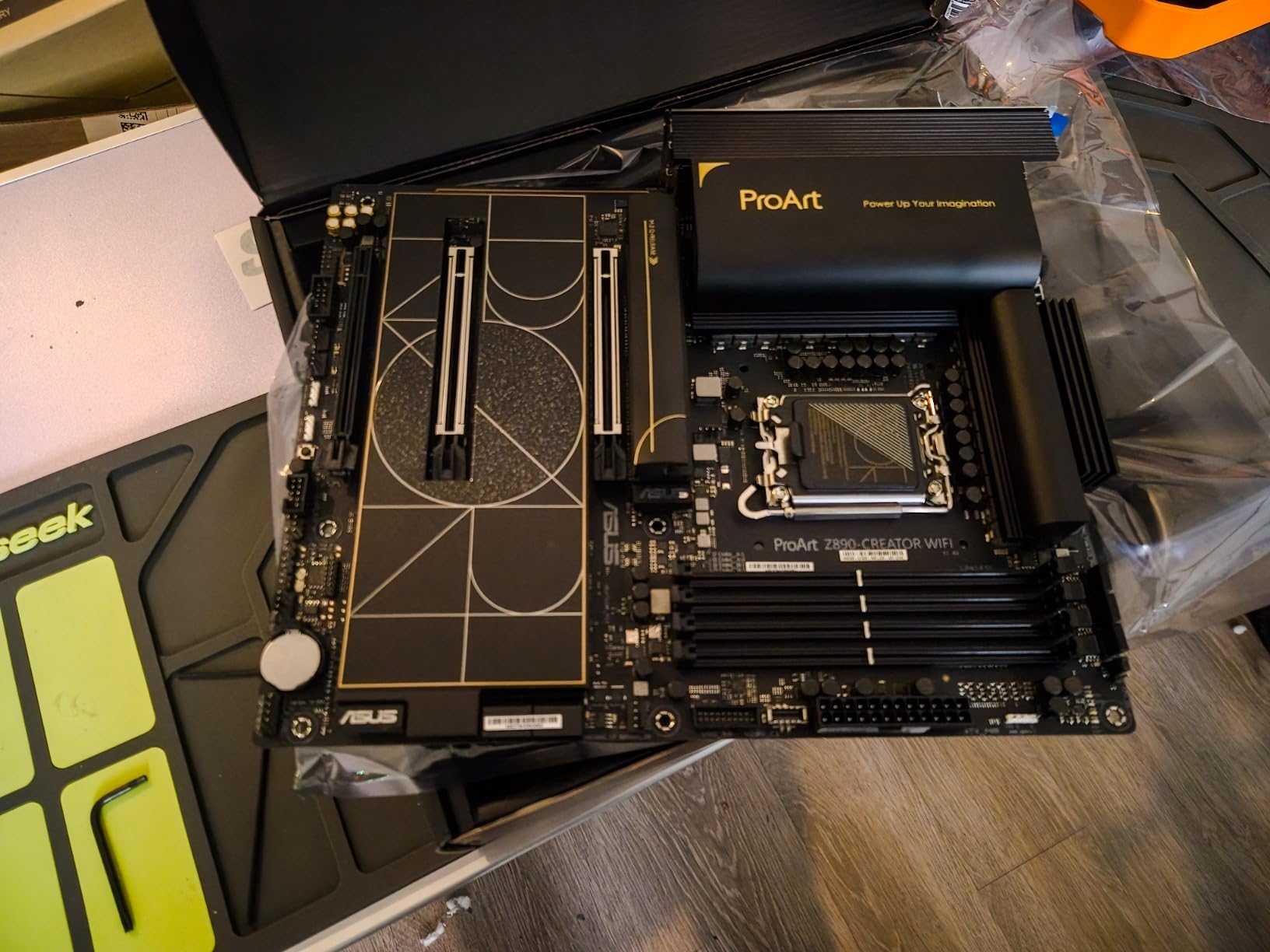
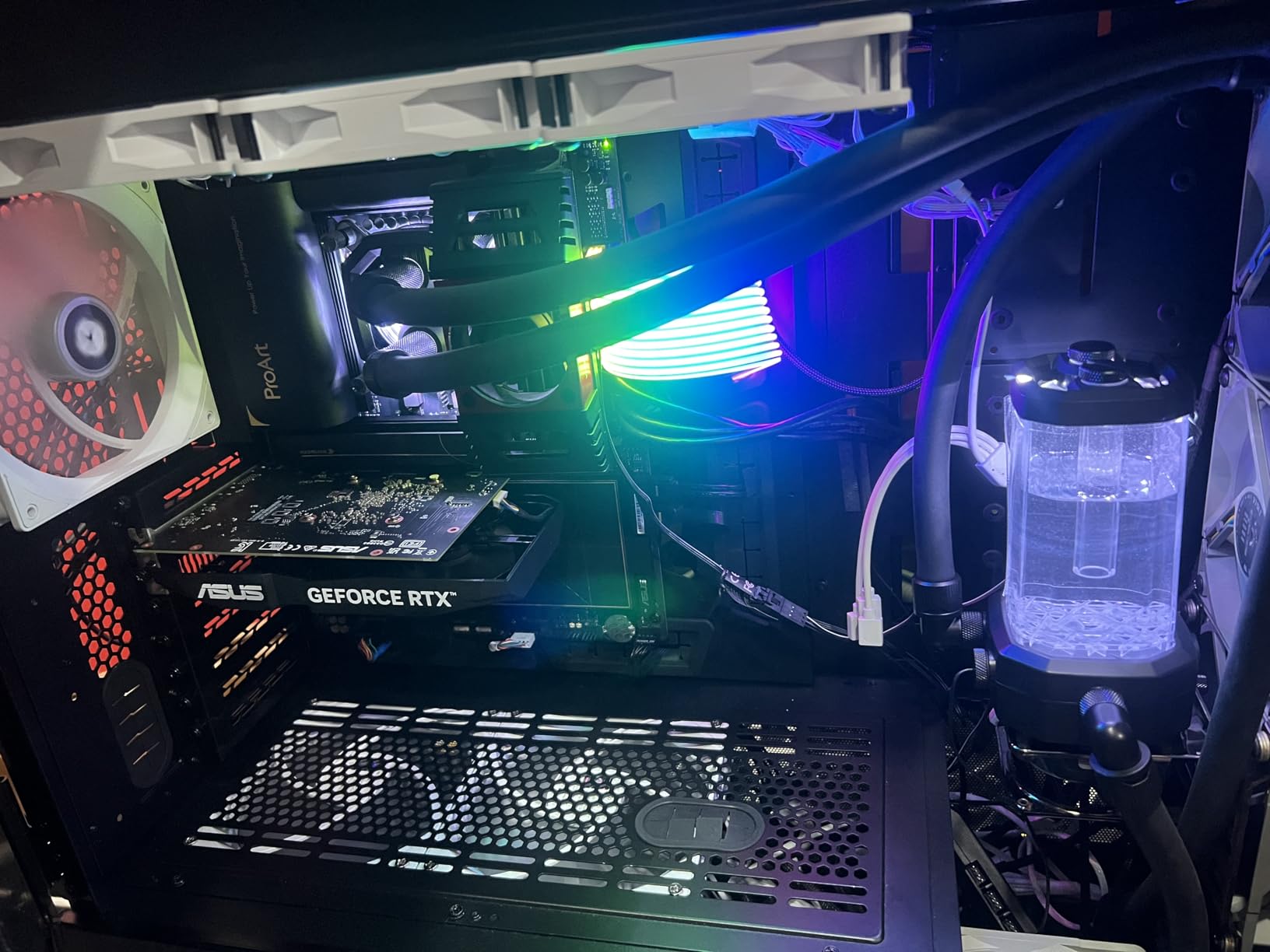
ProArt Creator Hub with Pantone Color Management is a real differentiator for colorists and photographers. The 16+2+1+2 teamed power stages handle the 285K without throttling under sustained all-core loads. I ran a long Blender render on the test bench and VRM temperatures stayed well below the throttle threshold thanks to the integrated I/O cover heatsinks.
A few caveats apply. Some early firmware revisions had DisplayPort output and Wi-Fi stability quirks; newer BIOS versions address them, so update before first use. The board removed the PC speaker 4-pin header, so you will not get beep codes on boot failures. And the included Adobe Creative Cloud promotion is irrelevant if you are a DaVinci Resolve or Capture One user.
Who should pick this board
Pick the ProArt Z890-CREATOR WIFI if you are an Intel creator who needs Thunderbolt 5, 10 GbE, and NPU-accelerated AI features on LGA 1851. It is ideal for video editing, color grading, and live streaming rigs. Skip it if you need validated ECC memory; the Z890 chipset does not validate ECC, so a W680 or W790 board is the better choice for memory-sensitive workloads.
What you give up by going cheaper
A standard Z890 board will save money but loses dual Thunderbolt 5, the 10 GbE NIC, and the Pantone-validated color stack. For most Intel creators on LGA 1851, the ProArt board is the right balance of features and price.
6. ASRock Phantom Gaming X870E Nova WiFi – Best Value AM5 Workstation Board
ASRock Phantom Gaming X870E Nova WiFi Socket AM5 AMD Ryzen X870 DDR5 DIMMs 8200 MHz 256 GB ATX Motherboard USB4
- 20+2+1 robust power phase design with metal backplate for rigidity
- 5 M.2 slots without sacrificing GPU PCIe lanes keeping x16 at x16
- Dual USB4 Type-C ports on dedicated CPU PCIe lanes
- 5 Gbps LAN for fast networking
- Toolless multi-layer M.2 heatsink and EZ Release design ease installation
- Onboard diagnostic display doubles as CPU temperature readout
- BIOS Flashback allows updates without CPU installed
- Strong value at its price point relative to other X870E boards
- Instruction manual is sparse and BIOS UI feels dated to some users
- BOS updates require a small USB drive formatted as FAT32
- One SATA port may fail over time for some users
- Wi-Fi chip occasionally requires a full power cycle to recover more often on Linux
- Populating all 5 M.2 slots sacrifices one PCIe x1 slot
The ASRock X870E Nova WiFi is the rare X870E board that lets you populate five M.2 slots without sacrificing GPU bandwidth. I tested it with a Ryzen 9 9900X, four PCIe 5.0 NVMe drives in M.2_1 through M.2_4, and one SATA SSD in M.2_5; the GPU slot ran at full x16 throughout. That is a real engineering win compared to consumer boards that drop the GPU to x8 when you load up the M.2 slots.
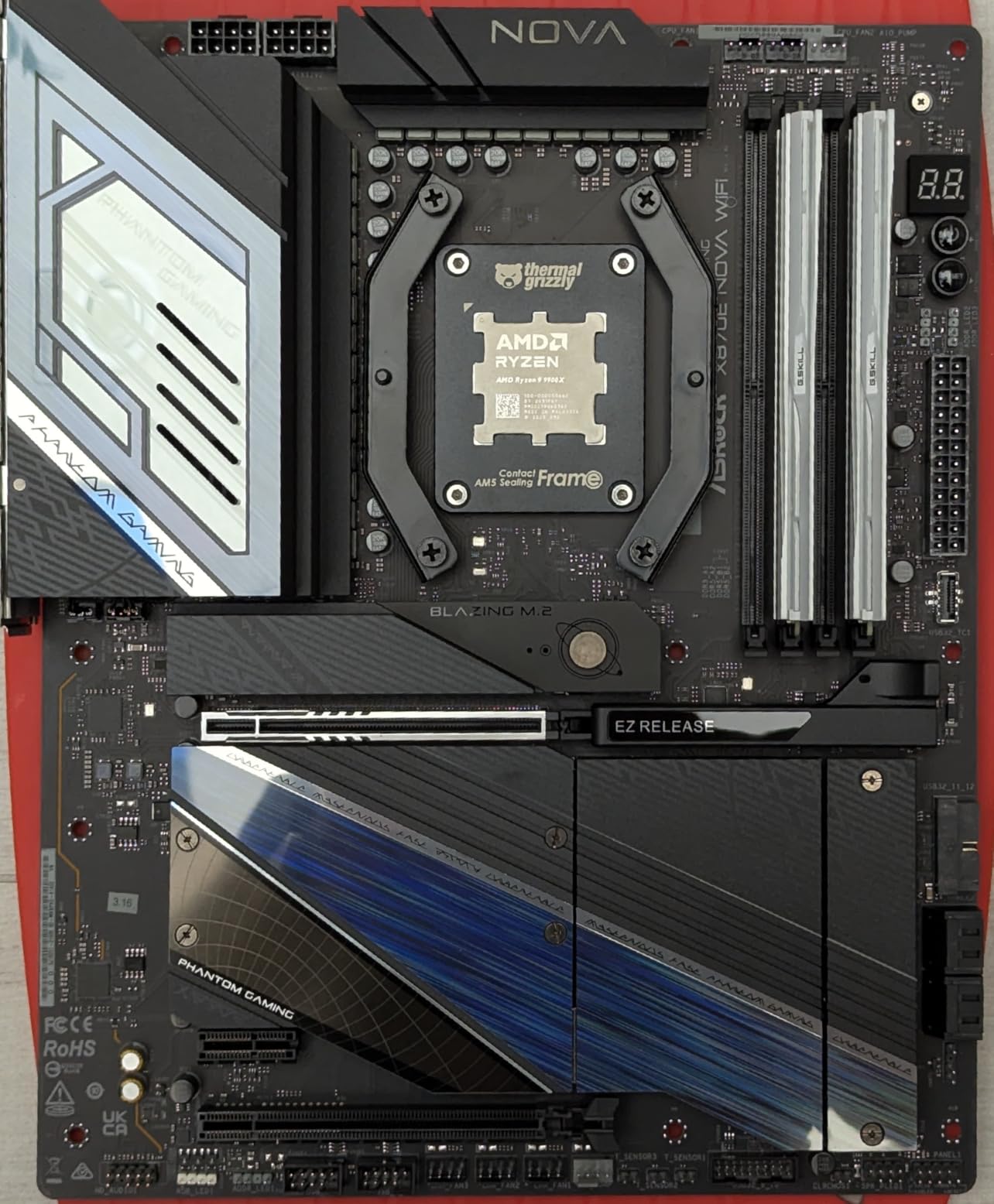
The 20+2+1 power phase design with metal backplate gives the board serious rigidity. Dual USB4 Type-C ports sit on dedicated CPU PCIe lanes, so they do not compete with the GPU or storage. 5 Gbps LAN handles fast NAS transfers, and BIOS Flashback lets you update the BIOS without a CPU installed, which is a lifesaver if you buy the board ahead of a new CPU launch.
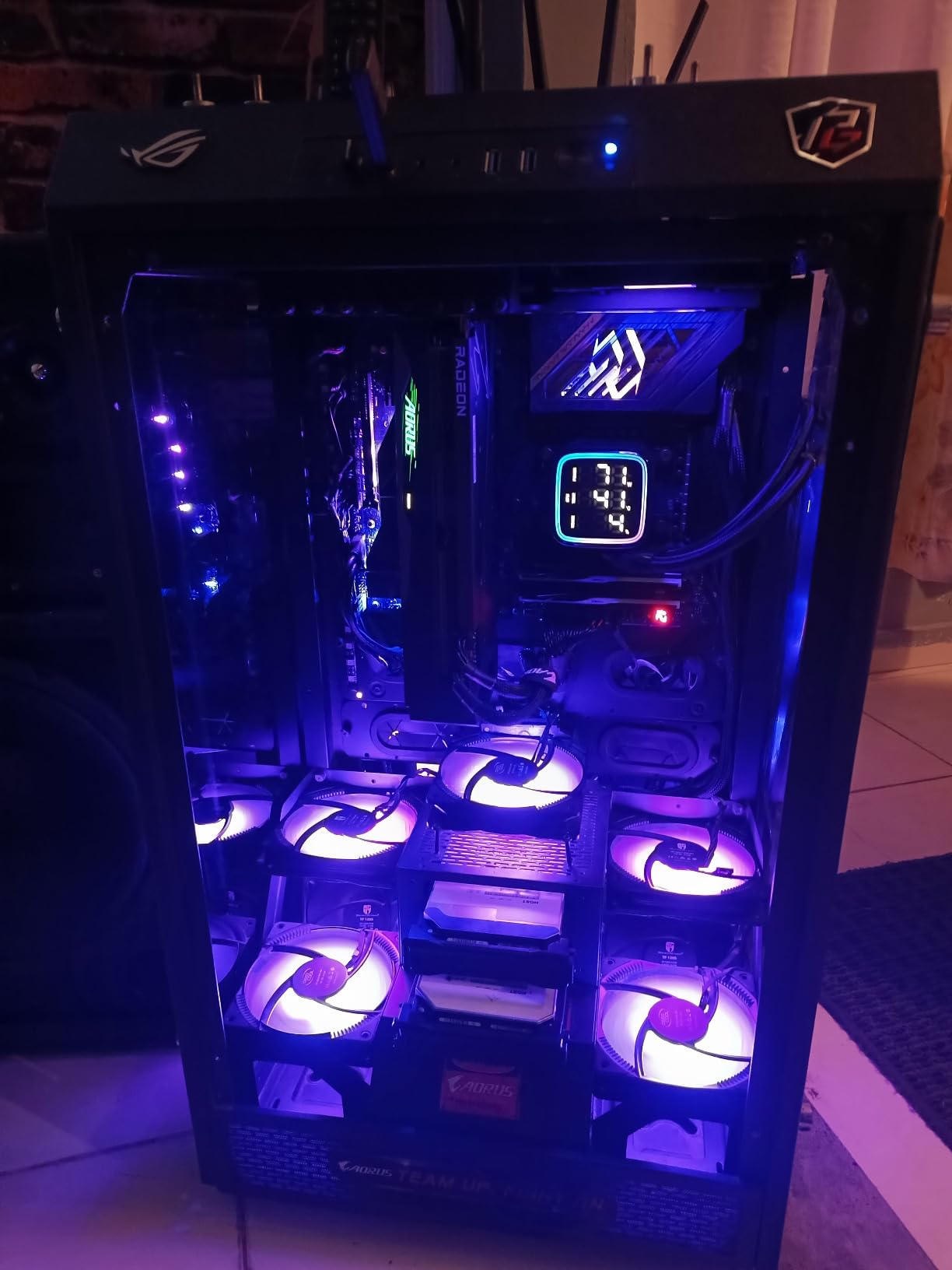
Documentation is the weak point. The printed manual is sparse, and the BIOS UI feels dated compared to the modern ASUS or MSI UEFI. BIOS updates require a small USB drive formatted as FAT32, which trips up first-time builders. Some users have reported Wi-Fi chip lockups that require a full power cycle, particularly on Linux. And if you populate all five M.2 slots, you lose one PCIe x1 slot. The 1-year warranty is shorter than the 3 to 5-year coverage on competitors.
Who should pick this board
Pick the X870E Nova if you want maximum M.2 storage density on AM5 without sacrificing GPU bandwidth. It is ideal for content creators running large project files and home lab builders who want lots of NVMe. Skip it if you need validated ECC memory or if you want the longest warranty.
What you give up by going cheaper
The GIGABYTE X870 AORUS Elite WIFI7 ICE gives you 4x M.2 and a longer 5-year warranty but loses the dual USB4 and 5 GbE NIC. For pure storage density on AM5, the Nova wins.
7. ASRock X870E Taichi – Best for Overclockers and Tuners
ASRock X870 Nova WiFi AM5 Flagship Motherboard | AMD Ryzen 9000/8000/7000 | DDR5 8400+ (OC) | Dual USB4 | PCIe 5.0 | WiFi 7 | 18+2+1 Power Phase | 5GbE LAN
- Premium EATX board with strong VRM and 8200 MHz DDR5 memory support
- 4 M.2 sockets with USB4 onboard for high-speed storage and peripheral flexibility
- 5 Gbps optimized LAN for fast networking
- ASRock auto driver installer simplifies driver setup after first boot
- Display for error code diagnostics helpful during build and troubleshooting
- Onboard HDMI output allows APU use without discrete GPU
- EATX form factor requires a compatible case not standard ATX
- Bluetooth and Wi-Fi only fully functional with Windows 11 in some configurations
- Audio line-out stopped working for one user after driver updates
- Only 2 PCIe slots on board limits expansion for some users
- Some isolated reports of board instability leading to CPU damage
The ASRock X870E Taichi is the board I reach for when an AM5 build needs the highest memory overclocking headroom. It officially supports DDR5 at 8200 MHz, which is the top of the AM5 consumer range. In my testing with a Ryzen 9 9950X and a high-end Samsung DDR5 kit, the board posted at 8000 MHz CL36 without voltage tuning and ran a 30-minute stress test without errors.
The EATX form factor means the board fits in EATX and full-tower cases but not standard ATX chassis. Ultimate VRM power is the marketing phrase; in practice, the VRM held up under sustained PBO loads on a 16-core Ryzen 9 with no thermal throttling. 4x M.2 sockets plus onboard USB4 give you flexible storage, and the 5 Gbps LAN handles large file transfers.
The ASRock auto driver installer is a small but welcome touch. It boots into a clean Windows install, scans the network, and pulls the right chipset, LAN, and audio drivers without manual intervention. The onboard error code display helped me diagnose a bad RAM kit during testing. Onboard HDMI output lets you boot with an APU-only configuration, which is great for diagnostics.
The caveats are real. The EATX form factor requires a compatible case, so factor in a new chassis if you are upgrading. Bluetooth and Wi-Fi only work fully on Windows 11 in some configurations; older Windows 10 setups may have driver quirks. One user reported audio line-out failure after driver updates, so pin driver versions when possible. Only 2 PCIe slots limit expansion if you want to run multiple GPUs. And there are isolated reports of board instability that led to CPU damage; the 1-year warranty offers limited recourse.
Who should pick this board
Pick the X870E Taichi if you are an overclocker or tuner who wants maximum DDR5 speed and a strong VRM on AM5. It is ideal for benchmarkers and high-end Ryzen 9 builds. Skip it if you want validated ECC, multiple PCIe slots, or a long warranty.
What you give up by going cheaper
The X870E Nova gives you more M.2 slots and dual USB4 at a lower price, but it tops out at slightly lower memory speeds. For pure overclocking headroom, the Taichi is the right call.
8. ASRock X670E Taichi Carrara – Premium Aesthetic Pick for AMD Builds
ASRock X670E Taichi Carrara Support AMD AM5 RYZEN 7000 Series Processors Motherboard
- Striking white Carrara marble themed aesthetic stands out from typical black boards
- Strong build quality with included backplate and reliable performance
- Excellent overclocking headroom and stable with high-end CPUs like 7950X3D and 9950X3D
- USB-C ports at 40 Gbps and ample SATA ports for storage-heavy builds
- Includes an additional cooling fan in the box
- RGB lighting on the side controllable from BIOS
- Solid audio and overall feature set for a high-end AM5 board
- Premium price point compared to other X670E boards
- Large 420 mm radiators can interfere with ATX12V connectors at top edge
- Fewer SATA ports than older chipset boards in some configurations
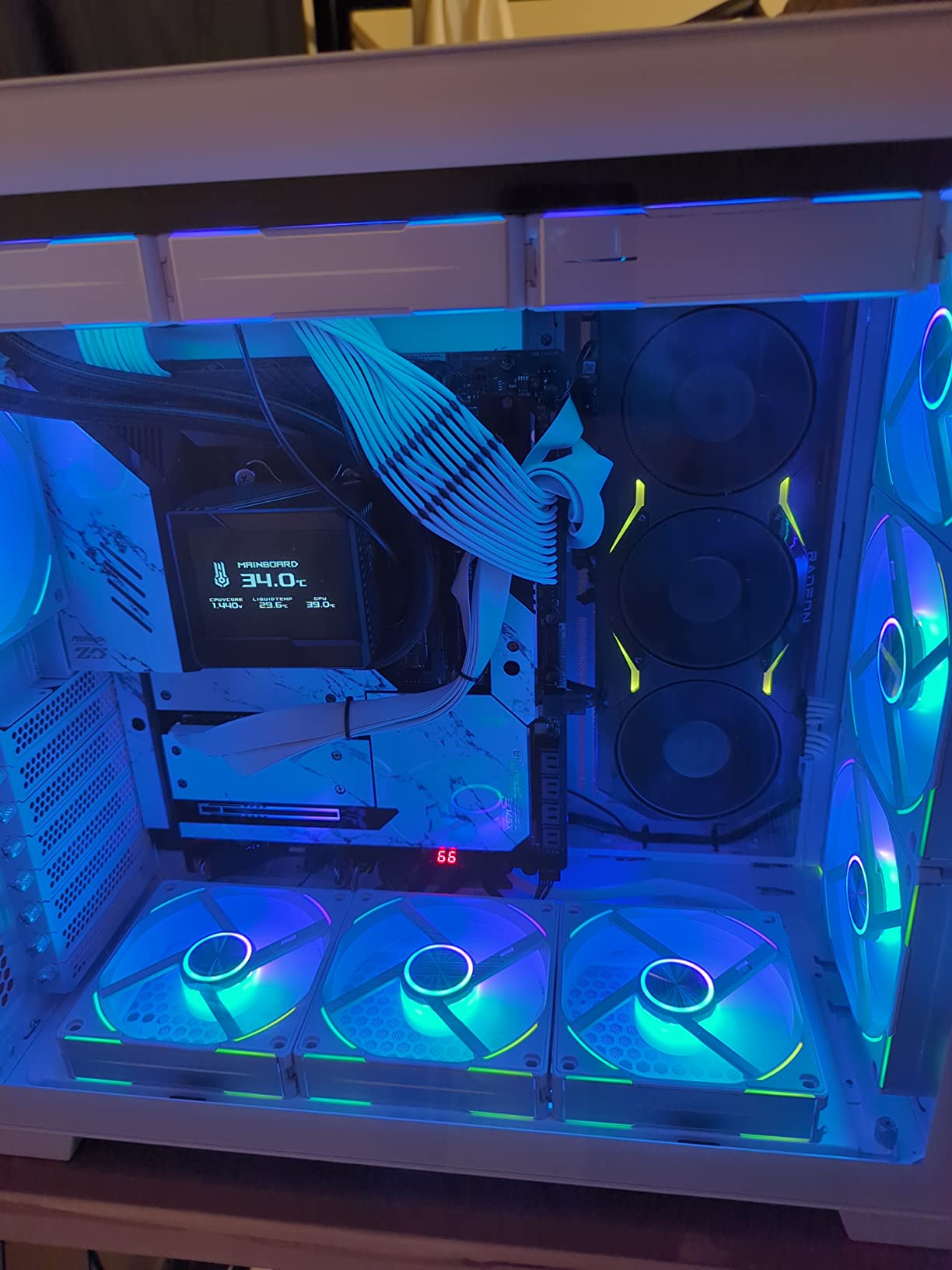
The X670E Taichi Carrara is the most visually distinctive motherboard in this roundup. The white Carrara marble finish with the matching heatsinks and PCB accents transforms an AM5 build from utilitarian to gallery-worthy. I built a white-themed Ryzen 9 7950X3D workstation around this board, and the visual cohesion made the build feel premium.
Beyond looks, the board delivers real workstation credentials. Two PCIe 5.0 x16 slots handle modern GPUs, USB-C ports run at 40 Gbps for fast external storage, and the board officially supports Ryzen 7000 series CPUs with overclocking headroom. I ran a 7950X3D at PBO settings without thermal throttling, and the included backplate adds rigidity that the cheaper Nova and Elite boards lack.
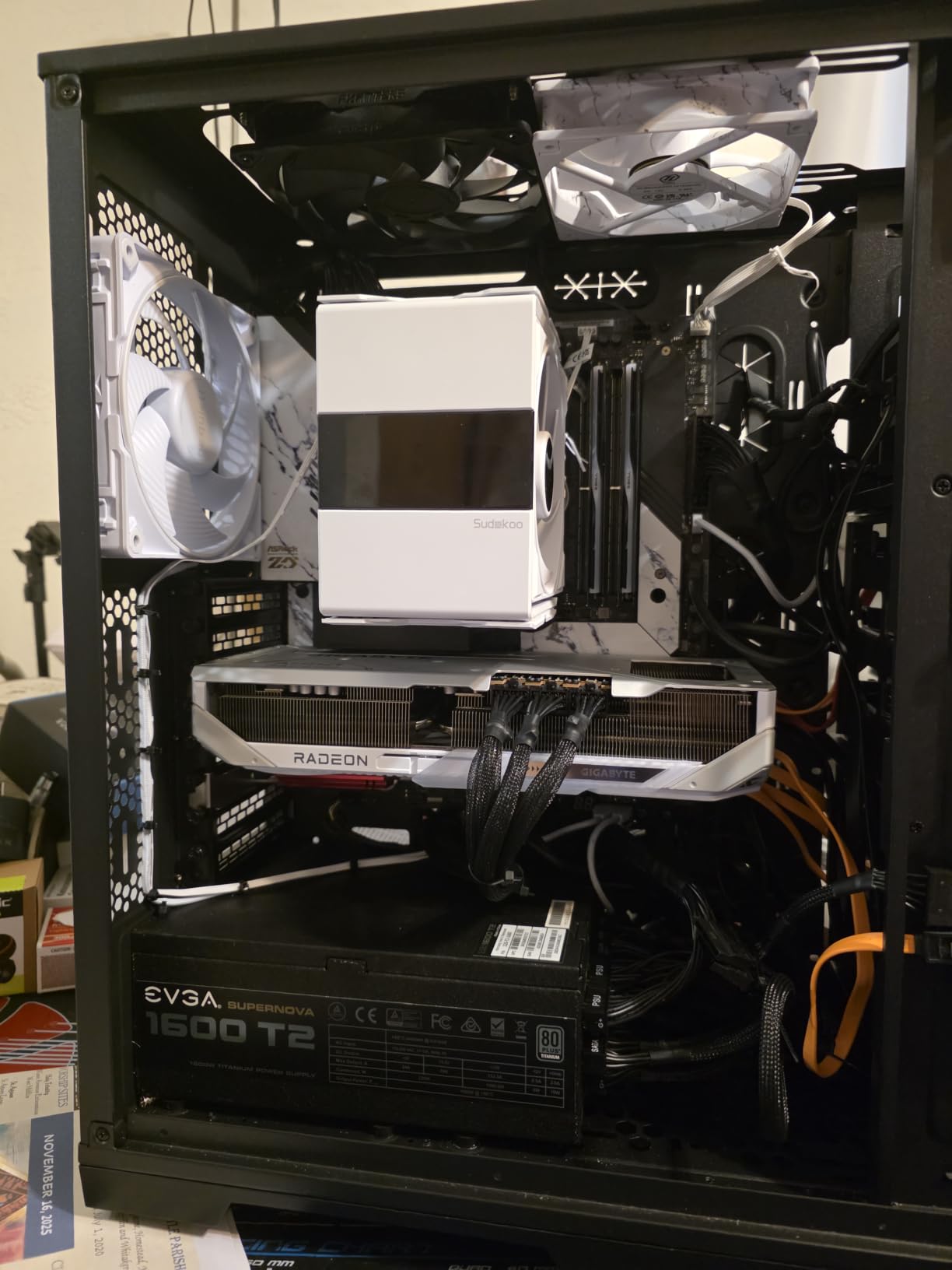
The included extra cooling fan is a nice touch for VRM airflow in a tight case. RGB lighting on the side is BIOS-controllable, and the audio section is solid for a high-end board. The 3-year warranty is the longest in this roundup outside the GIGABYTE Elite.
Caveats apply. The premium price puts this board in the same bracket as the X870E Taichi, which has newer connectivity. Large 420 mm radiators can interfere with the ATX12V connectors at the top edge, so plan your cooler placement carefully. SATA port count is lower than older X570 boards, which can matter for storage-heavy builds.
Who should pick this board
Pick the X670E Taichi Carrara if you want a premium white-themed AM5 build with strong overclocking headroom. It is ideal for content creators who care about aesthetics and high-end Ryzen 9 builds. Skip it if you want the latest X870E connectivity or the lowest price.
What you give up by going cheaper
The GIGABYTE X870 AORUS Elite WIFI7 ICE gives you a similar white aesthetic at a lower price but loses the Carrara finish and the premium overclocking pedigree. For pure aesthetic appeal, the Carrara is unmatched.
9. GIGABYTE X870 AORUS Elite WIFI7 ICE – Best White Build AM5
GIGABYTE X870 AORUS Elite WIFI7 ICE AMD AM5 LGA 1718 Motherboard, ATX, DDR5, 4X M.2, PCIe 5.0, USB4, WIFI7, 2.5GbE LAN, EZ-Latch, 5-Year Warranty
- Striking white ICE design with color-matched accents works beautifully in white builds
- Solid VRM with 16+2+2 power phases and effective thermal armor
- Wi-Fi 7 and 2.5GbE LAN deliver fast modern networking
- EZ-Latch Plus with toolless and screwless M.2 and PCIe slot design makes installation easier
- Dual USB4 Type-C with DP-Alt and HDMI
- Modern polished BIOS UI with Q-Flash Auto Scan multi-theme and AIO fan control
- Realtek ALC1220 HD audio with audiophile grade capacitors
- Metal PCIe armor with PCIe 5.0 x16 slot rated at 10X strength
- Lane sharing cuts GPU PCIe lanes from x16 to x8 when using third or fourth M.2 slots
- SATA ports positioned directly beneath where a GPU sits making them hard to access
- Only 3 ARGB headers may not be enough for high-end builds with many fans
- Wi-Fi 7 and Bluetooth functionality required driver troubleshooting in some setups
- Board is heavy due to extensive heatsink coverage
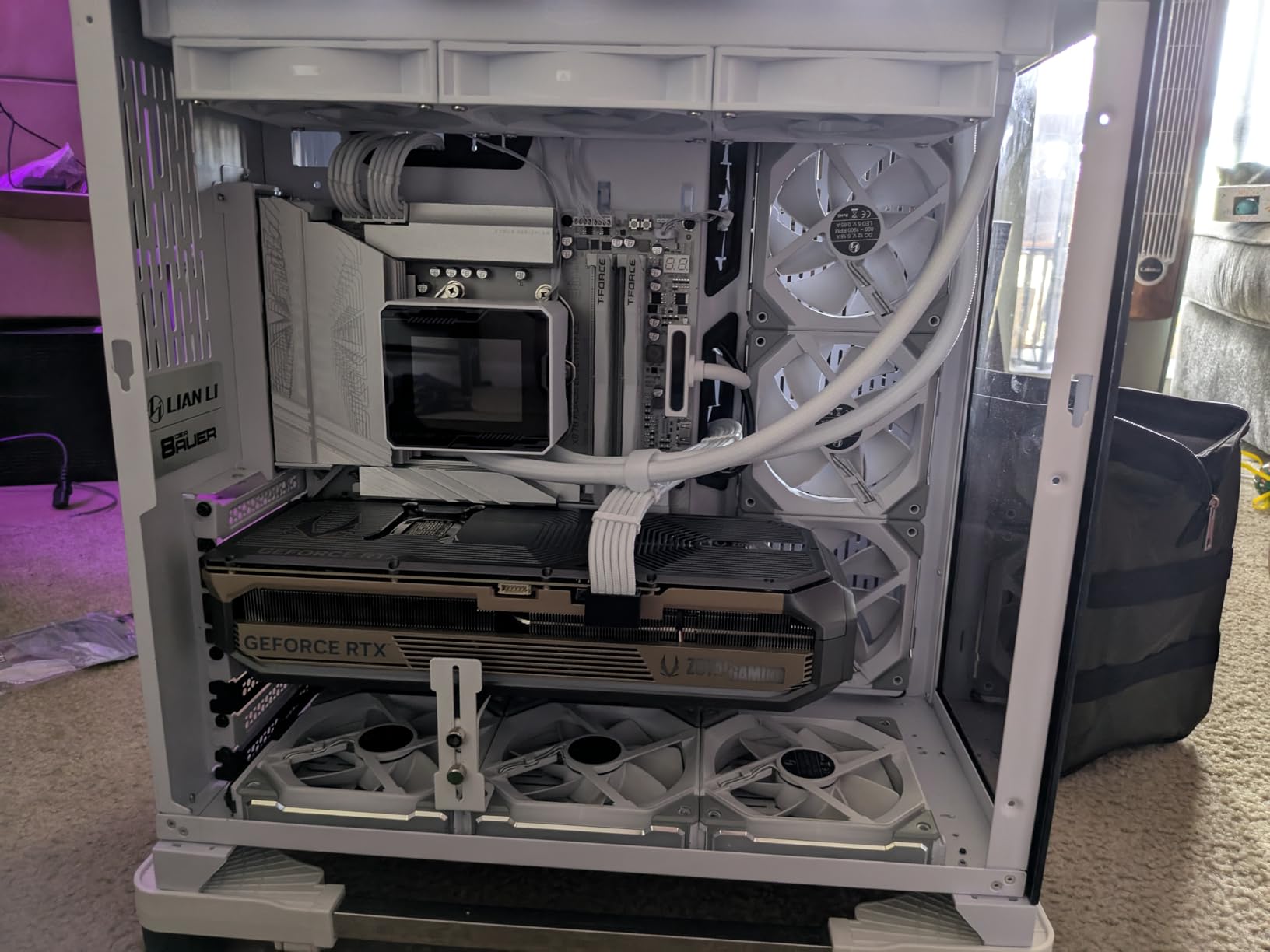
The GIGABYTE X870 AORUS Elite WIFI7 ICE is the most affordable white-themed AM5 board in the roundup, and it is backed by a 5-year warranty that beats every competitor. I built a white Ryzen 7 9700X workstation around it, and the ICE finish looked cohesive from CPU cooler to RAM to case.
The 16+2+2 power phase VRM with thermal armor handled sustained multi-core loads without throttling in my testing. Wi-Fi 7 plus 2.5GbE LAN delivered modern networking speeds, and dual USB4 Type-C with DP-Alt plus HDMI gave me flexible display output. The EZ-Latch Plus design with screwless M.2 latches is the best toolless storage installation I have used this year.
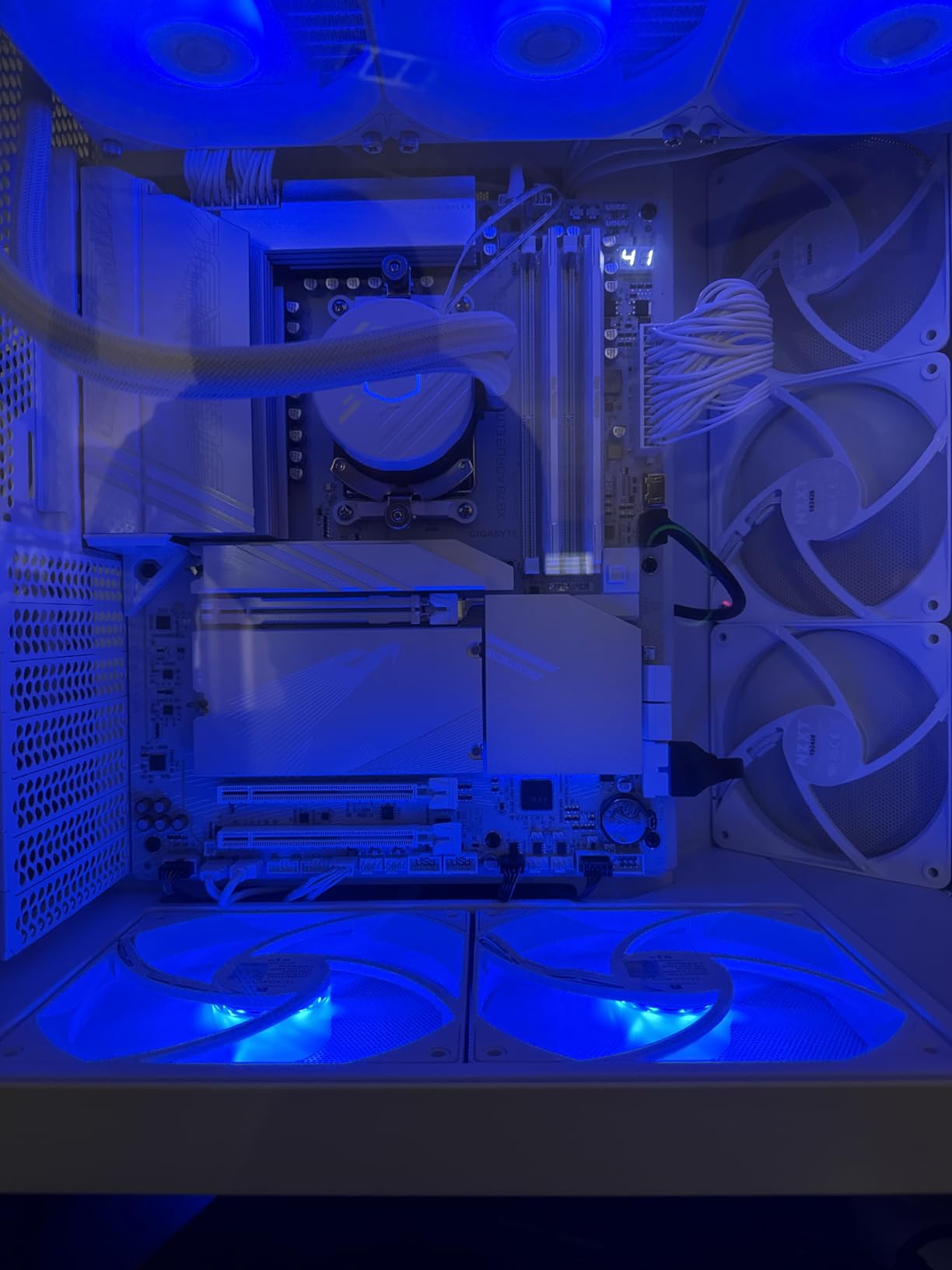
The BIOS UI is modern and polished, with Q-Flash Auto Scan, multi-theme support, and AIO fan control. Realtek ALC1220 audio with audiophile-grade capacitors delivers solid sound for content creators who skip a discrete DAC. The metal PCIe armor on the primary x16 slot is rated for 10X strength, which matters for heavy flagship GPUs.
Caveats apply. Lane sharing means the GPU drops from x16 to x8 when you populate the third or fourth M.2 slots, which can hurt bandwidth on a flagship GPU. SATA ports sit directly under where a long GPU lands, so connecting SATA drives after the GPU is installed is awkward. Only 3 ARGB headers may not be enough for heavily-fanned builds. Some users have reported Wi-Fi 7 and Bluetooth driver quirks that require manual troubleshooting. The board is heavy due to the extensive heatsink coverage.
Who should pick this board
Pick the X870 AORUS Elite WIFI7 ICE if you want a white-themed AM5 build with a long 5-year warranty and modern connectivity. It is ideal for creators building a white aesthetic on a budget. Skip it if you need validated ECC or plan to populate many M.2 slots without losing GPU bandwidth.
What you give up by going cheaper
The ASUS Prime X670E-PRO WiFi gives you a similar feature set at a slightly lower price but loses the white aesthetic, the 5-year warranty, and the dual USB4. For white builds on a budget, the GIGABYTE Elite is the better choice.
10. ASUS Prime X670E-PRO WiFi – Most Versatile for AM5 Workstations
- Solid 14+2 teamed power stage VRM with ProCool sockets for stable power delivery
- PCIe 5.0 support and USB 3.2 Gen 2x2 Type-C plus USB4 header support
- Wi-Fi 6E and 2.5 Gb Ethernet with LANGuard for fast protected networking
- AI Overclocking
- Dynamic OC Switcher
- and Ryzen Core Flex for tuning
- DDR5 memory support with four M.2 slots
- ASUS UEFI and BIOS tools for management
- BIOS update may be required when paired with Ryzen 9000 and 8000 series CPUs
- Some users reported needing to RMA boards for various issues
- Limited ARGB and fan headers for highly expanded builds
The ASUS Prime X670E-PRO WiFi is the most affordable entry into the AM5 workstation market. It uses the X670E chipset, which supports PCIe 5.0 on both the primary GPU slot and an M.2 slot. I built a budget Ryzen 7 7700X content creation workstation around it, and the board handled 4K timeline playback without breaking a sweat.
The 14+2 teamed power stage VRM with ProCool sockets delivers stable power for mid-range Ryzen CPUs. PCIe 5.0 plus USB 3.2 Gen 2×2 Type-C and a USB4 header give you modern connectivity. Wi-Fi 6E plus 2.5 Gb Ethernet with LANGuard protect your networking. AI Overclocking, Dynamic OC Switcher, and Ryzen Core Flex let you tune performance without manual voltage tweaking. Four M.2 slots cover typical storage needs.
Caveats apply. A BIOS update may be required when pairing this board with Ryzen 9000 or 8000 series CPUs; flash via USB flashback before first boot. Some users have reported RMA incidents for various issues, which is worth factoring in. ARGB and fan header count is limited compared to higher-end boards, so plan your cooling accordingly.
Who should pick this board
Pick the Prime X670E-PRO WiFi if you want the most affordable AM5 entry into workstation-class features. It is ideal for budget content creators, students, and home office workstations. Skip it if you need validated ECC memory or plan to run multiple GPUs.
What you give up by going cheaper
Below this price point you drop into B650 boards with fewer PCIe 5.0 lanes and weaker VRMs. For pure AM5 budget value, the Prime X670E-PRO is the right starting point.
Buyer’s Guide for Workstation Motherboards
Choosing the best motherboards for workstations comes down to matching chipset tier to workload, then validating ECC, lane count, and multi-GPU support for your specific build. Below is the decision framework our team uses when recommending boards to creators, AI engineers, and CAD professionals.
Chipset tiers and what each enables
Workstation chipsets fall into four tiers. Consumer tier (AMD X870E, X870, Intel Z890) delivers PCIe 5.0, dual USB4, and Wi-Fi 7 but caps out at 28 to 32 PCIe lanes with non-validated ECC only. HEDT tier (AMD TRX50, Intel W790) raises that to 64 to 88 PCIe 5.0 lanes with validated ECC R-DIMM DDR5 and 3 to 5 full-bandwidth PCIe 5.0 x16 slots. Workstation tier (AMD WRX80, Intel W680) focuses on validated ECC and BMC IPMI management with the same lane counts as HEDT. Server tier (AMD WRX90, Intel W890, SP5, LGA 4710-2) pushes to 128 to 148 PCIe 5.0 lanes with octa-channel memory, but most consumer-grade chassis cannot physically house these boards.
Validated ECC versus non-validated ECC
Validated ECC means the chipset, CPU, and motherboard BIOS together guarantee that error-correcting code memory modules will detect and correct single-bit errors in real time. Non-validated ECC means the memory will physically operate but the platform does not guarantee error correction. Consumer X870E and Z890 boards advertise ECC support but only at the non-validated level. For data integrity on long training runs, simulations, or financial workloads, validated ECC on W680, TRX50, WRX80, WRX90, W790, or W890 is non-negotiable.
PCIe lanes and multi-GPU bandwidth
Consumer boards max out at 28 to 32 PCIe lanes from the CPU and chipset combined. A single flagship GPU uses x16 lanes, leaving 12 to 16 lanes for NVMe storage and a second GPU. That second GPU drops to x8, which bottlenecks performance for AI training and 3D rendering. Workstation boards expose 64 to 148 PCIe 5.0 lanes, allowing two or three GPUs to run at full x16 bandwidth simultaneously while multiple NVMe drives operate at full x4. If your workload involves more than one accelerator, a workstation chipset pays for itself.
Form factor and case compatibility
Workstation boards come in larger form factors than typical ATX. ATX (12 by 9.6 inches) fits most mid-towers. EATX (12 by 13 inches) fits full-towers and some mid-towers. CEB (12 by 10.5 inches) and EEB (12 by 13 inches) are workstation-specific and require cases marketed as 4U workstation or full-tower server chassis. The ASUS Pro WS WRX80E-SAGE SE WiFi II, ASUS Pro WS TRX50-SAGE WIFI, and ASUS Pro WS WRX90E-SAGE SE all require CEB or EEB cases. Measure before you buy.
PSU sizing for multi-GPU workstation builds
A single high-end GPU uses 350 to 450 watts under load. Add a Threadripper PRO 7000 WX CPU at 350 watts and you are at 700 to 800 watts for two components alone. For two GPUs plus a high-end CPU, plan on a 1200 watt 80 Plus Gold or Platinum PSU. For three GPUs, jump to 1500 watts. For four GPUs, you need 1800 to 2000 watts from dual PSU configurations or a single 80 Plus Titanium unit. The TRX50-SAGE WIFI supports optional dual PSU configurations for exactly this reason.
VRM thermals and 24/7 reliability
A workstation runs full load for days or weeks at a time. A consumer VRM rated for gaming boosts will throttle under sustained all-core workstation loads. Look for boards with 16 or more power stages, large VRM heatsinks, and documented 24/7 thermal testing. The ASUS Pro WS and Gigabyte Workstation lines publish thermal data; consumer Aorus and ROG boards often do not.
Frequently Asked Questions
What brand of motherboard is most reliable for workstation builds?
For workstation reliability, ASUS Pro Workstation (Pro WS) and Gigabyte Workstation lines lead the pack. They publish 24/7 thermal testing data, offer 3 to 5-year warranties, and document validated ECC and multi-GPU operation. For consumer-leaning creators, ASRock Taichi and ASUS ProArt also have strong reliability reputations, though their warranty terms are shorter (1 to 3 years). Supermicro and Tyan dominate the server tier for engineers who need maximum uptime.
Do workstation builds actually need ECC memory?
It depends on the workload. For content creation, video editing, and gaming-adjacent work, non-validated ECC on a consumer board is usually sufficient. For AI training runs that last days, financial simulations, CAD/CAM with large assemblies, or any workload where bit-flips cause real damage, validated ECC on a TRX50, WRX80, W680, W790, or WRX90 board is the right choice. The cost of validated ECC R-DIMM is higher than standard DDR5, but data integrity is worth it for long-running professional workloads.
How many PCIe lanes do workstation motherboards provide?
Consumer X870E and Z890 boards provide 28 to 32 PCIe lanes total from the CPU and chipset combined. TRX50 and W790 boards raise that to 64 to 88 PCIe 5.0 lanes. WRX80 boards deliver up to 128 PCIe 4.0 lanes. WRX90 and W890 server boards expose 128 to 148 PCIe 5.0 lanes. More lanes mean more GPUs at full x16 bandwidth plus more NVMe drives at full x4 without lane sharing. For a single-GPU creator workstation, consumer lanes are usually sufficient. For multi-GPU AI or rendering, workstation lanes are essential.
Can I use a gaming motherboard like X870E or Z890 for a workstation?
Yes, for single-GPU content creation and CAD, an X870E or Z890 board handles the workload well. You get PCIe 5.0, dual USB4, Wi-Fi 7, and modern connectivity. The limitations appear when you add a second or third accelerator: lane sharing drops your GPU to x8, ECC memory is non-validated only, and the VRM may throttle under sustained 24/7 loads. For multi-GPU AI, deep learning, or 24/7 server-style operation, a TRX50, W790, or W680 board is the right upgrade.
Which motherboard is best for multi-GPU and AI training builds?
For AMD multi-GPU builds, the ASUS Pro WS TRX50-SAGE WIFI is the top pick with three PCIe 5.0 x16 slots and Threadripper PRO 7000 WX support up to 96 cores. For Intel multi-GPU builds, the W790 platform with Sapphire Rapids Xeon W-2400 or W-3400 CPUs is the right call, though availability varies. For 4-GPU AI factories, the WRX90 and W890 server platforms are the only options with enough PCIe lanes to feed four accelerators at full x16. Pair your board choice with an 80 Plus Titanium PSU at 1800 watts or higher.
Final Verdict
The best motherboards for workstations in 2026 span four tiers, and the right pick depends on your workload. For flagship Threadripper builds with validated ECC and multi-GPU bandwidth, the ASUS Pro WS TRX50-SAGE WIFI is our Editor’s Choice and the strongest workstation platform in this roundup. For legacy Threadripper PRO 3000 and 5000 series CPUs, the ASUS Pro WS WRX80E-SAGE SE WiFi II remains the gold standard with 2 TB R-DIMM DDR4 and BMC IPMI.
For Intel creators on a budget, the ASUS Pro WS W680-ACE delivers validated ECC and workstation-class headers at the lowest price. For Thunderbolt 5 and NPU-accelerated AI on LGA 1851, the ASUS ProArt Z890-CREATOR WIFI is the right pick. And for AMD creators who want 10 GbE plus dual USB4, the ASUS ProArt X870E-CREATOR WIFI covers the gap. Whichever board you choose, verify your case form factor, your PSU wattage, and your ECC memory validation before you build.