
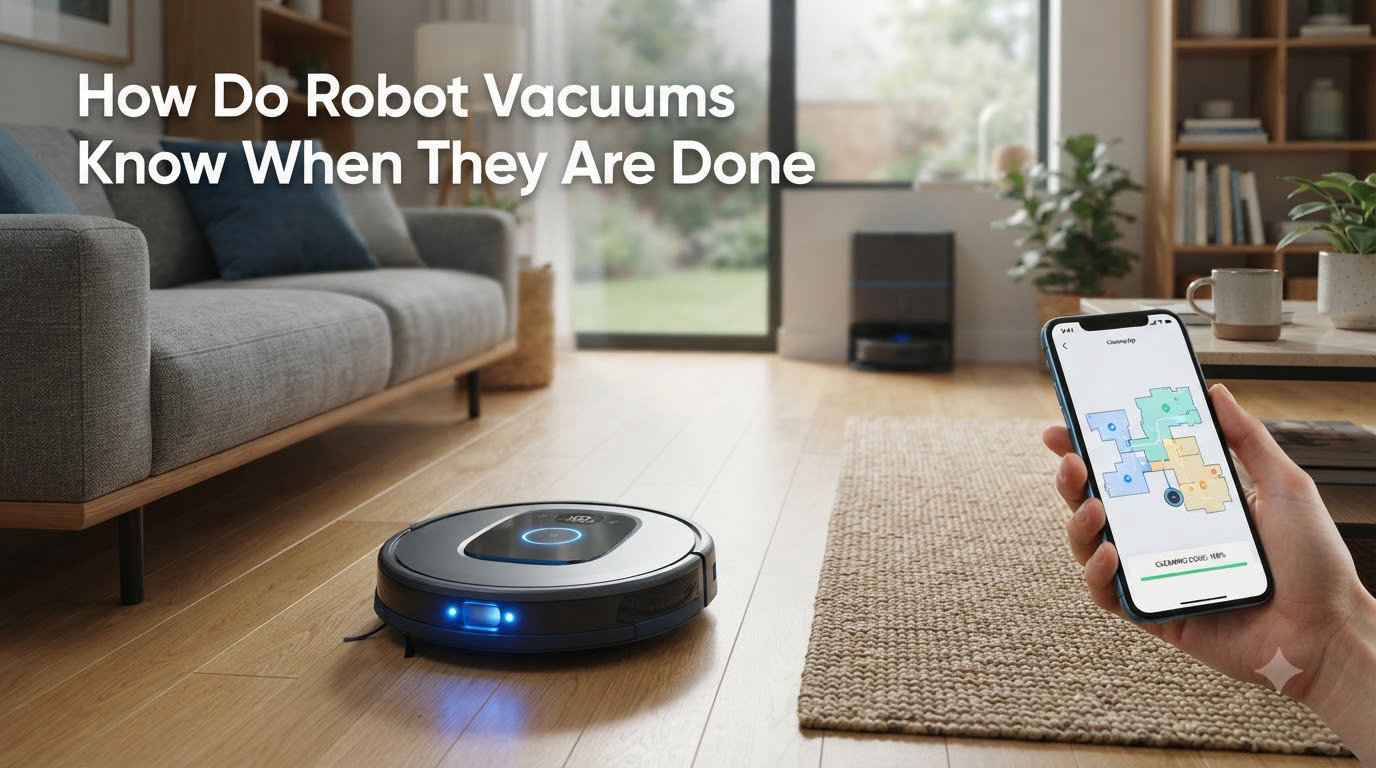
I have been asked this question more than any other about robot vacuums, and the short answer surprises most people. A robot vacuum knows it is done by combining three signals: it has covered its mapped area, it has reached a programmed time limit, or its battery has dropped below a safety threshold. The robot then stops its brushes, stops driving, and heads back to the charging dock.
That simple answer hides a lot of clever engineering. The sensors, mapping software, and decision-making algorithms inside even a budget robot vacuum are far more sophisticated than the price tag suggests. In this guide I will walk you through every layer of that decision, from the infrared beam that prevents your robot from tumbling down the stairs to the SLAM algorithm that builds a floor plan of your living room. By the end, you will understand exactly what your robot is doing when it seems to just stop on its own.
Table of Contents
How Do Robot Vacuums Know When They Are Done Cleaning?
A robot vacuum decides it is done by checking three conditions in order. First, it compares the area it has already cleaned against the area it mapped at the start of the run. Once the coverage algorithm confirms every reachable square metre has been visited, the robot marks the job complete. Second, if no map is available, the robot falls back on a time limit (usually 60 to 120 minutes) and stops when that timer ends. Third, the robot will stop early if its battery drops below a preset threshold, usually around 10 to 15 percent, so it always has enough power to find its dock.
Most robots combine all three checks. A modern LiDAR-equipped model with a full map will rely on coverage, while an older bounce-style robot with no map will rely on the timer. Either way, the moment the robot decides it is done, it stops the brush motor, sends a signal to the drive wheels, and follows its return-to-dock routine. That is the answer, but the real story is in the sensors and software that make the decision possible.
The Sensors That Tell a Robot Vacuum It’s Finished
Robot vacuums are covered in sensors, and every one of them feeds the completion algorithm. Without these sensors, the robot would have no idea where it has been, where it is going, or what counts as a finished job. Here are the three sensor families that matter most.
Cliff Detection Sensors (Stair Safety)
Cliff sensors sit on the underside of the robot, usually four to six of them along the front edge. They fire a short-range infrared beam straight down at the floor and measure how long the light takes to bounce back. When the robot approaches a stair edge, the floor suddenly drops away, the beam never returns, and the sensor instantly tells the processor to stop and reverse. This same data is part of the completion calculation. If the robot cannot safely continue because of repeated cliff events, it treats the run as finished and goes home.
Wall-Following Sensors (Edge Awareness)
Wall sensors are usually infrared or ultrasonic emitters on the sides of the bumper. They tell the robot how far it is from a wall so it can clean along the edge without scraping paint or leaving gaps. During a cleaning run, the robot keeps a log of every wall it has followed. Once it has traced the perimeter of every room in its map, the edge coverage check is satisfied, and that is one more trigger for the completion algorithm.
Bumper Sensors and Obstacle Detection
The front bumper is not just a piece of plastic. Inside it is a microswitch or a light touch sensor. When the robot gently contacts a chair leg, a wall, or a sleeping pet, the bumper compresses by a few millimetres and triggers the switch. The robot interprets that as an obstacle, pivots, and continues. The robot also uses camera-based or LiDAR-based obstacle detection on higher-end models to recognise shoes, cables, and pet waste before contact happens. Every obstacle the robot logs is one more data point for the map and one more step toward finishing the job.
Mapping and Path Planning: SLAM, VSLAM, and LiDAR
Mapping is what separates a cheap robot from a smart one. A robot that knows where it is, where it has been, and where it still needs to go is the only kind that can truly know when it is done.
What Is SLAM Navigation?
SLAM stands for Simultaneous Localization and Mapping. It is the algorithm that lets a robot build a map of an unknown space while simultaneously keeping track of its own position inside that map. The robot starts with an empty grid, drives around, drops landmarks into the grid every time a sensor returns useful data, and uses those landmarks to figure out where it is. By the end of a run, the SLAM map is a fairly accurate floor plan of your home, and the robot can compare that map to the area it has actually covered.
How VSLAM Uses a Camera to Map Your Home
VSLAM, or Visual SLAM, is a flavour of SLAM that uses a single upward-facing or forward-facing camera instead of a laser. The camera takes dozens of images per second, the software identifies distinctive features in those images (corners of furniture, ceiling lights, door frames), and tracks those features from frame to frame to estimate motion. Robots like early Dyson 360 Eye models and some budget iRobot units rely on VSLAM. The benefit is that a camera is cheaper than a laser; the downside is that VSLAM struggles in dim rooms or on featureless ceilings.
LiDAR: The Laser-Based Mapping Standard
LiDAR stands for Light Detection and Ranging. The robot spins a small laser module, measures how long the beam takes to bounce back from walls and furniture, and uses those distance readings to draw a 2D or 3D map in real time. LiDAR is the gold standard for robot vacuum mapping today because it works in complete darkness, produces millimetre-accurate distance data, and refreshes hundreds of times per second. Once a LiDAR robot has built a clean map, the completion calculation is straightforward: the robot cross-references its cleaned cells with the map and stops when every cell has been visited.
Cleaning Patterns: Random Bounce vs. Systematic Coverage
How a robot decides to move through a room is just as important as how it decides to stop. The two main approaches are random bounce and systematic coverage, and they lead to very different ideas of what “done” actually means.
How Older Robots Use Random Patterns
The first generation of robot vacuums, including the original 2002 Roomba, had no map. They drove in a straight line until they hit something, then turned a random angle and drove again. Statistically, after enough bounces, the robot will have touched every part of the room, but it has no way to verify that. So instead of checking coverage, these robots use a timer. After 30 to 60 minutes of bouncing, the robot assumes it is done. This is why older robots often miss spots or seem to wander aimlessly; they have no idea whether the floor is actually clean.
How Modern Robots Plan a Cleaning Path
Modern robots with SLAM, VSLAM, or LiDAR move in neat back-and-forth rows, much like a human mowing a lawn. The robot divides the mapped area into a grid, plans an efficient path that covers every cell, and tracks which cells it has already visited. When every cell in the grid is marked as cleaned, the job is finished. This is the only approach that can really claim to know when it is done, because every other approach is making an educated guess.
Why Coverage Algorithms Matter
For a user, the practical difference is huge. A systematic robot with a good coverage algorithm finishes a 500-square-foot room in about 30 to 45 minutes. A random-bounce robot can take 90 minutes or more and still leave patches untouched. If you have ever wondered why your old robot seemed to clean the same spot six times while ignoring the far corner, this is the answer. Modern coverage algorithms are why new robots feel like they actually finish the job.
How Does a Roomba Know When It’s Done?
Roomba uses iRobot’s AWARE robotic intelligence system, which has been refined across many generations. Modern Roombas with Imprint Smart Mapping use a combination of camera-based VSLAM, floor tracking sensors, and an on-board processor that runs iAdapt 3.0 navigation. When you press Clean, the Roomba first maps the room, then plans a series of straight-line passes. It tracks every cell it has covered and stops only when the coverage algorithm confirms the entire mapped area has been visited.
For older 600 and 700 series Roombas, the answer is simpler. They use iAdapt 1.0 or 2.0, which has no real map. Instead, the AWARE processor counts obstacles, tracks wheel rotations, and runs the roomba through a sequence of behaviours (wall follow, spiral, room crossing, edge clean) for a fixed time. When the timer ends or the battery hits the dock threshold, the Roomba is done. Either way, your Roomba will return to its Home Base, dock itself, and charge until the next run.
Battery Management and Auto-Dock Behavior
Battery management is the third pillar of the completion calculation. Every robot vacuum has a battery management system that monitors voltage, current, and temperature. The system reports a state of charge to the main processor, and that value is constantly compared to two thresholds: a low-battery warning at roughly 20 percent and a critical dock-now threshold at roughly 10 percent.
When the battery hits the critical threshold, the cleaning algorithm is interrupted, the brushes stop, and the return-to-dock routine takes over. The robot uses its map (or, for older models, its last known heading) to navigate back to the charging dock. Some robots, including most modern LiDAR models, will remember the unfinished area and resume cleaning after a partial charge. Older robots simply return to the dock and wait for the next scheduled run. This is also why you may sometimes find your robot sitting in the middle of a room with no charge. If it could not find the dock, it considered itself done and shut down to save the battery.
AI, Machine Learning, and the Future of Completion Detection
AI is starting to change what “done” means. Newer robots use on-device machine learning models to predict which rooms get dirty faster, which areas need more passes, and which obstacles are likely to appear next. The completion algorithm is no longer a simple coverage check. It is a probability calculation that weighs the cleanliness of each room against past cleaning history, sensor data, and the time of day.
For example, a robot that learns your kitchen gets dirty after dinner may run a second pass automatically, even if the map says the kitchen is already clean. Conversely, a robot that knows the guest bedroom has not been walked on all week may shorten its time in that room. Over the next few years, expect “done” to mean less about covering every cell and more about meeting a target cleanliness score, much like a smart thermostat decides when the house is warm enough rather than just running the heater for a fixed time.
Frequently Asked Questions
How does a Roomba know when it’s done?
Modern Roombas use iRobot’s AWARE system with Imprint Smart Mapping. The robot maps your home, plans a coverage path, and tracks which cells it has cleaned. When every mapped cell is visited, the Roomba is done and returns to its Home Base. Older Roomba models without mapping rely on a fixed cleaning timer instead.
How do robot vacuums navigate?
Robot vacuums navigate using a combination of infrared cliff sensors, wall-following sensors, bumper switches, and either a LiDAR laser, a VSLAM camera, or a gyroscope. The robot combines those sensor inputs with a SLAM algorithm to build a map and track its position. Premium models plan neat back-and-forth rows, while budget models bounce randomly until a timer ends.
What sensors do robot vacuums use?
Robot vacuums use cliff-detection infrared sensors, wall-following infrared or ultrasonic sensors, bumper contact switches, wheel-rotation encoders, and either a camera (VSLAM) or a spinning laser (LiDAR) for mapping. Higher-end models add optical floor sensors and AI-powered obstacle recognition cameras.
What does cliff fault mean on a robot vacuum?
A cliff fault is an error code triggered when the cliff sensors detect a drop the robot cannot safely cross. It usually appears when the robot is on a dark or reflective floor that confuses the infrared sensors, or when the sensors are dirty. Cleaning the cliff sensors with a dry cloth usually clears the fault.
Do robot vacuums find their charger?
Yes. Robot vacuums use the same mapping and navigation system to return to the charging dock. LiDAR or camera-based robots can plan a direct path back, while older bounce-style robots follow the wall until they detect the dock’s infrared beacon. If the robot cannot find the dock, it parks in place and conserves battery until you move it.
Why does my robot vacuum stop mid-cleaning?
The most common reasons are a low battery triggering a return-to-dock, a tangled main brush or side brush, a full dustbin, or a cliff sensor error. Worn wheels and dirty sensors can also cause early stops. Clearing the error, cleaning the sensors, and emptying the bin usually resolve the issue.
Final Thoughts
The next time your robot vacuum stops and trundles back to its dock on its own, you will know exactly why. It is not magic, and it is not a guess. A combination of cliff sensors, wall sensors, mapping cameras or lasers, and a coverage algorithm decided that the job was finished, and a battery check confirmed it was time to go home. The technology is no longer reserved for flagship models either; even mid-range robot vacuums in 2026 use some flavour of SLAM or LiDAR to build a real map of your home and stop only when every reachable area has been cleaned.
For owners, the practical takeaway is simple. If your robot finishes too early, the cause is almost always dirty sensors, a low battery, or a missed mapping run. Clean the cliff sensors, charge the robot fully, and let it run a full mapping cycle in good light. If your robot keeps missing the same patch of floor, the issue is usually furniture layout blocking the LiDAR or camera view, and small rearrangements usually solve it. Robot vacuums are smarter than their price tags suggest, and a little maintenance goes a long way toward letting them actually finish the job.