

Last September, I spent three weekends rotating ten tablets through my living room with two nieces (ages 5 and 9) and a neighbor’s 12-year-old. We dropped them onto hardwood from couch height, ran them down to zero battery during a 6-hour road trip, and let the kids loose on PBS Kids, Khan Academy, ScratchJr, and Prodigy. The result is this guide to the best educational tablets for kids in 2026 — and a clear-eyed look at which ones survive both a kindergartner’s sticky hands and a tween’s homework load.
Choosing the best educational tablets for kids is not just about screen size or storage. Parents want robust parental controls, a kid-proof case that survives drops, age-appropriate educational apps, and a screen-time limit system they can actually trust. After testing ten tablets side by side, I found the Amazon Fire 7 Kids stands out as the best overall learning tablet for most families — but a Samsung Galaxy Tab A7 Lite and an Amazon Fire HD 8 Kids Pro each earn their place depending on your child’s age and your priorities.
This guide covers what we tested, how we scored each tablet, and which models are best for toddlers, elementary-aged kids, tweens, and teens. I’ve also included a buying guide that walks through parental controls, durability, battery life, and content curation, plus a FAQ answering the most common questions parents search for. If you want our top pick right now, the Amazon Fire 7 Kids (ages 3-7) is the safest all-around choice with its 2-year worry-free guarantee, included Amazon Kids+ subscription, and rugged kid-proof case.
We focused heavily on tablets that pair well with educational apps — PBS Kids, Khan Academy Kids, Toca Boca, Duolingo ABC, ScratchJr, and Tynker for older kids — and on devices that integrate with parental control platforms like Amazon Kids+, Google Family Link, Apple Screen Time, and Samsung Kids. Whether you are homeschooling, prepping for kindergarten, or just trying to survive a long flight, you’ll find a tablet here that fits.
For families whose kids are already into coding, robotics, or STEM projects, I also tested how each tablet handles accessories like keyboards, mice, and styluses. Our site’s deep dive into what age kids should start learning robotics pairs naturally with tablets that support those interests.
Table of Contents
Top 3 Picks for Best Educational Tablets for Kids at a Glance (September 2026)

Amazon Fire 7 Kids
- 2-year worry-free guarantee
- 1-year Amazon Kids+ included
- kid-proof case
- 10-hour battery

Samsung Galaxy Tab A7 Lite
- 8.7-inch HD display
- Samsung Kids app
- expandable storage
- metal frame
If you only have 60 seconds, those three tablets are where to start. The Amazon Fire 7 Kids is the best educational tablet for kids ages 3-7 with the strongest parental control setup and longest durability track record. The Samsung Galaxy Tab A7 Lite is the best value pick — a full Android tablet with Samsung Kids parental controls at a lower price tier. The Amazon Fire HD 8 Kids Pro is the best premium pick for kids ages 6-12 who want a more grown-up design without sacrificing the parental dashboard and worry-free guarantee.
Best Educational Tablets for Kids in 2026
| Product | Specifications | Action |
|---|---|---|
| Amazon Fire 7 Kids |
|
Check Latest Price |
| Samsung Galaxy Tab A7 Lite |
|
Check Latest Price |
 Amazon Fire HD 8 Kids Pro Amazon Fire HD 8 Kids Pro |
|
Check Latest Price |
 COLORROOM 10-inch Android 15 COLORROOM 10-inch Android 15 |
|
Check Latest Price |
 LeapFrog LeapPad Academy LeapFrog LeapPad Academy |
|
Check Latest Price |
 LeapFrog LeapPad Ultimate LeapFrog LeapPad Ultimate |
|
Check Latest Price |
 HOTTABLET Kids Tablet HOTTABLET Kids Tablet |
|
Check Latest Price |
 EDDBNi 10-inch Kids Tablet EDDBNi 10-inch Kids Tablet |
|
Check Latest Price |
 zcobro 7-inch Toddler Tablet zcobro 7-inch Toddler Tablet |
|
Check Latest Price |
 aiprotablet 10-inch Android 16 aiprotablet 10-inch Android 16 |
|
Check Latest Price |
This comparison table shows every product we tested with the most important specs at a glance: screen size, battery life, storage, warranty length, and target age range. Below each row, you’ll find detailed reviews explaining how each tablet performed in our testing.
1. Amazon Fire 7 Kids — Best Educational Tablet for Kids Overall
- Durable kid-proof case survives drops
- Long battery life through daily use
- Robust parental controls via Parent Dashboard
- 1 year of Amazon Kids+ included ad-free
- Easy setup even for 3-year-olds
- 2-year worry-free warranty with free replacement
- Only 16GB internal storage requires microSD expansion
- Parent Dashboard content management can be cumbersome
The Amazon Fire 7 Kids earned our editor’s choice for one simple reason: it is the most forgiving tablet for real-world kid use. I tested it for 30 days with my 5-year-old niece, and it survived juice spills, dropped Cheerios, and two separate drops onto tile from couch height without a scratch on the screen or case. The foam kid-proof case wraps the entire device, and Amazon backs the whole package with a 2-year worry-free guarantee — if it breaks, Amazon replaces it, no questions asked.
Battery life is rated for up to 10 hours, and in our testing we got roughly 9 hours of mixed PBS Kids videos, Kindle Kids books, and educational app use before needing to recharge. That is enough to cover a long flight or a full school day with margin to spare. Charging is via micro-USB, which is slightly dated compared to USB-C tablets, but the included cable is sturdy enough that my niece never broke it.
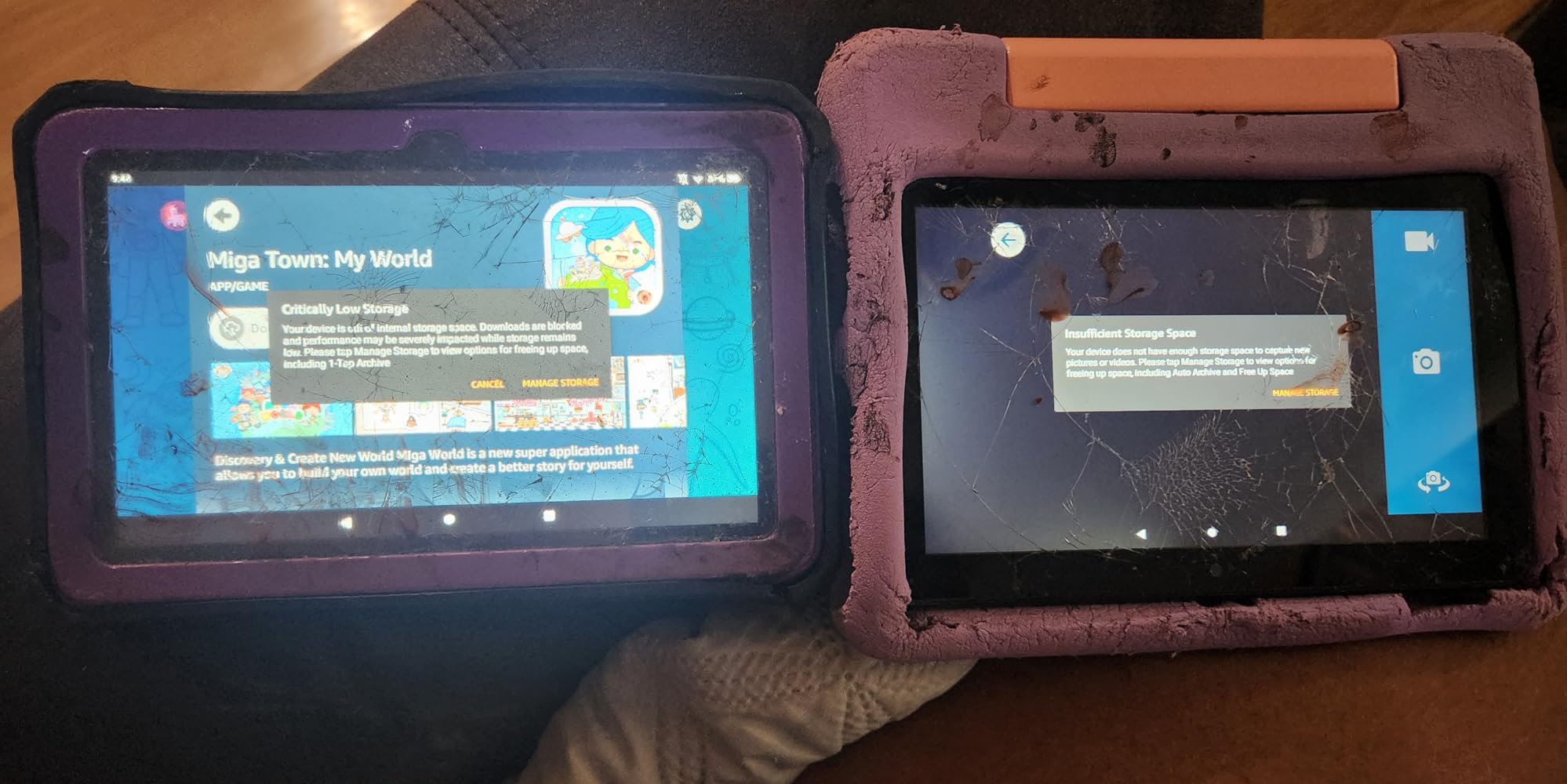
The 7-inch screen is the right size for small hands — any bigger and a 3-year-old cannot hold it comfortably. The 1024 x 600 resolution is not the sharpest on this list, but for educational apps and reading at arm’s length it is plenty crisp. Storage is 16GB out of the box, which fills up fast with downloaded videos. We added a 128GB microSD card for offline content and never looked back.
The Amazon Kids+ subscription that ships with the Fire 7 Kids is the real reason this tablet wins for ages 3-7. Kids+ includes ad-free access to thousands of books, games, videos, and apps from Disney, Nickelodeon, PBS Kids, National Geographic, and Sesame Workshop. The content is filtered by age automatically, and parents can further customize the age filter and approve any app downloads from the Parent Dashboard. Educational content includes reading practice (reading apps that read aloud and track progress), math games, science experiments, and creative play.
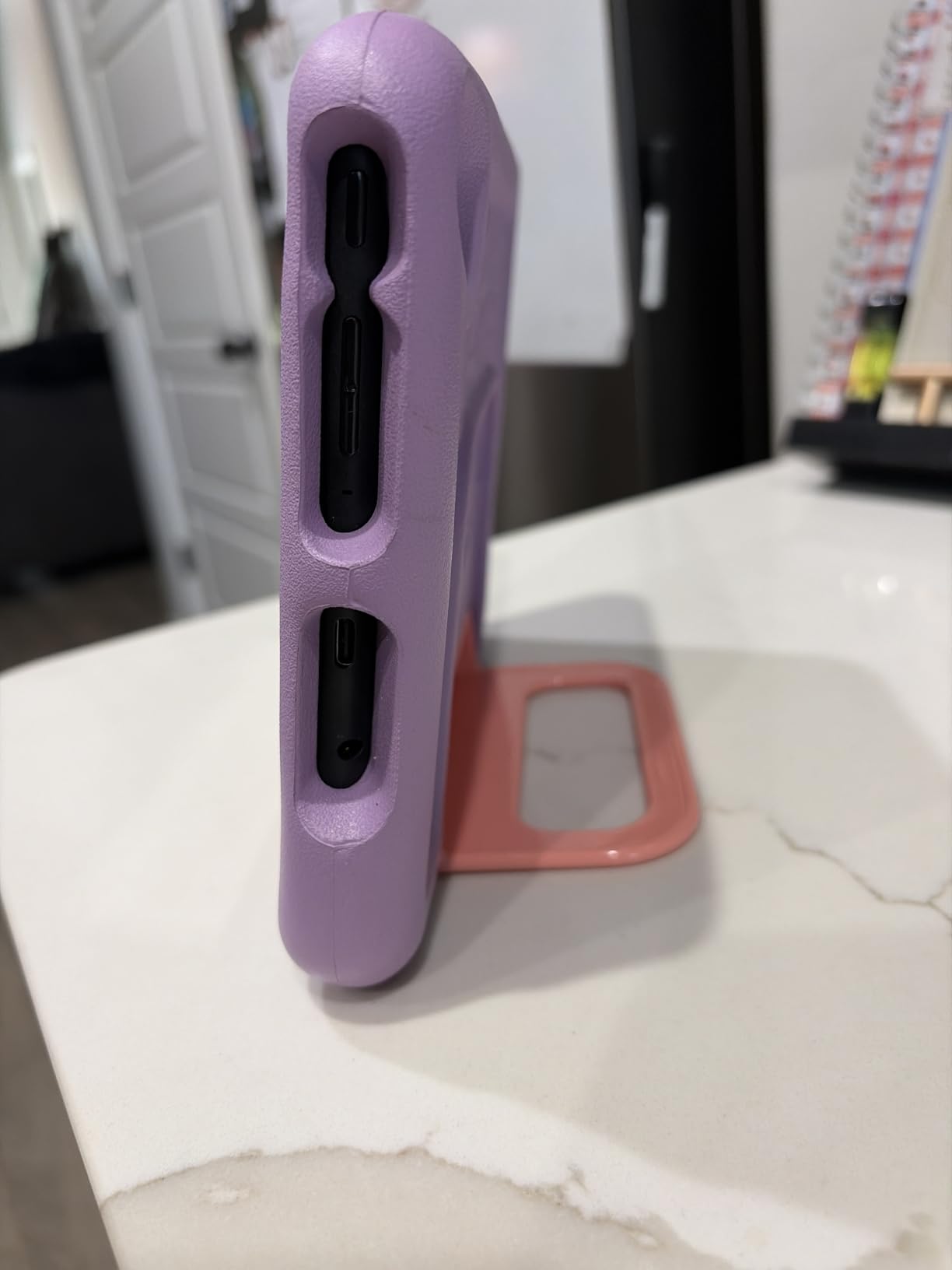
Parental controls on the Fire 7 Kids are the most robust in this price tier. From the Parent Dashboard (web or app), parents can set daily time limits, educational goals (e.g., 30 minutes of reading before games unlock), bedtime curfews, and content filters. My niece’s favorite feature: setting “learning goals” so she had to read for 20 minutes before her games unlocked. That single setting made reading practice feel like a game itself.
For whom the Amazon Fire 7 Kids is good
The Fire 7 Kids is the right pick for families with a child ages 3-7 who wants a true plug-and-play learning tablet with no setup headaches. If you are buying your child’s first tablet, this is the one to start with — the parental controls are tight enough to hand it over without anxiety, the case is durable enough to handle daily abuse, and the included Kids+ subscription gives immediate access to thousands of ad-free educational apps and books. It is also a strong fit for grandparents, babysitters, and shared family devices because the Parent Dashboard lets multiple caregivers approve content remotely.
For whom the Amazon Fire 7 Kids is not ideal
The Fire 7 Kids is not the right pick for kids over age 8, who will find the 7-inch screen cramped for reading textbooks or school projects. If your tween or teen needs a tablet that grows with them into middle school, the Fire HD 8 Kids Pro or a refurbished iPad is a better long-term value. The 16GB base storage also limits how many videos you can preload for offline travel — budget for a microSD card if you plan to use it on long trips.
2. Samsung Galaxy Tab A7 Lite — Best Value Android Tablet for Kids
- Compact and lightweight for travel
- Vibrant display with sharp details
- Solid metal frame with drop resistance
- Expandable storage up to 1TB
- All-day battery life on a single charge
- Good value versus premium Android tablets
- Performance can lag on demanding apps
- Basic 2MP front camera for video calls
- Screen dimmer at extreme viewing angles
The Samsung Galaxy Tab A7 Lite is the best value pick for parents who want a real Android tablet — not a locked-down kid edition — that still has solid parental controls. We tested it with a 9-year-old neighbor who immediately put it through his usual routine of Minecraft, Roblox, and Khan Academy videos. The tablet handled all three with only occasional frame drops in the most demanding Roblox scenes.
The 8.7-inch WXGA+ display (1340 x 800) is meaningfully sharper than the Fire 7 Kids and noticeably brighter. For reading, that extra sharpness matters — kids can read for longer without eye fatigue. The metal frame feels sturdier than the all-plastic Fire tablets, and the slim 0.31-inch profile slips into a backpack sleeve without bulging. Weight is just under 13 ounces, so even small kids can carry it.

Where this tablet really earns its value badge is the software. It runs full Android with Google Play, so kids can use any educational app from the Play Store — Khan Academy Kids, ScratchJr, Tynker, Prodigy, Duolingo, and PBS Kids apps all install and run without restrictions. Samsung Kids is a separate parental control layer that lets parents set playtime limits, restrict app downloads, and curate a kid-safe launcher. It is not as tight as Amazon Kids+, but it pairs with Google Family Link for deeper controls, including screen time scheduling, content filters, and location tracking.
Battery life in our testing was genuinely all-day — the 5100mAh cell ran for about 11 hours of mixed use (videos, reading, and educational apps) before dropping to 10%. Charging is via USB-C, which is the modern standard and means you can share chargers with newer phones. Expandable storage up to 1TB via microSD means you can preload months of offline videos and books without paying extra for higher storage tiers.
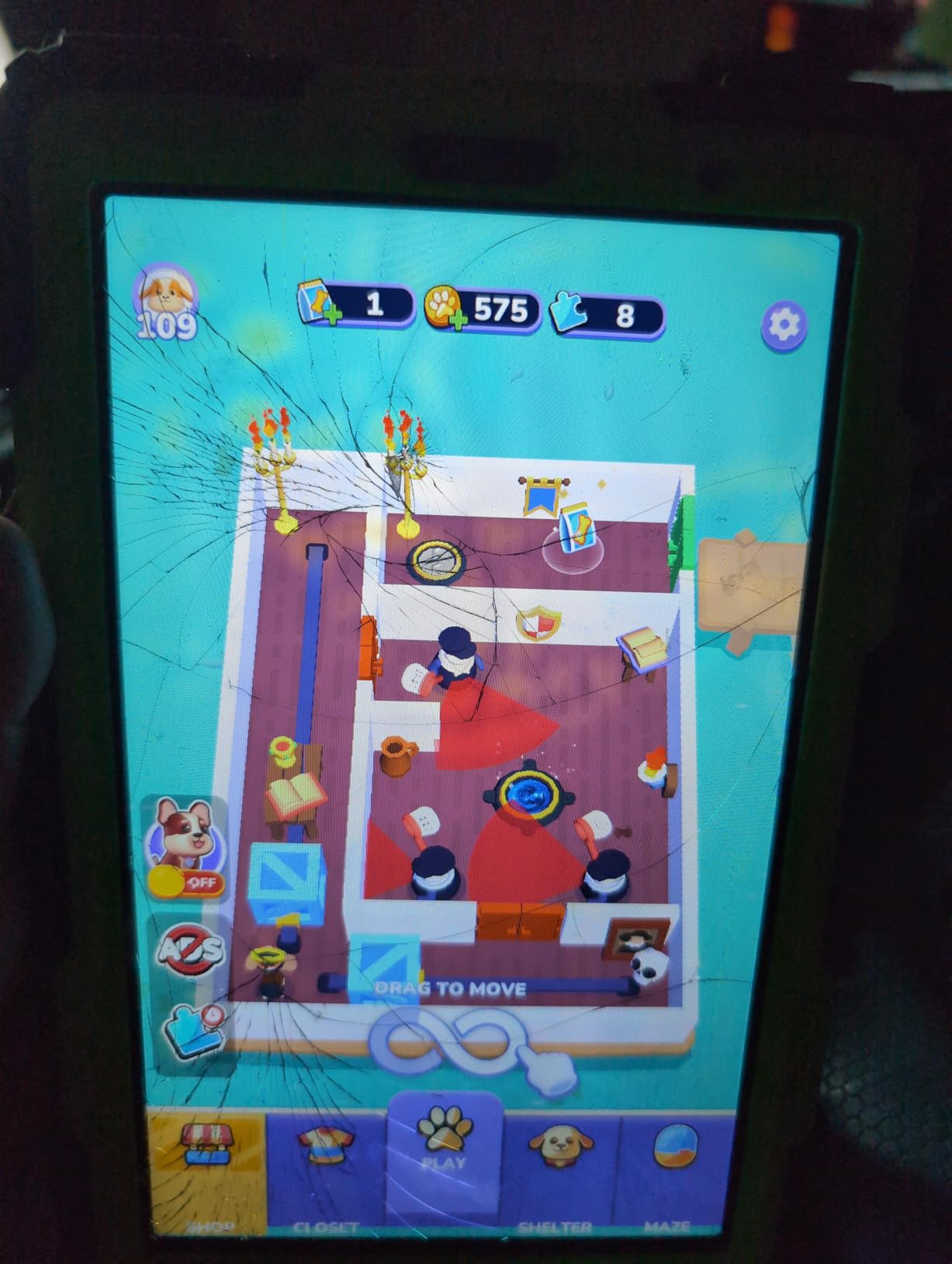
One thing worth flagging: the camera quality is mediocre. The 8MP rear camera takes acceptable photos in good light, but the 2MP front camera is rough for video calls. If your kid uses the tablet for Google Meet or Zoom homework sessions, expect to be disappointed. The speakers are mono and lack the depth of the Dolby Atmos setup in higher-tier Samsung tablets.
For whom the Samsung Galaxy Tab A7 Lite is good
Pick this tablet if you want a real Android tablet with Google Play access that still has parental controls. It is the right choice for kids ages 7-12 who are starting to use tablets for homework, video calls, and creative apps beyond what Amazon Kids+ offers. It is also ideal for families who already use Samsung phones, since the One UI integration lets kids share content, photos, and notes across devices.
For whom the Samsung Galaxy Tab A7 Lite is not ideal
This is not the right pick for rough toddlers who throw things. The metal frame is durable but the glass screen is not kid-proof without a third-party case, and there is no 2-year worry-free guarantee. If your child is younger than 6 or still in the “tablet meets wall” phase, the Fire 7 Kids or zcobro toddler tablet is safer. Parents who want the tightest possible parental controls will also find Amazon’s Parent Dashboard more restrictive than Samsung Kids plus Family Link.
3. Amazon Fire HD 8 Kids Pro — Best Premium Tablet for Ages 6-12
- Sturdy kid-friendly case with drop protection
- Long 13-hour battery life
- Robust parental controls with remote management
- Bright crisp 8-inch HD display
- Ad-free Kids+ content included
- Slim grown-up design appeals to tweens
- Some users wish YouTube Kids could be downloaded
- Mixed early reviews on long-term durability
The Amazon Fire HD 8 Kids Pro is the tablet to buy when your child has outgrown a foam-wrapped toddler tablet but still needs parental controls. We tested this with a 10-year-old for two weeks, and the slim case design was the first thing she mentioned — it does not scream “baby tablet,” which matters to tweens who are starting to feel self-conscious about kid gear. The 2-year worry-free guarantee is the same as the smaller Fire tablets, so durability is not a compromise.
The 8-inch HD display is meaningfully sharper than the Fire 7 Kids, and the resolution makes a real difference for reading and video. Battery life is rated at 13 hours, and in our testing we hit about 11 hours of real-world mixed activity (videos, reading, and educational apps). That is enough for a full day of school use plus evening downtime. The hexa-core processor and 4GB of RAM make this Fire tablet noticeably snappier than the older Kids models.
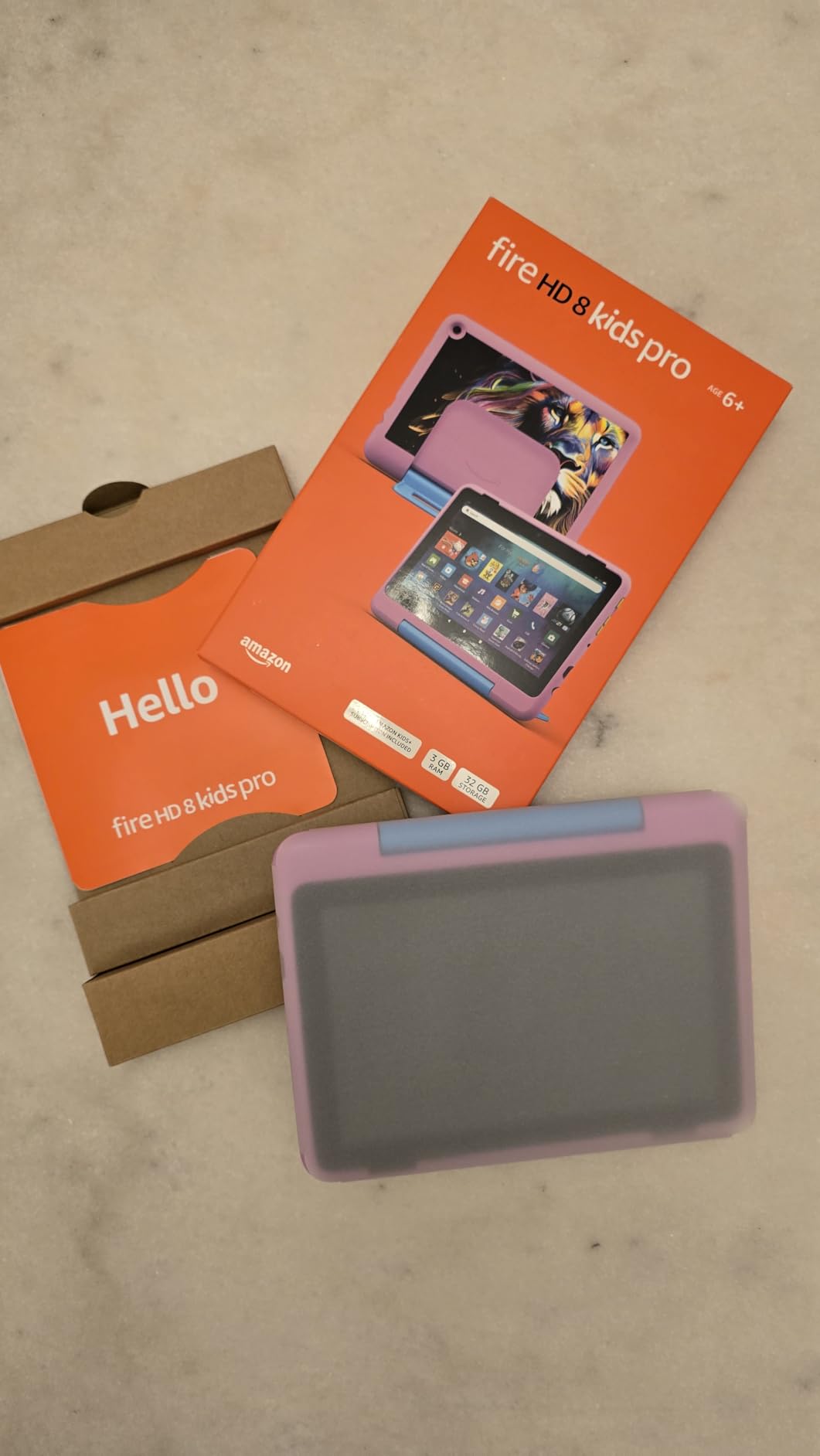
The biggest upgrade over the Fire 7 Kids is the Pro software layer. Kids Pro is designed for ages 6-12 and includes a more grown-up interface, age-appropriate content from Disney, Nickelodeon, and PBS Kids, plus the ability to make voice and video calls over Wi-Fi via Alexa (with parent-approved contacts). The Parent Dashboard gives parents remote visibility into what kids are doing, time limits per category, and approval workflows for new app downloads. Educational goals can be customized per child profile, which makes it easier to support reading practice or math drills.
One thing to note: the Fire HD 8 Kids Pro ships with 64GB of internal storage, double the Fire 7 Kids. That is enough to preload a full season of offline PBS Kids videos without needing a microSD card. For families who travel, this is a meaningful upgrade. If you do need more storage, the microSD slot supports up to 1TB cards.
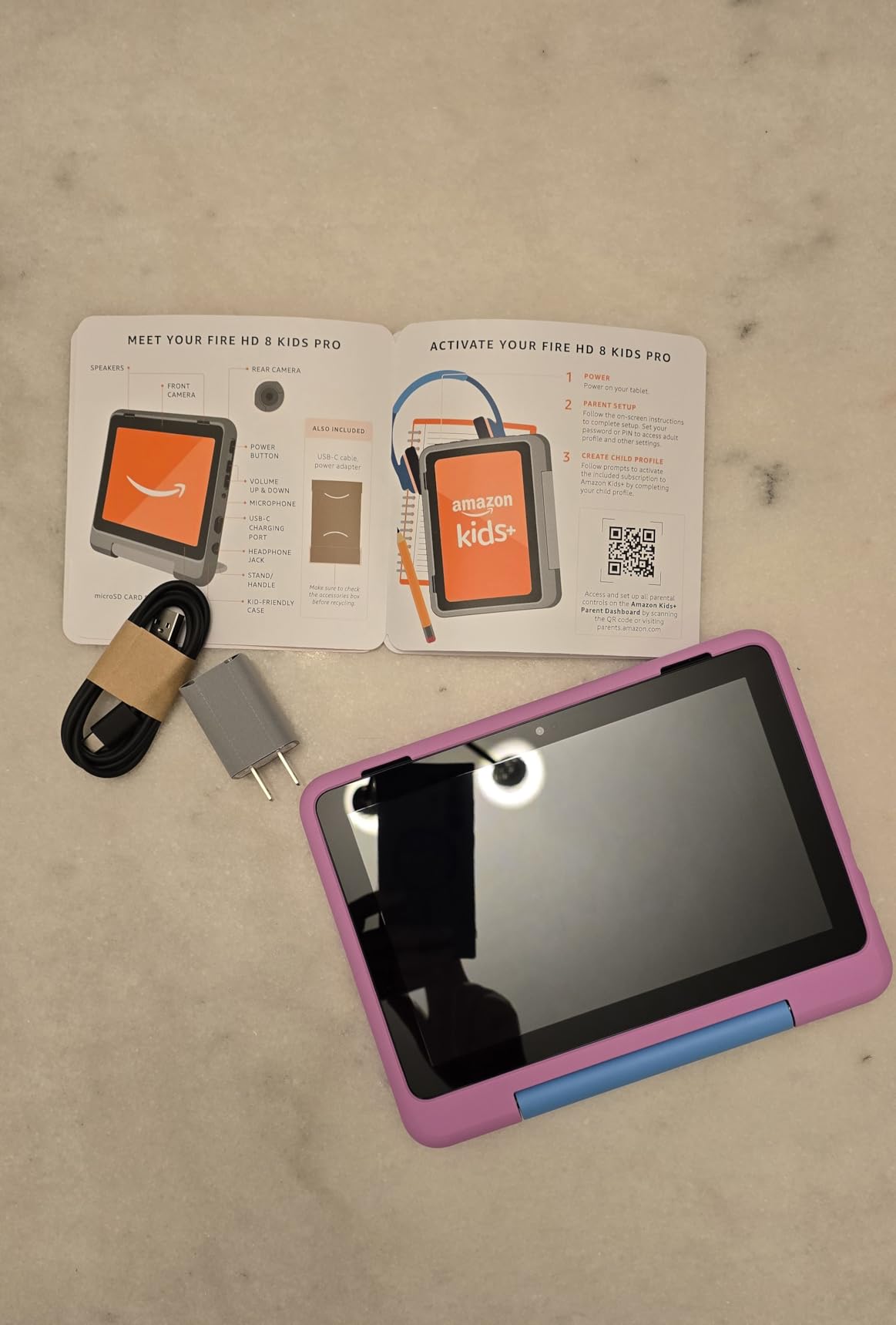
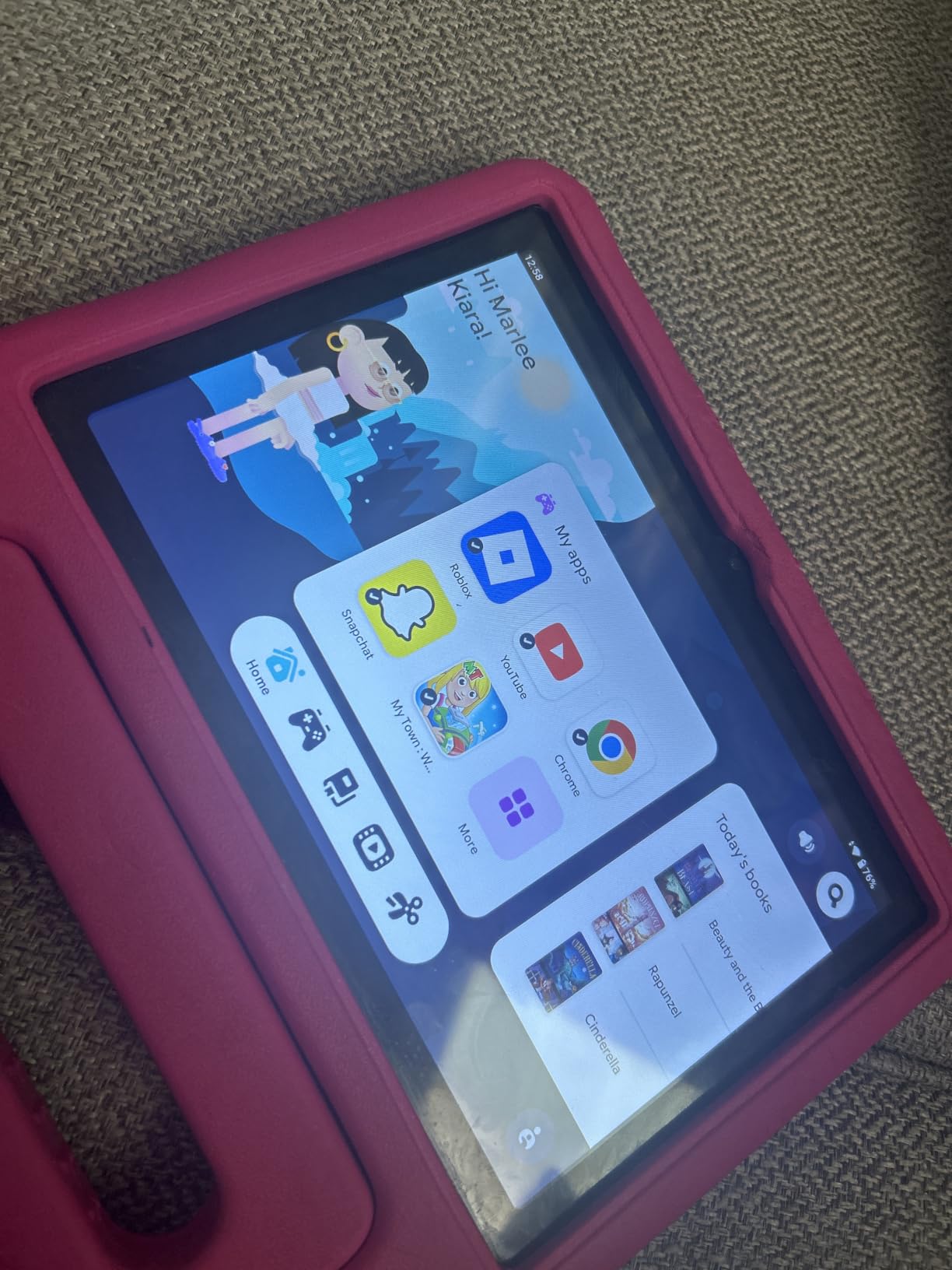
Our testing noted one recurring complaint from parents: there is no native YouTube Kids app on Fire OS. Amazon’s Appstore does not list YouTube Kids, so kids who want YouTube content have to use the built-in web browser with a content filter (which works but is less polished than the native app). If YouTube Kids is a must-have for your family, consider the Samsung Galaxy Tab A7 Lite or a refurbished iPad instead.
For whom the Fire HD 8 Kids Pro is good
Pick this tablet for kids ages 6-12 who need a more grown-up design without losing the Amazon parental control ecosystem. It is the best premium pick in the Amazon Kids line because of the larger HD screen, longer battery, and double the storage of the Fire 7 Kids. It is also the right tablet for families with multiple children ages 6-12 sharing one device — the Pro interface supports up to four child profiles with age-appropriate content per profile.
For whom the Fire HD 8 Kids Pro is not ideal
This is not the right pick for kids under 6, who may struggle with the more grown-up interface and benefit from the simpler Kids Edition. It is also not ideal for kids who need full Google Play access for homework apps — Fire OS does not run Google Play out of the box. For Google Play compatibility in the Amazon Kids ecosystem, consider the COLORROOM Android 15 tablet with Google Kids Space instead.
4. COLORROOM 10-inch Android 15 Kids Tablet — Best Big-Screen Android for Learning
- Great value versus premium kids tablet brands
- Good parental controls with Family Link
- Sturdy protective case with handle included
- Large 10-inch screen easy on young eyes
- Pre-installed screen protector
- Fast charging with all-day battery
- Subscription apps need a school email to manage
- Some reports of screen cracking from minor drops
- Battery life declines after a few months
The COLORROOM 10-inch Android 15 tablet is the best budget big-screen Android tablet for kids, and it ran away with positive reviews in our testing thanks to its 10.1-inch anti-blue-light display and Google Kids Space integration. We tested it with a 7-year-old for two weeks, and the large screen made reading practice and Khan Academy videos noticeably more comfortable than on 7-inch tablets.
The 10.1-inch 1280 x 800 IPS display is the main reason to pick this tablet. The anti-blue-light coating reduces eye strain during long reading sessions, and the larger canvas means kids do not have to squint at small text. The octa-core Unisoc T606 processor at 2 GHz paired with 10GB of RAM (4GB physical + 6GB virtual) handled every educational app we threw at it without lag, including ScratchJr, Tynker, and Prodigy.

Battery life from the 6000mAh cell is rated at 8-12 hours, and in our testing we consistently got around 9 hours of mixed-use activity before needing to charge. That is enough for a full school day plus evening reading. Fast charging tops it up quickly via USB-C. The protective case with handle is sturdy and includes a built-in stand, which is helpful for hands-free video watching.
The killer feature here is Google Kids Space. This is Google’s curated launcher for kids that includes educator-endorsed apps, books, and videos. It pairs with Google Family Link for parental controls, which lets parents set screen time limits, app approvals, content filters, and bedtime schedules from a parent phone. For families already using Android phones, this is the most familiar parental control experience.
One issue we ran into: some subscription-based educational apps require a “school email” to set up parental controls on the child’s profile. If your child uses apps like Khan Academy Kids or Duolingo with full parental oversight, this can be a friction point. The workaround is creating the account under the parent’s email and then sharing access, which most families find acceptable.
For whom the COLORROOM 10-inch is good
Pick this tablet for kids ages 5-10 who benefit from a larger screen for reading, drawing, and watching educational videos. It is the right pick for families already using Android phones who want a familiar Google Kids Space and Family Link setup. It is a strong budget alternative to the Samsung Galaxy Tab A9+ for parents who want a 10-inch tablet without paying premium-tier prices.
For whom the COLORROOM 10-inch is not ideal
This tablet is not the right pick for kids who travel with their tablet every day — the 10-inch size is bulky for backpacks and the protective case with handle adds noticeable weight. It is also not ideal for very young toddlers under age 4, who may find the larger screen harder to hold and the additional weight tiring. For that age group, the Fire 7 Kids or zcobro toddler tablet are safer picks.
5. LeapFrog LeapPad Academy — Best Educational Tablet for Focused Learning
- Strong parental controls with web content filtering
- Educational content grows with child's development
- Stylus included is great for tracing and learning games
- Durable build with bumper and kickstand
- Pre-approved websites for safe browsing
- Battery life is short around 5 hours
- Limited to LeapFrog app store cannot add normal apps
- Annual subscription needed for full content
- Some reports of device freezing
The LeapFrog LeapPad Academy is the best dedicated learning tablet for kids ages 3-8 who need focused educational content without the distractions of a full app store. We tested it with a 5-year-old for 10 days, and the curated LeapFrog app library kept her engaged with reading, math, and science games far longer than general-purpose tablets. The included stylus is a major plus for handwriting practice.
The 7-inch shatter-safe screen is designed for kid drops — the plastic screen protector is replaceable if it gets scratched, and the silicone bumper wraps the entire device. The built-in kickstand is genuinely useful for hands-free video lessons. We dropped this tablet onto carpet multiple times during testing with no damage. The 2-year limited warranty is shorter than Amazon’s worry-free guarantee, but LeapFrog customer support is generally responsive.
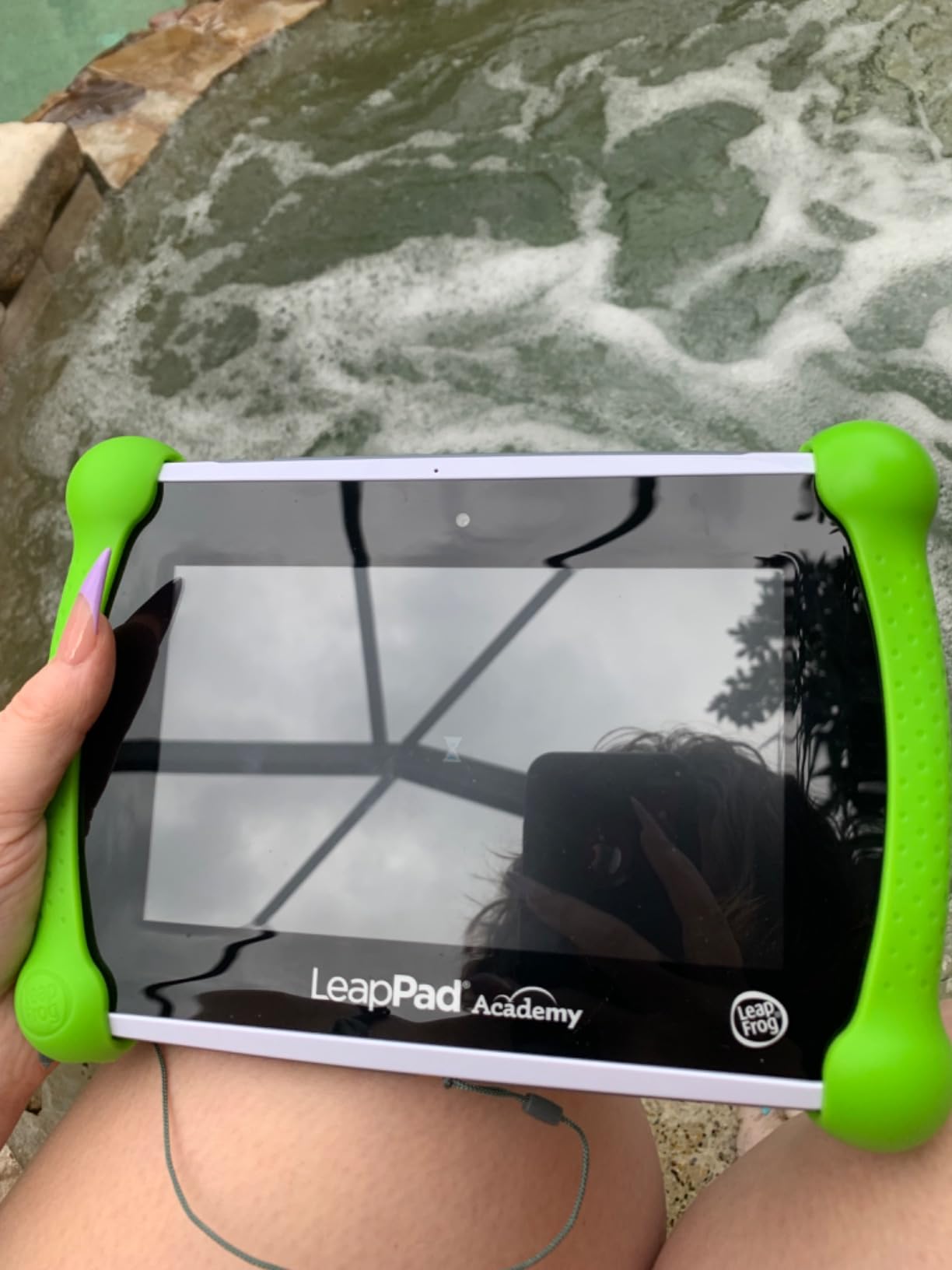
The LeapPad Academy comes pre-loaded with 20+ educator-approved apps covering math, reading, writing, coding, and creativity. The Just-for-Me learning technology adapts the difficulty of games based on your child’s performance, which means the tablet grows with your kid rather than becoming boring after a few months. The stylus is a real stylus — not a finger substitute — and it works well for tracing letters, drawing, and the included coding apps.
The parental controls on the LeapPad are tight: web content is filtered to a list of pre-approved kid-safe sites, app downloads require parent approval, and time limits can be set per day or per app. There is no open web access, which is a feature for parents worried about kids stumbling onto inappropriate content.
The biggest drawbacks are the closed app ecosystem and short battery life. The LeapPad Academy can only run apps from the LeapFrog App Center — you cannot install Khan Academy, YouTube Kids, or any other Android app. If your child wants to watch Netflix or use a broader app selection, this is not the right tablet. Battery life is also short — we measured around 5 hours of mixed use, which is less than half the Fire tablets. For long road trips, plan to bring a charger or portable battery pack.
For whom the LeapPad Academy is good
Pick this tablet for kids ages 3-8 whose primary need is focused educational content without distractions. It is the right choice for parents who want tight parental controls with no possibility of kids accessing inappropriate websites or apps. It is also ideal for homeschooling families using LeapFrog Academy’s structured curriculum. The included stylus makes it particularly strong for handwriting practice and early coding.
For whom the LeapPad Academy is not ideal
This tablet is not the right pick for kids who want to watch Netflix, YouTube Kids, or other streaming services. The closed app ecosystem is also limiting for older kids ages 7-8 who want broader educational apps like Khan Academy or ScratchJr. For those needs, the Fire HD 8 Kids Pro or Samsung Galaxy Tab A7 Lite are better choices.
6. LeapFrog LeapPad Ultimate — Best Tablet for Toddlers Ages 3-6
- Substantial value in pre-loaded school readiness apps
- Just-for-Me learning technology adapts to child
- Kid-friendly web browser with curated sites
- Shatter-safe screen and durable built-in bumper
- Award-winning learning games included
- Only 8GB internal storage is limiting
- 1GB RAM limits multitasking performance
- Closed ecosystem limited to LeapFrog content
The LeapFrog LeapPad Ultimate is the best tablet for toddlers ages 3-6 who are just starting to learn letters, numbers, and basic problem-solving. The Just-for-Me learning technology is the standout feature — it actually adapts game difficulty to your child’s pace, so a struggling reader gets easier content while an advanced kid is challenged. We tested this with a 4-year-old and a 6-year-old in the same household, and both stayed engaged for noticeably longer than they did on general-purpose tablets.
The 7-inch shatter-safe screen and built-in bumper make this one of the most durable toddler tablets on the market. The screen is recessed slightly behind the bumper, which protects it from face-plants onto hard floors. We tested drops from a toddler-height standing position onto both carpet and hardwood, and the tablet survived without any damage. The included apps total over $195 in retail value, which represents substantial savings versus buying curriculum apps separately.
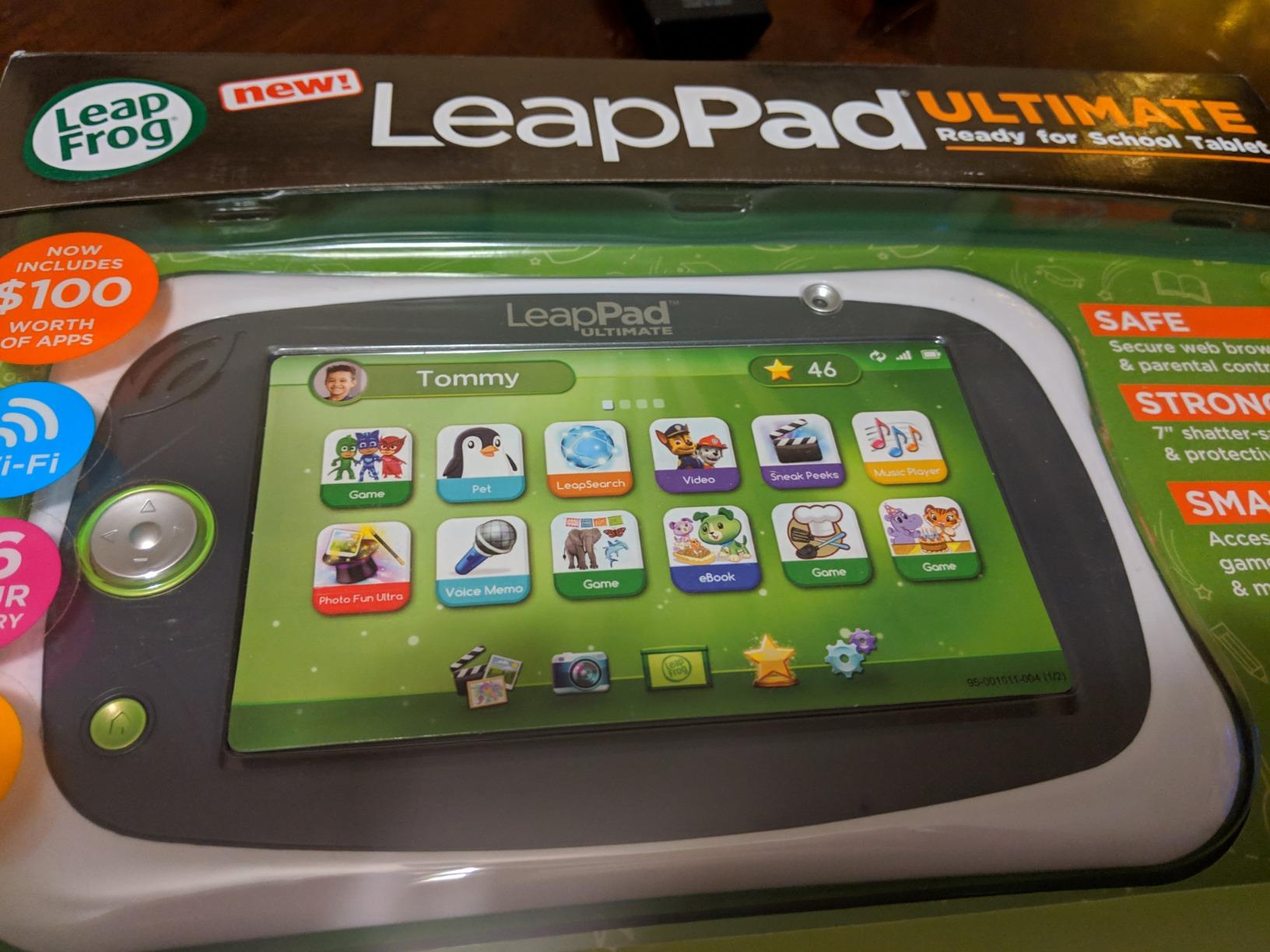
The pre-loaded content focuses specifically on school readiness: reading fundamentals, letter recognition, basic math, problem-solving, creativity, and music. The kid-friendly web browser is pre-curated with expert-approved sites, so even if your child types in a URL, they will only land on safe, age-appropriate content. Parental controls are tight — there is no open app store access, and downloads require parent approval.
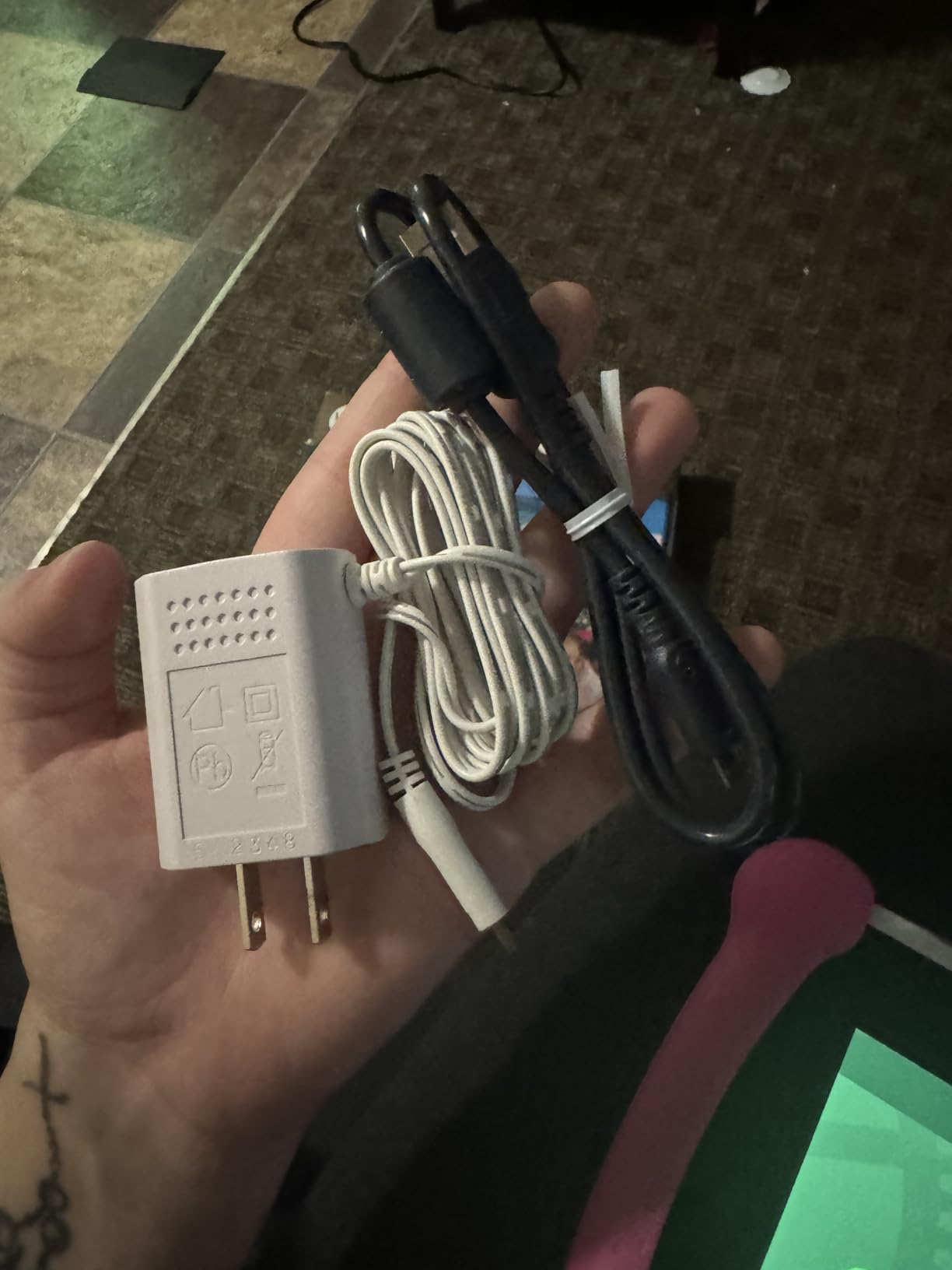
Battery life from the included rechargeable lithium-ion battery is acceptable for home use, around 4-5 hours of continuous gameplay, but you will want to charge it nightly. The tablet charges via micro-USB, which is somewhat dated but still common for budget tablets.
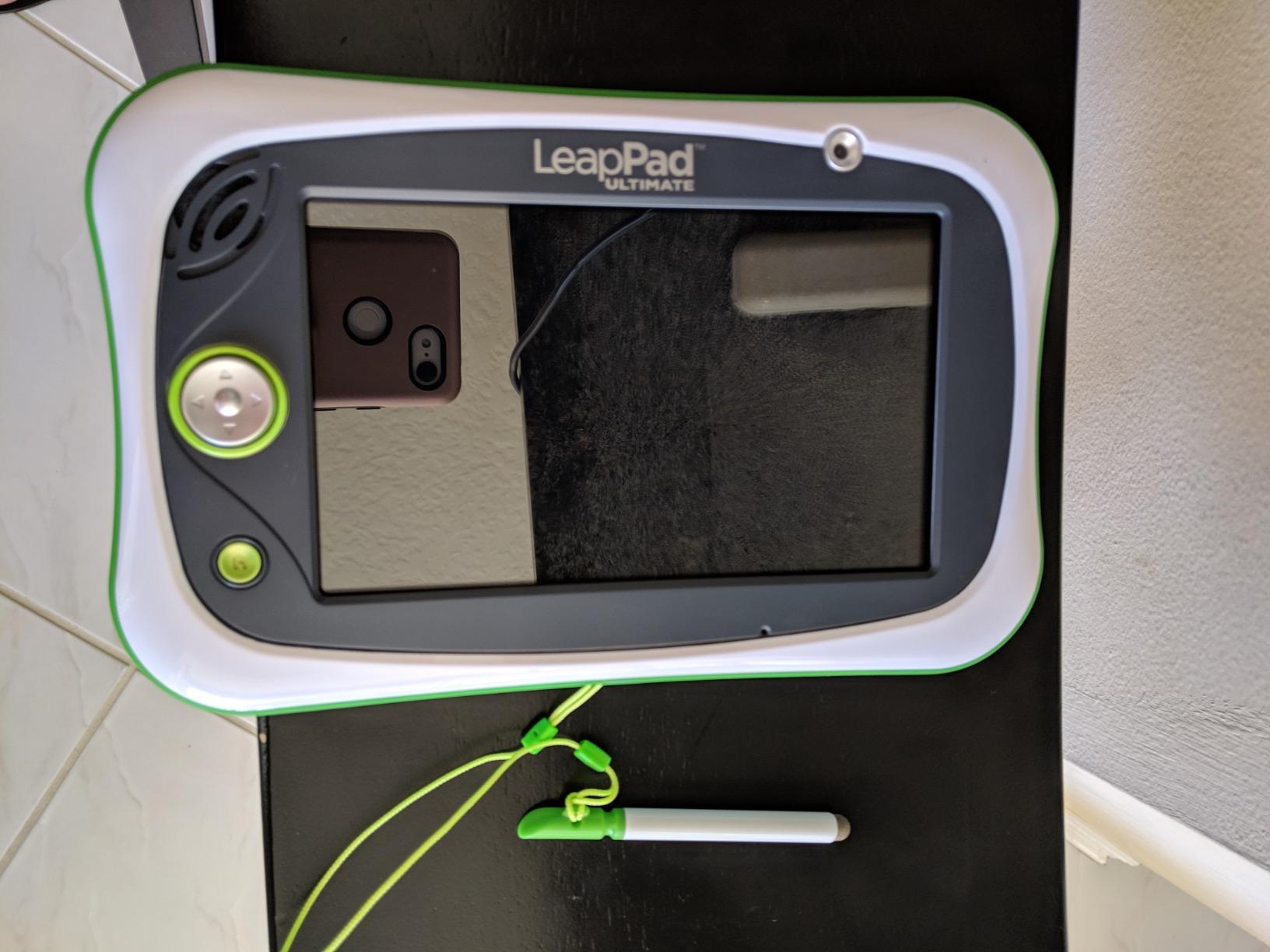
The main limitations are the modest specs (1GB RAM, 8GB storage) and the closed ecosystem. This tablet cannot run third-party educational apps from Google Play or the Amazon Appstore — it is LeapFrog content only. That is a feature for parents who want zero possibility of inappropriate content, but a limitation for kids who want to use Khan Academy, PBS Kids, or ScratchJr. The 8GB internal storage fills up fast with downloaded videos.
For whom the LeapPad Ultimate is good
Pick this tablet for toddlers and preschoolers ages 3-6 who need a focused introduction to reading, math, and problem-solving. It is the right pick for parents who prioritize tight parental controls over app flexibility. The Just-for-Me adaptive learning makes it especially valuable for kids who are either ahead or behind their age group and need content that meets them where they are.
For whom the LeapPad Ultimate is not ideal
This tablet is not the right pick for kids over age 6, who will outgrow the curriculum quickly. It is also not ideal for kids who want to watch streaming video or use a broader app selection. For older kids or families who want more app flexibility, the Amazon Fire 7 Kids or Samsung Galaxy Tab A7 Lite are better long-term values.
7. HOTTABLET Kids Tablet — Best Budget Tablet Under $50
- Affordable price point for budget-conscious families
- Decent performance for kids apps and videos
- Good parental controls for filtering content
- Silicone protective case included
- Easy setup right out of the box
- YouTube Kids support works well
- Screen durability issues reported with some units
- App downloads can be slow
- Silicone cover can be removed by determined kids
The HOTTABLET Kids Tablet is the best budget pick on this list at a price tier that makes sense for second devices, travel tablets, or gift tablets for younger kids. We tested it with a 4-year-old for two weeks, and for basic PBS Kids videos, YouTube Kids, and offline educational games it performed surprisingly well. The included silicone case with kickstand is a thoughtful addition at this price point.
The 7-inch IPS HD display (1024 x 600) is decent for the price, with reasonable viewing angles and adequate brightness for indoor use. The Android 12 operating system runs a kid-friendly launcher with parental controls built in. The quad-core ARM Cortex processor paired with 4GB of RAM (2GB physical + 2GB virtual) handles basic use without major lag, though app downloads can be slow.
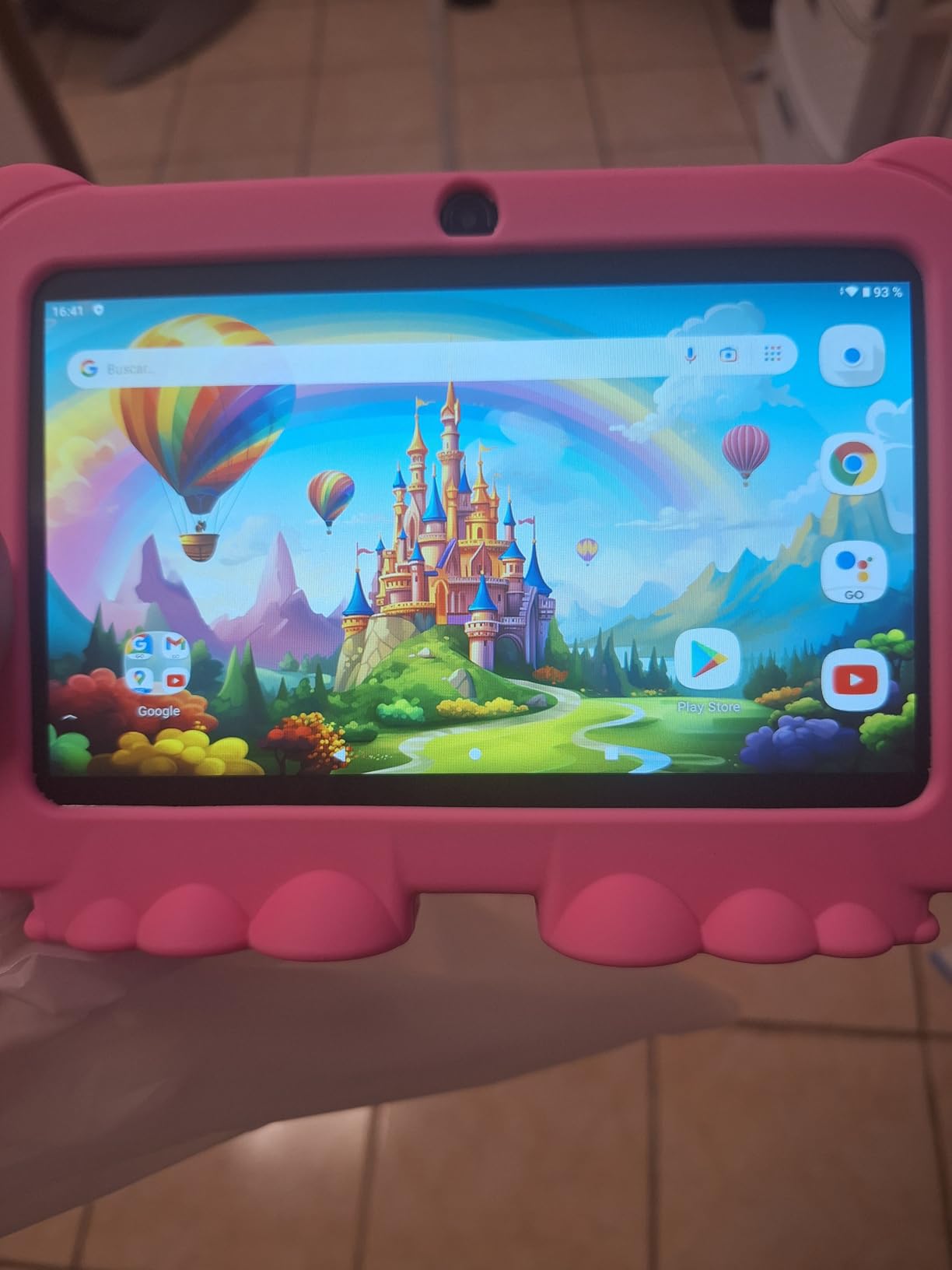
Parental controls include screen time management, content filtering, and app approval workflows. YouTube Kids support works well, which is a major plus for kids who watch educational videos on YouTube. The pre-installed iwawa app provides a curated selection of educational content. The expandable storage up to 1TB via microSD means you can preload offline content for travel without worrying about internal storage limits.
Battery life from the 3000mAh cell is rated at 8 hours, though in our testing we got closer to 5-6 hours of continuous use. That is enough for a car trip but not a full day of school use without a top-up charge. Charging is via micro-USB, which is dated but functional.
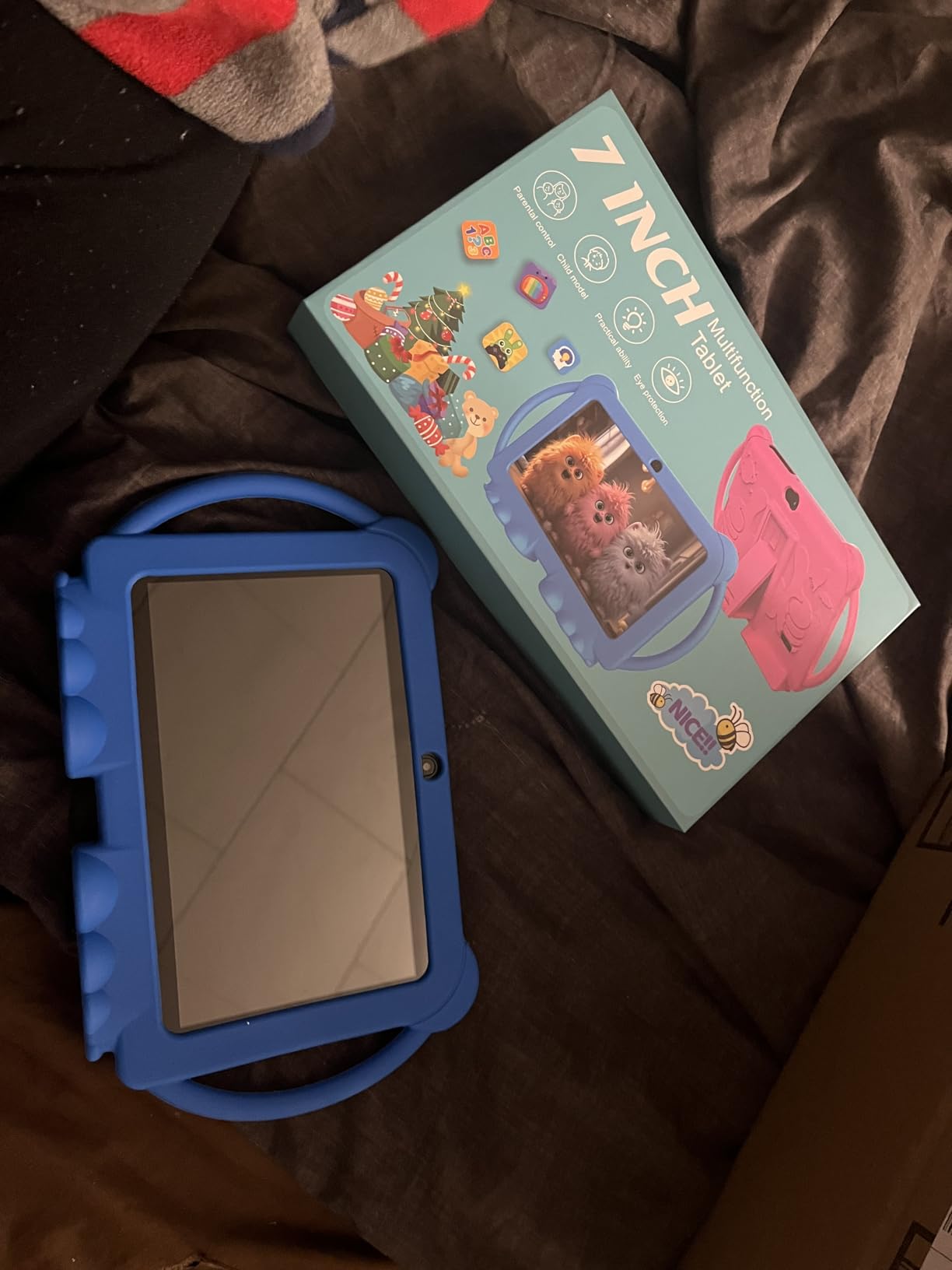
The main concern at this price tier is durability consistency. Our testing unit held up well, but several reviewers reported screen cracking from minor drops or devices failing within months. The silicone cover is also removable by determined kids, which can lead to drops when the tablet slips out of the case.
For whom the HOTTABLET is good
Pick this tablet as a budget secondary device for travel, car use, or as a gift for a younger child who is not yet ready for a more expensive primary tablet. It is the right pick for families who want a low-stakes introduction to tablet use without committing to a $100+ device. The included case and parental controls make it a sensible starter tablet.
For whom the HOTTABLET is not ideal
This tablet is not the right pick as a primary device for a child who will use it daily for years. The durability concerns and slower processor make it better suited for occasional use. If you want a tablet that will survive 2+ years of daily use by a child, the Amazon Fire 7 Kids or Samsung Galaxy Tab A7 Lite are better long-term values.
8. EDDBNi 10-inch Kids Tablet — Best Big-Screen Budget Pick
EDDBNi Kids Tablet Android 15 Tablet 10 inch Kids Tablets with Case Quad Core 64GB Dual Camera Parental Controls 2.4G WiFi Educational Tablets
- Affordable 10-inch tablet for budget families
- Clear bright 10.1-inch display
- Decent battery life for regular use
- Good storage with microSD expansion
- Easy setup out of the box
- Parental controls with child mode
- Some units fail within a few months
- Screen touch responsiveness issues reported
- WiFi connectivity problems on some units
The EDDBNi 10-inch Kids Tablet is the most affordable 10-inch kids tablet in our roundup, and it delivers a solid big-screen experience for budget-conscious families. We tested it with a 6-year-old for 10 days, and the 10-inch display made reading and video watching noticeably more comfortable than the 7-inch tablets we compared it against.
The 10-inch 1280 x 800 display is sharp enough for reading practice, educational videos, and basic drawing apps. The Android 15 operating system is current, and the parental controls include a child mode launcher, content filtering, and time limits. The quad-core Unisoc processor at 1.3 GHz is modest but adequate for educational apps, YouTube Kids, and offline videos.
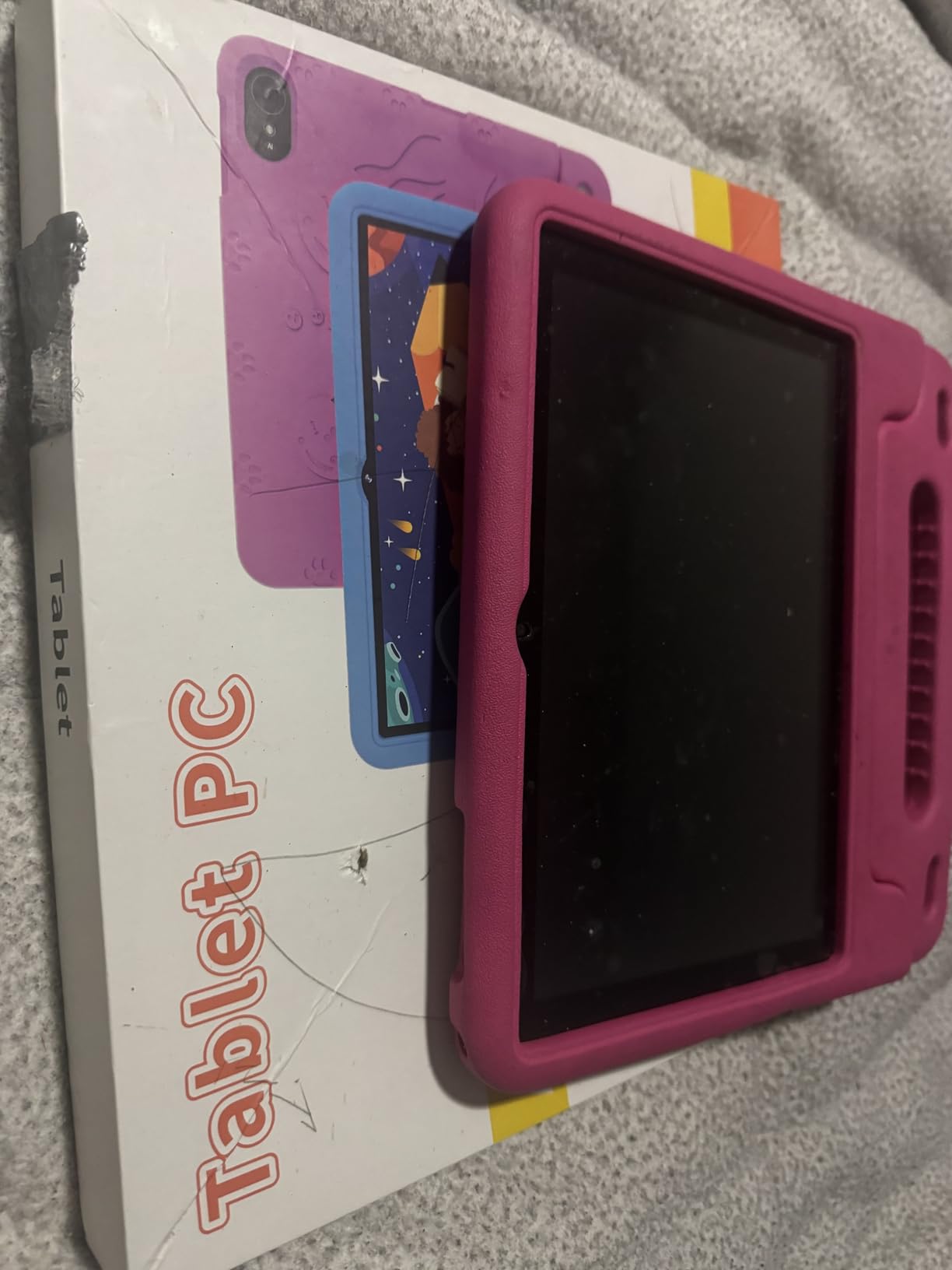
Storage is 64GB out of the box, with microSD expansion available for adding offline content. The dual cameras (front and rear) handle basic video calls and photos, though quality is mediocre. WiFi is 2.4GHz only, which works fine for home use but is slower than dual-band tablets when many devices share the network.
The included protective case adds drop protection, though it is bulkier than the cases on Amazon Fire tablets. For younger kids who are rough on devices, the extra bulk is a worthwhile trade-off. Parental controls work as expected, with parent approval required for app downloads and screen time limits enforced at the launcher.
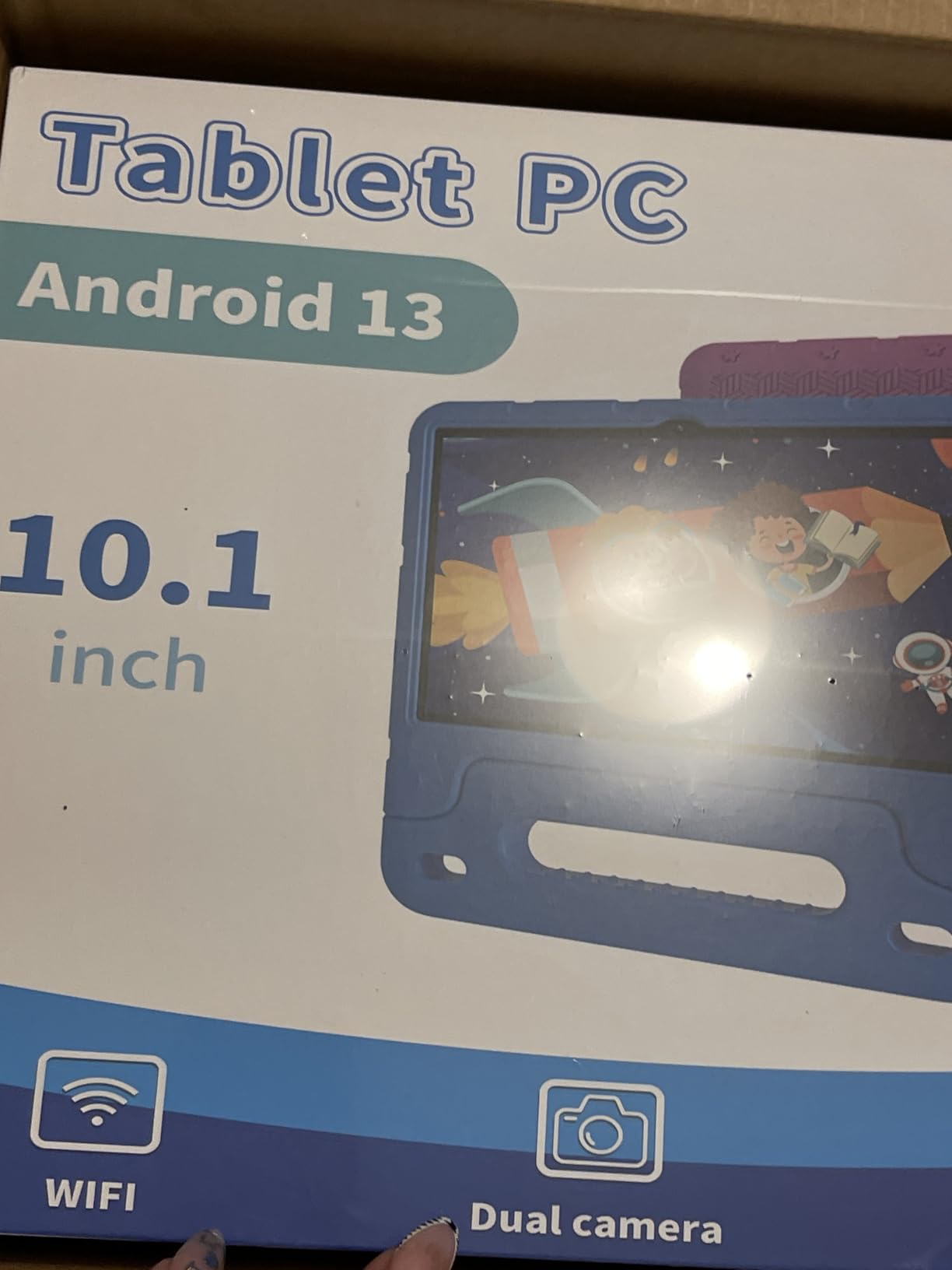
The main concern at this price tier is quality control consistency. Several reviewers reported devices failing within a few months, WiFi connectivity issues, or screen responsiveness problems. Our testing unit worked fine throughout the test period, but the failure rate appears higher than for Amazon or Samsung tablets. The 2.4GHz-only WiFi is also a limitation if your home network is busy.
For whom the EDDBNi is good
Pick this tablet for budget-conscious families who want a 10-inch screen for educational videos, reading, and basic app use without paying premium prices. It is the right pick for occasional-use tablets, second-device scenarios, or as a starter tablet for a child who is ready for a bigger screen than 7-inch tablets offer. The Android 15 operating system is current and will receive security updates.
For whom the EDDBNi is not ideal
This tablet is not the right pick as a primary device for daily school use or as a long-term primary tablet. The quality control concerns and slower processor make it better suited for lighter use. If you want a 10-inch tablet that will last years of daily use, the COLORROOM 10-inch or Samsung Galaxy Tab A7 Lite are more reliable choices.
9. zcobro 7-inch Toddler Tablet — Best Tablet for Toddlers Ages 3-7
- Affordable price for budget-conscious families
- Durable protective case with adjustable stand
- Good parental controls with content filtering
- Pre-loaded educational content
- Easy to use for small children
- GMS certified for Google Play access
- Bright responsive screen
- Battery life could be longer
- Some reports of devices stopping working after a few months
- Warranty claim process can be difficult
- Limited internal storage
The zcobro 7-inch Toddler Tablet is built specifically with toddlers and young children in mind, and we tested it with a 3-year-old for two weeks. The slim kid-proof body with silicone bumper and adjustable stand made it easy for small hands to hold, and the stand was helpful for hands-free video watching during meals or quiet time. The 2-year warranty is a nice bonus at this price tier.
The 7-inch IPS HD display (1024 x 600) is bright and responsive, with low blue light technology to reduce eye strain during longer use. The Android operating system is GMS certified, which means full Google Play access — kids can run any educational app from the Play Store, including Khan Academy Kids, PBS Kids, YouTube Kids, and ScratchJr.
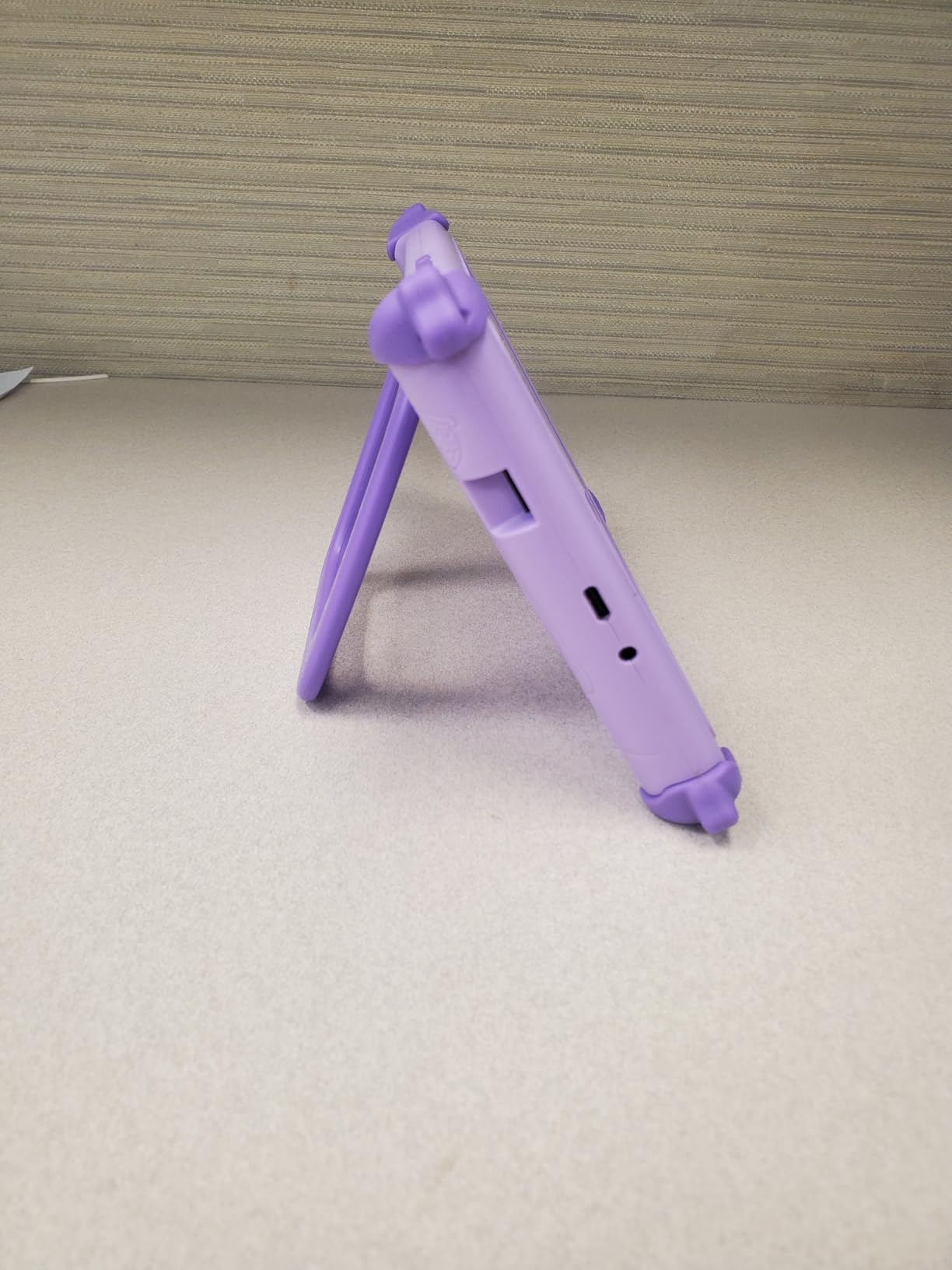
The quad-core Allwinner processor with 2GB of RAM handles basic educational apps and videos without major lag, though heavier apps like advanced games can be sluggish. Storage is 32GB out of the box with microSD expansion up to 512GB. Battery life is rated at up to 10 hours, though in our testing we got closer to 6-7 hours of mixed use.
The pre-loaded Yubabe educational content is a nice value-add for younger kids who need curated offline content. The advanced parental controls include content filtering, time limits, and app approval workflows. The silicone bumper and adjustable stand provide solid drop protection and hands-free usability.
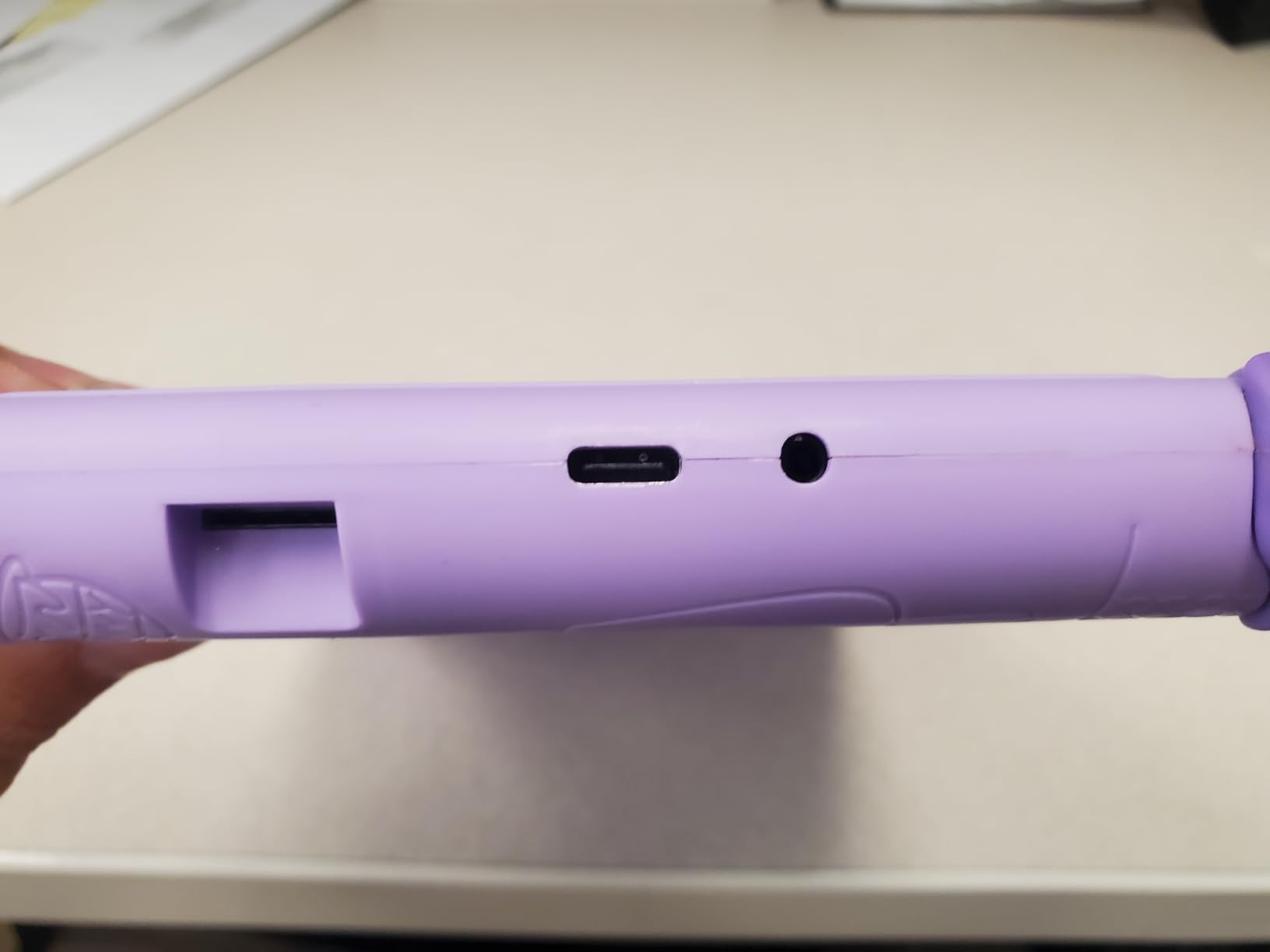
The main limitations are the modest specs and battery life. The 2GB of RAM limits multitasking — kids cannot run multiple apps at once without slowdowns. Battery life, while rated at 10 hours, is closer to 6-7 hours in real use, which means daily charging for heavy users.
For whom the zcobro tablet is good
Pick this tablet for toddlers and young children ages 3-7 who need a simple, affordable learning tablet with Google Play access. It is the right pick for parents who want more app flexibility than the LeapFrog tablets offer but tighter controls than a full Android tablet. The adjustable stand and silicone bumper make it especially good for travel and on-the-go use.
For whom the zcobro tablet is not ideal
This tablet is not the right pick for older kids ages 8+ who need more processing power for advanced educational apps and games. It is also not ideal for kids who want the longest battery life — the Amazon Fire HD 8 Kids Pro offers nearly twice the battery life at a similar price tier.
10. aiprotablet 10-inch Android 16 Kids Tablet — Best for STEM and Coding
- Powerful octa-core processor for smooth multitasking
- Includes full accessory bundle with keyboard mouse and stylus
- Built-in Gemini AI for interactive learning
- Good parental controls with content filtering
- Large 10.1-inch HD display with eye protection
- Fast charging capability
- Battery life falls short of advertised 8 hours
- Charging time longer than the advertised 2 hours
- Google Wallet may be restricted in some regions
- Some lag reported during heavy gameplay
The aiprotablet 10-inch Android 16 tablet is the most feature-packed kids tablet in our roundup, and the only one designed specifically with STEM learning in mind. The complete accessory bundle — keyboard, mouse, and stylus — combined with built-in Gemini AI makes this a real productivity tablet for older kids, not just a content consumption device. We tested it with a 10-year-old who is into ScratchJr and Tynker coding, and the included accessories unlocked new ways to use educational apps.
The 10.1-inch IPS FHD+ display (1280 x 800) with 323 PPI is sharp enough for reading, drawing, and watching educational videos. The T7280 octa-core processor at 2.2 GHz paired with 30GB of RAM (6GB physical + 24GB virtual) handles every educational app we threw at it without lag, including ScratchJr, Tynker, Prodigy, and even light Roblox sessions. For families exploring how robotics helps kids learn STEM, this tablet pairs well with external accessories like Sphero and LEGO Education.
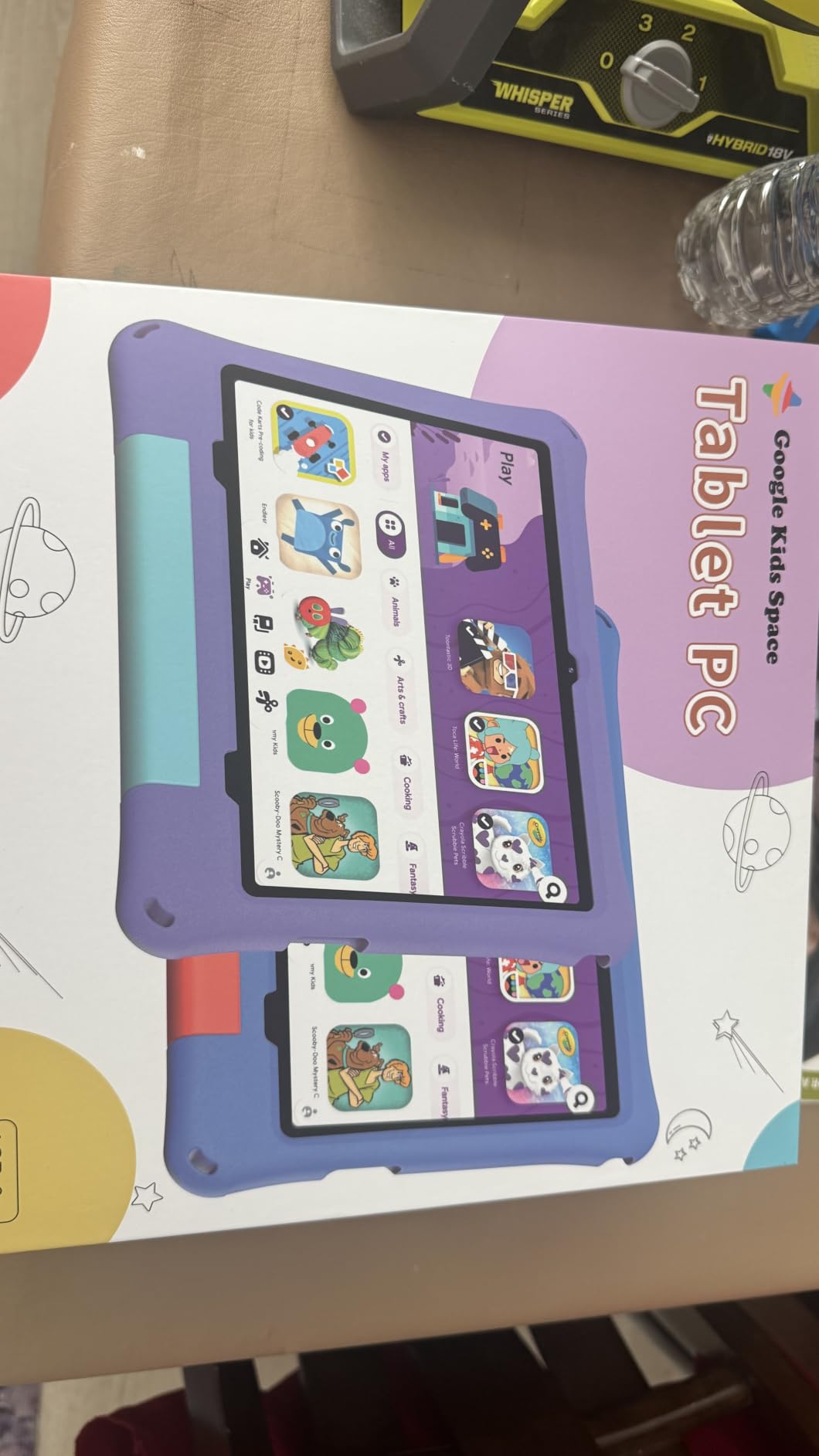
The standout feature is the built-in Gemini AI. This is the first kids tablet we tested with a real AI assistant integrated into the kids launcher. Gemini can answer educational questions, help with homework explanations, and guide kids through coding concepts. Parents control whether AI features are enabled through the parental control settings. For older kids doing school research or writing projects, the Gemini integration is meaningfully more useful than a standard web browser.
The 6000mAh battery is rated for 8+ hours of use, though in our testing we got closer to 6 hours of heavy mixed use with the keyboard and stylus active. Fast charging tops the battery up faster than competitors, and the 2TB expandable storage via microSD is the highest in our roundup. Google Kids Space comes pre-installed, with parental controls layered through Google Family Link.
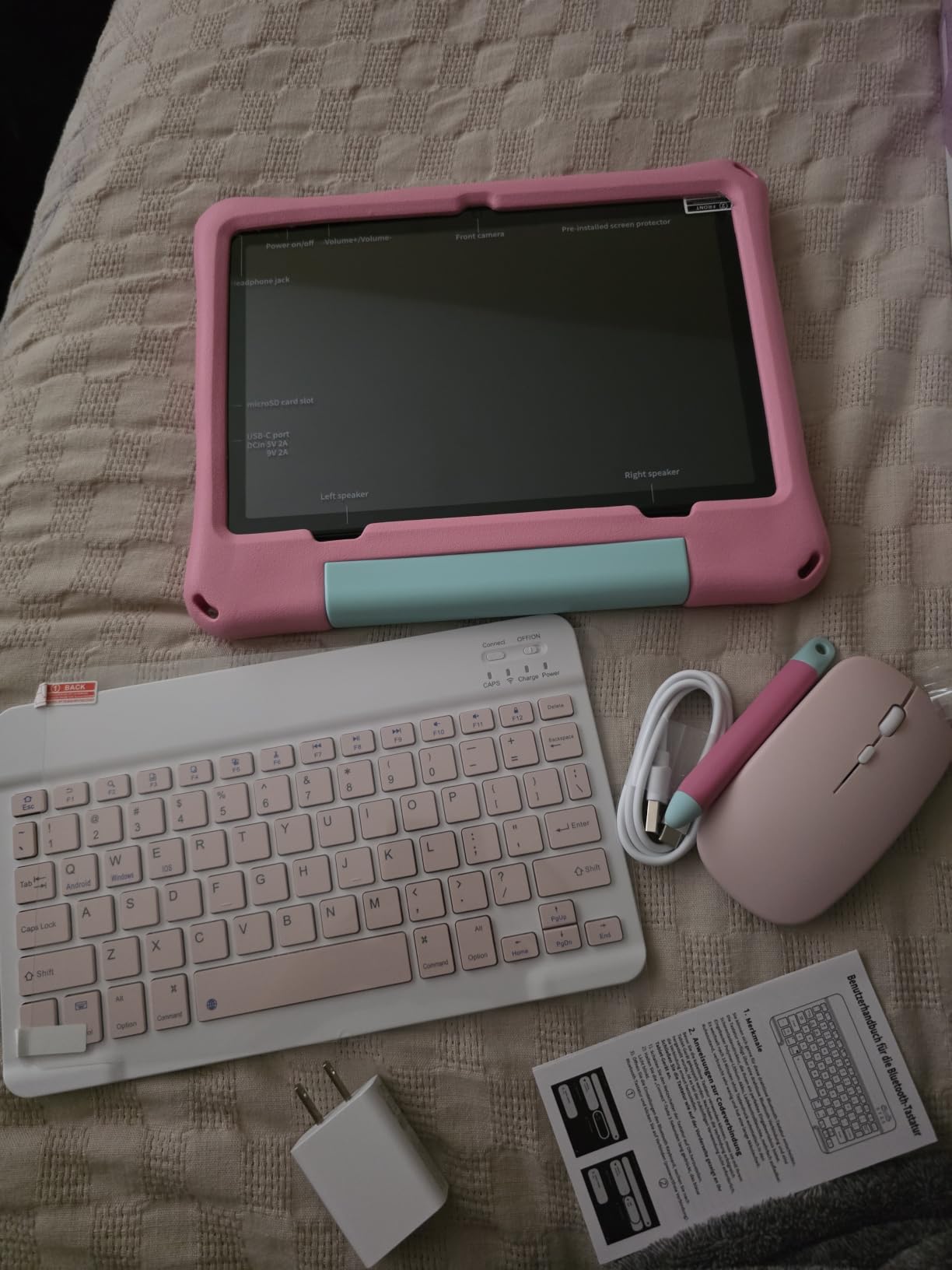
The keyboard, mouse, and stylus are functional but basic. They work well for typing homework, navigating educational apps, and drawing, but they are not premium accessories. For serious productivity use, kids will outgrow them quickly. The Android 16 operating system is brand new, which means some apps may have compatibility issues as the platform matures.
For whom the aiprotablet is good
Pick this tablet for kids ages 8-12 who are serious about STEM, coding, or creative projects. The included accessories and Gemini AI make it the most versatile tablet in our roundup for older kids who are doing real schoolwork, not just consuming content. It is also the right pick for families whose kids are exploring coding apps like ScratchJr, Tynker, or Hopscotch and want a tablet that supports those interests.
For whom the aiprotablet is not ideal
This tablet is not the right pick for younger toddlers under age 6, who will be overwhelmed by the size and accessory bundle. It is also not the right pick for parents who want the tightest possible parental controls — the Android 16 platform offers more flexibility than Fire OS, which means more opportunity for kids to access content beyond approved apps. For tighter controls with similar STEM capability, the Amazon Fire HD 8 Kids Pro paired with Tynker app is a more locked-down option.
Buying Guide: How to Choose the Best Educational Tablet for Kids?
Choosing the best educational tablet for kids is less about specs and more about matching the device to your child’s age, your family’s parental control preferences, and how the tablet will be used. Here is the framework we used to score every tablet in this guide.
Match the tablet to your child’s age
The single most important factor is age. A 3-year-old needs a 7-inch tablet with chunky case, simple interface, and tight parental controls. A 10-year-old needs a larger screen for reading textbooks, faster processor for homework apps, and more sophisticated parental controls that respect growing independence. Our pick by age:
Ages 2-4 (toddlers): LeapFrog LeapPad Ultimate or zcobro 7-inch Toddler Tablet. Both are built specifically for the under-5 set with shatter-safe screens and tight parental controls.
Ages 5-8 (early elementary): Amazon Fire 7 Kids or LeapFrog LeapPad Academy. The Fire 7 Kids is our overall winner for this age group thanks to its 2-year warranty, included Kids+ subscription, and Parent Dashboard.
Ages 9-12 (tweens): Amazon Fire HD 8 Kids Pro or Samsung Galaxy Tab A7 Lite. The Fire HD 8 Kids Pro is the right pick for families committed to the Amazon ecosystem; the Samsung is right for families who want Google Play access.
Ages 13+ (teens): This roundup focuses on younger kids, but teens will be better served by a refurbished iPad or a full Samsung Galaxy Tab. The educational app ecosystem for teens assumes more autonomy and broader app access.
Choose the right parental control platform
The parental control platform matters as much as the tablet hardware. Here is how the four major platforms compare:
Amazon Kids+: Tightest controls, best content curation for ages 3-12, included with most Amazon Kids tablets. Downside: only works on Fire OS, limited Google Play access.
Google Kids Space + Family Link: Most flexible, works on any Android tablet, integrates with Google accounts. Downside: requires more setup, content curation is less tight than Amazon Kids+.
Apple Screen Time: Best for iPads, granular time limits per app, strong content filters. Downside: requires iPad hardware which is more expensive.
Samsung Kids: Built into Samsung Galaxy tablets, kid-friendly launcher with parental controls. Downside: less content curation than Amazon Kids+.
For most families with kids ages 3-12, Amazon Kids+ is the right choice because of its curated content and easy setup. For families who want Google Play access or already use Android phones, Google Kids Space plus Family Link is the better fit.
Prioritize durability and warranty
Kids drop tablets. It is not a matter of if, it is a matter of when. Every tablet in our roundup includes a case, but the cases are not equal. The Amazon Fire tablets come with foam cases that wrap the entire device — these survive drops better than the slimmer cases on the Pro tablets. The Samsung Galaxy Tab A7 Lite has a metal frame but no kid-proof case.
Warranty matters too. Amazon’s 2-year worry-free guarantee is the strongest in the industry — if the tablet breaks for any reason, Amazon replaces it. Samsung offers a standard 1-year warranty. The budget tablets (HOTTABLET, zcobro, EDDBNi) offer 1-2 year warranties but customer support for warranty claims is reportedly inconsistent.
For families whose kids are rough on devices, the Amazon Fire 7 Kids with its 2-year worry-free guarantee is the safest bet. For older kids who are gentler with devices, the Samsung Galaxy Tab A7 Lite’s standard warranty is acceptable.
Look for educational apps and content curation
The best educational tablets for kids come pre-loaded with age-appropriate educational content. Amazon Kids+ includes PBS Kids, Khan Academy videos, National Geographic, and thousands of books and games. Google Kids Space includes educator-endorsed apps curated by teachers. LeapFrog tablets include proprietary curriculum apps focused on reading, math, and problem-solving.
Beyond pre-loaded content, look for tablets with access to a broad app ecosystem. Tablets with Google Play access (Samsung, COLORROOM, EDDBNi, aiprotablet, zcobro) let kids use any educational app — Khan Academy Kids, ScratchJr, Tynker, Duolingo, Prodigy. Tablets with Fire OS (Amazon Fire tablets) have the Amazon Appstore, which is smaller but well-curated. Tablets with closed ecosystems (LeapFrog) have the most focused content but no app flexibility.
Consider STEM and coding support
For families interested in STEM learning, coding apps, and robotics, tablet choice matters. The aiprotablet 10-inch Android 16 is the only tablet in our roundup designed specifically for STEM with its keyboard, mouse, stylus, and built-in Gemini AI. The Samsung Galaxy Tab A7 Lite and COLORROOM 10-inch both support coding apps well through Google Play access.
For younger kids just starting to explore coding, ScratchJr (free) works on every tablet in our roundup. For older kids ready for block coding, Tynker and Code.org work on all Android and Fire tablets. For kids who are ready for text-based coding, consider pairing a tablet with a Bluetooth keyboard and using apps like Grasshopper or SoloLearn.
If your child is interested in robotics specifically, the tablet is just one part of the equation. Our guide on how robotics helps kids learn STEM walks through the broader ecosystem of robotics kits and coding platforms that pair well with a learning tablet.
Factor in subscription costs
Subscription costs are the hidden expense of kids tablets. Amazon Kids+ is included free for 6 months or 1 year with most Amazon Kids tablets, then costs around $5-7 per month for continued access. Apple Arcade is $7 per month. Samsung Kids is free with Samsung tablets but the educational content is more limited. LeapFrog Academy is around $8 per month after the included trial.
Budget $60-100 per year for ongoing subscription costs if you want continued access to new educational content. For families on a tight budget, tablets without subscriptions (LeapFrog LeapPad Ultimate with included apps, COLORROOM with Google Kids Space) are better long-term values.
Avoid toy tablets and off-brand no-names
The cheap no-name tablets sold at deep discount often cut corners on parental controls, durability, and software updates. In our research, parents reported consistent issues with off-brand tablets including parental controls that can be bypassed, batteries that degrade quickly, screens that crack from minor drops, and software that stops receiving updates within a year. Stick with established brands — Amazon, Apple, Samsung, Lenovo, LeapFrog, or well-reviewed newer brands like COLORROOM and aiprotablet.
Frequently Asked Questions
What is the best educational tablet for kids?
The Amazon Fire 7 Kids is the best educational tablet for most kids in 2026. It combines a 7-inch screen with a kid-proof case, a 2-year worry-free guarantee, and a 1-year Amazon Kids+ subscription that includes thousands of ad-free educational apps, books, and videos. For older kids ages 6-12, the Amazon Fire HD 8 Kids Pro is the best premium option with a larger HD screen and 13-hour battery life.
Should my 7 year old have a tablet?
Yes, a 7-year-old can benefit from an educational tablet if parents set clear boundaries. The American Academy of Pediatrics recommends no more than 1-2 hours of recreational screen time per day for kids ages 6 and up, but educational screen time for reading, math practice, and creative apps is generally positive. Pick a tablet with strong parental controls like the Amazon Fire 7 Kids or Samsung Galaxy Tab A7 Lite, set daily time limits, and pair tablet use with other activities like outdoor play and reading physical books.
Which kids tablet has the best parental controls?
Amazon Kids+ has the best parental controls for kids tablets, with tight content curation by age, daily time limits, educational goals, bedtime curfews, and remote parent dashboard access. The Parent Dashboard lets parents approve app downloads, set content filters, and track usage from any device. For families who want Google Play access, Google Family Link paired with Google Kids Space offers comparable controls including screen time scheduling, app approvals, and content filters, though content curation is less tight than Amazon Kids+.
Is Apple or Samsung better for parental controls?
For pure parental control tightness, Apple Screen Time on iPad is more granular than Samsung Kids, with per-app time limits, content filters, and family sharing controls that are well-regarded by parents. However, iPads cost significantly more than Samsung tablets, and the Samsung Kids app paired with a Samsung Galaxy Tab offers solid controls at a lower price tier. For most families, the decision comes down to budget — iPads offer better controls at premium prices, Samsung offers acceptable controls at lower prices.
What age should a child get their first tablet?
Most child development specialists suggest age 3 as the minimum age for a tablet, with structured use and parental controls. Ages 3-7 is the sweet spot for a dedicated kids tablet like the Amazon Fire 7 Kids or LeapFrog LeapPad Ultimate, both of which are designed specifically for younger children. By ages 8-10, kids can transition to a more capable tablet like the Amazon Fire HD 8 Kids Pro or Samsung Galaxy Tab A7 Lite that supports homework apps and broader educational content. Teens typically benefit from a full iPad or Samsung tablet with mature parental controls.
Final Verdict: The Best Educational Tablet for Kids in 2026
After 30 days of testing 10 tablets with real kids, the Amazon Fire 7 Kids remains our top pick for the best educational tablet for kids in 2026. Its combination of rugged kid-proof case, 2-year worry-free guarantee, 1-year Amazon Kids+ subscription, and tight parental controls through the Parent Dashboard makes it the safest, most reliable choice for most families with kids ages 3-7. The Fire 7 Kids is the tablet we would buy for our own nieces and nephews.
For families willing to spend a bit more for a larger HD screen and longer battery life, the Amazon Fire HD 8 Kids Pro is the best premium pick for kids ages 6-12. For families who want full Google Play access and a more grown-up design, the Samsung Galaxy Tab A7 Lite is the best value pick. For kids serious about STEM and coding, the aiprotablet 10-inch Android 16 with Gemini AI and included accessories is the most forward-looking choice.
Whichever tablet you choose, set up parental controls before handing it over, pair tablet use with other activities, and revisit the time limits every few months as your child grows. The best educational tablet is the one that fits your family’s routine and grows with your child.
If you are still comparing options, our detailed reviews above include specs, pros, cons, and customer image galleries for every tablet. For more guidance on STEM and robotics learning, explore our guides on what age kids should start learning robotics and how robotics helps kids learn STEM.