
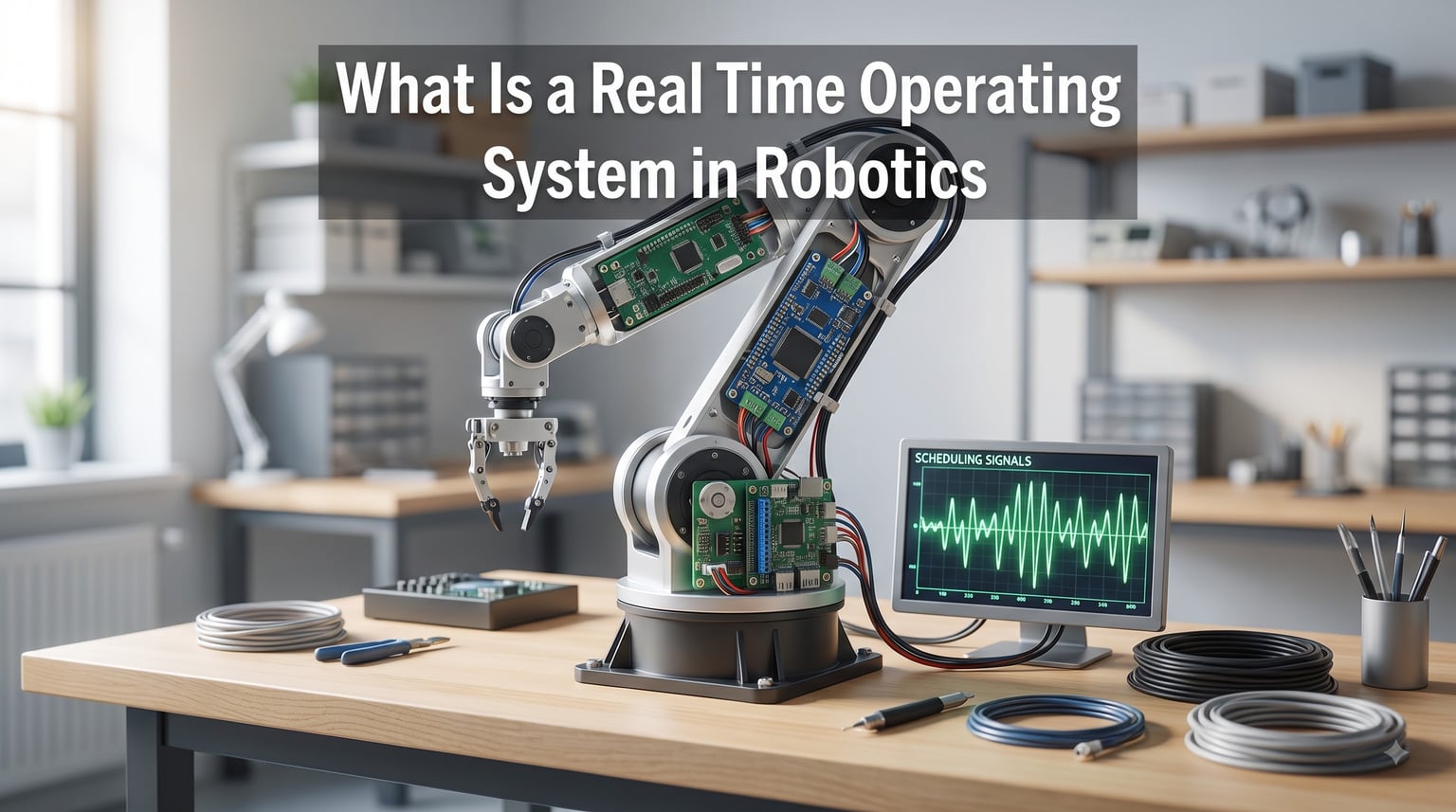
A real time operating system in robotics is the software layer that decides when every sensor reading, motor command, and safety check runs. If your robot’s motor controller must respond within 2 milliseconds to prevent a collision, you cannot rely on a desktop operating system that may pause for hundreds of milliseconds during background tasks.
I have spent years working with embedded controllers and I can tell you from direct experience: the difference between a robot that works on your bench and one that fails in production almost always comes down to timing. This guide explains what a real time operating system does, how it differs from ROS, and when your robotics project actually needs one.
You will learn the technical foundations of RTOS design, the three categories of real-time guarantees, the practical differences between RTOS and ROS 2, and how to pick the right RTOS for your application. I will also walk through real robotics case studies and answer the most common questions I see from students and engineers.
Table of Contents
What Is a Real Time Operating System in Robotics
A real time operating system, or RTOS, is an operating system built to complete tasks within strict, bounded time limits. In robotics, this means motor control loops, sensor polling, and emergency stop routines must execute on a predictable schedule, not whenever the scheduler gets around to it.
Wikipedia defines an RTOS as an operating system intended to serve real-time applications that process data as it comes in, typically without buffer delays. For a robot, that translates to deterministic response times measured in microseconds, not the best-effort scheduling of Windows, macOS, or standard Linux.
The key property is determinism. An RTOS guarantees that the worst-case time between an event happening and your code responding is known and bounded. This is different from speed. Your RTOS does not need to be the fastest option; it needs to be the most predictable one.
Robotics applications depend on this predictability in several critical ways. Joint controllers running at 1 kHz must receive new commands every millisecond. LiDAR sensors generating point clouds at 10 Hz must be processed before the next sweep arrives. Safety systems monitoring force feedback must react within microseconds to prevent injury.
How a Real Time Operating System Works
An RTOS manages three core mechanisms that work together to guarantee timing: a scheduler, interrupt handlers, and context switching logic. Understanding how these pieces fit together helps you debug timing issues and design better control systems.
The Scheduler: Heart of Determinism
The scheduler is the brain of any RTOS. It decides which task runs next based on priority levels you assign. Most real time operating systems use priority-based preemptive scheduling, meaning a higher-priority task can immediately interrupt a lower-priority one.
Common scheduling algorithms include Rate Monotonic Scheduling, which assigns priorities based on how often a task repeats, and Earliest Deadline First, which picks the task whose deadline arrives soonest. Both guarantee that critical tasks meet their timing requirements under specific conditions.
In a robotics context, your emergency stop task would typically run at the highest priority. Below that, the motor control loop runs at 1 kHz. Sensor processing and communication tasks fill the lower priority slots. The scheduler ensures the most critical work always finishes first.
Interrupt Latency and Context Switching
Interrupt latency is the time between a hardware event occurring and your interrupt service routine starting to run. In robotics, this often measures in single-digit microseconds. A robot reading encoder feedback needs the interrupt to fire within a few microseconds of the pulse arriving.
Context switching is the overhead cost of saving one task’s state and loading another. Every time the scheduler switches tasks, it must save CPU registers, stack pointers, and memory mappings. A well-designed RTOS keeps this overhead under 10 microseconds so it does not eat into your timing budget.
These metrics matter for closed-loop control systems where precise timing determines stability. If your control loop jitters between 990 microseconds and 1,010 microseconds, your robot may oscillate or drift.
Priority Inversion and Synchronization
Priority inversion is a classic RTOS problem where a high-priority task waits for a low-priority task to release a shared resource. Without protection, a medium-priority task can run instead, blocking the critical work indefinitely.
The Mars Pathfinder mission famously suffered from priority inversion in 1997. The rover kept resetting itself until engineers uploaded a priority inheritance protocol that fixed the issue. Modern RTOS options include priority inheritance and priority ceiling protocols to prevent this problem.
Task synchronization uses mutexes, semaphores, and message queues to coordinate between tasks. Choosing the right synchronization primitive prevents deadlocks and keeps data consistent across your control loops.
Hard, Soft, and Firm Real-Time Systems Explained
Not all real-time guarantees are equal. The robotics community recognizes three categories based on what happens when a deadline is missed.
Hard real-time systems fail catastrophically if a deadline is missed. An automotive airbag controller must deploy within 5 milliseconds. A surgical robot cutting tissue must stop within 1 millisecond if the surgeon releases the control. Missing these deadlines risks human life.
Soft real-time systems degrade gracefully when deadlines slip. A video streaming buffer that drops a frame every few seconds is annoying but not dangerous. Most consumer robotics applications fall into this category.
Firm real-time systems sit between hard and soft. Missing a deadline produces a useless result but no immediate danger. An example would be a robot vision system that occasionally skips processing a frame because a new one is already ready.
Understanding which category your robot falls into determines how strict your RTOS selection needs to be. A hobbyist wheeled robot with PID controllers probably needs soft real-time. A collaborative robot arm working alongside humans needs hard real-time guarantees.
RTOS vs GPOS: Key Differences for Robotics
A General Purpose Operating System, or GPOS, like Linux or Windows optimizes for throughput and average performance. An RTOS optimizes for worst-case latency and timing predictability. This fundamental difference shapes everything about how each system behaves.
GPOS systems use fairness-oriented schedulers that try to give every process a fair share of CPU time. They buffer I/O operations, swap memory to disk, and run hundreds of background services. All of this adds unpredictable delays measured in milliseconds or even seconds.
RTOS systems strip out unnecessary features and keep the kernel minimal. They typically fit in under 64 KB of flash memory. They avoid memory paging, minimize interrupt disabling, and use bounded execution times for all system calls.
For a robot running on a Raspberry Pi, Linux might work fine for high-level planning and computer vision. For the low-level motor controller on a microcontroller, an RTOS is usually necessary. Many robots use both: Linux for high-level intelligence and an RTOS for real-time control.
RTOS vs ROS 2: Clearing Up the Confusion
This is the most common question I see from students entering robotics: what is the difference between ROS and an RTOS? The confusion is understandable because both relate to robots, but they serve completely different purposes.
ROS, which now means Robot Operating System, is a middleware framework for building robot software. It provides message passing between nodes, package management, visualization tools, and algorithms for perception and planning. ROS 2 runs on top of a host operating system like Linux, Windows, or macOS.
An RTOS is the operating system itself. It runs on the bare metal of your microcontroller and manages CPU time, memory, and hardware interrupts. You cannot install ROS on a bare RTOS without adding a host layer.
ROS 2 includes real-time improvements like DDS for deterministic communication, but it still depends on the underlying OS for hard real-time guarantees. For truly deterministic behavior on small embedded targets, many teams use micro-ROS, which brings ROS 2 concepts onto RTOS platforms like FreeRTOS or Zephyr.
The two work together more often than they compete. A typical autonomous robot uses ROS 2 on a Linux computer for high-level navigation and decision making, while an RTOS handles low-level motor control, sensor reading, and safety functions.
Key Technical Features That Matter in Robotics
Beyond basic scheduling, several technical features separate RTOS options and determine suitability for robotics applications. Here are the ones that matter most.
Bounded jitter describes how much your task execution timing varies. A motor control loop scheduled to run every 1 millisecond with bounded jitter of 5 microseconds is far more stable than one with jitter of 100 microseconds, even if both run at the right average rate.
Worst-case execution time, or WCET, is the longest time a task could possibly take. RTOS documentation should specify or help you measure WCET for critical functions. If your control loop has a WCET of 800 microseconds but runs at 1 kHz, you have only 200 microseconds of margin.
Memory management in an RTOS is typically static and predictable. You allocate all memory at startup so the system never blocks waiting for garbage collection or memory allocation during operation. Some RTOS options support dynamic allocation with bounded execution time guarantees.
Fault tolerance features like watchdog timers automatically reset the system if a task hangs. Stack overflow detection catches bugs before they corrupt memory. These features are essential for robots deployed in the field where you cannot press a reset button.
Task synchronization primitives include mutexes with priority inheritance, counting semaphores, and message queues. The specific features and their implementations affect how easily you can coordinate multiple control loops without introducing timing bugs.
Popular RTOS Options for Robotics Projects
Several RTOS options have become standard choices in the robotics community. Your selection depends on your hardware, certification requirements, and team experience.
FreeRTOS is the most widely deployed RTOS in the world, used in everything from aerospace to IoT devices. It has a small footprint, supports dozens of architectures, and offers a permissive license. For hobby robots and many commercial applications, FreeRTOS is a solid default choice.
Zephyr is an open-source RTOS backed by the Linux Foundation. It includes built-in networking, Bluetooth, and security features. Zephyr works well for connected robots and IoT-style applications where you need wireless communication alongside real-time control.
VxWorks from Wind River powers many commercial robots, including industrial automation and medical devices. It has decades of safety certification and supports the hardest real-time requirements. Expect licensing costs in the thousands of dollars.
QNX is another commercial option with a strong reputation in automotive and robotics. Its microkernel architecture isolates components so a fault in one does not crash the whole system. Medical robots and surgical systems often run on QNX.
NuttX is a POSIX-compliant RTOS popular in drone and small robotics applications. It closely resembles Linux in its API, making porting code easier. PX4, the open-source drone autopilot, runs on NuttX.
ThreadX from Microsoft, now called Azure RTOS, offers strong safety certification and support for resource-constrained devices. It is free for commercial use and ships with extensive documentation.
Choosing the Right RTOS for Your Robotics Application
Selecting an RTOS involves balancing several factors. I follow this framework when advising teams on real-time operating system selection.
First, determine your hard real-time requirements. List every task that must complete within a deadline and the consequences of missing it. Tasks with safety implications need hard real-time guarantees. Tasks that affect user experience need soft real-time at minimum.
Second, match the RTOS to your hardware. Some RTOS options only support specific microcontroller families. Check that your chosen chip architecture is well-supported and that the vendor provides board support packages.
Third, consider certification needs. Medical robots, aviation systems, and some industrial applications require RTOS options with safety certification like IEC 61508 or ISO 26262. Certification adds significant cost and development time.
Fourth, evaluate licensing and support. Open-source options like FreeRTOS and Zephyr reduce costs but may require you to handle support yourself. Commercial options include vendor support but add licensing fees.
Fifth, check the ecosystem. Does the RTOS have drivers for your sensors? Are there middleware libraries for CAN bus, EtherCAT, or other industrial protocols? An active community saves development time.
Real-World Robotics Applications and Case Studies
RTOS implementations appear across the robotics industry in applications where timing failures are unacceptable.
Industrial robot arms from companies like KUKA and ABB use real-time operating systems for motion control. A six-axis arm performing welding must coordinate all six joints within 1 millisecond to maintain path accuracy. These systems often run on VxWorks or QNX with additional real-time extensions.
Surgical robots like the da Vinci system require hard real-time performance. The system translates surgeon hand movements into instrument tip motions with minimal latency. Any delay would make the surgeon feel disconnected from the instruments.
Autonomous vehicles depend on RTOS-like real-time guarantees for sensor fusion and path planning. While high-level autonomy often runs on Linux, the braking and steering controllers use real-time systems certified to automotive safety standards.
The Mars rovers, including Curiosity and Perseverance, use VxWorks for their flight and surface operations. The 1997 Mars Pathfinder mission famously suffered from priority inversion that caused system resets until engineers diagnosed and fixed the issue remotely.
Benefits and Challenges of Using RTOS in Robotics
Using an RTOS in robotics brings clear advantages but also introduces complexity you should understand before committing.
The primary benefit is predictable timing for safety-critical functions. Your robot behaves the same way under load as it does at idle. Emergency stops always fire within their deadline. Motor commands always arrive on schedule.
RTOS also enables modular design. You can develop individual tasks independently and compose them into a complete system. Testing becomes easier because task behavior is deterministic.
The main challenge is added complexity. RTOS development requires thinking about priorities, synchronization, and resource sharing from day one. Debugging timing issues is harder than debugging functional bugs.
Learning curve is another factor. Engineers familiar with Linux or Windows development must learn new concepts and tools. The community is smaller than for general-purpose development, so finding answers takes longer.
Future Trends: RTOS, AI, and Autonomous Robots
The line between RTOS and general-purpose computing continues to blur as AI capabilities move to edge devices. Modern robots increasingly run neural networks for perception and decision making alongside traditional real-time control loops.
ROS 2 with real-time extensions is gaining traction as a unified platform that handles both high-level AI and low-level control. Projects like micro-ROS bridge the gap between full ROS 2 systems running on Linux and RTOS platforms on microcontrollers.
Hardware acceleration for AI, including NPUs and GPUs on embedded devices, is changing RTOS requirements. Schedulers must now account for hardware accelerators as resources alongside CPU and memory.
For more on how timing precision affects robot hardware, see our guide on precision timing requirements in robot gearing systems.
Frequently Asked Questions About RTOS in Robotics
What is a real-time operating system in simple words?
A real-time operating system is software that guarantees your robot’s tasks finish within strict time limits. Unlike a regular computer operating system that tries to be fast on average, an RTOS promises that critical tasks will complete within a known maximum time. For example, an RTOS guarantees your motor control loop finishes within 1 millisecond every single time, not just usually.
Which operating system is used in robots?
Robots typically use a combination of operating systems depending on the task. High-level processing and AI often run on Linux with ROS 2. Low-level real-time control runs on an RTOS like FreeRTOS, Zephyr, VxWorks, or QNX. Many robots use both: Linux for intelligence and an RTOS for motor control and sensor processing.
Is ROS a real-time operating system?
No, ROS (Robot Operating System) is not an RTOS. ROS is a middleware framework that runs on top of a host operating system like Linux. It provides tools for building robot software but does not itself guarantee real-time performance. ROS 2 has real-time improvements but still depends on the underlying OS for hard real-time guarantees.
Does ROS still exist?
Yes, ROS continues to evolve actively. ROS 1 reached end of life in 2026, but ROS 2 is the current supported version and is being adopted widely in industry and research. ROS 2 includes real-time improvements, better security, and support for production deployment. The ROS community remains large and active.
Is ROS hard to learn?
ROS has a moderate learning curve. The basic concepts like nodes, topics, and services can be learned in a few days. Building production-ready robot systems with ROS takes much longer, often several months of practice. ROS 2 adds complexity around real-time considerations and quality of service settings. Start with simple examples and build up to more complex systems.
When do you actually need an RTOS in a robotics project?
You need an RTOS when your robot has tasks with strict timing deadlines that, if missed, cause safety issues, equipment damage, or system failure. Examples include emergency stops, motor control loops above 100 Hz, force feedback processing, and safety-critical sensor monitoring. For slow-moving hobby robots with simple PID controllers running below 50 Hz, a regular microcontroller loop may suffice.
What is the difference between hard and soft real-time systems?
Hard real-time systems fail catastrophically if a deadline is missed, like an airbag controller or surgical robot. Soft real-time systems degrade gracefully when deadlines slip, like video streaming that occasionally drops frames. Firm real-time systems fall between these: missing a deadline produces a useless result but no immediate danger, such as a vision system skipping an occasional frame.
Conclusion
A real time operating system in robotics is the foundation that makes precise, predictable robot behavior possible. By guaranteeing bounded response times for critical tasks, an RTOS lets you build systems where safety stops fire instantly, motor control loops stay stable, and sensors are read exactly when needed.
The key takeaways from this guide are clear. First, understand your timing requirements before choosing any RTOS. Second, distinguish between hard, soft, and firm real-time needs based on what happens when deadlines slip. Third, recognize that ROS and RTOS serve different purposes and often work together rather than compete.
For most robotics projects, I recommend starting with FreeRTOS or Zephyr. Both offer strong community support, permissive licensing, and proven reliability. As your project grows or certification requirements emerge, you can migrate to commercial options like VxWorks or QNX.
Start by profiling your current robot system to identify timing variability. If you see jitter above 10% of your control loop period, an RTOS will likely improve your robot’s stability and reliability. To learn more about how timing affects other aspects of robot design, explore our guides on precision motor control systems and real-time sensor feedback systems.