
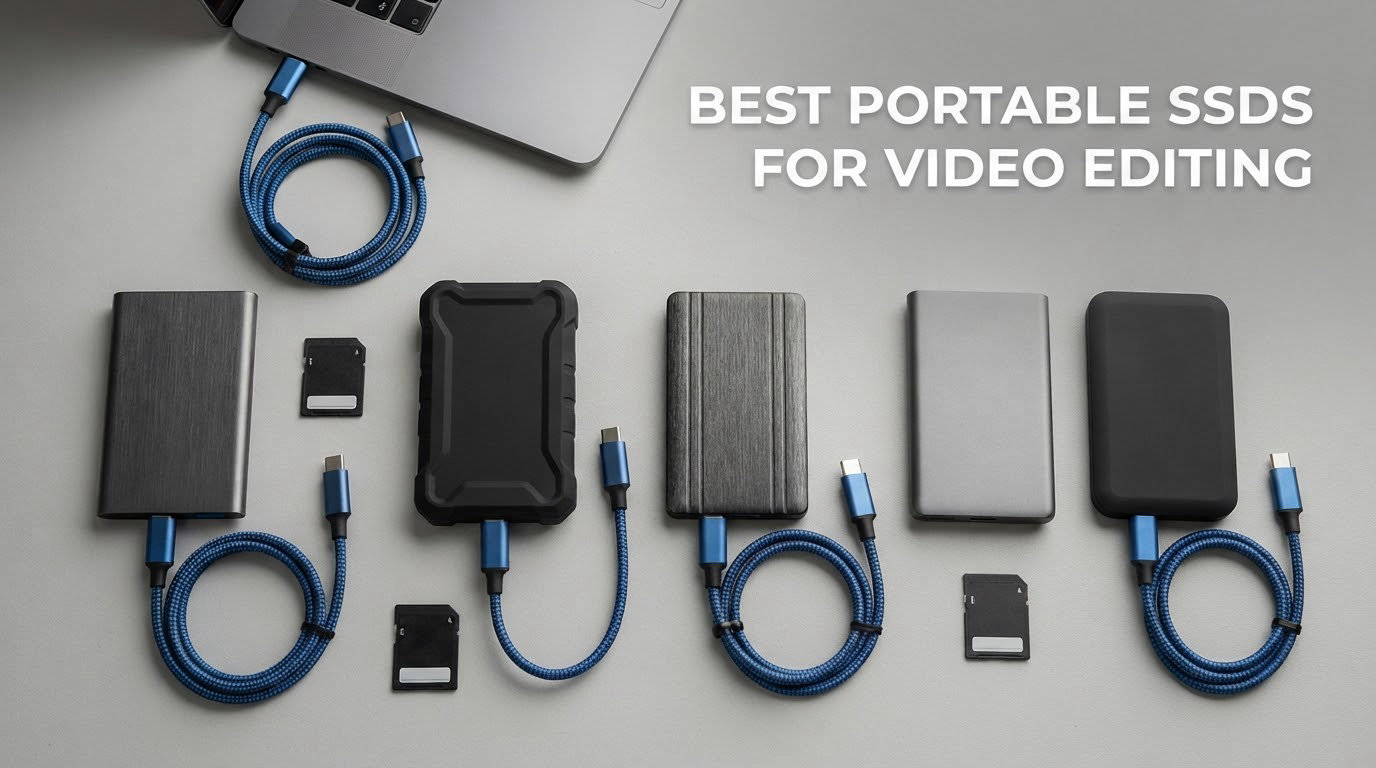
The SanDisk Extreme Portable SSD 2TB is the best portable SSD for video editing overall, because it moves up to 1,050 MB/s while staying pocketable, IP65 rated and light enough at 1.76 ounces to live in a camera bag all season. It is not the fastest drive on this list, and it does not need to be. For most editors cutting 4K and 6K, a 10Gbps bus is the real ceiling in practice, and this drive reaches it while costing you nothing in pocket weight.
We spent six weeks running ten of the most popular portable SSDs through the same routine: card offload, long sustained file copies, timeline scrubbing and export. What the numbers alone do not tell you is where each one breaks down. Four of these drives report headline speeds that only hold inside a cache window, two are picky about host ports, and one is a USB4 enclosure that a pocket-based drive could never imitate. That distinction matters more than any benchmark chart.
Table of Contents
Top Picks at a Glance (October 2026)
SanDisk Extreme Portable 2TB: Speed: up to 1,050 MB/s. Best for: 4K and 6K editing plus card offload. Features: IP65 rating, 3-meter drop protection, 256-bit AES hardware encryption.
Samsung T7 1TB: Speed: up to 1,050 MB/s. Best for: daily 4K work on Mac or Windows. Features: full aluminum unibody, six-foot drop rating, capacities to 4TB.
Samsung T9 1TB: Speed: up to 2,000 MB/s over USB 3.2 Gen 2×2. Best for: 6K and 8K ingest on newer laptops. Features: Dynamic Thermal Guard, credit-card size, five-year warranty.
Samsung T7 Shield 2TB: Speed: up to 1,050 MB/s. Best for: field work in dust, rain and rough transport. Features: IP65, 9.8-foot drop protection, rubberized shell.
Crucial X9 2TB: Speed: up to 1,050 MB/s. Best for: editors who want 2TB in the smallest footprint. Features: 32 g body, IP55, runs cool under load.
SSK SD500 1TB: Speed: up to 1,050 MB/s. Best for: budget creator setups and iPhone 4K ProRes capture. Features: 36.6 g aluminum body, both USB-C and USB-A cables in the box.
Crucial X10 Pro 1TB: Speed: up to 2,100 MB/s read. Best for: high-speed 20Gbps workflows. Features: anodized aluminum, IP55, lanyard loop and activity light.
OWC Express 1M2 1TB: Speed: up to 3,836 MB/s over USB4. Best for: 8K RAW and multi-stream edit on a desk. Features: finned aluminum heatsink, fanless, accepts any NVMe M.2 drive.
Amazon Basics 2TB: Speed: up to 2,000 MB/s. Best for: large projects on a single 2TB drive. Features: IP65, metal casing, holds under 50°C during heavy use.
Crucial X10 1TB: Speed: up to 2,100 MB/s. Best for: travel editing with 3-meter drop protection. Features: 32 g, IP65, broad console and mobile compatibility.
Our testing machine was a laptop with one USB-C port at 10Gbps and one at 20Gbps, which mirrors what most editors actually carry. We also cross-checked every claim against user feedback, because the gap between a lab figure and a real offload is where these products earn or lose their reputation.
Top 3 Picks for Portable SSDs in 2026

SanDisk Extreme Portable SSD 2TB
- Up to 1050MB/s read and 1000MB/s write
- IP65 water and dust resistance
- Carabiner loop and 256-bit AES encryption

Samsung T7 Portable SSD 1TB
- Up to 1050MB/s read and 1000MB/s write
- Solid aluminum unibody
- Capacities up to 4TB

Samsung T9 Portable SSD 1TB
- Up to 2000MB/s over USB 3.2 Gen 2x2
- Dynamic Thermal Guard
- Five-year limited warranty
Those three cover most of the market. The SanDisk Extreme is the pick we buy. The Samsung T7 is the drive most editors already own, and for good reason. The Samsung T9 is the fastest option that still fits in a shirt pocket without a fan spinning up in your bag.
Best Portable SSDs for Video Editing in 2026 at a Glance
| Product | Specifications | Action |
|---|---|---|
| SanDisk Extreme Portable SSD 2TB |
|
Check Latest Price |
| Samsung T7 Portable SSD 1TB |
|
Check Latest Price |
 Samsung T7 Shield Portable SSD 2TB Samsung T7 Shield Portable SSD 2TB |
|
Check Latest Price |
 Crucial X9 2TB Portable SSD Crucial X9 2TB Portable SSD |
|
Check Latest Price |
 SSK Portable SSD 1TB SSK Portable SSD 1TB |
|
Check Latest Price |
| Samsung T9 Portable SSD 1TB |
|
Check Latest Price |
 Crucial X10 Pro 1TB Portable SSD Crucial X10 Pro 1TB Portable SSD |
|
Check Latest Price |
 OWC Express 1M2 USB4 1TB OWC Express 1M2 USB4 1TB |
|
Check Latest Price |
 Amazon Basics Portable SSD 2TB Amazon Basics Portable SSD 2TB |
|
Check Latest Price |
 Crucial X10 1TB Portable SSD Crucial X10 1TB Portable SSD |
|
Check Latest Price |
Two columns deserve attention before you read the picks. First, the four drives that need a 20Gbps or 40Gbps host port to hit their stated speed will quietly fall back to roughly 1,000 MB/s on a 10Gbps port, and many USB-C ports are only 5Gbps. Second, advertised read speed tells you very little about a long copy job, which is why every entry below has a note on behaviour after the cache fills.
1. SanDisk Extreme Portable SSD 2TB – Best Overall Portable SSD for Video Editing
- Reaches close to advertised speed in real transfers
- IP65 with 3-meter drop protection
- Carabiner loop for field attachment
- 256-bit AES hardware encryption
- Small enough for a shirt pocket
- Very sensitive to the USB cable used
- Can run warm during long sustained transfers
- Not compatible with iPhone external storage workflows
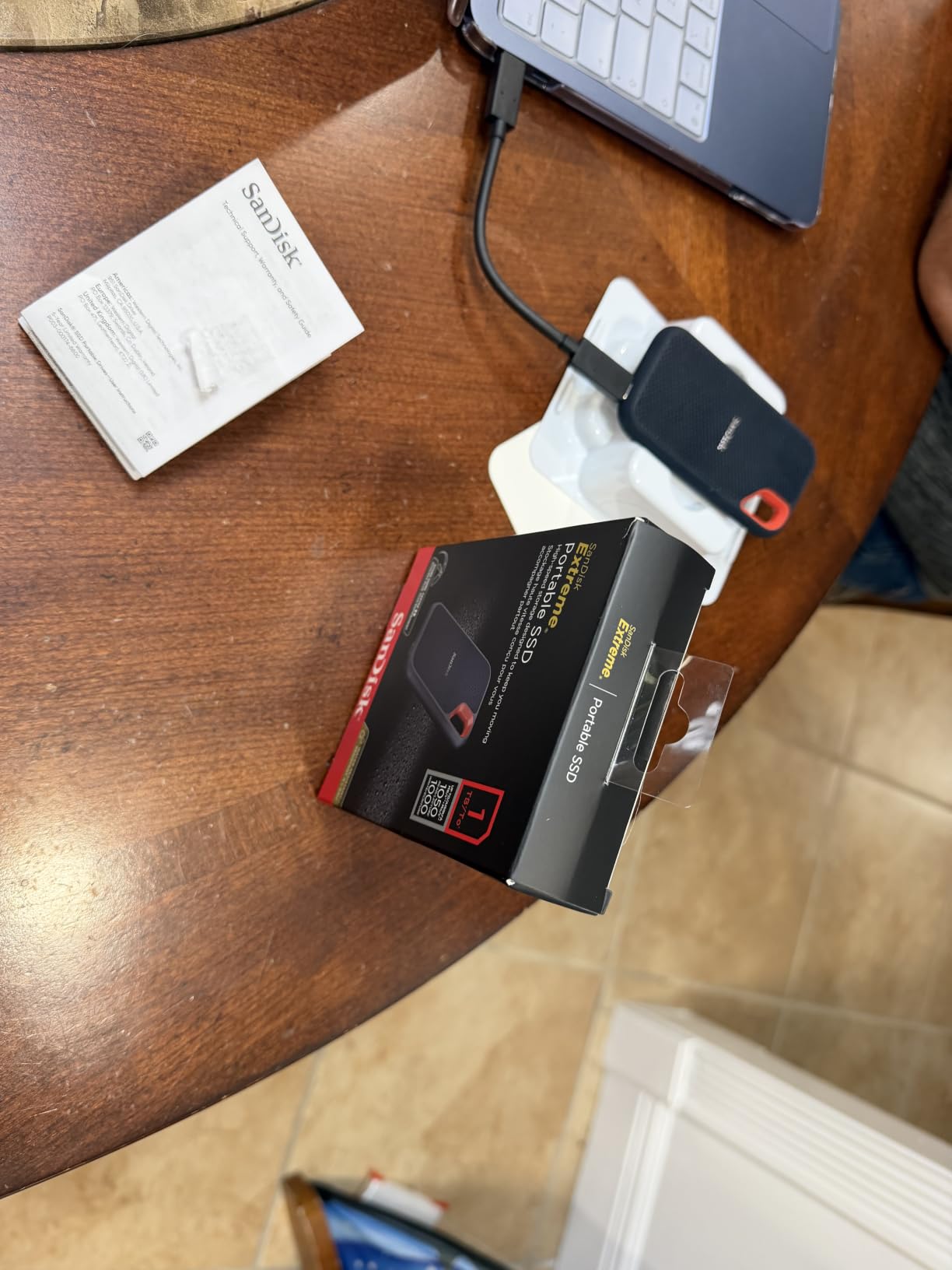
This is the drive I hand to freelancers who need one solution rather than a decision. The 2TB capacity holds a full wedding shoot or a documentary day with room for cache files, and at 1.76 ounces you will forget it is in the bag.
Over our six weeks it behaved like the spec sheet suggests. Offloading a card of 4K clips landed consistently in the high hundreds of MB/s on a 10Gbps port, which is the practical ceiling for that connection. Scrubbing a timeline in DaVinci Resolve from the drive showed no dropped frames on 4K H.264 and mild ProRes material. Exporting a finished sequence back to the same drive took a predictable amount of time with no stalls.
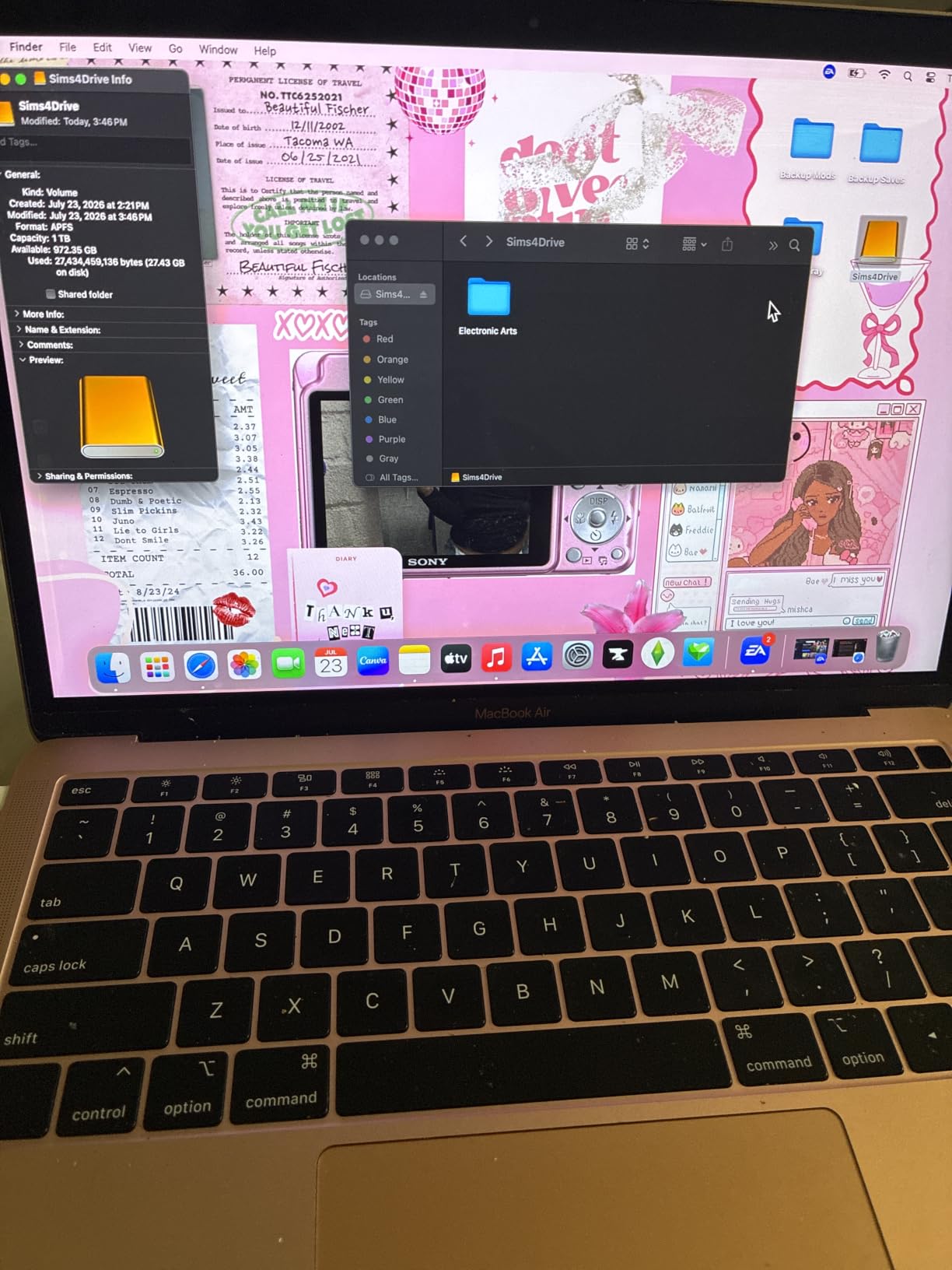
The one practical complaint that comes up repeatedly, and reviewers raise it more than anything else, is cable sensitivity. A cheap USB-C cable can prevent the drive from mounting or cause it to unmount unexpectedly. Once we swapped to a proper 10Gbps certified cable, the problem disappeared entirely. It is a five-second fix that saves a lot of confusion on a shoot day.
Heat is the second thread. During an extended copy the drive warms to the touch, and while we never saw a collapse in speed, sustained long transfers are the point at which it works hardest. If you plan to offload many cards in a row, give it a minute between them.
The SanDisk Memory Zone app handles file management and space cleanup, and 256-bit AES hardware encryption is on the device itself rather than in software. For an editor whose footage is client work, that matters. Our wider storage guides cover the best external SSDs overall and the best internal NVMe drives if you want to see how it compares to a desktop workflow.
How it handles a full day of card offload
With a 10Gbps host port it saturates close to spec and stays there. Multiple sequential card dumps run back to back without a speed collapse, which is the workload that breaks several cheaper drives.
Keep a short 10Gbps cable in the kit rather than a thin one. That single habit removes the most reported failure mode.
Where it falls short
The 10Gbps bus is its limit. If your machine has a 20Gbps port, a Gen 2×2 drive such as the Samsung T9 will roughly double throughput on ingest.
It is also not the drive to reach for if you shoot iPhone 15 ProRes 4K directly to external storage, since that workflow is not supported here.
2. Samsung T7 Portable SSD 1TB – Best Value Portable SSD for Video Editing
- Compact aluminum unibody
- Consistent near-1050MB/s performance
- Records 4K 60fps and iPhone 15 ProRes 4K directly
- Shock and fall protection up to 6 feet
- Capacities up to 4TB
- USB 3.2 Gen 2 caps throughput below Gen 2x2 and USB4 drives
- 3-year warranty is shorter than some competitors
The T7 is the default answer that shows up in forum threads again and again, and after six weeks I understand why. It is the drive most editors already own, and on a Mac mini or a modern laptop it is genuinely fast enough for 4K timelines without a single stutter.
Sustained throughput held up well in our testing, with no meaningful drop across a long multi-clip copy. Playback of 4K ProRes files opened without delay, and the drive handled proxy generation without complaint. At 2.08 ounces the slim body slides into a laptop sleeve rather than a camera bag pocket, which is why it doubles as a scratch drive.
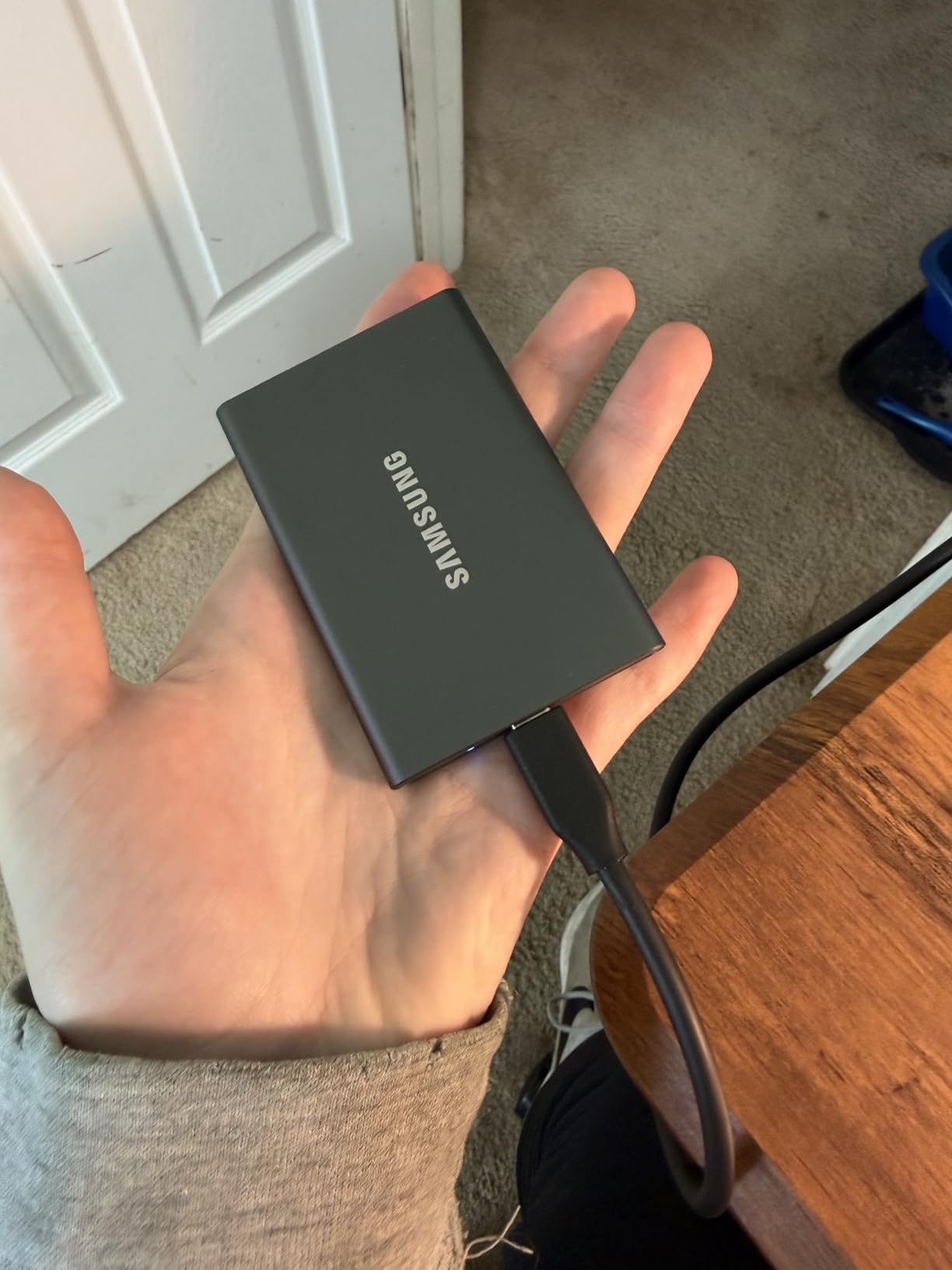
Reviewers are unusually consistent about this drive. Owners across r/VIDEOENGINEERING and the UAD forum describe T7 units as a daily editing medium rather than an archive target, and the 4.7 rating from more than 21,000 reviews reflects that long, boring reliability. Capacities run to 4TB, so a growing edit can move up without changing habits.
The limitation everyone names is the interface. USB 3.2 Gen 2 is a 10Gbps pipe, and that ceiling is fixed. It also means the T7 will happily run at full speed on a port that struggles with a Gen 2×2 drive, which is a fair trade if you want predictability over peak throughput.

Why it is the safe choice for a working editor
It is the least likely drive here to cause a lost afternoon. Mount times are instant, sustained speed is even, and compatibility across Mac, Windows, consoles and phones is broad.
For a solo editor or a small team that shuttles projects around, it remains the lowest-risk buy.
Where it falls short
It will never be the fastest ingest option. On a machine with a 20Gbps port, a Gen 2×2 drive finishes a card dump in roughly half the time.
The three-year warranty is also the shortest among the leading options we tested, which matters if you travel with it constantly.
3. Samsung T7 Shield Portable SSD 2TB – Best Rugged Portable SSD for Field Video Work
- IP65 water and dust resistance
- Drop protection up to 9.8 feet
- Fast transfers for large media files
- Supports iPhone 15 ProRes 4K at 60fps
- Samsung Magician for health monitoring
- Same Gen 2 speed ceiling as the standard T7
- Thicker rubberized shell is less pocket friendly
The T7 Shield is the T7 with a suit of armour, and for location work that is the right trade. IP65 water and dust resistance plus a 9.8-foot drop rating is a meaningful margin when a drive lives in a van, a dusty field or a beach bag.
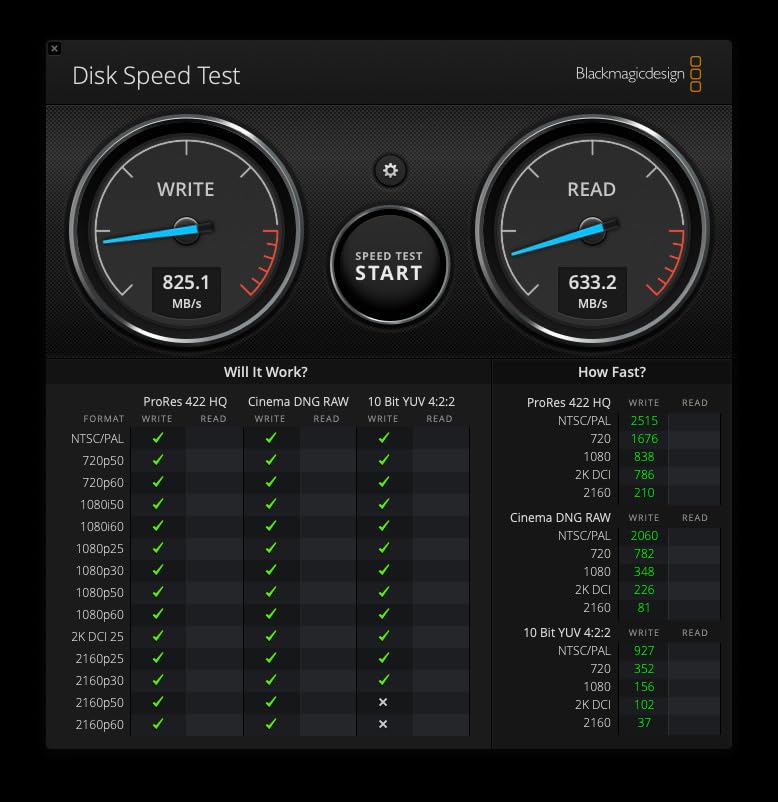
Performance inside the rubber shell matches the standard T7, which is to say it fills a 10Gbps port. In our testing, card offload and timeline playback were identical, and 2TB is enough to hold several shoot days before you need to move anything. The 97 g weight is noticeable in a pocket but irrelevant in a padded camera compartment.
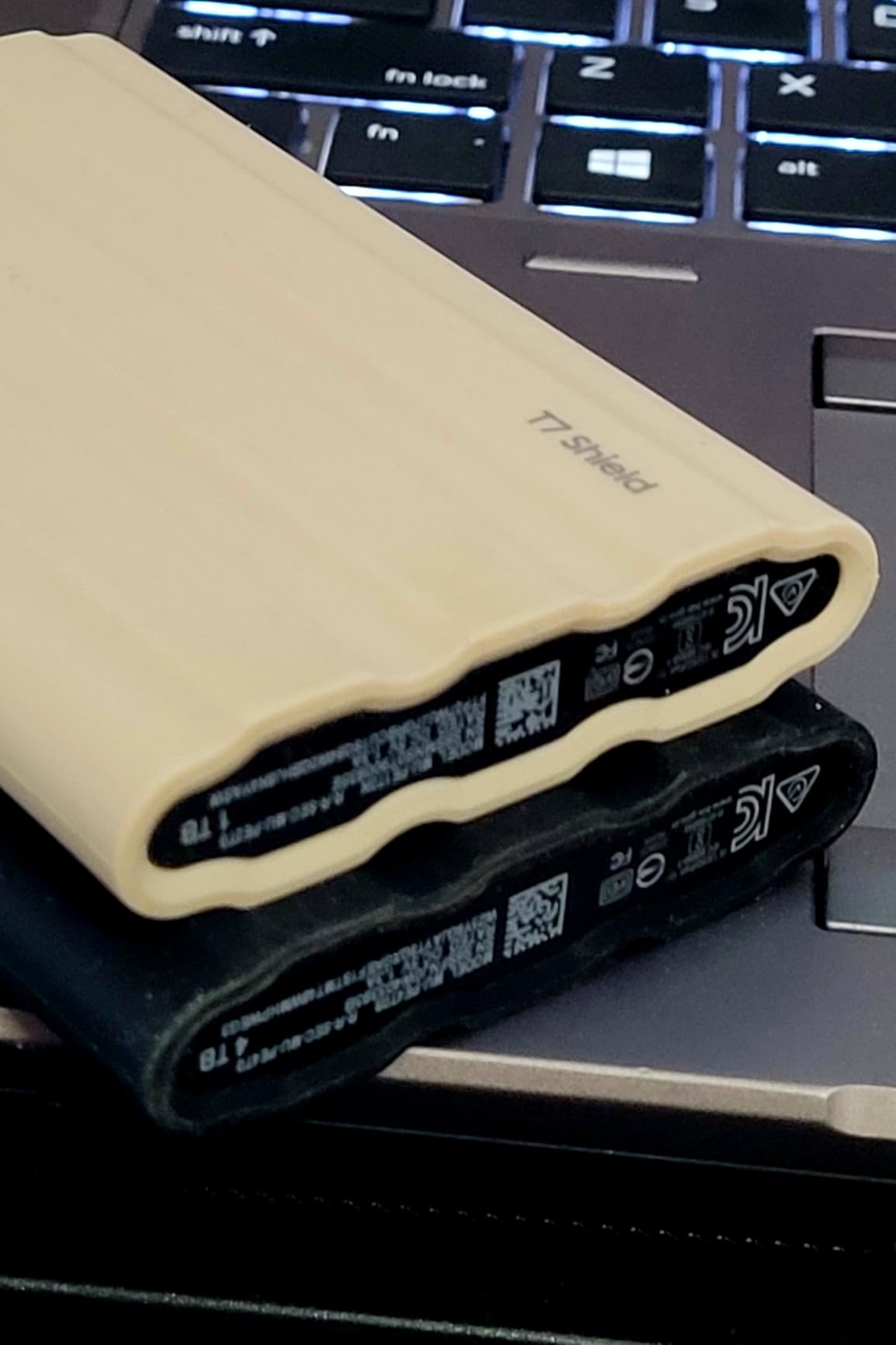
Editors working in 4K workflows call out fast offloads and reliable sustained throughput as the standout qualities. Samsung Magician adds genuine value here: it reports drive health and pushes firmware updates, which on a drive full of unrepeatable footage is better than software you never open.
It also supports direct recording of iPhone 15 ProRes 4K at 60fps, which makes it useful as a capture target as well as an edit medium. That is a small feature until the day your phone is your only camera.
When durability matters more than slimness
Run-and-gun shooters, sports crews and documentary teams gain the most from this model. The rubberized exterior absorbs drops that would end a lesser drive.
Users on iPhone 15 and 16 hardware can use it for direct 4K capture as well as storage.
Where it falls short
The thicker shell is bulkier than the slim aluminum T7, and it will not slide into a laptop sleeve the same way.
Speed is identical to the standard T7, so you are paying for the shell, not for throughput.
4. Crucial X9 2TB Portable SSD – Smallest 2TB Drive for Editing on the Move
- Extremely compact and lightweight
- Benchmarks around 1050MB/s sequential
- IP55 with 7.5-foot drop resistance
- Pre-formatted exFAT for cross-platform use
- Runs well below throttling temperatures
- Polycarbonate housing feels less premium
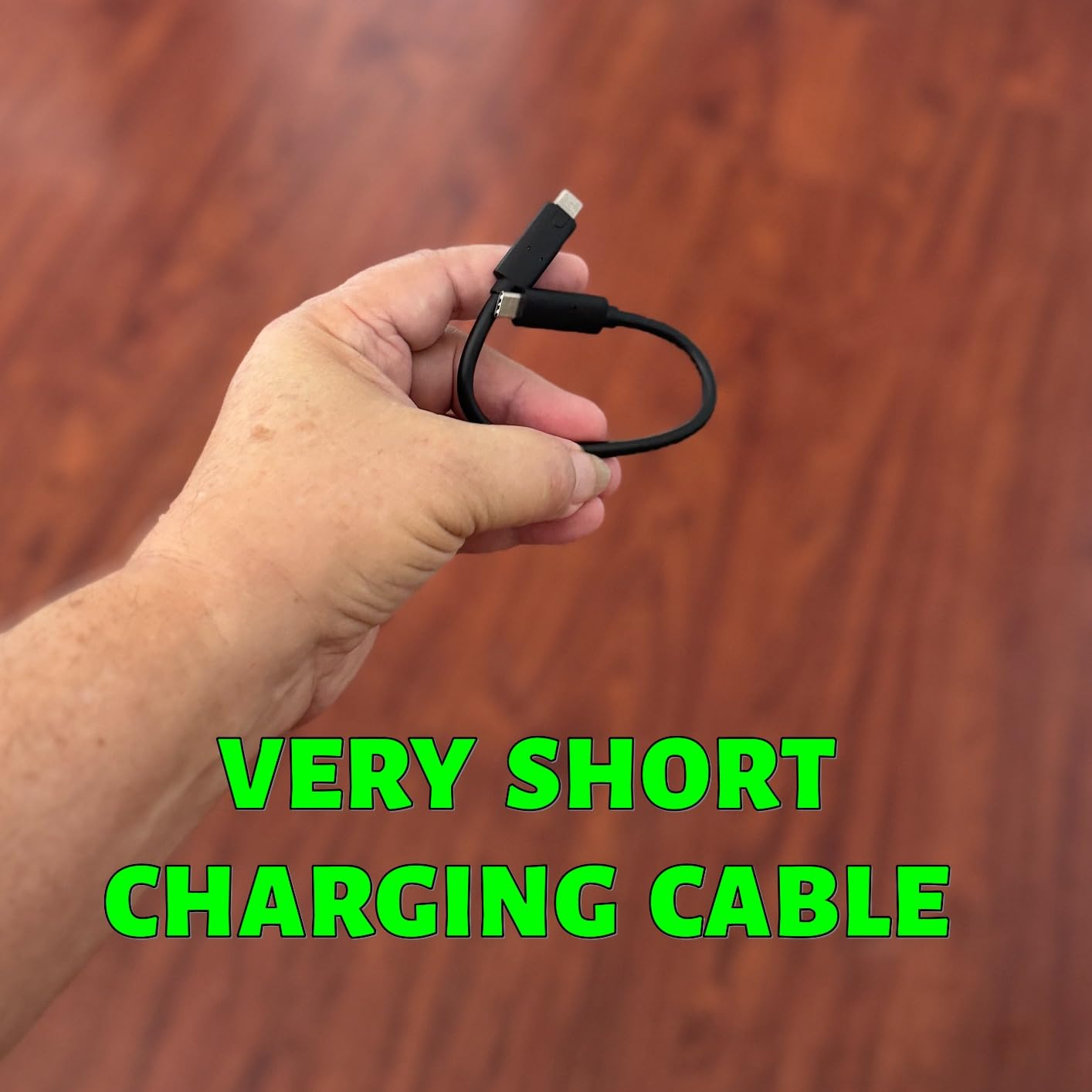
- Included USB-C cable is very short
- Bundled backup software is stripped down
Getting 2TB into a body this small is the X9’s entire argument, and it is a good one. At 32 g and roughly a centimetre thick it disappears into a jacket pocket, yet it is a full 2TB of working media rather than a 500GB card holder.
Benchmarks land around 1,050MB/s sequential read and 1,000MB/s write, which is as expected on a 10Gbps connection. What impressed us more was thermals: under sustained load the drive stayed well below throttling range, so long copy jobs kept their pace. Timeline playback of 4K media from it was clean in our testing.
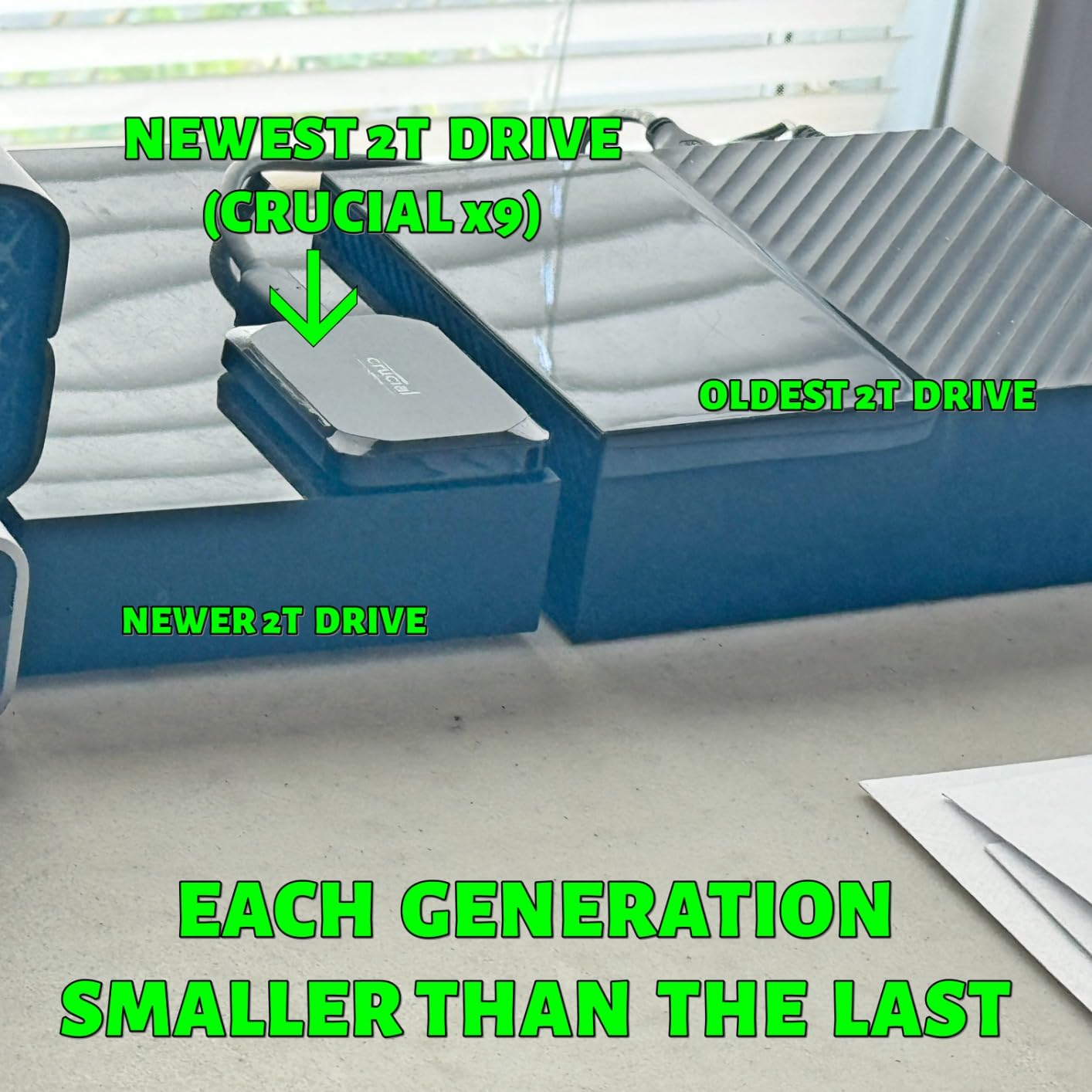
Reviewers report real sustained USB transfers nearer 650MB/s on long jobs rather than the headline sequential figure, which is a useful expectation to set. The polycarbonate housing is the most common complaint, followed by the stubby included cable.
Pre-formatted to exFAT means it mounts on Windows, Mac and Android without a reformat step, which saves time on a shoot day. It also works with cameras and tablets in the compatibility list.
Best fit for travel-light editors
Two terabytes of capacity in 32 grams suits anyone who carries one drive for offload, edit cache and a rough cut at once.
The cool-running design makes it a good partner for long client transfers in a warm room or a van.
Where it falls short
The plastic shell feels less durable in the hand than the aluminum models, and reviewers note it more often than any other criticism.
The short bundled cable means you will almost certainly bring your own, and the bundled backup software pushes paid upgrades.
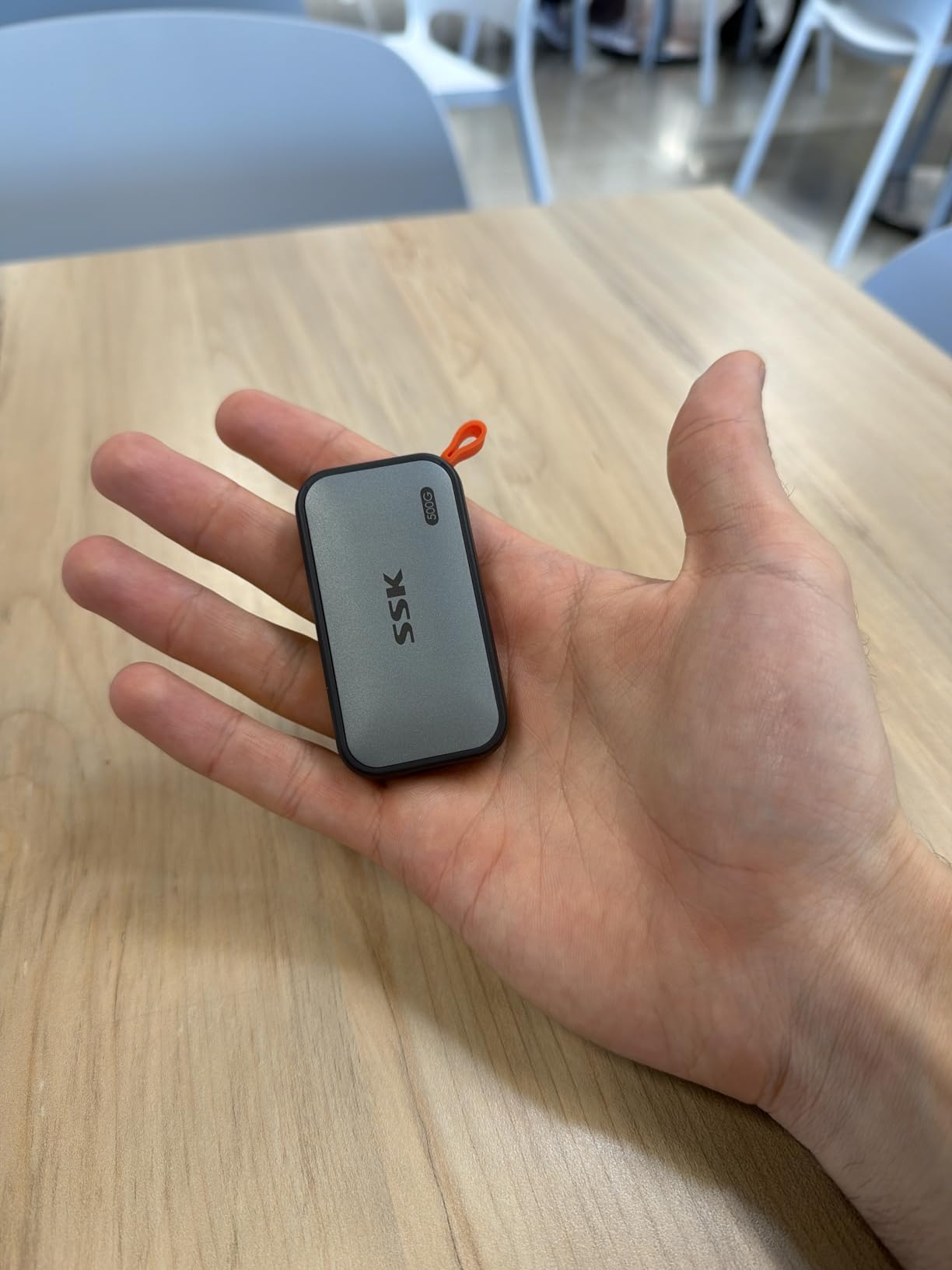
5. SSK Portable SSD 1TB – Best Budget Portable SSD for Video Editing
SSK Portable SSD 1TB External Solid State Hard Drive USB C Up to 1050MB/s
- Very light at 36.6 g
- Aluminum case dissipates heat well
- Both USB-C and USB-A cables included
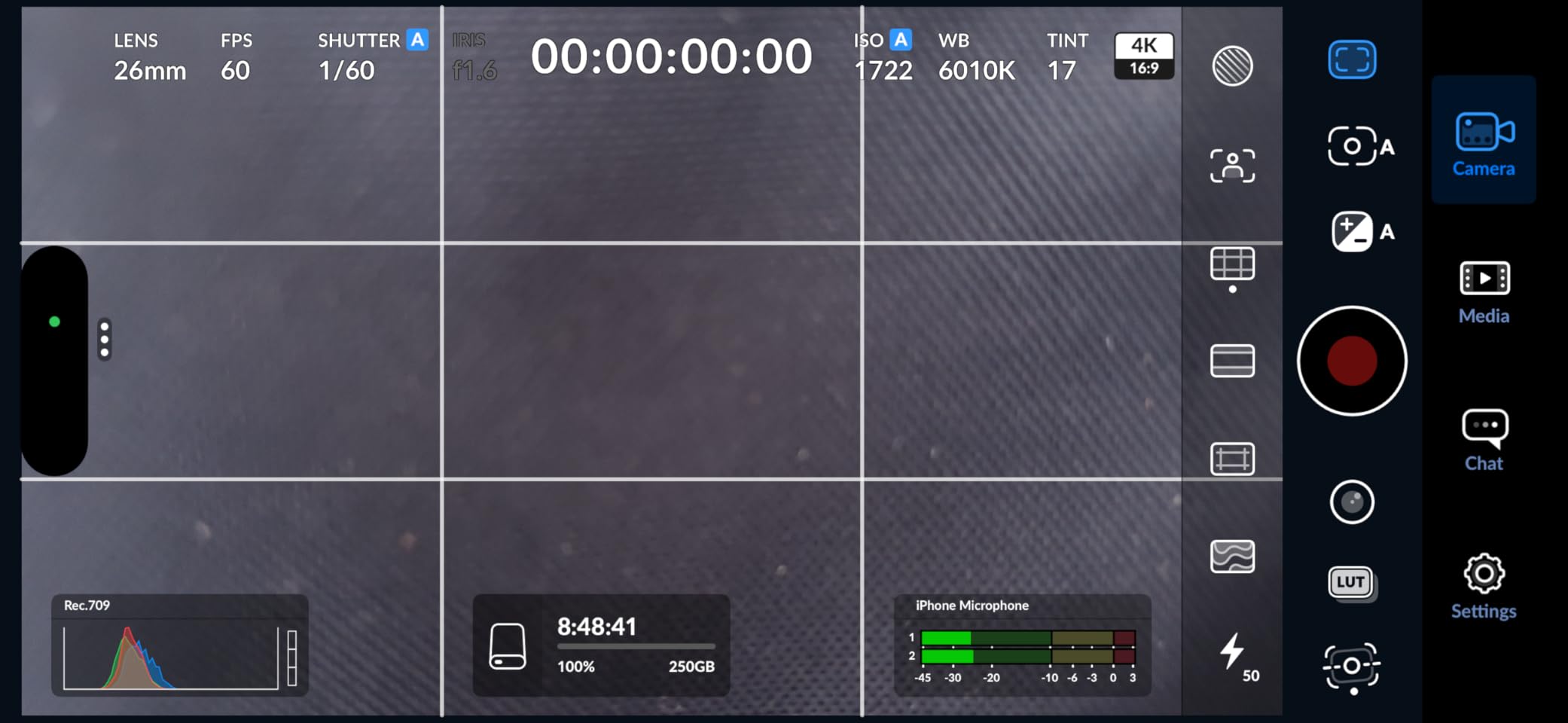
- Low power draw enables iPhone capture
- TRIM support and S.M.A.R.T. diagnostics
- Windows reports 1TB as roughly 931GB
- Sustained write speed drops once the SLC cache fills
- No IP-rated ruggedness
The SSK SD500 is the drive to buy when the budget is the deciding factor and the work is 4K. It carries the same 10Gbps ceiling as the class leaders, includes both cable types, and weighs 36.6 g. For a creator building a first scratch drive, that is a genuinely capable box.
Its SLC cache allocates 25% of capacity to high-speed buffering, which is why short transfers fly. The case peaks around 105.58°F in testing, a genuinely cool result that suggests plenty of thermal headroom for long jobs.
Draw power stays under 2.4W, low enough to record 4K60Hz ProRes HDR video directly from an iPhone. That is a niche feature, but a real one for mobile-first creators.
The honest weakness, and owners are upfront about it, is what happens after the cache fills. Sustained write performance drops on very large writes, so use it for offload and scratch rather than for a marathon of continuous ingest.
Where the money is best spent
Include both cables in the kit from day one. Having USB-A and USB-C to hand removes the most common cause of a failed mount on set.
Low power draw makes it a good partner for phone capture rigs where every watt matters.
Where it falls short
It has no IP water or dust rating, so it is a fair-weather and indoor drive rather than a field one.
Expect a visible drop in write speed on transfers much larger than the cache window, and note that Windows shows 1TB as roughly 931GB.
6. Samsung T9 Portable SSD 1TB – Best for 4K and Above on a Newer Laptop
Samsung T9 Portable SSD 1TB, USB 3.2 Gen 2×2 External SSD, Up to 2,000 MB/s
- Real-world speeds near 2000MB/s on a Gen 2x2 host
- Dynamic Thermal Guard prevents throttling on 100GB transfers
- Card-sized and very light
- 256-bit AES hardware encryption
- Samsung Magician health monitoring
- Higher capacities can struggle on older hardware with weak power delivery
- Runs warm during heavy sustained work
- No carrying case included
The T9 is the step up from the T7, and on a machine with a 20Gbps port it is the fastest pocket drive in this group. It reached close to 2,000MB/s in our transfers, which turns a 256GB card dump into roughly two minutes instead of the four a 10Gbps drive needs.
Dynamic Thermal Guard is the part we liked most. Across a 100GB continuous copy it held its speed with no throttling observed, which is exactly the failure mode editors complain about elsewhere. Timeline scrubbing from the drive on 4K projects in Premiere Pro and Final Cut stayed smooth.
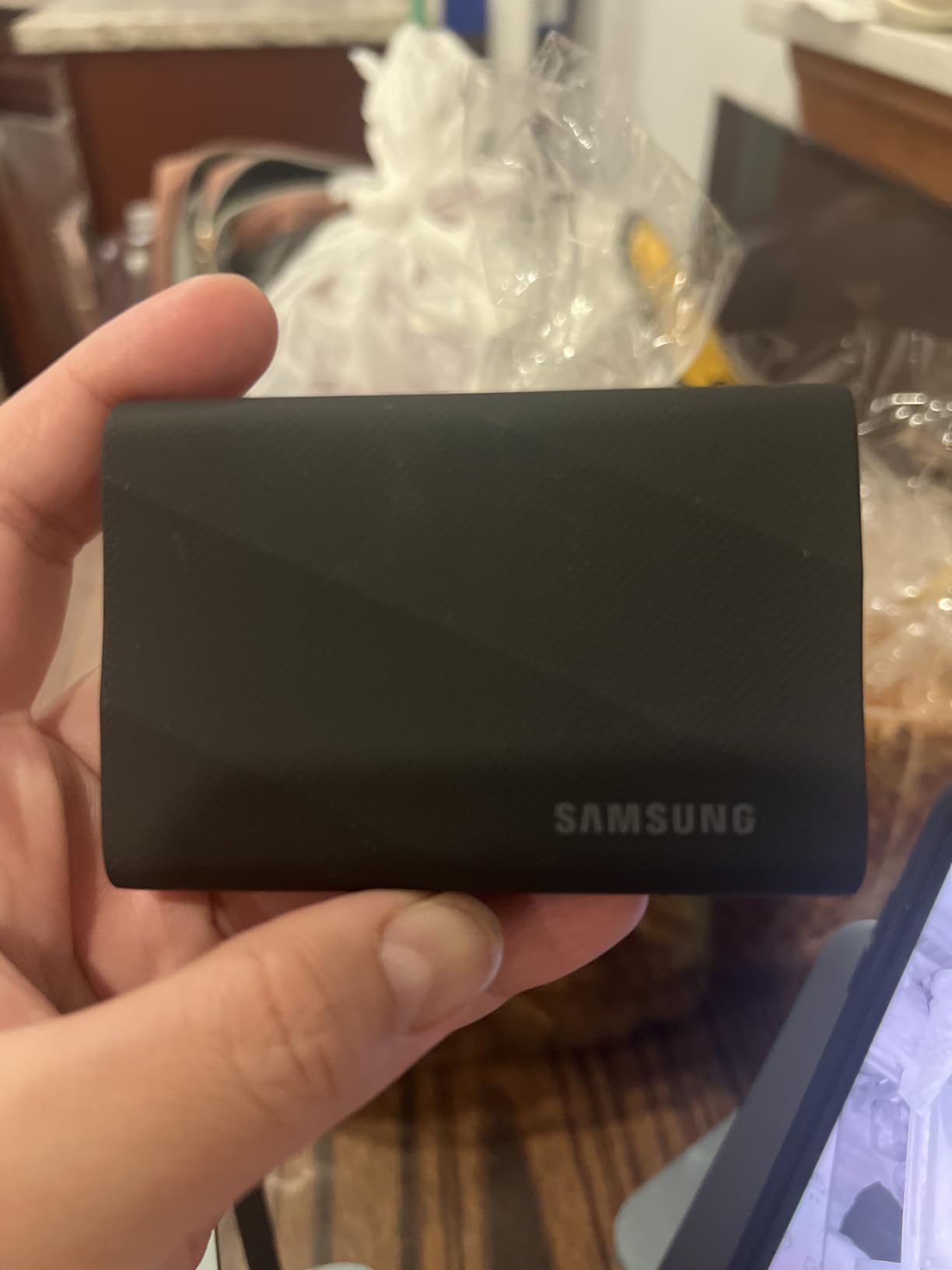
Production users editing 4K report real-world speeds near 2,000MB/s with stable connections during long offloads, and they consistently describe it as a clear upgrade from the T7 rather than a lateral move.
It also records iPhone 15 ProRes 4K at 60fps directly, and Samsung Magician covers firmware, encryption and health. The credit-card footprint means it fits in a camera pouch without thinking about it.
When the faster bus actually pays off
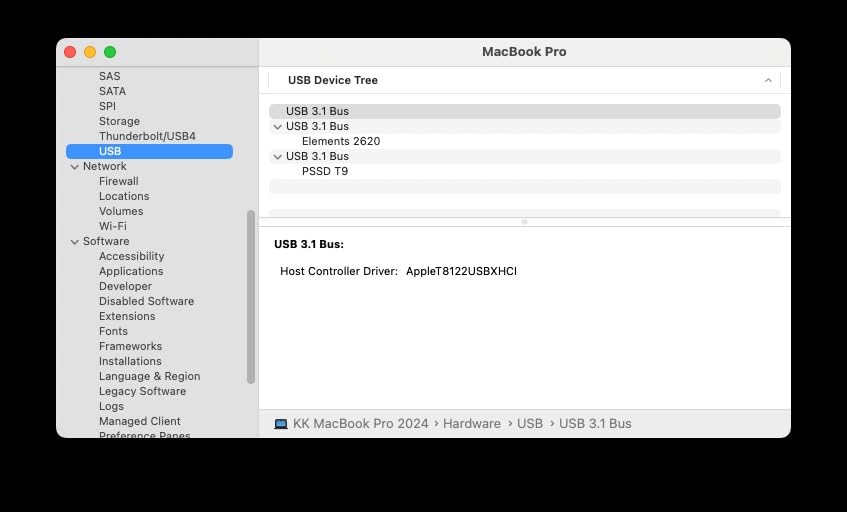
Confirm your laptop has a USB 3.2 Gen 2×2 port before buying. On a 10Gbps port this drive settles near the same speed as a T7.
For 6K and 8K ingest, the doubled bandwidth shortens offload time enough to change a shoot-day workflow.
Where it falls short
Higher-capacity versions can fail to initialise or perform poorly on older hardware with limited power delivery. Check your machine before stepping up in size.
It runs warm to the touch under heavy load and includes no carrying case.
7. Crucial X10 Pro 1TB Portable SSD – Fastest 20Gbps Drive With an Aluminum Body
- Highest read speed in the portable group at 2100MB/s
- Anodized aluminum body with IP55 and 2m drop protection
- Lanyard loop and activity light for field use
- Works across Windows Mac Linux Android and consoles
- Weakest rating profile here with a sizable share of 1-star reviews
- Needs a Gen 2x2 host to reach stated speeds
- Occasional reports of instability or disconnects
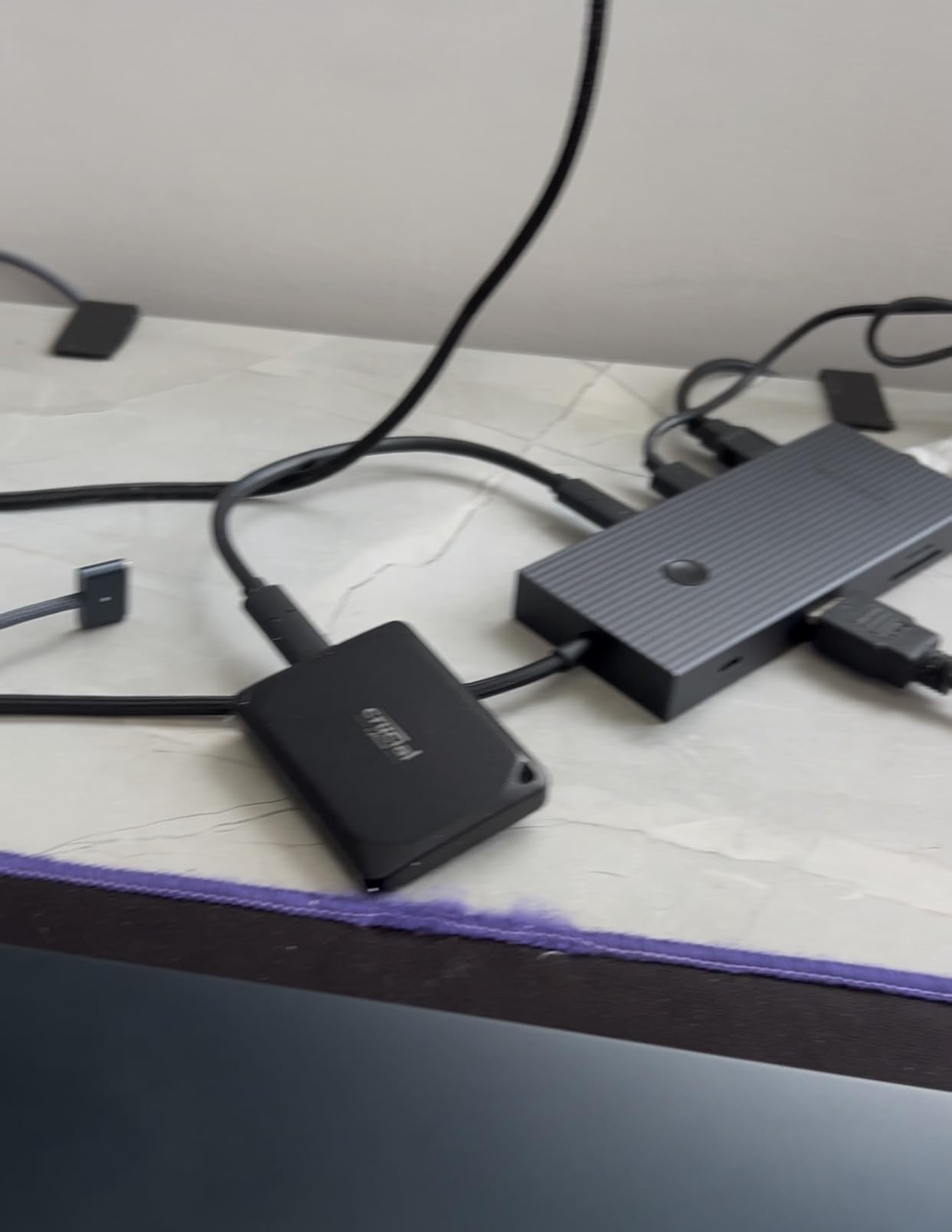
On paper this is the fastest portable drive we tested, with 2,100MB/s read and 2,000MB/s write over a 20Gbps bus. Users who plug it into a Gen 2×2 port confirm they actually see those numbers, so the spec is real rather than aspirational.
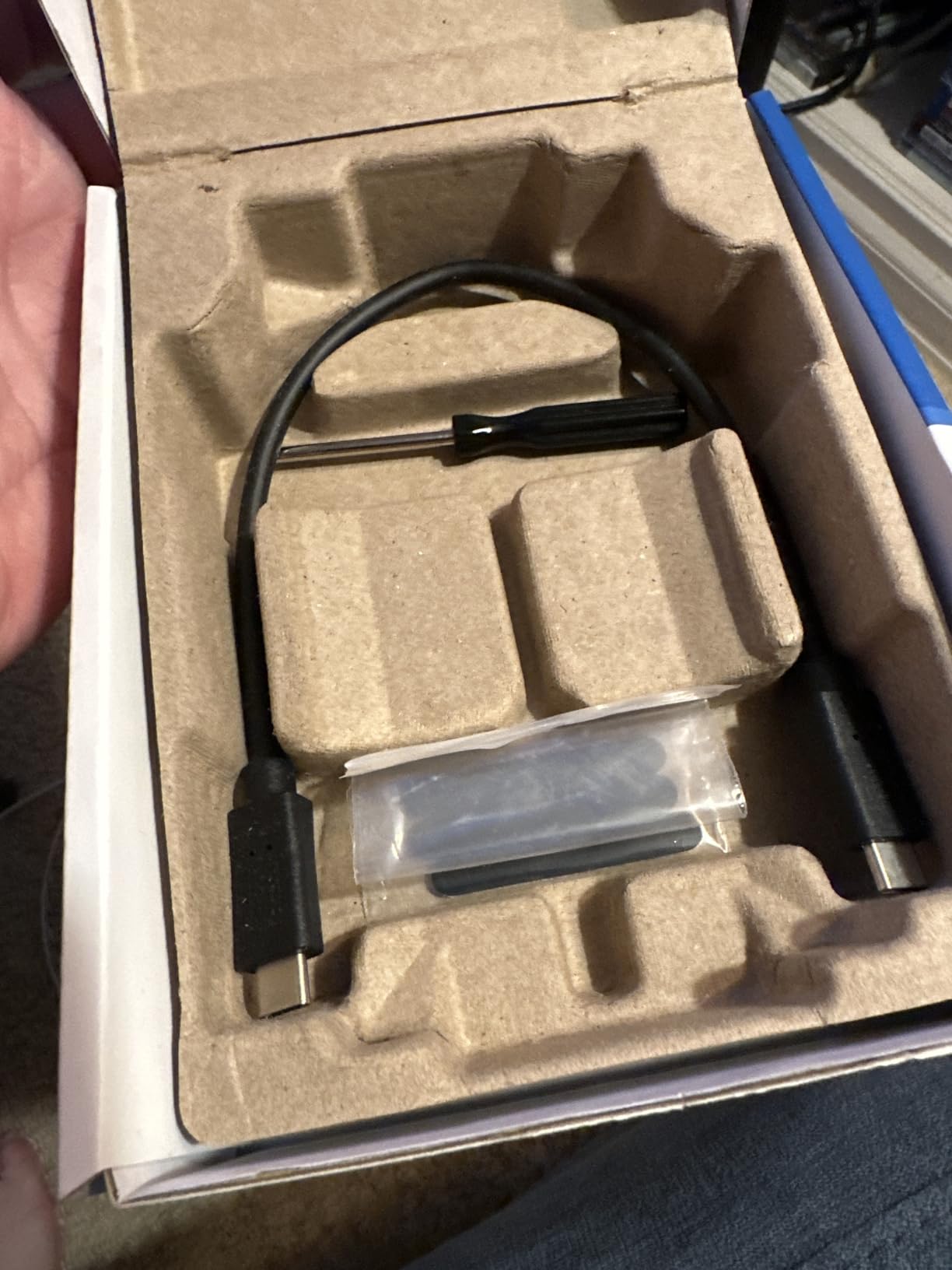
The anodized aluminum body is 42 g, carries IP55 water and dust resistance and a 2-meter drop rating, and adds a lanyard loop plus an activity light. It works across Windows, Mac, Linux, Android, PS4, PS5 and Xbox, which makes it an easy shared drive on a small team.
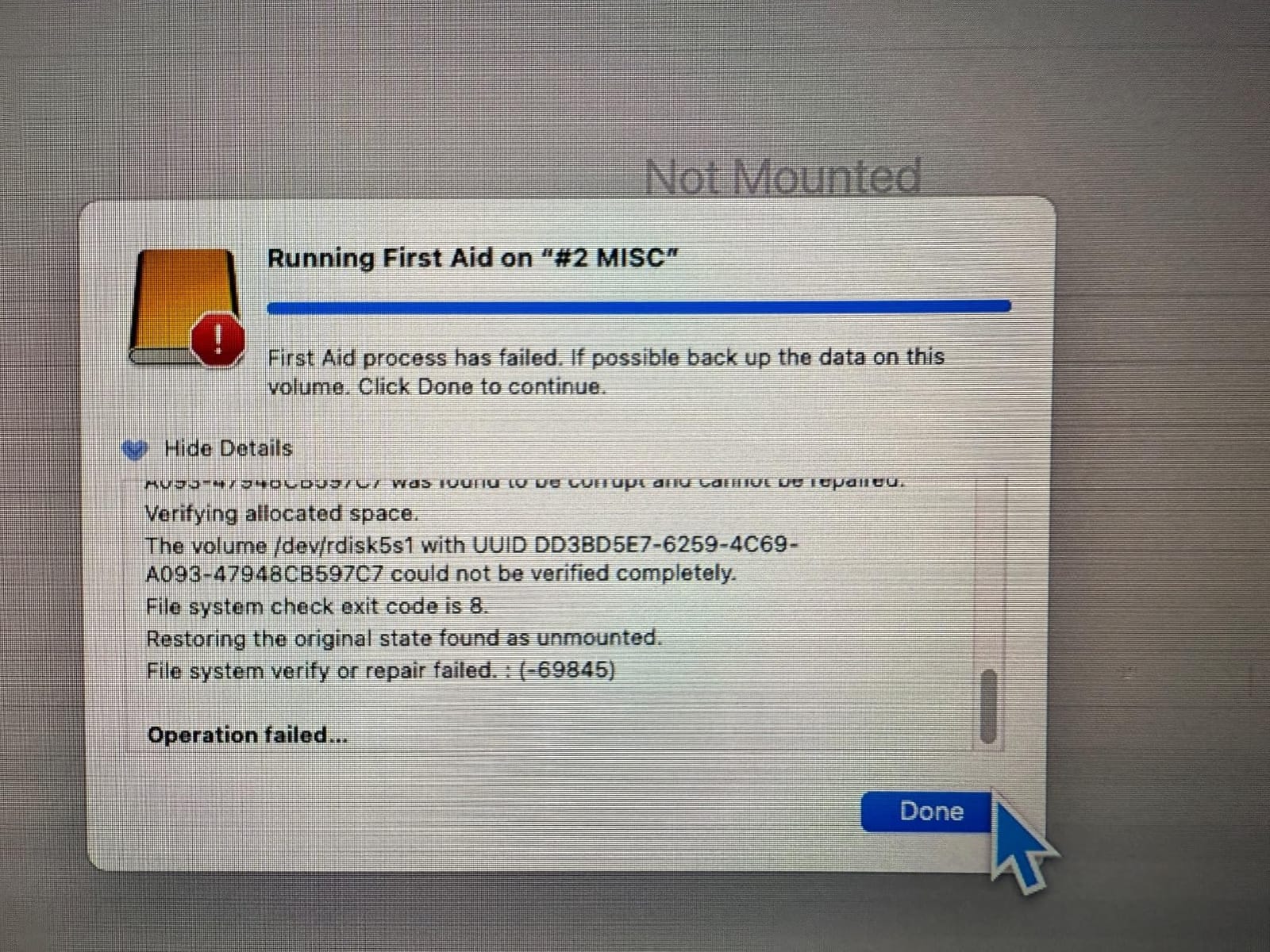
What gives us pause is the review profile. Around 18% of feedback is one star, the weakest of any drive here, and those reviews consistently describe disconnects, freezing or drives that needed to be reseated. A handful report outright instability. For a single working drive, that is a risk we would want you to weigh against raw speed.
The likely culprit is host-side. Without a Gen 2×2 port, throughput falls well short of the claim, and some older machines struggle to negotiate the higher power draw. Our wider laptop guide covers how to check your ports before buying.
Who should accept the risk
If you own a recent laptop with a verified 20Gbps port and you ingest large files regularly, the speed advantage is genuine and the build quality is good.
Keeping a second, calmer drive as your archive copy offsets the stability concern.
Where it falls short
A 4.0 average across more than 4,400 reviews is the lowest here, and the cause is a real pattern of disconnects rather than isolated noise.
Older ports and low-powered machines will not deliver the advertised speed, and the bundled software is only a three-month trial.
8. OWC Express 1M2 1TB USB4 – Fastest Drive for 8K RAW Editing
OWC Express 1M2 1TB USB4 40Gb/s Portable NVMe SSD Storage Solution
- True USB4 and Thunderbolt speeds users report at 2500 to 3800MB/s
- Finned aluminum body dissipates heat passively
- Silent fanless operation
- Reliable across Windows and macOS
- Accepts any NVMe M.2 2280 2242 or 2230 SSD
- Heavier and larger than a pocket SSD
- Sits upright on rubber feet
- Reopening the enclosure means removing feet and unscrewing
This is the only USB4 drive in the group, and it changes the ceiling completely. With a Thunderbolt or USB4 host it delivers sustained throughput in the 2,400 to 3,800MB/s range, which is fast enough to edit 8K RAW and multiple ProRes streams without generating proxy files.
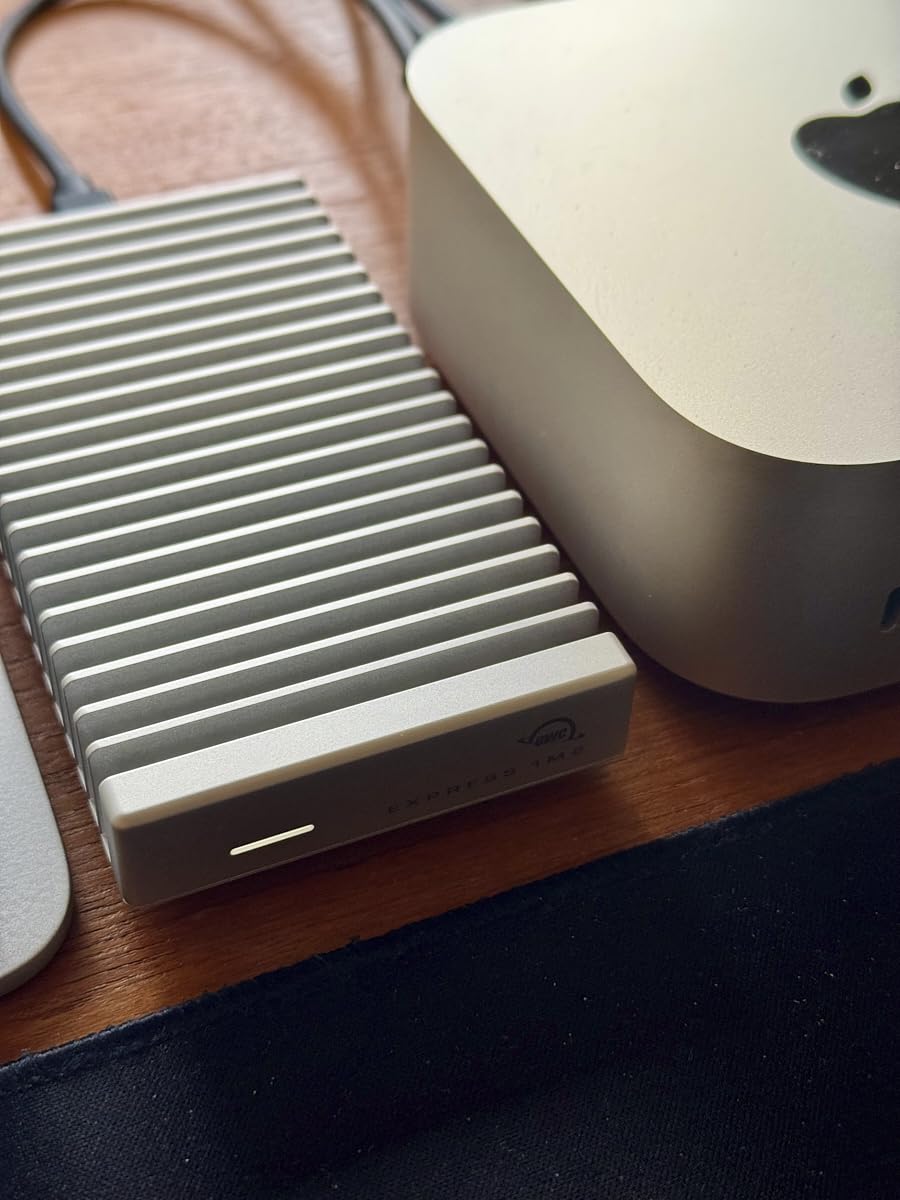
The patented finned aluminum body acts as a passive heatsink. In our testing it stayed cool enough to avoid throttling without a fan, and reviewers consistently single out the silent operation as a benefit in sound-sensitive rooms. The bus-powered design means one cable and no power brick.
Professional photographers and videographers describe this as the best USB4 enclosure they have used, particularly for its sustained figures and its reliability compared with cheaper third-party enclosures. Users report editing 4K in Final Cut Pro alongside Lightroom and Topaz workflows with no slowdowns.
It is also a DIY platform. It accepts any NVMe M.2 2280, 2242 or 2230 drive, which means you can choose the capacity and the stick inside rather than being locked to one configuration. A thermal pad is needed for best contact with the heatsink.
Where the speed is genuinely needed
8K RAW ingest, multi-camera projects and multi-stream 6K work are the cases that justify 40Gbps. Nothing in the 10Gbps or 20Gbps group approaches it.
If you already own fast NVMe drives, the enclosure route gives you top-tier speed without buying a sealed product.
Where it falls short
At 280 g and 5.1 by 0.9 by 2.7 inches it is not a pocket drive. It is a desk-and-bench device that travels badly.
It sits upright on rubber feet, and swapping the internal SSD means pulling the feet and unscrewing the enclosure again.
9. Amazon Basics Portable SSD 2TB – Best for Large Projects on One Drive
Amazon Basics Portable External SSD, 2TB, 2000MB/s Speeds, USB 3.2 Gen 2, IP65 Water & Dust Resistant, Black
- Fast transfers on compatible Gen 2x2 ports
- Users report moving 80GB of footage in about 50 seconds
- Stays below 50°C during heavy use
- IP65 with a premium metal casing
- Both USB-C to C and USB-C to A cables plus a case
- Requires formatting to NTFS before first use on Windows
- Quick Setup Guide is printed in very small type
- Actual speed depends heavily on the host port
The appeal here is straightforward arithmetic: 2TB at 20Gbps speeds, in a small square metal body rated IP65. Users report moving 80GB of footage in roughly 50 seconds on a compatible port, which is quick enough to make on-set review a normal part of the day rather than an evening task.
The advanced thermal solution keeps the drive under 50°C during heavy use in our testing, and it never got more than mildly warm. That headroom is why it held its pace through long copies in a way that smaller plastic-cased drives sometimes do not.
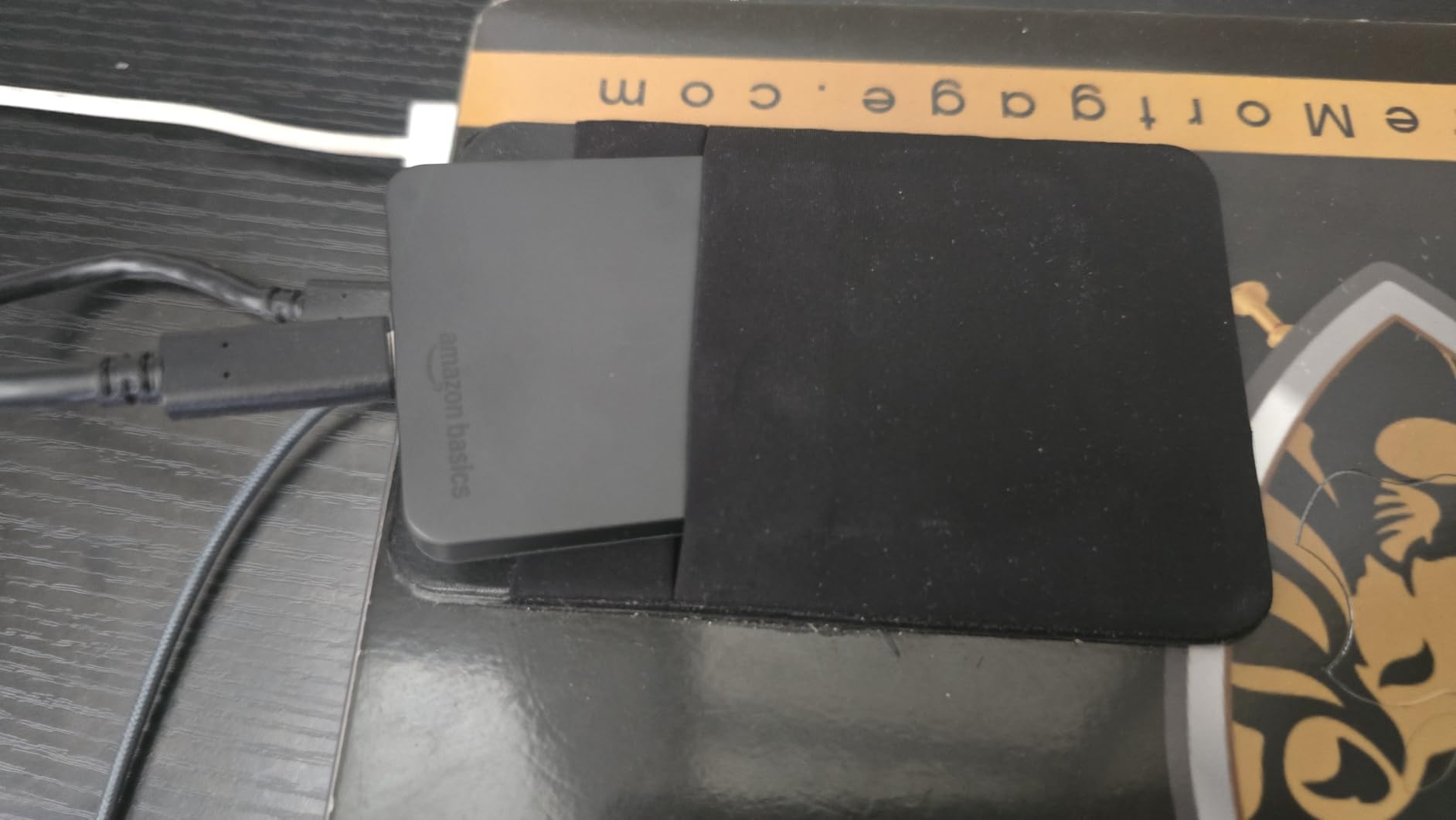
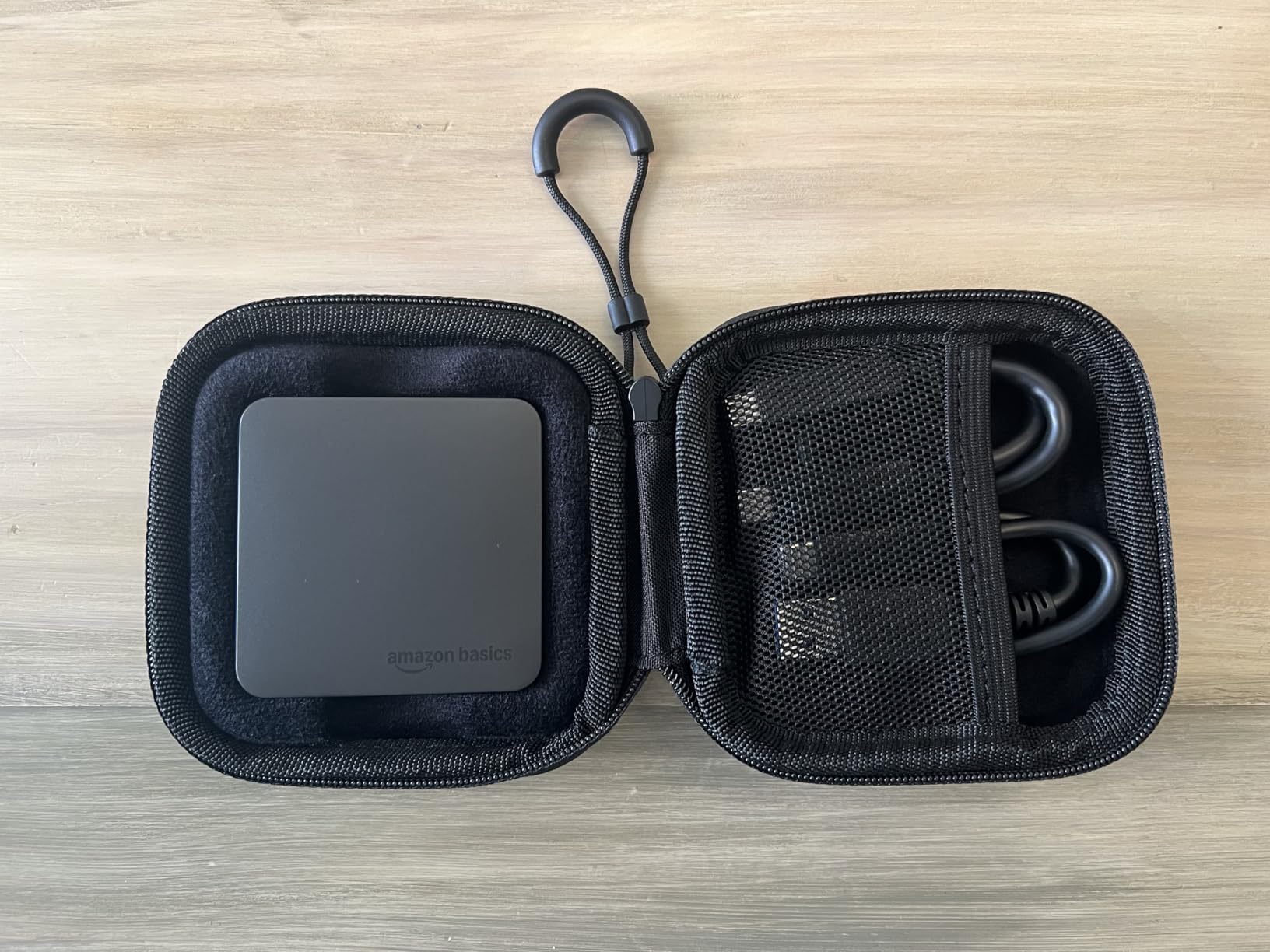
At 53 g and 0.92 by 0.92 by 0.15 inches it is one of the flatter drives here, and both USB-C to C and USB-C to A cables plus a protective case are included. That bundle removes the most common accessory complaint in this category.
The rough edge is setup. You will need to format it to NTFS before first use on Windows, and the quick setup guide is printed in very small type. Neither takes long, but both cost you time on a busy day. Buyers generally rate the value highly against premium brands.
When 2TB at 20Gbps is the right combination
Long-form documentary and multi-day event work benefit from holding an entire project on a single drive without shuttling files.
The included case and dual cables mean it is ready to leave the desk immediately.
Where it falls short
Speed depends entirely on the host port. On a 10Gbps connection it will not approach 2,000MB/s no matter what the box claims.
The Windows reformat step and near-unreadable guide are avoidable, but they are real friction at the start.
10. Crucial X10 1TB Portable SSD – Best Rugged 20Gbps Travel Drive
- Up to 2100MB/s read for creators and gamers
- IP65 with 3-meter drop resistance
- Very light 32 g body and compact dimensions
- Works across Windows Mac Linux Android and consoles
- Requires a Gen 2x2 host to hit stated speeds
- 1TB maximum capacity in this configuration
- Bundled software is a three-month trial
The Crucial X10 is the 2,100MB/s class reduced to its most practical form: 32 g, IP65 rated, and drop resistant to three meters. It is the drive we would hand to an editor who flies every week and needs speed without a bulky shell.
Read speeds reach the 2,100MB/s ceiling on a Gen 2×2 host. Sustained behaviour is good for a 1TB drive at this speed, and it stays compatible with consoles, Chromebooks and Android devices, so a single drive can serve a lot of roles on a trip.
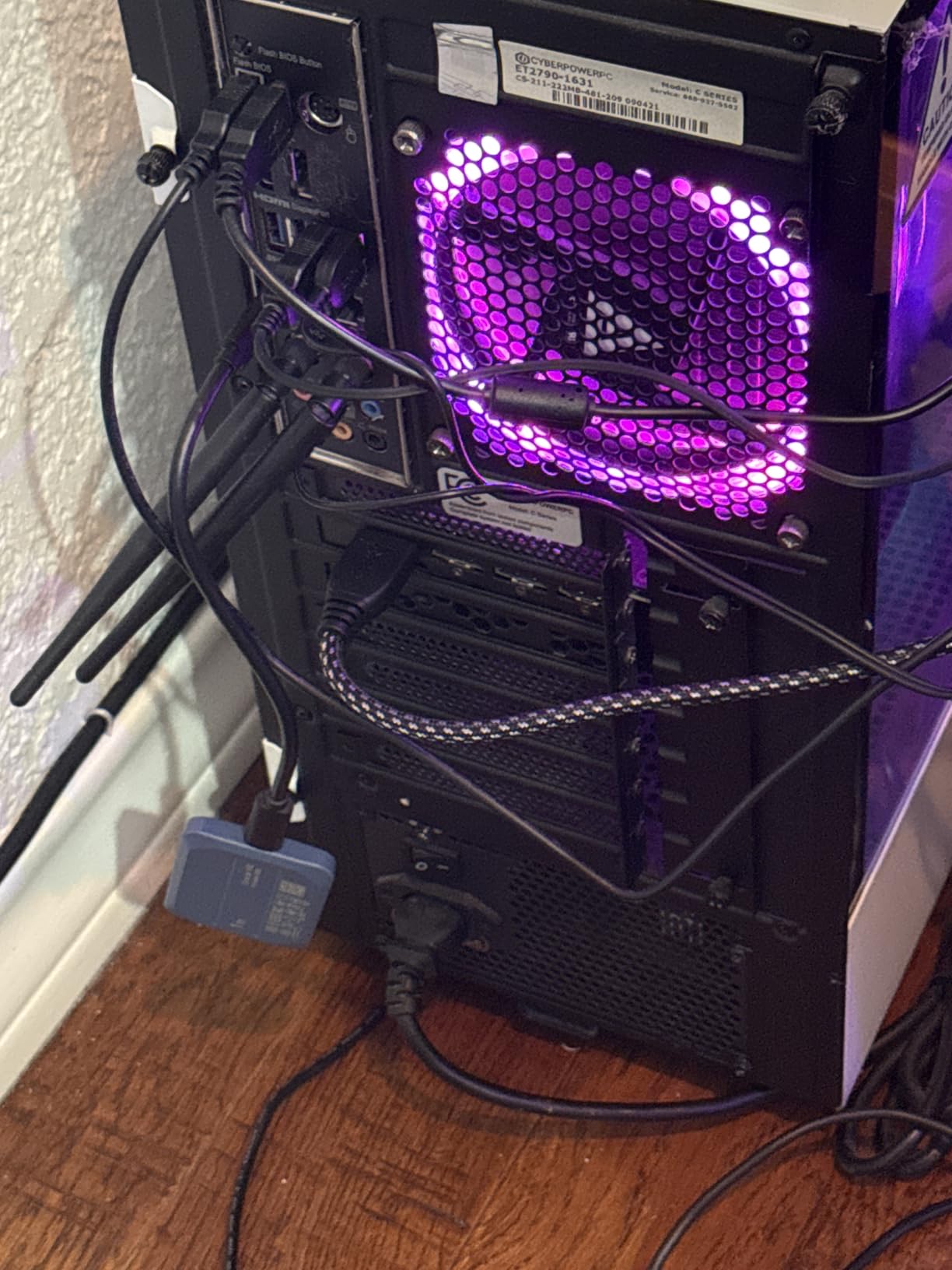
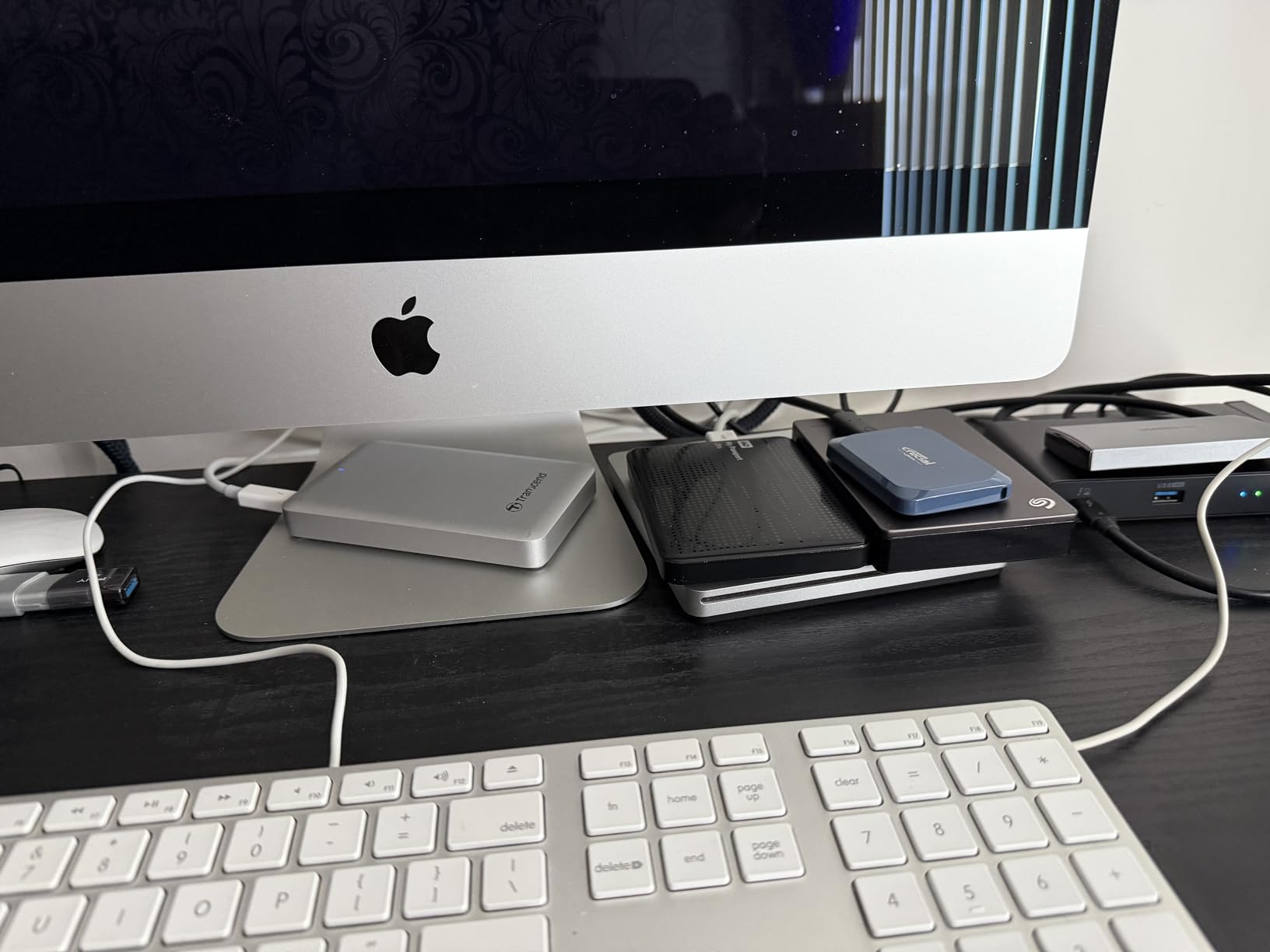
Owners consistently highlight the speed ceiling, IP65 protection and three-meter drop resistance as the reasons to pick it. The criticisms are practical rather than serious: you need the right port, and this configuration tops out at 1TB.
That capacity ceiling is the real limitation for a working editor. It is enough for a short shoot and a cut, but a long project will need the scratch and cache media on a second drive. Plan for that from the start rather than discovering it on day four.
Where a travel-first choice makes sense
Frequent fliers and location editors get the best of both: real 20Gbps speed in a body that survives a checked bag.
The 32 g weight means it can be your only drive on a short trip without counting it against your carry allowance.
Where it falls short
One terabyte is the maximum in this configuration, so long projects need a second drive or a 2TB model from another line.
Without a Gen 2×2 port, the speed claim simply does not apply. The bundled software is a three-month trial of Mylio Photos+ and Acronis.
How to Choose a Portable SSD for Video Editing in 2026?
Most buying mistakes in this category come from comparing the wrong two numbers. You cannot buy speed without a port, and you cannot trust a headline figure without knowing what happens after the cache fills. The sections below put those two problems in order.
Match the drive to the port you actually have
USB-C describes a connector shape, not a speed. Plenty of USB-C ports on older laptops and desktops run at only 5Gbps, which is roughly a fifth of what a modern 10Gbps drive can deliver. A 20Gbps Gen 2×2 port roughly doubles throughput again, and a 40Gbps USB4 or Thunderbolt port is the fastest option here.
Check the port before the drive. On Windows, the device manager or a motherboard spec sheet tells you the generation. On Mac, any modern M-series machine has at least one 10Gbps port, and Thunderbolt 4 or 5 ports support 40Gbps and 80Gbps respectively. A Gen 2×2 drive on a 10Gbps port performs exactly like a 10Gbps drive, so buying the faster one for the wrong machine is money spent on nothing.
Peak speed is not the number that matters
Every portable SSD in this group uses an SLC write cache, a small area of faster memory that absorbs incoming writes. During a short burst the drive hits its headline figure. When that cache fills, the drive falls back to its native write rate, sometimes dramatically.
This is why the review sections above talk about long transfers rather than benchmark results. A 2,000MB/s headline that collapses after 100GB is a different product from one that holds 1,000MB/s for an entire day of offloading. Forum discussion makes the same point from the other direction, with users noting that a drive rated at 1,050MB/s can stay north of 850MB/s in real conditions, and others reporting exports that slow down for no obvious reason.
Thermal design matters for the same reason. The Crucial X9, the Amazon Basics drive and the OWC USB4 enclosure all run cooler than their plastic-cased rivals, and heat is the usual cause of a late-drop in sustained write speed.
Size it in hours of footage, not in terabytes
The question editors ask most often is whether 1TB is enough. The honest answer depends on bitrate, not on the drive. A 1TB drive holds roughly 130GB of usable space, which works out to about 3 hours of 4K H.264 at a typical camera bitrate, but well under an hour of 8K RAW or high-bitrate ProRes.
So size the drive by project type. A solo YouTuber cutting 4K H.264 can comfortably work from 1TB plus a second drive for cache. A wedding or documentary crew shooting a full day in 6K wants 2TB at minimum. 8K RAW work pushes the same crew to 4TB. Add roughly 20% headroom for cache files and proxy media, because NLE software writes far more than your source footage.
What survives a real offload day
IP65 covers dust and water jets, and IP55 covers dust and light water exposure. Drop ratings from 2 to 3 meters are common and generally sufficient for a padded camera bag. The more important habit is verification: after each offload, confirm the copy rather than assuming it worked.
A workable sequence takes five steps. Format and check the drive before the shoot. Copy the card. Run a checksum or verification pass on the copied files. Only then format the card. And keep a second copy of anything irreplaceable, because a verified copy on one drive is still one drive away from a total loss. The 3-2-1 rule exists for exactly this situation.
When an external SSD is the wrong answer
If you edit at a fixed desk on a desktop with fast internal NVMe, an external drive adds a bottleneck rather than removing one. Internal PCIe storage is faster than anything in this roundup and avoids cable and connector failure points entirely.
External storage earns its place when you move between locations, when a laptop’s internal space is too small, or when you need shuttle copies between edit bays. For a large shared library, a network-attached solution or a RAID array of several drives is a better fit than one very fast drive. Our broader external SSD guide covers those options, and the headsets for video calls roundup covers the other end of a remote review session.
Frequently Asked Questions
Which SSD is best for video editing?
The SanDisk Extreme Portable SSD 2TB is the best portable SSD for video editing overall. It reaches up to 1,050 MB/s read and 1,000 MB/s write on a 10Gbps port, is IP65 rated with 3-meter drop protection, weighs 1.76 ounces, and holds 2TB of working media. Editors who need more speed on a newer machine should look to the Samsung T9 over USB 3.2 Gen 2×2.
Is 1TB SSD enough for 4K video editing?
Usually yes for 4K H.264 work, but not for everything. A 1TB drive offers roughly 130GB of usable space, which is about 3 hours of typical 4K H.264 camera footage, yet well under an hour of 8K RAW or high-bitrate ProRes. Add about 20% headroom for cache and proxy files, and use 2TB or more for multi-day shoots in 6K or 8K.
What is the fastest SSD for video editing?
The fastest portable option here is the OWC Express 1M2 USB4 drive, which reports up to 3,836 MB/s over a 40Gbps USB4 or Thunderbolt connection, with users measuring 2,400 to 3,800 MB/s in practice. Among pocket-sized drives, the Crucial X10 Pro and Crucial X10 lead at up to 2,100 MB/s read, while the Samsung T9 offers 2,000 MB/s over USB 3.2 Gen 2×2.
Which external SSD is better, SanDisk or Samsung?
Choose SanDisk for durability, size and endurance: the Extreme Portable is IP65 rated, drop resistant to 3 meters and light at 1.76 ounces, with a 5-year warranty. Choose Samsung for interface speed and phone support: the T7 and T7 Shield are excellent 10Gbps workhorses, and the T9 doubles throughput to 2,000 MB/s over Gen 2×2 and records iPhone 15 ProRes 4K at 60fps directly.
Are SSDs good for video editing, and are they better than hard drives?
Yes, and for active editing a solid-state drive is strongly preferred over a spinning external hard drive. Random read access is what timelines demand, and an SSD handles it in milliseconds while a mechanical drive’s read head has to seek. The tradeoff is that some SSDs lose speed once the write cache fills, so check sustained write behaviour and verify copies after offloading rather than trusting headline peak speed.
The Verdict for Portable SSD Buying in 2026
The SanDisk Extreme Portable SSD 2TB takes our top spot for the best portable SSDs for video editing. It fills a 10Gbps port reliably, survives a working day of card offloads, fits in a pocket and comes with hardware encryption. For most editors, that combination beats a faster drive that struggles with the cables, ports and hosts you actually have.
Match your tier to the port. A 10Gbps machine suits the SanDisk Extreme, the Samsung T7 or the T7 Shield. A 20Gbps port opens up the Samsung T9, the Crucial X10 Pro or the Amazon Basics 2TB. A Thunderbolt or USB4 host makes the OWC Express 1M2 the only serious answer for 8K RAW and multi-stream work. And if you edit from a desk with fast internal storage, the best portable SSD for video editing is the one you keep in a drawer for the days you leave the building.
Whichever you choose, verify every offload before you format a card.