
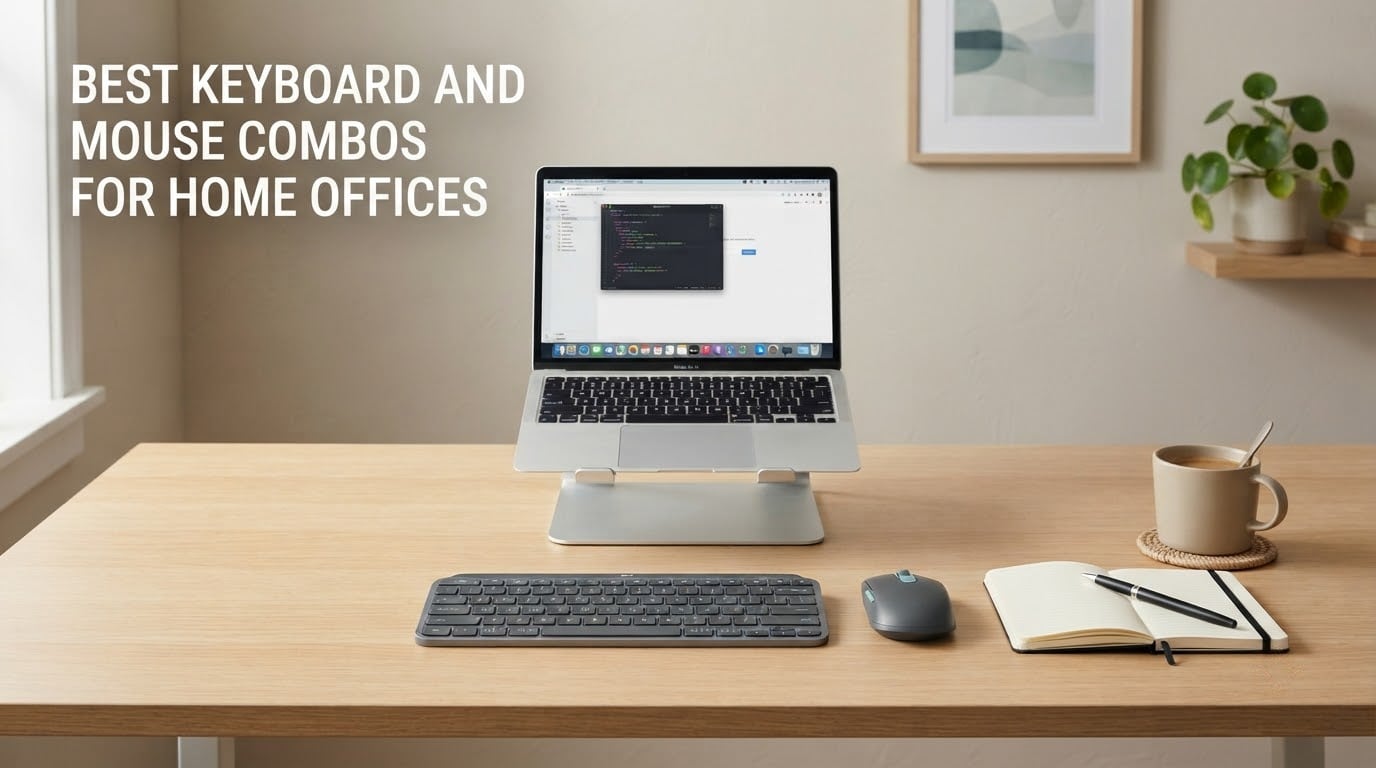
The best keyboard and mouse combo for a home office is the Logitech MK270, because it pairs a full-size spill-resistant keyboard with a compact ambidextrous mouse on a single USB-A receiver and runs for up to 36 months on one set of batteries. It is the set most people plug in and never think about again, which is exactly what a home office needs.
That said, the MK270 is not the right answer for everybody. The most common complaints in home offices are noise through thin walls, wrist pain after six hours of typing, and a receiver that gets lost in a laptop bag. Those three problems need three very different sets, and they are all in this list.
One thing worth saying up front: this is not another twelve Logitech combos. The shopping results for this search are around 90 percent one brand, which tells you very little about the category. Our twelve picks span nine manufacturers, from the entry level to the ergonomic end, and we have flagged the noise level of every one so you can tell in a glance which one will not wake a roommate.
We use these at a kitchen table and in a spare room, on the same desks our other home gear guides cover, including our picks for home servers and security robots for the home, where a tidy desk matters more than a gaming one.
Table of Contents
Top 3 Keyboard and Mouse Combos for Home Offices (October 2026)
Before the full list, these are the three that came out ahead on the combination of build quality, battery life, and how little fuss they cause after setup. The MK270 wins on reliability and review depth. The MK345 adds a palm rest and cross-platform support. The MK295 Silent is the one to buy if walls are thin.

Logitech MK270
- Full-size 104-key layout
- 36-month keyboard battery
- Single shared USB-A receiver

Logitech MK345
- Integrated palm rest
- Works on Windows macOS ChromeOS
- 3-year keyboard battery

Logitech MK295 Silent
- SilentTouch keys cut noise about 90 percent
- Full numpad and 8 shortcuts
- Connects in 3 seconds
All 12 Combos at a Glance in 2026
Noise level below is my plain-language read of each set based on its switch and click design, not a lab measurement. Quiet means you can take a call in the same room; moderate means neighbours will not complain; loud means you will hear it through a door.
| Product | Specifications | Action |
|---|---|---|
| Logitech MK270 Full Size Wireless Combo |
|
Check Latest Price |
| Logitech MK345 Full Size Wireless Combo |
|
Check Latest Price |
| Logitech MK295 Full Size Silent Combo |
|
Check Latest Price |
 Vssoplor Rechargeable Ultra Slim Combo Vssoplor Rechargeable Ultra Slim Combo |
|
Check Latest Price |
 MOFII Retro Round Keycap Combo MOFII Retro Round Keycap Combo |
|
Check Latest Price |
 ULSOU Ergonomic Wave Keys Combo ULSOU Ergonomic Wave Keys Combo |
|
Check Latest Price |
 MEETION Split Keyboard with Vertical Mouse MEETION Split Keyboard with Vertical Mouse |
|
Check Latest Price |
 ProtoArc EKM01 Plus Ergonomic Combo ProtoArc EKM01 Plus Ergonomic Combo |
|
Check Latest Price |
 seenda SKM64-3 Multi-Device Combo seenda SKM64-3 Multi-Device Combo |
|
Check Latest Price |
 Rapoo 9010M Multi-Device Combo Rapoo 9010M Multi-Device Combo |
|
Check Latest Price |
 Arteck HB305-3 Bluetooth Combo Arteck HB305-3 Bluetooth Combo |
|
Check Latest Price |
 Lenovo 700 Modern Wireless Combo Lenovo 700 Modern Wireless Combo |
|
Check Latest Price |
1. Logitech MK270 – Best Overall Keyboard and Mouse Combo for a Home Office
- One USB-A nano receiver runs both devices
- Full-size layout with numpad and tilt legs
- 36-month keyboard battery life
- Spill-resistant and compact ambidextrous mouse
- Basic membrane typing feel
- No backlighting
- Mouse is small for larger hands
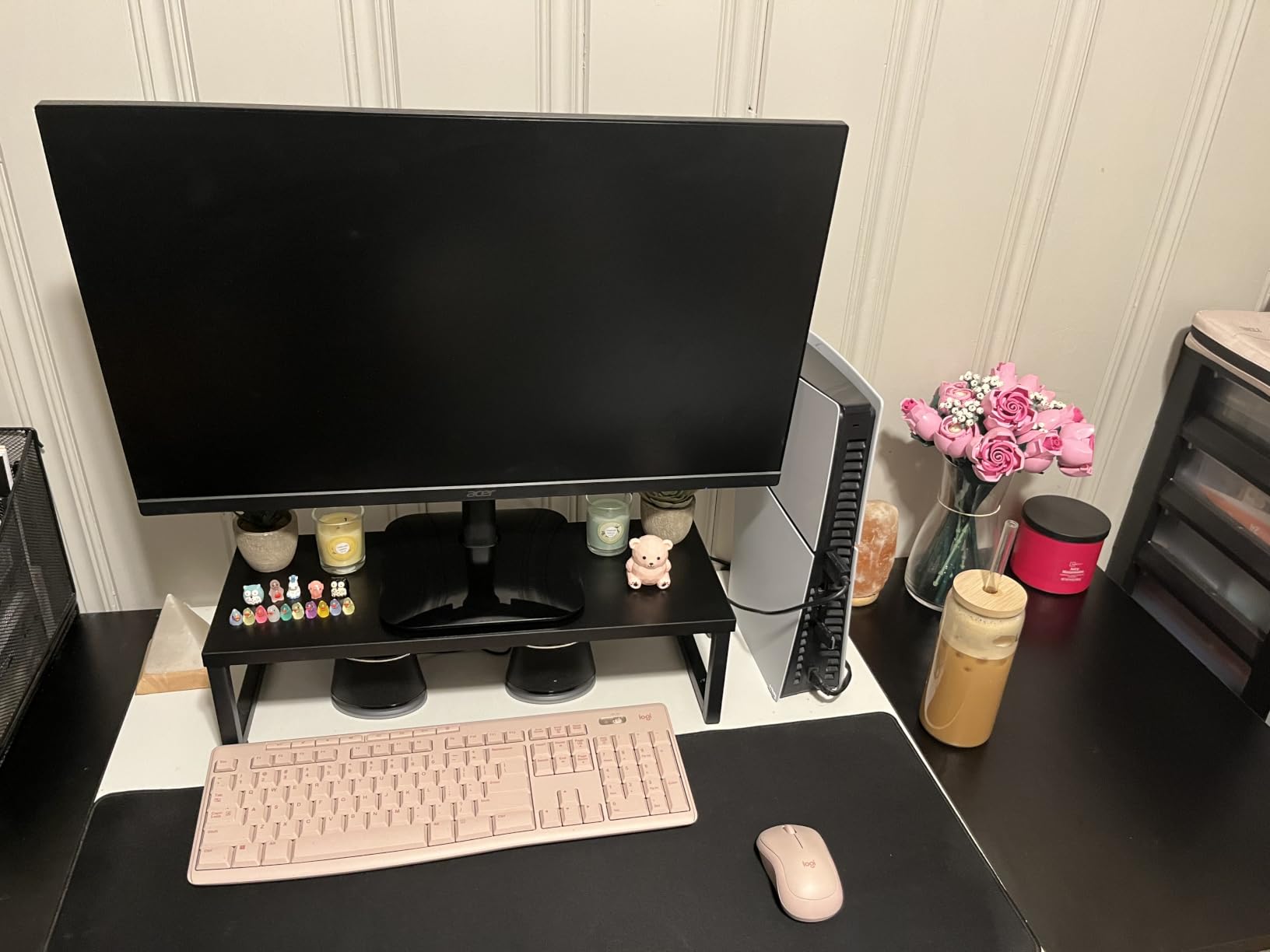
I have put this set on three different desks over the past year and it has never needed more than the single nano receiver in a USB-A port. Plug it in, press the pairing buttons on the back of the keyboard and mouse, and both wake up. There is no software, no driver, and no Bluetooth menu to dig through.
The keyboard is a genuine full-size 104-key layout with a number pad, full function row, arrow cluster, and eight multimedia hotkeys for internet, email, play and pause, and volume. The keys are low-profile and quiet, and the tilt legs have two positions. Logitech states the plastic includes certified post-consumer recycled material, 54 percent for the keyboard and 49 percent for the mouse.
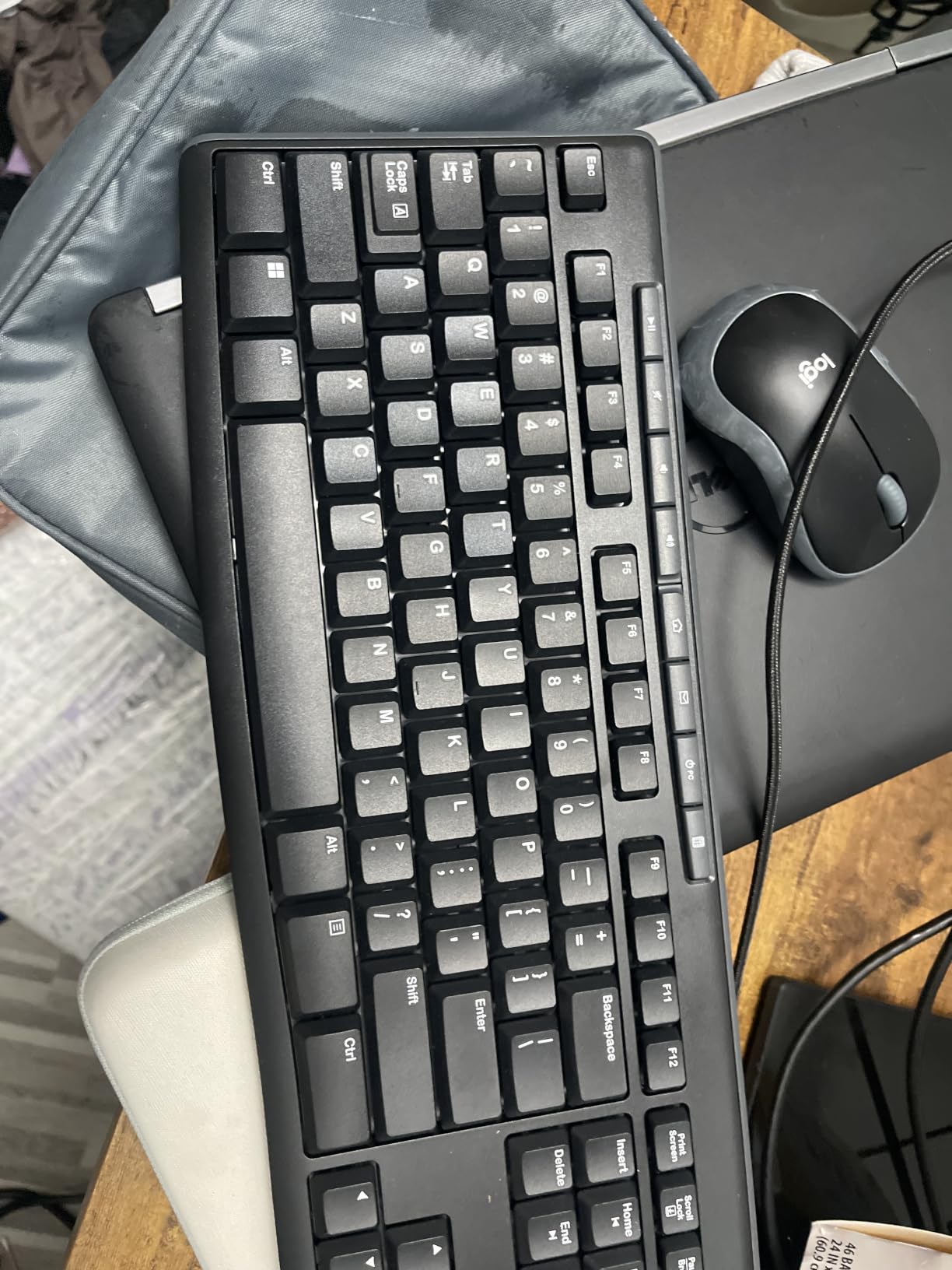
Battery life is the quiet hero here. Logitech rates the keyboard at 36 months and the mouse at 12 months, both on standard cells, with on and off switches on each device. For a home office where the desk stays set up, that means you essentially stop thinking about batteries.
The mouse is a compact ambidextrous shell that suits both hands, with smooth cursor control on most surfaces. It is the one component people complain about, and it is a fair complaint: if you have large hands, this mouse will feel cramped after a long day.
What you should check before buying
This is a 2.4 GHz set with no Bluetooth, so it needs a free USB-A port. If your machine is a modern laptop with only two ports and you are already using one for a dock, plan on a small hub. There is also no backlighting, so it is a poor fit for a dark room where you work at night.
Connection range is quoted at up to 33 feet, which is more than any home desk needs. The warranty is a one-year limited hardware warranty.
Who should skip it
Skip this set if you type on a mechanical board already and want a similar feel, or if your hands are large and you are doing fine detail work with a mouse. It is a membrane board with a light, low-profile feel, which is comfortable for many people and unsatisfying for others.
2. Logitech MK345 – Best Value Combo With a Built-In Palm Rest
- Integrated palm rest for long sessions
- Very long battery life on both devices
- Works across Windows macOS and ChromeOS
- Contoured right-hand mouse with smooth tracking
- Mouse shaped for right-hand use only
- No backlit keys
The MK345 is the MK270 with two changes that matter at a desk: an integrated palm rest along the front edge, and explicit cross-platform support. We used it with a Windows tower, a MacBook, and a Chromebook in the same week and the layout held up on all three without a key remap.
Typing is quiet, which matters more in a home office than a marketing term suggests. If you take calls from the same room, this is about as loud as a useful keyboard gets without going silent entirely. The full-size layout includes a number pad and media keys.
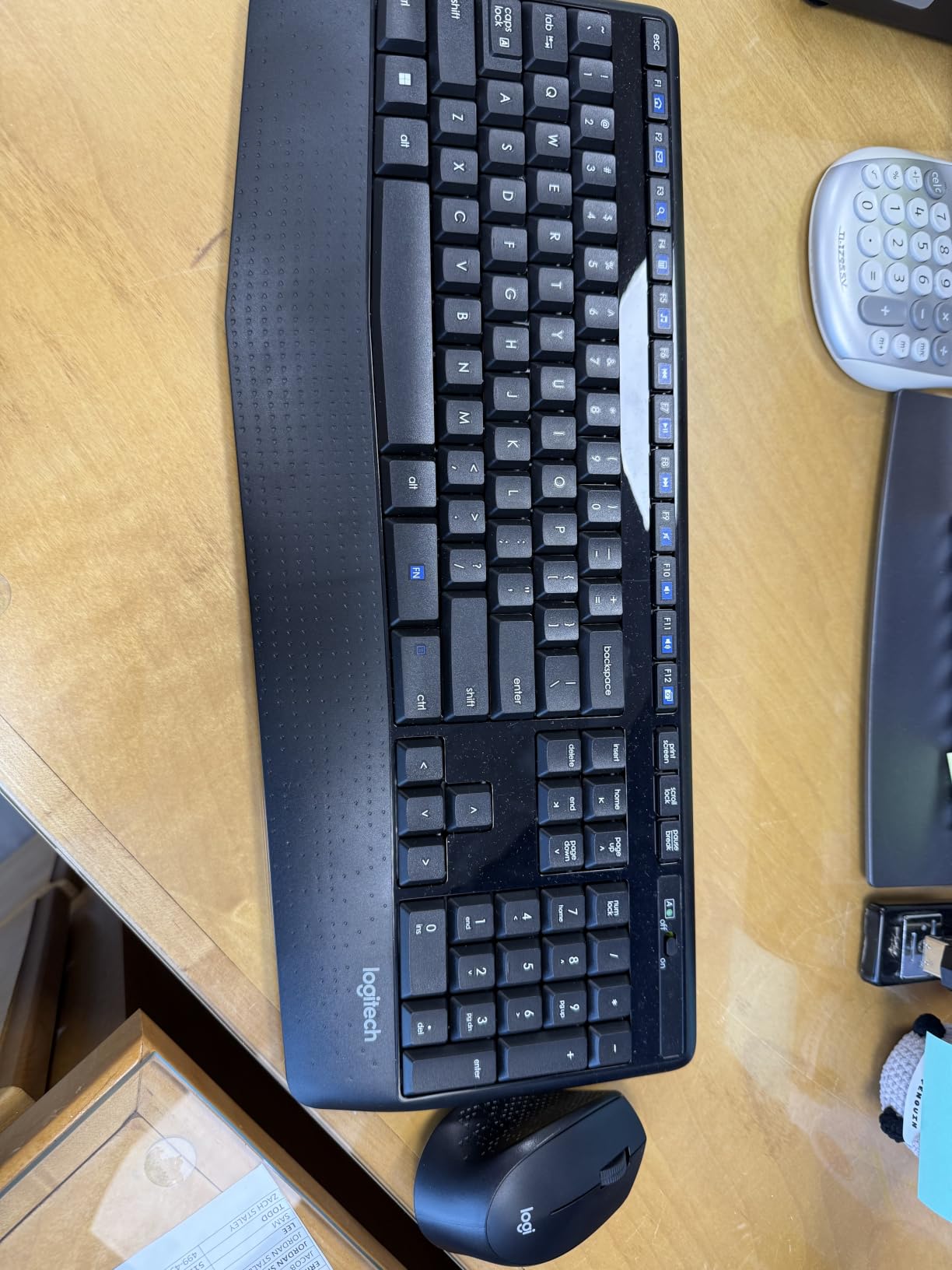
Battery life is rated at up to three years for the keyboard and 18 months for the mouse, with batteries included in the box. That removes the single most annoying five minutes of a new keyboard setup, which is digging through a drawer for cells you do not have.
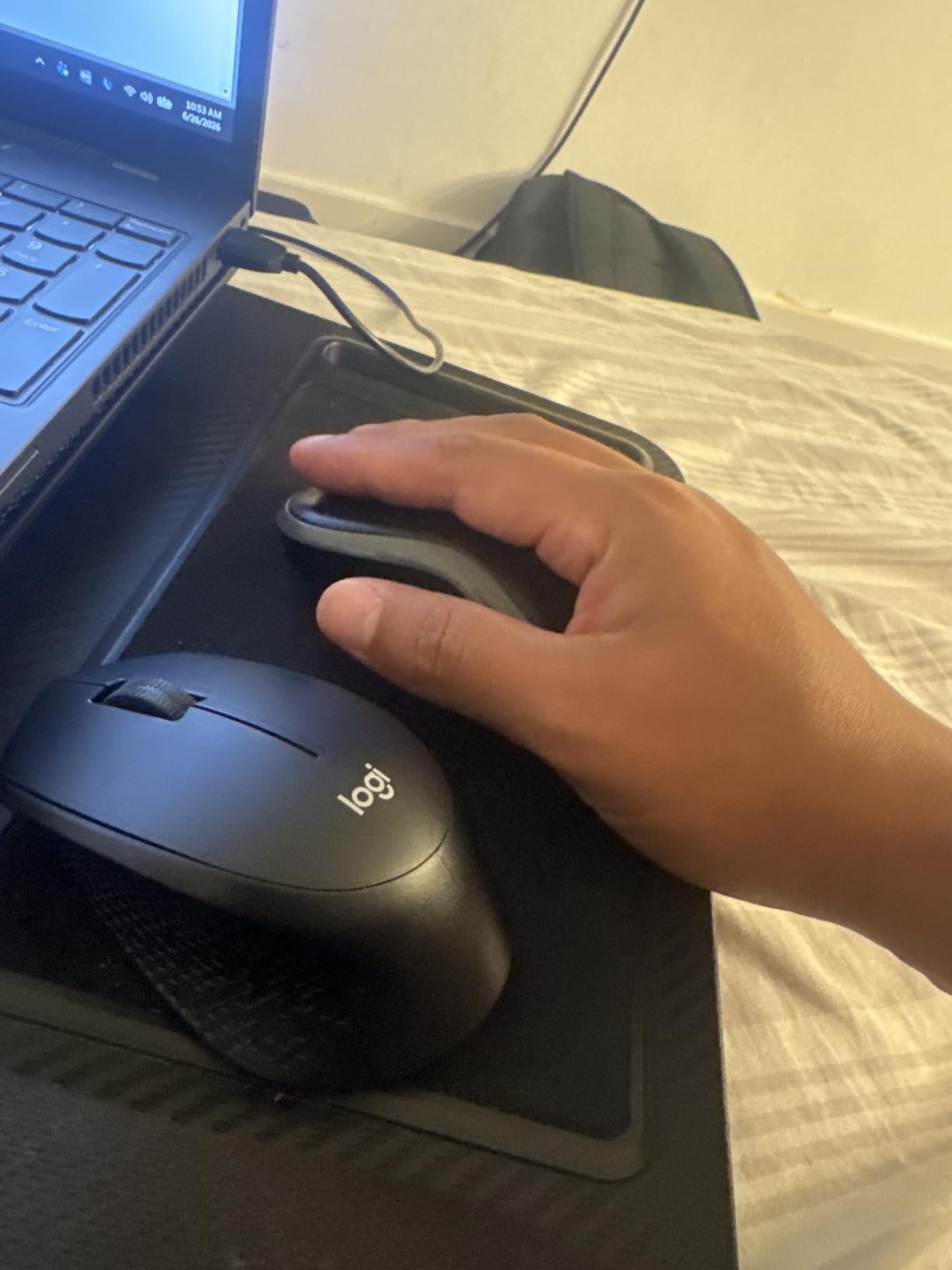
Range is quoted at up to 10 meters over 2.4 GHz. The mouse is a contoured design shaped for right-hand use, and the warranty is one year limited hardware.
Where the palm rest earns its place
The rest is moulded into the chassis rather than a separate cushion, so it does not slide around and it never separates. It raises the front edge a few degrees, which keeps wrists from resting on a hard desk lip. If you already use a separate gel pad, this is a tidier version of the same idea.
Note the flip side of the moulded design: the height is fixed. You cannot adjust the angle the way you can on the ProtoArc pick later in this list, which has four tilt legs.
Who should skip it
Skip it if you are left-handed and want a mouse shaped for your hand, since the shell is contoured for right-hand use. Also skip it if you need Bluetooth or device switching, because this is a single 2.4 GHz set with one receiver.
3. Logitech MK295 Silent – Quietest Pick for Thin Walls and Roommates
Logitech MK295 Full Size Silent Wireless Keyboard Mouse Combo – Off White
- SilentTouch keys and silent clicks cut noise about 90 percent
- Full-size layout with numpad and eight shortcuts
- 36-month keyboard and 18-month mouse battery
- Compact ambidextrous mouse
- No backlighting
- Off-white finish can yellow over time
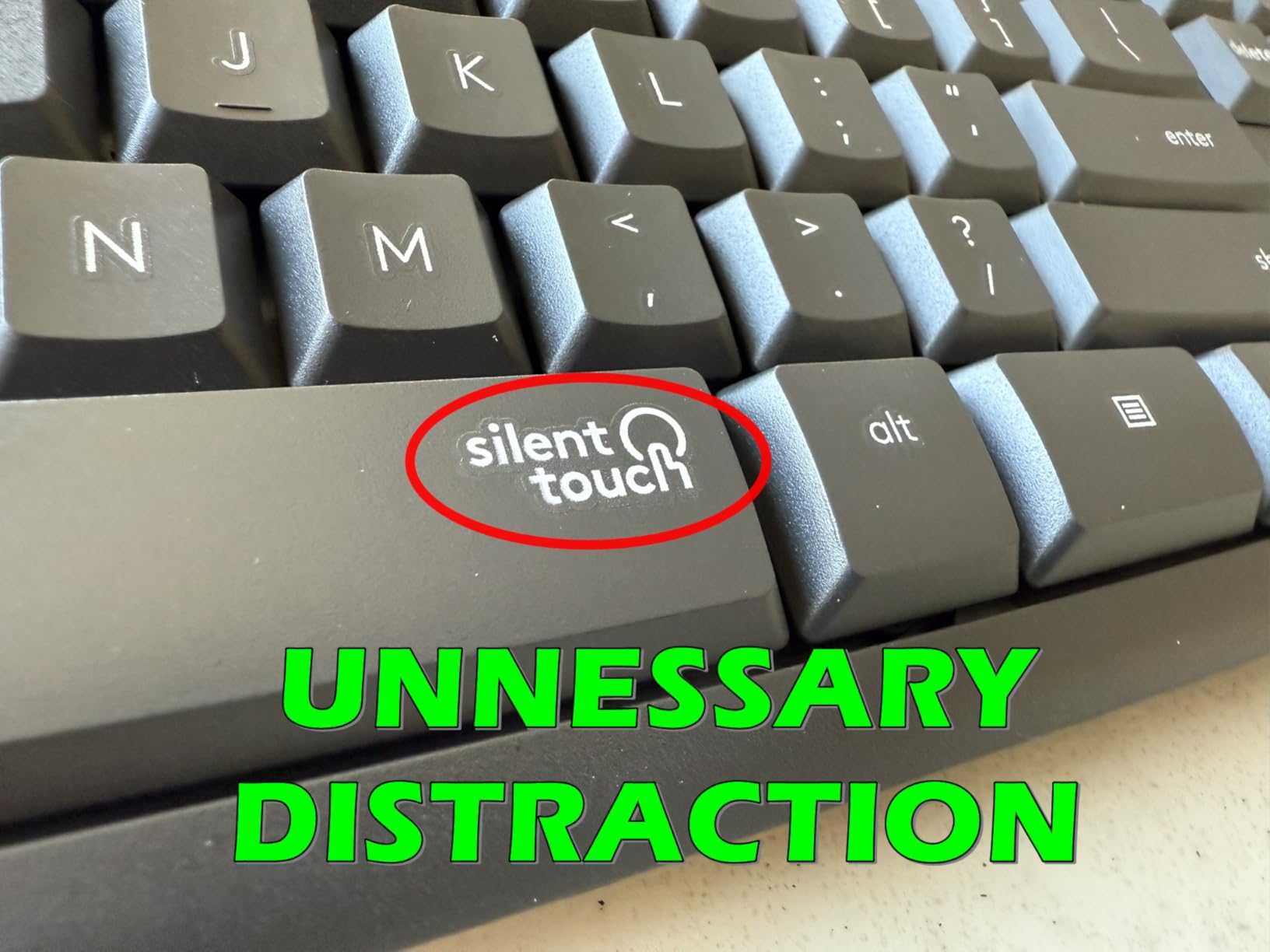
If your home office shares a wall with a bedroom, this is the set to buy. Logitech rates the SilentTouch keys and silent click switches as delivering the same typing and clicking feel with about 90 percent less noise than a standard set. In practice that means you can take a video call from your desk without narrating every keystroke to your household.
You still get a full-size 104-key layout with a number pad, plus eight one-touch shortcut keys. The connection is a tiny 2.4 GHz receiver that Logitech says pairs in three seconds, with a 10 meter range. Batteries are rated at 36 months for the keyboard and 18 months for the mouse, with on and off switches on both.

The mouse is a compact ambidextrous shape that suits both hands, with smooth and precise clicking on most surfaces. The keyboard has a spill-resistant design, durable keys, and sturdy tilt legs with adjustable height. Warranty is one year limited hardware.
It is worth being honest about what silent does not mean. This is not a silent mechanical board; it is a low-profile membrane-style board with dampened keys, so the pitch is lower rather than absent. Compared with the MK270 next door in this list, it is noticeably calmer.
How quiet is quiet enough
Silent switches dampen the downstroke, which is the noise your family hears. They do not change how far the key travels or how crisp the feedback feels, so most people adapt within a day. The same logic applies to the mouse: a silent click removes the click, not the tracking.
One practical note: the off-white finish on this version is a real consideration if you like that look, but reviewers report it can yellow slightly over time. Black variants age more predictably.
Who should skip it
Skip it if you want backlit keys for night work, or if your desk has no free USB-A port. It is also 2.4 GHz only, so there is no Bluetooth pairing for a tablet or a second laptop.
4. Vssoplor Rechargeable Slim Combo – Best Rechargeable Set on a Budget
Vssoplor Wireless Keyboard and Mouse, Rechargeable Ultra Slim, Dark Gray
- Rechargeable design with no disposable batteries
- Ultra-slim scissor-switch keyboard is quiet
- One 2-in-1 nano receiver for both devices
- Auto sleep mode and hot keys
- Fn key needed to reach the F-row
- Very thin mouse may feel small
- Needs periodic recharging
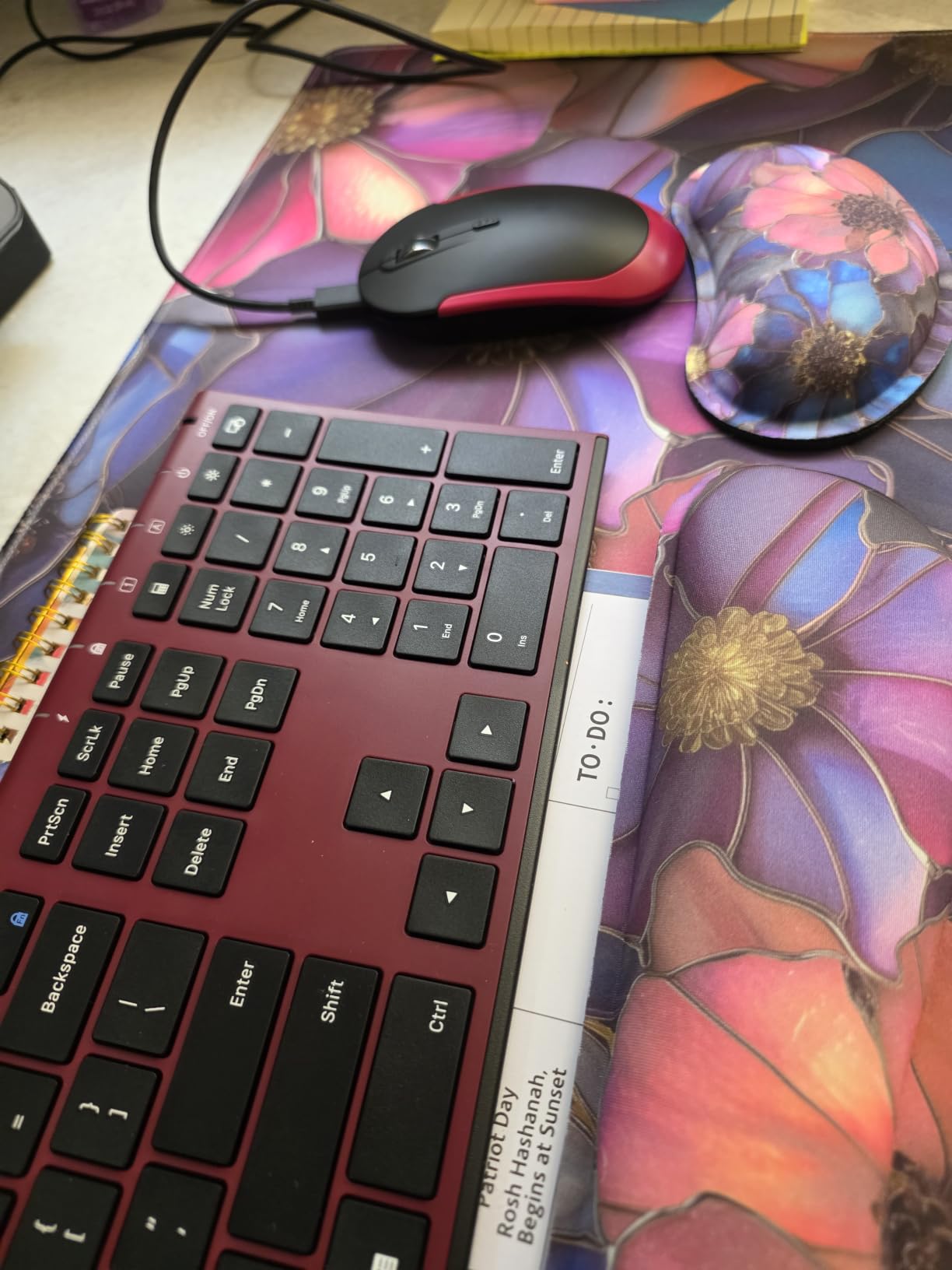
The defining feature of this set is that both devices recharge over a cable instead of taking batteries. On a desk that gets used eight hours a day, that removes the end-of-month battery ritual entirely. It also keeps a slim profile: the keyboard is 5.5 millimetres thick and the mouse is 0.86 inches.
Typing is genuinely whisper-quiet, and the scissor switch design gives more tactile response than a standard membrane board. It is a full-size layout with 102 keys, hot keys, a function row, and a separate number pad.
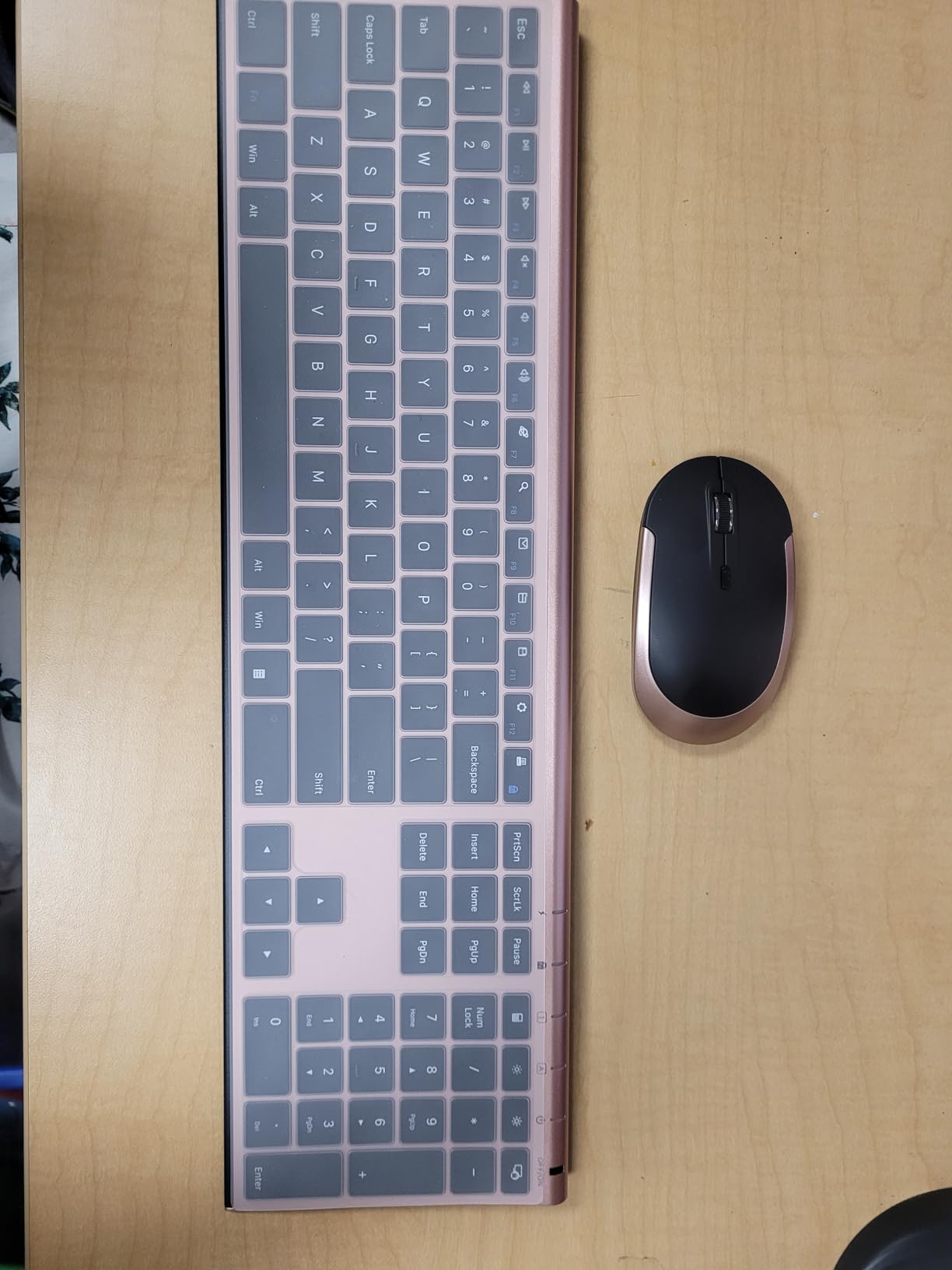
Connectivity is 2.4 GHz through a single 2-in-1 nano receiver that handles both devices, with a range quoted at up to 10 meters. The mouse offers three DPI levels at 1000, 1600, and 2400, and auto sleep kicks in when the set is idle to conserve charge.
Compatibility is listed for Windows XP through Windows 10. That older range is worth noting if you are buying for a machine that is not brand new, since macOS is not mentioned in the listing.
What to know about the slim profile
A keyboard under 6 millimetres thick takes up very little desk depth, which matters on a 48-inch desk or a table with a laptop stand at the back. The trade-off is that a thin scissor board has less travel than a full-height board, so if you are used to a mechanical feel, adjust your expectations.
The mouse is the weak point at this price. It is thin and light, and buyers with larger hands regularly note it feels small after a full day.
Who should skip it
Skip it if you rely on the function row for shortcuts and do not want to hold Fn to reach it, or if you need Bluetooth. It is also a battery-versus-rechargeable tradeoff: this set never needs cells, but it does need a cable on hand every few weeks.
5. MOFII Retro Round Keycap Combo – Best for Desk Aesthetics
- Retro round keycaps give a distinct typewriter feel
- Bright colour options suit a home office
- Full-size layout with numpad and media hot keys
- One shared USB receiver keeps the desk simple
- Some buyers report mouse tracking fading after about a month
- Occasional wireless dropouts reported
- 2.4 GHz only with no Bluetooth
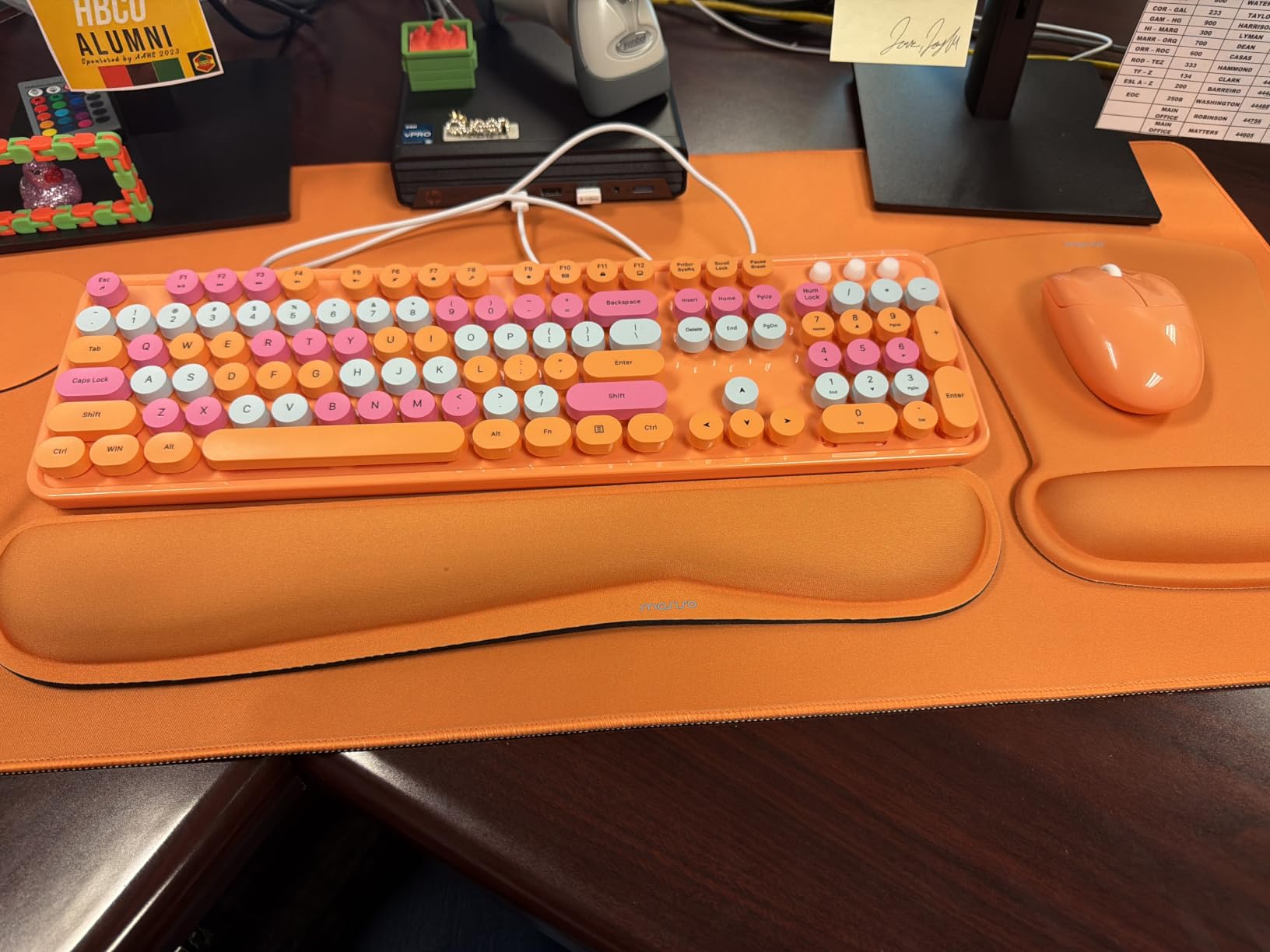
This is the one pick on the list that is partly an aesthetic decision. The keyboard is a retro typewriter design with round keycaps in a bright colour, paired with a colour-matched mouse. If your home office doubles as the place you take video calls, that matters more than it would in a corporate cubicle.
The typing feel is a deliberate, satisfying click rather than a silent scissor action, so it is louder than most sets here. Think of it as a typewriter that happens to talk to your computer, not a keyboard you can use in a dead-silent room.
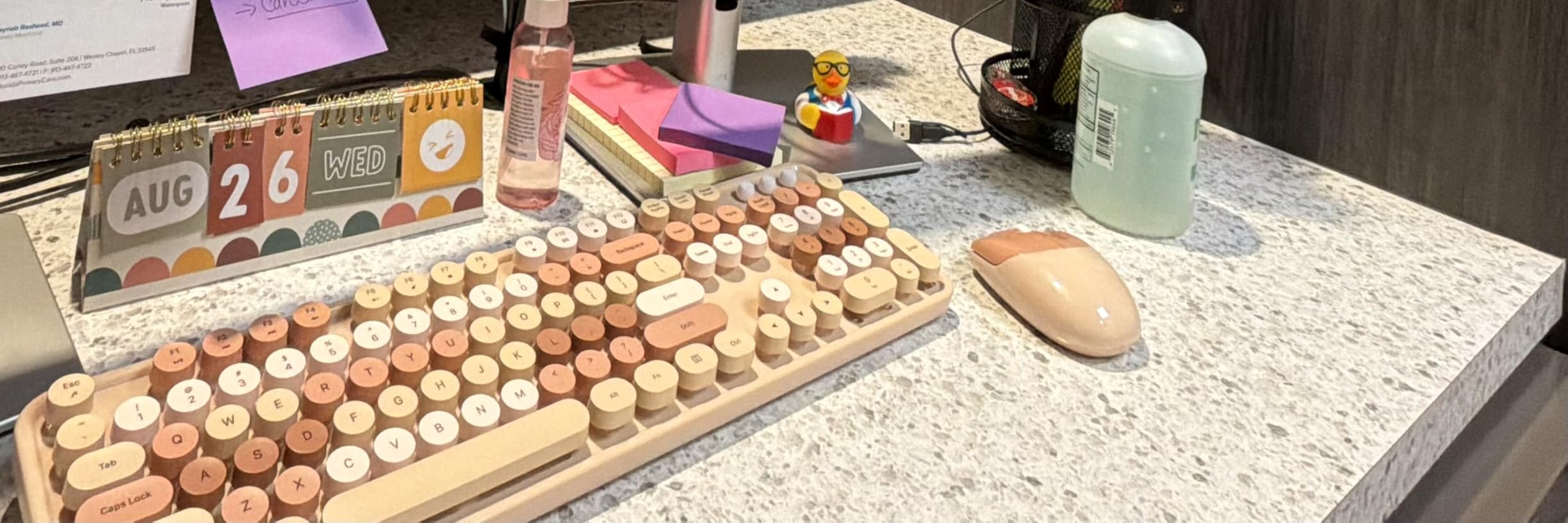
It is a full-size 104-key layout with a numeric keypad and multi-media hot keys for music, internet, email, and volume. Connection is 2.4 GHz over a single shared USB port with a range of up to 33 feet, and no driver is needed.
Compatibility is broad for the price, listed from Windows 98 through Windows 10 plus Mac OS. The set weighs 1.5 pounds, which gives it a solid feel on the desk.
Where the reliability reports split
The minority complaints are consistent enough to plan around. Some buyers report the mouse losing tracking accuracy after about a month, and others report occasional wireless dropouts. If you rely on a set every working day, buy it knowing you may be troubleshooting the mouse inside a month rather than three years.
The keyboard itself is not the source of those reports. It is the mouse sensor and the radio link that draw the complaints, so treat the pair as one unit when you judge reliability.
Who should skip it
Skip it if you share thin walls, work on calls from your desk, or want a silent board. Also skip it if you need Bluetooth or expect heavy-duty construction; the retro look is the reason this set exists, not its toughness.
6. ULSOU Ergonomic Wave Keys Combo – Best Budget Wave Keyboard
Wireless Keyboard and Mouse Combo, 2.4G Ergonomic Wave Keys(Black)
- Wave-shaped keys and wrist rest reduce wrist strain
- Adjustable stand sets the typing height
- Mouse has forward and back buttons plus adjustable DPI
- Windows and macOS layouts
- Auto power saving
- Batteries are not included
- Membrane keys feel less crisp than scissor or mechanical switches
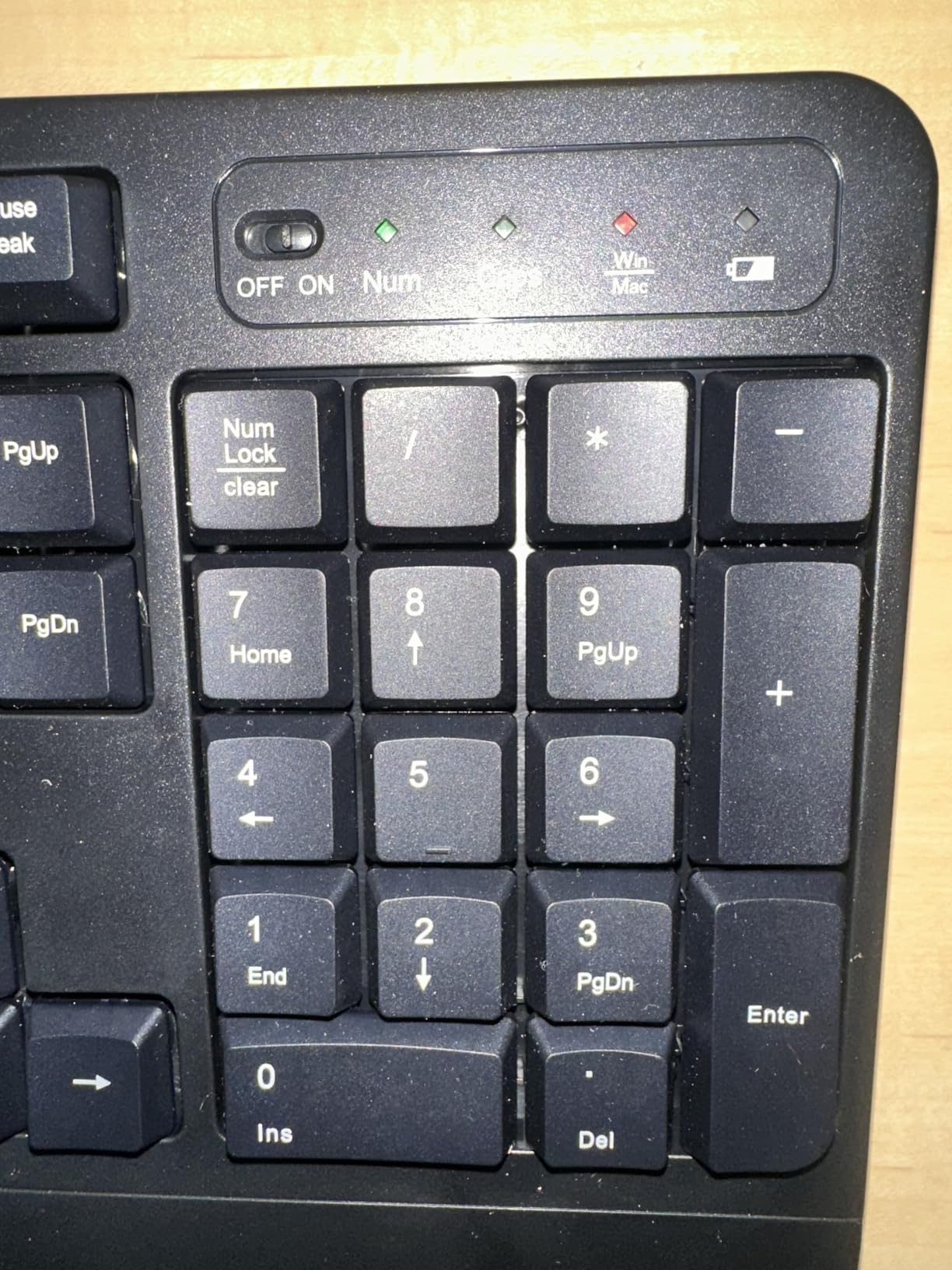
A wave keyboard curves the key rows so your hands sit at a more natural angle, and this is a low-cost way in this roundup to try one. The ULSOU adds a moulded wrist rest and an adjustable stand, so you can change the typing height rather than living with a fixed angle.
The mouse is a contoured optical design for the right hand with forward and back function buttons and three adjustable DPI levels. Both devices run on one 2.4 GHz USB receiver with a range of up to 33 feet, and setup is plug and play.
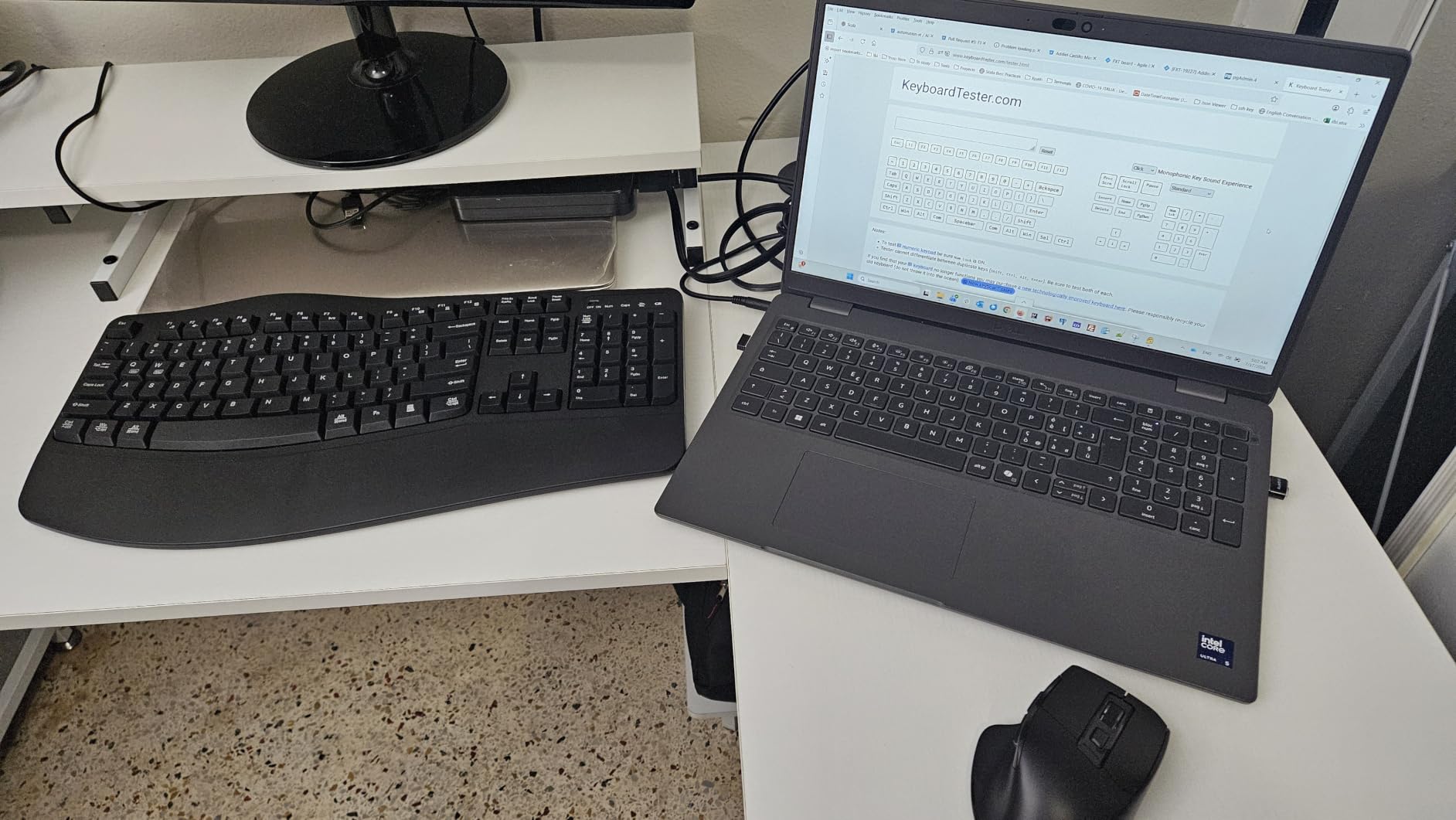
Power saving is built in: the keyboard sleeps after 30 seconds and the mouse after 15 minutes of inactivity. Compatibility covers Windows XP through 11 and Mac, with layout switching between the two systems using the Fn key combination with Q or W.
One practical warning: batteries are not included. The keyboard takes one AA and the mouse takes one AA, so buy a pack the same day.
How much a wave keyboard actually helps
The curve keeps your forearms rotated less than a flat board would, which tends to reduce the achy feeling at the end of a long day. It is a moderate change, not a cure, and it does nothing for wrist extension the way a split board does later in this list.
The keyboard here is membrane, and reviewers note the keys feel less crisp than scissor or mechanical switches. You are paying for the shape, not the feel.
Who should skip it
Skip it if you type fast and notice mushiness, or if you want to avoid hunting for batteries on day one. The warranty is 12 months, which is shorter than several sets on this list.
7. MEETION Split Keyboard with Vertical Mouse – Best for Wrist Relief
MEETION Ergonomic Keyboard and Mouse Combo, Split Design, Vertical Mouse
- Split angled halves promote a more neutral wrist posture
- Pillowed non-slip palm rest supports long sessions
- Vertical mouse with four DPI levels and a silent switch
- Rechargeable batteries in both devices
- Largest and heaviest option in this roundup
- Split layout and vertical mouse carry a real adjustment period
This is the most aggressive ergonomic fix in the roundup. The keyboard splits into two angled halves so each hand types at its own angle and distance, and the keys are concave and slightly angled to follow the shape of your hands. The mouse is vertical, which rotates your forearm instead of bending your wrist sideways.
Both devices are rechargeable. Instead of replaceable cells, each side carries a 500mAh battery rated at one to two months of use per charge, and both share a single USB-A receiver. The mouse has four DPI levels at 800, 1200, 1600, and 2400, a silent switch, and a side-scrolling wheel.
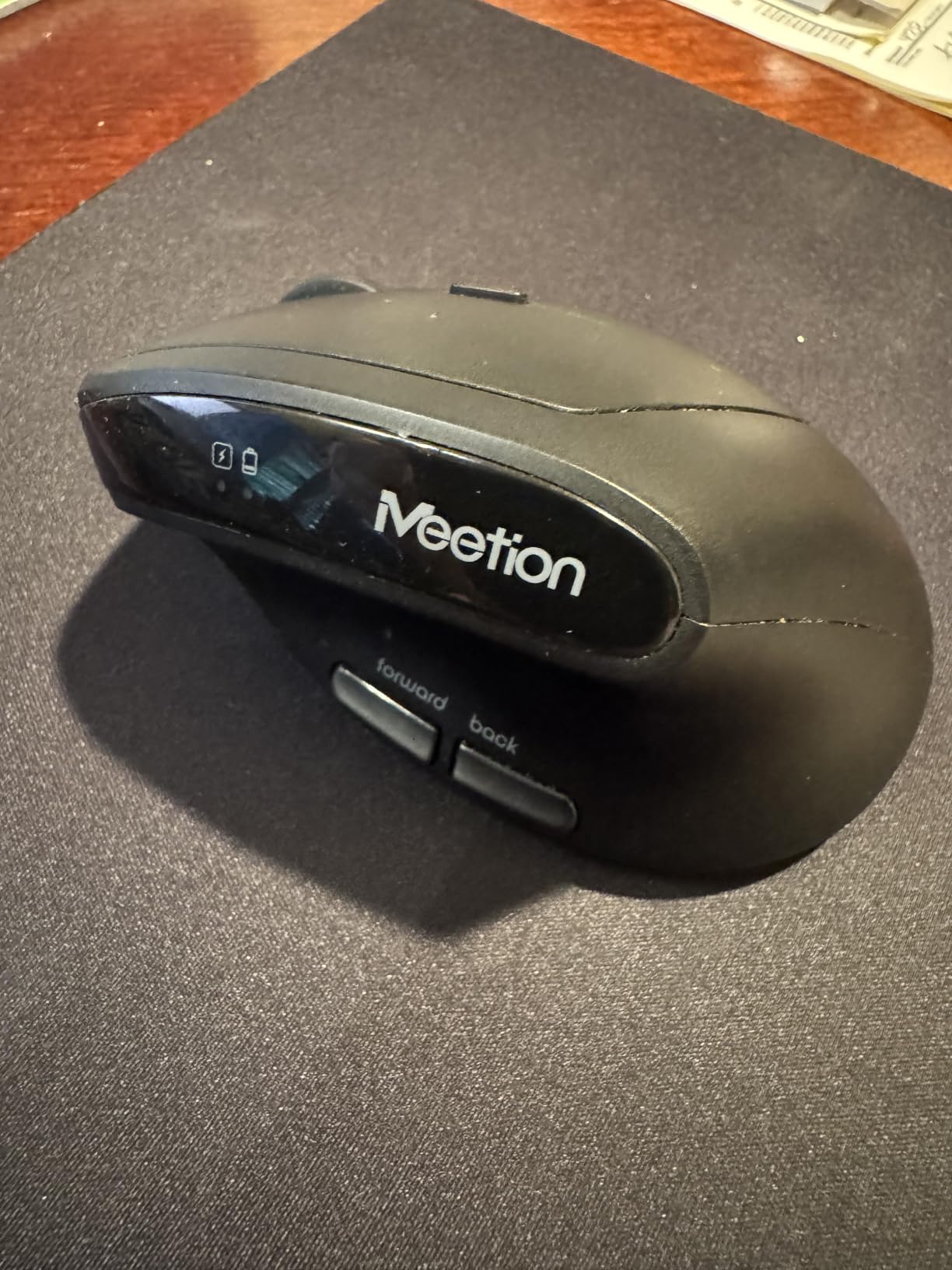
Physical size is the trade-off and it is not small. The keyboard measures 19.09 by 10.04 by 1.83 inches and the mouse is 2.87 by 4.09 by 2.28 inches, with a total weight of 1.6 kg. Measure your desk depth before you order, because the gap between the halves is intentional and wide.
This is also the lowest-rated set in our group at 4.0 stars, and the reason is consistent: buyers who adapt report genuine wrist and forearm relief, and buyers who do not adapt report frustration with the size and the learning curve.
Budget the adjustment period honestly
Plan on two to four weeks of slower typing while your hands learn the new spacing. The same thing happens when anyone moves to a mechanical board, and one r/logitech user reported a drop from about 110 words per minute to roughly 60 on their first mechanical before recovering. Expect it, and do not judge the set in week one.
The vertical mouse is the part that most often decides it. If the rotation feels wrong, try a cheaper wave board first rather than assuming ergonomics do not work for you.
Who should skip it
Skip it on a small desk, on a shared family computer where someone else needs the space, or if you have no history of wrist discomfort. The warranty is one year manufacturer coverage.
8. ProtoArc EKM01 Plus – Best Ergonomic Combo With Three-Device Switching
ProtoArc EKM01 Plus Wireless Ergonomic Keyboard Mouse Combo – Gray Black
- Split curved keyframe and memory-foam wrist rest reduce fatigue
- Switches between three devices by button press
- Long USB-C battery life
- Contoured mouse with palm and thumb rest at 2000 DPI
- Wide footprint needs a deep desk
- No backlit keys
- Some buyers report scroll wheel or connection issues
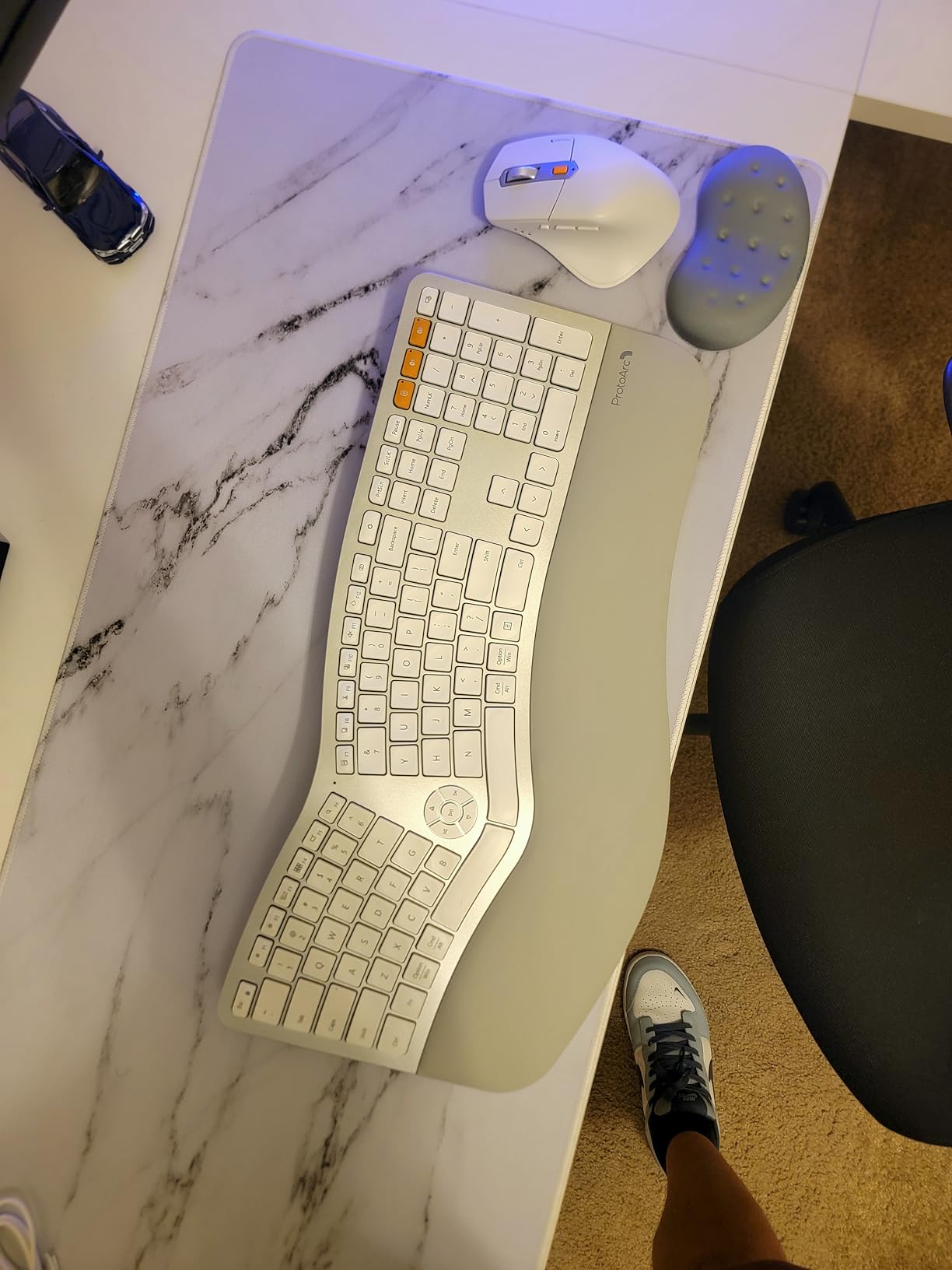
The ProtoArc is the pick for someone who has a real wrist problem and also juggles a work laptop, a personal laptop, and a tablet. It connects to up to three devices at once over Bluetooth or the USB receiver, and you hop between them with a single button press. Several owners report replacing more expensive ergonomic setups with it.
The keyboard is a full-size curved and split keyframe with a soft memory-foam wrist rest and four adjustable tilt legs, so unlike the ULSOU wave board you can set the angle. The mouse is a contoured right-hand design with palm and thumb rests, 2000 DPI, and forward and back buttons.
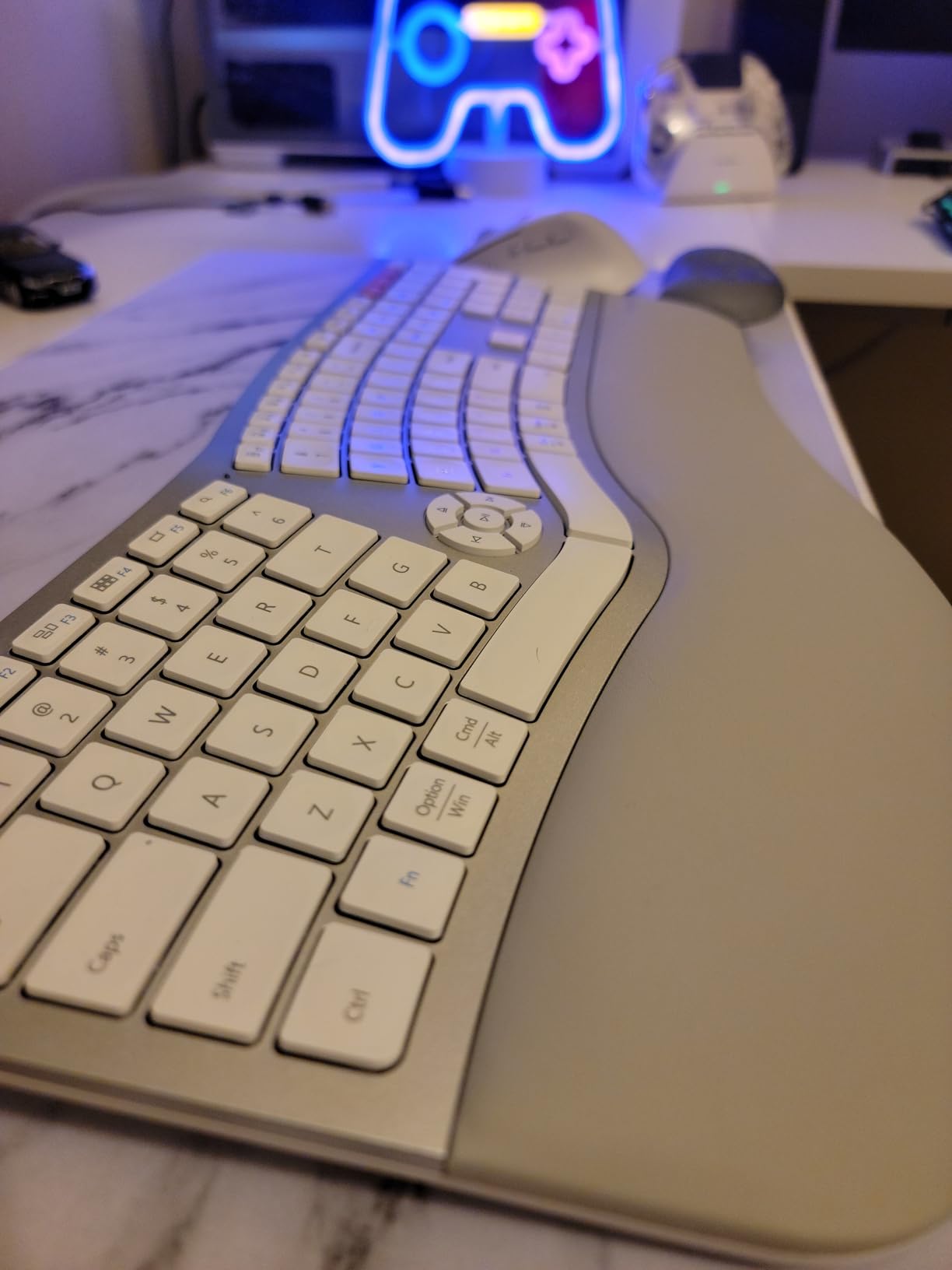
Battery is handled well: a 500mAh rechargeable lithium pack in each device charges over USB-C, with 250 hours of standby after a two-hour charge. A silicone keyboard cover is included, which is a nice touch if you eat at your desk.
The keyboard measures 20.75 by 11 inches. That is genuinely large, and several reviewers call the footprint the main drawback, so check your desk before anything else. A one-year warranty is included.
When three-device switching pays off
Switching matters most if you answer messages on a work laptop while writing long documents on a desktop. The practical value is that you stop re-pairing; the cost is that you now have a device switch key to remember on both halves.
One detail owners mention: the enlarged zero key can miss off-center keystrokes, and the keyboard is not backlit. If you type at speed in dim conditions, look elsewhere.
Who should skip it
Skip it if your desk is shallow, or if you travel with your peripherals often. It is also one of the more expensive sets here, which only makes sense if the wrist relief solves a problem you actually have.
9. seenda SKM64-3 – Best Slim Multi-Device Combo for Laptop Plus Desktop Plus Tablet
seenda SKM64-3 Wireless Bluetooth Keyboard Mouse Combo for Windows and Mac
- Switches between three devices over USB-A and two Bluetooth channels
- Slim stainless-steel build stays put
- Rechargeable over USB-C with about 200 hours of use
- Silent mouse clicks and low-profile scissor keys
- Keyboard and mouse switch channels independently
- Low-profile mouse can feel light
- Some buyers need multiple presses to wake devices
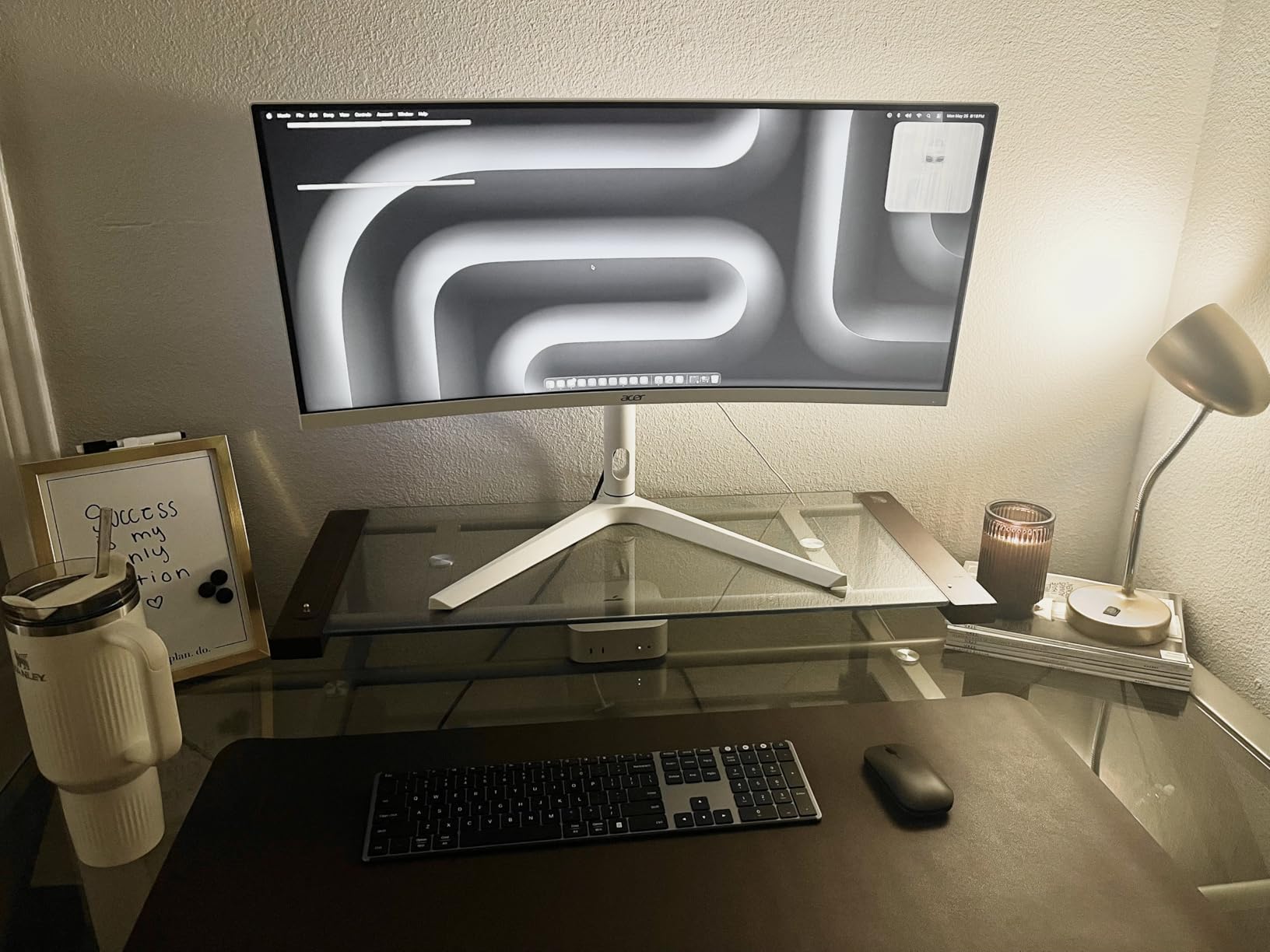
This is the one I recommend to people who work on a laptop all day and would rather not carry a dongle. It holds three channels at once, a USB-A receiver plus two Bluetooth channels, and the build is a slim stainless steel rather than plastic, which is why it stays put on a bare desk.
It is thin: 0.12 inches for the keyboard and 0.9 inches for the mouse. That is laptop-class thin, and it is the reason the keyboard fits under a laptop stand without shoving everything else around.
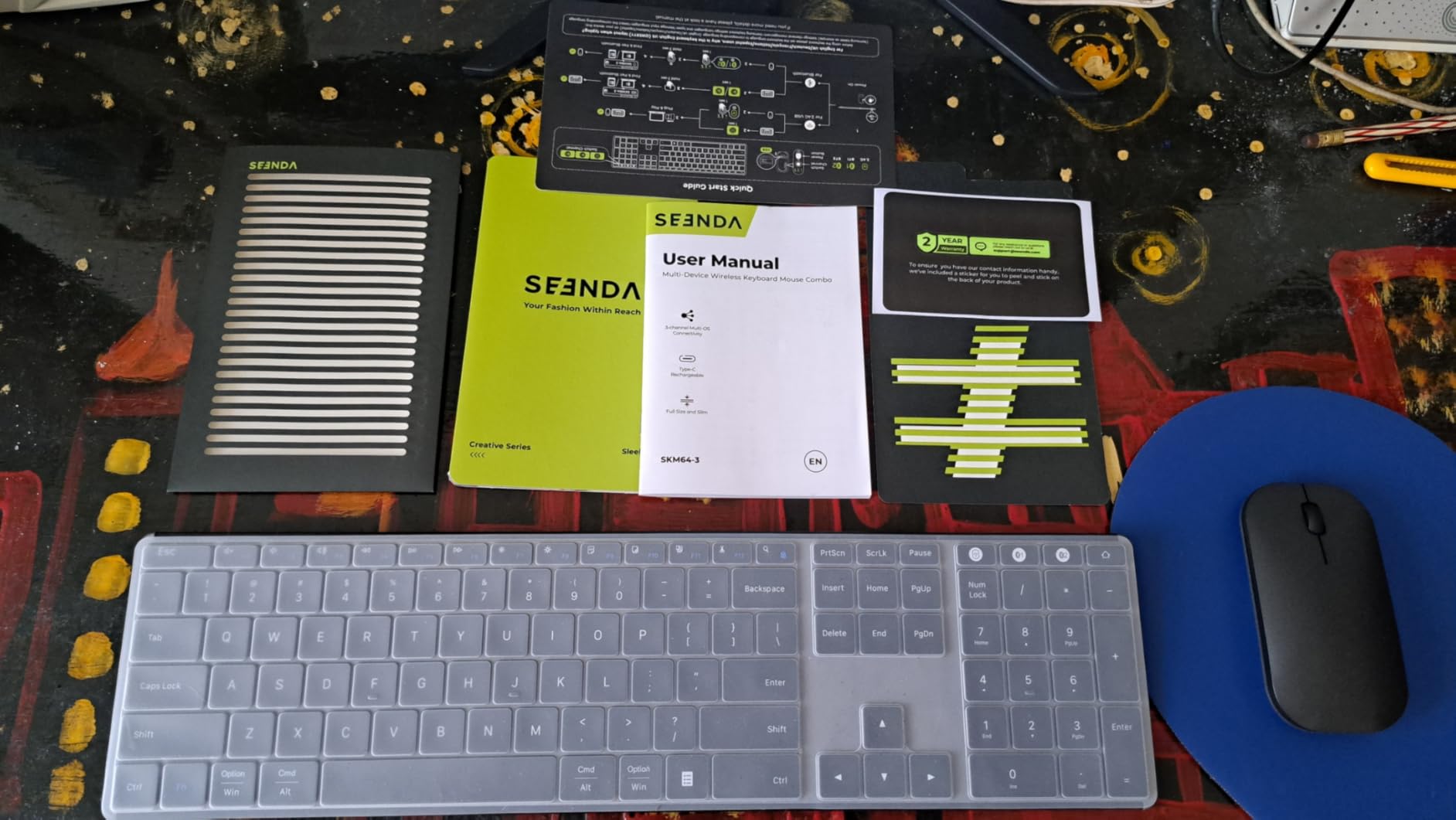
Charging is USB-C, with about 200 hours of use and a full recharge in three hours. The keys are scissor switches with an ergonomic stand, and the mouse clicks silently with DPI adjustable across 1000, 1600, and 2400. Compatibility covers Windows, macOS, iPadOS, iOS, and Android, with both Windows and Apple layouts built in. The warranty is 24 months, matched only by the Arteck later in this list.
The one workflow flaw to know about
The keyboard and the mouse switch to a new channel independently, which means when you move from your laptop to your desktop you press a key on the keyboard and then press one on the mouse. It takes a second and it catches people out, but it is a much smaller problem than re-pairing from scratch.
Related detail: a few buyers need multiple presses to wake the devices after sleep. If you are the type who walks away from the desk constantly, expect a small pause before you are typing.
Who should skip it
Skip it if you want a full-height tactile or mechanical typing feel, or if you need a backlit keyboard. The shallow mouse is the most common criticism, and reviewers with large hands tend to find it light after a full day.
10. Rapoo 9010M – Best Budget Pick With Four Device Channels
- Entry-level set that still supports four paired devices
- Silent low-profile scissor keys and silent clicks
- Adjustable DPI across five levels
- Lightweight at 314 g and easy to carry
- 78-key layout omits the number pad and function row
- Battery powered rather than rechargeable
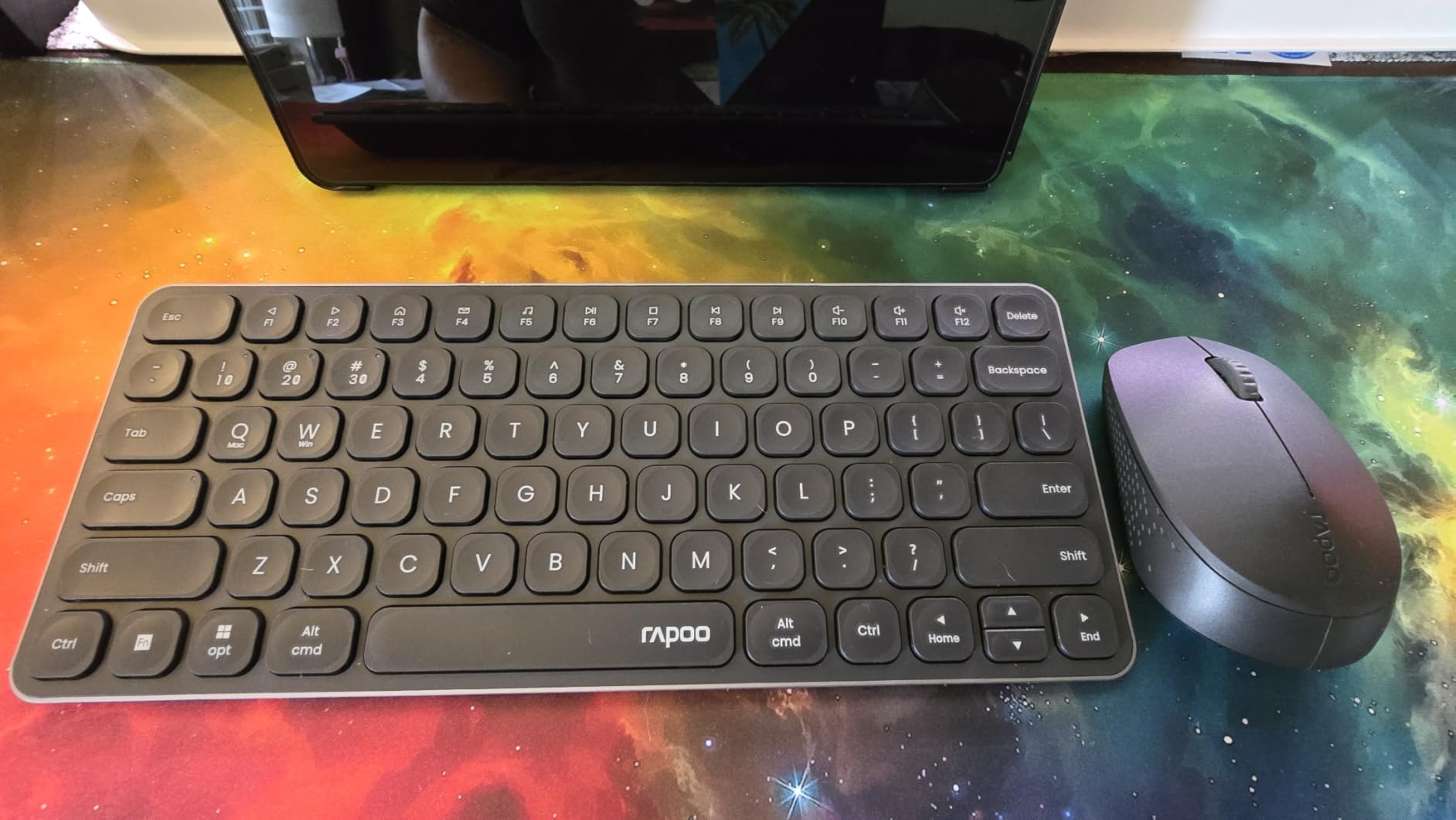
The Rapoo is the least expensive set here and the only one that holds four paired devices at once. Both the keyboard and the mouse support 2.4 GHz and Bluetooth 5.0 or 4.0, driver-free, and work across a PC, tablet, phone, or second computer. Setup is plug and play with no software.
Typing is quiet. The keys are low-profile chiclet scissor switches with silent click on the mouse and Windows and Mac hotkeys for 12 functions. Indicator lights for the active device and caps lock were added in the latest version, which matters on a compact board where you cannot see a key label.
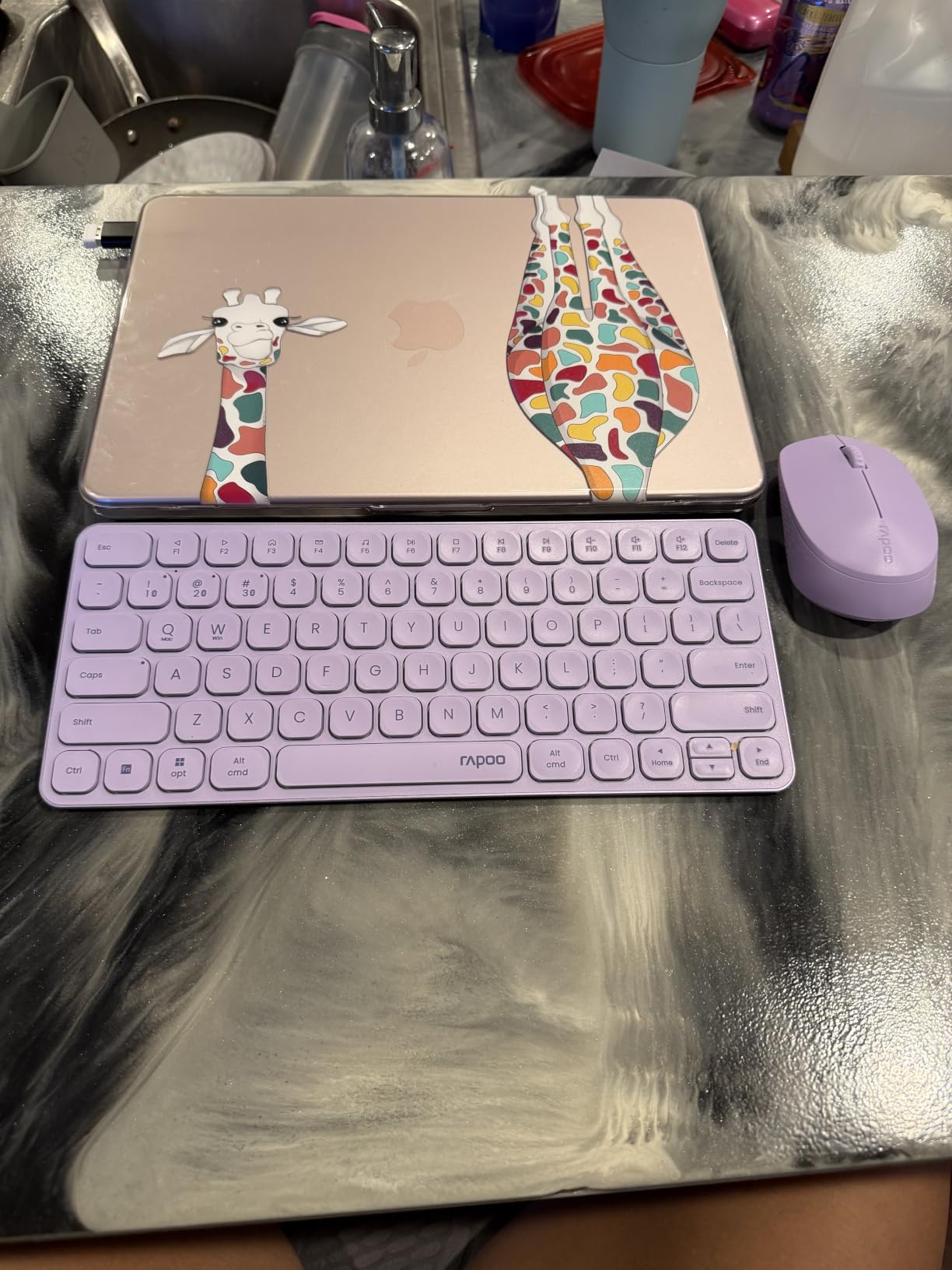
The mouse gives you five optical resolution steps at 800, 1000, 1200, 1600, and 2400 DPI. The USB receiver stores in the battery compartment on the back of the mouse, so it is not loose on the desk. Weight is 314 grams, so it travels well.
Alkaline batteries are included, and the warranty is one year.
What you give up for four channels
The layout is 78 keys, which means no dedicated number pad and no separate function row. If you do data entry or accounting, that is a dealbreaker and you should look at the 102- or 104-key sets instead. If you write, code, and browse, you will not miss them.
This is also battery powered rather than rechargeable, so you are replacing cells rather than plugging in a cable. The Bluetooth 5.0 revision is the part that stretches those cells out.
Who should skip it
Skip it if you need a number pad, if you want a rechargeable set, or if you share a computer with someone who needs a full function row. Compatibility is listed for Windows and Android; macOS is not in the stated family.
11. Arteck HB305-3 – Best Combo With No Receiver to Lose
- Pure Bluetooth with three device channels and no dongle to lose
- Mouse has seven buttons including side navigation and DPI
- Rechargeable batteries rated at months per charge
- Solid build and responsive customer service
- No backlit keys
- Keyboard and mouse switch channels independently
- Mouse glide pads can feel tacky on a large mat
Every 2.4 GHz set in this roundup has the same Achilles heel: a small receiver that disappears into a couch cushion and then stops working. The Arteck removes the problem entirely by being Bluetooth only, with three device channels you switch with a single key press.
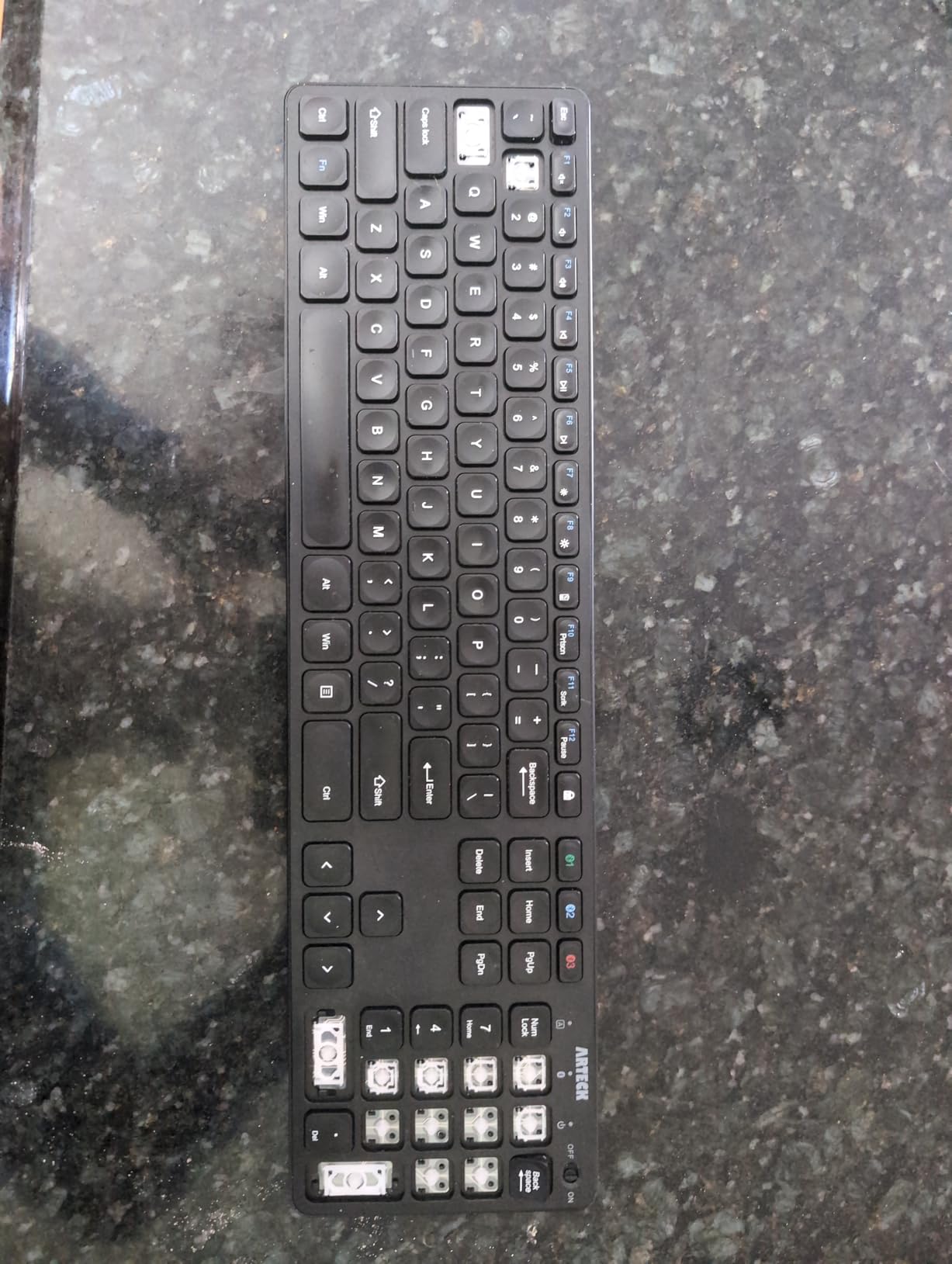
It is a 107-key full-size layout, and the mouse carries seven controls: the two clicks, a wheel, a DPI button cycling 800 through 2400, two side buttons for back and forward, and a dedicated window-switch button.
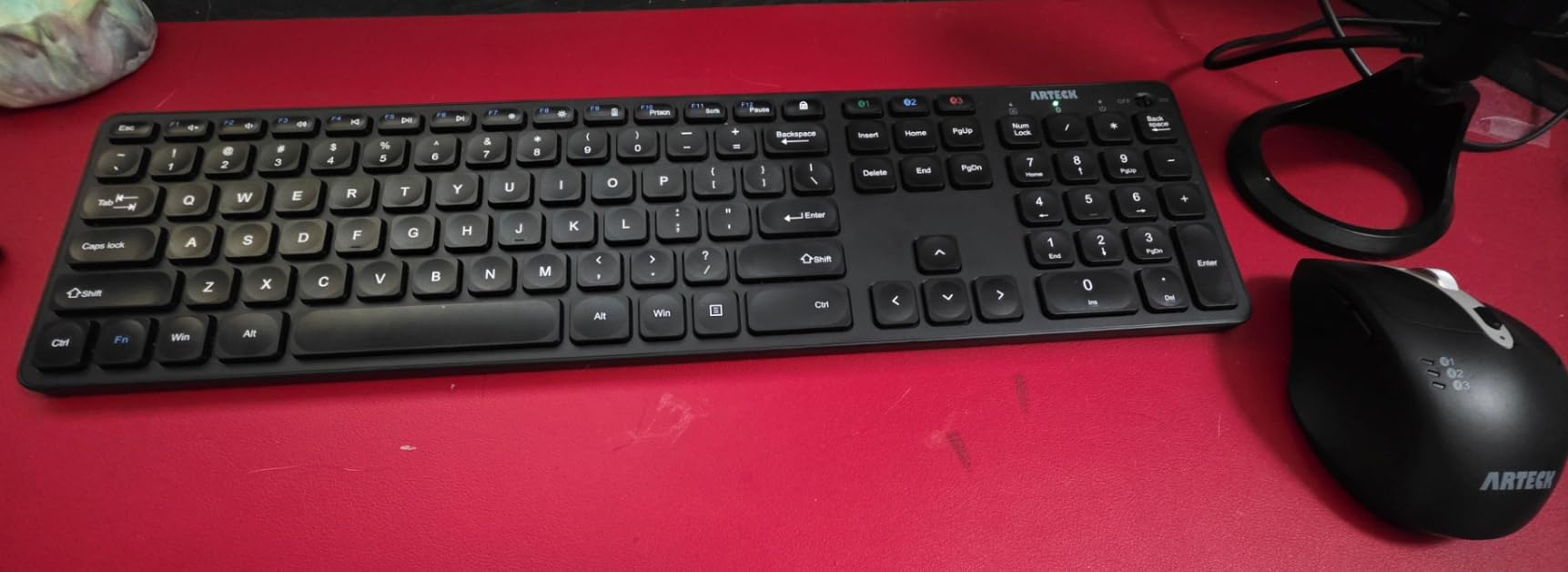
Battery is a rechargeable lithium pack rated at up to six months for the keyboard and four months for the mouse, with a USB-C cable in the box. Compatibility covers Windows, iOS, iPadOS, Android, and Mac OS over Bluetooth, across laptops, iPads, iPhones, tablets, and Surface devices.
The warranty is 24 months, and long-term users describe it as a dependable work-and-travel set.
What dongle-free costs you
Bluetooth links introduce slightly more input lag than a 2.4 GHz receiver, which you will not notice in email and will notice in a fast game. If your home office doubles as a gaming desk on the same machine, that trade is worth checking before you buy.
Two smaller notes: the mouse glide pads can feel tacky on a large desk mat, and some buyers report occasional dropped or repeated keypresses. There is no backlighting.
Who should skip it
Skip it if you want wired-equivalent latency, if you need backlit keys for night work, or if your computer has no Bluetooth. The two-year warranty is the longest we found on this list.
12. Lenovo 700 Modern Combo – Best for a Work Desk with Shared IT Policy
- Quiet keys and mouse clicks with clean professional styling
- Switches between three devices by Bluetooth or receiver
- 36-month battery life on standard cells
- AES-128 encryption adds wireless security
- Small receiver dongle is easy to lose
- Some buyers report the Fn lock not working
- Thinnest review base on this list
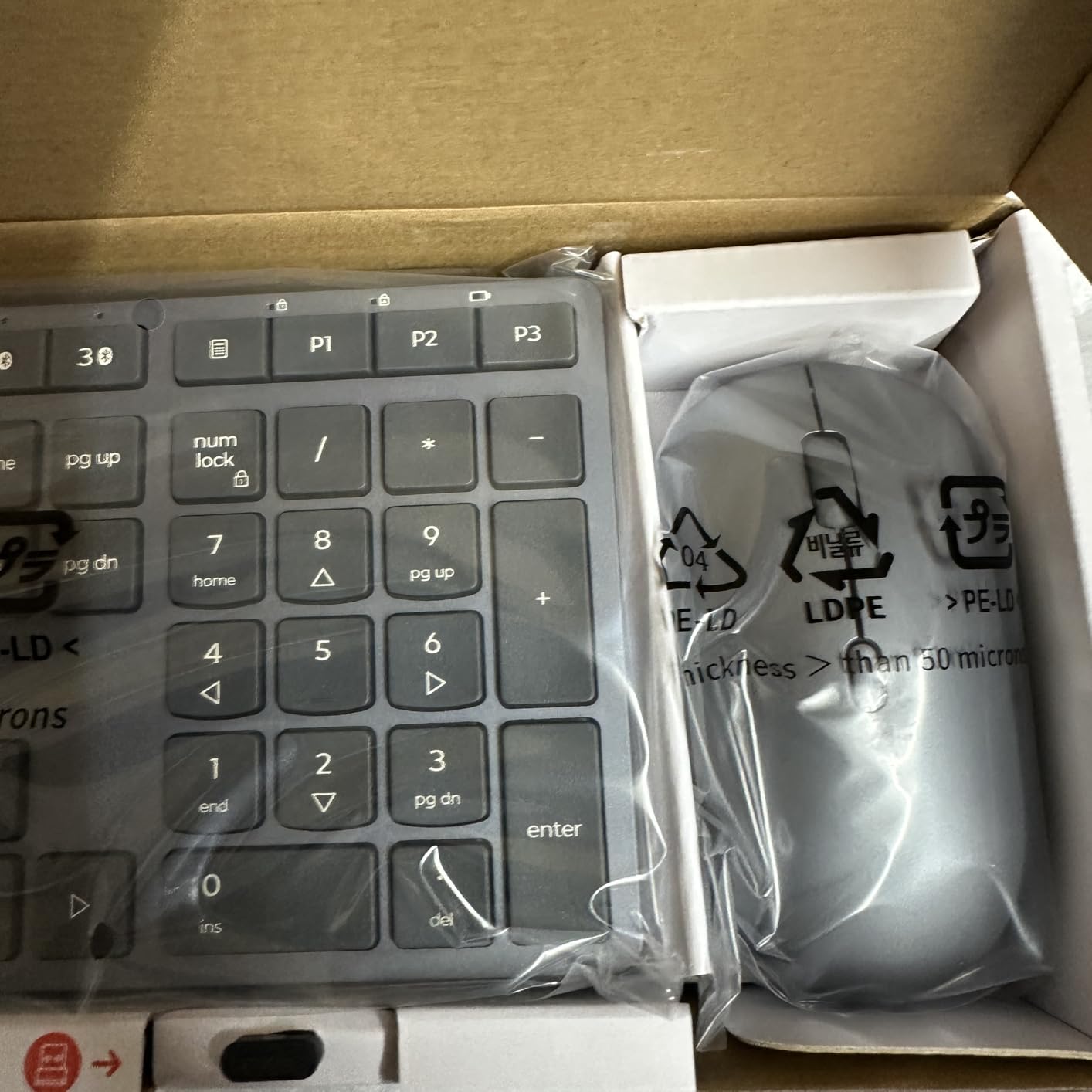
The Lenovo 700 Modern is the pick when your desk doubles as a work desk, because the wireless link is encrypted with AES-128. That is not marketing filler in a home where a work laptop sits next to a personal machine, and it is the reason this set is on the list at all.
It switches between three devices using dual Bluetooth or the Lenovo Pro Unified Pairing receiver. Keys and clicks are quiet and responsive, with customisable buttons and keys, and the styling is a clean Luna Grey that suits a room where video calls happen.
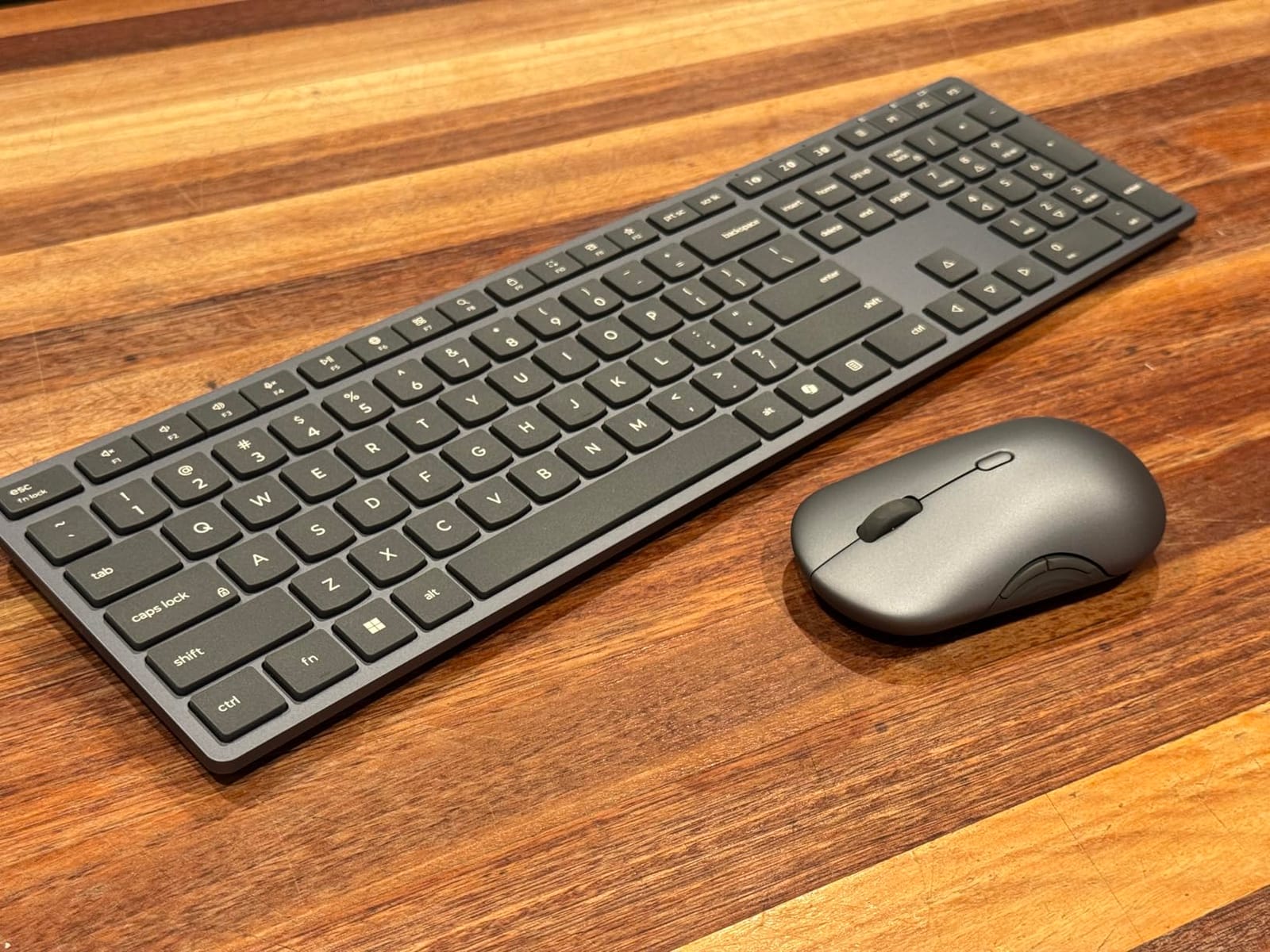
Battery is rated at 36 months combined using two AAA cells in the keyboard and one AA in the mouse, with the cells included. The keyboard is a 104-key membrane layout weighing 1.1 pounds, and compatibility covers Windows and Linux over a USB-A port plus Bluetooth.
The warranty is one year manufacturer coverage, with the Lenovo name on it, which matters if your employer reimburses peripherals.
Read the review count before you lean on it
This is the newest set here and by far the thinnest evidence base, with 103 ratings. Early owners like the quiet typing and quick Bluetooth pairing, but there is not yet a long history of owners reporting how the batteries hold up in year two.
Reported drawbacks are specific: the 2.4 GHz receiver is small and easy to lose, and some buyers found the Fn lock does not work, leaving Fn keys as alternate icons only. The mouse is described as adequate rather than exceptional.
Who should skip it
Skip it if you want a proven long-term record, if you need a number pad on a compact board, or if you want a silent click mechanism rated as quiet as the MK295. It is a strong, tidy work desk option, not a specialist one.
How to Choose a Keyboard and Mouse Combo in 2026?
Most home office mistakes come from picking on price and discovering the trade-off eight hours a day later. These are the six things that actually change how a set feels once it is on your desk.
Keyboard size and desk space. A 104-key full-size board is roughly 17 to 19 inches wide, a 78-key compact board drops to about 12 inches, and the split ergonomic boards here run to about 20.75 inches including the gap between halves. On a small desk, that difference decides whether your mouse has room to move.
Switch type and what it sounds like. Scissor switches are thin, laptop-style, and quiet. Membrane keys are the cheapest and feel soft. Tactile switches add a bump you can feel, silent switches dampen the downstroke, and linear switches feel smooth with no bump. A quiet keyboard for a home office almost always means scissor or silent-damped keys, and that is the single highest-value filter on this list.
Mouse shape and grip. Ambidextrous shells suit both hands, contoured shells suit one, and vertical shells rotate the forearm to reduce wrist bending. Office work wants a mid-range DPI rather than the maximum setting, and most sets here give you three to five levels you can cycle.
Connectivity. A 2.4 GHz receiver gives lower input lag and a one-time plug-in, but the dongle can be lost. Bluetooth avoids the dongle entirely and adds a small amount of lag, and it is the only option on machines with no USB-A port. Sets with both are the most flexible.
Device switching. If you use one keyboard across a work laptop, a personal laptop, and a tablet, look for a set that holds three or four paired channels. Note the flaw on some models: the keyboard and mouse often switch channels independently, so you press one on each.
Battery and charging. Replaceable cells mean no charging cable on the desk, and 36-month claims are measured at manufacturer conditions. Rechargeable packs, like the ones on the VssoPlor, seenda, and Arteck sets, are cleaner but need a cable every few weeks. Check whether batteries are included before you order.
When Not to Buy a Combo
Buying a keyboard and mouse together is a convenience deal, and that convenience is exactly the compromise. The bundle keyboard is rarely the best keyboard, and the bundle mouse is rarely the best mouse.
Buy separately if you already know you want a specific feel, such as a mechanical board with a particular switch, or if you use an ambidextrous or trackball mouse that no combo here includes. It is also worth buying separately if one half is a strong preference and the other is a throwaway, because bundles force you to accept both at once.
Home office setups that grow tend to diverge: people start with a combo and later replace the mouse with something that fits their hand. If you can already see that happening, skip the bundle. Our guides to robot vacuum and mop combos cover the same logic for a different part of the home, where the bundled version is a starting point rather than a destination.
Frequently Asked Questions
What is the best wireless keyboard and mouse combo for a home office?
For most people the Logitech MK270 is the answer: a full-size spill-resistant keyboard and a compact ambidextrous mouse on one USB-A receiver, with battery life rated at 36 months for the keyboard and 12 for the mouse. If noise through thin walls is your problem, choose the Logitech MK295 Silent instead, which cuts typing and clicking noise by about 90 percent.
Should I buy a keyboard and mouse combo or separately?
Buy a combo when you want one box, one receiver, and no pairing drama. Buy separately when you already know you want a specific feel, such as a mechanical board or a vertical mouse, because bundle halves are chosen to pair with each other rather than to be the best option on their own.
Is a wireless keyboard and mouse combo good for working from home?
Yes, for most home offices. A wireless combo removes the cable that snags a mug and frees desk depth, and battery life on the sets here runs from weeks to years. The two things to check are free USB-A ports and whether you take calls in the same room, since a 2.4 GHz set with a standard keyboard will be audible.
What keyboard size is best for a small home office desk?
For a desk under 48 inches wide, a compact layout such as the 78-key Rapoo 9010M frees the most space, and a slim full-size board like the seenda SKM64-3 stays under a laptop stand. Full-size 104-key boards still fit most desks but take roughly 17 to 19 inches of width, and split ergonomic boards can reach 20.75 inches.
How do I switch a keyboard and mouse between two computers?
Most multi-device combos pair two or three devices at setup, then jump between them with a channel key on the keyboard and a matching key on the mouse. A 2.4 GHz receiver and one or two Bluetooth channels are the usual combination, and the seenda SKM64-3 and Arteck HB305-3 both run three channels this way.
What is the best keyboard for office work?
For office work the deciding spec is noise, not gaming features. Scissor-switch or silent-damped keys such as SilentTouch keep typing low without the learning curve of a mechanical board, and an integrated palm rest such as the one on the Logitech MK345 helps across long sessions without adding desk clutter.
The Best Keyboard and Mouse Combo for Your Home Office
If you want the safest buy, the Logitech MK270 remains our pick for the best keyboard and mouse combos for home offices in 2026, because it does one job with almost no support required. If the walls are thin, swap to the MK295 Silent. If your wrists already ache, the lower-cost ULSOU wave board is a gentle first step before you commit to a split layout.
Measure your desk, count your USB-A ports, and decide honestly how many devices share the keyboard. Those three answers will narrow twelve options to one. While you are setting the desk up, our guides to home backup power and generators cover the other half of working from home that people forget until they need it.