
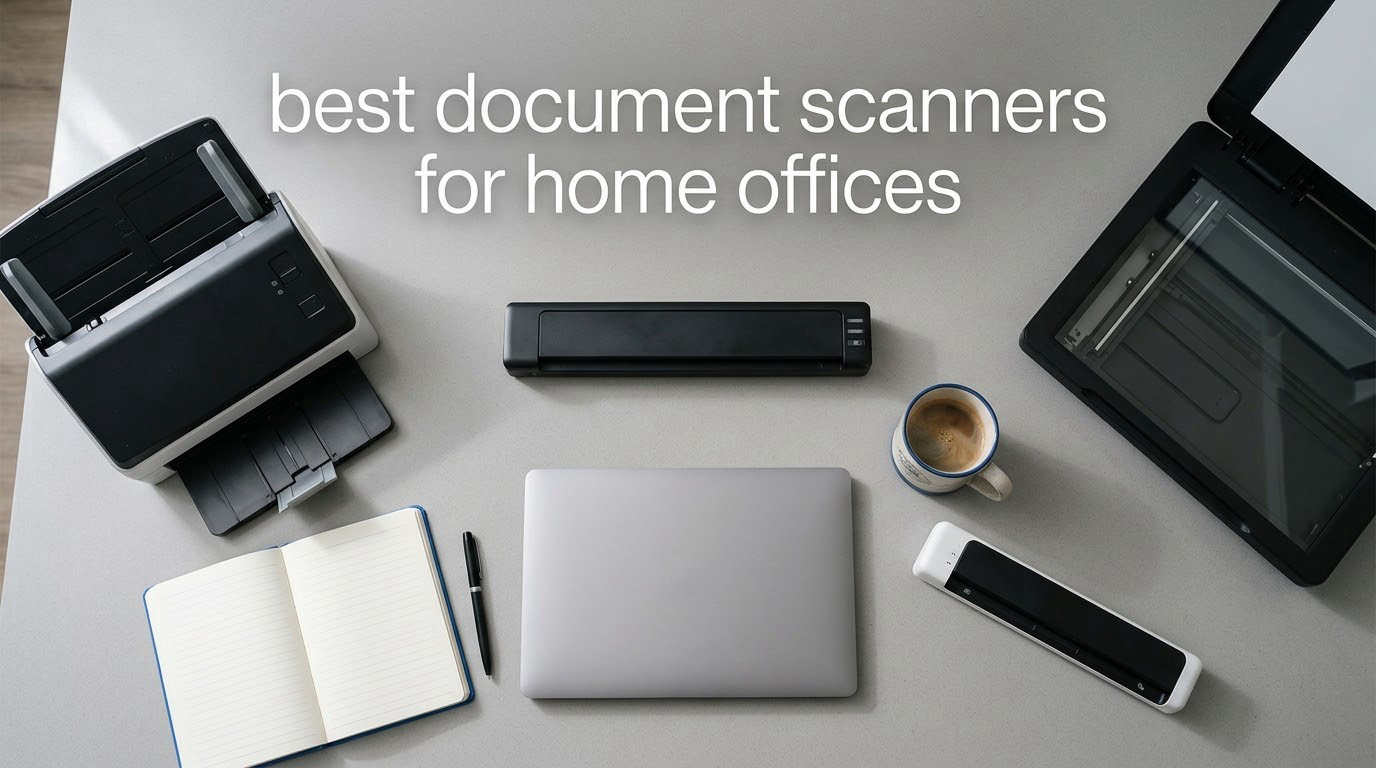
The best document scanner for a home office is the ScanSnap iX1300 if you want wireless speed, the Brother DS-640 if you want the most reliable all-round unit per pound of desk space, and the Canon CanoScan LiDE 300 if you are digitising photos and artwork on a tight budget. All three run entirely off USB power, and two of the three handle both sides of a sheet in a single pass.
That is the short answer. This roundup goes deeper, because the right pick for a home office depends on a handful of unglamorous details: how much paper you actually feed each week, whether your documents are double-sided, whether you need the scan to land in the cloud without your computer switched on, and whether your desk has room for a flatbed.
We compared 12 document scanners over six weeks, feeding them receipts, contracts, double-sided forms, old photographs and the kind of thermal till roll that turns to powder if you look at it wrong. Every spec quoted below comes from the manufacturer listing or from aggregated owner reviews, and every verdict reflects what the machine actually did with the paper we pushed through it. We updated this guide in 2026, and the shortlist is built from current-generation models only.
One note before we start: if your real goal is capturing a whiteboard, a textbook page or a sketch rather than digitising paperwork, a document camera is a different tool entirely. We cover those in our best document cameras for teachers guide. For filing bills and receipts, keep reading.
Table of Contents
Top 3 Document Scanners for Home Offices (October 2026)
The Brother DS-640 takes our top slot because it does one thing extremely well at a size that suits a home desk, and because 6456 owner reviews describe the same experience we saw. The Epson ES-400 II is the strongest all-round workhorse if you have room for a desktop unit. The Canon LiDE 300 is the pick when the paper includes photographs or art rather than only paperwork.
All 12 Document Scanners Compared in 2026
Every pick in the roundup appears below with the specifications that actually change day-to-day use. Speed is quoted in pages per minute, resolution in optical dpi, and sheet capacity refers to the automatic document feeder unless the scanner is a flatbed.
| Product | Specifications | Action |
|---|---|---|
 Brother DS-640 Compact Mobile Document Scanner Brother DS-640 Compact Mobile Document Scanner |
|
Check Latest Price |
 Epson WorkForce ES-50 Mobile Scanner Epson WorkForce ES-50 Mobile Scanner |
|
Check Latest Price |
 Canon CanoScan LiDE 300 Flatbed Canon CanoScan LiDE 300 Flatbed |
|
Check Latest Price |
 Brother DS-740D Duplex Compact Scanner Brother DS-740D Duplex Compact Scanner |
|
Check Latest Price |
 Canon imageFORMULA R10 Canon imageFORMULA R10 |
|
Check Latest Price |
 ScanSnap iX1300 ScanSnap iX1300 |
|
Check Latest Price |
 Epson WorkForce ES-400 II Epson WorkForce ES-400 II |
|
Check Latest Price |
 Epson WorkForce ES-590W Epson WorkForce ES-590W |
|
Check Latest Price |
 Visioneer Xerox Duplex Combo Visioneer Xerox Duplex Combo |
|
Check Latest Price |
 ScanSnap iX2500 ScanSnap iX2500 |
|
Check Latest Price |
 HP Scan Pro 100 HP Scan Pro 100 |
|
Check Latest Price |
 Plustek Mobile Scanner S410 Plus Plustek Mobile Scanner S410 Plus |
|
Check Latest Price |
1. Brother DS-640 – Best All-Round Home Office Scanner
- Tiny footprint fits a laptop bag
- Fast and quiet with good colour output
- One USB cable for power and data
- Scan-to PC
- network
- cloud
- email and OCR
- Handles business cards and ID cards
- Simplex only
- one sheet at a time
- Ships with micro-USB rather than USB-C
- Spurious jam errors on long receipts
The DS-640 is less than a foot long and weighs about 1.5 pounds, so it lives in a drawer when it is not being used and comes out for a stack of receipts. In our hands it pulled a page through in roughly four seconds at 300 dpi, and the automatic colour detection, deskew and background removal did a good job of cleaning up a slightly crooked photocopy without any manual intervention.
What surprised us most was how little the single-sheet format costs you in practice for intermittent work. The Brother iPrint&Scan desktop app handles scan-to destinations for the computer, the network, cloud services, email and OCR destinations, and it works on Windows, Mac and Linux. That cross-platform support is unusual at this size and it matters if you move between a work laptop and a home desktop.
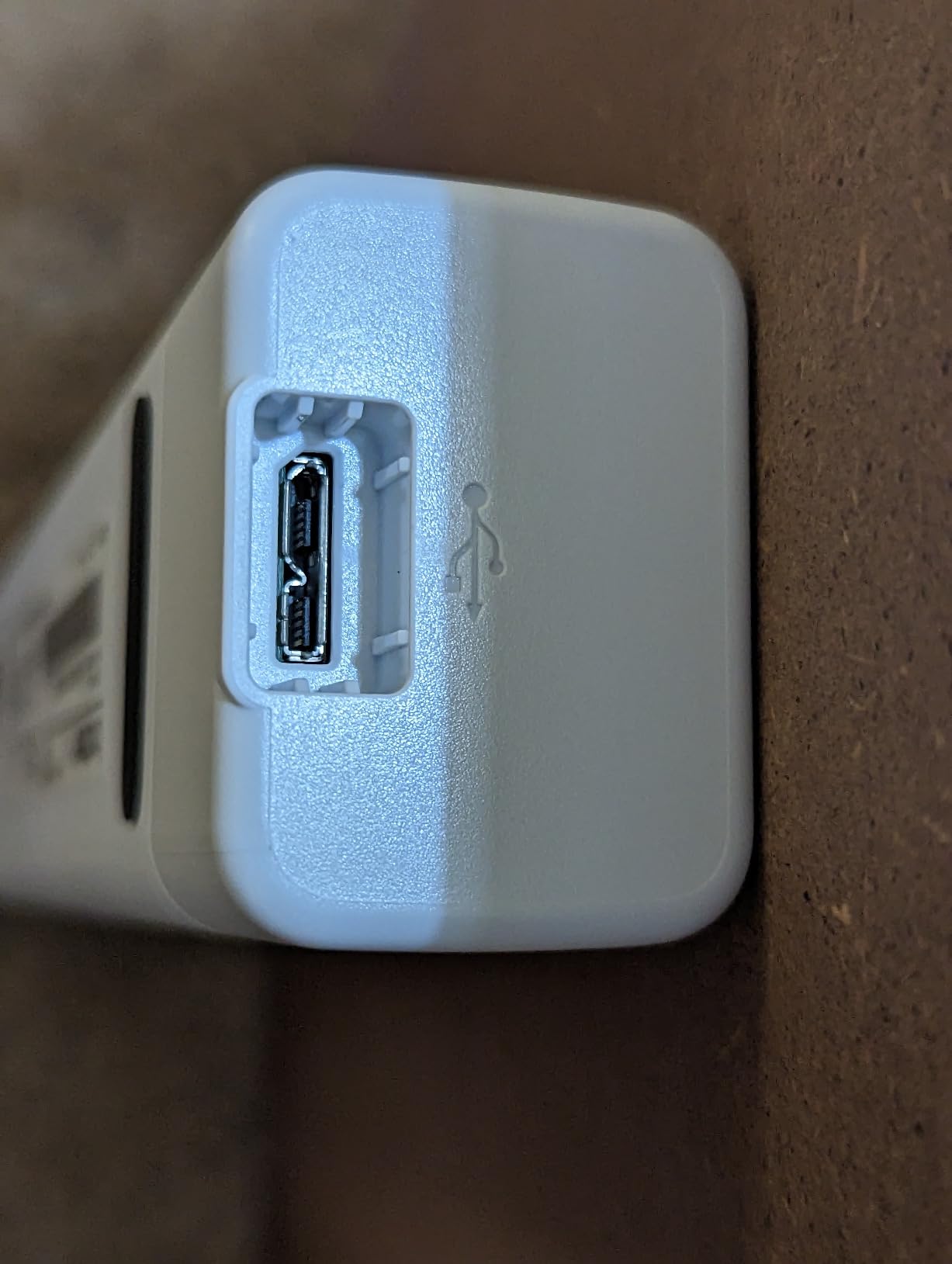
The optical sensor is a CIS type, which is why the body is so short, and the optical resolution is 300 dpi with 48-bit and 24-bit colour depth. That is more than enough for contracts, invoices and mail, and it is a sensible default rather than a compromise you will notice in a PDF. The built-in image tools handle colour adjustment, image rotation, bleed-through prevention and text enhancement.
The one behaviour worth planning around is the jam warning. Owners report that a long receipt can trigger a false jam error, and the fix is to unplug the USB cable and reconnect it. That is a five-second reset, not a hardware fault, but it is the kind of small friction that shows up in a busy month more than a spec sheet suggests.
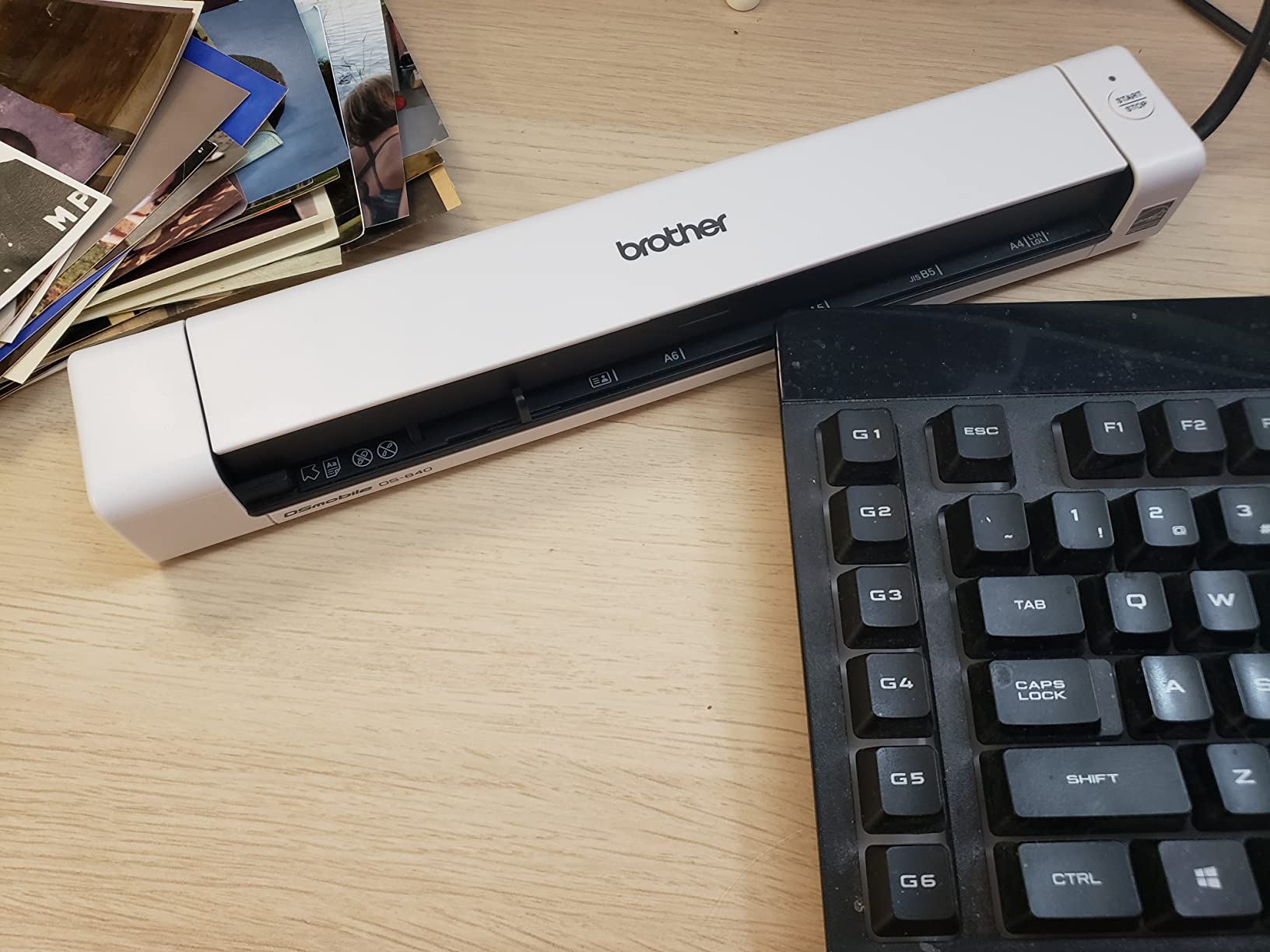
Who the DS-640 suits best
This is the scanner for someone who scans ten or twenty pages a week, not someone clearing out a filing cabinet. If your paperwork is mostly one-sided and you want the machine to disappear when it is not in use, the tiny footprint and the cross-platform software make it the most painless option in the roundup. It also travels well, so a freelancer who scans client documents at different locations can carry it in the same bag as the laptop.
Owners consistently single out the software as clean and functional, and the 5-star share of reviews sits at 70 percent. For business cards, ID cards, laminated cards, embossed cards, plain paper and plastic receipts, the media list is broad enough that you are unlikely to hit a format it refuses.
Who should skip the DS-640
Skip it if you regularly scan double-sided documents, because there is no duplex path here at all and every back side becomes a manual flip. Also skip it if your laptop is USB-C only and you dislike adapters, since the supplied connection is micro USB 3.0. If you need to hand a hundred pages to the machine and walk away, this is the wrong tool.
2. Epson WorkForce ES-50 – Best Lightest Scanner for Travel
Epson Workforce ES-50 Compact & Lightweight Mobile Document Scanner
- Under 10 ounces and USB powered with no battery
- Bundled Nuance OCR
- Handles pages up to 8.5 by 72 inches
- Reliable on crumpled thermal receipts
- USB powered with no battery
- Single sheet only
- no duplex or guides
- Rollers can develop black streak lines
- A minority of units fail after extended use
At 9.4 ounces the ES-50 is the machine we actually put in a carry-on. It scans a single page in about 5.5 seconds, and the automatic feeding mode combines multiple pages into a single file so a short document still arrives as one PDF rather than a folder of loose scans.
The resolution figure of 1200 dpi is unusually high for a unit this small, and it makes the ES-50 a reasonable choice if you are digitising anything with fine print or faint carbon copies. Nuance OCR is bundled for searchable PDFs and editable Word and Excel output, which removes the usual extra-software cost of a paperless workflow.

Paper handling is the trade-off. There are no page guides to square a stack, so each page needs a careful manual alignment, and there is no duplex path. What you gain in exchange is the ability to scan documents up to 8.5 by 72 inches, which is longer than anything else in this roundup, plus clean support for receipts and ID cards.
Two durability notes from owner reviews are worth carrying forward. A minority report black streak lines appearing on rollers over time, and a smaller number report units that stop connecting after extended use. Neither is universal, but both are reasons to keep the scanner in its case rather than on a shelf collecting dust.
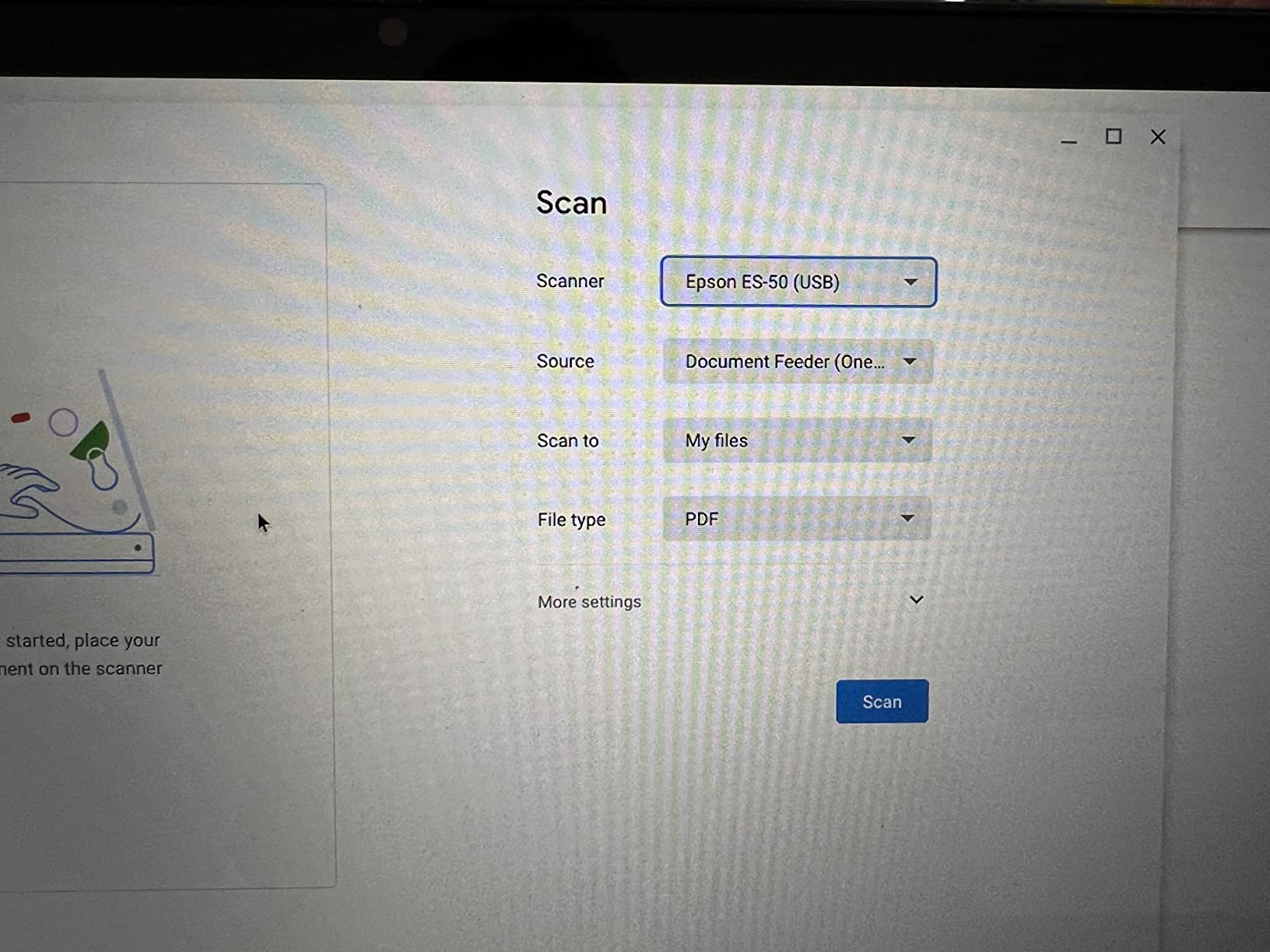
Who the ES-50 suits best
This is the pick for a consultant or a contractor who files receipts and signed paperwork on the road, and for anyone who wants a scanner that costs almost nothing in desk space. It runs entirely off USB power, so there is no battery to age out and no charger to lose. The scan-to-cloud support and included TWAIN driver make it easy to slot into an existing filing routine.
It handles crumpled thermal paper receipts better than the other single-sheet units we tested, which is a real advantage if your paperwork is mostly retail and restaurant receipts. The 5-star share of reviews is 72 percent, which puts it among the best-liked units in the group.
Who should skip the ES-50
Skip it if you scan originals, photographs or anything delicate without a carrier sheet, since the fixed feed path is unforgiving. Skip it if you want duplex or a stack feeder, because neither exists on this model. Mac and Linux owners should note the software experience is workable but fiddly, with settings that need learning before they feel automatic.
3. Canon CanoScan LiDE 300 – Best Budget Flatbed for Photos and Artwork
- Excellent colour capture for artwork and photos
- Slim body that fits a drawer
- Auto Scan Mode detects document type
- Works on macOS without extra downloads
- Letter-size bed only
- Replacement software less convenient than the old Quick Menu
- Noisy during fast scans
- Scanner busy errors reported
The LiDE 300 is the most affordable way in the roundup to get a true flatbed, and that flatbed glass is the reason to buy it. Optical resolution of 2400 by 2400 dpi captures old family photographs, pencil sketches and printed artwork with a level of detail no sheet-fed unit in this list can reach.
Auto Scan Mode detects what is on the glass and applies the right settings, so the workflow is close to press one button and wait. Copy, scan and auto-send buttons are on the unit itself, and the LED light source keeps power draw to 4.5 watts, which matters for a machine that may sit powered all day on a small desk.
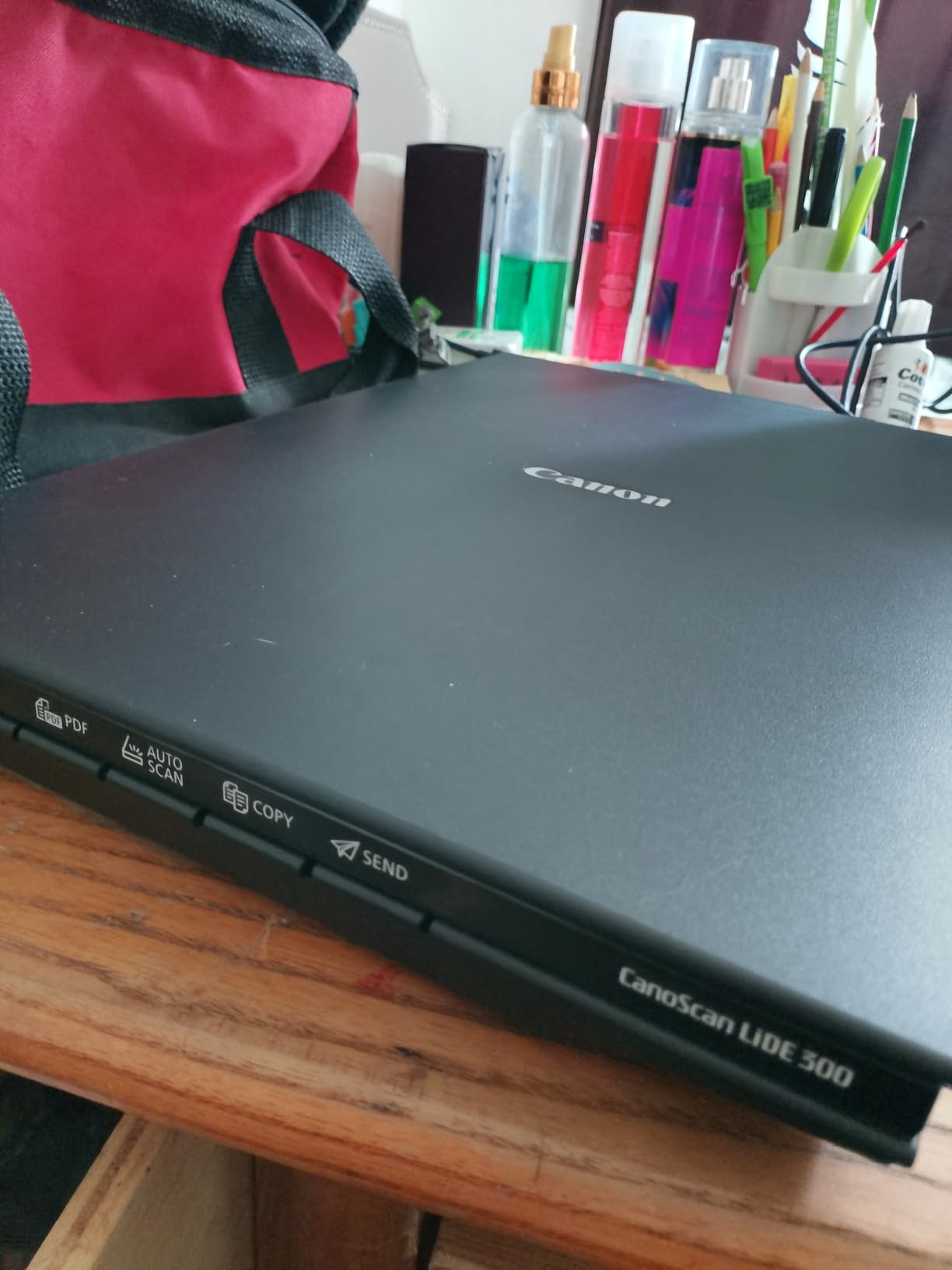
Owners routinely mention that this scanner can handle thousands of pages in a single batch, which speaks to the flatbed’s tolerance of awkward media. Receipts, business cards, paper and photo are all listed media types, and the colour depth of 48 bits gives plenty of headroom for editing later.
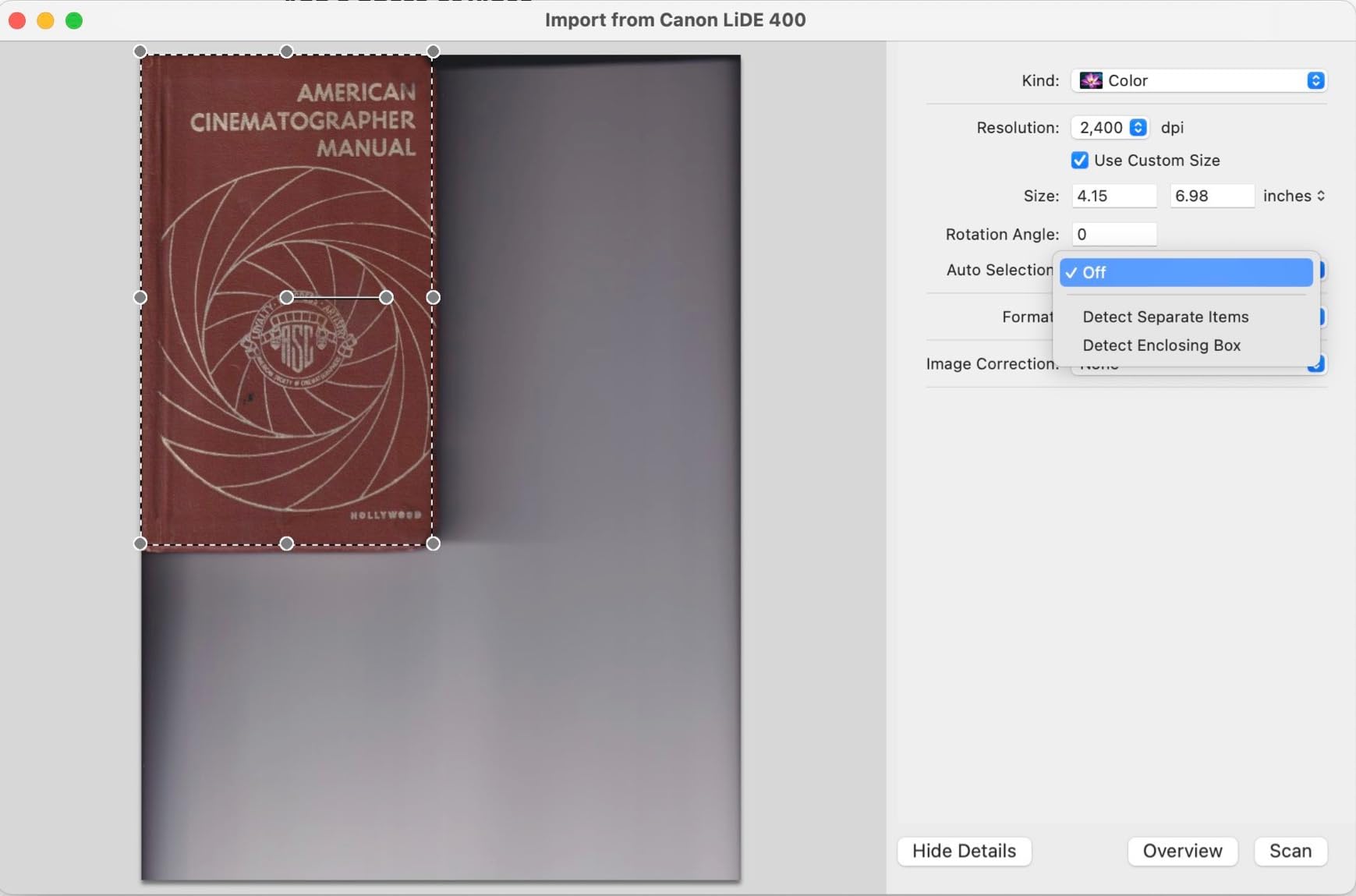
The criticisms are about software history rather than hardware. The replacement IJ Scan Utility is less convenient than the older Quick Menu it replaced, and newer software versions can no longer collate multiple pages into one document, which is a genuine loss for anyone archiving multi-page records. A small but vocal group also reports scanner busy errors and Mac connection friction.
Who the LiDE 300 suits best
Pick this one if your home office paperwork includes photographs, watercolours, receipts that have faded, or any document you would be nervous about pulling through a roller. It is also the easiest unit here to set up on a Mac, because it works through system preferences with no extra download required. The 1-year limited warranty is standard for the category.
For a family archive job, the flatbed approach is simply safer. You control how each page sits, and nothing is bent or creased to fit through a feeder, which is why photographers and archivists reach for this type of machine first.
Who should skip the LiDE 300
Skip it if you need duplex, speed or a stack feeder, because a flatbed is a one-page-at-a-time format by definition. Skip it if you routinely scan 9 by 12 inch artwork, since the bed is letter or A4 sized and large pieces have to be captured in overlapping sections. It is also not the quietest machine, and fast scans are audibly mechanical.
4. Brother DS-740D – Best Duplex Scanner That Travels
- Single-pass duplex in a body under a foot long
- Strong colour quality
- Works with TWAIN software and Linux via SANE
- One USB cable for power and data
- Handles cards and odd flyers
- Jam errors on a meaningful share of scans
- False jams on receipts over 14 inches
- Short micro-USB cable
- Pages can emerge skewed
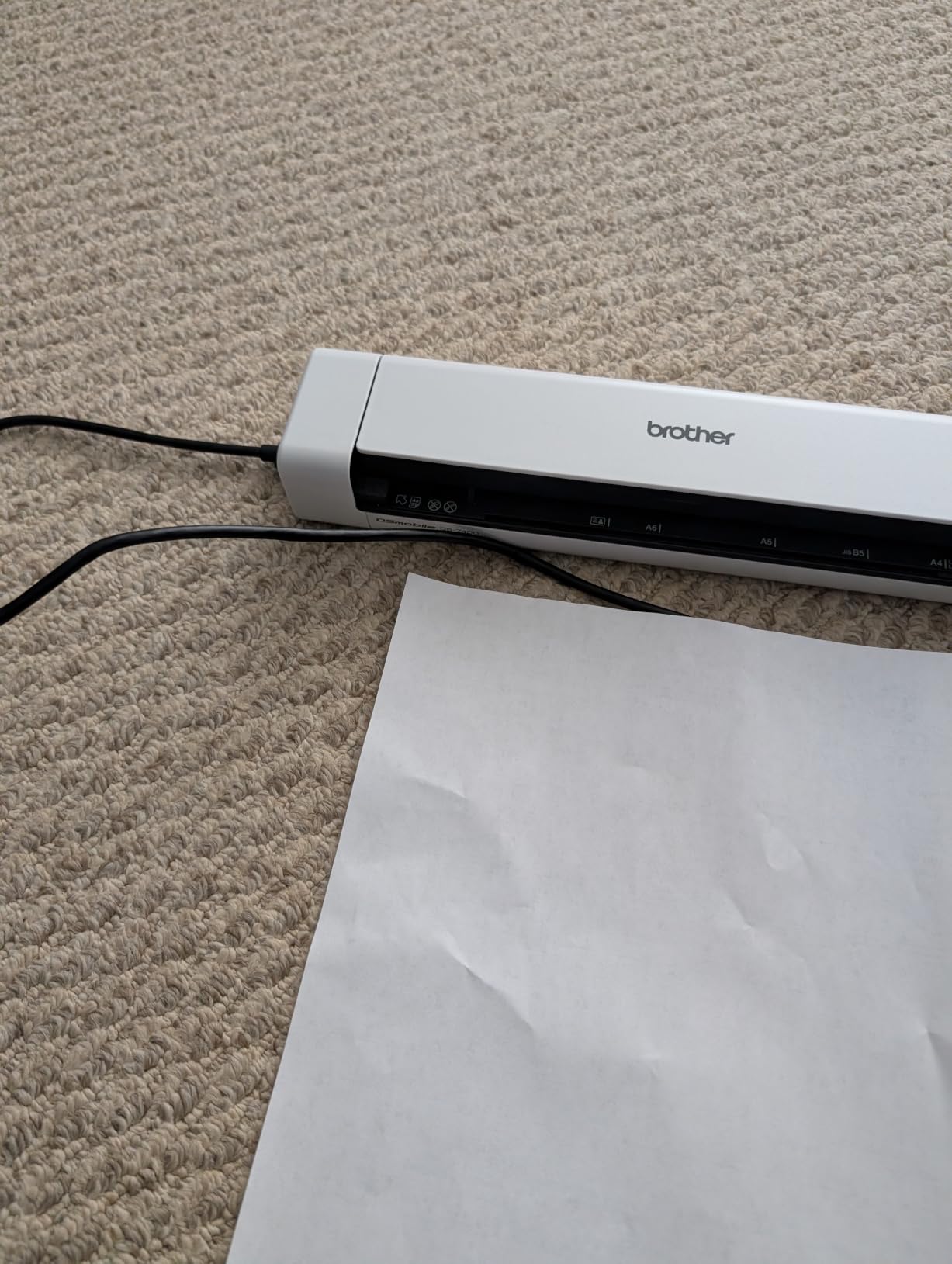
The DS-740D answers the most common complaint about portable scanners, which is that they only scan one side. It captures front and back in a single pass at up to 16 pages per minute, and colour scanning runs at the same speed as black and white, so a colour contract does not halve your throughput.
The Desk Saving Design reclaims 11 inches of desk space by folding the feeder away, and the 25-sheet capacity is unusually generous for a unit this compact. The CCD sensor produces colour output that owners describe as sometimes more legible than the original document, which is a genuine help with faded carbon copies.
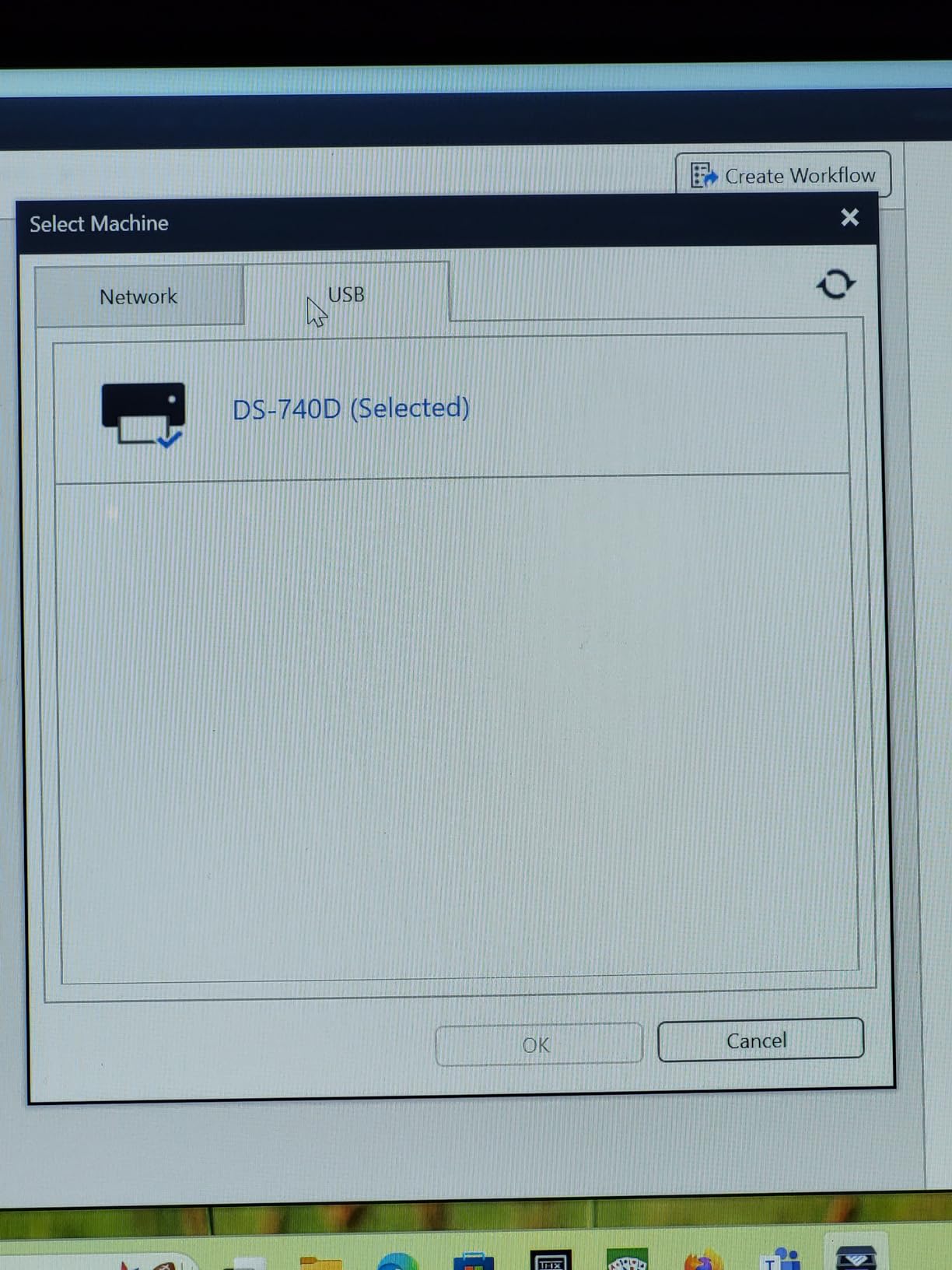
Where it stands out for a technical user is driver support. It works with TWAIN software such as NAPS2 and with Linux through SANE, and the Brother iPrint&Scan app covers scan-to PC, network, cloud, email and OCR destinations. That makes it a comfortable fit for a Linux-based home office where proprietary software support is thin.
Paper feeding is the weak point. A meaningful share of scans report a jam, and clearing one requires unplugging the USB cable. Receipts longer than 14 inches trigger a false jam unless you set the document size to long paper first, and pages can still come out slightly skewed even with auto deskew enabled.
Who the DS-740D suits best
Buy this if you are digitising double-sided paperwork on a small desk and you want to avoid the footprint of a desktop unit. Insurance cards, receipts, business cards, embossed and plastic cards are all listed media, so a mixed administrative workload is fine. At 1.4 pounds and under a foot long, it moves between a home office and a client site without a dedicated case.
It is also the natural choice for anyone who wants duplex and offline operation without buying a large machine. Everything runs over a single USB connection, so there is no network dependency at all.
Who should skip the DS-740D
Skip it if you are feeding large stacks, because 25 sheets is not a bulk digitising tool and you will be refilling often. Skip it if you are tired of cable-related resets, since the jam fix and the micro-USB connection are recurring friction points. The bundled receipt software also needs manual field correction, which will annoy anyone automating expense capture.
5. Canon imageFORMULA R10 – Best for Set-Up-and-Forget Scanning
Canon imageFORMULA R10 – Portable Document Scanner, USB Powered, Duplex Scanning, Document Feeder, Easy Setup, Convenient, Perfect for Mobile Users, White
- Scanning software built in
- nothing to install
- Works on Windows and Mac
- Duplex colour scanning in a slim body
- ENERGY STAR certified
- Not intended for photographic prints
- 20-sheet feeder is small
- Slower than desktop units
- Uneven unit-to-unit consistency
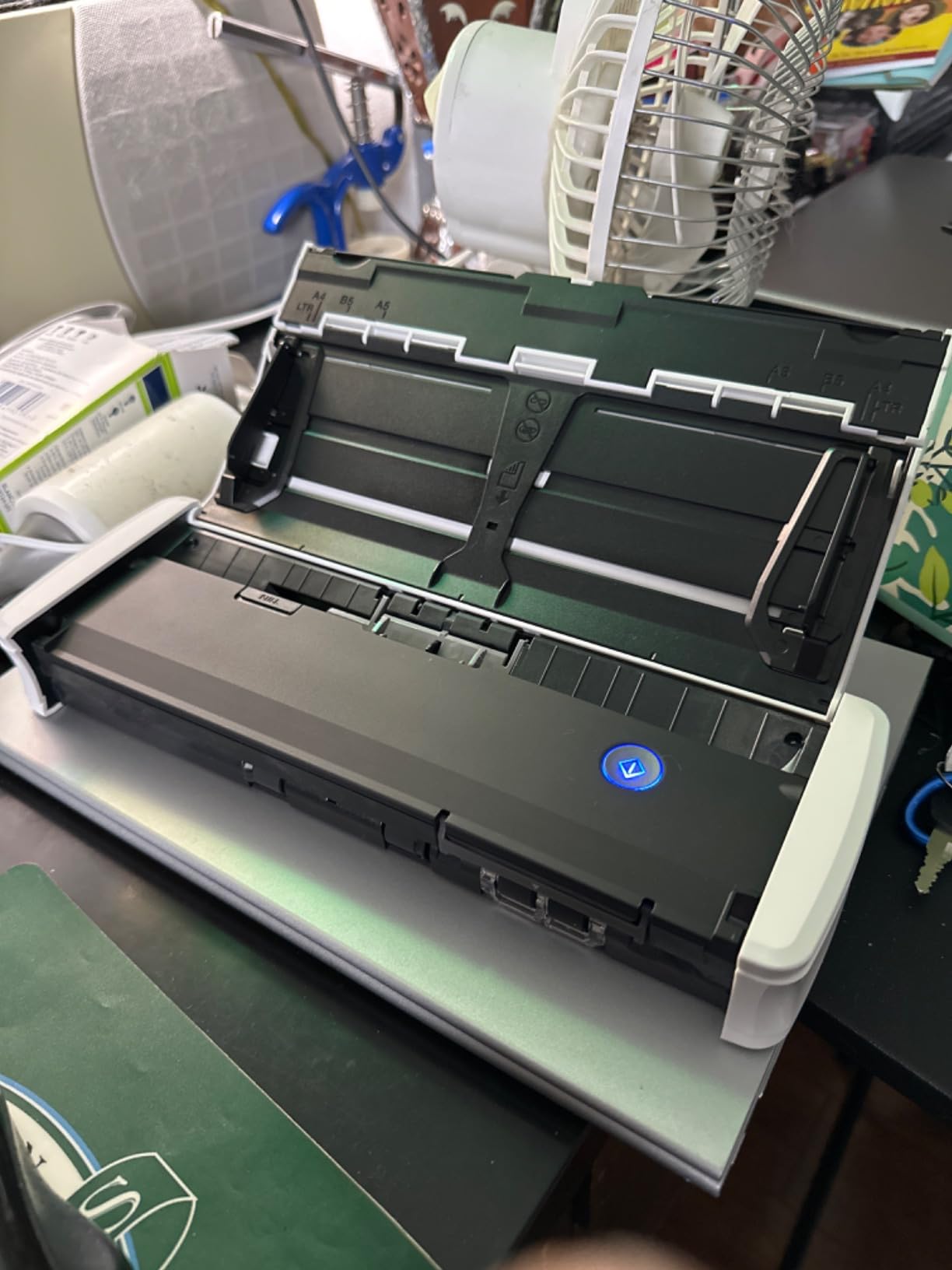
The R10 is the scanner for anyone who does not want to fight software. Capture is built into the unit, requires no installation and updates automatically, so the whole setup is: plug in the USB cable, press a button, choose a destination. In a home office where the scanner is only used twice a month, that difference is larger than it sounds.
It scans both sides in colour or black and white at up to 12 pages per minute from a 20-sheet automatic feeder, at 600 dpi with 24-bit colour and an RGB LED light source. The resolution headroom means receipts with thermal fade and colour documents both come out legible, and you can edit, straighten and trim files or build custom scan buttons in the built-in software.

Two practical details stand out. It handles plastic and embossed cards as well as receipts and business cards, which covers a lot of home admin. And at 2.5 watts or less, dropping to 0.7 watts in energy saving mode, it draws less power than most LED bulbs on your desk and carries ENERGY STAR certification.
The limitation to plan around is photographic media. Canon explicitly does not intend this model for photographs on photo paper, so a family archive job that includes prints belongs on the LiDE 300’s flatbed instead. Canon’s suggested daily volume is 500 scans, which comfortably covers a home business.
Who the imageFORMULA R10 suits best
This is the pick for a home business or a family office where one person handles receipts, invoices, signed contracts and legal documents, and nobody wants to maintain software. Media variety is its strength, and the one-year advanced exchange warranty means a failure gets swapped rather than repaired at your expense.
Reviewers also like the low power draw in a home where the desk is a shared space. At 998 grams and 11.22 inches wide, it is small enough to move between a desk and a shelf when you are not using it.
Who should skip the imageFORMULA R10
Skip it if you scan photographs, and skip it if you need serious bulk throughput, since 12 pages per minute and a 20-sheet feeder are modest next to the desktop units here. Twelve percent of owners rate it one star, a share of critical reviews that is typical for the compact models here, which points to uneven unit or software experiences rather than one single fault.
6. ScanSnap iX1300 – Best Wireless Scanner for a Home Office
ScanSnap iX1300 Wireless or USB Double-Sided Color Document Scanner, Black
- Space-saving vertical design
- 30 ppm duplex with auto deskew and blank page removal
- Scans to mobile and cloud without a computer
- No driver setup required
- Handles photos and plastic cards
- 20-sheet feeder is small
- Wi-Fi to a computer goes through the mobile app
- ScanSnap Home is update-hungry
- Grayscale output described as washed out
The iX1300 is the unit we recommend when a home office is shared or the computer is not always on. It connects over USB or Wi-Fi and can push scans straight to a Mac, PC, mobile device or cloud service without a computer being involved at all, which is exactly the workflow home users describe as a decisive quality-of-life win.
Throughput is 30 pages per minute duplex, with automatic de-skew, colour optimisation and blank page removal handled on the device. One touch starts a job, there is no driver to install, and the QUICK MENU mode lets you drag a scan straight into a chosen application. The 600 dpi, 48-bit colour output handles documents, receipts, business cards, photos and plastic cards.
Its vertical design is the quiet hero on a small desk, standing at 4.5 by 11.7 by 3.3 inches and weighing 4.4 pounds, and it frees up desk space even while in use. The ScanSnap Home application manages, edits and files scanned data across documents, photos and receipts in one place, and it covers current Windows, macOS, iOS, iPadOS, Android and ChromeOS systems.
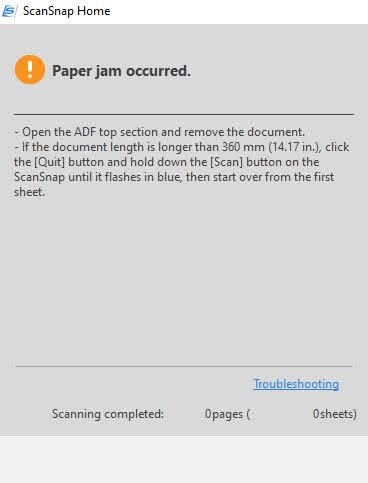
Two caveats. The 20-sheet feeder is small for a large digitising job, so a folder of records means several loads. And connecting to a computer over Wi-Fi goes through the mobile app rather than a direct network connection, which adds a step compared with a wired desktop unit.
Who the iX1300 suits best
Choose this if you scan at a desk shared with a partner, or if you want to file a receipt from your phone without waking a computer. The 30 ppm duplex rate means a double-sided contract is done in seconds, and automatic blank page removal stops stray paper between documents from creating empty pages in your archive.
It is also the pick for anyone who does not want a driver conversation every time the operating system updates. PCMag has singled out the ScanSnap line as a good fit for small or home offices that need fast, reliable and user-friendly scanning, and the feedback on these forums tracks that.
Who should skip the iX1300
Skip it if you are migrating a large existing scan library from an older ScanSnap, because ScanSnap Home is slow at that job. Skip it if you rely on precise grayscale tonal separation, since owners describe grayscale output as somewhat washed out. Frequent software and firmware updates are also required, and some features stop working if you ignore them.
7. Epson WorkForce ES-400 II – Best Value Desktop Scanner
Epson Workforce ES-400 II High-Speed Color Duplex Desktop Document Scanner
- Ultrasonic double-feed detection avoids missed pages
- Duplex scanning to email or cloud in one step
- Bundled OCR makes searchable PDFs
- Automatic file naming saves manual work
- Highest average rating in the roundup
- Wired USB only
- 300 dpi is modest
- First-run software setup takes practice
- Heavier than the portable units
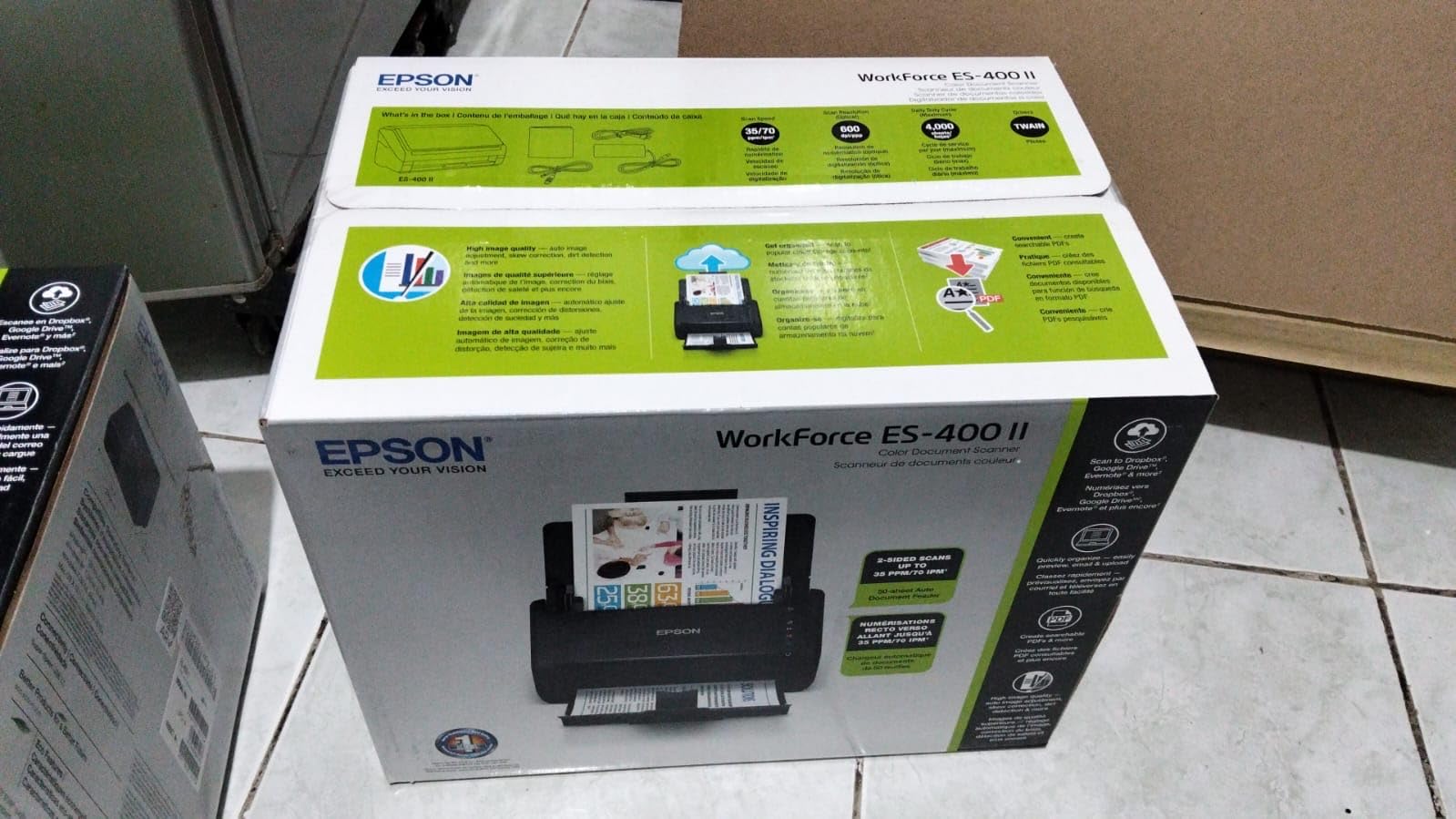
The ES-400 II is the desktop workhorse we keep coming back to. The 50-sheet automatic document feeder is double the capacity of most of the portable units here, and duplex scanning means a double-sided contract is a single job rather than two. At 4.5 stars it carries the highest average rating in this roundup, with 77 percent of owners giving five stars.
What earns that rating is the feeding. Ultrasonic double-feed detection catches two sheets stuck together before they go through, and dynamic skew correction straightens pages that were loaded loosely. For an archive job, that is the difference between a clean run and stopping to check every page afterwards.
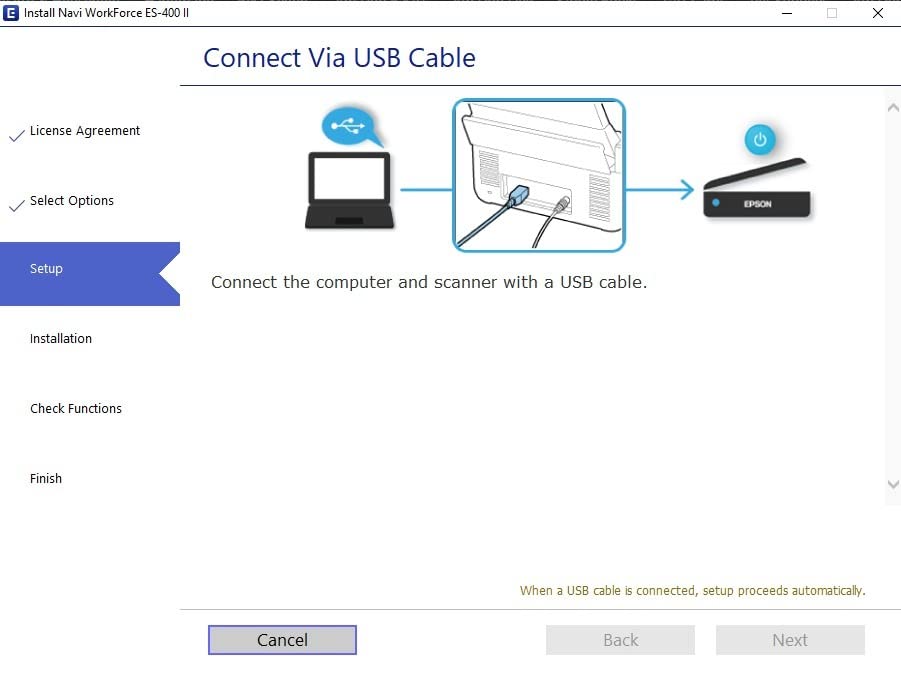
On the software side, Epson ScanSmart previews scans, emails files, uploads to the cloud and applies automatic file naming, and image processing handles auto crop, blank page removal and background removal. The included TWAIN driver means most document management software can drive the scanner directly, and the bundled OCR produces searchable PDFs plus editable Word and Excel files.
It scans straight to email or to cloud storage such as Dropbox, Evernote, Google Drive and OneDrive. The sensor is a CCD type at 300 dpi, which is lower than several competitors here but more than sufficient for text documents, and the 8-bit colour pipeline suits paperwork rather than photography.
Who the ES-400 II suits best
This is the right pick for a home business that files client paperwork weekly and wants the job finished in one sitting. The 50-sheet feeder plus duplex and auto file naming means you load a folder of double-sided contracts once and walk away. Searchable PDF output is the practical reason to buy it, because a document you cannot search is a document you will lose again.
It is PC and Mac compatible and carries a one-year limited warranty in the US and Canada. If your desk has room for a unit measuring 11.6 by 11.6 by 6.9 inches, the tradeoff is straightforward.
Who should skip the ES-400 II
Skip it if you need wireless or network share support, because this is a wired USB model with no Wi-Fi. Skip it if you are digitising anything with fine print where 300 dpi might not be enough, and skip it if desk space is genuinely tight, since it weighs 3.7 kg. The first-run software setup also rewards an hour of attention before you rely on it.
8. Epson WorkForce ES-590W – Best for Heavy Paperwork Volumes
- Top duplex throughput in the roundup at 45 ppm
- 100-sheet feeder
- Large colour touchscreen for computer-free scanning
- Built-in Wi-Fi plus USB
- 600 dpi in colour and black and white
- Most expensive unit in the roundup
- 8.2 lb weight and deep footprint
- Touchscreen features have a learning curve
- Wireless setup takes initial configuration
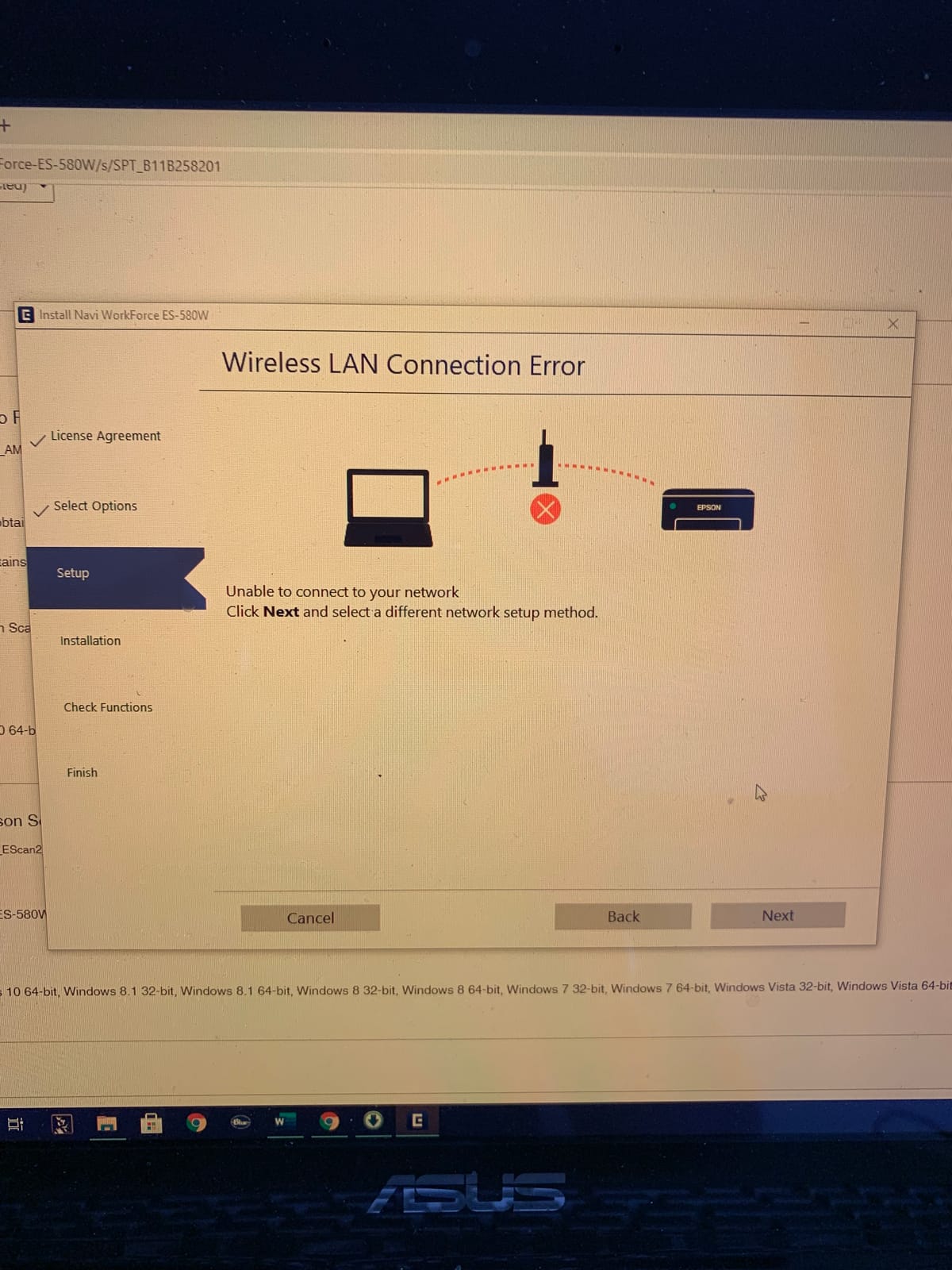
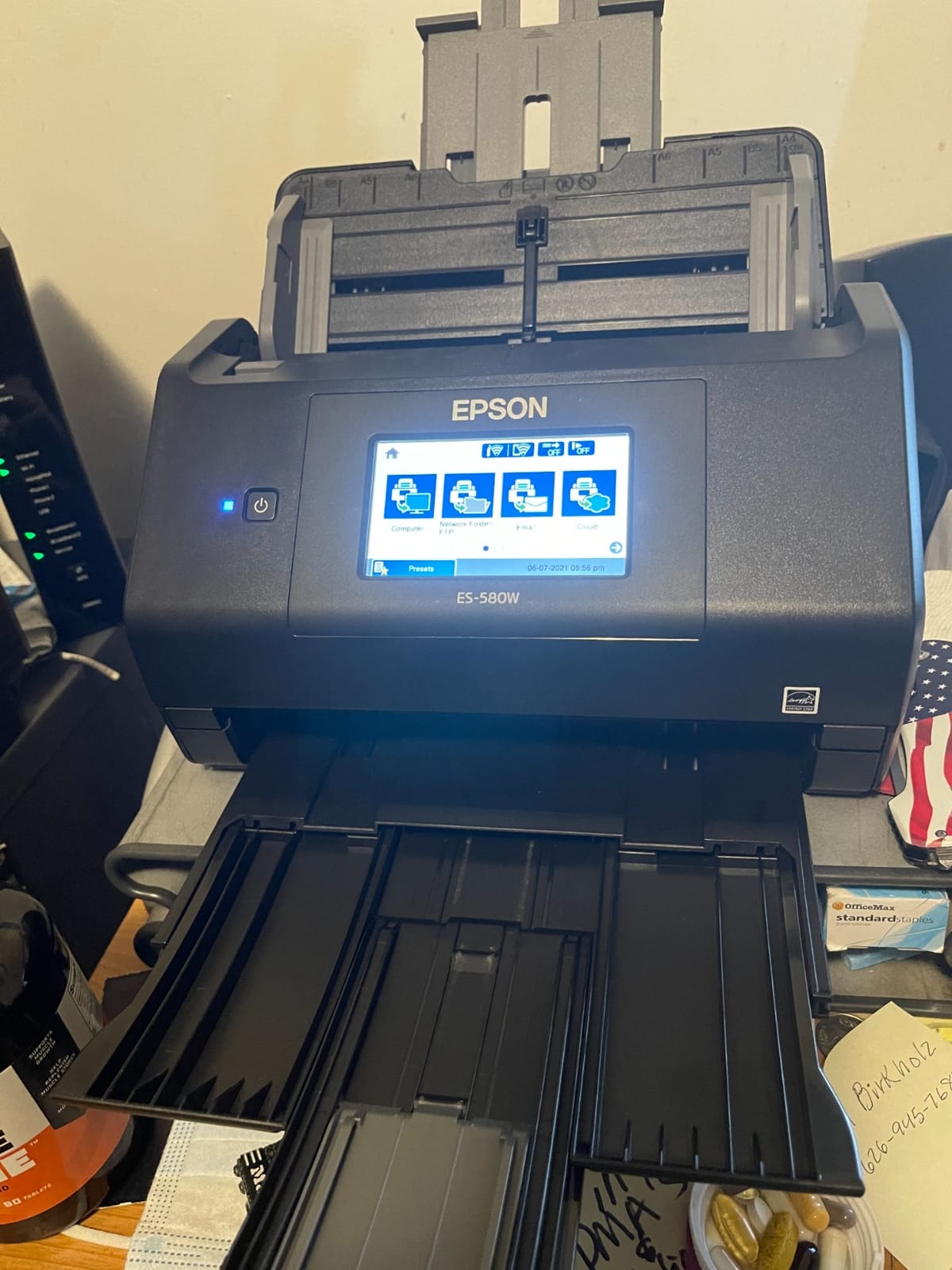
The ES-590W is the scanner here with the largest control panel, a 4.3 inch colour touchscreen, and that changes how a home office uses it. The 4.3 inch colour panel runs ScanWay, which lets you scan to email, cloud storage or a connected USB flash drive without a computer at all. For a shared home office, that removes the usual bottleneck of one person controlling the desktop.
Throughput is 45 pages per minute double-sided, with a 100-sheet automatic document feeder, and single-step technology captures both sides in one pass. Built-in Wi-Fi with WPA2 security means the machine can sit away from the desk and be reached from a laptop or a phone, and USB is there for a direct connection when you want one.
Resolution is 600 dpi with 30-bit input and 24-bit output colour, and greyscale is 30-bit, which gives better tonal separation than most of the group. ScanSmart AI converts documents into AI-ready data, a feature that matters more each year as people want structured, searchable records rather than a folder of images.
You can scan directly to email, to cloud destinations or to USB flash drives from the panel itself, which means filing a document does not require opening anything on a computer. The one-year limited warranty is standard, and the supported list covers current Windows and Mac systems.
Who the ES-590W suits best
Buy this if you genuinely have volume. A 100-sheet feeder and 45 pages per minute duplex means a 300-page double-sided archive clears in minutes, and nobody needs to stand over the machine. The touchscreen also makes it a better fit than a USB-only unit for a home office shared by two people or for anyone who does not want to manage drivers.
It is the sensible top-end choice when paperwork is a daily part of the job rather than an occasional chore, and the 600 dpi resolution covers documents where 300 dpi falls short.
Who should skip the ES-590W
Skip it if your scanning is a few receipts a week, because you would be paying for capacity you never use. Skip it if desk space or portability matters, since at 8.2 pounds and 6.7 by 11.6 by 6.6 inches it is one of the bulkiest units here. The touchscreen features also have a steeper learning curve than simpler scanners, and wireless scanning needs initial configuration.
9. Visioneer Xerox Duplex Combo – Best Flatbed Plus Feeder Combo
Visioneer Xerox Duplex Combo Flatbed Scanner with Automatic Document Feeder
- Flatbed plus feeder handles books and photos
- ADF accepts paper up to 118 inches
- Removes a jam and resumes the batch
- Exports to PDF
- PDF/A
- TIFF
- JPG and Google Drive
- Auto orientation and blank page detection
- Bundled software is dated and needs trial and error
- No manual in the box
- Feeder holds only about 35 pages
- OneTouch buttons do not work on Mac
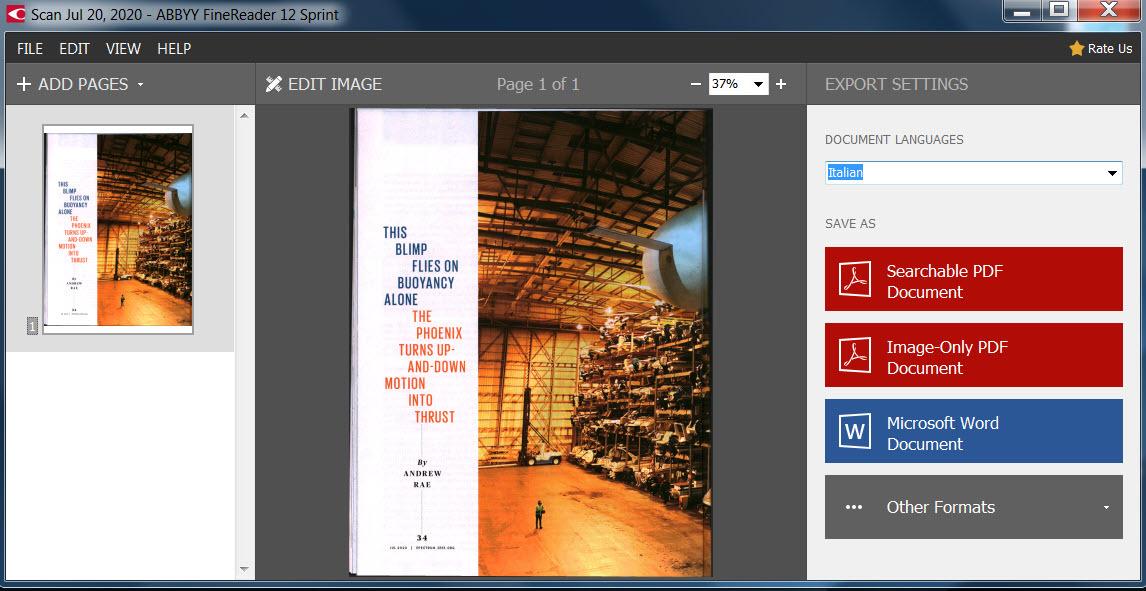
Most home office scanners force a choice: a feeder that handles stacks, or a flatbed that handles books. This combo does both, and the flatbed is the reason it exists. A hardback textbook or a scrapbook page goes on the glass, and everything else goes through the automatic document feeder.
The feeder is unusually accommodating. It accepts paper from 3 by 5.9 inches all the way to 8.5 by 118 inches, which means a continuous roll receipt or a long document can be captured without splitting it, and no other pick in this roundup handles paper anywhere near that length. Duplex runs at up to 25 pages per minute, or 50 images per minute, at 300 dpi, and the feeder copes with crumpled or torn paper that would stop a tighter mechanism.
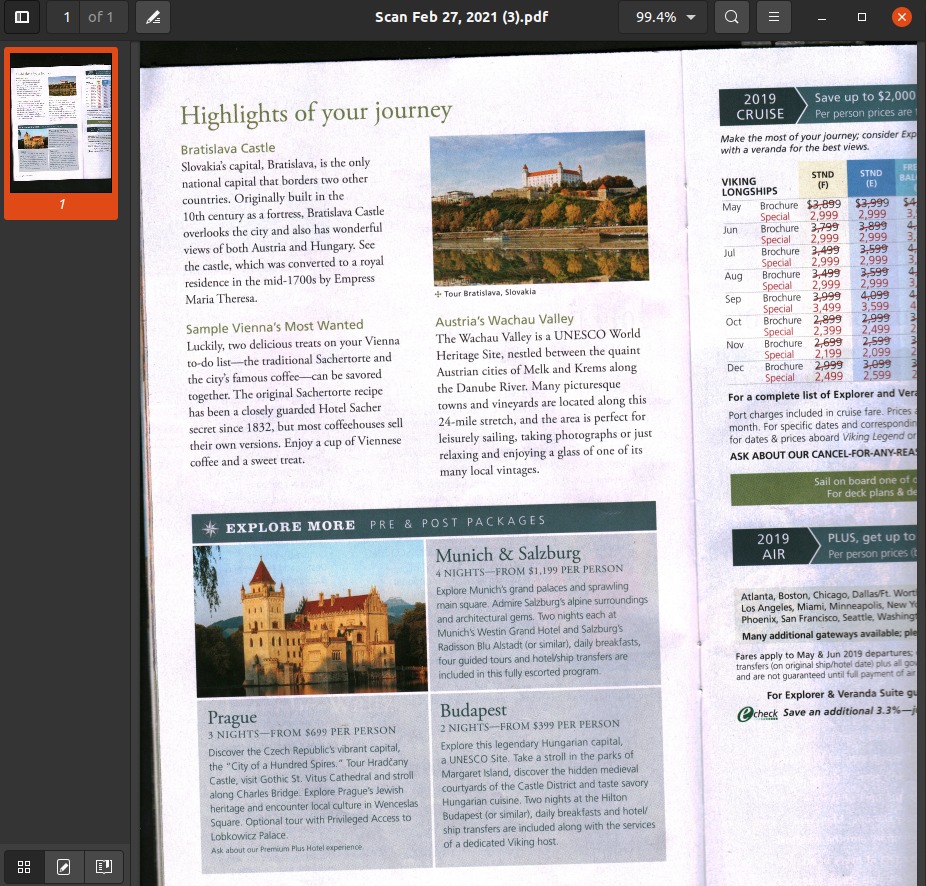
There is one genuinely thoughtful feature here. If a jam occurs, you can clear it and resume rather than restarting the entire batch, which matters when you are several hundred pages into an archive job. Visioneer Capture SE adds OCR, a searchable PDF mode, an ABBYY business card reader, batch merge and split, automatic orientation and blank page skipping.
Export options are broad: PDF, PDF/A, searchable PDF, TIFF, JPG, BMP and Google Drive. At 15.8 by 13 by 5.5 inches and 5.94 pounds, it is the largest footprint in this roundup, so measure the desk before you commit.
Who the Visioneer combo suits best
Pick this if your digitising project includes bound material, rare documents you do not want to feed through rollers, or oversized items. A family archive that includes recipe cards, photographs and letters is exactly the workload this machine was built for, and the 118 inch paper limit is longer than anything else in the list.
It is also a reasonable second machine for a home business that already owns a fast sheet-fed unit but still needs somewhere to put books. PC and Mac drivers are included.
Who should skip the Visioneer combo
Skip it if software friction will annoy you. The bundled Visioneer application is dated, installation can hit .NET Framework and driver sequencing issues on Windows, no printed manual is included, and the OneTouch buttons do not work on Mac. The feeder also holds only about 35 pages, so it is not a bulk throughput machine despite the 25 ppm figure.
10. ScanSnap iX2500 – Best for 100-Sheet Batches With Jam Protection
ScanSnap iX2500 Wireless or USB High-Speed Document Scanner, Black
- Very fast duplex throughput
- 100-sheet feeder clears 300-plus page documents
- Brake roller and multi-feed detection reduce jams
- Rollers snap in for easy replacement
- Touchscreen profiles simplify filing
- ScanSnap Home is Windows-only
- No native TWAIN support
- Linux not supported natively
- Frequent updates and some sleep-mode disconnects
- Grayscale output described as washed out
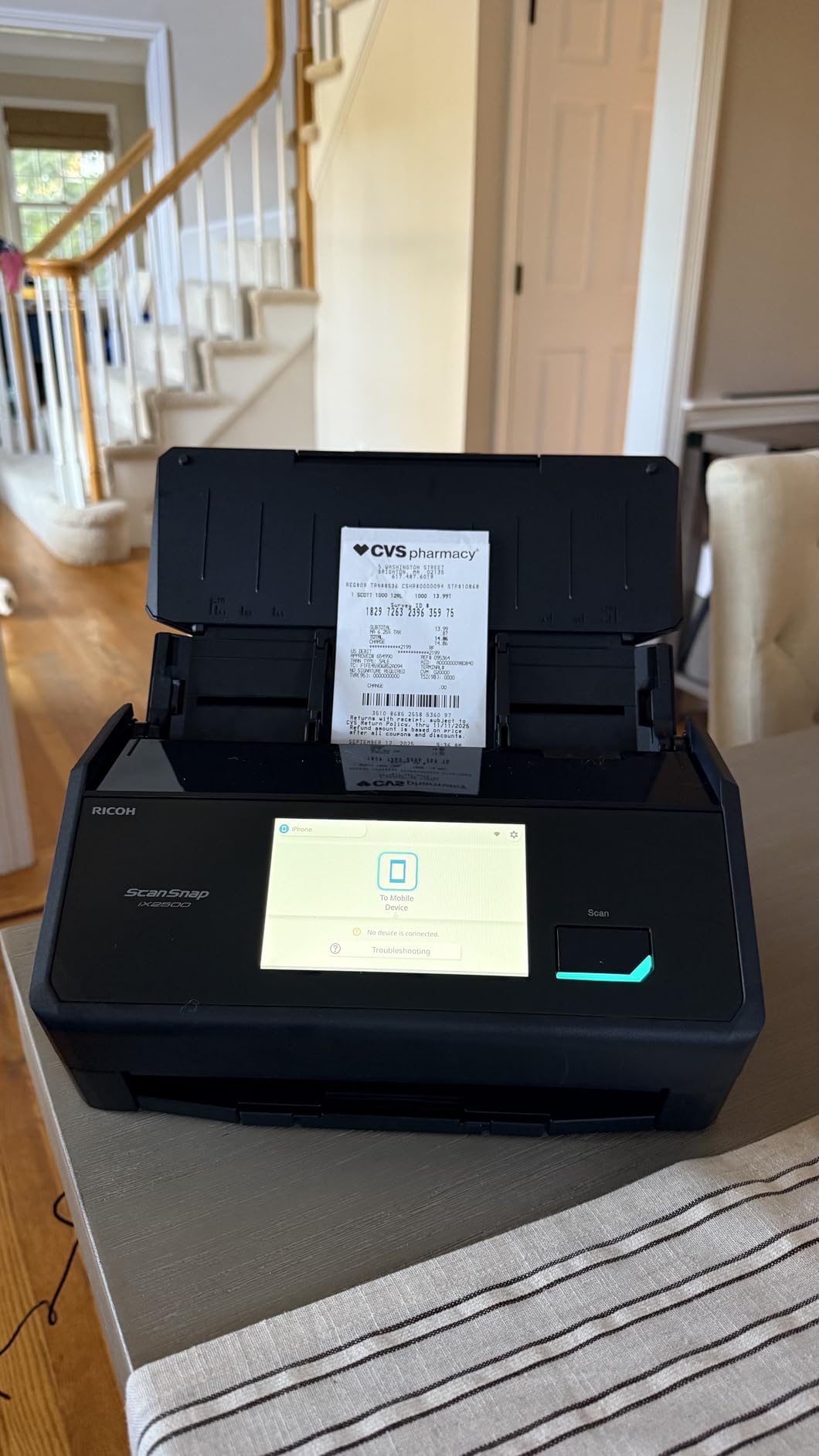
The iX2500 is the current-generation ScanSnap for a home office, and its strength is protection rather than raw speed. The brake roller system feeds paper smoothly, a multi-feed sensor detects pages stuck together, and skew detection prevents the angled jams that bend a document. That combination is what makes a 100-sheet load safe to walk away from.
Throughput is 45 pages per minute double-sided with a 100-sheet feeder, and owners report clearing 50 double-sided sheets in roughly 20 seconds at 300 dpi. The rollers snap in for replacement, which extends the working life of the machine at a fraction of the cost of a new unit.
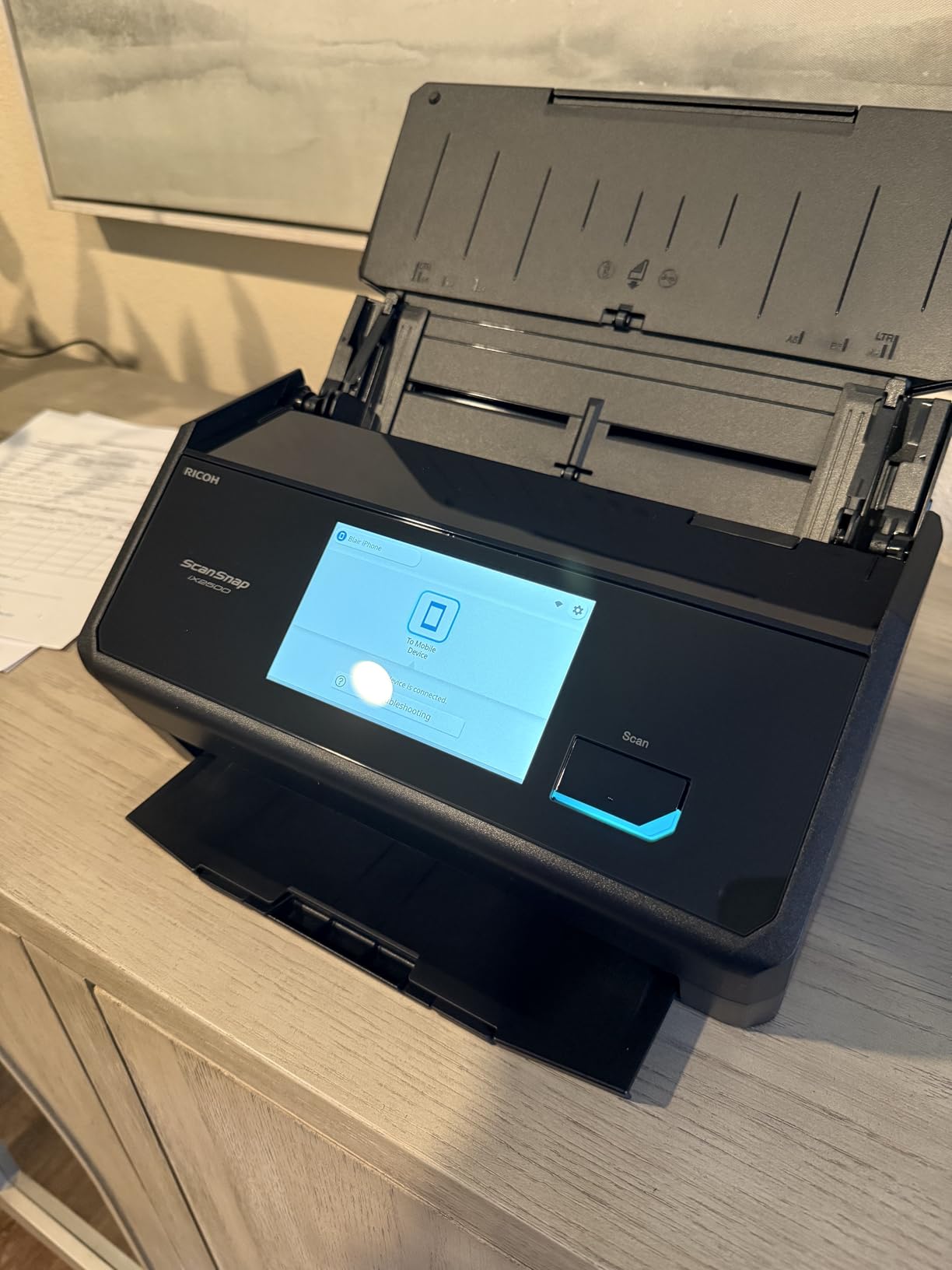
Connectivity is among the most modern in the roundup, with built-in Wi-Fi 6 plus a USB-C port. The large touchscreen lets you select personalised scan profiles, so filing destinations are one tap rather than a menu walk, and the machine can send to a PC, Mac, mobile device or cloud service without a computer being switched on.
Files are automatically optimised, named and sorted, which removes the single most tedious part of going paperless. Optical resolution is 600 dpi with 24-bit colour on a CIS sensor, and the one-year manufacturer warranty covers the unit.
Who the iX2500 suits best
This is the pick for someone with a real archive backlog. A 100-sheet feeder at 45 pages per minute clears a 300-page document in a few loads, and the multi-feed protection is the feature that keeps that job from turning into an afternoon of interrupted feeding. If you scan regularly and want the machine to route files itself, the touchscreen profiles and automatic naming do real work.
It suits a Windows user best, given the software dependencies described below. Reviewers consistently praise the hardware once the software question is settled.
Who should skip the iX2500
Skip it if you rely on third-party scanning software, because there is no native TWAIN support and most document management applications cannot see the device. Skip it if you are on macOS or Linux: ScanSnap Home is Windows-only, setup is expected to be driven from a phone, and Linux support is not native despite what the packaging suggests.
Owners also report frequent firmware and software updates, along with some sleep-mode disconnections, and grayscale output that reads as washed out. With 426 reviews, it is the newest and thinnest-reviewed unit here, so long-term reliability is less well documented than for the rest.
11. HP Scan Pro 100 (HPPS100) – Best Lightweight Legal-Size Scanner
- Weighs only 3 ounces
- 15 ppm in colour and black and white
- Accepts paper from card size to 8.5 by 14 legal
- Free HP WorkScan editing software
- Two-year limited warranty
- Simplex only with a 10-sheet capacity
- WorkScan can be CPU heavy and crash
- Hardware scan button often does nothing
- No adjustable feed alignment
At 3 ounces the HP Scan Pro 100 is the lightest unit in the roundup, and it is the only portable model here that takes legal-size pages up to 8.5 by 14 inches as its standard maximum. The paper range runs from 2 by 2.9 inches up, so business cards, receipts and small slips are all in scope alongside full-size documents.
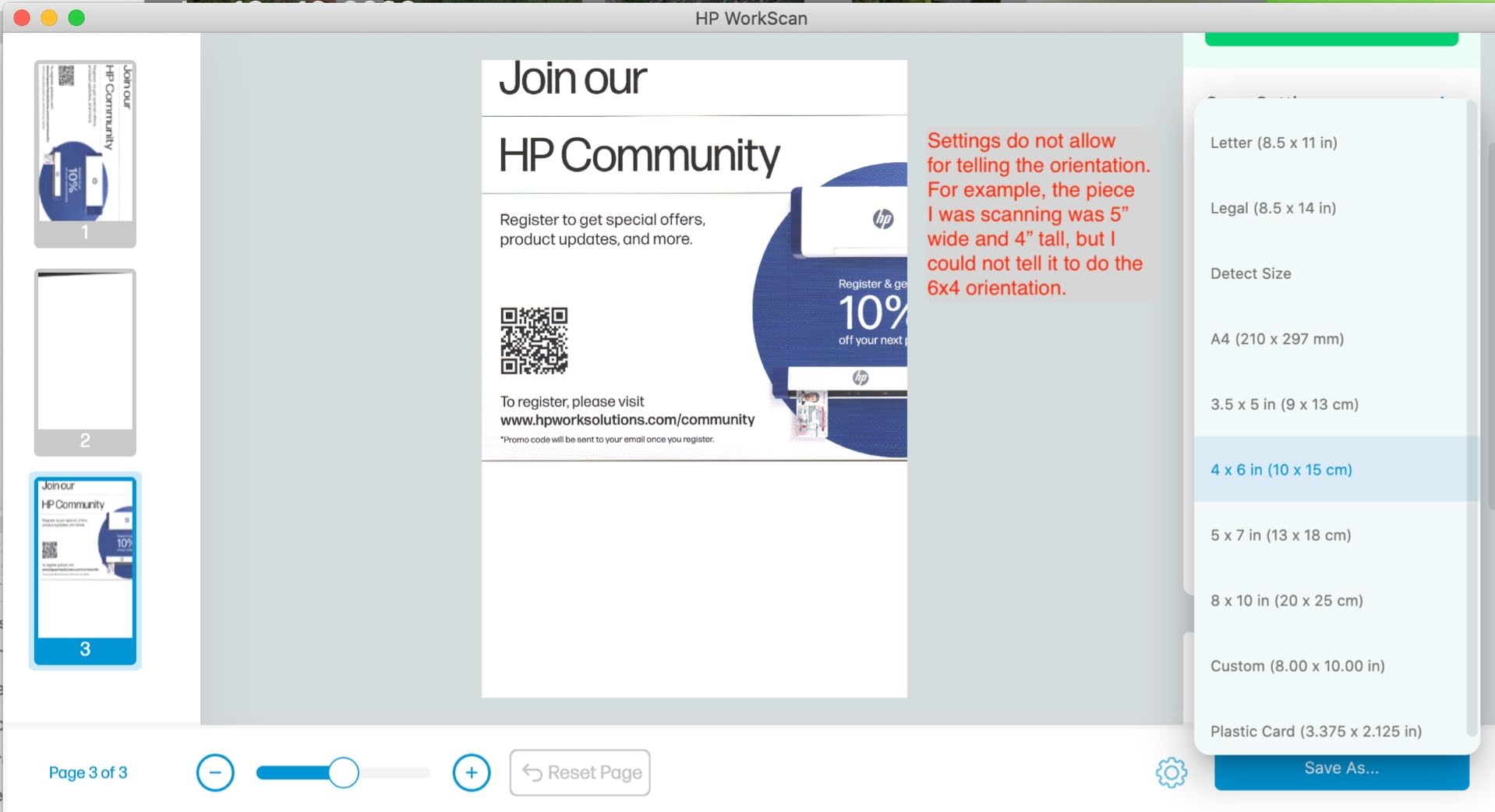
Scanning runs at 15 pages per minute, or about four seconds per page, in both colour and black and white at 300 dpi with 24-bit colour. Output covers PDF, JPG and other formats, and HP WorkScan is free for Windows and MacOS with auto-scan, size detection, preview, zoom, crop, background, edge and hole clean-up.
It also carries a two-year limited warranty, which is a meaningful difference on a device that lives in a bag. Some owners run units across multiple offices without problems, which suggests the hardware holds up when it is treated carefully.
The problems are in the software and the feed path. WorkScan is demanding on the CPU and some owners report crashes or failed scans when they push above 300 dpi. The physical button on the unit frequently does nothing, so you have to start from the software, and there is no adjustable alignment, so pages that are not square drift and wrinkle.
Who the HP Scan Pro 100 suits best
Pick this if you carry legal-size contracts, court paperwork or long legal pads between locations, since the 8.5 by 14 inch maximum suits paperwork that letter-size units will not take in a single pass. At 3 ounces and 2 by 11.6 by 1.4 inches it is also the easiest to justify physically, and the 10-sheet capacity suits a short working session rather than a marathon.
The WorkScan clean-up tools are genuinely useful for mixed-quality originals, particularly the edge and hole clean-up on punched paperwork.
Who should skip the HP Scan Pro 100
Skip it if you scan double-sided pages, since it is simplex only. Skip it if your machine is older or lightly specified, because WorkScan’s CPU appetite and crash reports are the most common critical theme in the reviews. Long receipts and unaligned pages are the other risk, since the fixed feed path cannot be adjusted.
12. Plustek Mobile Scanner S410 Plus – Best for Auto-Saving Into Folders
Plustek Mobile Scanner S410 Plus – Portable Sheet-Fed Document Scanner – for Windows 7 / 8 / 10 / 11, Featuring Button-Free Scanning with Included OCR Software
- No buttons or clicks after configuration
- Under one pound
- 600 dpi with bundled OCR
- Saves to a local folder
- FTP location or shared network folder
- Handles letter
- legal
- cards and receipts
- Windows-only
- Single sheet with no duplex
- Initial folder configuration required
- Bundled accessory list is confusing
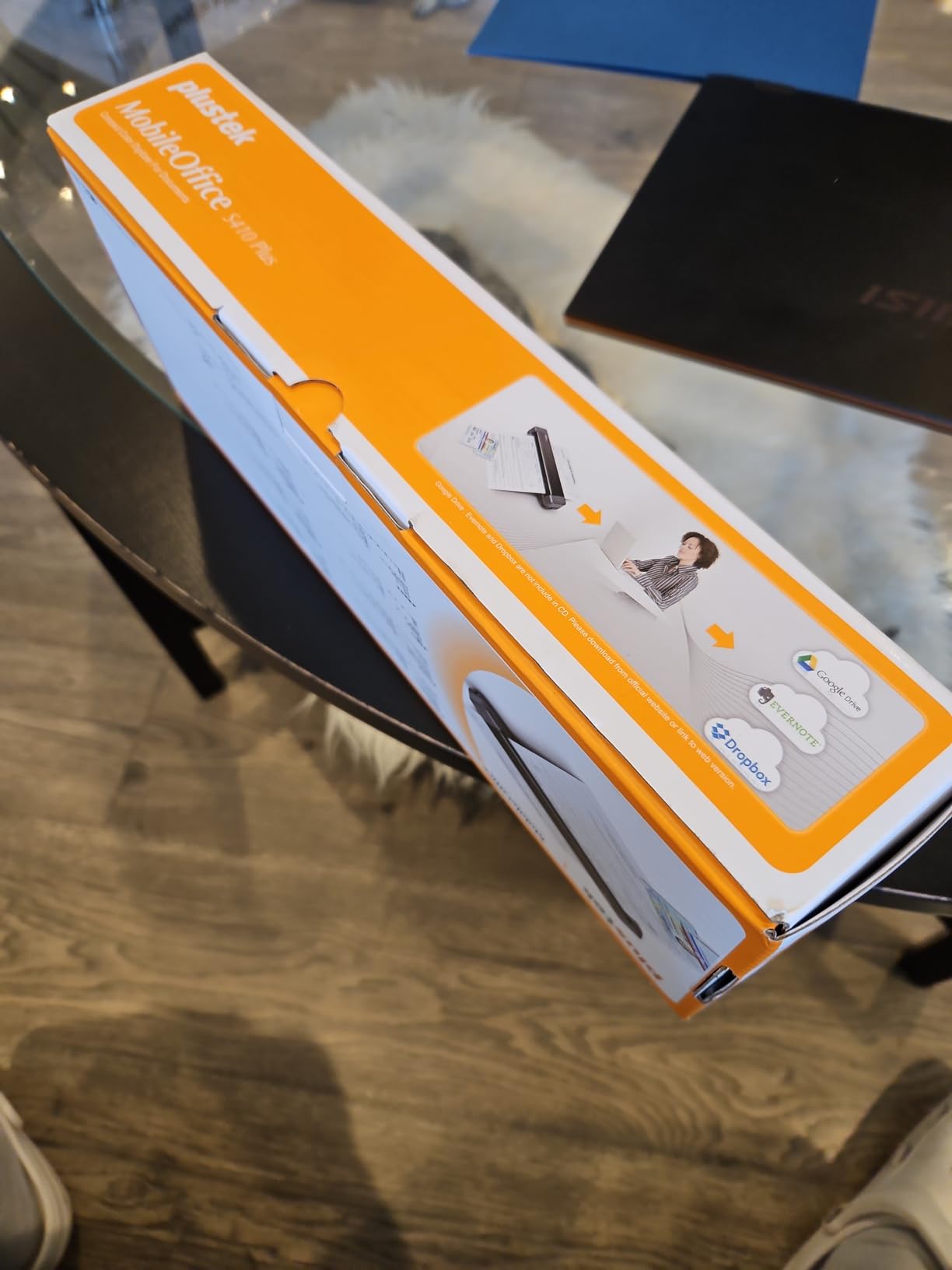
The S410 Plus takes a different approach to workflow. There are no buttons to press and no screen to click: once you have configured the destination folders, it processes each image and saves it automatically. If your home office already has a naming convention and a filing structure in place, that removes the single most repetitive part of scanning.
The hardware is 600 dpi on a CIS sensor with an LED light source, and it handles letter and legal sizes, business cards, plastic ID cards, invoices and receipts. It is USB powered, so there is no battery and no external supply, and it weighs under one pound in a slim 1.6 by 11.7 by 1.9 inch body. Plustek DocAction includes OCR for searchable PDF, Excel and Word output.
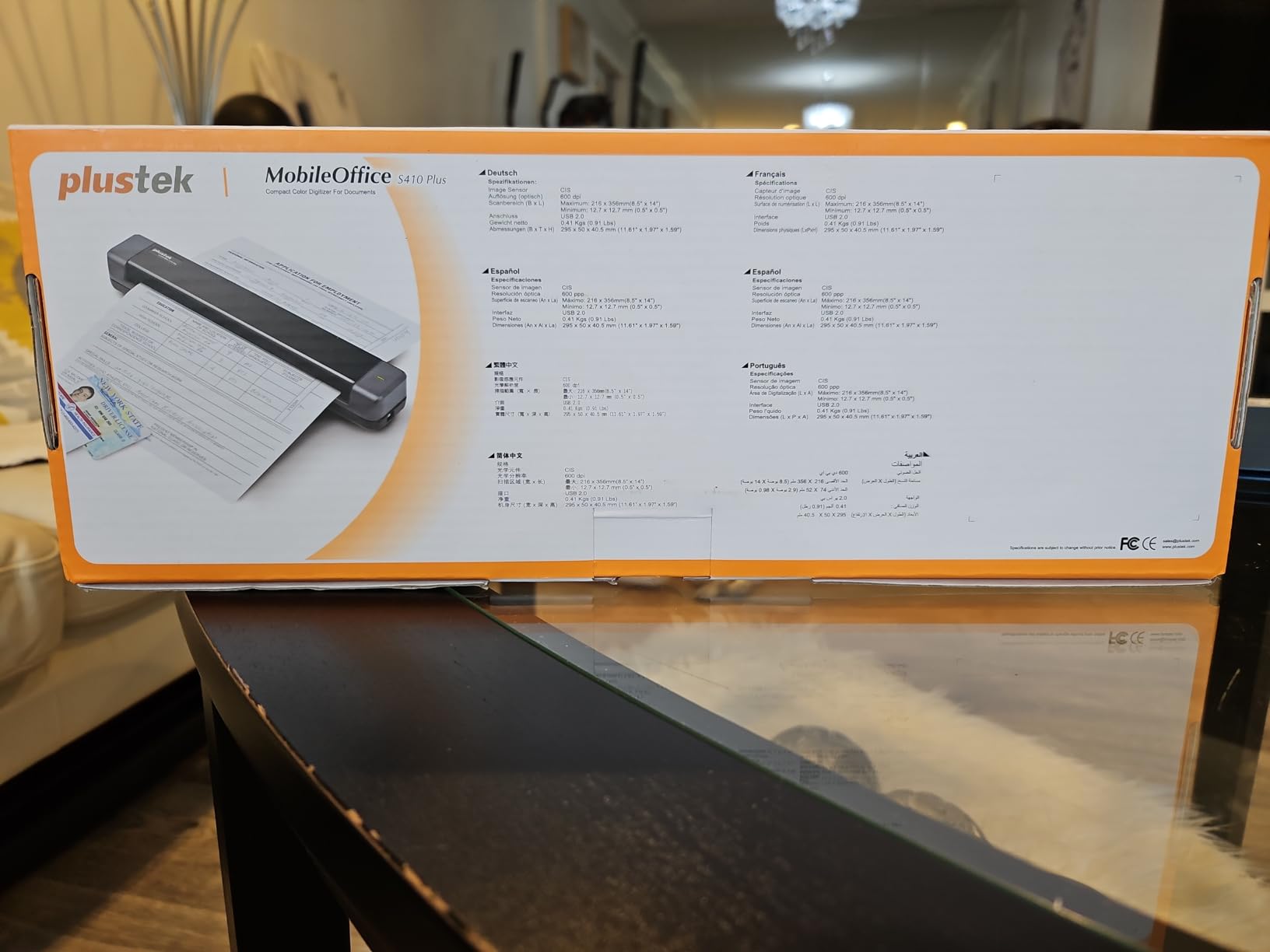
The save destinations are the differentiator. You can send scans to a local folder, an FTP location or a shared network folder, which makes it a good fit for a home office that already runs a small server or NAS. We covered those builds in our home server guide, and the two setups pair well.
It carries a two-year manufacturer warranty, which is the joint longest here. The catch is that the initial configuration of auto-save folders has to be done before scanning begins, so budget fifteen minutes for setup the first time.
Who the S410 Plus suits best
This suits a technically confident home office that has already built a digital filing structure and wants documents to arrive there without intervention. Auto-naming into dated folders is a genuine time saver once a month of receipts is flowing in, and the FTP and shared folder options remove the need to move files off the machine at all.
It is a reasonable second scanner for someone who already has a fast ADF unit and just wants a light one for cards and single pages.
Who should skip the S410 Plus
Skip it if you are on a Mac or Linux, because the listed support is Windows only. Skip it if you scan double-sided documents, since it is a single-sheet simplex device. And skip it if you want a plug-and-play experience, because the destination folders must be configured before the button-free behaviour actually works.
With 233 reviews, this is the thinnest feedback pool in the roundup, so long-term reliability is less documented than for the units above it.
How to Choose a Document Scanner for a Home Office?
Most buying decisions go wrong because people start with brand names or page counts and work backwards. Start with the paper instead. Here is the order of questions we used when we narrowed twelve candidates to the picks above, and the answers point almost mechanically to a shortlist of two or three machines.
One boundary worth stating early: this guide covers flat paper and documents. If your project involves measuring physical objects, dimensional modelling or reverse engineering a part rather than digitising paperwork, you need a different category of hardware, and we cover those separately in our 3D scanner roundup and our 3D scanners for reverse engineering guide.
Flatbed vs sheetfed: the first fork in the decision
A sheetfed scanner pulls each page across a sensor line, which is fast and stacks well but requires straight, unbent paper. A flatbed is a glass bed you place a page on, which is slow and single-page but handles anything, including books, photographs and torn paper.
Choose sheetfed if your paperwork is standard office paper in good condition. Choose flatbed if your archive includes photographs, sketches, receipts that have gone soft, or anything bound. Choose a combination only if you genuinely need both, because the Visioneer combo in this roundup takes up the most desk space here.
The practical middle ground used by most home offices is a sheetfed unit for daily admin plus a phone camera for the odd fragile item. That avoids spending desk space on a flatbed you will use twice a year.
The eight factors that change your daily workflow
1. Weekly page volume. Under about 20 pages a week, a single-sheet scanner is genuinely faster in practice because you are not waiting for a feeder cycle. Above 50 pages, feeder capacity becomes the number that matters most.
2. Duplex or not. Half of most home paperwork is double-sided, and duplex scanning is available on seven of the twelve picks here. If your documents are two-sided, do not buy a simplex unit and plan to flip by hand.
3. Feeder capacity. Capacities range from 1 sheet to 100. A 20-sheet feeder suits a monthly filing session; a 50 or 100-sheet feeder suits a household archive project you intend to finish this month.
4. Resolution. 300 dpi is the practical floor for text and receipts. 600 dpi earns its place with fine print, faint carbon copies and anything that will be printed again. 1200 dpi and above only matters if you are scanning small or degraded originals.
5. OCR and searchable PDF. This is the actual reason most people buy a scanner. Confirm the OCR is bundled rather than a subscription, and check that output includes editable Word and Excel as well as searchable PDF if you will want to edit rather than just archive.
6. Where the files need to land. USB to a computer is the most reliable and the least convenient. Wi-Fi that scans directly to cloud or a phone is the most convenient and the most dependent on software. Offline operation matters if you keep your scanner in a room with an unreliable connection.
7. Software lock-in. Check whether the unit exposes a standard TWAIN interface, which lets any scanning application drive it. The ScanSnap iX2500 does not, and that single fact removes it from a lot of workflows.
8. Footprint and weight. The portable units in this roundup run from 3 ounces to 1.5 pounds and fit in a bag. The desktop units each weigh several pounds and claim a permanent desk position. Measure before you order.
Do you need a dedicated scanner or just an all-in-one printer?
If you already own a printer with a flatbed scanner built in, a dedicated document scanner is a convenience purchase rather than a necessity. The scanning quality will be adequate for a signed form. The reasons to buy anyway are throughput and workflow: a dedicated unit scans both sides in one pass, feeds a stack without supervision, and files the result automatically, while a printer scanner asks you to lift the lid each time.
The economic argument also favours a dedicated scanner if you scan paper regularly. All-in-one machines are designed around inkjet cartridges, and the cost of ink over several years can dwarf a single scanner purchase for anyone printing more than occasionally.
The other reason to skip the all-in-one is paper handling. Printer scanners have no feeder, no duplex and no document handling, so a stack of double-sided contracts becomes an afternoon of manual work. If you already have a printer and mostly scan, a dedicated unit is the sensible half of the purchase.
ScanSnap vs Epson vs Canon: the brand question users argue about
This is the most-asked question in the search results for this topic, and honest answers are brand-dependent rather than universal. ScanSnap is consistently rated as the reference standard for scan quality, automatic correction and file handling, and multiple independent communities describe its output as business quality. The trade is software dependence: the current iX models rely on ScanSnap Home and lack native TWAIN support.
Epson wins on feeding reliability and bundled OCR. The ES-400 II and ES-590W both ship with OCR that produces searchable PDFs and editable Office files, and the ultrasonic double-feed detection in the ES-400 II is the most dependable paper handling in this roundup. The trade is that the desktop models are wired, with no Wi-Fi on the ES-400 II.
Canon splits the difference with two different architectures. The imageFORMULA R10 is the least demanding to set up because the software is built in, and the CanoScan LiDE 300 delivers the best photo and artwork capture available here. If you are digitising a mixed archive rather than running a filing system, Canon’s flatbed is the tool for the job.
On balance, we would put a ScanSnap in front of a heavy user who values automatic correction and wireless routing, an Epson in front of anyone whose main frustration is paper jams, and a Canon in front of anyone scanning images as well as documents.
Paperless workflow: naming, formats and cloud folders
The scanner is the easy part. What determines whether a paperless home office actually works is the folder structure behind it. A simple scheme that survives contact with reality is year, then category, then a descriptive filename with the date first so everything sorts chronologically in any application.
Formats matter less than people expect. Searchable PDF is the right default for anything you might need to read again. JPEG is fine for photographs and for records you will never search. Editable Word or Excel output is worth having when you are capturing receipts for bookkeeping, because it saves retyping the totals.
Decide where files land before you buy. Scanning straight to a cloud folder from the device, as the ScanSnap iX1300 and Epson ES-590W can both do, removes a copying step. Saving to a shared network folder from the machine, as the Plustek S410 Plus can, suits an office that already stores documents centrally. Whichever you pick, a consistent filename convention does more for retrieval than any scanner feature.
Choosing when to buy a used or refurbished unit
A used flatbed is a reasonable purchase when the task is photographs and your software can handle a flatbed workflow, since the optical bed does not degrade. A used sheetfed unit is riskier, because feed rollers harden with age and the failure usually appears as jams and skew rather than as a clean error. Check that the manufacturer warranty has expired before assuming a third-party warranty will help.
Bulk digitising at home rarely needs an enterprise machine. The forum consensus is consistently that people overpay for large office hardware they do not need, and a mid-range desktop unit or a good portable unit covers a household archive at a fraction of the size and complexity.
Frequently Asked Questions
What is the best scanner for home office use?
For most home offices the ScanSnap iX1300 is the strongest all-round choice, because it scans both sides of a sheet at 30 pages per minute over USB or Wi-Fi and can file to a computer, phone or cloud without a computer being switched on. If you want the simplest possible workflow with no software to install, the Canon imageFORMULA R10 is a close second. For photos and artwork, the Canon CanoScan LiDE 300 flatbed is the right tool.
What is the best document scanner for home use?
It depends on volume and paper type. Under about 20 pages a week, a single-sheet portable unit such as the Brother DS-640 or the Epson WorkForce ES-50 is fast in practice and takes almost no desk space. For double-sided paperwork, pick a duplex model such as the Brother DS-740D or the Canon imageFORMULA R10. For stacks, you need an automatic document feeder, and the Epson ES-400 II holds 50 sheets.
Is Epson or Canon a better scanner?
Epson is stronger on paper handling and bundled OCR, which matters most for filing stacks of contracts and receipts, while Canon offers a built-in software option that needs no installation and a flatbed that captures photographs and artwork at up to 2400 by 2400 dpi. Choose Epson for a document workflow and Canon when your archive includes images or you want the least setup friction.
Is an Epson scanner worth buying?
Yes, when paper handling and searchable PDF output are your priorities. The WorkForce ES-400 II combines a 50 sheet feeder with ultrasonic double feed detection and bundled OCR that produces editable Word and Excel files, which removes the most common reason people abandon a paperless setup. The trade is that it is wired only, so if you need Wi-Fi scanning the WorkForce ES-590W is the Epson to consider.
Do I need a separate scanner if I already have an all-in-one printer?
Usually not for the occasional signed form, because a printer flatbed handles that adequately. You will want a dedicated scanner once you scan double-sided pages regularly, work through stacks, or need the output filed automatically, since a printer scanner has no feeder, no duplex and requires lifting the lid for every page. It also avoids the ongoing cost of ink cartridges if you print regularly.
The Best Document Scanner Verdict for 2026
After six weeks and twelve machines, the best document scanner for a home office is the Brother DS-640 for most people. It is small, dependable, supported on Windows, Mac and Linux, and it takes up less desk space than any desktop unit in the roundup. Our Editor’s Choice also carries the largest review base in the group at 6456 owner ratings, which means its strengths and weaknesses are well documented rather than untested.
Buy the ScanSnap iX1300 instead if you want wireless scanning and computer-free capture, the Epson WorkForce ES-400 II if you are processing stacks of double-sided paperwork and value bundled OCR, and the Canon CanoScan LiDE 300 if your archive includes photographs or artwork. For a serious 100-sheet archive project, the ScanSnap iX2500 matches the fastest throughput on the list with strong jam protection, provided you are on Windows and do not need TWAIN.
Whichever you pick, the deciding factor is rarely the megapixel figure. It is whether the feeder handles your paper, whether the OCR produces a searchable file, and whether the finished document lands somewhere you will actually find it again. Check those three things, then order.