
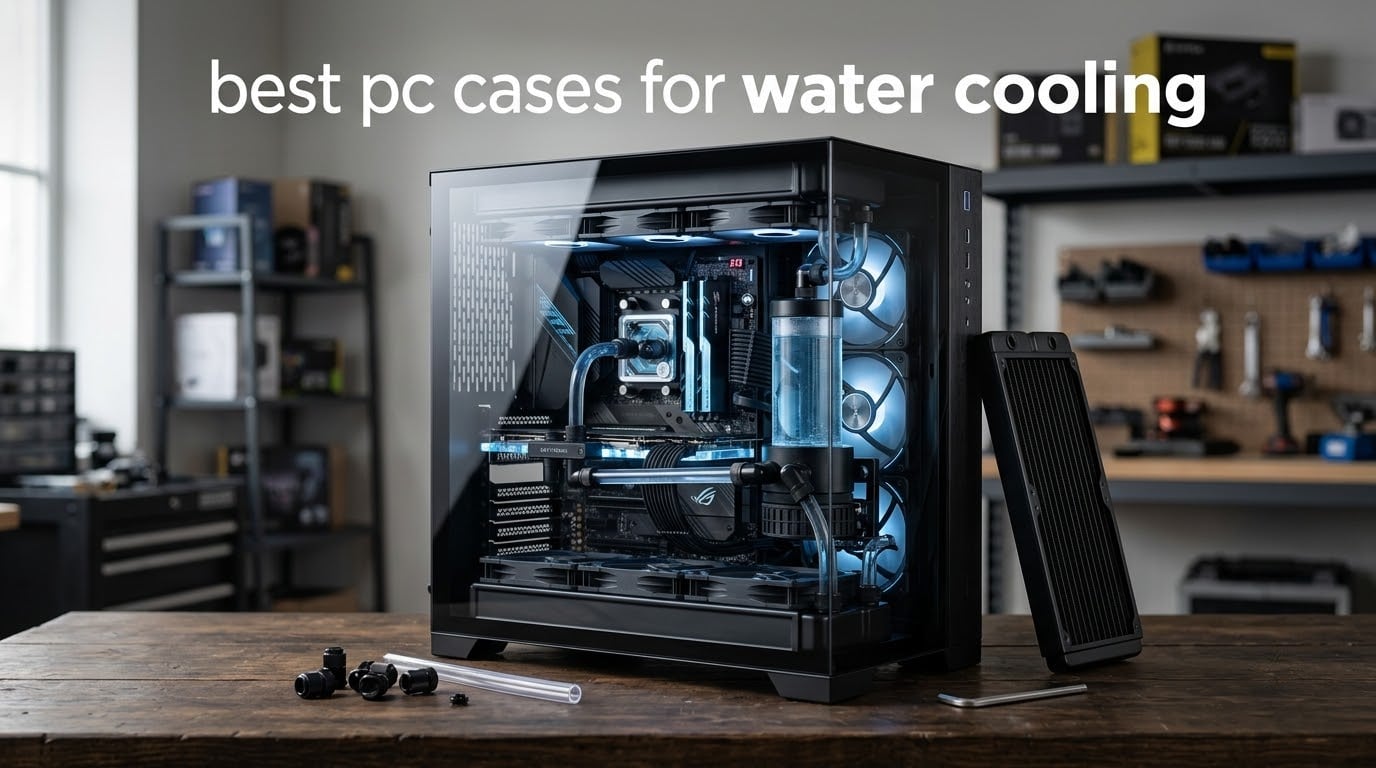
If you want one answer before anything else, the ASUS TUF Gaming GT501 is the best PC case for water cooling we recommend in 2026. It mounts two 360mm radiators, ships with pre-drilled pump and reservoir holes, and has enough interior volume that a full custom loop goes together without a fight. Everything else on this list earns its place for a specific reason: airflow, dual-chamber routing, 420mm clearance, or the widest radiator capacity for the money.
Last updated October 2026. We went through ten cases that builders actually water cool, pulled the radiator and thickness numbers out of the specs, and separated the ones that take a custom loop from the ones that merely take a big AIO. That distinction matters, because the phrase “water cooling” covers two very different products: a sealed all-in-one cooler you drop in, and a loop you plumb yourself with a pump, reservoir, fittings and tubing.
The most common question on the water cooling forums right now is not which cooler to buy. It is whether the radiator will physically fit the case once the fans are on, and whether a 52mm thick rad clears the mounts. A case is the one part of a build you cannot swap out later, so we judged every pick on fit first and looks second. If you are still working out the cooling side of a smaller machine, our Raspberry Pi cooling solutions guide covers the same fit-first thinking at a much smaller scale.
Table of Contents
Top 3 Picks for PC Cases for Water Cooling (October 2026)
These three cover the widest spread of real builds: a spacious E-ATX chassis that takes a full dual-radiator loop, an airflow-first ATX mid-tower that costs little and routes beautifully, and a panoramic dual-chamber showpiece for cosmetic loops.

ASUS TUF Gaming GT501
- Dual 360mm radiator support
- Pre-drilled pump and reservoir mounts
- E-ATX with 420mm GPU clearance

CORSAIR 4000D RS ARGB Frame
- Fits a 360mm AIO with room to spare
- Up to 10x 120mm fan mounts
- Modular FRAME tray and shrouds

HYTE Y70
- 360mm side radiator up to 125mm thick
- Top radiator up to 68mm thick
- Three-piece panoramic glass
All 10 PC Cases for Water Cooling Compared Side by Side
Read the max radiator column first, then the fit notes underneath. Two cases can both claim 360mm support and still be completely different experiences depending on thickness and mount location.
| Product | Specifications | Action |
|---|---|---|
| ASUS TUF Gaming GT501 |
|
Check Latest Price |
| CORSAIR 4000D RS ARGB Frame |
|
Check Latest Price |
| HYTE Y70 |
|
Check Latest Price |
 CORSAIR 3500X RS ARGB CORSAIR 3500X RS ARGB |
|
Check Latest Price |
 Antec Flux Pro Antec Flux Pro |
|
Check Latest Price |
 Thermaltake View 270 Plus TG ARGB Thermaltake View 270 Plus TG ARGB |
|
Check Latest Price |
 Geometric Future M5 Geometric Future M5 |
|
Check Latest Price |
 HYXN H1 HYXN H1 |
|
Check Latest Price |
 Thermaltake Tower 600 Thermaltake Tower 600 |
|
Check Latest Price |
 NZXT H9 Flow RGB NZXT H9 Flow RGB |
|
Check Latest Price |
1. ASUS TUF Gaming GT501 – Best Overall PC Case for Water Cooling
- Spacious interior that stays easy to work in
- Dual 360mm mounts at top or front
- Pre-drilled pump and reservoir holes
- Handles 420mm graphics cards
- Woven carry handles rated to 65 pounds
- Very large footprint you must measure first
- No optical drive bay
- Front RGB fans are not addressable ARGB
- Only two slot widths for a vertical GPU
This is the case we keep coming back to, and after spending time in a dozen build threads it is not close. The GT501 supports a 360mm radiator at the top or the front, plus a 140mm at the rear, which gives you three mounting points for a first serious loop. Owners running a 360mm AIO report strong results with it mounted either way, and the case takes E-ATX motherboards without argument.
What actually sets it apart for water cooling is the pre-drilled pump and reservoir holes. Most cases force you to improvise a reservoir mount or hang it on Velcro. Here the mounting pattern is already there, so pump, reservoir and fittings go in on the first attempt instead of the fifth.
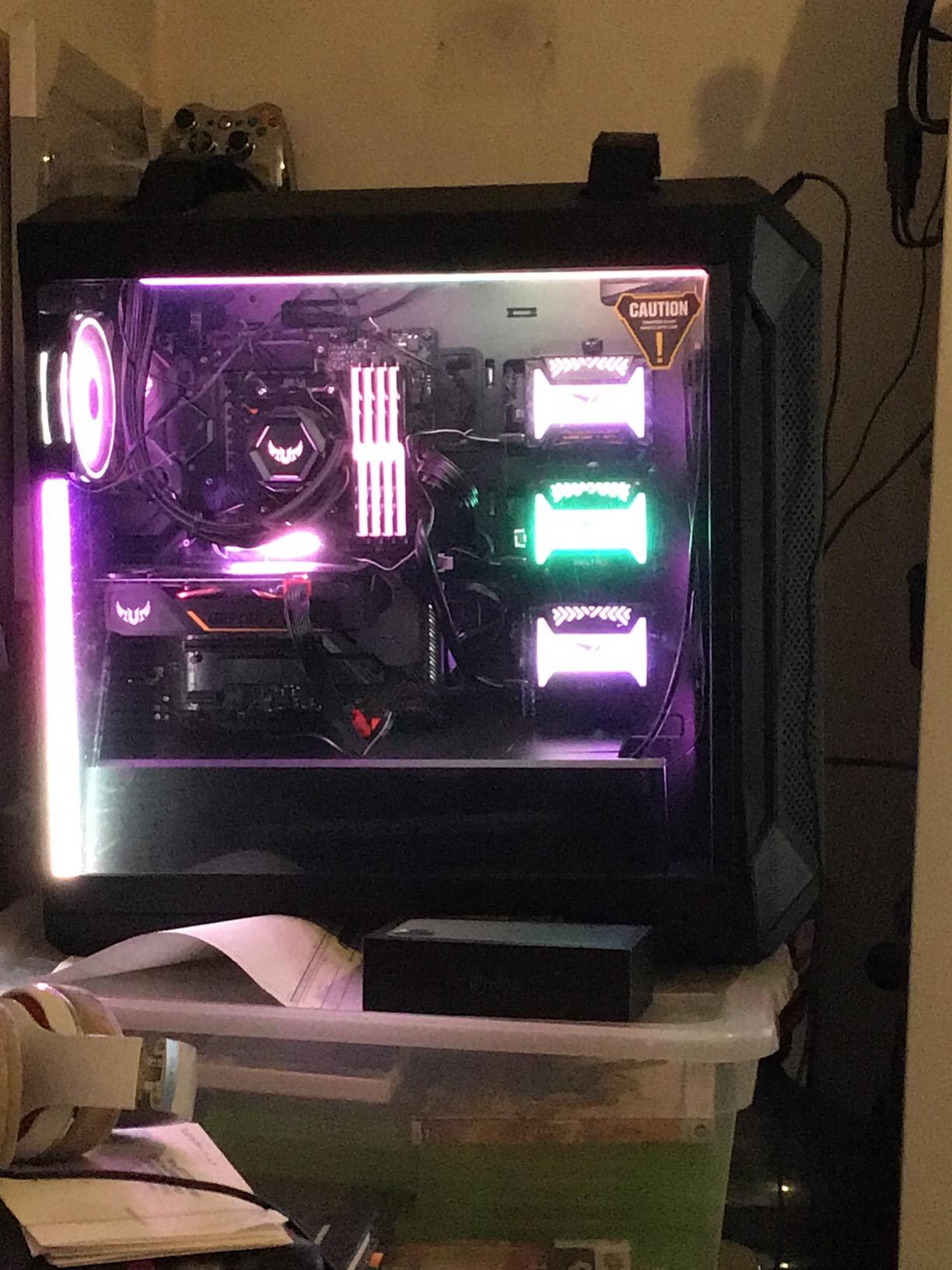
The interior is 21.73 inches deep and 21.46 inches tall, and the whole chassis weighs 26.2 pounds. That is a lot of room, which is exactly what a custom loop needs: slack in the tubing, space to run lines behind the tray, and enough distance between the pump and the radiator to make a clean bend. Three pre-installed 120mm RGB fans at the front and one 140mm PWM at the rear give you a working airflow baseline before you add anything.
Woven cotton carry handles are rated for a fully built system, and there are nine expansion slots with a vertical GPU position on top of seven traditional slots. The fabric dust filters across the intakes are among the best in this list, and they did not choke airflow in our reading of owner feedback.
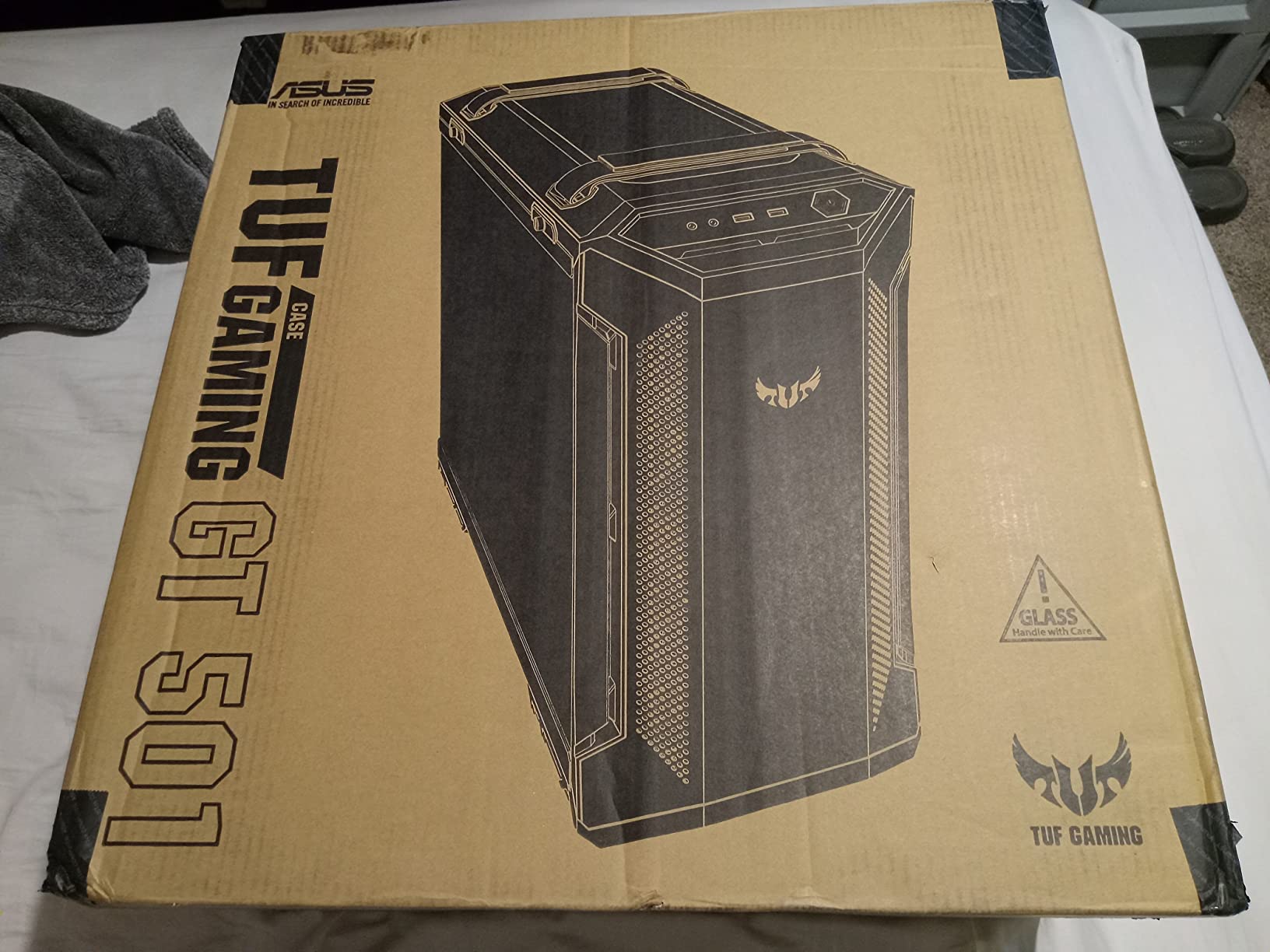
Check your desk space before you commit
At 21.73 by 9.88 by 21.46 inches, this is not a compact chassis. Several owners mention moving it to a floor position, and that is worth doing before you commit to it rather than after. If your build lives on a small desk with a monitor arm, the size becomes the deciding factor instead of the cooling.
The other detail to verify is the front fan lighting. The three included 120mm fans use standard RGB rather than addressable ARGB, so they will match a board header but will not do per-fan effects. If your whole build is ARGB, plan on replacing them, and factor that into your radiator fan plan.
Who should skip this case
Skip it if you build on a small form factor mATX board and want the case to stay out of sight, or if optical drives matter to you, because there is no internal optical bay. Anyone chasing a subtle, understated build should also look elsewhere; this chassis is large and deliberately visible.
If you need two entirely separate loops in one system, this is not the case. It has the volume, but a dedicated dual-system super tower handles that layout with far less compromise.
2. CORSAIR 4000D RS ARGB Frame – Best Airflow-First Custom Loop Chassis
- Excellent airflow through the Y-pattern steel front
- FRAME system repositions tray and shrouds
- Three RS120 ARGB PWM fans pre-installed
- GPU anti-sag arm and roomy cable routing
- Removable top and side panels
- Pre-installed fans mounted in the exhaust direction
- Bundled fans get noisy at full speed
- Thin steel side and top panels
- No optical drive bays
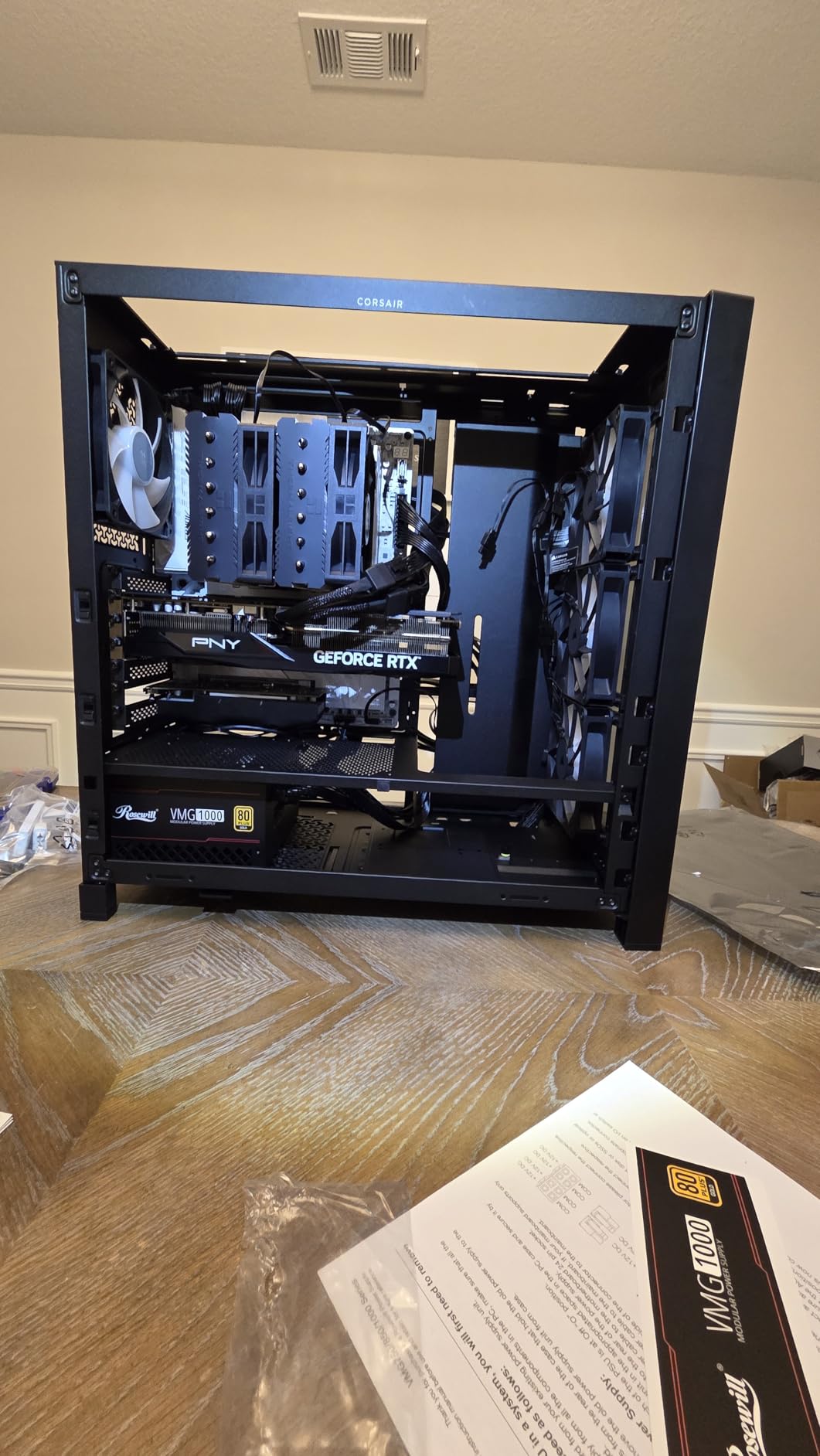
The 4000D RS ARGB Frame has the highest review count of anything we tested for this guide, and the reason is straightforward. The perforated Y-pattern steel front panel is a low-obstruction path for cool air, and multiple owners report several degree drops in both CPU and GPU temperatures after moving from a bulkier older case. It is the airflow answer to the question of what PC case is best for cooling.
For water cooling, the important number is that it fits a 360mm AIO with room to spare and carries up to ten 120mm fan mounts across the side, roof and power supply positions. A custom loop with a 360mm radiator on top and a GPU block in the chamber is entirely realistic here, and the InfiniRail steel mounting system makes the fan layout less of a puzzle.
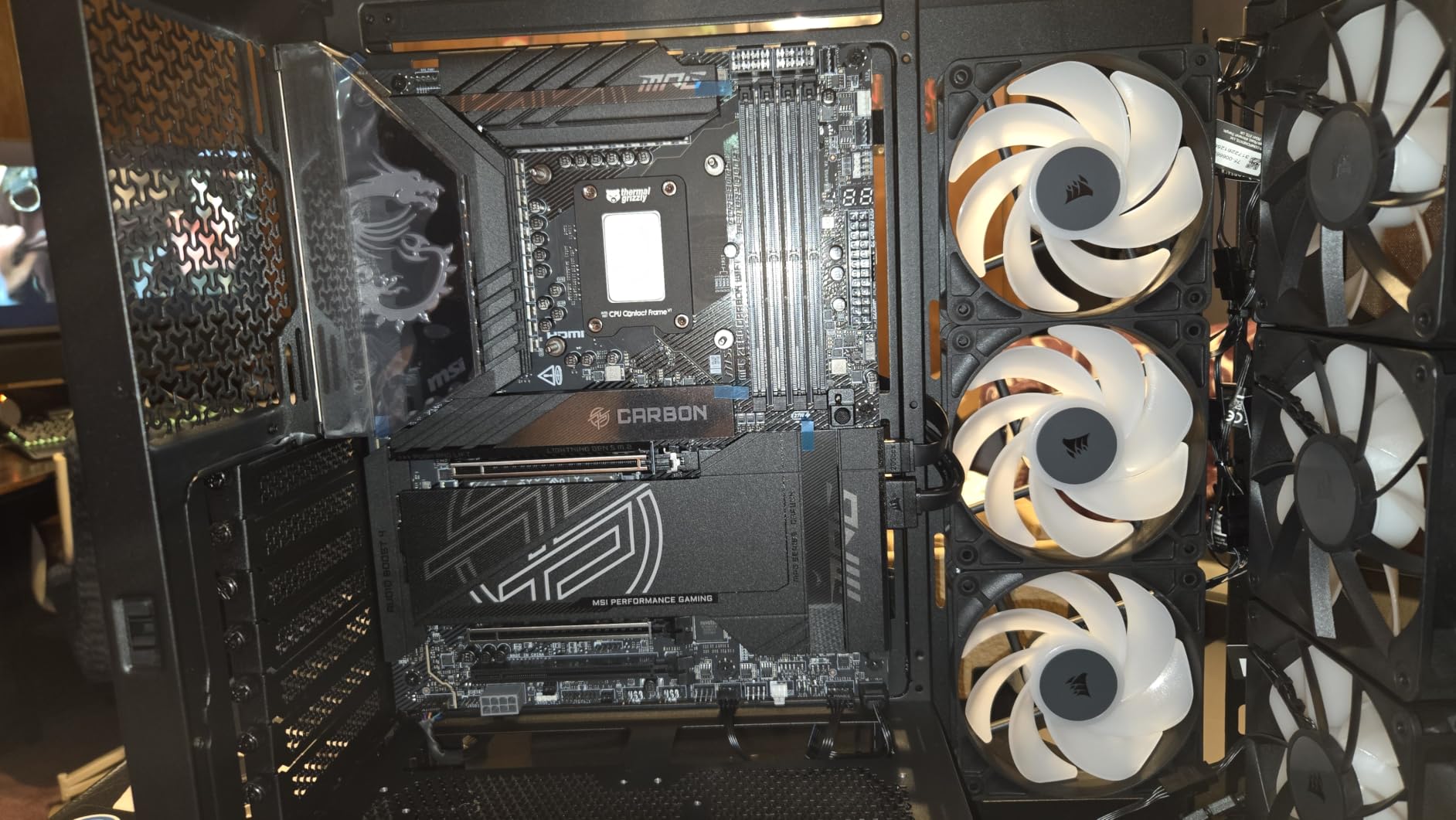
The FRAME modular system is the underrated part. The motherboard tray, power supply shroud and front I/O panel can all be repositioned or removed, which means you can change the internal layout as the build evolves instead of committing on day one. The internal side panel doubles as a removable cable cover or an extra fan mount, and a GPU anti-sag arm is built in.
Dimensions are 19.17 by 9.41 by 19.13 inches at 22.7 pounds, with ATX, micro-ATX and Mini-ITX motherboard support. Removable top and steel side panels make the actual build process quick, which matters more than it sounds when you are routing soft tubing through a tight chamber.
Plan your top radiator position around RAM height
A thick 360mm AIO in the roof can crowd the RAM and VRM area, and several owners flag this specifically. If your memory has tall heat spreaders, check the top clearance before the radiator goes in, because it is far easier to swap memory than to unbolt a mounted pump block.
The included RS120 fans ship in the exhaust orientation, which catches out first-time builders out. Reversing them to intake is a two-minute job, but plan for it. They also get noticeably loud at full speed, so a straight PWM curve will keep them quieter than the default.
Who should skip this case
Skip it if a glass side panel is part of the goal. This is a mesh and steel airflow chassis, and it will never look like a showpiece. It is also the wrong pick for a hard-tube build, because the interior volume is there but the pillar-free viewing angle is not.
Buyers who want a sealed, pre-built cooling solution with a guaranteed warranty should pick something else. The strength of this case is how much you can change, not how little.
3. HYTE Y70 – Best Dual-Chamber Showpiece With a 125mm Side Mount
- Three-piece panoramic glass with a dual-chamber interior
- 360mm side mount accepts a rad up to 125mm thick
- Top mount takes a radiator up to 68mm thick
- Bundled PCIe 4.0 riser with color-matched canopy
- Tool-less panels and generous cable space
- No fans included
- Wide footprint needs a large desk
- Rear and bottom fan mounts are awkward to populate
- Two open cutouts in the vertical GPU area admit dust
The Y70 has the most flexible radiator mounting of any case in this list, and that single fact puts it near the top. The side mount accepts a 360mm radiator up to 125mm thick, the top mount takes one up to 68mm thick, and there is a cold plate floor that fits three 120mm or two 140mm fans up to 32mm deep. That is a builder-friendly spread that leaves room for a thick rad in the side position.
The reason most people buy the Y70 is the view. Three pieces of panoramic glass wrap a dual-chamber interior, with the power supply and drives isolated behind the motherboard tray. For a hard-tube build with an aquarium reservoir, that means the loop is visible from nearly every angle without the pillar of a traditional side panel cutting across it.
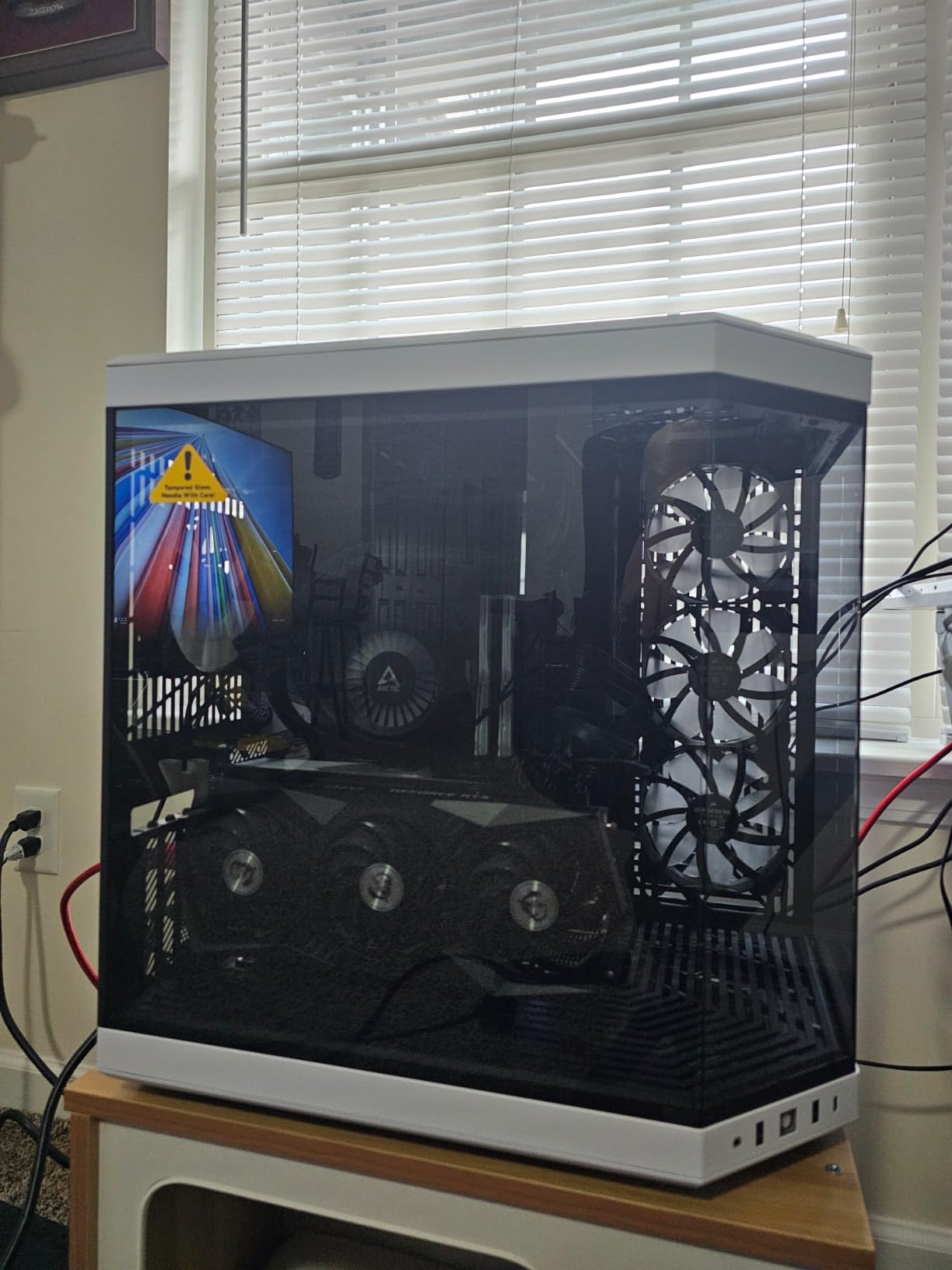
A PCIe 4.0 riser with a color-matched canopy is bundled for a clean vertical GPU mount across four slot widths, and tool-less panels open the main surfaces without a screwdriver. The interior stays workable even with large components, and the rear chamber has enough room for cable management that you will not be routing in a panic at the end of the build.
Deck size is 23 by 22 by 16 inches and the chassis weighs 24.3 pounds, so this is another large case on the list. Reviewers generally report good thermals once the empty fan mounts are populated.
Budget for fans, because none are included
This is the most common complaint in the reviews, and it is a real one. A case this open takes airflow from everywhere, which means you are adding fans before you add a radiator. A dual 360mm loop alone wants twelve fans, and the ten-position capacity leaves very little headroom for extras.
Also plan the riser. The bundled cable is PCIe 4.0, and some newer motherboards want a 5.0 riser instead. It is a small part, but ordering it separately adds a wait you did not plan for, so check your board first.
Who should skip this case
Skip it if you want a quiet, sealed build. Three open glass panels mean less dust control and more noise transmission than a mesh chassis, and the rear and bottom mounts use narrow slots that make screw alignment fiddly. It is also not a fit for anyone working on a tight desk.
Buyers who only need a 240mm or 280mm AIO will get far more than they need here. The premium buys you mount flexibility and visibility, not basic liquid cooling capability.
4. CORSAIR 3500X RS ARGB – Best Panoramic Mid-Tower for a Single 360mm Loop
- Wraparound panoramic glass with a minimalist look
- Easy top mount for a 360mm AIO
- Three reverse-blade ARGB fans pre-installed
- Magnetic dust filters on top and side
- GPU anti-sag bracket and rear tie-downs
- Pre-installed fans mounted in the exhaust direction
- No dedicated HDD cage
- Tool-free clasps can pop open near routed cables
- Bundled fans hum at lower settings
The 3500X RS ARGB is the answer for a builder who wants a glass showcase and exactly one 360mm radiator. Radiators up to 360mm are supported, motherboard fit runs from Mini-ITX to E-ATX, and up to ten 120mm fan mounts spread across the side, roof and power supply positions. That is enough surface area for a single-radiator loop with intake on one side and exhaust on top.
Owners report roughly a ten degree improvement after a simple top-radiator and side-intake layout over a previous case, and the wraparound glass gives a cleaner look than a traditional framed side panel. The interior is roomy for a mid-tower, with rear cable management space and tie-down points behind the tray.
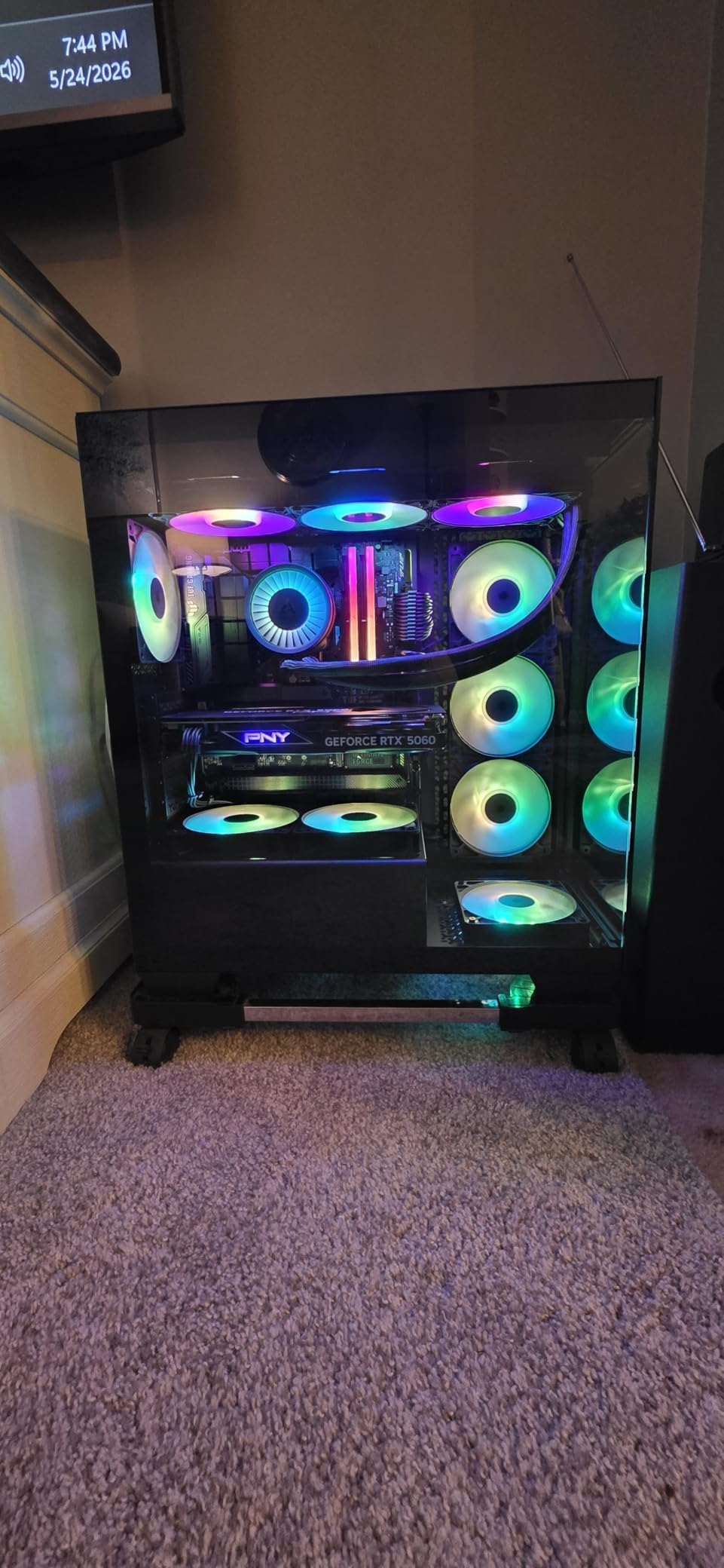
Three RS120-R reverse-blade ARGB fans come pre-installed and daisy-chain into a single motherboard header, so the fan wiring stays tidy without a separate controller. Magnetic dust filters sit on the top and side intakes and pull off from the front, and a built-in GPU anti-sag bracket takes care of the sag problem that plagues long cards in glass cases.
Removable front and side tempered glass panels come off without tools, and the case supports reverse-connection motherboards including ASUS BTF, MSI Project Zero and Gigabyte Project Stealth. At 19.92 by 18.11 by 9.45 inches and 9.02 kg, it is lighter and more compact than most of the panoramic cases here.
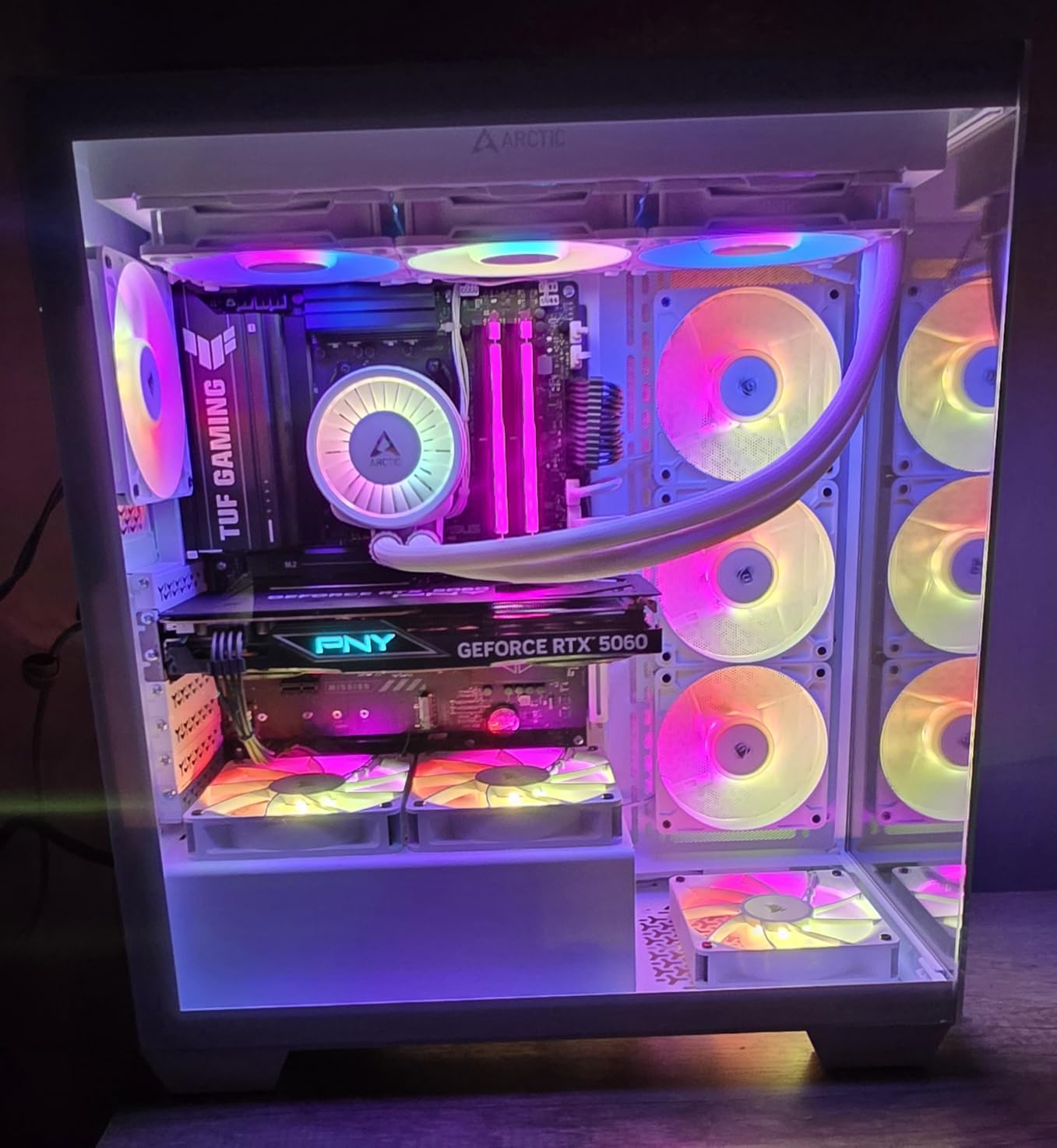
Flip the pre-installed fans before you mount the radiator
Like several cases in this category, the bundled fans arrive in the exhaust orientation. If you mount a top radiator before flipping them, the airflow through the rad runs the wrong way and the case performs worse than it should. Reverse them first, then confirm the intake path lines up with the radiator.
The tool-free side panel clasps are worth thinking about during the build. If you route cables close to the panel edge, the clasp can pop the glass open once the system is running. Leave a little slack near the latch.
Who should skip this case
Skip it if you plan to run a 420mm radiator or a dual-radiator loop, because a single 360mm at the top is the ceiling. It is also a poor fit if you still use hard drives, since there is no dedicated HDD cage and the SSD holder is awkward to work.
A few owners also caution about the fragility of the tempered glass. If you move the system often or have children in the room, a mesh chassis is a safer bet.
5. Antec Flux Pro – Best Full Tower for Two Radiators at Once
Antec Flux Pro Full-Tower E-ATX PC Case, 6 PWM Fans Included, Black
- Mounts a 420mm and a 360mm radiator together
- Removable brackets at top
- front and PSU shroud
- Six PWM fans on a pre-routed daughter board
- iShift 90 degree PSU mount simplifies cable access
- Velcro tracks remove the need for zip ties
- Full-tower footprint demands desk or floor space
- Very heavy chassis
- Included fans have no RGB lighting
- Brackets need screws when repositioned
The Flux Pro is the only case here that officially supports a 420mm radiator and a 360mm radiator at the same time. The removable cooling brackets at the top, front and power supply shroud mean you are not choosing between one big rad and two smaller ones, which is the constraint that shapes most custom loop plans.
For sizing, the TechPowerUp forum guidance that circulates in water cooling communities is useful: five 120mm or four 140mm of radiator for a single component, more if a GPU block joins the loop. A 420mm plus 360mm pairing covers a hot CPU and a water-blocked GPU with room to spare, and this is one of the few cases where that combination physically fits.
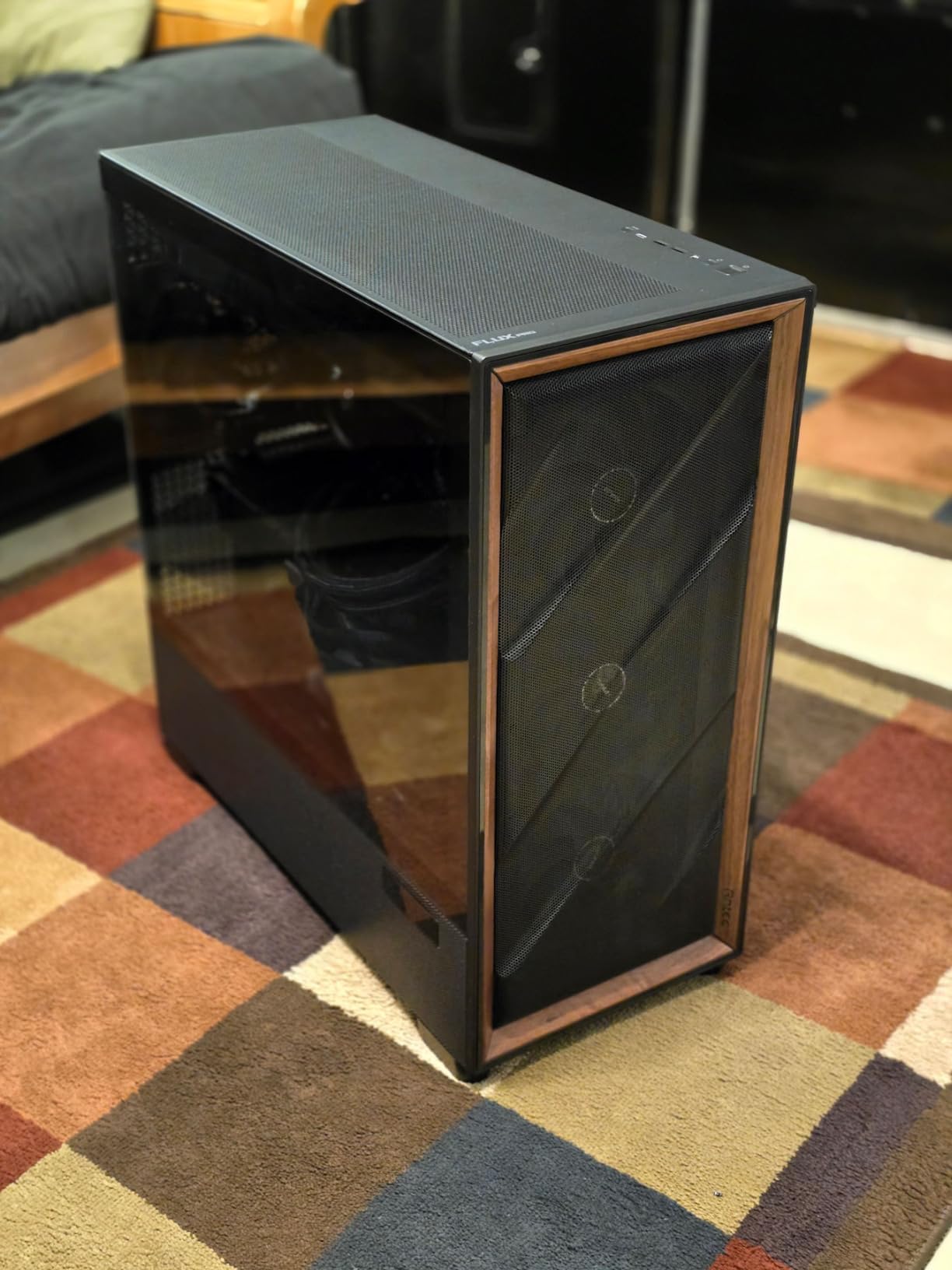
The airflow is the other headline. Up to 12 fans fit at once, with three Tranquil 140 PWM at the front, two P12R PWM on the power supply shroud and one Tranquil 140 PWM at the rear, all wired to a small pre-routed daughter board. Reviewers call this one of the best airflow cases they have used, with strong temperatures on modest fan curves.
The iShift mount rotates the power supply 90 degrees so the connectors face the cable chamber, and the pre-made cable paths with velcro tracks mean a clean build without a single zip tie. The walnut wood front panel gives it a furniture-like look that is unusual for a full tower.
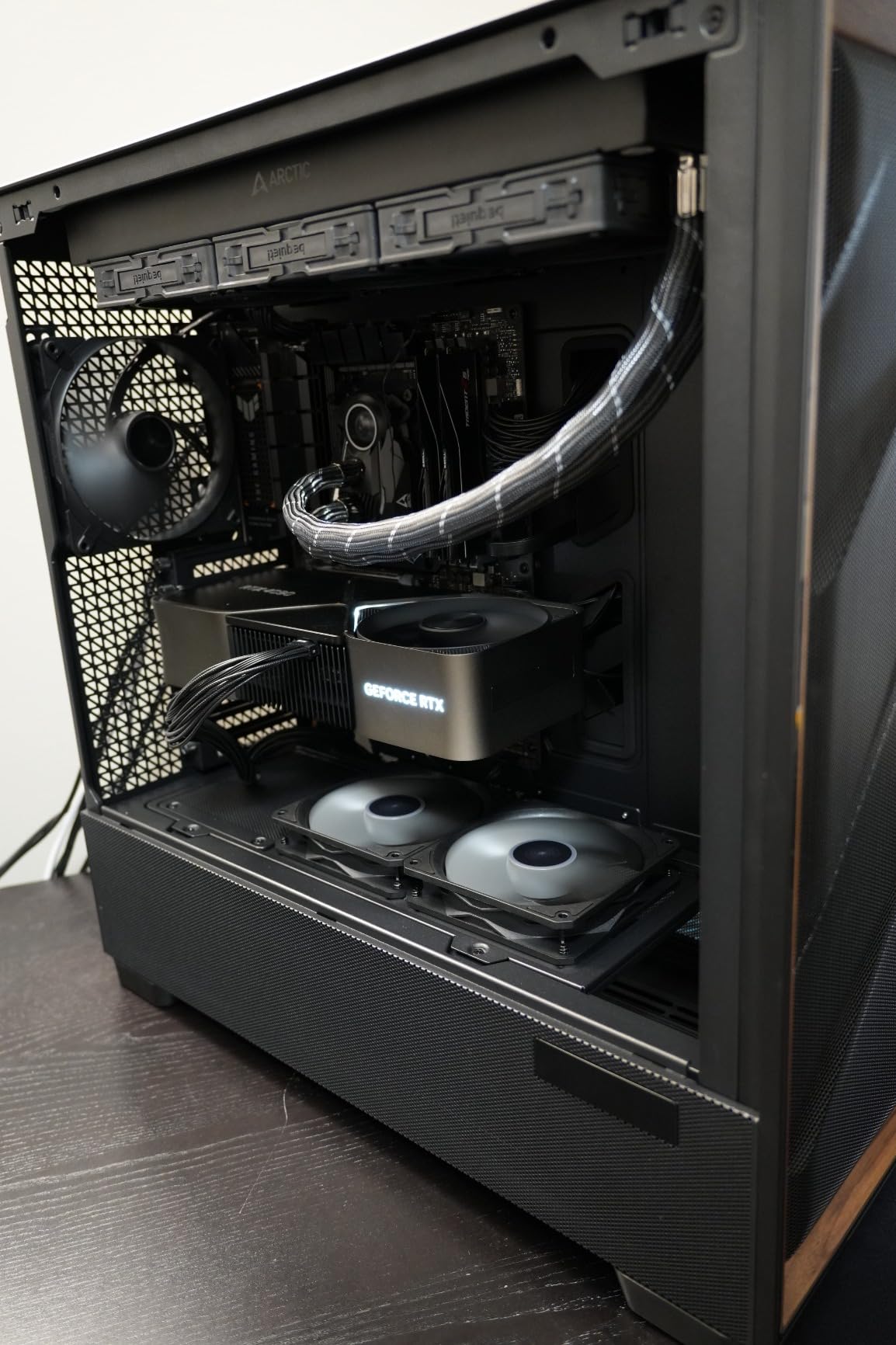
Measure the floor space, not the desk
At 20.86 by 9.64 by 21.45 inches and 29 pounds, this is the heaviest case we tested. A lot of builders end up putting a full tower like this on the floor beside the desk, and the depth is the number that decides whether that works in your room.
Note that the bundled fans are plain PWM with no lighting, and the CPU and GPU temperature display on the front needs Antec iUnity software to show anything useful. Neither is a problem for a loop, but both are worth knowing before you plan the front panel.
Who should skip this case
Skip it if your build is a Mini-ITX or micro-ATX system, because the volume is wasted on empty space. It is also the wrong choice for a silent workstation, since a full tower of fans on a large radiator surface is easier to hear than a smaller case with two rads.
If you want RGB across the whole system, this is not it. The wood front panel has its own look, and the included fans are unlit.
6. Thermaltake View 270 Plus TG ARGB – Best Entry Case for a First Liquid Cooler
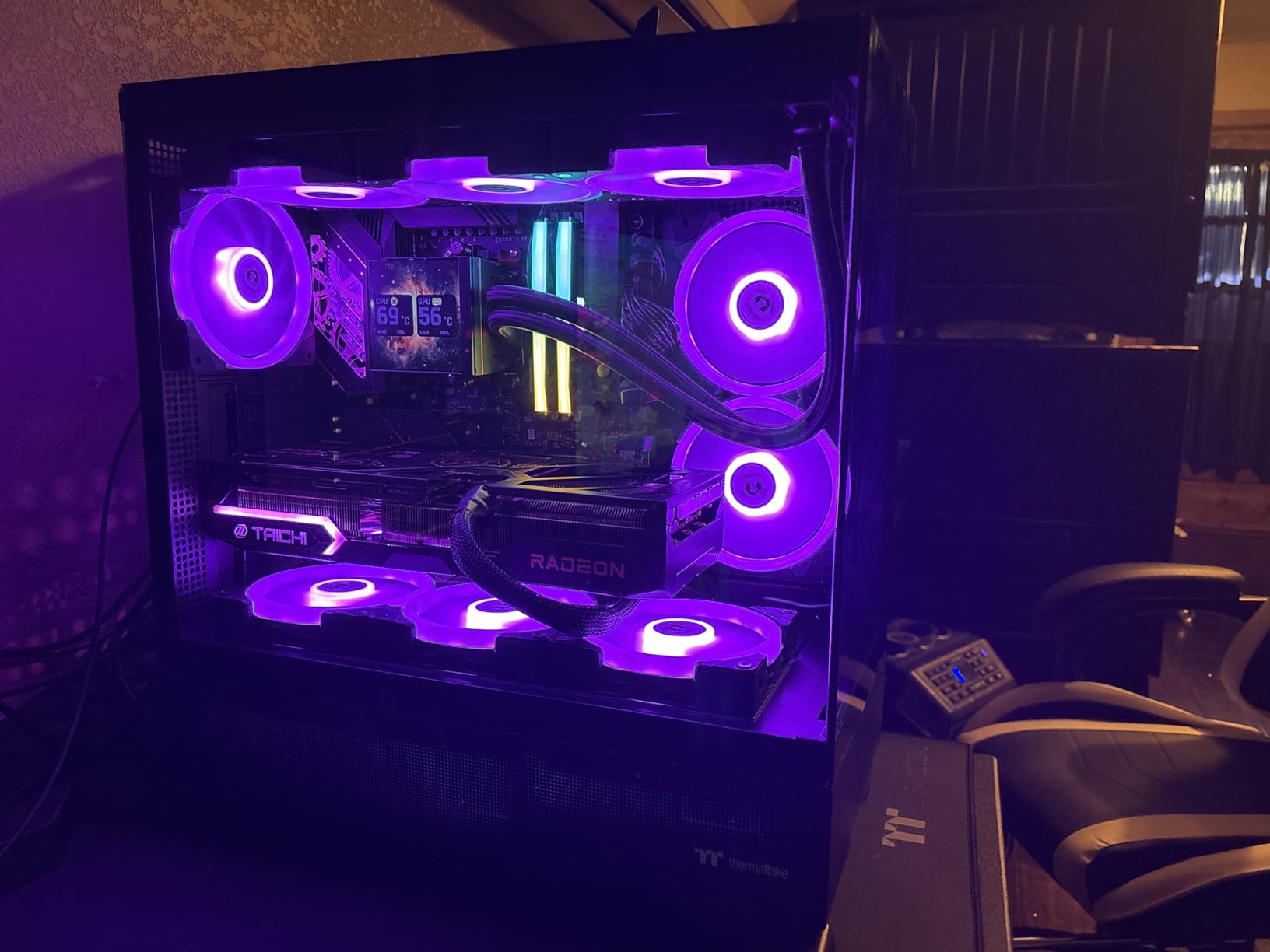
- Pillarless front and side tempered glass
- 360mm radiator mount at the top
- Three 120mm ARGB fans in the box
- USB-C plus two USB 3.0 on the front
- E-ATX boards and 420mm graphics cards
- Wide footprint for a mid-tower
- Only three drive bays
- Glass panels transmit more noise than mesh
- Rubber grommets feel basic next to premium rivals
The View 270 Plus TG ARGB is where most first-time water coolers should start. It supports a 360mm radiator at the top, accepts E-ATX motherboards, and handles graphics cards up to 420mm long. That is enough headroom for a 360mm AIO or a single-radiator custom loop without any planning gymnastics.
The pillarless front and side tempered glass is the reason it is here rather than a cheaper box. With a 360mm radiator in the roof and the side panel off, the loop is actually visible, and for someone deciding whether they enjoy water cooling at all, seeing the result matters.
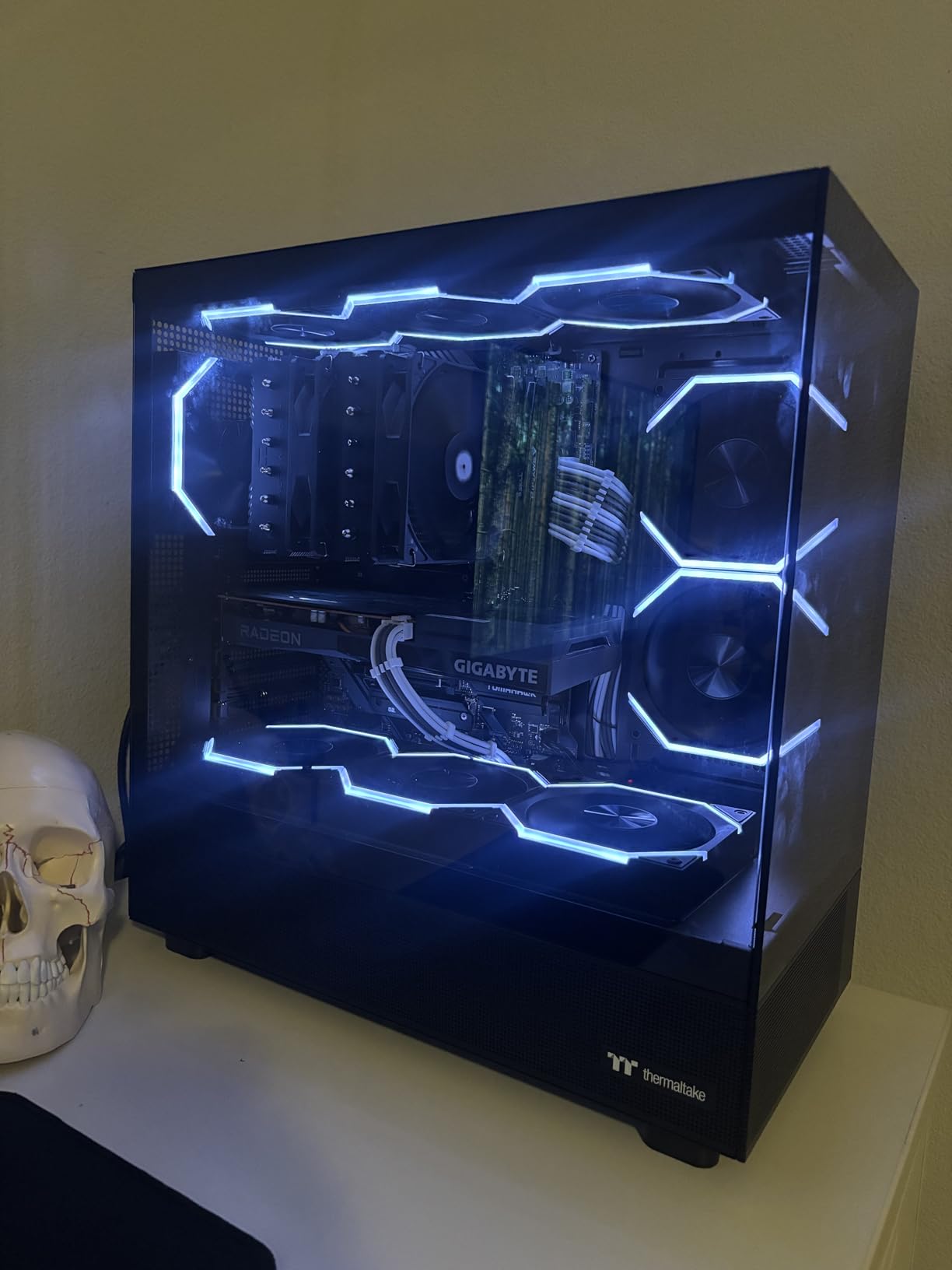
Three 120mm ARGB fans are included, so the only extra part needed for an AIO install is the cooler itself. The front I/O carries a USB 3.2 Gen 2 Type-C port, two USB 3.0 ports and HD audio, which is more than most cases at this level manage, and the three-year warranty is longer than the norm.
At 8.1 by 22 by 18 inches and 14 pounds, the chassis is light and easy to lift into place, though the 22 inch width makes it bigger than a typical mid-tower on paper.
Expect one radiator, and check the width first
The 22 inch width is the practical concern. Measure the space under your desk before buying, because a case that is wide enough to look like a full tower while being sold as a mid-tower catches people out regularly. Cooling-wise, the top 360mm mount is the only liquid cooling position, so plan the loop around that single rad.
Storage is modest with three drive bays, and the glass-heavy build transmits more noise than a mesh panel would. If your CPU runs hot and you are sensitive to sound, this is not the pairing.
Who should skip this case
Skip it if you want a dual-chamber layout, a GPU block, or more than one radiator. There is no side mount and no bottom mount listed, so a second 360mm is not happening without an adapter that costs more than the case did.
Serious custom loop builders should look up the list. The grommets and accessory kit are fine, but the interior is not built around a reservoir, a pump and fittings in a hidden chamber.
7. Geometric Future M5 – Best 420mm Radiator Clearance in the List
- Supports radiators up to 420mm
- Five 140mm ARGB PWM fans pre-installed
- Tool-free screwless tempered glass side panels
- Fits E-ATX boards and 460mm graphics cards
- Showcase PSU shroud with a display window
- Less established brand with a smaller review base
- Limited dust filtration
- Mounting hardware is not as refined
- Some panels are not actually tool-free
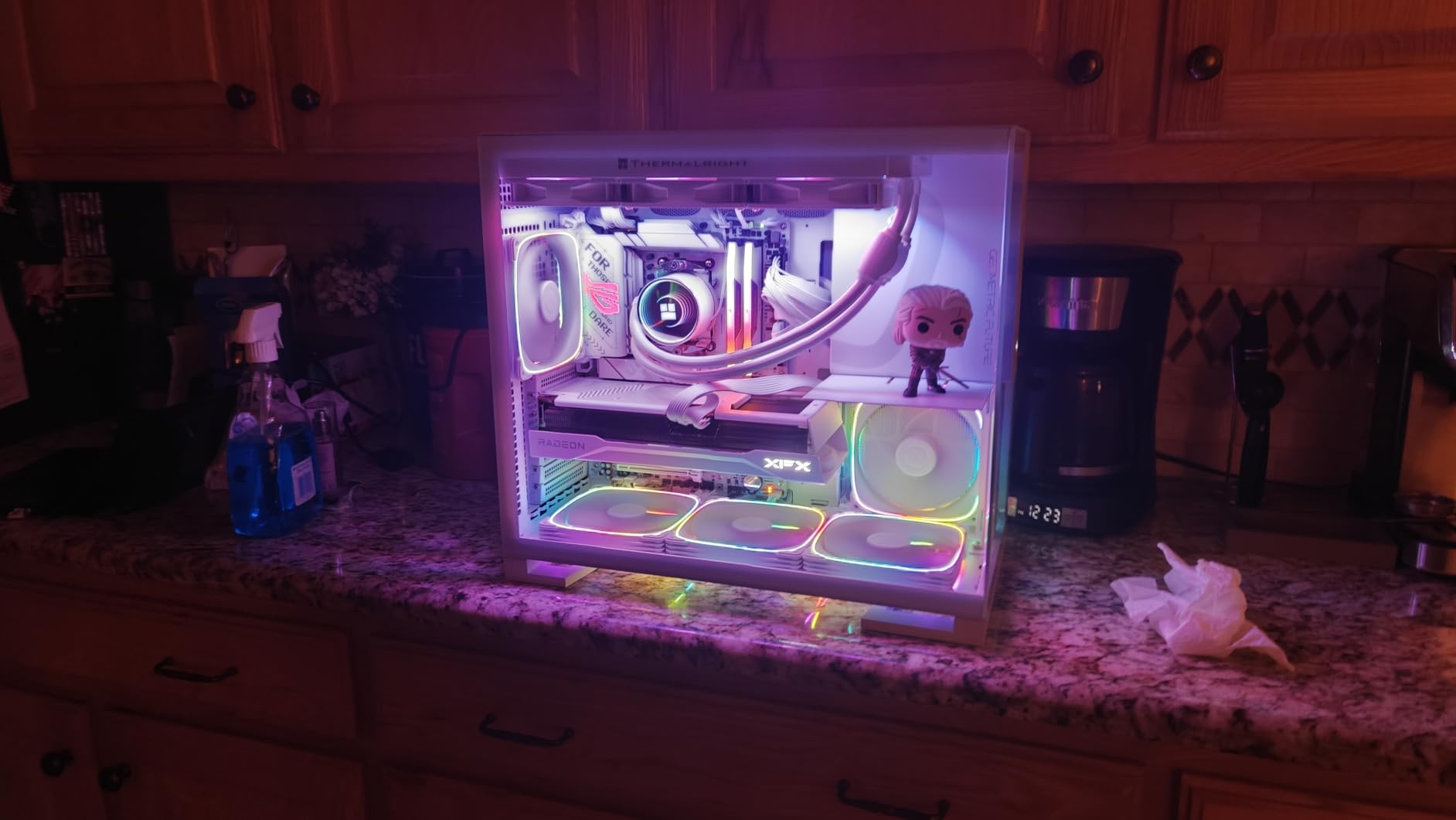
The M5 pairs 420mm radiator support with five pre-installed 140mm ARGB PWM fans, and that combination is rare at this price point. If your plan is a 420mm AIO or a 420mm radiator in a custom loop, this chassis has the mount and the airflow hardware to do it on day one rather than after a second shopping trip.
Hardware clearance is generous across the board: E-ATX motherboards, graphics cards up to 460mm and modular power supplies up to 160mm all fit. The 0.8 to 1.2mm steel frame is thicker than many competitors use, which matters on a case that will have a pump and reservoir hanging off the mounts.
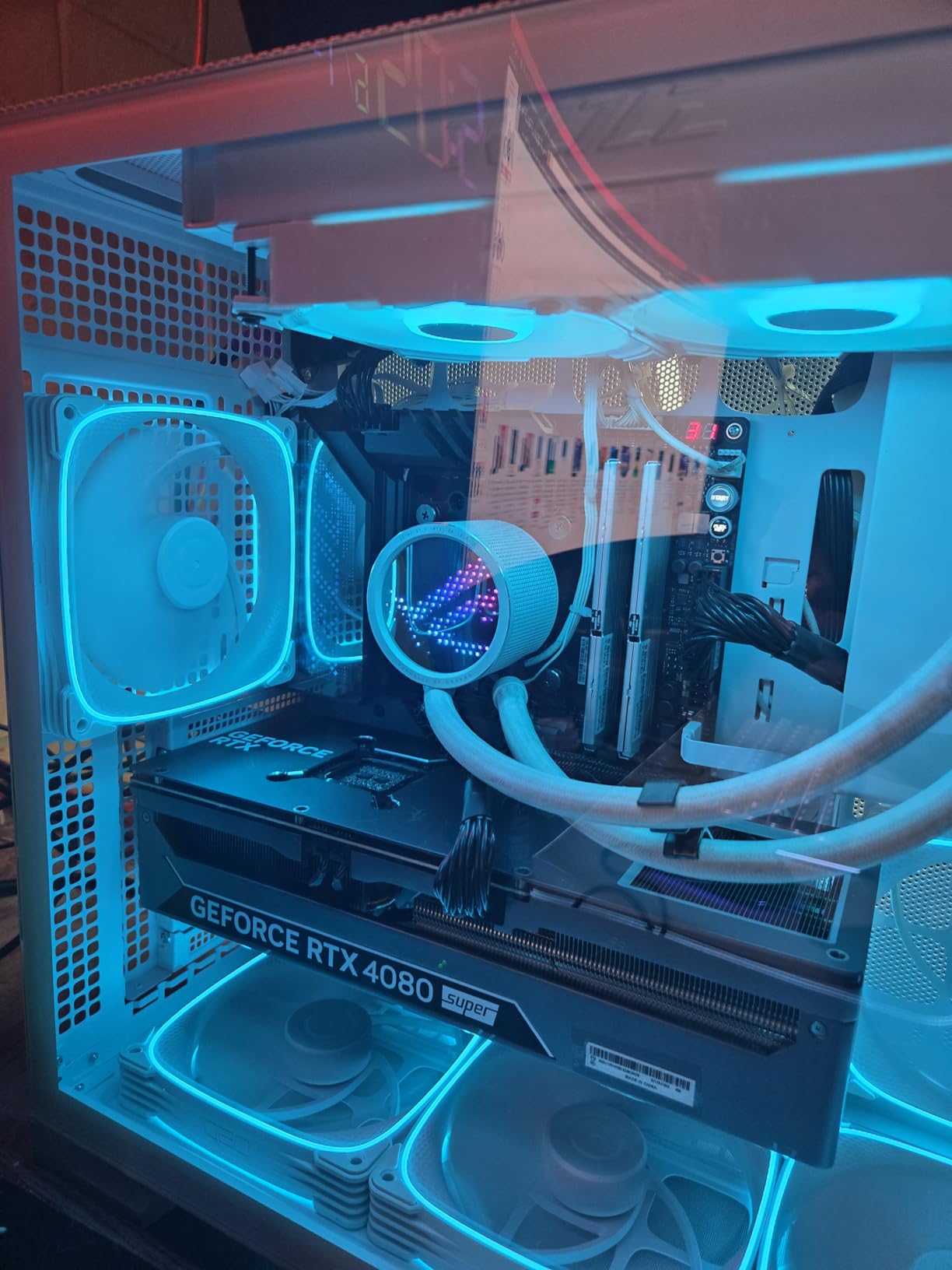
The showcase power supply shroud has a display window, so sleeved cables or a custom PSU are visible rather than hidden, and the ARGB lighting syncs with the major motherboard ecosystems. The screwless tempered glass side panel opens for upgrades without a screwdriver, which speeds up radiator and reservoir swaps.
That combination of cooling capacity, fan count and clearance is why this case makes the list even though its brand is less established than the others here.
Read the spec list closely, not the marketing
The listed technical details say the chassis supports radiators up to 420mm and up to ten 120mm fans, but they do not publish a maximum radiator thickness. That is exactly the gap the Tom’s Hardware radiator guide warns about: measure the mount before any purchase. Ask support for the thickness figure, and treat a case with no published thickness as a case where a 52mm rad may not fit.
Some panels are also described as tool-free when they are not, and dust filtration coverage is lighter than on the airflow-focused cases in this list. Both are minor in a build that will be shown off, and more relevant in a machine that runs in a dusty room.
Who should skip this case
Skip it if you want a long track record of support and a deep review base, because the brand is newer and the installed base is smaller. Buyers who need confirmed maximum radiator thickness without contacting the manufacturer should choose a case that publishes it.
It is also not the right pick for a compact build. The generous clearances come with a large footprint, and nothing here is optimised for a small desk or a Mini-ITX board.
8. HYXN H1 – Best Fan Load and Two 360mm Radiators in a Dual Chamber
- Holds two 360mm radiators
- top and side
- together
- Seven ARGB PWM fans pre-installed and daisy-chained
- Dual-chamber panoramic tempered glass layout
- Vertical intake path with top and bottom filters
- Fits GPUs up to 400mm and PSUs up to 200mm
- Seven bundled fans need a hub or controller
- Type-C port runs through USB 3.0
- Some reports of dented cases arriving
- Only a one-year warranty
Few cases bundle seven fans. The H1 comes with three 120mm reverse-blade fans at the bottom, three more on the side and a forward-blade 120mm at the rear, all daisy-chained, and it holds two 360mm radiators at the same time in the top and side positions. For a dual-radiator custom loop that means you can build the whole cooling side without sourcing fans separately.
The layout is a dual chamber with panoramic tempered glass on two panels and a 270 degree field of view, and the airflow path is vertical with bottom and side intakes and top and rear exhaust. Top and bottom dust filters are included, which is more than many cases at this level offer.
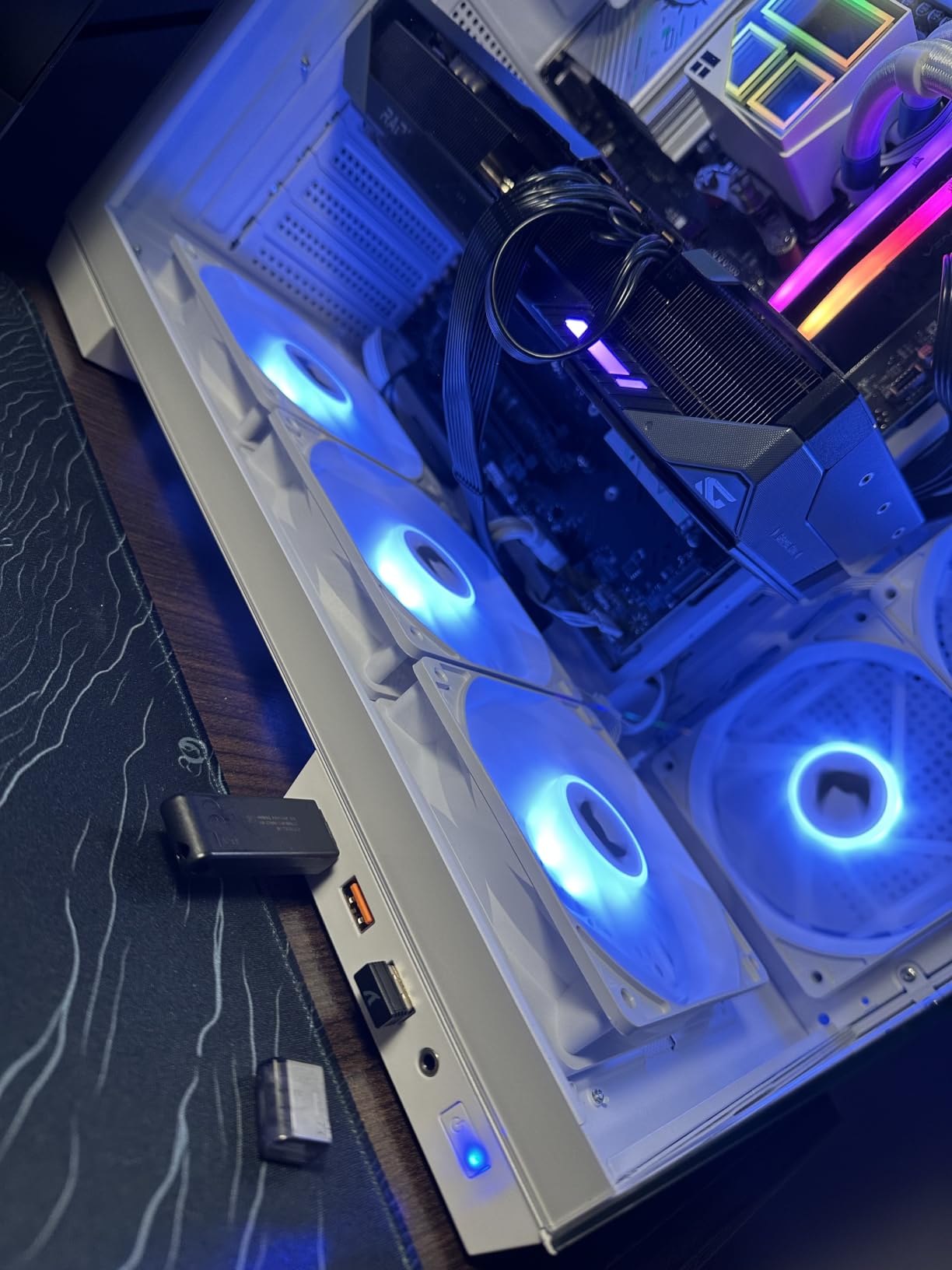
Component clearance runs to 170mm CPU air coolers, 400mm graphics cards and 200mm power supplies, across ATX, micro-ATX and Mini-ITX motherboards. Case dimensions are 420 by 285 by 430mm at 11 pounds, and the front I/O includes a Type-C port, one USB 3.0, one USB 2.0 and audio.
Reviewers repeatedly compare the fan load favorably against cases from bigger brands that cost noticeably more, which is the entire argument for this chassis.

Add a fan hub before you add a radiator
Each bundled fan draws 0.35A, so seven of them exceed what a typical motherboard header can carry. A fan hub or PWM controller is not an optional accessory here; without one you are running the fans below spec or risking the header. Budget for it as part of the cooling cost, not as an afterthought.
Two other details to know. The Type-C port is wired through USB 3.0 rather than a true native USB-C header, which limits it to the speeds of that header. And the warranty is one year, the shortest on this list, so the case is a better fit for a builder who is comfortable opening it up than for someone who wants a long safety net.
Who should skip this case
Skip it if build quality finish is the priority. There are reports of bent or dented cases arriving, the top panel can flex under mounted AIO hardware, and there are no rubber grommets in the cable management area. A custom loop builder who wants clean routing will find better elsewhere.
It is also overkill if you only plan a 240mm or 280mm AIO. You would be paying for radiator capacity and fans you will never use.
9. Thermaltake Tower 600 – Best Three-Sided Glass Chassis With 420mm Support
- Octagonal three-sided tempered glass design
- Supports radiators up to 420mm
- Tool-free removal on all three glass panels
- Rotational PCIe slots for three-way GPU placement
- Hidden-connector board support
- Only one internal drive bay
- No fans included in the base configuration
- Large and heavy for a mid-tower
- Three glass panels admit more dust and noise than mesh
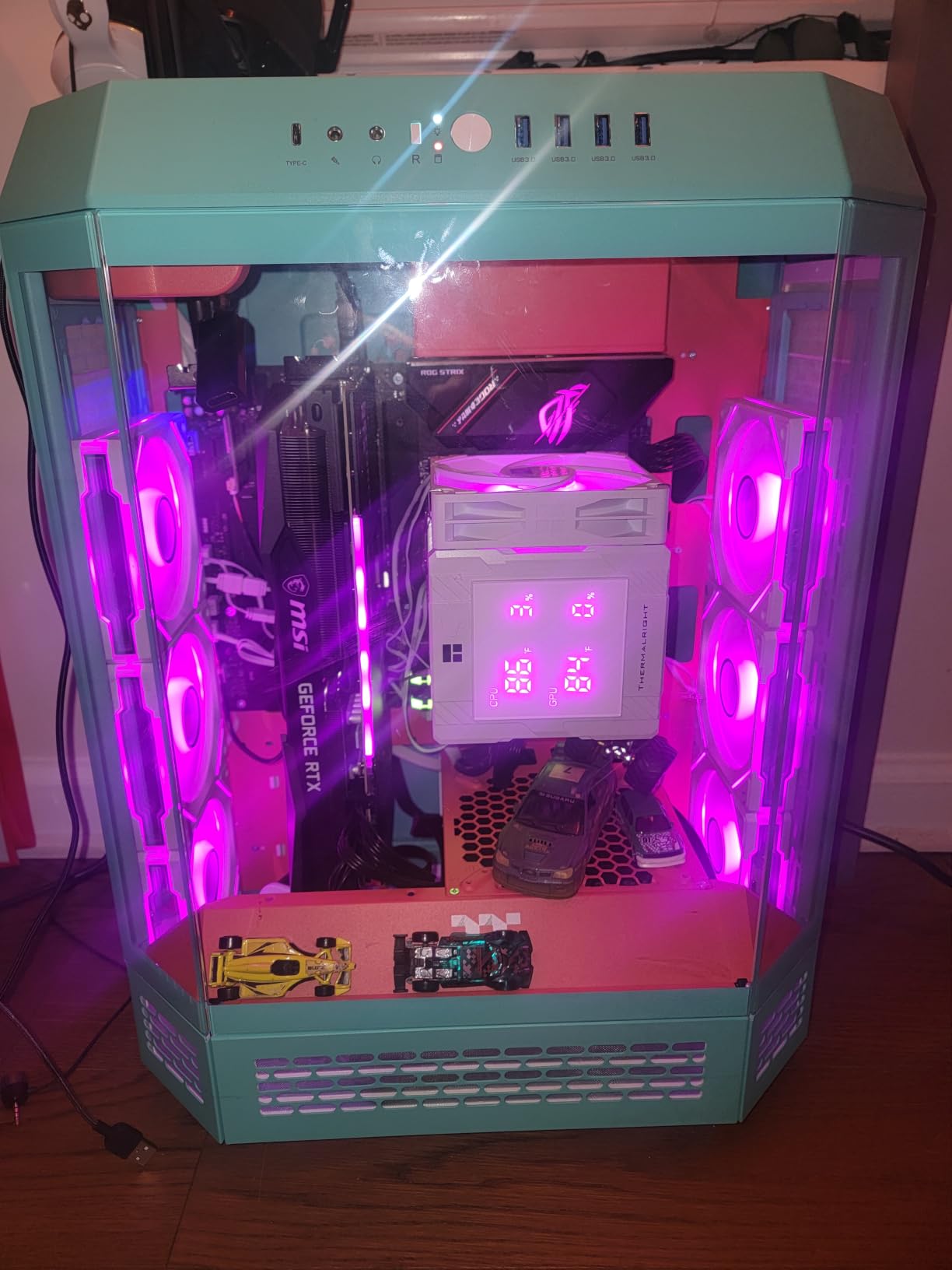
The Tower 600 takes radiators up to 420mm, which is a rare ceiling for a mid-tower rather than a full tower. That capacity plus the octagonal three-sided glass layout makes it a natural fit for a showcase loop where the reservoir and tubing are the main event and the radiator is sized for a high-power CPU.
All three tempered glass panels come off without tools, and the rotational PCIe slots with a floating graphics bracket allow three-way GPU positioning. An optional display stand kit lets the case sit horizontally, which turns a tall tower into a desk-centre display piece.
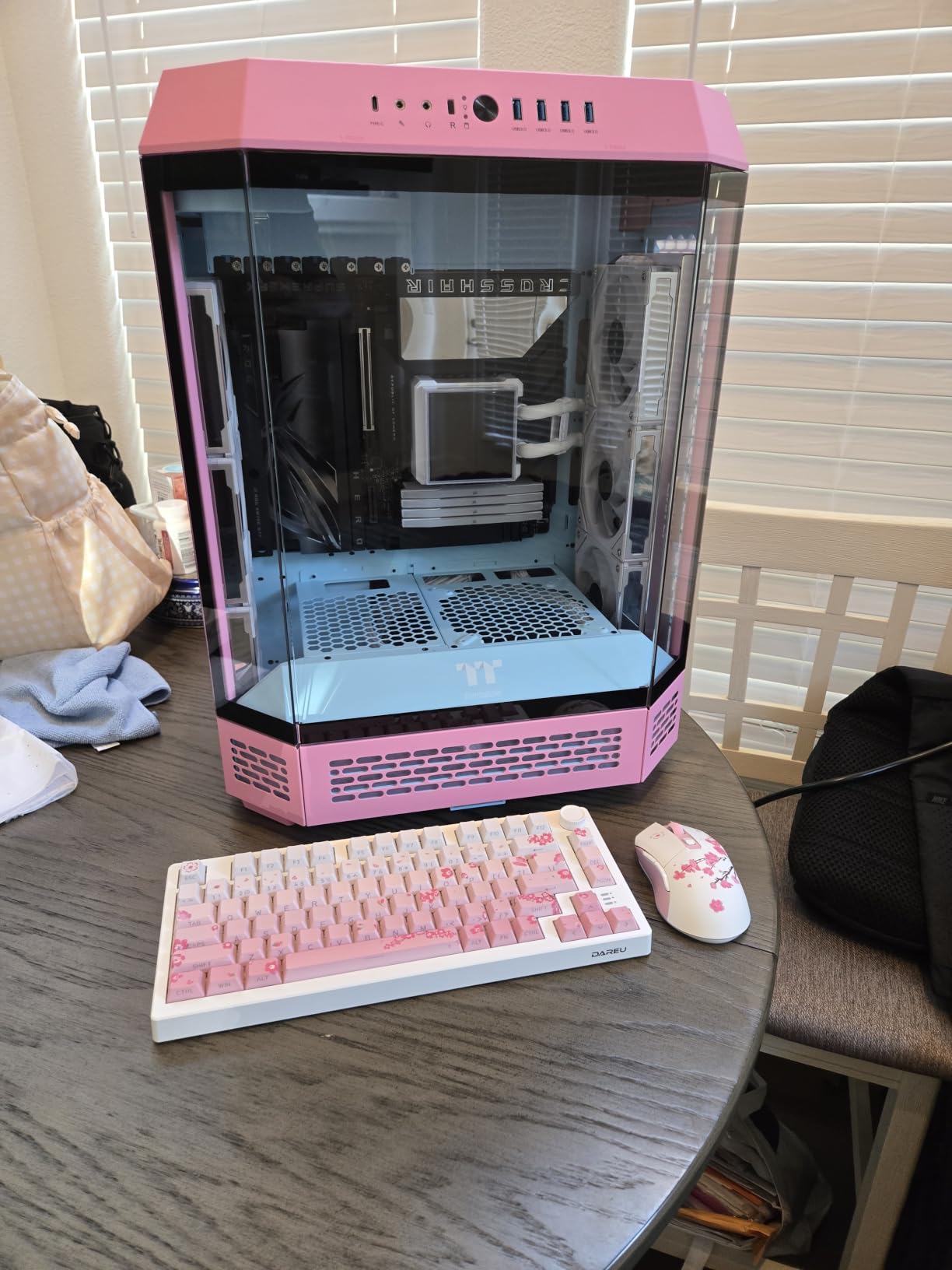
It also supports hidden-connector motherboards including ASUS BTF, MSI Project Zero and Gigabyte Project Stealth, which keeps the front of the case clean on modern boards. Up to nine fans are supported across the chassis, and ATX, micro-ATX and Mini-ITX boards all fit.
The chassis measures 11.28 by 16.54 by 21.65 inches and weighs 21.4 pounds, with a three-year manufacturer warranty. The Hydrangea Blue finish is one of several colorways.
Count your fans and drives before ordering
No fans are included in the base configuration, so a 420mm radiator needs four 140mm fans bought separately before anything is mounted. That is fine if you already know your fan plan, but it turns a one-part decision into a three-part one.
Storage is the sharper constraint: one internal drive bay. If you run more than one SSD and a hard drive, plan an external or network solution. Three glass panels also mean less dust protection and more noise transmission than a mesh panel, and the glass shows fingerprints and scratches readily.
Who should skip this case
Skip it if you need storage, quiet operation or easy access to a hard drive. The single bay and the glass-heavy construction work against all three. It is also not a good fit for a builder who wants the case to disappear into a corner, since the shape is deliberately unusual.
For a quiet machine, an airflow-focused chassis with mesh panels will always win, regardless of how good the view looks.
10. NZXT H9 Flow RGB – Best Dual-Chamber RGB Ecosystem Pick
- Fits a 420mm radiator at the top and front-right
- Dual chamber separates the PSU and drives
- Extra-wide cable channels with built-in Velcro straps
- Pre-installed F420 RGB Core fan unit
- Back-connect ready for ASUS BTF and MSI Project Zero
- Only two fans included against a ten-fan capacity
- Rubber feet can peel off
- Front glass panel is stiff to pop off
- Limited dust filtration
The H9 Flow RGB fits a 420mm radiator in the top and the front-right positions, which means a dual-radiator custom loop is realistic in a mid-tower rather than only in a super tower. Owners report that a 420mm AIO such as the Arctic Liquid Freezer III Pro 420 installs with no clearance issues, and a 420mm custom radiator in the same slot follows the same path.
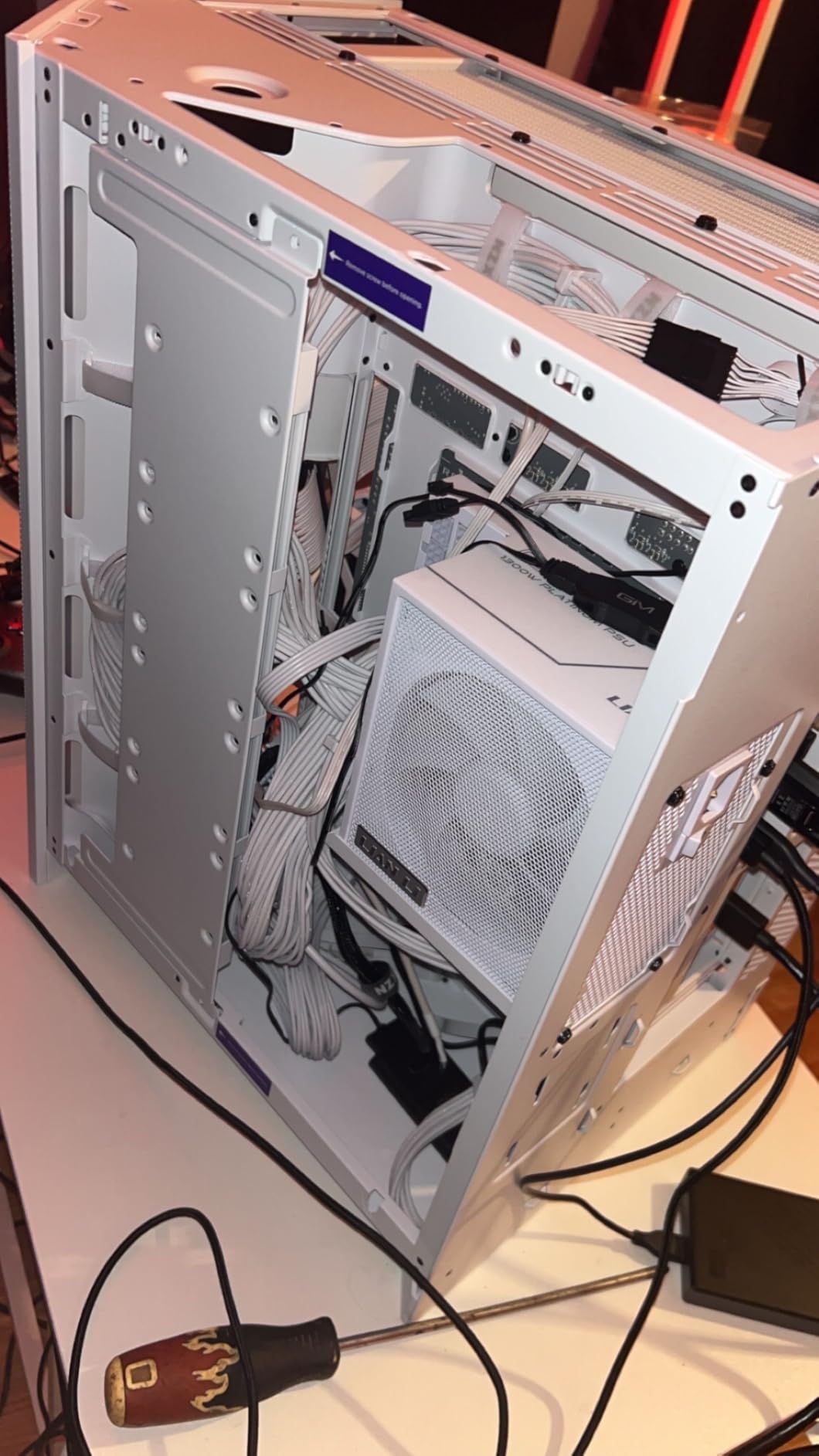
The dual-chamber design separates the power supply and drives from the main components, which improves thermals and gives you a proper cable space. Extra-wide channels, built-in Velcro straps and a rear swinging door make routing fast, and the wraparound tempered glass gives a clean, premium look without a visible frame crossing the view.
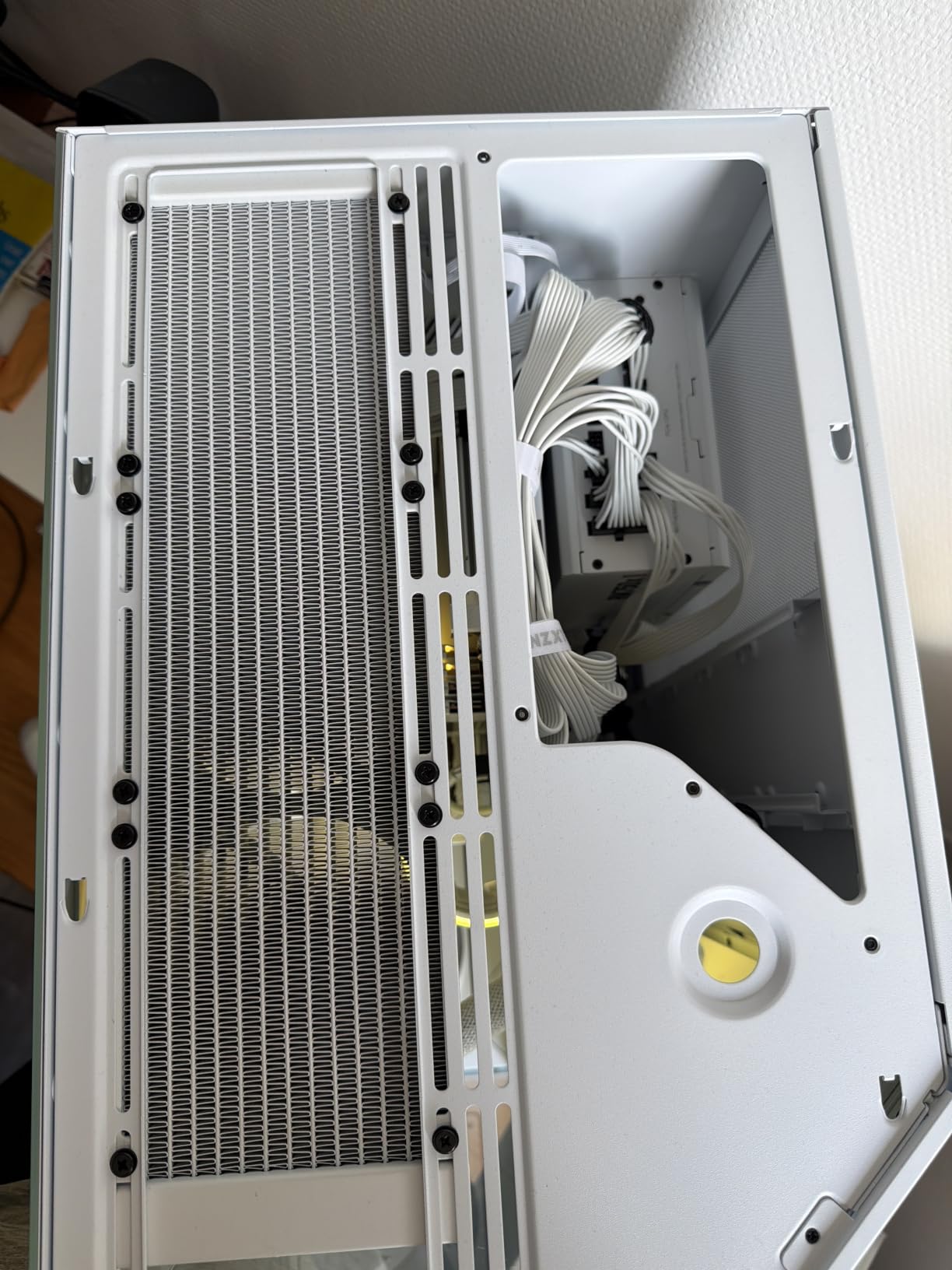
Pre-installed hardware includes one F420 RGB Core single-frame fan unit at the front-right and one F120Q fan at the rear. The fan capacity is ten, with room for nine 140mm plus one 120mm at the rear, so the included fans are a starting point rather than a finished airflow solution. The RGB unit pairs with a NZXT hub or a standard RGB header.
It is back-connect ready for ASUS BTF and MSI Project Zero motherboards, and supports ATX boards, standard graphics cards and standard power supplies. Reported thermals are strong, with several users citing specific CPU and GPU temperatures under sustained load.
Plan to add fans, because two is not a full airflow solution
The gap between two included fans and a ten-fan capacity is the most common complaint in the reviews. If you are running a 420mm radiator in the top position, that alone wants four 140mm fans, and the front-right position wants the same again. Treat the bundled fans as two of the twelve you will need for a dual-radiator loop.
Also check the small things. The rubber feet can peel off, the front glass panel is stiff to remove the first few times, and dust filtration is limited to a bottom and a side filter. The case is large and heavy, so confirm it fits the space where it will live.
Who should skip this case
Skip it if you are on a strict budget for fans or want the tightest cable management with mesh panels and heavy filtration. It is also the wrong case for a Mini-ITX build, where the volume goes unused.
If you already run the NZXT RGB ecosystem, this is the easiest case to make look coherent. If you do not, the lighting advantage is smaller than the price gap implies.
How to Choose a PC Case for Water Cooling Without Guessing on Fit?
Water cooling fails quietly. Nothing breaks, no alarm goes off, and the loop simply runs warmer than the specs promised because the radiator is thinner than the mount allows or the fans are fighting the wrong direction. Here is the framework we used to judge all ten cases.
Match radiator size to heat load, not to case size
Radiator size naming is arithmetic. Two 120mm fans side by side make a 240mm radiator, three make a 280mm, and four make a 360mm. A 420mm is three 140mm fans, and a 480mm is four 120mm fans in a wider frame. Once you know that the number tells you fan count, sizing stops being guesswork.
For heat load, the sizing heuristic that circulates in the TechPowerUp and r/watercooling communities is five 120mm or four 140mm of radiator surface for a single component, whether that is a CPU or a GPU. Add a second component and you need meaningfully more. That is why the cases with two 360mm positions or a 420mm mount exist.
Bigger is better only within a range. A radiator far larger than the heat load runs its fans at very low RPM, which is quiet and effective. A radiator just big enough has to spin fast to keep up, and that is where the noise comes from.
Verify radiator thickness before you buy anything
This is the failure mode that shows up over and over in water cooling threads, and it is the reason we put thickness ahead of size everywhere in this guide. A case advertising 360mm support is telling you the mount is 360mm wide. It is not telling you how deep the radiator can be.
Core thickness, total thickness including fans, and the mounting screw pattern are three different measurements. A mount rated for a 30mm rad will not take a 52mm rad plus 25mm fans. The HYTE Y70 in this list publishes 125mm and 68mm limits for its side and top mounts; the Geometric Future M5 publishes none. That single comparison tells you which case to verify before checkout.
The Tom’s Hardware radiator guide puts it plainly: measure the dimensions of your case before you do a single purchase. The fit-verification checklist is short. Confirm the max radiator width per mount, confirm the max radiator thickness per mount, confirm the radiator plus fan stack clears the motherboard and RAM, and confirm the reservoir and pump have a mounting surface. If a manufacturer does not publish a thickness figure, ask them before you order.
Decide between an AIO and a custom loop first
An AIO is a sealed cooler with a pump, block and radiator in one unit. It installs in about twenty minutes, carries a manufacturer warranty, and constrains you to whatever the cooler was designed to do. A custom loop lets you block the CPU and the GPU, run a visible reservoir and hard tubing, and service the loop yourself. It also takes a weekend, a leak test, and a parts budget that the Tom’s Hardware guide put in the several-hundred-dollar range for a bare-minimum complete loop.
That loop cost is real and it is separate from the case. Once you add blocks, a pump, a reservoir, fittings, tubing and coolant, a modest loop runs several hundred dollars before you have bought a single radiator or fan. Buyers who do not budget for it often abandon the loop partway through.
Cases fall into two groups on this axis. AIO-friendly cases take one 360mm at the top, ship fans, and need no extra planning. True custom-loop cases offer multiple mounts, pre-drilled pump and reservoir holes, a separate cable chamber, and enough internal volume for slack in the tubing. The ASUS TUF GT501 and the Antec Flux Pro are firmly in the second group.
Know what to avoid before you fall for the styling
A documented complaint in the water cooling community is worth repeating here: cases marketed as premium that support only a single 360mm radiator. They look the part, they photograph beautifully, and they are a poor foundation for a loop the moment you want a GPU block. Check the mount count before the panel design.
Other things that cause regret: cases with no published radiator thickness, cases that arrive with no fans at all, and glass-heavy designs you plan to run in a quiet build. A loop already produces more sound than an air-cooled tower, so acoustic panels are not a luxury in a glass case.
One more practical note. If you are building a water-cooled system that will run unattended, think about what happens when a fitting weeps. Leak protection and automatic shutoff are worth researching separately; our guide to smart water shutoff valves for leak protection covers that hardware side in detail.
Frequently Asked Questions
What are some good PC cases for water cooling?
The strongest all-round options are the ASUS TUF Gaming GT501 for a full dual-radiator custom loop with pre-drilled pump and reservoir mounts, the CORSAIR 4000D RS ARGB Frame for airflow and modular routing, the HYTE Y70 for panoramic dual-chamber styling, and the Antec Flux Pro for a 420mm plus 360mm pairing. Each solves a different problem, so pick by the loop you actually plan to build.
What is the best case for water cooling?
The ASUS TUF Gaming GT501 is the best overall case for water cooling because it supports a 360mm radiator at the top or the front plus a 140mm at the rear, and it includes pre-drilled pump and reservoir mounting holes. It also takes E-ATX motherboards and 420mm graphics cards, so a full custom loop fits without a redesign.
Is a custom water loop worth it?
A custom loop is worth it if you want to water cool both the CPU and the GPU, want a visible reservoir and rigid tubing, and enjoy servicing the system yourself. It is not worth the time or money if you only need quieter CPU cooling, because a 360mm AIO delivers most of the thermal benefit with a warranty and a twenty minute install. Budget several hundred dollars for loop parts beyond the case.
What is the recommended size radiator for PC water cooling?
For a single high-power CPU, community sizing guidance points to five 120mm or four 140mm of radiator surface, which points at a 360mm to 420mm radiator. Add a GPU water block and you generally want a second 360mm or a 420mm plus 360mm pairing. A 240mm or 280mm radiator is enough for a mid-range CPU with no GPU block.
What is the recommended thickness for a radiator?
Radiator thickness is measured two ways, core depth and total depth including fans, and both matter for fit. A 25 to 27mm slim rad with 25mm fans is the safest choice when a case does not publish a thickness limit. A 38mm or thicker rad performs better at low fan RPM but only fits mounts rated for it, so check the maximum radiator thickness per mount before buying.
Does a bigger radiator mean better cooling?
A bigger radiator lowers the RPM needed to hold a target temperature, which usually means lower noise, so bigger is better within reason. Past the point where the radiator comfortably exceeds the heat load, extra surface adds cost and physical size without a meaningful gain. Matching the radiator to the heat load is better than oversizing it or undersizing it.
Final Verdict on the Best PC Cases for Water Cooling in 2026
The ASUS TUF Gaming GT501 is our pick for the best PC cases for water cooling in 2026, because it is the only case here that combines two 360mm mounts, pre-drilled pump and reservoir holes, E-ATX support and enough interior volume to route a proper loop without cramming. If your build is a full custom system, that combination is worth more than any styling cue.
The rest route by build type. Take the CORSAIR 4000D RS ARGB Frame for the best airflow and the lowest cost of entry into a proper loop. Take the HYTE Y70 if the loop is meant to be seen, and its 125mm side mount is the most forgiving radiator position we found. Take the Antec Flux Pro when you need a 420mm and a 360mm at the same time, and the Thermaltake Tower 600 if you want 420mm capacity in a mid-tower with glass on three sides.
Before you order anything, answer one question: AIO or custom loop, and what size radiators? Pick the case whose published thickness limits match the radiator you intend to buy, measure the space where the case will actually sit, and only then start tuning the loop.
Building something smaller and tighter? Our Raspberry Pi case guide covers compact cooling the same fit-first way.