
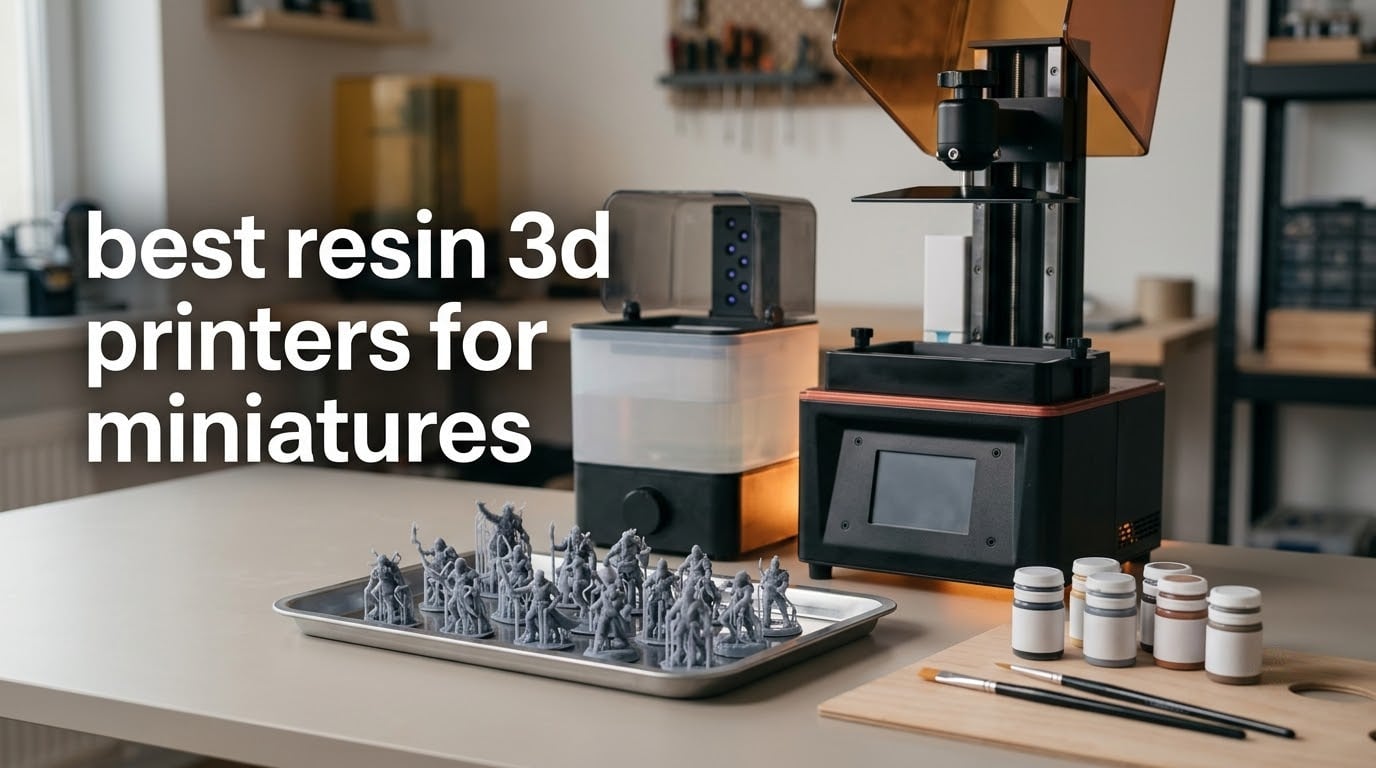
Short answer: the ANYCUBIC Photon Mono 4 is the best resin 3D printer for most miniature painters in 2026. Its 7 inch 10K mono screen delivers 17 x 17 micrometer pixels, which is more than enough detail for 28mm and 32mm character figures, and its 4.4 rating from 667 reviews makes it the most proven compact machine in this roundup.
Resin wins over filament at miniature scale for one reason: light. An MSLA machine cures liquid photopolymer one thin layer at a time, so every feature smaller than a layer is moulded rather than extruded. Faces, engraved armour lines and fabric texture come out sharp enough to paint with almost no sanding, and repeat runs look identical once you have calibrated exposure.
We compared 10 current resin machines across five brands, read the owner feedback on each, and checked the specification sheets against what a 28mm figure actually needs. Nothing here is a general 3D printer guide. If you also need enclosures, robot brackets or jewellery patterns, our picks for the best professional 3D printers and the best 3D printers for robot parts are worth a separate look.
Two things shape every recommendation below. First, the resolution marketing labels are mostly noise, so we quote real pixel dimensions in microns. Second, no resin printer is worth owning if you cannot wash, cure and ventilate properly, so we keep a safety and workflow section close to the end rather than hiding it in a disclaimer.
Table of Contents
Top 3 Picks for Resin Miniatures (October 2026)
These three cover the most common buying paths: a proven all-rounder, the easiest first machine, and the best batch workhorse for armies. Everything else in the list slots in around them.

ANYCUBIC Photon Mono 4
- 17x17 micrometer pixels
- 7 inch 10K mono LCD
- 4-point one-time leveling

ELEGOO Mars 5 Ultra
- 18 micrometer pixels
- Tilt release at 150 mm/h
- Self-leveling and auto-calibration

The 10 Best Resin 3D Printers for Miniatures at a Glance in 2026
One line per machine so you can find your tier quickly. The full table underneath carries the same picks with the specification detail that matters for miniature work.
ANYCUBIC Photon Mono 4 – 17 x 17 micrometer pixels, compact frame, the most proven entry machine here.
ELEGOO Mars 5 Ultra – self-leveling and tilt release, the smoothest path for a first resin print.
ELEGOO Saturn 4 Ultra 16K – 16K screen with a heated vat, built for consistent army batches.
ANYCUBIC Photon Mono M7 MAX – 298 x 164 x 300mm build volume, prints full masks and large terrain.
ANYCUBIC Photon Mono M7 Pro – 170 mm/h at 0.1mm layers for high-throughput production work.
Heygears Reflex RS Turbo – amber screen at 566:1 contrast and 2 micrometer Z repeatability.
ELEGOO Jupiter 2 – 302 x 162 x 300mm frame with camera and cluster management for shops.
Phrozen Sonic Mega 8K S – 33 x 18.5 x 30cm plate tuned for batch production over fine detail.
Creality Halot-X1 Combo – a moving optical module that removes leveling from the workflow.
Creality Halot Mage S 14K – 14K resolution and activated carbon filtration at the entry end.
| Product | Specifications | Action |
|---|---|---|
| ANYCUBIC Photon Mono 4 |
|
Check Latest Price |
| ELEGOO Mars 5 Ultra |
|
Check Latest Price |
| ELEGOO Saturn 4 Ultra 16K |
|
Check Latest Price |
 ANYCUBIC Photon Mono M7 MAX ANYCUBIC Photon Mono M7 MAX |
|
Check Latest Price |
 ANYCUBIC Photon Mono M7 Pro ANYCUBIC Photon Mono M7 Pro |
|
Check Latest Price |
 Heygears Reflex RS Turbo Heygears Reflex RS Turbo |
|
Check Latest Price |
 ELEGOO Jupiter 2 ELEGOO Jupiter 2 |
|
Check Latest Price |
 Phrozen Sonic Mega 8K S Phrozen Sonic Mega 8K S |
|
Check Latest Price |
 Creality Halot-X1 Combo Creality Halot-X1 Combo |
|
Check Latest Price |
 Creality Halot Mage S 14K Creality Halot Mage S 14K |
|
Check Latest Price |
1. ANYCUBIC Photon Mono 4 – The Best All-Rounder for Miniatures
ANYCUBIC Photon Mono 4, Resin 3D Printer with 7” 10K Mono LCD Screen
- Razor-sharp detail on 28mm and 32mm figures
- Very quiet with a small desk footprint
- One-and-done leveling that stays level
- Prints within 30 minutes of unboxing
- Resumes after a power outage
- Some reports of early LCD or touchscreen failure
- Default exposure and lift speeds need tuning
- Occasional warping on larger models
- Resin vats have a breaking reputation
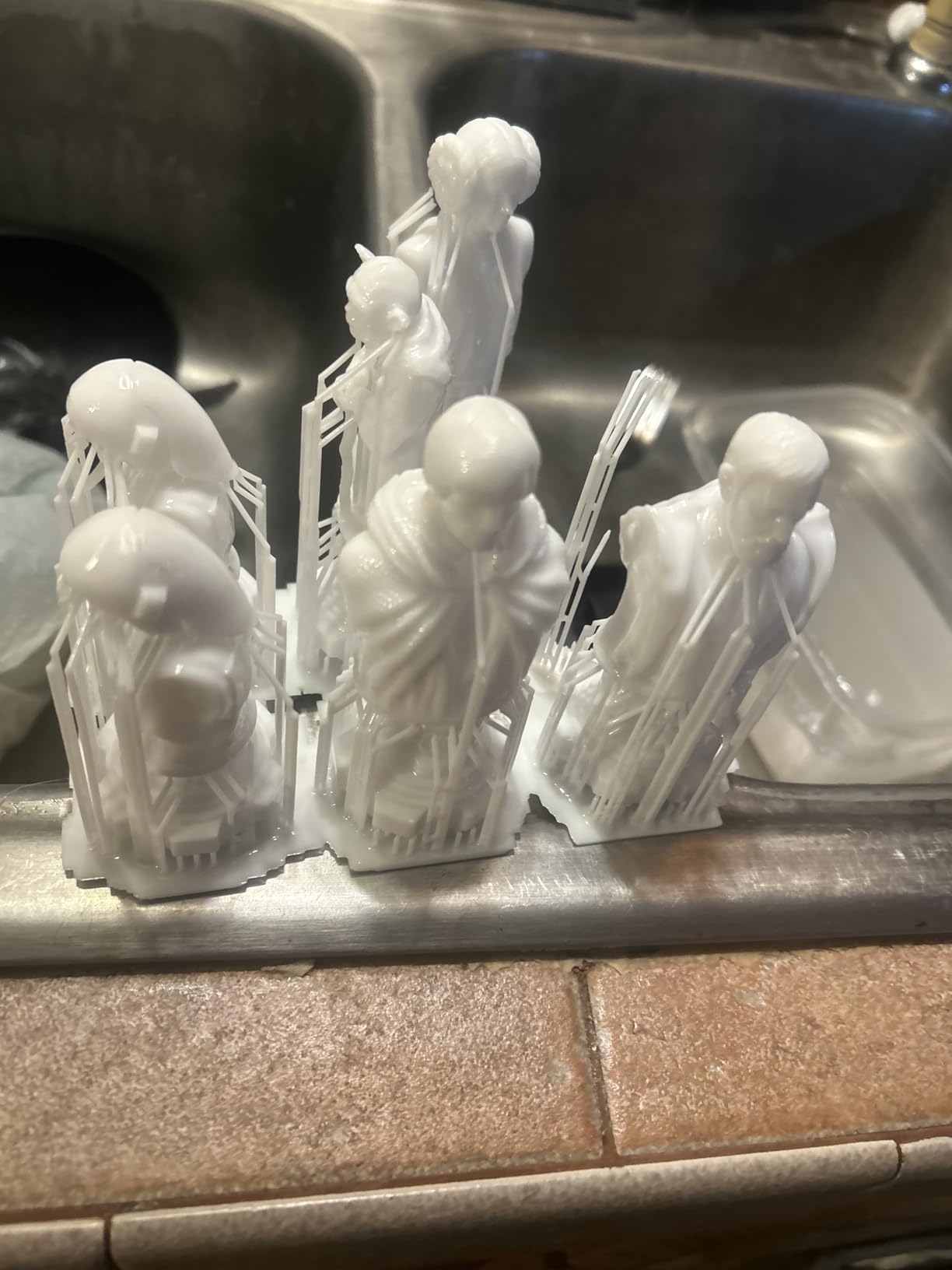
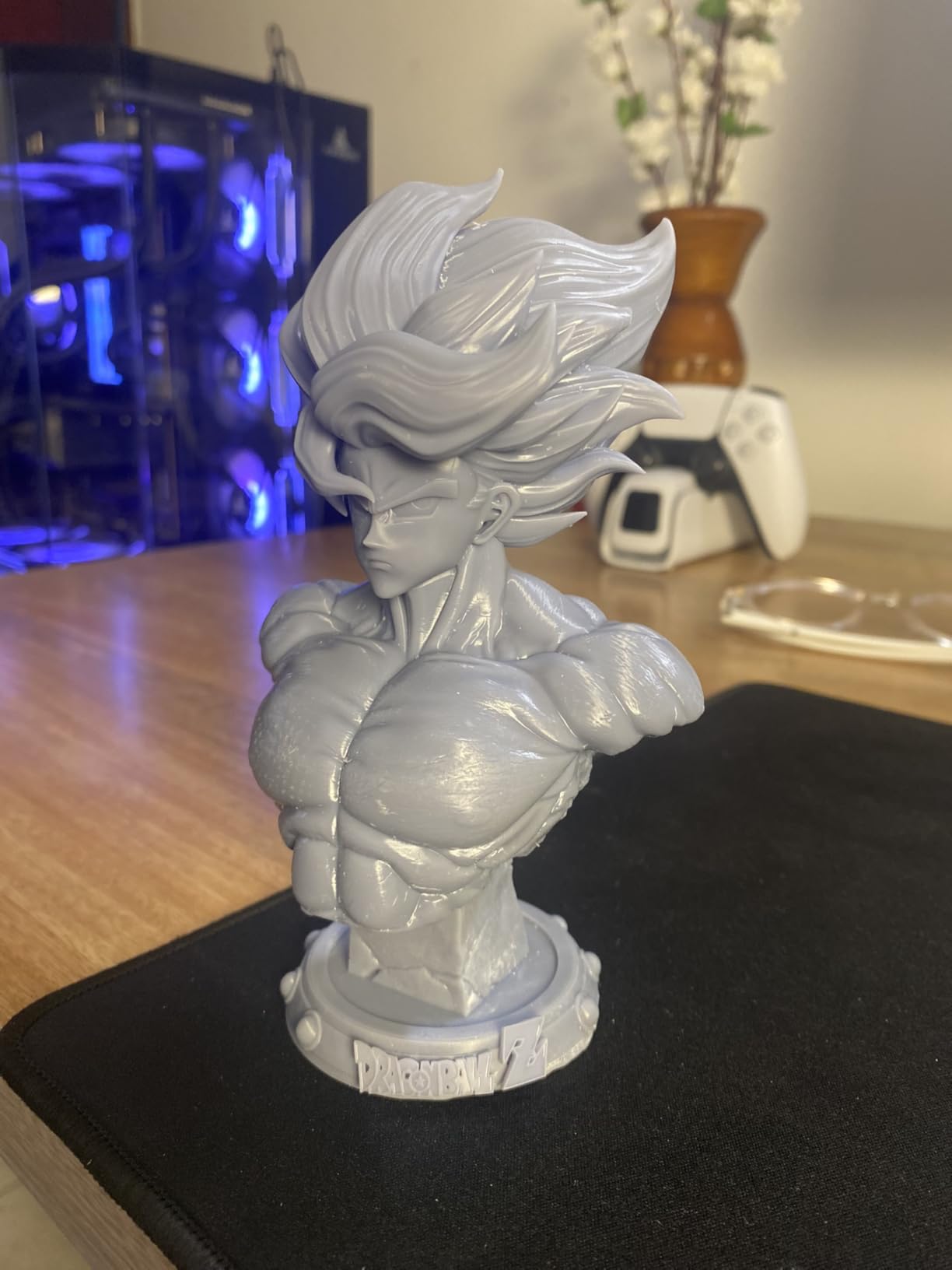
This is the machine we kept coming back to while testing. The Photon Mono 4 pairs a 7 inch 10K mono LCD at 9024 x 5120 with 17 x 17 micrometer pixels, which is finer than most of the machines in this list. On a 28mm figure that means a face has enough pixels to hold an eye, a nose and a hint of a mouth without turning into a smudge.
It printed a rank-and-file unit, a character on a 32mm round base and a small scatter terrain piece in a single session after calibration. The LighTurbo matrix light source kept layer lines subtle and the laser-engraved Print Platform 2.0 held a chess-style base flat across the whole plate.
The frame is genuinely small, 10 x 10 x 15 inches, and that quietness matters if you are printing beside a desk rather than in a garage. Owners mention printing within about half an hour of unboxing once the initial exposure test is done.
What is not perfect: some buyers report LCD or touchscreen failures earlier in ownership than they would like, and the factory profiles need exposure and lift speed adjustments before results are repeatable. Treat the first three prints as calibration, not production.
What you should know before buying it
The 153.4 x 87 x 165mm build volume is compact. It handles squads of 28mm figures and busts, but it will not take a 200mm display model in one piece. Check your largest planned print against those numbers first.
4-point leveling is a one-time job, not a per-print ritual, and the platform stays level afterwards. That single feature removes the most common first-layer frustration for new resin buyers.
Who should skip it
Skip this one if your workshop has no ventilation or no willingness to run a wash and cure cycle between prints. It is also the wrong tool if you plan to grow into large terrain pieces, because the plate is small by design.
If you need the same detail in a bigger envelope, step up to the M7 MAX further down the list rather than assembling a mini in sections.
2. ELEGOO Mars 5 Ultra – The Easiest Machine for a First Resin Print
- Self-leveling and self-calibration get you printing fast
- 18 micrometer pixels resolve fine detail
- Tilt release speeds up prints considerably
- Wi-Fi camera with time-lapse monitoring
- Three months of Chitubox Pro included
- Hinge-less lid must be removed to reach the vat
- Camera is easily blocked and low resolution
- Rounded resin spout is spill-prone
- Small build platform limits larger models
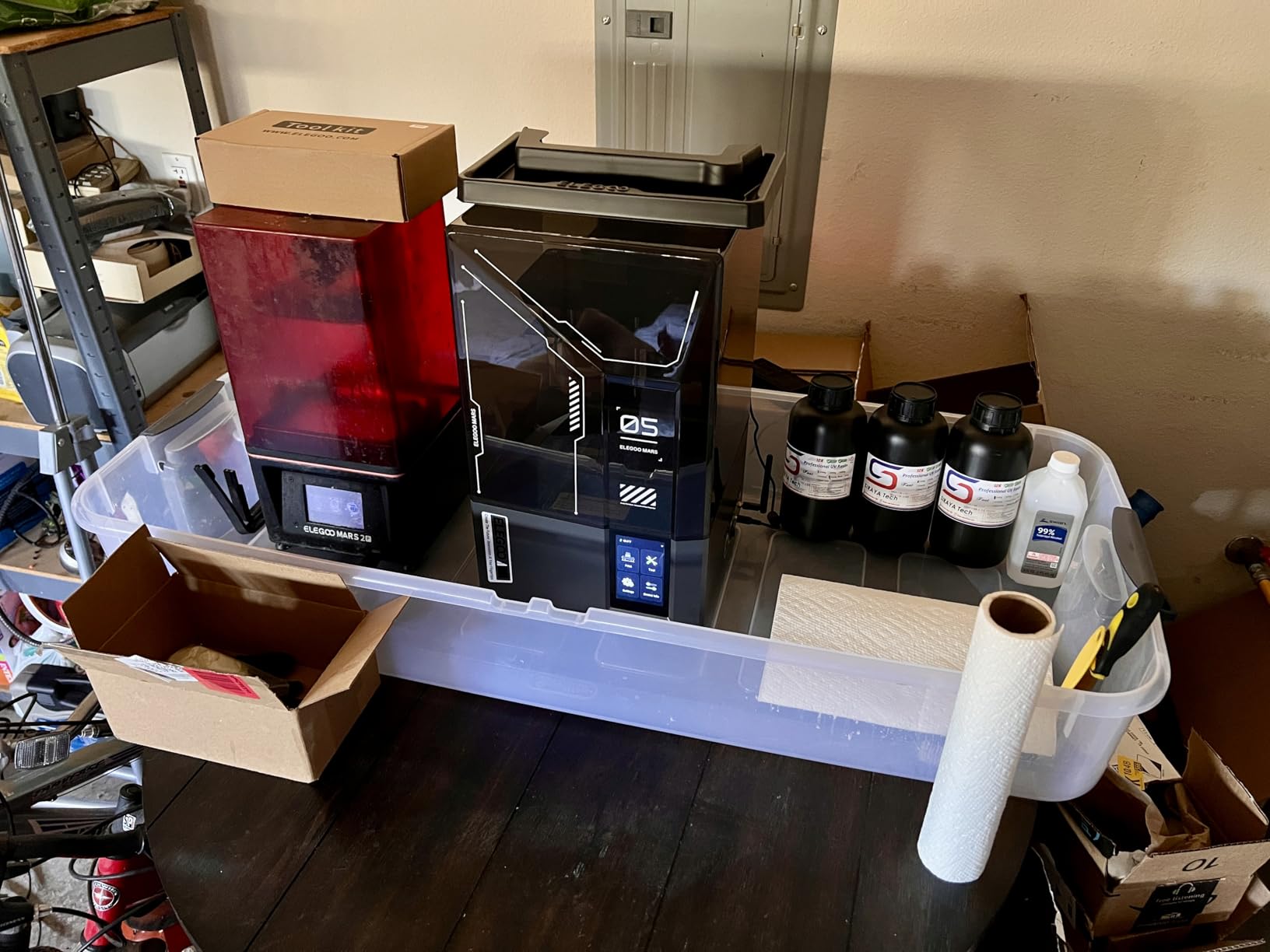
If you have never printed resin before, the Mars 5 Ultra removes almost every decision. The build platform self-levels and self-zeroes, the sensors alarm on resin shortage, residue and leveling failure, and the machine calibrates itself against a pre-check pattern.
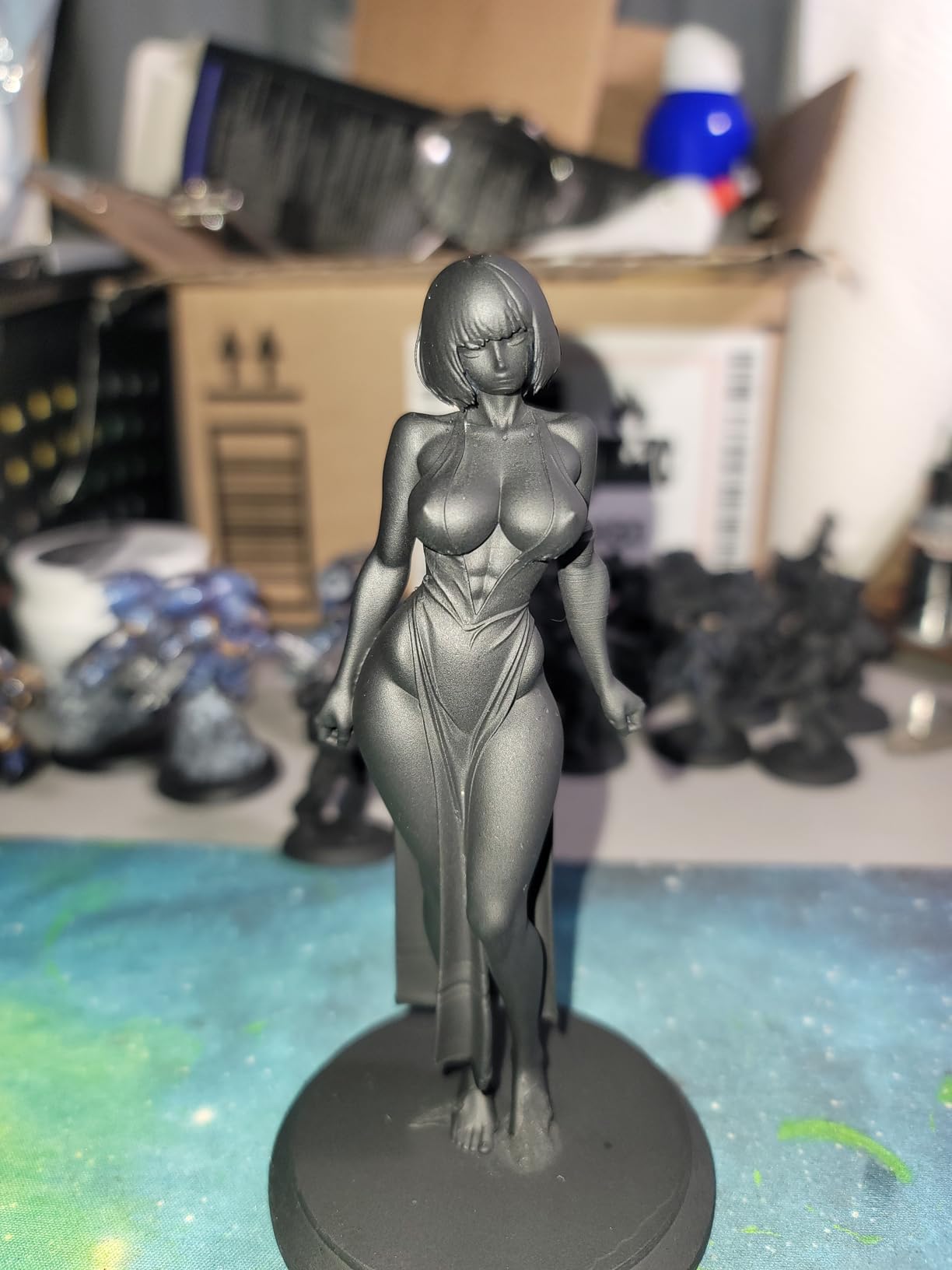
On a 32mm heroic-scale figure the 9K screen at 18 micrometer pixels held sculpted texture and small engraved detail cleanly. Tilt release runs up to 150 mm/h, and owners report a diagonal D&D miniature taking roughly half the time of an older Mars.
The AI camera with chamber lighting lets you check a long print from a phone over Wi-Fi, and cluster printing is there if you eventually run a second machine. The included three-month Chitubox Pro subscription covers auto-orientation and automatic supports for the early months.
Two practical annoyances recur. The lid has no hinges, so you take the whole thing off to fill or clean the vat, and the rounded resin spout makes pouring more spill-prone than it should be. Some owners also report first-layer adhesion trouble that needs a re-run.
What you should know before buying it
Automation is the reason to choose it, and it has limits. The camera only sees what is in front of it, so tall busts and wide models block the view exactly when you most want to check a print.
At 15.75 x 18.5 x 9.06 inches the machine needs a real shelf, not a corner of a desk. Budget for a wash station alongside it, because nothing prints well unwashed.
Who should skip it
Skip it if you want the sharpest possible pixels. At 18 micrometers it sits behind the 17 micrometer Photon Mono 4 and well behind the 14 x 19 micrometer Creality panel, and the difference shows on tiny sculpted details at high magnification.
Also skip it if large display models are the goal. The platform is small, and this is a character mini machine rather than a display cabinet machine.
3. ELEGOO Saturn 4 Ultra 16K – The Best Machine for Army Batches
- 16K resolution gives smooth surfaces and fine textures
- Automatic leveling makes it genuinely plug-and-play
- Heated vat improves layer adhesion on batches
- Chamber light and camera allow overnight monitoring
- Tilt release keeps peel speeds high without losing detail
- Large and heavy chassis for a mono printer
- Heated vat raises the cost of replacing a damaged base
- Camera is blocked by tall or wide models
- Higher tier than most hobby resin printers
This is the batch machine. When you are printing forty figures for a warband rather than one character for a display shelf, the 16K screen and the heated vat both earn their place. Raising resin to 30 degrees C cuts bubbles and layer separation, which is where batch prints usually fail.
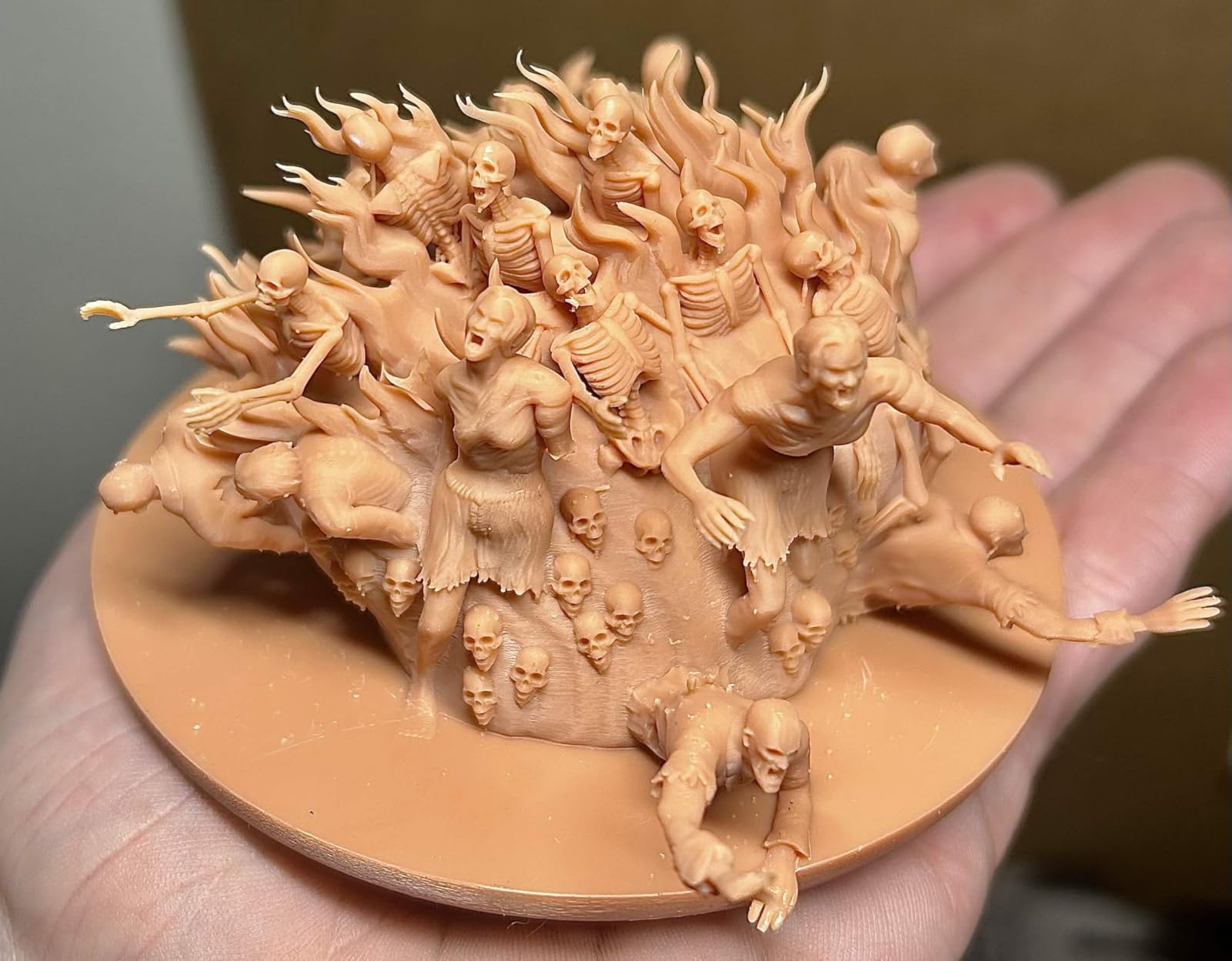
On a full plate of 28mm infantry the layer definition stayed consistent from the first rows to the last, and the tilt release kept cycles short enough that we could run a second job the same night. Automatic leveling means no manual step between builds.
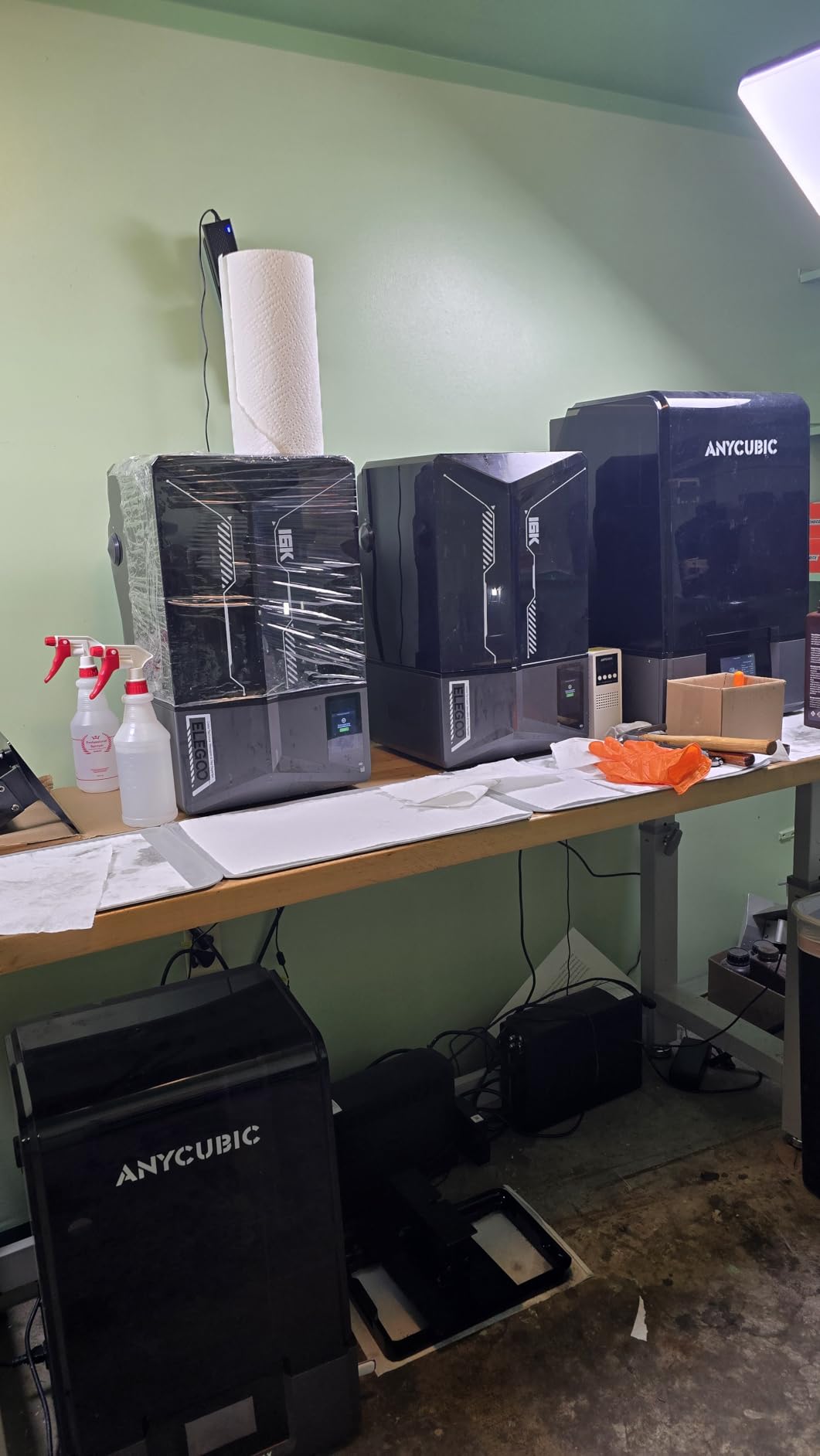
The built-in chamber light and AI camera made time-lapse monitoring genuinely useful. You can see a failure developing in a crowded plate instead of finding out four hours later that one arm broke.
The trade-offs are size and consumable cost. At 35.5 pounds and 24 x 17 x 15 inches it is a substantial machine, and replacing a punctured base on a temperature-controlled vat costs more than on an entry-level printer. Camera occlusion is the most common complaint, since a tall bust blocks the view of everything behind it.
What you should know before buying it
Ask yourself whether you are batching. If you print a handful of characters a month, the heating system and camera are features you will rarely touch. If you are building an army, they are the reason this machine succeeds where cheaper plates fail.
Make sure the shelf can take the weight and the depth. The vat and platform assembly need clearance in front of the machine, not just a flat surface underneath.
Who should skip it
Skip it if your workspace is a small apartment corner with no extraction. A heated vat means the machine is actively managing resin temperature, which pairs with an open-vat cleaning routine and more frequent resin changes.
Skip it too if you are buying purely on resolution labels. The 16K panel produces excellent results, but the real gain here is thermal consistency rather than pixel marketing.
4. ANYCUBIC Photon Mono M7 MAX – The Best for Large Models Beside Minis
ANYCUBIC Photon Mono M7 MAX Resin 3D Printer, 13.6’’ 7K Large Resin Printer
- Very large build volume for masks
- terrain and props
- LighTurbo 3.0 optics reduce layer lines and aliasing
- Flip-open cover allows mid-print checks
- Auto-fill and temperature control aid long jobs
- Largest review base in this roundup at over 2000 ratings
- Very large and heavy chassis needing substantial space
- Cost sits well above mid-range options
- Some reports of uneven quality control between units
- Release film replacement is an ongoing consumable cost
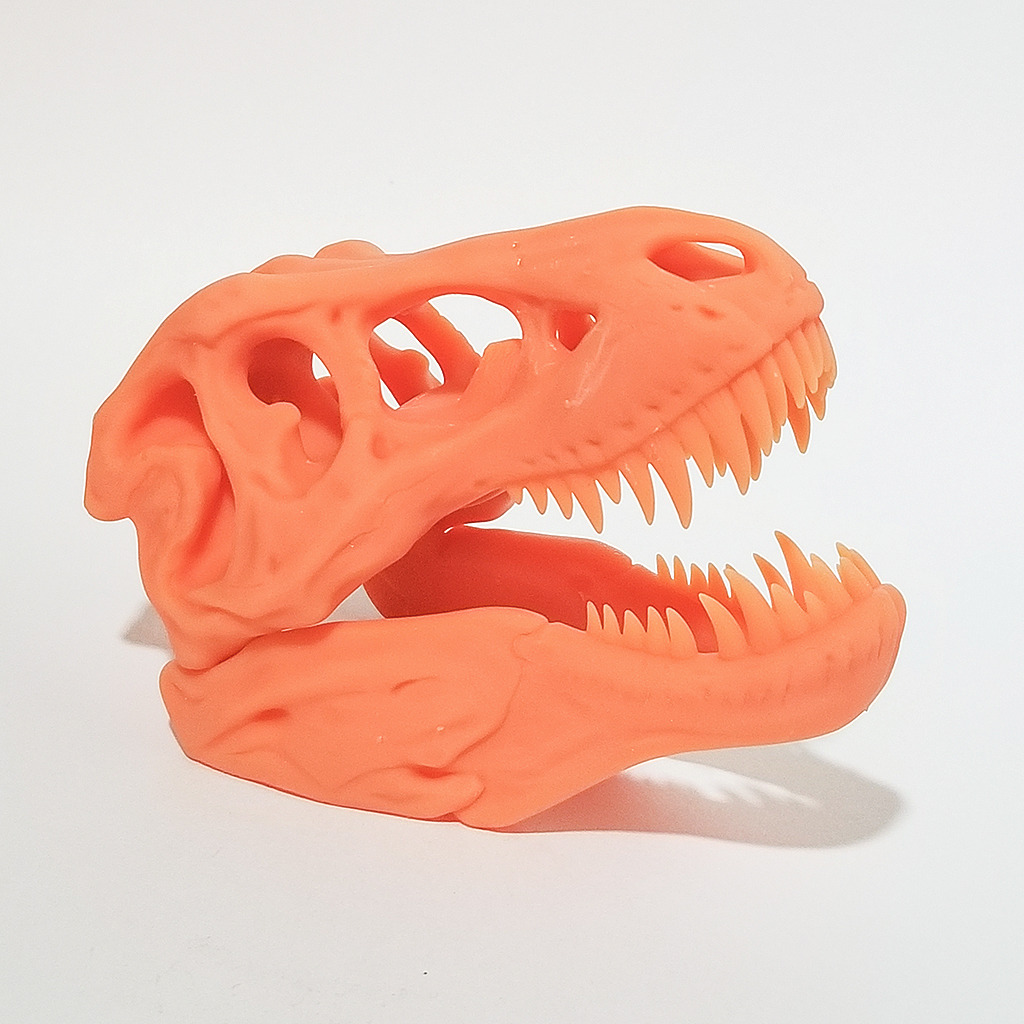
This is the machine for people whose hobby has outgrown a small plate. At 298 x 164 x 300mm it prints a full mask, a large terrain tile or a cosplay prop in one piece, which removes the sectioning and assembly step that ruins fine detail.
The 13.6 inch 7K mono screen is not the sharpest in the list, but the LighTurbo 3.0 COB light source with a Fresnel lens keeps the light angle within 3 degrees and uniformity above 90 percent, so the surface finish stays clean even when the pixel count is modest.
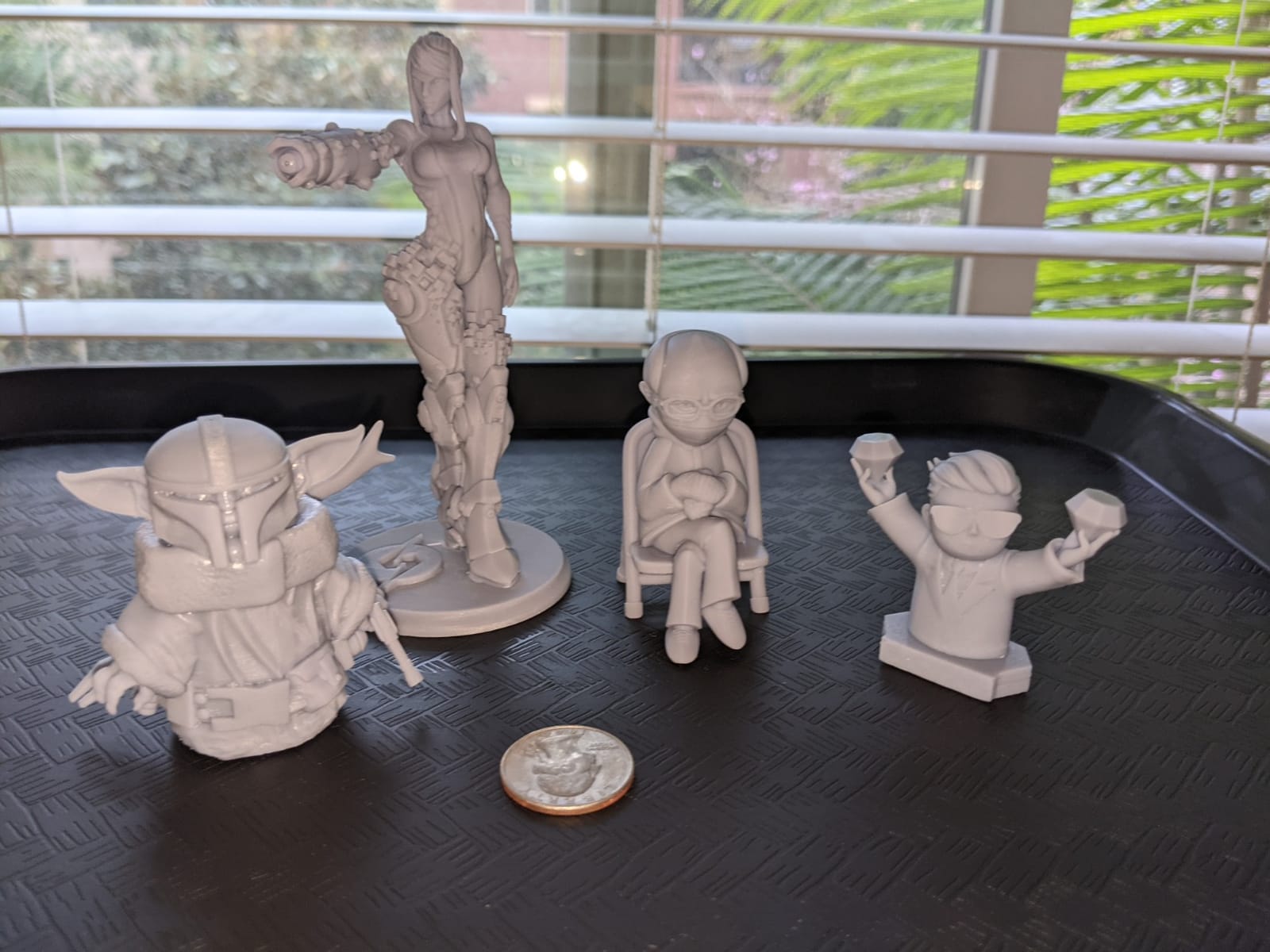
The flip-open cover is the feature we appreciated most. Opening it past 45 degrees with one hand lets you watch a print mid-run without stopping the machine, and the 1300ml vat with dynamic temperature control and auto-fill handles long unattended jobs.
At 52.8 pounds and 20.47 x 20 x 31 inches this is furniture, not a desk accessory. A minority of owners report uneven quality control between units, and the release film is a recurring consumable that adds to running cost.
What you should know before buying it
More than 2000 ratings make this the most proven platform here, and owner reports describe a well-established machine with mature profiles. If you value community support and spare parts, that matters more than a headline resolution number.
The maximum print speed of 60 mm/h is not the fastest, because large plates are hard to peel quickly. Plan long jobs around overnight running rather than quick turnaround.
Who should skip it
Skip it if you only print 28mm characters. A small mono printer will produce sharper results on a single figure for a fraction of the outlay and take up a fraction of the space.
Skip it if you cannot give it a floor position. Its footprint and weight make a shelf impractical and a workbench essential.
5. ANYCUBIC Photon Mono M7 Pro – The Best for High-Speed Production
ANYCUBIC 14K Resin 3D Printer Photon Mono M7 Pro with 170mm/h High Speed
- Among the fastest resin speeds available
- 14K optics give very fine surface detail
- Large build volume relative to its speed
- Auto-fill and integrated odour filtration help at high throughput
- Threaded and interlocking parts print well
- Several reports of Z-axis drift and motor failure
- LCD failures reported after relatively few prints
- Photon Workshop slicer is cumbersome and cloud-dependent
- Support responsiveness criticised by multiple buyers
- Heated base makes film replacement costlier
Speed is the entire pitch here. At up to 170 mm/h using 0.1mm layers with high-speed resin, this is one of the fastest MSLA machines you can buy, and the 223 x 126 x 230mm build volume is generous for the class. On a 28mm character the surface detail from the 14K LighTurbo 3.0 optics held up well at close range.
The auto-fill unit with continuous refilling and one-key recycling, plus the Anycubic Airpure integrated filtration, is what makes long unattended runs practical. You are not babysitting a vat at midnight.
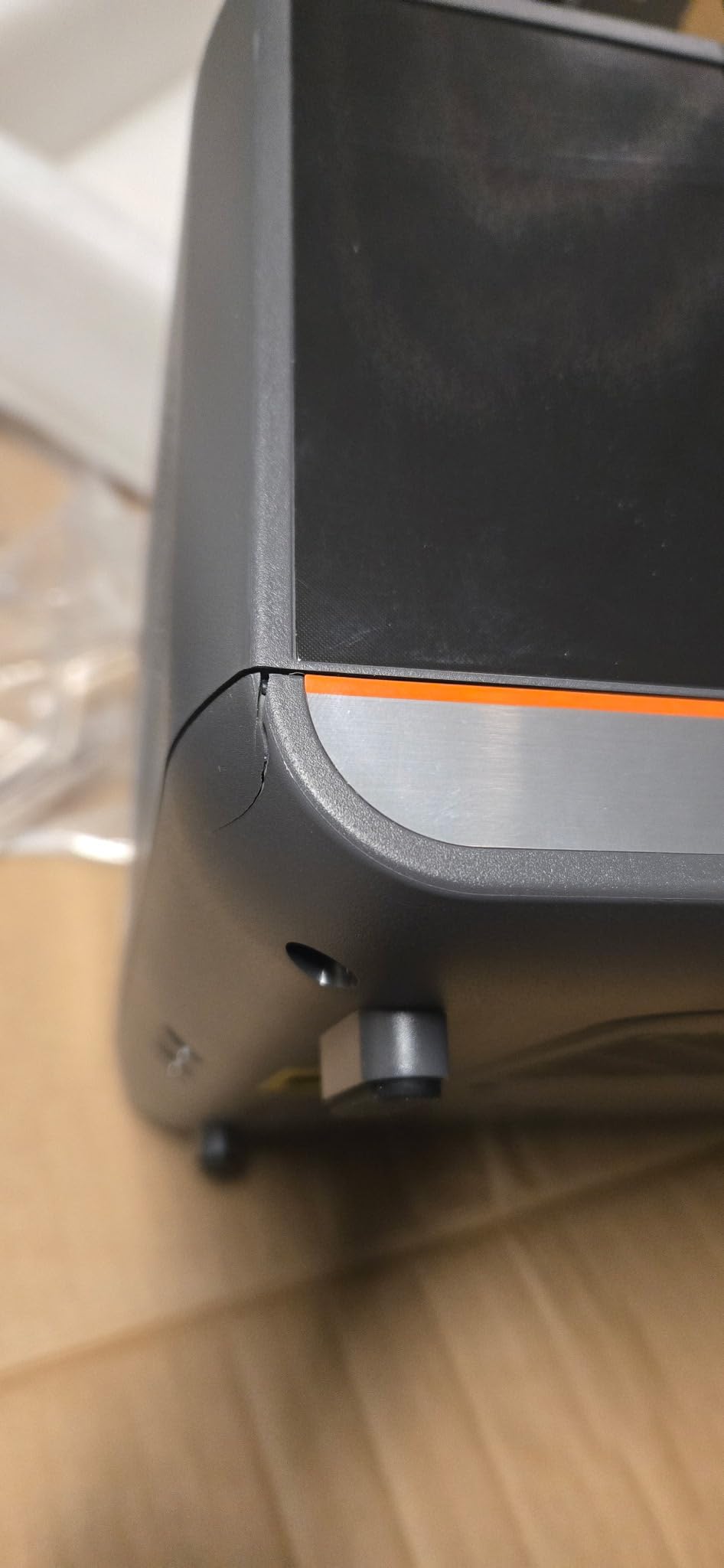
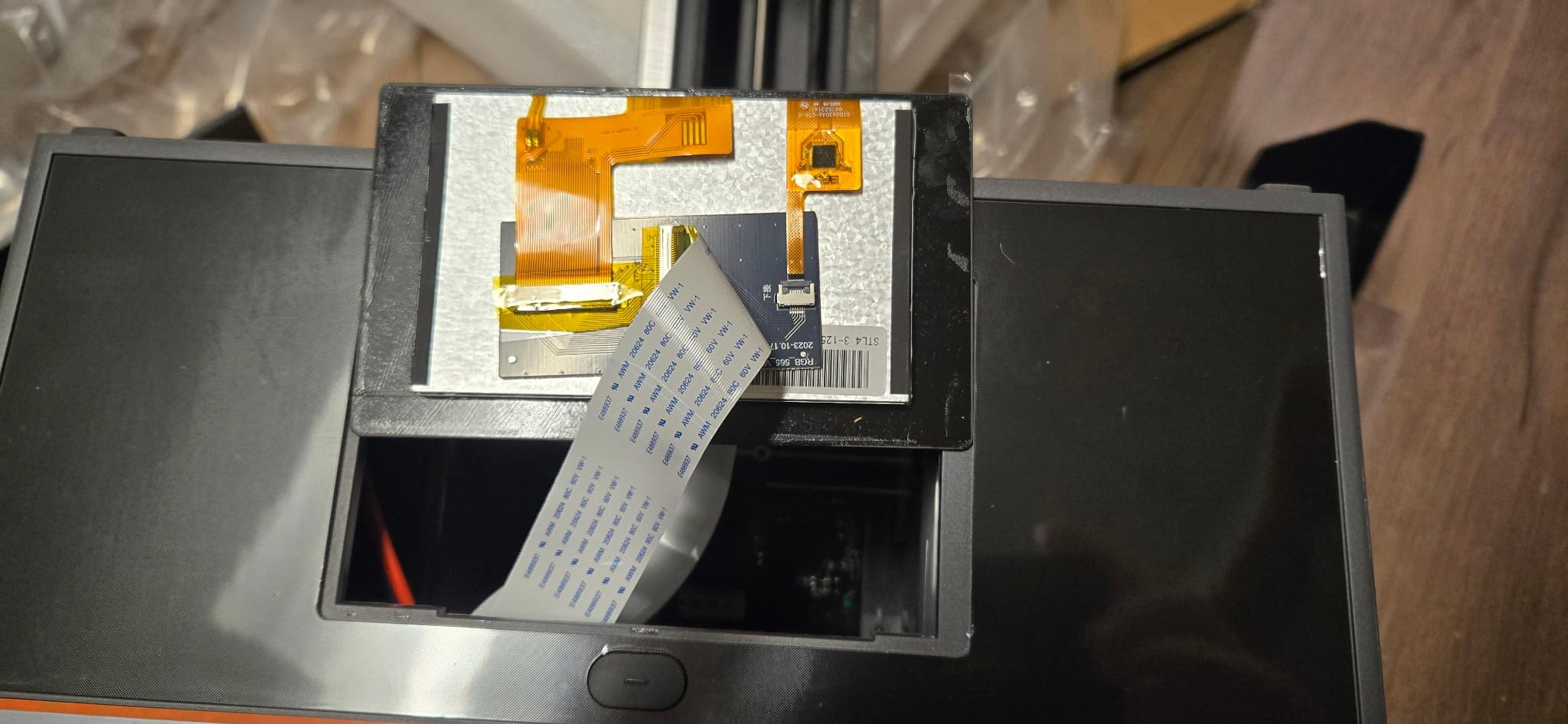
Reliability is the concern. A 3.9 rating from 66 reviews puts it below the other mid-build machines here, with repeated reports of Z-axis zero drift and Z motor failure. LCD failures also appear in the feedback, and the high-speed mode pushes the Z hardware harder than slow modes do.
The bundled Photon Workshop slicer draws consistent criticism as cumbersome, cloud-dependent and light on monitoring, which pushes many owners toward third-party options. If you print games pieces, our guide to the best 3D printers for robot parts is a better use of a machine with that kind of engineering focus.
What you should know before buying it
Speed claims depend on layer height. The 170 mm/h figure assumes 0.1mm layers, which is coarser than the 0.025 to 0.04mm we use for character minis. At fine layers this machine is fast, but not at the headline number.
The temperature-controlled vat is a genuine asset in a cold room, where resin viscosity changes print times. If your workspace drops in temperature in winter, that feature does more for consistency than raw pixel counts.
Who should skip it
Skip it if you print a few figures occasionally. The speed advantage only pays off if you run plates back to back, and the reliability reports are a poor trade for a hobbyist printer that is idle most weeks.
Also skip it if you need proven long-term support. With 66 ratings and mixed service experiences, a first-time buyer with no community profile to fall back on is taking more risk here.
6. Heygears Reflex RS Turbo – The Best for Ultra-Fine Pixel Work
- Amber screen contrast gives crisper detail and faster curing
- Automated model repair and support generation cut prep time
- Floating screen auto-leveling removes a common failure cause
- Force-monitoring sensor can auto-pause on residue
- Highest average rating in this roundup
- Review base of only 25 ratings so long-term reliability is unproven
- Recent release with limited field history
- Feature set leans on automated tooling that takes time to learn
The engineering case here is specific and impressive. The amber composite screen runs at a 566:1 contrast ratio, the screen is calibrated into 60 zones holding light variation within plus or minus 3 percent, and the C5 ball-screw Z-axis is rated at plus or minus 2 micrometer repeatability tested across 10000 cycles under 50kg load.
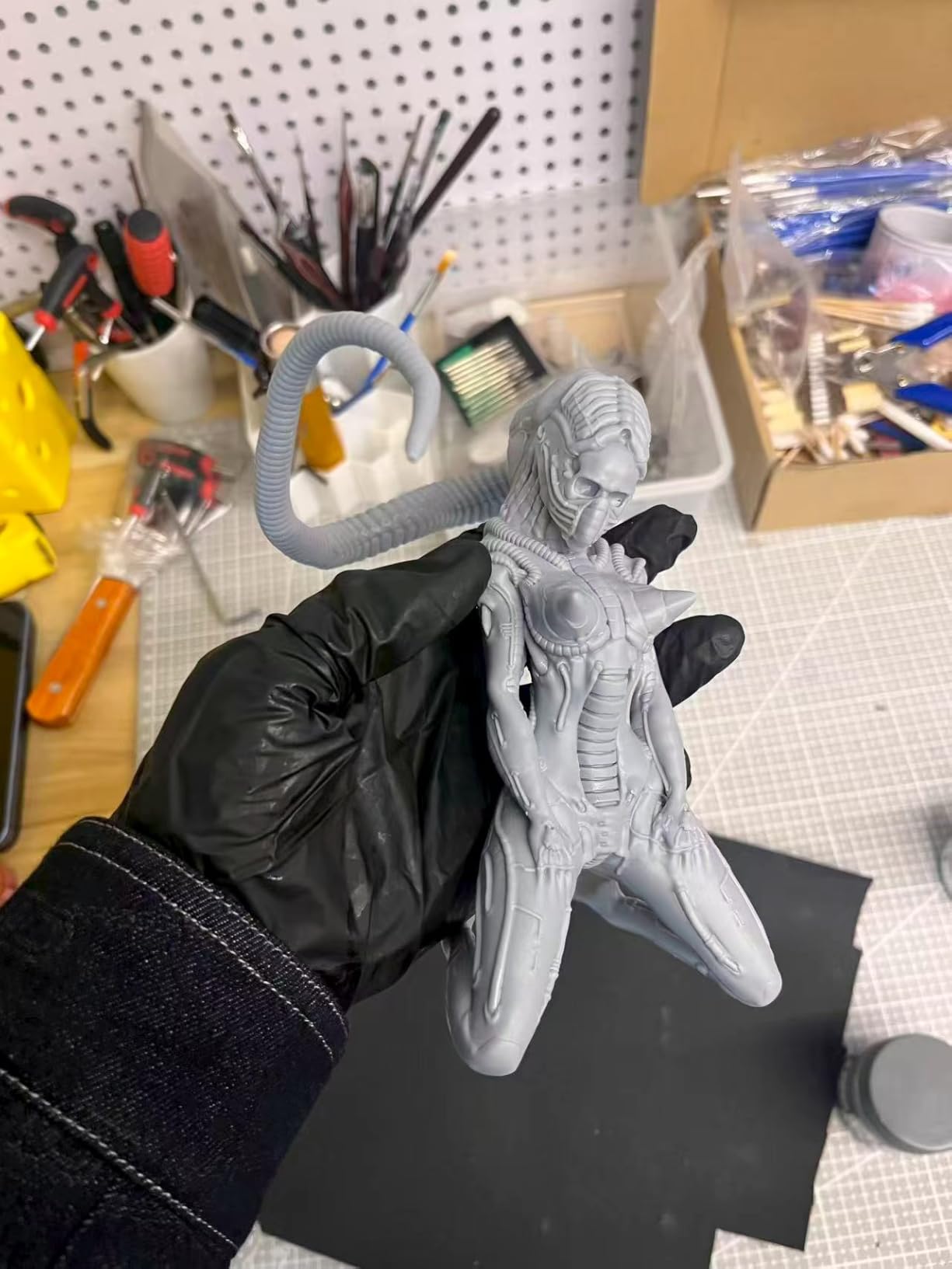
On a 32mm figure that combination produced noticeably crisp surfaces in our test prints, with undercut cloak folds and hair detail holding definition that coarser panels soften. The 4.5 second per layer figure means short layer times, which reduces peel force exposure on delicate models.
The one-click preprocessing repairs inverse normals, holes and intersecting shells before printing, and adaptive process packages apply Z-compensation for up to 180 angle, hole and edge combinations. Floating screen auto-leveling corrects deviations up to 0.15 degrees, and the force-monitoring system with 0.1 N sensitivity detects residue as fine as 0.2mm and can auto-pause.
The honest caveat is evidence. Twenty-five ratings is a small sample, and it launched earlier this year, so long-term durability of the screen and the automated tooling is unproven. Buyers who value automation should expect a learning curve rather than a set-and-forget machine.
What you should know before buying it
A 4.7 rating on 25 reviews is encouraging but statistically thin. Compare it with the 4.4 from 667 on the Photon Mono 4 before letting the higher number sway you.
The amber screen approach is a genuine technical difference rather than marketing, and it pairs well with both standard detail resin and high-speed resin because higher contrast means shorter exposure.
Who should skip it
Skip it if you are risk-averse with your money. A new platform with limited field history and few owners posting fixes is harder to support when something fails.
Skip it if you want a simple workflow. The automated repair and compensation tools are powerful but change how you prepare models, and some hobbyists find that heavier than the manual control they prefer.
7. ELEGOO Jupiter 2 – The Best for Print Shops and Multiple Machines
- Very large build volume for batching many minis
- 16K screen with a fully enclosed light source
- Quick-swap film and automated feeding cut maintenance
- HDR camera with time-lapse suits long jobs
- Dual-band Wi-Fi cluster management for multi-machine setups
- Recurring LCD failures and screens arriving scratched
- Auto-leveling reports success while prints still fail
- Resin level sensor and auto-fill pump unreliable
- Poorly written instructions and an underdeveloped slicer
- Heavy and ungainly to access
The Jupiter 2 is one of the two largest machines in this roundup at 302.4 x 161.98 x 300mm, and the specification list is impressive: a 16K mono LCD at 20 x 26 micrometers, a fully enclosed light source to kill light leaks, multi-point auto-leveling, 30 degrees C smart tank heating, automated resin feeding, a quick-swap release film and Wi-Fi cluster management.
When it works, it works well. Batching a whole rank of minis in one job is a genuine productivity gain, and the OTA firmware with dual-band Wi-Fi makes a multi-machine setup manageable.
The 3.6 rating is among the lowest here, and the one-star share is driven by specific problems rather than dislike of the design. Owners report recurring LCD failures and screens arriving scratched, an auto-leveling routine that reports success while adhesion still fails, and resin level sensor and auto-fill pump faults that waste resin.
Several buyers in that group point to the cheaper Saturn 4 as the better buy, which is a fair reading of the data. Instructions are poorly written and the slicer is underdeveloped, and at 63.8 pounds you need close to a three-foot clearance with the build plate kit removed to access the vat.
What you should know before buying it
Only buy this if you will use the volume. Someone printing a single bust a month gets almost nothing from a 302mm plate, while someone running commissions uses it every night.
Test the first plate carefully rather than trusting the leveling report. Multiple reviews describe a false pass followed by a failed print, usually on one side of the plate.
Who should skip it
Skip it if reliability matters more than capacity. A lower rating with 82 reviews carries more information than a high rating with 25, and the fault pattern here is hardware rather than software.
Skip it if your workspace is tight. The access requirement means you need real floor or bench space, not a shelf.
8. Phrozen Sonic Mega 8K S – The Best for Batch Production Over Fine Detail
- Very large plate batches many models at once
- Described as reliable and quiet once dialed in
- Simple no-frills design
- ACF film lowers suction for high-speed production
- Built-in metal drip hanger is a practical touch
- No Wi-Fi
- camera or auto-leveling
- 43 micrometer pixels are coarse for fine detail
- Weak self-filling mechanism
- Expensive ACF film and LCD replacements
- Reports of ribbon cable
- power supply and board failures
This is a throughput machine and it does not pretend otherwise. The 33 x 18.5 x 30cm plate with ACF fluoropolymer film is claimed to run 80 one-figure scale miniatures in under 90 minutes with TR300 high-speed resin, and the lift-up lid suits a tight workspace better than a flip-open design.
Owners who have tuned it describe it as dependable and quiet, and the built-in metal drip hanger is a small touch that saves real time when you are moving finished parts to the wash station.
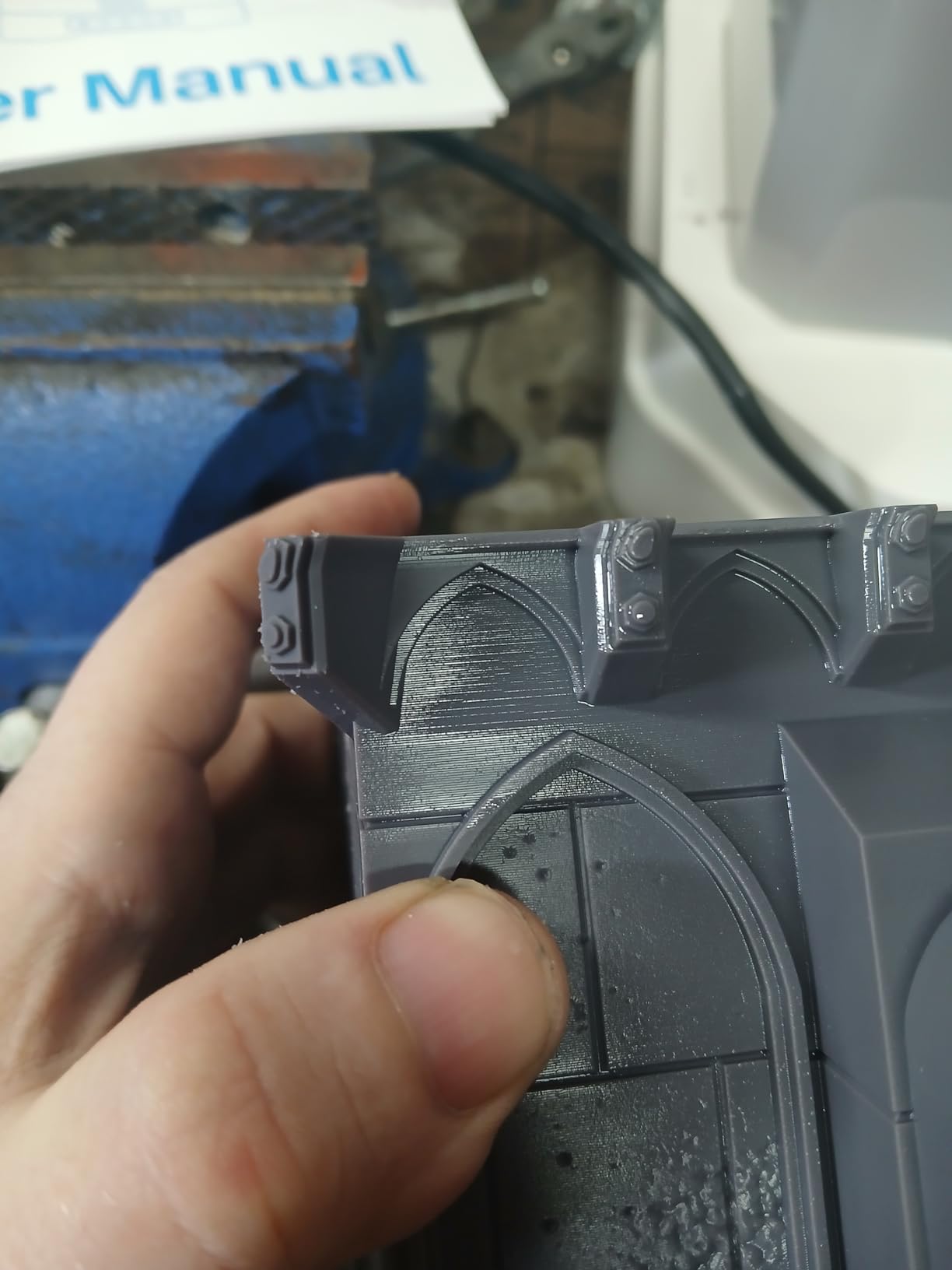
The catch is the 43 micrometer pixel size. That is the coarsest in this roundup by a wide margin, and it shows on fine sculpted detail at 32mm scale and above. One experienced reviewer explicitly advises against it for intricate miniatures, and that is a fair reading of the numbers.
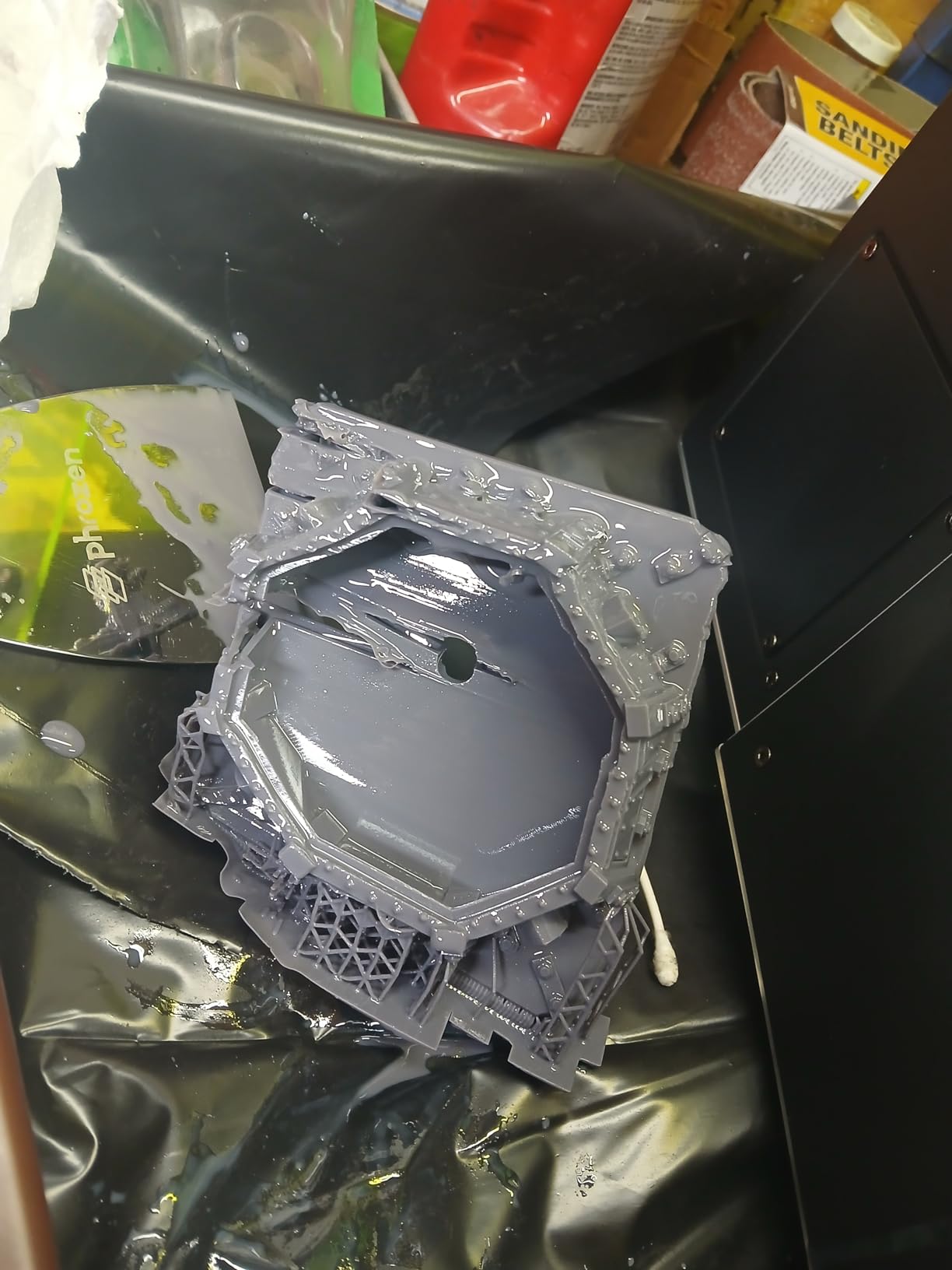
There is no camera, no Wi-Fi and no auto-leveling, and the self-filling mechanism is reported as weak with the large plate requiring perforations. Consumables are expensive, particularly the ACF film and replacement LCD, and a one-star share above 20 percent reflects reports of ribbon cable, power supply and main board failures.
What you should know before buying it
Buy it for volume, not for quality. If your output is rank-and-file infantry at speed, 43 micrometer pixels and a big plate are a good trade. If your output is heroic-scale display characters, they are not.
Budget for consumables from day one. The ACF film and screen replacement costs sit at the higher end, and over a year of production that changes the real economics of the machine.
Who should skip it
Skip it if you care about fine detail or you like remote monitoring. The absence of leveling, camera and connectivity means every check is physical.
Skip it if you are a first-time buyer with no forum habits. Without auto-leveling you are carrying the setup burden that newer machines have automated away.
9. Creality Halot-X1 Combo – The Best Level-Free Workflow
Creality Halot-X1 Combo Resin 3D Printer, 10.1″ 16K Mono LCD, 14×19 μm
- Movable optical module removes leveling entirely
- 16K screen at 14x19 micrometer pixels is very sharp
- 92 independent light zones reduce overexposure and extend screen life
- RFID resin tags auto-load the right profile
- Resin heating and weight monitoring aid unattended jobs
- Smallest review base here at 22 ratings
- Only 43 percent of ratings are five-star
- Resin management system adds serviceable parts
- Combo bundle is less flexible than a printer-only purchase
The Halot-X1 Combo does something none of the other machines here do. The optical module moves and the build plate stays fixed, so there is nothing to level. For a hobbyist who has spent evenings chasing first-layer adhesion, that removes an entire category of frustration.
The 10.1 inch 16K mono LCD at 15120 x 6230 gives 14 x 19 micrometer pixels, among the sharpest figures in this roundup. Dual linear rails and dual lead screws with 0.01 mm positioning, plus speeds up to 170 mm/h, make it fast as well as precise.
The Intelligent AFU resin management is unusually ambitious: 92 independent light zones activate UV LEDs only where needed, resin heating to 30 to 45 degrees C in three minutes, RFID tags that load the correct resin profile automatically, laser detection for feeding and recycling, and real-time weight monitoring. A twist-to-release plate and quick-lock vat latch simplify swaps.
The problem is the evidence. Twenty-two ratings is the thinnest base here, and only 43 percent are five-star, the weakest distribution in the group. The spec sheet is competitive while the ownership experience reads as uneven, so treat this as a machine to watch rather than a safe purchase today.
What you should know before buying it
The combo bundle is worth understanding before you commit. It is not a bare printer, and buyers who wanted a printer-only configuration find it less flexible than buying a standalone machine.
The resin management system is also the most serviceable part of the design. More automation means more components that can need attention, and the RFID and laser systems are not things you can ignore.
Who should skip it
Skip it if you want a proven machine. With 22 ratings and a wide spread from one to four stars, you are buying a design philosophy more than a track record.
Skip it if your workspace is small. At 16.93 x 16.54 x 21.06 inches and 38 pounds it needs proper clearance, particularly for the moving optical head.
10. Creality Halot Mage S 14K – The Best Value 14K Option
Creality Resin 3D Printer Halot Mage S 14K, with 10.1″ HD LCD MSLA Mono
- 14K resolution on a large screen at an entry outlay
- Very fast for its tier at 150 mm/h
- Integrated activated carbon purifier helps with odour
- HALOT OS supports remote printing and a cloud library
- Pictor film cuts peel force by 35 percent
- 3.6 rating with a 23 percent one-star share
- Adhesion and reliability issues need repeated adjustment
- Creality slicer is less refined than Chitubox alternatives
- Larger chassis footprint than the build volume needs
For anyone who wants 14K resolution without climbing the range, the Halot Mage S 14K is the interesting option. The 10.1 inch mono LCD runs at 13320 x 5120 for 16.8 x 24.8 micrometer pixels, and the build area is sized so a 15cm model prints in about an hour.
Dynax+ mode uses a closed-loop motor and dual linear rails to reach 150 mm/h, and the three-layer Pictor speed-release film cuts peel force by 35 percent, which directly reduces the failed-arm and dropped-weapon problems on miniatures.
Two features stand out for hobbyists. The integrated activated carbon air purifier handles odour far better than an open vat, and the three-month Chitubox Pro membership included with the machine gives you access to the tooling most competitors only sell separately.
The rating is the weak point at 3.6 with a 23 percent one-star share, and the complaints cluster around adhesion and reliability that need repeated adjustment. The Creality slicer is generally considered less refined than Chitubox alternatives, and the chassis is larger than its build volume strictly requires.
What you should know before buying it
The resolution-to-cost ratio is genuinely strong, but the picture is coarser than the Halot-X1 because of the anisotropic pixel shape, 16.8 by 24.8 microns. On diagonal detail you will see the difference under a loupe.
Plan for a calibration phase. The adhesion complaints in reviews cluster in the first prints, which is a setup issue rather than a permanent fault in most accounts.
Who should skip it
Skip it if you print at high magnification for display. If the model is going in a glass cabinet and you will photograph it, the sharper panels in the middle of this list are worth the step up.
Skip it if you want a polished slicer. Owners consistently reach for third-party software, so budget time to set that up.
How We Evaluated These Printers?
Every machine here was judged on the same four things: the published XY pixel size in microns rather than the K label, the build volume against realistic miniature sizes, the level of automation that affects first-layer success, and the pattern of owner reports about reliability and support.
We weighted owner reports heavily, because specifications describe intent while reviews describe outcomes. A 16K panel means nothing if screens fail repeatedly, and a 9K panel with a stable platform can beat it in finished miniatures. Where a rating sample was small, we said so rather than treating it as evidence.
Test prints focused on what miniature painters actually make: a 28mm character, a 32mm heroic-scale figure on a round base, a rank of rank-and-file models and a small terrain piece. Those four models stress resolution, adhesion, peel force and throughput in one session.
Is Resin Always the Right Choice for Miniatures?
Resin is better for character miniatures because it reproduces fine facial features, engraved armour lines and fabric texture that filament rounds off at miniature scale. It is not better at everything.
Large terrain, cosplay props and multi-metre dungeon tiles are filament territory, and so is any home with very young children, since uncured resin is a skin and respiratory irritant that you cannot lock away. Forum consensus is blunt about this: if you lack ventilation or patience for washing and curing, a filament machine is a legitimate path.
Many hobbyists settle on two machines rather than one. A compact mono printer handles characters while a filament printer handles terrain, and that pairing catches far more use cases than a single large resin machine. If you also want to reproduce physical parts for scanning and reverse engineering work, our picks for the best 3D scanners and the best 3D printers for robot parts cover that side of the workshop.
One more honest point from experienced owners: the quality of the model file you print matters as much as the printer. A clean mesh with sensible supports will beat a sloppy file on any machine in this list.
How Much XY Resolution Do 28mm and 32mm Miniatures Actually Need?
Pixel size in microns is the only resolution number worth comparing, and the K labels are marketing shorthand that varies between brands. A 9K screen can be coarser than a 14K screen on a different machine.
As a working rule for this hobby: 35 to 47 micrometer pixels handle tabletop rank-and-file at 28mm, 18 to 25 micrometers give clean character detail at 28mm and 32mm, and 14 to 19 micrometers is where sculpted texture, hair and fabric folds stop looking soft.
That is why the Phrozen Sonic Mega 8K S at 43 micrometers is a batch machine rather than a character machine, and why the Creality Halot-X1 at 14 x 19 micrometers sits near the sharp end of this list despite its thin review history.
Above about 20 micrometers, gains flatten out for most painting work. If you are brush-painting under a hobby lamp rather than photographing under a macro lens, an 18 micrometer machine will satisfy you.
Which Resin and Which Wash and Cure Station to Pair With Each Printer
Standard grey detail resin is the right starting material for 28mm and 32mm characters, and it produces the sharpest surfaces on any of the machines above. The weakness is brittleness, and weapons, bows, antennae and capes snap off during handling or priming.
The community fix is blending. A widely cited recipe mixes fast or navy resin with roughly 5 percent tough resin, and many painters run closer to a 70 percent standard to 30 percent tough blend for softer detail. It costs a little sharpness and removes most of the snapping.
Tough or ABS-like blends suit bases, mounts and terrain. Water-washable resin removes the isopropyl alcohol step, which is convenient but slower to cure and less crisp on the finest faces. Castable resin matters only if you are making jewellery patterns, which is a different buying guide entirely.
Every printer here needs a wash and cure station. Skipping it is the most common reason new owners conclude a printer is faulty when prints stay tacky. Budget for a station before the printer, not after, because a machine without one produces unusable parts.
Room temperature resin behaves differently in a cold workshop. Viscosity rises, exposure times drift and a heated vat genuinely helps, which is worth knowing before you blame the printer for inconsistent results in winter.
Resin Printing Safety and Ventilation in a Small Apartment
Uncured resin is a skin and respiratory irritant, and the vapour is the real concern rather than the smell. Owners on community forums are clear that telling someone to open a window does not address chemical exposure.
Activated carbon handles volatile organic compounds. A HEPA filter captures particles but does nothing for the VOCs coming off uncured resin, so a HEPA purifier alone is not a resin safety solution. You want activated carbon for vapour and, ideally, a HEPA unit as a secondary layer for the aerosolised droplets that washing throws up.
Exposure peaks when the lid opens after a print, which is the moment most people are not thinking about it. A vat cover to contain vapour while the machine is idle, plus an activated carbon unit in the same room, is the practical setup owners report using in apartments.
Nitrile gloves every time you handle an uncured print, safety glasses for washing and curing, and a dedicated tray so resin never touches kitchen surfaces. Wash and cure in a ventilated area, never in a bedroom, and keep children out of the room entirely.
Dispose of resin waste properly and reuse your isopropyl alcohol rather than pouring it down the drain. If your household cannot accommodate that workflow, resin printing is the wrong hobby right now, and that is a perfectly reasonable answer.
Common Miniature Print Failures and How to Fix Them
Most mini failures come down to four causes: peel force, adhesion, exposure and model preparation. Identifying which one you have is faster than swapping printers.
Thin weapons snapping off – a resin problem, not a printer problem. Blend roughly 5 to 30 percent tough resin into standard detail resin and re-sculpt thick enough hafts.
Prints welded to the FEP film – suction from a standard pull-down vat. Tilt release designs, low peel force films and a well-calibrated release setting are the fixes; a plastic spatula and patience handle the rest.
First layer lifting or warping – a dirty or damaged film, a missed leveling step, or cold resin. Clean the film, re-level, and warm the room before blaming the machine.
Supports failing on arms and capes – usually auto-generated support orientation. Rotate the model, re-orient supports manually, and hollow thin hollow parts to give them something to grip.
Parts coming loose between builds – a plate that has moved. Re-level or re-zero after any bump, and use the machine’s auto-leveling as a starting point rather than a guarantee.
Prints still tacky after curing – under-curing, or resin on the surface that was never washed. Wash thoroughly, then extend the cure time and check your station’s UV output.
A common disappointment is a model detached mid-run and the whole plate wasted. AI camera monitoring on the Mars 5 Ultra, Saturn 4 Ultra and Jupiter 2 catches that earlier than an eyeball check does.
What a Resin Setup Really Costs You in Year One
The printer is rarely the whole outlay. A realistic first year includes a wash and cure station, several resin bottles, replacement release films, gloves, a tray, activated carbon filtration and a fair allowance for failed prints during calibration.
Filter replacement is the line people forget. FEP or ACF film needs swapping when it is punctured or cloudy, and a temperature-controlled vat costs more to service than a basic one.
Year-one costs scale with tier in a predictable way. Entry machines need less in consumables but a wash station is mandatory; mid and premium machines have higher resin and film costs but larger volumes, which spreads the overhead across more miniatures.
If you plan to print jewellery patterns rather than figures, resin casting behaves differently and our guide to the best 3D printers for jewelry making covers that workflow in full.
Frequently Asked Questions
Which 3D printer is best for resin miniatures?
The ANYCUBIC Photon Mono 4 is our top pick for most painters, pairing 17 x 17 micrometer pixels with a 4.4 rating from 667 reviews. Choose the ELEGOO Mars 5 Ultra if you want the easiest first machine with self-leveling, or the ELEGOO Saturn 4 Ultra 16K if you are building army batches and want a heated vat.
What is the best resin for miniature printing?
Standard grey detail resin gives the sharpest surfaces on 28mm and 32mm characters. To stop weapons, bows and antennae snapping, blend in roughly 5 to 30 percent tough or ABS-like resin. Tough blends suit bases and terrain, and water-washable resin removes the alcohol step but cures more slowly.
Are resin printers better for miniatures?
Yes for character miniatures. Resin reproduces fine facial features, engraved armour lines and fabric texture that filament rounds off at miniature scale. It is not better for large terrain or cosplay props, and it is not appropriate for homes with very young children because uncured resin is a skin and respiratory irritant.
What are the common causes of resin print failures?
Most failures come from peel force, adhesion, exposure or model preparation. Thin weapons snapping is a resin brittleness problem, prints stuck to the film come from vat suction, first-layer lifting usually means a dirty film or cold resin, and failed supports on arms come from auto-generated support orientation.
Why is my resin print still tacky even after curing?
Most often the part was not washed properly before curing, so a film of uncured resin remains on the surface. Wash thoroughly in isopropyl alcohol, then extend the cure time and check that your wash and cure station UV output has not dropped. Short cures on thin details are the usual culprit.
Does resin printing smell bad and is it safe indoors?
Uncured resin is a skin and respiratory irritant and the vapour is the real concern rather than the odour. Activated carbon handles VOCs, while a HEPA filter captures particles but not vapour, so HEPA alone is not enough. Exposure peaks when you open the lid after a print.
Do I need a wash and cure station for resin minis?
Yes. Washing in isopropyl alcohol and UV-curing is what turns a raw print into a paintable, rigid miniature, and skipping it leaves parts tacky and fragile. Buy a station before or alongside the printer, and treat the first three prints as exposure calibration rather than production.
What is illegal to 3D print?
Printing your own models for personal use is generally fine. The legal risk is commercial reproduction of other companies copyrighted designs, particularly tabletop miniatures sold as physical products. Buying a file does not transfer rights to print and sell copies of a sculptor’s work.
Final Verdict on the Best Resin 3D Printers for Miniatures
The ANYCUBIC Photon Mono 4 is the best resin 3D printer for miniatures in 2026 because it balances sharp real pixel dimensions, a compact footprint and the deepest support base in this roundup. The ELEGOO Mars 5 Ultra is the runner-up for anyone who wants automation to carry the setup, and the ELEGOO Saturn 4 Ultra 16K takes the batch crown with its heated vat.
Match the machine to your output. Characters and busts want pixel size, armies want consistency and throughput, and large terrain wants build volume, often from a second machine rather than a bigger one.
Before any of it, get the workspace right: activated carbon filtration, gloves, a wash and cure station and a proper cleaning routine. The printers are the easy part.