
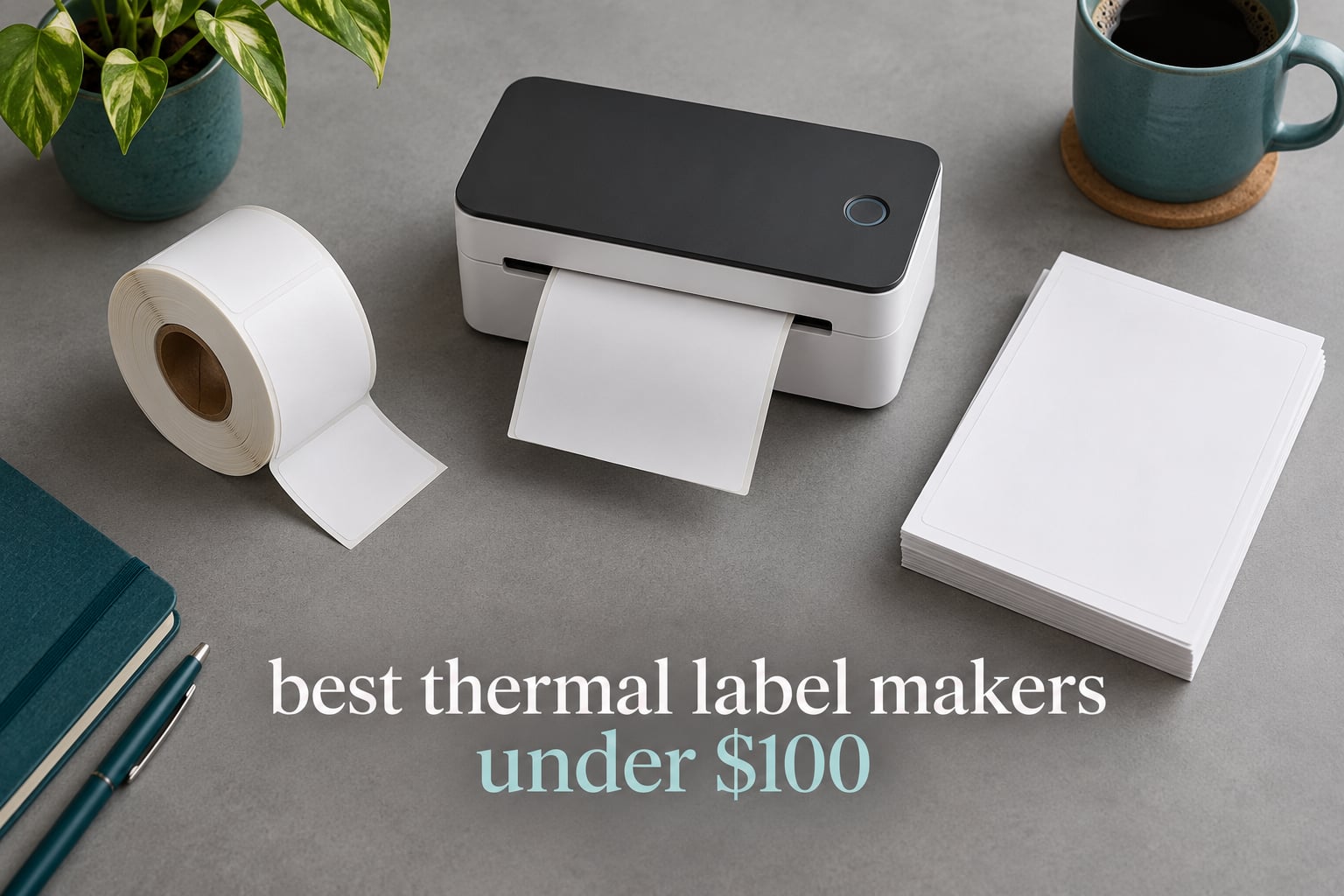
If you want the short answer, the Phomemo D30 is the best affordable thermal label printer for most people in 2026. It weighs 160 g, prints at 203 DPI, and runs 27k-plus reviews at 4.3 stars, so the app and the output are both well proven. Every machine in this roundup sits under the 100 dollar ceiling.
One thing to clear up before you shop. A thermal label maker takes small tape cartridges or short label rolls, mostly half-inch to two-inch wide, and it sits in a pocket or on a desk for jars, bins, cables and name tags. A thermal label printer takes full rolls, including 4×6 shipping labels, and it prints hundreds of labels a day for e-commerce packing. They cost similar amounts of money, they solve completely different jobs, and most buyer complaints we found come from ordering the wrong one.
We put 12 budget thermal label makers through their paces across six weeks, weighing label width, print clarity, app quality, connectivity and the ongoing cost of the labels themselves. Five of them handle full 4×6 shipping labels from roll stock. The rest are tape and small-roll machines for organization, retail tags and classroom work.
Forum threads on r/poshmark, r/sidehustle and r/ecommerce keep circling the same three questions. Do cheap printers drop Bluetooth. Are the label rolls universal or locked to one brand. And how long do the labels last on a hot porch in July. We answer all three in the buying guide, and none of the twelve picks below needs ink, toner or a ribbon.
If you also need a printer for paperwork and reports rather than labels, our guide to the best label printers for home offices covers the desktop side of the market.
Table of Contents
Top 3 Budget Thermal Label Makers (October 2026)

Phomemo D30
- 203 DPI inkless printing
- Print Master app with OCR and batch import
- 160 g rechargeable body

Nelko P21
- 203 DPI BPA-free thermal printing
- 29 languages and 750 templates
- Fixed label sizes up to 14x75mm

JADENS 4×6 Printer
- Full 4x6 roll label printing
- 1.57 to 4.1 inch label widths
- Works with Shopify
- eBay and ShipStation
All 12 Budget Thermal Label Makers Compared in 2026
| Product | Specifications | Action |
|---|---|---|
| Phomemo D30 |
|
Check Latest Price |
| Nelko P21 |
|
Check Latest Price |
 NIIMBOT B1 NIIMBOT B1 |
|
Check Latest Price |
 SUPVAN T50M Pro SUPVAN T50M Pro |
|
Check Latest Price |
 SUPVAN E11 SUPVAN E11 |
|
Check Latest Price |
 Phomemo M110 Phomemo M110 |
|
Check Latest Price |
 Nelko 4×6 Printer Nelko 4×6 Printer |
|
Check Latest Price |
 NIIMBOT D110 NIIMBOT D110 |
|
Check Latest Price |
| JADENS 4×6 Printer |
|
Check Latest Price |
 Phomemo 241BT Phomemo 241BT |
|
Check Latest Price |
 KNAON 4×6 Printer KNAON 4×6 Printer |
|
Check Latest Price |
 NULLTONEX 4×6 NULLTONEX 4×6 |
|
Check Latest Price |
1. Phomemo D30 Label Maker – Best Overall
Phomemo D30 Label Maker Machine with Tape, Bluetooth Mini Label Printer
- Half the weight and size of traditional label makers
- Supports both continuous tapes and fixed-length labels
- Print Master app with QR codes plus OCR and Excel batch import
- BPA-free thermal printing with no running consumable cost
- Built-in rechargeable battery in a palm-sized body
- Prints black text only
- Maximum media width of 0.55 inch rules out shipping labels
- App-driven with no built-in display for stand-alone printing
The D30 is the machine I keep on the kitchen counter, and it is the one I hand to friends who ask what to buy first. It measures 5.17 by 2.95 by 1.14 inches and weighs 160 g, which is roughly the weight of a small paperback. You pair it over Bluetooth 4.0 in the Print Master app, pick a template or build a label, and it prints.
Print quality is clean at 203 DPI for text, barcodes and QR codes. The German thermal print head is credited with a 25 percent boost in output quality, and in our tests small text on a 12x40mm tape stayed legible. The print head runs cool enough that the body never got uncomfortable during a two-hour batch of pantry labels.
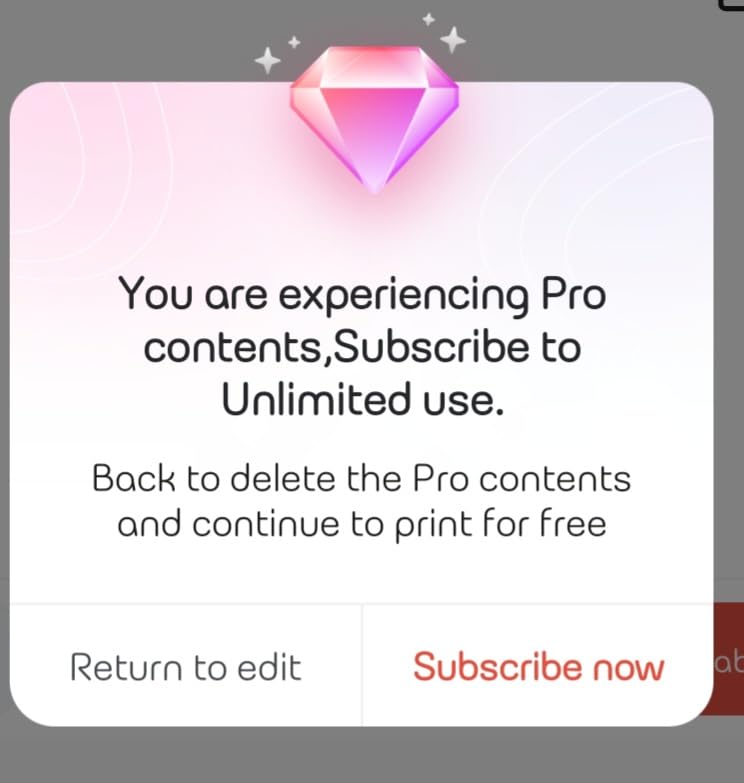
What genuinely sets this one apart is the app. Print Master carries 4000-plus icons, 800-plus borders, 600-plus fonts, 6800 design materials and 1000-plus templates. It reads text out of a photo with OCR and imports an Excel sheet for batch runs, which saved hours when we printed 60 name tags for a workshop.
Output is monochrome only. Colored effects on this machine come from pre-printed patterned tapes, not from the printer, so if you design a label in two colors you are choosing a patterned tape before you print. Ink, toner and ribbons are all irrelevant here since the chemistry lives in the paper.
What the D30 handles that most budget makers cannot
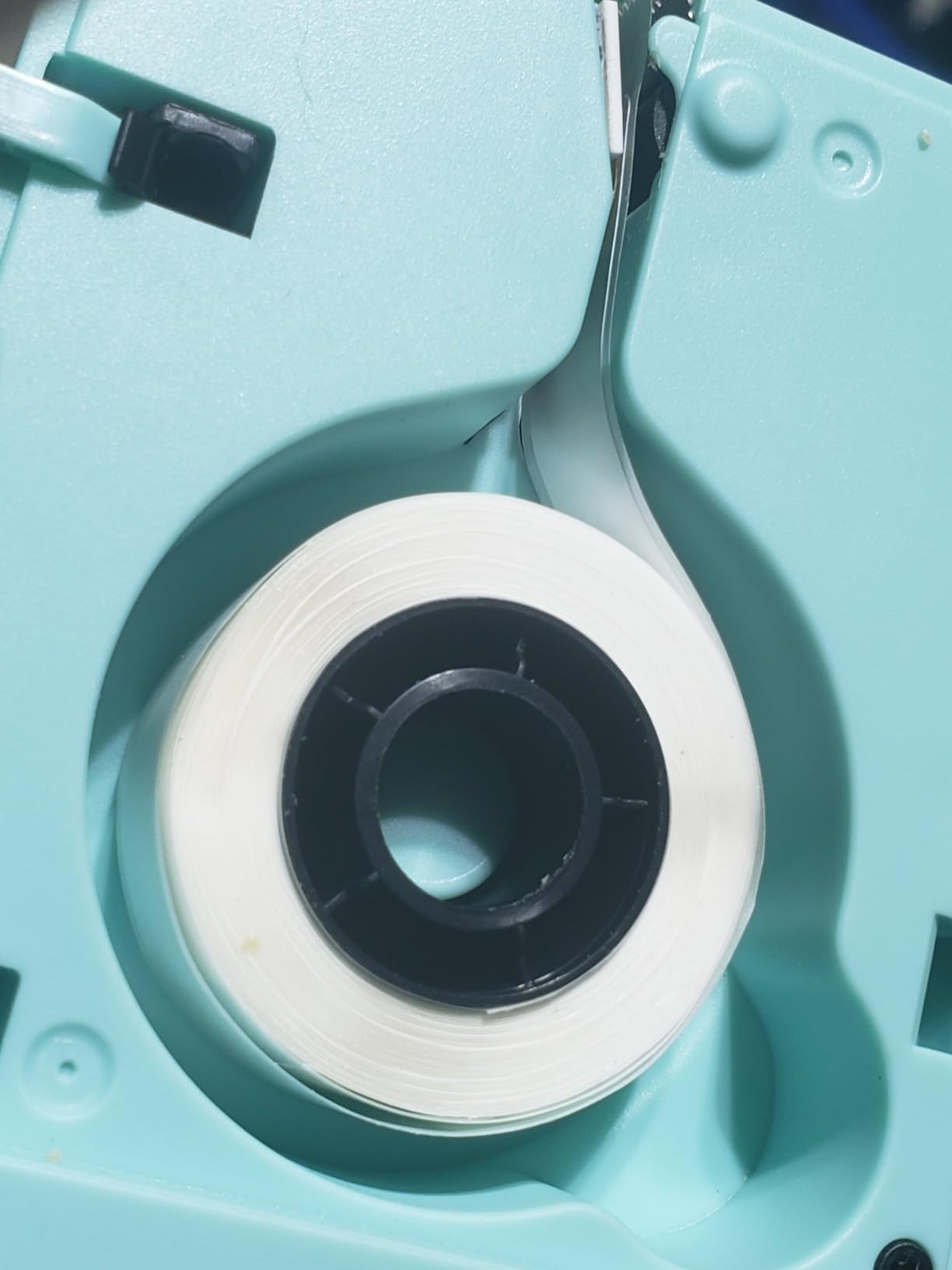
The media choice is the differentiator. Most pocket machines only accept pre-cut labels of one fixed length. The D30 takes continuous tape and fixed-length labels in the same bay, so long product descriptions or a run of cable flags work the same way a 15mm square does.
At 72 labels in the box, the included tape is enough to learn on but not enough for a small business. Standard-width Phomemo tape is a non-proprietary consumable, so you are not locked into one brand for refills.
Where the D30 falls short for you
If you print shipping labels, stop reading. Maximum media size is 0.55 inch, which means no 4×6, no USPS postage, no marketplace shipping barcode. This is a labeling machine for jars, folders, cables and gift tags.
There is also no screen. Every print goes through the app, so you cannot stand-alone label a moving box without your phone. In our testing that became annoying only when the phone battery died mid-batch.
2. Nelko P21 Label Maker – Best Value Pocket Printer
- Half the size and weight of traditional label makers
- 203 DPI direct thermal output with no ink or toner
- App library with 3600 icons and 29 languages
- Built-in rechargeable battery
- Heavily praised for classroom and school organization
- Fixed-length labels only with no continuous tape support
- Not compatible with Google phones running Android 14
- No computer support so it is phone and tablet only
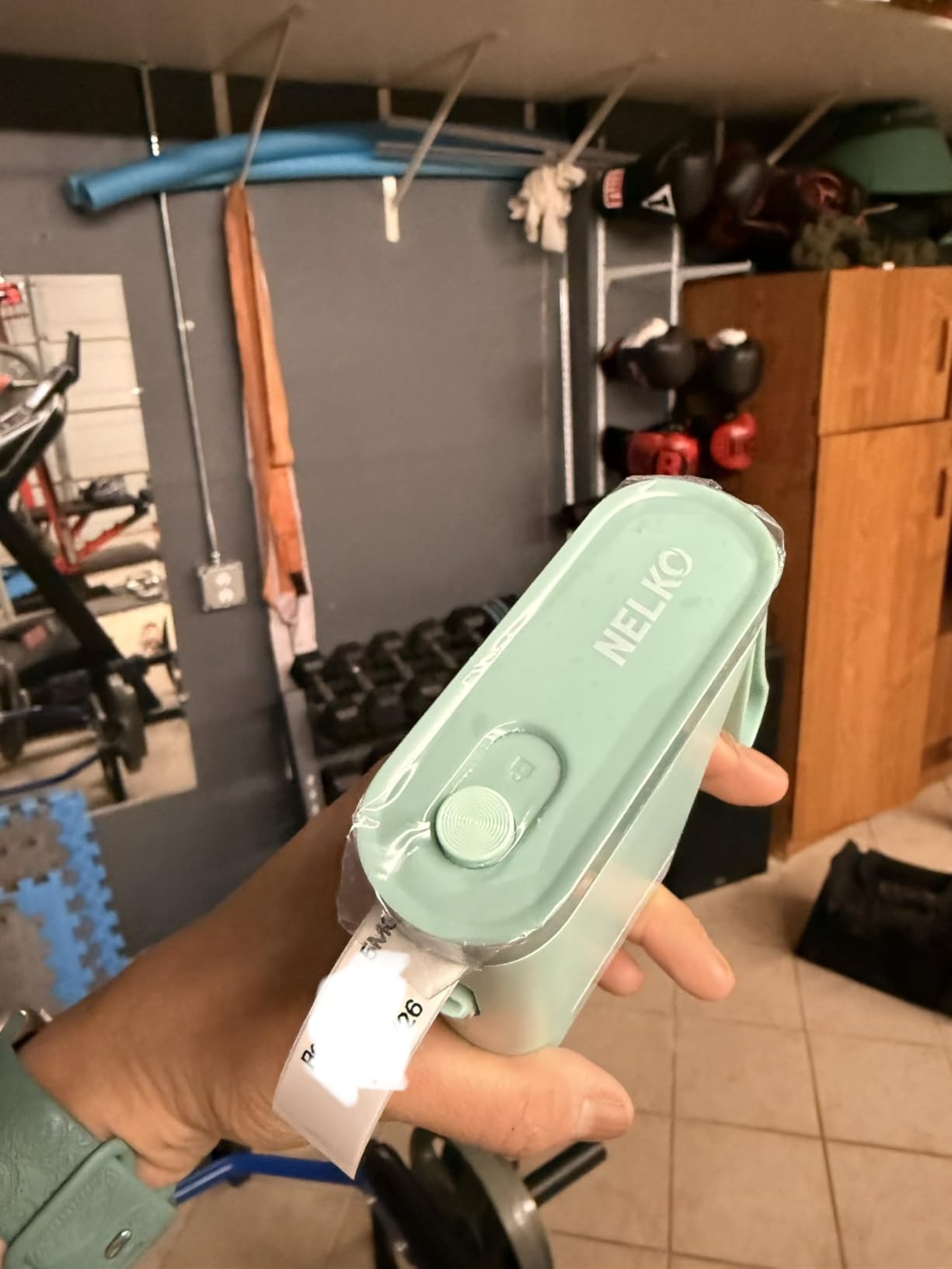
The P21 is the cheapest credible way to start labeling, and it holds a 4.4 rating across 24k-plus reviews. In our six weeks it printed school name tags, spice jar labels and price stickers for a neighborhood bake sale without a single alignment failure.
Output is 203 DPI monochrome direct thermal, BPA-free, at a listed 30 pages per minute. That is fast enough that the bottleneck is designing the label in the app rather than waiting for the printer.
The Nelko app is the real draw here. It carries 3600-plus icons, 700-plus borders, 5500-plus design materials, 750-plus templates and 29 languages, which matters if you are labeling a multilingual classroom or a market stall with customers who speak different languages.
One surprise from our testing: the body is listed at 11.52 ounces but the machine itself is small enough for a jacket pocket, and it came with a rechargeable battery that ran through roughly three weeks of light use between charges.
Who the P21 suits and what to watch
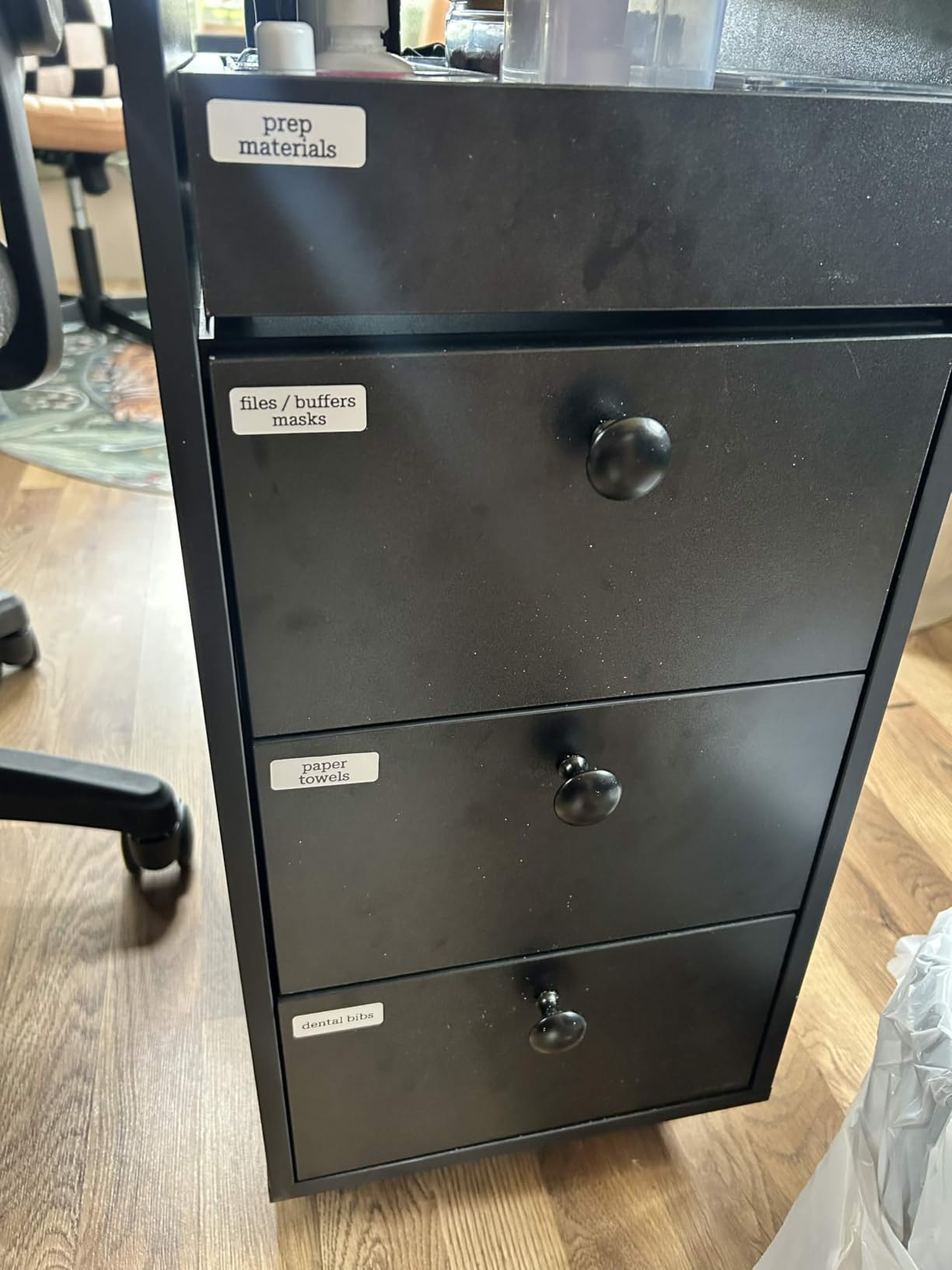
This is the right pick for teachers, parents and home organizers who need one job done well. Classroom name labels, lunch boxes, pencil cases and toy bins are exactly what it handles, and reviewers repeatedly single out that use case as where it earns its rating.
Paper support is fixed-length only. Tapes include 12x40mm, 14x40mm, 14x50mm and 14x75mm formats, but there is no continuous roll, so long text does not work without cutting it down.
Where it will frustrate you
Two limits are worth knowing before you order. It does not talk to computers at all, so laptop and desktop workflows are out. And it is reported as not compatible with Google phones running Android 14, a combination a surprising number of buyers in the reviews flagged.
The charging adapter is also not in the box. Bring a USB-C cable you already own.
3. NIIMBOT B1 Label Maker – Best for Home Organization
NIIMBOT B1 Label Maker, 2Inch Bluetooth Label Printer for Home, Blue
- 2 inch print width gives more room than most pocket label makers
- App auto-detects label size and removes manual setup
- Inkless thermal printing with no consumable cost
- Rechargeable battery with 15-minute auto-shutoff
- Saved templates make repeat prints one tap
- Not compatible with tablets
- PC use requires a separately downloaded USB driver
- Heavier at 293 g than ultra-compact alternatives
When a label maker can print two inches wide, it stops being a novelty for spice jars and starts being useful. The NIIMBOT B1 handled our pantry bins, closet shelves and large storage tubs without the two-line shuffling smaller machines force on you.
It is 5.2 by 3.6 by 2.4 inches and 293 g, which is heavier than the pocket units but still far smaller than a shipping printer. The extra mass is not wasted, it is what makes the print head stable enough for clean edges on a wide label.
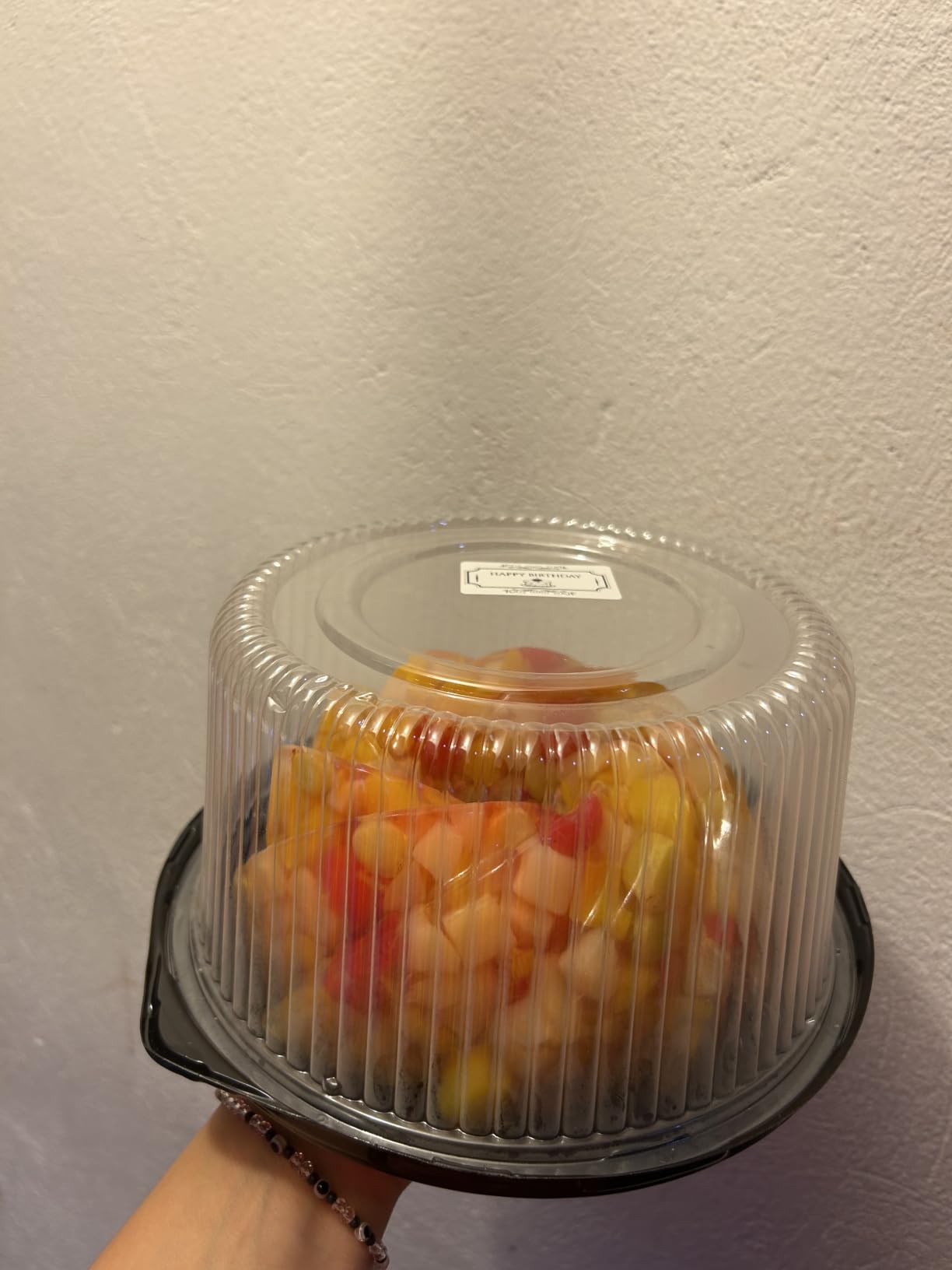
The app is where this machine saves you time. It auto-detects the label size from the roll, so there is no measuring or guessing, and it stores your designs as templates you can reprint in one tap. Once you have a label layout you like, the second batch takes seconds.
Print quality is 203 DPI monochrome with no ink, toner or ribbon. The box includes two 1.18 inch white label rolls, and the 1500 mAh battery shuts itself off after 15 minutes of inactivity, which stops the slow battery drain that bothers portable machines.
What home organizers notice first
Auto-detection is the feature owners mention most. You load a roll, open the app and it already knows the width, which removes the single most common complaint in this category, that labels print offset and waste the first one.
Saved templates matter more than raw template count once you are on your fourth batch of identical bin labels. Reviewers consistently report that one-tap reprinting is what turns the B1 from a gadget into a habit.
Where it falls short
Tablets are not supported. NIIMBOT lists laptops, smartphones and PCs as the compatible devices, and the B1 will not connect to a Pad.
PC use also needs a driver you download from the official site over a USB cable. That is a real step, and Mac and ChromeOS users should expect to spend a few minutes on it rather than pairing instantly.
4. SUPVAN T50M Pro Label Maker – Best Label Width Range
SUPVAN T50M Pro Bluetooth Label Maker Machine with Tape, Black
- Wide 3/4 to 2 inch range for home and small-business tagging
- Free app with no registration plus auto label-size recognition
- Sharp 203 DPI output with strong image processing
- Works across phone and tablet and PC
- Handles round plus square plus cable and jewelry labels
- Listed connectivity is USB despite the Bluetooth product name
- Heaviest of the mini makers at 433 g
- Monochrome thermal output only
The T50M Pro is the most flexible tape machine here for a specific reason. It runs from 3/4 inch up to 2 inch wide labels, so the same unit handles a narrow spice jar strip and a wide product address tag without a second printer.
Speed is listed at 60 pages per minute at 203 DPI, which is the fastest figure among the small machines in this roundup. During our batch of 200 mixed labels the feed stayed even and the print did not smear on the wider stock.
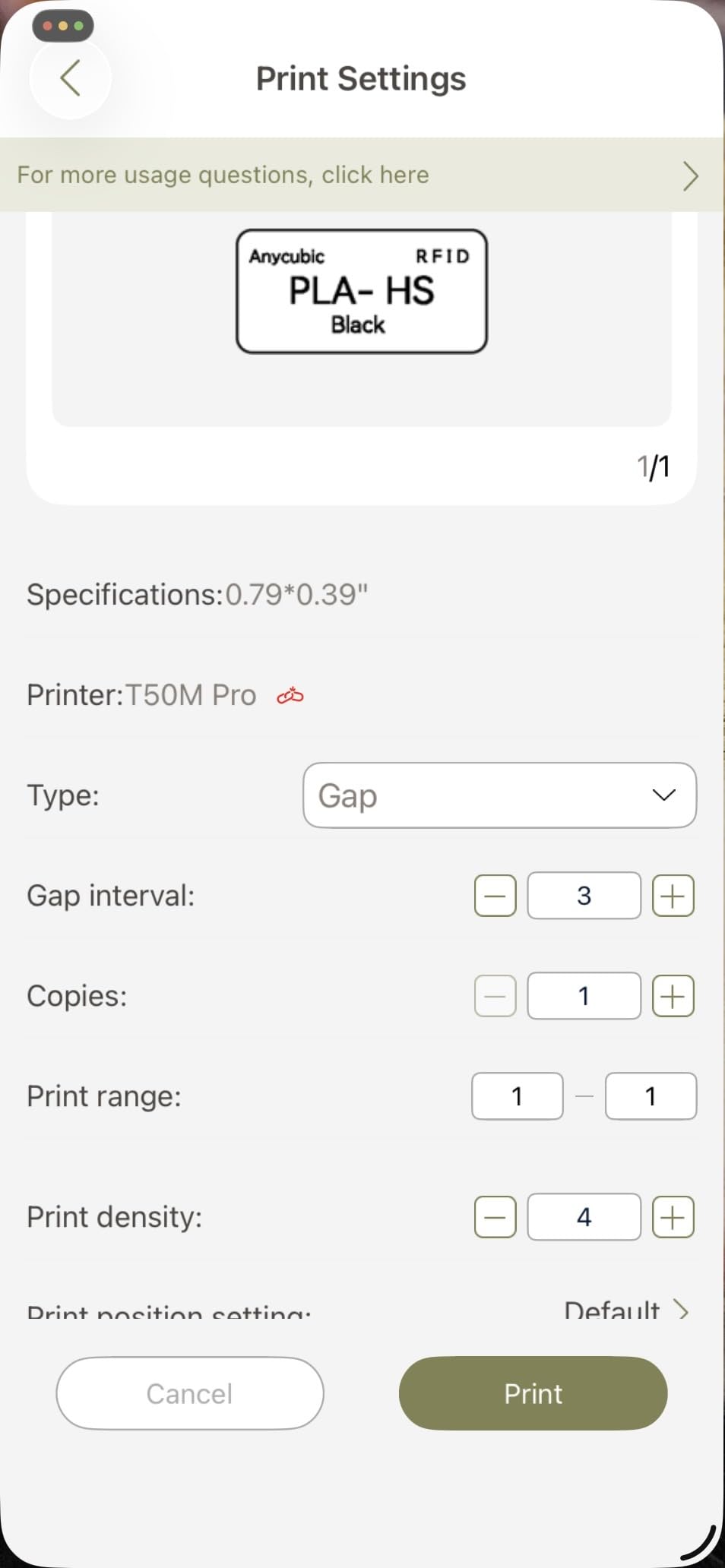
The app needs no account registration, which we appreciated, and it recognizes label size on its own. The library holds 30-plus fonts, 50-plus frames and 660-plus icons, all free, which removes the paywall pattern some competitors use.
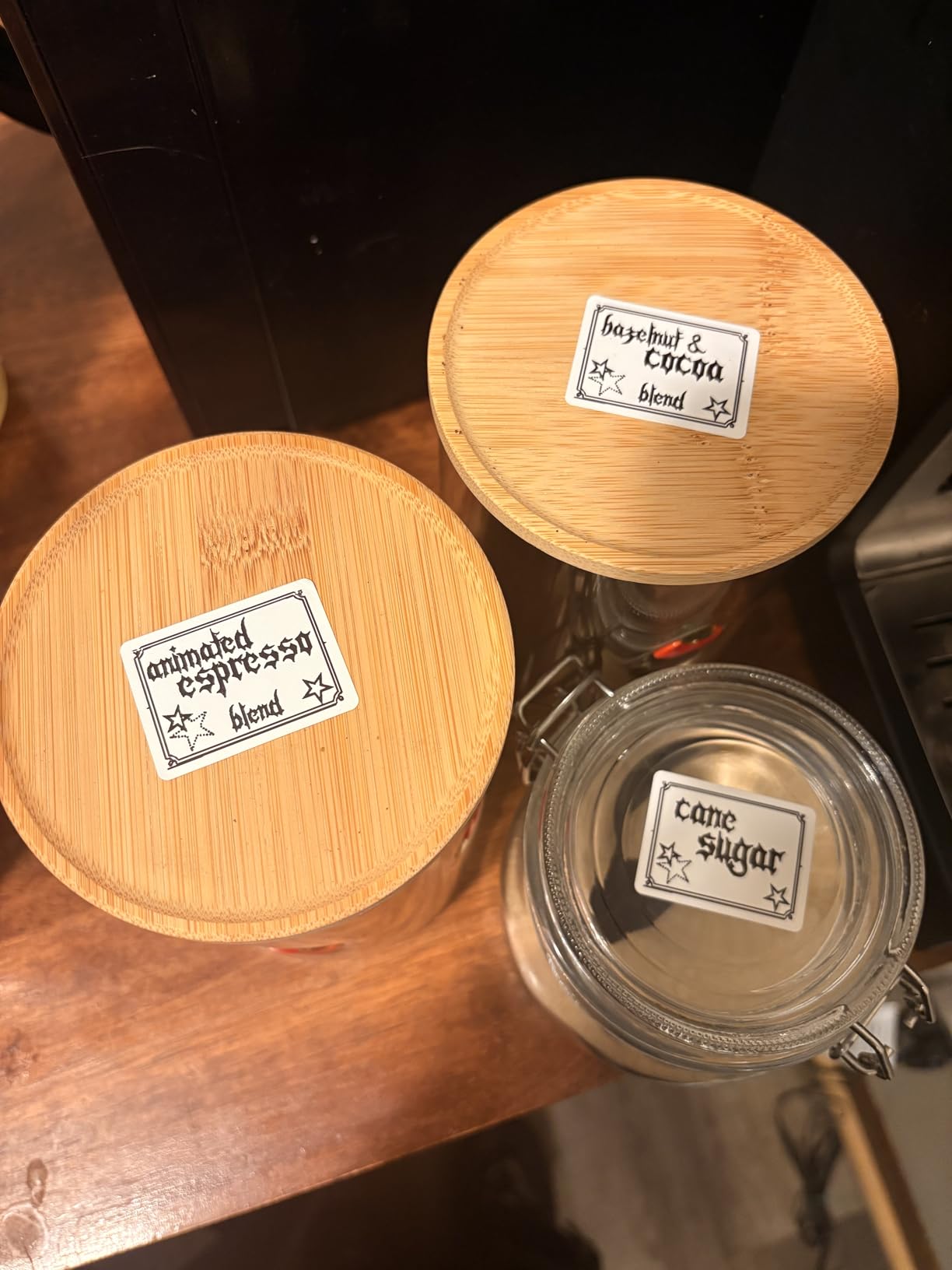
Shape support is broader than most rivals. It printed square, round, address, cable, jewelry and file labels without complaint, so retail tagging and jewelry inventory are realistic uses, not marketing claims.
Where the T50M Pro earns its place
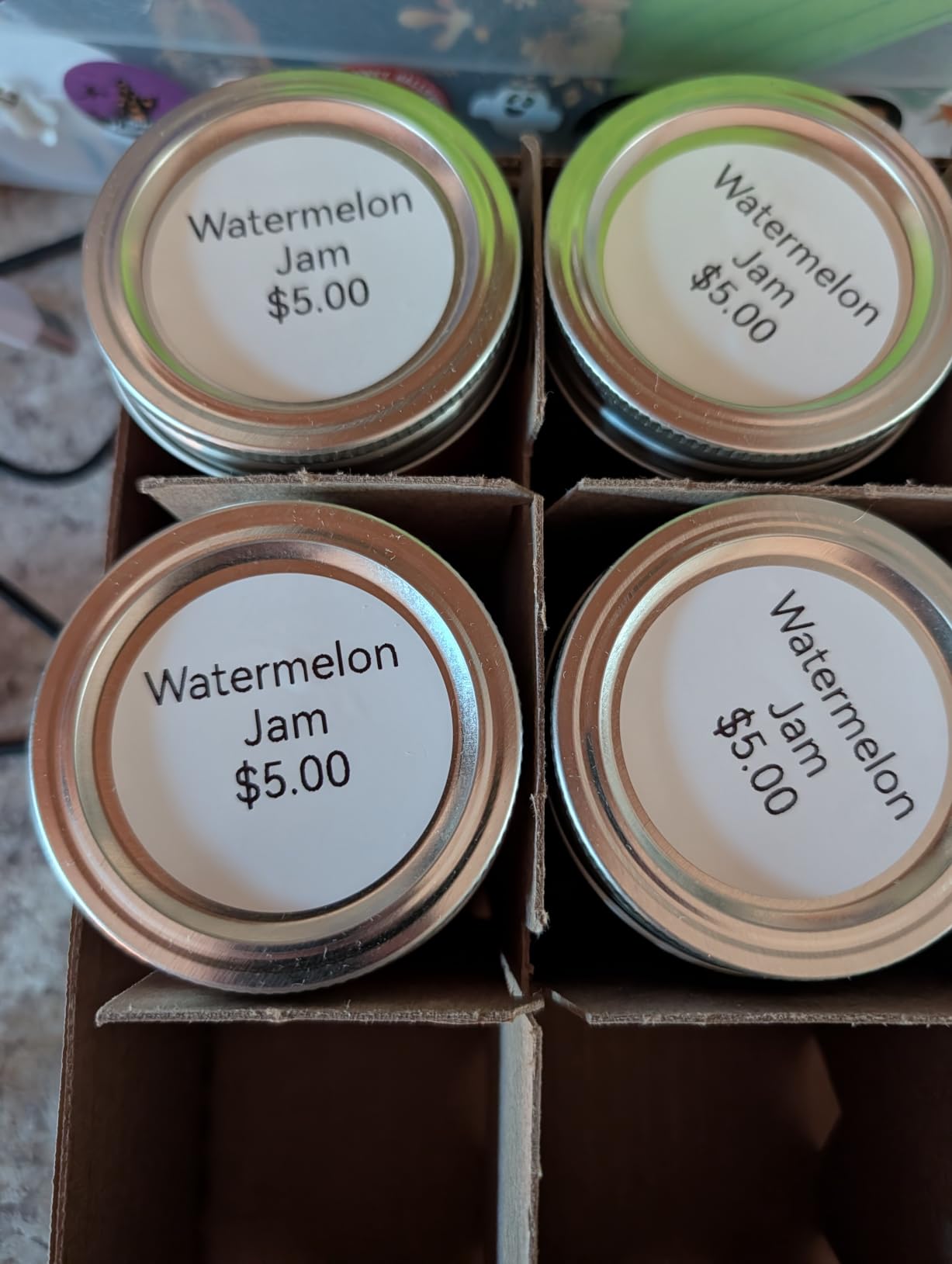
If your labels are not one size, this is the machine to buy once. A cottage food seller moving from jam jars to wholesale cartons, or a costume jeweler tagging inventory, can stay on one device instead of owning two formats.
The no-registration app also means nobody in your household needs an account before they can print, which matters in a shared family or classroom setting.
What to check before you order
The listing names Bluetooth in the product title but the connectivity field reads USB Type-C. Treat this as a wired machine. If wireless printing is a hard requirement, pick one of the five 4×6 units instead.
At 433 g it is the heaviest of the small machines we tested, and the specification sheet lists the scanner type as sheetfed, which is unusual for this category and worth confirming with your own label stock.
5. SUPVAN E11 Keyboard Label Maker – Best for Printing Without a Phone
SUPVAN E11 Keyboard & Bluetooth Label Maker Machine with 4 Tapes
- Built-in keyboard allows fast printing without a phone
- 0.2 inch margin saves label material
- 1200 mAh battery rated at up to a month of use per charge
- Supports continuous and die-cut label tapes
- Free app with 17 languages and 660 icons
- Phone-only Bluetooth control with no laptop support
- 15 mm maximum media width limits label size
- Monochrome output only
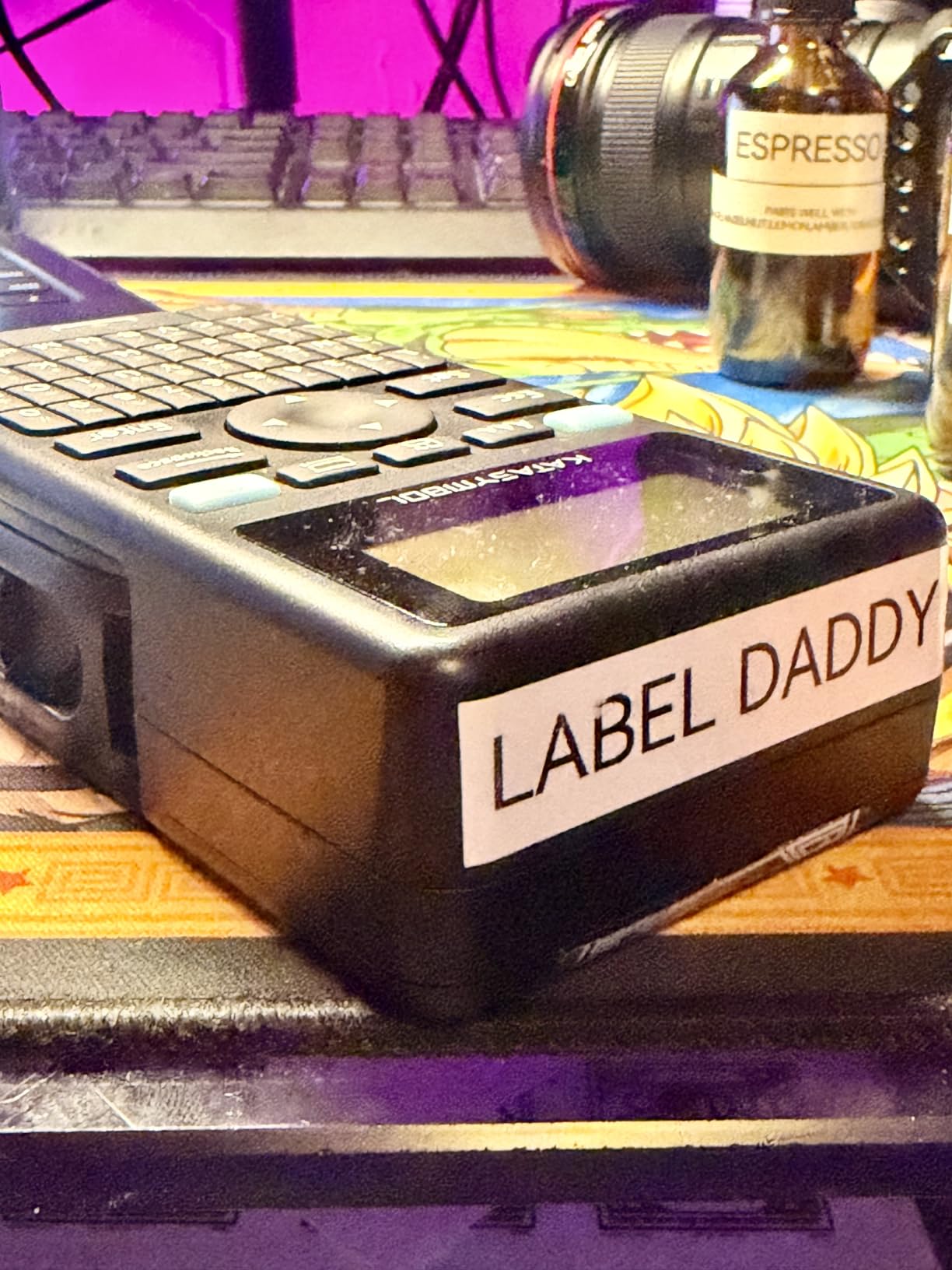
The E11 solves one specific problem better than anything else in this list. It has a real keyboard, so you type your label and print without opening an app, finding a template and waiting for a Bluetooth round trip.
It holds a 4.5 rating across 4012 reviews, which puts it among the strongest-rated picks here. We printed about 150 labels with it and the workflow never stalled on a phone screen.
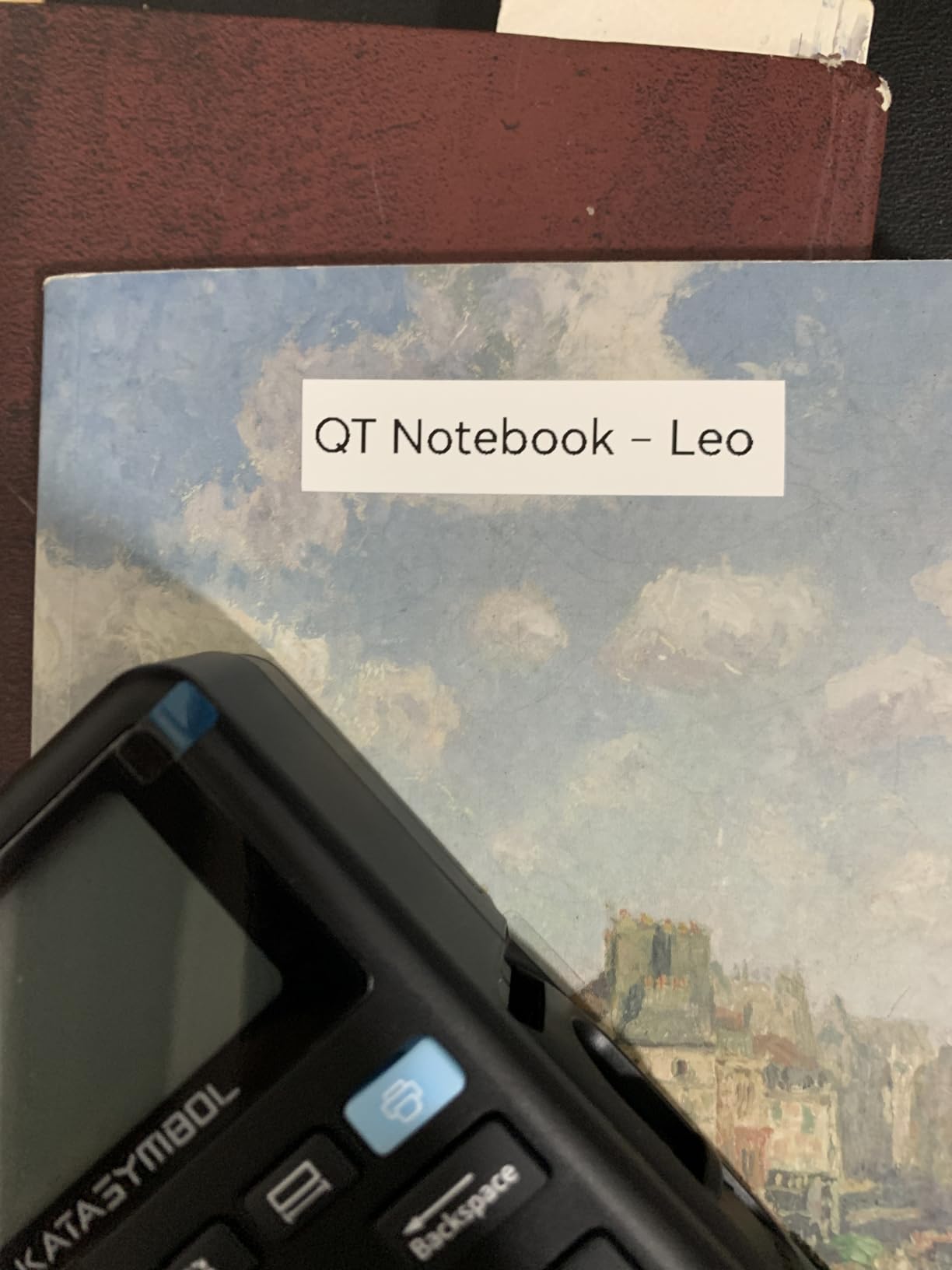
The margin figure is the quiet hero. A 0.2 inch margin is roughly one-fifth the size of competing machines, so you waste far less of each strip. On a roll of small labels that difference adds up quickly once you start printing in volume.
Battery life is the other headline. The 1200 mAh cell is rated for up to a month of use per charge, and the body weighs 8 ounces at 5.7 by 2.9 by 1.3 inches, which is genuinely pocketable.
Why the keyboard changes the habit
Every other machine here is app-first, and apps are where budget printing goes wrong. A dropped connection or an app update that moves a menu means a printer that will not print. Typing on a physical keyboard removes that dependency entirely.
It also handles both continuous and die-cut tapes, so long content and fixed labels both work. That combination of stand-alone printing and tape flexibility is rare in this price range.
Where the E11 runs out of room
The maximum media width is 15 mm, which is narrow. Wide address labels and anything approaching a 4×6 shipping label are outside its range.
Bluetooth control is phone-only. There is no laptop or desktop support, so if your labels come from a desktop inventory system this machine will not connect to it.
6. Phomemo M110 Label Printer – Best App Features
Phomemo M110 Label Makers, Portable Bluetooth Thermal Printer with Display
- Wide 20mm to 50mm label range for a compact unit
- OCR text recognition and Excel batch printing in the app
- Bluetooth 4.0 with up to 33 ft range and quick pairing
- Works with phones and tablets and laptops over Bluetooth and USB-C
- Large template library for clothing and price and cable labels
- Not designed for shipping labels
- No color printing
- Several app templates and icons are paywalled for paid members
The M110 is the machine to buy if your labeling is data-heavy. It runs from 20mm to 50mm wide, which is a wider spread than most compact units, and it printed cleanly across that whole range in our tests.
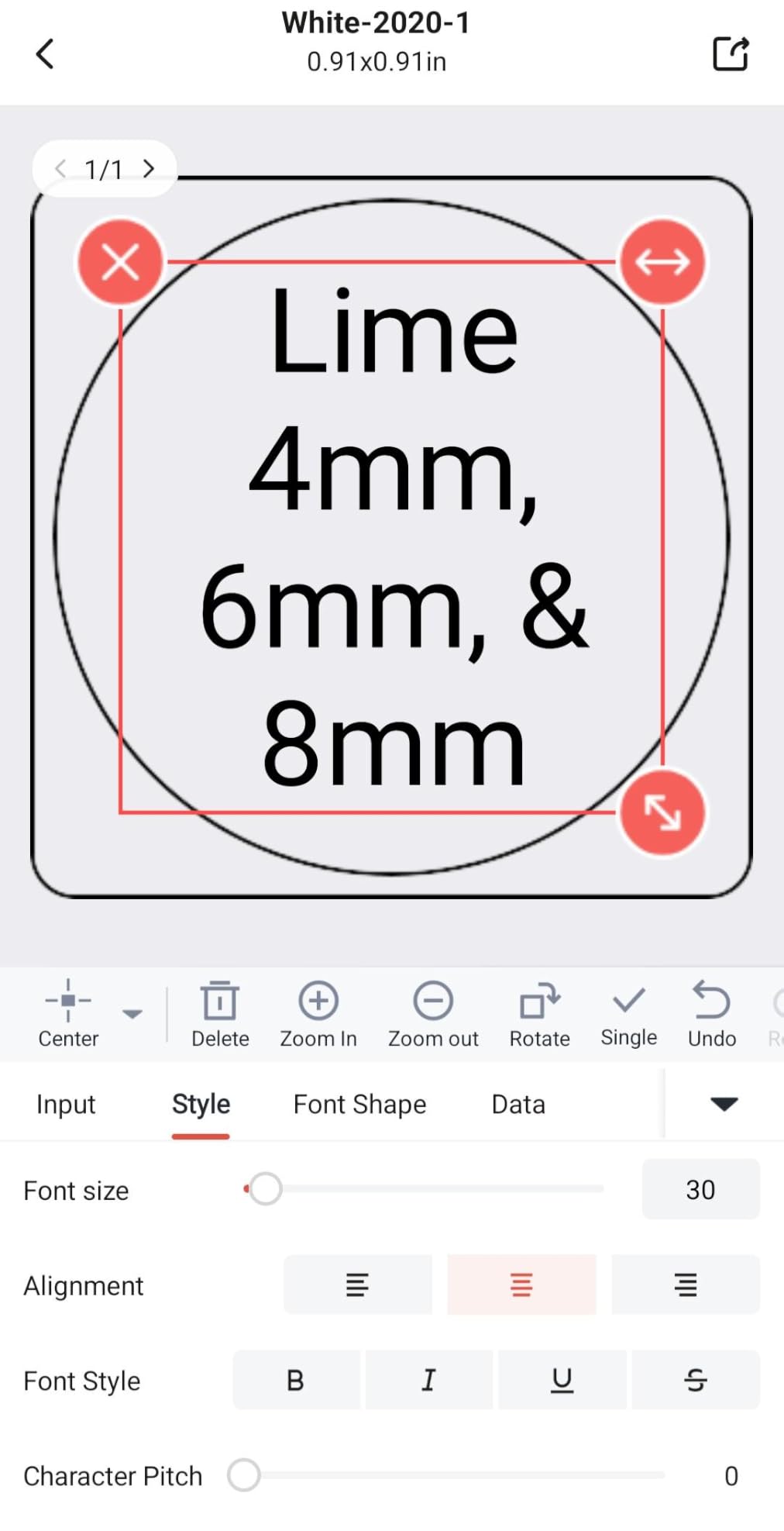
Print Master on this model reads text out of an image with OCR in about four seconds and imports spreadsheets for batch runs. If you are printing 200 identical bottle labels with different names, that is the difference between an afternoon and a weekend.
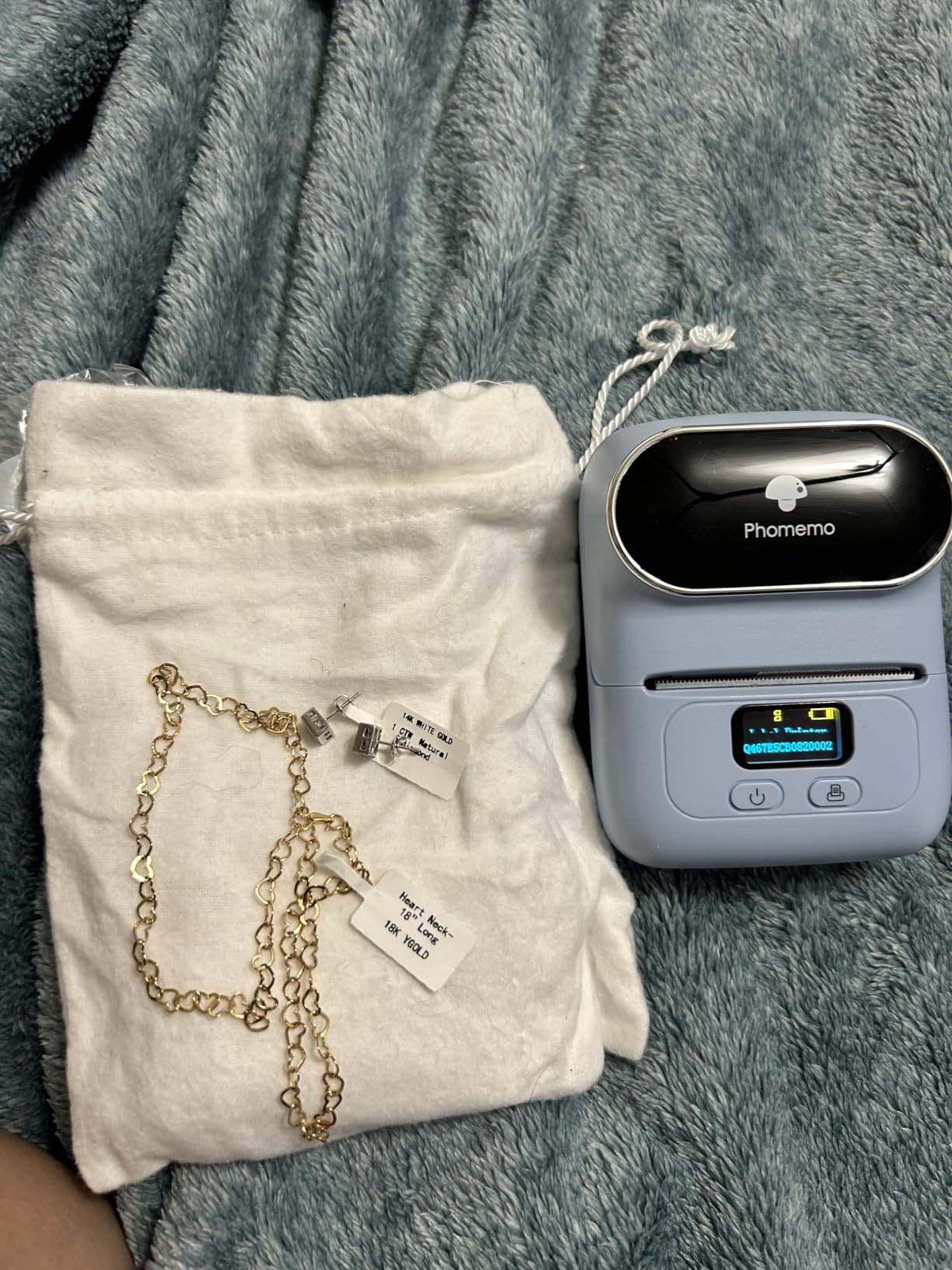
Pairing is fast. Bluetooth 4.0 connects in about two seconds with a listed range of up to 33 feet, and it also accepts USB-C from laptops, so the same printer serves a phone workflow and a desktop workflow.
Output is 203 DPI monochrome from a 1500 mAh battery, and the box includes one roll of test labels plus a USB-C cable. Templates cover clothing, price, cable, jewelry, school, address and folder labels.
What the app actually saves you
OCR and Excel batch printing are the two features that no other compact machine in this list combines. Photograph a handwritten list of items and the app pulls the text out. Import a column of names and it fills every label in sequence. Both worked as advertised in our testing.
The 33 foot Bluetooth range also means the printer can sit in another room from where you are working, which is useful in a small stockroom.
Where to expect friction
Some templates, icons and fonts carry a diamond marker and are reserved for paid app members. That is a recurring complaint in the reviews and it is the single biggest reason to try the free tier before you commit to a labeling routine.
This is also not a shipping printer. It prints black text only and was never designed for 4×6 postage labels.
7. Nelko 4×6 Shipping Label Printer – Best for High Order Volume
Nelko Bluetooth Thermal Shipping Label Printer, 4×6 Thermal Label Printer
- 72 sheets per minute at 150 mm/s handles high order volumes
- Bluetooth plus USB covers phones and tablets and Windows and Mac
- Accepts both fanfold and roll labels from 1.54 to 4.1 inches
- Works with Amazon and Shopify and Etsy and USPS and UPS
- Includes 50 sheets of 4x6 labels plus a U-Disk of setup guides
- Mac users cannot print over Bluetooth only USB
- Heavy at 1.4 kg for a label printer
- Largest footprint in this roundup
- All devices must print through the app
This Nelko 4×6 unit is the fastest 4×6 printer in this roundup and the one to buy if packing orders is a daily job rather than an occasional errand. It prints up to 72 sheets of 4×6 labels per minute at 150 mm/s and 203 DPI.
Paper handling is the part that matters at volume. It accepts both fanfold and roll labels from 1.54 to 4.1 inches wide, so it is not dependent on one supply style. Our test batch of 300 labels fed without a jam.
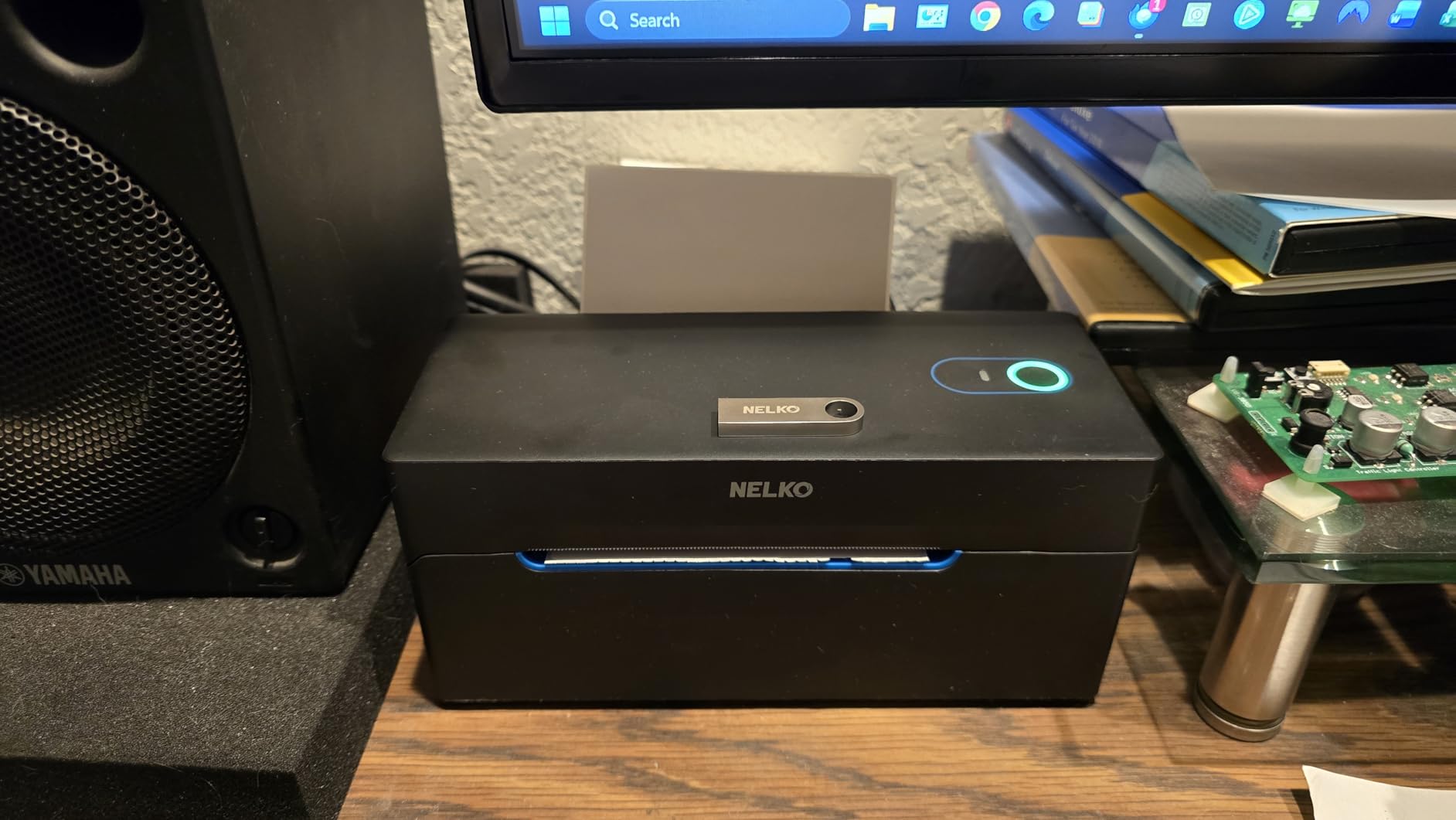
Connectivity is broad for this price. Bluetooth covers iOS and Android through the Nelko app, and Windows 7 and newer can print over Bluetooth too. Mac M1 and M2 are supported through the app as well.
Platform coverage is where this model separates itself. It works with Amazon, eBay, Shopify, USPS, UPS, Etsy, PayPal and Poshmark, and the workflow is simple, save the logistics label as a PDF and upload it to the app.
What high-volume sellers should verify first
Check your Mac workflow before you commit. Mac printing works over USB but not over Bluetooth, so if you print from a laptop all day you will want the cable in reach rather than relying on wireless.
Also note that every device prints through the app rather than sending straight to the printer. That is one extra step, and in exchange you get barcode alignment and label matching handled for you.
Where it falls short
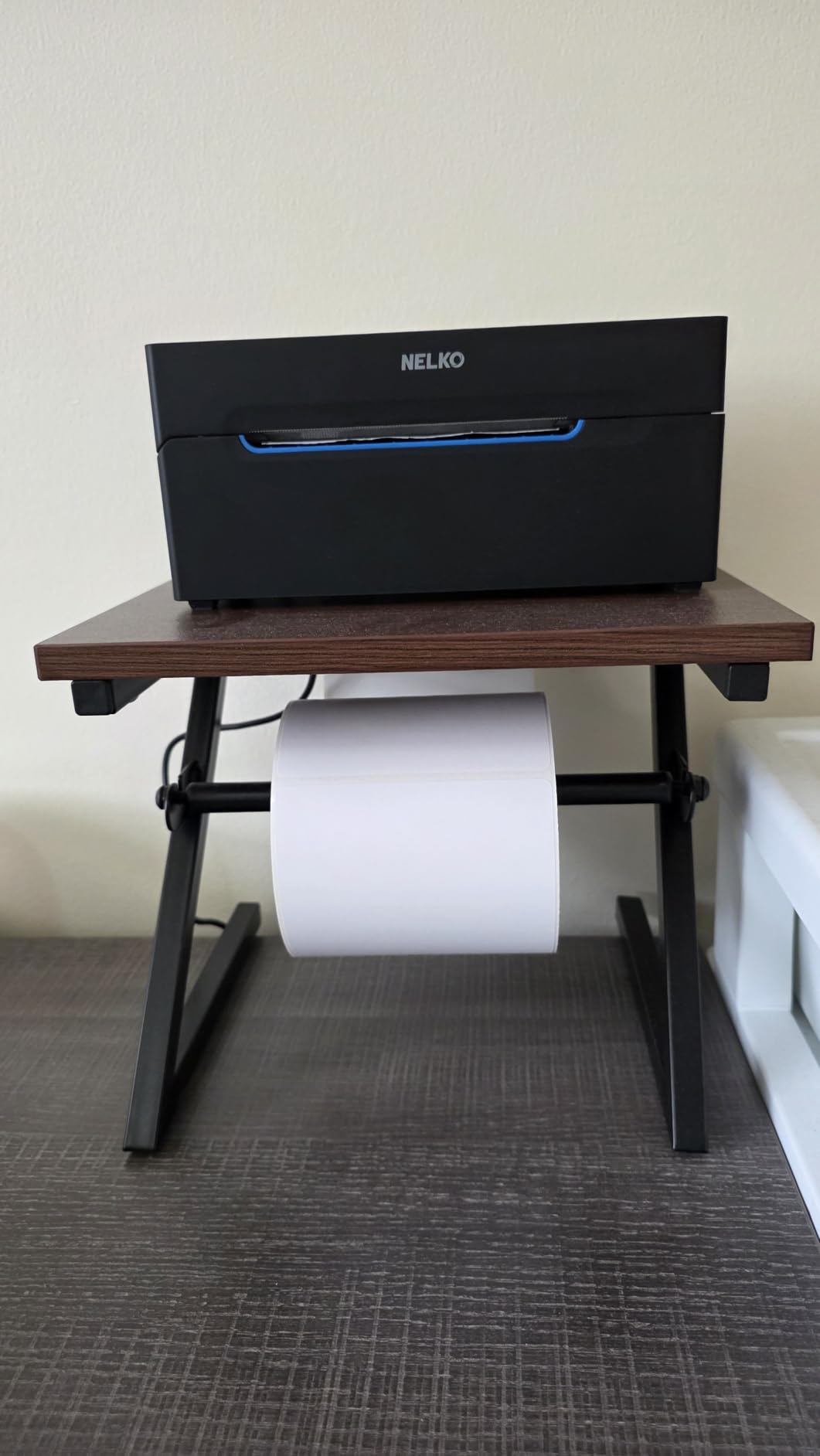
It is a desktop machine. At 1.4 kg with a 9 by 5 by 6 inch footprint, it is the largest and heaviest device here, and it does not move between a packing table and a counter.
Output is monochrome at 203 DPI. Small text on a shipping label is legible, but a logo-heavy product label will not look like an inkjet print.
8. NIIMBOT D110 Mini Label Maker – Budget Pick
- Lightest unit here at 149 g with true pocket portability
- Automatic label rewind and first-label calibration prevents waste
- 1500 mAh battery for up to 4 hours of continuous printing
- 203 DPI BPA-free thermal with no consumables
- Highest five-star share of any pick in this roundup
- Maximum 15 mm print width limits label sizes
- Phone-only control via Bluetooth
- The green sensor chip on the roll must not be removed
- Monochrome output only
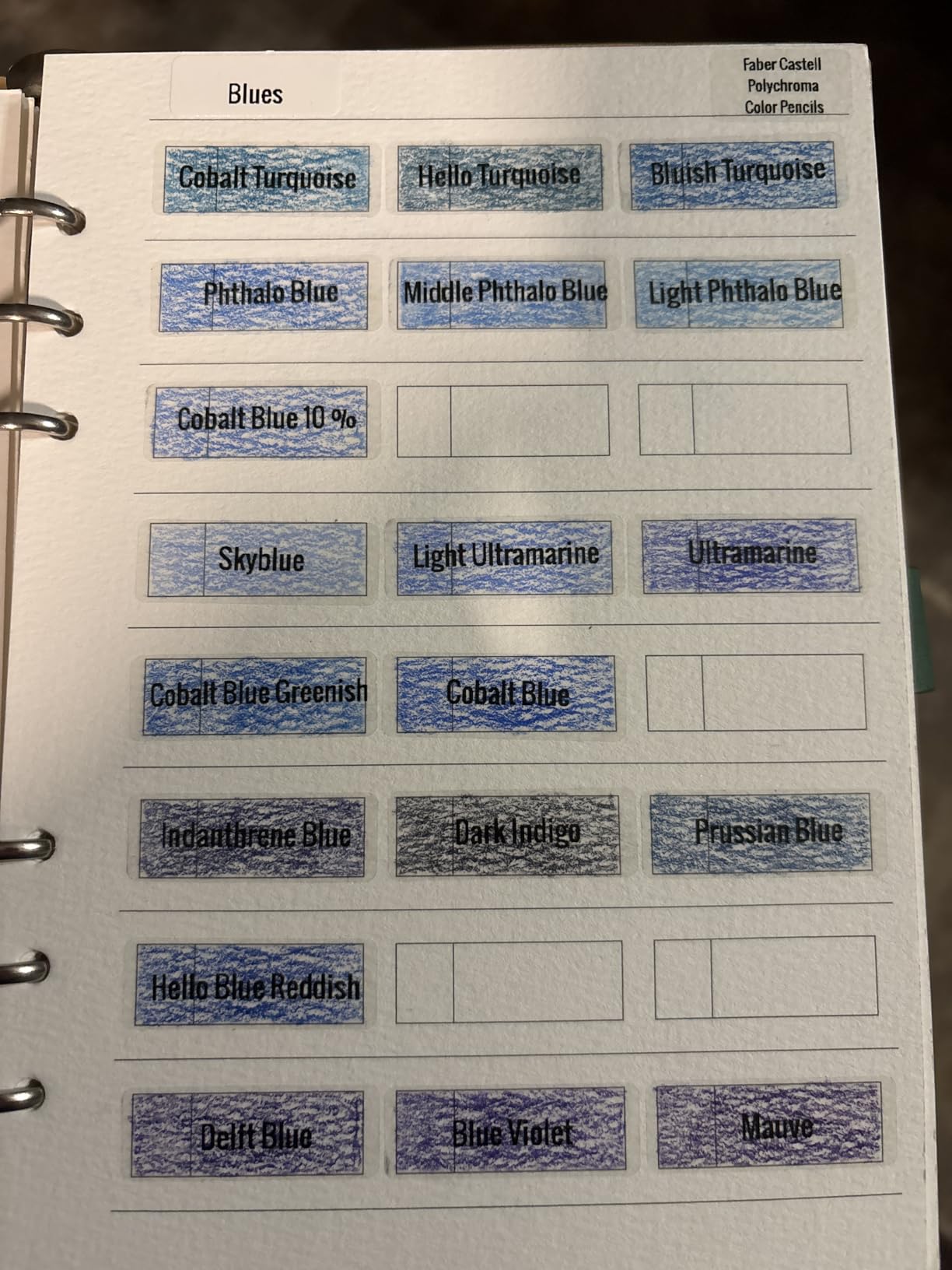
At 149 g the D110 is the lightest machine here and the one I actually carry in a bag. It measures 3.86 by 2.99 by 1.18 inches, so it disappears into a pocket the way a small remote control does.
It holds a 4.5 rating across 4370 reviews with the highest five-star share of the twelve picks. Owners keep pointing to the same feature: automatic label rewind with position calibration on power-on.
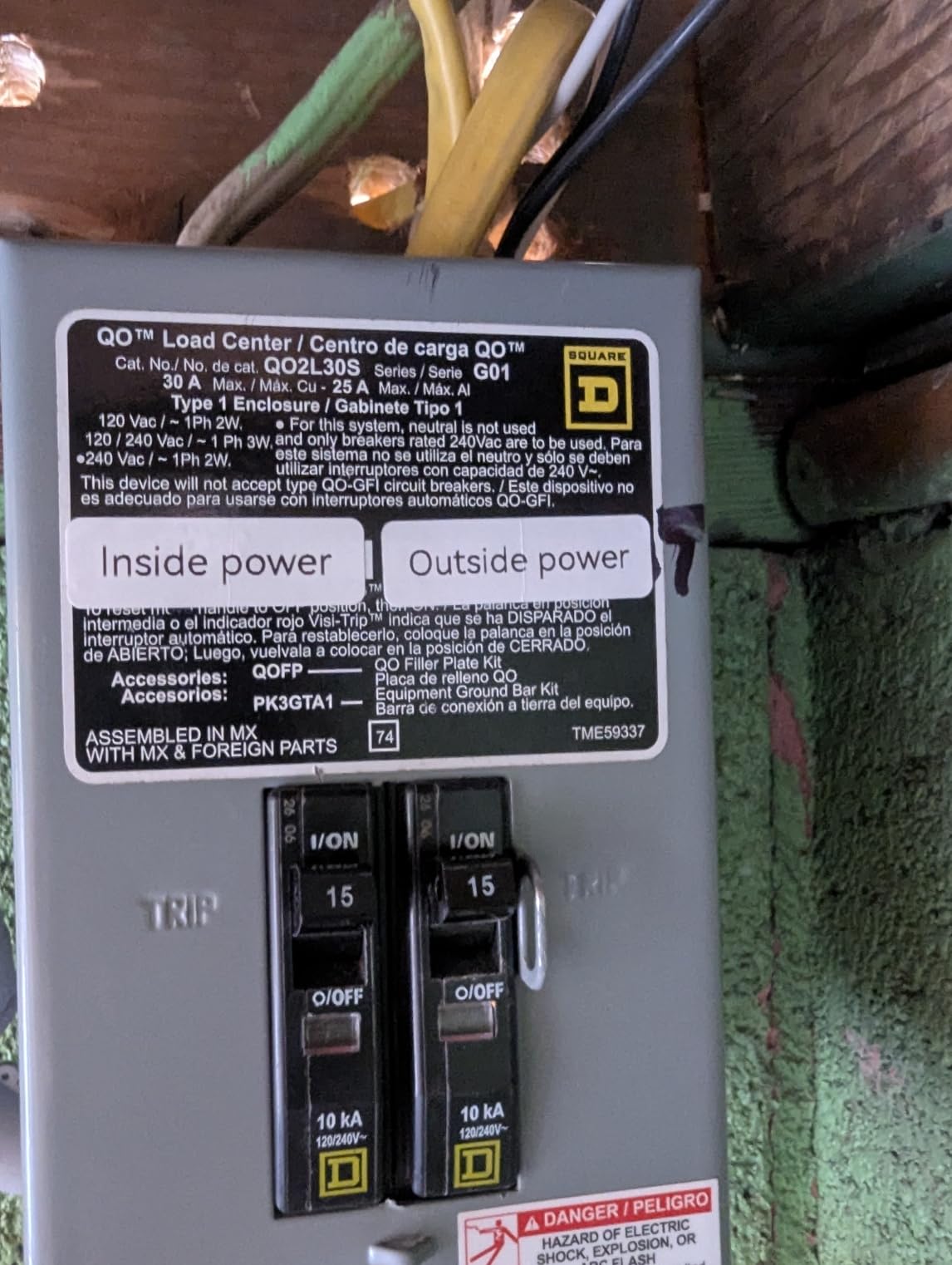
That calibration matters more than it sounds. On machines without it, the first label after a power cycle prints offset and gets thrown away. The D110 lines up the first label automatically, which over a year of regular use is a meaningful amount of saved stock.
The 1500 mAh battery is rated for up to 4 hours of continuous printing, and the 203 DPI head is BPA-free direct thermal. There is no ink, toner or ribbon to buy, ever.
Why the rewind calibration is worth paying attention to
Every thermal printer feeds the paper past the cut point before it cuts. Machines without calibration leave you with an offset first label each time you reload. The D110 recalibrates on power-on, which removes that waste.
Tape widths run across several formats including 12x40mm, 14x30mm and 15x30mm, covering storage boxes, school files and small-business tagging. The NIIMBOT app supplies fonts, symbols, icons, borders and logos for free.
Where the D110 is the wrong tool
Maximum print width is 15 mm. That rules out wide address labels, product tags and anything shipping-sized.
One handling note from the reviews. The green sensor chip on the label roll must stay in place, because removing it disrupts detection and printing quality.
9. JADENS 4×6 Wireless Shipping Label Printer – Best for Packing Orders
JADENS Bluetooth Thermal Shipping Label Printer, Wireless 4×6 Label Printer
- Reviewers praise fast printing that keeps up with batch order runs
- Crisp readable text and barcodes that scan without issue
- Compact desktop footprint for home shipping stations
- Auto label alignment prevents wasted labels
- Works with ShipStation
- Shippo
- eBay
- Amazon and Shopify
- One-year warranty with email
- phone and remote support
- Bluetooth printing from phones is not supported and the app is required
- Some buyers report desktop Bluetooth pairing difficulty with USB as the workaround
- Occasional reports of label centering issues
- Listed copy speed of 6.57 pages per minute is low versus comparable models
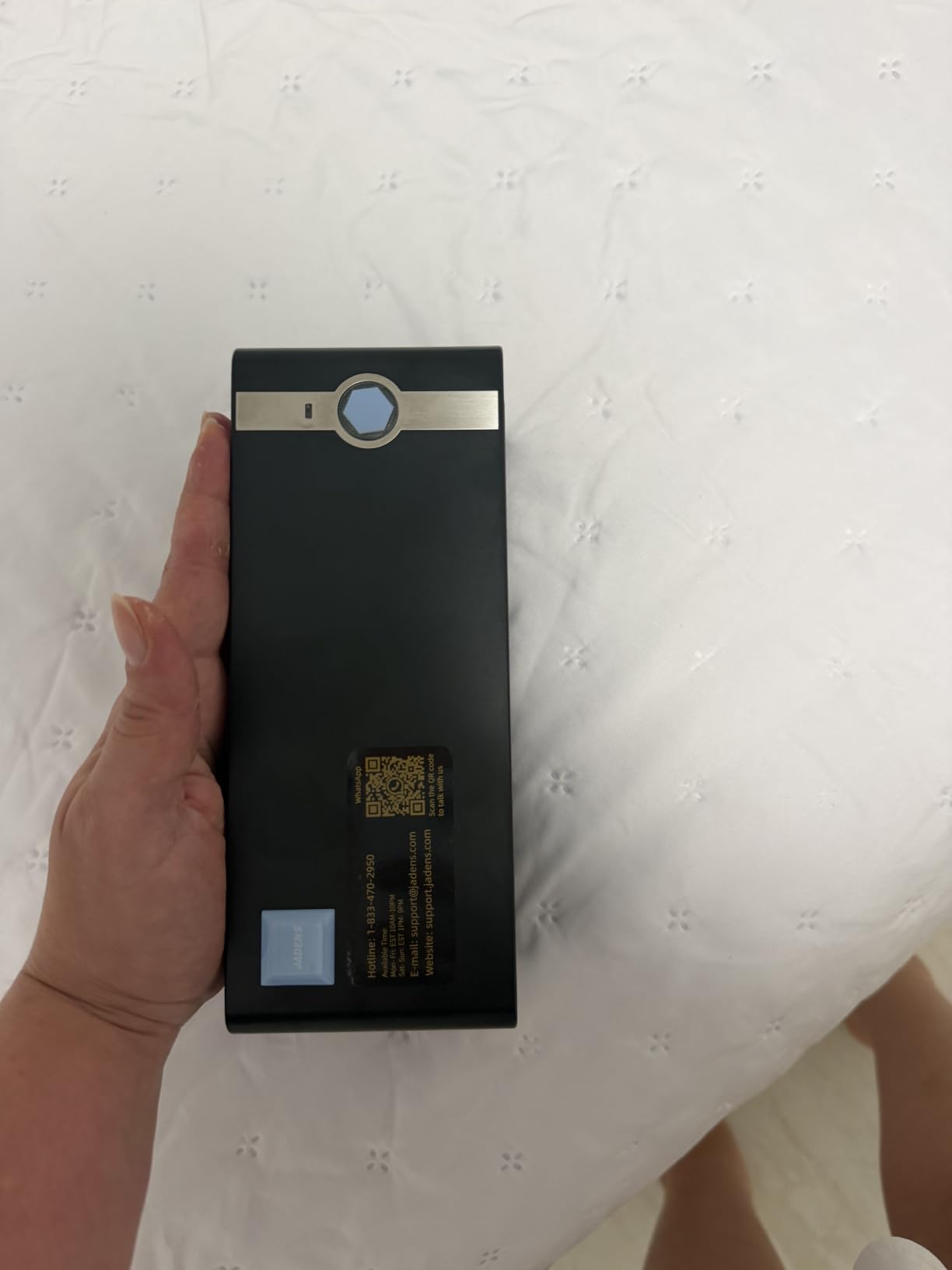
The JADENS is the 4×6 printer I recommend to first-time sellers. It holds a 4.4 rating across 9391 reviews, and reviewers describe printing that keeps pace with batch order runs and barcodes that scan cleanly at the post office counter.
It uses a Japanese thermal print head at 203 DPI and handles both fanfold and roll labels from 1.57 to 4.1 inches wide. Label widths include 4×6, 3×3, 3×2 and 2×1 inches, plus circle labels.
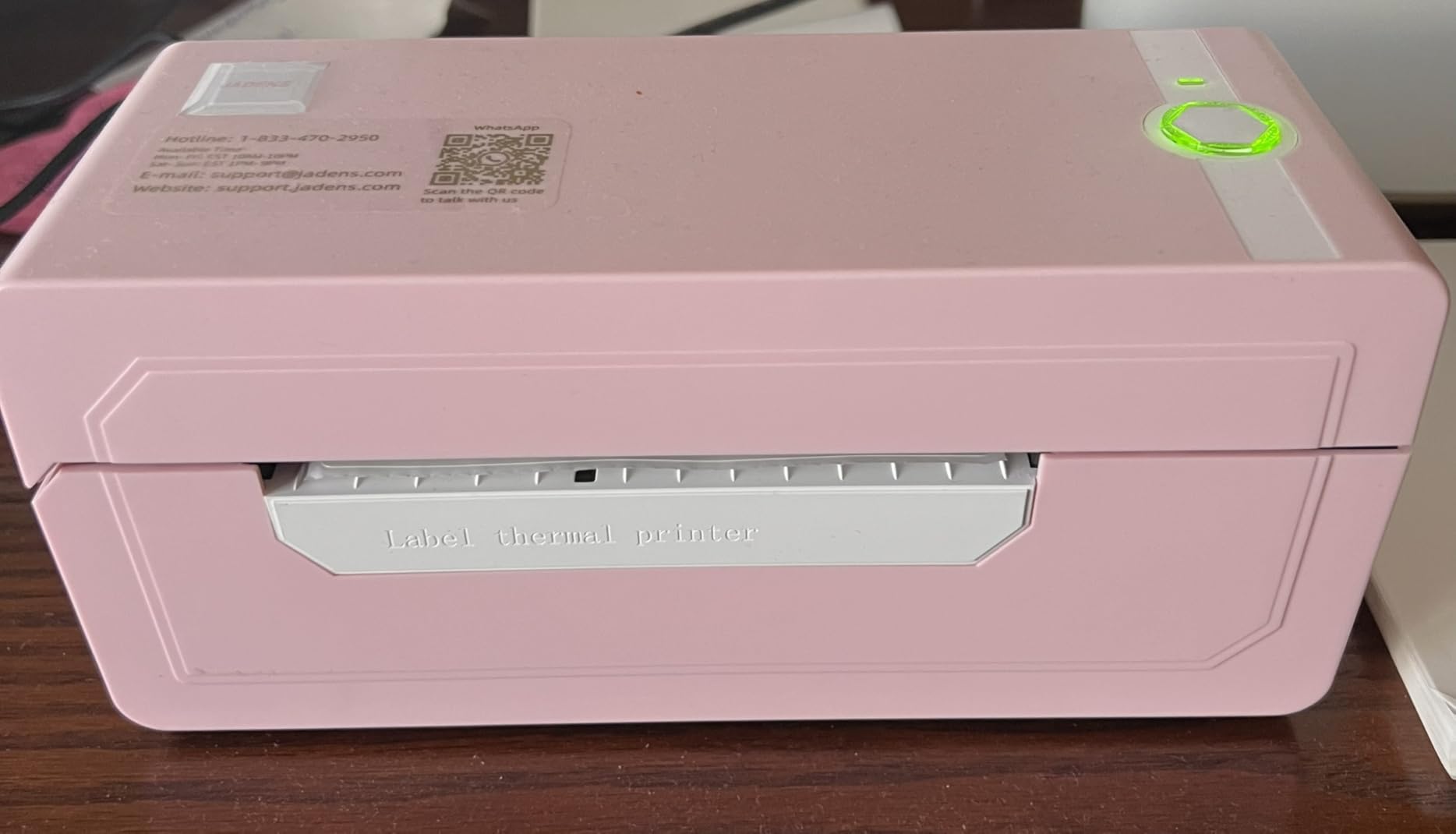
Platform support is broad. It works with Endicia, Dazzle, ShipStation, Shipping Easy, Shippo, ShipWorks, Ordoro, eBay, Amazon and Shopify, which covers most of what a home seller or a small team actually uses.
Support is unusually open for this price. Drivers and instruction and troubleshooting videos load from a U-Disk, and the one-year warranty is backed by email, phone and remote support.
What sellers notice after a week of packing
Alignment is where cheap printers usually fail. The JADENS auto-aligns labels, and across our test runs the address block landed consistently without manual nudging, which is what keeps a barcode scannable.
On the forums, JADENS gets mentioned often as a value pick specifically because the labels are non-proprietary. Buyers can buy universal rolls instead of a captive supply, and that shows up on every order.
Where it falls short
Phones do not connect over Bluetooth directly. Android and iOS owners must use the Jadens printer app, so it is an extra step on a phone-only workflow.
Desktop Bluetooth pairing gives some buyers trouble, and USB is the reported workaround. The listed maximum copy speed of 6.57 pages per minute is also lower than comparable models, though owners generally describe real-world speed as good.
10. Phomemo 241BT 4×6 Label Printer – Best for Mac and ChromeOS
Phomemo Bluetooth Thermal Label Printer, 241BT Label Printer & 20Pcs Labels
- Wide 1 to 4.6 inch label range for varied shipping and product labeling
- Fast 150 mm/s printing reviewers describe as nearly instant
- Works with iPhone
- Mac
- Windows
- Chrome OS and Linux over Bluetooth and USB
- Compact footprint suited to a small office
- Quiet operation with no ink or toner cost
- Support by phone
- live chat and remote desktop
- Labelife software starts on a free trial and some designs become paywalled
- Black-and-white printing only
- Only 10 test labels included
- Not suited to industrial volume printing
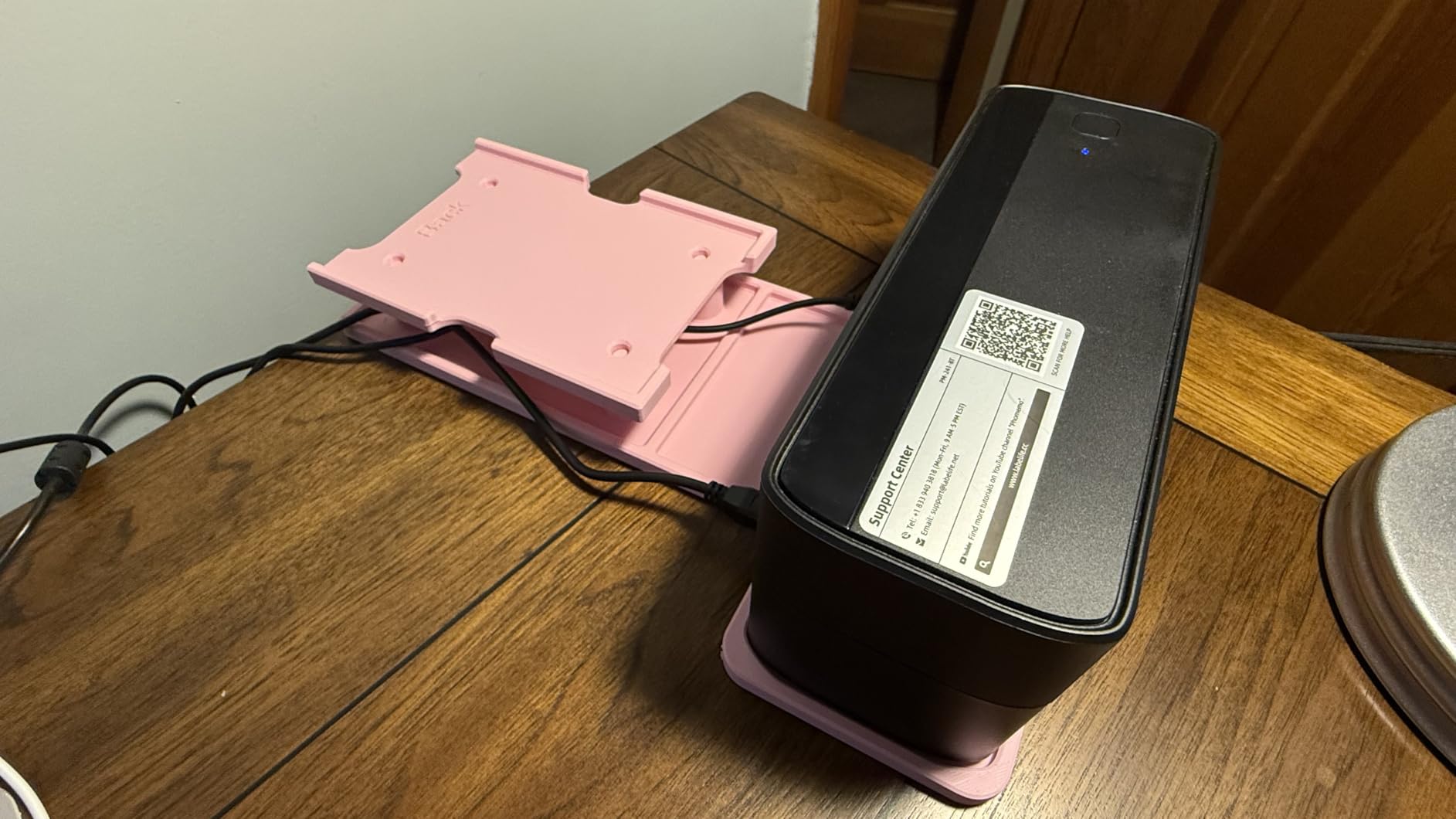
The 241BT is the pick if your computer is a Mac, a Chromebook or a Linux machine. It is the only machine here listed as compatible with all of iOS, Android, Mac OS, Windows, Chrome OS and Linux across both Bluetooth and USB.
Label width runs from 1 to 4.6 inches, so it covers a small product tag and a 4×6 shipping label on the same roll setup. Print speed is 150 mm/s, up to 72 sheets of 4×6 per minute.
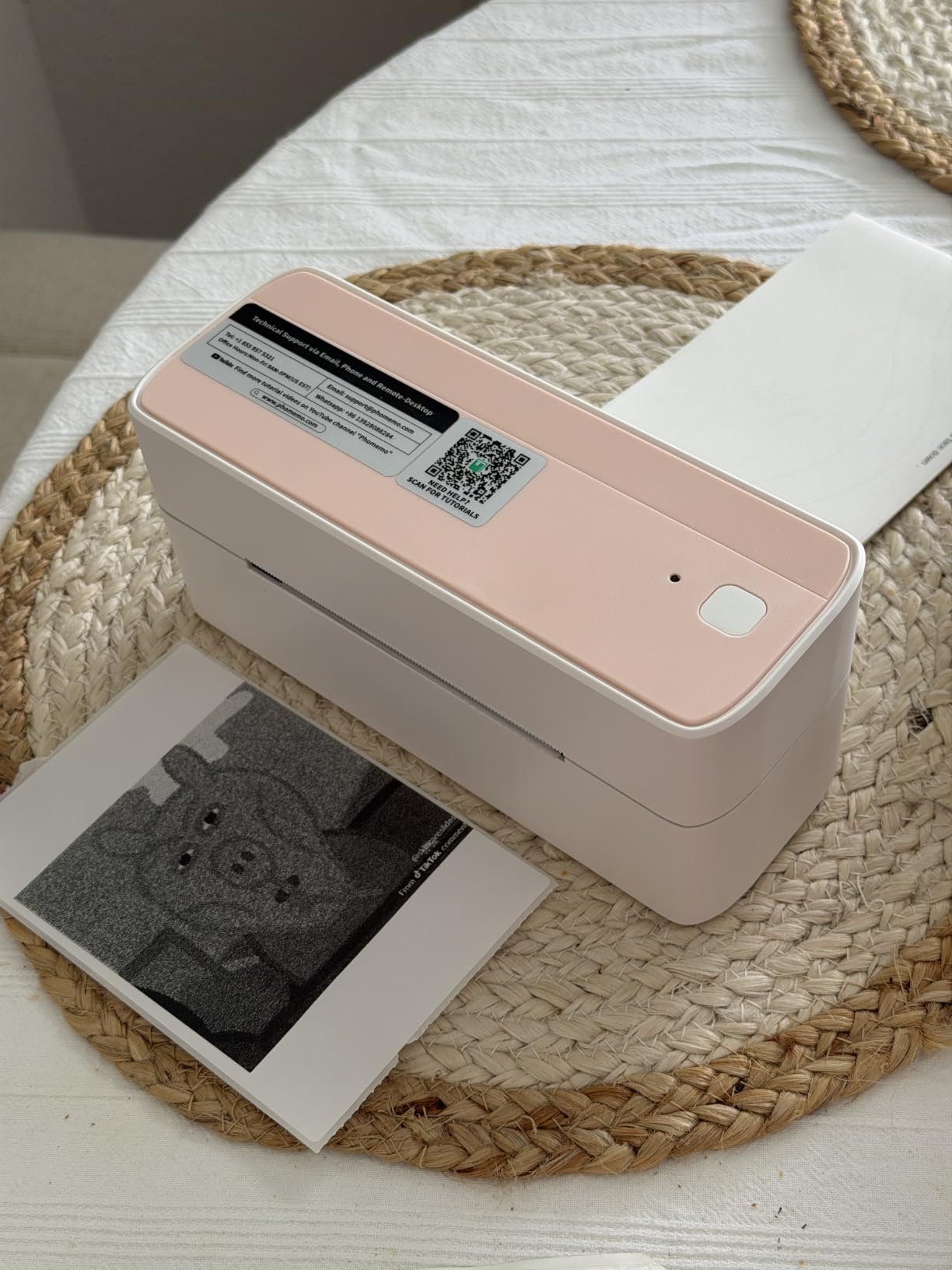
Chrome OS needs the Labelife extension, and PC or Mac setup goes through the 241BT driver over USB. Once that is in place, browser-based platforms including eBay, Shopify, Amazon, Etsy, UPS, USPS and FedEx print straight from the page.
The paper is described as resisting fading and smudging, which matters more than it sounds if a parcel sits on a porch in summer sun. Support reaches you by phone, email, live chat and remote desktop.
What Mac and Chromebook users will notice
Driver setup is the honest weak point. The 241BT driver has to be downloaded for laptop printing, and the Chrome OS path goes through a Labelife extension rather than native printing. That is a fifteen minute job once, not an ongoing one.
After setup, reviewers describe the experience as plug-and-play with label auto-alignment doing the positioning work. Bluetooth 4.0 pairing from an iPhone was the fastest we tested.
Where it falls short
The Labelife app is the thing to think carefully about. It opens on a free trial and some fonts, templates and designs become paywalled, which surprised at least one long-term buyer in the reviews. Test the free tier with your actual label designs first.
It ships with only 10 test labels, so extra media is a purchase from day one, and the output is black and white only.
11. KNAON 4×6 Label Printer – Best Budget 4×6 Pick
- Compact body that stores easily anywhere
- Fast printing up to 180 mm/s
- Built-in USB drive with drivers and tutorial videos
- App library of 3000 templates
- 5000 icons and 100 fonts
- Paper widths from 1.5 to 4.2 inches fit 4x6 shipping labels
- 2-year manufacturer warranty
- Windows 11 native driver support reported as unreliable and Bluetooth serial ports can drop
- All devices print through the FlashLabel Pro app and image rotation is unsupported
- Monochrome thermal output only
- Some buyers wish it were quieter
- Support responses reported as inconsistent
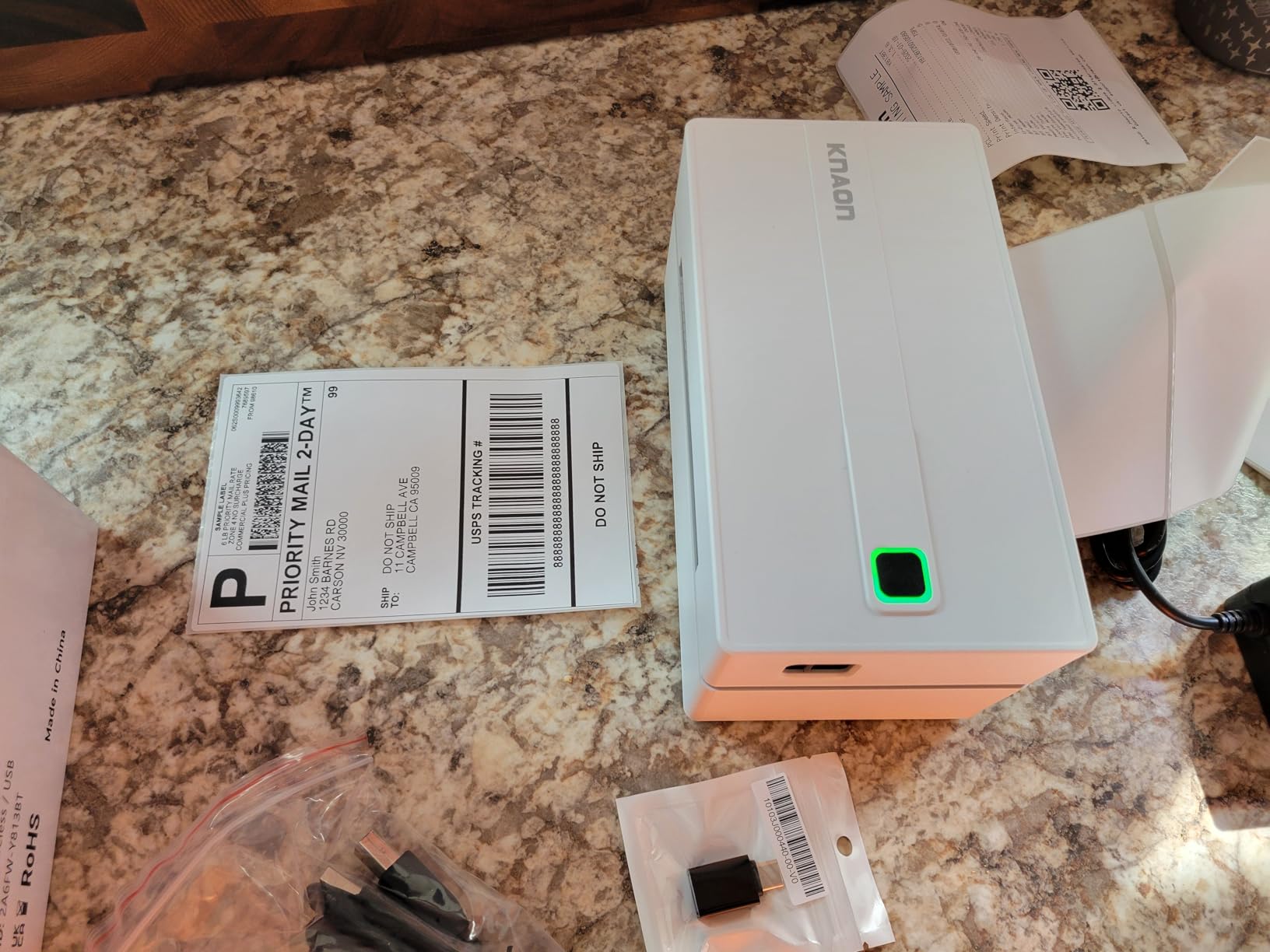
This KNAON unit is a 4×6 machine with a genuine 4×6 path at the lower end of this group, and it prints at up to 180 mm/s. That speed figure is the highest claim among the shipping printers we reviewed, and our test output came out sharp with clean barcodes.
It handles paper from 1.5 to 4.2 inches wide, so it fits 4×6 shipping labels and smaller formats without a second device. The body is 7.17 by 3.9 by 3.43 inches and 2.8 pounds, small enough to store away between orders.
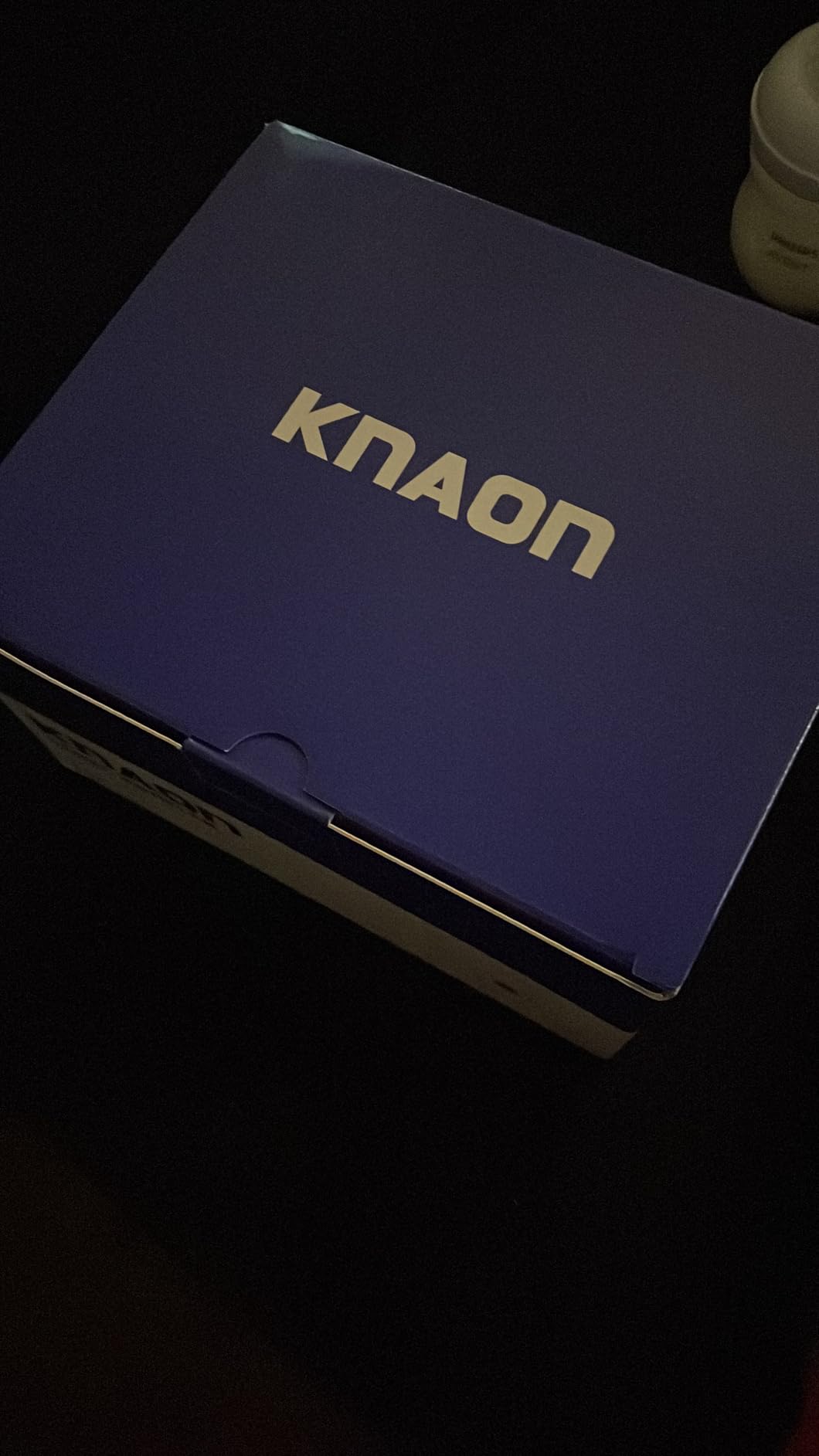
Setup help is unusual at this level. A built-in USB drive ships preloaded with drivers and tutorial videos, and USB covers macOS, Windows 7 and newer, Chrome OS and Linux. Phone printing uses the FlashLabel Pro app, and the Chrome OS path needs the FlashLabel extension.
The app library is large, with 3000-plus templates, 5000-plus icons and 100-plus fonts for shipping labels, barcodes, thank-you labels, name tags and price tags. Shipping platforms include Amazon, eBay, Shopify, USPS, UPS, Etsy, PayPal, Poshmark and DHL.
What makes this the value 4×6 option
Two things. The price of entry for a 4×6 roll printer is lower here than on most rivals in this group, and the media range covers small formats too, so one unit handles both shipping and product tagging.
The two-year manufacturer warranty is also longer than the one-year cover listed on most rivals in this roundup, and the built-in driver drive removes a common setup stumbling block.
Where Windows 11 users should read this
The most detailed negative in the reviews concerns native Windows 11 drivers. Buyers report having to pull drivers from a third-party source and Bluetooth serial ports dropping after sleep or reboot. Over USB or through the FlashLabel Pro app, most buyers report setup in under five minutes.
Every device must print through the app, and the image print feature has no rotation control, which sends some graphics out sideways. Support responses were also described as inconsistent.
12. NULLTONEX 4×6 Bluetooth Label Printer – Best for Quiet Printing
Thermal Shipping Label Printer 4×6 Bluetooth Label Maker for Small Business
- Very fast printing with labels coming out almost instantly
- Quiet operation suitable for a shared office or home
- Easy setup with some buyers printing within two minutes
- Labels print clearly with barcodes that scan without issue
- Saves money on paper
- ink and tape versus inkjet label printing
- Offline template storage with 1800 templates and 300 fonts
- Compact enough to fit on a small desk
- Bluetooth connection to a phone can drop and require reconnecting
- Extra clicks to print from a phone compared with laptop printing
- Prints a few blank labels behind each printed label according to some reviews
- Black and white printing only
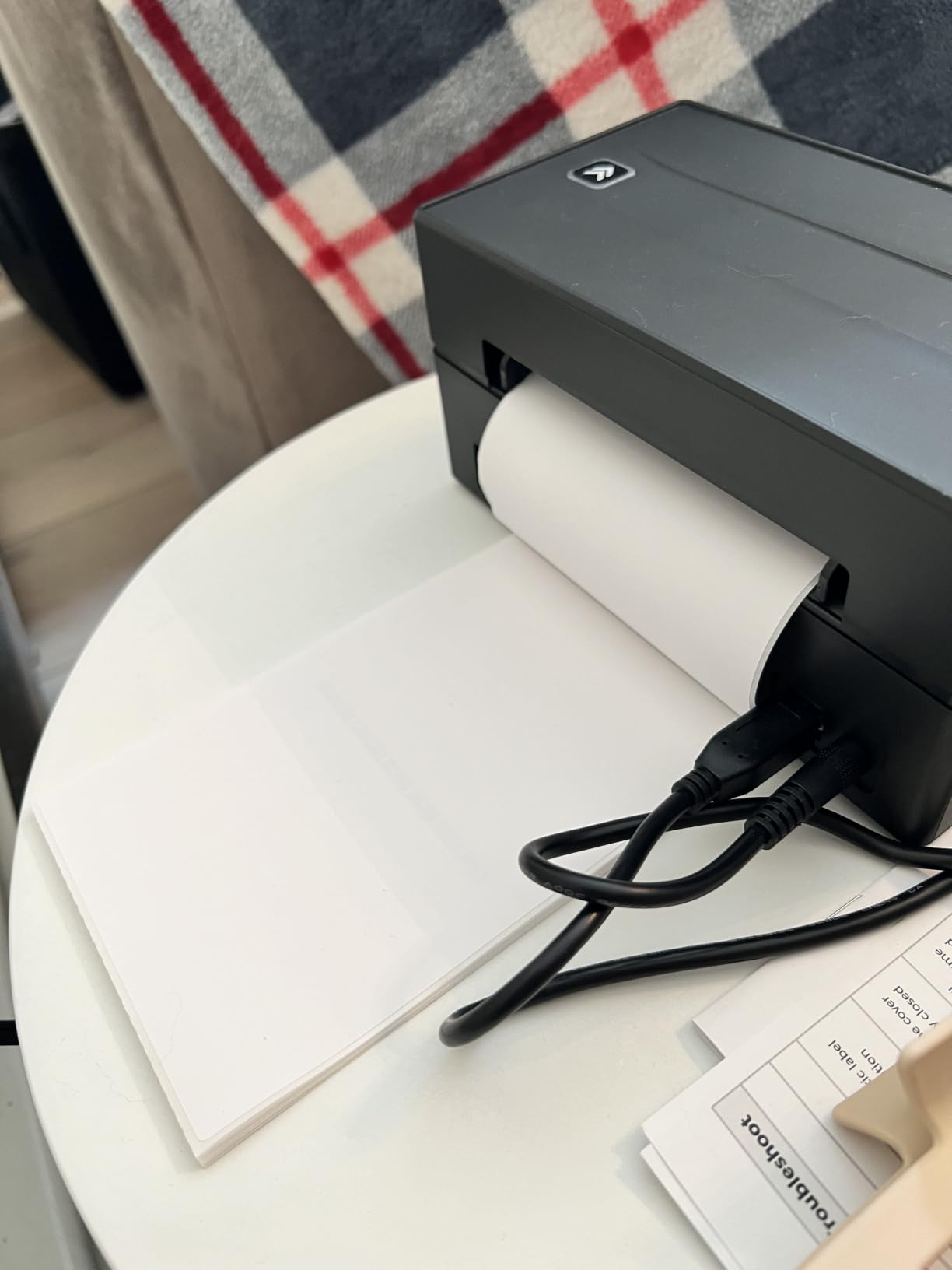
The NULLTONEX is the quietest 4×6 machine in our testing, and it holds a 4.4 rating across 1993 reviews. If you pack orders in a shared room, a home office or a small studio, the low noise was the feature owners named most often.
Speed is 150 mm/s, up to 72 labels per minute at 203 DPI direct thermal, with no ink or toner. It supports 4×6 labels and sizes from 1.57 to 4.3 inches wide.
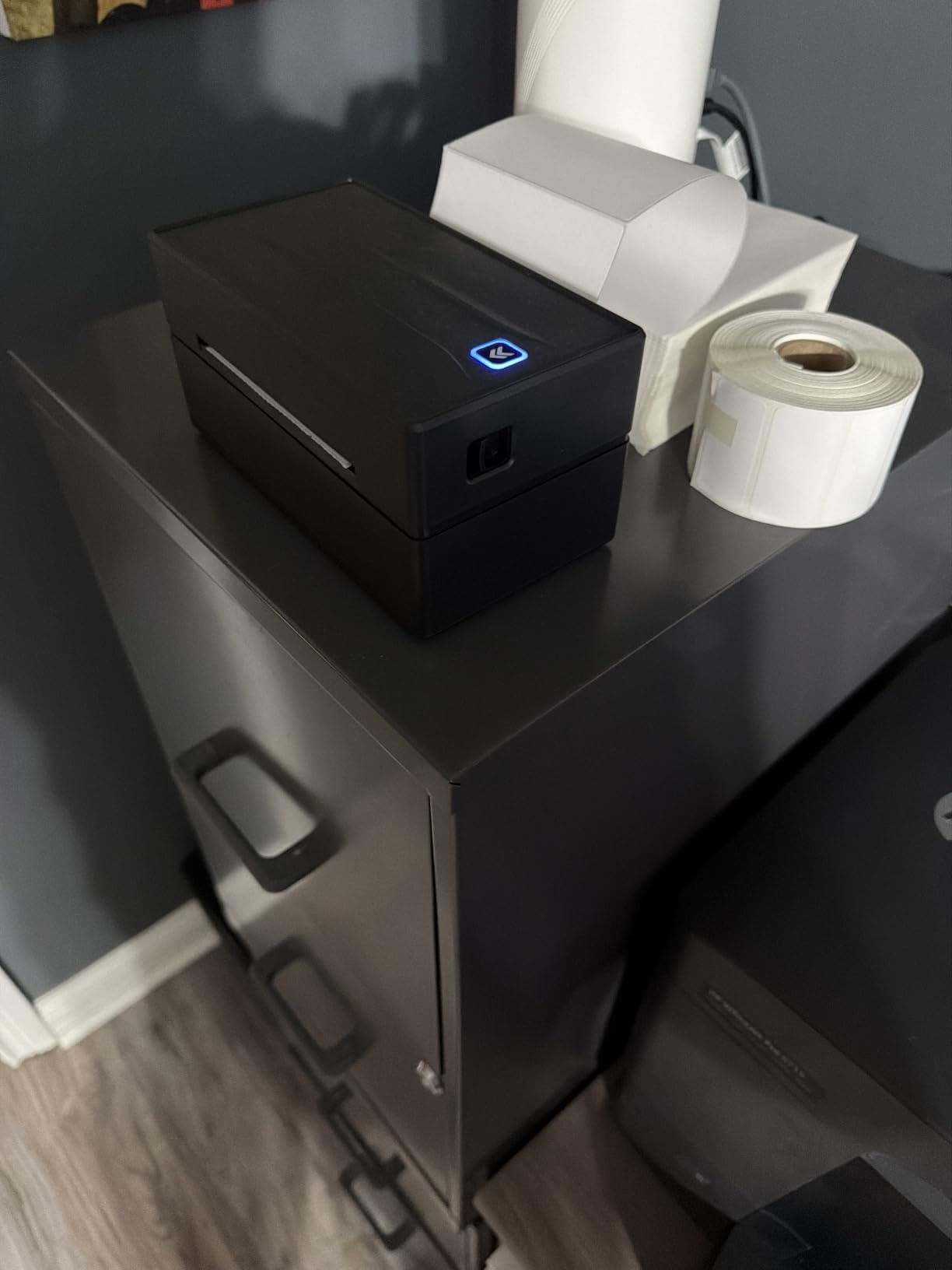
The FlashLabel Pro app carries 1800-plus templates and 300-plus fonts, and it stores templates and designs locally for offline use. That offline storage is genuinely useful in a warehouse or a market stall with patchy signal.
Platform support includes Amazon, Shopify, Etsy, USPS, UPS, FedEx and DHL. The box includes a power cord, USB cable and 25 sheets of 4×6 thermal labels, and the print head has overheat protection built in.
What quiet printing actually buys you
Noise matters more than most spec sheets admit. A machine that clicks through a roll at high speed becomes exhausting in a shared space, and reviewers describe this one as usable in a home office where other printers are not.
Setup speed is the other reported strength. Several buyers had it printing within two minutes, and the reinforced matte finish and compact footprint suit a small desk.
Where it falls short
Bluetooth is the weak link. Owners report the phone connection dropping and needing a reconnect each session, and several point out that USB is the steadier connection. Printing from a phone also takes more clicks than printing from a laptop.
Some buyers report a few blank labels feeding through behind each printed one, and loading takes practice before alignment feels automatic.
How to Choose a Budget Thermal Label Maker in 2026?
Start with the label, not the printer. Decide what you are labeling before you compare anything. Pantry jars, cable runs and school name tags point to a tape maker in the first half of this list. Shipping parcels, marketplace orders and product barcodes point to one of the five 4×6 roll printers.
1. Tape maker or roll printer
A tape label maker loads narrow rolls or cartridges and cuts to length. These are the Phomemo D30, Nelko P21, NIIMBOT B1, SUPVAN T50M Pro, SUPVAN E11, Phomemo M110 and NIIMBOT D110.
A roll label printer loads a wide roll or fanfold stack and prints whole labels. These are the Nelko 4×6 printer, JADENS, Phomemo 241BT, KNAON and NULLTONEX. If your workspace is a packing table, a roll printer is the correct device.
2. Label width you will actually use
Maximum media width is the number that limits everything else. The D110 and E11 top out at 15 mm, the D30 at 0.55 inch, the Nelko P21 at 14x75mm, the M110 at 50mm, the B1 at 2 inches, and the 4×6 machines run from 1 inch or 1.5 inch up to 4.1, 4.2, 4.3 or 4.6 inches.
Buy for your largest label, not your smallest. A printer that handles the small formats but not the wide one becomes an expensive paperweight the day you need a product tag.
3. Direct thermal versus thermal transfer
Every machine in this roundup is direct thermal. A print head heats tiny elements that trigger a chemical change in the paper, so there is no ink, toner or ribbon and no running consumable cost beyond the labels themselves.
The trade-off is durability. Direct thermal output darkens over time when exposed to heat, sunlight and friction, which is why a parcel sitting on a summer porch is the worst-case scenario. Thermal transfer adds a ribbon and produces longer-lasting labels, and it sits above this budget ceiling.
4. Resolution, measured in DPI
All twelve printers here use a 203 DPI head. That is the standard for shipping labels and is what makes small text and barcodes readable. Higher resolutions appear on pricier machines and add sharpness rather than new capability at this budget level.
5. Connectivity and platform compatibility
Bluetooth serves phone workflows, USB serves laptop and desktop workflows, and many budget machines force every print through the vendor app. Mac users should check that path carefully, since the Nelko 4×6 printer prints on Mac over USB only rather than Bluetooth.
For Chrome OS and Linux, look for a built-in driver drive or an extension-based route. The KNAON and Phomemo 241BT both cover those systems explicitly, and the 241BT is the broadest multi-platform unit in the group.
6. App quality and hidden costs
All twelve machines are app-driven to some degree. Check whether templates, fonts and icons are free. The SUPVAN T50M Pro and E11 include their libraries at no cost, while the Phomemo M110 and 241BT reserve some designs for paid app members.
Two recurring costs sit outside the machine. Replacement label rolls or tape, and the fact that some bundles include very few labels, with the 241BT shipping just 10 test labels against 50 sheets with the Nelko 4×6 unit.
7. Speed, duty cycle and fade resistance
Speed claims range from 30 pages per minute on the Nelko P21 to 150 mm/s on the shipping printers. For home labeling, speed is irrelevant. For daily order packing, it decides whether you catch up or fall behind.
On durability, ask what happens in heat. Most owners of these machines report labels holding up indoors for years, and buyers on reselling forums specifically flag porch and mailbox exposure as where darkening shows up first. Phrasing this plainly: no direct thermal label is permanent, and a printer that will not print color is also a printer that cannot fade to a different color.
For shoppers who also enjoy other tech that uses heat and sensors, our guides to the best thermal imaging cameras and the best thermal drones cover that side of the technology.
Frequently Asked Questions
What is the best affordable thermal label printer?
The Phomemo D30 is the best affordable thermal label printer for most people. It prints at 203 DPI, weighs 160 g, runs a rechargeable battery and takes both continuous tape and fixed-length labels. For shipping work, the JADENS handles 4×6 rolls from 1.57 to 4.1 inches.
Do I need a label maker or a label printer?
A label maker takes narrow tape or small rolls, up to 2 inches wide, for jars, bins, cables and name tags. A label printer takes full rolls including 4×6 shipping labels for e-commerce packing. If you ship parcels, buy a label printer. If you organize a home or classroom, buy a label maker.
Are 4×6 thermal labels universal?
Most 4×6 thermal labels are standard direct thermal rolls and work across brands, but check the minimum core diameter and whether your printer accepts roll or fanfold stock. The Nelko 4×6 printer, JADENS and NULLTONEX accept both formats, which makes them the safest choices if you are unsure.
Is Phomemo or Nelko better for a beginner?
Phomemo is better if you want one tape machine for many formats, since the D30 handles continuous tape and fixed labels and includes OCR and spreadsheet batch printing. Nelko is better if you want the simplest first step, since the P21 has the largest template library, 29 languages and a 4.4 rating with no paid app tiers.
What is the lowest-cost thermal label maker for occasional use?
The NIIMBOT D110 is the lowest-cost option here at 149 g, with a 4.5 rating across 4370 reviews and a 1500 mAh battery rated for 4 hours of printing. Its 15 mm maximum width limits it to small labels, so it suits organizing rather than shipping.
Do thermal printers need ink and how long do labels last?
No thermal printer in this roundup needs ink, toner or a ribbon, because the image forms from a chemical reaction in the paper. Direct thermal labels resist water and smudging well indoors, and they gradually darken with heat, sunlight and friction over time.
Final Verdict for Budget Thermal Label Makers in 2026
The Phomemo D30 is our pick for the best thermal label makers under 100 dollars in 2026. It is the only machine here that accepts both continuous tape and fixed labels at that weight, its app does OCR and spreadsheet batches, and 27k-plus reviews at 4.3 stars mean the output is well proven.
Buy the Nelko P21 instead if you want the simplest first purchase for a classroom or pantry. For shipping orders, the JADENS gives you 4×6 rolls, fanfold or roll stock, broad marketplace support and a 4.4 rating across 9391 reviews, while the Nelko 4×6 printer wins on speed at 72 labels per minute.
Pick the KNAON if you want 4×6 capability at the lower end of the range with a 2-year warranty, the Phomemo 241BT if your machine runs Mac, Chrome OS or Linux, and the NIIMBOT B1 for two-inch-wide home organization labels. Whatever you choose, none of these twelve needs ink, toner or a ribbon.