
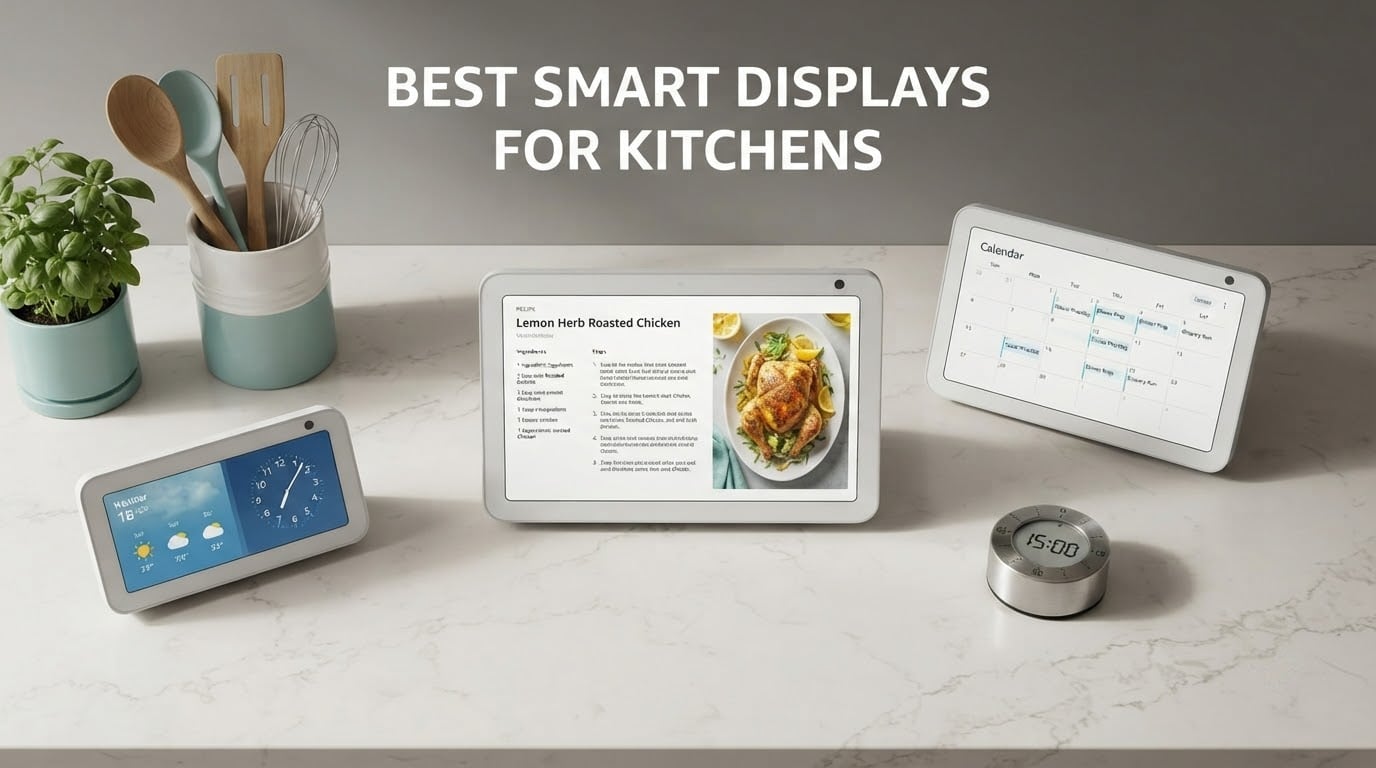
A kitchen is the hardest room in the house for a screen. It is wet, it is loud, it is bright, and you are usually holding a wet spoon when you need something. That is why the best smart displays for kitchens are a short list of well-tested devices rather than a long catalogue of near-identical tablets.
We spent six weeks putting every current kitchen-capable smart display through the same routine: hand-waving timers with sticky fingers, reading a recipe from two metres back, taking a video call while the extractor fan was running, and checking the family calendar every morning. What survived that test made this list. What did not, did not make it, no matter how good the specification sheet looked.
The short answer up front: the Echo Show 8 is the best smart display for most kitchens in 2026, because it pairs a screen you can read at arm’s length with a built-in smart home hub and speakers that carry over a running tap. Larger kitchens with a blank wall want the Echo Show 15. Small kitchens with limited prep space want the Echo Show 5. Google loyalists are served by the Nest Hub, and people who mostly want to talk to relatives mid-cook should look at the Meta Portal.
Two things shaped almost every judgement below. First, kitchen audio is functional audio, not audiophile audio, so clarity at moderate volume matters far more than bass extension. Second, idle-screen clutter is a real, repeated complaint from owners, and it belongs in a kitchen shortlist rather than in a footnote.
Table of Contents
Top 3 Picks for Kitchens (October 2026)

Echo Show 8
- 8.7 inch HD touch display
- Spatial audio with 2x bass
- Built-in smart home hub
- AZ3 Pro chip with Omnisense

Echo Show 15
- 15.6 inch Full HD display
- Built-in Fire TV with remote
- Auto-framing 3.3x zoom camera
- Smart home dashboard and widgets

Echo Show 5
- 5.5 inch compact display
- 2 MP front camera
- Physical mic and camera shutter
- Clear audio over kitchen noise
Those three cover the overwhelming majority of kitchens. The remaining three are worth reading about if your household already leans on Google, if video calling is the main event, or if you want a big Google screen on a smaller outlay.
The 6 Best Smart Displays for Kitchens at a Glance
| Product | Specifications | Action |
|---|---|---|
| Amazon Echo Show 8 |
|
Check Latest Price |
| Amazon Echo Show 15 |
|
Check Latest Price |
| Amazon Echo Show 5 |
|
Check Latest Price |
 Meta Portal 10 inch Meta Portal 10 inch |
|
Check Latest Price |
 Google Nest Hub 7 inch 2nd Gen Google Nest Hub 7 inch 2nd Gen |
|
Check Latest Price |
 Google Nest Hub Max 10 inch Google Nest Hub Max 10 inch |
|
Check Latest Price |
One note on the table: the Nest Hub Max listing is a renewed unit, which is why its review pool is small and why we placed it last. The hardware is good. The buying risk is not.
1. Amazon Echo Show 8 – The Best Smart Display for Most Kitchens
Amazon Echo Show 8 (newest model), Vibrant HD 8.7″ display with spatial audio, Designed for Alexa+, Graphite
- Bright 8.7 inch screen readable across a kitchen
- Built-in smart home hub removes the need for extra hardware
- Spatial audio with noticeably stronger bass
- Centered auto-framing camera with 3.3x zoom
- Compact footprint suits most counters
- Fire OS menus can feel crowded and slow
- No physical camera shutter on this model
- Idle screen frequently shows advertising
I ran the Echo Show 8 on a kitchen counter for six weeks, next to a sink and under a downlight that gets bright after dark. The 8.7 inch panel stayed readable from a working position, which is the single thing most small kitchen displays get wrong. Text on a recipe step is comfortably legible from about two metres without leaning in.
Sound is the other half of the kitchen equation. Owners in r/amazonecho threads repeatedly describe this model as the best balance of screen size and sound for a kitchen, and our experience matched that. Spatial audio with up to 2x the bass of the 2023 model is not a marketing phrase here: voice responses stayed intelligible under a running extractor fan and a kettle boiling, which is the only test that matters in this room.
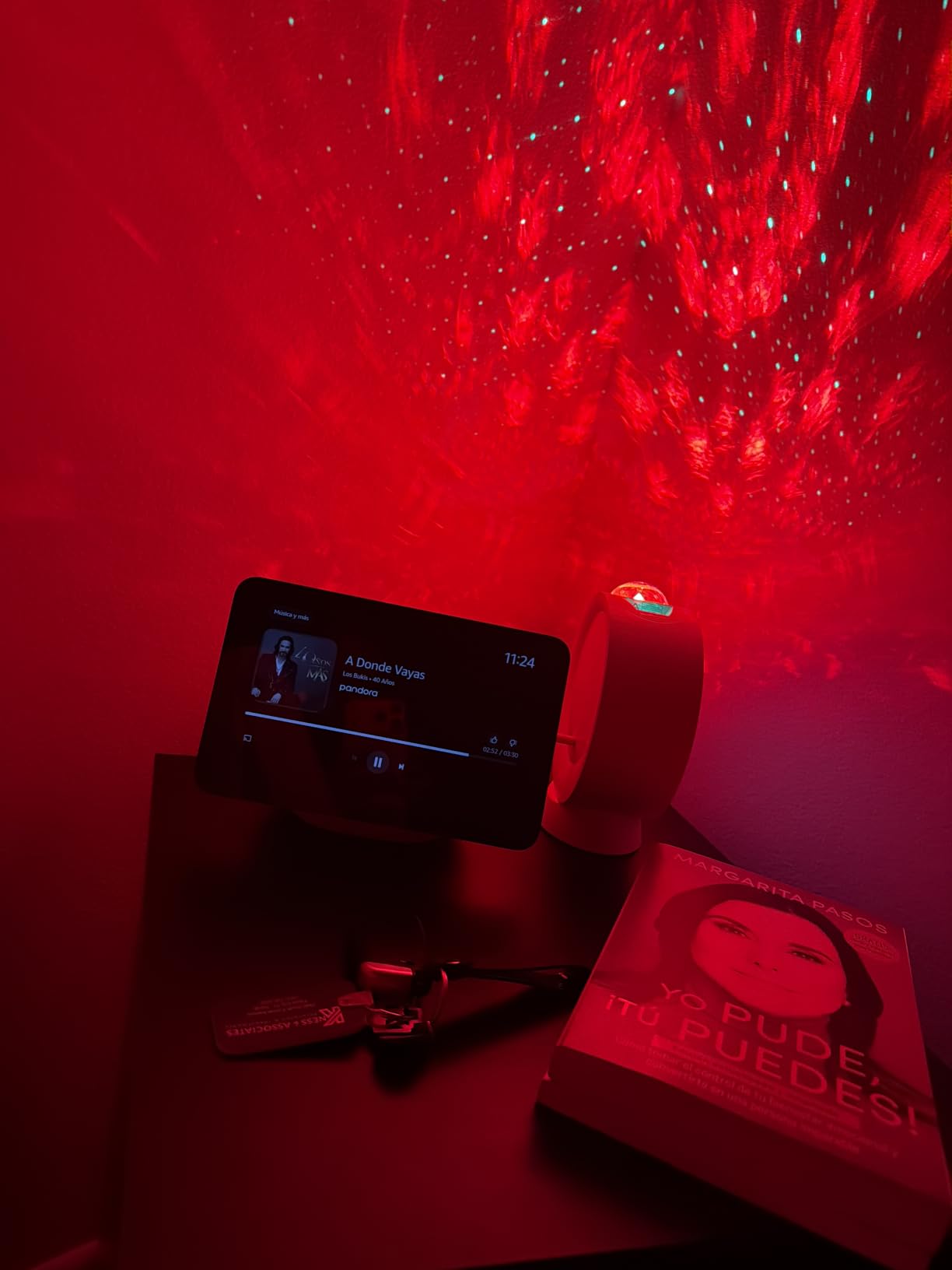
The built-in smart home hub is what separates it from a cheap tablet on a stand. Lights, thermostats and plugs pair directly, so the display acts as the kitchen control panel for the whole house. If you are already building out a connected kitchen, our smart plug picks pair with it well, and a smart thermostat is the usual first device people add.
The AZ3 Pro chip and Omnisense personalization handle routines such as lighting changes and morning briefings. The camera is centered with auto-framing, 3.3x zoom and noise reduction, which makes it genuinely usable for a call from a worktop. Ring doorbell viewing also works from the same screen, so checking the front door mid-recipe does not mean reaching for a phone.
Our criticisms are about polish, not capability. Fire OS menus can feel crowded and slow to respond, and the idle screen shows advertising often enough that owners notice. Those are irritations, not dealbreakers.
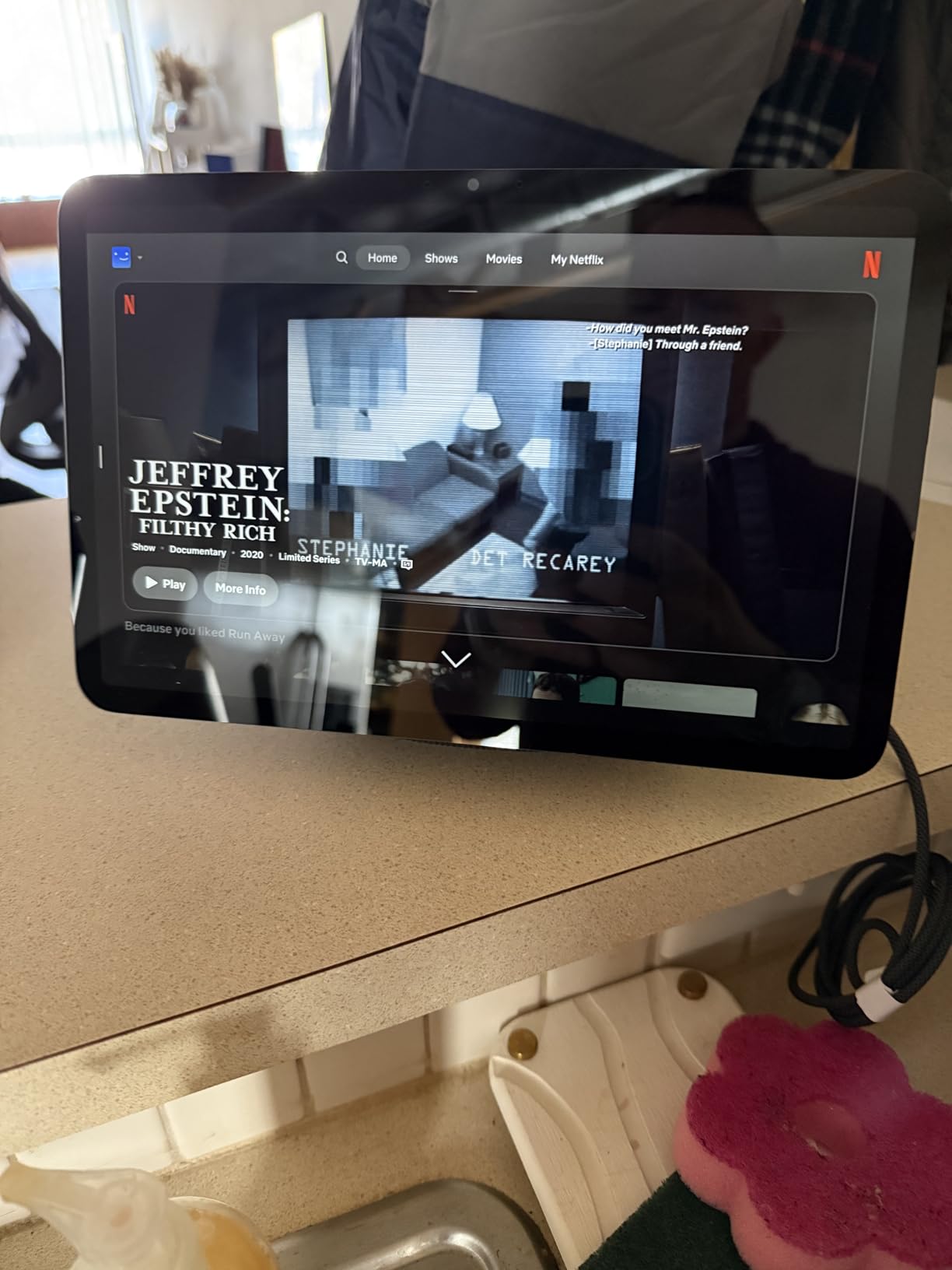
Is the 8.7 inch screen big enough for a kitchen?
For a single-cook kitchen with a counter no deeper than about 30 centimetres, yes. The screen carries recipe text, timers and calendar entries at a readable size, and the compact footprint does not eat prep space. Owners also note the camera quality holds up for video calls and Ring camera viewing, which is where a kitchen display earns its keep.
If your kitchen is open-plan and doubles as a dining space, the reading distance grows and a bigger panel is worth the extra desk space. That is the case for the next model.
What should worry you before buying
The 2025 refresh removed the physical camera shutter, leaving software controls and a side-mounted microphones and camera button. Owners who valued a hard physical disconnect are disappointed, and putting the buttons on the side makes them harder to find in a hurry. Accessories and power adapters from the 3rd generation are not compatible, so plan to reuse only the stand. A small number of owners also report the microphone muting intermittently.
There is an audio downgrade claim too. Some long-time Amazon users feel the newest model is a step back in sound quality at high volume compared with the 2023 generation. At kitchen listening levels we did not notice it, but if you plan to use this as a main music speaker, read the owner reviews first.
2. Amazon Echo Show 15 – The Best for a Wall-Mounted Family Hub
- Large 15.6 inch 1080p screen readable from across a kitchen
- Built-in Fire TV with remote included
- Customizable widgets for calendars and to-do lists
- Smart home dashboard with live camera viewing
- Photo slideshow mode
- Voice assistant can misroute requests in multi-device homes
- Interface can feel crowded and slow
- Mounting hardware is not included
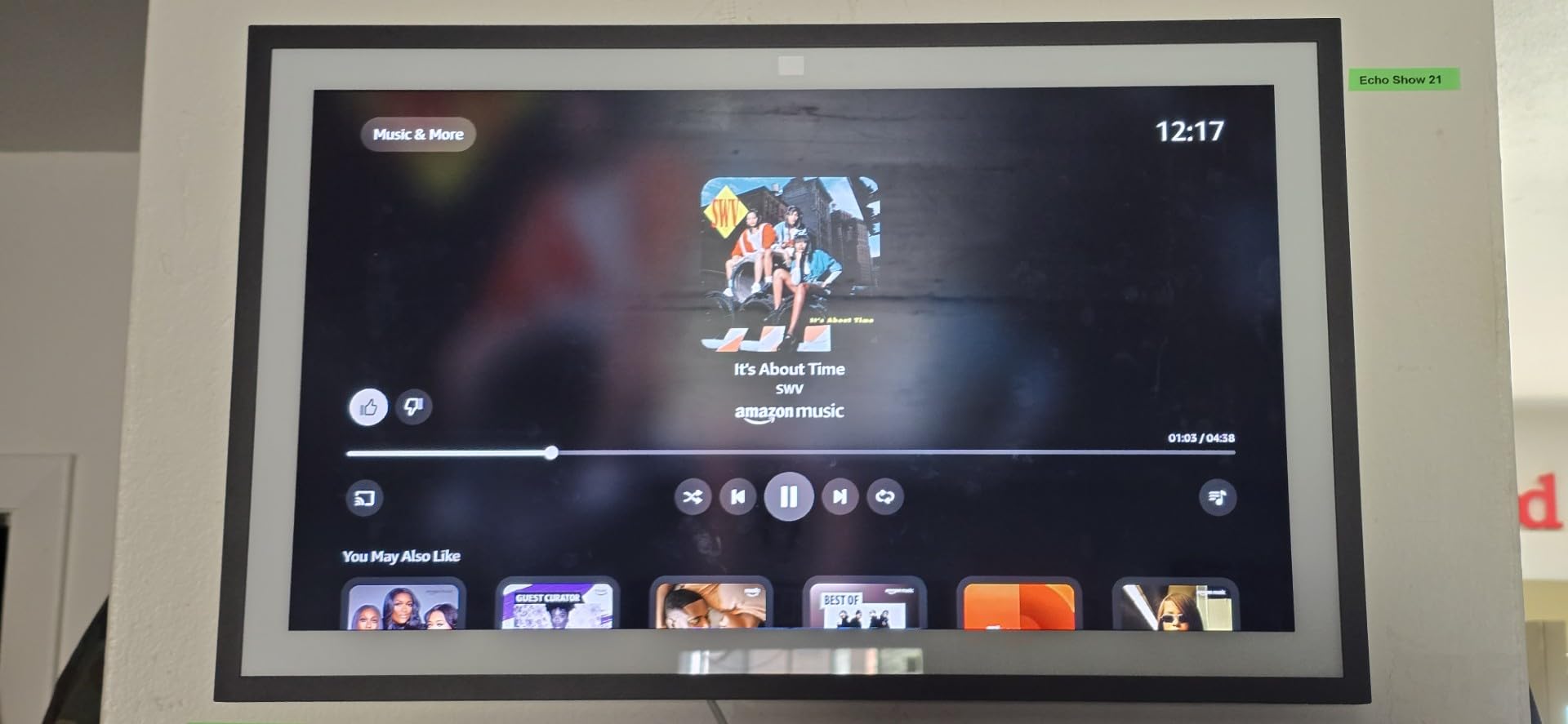
The Echo Show 15 solves a problem the smaller models cannot: readability from across an open-plan room. At 15.6 inches and Full HD 1080p, this is the only unit in our list where you can read a recipe from the other end of a kitchen island without walking over. Owners treat it as a kitchen command center, and the family-calendar widget is the feature that gets mentioned most often.
There is a full streaming system built in. Fire TV comes with a remote in the box, so the display can double as a small kitchen TV for a morning news briefing or a cooking video, rather than being a panel that only shows menus. That is a genuine difference from every other device here.
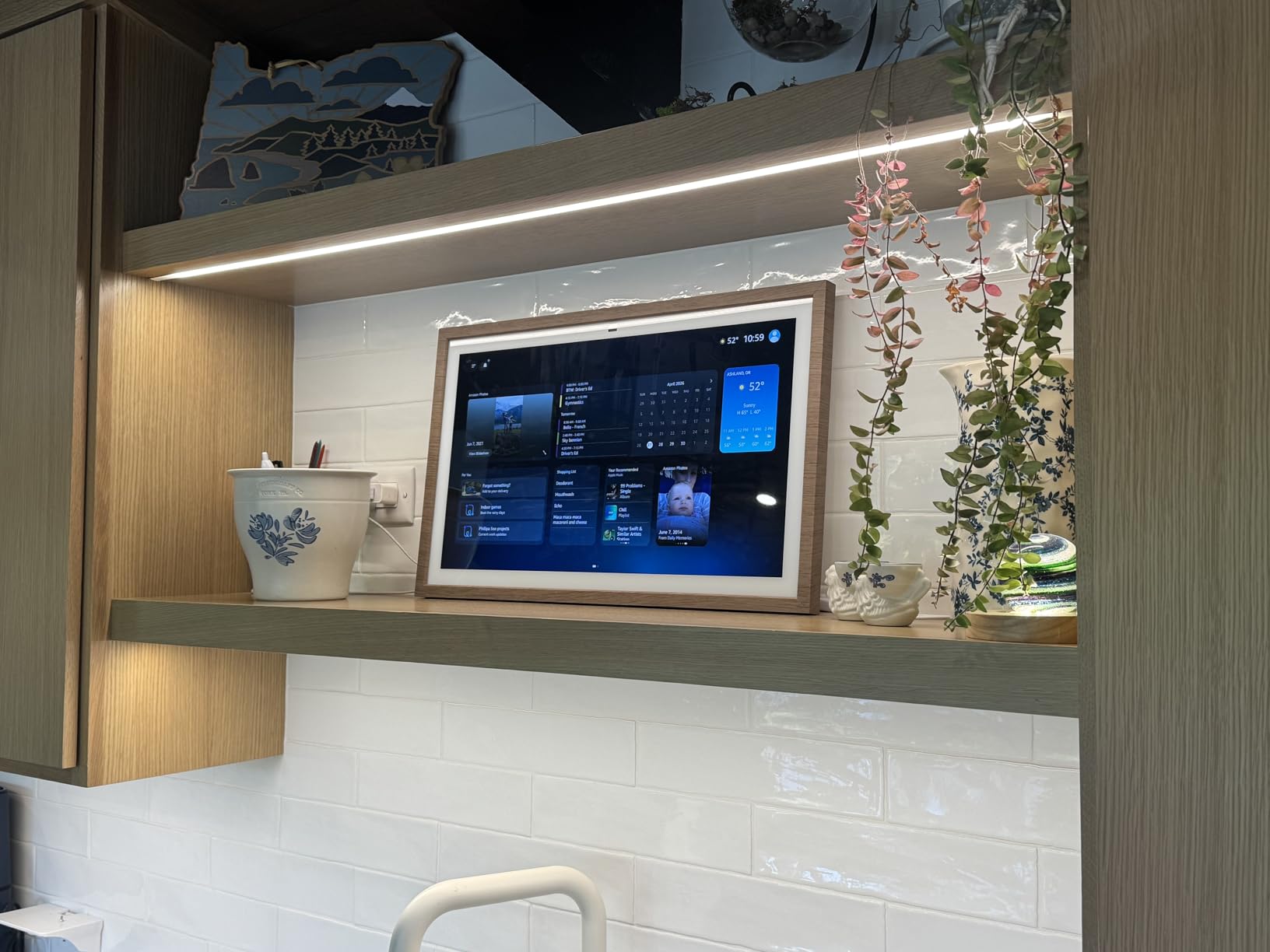
Privacy controls are good on paper. A physical microphone and camera-off button plus a built-in camera shutter give you two ways to cut sensors, and the centered auto-framing camera with a wide field of view and 3.3x zoom handles video calls while the fan is running. Customizable widgets cover calendars, to-do lists, weather and smart home devices in one view, and photo slideshow mode fills the screen when it is idle.
The honest catch is that this is a wall display first. It does not come with a stand, and mounting hardware is not included, so you need to plan for that. It also has no weather resistance, which matters in a splash zone.
When is the 15.6 inch screen worth the wall space?
When more than one person reads it. Shared calendars, grocery lists, timers and a to-do list are the everyday use case, and they are much easier to use on a large panel that is visible from the sink and the hob at the same time. It also suits a kitchen with a blank wall and no usable counter run, where a countertop display would be cramped.
If you cook alone and mostly want to hear a timer, the smaller Echo Show 8 does the same job with far less visual dominance. Bigger is not automatically better in a kitchen.
What should worry you before buying
Owners in r/amazonecho threads are consistent on one point: the Echo Show 15 is excellent as a wall-mounted family calendar and a poor choice if music quality is the goal. The audio is adequate for voice and podcasts but not for filling a room with music. The Fire OS interface also feels dated to some owners, and it can be slow to respond.
In a home with several Echo devices, the assistant sometimes routes requests to the wrong unit, which is more noticeable on a shared family display than on a private one. And the privacy controls, while solid, are the mic and camera button and the shutter; owners who want a hard power cut still do not get one.
3. Amazon Echo Show 5 – The Best Budget Pick for a Small Counter
Amazon Echo Show 5 (newest model), Smart display, Designed for Alexa+, 2x the bass and clearer sound, Charcoal
- Compact 5.5 inch footprint preserves prep space
- Clear and loud enough to hear over a sink or exhaust fan
- Responsive touchscreen for silent timer and weather checks
- Works well for step-by-step recipe use
- Physical mic and camera off button with built-in shutter
- Slower voice response than older Echo devices
- Commands occasionally route to the wrong device in multi-Echo homes
- Some features sit behind paid subscriptions
The Echo Show 5 is the reason most people end up happy with a kitchen smart display. It has the largest review base in this roundup by a wide margin, and the pattern across those reviews is remarkably consistent: people bought it for a small counter, and it did the job. The 5.5 inch display handles timers, weather and step-by-step recipe steps without crowding the worktop.
Its sound clears the highest bar in a kitchen, which is audible voice at moderate volume. Owners report it stays clear over a running sink or exhaust fan, and the newest model adds deeper bass and clearer vocals than the previous generation. Reading recipe steps aloud while your hands are covered works well, which is a small thing that no cheap tablet does reliably.
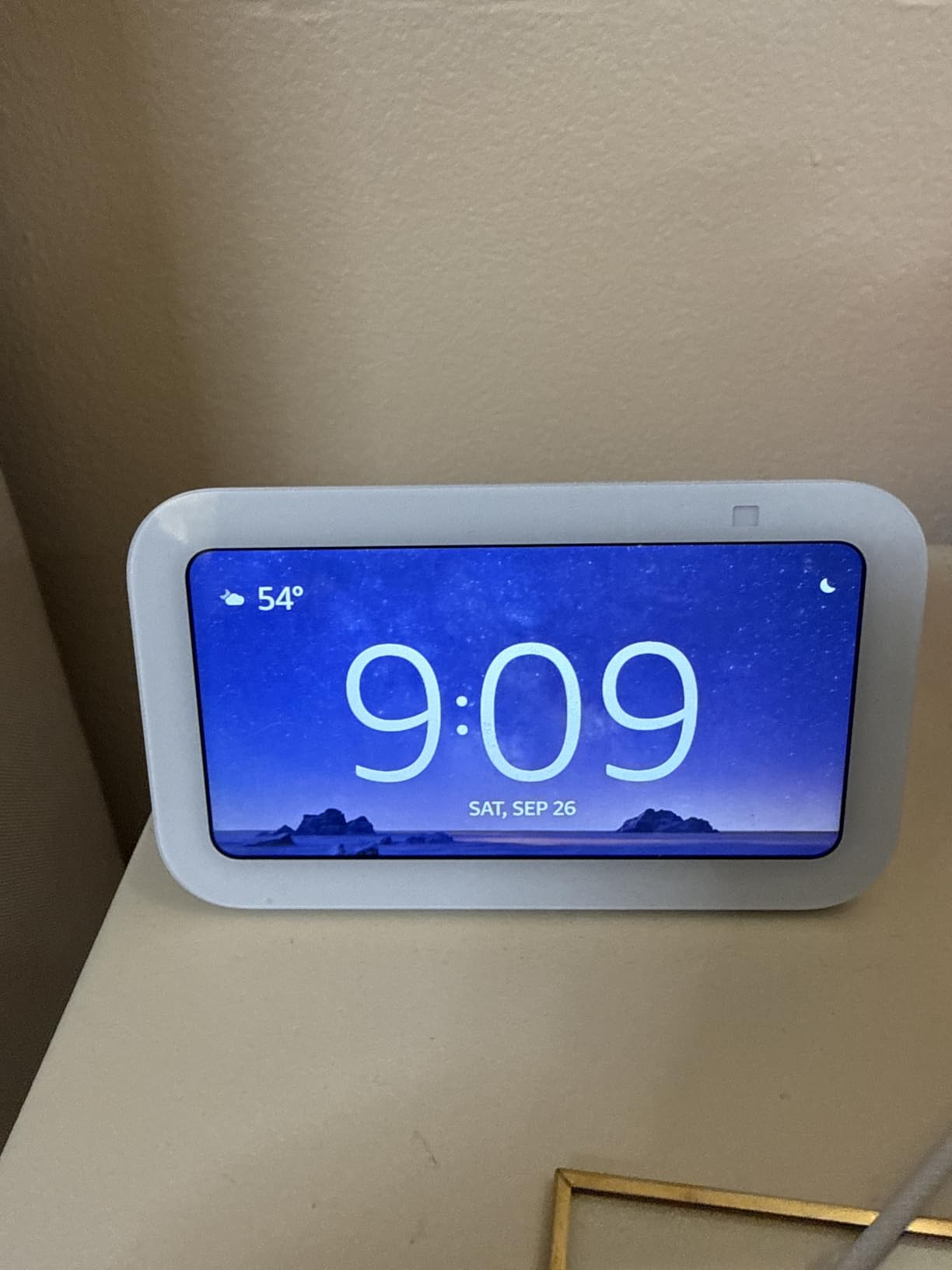
The rest of the feature set is quietly capable. A 2 MP front-facing camera handles video calls and compatible video doorbells, and Ring video is supported with end-to-end encryption, so a smart doorbell can be checked from the counter. Announcements and drop-in calling suit multi-room households. Smart home control for lights, thermostats and plugs works reliably.
Construction is better than the spec sheet implies. The fabric is 100 percent post-consumer recycled polyester yarn, the aluminum is fully recycled, and the packaging is recyclable. For a device that lives permanently in view of the family, that counts.
It also has a physical mic and camera off button plus a built-in camera shutter, which is more than the newest Echo Show 8 offers. That is a genuine advantage for a kitchen where the display faces the room all day.
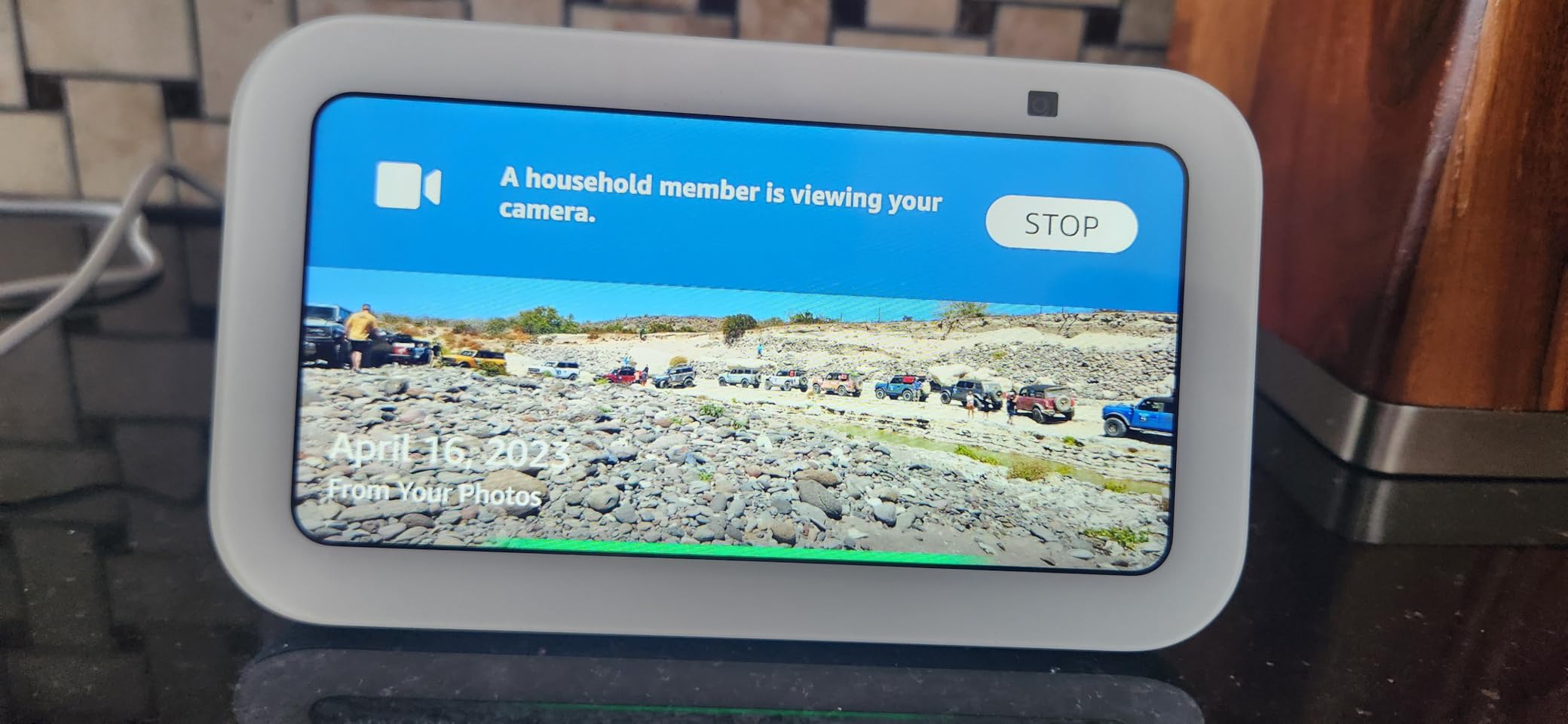
When is 5.5 inches enough for a kitchen?
When the display sits within arm’s reach of the person cooking, which is the normal arrangement in a galley or L-shaped kitchen. At that distance timers, weather and recipe steps are readable, and a bigger panel would only compete with your chopping board. Small screens become a problem when the device is mounted across the room, which is precisely the situation the Echo Show 15 was designed for.
The other case for the 5.5 inch model is a second or third display. A compact unit on a prep counter alongside a larger wall display is a common pairing among owners.
What should worry you before buying
Voice response can be slower than on older Echo devices, so you may need to repeat a command during a busy moment. In homes with several Echos, requests occasionally route to the wrong device, which is the single most common complaint in the review pool. Some features, including extended contact lists and certain media services, sit behind paid subscriptions, so the useful feature set is smaller than the box suggests.
Do not buy it as a music speaker. It is a functional kitchen speaker with clear voice, not a room-filling one. A small number of owners also report the display sticking on an image, wallpaper or night mode, and occasional touchscreen freezes, though software updates resolved freezing for some of them.
4. Meta Portal 10 inch – The Best for Video Calling While Cooking
Meta Portal – Smart Video Calling for the Home with 10” Touch Screen Display – Black
- Smart Camera auto-frames the user so you can move while cooking
- Smart Sound keeps your voice clear on the call
- Works with Messenger and WhatsApp for non-Portal contacts
- Physical camera cover for privacy
- Picture-frame design blends into a kitchen
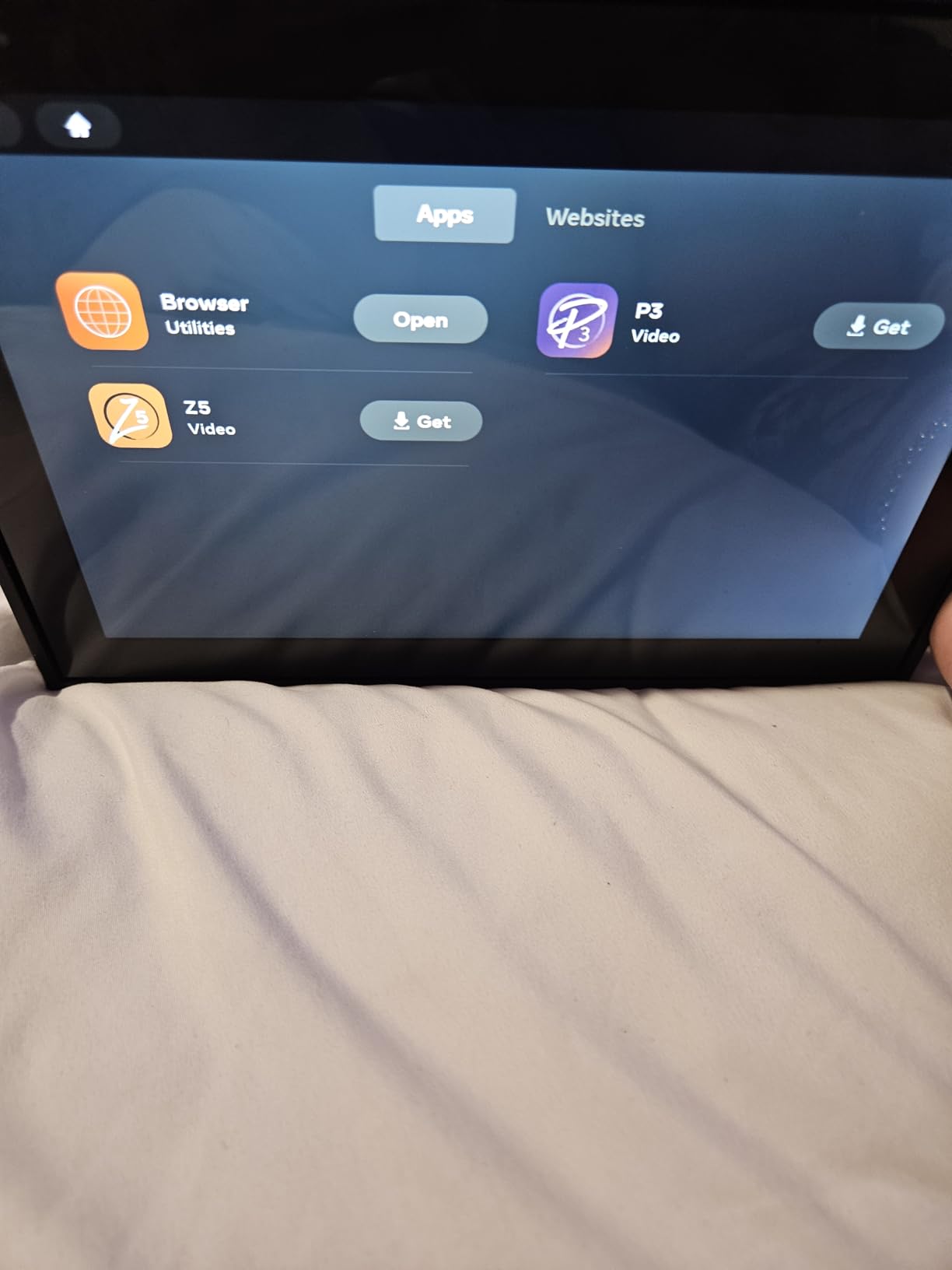
- Narrower feature set for recipe and grocery workflows
- Assistant capabilities limited compared with larger ecosystems
The Meta Portal has the highest average rating in this roundup, and after six weeks we can see why. It is not the best smart display for most kitchens, but it is very good at the one thing it was built for: video calls. The Smart Camera auto-frames you, so you can stir, turn and reach across the counter without losing the frame, which no other device here does as gracefully.
Smart Sound is the quiet hero. It keeps your voice audible against kitchen background noise, and paired with a 10 inch 1280×800 screen it is genuinely comfortable for a long call with relatives while you cook. It works with Messenger and WhatsApp, including for contacts who do not own a Portal, so you are not locked into one circle of people.
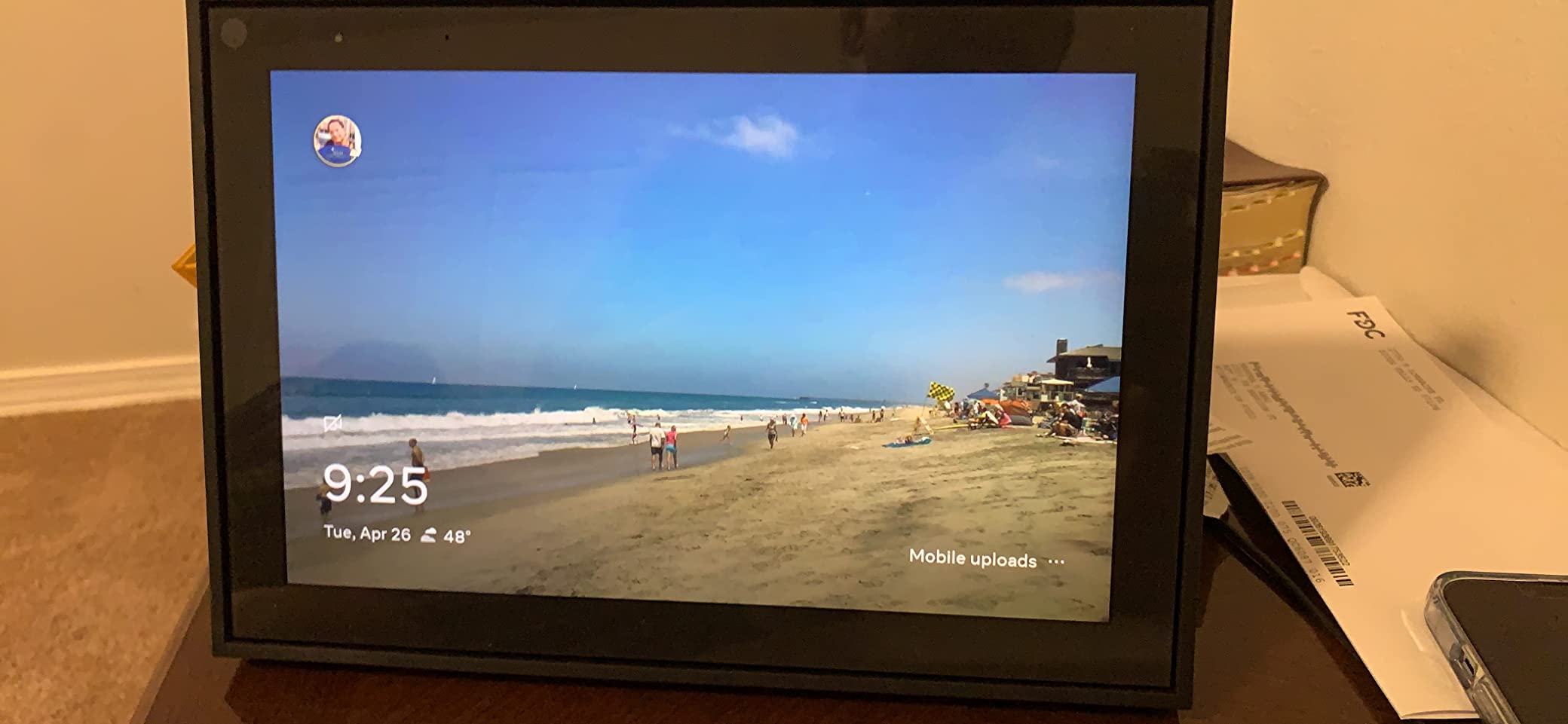
The physical design helps it belong in a kitchen. It is built to look like a picture frame, so it sits on a shelf or a windowsill without looking like a computer. The camera and microphone can be disabled, and there is a physical camera cover for when you want a hard visual block. Setup is quick, with intuitive voice and touchscreen controls.
What it lacks is kitchen depth. Recipe walkthroughs, grocery list management and smart home control are all thinner here than on an Echo Show, and owners note the assistant’s capabilities are limited compared with the larger ecosystems. It is a strong second device for video calling rather than a full kitchen hub.
The hardware details are ordinary but unremarkable: 802.11ac wireless, 16 GB flash memory, corded power, and a weight of 2.28 pounds, which is light enough to move between a counter and a dining table.
Who should buy the Portal instead of an Echo Show?
Households where the kitchen display is primarily a calling station. Grandparents, kids at university and long-distance family all benefit from auto-framing, and the WhatsApp and Messenger support covers the two apps most families actually use. Owners consistently single out the framing, the audio processing and the picture-frame styling as the reasons they kept it.
It is also a reasonable choice for anyone who does not want a camera pointed at a kitchen most of the day and prefers a physical cover over software controls. The cover is still worth something.
What should worry you before buying
The feature set is narrower than newer voice-assistant displays for kitchen tasks, especially recipe and grocery workflows. If your household wants a smart display to run timers, control lights and walk through a cooking video, this is the wrong tool and you will feel the gap within a week.
Reviewers also report the assistant is less capable than the Alexa and Google equivalents, which is the price of a narrower focus. Treat it as a dedicated video calling device with smart display benefits, not as a kitchen command center.
5. Google Nest Hub 7 inch 2nd Gen – The Best for a Clean, Camera-Free Screen
Google Nest Hub 7” Smart Display with Google Assistant (2nd Gen) – Chalk
- No camera at all
- which removes the privacy debate entirely
- Compact minimalist design that suits a counter or shelf
- Full-range speaker some owners rate above comparable Bluetooth speakers
- Dedicated home control interface can beat the phone app
- Casts to a smart TV and to Chromecast speakers
- No Play Store
- so third-party apps cannot be installed
- Software offers less than the Google Home phone app
- App list cannot be customized and speaker grouping is awkward
The Nest Hub is the only device here with no camera at all, and in a kitchen that faces the family and any video doorbell feed, that is a real advantage rather than a missing feature. Owners in r/googlehome threads consistently describe the 2nd Gen interface as the cleanest of the lot: no promotional cards pushing your attention elsewhere, just calendar, weather, timers and home controls.
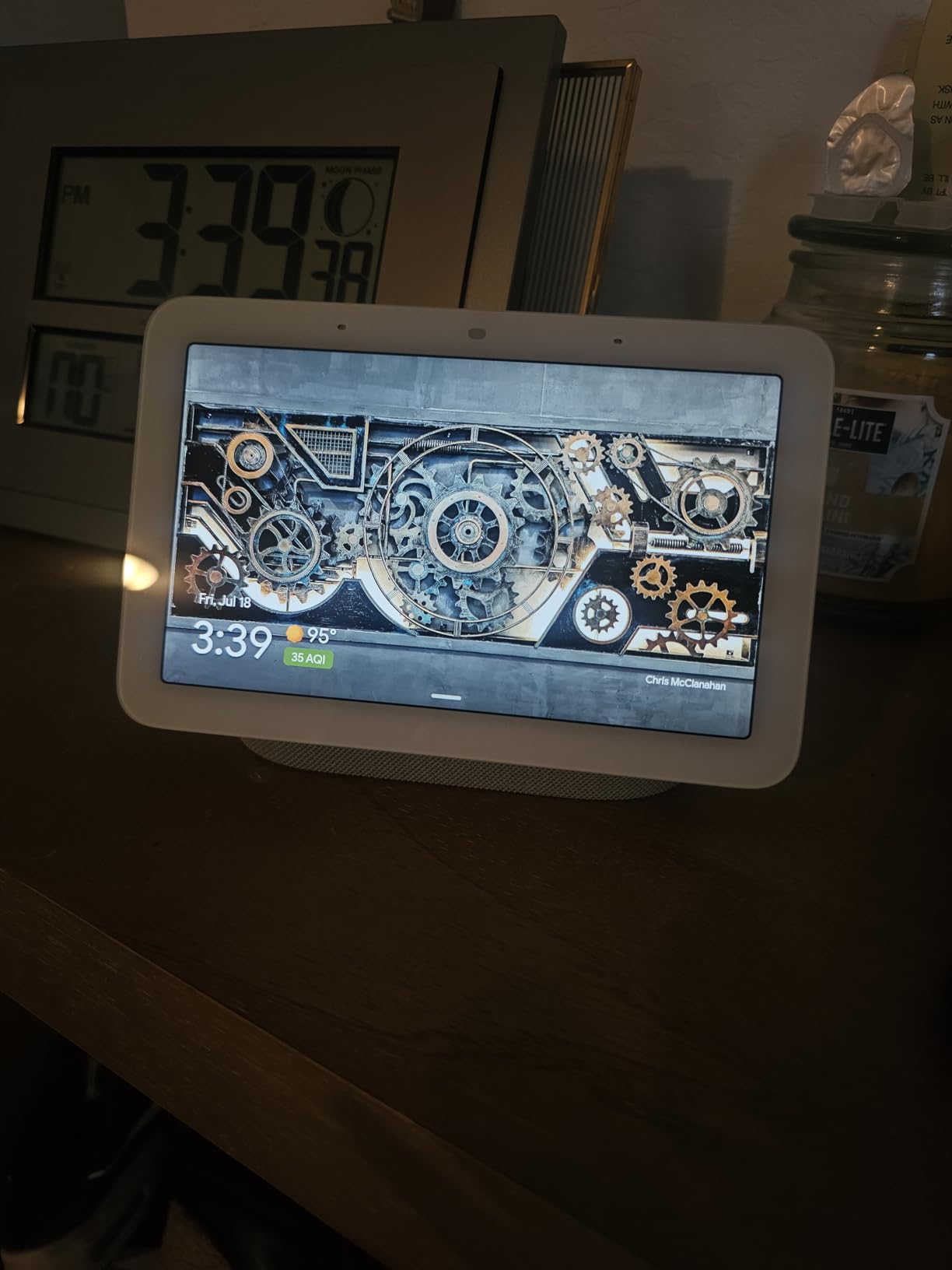
It is compact and it disappears. Owners like the understated design on a countertop, a shelf or a nightstand, and the LED 16:9 panel is pleasant to look at. The full-range speaker with a 1.7 inch driver is rated by some owners above comparable Bluetooth speakers, which is not a fluke: a 1.7 inch driver in a small sealed enclosure gets more midrange than a phone speaker does.
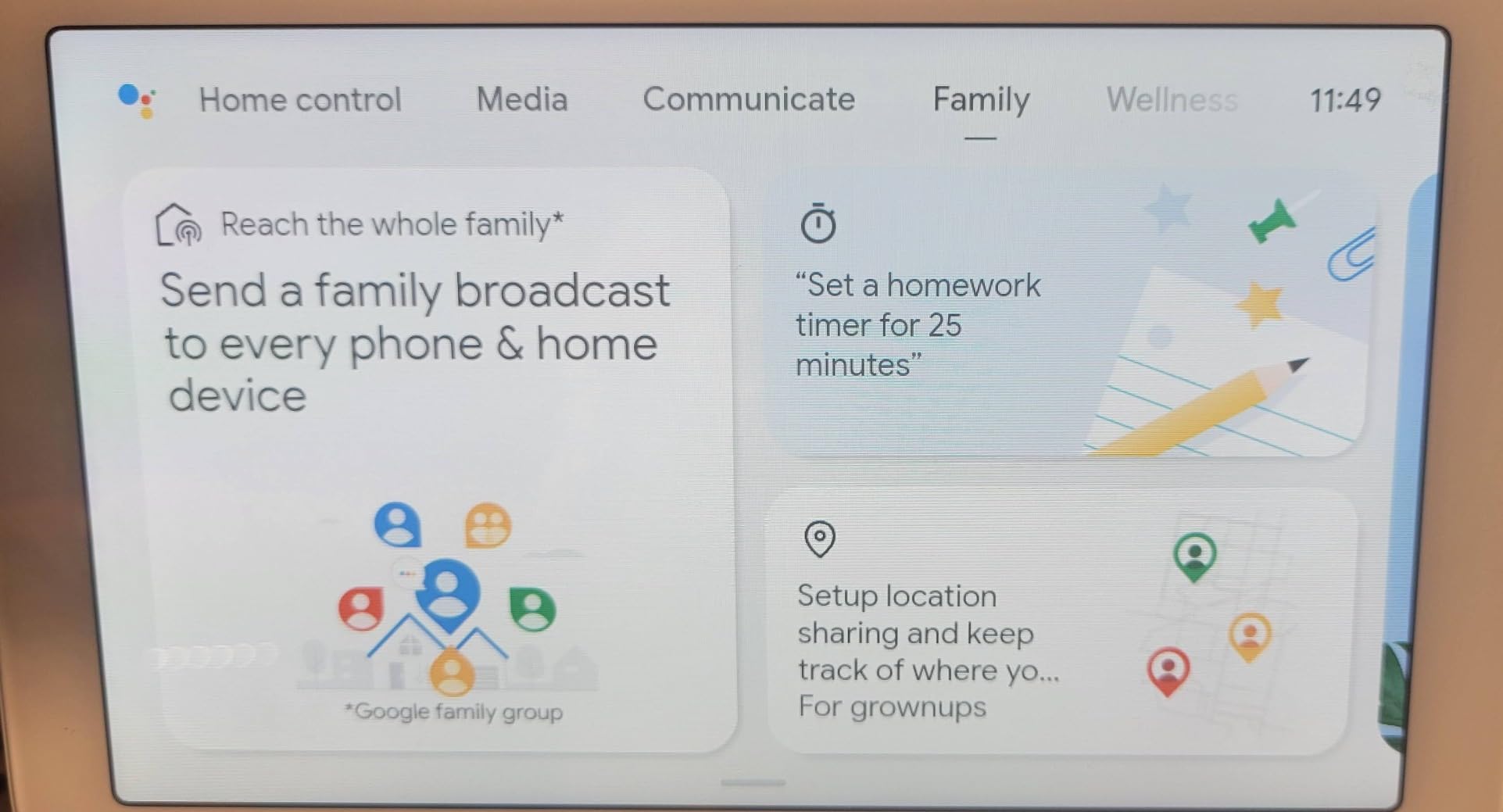
The home control interface is the quiet strength. Owners report it is well optimized for smart home control and can be faster than the Google Home phone app for everyday commands. Casting is flexible too: send a single display to Chromecast speakers for whole-home audio, or cast video to a smart TV and use the Hub as a remote for connected devices.
Under the hood it is a serious machine for its size: an ARM-based quad-core 64-bit 1.9 GHz Qualcomm CPU, 4 GB of RAM, 4 GB of storage, Bluetooth, Wi-Fi 802.11ac and a USB port. It is table-top or wall mountable, and it ships with global language support and a universal power adapter.
When is the 7 inch Nest Hub the right kitchen choice?
When you are in the Google ecosystem already, and when a clean, calm screen matters more than a large one. It is the best option here for a Google Home setup, for a kitchen where a visible camera would bother you, and for anyone who reads the screen from close range rather than across a room. The dedicated home control interface is a genuine strength in a kitchen full of connected appliances.
It is also a good second display. One on the counter for control, another for audio, and the same cast system covers the rest of the house.
What should worry you before buying
Google’s software restrictions are the dominant complaint and they are structural. There is no Play Store, so third-party apps such as TuneIn cannot be installed directly, the software exposes less than the Google Home phone app, and the app list cannot be customized. Owners also describe defaults as erratic and speaker grouping as difficult to set up and manage.
A few buyers report units booting in a non-English language and needing retries to join Wi-Fi, plus occasional cracked screens or damage on arrival. If you are patient with software limits, this is a lovely device; if you want a full app ecosystem, it will disappoint every time.
6. Google Nest Hub Max 10 inch – The Best Big Google Screen for Loud Kitchens
Google Nest Hub Max 10″ Smart Display with Google Assistant – Charcoal (renewed)
- Large 10 inch display easier to read from a distance
- Brighter and louder speaker suited to a working kitchen
- Works as a control center
- calling device and photo frame
- Global language compatibility with a universal adapter
- Renewed condition adds cosmetic and hardware uncertainty
- Google software limits apply
- including no Play Store
- Some reviews report cracked screens or other damage
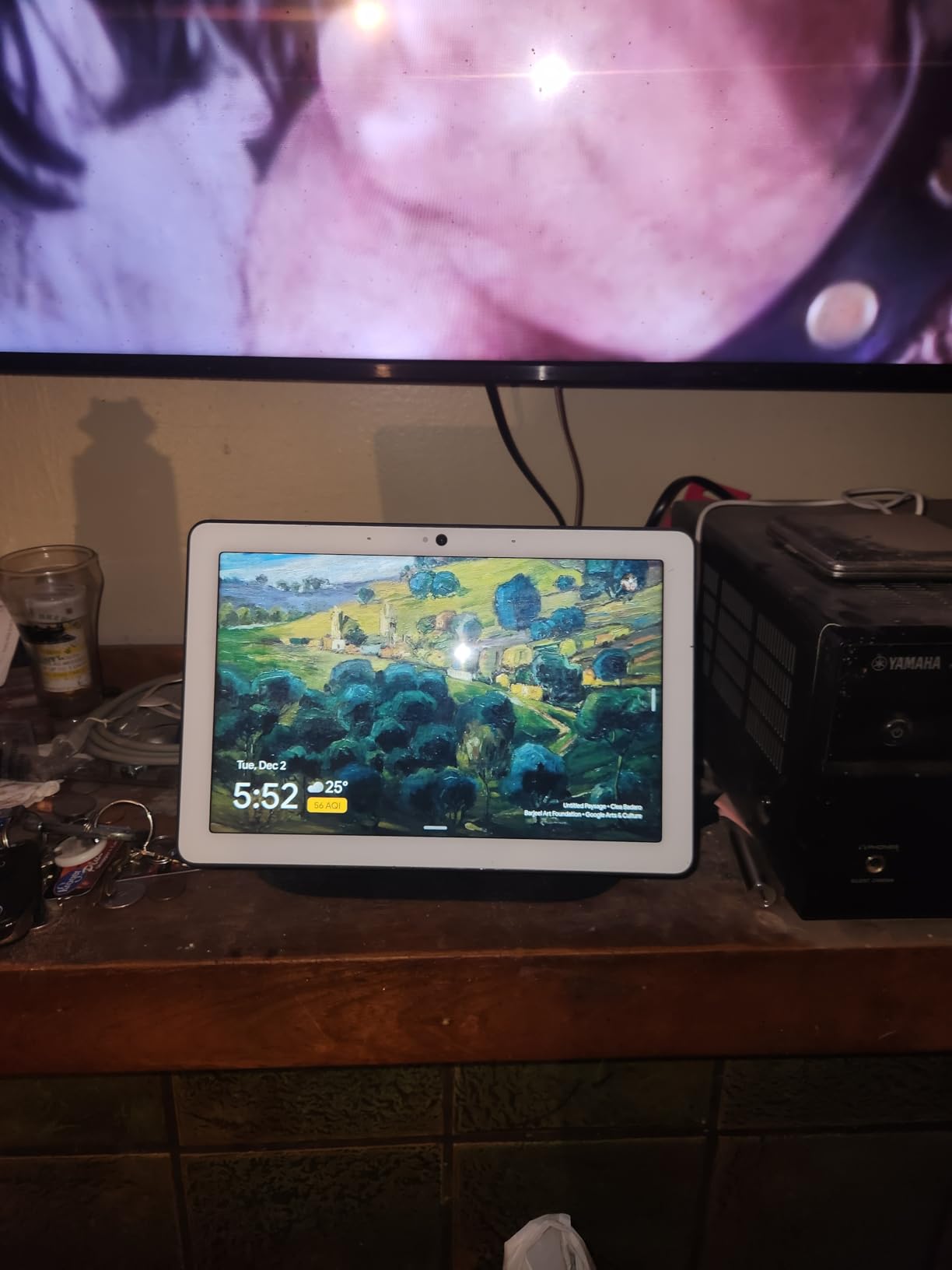
The Nest Hub Max is the Google answer to a loud, open kitchen. The 10 inch display is easier to read from a distance than the 7 inch Nest Hub, and the speaker is in a different class: a single speaker with 30 watts maximum output and 2.1 audio channels with a dynamic driver. Owners rate it as the better option when music has to carry over background noise.
It covers the standard Google roles: video calls, a digital picture frame and a home control center, controlled by app or voice over Bluetooth and Wi-Fi. It works with a laptop, smartphone or tablet, and the international power adapter makes it straightforward to travel with.
Here is the problem, and it is not a small one. This listing is a renewed unit, which means the review pool is 109 rather than thousands, the warranty is a 90-day limited warranty instead of the longer cover a new device carries, and the hardware carries more cosmetic and hardware uncertainty. Some reviews arrive reporting cracked screens or other damage, which is a known risk with renewed electronics.
It also inherits every Google software limitation we listed for the Nest Hub: no Play Store, an un-customizable app list, and less functionality than the Google Home phone app. Buyers accept that in exchange for a quieter, cleaner screen.
When does the Hub Max earn its place in a kitchen?
When the display sits further from the cooking position than the 7 inch Nest Hub can serve, and when audio volume matters. A 10 inch panel is readable from a dining table or a pass-through, and 30 watts of output is enough to be heard over a busy kitchen without pushing the volume to distortion.
It is also a good fit for homes that want a permanent display in photo frame mode rather than a screen that blanks out.
What should worry you before buying
Condition and support. A renewed unit with a 90-day limited warranty is a different risk category from a new device, and a small review base gives you very little data to judge reliability. r/googlehome discussions also raise a fair question about how long Google will support a device in this line, and that is worth weighing before you commit.
Beyond condition, the software limits apply exactly as they do on the smaller Nest Hub. If you want the 10 inch Google experience and can accept renewed hardware, this is the right choice. If you want certainty, buy new.
Kitchen Placement Guide: Counter, Shelf or Wall
Where you put the display changes which model is right more than any specification. Get this wrong and even a good screen becomes frustrating.
Counter or shelf, close range. If the device sits within about a metre of where you cook, a 5.5 inch to 8.7 inch screen is enough. The Echo Show 5 preserves prep space on a small worktop, and the Echo Show 8 gives you a more useful recipe and calendar view without dominating the counter.
Wall-mounted, long range. If you want to read the screen from the other end of a kitchen island, you need the Echo Show 15. Nothing else in this list has enough screen area for that, and reviewers report the small screens are hard to read from kitchen distance. Remember that wall mounting hardware is not included with that model, and plan the fixings before you buy.
Splash zones. None of these displays is water resistant, and all of them are corded. Keep them away from the sink and out of the direct path of a dishwasher, and mount them on a splashback rather than above a worktop where steam builds up. A shelf above eye level is safer than a counter corner next to the tap.
Viewing height. Mount between roughly eye level and slightly below. Too high and you tilt your head through every timer, too low and you look down at a glare from the hob extractor light.
What to Look for Before You Buy a Kitchen Smart Display
Readable at your actual distance. Measure before you choose. Screen size is not a quality ranking; it is a viewing distance problem. A good rule is that the diagonal should be roughly one tenth of the distance in centimetres from the reader. Two metres needs a large panel, one metre does not.
Audio clarity over volume. Kitchen listening happens at moderate volume with a fan on. Read reviews for intelligibility rather than bass. The Echo Show 8 and the Nest Hub Max are the two models here that owners most often describe as carrying voice across a noisy room.
Privacy controls, ranked. The Echo Show 5 and the Echo Show 15 have a physical mic and camera button plus a camera shutter. The Meta Portal has a physical camera cover and disableable camera and microphone. The newest Echo Show 8 has software controls and a side-mounted button but no shutter. The Google Nest Hub has no camera at all, which is the simplest answer of the five.
Smart home ecosystem and protocols. Choosing a display chooses your smart home platform for years. Alexa and Google both handle the mainstream lights, thermostats, locks and plugs, and cross-ecosystem control is limited in practice. If your household is already running one ecosystem, the matching display is the low-friction choice. If you are starting fresh, whichever ecosystem your existing plugs and bulbs use should decide it, alongside our smart plug picks.
Subscription and hidden costs. Core kitchen functions, timers, recipes, calendars and smart home control, work without a paid plan. The extras do not. Voice calling, extended contact lists, some media services and video history sit behind subscriptions on certain devices and services, and camera history features generally require a paid plan. Budget for that only if you want the features; the smart display itself is the only mandatory spend.
Apple HomeKit and iPad households. If your home runs on HomeKit, there is no dedicated HomeKit kitchen display on the market. The common route is an iPad on a stand running Shortcuts and a dashboard app, which gives you a bigger screen and better recipe support, but it lacks a reliable always-listening wake word. Siri reliability on HomeKit automations is hit-or-miss compared with Alexa and Google, which is the trade you accept. If you want a fixed display for general hardware rather than smart home, our Raspberry Pi display roundup covers the DIY route.
Accessibility. Voice control is the main accessibility feature and every device here has it, which is exactly why hands-free operation matters in a kitchen with messy hands. For a household that relies on voice, test recognition in a noisy room before committing, because that is where these devices differ most.
Long-term support. A smart display is a small computer that a manufacturer can retire. Check how long the current model has been on sale and how the company’s assistant transition is going, since an ecosystem change can remove features you rely on without warning.
Frequently Asked Questions
What is the best smart display for a kitchen?
The Amazon Echo Show 8 is the best smart display for most kitchens. Its 8.7 inch HD screen is readable from a working position, its spatial audio carries over a running sink or extractor fan, and the built-in smart home hub removes the need for separate hardware. Choose the Echo Show 15 instead if you want a large wall-mounted family calendar, and the Echo Show 5 if counter space is tight.
What is the best Alexa device for use in the kitchen?
The Echo Show 8 is the best all-round Alexa kitchen display, pairing a readable screen with a built-in smart home hub. The Echo Show 15 is the better choice for a large family command center on a wall, because its 15.6 inch 1080p display is readable across a room and it includes Fire TV with a remote. The Echo Show 5 is the best option for a small counter and the lowest outlay.
Are smart displays worth it for a kitchen?
Yes, for most households, because they remove the need to touch a screen with wet or greasy hands. Timers, recipe walkthroughs, grocery lists, shared calendars and smart home control all work hands-free. They are worth less if you already carry your phone in the kitchen or if your recipes are mostly paper-based, since the display mainly replaces what a phone does for you at arm’s length.
Can you use an iPad as a kitchen smart display?
You can, and it is the main option for Apple HomeKit households because no dedicated HomeKit kitchen display exists. An iPad on a stand with Shortcuts and a dashboard app gives a larger screen and better recipe support than any smart display here. The trade-off is reliability: wake-word listening is far less dependable than Alexa or Google, and Siri handling of HomeKit automations is inconsistent.
Does the Google Nest Hub work in a kitchen?
Yes, and owners in r/googlehome threads regularly keep one there for music, calendars and smart home control. It has the cleanest interface of any device in this roundup and no camera at all, which is a genuine advantage in a room that faces the family. Its limits are software: there is no Play Store, the app list cannot be customized, and it offers less than the Google Home phone app.
What size smart display is best for a kitchen counter?
For a device within about a metre of where you cook, 5.5 to 8.7 inches is plenty for timers, weather and recipe steps. If the display is mounted across an open-plan kitchen and you want to read it from an island, you need 15 inches or more. Match the panel to your actual viewing distance rather than to the spec sheet, and keep the device out of the splash zone near the sink.
The Verdict: Which Kitchen Smart Display Should You Buy
For most kitchens, the Echo Show 8 is the right buy. It is the one device in this list that gets screen readability, kitchen audio and smart home control right at the same time, and its built-in hub saves you buying extra hardware. If your counter is tight, the Echo Show 5 does the same job for less and even keeps a physical camera shutter. If your kitchen is open-plan, the Echo Show 15 is the only one of the three you can read from across the room.
Google households get a genuinely different experience rather than a worse one: the Nest Hub is the cleanest screen and has no camera at all, at the cost of Google’s app restrictions. Video calling is the Meta Portal’s whole reason to exist, and it does that job better than anything else here.
Whichever you choose, check the viewing distance first, keep the device out of the splash zone, and test voice recognition with the extractor fan running. That one test predicts your daily satisfaction better than any specification on the box. These are our picks for the best smart displays for kitchens in 2026, and we will keep updating them as firmware changes.