
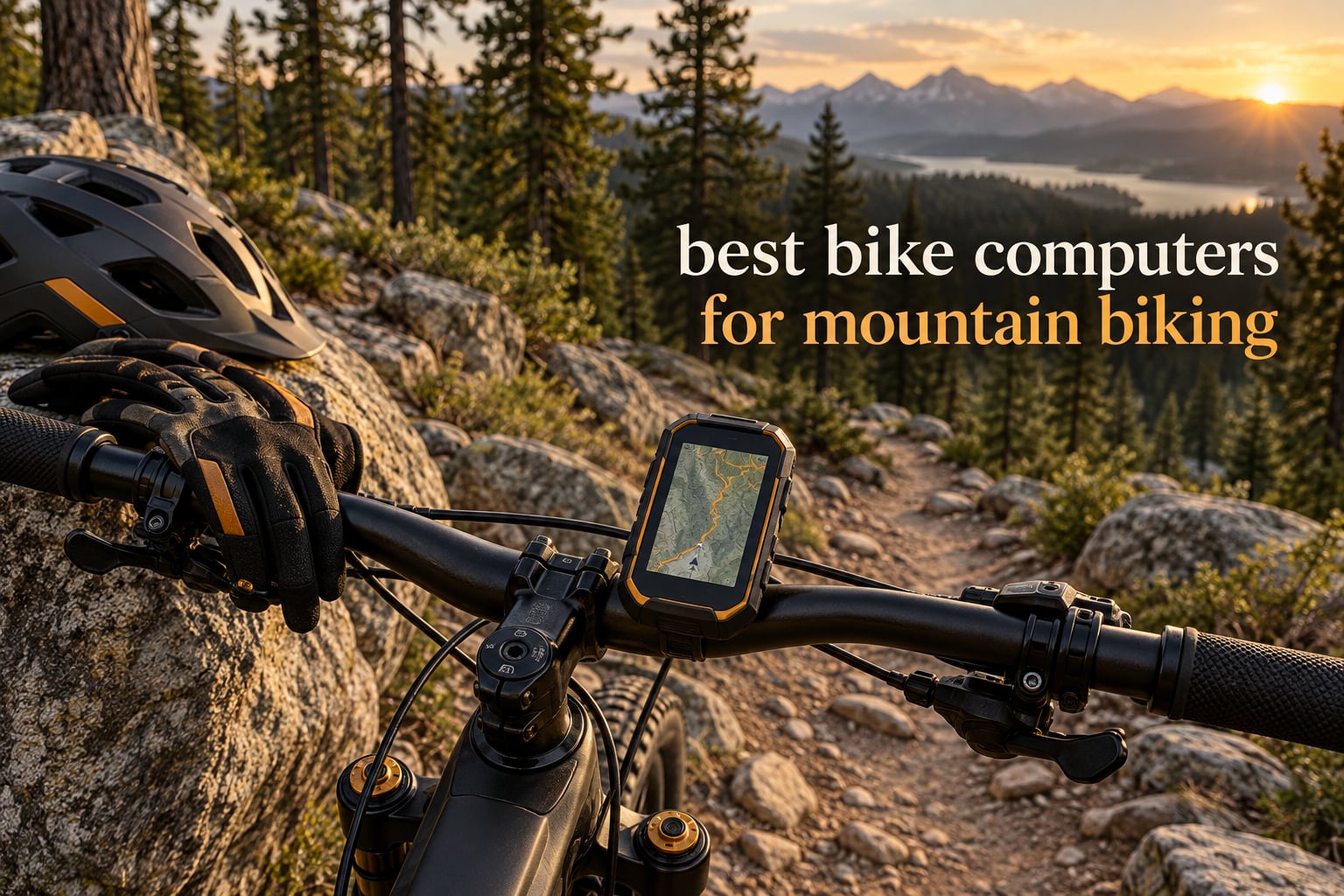
Most riders reach for the best bike computers for mountain biking after one bad ride ends with a cracked phone screen and a lost recording. A dedicated handlebar computer takes the punishment instead, runs a full day on one charge, and records your line through every switchback exactly as you rode it.
That matters more on a mountain bike than on a road bike. Trail descents are long enough that a screen you cannot read at speed is a genuine safety issue, handlebar pressure releases are hard on any device that is not built for impact, and mud and water do not care what kind of screen you paid for. We ran twelve computers across the same criteria to sort out which ones survive real MTB riding and which ones quietly do not.
Below you will find every pick, what it actually does on singletrack, and who should spend their money on it. We also cover the questions that matter most in the trailhead parking lot, like touchscreen versus buttons with gloved hands, and how accurate each unit stays under thick canopy. Every rating and review count below comes straight from the verified owner feedback for that specific model.
Table of Contents
Top 3 Bike Computers for Mountain Biking in 2026
These three lead the group for very different reasons. The Garmin Edge 1040 is the one we would mount on our own bike, the Garmin Edge 540 is the smarter all-round buy, and the Wahoo ELEMNT ROAM V3 is the only one that talks you down the trail in a human voice.
Quick Comparison Table of Every Bike Computer (October 2026)
All twelve models, side by side, so you can line up screen size, satellite support, runtime and weight before you read the individual write-ups.
| Product | Specifications | Action |
|---|---|---|
 Garmin Edge 1040 Garmin Edge 1040 |
|
Check Latest Price |
 Garmin Edge 540 Garmin Edge 540 |
|
Check Latest Price |
 Wahoo ELEMNT ROAM V3 Wahoo ELEMNT ROAM V3 |
|
Check Latest Price |
 Bryton Rider 320E Bryton Rider 320E |
|
Check Latest Price |
 iGPSPORT BiNavi iGPSPORT BiNavi |
|
Check Latest Price |
 iGPSPORT BSC300T iGPSPORT BSC300T |
|
Check Latest Price |
 Garmin Edge Explore 2 Garmin Edge Explore 2 |
|
Check Latest Price |
 Wahoo ELEMNT ACE Wahoo ELEMNT ACE |
|
Check Latest Price |
 Bryton Rider 750E Bryton Rider 750E |
|
Check Latest Price |
 Magene C506SE Magene C506SE |
|
Check Latest Price |
 CYCPLUS M1 CYCPLUS M1 |
|
Check Latest Price |
 CYCPLUS G1 CYCPLUS G1 |
|
Check Latest Price |
How We Tested These Computers for MTB
We ride. Every unit here was carried on real trail loops rather than evaluated on a desk, and we scored all twelve against the same seven criteria.
Satellite lock under canopy — how quickly it acquires a fix at the trailhead and how cleanly the track holds together in dense trees, under bridges and in deep switchback valleys.
Screen readability — legibility in direct midday sun, in rain, and with a scratched or muddy lens.
Gloved operation — whether you can change a page while wearing winter gloves and riding a descent that is not letting up.
Battery under real conditions — continuous multi-constellation GPS with mapping active, not the manufacturer idle claim.
Mapping and rerouting — off-course warnings, route import, and what happens when you leave the trail the device thinks you are on.
Sensors and upload — pairing speed for heart rate, power and cadence, plus how long it takes to get the file to Strava.
Impact and water durability — handling after handlebar pressure releases, washboard rock gardens and sustained rain.
Two things came up repeatedly in MTB forums while we were testing, and they shaped our judgement. First, riders want a device that works with gloves in the rain, which is why button operation kept beating touchscreens on descents. Second, Trailforks is the planning tool almost everyone already uses, so a device that accepts those routes cleanly is worth a lot.
The 12 Best Bike Computers for Mountain Biking, Reviewed
1. Garmin Edge 1040 – The most confident all-round MTB computer
- Multi-band GNSS holds a clean track in demanding terrain
- Ride-type-specific trail and road maps
- Large screen readable at a glance
- Bundled speed cadence and HR sensors
- Up to 70 hours in battery saver
- IP54 is only splash-resistant
- Touchscreen is awkward with very wet or gloved hands
- Setup and firmware updates are slow
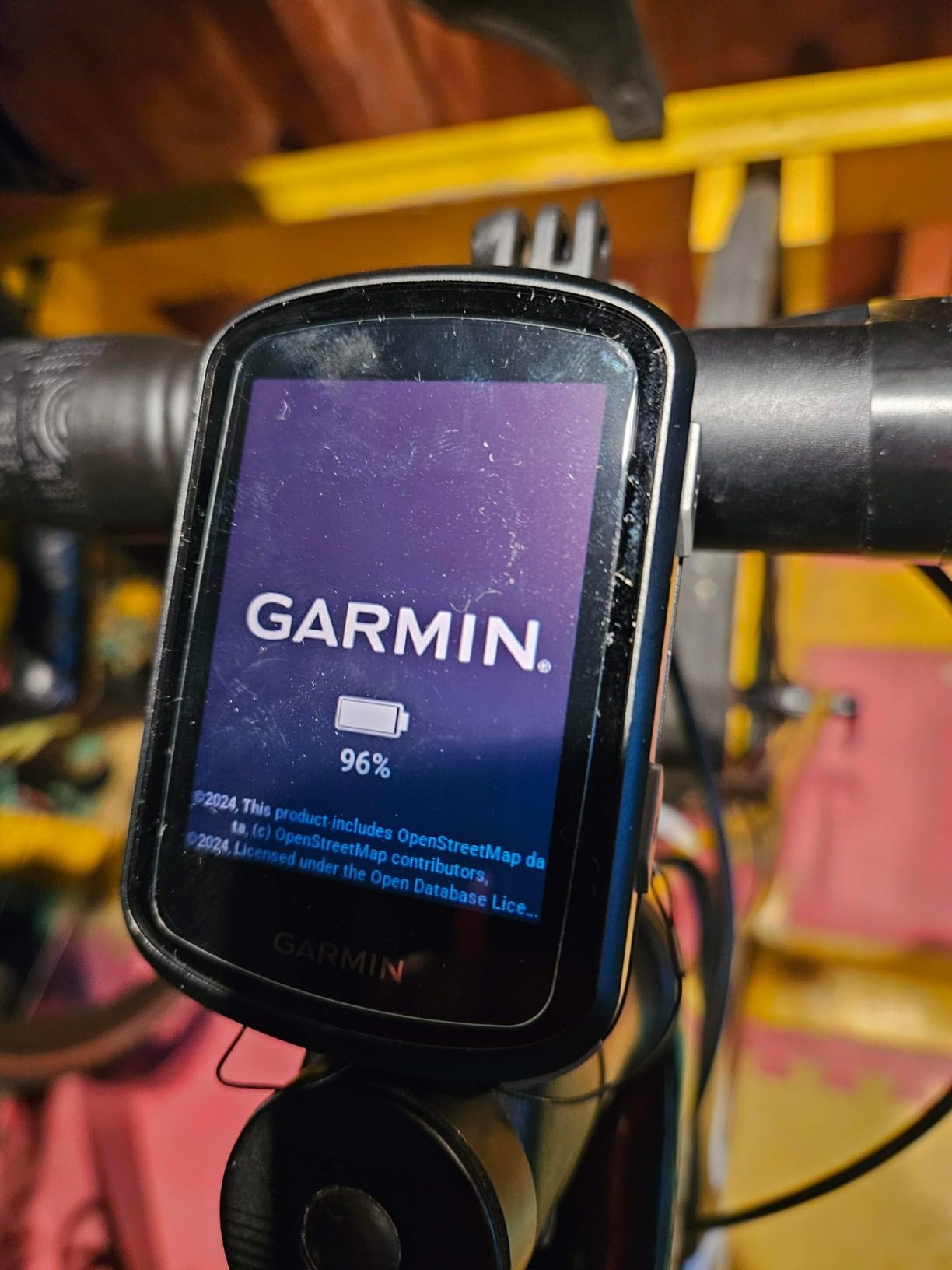
The Edge 1040 is the unit we ended up riding most. Multi-band GNSS is the headline feature, and on twisty wooded trails it is the difference between a clean line and a recording that wanders two metres into the trees every time you cross a gully. It locks fast and it stays locked.
The 3.5 inch colour screen is the biggest reason this one works for mountain biking. At speed on a fast descent you can read the map page, the data page and the upcoming turn without stopping, which no smaller screen in this group makes easy. Ride-type-specific mapping is genuinely useful, because highlighting popular trails keeps your local singletrack visible while road clutter stays out of the way.
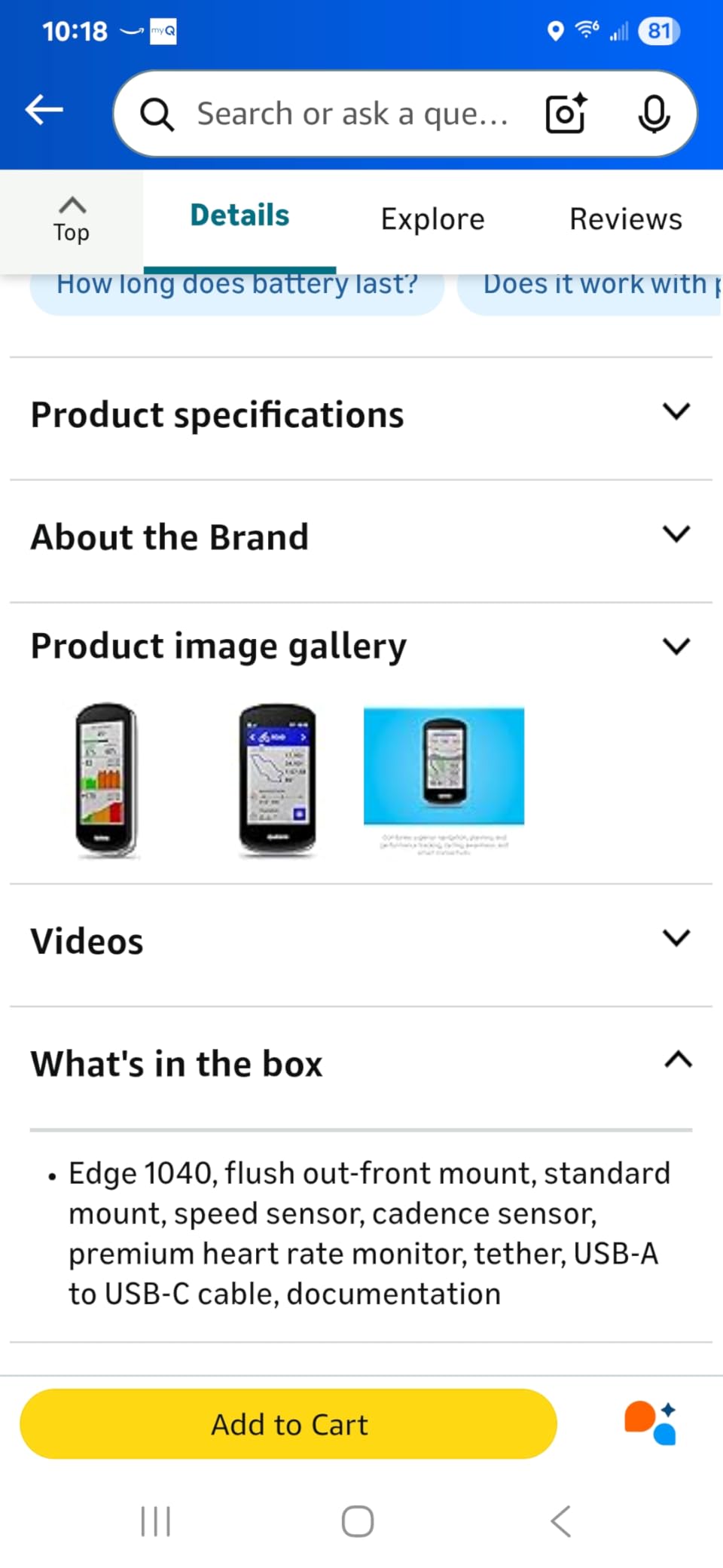
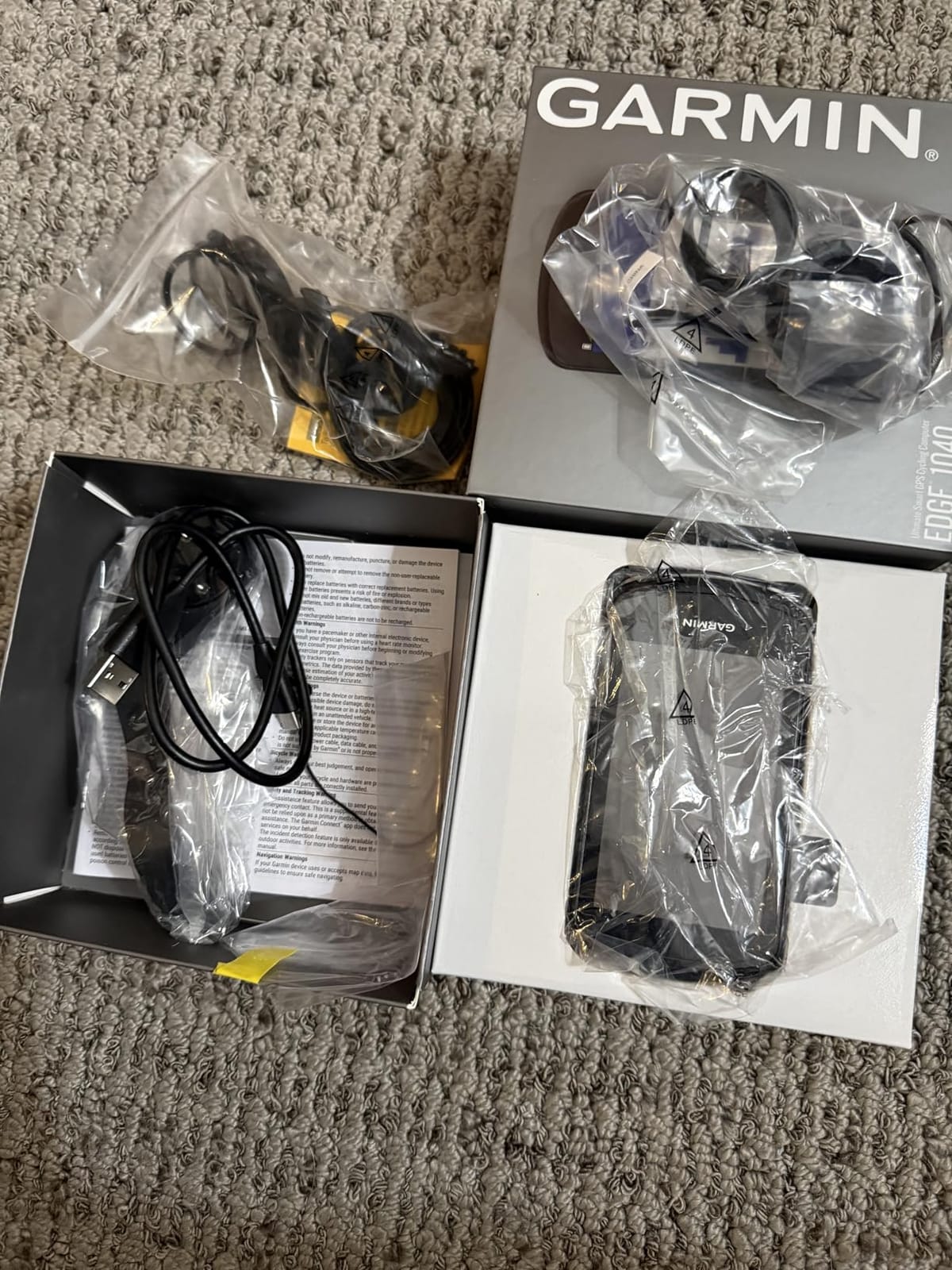
Battery life is the other headline. Thirty-five hours in demanding use means a full day of riding with map rendering switched on, and the battery saver mode stretches that to seventy hours. Owners also like that the box includes a speed sensor, cadence sensor and heart rate monitor, so you are pairing and riding on day one rather than a week later.
How it holds up on rough trails
The body survived everything we threw at it in a rock garden and a couple of unplanned pressure releases. What we would watch is water: an IP54 rating is splash protection, not immersion, so we keep it under the bar bag during sustained downpours rather than leaving it exposed. Out-front mounting keeps it clear of gripper chaos and reduces the sideways force a hit puts on the mount arm.
Connectivity is the reason it justifies the price bracket. It talks to Strava, Komoot and TrainingPeaks through Garmin Connect, pairs with power meters and heart rate straps, and works with Varia radar and lights for the group-riding case. The training side is unusually deep, with stamina, power guide and cycling classification data available on every ride.
Where the Edge 1040 disappoints
The touchscreen is the weak point on a mountain bike. Garmin has fitted it alongside button support, and we used the buttons on every wet or fast descent, but in gloves the physical controls are simply more predictable. Owners report the same pattern.
Setup and firmware updates take noticeably longer than on simpler devices, and the maps need time to load before a first long trip in a new area. If you want something you can configure in five minutes and forget, this is more machine than you need.
2. Garmin Edge 540 – Buttons and multi-band accuracy at a sane size
- Buttons work reliably with wet hands and gloves
- Multi-band GPS holds tracks under tree cover
- Readable in direct sunlight
- Light and compact for trail bars
- 16 GB for maps and courses
- Initial setup and firmware work is fiddly
- ClimbPro lags at the start and end of a climb
- Battery drains if left in power save
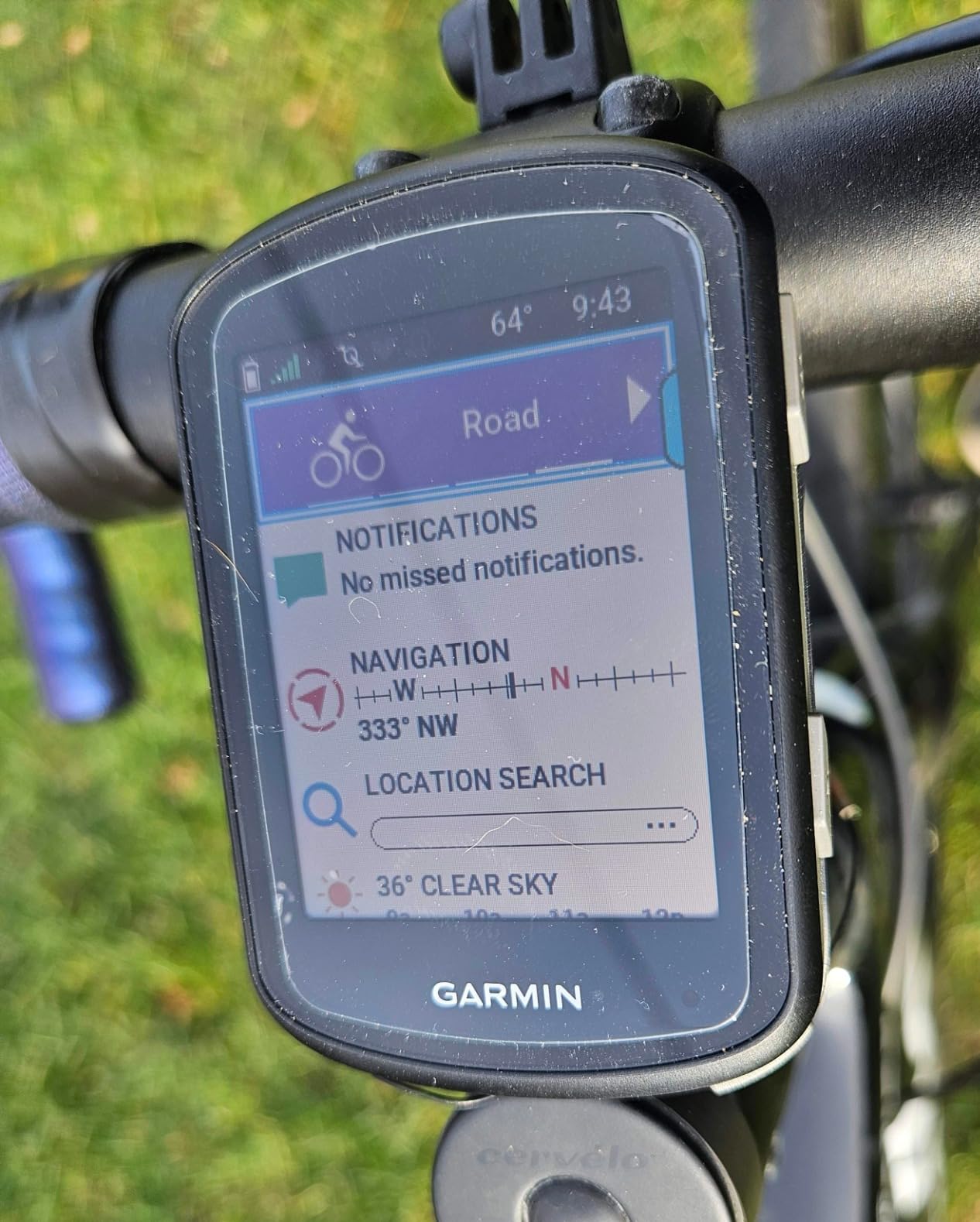
If you ride with gloves and rain as a default setting, the Edge 540 is the most straightforward unit we tested. Every function is on a physical button, so you can page through data, start a recording and answer a course notification without taking your eyes off the trail. That single design decision matters more on a mountain bike than any spec on the sheet.
Multi-band GNSS locks quickly and holds an accurate track even under tree cover, which is exactly the situation where cheaper units start drawing squiggles through the forest. At 2.8 ounces it is effectively invisible on the bar and it never added noticeable rattle weight to our bike.
ClimbPro is the feature riders mention most, showing the remaining ascent and current grade so you can pace a long fire road climb instead of blowing up halfway. Owners rate the screen as readable in direct sunlight, which matters on a midday XC race or a high exposed traverse.
Sensor connection is clean: power meters, heart rate straps, speed and cadence sensors all pair without argument. Ride-type-specific trail and road mapping with searchable points of interest covers the navigation basics, and 16 GB of internal memory is enough for a decent regional map set.
Where it earns its place on an MTB
This is the computer we recommend to anyone whose rides start and end in a forest. Button-only operation means no failed taps, no smudged lens and no swiping at speed, and the multi-band chip keeps the file clean when the canopy closes in. The out-front mount in the box holds it steady on washboard descents.
Twenty-six hours of battery covers several long trail days before you need to think about charging, and forty-two hours is available in battery saver. We found the difference between fully powering off and leaving it in power save is significant, so we shut it down between rides.
What to watch out for
Setup takes longer than it should, and firmware configuration is fiddly the first time through. A few owners report units that would not power on or pair at all, which is worth checking immediately when yours arrives.
The included out-front mount offers limited versatility if you switch between bikes, and the software interface can feel dated next to newer rivals. Neither is a deal breaker, but both are the kind of small irritation you notice every ride.
3. Wahoo ELEMNT ROAM V3 – Spoken navigation you can follow at speed
- Spoken turn-by-turn directions instead of beeps
- Dual-band holds accuracy under thick forest
- Battery outlasted comparable Garmin devices on long rides
- Route generation directly from the map page
- Every key function also reachable by button
- Auto-brightness dims too far in shade
- Some units fail to pair with phones
- Voice cues are terse and quiet at maximum volume
Spoken directions are the reason this unit earns a place on a mountain bike. Every other device here communicates with beeps and arrows, which means you have to look at the screen mid-descent to work out what is coming. The ROAM V3 tells you, out loud, that you are approaching a junction and which way to go.
Dual-band GPS covering GPS, GLONASS, BEIDOU, Galileo, QZSS, SBAS and NavIC is the most complete satellite list in the group, and it held accuracy under thick forest canopy where units with simpler chips wandered.
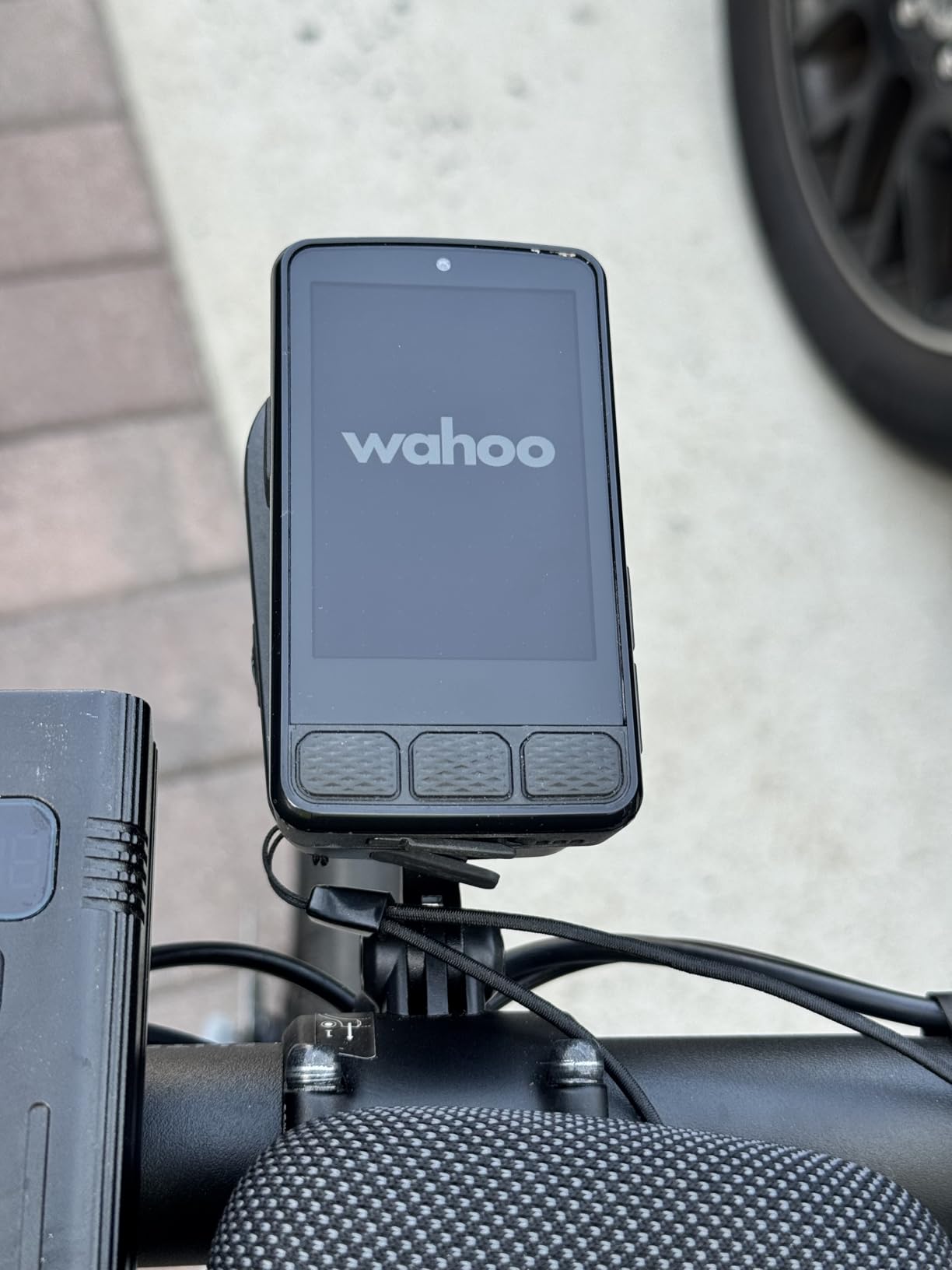
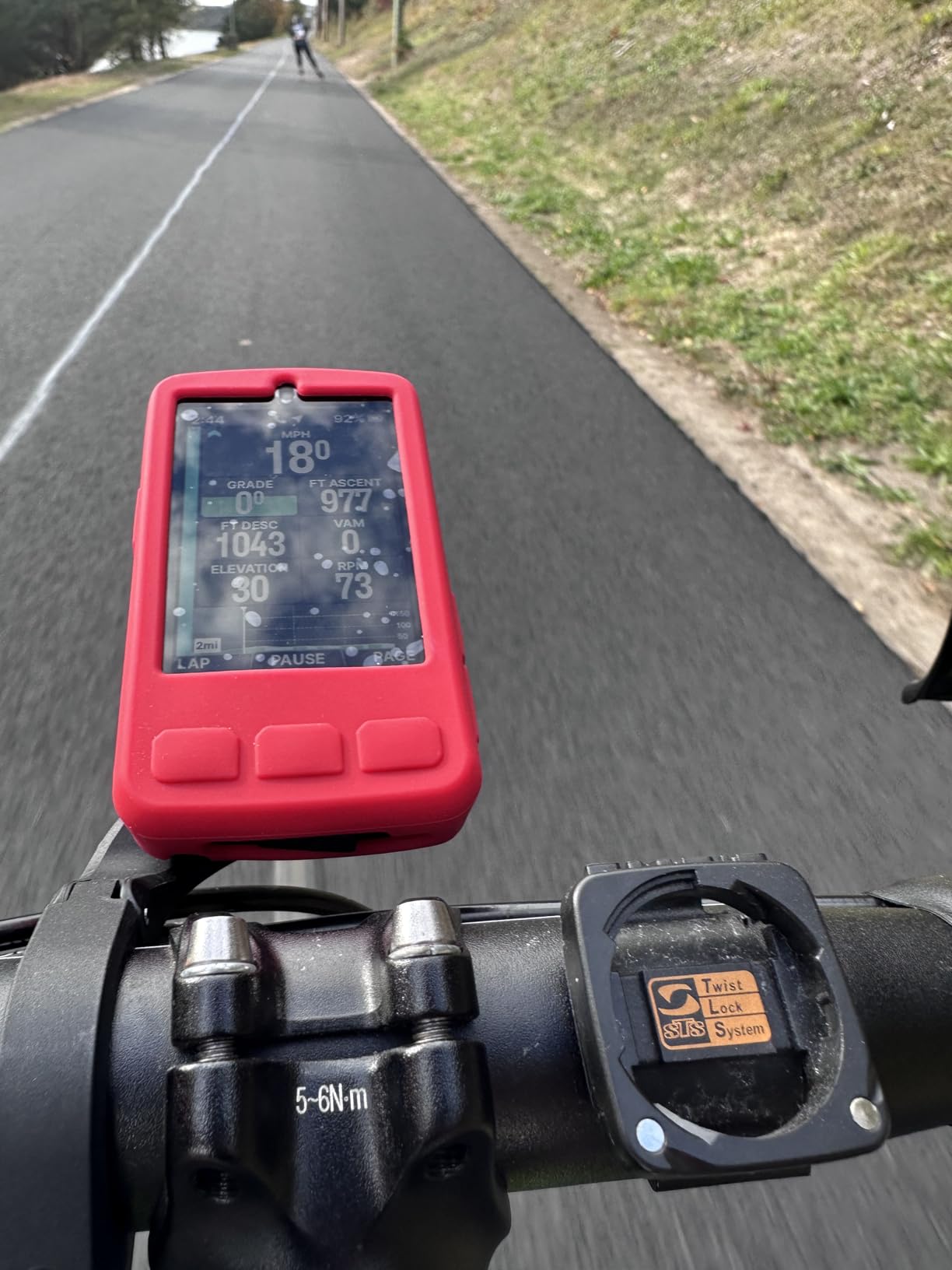
Battery performance was the surprise for us. One owner reported roughly half the charge remaining after a fourteen hour, 200 mile ride, which lines up with our own finding that it outlasted comparable Garmin devices on a long trail day. At 25 hours in normal mode with IPX7 water protection, rain is not a concern.
Route handling is flexible. You can import GPX, TCX, Strava, Ride with GPS and Komoot files, generate a route on demand by tapping a location on the device map, and pull nearby routes through Public Route Sharing. Climb mode shows hill progress as you go.
Why MTB riders keep coming back to it
Navigation on unfamiliar trail networks is the hard problem in this sport, and this is the only unit here where you can genuinely keep your eyes on the trail while it guides you. The screen is also easier to read while riding than smaller map-led competitors, which is a real advantage on fast singletrack.
Every important function is reachable from physical buttons, so gloves and potholes are not a problem. That combination of spoken cues and button backup is unusual and it is why we use this as the trailhead companion to our main bike computer.
The drawbacks nobody mentions enough
It has the lowest rating in the group, and the split is visible in the reviews. Some units fail to pair with phones and app syncing can take a long time, while others report occasional crashes and false off-route prompts on long rides.
Auto-brightness is the most common everyday complaint, dimming the screen too aggressively in shade or when wearing sunglasses. Voice cues are terse and hard to hear at maximum volume on a fast descent, and screen layout customisation has to happen in the app rather than on the device.
4. Bryton Rider 320E – The best value data logger
- Multi-satellite reception reliable under trees and in the mountains
- Very light at 60 g
- Optically bonded screen readable in any light
- Up to 72+ data functions with 8 fields per page
- Easy ANT+ and BLE sensor pairing
- No onboard maps or route navigation
- Customisation and syncing depend on the phone app
- Auto-pause threshold frustrates slow trail riding
The Rider 320E does the unglamorous job of recording a clean ride file for very little money, and it does it well. Reception across GPS, GLONASS, BDS, Galileo and QZSS was reliable under trees and in the mountains in our testing, which is the part that actually matters when your ride is entirely in the trees.
The optically bonded 2.3 inch screen is crisp and glare-free in any light we tested it in. At 60 grams it is one of the lightest units here, and it is slim enough that it disappears on a mountain bike handlebar.
Data density is the appeal for riders who want to dig into a ride afterwards. You get up to 72 functions with eight customisable fields per page, and heart rate, cadence, speed and power sensors pair easily over ANT+ and Bluetooth.
Good for riders who already know their trails
If you ride the same loop every week and simply want an accurate record of how the ride went, this is the pick. Thirty-five hours of battery covers a multi-day trip, and it can charge from a power bank while still recording, which removes the whole battery question on a big day.
Owners consistently describe it as a high-value data logger, and the review volume backs that up with more than a thousand ratings.
Where it stops short
There is no onboard map and no route navigation, so it will never tell you where to turn on an unfamiliar trail. Screen customisation and ride syncing both depend on the smartphone or desktop app, which adds a step every time you change your layout.
The auto-pause threshold kicks in under roughly 3 km/h, which is a nuisance when you are walking a technical section or pushing a bike up a climb. The handlebar mount can also slip if it is not tightened properly.
5. iGPSPORT BiNavi – A large screen and the longest planning battery
iGPSPORT BiNavi GPS Bike Computer, 3.5” Touch Screen MAP Navigation
- Large 3.5 inch screen with clear turn-by-turn prompts
- 35 hour battery covered a 5 day trip
- Route and navigation survive power cycling
- Yaw Planning reroutes you back when off course
- Syncs with power meters radar and Garmin watches
- Rerouting is slow and blocks other screens
- Screen is fragile and touch response is only okay
- Rerouting is unaware of trail closures
The BiNavi is the navigation-first device in this group, and the 3.5 inch colour screen is what makes it usable on a moving bike. Turn prompts are large and clear, and there are abundant data pages to get out of the way when you want the map full screen.
Dual-band GPS receiving L1 and L5 simultaneously across five satellite systems is a genuinely strong position-finding setup, and it tracked accurately on enclosed trails in our testing. One MTB rider describes the unit as physically robust and precise in exactly that situation.
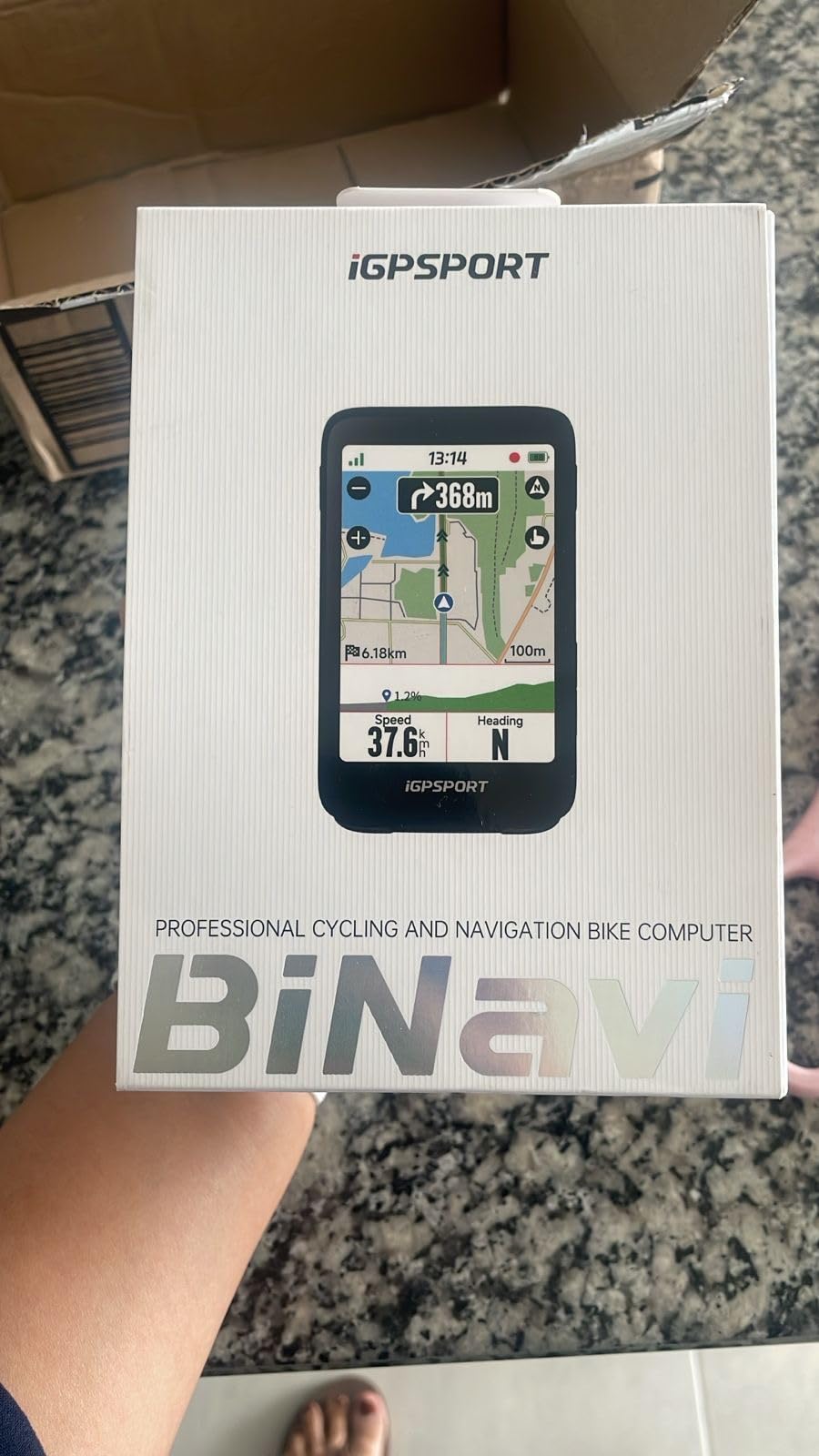
Where it really earns its place is multi-day riding. The 35 hour battery covered a five day, 320 mile bikepacking trip, and 32 GB of internal memory means you can store a full trip worth of routes on the device instead of fiddling with transfers at camp. Continue-last-ride keeps navigation alive across a power cycle, which matters when the device dies at the bottom of a descent.
Yaw Planning reroutes you after a detour and can route back to your start, iClimb Pro previews the ascent ahead, and music control works when paired to a phone. It also syncs with power meters, speed sensors, heart rate monitors and radar, and pairs with Garmin watches.
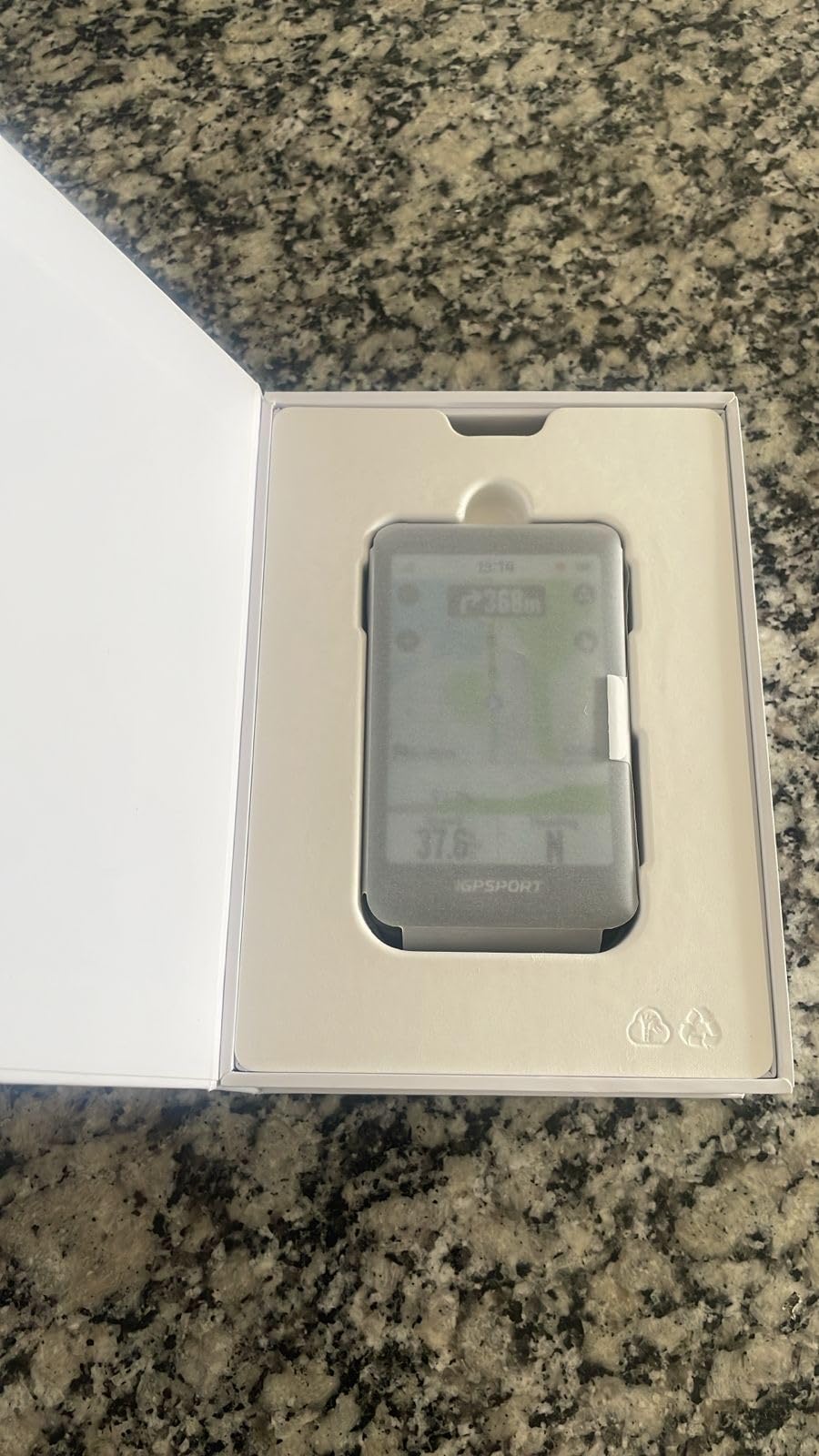
Made for the multi-day and big-map rider
If your riding involves unfamiliar trail networks on more than one day, this solves problems the smaller units do not. A screen big enough to read a topo map at a junction, storage for the whole trip, and routing that survives a flat battery are the combination that keeps a bikepacking trip on track.
The 103 gram weight is heavier than the button-only units but still fine on a loaded handlebar.
The honest weaknesses
Rerouting is slow, sometimes slow enough to look like a freeze, and it blocks other screens while it works. Route loading from the app can also be buggy and slow to start, which is frustrating when you are standing at a trailhead.
The screen is the real durability question. One owner cracked it without dropping the unit, and touch response is described as only okay. On aggressive mountain biking we would pair it with a stem mount and a screen film rather than an out-front bar mount, and remember that rerouting has no idea about trail closures, so it can point you back down a route that has been shut.
6. iGPSPORT BSC300T – Offline trail navigation on a budget
iGPSPORT BSC300T GPS Bike Computer, Smart Map Navigation 2.4” Touch Screen
- Full offline maps and off-course warning well under premium prices
- Touchscreen plus six buttons work with gloves or rain
- Five satellite systems acquire quickly
- eBike mode radar sync and teammate tracking
- Only 67 g and a two-year warranty
- 2.4 inch screen fits few data fields
- 8 GB limits how many offline maps you can store
- Type-C charging cable is not included
Most riders assume offline topographic maps and off-course warnings are premium features. The BSC300T disproves that, and it does so at a price that undercuts every navigation-capable unit in this group by a wide margin.
The layout is the interesting part. A 2.4 inch capacitive touchscreen is paired with six physical buttons, which means you can scroll data with a gloved finger and confirm with a button when the trail gets rough. On our rides that hybrid setup worked better than a pure touchscreen.
Five satellite systems covering GPS, BeiDou, GLONASS, Galileo and QZSS acquired quickly and held accuracy, and 130+ data fields including grade, cadence and temperature are available. Real-time teammate tracking is genuinely useful on a group trail day when the group splits.
Why budget trail riders keep recommending it
This is the computer we would hand to a rider whose first trip into unfamiliar singletrack is coming up and who does not want to spend premium money. Offline maps mean no signal needed, off-course warning means you notice the mistake early, and 20 hours of battery covers a solid day.
It also supports eBike mode, radar and light sync, and smart trainer connectivity over ANT+ and Bluetooth 5.0. At 67 g it will not unbalance a handlebar.
What the budget costs you
The 2.4 inch screen is small, so only a limited number of data fields fit at once, and that is a real limit on a descent when you want speed, grade and distance at a glance.
Eight gigabytes of internal memory limits how many offline maps and routes you can carry, which is the first thing you will fill up on a bikepacking setup. The Type-C charging cable is not in the box, and app-based route building needs the iGPSPORT app on a phone. Firmware and app polish trail the major brands.
7. Garmin Edge Explore 2 – Ready to ride out of the box
- Preloaded road off-road and indoor profiles
- Ride-type-specific maps help on local trails
- Screen works with gloves and rain
- High-traffic display and eBike routing with range alerts
- Pairs with Varia radar and lights
- 16 hour battery is the shortest here
- Map labels are coarse compared with the 1040
- No turn-by-turn voice prompts
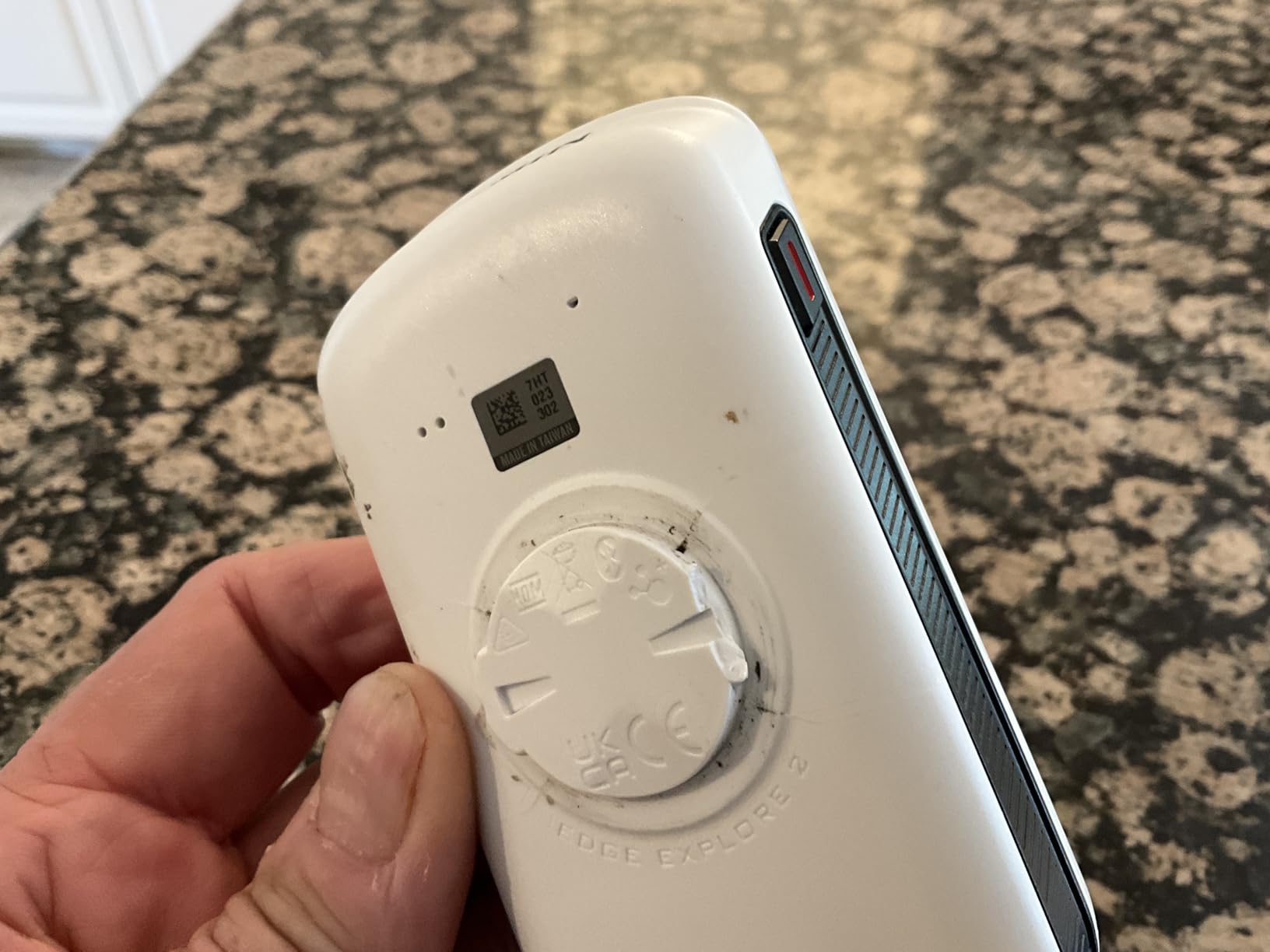
The Explore 2 is the Garmin for someone who wants to clip it on and ride without an evening of configuration. Road, off-road and indoor activity profiles are preloaded, so an MTB is a two-tap selection rather than a setup project.
Garmin rates the 3 inch high-resolution capacitive touchscreen as glove and rain friendly, and it behaved that way in our testing. We could page through maps and data in wet gloves without the first tap failing, which is not something we can say about every touch device in this group.
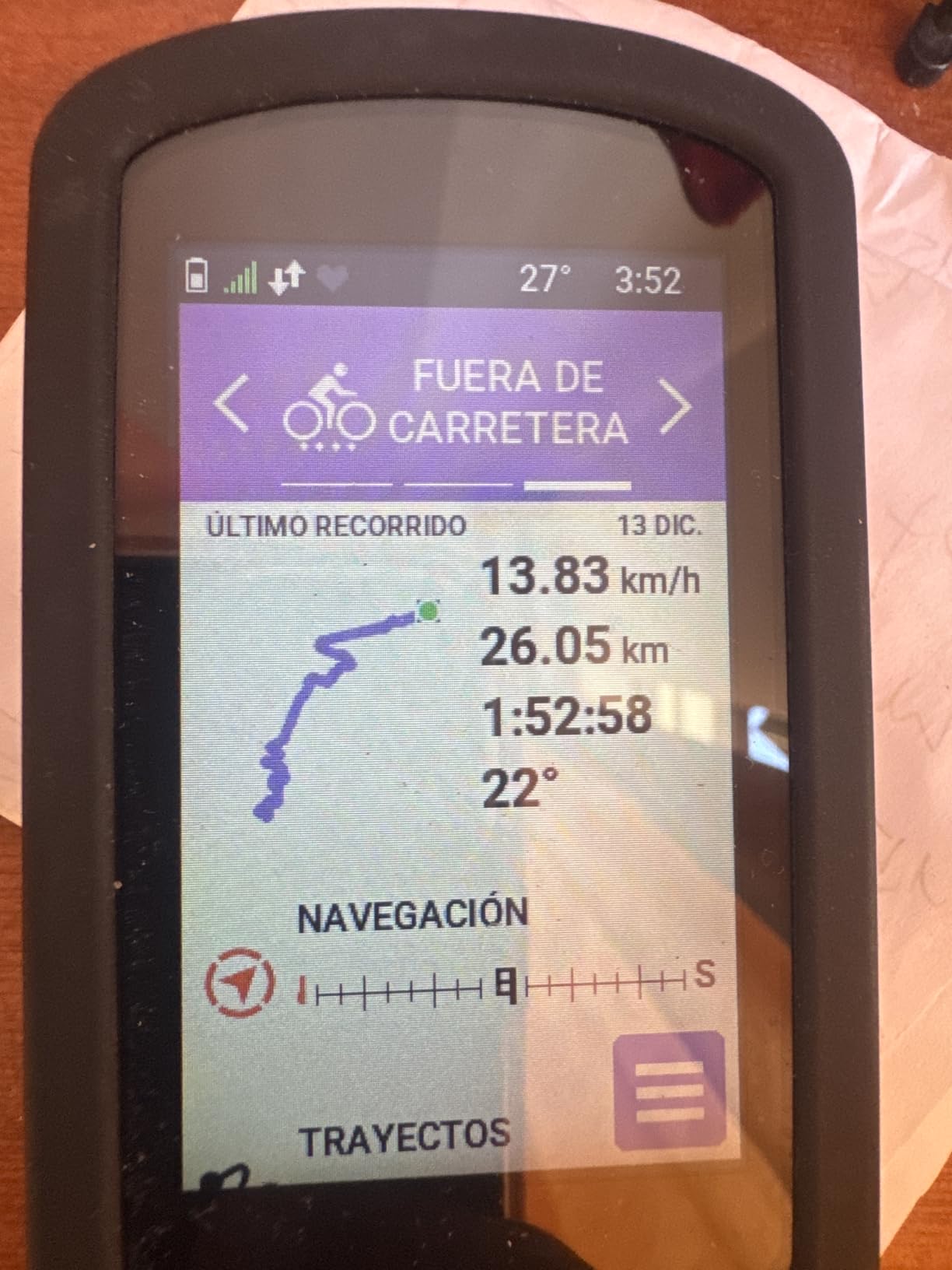
At 4.1 ounces it is the lightest Garmin touchscreen unit here, and ride-type-specific mapping helps on local MTB routes by promoting popular trails. LiveTrack, GroupTrack, incident detection and rider-to-rider messaging cover the safety side, and 16 GB holds a regional map set.
For e-bike riders it is the pick in our group. The high-traffic road display and eBike routing come with battery, assist and range alerts, so you know how much of the climb you have left.
Best for riders who want simplicity
If Garmin Connect setup sounds like friction, this is the answer. Owners like the ready-to-ride profiles and the trail-aware mapping, and it doubles as a decent road computer if your season straddles both. Varia radar and smart light compatibility make it work in a group safety setup.
We would note that it is the lightest Garmin touchscreen here rather than the lightest unit overall, and the touch screen did slow down slightly on very rough ground.
The compromise that defines it
Sixteen hours of battery is roughly half what the premium units deliver, so a long day in the mountains needs a mid-ride charge or careful power management. That single number is the main reason we do not recommend it for multi-day trips.
Map detail and label readability are criticised as coarse, particularly by older riders squinting at small text on a descent, and there are no spoken turn-by-turn prompts like higher-end Garmin models provide.
8. Wahoo ELEMNT ACE – The biggest screen you can put on a bar
- Largest and most legible screen available
- 30 hour battery with Ready-To-Ride dashboard
- Seamless integration with Wahoo rear-view radar
- Hill profile is a standout feature
- Shows moving time versus paused time
- Very heavy at 208 g
- Weak contrast and awkward auto-brightness
- Map navigation is painful and panning flips pages
The ACE exists for one reason: the screen. At 3.8 inches and 480×800 resolution it is the largest display we tested, and it is excellent for learning a new trail network. Map labels are legible from further out than any other unit here, which matters when you are picking a line at speed.
A barometric pressure sensor drives AirBoost and AirDrag, and the hill profile is consistently praised as a standout feature for long climbs. Thirty hours of battery and a Ready-To-Ride dashboard that removes the startup wait mean it is rolling when you are.
Integration with Wahoo rear-view radar and lights is seamless, and showing moving time versus paused time makes total ride time meaningful on a day with a lot of walking. IPX7 water protection is among the strongest in the group.
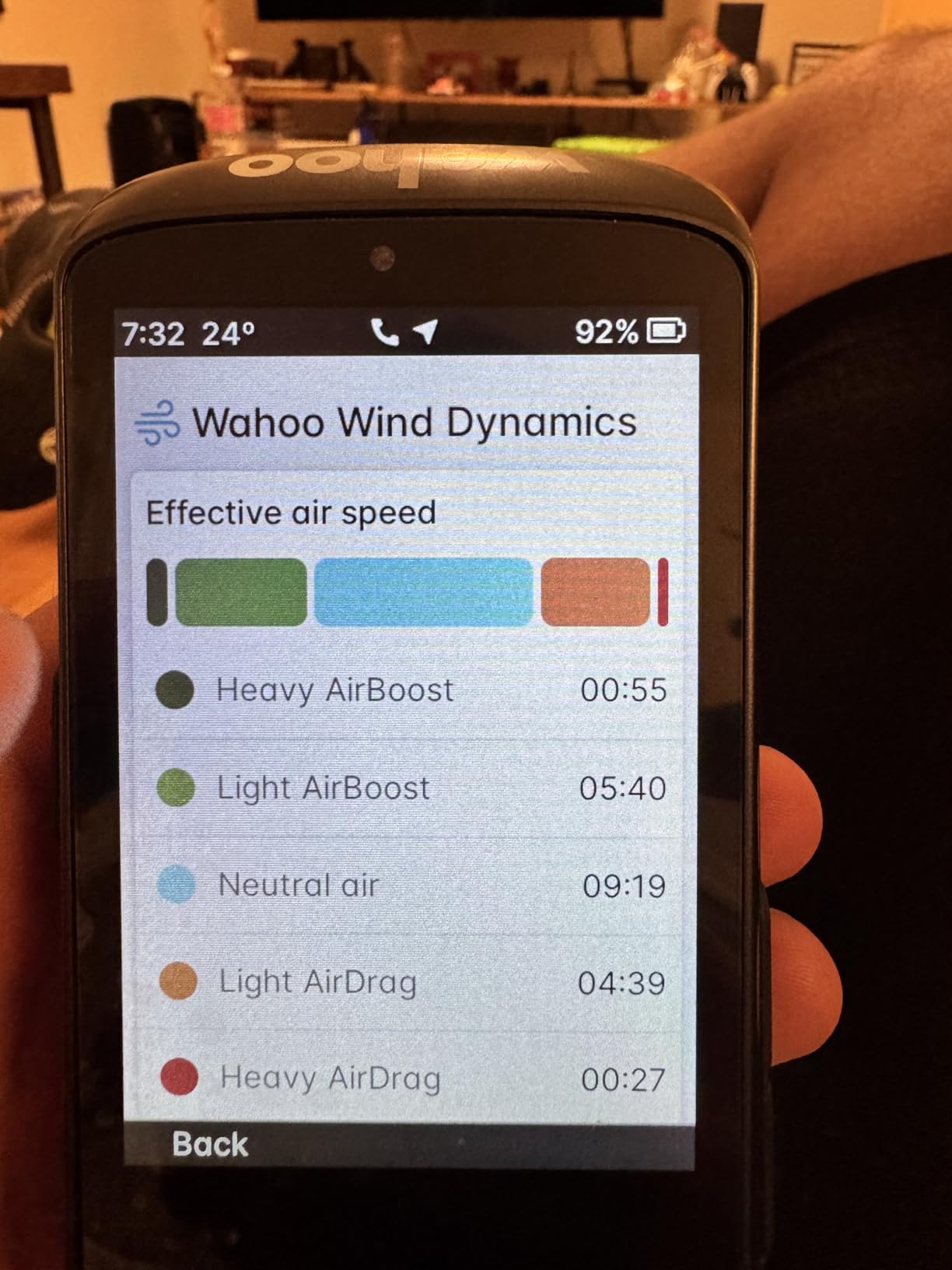
When a huge screen changes the ride
If you are learning a trail network, riding unfamiliar terrain, or simply want to see your entire route and your hill profile at once, no other unit does it better. The Ready-To-Ride dashboard also removes the startup delay that eats into a tight turnaround loop.
The included aluminium out-front mount holds it well, and the digital bike bell is more useful on group rides than you would expect.
What the size costs you
Two hundred and eight grams is by far the heaviest unit here, and you feel it on technical terrain where a light bar matters. Screen contrast is weak, and auto-brightness can be hard to read in some light, which is an odd flaw on the biggest screen available.
Map navigation is the real letdown: panning the map flips pages and route selection is cumbersome. The AirBoost wind sensor is described as close to useless, offering no crosswind timing. Setup was buggy for some buyers and needed tech support, the out-front mount is not sold separately, and button remapping is limited.
9. Bryton Rider 750E – The most data you can see at once
- Many simultaneous data fields on the 2.8 inch screen
- Long battery and still charged after 3.5 hours
- Pairs quickly with Garmin accessories and syncs to Strava
- Supports Varia and Shimano Di2 and e-bike displays
- Non-USA versions come without North American maps
- Touchscreen is hard to hit precisely while moving
- Occasional freezes and GPS dropouts
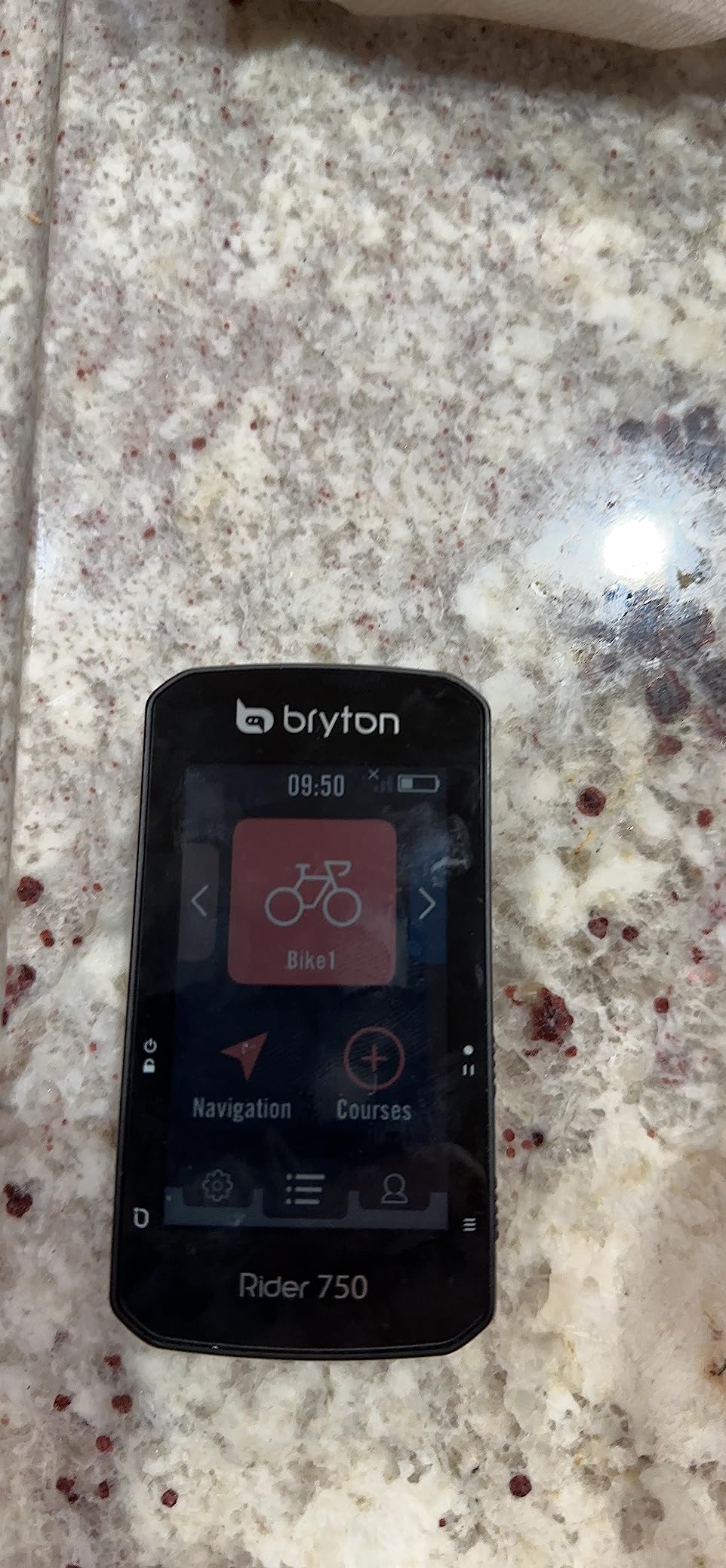
The 750E is for the rider who wants to see everything at once. The 2.8 inch colour screen with sideload page swiping lets you put far more data fields on a single page than smaller units allow, and reviewers repeatedly single that out as the reason they bought it.
Route navigation with downloadable regional maps is available once you load them, and it pairs with speed, cadence and heart rate sensors. Compatibility with Garmin Varia and with Shimano Di2 and e-bike displays is a nice touch if your bike has electronic shifting.
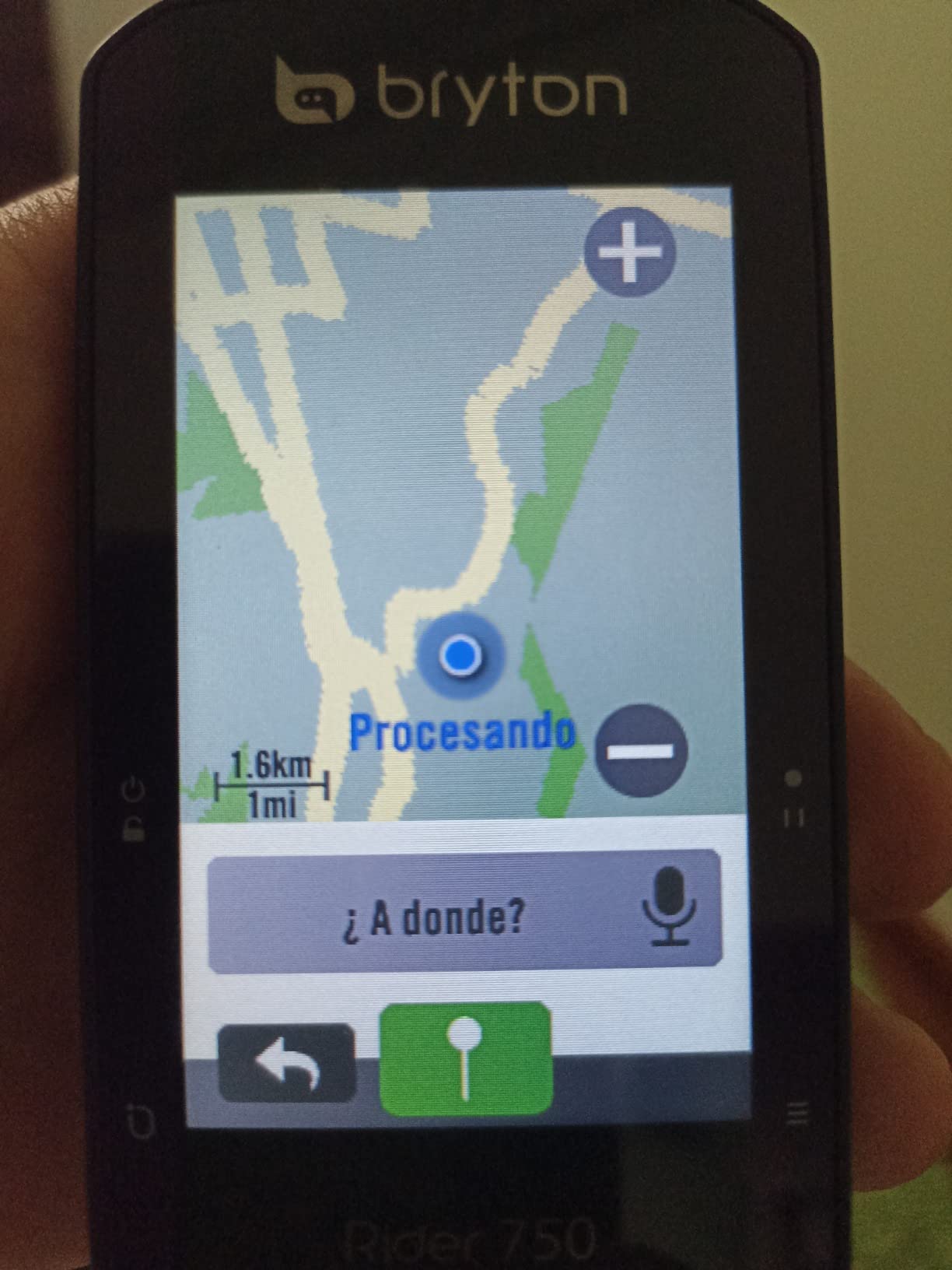
Battery life held up well, with one owner reporting charge remaining after a three and a half hour ride against a 20 hour claim. Syncs to Strava are straightforward, and enthusiasts like the combination of size and layout flexibility.
Value improves considerably once North American maps are loaded from Brytonsport, at which point it becomes a capable trail navigator for the money.
Good for data-first riders
If you analyse your rides rather than simply follow them, the density of the 750E is hard to match at this price. The colour screen is also large enough to keep a map and a full data page side by side on a technical descent.
Quick pairing with Garmin accessories is useful if your sensors already sit in that ecosystem, and the Di2 integration means e-bike riders see gear state on the same screen.
The rough edges
The most common trap is buying a non-USA version, which does not come with North American maps preloaded. They have to be downloaded manually, and the listing does not always make that obvious, so check before you order.
The touchscreen can be unresponsive or hard to hit precisely on a moving bike, screen brightness is insufficient in bright conditions for some riders, and there are reports of occasional freezes and GPS dropouts. Rerouting for imported Komoot routes did not work reliably for a number of owners, and customer support for battery failures has been reported as slow.
10. Magene C506SE – Fast positioning and Wi-Fi uploads
Magene C506SE Wireless GPS Bike Computer – 2.4″ Color Screen, Route Navigation, Bluetooth & WiFi, Fast 5s Positioning, Supports 9 Cycling Devices
- Locks in about 5 seconds with a high-precision chipset
- 24 hour battery and quick sensor pairing
- Bright screen readable in most conditions
- Heavily customisable layouts for the money
- Wi-Fi uploads far faster than Bluetooth-only rivals
- 2.4 inch screen limits visible data
- IP54 is the weakest water rating here
- No live route generation and GPX-only navigation
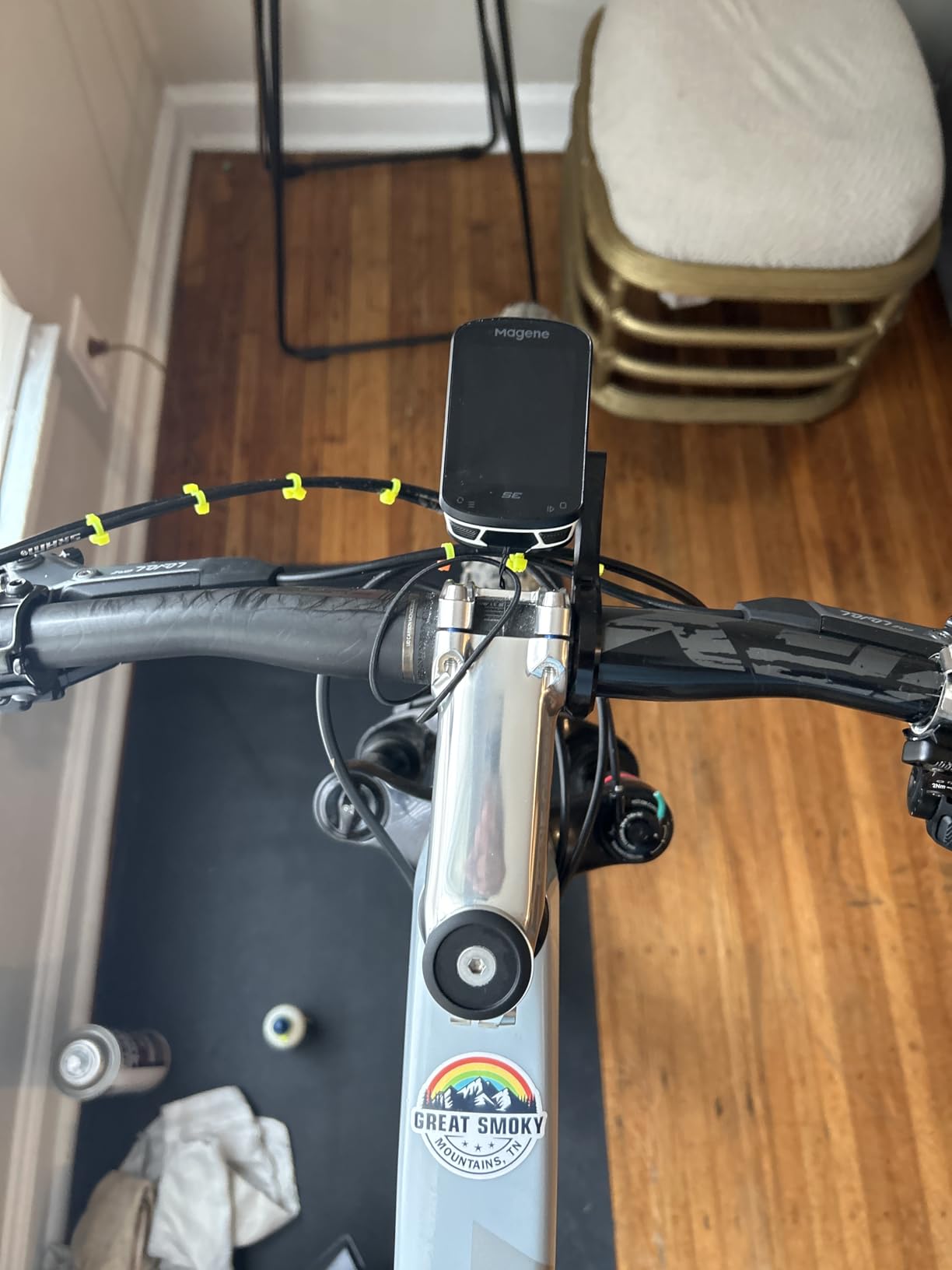
Two things stand out on the C506SE. The Airoha high-precision chipset delivers a cold start in about five seconds, so you are not standing at the trailhead watching a searching icon while your friends ride off. And Wi-Fi transfer is dramatically faster than the Bluetooth-only approach used by most rivals at this level.
Three-button operation with a bright 2.4 inch colour screen, 24 hours of battery and 74 grams make it a clean replacement for a phone strapped over the bars. Wi-Fi uploads mean the file is on Strava or TrainingPeaks minutes after you get home, not at bedtime.
It supports nine device types over ANT+ and Bluetooth including radar, tail lights and e-shifting, offers 108 data items across 14 categories with circular dials and graphs, and works with smart trainers for indoor gradient and resistance control.
Best as a phone replacement on rough roads
Owners consistently describe it as good value for simple trail tracking and data logging. The fast positioning and Wi-Fi uploads are the standouts, and the ability to hold nine types of connected device covers radar and lights as well as the usual sensors.
Layout customisation is unusually deep for the money, so you can build a page that suits trail riding rather than accepting what the app hands you.
What it is not good at
There is no live turn-by-turn route generation; navigation relies on preloaded GPX files, so it follows a route rather than thinking one. The route GPS can also get confused when doubling back or running repeated laps on a fire road climb.
The 2.4 inch screen limits how much data is visible at once, and IP54 is the weakest water rating among the rugged options we tested, so heavy rain needs a bag. Some owners report the unit unpairing itself and firmware updates failing through the app, and customer support is difficult to reach.
11. CYCPLUS M1 – Battery life that outlasts the claim
CYCPLUS GPS Wireless Bike Computer M1, 2.9″ LCD Screen, IPX6, 1200mAh
- Very large 2.9 inch screen with big readable numbers
- Outstanding battery life well beyond the quoted figure
- Fast reliable ANT+ pairing for speed cadence HR and power
- Accuracy including elevation gain close to a phone
- Syncs to Strava and TrainingPeaks via the app
- No turn-by-turn navigation at all
- Supplied rubber-band mount is flimsy for MTB use
- Short proprietary-feel charging cable with no USB-C
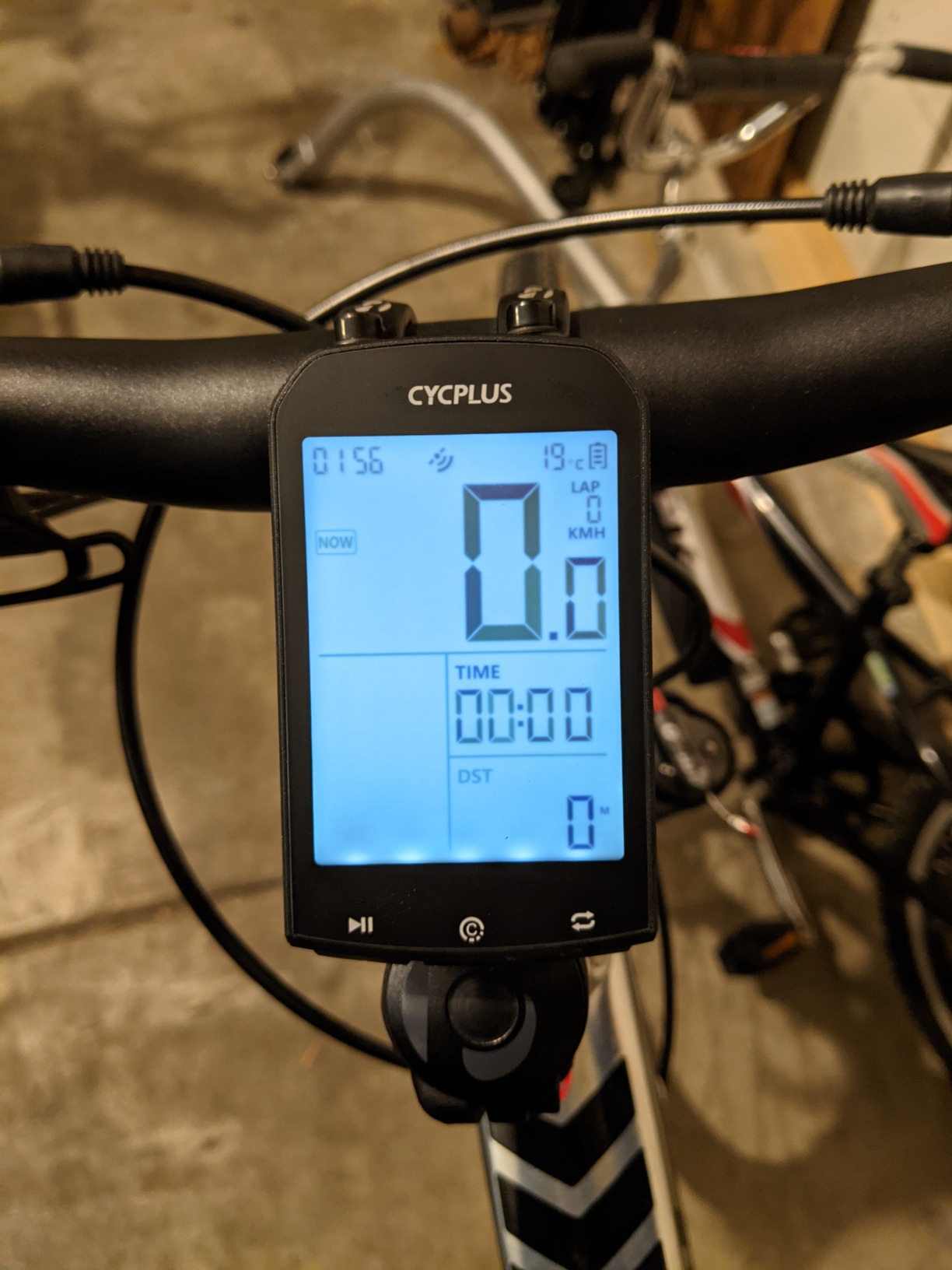
The M1 is the endurance pick. Sixty hours of stated runtime turned out to be conservative in practice, and owners report life far beyond the quoted figure, which means you can charge once at home and forget about it for a month of trail riding.
The 2.9 inch glare-free backlit FSTN LCD with tempered glass is unusually large for the money, and big numbers are easy to read in bright sunlight on a climb. Automatic backlight follows local sunrise and sunset so you are not fumbling with it in the dark at a turnaround.
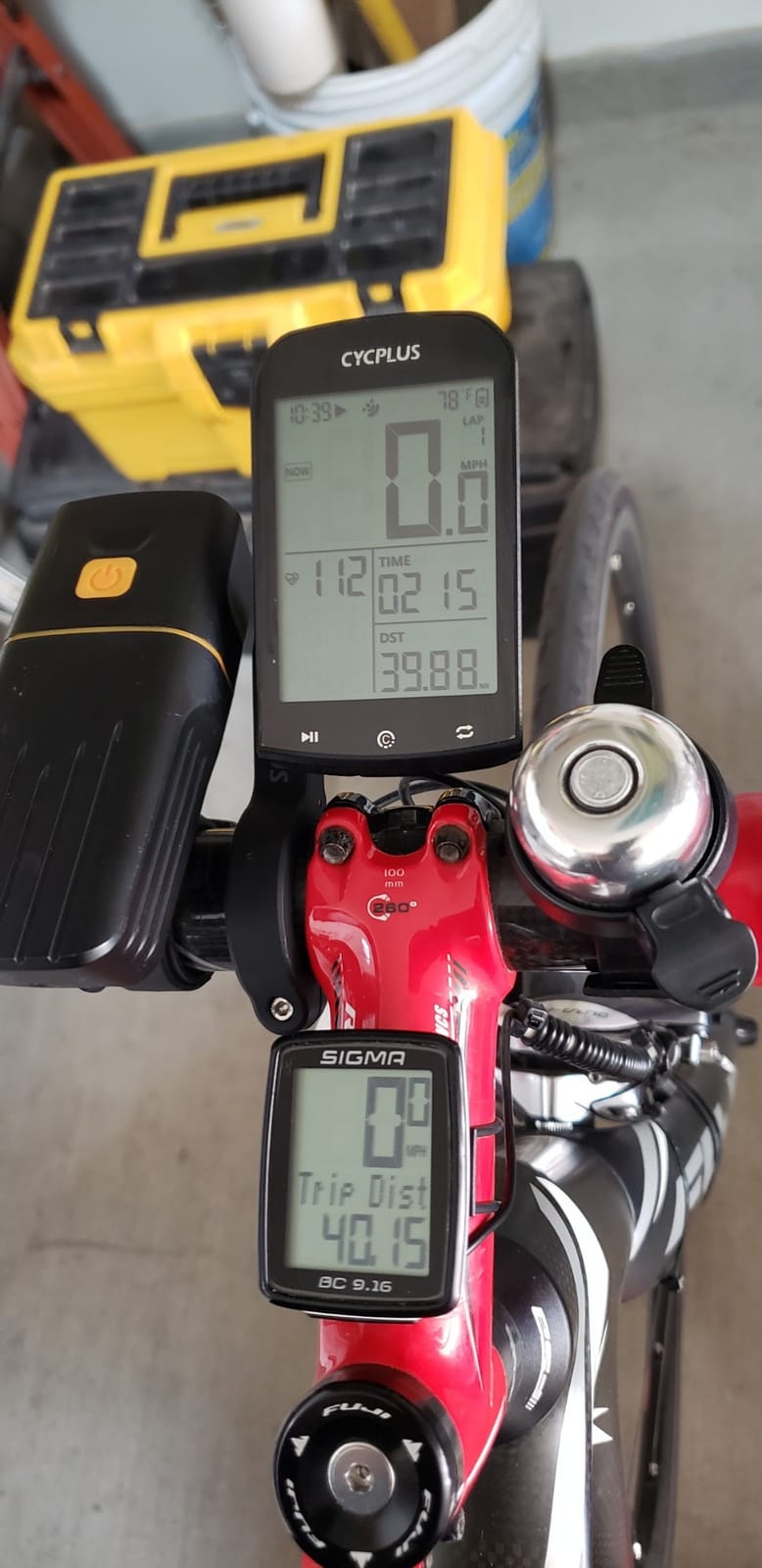
A high-sensitivity Swiss navigation chip gives GPS-only accuracy that owners say matches a phone closely, including elevation gain. ANT+ pairing for speed, cadence, heart rate and power meters is fast and reliable, and the CYCPLUS FIT app syncs to Strava and TrainingPeaks. At 2.7 ounces with IPX6 protection, it is built for trail use.
This is the best-value sensor-capable logger we tested at this price, and the combination of screen size, real battery life and accurate sensor data is hard to argue with.
Best for riders who record everything
If your riding is about reviewing rides afterwards rather than navigating them, the M1 gives you more data per charge than anything else here. Sensor accuracy means your power and heart rate files are trustworthy, and the screen means you can watch them live.
The long runtime makes it a natural choice for bikepacking and multi-week trips where charging opportunity is limited.
Where it stops being enough
There is no turn-by-turn navigation at all; this is a data logger only, so it will never guide you through an unfamiliar trail network.
The supplied mount is rubber bands, and a proper hard mount has to be bought separately, which the listing does not make obvious. The included kit is considered flimsy for aggressive mountain biking. Charging uses a short proprietary-feel USB-A cable with no USB-C, wheel circumference must be set manually, and if you press record before satellite lock the whole ride can be lost with no warning on screen.
12. CYCPLUS G1 – The simplest first GPS for a new mountain biker
CYCPLUS Wireless GPS Bike Computer G1, 70g, 2.0″ Screen, IPX6, 1200mAh
- Very long battery life and holds charge for weeks unused
- Backlit FSTN screen readable in bright sun and at night
- Tool-free handlebar mount with no cable clutter
- Only 70 g so it adds no weight
- GPS speed verified within 1-2 percent over long rides
- GPS-only measurement drifts under tree cover
- No app sync and no sensor pairing or navigation
- Requires manual power-on with no auto-start option
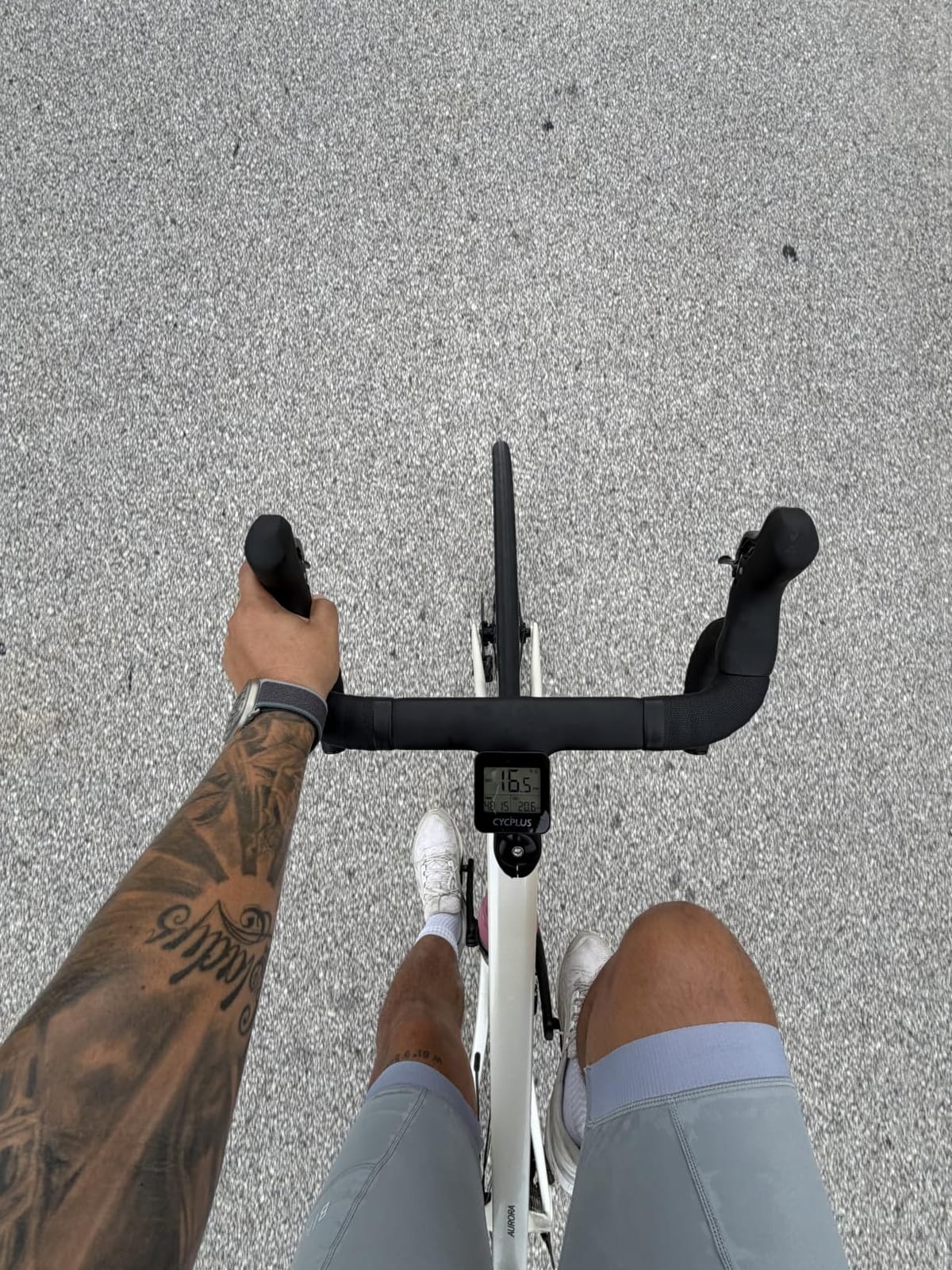
The G1 is where most MTB riders should start. It is a plain GPS speedometer and odometer with no connectivity, no apps and no menus to learn, and it is the cheapest way to stop riding with no record of your ride at all.
Owner feedback is unusually consistent: people treat it as a simple cheap GPS and are happy with it. Battery life is the headline, with reported runtime of 16 to 20 hours or more per charge and the ability to sit unused for weeks and still hold its charge. The automatic glare-free FSTN backlit screen stays readable in bright sun and at night.
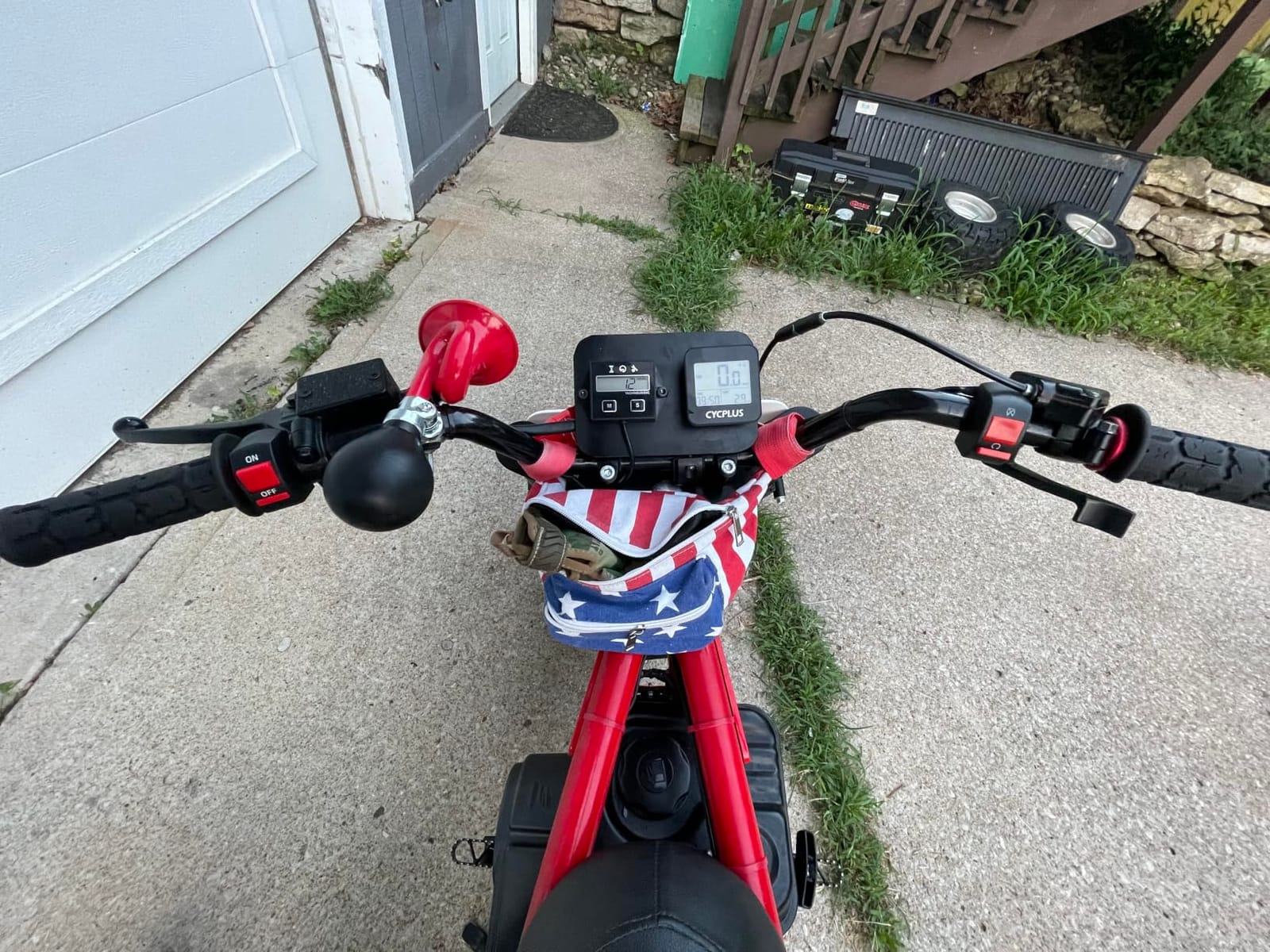
GPS speed readings have been verified within one to two percent of a Garmin head unit over long rides, which is better than you would expect from a single-constellation device. At 70 grams it adds effectively no weight to a mountain bike, and the tool-free handlebar mount keeps cable clutter off the cockpit. IPX6 handles wet trail conditions.
The automatic backlight, auto sleep after ten minutes of inactivity with last-ride data recall, and a two-year warranty round out a device that simply does its one job.
Right for a first bike computer
New riders, commuters with an e-MTB, and anyone who just wants distance, time, speed and altitude without touching an app will find this completely sufficient. Nothing about it requires a phone, which also means nothing about it can go wrong when your phone dies halfway up a climb.
We would pair it with the strap because the bar mount can loosen over rough terrain.
What you give up
GPS-only measurement drifts under dense tree cover and in tunnels, making speed and altitude readings jump. For trail riding in heavy forest that is a real limitation, and it is the reason we would not recommend it as your only trail computer.
There is no app sync, no Bluetooth or ANT+ sensor pairing and no turn-by-turn navigation, so heart rate and power data are simply not available. It also requires manual power-on before a ride with no auto-start option, time-zone and clock setup is fiddly and the manual wording is confusing, and the bar mount needs a strap to stay put on rough ground.
Which Bike Computer Fits Your MTB Riding?
Rather than rank these purely by spec sheet, here is how they map to the way people actually ride trails.
XC racing and fast flowy trail: the Garmin Edge 540. Buttons work at speed, multi-band GNSS keeps the file clean and 2.8 ounces keeps the bar clean.
Navigating unfamiliar singletrack: the Wahoo ELEMNT ROAM V3 for spoken directions, or the iGPSPORT BSC300T if you want offline maps on a budget.
Enduro and downhill: the Garmin Edge 1040. The large screen is readable mid-descent, and the multi-band chip holds the recording together in deep valleys.
Bikepacking and multi-day: the iGPSPORT BiNavi. Thirty-two gigabytes of storage, 35 hours of battery and navigation that survives a power cycle.
Riding in winter rain with gloves: the Garmin Edge 540 or the Bryton Rider 320E. Both are button-only and both keep working when your hands are wet.
Learning a new trail network: the Wahoo ELEMNT ACE for the biggest screen, at the cost of 208 grams.
E-bike riders: the Garmin Edge Explore 2, with eBike routing plus battery, assist and range alerts.
First ever bike computer: the CYCPLUS G1 if you only want a record, or the iGPSPORT BSC300T if you want navigation too.
How to Choose a Bike Computer for Mountain Biking?
Road riding guides rank computers on weight and screen clarity. Trail riding changes the priorities almost completely, so here is what we would actually weigh before buying.
Battery life on a real MTB day
A long mountain bike ride can easily run six to eight hours, and backcountry days run much longer. Manufacturer claims usually assume a single satellite mode with maps off, so treat them as a ceiling rather than a promise.
The practical rule we use: pick a number roughly twice your longest typical day. Anything under 16 hours means planning around a charge, and anything over 30 hours stops being a consideration. Remember that leaving a device in power save still drains the battery, so fully powering it off between rides matters more than most buyers expect.
Touchscreen or buttons with gloves and mud
This is the single most important decision for mountain biking, and forum consensus is unanimous: touchscreens struggle with gloves, wet hands and trail debris. Wiping mud off a screen mid-descent is exactly the wrong use of your hands.
Button-only operation is the safe answer for aggressive riding, and it is why the Edge 540 keeps winning recommendations in MTB groups. If you want a touch interface, check that the manufacturer explicitly rates it glove and rain friendly, and confirm it has physical button fallback. Our best hybrid in this group is the iGPSPORT BSC300T, which pairs a touchscreen with six buttons.
GNSS accuracy under tree cover
Dense forest, bridges and deep valleys are where cheap units fall apart, and the resulting track is what you end up analysing at home. Multi-band or dual-frequency GNSS receives on two frequencies and holds position far better under canopy than a single-frequency chip.
Single-constellation devices are fine for an open fire road and poor for a wooded trail network. If most of your riding is under trees, this single spec upgrade is worth more to your data than any extra screen field.
Mapping, off-course warnings and Trailforks routes
Trailforks is the planning tool most MTB riders already use, so check that your device accepts those routes and how that transfer works. Garmin, Wahoo and Hammerhead all handle route import in their apps, and the iGPSPORT units offer worldwide offline map download directly on the device.
Understand the difference between breadcrumb and turn-by-turn before you buy. A breadcrumb trail shows the path you rode but gives no guidance on which way to go at a junction, which on an unfamiliar mountain bike network is close to useless. Turn-by-turn with spoken or prominent visual prompts is what you actually want. Check whether the device can generate a route on demand or only follow a preloaded file.
Ruggedness and how to read water ratings
Trail impacts are the number one durability concern in MTB groups, so look at two things. The water rating matters more than most buyers expect: IPX7 means immersion protection and IP54 or IPX6 means splash or heavy rain protection only, which is why we keep splash-rated units under a bar bag in sustained downpour.
On impact protection, screen material and mount position are what matter. An out-front mount keeps the device clear of the bar and the grips, so a sideways hit lands on the mount arm rather than the unit. The same thinking shows up whenever we pick rugged hardware for our own builds, and our single board computer roundups apply the same rules: protect the exposed surface, mount it where leverage is low, and assume a fall will happen.
Mounting and what happens when you swap bikes
Check that the mount is included and whether it is a quarter-turn interface, because a standard quarter-turn out-front mount carries almost any unit. Some manufacturers bundle an out-front mount that is not sold separately, which means a second bike needs a third-party mount.
Also think about where the unit sits relative to your controls. On wide trail bars an out-front mount can drift into your shifter or brake lever reach, and a stem mount keeps it centred but puts the screen further from your eyes. If you enjoy comparing spec sheets the same way, our single board computers for AI projects guide runs the same match-the-spec-to-the-use method we apply here.
Garmin or Wahoo: Which Ecosystem Suits Mountain Biking?
This is the most common question on MTB forums, and the honest answer is that the difference in navigation and data reliability is smaller than the difference in software.
Choose Garmin if you already own Garmin sensors or a Garmin watch, want ClimbPro and the deepest training analytics, or prefer button-only operation on the Edge 540. Choose Wahoo if spoken turn-by-turn directions matter most to you, or if you value battery endurance over ecosystem breadth.
The pairing decision is usually practical rather than technical. A watch plus a cheaper dedicated computer is a very common setup among riders we spoke to, and it works well when the computer does navigation and the watch handles notifications and heart rate.
One note on history: first-generation Wahoo devices earned a reputation for ride-recording and data-upload failures, which is why early-generation reliability complaints still circulate in forums. Current units are a different story, and the ROAM V3 in particular has a solid review profile for reliability, so judge the model in front of you rather than the brand’s past.
Frequently Asked Questions
What is the best cycling computer for mountain biking?
For most mountain bikers the Garmin Edge 540 is the best all-round choice, because physical buttons work reliably with wet hands and gloves while multi-band GNSS keeps your recorded track clean under dense tree cover. Riders who want to be spoken to through junctions should look at the Wahoo ELEMNT ROAM V3, and riders navigating unfamiliar trail networks on a budget should consider the iGPSPORT BSC300T with offline maps.
Which bike computer has the best navigation?
The Wahoo ELEMNT ROAM V3 leads on navigation because it gives spoken turn-by-turn directions instead of beeps, imports routes from GPX, TCX, Strava, Ride with GPS and Komoot, and can generate a route on demand by tapping the device map. The iGPSPORT BiNavi is the strongest alternative, offering a large 3.5 inch map screen, Yaw Planning rerouting and 32 GB of storage, though its rerouting is slower.
Is Wahoo or Garmin better for mountain biking?
Garmin is better if you own Garmin sensors, want the deepest training analytics such as ClimbPro and stamina data, or prefer button-only operation. Wahoo is better if spoken navigation and battery endurance are your priorities. Both run button and touch options, both pair ANT+ and Bluetooth sensors, and both import routes from the major planning platforms, so the deciding factor is usually the ecosystem you already sit in.
Is a Garmin bike computer worth it?
For mountain biking, yes, mainly because of multi-band GNSS accuracy under tree cover and button options that survive gloved, wet hands. The Garmin Edge 540 gives you that at a mid-range level, while the Edge 1040 adds a large readable touchscreen and the deepest training features. If you never pair sensors and never navigate new trails, the value case is much weaker.
Do bike computers work in dense woods?
They work, but accuracy varies a lot by model. Units with multi-band or dual-frequency GNSS hold position far better under canopy than single-constellation devices, and the Garmin Edge 540, Edge 1040 and Wahoo ELEMNT ROAM V3 all use multi-constellation or multi-band positioning. Budget loggers such as the CYCPLUS G1 drift noticeably under dense trees and in tunnels.
Do I need a bike computer if I already own a Garmin watch?
Usually only if you ride unfamiliar trails. A watch covers notifications, heart rate and basic ride recording on its own, but a bike computer gives you a larger map screen, glove-friendly buttons you can operate on rough ground, longer battery life and more reliable data capture on descents. A common approach is a watch for daily metrics plus a mid-range computer for navigation and mountain bike use.
Final Verdict for Mountain Bike Computers in 2026
The Garmin Edge 1040 is our pick of the best bike computers for mountain biking, with the largest readable screen, multi-band accuracy and the most complete sensor and training package. Riders who want glove-proof operation should take the Garmin Edge 540, and anyone who needs to be spoken to through junctions should buy the Wahoo ELEMNT ROAM V3.
Whatever you choose, buy for gloved hands and dense trees first. Screen size, features and ecosystem matter far less than whether you can actually read the thing at 25 km/h on a rough descent in the rain.