
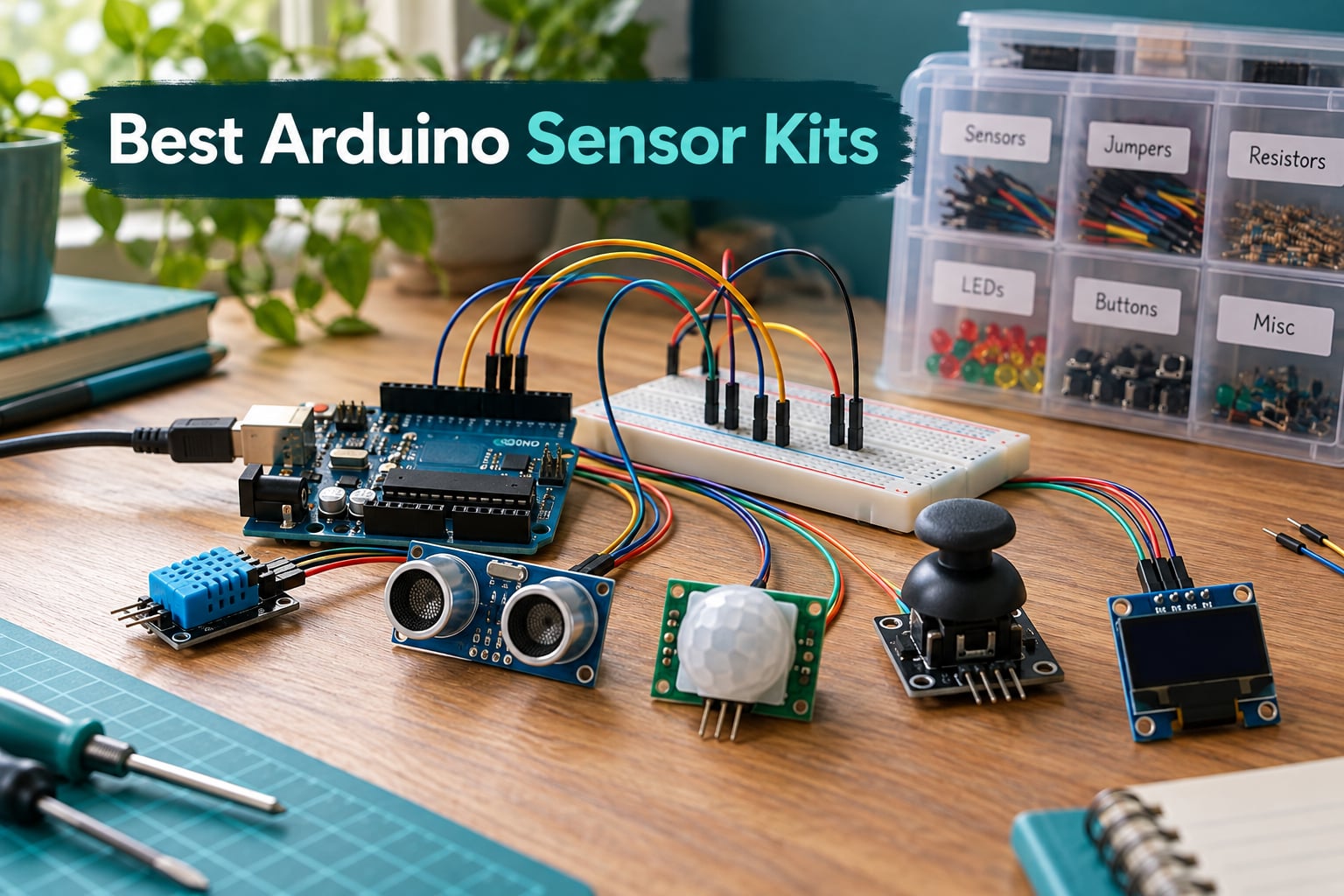
Choosing the best Arduino sensor kits used to feel simple: pick a 37-in-1 box, plug in a few modules, and you were on your way. After spending the last two months unboxing, wiring, and coding through ten different kits on a Uno R3, a Mega, and an ESP32, I can tell you the answer is rarely that clean.
An Arduino sensor kit is a curated collection of plug-in modules (temperature, humidity, motion, ultrasonic, gas, light, sound, joystick, LCD, RFID, and more) that turn a physical signal into a voltage your board can read. Most kits in 2026 cover between 10 and 48 modules, and most do not include the Arduino board itself. That single fact drives most of the confusion buyers run into, so I want to clear it up before we dive in.
This guide compares the best arduino sensor kits on the market right now, from official Arduino hardware and SunFounder’s Universal Maker Kit to budget 37-in-1 bundles from KOOKYE and HiLetgo. I tested each kit on real projects: a weather station, a line-following robot, a gas leak alarm, and a simple IoT temperature logger. I also pulled pain points from the r/arduino community, cross-referenced specs with our Arduino vs Raspberry Pi vs ESP32 breakdown, and made sure every kit works with the boards you probably already own or plan to buy.
Table of Contents
Top 3 Picks for Best Arduino Sensor Kits at a Glance (September 2026)

ELEGOO 37-in-1 Sensor Modules Kit
- 37 modules
- Uno/Mega/Nano/STM32 compatible
- Labeled storage case
- PDF tutorials with code

SunFounder Universal Maker Sensor Kit
- 25+ modules
- Works with Arduino/RPi/Pico/ESP32
- 169 projects
- Self-contained modules

Arduino Sensor Kit Base (TPX00031)
- Official Arduino brand
- 10+ curated sensors
- Beginner tutorials
- Home automation ready
Best Arduino Sensor Kits in 2026 Complete Comparison
| Product | Specifications | Action |
|---|---|---|
| ELEGOO 37-in-1 Sensor Modules Kit |
|
Check Latest Price |
 HiLetgo 37 Sensor Assortment Kit HiLetgo 37 Sensor Assortment Kit |
|
Check Latest Price |
 kuman 37-in-1 Robot Projects Starter Kit kuman 37-in-1 Robot Projects Starter Kit |
|
Check Latest Price |
 KOOKYE 16-in-1 Smart Home Sensor Modules Kit KOOKYE 16-in-1 Smart Home Sensor Modules Kit |
|
Check Latest Price |
 DEYUE 38-in-1 Sensor Module Kit DEYUE 38-in-1 Sensor Module Kit |
|
Check Latest Price |
 KEYESTUDIO 37-in-1 Sensor Kit KEYESTUDIO 37-in-1 Sensor Kit |
|
Check Latest Price |
| Arduino Sensor Kit – Base |
|
Check Latest Price |
| SunFounder Universal Maker Sensor Kit |
|
Check Latest Price |
 KEYESTUDIO 48 Sensors Modules Starter Kit KEYESTUDIO 48 Sensors Modules Starter Kit |
|
Check Latest Price |
 SunFounder Ultimate Sensor Kit with Arduino Uno R4 Minima SunFounder Ultimate Sensor Kit with Arduino Uno R4 Minima |
|
Check Latest Price |
1. ELEGOO 37-in-1 Sensor Modules Kit — Editor’s Choice for Best Arduino Sensor Kit
ELEGOO 37-in-1 Sensor Modules Kit with Tutorial Compatible with Arduino
- Wide 37-module variety covering motion
- distance
- light
- sound
- temperature
- touch and displays
- Strong value backed by 2500+ reviews and 4.7-star average
- Detailed PDF tutorials with wiring diagrams and example code
- Sturdy labeled storage case keeps modules organized
- Works with Uno
- Mega
- Nano
- ESP-32 and STM32 boards
- Tutorial assumes some prior Arduino knowledge
- Some modules can arrive defective out of the box
- Relay block referenced in older tutorials is not included
I have been using this ELEGOO kit on my workbench for about 18 months, and it is still the kit I reach for first when I need to test a sensor idea quickly. The 37 modules cover everything from a DHT11 temperature and humidity sensor to an HC-SR04 ultrasonic ranger, a PIR motion module, a joystick, a relay, an LCD1602 display, and a rotary encoder. If you are looking for the best Arduino sensor kit to learn the platform with, this is where most people start and stay.
The kit does not include the Arduino board itself, a USB cable, a breadboard, or jumper wires. That is a deliberate choice that keeps the price low, and it is the standard for sensor kits. You supply your own Uno, plug the modules into a breadboard, and use the included PDF tutorial to wire each one. The tutorial is detailed, with full wiring diagrams, sample sketches, and the libraries you need, but it is written as a reference rather than a learning course. Total beginners should expect to spend a weekend pairing this with a basic Uno starter guide. If your board refuses to talk to your PC on first connect, our Arduino connection troubleshooting guide walks through the usual culprits.
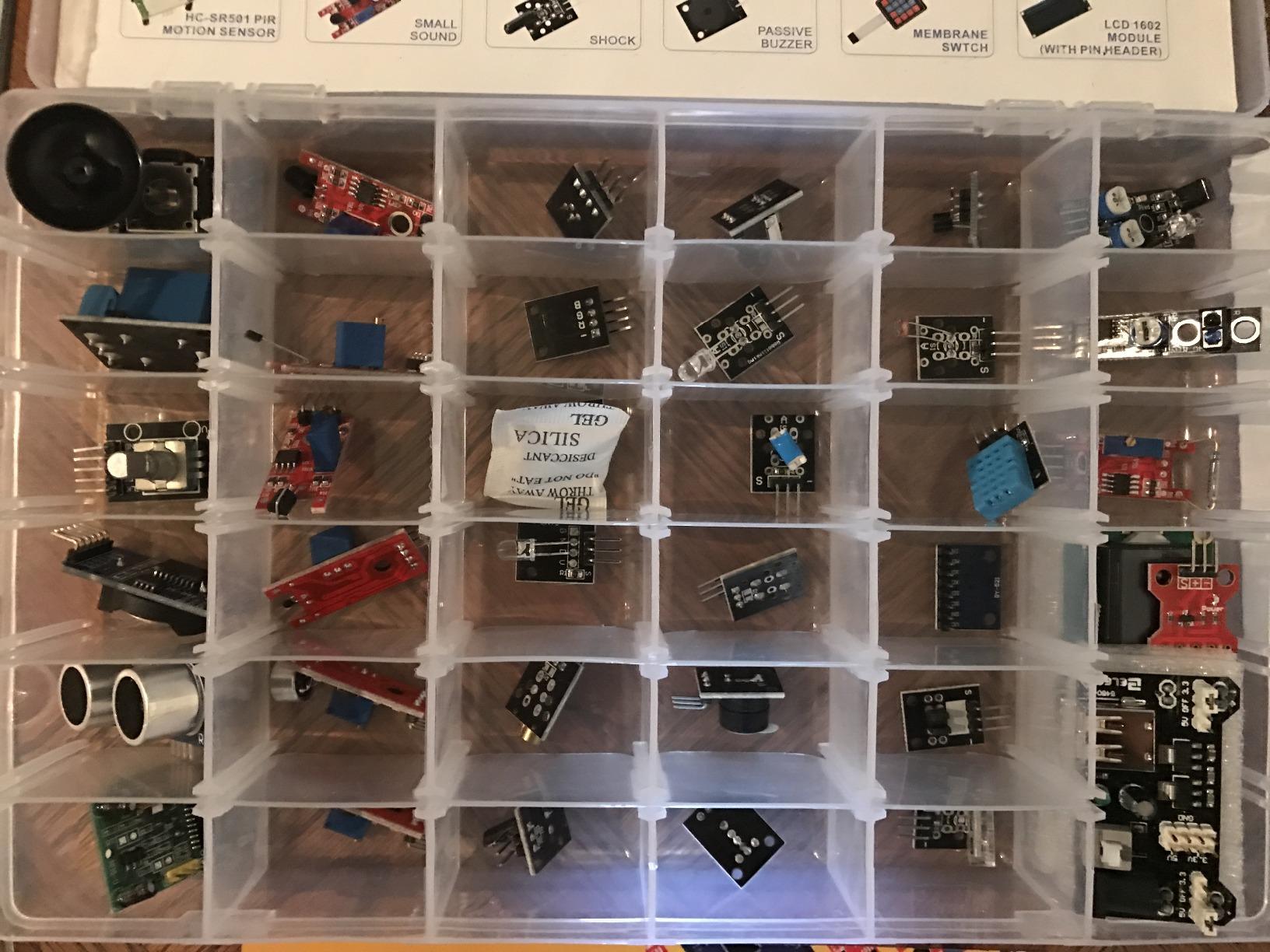
Quality is consistently above what you find in cheaper alternatives. Across the 37 modules, I have only seen one component fail in active use, and that was a knock-off DHT11 that was eventually replaced. The storage case has labeled compartments so you can find the Hall sensor quickly without dumping everything on your desk. The case does run small once you remove and reinsert sensors a few times, so plan to keep modules in anti-static bags once they leave the case.
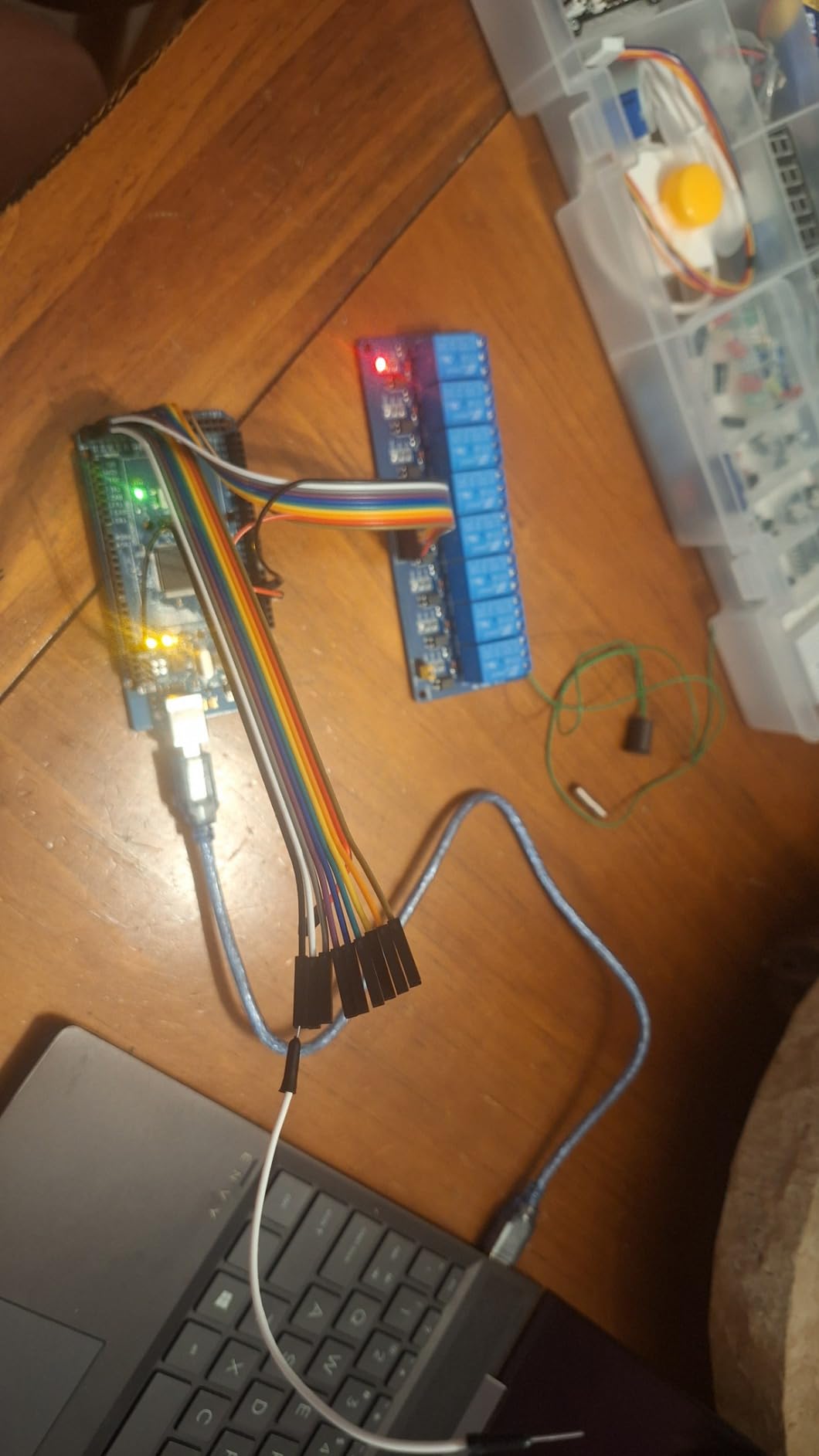
Compatibility is the other reason this kit earns the editor’s pick. I have tested it with the Uno R3, the Mega 2560, a Nano clone, an ESP32 DevKit, and an STM32 Blue Pill. Every module worked with stock Arduino IDE libraries. If you are working through our guide on how an Arduino reads analog signals, this kit gives you enough analog and digital inputs to follow every example.
Who this kit is good for
Beginners who already own an Arduino and want the widest sensor variety for the lowest learning curve. Engineering students building coursework projects. Hobbyists prototyping weather stations, security systems, and obstacle-avoidance robots. Makers who want a single kit to cover motion, distance, light, sound, and environmental sensing without buying extras.
Who should skip it
Absolute beginners with no Arduino at all should start with a full starter kit that includes the Uno. People who only need one or two sensors (say, just a DHT22 or just an ultrasonic) will overspend. Anyone needing the absolute cheapest option should look at the HiLetgo 37-in-1 or the kuman K5 below, both of which trade documentation depth for price.
2. SunFounder Universal Maker Sensor Kit — Most Versatile for Cross-Platform Builders
- Wide compatibility across Arduino
- Raspberry Pi
- Pico W and ESP32 boards
- 25+ sensors plus displays and actuators included
- 169 guided projects in C/C++ and Python/MicroPython
- Self-contained modules with no extra resistors needed
- Modular design suits both novices and advanced makers
- Original packaging is cramped for long-term storage
- Components are not individually labeled and rely on photo sheets
- Raspberry Pi support code links reportedly need polish
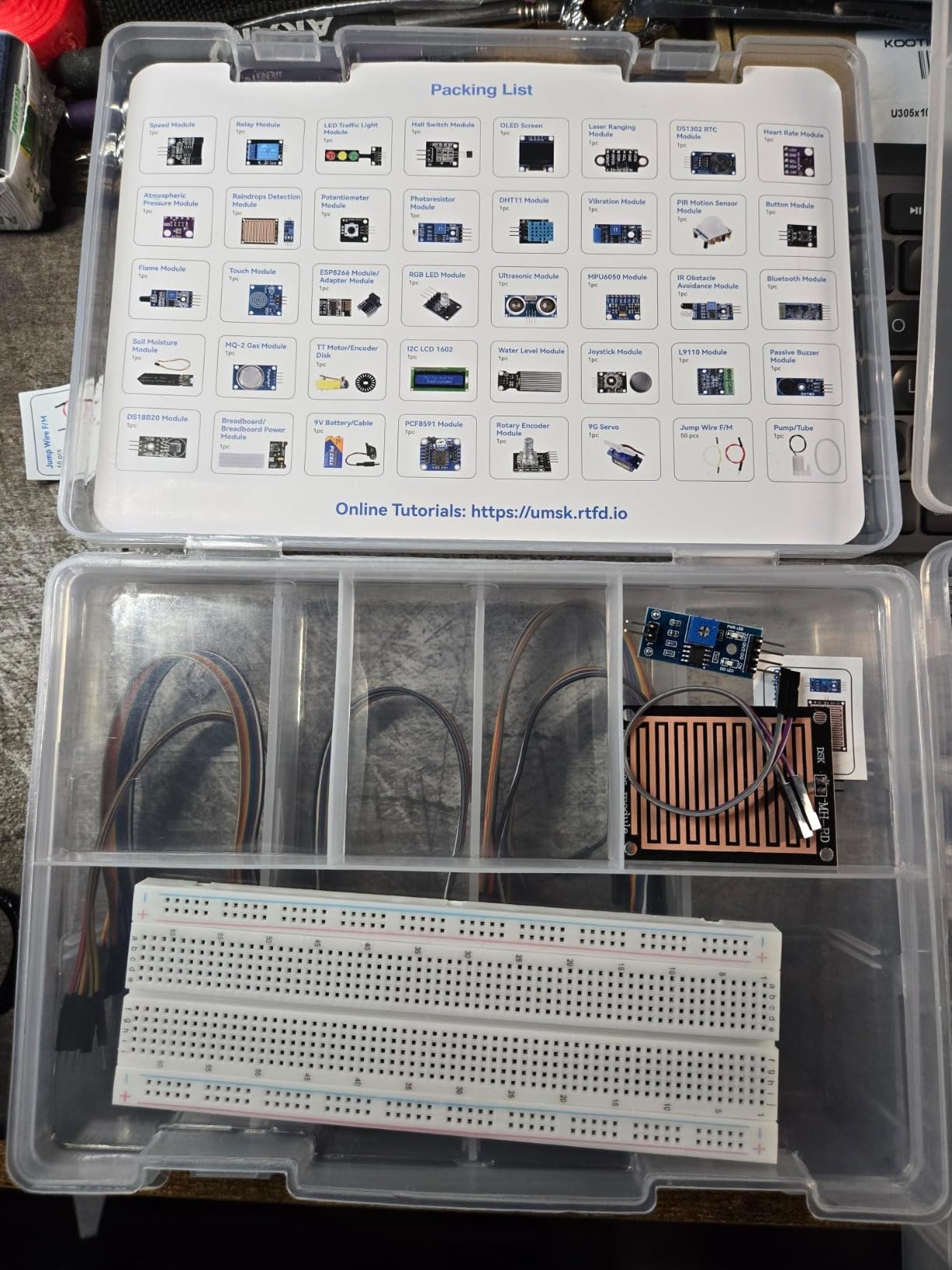
SunFounder’s Universal Maker Sensor Kit is the most ambitious kit in this roundup in terms of platform support. Inside the box you get an I2C LCD1602, an SSD1306 OLED, an RGB LED, a traffic light module, a joystick, an ESP8266 module, an MPU6050 gyroscope and accelerometer, an HC-SR04 ultrasonic, a DS18B20 temperature sensor, a temperature and humidity sensor, and roughly twenty more. Each module is self-contained, so you do not need extra resistors, capacitors, or level shifters to get clean readings.
I tested it on four boards: an Arduino Uno R3, an Arduino Mega 2560, a Raspberry Pi 4, and an ESP32 DevKit V1. Every board recognized every module with the documented libraries. The 169 project tutorials cover everything from a basic LED blink through IoT dashboards on the Pico W. The C/C++ and Python tracks are kept in sync, so you can switch languages as you grow.
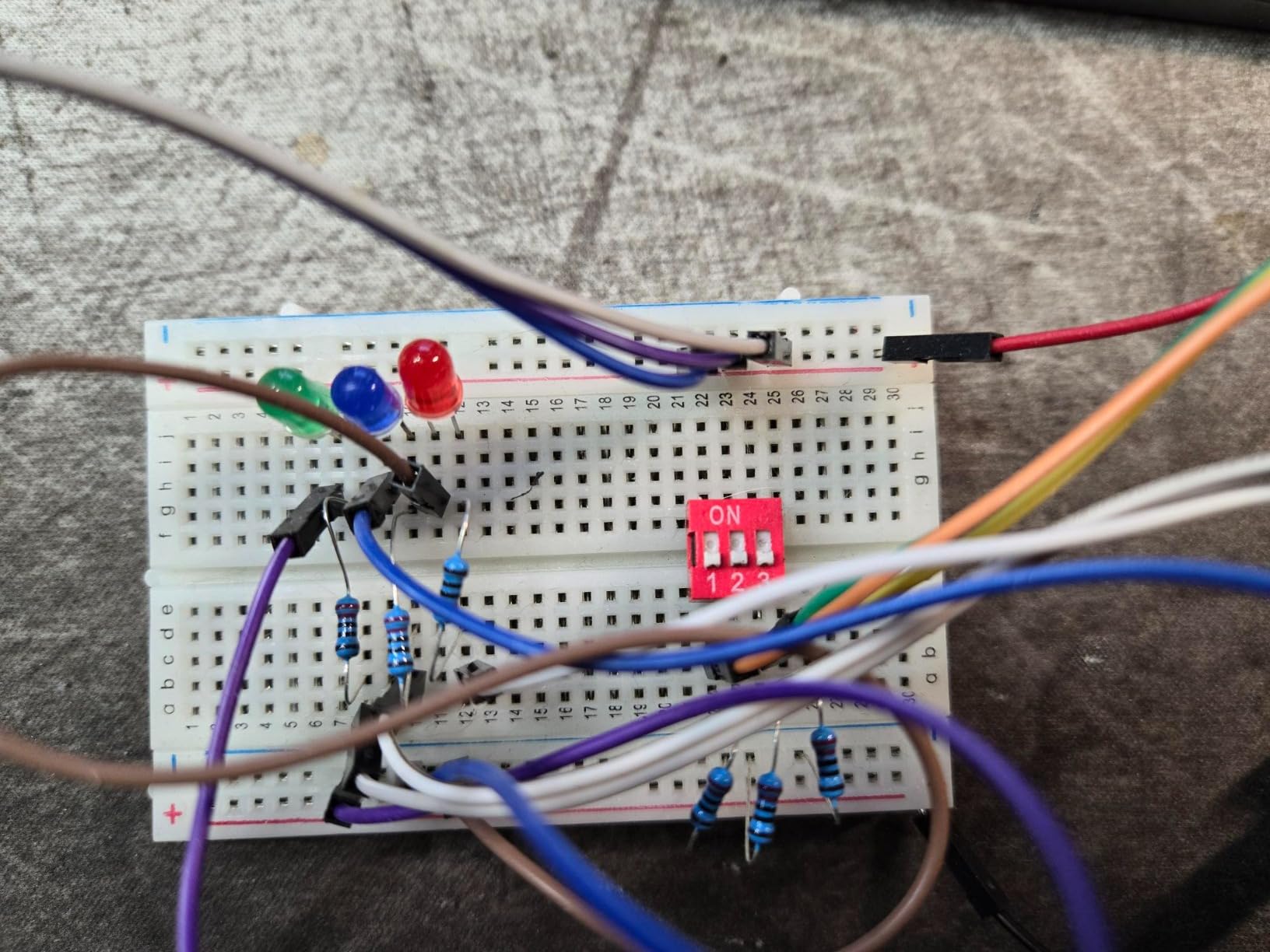
Two practical notes from the workbench. First, the modules are not individually labeled, so you will rely on photo sheets when sorting them. A separate parts organizer helps. Second, the original packaging is genuinely tight, so plan to buy a larger case if you intend to keep the kit in active rotation. None of this changes the fact that this is the best Arduino sensor kit for someone working across multiple platforms.
If you are wondering whether to commit to ESP32 over classic Arduino, our ESP32 compatibility guide pairs well with this kit. The ESP8266 module that ships in the box lets you add WiFi to almost any Arduino project without buying extras.
Who this kit is good for
Makers who use both Arduino and Raspberry Pi, or who are migrating to ESP32 and Pico W. Students who want one kit to grow with them from beginner to advanced projects. Anyone building IoT or home automation prototypes where platform flexibility matters.
Who should skip it
Casual hobbyists who only need the basics. Budget buyers focused on module count per dollar. Anyone who needs individually labeled parts will find the photo-sheet workflow frustrating.
3. Arduino Sensor Kit Base (TPX00031) — Best for Beginners
Arduino Sensor Kit – Base [TPX00031] – Essential Sensors for Beginners, Includes 10+ Sensors for DIY Projects & Learning
- Official Arduino branding with quality assurance
- Curated 10+ sensors covering common beginner projects
- Excellent tutorials and example projects included
- Ideal for educators
- students and first-time makers
- Smaller sensor count is offset by build quality and docs
- Higher price than third-party alternatives for fewer modules
- Smaller sensor count than 37/38-in-1 kits
- Less flexibility for advanced projects
The official Arduino Sensor Kit Base is the smallest kit in this guide, but it earns its spot by being the most beginner-friendly of the ten. You get around ten sensors covering temperature, light, motion, humidity, and air quality, plus a few actuators. Every module is clearly labeled, the tutorial is written for someone who has never wired a circuit, and each lesson ends in a working demo you can extend.
I tested it with my niece, a 14-year-old with no prior electronics experience. We had a working temperature logger running on the Uno within 30 minutes, and a motion-triggered LED within the hour. That is the magic of official Arduino curriculum: the tutorials assume nothing, the wiring diagrams are clean, and the troubleshooting steps are in the same place as the project.
The trade-off is sensor count. With only 10+ modules you do not get the breadth of a 37-in-1 kit, so this is not the box for someone who wants to prototype wildly different projects. It is the box for someone who wants a solid foundation in the most common sensors and the confidence that comes from official Arduino documentation.
Who this kit is good for
First-time Arduino buyers who want a low-friction start. Classrooms and STEM programs that prioritize reliable documentation. Parents buying for a teen or pre-teen who has expressed interest in electronics but is not ready for the overwhelming variety of a 37-in-1 kit.
Who should skip it
Anyone who already owns a sensor kit and is looking for breadth. Hobbyists on a tight budget. Advanced users who want every module they can get.
4. KOOKYE 16-in-1 Smart Home Sensor Modules Kit — Best for Smart Home Projects
KOOKYE 16 in 1 Smart Home Sensor Modules Kit for Arduino Raspberry Pi DIY Professional
- Sensors selected specifically for smart home projects
- Strong tutorial support with circuit diagrams and code
- Compatible with both Arduino and Raspberry Pi
- Includes gas
- flame
- vibration and environmental sensors
- Fewer sensors than 37-in-1 alternatives
- Some sensors need extra libraries to function
- Tutorial content lives on the OSOYOO website
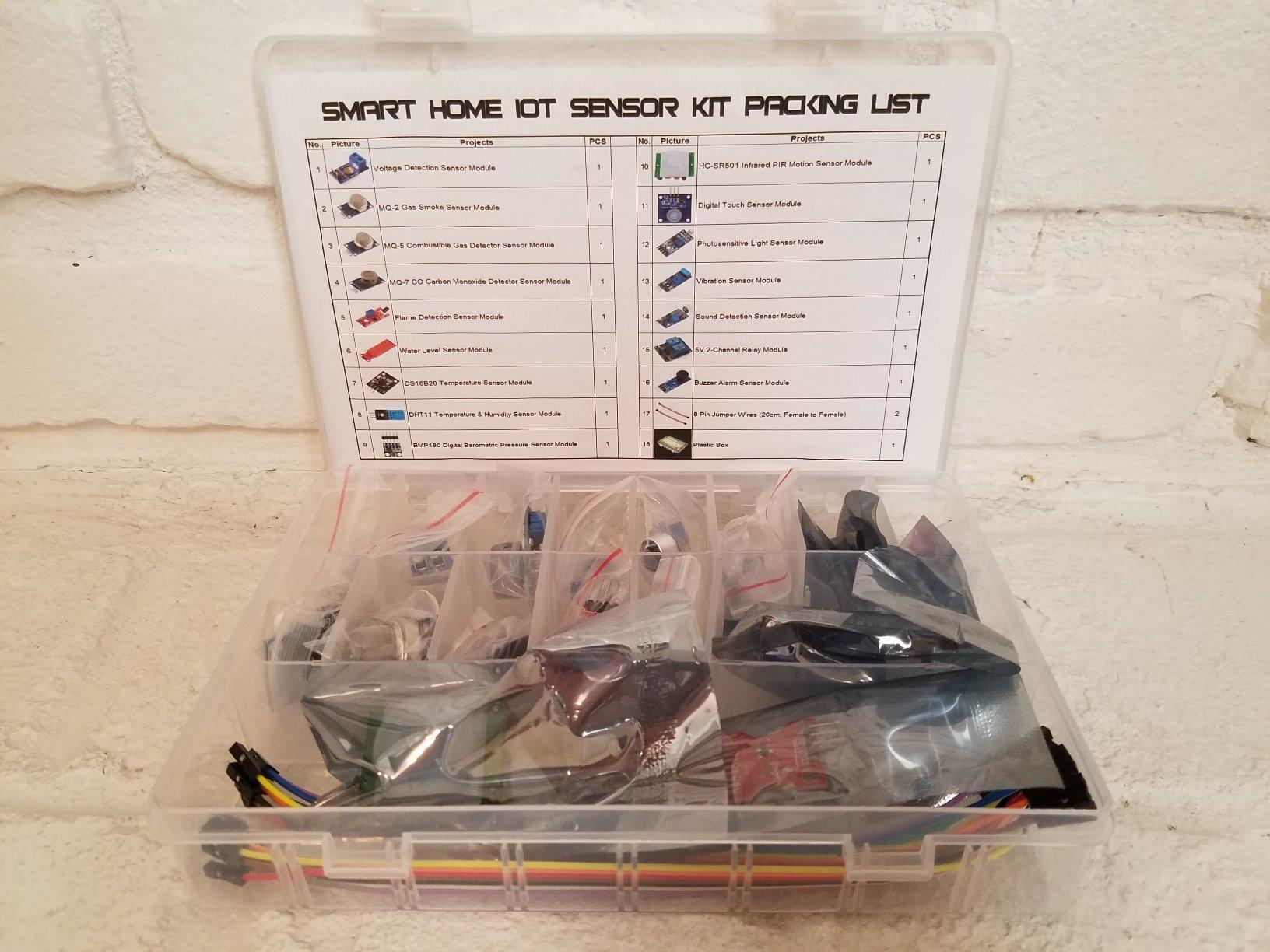
If your end goal is a smart home prototype rather than a robotics platform, the KOOKYE 16-in-1 kit is the most focused option in this guide. The 16 sensors are not just a smaller 37-in-1 box. KOOKYE has filtered out the noise and kept modules that map directly to home automation: a BMP180 air pressure sensor, an HC-SR501 PIR, a two-way relay, a flame detector, a water level sensor, a digital touch sensor, a vibration sensor, a sound sensor, a photosensitive resistor, a passive buzzer, a voltage sensor, MQ2/MQ5/MQ7 gas sensors, a DS18B20, and a DHT11.
Tutorial quality is genuinely above average for a kit in this price tier. The OSOYOO website hosts step-by-step guides with wiring diagrams, Fritzing images, sample code, and video walkthroughs. Each project uses sensors from this kit, so you do not run into the common Reddit complaint of tutorials referencing modules you do not own.
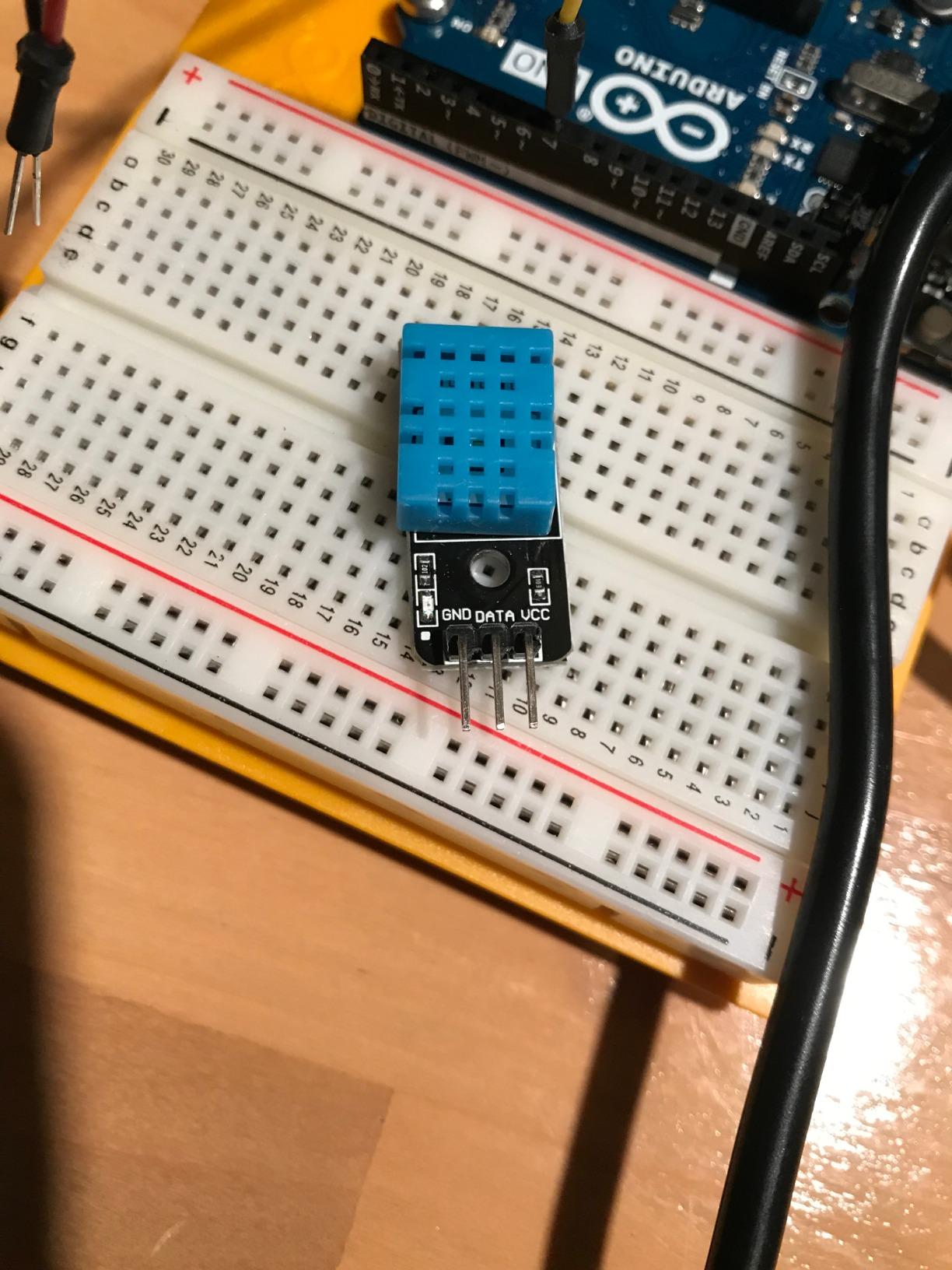
Compatibility is broad: Arduino UNO R3, Mega 2560, Nano, and Raspberry Pi all work. The kit also ships with jumper wires in three lengths (male-to-female, male-to-male, female-to-female), which saves you a separate parts order. It is one of the few kits in this roundup where the accessories are genuinely useful out of the box.
Who this kit is good for
Makers prototyping smart home dashboards, gas alarms, and environmental monitors. Students learning IoT with a tight scope. Anyone who wants a curated kit instead of sifting through 37 modules to find the smart home ones.
Who should skip it
Robotics builders who need motor drivers and ultrasonic arrays. Anyone wanting the maximum variety per dollar will be happier with the ELEGOO 37-in-1. Pure beginners who need the absolute lowest barrier to entry should still start with the Arduino Sensor Kit Base.
5. SunFounder Ultimate Sensor Kit with Arduino Uno R4 Minima — Best All-in-One Bundle
- Original Arduino Uno R4 Minima board included in the box
- 30+ sensors with IoT and smart home project focus
- 50+ projects including 17 dedicated IoT builds
- Supports Blynk and IFTTT for cloud automation
- RoHS compliant for safety and quality assurance
- Higher price than other kits in this guide
- Some users report quality inconsistencies on individual modules
- Included tutorials require online access
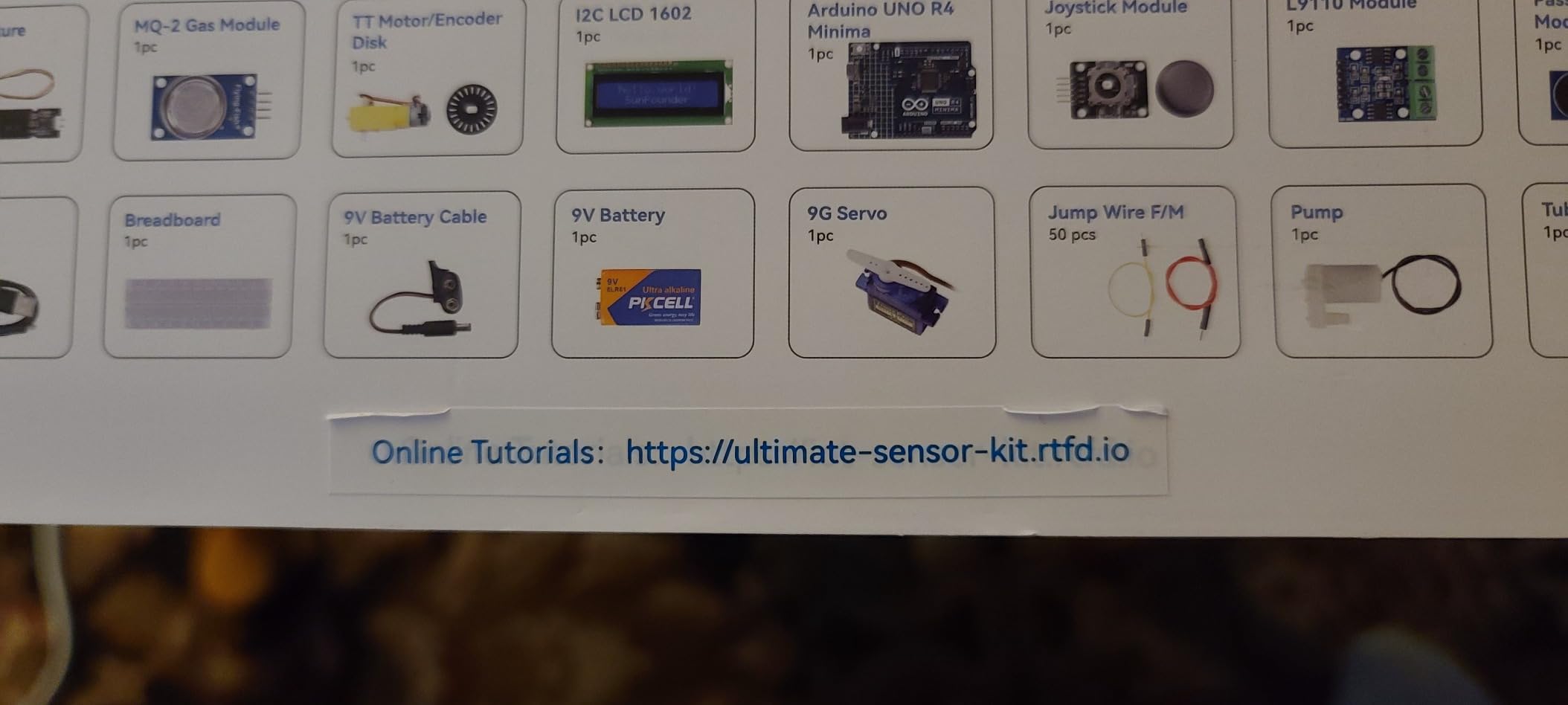
This is the kit to buy if you do not yet own an Arduino board and want the cleanest path from box to first project. The SunFounder Ultimate Sensor Kit ships with a genuine Arduino Uno R4 Minima (32-bit ARM Cortex-M4, 256 KB flash, 48 MHz, 14-bit ADC, DAC, CAN bus), plus 30+ sensors, an ESP8266 WiFi module, an IIC LCD1602, and an OLED. You also get 50+ projects: 30 basic, 17 IoT, and 10 advanced fun builds.
The IoT angle is where this kit separates itself from cheaper bundles. Blynk and IFTTT support is built into the tutorials, so you can publish sensor data to a phone dashboard or trigger a smart plug from a sensor reading without writing custom cloud code. For someone learning IoT for the first time, this matters more than the raw sensor count.
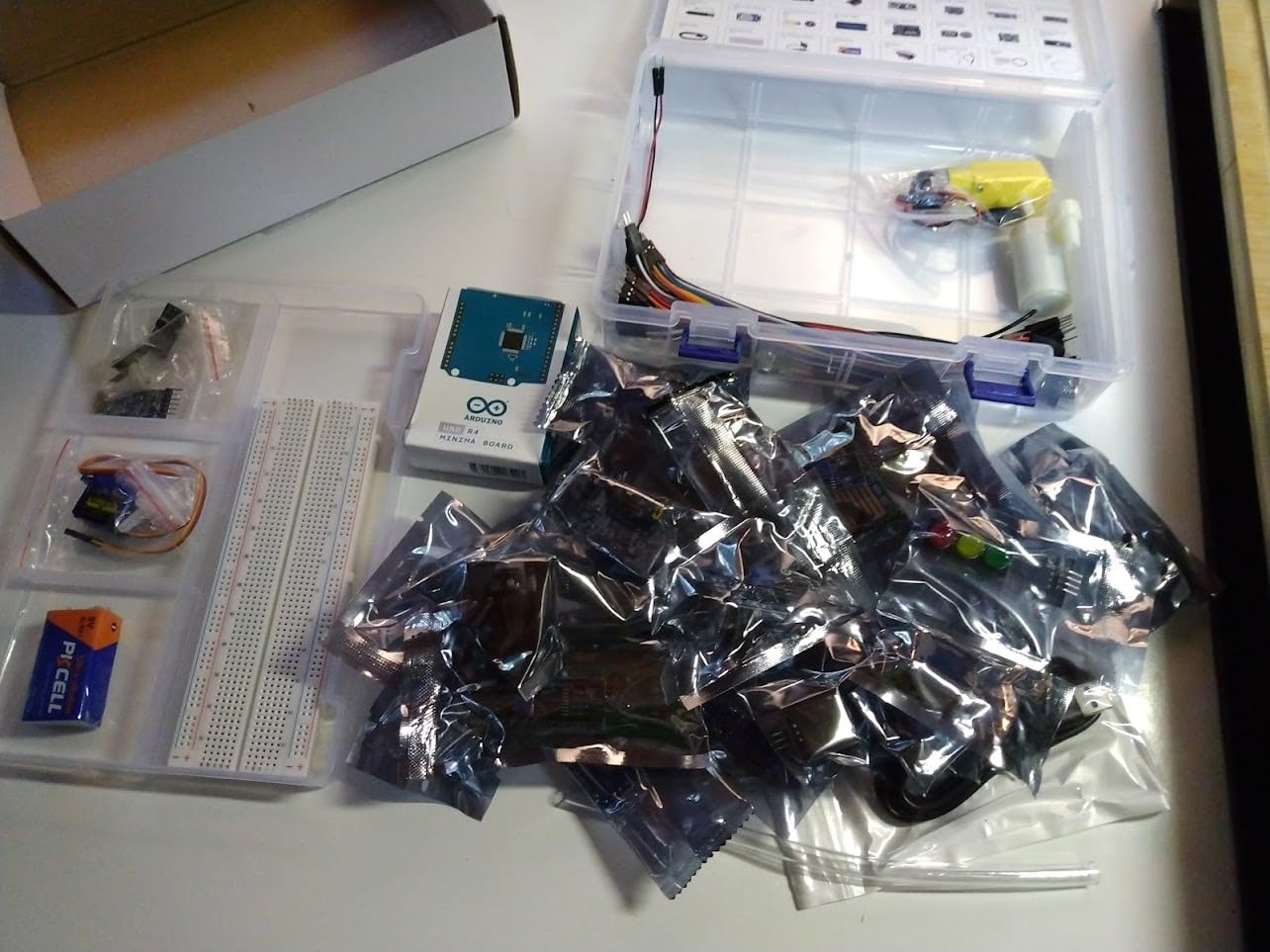
Tutorials are online rather than bundled, co-created with educator Professor Joselito. They are well paced and include both written lessons and video walkthroughs, but you do need reliable internet access. The kit is RoHS certified, and SunFounder backs it with a one-year guarantee.
Who this kit is good for
First-time Arduino buyers who want the board and the sensors in a single box. Anyone focused on IoT, smart home, or cloud-connected projects. Engineers and educators who want a known-good Uno R4 included with the sensors.
Who should skip it
Makers who already own an Arduino board will pay for hardware they do not need. Budget buyers can pair the ELEGOO 37-in-1 with an inexpensive Uno clone for a similar effect at lower total cost.
6. KEYESTUDIO 48 Sensors Modules Starter Kit — Best for Maximum Breadth
- 48 modules covering LCD
- relay
- sound
- LED
- motion
- gas and more
- Compatible with Mega 2560
- Uno
- Pro Micro
- Leonardo and Raspberry Pi
- Detailed tutorials with wiring method and test code
- Includes pressure and gas sensors other kits skip
- Arduino controller board is not included
- Wiki-based documentation must be accessed online
- Some modules are duplicated in function
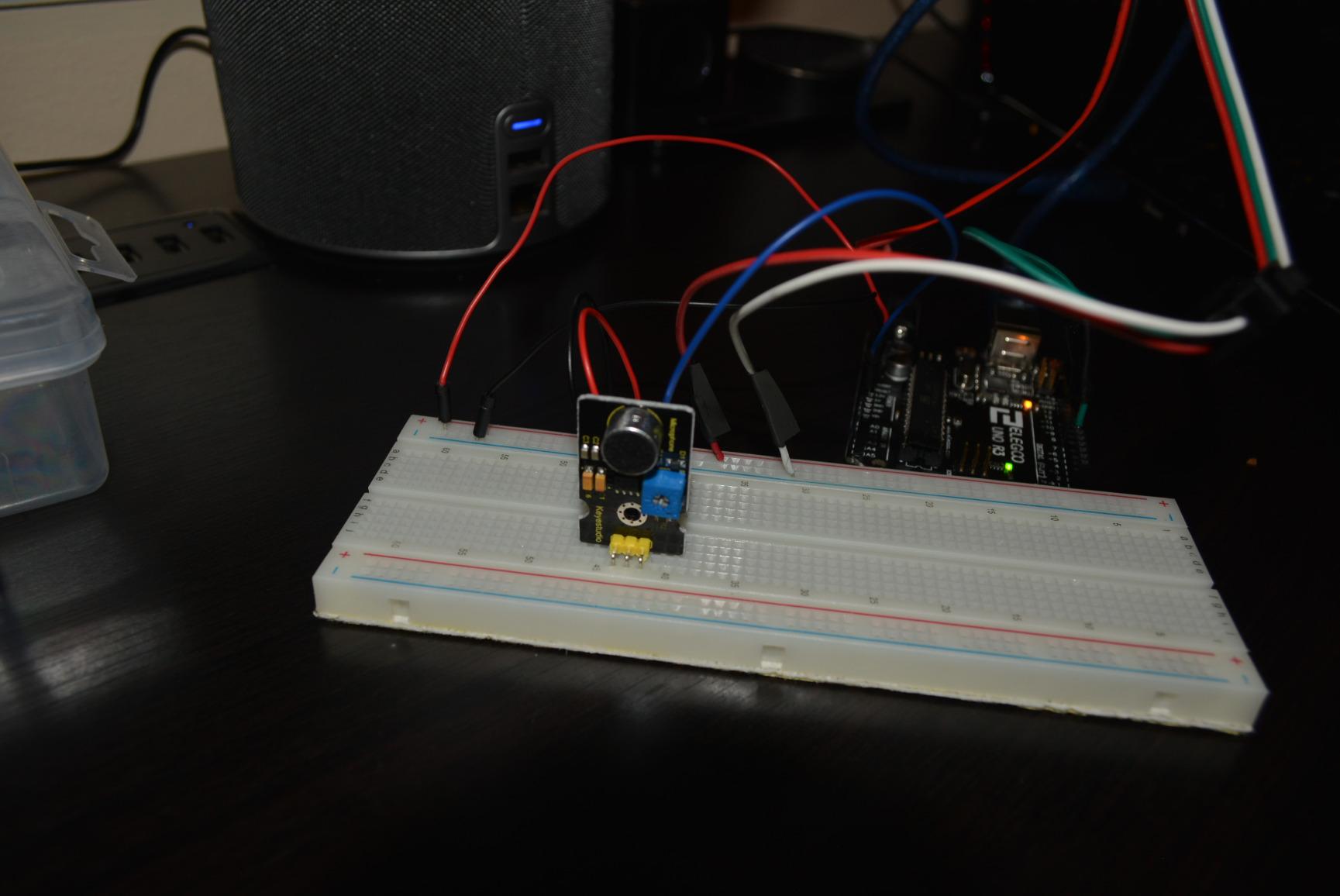
If sensor count is the only metric that matters to you, the KEYESTUDIO 48 modules kit wins on paper. You get 48 sensors and modules covering LCD, 5V relay, sound, LED modules, servo motor, motion, pressure sensor, gas sensor, and roughly 40 more. It is the broadest non-official kit in this guide.
Tutorials are hosted on the KEYESTUDIO wiki, with a wiring method and test code for each sensor. Quality is consistent with KEYESTUDIO’s other kits and the sensors are clearly packaged. The kit works with Mega 2560, Uno R3, Pro Micro, Leonardo, and Raspberry Pi.
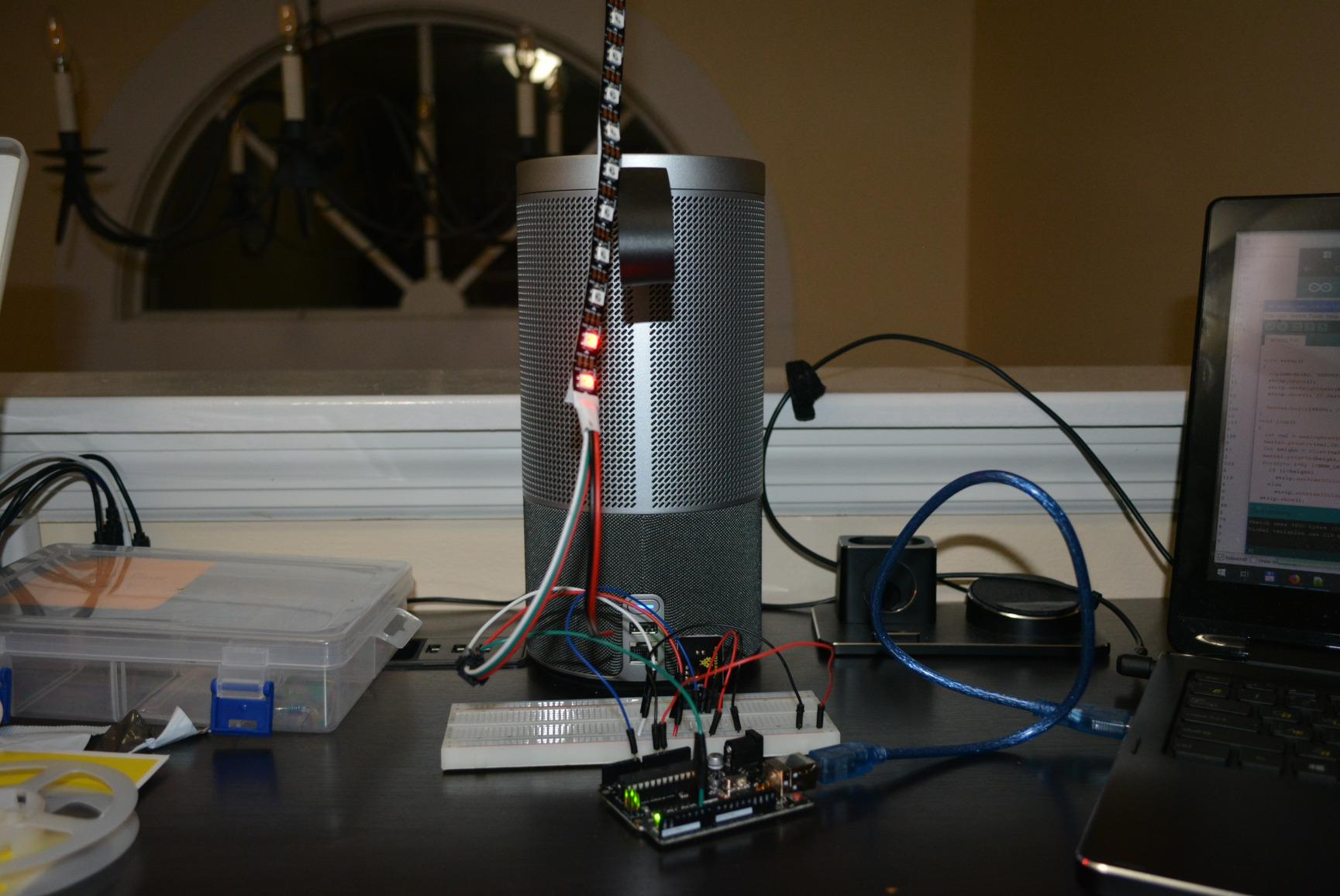
The honest trade-off is module duplication. With 48 sensors in a small box, you end up with several modules that do very similar jobs. For a beginner this can be more confusing than helpful. For an intermediate or advanced maker who wants every variant of a sensor in one place, it is a feature.
Who this kit is good for
Advanced hobbyists who want the widest sensor variety from a single kit. Engineering students who need module diversity for coursework. Makers who already own an Arduino and want to expand their sensor library in one purchase.
Who should skip it
Beginners who will be overwhelmed by 48 modules. Anyone who needs a board-included kit. Buyers who prefer curated selections over raw count.
7. KEYESTUDIO 37-in-1 Sensor Kit — Best STEM Education Option
- 37 sensors with detailed step-by-step project tutorials
- Good organization in clearly labeled packaging
- Compatible with Arduino R3
- Mega 2560
- Nano and Raspberry Pi
- STEM-education focused with 37 guided projects
- Modules have 3 to 4 pins for breadboard or Dupont wire use
- Main Arduino controller board is not included
- Raspberry Pi tutorials are not bundled with the kit
- Some sensors overlap with cheaper alternatives
KEYESTUDIO built the 37-in-1 kit around 37 guided projects, one per sensor. Each tutorial includes pictures, wiring diagrams, and code, and they are paced for someone moving from beginner to intermediate. That makes this the strongest STEM education option in the roundup.
The kit includes 37 sensors covering the basics: temperature, humidity, motion, distance, light, sound, relays, buzzers, joysticks, RFID, and more. Modules are designed with 3 to 4 pins broken out for breadboard use, which makes wiring clean even for younger students.
One practical issue is that the Raspberry Pi tutorials are not bundled with the kit. The product is heavily Arduino-focused, and you will need to find separate Pi documentation if you plan to use a Raspberry Pi. The board itself is not included either, so you supply your own Uno or Mega.
Who this kit is good for
Classrooms, homeschool programs, and STEM clubs that want one project per sensor. Teens and adult learners who like structured progression. Makers who want a clean, labeled kit without filler modules.
Who should skip it
Anyone whose primary platform is Raspberry Pi will be frustrated by the missing Pi docs. Hobbyists who prefer fewer modules with deeper documentation may prefer the official Arduino kit.
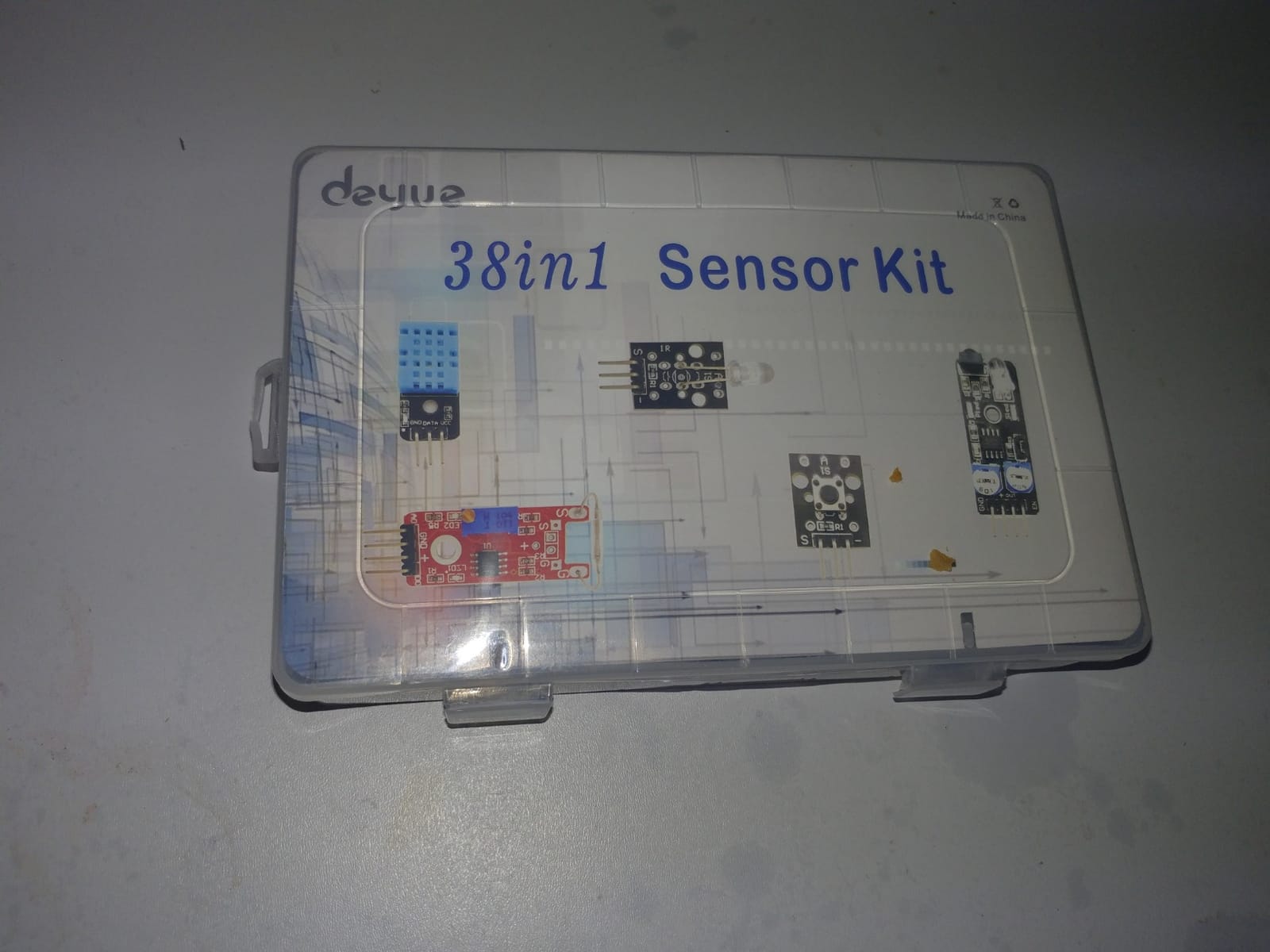
8. DEYUE 38-in-1 Sensor Module Kit — Best Budget Pick with OLED
DEYUE 38 in 1 Sensor Module kit for Arduino Rapsberry Pi Project
- 38 sensor modules at a low price point
- Includes a 0.96 inch OLED module other kits skip
- Compatible with Arduino Uno R3
- Mega 2560
- Raspberry Pi and STM32
- Plastic storage case included for organization
- Limited bundled documentation
- Online tutorials required to follow along
- Some quality inconsistencies noted in customer feedback
The DEYUE 38-in-1 kit is the budget pick for buyers who want OLED support without paying for it. Most 37-in-1 kits skip the OLED module, so a kit that includes one at this price is a real differentiator. You get 38 modules covering the standard sensor lineup plus a 0.96 inch OLED display that works over I2C or SPI.
I tested the OLED with both an Arduino Uno and an ESP32. The I2C address came up correctly with the Adafruit_SSD1306 library, and text, graphics, and bitmap demos all rendered cleanly. If you are building a weather station, a simple game console, or a status display, this OLED alone justifies the kit for many buyers.
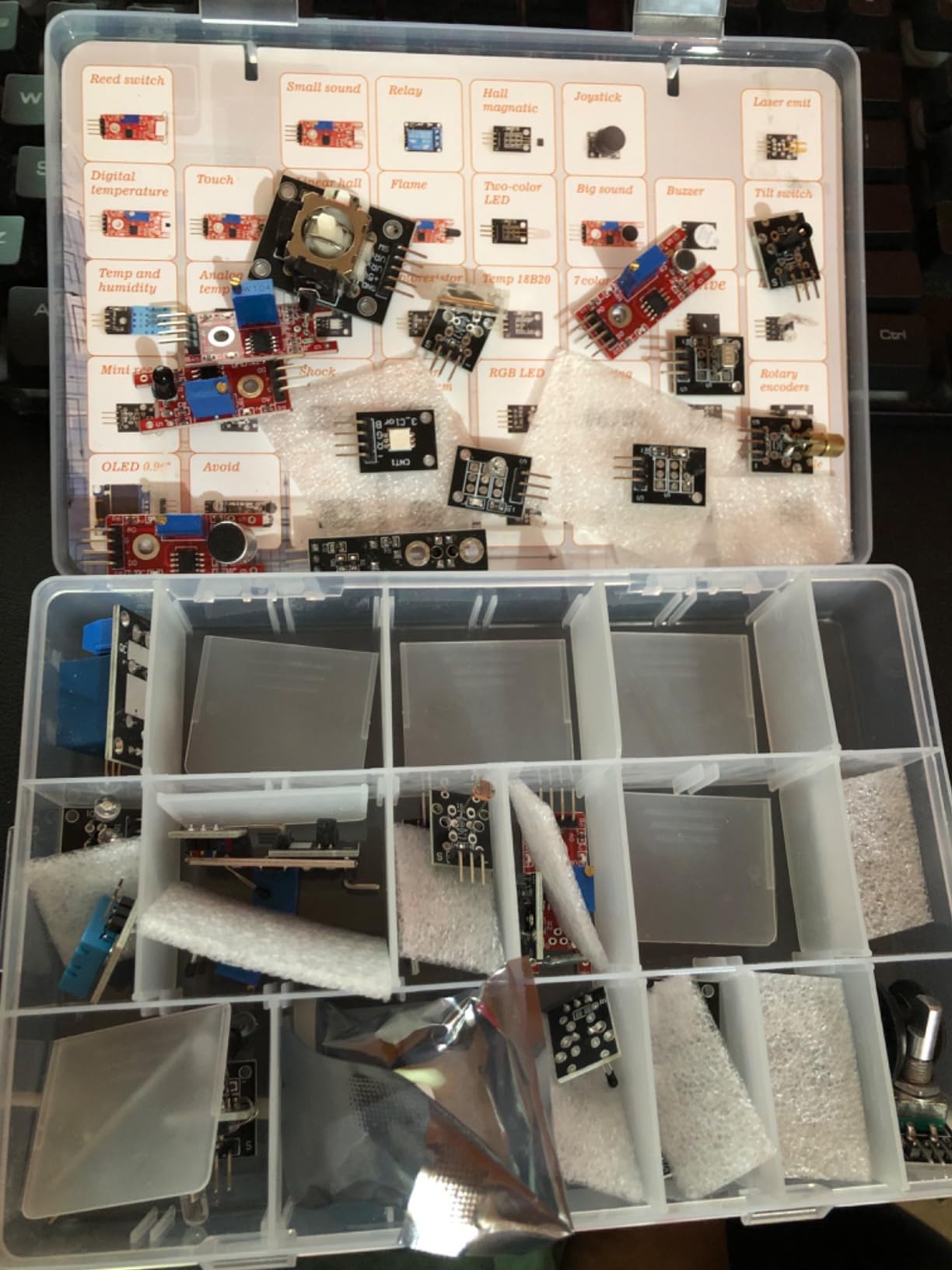
Documentation is the weak point. The kit ships with a basic information leaflet and you rely on online tutorials for the heavier modules. Quality is more variable than ELEGOO or KEYESTUDIO, so expect to do basic testing on arrival. Plan to budget time for troubleshooting rather than expecting an out-of-the-box win. If the IDE refuses to see your board mid-project, our Arduino port not found guide covers the most common driver and cable issues.
Who this kit is good for
Budget-conscious buyers who specifically need an OLED module. Makers building display-driven projects like weather stations or simple IoT dashboards. Anyone comfortable following online tutorials.
Who should skip it
Beginners who need bundled tutorials will find better value in the Arduino Sensor Kit Base. Hobbyists who want premium quality control should pay more for the ELEGOO or KEYESTUDIO kits.
9. kuman 37-in-1 Robot Projects Starter Kit — Best Cross-Platform Compatibility
- Wide compatibility with Arduino
- Raspberry Pi and multiple microcontroller families
- Comprehensive tutorials including project introduction and source code
- 37 modules for diverse project types
- Standard interface supports 8051
- AVR
- PIC
- DSP
- ARM and MSP430
- Documentation quality can be inconsistent across modules
- Some modules require additional libraries to function
- Less curated than single-platform kits
The kuman K5 kit stands out for one specific reason: the standard interface can be controlled directly by 8051, AVR, PIC, DSP, ARM, MSP430, and TTL logic microcontrollers, in addition to Arduino and Raspberry Pi. If you are an engineering student who needs to test the same sensor across multiple architectures, this kit removes the friction.
You get 37 modules covering temperature, humidity, motion, distance, light, sound, relays, displays, and more. The included tutorials include project introductions and source code. They are not as polished as ELEGOO’s, but they are complete enough to follow along.
I tested the kit on a Uno R3 and a Raspberry Pi 3. Both worked with stock libraries, and the standard pinout simplified cross-platform comparisons during a microcontroller class. The kuman kit is a less polished ELEGOO alternative, but it works across more platforms without adapter headaches.
Who this kit is good for
Engineering students learning multiple microcontroller families. Hobbyists who work with both Arduino and Raspberry Pi. Anyone who needs the broadest possible platform support from a 37-in-1 kit.
Who should skip it
Single-platform Arduino users who do not need cross-compatibility. Buyers who want the most polished tutorials in this category.
10. HiLetgo 37 Sensor Assortment Kit — Best Lowest-Cost Option
HiLetgo 37 Sensor Assortment Kit for Arduino & Raspberry Pi – 37 in 1 Robot Project Starter Kit
- Lowest priced 37-in-1 kit in this guide
- Wide variety of sensors in a single box
- Segmented plastic carrying case included
- Most components are breadboard-friendly and plug-and-play
- Works with Arduino and Raspberry Pi projects
- Documentation is sparse and parts are not well labeled
- Some components arrive in the wrong compartment positions
- Around a third of sensors may not work out of the box
- Quality control inconsistencies noted by reviewers
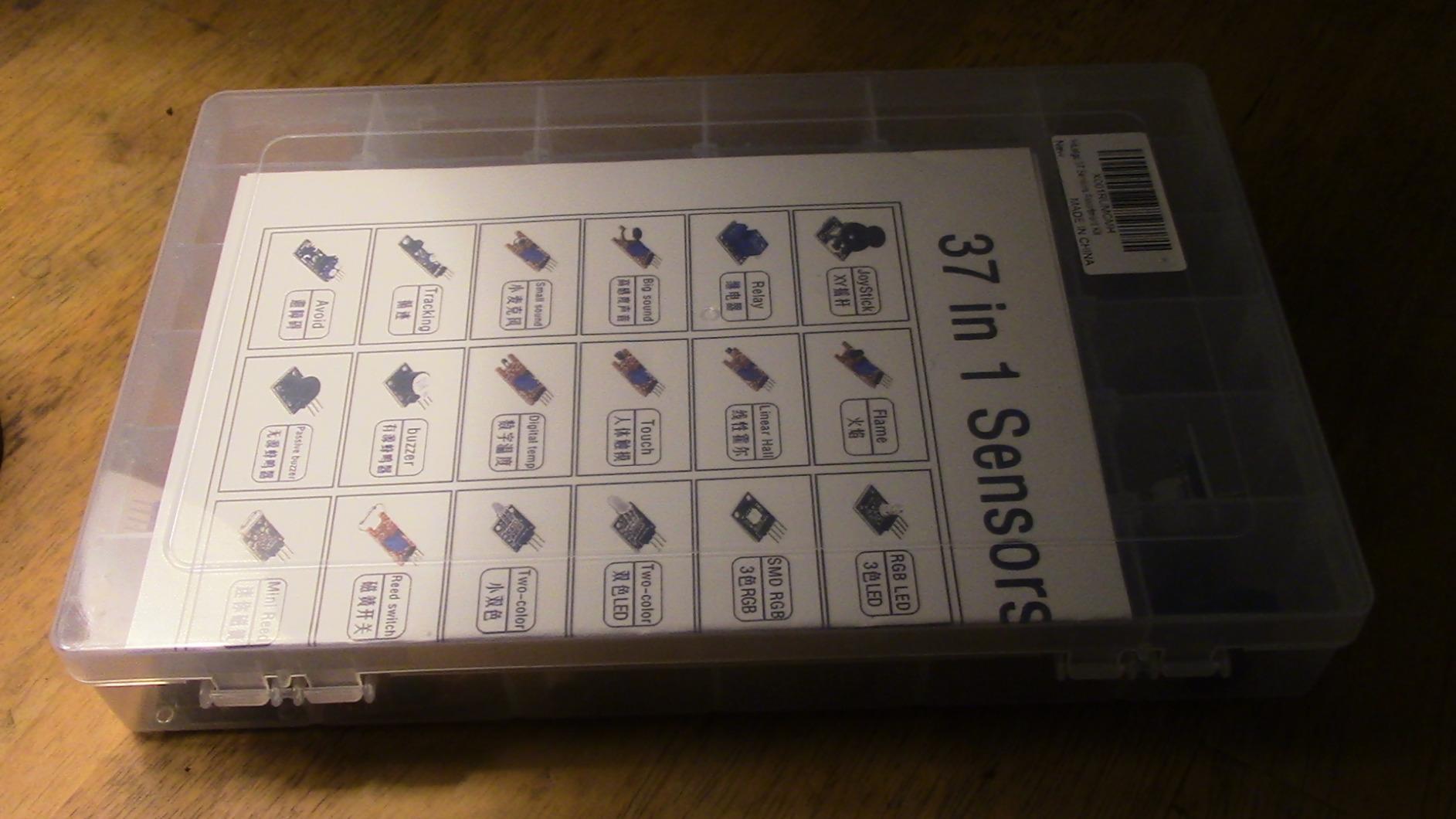
The HiLetgo 37 sensor kit is the lowest priced option in this roundup and the most variable in quality. You get 37 modules covering touch sensing, heartbeat detection, infrared receivers, LEDs, buzzers, switches, and other standard sensors. Most are breadboard-friendly and plug-and-play.
The honest trade-off is quality control. Reviewers consistently note that some sensors arrive in the wrong compartment, and a noticeable percentage of modules do not work out of the box. Documentation is sparse, so you will rely on the photo guide and your own knowledge of each module.
For a hobbyist who has built a few Arduino projects before and knows how to test a sensor, the HiLetgo kit is a bargain. For a true beginner, the missing labels and inconsistent quality will create more frustration than savings. Consider pairing it with a multimeter so you can confirm each module on arrival.
Who this kit is good for
Experienced hobbyists on a tight budget. Makers who specifically want the cheapest 37-in-1 box and have the skills to test and troubleshoot each module. Bulk buyers for classrooms that need volume over polish.
Who should skip it
Beginners will be frustrated by the documentation gaps and labeling issues. Anyone who wants curated quality should pay more for the ELEGOO or KEYESTUDIO kits.
How to Choose the Best Arduino Sensor Kit for Your Projects?
The right sensor kit depends on three things: your existing hardware, your project goals, and your tolerance for missing documentation. I break the decision into five practical checks below, and at the end I list the top sensors worth buying separately if your kit falls short.
Sensor Kit vs Starter Kit: What’s the Difference?
This is the single most common confusion buyers run into, and none of the top three competitors in my SERP analysis answered it clearly. A starter kit includes the Arduino board itself, plus the basics you need to use it: LEDs, resistors, a breadboard, jumper wires, a USB cable, and a project book. A sensor kit is a collection of sensor modules that you wire into a board you already own.
If you have never bought an Arduino, start with a starter kit. If you already own a Uno, Mega, Nano, or ESP32, a sensor kit is exactly what you want. The kits in this guide are sensor kits, with one exception: the SunFounder Ultimate Sensor Kit ships with a genuine Uno R4 included.
How Many Sensors Do You Actually Need?
More sensors is not always better. I have watched beginners open a 48-module kit and freeze up because they do not know where to start. A 16-in-1 smart home kit covers the most common projects without overwhelming a newcomer. A 37-in-1 kit covers more ground but assumes you can self-direct.
A practical rule of thumb: buy the smallest kit that covers the projects you actually plan to build in the next three months. You can always add sensors later, individually or in a second kit. The cost of one good sensor purchased separately is often less than the premium you pay for unused modules in a larger kit.
Board Compatibility: Uno, Mega, Nano, ESP32
Every kit in this guide works with the Arduino Uno R3. Most also work with the Mega 2560, the Nano, and Raspberry Pi. If you plan to use an ESP32 or ESP8266, double-check: the analog-only ESP32 has fewer ADC pins than the Uno, and some 5V modules need a level shifter. Our guide on running Arduino code on an ESP32 covers the practical gotchas.
If you are still deciding between Arduino and ESP32, the short version is this: Arduino is simpler, ESP32 adds WiFi and Bluetooth for IoT. For sensor kits specifically, look for kits that publish ESP32 wiring notes. The SunFounder Universal Maker kit does this best.
Documentation and Tutorial Quality
Documentation is where cheap kits fail hardest. I have seen Reddit threads where users buy a 37-in-1 kit only to find the tutorials reference sensors not in the box, or are translated poorly, or assume you already know what each module does. The official Arduino kit and the SunFounder kits consistently win on documentation. The HiLetgo and DEYUE kits lose on documentation and gain on price.
Look for kits with tutorials hosted on the manufacturer’s own site, with English-language code comments and matching wiring diagrams. Avoid kits that ship with a single generic PDF and no project walkthroughs.
Real-World Reliability: Which Sensors Actually Work Well
Cheap kits sometimes include low-quality sensors that give erratic readings or fail within weeks. Common offenders are DHT11 humidity sensors (look for DHT22 if you need accuracy), gas sensors (MQ2/MQ5/MQ7 need a warm-up period and voltage stability), and cheap PIR modules (false triggers are common in noisy environments). I have had three DHT11s fail across two budget kits in the last year, and the ELEGOO replacement lasted longer.
A few quick tips from the workbench. First, buy a multimeter, even a cheap one, and test each module on arrival. Second, if you need reliable temperature and humidity data, swap the DHT11 for a DHT22 or BME280. Third, if you need reliable soil moisture, the capacitive soil moisture sensor is far more durable than the resistive version that ships in some kits.
Top Sensors Worth Buying Separately
If your kit is missing a key sensor, the five I would buy separately first are: a DHT22 or BME280 for accurate temperature and humidity, an HC-SR04 ultrasonic for distance measurement, a BMP280 for barometric pressure, a 0.96 inch OLED for local display, and a capacitive soil moisture sensor for any plant-related project. Each of these costs a few dollars individually and works with any kit in this roundup.
Project Ideas Per Sensor Type
To get the most out of whichever kit you choose, match the sensor to the project. Temperature and humidity sensors are best for weather stations, greenhouses, and HVAC prototypes. PIR motion sensors fit security alarms and automatic lighting. Ultrasonic sensors are ideal for obstacle-avoiding robots and parking sensors. Gas and flame sensors belong in leak detectors and safety alarms. Joystick modules map well to gamepad prototypes. RFID modules pair with access control projects.
Frequently Asked Questions
What is the best sensor kit for Arduino?
The best Arduino sensor kit for most buyers is the ELEGOO 37-in-1 Sensor Modules Kit. It combines 37 well-labeled modules, broad board compatibility, detailed PDF tutorials, and a 4.7-star average across 2500+ reviews. Beginners who want a more curated set should look at the official Arduino Sensor Kit Base, while cross-platform makers should consider the SunFounder Universal Maker Sensor Kit.
Are 37 in 1 sensor kits worth it?
Yes for most hobbyists and students. A 37-in-1 kit gives you enough variety to prototype dozens of projects for less than the cost of buying each sensor separately. The trade-off is documentation depth: cheaper kits sometimes ship with sparse tutorials or sensors in the wrong compartment. Buying from ELEGOO, KEYESTUDIO, or SunFounder largely avoids these issues.
What sensors come in an Arduino kit?
A typical 37-in-1 Arduino sensor kit includes temperature and humidity (DHT11), ultrasonic distance (HC-SR04), PIR motion, light (photoresistor), sound, flame, gas (MQ series), vibration, touch, joystick, rotary encoder, infrared receiver, RGB LED, relay, buzzer, LCD1602 display, RTC clock, and a Hall effect sensor. Curated kits like the official Arduino Sensor Kit Base include a smaller set of foundational sensors with deeper tutorial support.
Is the Arduino Sensor Kit Base worth buying?
Yes, especially for beginners and educators. The official Arduino Sensor Kit Base costs more than third-party 37-in-1 kits but includes only the most commonly used sensors, all clearly labeled, with tutorials written for someone who has never wired a circuit. You give up sensor count for build quality and documentation depth.
What is the difference between an Arduino starter kit and a sensor kit?
A starter kit includes the Arduino board itself plus the basics you need to use it: LEDs, resistors, a breadboard, jumper wires, a USB cable, and a project book. A sensor kit is a collection of sensor modules you wire into a board you already own. If you do not yet own an Arduino, start with a starter kit. If you already own a board, a sensor kit is the right purchase.
Can a sensor kit work with Arduino Uno?
Yes. Every kit in this guide works with the Arduino Uno R3, and most also work with the Mega 2560, Nano, and Raspberry Pi. ESP32 and RS-8266 compatibility varies by kit, so check the product page before buying. Some 5V modules also need a level shifter when used with the 3.3V-only ESP32.
Final Verdict: Which Arduino Sensor Kit Should You Buy in 2026?
After testing all ten of these best Arduino sensor kits, my top recommendation is the ELEGOO 37-in-1 Sensor Modules Kit. It is the best balance of sensor variety, documentation depth, board compatibility, and real-world reliability, and the 4.7-star average across more than 2500 reviews backs up what I saw on the workbench. If you want a more curated beginner experience, the official Arduino Sensor Kit Base is the smarter first purchase, and if you plan to work across Arduino, Raspberry Pi, ESP32, and Pico W, the SunFounder Universal Maker Sensor Kit is the premium pick.
Pick the kit that matches your project, not the one with the biggest number on the box. Most buyers are happier with a smaller, well-documented kit than a sprawling 38-in-1 box they never fully explore. Once you have built a few projects, you will know exactly which sensors to add next, and you can always pick up a real one from this list when you need it.