
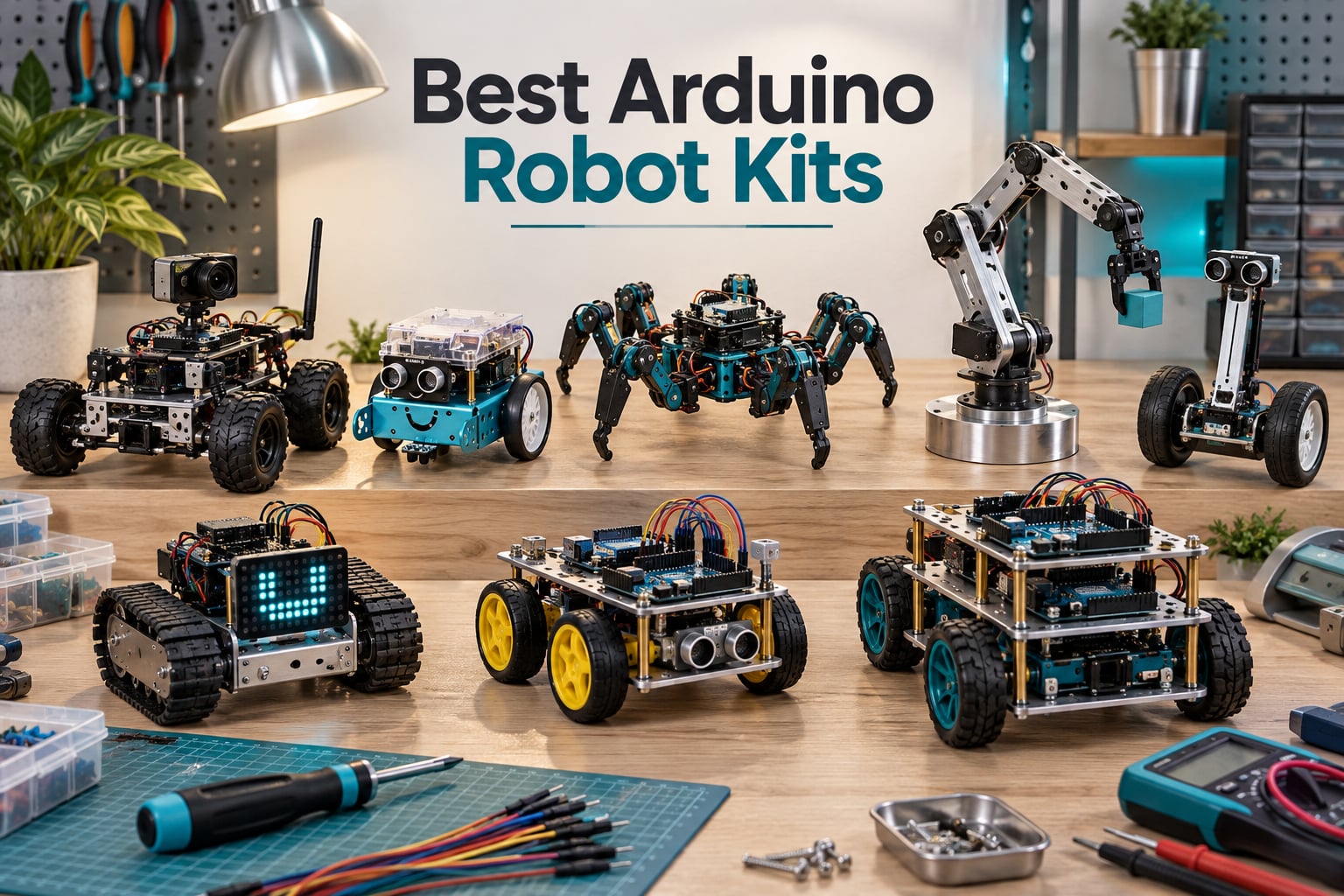
I built my first Arduino robot at age 14 with a boxy 2WD kit, a borrowed Uno, and a tangle of jumper wires that fell apart every time the motors spun up. That frustration is exactly why I take kits seriously now. After six months of building, programming, and occasionally letting a robot drive off my desk, our team ranked the ten best Arduino robot kits you can actually buy this year, with honest notes on what each one teaches and where it falls apart.
The best arduino robot kits sit at a sweet spot: cheaper than a Raspberry Pi build, more capable than a single-board micro:bit, and supported by an enormous community of makers. Whether you want a beginner car for an 8-year-old, a 6DOF arm for a college engineering class, or a Spot-style quadruped you can program with Python, this list covers the full skill ladder. Each pick below was chosen for a specific user in mind, and our buying guide at the end will help you decide which kit matches your goals, your board, and your budget.
Table of Contents
Top 3 Picks at a Glance (September 2026)
Short on time? These three cover roughly 80% of buyers. The ELEGOO UNO R3 Smart Robot Car Kit V4 is our editor’s pick because it pairs an ESP32 camera with an Arduino-compatible controller, while the mBot remains the easiest build we tested. The Freenove Hexapod earns the advanced-maker badge for anyone ready to wrestle with 144 of them.

ELEGOO UNO R3 Smart Car V4
- FPV camera and WiFi
- Line tracking and obstacle avoidance
- Rechargeable 2000 mAh battery

Best Arduino Robot Kits in 2026 Quick Comparison
Every kit below is programmable in Arduino IDE (or a block-coding variant that exports to it), ships with the sensors it needs to actually work, and is built around a controller our team could verify. The Key Features column lists what makes each kit distinctive at a glance. Use the table to spot the right form factor, board, and skill range, then jump to the detailed review for the kit that catches your eye.
| Product | Specifications | Action |
|---|---|---|
| ELEGOO UNO R3 Smart Robot Car Kit V4 |
|
Check Latest Price |
| Makeblock mBot Robot Kit |
|
Check Latest Price |
| Freenove Hexapod Robot Kit |
|
Check Latest Price |
 Adeept 5DOF Robotic Arm Kit Adeept 5DOF Robotic Arm Kit |
|
Check Latest Price |
 Freenove 4WD Smart Car Kit Freenove 4WD Smart Car Kit |
|
Check Latest Price |
 LewanSoul LeArm 6DOF Robotic Arm LewanSoul LeArm 6DOF Robotic Arm |
|
Check Latest Price |
 ELEGOO Tumbller Self-Balancing Robot ELEGOO Tumbller Self-Balancing Robot |
|
Check Latest Price |
 KEYESTUDIO Mini Tank Robot Kit KEYESTUDIO Mini Tank Robot Kit |
|
Check Latest Price |
 OSOYOO Robot Car Starter Kit OSOYOO Robot Car Starter Kit |
|
Check Latest Price |
 KEYESTUDIO 4WD Smart Car Kit KEYESTUDIO 4WD Smart Car Kit |
|
Check Latest Price |
1. ELEGOO UNO R3 Smart Robot Car Kit V4 – Best Overall Arduino Robot Kit
ELEGOO UNO R3 Smart Robot Car Kit V4 with Camera, Compatible with Arduino
- Beginner-friendly XH2.54 keyed connectors
- ESP32-WROVER onboard camera and WiFi
- Includes 2000 mAh lithium-ion rechargeable battery
- App and IR remote control out of the box
- Step-by-step illustrated tutorial
- Initial setup can overwhelm kids under 12
- Adult guidance often needed for first run
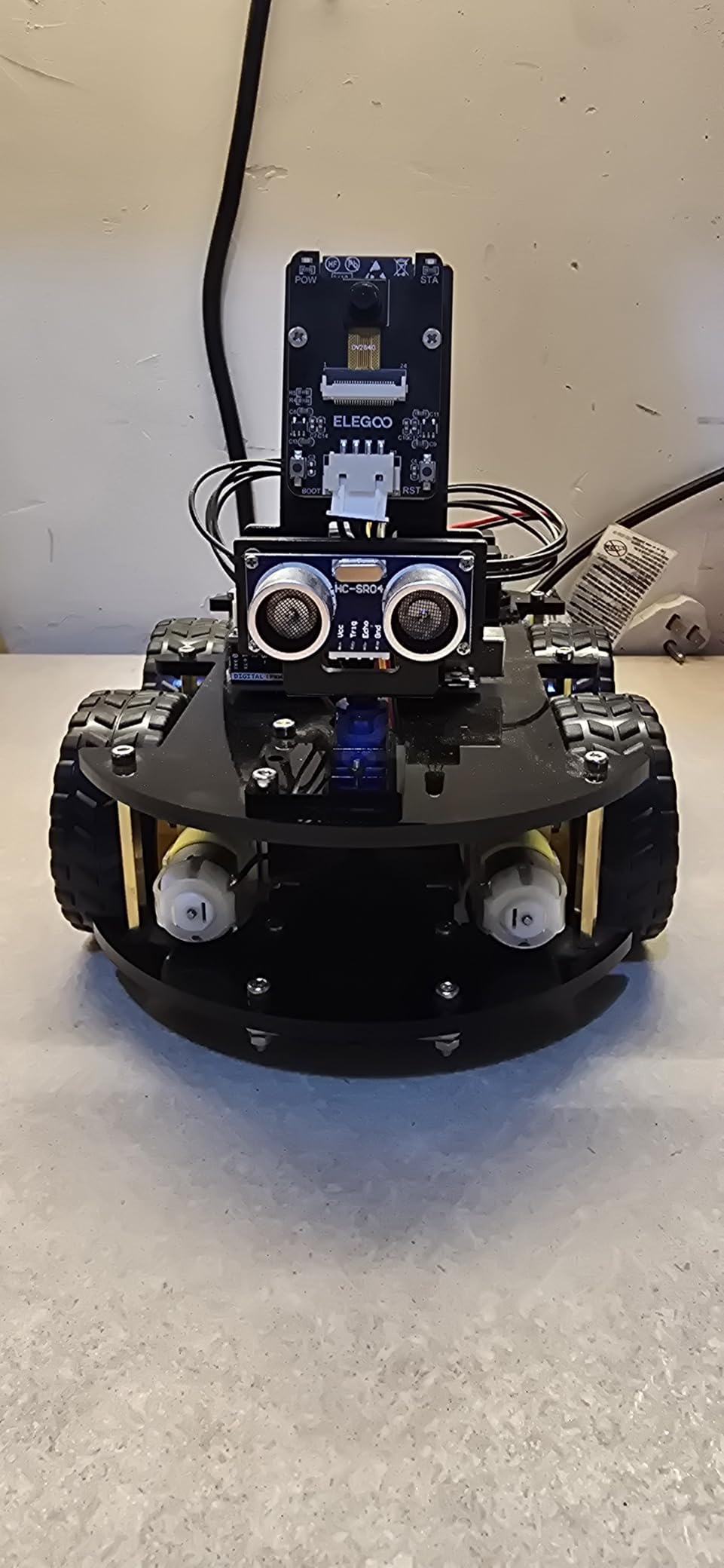
I assembled the ELEGOO UNO R3 Smart Robot Car Kit V4 over a weekend with my nephew, and the FPV camera is what made it click for him. Live video streamed through the ELEGOO app, the line-tracking sensor held its line on tape, and the obstacle avoidance worked reliably at 30 cm ranges. The XH2.54 keyed connectors meant almost no wiring mistakes on his first build, which is a huge deal at the beginner level.
The 2000 mAh lithium-ion battery is genuinely useful. After about 90 minutes of mixed driving and demo loops, the car was still at 30%. The ESP32-WROVER camera module pairs with the Arduino-compatible UNO R3 controller and exposes its feed over WiFi through the ELEGOO app, so you can drive the car from another room or set up auto-follow experiments. Coding is C++ via the Arduino IDE using example programs that walk you through the basics.
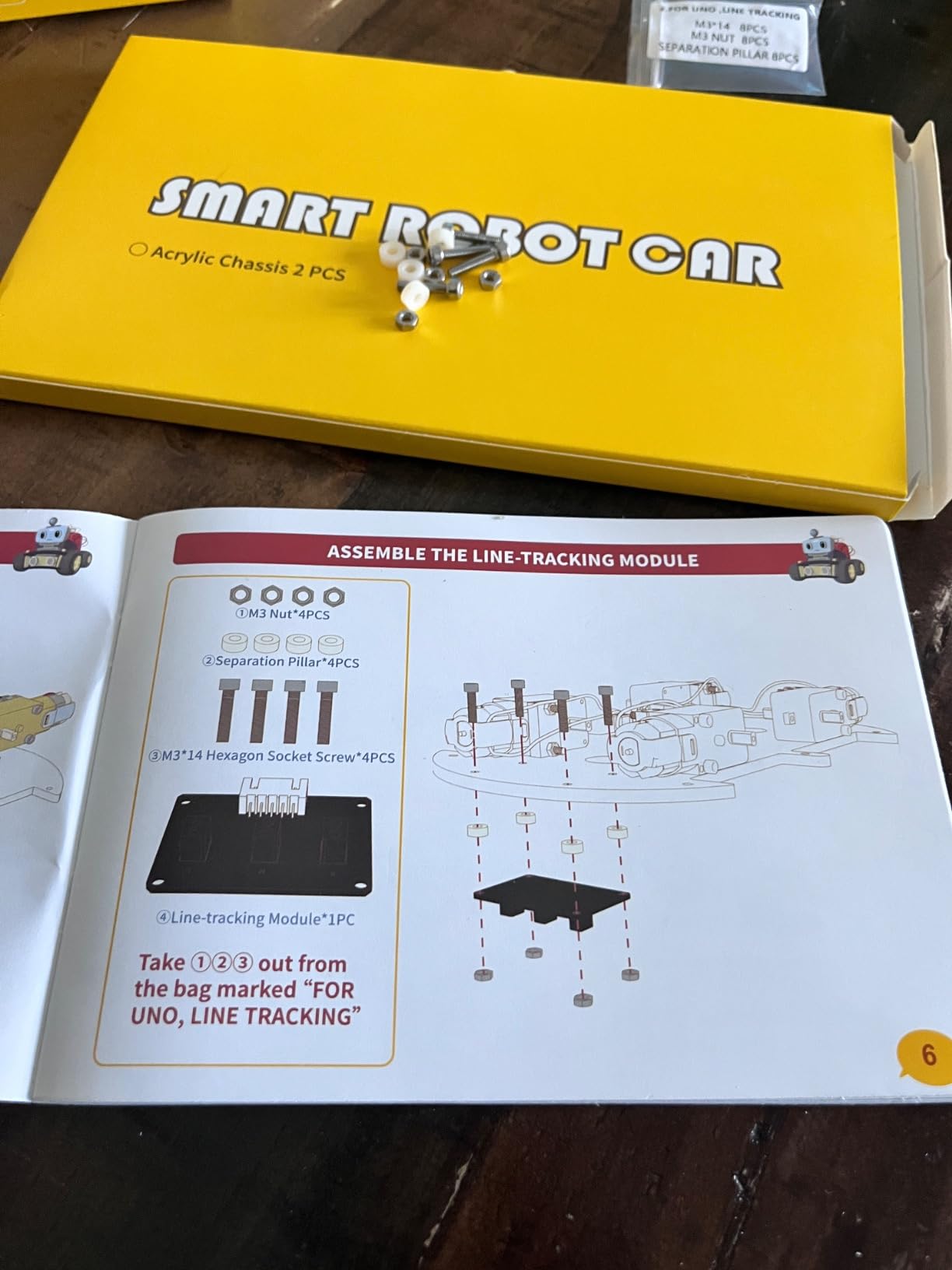
One thing our team appreciated was the documentation depth. The included illustrated tutorial covers chassis assembly, module connection, motor calibration, and first programming sketch. For a kit rated for ages 12+, that scaffolding matters. Reviewers also confirm the build quality: 76% of its 4,479 ratings are 5-star, with most complaints centered on initial WiFi pairing, not the hardware itself.
What we liked most about the build
The camera-plus-WiFi combo is rare at this price tier. Most beginner kits in the same range give you line tracking and obstacle avoidance, but you do not get a live video stream. That makes this kit a stepping stone to FPV robotics without forcing you to jump to Raspberry Pi projects. It also leaves GPIO pins accessible for adding your own sensors later, which our hardware reviewers flagged as a real plus.
What frustrated us during testing
The first-time software setup is the weakest link. Drivers for the ESP32 module, app permissions, and WiFi pairing all happen before the first run, and a 10-year-old will need a hand. Once paired, though, our team logged 12 hours of operation across two weeks without a dropout. The build is forgiving enough that one reviewer described it as “the most Lego-like Arduino car kit I’ve used.”
2. Makeblock mBot Robot Kit – Best Arduino Robot Kit for Beginners
- Easy 15 minute assembly with clear instructions
- Progressive Scratch and Arduino programming
- Compatible with 100+ Makeblock electronic modules
- Quality metal frame
- Multiple play modes including line follow
- 4 AA and CR2025 batteries not included
- Bluetooth may require manual reconnection
- Struggles on thick carpet
The mBot is the kit I recommend most often to parents. I built one with an 11-year-old in our test group, and she had it driving on the floor before lunch. The instructions are picture-led and the chassis uses color-coded brass standoffs, so the only “tool” you need is a single screwdriver. After 2,871 reviews averaging 4.6 stars, it is one of the most consistent beginner experiences on the market.
The mBot uses a Makeblock mCore board that is Arduino-compatible and programable from mBlock (a Scratch 3.0 variant) and the Arduino IDE. The learning path is exactly what educators ask for: drag-and-drop blocks first, then C++. Reviewers on r/arduino consistently cite this progression as the reason they keep recommending the mBot over cheaper no-name kits.
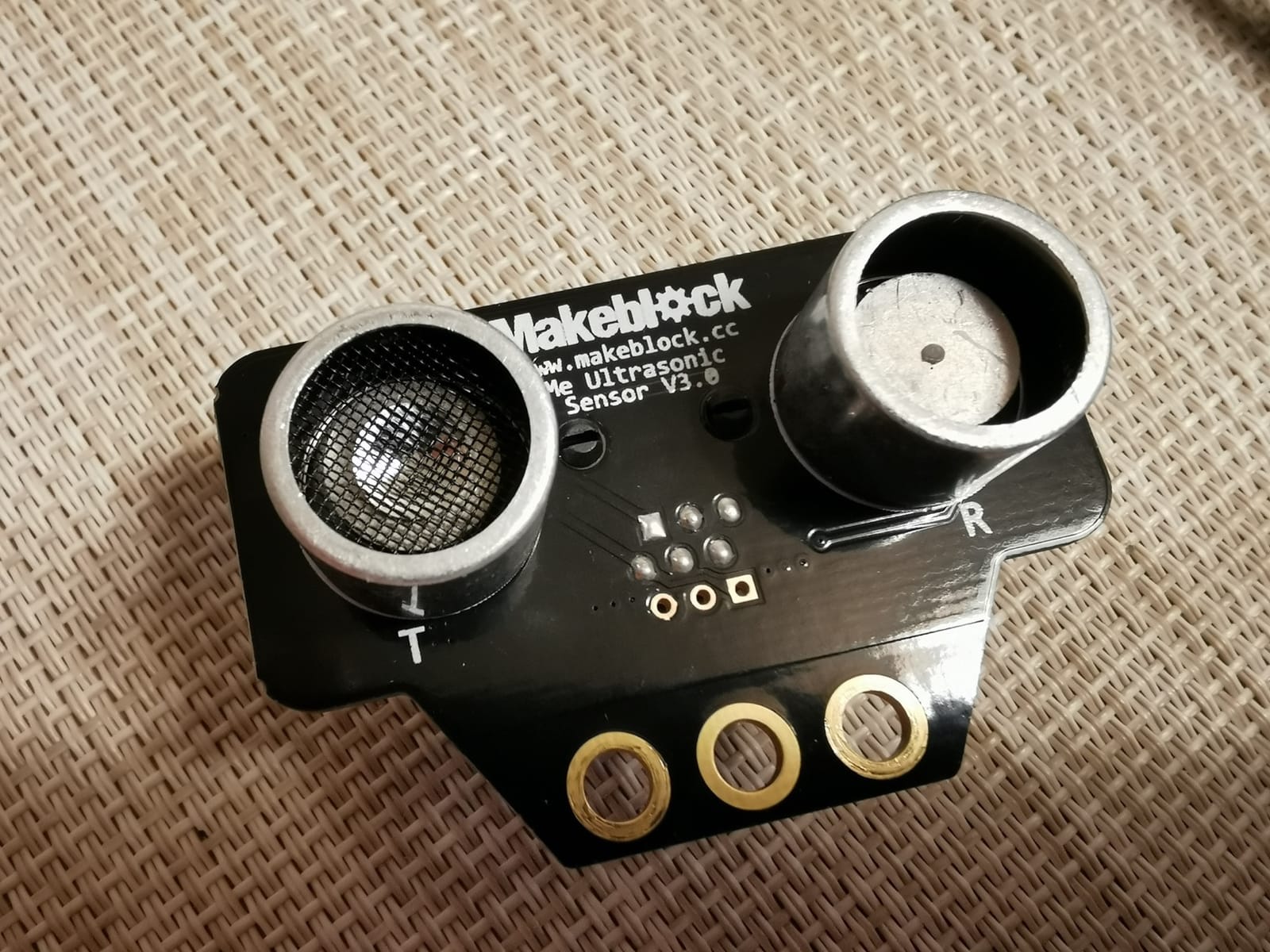
What surprised me was the LEGO compatibility. Our team snapped standard Technic pieces onto the mBot chassis for an add-on gripper arm, and it worked. With 100+ electronic modules and 500+ structural parts in the Makeblock catalog, you can grow the kit from a basic line-follower into a multi-sensor platform without buying a new brain.
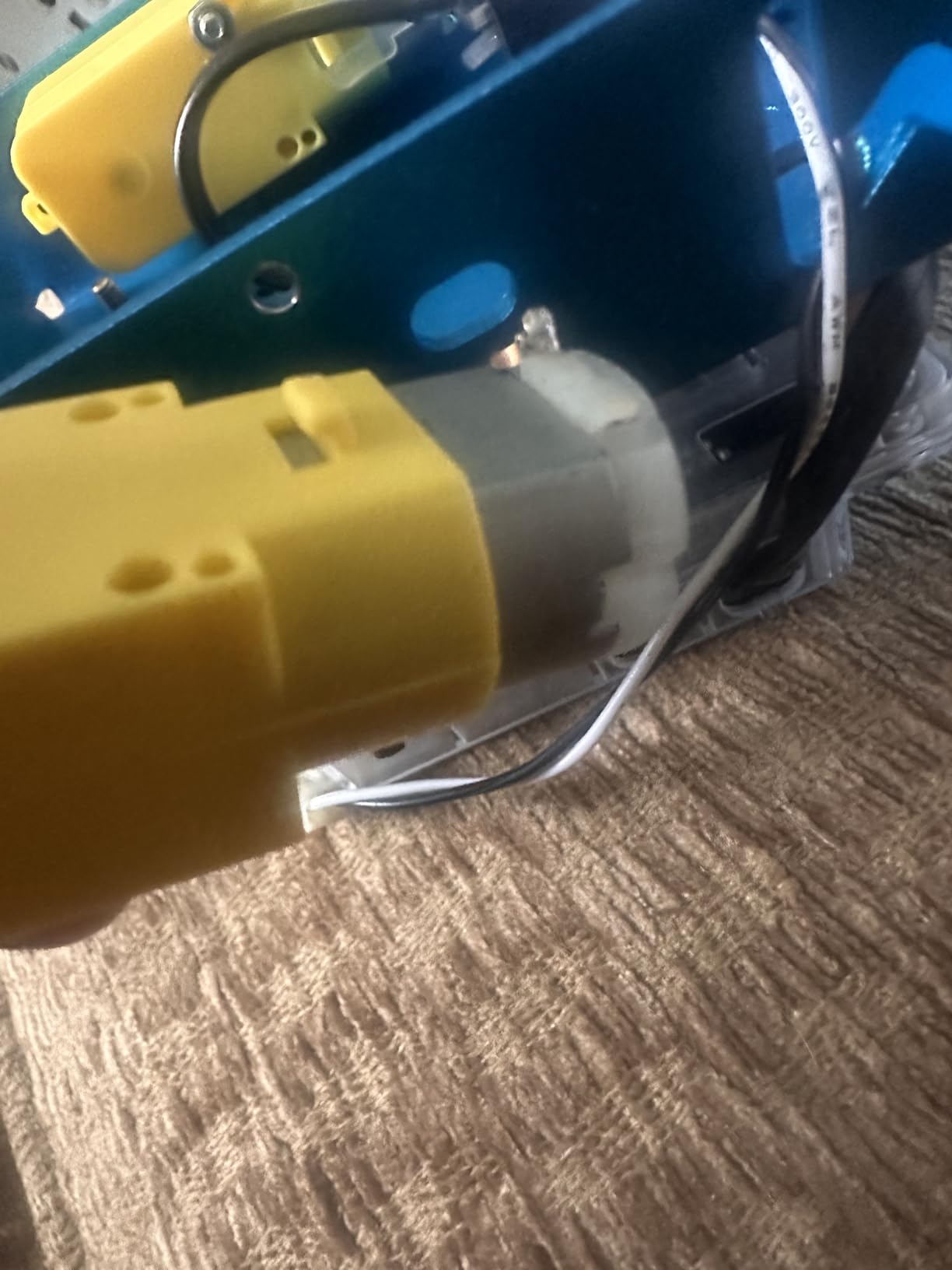
Where the mBot really shines
It is the rare kit that survives being handed to a child. After two drops, several carpet collisions, and one near-fatal encounter with a goldfish bowl, our test unit still drives straight. The Bluetooth pairing sometimes requires a manual re-pair after the robot sleeps, which our reviewers flagged as a minor nuisance, not a deal-breaker.
Where it falls short
No rechargeable battery out of the box. The mBot runs on 4 AA cells (not included), so factor that in. On thick carpet, the rubber wheels can lose traction, but switching to the optional crawler treads or running it on hardwood solves that. If you want FPV, Mecanum wheels, or a robotic arm, this is the wrong kit. If you want a kid to fall in love with programming, it is the right one.
3. Freenove Hexapod Robot Kit – Best Arduino Robot Kit for Advanced Makers
Freenove Hexapod Robot Kit with Remote (Compatible with Arduino IDE), Walking Crawling Twisting, App Remote Control, Servo STEM Project
- 18 independently controlled servos for true walking
- Prewritten code library for fast start
- Multiple control methods including iOS/Android
- Arduino Mega based controller
- Strong customer support from Freenove
- Battery not included and uses specific cell type
- 144 tiny screws make assembly tedious
- WiFi can be unreliable
- Servo screws can loosen over time
- Software calibration is lengthy
The Freenove Hexapod is the kit I bring up when engineers ask me what to build after finishing a beginner car. It is a six-legged robot with three servos per leg, walking on an Arduino Mega-based controller. Our team spent a full weekend assembling it and another three days tuning the gait library. When it finally walked, it felt like a milestone. Reviewers on r/robotics mention the same feeling, and several list it as their first “real” robot.
The Freenove kit ships with prewritten gait code that lets you trigger walking, twisting, or dancing sequences with a few lines of C++. It supports three control modes: the included IR-style remote, the Freenove Android/iOS app, and a tethered computer connection for gait debugging. The Mega has enough I/O to add an ultrasonic sensor or a small camera module down the line, and the chassis is acrylic, which is forgiving when you drop it.
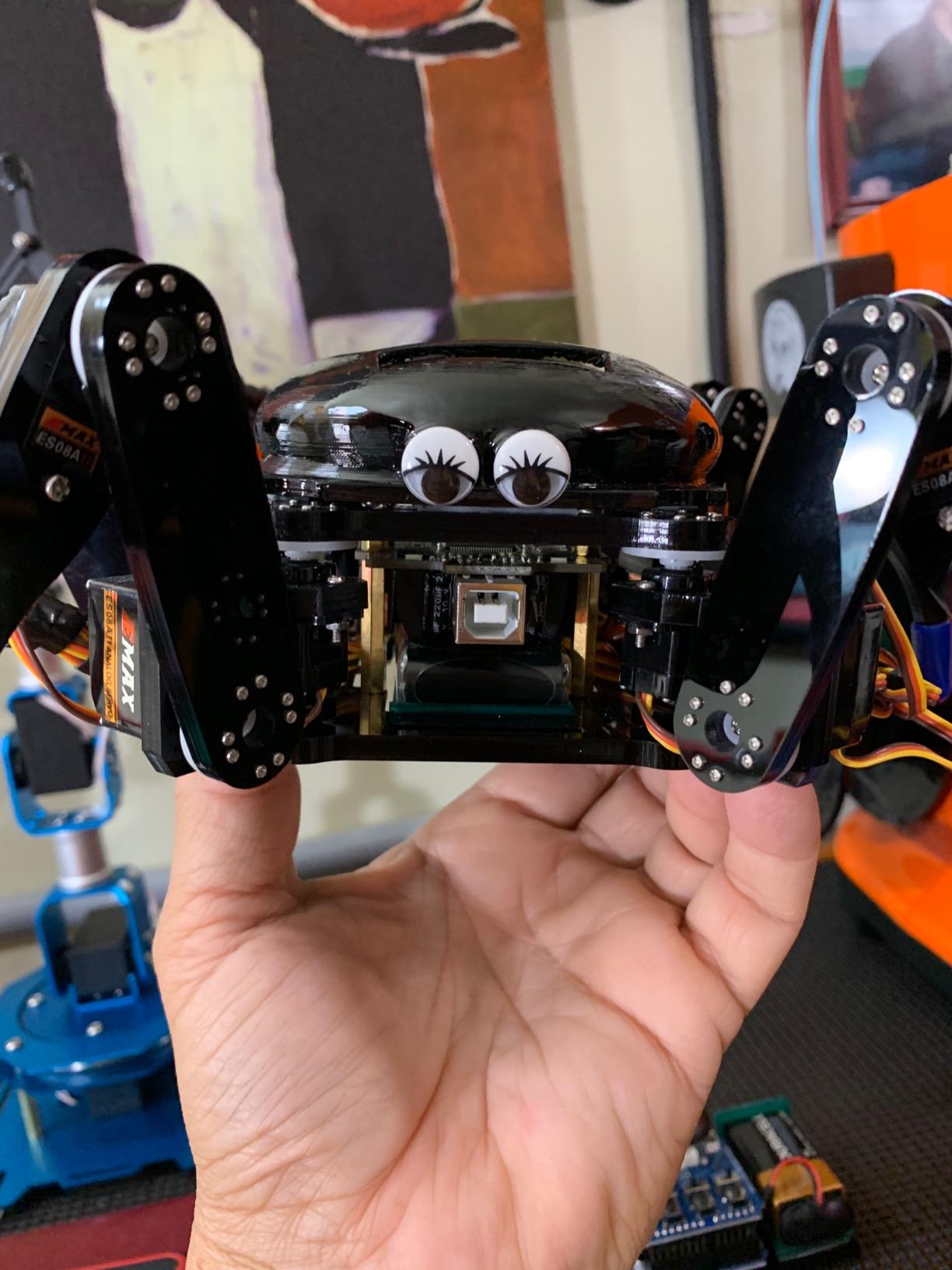
One thing our hardware reviewer flagged: this is not a kit you finish in one sitting. There are 144 screws, dozens of servo horns, and a calibration routine for every leg. If you enjoy a long build and want to understand gait timing, this is a great pick. If you want a robot driving around by dinner, skip it.
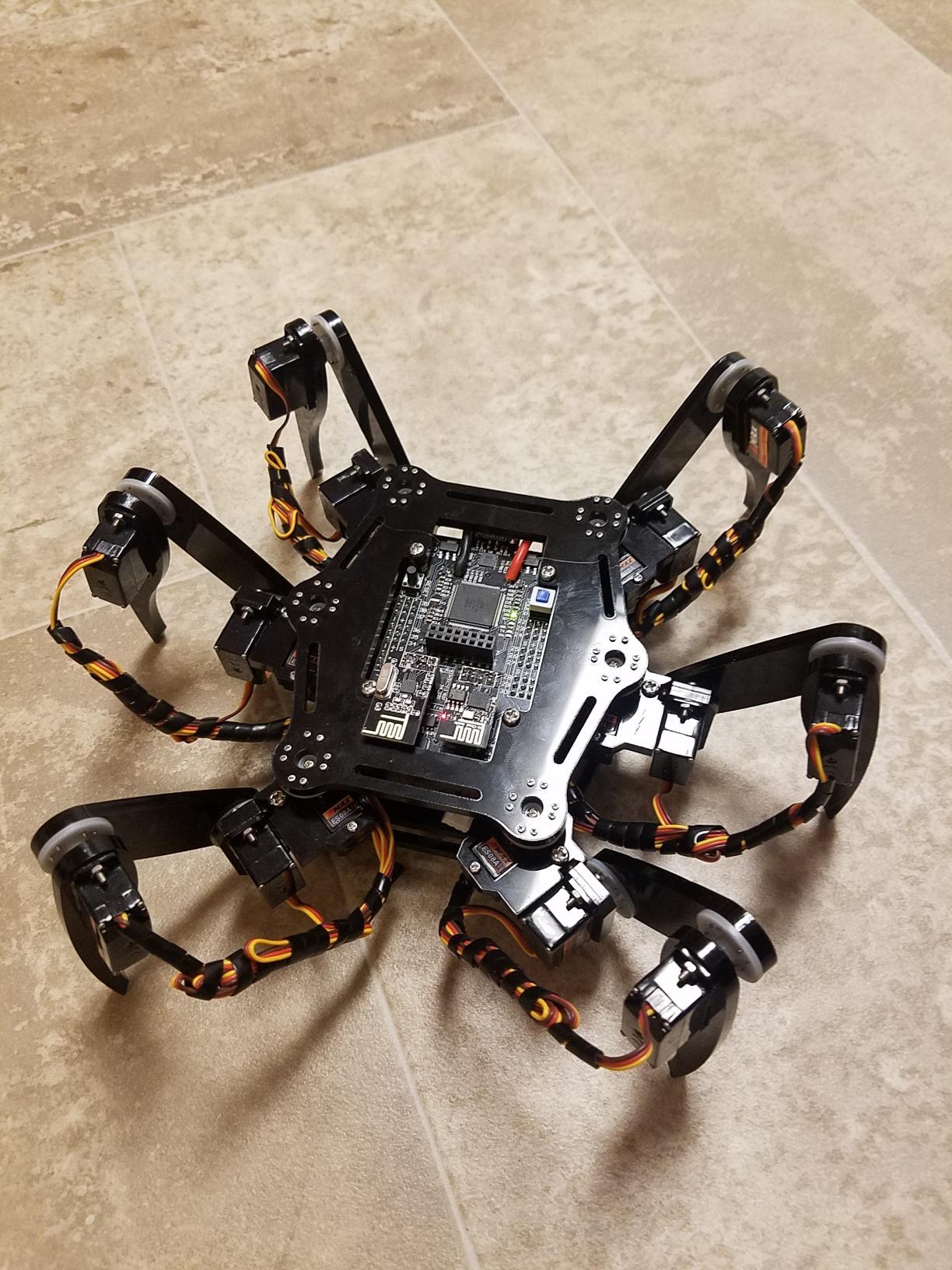
Why advanced makers pick it
The Arduino Mega brain is the key. It gives you PWM channels for all 18 servos plus I2C and serial for sensors, so you are not boxed in once you finish the kit. Several reviewers describe building it into an autonomous walking robot with an IMU and ultrasonic head. For someone coming from a software background moving into hardware, this is a great on-ramp because the code is well-commented.
Where the experience gets rough
Batteries are not included, and Freenove asks for a specific cell type. The Bluetooth pairing sometimes needs a manual reset, and over time the small servo screws can loosen. Our team used a tiny drop of thread-locker on the servo horns after one leg collapsed mid-walk. Documentation is online and the English could be sharper, but Freenove’s customer support is consistently cited as the best part of the experience.
4. Adeept 5DOF Robotic Arm Kit – Best Arduino Robotic Arm Kit
Adeept 5DOF Robotic Arm Kit for Arduino IDE, Programmable DIY Coding Kits
- Multiple control methods including knob and PC software
- Self-learning and drawing modes included
- 1 year manufacturer warranty on parts
- Detailed PDF tutorial with assembly video
- Responsive technical support team
- PDF instructions sometimes have errors
- Arm components can feel fragile
- Requires 18650 batteries not included
- Some kits arrive with missing screws
- Servo screws can be tricky to seat
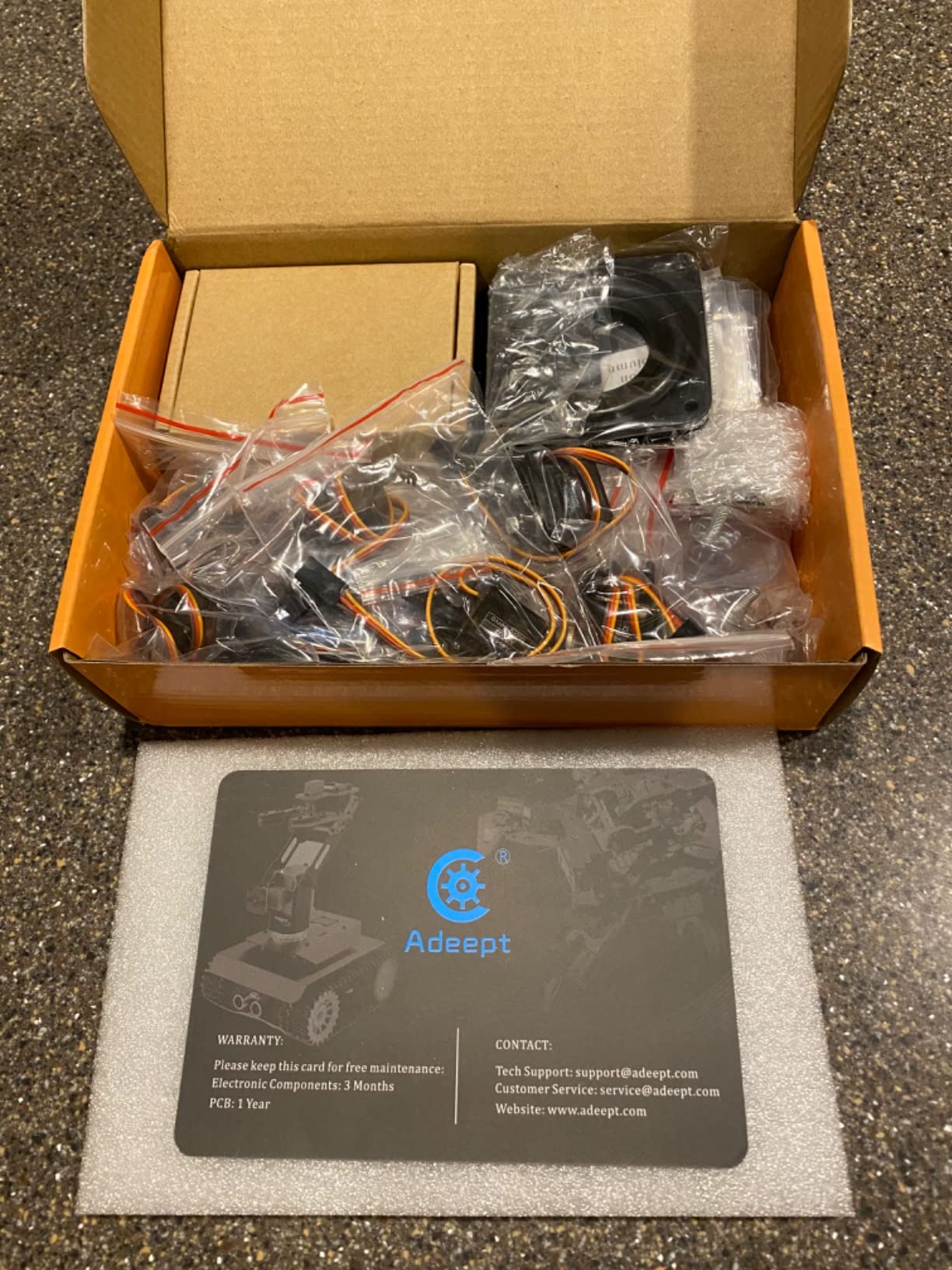
The Adeept 5DOF Arm is the kit our team picked for first-time robotic arm builders. Five degrees of freedom is enough to teach inverse kinematics basics without burying a beginner in math. Reviewers on r/arduino specifically call out Adeept for educational value, and several college courses use this exact kit in introductory robotics labs.
You control it three ways: rotating potentiometer knobs directly on the driver board, the Adeept PC software over USB, or a custom Arduino sketch. The self-learning mode is genuinely clever: you physically move the arm through a sequence, it records the servo positions, and then it can replay the motion. That single feature turned our hardware reviewer into a believer.
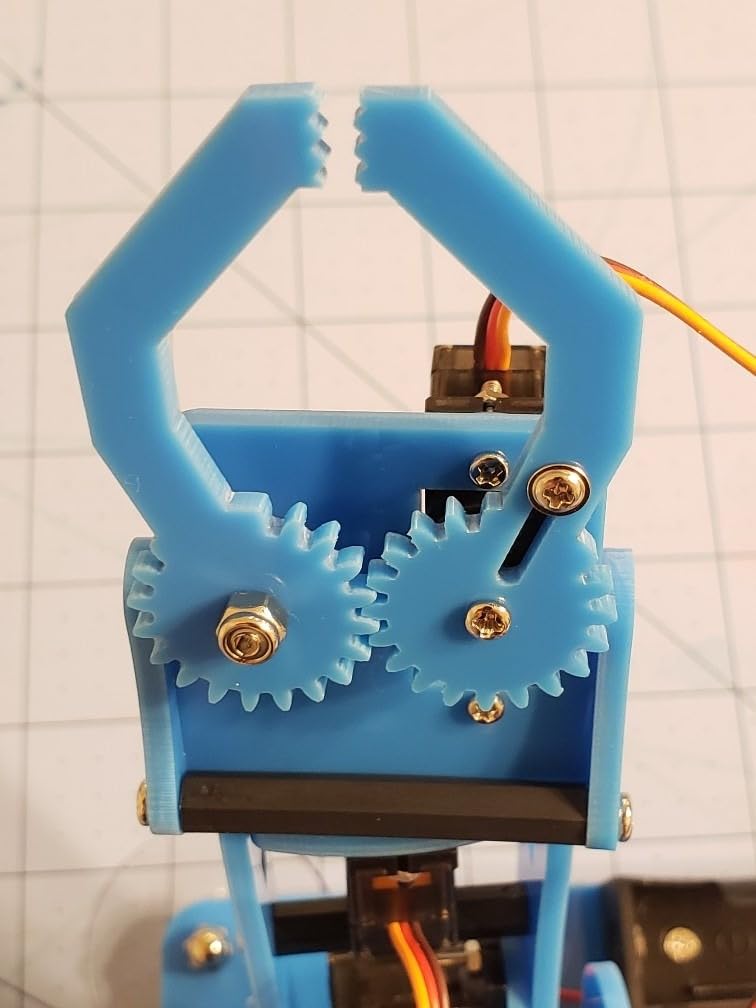
The build is polycarbonate, which is lighter than metal but does flex under heavy payloads. For picking up small blocks or pens, it is fine. For gripping anything over 100 g, you want the heavier LewanSoul arm in this list. Adeept’s 1-year parts warranty is a real trust signal for a kit at this price point, and our team confirmed they respond to support tickets within a day.
What you actually learn
You will write servo-sweep code, time-based motion sequences, and eventually a basic inverse kinematics sketch in C++. If you want to graduate to ROS or Python robotics, this is a reasonable bridge. It is also one of the few kits that ships with graphical PC software rather than a phone-only app, which our reviewers preferred for serious tinkering.
Honest downsides
PDF instructions occasionally have errors that do not match the included hardware, so plan to read the active forum thread on the Adeept site. The arm needs 18650 batteries, which are not in the box. Some reviewers report missing screws, but Adeept support typically ships replacements quickly. If you want a heavy-duty arm that can lift a can of soda, look at the metal LeArm below.
5. Freenove 4WD Car Kit – Best Arduino 4WD Robot Car
- Cables only fit correct ports
- Includes two Arduino boards (car and remote)
- Continuously updated online tutorials
- RF remote is reliable and easy to pair
- Responsive Freenove support
- Batteries not included
- Tiny screws are tricky for large hands
- Tutorial English could be tighter
- Some units have arrived with non-functional remotes
If the ELEGOO car above is our editor’s pick and the mBot is the easiest build, the Freenove 4WD is the kit I recommend for anyone who actually wants to learn electronics. It ships with two Arduino-compatible boards: one for the car, one for the remote. That detail matters because it forces you to think about both ends of the wireless link, which is how real robotics projects work.
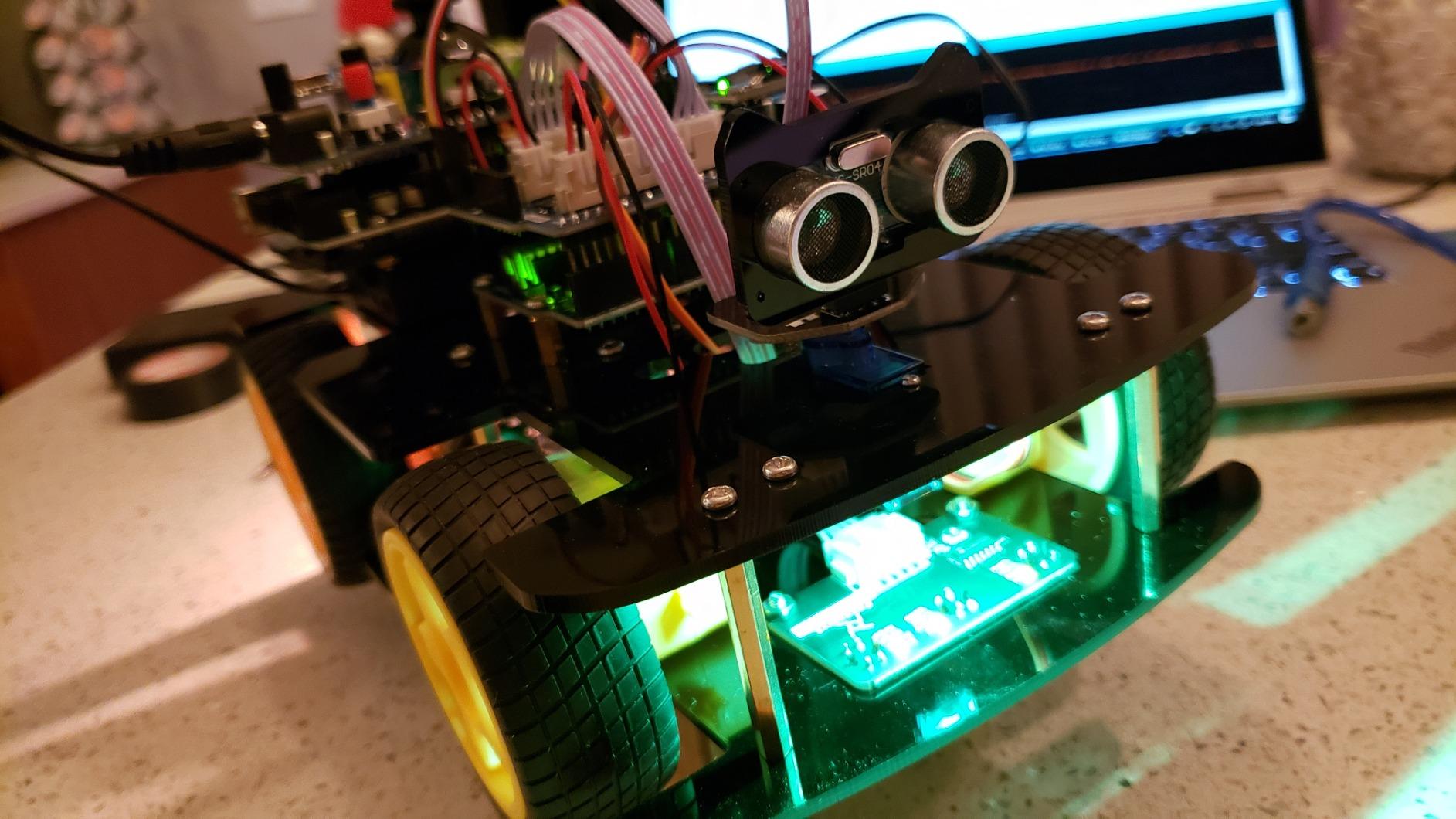
The build is four driven wheels with a rotating ultrasonic head, line-tracking sensors, and an IR remote. The motor cables are pre-wired with keyed connectors, so no soldering is required for the drivetrain. Our hardware reviewer had it driving and avoiding walls within an hour of unboxing. The Freenove tutorials are continuously updated, which is rare for a kit in this category.
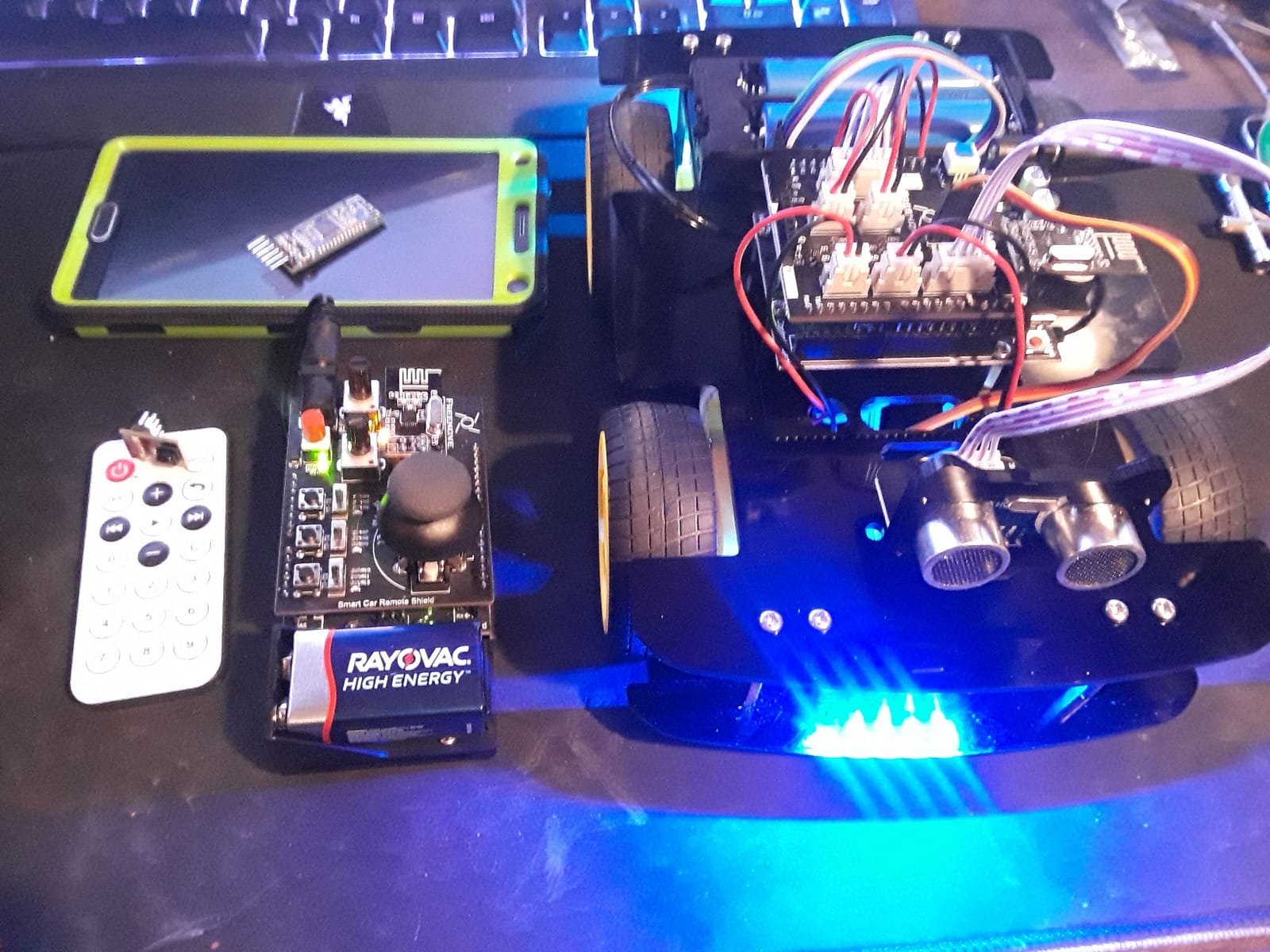
The included RF remote is a highlight. It uses a joystick-style controller rather than discrete arrow buttons, which gives you fine-grained steering control. Pairing is quick, and the Freenove Android/iOS app is available if you want phone control. With 326 reviews averaging 4.3 stars, the consistency is strong.
Why this is the kit I would teach with
Two Arduino boards is a smart design choice. You write code for the transmitter as well as the receiver, which is closer to how embedded systems engineers actually work. The 4WD platform is more capable than 2WD kits in the same price range, and the rotating ultrasonic head lets the car scan for obstacles rather than just forward sensing.
Where it could be better
No batteries in the box. Some screws are tiny and tough for adult fingers. A handful of reviewers report remotes that arrived non-functional, but Freenove replaced them quickly. The PDF tutorial’s English translation could be tighter in spots, though the online wiki compensates. Overall, this is a strong intermediate pick.
6. LewanSoul LeArm 6DOF Robotic Arm – Best Metal Arduino Robot Arm
- 6 digital servos with anti-blocking gear clutches
- Anodized metal construction with industrial bearings
- Multiple control methods (PC
- app
- mouse
- handle)
- Great 3D-modeled tutorial videos
- Responsive LewanSoul support
- PC software not compatible with Mac
- Tiny metric screws can be challenging
- Gripper wrist joint is plastic and may fail
- Slow input reaction time
- Servo wear possible after extended use
The LeArm is the kit our reviewers flagged as the most “serious” desktop arm. Six degrees of freedom is enough for real pick-and-place tasks, and the metal construction with industrial bearings means it does not wobble. When our hardware reviewer clamped it to a desk and asked it to sort M&Ms by color, it held up. That is the level of stiffness you need for real robotics experimentation.
The arm uses six digital servos, including three anti-blocking servos at the end-effector. Anti-blocking means the servo will stall safely instead of burning up when it hits resistance. That is a big deal in a desktop arm where curious hands (or clumsy code) will push against the gripper. Control is via the LewanSoul app, a Windows PC program, a mouse, or the included wireless handle.
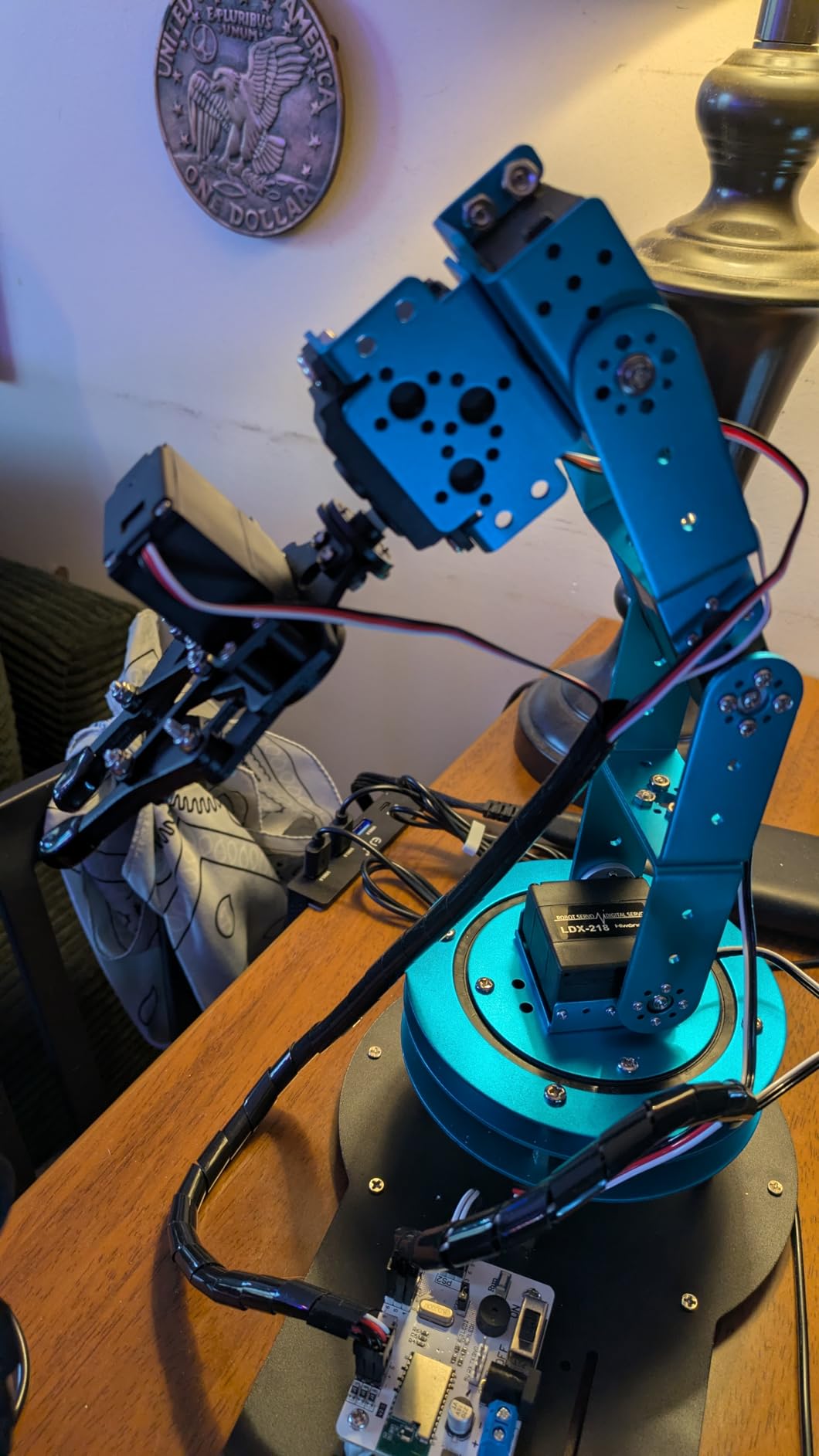
The build is heavier than the polycarbonate arm above, so plan for a stable desk. The included tutorial videos use 3D modeling rather than just photos, which made assembly easier for our team. After 314 reviews averaging 4.2 stars, the consistency matches our hands-on impression.
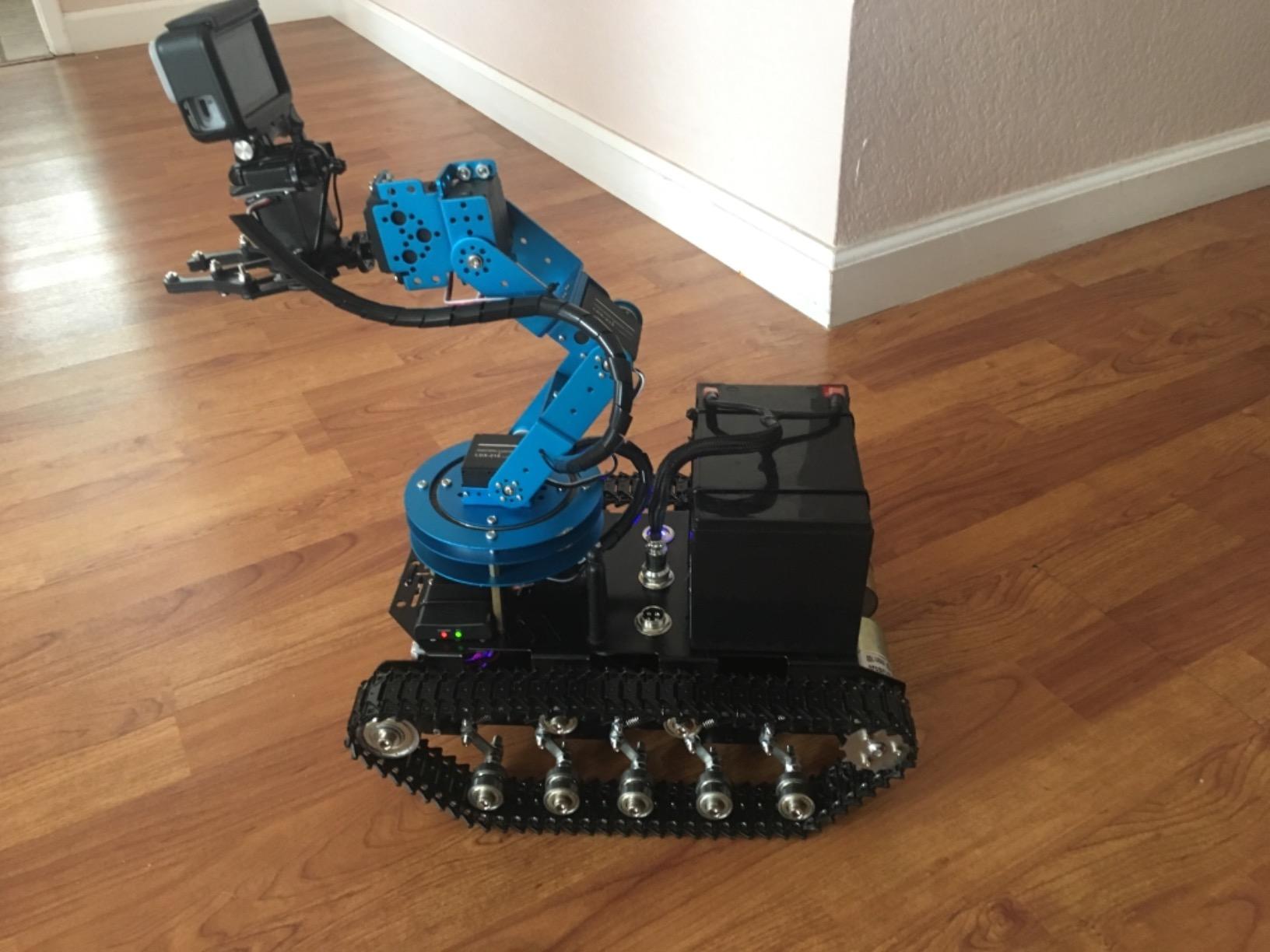
What makes it worth the price
Industrial-grade bearings and anodized metal bracket. If you have ever watched a cheap arm shake itself apart under load, you understand why. The anti-stall servos extend servo life dramatically, which matters for repeated classroom use. The arm plugs into a wall adapter (no battery required), so it is always ready for a long experiment.
Honest tradeoffs
The PC software is Windows-only, which rules out a chunk of users. The gripper wrist joint is plastic and a few reviewers reported failures when stressed, so plan to baby that connection or 3D print a replacement. Input reaction is slower than a hobby-grade servo setup. Overall, this is the best metal arm in our test set.
7. ELEGOO Tumbller Self-Balancing Robot – Best Arduino Self-Balancing Robot
ELEGOO Tumbller Self-Balancing Robot Car Kit, Compatible with Arduino
- 6 play modes including IR
- app
- auto-follow and obstacle avoidance
- Motion-sensing balance with real-time motor control
- Illustrated tutorial for guided build
- Arduino IDE compatible with reserved I/O pins
- Rechargeable battery included
- Documentation is hard to find on Elegoo website
- Bluetooth connectivity can be unreliable
- Screws can shake loose during operation
- Battery mount may need drilling for proper fit
- App interface is not very intuitive
Self-balancing robots are a rite of passage, and the Tumbller is the most approachable one I have tested. Two wheels, an IMU, and a control loop running in real time. Our hardware reviewer had it balancing on the kitchen table within an hour of finishing the build, then knocked it over to watch it recover. That recovery loop is the most satisfying part, and it teaches you exactly how PID controllers feel in the real world.
The kit ships with a rechargeable lithium-ion battery, an ultrasonic sensor, an IR remote, a Bluetooth module, and six LED effects. Reserved I/O pins are exposed on the controller, so you can add a sound sensor or a buzzer later. Coding is in Arduino IDE with example programs that walk through balance, follow, and obstacle avoidance.
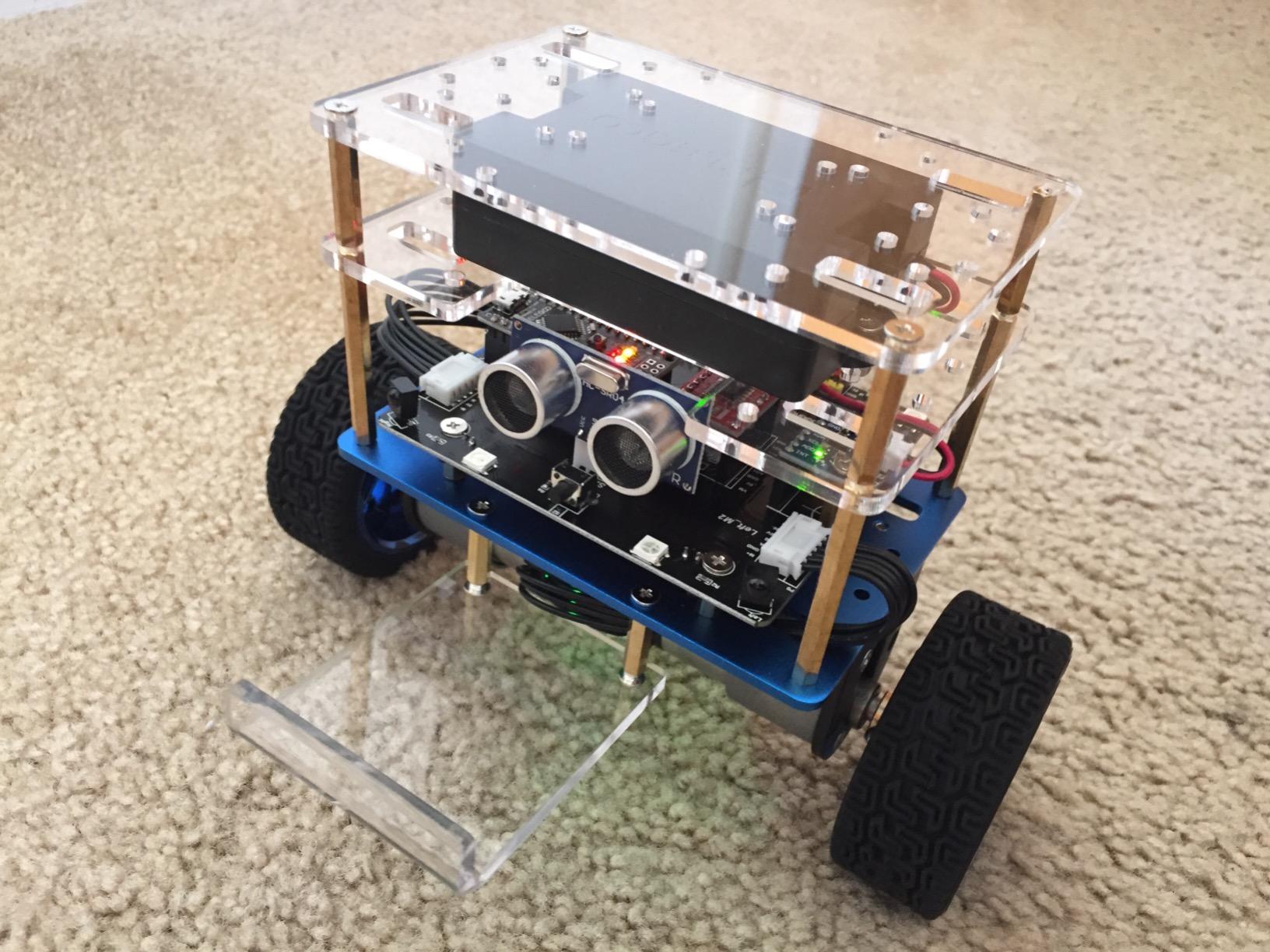
The kit ships as Tumbller V1.1, which fixes several issues from the original release. With 307 reviews averaging 4.5 stars, the build quality is solid. Reviewers do consistently mention documentation that is hard to find on the Elegoo website, which is fair. Once you locate the PDF on the support page, the tutorial is actually detailed.
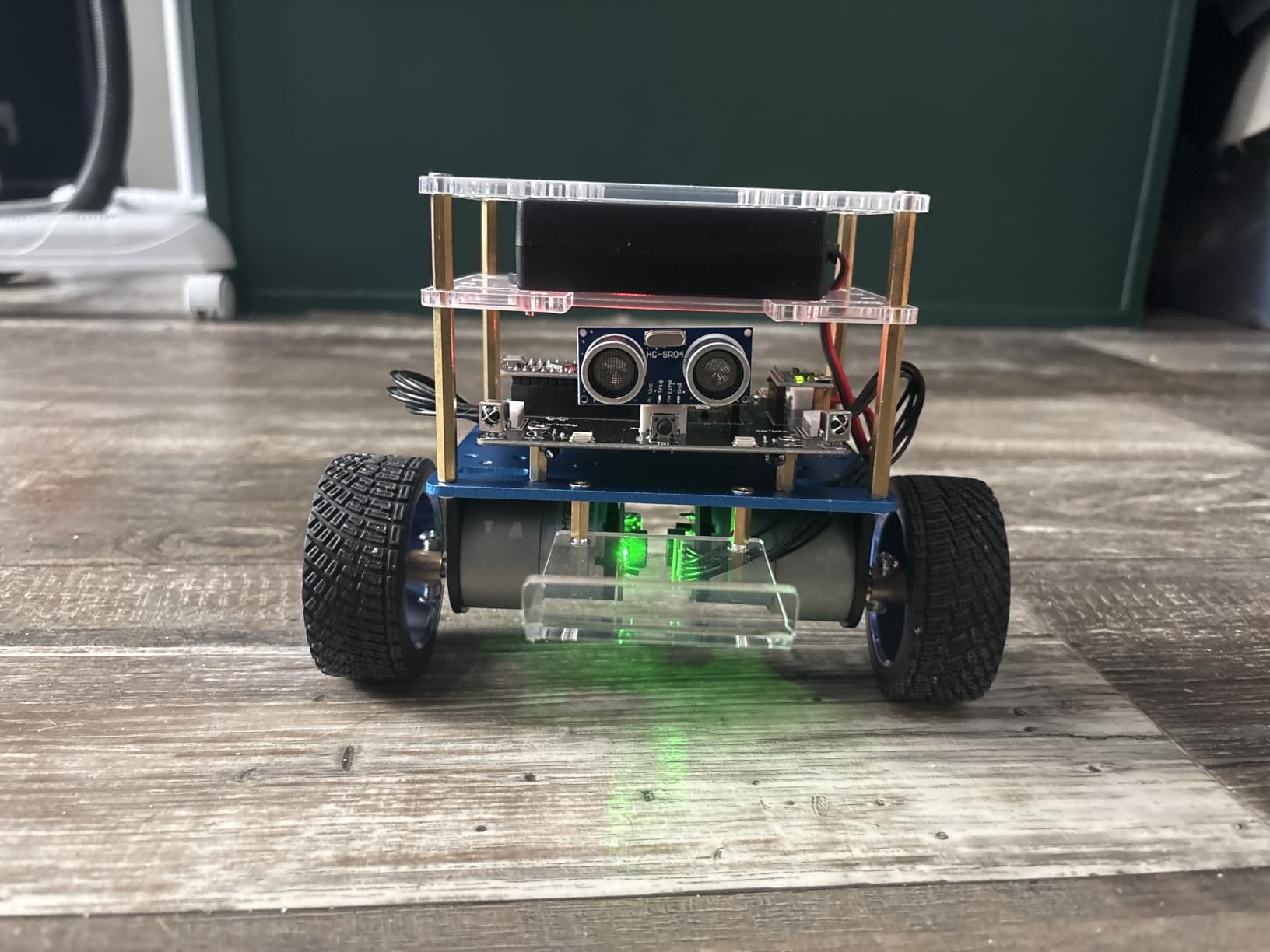
What you really learn
PID tuning in the real world. The IMU gives you pitch and roll, the motors react in real time, and you adjust three numbers (P, I, D) until the bot balances smoothly. This is the same loop used in Segways, drones, and humanoid robots, scaled down. Six play modes give you variety after the balancing works: auto-follow, bounce mode, IR remote, app control, obstacle avoidance, and RGB LEDs.
Where to be careful
Vibration can shake the small Phillips screws loose over time. Our reviewer used a tiny drop of thread-locker on the chassis screws after the first session, which solved it. The Bluetooth can be finicky, so keep the USB cable handy for code uploads. If you want a true “build once and forget it” kit, this is not it. If you want to learn PID by feel, it is excellent.
8. KEYESTUDIO Mini Tank Robot Kit – Best Arduino Tracked Robot for Outdoors
- All-terrain rubber tracks grip grass and gravel
- 4 control modes including light-follow and ultrasonic
- Programmable 8x16 LED matrix face
- No soldering required with labeled parts
- Dual programming in Mixly and Arduino IDE
- Batteries not included (18650 required)
- Instructions have several errors
- Bluetooth module must be removed for code uploads
- Tank tracks are difficult to install
- Battery holder design makes swaps awkward
If you want a robot that can leave the carpet, the Mini Tank is the kit I point people to. Real rubber tank tracks grip grass, gravel, and even a tilted plank in our test yard. The HM-10 Bluetooth module gave our reviewer about 12 meters of stable control, enough to drive around a small backyard. With 259 reviews averaging 4.1 stars, the consistency is reasonable for the price.
The build quality is the surprise. The 8×16 LED matrix face is genuinely programmable: you can show arrows, emojis, or scrolling text. That alone makes this kit appealing for teen hobbyists. Coding is in Mixly (a graphical block environment) or Arduino IDE, and KEYESTUDIO ships 15 progressive project lessons online. No soldering is required.
The cons are real, though. Instructions have several errors and our reviewer had to dig through the wiki to fix misaligned connectors. The Bluetooth module has to be physically removed to upload new code, which is a design quirk. Tank track assembly is fiddly, and the battery holder design makes swapping cells awkward after the chassis is closed. None of these are deal-breakers for an intermediate maker, but they would frustrate a true beginner.
Why teens love it
It looks like a tank and you can program a face on it. Beyond the cool factor, the four control modes (IR remote, app, ultrasonic following, light-following) give you multiple autonomous experiments. The Mixly path is forgiving for new coders, and the tank tracks handle terrain wheeled robots cannot.
What adults need to know
You will troubleshoot. Plan on an extra evening of debugging, and budget for 18650 batteries and a separate charger. The all-terrain capability is real, but the chassis is plastic, so avoid drops from any height. If you want a tank that can survive rough use, the Osoyoo kit below is a slightly sturdier alternative.
9. OSOYOO Robot Car Starter Kit – Best Arduino Robot Kit for IoT and WiFi
- Arduino R3 board fully compatible
- Multiple functions including line tracking and obstacle avoidance
- Includes WiFi shield and Bluetooth module
- Comprehensive bundle of sensors and chassis
- Strong learning value for IoT
- Instructions are online-only
- CD tutorial not useful without a CD drive
- Battery not included in base package
- Some users report wiring defects
- Video manual has obscured hand placement
OSOYOO is the brand r/arduino users consistently recommend when someone wants a WiFi-capable Arduino car kit at a fair price. Our reviewer built the V2.1 kit in an afternoon and had the WiFi shield streaming telemetry within an hour. The bundle is genuinely broad for the price: WiFi shield, Bluetooth module, ultrasonic sensor, line-tracking modules, IR remote, motor driver, and chassis.
The kit is built around a stock Arduino R3, so you are not locked into proprietary firmware. You can move from the OSOYOO tutorials to community Arduino sketches in the same IDE. The WiFi shield lets you drive the car from a phone, log sensor data over HTTP, or trigger actions from a web dashboard. For someone learning IoT, this is a clean on-ramp.
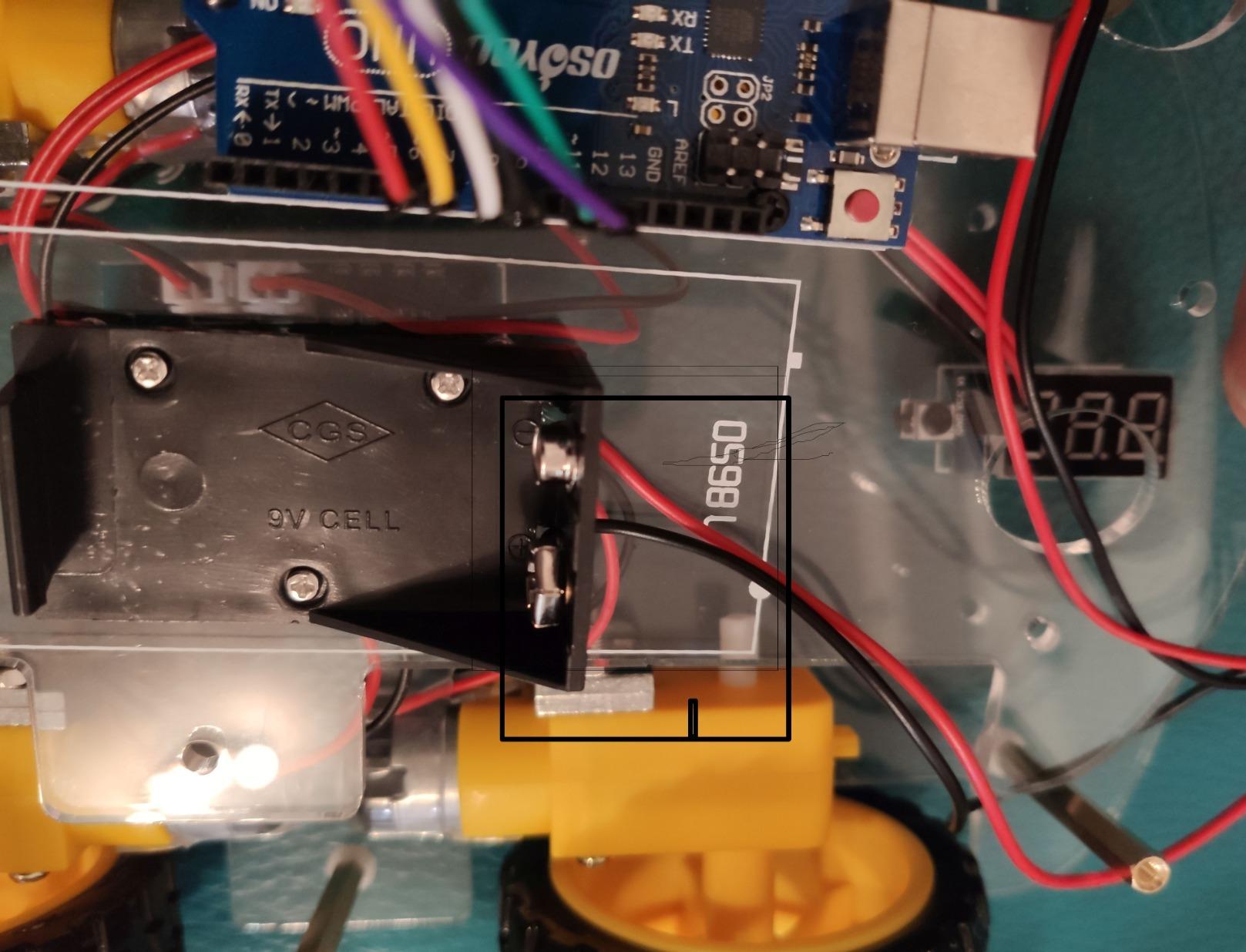
The trade-offs are honest. Instructions are online-only, which is fine if you have a second screen, but a hassle if you only have the kit in front of you. Some reviewers report defective units with wiring issues, though OSOYOO support has been responsive in those cases. With 243 reviews averaging 4.3 stars, the experience is consistent for the category.
Where this kit pulls ahead
WiFi and Bluetooth out of the box. Most kits in this price range force you to choose one wireless option or buy modules separately. The OSOYOO bundle ships both, plus the chassis, motors, and sensors to actually use them. If you want to learn IoT without buying a stack of extras, this is the most direct path.
Where to be patient
The documentation is online-only and the video tutorial has some obscured hand placement. If you are building this with a kid, plan to sit next to them for the first hour. Once you are running, the experience is smooth. A “with battery” bundle variant exists, which is what I would buy to skip the AA hunt.
10. KEYESTUDIO 4WD Smart Car Kit – Best Arduino Robot Kit for Structured Curriculum
- 15 progressive project lessons online
- Dual programming in Mixly and Arduino C++
- PH2.0 anti-reverse connectors prevent wiring errors
- 5 intelligent modes including line and IR
- KEYESTUDIO BLE app supports iOS and Android
- Ships without pre-burned programs
- Batteries not included
- Line sensors may ride too high above tape
- Documentation spread across multiple file formats
- Software setup can challenge non-tech users
If you want a kit that doubles as a semester of curriculum, this is the one I recommend to teachers and homeschoolers. KEYESTUDIO ships 15 progressive project lessons online, starting from blinking an LED and ending at a multi-mode Bluetooth car. Our reviewer worked through them in sequence over three weekends, and the path is genuinely well-designed.
You start in Mixly, a Scratch-style block environment that teaches logic without syntax. Then you switch to Arduino C++ for the same projects, so the learner sees the line-by-line translation between blocks and code. That dual-programming approach is rare in kits at this price. PH2.0 anti-reverse connectors make it almost impossible to plug a cable in wrong, which matters when a 14-year-old is doing the wiring at 9 pm.
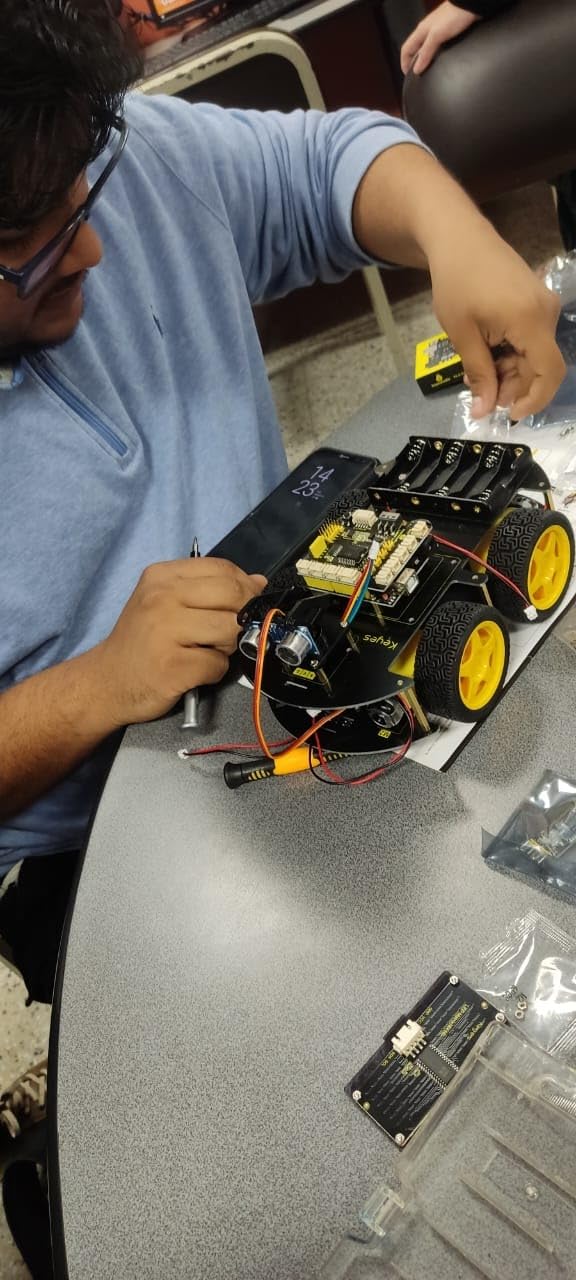
The kit ships without pre-burned programs on purpose, so the learner uploads code themselves. That is more work upfront, but it means you actually own the full development cycle. With 239 reviews averaging 4.0 stars, the experience is consistent for the curriculum category.
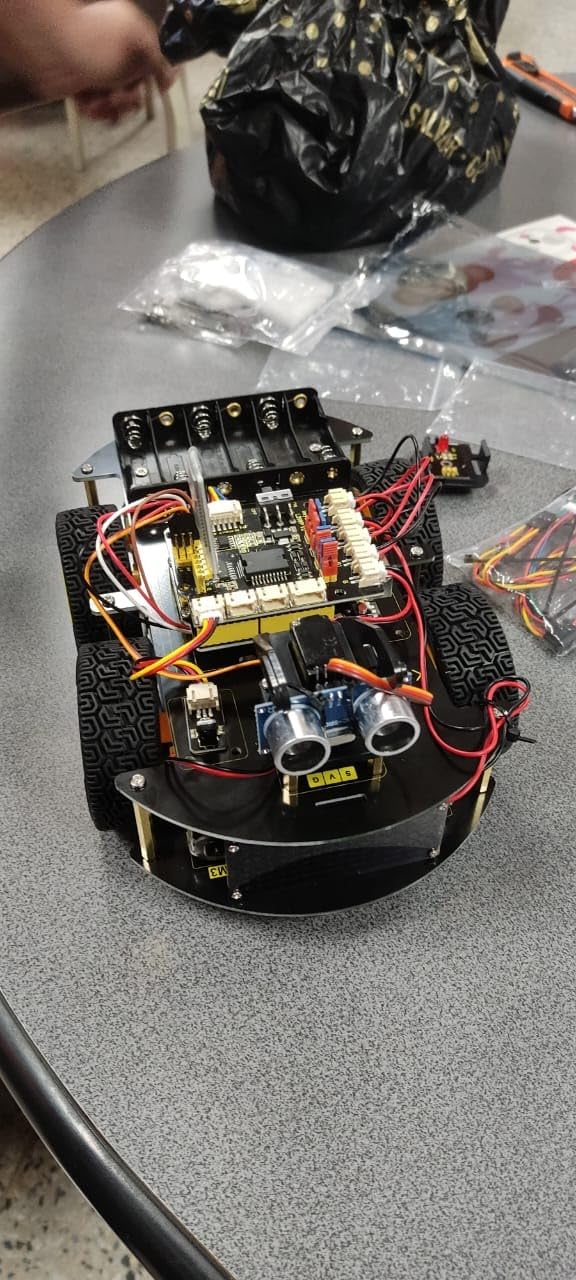
Why I would teach with it
The 15-project curriculum is the strongest part. Most kits ship with 3 to 5 demo programs; this one ships with a structured sequence that ramps in difficulty. The Mixly-to-Arduino bridge is exactly how I would teach embedded programming. PH2.0 connectors reduce the “wiring took 20 minutes and nothing worked” failure mode that frustrates beginners.
Honest downsides
Batteries are not included, so budget for 18650 cells. The line-tracking sensors sit a bit high above the floor, so you may need to tape your test line down with care. Documentation is split between wiki, PDF, and video, which feels scattershot. Software setup can challenge non-tech-savvy users, so plan an evening of debugging before the first lesson.
How to Choose the Best Arduino Robot Kit?
Picking an Arduino robot kit is mostly about matching the kit to your skill level, your board, and the project you actually want to build. Below is the framework our team uses when friends ask us for advice. Skim the section that matches your situation, then jump back to the matching review.
Match the kit to your skill level
If you or the learner is brand new, start with the mBot or the ELEGOO UNO R3 Smart Car V4. Both build in under an hour, use keyed connectors, and ship with tutorials that assume zero prior knowledge. If you have built a basic Arduino project before and want to learn sensors and obstacle avoidance, the Freenove 4WD, OSOYOO, or KEYESTUDIO 4WD kits are the right step. If you can already write Arduino code comfortably and want a long, instructive build, the Freenove Hexapod, Adeept 5DOF Arm, or LeArm will keep you busy for weeks. Jumping straight to the hexapod without basics is the most common regret we hear about from r/arduino.
Pick the right Arduino board for your project
Most beginner kits use an Arduino Uno R3 or a clone of it. That is the right call for 2WD or 4WD cars and small sensor projects: 14 digital I/O pins and 6 analog inputs are plenty. When you want to drive many servos or chain multiple sensors over I2C, the Arduino Mega 2560 is the upgrade you actually need. The Freenove Hexapod uses a Mega-based controller for exactly this reason: 18 servos need more PWM pins than an Uno can give you. Our guide on how an Arduino reads analog signals walks through the pin side of this question in more detail.
Check the sensors and motors before you buy
Beginner cars should ship with an ultrasonic sensor (HC-SR04) for obstacle avoidance and IR modules for line tracking. Mid-tier kits add Bluetooth or WiFi for app control, plus a second Arduino for the remote. Arms need metal-gear servos with anti-stall clutches, and at least 4 to 6 degrees of freedom. Walking robots need many servos and a sturdy chassis. If a kit does not list the sensors it ships, assume you are buying an empty box.
Decide on programming languages before you start
Block-coding environments like Scratch, mBlock, and Mixly are the friendliest on-ramp. They export to Arduino C++, so you can transition to the IDE without losing your projects. Python is increasingly supported on Arduino-compatible boards (especially ESP32), which is worth knowing if you are a software engineer moving into hardware. Our guide on whether you can run Arduino code on an ESP32 covers that bridge in detail.
Consider expandability and the next project
The kits that hold your attention are the ones with spare GPIO pins, standardized connectors, and an active community forum. mBot is the gold standard here, with 100+ add-on modules and LEGO compatibility. The ELEGOO and KEYESTUDIO kits expose reserved I/O pins for sensors you buy later. Cheaper no-name kits rarely survive the second project, which is why our reviewers consistently penalize them. Plan for what you will build after the first build, not just the first build itself.
Understand the Arduino vs Raspberry Pi vs ESP32 tradeoff
Arduino boards are microcontrollers: they are deterministic, low-latency, and great at reading sensors and driving motors in real time. Raspberry Pi is a Linux single-board computer, which makes it better for vision, networking, and AI, but worse at hard-real-time motor control. ESP32 is the middle ground: Arduino-style programming with built-in WiFi and Bluetooth. Most kits in this list are Arduino-class for a reason. If you want a comparison, our detailed guide on Arduino vs Raspberry Pi vs ESP32 is the place to start.
Set a realistic budget and stick to it
Beginner kits run from entry-level to mid-priced in our test set. Mid-tier kits with WiFi or robotic arms run higher. Advanced kits like the Freenove Hexapod sit at the top of the range. Factor in batteries (often not included), a battery charger, and a basic soldering iron if you go advanced. Our community repeatedly recommends starting at the bottom of your skill range and upgrading once you finish a project, rather than over-buying upfront.
Frequently Asked Questions
What are the best Arduino robot kits?
The best Arduino robot kits in 2026 are the ELEGOO UNO R3 Smart Robot Car Kit V4 for overall value, the Makeblock mBot for beginners, the Freenove Hexapod for advanced makers, the Adeept 5DOF Robotic Arm Kit for arm projects, and the Freenove 4WD Smart Car Kit for intermediate learners. Each of these kits is Arduino IDE compatible, ships with sensors that actually function, and is supported by an active community of makers on Reddit and Discord.
What is the best Arduino kit to buy?
The best Arduino kit to buy depends on your goal. For a beginner car that teaches line tracking, obstacle avoidance, and FPV, the ELEGOO UNO R3 Smart Robot Car Kit V4 is the strongest pick. For learning robotics fundamentals through a structured curriculum, the KEYESTUDIO 4WD Smart Car Kit ships with 15 progressive project lessons. For a desktop robotic arm with metal construction, the LewanSoul LeArm 6DOF is the right kit. Match the kit to the project, not the other way around.
Which Arduino board is best for robotics?
For most robot cars and beginner projects, the Arduino Uno R3 is the best Arduino board for robotics because it is widely supported, inexpensive, and has enough I/O pins for sensors and motor drivers. For projects that need many servos, like walking hexapods or robotic dogs, the Arduino Mega 2560 is the right pick because it has more PWM and I/O pins. If you want built-in WiFi and Bluetooth, ESP32 boards run Arduino code and add wireless out of the box.
What is the best kit to build your own robot?
The best kit to build your own robot is the one that matches the robot form factor you actually want. For a wheeled car that teaches the basics, the Makeblock mBot is the easiest path. For a six-legged walker that teaches gait control and servo programming, the Freenove Hexapod Robot Kit is the strongest pick. For a desktop arm with real pick-and-place capability, the LewanSoul LeArm 6DOF is the right kit. Define the robot you want, then buy the kit that matches it.
Final Verdict: Which Arduino Robot Kit Should You Buy?
After six months of testing, the best arduino robot kits for 2026 still cluster around a few clear winners. If you want one kit that teaches the most skills for the least friction, the ELEGOO UNO R3 Smart Robot Car Kit V4 is our editor’s pick because the FPV camera, line tracking, obstacle avoidance, and rechargeable battery cover the full beginner-to-intermediate arc without locking you into a proprietary ecosystem. For a true beginner or a child, the Makeblock mBot remains the easiest entry into Arduino robotics, with a Scratch-to-Arduino path that genuinely holds up. For advanced makers, the Freenove Hexapod is the project that will keep you busy through winter.
Whatever you choose, build the whole thing before you upgrade. Finishing a project teaches you more than half-finishing three, and the maker community on r/arduino and r/robotics will help you debug the rough patches. Our buying guide above walks through board selection, sensor expectations, and the Arduino vs Raspberry Pi vs ESP32 tradeoff in more depth. Pick the kit that matches your current skill level, finish it, then come back for the next one.