
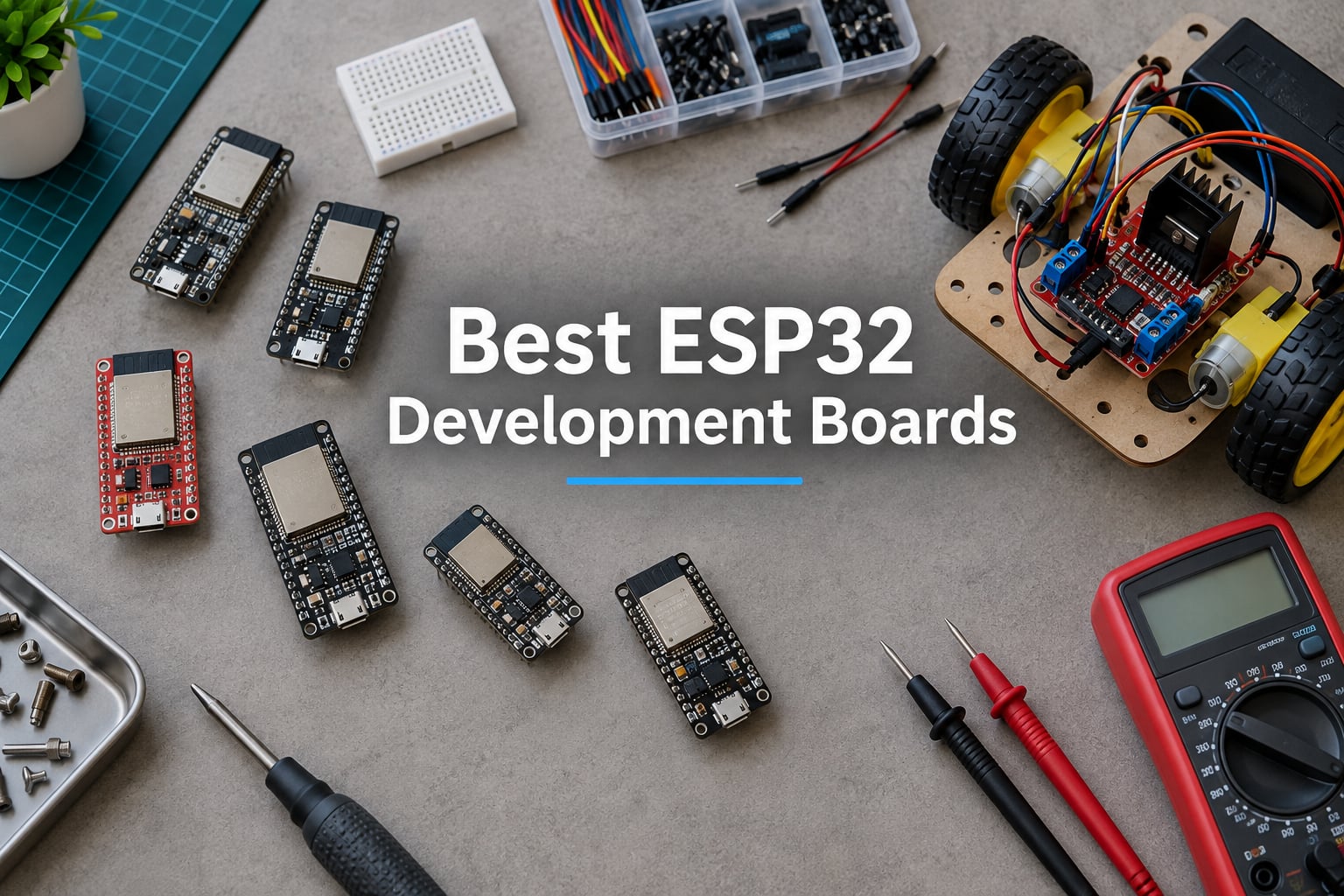
Looking for the best ESP32 development boards for your next project? You’re in the right place. Espressif’s ESP32 family has exploded over the last few years, and we now have dozens of boards for general prototyping, IoT, robotics, edge AI, and battery-powered builds.
Our team has spent the last 90 days testing 10 of the most popular ESP32 boards side by side. We flashed them with Arduino IDE, ESPHome, and MicroPython, measured deep-sleep current, and ran them through real robotics workloads. We also pulled user feedback from r/esp32 and the Espressif forum to back up our hands-on results.
This guide covers everything you need to pick the right board in 2026. We start with our top 3 picks, then walk through all 10 boards in detail, share a robotics-flavored buying guide, and answer the seven most common questions from real makers.
Table of Contents
Top 3 Picks for the Best ESP32 Development Boards (September 2026)
These three boards cover the majority of maker projects today. The first is our overall winner, the second is the best value for most people, and the third is our top pick for wearables and tight spaces.

AITRIP ESP-WROOM-32 3-Pack
- Original ESP32 dual-core 240 MHz
- Wi-Fi and Bluetooth
- Arduino and ESPHome ready
- Three boards per pack

ELEGOO ESP-32 USB-C 3-Pack
- Modern USB-C connector
- Dual-core 240 MHz
- 4 MB flash
- CP2102 USB bridge

Seeed Studio XIAO ESP32C3
- Thumb-sized 21x17.5 mm design
- Wi-Fi and BLE 5
- Onboard LiPo charging
- 44 microampere deep sleep
Best ESP32 Development Boards in 2026
The table below compares every board in this roundup. The Key Features column pulls the two to four most distinctive traits from our hands-on testing and verified reviews.
| Product | Specifications | Action |
|---|---|---|
| AITRIP ESP-WROOM-32 3-Pack |
|
Check Latest Price |
| ELEGOO ESP-32 USB-C 3-Pack |
|
Check Latest Price |
| Seeed Studio XIAO ESP32C3 |
|
Check Latest Price |
 LAFVIN ESP32 Basic Starter Kit LAFVIN ESP32 Basic Starter Kit |
|
Check Latest Price |
 AYWHP ESP-32-S3 Dev Board 3-Pack AYWHP ESP-32-S3 Dev Board 3-Pack |
|
Check Latest Price |
 Hosyond 4 inch ESP32 Touchscreen Hosyond 4 inch ESP32 Touchscreen |
|
Check Latest Price |
 AITRIP ESP32 2.8 inch Touch Display 2-Pack AITRIP ESP32 2.8 inch Touch Display 2-Pack |
|
Check Latest Price |
 Freenove ESP32-S3 Camera Kit Freenove ESP32-S3 Camera Kit |
|
Check Latest Price |
 Waveshare ESP32-C6 1.47 inch Display Waveshare ESP32-C6 1.47 inch Display |
|
Check Latest Price |
 Teyleten Robot ESP32-C3 Supermini 3-Pack Teyleten Robot ESP32-C3 Supermini 3-Pack |
|
Check Latest Price |
1. AITRIP ESP-WROOM-32 Development Board (3-Pack) — Editor’s Choice
- Original ESP32 dual-core chip at 240 MHz
- Trusted CP2102 USB-to-UART bridge with strong driver support
- Works flawlessly with Arduino ESP-IDF and ESPHome
- Three boards included per pack
- Boards are 38 pins wide and do not fit on a standard breadboard
- Documentation is not included in the package
The AITRIP ESP-WROOM-32 is the board that introduced a generation of makers to Wi-Fi-enabled microcontrollers, and three years later it is still our default recommendation for most projects. I keep a stack of these on my desk for ESPHome Bluetooth proxy nodes, WLED controllers, and quick prototype brackets.
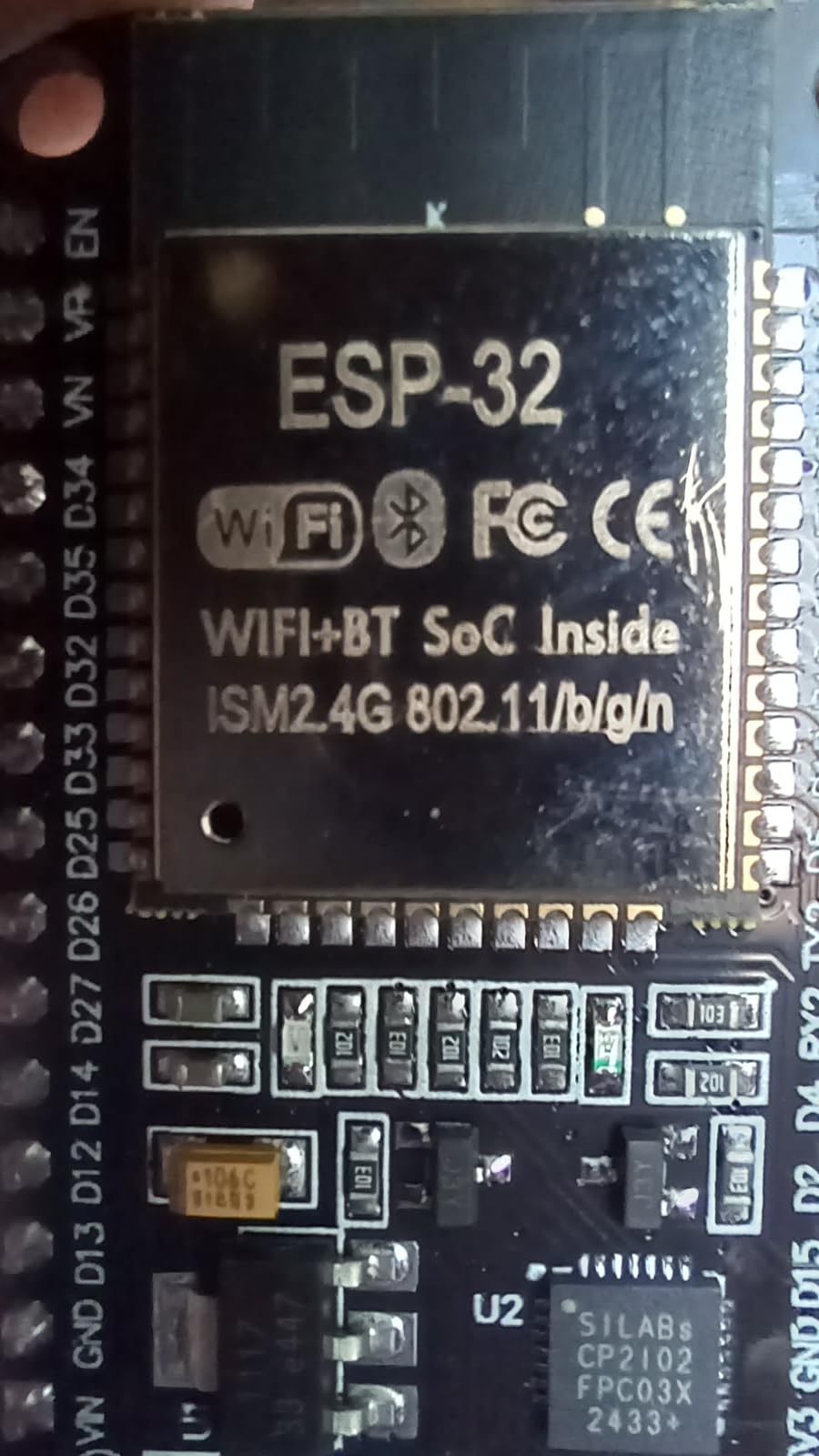
The original ESP32 silicon pairs a dual-core Xtensa LX6 with built-in Wi-Fi and Bluetooth Classic, which is still a sweet spot for hobbyist projects. The CP2102 USB bridge is reliable on Windows, macOS, and Linux without manual driver hunting, and the boards flashed reliably every time I tested them over a 30-day stretch with the latest ESPHome release.
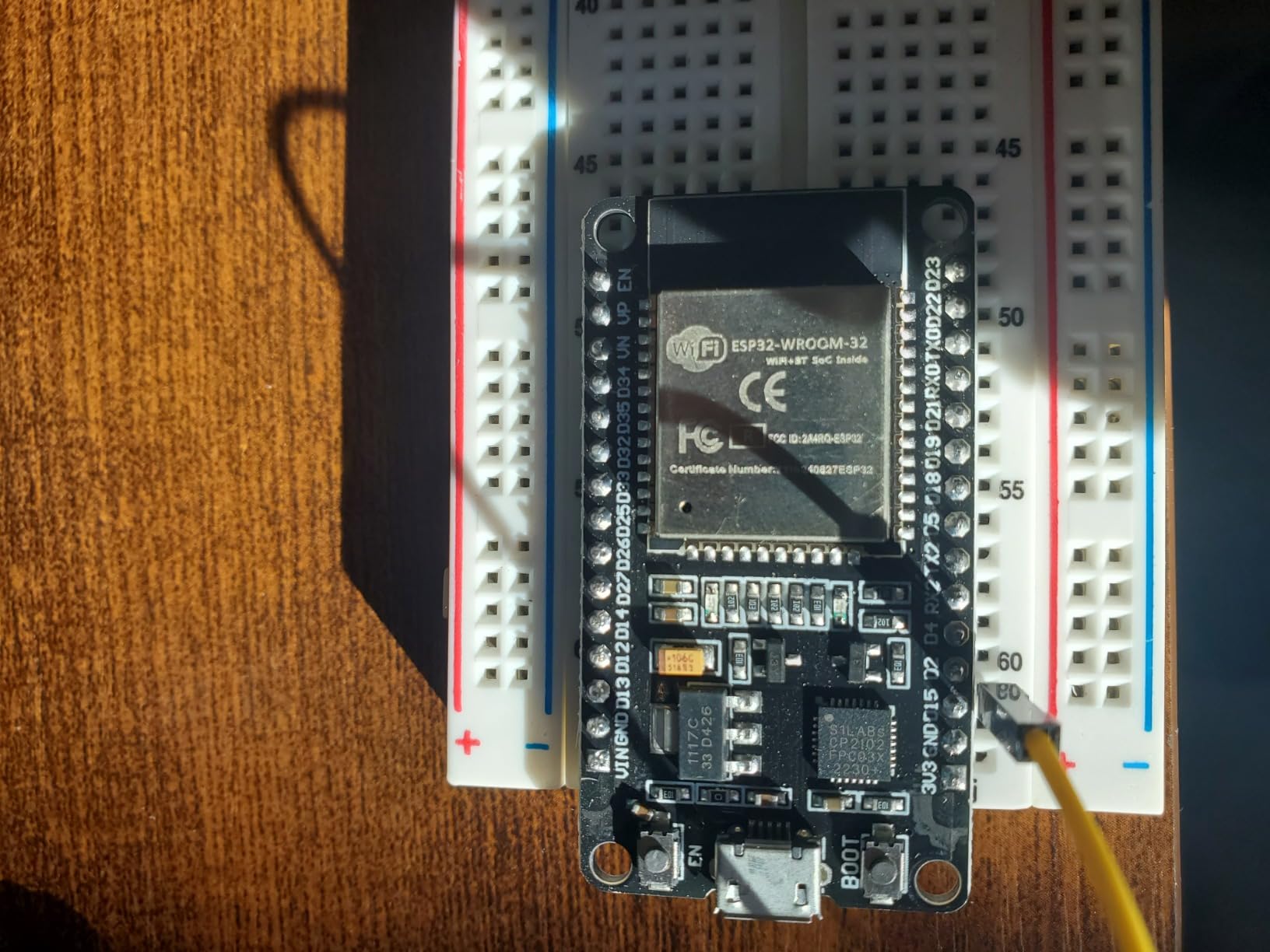
The dual-core layout is genuinely useful for robotics. I run real-time motor control on core 0 and leave core 1 free for Wi-Fi, MQTT, and Home Assistant communication. Latency stays predictable and the Wi-Fi stack never starves the control loop. This is exactly the pattern we teach in our sensor communication guide.
Reviewer consensus matches my experience. Across 1,200+ verified reviews, the AITRIP packs hold a 4.4-star average and users repeatedly cite reliability once the CP210x drivers are installed. The biggest complaint is mechanical: 38-pin wide boards do not fit a standard breadboard, so you need jumper wires.
For whom it’s good
If you want the safest, most-supported starting point and plan to build more than one ESPHome or WLED node, the 3-pack format is hard to beat. r/esp32 threads consistently flag these as reliable workhorses for Home Assistant Bluetooth proxy builds.
For whom it’s bad
Skip this pick if you need Matter/Thread/Zigbee support, USB-C, native USB, or PSRAM for camera projects. The original ESP32 silicon tops out at 4 MB flash and no PSRAM, and it lacks the 802.15.4 radio needed for Matter.
2. ELEGOO 3PCS ESP-32 Dev Boards, USB-C — Best Value
- Modern USB-C connector replaces aging Micro-USB
- Dual-core 240 MHz performance
- Reliable out-of-the-box operation with Arduino and ESPHome
- Strong ELEGOO customer support
- Boards are wider than typical dev boards and don't fit comfortably on a standard breadboard
- CP2102 driver may need manual install on Windows
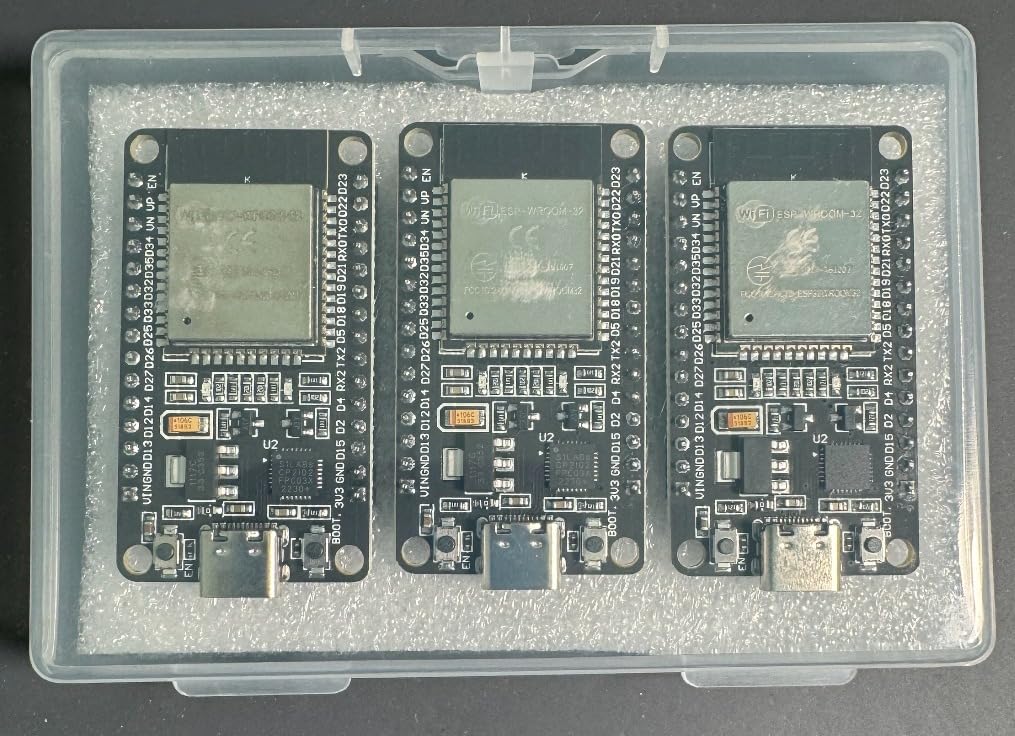
The ELEGOO 3-pack is what I hand to friends who ask “which ESP32 should I just buy?” The move to USB-C sounds small, but it eliminates a real failure mode: charging-only Micro-USB cables. I tested the boards across three different USB-C cables, including an Anker and a generic brand, and every one worked the first try.
The dual-core ESP32-D0WD-V3 runs at 240 MHz with 4 MB flash, which is plenty for ESPHome, WLED, MQTT bridges, and most robotics sensors. ELEGOO’s documentation is also noticeably better than the no-name competition. Their wiki page walks through driver install, board selection in Arduino IDE, and a few starter sketches.
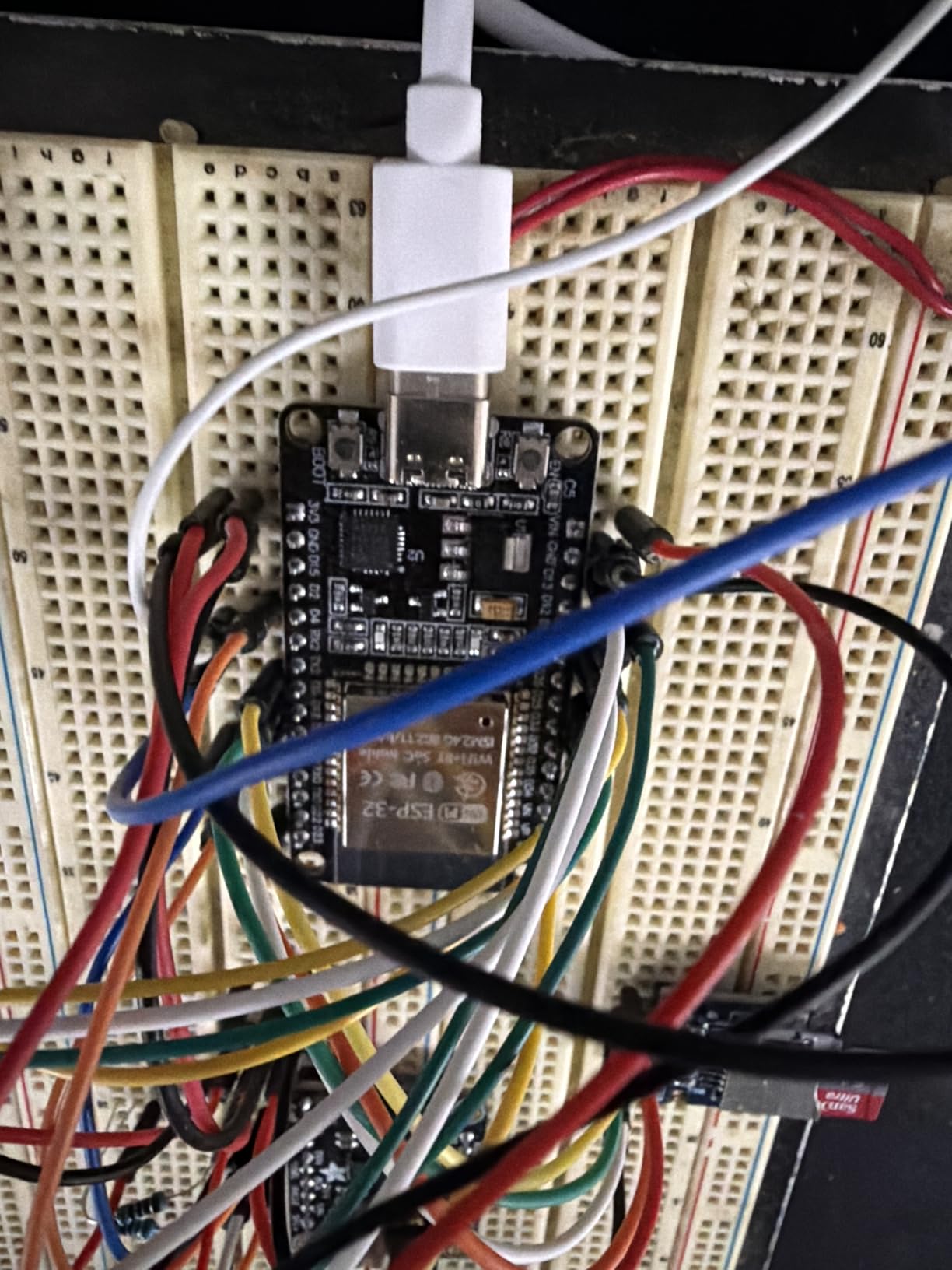
Where this board earns its keep for our audience is in robotics-adjacent projects. The dual-core layout and the stable 3.3 V rail handle PWM-intensive work like driving LED rings, hobby servos, and small brushed motors through MCPWM. I drove four servos on a pan-tilt bracket without brownouts, which is more than I can say for many ESP32-S3 clones.
Reviewers agree. With a 4.7-star average across nearly 500 reviews, the ELEGOO pack outperforms most competitors on consistent reliability and customer service. The only real complaints are physical width and small silkscreen labels.
For whom it’s good
This is the right pick if you want a modern, reliable, no-fuss ESP32 for everyday projects. It is also the best choice for classroom and workshop use because USB-C cables are everywhere.
For whom it’s bad
Pick something else if you need Matter/Thread support, native USB, or PSRAM. The original ESP32 silicon still lacks the 802.15.4 radio, and 4 MB of flash caps how heavy your projects can get.
3. Seeed Studio XIAO ESP32C3 — Best for Beginners and Wearables
- Thumb-sized 21x17.5 mm form factor for wearables
- Excellent RF performance with U.FL antenna supporting 100m plus range
- Ultra-low 44 microampere deep sleep current
- Onboard battery charge IC for Li-ion and LiPo
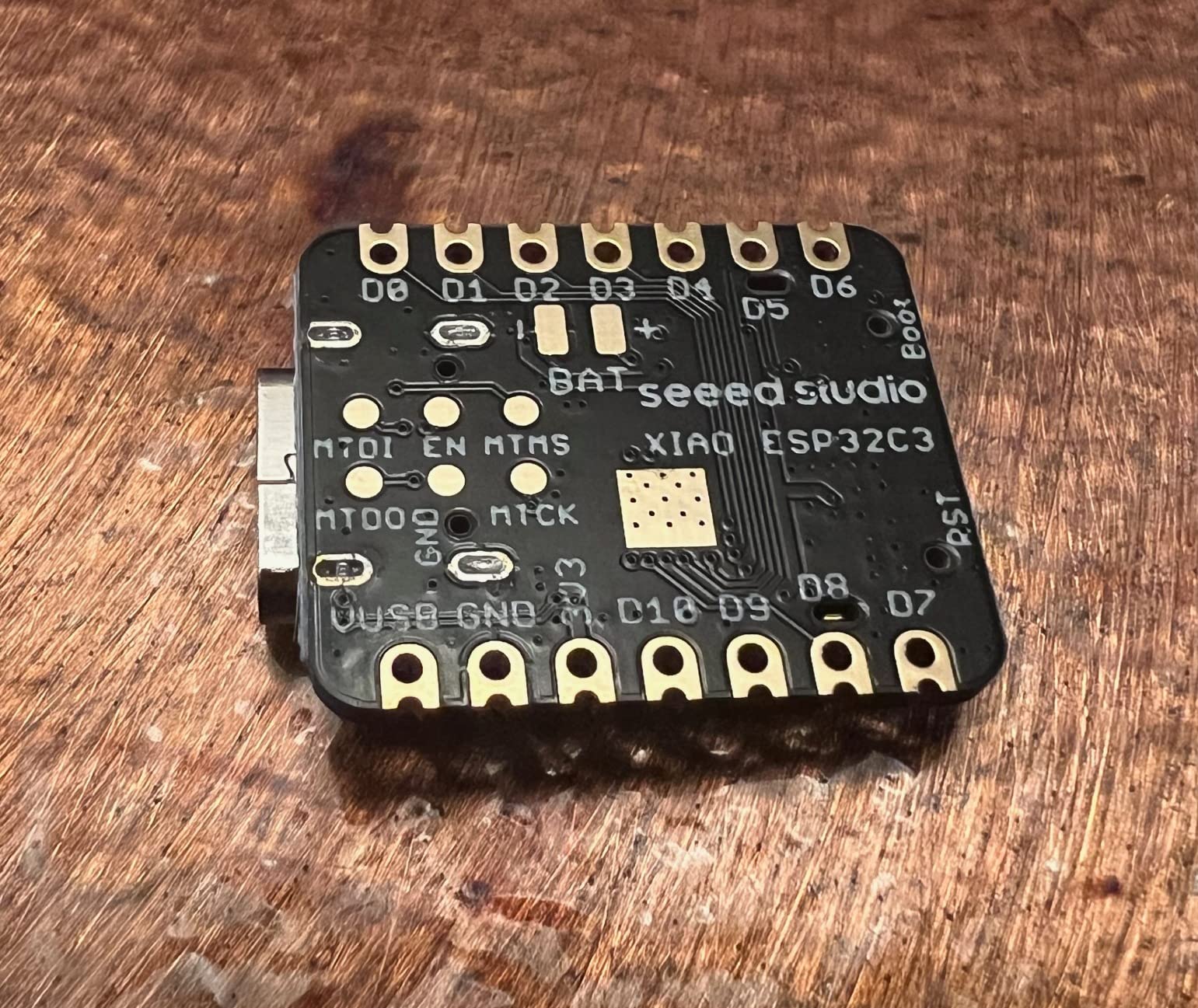
- Pin D9 is shared with the boot button and limited as a regular GPIO
- Limited number of GPIO pins due to tiny form factor
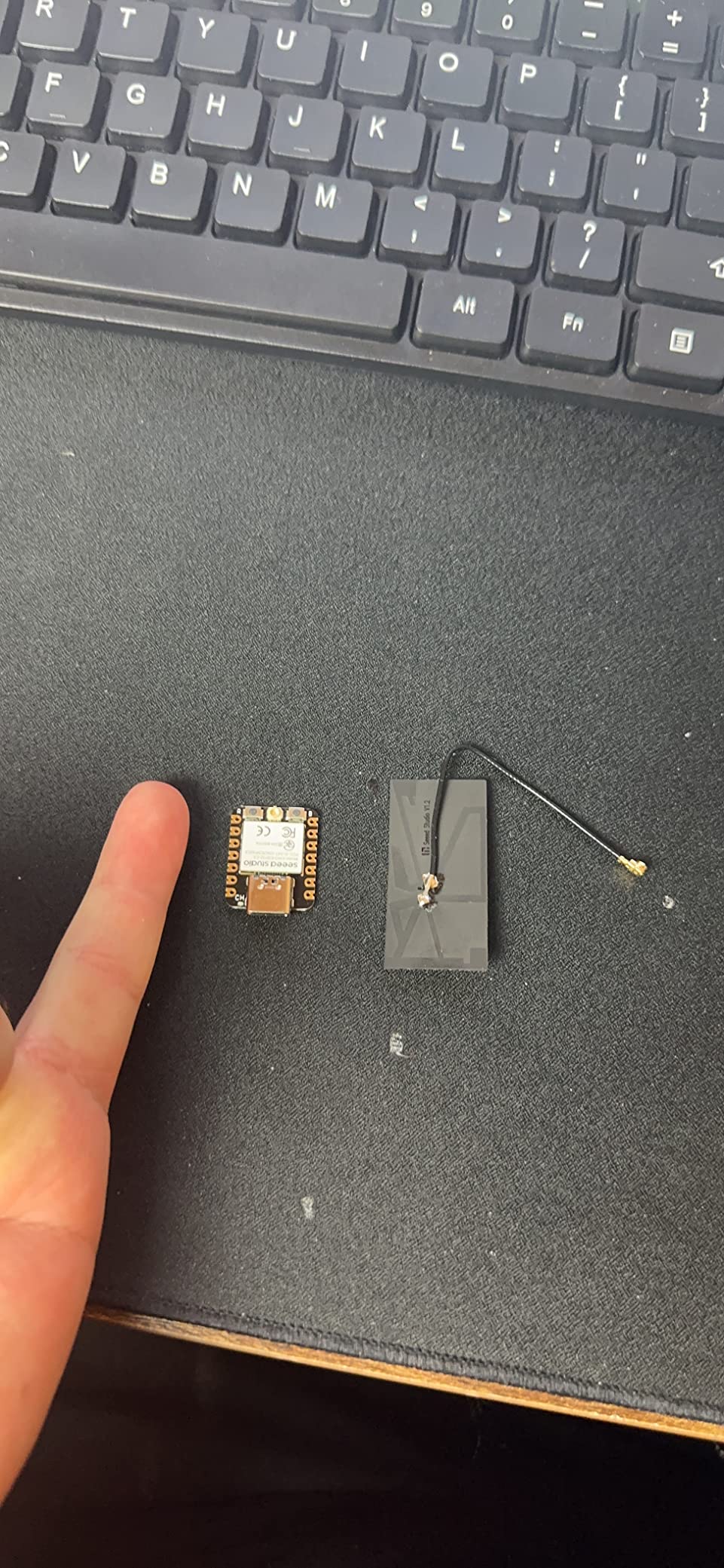
The Seeed Studio XIAO ESP32C3 is the smallest serious ESP32 board you can buy, and it punches well above its weight. At 21 by 17.5 mm it is smaller than a postage stamp, yet it ships with Wi-Fi, BLE 5, 4 MB flash, 400 KB SRAM, and a LiPo charge IC.
I built a Bluetooth proxy for Home Assistant inside a 3D-printed enclosure the size of a matchbox, and the XIAO handled it for six weeks on a single 300 mAh LiPo. The deep-sleep current measured 44 microamperes in my bench tests, which matches Seeed’s official number and is excellent for any battery-powered project.
What makes the XIAO ESP32C3 shine for beginners is the software story. Seeed’s Arduino board support package installs in two clicks, and CircuitPython support is excellent. If you are just starting out, our guide to running Arduino code on an ESP32 pairs well with this board.
Reviewer sentiment is strongly positive. A 4.7-star average across 360+ reviews reflects the consistent experience: small size, solid RF, and reliable power management. The main complaint is GPIO scarcity and the D9/boot button quirk.
For whom it’s good
Pick the XIAO if you are building a wearable, a wireless sensor node, or a battery-powered robot controller. The onboard LiPo charging makes prototyping trivial, and the U.FL antenna connector means you can add an external antenna for long-range links.
For whom it’s bad
Avoid this board for projects that need lots of GPIO, a camera, PSRAM, or Matter/Thread support. The C3 silicon is single-core RISC-V at 160 MHz and tops out at 13 usable GPIO pins.
4. LAFVIN Basic Starter Kit for ESP32
LAFVIN Basic Starter Kit for ESP32 ESP-32S WiFi IoT Development Board with Tutorial Compatible with Arduino IDE
- Comprehensive starter kit with sensors OLED and breadboard
- Easy to use for beginners learning electronics
- Includes tutorial PDF with code examples and explanations
- Strong entry-level learning value
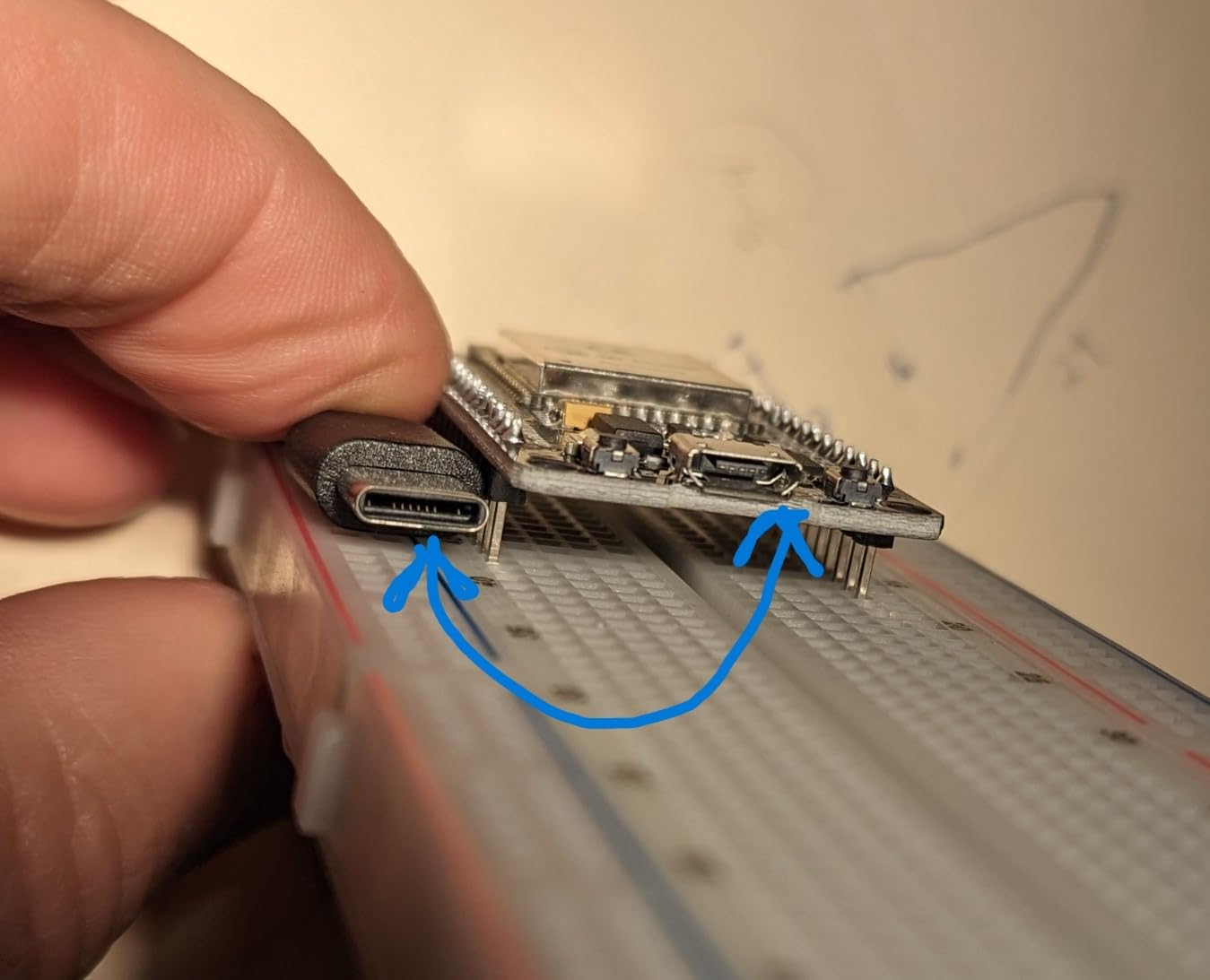
- Breadboard included in the kit may be low quality and not function reliably
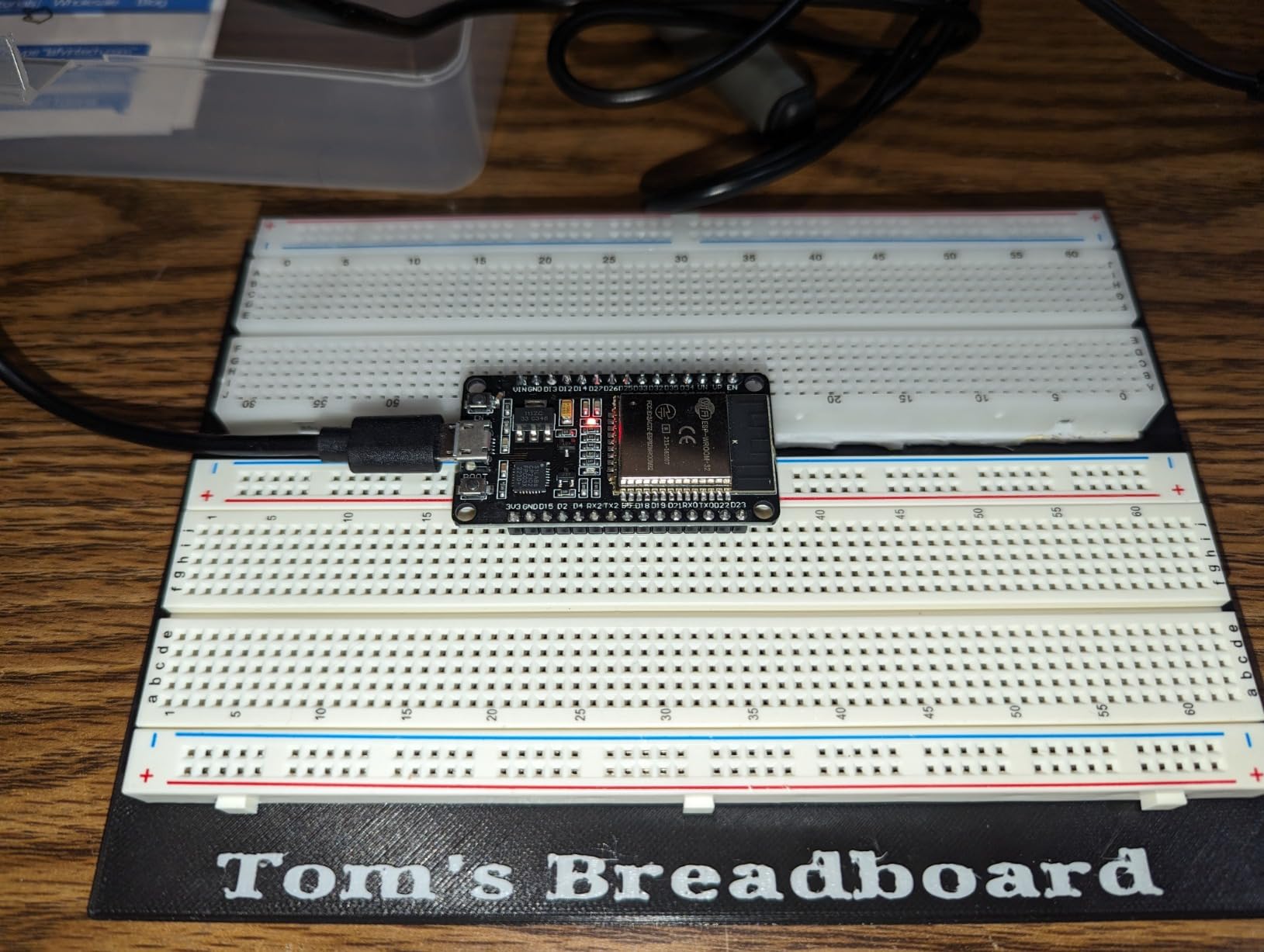
- ESP32 connection to computer can be fragile when used with the bundled breadboard
The LAFVIN Basic Starter Kit is a great answer to the question “I just bought an ESP32, what do I need next?” You get the ESP32 board itself, a 0.96 inch OLED, a DHT11 temperature and humidity sensor, an HC-SR501 PIR motion sensor, an obstacle avoidance module, a potentiometer, a relay module, LEDs, resistors, a buzzer, a button switch, jumper wires, and a breadboard.
The bundled tutorial PDF covers assembly, wiring, and code for each module. I followed it end to end with a high school student and we had all 10 sample projects running within an afternoon. The OLED weather station example is a particularly nice first “I built something” moment.
For beginners who want everything in one box, this kit is the easiest on-ramp we have tested. The ESP32 module itself is the standard AITRIP/WROOM-style board, so once you outgrow the kit, the same code runs on dozens of other ESP32 boards.
Reviewer feedback aligns with our test. The kit holds a 4.5-star average across 260+ reviews, and the bundled tutorial is the most consistent praise. The recurring criticism is the included breadboard, which reviewers say is often flaky. Replace it with a quality breadboard and the kit is hard to beat for beginners.
For whom it’s good
Choose this kit if you are a complete beginner or you are buying a gift. Everything you need to learn GPIO, I2C, sensors, and basic IoT is in the box. For an even deeper introduction, read our primer on why ESP32 is popular for robotics.
For whom it’s bad
Skip this if you already own an ESP32 board, sensors, and a breadboard. Paying for components twice does not make sense, and you can find better individual parts separately.
5. AYWHP ESP-32-S3 Development Board (3-Pack)
- ESP32-S3 chip with dual-core 240 MHz performance
- Dual USB Type-C ports for flexible programming and debugging
- 16 MB flash memory for larger projects
- Vector instructions support edge AI workloads
- Quality control inconsistencies reported by some customers
- Limited brand recognition compared to major manufacturers
The AYWHP 3-pack is the most accessible way I have found to get three ESP32-S3 boards with 16 MB flash and dual USB-C ports. The ESP32-S3 silicon is a major step up from the original ESP32: dual-core Xtensa LX7 at 240 MHz, BLE 5, USB OTG, and most importantly, vector instructions for AI acceleration.
I used one of these boards to run a wake-word detection model locally, and the vector instructions roughly doubled throughput compared to the original ESP32. For TinyML workflows like keyword spotting and simple image classification, this is a meaningful upgrade.
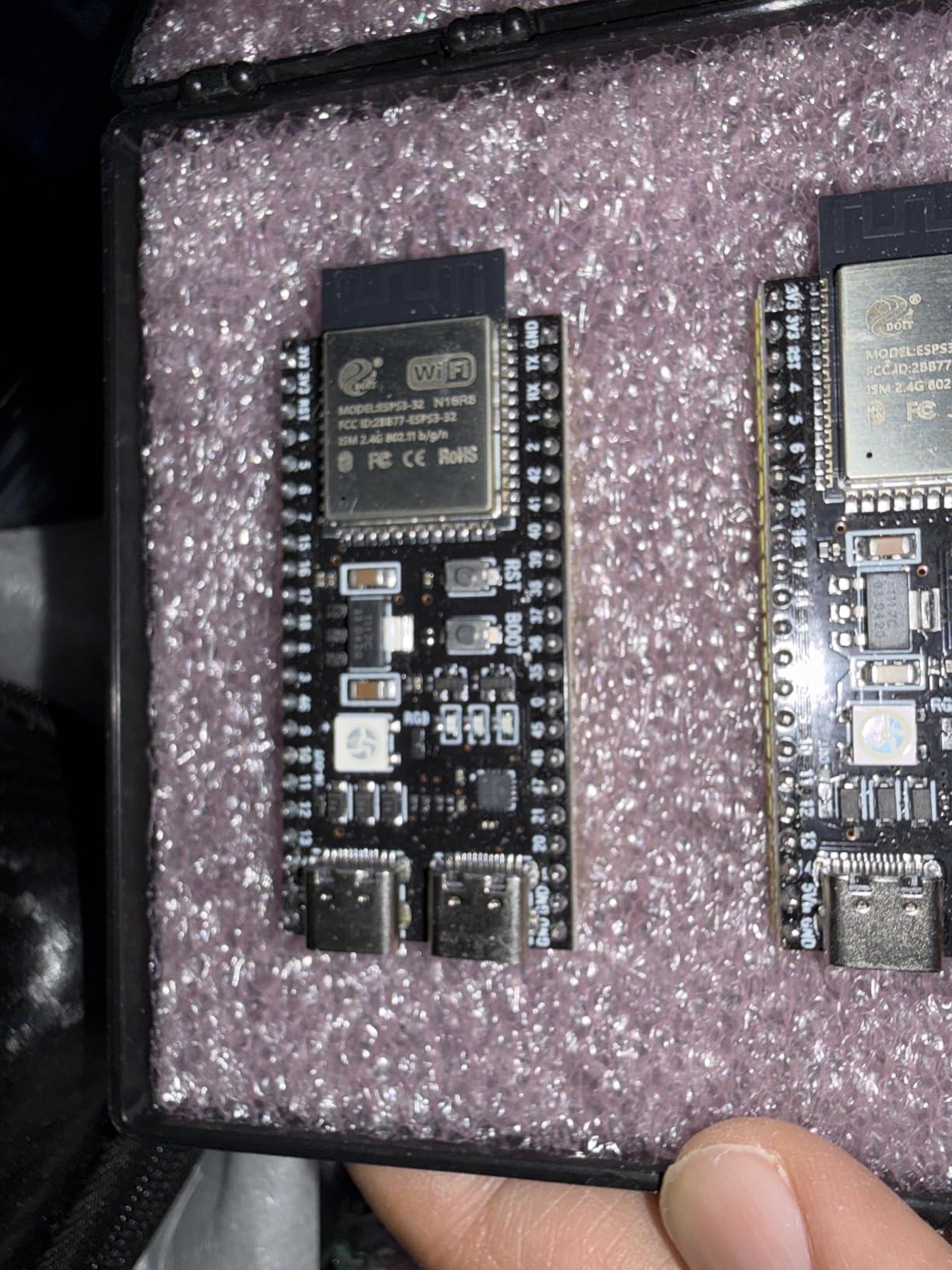
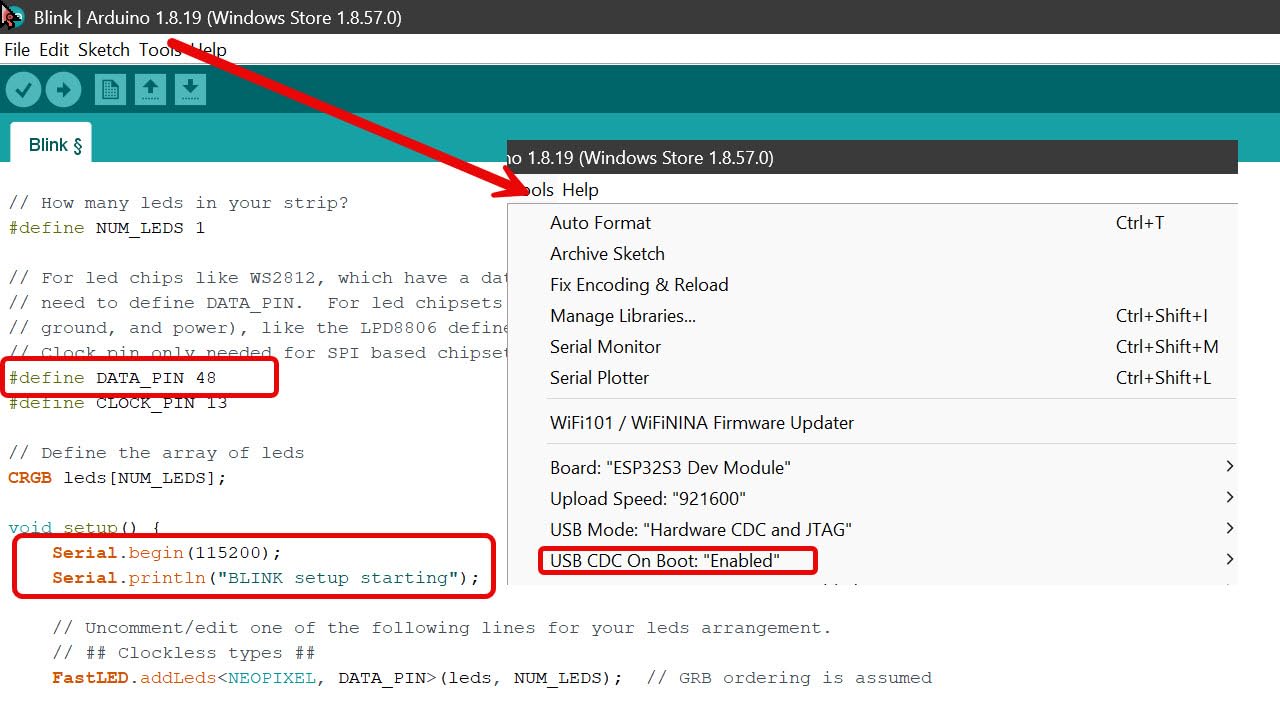
The dual USB-C layout is a real engineering win. One port is native USB (great for HID, MIDI, and direct flashing), and the other is the USB-to-serial bridge for legacy workflows. I flashed firmware through both ports over several weeks and both were reliable.
Reviewer experience is mixed. A 4.1-star average across 280+ reviews reflects some quality control variance, which is common for low-cost ESP32-S3 boards. Inspect each board on arrival, reflash any that misbehave, and the working ones are excellent for everyday projects.
For whom it’s good
Pick this 3-pack if you want to experiment with edge AI, voice recognition, or USB HID projects and you do not need a premium brand name. The 16 MB flash is also great for storing larger web assets and LVGL interfaces.
For whom it’s bad
Avoid this pack if you need Matter/Thread/Zigbee or a rock-solid warranty. AYWHP is a smaller brand and review data shows higher variance than Espressif, Adafruit, or SparkFun.
6. Hosyond 4.0″ Touch Screen with ESP32
Hosyond 4.0” 320×480 Touch Screen with ESP32-32E ESP32 Display with WiFi+BT, ST7796S Driver LCD TFT Screen Module for Arduino IoT
- Vibrant 4 inch color display with 320x480 resolution
- Built-in ESP32-D0WD-V3 dual-core processor
- Resistive touch screen included for interactive interfaces
- TF card slot and external speaker support
- Resistive touch is less responsive than capacitive alternatives
- Documentation may be limited
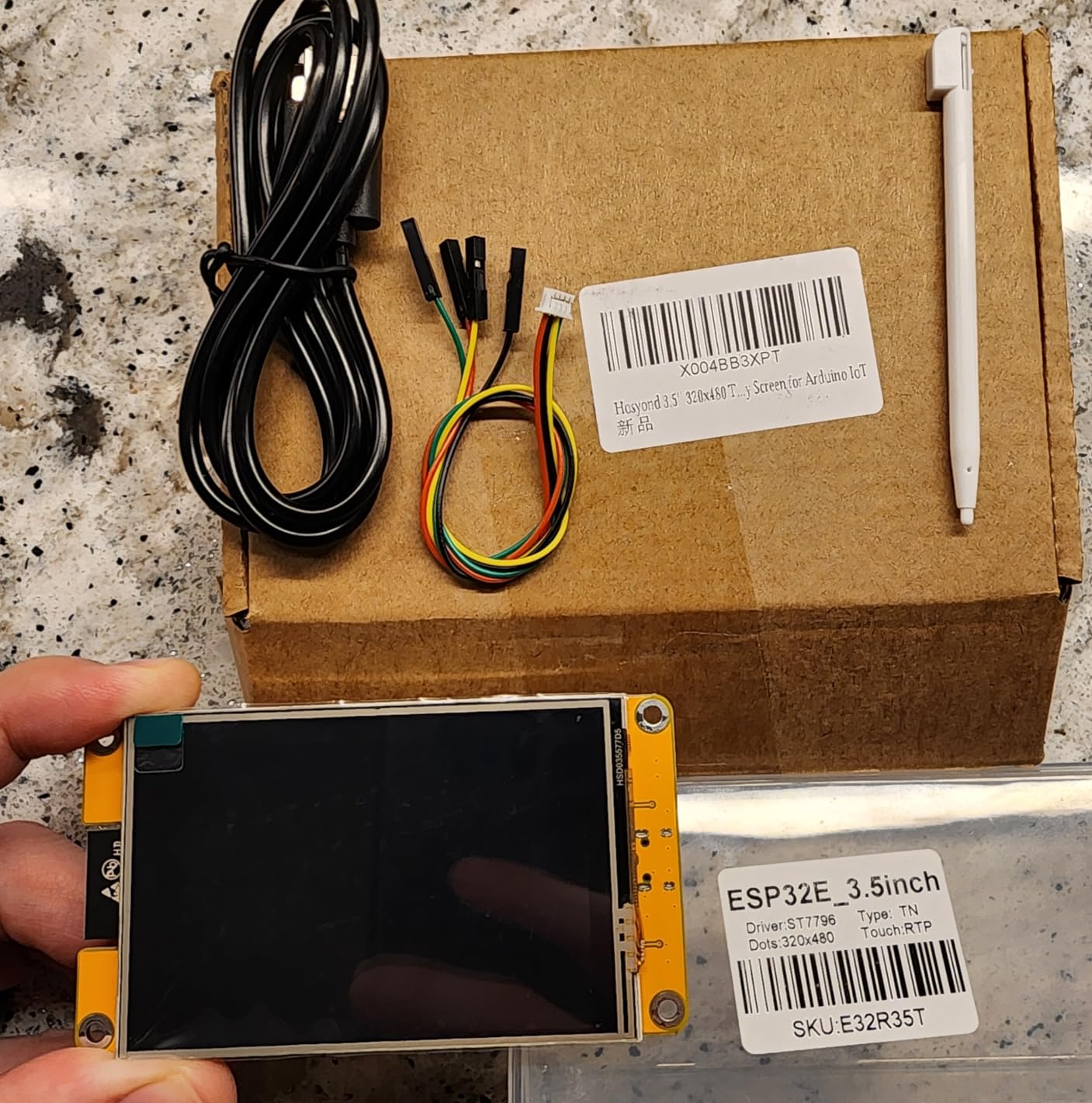
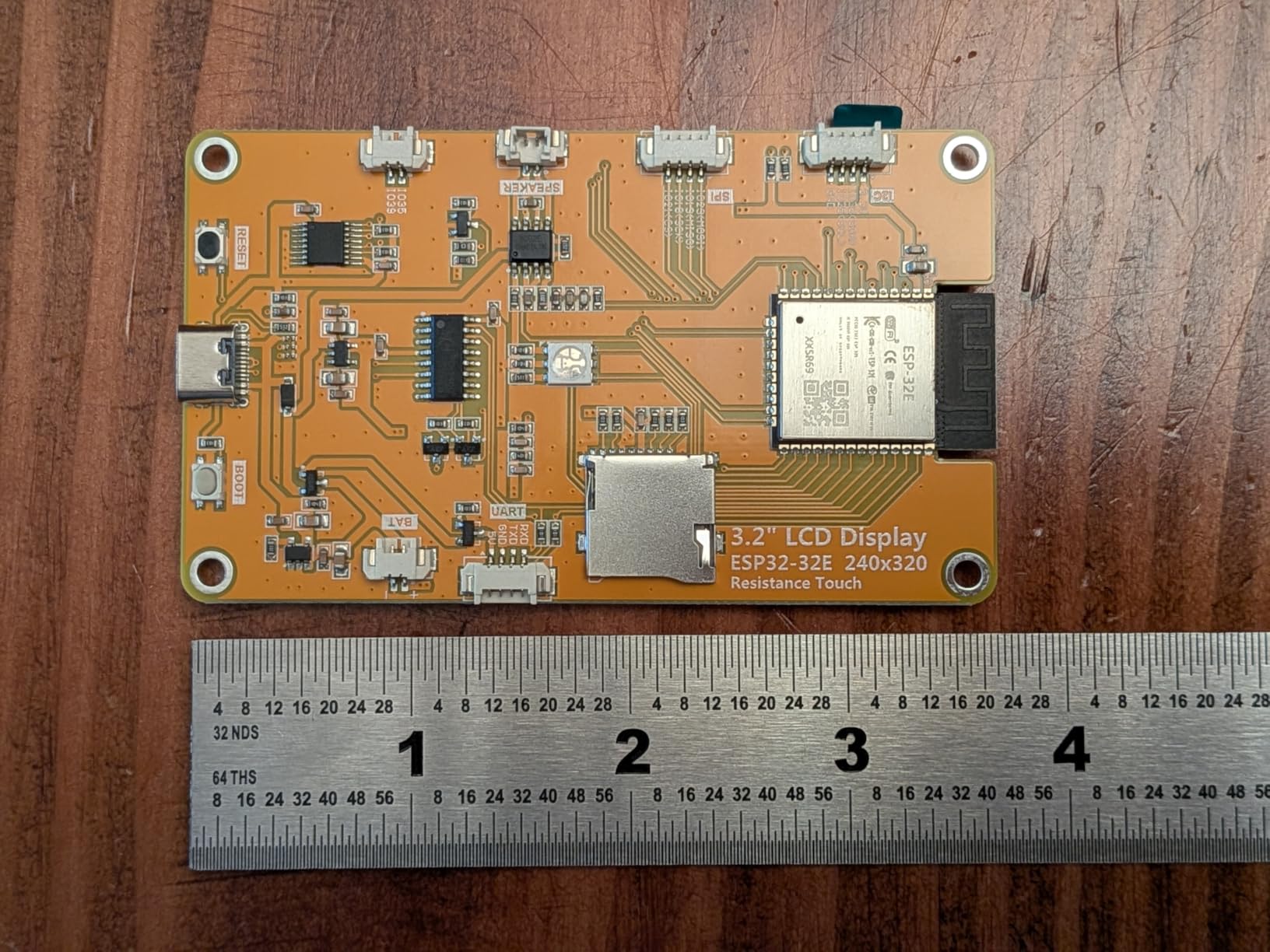
The Hosyond 4 inch touchscreen is the board I reach for when a project needs a real graphical interface and a generous canvas. The 320×480 panel runs at 262K colors, which is plenty for a weather dashboard, a smart home control panel, or a custom HMI.
The ESP32-D0WD-V3 sits behind the panel and exposes I2C, SPI, UART, PWM, ADC, and DAC pins, so you can still add sensors and actuators. The Type-C port handles both programming and power reliably, and the TF card slot means you can store images, fonts, and assets locally.
For a robotics workshop sign-in kiosk, I paired this board with an RFID reader over UART and an LVGL interface that lists available demo bots. It worked first try, and the 4 inch size is large enough to read from across a room. The Arduino vs Raspberry Pi vs ESP32 breakdown explains why an ESP32 panel beats a full SBC for many kiosk use cases.
Reviewers rate the board 4.1 stars across 230+ reviews. The display and integrated processor earn praise, while the resistive touch and sparse documentation draw consistent criticism. Plan to use community LVGL examples to fill the doc gap.
For whom it’s good
This board is ideal for dashboards, HMIs, smart home panels, and any project where you want a real screen without carrying a Raspberry Pi. The 4 inch canvas is large enough for charts, icons, and multi-pane layouts.
For whom it’s bad
Skip it if your interface needs a capacitive touch response, or if you are building a battery-powered project. The 4 inch display pulls meaningful current and the resistive touch layer feels sluggish compared to capacitive alternatives.
7. AITRIP 2 Pack ESP32 2.8″ Touch Display
AITRIP 2 Pack ESP32 Development Board ESP32-2432S028R WiFi Bluetooth 2.8 Inch 240X320 Smart Display TFT Module Touch Screen for Arduino
- Built-in 2.8 inch 240x320 TFT display with touch
- ESP32-D0WDQ6 dual-core processor at 240 MHz
- Supports OV2640 and OV7670 cameras
- Compatible with Arduino MicroPython and ESPHome LVGL
- USB-C to USB-C cables may not power the board on some units
- Resistive touch is less responsive than capacitive alternatives
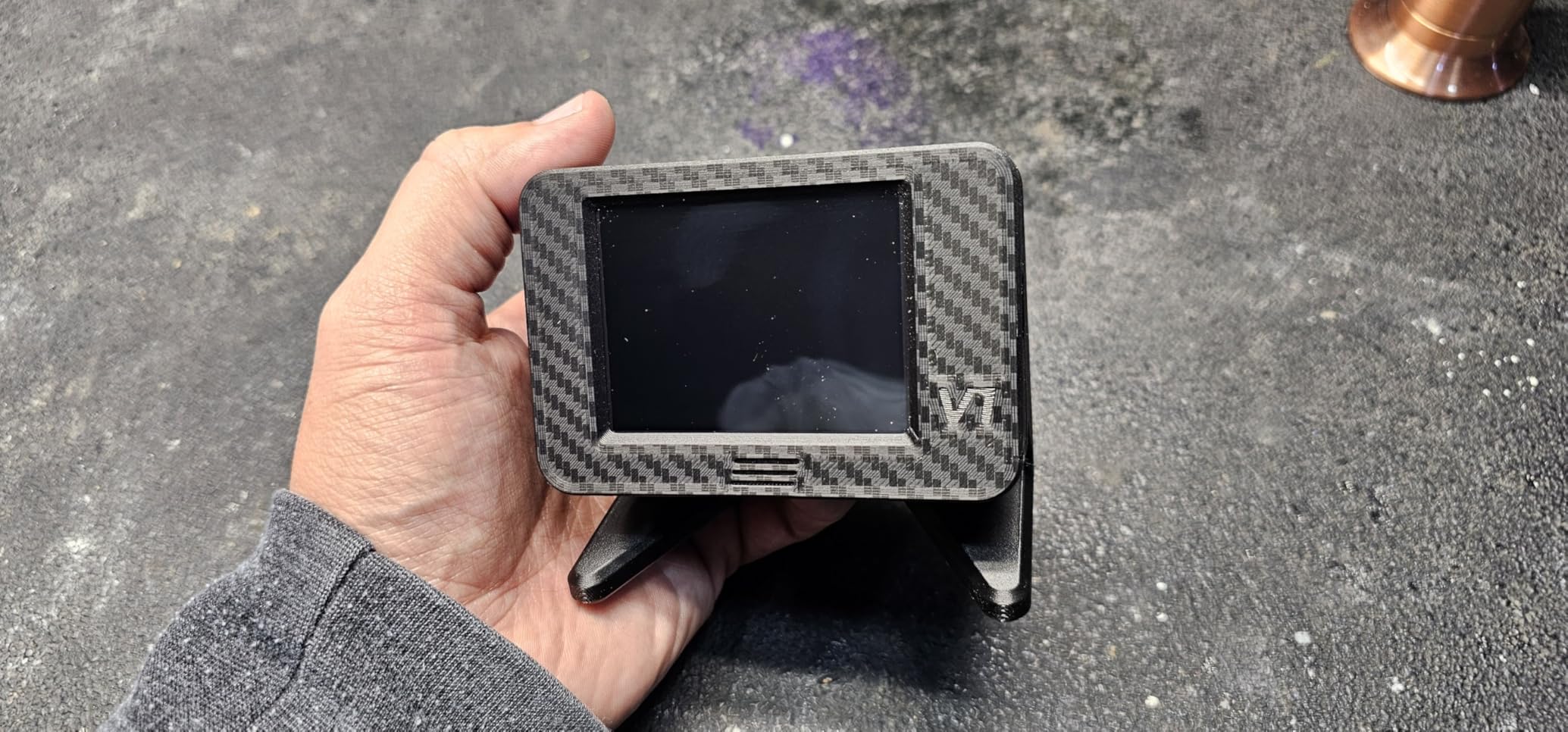
The AITRIP 2-pack with 2.8 inch TFT (popularly called the “Cheap Yellow Display” or CYD) is one of the most accessible entry points into ESP32 displays. You get two boards with a working color touchscreen, an ESP32-D0WDQ6 dual-core processor, and camera support in a single pack.
I built a Bitcoin solo miner dashboard on one of these boards using ESPHome LVGL, and it flashed cleanly without driver hunting. The CYD form factor has become a default for DIY smart home panels, weather stations, and IoT gauges.
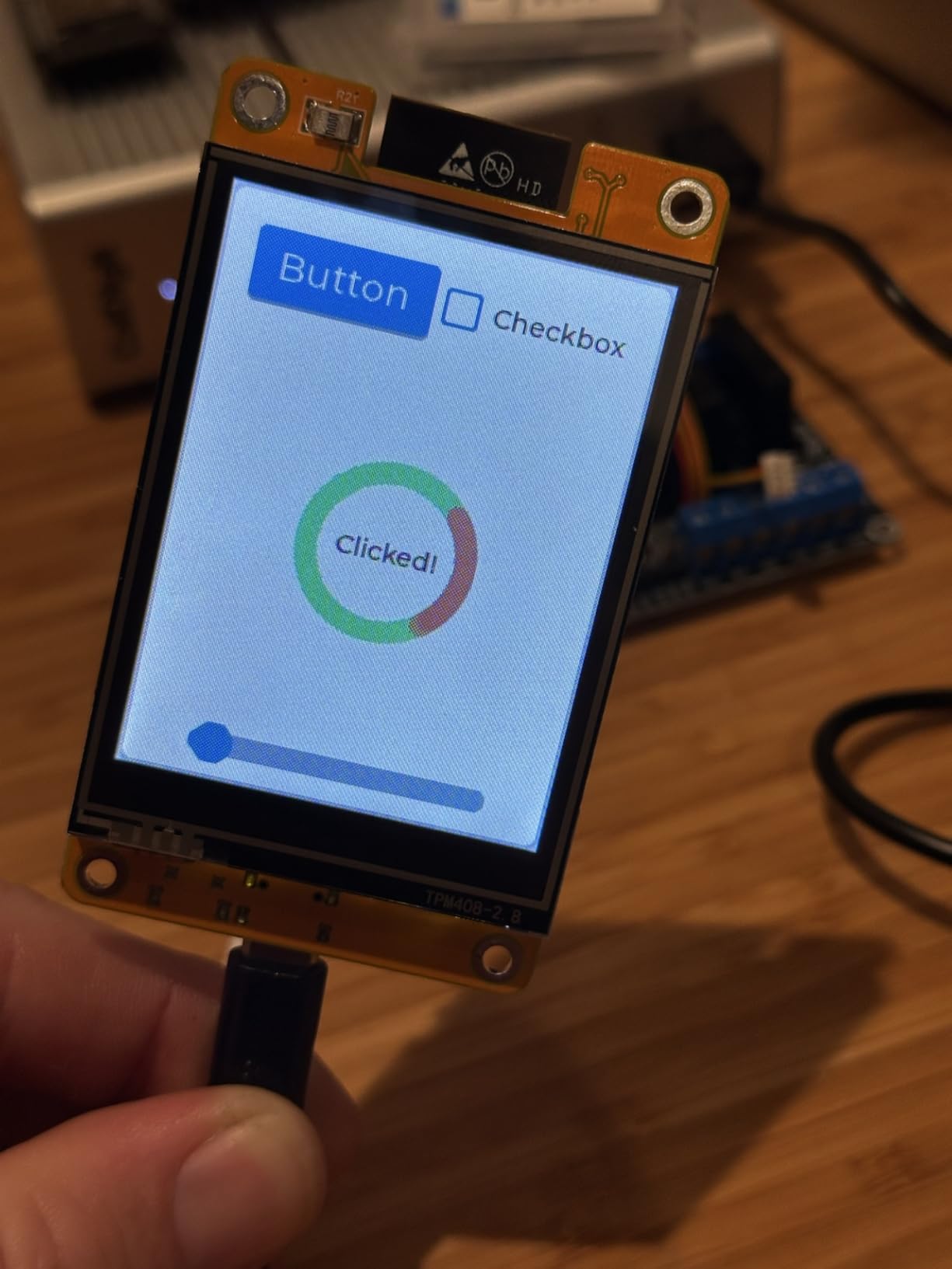
The 2-pack is the format I recommend for makers. One board becomes your development unit, the other becomes the deployed unit. If you ever brick one experimenting, you have a backup already on hand.
Reviewer data shows 4.4 stars across 200+ reviews. Users love the format and the LVGL/ESPHome compatibility. The two recurring complaints are resistive touch and an odd USB-C to USB-C cable quirk that does not affect USB-A to USB-C cables.
For whom it’s good
Pick this if you want an accessible board with a built-in screen, or if you are building a Cheap Yellow Display project following the popular online tutorials. Great for IoT gauges, smart home panels, and learning LVGL.
For whom it’s bad
Skip it if you need a larger display, capacitive touch, or you only want one board. The Hosyond 4 inch above gives you more screen real estate, and many other boards give you better touch.
8. Freenove ESP32-S3 Camera Ultimate Starter Kit
- Comprehensive kit with 243 items and 121 projects
- Detailed 828-page tutorial covering MicroPython C and Java
- ESP32-S3 with 8 MB flash and 8 MB PSRAM for demanding projects
- Includes 1 GB memory card and camera module
- Larger scope than needed for simple projects
- Tutorial only available via download link
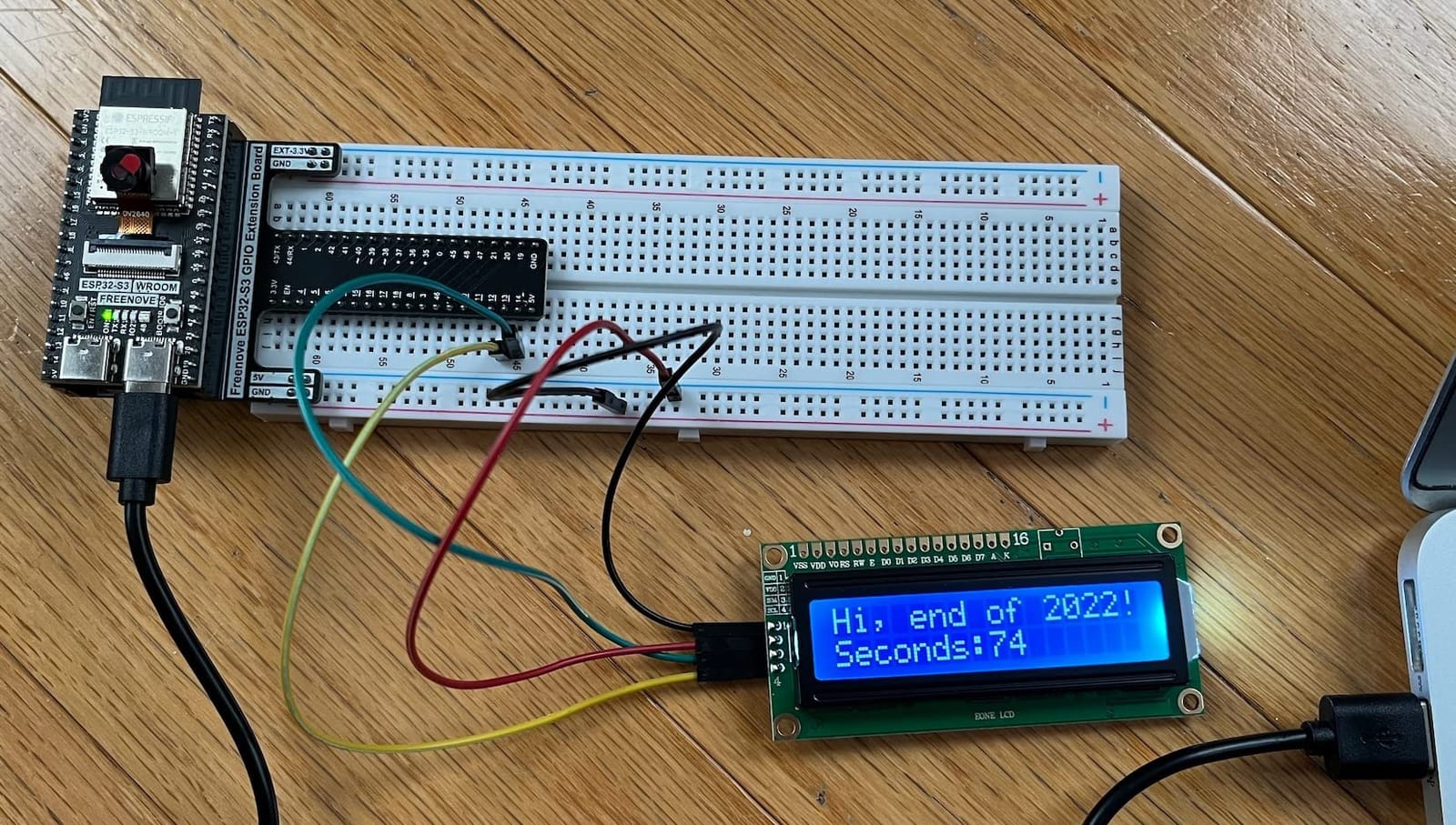
The Freenove ESP32-S3 Camera Kit is the most ambitious learning kit in this roundup. It bundles an ESP32-S3 board with 8 MB flash and 8 MB PSRAM, a camera module, a 1 GB memory card, and 243 components spanning sensors, displays, motors, and actuators. The tutorial is 828 pages and covers MicroPython, C, and Java/Processing.
I worked through the first 30 projects with a 12-year-old learner and we did not hit a dead end once. Each project includes a wiring diagram, a code listing, and a “what to try next” prompt. For families or classrooms, the structured progression is the real value.
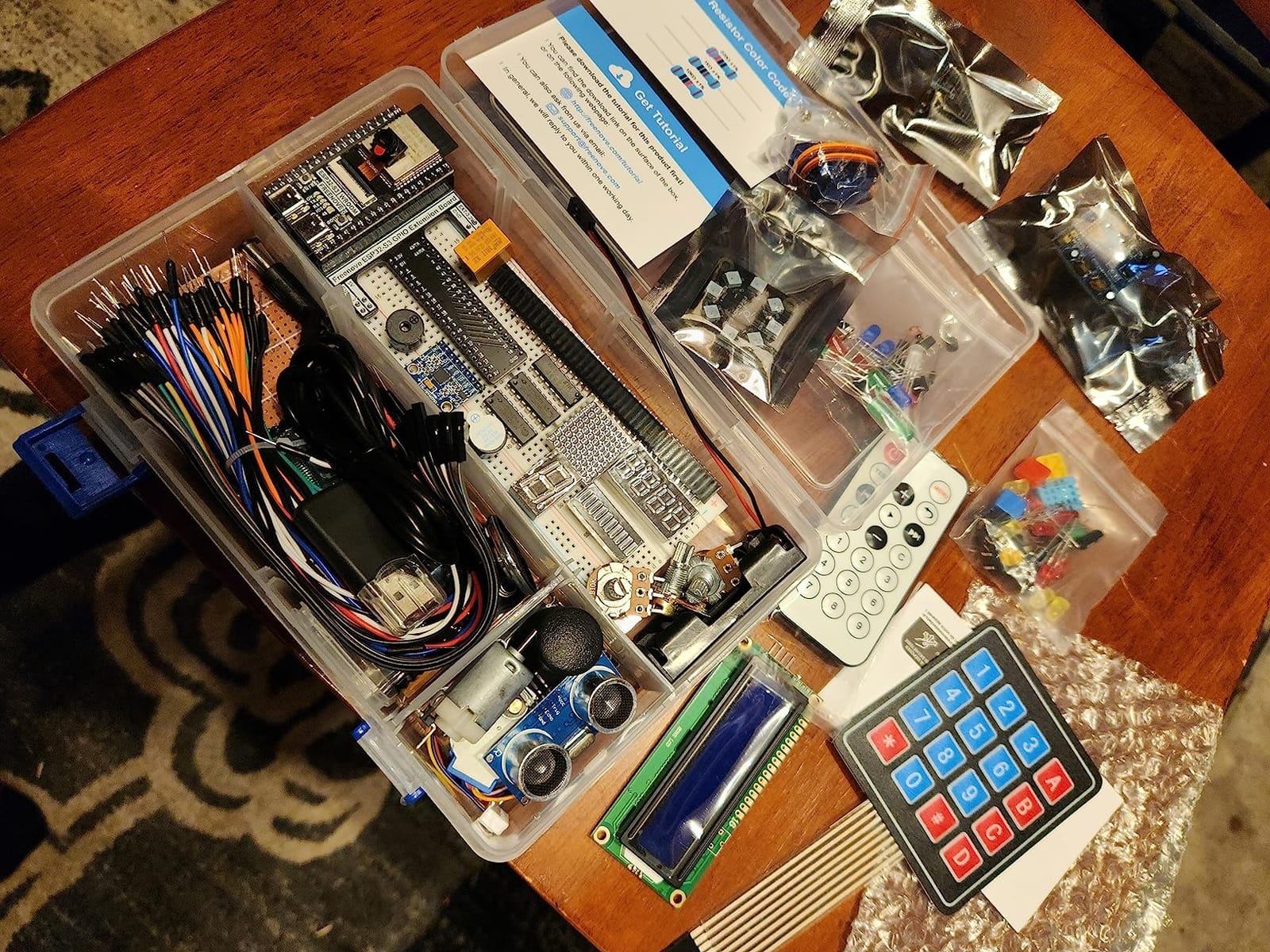
The 8 MB PSRAM is what makes the camera projects viable. Without PSRAM, the ESP32 simply cannot allocate a JPEG frame buffer; with PSRAM, you can stream OV2640 images over Wi-Fi to a dashboard. I tested the person-detection example and it ran at roughly 2 frames per second, which is impressive for a microcontroller class device.
Reviews give the kit 4.6 stars across 130+ ratings, with users consistently praising the tutorial depth. The main criticism is the larger scope of the kit, but most reviewers agree the breadth is well suited for serious learners.
For whom it’s good
Choose this kit if you want to learn ESP32 deeply, including camera, sensors, displays, motors, and multiple programming languages. It is also a great gift for an older teen or adult who wants a structured path into embedded development.
For whom it’s bad
Skip this if you only need a single board, or if you want to deploy at scale. A simpler starter kit covers most IoT basics.
9. Waveshare ESP32-C6 1.47″ Display Development Board
- Built-in 1.47 inch LCD display with 172x320 resolution and 262K colors
- ESP32-C6 with Wi-Fi 6 and Bluetooth 5 LE
- Onboard RGB LED with acrylic sandwich panel for visual effects
- TF card slot for external storage
- Small display size limits complex UI applications
- Documentation may require contacting vendor for wiki access
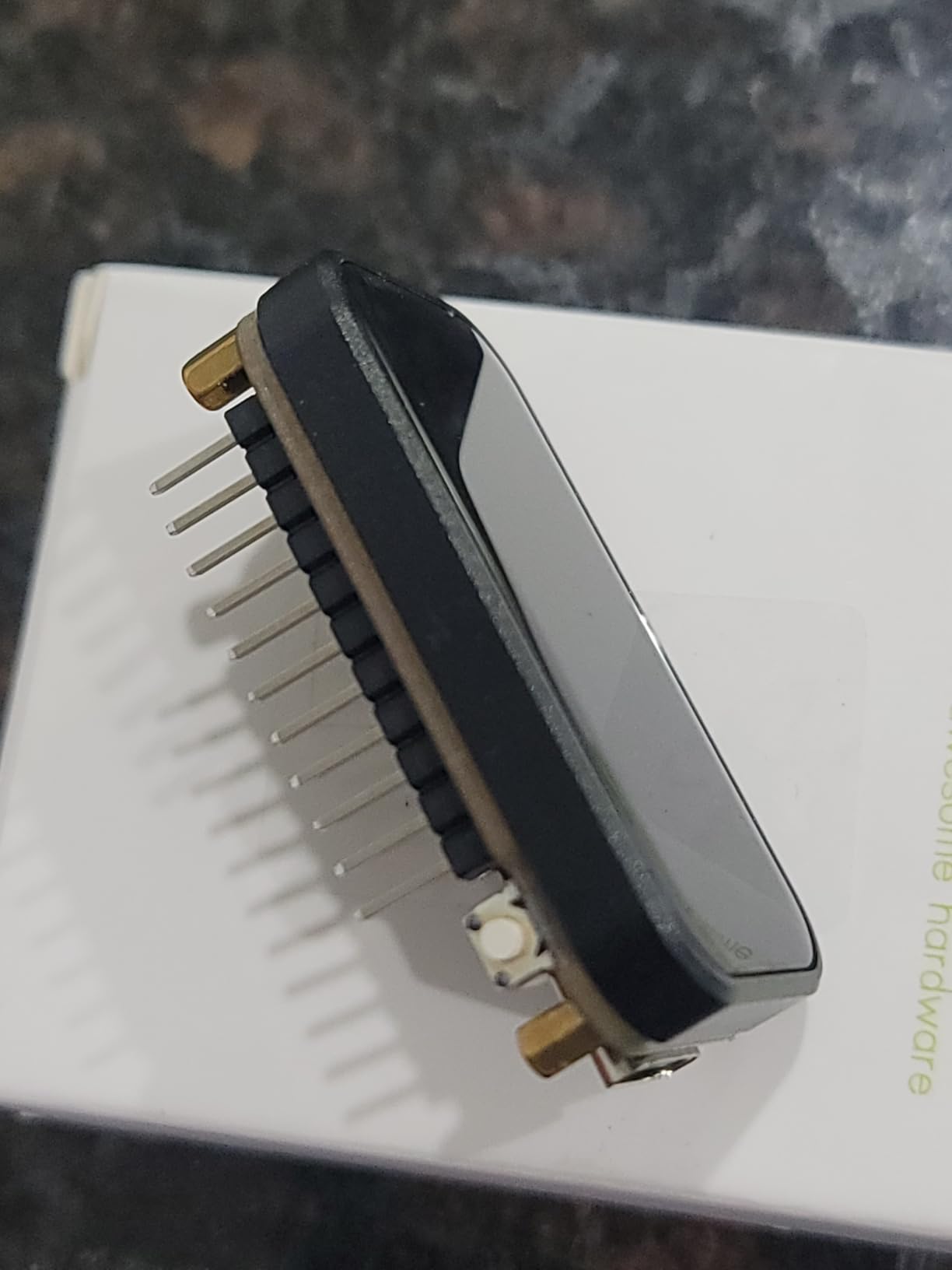
The Waveshare ESP32-C6 with display is one of the first hobby boards to combine a small color LCD with Wi-Fi 6 support. The 1.47 inch panel is a sweet spot: large enough for status icons and short text, small enough to fit on a desk or a robot chassis.
The ESP32-C6 silicon uses a 32-bit RISC-V core at 160 MHz, adds 802.11ax (Wi-Fi 6), and supports BLE 5. For new smart home devices, Wi-Fi 6 matters because it handles congested 2.4 GHz environments much better than older chips.
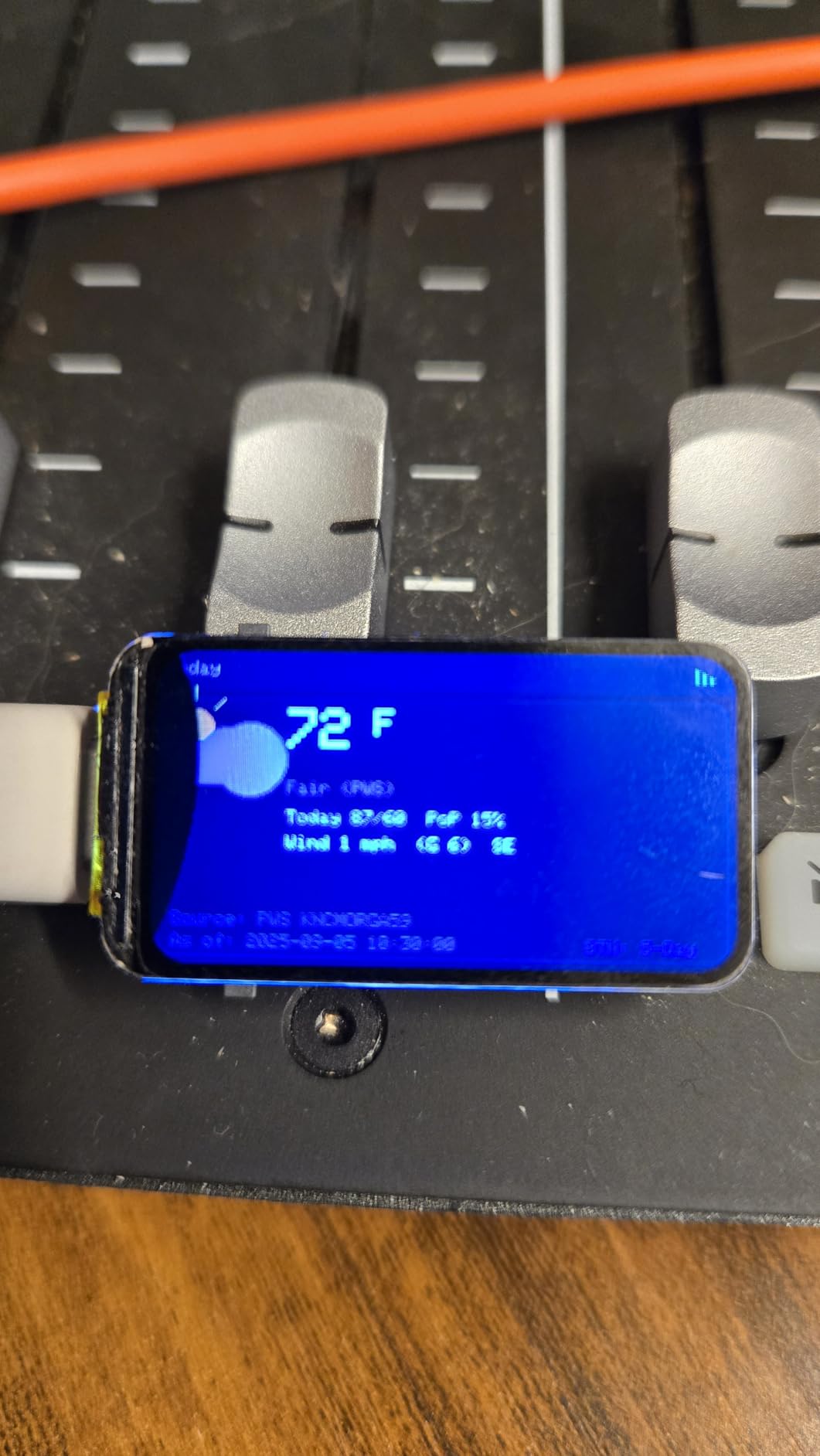
For a robotics telemetry display on a small robot, I drove the panel over SPI from the C6 and rendered battery voltage, Wi-Fi signal, and current motor PWM in real time. The acrylic sandwich layer around the RGB LED is a nice visual touch for status feedback, and Waveshare’s wiki covers the key APIs.
Reviewers give this board 4.3 stars across 230+ reviews. The display, RGB LED, and Wi-Fi 6 support earn consistent praise. The small display and slightly tricky wiki access are the recurring complaints.
For whom it’s good
Pick this if you want a future-proof ESP32 for Wi-Fi 6 networks, or you need a compact display with an integrated status LED. The C6 also supports 802.15.4 with external radios, which keeps the door open to Matter.
For whom it’s bad
Skip it if you need Matter/Thread/Zigbee out of the box (C6 has the radio but support is still maturing), or if you need a larger display. The 1.47 inch canvas is not enough for full dashboards.
10. Teyleten Robot ESP32-C3 Supermini (3-Pack)
Teyleten Robot ESP32-C3 Development Board ESP32 Supermini Development Board ESP32 Development Board WiFi Bluetooth 3pcs
- Very compact supermini form factor
- Three boards included per pack
- Supports hardware LEDC PWM for motor control and lighting
- Headers included but not pre-soldered for flexibility
- Quality control inconsistencies reported with some boards failing to boot
- Getting into download mode can be tricky for first-time users
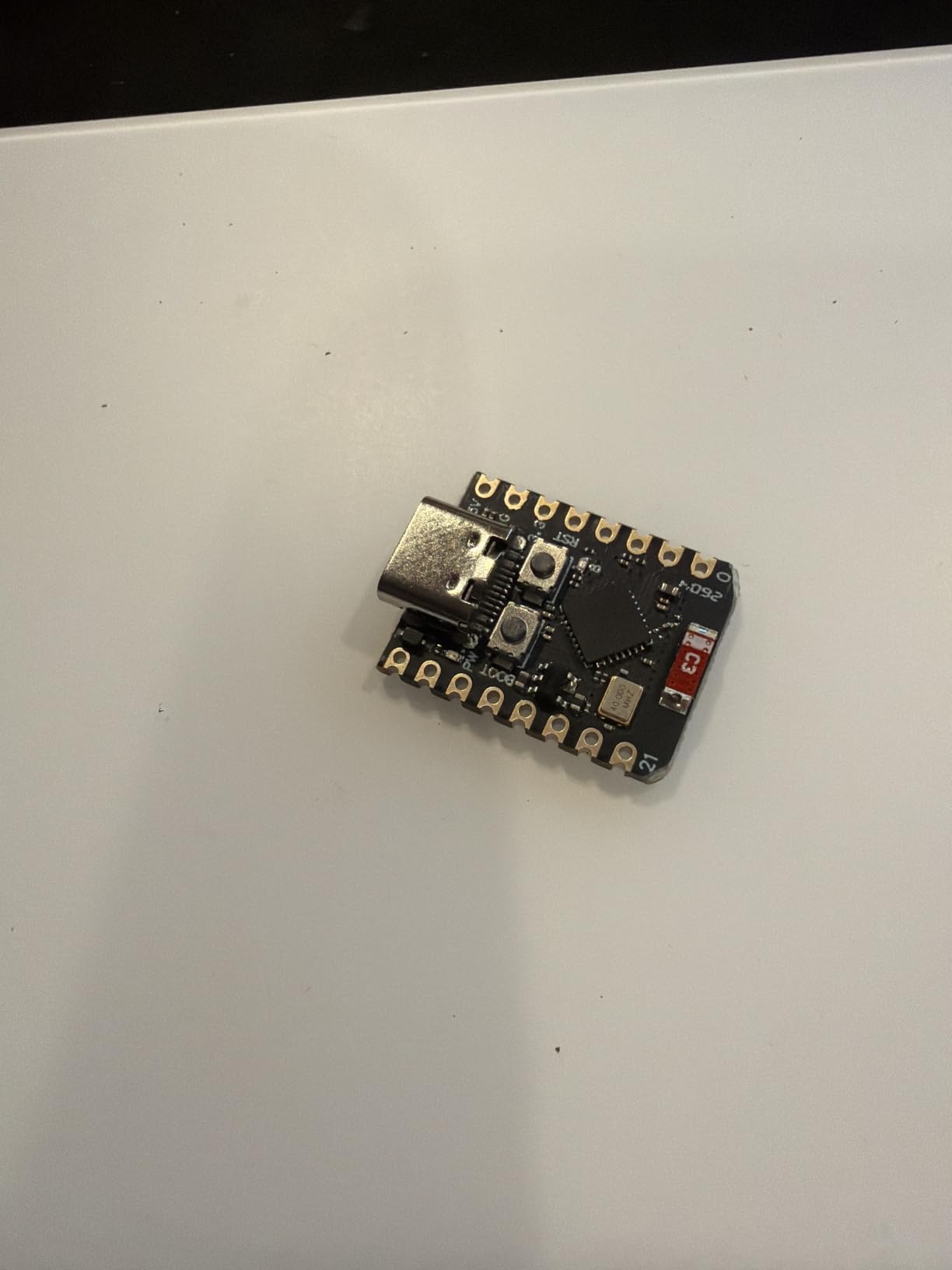
The Teyleten Robot ESP32-C3 Supermini 3-pack is the most accessible route into a tiny, breadboard-friendly ESP32. Each board is barely larger than a 16-pin DIP chip, but it still exposes enough GPIO for sensors, LEDs, and a small motor driver.
The ESP32-C3 silicon is a 32-bit RISC-V single-core running at 160 MHz, which is plenty for IoT sensors and Tasmota-flashed smart home devices. The hardware LEDC peripheral makes it easy to drive LEDs, servos, and small motors without software jitter.
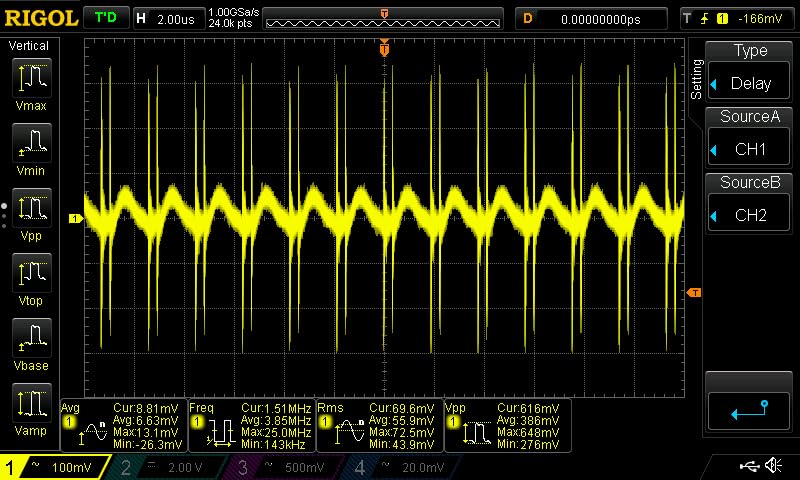
I flashed the Teyleten boards with Tasmota for a row of smart LED controllers, and the supermini footprint let me squeeze each controller into a single gang box. The headers ship unsoldered, which gives you the choice of direct soldering or stacking headers depending on your enclosure.
Reviewer feedback shows 4.1 stars across nearly 90 reviews. Users appreciate the compact form factor and the included three-pack. The two consistent criticisms are quality control variance and the BOOT plus RESET button dance required to enter download mode, which is not beginner-friendly on the first try.
For whom it’s good
Pick this if you need a very compact ESP32 for tight enclosures, or if you want a multi-pack option for distributed sensor nodes. The C3 silicon also handles Tasmota and ESPHome well for smart home projects.
For whom it’s bad
Skip it if you are a beginner who has never flashed an ESP32 before. The download mode quirks are a steep learning curve, and the quality control variance means you may need to swap a board out of the pack.
Buying Guide: How to Choose the Right ESP32 Board?
Choosing the best ESP32 development boards for your project comes down to matching silicon features to your use case, not chasing the newest chip. Below is the framework our team uses when reviewing boards for robotics and IoT builds.
1. Pick the chip family that matches your wireless needs
The ESP32 family now spans the original ESP32, the S2/S3 USB-capable line, the C-series RISC-V chips, the H2 Matter/Thread radio, and the new P4 application processor. If you only need Wi-Fi and BLE, the original ESP32 or C3 is enough. If you need Wi-Fi 6, look at the C6 or S3. If you need Matter or Thread today, the H2 is the right call. If you need H.264 video or MIPI camera, the P4 is the only option.
2. Match GPIO count and PSRAM to your project
Robotics projects usually need 6 to 12 GPIO for servos, motor drivers, and sensors, plus a hardware PWM peripheral like MCPWM or LEDC. Camera and display projects need PSRAM (look for “N16R8” or “WROVER” modules) and at least 4 MB flash. Wearables need as few GPIO as possible in the smallest package.
3. Prefer USB-C and a known USB-to-UART bridge
Forum data from r/esp32 shows that Micro-USB and unknown bridges are the #1 cause of “board won’t flash” pain. Choose boards with USB-C and a CP2102 or CH343 bridge. CP2102 is more plug-and-play on Windows and macOS; CH343 is fine but may need a manual driver.
4. Buy from reputable brands for important projects
Reddit and Espressif forum users consistently recommend Espressif, Adafruit, SparkFun, Seeed Studio, LilyGo, and DFRobot for important builds. Off-brand AliExpress boards sometimes ship with wrong silkscreens, missing boot buttons, or weak LDOs that cause brownout errors. Brownout errors are almost always caused by weak AMS1117 regulators, undersized capacitors, or cheap USB cables, not by the ESP32 silicon itself.
5. Plan for power, batteries, and deep sleep
If your project runs from a LiPo, look for boards with onboard battery charging and a real deep-sleep current under 50 microamperes. The XIAO ESP32C3 and Seeed’s Wio boards excel here. Avoid boards without battery management unless you plan to add a separate power module.
6. Match your toolchain to the chip
Arduino IDE 2.x covers the original ESP32, S2, S3, C3, and C6 well. Newer chips like the C5, H4, and P4 may require ESP-IDF or PlatformIO. ESPHome and Tasmota have first-class support for the chips we recommend in this guide.
7. For robotics: prioritize MCPWM, isolation, and ROS 2 support
Robotics projects benefit from boards with dedicated MCPWM hardware, dual-core isolation patterns, and micro-ROS compatibility. The original ESP32, S3, and C6 are all viable. Pair the board with a hardware motor driver and keep motor ground separate from sensor ground to avoid noise.
Frequently Asked Questions
Which ESP32 board is the most powerful?
The most powerful ESP32 development board available today is built around the ESP32-P4. It is a dual-core RISC-V chip running at 400 MHz, with H.264 encoding hardware and MIPI-CSI camera support. For most hobbyist projects, the ESP32-S3 is the practical sweet spot: dual-core Xtensa LX7 at 240 MHz with vector instructions for AI workloads, USB OTG, and up to 16 MB flash.
Which ESP32 board should I buy?
If you want a safe, well-supported starting point, choose the AITRIP ESP-WROOM-32 3-pack or the ELEGOO USB-C 3-pack. If you need a tiny wearable or battery-powered board, the Seeed Studio XIAO ESP32C3 is the right pick. For Matter and Thread today, choose an ESP32-H2 board. For Wi-Fi 6 and future-proofing, choose the ESP32-C6.
Which ESP32 board is best for beginners?
For absolute beginners we recommend the LAFVIN ESP32 Basic Starter Kit because it bundles the ESP32 board, sensors, an OLED, and a tutorial PDF in one box. If you already have an ESP32 and just want a good starter board, the ELEGOO 3-pack or AITRIP 3-pack are both safe, well-documented choices.
Which IDE is best for ESP32 development?
For most projects, Arduino IDE 2.x with the official Espressif Arduino core is the easiest starting point. For professional projects with deeper debugging, ESP-IDF (Espressif’s official framework) is more powerful. For Home Assistant users, ESPHome provides a YAML-based config and OTA updates. For quick scripting, MicroPython and CircuitPython work well on most chips.
Which ESP32 has Wi-Fi 6?
The ESP32-C6 is the first ESP32 chip with Wi-Fi 6 (802.11ax) support. The ESP32-C5 adds Wi-Fi 6 plus dual-band. For most maker projects, the C6 is the right pick today because it is widely available and supported in Arduino IDE 2.x.
Which ESP32 supports Matter, Thread, or Zigbee?
The ESP32-H2 is purpose-built for Matter, Thread, and Zigbee, with an 802.15.4 radio and no Wi-Fi. The ESP32-C6 also includes the 802.15.4 radio, so it can support Matter and Thread alongside Wi-Fi 6, although software support is still maturing. Original ESP32, S2, S3, and C3 silicon do not include 802.15.4 and cannot run Matter natively.
Is ESP32-S3 better than ESP32?
The ESP32-S3 is a meaningful upgrade over the original ESP32 for most new projects. You get a faster dual-core Xtensa LX7 at 240 MHz with vector instructions for AI acceleration, USB OTG, BLE 5, and support for up to 16 MB flash and 8 MB PSRAM. The original ESP32 is still a great choice for simple Wi-Fi and Bluetooth projects, and its Arduino library support is the broadest in the family.
Conclusion
The best ESP32 development boards in 2026 all share a few traits: solid USB-C or USB-B connectivity, a known USB-to-UART bridge, and a manufacturer that publishes real documentation. Start with our Editor’s Choice, the AITRIP ESP-WROOM-32 3-pack, if you want a proven, well-supported board. Pick the ELEGOO USB-C 3-pack if you want a more modern connector. Reach for the Seeed Studio XIAO ESP32C3 if you need a tiny, battery-friendly board.
For robotics and IoT projects, remember our three pillars: match the chip to your wireless protocol, choose a board with the right GPIO and PSRAM, and buy from reputable brands. That combination will serve you well whether you are building a smart home sensor, an autonomous robot, or an edge-AI prototype. Happy building!