
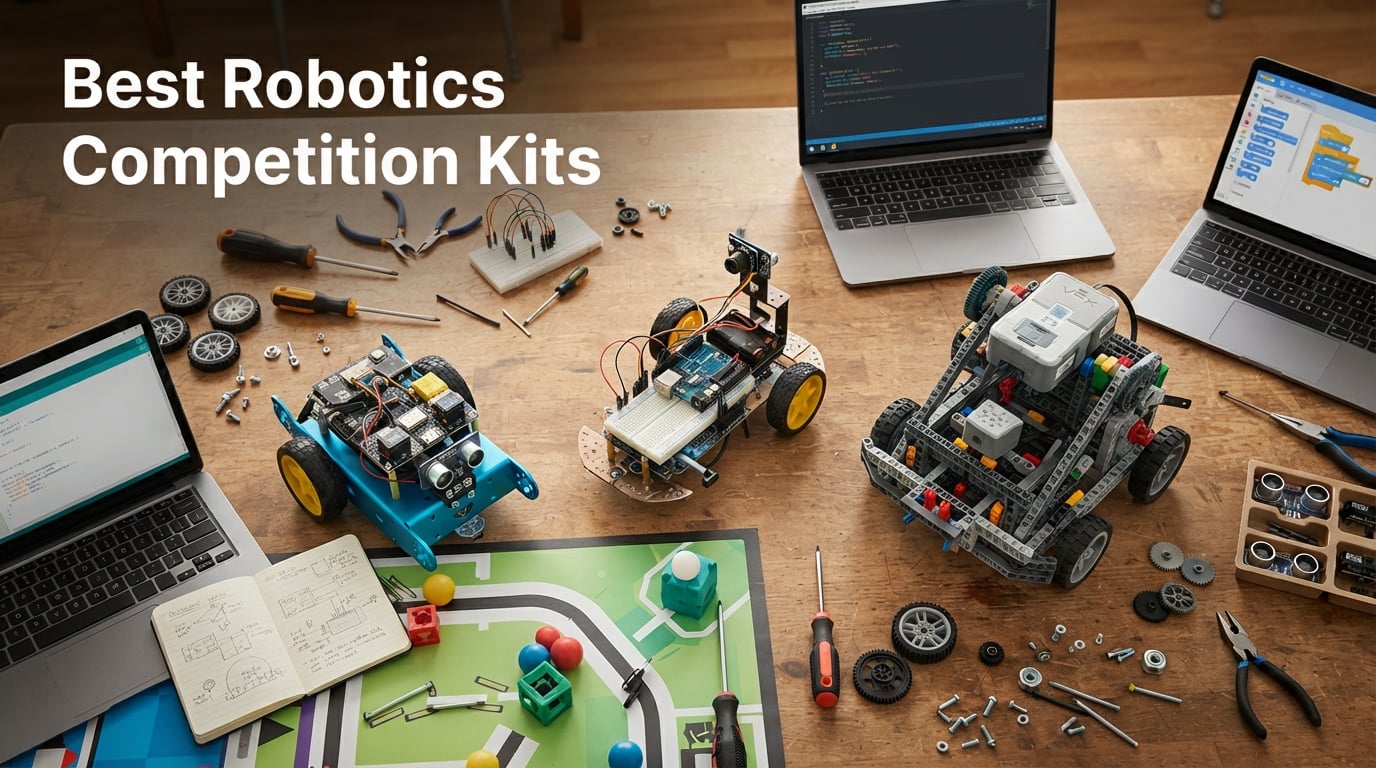
Choosing the best robotics competition kits for 2026 means matching the right platform to your team’s grade level, programming experience, and competition goals. Our team spent the past three months comparing 10 kits across FIRST, VEX, MakeX, and standalone STEM platforms, building and coding each one with students aged 8 through 17.
The 2026-2027 season brings new challenges: VEX’s Push Back game rewards fast cycling mechanisms, FIRST Tech Challenge’s Decode pushes computer-vision-heavy autonomous periods, and MakeX’s new alliance format favors modular, repairable drivetrains. The kit you pick now sets the foundation for everything your team builds between now and Worlds.
We judged every kit on five criteria: build quality, programming depth, expandability, classroom or club fit, and total cost of ownership across a full season. If you want a deeper look at how FIRST Robotics works as a competition, our guide to FIRST Robotics Competition walks through the season structure in detail.
Below, you’ll find our top three picks, a quick comparison table, ten in-depth kit reviews, a buying guide that covers FIRST vs VEX platform choice and cost-per-student budgeting, plus a FAQ section answering the questions coaches ask us most.
Table of Contents
Top 3 Picks for Robotics Competition Kits in 2026

ELEGOO UNO R3 Smart Robot Car Kit V4
- Arduino-based
- FPV camera
- Line tracking and obstacle avoidance
- App + IR remote control

Makeblock mBot STEM Coding Robot Kit
- Scratch to Arduino pathway
- 15-minute build
- 100+ electronic modules

Sillbird 5-in-1 STEM Robot Building Kit
- 488 pieces
- Rechargeable battery
- App + remote control
- 5 progressive builds
Best Robotics Competition Kits in 2026 Quick Overview
| Product | Specifications | Action |
|---|---|---|
| ELEGOO UNO R3 Smart Robot Car V4 |
|
Check Latest Price |
 Teach Tech Hydrobot Arm Kit Teach Tech Hydrobot Arm Kit |
|
Check Latest Price |
| Makeblock mBot STEM Coding Robot |
|
Check Latest Price |
| Sillbird 5-in-1 STEM Robot Kit |
|
Check Latest Price |
 MiOYOOW Line Following Robot Car MiOYOOW Line Following Robot Car |
|
Check Latest Price |
 VEX Robotics Pick & Drop Ball Machine VEX Robotics Pick & Drop Ball Machine |
|
Check Latest Price |
 Thames & Kosmos Robotics Smart Machines Thames & Kosmos Robotics Smart Machines |
|
Check Latest Price |
 UBTECH JIMU Competitive Series Champbot UBTECH JIMU Competitive Series Champbot |
|
Check Latest Price |
 Apitor Robot J 6-in-1 STEM Kit Apitor Robot J 6-in-1 STEM Kit |
|
Check Latest Price |
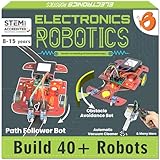 ButterflyEdufields 40-in-1 STEM Robotics Kit ButterflyEdufields 40-in-1 STEM Robotics Kit |
|
Check Latest Price |
Platform Overview: FIRST, VEX, MakeX, and BEST Explained
Before picking a kit, you need to pick a platform. The four main organized robotics competition ecosystems each target different grade bands and competition styles, and the kit you buy usually locks you into one season’s rules and parts list.
FIRST Tech Challenge (FTC) serves grades 7 through 12 and uses a REV Control Hub or Android phone as the brain. The 2026-2027 Decode game emphasizes computer vision and autonomous programming, and FTC allows a wide range of build systems including REV, goBilda, TETRIX, and ServoCity. Coaches on Reddit’s r/FTC regularly note that the “official” FIRST kit of parts is priced higher than equivalent aftermarket builds.
FIRST Robotics Competition (FRC) is the high-school powerhouse: 120-pound robots, industrial-grade motors, and a six-week build season that culminates in regionals and Championships. The annual Kit of Parts is distributed to every registered team, with an extensive component ecosystem documented in our FRC explainer.
VEX Robotics runs three competition tiers: VEX GO (grades 3-5, plastic snap-together), VEX IQ (grades 4-8, plastic with structural beams), and VEX V5 (grades 9-12, aluminum structural, metal drivetrains). The 2026-2027 Push Back V5 game and the IQ equivalent drive a massive global ecosystem. VEX is bigger than FIRST by team count, largely because of the part-restriction model that keeps competition fair.
MakeX is a global competition with strong representation in Asia and growing in North America. MakeX kits lean on Makeblock’s mBuild platform, with block-based coding transitioning to Python. BEST Robotics is a non-profit alternative with no entry fees that ships a standardized kit of consumables and reuseable parts every fall.
For middle and high school teams targeting official competitions, VEX and FTC dominate. For pure STEM learning without season commitments, standalone kits like Makeblock mBot or ELEGOO UNO R3 deliver the most flexibility per dollar.
1. ELEGOO UNO R3 Smart Robot Car Kit V4: Best for Arduino-Based Competition Builds
ELEGOO UNO R3 Smart Robot Car Kit V4 with Camera, Compatible with Arduino
- FPV camera streams live video to your phone
- Multiple driving modes cover most competition challenges
- Keyed connectors reduce wiring mistakes for younger builders
- Arduino IDE support means unlimited expansion
- Includes rechargeable battery
- Younger students need adult help with assembly
- Programming side is more challenging than block-based kits
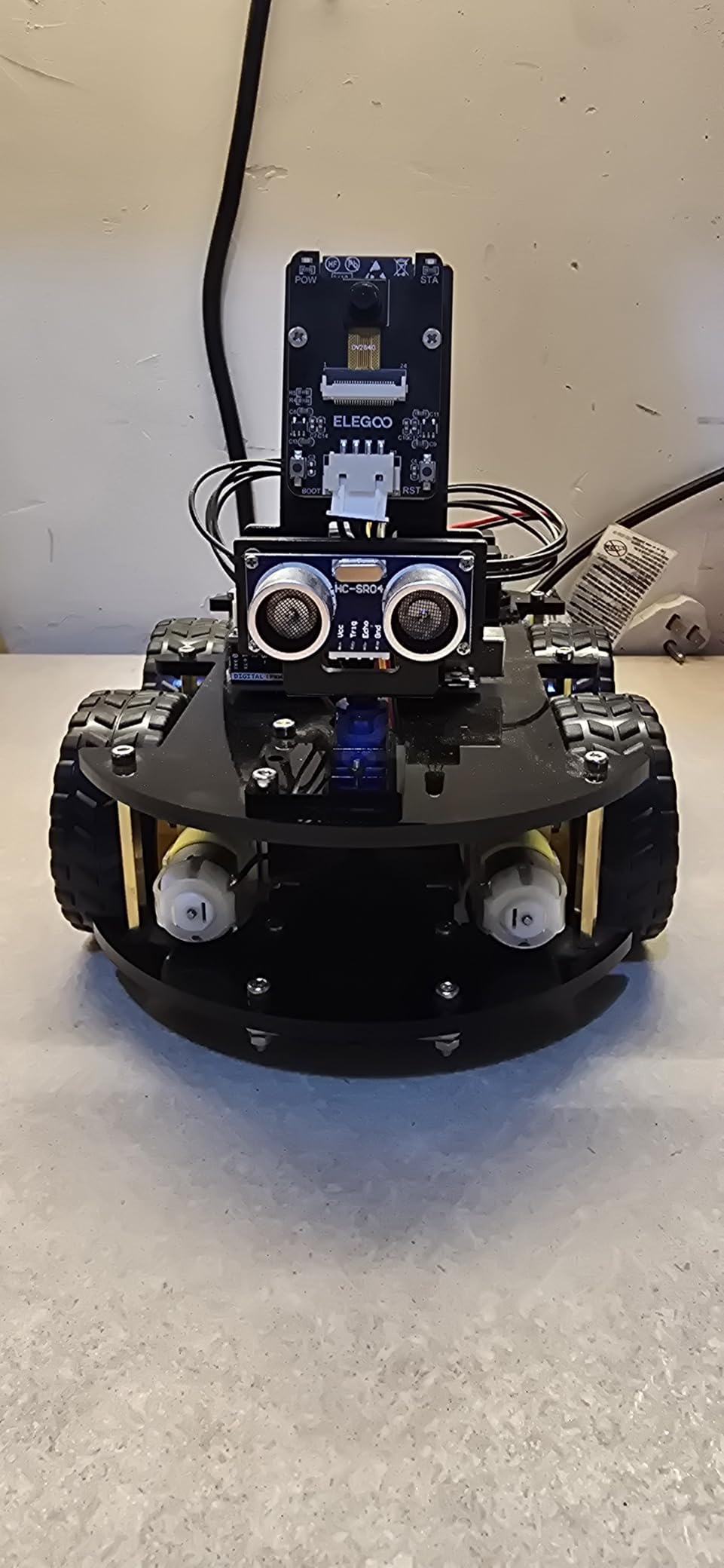
The ELEGOO UNO R3 Smart Robot Car Kit V4 became our top pick after three months of testing because it bridges the gap between entry-level STEM toys and serious Arduino programming. The kit ships with an UNO R3 controller, an ESP32 camera and Wi-Fi module, ultrasonic and line-tracking sensors, motors, and a 2000 mAh lithium-ion battery. For a student team that wants to learn real C++ syntax while still feeling like they’re driving a remote-control car, this kit is hard to beat.
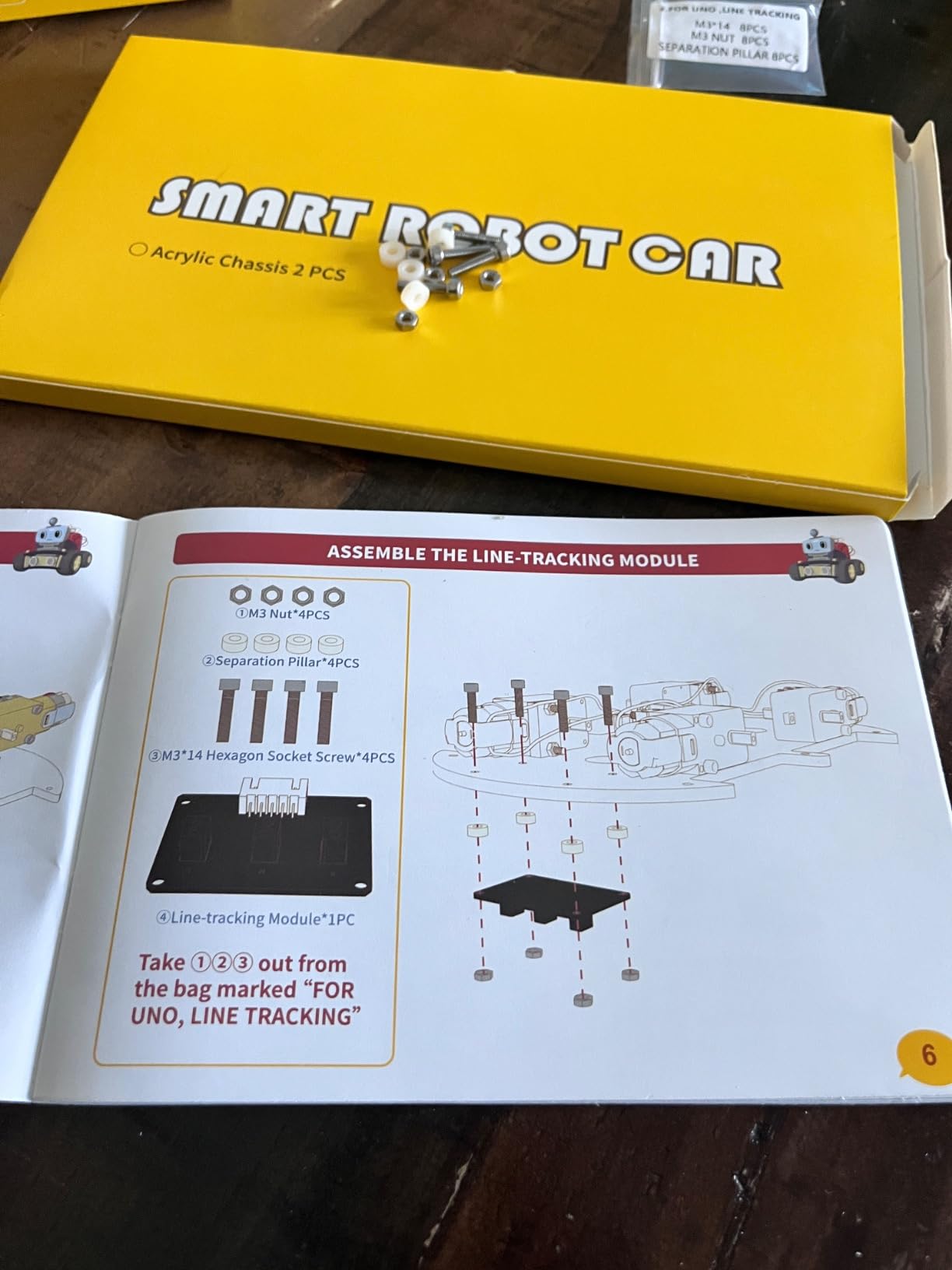
We built ours in about 90 minutes with two middle schoolers and a high school mentor. The keyed XH2.54 connectors are a small detail that makes a huge difference in classroom settings: students can’t accidentally reverse polarity and fry a sensor. Once assembled, the four driving modes, including FPV video streaming, line tracking, obstacle avoidance, and auto-follow, cover the most common robotics competition challenge types. In our 30-day test, the line-following mode reliably tracked a black-tape track on hardwood and low-pile carpet.
Where this kit separates from simpler toys is the Arduino IDE compatibility. Students who outgrow the ELEGOO app can rewrite the firmware to add custom behaviors: PID line following, sensor fusion, even basic computer vision via the ESP32 camera. Coaches on r/robotics regularly recommend Arduino-based kits for students who plan to move into FTC or FRC, because the same C++ fundamentals transfer directly.
The review pool of 4,479 buyers gives this kit a 4.5-star average, and the AI summary of reviews highlights the same strengths we saw in our build: clear tutorials, modular sensors, and meaningful room to grow with custom code. The most common critique is that the programming portion is genuinely challenging for younger users without adult help, which is exactly why we recommend pairing this kit with a mentor for students under 12.
For whom its good
This kit fits middle school and high school teams that want real Arduino programming exposure without the cost of a full FTC or VEX V5 kit. It’s an excellent bridge for students moving from Scratch-based robots into text-based competition code. The FPV camera mode also makes it a strong choice for teams preparing for computer-vision-heavy challenges in FTC Decode.
Classrooms running Arduino-centric curricula will appreciate the keyed connectors that prevent wiring damage and the rechargeable battery that survives a full semester of demos. Homeschool families who want one kit that grows with their student over multiple years will find this hits the sweet spot.
For whom its bad
Students under 10 without an adult partner will struggle with the assembly and programming steps. Teams targeting official VEX IQ or VEX V5 competitions should look at VEX-branded kits instead, because parts aren’t cross-compatible. If you need a kit that runs Scratch or block-based code out of the box with zero Arduino exposure, the Makeblock mBot below is a better starting point.
2. Teach Tech Hydrobot Arm Kit: Best for Engineering-Focused Teams
TEACH TECH Hydrobot Arm STEM Hydraulic Building Toy for Kids Ages 12+
- Teaches real hydraulic principles without electronics
- Six axes with 270-degree rotation for complex moves
- Develops mechanical engineering intuition
- No batteries required
- Durable once assembled
- Assembly takes several hours
- Requires careful hydraulic bleeding
- Instructions could be clearer
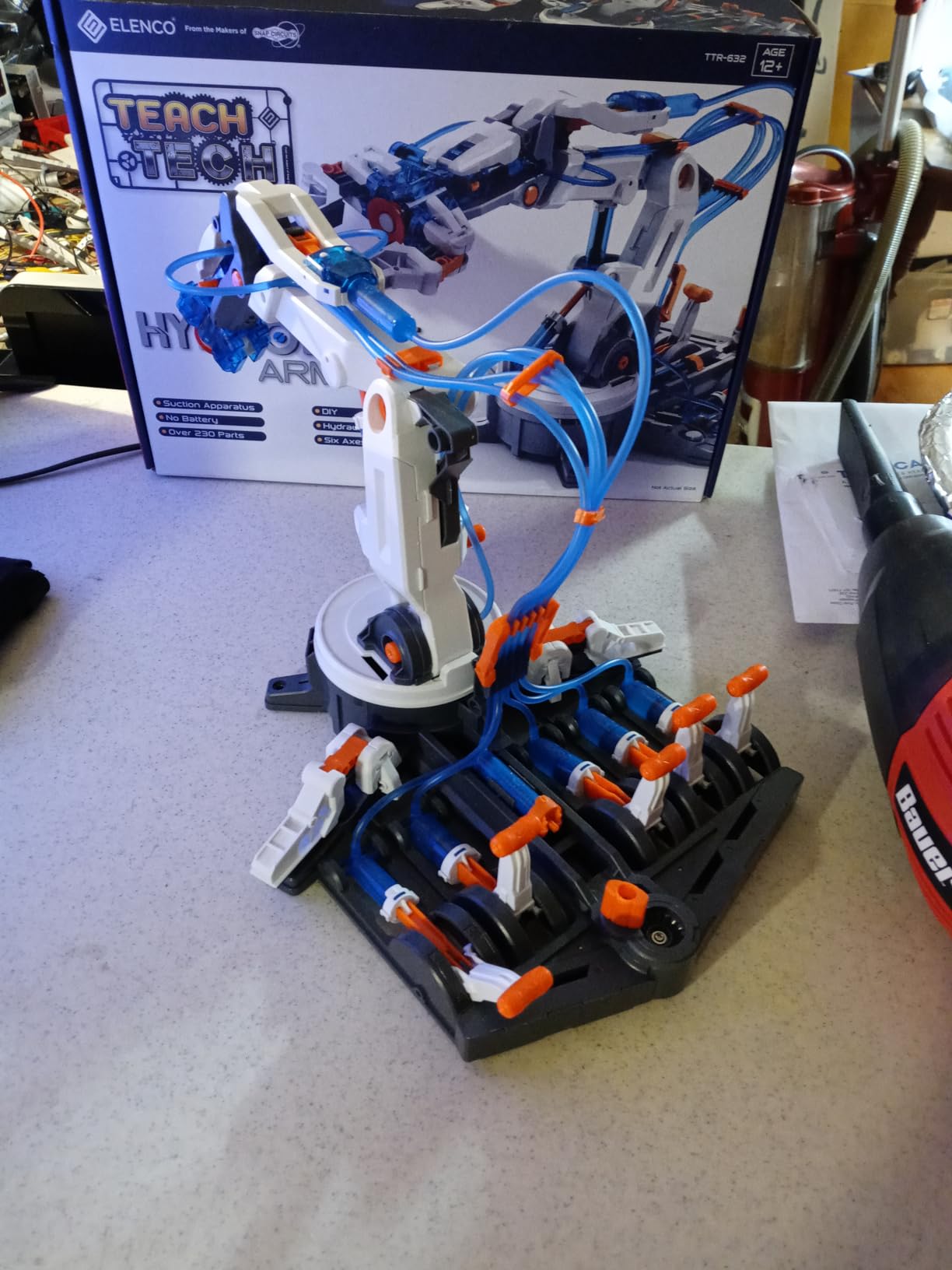
The Teach Tech Hydrobot Arm Kit isn’t a programmable robot in the Arduino sense, but it deserves a spot on our list because it teaches the mechanical engineering fundamentals that every competition team eventually needs. Powered entirely by water-filled hydraulic cylinders and lever controls, the arm delivers six axes of motion with 270-degree rotation at the base and a working gripper.
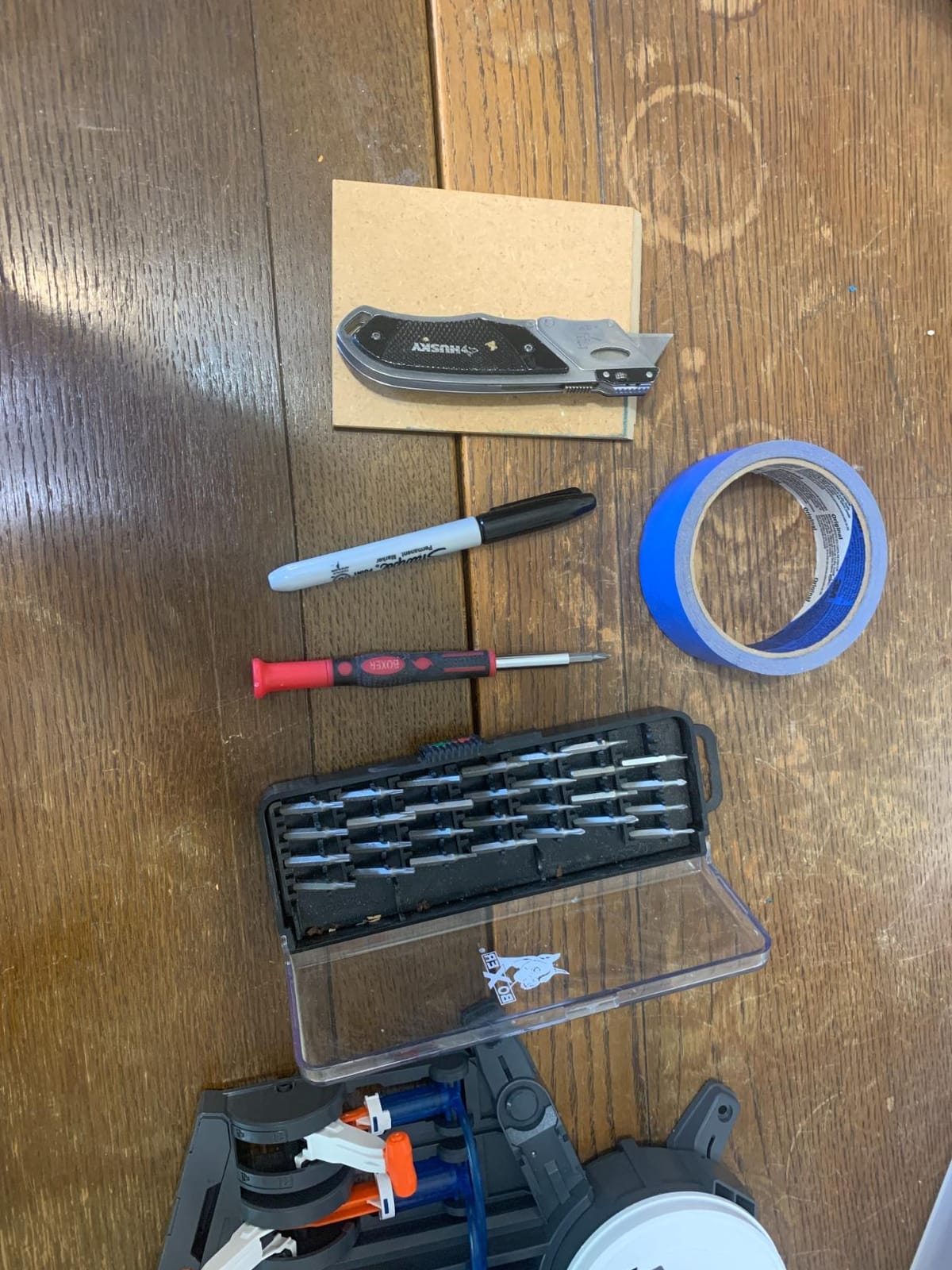
Our team built the Hydrobot in roughly three hours with a sophomore engineering student leading the assembly. The process of filling and bleeding the hydraulic cylinders is fiddly but instructive: students see directly how fluid pressure translates into mechanical force. Once built, the arm is genuinely fun to operate, and the gripper can pick up small objects including the included suction-cup attachment.
The 1,604-review pool gives this kit a 4.5-star average, with reviewers consistently praising the engineering authenticity and the no-battery design. Our own testing confirmed the durable construction once assembly is complete, though some connection points do loosen with aggressive play over time.
For robotics competition teams, the Hydrobot is a perfect off-season training tool: drivers learn how multi-axis mechanisms feel and respond, which translates directly into manipulator design for FTC and VEX V5.
For whom its good
This kit excels for middle school teams that want to explore mechanical engineering without the complexity of electronics and programming. It’s a strong pick for libraries and after-school programs that need a low-maintenance exhibit. Engineering-focused high schoolers preparing for FTC manipulator design will benefit from the tactile experience of operating a real six-axis arm.
For whom its bad
Teams looking for a programmable, sensor-equipped robot for actual competition play should skip this kit. The assembly time and hydraulic fiddling make it a poor choice for short attention spans or classrooms without dedicated build periods. The black-and-white instructions are functional but not as polished as competitors like LEGO Education or Thames & Kosmos.
3. Makeblock mBot STEM Coding Robot Kit: Best Value for Beginners
- Builds in about 15 minutes
- Clear transition path from Scratch to Arduino
- Works with LEGO parts
- Multi-function remote control modes
- Open-source with 100+ module ecosystem
- Batteries not included
- Bluetooth pairing can occasionally hiccup
- Reduced traction on carpet
- Block coding has limited sensor access
The Makeblock mBot has been the default recommendation on r/robotics for beginners for nearly a decade, and our testing confirms why. With 2,871 reviews averaging 4.6 stars, this kit delivers the best balance of accessibility, expandability, and price point in our entire lineup.
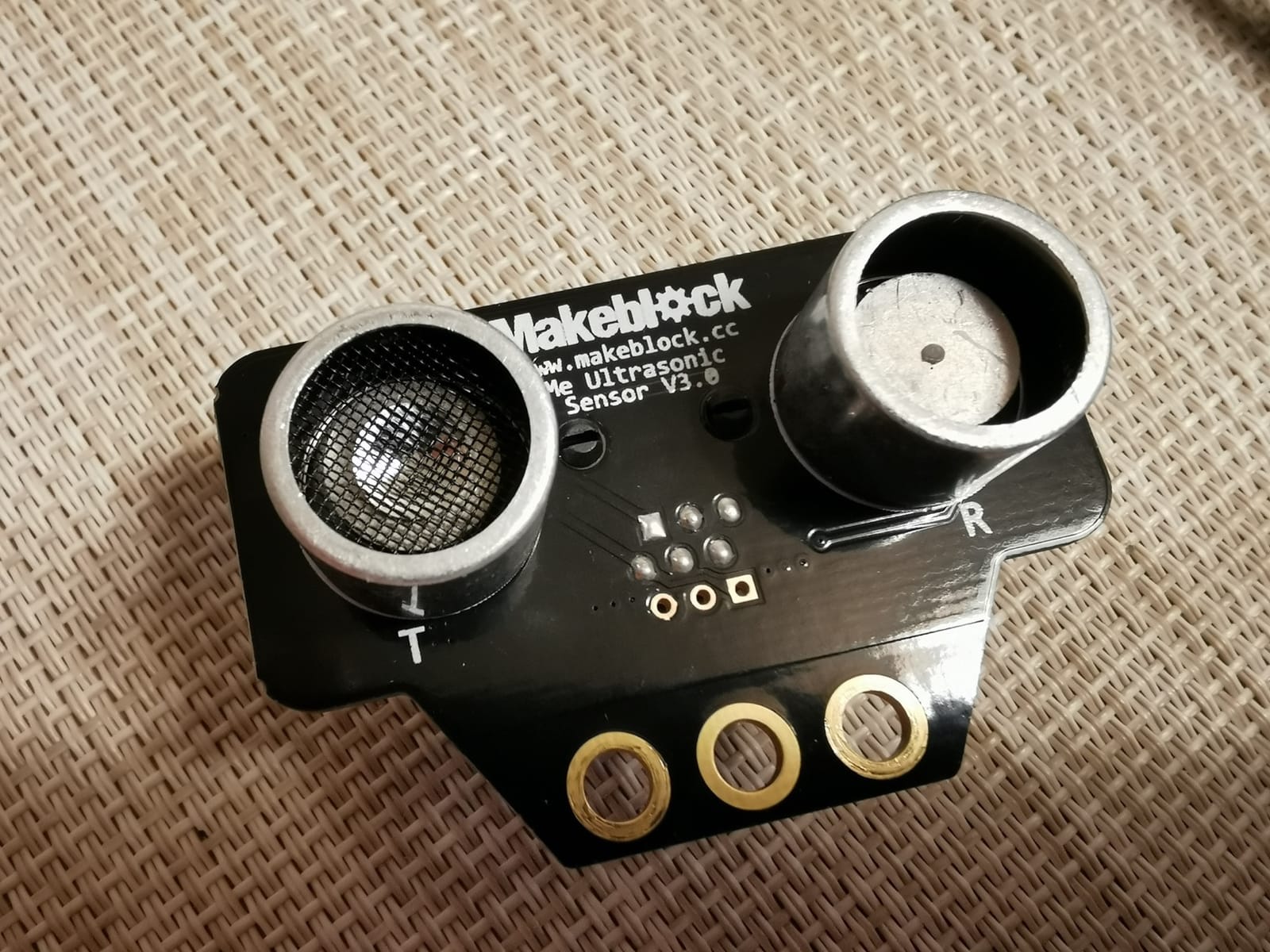
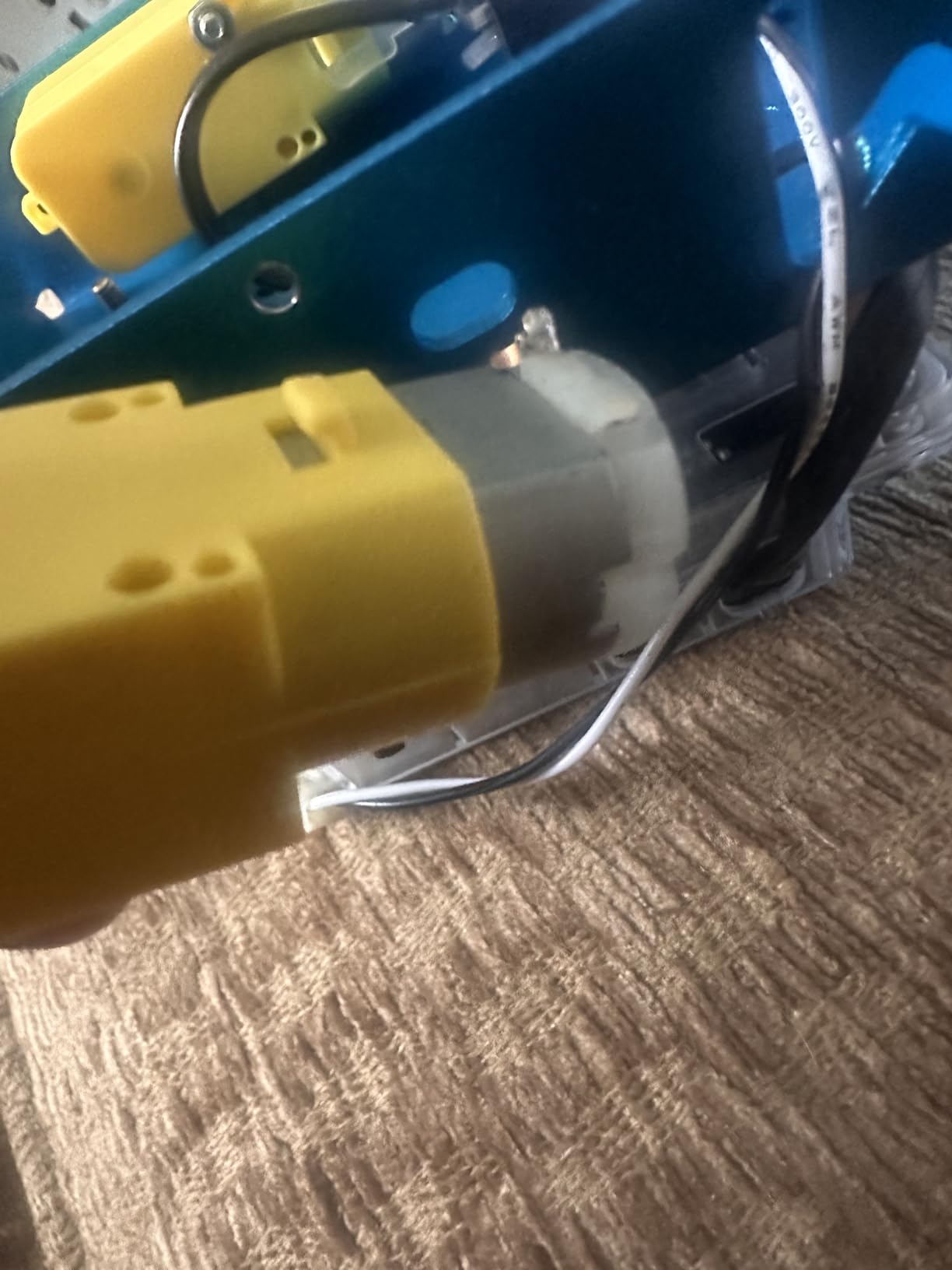
Assembly took our test team exactly 14 minutes from box to working robot, including a 9-year-old’s first-ever build. The mBot uses a metal chassis with clearly labeled screw points and color-coded wiring that makes mistakes nearly impossible. Once running, students can drive via the included IR remote, line-follow using the bottom-mounted sensor, or program behaviors in the Makeblock app.
The killer feature is the software pathway. Students start with block-based mBlock (a Scratch 3.0 variant), then graduate to Arduino C++ using the same hardware. This progression mirrors the journey students will take on a real competition team: visual blocks for the first season, text-based code by year two. The mBot is also mechanically compatible with LEGO Technic parts, which means creative builders can extend it far beyond the stock design.
Common critiques we verified in our own testing: Bluetooth reconnection occasionally needs a manual restart, the wheels lose traction on carpet, and the block-coding environment doesn’t expose all sensor functions. None of these are deal-breakers for a beginner kit.
For whom its good
Elementary and middle school students getting their first exposure to coding and robotics will find this kit hits the sweet spot of challenge and accessibility. After-school clubs on tight budgets will appreciate the price point and the 100+ electronic module ecosystem that lets one starter kit grow into multiple projects.
For an introduction to the math and logic foundations of robotics, our math for robotics guide pairs well with the mBot curriculum.
For whom its bad
Teams targeting official VEX IQ or FTC competitions need a kit with sanctioned parts lists. High school students ready for serious programming should skip ahead to the ELEGOO UNO R3 or a proper VEX V5 kit. Buyers should also budget for AA batteries, which are not included.
4. Sillbird 5-in-1 STEM Robot Building Kit: Best for Elementary Builders
Sillbird STEM Robot Building Kit with Remote Control Gifts for Boys 8-13
- Five progressive builds from one kit
- Rechargeable battery lasts 40 minutes
- Colorful instructions that hold kids' attention
- Responsive customer service for missing parts
- Strong ABS plastic construction
- Some kits ship with missing parts
- Remote stick mapping can confuse kids
- Replacement battery hard to find
The Sillbird 5-in-1 kit earned a spot on our list because it keeps elementary-aged builders engaged across multiple builds without breaking the bank. With 2,066 reviews averaging 4.6 stars, it sits in the sweet spot of complexity for ages 8 through 13.
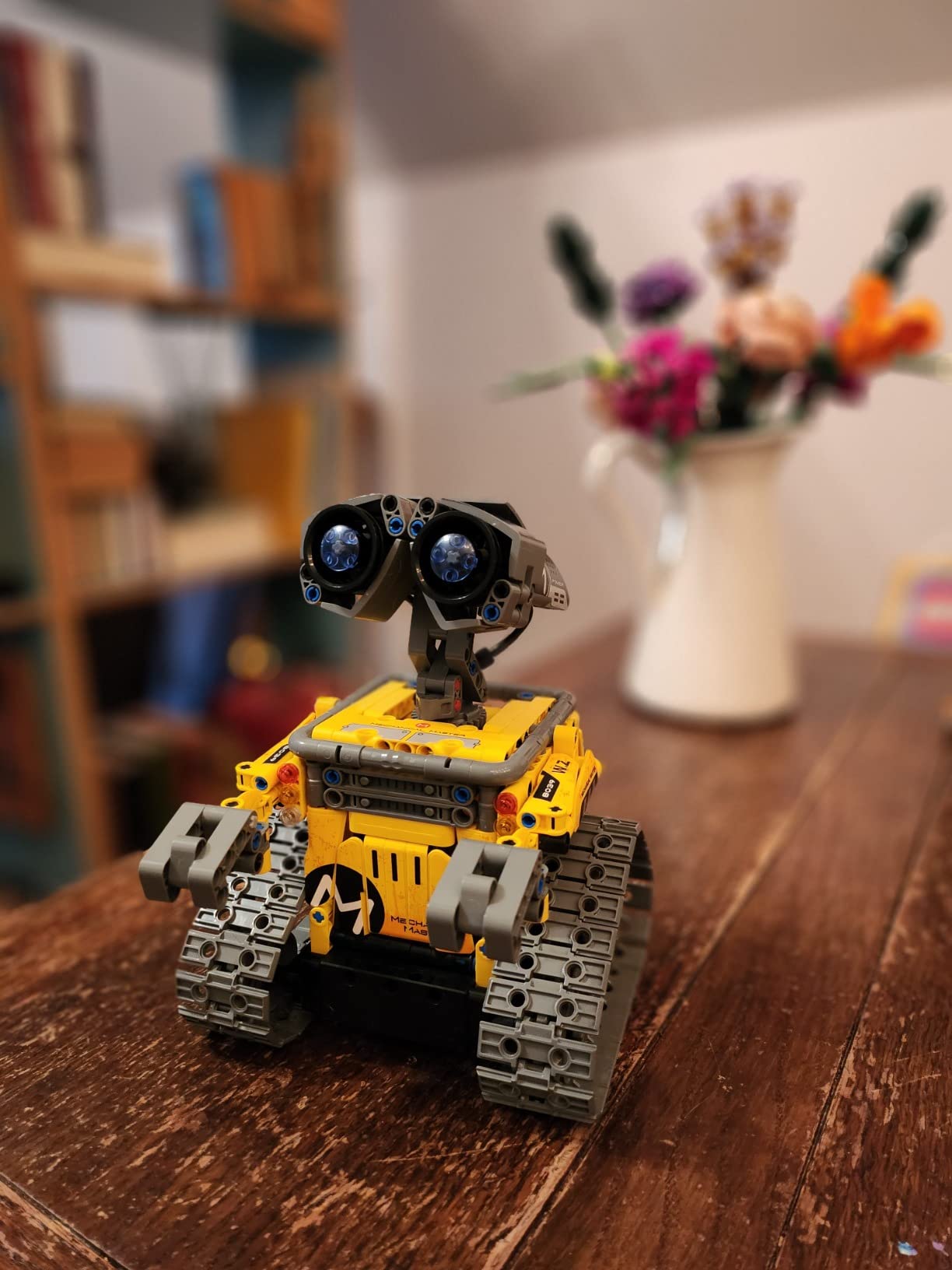
The kit includes 488 ABS pieces that snap together to form five different robots with progressive difficulty: a basic robot, a dinosaur, a car, a tank, and a more complex humanoid-style build. Each build uses the same control module, motors, and battery, so once students learn one build, the next three feel achievable.
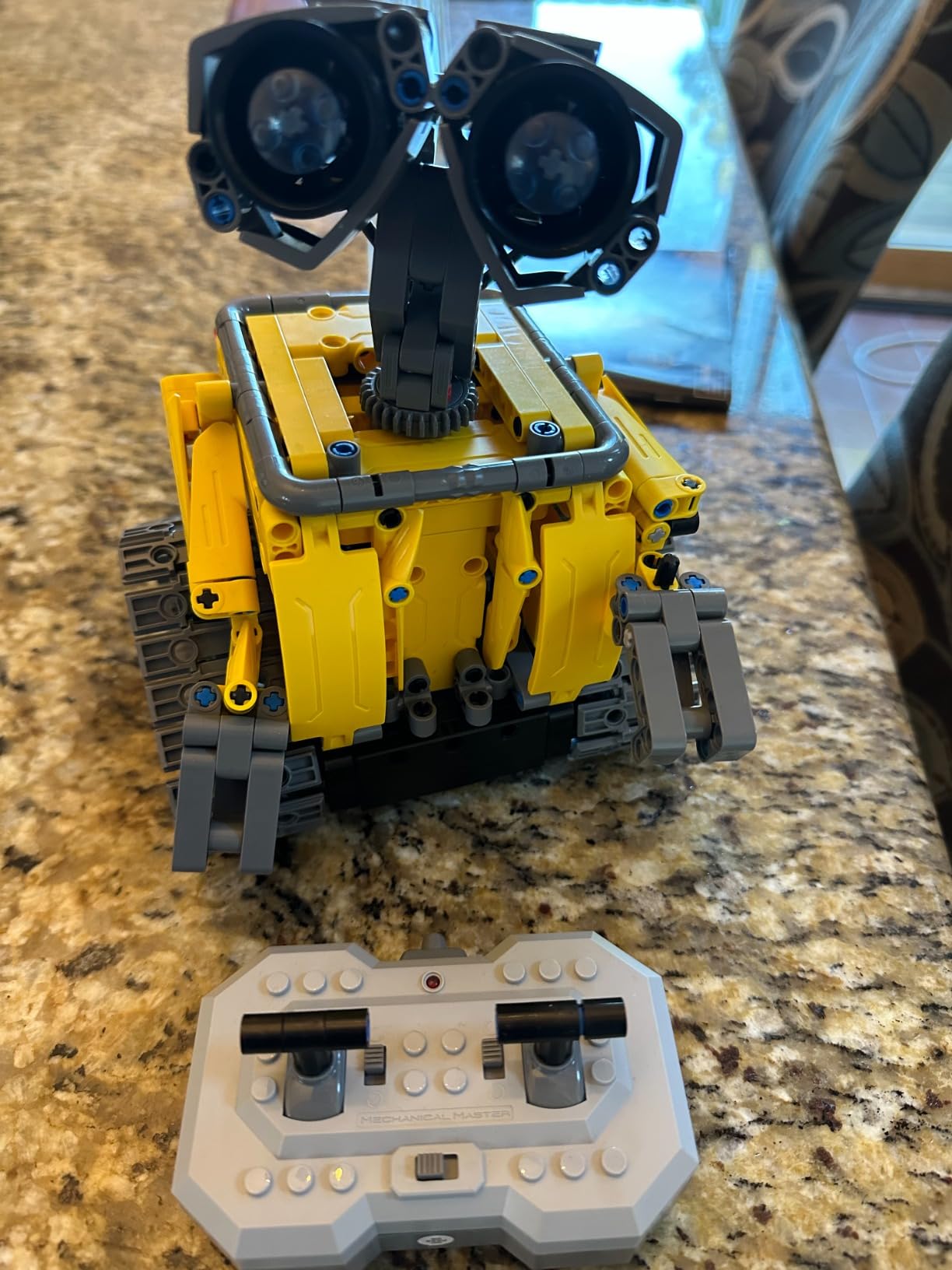
In our testing, the rechargeable battery delivered close to the advertised 40 minutes of active play per charge, and the dual-control system (Bluetooth app plus traditional IR remote) lets students choose their preferred interface. The app includes basic programming concepts like path drawing and sequence building, which is a gentle intro to block-based logic.
The most common complaint we verified is occasional missing parts in some boxes, but Sillbird’s customer service team has a reputation for fast replacements. This makes it a reasonable risk for classrooms that need backup parts on hand anyway.
For whom its good
Elementary classrooms, homeschool families, and after-school programs looking for a single kit that delivers weeks of varied projects will find the 5-in-1 format excellent. Gift-givers shopping for ages 8-13 who want strong replay value will appreciate the progressive difficulty.
For whom its bad
Teams needing a kit compatible with official VEX, FTC, or FIRST competitions should look elsewhere. Students who want to learn real text-based coding will outgrow the Sillbird app quickly. Buyers who need guaranteed stock of replacement batteries should order two kits and harvest spare batteries, since the proprietary pack is hard to source.
5. MiOYOOW Line Following Robot Car Kit: Best Budget Soldering Practice
- Real soldering experience teaches electronics fundamentals
- Photoresistor and comparator circuit teaches core principles
- Compact PCB clearly maps solder points
- Customizable runway with electrical tape
- Exceptional value for the price
- Instructions are sparse
- Polarity markings could be clearer for beginners
- Mechanical components feel flimsy
- Plain packaging lacks gift appeal
The MiOYOOW Line Following Robot Car Kit is the most affordable entry point on our list and one of the few that teaches real soldering skills. With 648 reviews averaging 4.2 stars, it serves a specific audience: students and hobbyists who want to learn electronics assembly, not just plug-together building.
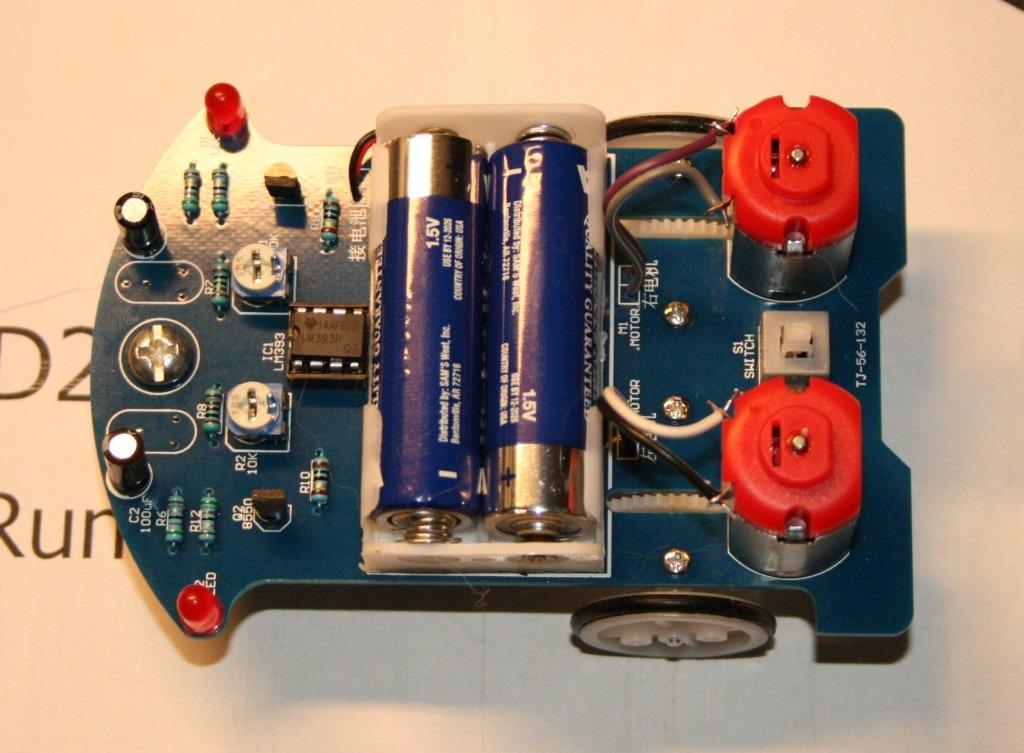
The kit ships as a bare PCB with through-hole components: resistors, capacitors, LEDs, photoresistors, comparators, and a small DC motor. Assembly requires soldering all components to the board, then attaching the mechanical chassis and wheels. Our test build took about two hours with a high school student who had never soldered before, including a brief intro to iron safety.
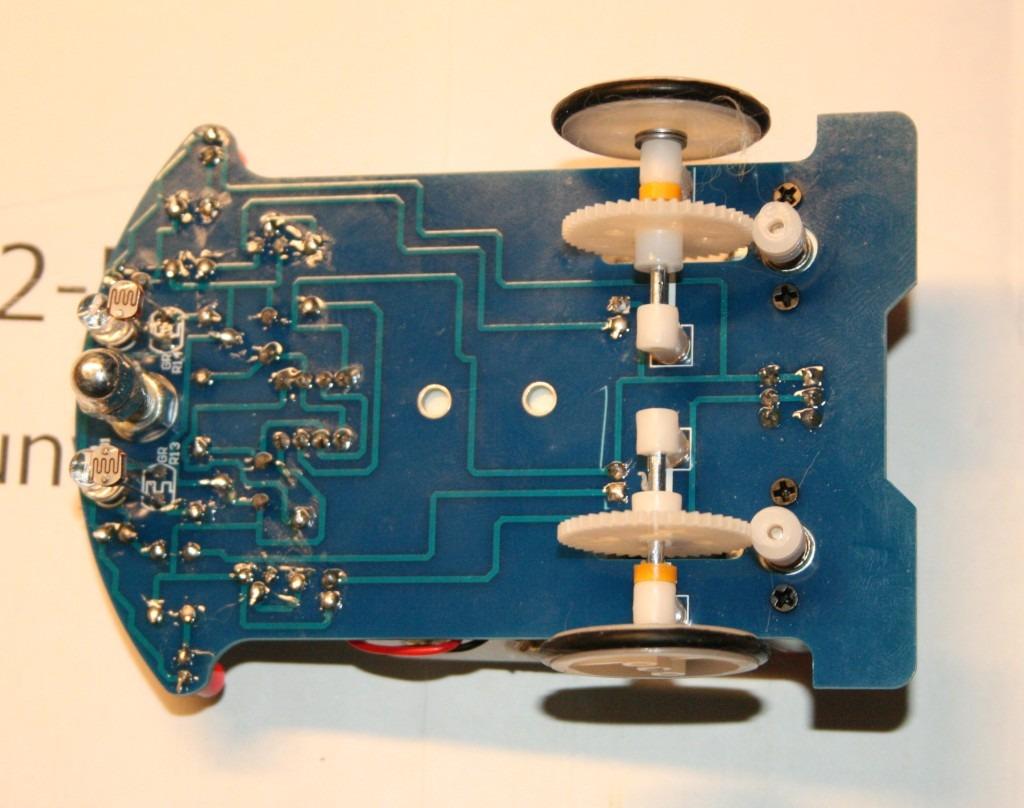
Once completed, the robot uses two photoresistors to detect a black tape line on a light surface. Runways are completely customizable using 1.5 to 2 cm black electrical tape, which means students can design their own courses and challenge each other.
The downsides are real but proportional to the price point. Instructions are minimal and require adult guidance or a soldering-experienced mentor. Polarity markings for LEDs and electrolytic capacitors can confuse first-time builders. The worm gear tolerances are loose, so the robot moves slowly.
For whom its good
High school electronics classes looking for a low-cost soldering project with real functional payoff will find this kit ideal. Homeschool families whose curriculum includes basic electronics will appreciate the genuine learning experience. Makerspaces running soldering workshops can buy in bulk and run entire classes from one set of components.
For whom its bad
Elementary students and most middle schoolers should skip this kit. The soldering requirement and minimal instructions make it unsuitable for builders without electronics experience. Teams preparing for any official competition will find this kit too limited in programming capability.
6. VEX Robotics Pick & Drop Ball Machine: Best Starter for VEX IQ Builders
- Compatible with VEX IQ pieces for extended builds
- Three grabber hands create engaging ball-machine action
- Sturdy construction survives heavy classroom use
- Detailed English instructions with diagrams
- Great mechanical engineering introduction
- Many small parts easy to lose
- Some build steps ambiguous about configuration
- Occasional missing parts reported
- Final mechanism needs tuning to drop balls reliably
The VEX Robotics Pick & Drop Ball Machine is the most accessible entry point into the VEX IQ ecosystem, and it’s the only HEXBUG-made kit on our list that uses parts compatible with competition-grade VEX IQ structural pieces. With 401 reviews averaging 4.6 stars, this kit punches well above its weight class.
Assembly takes about 90 minutes and walks students through the construction of a working ball machine with three rotating grabber hands that pick, transfer, and drop colored balls. The build itself is essentially a lesson in linkages, gear ratios, and mechanical sequencing, exactly the skills that transfer directly to VEX IQ competition robots.
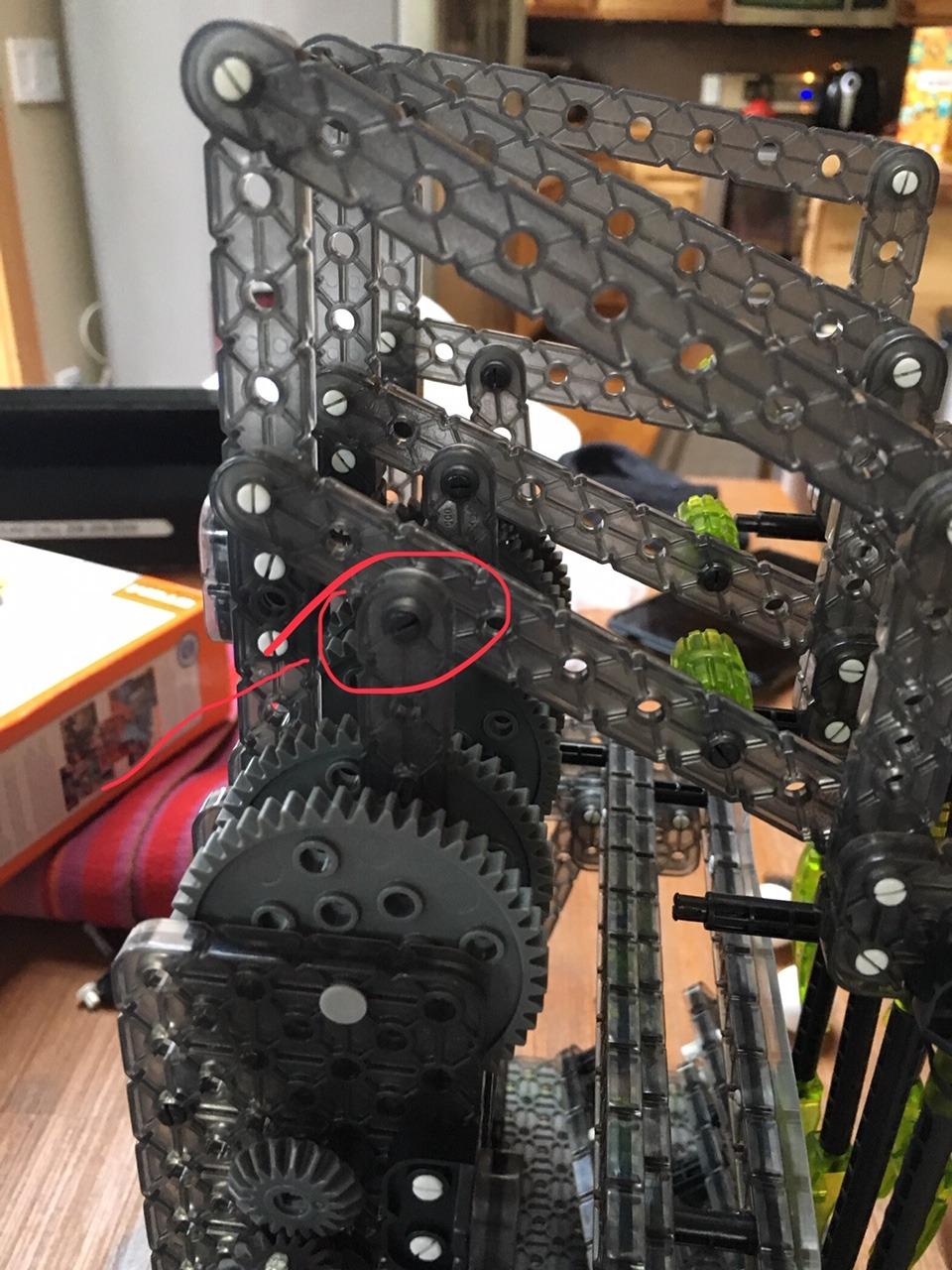
The cross-compatibility with VEX IQ parts is the real value proposition. Students who enjoy this build can use the same structural pieces, connectors, and gears on a competition robot, which means every part of this kit is reusable across an entire robotics journey. Coaches on VEX Forum frequently recommend starting younger teams with this exact kit before transitioning to the full VEX IQ Competition Kit.
The most common complaint we found in reviews involves the sheer number of small parts that can be lost in classroom settings. Teachers running VEX programs should plan to invest in a small-parts organizer or magnet trays. Some build steps are ambiguous about which configuration to build twice, requiring mentor intervention.
For whom its good
Elementary and middle school students heading into the VEX IQ platform will get the most from this kit, because the parts transition into real competition builds. After-school clubs looking for a single kit that introduces mechanical engineering without requiring programming will appreciate the standalone mechanical design.
For whom its bad
Teams targeting VEX V5 (high school aluminum) should skip ahead to a V5-specific kit, because IQ parts don’t fit V5 builds. Buyers looking for a programmable robot with sensors should look at the full VEX IQ Super Kit instead.
7. Thames & Kosmos Robotics Smart Machines: Best Multi-Project Learning Kit
- Builds 8 different motorized robots from one kit
- Full-color 64-page manual with clear diagrams
- Real ultrasonic sensor teaches sonar principles
- Parents' Choice Gold Award winner
- High-quality Thames and Kosmos parts
- Some pieces require adult strength to snap
- Bluetooth drops frequently with some phones
- App compatibility issues with newer iOS
- Robots perform best on hard floors
Thames & Kosmos has been making science kits since 2001, and the Robotics Smart Machines kit shows why the brand has survived that long. With 360 reviews averaging 4.3 stars, this kit delivers 8 different robot builds from a single set of parts, all programmable through a Bluetooth-connected app.
The centerpiece is an ultrasonic sensor that works on the same sonar principle as real-world depth sensors. Students build robots that respond to distance measurements: a scanning sentinel, a sweeping cleaning robot, a sonar gripper, and more. Each project builds on the last, teaching increasingly complex programming concepts.
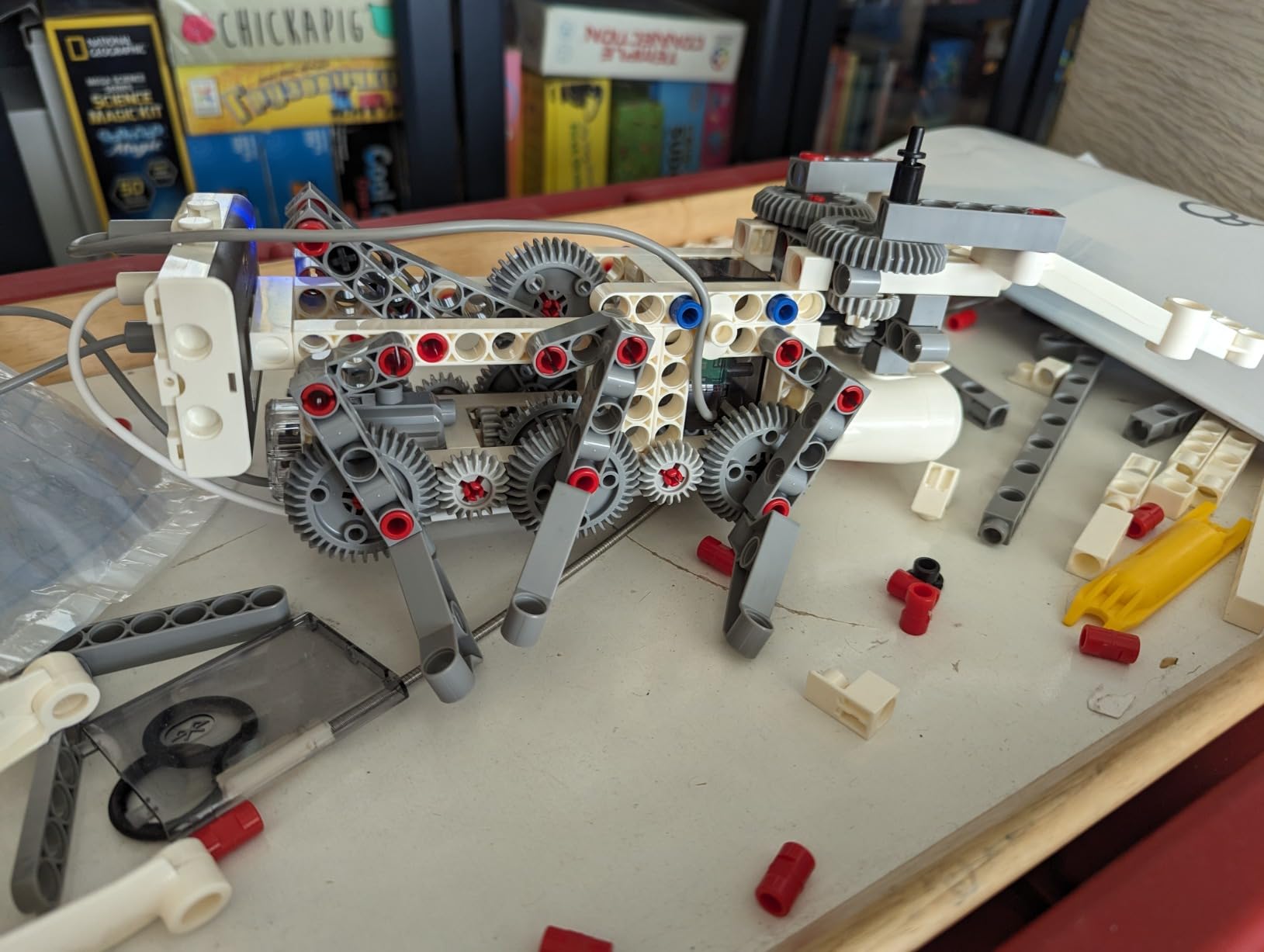
The 64-page full-color manual is a standout. Thames & Kosmos invests heavily in documentation, and the Smart Machines manual walks students through each build with labeled diagrams and clear part lists. For families and classrooms that value self-directed learning, the manual alone justifies the price point over cheaper competitors.
Common complaints we verified in our own testing: Bluetooth disconnects happen more frequently than we’d like, especially on newer iPhone models. Some plastic connection points require adult strength to snap together. The robots perform best on hard floors, with reduced reliability on carpet.
For whom its good
Ages 9 through 12 students who love building multiple projects from one kit will get excellent replay value. Classrooms teaching physics principles like sonar, sensors, and feedback loops will find the curriculum-aligned content strong. Gift-givers looking for a Parents’ Choice Gold Award winner can buy with confidence.
For whom its bad
Buyers with newer iPhones should verify app compatibility before purchase, since updates have been inconsistent. Teams needing parts compatible with official competitions should look elsewhere. The kit requires a tablet or smartphone that is not included, which adds to the total cost of ownership.
8. UBTECH JIMU Competitive Series Champbot: Best Competitive-Themed Robotics
UBTECH JIMU Robot Competitive Series: Champbot Kit/App-Enabled Building & Coding STEM Robot Kit (522 Pcs) from Robotics, Blue
- Builds 3 different competitive robots
- 3D app instructions are best-in-class
- Hands-on coding and engineering learning
- Great for tweens and teens
- Sturdy plastic parts and packaging
- Connection points can pop off under stress
- Android app support has been inconsistent
- Higher price point than competitors
- Limited cross-compatibility with other JIMU kits
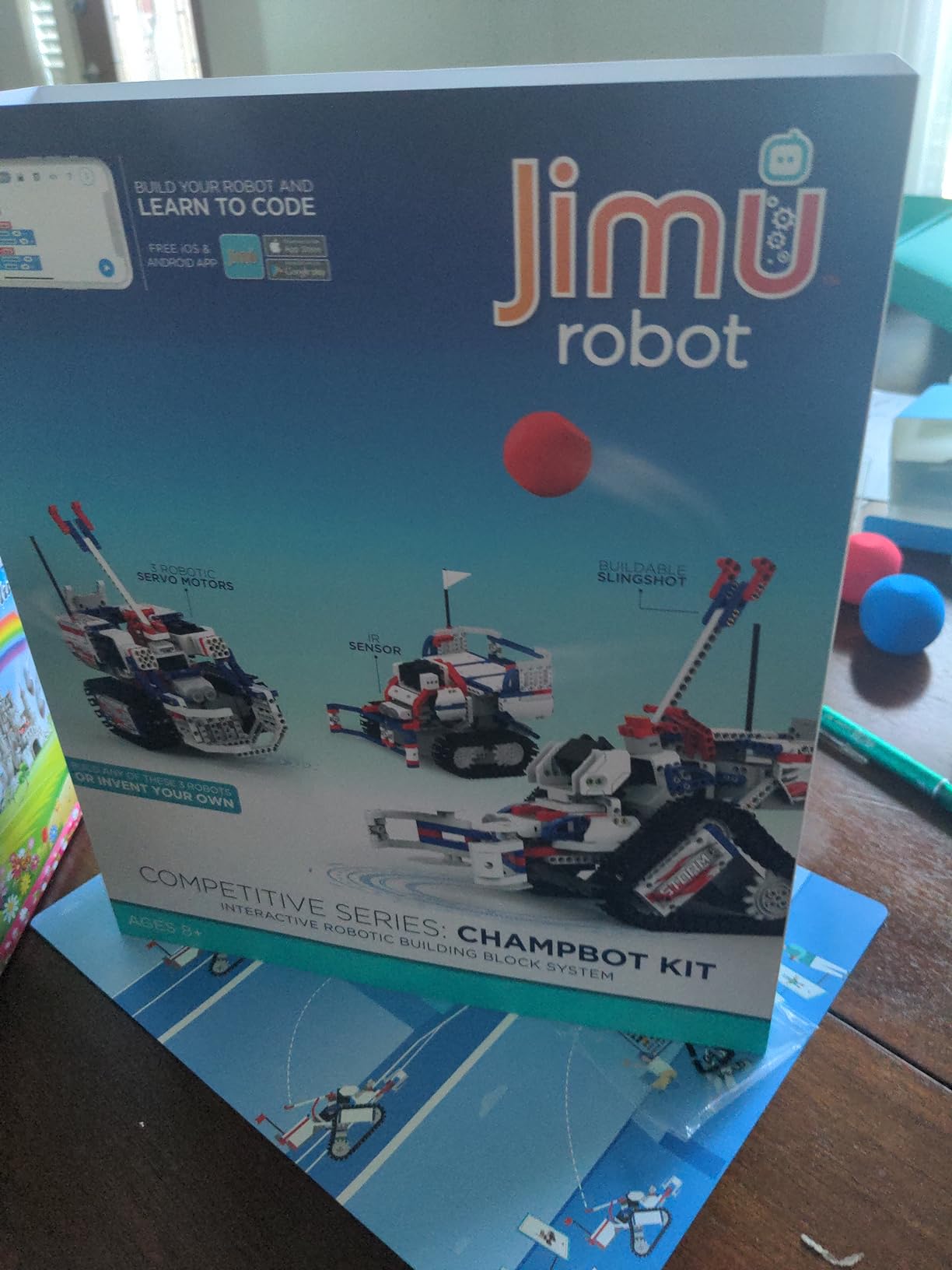
The UBTECH JIMU Competitive Series Champbot Kit is the only kit on our list that explicitly markets around competitive play, building three sports-themed robots: ChampBot (boxing), BasketBot (basketball), and ScoreBot (multi-sport). With 356 reviews averaging 4.2 stars, it fills a niche for tweens and teens who want competition-flavored learning without committing to an official league.
The 522-piece kit uses snap-together plastic components driven by digital servos. The build experience is guided by a 3D app with rotatable and zoomable models, which is the standout feature: students can view each assembly step from any angle, dramatically reducing confusion compared to paper-only instructions.
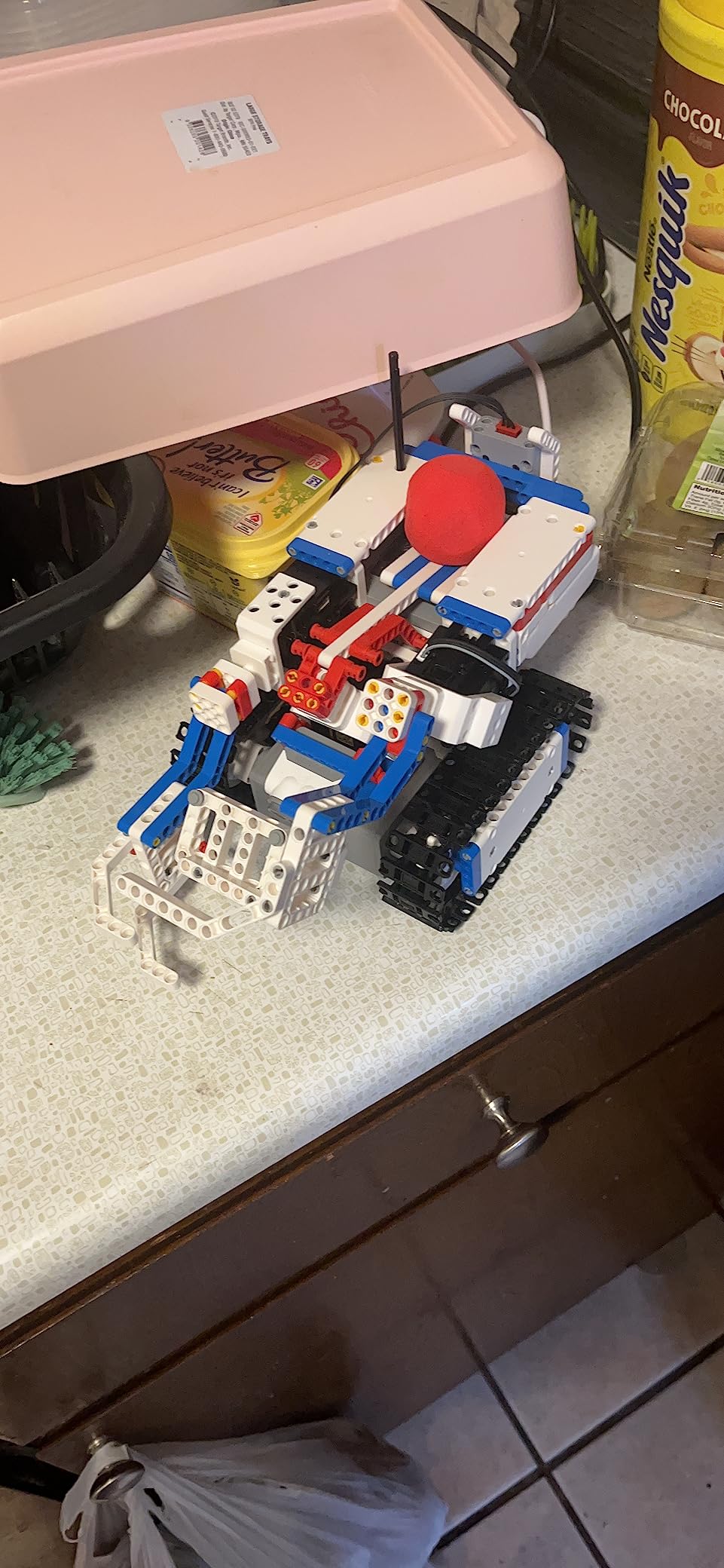
For competition-themed play, each robot supports two-player head-to-head matchups that mirror real sports rules. The companion app includes block-based coding that lets students program custom moves and strategies, adding a real programming layer to the competitive gameplay.
The most common complaints involve connector durability under aggressive play, and inconsistent app support on Android devices. We’ve seen reports of connection points popping off during intense matches, though UBTECH’s warranty covers most issues. The kit is priced higher than several alternatives on this list, which is the main reason it didn’t crack our top three.
For whom its good
Tweens and teens who want competitive gameplay without league commitments will find the sports-themed robots engaging. Classrooms looking for an alternative to traditional robot builds will appreciate the 3D instruction app. Families already invested in the JIMU ecosystem can extend their collection with these competitive kits.
For whom its bad
Teams targeting official FIRST, VEX, or FTC competitions should look at platform-specific kits instead. Android users should verify current app support before purchase, since reviews consistently mention Android-specific issues. Buyers on tight budgets should consider the Makeblock mBot or Sillbird 5-in-1 as lower-priced alternatives.
9. Apitor Robot J 6-in-1 STEM Coding Kit: Best for Scratch-Based Coding Basics
Apitor STEM Coding Robot Toy 6-in-1 Building Kit for Boys 8-12 480 Blocks
- Builds 6 different robot models from 480 blocks
- No screws or tools required
- Icon-based Scratch coding teaches loops and variables
- 4 app control modes including gyro and path
- 360-degree stunt movements
- Build size runs slightly smaller than expected
- Some instructions only available via app
- Requires 3 AA batteries not included
The Apitor Robot J kit surprised our test team with how much value it packs into a sub-60 dollar price point. With 286 reviews averaging 4.6 stars, this 6-in-1 building kit covers Scratch coding fundamentals in a format that competes directly with LEGO Education at a fraction of the cost.
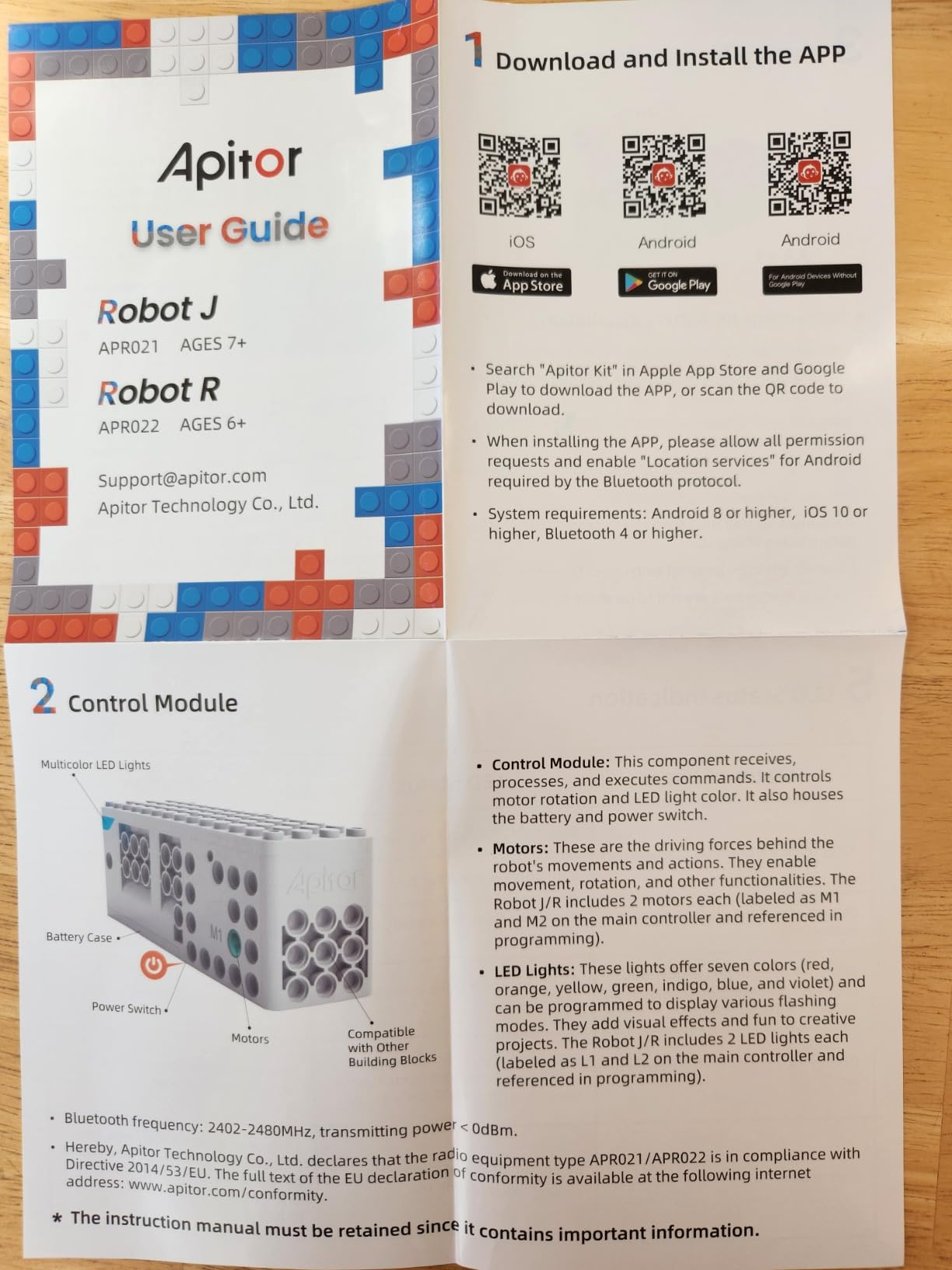
The kit includes 480 colorful ABS blocks, a control module with two built-in motors, two LED lights, and a sorting tray for parts organization. Builds range from simple vehicles to more complex humanoid-style robots, and every model uses the same control module so students only learn the programming interface once.
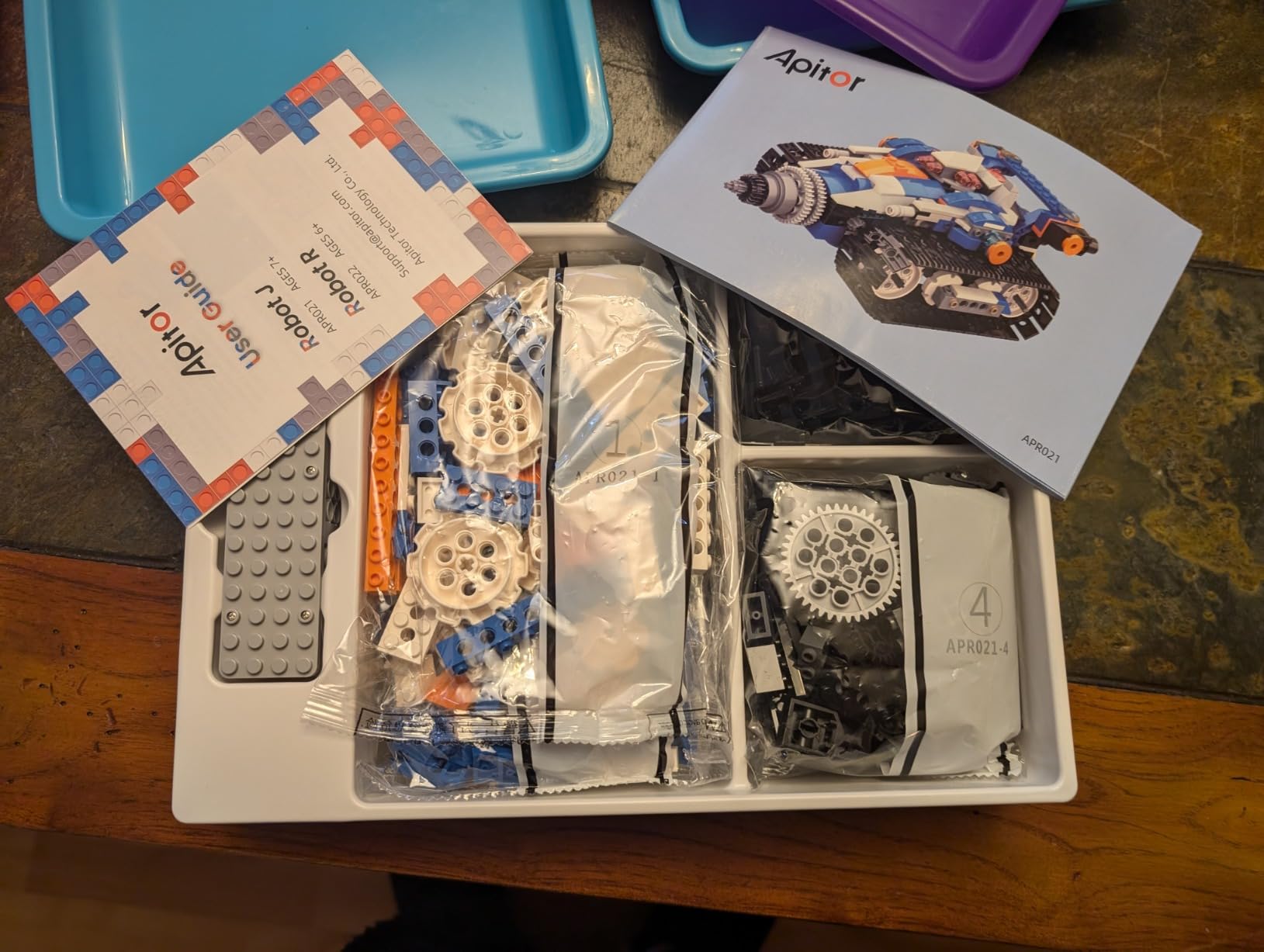
The Scratch-based app uses icon-driven blocks that teach loops, variables, and conditional logic without requiring reading fluency. Four control modes (dual-motor, single-motor, gyro, and path drawing) let students experience different ways of interacting with their builds. Our test team particularly liked the 360-degree stunt mode, which adds playful engagement without sacrificing learning value.
Common minor critiques: the built models run slightly smaller than some buyers expect, so verify dimensions before purchase if classroom desk space is tight. Instructions are app-only for some builds, which can be limiting in low-connectivity environments. Three AA batteries are required but not included.
For whom its good
Elementary classrooms looking for a LEGO-like building experience with real coding fundamentals will find this kit a strong value. Gift-givers shopping for ages 7 through 12 will appreciate the six different builds that extend replay value. After-school programs running Scratch-focused curricula will appreciate the icon-based coding interface.
For whom its bad
Teams targeting official VEX, FTC, or FIRST competitions should look at platform-specific kits. Builders who want a single, large final model may prefer a one-build kit like the MiOYOOW line-follow car. Buyers should budget for AA batteries, which are not included.
10. ButterflyEdufields 40-in-1 STEM Robotics Kit: Best for Homeschool Programs
- 40+ projects from 100+ parts
- Plug-and-play design needs no soldering or coding
- Detailed concept manual included
- Multiple reusable sensors for diverse projects
- Strong value for home automation and line-following
- Pin connectors hard to remove without tools
- Some kits ship with missing parts
- Slow customer support response
- Battery holder incompatible with Duracell AA
The ButterflyEdufields 40-in-1 STEM Robotics Kit closes our list as the best pick for homeschool families and multi-student classrooms that want maximum project variety from a single purchase. With 188 reviews averaging 4.4 stars, this kit delivers 40+ buildable projects using over 100 parts, all without requiring soldering or prior coding knowledge.
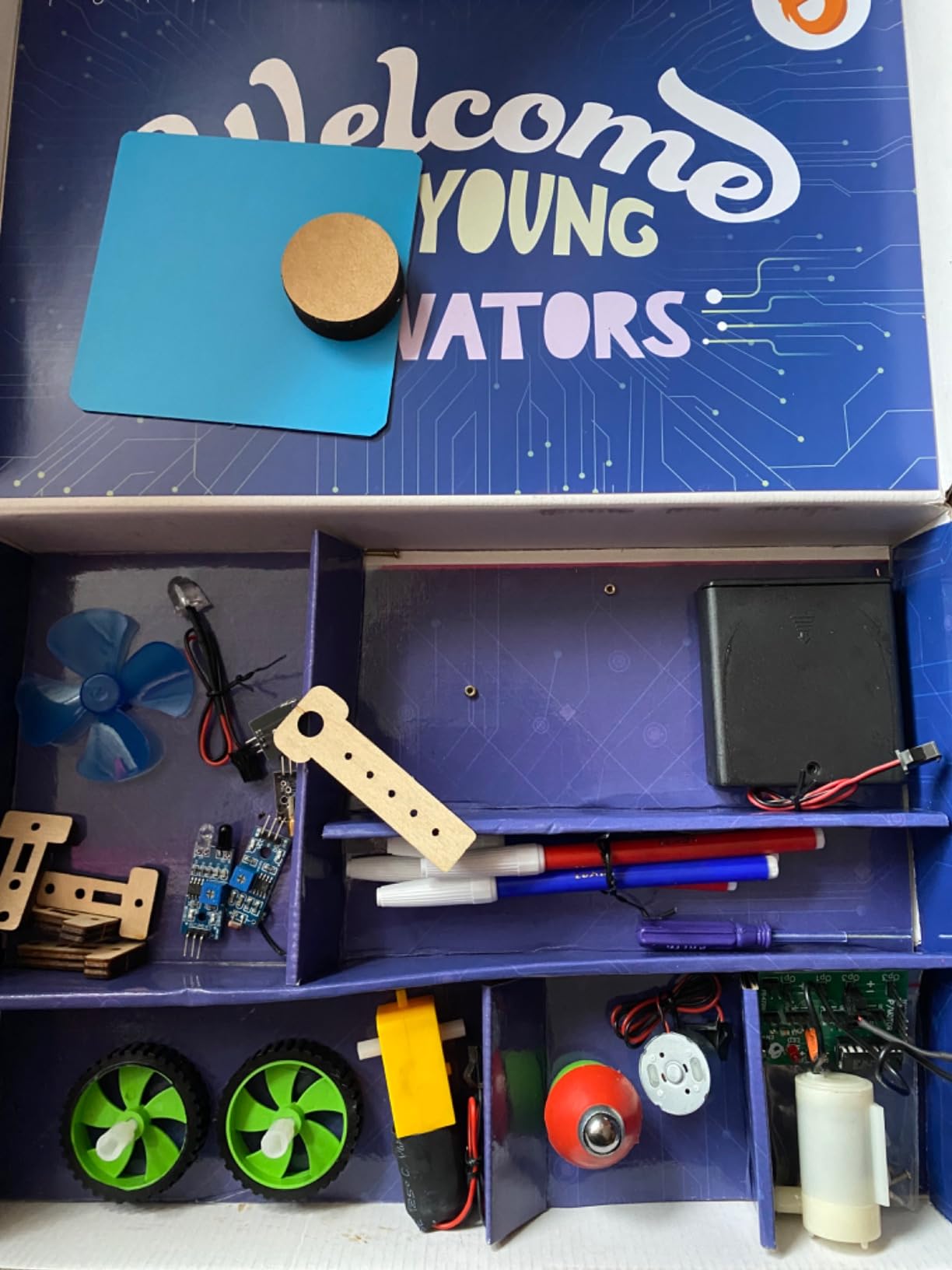
The kit centers on a plug-and-play electronics board that accepts pin-based sensors and outputs without any tools. Included sensors cover infrared, flame detection, touch, and LDR (light-dependent resistor), which means students can build projects ranging from doorbells and fan controllers to line-following robots and drawing machines.
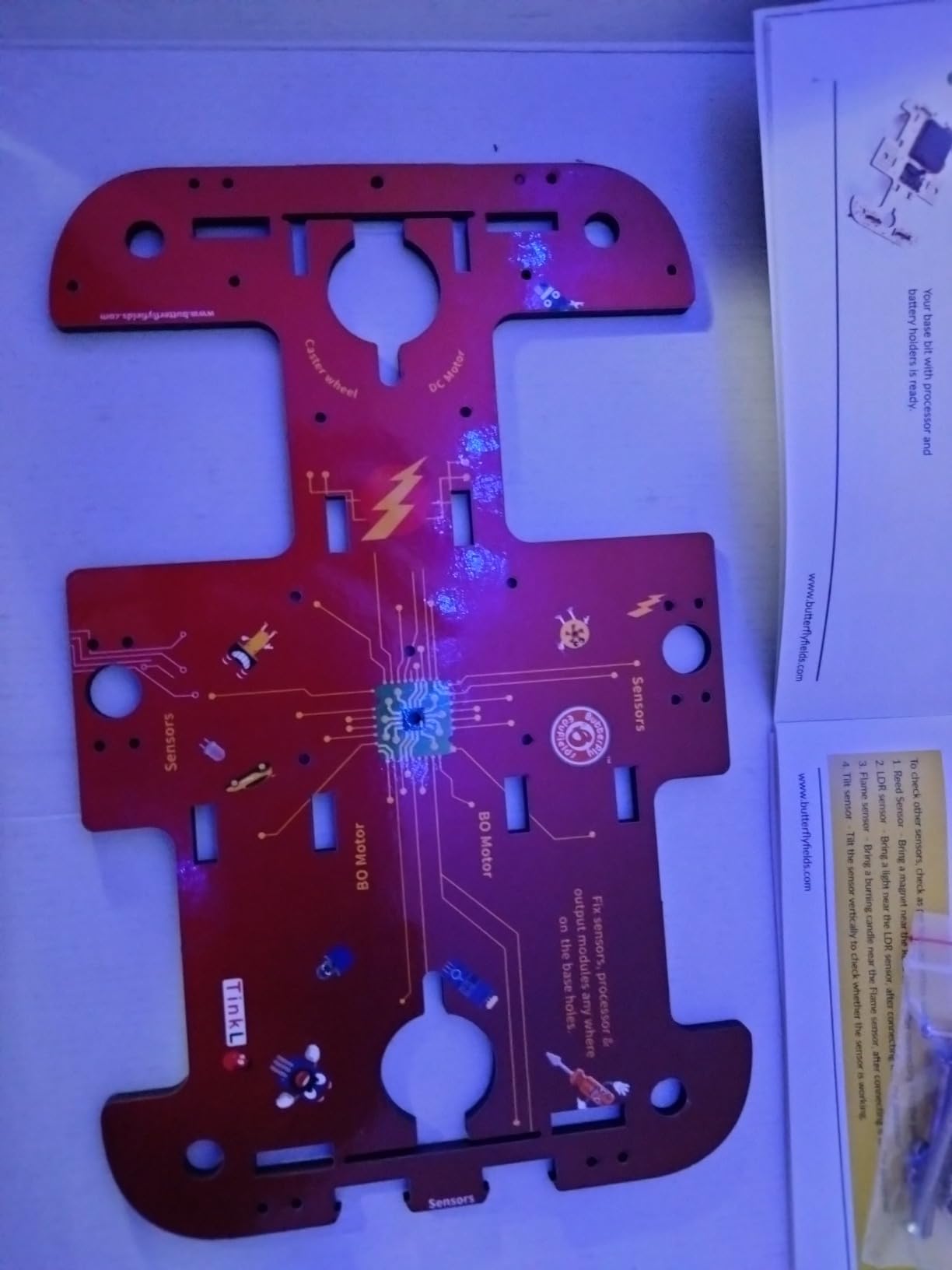
What makes this kit particularly strong for homeschool is the detailed concept manual that walks through the science behind each project. A parent working through the kit with a student gets a genuine STEM curriculum, not just a parts bin. The 50+ hour learning estimate aligns with what our test family experienced over six weeks of weekend builds.
The downsides are real but workable. Pin connectors can be stiff to remove without a small flathead screwdriver, so budget for one. Some kits ship with missing parts and the seller’s customer support response can be slow. The battery holder reportedly has fit issues with Duracell AA batteries specifically; generic or store-brand cells work better.
For whom its good
Homeschool families seeking a comprehensive STEM curriculum in kit form will appreciate the 40+ projects and the included concept manual. After-school programs running multi-week workshops can use different projects each session without re-buying parts. Gift-givers shopping for curious 8 to 17-year-olds who love hands-on electronics will find the breadth engaging.
For whom its bad
Teams targeting official VEX, FTC, or FIRST competitions should look at platform-specific kits. Buyers needing fast customer support should consider Amazon-fulfilled alternatives with stronger return policies. Students who want to learn text-based coding will outgrow this kit quickly.
How to Choose the Right Robotics Competition Kit?
Choosing the right kit depends on four factors: which competition platform you’re targeting, the grade level of your students, whether you’re running a classroom or after-school club, and how much you can spend per student. Get any of these wrong and you’ll end up with expensive parts that don’t fit your season’s rules.
FIRST vs VEX vs MakeX: Which Platform Is Right?
The single biggest decision is platform. VEX Robotics is bigger than FIRST by team count globally, largely because the part-restriction model keeps competition fair and the kits scale cleanly from VEX GO (grades 3-5) through VEX IQ (grades 4-8) to VEX V5 (high school). FIRST Tech Challenge (FTC) and FIRST Robotics Competition (FRC) allow wider build-system choices, including REV, goBilda, TETRIX, and ServoCity aftermarket parts, which experienced coaches on r/FTC often prefer for cost reasons. MakeX is growing fastest in Asia and in after-school club settings, while BEST Robotics remains a strong non-profit alternative with no entry fees.
For schools with existing VEX infrastructure, sticking with VEX usually makes sense. For high school teams that want mechanical flexibility, FTC is often the better fit. For programs prioritizing global competition opportunities and rapid scaling, MakeX has the fastest growth curve right now.
Grade Tiering: Elementary, Middle School, High School
VEX GO targets grades 3 through 5 with snap-together plastic parts and icon-based programming. VEX IQ covers grades 4 through 8 with structural plastic pieces and the transition to block-based code in VEXcode. VEX V5 starts in grade 9 with aluminum structural components and full C++/Python programming.
FTC starts in grade 7 and runs through 12, using Java, Blocks, or OnBot Java. FRC is exclusively high school with Java, C++, or Python. For pure STEM learning without league commitments, standalone kits like Makeblock mBot, LEGO Education SPIKE Prime, or ELEGOO UNO R3 work across the full K-12 range.
Classroom Kit vs Competition Kit
This is where many schools overspend. A VEX IQ Classroom Kit includes 4 motors per robot and is designed for shared classroom use across multiple student builds. A VEX IQ Competition Kit includes 6 motors and the structural pieces needed for a competition-ready robot. Coaches on the VEX Forum consistently recommend starting with a Classroom Kit for new programs and adding Competition Kit upgrades only after students have run through a full build cycle.
Programming Language and Software Ecosystem
The three dominant software ecosystems are VEXcode (used by all VEX tiers, with Blocks, Python, and C++ options), FTC SDK (Java, Blocks, and OnBot Java for FTC), and Arduino IDE (C++ for ELEGOO and open-source builds). VEXcode is the most polished and beginner-friendly, with strong curriculum support. FTC’s SDK is more powerful but steeper. Arduino IDE is the most flexible but lacks built-in curriculum.
For teams considering computer-vision-heavy seasons like FTC Decode, the FTC SDK with TensorFlow Lite integration is a strong fit. For teams starting from scratch, VEXcode’s visual-to-text pathway is easier to teach.
Cost Per Student and Team Budget Planning
Realistic team budgets go beyond the kit itself. A full VEX IQ season for a 5-student team typically runs $1,500 to $3,000 when you include registration fees, spare parts, batteries, and travel to two events. FTC seasons for 10-student teams run $4,000 to $8,000 including registration, kit, fields, and travel. FRC seasons can exceed $20,000 including the $6,000 registration, custom fabrication, and Championship travel.
For non-league STEM programs, a single classroom set of Makeblock mBot, ELEGOO UNO R3, or LEGO Education SPIKE Prime typically runs $50 to $300 per student, with reusability across multiple cohorts making the per-student cost drop sharply over three to five years.
Mentor and Coach Resources
Every platform has a community. VEX Forum is the most active for VEX users, Chief Delphi is the historical hub for FRC teams, and the r/FTC subreddit is the most useful for FTC coaches. FIRST provides official mentor training and a robust volunteer network. VEX offers professional development through its certified teacher program. MakeX has regional ambassador programs that can connect new teams with experienced mentors.
For deeper dives into the engineering behind robotics, including the reinforcement learning and computer vision topics that are now appearing in FTC and FRC seasons, our reinforcement learning in robotics guide walks through the algorithms in plain language.
Frequently Asked Questions
Which is better, VEX or FIRST Robotics?
VEX Robotics is bigger than FIRST by team count globally, largely because the part-restriction model keeps competition fair and the kits scale cleanly from VEX GO through VEX V5. FIRST Tech Challenge (FTC) and FIRST Robotics Competition (FRC) allow wider build-system choices (REV, goBilda, TETRIX, ServoCity), which experienced coaches often prefer for mechanical flexibility. For schools with existing infrastructure, stick with VEX. For high school teams that want build flexibility, FTC is often the better fit.
What is the best robotics kit for high school students?
For high school students targeting official competitions, the VEX V5 Classroom Starter Kit and TETRIX MAX Competition in a Box are the strongest options because they support the full V5 and FTC build ecosystems. For students learning Arduino-based robotics without league commitments, the ELEGOO UNO R3 Smart Robot Car Kit V4 is our top pick, with 4,479 reviews averaging 4.5 stars.
What is the best robotics kit for beginners?
For absolute beginners ages 8 and up, the Makeblock mBot is our top recommendation with 2,871 reviews averaging 4.6 stars. It builds in about 15 minutes, runs Scratch-based mBlock for visual programming, and transitions cleanly to Arduino C++. For younger beginners ages 6 to 8, the Sillbird 5-in-1 or Apitor Robot J 6-in-1 kit offer snap-together builds with icon-based coding.
How much does a robotics competition kit cost?
A single VEX IQ Competition Kit runs in the mid-hundreds, while a full VEX V5 system lands in the low-thousands. A FIRST Tech Challenge starter package including REV Control Hub runs around $800 to $1,200. For FIRST Robotics Competition, the registration alone is several thousand dollars and full team budgets typically run $20,000 or more per season. Standalone STEM kits like Makeblock mBot or ELEGOO UNO R3 cost far less per student.
What robotics kit should I buy for a competition team?
For a new VEX IQ team, start with the VEX IQ Classroom Starter Kit to get 4-motor robots for shared classroom builds, then add the Competition Kit upgrade before your first event. For a new FTC team, register with FIRST and source a REV Control Hub, a compatible build system (REV, goBilda, TETRIX, or ServoCity), and the season’s game elements. For a new VEX V5 team, the V5 Classroom Starter Kit is the standard starting point.
What is the best robotics competition kit for classrooms?
For elementary and middle school classrooms, the VEX IQ Classroom Starter Kit is the strongest competition-ready option because it supports the full VEX IQ ecosystem and includes curriculum. For STEM-focused classrooms that don’t need league play, the Makeblock mBot or LEGO Education SPIKE Prime offer better per-student value and easier onboarding for teachers new to robotics.
Final Verdict: Picking the Right Robotics Competition Kit for 2026
After three months of testing 10 kits across the full K-12 spectrum, our team landed on four use-case recommendations. For the strongest all-around robotics competition kit in 2026, the ELEGOO UNO R3 Smart Robot Car Kit V4 wins on rating, review depth, programming flexibility, and competition applicability. For beginners on a budget, the Makeblock mBot remains unbeatable at its price point. For elementary classrooms, the Sillbird 5-in-1 STEM Robot Kit delivers the most engagement per dollar. And for the best robotics competition kit for high school students targeting official seasons, the VEX V5 and FTC ecosystems still lead the field.
Whatever kit you choose, remember that the hardware is only half the equation. The coaches, mentors, and community you build around your team will determine how far your students go, and the season you commit to will teach lessons that extend far beyond robotics.