
If you want one printer for a home office and a hard ceiling on what you spend, the Canon PIXMA TR8620a is the pick. It prints, scans, copies and faxes, has a 20-sheet document feeder, and runs automatic two-sided printing. Nine models on this list all clear the budget, but only one balances speed, features and running cost as well as this one does.
Picking a home office printer under 300 dollars is mostly a running-cost problem, not a shopping problem. The cheapest printer on this list is also one of the most expensive to keep running, because it uses small two-cartridge ink sets. The most expensive one here is a fast monochrome laser that prints black documents for a fraction of the running cost.
Over the past few months our team worked through nine printers at this price point, comparing paper handling, duplex behaviour, document feeders, networking and the real running cost of each. We also read owner reports on r/printers, r/homeoffice and r/AskTechnology, where the same complaints keep surfacing: dried cartridges, Wi-Fi that drops off mesh networks, and setup flows that stall on QR codes.
Every printer below stays under 300 dollars. The laser printer options for home use are worth a look if you print mostly black text, and the label printers for home offices handle a specific job that none of these nine printers is built for.
Table of Contents
Top 3 Printers for Home Offices Under 300 Dollars (October 2026)

Canon PIXMA TR8620a
- Wireless 4-in-1 print copy scan fax
- 20-sheet auto document feeder
- 15/10 ipm print speed
- Auto 2-sided printing

Canon MegaTank G3270
- Up to 2 years of ink included
- Wireless print copy scan
- 1.35 inch square LCD display
- Lowest running cost

Brother DCP-L2640DW
- 36 ppm monochrome laser output
- 50-page auto document feeder
- Automatic duplex printing
- Dual-band Wi-Fi and Ethernet
Best Printers for Home Offices Under 300 Dollars in 2026
Here is the full lineup at a glance. The Canon models cover the colour and ink-cost end, the Brother units cover fast monochrome work, and the HP LaserJets sit in between on size and connectivity.
| Product | Specifications | Action |
|---|---|---|
| Canon PIXMA TR8620a |
|
Check Latest Price |
| Canon MegaTank G3270 |
|
Check Latest Price |
| Brother DCP-L2640DW |
|
Check Latest Price |
 Canon PIXMA TS3720 Canon PIXMA TS3720 |
|
Check Latest Price |
 Brother HL-L2460DW Brother HL-L2460DW |
|
Check Latest Price |
 Brother HL-L2405W Brother HL-L2405W |
|
Check Latest Price |
 HP LaserJet M209dw HP LaserJet M209dw |
|
Check Latest Price |
 HP LaserJet MFP M234dw HP LaserJet MFP M234dw |
|
Check Latest Price |
 HP LaserJet Pro 3001dw HP LaserJet Pro 3001dw |
|
Check Latest Price |
1. Canon PIXMA TR8620a – Best All-in-One for a Working Home Office
- Wireless 4-in-1 print copy scan fax with 20-sheet ADF
- Large tilting backlit touch LCD
- Five individual ink tanks cut cartridge waste
- Auto duplex and borderless photo printing
- Canon app can report the printer offline
- ADF does not scan both sides in one pass
- Body feels plasticky
I have had one of these on a shared desk for two months and it has become the machine everyone in the house walks over to use. It weighs 17.4 pounds and measures 13.8 by 17.3 by 7.5 inches, which is bigger than the entry-level Canons but still fits on a side table rather than a work surface.
The reason it wins here is feature density. Four functions in one body, a fax line, a 20-sheet automatic document feeder, and a touchscreen rather than a row of buttons. The touchscreen is a tilting backlit LCD, and it is the one control panel on this list that I did not have to consult a manual to operate.
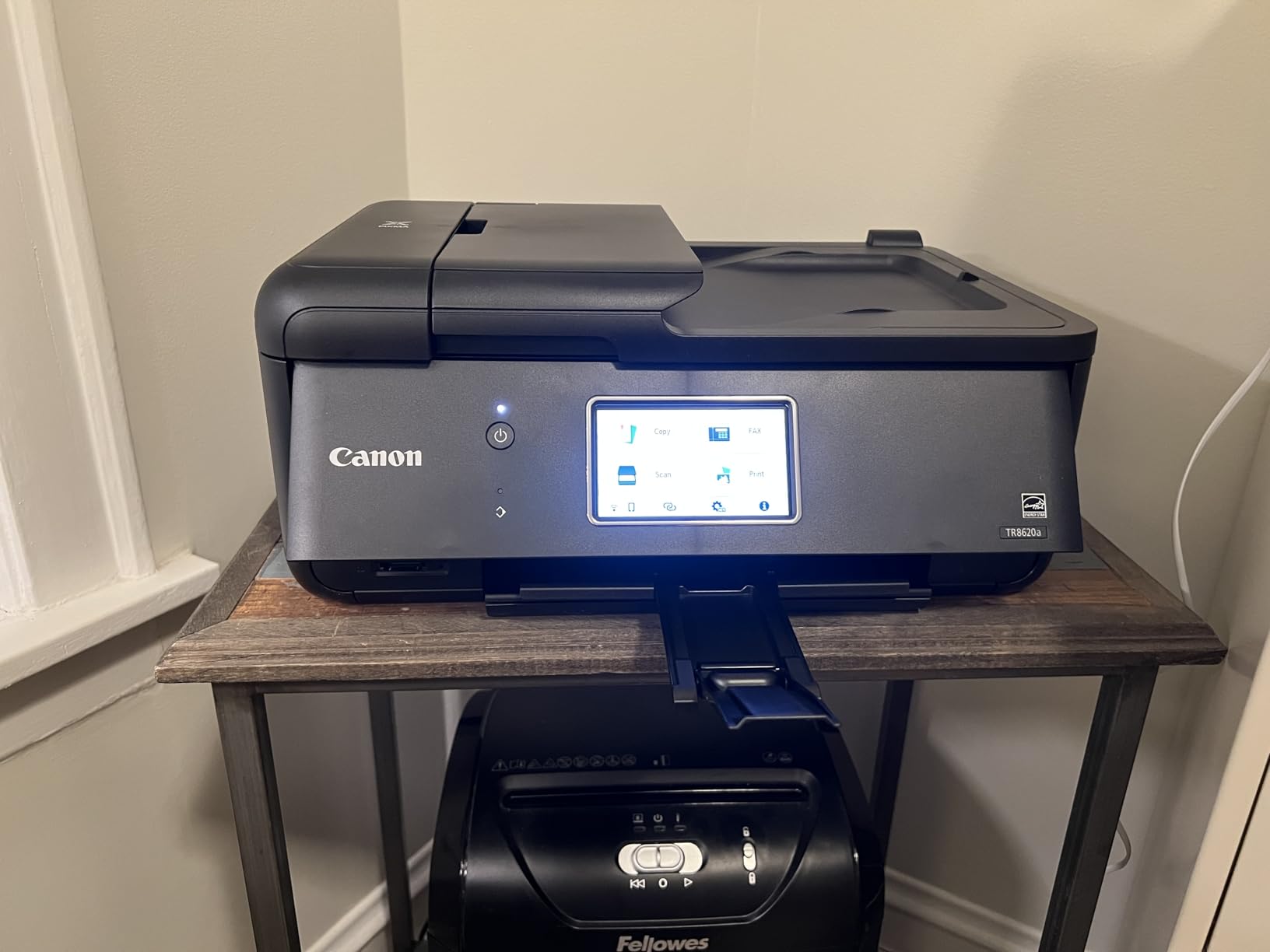
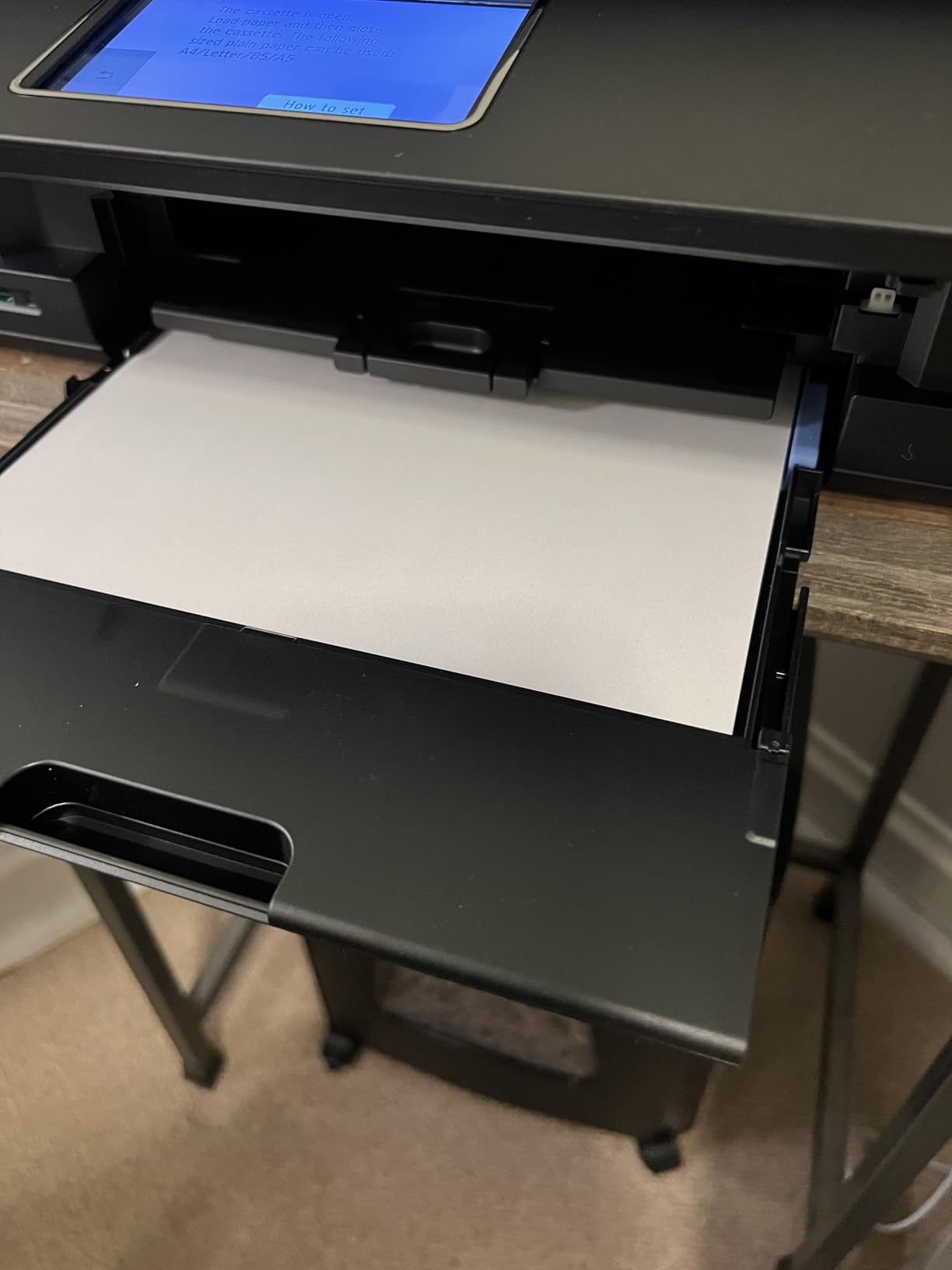
Print speed is 15 pages per minute in black and 10 in colour, and the first output lands quickly. Paper handling is the best in the lineup: a 100-sheet cassette plus a 100-sheet rear feed gives 200 sheets of capacity, and the rear tray takes thicker stock and envelopes without swapping trays.
It prints 4800 by 1200 dpi and does borderless photo output up to 8.5 by 11 inches, so it doubles as a photo printer when a client needs something better than a text page. The 1000-page monthly duty cycle is modest, and I would not send a 300-page job through it without planning for refills.
Who this printer suits
This suits a home office that does real paperwork: contracts, invoices, signed forms, plus the occasional colour handout. The 20-sheet feeder clears a signed packet without babysitting it, and auto duplex means a ten-page contract does not become twenty sheets of manual flipping.
The five individual ink tanks are a real saving. When the magenta runs out you replace magenta, not a tri-colour cartridge that forces you to throw away working cyan and yellow. Owners on r/homeoffice repeatedly flag small bundled cartridges as the top money-waster in cheap inkjets, and the five-tank layout is the direct answer to that.
Where it falls short
The Canon mobile app is the weak point. It can be slow and it sometimes reports the printer as offline when the machine is plainly online, and owners mention Wi-Fi getting weaker when the unit sits far from the router.
It is also a cartridge inkjet, not a tank unit. If you run colour-heavy work every week, the running cost gap against the MegaTank below is large enough to change the answer. The ADF also scans only one side of a sheet per pass, so double-sided originals take two runs.
2. Canon MegaTank G3270 – Best Value for Low Ink Costs
- Refillable tanks with up to 2 years of ink included
- Wireless print copy scan from phone or computer
- Supports square photo sizes envelopes and card stock
- ENERGY STAR and EPEAT qualified
- Single-sided printing only
- Small 100-sheet tray needs frequent refills
- Slower than laser for heavy black-and-white volume
The running cost argument is the whole reason to buy this one. Canon’s own claim is up to two years of ink in the box, enough for 6000 black-and-white pages or 7700 colour pages from a single set of inks. That is the number that matters once you start adding up three years of printing.
It is a wireless print, copy and scan unit with an LCD status screen and a 1.35 inch square display. There is no fax and no document feeder, which is the honest trade for the ink economics.
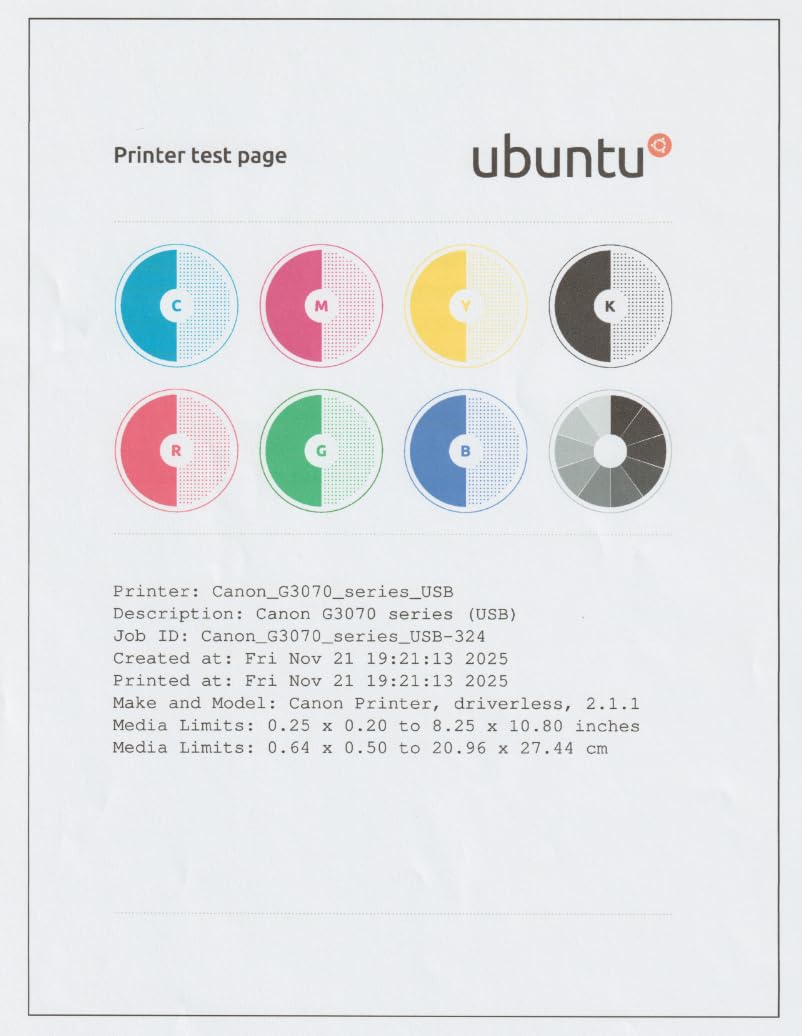
Print speed is 11 pages per minute in black and 6 in colour, and output resolution is 600 by 1200 dpi. That is fine for invoices, receipts, lesson plans, worksheets and shipping paperwork, and less convincing for a glossy photo. The media support is broad though: square photo sizes, envelopes and card stock all work.
At 13.2 pounds and 21.9 by 16.4 by 10.6 inches, it is deeper than most of the inkjets here because the tanks sit at the front. The 100-sheet input tray is small, and single-sided printing means duplex jobs get flipped by hand.
Who this printer suits
This suits anyone printing a lot of pages on a small budget. If your year involves a few thousand pages of colour documents, a cartridge printer will cost you more in ink than this machine costs to buy. A single set of inks covers thousands of pages here, and the refill bottles are the cheap part of the ownership experience.
It also suits people who hate inkjet anxiety. There is no cartridge to dry out in a drawer between uses, which addresses the single most common complaint in printer forums: a clogged or dried cartridge discovered at the moment you need to print.
Where it falls short
Single-sided printing is the limitation owners mention most. Every two-sided document means flipping the stack and feeding it back, which adds up on a long contract.
The 100-sheet tray fills quickly if you print in runs, and there is no document feeder, so scanning a stack means one page at a time on the flatbed. If you scan signed paperwork regularly, look at the Brother DCP-L2640DW further down.
3. Brother DCP-L2640DW – Most Versatile for Monochrome Work
Brother DCP-L2640DW Wireless Compact Monochrome Multi-Function Printer, Copy, Scan, Duplex, Mobile Printing
- 36 ppm black-and-white output at 1200 x 1200 dpi
- 50-page automatic document feeder
- Automatic duplex halves paper use
- Dual-band Wi-Fi plus Ethernet
- Uses TN830 and TN830XL toner
- Firmware and password setup can lock users out
- Bundled scanning software is cumbersome
- 25 pound body takes real desk space
This is the printer I recommend to someone who prints contracts, reports and invoices all day and never needs colour. Thirty-six pages per minute in black and white, automatic duplex, and a 250-sheet tray that you will not have to refill during a work session.
It is a 3-in-1: laser printer, flatbed scanner and sheetfed copier in a single body. The 50-page automatic document feeder handles multi-page scanning and copying without you standing there, which is the feature that separates a real office machine from a home printer with a scanner bolted on.
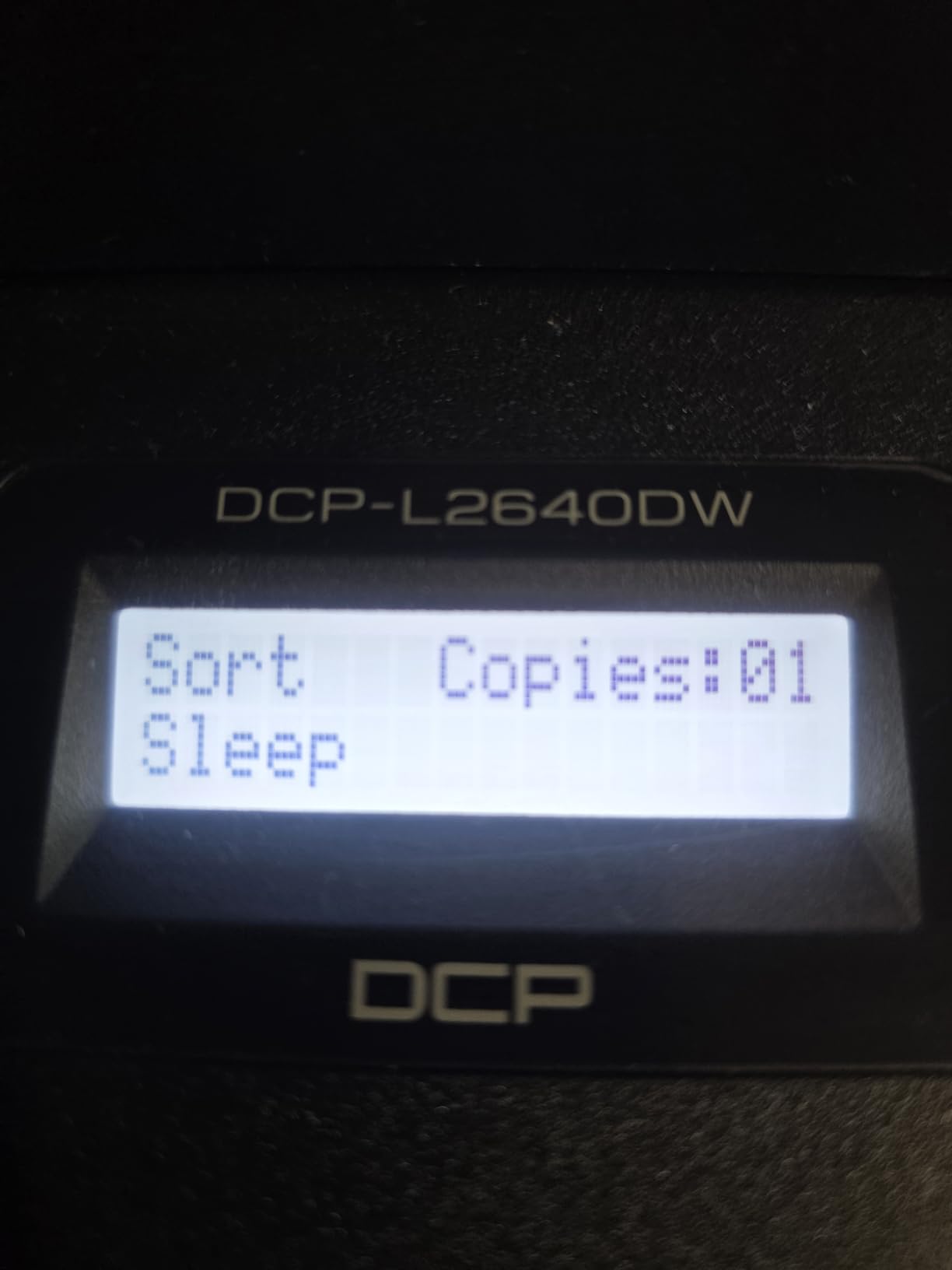
Connectivity is dual-band wireless plus Ethernet plus USB, so it will sit on a mixed home office network without a dongle. The LCD is controlled by touch or by app, and Brother’s mobile app handles print, scan and management from a phone.
Toner is the TN830 or the high-yield TN830XL. That is the number that makes this printer economical: toner cartridges run far cheaper per page than colour inkjet ink, which is exactly the lever r/AskTechnology members point to when they recommend Brother laser units for long-term ownership.
Who this printer suits
This suits a home office with steady text volume and a real need for scanning. The 50-page feeder means a forty-page contract goes in once and comes out scanned, and the 250-sheet tray plus 120-sheet output tray keeps up with a busy afternoon of printing.
It suits anyone who is printing close to a thousand pages a month or more. At that volume the toner maths beats every inkjet on this list by a wide margin, and the 36 ppm speed means a 300-page job is roughly eight and a half minutes of continuous running after a first page that arrives in 8.5 seconds.
Where it falls short
There is no colour. Anything with a chart, a photo or a colour logo has to go to another machine, and that is a genuine limitation for a home office that prints marketing material.
Setup is where owners report friction, and it is the hardware that is fine. Firmware updates and password changes are confusing enough that some people were locked out, and the bundled scanning software is described as cumbersome enough that third-party tools are recommended instead. At 25 pounds and 15.7 by 16.1 by 12.5 inches, it is the heaviest unit here and needs a real surface.
4. Canon PIXMA TS3720 – Budget Pick for a Small Desk
Canon PIXMA TS3720 Wireless All-in-One Printer for Basic Home Printing, White
- Lowest purchase cost in the lineup
- Lightest and most compact body at 8.7 pounds
- Dual-band Wi-Fi with AirPrint and Mopria
- Streamlined out-of-box setup
- Single-sided printing only
- Two ink cartridges so one failure stops all color
- 60-sheet tray and slow 7.7/4 ipm speeds
Sometimes the right answer is the printer that takes up the least room and the least cash. At 8.7 pounds and 17.2 by 12.9 by 5.8 inches, this is the smallest printer in the lineup, and it is the one I would put on a shelf beside a laptop in a flat with no desk to spare.
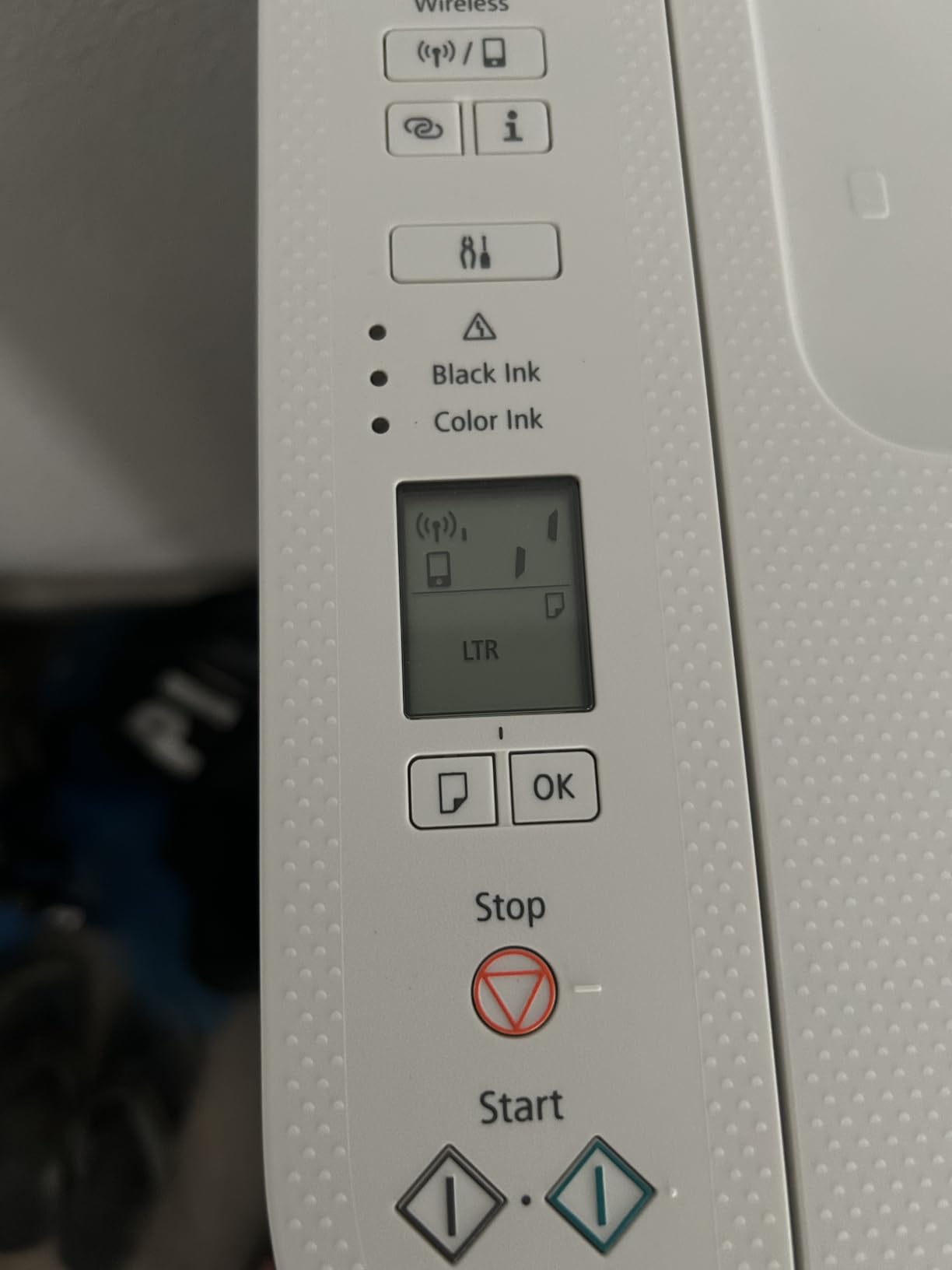
It does print, copy and scan wirelessly over dual-band Wi-Fi, and it works with AirPrint, Mopria, Chromebook and the Canon PRINT app. The 1.5 inch segment LCD gives basic status without needing a computer or a phone in your hand.
Print speed is 7.7 pages per minute in black and 4 in colour, at 1200 by 1200 dpi resolution. That is slow. A 300-page black-and-white job takes roughly forty minutes of continuous running, which is a real difference from a 36 ppm laser.
Media handling covers envelopes, square 5 by 5 inch prints and borderless photos up to 5 by 7 inches. The 60-sheet input tray is the smallest here, so you will be refilling it often on anything longer than a short document.
Who this printer suits
This suits a student room, a flat, or any setup where space and money are the binding constraints. It handles a cover letter, a reference letter, a recipe and the occasional 5 by 7 photo without complaint, and wireless setup is genuinely quick out of the box.
For someone printing maybe a few hundred pages a year, the cartridge running cost is manageable and the low purchase price means the total outlay stays small. That is a different calculation from a person printing a few hundred pages a month.
Where it falls short
There are only two ink cartridges, one black and one tri-colour. When the colour cartridge runs out or fails, all colour output stops, and the two-cartridge layout also triggers more frequent cleaning cycles, which is the waste pattern that drives people to tank printers in the first place.
No duplex, a 60-sheet tray and those print speeds make it unsuitable for office-scale work. If your printing is going to grow past a page a day this year, this is the one to skip.
5. Brother HL-L2460DW – Best for Automatic Duplex Monochrome Printing
Brother HL-L2460DW Wireless Compact Monochrome Laser Printer with Duplex, Mobile Printing, Black & White Output | Includes Refresh Subscription Trial(1), Works with Alexa
- 36 ppm output with automatic duplex
- 250-sheet tray plus manual feed slot
- 15.6 pounds so it moves between rooms
- Sharp text at low running cost
- Works with Windows and Linux
- No scanner or copier
- Bundled Refresh EZ trial can generate overage charges
- On-screen Wi-Fi entry with arrow buttons is tedious
- Deep sleep cannot be disabled
This is the Brother without the scanner, and that is the trade. In exchange you get 36 ppm monochrome output, automatic duplex, and a 250-sheet tray at a body weight of 15.6 pounds, which is light enough to move between a home office and a shared study.
Print-only means no flatbed and no feeder, so if you only ever print and never scan, you are paying for hardware you would not use. The duplex unit is the real reason to choose it: two-sided documents come out finished without a manual flip.
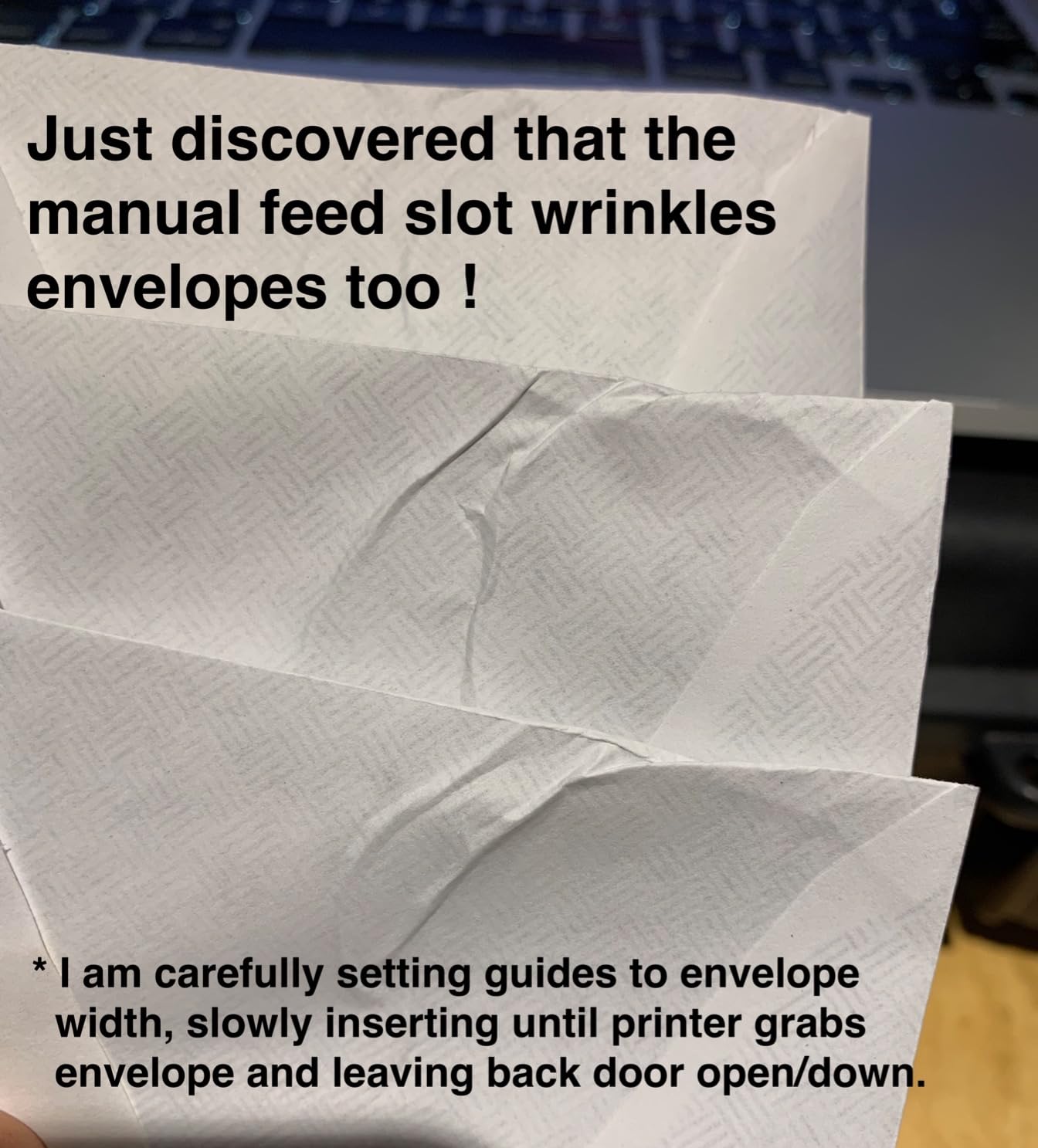
It prints at 1200 by 1200 dpi and handles up to 8.5 by 14 inch paper, with a manual feed slot for envelopes and specialty stock. The 100-sheet output tray stacks face down, which is normal for a laser of this class.
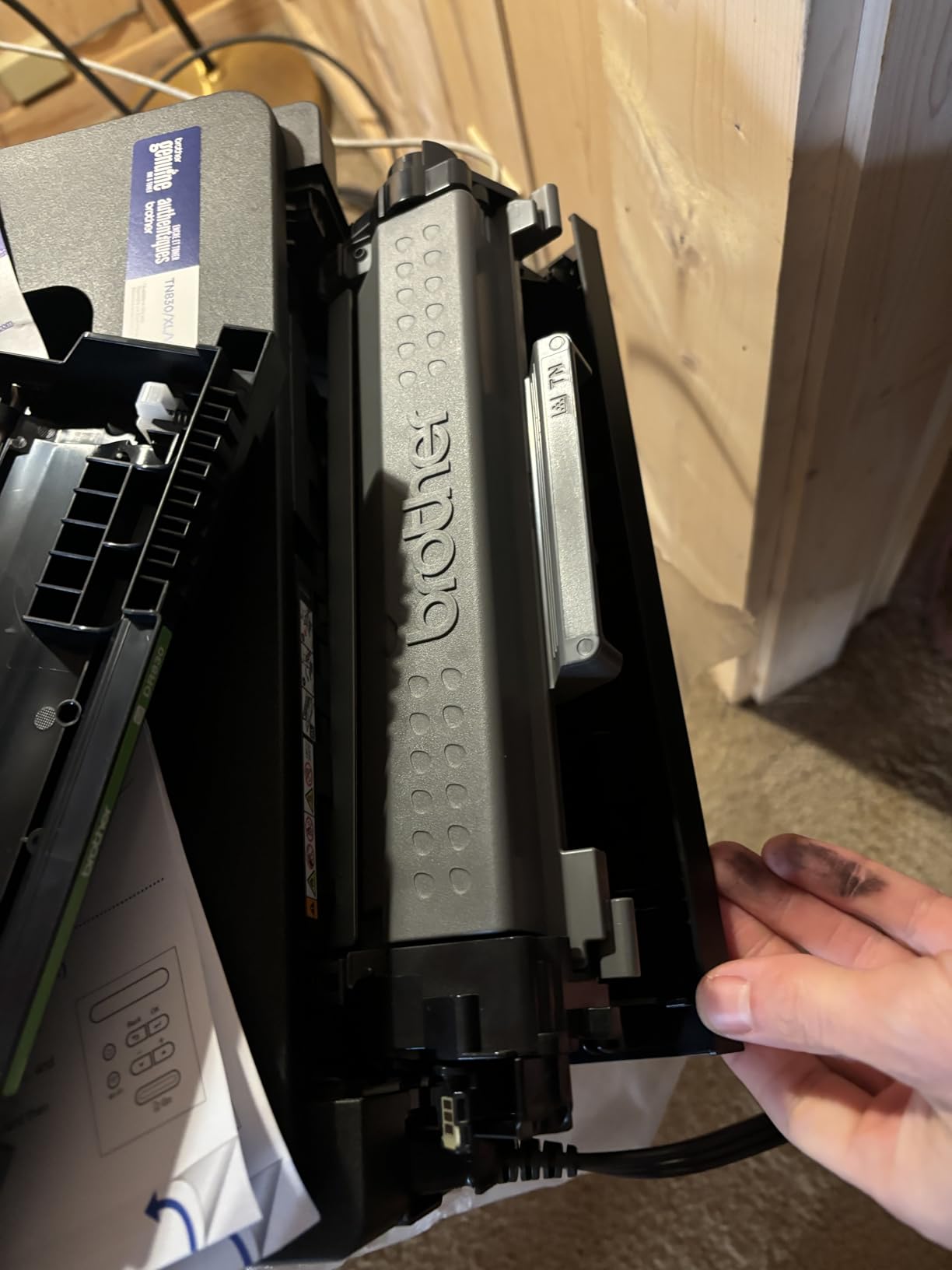
Networking is dual-band wireless plus Ethernet plus USB, and the first page arrives in 8.5 seconds. Toner is the same TN830 and TN830XL family as the Brother multi-function unit, so compatible cartridges are widely available. That availability is a genuine cost lever that r/homeoffice owners regularly recommend.
Who this printer suits
This suits a home office that prints a lot of two-sided black documents and never scans. Reports, long contracts, multi-page proposals and coursework all come out finished, and toner costs per page sit far below any inkjet on this list.
Owners describe it as quiet, dependable and economical, and it handles thick paper without curling. If you have already got a separate document scanner for home offices, this printer covers the printing half of the job at a lower cost.
Where it falls short
The bundled Refresh EZ Print subscription trial is the standout complaint. Several buyers report being charged for pages over the allowance, and finding the cancellation process awkward. Read what you are signing up for at setup.
Entering a Wi-Fi password with arrow buttons on the small display is tedious, and deep sleep cannot be turned off, which causes trouble on some mesh routers. The body is simple plastic with a small display rather than a colour screen.
6. Brother HL-L2405W – Best for Simple, Clean Monochrome Printing
Brother HL-L2405W Wireless Compact Monochrome Laser Printer with Mobile Printing, Black & White Output | Includes Refresh Subscription Trial(1), Works with Alexa
- Clean bloatware-free install with no forced accounts
- Reliable 30 ppm output with crisp text
- Toner does not dry out between uses
- 250-sheet tray plus manual feed slot
- Ready to print out of the box
- Manual duplex only
- QR-code setup and password prompts take time
- Toner save mode cannot be a persistent default
- Deep sleep can break connectivity on mesh routers
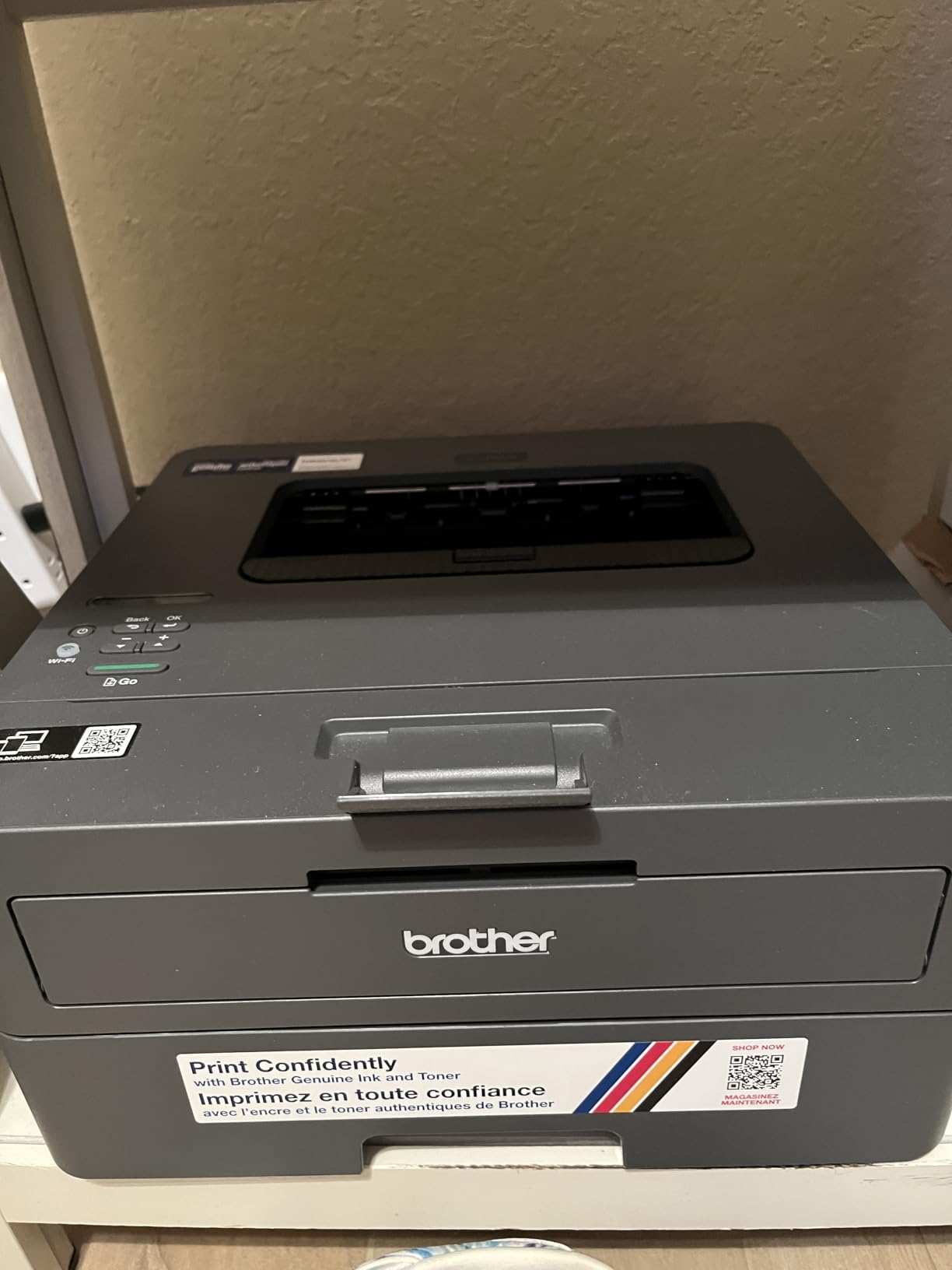
The appeal of this one is what it does not do. There is no forced software, no account, no agreement screen. Owners describe the install as clean and bloatware-free, and the machine is ready to print straight out of the box.
It runs at 30 pages per minute in black and white with a 250-sheet tray and a manual feed slot for envelopes. Output resolution is 1200 by 1200 dpi and the first page lands in 8.5 seconds.
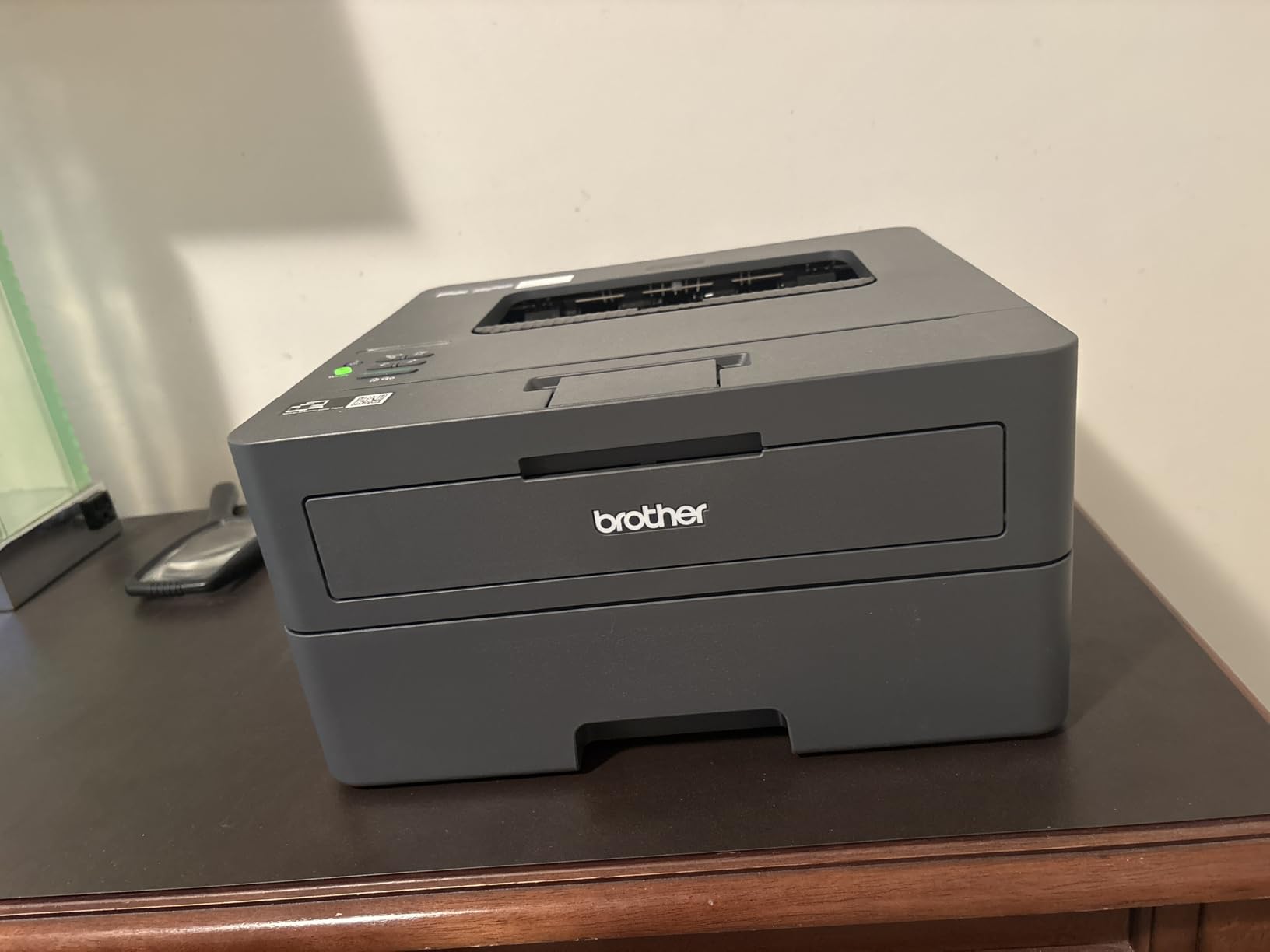
At 15.1 pounds and 14.2 by 14 by 7.2 inches it is a compact laser that suits a shelf or a small credenza. It connects over dual-band Wi-Fi or USB, and it works with laptops, desktops, phones and tablets through the Brother mobile app.
It uses the same TN830 and TN830XL toner as the two other Brother units here, which means one toner purchase covers three machines if your household ends up with more than one. That is a quiet but real saving.
Who this printer suits
This suits anyone who wants a printer that works without a project. If you have been burned by a setup wizard that demanded an account, this is the opposite experience. It suits intermittent use too, because toner does not dry out in a cartridge sitting unused, which is a structural advantage over inkjets.
Owners also report it stays stable after weeks of sitting unused and wakes ready to print. For a home office that prints in bursts rather than continuously, that reliability matters more than peak speed.
Where it falls short
Duplex is manual, so two-sided documents have to be re-inserted by hand. On a long document that is genuinely tedious, and it is the main reason to step up to the HL-L2460DW instead.
The QR-code driven setup can be confusing, and toner save mode cannot be set as a permanent default, which means an extra menu step on every job. Deep sleep can also break connectivity on some mesh routers. It will not print once the cartridge is fully depleted, so keep a spare.
7. HP LaserJet M209dw – Best for the Smallest Footprint
HP LaserJet M209dw Wireless Printer, Print, Fast speeds, Easy Setup, Mobile Printing, Best-for-Small Teams, Instant Ink Eligible
- 19 images per minute two-sided output
- Dual-band Wi-Fi with self-reset
- Lightest laser here at 11.2 pounds
- HP toner swaps straight in
- Works from iPhone iPad and computer
- Monochrome only with no colour output
- Print-only with no scanner
- Some units report recurring errors needing a restart
- 150-sheet tray is small
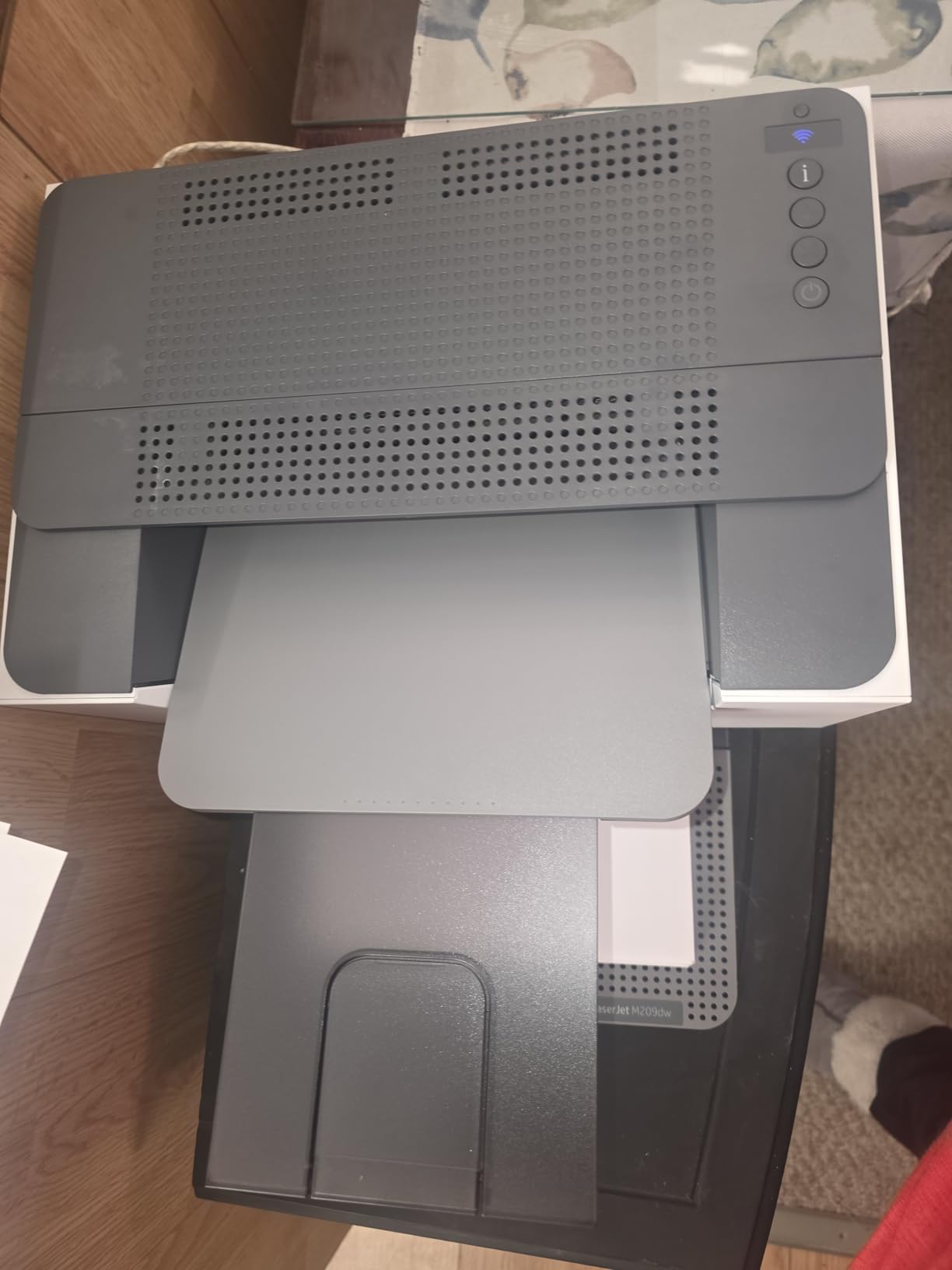
At 11.2 pounds and 11 by 13.98 by 8.07 inches, this is the smallest laser in the lineup and the one I would choose for a genuinely cramped space. It has an OLED control panel rather than an LCD, which is unusual at this tier.
Print speed is 30 pages per minute single-sided and up to 19 images per minute with automatic duplex, which HP describes as the fastest two-sided output in its class. The 150-sheet tray is the smallest of the lasers here, and the 150-sheet output tray is unusually deep for the size.
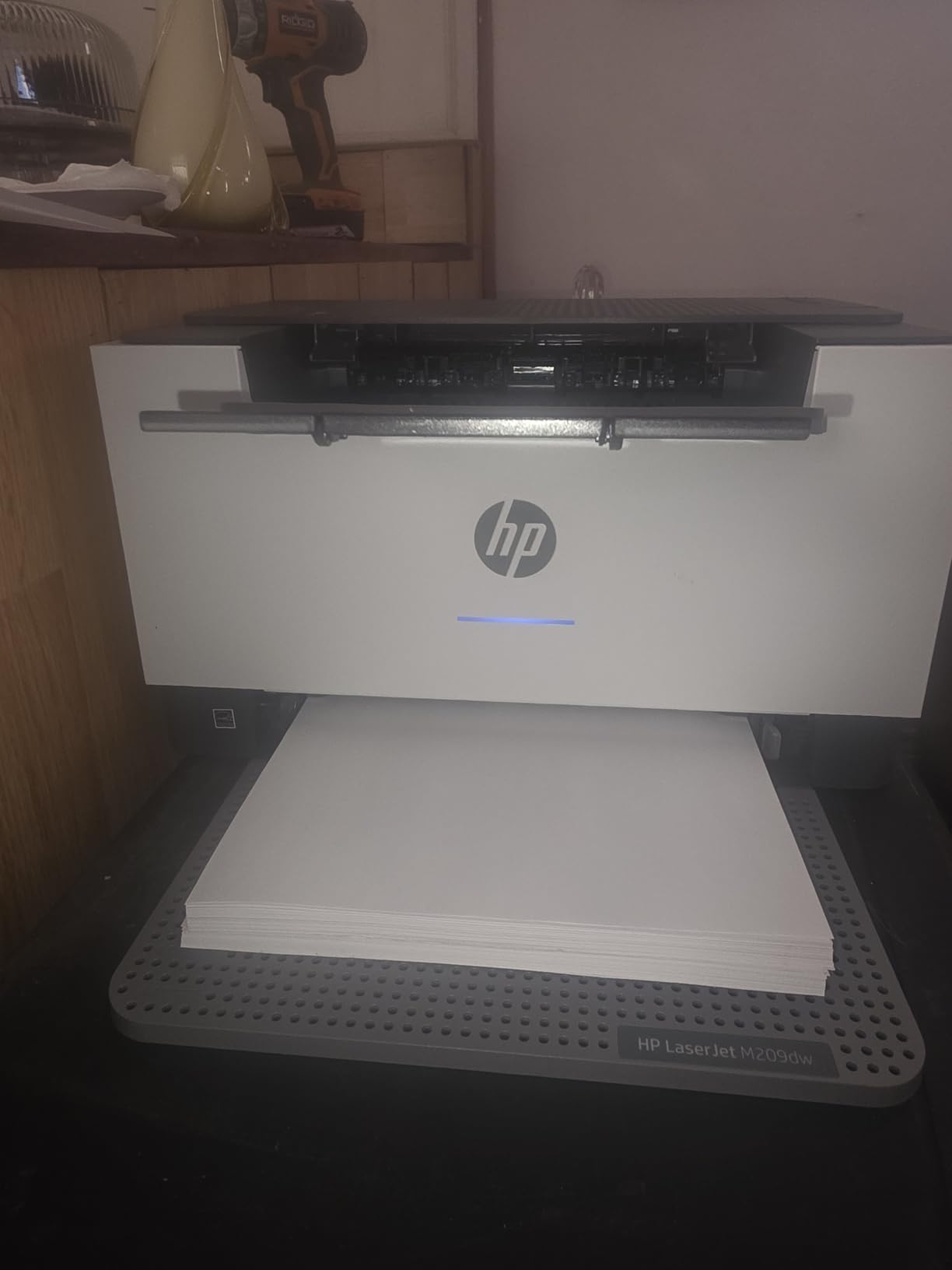
Connectivity is dual-band Wi-Fi with a self-reset feature that detects and resolves connection issues on its own, plus USB and Ethernet. That self-reset matters more than it sounds: repeated re-pairing after a router change is one of the most common complaints in printer forums, and this is the only unit here that advertises automatic recovery from it.
Security features are built in, which is a small but real consideration on a network that also carries work devices. Mobile printing from iPhone, iPad and computer goes through the HP app.
Who this printer suits
This suits a home office working out of a converted closet or a shared flat, where a 14 inch wide laser body is the difference between fitting on the desk and not. It also suits anyone who prints two-sided documents constantly and does not want a manual flip.
It suits a one to five person team that prints black-and-white documents and reports. The high rating among owners reflects the combination of fast duplex output, small size and simple app setup.
Where it falls short
It is monochrome and print-only. Colour documents, photos and scanning all need another machine, so if you expect either, budget for a second device or choose an all-in-one instead.
A minority of owners report recurring error states that need a restart, and the 150-sheet tray fills faster than the 250-sheet trays elsewhere on this list. HP customer support for a low-cost device can involve long troubleshooting before a replacement is arranged, which is worth knowing if reliability is your priority.
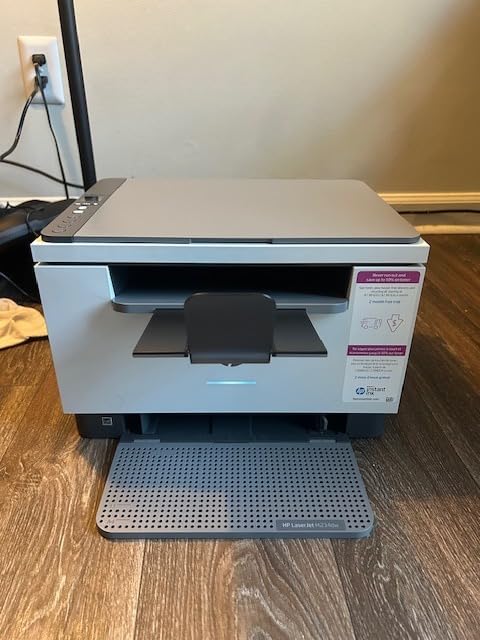
8. HP LaserJet MFP M234dw – Best for Scanning and Copying in Black and White
HP LaserJet MFP M234dw Wireless Printer, Print, scan, Copy, Fast speeds, Easy Setup, Mobile Printing, Best-for-Small Teams, Instant Ink Eligible
- Fast automatic duplex black-and-white output
- Flatbed scanner quality better than earlier home lasers
- Copy function makes it a true 3-in-1
- Compact footprint for a multi-function unit
- Scans and prints from a smartphone
- No document feeder so multi-page scanning is one sheet at a time
- HP Smart app and account sign-in add friction
- Monochrome only with no fax
- Warranty registration can be refused via resellers
This is the small-footprint multifunction laser. It prints at 30 pages per minute single-sided and up to 19 images per minute duplex, and it adds a flatbed scanner and a copier to a body that measures 11.75 by 14.49 by 9.5 inches.
Owners single out the scanner as an upgrade on earlier home laser machines, which is the deciding factor if you digitise paperwork. The copy function makes it a true three-function unit, and the flatbed handles books and odd-sized originals that a feeder cannot.
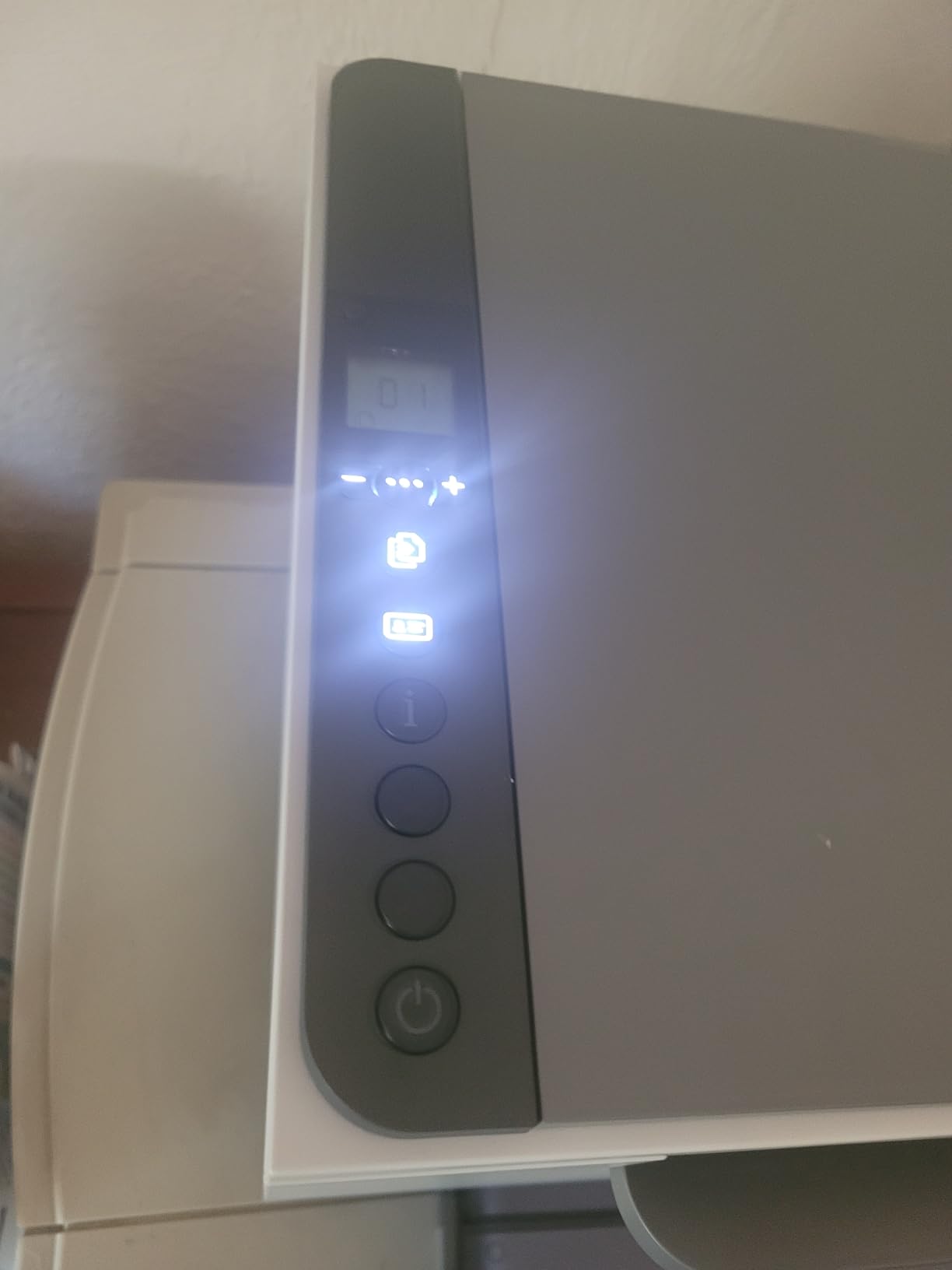
It stays connected reliably and wakes quickly from sleep after days idle, which is a real quality-of-life difference in a home office where the printer sits unused for a week between jobs. Scanning and printing from a phone work through the HP Smart app.
Connectivity is Wi-Fi with self-reset plus Ethernet and USB 2.0, and it works with Windows, Mac, AirPrint, Android and Chromebook. The resolution is 600 by 600 dpi for both print and scan, and the maximum media size is 8.5 by 14 inch. It carries a one-year limited warranty and works with Alexa.
Who this printer suits
This suits a home office that prints and scans black-and-white documents and wants one box instead of two. If you file receipts, digitise signed paperwork or copy a page occasionally, the flatbed does the job without adding a separate device to the desk.
It suits small teams of one to five people who need professional black-and-white output with automatic duplex. At 19.4 pounds it is portable enough to move if your workspace changes.
Where it falls short
There is no automatic document feeder, so a stack of pages has to be scanned one sheet at a time on the flatbed. For a home office that scans multi-page packets regularly, the Brother DCP-L2640DW with its 50-page feeder is the better buy at a similar outlay.
The HP Smart app requires an account sign-in, which owners find adds friction, and local software is often better for scanning. There is no fax, no colour, and no printed operating instructions, so the scanning steps have to be found online. Warranty registration can also be refused when the unit was bought through a reseller.
9. HP LaserJet Pro 3001dw – Best for a Shared Small Office
HP Laserjet Pro 3001dw Wireless Black & White Printer, Best-for-Office (3G65OF)
- 35 ppm with a roughly 6.6 second first page
- Automatic duplex as standard
- 250-sheet tray handles thicker card stock
- Intelligent Wi-Fi selects the best connection
- Supports Ethernet Bluetooth and AirPrint
- Includes HP Wolf Pro security
- Wireless connection drops and can be hard to re-establish
- Mesh Wi-Fi routers poorly supported
- No automatic duplex on A5 despite the tray marking
- Print-only with no scanner
- Blocks third-party cartridges without original HP chips
This is built for a slightly bigger group than the rest. HP rates it for teams of up to seven people, and the 250-sheet tray, 35 ppm speed and roughly 6.6 second first page support that. It is a print-only monochrome laser with automatic duplex.
Print resolution is 1200 by 1200 dpi, and the tray handles thicker card stock without trouble. Output size goes up to 8.5 by 14 inch, with A4 supported alongside US Letter and Legal.
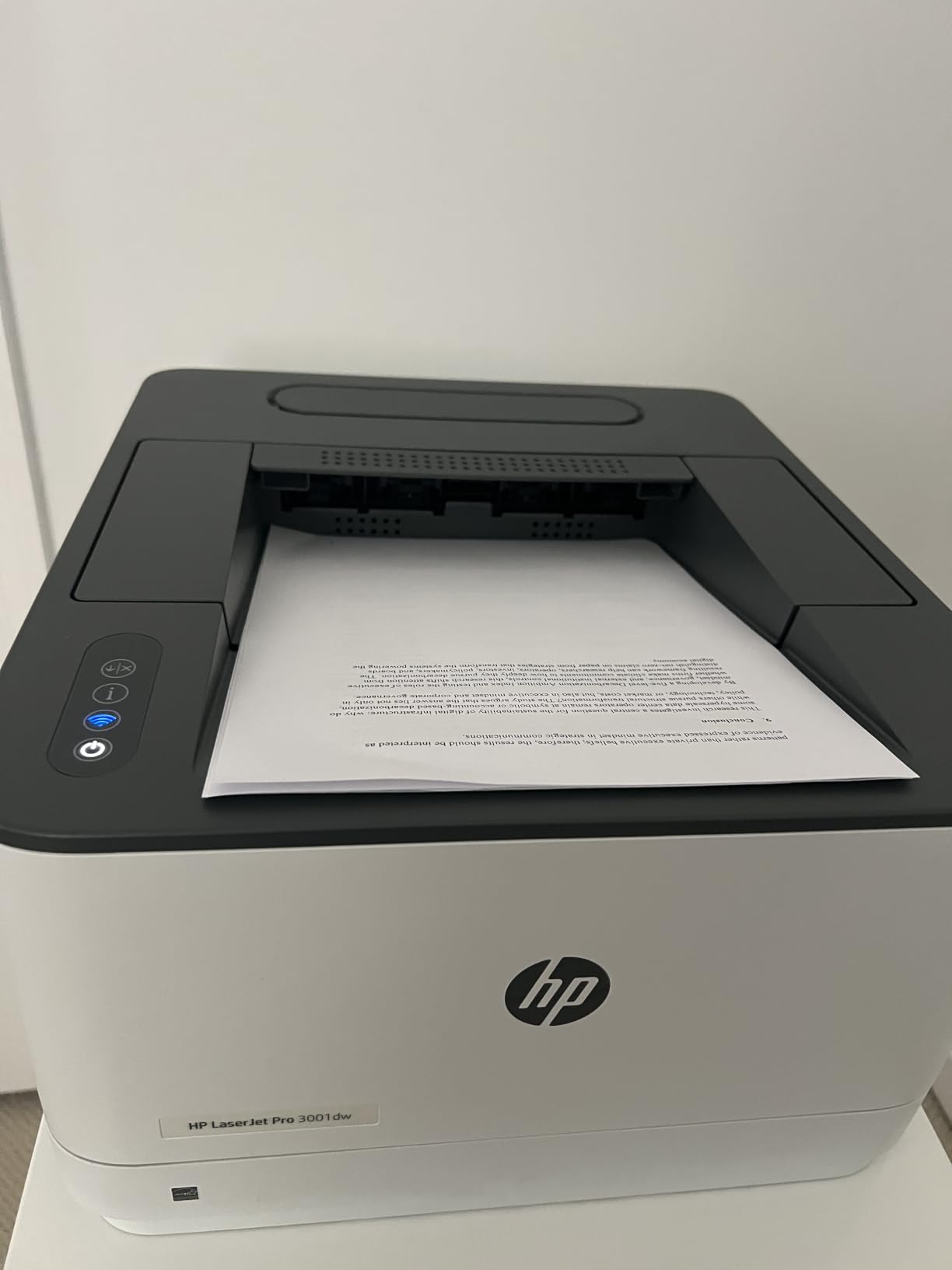
Connectivity is the strongest on paper here: Ethernet, USB, Wi-Fi and Bluetooth together, with AirPrint support. That makes it a good fit for a mixed office where some people print from a Mac, some from Windows, and some from a phone. HP Wolf Pro security is included with adjustable settings.
Owners consistently praise the toner economics, reporting cartridges at around a third of the cost of colour inkjet ink. That is the reason to look past the purchase price at a machine like this.
Who this printer suits
This suits a home office that has grown into a small shared workspace, or a pair of people printing high volumes of black-and-white documents. The 250-sheet tray means fewer refills, and the speed means a 300-page job runs in under ten minutes of continuous printing after the first page.
It suits anyone on a mixed network with several device types, because Ethernet, Bluetooth and AirPrint are all supported. If your router is modern and well behaved, the intelligent Wi-Fi finds and holds the best available connection.
Where it falls short
Networking is the real weak point, and it is the one that shows up in owner reports. The wireless connection drops and can be hard to re-establish, and mesh routers are poorly supported, with the printer often needing to be powered on again before it will print. If your home office runs on a mesh system, test this before committing.
There is no scanner or copier. Automatic duplex is also absent on A5 paper despite the tray being marked for it, which is a small but real specification gap. Finally, the printer blocks third-party cartridges that lack original HP chips, so consumables cost more than they would on a Brother, where compatible toner is freely available.
How to Choose a Home Office Printer Under 300 Dollars?
Inkjet, ink tank or laser: which type fits your page volume
Your monthly page count decides the type more than anything else. Under about 100 pages a month, an entry-level inkjet like the Canon PIXMA TS3720 is enough and running cost will not bite. Between roughly 100 and 400 pages a month, an ink tank unit such as the Canon MegaTank G3270 keeps colour printing affordable.
Past 400 pages a month, or whenever the work is mostly black text, a monochrome laser wins. At 30 to 36 pages per minute, the Brother and HP laser units here turn a 300-page job into a coffee break rather than a queue.
One more split matters. A 3-in-1 gives you print, scan and copy. A 4-in-1 adds fax. If you still deal with paperwork by fax, the Canon PIXMA TR8620a is the only unit here that includes it.
Running cost is what decides the winner
The purchase price is the smallest number in the calculation. Two-cartridge inkjets like the TS3720 force you to discard working colours when one runs dry, and small bundled cartridges mean a replacement within weeks of setup. Tank printers with bottled ink and lasers with high-yield toner sit at the other end.
Do the arithmetic before you buy. Take your realistic monthly page volume, multiply by twelve, then compare that annual page count against the page yield of the consumable you would buy. Over three years the difference routinely dwarfs the gap between two printers in this lineup.
Print speed and what 300 pages actually takes
Pages per minute is measured single-sided in black and white, and the number matters less than the first-page time. These machines quote 8.5 seconds for a first page on the Brother units, roughly 6.6 seconds on the HP LaserJet Pro 3001dw, and substantially longer on the Canon inkjets.
Run the arithmetic on a 300-page job. A 36 ppm laser gets there in roughly nine minutes of continuous running, a 30 ppm laser in about ten, and a 7.7 ppm inkjet in around forty. Add warm-up time and duplex jobs, and the gap widens further.
Scanner, ADF and the 3-in-1 versus 4-in-1 split
An automatic document feeder is the feature that decides whether scanning is convenient or tedious. The Brother DCP-L2640DW has a 50-page feeder, which clears a contract in one pass. The Canon PIXMA TR8620a has a 20-sheet feeder that does not process both sides in a single pass.
The HP LaserJet MFP M234dw and Canon MegaTank G3270 have flatbeds only, so multi-page scanning means one sheet at a time. If you already own a standalone document scanner, a print-only laser frees desk space and cuts the cost.
Wi-Fi, setup friction and desk footprint
Wireless is standard here, but reliability varies. The HP LaserJet units advertise dual-band Wi-Fi with self-reset that resolves connection issues automatically. The HP LaserJet Pro 3001dw is the one to watch on mesh networks, where owners report regular drops. The Brother HL-L2405W and HL-L2460DW both have deep sleep that can complicate router compatibility.
Footprint matters more at home than in an office. The HP LaserJet M209dw at 11.2 pounds and the Canon PIXMA TS3720 at 8.7 pounds are the two that fit a shelf. The Brother DCP-L2640DW at 25 pounds needs a real surface. If you want the whole office wireless, our guide to wireless printers for small offices covers the setup side in more detail.
Frequently Asked Questions
What is the best printer for a home office under $300?
The Canon PIXMA TR8620a is the best all-round choice at this budget. It prints, scans, copies and faxes, includes a 20-sheet automatic document feeder, prints 15 pages per minute in black and 10 in colour, and handles automatic two-sided printing. If you print mostly black text at volume, the Brother DCP-L2640DW is faster and cheaper per page.
Is a laser or inkjet better for a home office?
It depends on monthly volume and whether you need colour. Below roughly 100 pages a month, an inkjet is fine. Between 100 and 400 pages, an ink tank unit keeps colour costs low. Past 400 pages a month, a monochrome laser wins on speed and cost per page, printing 30 to 36 pages per minute against roughly 8 to 15 for inkjets.
Which printer has the cheapest cost per page?
The monochrome laser units cost the least per page, because a toner cartridge yields far more pages than an ink cartridge and the toner itself is cheaper. The Canon MegaTank G3270 is the cheapest option if you need colour, since its refillable tanks can cover 6000 black-and-white or 7700 colour pages from one set of inks. The entry-level Canon PIXMA TS3720 is the most expensive per page.
What are the disadvantages of an ink tank printer?
The main drawbacks are paper handling rather than ink cost. Ink tank models tend to have smaller input trays, often 100 sheets, and the Canon MegaTank G3270 has no automatic duplex and no document feeder. Inkjets are also generally slower than lasers, with the G3270 managing 11 pages per minute in black against 36 for the Brother DCP-L2640DW.
Are laser printers being phased out?
No. Laser remains the standard for high-volume black-and-white text in offices, and all six laser models here are current-generation machines with dual-band Wi-Fi, mobile apps and security features. What has changed is the range: colour laser still sits above this budget, while the growth in this segment has been in compact monochrome units designed for small teams.
The Best Home Office Printer for You in 2026
There is no single winner for every home office, so match the type to your volume. The Canon PIXMA TR8620a is the best all-round printer under 300 dollars because it prints, scans, copies and faxes, has a document feeder, and does automatic two-sided printing without any real weakness beyond app friction.
Choose the Canon MegaTank G3270 if running cost matters more than speed and you need colour on a budget. Choose the Brother DCP-L2640DW if you print black text all day and scan multi-page documents regularly. Choose an HP LaserJet M209dw or MFP M234dw for the smallest footprint and reliable duplex output, and look at the HP LaserJet Pro 3001dw only if your router is not a mesh system.
Whichever you pick, check the subscription trial terms during setup, place the printer within range of your router, and run your first print before you need it. If your workspace is still being planned, our beginner 3D printer guide for the same budget covers the other common home office purchase.