
The best laser printer for a church office is a duplex monochrome multifunction unit with a 250-sheet tray and a 50-page document feeder. Add a touchscreen and a three-year warranty and you have the machine most congregations under 500 people actually need for bulletins, rosters and donor records.
Church printing is a deadline-bound chore, not a convenience. Bulletins go out before every service, seasonal runs spike hard at Easter and Christmas, and the administrative side produces confidential paperwork that should never sit in an open output tray. When a machine jams on a Saturday night, the cost is volunteer hours and an outsourcing bill, not a stopped work queue.
That is also why laser beats inkjet for almost every church office. There is no liquid ink to smear, clog or dry out, text stays sharp on every page, and the running cost per page is dramatically lower once you pass a few thousand pages a month. Our laser printer guide for home use covers the basics of the technology; this roundup is about ministry workloads specifically.
We compared ten current-generation models across Brother, HP and Canon, weighing them on the five axes every church hits: volunteer usability, multifunction capability, print speed and volume, total cost of ownership, and security. No vendor paid for placement here, and every rating and review count below comes from the listing data rather than from a press release.
Table of Contents
Top 3 Picks for Churches (October 2026)


All 10 Church Printers at a Glance in 2026
| Product | Specifications | Action |
|---|---|---|
| Brother DCP-L2640DW |
|
Check Latest Price |
 Brother MFC-L2820DW Brother MFC-L2820DW |
|
Check Latest Price |
| Brother MFC-L3720CDW |
|
Check Latest Price |
 HP LaserJet Pro MFP 3101sdw HP LaserJet Pro MFP 3101sdw |
|
Check Latest Price |
 HP LaserJet Pro MFP 3101fdw HP LaserJet Pro MFP 3101fdw |
|
Check Latest Price |
 Canon imageCLASS MF273dw Canon imageCLASS MF273dw |
|
Check Latest Price |
 Canon imageCLASS MF753Cdw II Canon imageCLASS MF753Cdw II |
|
Check Latest Price |
 Brother MFC-L8930CDW Brother MFC-L8930CDW |
|
Check Latest Price |
 Canon imageCLASS MF662Cdw Canon imageCLASS MF662Cdw |
|
Check Latest Price |
 HP LaserJet MFP M140w HP LaserJet MFP M140w |
|
Check Latest Price |
1. Brother DCP-L2640DW: the best laser printer for most churches
Brother DCP-L2640DW Wireless Compact Monochrome Multi-Function Printer, Copy, Scan, Duplex, Mobile Printing
- Fast 36 ppm monochrome output with sharp text
- 50-page ADF simplifies bulk scanning
- Automatic duplex roughly halves paper use
- Compact footprint for a shared office
- Low running cost per page
- On-printer menu navigation is awkward
- Wi-Fi setup can take several attempts
- Scan-to-PC software workflow is clunky
This is the unit we keep coming back to for congregations between 100 and 500 people. It turns out 36 pages per minute of black text, with a first page out in 8.5 seconds, which means a 300-copy bulletin run for a mid-week service finishes while the kettle boils.
The 250-sheet tray is the number that matters most in practice. Refilling happens once a week instead of twice a day, and the 50-page automatic document feeder takes membership lists, background-check forms and scanned donor records without anyone touching the glass.
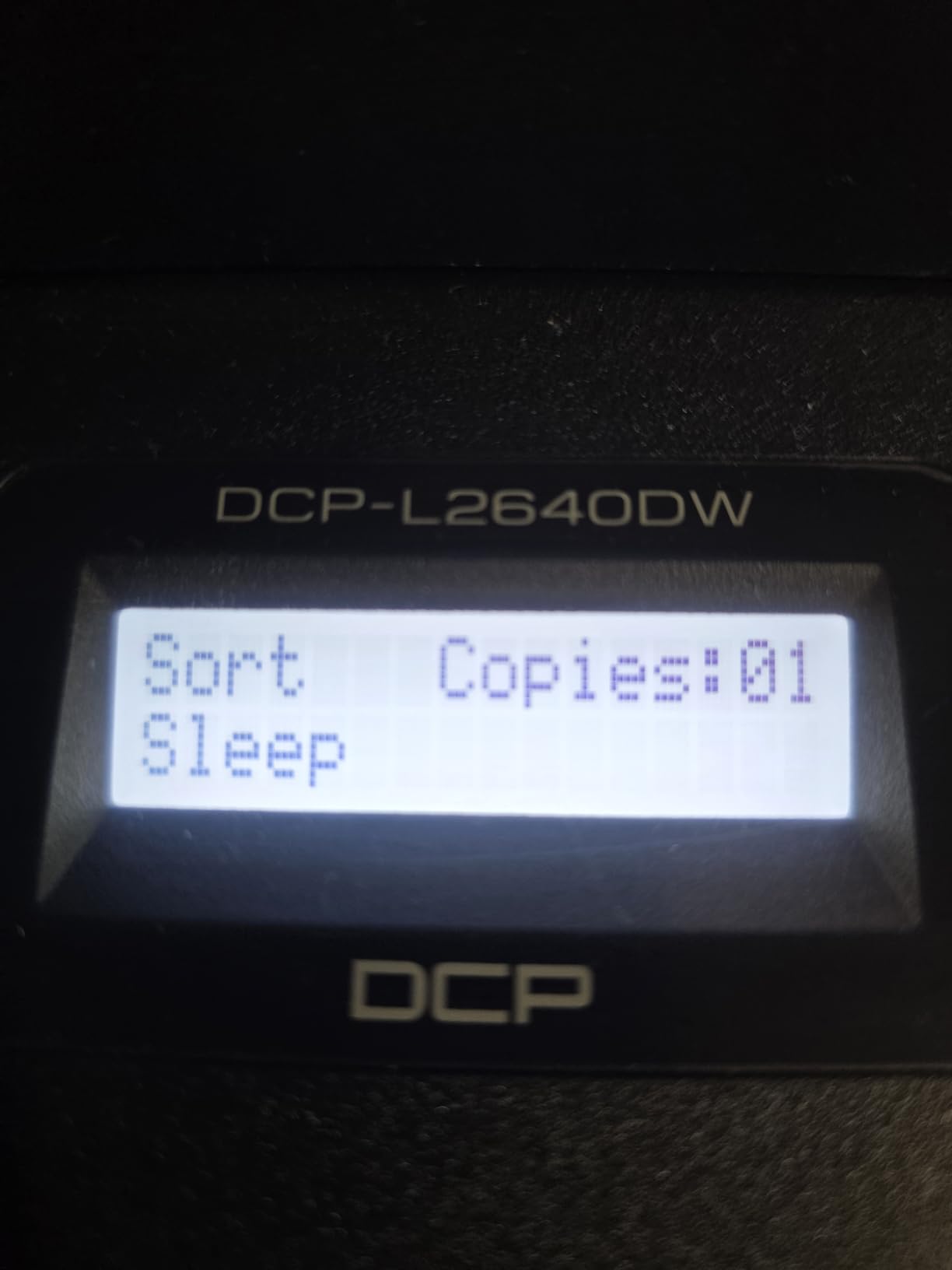
On the technical side, it prints at up to 1200 x 1200 dpi, handles media up to 8.5 x 14 inch, and ships with a one-year limited warranty. Connectivity covers Ethernet, USB and dual-band wireless on both 2.4GHz and 5GHz, and the Brother Mobile Connect app handles mobile printing plus toner level checks.
The honest weakness is software, not hardware. Several owners describe the on-device menu as awkward next to the mobile app, and the scan-to-PC process on Windows can freeze on larger jobs. Our advice is to set up network scanning once, from an admin account, and let volunteers use the app or the email scan function from then on.
Why it suits a typical church office
It handles the three jobs most offices actually have: black-and-white bulletins, double-sided administrative paperwork, and batch scanning for records. Duplex as a default halves paper and toner on anything over one page, which is the single biggest controllable cost line in a church print budget.
Where it falls short
There is no fax and no colour output, so a church that sends paper faxes or prints full-colour flyers will outgrow it. The menu and scan software also demand an initial setup session from someone technical before volunteers can use it confidently.
2. Brother MFC-L2820DW: the best value all-in-one with fax
- Print copy scan and fax in a compact body
- 34 ppm suits bulletin and roster runs
- 50-page ADF streamlines multi-page jobs
- Touchscreen gives control without the app
- Quiet operation and reliable wireless
- Some jams need access from behind the unit
- No duplex scanning through the feeder
- Wireless can need manual recovery after idle
This is the pick when fax is non-negotiable. Many church offices still send signed forms to retirement homes, care facilities and school districts, and adding a fax-capable machine usually costs less than a separate line plus a multi-function unit.
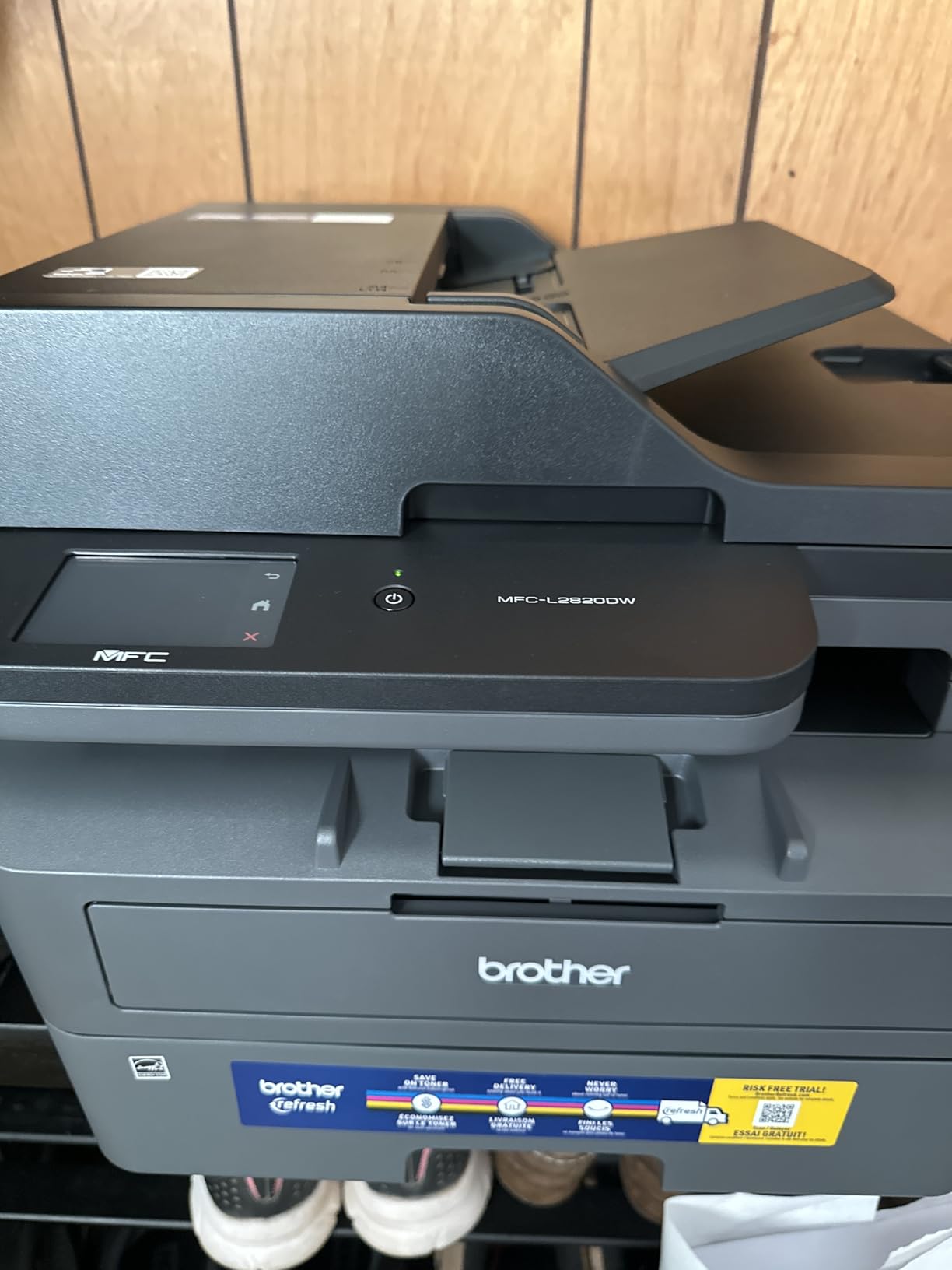
Throughput is close to the leader in this roundup at 34 pages per minute monochrome, with a 50-page ADF feeding copy, scan and fax jobs. The 2.7-inch touchscreen means a volunteer can trigger a cloud print or scan without opening an app, which matters more than it sounds in a building where nobody is “the IT person.”
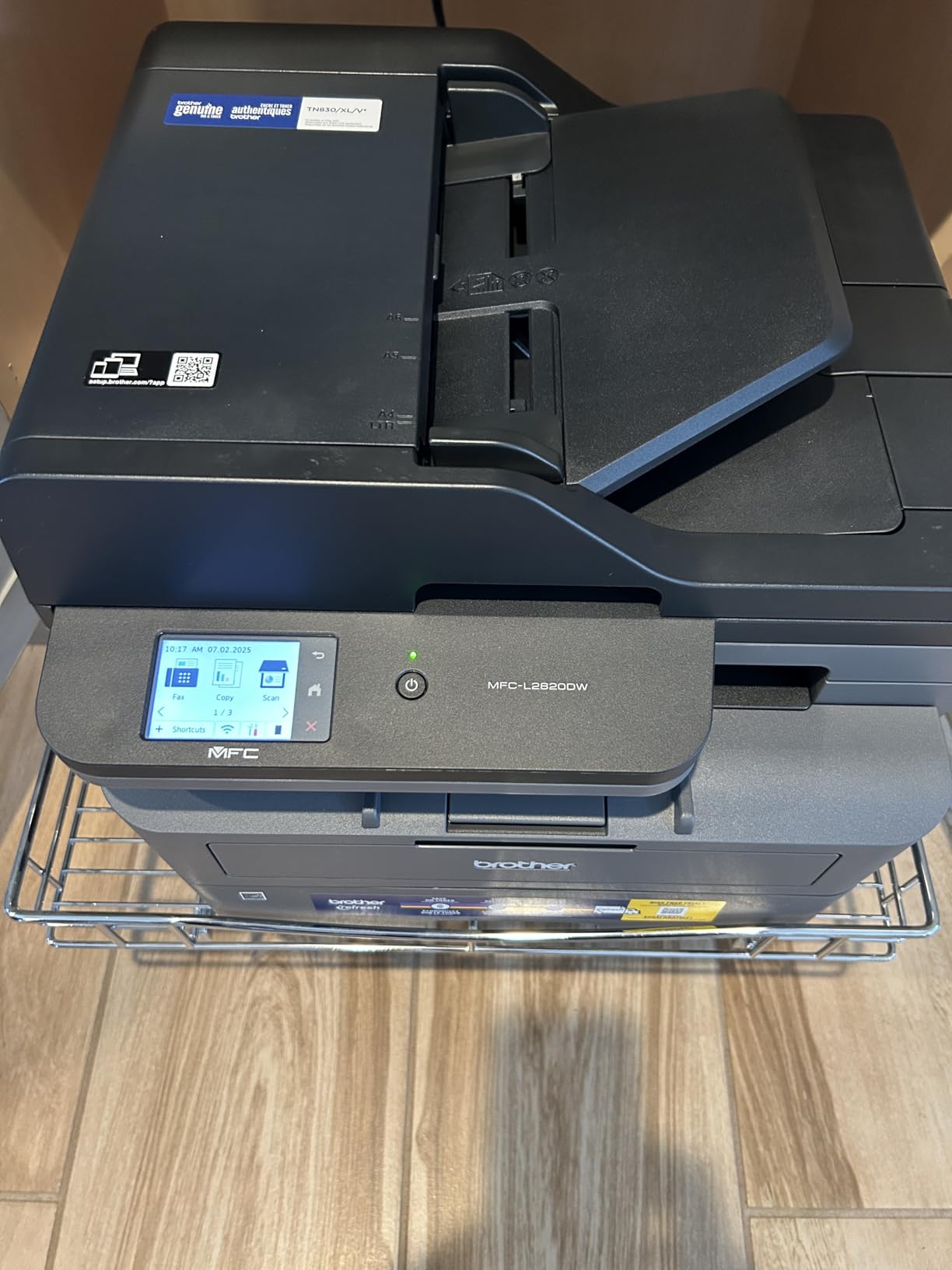
Spec-wise you get 1200 x 1200 dpi maximum resolution, a 250-sheet maximum paper capacity, Energy Star and EPEAT qualification, and TN830, TN830V or TN830XL toner options. Ethernet, USB and dual-band wireless cover every realistic church network, and first-page output lands in about 8.5 seconds.
The design flaw owners mention most is access. Certain jams have to be cleared from behind the unit, so it needs a little clearance on the back wall rather than being pushed flush into a cabinet. The feeder also scans single-sided only, which slows down digitising duplex records.
Why it suits a mid-size congregation
It gives you the four functions of a copier in a body small enough for an office nook, with enough speed for a 400-person Sunday roster plus newsletter mailings. The touchscreen and shortcut-free one-button workflows suit rotating volunteer office help.
Where it falls short
Colour printing is out of scope entirely, and duplex scanning through the feeder is missing, so archival digitising of two-sided forms is slower. Place it where volunteers can reach the back for jam clears rather than in a hallway alcove.
3. Brother MFC-L3720CDW: the best color laser printer for church flyers
Brother MFC-L3720CDW Wireless Color Laser Printer, Scanner, Copier, Fax, Auto Duplex, 250-Sheet Capacity
- All four functions in one color machine
- Color touchscreen with 48 shortcuts
- Automatic duplex cuts paper use
- 50-sheet ADF handles multi-page jobs
- Dual-band wireless stays stable
- 19 ppm color is modest for heavy runs
- 250-sheet tray is small for its class
- Color laser running costs add up
Most churches do not need a colour press. They need event flyers, a coloured cover band on the bulletin, youth group handouts and an Easter insert, and this machine handles those without outsourcing.
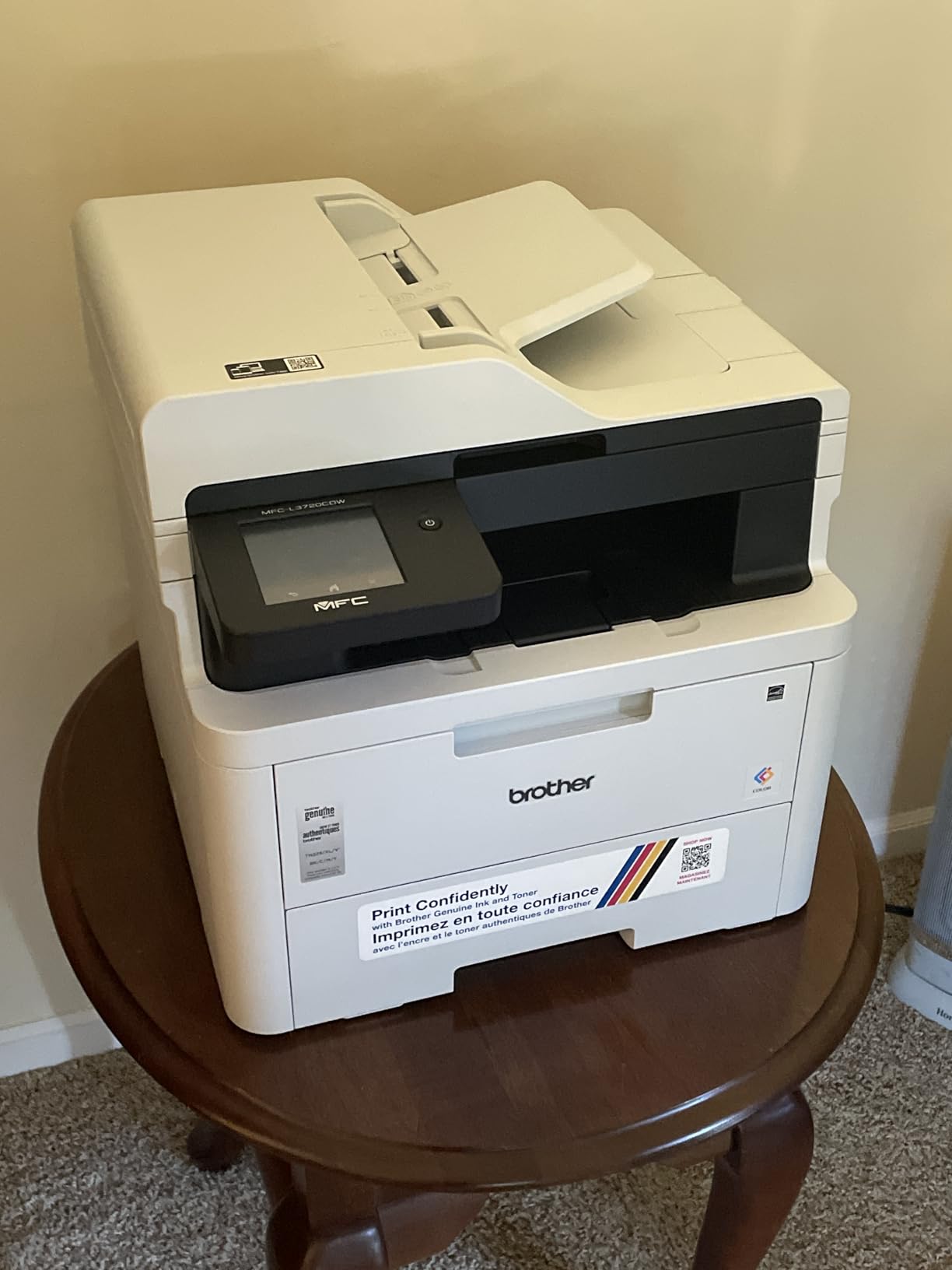
The 3.5-inch colour touchscreen with 48 customisable shortcuts is the part church offices care about most. A volunteer taps one icon to scan a form to email, another to start a double-sided booklet run, and nobody has to navigate a menu tree they do not understand.
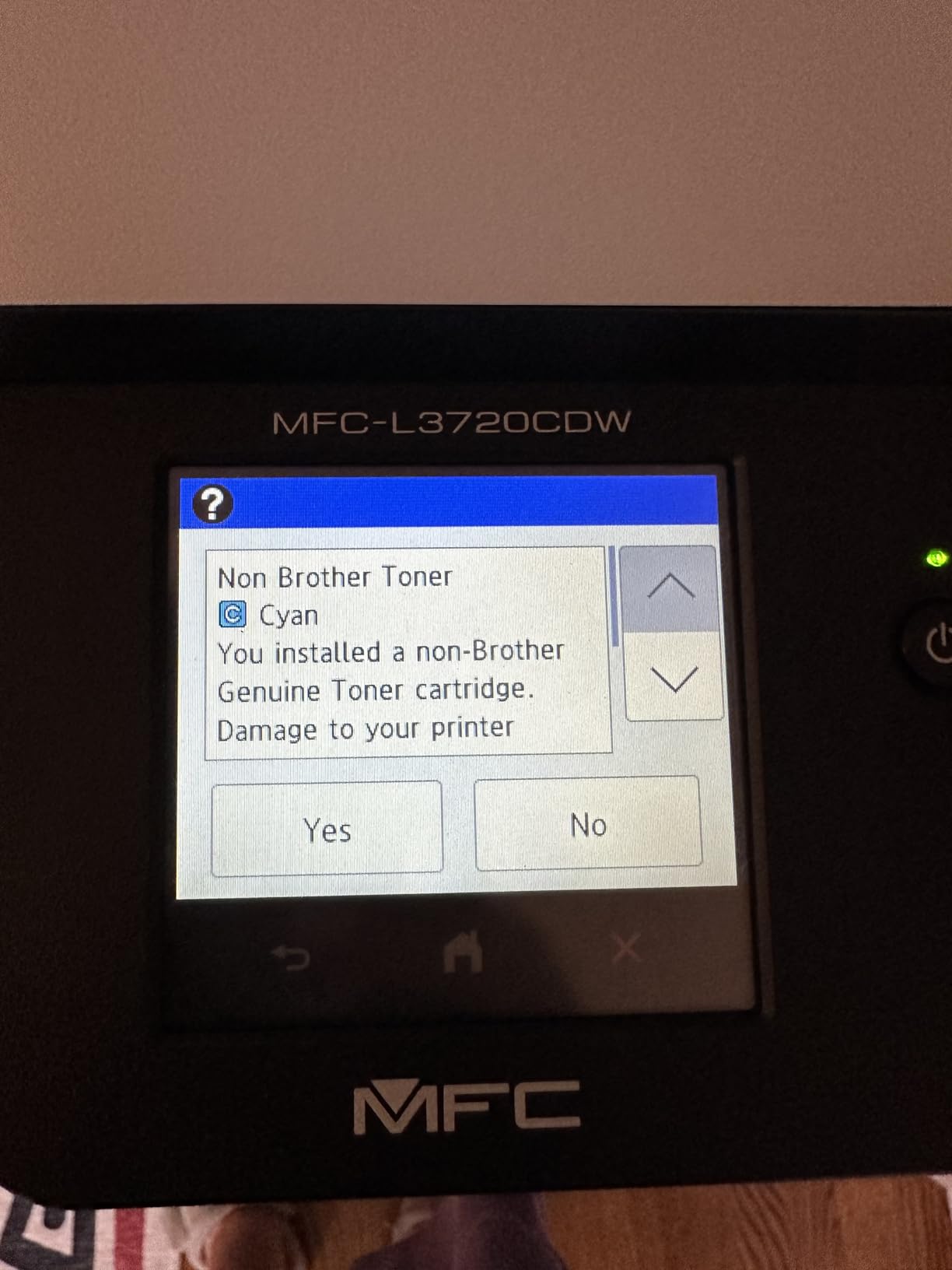
It runs at 19 pages per minute in colour, prints the first page in under 15 seconds, and reaches 2400 x 600 dpi colour resolution. A 250-sheet tray and a 50-sheet ADF sit behind a flatbed and sheetfed scanner, with dual-band wireless, Wi-Fi Direct and USB 2.0 for connectivity, plus cloud access to Google Drive, Dropbox and OneNote.
The catch is arithmetic, not quality. Colour laser toner is the largest variable cost in any church print budget, and at 19 ppm this is not the machine for a 2,000-page full-colour mailing. It is for accent printing and short colour runs around a monochrome-heavy workload.
Why it suits churches with a communications team
If someone on staff designs the weekly bulletin, this is their tool. Scan-to-cloud shortcuts let them send a signed form straight into a shared drive, and the colour output removes the outsourcing step for one-off event pieces.
Where it falls short
At 44 pounds and 17.5 inches wide it eats desk space, and the colour speed will feel slow during Easter or Christmas bulk runs. Set colour print permissions or quotas from the start, or toner spend will quietly exceed the paper budget.
4. HP LaserJet Pro MFP 3101fdw: best for security and shared-network printing
HP LaserJet Pro MFP 3101fdw Wireless Black & White All-in-One Laser Printer, Scanner, Copier, Fax, Best-for-Office (3G628F)
- Print scan copy and fax with duplex and ADF
- 35 ppm handles office workloads
- Setup reported as straightforward for non-technical users
- Wireless printing from phones works well
- HP Wolf Pro Security for shared networks
- No duplex scanning through the feeder
- Network scanning can be unreliable over Wi-Fi
- Only original HP chipped cartridges
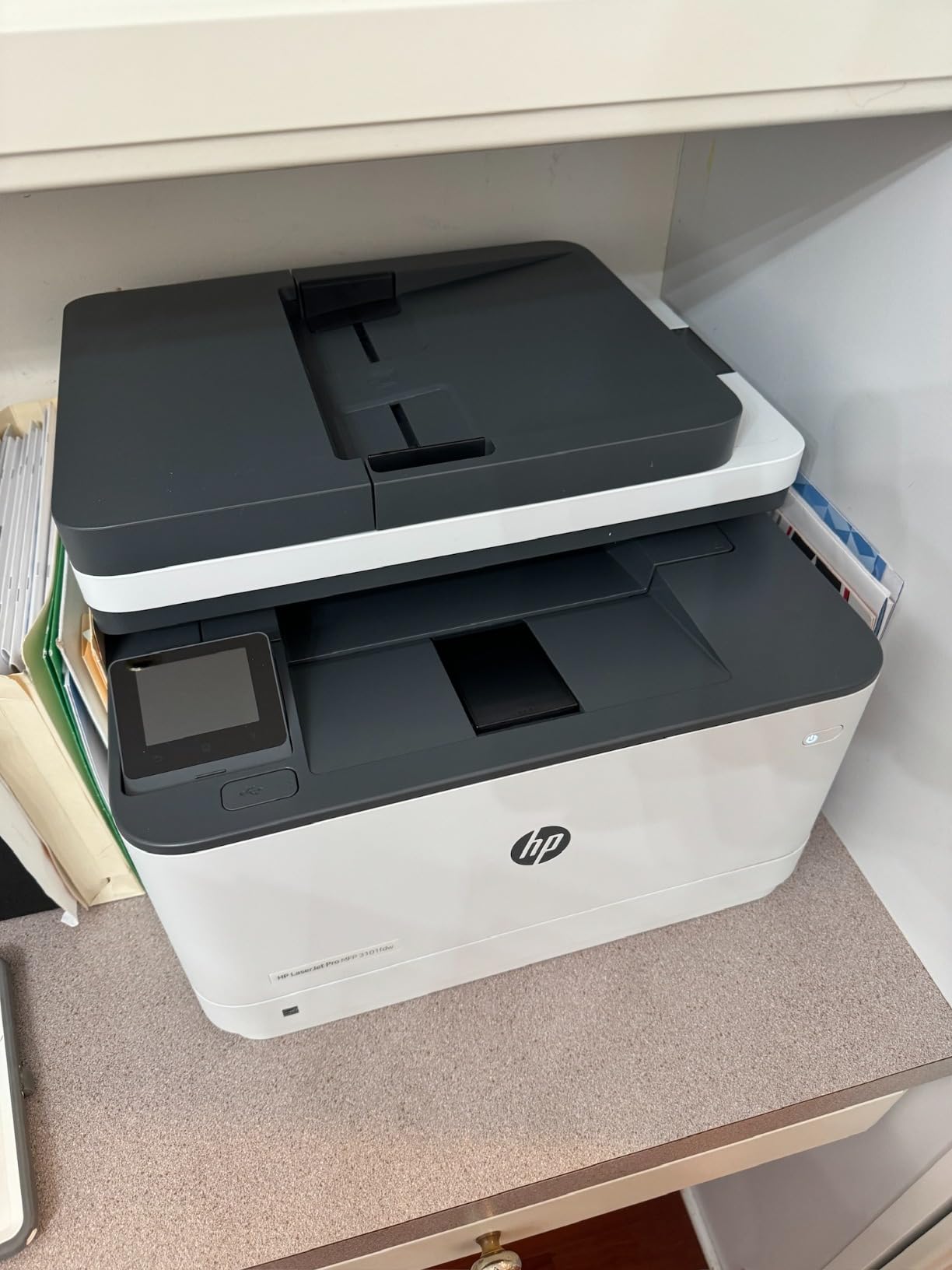
Security is the reason to look at this machine. HP Wolf Pro Security is built in rather than added on, which matters when the same shared device handles donor contribution records, background-check forms and counselling notes.
At 35 pages per minute it matches the fastest monochrome units here, with a 250-sheet tray, automatic duplex and an automatic document feeder covering copy, scan and fax. Owners consistently describe setup as straightforward for non-technical staff, which is a big part of the equation in a volunteer office.
Connectivity is intelligent Wi-Fi plus Ethernet and Bluetooth, and it works with Microsoft, Mac, AirPrint, Android and Chromebook. HP describes it as suited to teams of up to seven, and it comes with a one-year limited hardware warranty.
Two practical limits. The feeder does not scan both sides of a document, and network scanning over Wi-Fi is reported to drop out on some setups, so hard-wiring it with Ethernet is the safer configuration for a permanent office install.
Why it suits churches handling confidential records
Counseling notes and background-check forms should not sit in an open tray. This unit’s built-in security features, plus HP’s Smart device management options, let an administrator control who prints what and pull documents on demand at the device.
Where it falls short
HP’s cartridge chip policy locks the machine to original HP chips or circuitry, so aftermarket toner is not an option and per-page cost stays higher than it would with an open supply market. A few examples have also reported control panel and connectivity failures.
5. HP LaserJet Pro MFP 3101sdw: best for fast bulk monochrome runs
HP LaserJet Pro MFP 3101sdw Wireless Black and White All-in-One Laser Printer, Office Printer, Duplex, Best-for-Small Teams (9D2X4F)
- Fast monochrome printing and scanning
- 250-sheet tray and 50-sheet ADF support regular volume
- Automatic duplex halves paper use
- Installation is intuitive and quick
- Stays online after power outages
- Only works with HP-chipped toner cartridges
- Build quality feels flimsy in places
- Longer startup time from cold
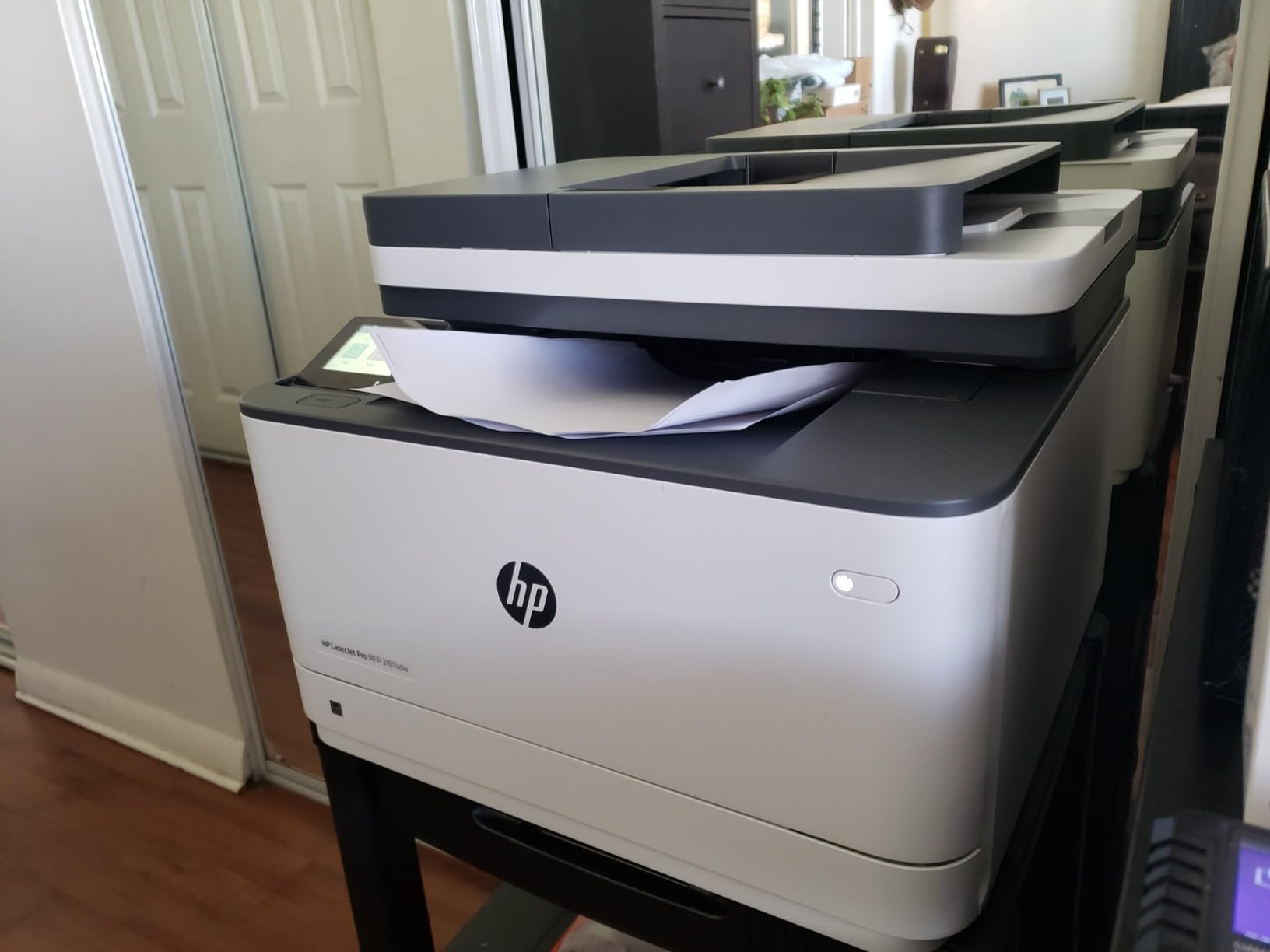
This is the fastest small monochrome unit in the group, with a listed speed of 40 pages per minute and a copy and print figure of 35 ppm. First page lands in about 7 seconds, which matters when a guest speaker needs notes before the service starts.
The 250-sheet input tray and 50-sheet auto document feeder handle sustained runs without babysitting, and automatic two-sided printing covers the double-sided rosters and mailers that dominate church print queues. Up to 999 copies per run removes the last argument for a bigger machine.
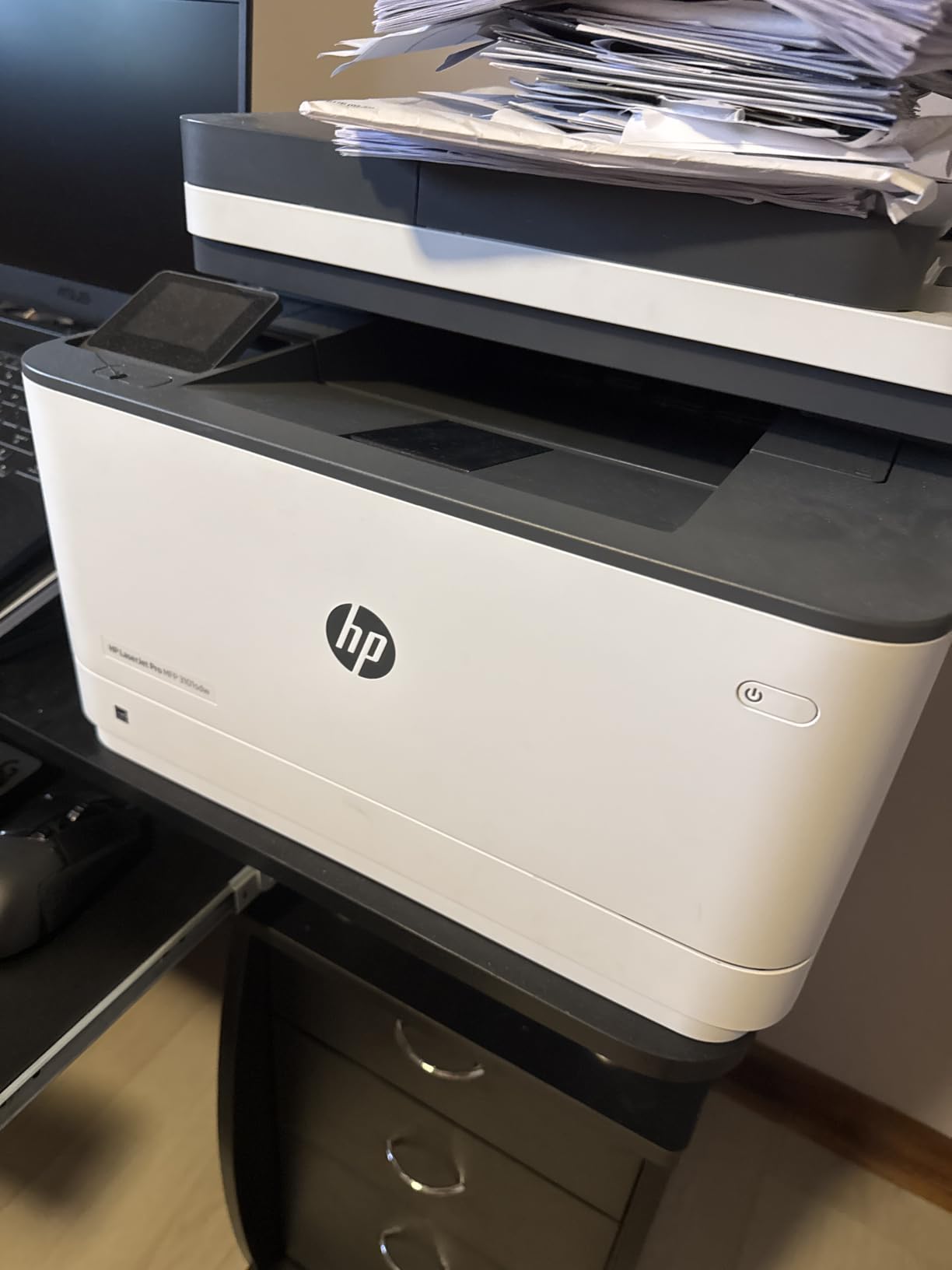
Connectivity includes self-healing Wi-Fi, Ethernet and USB, with AirPrint and Mopria support so volunteers can print from a phone in thirty seconds without an IT ticket. Scan to email is built in, which is the fastest route to archiving scanned membership forms.
Owners rate the output crisp and the machine quiet for its speed, and several report it surviving power outages and reprinting without intervention. Build quality is the weak point, with a paper tray that flexes, plus occasional paper-detection errors during setup.
Why it suits churches with seasonal spikes
Easter, Christmas and Vacation Bible School registration all land in the same few weeks. The combination of speed, a 250-sheet tray and duplex output means a volunteer can run several hundred double-sided pages before touching the machine again.
Where it falls short
It is a print, scan and copy unit with no fax, and the HP-chipped toner restriction removes the cheapest supply option. Cold starts take longer than the class average, so do not judge it by the first page after a weekend idle.
6. Canon imageCLASS MF273dw: best for short runs and quick turnaround
- Quick 5.3 second first page for short runs
- 30 ppm suits weekly office printing
- Wireless USB and Wi-Fi Direct for flexible placement
- Automatic duplex reduces paper waste
- Auto document feeder included
- 150-sheet capacity is smaller than most rivals
- No fax function
- Sheetfed scanner only with no flatbed
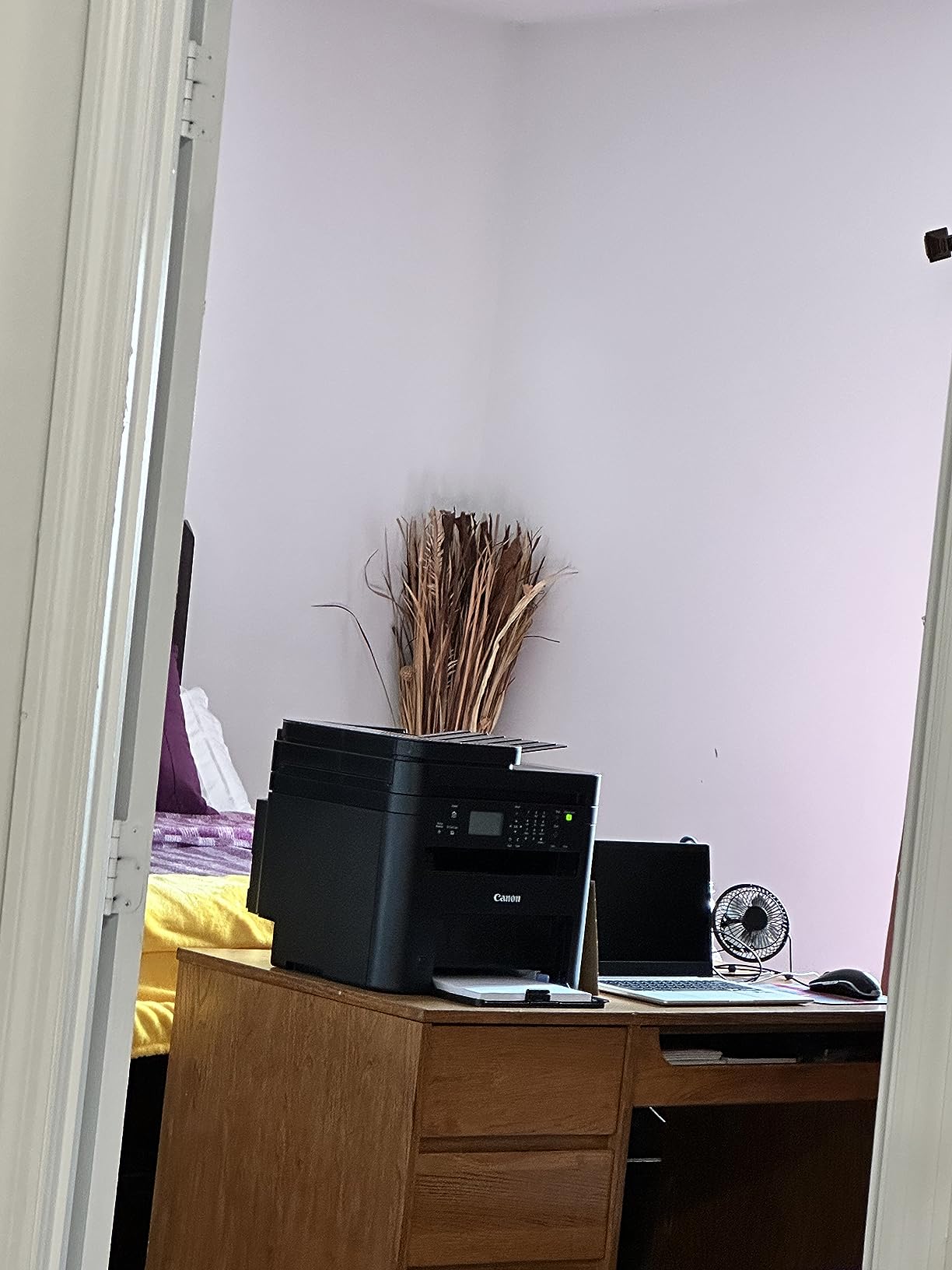
When the print job is 12 pages, speed rating matters far less than first-page time. Canon puts the first page out in roughly 5.3 seconds here, which makes it feel immediate for the constant one-off printing that fills a church office between services.
It runs at 30 pages per minute in black and white with automatic two-sided printing, and connectivity covers USB, Wi-Fi and Wi-Fi Direct Connection, so it can sit on a counter with no cable to the office network. An auto document feeder is included for multi-page copies and scans.
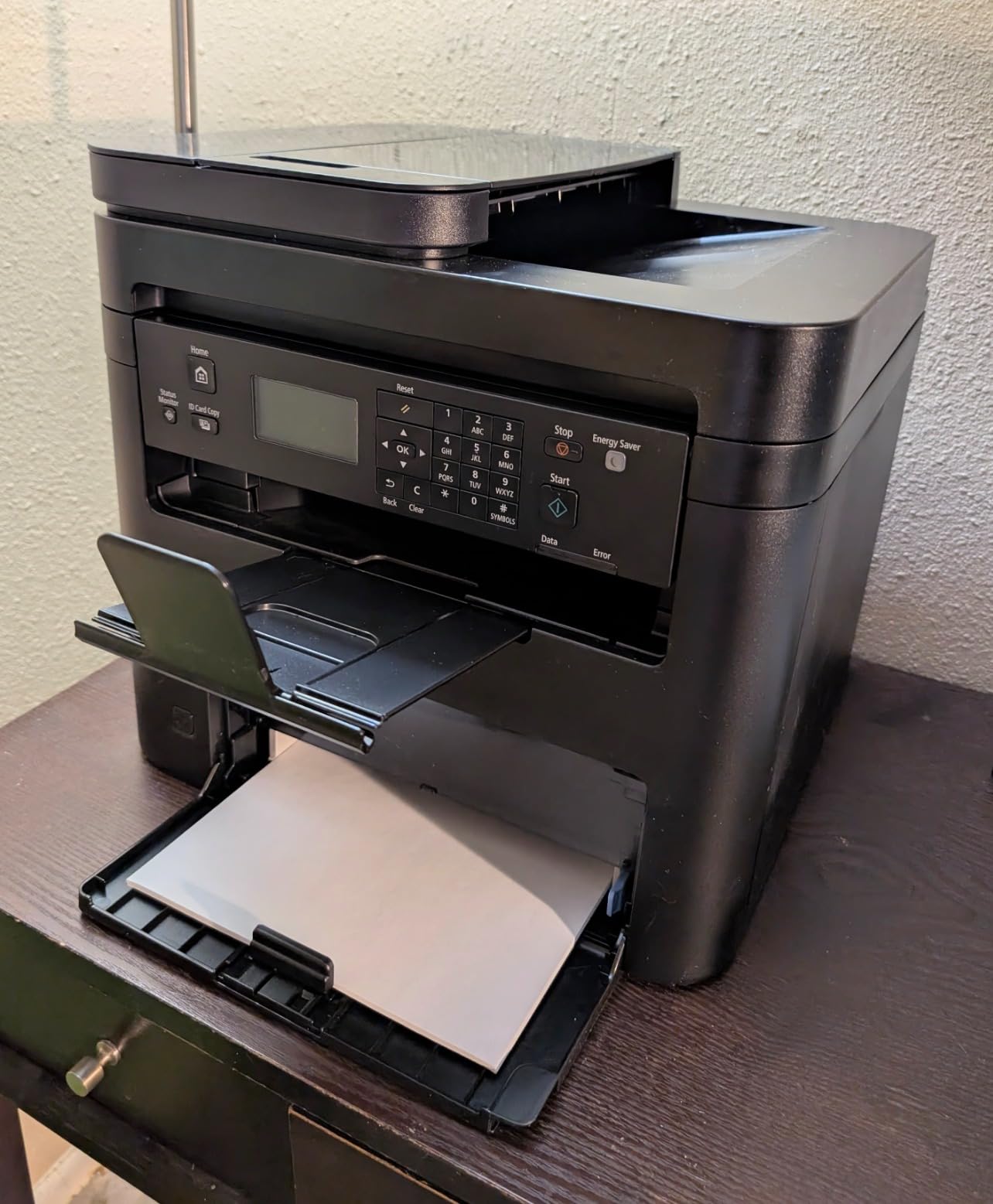
Toner is Canon 071 or 071 High-Capacity, the unit is Energy Star and EPEAT Qualified, and it carries a one-year warranty. Maximum media capacity is 150 sheets, and maximum resolution reaches 2400 x 600 dpi.
Two things to know before you buy. There is no flatbed scanner, so bound documents, laminated sign-in sheets and anything thicker than plain paper cannot be copied. And Canon software setup is fiddly enough to budget an hour for on first install.
Why it suits small congregations
Under 100 attendees, a church office rarely prints more than a few hundred pages a week. This unit covers bulletins, prayer request cards and admin paperwork without asking anyone to monitor the tray, and the small body fits a small office.
Where it falls short
The 150-sheet tray is the smallest here and will need refilling mid-week in a busy season. No fax, and a sheetfed-only scanner means originals have to be single sheets and free of bindings.
7. Canon imageCLASS MF753Cdw II: best for long-term colour reliability
Canon Color imageCLASS MF753Cdw II – All-in-One Color Duplex Laser Printer
- Color duplex print scan copy and fax in one machine
- 35 ppm in color and monochrome
- Handles 600-page jobs without stalling
- Toner cost per page far below inkjet
- Duplex scanning and printing both reliable
- Canon software and web services widely criticised
- Offline installation is not supported
- 250-sheet tray is small for the machine
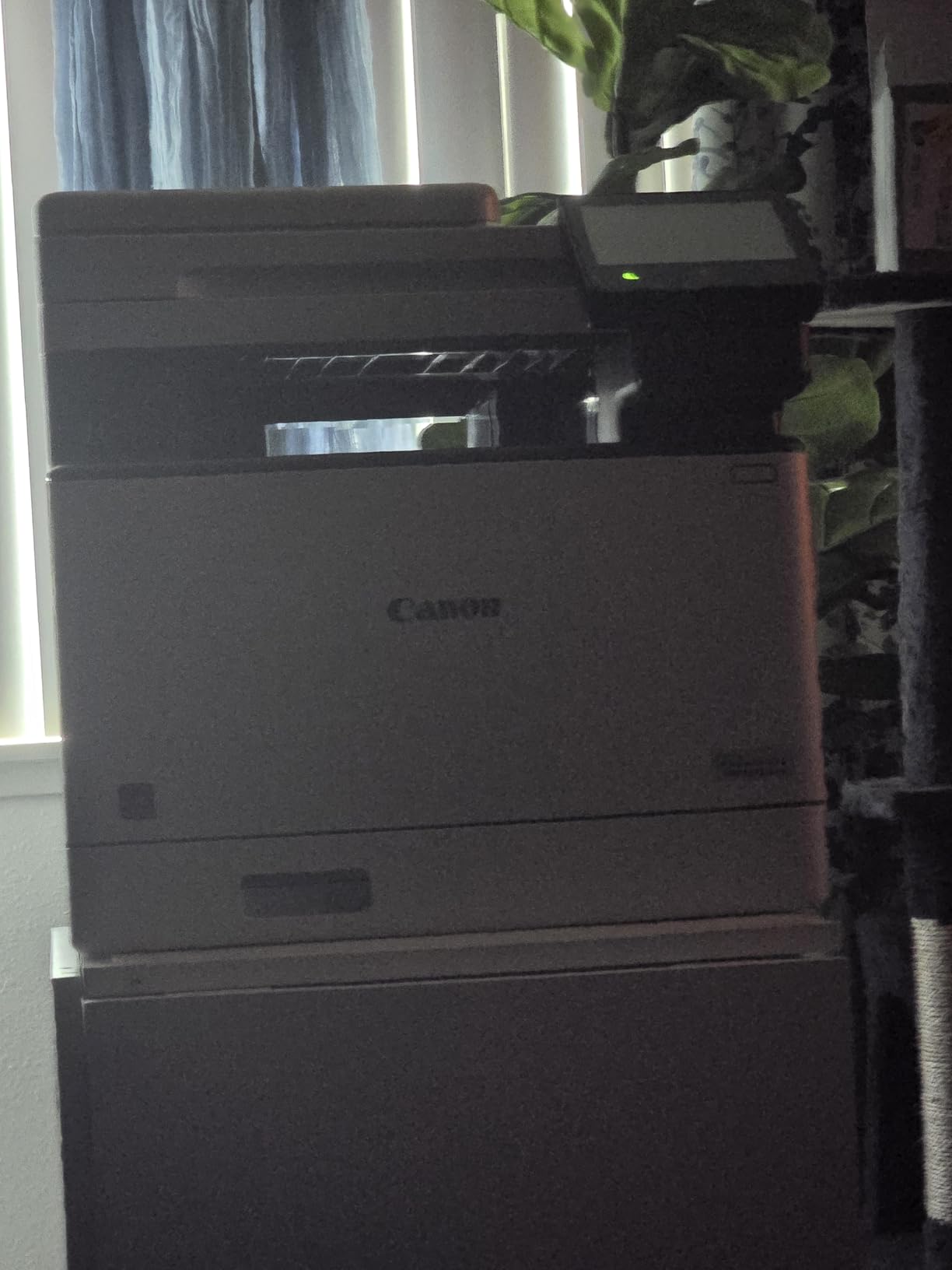
The warranty is the headline here. This is the only unit in the group with a three-year manufacturer warranty backed by three years of spare part availability, and for a machine expected to run five years or more in a church office, parts availability is a real decision factor.
It prints at 35 pages per minute in both colour and monochrome with a 7-second first page, which makes it a genuine bulk colour machine rather than an accent printer. Owners report handling 600-page jobs without stalling, something inkjets in the same class rarely manage.
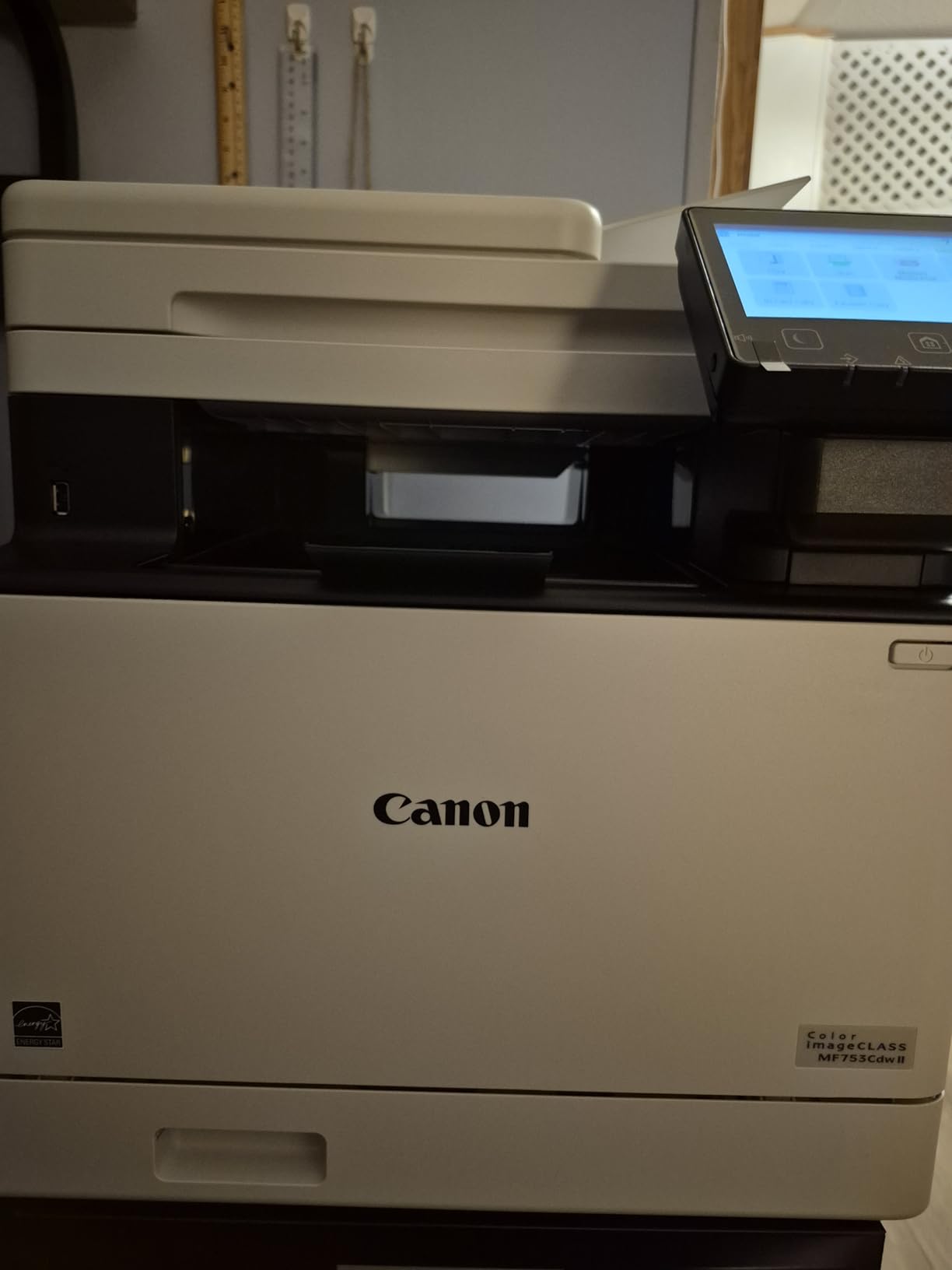
Automatic duplex printing and duplex scanning both work reliably, resolution reaches 1200 x 1200 dpi in colour, and the touch control panel is Energy Star rated. Colour supplies are Canon Genuine Toner 069, and the scanner is an ADF.
Plan the install carefully. Canon’s drivers and utilities are widely criticised for failing to install or discover the printer on modern Windows, some software will not install on ARM-based Windows devices, and offline installation is not supported. Budget time for setup or use Windows’ own print dialogue and the printer’s web interface instead.
Why it suits mid-size churches with colour volume
If the church genuinely prints colour in bulk, event programmes, Christmas inserts, community outreach flyers, this machine’s speed and running economics make outsourcing unnecessary. Duplex scanning also speeds up archiving two-sided records.
Where it falls short
At 50 pounds it needs a proper stand, and the 250-sheet paper tray is small next to the machine’s capability. The software experience is the weakest in this roundup, so have someone technical handle installation day one.
8. Brother MFC-L8930CDW: best for secure print and high paper capacity
Brother MFC-L8930CDW Business Color Laser All-in-One Printer with Duplex Print, Scan, Copy, Low-Cost Printing, and Advanced Security Features
- Fast 33 ppm color and monochrome with sharp output
- 1340-sheet paper capacity for sustained runs
- 80-page ADF with two-sided scanning
- 7-inch touchscreen with 64 shortcuts
- Triple Layer Security with NFC card reader
- Large and heavy at over 71 pounds
- Highest purchase cost in this roundup
- Touchscreen menus take some learning
This is the dedicated print station answer. With 1340 sheets of maximum paper capacity, a full-tray run happens without a refill, which is exactly what an Easter bulletin print or a Christmas mailing of more than a thousand pages demands.
The 80-page automatic document feeder scans both sides of a page at up to 104 images per minute, which is the highest two-sided scanning throughput in this roundup. For churches moving decades of paper membership files to searchable records, that alone can justify the machine.
Security is the differentiator. Triple Layer Security with an integrated NFC card reader supports pull-printing, so counselling notes and background-check forms only appear when the author walks to the machine and authenticates. Nobody collects donor records from an open tray overnight.
Output runs at 33 pages per minute in colour and monochrome with 2400 x 600 dpi colour resolution. The 7-inch colour touchscreen carries up to 64 customisable shortcuts, dual-band wireless and Gigabit Ethernet handle connectivity, and supplies come in standard, high and super high-yield options that keep colour cost down.
The trade-off is floor space and money. At more than 71 pounds and over 20 inches deep, it needs a dedicated room rather than a desk or side table. This is the largest purchase in the group and the one where buying too much is easy.
One practical note. This model has no published customer images in the listing data, so there is nothing real to show you here. The spec sheet above comes straight from the manufacturer listing, and we would want to see it run before committing.
Why it suits multisite and larger congregations
For a multisite church central office or a congregation past 1,000 people, this removes the mid-run refill that stalls every Sunday deadline. Card-based pull printing is the cleanest answer to confidential record handling we found in this roundup.
Where it falls short
It is out of proportion for a small office, and the touchscreen menu needs a short learning period before volunteers use it confidently. Do the math on print volume before committing to this tier.
9. Canon imageCLASS MF662Cdw: best colour option on a fixed network
Canon Color imageCLASS MF662Cdw – Wireless Duplex Laser Printer with Copier, Scanner, 3 Year Limited Warranty, 26 PPM
- Color duplex print scan and copy in one machine
- Fast crisp color output at 26 ppm
- Five-inch color touchscreen with Application Library
- Three-year manufacturer warranty
- Automatic duplex and 250-sheet cassette
- Wi-Fi drops after sleep mode
- Canon PRINT app is awkward
- Flatbed scanner only with no ADF
Connected by Ethernet, this machine delivers crisp, fast colour and is backed by a three-year manufacturer warranty. That caveat matters, because the wireless experience is the most common complaint by a wide margin in owner reviews.
It runs at 26 pages per minute in both colour and monochrome with a 10.3-second first print, and automatic two-sided printing is standard. The 5-inch colour touchscreen with an Application Library gives volunteers one-tap access to common tasks without an app.
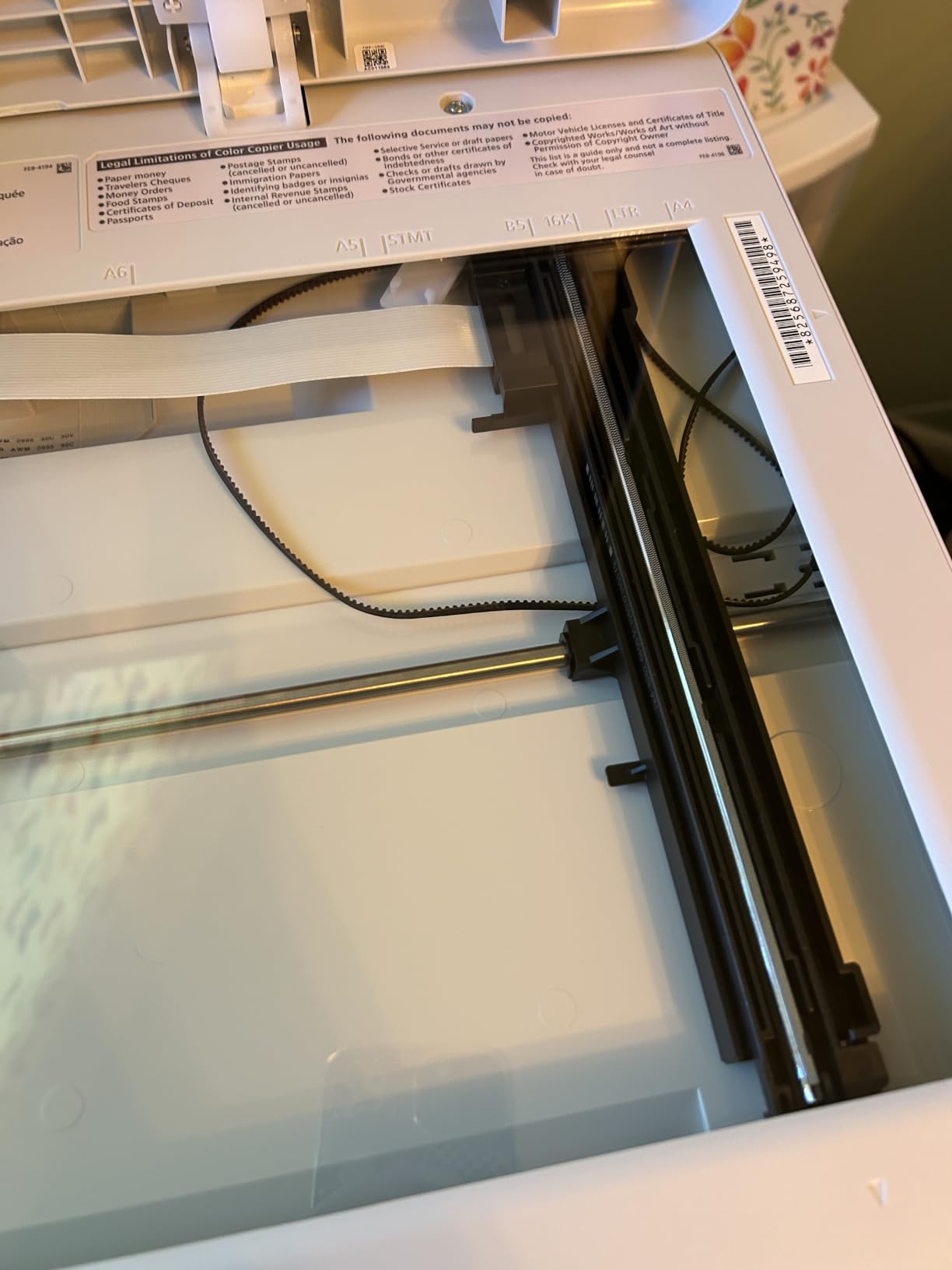
A 250-sheet standard cassette plus a one-sheet multipurpose tray handle cardstock and covers for bulletins. Supplies are Canon Genuine Toner 075, the unit is ENERGY STAR and EPEAT Silver rated, and connectivity covers Ethernet, USB and Wi-Fi.
The wireless complaint is specific: the printer drops off the network after sleep and cannot be woken remotely. Some owners worked around it by hard-wiring, which is exactly why this model suits a fixed office install. The Canon PRINT app is also cited as thin compared with the hardware.
Why it suits offices that can run a cable
If the printer has a permanent desk and a nearby network drop, the wireless problem disappears and you get colour duplex output with a three-year warranty behind it. It is a sensible middle step between desktop mono and full production colour.
Where it falls short
There is no automatic document feeder, so multi-page copying is flatbed work. Toner 075 cartridges are expensive per unit, which makes this a poor fit for heavy colour volume.
10. HP LaserJet MFP M140w: best for a spare room and light duty
- Very small footprint for a monochrome laser
- Simple setup and easy wireless printing
- Fast black-and-white output for its size
- Low entry point for print scan copy
- No automatic duplex printing
- 99-sheet tray means frequent refills
- Only works with original HP chips
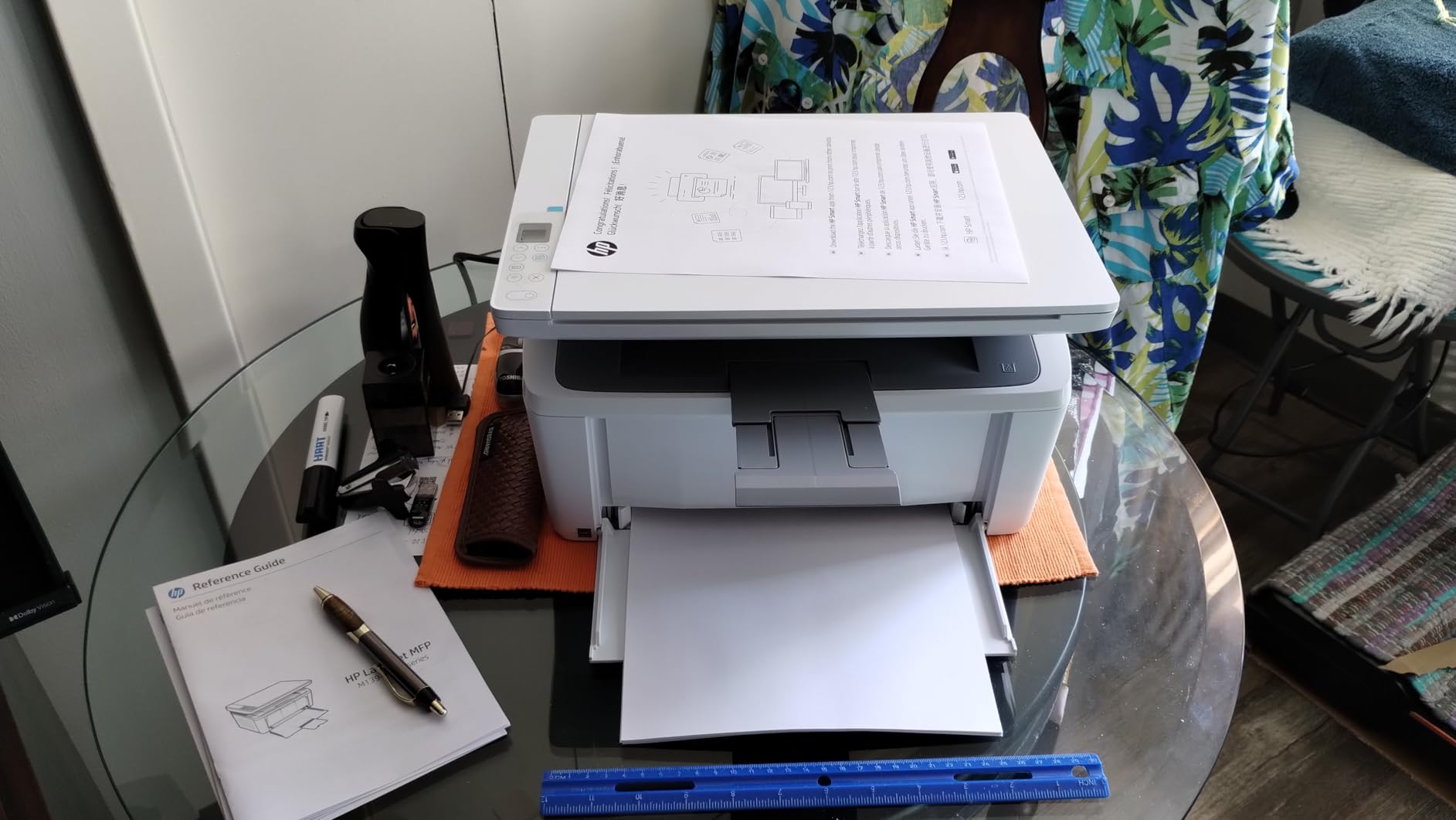
This is the small-church machine. It weighs under 12 pounds, measures just over 14 inches wide, and fits in a coat closet or a shelf in the sanctuary foyer, which no other unit in this roundup can do.
It prints 21 black-and-white pages per minute with wireless that self-resets, and the ID card copy function puts both sides of a visitor badge on one sheet. AirPrint and Mopria certification means a guest speaker can print from an iPad without joining the network.
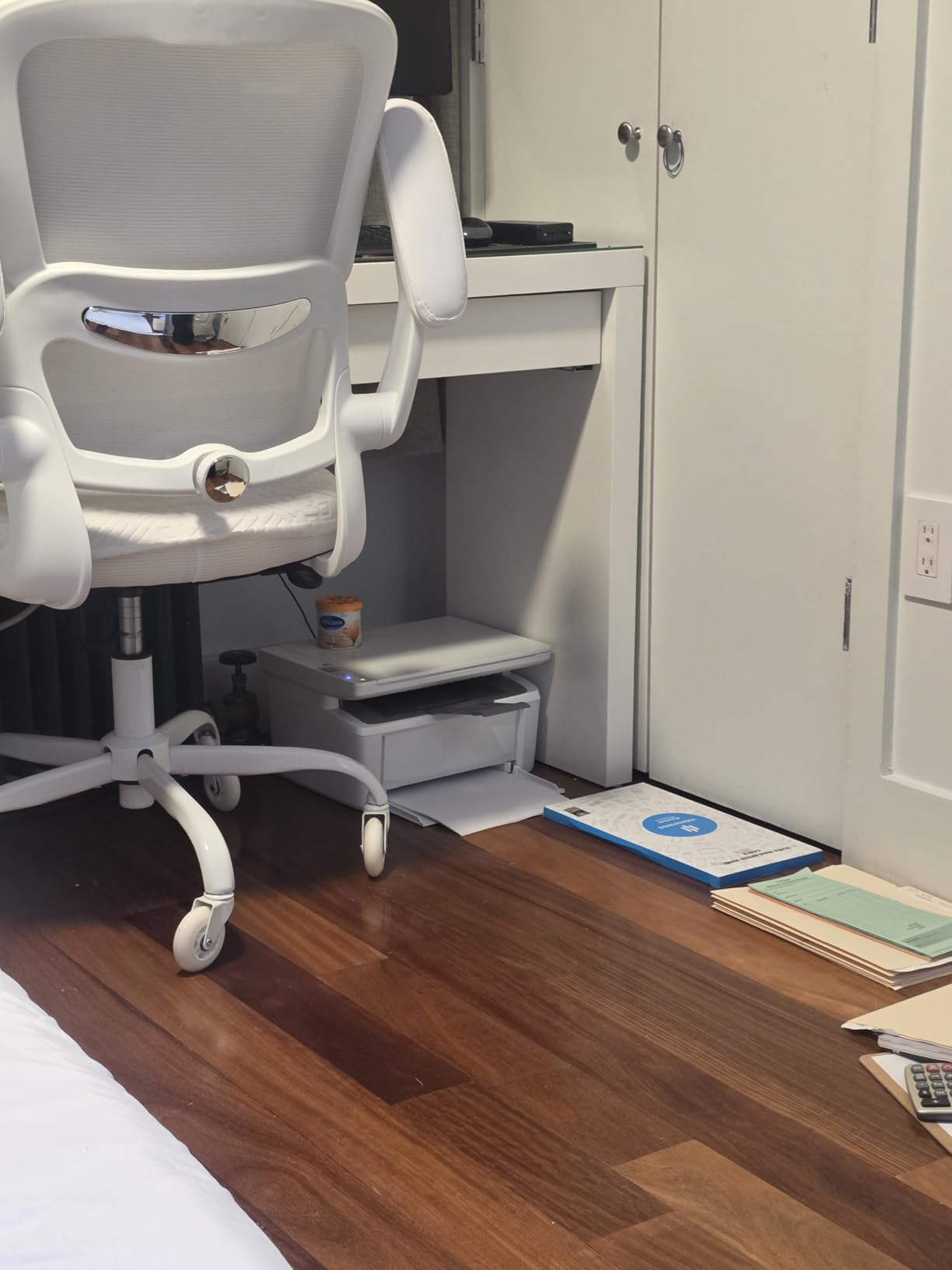
The specification is deliberately modest. Maximum paper capacity is 99 sheets, there is no automatic duplex printing and no automatic document feeder, and the flatbed scanner handles only single-page originals. Resolution is 600 x 600 dpi, which is fine for text and nothing else.
HP’s chip-locked cartridge policy applies here too, so third-party toner is not an option. That, combined with manual duplexing, means the real cost per page for a church depends almost entirely on disciplined double-sided printing.
Why it suits churches under 100 people
If your church prints a few hundred pages a month of rosters and office paperwork, this is enough. It costs little, it is quiet, and it can live wherever there is power and a wireless signal rather than in a dedicated office.
Where it falls short
No duplex means every two-sided document is printed once, flipped and printed again, with all the attendant volunteer time. The 99-sheet tray will empty during a bulletin run, and the flatbed scanner has no feeder for batch jobs.
How to Choose a Laser Printer for Your Church?
A3 or A4: get the paper size right first
Every machine here prints on A4 and US Letter. None of them prints 11×17 or A3 tabloid, so if your bulletin design is a folded 11×17 with a centre gutter, none of these ten is the whole answer. Most churches solve this with a hybrid fleet: one larger-format machine at the central office, plus two A4 desktops at campuses or ministry centres.
If you currently outsource 11×17 bulletins, compare the per-run cost against a larger-format purchase before buying a second desktop unit. Buying more A4 capacity will not fix a paper size you cannot print.
Speed and duty cycle for seasonal spikes
Match speed to your real monthly volume, not your worst imagined week. Between 30 and 40 pages per minute covers the overwhelming majority of church offices. Below that, volunteer time balloons; above that, you are paying for capability you will not use.
Ask two questions before buying: how many pages did you print at Easter last year, and how many during a normal month? Multiply the seasonal figure by 1.5 for headroom and you have your target. Duty cycle is the ceiling, not the target, so treat a machine that meets your normal volume comfortably.
Toner cost per page and the duplex habit
Cost per page is a consumables question, not a purchase-price question. A machine that prints fast and a machine that prints cheaply per page are often not the same machine. Check page yield per cartridge, and whether the manufacturer locks the printer to its own chips, because that removes the cheapest supply option entirely.
The single biggest lever is duplex printing by default. Double-sided printing roughly halves paper use and often halves toner spend too. Set duplex as the default at install time, because volunteers will never remember to flip the setting for you. Our toner cartridge guide covers yield ratings and how they translate into real page costs.
Colour deserves its own rule. Set colour printing to require a code or admin approval on any shared machine, or a single enthusiastic volunteer can consume a quarter of the annual printing budget before anyone notices.
Secure printing for counseling notes and donor records
Shared printers leak paper. Anyone walking past can pick up a counselling referral, a background-check form or a donor contribution record. Two features fix this properly: secure release printing, where a job sits in the queue until the person who sent it walks over and enters a code, and card or NFC authentication for pull printing.
Only the Brother MFC-L8930CDW in this group has a built-in NFC card reader and layered security features. For churches not ready for that tier, the practical fallback is a printed code or PIN appended to every confidential job name, plus a rule that the office assistant collects output immediately.
Booklet finishing and volunteer time
None of these ten includes a booklet finisher. That is the honest limit of the compact and mid-size category, and it is the feature that makes a production copier worth its cost for churches printing finished saddle-stitched bulletins.
Before buying finishing hardware, do the time maths. A volunteer folding and stapling 200 four-page bulletins takes roughly an hour and forty minutes. Multiply that by a monthly figure and compare it against the outsourced print cost of the same run. That number usually tells you whether you need a finisher or a better duplex printer.
Repair or replace: the 60-month check
If a church already owns a printer, run two numbers before shopping. First, age: past roughly 60 months, service costs typically start climbing sharply. Second, a 50% threshold. If the projected annual repair cost approaches half the price of a replacement unit, replacing is usually cheaper.
Ask one question locally that no spec sheet answers: who shows up when it breaks, and how quickly. A national call centre that ships parts overnight is no help on a Saturday afternoon before a Sunday service. Confirm local toner and technician availability before you commit to any brand.
When a laser is the wrong choice
A laser is the wrong tool for photographic prints, high-gloss event banners and large-format signage. It is also wrong for a church that prints very few pages a week in mostly full-colour photographic layouts, where a tank-style inkjet can have a lower total cost. If your output is photographs rather than text, stop here and look at inkjets instead.
Frequently Asked Questions
What is the best printer for a church office?
A duplex monochrome laser multifunction unit with a 250-sheet tray and a 50-page document feeder covers most churches. Add a touchscreen for volunteer usability and a three-year warranty if you want fewer service calls. Our top pick is the Brother DCP-L2640DW for offices that do not need fax or colour.
Are laser printers being phased out?
No. Laser remains the standard for office text printing because of speed, sharp text on every page and low cost per page at volume. What has changed is the surrounding software: managed print platforms and print-quota tools now sit above the device, but the laser engine itself is not being replaced.
What brand makes the best laser printers?
Brother, HP and Canon are the three brands represented in this roundup, and all three build machines suited to church offices. Brother tends to lead on paper handling and open supply choice, HP on built-in security features, and Canon on warranty length and colour speed. Reliability matters more than any brand ranking once local service is confirmed.
What is the most reliable printer for office use?
Reliability comes down to the duty cycle, the feeder and local service rather than the badge. Choose a machine rated for more than your normal monthly volume, prefer a 50-page automatic document feeder for batch jobs, and confirm that a technician and genuine toner are available locally before you buy.
Can a church printer print double-sided bulletins?
Yes. Every monochrome unit in this roundup except the smallest HP model supports automatic duplex printing, and two of the colour models do as well. Automatic duplex roughly halves paper use and often toner use, which is why we recommend making double-sided printing the default setting at installation.
The Verdict for Your Church Office
For most congregations, the best laser printers for churches come down to one honest question: does your office need colour and fax, or not? If the answer is no, the Brother DCP-L2640DW handles bulletins, rosters and scanned records at 36 pages per minute with duplex and a 50-page feeder. If fax still matters, the Brother MFC-L2820DW adds it without giving up speed.
Add colour only for the pieces that need it, and choose the Brother MFC-L3720CDW for accent printing or the Canon MF753Cdw II for genuine bulk colour. Whatever you pick, set duplex as the default, gate colour printing behind a code, and confirm local toner and technician support before the first Sunday bulletin run.
This roundup covers the ten models we would actually put in a church office, and our rankings are independent of any vendor. Check the latest configuration and current specifications before you commit, then pick the unit that matches your real monthly volume rather than your busiest imagined week.