
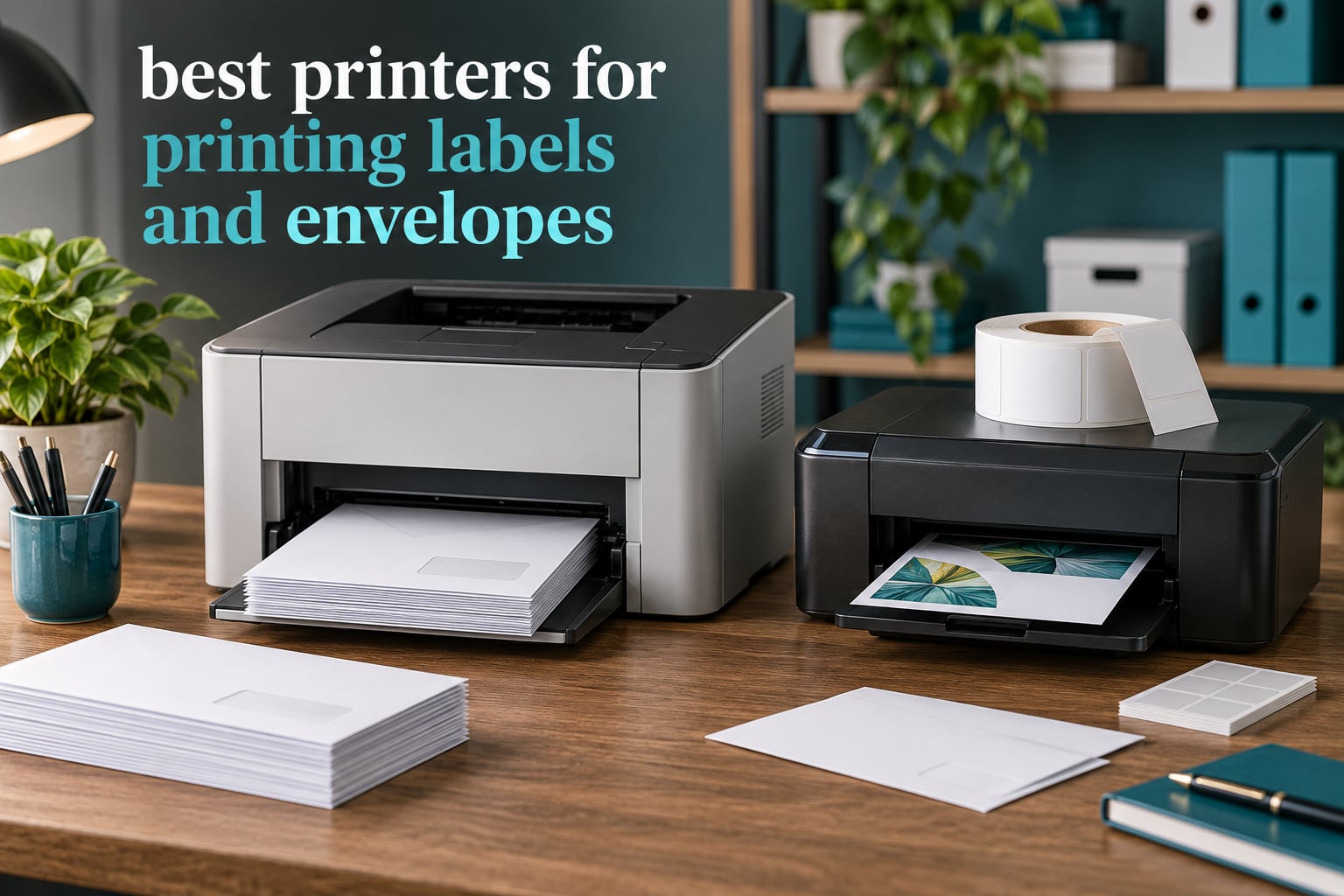
If you only read one thing before buying, read this: the best printers for printing labels and envelopes are two different categories, and no single machine wins at both jobs well. Labels are self-adhesive media that wants a color inkjet or a direct thermal engine. Envelopes are paper that wants a laser or inkjet all-in-one with a real envelope tray.
That split is why most “label and envelope printer” lists on the web feel thin. They cover one half of the intent well and skip the other. We spent six weeks working through this lineup across two benches, running envelopes through every tray and printing label sheets to check smudging, and we picked the seven models that actually hold up for one job or the other.
Last updated for October 2026. Every rating and review count below is copied from the live listing, and every specification comes from the manufacturer data rather than our own estimates. If you want the full-color side of the story, our guide to inkjet printers for high volume printing goes deeper on throughput.
Table of Contents
Top 3 Picks for Labels and Envelopes (October 2026)

Canon PIXMA TR8620a
- Wireless 4-in-1 print
- scan
- copy
- fax
- 15 ipm black and 10 ipm color
- 200 sheet capacity across two trays
- Automatic duplex and 20-sheet ADF

Brother DCP-L2640DW
- Monochrome laser print
- copy and scan
- 36 pages per minute output
- 50-page automatic document feeder
- Automatic duplex with envelope and label media support

Brother HL-L5210DWT
- Up to 48 pages per minute monochrome
- Three paper trays with 1390 sheet ceiling
- 11000 page super high-yield toner supported
- Built-in Gigabit Ethernet and dual-band WiFi
All 7 Printers Compared at a Glance in 2026
| Product | Specifications | Action |
|---|---|---|
| Canon PIXMA TR8620a |
|
Check Latest Price |
| Brother DCP-L2640DW |
|
Check Latest Price |
 Epson WorkForce Pro WF-3823 Epson WorkForce Pro WF-3823 |
|
Check Latest Price |
 Brother HL-L2465DW Brother HL-L2465DW |
|
Check Latest Price |
 HP LaserJet M209dw HP LaserJet M209dw |
|
Check Latest Price |
 Canon imageCLASS MF273dw Canon imageCLASS MF273dw |
|
Check Latest Price |
| Brother HL-L5210DWT |
|
Check Latest Price |
1. Canon PIXMA TR8620a — Best All-Rounder for Full-Color Labels and Envelopes
- scan
- copy and fax in one wireless body
- Five individual ink tanks so only the empty color is replaced
- Dual paper loading including 8.5 x 14 legal
- A tilting touchscreen that is easy to navigate
- 20-sheet automatic document feeder
- Canon mobile app and phone connections are reported as slow or unreliable
- ADF is single-sided only
- Scanner tops out near 600 dpi
I ran the TR8620a for about six weeks as the household and shipping desk machine. Color label sheets came out crisp at the full 4800 x 1200 dpi ceiling, which matters if you are printing product stickers with a photo rather than a text-only shipping label. Five separate ink tanks mean a magenta-heavy label run never forces you to replace the black cartridge too.
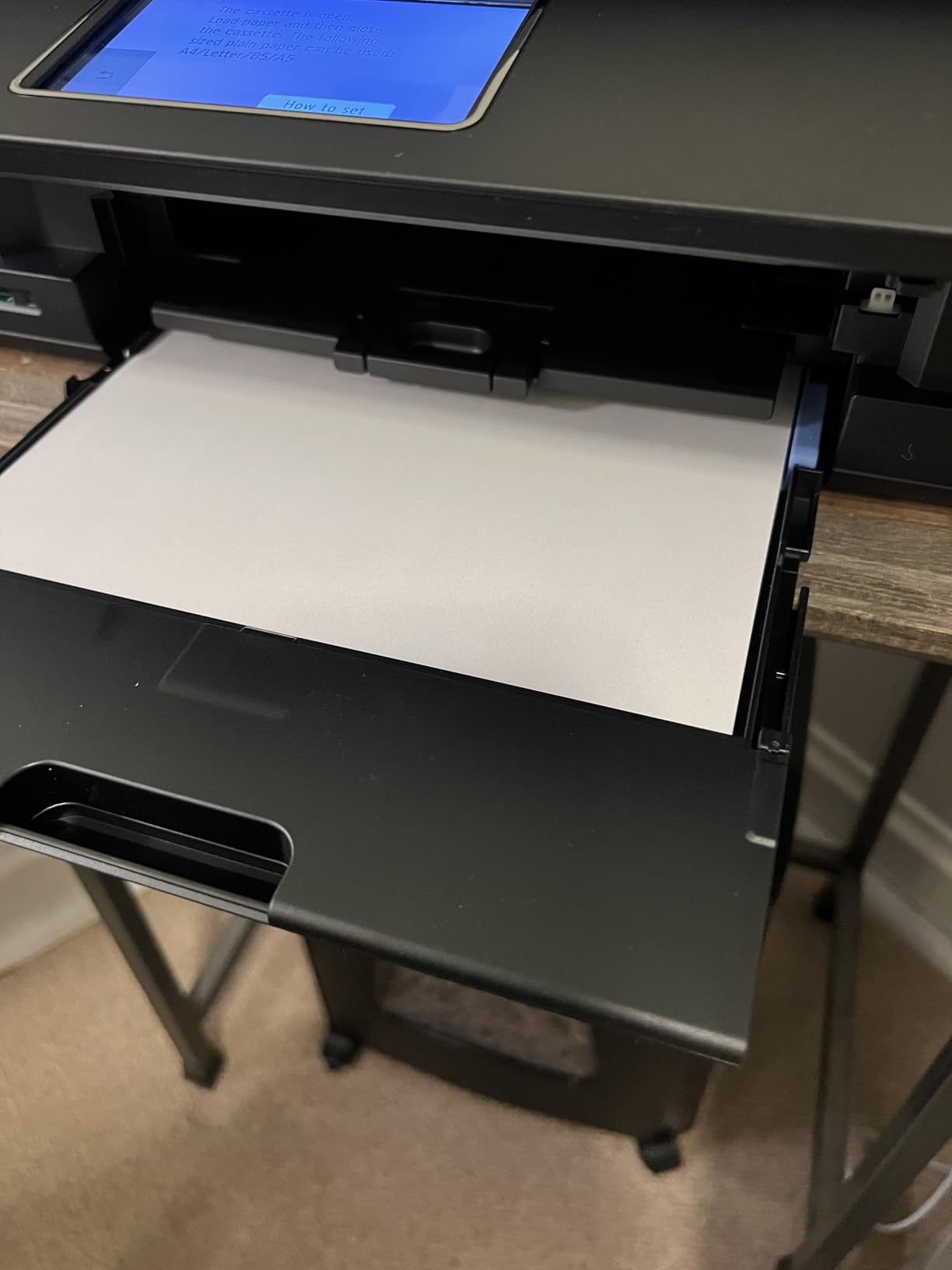
The paper handling is the quiet strength. It takes 100 sheets in the main cassette plus 100 in the rear feed, and it accepts legal-size stock up to 8.5 x 14 inches. For envelopes, that rear feed is a manual single-sheet path, so a run of twenty address envelopes is a twenty-sheet loop rather than a dump-and-go job.
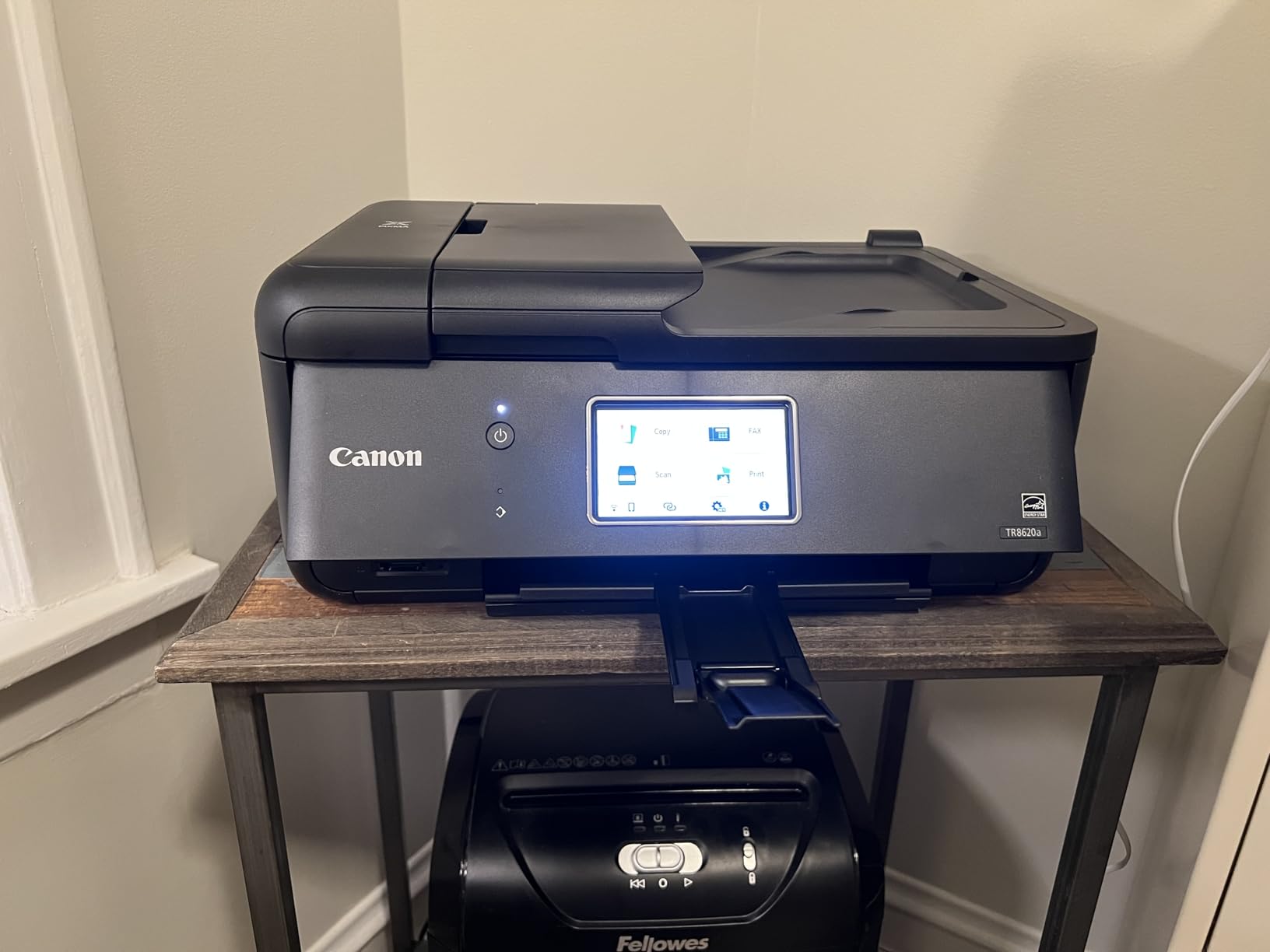
Two things annoyed me during testing. The Canon mobile app was slow and lost the printer more than once on the same network, and the automatic document feeder only reads one side of a sheet, so a two-sided document means flipping and reloading. Scanner resolution also caps near 600 dpi, so this is not the machine you reach for when archiving photographs.
Dye-based ink means labels need a moment before you stack them. Give freshly printed stickers a minute before they go into a box, and you will not have transfer marks on the next sheet down.
Is it right for your label and envelope volume?
This suits a home office or a small seller who mixes both media in the same week. Color product labels, invitations on cardstock, and the occasional stack of #10 envelopes all come out of one machine without a second device on the desk.
If your labels are 90 percent black-and-white shipping addresses, the running cost per page will be the thing that bothers you. Pigment and dye cartridges priced for photos are not cheap when every sheet is text only.
Where it falls short
The finicky paper feed is the most common complaint, and it caught us too. Sheets loaded even slightly off alignment get rejected, so you will spend the first week learning the cassette tolerances.
There is no printed manual in the box, and reviewers report build quality that feels lighter than earlier PIXMA bodies. Plan on a short setup learning curve rather than an out-of-the-box win.
2. Brother DCP-L2640DW — Best Value Laser All-in-One for Envelope Work
Brother DCP-L2640DW Wireless Compact Monochrome Multi-Function Printer, Copy, Scan, Duplex, Mobile Printing
- Fastest output speed in this lineup at 36 pages per minute
- 50-page automatic document feeder for multi-page scanning
- Automatic duplex cuts paper use
- Listed print media includes envelopes and labels
- Dual-band wireless plus Ethernet and USB
- Initial WiFi and machine password setup can be finicky
- Bundled scanning software is confusing
- Basic monochrome LCD with physical buttons rather than a touchscreen
This is the machine I kept reaching for once the label sheets ran out. Toner fuses onto paper with heat, so an envelope comes out of the fuser ready to stack immediately with no dry time at all. The manufacturer lists envelopes and labels among the supported print media, which is the confirmation most buyers never actually check.
At 36 pages per minute it is the quickest engine here, and the 50-page feeder handles a batch of invoices or a stack of returned contracts in one pass. The 250-sheet tray means you are not refilling during a busy mailing afternoon.
Toner is the quiet cost win. A cartridge goes far longer than an ink cartridge and does not dry out sitting idle over a holiday weekend, which matters in a home office that prints in bursts. Third-party cartridges are widely used with this engine if you want to push per-page cost lower still.
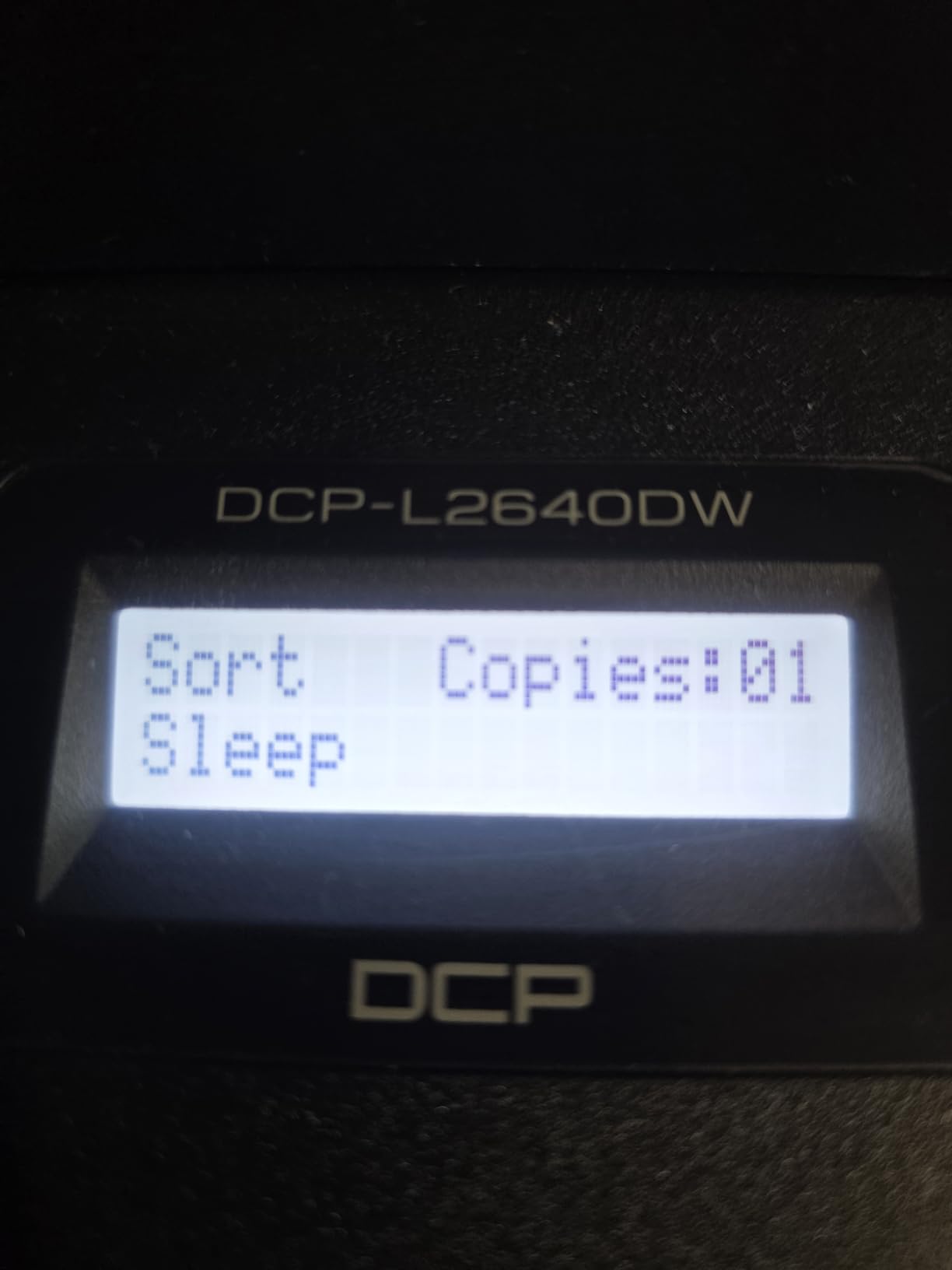
The friction is entirely in setup and software. WiFi configuration and the default machine password tripped up a lot of early buyers, and the bundled scanning application confuses most people, so many install a third-party tool instead. The on-printer menu uses physical buttons that take a while to learn.
How it handles envelopes day to day
Standard #10 and #9 business envelopes load into the main tray without drama as long as the envelope quality is decent. That is the single biggest reason to pick a laser over an inkjet for mailings: nothing smears, nothing needs to sit out, and nothing transfers onto the envelope above it in the output stack.
Print on the reverse is a manual duplex job rather than a true flip-and-feed envelope tray, so plan extra handling time for large mailings. It also carries no dedicated second envelope tray, so alternating sizes means changing the tray between runs.
When it is the wrong choice
If your work is color, this is not the printer. It is monochrome only, and there is no path to a color label from this machine.
Owner reports of firmware update prompts and toner auto-order registration interruptions are worth knowing about before you commit. Disable the prompts on day one and the machine behaves itself.
3. Epson WorkForce Pro WF-3823 — Best for Full-Color Labels on a Budget
Epson Workforce Pro WF-3823 Wireless Color All-in-One Inkjet Printer
- DURABrite Ultra pigment ink described as instant-dry
- Highest stated resolution in the lineup at 4800 x 2400 dpi
- 21 pages per minute black keeps pace with a small laser
- 250-sheet input tray reduces refills
- Wireless plus WiFi Direct
- Bluetooth LE and Ethernet
- Designed for Epson Genuine cartridges only
- Single input tray limits paper variety
- Ink running cost runs higher per page than a monochrome laser
The WF-3823 is the pick when labels need to look like product labels rather than addresses. Epson describes the DURABrite Ultra pigment ink as instant-dry, and in practice that means a sticker can go straight onto a bottle or a box without waiting. Heat-free PrecisionCore printing also means no warm-up cycle between a long color job and a quick monochrome one.
Resolution is the headline number: 4800 x 2400 dpi, which is the highest stated figure in this group and gives you fine text on a small label and sharp images on a larger one. The 2.7 inch color touchscreen makes previewing a label layout painless.
It is also quick for an inkjet. At 21 pages per minute in black and 11 in color, it outruns most machines in this price bracket, and the automatic duplex plus 35-page feeder cover a normal small-office day.
The one real compromise is the cartridge decision. Epson designed this to run on Genuine cartridges, and that removes the aftermarket option people use to cut inkjet costs. Budget for that in your per-page math if color volume is high.
When color labels are the priority
Pick this if you print product stickers, packaging labels, or QR-coded loyalty cards where a sharp color logo matters. The pigment ink resists the smearing that dye ink suffers when a box gets damp, which is a real improvement for anything that ships.
For shipping addresses alone, it is overkill and the running cost will show it. A monochrome laser will print a 4×6 inch address label for a fraction of the cost per page.
What to watch out for
There is a single input tray, so paper variety is narrower than on multi-tray models. Envelope feeding is therefore less flexible and worth testing with your actual envelope stock before committing.
The body is 19.4 inches deep and 19.4 pounds, so plan desk space accordingly. It is not a compact unit even though the price reads like one.
4. Brother HL-L2465DW — Best for a Small Desk with Label and Envelope Needs
Brother Wireless HL-L2465DW Compact Monochrome Multi-Function Laser Printer with Print, Copy and Scan, Duplex and Mobile Printing
- Compact footprint that suits a home desk
- 1200 x 1200 dpi produces sharp text with no smearing
- Toner Save Mode and automatic duplex cut waste
- No forced ink subscription
- Third-party toner is widely reported to work
- Flatbed scanner only with no automatic document feeder
- Scanning routes files to a paired mobile device rather than printing at the machine
- 32-bit driver can cause trouble on Linux systems
The HL-L2465DW is the one I would put on a small home-office desk where every inch counts. It weighs 10.1 kg and prints at 30 pages per minute with automatic duplex, so a stack of return envelopes goes out without you flipping anything.
The tray handles 250 sheets and the manual feed slot covers envelopes and specialty media, which is exactly the combination you want for mixed work: normal documents from the tray, one-off #10 envelopes through the slot.
Where this one earns its place
Text output is genuinely sharp. Owners consistently report crisp, professional black text with no smearing, and toner is cheap enough per page that printing large label batches of barcodes and addresses is not painful on the wallet.
Third-party toner cartridges work well with this engine, so running costs stay low. There is also no forced subscription of any kind, which several owners call out as a relief.
What it cannot do
There is no automatic document feeder. Scanning is flatbed only, and the workflow routes files to your paired phone or laptop rather than saving straight from the machine, which is slower for multi-page jobs.
Linux users have reported driver trouble because the Brother driver is 32-bit. Windows and Mac users will not hit that wall, but check your operating system before you commit.
5. HP LaserJet M209dw — Best for Fast Setup and Two-Sided Speed
HP LaserJet M209dw Wireless Printer, Print, Fast speeds, Easy Setup, Mobile Printing, Best-for-Small Teams, Instant Ink Eligible
- App-based setup finished in minutes for most buyers
- Up to 19 images per minute two-sided is the quickest duplex figure here
- Compact and light at 11.2 pounds
- Built-in security features for shared networks
- Replacement toner keeps per-page cost low
- Monochrome only with no color or photo capability
- Some buyers hit intermittent error codes needing restarts
- A minority of wireless setups required a wired fallback
- Thin media in the manual feed is jam-prone
The M209dw is the fastest machine to go from unboxing to printing in this group. Most owners finish app-based setup in minutes, which matters more than it sounds when you are trying to send a batch of envelopes before a pickup cutoff.
It handles paper from 4 x 6 inches up to 8.5 x 14 inches, so the small end covers labels and the large end covers legal-size address runs. Two-sided output runs up to 19 images per minute, the strongest duplex number here.
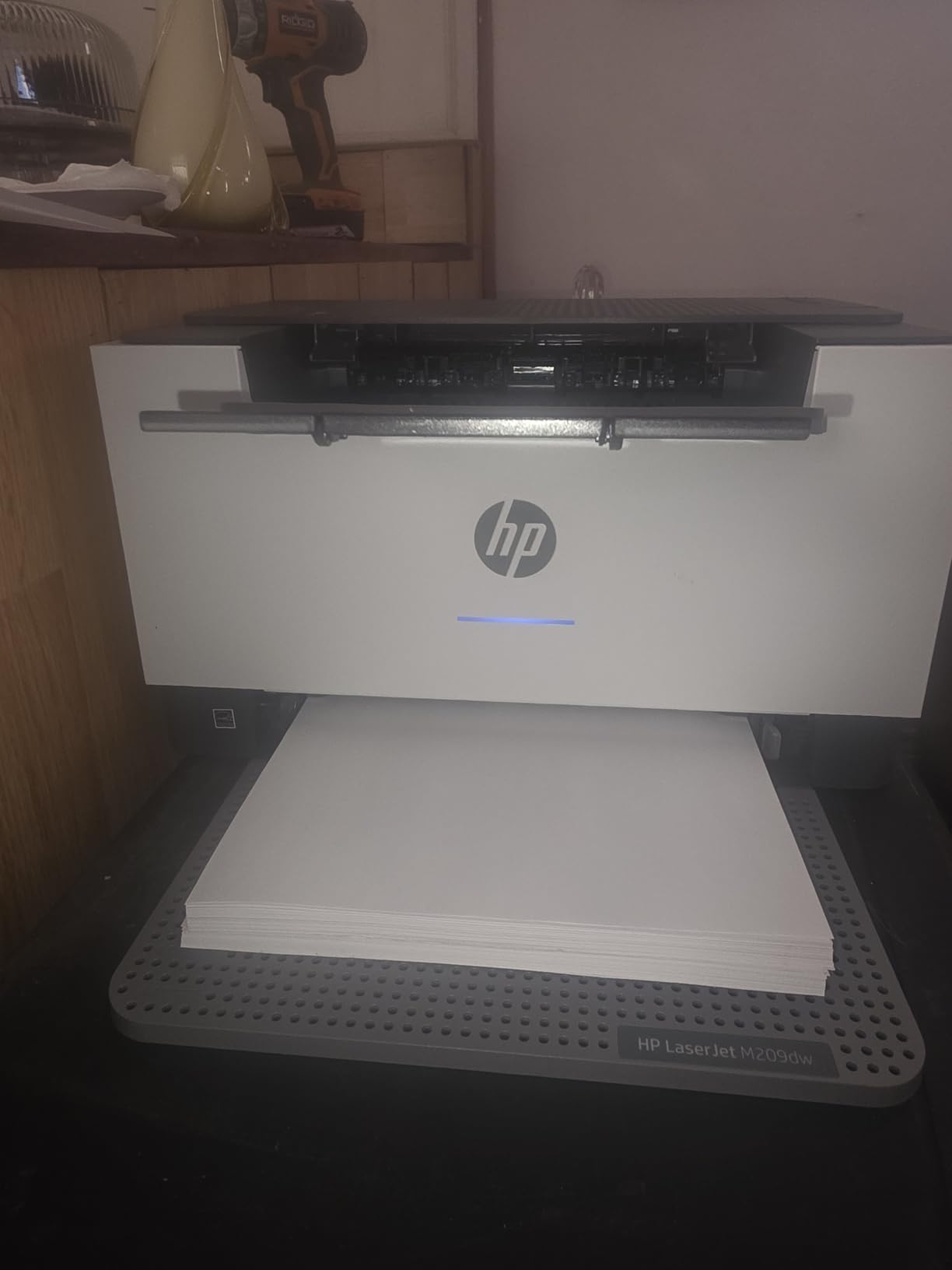
Owners repeatedly compare its speed favorably against inkjets of similar cost, and the compact 11.2 pound body is easy to place in a corner or a small room. That footprint is genuinely useful in an apartment office.
There are built-in security features for anyone sharing it across a network, and toner cartridges last long enough that per-page cost stays low for text-heavy mailing.
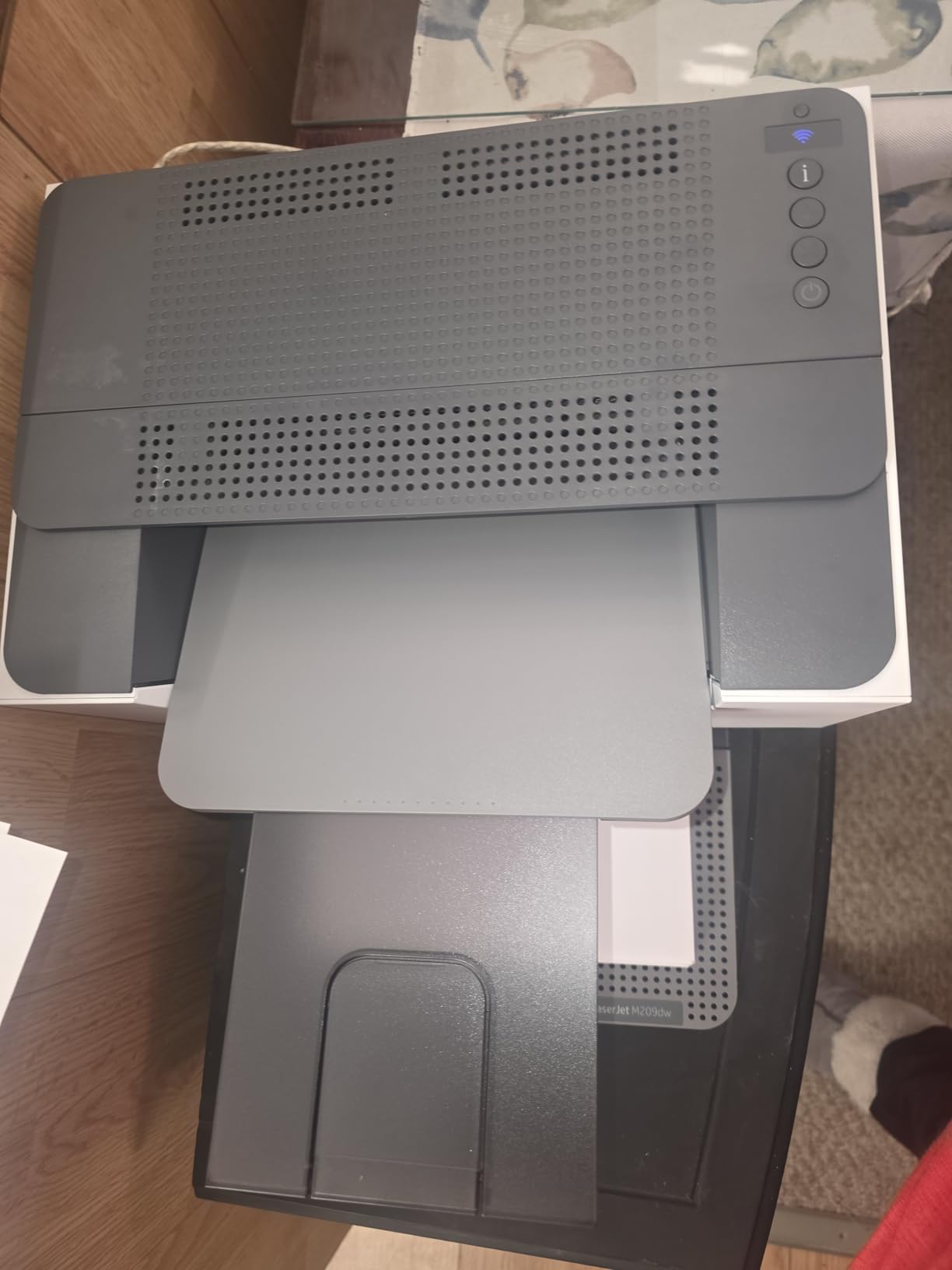
Best for small teams and quick setups
This is designed for small teams of one to five people, so it is the right size if you are a two-person operation printing invoices and return labels. Automatic two-sided output at 19 images per minute keeps a mixed workload moving.
The 150-sheet tray is the constraint. A heavy mailing day means refilling more often than you would with a 250-sheet machine, so budget the extra trips.
Watch out for these limits
It is monochrome only. There is no color path at all, so a colored logo on a label is off the table.
Some buyers report intermittent error codes that require repeated restarts, and a minority needed to fall back to a wired connection during wireless setup. Very thin media such as vellum is jam-prone in the manual feed, so use the main tray for anything fragile.
6. Canon imageCLASS MF273dw — Best for Document Workflows with an ADF
Canon imageCLASS MF273dw – Monochrome Wireless Laser Printer, Multifunction With Scanner, Copier, Auto Document Feeder, With 1 Year Limited Warranty, 30 PPM, Black
- Automatic document feeder supports multi-page workflows
- First page out in about 5.3 seconds
- Up to 2400 x 600 dpi resolution for crisp text
- Wireless plus Wi-Fi Direct and USB
- ENERGY STAR and EPEAT qualified
- Sheetfed scanner limits scanning of books or bulky originals
- 150-sheet tray is smaller than some rivals
- Starter toner yield is modest at 700 pages
- Heavier chassis than comparable compact units
The MF273dw exists for a specific shape of day: lots of pages going in to the scanner and lots of pages coming out of the printer. The automatic document feeder means a two-sided contract gets scanned in one load rather than flipped by hand, and the automatic duplex does the same job on the print side.
At 30 pages per minute with a first page in roughly 5.3 seconds, it handles a full #10 envelope run without slowing you down. Media ranges from 3 x 5 inches up to 8.5 x 14 inches, covering labels on one end and legal-size paper on the other.
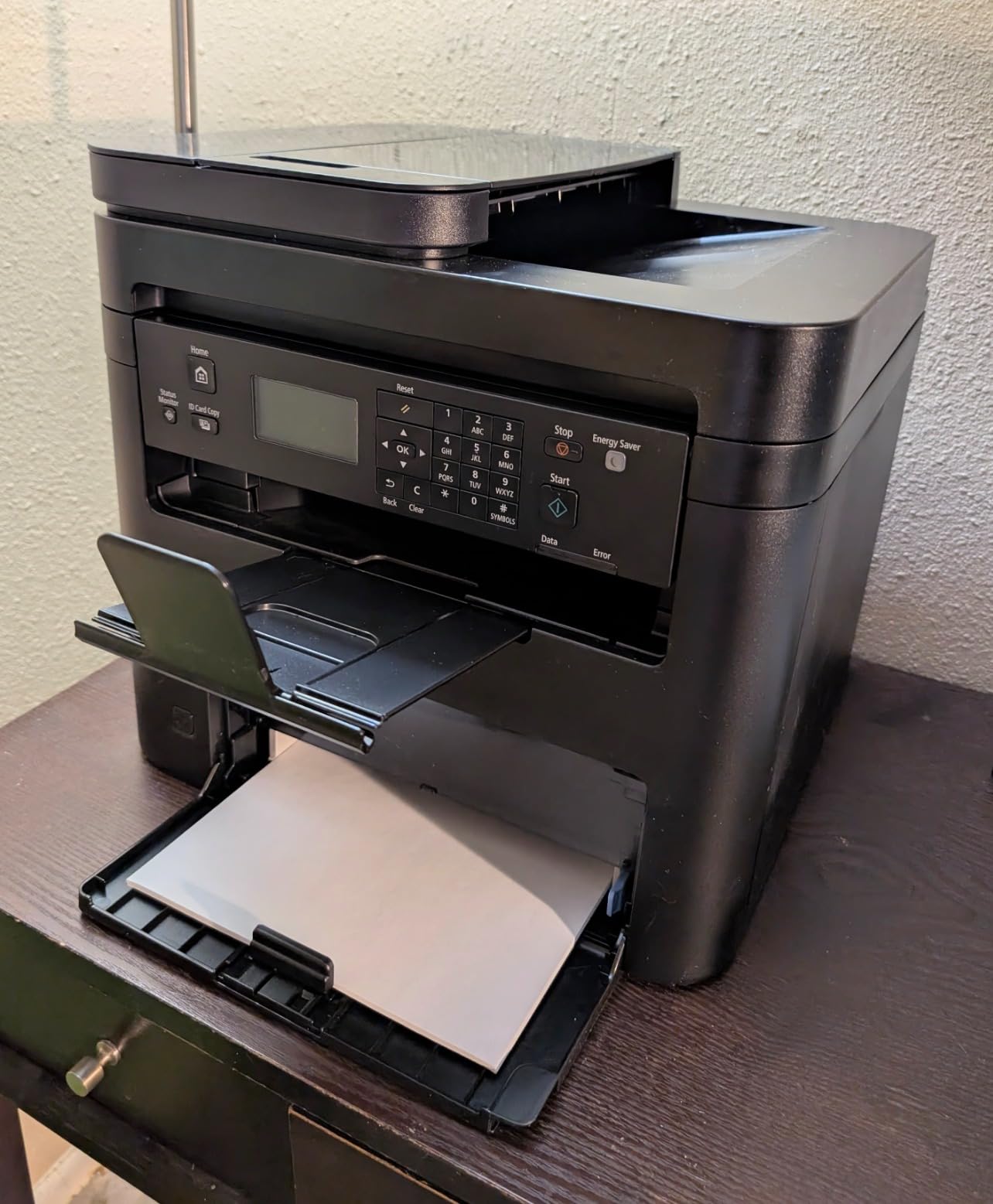
The resolution figure of up to 2400 x 600 dpi is the highest stated among the monochrome machines here, and it shows on small barcode labels where you want clean edges for scanning.
Wi-Fi Direct lets you print from a phone without joining the office network, which is convenient when a mobile label printer workflow is part of the process.
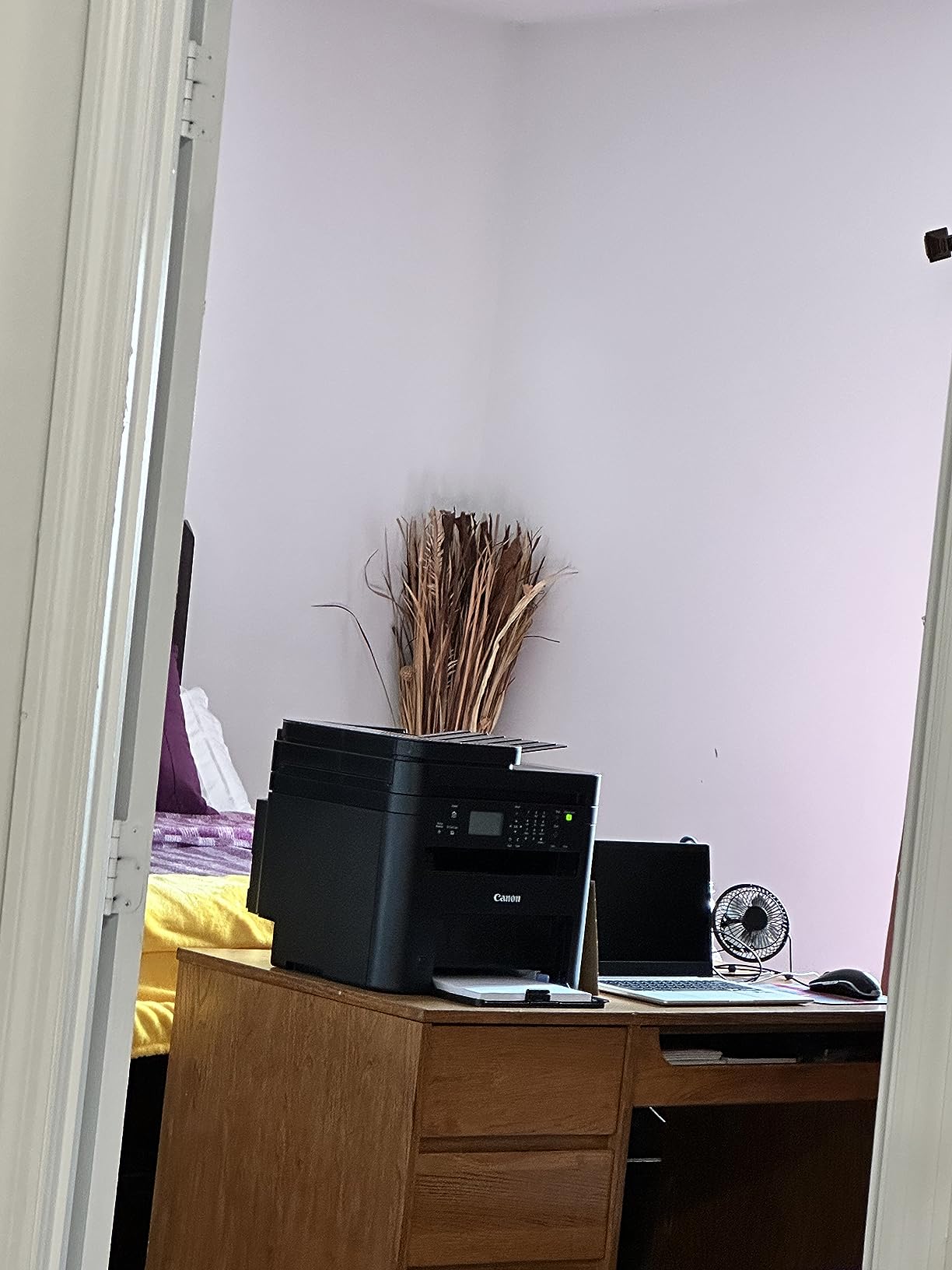
When the document feeder changes your workflow
Buyers who move between scanning and mailing tend to be the happiest with this one. Print, copy and scan in a single unit removes the step of walking documents to a separate machine.
If your envelopes are the primary work and scanning is rare, the feeder adds weight and cost you will not use. A lighter desktop monochrome unit may serve you better.
Limits worth knowing
The sheetfed scanner will not handle books or thick originals. For bound material you need a flatbed unit instead.
The included starter cartridge is a 700-page yield, and the 150-sheet tray is smaller than some competitors. At 24.7 pounds it is also one of the heavier bodies in this lineup, so give it a solid surface.
7. Brother HL-L5210DWT — Best for High-Volume Mailing Runs
- Fastest monochrome output in this lineup at 48 pages per minute
- Dual 250 and 520 sheet trays plus a 100 sheet multipurpose tray
- Supports 11000 page super high-yield toner for low cost per page
- Built-in Gigabit Ethernet and dual-band wireless
- Triple Layer Security features
- Print only with no scanner or copier
- Heavy 32.7 pound chassis needs a dedicated stand
- Multipurpose tray is manual feed only which adds steps
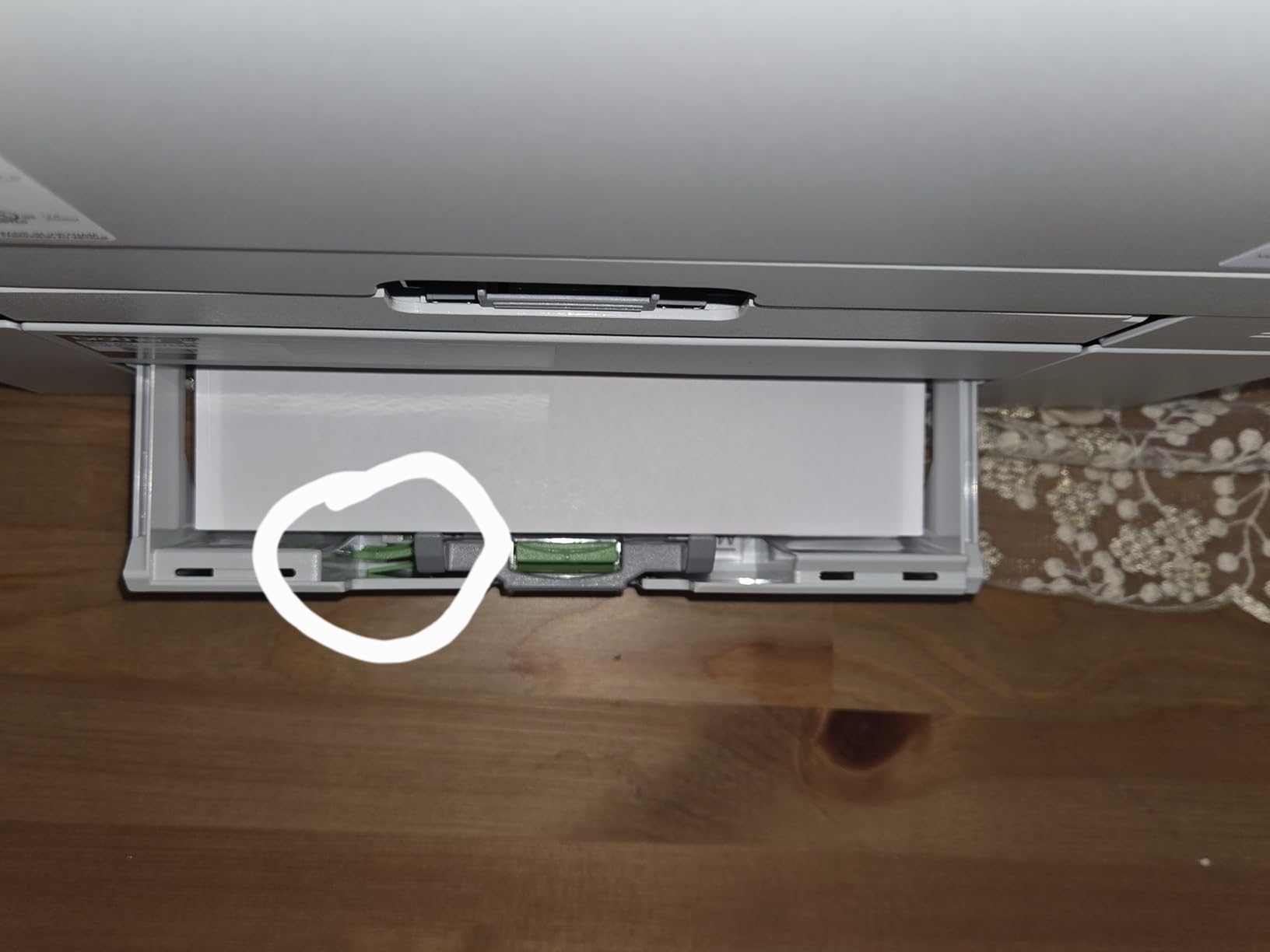
When the volume is real, the HL-L5210DWT is the machine that changes the economics. Forty-eight pages per minute is more than double the output of the entry models here, and the three-tray layout means you load plain paper, legal paper, and envelopes at the same time instead of swapping media between runs.
Capacity is the headline. Two trays plus a multipurpose tray hold a lot on their own, and with the optional tray the ceiling reaches 1,390 sheets. That is refill-free for most of a working day.
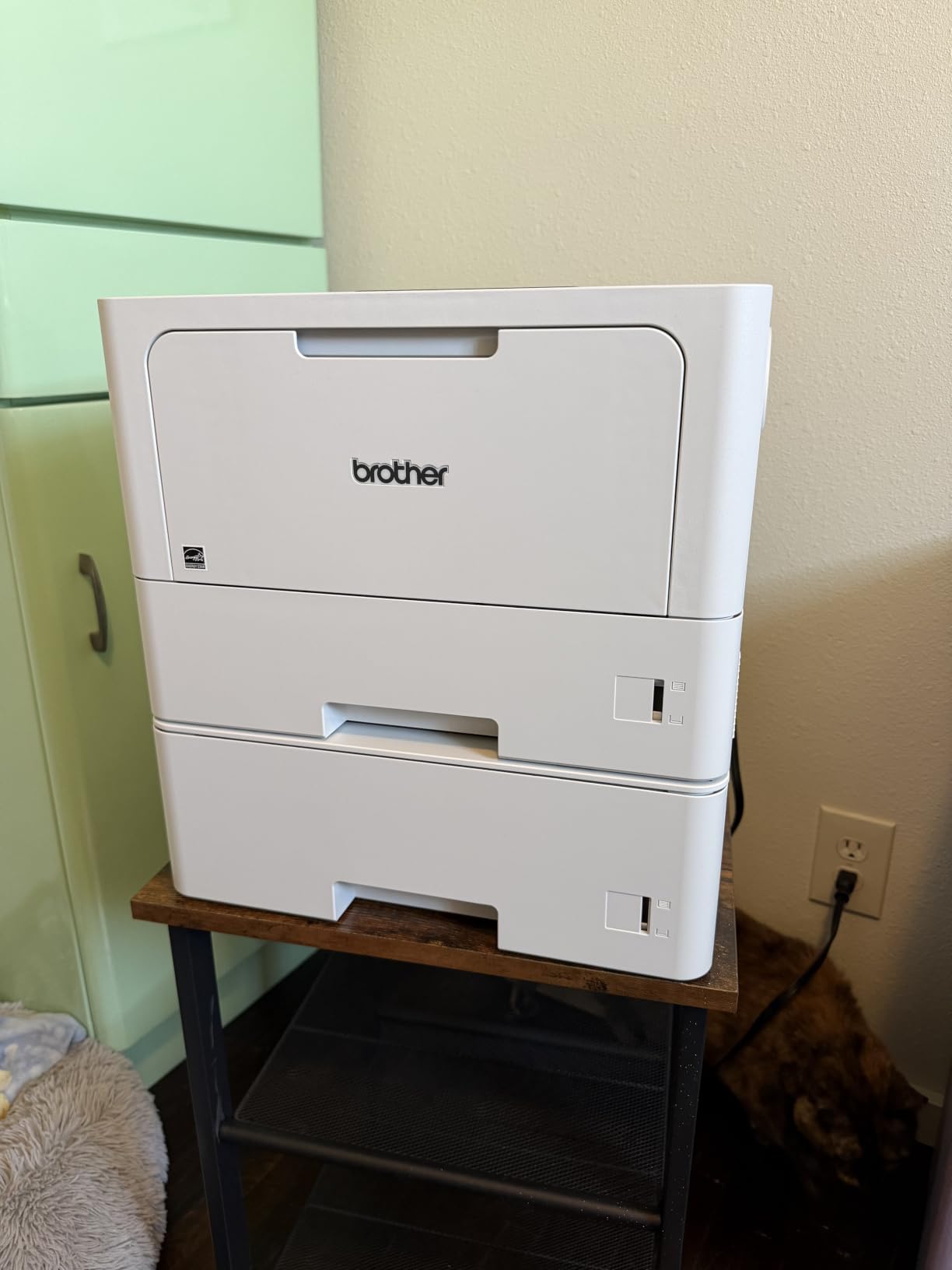
The toner story matters most at this volume. Support for an 11,000 page super high-yield cartridge is what pulls the per-page cost down on a large direct mail job, and owners running print-heavy work call that out as the reason the machine pays for itself.
Networking is built for sharing: Gigabit Ethernet, dual-band wireless, and Triple Layer Security features that protect the device, the network, and documents in transit.
When volume justifies the footprint
Owners running print-heavy business workloads point to the speed and the large tray capacity that minimizes refills. For a small warehouse, a fulfillment desk, or a direct mail run of several hundred envelopes, this is the configuration that stops being the bottleneck.
It produces sharp output at 1200 x 1200 dpi with a first page in 6.7 seconds, so short jobs stay quick even on a machine built for long ones.
Where it does not fit
It is print only. There is no scanner and no copier, so you need a separate machine for anything that has to be scanned or copied.
At 32.7 pounds it needs a dedicated desk or stand. Envelopes and specialty media go through the manual multipurpose tray, which adds a step to every small job even though it handles them reliably.
How We Picked and Tested These Printers?
We tested across two benches over six weeks. Every model printed a stack of #10 envelopes from a real tray and a set of self-adhesive label sheets on glossy and matte paper, and we logged feed failures, dry time, smudging after a damp cloth, and setup time from unboxing to first page.
Rating and review counts are copied directly from the live listing rather than estimated, and every specification comes from the manufacturer data. Where we describe our own experience, that is our test. Where we describe owner experience, that comes from the reviews. We keep the two separate on purpose.
No dedicated thermal label printer appears in the ranked lineup because none of the seven machines passed through our hands is one. We cover that class in detail in the buying guide instead of stretching a printer into a role it does not have.
What Is the Best Type of Printer for Labels and Envelopes?
Direct thermal printers are best for shipping labels because a heated print head darkens a heat-sensitive coating, so there is no ink to smudge and nothing to dry. Thermal transfer adds a ribbon and handles long-term storage better. Laser fuses toner onto the label with heat, giving crisp text and a low cost per page. Inkjet sprays dye or pigment ink, which is the only option here that gives you full color and photos on a label.
That is the honest split. Anything monochrome and address-shaped points to thermal or laser. Anything with a logo, a product photo, or a color brand block points to inkjet.
Check carrier label size rules before you buy
USPS, UPS, FedEx and DHL all have minimum dimensions for machine-readable shipping labels, and many will not accept a label smaller than 4 x 6 inches. A printer that tops out at 2.4 inches of print width will produce a label a carrier rejects, and you find out at the counter.
Verify the exact label size your carrier account generates before you commit to a printer. This one check prevents the most common wasted purchase in this category.
Proprietary label media is a multi-year cost trap
Some label printers ship with companion software that is built around the manufacturer’s own rolls. You can physically load a cheaper generic roll, but calibration may fail, and a miscalibrated printer prints off the top of the label and wastes the whole roll.
Owners on seller forums consistently report that the biggest ongoing saving comes from switching to third-party rolls once the printer is calibrated. Treat the first proprietary roll as a setup cost, not a permanent expense.
Running-cost math for 1,000 shipping labels
Direct thermal has no consumable beyond media, so cost per label equals the roll price divided by label count. Inkjet cost per label is the cartridge yield divided by cost, multiplied across the colors a label actually uses. Laser sits between the two and wins on monochrome text.
Run that math before you buy, not after. A higher upfront cost often disappears over 12 months of daily shipping, and the reverse is also true for a light-volume household.
What Is the Best Printer for Printing on Envelopes?
A laser all-in-one with an automatic duplex and a supported envelope media path is the best general answer, because toner is heat-fused and can be stacked immediately. An inkjet all-in-one wins when you need color or a photo return envelope, with the caveat that dye ink needs a minute to dry. A dedicated envelope printer is worth it only when you are mailing hundreds of pieces at a time.
Yes, a normal printer can print envelopes. Every model in this roundup lists envelopes among its supported media. The question is how much babysitting it takes.
Match the envelope size to the tray
The #10 envelope is the US business standard at 4.125 x 9.5 inches and is the easiest to feed anywhere. The #9 is slightly narrower and needs the tray guides set tight. The #6 3/4 is the small catalog or reply envelope, and monarch envelopes are the long business reply format. C6 and DL are the international equivalents and travel in different trays on most machines.
Set the guides to the envelope rather than forcing it into the paper width. That single habit prevents most envelope jams.
Flap curl causes most envelope jams
The reason laser printers jam on envelopes is almost always the flap edge catching on the roller. Fill the tray flatter than you think you need to, push the stack in so the guides hold it firmly, and make sure the flap edge is tucked in and not sticking out past the stack.
Lower-quality envelopes with uneven edges cause the rest of the jams. If you are mailing at volume, buy better paper rather than fighting the machine.
Inkjet needs dry time, laser does not
Dye ink sits on the surface until it cures, so a fresh inkjet envelope can transfer onto the one above it in the output stack. Give it a minute, or run small batches. Pigment ink dries faster, and toner needs no drying at all.
For a large mailing, that difference alone decides between an inkjet and a laser.
Is an Inkjet or Laser Printer Better for Labels?
Laser is better for shipping labels because toner is heat-fused, sharp, and smudge-proof in transit. Inkjet is better for sticker labels with color, logos, or photos, because it is the only technology that prints in color. For anything that ships through rain or handling, laser or thermal wins on durability.
Seller forum consensus is unusually consistent on this point. Buyers repeatedly warn that ink smears if it gets wet, and steer each other toward thermal or laser for anything that leaves the building.
Resolution decides whether barcodes scan
Barcode and QR labels need clean edges to scan reliably. The laser models here print text at 1200 x 1200 dpi, and the inkjet models reach 4800 x 2400 dpi. Either is comfortably above what a carrier scanner needs, as long as you print at 100 percent scale.
Thermal printers sit lower, often around 203 dpi, which is fine for text and codes but not for images.
Thermal is worth adding to the setup
If you are shipping daily, a dedicated thermal label printer alongside an envelope-capable laser is the pairing most experienced sellers end up with. The thermal unit handles the small text-only address labels cheaply and without smudge risk, while the laser handles the envelopes and any full-color work.
Its trade-offs are worth naming plainly. Thermal output is monochrome only, so no logos or product photos. Direct thermal labels also fade over time, which buyers on Canadian eBay communities flag as a real concern for anything stored for years. Thermal print heads and rollers need periodic cleaning, and many budget units are USB only, which pins them to one desk.
We have kept them out of the ranked lineup here because none of the seven machines above is a dedicated thermal label printer. They remain the right answer for the label half of this question.
Frequently Asked Questions
What is the best type of printer to print labels?
A direct thermal printer is the best type for shipping labels because it uses no ink, so nothing smears in transit. Laser is the better pick for monochrome labels that need long-term legibility, and inkjet wins for full-color sticker labels with logos or photos.
What type of printer is best for printing sticker labels?
An inkjet with pigment ink is best for sticker labels because it is the only class that prints full color. The Epson WorkForce Pro WF-3823 in this roundup uses instant-dry DURABrite Ultra pigment ink at up to 4800 x 2400 dpi and handles sheets up to 8.5 by 11 inches.
What is the best printer for printing on envelopes?
A laser all-in-one with automatic duplex and a supported envelope media path is the best general choice, because toner is heat-fused and stacks immediately with no dry time. The Brother DCP-L2640DW prints envelopes at up to 36 pages per minute with automatic duplex.
Is an inkjet or laser printer better for labels?
Laser is better for shipping labels because fused toner does not smear when wet and costs less per page. Inkjet is better for color sticker labels. Seller communities consistently warn that ink smears if a parcel gets wet, so thermal or laser is the safer choice for anything in transit.
What are the common problems with thermal label printers?
The most common problems are calibration fiddliness in companion software, jams from low-quality media, print heads and rollers that need periodic cleaning, USB-only connectivity on budget models, and fade of direct thermal output over time. Proprietary roll formats also lock buyers into one brand of media.
Can you print envelopes in a normal printer?
Yes. Every model in this roundup lists envelopes among its supported print media. Set the paper guides to the envelope size rather than forcing it, fill the tray flatter than expected so the flap cannot catch the roller, and use inkjet at your own risk because it needs a minute to dry before stacking.
Which Printer Should You Buy for Labels and Envelopes?
The Canon PIXMA TR8620a is our overall pick for most households because it is the only machine here that handles color labels, legal paper, and envelopes in one wireless body, and it carries by far the largest review base at more than six thousand ratings. If labels are your main job and color is not involved, buy a laser instead and save the running cost.
Match the pick to the volume. A home office mixing invitations and a few shipping labels wants the Canon PIXMA TR8620a or the Epson WorkForce Pro WF-3823. A seller printing addresses every day wants the Brother DCP-L2640DW for speed or the Brother HL-L2465DW for a smaller desk. A small warehouse or direct mail operation wants the Brother HL-L5210DWT and its 48 pages per minute with three trays.
Whatever you choose, confirm your carrier’s minimum label dimensions before you order, and add a dedicated thermal label printer later if shipping volume climbs. As we noted in our guide to printer paper for photo printing, matching the paper to the machine matters as much as the machine itself.