
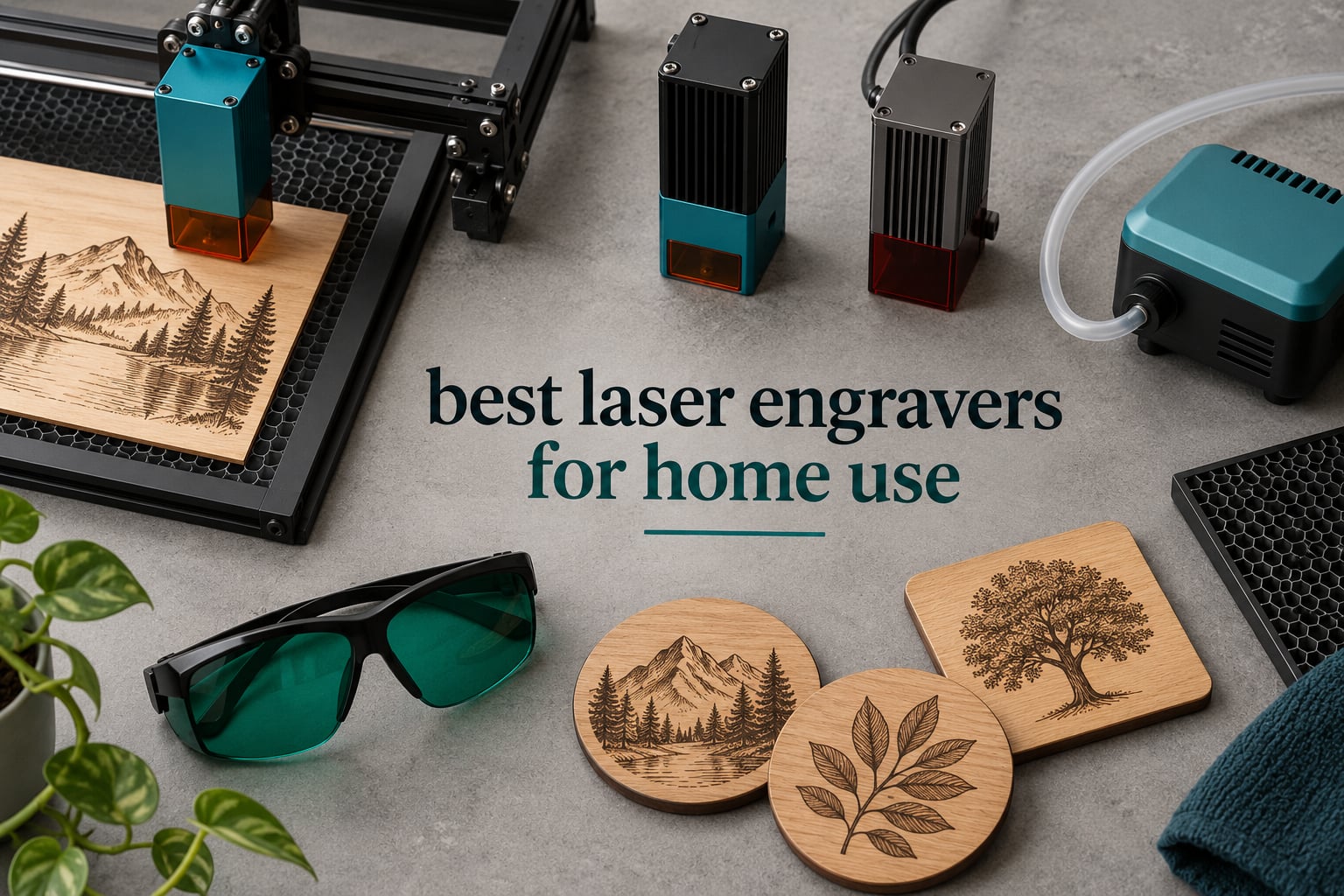
The best laser engraver for home use is the ORTUR Laser Master 2 S2, a 10W diode machine with a full metal frame, a 390 x 410mm bed and more owner ratings than anything else on this list. If you want a bigger cut area and faster throughput, the LONGER RAY5 40W is the stronger production machine, and if your workspace is a kitchen table, the ACMER S1 does the job in a 2kg footprint.
I spent weeks going through owner feedback on ten of the most popular desktop engravers, side by side with their published specifications. The pattern across every review I read was the same: the machines that survive in a home are the ones with a rigid frame, open software support and honest safety cutoffs, not necessarily the ones with the biggest number on the box.
Here is what this guide covers. Ten machines, each with real measurements, each with the complaints that owners actually describe, plus a buying framework that accounts for the two things buyers most often forget: ventilation and the accessories you will need on day one. If you want the short version, start with the top three below, then read the buying guide before you commit.
For background on the technology, our [guide to laser engravers](https://www.smashingrobotics.com/best-laser-engravers/) explains how diode, CO2 and fiber sources differ. Our [diode engraver roundup](https://www.smashingrobotics.com/best-diode-laser-engravers/) goes deeper on the optics, and the [budget engraver guide](https://www.smashingrobotics.com/best-budget-laser-engravers/) covers the sub-tier we did not include here.
Table of Contents
Top 3 Home Laser Engravers (October 2026)

ORTUR Laser Master 2 S2
- 10W diode laser
- 390 x 410mm bed
- Cuts 30mm acrylic and 20mm wood
- LaserGRBL and LightBurn support

LONGER RAY5 40W
- 40W module
- 15.16 x 15.16 inch bed
- Cuts 20mm wood and 30mm acrylic
- 24000 mm/min with dual beam

Twotrees TTS-10 Pro
- 10W 450nm diode
- 300 x 300mm bed
- TF card offline operation
- 32-bit dual-core controller
The ORTUR wins the overall slot because owner feedback on it is the deepest in the group and the complaints about it are consistent and manageable. The LONGER RAY5 40W takes the top rated slot on raw specification and cutting speed, and the Twotrees TTS-10 Pro is the pick if you want a compact 10W with offline control and a certification list that includes CE, FCC, ROHS, FDA and UL62368.
All 10 Home Laser Engravers Compared Side by Side in 2026
| Product | Specifications | Action |
|---|---|---|
| ORTUR Laser Master 2 S2 |
|
Check Latest Price |
| Twotrees TTS-10 Pro |
|
Check Latest Price |
| LONGER RAY5 40W |
|
Check Latest Price |
 LaserPecker LP2 LaserPecker LP2 |
|
Check Latest Price |
 ACMER S1 ACMER S1 |
|
Check Latest Price |
 Creality Falcon 10W Creality Falcon 10W |
|
Check Latest Price |
 LONGER Ray5 Mini LONGER Ray5 Mini |
|
Check Latest Price |
 Creality Falcon A1 Creality Falcon A1 |
|
Check Latest Price |
 ATOMSTACK A20 Pro V2 ATOMSTACK A20 Pro V2 |
|
Check Latest Price |
 LONGER Ray5 5W LONGER Ray5 5W |
|
Check Latest Price |
Diode vs CO2 vs Fiber: Which Laser Type Belongs in a Home Workshop
Every machine in this roundup is a diode laser, and that is a deliberate choice rather than a limitation of the market. A 450nm blue diode is cheap, air cooled, compact and safe enough to run in a spare room with a window open and a fan running. It engraves wood, bamboo, acrylic, leather, paper, cardboard, fabric and coated or anodized metal, which is the overwhelming majority of what home hobbyists make.
A CO2 laser uses a gas tube and a mirror bed, and it is the better choice for cutting clear acrylic, thin plastics and anything where a diode beam turns milky. It also needs more room, more power and a dedicated extraction path, which is why none of them appear in a home-use roundup.
Fiber lasers mark bare metals directly, and infrared modules expand a diode machine to do the same. Neither appears in this list, because both push the price and the safety profile well past what a first home machine should ask of you. If bare steel and stainless are your primary targets, look at our [fiber laser engraver guide](https://www.smashingrobotics.com/best-fiber-laser-engravers/) instead.
One material rule applies to every diode machine here: never cut PVC or vinyl. It releases chlorine gas that is toxic to you and corrosive to the machine. Paper, cardboard and fabric are safe to cut; plastics that contain chlorine are not.
1. ORTUR Laser Master 2 S2 – 10W Diode Built on a Full Metal Frame
- Full metal frame with modular serviceable design
- 0.05 x 0.1mm compressed spot for fine detail
- Cuts 30mm acrylic and 20mm wood in one pass
- G-sensor motion cutoff plus idle auto-off
- Works with both LaserGRBL and LightBurn
- Class 4 output requires glasses and extraction
- Still needs a 10 to 15 minute assembly step
The Laser Master 2 S2 has been on sale for years and it has accumulated more owner ratings than any other machine in this group, which tells you something real about how it holds up over time. The frame is industrial grade full metal rather than folded aluminium extrusion, and owners consistently describe the machine as feeling solid in a way that lighter frames do not.
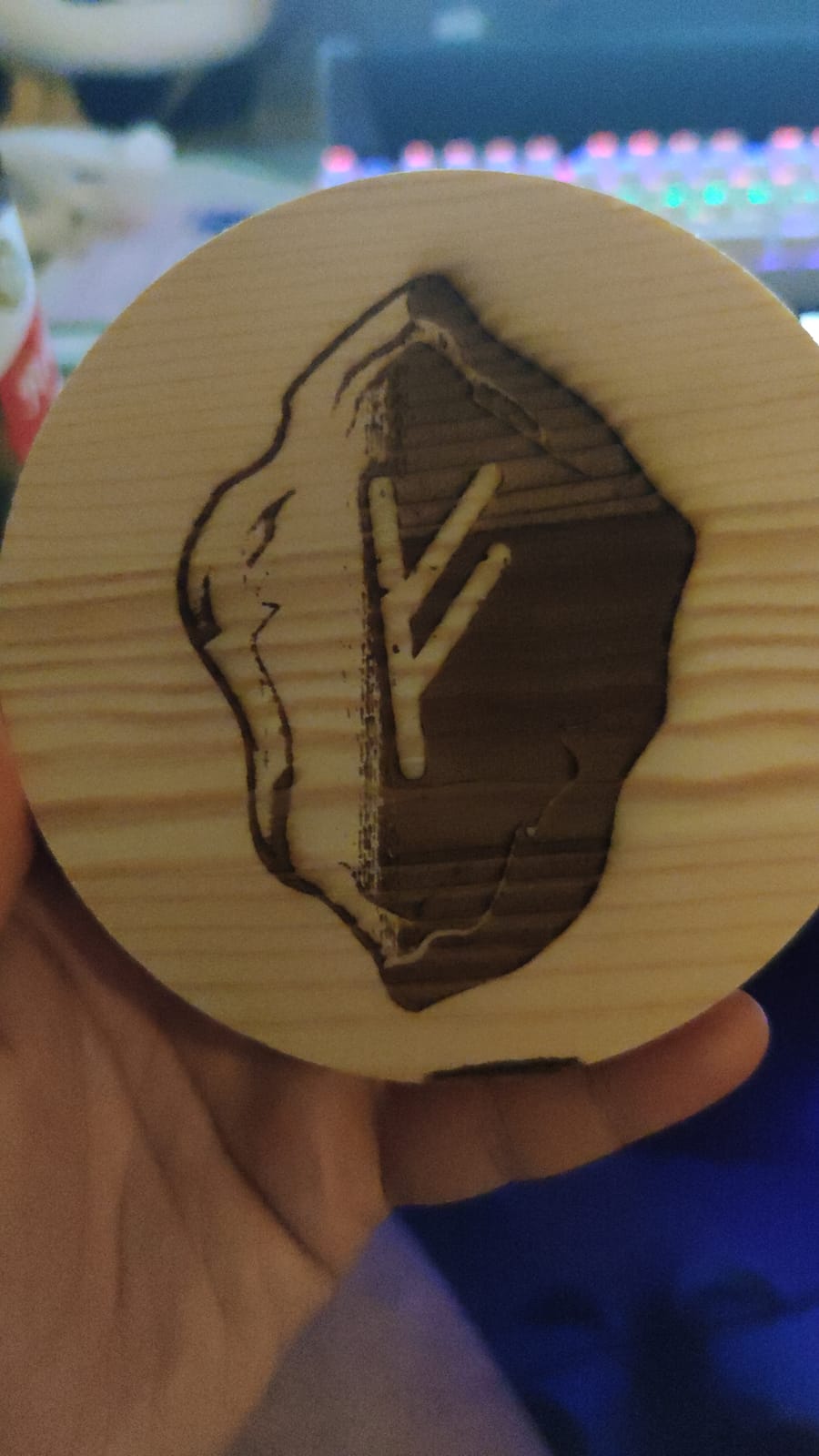
The 10W module produces a compressed spot of 0.05 x 0.1mm, which is tight enough for small serif text on a coaster. At full power the specification is 30mm of acrylic or 20mm of wood in a single pass, and that figure is what separates a genuinely useful machine from a marking-only unit.
Safety is where this machine asks more of you. It comes with a 98% UV filtering protective cover and a pair of safety goggles, and it layers in a G-sensor motion cutoff, a computer halt and USB disconnect stop, and an idle auto-off. That is a lot of protection for a Class 4 source, but it is not an enclosure, so smoke and stray light still need managing.
The laser module itself weighs 235g with dual fan cooling, and it is a standard module you can swap rather than a sealed assembly. Buyers who plan to move up in power later can replace the head instead of replacing the machine.
When the Laser Master 2 S2 makes sense
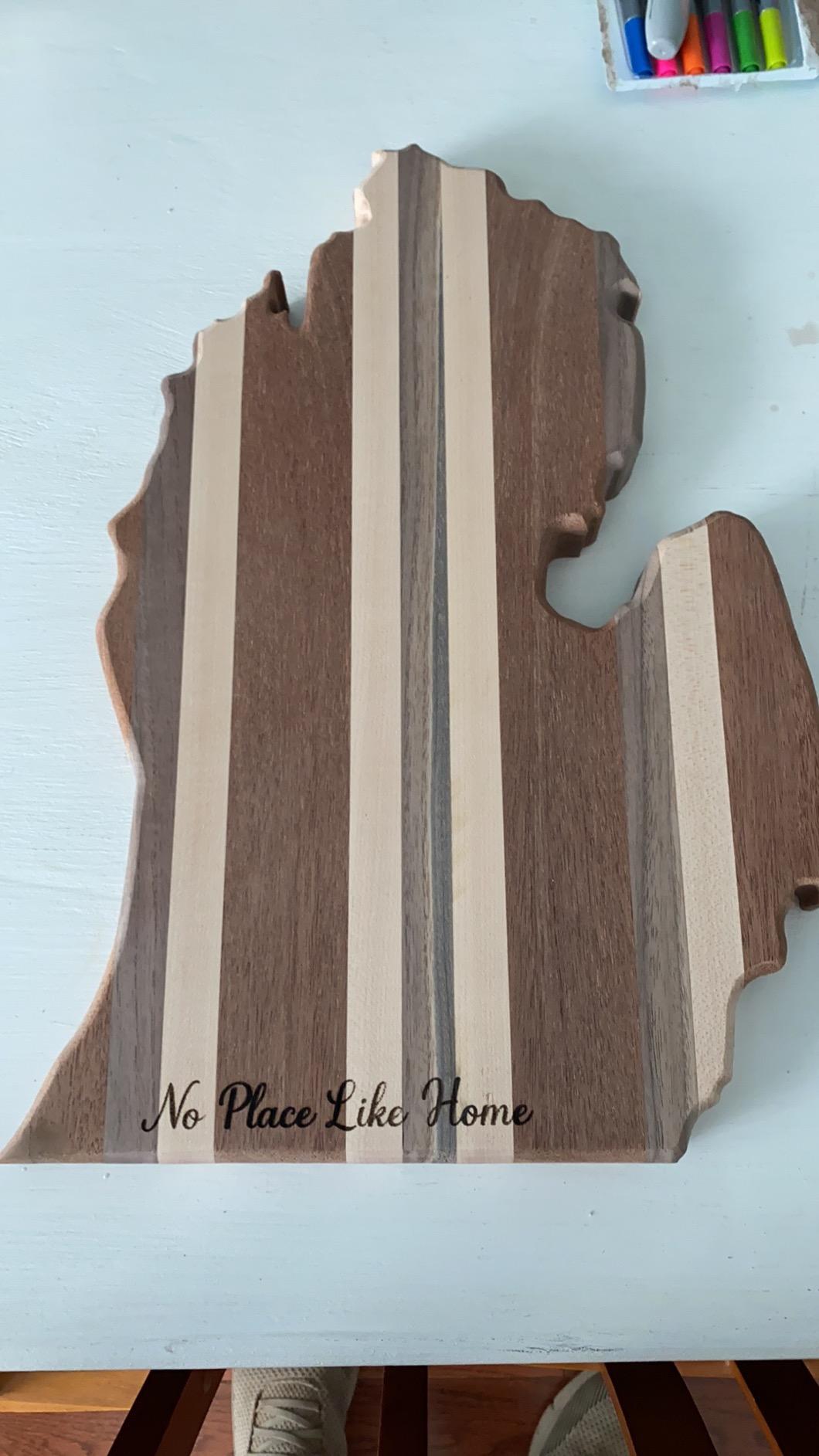
Choose it if your projects are signs, jewellery blanks, cutting boards and personalised gifts, and if you want a frame that will not flex when you load heavier stock. The file format support is wide too: SVG, DXF, JPG, JPEG, PNG, BMP, TIF and CR2, on Windows 7 through 11 and macOS through LightBurn.
It weighs 9.03 pounds and measures 22.44 x 21.65 x 6.9 inches, so it fits on a normal workbench rather than a dedicated table.
Where it holds you back
It arrives as a kit, and owners do not skip the 10 to 15 minute assembly. If you want zero setup, the Creality Falcon A1 further down the list arrives pre-assembled.
Second, the open frame means an extraction fan running and a window cracked open for every cutting session. That is a real constraint in an apartment. The protective cover blocks UV, not the full Class 4 beam, so the goggles stay in reach.
2. Twotrees TTS-10 Pro – Compact 10W with Offline TF Card Workflow
Twotrees TTS-10 Pro Laser Engraver,10000mW High Precision Laser Engraving
- Accurate stepper motion on wood bamboo acrylic and leather
- Offline TF card workflow needs no computer
- Aluminium alloy frame stays compact
- CE FCC ROHS FDA and UL62368 certified
- Demanding first-time assembly and software setup
- Cannot mark bare metal without a spray
- 300mm bed caps project size
The TTS-10 Pro stands out for two things a spec sheet alone does not show: a 32-bit dual-core MCU mainboard and dual Y-axis 42 stepper motors running GT2-6mm synchronous belts. That combination is why owners report steady results on bamboo and acrylic rather than the wobble that appears on cheaper single-motor frames.
It engraves at a 0.069mm laser spot across a 300 x 300mm area, which is roughly 11.8 x 11.8 inches. That is enough for coasters, keychains, phone cases and jewellery, and it is smaller than the Creality Falcon bed, so plan your project sizes around it.
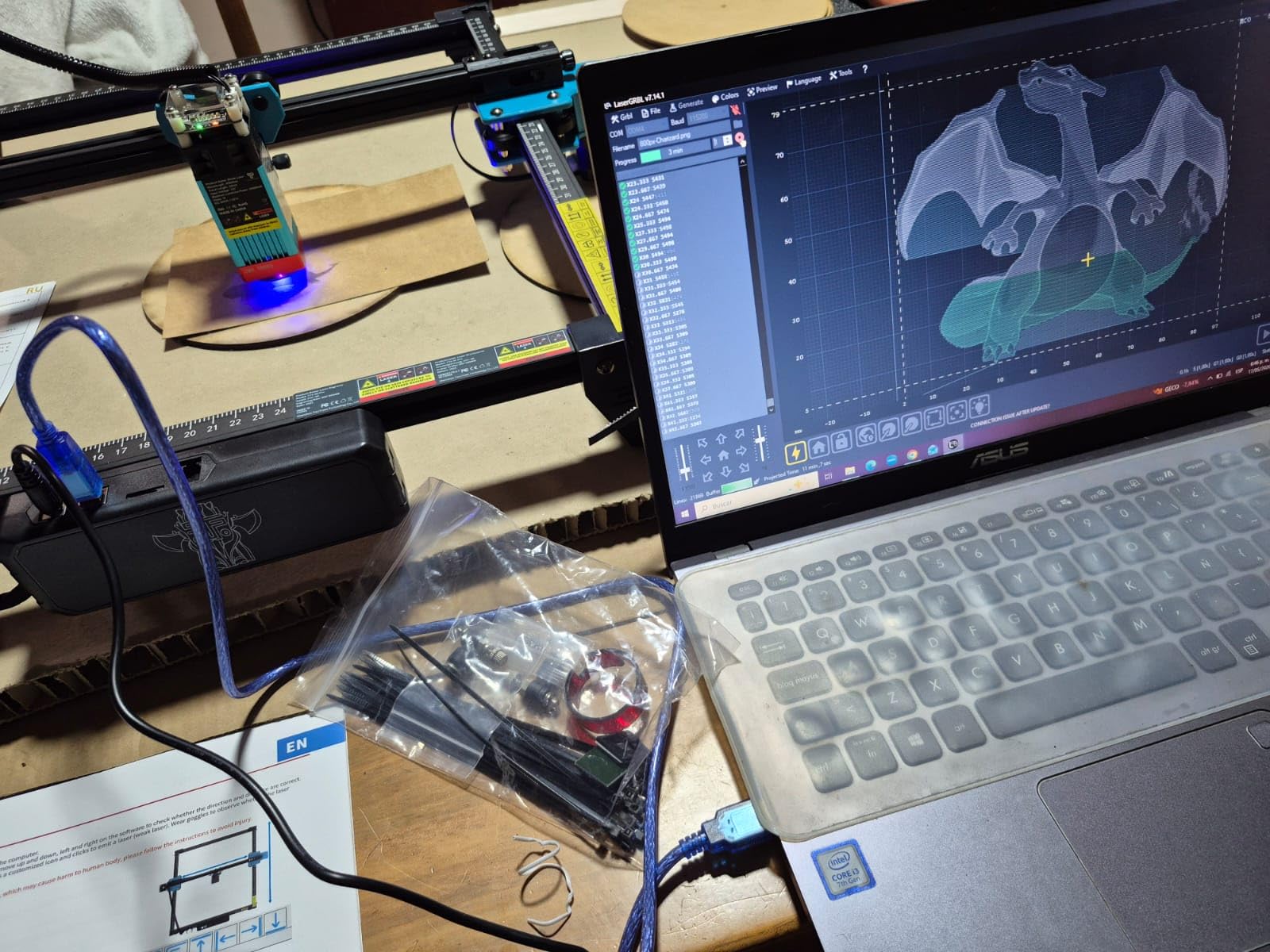
The offline workflow is the detail I would highlight for a home user. A 4GB TF card is included in the box, so you can send a job from the mobile app or PC software, walk away and run it without a computer tethered to the machine. That matters most for batch runs of small items.
The certification list is unusually thorough for this segment: CE, FCC, ROHS, FDA and UL62368, backed by a 12-month warranty and 30-day returns. Support is described by owners as responsive, which is not a given in this category.
When the TTS-10 Pro makes sense
It suits a maker who wants a small footprint, offline capability and strong certification, and who works mostly on wood, bamboo, acrylic, leather and dark glass. The listed dimensions are 10 x 5 x 7 inches, so it stores easily when not in use.
It is also a sensible first machine for someone who wants to learn LightBurn, because the bed is small enough that test cuts are cheap and fast.
Where it holds you back
The most common owner complaint is the first hour. Several buyers describe reassembling parts more than once, and the software setup is a genuine learning curve for a first-time laser user.
Second, like every diode in this list, it cannot mark bare or uncoated metal. A marking spray or surface preparation is required, and if stainless steel is the material you care about most, this is the wrong tool.
3. LONGER RAY5 40W – the Fastest Cutting Head in the Group
- Cuts 20mm wood and 30mm black acrylic in one pass
- Fast engraving speed suits small production runs
- Air assist pump included and software controlled
- Four connection modes including offline operation
- Paper instructions are thin and video walkthroughs are needed
- Firmware updates are Windows only
- Occasional missing accessories and motor faults
The RAY5 40W is the specification leader in this group, and the owner feedback supports the claim. It cuts 20mm of wood, 30mm of black acrylic and 0.15mm of stainless steel in a single pass, and the dual-beam design pushes engraving speed to 24,000 mm/min.
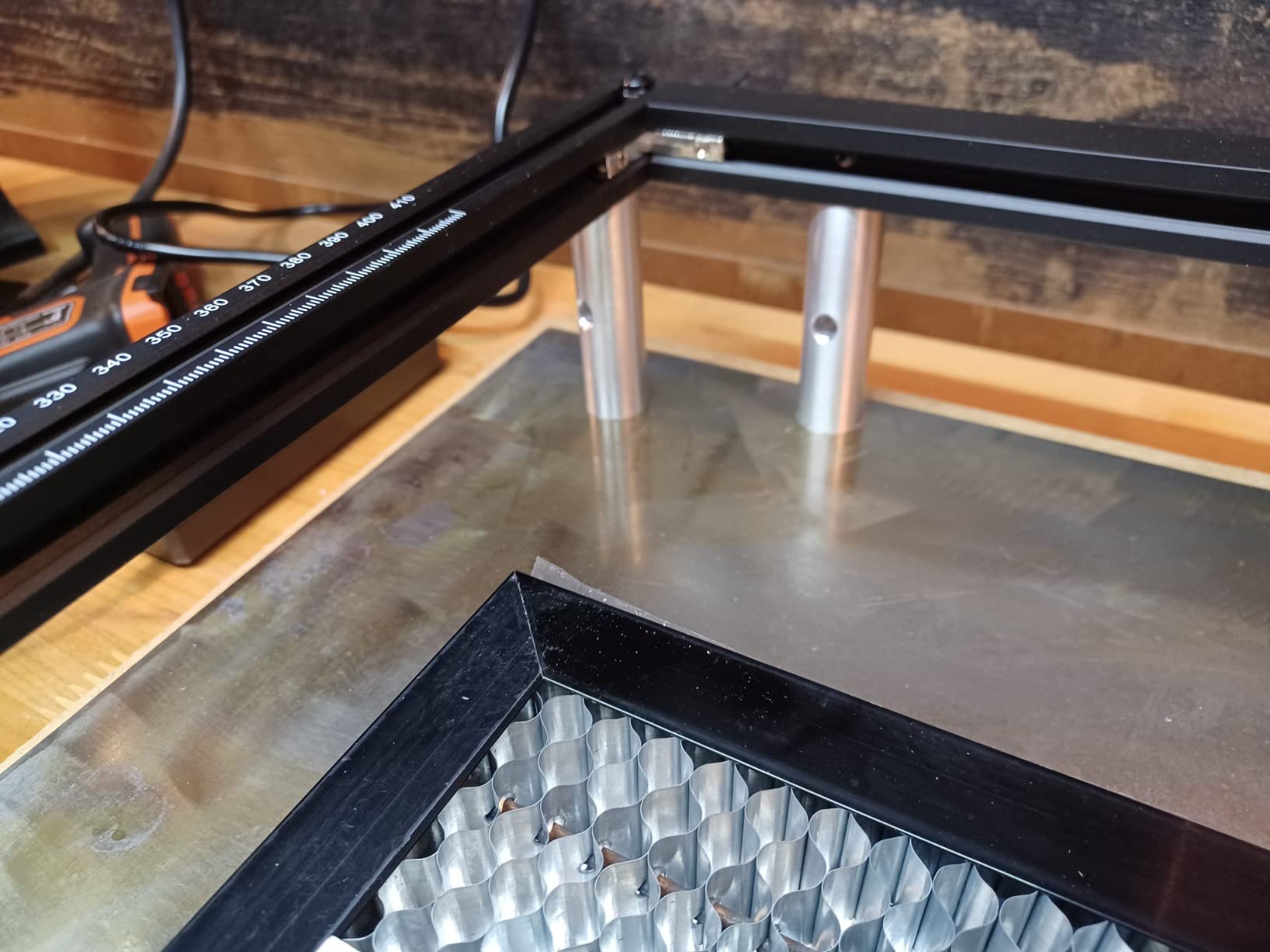
The working area is 15.16 x 15.16 inches with a 0.08 x 0.1mm focus area and a built-in 256-bit colour scale, which is the setting that controls engraving contrast. A 32-bit self-developed chipset handles the motion, and the machine is rated for continuous operation and multi-machine control from one device.
Assembly is easy, and owners get productive quickly in LightBurn. Once settings are dialled in the results are consistent, including on curved work, and the touchscreen plus USB, TF card, WiFi and app connectivity cover most working styles. An air assist pump is included and controlled from the software, which removes a common extra cost.
Support is a strength here. Owners mention video troubleshooting that actually resolved motion problems, and the time-zone gap with a China-based team is the main friction when diagnosing hardware faults.
When the RAY5 40W makes sense
Pick it if you cut thicker wood, run small production batches, or want a single machine that covers engraving and real cutting without a second head. At 16.87 pounds it is heavier than the entry machines but still a benchtop unit.
It is the right call for someone moving past hobby jobs into repeated product runs, where cut time per piece directly affects the day.
Where it holds you back
Documentation is thin. Owners regularly rely on video walkthroughs for assembly, and some report out-of-bounds or file upload errors until the head is re-homed and framed manually.
Two harder limits: firmware updates run on Windows only, so Mac owners cannot update, and a few owners received machines with missing accessories such as the focus tool, with a few motor and roller faults reported. The safety kit includes protective glasses plus motion, thermal and emergency stop protection.
4. LaserPecker LP2 – Handheld Galvo Engraver with Rotary Roller
- Portable handheld format with fast galvo scanning
- Rotary roller handles tumblers pens and curved items
- Trolley mode extends to 196 inch at 4 inch width
- Plug and play from a phone or computer
- Cannot mark bare pure or shiny metal
- Light and transparent materials need black paint
- Fixed 4 inch work width
- Supports JPG PNG and G-code only
The LP2 works differently from every other machine here. Instead of a moving gantry it uses galvo scanning, which is why the body measures only 5.91 x 5.91 x 8.66 inches and weighs 10.21 pounds. Engraving runs up to 1417 inches per minute, with frame and graphic preview at 8858 inches per minute.
The suit set includes a 360-degree electric rotary roller with cylinder, slab and trolley modes. In trolley mode the work extends up to 196 inches long at 4 inches wide, which is how you run batches of tumblers or long pieces without reloading each time.

The spot size is 0.05mm compressed with three resolution options at 1K, 1.3K and 2K, and you hold an 11cm, or 4.33 inch, laser distance above the surface. It connects to a smartphone or computer, supports JPG, PNG and G-code, and includes a stand, a conical protective cover, safety glasses, two Type-C cables and a manual.
On materials, it handles paper, cardboard, wood, leather, coated metal and brushed stainless steel, and it cuts wood and paper up to 0.2 inches. The 12-month warranty is standard.
When the LP2 makes sense
It is the choice for personalised gifts, especially tumblers, bottles, pens and other curved items. If your business is a craft fair or a personalised gift service, the roller plus trolley mode is worth more than a larger bed would be.
It is also the easiest machine to move between rooms or take to a market, since it is a handheld body rather than a bed frame.
Where it holds you back
It cannot mark bare, pure or shiny metal, and light-coloured or transparent materials need painting black first. The fixed 4-inch width limits material size, and the format list is narrower than a LightBurn machine that takes vector files directly.
Its material range is also narrower than the dedicated models in the same family, so if bare metal is on your list, this is not the one.
5. ACMER S1 2.5W – the Smallest Footprint and Fastest Setup
ACMER S1 Laser Engraver Machine, 2500mW Lazer Cutter for Wood and Acrylic
- Fastest setup of any entry level machine
- Compact 2kg aluminium body stores anywhere
- Clean results on wood plywood tags and coasters
- Free bundled software plus LightBurn and LaserGRBL
- 130 x 130mm bed is too small for signs
- 2.5W is slow for etching
- Reports of lost home position and false out of bounds alarms
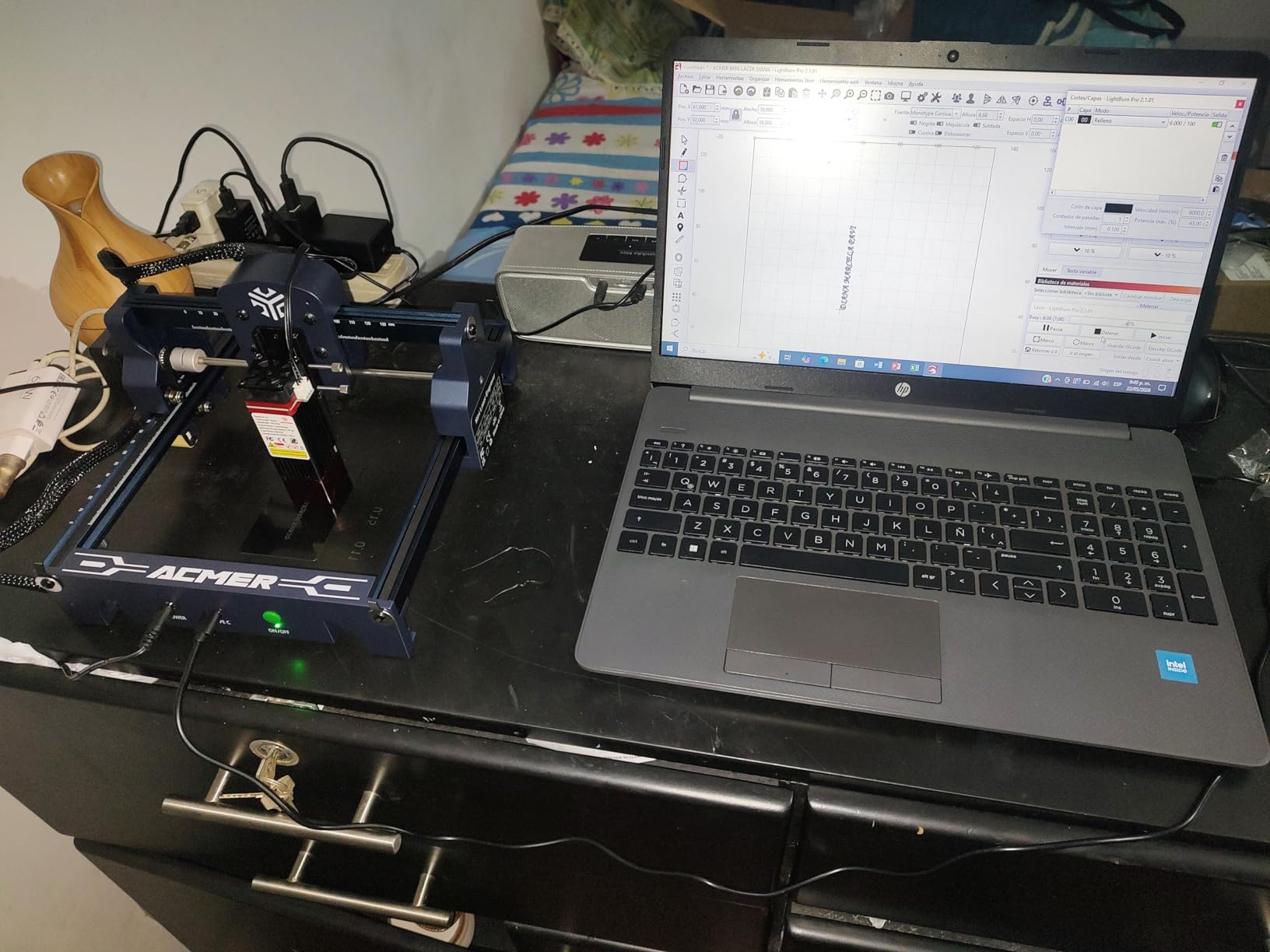
The S1 is the machine to buy if the question is where do I put it. It is 99% preassembled, so installing the laser head takes about a minute, and the body is 250 x 250 x 162mm at 2kg. It fits in a cupboard and comes out when you have an evening to make something.
It runs a 2500mW diode at 455nm with a 2mm focal length, reaching 10,000 mm/min and a repeatable positioning accuracy of 0.01mm. The 130 x 130mm work area covers tags, coasters, small plywood cut-outs and jewellery blanks, and the machine cuts thin plywood, MDF and acrylic as well as engraving them.
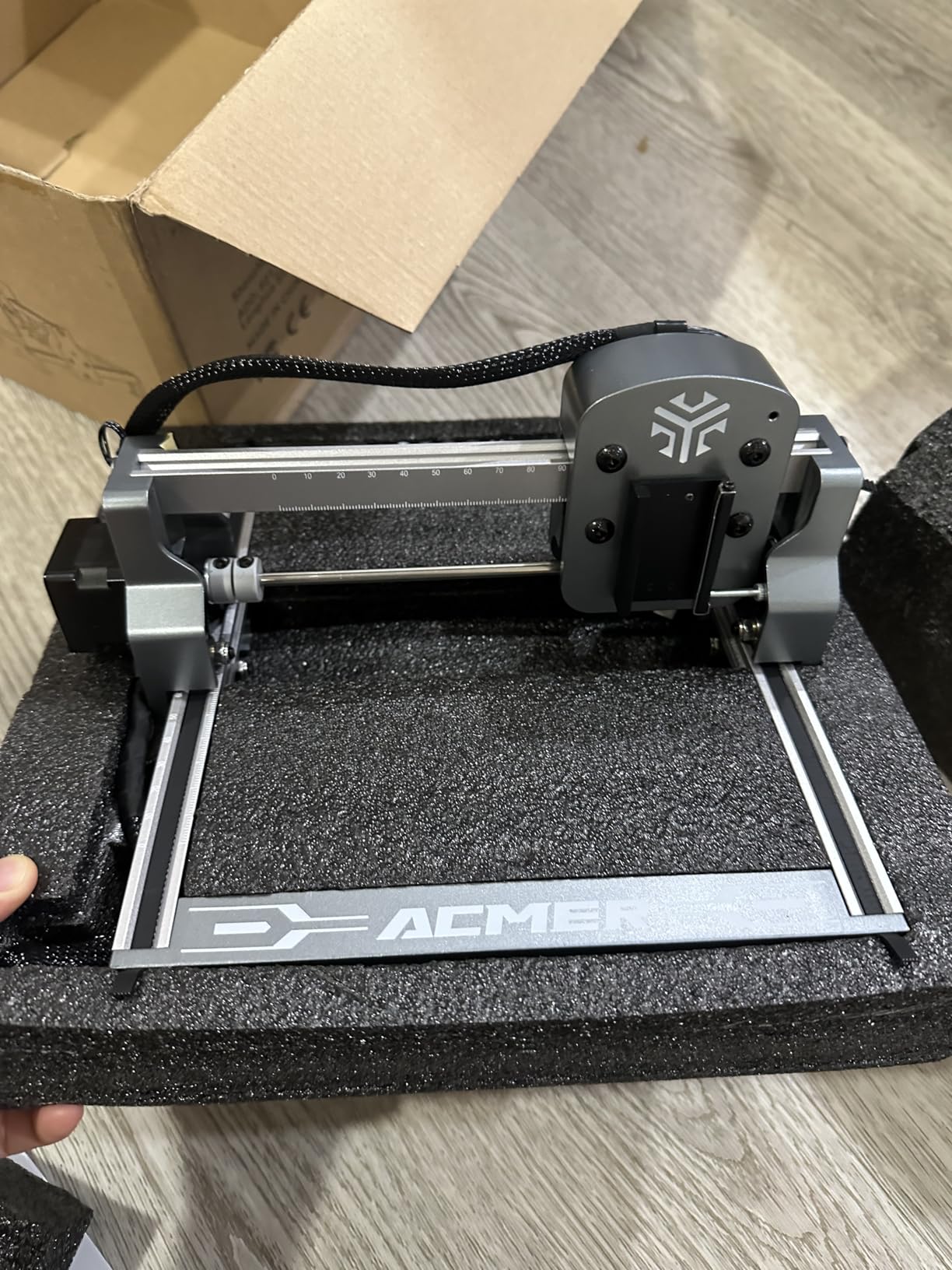
The software story is the best in the entry class. Acmerstudio is free and bundled, LightBurn and LaserGRBL both work, and the machine runs on macOS, Windows and Linux with NC, DXF, BMP, JPG and PNG files. That cross-platform support is rarer than it should be at this level.
It carries Class 4 certification to IEC 60825-1, a 12-month warranty and round-the-clock support, which is more than most of its size peers offer.
When the ACMER S1 makes sense
It suits a first laser, a renter, or anyone who wants to learn without a large machine on the invoice. Because it arrives ready to run, it also removes the assembly problem that trips up first-time buyers on the open-frame kits.
It is a good travel and demonstration unit too, and the multi-core processor can control more than one machine from a single setup.
Where it holds you back
The 130 x 130mm bed is the hard limit. Signs, layered pieces and larger cut-outs simply will not fit, and you will outgrow it in a few months if your projects grow.
Power is the other limit at 2.5W, which is slow for etching work. A minority of owners also report the machine losing its home position and throwing false out-of-bounds alarms mid-job, and the laser position can drift during a cut. Newcomers report the controls are not intuitive until focus and power are dialled in.
6. Creality Falcon 10W – Large Bed with Free Cross-Platform Software
- Consistent engraving quality once settings are dialled in
- About 15 minutes to assemble
- Free Falcon Design Space works on macOS and Windows
- Cuts 1.5 to 6mm basswood in a single pass
- Framing errors and the laser sometimes starts outside the preview area
- Manual has few illustrations and weak English text
- Bundled glasses reported unsuitable for blue diode lasers
- No Bluetooth
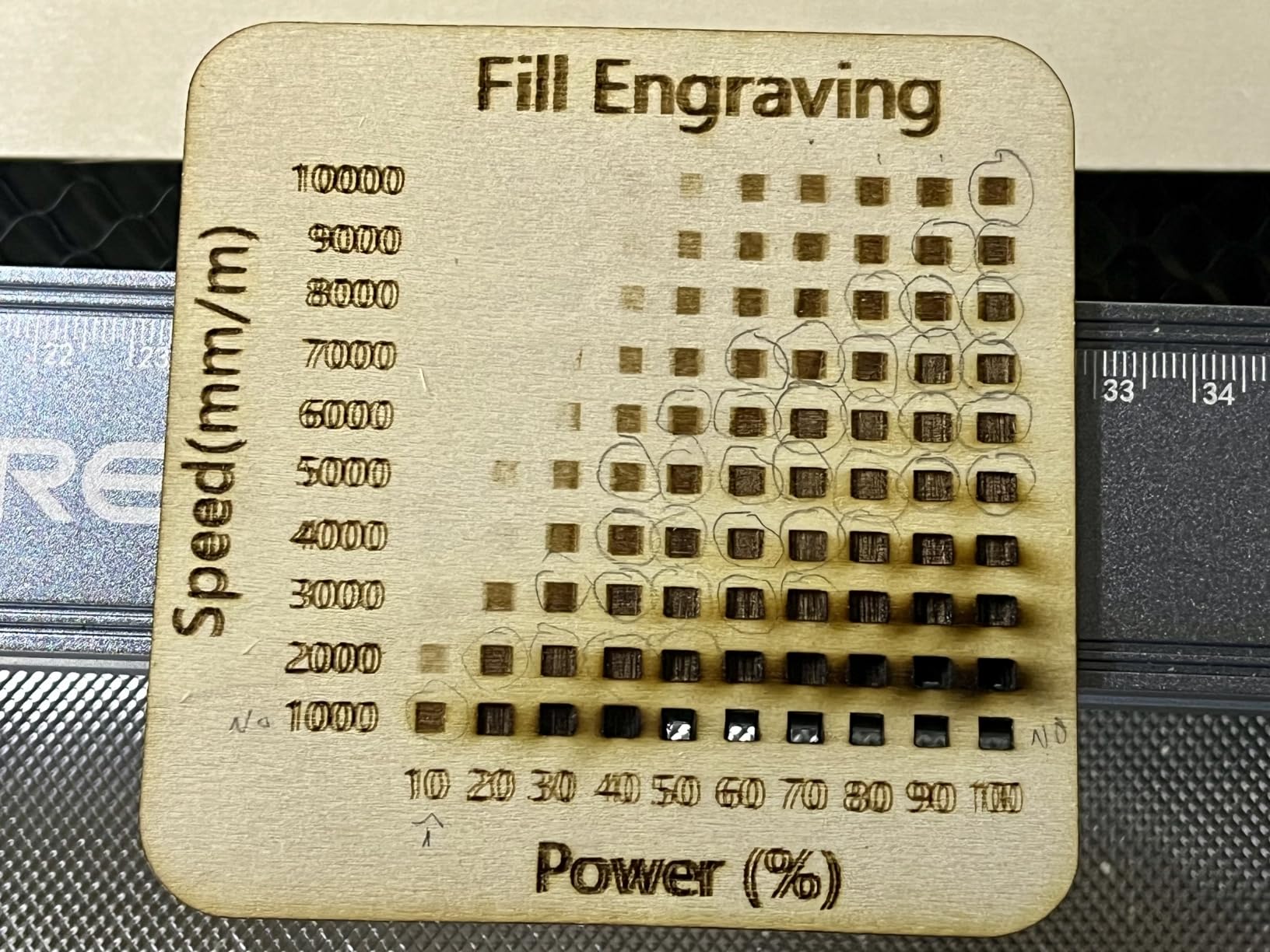
The Falcon 10W has the second largest bed in this roundup at 15.7 x 16.3 inches, or 400 x 415mm, and that alone puts it ahead for flat sheet work. The advertised figure is a 10W module with 72W effective power, a 0.06 x 0.06mm compressed spot and 0.004 inch accuracy with repositioning accuracy under 0.007 inch.
It runs up to 10,000 mm/min and cuts 12mm of wood board and 5mm of black acrylic in one pass. The listed material coverage is more than 200 types, including leather, fabric, wood, acrylics and metals, and there is an anti-UV filter acrylic panel that the manufacturer rates at cutting 97% of ultraviolet rays, with goggles included on top.
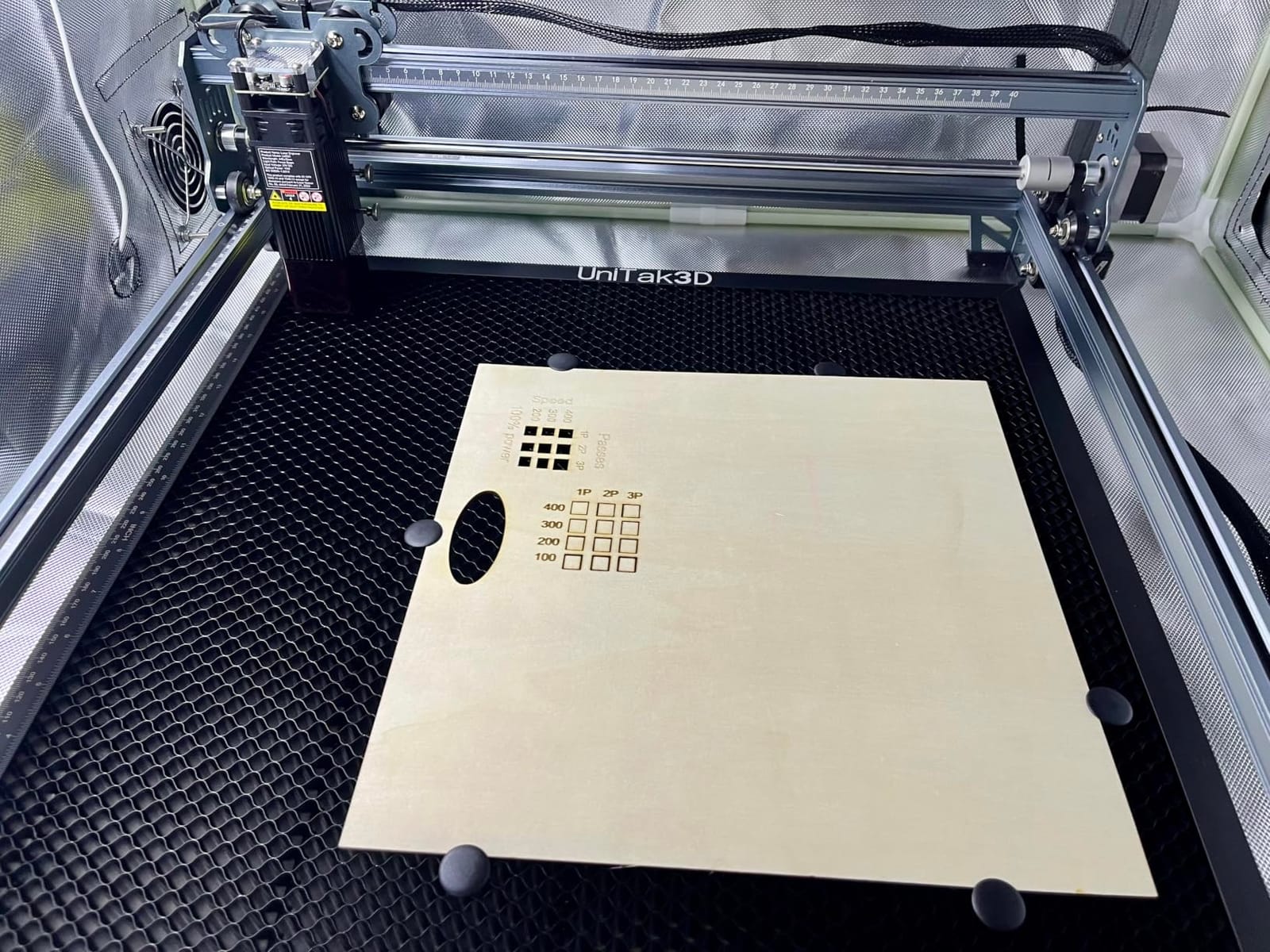
Falcon Design Space is bundled at no extra cost and works on both macOS and Windows, and LightBurn and LaserGRBL are supported along with offline SD card operation. That makes it one of the few machines here where you can start on free software and move to LightBurn later without changing anything.
Owners generally report the engraving quality as impressive once settings are settled, and the frame is rated at 10.93 pounds.
When the Falcon 10W makes sense
Choose it for larger flat work: signage blanks, sheet cutting and layered projects that will not fit a 300mm bed. The combination of a big bed, a 0.06mm spot and free software is unusual at this level.
It is also a comfortable second machine for someone who already owns a small engraver and now needs board area more than power.
Where it holds you back
The framing experience is the most cited problem. Owners describe repeated errors and a laser that sometimes begins outside the preview area, which is a poor first impression and a real production risk.
Documentation is thin, with few illustrations and weak English text, and some users report rough burn lines even with air assist. There is no Bluetooth despite expectations from the wider Creality ecosystem, and the bundled safety glasses were reported as unsuitable for blue diode lasers. Buy proper wavelength-rated eyewear.
7. LONGER Ray5 Mini 2.5W – the Lightest Machine for Small Jobs
LONGER RAY5 Mini Laser Engraver, 2.5W Diode Laser, 5.51″x5.12″ Area
- Extremely compact and lightweight for a preassembled body
- No setup stress
- 0.04mm spot gives clean detail on small pieces
- USB WiFi app or offline connection options
- Small work area limits projects to tiny items
- 2.5W covers only light engraving and thin cuts
- Lowest average rating in the group with 12 percent one-star reviews
The Ray5 Mini is the smallest complete machine here. It weighs 1.8kg, arrives preassembled, and the enclosure measures 11.5 x 11.26 x 6.5 inches, so it stores on a shelf and works on a small desk. The work area is 5.51 x 5.12 inches.
The optics are the surprise. A 0.04 x 0.04mm spot with 0.01mm accuracy is the tightest figure in the roundup, and speed reaches 12,000 mm/min, which means small detail work looks crisp even though the power is only 2.5W. The manufacturer claims coverage of more than 300 material types from wood and leather to acrylic.
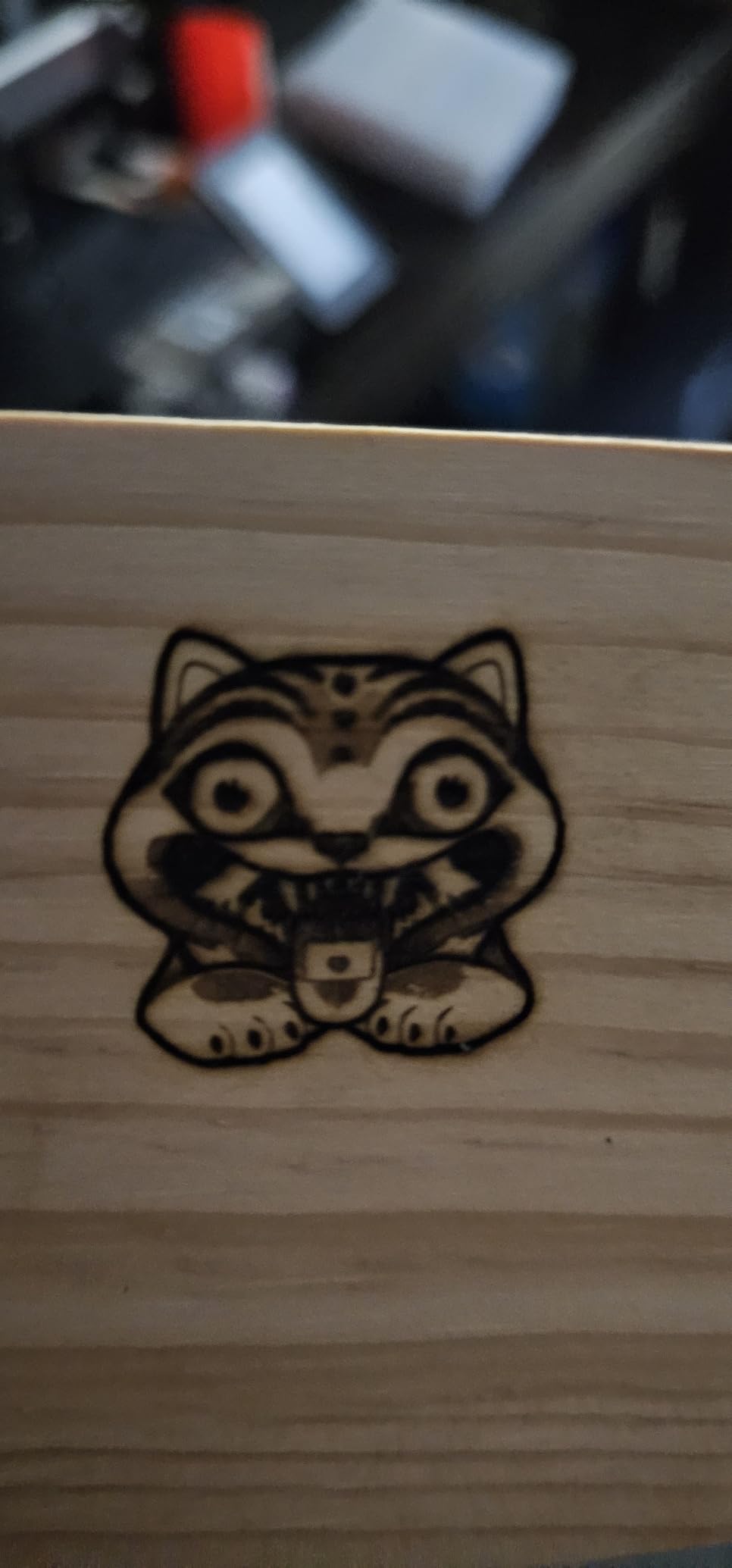
Connection is flexible: USB, WiFi, app or offline operation, with LaserGRBL free and LightBurn supported. Safety hardware includes an emergency stop button and included protective glasses, and for a machine this small those are two features I would want to see.
Owners describe the experience as plug in, power on and start creating, which is exactly what a first machine should feel like.
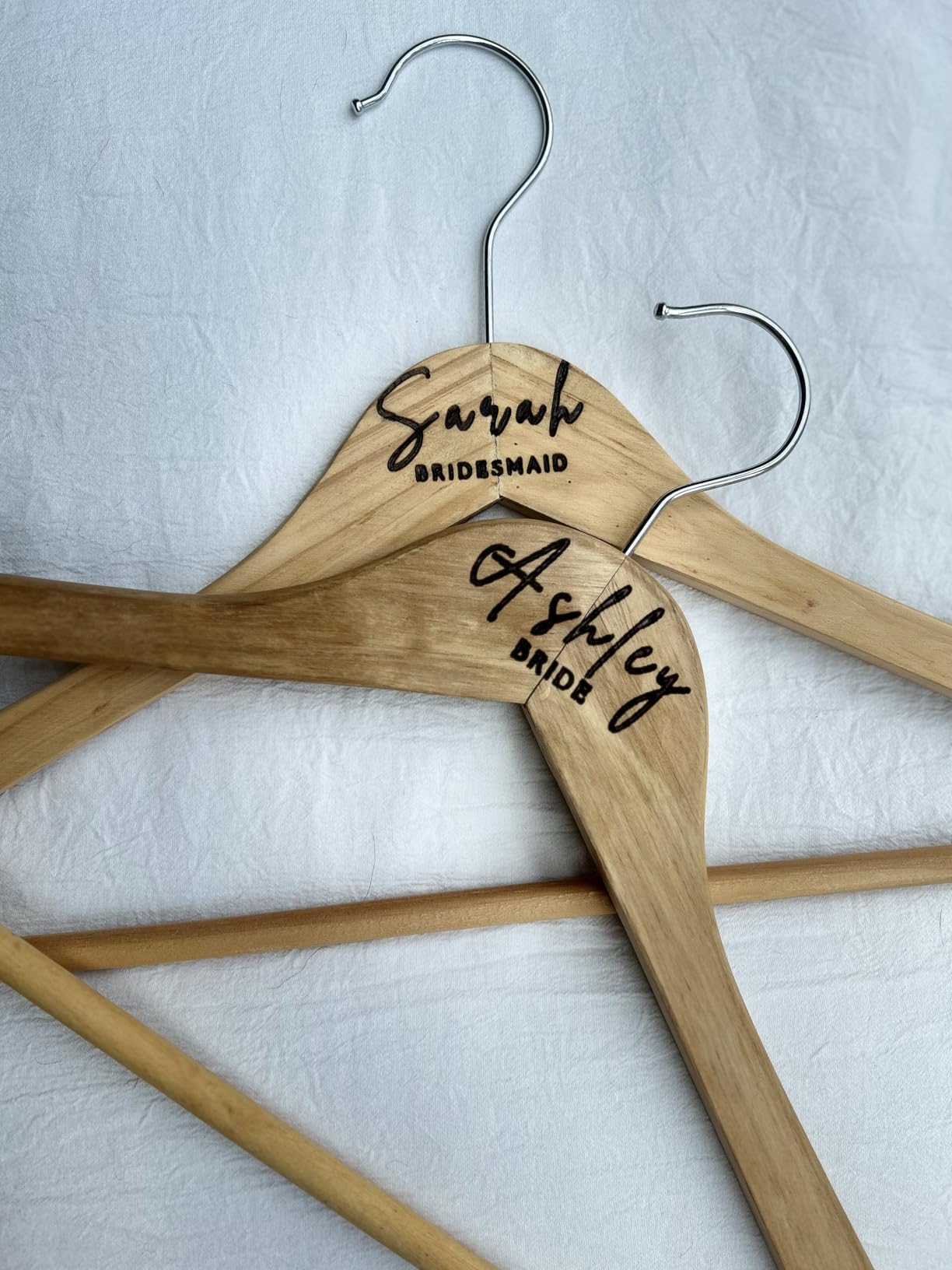
When the Ray5 Mini makes sense
It suits jewellery-scale work, small tags, leather keychains and anyone who wants to learn on an inexpensive machine with a real precision figure behind it. It is also a sensible second machine to keep away from the main workspace.
If you can accept a 2.5W ceiling, the fine spot gives detail quality that larger, cheaper machines cannot match.
Where it holds you back
The 5.51 x 5.12 inch area caps you at tiny items, and 2.5W is limited to light engraving and very thin cuts. Anything with depth, or any sign, is out of reach.
It also carries the lowest average rating in this group at 4.0 stars, with 12% of ratings at one star. That reflects a machine doing a narrow job well rather than a faulty product, but it is the weakest consensus here.
8. Creality Falcon A1 – the Fully Enclosed Class 1 Design
- Enclosed Class 1 design blocks 99 percent of laser light so no goggles needed
- Pre-assembled and ready to run straight away
- HD camera recognises material and applies settings
- 600mm per second speed with 0.05mm accuracy
- Bulky 28.7 pound footprint of 30 x 25 x 15 inches
- Only fits 460 x 346mm honeycomb panels
- Cannot engrave reflective materials
- Smart features tied to Falcon Design Space
This is the one machine in the roundup that solves the indoor safety problem rather than mitigating it. The Falcon A1 is a fully enclosed double-door design rated Class 1, blocking 99% of the laser light, so it does not require safety goggles. There is an emergency stop button and the machine auto-pauses when the lid opens.
Because the light stays inside, the advanced cooling system reduces smoke and noise, which is the reason reviewers describe it as the most comfortable machine to own in a house. It arrives pre-assembled with zero setup.
The camera is the other differentiator. A built-in HD camera performs automatic material recognition and auto positioning, applying settings to the job, which removes most of the guesswork for a new owner. Falcon Design Space is bundled, and LightBurn and LaserGRBL are compatible, so you are not locked in.
Motion is a CoreXY system reaching 600mm per second at 0.05mm accuracy, with a 10W laser listed at 80,000mW output that cuts 6mm of wood in one pass. An optional Falcon roller kit handles tumblers and bottles, and transparent panels let you monitor the job in real time.
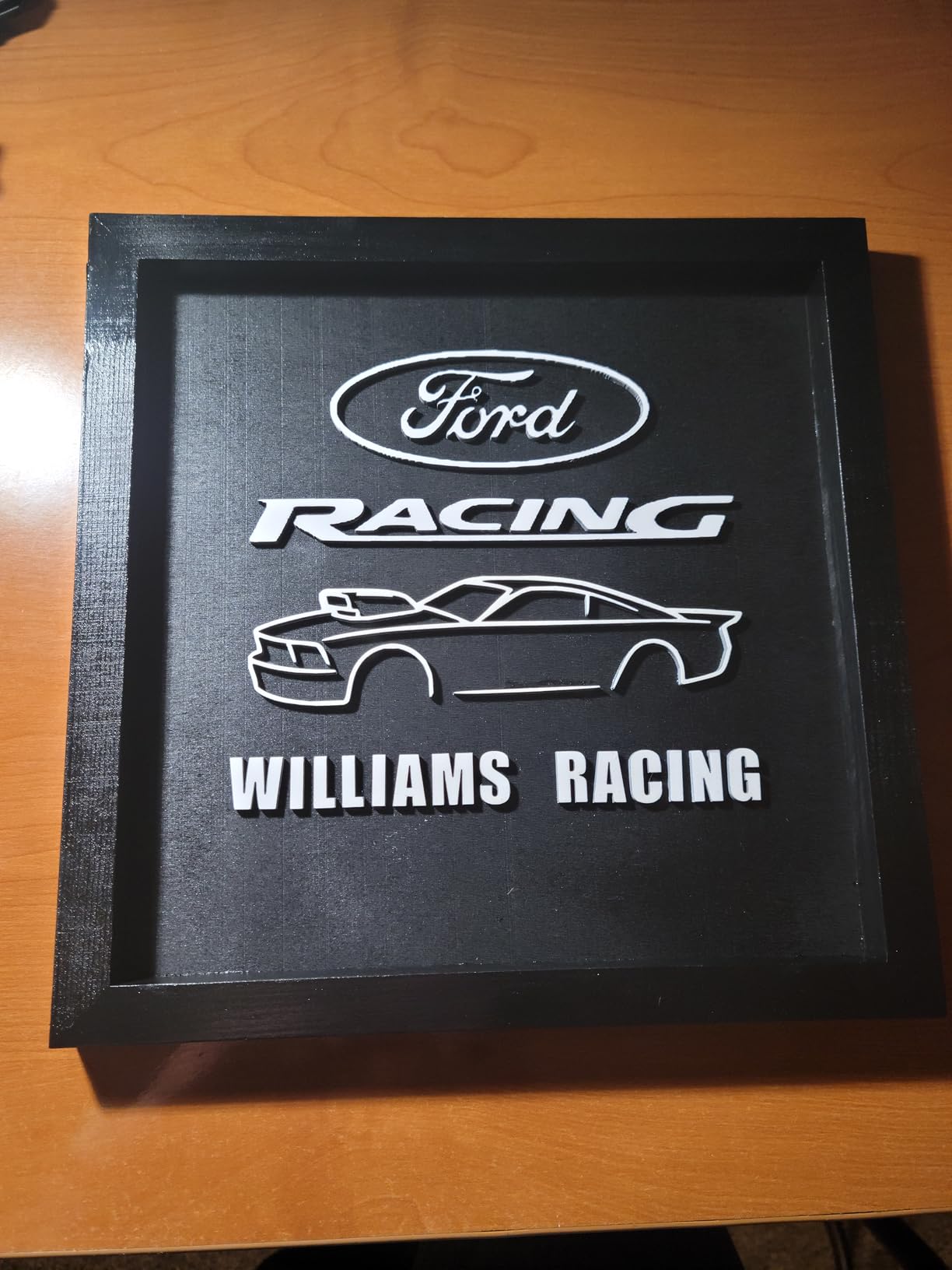
When the Falcon A1 makes sense
It is the pick for a family home, an apartment, a school or any room where an open Class 4 beam is genuinely not acceptable. Enclosure plus camera plus zero assembly is a combination no other machine in this list matches.
It also suits someone who wants a single box that grows with them, since LightBurn and LaserGRBL remain available if they outgrow the bundled app.
Where it holds you back
It is the largest machine here at 28.7 pounds and 30 x 25 x 15 inches, which is a real claim on counter space. Bed accessories are restricted to 460 x 346mm honeycomb panels.
Highly reflective materials such as mirror-finished metal and mirrored acrylic are prohibited outright. And while LightBurn compatibility exists, the smart features only function inside Creality’s own software, which is the one place this machine asks for compromise.
9. ATOMSTACK A20 Pro V2 – 20W Power on Linear Guides
- Sharp detailed results with real cutting power on wood and acrylic
- Large work area in a solid aluminium frame
- Fast assembly around 20 minutes with clear illustrations
- LightBurn integration works once configured
- No meaningful documentation supplied
- Bundled software is very basic compared with LightBurn
- Gantry cables are not held by a drag chain
- Belt motion less accurate on larger items
The A20 Pro V2 puts 20000mW through an integrated linear guide motion structure rather than belt-only axes, and owners rate both the engraving sharpness and the cutting power highly. It engraves at up to 400mm per second with a 0.08 x 0.1mm compressed spot and 0.01mm accuracy, using built-in limit switches and a cross-line light for framing.
The frame is an aluminium alloy modular design, and the removable magnetic protective cover, safety glasses and a tilt-angle safety beep above 15 degrees form a sensible safety package. The listed lifespan rating is up to 10,000 hours, with a one-year warranty and lifetime technical support.
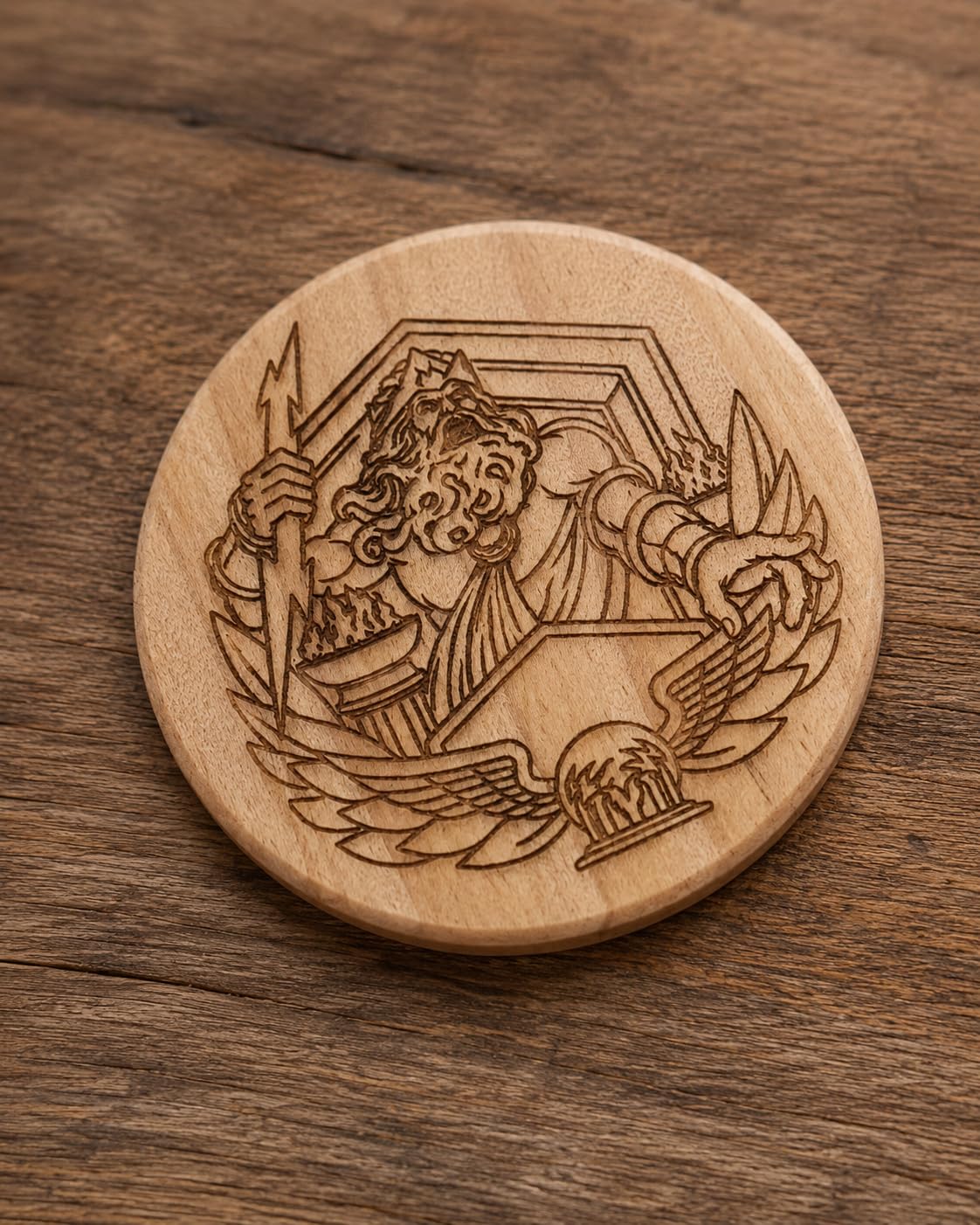
Control comes by Type-C or USB stick through the ATOMSTACK app and PC software, and LightBurn and LaserGRBL are both compatible. Assembly takes about 20 minutes, and owners describe the instructions as clearly illustrated, which is more than most machines in this class manage.
Connectivity is the limitation worth noting before you buy. There is no WiFi in the specification, so plan on a wired or USB-stick workflow.
When the A20 Pro V2 makes sense
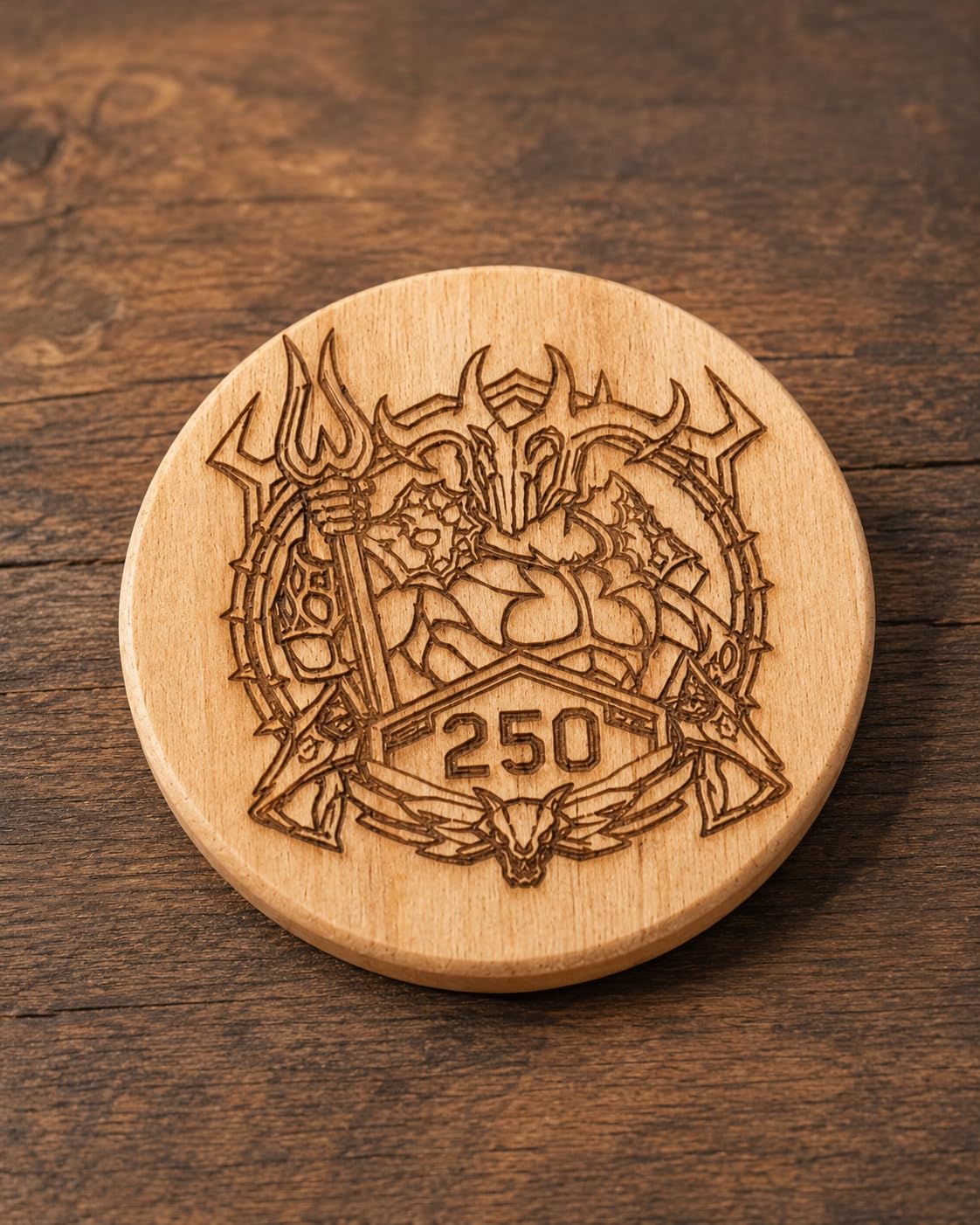
It suits a maker focused on wood, where 20W with linear guides gives cleaner edges and faster throughput than the 10W machines. The large work area in a solid frame also suits batch production of items like business cards, tags and personalised gifts.
If you already use LightBurn, the integration is smooth once configured, and the modular aluminium frame is serviceable long term.
Where it holds you back
Documentation is the big gap. Owners report no meaningful user documentation or specification sheet, and the WiFi and air pump setup are unexplained. There is also no air pump listed in the package, so budget for one.
The bundled ATOMSTACK app and PC software are very basic next to LightBurn, belt-driven motion is not extremely accurate on larger items, and the gantry cables are not held by a drag chain, so they can snag on the workpiece. A small number of owners received defective machines and describe limited support in resolving it.
10. LONGER Ray5 5W – Touchscreen and Offline Control
- Touchscreen and offline mode remove the computer requirement
- 0.08 x 0.08mm spot with 0.01mm accuracy
- 400 x 400mm bed suits common craft sizes
- Four connection options including WiFi and app
- 5W power limits cutting to thin materials
- Software learning curve for first time users
- Share of critical reviews above the better rated models
The Ray5 5W answers a question most compact machines ignore: can you run it without a computer? A 3.5-inch touch screen handles the job, and offline operation means you can load a file and run it away from a desk. That makes it a good fit for a shared family space or a market stall.
Underneath it is a 240MHz ESP32 chipset reaching 10,000 mm/min, with a 0.08 x 0.08mm laser spot and 0.01mm engraving accuracy. The working area is 400 x 400mm, which is a meaningful step up from the mini units and covers common craft sheet sizes.
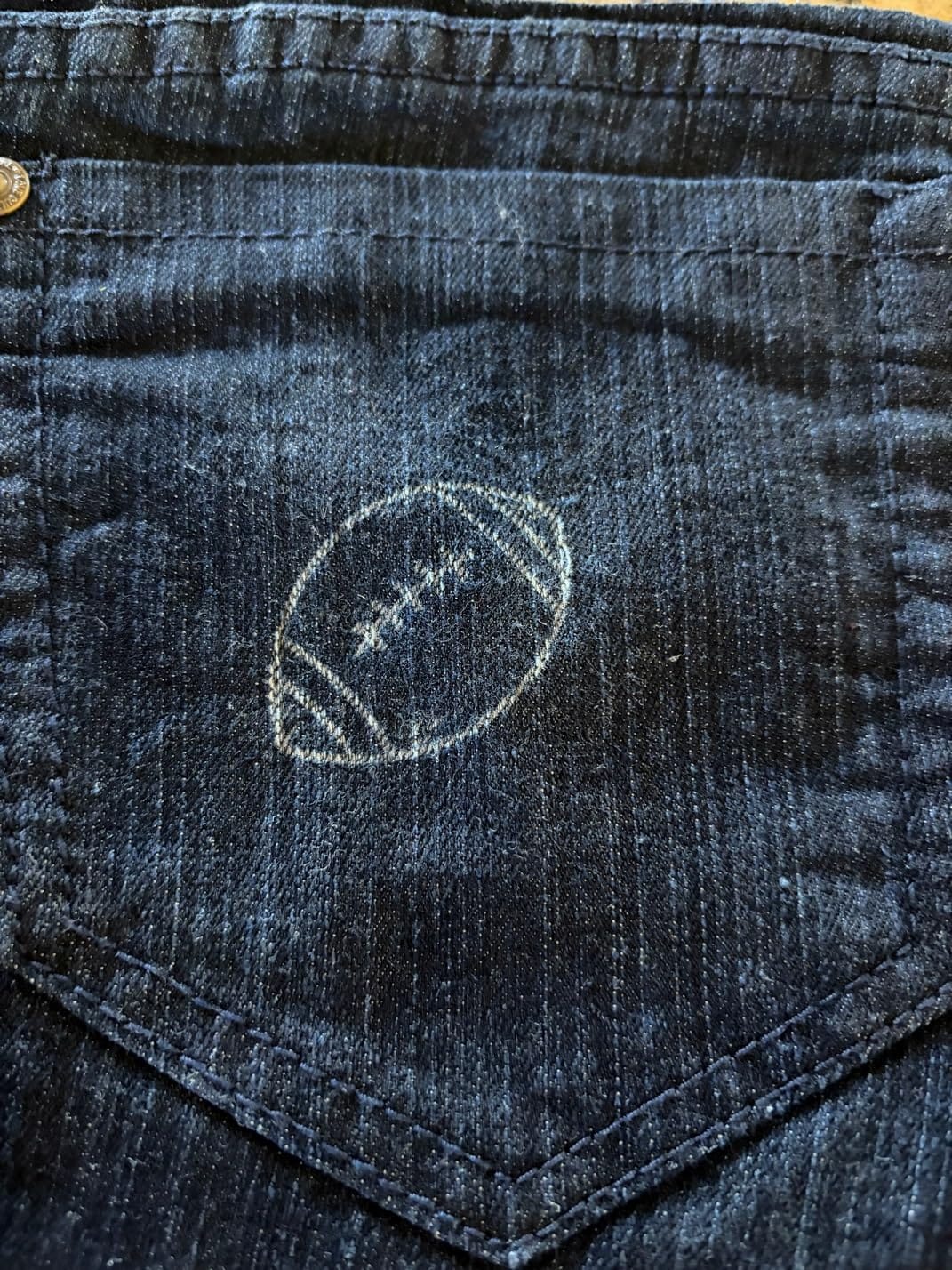
Connectivity covers USB, TF card, WiFi and app, and it works with both LaserGRBL and LightBurn, so the machine is not locked to a proprietary ecosystem. The safety package is the most complete in the mid tier: emergency shutdown, motion protection, overheat detection, protective covers and goggles.
The listed material set includes stainless steel, leather, metal, wood, glass and acrylic, based on Longer Lab test results. The machine is rated Laser Class II.
When the Ray5 5W makes sense
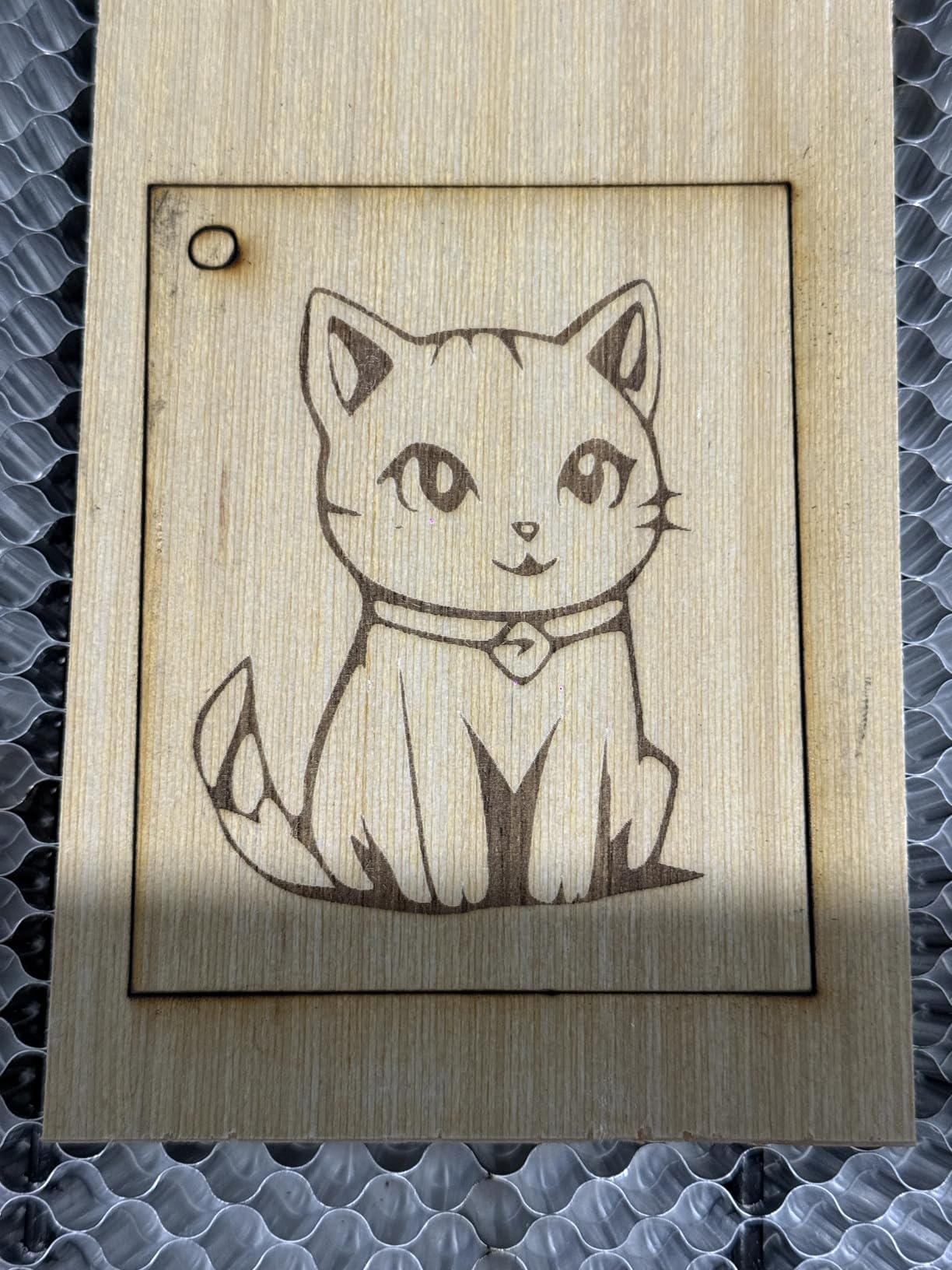
Choose it if you want a mid-size bed, a touchscreen for offline use, and LightBurn compatibility without paying for a 40W head. It is a sensible step up from a 130mm starter machine for coasters, signs and layered craft work.
It is also a good gift for someone who is not going to sit at a computer to make things, because the screen handles the whole workflow.
Where it holds you back
Five watts is a real ceiling. Cutting is limited to thin materials, and if you plan to cut plywood or thick acrylic regularly, you will be limited to shallow marking.
First-time users still face the LightBurn and LaserGRBL learning curve, and this model carries a higher share of one-star and three-star reviews than the class leaders, which reflects the limits of the power rating more than any structural fault.
How to Choose a Laser Engraver for Home Use?
Start with the safety class, not the wattage. Most open-frame machines in this roundup are Class 4 and emit light outside the visible spectrum where your blink reflex will not save you. That means goggles rated for 450nm, a lid or cover closed during cuts, and an extraction path. Only the Creality Falcon A1 here is a fully enclosed Class 1 design.
Second, decide between an open frame and an enclosure. Open frames cost less, are easier to modify and let you load awkward stock, but they put the fume and the beam in your room. If you rent, have children, or work in an apartment, the enclosure question may decide your purchase on its own.
Third, buy for the smallest project you want to do, not the largest. A 130 x 130mm bed looks limiting on paper and becomes the machine that never frustrates you in year one. If you already make signs, look at the 400 x 415mm and 15.16 x 15.16 inch beds instead.
Fourth, be honest about power. A 2.5W diode engraves beautifully and will not cut. The jump from 2.5W to 10W changes what you can make far more than the jump from 10W to 20W. If cutting wood is on your list, 10W is the floor and 40W is the comfortable answer.
Fifth, look at the spot size, which is what determines fine detail. The figures here range from 0.04 x 0.04mm on the Ray5 Mini to 0.08 x 0.1mm on the ORTUR. Anything at or below 0.08mm handles small text and line art well.
Sixth, check the software before you check the accessories. LightBurn and LaserGRBL support means you are never stuck, and every machine in this roundup supports at least one of them. Bundled apps such as Acmerstudio, Falcon Design Space and the ATOMSTACK software are free, but LightBurn and LaserGRBL are what experienced users actually run.
Seventh, count the accessories you will need before you commit. The forum consensus we came across repeatedly was to budget the machine plus a meaningful sum for air assist, a fume extractor, a rotary attachment, replacement lenses and belts. The Ray5 40W and the RAY5 Mini include safety glasses; several others do not include eyewear you would want to rely on.
Space, Ventilation and Noise Planning for an Apartment or House
Open-frame diode machines produce a real plume. The smell is mild on wood and leather, sharp on acrylic and unpleasant on anything containing PVC, which is why no laser ever cuts PVC. The cheapest effective setup is an extraction fan with a window cracked open in the room and a carbon or HEPA filter on the fan inlet.
Where the machine sits matters as much as the fan. Put it in a spare room, a garage or a ventilated workshop rather than a bedroom, and give the exhaust somewhere to go that is not a neighbour’s window. A second consideration is heat: the lasers and the motion system both run warm, and a machine in a closed cupboard will cook itself.
Noise is the constraint nobody mentions until they live with it. The laser itself is quiet. The air assist pump is not, and the exhaust fan adds a steady hum. That combination is what makes open-frame machines difficult in a flat, and why the enclosed Creality Falcon A1 draws so many comments about being calm to run indoors.
Enclosed machines change two things at once. The light stays inside, so the safety requirement drops, and the cooling is far better, which means less fan noise overall. If your space is small, that trade is worth more than raw wattage.
Finally, leave clearance above the machine. Open lids on an enclosed unit, risers under an open frame and a clear path for material in and out are all part of the footprint, not optional extras. Measure the counter with the lid up before you order.
Software: LightBurn, LaserGRBL and Bundled Apps Compared
LaserGRBL is free, simple and enough for many beginners. It imports vector and raster files, sends the job and gets out of the way. Its limits are layout control, multi-layer work and anything requiring real parameter libraries.
LightBurn is the paid standard and costs a one-time license rather than a subscription. It handles layer colours, offsetting, multi-pass and advanced cut settings, and experienced owners in the community treat it as close to essential. Every machine in this roundup supports it.
The bundled apps are where the differences show. Acmerstudio is free and works across macOS, Windows and Linux. Falcon Design Space is free and handles the Falcon A1 camera and auto positioning features. The ATOMSTACK app and PC software work but are basic, and owners consistently recommend moving to LightBurn instead. LONGER machines pair their bundled app with LaserGRBL and LightBurn.
For a home user, the practical rule is simple. Start with whatever is free and bundled to learn the machine, then move to LightBurn when you want repeatability and batch work. The one thing to avoid is a machine whose only software path is a cloud service, because that couples your ability to make things to an internet connection and a vendor’s servers.
Our broader [home laser printer guide](https://www.smashingrobotics.com/best-laser-printers-for-home-use/) covers the adjacent category if you are also weighing a printer that can engrave.
Frequently Asked Questions
Which laser engraver is best for home use overall?
For most home users the ORTUR Laser Master 2 S2 is the best overall pick. It pairs a 10W diode with a 390 x 410mm working area, a full metal frame and the deepest owner feedback of any machine in this guide. It cuts 30mm of acrylic and 20mm of wood in a single pass, and it works with both LaserGRBL and LightBurn.
Which type of laser engraver is best for home use?
A 450nm diode laser is the best type for home use in most cases. It is compact, air cooled and inexpensive, and it engraves wood, acrylic, leather, paper, fabric and coated or anodized metal. CO2 lasers cut clear acrylic and thin plastics better but need more space, power and extraction. Fiber and infrared modules mark bare metal but push cost and safety well past a first home machine.
Are cheap laser engravers worth it?
Cheap machines are worth it for learning and for small items. The ACMER S1 and LONGER Ray5 Mini arrive preassembled, weigh under 2kg and produce clean small engravings. What you give up is bed size and cutting power, since both use a 2.5W diode and a bed of about 130 x 130mm or 5.51 x 5.12 inches. If you will cut wood, aim for 10W or more instead.
What should you not laser engrave?
Never cut PVC, vinyl or any material containing chlorine. It releases toxic chlorine gas that is harmful to you and corrosive to the machine. Also skip reflective surfaces such as mirror-finished metal and mirrored acrylic, which can reflect the beam back at the optics. Safe home materials include wood, bamboo, paper, cardboard, leather, fabric, dark glass and coated or anodized metal.
Do I need ventilation and safety glasses for a laser engraver?
Yes, for any open-frame Class 4 machine. You need eyewear rated for 450nm, a closed lid or cover during operation, and an extraction path such as a filtered fan with a window cracked open. Noise matters too: the air assist pump and exhaust fan are the loudest parts. A fully enclosed Class 1 machine such as the Creality Falcon A1 blocks 99% of the laser light and needs no goggles.
Final Verdict for Home Laser Engravers in 2026
The ORTUR Laser Master 2 S2 remains the best laser engraver for home use because its metal frame, 10W power and 30mm acrylic cutting depth are backed by more real owner feedback than anything else we reviewed. If you need to cut thicker wood or run batches, step up to the LONGER RAY5 40W. If you need to engrave in an apartment, the enclosed Creality Falcon A1 removes the safety argument entirely.
For learning on a small budget, the ACMER S1 gets you cutting the same evening, and the LaserPecker LP2 is the answer for tumblers and curved gifts. Whichever you choose, budget the extraction fan, the eyewear and the rotary attachment on day one rather than after your first frustrating session.