
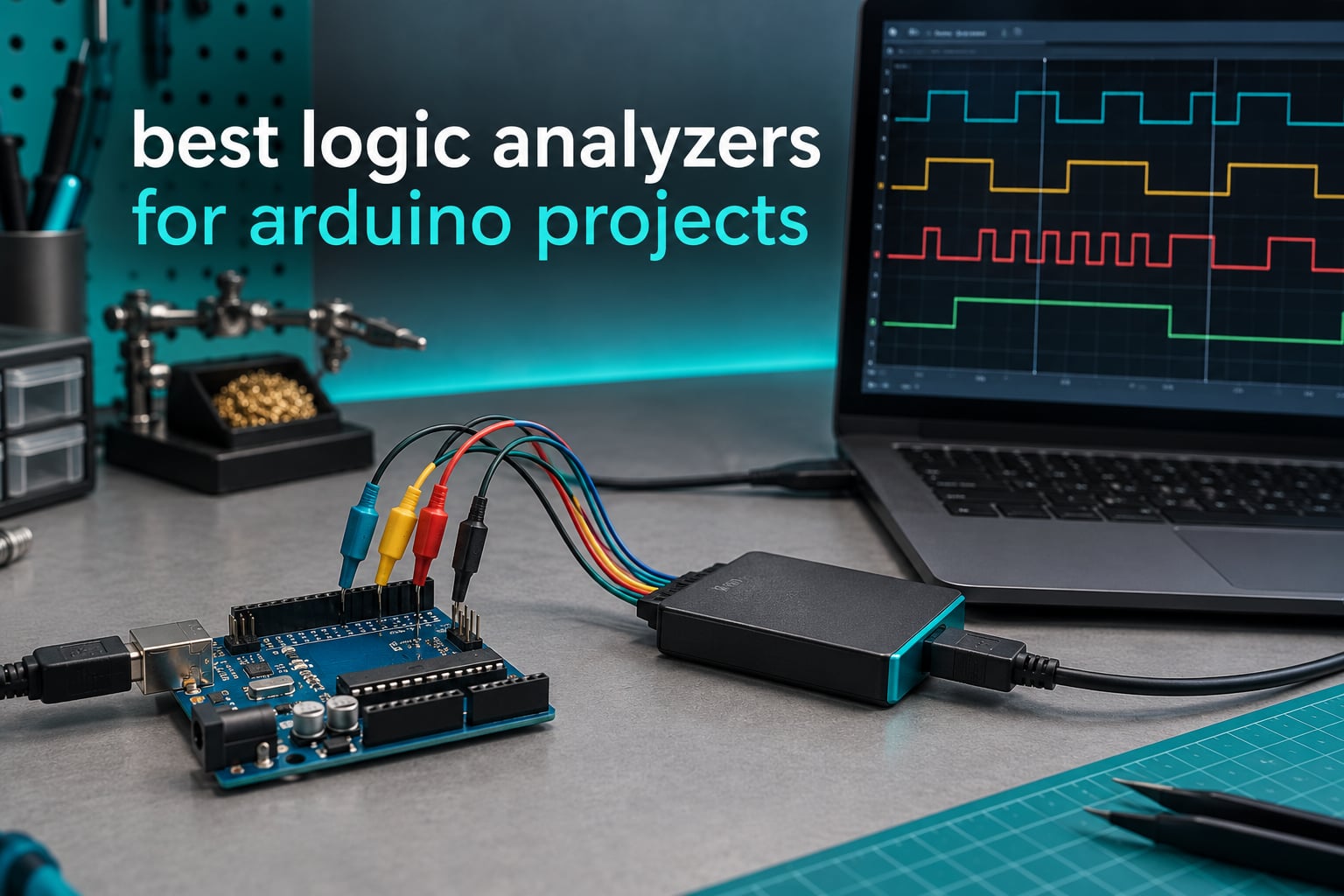
An Arduino sketch either works or it does not, and when it does not, the serial monitor usually tells you nothing useful. A wrong I2C address, an SPI mode mismatch, a bus fight between two devices driving the same pin, a bootloader that never answers. All of these show up as timing, and timing is exactly what a logic analyzer is built to show you. I have clipped one onto enough Uno and Nano headers that the hookup takes about a minute, and the captures routinely end conversations that code review could not.
That is what this roundup is for. I compared the ten most useful logic analyzers for Arduino projects across four tiers, from the pocket-sized 24 MHz clones that dominate maker forums up to the professional Saleae units. Every pick below decodes the buses your Arduino actually runs: I2C, SPI, UART and the pulse trains behind PWM. If you want the wider bench context first, our logic analyzer reviews for embedded debugging covers the non-Arduino side.
The short version: the 24 MHz 8-channel clones are genuinely good enough for almost every hobby Arduino project, and the expensive units earn their money only when you need analog capture, more than eight channels, or sustained high-rate streaming. The rest of this guide explains where that line sits.
Table of Contents
Top 3 Best Logic Analyzers For Arduino (October 2026)
Three units cover most Arduino work. The HiLetgo is the one I recommend to anyone starting out, the InnoMaker LA1010 is the step up when you need more channels, and the Comidox is the lowest-cost route into the same free software stack.

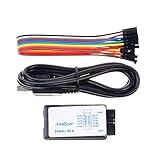
Comidox 24 MHz 8-Channel
- 24 MHz sampling
- 8 channels
- Saleae and PulseView ready
- 0V-5.5V input
All 10 Logic Analyzers Compared in 2026
This table is the fastest way to see where each analyzer sits. Scan the channel count and sample rate columns against the buses your board runs, then jump to the full review for the hands-on detail.
| Product | Specifications | Action |
|---|---|---|
| HiLetgo 24 MHz 8-Channel |
|
Check Latest Price |
 InnoMaker LA1010 16-Channel InnoMaker LA1010 16-Channel |
|
Check Latest Price |
| Comidox 24 MHz 8-Channel |
|
Check Latest Price |
 Saleae Logic 8 Saleae Logic 8 |
|
Check Latest Price |
 LONELY BINARY 24 MHz Kit LONELY BINARY 24 MHz Kit |
|
Check Latest Price |
| Saleae Logic Pro 8 |
|
Check Latest Price |
 ViaGasaFamido Pocket Analyzer ViaGasaFamido Pocket Analyzer |
|
Check Latest Price |
 DSLogic Plus 16-Channel DSLogic Plus 16-Channel |
|
Check Latest Price |
 Saleae Logic Pro 16 Saleae Logic Pro 16 |
|
Check Latest Price |
 DKARDU 24 MHz 8-Channel DKARDU 24 MHz 8-Channel |
|
Check Latest Price |
What Is a Logic Analyzer and Why Arduino Builders Need One?
A logic analyzer is a USB test instrument that samples the high and low voltage states of several digital pins at the same time and draws them as a timing diagram. It shows you exactly when each Arduino pin changed state, what the bytes on an I2C, SPI or UART bus were, and how long each pulse lasted, so a timing bug that is invisible to your eyes becomes obvious on screen.
The reason Arduino makers need one is that the tools already in the box hide timing. The serial monitor shows printable text on a single pin, a multimeter shows a single voltage at a single instant, and both are blind to the moment a bus goes wrong. A logic analyzer watches every probe line at once and keeps the record, so a glitch that lasted 40 nanoseconds still shows up in the trace afterwards.
Logic analyzer versus oscilloscope versus multimeter
A multimeter answers what voltage is on this pin right now. An oscilloscope answers what the voltage waveform looks like in detail, including rise times and ringing, and it costs far more. A logic analyzer answers what the digital conversation between pins looks like, at a resolution measured in logic states rather than volts, and it is the cheapest of the three.
For an Uno, a Nano or a Mega running I2C sensors, SPI displays, UART modules and servos, the logic analyzer is the right first instrument. Reach for the oscilloscope only when you suspect analog problems, such as a noisy rail or a slow edge on a long wire.
What you can actually debug with one?
In practice I reach for a logic analyzer for a short list of reasons. First, an I2C sensor that is not detected, where the capture shows whether the address byte was ever sent and whether the sensor ever pulled SDA low in reply. Second, UART traffic at 115200 baud, when the serial monitor shows noise but the analyzer shows the exact bytes and framing errors. Third, SPI problems, where the mode, clock polarity and chip select line tell you instantly whether the display is receiving anything at all.
It is also the tool for PWM timing, for watching the AVR bootloader traffic when you program with an external tool, and for reverse engineering a module whose documentation is thin. A look at the board differences between Arduino, Raspberry Pi and ESP32 is worth reading too, because the ESP32’s 3.3V logic level changes what your analyzer threshold has to be.
1. HiLetgo 8-Channel 24 MHz USB Logic Analyzer – The One I Recommend First
HiLetgo USB Logic Analyzer Device with EMI Ferrite Ring USB Cable 24MHz 8CH 24MHz 8 Channel UART IIC SPI Debug
- Most reviewed unit in this group at 4.5 stars from 589 ratings
- Enumerates as a Saleae Logic device in free Sigrok PulseView
- Works reliably with 5V 3.3V 2.5V and 2.0V systems
- Ferrite-ring shielded USB cable and jump wires included
- No external power needed
- No on-board capture buffer so the host PC must keep up with the stream
- Zadig driver step is fiddly on Windows
- Some USB ports fail to recognise the device
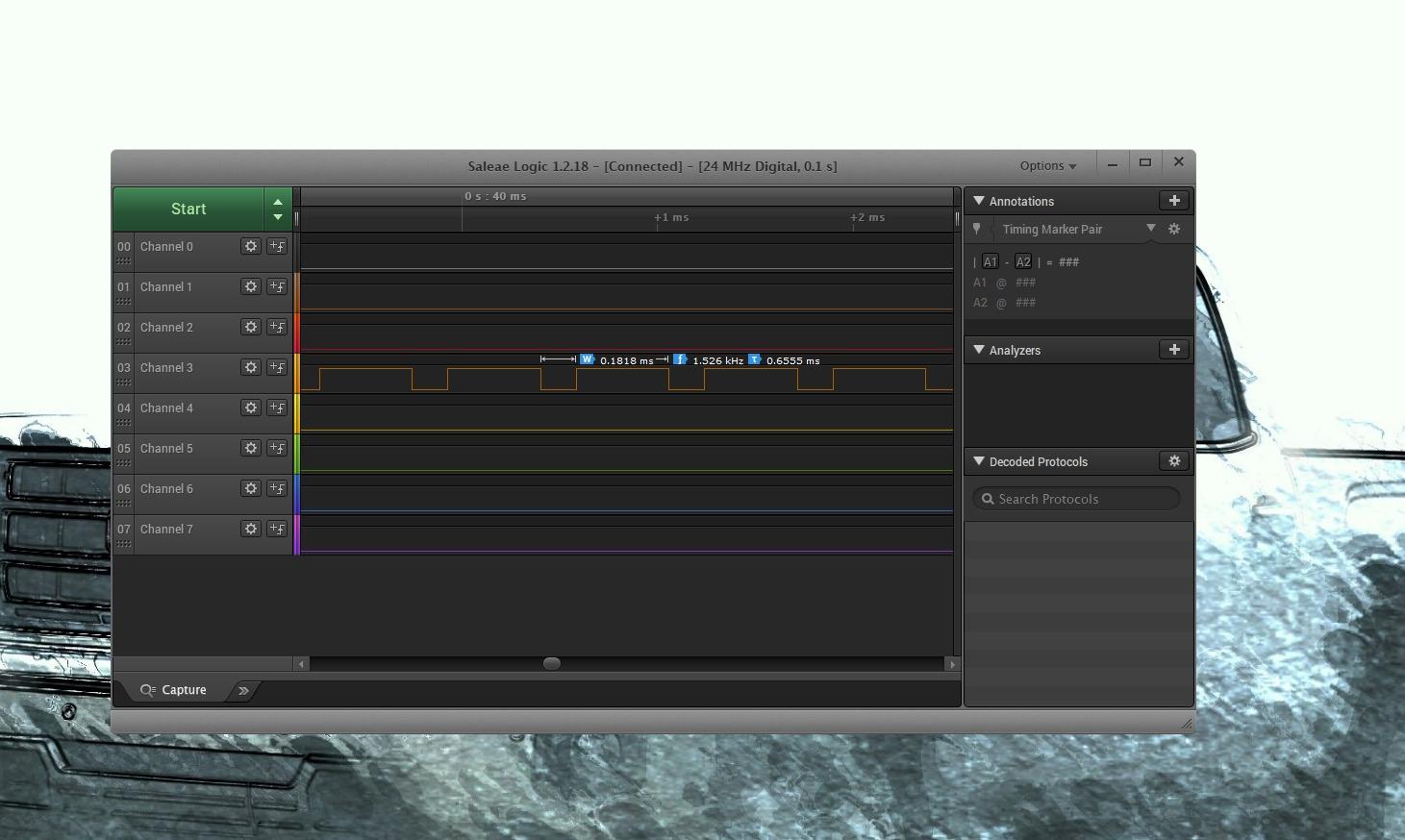
This is the analyzer I keep within reach of the breadboard. It samples 8 channels at up to 24 MHz, selectable down to 25 kHz, and because the Cypress chip inside enumerates as a Saleae Logic device, free Sigrok PulseView recognises it immediately and gives you UART, IIC and SPI decoders without any vendor software. Setup is under ten minutes, and the cable that ships with it has a ferrite ring on it, which reduces noise on longer USB runs.
The 589 ratings make it the most reviewed unit of the ten, and the 4.5 average is backed by a 72 percent five-star share. That matters more than any spec sheet: a large sample means the occasional dud has already been averaged out. If you want the broader category ranking, our full logic analyzer roundup puts this in context.
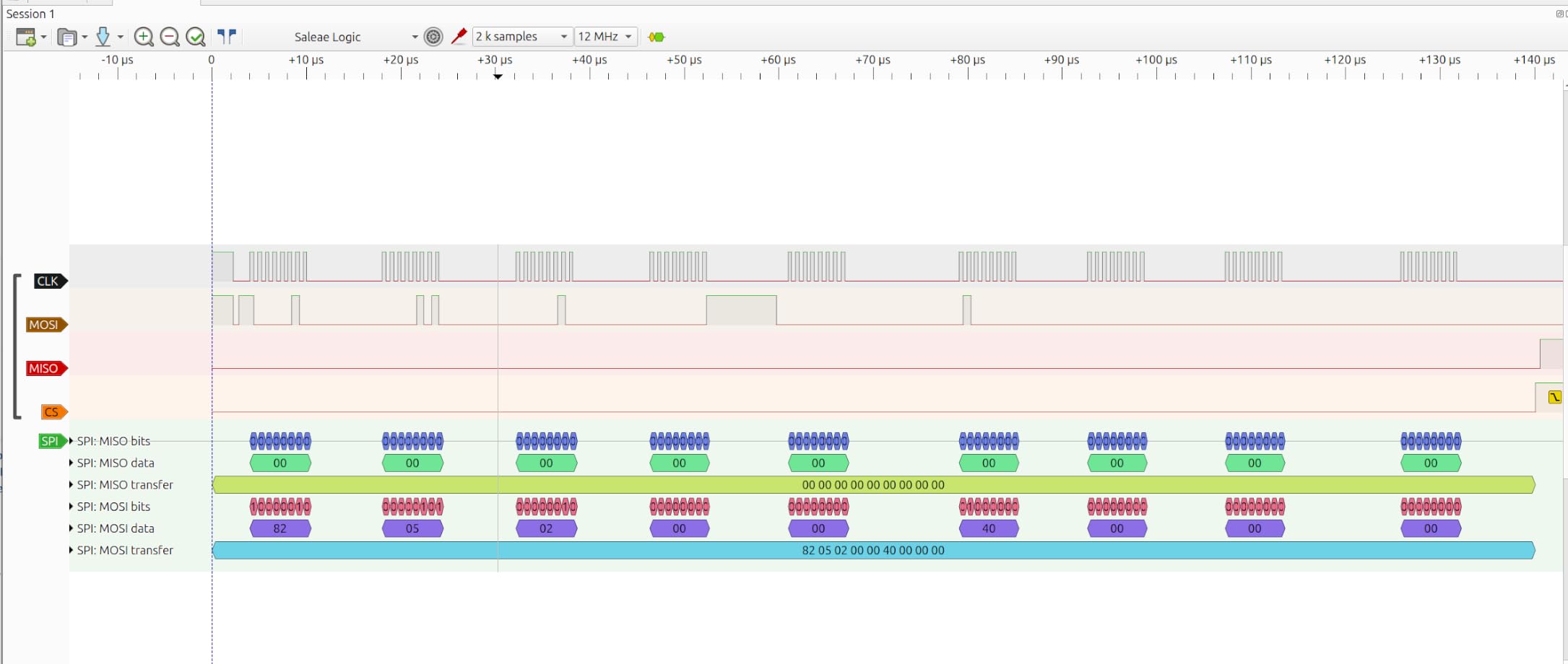
On the technical side, input range runs from -0.5V to 5.25V with roughly 1 MΩ in parallel with 10 pF, and a 24 MHz crystal holds ±20 ppm stability. Only series resistors stand between your board and those inputs, so respect that range. The practical guidance for an Arduino Uno or Nano running at a 16 MHz clock is simple: 24 MHz of sampling covers the clock and every I2C or UART bus on it.
Where it fits an Arduino bench?
This is the unit that solves the problem most Arduino projects actually have. An I2C sensor that will not respond, a module that reads zeros, a display that stays blank, all of these become readable once you can see SCL, SDA and the acknowledge bit.
Because the inputs tolerate 5V, 3.3V, 2.5V and 2.0V systems, the same box works across a 5V Uno and a 3.3V ESP32 project without swapping hardware. That flexibility is why it is our top pick for 2026.
Where it will frustrate you?
There is no capture buffer on board, so the samples stream to your computer over USB. In practice a modern machine handles 24 MHz fine, but an older laptop with a slow port can drop samples on long captures. The first capture also needs the Zadig driver swap on Windows, which is a common early stumbling block.
Triggering is limited to the simple start and stop conditions in PulseView. If you need to catch a specific narrow glitch inside a repeating sequence, one of the buffered units later in this list is a better fit.
2. InnoMaker LA1010 16-Channel 100 MHz Logic Analyzer – Best Value Step Up
- 16 channels at 100 MHz gives real headroom
- KingstVIS software is well written and updates often
- Decodes CAN Modbus I2C SPI UART and more
- Drivers auto-install on Windows macOS and Linux
- Colour-coded silicone leads with clips included
- Live display refreshes in roughly one-second intervals
- Cable grabbers are unnumbered
- Some boxes include the older USB-B port and a CD
When eight channels start to feel cramped, this is the natural upgrade. The LA1010 gives you 16 inputs sampling at up to 100 MHz per channel, and it can show a real-time waveform for all sixteen at once. I use it when a design has a parallel LCD or a multi-wire sensor bus that simply will not fit on eight lines.
The bundled KingstVIS software is the surprise here. Users describe it as well translated, quick to learn, and regularly updated, with decoders for more than 30 protocols including I2C, SPI, UART, CAN, Modbus, 1-Wire, JTAG and PS/2. With 285 ratings at a 4.5 average and a 76 percent five-star share, it is a well-proven middle step between a bare clone and a professional unit.
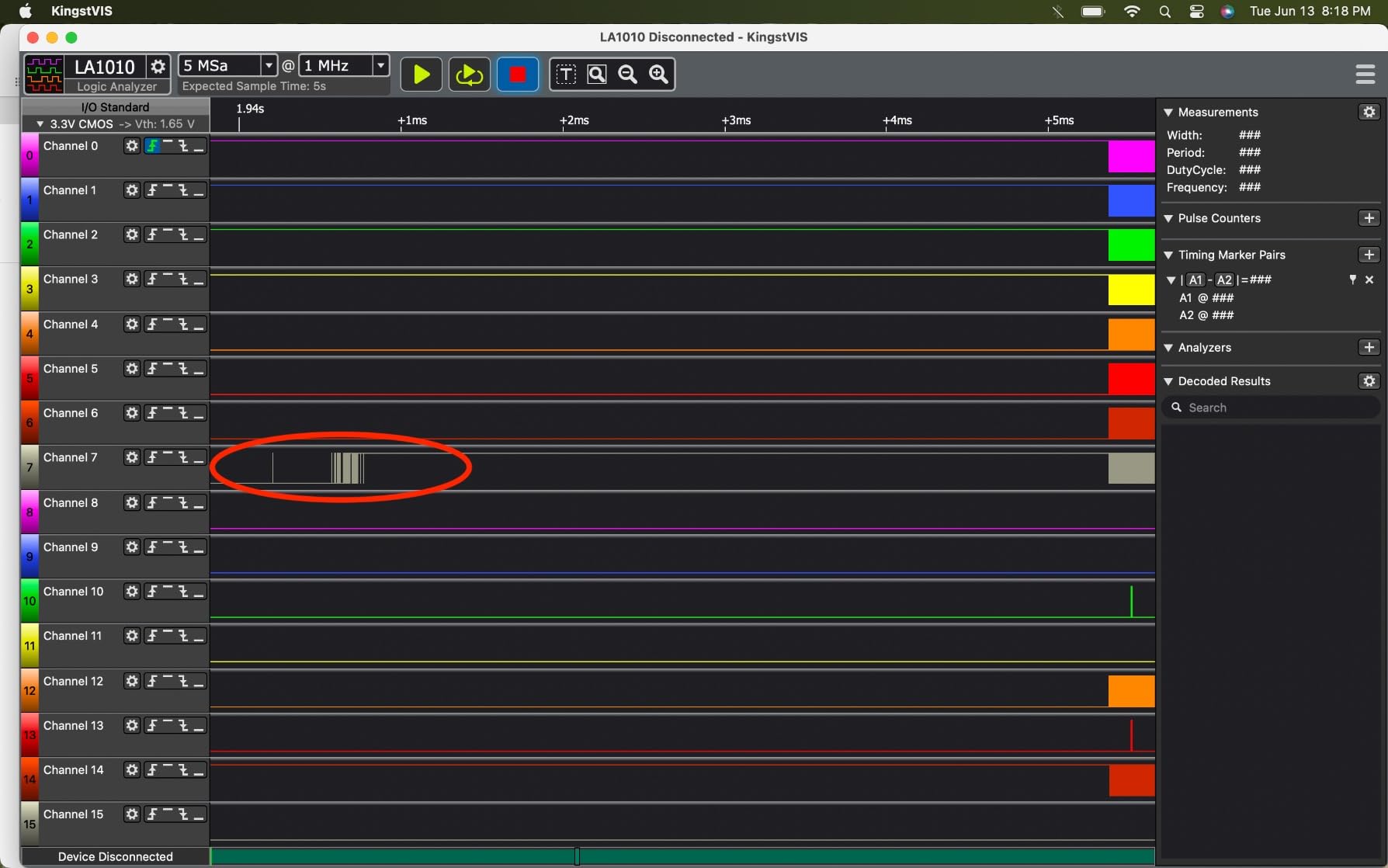
Mechanically it is a small black handheld-style box weighing 0.28 kg and drawing 0.5 watts, so USB power is enough. Drivers install automatically on Windows 10 and 11, macOS 10.12 and later, and Linux, which removes the setup friction that plagues cheaper clones.
One specification worth knowing: the practical sample rate falls as you enable more channels, exactly like every analyzer in this list. Plan the channel budget before you clip anything on, and the 3.3V versus 5V logic explainer covers the threshold side of the decision.
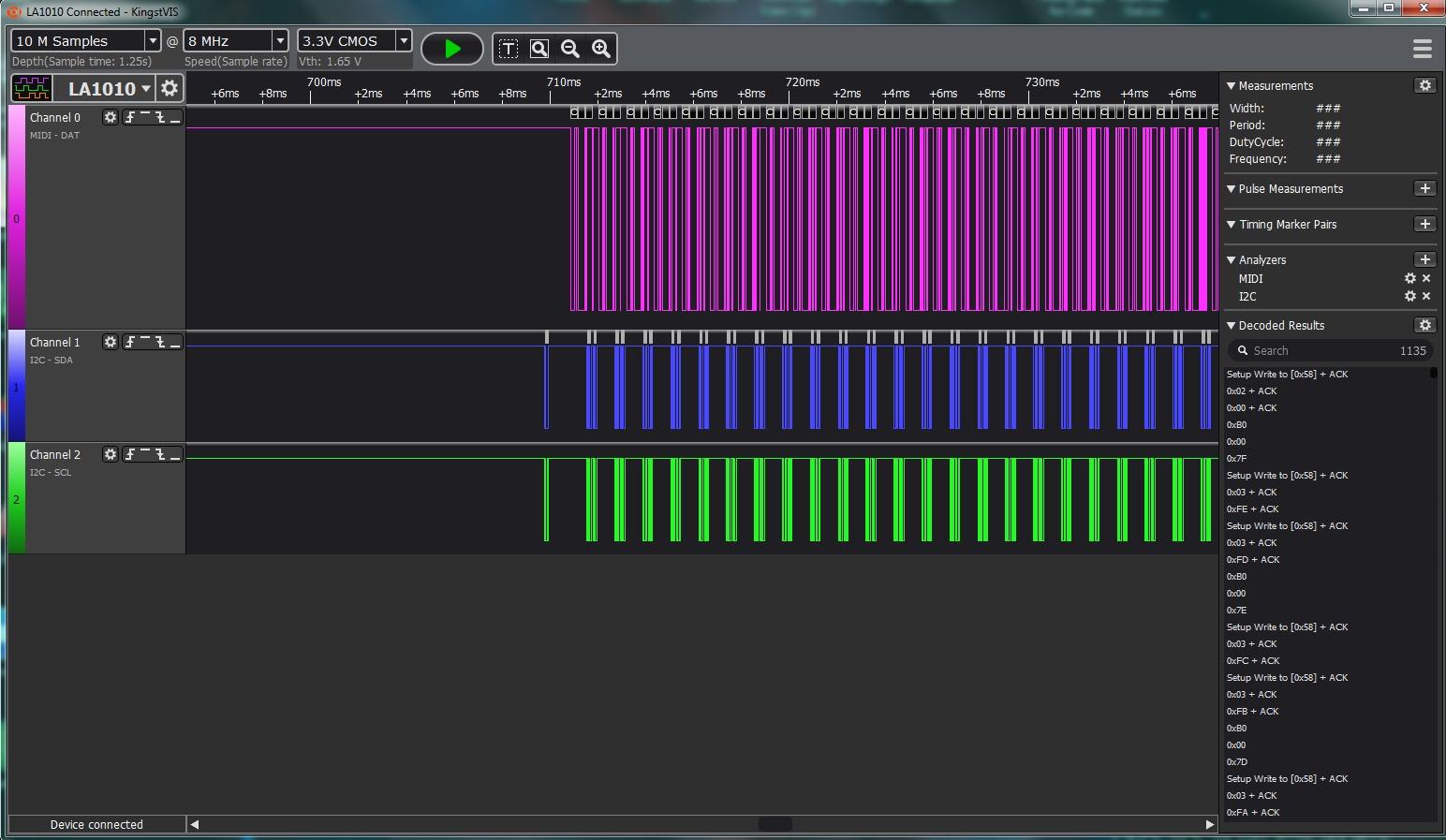
Where it fits an Arduino bench?
This is the analyzer to buy if your projects have grown past one sensor. Sixteen channels means you can watch a full I2C bus, a complete SPI transaction including chip select, and several control lines at the same time without rotating probes.
The 100 MHz ceiling also means it handles SPI running faster than the bus speeds an Uno or Mega typically uses, so you are not sample-rate limited when experimenting with a faster microcontroller.
Where it will frustrate you?
The live view refreshes in roughly one-second intervals rather than streaming smoothly, which is fine for a triggered capture but feels slow when you are watching a running board. The included cable grabbers are also unnumbered, so keeping track of channel 7 through 16 takes discipline.
A small number of buyers received units that produced no readings at all despite passing a multimeter check, so keep the packaging until you have confirmed a good capture. The timeline text is also small when you zoom out far enough to see a whole frame.
3. Comidox 24 MHz 8-Channel USB Logic Analyzer – Best for Travel
Comidox USB Logic Analyzer 24MHz 8 Channel Debug Tool for Arduino ARM FPGA
- Cheap route into PulseView or Saleae Logic software
- Automatic UART SPI and I2C decoding out of the box
- No vendor lock-in on the software side
- Box includes the analyzer a USB cable and 10 Dupont lines
- Suitable for Arduino ARM and FPGA bus debugging
- No software or documentation included in the box
- Fixed 1.5V logic threshold
- Maximum practical rate sits well below 24 MHz
The Comidox CP317 does the same job as the HiLetgo for less, and it is the pick if you are buying a second analyzer for a second bench. It has 8 digital channels sampling at up to 24 MHz, selectable down to 25 kHz, and automatic decoding for UART, SPI and I2C so you do not have to count pulses by eye.
What you give up is documentation and threshold control. Nothing is included in the box beyond the analyzer, a USB cable and 10 Dupont lines, so you will be installing Sigrok PulseView or Saleae Logic software yourself. With 155 ratings at 4.4 and a 74 percent five-star share, owners treat it as a dependable low-cost workhorse rather than a toy.
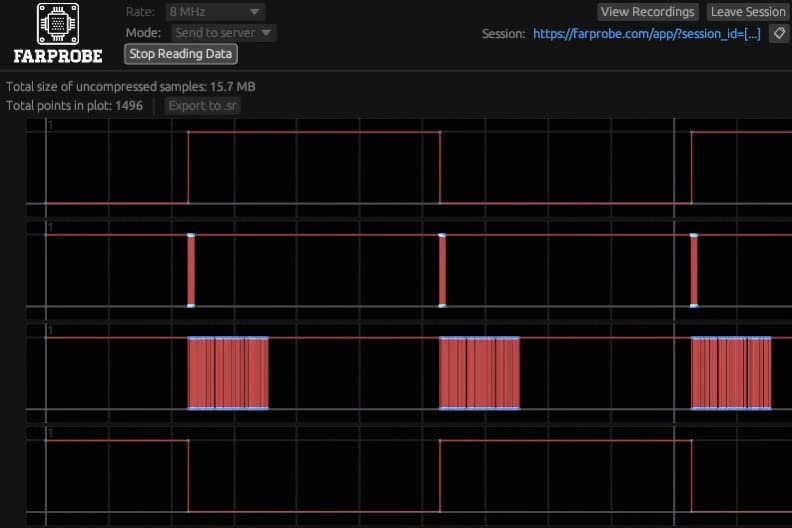
The input range is 0V to 5.5V with a fixed 1.5V logic threshold, and that single fixed number is the thing to think about before buying. A 1.5V threshold sits in a noisy region for a 3.3V system, and it is why our guide to 3.3V versus 5V logic matters before you clip it to an ESP32.
Compatibility is listed for Saleae Logic Analyzer software, sigrok PulseView and Linux or Windows systems, so the software choice stays open. That flexibility is the main reason to prefer this over a closed unit at a similar price.
Where it fits an Arduino bench?
For 5V Arduino projects this is entirely adequate. I2C at 100 kHz or 400 kHz, UART at 115200 baud, SPI at 4 MHz, and PWM timing all sit comfortably inside a 24 MHz sampling budget on an Uno or Nano running at 16 MHz.
It is also a good match for ARM and FPGA GPIO work, where you only need to confirm that pins toggle in the expected order rather than resolve nanosecond edges.
Where it will frustrate you?
The fixed threshold is the honest limitation. On a 3.3V-only design, a 1.5V reference can read ambiguously when the input sits near the rail, and there is no way to correct it in software.
The maximum practical signal rate is also well below the advertised 24 MHz, which is true of most clones in this class. The basic male Dupont leads clip awkwardly onto breadboards, so budget for proper test clips or a clip adapter.
4. Saleae Logic 8 – Best for Analog and Digital Together
- Same pins switch between digital and analog capture
- 100 MS/s digital plus 10 MS/s analog sampling
- Saleae software with more than 23 protocol analyzers
- One licence covers Mac Windows and Linux
- Very large capture depth using host PC memory
- Digital bandwidth is well below the Logic Pro 8
- USB 2.0 caps the stream rate
- Entry point into the Saleae ecosystem is costly
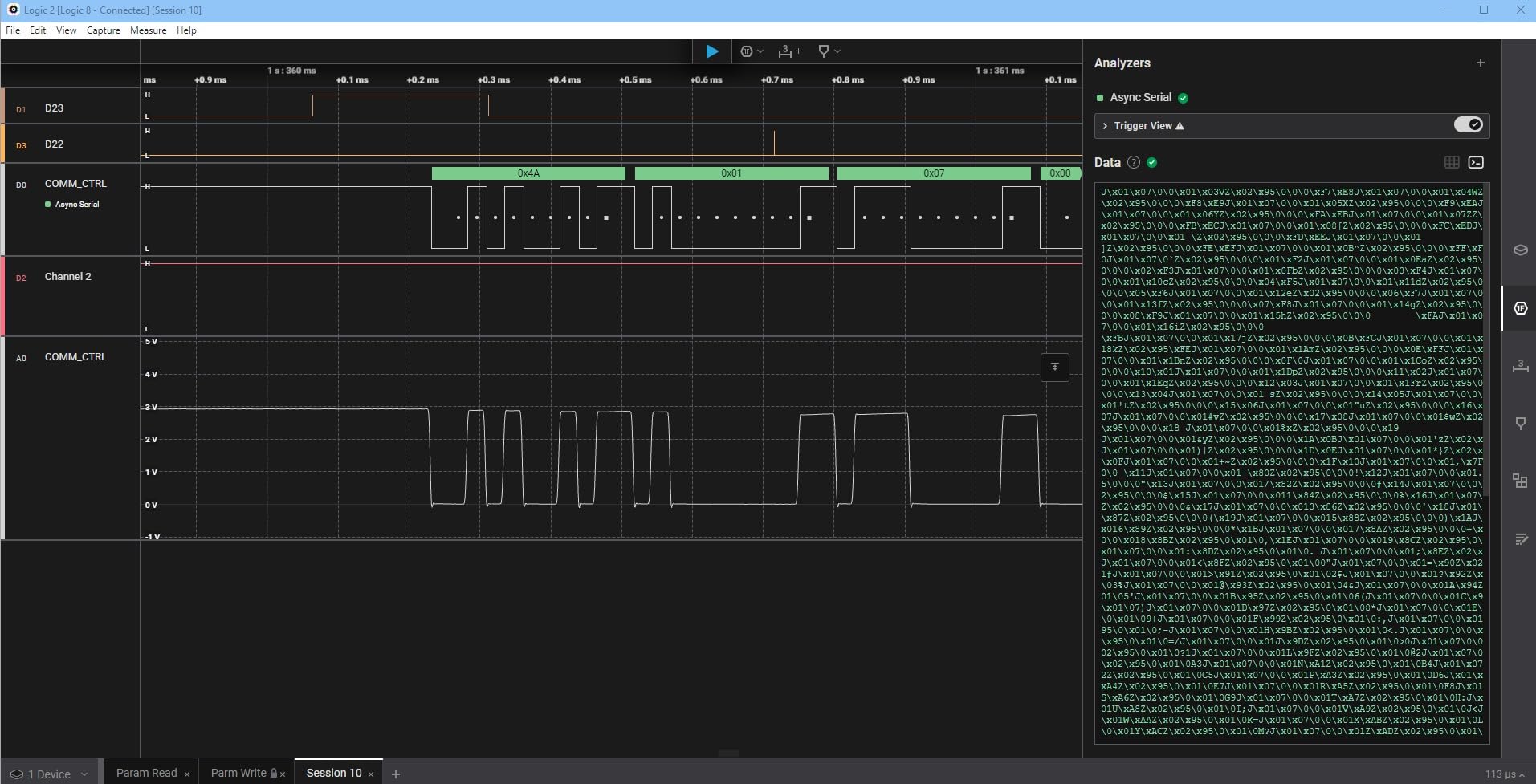
This is the first unit in the list where the same eight input pins work as digital channels or as analog channels. That flexibility is the reason to buy it: when a bus looks fine logically but the underlying voltage is collapsing, only analog capture shows you the cause. The digital rate reaches 100 MS/s and the analog rate 10 MS/s.
The software is the other half of the argument. Saleae’s package decodes SPI, I2C and more than 23 other protocols, and one licence covers Mac, Windows and Linux, which removes the driver hunting that eats an afternoon with other units. 91 ratings at a 4.5 average, with 76 percent five-star, reflect a settled and consistent user base.
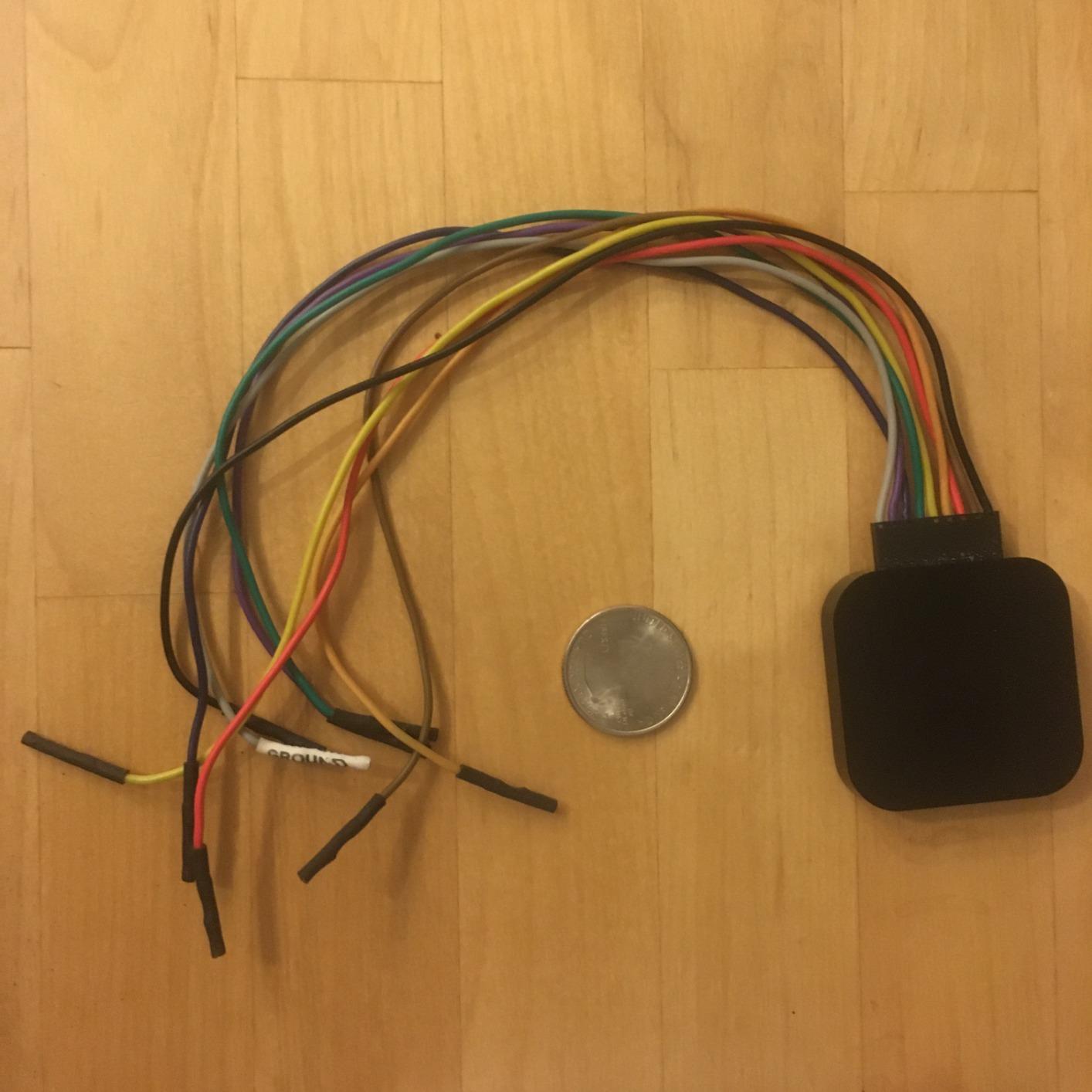
Capture depth is measured in the billions of samples because the device streams into your computer’s memory over USB 2.0, and the body measures 9.5 by 5 by 2 inches at 0.5 kg. That portability is real: it fits in a laptop bag and runs off USB power alone.
Forum users consistently quote the software ease of use as the deciding factor, which is the recurring theme in the broader analyzer comparison too. Protocols that are a chore in a generic tool are close to one click here. If your work drifts into radio or noise-floor measurements, our spectrum analyzer roundup covers the next tier of bench instrument.
Where it fits an Arduino bench?
Pick this when you need analog visibility on a 5V or 3.3V Arduino project, or when you want one tool that covers both halves of a mixed-signal board. The 10 MS/s analog rate is ample for slow sensor rails and power sequencing.
It also suits users who move between operating systems, since the same licence and the same software work across Mac, Windows and Linux without separate driver juggling.
Where it will frustrate you?
Digital bandwidth is meaningfully lower than the Logic Pro 8, and the USB 2.0 interface caps how fast long streams can be recorded. If your project is about resolving edges on a fast SPI bus, this is not the box.
It is also the entry point to an ecosystem, and that decision carries a real cost commitment. Users who later need more bandwidth end up buying a Pro model as well, which is a common pattern in owner reviews.
5. LONELY BINARY 24 MHz Kit with Breakout Boards – Best for Breadboard Work
LONELY BINARY Logic Analyzer Kit, 8 Channel 24MHz USB with Breakout Boards
- Breakout board and breadboard adapter remove the clipping hassle
- Includes 10 test clips 5 alligator clips jumpers and a case
- USB-A and USB-C cables cover old and new machines
- Works with open-source software on Windows Mac Linux
- Lowest average rating of the ten at 4.2
- Included clips and jumpers are basic
- Bundled wiring attracts quality complaints
The electronics in this kit are the familiar 24 MHz 8-channel design, and the difference is everything around it. The box contains a base module, a dedicated logic-level breadboard adapter, a breakout board that exposes all eight channels to 2.54 mm pins and alligator-clip pads, ten test clips, five alligator clips, jumpers, a storage case and both a USB-A and a USB Type-C cable.
That adapter is the detail that matters. On a breadboard, most cheap analyzers fight you for a pin. With a solder-free adapter that sits in the board, the connection is stable and the channel assignment is obvious. It is also the only kit here rated for Arduino, ESP32 and Raspberry Pi targets out of the box, with a one-year warranty.
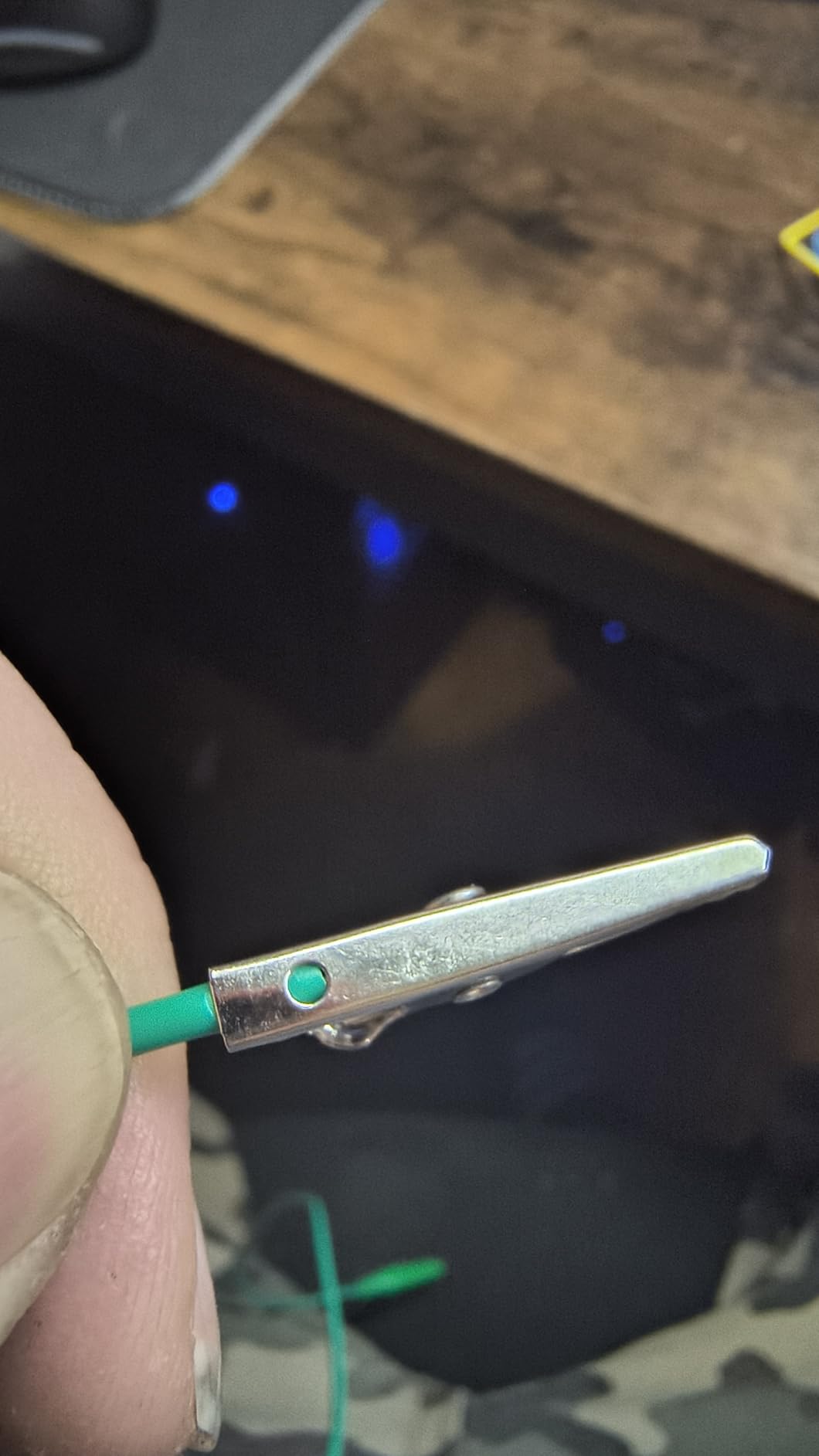
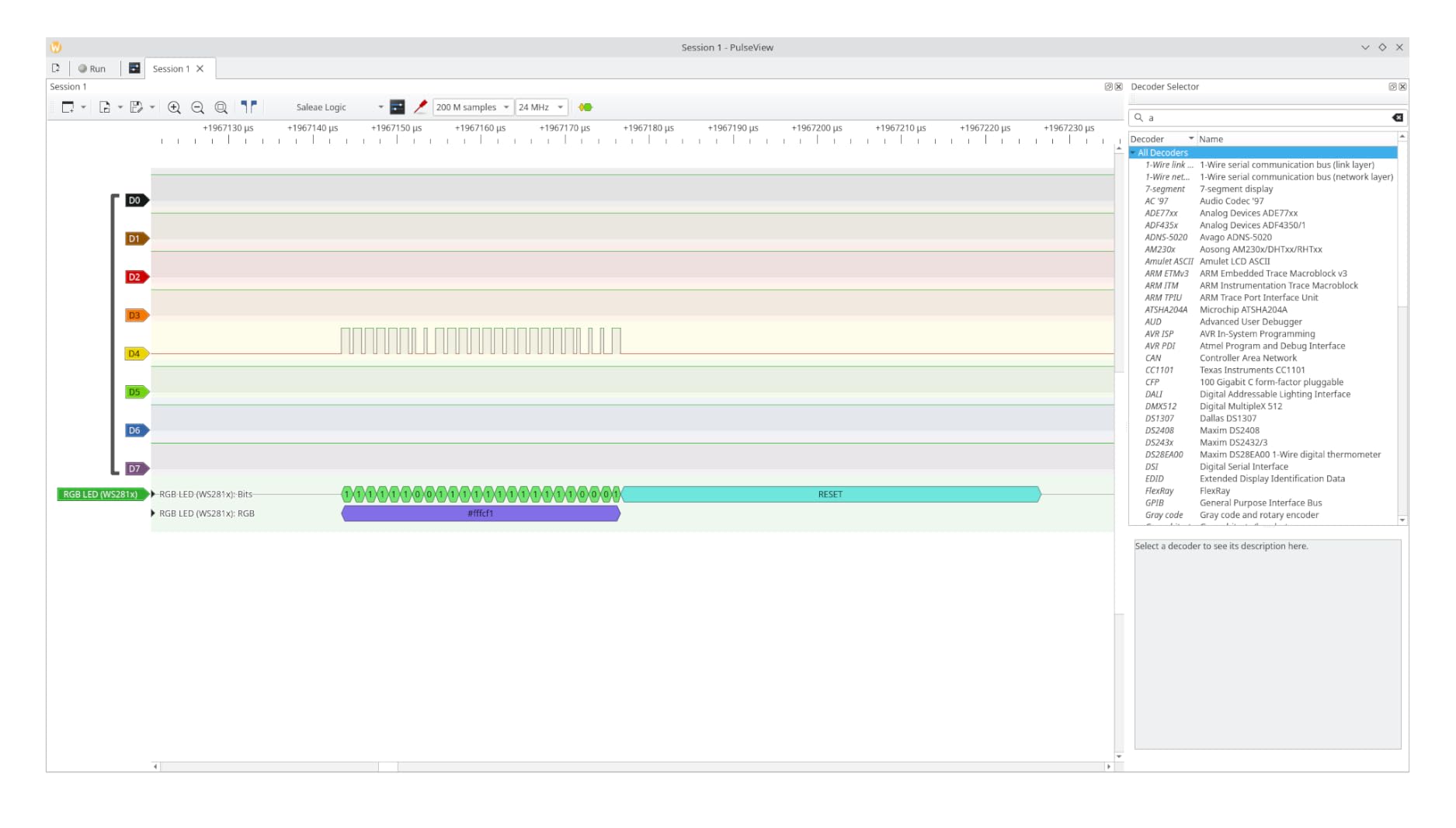
Capture is 8 channels at up to 24 MHz for I2C, SPI and UART work, and it runs with open-source software on Windows, Mac, Linux and Ubuntu. The event triggering in PulseView is reported to work cleanly, which is more than some rivals at this tier manage.
The honest caveat is the score. At 4.2 stars from 70 ratings this is the lowest average in our group, with a 12 percent one-star share, and the complaints cluster on the quality of the bundled wiring and clips rather than the analyzer itself.
Where it fits an Arduino bench?
Choose this if you work on solderless breadboards more than you work on custom PCBs, or if you are building a teaching kit where each student needs reliable probe access. The storage case also keeps the analyzer and clips together between sessions.
Having both cable types in the box removes the small annoyance of discovering your laptop only has USB-C when the USB-A cable is already in the drawer.
Where it will frustrate you?
The core analyzer shares the same 24 MHz ceiling and fixed threshold as the other budget units, so a 3.3V-heavy design still deserves a look at a device with an adjustable threshold. The clips and jumpers included are functional but basic, and some owners ended up buying better test clips.
With a wider spread of scores than the rest of the group, check the unit early and keep the packaging if anything looks off.
6. Saleae Logic Pro 8 – Best for Fast Buses
- 500 MS/s digital and 50 MS/s analog in a compact body
- Eight analog inputs built in with no extra module
- Real streamed live view in the software
- Adjustable logic threshold and finer digital resolution
- Requires USB 3.0 and a host with plenty of RAM
- Some users report freezing at the full 500 MS/s rate
- Some community protocol extensions are no longer maintained
The Logic Pro 8 samples 8 digital or analog inputs at up to 500 MS/s digitally and 50 MS/s analogically, and the eight analog inputs are built in rather than sold as a separate module. With 60 ratings at 4.8, including a 90 percent five-star share, this is the highest-rated device in our group.
For an Arduino maker, the case for it is narrow and specific: work on a high-speed bus where edge timing matters, or a project where you need analog and digital on the same pins with a fast trigger. Owner reviews repeatedly point to the streamed real-time view and the software quality as the reasons they stay with it.
Where it fits an Arduino bench?
It suits engineers who also work on ARM and FPGA targets alongside their Arduino projects, where bus speeds exceed anything an Uno or Mega produces. The adjustable logic threshold is a genuine advantage when your bench mixes 1.8V, 3.3V and 5V parts.
Professionals and interns learning protocol analysis both recommend it, and the 0.5 kg body at 8.9 by 4.9 by 2 inches stays portable.
Where it will frustrate you?
Streaming to PC memory over USB 3.0 means a host machine with plenty of RAM, and a few users report systematic freezing at the maximum sample rate on everyday laptops. Lower the rate, or use buffer mode, if that happens.
It is also an ecosystem commitment rather than a single purchase, and several community protocol extensions have stopped being maintained. The bundled USB cable is long and stiff, which is a small but real annoyance on a crowded bench.
7. ViaGasaFamido Pocket 8-Channel 24 MHz Analyzer – Budget Pick
Mini Logic Analyzer USB, 8-Channel, 24MHz, Pocket Size, Digital Logic Analysis Tool with USB Cable and Jump Wire
- Smallest and lightest unit here at 1.41 ounces
- Saleae Logic 2 installs the driver on Windows
- Users verify ASCII and hex serial decoding from an Arduino
- Trigger modes cover edge level and combined conditions
- Listing does not state which software or driver to use
- Some units arrive dead with no recognised output
- Terminals apply roughly 3.3V which can disturb low-voltage designs
At 1.41 ounces this is the analyzer that stays in the laptop bag, and that turns out to matter more than any spec. It has 8 digital channels at up to 24 million samples per second per channel, with real-time upload and compressed storage on the host computer, and it works with Saleae Logic 2 on Windows 7 through 11.
The trigger options are better than most of the budget class. Rising edge, falling edge, high level, low level and combined complex triggers are all available, and there is a channel 1 level indicator LED plus an output error indicator for voltage drift or short-circuit faults on the terminals.
Where it fits an Arduino bench?
Users confirm decoding ASCII and hex serial traffic straight from an Arduino board, which is exactly the task you want to do away from your desk. It is also reported as useful for CAN bus inspection and other low-speed protocol work.
Because it runs Saleae Logic 2, the decoder library is the full Saleae set rather than the limited set found in some clone software.
Where it will frustrate you?
The listing does not document which software or driver to use, and there is no documentation beyond a support contact, so budget time for a quick search before your first capture. Some buyers received units that produced no recognised output at all.
More importantly, the 8 channel terminals apply roughly 3.3V to the circuit under test, which can disturb a genuinely low-voltage design. Treat it as a 5V and 3.3V tool, not a 1.8V one.
8. DSLogic Plus 16-Channel 400 MHz Analyzer – Best for Buffered Capture
DreamSourceLab DSLogic Plus USB-Based Logic Analyzer with 400MHz Sampling Rate, 256Mbits Memory, USB 2.0 Interface, 16 Channels
- Dual mode: long streaming captures or 400 MHz buffered captures
- Adjustable threshold in 0.1V steps handles 1.8V 3.3V and 5V
- DSView is open source with nearly 100 decoders
- Probe leads plug straight into breadboard sockets
- No analog inputs
- Documentation contains errors in places
- Advanced triggering only available in buffered mode
The DSLogic Plus is the most flexible unit here, because it runs in two modes. Stream mode records up to 16G samples at 100 MHz with 3 channels, 50 MHz with 6, 25 MHz with 12 and 20 MHz with 16. Buffer mode uses 256Mbit of on-board SDRAM to hit 400 MHz with 4 channels, 200 MHz with 8 and 100 MHz with 16.
That dual-mode behaviour is the differentiator owners praise most in the mid tier, and it maps neatly onto Arduino work: stream long I2C sessions to your computer’s memory, or buffer a short burst of fast activity that you need to keep for later analysis. The adjustable threshold in 0.1V steps is the other feature that separates it from every budget unit on this list.
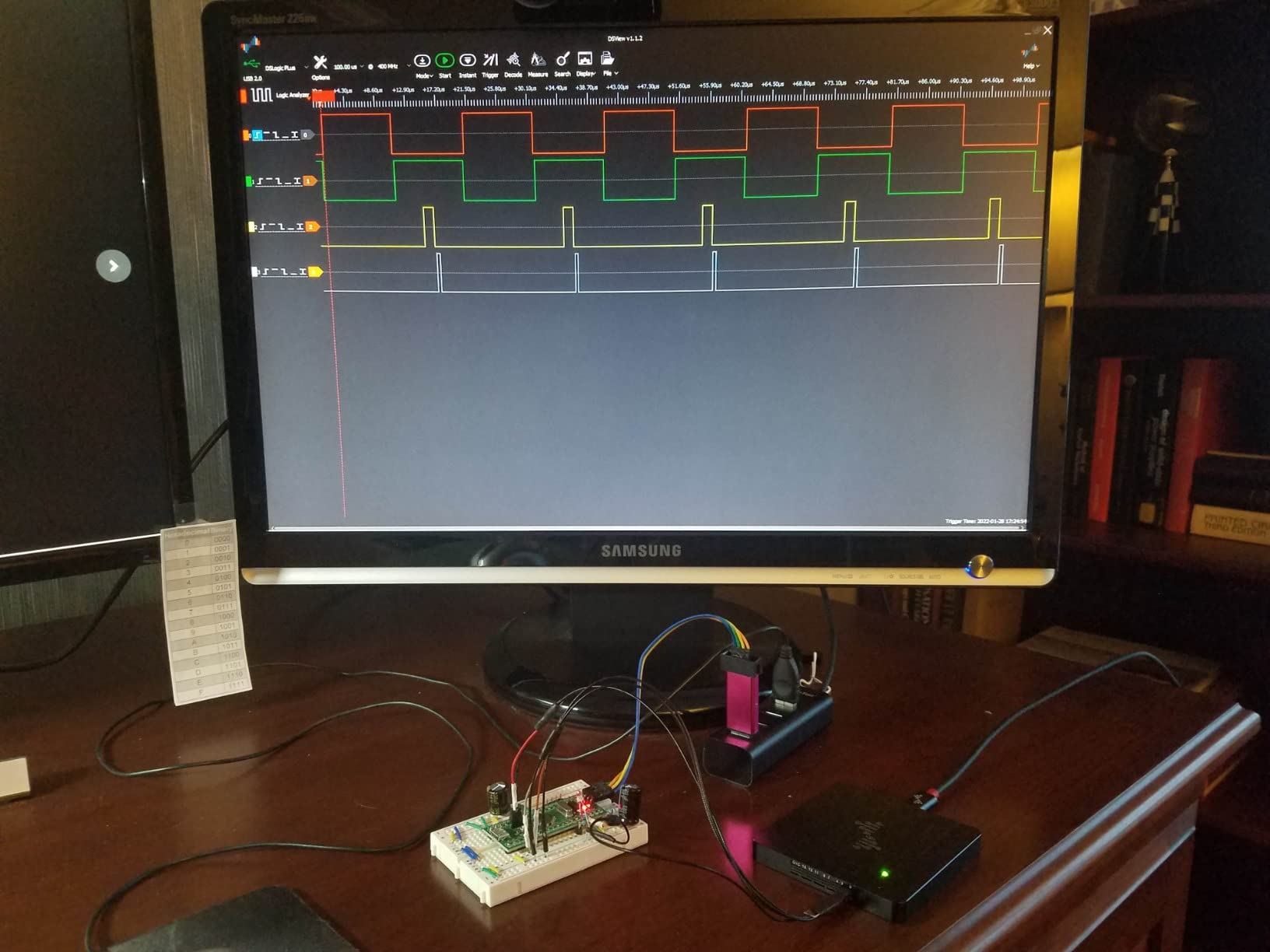
DSView is open source and carries nearly 100 protocol decoders, and the probe lead quality gets specific praise, with coax-style lines that plug straight into breadboard sockets. The unibody aluminium case and half-hard storage case keep the cables from bending. 37 ratings at 4.6, with only 3 percent one-star, makes it a well-regarded mid-tier choice.
For threshold specifics and why 3.3V parts misread on fixed-threshold hardware, the logic level guide covers the arithmetic.
Where it fits an Arduino bench?
This is the analyzer to buy if your bench mixes 1.8V, 3.3V and 5V peripherals, which is increasingly common once you add an ESP32 or a Raspberry Pi Pico alongside an Uno. The threshold control removes the guesswork entirely.
It is also a strong choice for protocol exploration work where you want a large decoder library available without a subscription, since DSView is free and open source.
Where it will frustrate you?
There are no analog inputs at all, so a signal that looks correct logically but is electrically wrong stays invisible. Documentation also contains errors and is out of date in places, so plan on a little experimentation.
Advanced triggering is only available in buffered mode, which means short, fast bursts rather than long streams. The light display mode is also very bright with no white-level control for small pulses.
9. Saleae Logic Pro 16 – Best for Wide Buses
- 16 digital and analog inputs handle a full SPI bus on one device
- 500 MS/s digital and 50 MS/s analog with a 6-channel practical ceiling
- Software runs well on Apple Silicon and Windows 11
- Fast correct decoding of I2C SPI and RS-232
- High memory use on large captures
- Software lacks bus-vector creation and some trigger options
- Premium cost that clones undercut
The Logic Pro 16 is the professional default for anyone working across wide buses. It has 16 digital or analog multi-use inputs, samples at up to 500 MS/s digitally and 50 MS/s analog with, and 10 billion plus digital samples of capture depth using host memory over USB 3.0.
With 35 ratings at 4.8 and a 92 percent five-star share, this ties the Logic Pro 8 for the highest average in the group. Users describe it as fast, correct and free of setup guesswork, with decoding of I2C, SPI and RS-232 that has repeatedly saved debugging time on embedded work.
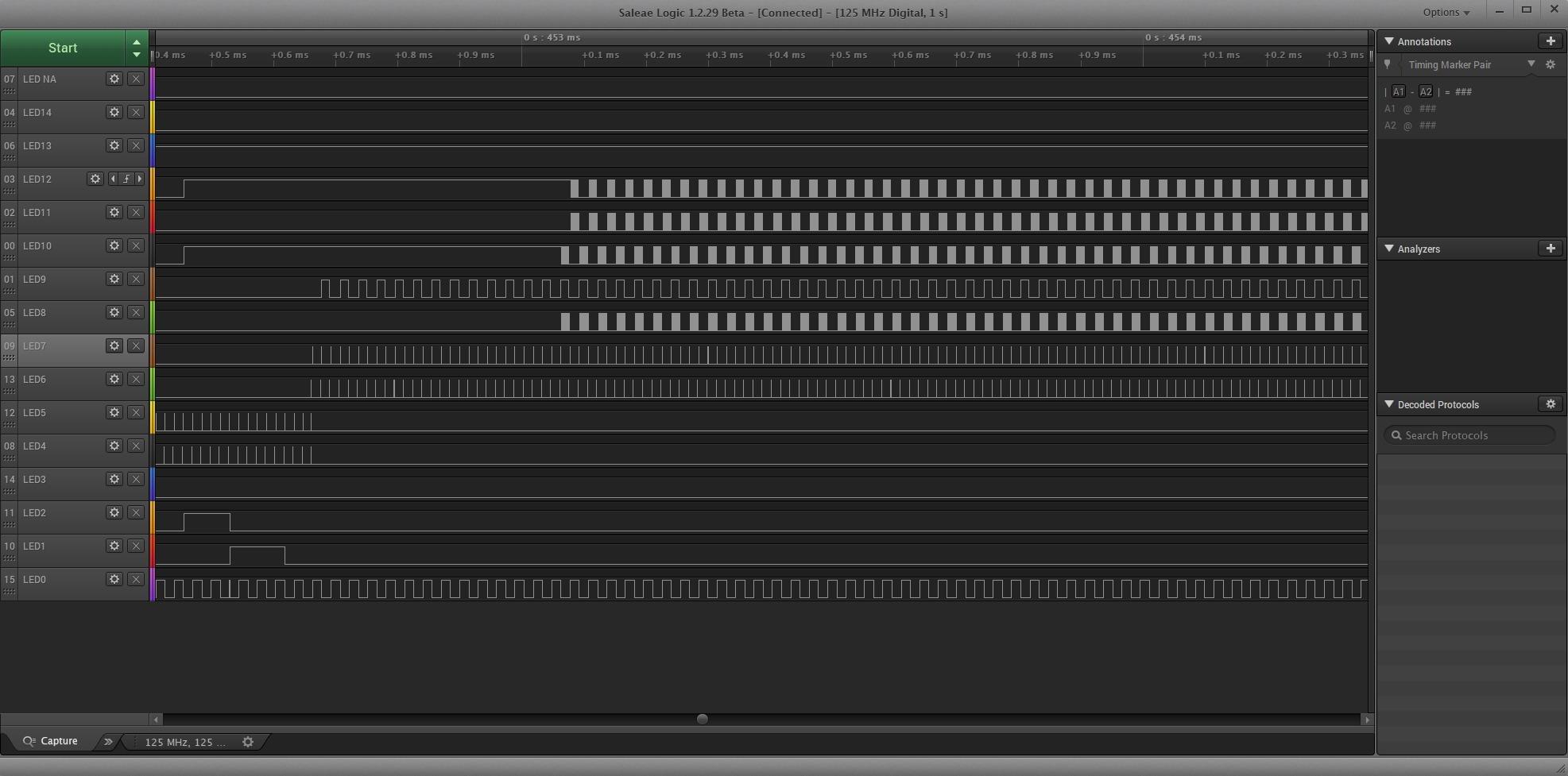
The body measures 10.9 by 7.4 by 3 inches at 0.5 kg and carries a UL 61010-1 and IEC 61010-2-030 safety rating, which matters if your project is heading toward formal testing. It ships with a carrying case and all connectors.
For pure Arduino hobby work this is more hardware than you need. It makes sense when your bench handles multiple microcontrollers, wide parallel buses and analog signals in the same session, and when sharing one tool across a team.
Where it fits an Arduino bench?
Sixteen inputs means you can capture an entire SPI transaction, including chip select and every data line, on one device without splitting the capture. That is the scenario where eight channels forces you into two passes and guesswork in between.
Combined with analog on the same pins, it also handles mixed-signal boards where a sensor rail and a control bus interact.
Where it will frustrate you?
Large captures consume a lot of host memory, and a modest machine may need upgrading. The software also lacks bus-vector creation and some of the protocol trigger options found on cheaper USB analyzers, which is an odd omission at this level.
There is no NIST-traceable calibration certificate for formal testing, and the cost is well beyond what a clone unit delivers for Arduino-only work.
10. DKARDU 24 MHz 8-Channel Analyzer with Clip Set – Best for Included Leads
DKARDU USB Logic Analyzer Device 24MHz 8CH 8 Channel UART IIC SPI Debug with mini USB Cable Dupont Cable 6 Colors Test Hook Clip Set for Arduino FPGA M100 SCM
- Colour-coded six-wire Dupont set and test hook clips in the box
- 24 MHz across 8 channels suits Arduino FPGA and SCM GPIO work
- Compatible with Saleae Logic Analyzer software
- Automatic UART SPI and I2C analysis
- Only 17 ratings so the reliability record is thin
- Fixed 1.5V logic threshold reads ambiguously on 3.3V boards
- Mini USB connector and short cable
- No bundled software documentation
Most budget analyzers give you a bare device and a USB lead, leaving you to solve probe attachment yourself. The DKARDU includes a set of six colour-coded Dupont cables and test hook clips, which removes the single most common reason people give up on a cheap analyzer before they record a single sample.
Underneath, it is the familiar 24 MHz 8-channel design, sampling at up to 24 million samples per second per channel with rates selectable down to 25 kHz, automatic UART, SPI and I2C analysis, and compatibility with Saleae Logic Analyzer software. Input range is 0V to 5.5V with a 1.5V logic threshold.
Where it fits an Arduino bench?
Colour-coded leads are a genuine productivity aid when you are moving between buses, and the hook clips grip Arduino header pins and breadboard rows without a solder-free adapter. Rated for Arduino, FPGA, M100 and SCM targets, it covers the usual hobby and maker bench.
It is also a reasonable second unit for a classroom set, where a colour-coded lead set per student is worth more than a marginally faster sample rate.
Where it will frustrate you?
With only 17 ratings, the long-term reliability record is genuinely thin, even though every one of those ratings is four stars or better. The fixed 1.5V threshold has the same 3.3V problem described earlier, and there is no bundled documentation for the software.
The mini USB connector is dated and the included cable is short, so you may need a different lead for a laptop that only accepts USB-C. If you want threshold control, choose an adjustable-threshold unit instead.
Buying Guide: How to Choose a Logic Analyzer for Arduino?
Most Arduino buyers overpay for speed they will never use. Work through these six factors in order and you can match any project to a tier without reading every spec sheet.
1. How much sample rate do you actually need?
Start with your microcontroller’s clock, not the marketing number. An Arduino Uno and Nano run at 16 MHz, and a Mega 2560 runs at 16 MHz as well, so a 24 MHz analyzer already samples faster than the chip itself changes state. Apply the rule of thumb that you want at least twice the frequency of the fastest signal you want to resolve.
In practice that means a 24 MHz unit handles I2C at 100 or 400 kHz, UART at 115200 baud, SPI at 4 MHz, and PWM timing comfortably. You need the 100 MHz class only when you move to faster ARM or FPGA targets, and 400 MHz or above for edge timing on very fast buses. Remember that sample rate falls as you enable more channels, which is why the LA1010 and DSLogic Plus publish per-channel figures.
2. How many channels do you need?
Count the lines, not the buses. I2C needs two, SPI needs four including chip select, UART needs one, and a typical sensor-plus-display build lands around six. Buy eight to leave yourself room. Sixteen only pays off when you routinely capture a full parallel bus or a whole multi-chip transaction.
3. Logic threshold and voltage levels
The threshold is the voltage at which the analyzer decides a pin is high or low, and this is the most common source of confusing captures. Most budget clones fix it at 1.5V, which is a poor match for 3.3V systems. A unit with an adjustable threshold in 0.1V steps, like the DSLogic Plus, is the safe choice for a mixed-voltage bench.
Never exceed the stated input range. Several units here tolerate up to 5.25V or 5.5V, and only series resistors protect the inputs, so a 12V signal on an Arduino debug line will damage the analyzer.
4. Buffer mode, stream mode and memory depth
Stream mode records straight to your computer’s memory and is ideal for long, low-frequency sessions. Buffer mode uses on-board memory to keep a short, fast burst that your computer cannot absorb in real time. Units with both modes, such as the DSLogic Plus, cover more situations than a single-mode clone.
5. Software, decoders and triggering
PulseView and DSView are free and open source, with wide decoder libraries and support for Windows, macOS and Linux. Saleae Logic 2 is polished and decodes the most protocols with the least setup, but the advanced protocol library is tied to a subscription. Decide which software you will actually use before you buy, because it shapes the decision more than the sample rate.
Triggering matters too. Basic units offer start and stop conditions, while better hardware adds edge, level, width and bus packet triggers. If you are hunting a rare narrow glitch inside a repeating stream, you want more than a simple trigger.
6. Probe attachment and safe hookup order
Attach the ground clip to Arduino GND first, before any signal probe touches a pin. Connecting a signal probe with no shared ground leaves the analyzer floating, which produces noise and false transitions, and grounding the clip to a power rail instead can put your board into an unexpected state. Then attach the probes, start the capture software, pick your sample rate and begin.
For a beginner, a kit with a breadboard adapter and proper test clips, such as the LONELY BINARY set or the DKARDU clip bundle, saves more time than any spec upgrade. And a beginner Arduino kit is a good companion for the projects you will point this analyzer at.
Are cheap 24 MHz clones any good for an Arduino?
Yes, for the majority of hobby projects, and forum consensus supports that. Builders on r/arduino describe a cheap logic analyzer alongside a basic multimeter as a complete first-tier debugging kit, and the same threads point people toward free Sigrok software to avoid vendor lock-in. The 589-rating history on our top pick shows these clones are not throwaway hardware.
Where they fall short is fixed thresholds, thin accessories, absent documentation and no advanced triggering. Also worth knowing: a Raspberry Pi Pico running a SUMP or PIO sketch, or an ESP32 driving samples from its own pins, can be turned into a serviceable analyzer if you enjoy the build, though the speed is lower than a dedicated unit.
Frequently Asked Questions
What is the best and most affordable logic analyzer?
The HiLetgo 8-channel 24 MHz unit in this guide is the strongest first purchase: it decodes UART, IIC and SPI through free Sigrok PulseView, works with 5V and 3.3V systems, and has the largest review base of the ten. If you need more channels, the InnoMaker LA1010 gives you 16 channels and 100 MHz with bundled software.
Is there a 24MHz 8-channel USB logic analyzer available?
Yes, and several appear in this roundup, including the HiLetgo, the Comidox, the ViaGasaFamido pocket model, the LONELY BINARY kit and the DKARDU. All sample 8 channels at up to 24 MHz and work with PulseView or Saleae Logic software, which is more than sufficient for a 16 MHz Arduino Uno or Nano.
Why are logic analyzers so expensive?
The premium buys engineering, not decoration. A professional analyzer runs firmware that keeps a sustained multi-gigabit stream, ships protocol decoders maintained by engineers, includes analog inputs in the same box, and comes with vendor support and calibration documentation. Budget units are often the same chip and a USB shell, so the difference is mostly the software and the capture pipeline.
Can I use an Arduino as a logic analyzer?
You can, with limits. Community sketches turn an Arduino into a SUMP-compatible sampler, and a Raspberry Pi Pico using its PIO peripheral or an ESP32 driving its own pins will capture real bus traffic. Expect lower sample rates and a narrower channel count than a dedicated unit, and use PulseView as the front end. It suits learning and occasional checks rather than daily bench work.
Is Saleae software free?
Partly. Saleae Logic software has always been downloadable at no cost for supported devices, and older Saleae-compatible clones enumerate with it. The advanced protocol library and newer features are subscription based, which is where the recurring cost sits. PulseView and DSView are free and open source with no subscription and decode I2C, SPI, UART and much more.
Conclusion: Which Logic Analyzer Should You Buy?
Start with the HiLetgo 8-channel 24 MHz analyzer. It carries the largest review base of the ten, it recognises free Sigrok PulseView out of the box, and 24 MHz is more sampling headroom than a 16 MHz Arduino Uno or Nano can ever use. It is the default recommendation for anyone building the best logic analyzers for Arduino projects shortlist on a sensible budget.
Move to the InnoMaker LA1010 when eight channels run out or you want 100 MHz of headroom and a bundled decoder library. Choose the DSLogic Plus if your bench mixes voltage levels and you need the adjustable threshold. Reach for the Saleae Logic 8, Logic Pro 8 or Logic Pro 16 only when analog capture or sustained high-rate streaming is part of the job.
Whichever you pick, attach ground first, respect the stated input range, and start with free PulseView. That combination solves the majority of Arduino timing bugs for a fraction of what a bench oscilloscope costs.