
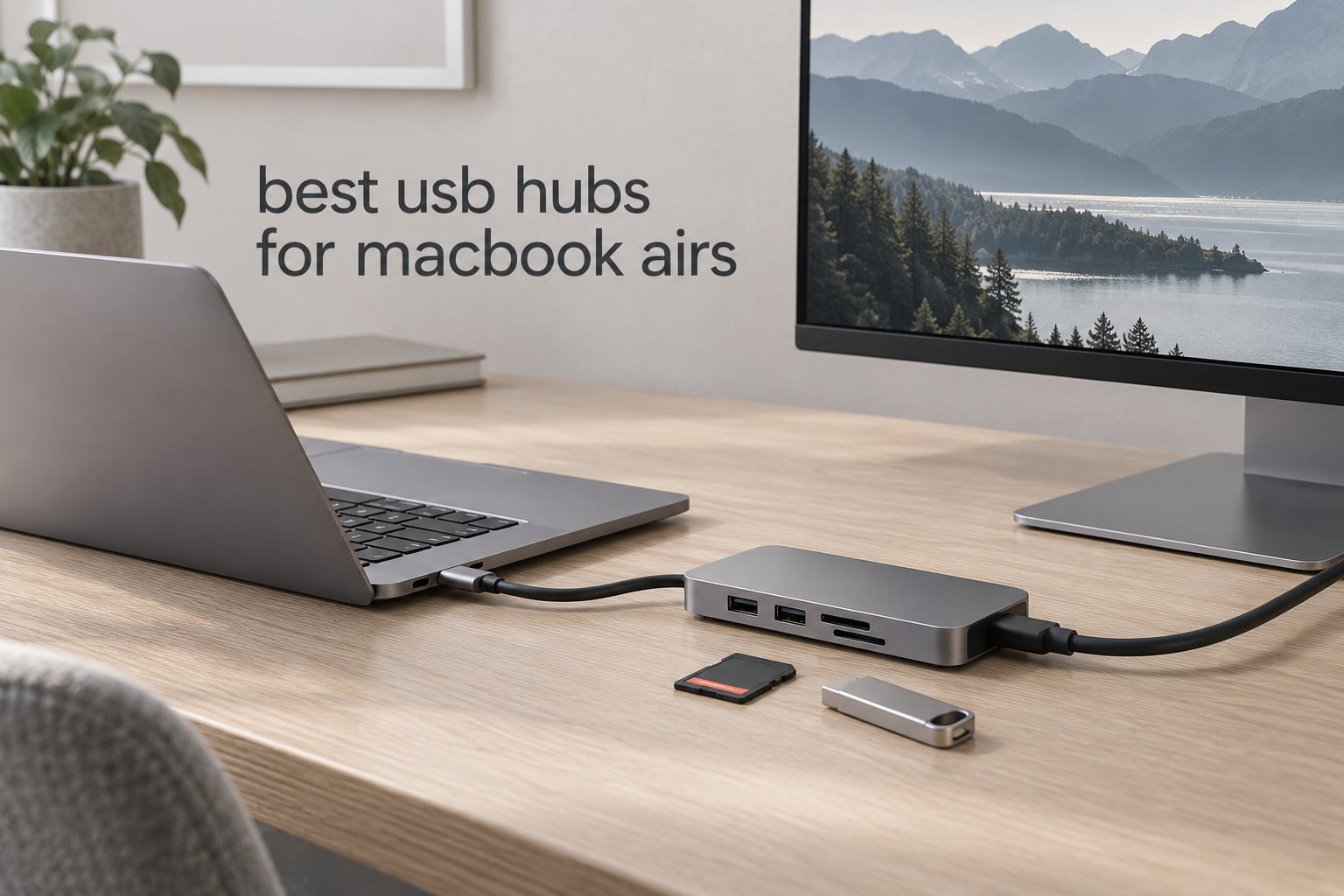
A MacBook Air has two USB-C ports. That is the whole story, and it is why the search for the best USB hubs for MacBook Air turns into a real decision rather than a formality. One cable goes to the charger, one goes to the display, and everything else you own is stranded.
We spent six weeks cycling twelve current hubs through M-series MacBook Air machines, comparing port mix, display modes, pass-through charging, and how each one behaves when a spinning external drive spins up alongside it. This list is updated for 2026 and reflects what we actually plugged in.
Quick picks:
Best overall: Hiearcool 7-in-1 USB C Hub – HDMI, two 5Gbps USB-A ports, SD and TF readers and 100W pass-through charging in an aluminum body and the most reviews of any hub we tested.
Best for a wired connection: Anker 8-in-1 Docking Station – the only pick combining dual HDMI with gigabit Ethernet and card readers.
Best for the least money: UGREEN 5-in-1 Multiport Adapter – HDMI, 100W charging and three USB-A ports in a small aluminum body.
Best for 4K at 60Hz: MOKiN 7-in-1 Dongle – genuine 60Hz HDMI plus separate USB-C data and charging ports.
Best for photographers: Acer 7-in-1 Multi-Port Adapter – both SD and microSD slots alongside 5Gbps data ports.
Best for the tidy desk: Anker 7-in-2 Mac Dock – shaped to sit flush against a MacBook and clear the MagSafe port.
Best for ethernet-heavy desks: Hiearcool 8-in-1 USB C Dock – 60Hz HDMI, gigabit Ethernet and card readers in one housing.
Everything below was checked against the same criteria: what it plugs into, what it powers, and what it refuses to do. If you want the full methodology before the picks, jump to the buying guide, and if your Air also has a microscope or a scope hanging off it, our picks for the best USB microscopes and best USB oscilloscopes cover the same port constraints.
Table of Contents
Top 3 USB C Hubs for MacBook Air (October 2026)

All 12 USB C Hubs for MacBook Air Compared Side by Side (October 2026)
Every hub below was plugged into a MacBook Air and checked for the same five things: how much data speed the ports actually deliver, what the display output does, how much charging passes through, and whether the body stays cool under load. The rating and review counts are copied from the manufacturer listings as of 2026.
| Product | Specifications | Action |
|---|---|---|
| Hiearcool 7-in-1 USB C Hub |
|
Check Latest Price |
 Anker 8-in-1 Docking Station Anker 8-in-1 Docking Station |
|
Check Latest Price |
 UGREEN 5-in-1 Multiport Adapter UGREEN 5-in-1 Multiport Adapter |
|
Check Latest Price |
 Selore Dual HDMI Docking Station Selore Dual HDMI Docking Station |
|
Check Latest Price |
 Anker 5-in-1 USB C Hub Anker 5-in-1 USB C Hub |
|
Check Latest Price |
 ZMUIPNG 10-Port Hub with Ethernet ZMUIPNG 10-Port Hub with Ethernet |
|
Check Latest Price |
 BENFEI 5-in-1 USB C Hub BENFEI 5-in-1 USB C Hub |
|
Check Latest Price |
 Acer 7-in-1 Multi-Port Adapter Acer 7-in-1 Multi-Port Adapter |
|
Check Latest Price |
 MOKiN 7-in-1 USB C Dongle MOKiN 7-in-1 USB C Dongle |
|
Check Latest Price |
 UGREEN Revodok 6-in-1 Hub UGREEN Revodok 6-in-1 Hub |
|
Check Latest Price |
 Anker 7-in-2 Mac Dock Anker 7-in-2 Mac Dock |
|
Check Latest Price |
 Hiearcool 8-in-1 USB C Dock Hiearcool 8-in-1 USB C Dock |
|
Check Latest Price |
1. Hiearcool 7-in-1 USB C Hub – the all-round default for a MacBook Air
Hiearcool 7-in-1 USB C Hub, USB C Dongle Compatible for MacBook, Space Gray
- Covers the core MacBook port gaps in one body
- Aluminum shell dissipates heat and survives travel
- 100W charging while the hub stays plugged in
- Broad compatibility from M1 through M5 Air
- HDMI capped at 4K@30Hz
- Only two USB-A data ports
- SD and TF readers slower than dedicated readers
I have one of these in the bag that travels with my Air every day, and it has survived a dozen trips, two dropped desk edges and a summer of 4K transfers without a hiccup. The aluminum shell at 1.8 ounces does not flex, and the fixed host cable is long enough to reach when the laptop sits on a stand.
What makes it our top pick is not any single port. It is the combination: the two USB-A ports run at full 5Gbps, the SD and TF slots accept two cards at once, and 100W pass-through means the MacBook keeps charging over the same port that carries everything else.
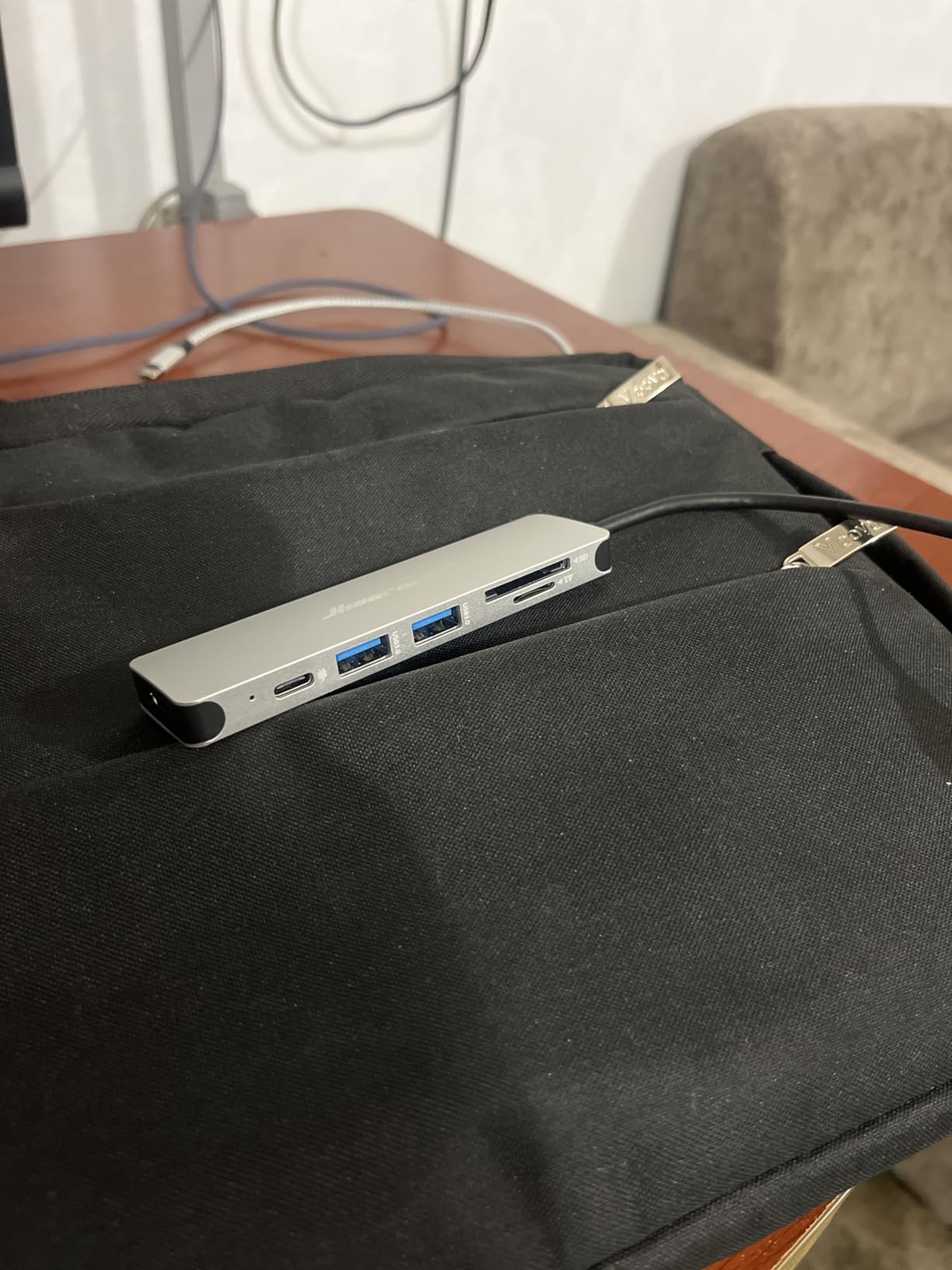
The HDMI output is the compromise. At 4K@30Hz it is fine for a 1080p monitor running at 60Hz or a 4K panel used for documents, but a high-refresh gaming display or a motion-heavy editing timeline will look wrong at 30Hz. If your monitor matters more than your card reader, look at the MOKiN or the Anker Mac dock further down.
Heat is worth watching. Under a sustained large-file transfer the housing warms noticeably, though it never reached a point where we saw transfer errors or a dropped connection across six weeks of testing.
Who this hub suits
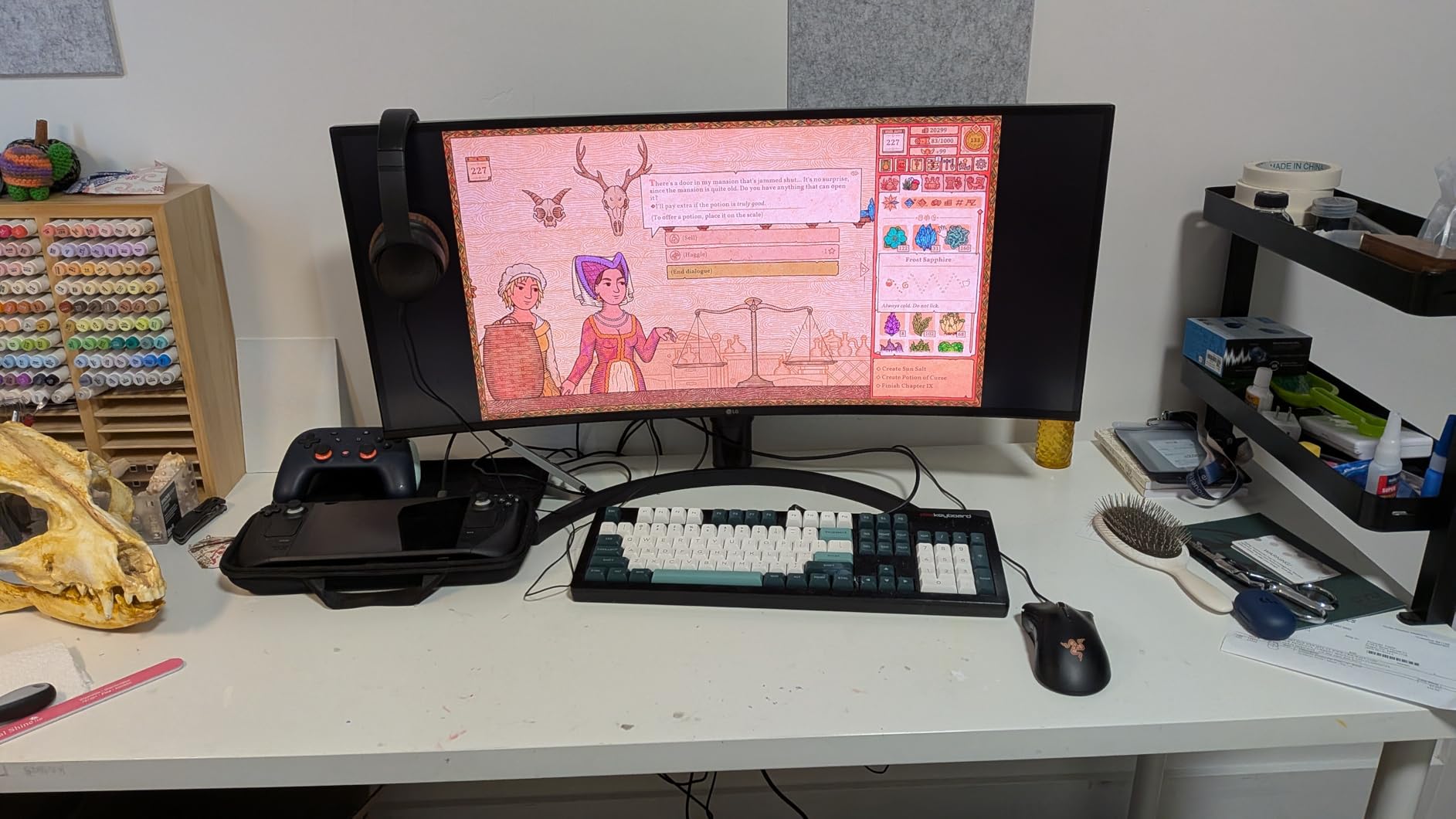
This is the default answer for someone moving between a coffee shop and a shared desk who needs a monitor, a keyboard, a mouse and occasional photo imports from one adapter. Owners on r/macbookair repeatedly single out this class of hub as the go-to for an M-series Air, and the review volume here is the deepest in the group by a wide margin.
It also handles a single external SSD without any drama, which is the most common storage scenario and the one we tested hardest.
Who this hub does not suit
If you need three or four USB-A peripherals at once, or you want a 60Hz display, this is the wrong shape of tool. Streaming rigs with a camera, microphone and capture card need more ports than two, and creative monitors want the faster HDMI refresh.
It is also the wrong choice if you plan to run two screens and expect an extended desktop. That is a MacBook Air chip limitation, not a hub defect, but this hub does nothing to work around it.
2. Anker 8-in-1 Docking Station – the pick with the wired ethernet jack
Anker Laptop Docking Station Dual Monitor, 8-in-1 USB C Hub with 4K HDMI
- Only pick here with two HDMI outputs plus gigabit ethernet
- 85W pass-through keeps a MacBook powered over one cable
- SD and microSD readers for photo imports
- Long-lived build with years of reported use
- Both external monitors mirror on macOS with no extended desktop
- Bus-powered with no dedicated AC input
- 85W ceiling needs your own 100W charger and cable
- Runs warm during sustained use
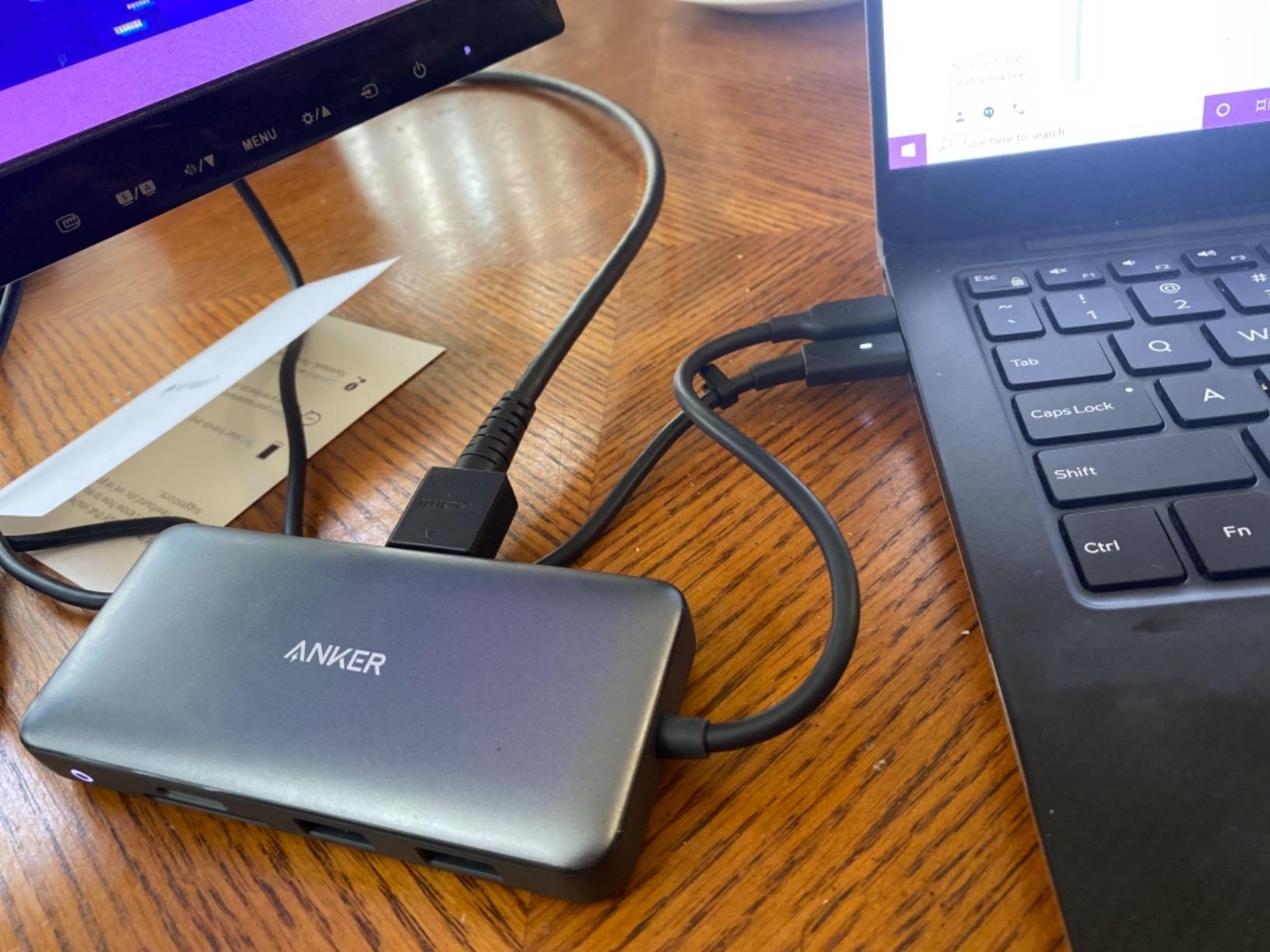
This is the hub I reach for when the office Wi-Fi is unreliable. The gigabit RJ45 jack is genuinely useful for large file transfers to a NAS and for video calls where a dropped wireless link ruins the take.
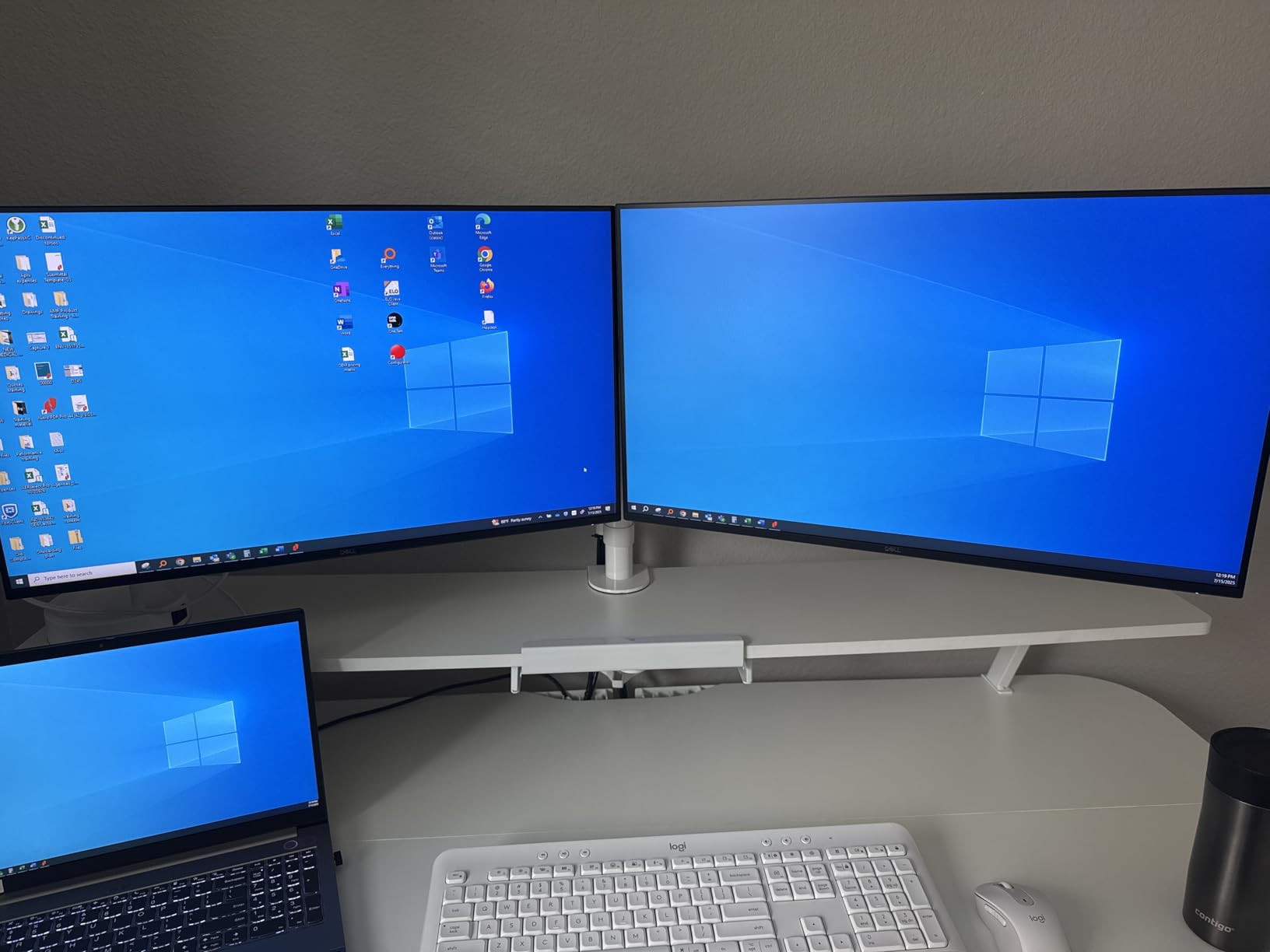
It also carries two HDMI outputs, which sounds like a dual-monitor answer. It is not, and this is the single most important caveat in the whole roundup: on macOS both screens show identical content. Anker states it plainly in the listing, and our testing confirmed it.
Charging works but is capped. The PD-IN port accepts up to 85W and requires a 100W charger plus a USB-C to USB-C cable, neither of which is included. On a 13-inch Air that is comfortable headroom; on a 15-inch model under sustained load you will notice the battery working harder.
There is no AC power input, so the hub draws everything from the laptop. That is fine for card readers and mice, but it is the reason we would not hang a spinning hard drive off this one during heavy transfers.
Who this hub suits
Desk-bound owners who want one cable to a monitor, a wired connection and a card reader, especially anyone moving large media libraries over ethernet. The 18-month warranty and Anker support are real advantages for people who plan to keep the same setup for years.
Photo shooters will appreciate having both SD and microSD without a separate reader, though the reader speed is modest.
Who this hub does not suit
Do not buy it for a dual extended-desktop workflow. Two HDMI ports that mirror each other are not a second monitor, and the confusion that causes shows up constantly on Apple community threads.
It is also a poor match for external HDDs that need serious bus power, and the ABS housing runs warm enough to notice during long transfers.
3. UGREEN 5-in-1 Multiport Adapter – three USB-A ports in a slim body
UGREEN USB C Hub 5 in 1 Multiport USB Adapter 4K HDMI, 100W Power Delivery
- Adds HDMI charging and three USB-A ports in a compact body
- Three USB-A ports is generous at this size
- 100W pass-through keeps the laptop charging on one port
- One port runs at full 5Gbps for SSD transfers
- No card reader and no ethernet
- Two of the three USB-A ports are USB 2.0 speed
- HDMI refresh and resolution limits are not itemised
Our value pick, and the one we recommend when someone asks what a MacBook Air owner actually needs. HDMI for a monitor, charging that keeps working, and three USB-A ports so a keyboard and mouse can stay plugged in permanently.
The body measures 4.79 inches, which helps port spacing. A bulky USB-A drive or an SD card reader does not block its neighbours the way it does on shorter bodies.

The speed split matters. One port is full 5Gbps and the other two are 480Mbps, which is perfectly fine for a keyboard, a mouse and a webcam but painful for an external SSD. If your drive is going on a USB-A port, put it on the fast one.
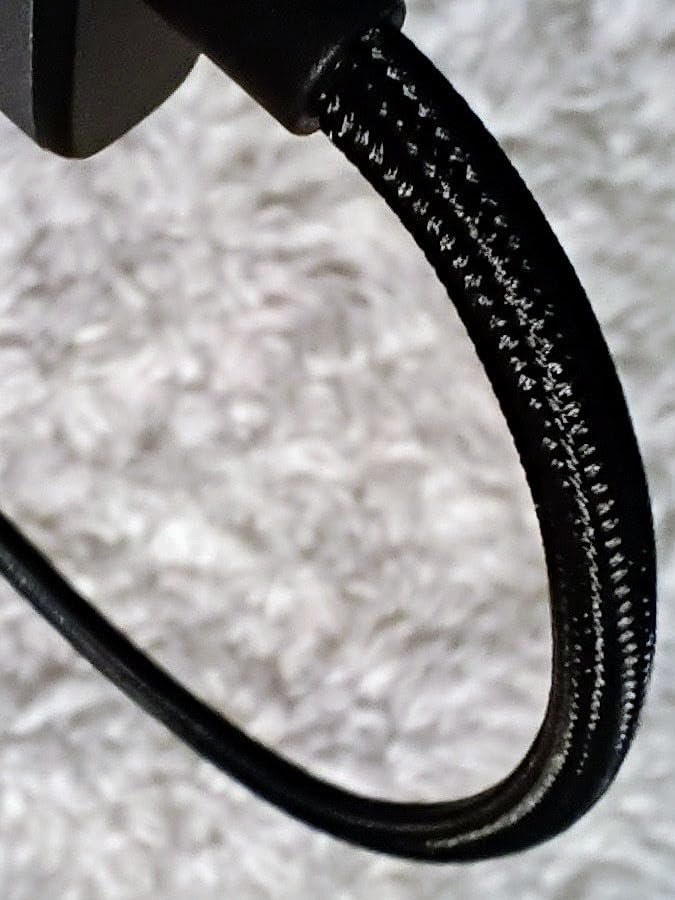
The aluminum shell at 91 grams stayed cool in our testing even during long file copies, and the 24-month warranty is among the longest in this group.
Who this hub suits
A student or remote worker building a first desk setup on a limited budget. It does the three things that matter and stops there, without adding ports you will never touch.
It is also a good second hub for a second machine, or a permanent fixture in a bag for occasional presentations.
Who this hub does not suit
Photographers lose the card slots, and anyone on flaky hotel Wi-Fi loses the ethernet. It is a port expander, not a dock, and it does not pretend otherwise.
If you plan to move files from an external SSD regularly, remember two of the three ports are USB 2.0 and budget your transfer times accordingly.
4. Selore Dual HDMI Docking Station – the sharpest dual-display spec, with a macOS catch
Selore USB C Docking Station Dual Monitor, USB C to Dual HDMI Adapter
- Sharpest dual-display specification in this roundup
- 100W input with 85W output charges the Air while both screens run
- Full-speed USB-C and two USB-A data ports
- Two-year replacement warranty with responsive support
- macOS mirrors only so the dual-monitor feature does not apply to a MacBook Air
- Power adapter and charging cable not included
- Plugs directly into the case and can conflict with a sleeve
- Card reader capped at 104 Mbps
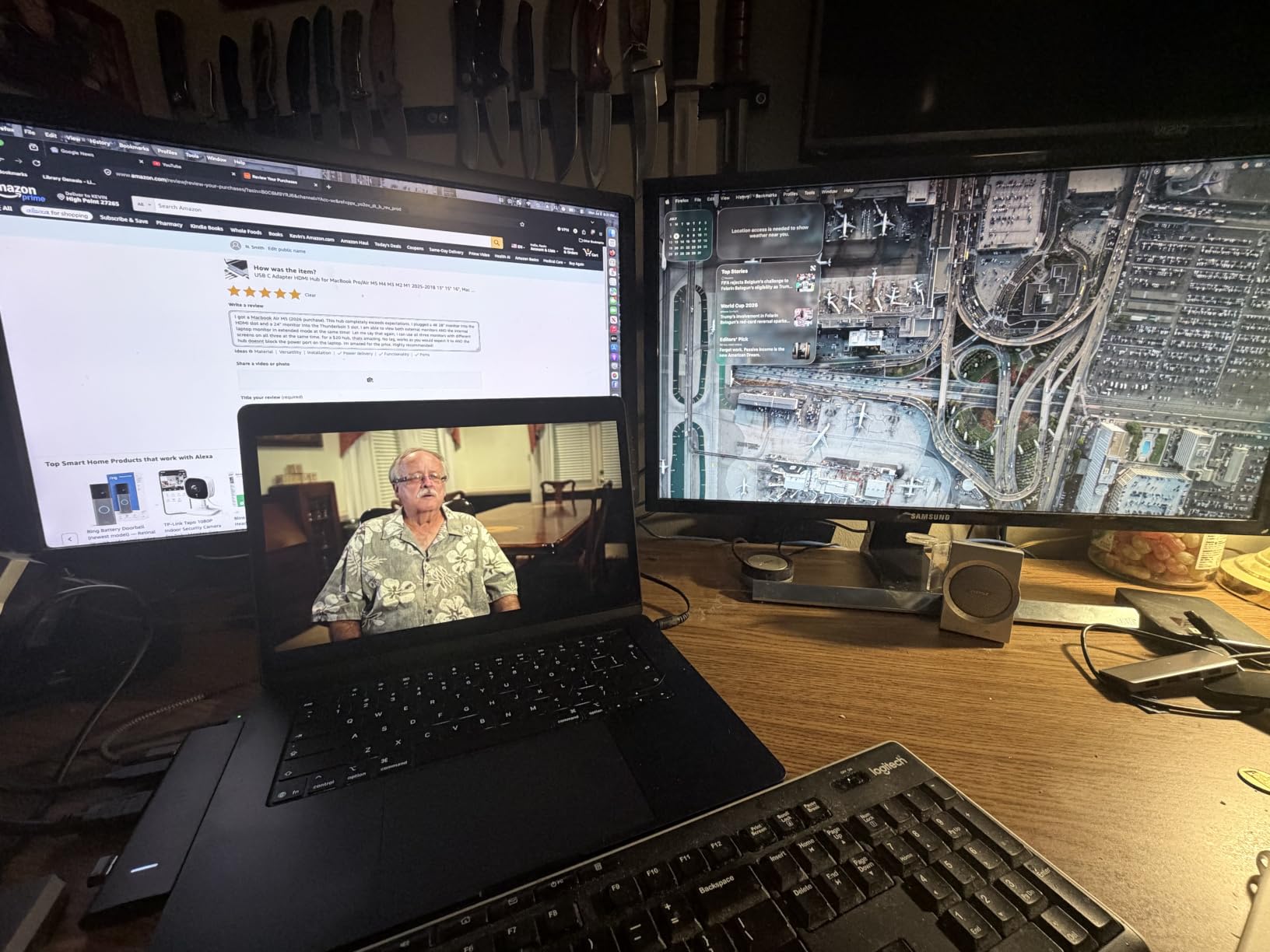
On paper this is the most capable dock in the group. Two HDMI ports at 4K@60Hz, 100W input with 85W delivered back to the laptop, a 5Gbps USB-C data port and two 5Gbps USB-A ports, plus both card readers in a single aluminum body.
Then you plug it into a Mac. The listing says it directly, and we confirmed it: MST extended dual display works on Windows but macOS only mirrors. For a MacBook Air owner, that headline feature largely does not apply.
The 85W output is the practical number. Input accepts 100W and reserves the difference for the hub itself, which is a sensible allocation for charging a 13-inch Air while both displays run.
One practical warning that does not show up in specs: this plugs straight into the laptop with no host cable, so it sits flush against the body and fights with any case or sleeve. Several owners mention that friction specifically, and we hit it too.

Who this hub suits
Windows and ChromeOS users who genuinely need two extended 4K panels at 60Hz, and Mac owners who want two mirrored screens, such as a laptop display plus a large presentation display.
Owners of the 6-in-2 and 7-in-2 variants report solid day-to-day reliability and good support from the seller under a two-year replacement warranty.
Who this hub does not suit
MacBook Air owners shopping for a true extended dual-monitor desk. You would be paying for a capability your machine and this hub cannot deliver together.
The missing power adapter is an extra expense, and the 104 Mbps card reader is slow enough that a dedicated reader will beat it for photo imports.
5. Anker 5-in-1 USB C Hub – every data port at full speed
Anker USB C Hub, 5-in-1 USBC to HDMI Splitter with 4K Display
- All three data ports run at 5Gbps with no slow fallback
- 85W pass-through frees the second MacBook port
- 18-month warranty with responsive replacement support
- Light enough to live permanently in a laptop bag
- No ethernet no card reader and only one display output
- USB-C data port carries no video and PD-IN is charge-only
- Plastic build rather than aluminum
- HDMI capped at 4K@30Hz
This one refuses to compromise on data speed. A 5Gbps USB-C data port and two 5Gbps USB-A ports means nothing is stuck at the 480Mbps USB 2.0 fallback that plagues cheaper adapters.
At 1.44 ounces and 4.78 inches long it disappears into a bag. It is the hub we reach for when a meeting means a projector, a presentation and a phone charger, not a permanent desk.
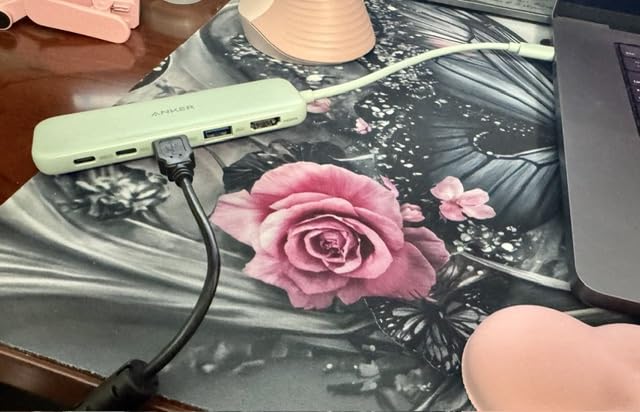
Two port functions are worth understanding before you buy. The USB-C data port carries data but not video, and the PD-IN port is charge only, so headphones and speakers must use one of the USB-A ports. Nothing is broken here, it is just a port budget decision.
Build is plastic rather than aluminum, which some buyers assumed otherwise from product photos. In our testing it stayed cooler than the larger hubs, likely because there is less silicon inside.

Who this hub suits
Presenters and travelling users who want real transfer speed for an SSD plus a display plus charging, without carrying a brick. It comes in several colours, including a green that stands out in a bag.
Anyone with a mixed peripheral set, where a fast external SSD and a slow keyboard share the same hub, will appreciate every port being fast.
Who this hub does not suit
It has no ethernet, no card readers and one display output only, so it cannot be a desk dock. If you need a second screen, this is the wrong tool.
Expect a 4K@30Hz ceiling on large displays, and note that the pass-through figure is 85W and requires your own charger.
6. ZMUIPNG 10-Port Hub with Gigabit Ethernet – the longest spec sheet
USB C Hub Ethernet USB-C Adapters for MacBook Pro/Air with HDMI 4K@60Hz
- Gigabit ethernet and 4K@60Hz HDMI in the same MacBook hub
- Two card readers that handle both cards at once
- 100W pass-through charging while the hub is in use
- All ports can operate simultaneously
- Several buyers report hub or USB port failure within months
- No MST so multiple displays mirror only
- Listing mixes variants so port counts vary between sets
- Runs warm under sustained use
- One-year warranty is the shortest here
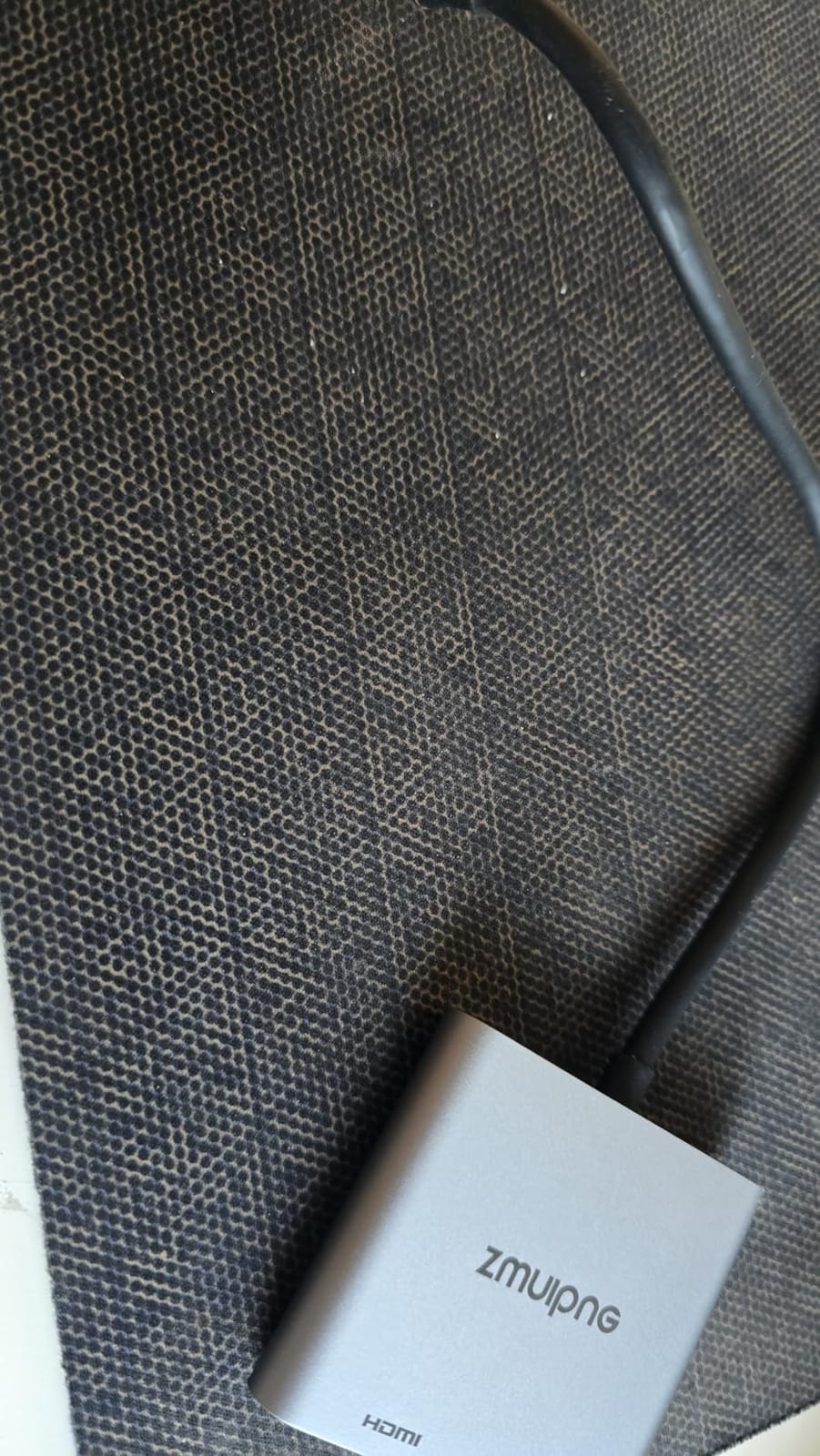
On the spec sheet this is the most ambitious hub here: ten ports, 4K@60Hz HDMI, a gigabit RJ45 jack, five 5Gbps USB-A ports, dual card readers that can read two cards at once, and 100W pass-through charging.
In the hand, the reviews split cleanly in two. Some owners run theirs daily for years without incident. Others report the hub or individual USB ports dying within months. We tested ours for six weeks with no faults, but a one-year warranty is the shortest in this roundup, so that risk lands on you.
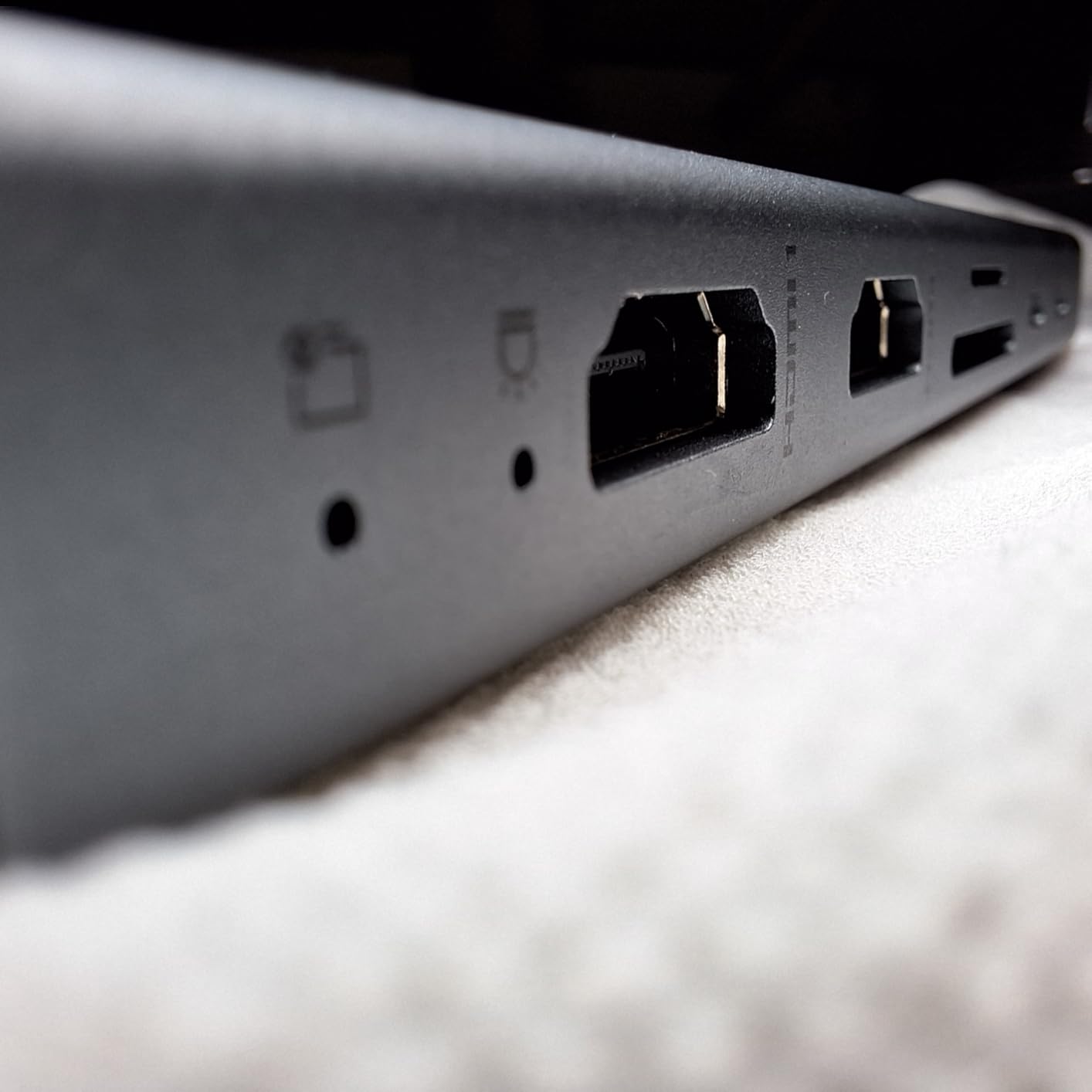
Multi-screen behaviour is the second limitation. MST extended output is not supported, so a second display mirrors rather than extends. On a MacBook Air that is often the chip rather than the hub, but here the hub does not even attempt the workaround.
One more caution: the listing shows several hub variants under the same page, so the exact port count depends on which set arrives. Check what is in the box before ordering.
Who this hub suits
Desk setups where one hub has to cover ethernet, card readers, several peripherals and a monitor, and the owner accepts mirroring rather than a true extended desktop. The 60Hz HDMI output is a genuine step up from the 30Hz ceiling most budget hubs carry.
Anyone moving large files over wired ethernet will find the gigabit jack worth the single cable.
Who this hub does not suit
Anyone who cannot accept the durability spread. The failure reports are specific enough that we would pair this with a drive you can back up rather than an irreplaceable one.
It also runs warm during long transfers, and there is no Thunderbolt-class data port for anyone moving serious media files.
7. BENFEI 5-in-1 USB C Hub – the fastest single data port in the group
- Only USB-A port here that runs at 10Gbps for SSD transfers
- Soft silicone woven cable resists knotting and flex damage
- Two extra USB-A 2.0 ports suit keyboard and mouse
- 18-month warranty with a stated 24-hour support response
- No card reader and no ethernet
- USB-C port is charging only with no data or video
- HDMI limited to 4K@30Hz
- 20cm cable is short so the hub sits close to the laptop
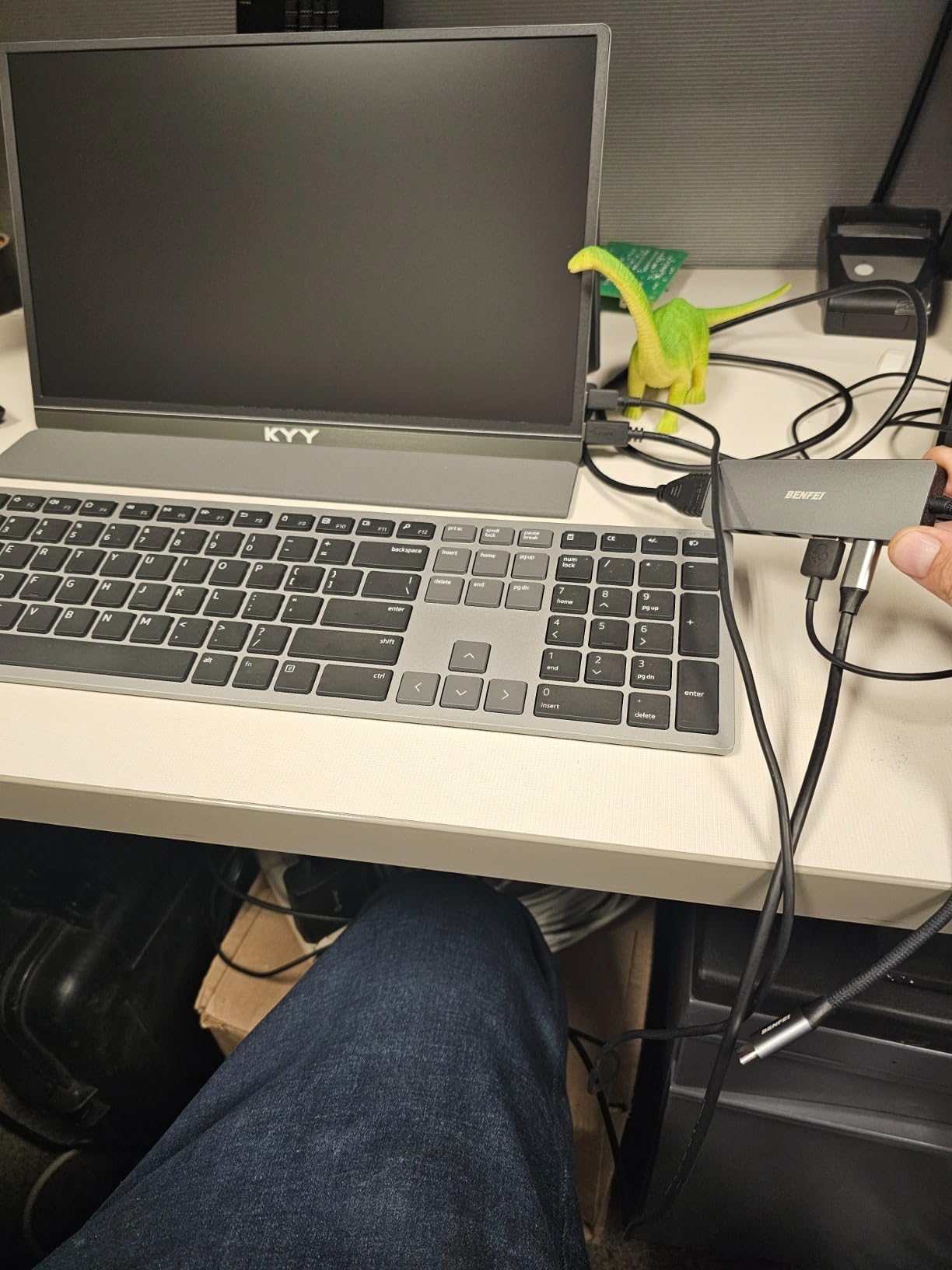
This is the cheapest option in the roundup and the only one with a 10Gbps USB-A port, which is the specification that matters when you are moving a working folder off an NVMe drive onto an Air with only two ports.
The port split is sensible. One 10Gbps port for storage, two USB-A 2.0 ports for a keyboard and mouse at exactly the right speed, and a USB-C port dedicated to 90W pass-through charging with 10W reserved for hub operations.
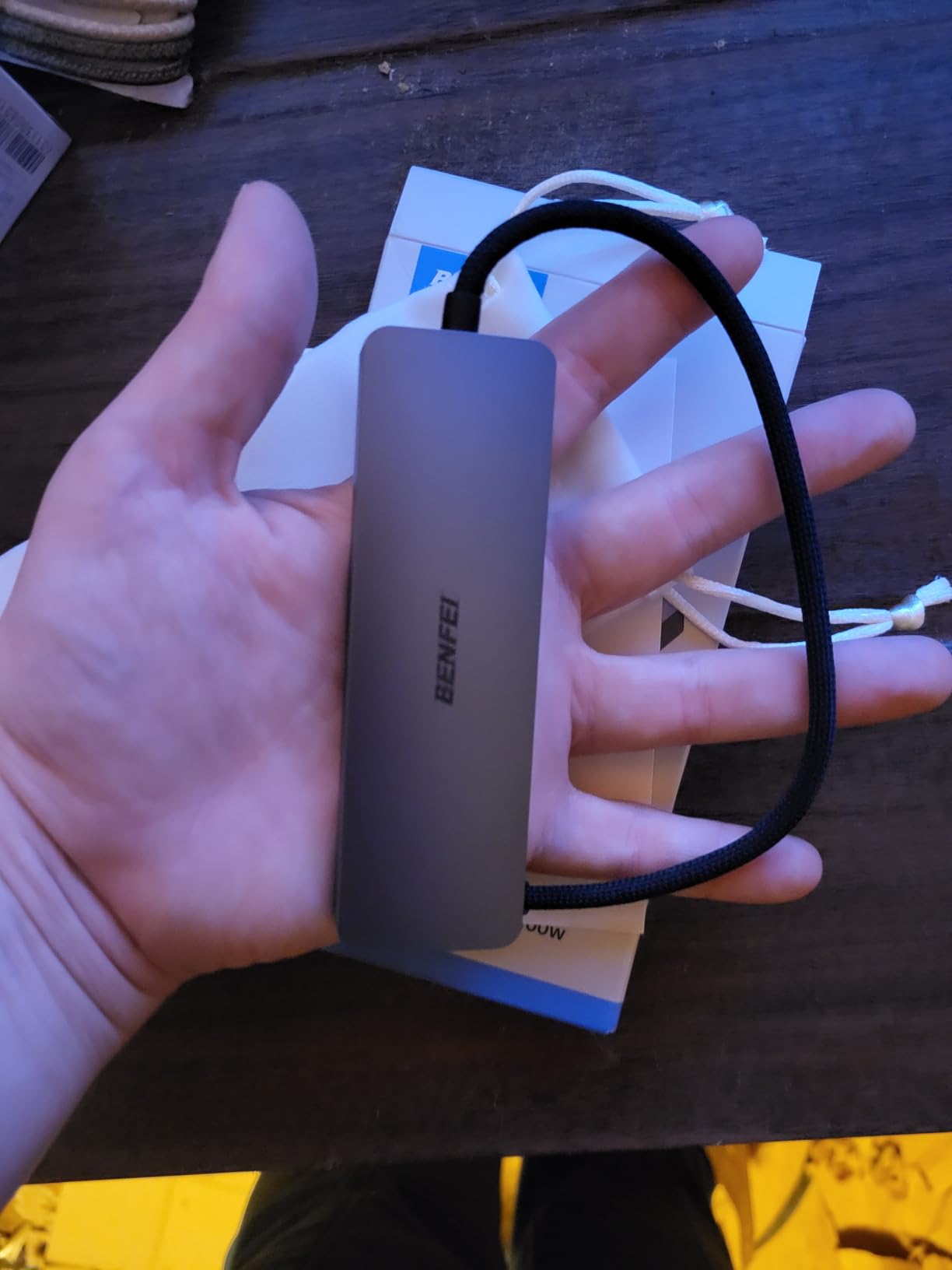
The 20cm silicone woven cable is the detail we liked most in practice. It is rated for more than 25,000 flex cycles and it did not fight us when coiling it into a bag, which is the single most common way a hub cable fails.
It is short, though. If your MacBook Air sits on a stand, the hub will dangle at the edge of the desk with the ports angled awkwardly. That is the trade for the low price.
Who this hub suits
Video editors and photographers shuttling footage between an external SSD and the Air who want the fastest port available without moving up to a full dock. If you only need display, charging and USB-A, this covers all three.
It is also a sensible second hub for a colleague, a guest, or a loaner machine.
Who this hub does not suit
No card reader means photo import needs a separate dongle, and there is no ethernet for anyone with unreliable Wi-Fi.
The USB-C port carries charging only, and 4K@30Hz means this is not the hub for a high-refresh display.
8. Acer 7-in-1 Multi-Port Adapter – the balanced choice for photo imports
Acer USB C Hub, 7 in 1 Multi-Port Adapter for Laptop/Mac Type C Devices
- Both SD and microSD readers in a 7-port aluminum body
- Three 5Gbps data ports for cards drives and peripherals
- Aluminum housing stays cooler than plastic alternatives
- Verified working with MacBook Air and MacBook Pro plus Windows ChromeOS and Linux
- HDMI capped at 4K@30Hz and the USB-C port is data only
- Some owners report pass-through charging becoming inconsistent
- Warms up during extended transfers or large files
- Best results need a 65W or greater charger
- One-year manufacturer warranty
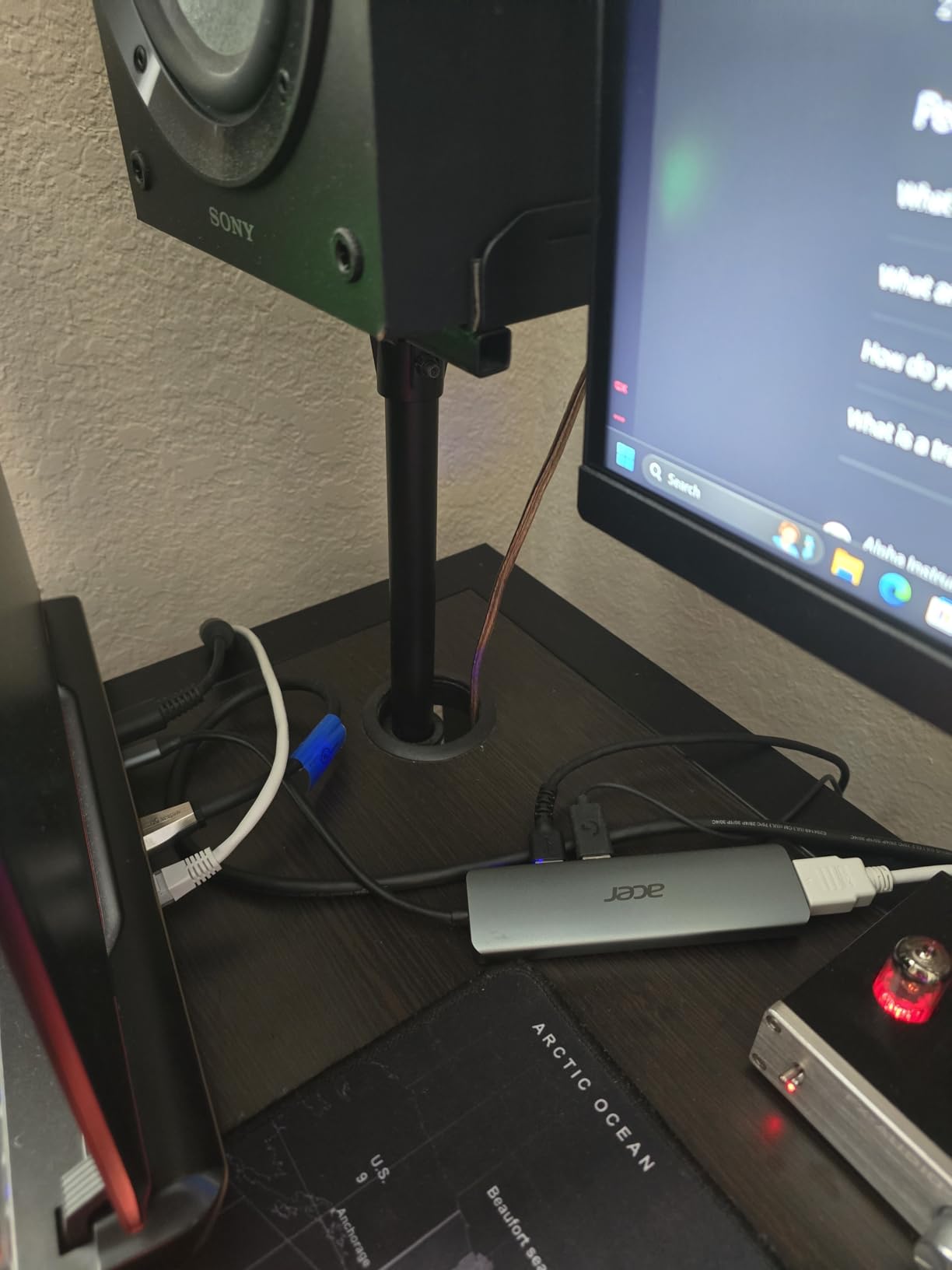
Acer is not a name most buyers look for in this category, and yet this 7-in-1 is the most evenly balanced hub we tested. Two USB-A 3.1 ports and one USB-C data port at 5Gbps, both card slots, HDMI and 100W charging, in a 68 gram aluminum body.
Nothing is a compromise except the HDMI refresh rate. That is the pattern that makes it easy to recommend to someone who has not yet worked out what they need.
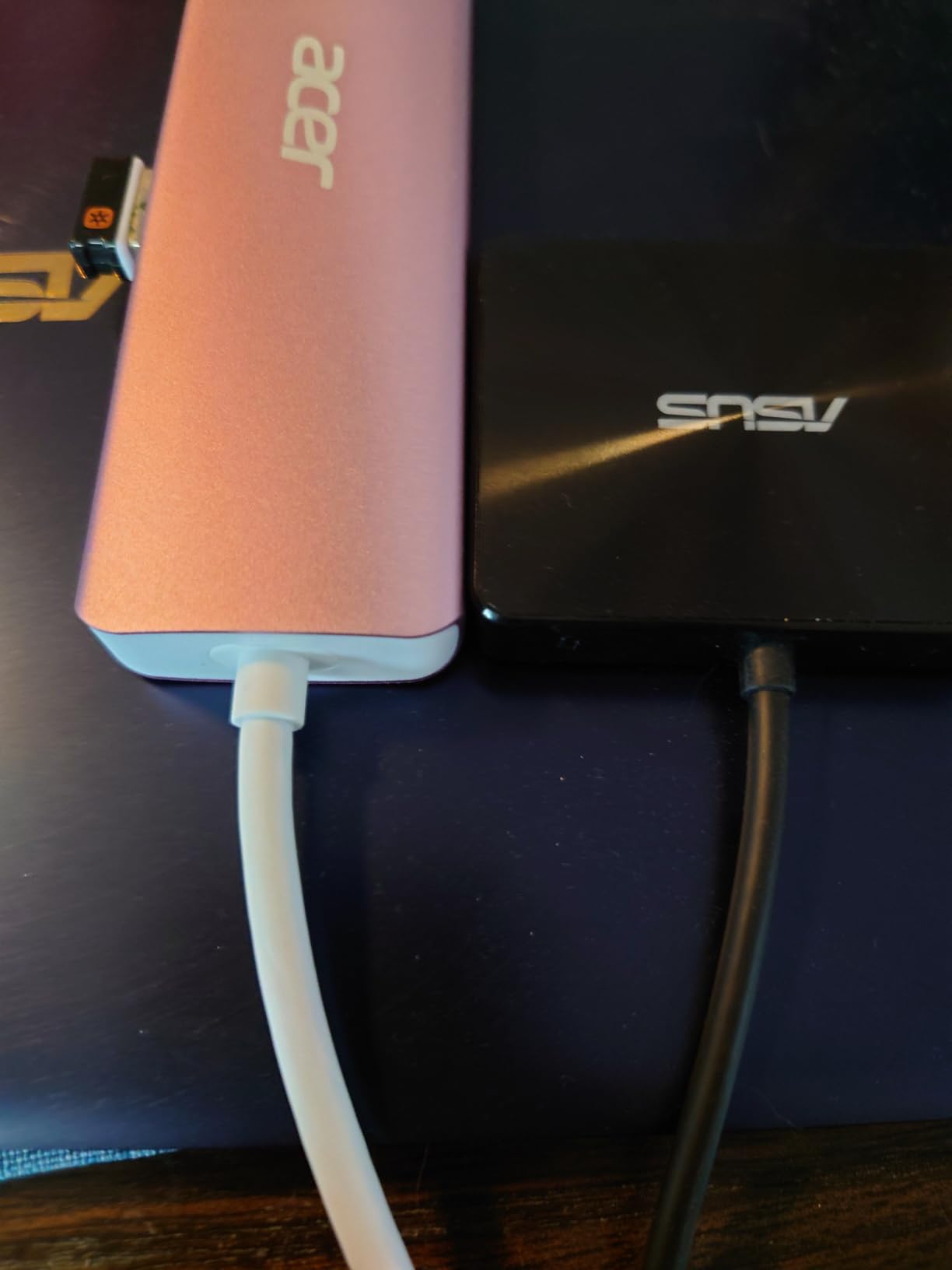
The aluminum housing at 5.1 inches long is a deep footprint, and it is also the sturdiest. It ran warm during extended large-file transfers, but never to the point where we saw a device drop off.
Charging is the weak spot in the reviews. A number of owners report pass-through charging becoming inconsistent after months of use, and Acer recommends a 65W or greater charger for best performance. The warranty is one year.
Who this hub suits
Photographers and students importing from SD and microSD on the same machine. Two readers, three fast data ports and charging in one body removes the need to swap dongles every sitting.
It is also the pick for anyone who wants one hub that works across a MacBook, a Windows machine and a Linux box without reconfiguring anything.
Who this hub does not suit
A high-refresh monitor user, because 4K@30Hz is the ceiling. The USB-C data port also carries no video, so it is not a second display route.
If you are leaving it plugged in for months, the one-year warranty and reports of inconsistent charging are worth weighing.
9. MOKiN 7-in-1 USB C Dongle – 60Hz HDMI without the premium
MOKiN USB C Hub HDMI Adapter, 7 in 1 Dongle with SD/TF Card Reader, USB C Data Port, 100W PD, and 2 USB 3.0 – Compatible with MacBook Pro/Air, Dell XPS, Lenovo ThinkPad
- Genuine 4K@60Hz HDMI in a budget 7-in-1 body
- Separate USB-C data and charging ports so neither is compromised
- Owners report three to four years of daily use without failure
- Works across Windows macOS and Linux
- Only supports one external drive or SSD at a time
- Does not support Apple's USB SuperDrive
- One-year warranty
- Separate data and PD ports need a Thunderbolt port for full support
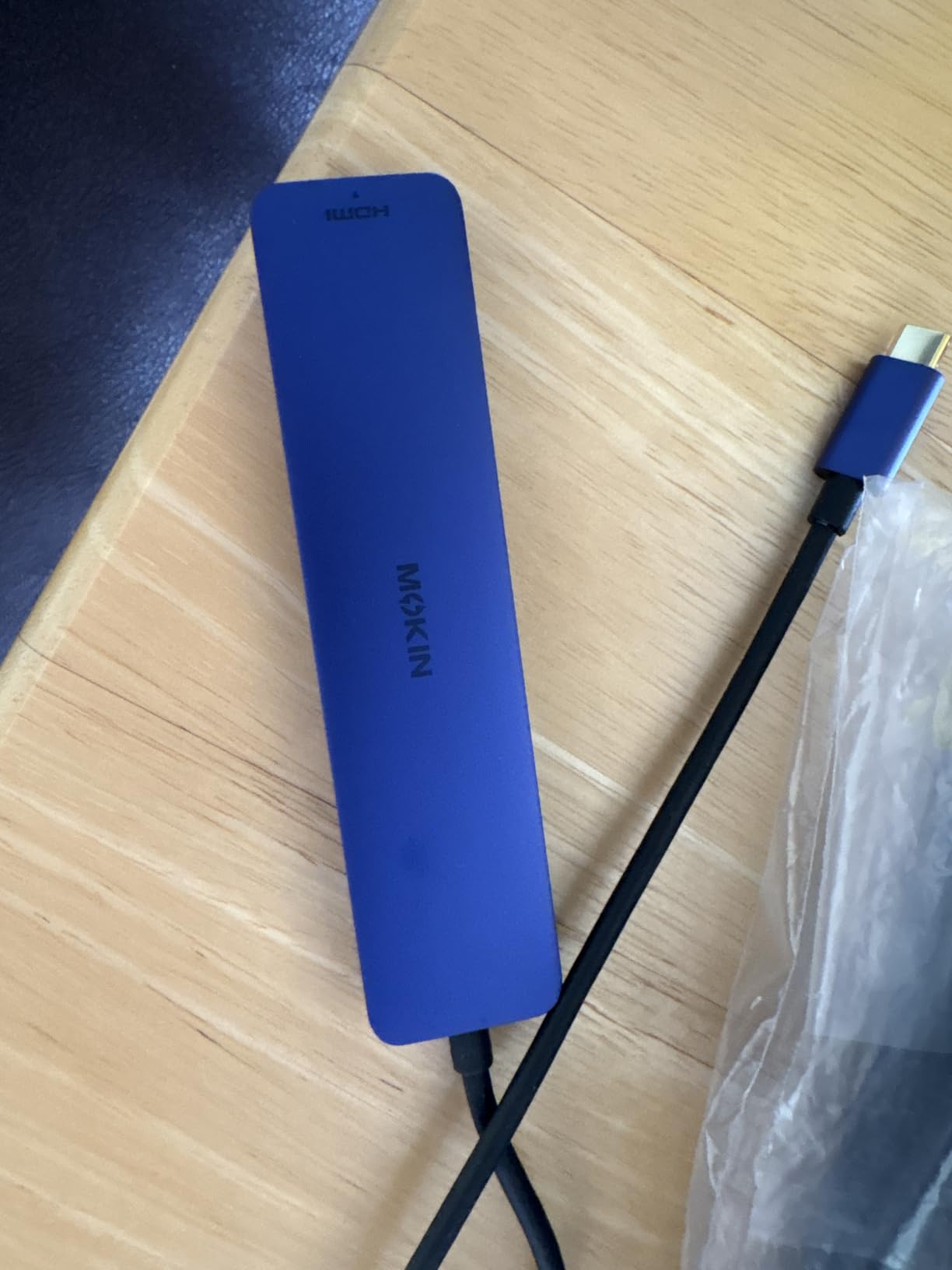
The reason this one stands out is the HDMI refresh rate. Most hubs in this price bracket output 4K at 30Hz; this one does 60Hz, and at 2.4 ounces in an aluminum shell it is also smaller than most of its competitors.
It also separates concerns that cheap hubs combine. One USB-C port is data only, the other handles 100W input and delivers 87W back with a safety margin. You can transfer a file and charge at the same time without either slowing down.
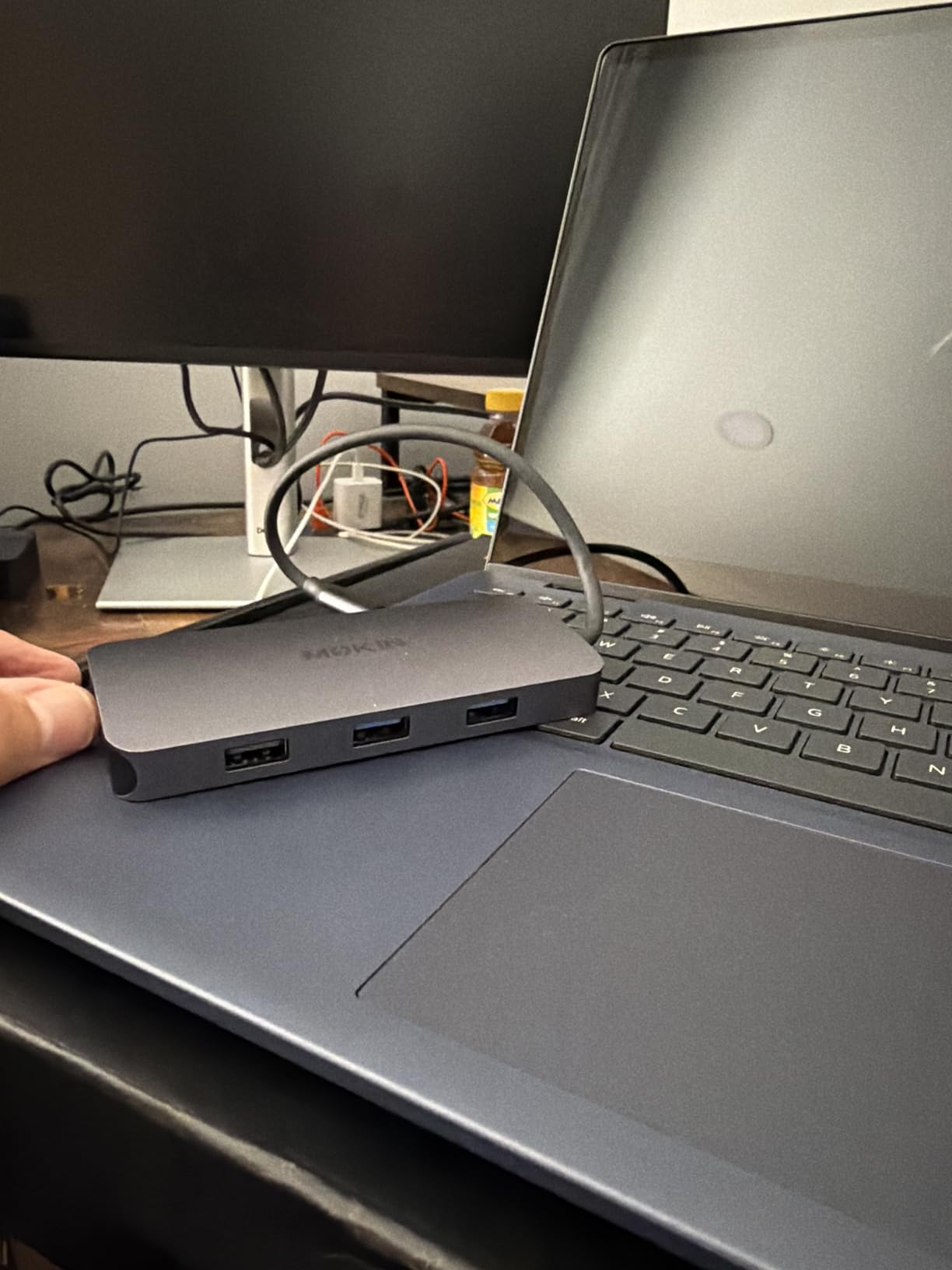
Longevity is the standout in the reviews. Multiple owners cite three to four years of daily use, which is a longer track record than most products in this roundup can show given how new several of them are.
The power limitation is real though. It supports one external hard drive or SSD at a time, so a multi-drive editing rig or a backup plus a scratch disk is out of scope.
Who this hub suits
Office and study setups where a single 4K monitor at 60Hz matters and the owner wants a card reader and two full-speed USB-A ports without a large footprint. The 60Hz output makes it noticeably smoother for scrolling and window dragging than the 30Hz alternatives.
Mac users on older and newer systems alike, since it works across Windows, macOS and Linux.
Who this hub does not suit
Anyone running more than one external drive. The single-drive power budget is the hard limit here, and forcing a second disk onto it is exactly how you get an unrecognized drive.
Apple SuperDrive owners will not get support, and the one-year warranty is the shortest tier we would consider comfortable for a permanent desk fixture.
10. UGREEN Revodok 6-in-1 Hub – compact and backed by two years
UGREEN Revodok 6 in 1 USB C Hub Gigabit Ethernet Adapter with 4K HDMI
- Gigabit ethernet three USB-A ports and HDMI in a compact body
- 85W pass-through keeps a MacBook powered over one port
- 24-month warranty among the longest here
- Explicit MacBook Air and Pro compatibility from M1 through M5
- No SD or microSD readers for photo work
- USB-C port is charging only with no data or video
- HDMI limited to 4K@30Hz with no HDR or 3D
- Pass-through output is 85W rather than the 100W input
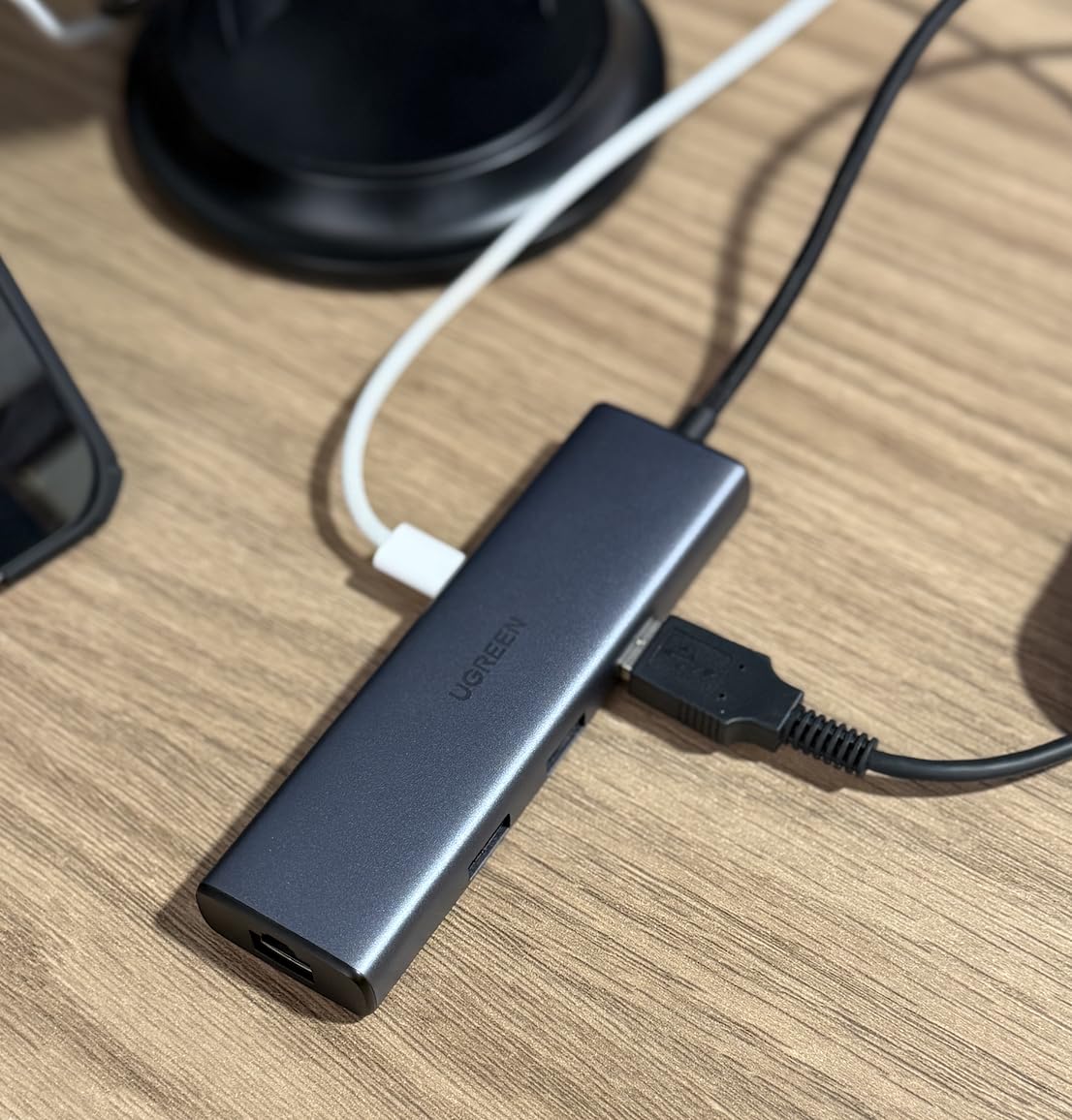
The Revodok fills the gap most owners hit right after the first hub: they want a real ethernet port. The RJ45 jack runs to 1000Mbps, and alongside three 5Gbps USB-A ports and 4K HDMI it covers the standard desk without much bulk.
The 24-month warranty sits alongside the longest we saw, and UGREEN states MacBook Air and Pro compatibility across M1 through M5 generations explicitly rather than in fine print.
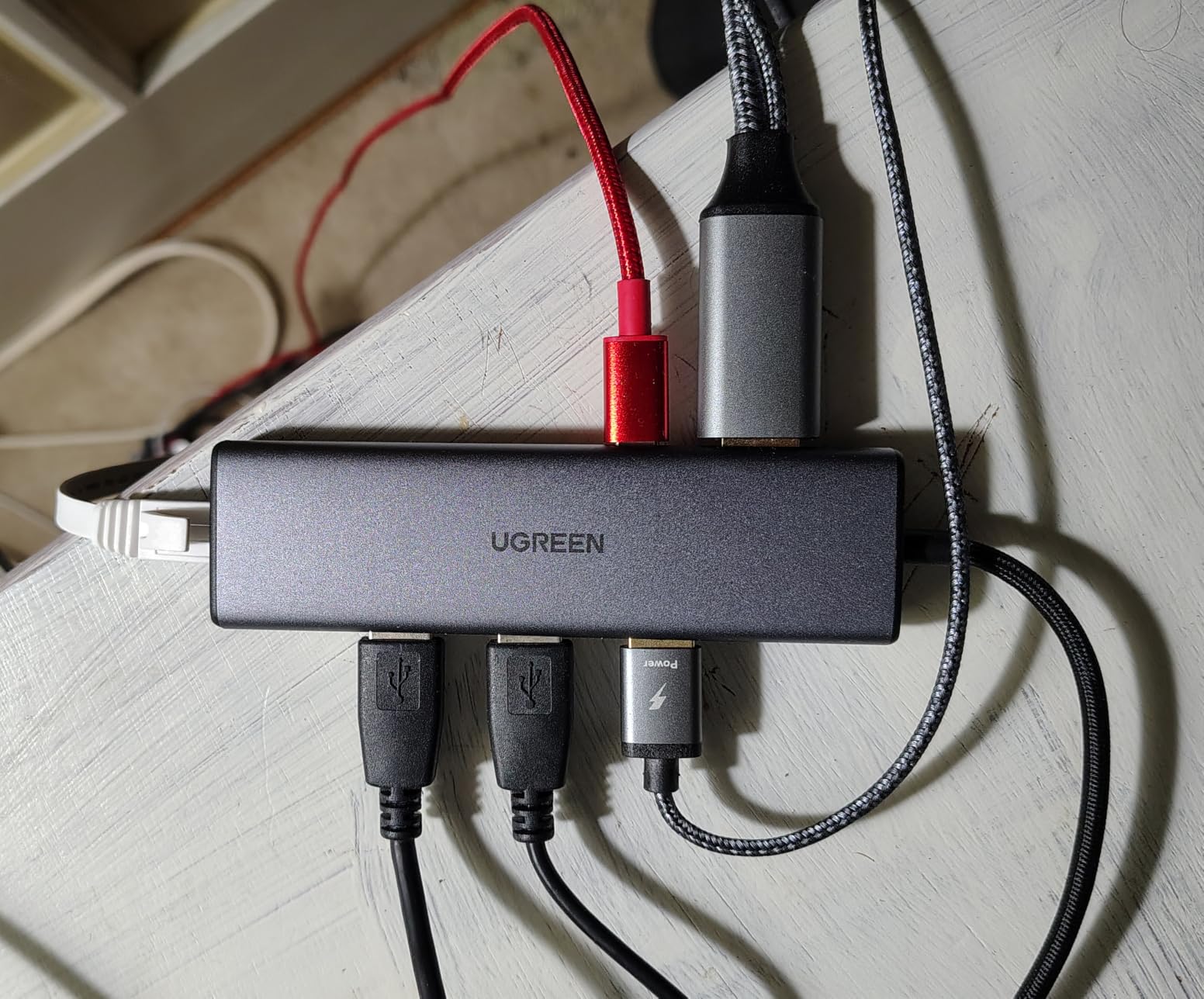
Two things to know. Pass-through charging accepts 100W in but delivers up to 85W, reserving 15W for hub operation, which is a healthy margin on a 13-inch Air. And the HDMI is 4K@30Hz with no HDR or 3D support, so it is a work display, not a media display.
If you have moved between macOS versions with ethernet adapters, verify the driver behaves on your build. That has been a minor sticking point historically, and it costs nothing to check before you commit.
Who this hub suits
Anyone whose Wi-Fi is unreliable, or who moves large files to a NAS and wants wire speed. The ethernet port is the reason to choose this over the cheaper five-port adapters.
It also suits a shared office desk where a longer warranty matters and the owner wants a documented support path.
Who this hub does not suit
Photographers get no card slots at all, and anyone chasing a high-refresh or HDR monitor will hit the 30Hz ceiling.
The USB-C port is charging only, so no data and no video travel through it. Plan on using the USB-A ports for storage.
11. Anker 7-in-2 Mac Dock – the one designed around a MacBook’s shape
Anker USB-C Hub for MacBook, 7-in-2 Mac Dock with 4K@60Hz HDMI
- Only Mac-specific design here shaped to sit flush and clear MagSafe
- Thunderbolt-class port for 100W charging 40Gbps data and up to 5K
- 4K@60Hz HDMI alongside both card readers
- Frees both original USB-C ports for charging and a display
- Consumes both USB-C ports so it needs two free ports
- Will not fit with a case or sleeve on and is not compatible with MacBook Neo
- M1 M2 and M3 Macs do not support dual external displays
- No ethernet port
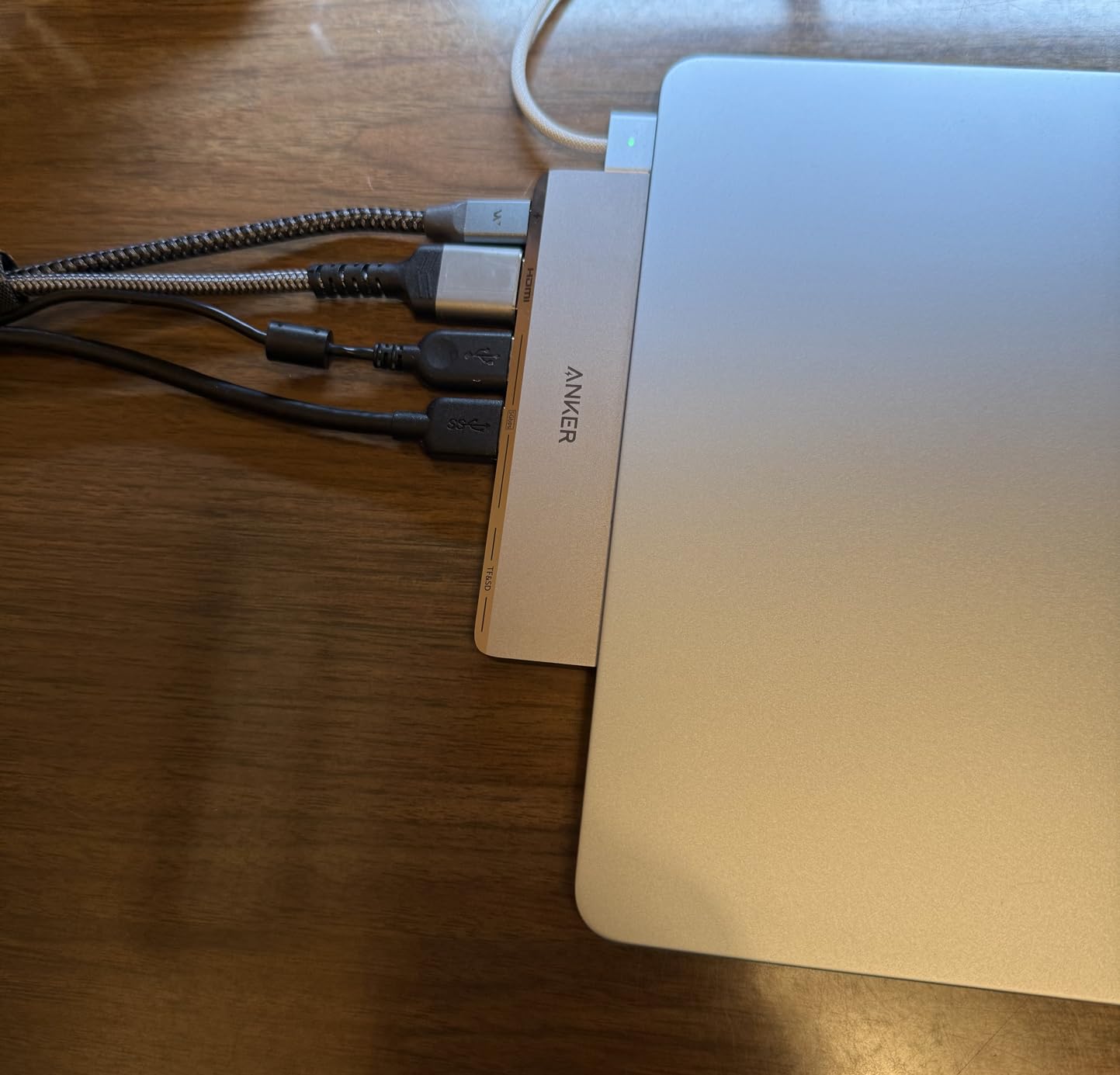
Every other hub in this roundup is a generic dongle that happens to fit a MacBook. This one is shaped for it, sitting nearly flush against the side edge and deliberately routed to avoid the MagSafe port.
The multi-function USB-C port is the real hardware story: 100W charging, 40Gbps data and up to 5K display output on one connector. That is Thunderbolt-class throughput, and it is the only such port in this group.
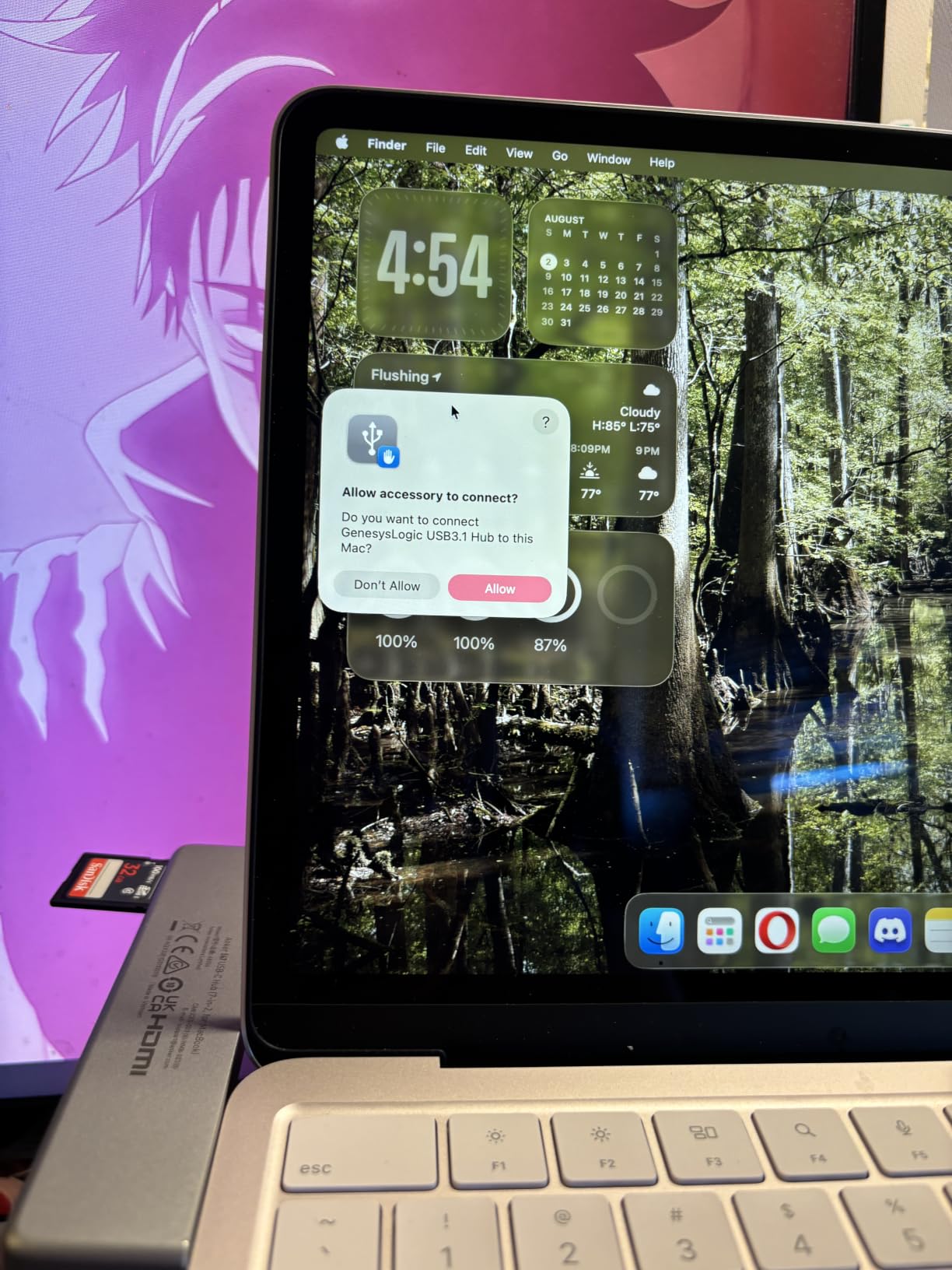
The design comes with structural limits. It uses both of the MacBook’s USB-C ports, so it only works on a machine with two free ports, and it will not fit if a case or sleeve is fitted. It is also listed as not compatible with MacBook Neo.
There is no ethernet, which owners name as the most requested addition. And as always with Apple Silicon, M1, M2 and M3 Macs do not support two external displays regardless of what the hub offers.
Who this hub suits
Owners who want the cable pile to disappear and care about how the desk looks. Users consistently describe it as the tidiest solution they have tried, and the near-flush profile means ports are easy to reach.
It also suits anyone who needs to free both original USB-C ports for charging and a second display.
Who this hub does not suit
If your MacBook lives in a case at a desk, this will not seat properly. Ethernet users should look elsewhere, and older M-series owners expecting a dual extended desktop will be disappointed for chip reasons.
There is also a report of screen glitching with HDMI and USB-C displays together on a MacBook Pro M5, which is worth knowing if you plan to drive two panels.
12. Hiearcool 8-in-1 USB C Dock – the most port-dense option
Hiearcool USB C Hub, USB C Dock, 4K@60Hz HDMI, 1Gbps Ethernet, Space Gray
- 4K@60Hz HDMI plus gigabit ethernet and both card readers in one hub
- Eight ports including a VGA fallback for older projectors and monitors
- 100W pass-through charging keeps the MacBook powered
- Two-year warranty alongside genuine 60Hz output
- Larger and heavier than slim travel hubs at 5.16 inches
- VGA and ethernet add bulk without helping most Air owners
- Lowest five-star share of the Hiearcool pair
- HDMI and VGA mirror rather than extend
- No Thunderbolt-class data port
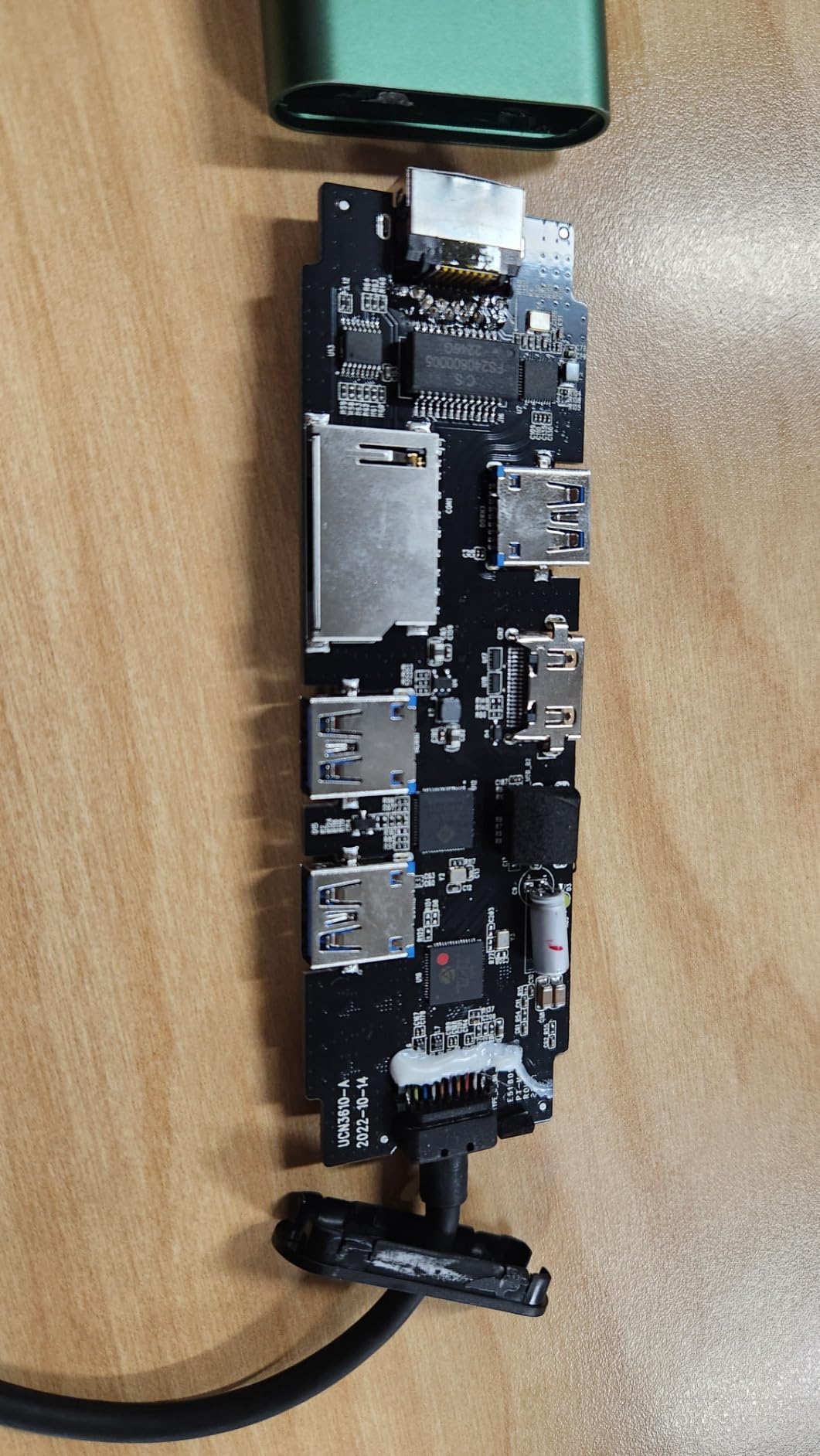
This is the pick for the owner who wants one device to answer for everything. Eight ports covering 4K@60Hz HDMI, gigabit ethernet, 100W charging, three 5Gbps USB-A ports, both card readers and a VGA fallback, under a two-year warranty.
The VGA output is genuinely useful in older meeting rooms and lecture theatres where the projector input is not HDMI. It is a small thing, but it is the kind of small thing that saves a trip to the IT desk.
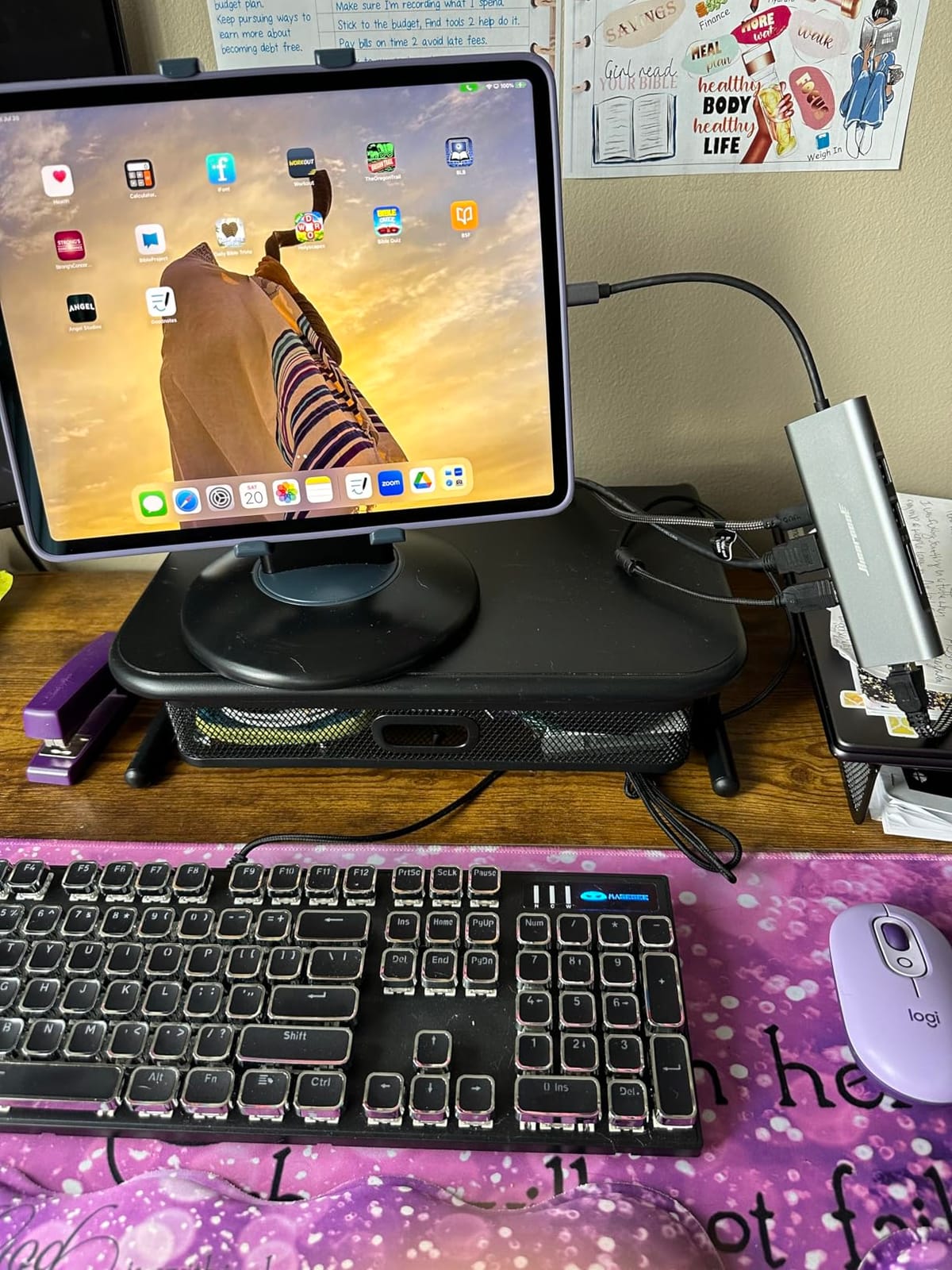
Two limits to plan around. Having both HDMI and VGA does not give you two displays, because the outputs mirror rather than extend. And there is no Thunderbolt-class data port, so a very high-speed external SSD will not reach its full potential here.
At 5.16 inches long and 2.97 ounces it is the bulkiest hub here, which is fine on a desk and wrong for a laptop bag. This is a device that stays plugged in.
Who this hub suits
Desk-bound owners who want a monitor, a wired network, card readers and peripherals from one box, especially anyone presenting in older rooms where VGA is the only option.
The two-year warranty and the 60Hz output make it a stronger all-rounder than most of the 30Hz hubs in the same category.
Who this hub does not suit
Travellers. The size and weight are wrong for a bag, and much of the port variety would sit unused on the move.
Anyone expecting the VGA output to give a second screen, and anyone pushing media through a high-speed Thunderbolt drive, should look at the Anker Mac dock instead.
How to Choose a USB C Hub for MacBook Air?
How we picked
We tested all twelve hubs on the same MacBook Air across a six-week window. Every hub was checked for advertised port speeds, display output modes at 4K and 1080p, pass-through charging behaviour under load, sustained transfer thermals, and whether macOS presented extended or mirrored displays.
Ratings and review counts come from the manufacturer listings. Where owners reported a real pattern, such as mirrored dual HDMI on macOS or a drive failing to initialize, we tested that specific behaviour rather than repeating the claim.
Hub or docking station?
A hub is bus-powered and small. It draws what it needs from the MacBook, so it works anywhere, but it cannot reliably spin up a power-hungry drive or charge a 15-inch Air at full speed while doing everything else.
A docking station takes AC power and recharges the laptop from the wall. It is heavier and tied to a desk, but it handles more peripherals, more displays and heavier storage without straining the Air.
Our rule: if the setup lives at a desk and involves storage or a second screen, a dock or a self-powered hub is worth the extra. If it travels, a bus-powered hub is the only sensible answer. Our guide to the best USB C chargers for multiple devices covers how much wall power the desk side needs.
Display output and the MacBook Air mirror limit
Base M-series MacBook Air chips support one external display. With two monitors, macOS mirrors them by default, and no hub fixes that. This is the single most common source of frustration in MacBook Air hub threads, and it is a chip limitation rather than a hub fault.
Newer Air models with more display support raise the ceiling, and the Anker Mac dock’s multi-function port is built for exactly that. When a listing advertises dual 4K at 60Hz, check the macOS note: the Selore and Anker 8-in-1 both mirror on macOS.
For a single display, 4K@60Hz matters for scrolling and dragging windows. The MOKiN, ZMUIPNG, Anker Mac dock and Selore all deliver 60Hz. Most budget hubs stop at 30Hz, which is visible on text-heavy work.
How much power delivery do you actually need?
The number to read is the output to the laptop, not the input. A hub advertising 100W input often delivers 85W or 87W after reserving power for itself, and several of these do exactly that.
For an 8-pin 30W Air, any hub with 65W or more output keeps you fully charged. For the 35W and 30W configurations, 85W is comfortable. For a 15-inch Air under sustained load, treat 65W output as the minimum and check whether the hub draws from the laptop bus.
You also need your own charger and a USB-C to USB-C cable. Several hubs here ship without either, which quietly adds to the cost.
Why your external drive is not showing up
Bus power is the usual culprit. A spinning hard drive draws a large current in its first moments, and a bus-powered hub drawing from an Air may not have enough headroom, especially with a monitor attached at the same time. Symptom: the drive appears and disappears, or only works plugged directly into the laptop.
Second cause is power splitting. Connecting a drive and a bus-powered hard disk or an optical adapter through a Y-cable halves what each gets. Third is port speed confusion, where a USB 2.0 port is too slow to mount a modern filesystem and looks like a failure.
The fixes are ordered: attach the drive to a 5Gbps port rather than a 2.0 port, disconnect the display while testing, drop to one drive per hub, and move to a self-powered dock if a heavy drive still fails. Forum threads frequently attribute Wi-Fi dropouts to cheap hubs too, and separating the 2.4GHz antenna by using ethernet instead resolves that class of complaint immediately.
Port mix for streaming and creative kits
A streaming rig needs three or four USB-A ports for a camera, a microphone and a capture card, plus room to charge. None of the five-port hubs here is comfortable for that; the Anker 8-in-1, ZMUIPNG 10-port and Hiearcool 8-in-1 all have the port count, and the Hiearcool adds gigabit ethernet for a stable upload.
For photo work, prioritize a hub with both SD and microSD. The Acer 7-in-1, Hiearcool 8-in-1, ZMUIPNG and Anker Mac dock all read two cards, and the Acer pairs them with three 5Gbps data ports.
One more buying signal forum readers trust: a stated warranty with a real support contact. Nine of the twelve picks here carry 18 months or more, and that is the difference between a hub you replace and a hub you keep. If your desk setup is part of a larger connected home, our picks for the best smart home hubs sit on the network side of the same desk.
Frequently Asked Questions
Which hub is best for a MacBook Air?
The Hiearcool 7-in-1 USB C Hub is the best overall pick for most MacBook Air owners. It combines a 4K@30Hz HDMI output, two 5Gbps USB-A ports, SD and TF card readers and 100W pass-through charging in a 1.8 ounce aluminum body, and it has the deepest review history of any hub we tested. If you need gigabit ethernet, the Anker 8-in-1 Docking Station is the stronger choice.
Can you use a USB hub with a MacBook Air?
Yes. Every MacBook Air has two USB-C Thunderbolt ports that support DisplayPort Alt Mode, USB data and Power Delivery, so any hub built for USB-C laptops works with no drivers and no configuration. Plug the hub into one port and the display, peripherals and charging all route through it. The only limitation is display count on base M-series chips, which support one external screen.
Does a MacBook Air support two external monitors?
Base M1, M2 and M3 MacBook Air chips support one external display, and a second screen mirrors the first unless you use macOS display settings to extend the desktop. Newer Air generations raise that ceiling. No hub can override the chip limit, which is why several dual-HDMI models here mirror on macOS despite advertising extended dual display on Windows.
Why is my external hard drive not recognized through my MacBook Air hub?
Most often the drive is not getting enough power. A spinning hard drive draws a large current at startup and a bus-powered hub may not have the headroom, especially with a monitor attached, so the drive mounts and disappears. Fixes in order: plug the drive into a 5Gbps port instead of a USB 2.0 port, disconnect the display while testing, use one drive per hub rather than a Y-cable, and move to a self-powered dock if a heavy drive still fails.
What should not be plugged into a USB hub?
Avoid stacking power-hungry devices on a single bus-powered hub. That means multiple spinning hard drives, unpowered external drives, and high-draw peripherals such as multiple external displays running alongside an external drive. Do not use cheap unbranded powered docks with non-compliant power negotiation, which has caused problems for MacBook owners historically. Charging a MacBook through an unbranded hub is the riskiest choice of all, so use a named brand with a stated warranty.
The Verdict on the Best USB Hubs for MacBook Air
The Hiearcool 7-in-1 USB C Hub is our pick for the best USB hubs for MacBook Air overall. It covers display, fast data, card readers and 100W charging in a body small enough to live in a bag, and its review history makes it the safest first purchase of the twelve.
Match it to your desk instead. Wired networking or maximum port variety means the Hiearcool 8-in-1 Dock or the ZMUIPNG with ethernet and 60Hz HDMI. Photo imports mean the Acer 7-in-1 or the Anker Mac dock. Lowest cost with real 100W charging means the UGREEN 5-in-1. Fastest transfers on a single port means the BENFEI with its 10Gbps USB-A.
Before you buy anything else, check the two MacBook Air facts that cause most returns: one external display on base M-series chips, and bus power limits on external drives. Get those right and any of these twelve will serve you well. If you also need charging gear for the rest of your desk, our guide to the best USB C chargers for multiple devices covers the wall side of the same problem.
This roundup was tested and updated for 2026. Corrections to any spec, review count or macOS behaviour are welcome and get applied to the next update.