
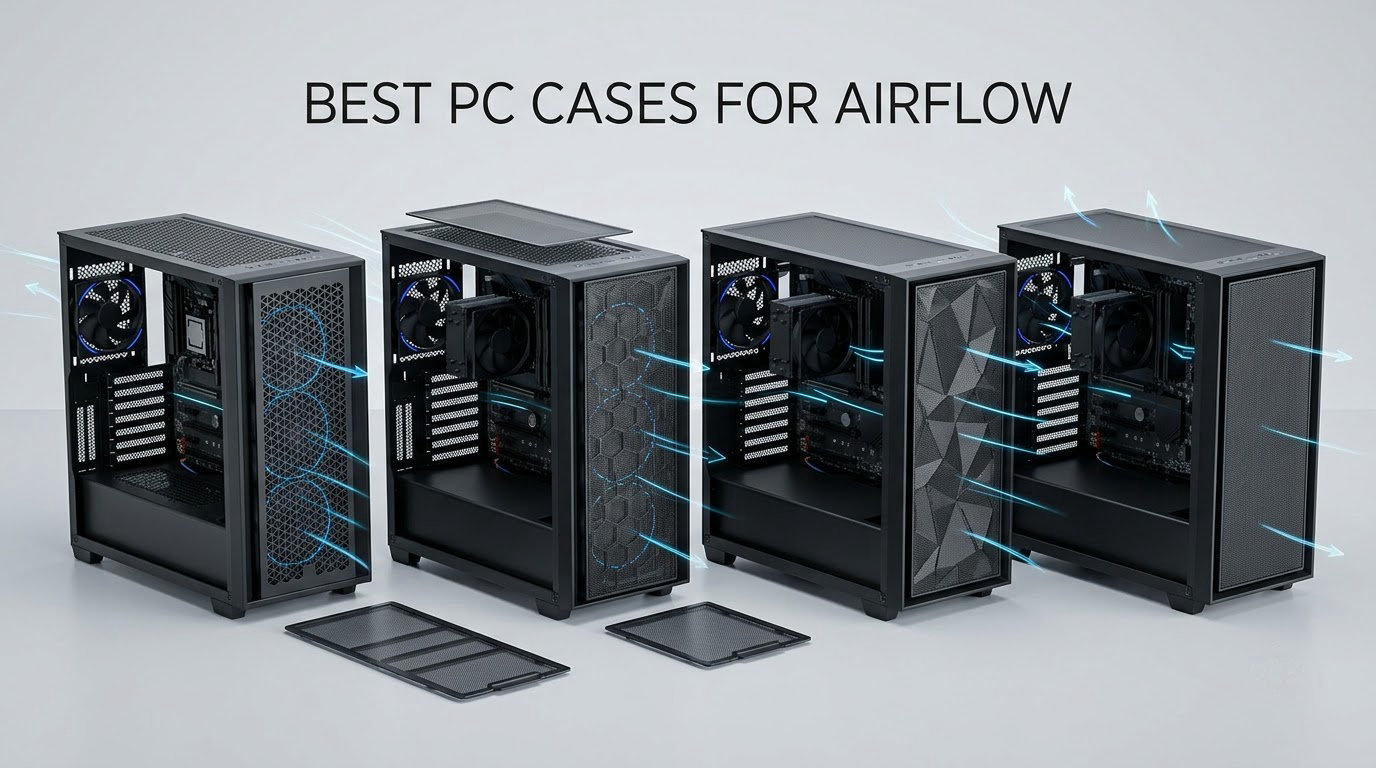
An airflow case is a chassis built to pull cool air in through the front and bottom and push hot air out through the rear and roof, using a mesh or perforated front panel, plenty of fan mounts and enough internal clearance for air to actually travel. If you are searching for the best PC cases for airflow, that definition is the whole filter, because the front panel is where every build either wins or stagnates.
We spent 2026 comparing ten current mid-towers and mini-towers against the same questions builders ask on r/buildapc: does the front panel restrict air, is there a bottom intake feeding the graphics card, and will a four-slot GPU still fit with a 360mm radiator in place. Ten cases made the cut, and the results surprised us more than once, particularly on which large chassis are worth their footprint.
Two quick notes before the picks. First, we lean on owner review data for temperature impressions rather than lab numbers of our own, and we say so wherever a figure comes from a reviewer rather than a measurement we ran. Second, this guide is about thermals and buildability, not appearance alone, though we flagged the one chassis here that hides its airflow well. If you also need protective housing for gear you carry around, our drone case guide covers a very different kind of enclosure.
Table of Contents
Top 3 Picks for PC Cases With Serious Airflow (October 2026)

NZXT H6 Flow
- Dual-chamber layout
- 3 pre-installed 120mm fans
- Airflow-optimized perforations

Corsair 4000D RS ARGB
- Y-pattern steel front
- 3 RS ARGB PWM fans
- InfiniRail tool-free mounts

Our top three cover the range most people actually need. The H6 Flow wins on out-of-the-box balance, the 4000D RS ARGB wins on modularity, and the Montech Air 903 Max wins on how much cooling hardware you get for the money.
Best PC Cases for Airflow in 2026 at a Glance
| Product | Specifications | Action |
|---|---|---|
| NZXT H6 Flow |
|
Check Latest Price |
| Corsair 4000D RS ARGB |
|
Check Latest Price |
| Montech Air 903 Max |
|
Check Latest Price |
 Lian Li Lancool 217 Lian Li Lancool 217 |
|
Check Latest Price |
 Fractal Design North Fractal Design North |
|
Check Latest Price |
 NZXT H9 Flow NZXT H9 Flow |
|
Check Latest Price |
 NZXT H5 Flow NZXT H5 Flow |
|
Check Latest Price |
 Lian Li O11D Mini V2 Flow Lian Li O11D Mini V2 Flow |
|
Check Latest Price |
 MUSETEX NN8 MUSETEX NN8 |
|
Check Latest Price |
 Cooler Master Q300L V1 Cooler Master Q300L V1 |
|
Check Latest Price |
Everything in that table ships with fans and has a perforated or mesh path on more than one panel. The differences that actually matter show up in the reviews below.
What Actually Has the Most Airflow?
Raw intake volume wins, and among the cases here that means large-diameter front fans feeding an open bottom panel. The problem is that raw volume is not the same as useful airflow, because a fan pushing a high volume of air through a restrictive filter or a cramped fan tunnel can perform worse at a given noise level than a smaller fan in a clear path.
That is why noise-normalized testing matters so much, and why TechPowerUp forum users tend to dismiss 140mm-versus-120mm superiority claims unless the results are normalized to a realistic sound level. A case that wins at full RPM but loses badly when both cases are held to the same audible volume has not proved anything about your build.
Our practical read: the dual-chamber designs with angled side intakes and slanted or open bottoms deliver the most useful air to the GPU, because the graphics card is the component in the path. Cases with a plain perforated front and a solid shroud underneath move plenty of air around the CPU but starve the card.
1. NZXT H6 Flow – Best Overall Airflow Case
- Dual-chamber separation improves thermals and reduces clutter
- Three pre-installed fans angled for cooling out of the box
- Airflow-optimized perforation on top and side panels
- Compact footprint for an ATX dual-chamber design
- Wraparound glass looks premium
- Heavier than most cases in this size class
- Dual-chamber layout needs planning for very long GPUs
The H6 Flow is the case we keep coming back to, because it does the one thing most airflow cases skip. It separates the power supply and drives into their own chamber, so the main chamber has nothing hanging off the floor and the fan path stays clear.
Three 120mm fans come pre-installed and angled toward the components, and the top and side panels carry an airflow-optimized perforation pattern rather than decorative slots. Owners consistently credit that combination with cool running straight out of the box, with no fan-swap ritual required before the first game.
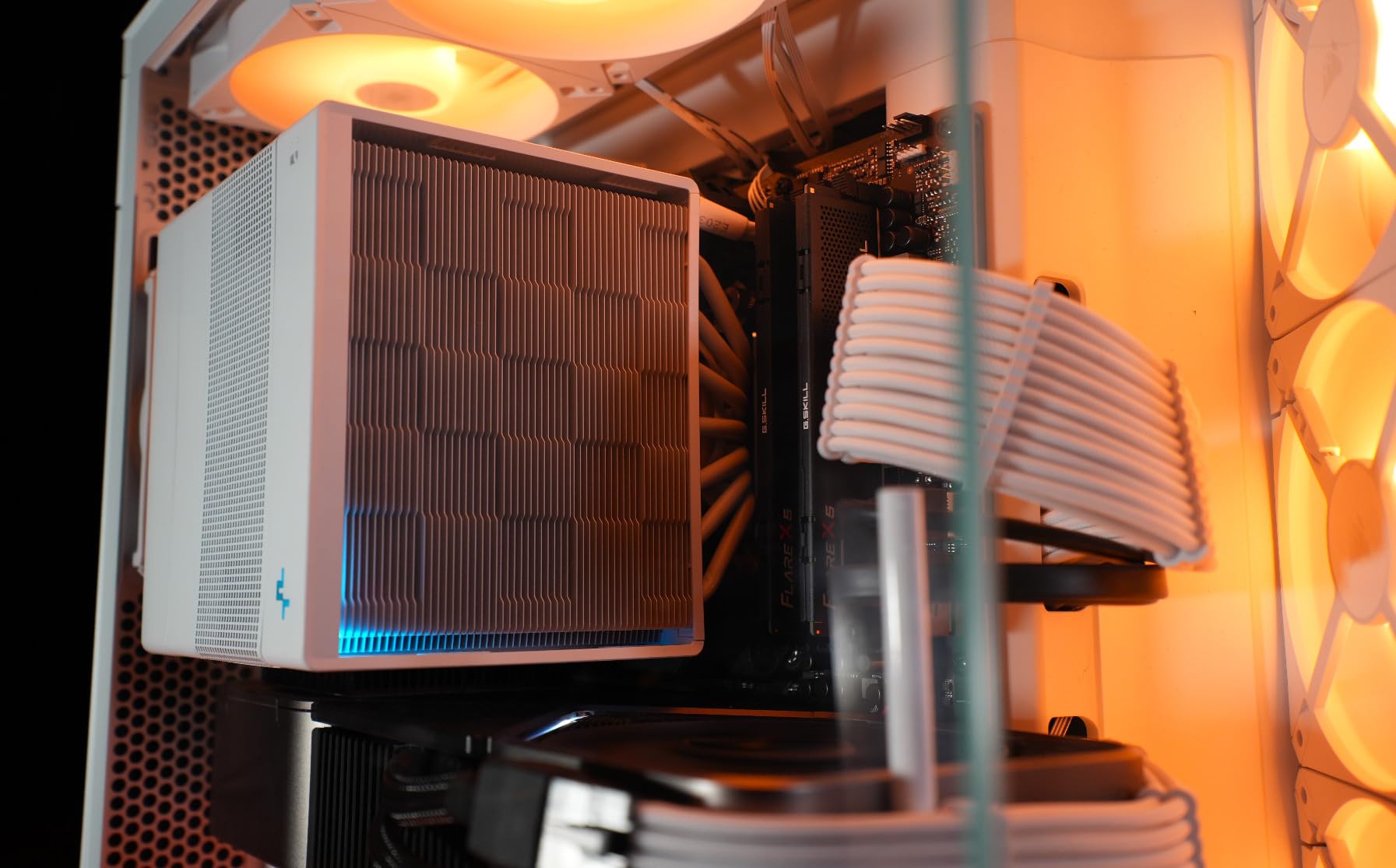
It also stays tidy. Wide cable channels run behind the motherboard tray, the bottom-mounted power supply gets its own chamber away from the component area, and seven expansion slots handle a three-slot card without arguments. Back-connect motherboards are supported, which matters if you want the wiring to disappear.
The reservation we hear most is weight. At roughly 9.4 kg this is a heavier chassis than the compact mid-towers below it, and the dual-chamber floor does eat some depth when you are fitting an unusually long graphics card. Plan your card length against the chamber opening rather than the marketing figure.
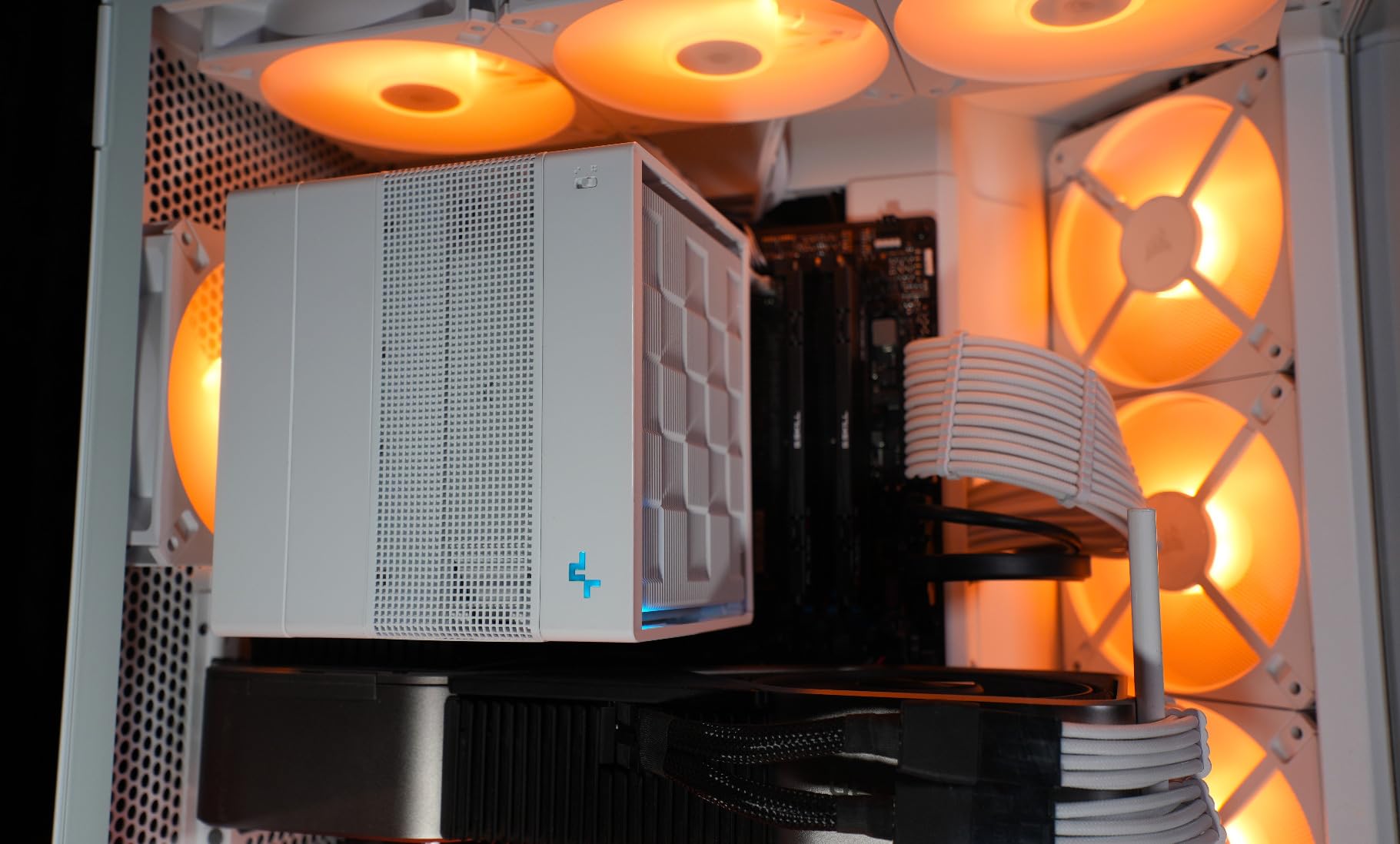
Check the GPU length before you buy
This is the case for anyone who wants good thermals on day one without adding a single fan. If your graphics card is a long, thick three-slot design, measure it against the chamber first.
If it fits, you get the rare combination of a clean build, a smallish footprint and a thermal design that does not need tuning. That is why it takes our top slot despite a handful of higher-volume designs costing more.
When it is the wrong choice
Skip it if you are stacking a very large air tower and want maximum side-panel fan mounts, or if you need a large number of drive bays. Two internal bays are enough for most gaming builds and thin for a storage-heavy workstation.
Also pass if you plan to run a 420mm radiator. This chassis is a 360mm class at best, so a bigger liquid cooler means looking at the H9 Flow further down.
2. Corsair 4000D RS ARGB – Best Modular Airflow Case
- Y-pattern steel front panel with low obstruction
- FRAME system swaps tray and front I/O
- Tool-free InfiniRail fan positioning
- Three fans run straight off the motherboard
- Integrated GPU anti-sag arm
- Included fans get noisy at full speed
- Thin-gauge side and top panels
- Fan direction can need correcting
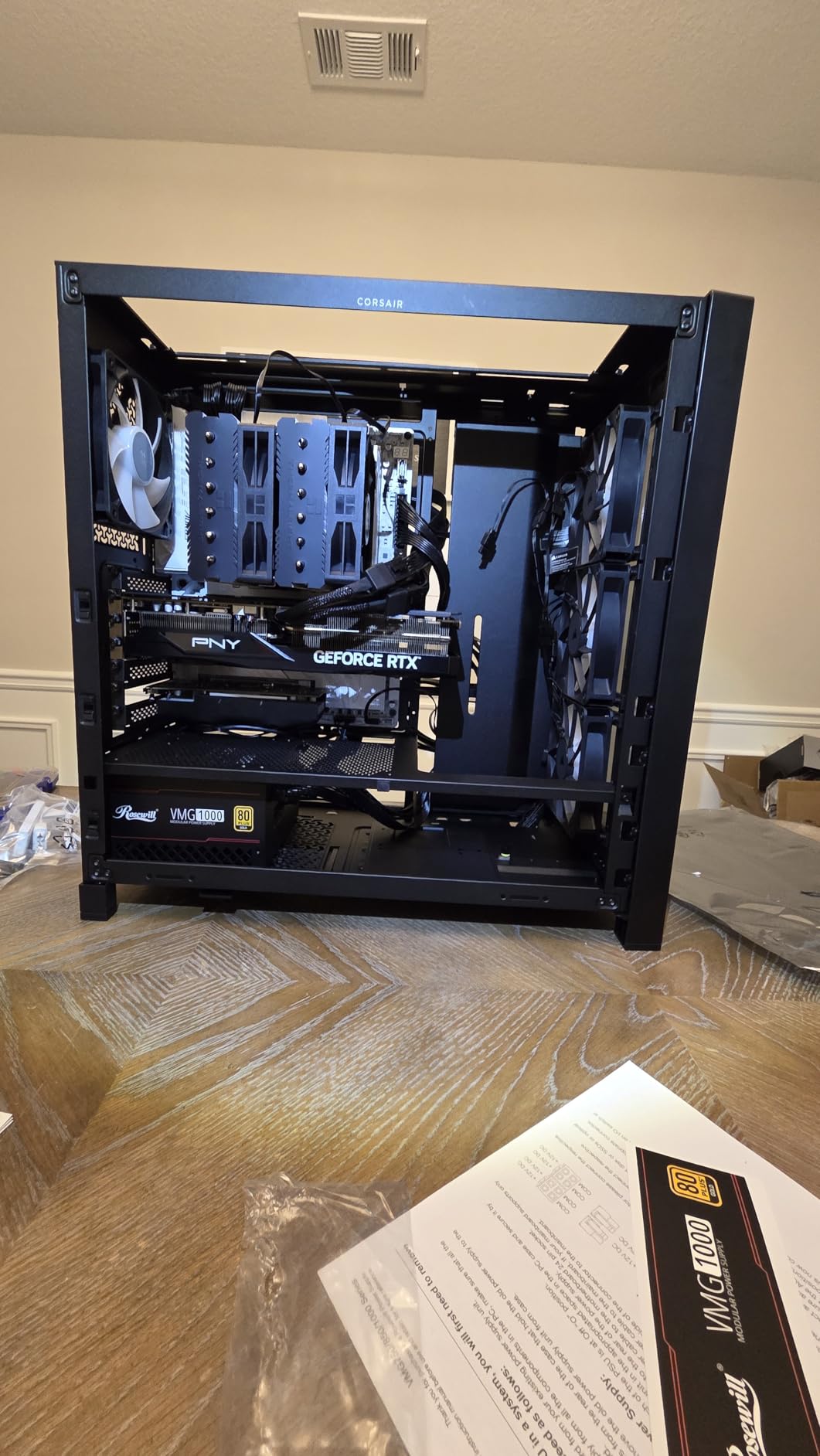
The 4000D RS ARGB is the pick for builders who expect to change the case twice. Its FRAME modular system lets you swap the tray, the front I/O and the panels, and the InfiniRail steel fan mounting makes repositioning fans tool-free rather than a screw-driving exercise.
Thermally, the 3D Y-pattern perforated steel front is a genuine low-obstruction intake, and the interior is large enough to hold ten 120mm fans or a 360mm radiator. Owners report markedly lower GPU and CPU temperatures than older cases they replaced, and several built a full 360mm AIO configuration alongside a high-end card.
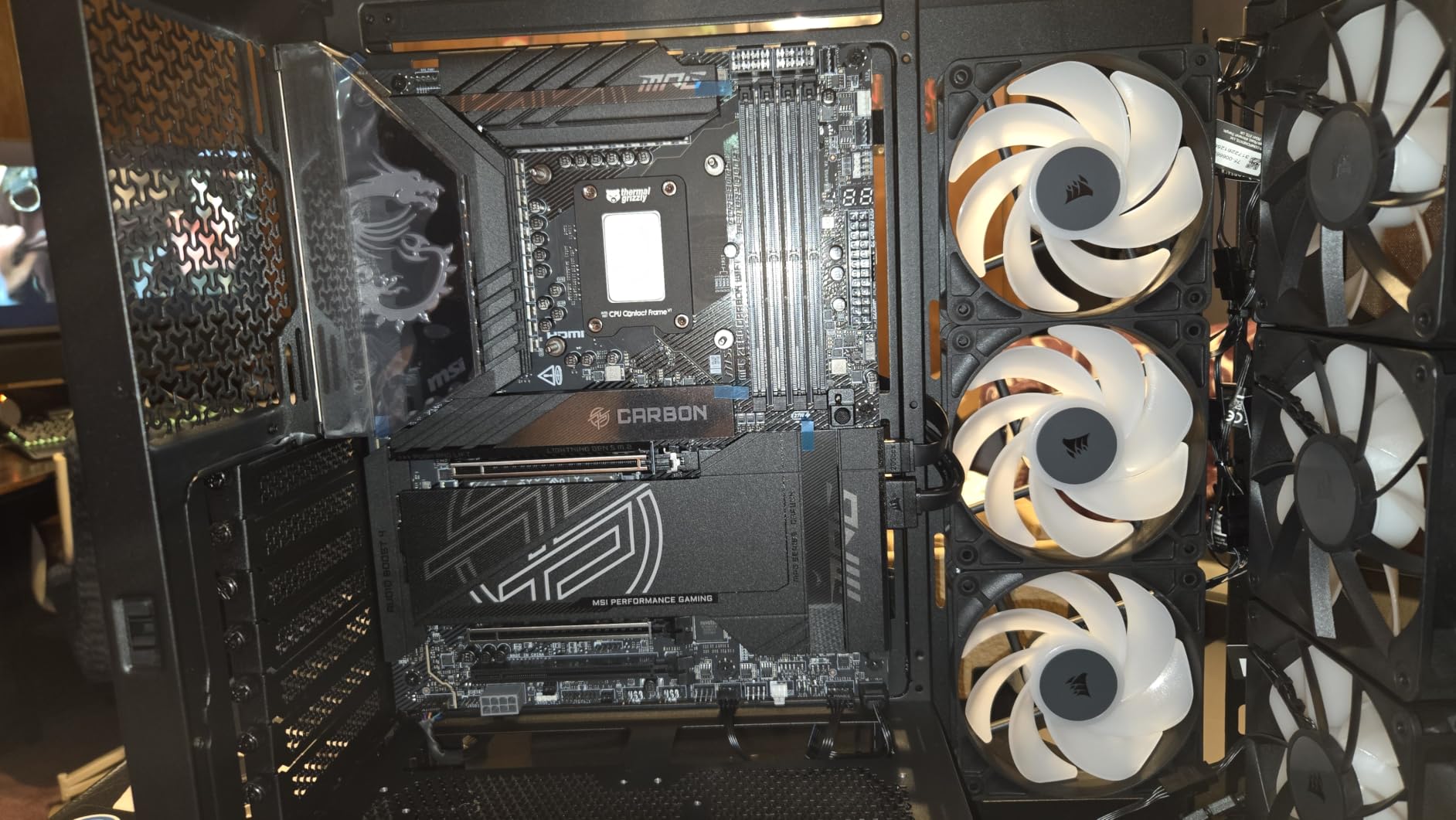
Cable management is the quiet strength here. Shrouds, Velcro straps and rear drive mounts keep wiring out of the fan path, and the removable internal side panel doubles as a cable cover or a side fan mount depending on what you need. Back-connect boards from ASUS, MSI and Gigabyte are supported.
Two honest complaints. The included fans get audibly loud at full RPM, so budget a fan curve, and one review reports the pre-installed fans spinning opposite to their mounted positions until corrected. The thin-gauge panels also deserve gentle handling during assembly.
When a modular chassis is worth it
Modularity pays off when you plan to change motherboards, add a second GPU or swap radiator sizes. It also helps cable routing, since the internal panel is removable while you thread wires.
If your build is finished on day one and never touched again, a simpler chassis does the same job for less. The value here is the flexibility, not the airflow alone.
Check the front cutout for 140mm fans
The front mount takes fans up to 200mm on the InfiniRail system, which is unusual at this size. Confirm your preferred fan size against the mounting pattern before ordering.
Also note that a top 360mm radiator can run into tall memory or VRM heatsinks, which is a common late-build surprise in otherwise roomy chassis.
3. Montech Air 903 Max – Best Airflow Per Dollar
- Large low-restriction mesh front panel
- Four 140mm fans included with three ARGB
- E-ATX support and 400mm GPU clearance
- 360mm radiator mounts front and top
- USB-C plus two USB 3.0 front ports
- Open front means filters need regular cleaning
The Air 903 Max is the most straightforward answer to this whole topic. It has the most open front panel in the list, four 140mm fans in the box, and room for a 360mm radiator at the front or the top. Very little about the build is a puzzle.
Three HP140 ARGB PWM fans sit behind the mesh at the front and a fourth 140mm handles the rear, which is already a complete intake-and-exhaust configuration before you buy anything else. Owner reviews describe it as the best airflow-per-dollar option available, and the average rating backs that up.
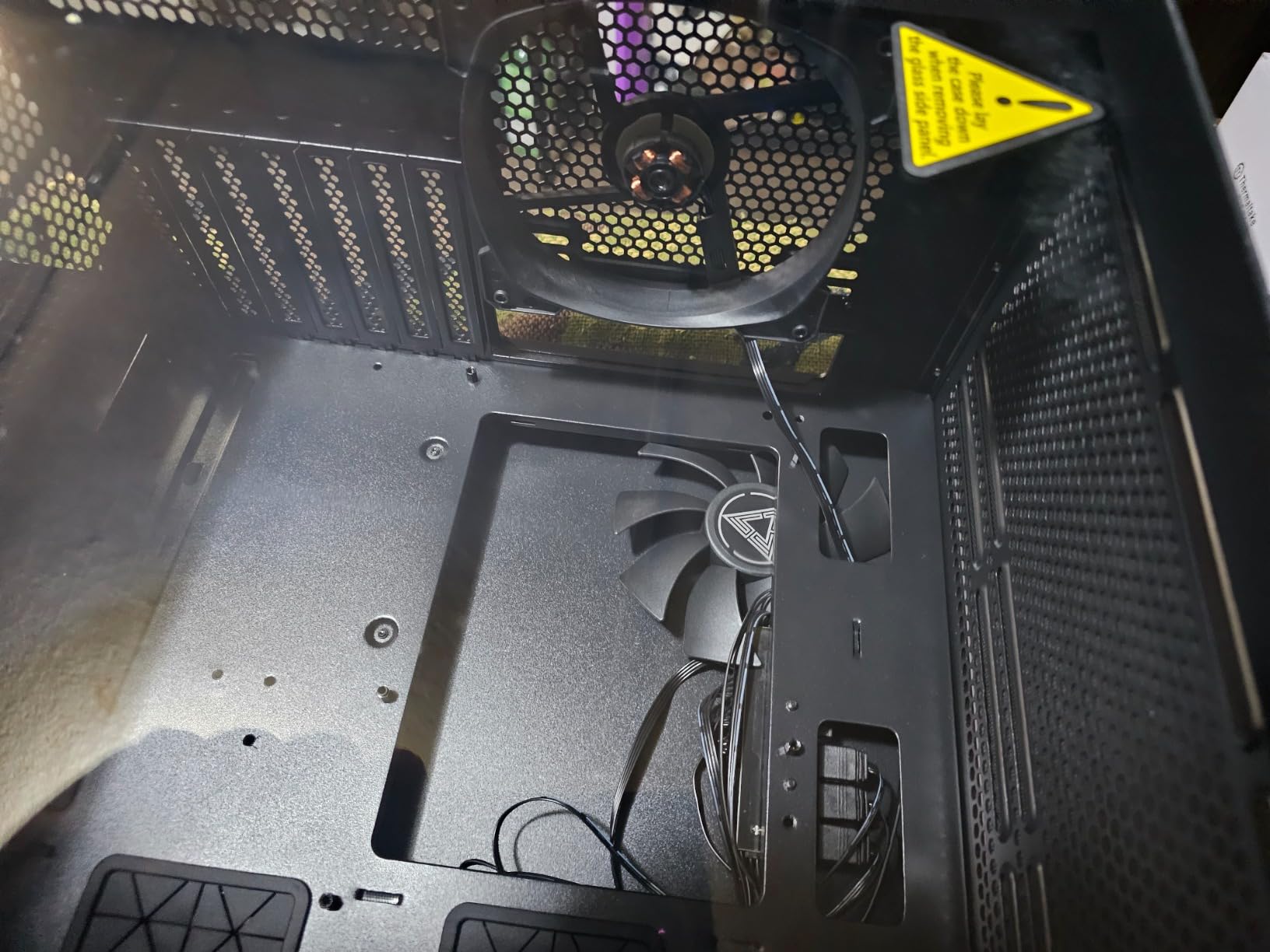
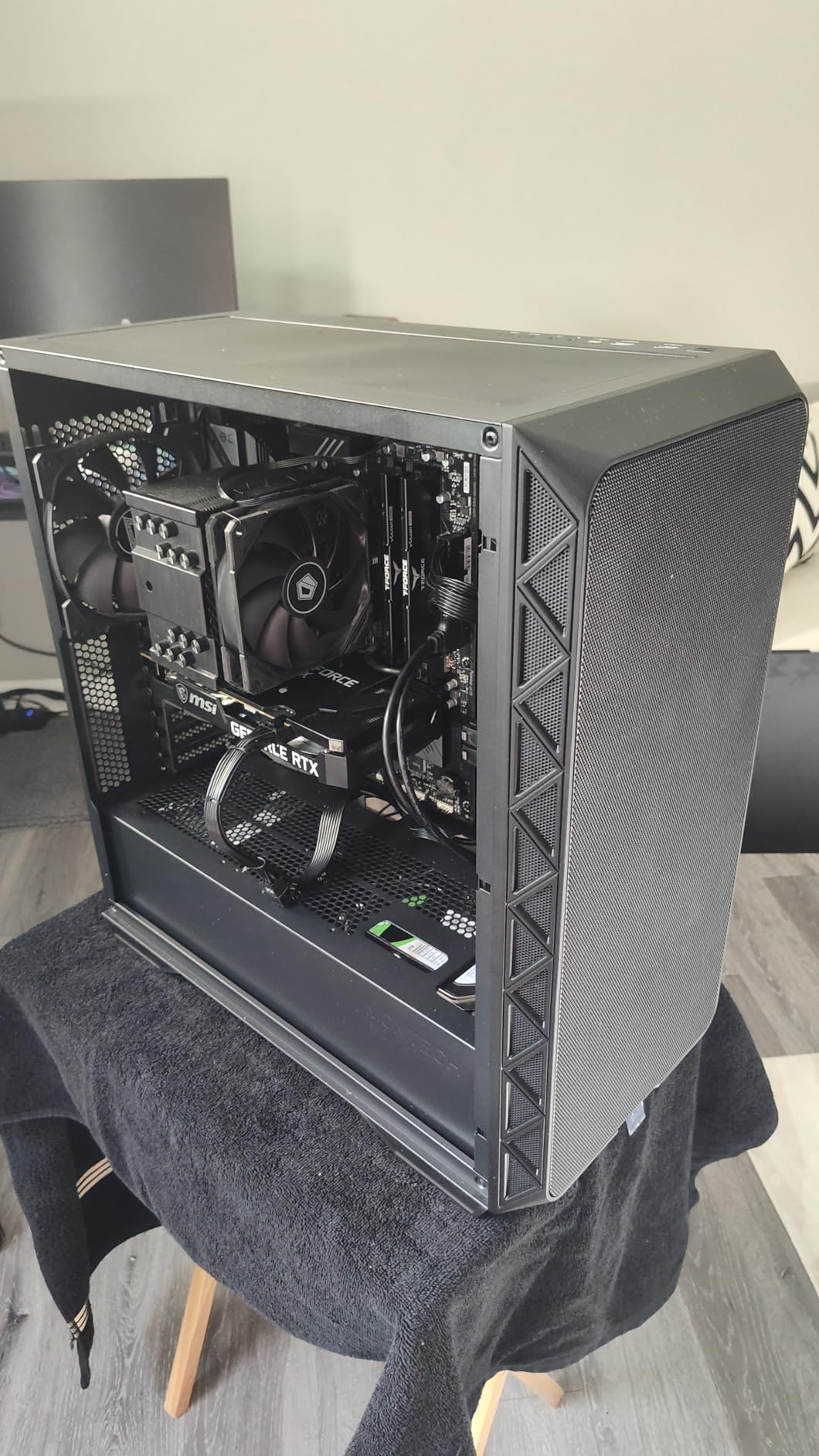
It also skips the compromises people expect at this level. E-ATX motherboards fit, graphics cards up to 400mm are supported, CPU coolers up to 180mm clear, and the front I/O includes USB-C alongside two USB 3.0 ports. Vertical GPU mounting is available for showcase builds.
The single recurring drawback is dust. A fully open mesh front pulls in more of everything, so the filters need cleaning on a schedule rather than occasionally. That is a ten-minute job twice a year, and it is a better trade than a restricted panel.
How much hardware it swallows
Power supplies up to 240mm fit, which is longer than most cases in this roundup allow. Longer PSUs are common in high-wattage builds, and that extra few millimeters removes a frequent compatibility problem.
With 400mm of GPU room and 180mm of CPU cooler clearance, this chassis covers the components people are actually buying now without a second thought.
Where you may outgrow it
Two internal bays is thin for a NAS or a workstation with several hard drives. The drive cage also competes with the front intake if you fill it.
If storage matters more than appearance, the H9 Flow carries ten internal bays and handles a much larger cooling and storage load in a bigger frame.
4. Lian Li Lancool 217 – Best Toolless Fan Rig
Lian Li LANCOOL 217 ATX Mid-Tower PC Case, 5 PWM Fans, Black Walnut Wood
- Two 170mm front intakes move a lot of air
- Front fans slide to bias air toward CPU or GPU
- Toolless rails make repositioning genuinely easy
- Real walnut trim with no RGB clutter
- Deep cable channels and adjustable grommets
- SATA fan hub can force full-speed fan curves
- Cheaply made side panel bent for one buyer
- Panels detach easily during moves
- Large footprint
The Lancool 217 is the most adjustable airflow case here. The two 170mm front fans slide up or down, so you can bias the intake toward the CPU for air-cooled builds or drop it toward the card for GPU-heavy systems, and the toolless rails make that change take seconds.
Five fans ship with it: two 170x30mm at the front, two 120mm reverse-blade units and a 140mm at the rear. That is a serious baseline configuration, and reverse-blade fans on the side look considerably better than a grid of standard frames.
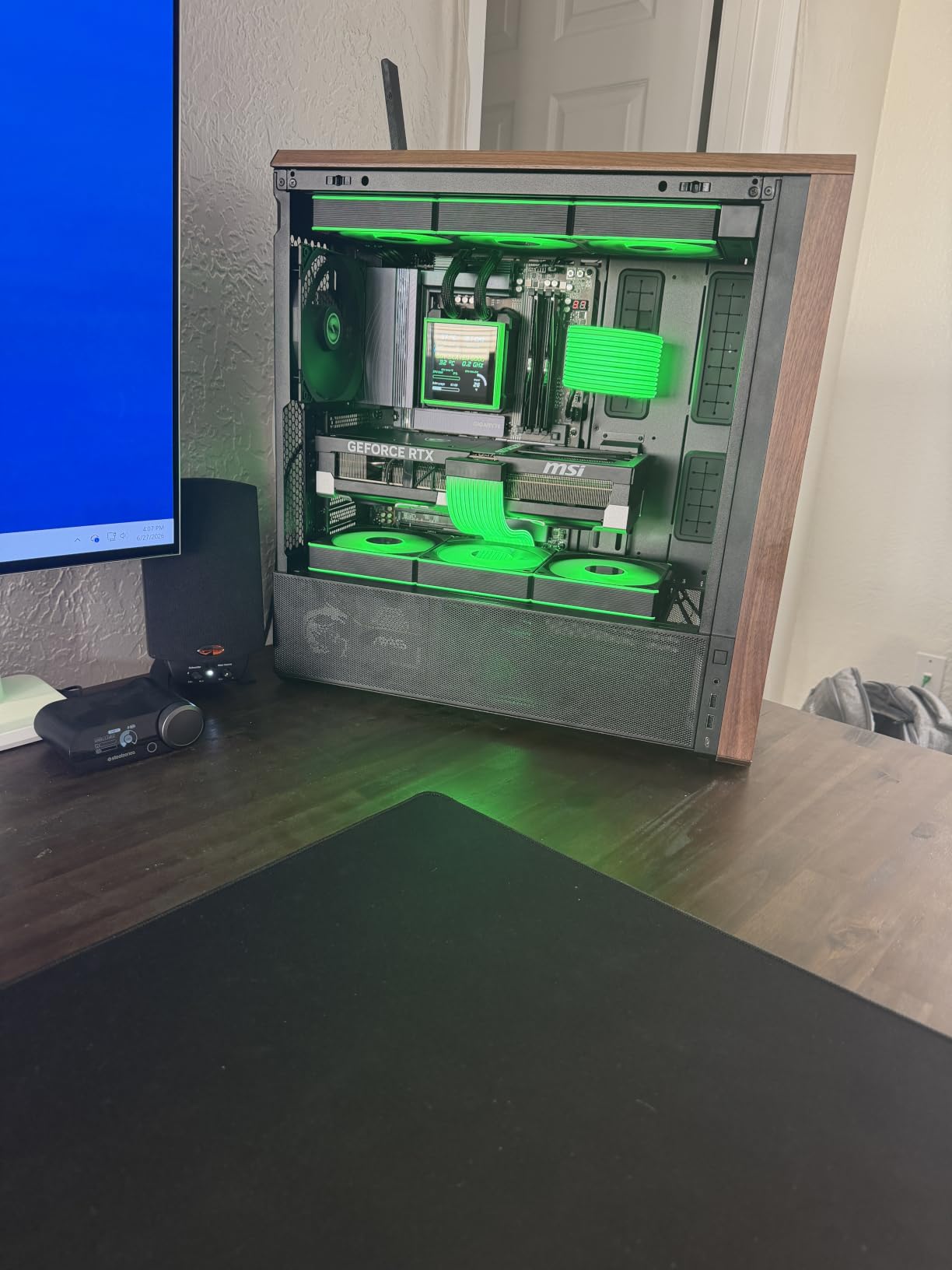
Build ergonomics are unusually good for a chassis this size. Dual power supplies positions, back-connect board support, a single front-panel connector and deep cable channels with Velcro straps all reduce the fiddly parts of assembly. Real walnut or beech accent panels give it a furniture-like finish without lighting.
Two issues to know about. The SATA-powered fan hub can run the included fans at full speed unless you set PWM in BIOS, which is a two-minute fix but catches people out. And one buyer reported the small side panel over the power supply and drive bays bent and would not straighten.
When sliding fans matter
Buyers frequently change CPU coolers or graphics cards after the first build. On this chassis that is a rail slide rather than a rebuild, which is a real advantage over fixed fan mounts.
Air-cooled builds that run a tall tower can also move the front intake up to feed the cooler directly, which shows up as steadier all-core temperatures under long renders.
Size and handling
This is wider and taller than a typical mid-tower, so check your desk clearance and your planned floor space before committing. Five internal bays and a maximum PSU length of 220mm cover most builds comfortably.
Treat the panels as removable rather than permanent during a move, because they detach easily. That flexibility is part of the design, not a fault.
5. Fractal Design North – Best Airflow Case That Does Not Look Like One
- Real walnut front slats look like furniture
- Open front plus full mesh side panel moves plenty of air
- Two 140mm Aspect fans run quietly on a custom curve
- Seven bridgeless expansion slots
- Velcro cable straps in several locations
- Side bracket can conflict with large CPU coolers
- Included fans are mid-range rather than premium
- Tight for top 240mm radiators with tall memory
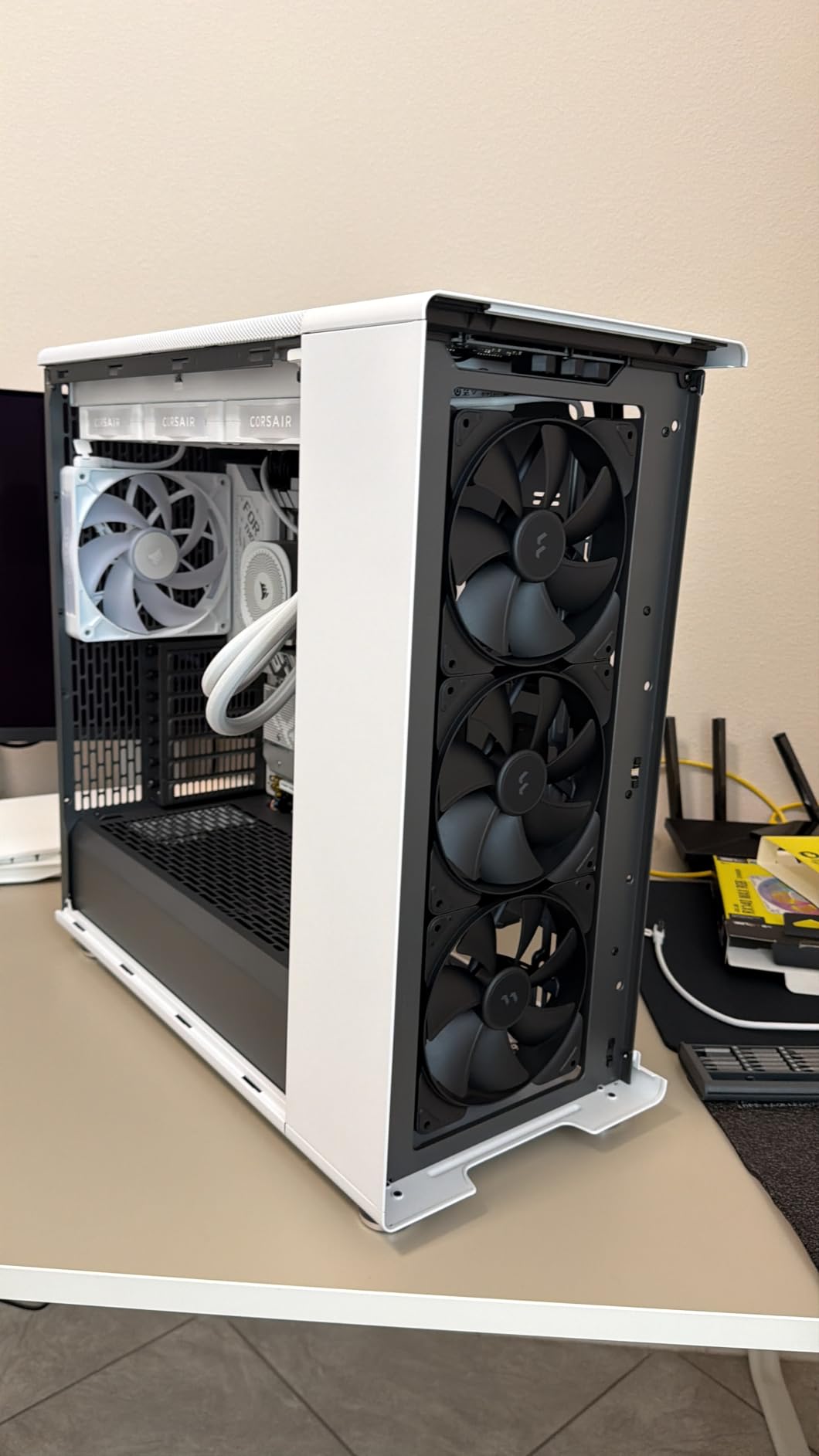
The North is the only chassis in this roundup that hides a serious airflow design behind furniture-grade styling. The front bars are cut from sustainably sourced walnut, and behind them sits an open intake with fine-pattern mesh plus a full mesh side panel feeding the graphics card.
Owners report CPU and GPU temperatures holding in the 50-60C range under gaming load, and the included 140mm Aspect PWM fans get praise for running quietly once you set a custom curve. That is a quieter baseline than most chassis at this level deliver.
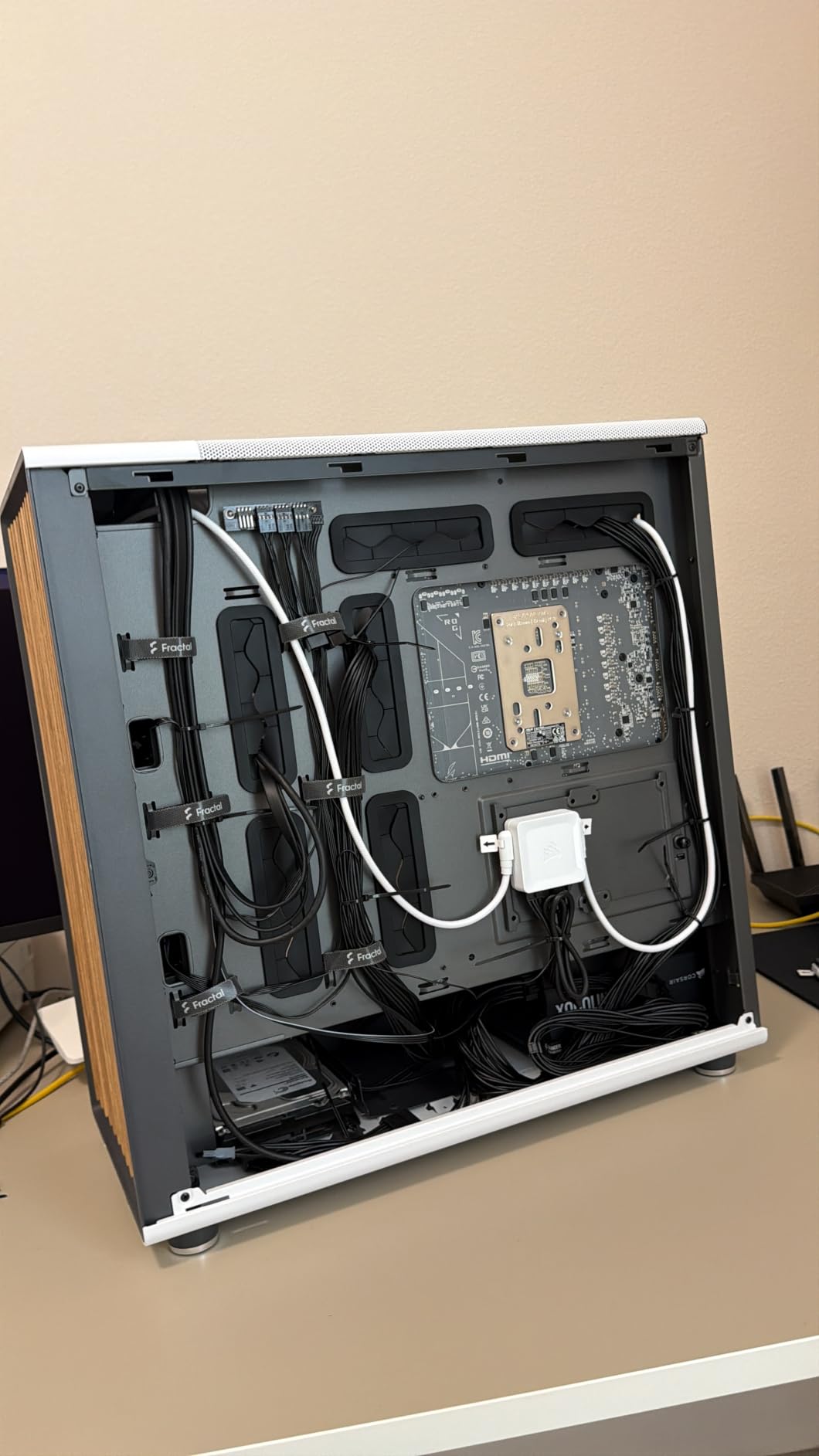
You still get the practical details. Seven bridgeless expansion slots, front USB-C plus two USB-A and audio, and Velcro cable straps in multiple locations. Panels, front and top all remove easily for maintenance, and the dust filters are simple to pull and clean.
Consider the mesh side panel variant rather than the glass one. Glass is the better-looking option and the one with fewer fan mounts, which is the opposite of what this guide wants.
When design matters as much as thermals
This is the pick if the machine lives in a living room, an office or anywhere a black steel box with a glass panel would look out of place. Walnut slats do more for a build’s personality than any amount of lighting.
Reviewers also note the mesh side panel gives direct GPU airflow, which is the single most effective change most builders can make to a stylish case.
Watch your clearances
GPU clearance reaches 355mm, dropping to 300mm with a 360mm front radiator. A long card and a big liquid cooler are mutually exclusive here, so decide which one you are installing first.
Long power supplies combined with dual hard drive trays can also crowd the bottom. Check the drive count you actually need rather than the maximum.
6. NZXT H9 Flow – Best for Maximum GPU Clearance and Radiators
- Very large interior with room for air to move
- Angled side fans blow across the graphics card
- Side-mounted PSU frees the floor for bottom intake
- 420mm radiator support top and front-right
- Ten internal bays for storage builds
- Heavy and bulky
- Included fans are louder and use 3-pin DC
- No GPU support bracket included
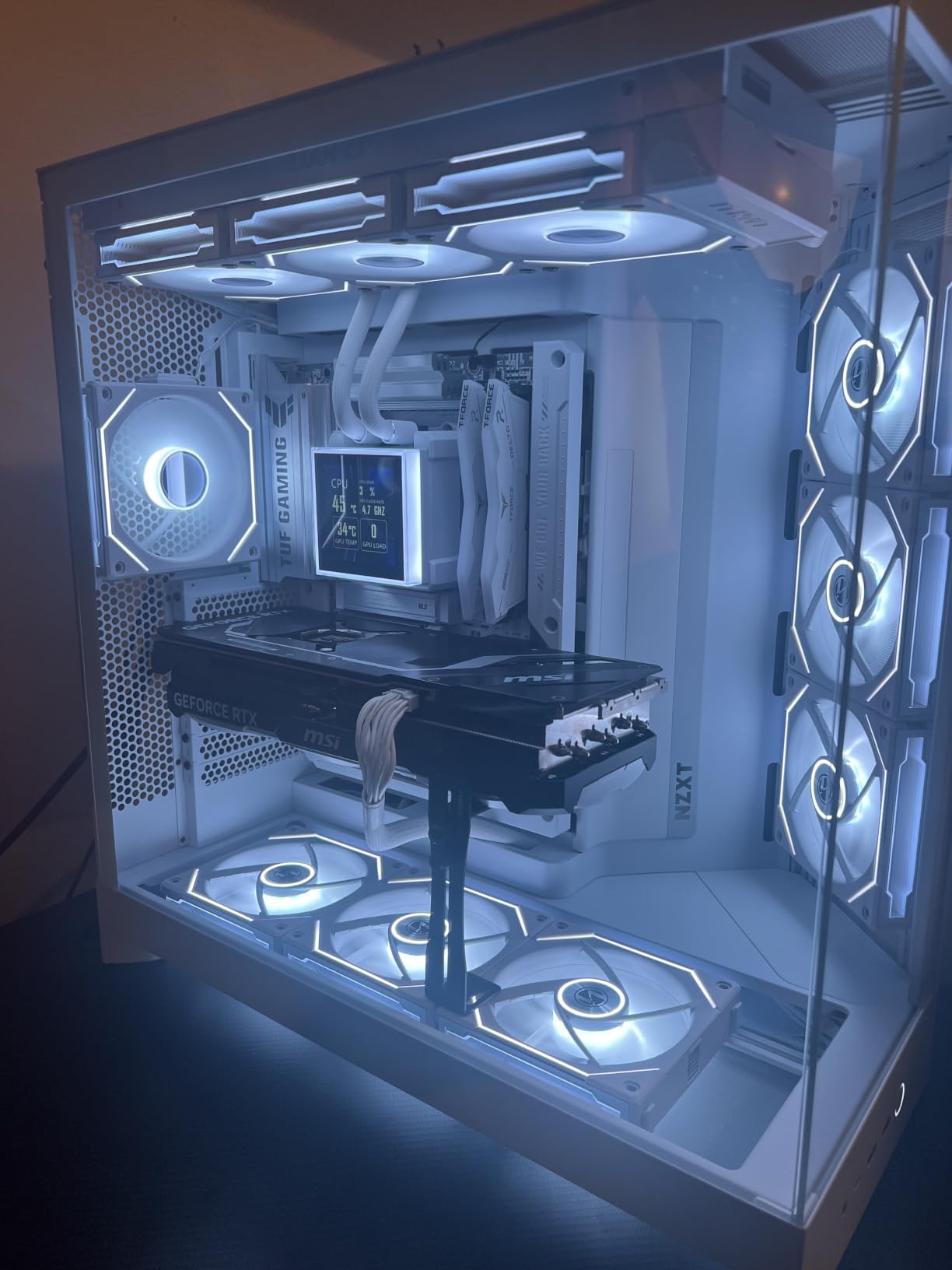
When you want raw room to move air, the H9 Flow is the largest chassis here and it uses that volume deliberately. The side-mounted power supply leaves the entire floor of the main chamber free, and the angled front-right fans push air straight across the graphics card rather than past it.
Radiator support runs to 420mm on both the top and the front-right mount, which is the largest figure in this roundup, and the fan capacity is nine 140mm fans plus a 120mm at the rear. Four fans are included, so the extra mounts are optional rather than required.
Ten internal bays make it a genuine workstation or NAS platform, and the dual-chamber layout keeps drives and wiring in their own space with wide channels and Velcro straps. Back-connect boards from ASUS and MSI are supported, and motherboard screw holes line up with a centering nub.
Buyer caveats are consistent. The case is heavy and unusually wide, so it will not sit on a small monitor stand, and the included fans are 3-pin DC models that many owners replace with PWM alternatives for noise control. No GPU support bracket is bundled.
When headroom is the priority
This is the case for a 420mm AIO, a stack of hard drives, or a future upgrade path you do not want to compromise. The angled side intake is also the closest thing here to a dedicated GPU feed.
If you are running a high-wattage card in a hot room, the extra volume and the direct side feed make a real difference that owner reviews repeatedly mention.
When it is too much
Skip it for a small desk, a tight entertainment unit or any build where the machine has to be moved often. Twelve and a half kilograms is not a casual object.
Buyers also recommend budgeting for fan replacements, since the included 3-pin fans are the loudest part of an otherwise quiet build.
7. NZXT H5 Flow – Best Compact Value Airflow Case
- Ultra-fine mesh on front
- top and side
- Two pre-installed 120mm fans as a baseline
- GPU clearance up to 410mm
- Perforated PSU shroud adds two intake positions
- Removable panels with screw retention washers
- No bottom intake option
- Front cutout awkward for 2x 140mm layouts
- No USB-C on the front I/O
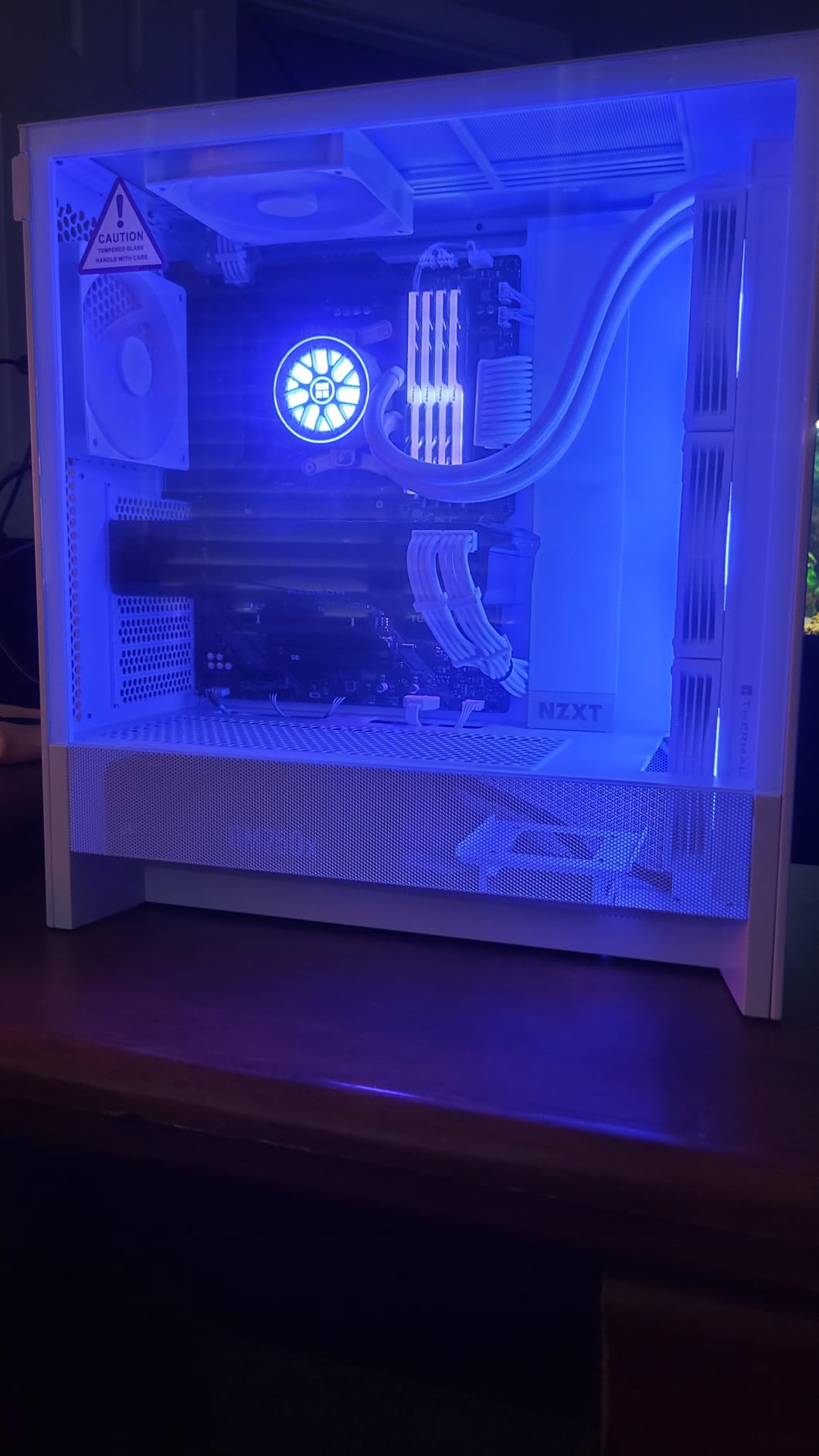
The H5 Flow is frequently described by owners as the best value airflow case they have used, and the reason is the mesh. Ultra-fine perforation on the front, top and side panels gives a near-open intake path in a chassis that is barely larger than a standard mid-tower.
Two 120mm fans come pre-installed, one at the front and one at the rear, so the machine runs from the box. The perforated power supply shroud adds two more intake positions on top of that, and GPU clearance runs to 410mm, which is among the most generous figures here.
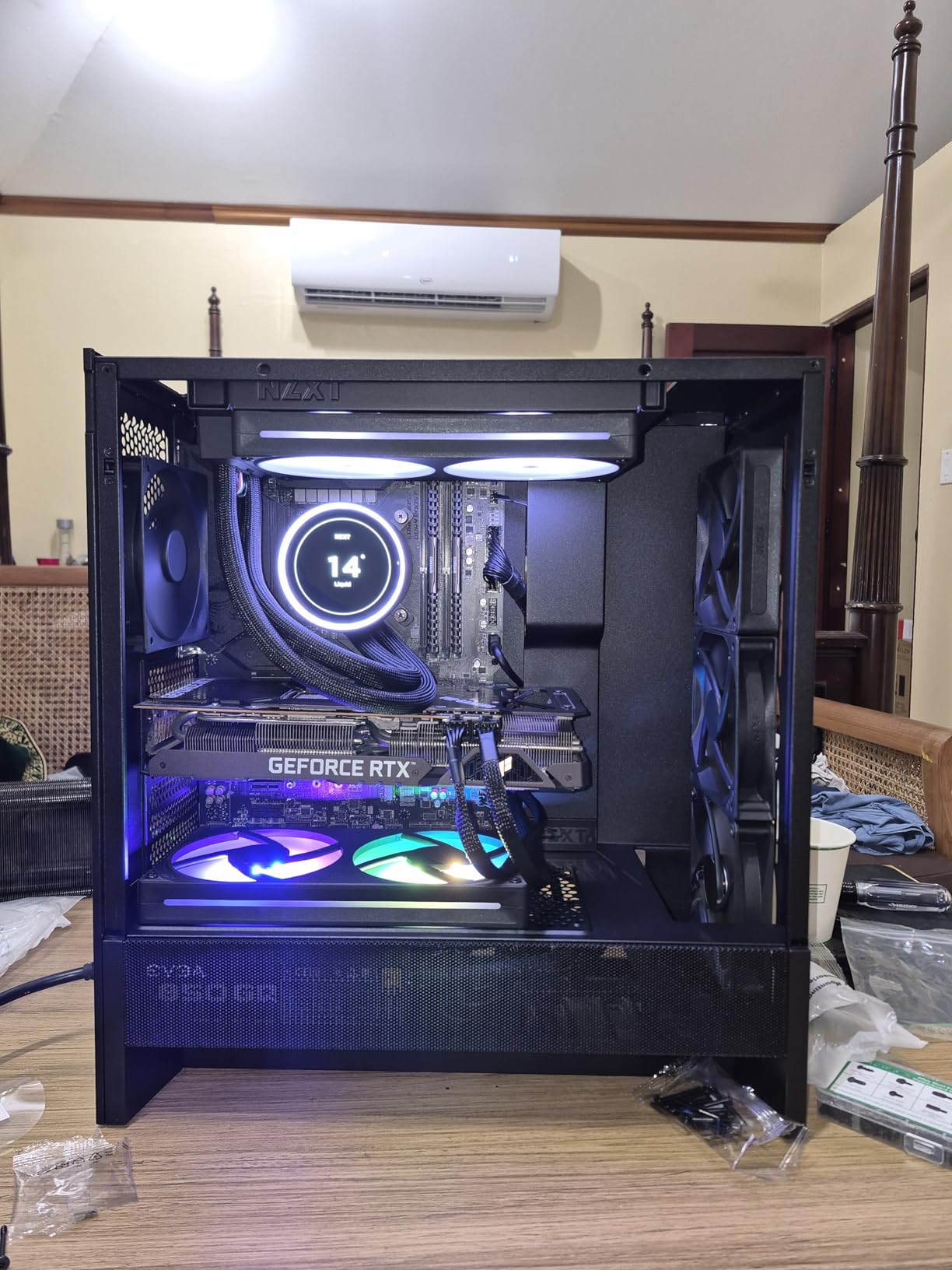
Build quality for the size is good. Removable panels come with screw retention washers, and cable management includes many hidden pass-throughs plus rear mounting trays. Radiator support covers a 360mm front mount and a 240mm at the top.
The notable gap is the power supply. It sits bottom-mounted with no intake below it, so cool air reaches the GPU from the front only. The front I/O also has no USB-C, and the three 120mm cutout looks awkward if you were planning a pair of 140mm fans.
Where front-only intake still works
Without a bottom intake, the front fan set has to do all the work, and the ultra-fine mesh compensates well. Add a second front 120mm fan and most builds are thermally comfortable.
This is also a natural pairing with a rear-mounted or top-mounted radiator, since it supports both a 360mm front mount and a 240mm top mount.
Pick something else if you need USB-C
The front I/O is sparse, with no USB-C. That matters for laptops with USB-C peripherals and for anyone who wants a clean single-cable setup.
Several owners also note the paint chips easily and the GPU backplate screws do not always line up perfectly, so allow a little patience during assembly.
8. Lian Li O11D Mini V2 Flow – Best for Desk-Shaped Builds
Lian Li O11D Mini V2 Flow ATX PC Case with 5 Non-RGB Reverse Fans, Black
- Slanted 10-degree base feeds the GPU directly
- Five reverse-blade fans angled for cooling
- Full-size ATX power supply in a compact frame
- Side-mounted PSU keeps the desk footprint small
- Pillar-less three-sided glass
- Vertical GPU mount needs a separate riser cable
- Side panel can arrive warped
- Glass collects dust quickly
- Not the simplest first build
The O11D Mini V2 Flow solves a specific problem: full ATX hardware in a case you can actually put on a desk. The side-mounted power supply is the trick, and it keeps the floor clear so the ten-degree slanted base can act as a bottom intake feeding the graphics card.
Five 120mm reverse-blade fans come pre-installed and angled toward the card, and several owners report large GPUs running well under 60C. That is the bottom-intake design pattern that forum builders treat as the key feature of this style of chassis, and it is working here.
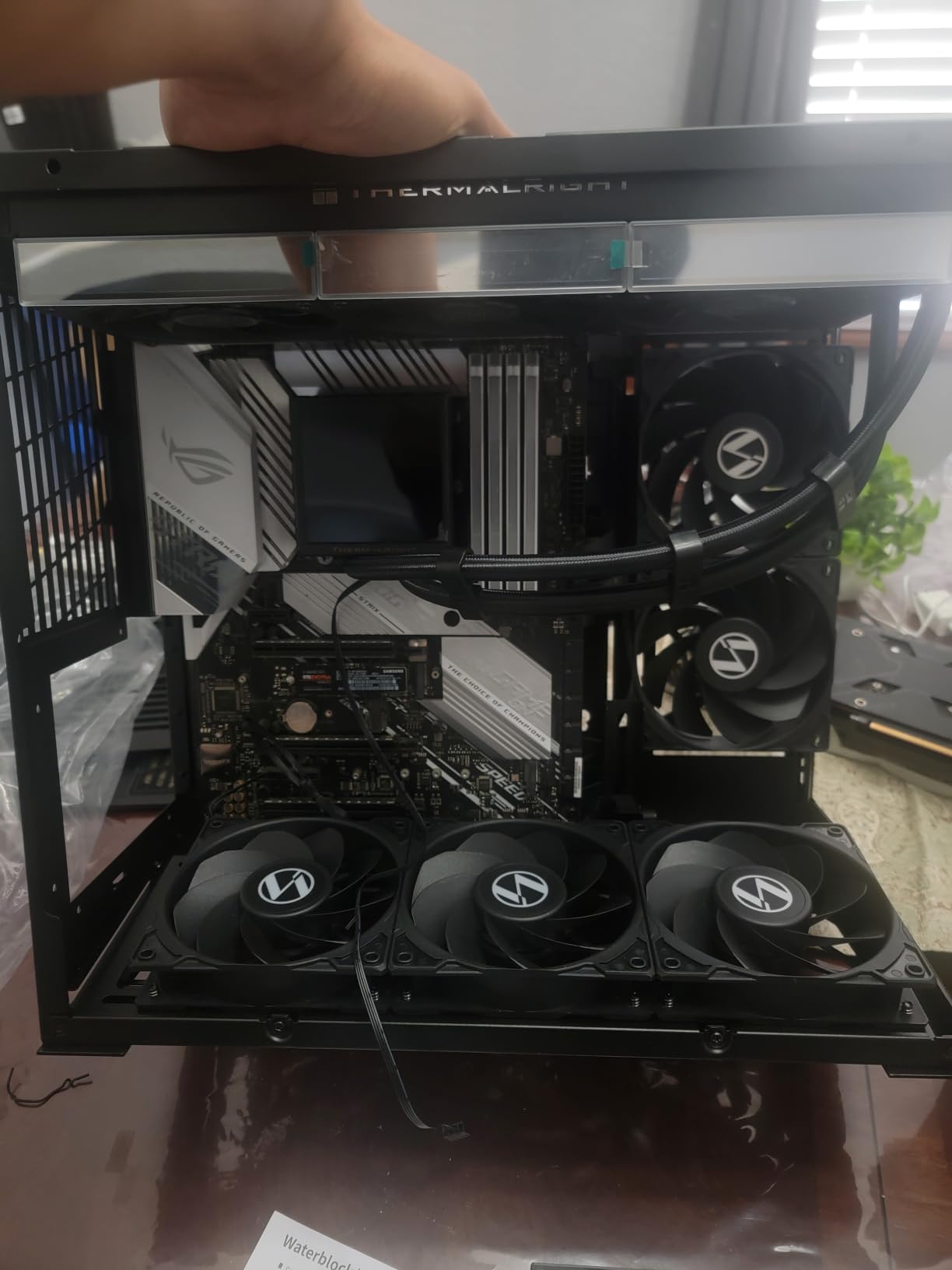
The three-sided pillar-less glass gives an unobstructed view without a vertical frame in the way, and removable drive cages with dedicated 2.5-inch mounts make storage easy to reconfigure. Anti-sag brackets are included for both horizontal and vertical mounting, and ATX back-connect boards are supported.
Plan the build rather than winging it. Vertical GPU mounting needs a separately purchased riser cable, the side panel over the power supply area can arrive warped, and the glass collects dust quickly. The included fans also start to become audible around 800 RPM, so a curve helps.
When the slanted base earns its keep
The angled floor turns desk space into intake volume. In a normal flat-floored mid-tower, the power supply and drive cage occupy that region; here that air goes to the card instead.
If your GPU is the heat source in the build, this is the geometry that helps most, and it is why we would pair this chassis with a high-wattage card.
Buy a different case if you are new to building
Owners describe it as not the simplest introduction to PC assembly, and the vertical mount option adds a purchase. New builders are usually better served by a straight mid-tower with wider tolerances.
It also suits Mini-ITX and Micro-ATX boards, so it doubles as a small build with room to grow.
9. MUSETEX NN8 – Best for Six Included Fans
MUSETEX ATX PC Case Pre-Install 6 PWM ARGB Fans, Polygonal Mesh Computer Gaming Case, Opening Tempered Glass Side Panel Mid-Tower Case, USB 3.0 x 2, Black, NN8
- Six ARGB PWM fans included as standard
- Magnetic-hinged glass door opens for cleaning
- Vertical or horizontal GPU mounting
- CPU cooler clearance up to 160mm
- Well-finished edges with no sharp burrs
- Tight ATX fit
- bottom headers must be wired first
- Some revisions use proprietary fan connectors
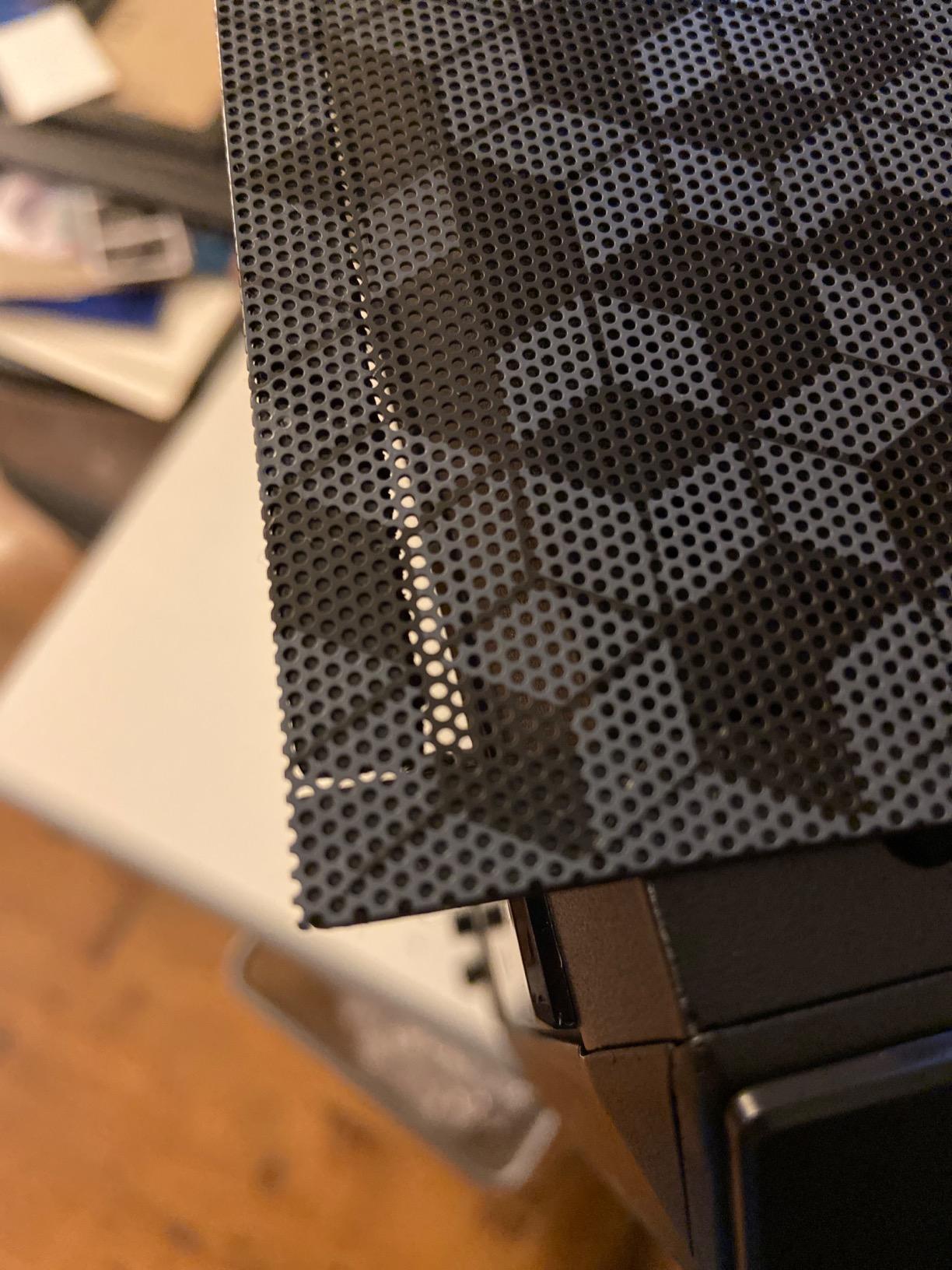
- Front mesh pores are coarse
The NN8 makes a simple argument: if you are going to fit fans anyway, six of them in the box removes both the extra cost and the shopping step. Six PWM ARGB fans with 16.8 million addressable colors come pre-installed, which is more cooling hardware than most cases at twice the size provide.
The magnetic-hinged tempered glass door is the detail that gets used most. It swings open so you can clean radiators and blow out the graphics card without dismantling anything, which is exactly the maintenance task airflow builds need most often.
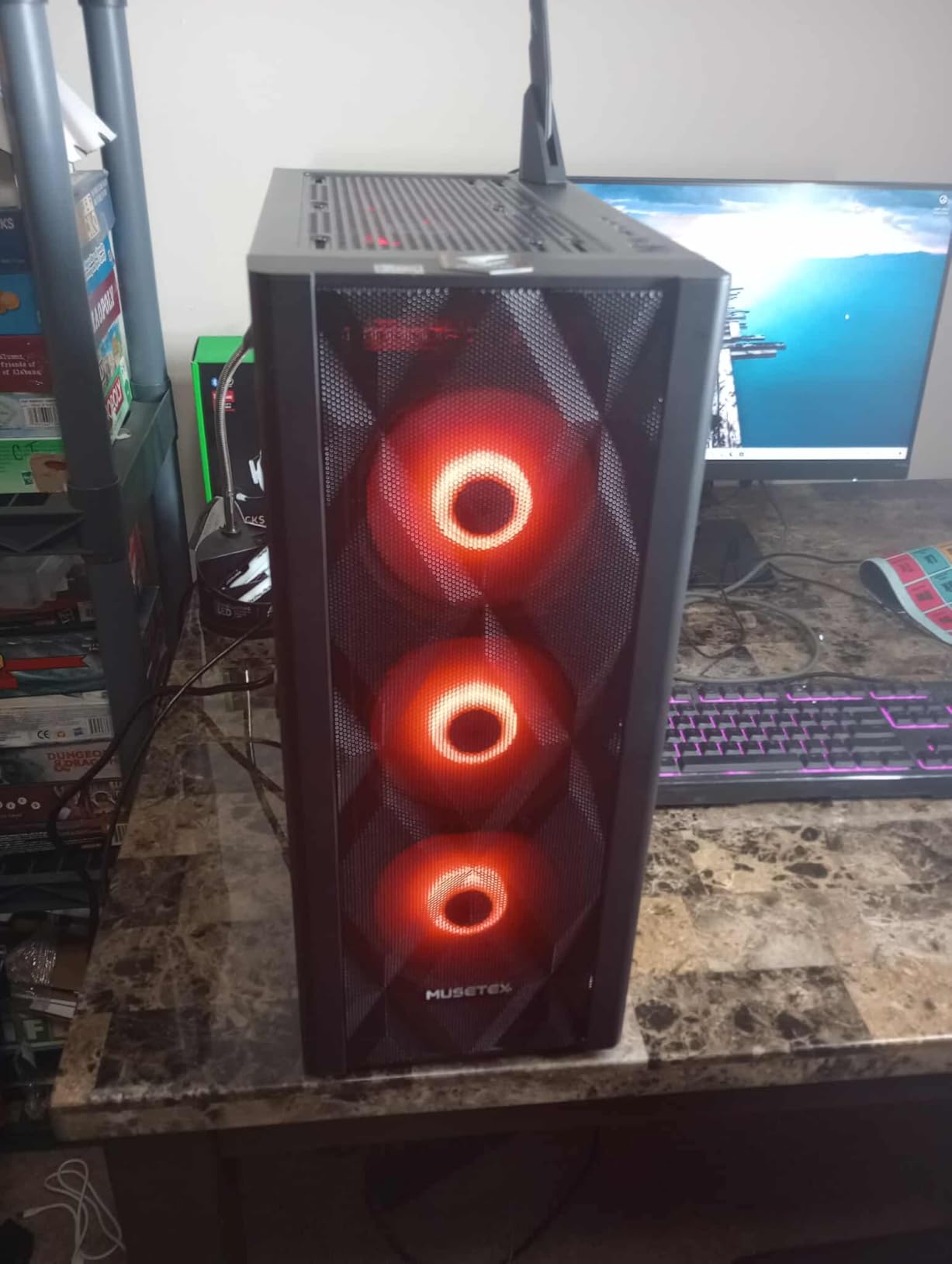
Clearances cover CPU coolers up to 160mm, graphics cards up to 320mm, radiators up to 280mm and power supplies up to 170mm, and both vertical and horizontal GPU mounting are available. Storage takes up to five SSDs plus one hard drive.
The tightest issue is the ATX fit. Full-size boards have a very snug installation, and bottom I/O headers must be connected before you secure the board. Some fan and controller revisions also use proprietary six-pin connectors with fixed speed, and the front mesh is coarse enough to let dust through.
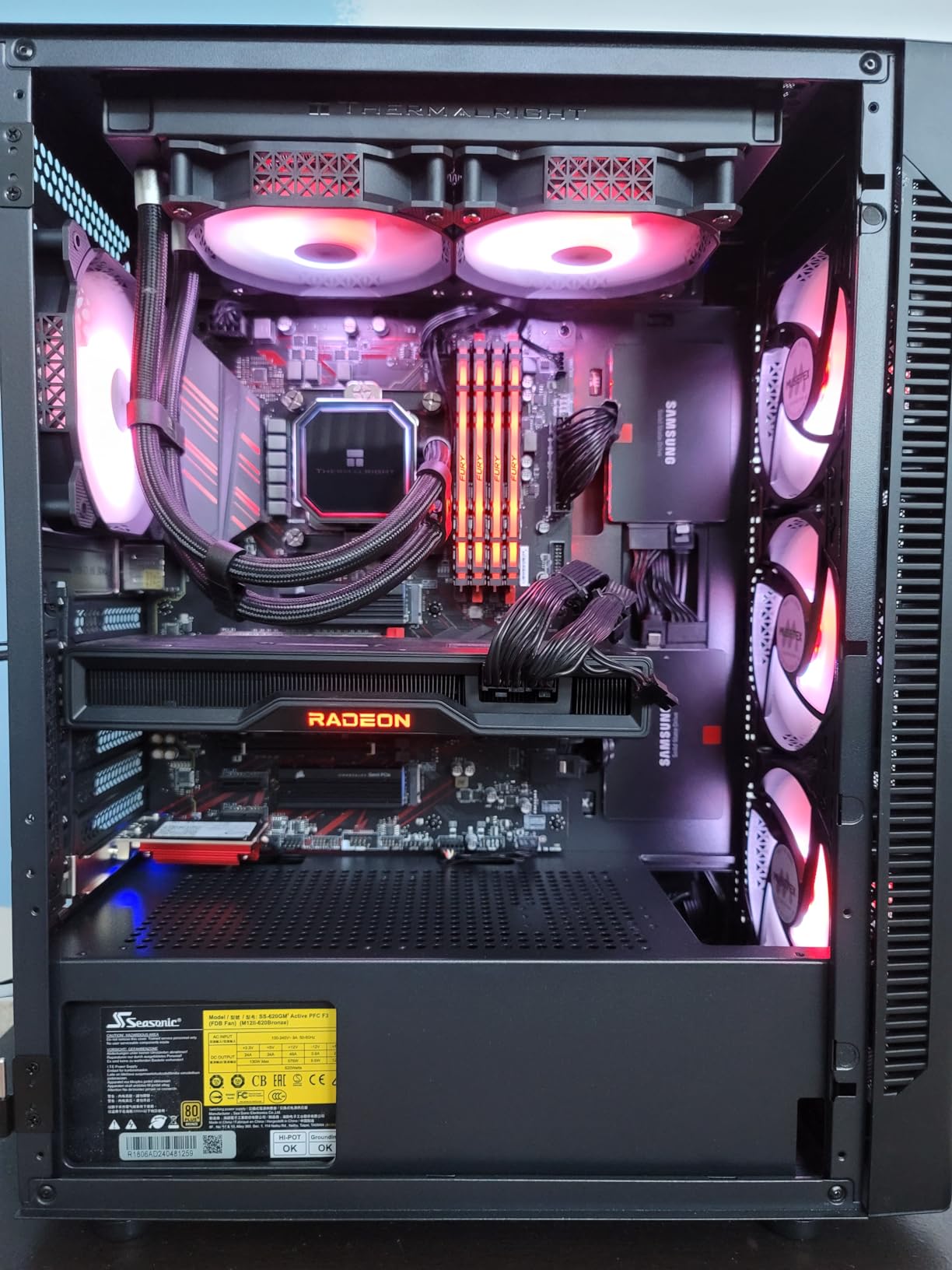
Why six fans is not automatically six good fans
More fans is a starting configuration, not a finished one. The stock units are adequate, and replacing them with better static-pressure models is where the real gains are.
Check whether your revision uses standard four-pin PWM connectors before you plan a fan swap or buy a hub.
Where the chassis gets awkward
Tall air coolers can stop the glass door from closing, which is a real conflict for air-cooled builds. The rear bracket is also a single large plate rather than individual screws.
If you want a wider GPU allowance or a 360mm radiator, the H5 Flow or the Air 903 Max give you more room and a cleaner assembly.
10. Cooler Master Q300L V1 – Best Budget Micro-ATX Airflow Case
Cooler Master Q300L V1 Micro-ATX PC Case, High Airflow, Transparent Panel
- Low cost for a genuinely open-air micro-ATX chassis
- Perforated panels on the top
- front and bottom
- Three magnetic dust filters are easy to rinse
- Modular I/O panel mounts front
- top or bottom
- Fits full-length GPUs and a full-size power supply
- Micro-ATX and Mini-ITX motherboards only
- Weak dust filter magnets
- Acrylic side panel scratches easily
- Dark interior makes assembly harder
The Q300L V1 is the cheapest way into an open-air build, and owner reviews treat it as the strongest budget airflow option in the micro-ATX class. Perforated panels on the top, front and bottom move more air than panels twice its price, and three fans are already installed.
Owners report steady mid-70s Celsius or lower on air cooling once a few more intake and exhaust fans are added, which puts it well ahead of closed-panel budget cases despite the low price. It takes a 240mm AIO and up to five fans, and the modular I/O panel can be positioned on either side.
What surprises people is what fits. GPU clearance reaches 360mm, CPU coolers up to 159mm, and power supplies up to 160mm, so a full-length card and an ATX power supply both fit despite the small footprint. Cable management behind the tray includes zip-tie points.
The limitations are real. It takes micro-ATX and Mini-ITX motherboards only, the magnetic dust filter magnets are weak enough that filters slide out during handling, and the acrylic side panel scratches easily. The all-black interior is genuinely difficult to work in a dim room.
When the small footprint is the point
This is the right case for a compact office or living room machine built around a micro-ATX or Mini-ITX board. At this size, a restricted front panel would be fatal, and this one is perforated on three sides.
The long list of more than fourteen thousand owner reviews is the strongest volume of evidence in this roundup, and it is unusually consistent about what the case does well.
Check the rear bracket first
The rear expansion slot cover comes off as one large bracket plate rather than individual screws, which is the fiddliest task in an otherwise easy build.
It also tops out at a 500-watt power supply. Check your wattage before ordering, since higher-output units are usually longer than this chassis accepts.
How to Choose a PC Case for Airflow?
Start with the front panel, because it is where most of the airflow is won or lost. Fine steel mesh with a Y or diamond pattern moves far more air than decorative plastic or a glass panel with narrow side vents, and it costs nothing extra on most of the cases in this roundup.
Next, look for a bottom intake. In a modern gaming rig the graphics card is usually the hottest component, and cool air directed at it from below is worth more than the same volume of air blown across a CPU cooler. The Lancool 217, the O11D Mini V2 Flow and the H9 Flow all treat the floor as an intake path rather than wasted space.
Fan count matters less than placement. Two well-positioned 120mm or 140mm fans beat six poorly aimed ones every time, and the standard layout is simple: intake at the front and bottom, exhaust at the rear and top. That also produces slightly positive internal pressure, which pushes dust out through the exhaust rather than pulling it in through every gap.
As a starting point, a budget build is comfortable with three to four fans, a mid-range build wants five or six plus a bottom intake, and a system with a 360mm AIO or a high-wattage graphics card should have capacity for at least six mounts even if fewer are included. Always check for a fan hub, because five or more fans without PWM control means manual speed management.
Clearance is the number one compatibility failure reported by builders. Measure your graphics card against the case figure rather than the board figure, especially with a 360mm radiator installed, and remember that vertical GPU mounts often need a separate riser cable and a slot of free case depth.
Case size is not the same as airflow. A larger chassis has more internal volume, but it does not automatically have better static pressure or better clearance, and a big case with a restrictive front loses to a compact one with a genuinely open panel. Noise-normalized results are the fair comparison, which is why forum users dismiss fan-size claims that were never tested at matched sound levels.
Dust filters deserve more attention than they get. The cases with the most open front panels collect the most dust, and filters that slide out or need tools to remove will not get cleaned. Our compact enclosure guide covers the same maintenance mindset for much smaller hardware, where airflow matters just as much.
Finally, weigh acoustics against thermals honestly. The quietest cases restrict intake, and the most open cases need a fan curve to stay civil. Ask for noise-normalized temperatures rather than peak-RPM numbers, because that is the only comparison that reflects the machine on your desk.
Frequently Asked Questions
What PC case has the most airflow?
Among these picks, the cases with the most raw intake volume are the large-diameter front fan and open-bottom designs such as the NZXT H6 Flow, the Corsair 4000D RS ARGB and the Lian Li Lancool 217. The NZXT H9 Flow adds the most total volume and supports radiators up to 420mm. Useful airflow is a different question, because once results are noise-normalized and clearance is considered, a well-ventilated mid-tower often matches a larger case.
Is a bigger PC case better for airflow?
No. A larger case has more internal volume but usually not better static pressure or better component clearance. A well-ventilated mid-tower with a fine steel mesh front and a bottom intake regularly matches or beats a much larger case with a restrictive panel. Size only helps when it buys you larger fan mounts, more radiator positions or room for a long graphics card.
Do case fans help cool a CPU?
Yes, but only indirectly. Case fans move ambient air to the cooler, and a strong cooler sitting in still, warm air still runs hot. That is why front and bottom intake volume matters, and why a case with a clogged or restricted intake can keep your CPU cooler spinning at higher RPM than it needs to. Fan curves tied to CPU temperature usually solve this more cheaply than a better case.
How many fans do I need in a PC case?
Three to four is comfortable for a budget build, five or six suits a mid-range system, and any build with a 360mm AIO or a high-wattage graphics card should have mounts for at least six even if fewer are included. Placement matters more than count: front and bottom intake, rear and top exhaust. If you run five or more fans, get a PWM hub or control them from the motherboard.
Is a mesh front panel better than glass for cooling?
Yes, without exception. A fine steel or nylon mesh front moves substantially more air than a glass panel with narrow side vents, because glass blocks the full intake area and forces air through a small opening. Glass looks better and shows off the build, but it is a style decision that costs you thermal headroom. Several cases here offer a mesh side panel and a glass side panel as separate variants.
Final Verdict
The NZXT H6 Flow is the best all-round answer to the best PC cases for airflow question in 2026, because the dual-chamber floor keeps the fan path clear and three angled fans are already installed. Buy the Corsair 4000D RS ARGB if you expect to reconfigure the build later, and the Montech Air 903 Max if you want the most cooling hardware for the least money.
For storage-heavy or workstation setups, the H9 Flow is the only one here with ten internal bays and 420mm radiator support. Whichever you choose, confirm GPU length, CPU cooler height and front I/O before the parts are on the way.