
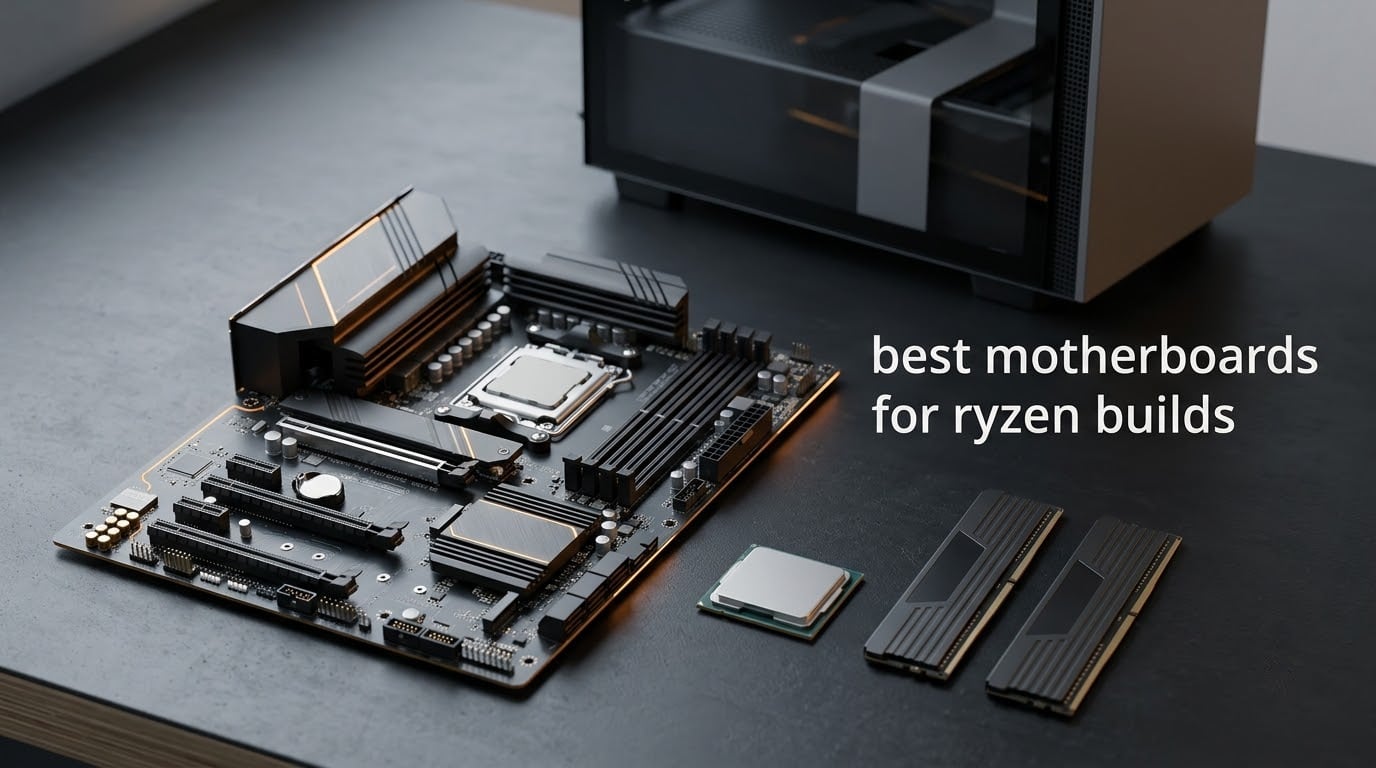
The best motherboards for Ryzen builds right now are the GIGABYTE B650 AORUS Elite AX for most people, the MSI MAG B650 Tomahawk WiFi if you want the most storage ports, and the ASUS ROG Strix B850-A Gaming WiFi if you need four M.2 slots without losing GPU bandwidth. Every board below runs AM5 and pairs with Ryzen 7000, 8000 and 9000 chips.
That is the short answer. The long answer is that the motherboard is the one part of a build you cannot quietly swap later, and it is also the part most people overpay for. Chipset badges like X870E sell the idea that more lanes equal a faster machine, and for a gaming build that is almost never true.
We spent weeks working through the current AM5 field to work out which boards actually earn their slot, and this list of ten covers every form factor tier that matters: full ATX, micro-ATX, and the white-themed flagship end of the market. If your build is workstation-shaped rather than gaming-shaped, our motherboard picks for workstations go deeper on drive bays and memory density.
One note on how to read this guide. Every rating and review count here comes straight from the retailer listing, and every spec comes from the manufacturer’s own page. Where buyers report problems in their reviews, we say so, because a board that throttles a Ryzen 9 under a long render is not a good board no matter what the phase count claims.
Table of Contents
Top 3 Motherboards for Ryzen Builds (October 2026)
These three cover the overwhelming majority of AM5 builds. If you are still deciding, the first one is the safe default.

GIGABYTE B650 AORUS Elite AX
- 14+2+1 VRM with 70A power stages
- Three M.2 slots with tool-less latches
- WiFi 6E and 2.5GbE
- PCIe 5.0 x4 NVMe

MSI MAG B650 Tomahawk WiFi
- Six SATA 6Gb/s ports
- PCIe 4.0 M.2 with Shield Frozr
- 2.5Gbps LAN and WiFi 6E
- DDR5 up to 6400+ (OC)

ASUS ROG Strix B650-A Gaming WiFi
- 12+2 power stages
- Three M.2 slots with heatsinks
- 2.5G LAN and WiFi 6E
- USB 3.2 Gen 2x2 Type-C
All 10 Motherboards at a Glance (October 2026)
Every board in this roundup, with the reason we picked it. All ten are Socket AM5 and DDR5.
| Product | Specifications | Action |
|---|---|---|
| GIGABYTE B650 AORUS Elite AX |
|
Check Latest Price |
| MSI MAG B650 Tomahawk WiFi |
|
Check Latest Price |
| ASUS ROG Strix B650-A Gaming WiFi |
|
Check Latest Price |
 ASUS ROG Strix X870-A Gaming WiFi ASUS ROG Strix X870-A Gaming WiFi |
|
Check Latest Price |
 MSI MAG X870 Tomahawk WiFi MSI MAG X870 Tomahawk WiFi |
|
Check Latest Price |
 GIGABYTE X870E AORUS PRO ICE GIGABYTE X870E AORUS PRO ICE |
|
Check Latest Price |
 MSI MAG B850 Tomahawk MAX WiFi MSI MAG B850 Tomahawk MAX WiFi |
|
Check Latest Price |
 ASUS ROG Strix B850-A Gaming WiFi ASUS ROG Strix B850-A Gaming WiFi |
|
Check Latest Price |
 ASRock B650 Steel Legend WiFi 6E ASRock B650 Steel Legend WiFi 6E |
|
Check Latest Price |
 GIGABYTE B650M Gaming Plus WiFi GIGABYTE B650M Gaming Plus WiFi |
|
Check Latest Price |
1. GIGABYTE B650 AORUS Elite AX — Best Overall for Ryzen Builds
- 14+2+1 phase design with 70A power stages holds VRM temperatures down under load
- Three M.2 slots with tool-less latches and included heatsinks
- WiFi 6E and 2.5GbE LAN work reliably once the BIOS is current
- Layout is clean enough that a first-time install is straightforward
- Five-year warranty after online registration
- Some early boards came with BIOS versions that block EXPO until updated
- Integrated audio codec is basic for the price
- No printed manual and no POST code display
This is the board we keep coming back to. It sits at number two in the retailer bestseller ranking with 1547 owner reviews, the largest review base of anything in this roundup, and that volume matters because it means the failure modes are already well documented rather than mysterious.
Out of the box the layout reads like a board costing noticeably more. Three M.2 slots sit on the board with tool-less latches and heatsinks already fitted, and the primary one is wired to PCIe 5.0 x4, so a Gen5 or Gen4 drive drops in without a screwdriver.
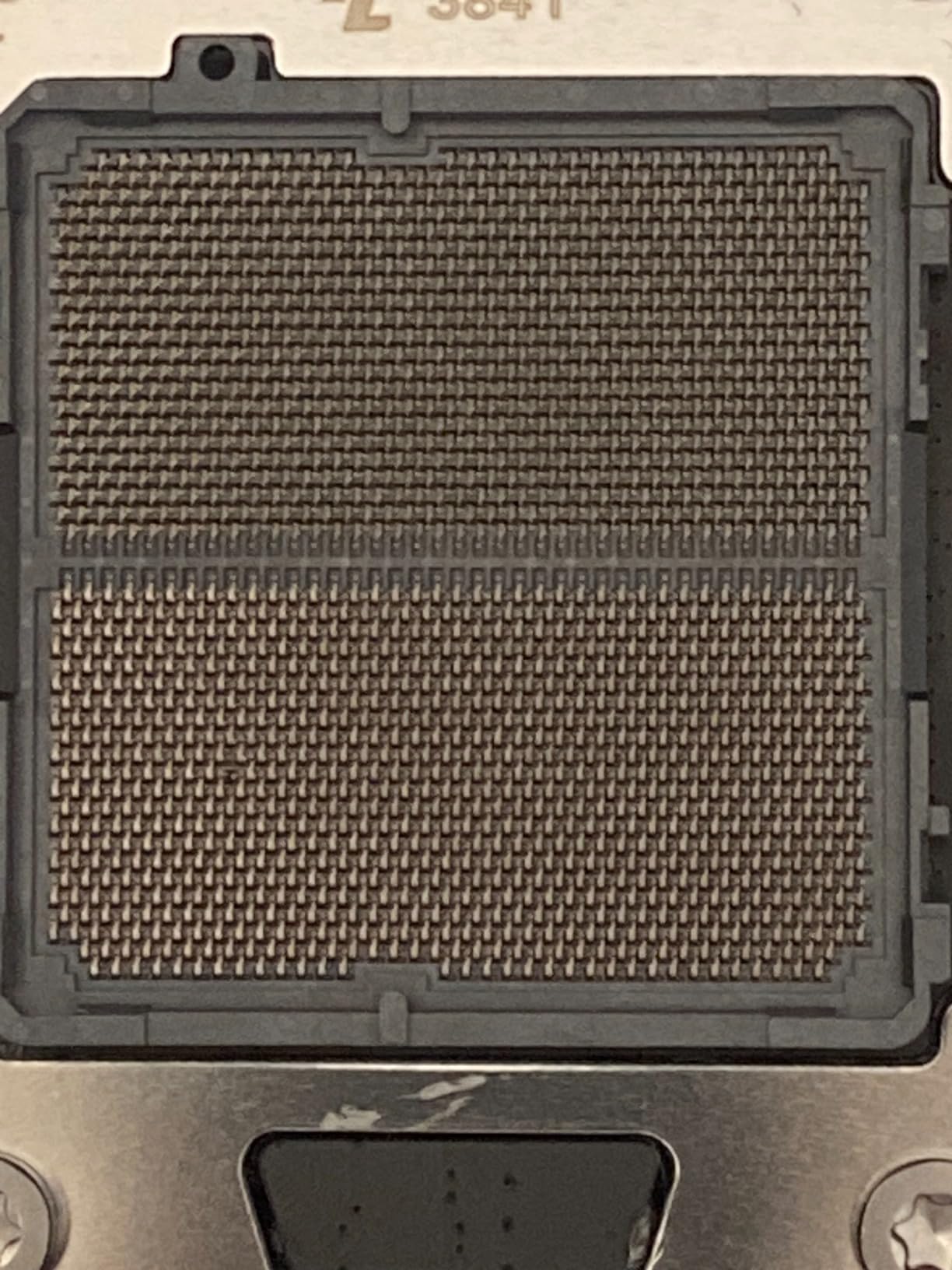
The power design is the reason it handles bigger silicon than its tier suggests. Twin 14+2+1 phases with 70A power stages sit on an 8-layer PCB with two-ounce copper, backed by a 6mm heatpipe and fully covered MOSFET heatsinks. Reviewers running sustained all-core loads report VRM temperatures staying well inside safe territory, which is exactly the behaviour you want if you later drop a 12-core or 16-core Ryzen 9 into this board.
Connectivity is unusually complete for the money. You get WiFi 6E, 2.5GbE Ethernet, four SATA ports, twelve USB ports, and USB-C on both the rear panel and the front-panel header. That last detail matters more than it sounds, because front USB-C cases are now common and many boards leave you with a Type-A header only.
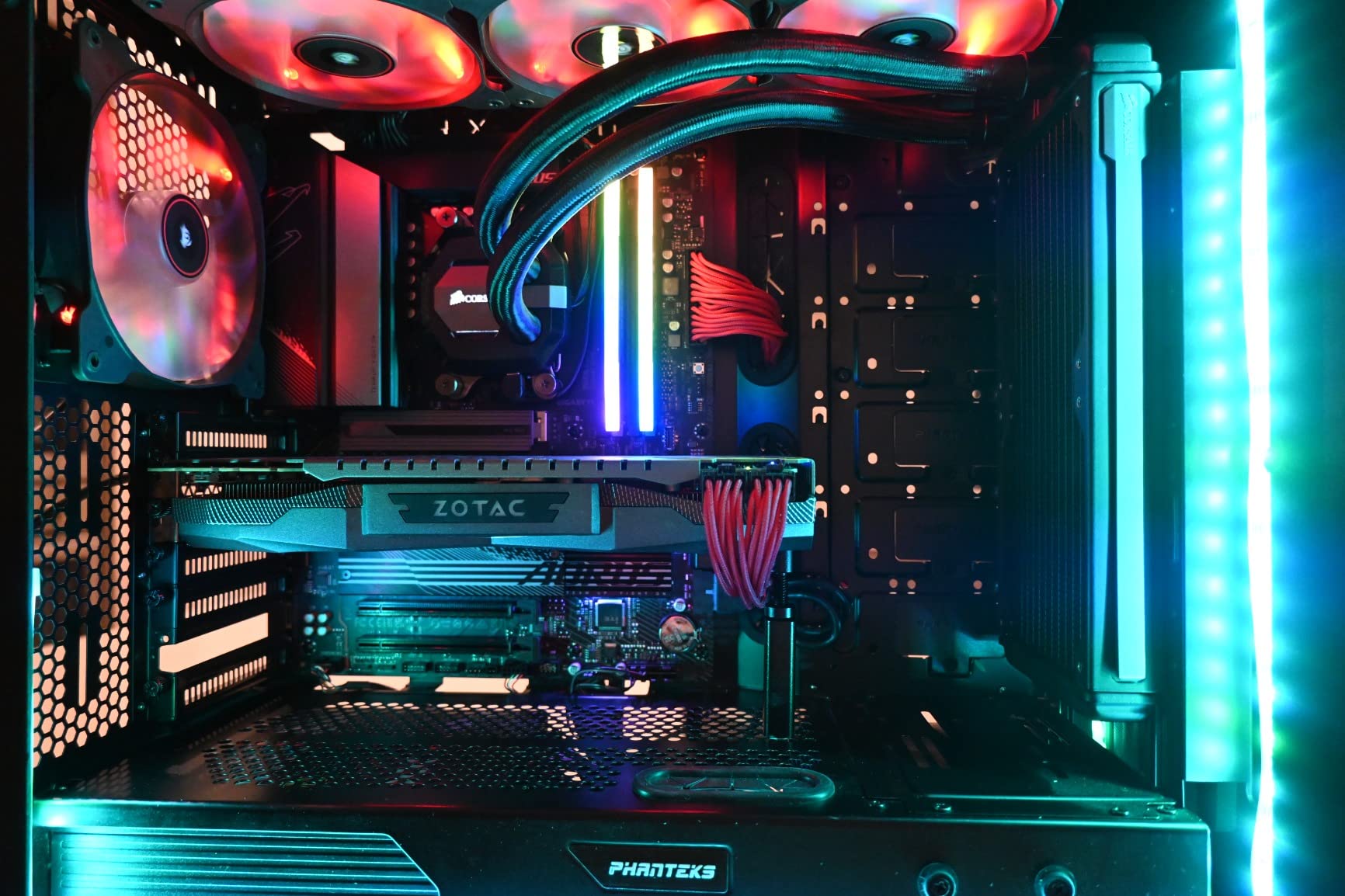
Is the B650 AORUS Elite AX strong enough for a Ryzen 9 9950X3D?
Yes. The 14+2+1 design at 70A per stage is well above what a 9950X3D needs, and the review base for this board includes owners running top-bin Ryzen chips without thermal throttling complaints.
For a Ryzen 7 9800X3D it is over-provisioned, which is exactly what you want from a board you intend to keep for several upgrade cycles. If you are gaming on a 7600 or a 9600X, the extra headroom costs you nothing at runtime.
Who should skip the B650 AORUS Elite AX?
Skip it if you need more than three M.2 drives, or if you plan to run a USB4 dock or external enclosure rather than a plain USB-C peripheral. The B850 boards further down the list give you four slots.
Also skip it if you have no way to reach the BIOS. Some early-revision units shipped with firmware that held back EXPO until updated, so check that the board you receive has current BIOS or that it has BIOS Flashback. Owners also flag the absence of a printed manual and the modest onboard audio codec, and a few note that the pre-applied thermal pad on the top M.2 slot can bow a drive very slightly.
2. MSI MAG B650 Tomahawk WiFi — Best Value for Storage-Heavy Builds
- Six SATA 6Gb/s ports give more storage flexibility than most B650 boards
- Extended VRM heatsink and M.2 Shield Frozr hold thermals steady
- Mature BIOS that owners consistently rate as stable
- 2.5GbE LAN and WiFi 6E included as standard
- M.2 slots are PCIe 4.0 rather than Gen 5
- No onboard debug LED display for troubleshooting
- May need a BIOS update for full Ryzen 9000 support
Across build communities the MSI MAG Tomahawk line keeps being described as the no-drama default on AM5, and this is the B650 version of it. It carries a 4.5 rating from 1351 reviews, and the recurring word in owner feedback is stability rather than excitement.
The differentiator against the board above it is storage. Six SATA 6Gb/s ports is three more than the B650 AORUS Elite AX and more than most B650 boards manage, which is decisive if you are migrating a library of hard drives or spinning disks for a media server alongside an NVMe boot drive.
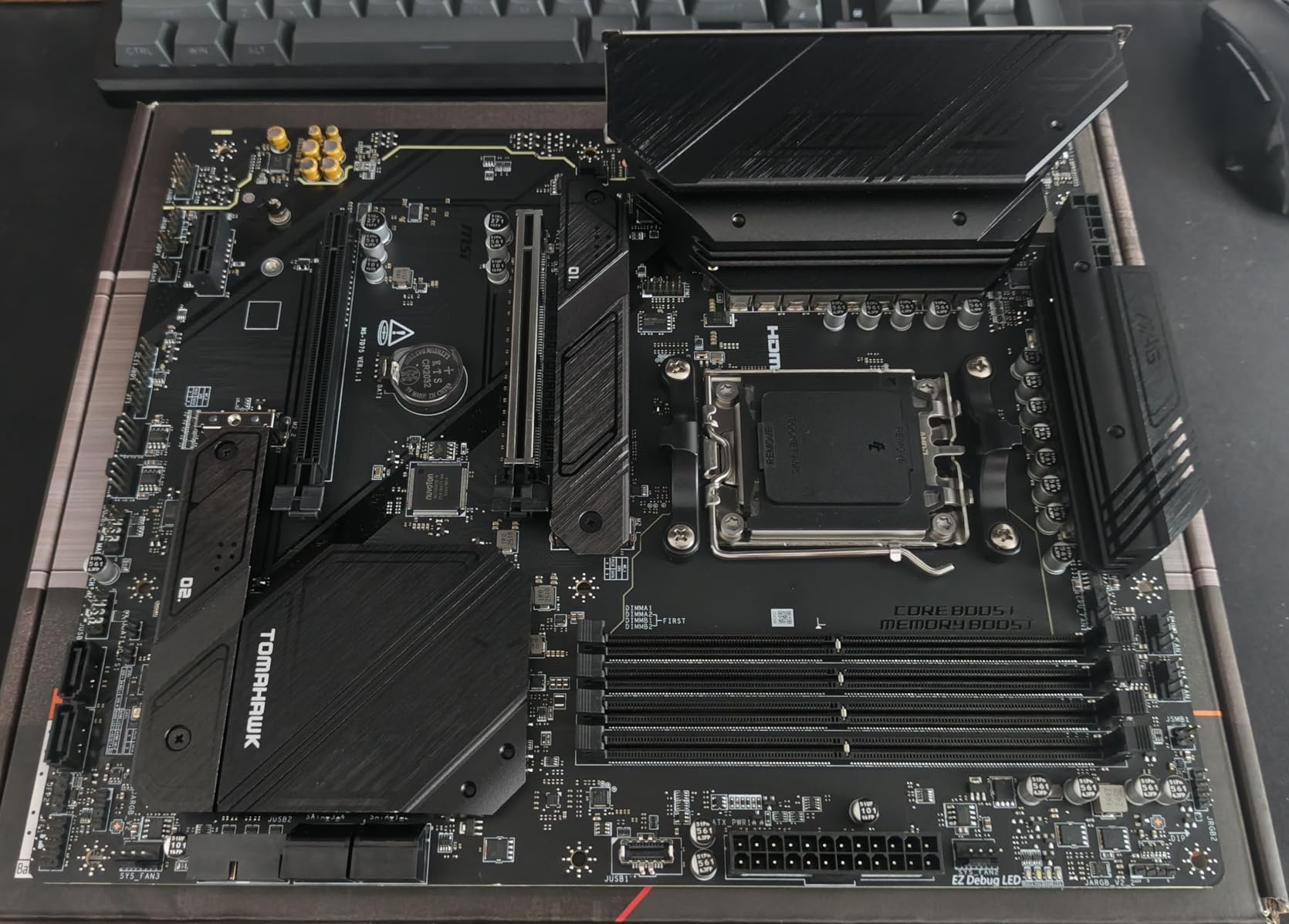
Memory support is strong too, with four DDR5 DIMMs rated up to 6400+ (OC). MSI’s Lightning M.2 implementation runs all slots at PCIe Gen 4 rather than Gen 5, wrapped in the Shield Frozr heatsinks that keep drive temperatures in check during long transfers.
The BIOS quality is the quiet selling point. Multiple owners describe it as the most mature firmware they have used on AM5, which matters if you plan to move to a Ryzen 9000 chip and want the update path to be painless. Bluetooth 5.3 and WiFi 6E round out a genuinely complete feature list.
Does the B650 Tomahawk WiFi handle a Ryzen 7 9800X3D without issues?
Yes, comfortably. The extended heatsink design over the VRM is the part doing the work, and owners running power-hungry X3D chips report no throttle complaints in their reviews.
It is also the pairing most forum regulars recommend for a Ryzen 7 9800X3D build that will also be used for streaming and light content work, because the six SATA ports and mature firmware leave room to add storage later.
Who should skip the B650 Tomahawk WiFi?
Skip it if you specifically want a PCIe 5.0 x4 M.2 slot, because every M.2 connector here is Gen 4. Gen 5 drives do work in Gen 4 slots, just at Gen 4 speed, which for almost every gaming workload is indistinguishable.
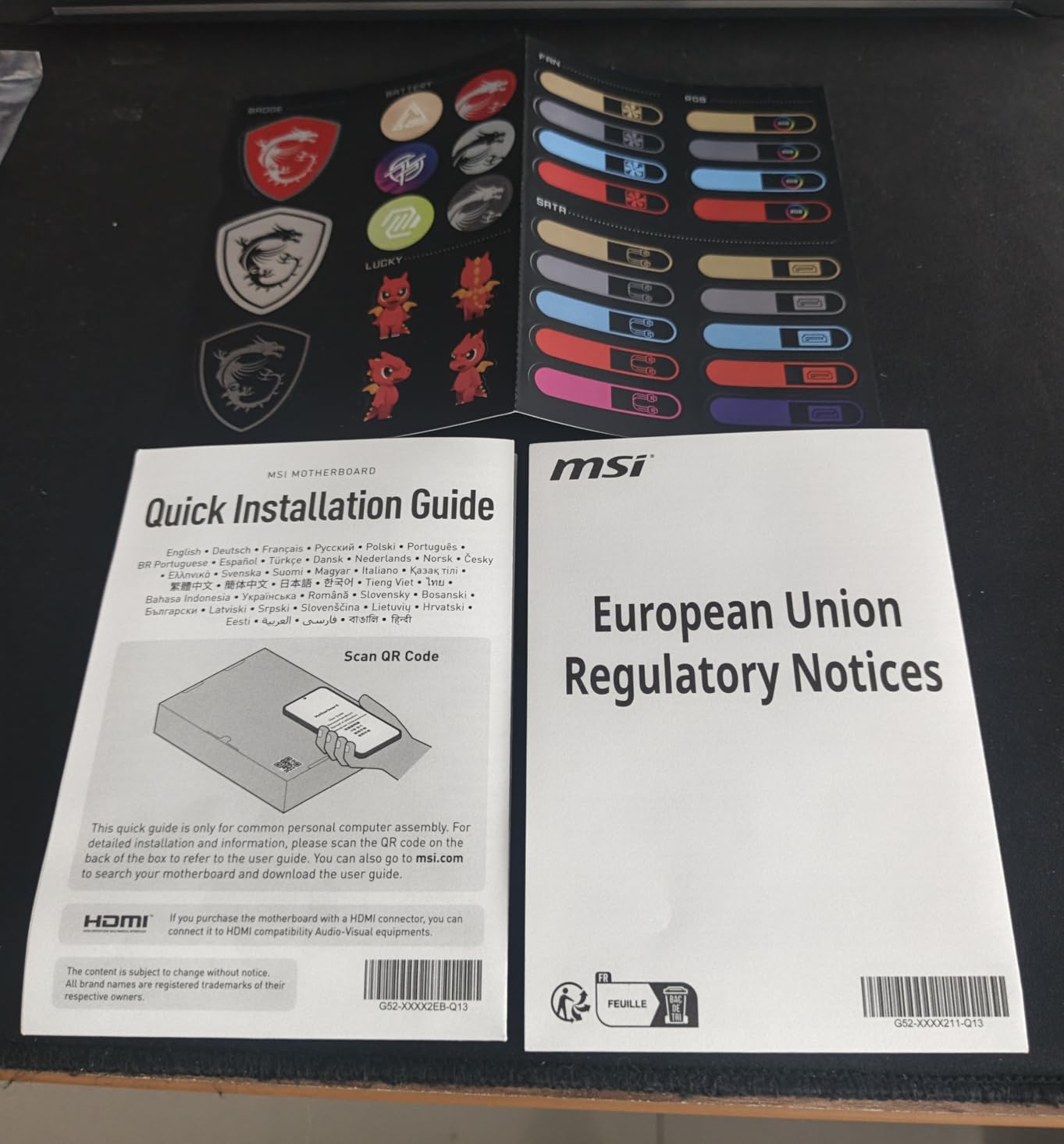
Skip it if you build on a frequent basis and need quick on-board diagnostics, since there is no POST code display. The board also weighs four pounds and can crowd a compact case, and BIOS support for the newest Ryzen 9000 chips may need an update first.
3. ASUS ROG Strix B650-A Gaming WiFi — Best Reliability-First Pick
- Power delivery handles heavy multi-core Ryzen loads without throttling
- High-speed DDR5 tuning works reliably with EXPO kits
- Integrated I/O shield and clearly labelled headers ease assembly
- Three M.2 slots each with a heatsink including one PCIe 5.0
- Armoury Crate software is heavy and resets settings after updates
- Onboard audio is underwhelming for the price
- Some boards need BIOS and Ethernet driver updates before first boot
This is the board we would hand someone who wants a ROG-branded AM5 experience without the flagship bill. It holds a 4.5 rating across 1219 reviews, and the feedback pattern is unusually consistent: strong power delivery and memory tuning, with software being the one recurring complaint.
Twelve plus two power stages on ProCool 8+4 pin connectors handle sustained all-core loads comfortably. The massive VRM heatsinks have airflow channels cut into them with high-conductivity thermal pads underneath, and owners running big Ryzen chips report stable behaviour with no thermal complaints.
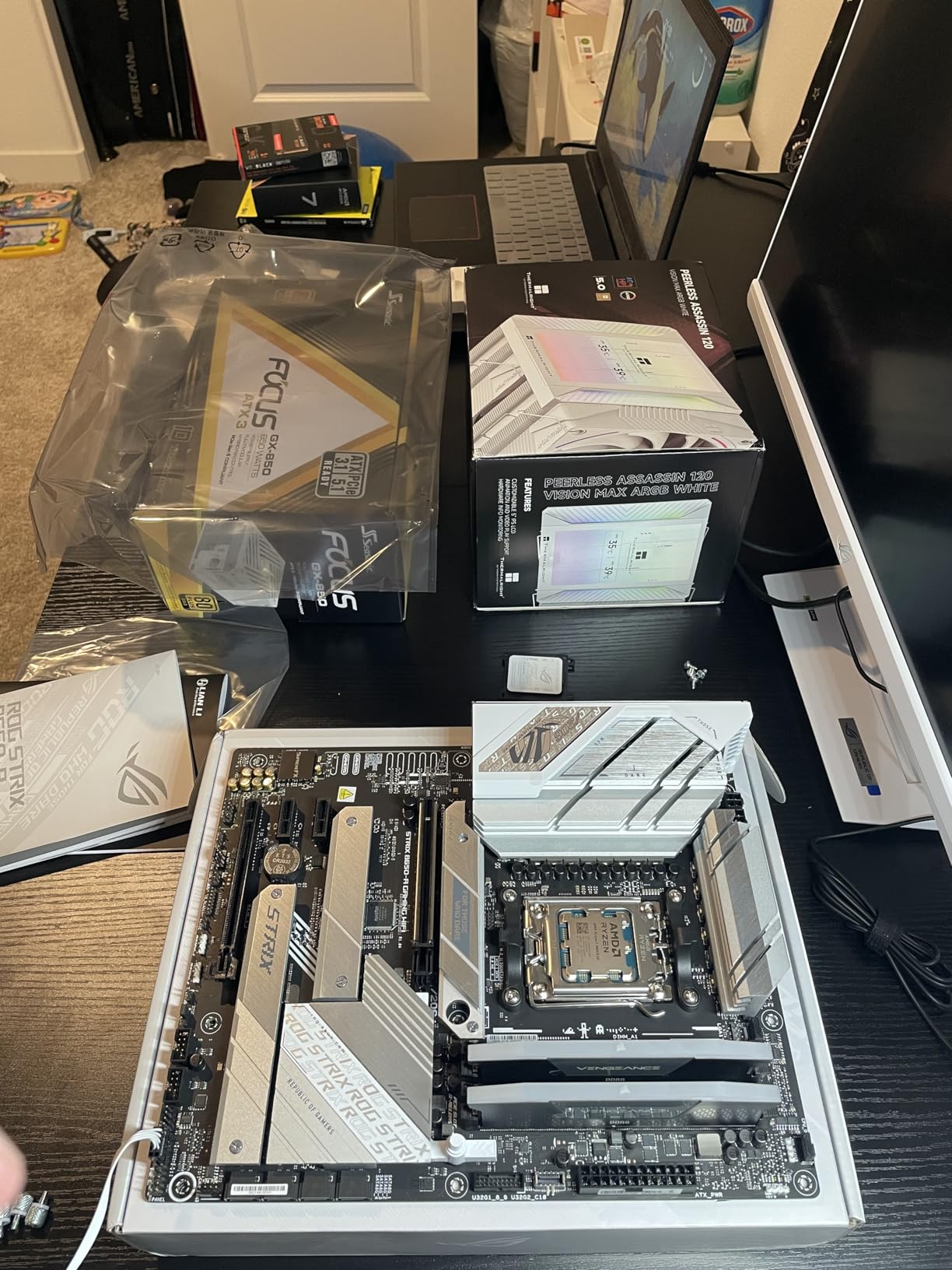
Storage is three M.2 slots, one on PCIe 5.0 and two on PCIe 4.0, and unlike some boards all three come with heatsinks fitted. Four SATA ports and a rear USB 3.2 Gen 2×2 Type-C port complete a generous rear I/O for a B650 board.
Assembly is the quiet strength. The integrated I/O shield and the clearly labelled headers matter more to a first-time builder than any spec line, and the DDR5 tuning here works reliably with EXPO memory kits rather than needing manual memory training.
Is the ROG Strix B650-A good with a Ryzen 5 or Ryzen 7 build?
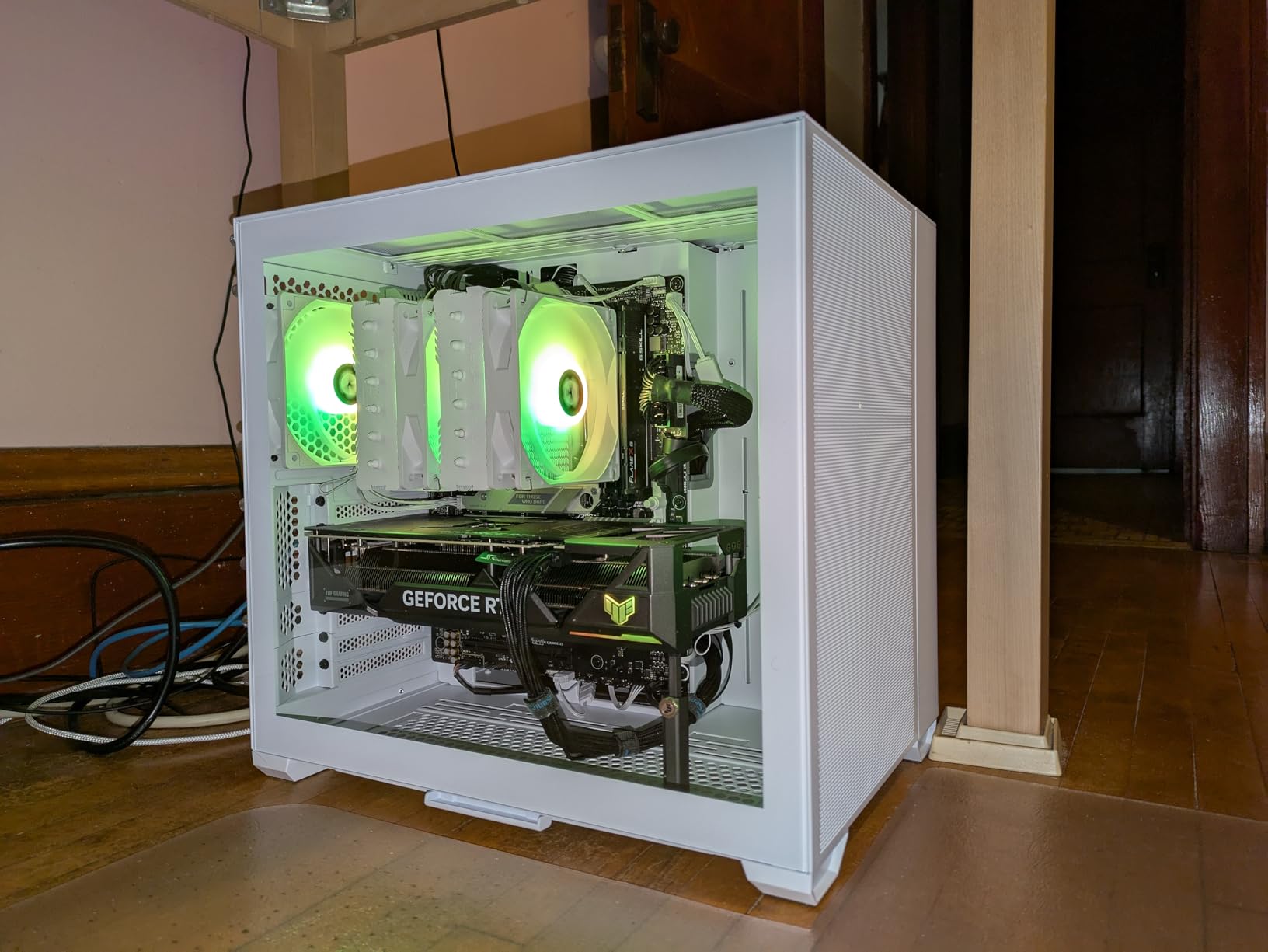
Very. For a Ryzen 5 9600X or a Ryzen 7 9700X, this board has more power delivery than those chips will draw, and the VRM headroom means it will still be fine if you upgrade the CPU later.
It is the value case that stands out, because ROG branding at this specification level is hard to find elsewhere. Reviewers repeatedly call it exceptional value for a ROG-branded board.
Who should skip the ROG Strix B650-A?
Skip it if you dislike bundled software. Armoury Crate is heavy, can be buggy, and owners report it resetting lighting and fan settings after each update, which is a real annoyance on a board with Aura Sync RGB.
Skip it if you care about audio, since the onboard codec underwhelms for the tier. A minority of buyers also report a slow POST of around twenty seconds, a few needed BIOS and Ethernet controller updates before first boot, and a small number saw instability with specific AMD graphics cards.
4. ASUS ROG Strix X870-A Gaming WiFi — Most Versatile for High-End Ryzen
- Runs flagship Ryzen 9 chips cool and stable under sustained load
- All four M.2 slots have heatsinks
- Q-Release Slim makes GPU removal painless
- WiFi 7 delivers noticeably faster transfers than WiFi 6
- Only two SATA ports for hard drives
- Populating all four M.2 slots can reduce PCIe lane availability for the GPU
- Armoury Crate resets settings after each update
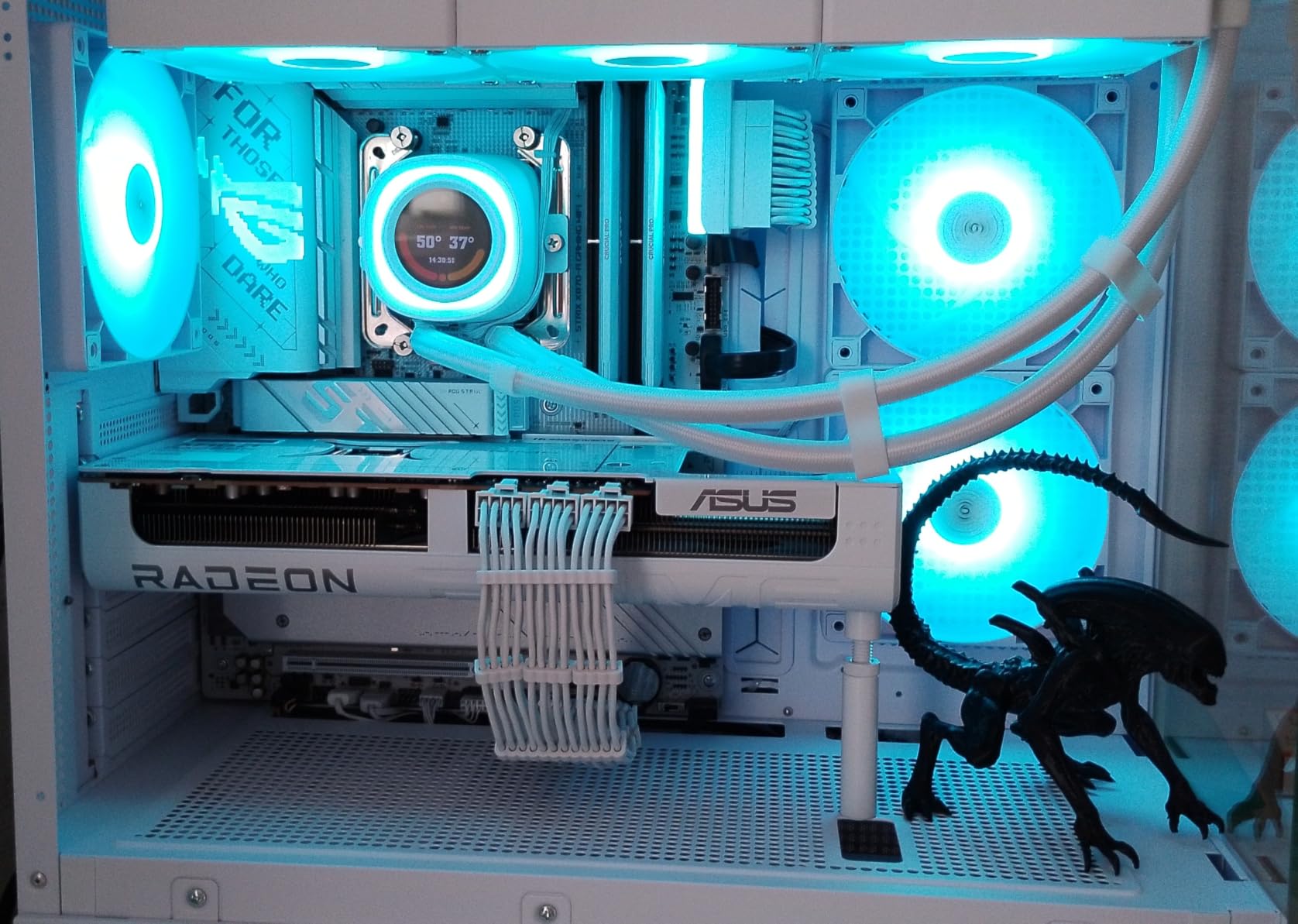
This is where the X870 ladder starts to make sense, and the reason is USB4. A native 40 Gbps Type-C port is the concrete feature you get by climbing above B850, and this board also brings WiFi 7, four M.2 slots and tool-less GPU release.
The power solution is 16+2+2 stages rated at 90A each on dual ProCool II connectors, which is the kind of headroom that makes a 9950X3D feel unhurried during a long render. Owners running flagship Ryzen 9 chips report cool VRMs and flawless stability in their reviews.
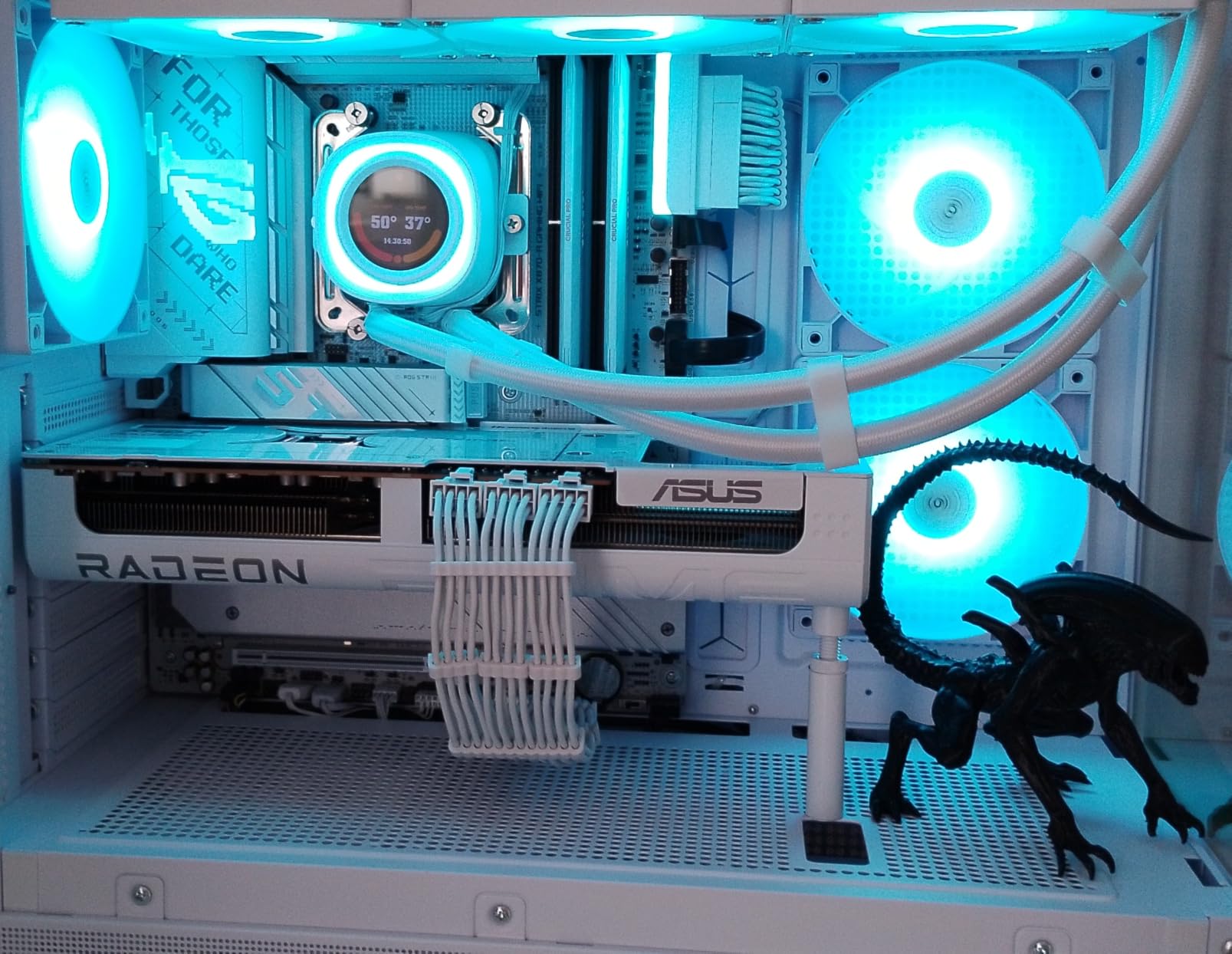
Memory is the other story. Up to 192 GB of DDR5 with AEMP profiles, and the BIOS is described as user-friendly with clean labelled headers. The Q-Release Slim lever is a small mechanical convenience that you will appreciate every time you swap a graphics card.
Twenty-one USB ports is a genuinely large rear and header count for a desktop, and the board is one of the few X870 options where USB4 is present alongside a full set of high-speed Type-A ports.
Is the X870-A worth it over a B850 board for a Ryzen 9 9950X3D?
For a 9950X3D, the extra power headroom and the USB4 port are the two reasons to climb. The 90A stages leave a lot of thermal margin for sustained all-core work, and the four M.2 slots are all heatsinked with no reported throttling under heavy file transfers.
For a Ryzen 7 9800X3D the same board works but you are paying for capability the chip will not use, which is why we do not put it at number one.
Who should skip the X870-A?
Skip it if you plan to fill all four M.2 slots. Populating them can reduce PCIe lane availability for the graphics card, and with only two SATA ports you have no easy hard drive fallback. That combination makes it a poor fit for a storage-first workstation.
Skip it if you dislike Armoury Crate, which resets RGB and fan settings after updates. There is no numeric POST code display for troubleshooting, the integrated video output needs a BIOS setting enabled, and some memory kits need a BIOS update before first boot.
5. MSI MAG X870 Tomahawk WiFi — Best for Connectivity-Heavy Builds
- Feature set rivals boards costing more including debug LED codes and BIOS Flashback
- Clean fast BIOS that several owners call the best they have used
- VRMs stay cool with flagship Ryzen chips under sustained load
- Tool-less M.2 heatsink and EZ DIY features speed up assembly
- Using the second PCIe 5.0 SSD shares bandwidth with the USB4 port
- Some boards report WiFi instability and packet drops
- Only a couple of SATA ports and no native 5.1 audio output
The X870 Tomahawk is the board in this roundup with the most unusual feature combination for its tier. Five gigabit Ethernet, native USB4, WiFi 7 with Bluetooth 5.4 and two PCIe 5.0 M.2 slots is a connectivity package most people would expect to pay a premium for.
Buyers consistently describe it as a premium-feeling board at a mid-tier price, and the specific thing they single out is the BIOS, which several owners call the best they have used. The EZ Debug LED codes and BIOS Flashback button are also unusual at this level, and they matter more than they look like they should.
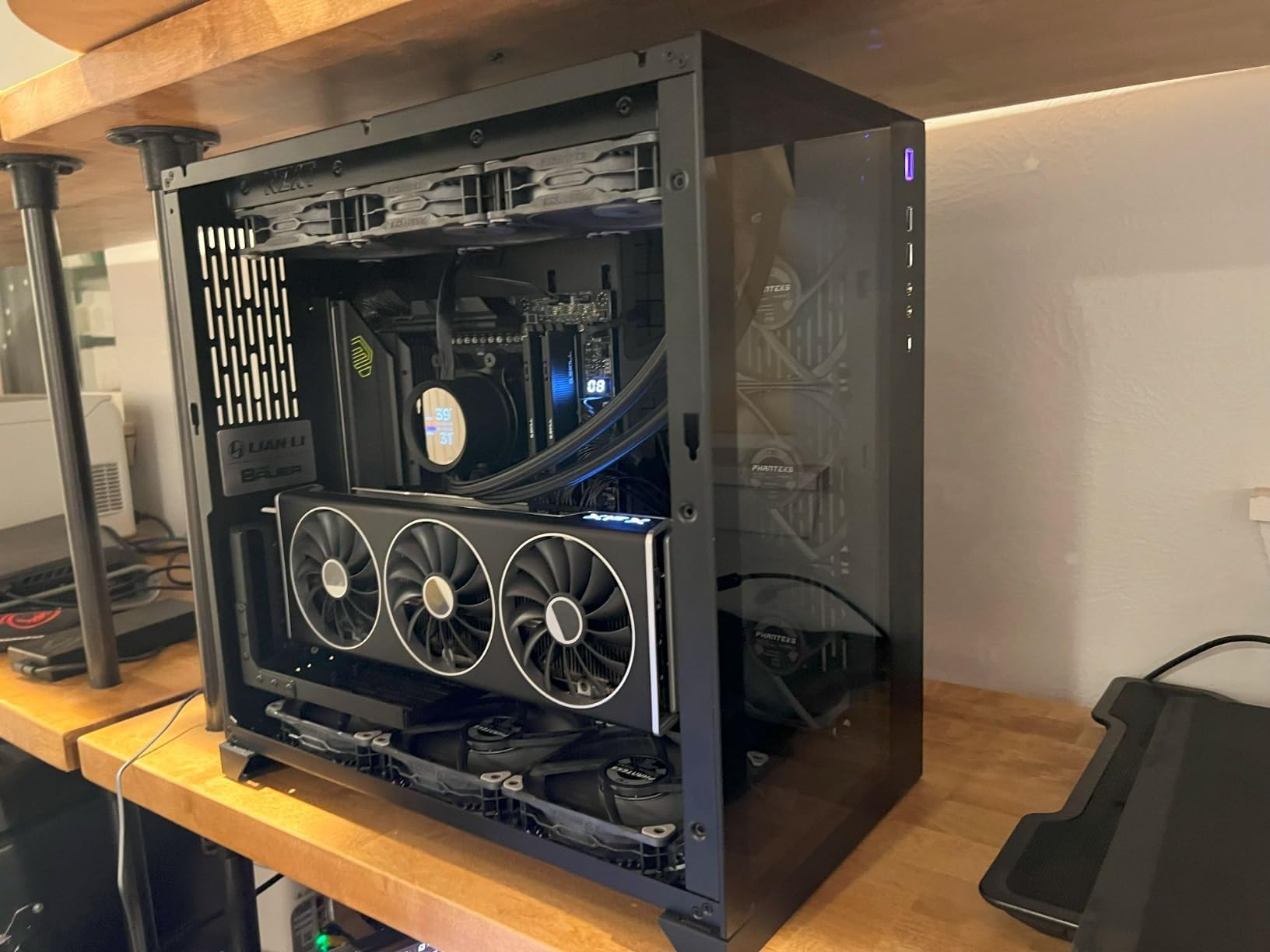
The extended PWM heatsink and enhanced circuit design let high-end processors run at full speed under sustained load without VRM throttling. Audio Boost 5 provides isolated audio with a higher quality processor, though there is no native 5.1 output.
Front USB-C with 27W power delivery is a nice touch for a case with a front Type-C port, and four SATA ports sit behind the two Gen5 slots. Memory support goes to 256 GB with DDR5 rated to 7800 MT/s.
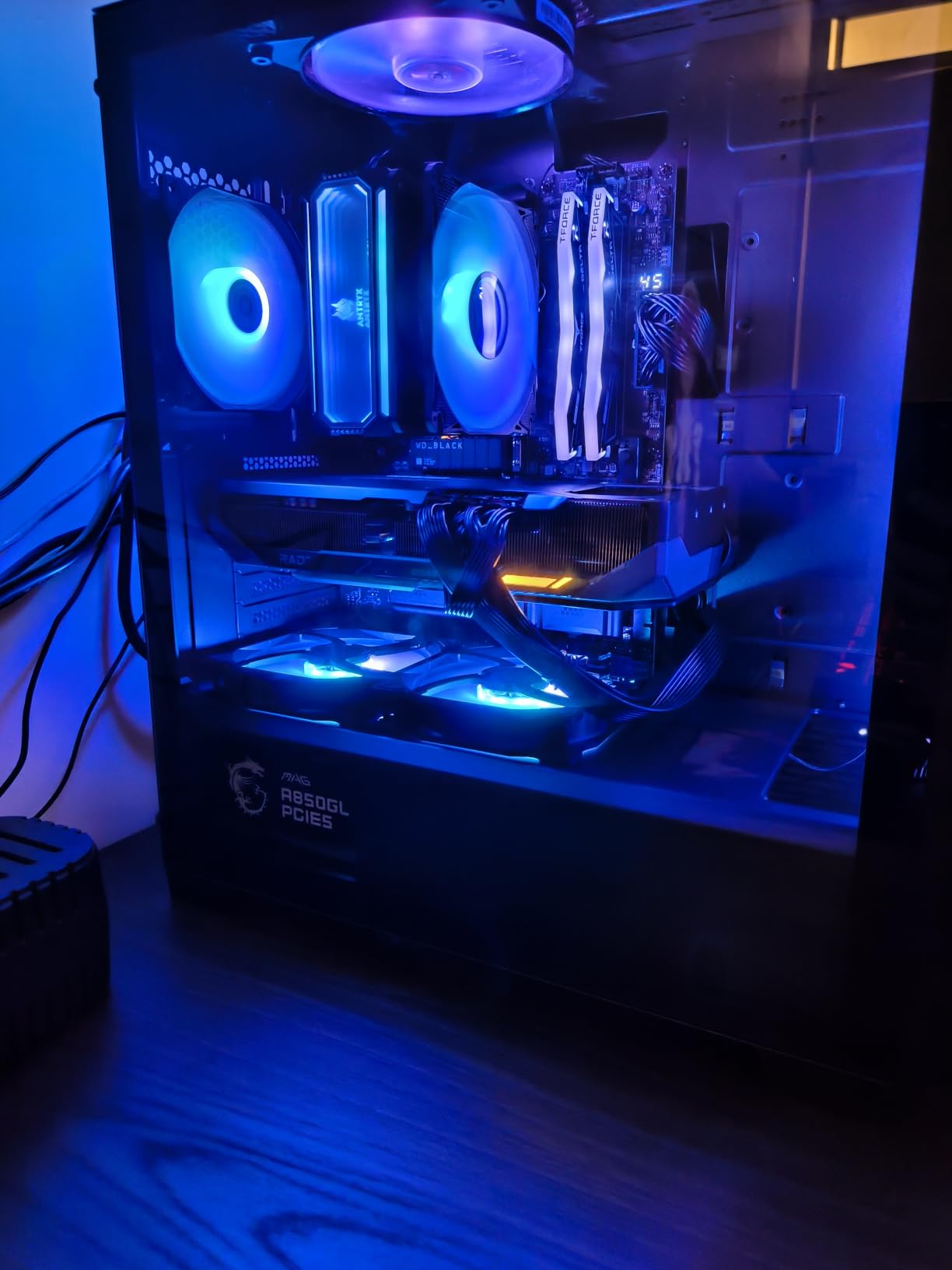
Is 5Gbps LAN actually useful on the X870 Tomahawk?
Only if your network gear supports it. A 5GbE port on a 2.5GbE home network buys you nothing, but on a NAS setup or a shared network it can shorten large file transfers noticeably. For most gaming builds the honest answer is that 2.5GbE is the practical ceiling.
The more broadly useful feature is USB4, which lets you run a single-cable dock with an external display, network and peripherals from the rear Type-C port.
Who should skip the X870 Tomahawk?
Skip it if you plan to run two PCIe 5.0 SSDs and want USB4 at the same time, because owners report the second Gen5 slot shares bandwidth with the USB4 port. That is the one genuine trade-off on this board.
Skip it if WiFi is your only connection, since a minority of owners report instability and packet drops. Some systems also take a long POST past the MSI logo, MSI Center bloatware is pushed on first setup, and the SATA port count is on the low side.
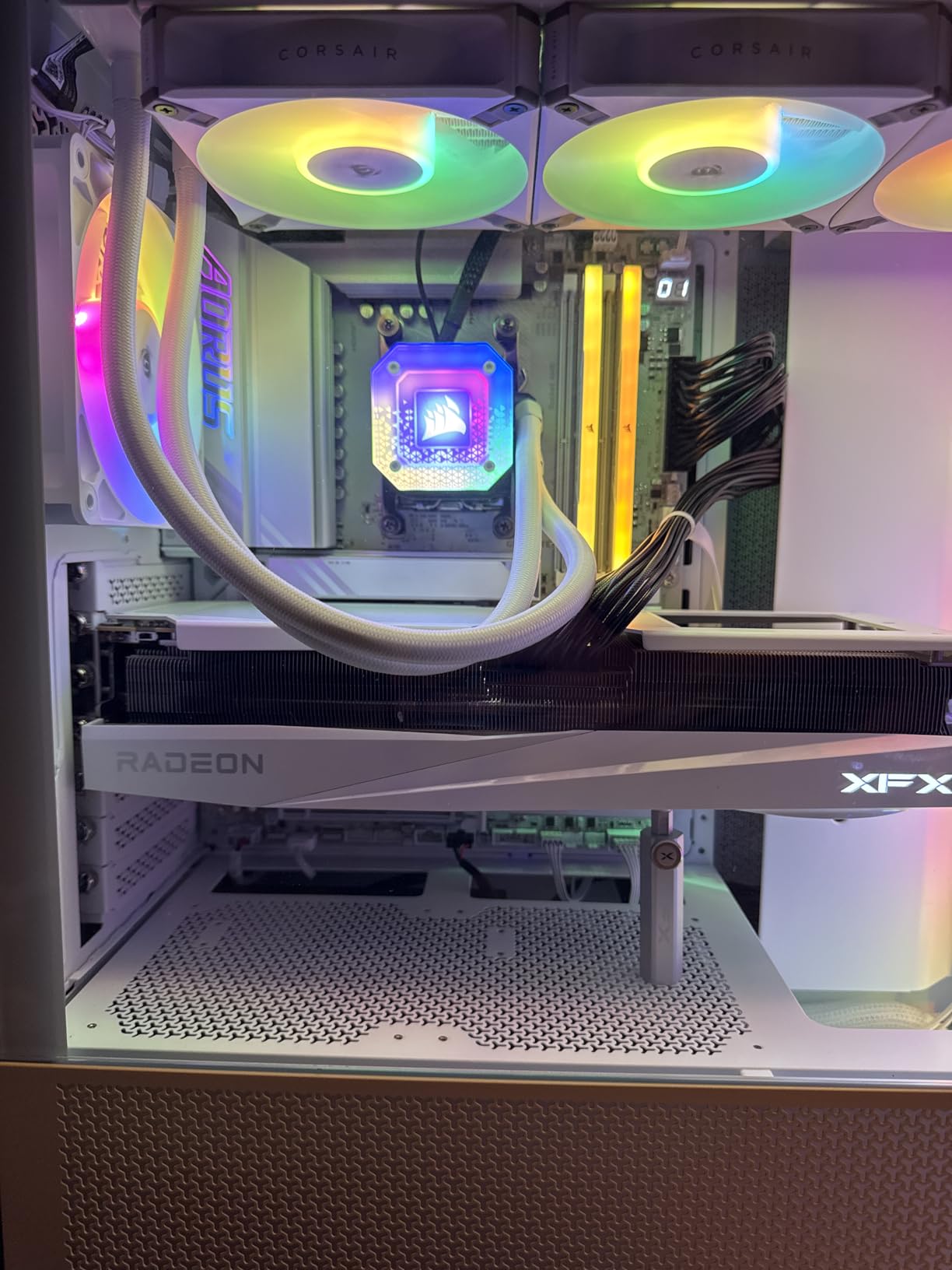
6. GIGABYTE X870E AORUS PRO ICE — Best for White and Showcase Builds
GIGABYTE X870E AORUS PRO ICE AMD AM5 LGA 1718 Motherboard, ATX, DDR5, 4X M.2, PCIe 5.0, USB4, WIFI7, 2.5GbE LAN, EZ-Latch, 5-Year Warranty
- Genuine X870E lane counts with dual PCIe 5.0 x4 M.2 slots
- 16+2+2 80A Smart Power Stages handle top-end Ryzen loads
- Dual USB4 plus front and rear USB-C
- White ICE aesthetic suits themed builds
- Five-year warranty is longer than most rivals
- Fewer SATA ports than typical X870E boards
- WiFi 7 antenna connector uses a proprietary plug-in fitting
- No printed documentation for first-time builders
Owners pick this board for one reason above the others: the white ICE styling matched with a white graphics card and white case, plus the fact that it is a real X870E with dual PCIe 5.0 x4 M.2 slots rather than an X870 board in white paint.
The power design is 16+2+2 with 80A Smart Power Stages, and the VRM and M.2 Thermal Guard covers keep temperatures down. That is ample for a Ryzen 9 9950X3D under sustained all-core loads, and reviewers report no throttling concerns.
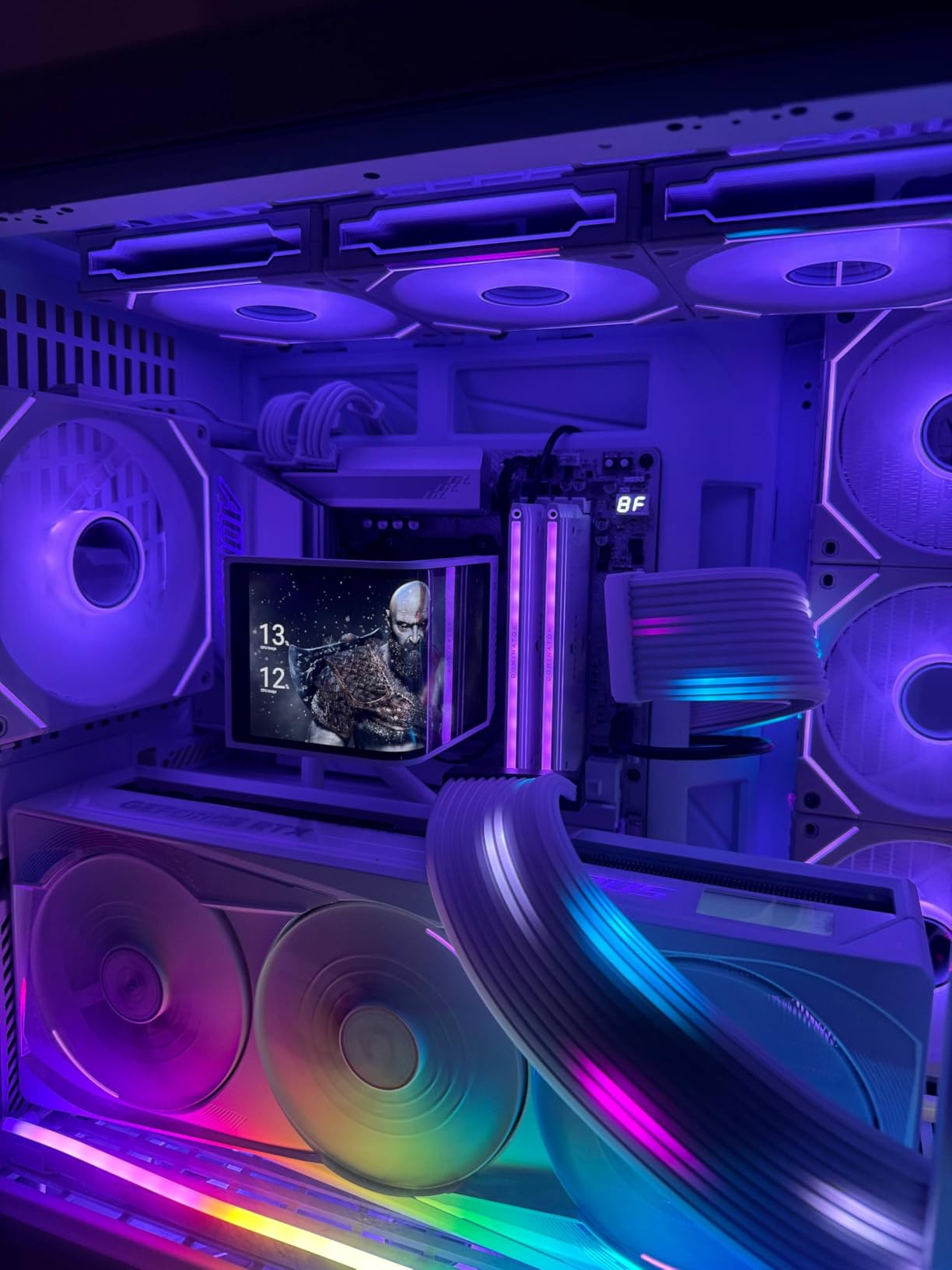
Connectivity is the X870E reason to exist: dual USB4 ports, plus front and rear USB-C, four M.2 slots with PCIe 5.0 support, WiFi 7 and 2.5GbE LAN. Memory goes to 256 GB of DDR5 with EXPO support across four DIMMs.
The five-year manufacturer warranty is longer than almost every rival here, and GIGABYTE also throws in EZ-Latch for tool-less M.2 retention, which genuinely speeds up assembly.
Is an X870E worth it for a gaming-only Ryzen build?
Usually not. The extra lanes X870E guarantees over X870 are there for dual Gen5 storage and maximum multi-GPU or accelerator configurations, and a single gaming GPU in one slot will not touch them.
Buy it when you want the dual PCIe 5.0 x4 M.2 slots, when you need the second USB4 port, or when the white aesthetic matters enough that the ICE board is the only version of the platform you want. Otherwise the money is better spent on the rest of the build.
Who should skip the X870E AORUS PRO ICE?
Skip it if you need lots of SATA drives, because the port count is lower than typical X870E boards. Skip it if you dislike proprietary fittings, as the WiFi 7 antenna connector uses a plug-in style rather than a standard screw terminal.
Some BIOS features also need the separate Sensor Panel Link hardware, and there is no printed documentation, which is a real stumbling block for first-time builders assembling a themed build from scratch.
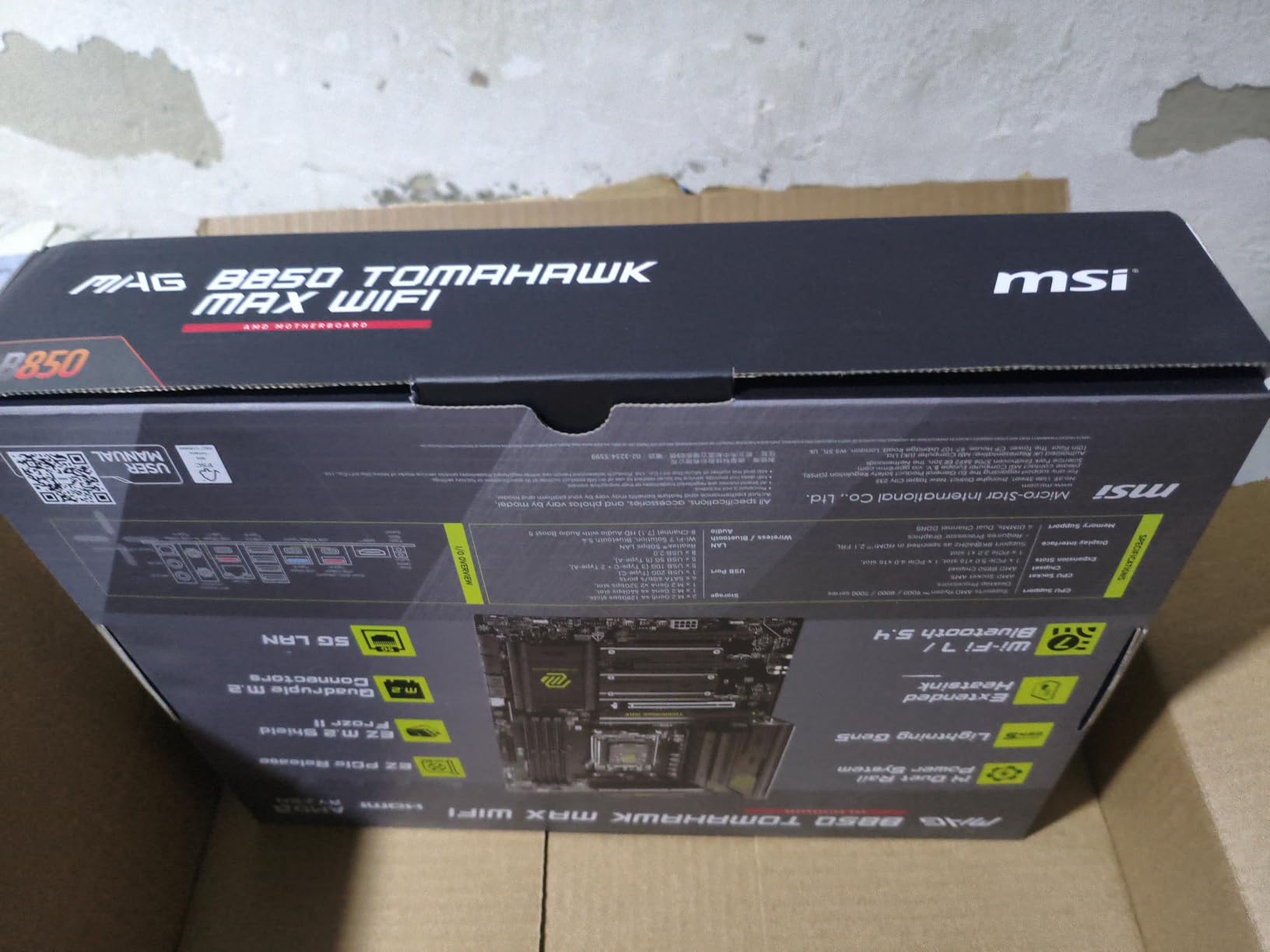
7. MSI MAG B850 Tomahawk MAX WiFi — Best for a Brand-New Ryzen 9000 Build
- Ryzen 9000-series chips work out of the box with no BIOS flash needed
- Four M.2 slots including two PCIe 5.0 x4 with heatsinks
- Tool-less GPU release button and M.2 clips make upgrades simple
- Strong 80A VRM with extended heatsinks for sustained loads
- Green PCB styling is not universally liked
- No printed manual and Windows 10 is not supported by the driver set
- Occasional reports of boards arriving with bent CPU or RAM pins
This is the board the build community consensus points at for a new Ryzen 9000 gaming build. The advice that repeats across threads is simple: do not overspend on the chipset, and B850 with a 9800X3D is more than enough.
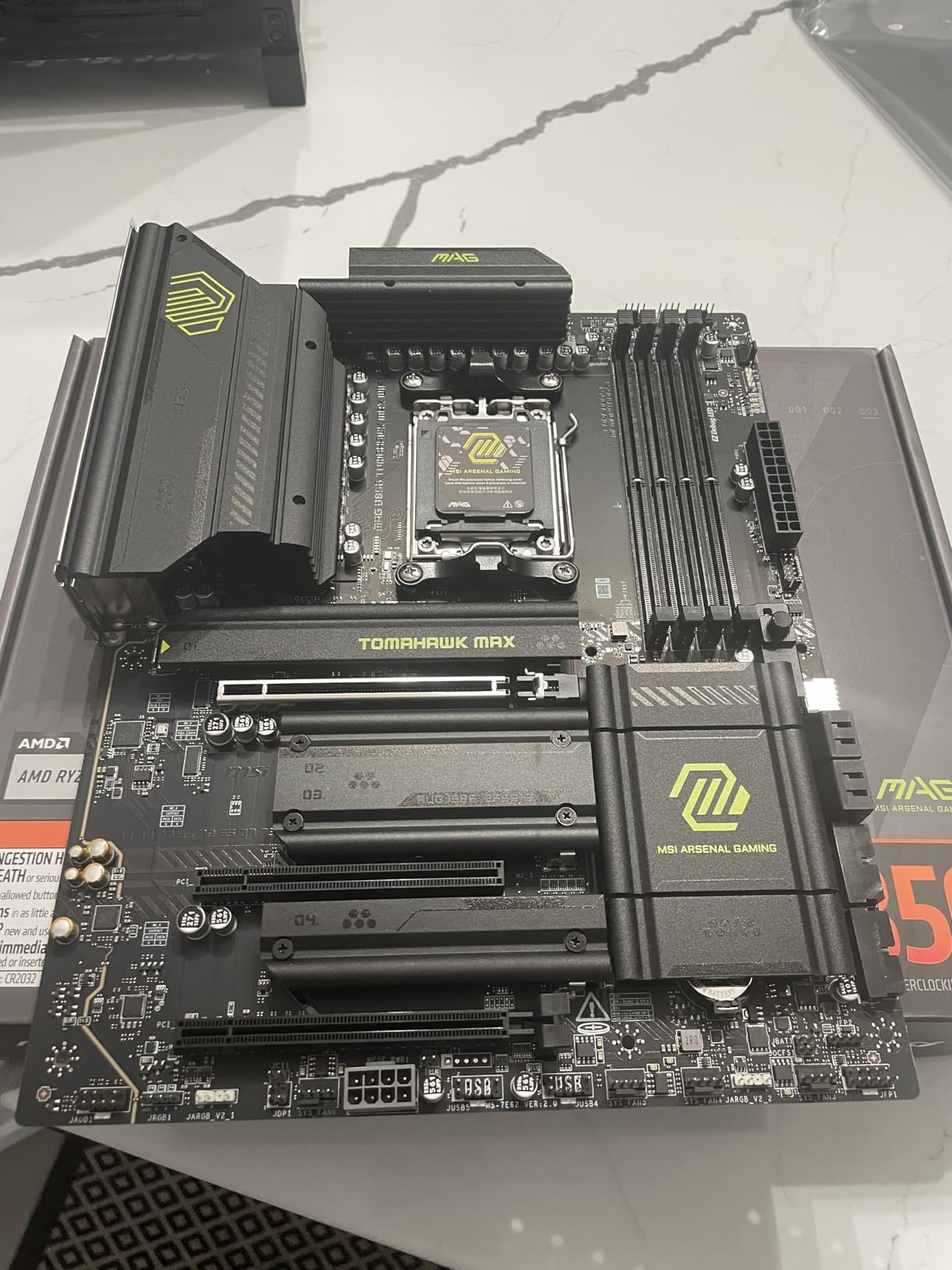
Its 14 Duet Rail power system uses 80A SPS stages, and the cooling package is thorough: 7W/mK MOSFET thermal pads, extra choke thermal pads, an extended heatsink, a chipset heatsink, and EZ M.2 Shield Frozr II covers on the storage slots.
The most important practical detail in the reviews: Ryzen 9000 and X3D chips boot immediately and EXPO works on the first try with no firmware flash required. That removes the single most common first-build failure mode, where an older BIOS refuses to POST a newer CPU.
Storage is the best in this roundup for a mid-range board. Two M.2 Gen5 x4 slots at 128 Gbps, one Gen4 x4 and one Gen4 x2, with EZ M.2 Clip II tool-less retention and a Steel Armor II PCIe 5.0 x16 primary slot.
Is a B850 board good enough for a Ryzen 7 9800X3D?
More than good enough. The 80A SPS VRM with Frozr Guard cooling has the headroom for a power-hungry 9800X3D under sustained load, and the four-M.2 layout means storage expansion never costs you the graphics slot.
Connectivity here is genuinely current: full-speed WiFi 7 with Bluetooth 5.4, 5Gbps LAN, a rear USB 20G Type-C port, and Audio Boost 5 with S/PDIF output.
Who should skip the B850 Tomahawk MAX?
Skip it if you want a specific look, because the green PCB is not a selling point for a themed build. Skip it if you are staying on Windows 10, since the driver set does not support it.
Documentation is online only with no printed manual, storage compatibility is worth checking before migrating an existing OS drive, and a small number of boards arriving with bent CPU or RAM pins, so inspect the box on arrival.
8. ASUS ROG Strix B850-A Gaming WiFi — Best for Four M.2 Drives Without Lane Loss
- All four M.2 slots run simultaneously without dropping the GPU to x8 lanes
- VRMs handle a power-hungry 9800X3D without throttling
- WiFi 7 stays connected with no dropouts in real use
- Clean fast BIOS with AEMP memory profiles
- 17 USB ports including USB 20Gbps Type-C
- Only two SATA ports
- Tall tower CPU coolers can overhang the RAM slots
- Isolated reports of audio cut-outs and unreliable sleep and wake cycles
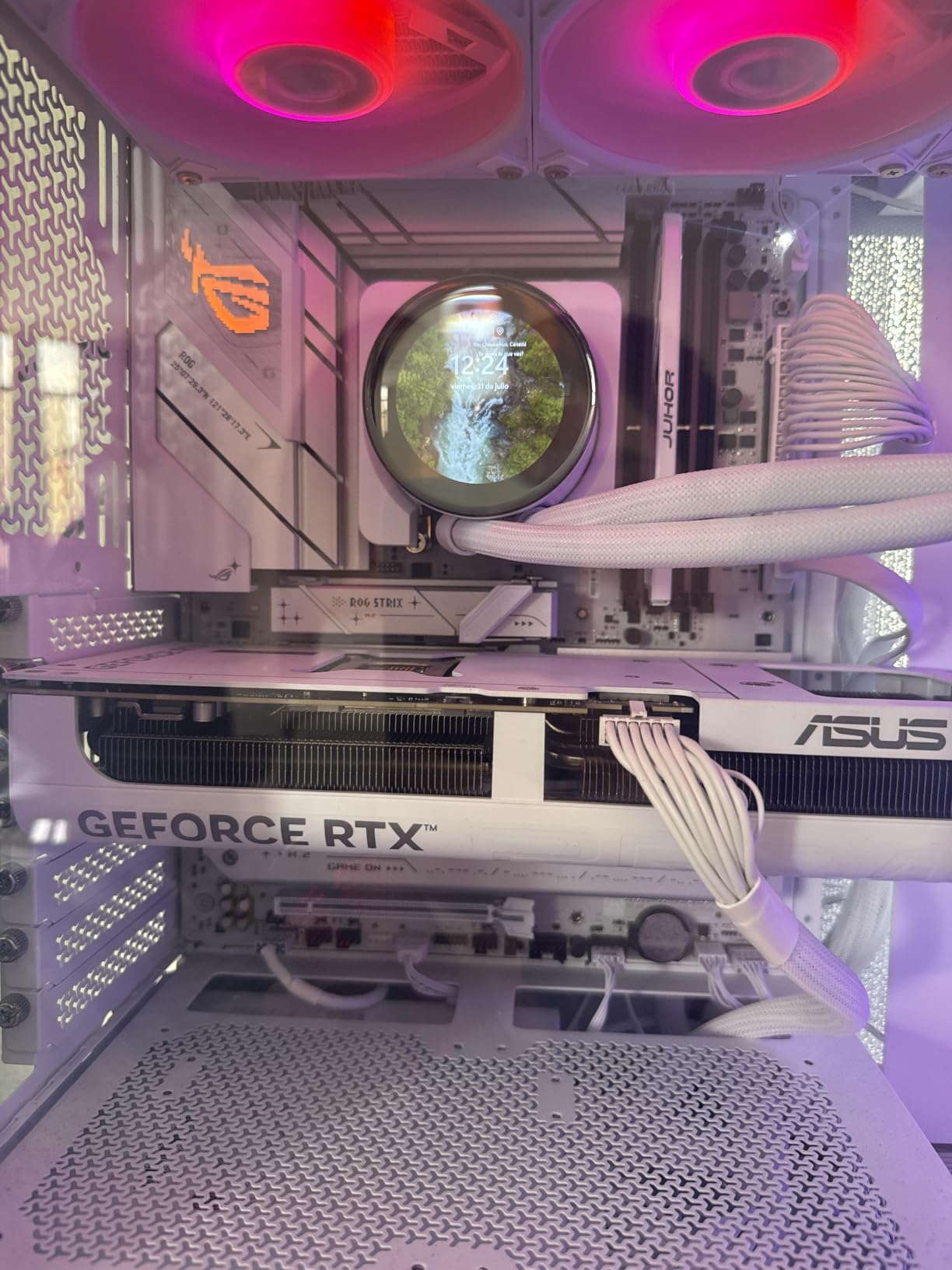
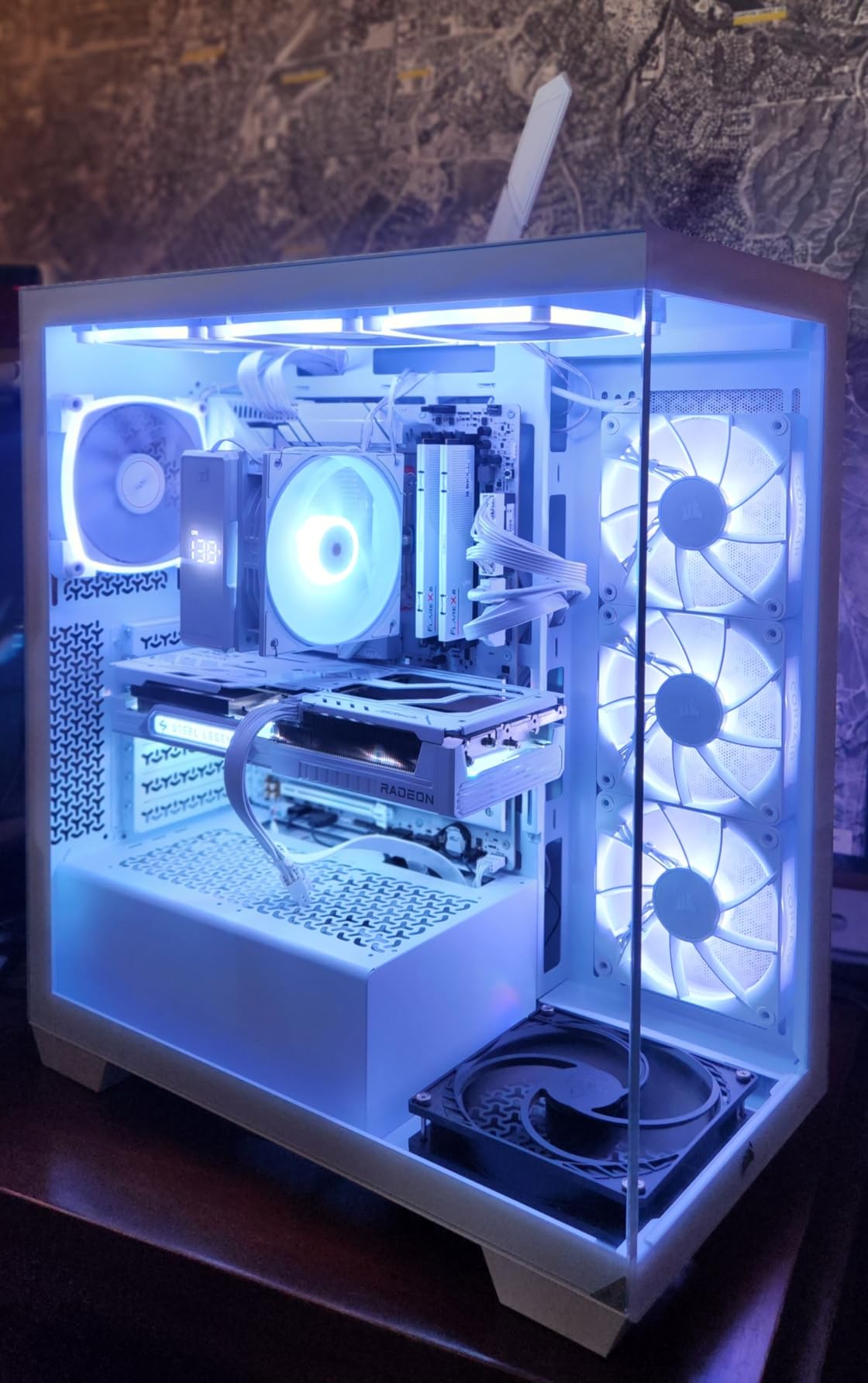
Four M.2 slots sounds common until you read the fine print on most boards. This one is the exception where all four run at full bandwidth without forcing the primary graphics slot down to x8 lanes, and owners moving from MSI boards call that out as the decisive advantage.
Power comes from a 14+2+2 solution rated at 80A per stage on an 8+8-pin ProCool connector, with massive heatsinks bridged to the VRMs by high-conductivity pads. Reviews report it handling a power-hungry 9800X3D without throttling.
Networking is next generation: WiFi 7 with a Q-Antenna and 2.5G LAN, and owners report the wireless staying connected with no dropouts in real use. Memory tops out at 192 GB of DDR5 with AEMP profiles and 8000 MT/s rated speed, and there are 17 USB ports in total.
The finish is white and silver, which makes this a reasonable second entry for a themed build even though it does not carry a dedicated white badge here.
Why do four M.2 slots matter on an AM5 board?
Because a content creator or a heavy multi-tasker can run an OS drive, a projects drive, a scratch drive and a cache drive without falling back to slow SATA storage. With only two SATA ports on this board, your expansion path is the M.2 array rather than cables.
More practically, it means a future swap to a larger drive is a ten-minute job instead of a rebuild.
Who should skip the ROG Strix B850-A?
Skip it if you use spinning hard drives, because two SATA ports is very few. Skip it if you run a tall tower CPU cooler, which can overhang the DIMM slots depending on how high the front fan sits.
A small number of owners report unreliable sleep and wake cycles, a minority report audio output cutting out intermittently, and Armoury Crate adds background overhead and extra software that some people simply do not want running.
9. ASRock B650 Steel Legend WiFi 6E — Best for First-Time Builders
ASRock B650 Steel Legend WiFi 6E AMD Socket AM5 Ryzen 9000 8000 and 7000 Series SATA3 M.2 DDR5 7200+(OC) 256GB SATA3 6.0 Gb/s ATX Motherboard BIOS Flashback
- Strong 14+2+1 80A Dr.MOS power phase for the price
- Three M.2 slots including one PCIe 5.0 x4 Blazing M.2
- Generous 19 USB ports including front and rear USB-C
- BIOS Flashback allows firmware updates with no working CPU installed
- Shorter warranty coverage than competing brands
- BIOS interface and Auto Driver Installer are less polished than major rivals
- Fewer customer photos and long-form reviews than better-known brands
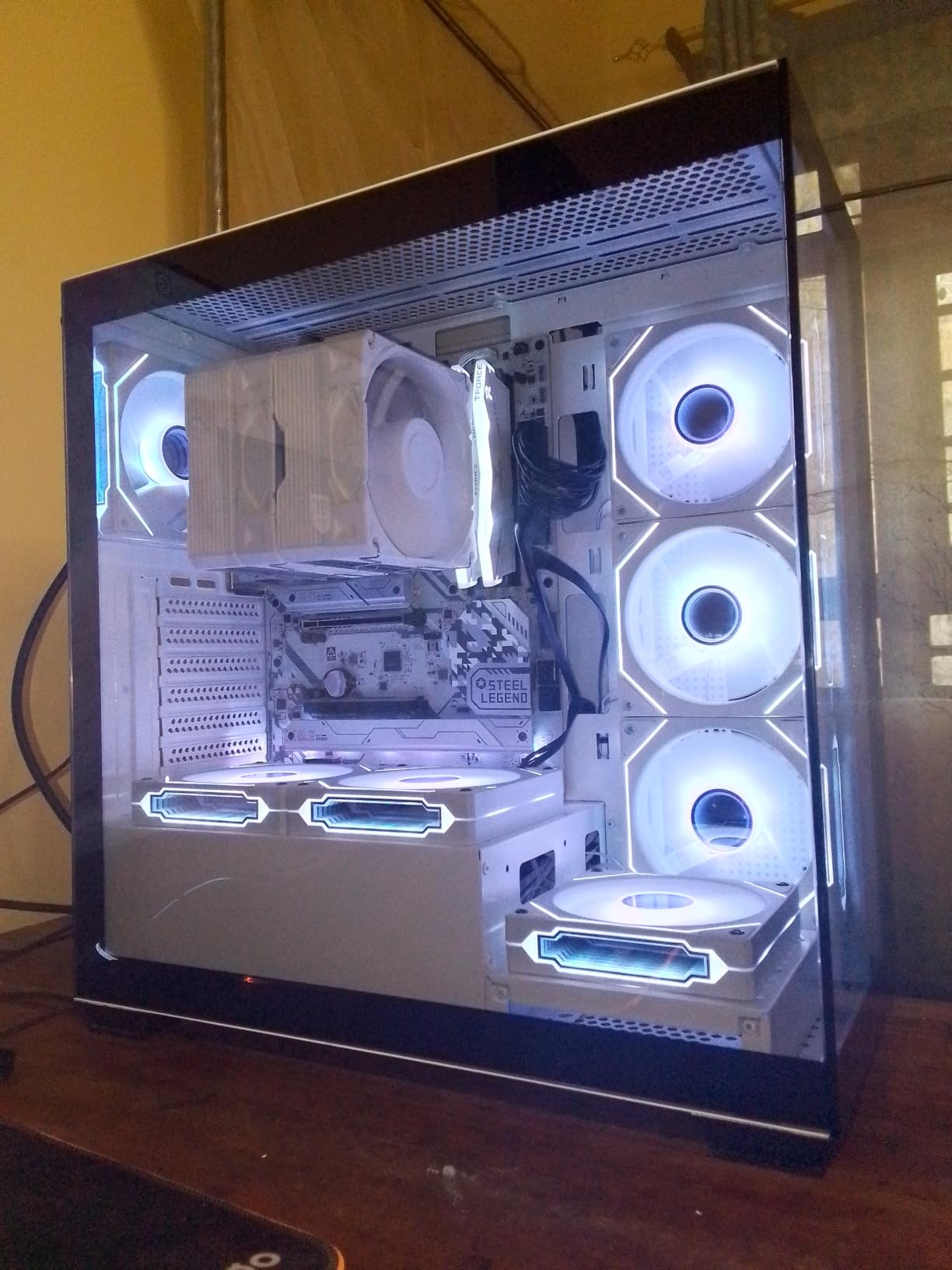
The Steel Legend is the pick here for a first build, and the reason is BIOS Flashback. Because you can flash the board’s firmware with a USB stick and no processor installed, the classic new-builder trap of a Ryzen 9000 chip refusing to POST on older BIOS simply cannot happen.
The power design is a 14+2+1 phase layout with 80A Dr.MOS stages for Vcore, which is a genuinely capable VRM for the position it occupies. Four DDR5 DIMMs run dual channel up to 7200+ (OC) with a maximum of 256 GB.
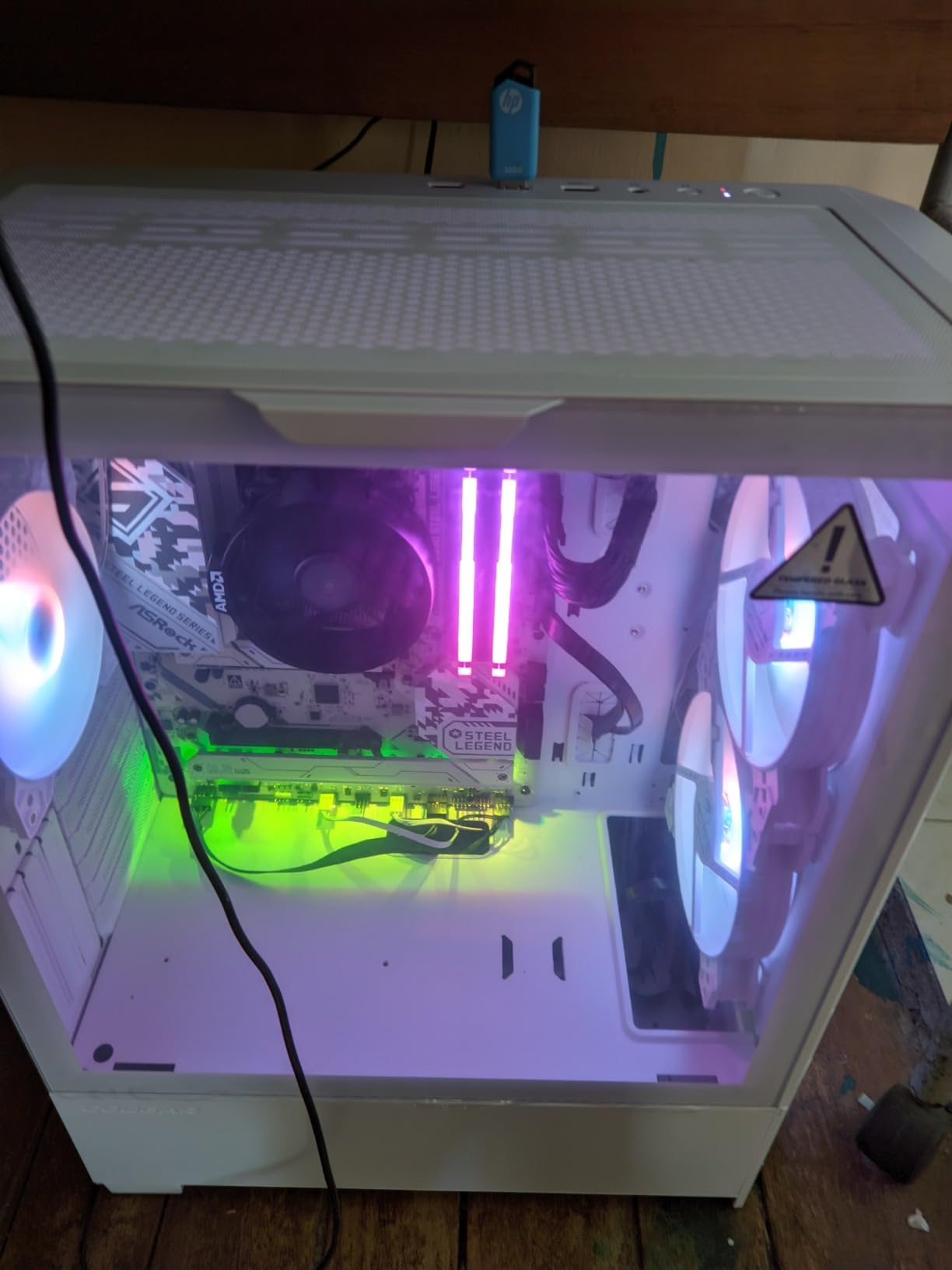
Storage is three M.2 slots, one of them a PCIe 5.0 x4 Blazing M.2 and two Hyper M.2 slots on PCIe Gen4 x4, alongside four SATA3 connectors. The expansion area covers PCIe 5.0 x16, PCIe 3.0 x16 and PCIe 4.0 x1.
Port count is the sleeper feature, with nineteen USB ports including front and rear USB-C, a Realtek ALC4082 7.1 channel HD audio codec, 2.5G Dragon LAN and WiFi 6E with Bluetooth. Owners rate the VRM and port count as the standouts for the money.
Is the B650 Steel Legend good enough for a Ryzen 7 9800X3D build?
Yes. An 80A Dr.MOS design in a 14+2+1 arrangement is well above the requirement for an eight-core chip, and no reviews in this product’s set report throttling under gaming or mixed productivity loads.
It pairs naturally with a Ryzen 5 7600 or a Ryzen 5 9600X as an entry build, and it is the board we would suggest for someone who wants a clean first assembly with a safety net built into the firmware.
Who should skip the B650 Steel Legend?
Skip it if warranty length matters to you, because the listed coverage is 90 days, far shorter than the five years offered by the GIGABYTE boards in this list. That gap is the single biggest reason to look elsewhere.
Skip it if you value polished software, because the BIOS interface and the ASRock Auto Driver Installer are less refined than the big three, and it will not fit inside every prebuilt system. There is also a thinner body of long-form owner reviews to draw reassurance from.
10. GIGABYTE B650M Gaming Plus WiFi — Best Micro-ATX Pick
- Fits micro-ATX and SFF cases where full ATX boards will not
- WiFi 6E and 2.5GbE included at a low price
- Stable with Ryzen X3D chips including the 7600X
- User-friendly BIOS with quick boot times
- EZ-Latch GPU retention and RGB Fusion lighting
- Only a 5+2+2 phase VRM which limits overclocking headroom
- One owner reports the GPU forced to run at x8 lanes with no BIOS fix
- WiFi 6E only with no WiFi 7
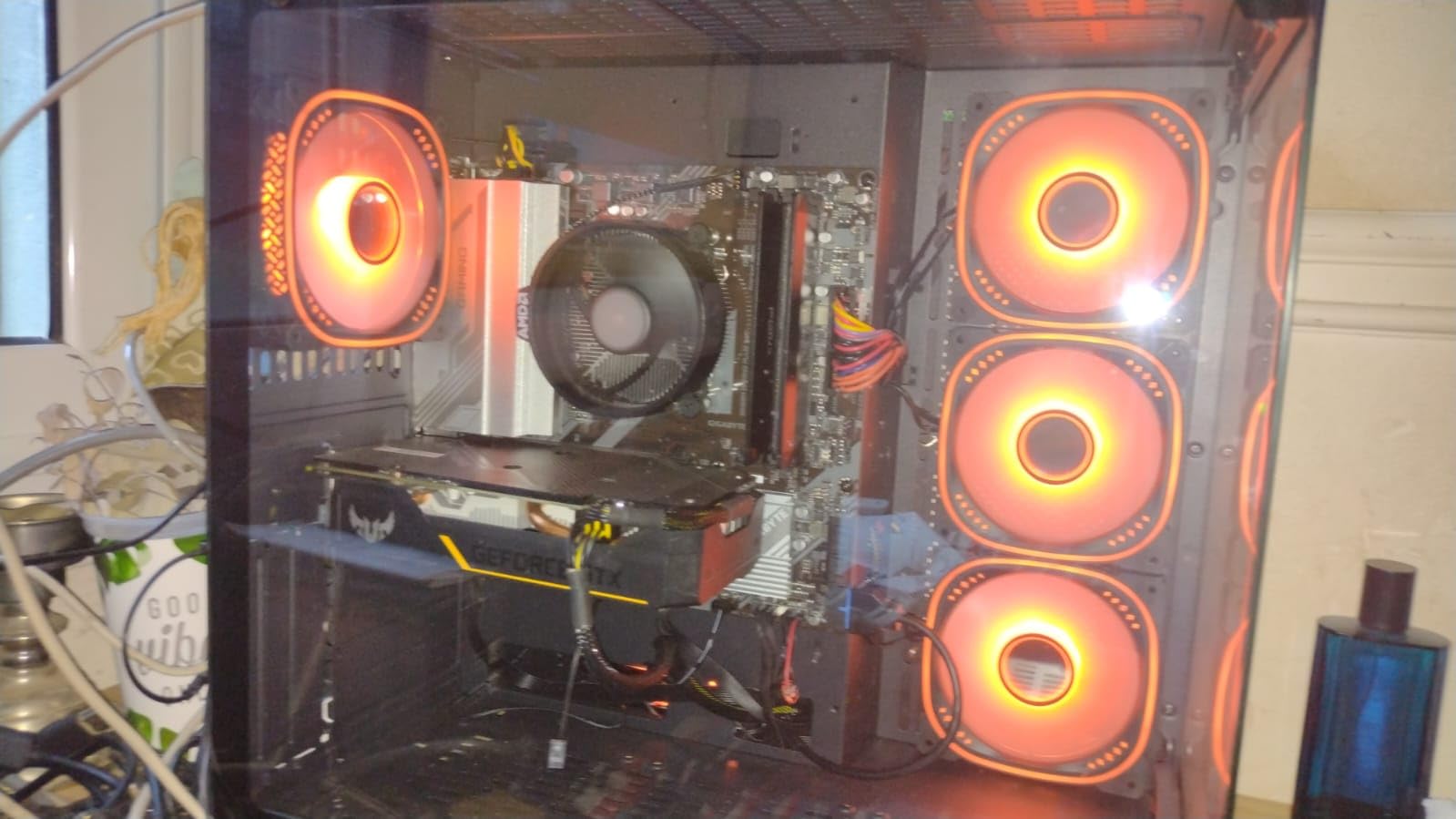
This is the micro-ATX entry, and it exists because it solves a problem no ATX board can: fitting a full AM5 system into a compact case. If your chassis takes micro-ATX and you have a Ryzen X3D chip, this is the board that makes the build possible at all.
Owners treat it as a budget-friendly mATX entry that pairs well with X3D chips and small form factor builds, and the included WiFi 6E plus 2.5GbE at this price point is unusual. BIOS behaviour is reported as user-friendly with quick boot times.
Storage is two M.2 slots on PCIe 4.0 x4, with four SATA ports behind them. DDR5 runs across four SMD DIMMs with both EXPO and XMP support, rated to 5200 MT/s as the listed baseline.
EZ-Latch handles graphics card retention without a thumbscrew, and RGB Fusion covers the lighting side if your case has a glass panel. The whole board weighs 3.1 pounds, which helps in a build where every gram of heat needs managing.
Can a 5+2+2 phase VRM handle a Ryzen 9000-series chip?
For a Ryzen 5 or a Ryzen 7 with default power limits, yes. The phase count is low, so sustained all-core loads on a 12-core or 16-core chip are where it gets uncomfortable, and overclocking headroom is minimal by design.
One owner also reports the graphics card running at x8 lanes with no BIOS fix available, which is rare but worth knowing if you are planning a high-end GPU.
Who should skip the B650M Gaming Plus?
Skip it if you plan to put a Ryzen 9 9950X3D under sustained all-core load, or if you want to overclock. The 5+2+2 phase VRM is the constraint, and buyers report the overclocking menus often do not apply the changes you make.
Skip it if you want WiFi 7 or more than two M.2 slots. Some buyers also report USB ports and Bluetooth dropping until a reboot, so if you rely on peripherals that reconnect often, read the recent reviews first.
Which AM5 Chipset Does Your Ryzen CPU Actually Need?
Buy B850 unless you need USB4, in which case move to X870, and only climb to X870E if you need two guaranteed PCIe 5.0 x4 M.2 slots at the same time. That single sentence resolves most of the confusion in the build community.
B650 is the current floor and still a legitimate buy. It gives you the AM5 socket, DDR5 and usually one PCIe 5.0 x4 M.2 slot. What you give up is guaranteed Gen5 graphics slot support and USB4. This is the right tier for a Ryzen 5 9600X or a Ryzen 7 9700X, and the B650 boards in this list handle a Ryzen 7 9800X3D without drama.
B650E adds a guaranteed PCIe 5.0 x16 graphics slot and 20 Gbps USB4 in many cases. Climb here only if you already know you need a Gen5 GPU slot for a future card, because otherwise you are paying for a lane that nothing uses today.
B850 is the sweet spot for a Ryzen 9000 gaming build. It delivers a PCIe 5.0 x16 graphics slot, USB 20Gbps Type-C and strong board-level power delivery, without the X-series platform cost. Our MSI MAG B850 Tomahawk MAX and ASUS ROG Strix B850-A are the two we would own.
X870 is the USB4 tier. If you plan to run a USB4 dock, a USB4 external display or a USB4 drive enclosure, this is where that port becomes real rather than a header. The MSI MAG X870 Tomahawk and ASUS ROG Strix X870-A are our picks here.
X870E guarantees a pair of PCIe 5.0 x4 M.2 slots and the most flexible lane configuration on the platform. It is a storage and multi-device platform rather than a gaming platform, and for one graphics card and one boot drive you gain very little.
To map that ladder against the chip you actually own: a Ryzen 5 7600 or 9600X needs nothing above B650. A Ryzen 7 9700X or 9800X3D is happy on B650 or B850. A Ryzen 9 9950X3D under sustained all-core work wants a strong VRM first and a faster chipset second, so a B850 or X870 board with 80A or 90A stages is the sensible target. A Ryzen 7 7800X3D from the previous generation runs on any of these boards without special consideration.
One more path worth naming. If you already own a stack of DDR4 memory and are weighing the cost of a fresh DDR5 kit, the AM4 route with a B550 board is a legitimate way to hold the budget down. It is a different socket, so you are committing to the older platform, but we covered the trade in our broader workstation board guide for builds that are memory-heavy rather than GPU-heavy.
What You Give Up at Each Chipset Tier?
Moving down the ladder costs you specific things, and knowing which ones is the whole decision. Here is the honest list, tier by tier.
From X870E down to X870 you lose the guaranteed second PCIe 5.0 x4 M.2 slot and some of the flexible lane bifurcation for multi-GPU or accelerator work. You keep USB4, the 5.0 x16 graphics slot and essentially all the day-to-day experience of a high-end board.
From X870 down to B850 you lose native USB4. The board still has USB 20Gbps Type-C, which runs most docks and peripherals, but a 40 Gbps USB4 controller is gone. For a gaming build with a single GPU and a couple of external drives, nothing else changes.
From B850 down to B650 you lose the guaranteed PCIe 5.0 x16 graphics slot and usually some of the front-panel Type-C and high-speed USB headers. Storage drops to a single Gen5 M.2 slot, and boards get smaller and simpler. This is the tier where the boards stop being generous with SATA ports too.
What you keep at every tier, and this is worth saying plainly, is the AM5 socket. Every board in this roundup accepts Ryzen 7000, 8000 and 9000 processors, so a B650 bought today still takes a Ryzen 9000 chip and will keep taking future AM5 silicon. The upgrade path is the platform, not the board.
VRM, M.2 Lanes and the Specs That Actually Matter
Phase count is the least reliable number on a motherboard spec sheet. A 5+2+2 board and a 16+2+2 board can both throttle under the right conditions, and the difference comes down to amperage per stage, heatsink mass and the quality of the thermal interface, not the raw count.
Here is how the VRMs in this roundup break down. The GIGABYTE B650 AORUS Elite AX uses 14+2+1 phases at 70A. The ASUS ROG Strix B650-A uses 12+2 stages on ProCool 8+4 pin connectors. The ASRock B650 Steel Legend uses 14+2+1 with 80A Dr.MOS. The GIGABYTE B650M Gaming Plus uses 5+2+2 and that is where the caution is warranted. The MSI MAG B850 Tomahawk MAX and ASUS ROG Strix B850-A both use 14+2+2 at 80A. The ASUS ROG Strix X870-A steps up to 16+2+2 at 90A, the MSI MAG X870 Tomahawk sits just below that, and the GIGABYTE X870E AORUS PRO ICE uses 16+2+2 at 80A.
Dr.MOS and SPS are the two families you will see named. Dr.MOS modules integrate the driver and the MOSFET into one package and are typically found in higher-end designs, while SPS refers to discrete smart power stages that are perfectly competent when the design around them is good. Neither label guarantees anything on its own.
M.2 lane sharing is the second trap. Some boards lose primary graphics bandwidth when all storage slots are filled, which is exactly what the ASUS ROG Strix B850-A avoids by running all four slots without dropping the GPU to x8 lanes. Others share bandwidth between the second Gen5 slot and the USB4 port, as the MSI MAG X870 Tomahawk does. Read the lane diagram, not the slot count.
SATA port count is the third. The GIGABYTE B650 AORUS Elite AX, ASUS ROG Strix B650-A, ASRock B650 Steel Legend and GIGABYTE B650M Gaming Plus each give you four. The MSI MAG B650 Tomahawk WiFi gives six. The ASUS ROG Strix X870-A, ASUS ROG Strix B850-A and MSI MAG X870 Tomahawk give two or a handful, which pushes you toward NVMe.
Before you buy, run through this checklist in order. Confirm the socket is AM5 and that the board supports your specific Ryzen generation. Check the VRM phase count and per-stage amperage against your CPU’s core count. Count the M.2 slots and verify whether filling them reduces GPU lanes. Count SATA ports if you use hard drives. Confirm BIOS Flashback is present if you might need a firmware update. Decide whether you want onboard WiFi or will run Ethernet. And only then pick a form factor that your case actually accepts.
Form Factor and Case Clearance
Nine of the ten boards here are ATX or micro-ATX, and that reflects where AM5 buyers actually build. The consequence is simple: check your case supports the exact board size before anything else.
ATX is 305mm by 244mm and fits in almost every mid-tower and most full-towers. Nine boards in this list use it, and it gives you four to seven expansion slots plus room for large tower coolers. The GIGABYTE B650 AORUS Elite AX at 10.62 by 3.14 by 13.18 inches and the ASUS ROG Strix X870-A at 10.8 by 2.9 by 13.4 inches are the largest footprints here.
Micro-ATX is 244mm by 244mm and fits anywhere ATX does, plus smaller cases. The GIGABYTE B650M Gaming Plus is our only micro-ATX entry, and it is the pick when your case is compact. The trade is fewer expansion slots, a smaller VRM, and in this case two M.2 slots instead of three or four.
Mini-ITX is 170mm by 170mm and this roundup has no Mini-ITX board. That is a real gap for anyone building a small form factor system, and it means the compact-build options here are micro-ATX rather than true SFF. If your case only accepts Mini-ITX, none of these ten will fit.
E-ATX is wider than ATX at 330mm by 244mm and will not fit a case that only accepts ATX. No board in this list is E-ATX, so you will not run into that clearance problem here, but it is the most common reason a recommended board ends up in a returns pile.
One clearance detail worth knowing: tower CPU coolers are tall, and the ASUS ROG Strix B850-A review base specifically notes that some tall coolers can overhang the RAM slots. Check cooler height and DIMM clearance together, not separately.
Features That Get More Attention Than They Deserve
Gen5 NVMe speed is future-proofing, not speed. The drives are faster than anything mainstream gaming currently asks for, and a Gen4 SSD in a Gen5 slot performs identically to a Gen4 SSD in a Gen4 slot for game loading. Buy Gen5 if the price difference is small or if you move multi-hundred-gigabyte files daily, not because the slot label says 5.0.
WiFi 7 only pays off if you already own a WiFi 7 router. On a wired connection the module does nothing, and on an older router you get a WiFi 6E link at best. The ASUS ROG Strix X870-A and MSI MAG X870 Tomahawk both include it and both are stronger picks for other reasons, which is the right way to treat the feature.
Phase-count bragging is marketing noise on its own. Community forum advice consistently warns against pairing a high-end CPU with a small phase design, and that is fair, but the number to read is amperage per stage plus heatsink coverage, not the count printed on the box.
AI features and EZ DIY branding is worth treating with scepticism. The AI Overclocking, AI Cooling II, AI Networking and AI Advisor tools on several boards in this list are conveniences wrapped in marketing language, and on the ASUS boards the surrounding Armoury Crate software is a more meaningful consideration than the AI naming.
LCD displays and sensor panels are pure aesthetics. The GIGABYTE X870E AORUS PRO ICE even requires separate Sensor Panel Link hardware for some BIOS features, which is a good example of a feature that adds cost and complexity without adding capability.
BIOS Updates, BIOS Flashback and Ryzen 9000
BIOS Flashback lets you update a motherboard’s firmware from a USB stick with no CPU and no RAM installed. It is the safety net that matters most when you are fitting a Ryzen 9000-series chip to a board whose shipped firmware is older than that chip.
The problem is real. Several board listings here explicitly note that a BIOS update may be required for Ryzen 9000 and 8000 series processors, and owners of the GIGABYTE B650 AORUS Elite AX report early units that held back EXPO profiles until the firmware was updated. Without a working old CPU to flash with, a board without Flashback is a brick until it goes back for a firmware update.
How to protect yourself. Buy a board with a clearly labelled BIOS Flashback button, which the ASRock B650 Steel Legend, MSI MAG X870 Tomahawk and MSI MAG B850 Tomahawk MAX all have. If the listing says Ryzen 9000 is supported out of the box, buy that revision deliberately, since the MSI MAG B850 Tomahawk MAX reviews specifically report Ryzen 9000 and X3D chips booting immediately with EXPO working on the first try.
If you do need to flash, do it before the case is closed up and before the CPU goes in on boards without Flashback. It takes minutes and saves hours. Install the AMD chipset drivers and your board’s network driver on first boot too, since a small number of owners on the ASUS and GIGABYTE boards here reported needing LAN or Ethernet controller updates before the network worked properly.
Frequently Asked Questions
Which motherboard is best for Ryzen processors?
For most Ryzen builds the GIGABYTE B650 AORUS Elite AX is the best all-round choice, with a 14+2+1 phase VRM at 70A, three M.2 slots, WiFi 6E and 2.5GbE. If you need four storage slots pick the ASUS ROG Strix B850-A, and if you need USB4 pick the MSI MAG X870 Tomahawk WiFi.
What is the best value motherboard for Ryzen processors?
The MSI MAG B650 Tomahawk WiFi is the best value pick because it combines six SATA ports, a stable mature BIOS and 2.5GbE plus WiFi 6E at a tier-entry specification level. Its M.2 slots are PCIe 4.0 rather than Gen 5, which costs you nothing for gaming.
Is the X870 the best AM5 motherboard?
No. X870 is the tier you buy for native USB4, not for speed. For a gaming build a B850 board gives you a PCIe 5.0 x16 slot and USB 20Gbps Type-C at a lower cost, and no current graphics card saturates a Gen5 x16 slot.
What is the best motherboard to pair with the Ryzen 7 9800X3D?
Any B650 or B850 board in this list handles a 9800X3D without throttling. Our pairing is the MSI MAG B650 Tomahawk WiFi for storage flexibility or the ASUS ROG Strix B850-A if you want four M.2 slots running at full bandwidth alongside a full-speed graphics slot.
Which motherboards have good VRMs?
The MSI MAG B850 Tomahawk MAX and ASUS ROG Strix B850-A use 14+2+2 at 80A, the ASUS ROG Strix X870-A uses 16+2+2 at 90A, and the GIGABYTE B650 AORUS Elite AX uses 14+2+1 at 70A. All of them run high-core-count Ryzen chips under sustained load without throttle reports in owner reviews.
Do I need to update the BIOS before installing a Ryzen 9000 chip?
On some boards, yes. Several listings here note that a BIOS update may be required for Ryzen 9000 series processors, and early units of some models shipped with firmware that held back EXPO. Buy a board with BIOS Flashback so you can update with no CPU installed, or pick a revision that ships with current firmware.
Where to Start With Your Ryzen Build
Start with the GIGABYTE B650 AORUS Elite AX if you have a Ryzen 7 9800X3D or a Ryzen 9 and you want the strongest balance of VRM headroom, storage and connectivity without stepping up the chipset ladder. With 1547 owner reviews it is the best-documented board here, which matters when something goes wrong at two in the morning.
Change the pick only for a concrete reason. Add storage, go to the MSI MAG B650 Tomahawk WiFi with its six SATA ports. Add USB4, move to the MSI MAG X870 Tomahawk WiFi. Fill four NVMe drives without losing GPU bandwidth, take the ASUS ROG Strix B850-A. Build white, go to the GIGABYTE X870E AORUS PRO ICE. Shrink the case, take the GIGABYTE B650M Gaming Plus. Are you a first-time builder with no spare CPU to flash with? The ASRock B650 Steel Legend WiFi 6E has BIOS Flashback built in.
Whichever you choose, remember that all ten are AM5 boards and all ten will take future Ryzen silicon, so the cheapest board that meets your needs today is very often the right one. Check the case form factor, count the M.2 slots, and then go build the best motherboards for Ryzen builds for yourself rather than for a spec sheet.