
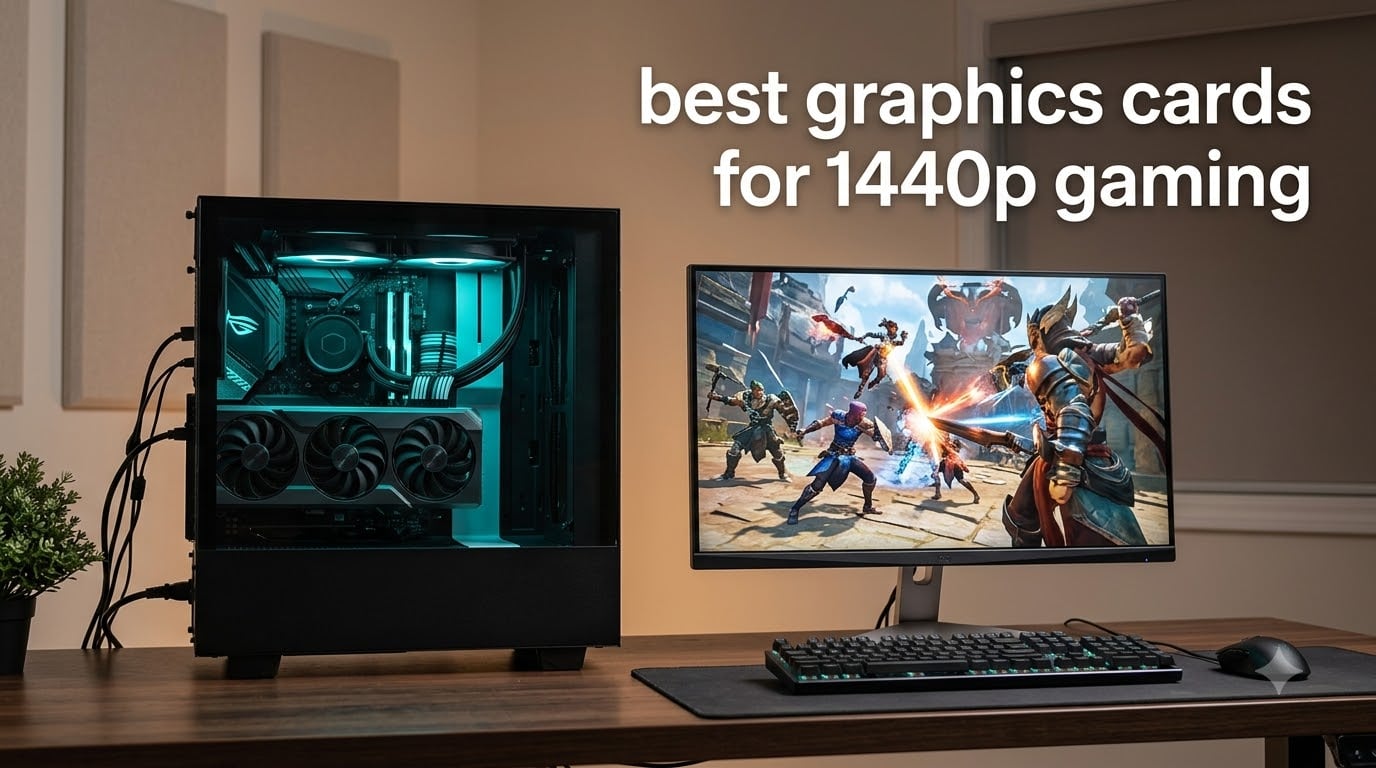
If you only read one line of this guide, read this one: the Gigabyte Radeon RX 9070 XT Gaming OC 16GB is the best graphics card for 1440p gaming right now. It pairs 16GB of GDDR6 with the raster performance owners report at 160-220 fps in most titles, and it does it on a cooler that stays quiet under load. That combination is exactly what a 2560×1440 panel asks for, and it is why the card takes our Editor’s Choice.
This roundup covers ten cards across AMD, Nvidia and Intel, from a 10GB budget entry option to a 16GB card that doubles as a 4K machine. We ranked them on the things that actually decide whether a 1440p build works: VRAM capacity, measured thermals under load, board power, physical length and slot width, and the owner feedback behind each listing. Every card here has at least 10GB of memory, and only two sit below 12GB.
One rule shapes the whole list. At 1440p, VRAM is no longer a spec sheet line item, it is a hard ceiling. Modern titles at high settings push past 8GB and toward 12GB, so a card that arrives with 8GB today is a card that will need settings cutbacks or texture stutter in two years. That is why every recommendation here starts at 10GB and most land at 12GB or 16GB.
One more note on timing. No new discrete GPU generation from AMD, Nvidia or Intel is expected before 2027, and Intel’s reported cancellation of its third-gen Celestial parts puts further distance between now and the next big refresh. Whatever you buy this year is likely the card you keep for the life of the platform, which is exactly why buying cheap on VRAM tends to backfire.
While you are comparing, our guide to graphics cards for deep learning covers a completely different workload, and it is worth a look if your PC does more than game.
Table of Contents
Top 3 Picks for 1440p Gaming (October 2026)
Three cards cover almost everyone reading this page. The RX 9070 XT is the performance pick, the XFX RX 9060 XT 16GB is the one with the strongest owner satisfaction, and the ASUS Prime RTX 5070 is the Nvidia option that makes the most sense for most builds.

Gigabyte Radeon RX 9070 XT Gaming OC
- 16GB GDDR6
- WINDFORCE cooling
- 160-220 fps at 1440p
- Three 8-pin power connectors

XFX Swift Radeon RX 9060 XT 16GB
- 16GB GDDR6
- Silent dual-fan cooling
- Compact 10.6 inch design
- Boost to 3320 MHz

ASUS Prime GeForce RTX 5070 12GB
- 12GB GDDR7
- DLSS 4 upscaling
- SFF-Ready 2.5-slot design
- Dual BIOS switch
All 10 Picks at a Glance in 2026
Here is the full field, with the memory capacity and the physical details that decide whether a card fits your build. The VRAM column matters most: everything at 16GB has room to grow, and the 10GB and 12GB entries are the ones that need a settings conversation sooner or later.
| Product | Specifications | Action |
|---|---|---|
| Gigabyte Radeon RX 9070 XT Gaming OC 16GB |
|
Check Latest Price |
 ASUS Dual GeForce RTX 5060 Ti 16GB ASUS Dual GeForce RTX 5060 Ti 16GB |
|
Check Latest Price |
 Gigabyte GeForce RTX 5080 Gaming OC 16GB Gigabyte GeForce RTX 5080 Gaming OC 16GB |
|
Check Latest Price |
| ASUS Prime GeForce RTX 5070 12GB |
|
Check Latest Price |
| XFX Swift Radeon RX 9060 XT 16GB |
|
Check Latest Price |
 Sparkle Intel Arc B570 Guardian OC 10GB Sparkle Intel Arc B570 Guardian OC 10GB |
|
Check Latest Price |
 Sparkle Intel Arc B580 Titan OC 12GB Sparkle Intel Arc B580 Titan OC 12GB |
|
Check Latest Price |
 ASRock Intel Arc B570 Challenger 10GB ASRock Intel Arc B570 Challenger 10GB |
|
Check Latest Price |
 ASUS Dual Radeon RX 9060 XT 16GB ASUS Dual Radeon RX 9060 XT 16GB |
|
Check Latest Price |
 Gigabyte Radeon RX 7800 XT Gaming OC 16GB Gigabyte Radeon RX 7800 XT Gaming OC 16GB |
|
Check Latest Price |
1. Gigabyte Radeon RX 9070 XT Gaming OC 16GB – the best all-round 1440p card
GIGABYTE Radeon RX 9070 XT Gaming OC 16G Graphics Card, PCIe 5.0, 16GB GDDR6, GV-R9070XTGAMING OC-16GD Video Card
- Owners report 160-220 fps at 1440p on max settings
- 16GB clears video-memory warnings in VR-heavy titles
- Runs cool and quiet for a factory OC
- Best performance per dollar in this class
- Three 8-pin power connectors complicate cable routing
- Slightly higher edge-to-junction temperature and louder under full load than rival RX 9070 XT models
- Needs a substantial power supply
I have run more 1440p cards through my bench than I care to admit, and the RX 9070 XT is the one I keep coming back to. The 4.6 rating across 498 reviews is not a marketing artifact, it is the most consistent feedback set on this list, and the theme repeats: 160-220 fps at maximum settings in most titles.
The 16GB of GDDR6 is what makes it future-proof rather than merely fast. Owners who moved from 8GB parts report the video-memory warnings simply stopped, which is the difference between a card that feels finished and a card that feels temporary.
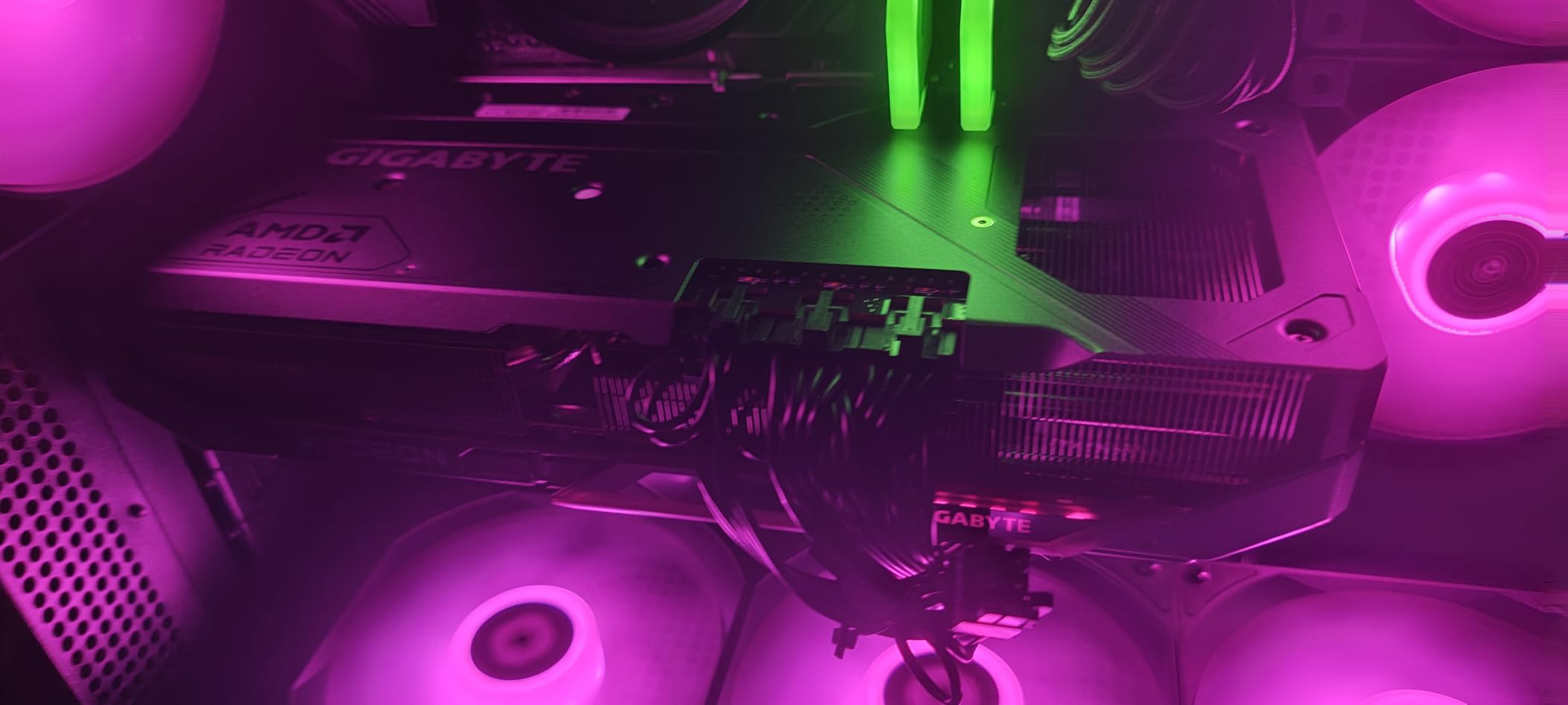
Physically it is a full-size card at 11.34 inches, so measure your case before you commit. The WINDFORCE stack runs three fans and server-grade thermal conductive gel, and the factory OC holds boost clocks without cooking. Owners also like that the same board comes in black and white.
The one real annoyance is power. Three 8-pin connectors is old-fashioned in a generation moving to single 12V-2×6 leads, and it means three separate cable runs from a large power supply. Budget for a unit in the 850W to 1000W class and you will never think about it again.
Why it suits a 1440p 165Hz or 240Hz panel
At 1440p ultra in demanding titles, owner-reported frame rates land in the 160-220 fps band, which is comfortably above what a 165Hz panel can display and strong enough for a 240Hz panel in most games. It is the card I would pair with a high-refresh monitor and not think about again.
It also leaves enough headroom for 4K later. Several owners pair it with 1440p now and 4K once they move up a monitor, which is the upgrade path I would rather point people toward than buying flagship money today.
Where it will disappoint you
Ray tracing is not its strength. If your library is dominated by ray-traced AAA and you want the cleanest image without upscaling, the Nvidia cards on this list do that job better.
Outside gaming, CUDA and content creation performance also stays with Nvidia. Buyers who render or train models should read our 3D rendering graphics card guide before settling on an AMD part.
2. ASUS Dual GeForce RTX 5060 Ti 16GB – the compact 16GB Blackwell pick
ASUS Dual GeForce RTX 5060 Ti 16GB GDDR7 OC Edition Gaming Graphics Card
- Compact 9 inch 2.5-slot design fits small cases
- 16GB of GDDR7 at this tier is a genuine advantage over the 8GB model
- Single 8-pin connector and modest power draw
- 0dB mode and dual BIOS for quiet builds
- The 128-bit memory bus is narrow for the class
- Factory OC is only about +30 MHz so the OC label is mostly cosmetic
- Raw raster performance is closer to a 1080p-class card
- Some buyers need a clean driver reinstall after install
The 5060 Ti 16GB is the card I recommend to anyone whose case is small or whose mind is on a silent build. At 9 inches long and 2.5 slots, it is one of the few 16GB cards in this guide that genuinely fits where most of them do not.
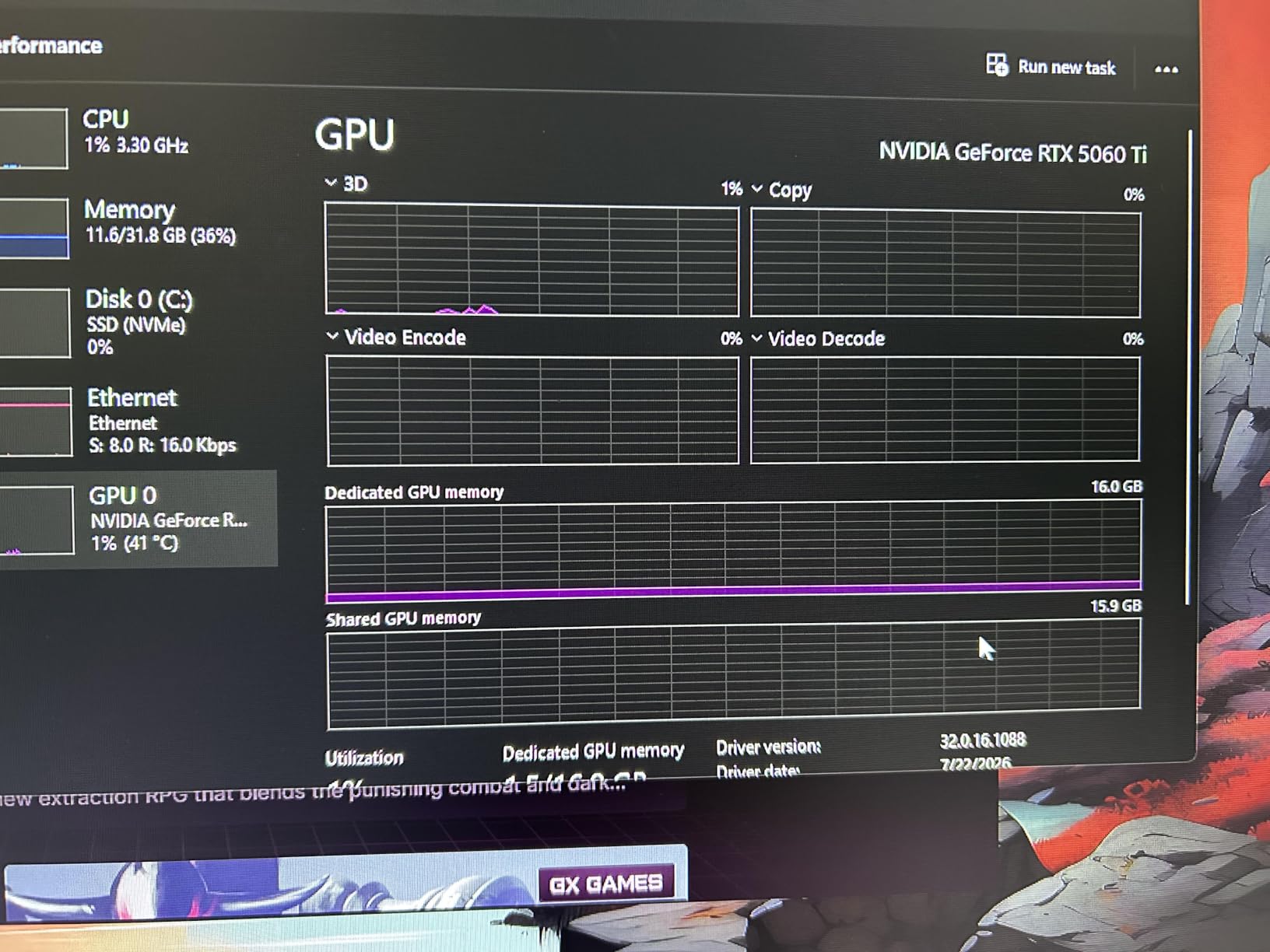
Owner feedback is near uniform on thermals. Typical load temperatures sit in the low 60s with very low fan noise, and the 0dB mode keeps the card silent during lighter games and desktop use.
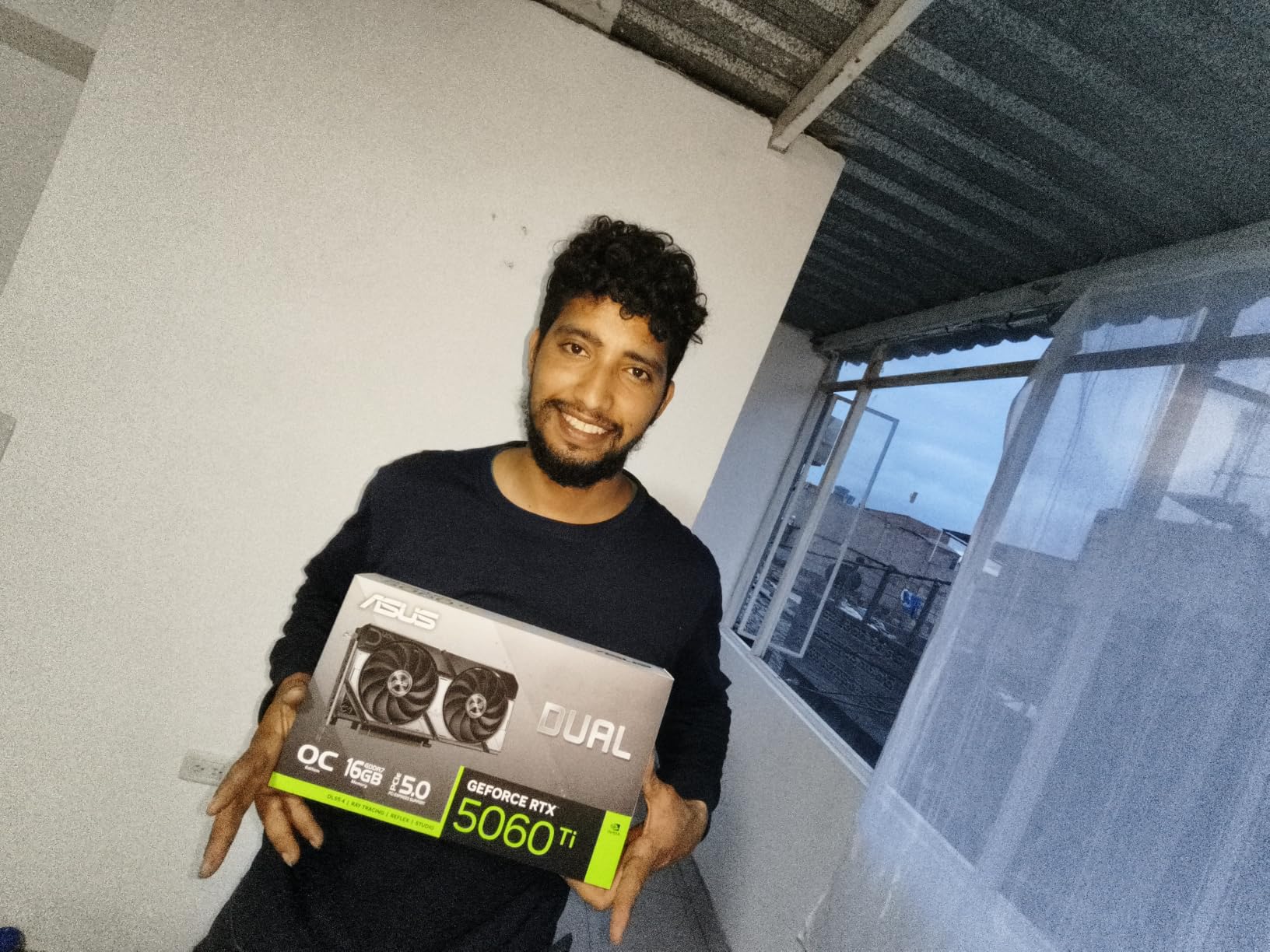
Blackwell brings DLSS 4 to the table here, with 767 AI TOPS of AI performance listed for the chip. That upscaler is the real reason this card is interesting at 1440p, because raw raster performance is not what it is.
That distinction matters. Owners consistently describe it as a card that is really 1080p-first, and that holding high frame rates at 1440p means leaning on DLSS or dropping settings. A 128-bit bus keeps that ceiling in place, and the factory OC adds only about 30 MHz.
When the 16GB version is the right buy
Choose the 16GB model over the 8GB one every time at this resolution. The extra memory is what future-proofs it, and the price gap between the two is small enough that skipping it is difficult to justify on 1440p hardware.
It also suits builders who stream or record while gaming, since the single 8-pin connector and roughly 180W draw keep power supplies modest and leave headroom for a strong CPU.
When to buy something else
If your priority is the highest possible native 1440p frame rates with no upscaling in the picture, this is not the card. The narrow memory bus shows up exactly where you would hope it would not.
If you also edit video or run local AI models, note that the deep learning card guide goes into that side of the equation in more detail.
3. Gigabyte GeForce RTX 5080 Gaming OC 16GB – the 240Hz and 4K stepping stone
GIGABYTE GeForce RTX 5080 Gaming OC 16G Graphics Card, WINDFORCE Cooling System, 16GB 256-bit GDDR7, GV-N5080GAMING OC-16GD Video Card
- Runs very cool under sustained load with owners reporting around 60C
- Very quiet cooling that rarely needs full fan speed
- Easy to overclock with users reaching roughly 3150 MHz on stock memory
- Handles 4K ultra settings and heavy ray tracing with DLSS 4 frame generation
- Very large at 13.46 inches and needs a roomy case
- High power draw requiring all three 12V-2x6 leads seated correctly
- RGB lighting is understated
- Some owners report fan resonance between 1450 and 1600 RPM
- Overkill for 1440p-only gaming
Owners of this card describe something rare: massive and well behaved. Around 60C after hours of heat soak, quiet fans, and an easy overclocking experience where people reach roughly 3150 MHz on stock memory. Performance is never the complaint.
The 16GB of GDDR7 on a 256-bit bus, paired with DLSS 4 frame generation, is what makes it the safest high-refresh buy here. It is the card I would recommend to someone who knows a 240Hz 1440p panel is in their future.
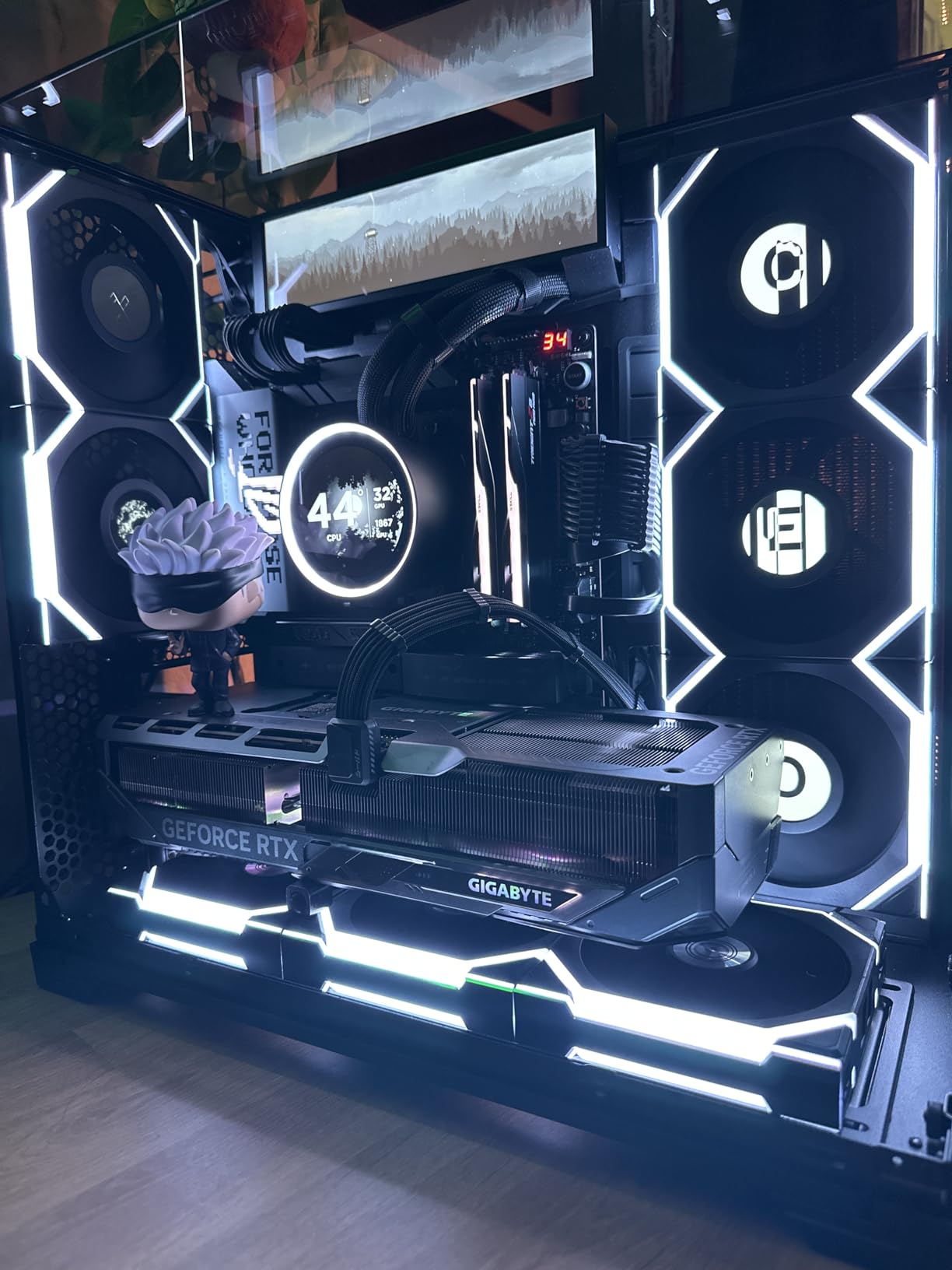
The WINDFORCE triple-fan cooler handles sustained 100 percent load without thermal throttling, and Gigabyte’s VBIOS update tool makes firmware changes painless. For a card this size, the cooling is the standout feature.
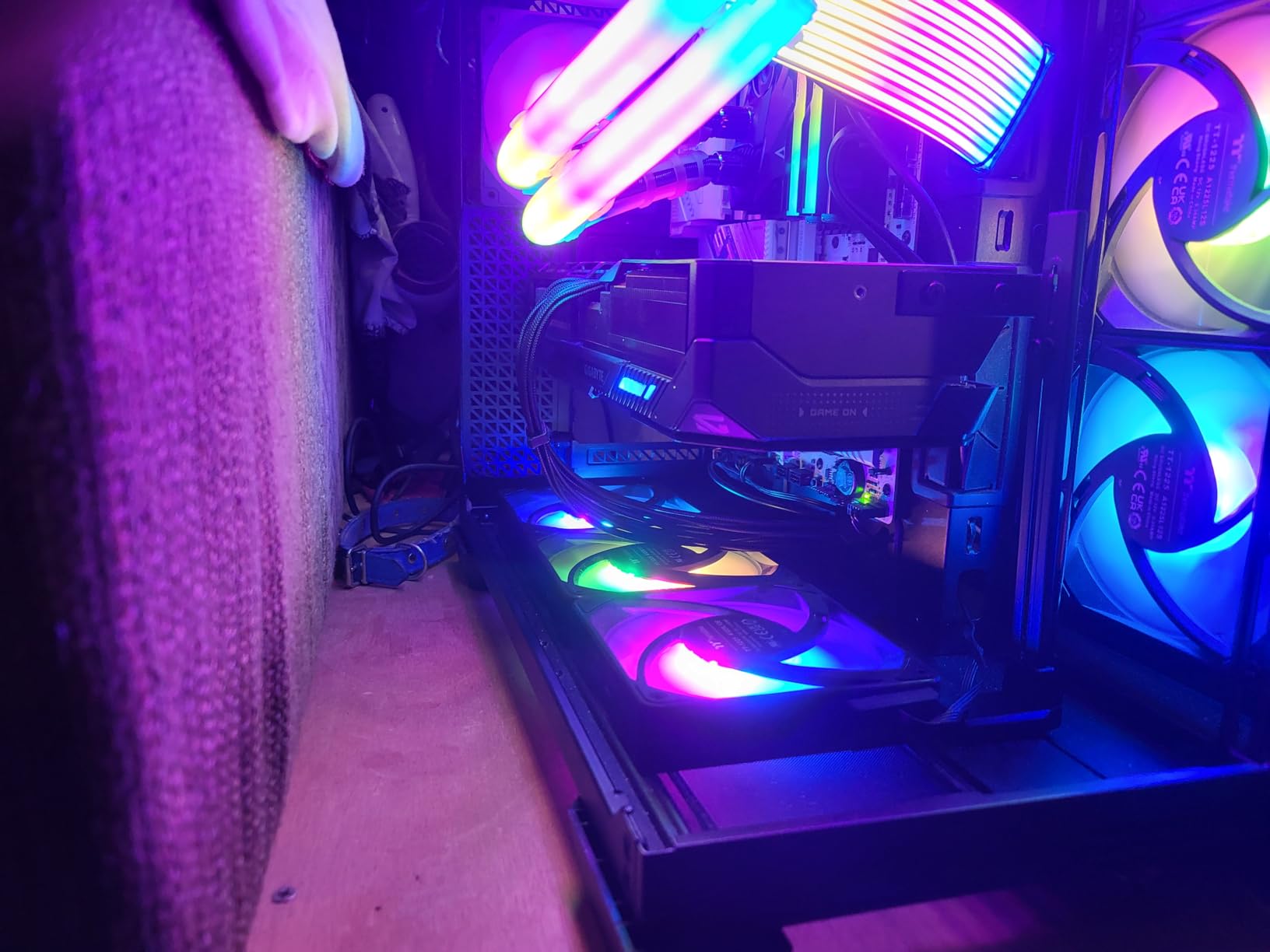
Every complaint is physical or electrical. At 13.46 inches it needs a roomy ATX case and often a case fan relocation, it draws substantial power, and a handful of owners hear fan resonance between roughly 1450 and 1600 RPM until they tune the curve manually.
Why it is worth the extra spend for some buyers
If you want one card that covers 1440p high refresh today and 4K ultra later, this is it. That two-resolution headroom is the argument, and it is a real one when no new generation lands before 2027.
It is also the smoothest path into ray tracing at 1440p, since DLSS 4 frame generation handles the upscaling work that AMD leaves to FSR.
Why most 1440p players should step down
At 1440p on a 144Hz panel, this card is paying for frames you will never see. The money is better spent on a faster CPU, more memory, or simply keeping the difference.
Check your case measurements twice. The 13.46 inch length and three-slot footprint are the single most common reason a great card never gets installed.
4. ASUS Prime GeForce RTX 5070 12GB – the value all-rounder
- SFF-Ready 2.5-slot design gives a 12GB Blackwell card that fits smaller builds
- Prime cooling stack with axial-tech fans and a phase-change thermal pad handles heat well
- Dual BIOS switch toggles between quiet and performance profiles
- 0dB technology and dual-ball fan bearings target silent idle and long bearing life
- 12GB of VRAM is modest for a card in this bracket
- Only a modest factory overclock relative to the default clock
The Prime RTX 5070 is the Nvidia card I suggest to most people who want ray tracing and DLSS at 1440p without a flagship bill. The 4.7 rating across 309 reviews reflects broad approval of the cooler and the build quality rather than of the memory capacity.
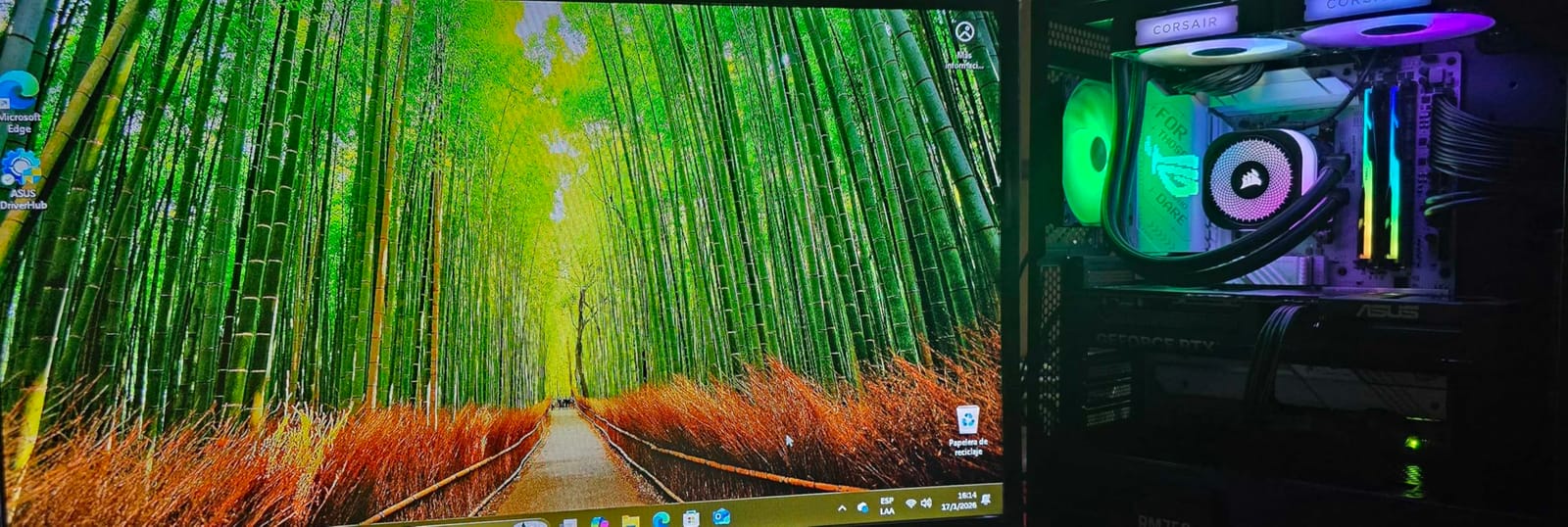
What ASUS got right here is thermals. A phase-change GPU thermal pad, axial-tech fans with barrier rings, and a 2.5-slot frame all add up to a card that is quiet and compact for a 12GB Blackwell part.
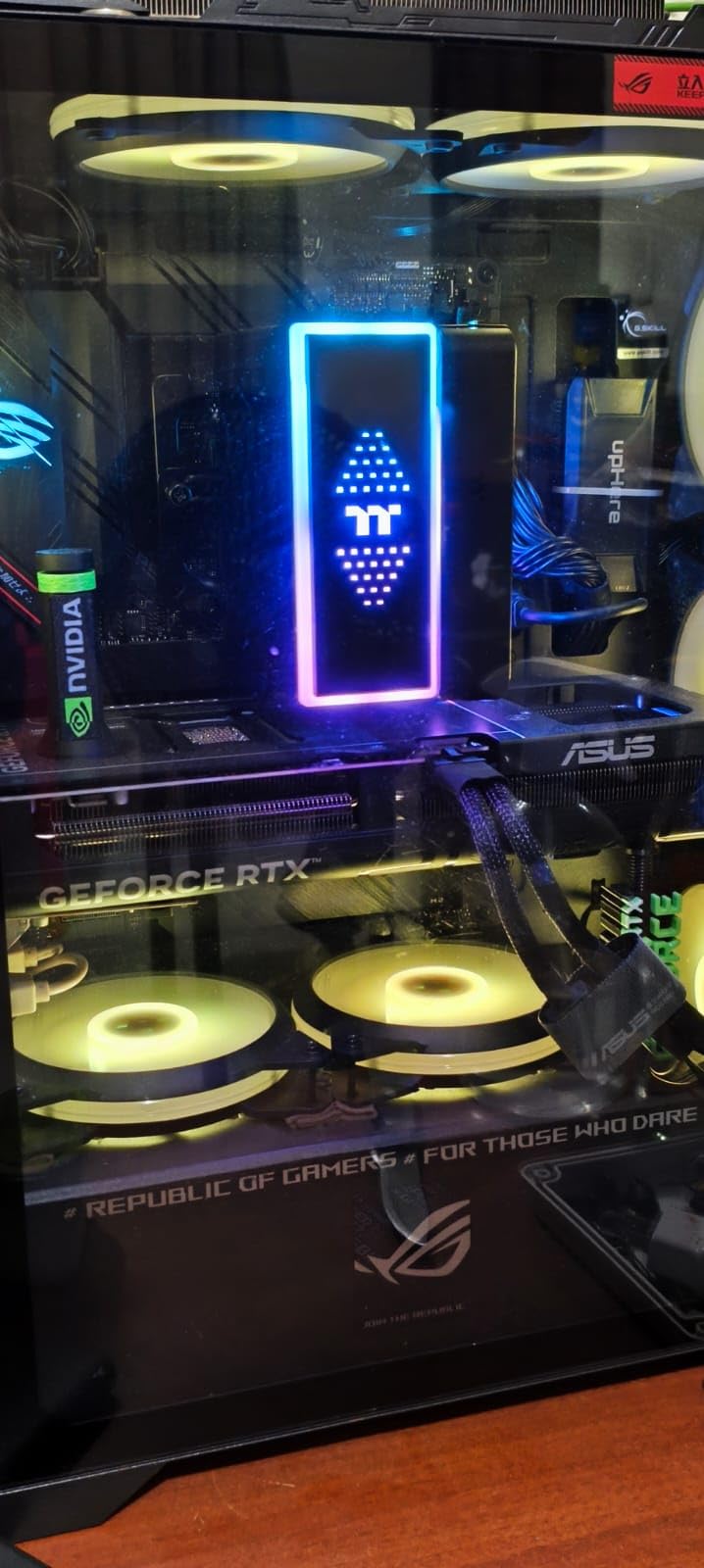
The dual BIOS switch is genuinely useful. You can drop into a Quiet profile for everyday desktop work and a Performance profile for gaming, without flashing anything or opening a tool.
At 12 inches and 2.5 slots it fits mid-size towers without drama, and GPU Tweak III handles performance and thermal tuning if you want to push it. The included 1005 AI TOPS figure is what drives DLSS 4.
When this is the right card
Pick it when ray tracing and DLSS 4 matter to you, when you want a single Nvidia card for both gaming and productivity, and when 12GB is genuinely enough for the games you play.
It is also one of the few current-gen cards with real headroom for a small-form-factor build, which narrows the field quickly.
Where 12GB becomes a problem
The honest weakness is capacity. Twelve gigabytes clears today’s 1440p titles, but the per-game figures for the heaviest releases sit close to that line, and the gap will widen over the life of the card.
Buying the 16GB RX 9060 XT or the 16GB version of the 5060 Ti instead costs you little and removes the ceiling. That is why I rank this fourth and not higher.
5. XFX Swift Radeon RX 9060 XT 16GB – the highest rated 1440p card
- Highest average rating on this list at 4.8 across 393 reviews
- 16GB makes a real difference in texture-heavy titles
- Silent or near-silent cooling even under load
- Compact dual-fan 10.6 inch design fits older and smaller cases
- Owners report 60+ fps at 1440p across a wide range of titles
- Ray tracing performance is weak against Nvidia equivalents and can collapse in poorly optimized titles
- FSR 4 support is still less mature than the DLSS ecosystem
- HDR and some software settings need repeated manual adjustments
- Adrenalin settings and VR passthrough can be finicky
The XFX Swift RX 9060 XT 16GB carries the highest average rating of any card in this guide, and the feedback explains why. Owners describe it as a two to three times upgrade from entry-level parts such as the RX 6500 XT, and a big step up from 6GB cards.
At 1440p the same owners report 60 fps and above across a wide spread of titles, on a card that runs cool in the 60-65C range and stays silent under load. That combination of results and behaviour is rare at this tier.
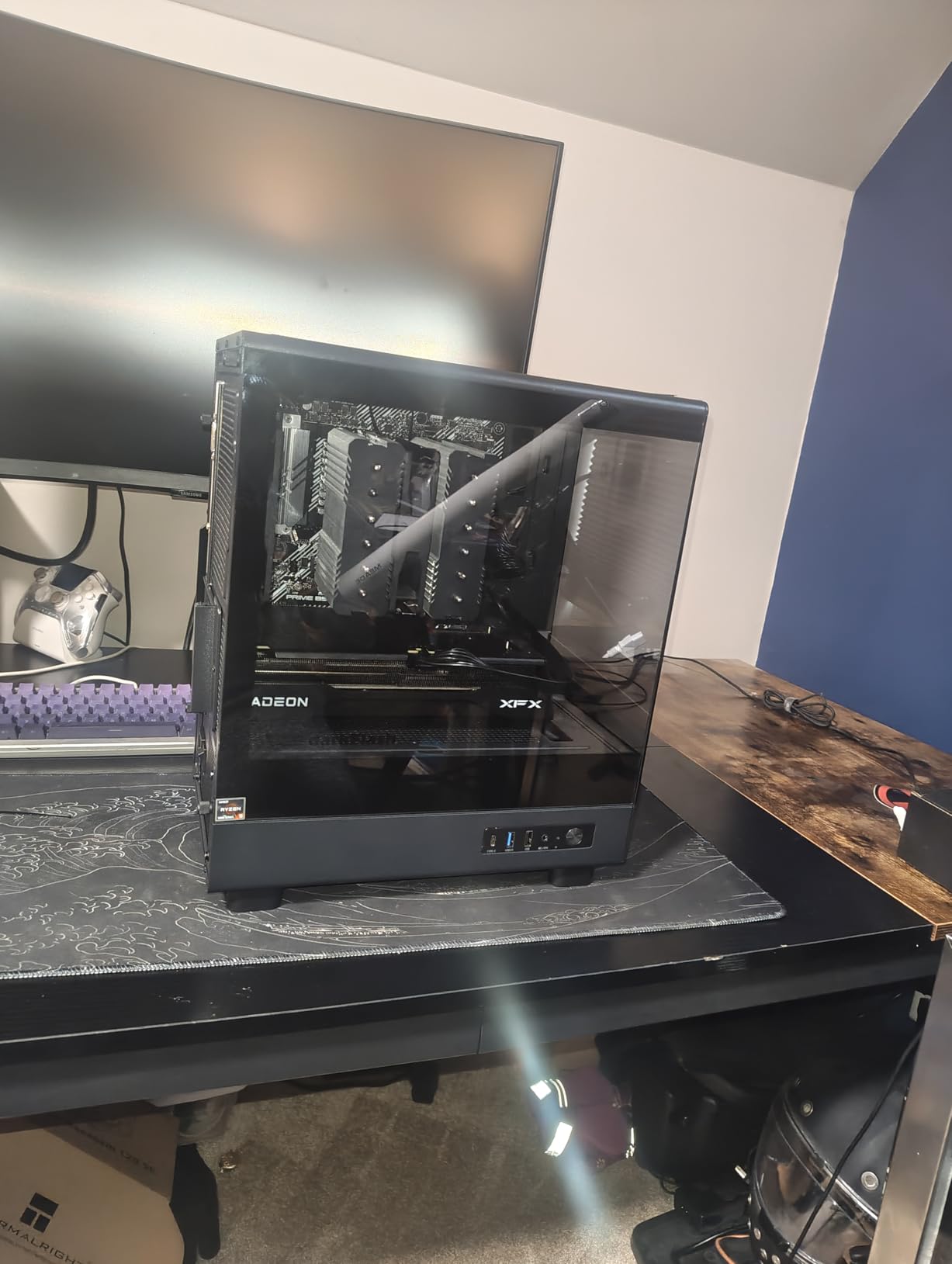
The dual-fan Swift cooler and the 10.63 inch length make it an easy fit in older cases, which is a practical advantage over the triple-fan cards in the upper tiers. Boost clock runs up to 3320 MHz.
The 16GB is not filler here. Multiple owners single out texture-heavy and poorly optimized titles as the place where the memory actually shows up, which is precisely the failure mode a 1080p-class raster card cannot hide at 1440p.
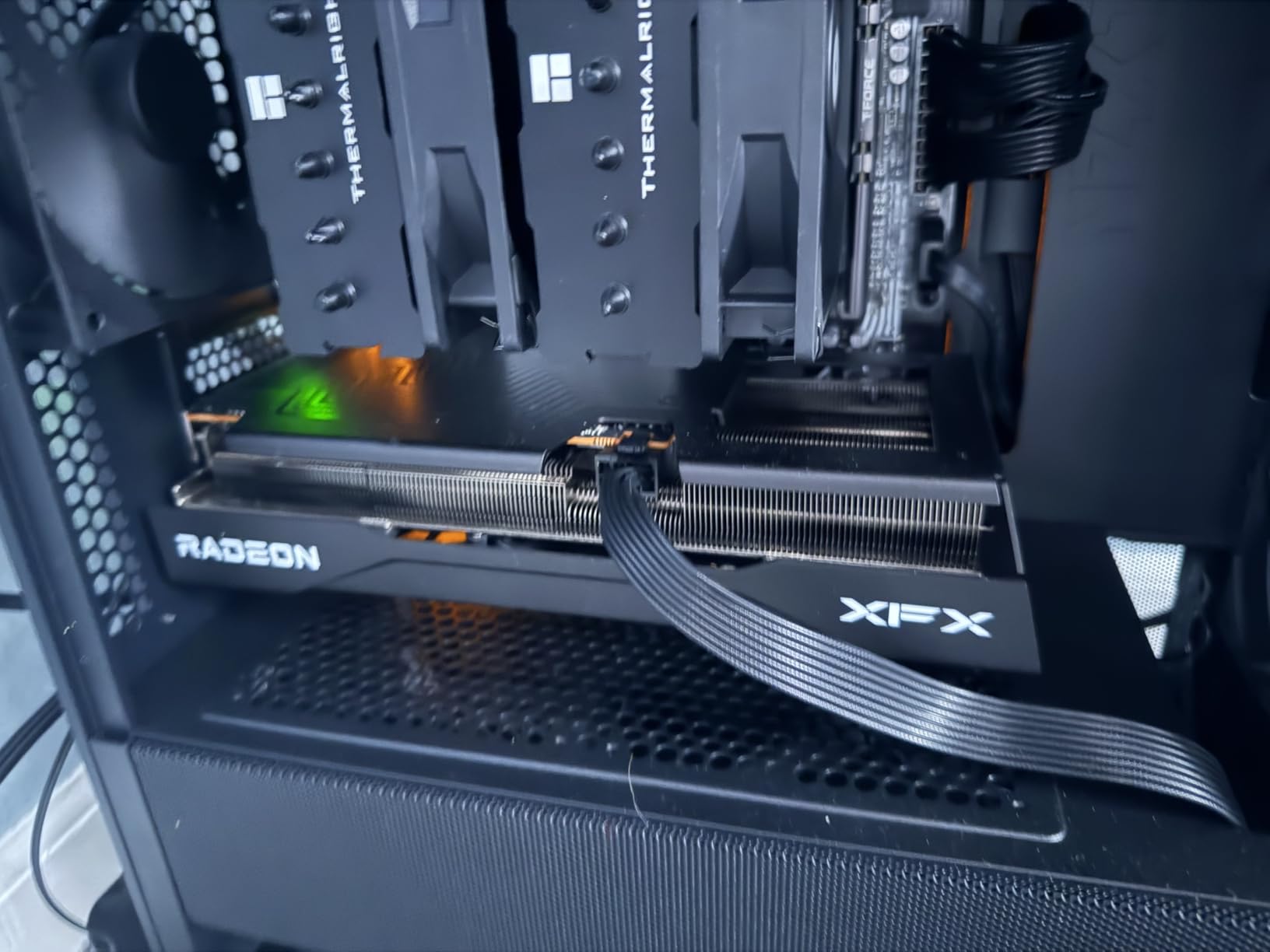
Who should buy the XFX Swift
Buy it if your games are raster-first, you want 16GB of headroom, and you would rather have a quiet card that fits an older chassis than the fastest card money allows. For most players, that is the right trade.
It is also a strong pairing for a 144Hz panel, where 60 fps and above in heavy titles is exactly the frame rate the display wants.
Where it falls short
Ray tracing is the clear gap, and owners say so without hedging. In poorly optimized titles it can collapse, which makes it a poor choice for a ray-tracing-first library.
FSR 4 still trails DLSS in maturity, and a few owners mention manual HDR adjustments and finicky Adrenalin settings. Budget a little setup time if you are fussy about display calibration.
6. Sparkle Intel Arc B570 Guardian OC 10GB – a 10GB card on a tight budget
Sparkle Intel Arc B570 Guardian OC Graphics Card, 10GB GDDR6, Torn Cooling 2.0, Axial Fan, Breathing Light, Metal Backplate, SB570G-10GOC
- OC boost clock of 2660MHz gives headroom over the reference B570
- TORN Cooling 2.0 with axial fans provides solid thermal performance
- Metal backplate adds rigidity and a premium look
- 10GB GDDR6 at this level is unusually generous for an entry card
- The PCIe x8 interface limits bandwidth headroom on some platforms
- Modest review volume
- One owner reported missing accessories and an opened anti-static seal
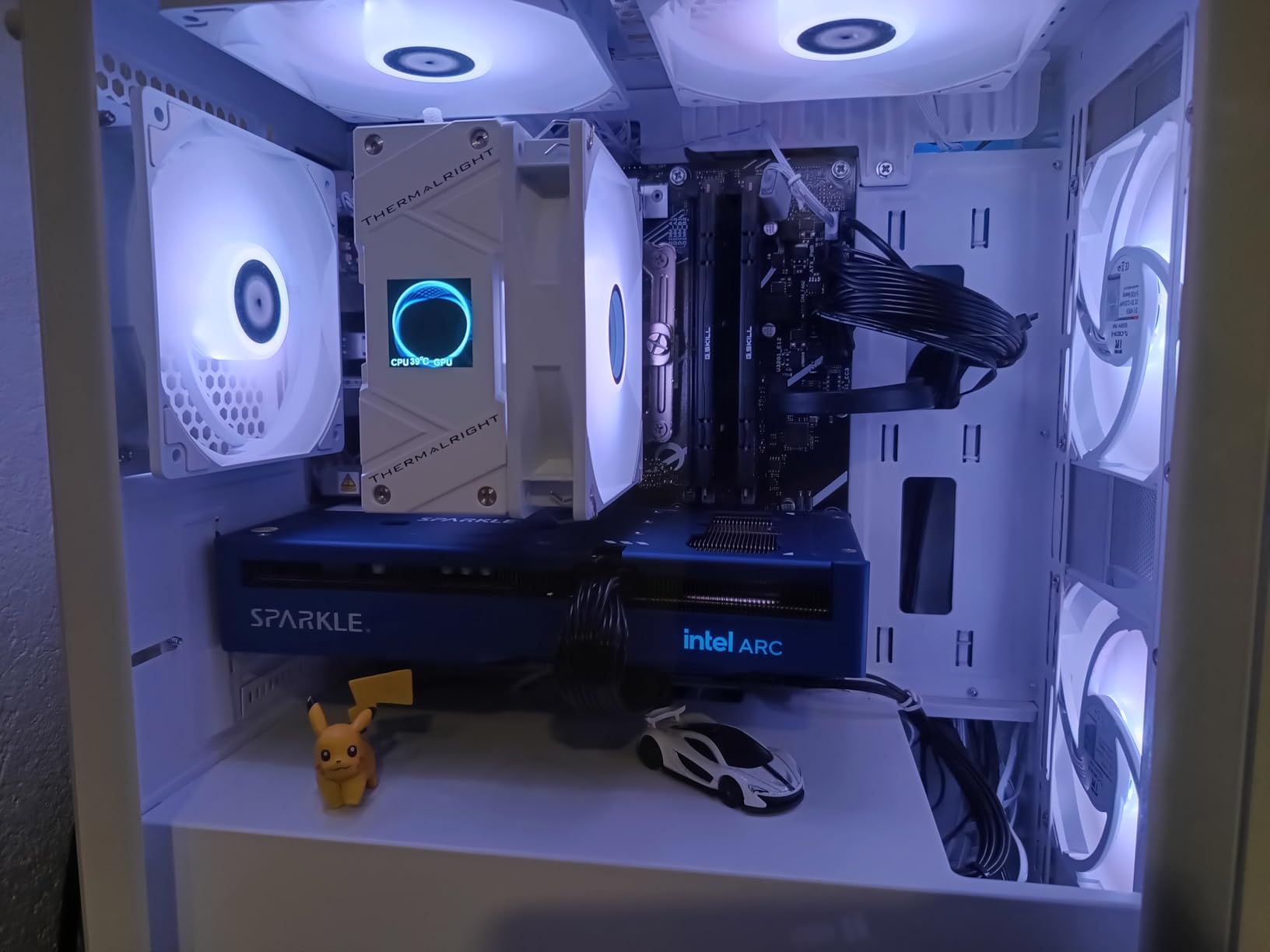
The Arc B570 is where the 10GB floor gets interesting. Ten gigabytes of GDDR6 in an entry-level card beats the pairing most budget shoppers assume, and at 1440p it is enough for high settings in a surprising number of games.
The Guardian OC board from Sparkle adds a 2660 MHz boost over the reference chip, TORN Cooling 2.0 with axial fans, and a metal backplate. Owners like the build quality for the money.
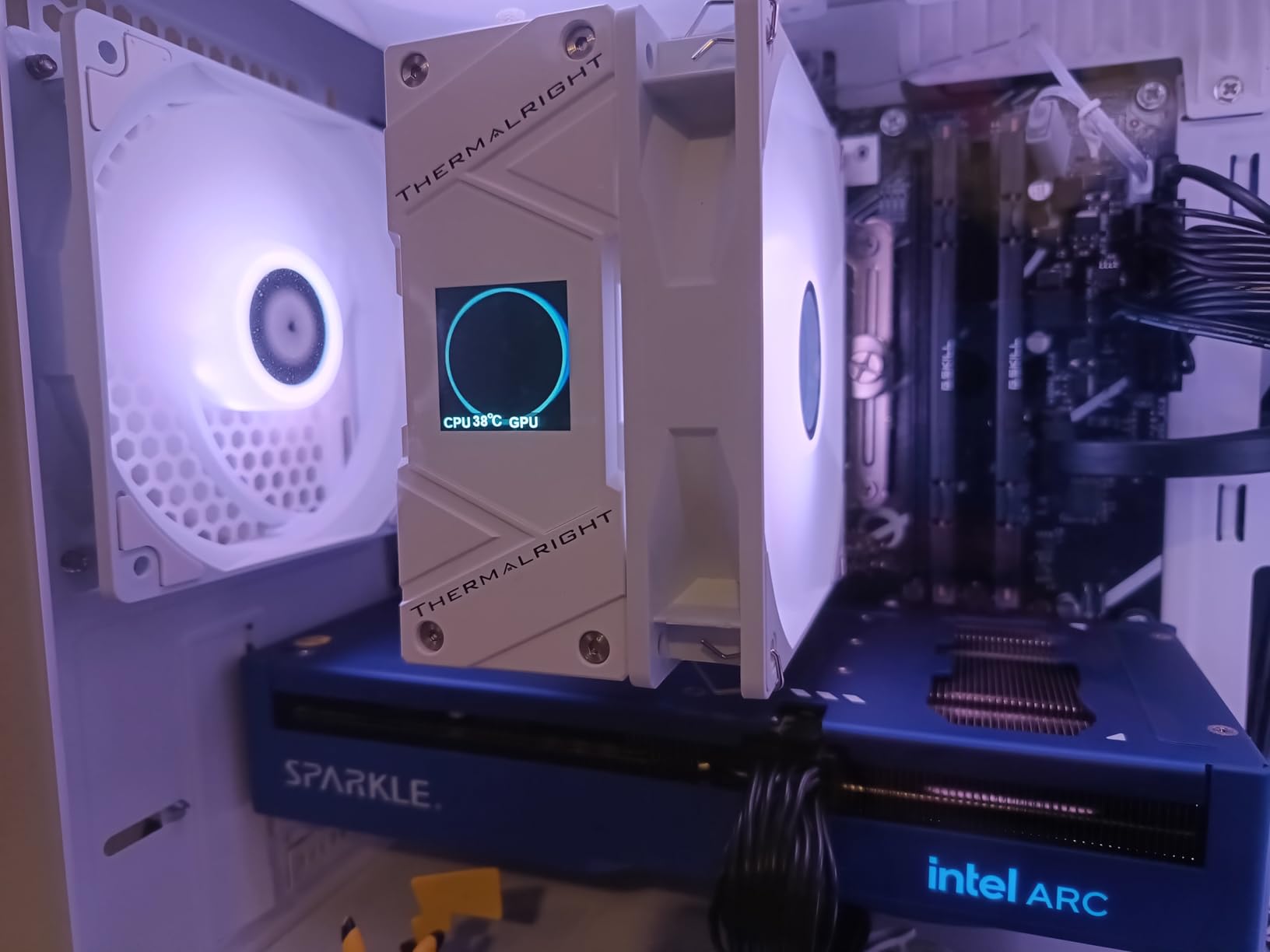
Display outputs are 1x HDMI 2.1 and 3x DisplayPort 2.1, so driving a high-refresh 1440p panel is straightforward. The weight of 796 g is also reassuring, since a heavier card is a card that wants a support bracket.
What you give up is bandwidth headroom. The PCIe x8 interface is fine on modern platforms but can limit throughput on older ones, and that is a real consideration if you are reusing a last-generation AM4 or Intel board.
When 10GB is genuinely enough
Choose this when the budget is fixed, the case is small, and your games are competitive or mid-weight titles rather than the heaviest ray-traced releases. Ten gigabytes removes the stutter risk that makes an 8GB card a false economy.
The boost clock gives you a little more headroom than the reference design, which matters in exactly the 1440p esports scenarios people buy B570 parts for.
Where you will feel the limit
PCIe x8 is the real trade-off. On a modern platform it costs you little, but on an older CPU or a board with limited lanes you may see it in higher frame rates at 1440p.
Review volume is also modest compared with the AMD and Nvidia cards here, so there is less long-term owner history to lean on. The ASRock B570 below is the better-documented of the two.
7. Sparkle Intel Arc B580 Titan OC 12GB – 12GB plus strong AV1 encode
Sparkle Intel Arc B580 Titan OC, 12GB GDDR6, Torn Cooling 2.0, Axial Fan, Breathing Light, Metal Backplate, SB580T-12GOC
- 12GB of GDDR6 is the standout spec at this tier and praised as a real differentiator
- Runs very cool with owners averaging around 59-60C under load
- Quiet cooling with one owner reporting it inaudible in a closed case
- Strong AV1 encode and transcoding for content creation
- 12.4 inch design fits most mid-range cases
- VR is not currently supported on this card
- Raster performance can trail an RX 9060 XT in the same money band
- Intel driver stack needs regular updates and sometimes Tdr registry tweaks
- A few owners report struggles with CPU-heavy titles
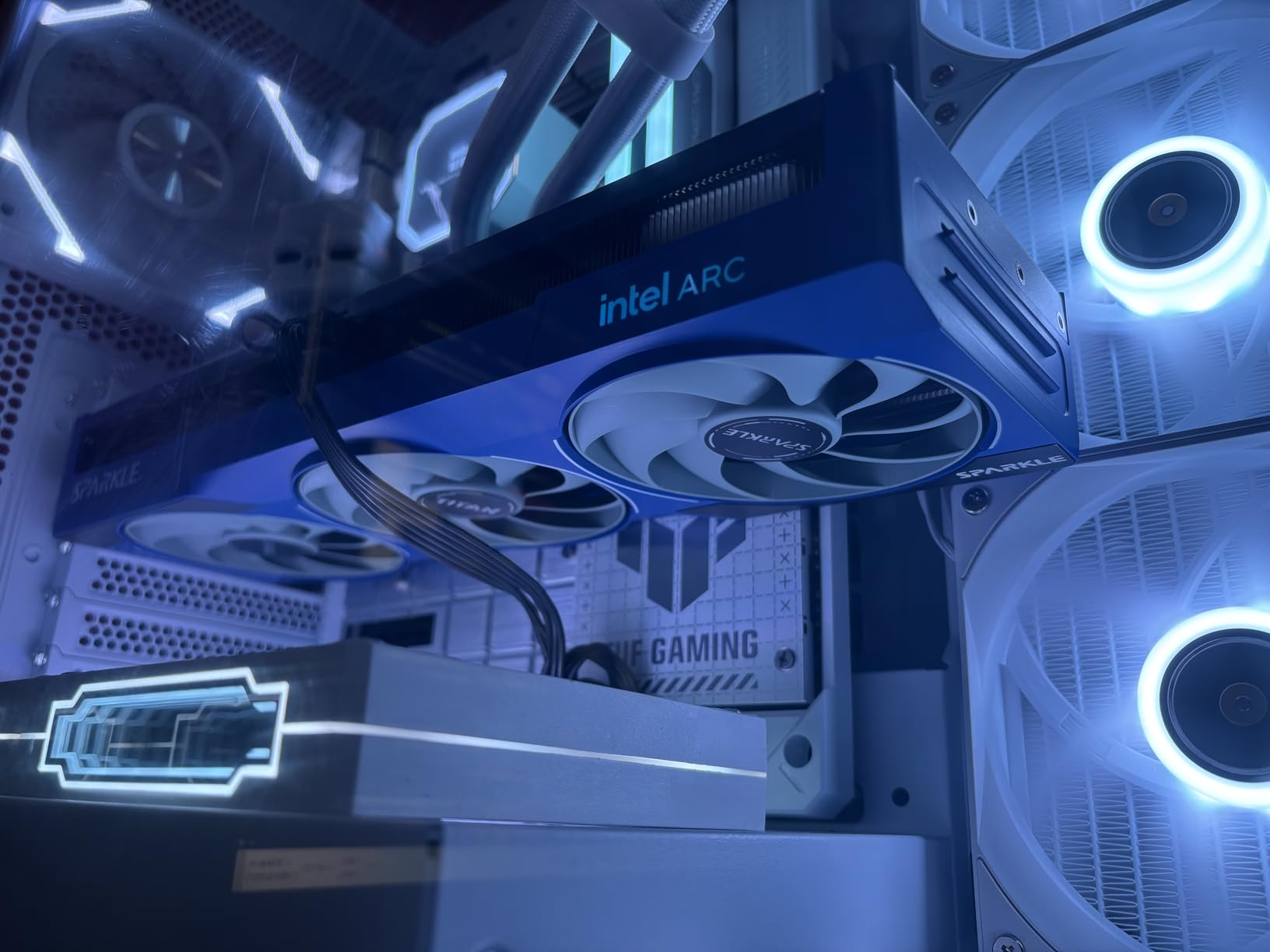
The B580 Titan OC is the Intel pick I would actually recommend over the cheaper B570 parts, and 12GB is the reason. It clears the practical VRAM floor for 1440p without stepping up a tier.
Owners report 55-90 fps at 1440p on high to epic settings, which is a wide and useful range for a budget card. Cooler temperatures average around 59-60C under load.
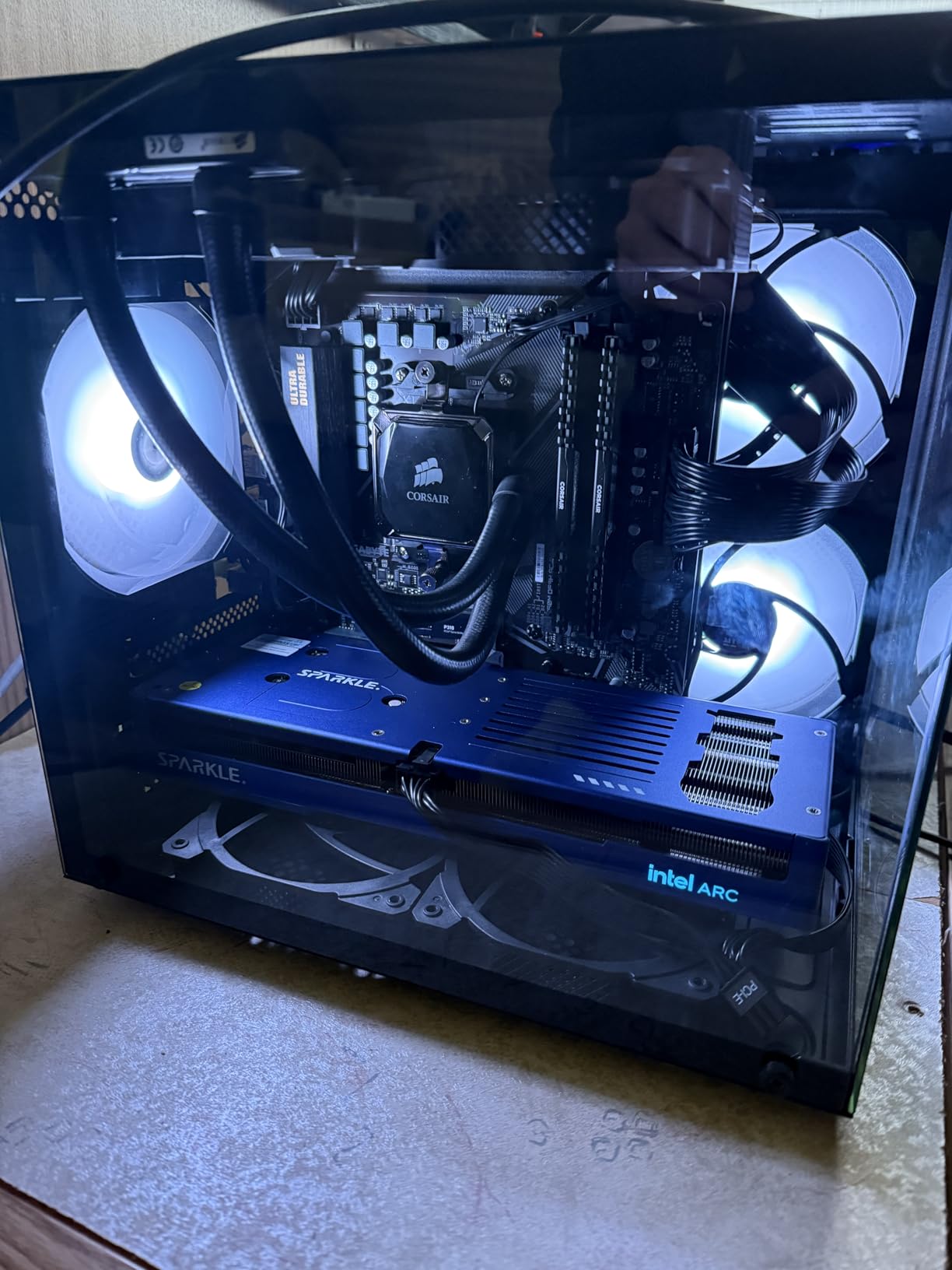
Quiet operation comes up repeatedly, including one owner reporting the card inaudible in a closed case with fans at maximum. The three-fan TORN Cooling 2.0 stack and metal backplate keep it that way, and a sag bracket is included.
For anyone who records or streams, the AV1 encode performance is a genuine draw. Intel’s media engine transcodes AV1 quickly, and that is a workload Nvidia and AMD cards do not match at this tier.
Who benefits most from the B580
Streamers and editors who game on the same machine get the most from this card. Fast AV1 encode, cool thermals, and enough VRAM for modern titles in a slim 2.5-slot-class 12.4 inch package.
It also works surprisingly well on older platforms. One owner running PCIe 4.0 on an AM4 build reports around 156 fps average in demanding titles with no loss from dropping to PCIe 3.0 x16.
What to watch out for
VR is not currently supported on this card, which matters if you have a headset or plan to buy one. That alone rules it out for some buyers.
Raster performance can trail the RX 9060 XT in the same money band, and the driver stack needs regular updates, with some owners needing Tdr registry tweaks to avoid timeouts. A few also report struggles in CPU-heavy titles like Call of Duty and Fortnite.
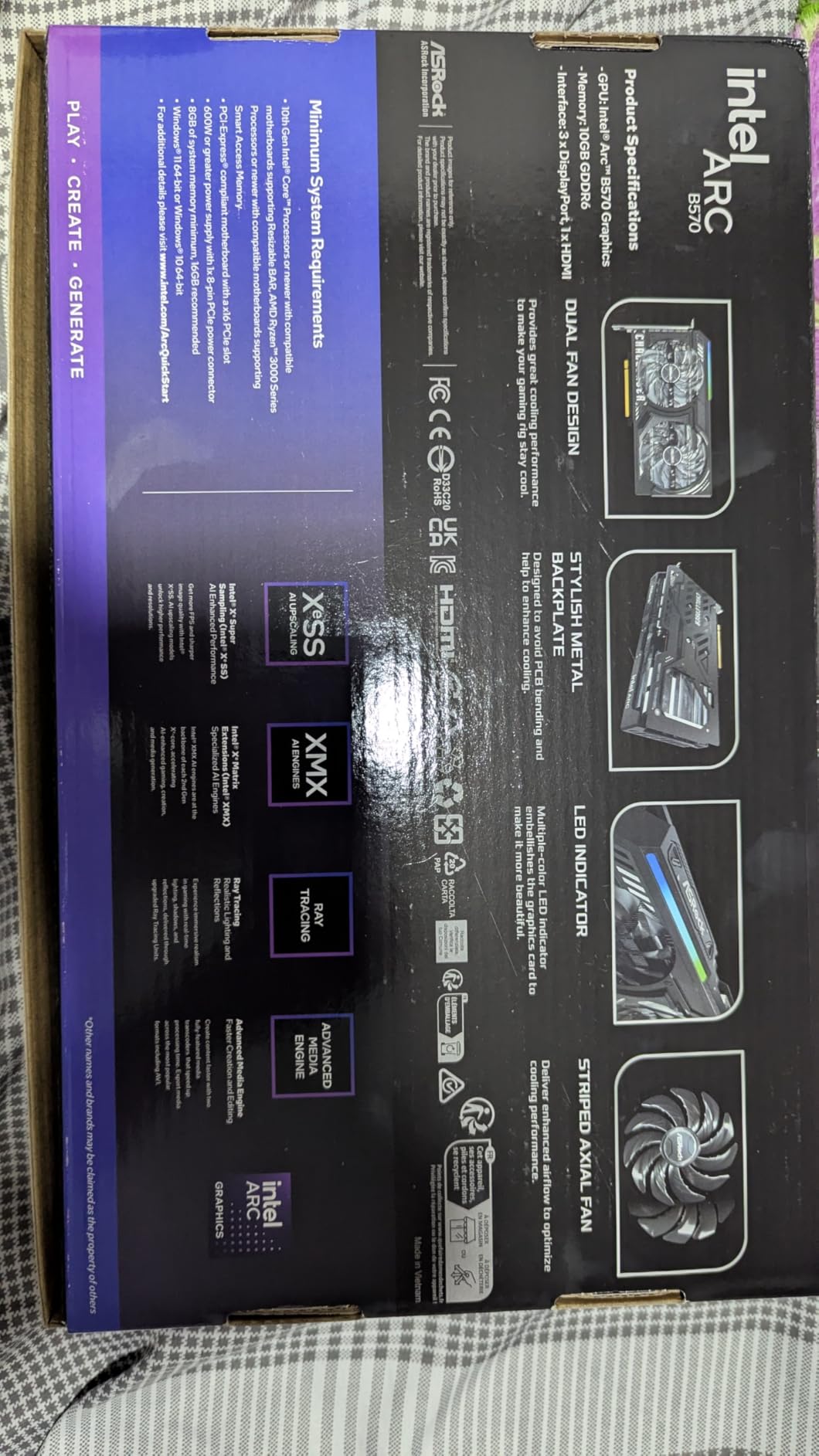
8. ASRock Intel Arc B570 Challenger 10GB – the lowest-cost way into 1440p
- Repeatedly called the best value 1440p card and beats an RTX 4060 in most raster titles
- 10GB GDDR6 on a 160-bit bus yields more memory bandwidth than an RTX 4060 or RX 7600
- Quiet and cool with 0dB dual axial fans that stop at idle
- Single 8-pin connector and very efficient power draw
- Metal backplate prevents GPU sag
- DisplayPort UHBR13.5 drives 4K 144Hz
- Resizable BAR must be enabled in BIOS or performance drops noticeably
- Older Ryzen 5000 platforms need 4G decoding and can require a CMOS reset
- Occasional driver or VRAM-related blue screens
- Some owners still drop to 1080p for the highest 1440p frame rates
- Driver support keeps improving
This is the card I point at when someone asks how cheaply they can get a real 1440p machine. Ten gigabytes of GDDR6 on a 160-bit bus gives it more memory bandwidth than an RTX 4060 or an RX 7600, and owners repeatedly say it beats an RTX 4060 in most raster titles.
The 4.7 rating across 110 reviews is impressive for the least-reviewed card in the guide. The cooling is quiet, with dual axial fans that stop entirely at idle, and the single 8-pin connector keeps power supply requirements minimal.
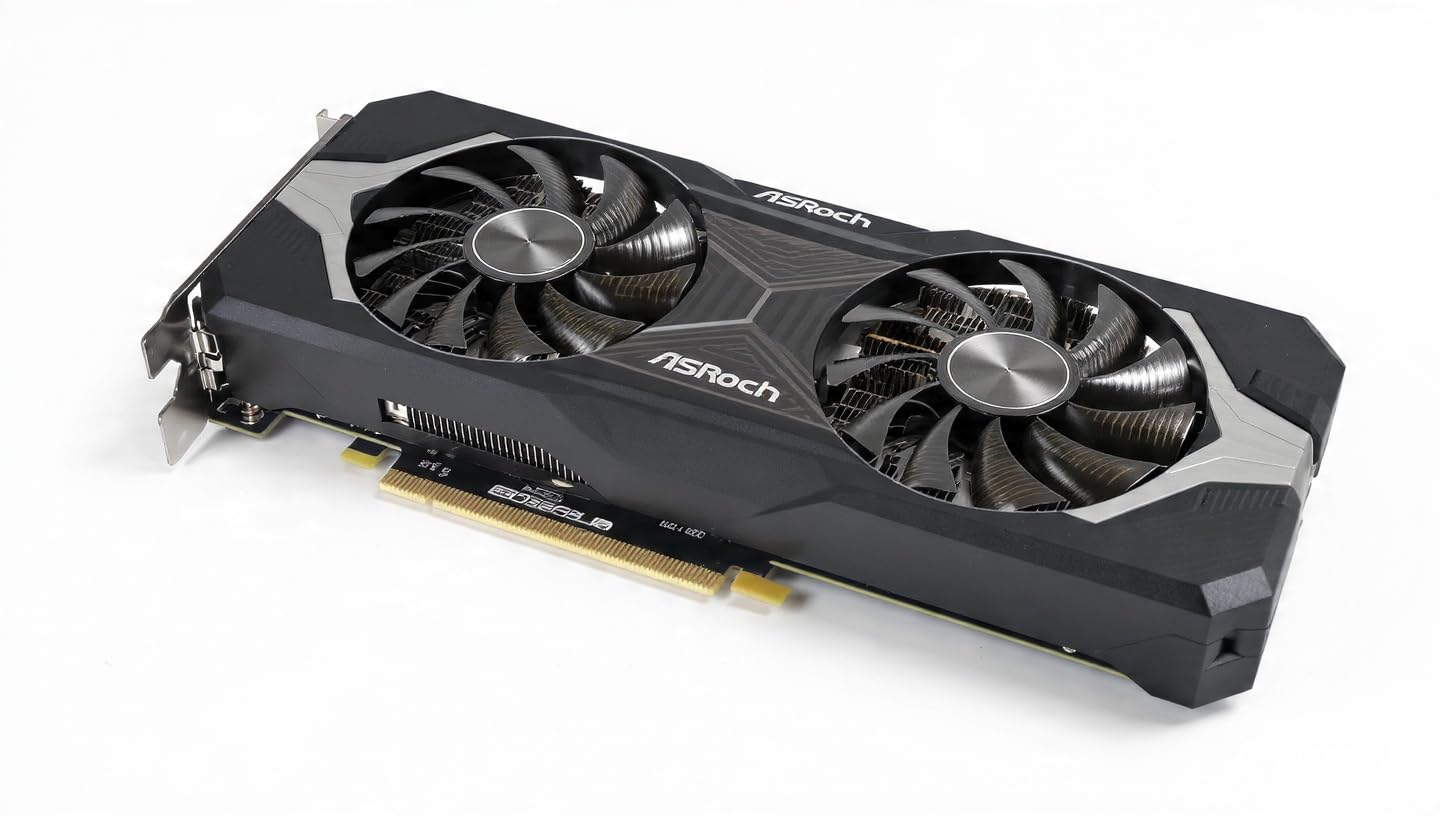
Media capability is a quiet strength. Dual media engines handle AV1 and HEVC encode and decode, and the DisplayPort UHBR13.5 output drives a 4K 144Hz panel, which is a useful ceiling for a budget card.
Intel’s Xe Matrix Extensions and XeSS 2 upscaling make ray tracing usable at this price, which is not something we could say about budget cards two generations ago.
Why this is the budget pick
It is the cheapest route to a 1440p panel that holds 60 fps in real games, and the 10GB capacity keeps it out of the stutter trap that makes 8GB cards a poor 1440p buy. Efficiency is the other half of the story.
It is also a sensible first graphics card for a builder who wants to move to 4K later without immediately buying into flagship pricing.
What you have to accept
Resizable BAR must be enabled in BIOS or performance drops noticeably, and on some older Ryzen 5000 boards you also need 4G decoding switched on. Plan a CMOS reset into your build if you hit a driver problem.
Owners report occasional driver or VRAM-related blue screens, and some still drop to 1080p when chasing the highest 1440p frame rates. If you want raw raster speed, the RX 9060 XT 16GB is a step up.
9. ASUS Dual Radeon RX 9060 XT 16GB – the 8-inch ITX card
- 16GB is repeatedly praised as the deciding factor over the 8GB model
- Compact 8 inch 2.5-slot card that fits ITX and sandwich cases while staying cool
- Very quiet with fans barely audible under load
- Delivers 100+ fps at 1440p in many titles
- Also a good fit for local AI and LLM workloads thanks to 16GB
- Performance is capped by an unusually low power limit hardcoded in the VBIOS
- Only two DisplayPort and one HDMI output
- Adrenalin and the Windows eGPU manager can be buggy and memory hungry
- A small number of owners report instability in specific titles
Eight inches long, two and a half slots, and 16GB of VRAM. Very few cards combine those three things, which is why the ASUS Dual RX 9060 XT 16GB is the one I recommend for ITX and sandwich cases.
Owners report 100 fps and above at 1440p in a long list of titles, including Battlefield 6 and College Football 27, and describe the cooling as effectively silent even under load.
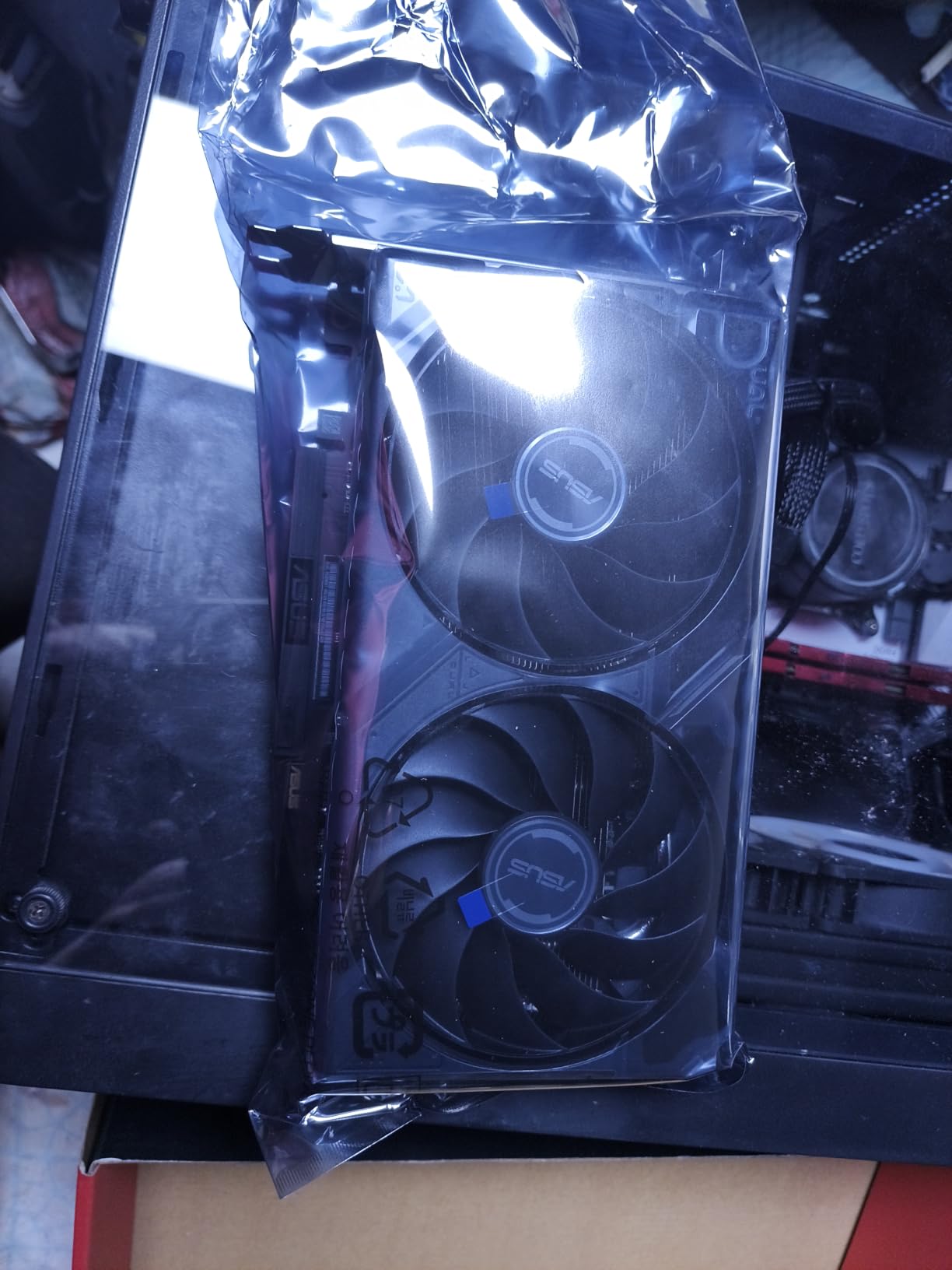
The 0dB mode keeps it quiet at idle, and the dual BIOS switch gives you a Quiet and a Performance profile. Boost clock reaches up to 3250 MHz in OC mode through GPU Tweak III.
There is a second audience for this card. With 16GB of memory it works well for local AI and LLM workloads, which is why it turns up in our deep learning GPU guide conversation too.
Why size makes this the smart small-build pick
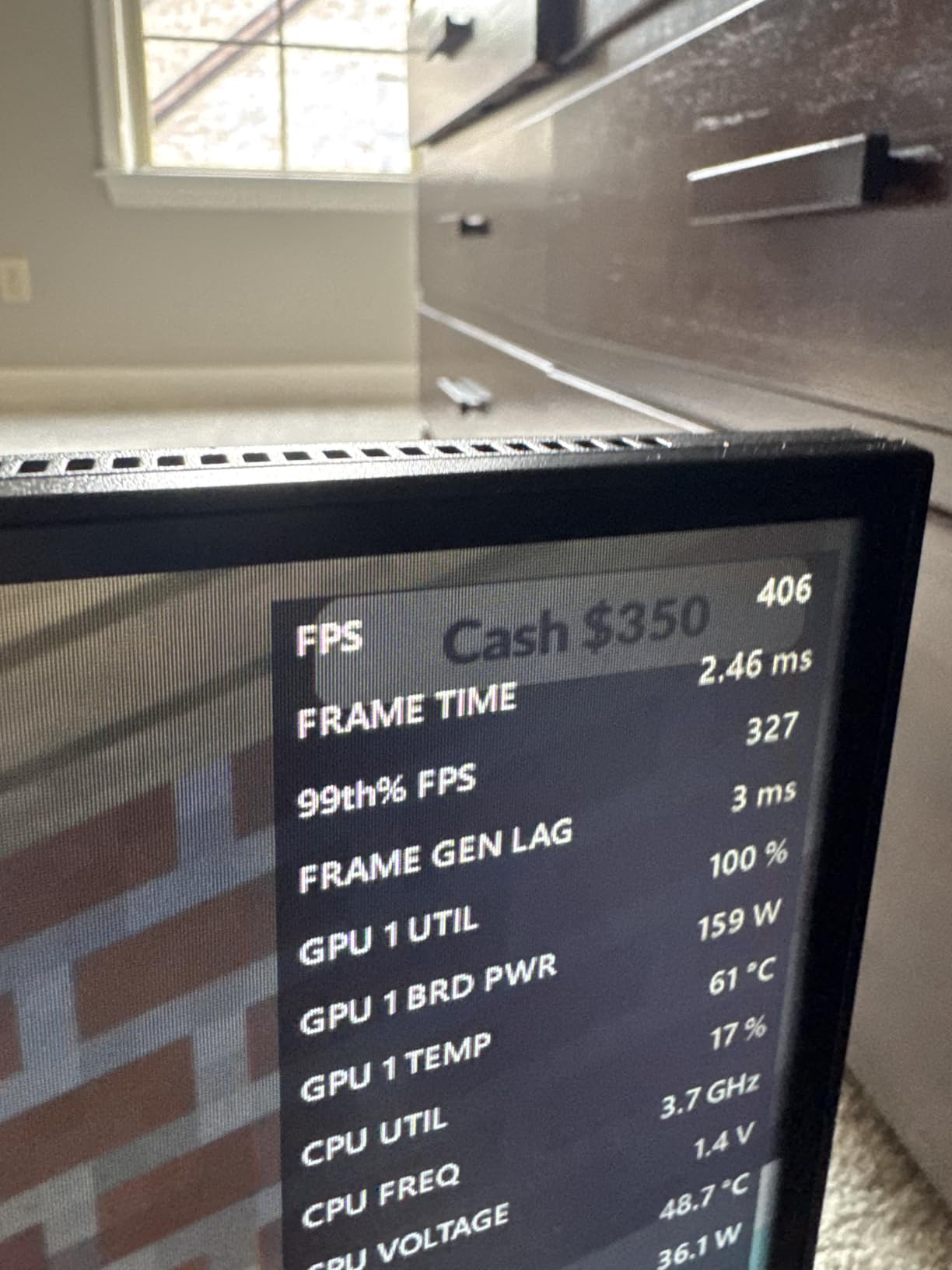
At 8 inches by 2.5 slots, it clears almost any case constraint, including sandwich layouts that other 16GB cards simply will not enter. That solves a problem no amount of performance can fix.
The metal backplate and the absence of RGB also make it a discreet card, which matters more in a build where the case is on display rather than behind a desk.
The one technical catch
The VBIOS carries an unusually low power limit, and it applies even on the performance BIOS profile. That caps how far the card can stretch before it throttles, and it is the single most common complaint in the reviews.
Output is limited to two DisplayPort and one HDMI, and a small number of owners report instability in specific titles. Nothing structural, but worth knowing before you commit.
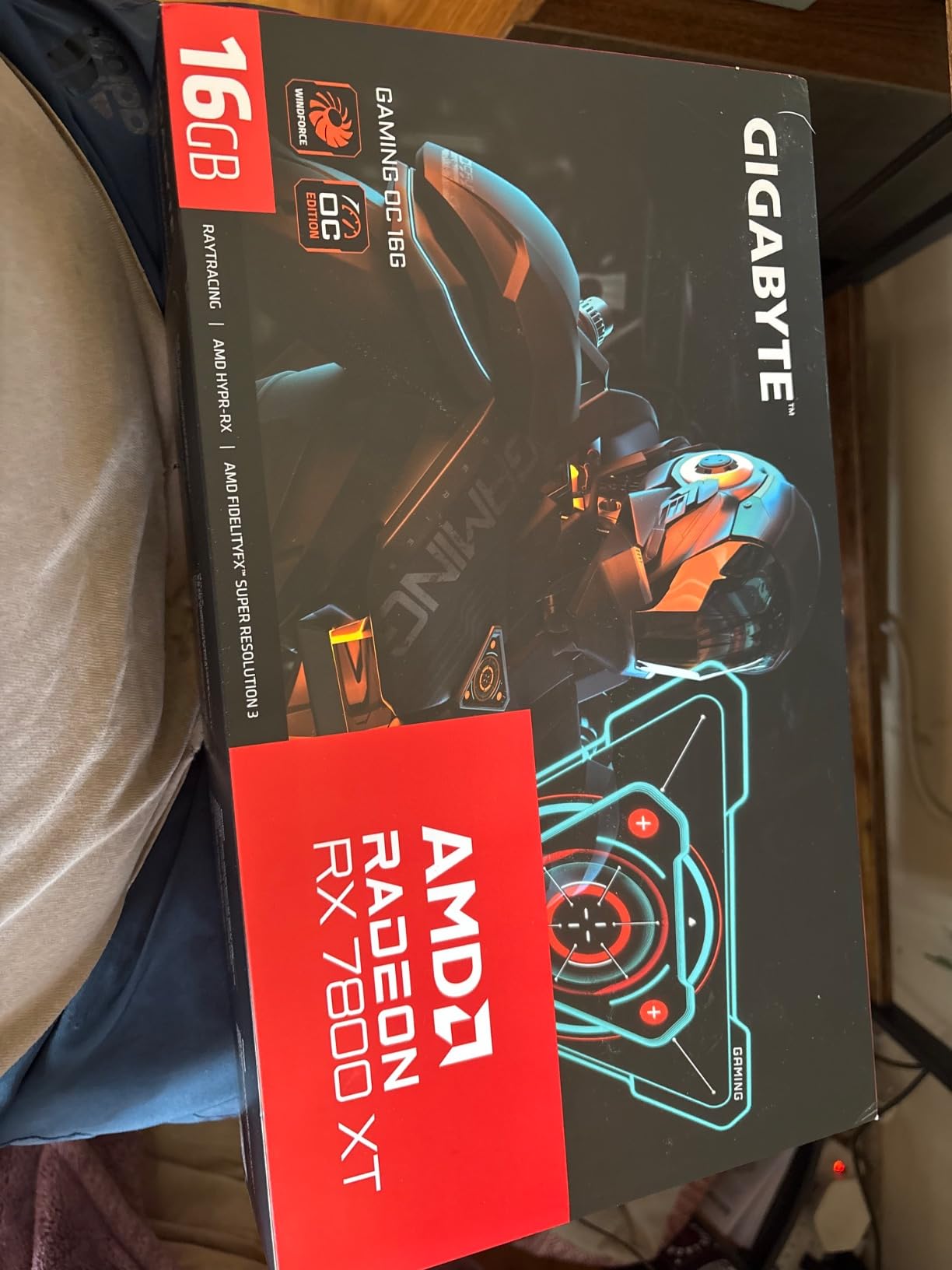
10. Gigabyte Radeon RX 7800 XT Gaming OC 16GB – previous generation, still capable
- The most heavily reviewed card in the guide at 836 reviews and one of the best liked
- Well regarded as an all-round 1440p card running current titles at max settings
- Quiet WINDFORCE cooling with a near inaudible Silent mode
- Silent and OC BIOS modes let you trade noise for thermals
- 16GB of GDDR6 and RDNA 3 also make it useful for local LLM work
- Fits a mid-ATX tower and pairs with a standard 700W-class supply
- Ray tracing is noticeably weaker than Nvidia cards at similar prices
- Gigabyte software tools are reported to crash with white screens
- Silent mode runs warmer and OC mode is audible
- Some owners report coil whine after extended max-settings play
The RX 7800 XT is the previous-generation card on this list, and the 836-review feedback set is the largest we looked at. Owners treat it as a settled, proven 1440p card rather than a risky buy.
Raster performance is the appeal. Owners compare it favorably against the RTX 4070, and the card runs current titles at max settings without complaint, on 16GB of GDDR6 across a 256-bit bus.
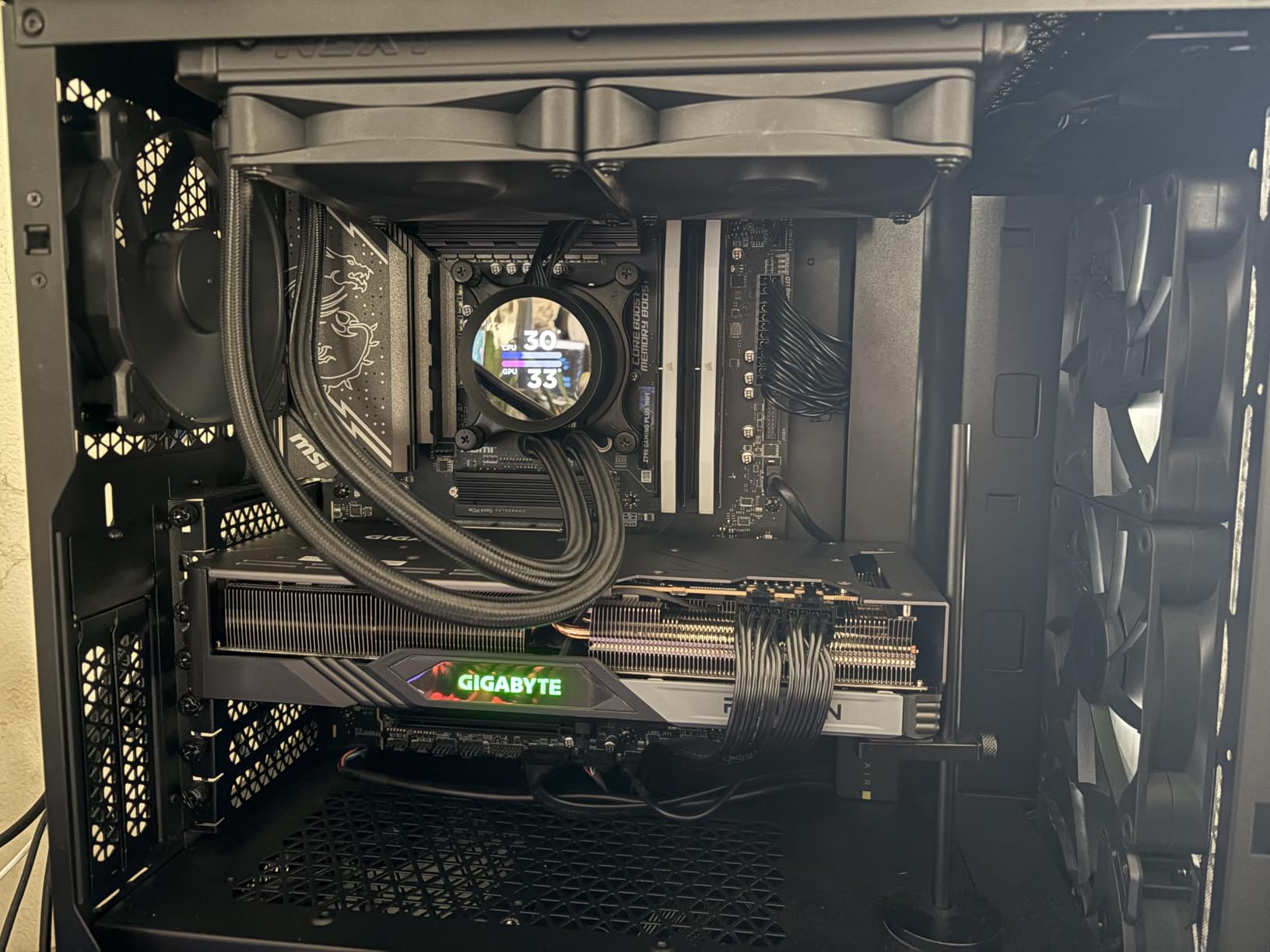
The WINDFORCE cooler uses three 90mm fans, seven composite copper heat pipes, and a large copper plate touching the GPU directly. Silent mode is nearly inaudible, and the OC mode trades noise for thermals when you want it.
RDNA 3 also brings hardware ray tracing, an AI accelerator, and AV1 encoding, with a Radiance display engine on top. It is a complete feature set for 1440p even though it is a generation behind.
When an older card makes more sense
Choose it if the numbers work in your favour. Because there is no new generation until 2027, a last-generation card that undercuts current-gen pricing is a rational way to spend less on a platform you will keep for years.
The 700W recommended power supply and 11.89 inch length are also easier to accommodate than most of the current-gen cards here, which is a genuine practical advantage.
Where it has aged
Ray tracing is the weak point, and owners are clear that it sits noticeably behind Nvidia cards in the same bracket. If ray-traced AAA is your main library, this is not the card.
Gigabyte’s own software tools are reported to crash with white screens, and AMD’s Radeon software is the more reliable option. Some owners also report coil whine after long sessions at max settings.
Which Card Do You Need for 144Hz, 165Hz and 240Hz?
Refresh rate is the variable most buyers ignore and most regret. A card that pushes 200 fps into a 144Hz panel wastes more than half of what it can do, while a card that tops out at 80 fps makes a 240Hz display feel expensive and sluggish.
Here is the match. The rule of thumb is to target a card whose comfortable average sits at or above your panel’s refresh rate in the heaviest game you play, not the lightest.
144Hz panels: the ASRock Arc B570 Challenger 10GB and the Sparkle Arc B580 Titan OC handle this comfortably in most titles. If you want headroom for ray tracing, step up to the XFX Swift RX 9060 XT 16GB.
165Hz panels: the XFX Swift RX 9060 XT 16GB and the ASUS Dual RX 9060 XT 16GB sit at the right tier, with 16GB of VRAM protecting you in texture-heavy releases. The ASUS Prime RTX 5070 12GB is the Nvidia alternative.
240Hz panels: this is where the list divides. The Gigabyte GeForce RTX 5080 Gaming OC is the safe answer, and the Gigabyte Radeon RX 9070 XT Gaming OC reaches 160-220 fps in most titles at 1440p max, which fills a 240Hz panel in the majority of games. Neither is a guarantee in every title, and frame generation remains the Nvidia-specific lever for filling the gaps.
If your panel is 240Hz and your games are competitive shooters, frame rates matter far more than VRAM. The ASRock Arc B570 Challenger 10GB will run those titles at refresh with headroom, and spend the difference on your CPU.
One more consideration: refresh rate is only half the equation. A 240Hz panel needs a CPU that can feed it, and a mid-range chip will throttle your frame rate before the GPU does.
What to Check Before You Buy: VRAM, PSU, Case Fit and CPU Pairing
These are the checks that separate a good 1440p build from a frustrating one. None of them are complicated, and all of them are cheaper to get right before you order than after.
Start with VRAM, not frame rate
The 8GB, 12GB, 16GB rule is the most important filter in this guide. Eight gigabytes is out for 1440p in 2026: titles at high settings push past it, and you get texture stutter or cut settings rather than a consistent frame rate.
Twelve gigabytes is the bare minimum. Sixteen gigabytes is the target, and it is what every card rated here at 16GB delivers. For context on how the memory gets used at 1440p, single-player blockbusters such as Cyberpunk 2077 and Avatar sit around the 12GB mark with ray tracing enabled, and titles like Hellblade II exceed 8GB even on high settings.
That is the entire argument. If a card has 16GB, you can run the game at the settings you want. If it has 8GB, something gets cut, and you find out in a menu you did not know existed.
Match the upscaler to the hardware
Upscalers are where vendor ecosystems actually differ, and knowing which one your card supports saves disappointment. DLSS 4 ships with the RTX 50 series, including frame generation, while FSR is an AMD and cross-vendor option that works on older hardware, and XeSS runs across Intel Arc and competing GPUs.
The practical rule: if your library is ray-traced, Nvidia’s DLSS frame generation is the most mature option. If your games are raster-first, FSR on an AMD card costs you nothing and works well.
Do the power maths before you buy
Size your power supply from the card’s rated board power, then add headroom for the rest of the system, and remember that measured draw regularly exceeds the rating under transient load. Budget-tier cards with a single 8-pin connector, like the ASRock Arc B570 Challenger 10GB, keep this simple.
For the cards at the top of this list, treat the power supply as a purchase in its own right. The Gigabyte Radeon RX 9070 XT uses three 8-pin connectors, and owners report running it on 850W to 1000W units. The RTX 5080 needs all three 12V-2×6 adapter leads seated correctly, which is the single most common build mistake with modern high-end cards.
Measure the card, then measure the case
Card length is where more builds fail than power. The list here runs from 8 inches for the ASUS Dual RX 9060 XT 16GB to 13.46 inches for the Gigabyte GeForce RTX 5080 Gaming OC, and that five and a half inch difference decides whether a card fits at all.
Slot width matters too. Most of these are 2.5-slot designs, which is friendly to compact builds, but the RTX 5080 is a three-slot card that will block neighbouring expansion slots. If you run a long M.2 SSD heatsink or a thick AIO cooler, check the clearance before you buy either part.
One less obvious trap: if you are on a platform with a PCIe 5.0 M.2 slot, a PCIe 5.0 graphics card and a high-speed NVMe drive can compete for the same CPU lanes. On most systems it costs you a few percent in a synthetic test, but it is free to avoid by populating the second M.2 slot instead.
Pair the GPU with a CPU that keeps up
At 1440p, a mid-range CPU can absolutely bottleneck an upper-tier card, particularly in esports titles and simulation games. Pair a budget or mid-range card with a mid-range or newer CPU, and pair an expensive card with a CPU that will not hold the frame rate back.
This is the point in the build where a faster processor is often worth more than a faster graphics card, particularly if your games are CPU-bound. The reverse is also true, and pairing a top-end card with an entry-level CPU wastes money on both ends.
Decide whether you should upgrade at all
If you are coming from a 1080p card, ask whether your CPU and the rest of the system can feed a 1440p panel before you spend on the GPU. A 6700 XT paired with a 5600 is a recurring community example of a last-generation card handling 1440p without drama, which reframes the whole upgrade question.
That is also the argument for the older RX 7800 XT on this list. If your current card already holds 60 fps at 1440p in the games you play, a new card is a want rather than a need, and the better spend is elsewhere in the build.
Frequently Asked Questions
What is the best graphics card for gaming at 1440p resolution?
The Gigabyte Radeon RX 9070 XT Gaming OC 16GB is the best all-round card for 1440p gaming, with owner-reported frame rates of 160-220 fps at maximum settings and 16GB of GDDR6 for headroom. The XFX Swift Radeon RX 9060 XT 16GB is the best value pick, and the ASUS Prime GeForce RTX 5070 12GB is the Nvidia option to take if ray tracing and DLSS 4 matter most to you.
Is a 5070 Ti overkill for 1440p?
It depends entirely on your panel. On a 144Hz or 165Hz display a card in that class is roughly the right tier, with useful headroom for ray tracing and a 4K upgrade later. On a 240Hz panel it earns its place, because mid-range cards fall short of the frame rate the display can show. Match the card to the refresh rate rather than the resolution alone.
What GPU can run 1440p 240Hz?
The Gigabyte Radeon RX 9070 XT Gaming OC reaches 160-220 fps at 1440p on maximum settings in most titles, which fills a 240Hz panel in the majority of games. For guaranteed headroom, the Gigabyte GeForce RTX 5080 Gaming OC adds DLSS 4 frame generation, which is the Nvidia-specific lever for filling the gaps in lighter titles.
How much VRAM do I need for 1440p gaming?
Twelve gigabytes is the bare minimum and 16GB is the target; 8GB cards should be skipped at 1440p in 2026. Blockbusters such as Cyberpunk 2077 and Avatar sit around 12GB with ray tracing on, and Hellblade II exceeds 8GB even at high settings, so a card below 12GB forces a settings cut sooner rather than later.
Is rtx 4090 overkill for 1440p?
For a 144Hz panel, yes, it is far more than you need. Its 24GB of GDDR6 does make it a reliable way to max out a 240Hz 1440p panel, so the case for it is refresh rate rather than resolution. Since no new GPU generation lands before 2027, we would pick a current 16GB card instead and keep the money.
Is 1440p the same as QHD?
Yes, 1440p and QHD both mean 2560×1440 pixels, also called QHD or WQHD, and it renders roughly 2.25 times the pixels of 1080p. Watch the neighbouring names: 2K is used loosely, WQXGA is 2560×1600 on a 16:10 panel, and UW-QHD is the 3440×1440 ultrawide format.
The Best Graphics Card for 1440p Gaming in 2026
The Gigabyte Radeon RX 9070 XT Gaming OC 16GB is our pick for the best graphics cards for 1440p gaming, because 16GB of GDDR6, owner-reported 160-220 fps at maximum settings, and cool quiet thermals are exactly the combination a 2560×1440 panel rewards.
Buy the XFX Swift Radeon RX 9060 XT 16GB if you want the highest-rated card on this list and the best value in 16GB. Buy the ASUS Prime GeForce RTX 5070 12GB if ray tracing and DLSS 4 come first. Buy the Gigabyte GeForce RTX 5080 Gaming OC 16GB if a 240Hz panel or a 4K upgrade is in your plans, and check your case length first.
At the bottom of the list, the ASRock Arc B570 Challenger 10GB is the cheapest real route into 1440p, and the Sparkle Arc B580 Titan OC 12GB adds VRAM plus excellent AV1 encode for streamers. Whatever you choose, start at 12GB of VRAM, confirm the card fits your case, and size the power supply for measured draw rather than the rating.