
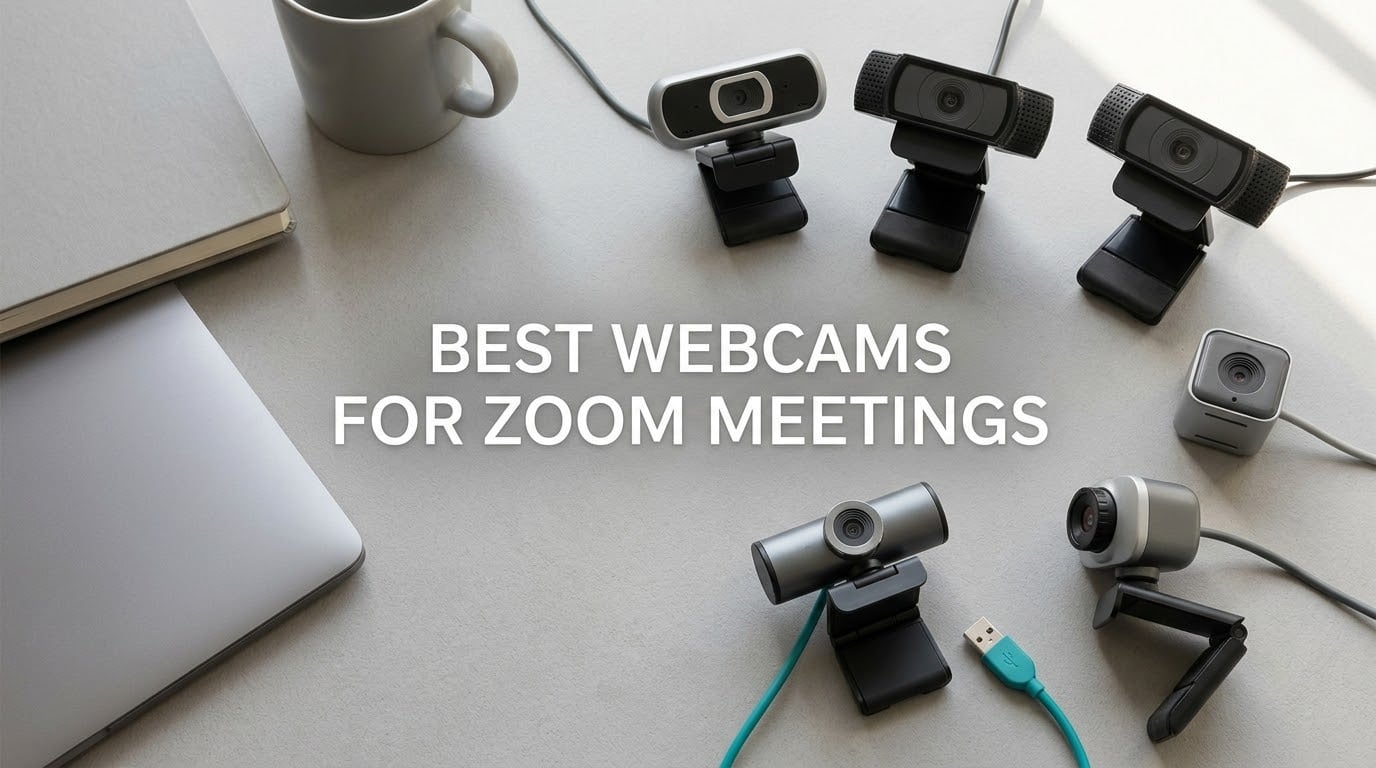
If you want the short version: the Logitech C920x is the best webcam for Zoom meetings for most people in 2026, because it delivers a clean 1080p feed at 30fps with steady autofocus and stereo mics straight out of the box. If your room is dim or you move around a lot, step up to the Logitech Brio 4K or the Insta360 Link 2 instead.
That problem statement comes straight from the top thread on r/Zoom, which is titled almost exactly this: people are not searching for a webcam because they want one. They are searching because the camera built into their laptop produces a soft, low-contrast, badly-lit image and they have decided they look bad on camera. That is a solvable problem, and most of the fix costs very little.
What follows is a roundup of the 12 webcams we would actually recommend for Zoom meetings, Microsoft Teams and Google Meet, ordered by award tier rather than by spec sheet. We have covered budget models for a dorm room, mainstream 1080p workhorses, 4K units that survive a dim home office, a travel pick you can toss in a laptop bag, and two options built for conference rooms where a 65-degree lens is a waste of glass.
One warning before we start. No webcam makes a bad room look good. A simple panel light placed in front of you will do more for your image than the whole step from a budget webcam to a premium one, and we will say so again further down. Fix the light first, and only then decide whether the camera in front of your laptop is the problem.
If your setup is more of a whole-desk project, we have a separate guide to the best webcams for remote work that goes deeper on desk setups and monitor mounting.
Table of Contents
Top 3 Picks for Zoom Meetings (October 2026)



Anker PowerConf C200
- 2K resolution
- AI noise cancelling mics
- Low-light handling
- Software FOV control
All 12 Webcams at a Glance in 2026
Every pick below, with the one thing it does better than its rivals. Pricing moves around constantly, so use the buttons rather than any number you remember.
| Product | Specifications | Action |
|---|---|---|
| Logitech C920x |
|
Check Latest Price |
| Logitech Brio 4K |
|
Check Latest Price |
| Anker PowerConf C200 |
|
Check Latest Price |
 Insta360 Link 2 Insta360 Link 2 |
|
Check Latest Price |
 EMEET NOVA 4K EMEET NOVA 4K |
|
Check Latest Price |
 OBSBOT Meet 2 OBSBOT Meet 2 |
|
Check Latest Price |
 NexiGo N930AF NexiGo N930AF |
|
Check Latest Price |
 EMEET C60E Dual EMEET C60E Dual |
|
Check Latest Price |
 EMEET 1080P C960 EMEET 1080P C960 |
|
Check Latest Price |
 Logitech Brio 101 Logitech Brio 101 |
|
Check Latest Price |
 NexiGo N60 NexiGo N60 |
|
Check Latest Price |
 NexiGo N990 Gen 2 NexiGo N990 Gen 2 |
|
Check Latest Price |
1. Logitech C920x – The Best Webcam for Zoom Meetings Overall
- Sharp well-lit 1080p image
- Reliable autofocus for a fixed desk
- Compact stable mount
- Plug and play on Zoom Teams Meet
- No built-in privacy shutter
- Logitech Linux driver issues reported
- Heavier USB and CPU load than cheap models
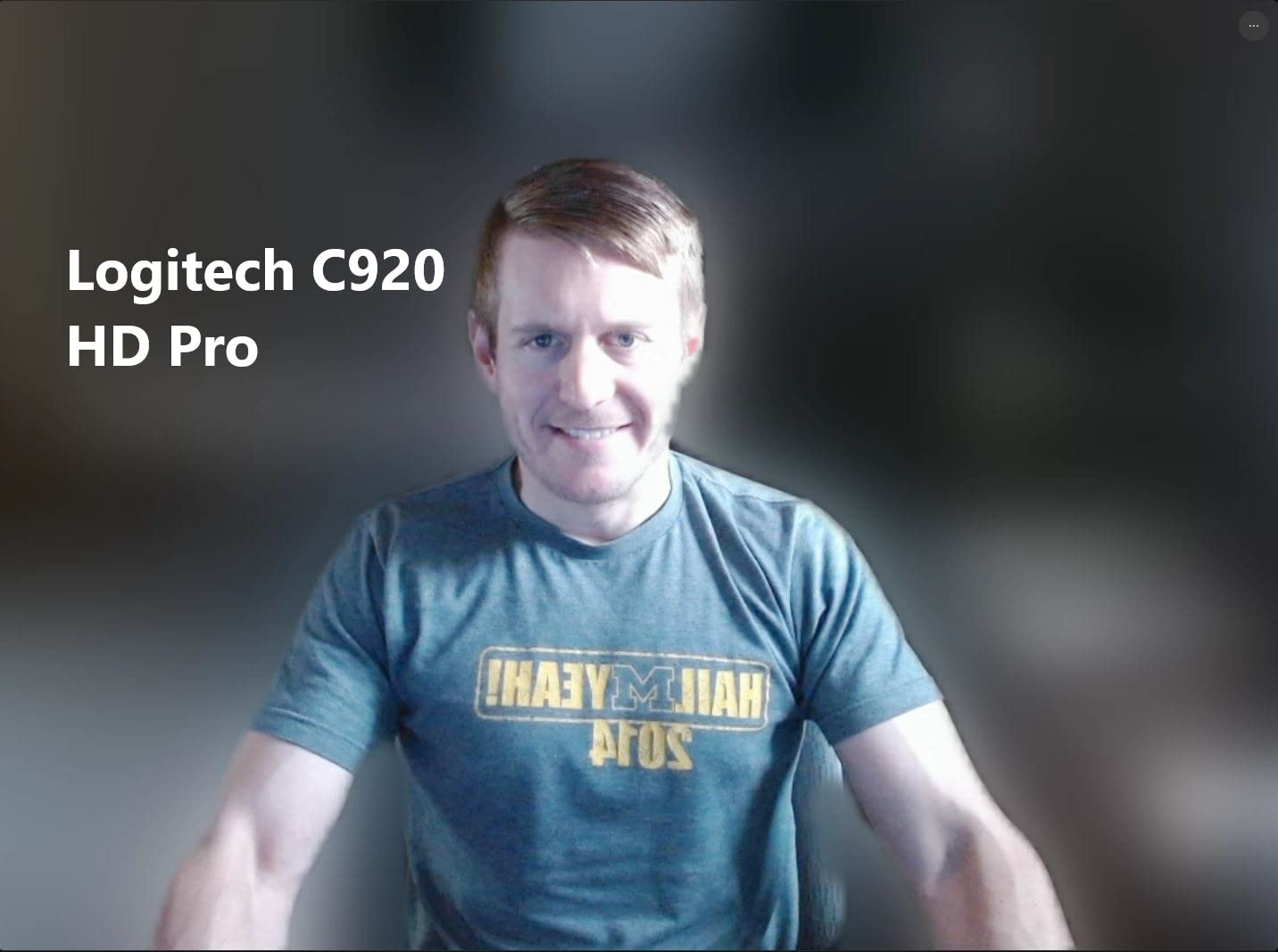
The C920x is the answer to almost every version of this question. It ranks number two in webcams with more than 22,000 ratings behind it, which tells you something about how many people have made the same decision and not regretted it. The image is a clean 1080p at 30fps, and the autofocus does the boring thing well, which for a webcam locked to a desk at one distance is most of the job.
It weighs 5.7 ounces and the clip mount is short and stable, so it does not sag on a monitor bezel the way some taller models do. The 78-degree field of view is the sweet spot for a single person at a desk: wide enough to include a bit of shoulder, tight enough that you are not sitting in a sea of bookshelf behind you.
Two things trip people up with this camera. The first is that there is no physical privacy shutter, so if you are the kind of person who wants a physical cover you have to add one yourself. The second is Linux, where owners report audio and video lag because Logitech does not release a proper driver for the platform.
It also runs heavier on USB bandwidth and CPU than the entry-level options, which matters if you are on an older machine juggling three apps and a screen share. We do not think that outweighs the picture quality for most people, but on a thin-and-light laptop it is worth knowing before you plug it in.
Who the C920x suits best
This is the pick for someone on a laptop or a single external monitor, working from home or studying, who wants a camera that behaves predictably and never needs attention. There is no onboarding curve. Plug it in, pick it in the Zoom device menu, and it is done.
It is also the safest recommendation in this whole roundup for a second reason: the price sits in the middle of the range, so the downside if you dislike it is small. Our broader desk-setup picks are covered in the remote work webcam guide.
Who the C920x suits badly
Anyone in a genuinely dim room, because a 1/2.9-inch sensor with an f/1.8 aperture is gathering less light than the larger sensors in picks 2, 4 and 6. The HD lighting adjustment keeps it from going black, but it does not manufacture detail that is not there.
It is also the wrong tool if you move around a call, since it is a fixed-focus-class camera with no tracking to follow you, or if privacy hardware is a requirement in your workplace.
2. Logitech Brio 4K – The Best Premium Upgrade for Bright and Dark Rooms
- 4K detail that survives aggressive compression
- RightLight 3 HDR handles backlighting
- Three selectable field-of-view presets
- Dual beamforming mics
- Flip-up privacy shade
- Windows Hello support
- Costs well above mainstream 1080p models
- Heavy on bandwidth and CPU
- Logi Tune needed for FOV presets
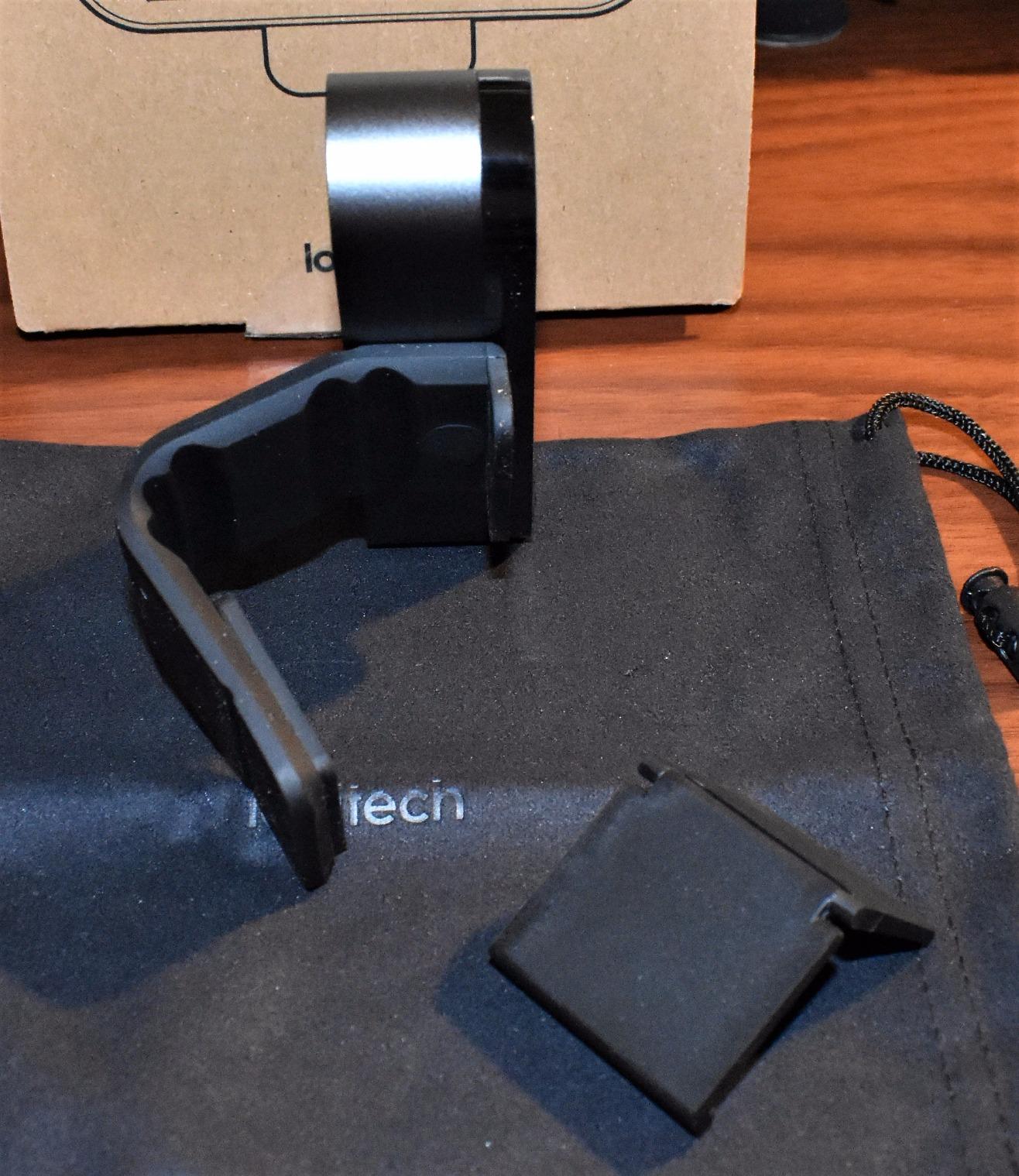
The Brio is the reason we can recommend a camera for a person who sits with a window behind them. RightLight 3 with HDR is the headline feature, and it is doing real work: it lifts your face out of a backlit exposure and holds skin tones together instead of rendering you as a silhouette with a blown-out window behind.
The other reason to spend up is the 4K sensor feeding a 5x HD digital zoom. Zoom and Teams compress hard, and a 4K source gives the encoder more detail to work with than a 1080p one, so your face survives a bad connection better than it would otherwise.
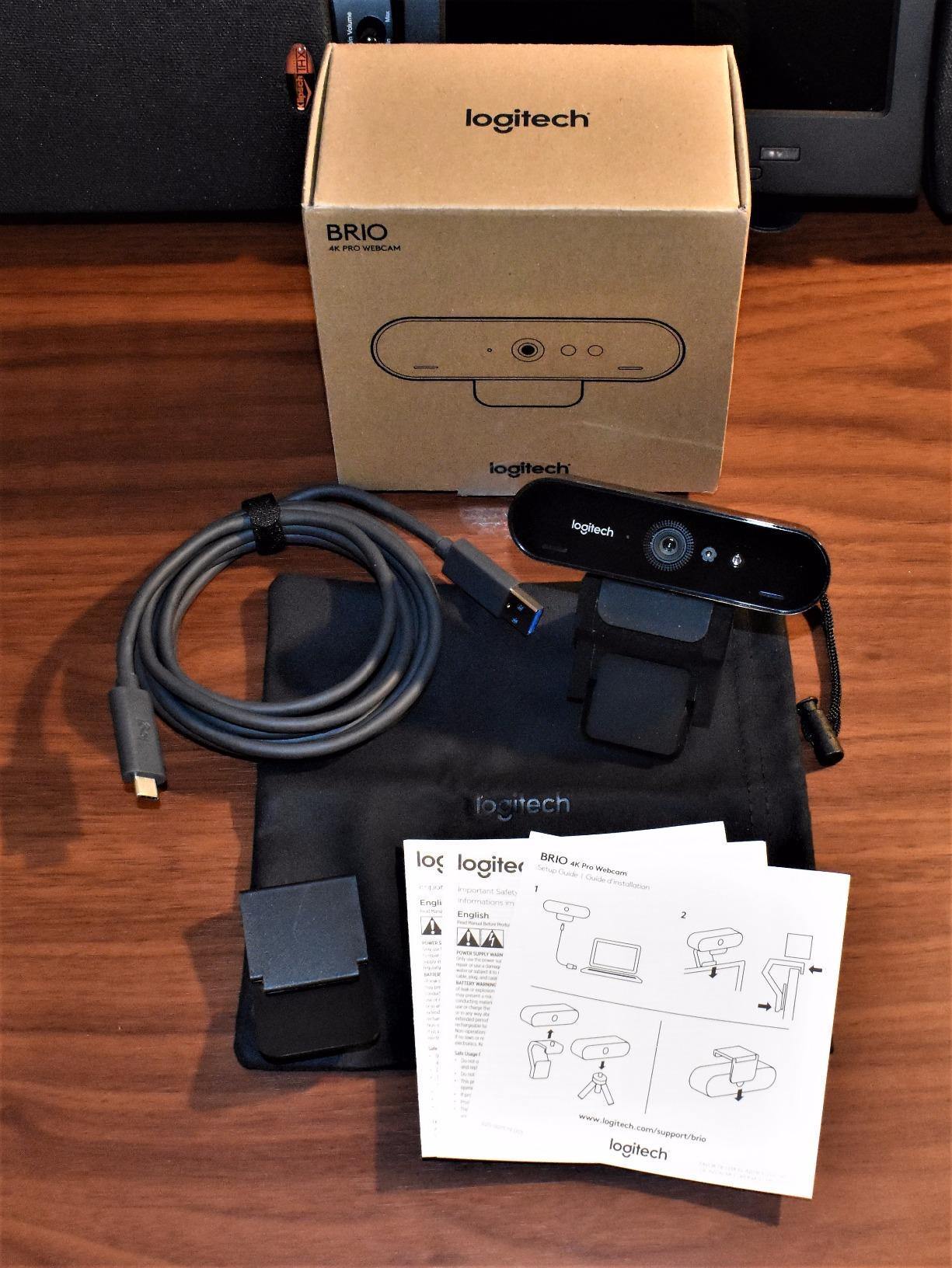
It is also the only camera in this list with three field-of-view presets you can switch between from Logi Tune, at 90, 78 and 65 degrees. That is genuinely useful when you go from a one-to-one to a whiteboard session without touching the mount.
The dual beamforming omnidirectional microphones are a real step up for voice pickup, and there is a physical privacy shade that flips up over the lens plus Windows Hello support for passwordless sign-in. Note that our research data for this ASIN returned no customer review text, so this profile leans on the documented feature set and the rating, not on owner quotes.
Who the Brio 4K suits best
Someone whose lighting changes through the day, or who presents to a room where the audience needs to see facial detail from a distance. The 86.6-degree default view is wider than the C920x, which suits people who lean back or write on paper beside them.
It is also the right pick for a shared office machine where Windows Hello login is a policy requirement rather than a nice-to-have.
Who the Brio 4K suits badly
Anyone on a weak uplink or a machine with limited USB bandwidth, because 4K30 is hungry and the camera is noticeably heavier to run than the 1080p picks. If your calls live on congested hotel Wi-Fi, a 2K or 1080p camera is the calmer choice.
It is also overkill for a single person who sits 60 centimeters from the screen with a lamp in front of them. The step up from the C920x is real but it is not the biggest visual jump in this list.
3. Anker PowerConf C200 2K – The Best Value Pick for Noisy Rooms
- 2K detail at a mainstream tier price
- Dual mics with AI noise cancellation
- Holds up in dim rooms without extra light
- Software-selectable 65/78/95-degree views
- Integrated sliding privacy cover
- Field-of-view changes need desktop software
- Mount cannot swivel far side to side
- Grips curved monitors poorly
This is the camera we hand to someone whose flatmate has a desk in the same room. The dual microphones with AI noise cancellation are the reason, and they are the most direct answer in this roundup to the top recurring complaint on r/Zoom, which is that people on a call can hear the washing machine.
The 2K sensor also gives you more usable detail than 1080p without the bandwidth appetite of 4K, and the 95-degree default view fits a desk setup where you want a bit of your workspace in frame.
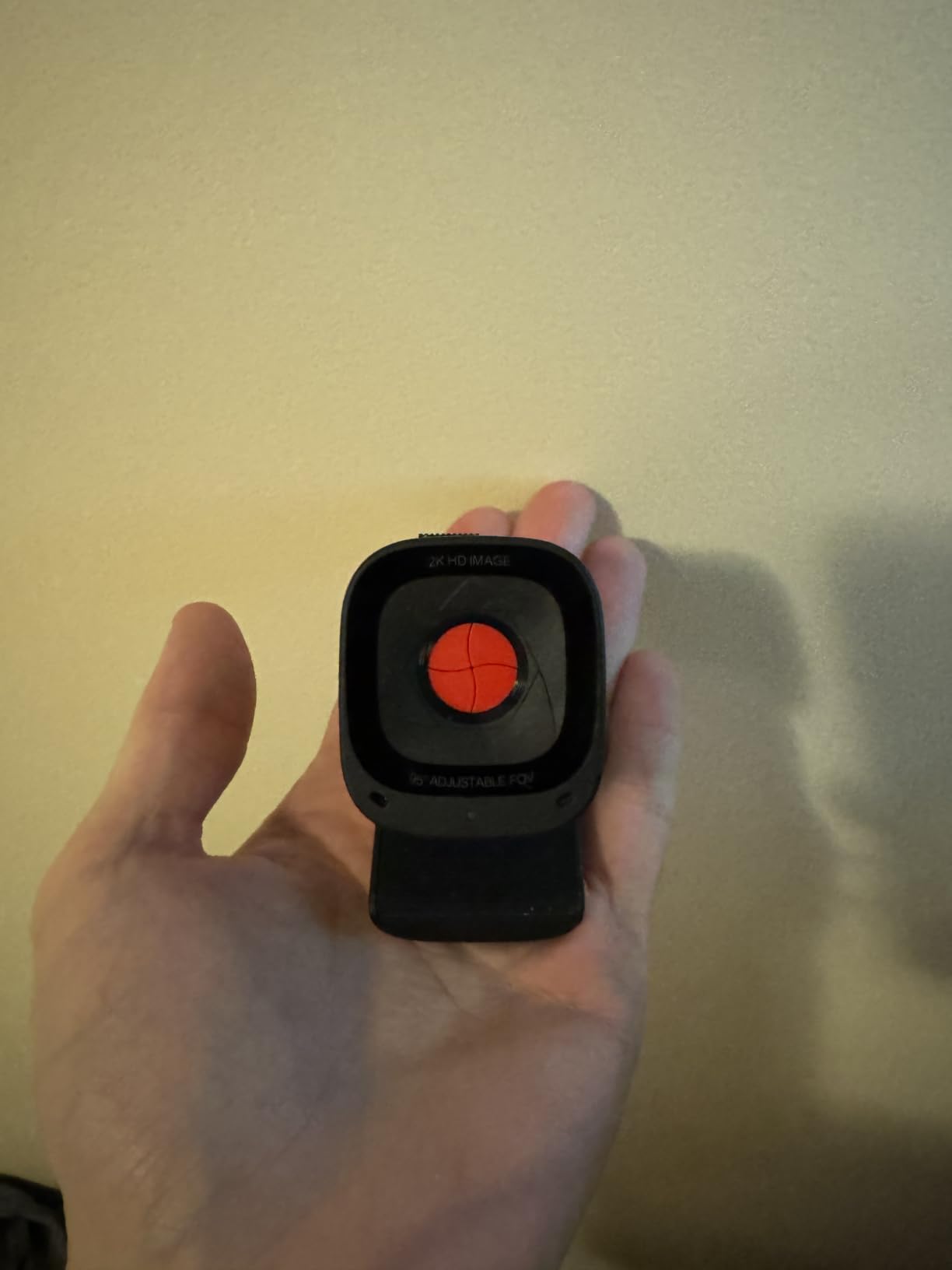
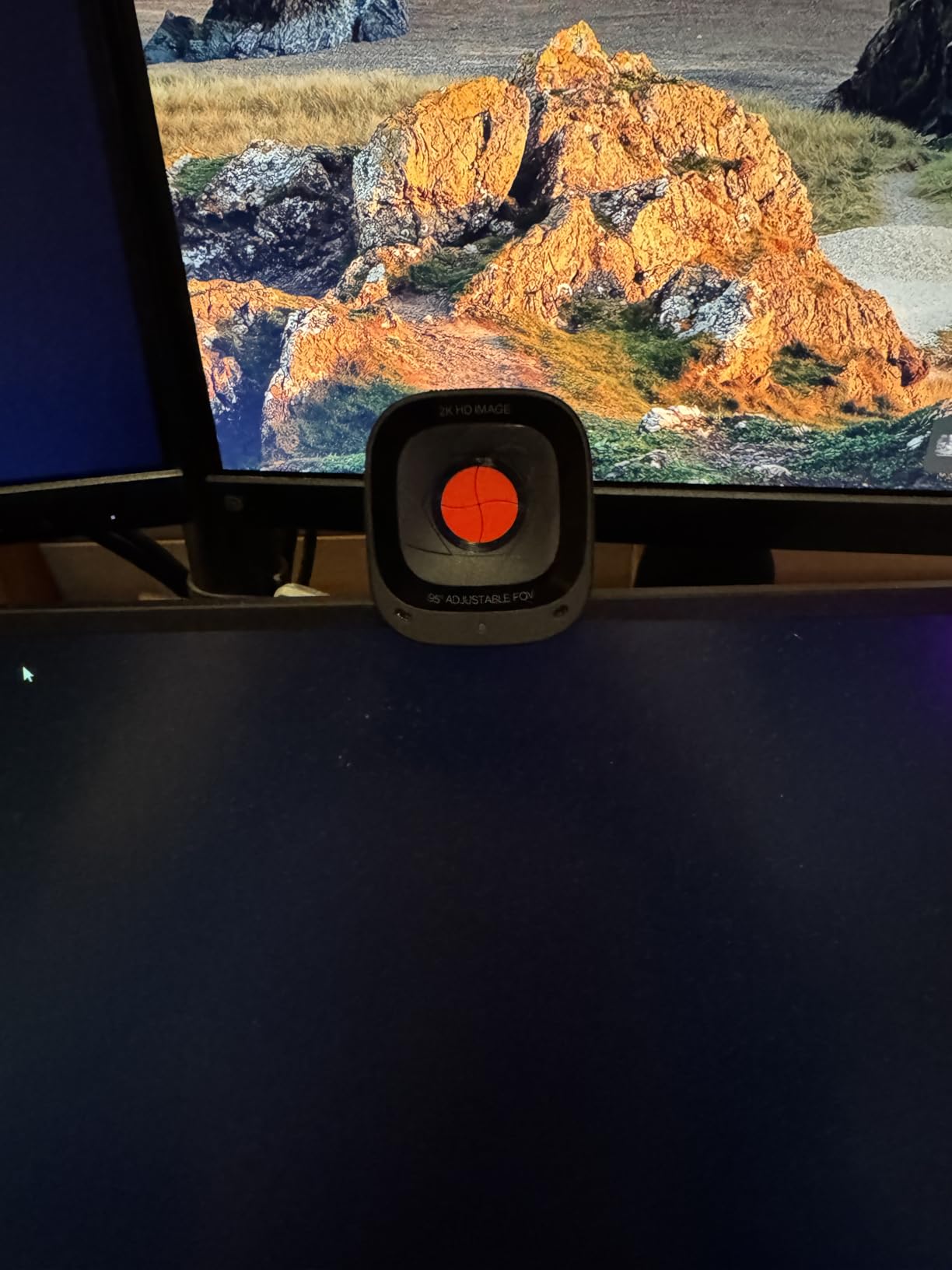
The catch is that the viewing-angle options live in Anker’s desktop software rather than on the camera. If your company laptop is locked down or you work on a machine where installing software is a fight, the 95-degree default is what you get.
The mount is the other recurring gripe. Owners report it cannot swivel far from side to side and grips curved monitor backs poorly, so if your display has a curve, check the mount before you commit.
Who the PowerConf C200 suits best
Remote workers in shared or noisy spaces who need the microphone to work as hard as the camera does. It also suits anyone who wants a wider frame than the C920x without moving up to a 4K sensor.
For a small business equipping several desks, the 18-month warranty outlasts the one-year terms that are common at this level, and the software is free.
Who the PowerConf C200 suits badly
Anyone on a managed corporate laptop where peripheral software is blocked, since the field-of-view controls disappear without it. It is also too wide for a tight desk in a small home office, where 95 degrees puts half the room behind you.
Fixed users who want hardware-only control of framing should look at the C920x, which needs no app for its core job.
4. Insta360 Link 2 – The Best Webcam for Tracking and Moving Around
- 1/2-inch sensor with strong low-light performance
- Instant PDAF autofocus
- Physically pans and tilts to follow you
- DeskView and Whiteboard modes
- Smartphone app for remote framing
- No Windows Hello or ARM-based Windows support
- Highest price in this roundup
- Needs the app for smart modes
This is the pick for teachers, presenters and anyone who does not sit still. The AI tracking physically pans and tilts the camera to follow you around a room, which means you can stand up, walk to a whiteboard and stay in frame without touching anything.
The 1/2-inch sensor is among the largest here, shared with the OBSBOT Meet 2, and it is the difference between a usable image at dusk and a grainy one. HDR plus improved low-light handling means it copes with the mixed lighting of a home at night far better than the 1080p options.
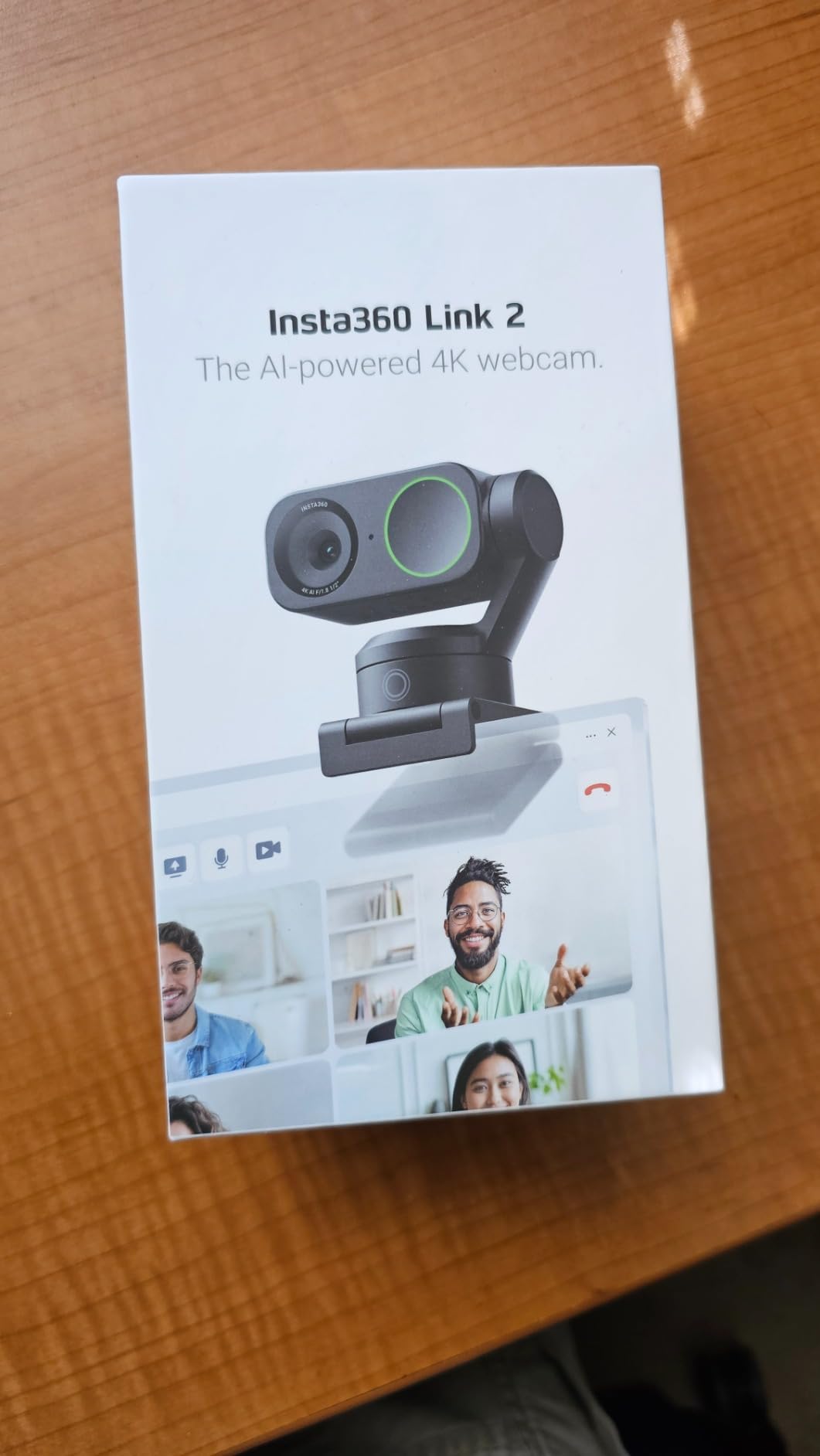
Gesture control is the feature people discover and then use every day. An open hand turns tracking on, other gestures handle zoom, and a phone app lets you retune framing from across the room. DeskView tilts down to show whatever is on your desk, and Whiteboard mode does the obvious thing for teaching.
There is a real hardware caveat: it does not support Windows Hello face recognition, and it is not compatible with ARM-based Windows systems. Check your machine type before you buy. Our research data also returned no customer review text for this ASIN, so the assessment rests on the documented features and a 4.6 average across roughly 1,550 ratings.
Who the Link 2 suits best
People who present, teach, run a workshop or hold a call in a larger home space where a fixed lens would lose them. The auto privacy tilt after ten seconds of inactivity is a small touch that matters if you share an office or a room with other people in it.
It also works as a streaming camera, since gesture and app control are useful for a live session as well as a meeting.
Who the Link 2 suits badly
Anyone on an ARM-based Windows machine, and anyone whose sign-in flow depends on Windows Hello. It also does not make sense for a single person at a desk who never leaves their chair, because tracking adds nothing to a static shot, and the price sits at the upper end of the range we covered.
If you only want a small, sharp 4K camera and never plan to move, the OBSBOT Meet 2 does the same job for less.
5. EMEET NOVA 4K – The Best Budget Route Into 4K
EMEET NOVA 4K Webcam for PC, Ultra 4K HD, PDAF Autofocus, Dual Omni Mics
- Genuinely sharp 4K detail for the money
- Fast PDAF autofocus that does not hunt
- 73-degree view frames a desk user well
- Dual mics with pickup to 8 feet
- Physical privacy cover
- Defaults to 1080p and must be switched manually
- Exposure struggles with a bright window behind
- No Windows Hello support
The NOVA is the pick that makes 4K an ordinary budget decision. Owners routinely describe it as outperforming webcams several tiers above it, and the detail is genuinely there on a call rather than sitting in a spec sheet.
PDAF autofocus is the technical story here and it matters in practice. Phase detection focuses without hunting back and forth, so when you shift in your chair or lean into the screen the image stays put. Most cheap cameras wobble through a one-second refocus every time you move.
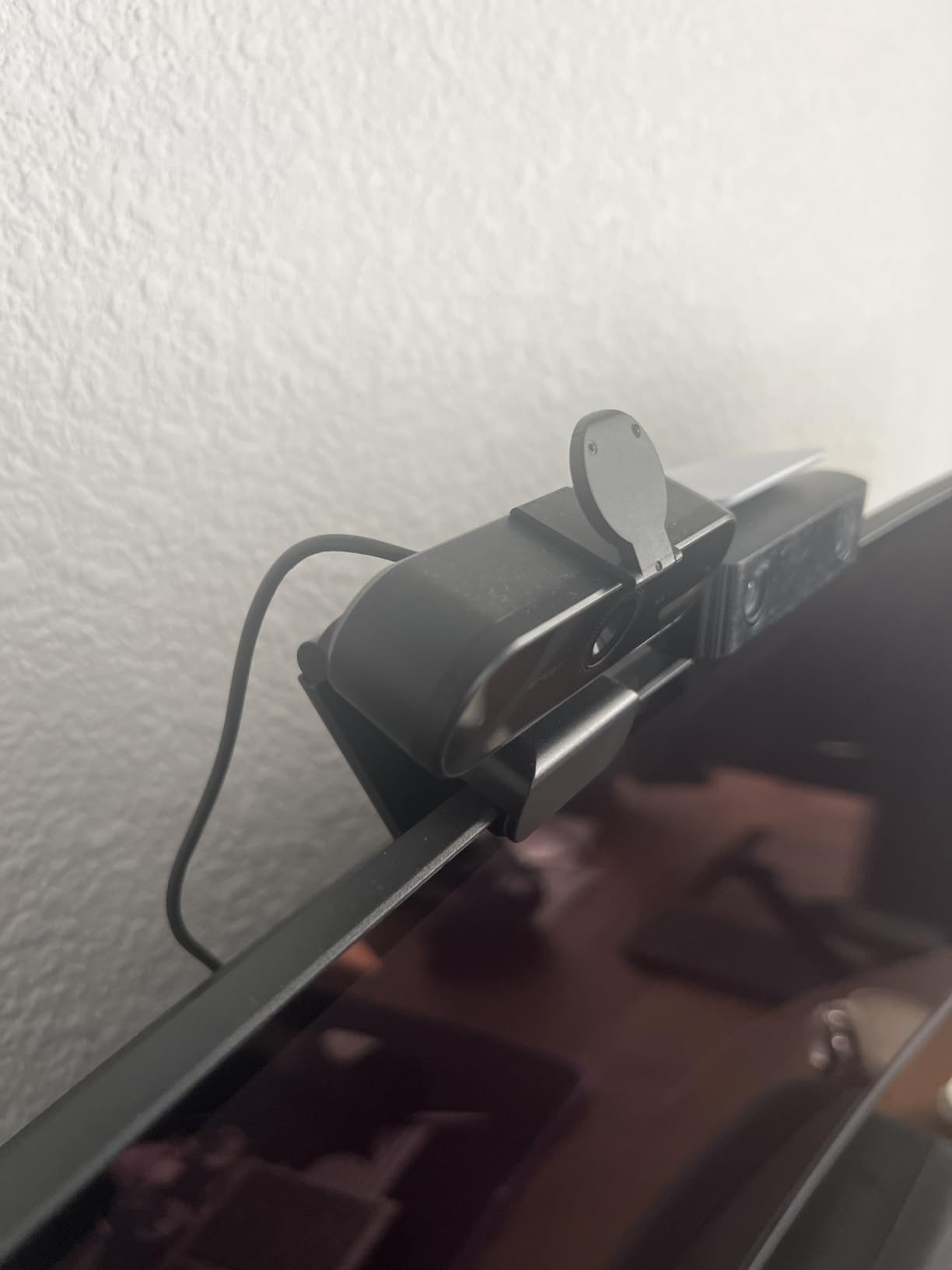
The 73-degree field of view is deliberate and good for meetings: it frames a desk user without showing the whole room, which is the opposite problem from the budget models with 110-degree lenses.
There is one setup step that catches people out. The camera defaults to 1080p, and you have to switch it to 4K in the camera software or in an app such as OBS. Until you do, you are paying for a 4K sensor and getting 1080p out of it.
Who the NOVA 4K suits best
Anyone who wants 4K sharpness and reliable autofocus without a four-figure budget. It suits a home office with one person in frame, a student sharing a course, and a creator who records meetings.
The two-year warranty is longer than the one-year cover on several rivals here, and the two microphones with pickup to eight feet cover a normal desk distance comfortably.
Who the NOVA 4K suits badly
Anyone sitting with a bright window directly behind them, where the auto light correction can wash out or overexpose the image. If that is your setup, buy a light before you buy this camera.
It is also the wrong pick for face-login workflows, because it does not support Windows Hello, and autofocus works in a fixed 7.9 to 118 inch range with no manual override.
6. OBSBOT Meet 2 – The Best Webcam for Travel and Hybrid Work
OBSBOT Meet 2-4K Webcam for PC with 1/2″ Sensor, AI Framing & Autofocus
- Large 1/2-inch sensor in a tiny body
- AI framing composes solo and group calls
- Gesture control for framing and zoom
- Weighs 40.5 grams
- Single USB-C plug and play
- Runs warm during extended use
- One-year warranty
- OBSBOT Center needed for the full feature set
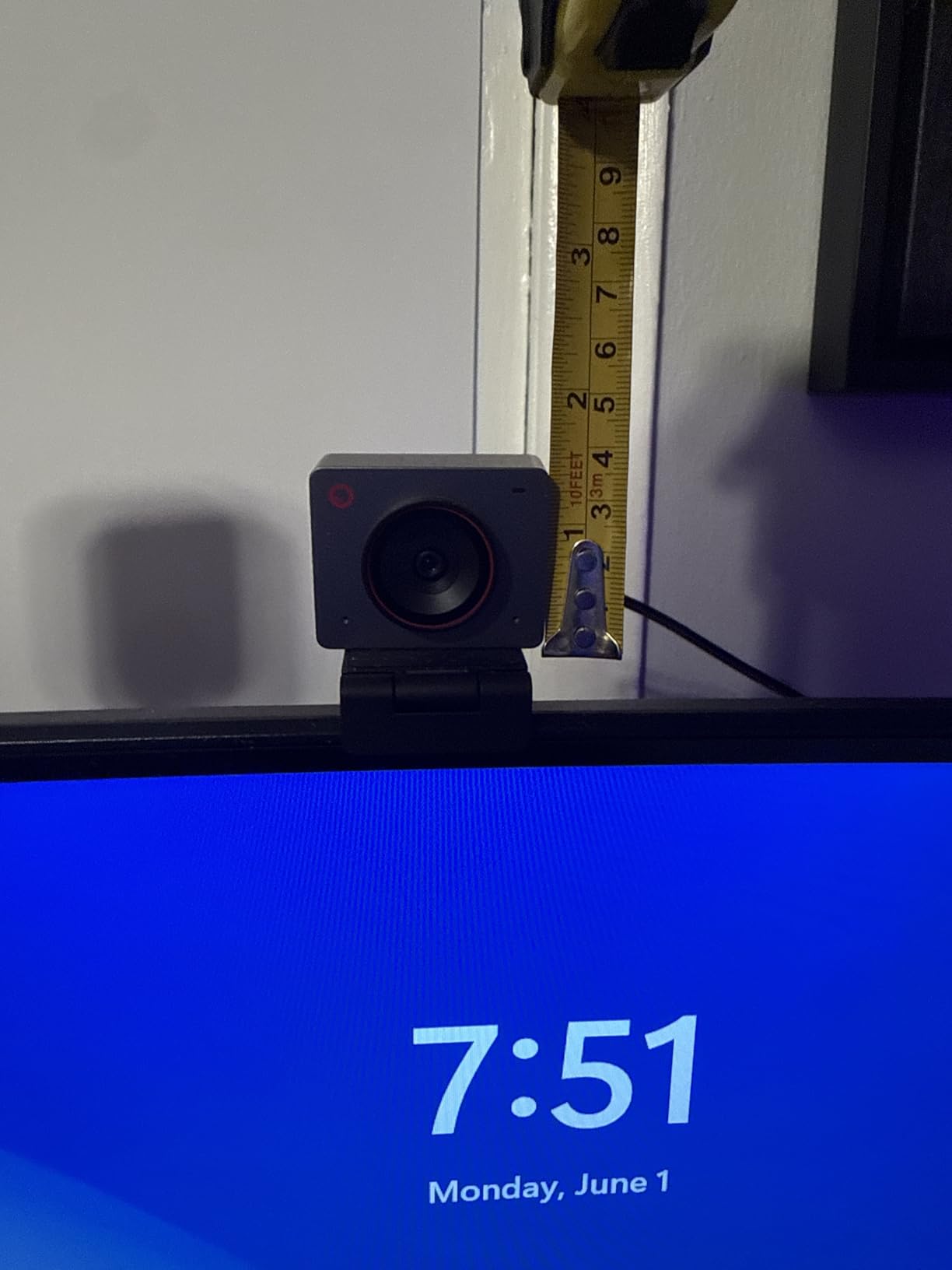
The Meet 2 exists because a 1/2-inch sensor does not normally fit in something you can forget about. At 40.5 grams and 0.43 by 0.2 by 0.41 inches, it is the pick for someone who carries a laptop between a home desk, an office and a hotel room and refuses to own three cameras.
Single-cable USB-C with no separate power supply is what makes that work. It also handles the orientation question neatly, with landscape, portrait and upside-down shooting modes for phones and tablets.
AI framing is the feature that makes it useful in a call rather than just tiny. It composes you properly whether you are alone or in a group, and gesture control lets you trigger framing and zoom without walking back to the desk.
The dual omnidirectional noise-cancelling mics have adjustable reduction, which is rare at any price, and it lets you dial the aggressiveness to match your room. The manufacturer does state the unit runs warm during extended use, which they describe as normal. No customer review text came back in our research for this ASIN, so this read is based on the documented specs and a 4.4 average over roughly 2,270 ratings.
Who the Meet 2 suits best
Hybrid workers and anyone who travels with work gear, plus small teams who need one camera that works for a one-to-one and a four-person call. The sensor size also makes it a strong dark-room pick without needing a light.
If you care more about a small footprint than about tracking across a room, this is the one to take on a plane.
Who the Meet 2 suits badly
Anyone needing physical pan and tilt, because it does not move. It is also a one-year warranty, which is shorter than the EMEET units here, and the full feature set depends on OBSBOT Center software that you may or may not be allowed to install.
For a fixed desk you never leave, you are paying for portability you will not use.
7. NexiGo N930AF – The Best Budget Pick with Real Autofocus
- Real autofocus that keeps you sharp up close
- Noticeably better than built-in laptop cameras
- Plug and play with optional software
- Sliding privacy cover included
- Good low-light behaviour and frame rate
- Autofocus can hunt in dim rooms or when off-centre
- Weak built-in microphone
- Privacy cover is a slider add-on
- Restrictive tilt on larger monitors
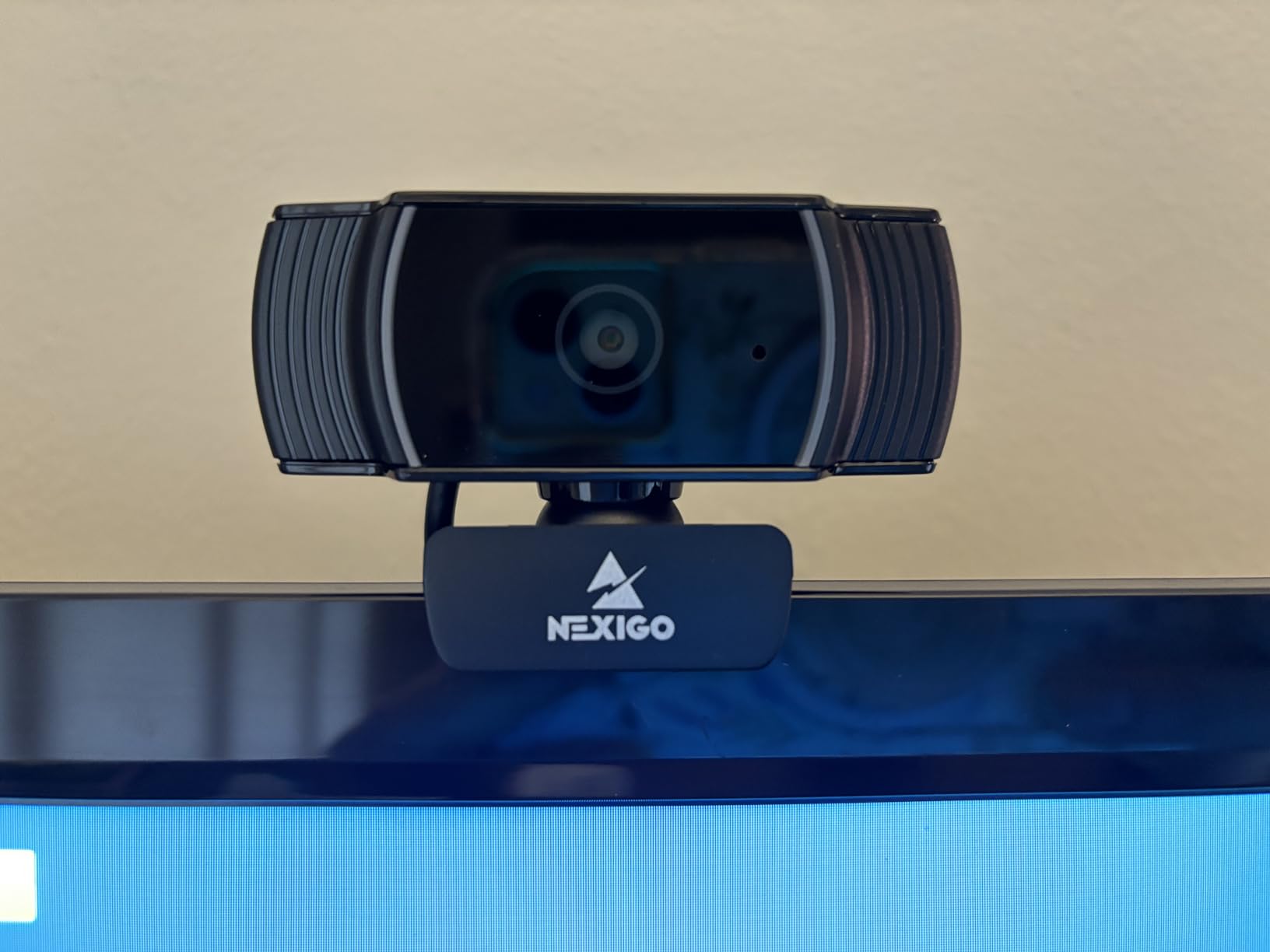
The N930AF exists to solve one specific weakness in budget cameras: fixed focus. Most entry-level models focus at a set distance and go soft the moment you lean in or sit back. This one starts focusing from 7 centimeters, and owners call the sharpness jump over built-in laptop cameras the most noticeable thing about it.
You can disable autofocus and set a manual focal distance if you prefer, which is unusual at this level and useful when you have locked your position.
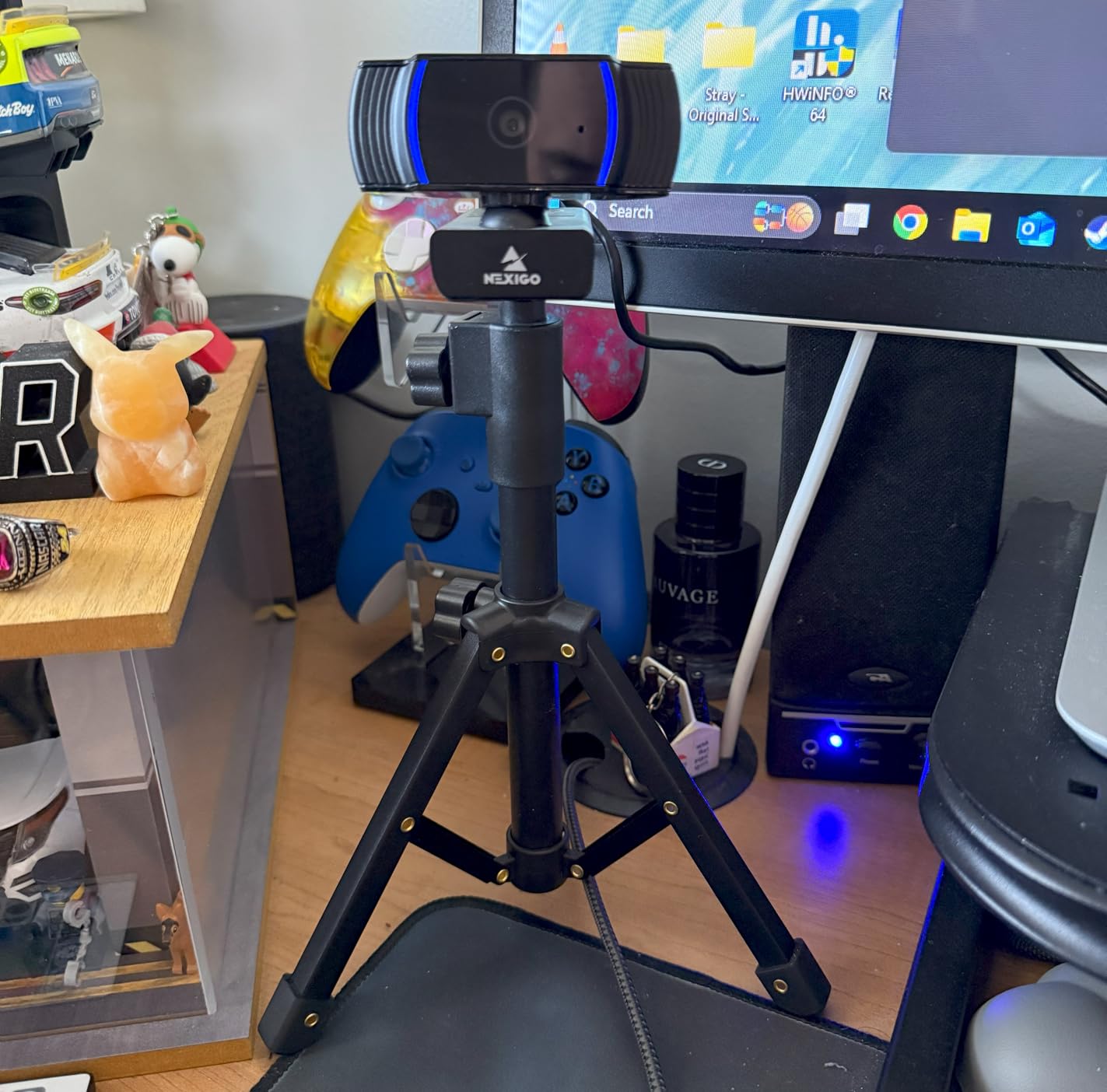
The honest weakness is that the autofocus itself can be the problem. Reviewers report it hunting or shifting to the background when the subject is off-centre or the room is dim, and that behaviour is visible on screen in a way a slightly soft image is not.
The microphone is the other one. Reviewers are blunt that its audio is weak and best replaced by an external mic. The privacy cover is a sliding panel rather than an integrated shutter, and the tilt range is restrictive on a large monitor.
Who the N930AF suits best
Someone at a small desk who leans in to read documents on camera, or a student and tutor pair working at close range. At 47.5 degrees it is the tightest view in this roundup, which is exactly right when you are the only person in frame.
It works across Windows, macOS, Linux, Ubuntu, Chrome OS and Android, which makes it a safe pick if you switch machines.
Who the N930AF suits badly
Anyone presenting or moving during a call, because a fixed 47.5-degree view does not follow you. Anyone in a very dim room should also know that hunting autofocus gets worse as light drops, and the built-in mic will not carry a call on its own.
If your call happens in a bright shared office, the C920x is steadier at a similar resolution.
8. EMEET C60E Dual – The Best Pick for Streaming Alongside Calls
EMEET C60E Dual-Camera 4K Webcam for Streaming, Wide-Angle & Telephoto
- Wide and telephoto views from one 4K sensor
- Stable 1x to 11x hybrid zoom
- Remote plus EMEET STUDIO software
- RGB status lighting
- Two mics with 9.8 foot pickup
- Zoom unavailable in 4K
- 60FPS or YUY2 modes
- Small 524-review base for long-term feedback
- Two-year warranty
A webcam that has to do double duty for a work call and a live stream is a different problem from a meeting camera. The C60E Dual is built for it, because it carries a wide-angle lens and a telephoto lens on one 4K sensor, and you can switch between a room view and a tight close-up without moving the camera.
The hybrid zoom runs from 1x to 11x with phase-detection autofocus that stays stable while zooming, which is the detail that usually falls apart on cheaper digital-zoom cameras. EMEET STUDIO plus the included remote let you change framing and exposure mid-session from the desk.
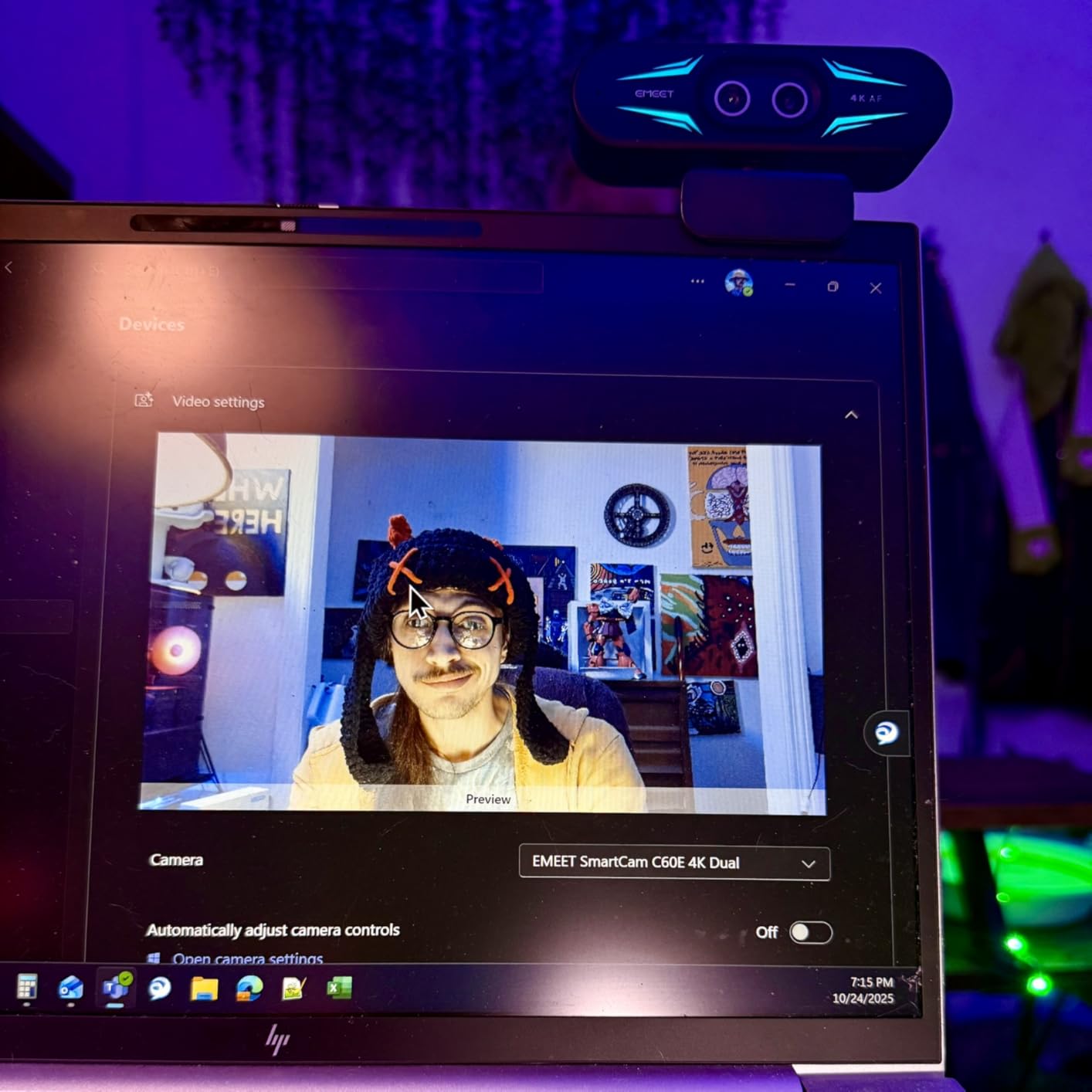
There is a catch worth planning around: zoom is unavailable in 4K, in 60FPS and in YUY2 mode. If you want to zoom, you are trading resolution and frame rate for it, and you should test which of the three your streaming setup actually needs.
Two omnidirectional mics cover a 9.8 foot pickup radius, there is a physical privacy cover and a quarter-inch tripod mount, and the RGB lighting doubles as an on-air status indicator. Note that this is a newer listing with a 524-review base, so there is less long-term owner history behind it than the picks above, and no customer review text was returned in our research data.
Who the C60E Dual suits best
Creators and streamers who run meetings and live sessions from the same desk, and anyone who presents a physical product where a close-up matters. The remote control means you do not have to touch the camera while it is on air.
It also suits small studios that want one device for a wide group shot and a talking-head framing.
Who the C60E Dual suits badly
Anyone who needs 4K and zoom at the same time, because the two are mutually exclusive on this camera. It is also a poor fit for a company laptop where EMEET STUDIO cannot be installed, since the software is where the framing controls live.
For a purely meeting-based user, the NOVA 4K is the simpler option.
9. EMEET 1080P C960 – The Best Pick for Big Desks and Teaching Spaces
EMEET 1080P Webcam with Microphone, C960 Web Camera 2 Mics Streaming Webcam
- Two noise-reduction microphones for clear voice pickup
- Automatic low-light correction and colour boost
- Removable privacy cover and tripod-ready clip
- Driver-free across Windows macOS Linux
- 90-degree view fits more of the room
- Fixed focus from about 11.8 to 118.1 inches
- Not compatible with Windows Hello
- Microphone must be set as default after install
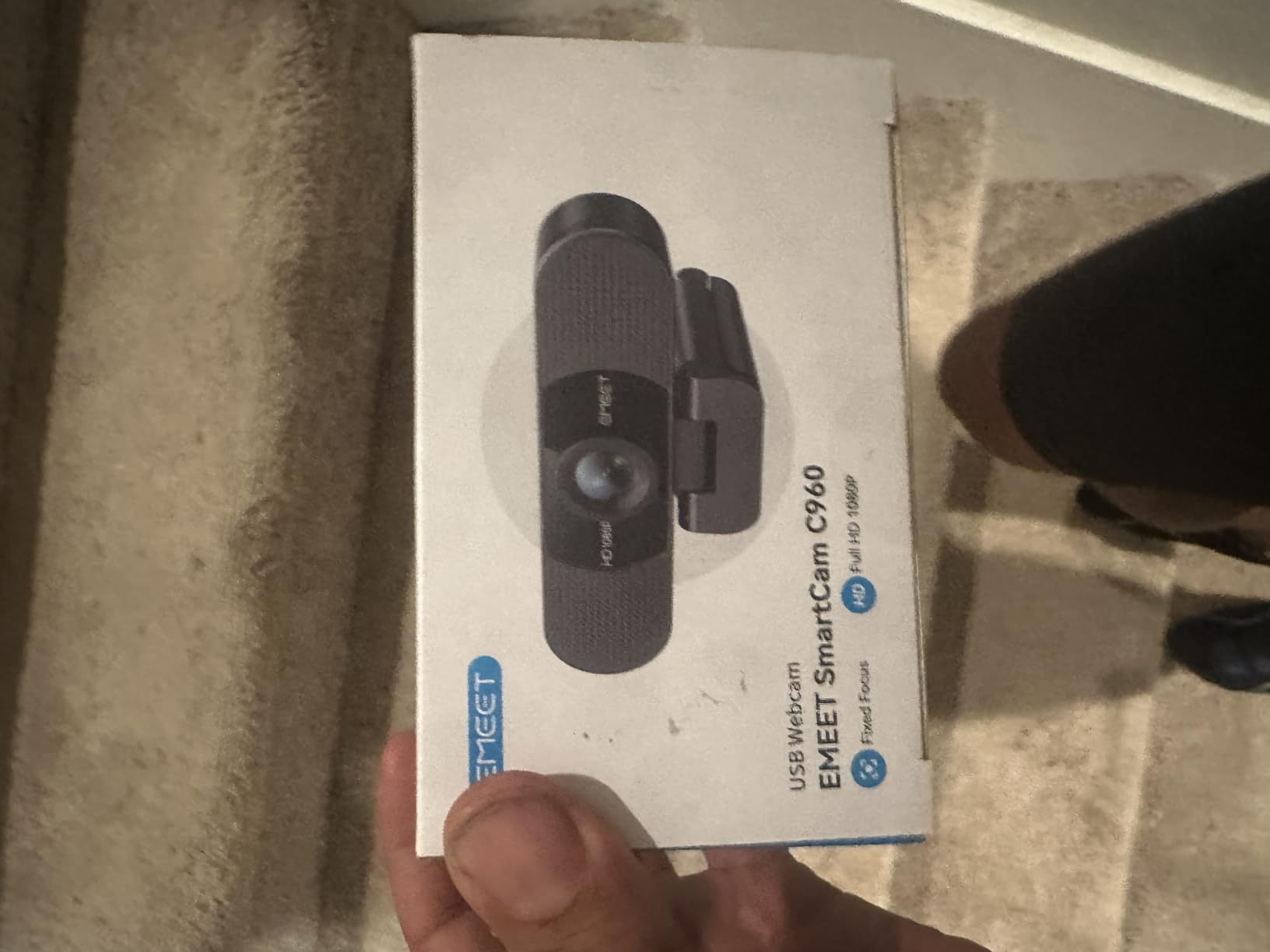
The C960 is the pick when one person is not the only thing in the shot. At 90 degrees it frames considerably more of the room than the 60 to 78 degree options, which matters for a desk where you gesture, a tutor showing a side-by-side, or a small meeting room with two people in it.
Two built-in omnidirectional noise-reduction microphones are the quiet strength here, and the automatic low-light correction, low-light boost and colour boost do more for a dim room than most people expect from software alone.
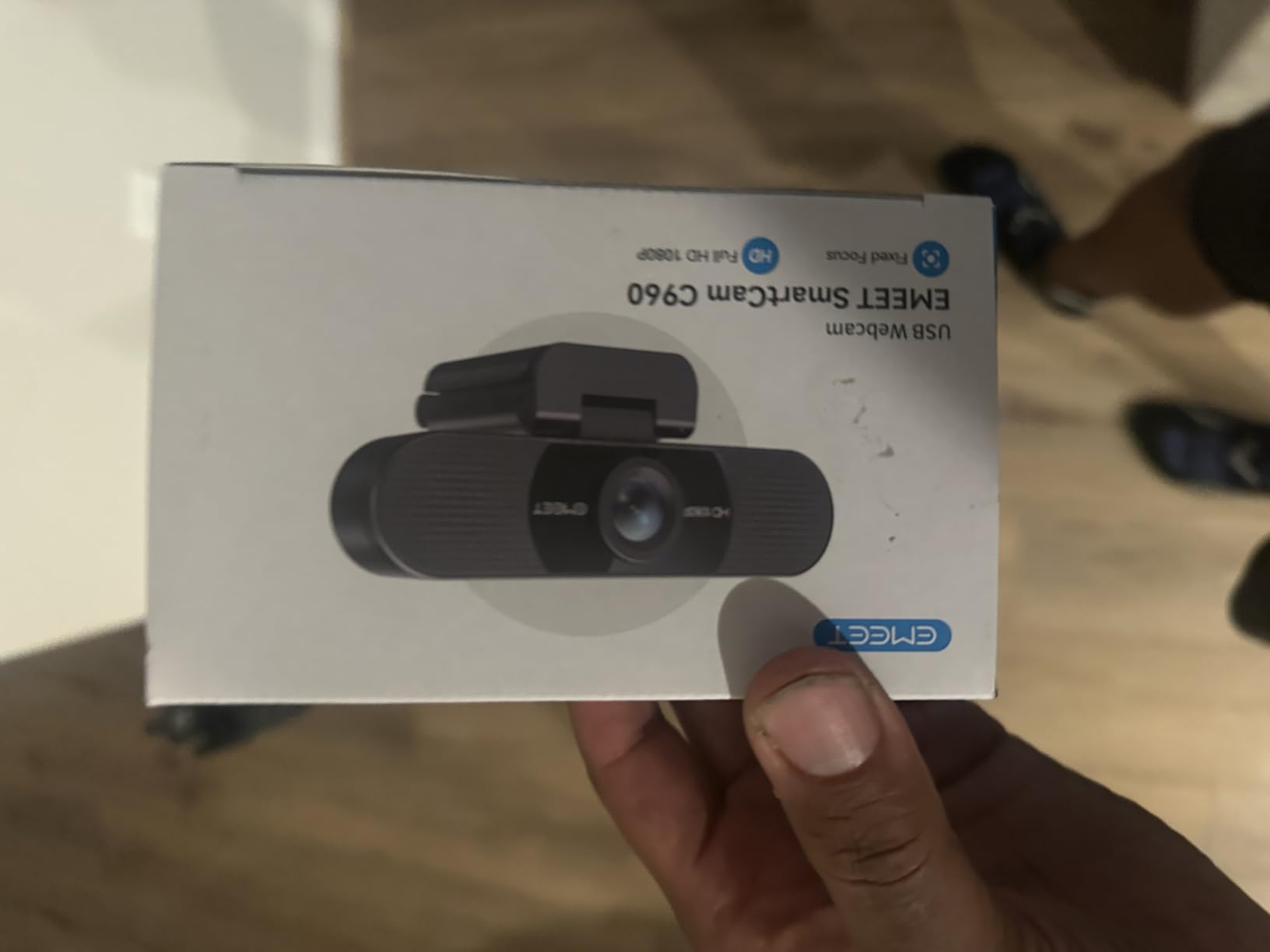
Two details make it a genuinely low-friction option. The privacy cover is removable rather than integrated, so you can take it off entirely, and the foldable clip is tripod-ready if you want it somewhere other than a monitor. It also carries a 36-month warranty, the longest in this roundup.
It works with Zoom, Teams, FaceTime, Google Meet and YouTube across Windows, macOS, Linux and Android TV without drivers. The one setup annoyance is that you usually have to select the microphones as the default device after installation.
Who the C960 suits best
Teachers, tutors and small-team leads who need more than head-and-shoulders framing, and anyone on a tight budget who still wants a 90-degree view. Dual mics also make it a decent choice for a two-person call at one desk.
It suits buyers who want a camera that will not need replacing in a year, given the three-year warranty.
Who the C960 suits badly
Anyone signing in with Windows Hello, because it is not compatible with those functions. It is also fixed focus, so it softens if you move a long way from the working range, and the low-light boost cannot rescue a genuinely dark room.
For a single person who wants a tight, flattering frame, this wide view works against you.
10. Logitech Brio 101 – The Simple Upgrade Over a Muddy Laptop Camera
Logitech Brio 101 Full HD 1080p Webcam for Streaming and Meetings – Black
- Clear 1080p image at the entry tier
- RightLight auto light balance
- Integrated sliding privacy cover
- True plug and play on Zoom Teams Meet
- Compact body with a flexible neck
- Fixed 60-degree view with no way to zoom out
- Grainy in low light despite auto correction
- Mono mic will not carry content creation
- Mount can overlap part of a screen
If your only goal is to stop looking like a smudge on a call, this does it. The Brio 101 ranks number one in webcams with nearly 7,800 ratings, and a lot of those buyers are outfitting shared desks or handing cameras to colleagues who just need to look presentable.
It is one of the tightest views in this roundup at 60 degrees, which flatters a single person sitting square to the camera. RightLight auto light balance brightens a dim scene and pulls down shadows, which is a bigger real-world improvement than the resolution difference between 1080p and 2K.
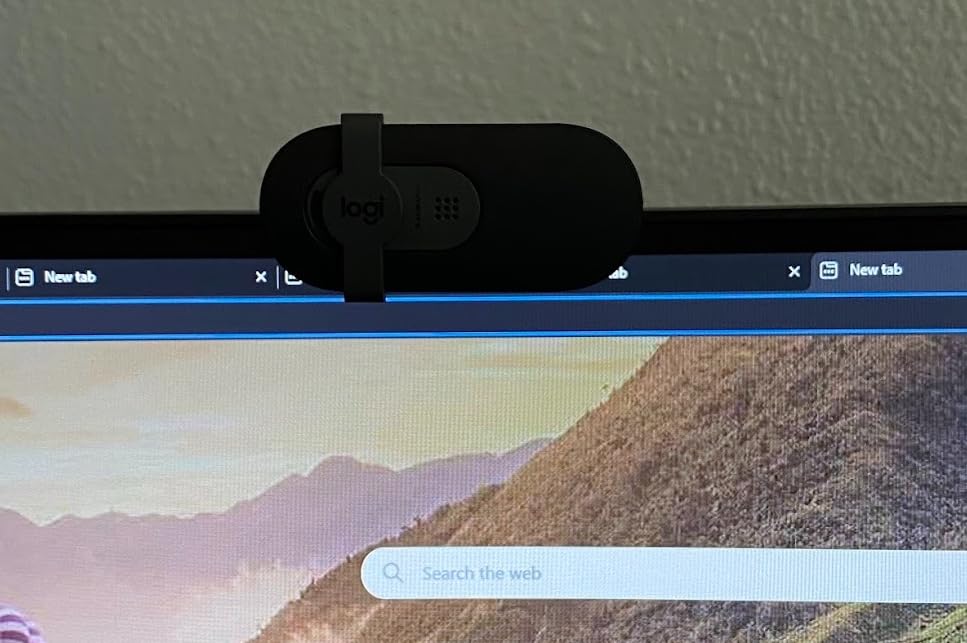
Buy this one knowing its limits. The field of view is fixed at 60 degrees with no way to zoom out, so if you lean back or want a wider shot the camera cannot follow. The image can look grainy in low light even with the auto correction running.
The built-in mono microphone is fine for talking and will not support content creation, and the mount can cover a small portion of a screen on some monitors. The package includes Logi Options+ for zoom and framing control, which you can skip entirely if it is blocked on your machine.
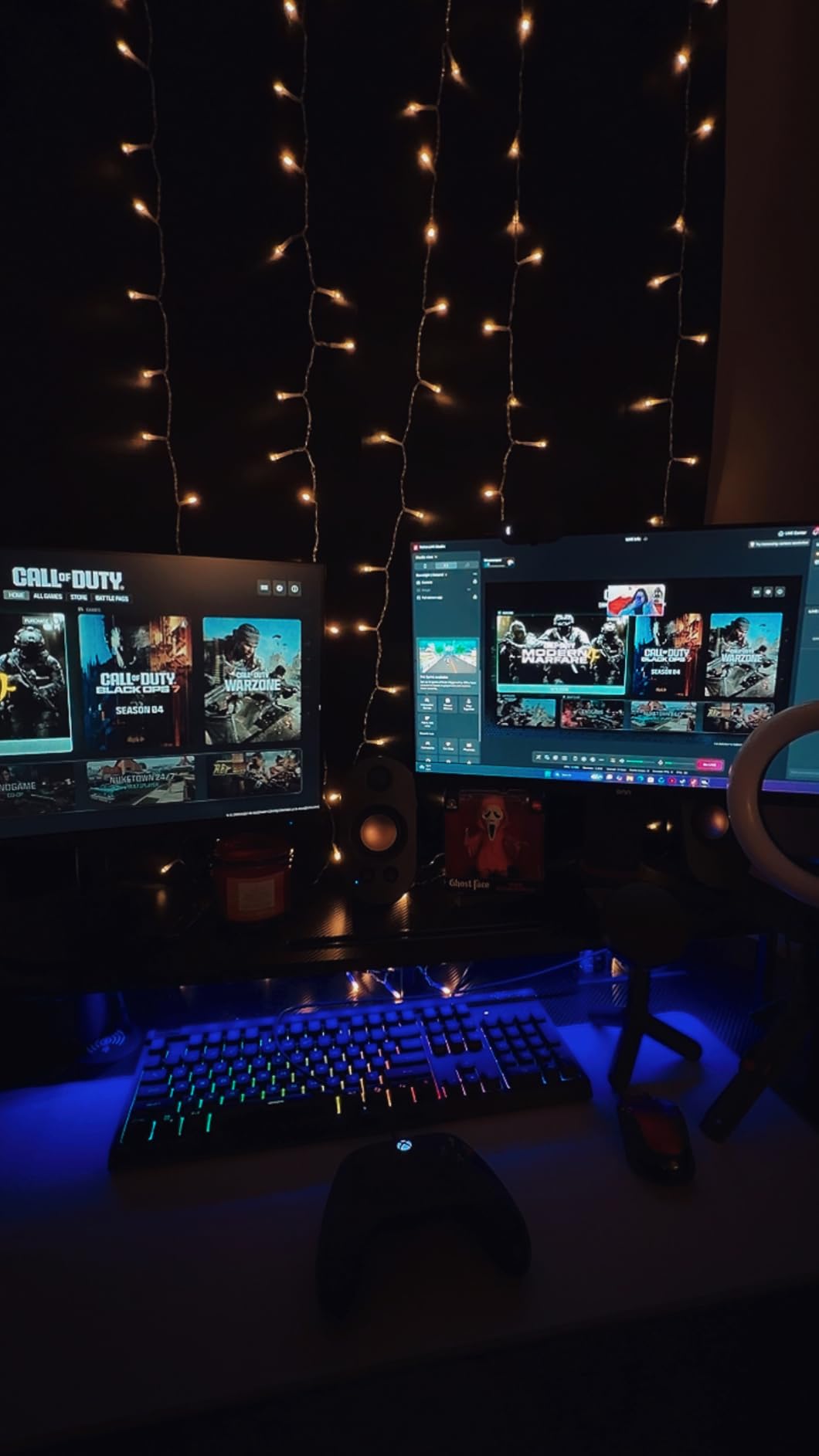
Who the Brio 101 suits best
First-time buyers, students, and anyone outfitting several desks on a budget. The integrated sliding privacy cover is unusual at this level and removes one of the most common reasons people hesitate to put a camera in a shared room.
It is also a good first upgrade over a laptop camera in a bright, well-lit room, which is where it performs at its best.
Who the Brio 101 suits badly
Anyone in a dim room, anyone who needs a wider frame, and anyone who wants to move around during a call. If you work evenings in a room lit by one lamp, put a light on the desk before you buy this, or move up to the NexiGo N60.
It is also a poor streaming camera because of the mono mic and the fixed framing.
11. NexiGo N60 – The Best Pick for Online Classes and Group Sessions
- Sharp 1080p image for the money
- True plug and play with no drivers
- Integrated privacy cover slides over the lens
- Built-in noise-cancelling microphone
- Wide compatibility across five operating systems
- Low mic volume that can sound tinny
- 110-degree view captures more room than most people want
- Fixed focus requires manual framing
- Some connection drops when the cable is nudged
The N60 carries more customer ratings than any other camera in this roundup, and the reason is straightforward: it is a genuinely sharp 1080p camera that asks very little of you and never needs configuring. The 1/3-inch sensor is small, but the 2.07 megapixel output and glass lens deliver a clear image that embarrasses most built-in laptop cameras.
At 110 degrees it is the widest view here, which is the feature for anyone who needs to show more than their face: a teacher demonstrating, a student sharing a desk, or a group session where two people share one frame.
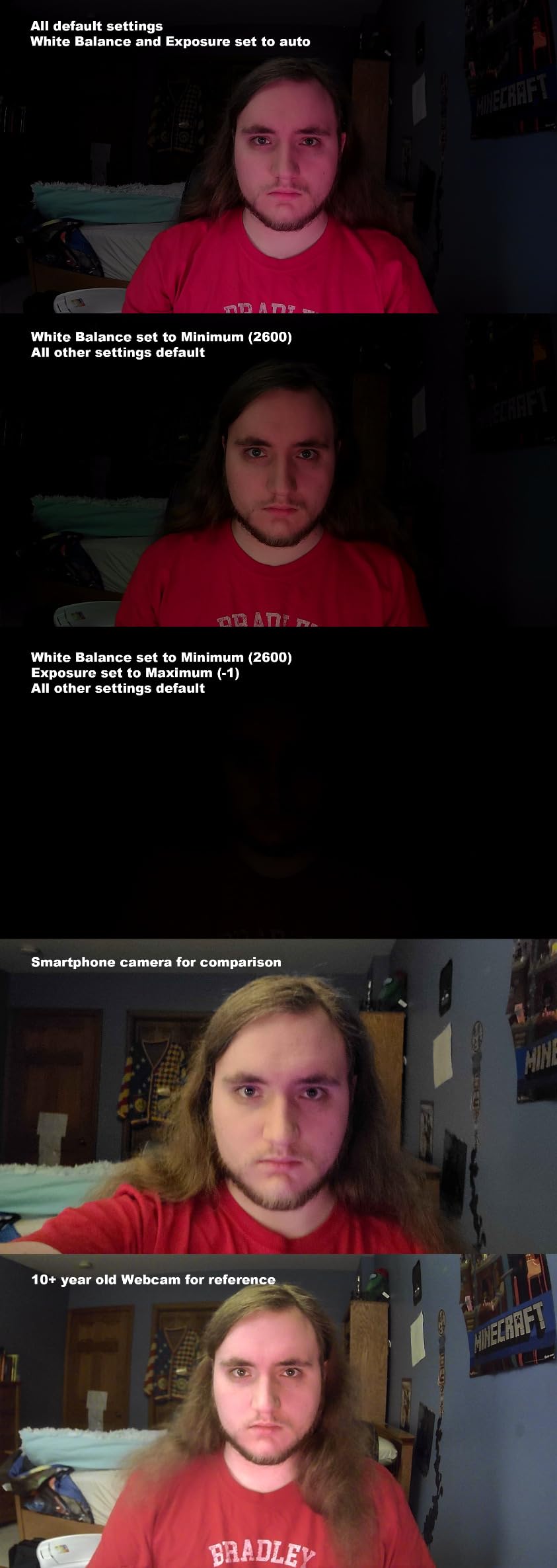
The 4x digital zoom gives you some framing flexibility, and the low light correction plus colour boost do their work in ordinary indoor lighting. The built-in noise-cancelling microphone picks up voice clearly for its size, and the sliding privacy cover is a real physical shutter rather than a software toggle.
Reviewers are consistent about the two weak points. Microphone volume is low and can sound tinny even turned up, and the 110-degree field of view captures considerably more of the room than most people want in a professional call. Fixed focus means you set your position once, and a few owners report connection drops or app instability when the cable or laptop is nudged.
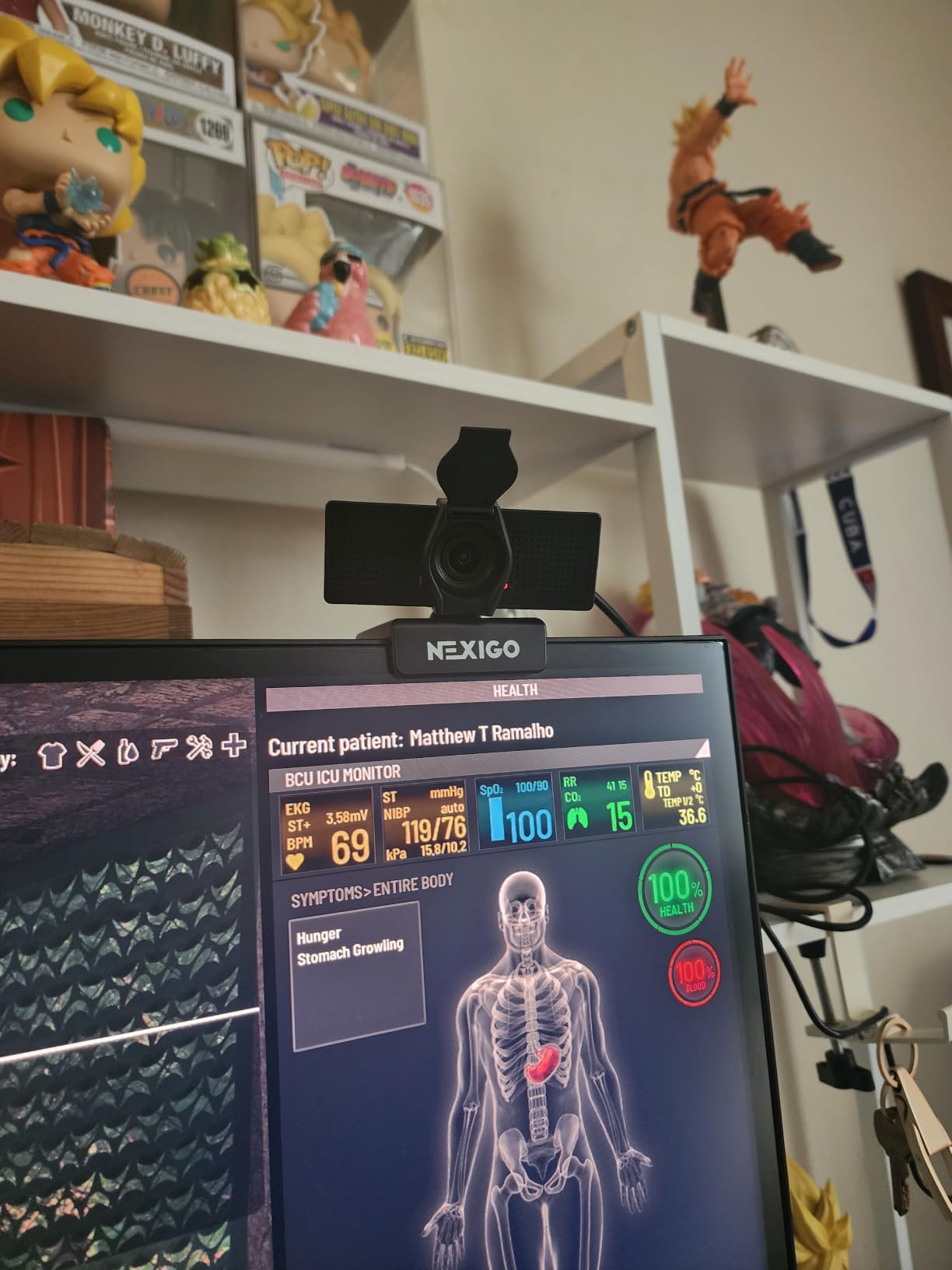
Who the N60 suits best
Anyone on a hard budget who needs a clear 1080p image and a physical privacy cover, and people who move between Windows, macOS, Linux, Android and Chrome OS machines. It works over USB 2.0 and 3.0 with no drivers at all.
It is also a sensible pick for a large class or a group session where a wide view and a mic are both required and the budget is fixed.
Who the N60 suits badly
Anyone whose room is small enough that a 110-degree lens will show the washing pile behind you, and anyone who plans to speak at length without a headset. The 4.3 average across more than 48,000 ratings reflects that, not a defect.
For a tighter, more professional frame, the C960 does the same job with a 90-degree view and better microphones.
12. NexiGo N990 Gen 2 – The Best Pick for Conference Rooms and Hybrid Meetings
- Sony Starvis sensor with accurate skin tones
- Smooth near-silent mechanical pan and tilt
- Two position presets plus remote
- Two 3.5mm jacks for external mics
- Holds up in low light and backlight
- Bulky enough to overlap part of a monitor
- No automatic speaker tracking
- Fixed focus with no manual lens ring
- 5x digital zoom pixelates and is unavailable at 4K
The N990 is the only camera here built for a room rather than a person. It is Zoom Certified, which matters in corporate deployments where room hardware has to be approved, and the mechanical pan-tilt motors move the camera smoothly and almost silently across a conference table.
The 8.5 megapixel Sony Starvis sensor gives real 3840 by 2160 at 30fps with the skin-tone accuracy that makes a room look professional rather than green. Owners also report it holds up in low light and in front of a bright window, which is where most room cameras fail.
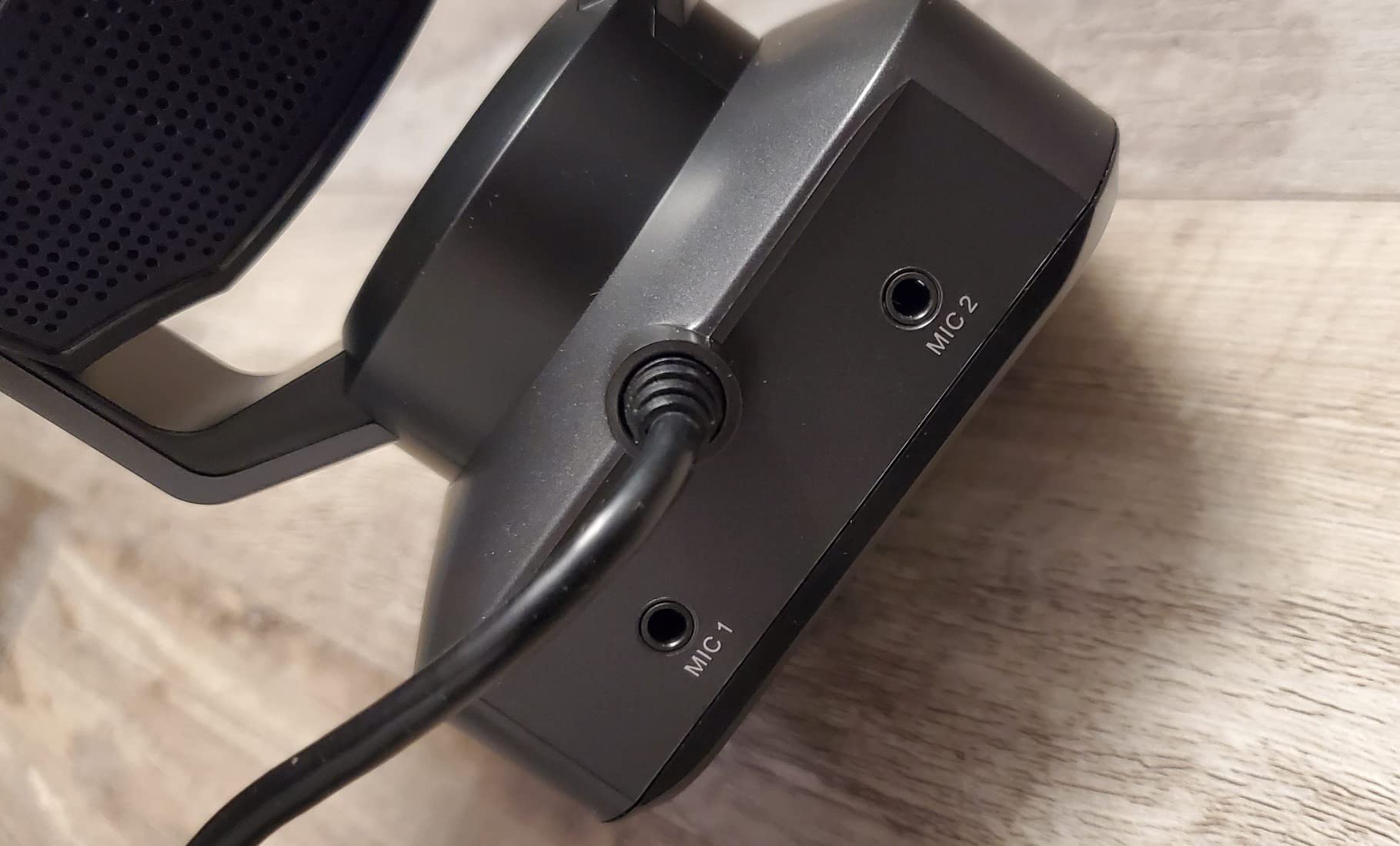
Two position presets and the included remote let you switch between framed views without touching the unit, and two 3.5mm audio jacks accept external wireless or lavalier mics. That is the practical answer to the biggest room problem, which is that a camera several feet from the speaker cannot hear the speaker.
The trade-offs are real. At 0.89 kg and 4.9 inches tall it is bulky enough to overlap part of a monitor on a flat desk, there is no automatic speaker tracking to follow whoever is talking, and the 5x zoom is digital only, so heavy zoom pixelates and is unavailable at 4K. It is also fixed focus with no manual lens ring. One owner reported the bundled software raising a .NET Framework conflict error on first install.
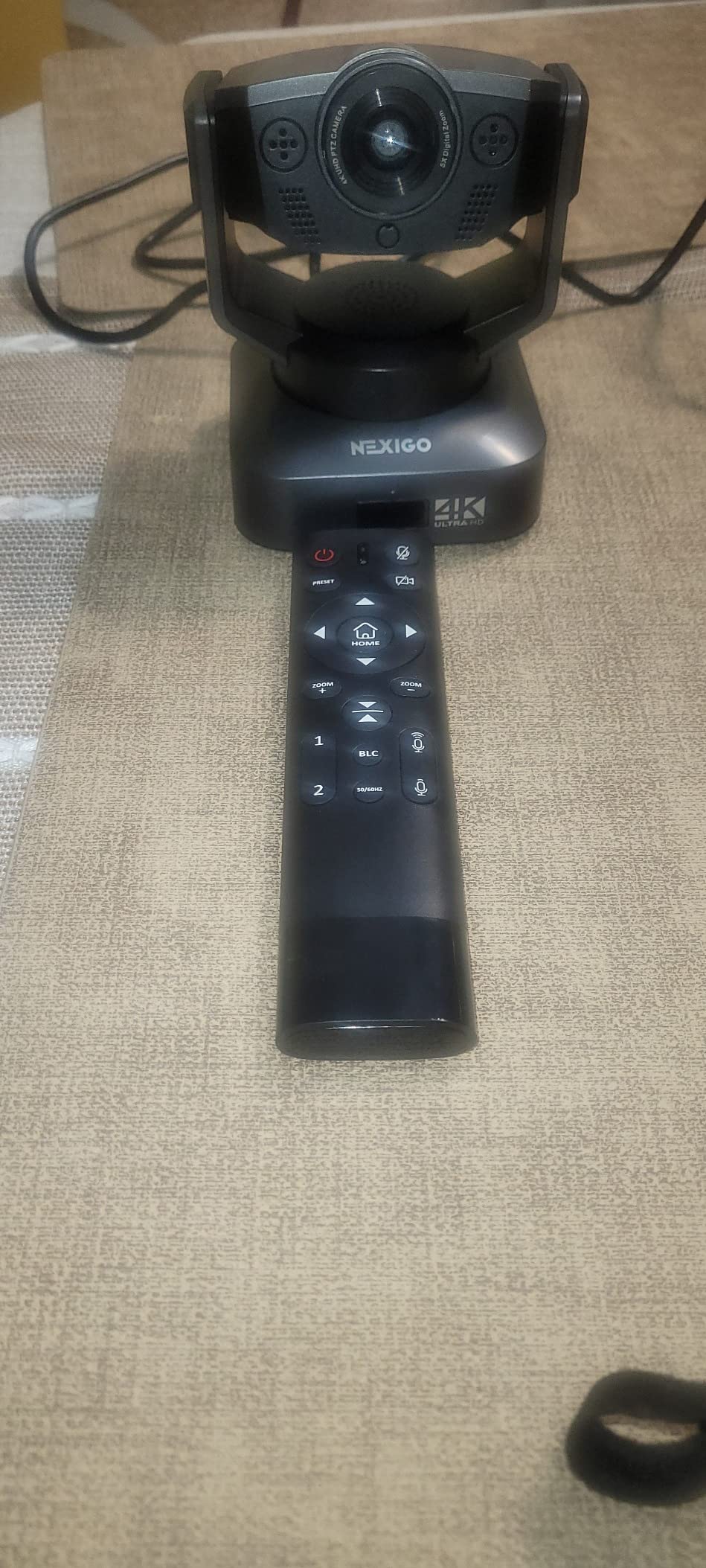
Who the N990 Gen 2 suits best
Small businesses and hybrid meeting rooms where several people share a table, and anyone who wants to drive the camera from across the room with presets. The external mic inputs make it work for fitness instructors, panel discussions and webinar-style rooms.
It suits corporate buyers who need Zoom certification and wall-mounting options rather than a laptop clip.
Who the N990 Gen 2 suits badly
Anyone at a single desk. The bulk, the presets and the remote are all wasted on a person sitting 60 centimeters from the screen, and the Insta360 Link 2 does the tracking this camera lacks for anyone who moves around a room.
It is also a poor fit where IT will not install bundled software, given the installation conflict one owner hit.
How to Choose a Webcam for Zoom Meetings?
Seven criteria, in the order that actually changes how you look on a call.
1. Resolution. For calls, 1080p at 30fps is the working standard. 4K only helps in specific situations: a 4K sensor that downsamples gives the meeting app more detail to compress, and 4K matters if you crop to follow a speaker. Below 1080p, the image will look soft on any decent connection.
2. Sensor size, not megapixels. A 1/2-inch sensor gathers more light than a 1/2.9-inch or 1/3-inch one, which is the whole low-light story. The Obsbot Meet 2 and the Insta360 Link 2 both use 1/2-inch sensors, which is why they hold up at dusk. Megapixel counts on budget listings tell you very little.
3. Aperture and low-light handling. A wider aperture such as f/1.8 lets more light through than f/2.8. Software low-light correction, which almost every camera here claims, mainly brightens an image; only sensor size and aperture actually resolve detail.
4. Field of view. A 60 to 78 degree lens is right for one person at a desk. A 90 degree lens fits a shared desk or a teaching space. Anything above 100 degrees, like the NexiGo N60, starts showing the room behind you. Anything under 60 crops you awkwardly if you lean back.
5. Microphone. Built-in mics are usable and they are almost never the reason people hang up on themselves. If a call matters, add a headset. If it is a daily standup, the dual-mic models here are fine.
6. Autofocus and framing. Fixed focus is fine if you never move. Autofocus is worth paying for if you lean, shift or share a desk. Tracking is worth paying for only if you actually walk around during calls.
7. Mount, cable and privacy. Check whether the cable detaches, because a fixed cable is the single most common complaint about otherwise good cameras. Check the mount fits your screen, especially a curved one. And if you share a room, look for a real physical shutter or cover rather than a software toggle.
What Resolution Does Zoom Actually Use?
Zoom and Teams capture and send standard HD video at 1080p for most calls, and 720p in some lower-bandwidth conditions. That is the practical ceiling for a typical meeting, no matter what your camera can record.
This is where the 4K question gets interesting. A 4K camera is not pointless, for three reasons. The meeting app downsamples, and downsampling from 4K to 1080p produces a cleaner 1080p image than a native 1080p sensor manages. A 4K sensor gives you room to crop digitally to follow a speaker, which is what tracking cameras do internally. And a 4K camera is still a 4K camera the moment you record a webinar or stream.
The cost is real, though. 4K30 pushes far more data than 1080p, so on a congested connection a 4K camera can make your call less stable, not more. If your meetings run on hotel Wi-Fi, a 2K or 1080p camera is the calmer choice.
One Zoom setting worth checking: HD mode. It limits your outgoing stream to 720p, which saves bandwidth and visibly softens you. If you look sharper at one moment than another, that toggle is the reason.
Logitech C920x or Brio: The 2026 Verdict
There is a genuine contradiction in the guidance on this topic, and it is worth resolving. One major publication calls the fourteen-year-old C920 family not worth buying in 2026, while another still recommends it as a solid budget option. The shopping results are not neutral either, with the C920x sitting second in the category on more than 22,000 ratings.
Our verdict: both are defensible, for different people. The C920x wins if you sit at a desk in normal indoor light and want a camera that works the moment you plug it in. Its 78-degree view, fixed position and glass lens with an f/1.8 aperture produce a clean, predictable 1080p image, and nothing about it needs configuring.
The Brio wins on every axis that matters when conditions are hard. A larger sensor, HDR auto lighting for backlit rooms, three selectable field-of-view presets, better beamforming microphones and a physical privacy shade. If you are ever in a dim room or in front of a window, the gap between the two is obvious rather than subtle.
There is a wrinkle that forum users have noticed and that we have not seen discussed in other guides: the C920x can look better inside Zoom specifically, because of how the app compresses and processes the feed. A higher-contrast, more saturated 1080p source sometimes survives Zoom’s encoder better than a more neutral 4K source. If you already own a C920x, read that as an instruction not to replace it. If you are buying fresh, buy the Brio if your lighting is hard and the C920x if it is not.
The common problems with the older C920 models are also worth knowing if you are buying used: fixed focus at a narrow working distance, softness in low light that Tom’s Hardware forum users describe directly, a field of view that is too tight for anything but a head-and-shoulders shot, and no physical shutter on most variants. The C920x in this roundup addresses the autofocus half of that list.
Do You Even Need a Webcam?
Check your phone first. A recent phone camera is a strong benchmark, and the barrier to using it as your meeting camera is now close to zero.
On macOS, Continuity Camera turns an iPhone into a wireless camera for a Mac with a nearby camera in view. On Android and Windows, apps that create a virtual camera device work in any meeting app, and owners on r/macapps recommend them regularly. Some Android phones also expose themselves as a wired webcam over USB directly. All of this is free.
It is worth trying for one afternoon before you spend anything. If a phone on a stack of books in front of your monitor looks better than your laptop camera, that is your baseline, and you should judge every webcam against it rather than against the laptop.
A phone is not the answer for a daily standup, though. The setup is fragile, the framing is fixed, and audio is a non-starter. Treat it as the free test and the emergency backup, not the plan.
Lighting Beats a Cheap Camera
This is the most valuable advice in this guide, and it costs a fraction of any camera in this roundup. A simple LED panel or a ring light placed in front of you, at eye level, with the camera roughly 60 to 90 centimeters away, will improve your image more than upgrading between webcam tiers.
The reason is physical. A webcam in a dim room raises its sensitivity to gather light, which produces noise and a soft image. The same webcam in a bright room produces a clean, sharp image immediately, and no sensor specification changes that equation.
Two rules cover most cases. Put the light in front of you, not behind you, because a window behind your head turns you into a silhouette. And put it above the camera, angled down slightly, because overhead lighting puts shadows under your eyes. A single panel solves both problems.
If you are starting from a laptop camera and cannot decide what to buy, buy the light first. The ranking of what is wrong with your video is almost always: lighting, then camera position, then the camera itself.
Microphones: When the Built-In Mic Is Not Enough
Across this roundup the honest pattern is that built-in webcam microphones are adequate and rarely good. The two most substantial onboard audio setups here are the Logitech Brio with its dual beamforming omnidirectional microphones and the Insta360 Link 2 with AI noise cancellation. Reviewers of cheaper models repeatedly report that a MacBook’s own microphone sounds better than the webcam’s.
Two situations justify a separate microphone. A call where your voice is the deliverable, such as a client presentation or a teaching session, where a USB microphone or a headset changes how people perceive you. And a shared or noisy room, where noise cancellation matters more than tone.
For everything else, the dual-mic models here are fine. Set the webcam microphone as your default input after installation, which you usually have to do manually, and then stop thinking about it.
Conference Rooms and Large Group Calls
Most consumer roundups skip this, which is a real gap. If you run calls where more than two people share a table, a 65 or 78 degree webcam pointed at one chair is the wrong shape entirely.
You have three options here, in rising order of cost. A wide-angle webcam such as the EMEET 1080P C960 at 90 degrees will cover a small shared desk and nothing more. A mechanical PTZ camera such as the NexiGo N990 Gen 2, which is Zoom Certified and pans and tilts across a room with position presets, is the proper mid-size room answer. And a tracking camera such as the Insta360 Link 2, which follows the speaker physically, is the simplest option if the room layout means people move.
In every case, the microphone is the harder problem than the camera, which is why external mic inputs matter more in a room than in a home office. The N990 has two 3.5mm jacks for exactly this reason.
Frequently Asked Questions
What is the best webcam for Zoom meetings?
For most people the Logitech C920x is the best webcam for Zoom meetings: it gives a clean 1080p feed at 30fps, steady autofocus and stereo microphones with no setup. If your room is dim or backlit, or you move around during calls, step up to the Logitech Brio 4K or the Insta360 Link 2.
Which is better, the Logitech C920 or the Brio?
The C920x wins for a fixed desk in normal lighting because it works immediately with no configuration. The Brio wins in hard lighting because of its larger sensor, HDR auto light adjustment, three selectable field-of-view presets, better beamforming microphones and a physical privacy shade. A forum-observed nuance: the C920x can look better inside Zoom specifically, because of how the app compresses the feed.
What are the common problems with the Logitech C920?
The most common complaints across the older C920 models are a fixed focus that softens when you move, poor performance in low light, a field of view that is too tight for anything but a head-and-shoulders shot, and no physical privacy shutter on most variants. The C920x in this roundup fixes the autofocus half of that list.
What resolution does Zoom actually use?
Zoom and Teams send standard HD video at 1080p for most calls, and 720p in some lower-bandwidth conditions. A 4K webcam still helps because the app downsamples, and downsampling from 4K produces a cleaner 1080p image than a native 1080p sensor manages. It also gives you room to crop to follow a speaker.
Is 4K worth it for a webcam on video calls?
It is worth it in three cases: your lighting is hard and you want the extra light-gathering headroom, you want to crop digitally to follow a speaker, or you record and stream from the same camera. It is not worth it on a congested connection, because 4K pushes more data and can make a call less stable rather than more.
Which webcam is best for Microsoft Teams?
Any USB webcam works with Microsoft Teams without drivers, so the ranking is the same as for Zoom. The Logitech C920x is the safe default, the Anker PowerConf C200 is the pick if your room is noisy, and the Logitech Brio 4K is the pick if your workplace requires Windows Hello sign-in.
Can I use my phone as a webcam for Zoom?
Yes, and it costs nothing. On macOS, Continuity Camera uses a nearby iPhone as a wireless camera. Apps that create a virtual camera device work in any meeting app across platforms, and some Android phones can be used over USB directly. A phone is an excellent free test of how much of your image problem is the camera, but it is too fragile for a daily standup.
Do ring light webcams really help on Zoom calls?
Lighting helps far more than an expensive camera, and a webcam with a built-in ring light is one way to get it without a separate purchase. The bigger gain usually comes from adding any LED panel in front of you at eye level. A camera cannot recover detail that the light never reached the sensor.
Conclusion
The best webcams for Zoom meetings in 2026 come down to one question: is your lighting bad? If it is, buy the Logitech Brio 4K or the Insta360 Link 2 and put a light in front of your face. If it is fine, buy the Logitech C920x and stop thinking about it. If you share a room, the Anker PowerConf C200 handles noise better than anything else at its level.
Before any of that, try your phone and try a light. Most people who think they need a better camera need a better desk arrangement, and the cheapest camera in this roundup will not fix a window behind your head. Once you have moved the light and the camera, buy the webcam that matches your room, and you will look like you belong on the call.