
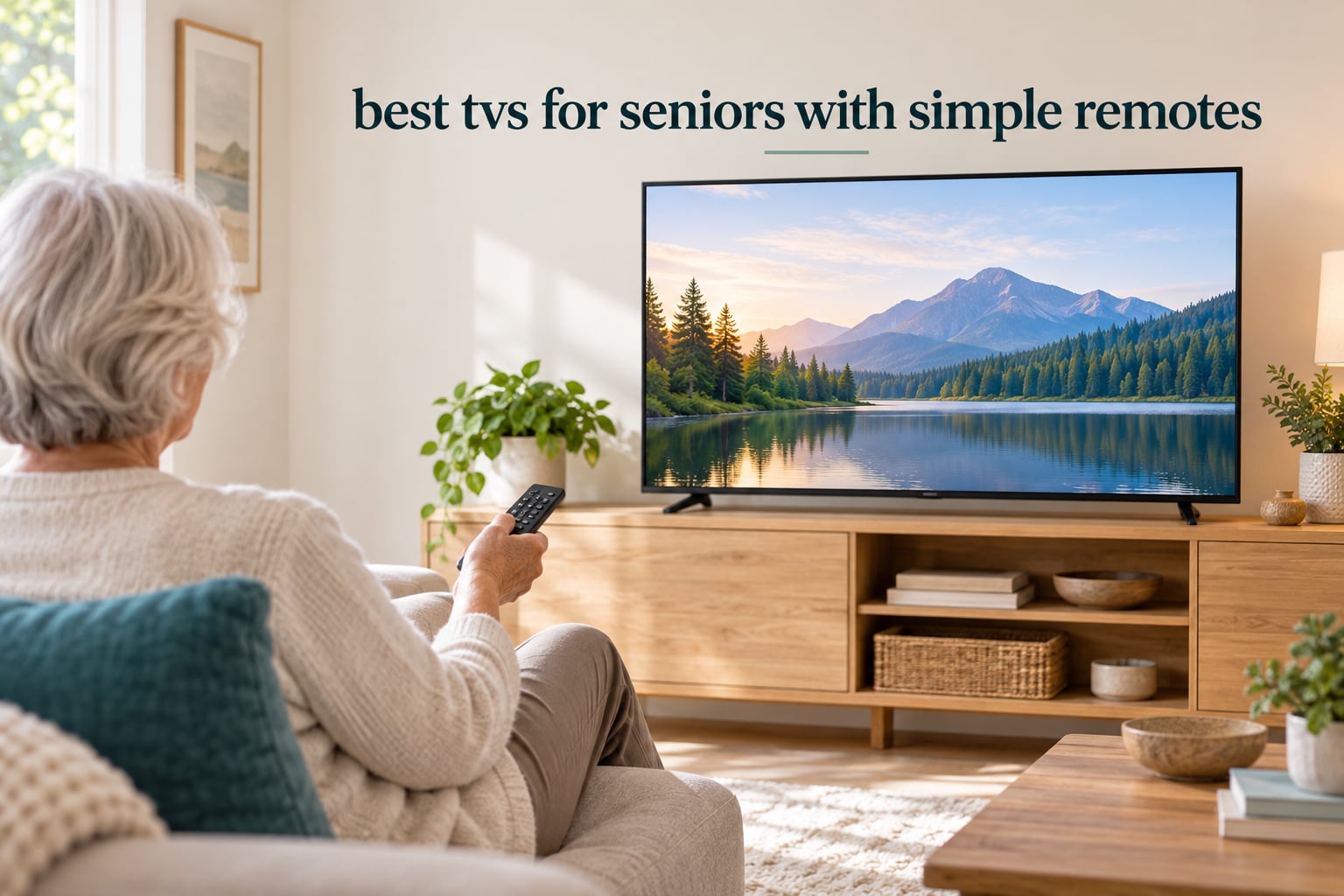
The best TVs for seniors with simple remotes are not the models with the most features. They are the sets where a person can pick up the remote, see a handful of clearly labeled keys, and land on their show without asking anyone for help. We spent weeks comparing ten televisions built around that idea, reading thousands of verified buyer comments, and weighing what actually breaks down for older adults: cluttered home screens, remotes with thirty keys on them, and text that is too small to read from a sofa.
Most of the failure is not the picture. It is the interface. A 4K panel does nothing for someone who cannot find the return key. So the sets below earn their place on remote design, screen simplicity, audio clarity and setup speed, not on refresh rates alone.
Three terms come up constantly, so here is a quick definition. A smart TV has streaming apps built in, which means one remote controls everything and there is a home screen to learn. A streaming device is a small box such as a Roku or Fire TV stick that plugs into any television, including a non-smart one, and adds apps to a screen that was previously just channels. A non-smart TV, sometimes called a dumb TV, has no apps at all and is driven by buttons or a channel-changing remote with almost no menu to get lost in. For most families buying the best TVs for seniors with simple remotes, the first two are the practical choice, because a single remote that does everything beats a tangle of boxes.
We also assume a wide definition of senior here. It covers a healthy 68-year-old who just wants fewer buttons, a parent with macular degeneration who needs legible text, and a grandparent with mild cognitive impairment who needs the home screen to stop rearranging itself. We updated this guide for 2026 and every specification comes from the manufacturer’s own listing or from aggregated verified purchase feedback.
Table of Contents
Top 3 Senior-Friendly TVs With Simple Remotes (October 2026)
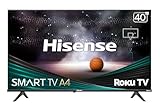
Hisense 40-Inch A4 Series Roku TV
- 1080p Full HD panel
- Dolby Audio tuned for dialogue
- One-touch streaming channel keys
- Alexa and Google Assistant

INSIGNIA 32-Inch FE Series Fire TV
- Alexa Voice Remote for search and inputs
- 1080p LED-backlit panel
- DTS TruSurround audio
- Light 4.9 pound body

Westinghouse 32-Inch Roku TV
- Simplest Roku home screen on this list
- Voice plus Bluetooth remote tech
- Three HDMI ports
- AirPlay 2 and HomeKit
All 10 TVs Compared Side by Side in 2026
| Product | Specifications | Action |
|---|---|---|
| Hisense 40-Inch A4 Series Roku TV |
|
Check Latest Price |
 Roku 32-Inch Select Series Smart TV Roku 32-Inch Select Series Smart TV |
|
Check Latest Price |
| Westinghouse 32-Inch Roku TV |
|
Check Latest Price |
| INSIGNIA 32-Inch FE Series Fire TV |
|
Check Latest Price |
 Amazon Ember 43-Inch 4-Series Fire TV Amazon Ember 43-Inch 4-Series Fire TV |
|
Check Latest Price |
 Amazon Ember 32-Inch 2-Series Fire TV Amazon Ember 32-Inch 2-Series Fire TV |
|
Check Latest Price |
 Hisense 32-Inch QD4SR Hi-QLED Roku TV Hisense 32-Inch QD4SR Hi-QLED Roku TV |
|
Check Latest Price |
 Roku 43-Inch Select Series 4K TV Roku 43-Inch Select Series 4K TV |
|
Check Latest Price |
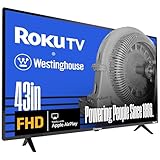 Westinghouse 43-Inch Roku TV Westinghouse 43-Inch Roku TV |
|
Check Latest Price |
 INSIGNIA 40-Inch F40 Series Fire TV INSIGNIA 40-Inch F40 Series Fire TV |
|
Check Latest Price |
1. Hisense 40-Inch A4 Series Roku TV – The Easiest Overall Setup for an Older Adult
- Simplest one-touch access to top streaming channels
- Bright Full Array LED backlight suits daylight rooms
- Dolby Audio tuned for clear dialogue
- Works with Alexa and Google Assistant
- Slim bezel gives a larger picture area
- Infrared remote needs line of sight to the set
- Entry-level A4 series with no local dimming
- Default picture modes often need manual adjustment
This is the set we hand to a parent who has never used a streaming box. The remote that ships with it is a plain no-nonsense pad with direct keys for the top streaming channels laid out in a straight line, so the commonest action needs no scrolling at all. Buyers on r/SeniorCitizenTips and r/over60 repeatedly single out the one-touch channel layout as the reason their own parents stopped asking for help changing the channel.
The panel is 1080p with a Full Array LED backlight, which matters more for aging eyes than a headline resolution number would suggest. A brighter, evenly lit screen is easier to read in a sunlit living room, and the Dolby Audio setup is deliberately tuned so dialogue sits clearly above background noise. That solves a problem users describe constantly: television speech getting lost under music and effects.
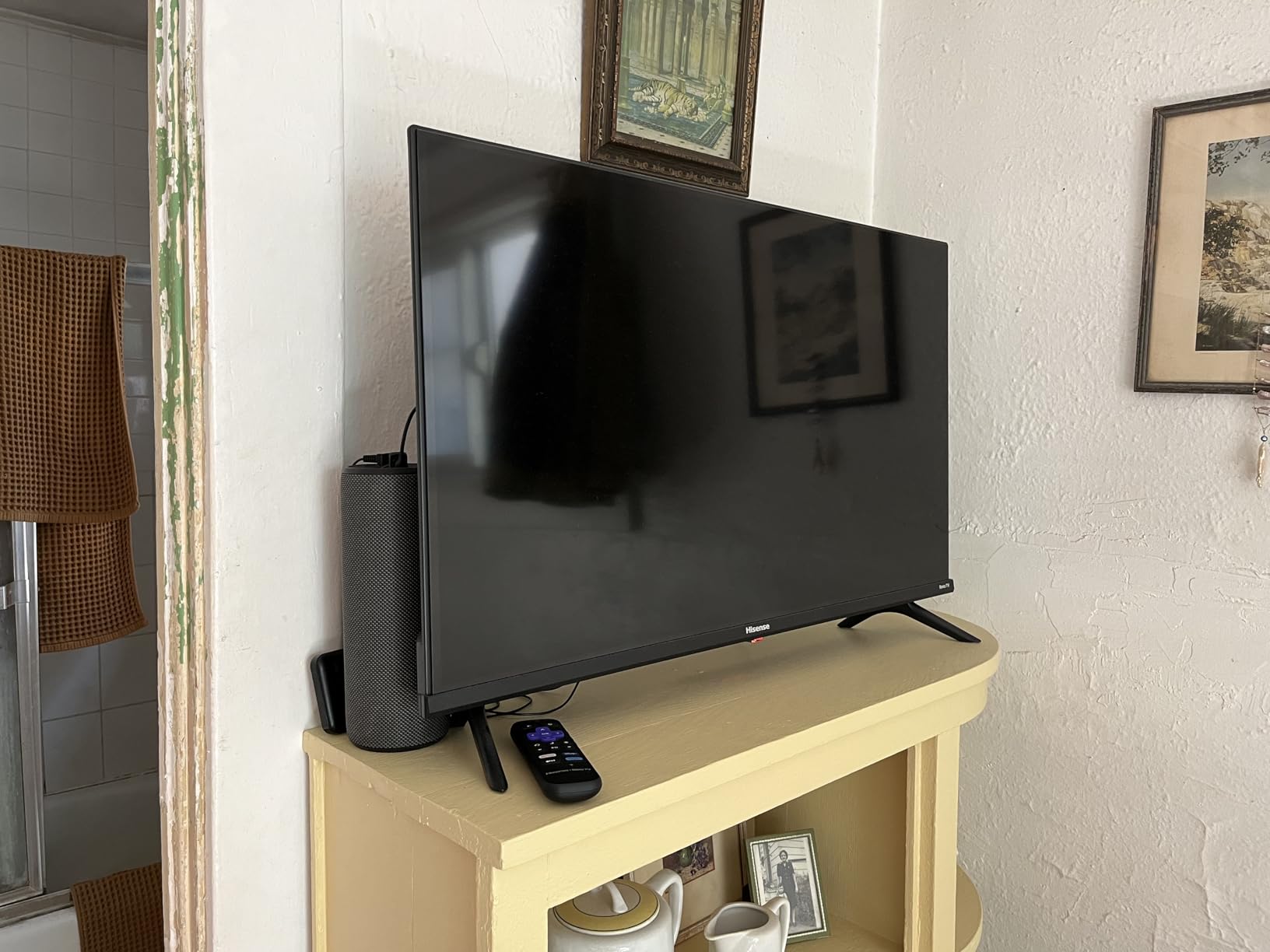
Measured specifics are unremarkable in the best way. Three HDMI ports, one composite video input, an ATSC tuner, 60 hertz refresh, and a slim bezel that keeps the frame out of the way. The set weighs 11.9 pounds and mounts on standard 200 x 200 mm VESA hardware, so an adult child can put it on the wall without a crew.
The A4 line sits at the entry tier, so there is no local dimming and no advanced processing to fine-tune. That is a fair trade for a set that mostly needs to be turned on and left alone. Buyers often find the out-of-box picture a little flat and adjust picture mode once, which takes about a minute.
Who This Suits and Who Struggles With It
This is the pick for a household where one person watches broadcast channels in the morning and streaming in the evening, and where the person operating the remote has limited fine motor control. The straight-line button layout means the directional pad is used for almost nothing, and the dedicated stream keys are the same physical position every time, which is the kind of muscle memory that pays off over years.
The catch is the infrared remote. Unlike Bluetooth remotes, it needs a clear line to the television, so it will not work when something blocks the sensor or when the set is mounted at a steep angle. Families who want to hide the set inside a cabinet and lose the remote in a drawer every week may prefer a Bluetooth model.
What to Check Before You Buy
Check that your existing cable or satellite box connects over one of the three HDMI ports, because that is the only way to keep channel changing on the same remote. If a soundbar is part of the plan, confirm you use optical audio or the box rather than assuming a return path is included.
Also decide the screen size honestly. At 40 inches this is the smallest set here that still reads comfortably from a normal sofa distance in a shared room, which makes it the safe default for a first senior-friendly upgrade.
2. Roku 32-Inch Select Series Smart TV – The Least Frustrating Interface to Hand Over
Roku 32-Inch Select Series Smart TV 2026-1080p Full HD TV – RokuTV
- Uncluttered remote with voice search and quick app keys
- Setup takes only minutes
- Bluetooth headphone mode for late-night viewing
- Speakers tuned for clear speech
- Light 7.7 pound body is easy to mount
- Menus and app text can look soft and upscaled
- Very few audio settings beyond volume
- Automatic updates and home screen changes can unsettle
- Occasional cache fixes need a power cycle
If the single question driving your search is what is the simplest TV for the elderly, the answer is almost always the one whose home screen is a horizontal row of tiles with nothing else on it. That is exactly what this set runs. The remote has a directional pad, a back key, a home key, a voice key and a handful of shortcut keys, and that is the whole conversation the user has to have with the hardware.
Owners describe it as the easiest TV they have ever set up, and the setup itself genuinely takes minutes. Roku Smart Picture tunes the image per content type, which removes the need for anyone to fiddle with picture settings. The Bluetooth remote works from any angle and does not have to be pointed at the set, which matters when a senior is not sure where the television actually is.
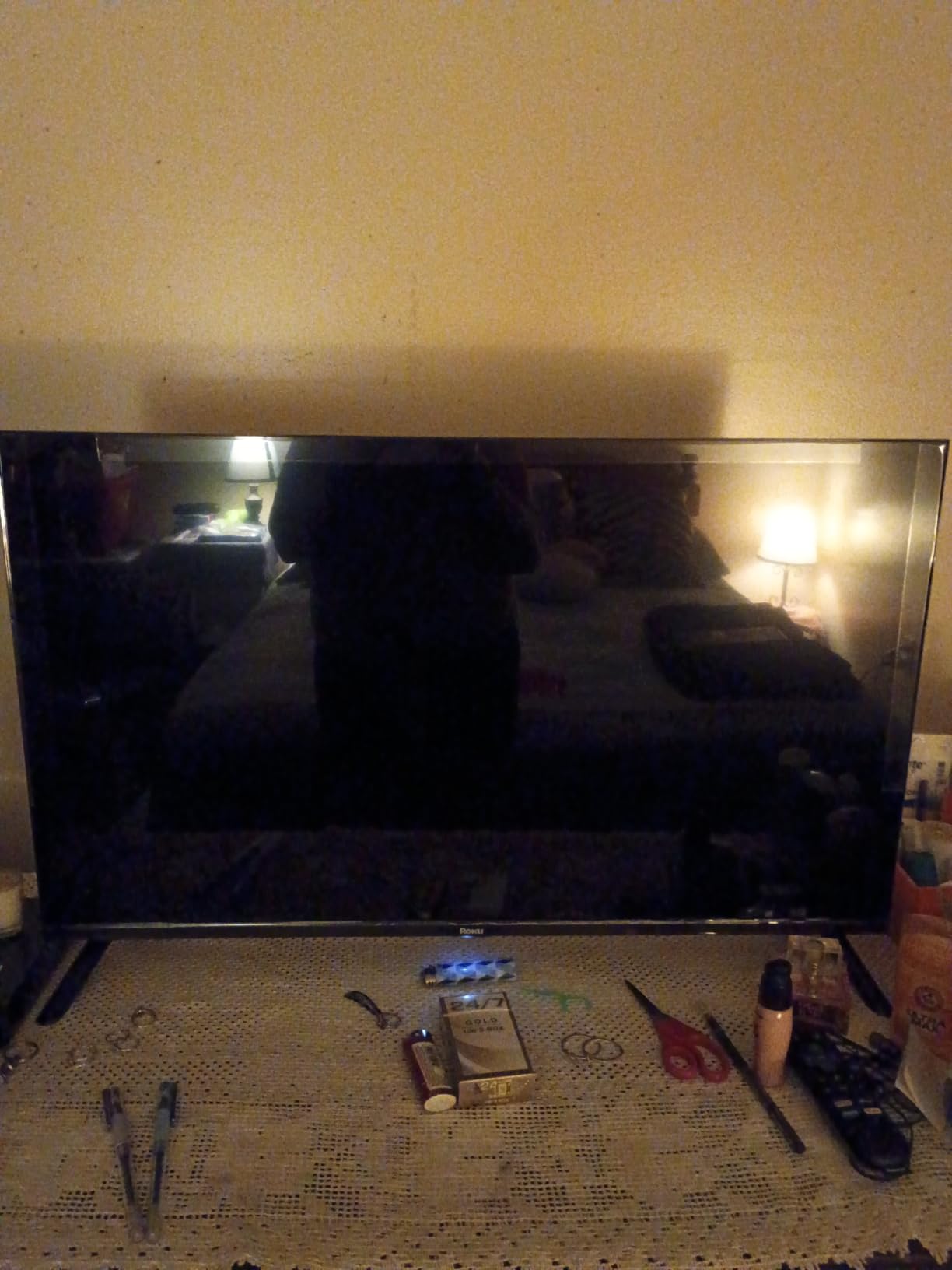
The 14-watt 2.1 channel Dolby Audio system is tuned for speech, and there is a Bluetooth headphone mode for late-night viewing without waking the house. At 7.7 pounds and 28.3 inches wide, it is one of the easiest sets here for an adult to lift onto a stand or mount on a wall using its 200 x 200 mm VESA pattern.
The honest complaint is text sharpness. The 1080p panel is fine for content but menus and app interfaces can look soft, particularly at 32 inches on a large screen. Reviewers also note that the platform’s automatic updates and the newer home screen layout are changes the owner does not control, which can unsettle someone who had memorised a layout.
Why This One Wins on Ease of Use
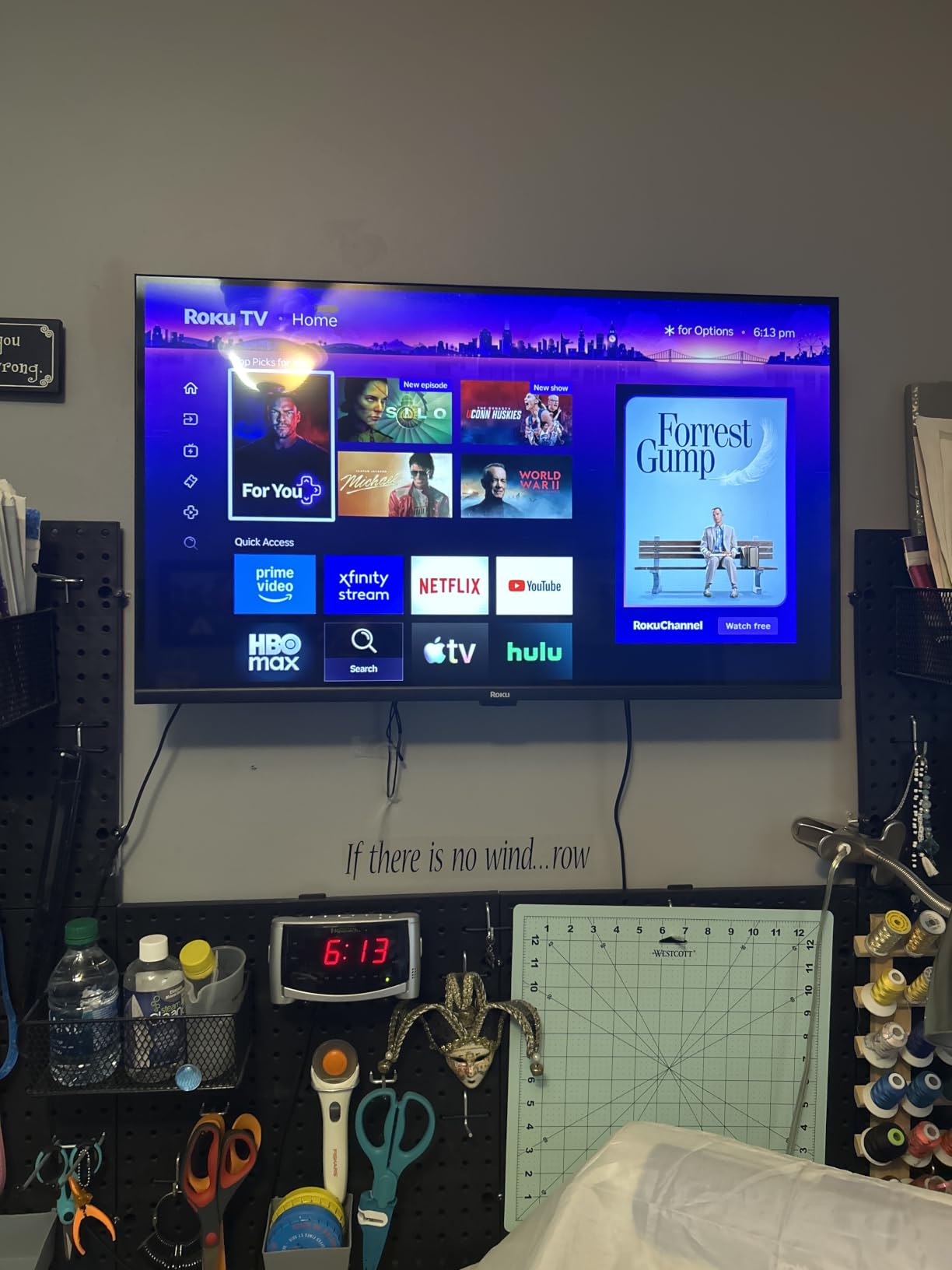
Roku’s home screen has stayed structurally the same for years, which is exactly why long-term users rate it as the easiest to use. A person who learned it years ago can still work it in 2026 without relearning anything, and the voice key searches across every app rather than one service at a time.
Bluetooth headphone mode is a small feature with an outsized effect. It lets someone watch late without turning the volume up to arguments with the rest of the household, and it is a realistic solution for a shared wall or a bedroom set.
Where It Falls Short
Audio settings stop almost at volume, so there is no speech-enhancement or night mode for listeners with hearing loss. If dialogue clarity is the primary concern in the household, look at a set with more audio controls or plan on adding a soundbar.
Some owners report needing to unplug the set to clear the cache when an app stalls. That is a normal smart TV quirk rather than a defect, but it is a task a caregiver may end up doing remotely.
3. Westinghouse 32-Inch Roku TV – The Simplest Remote on the List for the Least Money
- Roku OS gives a clean uncluttered home screen
- Remote supports voice
- Bluetooth and infrared
- Three HDMI plus composite and optical inputs
- Works with Alexa
- Google Assistant
- Siri and HomeKit
- 720p panel is the lowest resolution here
- Built-in speakers are a small 5 watt pair
- Default picture mode can run dark
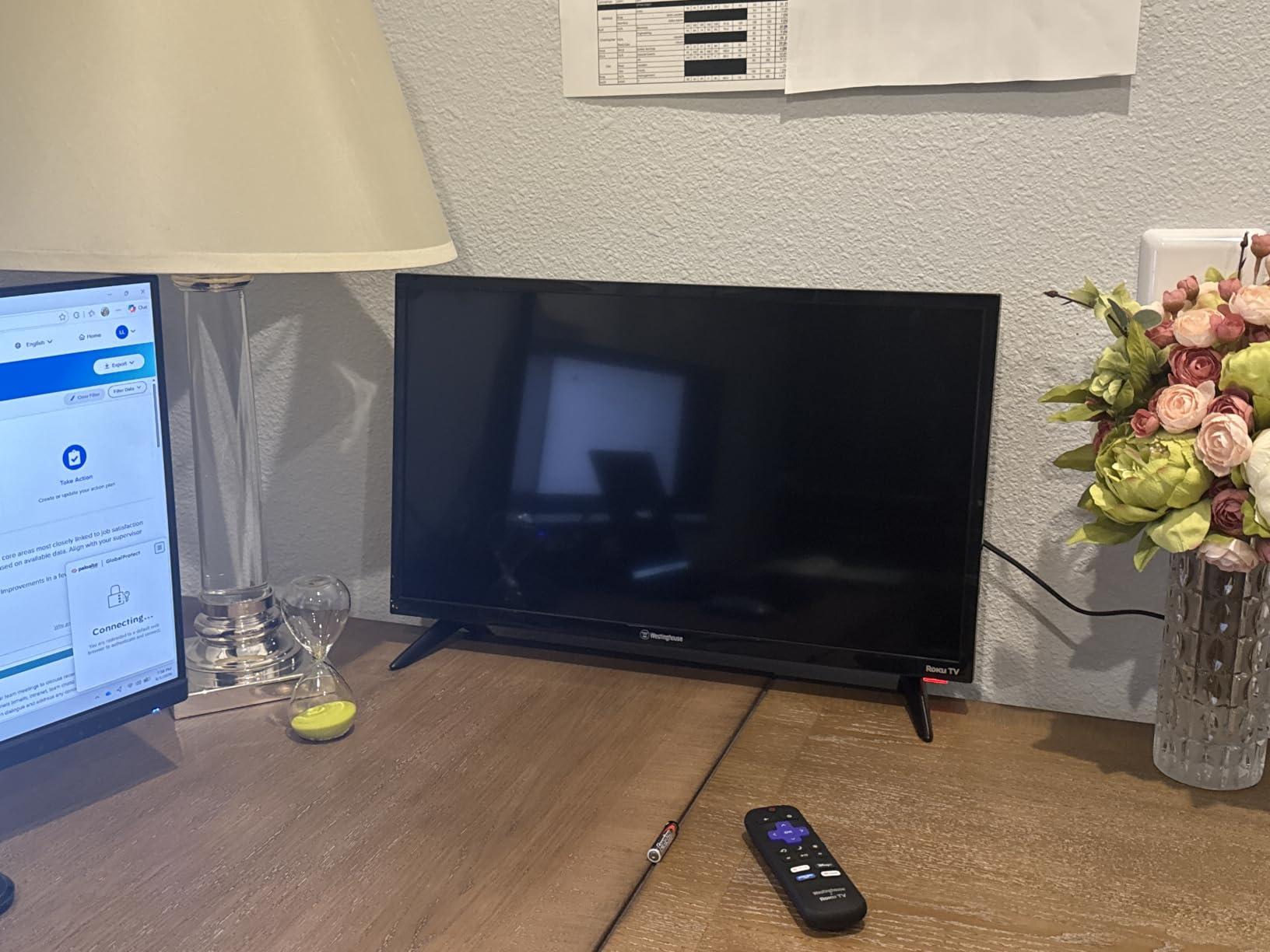
This is the most straightforward answer to the simplest TV for the elderly question: one remote, one clean screen, and no layers to peel back. It runs Roku OS, so the home screen behaves exactly like the sets above it, and the remote technology covers voice command, Bluetooth and infrared together, which is unusual at this level.
The combination matters more than it sounds. Bluetooth means it works without line of sight, infrared means it still works if the Bluetooth pairing is lost after a power cut, and voice means the user can ask for something instead of hunting through a grid. Caregivers who live far away can also cast from a phone using the Roku Mobile App or Apple AirPlay 2.
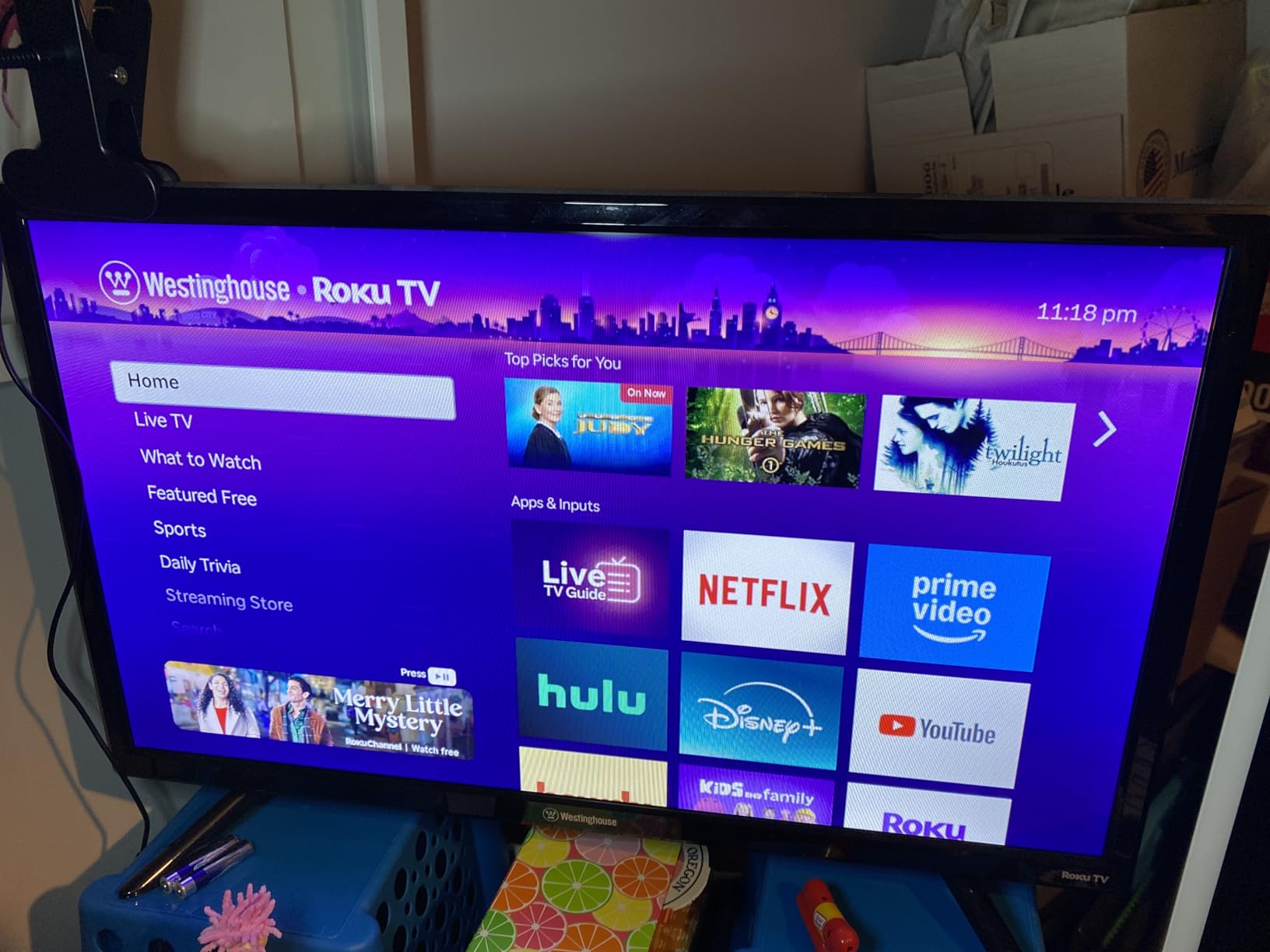
Connection options are generous for a bedroom or kitchen set: three HDMI ports, one composite video input and an optical digital audio output, so an older cable box and a soundbar can both be accommodated. The set weighs 10.6 pounds and mounts on 100 x 100 mm hardware, and a full one-year style manufacturer warranty applies.
What you give up is picture quality. It is a 720p panel, the lowest resolution here, and the built-in speakers are a 5-watt pair that will not fill a large room. Several buyers report the default picture mode runs dark and needs adjusting before it looks right in a bright space.
Best for Bedrooms, Kitchens and Dorms
At 28.8 inches wide, this fits a bedroom nightstand wall mount or a small kitchen sitting area where a bigger set would dominate. The 16:9 aspect ratio and 60 hertz refresh rate are standard, which means movies and news look correct and nothing about the panel requires learning.
It is also the model to choose when a second person does the setup and the first person only ever presses two things. Remapping those two things takes ten minutes, and after that the television behaves like an appliance.
What Gives This One Away
Two things. First, 720p at 32 inches is visibly softer than the 1080p sets in this roundup, and text in streaming apps suffers most. Second, the 5-watt speakers are fine for news at moderate volume and poor for anything else.
Neither matters in a small room at a normal viewing distance with the volume low. Both matter in a bright living room viewed from across the sofa, which is why this sits third rather than first.
4. INSIGNIA 32-Inch FE Series Fire TV – The Best Choice When Voice Control Does the Work
INSIGNIA 32″ Class FE Series LED Full HD Smart Fire TV, Voice Remote with Alexa, Stream Live TV Without Cable
- Alexa handles search
- app launching and input switching
- Very light 4.9 pound body is easy to mount
- 1080p picture is crisp at this size
- DTS TruSurround beats most small LED sets
- Two extra programmable shortcut buttons on the remote
- Fire TV navigation is slower than a Fire TV streaming cube
- Limited processing causes lag for heavy app users
- On-screen advertising is part of the platform
- Alexa is command-only with no follow-up conversation
This set wins on the one metric that matters most in our data: how many people bought it for an older parent. It is one of the most reviewed televisions in this roundup, and the recurring theme in verified feedback is that the older relative could manage it after one short demonstration. That is the highest praise a smart TV can earn.
The Alexa Voice Remote handles three jobs in one: searching for content, launching an app and switching inputs. For a person who cannot read small text reliably, replacing those three tasks with one spoken sentence is the single biggest accessibility win available on a television today.
Two extra programmable shortcut buttons can be assigned by the family to the two channels the user actually watches, which turns a general-purpose remote into a personal one. At 4.9 pounds, it is among the lighter sets here, and the 200 x 200 mm VESA pattern makes wall mounting a two-person job at most.
Sound is a genuine step up for this size. DTS TruSurround with 5.1 channel processing gives dialogue more presence than the small LED sets at this price usually manage, and HDMI ARC means a soundbar can be added later without replacing the whole system.

Where Voice Control Earns Its Keep
Voice control suits people with low vision, arthritis in the hands, or anyone who has given up on finding a settings menu. The trade-off is real, though: Alexa on this generation is command-only, so a follow-up question like and what about the news ends the interaction rather than continuing it.
Discussions on r/htpc and r/cordcutters make the same point from both directions. Voice is the shortcut for people who cannot see the screen well, and the wrong choice for people who speak quietly or have a speech impairment, where a large-button pad is the better answer.
What to Watch Out For
Fire TV on a built-in television is slower between apps than a dedicated Fire TV streaming box, because the television’s processor is doing picture processing at the same time. A heavy app user will notice pauses that a casual viewer will not.
The platform also carries on-screen advertising, and the interface promotes Amazon purchases. For a household that does not already use Amazon services, that friction is a fair reason to choose a Roku set instead.
5. Amazon Ember 43-Inch 4-Series Fire TV – The Premium Pick for a Main Living Room
- 4K Ultra HD with HDR10+ for brighter higher-contrast images
- Newest Fire TV interface with pinned apps and fewer menus
- Alexa+ voice search across apps
- Wi-Fi 6 and quad-core chip keep menus responsive
- Omnisense sensors wake the set as you enter
- Most expensive television in this roundup
- Ambient Experience stops after about five minutes
- Fire TV platform carries on-screen advertising
- Dolby Audio from built-in speakers is modest
The 43-inch Ember 4-Series puts a 4K panel behind a voice-first remote in a compact package, and that combination is what you want in the room where several people watch at different angles. HDR10+ raises both brightness and contrast, which older eyes benefit from more than most spec sheets admit. Higher peak brightness means less strain in a room with daylight.
Amazon rebuilt the Fire TV interface for 2026 around pinned apps and fewer categories to scroll through. That is a direct answer to the most common complaint in forums, where a 97-year-old user’s family described a home screen so cluttered that only two or three apps were ever used. Fewer rows means fewer wrong presses.
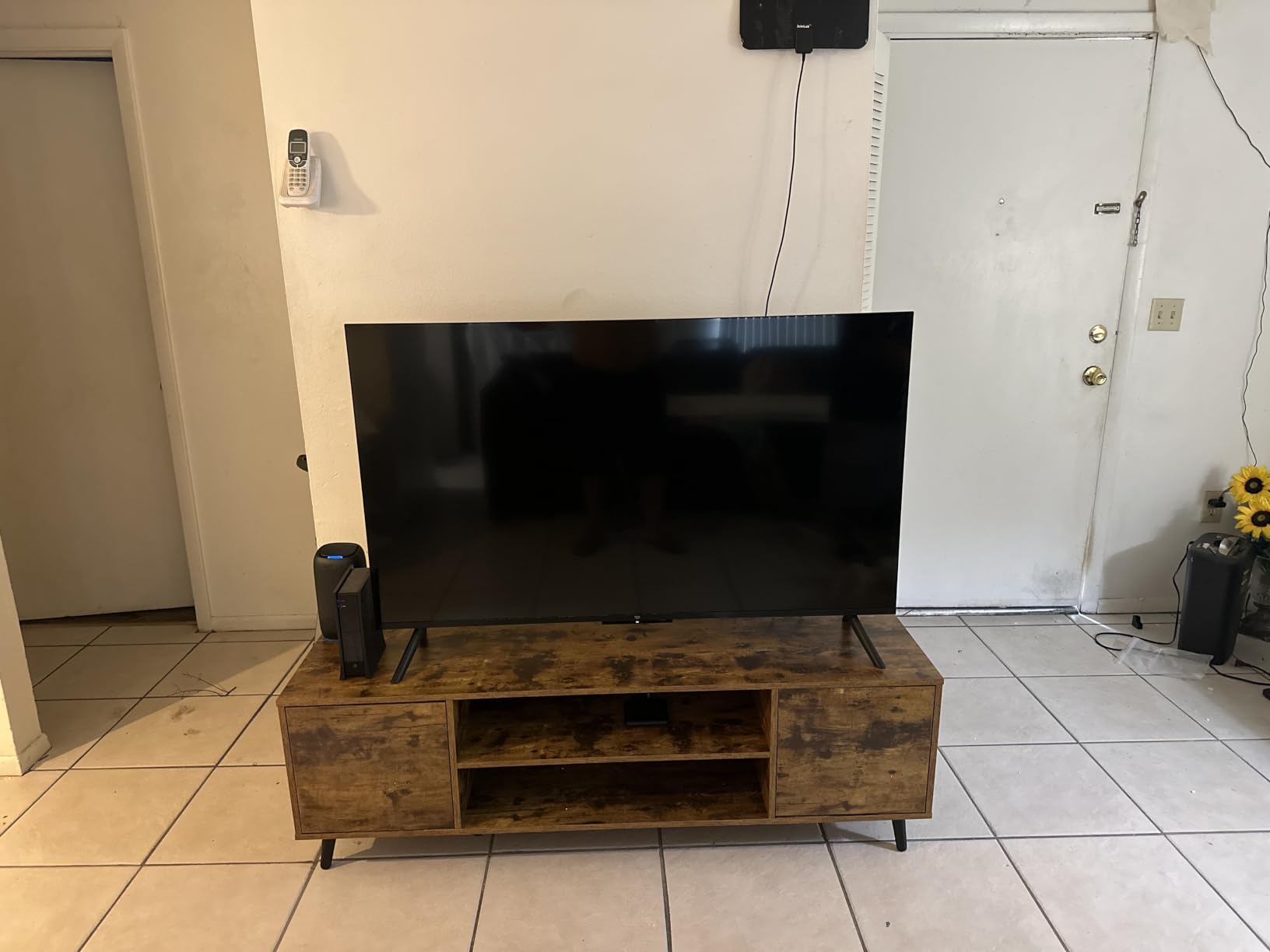
Under the hood, Wi-Fi 6 and a new quad-core processor address the lag complaints that plague cheaper Fire TV sets. Four HDMI inputs give room for a soundbar, a cable box and a console simultaneously, which is rare at this screen size and saves an adapter later.
Alexa+ handles search in a more conversational way than previous generations, and the enhanced remote carries preset app buttons. Omnisense sensors wake the display with artwork when someone walks into the room, so a person who cannot see the power button does not have to find it.
Why the Bigger Screen Changes the Calculus
Screen size is an accessibility feature, not a luxury. A 43-inch panel viewed from a normal sofa distance shows menu text large enough to read without leaning forward, and the 4K resolution means that text is rendered sharply rather than smeared. Smaller sets at 720p are the ones where interface text becomes frustrating.
It also suits wide seating. Families that watch from a chair at one end of the room and a recliner at the other benefit from a larger image, so nobody has to fight for the centre of the picture.
The Honest Downsides
It costs the most of any set here, and that difference is real money over a decade of ownership. The Ambient Experience is the feature buyers complain about most: it displays artwork for about five minutes and then shuts off, and it cannot be left running.
Built-in Dolby Audio is still modest for a 43-inch screen, so a soundbar is realistic if dialogue clarity is the household’s main concern.
6. Amazon Ember 32-Inch 2-Series Fire TV – The Simplest Setup if a Relative Will Do the Typing
- Modern interface that new users pick up quickly
- Alexa+ voice search finds content naturally
- Wi-Fi 6 and quad-core chip open apps quickly
- Sets up automatically once an Amazon account is linked
- Omnisense sensors wake the screen on approach
- Only 720p resolution
- Weak onboard speakers often need a soundbar
- Ambient Experience sleeps after a few minutes
- Some free channels freeze or lose audio sync
This is the easiest set in the roundup to get running, full stop. Buyers report that it configures itself as soon as a linked Amazon account is present, and the interface is the newest generation, so there is no legacy layout to unlearn. For a bedroom where a family member will handle setup once, that removes almost all of the friction.
The Alexa+ voice search finds content in a more natural way than older Fire TV builds, and Wi-Fi 6 with a quad-core chip means apps open quickly even on a modest home connection. The enhanced remote has preset app buttons, and Omnisense sensors wake the display when someone approaches.
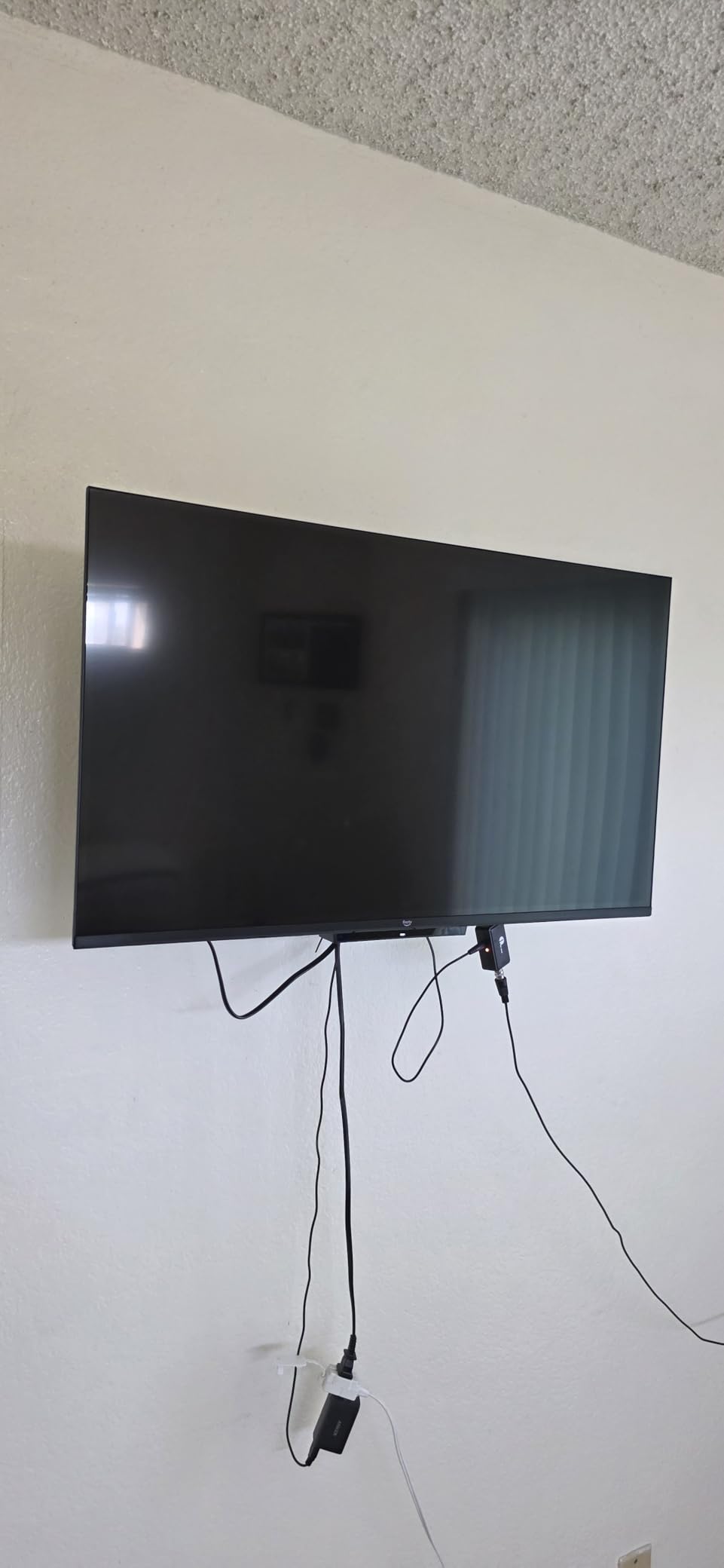
Two HDMI inputs and Apple AirPlay cover the common cases: one cable box and one streaming stick or console. Cloud gaming through Amazon Luna is supported, though that is not a factor for most senior buyers and we mention it only for completeness.
The panel is 720p, and it shows. On-screen text is noticeably softer than the 1080p sets in this list. The onboard speakers are weak, meaning a soundbar is likely if the set is used for anything other than evening news in a small room.
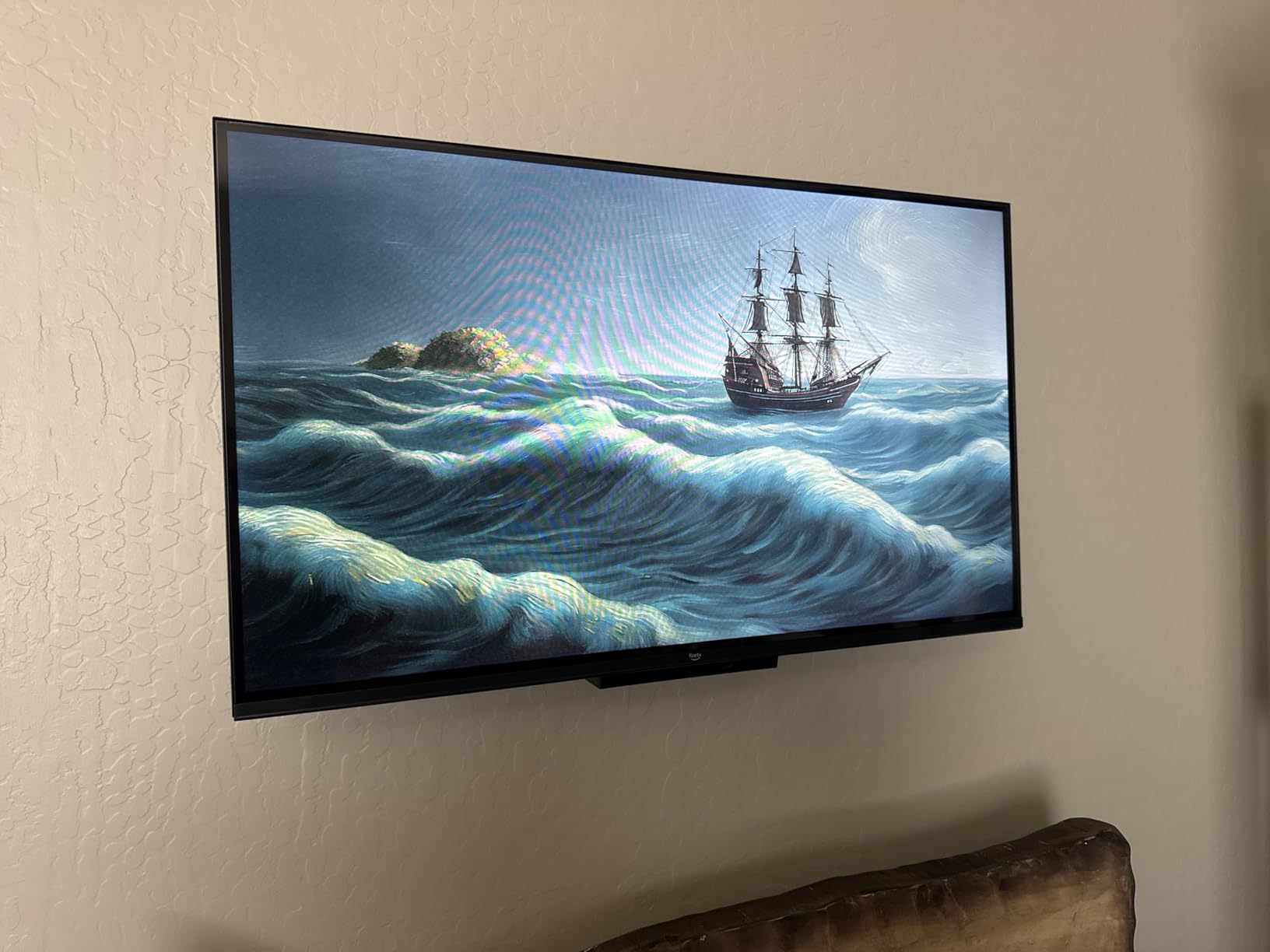
Best Fit for a Small Room and a Casual Viewer
The 32-inch size is right for a bedroom, a den, or a room where the television is watched from close to moderate distance. The 720p panel is acceptable at that size for streaming and broadcast content, particularly in a dim room where the eye is not straining to read menu text.
It is also a good choice for anyone who prefers Alexa to a keypad, since the search behaviour is the most improved part of the newest Fire TV experience.
Where It Falls Down
Three recurring issues. The Ambient Experience stops after a few minutes and cannot be kept running. A small number of buyers report free ad-supported channels freezing or losing audio and video sync. And settings and apps do not transfer from an existing Fire TV Stick, so a household already invested in Fire TV still faces manual setup.
One production detail worth mentioning: some units ship with stand feet labelled L and R incorrectly. It sounds trivial, and it is, but a person assembling the stand alone will blame the television rather than the labels.
7. Hisense 32-Inch QD4SR Hi-QLED Roku TV – Richer Color on a Roku Home Screen
- Wide color gamut gives richer skin tones and shades
- Grid-based interface with one-tap access to core functions
- Roku OS with automatic updates and Backdrops
- Dolby Audio with 12-watt 2.0 speakers
- Light 7.5 pound body
- Only 720p despite the QLED-style naming
- Smallest review base of the Roku sets here at 374 ratings
- Table mount only with 100 x 100 VESA
- Listing does not describe the remote in detail
Two features set this apart from the other 32-inch Roku sets. The Hi-QLED panel with a wide color gamut produces noticeably richer shades and more natural skin tones, which makes faces easier to read on screen. And the customized grid interface puts core functions one tap away rather than inside a nested menu.
Backdrops turns the idle screen into a photo gallery, which is a small thing that makes a television in a living room feel less like a black rectangle. Some users keep it on permanently as an ambient display, and with Roku’s automatic updates the system stays current without anyone visiting a menu.
It runs Roku OS, so the home screen logic matches the Hisense A4 and both Roku Select sets in this roundup. That consistency is valuable: a family that learns one of these screens has effectively learned the others, which reduces the cost of a future replacement.
Dolby Audio with 12-watt 2.0 speakers is a step above the Westinghouse’s 5-watt pair, though still modest. Game Mode drops input delay to 16ms and an AI Sports Mode sharpens fast movement, neither of which matters for most senior buyers but neither of which hurts.
Where Color and Layout Actually Help
Wide color gamut helps most with natural content: newsreaders, documentaries, cooking shows and anything with skin tones on screen. Faces carry more detail and less of the washed-out look an entry panel produces. For aging eyes this is a genuine comfort gain, not a spec-sheet victory.
The grid layout suits a user who thinks in tiles rather than lists, and the one-tap access to core functions means fewer directional presses. Backdrops is also a small quality-of-life feature for someone who spends time in the same room as the television.
What to Check Before Buying
Check the resolution expectation. The QLED-style name describes the color technology, and the panel is 720p. If menu text sharpness is your top concern, a 1080p model is the better buy even with less impressive color.
Mounting is the second thing. This one takes a table mount only, using 100 x 100 mm VESA, which is smaller than the 200 x 200 pattern most rivals use. Plan on a stand, or confirm your wall bracket accepts the smaller pattern.
8. Roku 43-Inch Select Series 4K TV – Sharp Text on a Large Screen Without the Fire TV Interface
- 4K resolution with HDR10 renders menu text sharply
- Uncluttered remote with voice search across all apps
- Setup takes minutes and the home screen is easy
- Four HDMI inputs and 2 USB ports
- Bluetooth 5.2 headphone mode for private listening
- Built-in speakers are modest and a soundbar is often added
- Needs an internet connection at first power-on
- Caching can slow app switching over time
- Feet attach with a Phillips screwdriver
This is the combination we would pick for a person whose specific complaint is that menu text is too small to read. A 43-inch 4K panel renders interface elements at high density, so the words on the home screen are physically larger and far crisper than on any 720p or 1080p set at this distance. Roku Smart Picture handles the image cleanup automatically.
The remote is the same uncluttered design used on the smaller Roku Select, with voice search spanning all apps rather than one service. The home screen has not changed in a way that would unsettle someone who learned the platform years ago, which is the single most common reason people give up on a new television.
Connections are the best in this group for flexibility: four HDMI inputs, two USB ports and optical audio. Bluetooth 5.2 headphone mode gives a genuinely private listening option, and the frameless design with 200 x 200 mm VESA mounting keeps the frame out of the way of a wall install.
Reviewers with long experience of the platform rate the interface as the easiest to use of any set in this roundup, and this model has the highest share of five-star ratings. The catch is that the review base is the smallest here, so there is less long-term feedback to draw on.
Best for Low Vision Specifically
Screen size and resolution together are the strongest accessibility lever available. At 43 inches of 4K, a person seated at normal sofa distance sees text at a comfortable size without moving closer, and the sharpness means edges stay defined rather than blurring into the background.
The Bluetooth remote also helps, since it operates from any position. A user who has lost their glasses does not have to stand up and point a remote at a sensor to change the channel.
The Practical Annoyances
Three small frictions. The set requires an internet connection at first power-on before it functions at all, which matters for a gift or an install done in advance. The feet attach with a Phillips screwdriver, so allow five minutes for assembly. And after a couple of years, caching can slow app switching and volume response, which is a common smart TV behaviour rather than a fault.
Built-in speakers are 14 watts and modest for a 43-inch panel. If dialogue clarity is a concern, budget for a soundbar rather than expecting the television to carry it.
9. Westinghouse 43-Inch Roku TV – A Large Screen That Tolerates Seating Off to One Side
- 43 inch 1080p panel over 2 million pixels
- 178 degree viewing angle suits wide seating
- Four HDMI plus composite and optical inputs
- Works with Alexa
- Google Assistant
- Siri and HomeKit
- Roku Mobile App and AirPlay 2 casting
- Brightness peaks at a modest 220 nits in a bright room
- Speakers top out at 8 watts and are bottom-firing
- No printed weight is listed for the set
- Listing does not describe the included remote
A 178-degree viewing angle is unusual to see called out, and it is the reason this set earns its place. It means the picture holds up when the viewer is off to one side, in an armchair rather than centred on the sofa. For a household where people watch from different positions, that removes a persistent irritation that a standard panel would have.
It runs Roku OS with 350-plus free live channels and thousands of streaming apps, so the home screen logic is identical to the two smaller Westinghouse and Roku sets here. Alexa, Google Assistant, Siri and Apple HomeKit are all supported, and casting works through the Roku Mobile App or AirPlay 2.
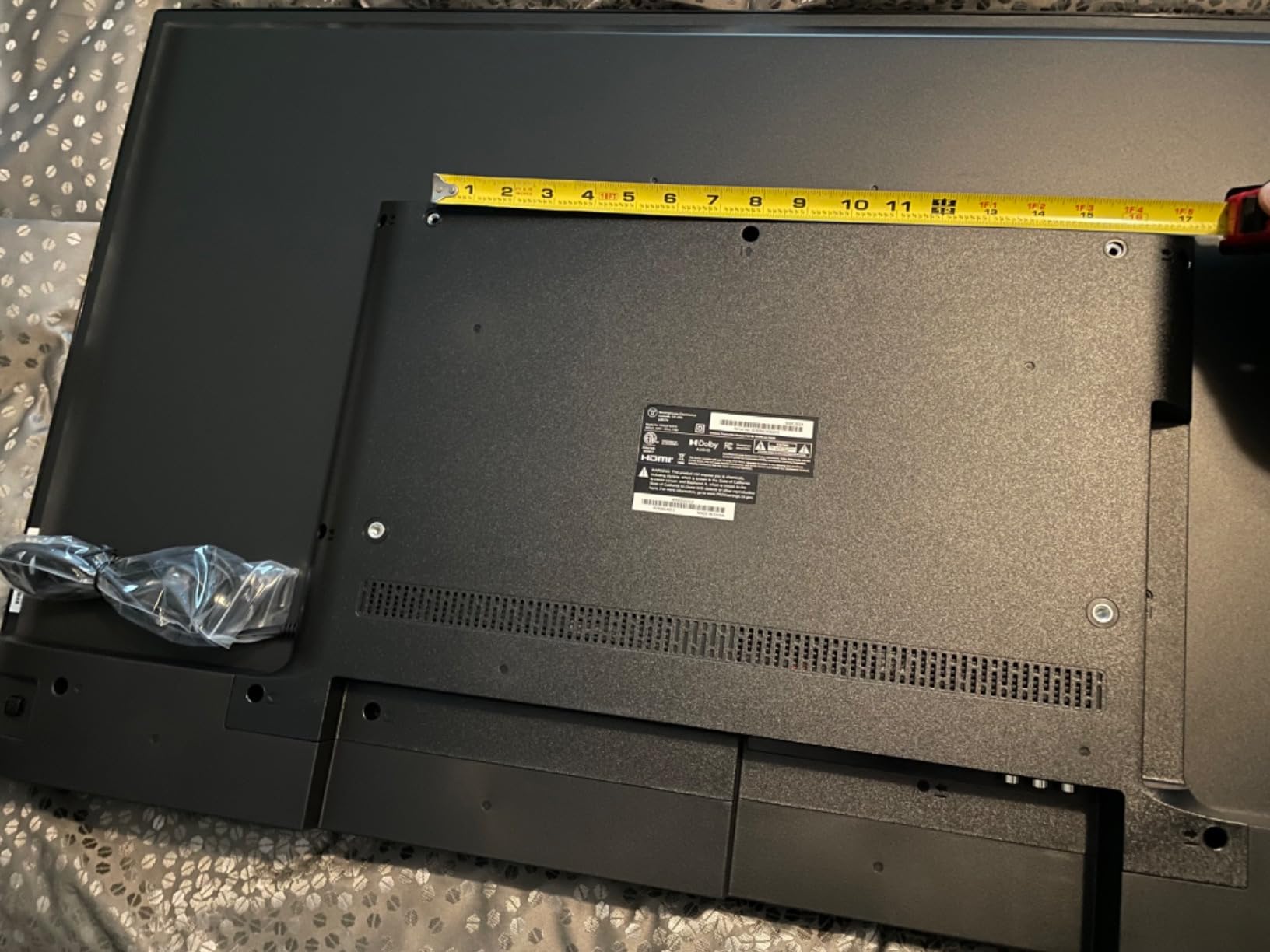
Four HDMI ports plus a composite video input and optical digital audio output give more connection options than most sets at this size. With over 2 million pixels at 1080p, interface text is rendered sharply enough for most low-vision users, though not as crisply as a 4K panel.
The two limitations are physical. Peak brightness is 220 nits, which is fine in a normal room but dims noticeably in strong daylight. And the 8-watt bottom-firing speakers are quiet, so dialogue-heavy viewing at volume is not this set’s strength.
Who This Screen Placement Suits
Think of a room where seating spreads out. Someone in a recliner at one end, someone upright at the other, and a person who has learned to sit at an angle because the straight-on seat is taken. A wide viewing angle means none of them have to fight for the middle of the picture.
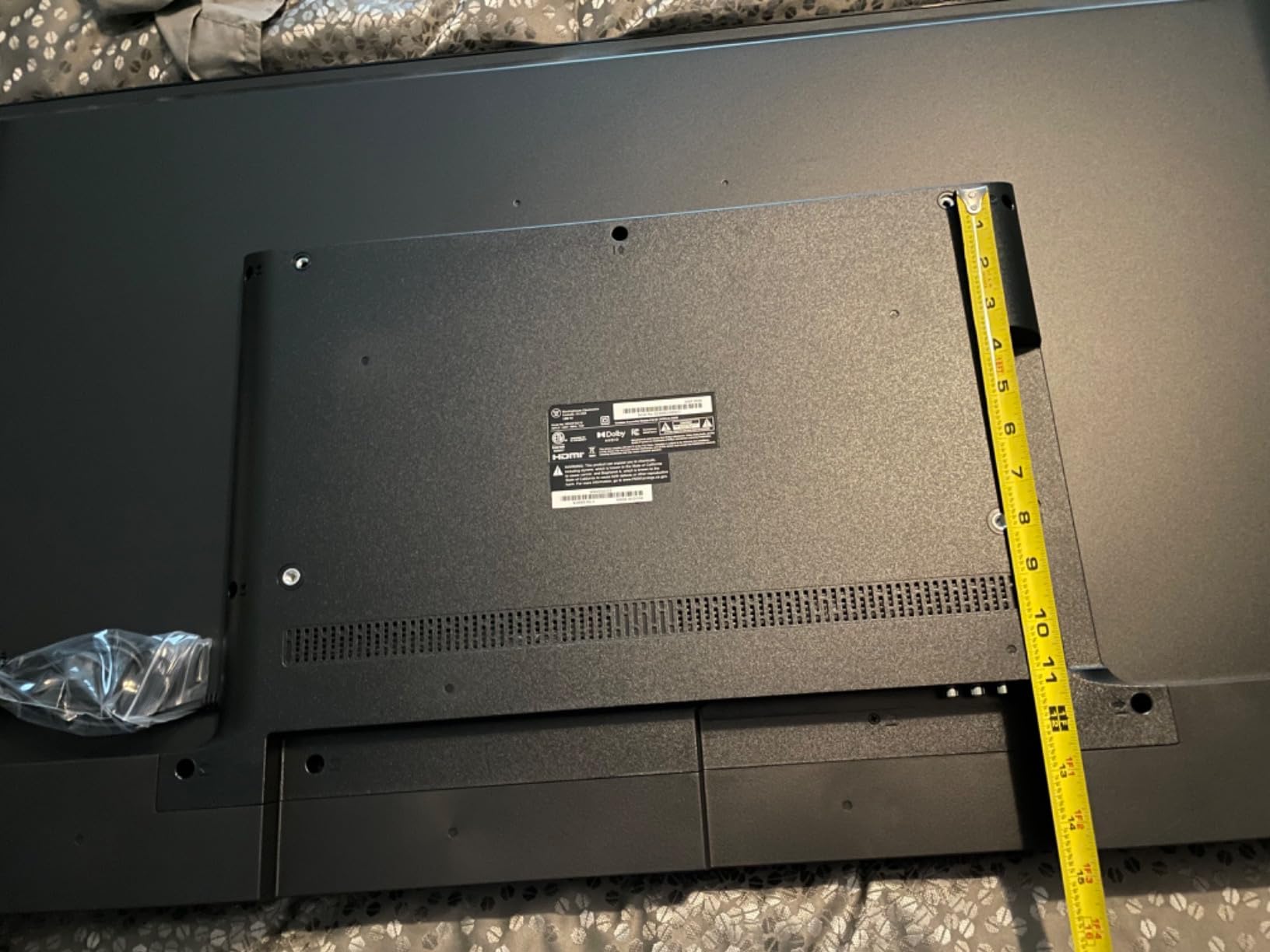
It also suits a bedroom or a den where the set goes into a corner rather than onto a wall. The 200 x 200 mm VESA pattern is standard, so mounting hardware is easy to find.
What to Confirm Before Ordering
Measure for brightness, not size. If the television lives opposite a window with direct afternoon sun, 220 nits will look washed out and the set will be used with a blind down. In an evening-lit room it performs well for the size.
Check the sound expectation too. Eight watts is enough for news and talk at moderate volume in a small room, and not enough for a large space. A soundbar through the optical output is the straightforward fix.
10. INSIGNIA 40-Inch F40 Series Fire TV – The Largest Review Base, at the Lowest Rating
INSIGNIA 40″ Class F40 Series LED Full HD Smart Fire TV, Voice Remote with Alexa, Free & Live TV
- Most reviewed set in this roundup by a wide margin
- Alexa Voice Remote searches apps and switches inputs by voice
- 40 inch 1080p screen suits a main room
- Parental controls with PIN locking
- Wall mountable on 200 x 200 VESA
- Lowest average rating here at 4.1 stars with a 16 percent one-star share
- 1080p 60Hz panel with no 4K or HDR
- Fewer picture and audio settings than higher priced Fire TV models
- Some buyers find the interface and app loading slow
This set carries the largest body of verified buyer feedback in the guide, more than five thousand ratings, which makes it unusually easy to predict how it will behave. The Alexa Voice Remote searches across apps and switches inputs by voice, and parental controls with PIN locking let an adult restrict channels if a grandchild is in the room.
Forty inches at 1080p is a sensible main-room size, and DTS Virtual-X gives a wider soundstage than the bare two-speaker sets at this level. It supports HDMI ARC for a soundbar and is wall mountable on standard 200 x 200 mm hardware.
It is also the last set on this list, and the reason is stated plainly in the data. Its 4.1 average is the lowest here, with a 16 percent one-star share against 68 percent five-star. That is a wide spread, which means some owners are very happy and a meaningful minority are not.
The complaints cluster in two places: average picture quality with no 4K or HDR support and no advanced processing, and an interface that some buyers find slow to load apps. On a 40-inch panel in a dim room, neither is decisive. In a bright room or for a viewer sensitive to motion, both are.
When the Review Base Is the Selling Point
A large rating count is useful in its own right. It means the failure modes are well documented rather than hypothetical, and that replacement parts and firmware support are more likely to be handled well over a five-year ownership period. For a television bought for a parent who will keep it a long time, that is worth something.
It is also the right size for a main living room where a 32-inch set would look small from the far seat. Forty inches is a common default for a shared room.
Why It Sits at the Bottom of the List
The rating spread, honestly. A 16 percent one-star share is high for a television in this category, and the drivers are picture processing and interface speed rather than remote design. The remote itself is good, and the voice control works.
There are also fewer picture and audio settings than on higher priced Fire TV models, so a user who wants to fine-tune has less to work with. If the goal is the simplest possible experience and the household is not strongly price-sensitive, the Amazon Ember 43-inch at the other end of this roundup is the better buy.
Roku vs Fire TV vs Google TV: Which Interface Is Easiest for Seniors
Roku is the simplest of the three, and that is not a close call. Its home screen is a single horizontal row of tiles with a menu option on the left and nothing else competing for attention. There is no advertising on the home screen itself. For a person who needs one predictable place to go, that layout does more than any hardware feature.
Fire TV, by contrast, is built to sell you things. Its home screen is a grid of promoted content, and Alexa sits at the centre of every interaction. That is a real advantage when the user speaks rather than looks, and a real disadvantage when they cannot read the promotional tiles. The newest Fire TV interface, used on both Amazon Ember sets in this roundup, is meaningfully better than previous generations because of pinned apps and fewer categories to scroll.
Google TV is not represented in this roundup, and that is worth saying plainly. It is the most capable of the three for voice search and for recommendations, and it is also the most cluttered, with a heavier home screen and more account setup before anything works. It suits a household that already lives in the Google ecosystem, and it is not the choice we would make for a first smart TV for a parent.
Whichever platform you pick, the setup work is the same: sign in once, pin the two or three apps that get used, reorder them left to right by frequency, and disable anything that pushes recommendations. Ten minutes of work produces a screen that stays simple for years. Families that do this on r/smarthome report the same result without exception, and it is the single highest-return ten minutes in this entire guide.
Accessibility Settings to Turn On Before You Hand Over the Remote
Every set here supports closed captions, and every set here can be made more readable in ways most buyers never touch. Turn these on during setup, before the television goes into the room, because several of them are buried in nested menus and are hard to find later without the manual.
Caption size and style. Open the accessibility menu and set captions to large text with a solid background box. Semi-transparent captions over busy scenes are the reason many people with hearing loss simply turn subtitles off.
High contrast text. Roku and Fire TV both offer a high contrast setting that changes menus from light-on-dark to dark-on-light, or boosts the outline weight on text. For someone with reduced contrast sensitivity, this is often more useful than raising the brightness.
Text scaling. Where the platform offers an interface text size control, increase it one or two steps. Do not set it to maximum, because oversized text wraps and can make a menu harder to read rather than easier.
Audio description. Available on most streaming services and some broadcast channels, this narrates visual information. It is worth enabling for anyone with declining vision even if they have useful sight, because a mild case of tunnel vision is more common than total blindness.
Bluetooth headphone mode. The two Roku Select sets and the Fire TV sets with Bluetooth audio support this. It is the practical answer to late-night viewing and to a household where the volume is contested.
Parental controls. The 40-inch INSIGNIA F40 includes PIN-locked channel and rating controls. If a child visits regularly, set them before handing over the remote rather than arguing about it later.
How to Set Up a TV for an Elderly Parent in Six Steps
1. Update the router first. The single most common frustration in reviews is a television that struggles to connect. Most older home routers handle several devices poorly. Know the network name and password before the television comes out of the box.
2. Pair the remote in the same room as the router. Bluetooth remotes pair far more reliably within a few feet of the router. Many families lose ten minutes to pairing that would have taken one, because the set was in a bedroom at the other end of the house.
3. Sign in once, then stop. Create or use a single account, complete the sign-in, and resist the follow-up prompts. The prompts are designed to add services nobody asked for.
4. Pin and reorder the apps. Leave only the two or three services actually watched. Move them to the far left of the home screen so the directional pad starts where the user expects.
5. Remap the remote shortcut keys. Fire TV remotes support extra programmable buttons. Assign them to the two channels watched most. On Roku, use the voice key as the primary navigation tool instead.
6. Write three sentences on paper. How to turn it on, how to get back to the home screen, and how to change the volume. Tape it near the television or the remote. This is the step that eliminates the phone call.
Discussions on r/SeniorCitizenTips converge on the same conclusion from many different households. The television is rarely the problem. Unpinned home screens, unlabelled remotes and a missing reference card are the problem, and all three take under half an hour to fix.
7 Criteria That Decide Whether a TV Works for an Older Adult
1. Button count and layout. Look for roughly fifteen keys or fewer, and check that the keys actually used are the same physical position every time. A straight-line layout of streaming shortcuts beats a dense circular pad for almost any user. Reviewers on r/over60 repeatedly use the benchmark of fewer than twenty buttons as the practical ceiling, and they are right.
2. A real back key and a real home key. These two keys are the escape route. If a remote lacks a dedicated back button, a user who wanders into a settings menu has no way out except turning the television off. Every set in this roundup has both.
3. Bluetooth or infrared. Bluetooth removes the need to point the remote at the set, which is a bigger deal than it sounds when a person’s vision is limited. Infrared has one advantage: it still works after a power cut removes the pairing. Sets that support both, like the Westinghouse 32-inch, cover the two failure modes.
4. Home screen simplicity. Count the rows and the promoted tiles. Roku’s single row wins on this measure. Any platform can be simplified after setup, but the fewer things you have to remove, the fewer get accidentally re-added later.
5. Screen size against viewing distance. Under 40 inches is generally too small for a main room viewed from a normal distance. A 40-inch set is the safe minimum for a shared living room, 43 to 50 inches is comfortable, and larger works when seating is spread out. A 32-inch set is a bedroom and kitchen choice, not a main-room choice.
6. Dialogue clarity over raw volume. For hearing loss, clear dialogue at moderate volume beats maximum volume. Dolby Audio and DTS TruSurround implementations on the sets here are tuned differently, and the 14-watt Roku and INSIGNIA FE systems outperform the 5-watt Westinghouse pair for speech. If dialogue is the core concern, plan on a soundbar through HDMI ARC or optical output.
7. Power, mounting and support. Check the weight, the VESA pattern and the warranty. The 4.9-pound INSIGNIA FE and 7.5-pound Hisense QD4SR mount easily. The Hisense QD4SR uses a smaller 100 x 100 mm pattern than the 200 x 200 used by most rivals, which matters if you already own a wall bracket. Warranty types range from limited to full, and buyers on forums treat that as a real consideration for a set meant to last a decade.
One more practical point from forum research. Users with a loved one in assisted living or independent living ask about managed systems that let family navigate remotely. These exist, and they help with the home screen, but a recurring limitation is that remote help does not always extend inside individual streaming apps. Set expectations accordingly: remote assistance is most valuable at the screen level, not inside Netflix.
If the person you are shopping for lives with more screen time than physical company, consider pairing the television with something that also supports daily check-ins. Our guide to companion robots for seniors covers devices built for exactly that role, and it pairs naturally with a simplified television setup.
Frequently Asked Questions
What is the easiest smart TV for seniors to use?
The easiest smart TV for seniors is the one whose home screen is a single row of tiles with a small number of apps and nothing advertising on it. In this roundup, the Hisense 40-Inch A4 Series Roku TV is the easiest overall because its remote puts the most-watched streaming channels on dedicated one-touch keys. Roku-based sets generally win on simplicity because the home screen layout has stayed consistent for years.
What is the easiest TV remote for elderly people?
The easiest TV remote for elderly people is one with roughly fifteen or fewer keys, a dedicated back button, a dedicated home button, and a voice key that searches across all apps. The Roku Select Series remote is the clearest example. Look for a straight-line layout of shortcut keys, Bluetooth so it works without line of sight, and large enough key spacing that a hand with tremor does not hit two keys at once.
What is the simplest TV for the elderly?
The simplest TV for the elderly is a 40-inch 1080p set running Roku OS. The 1080p panel keeps menu text sharp enough to read from a sofa, and the Roku home screen is a single row of tiles the user can learn in one demonstration. Avoid 720p sets for a main room, and avoid any platform that shows a large grid of promoted content on the home screen.
What is the best non-smart TV for elderly people?
A non-smart TV, sometimes called a dumb TV, has no apps and is driven by a channel-changing remote with almost no menu. The advantage is that nothing can go wrong, because there is no home screen to get lost in. The compromise is that streaming then requires a separate device such as a Roku or Fire TV stick, which means a second remote. For a user who only wants broadcast channels, a non-smart set remains the most reliable choice available.
Which is better for seniors, Roku or Fire Stick?
Roku is better for seniors who can read but prefer predictable layout, because its home screen is a single uncluttered row with no advertising on it. Fire TV is better for seniors who prefer speaking to reading, because Alexa handles search, app launching and input switching by voice. The newest Fire TV interface is improved but still shows promoted content, while Roku remains visually quieter and structurally consistent year to year.
How many buttons should a senior-friendly TV remote have?
A senior-friendly TV remote should have roughly fifteen buttons or fewer, and in practice the useful benchmark is under twenty. What matters more than the count is that the keys actually used sit in the same physical position every time, and that the remote has both a back key and a home key so a user can always escape a menu. Adding a voice key removes the need for many of the numbered keys entirely.
The Bottom Line for Anyone Shopping the Best TVs for Seniors With Simple Remotes in 2026
Our pick for most households is the Hisense 40-Inch A4 Series Roku TV. The one-touch streaming keys, the evenly lit Full Array backlight and Dolby Audio tuned for dialogue make it the set we would install for a parent without hesitation. Forty inches is the right default size for a main room, and the interface is one a single demonstration can teach.
If the user will speak rather than read, the INSIGNIA 32-Inch FE Series Fire TV is the better choice, with one of the largest review bases in the guide and an Alexa remote that covers search, apps and inputs. If menu text is the specific problem, the Roku 43-Inch Select 4K set fixes it with screen size and resolution rather than settings nobody can find.
Whatever you choose, the ten minutes of setup work in this guide matter more than the model. Pin the apps, remap two keys, turn on large captions, and write three sentences on paper. The best TVs for seniors with simple remotes in 2026 are the ones that get used, and those are the ones that are actually set up properly.