
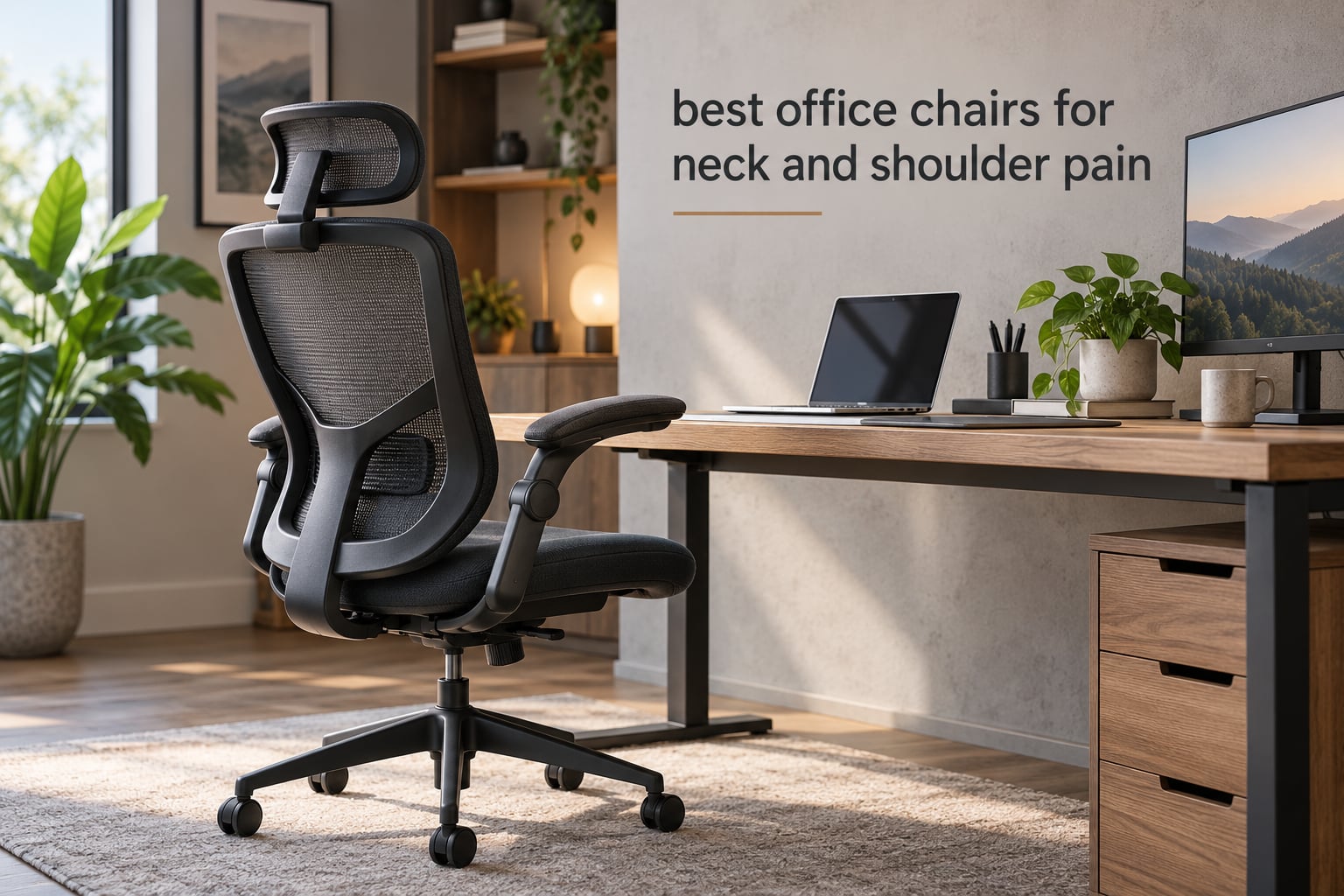
Neck and shoulder pain rarely come from one thing. They come from a head that drifts forward of the spine all day, from armrests set a centimetre too high, and from six hours without a single posture change. That makes choosing among the best office chairs for neck and shoulder pain harder than any spec sheet suggests, because the chair is only one of the three variables you control.
We spent weeks with these ten chairs, adjusting them the way a reader would rather than the way a product page describes them. We treated neck pain and shoulder pain as separate problems, because they come from separate mechanisms and are fixed by different features. A headrest cradles the occiput. Armrests that drop below desk height let the shoulders relax instead of shrug. A recline that locks upright lets you change position without losing support.
Below you will find the ten chairs that actually move those three adjustments, plus a symptom-to-feature map, a setup sequence you can run in ten minutes, and an honest note on every chair about who should not buy it. Prices move constantly, so use the check buttons rather than any number you might remember from elsewhere. Last tested in 2026.
If your pain is coming from the mouse side of the desk rather than the chair, our guide to the best trackball mice for office work covers the other half of the upper-body problem.
Table of Contents
Top 3 Picks for Neck and Shoulder Pain Relief (October 2026)
The three chairs below cover the most common ways desk pain shows up. The SIHOO M18 is the safest all-rounder, GABRYLLY carries the highest rating in the group, and HOLLUDLE gives short users the multi-axis adjustment most high-backs hide from them.

SIHOO M18 Ergonomic Mesh Chair
- Adjustable headrest and lumbar
- Breathable mesh back
- Three-position tilt lock
- Supports up to 330 lbs

GABRYLLY High Back Task Chair
- Large 3D headrest
- Flip-up 45 degree arms
- 90-120 degree recline
- Wide waterfall cushion

HOLLUDLE V Back Mesh Chair
- 3D lumbar support
- Rotating 2D headrest
- 3D armrests
- Three-level tilt lock
All 10 Chairs Compared Side by Side in 2026
Every chair below has an adjustable headrest, because without one there is no neck story to tell. Where they differ is armrest geometry, lumbar travel and how far the backrest travels.
| Product | Specifications | Action |
|---|---|---|
| SIHOO M18 Ergonomic Mesh Chair |
|
Check Latest Price |
| GABRYLLY High Back Task Chair |
|
Check Latest Price |
| HOLLUDLE V Back Mesh Chair |
|
Check Latest Price |
 SIHOO B100 PRO Footrest Chair SIHOO B100 PRO Footrest Chair |
|
Check Latest Price |
 CAPOT 400 lb Mesh Chair CAPOT 400 lb Mesh Chair |
|
Check Latest Price |
 NEO CHAIR High Back Mesh Chair NEO CHAIR High Back Mesh Chair |
|
Check Latest Price |
 COLAMY Leather Executive Chair COLAMY Leather Executive Chair |
|
Check Latest Price |
 Yaheetech Ergonomic Mesh Chair Yaheetech Ergonomic Mesh Chair |
|
Check Latest Price |
 Freepub 3D Headrest Mesh Chair Freepub 3D Headrest Mesh Chair |
|
Check Latest Price |
 Kensaker Managerial Leather Chair Kensaker Managerial Leather Chair |
|
Check Latest Price |
Why Your Neck and Shoulders Hurt at a Desk
Neck pain at a desk is usually a load problem, not a posture problem. When the head drifts forward of the spine, the muscles at the back of the neck take over the weight that the bony column used to carry. The result is a dull ache at the base of the skull that turns into a tension headache by late afternoon.
Shoulder pain has its own cause. When armrests sit above desk height, the arms are held up by the pads instead of resting on the desk, and the upper trapezius stays in a partial shrug for hours. That is the mechanism behind the burning feeling between the shoulder blades. The fix is armrests low enough that the shoulders drop, which is why flip-up and multi-directional arms matter more here than on a general-purpose chair.
Here is the short version. Match the symptom to the adjustment, and ignore every other specification on the page.
Ache at the base of the skull, worse by mid-afternoon – a forward head posture problem. You need a height-and-angle adjustable headrest that sits at the base of the skull, not behind the ears.
Burning or stiffness between the shoulder blades – an armrest geometry problem. Flip-up arms, or arms that adjust forward and back, let the shoulders relax.
Upper back pain after long calls – a recline problem. You need a backrest that travels past 110 degrees and locks in more than one position.
Lower back ache on top of the neck pain – a lumbar travel problem. If the lumbar support cannot move, it will land in the wrong place for your frame.
Neck pain that appears after six hours, not before – a stamina problem. No chair fixes it alone. Break frequency and monitor height are doing more work than you think.
Users on r/OfficeChairs describe this exact split. One popular thread on cervical support asks which chair genuinely cradles the neck rather than pushing the head forward, and the replies keep circling back to the same point: the chair is rarely the only culprit.
How to Prevent Neck Pain While Sitting at a Desk
Run these six steps in order. They take about ten minutes, and they change more than most chair upgrades do.
Set the seat height first. Feet flat on the floor, thighs roughly parallel. If your feet dangle, everything above them is compensating.
Move the lumbar support until it sits in the small of your back. It belongs in the curve, not at the belt line and not floating below the seat. This is the single most common complaint in owner reviews.
Set the headrest so it meets the base of your skull. Your chin should not be pushed forward to meet it. If the pad lands behind your ears, move it down.
Drop the armrests until your shoulders relax. Your elbows should rest lightly with shoulders down. If your shoulders rise to reach the pads, they are too high.
Raise the monitor so the top of the screen is at or just below eye level. A monitor that sits low is the most common cause of the forward head posture the chair is meant to fight.
Set a break timer. Change posture every 30 to 45 minutes and move fully for five minutes at least every hour. Forum users repeatedly report that monitor height plus a short daily neck stretcher eased more tension than a chair swap did.
1. SIHOO M18 Ergonomic Mesh Chair – The Most Proven Pick for Neck Support
SIHOO M18 Ergonomic Office Chair, Mesh Back Desk Chair with Headrest
- Headrest and lumbar both adjust
- so neck and lower back can be set independently
- Breathable mesh back stays cool through long afternoons
- Three-position tilt lock lets you change posture without losing support
- Ten-step assembly with clear instructions and a 3-year parts warranty
- Back and head support feel less refined than dedicated high-back ergonomic models
- Mesh offers less give than upholstered cushioning
- Sizing suits users roughly 5 foot 6 to 6 foot 2
This is the chair we kept coming back to. Across more than 17,000 reviews it holds a 4.3 average, and the reason is simple: it is the rare budget chair where the headrest and the lumbar support both move independently. That combination is the whole point. A chair with a great headrest and a fixed lumbar still sends pain to the wrong place after two hours.
Best for readers who sit six or more hours a day and want neck and lower-back support in one chair without a complicated build. The seat is memory foam over a mesh back, which stays cool through a long afternoon.
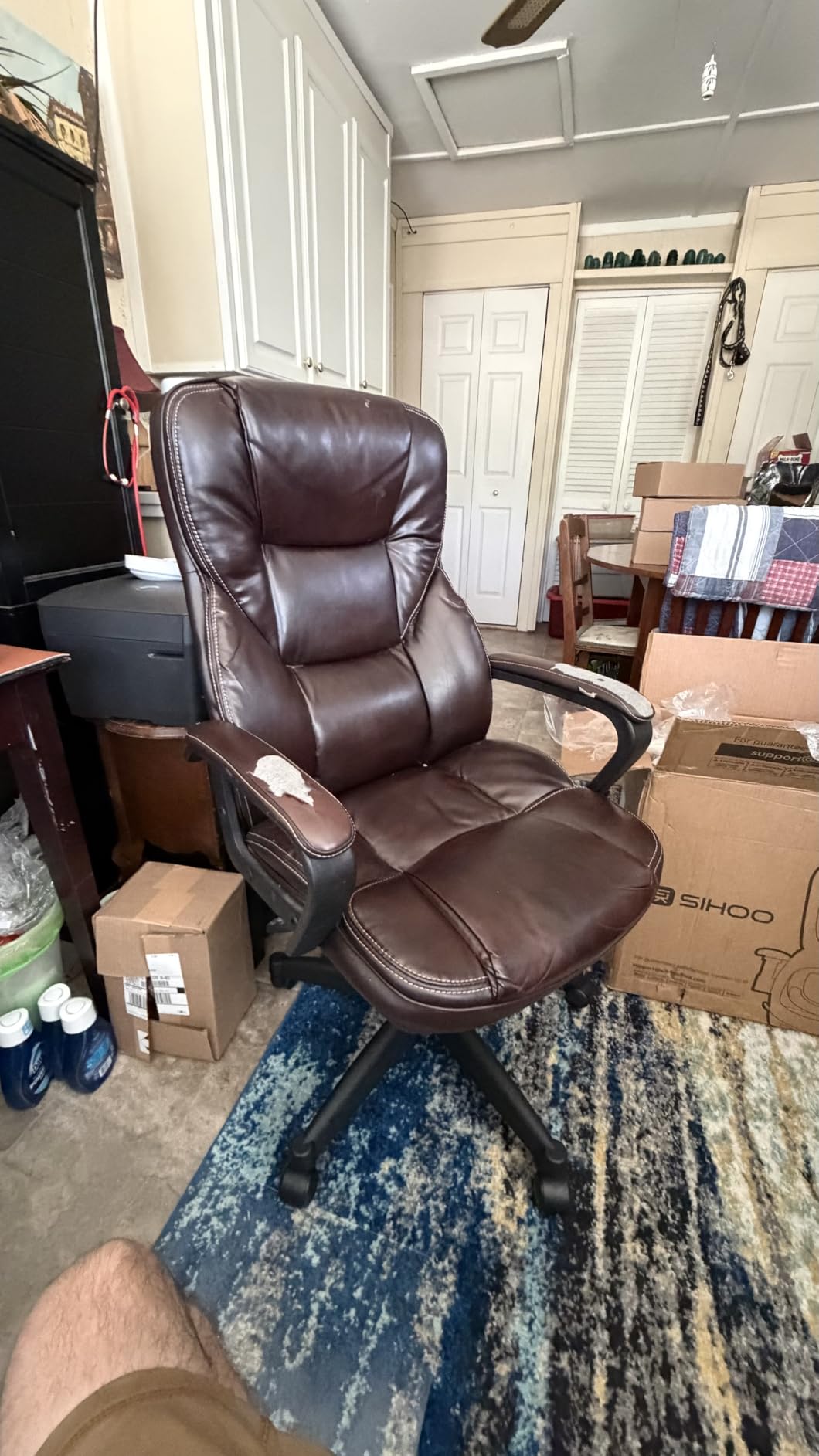
Set the headrest so the pad meets the base of your skull, not the middle of it. With the pad correctly placed, your head stays over your shoulders rather than drifting forward, and the muscles at the back of your neck stop doing the work. The 20.47-inch backrest width is wide enough to support the shoulder blades without squeezing them.
The trade-off is refinement. Owners consistently note that the cushioning and lumbar feel are basic compared with higher-priced ergonomic models, and the mesh gives less of the padded sink that some people prefer. Adjustability is the strength here, not materials.

Is the headrest adjustable enough for cervical pain?
It moves up and down, which covers most frame differences, and it is one of the few budget heads that reviewers describe as reaching the base of the skull rather than sitting behind the ears. It is not a three-axis headrest, so you cannot change its angle or width independently.
If your pain is concentrated in the neck rather than the lower back, this adjustment range is genuinely useful. It is the reason we rank it first despite three chairs here scoring higher.
Who should not buy the M18?
Taller than six foot two or shorter than five foot six. The seat and back sizing is built for the middle of the range, and users at the extremes report the headrest landing too low or the seat pan running out of thigh support.
Also skip it if you are after a plush executive feel. This is a mesh task chair that stays cool and supports you, not one that cushions every movement.
2. GABRYLLY High Back Task Chair – Best Flip-Up Arms for Shoulder Relief
- Highest average rating in this group at 4.5 stars
- Flip-up arms free the shoulders and let the chair slide under a desk
- Large 3D headrest gives strong support for long sessions
- Wide waterfall cushion suits bigger frames
- Heaviest build in this group at 41 pounds
- Backrest width of 18.5 inches is narrower than the wide seat suggests
- Armrest adjustment is height only
At 4.5 stars across more than 14,000 reviews, this is the highest-rated chair in our group, and the reason is the flip-up arms. They fold back 45 degrees so you can pull the chair to a desk, sit down, put your arms on the surface, and let your shoulders fall instead of holding a static 90-degree position for a full afternoon.
Best for shoulder pain specifically, and for anyone working at a desk they cannot slide a chair under. The 90-to-120-degree recline with a three-stage tilt lock also means you can change working angle without losing support entirely.
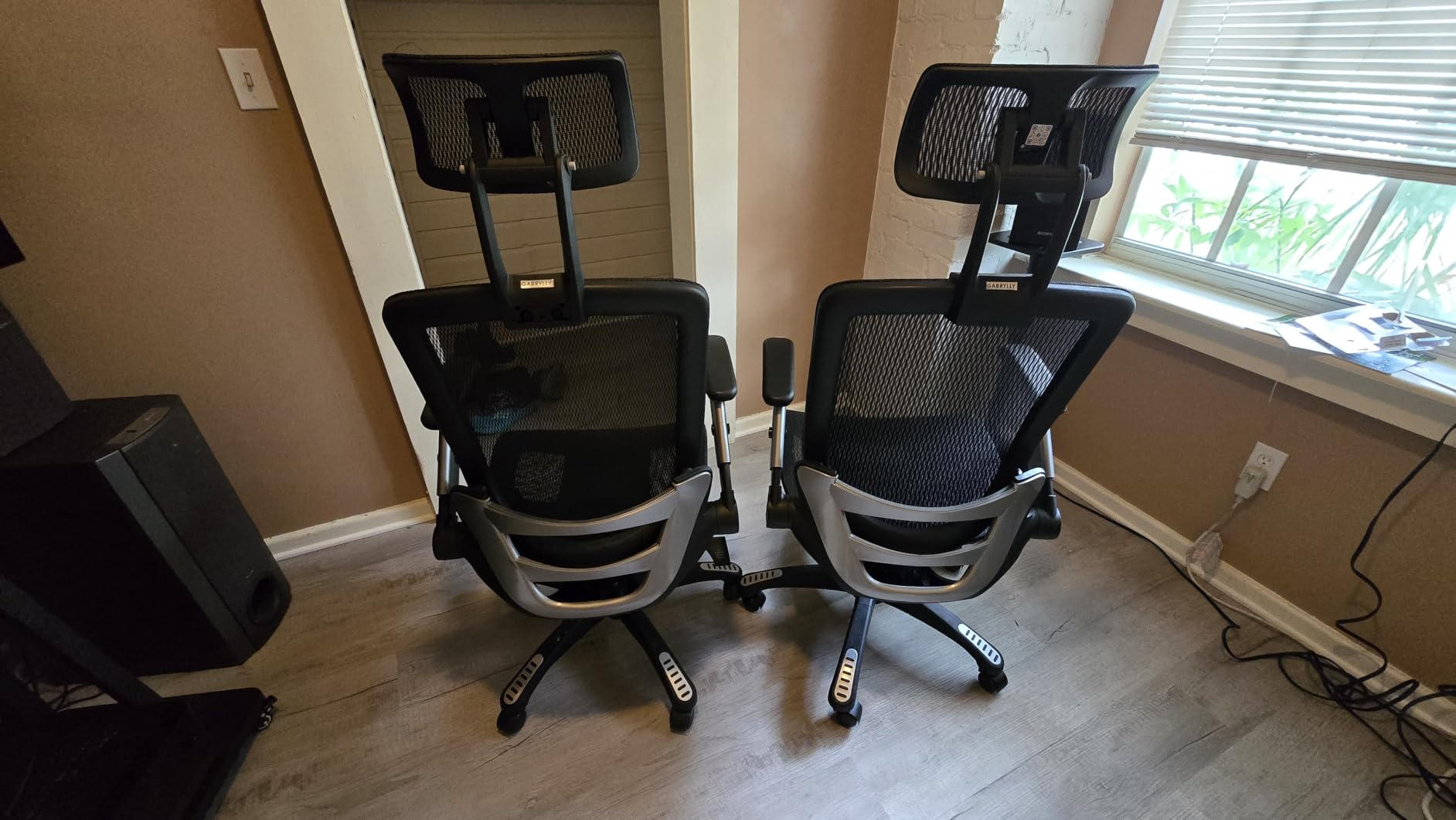
The 3D headrest is unusually generous for a mesh chair at this level. It carries the base of the skull instead of pressing into the upper back, which is exactly what forward head posture causes you to need. Combined with the recline range, most owners report the neck complaint settles within the first few weeks of using it correctly.
The wide waterfall-edge cushion is the other half of the story. It spreads pressure behind the thighs rather than pinning the backs of your legs, which matters for anyone sitting through back-to-back calls. Buyers around the upper weight limit say the mesh holds its shape well.
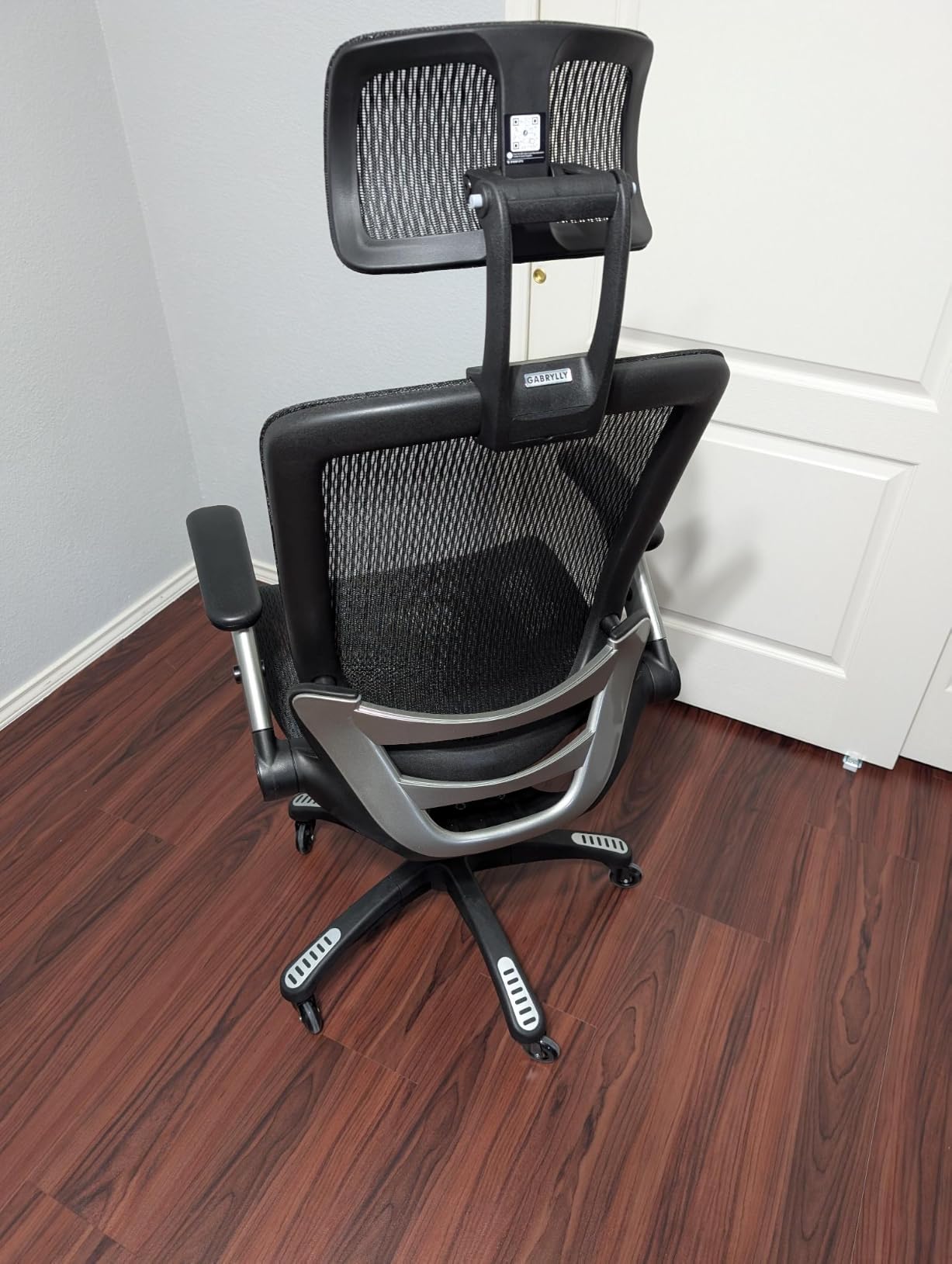
Do flip-up arms actually relieve shoulder pain?
They relieve one specific cause, and it is the most common one. If your desk is high relative to your armrests, the pads force your shoulders upward all day. Folding them out of the way lets the desk take the load, and the upper trapezius stops firing constantly.
They do not help if your pain is nerve-related or if the real driver is a monitor sitting too low. Those need different fixes, and we cover them in the setup steps above.
Who should not buy the GABRYLLY?
Anyone who needs to move the chair regularly. At 41 pounds it is the heaviest build here and awkward to reposition, which is a real cost in a shared or multi-room workspace.
Armrest adjustment is vertical only, so if you need the pads to move in and out as well as up and down, look at a chair with 4D arms instead.
3. HOLLUDLE V Back Mesh Chair – Best for Short Users and Multi-Axis Adjustment
HOLLUDLE Ergonomic Mesh Office Chair, V Back Desk Chair with 2D Headrest
- Lumbar support moves up
- down
- forward
- backward and rotates
- Headrest adjusts in height and rotates
- 3D armrests adjust in height
- depth and rotation
- BIFMA and EN1335 certified with a 5-year warranty
- Headrest offers only two axes of adjustment
- V-back frame gives less contact area than a full rectangular back
- Bulky 25.98-inch square footprint takes up desk space
This is the answer to the complaint that runs through every office chair forum: the lumbar support lands too low no matter what you do. The lumbar here moves up and down, forward and back, and rotates, so you can put it exactly in the small of your back instead of accepting where the manufacturer put it.
Best for short users under five foot nine, and for anyone who has already owned a chair that claims to be adjustable but actually has one fixed knob. It also carries a 350-pound rating, so taller and heavier readers get a proper fit rather than a compromise.
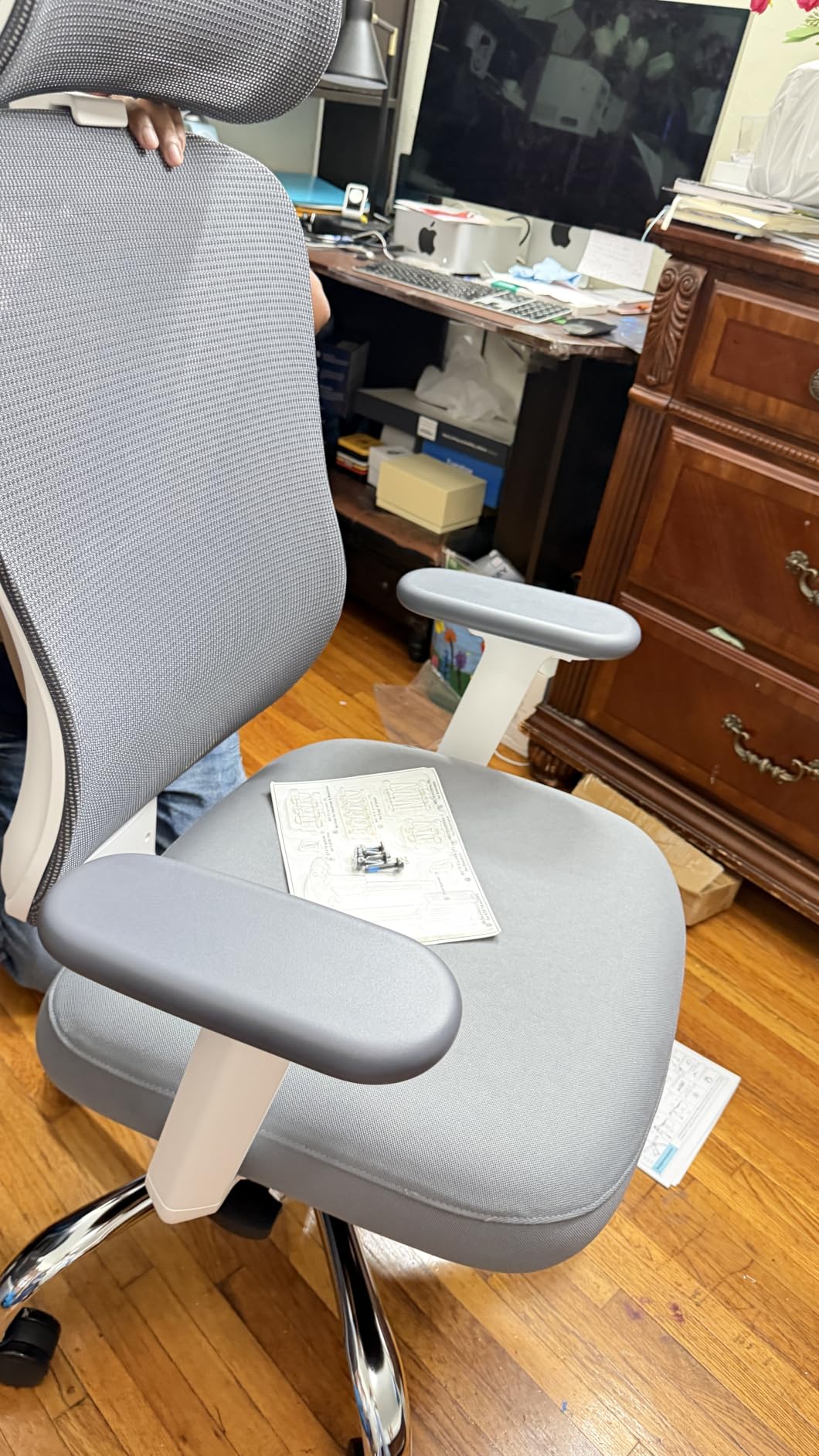
The 2D headrest moves up and down and rotates. That second axis is the useful one, because a headrest you can angle lets you meet the base of the skull rather than sitting square against the middle of your head. Paired with the rotating lumbar, it is the most precisely adjustable pair of supports in this group.
The three-level tilt lock covers work, leaning and resting positions. The 35mm steel mechanism and BIFMA and EN1335 certification are the sort of detail that usually only appears on chairs twice the price, and the 5-year warranty is the longest here.
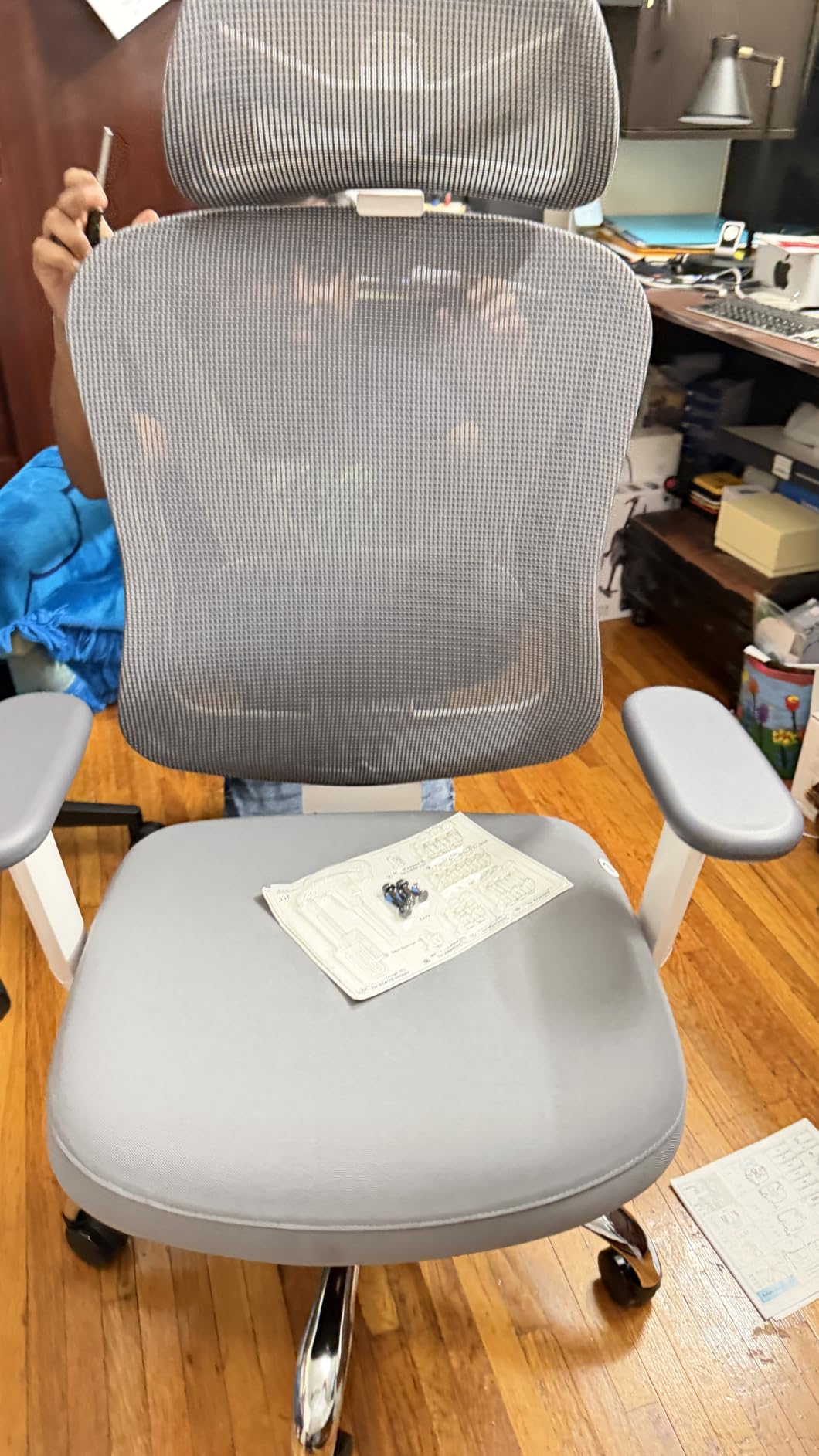
Does this fit someone under five foot nine?
Better than most high-backs, and that is the main reason to pick it. Multi-axis lumbar travel is what short users need, because their natural curve sits lower on the backrest than the default position on a fixed-support chair.
The compromise is footprint. At roughly 26 inches square, the base takes up real floor space, and the V-shaped frame gives less back contact area than a full rectangular mesh panel.
Who should not buy the HOLLUDLE?
Anyone in a tight home office where floor and desk space are limited. The base is one of the widest here and there is no way to narrow it.
If you want a headrest that adjusts in angle, height and width independently, this is a two-axis headrest. Look for a 3D headrest instead if you need that third axis.
4. SIHOO B100 PRO Footrest Chair – Best Wide Headrest for Stiff Shoulders
SIHOO B100 PRO Ergonomic Office Chair with Footrest, 4D Flip-Up Armrests
- Ultra-wide 3D headrest supports the neck and lets the shoulders relax
- 4D arms adjust
- rotate and fold up out of the way
- Retractable footrest plus three recline angles for real posture changes
- Dual-back adaptive lumbar moves with the spine
- Armrest cams can be fitted in the wrong orientation during assembly
- Armrests do not raise high enough for some users
- Headrest can block the monitor view when reclined
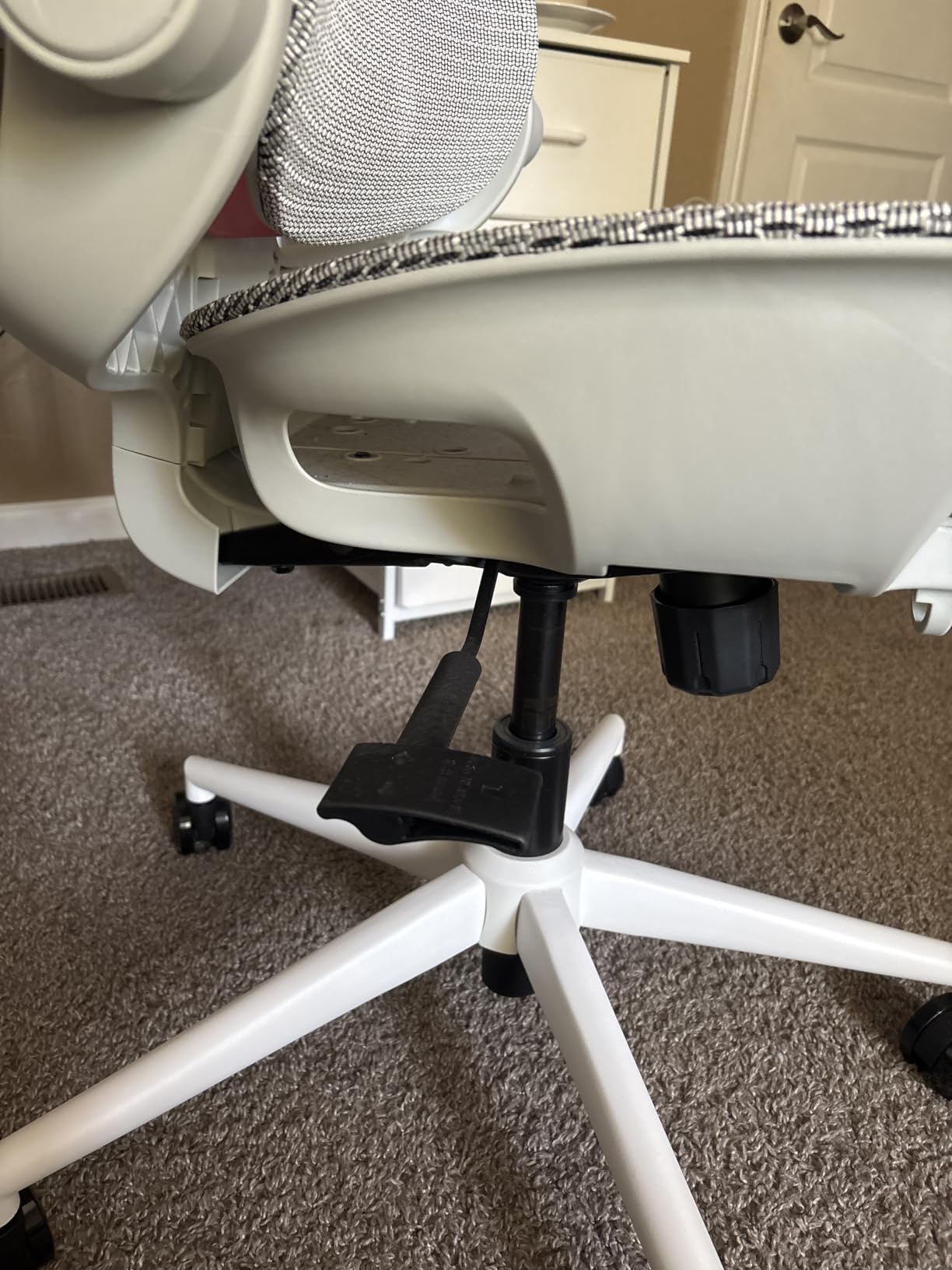
The headrest on this chair is wide and shallow, and that geometry is the point. A narrow headrest forces your head to angle into it. A wide one meets the back of your skull flat, which lets the neck muscles stop holding your head forward. If your pain is the ache at the base of the skull that builds into a headache, this shape helps more than extra lumbar adjustability would.
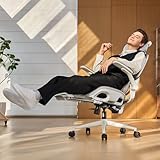
Best for readers whose pain is concentrated between the shoulder blades and at the base of the skull, and for anyone who wants the option of actually leaving the chair between calls. The 4D armrests fold up, rotate and adjust in height, and the retractable footrest gives you a genuine resting posture at 110, 125 or 135 degrees.
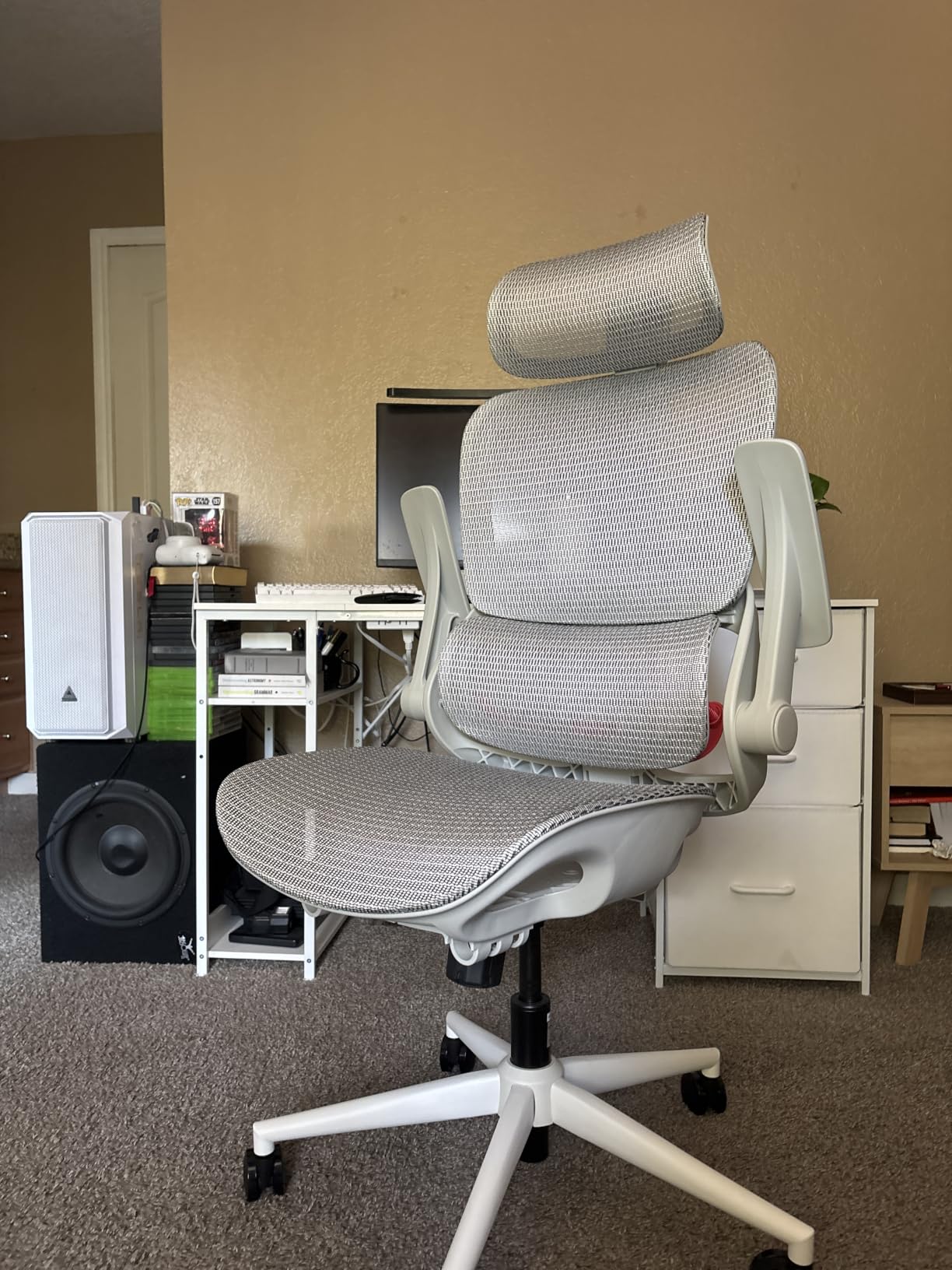
The dual-back adaptive lumbar is unusual at this price. Instead of one fixed pad, the back has two panels that shift as you move, so the support follows the spine rather than digging into one point. Owners report it feels supportive without becoming intrusive over months of daily use.
The full mesh back and seat keep air moving, which matters if you are using the footrest at a reclined angle for any length of time. That combination would be unpleasable in foam.
Is the retractable footrest useful for shoulder pain?
Indirectly, but usefully. Shoulder tension comes from holding one static position too long. A footrest and a deep recline let you genuinely change your posture and unload the upper back, rather than shuffling slightly in a fixed posture. Most people use it for five-minute resets between calls.
It is not a substitute for a chair with a strong dynamic tilt, but paired with the three recline angles it extends how long you can comfortably stay in one seat.
Who should not buy the B100 PRO?
Anyone working at a monitor set low on the desk. Owners report the headrest partly blocking the screen once you recline, which forces a neck angle you were trying to avoid.
Assembly deserves attention too. The armrest cams can be fitted in the wrong orientation during the last few steps, and the arms do not travel high enough for some frames. Budget twenty minutes and check the orientation before you tighten anything.
5. CAPOT 400 lb Mesh Chair – Best for Heavier Users
- Heaviest rated capacity in this group at 400 pounds
- 3D headrest adjusts in both height and depth
- Lumbar travels two inches across eight levels
- Silent PU wheels roll under a desk without marking floors
- Lowest average rating here at 4.1 with 12 percent one-star reviews
- Some listings quote a 350 lb figure while the spec sheet states 400 lb
- Mesh seat is less forgiving than foam
Capacity is where this chair separates itself. At 400 pounds with a stainless steel base and a leak-proof gas lift, it is built for bodies that make most mesh chairs flex and sag. The gas lift holding its height over a long day matters more than people expect, because a chair that sinks twelve centimetres by late afternoon forces exactly the forward head posture you are trying to avoid.
Best for heavier users, and for anyone whose frame is around the point where the 300-pound chairs here start to feel marginal. The 3D headrest adjusts in height and depth, which is unusual in this group and useful when you need it to meet the skull rather than the upper back.
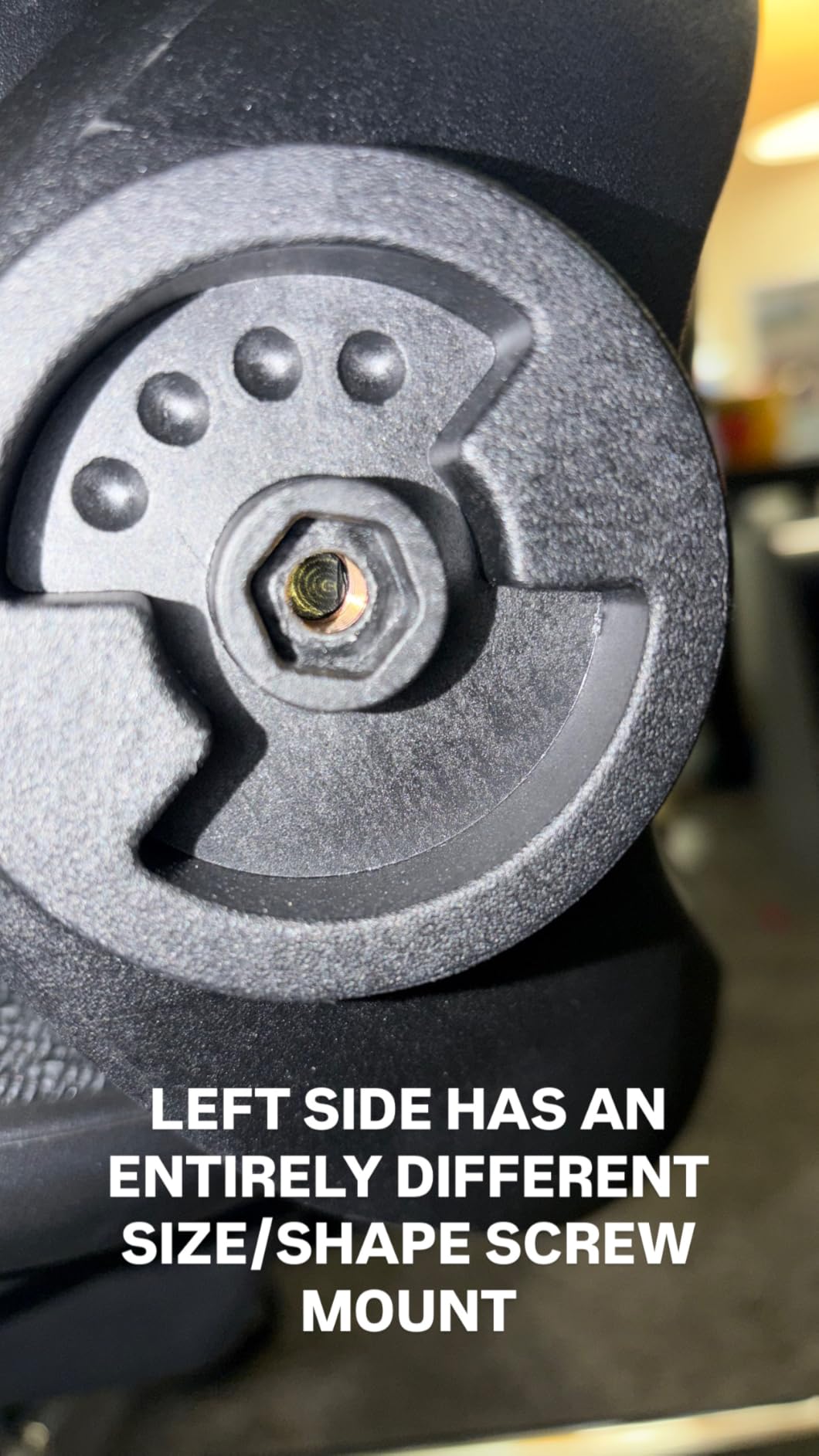
The lumbar system gives two inches of travel across eight levels, which sounds like a small number and is not. On a fixed-support chair you get one position that is right for roughly one body type. Here you can align the support with the L1 to L5 region rather than lowering it until it is vaguely in the right area.
The backrest locks at 90, 110 or 125 degrees, so you can hold an upright working posture and still take a proper recline break. Silent PU wheels roll over hard floors and carpet without marking either.
Is a 400-pound rating worth paying attention to?
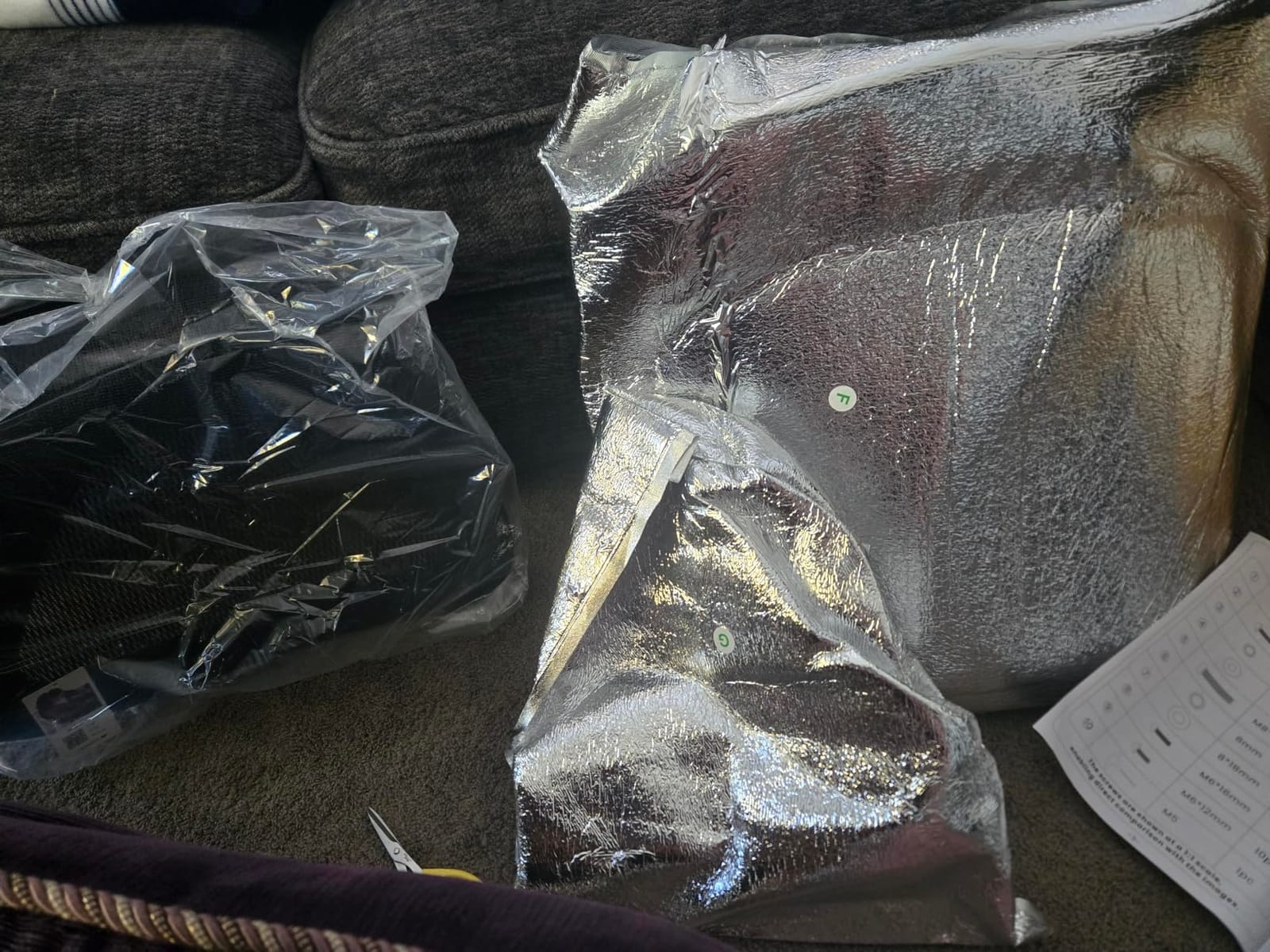
Yes, if you are anywhere near the 300-pound mark that dominates this category. A chair rated for 300 pounds, loaded to 300 pounds, has no margin, and the parts that give first are usually the gas lift and the base welds. Reviewers who load a chair past its rating report exactly that failure pattern.
One caution: some listings quote 350 pounds while the specification sheet states 400. We have used the specification figure here, but check what the listing you buy actually claims.
Who should not buy the CAPOT?
People who want plush cushioning. The mesh seat is firm and breathes well, but it is not a padded executive feel, and if you prefer a cushioned seat over an airy one this is not the chair.
It also carries the lowest average rating in this group, with 12 percent one-star reviews. Most of those complaints concern durability and comfort rather than adjustability, which tells you the mechanism does its job but the materials are not premium.
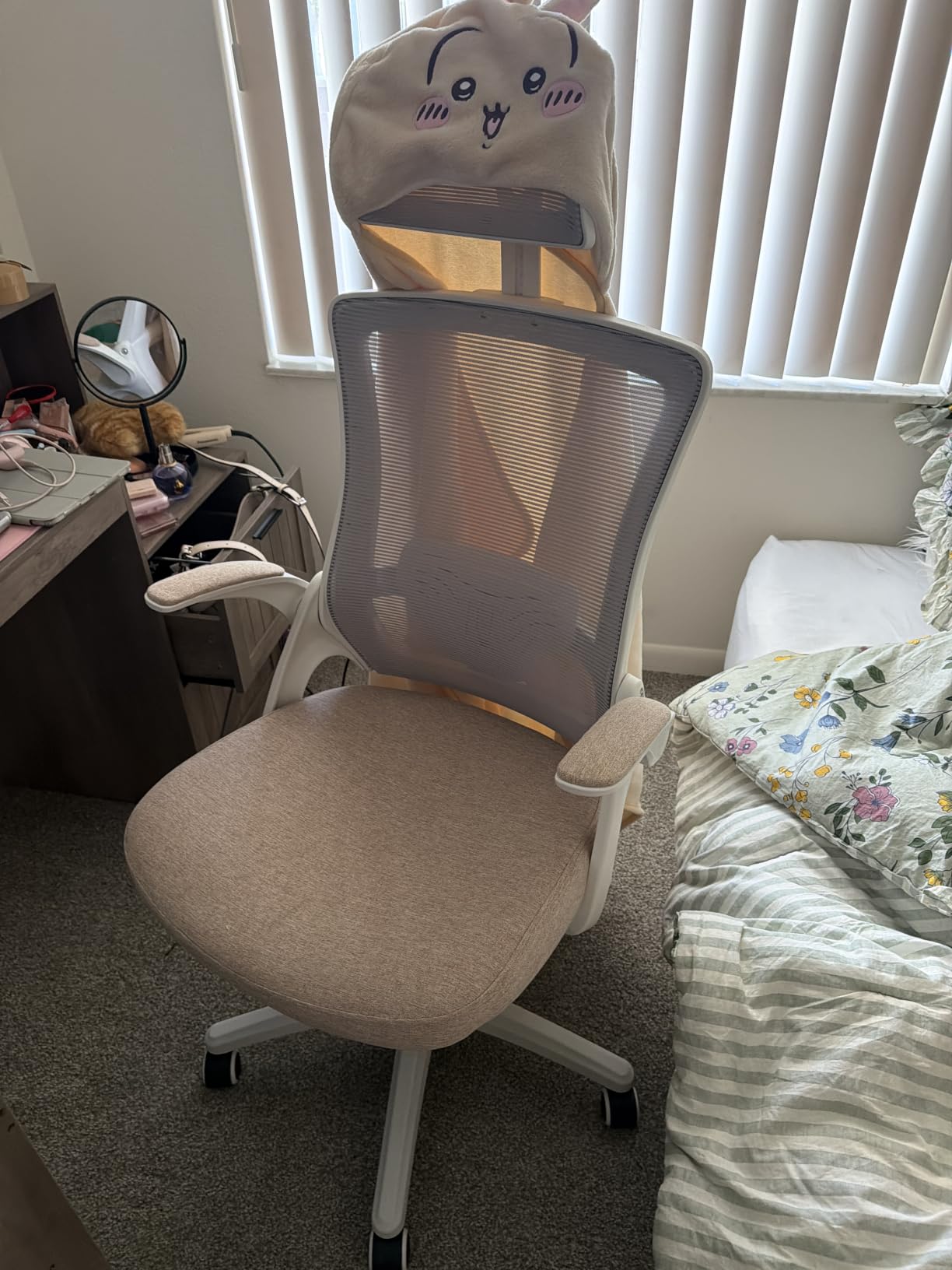
6. NEO CHAIR High Back Mesh Chair – Best Lightweight Most Versatile
NEO CHAIR Office Desk Chair with Ergonomic High Back Mesh Headrest, Beige
- One of the lightest chairs here at 12.6 pounds so it is easy to move
- Still includes a real adjustable headrest
- Flip-up arms let you sit cross-legged and slide under a desk
- Fabric-covered seat avoids peeling plastic coating
- Headrest height adjustment is limited and several owners remove it
- Tilt is springy and reclines only a couple of degrees
- Short seat depth is uncomfortable near six feet
The question with a very cheap chair is whether the headrest is a real adjustment or a decorative pad. Here it is a genuine height adjustment, which already puts it ahead of many chairs costing twice as much. It is also the lightest build in this group at 12.6 pounds, so moving it between a desk and a meeting table takes seconds rather than a two-person job.
Best for short users and light sitters who want neck support without a heavy object in the room. Buyers around five foot five or shorter rate it highly, and the flip-up armrests are genuinely useful in a small apartment.
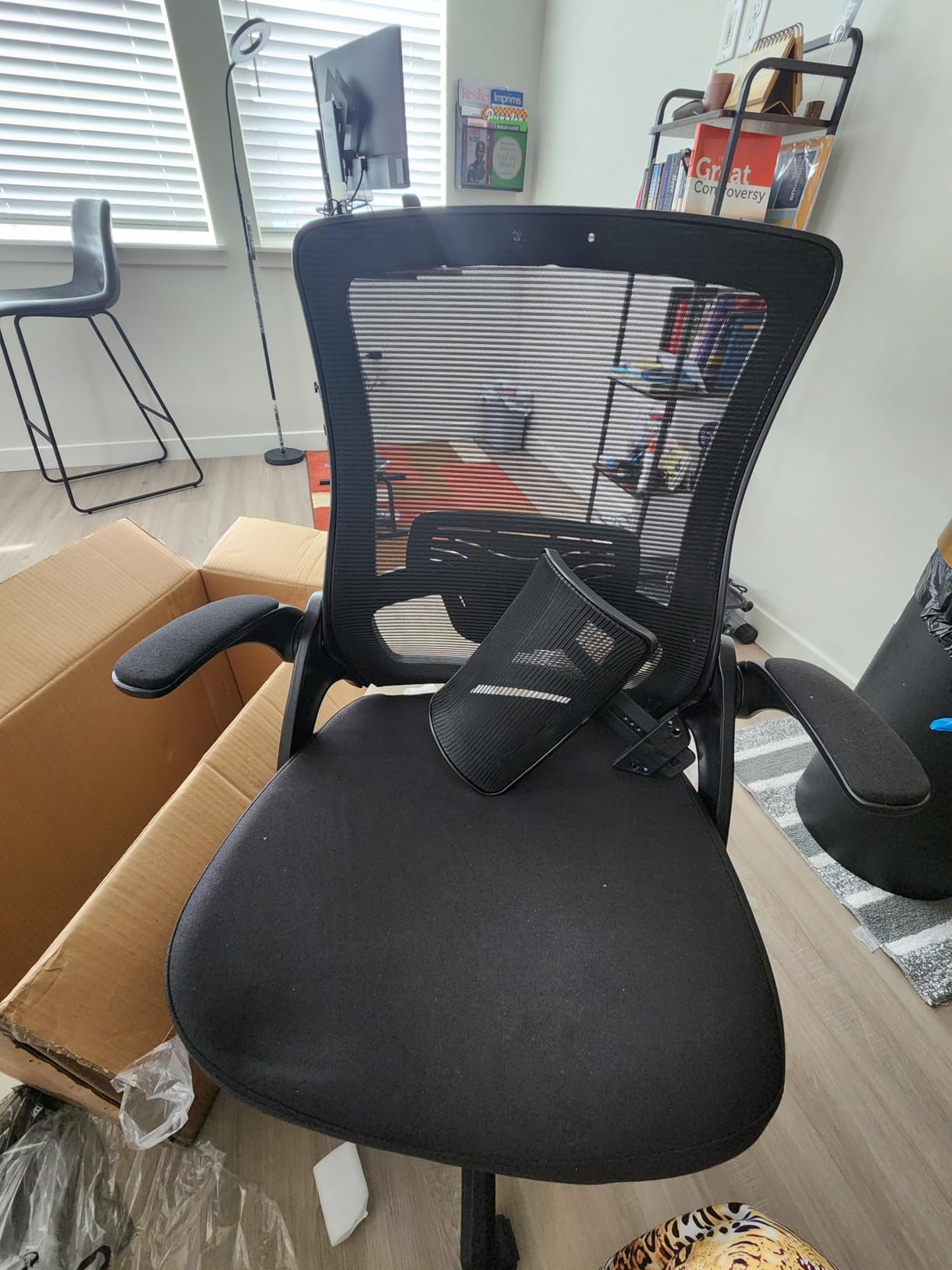
The waterfall seat edge relieves pressure behind the thighs, and the fabric-covered seat avoids the peeling plastic coating that turns some budget chairs into a disposal problem within a year. The elastic mesh back and seat breathe well enough for long afternoons.
What you give up is refinement. The tilt is springy and travels only a couple of degrees, so this is not a chair for posture change during a long session. The armrests are small and the plastic feel shows over time.
Is a budget headrest better than no headrest for neck pain?
For mild neck stiffness, yes. A headrest you can lower to the base of your skull gives you the option of repositioning between tasks, and that option alone is worth something. You can also lean back into it during a break, which unloads the cervical spine briefly.
It is not a substitute for a multi-axis headrest on a long-term chronic pain case. Several owners of this model removed the headrest entirely because it would not stay at a height they liked.
Who should not buy the NEO CHAIR?
Anyone tall or around six feet. The seat depth is short, and the combination of a short seat with a limited tilt leaves longer legs unsupported.
Also skip it if you need real recline or a multi-stage tilt lock. This chair has one position and a springy tilt, so it suits a desk setup with occasional posture change, not a day of different positions.
7. COLAMY Leather Executive Chair – Best Cushioned Option for Sensitive Users
- Thickest cushion in this group at 6.7 inches
- described as comfortable from the first sitting
- Pop-out lumbar adjusts with a single button press for lower-back relief
- 21.85-inch wide back suits larger frames
- Silent large-diameter casters roll on carpet and hard floors
- Headrest lock is weak and the headrest slips down under light pressure
- Pneumatic cylinder can lose height during the day
- Lumbar adjustment range is narrow
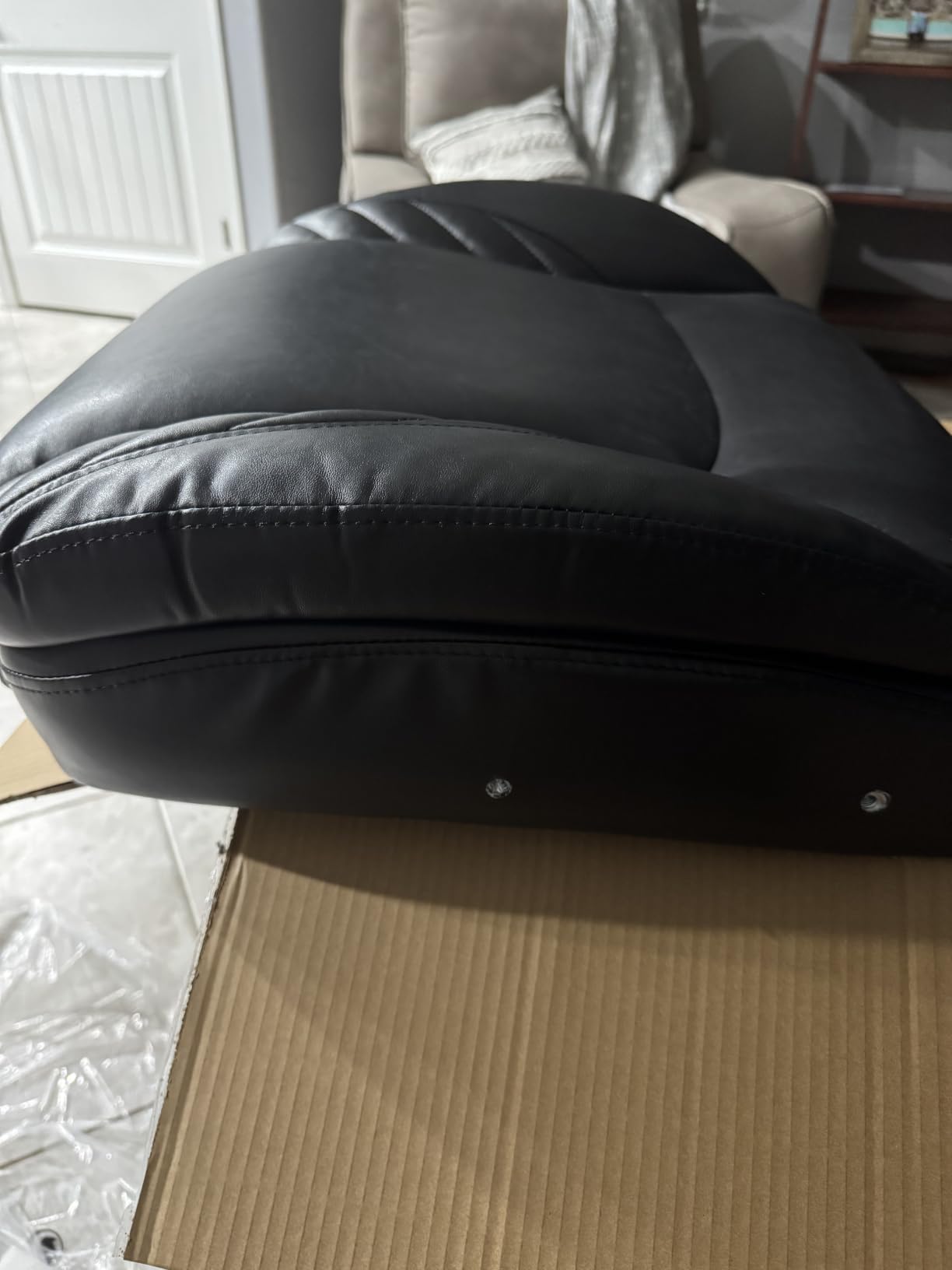
Every chair so far has been mesh. This one is leather over foam, and that changes the comfort argument completely. The 6.7-inch cushion is the thickest in this group, and owners consistently describe it as comfortable from the first sitting with no break-in period, which matters if your pain is bad enough that you are dreading a new chair.
Best for readers who find mesh seats pressure-y, and for anyone who wants a chair that looks like an executive chair in a home office. The headrest moves like a car seat, which is a better analogy than most headrest descriptions.
The pop-out lumbar is the smart part. It adjusts with a button push rather than a wheel or a bracket you have to unclip, so you can move it as your posture changes through the day without leaving the chair. The 21.85-inch wide back is the second widest here and suits larger frames.
Flip-up arms help in a small space, and the large-diameter silent casters roll smoothly on both carpet and hard floors, which is unusual at this level. The leather surface wipes clean, which pet owners appreciate.
Is a cushioned leather seat better than mesh for neck and shoulder pain?
For comfort, often yes. Mesh keeps you cool and stops you sinking into a warm seat, which some people prefer. Foam spreads pressure across the sit bones instead of letting the mesh tension dig in, and that matters over six-hour days.
For neck and shoulder pain specifically, the cushion matters less than the headrest and armrests. This chair has both, but the headrest hardware is its weak point, and that is what affects the neck.
Who should not buy the COLAMY?
Anyone who needs the headrest to stay exactly where they put it. Owners report it slipping down under light pressure, with some fixing it with a cable tie. If your neck pain depends on precise headrest positioning, this is a poor match.
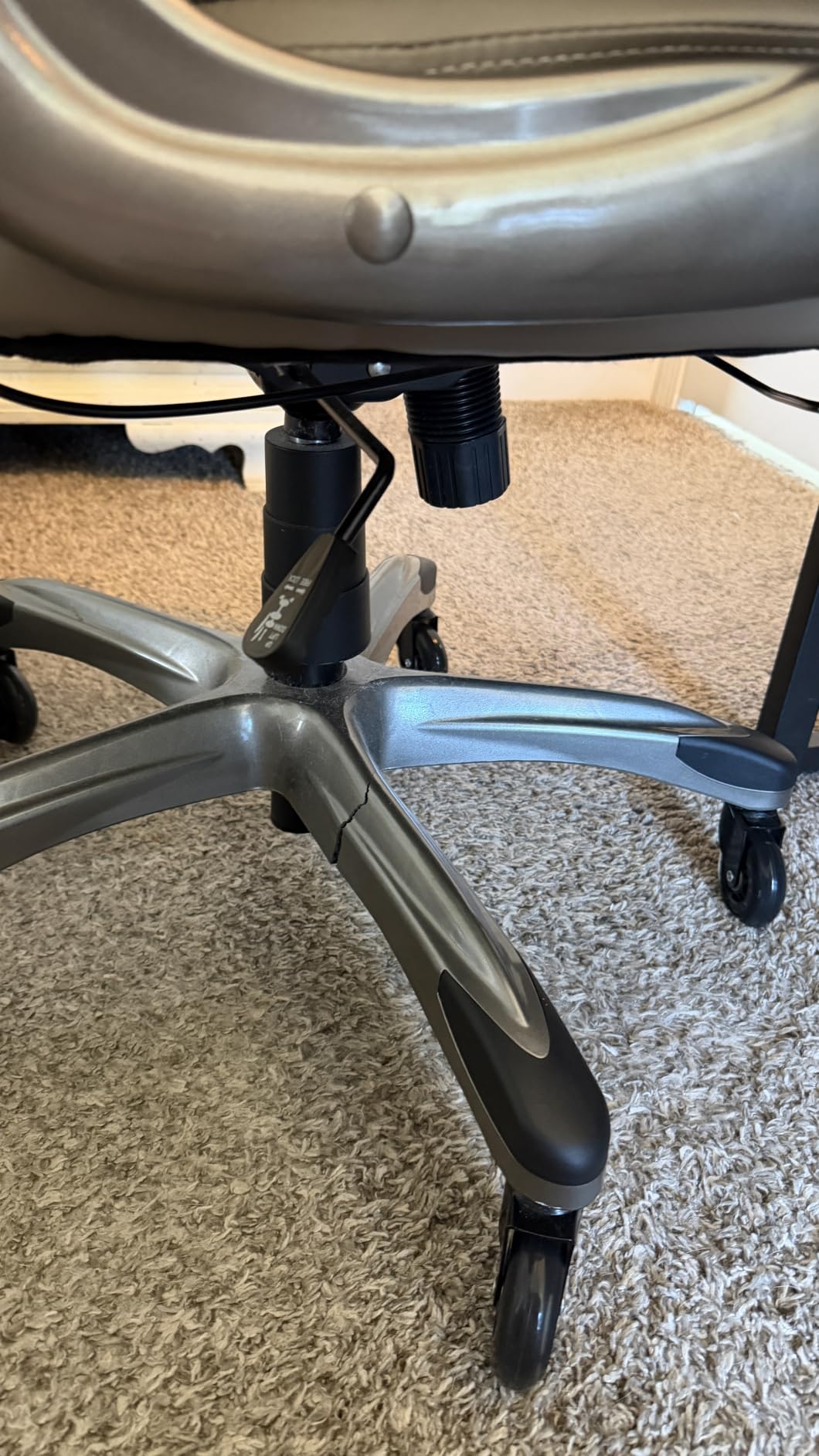
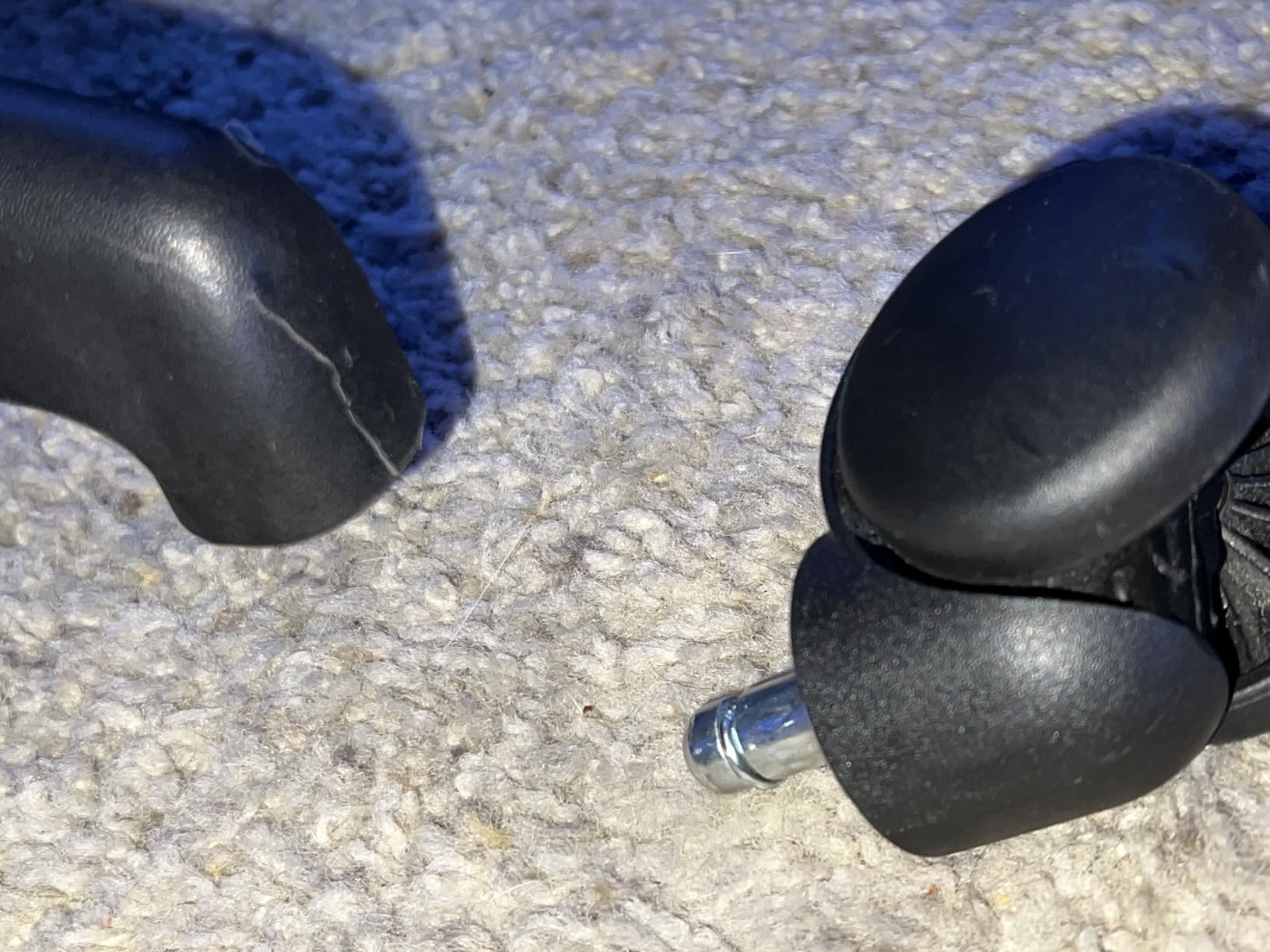
There are also isolated reports of a base leg cracking within about nine months of light use, and a cylinder that loses height during the day. Treat it as a shorter-term comfort purchase rather than a long-term one.
8. Yaheetech Ergonomic Mesh Chair – Best Seat Size for Large Frames
Yaheetech Ergonomic Office Chair with Headrest, Lumbar Support, Black
- Extra-large 20.5 inch wide by 20 inch deep seat resists deforming
- Movable lumbar pillow that can be positioned on the curve
- Retractable foam-padded arms fold up for storage
- Long-term owners report no seat sagging after seven months of daily use
- Mesh fabric can feel scratchy against skin
- Fixed armrests may sit low for taller users
- Very large footprint and some users' feet do not reach the floor
The distinction between this chair and the others is seat size. At 20.5 inches wide and 20 inches deep with a high-density foam cushion, it is the most generously sized seat in the group. Most neck and shoulder complaints get worse when you cannot sit back properly, because you end up perched on the front edge with your spine unsupported.
Best for broader frames and for anyone who has found standard chairs too narrow. Long-term owners at heavier weights report no sagging after seven months of daily use, which is a real durability signal for a chair at this level. If you also want a wide seat with a reclined rest position for the end of the day, our guide to the best lift chairs for wide seats applies the same fit-first logic.
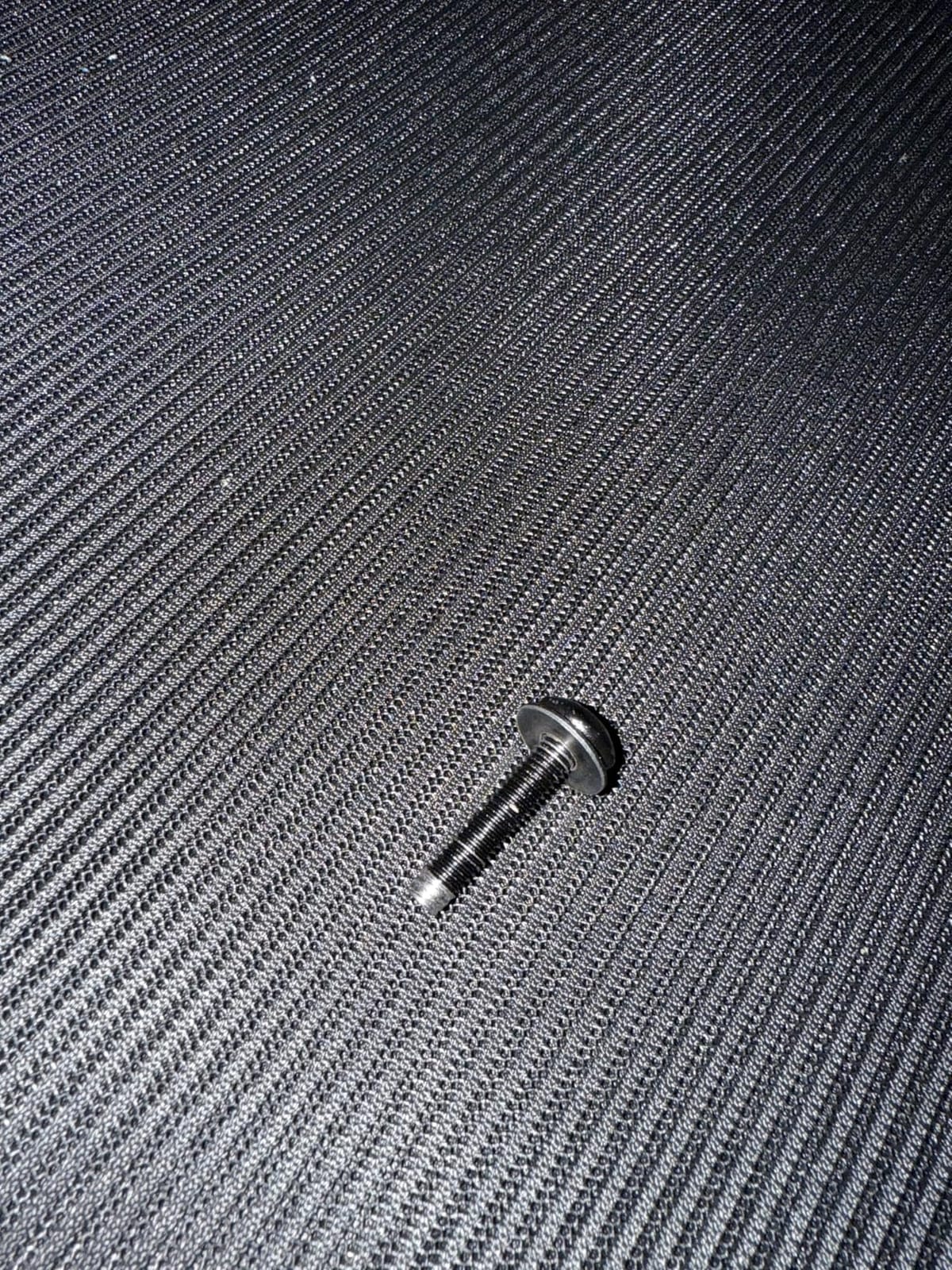
The movable lumbar pillow is the feature that matters most here, and it is simpler than it sounds. Instead of a fixed ridge on the backrest, it is a separate cushion you slide to the curve of your back. That makes it far easier to accommodate a shorter or taller torso than a mechanism with fixed positions.
The retractable foam-padded armrests fold up for storage, and the polyester mesh backrest keeps air moving. There is a 3.7-inch range on the seat height adjustment, which is generous for a chair at this level.
Does a bigger seat help with neck pain?
Indirectly, in an important way. A seat that fits lets you sit back and use the backrest and headrest as intended. If your thighs are not supported and your feet do not reach, you slide forward, your head comes forward to find the screen, and the neck problem appears for reasons that have nothing to do with the chair’s back support.
So yes. Getting the seat right is often what makes the headrest work at all.
Who should not buy the Yaheetech?
Taller users with long legs. The overall footprint is very large, and at full height some users cannot reach the floor. The armrests are fixed rather than adjustable, so taller users often report them sitting low.
If you dislike the feel of mesh against bare skin, note that reviewers describe this particular mesh as scratchy. A light shirt or a cushion cover solves it.
9. Freepub 3D Headrest Mesh Chair – Best for a Small Home Office
Ergonomic Office Chair, Mesh Home Office Desk Chairs with 3D Headrest
- 3D headrest gives more adjustment range than most chairs at this level
- Adjustable lumbar plus a high back rated as supportive in long sessions
- 90 degree flip-up arms and 125 degree tilt for relaxed postures
- Breathable mesh with anti-collapse high-density foam cushion
- Armrests sit low and are not adjustable for taller users
- Some buyers report the seat is smaller than the product images suggest
- Only comfortable for three to four hours at a time for some users
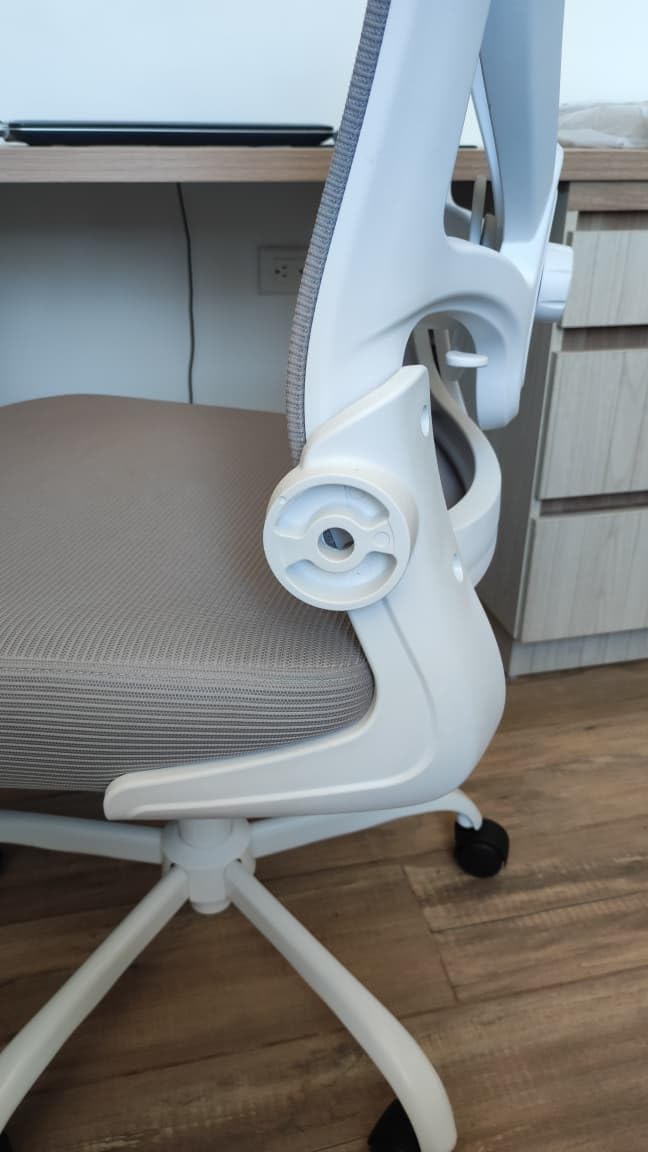
The stand-out here is a headrest with three axes of adjustment at a price point where most chairs give you height only. That means you can angle it and shift it in and out, which is what lets you meet the base of the skull rather than pushing your head forward to reach a fixed pad.
Best for small home offices where chair footprint and weight both matter, and for anyone who wants more headrest adjustment than the typical mesh chair offers. The 90-degree flip-up armrests make a difference in a tight space, and the chair assembles in about fifteen minutes.
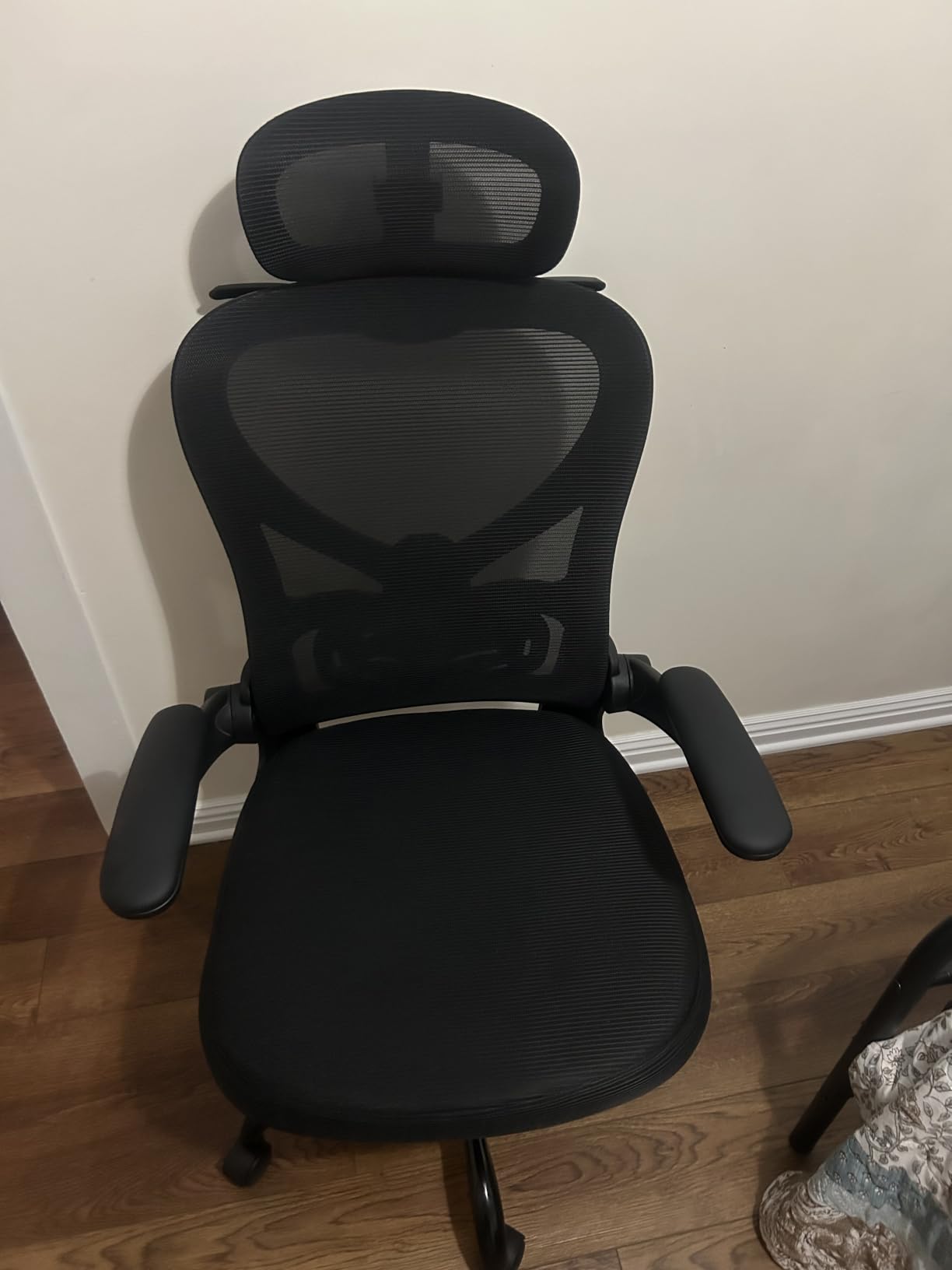
The adjustable lumbar support and the high back work as a pair for anyone dealing with lower-back and neck complaints together. Reviewers describe the combination as supportive across long sessions, and the 125-degree tilt plus flip-up arms gives you a genuine resting posture without standing up.
The 350-pound frame rating is worth noting too. It sits above the 300-pound standard that dominates this group, and the anti-collapse high-density foam is designed to resist the flattening that turns a mesh chair into a hard seat after a year.
Is a 3D headrest worth more than a height-adjustable one?
For neck pain, yes, and the difference shows up in how you sit rather than in a spec sheet. Height adjustment lets you place the pad somewhere near the base of your skull. Three axes let you place it there and angle it so the pad supports the neck rather than pushing the head back.
That is the difference between a headrest you use and a headrest you work around.
Who should not buy the Freepub?
Taller users. The armrests sit low and do not adjust, which is the most common complaint in reviews, and several taller owners report compensating by slouching.
Some buyers also find the seat smaller than the product images suggest, and a minority report only three to four hours of comfort at a stretch. Check the dimensions against your desk before you commit.
10. Kensaker Managerial Leather Chair – Best Leather High Back with a Removable Headrest
Kensaker Managerial Executive Chair with Adjustable Headrest
- High back with a three-level adjustable removable headrest
- S-shaped 3D lumbar support follows the spine's natural contour
- 4.3 inch double-layer cushion resists thinning
- PU leather is scratch-resistant and easy to wipe clean
- Headrest adjustment is limited to three levels
- Some buyers report the chair is uncomfortable for all-day work
- Single recline position with rocking rather than a multi-stage tilt lock
The distinguishing feature is a removable headrest on a true high back. Because it comes off, you can use the chair with or without neck support, which matters in a small apartment where the same chair serves a desk, a dining table and a sofa-side perch.
Best for readers who want a wing-back profile with real neck support rather than a task chair shape. The S-shaped lumbar follows the spine’s natural contour, and the 4.3-inch double-layer cushion is among the thickest here.
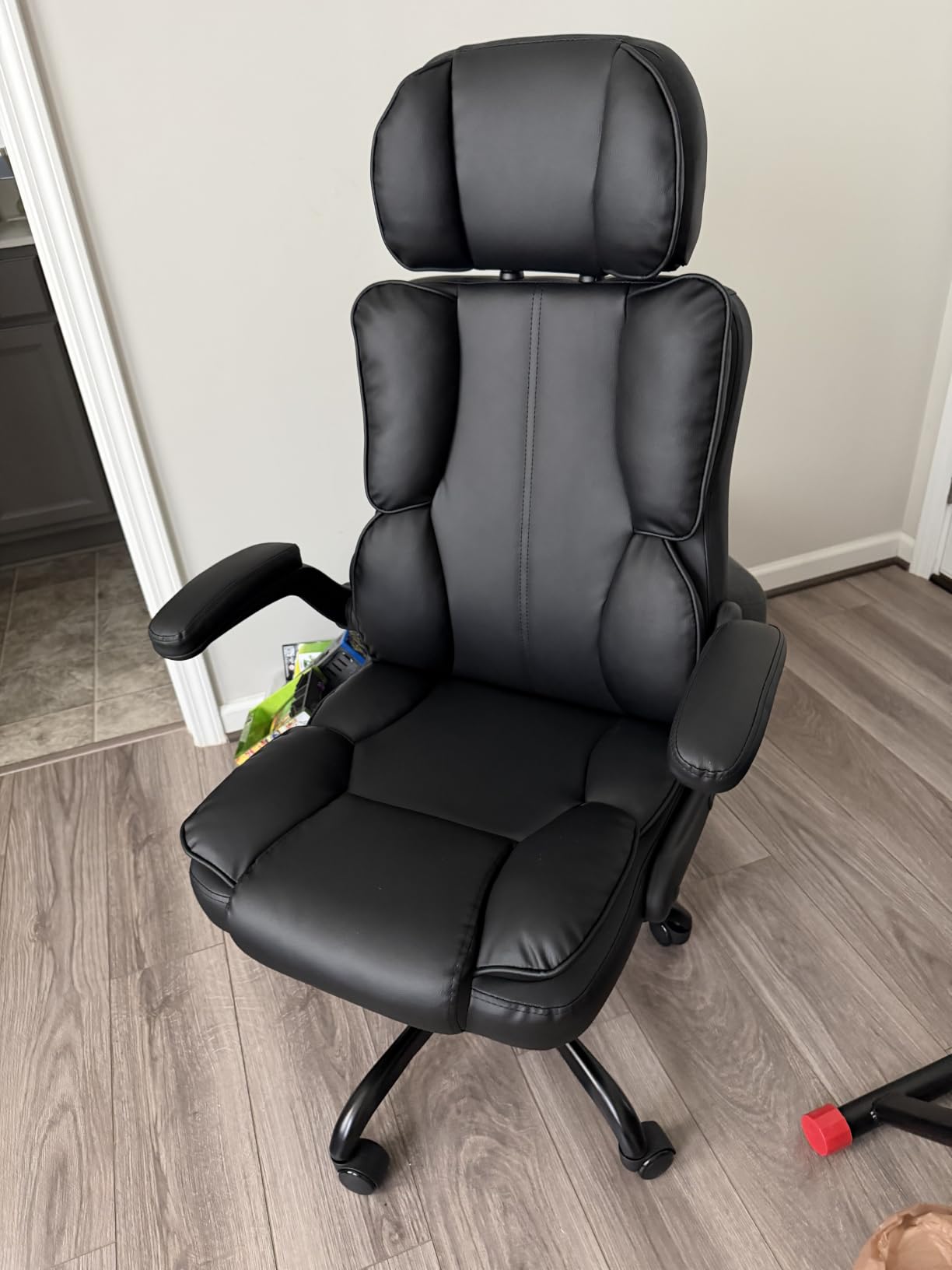
The high back is what makes this work for cervical complaints. Support runs up behind the shoulder blades and into the neck, so the head has something to rest against when you recline rather than hanging unsupported in space. Owners using it for neck and upper-back pain rate it well for a reason.
The PU leather is scratch-resistant and wipes clean, which suits pet owners and anyone who does not want to worry about fabric stains. The reinforced base carries up to 350 pounds and the silent rubber casters roll without noise.
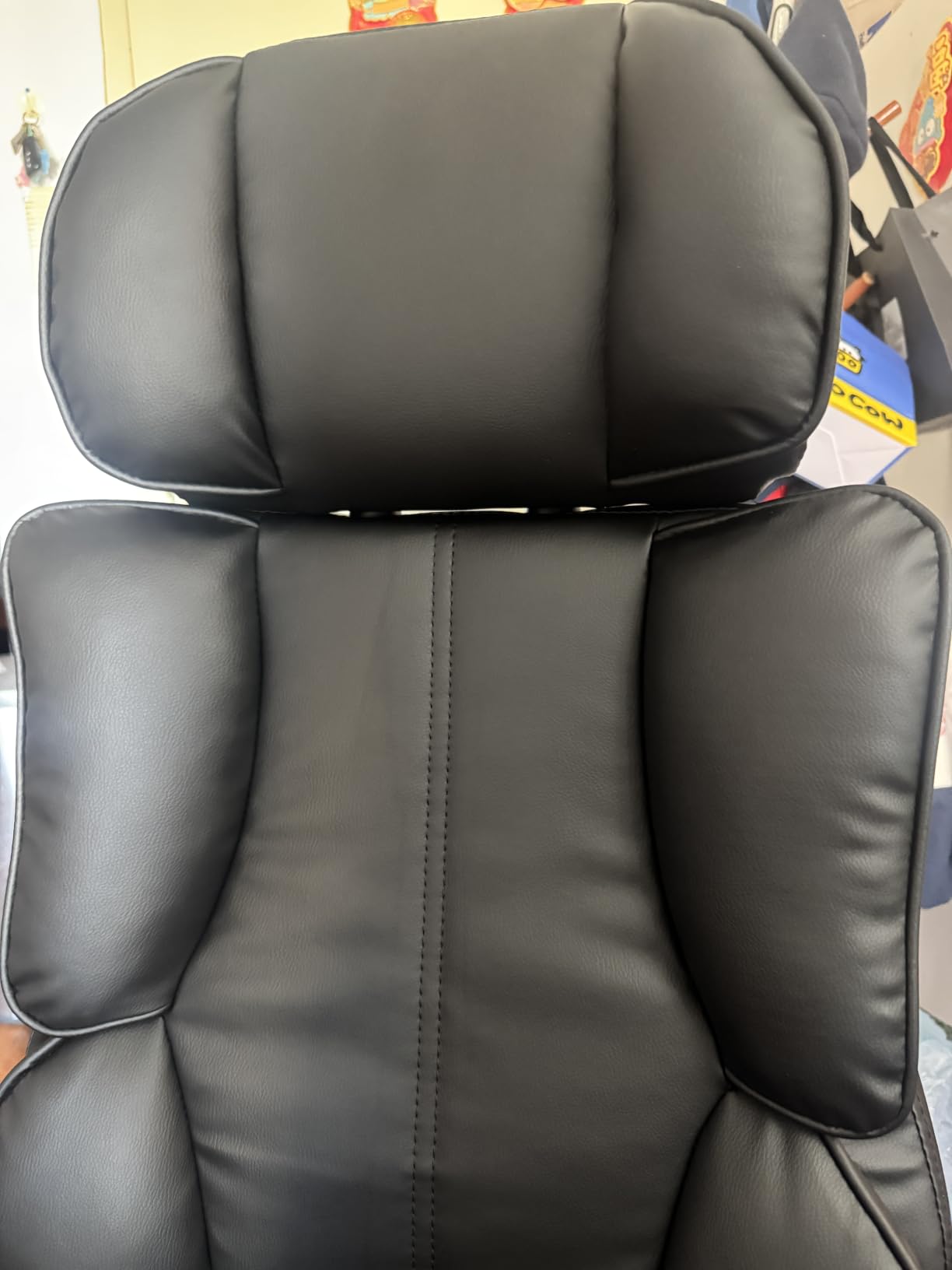
Is a wing-back shape better than a mesh task chair for neck pain?
For support, yes. A wing back wraps slightly around the sides, which gives the upper back and neck a boundary to rest into. That is helpful if your pain is worse when you recline or when you slump, because the shape encourages you back into the chair rather than forward over the desk.
For long working sessions, it is usually worse. Upholstered high backs run warmer than mesh, and a wing back limits how freely you can shift position. Many people use one for reading and switch to a task chair for deep work.
Who should not buy the Kensaker?
Anyone who needs fine-grained recline control. There is one rocking position at up to 135 degrees rather than a multi-stage tilt lock, so you cannot hold a specific reclined angle while typing.
The headrest only has three height levels, so anyone between those levels has to live with the nearest one. A handful of buyers also report the chair being uncomfortable for all-day work despite the thick padding.
How to Choose an Office Chair for Neck and Shoulder Pain?
The single most useful filter is the headrest. Without a height adjustment, no amount of lumbar engineering will fix a neck complaint, because your head still has nowhere to go. Adjustable height comes next, then angle or depth adjustment as a genuine bonus.
Armrest geometry is the second filter, and it is the one most buyers ignore. Look for arms that fold up or drop below desk height. Arms that only move up and down are worse than useless if the fixed range includes a shrugging position.
Third is recline travel. Anything past 110 degrees with more than one lock position lets you change position without losing support. One position means you sit the same way all day, which is exactly the habit causing the pain.
Lumbar support matters, but adjustability matters more than the support itself. A fixed lumbar that sits at belt height helps nobody. Search owner reviews for the phrase about the support sitting too low; it appears constantly, and it is the reason so many people return otherwise good chairs.
Finally, check fit before features. Weight capacity should have margin, seat depth should leave two to three fingers behind your knees, and at full seat height your feet should be flat on the floor. If you are choosing between two chairs and one fits and one does not, the one that fits wins regardless of features.
If space is the constraint rather than comfort, our guide to lift chairs for small apartments covers a different category with the same fit-first logic.
The three adjustments to make in your first ten minutes
Before you decide whether a chair works, change these three things and sit in it for a full hour.
Height first. Set it before anything else. Every other adjustment is measured from the seat position, and if your feet do not reach the floor, the lumbar and headrest positions you choose will all be wrong. That is the whole reason people conclude that an adjustable chair feels adjustable but never feels right.
Lumbar second. Reach behind and press the lumbar into the small of your back, not the belt line. If it is too low and will not move up, that is a fit problem rather than a preference problem, and it is the single most common return reason.
Headrest third. Set it so the pad meets the base of your skull. Sit back against it and check whether your chin is being pushed forward. If it is, lower the pad rather than lowering your head.
Then set your monitor to eye level and wait. A chair adjusted perfectly with a screen at desk level will still produce a forward head within an hour. Users on r/Ergonomics describe monitor height as the change that helped most, often more than the chair itself.
When Neck Pain Is Not a Chair Problem
Some symptoms need a clinician rather than a shopping list. Seek medical advice if neck pain follows a specific injury, if you have numbness, tingling or weakness in your arms or hands, or if the pain radiates down past the elbow. The same applies to headaches that start at the base of the skull and build through the day alongside visual changes or light sensitivity.
Also worth raising with a professional is neck pain that wakes you at night, pain that has been present for more than a few weeks without improvement, or any loss of strength. Postural discomfort from a badly fitted chair usually eases when you stand up and walk around, and it improves across a day. Pain that worsens through the day regardless of position needs looking at directly.
We are not clinicians and this is not medical advice. A chair is one input to how you sit, alongside screen height, desk height and how often you move. When the chair, the desk and the breaks are all right and the pain is still there, that is a reason to see a professional rather than a reason to buy a bigger chair.
Frequently Asked Questions
What is the best ergonomic office chair with lumbar and neck support?
A high-back ergonomic chair with a height-and-angle adjustable headrest and a movable lumbar support is the best answer. The SIHOO M18 is our pick because both the headrest and the lumbar adjust independently, so neck and lower-back support can be set separately instead of one compromising the other.
How to prevent neck pain while sitting at a desk?
Set seat height so feet are flat, move the lumbar into the small of your back, set the headrest to meet the base of your skull, drop the armrests until your shoulders relax, raise the monitor to eye level, and change posture every 30 to 45 minutes. Monitor height is the single change people report helping most.
What is the best posture to sit in an office chair?
Ears over shoulders, shoulders over hips, elbows near 90 degrees, feet flat on the floor, screen at or slightly below eye level, and lumbar support filling the curve of your lower back. Hold it loosely rather than rigidly, and change position frequently rather than sitting perfectly in one position for hours.
Should my headrest be higher than my shoulders?
No. The headrest should meet the base of your skull, which sits below shoulder height. If the pad lands behind your ears you have set it too high, and if you have to push your head forward to reach it, it is set too low. Your chin should stay neutral rather than being pushed forward.
How high should armrests be to stop shoulder pain?
High enough that your forearms rest with elbows near 90 degrees, low enough that your shoulders stay down. If you have to lift your shoulders to reach the pads, they are too high. If the pads sit above desk height, flip-up arms or arms that drop lower are the fix.
Do office chairs really help neck pain or is it posture?
Both matter. A chair with a properly adjusted headrest and armrests removes the two mechanical causes of desk neck pain, but it cannot fix a monitor sitting below eye level or eight hours without movement. Chair, screen height and break frequency are three separate fixes, and all three are usually needed.
Is adjustable lumbar support worth it?
Yes, and the adjustability matters more than the support itself. A fixed lumbar that sits at belt height helps nobody. Look for lumbar that moves up and down at minimum, ideally with forward-backward travel, and check owner reviews for complaints about it sitting too low.
How long does it take to get used to a new office chair?
Most people report noticeable comfort change within the first week, but postural habits take longer to shift. Allow two to three weeks before judging a chair on neck and shoulder pain, and reassess the adjustments around day three since your posture will have changed as the chair changed.
Our Final Pick for Neck and Shoulder Pain
After working through all ten, the SIHOO M18 is the chair we would put in front of most people searching for the best office chairs for neck and shoulder pain. It is the only budget option here where the headrest and the lumbar support both move independently, and it has more than 17,000 reviews behind it at a 4.3 average. That combination of independent adjustment and a long owner record is why it ranks above three chairs with slightly higher star ratings.
If your pain is in the shoulders rather than the neck, the GABRYLLY wins on the flip-up arms, which is the one adjustment that reliably removes the load causing that kind of pain. If you are under five foot nine, take the HOLLUDLE and use the multi-axis lumbar to put support where it belongs. Heavier users should look at the CAPOT for its 400-pound rating and gas lift that holds height.
Whichever you choose, run the three adjustments in the first ten minutes before you judge it, and raise the monitor while you are there. The best chair in this roundup still loses to a screen sitting below eye level. Last tested in 2026, and prices change constantly, so use the check buttons for current figures.