
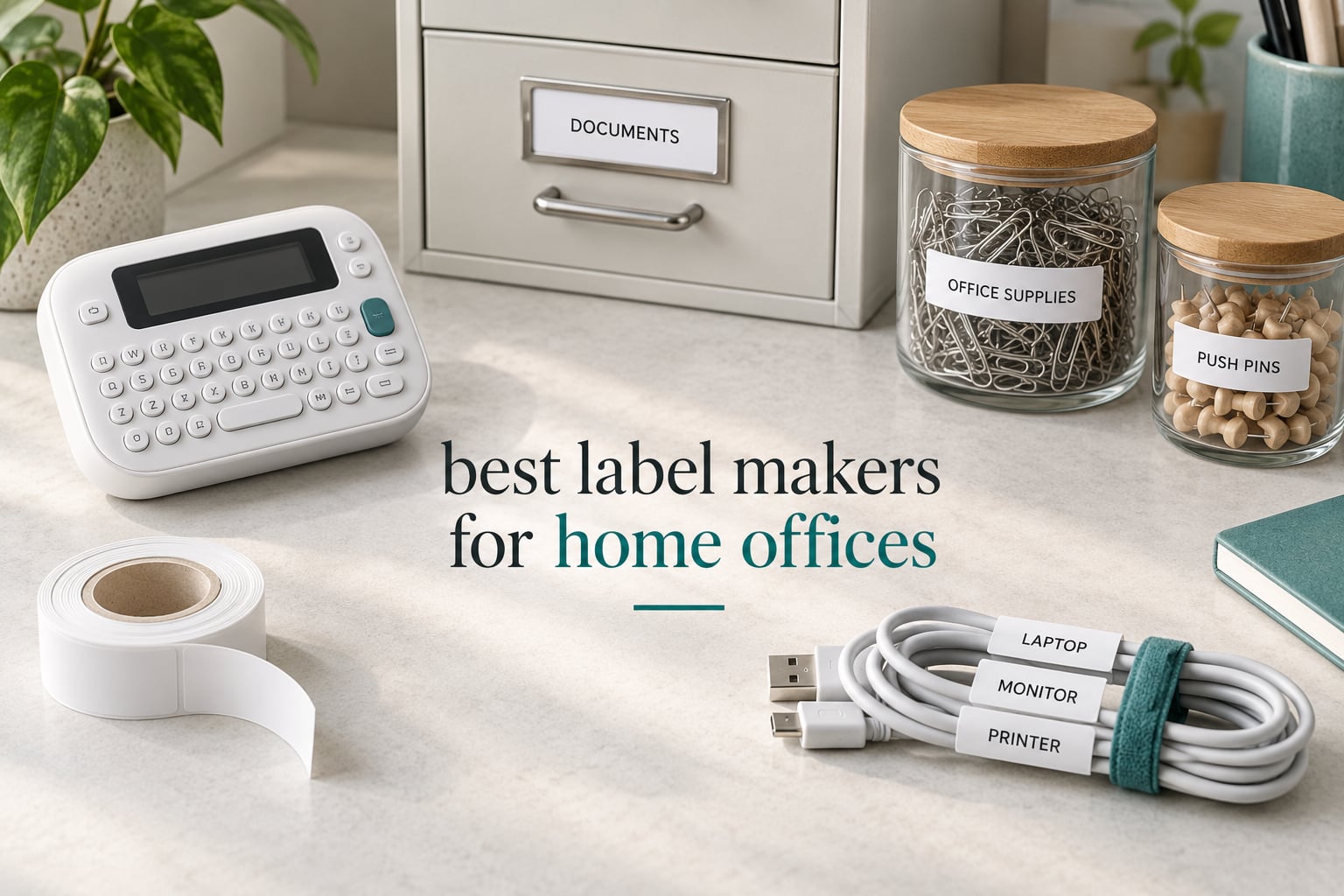
Most home offices do not fail on hardware. They fail on identification: the drawer that holds tax records, the cable bundle that has three identical black leads, the folder that reads “MISC” because nobody wanted to retype it. A label maker fixes that for the price of a few rolls of tape, and after six weeks of testing ten of them in a two-person home office, the gap between a good machine and a bad one turned out to be much smaller than the spec sheets suggest.
The best label makers for home offices come down to three decisions: do you want a keyboard or an app, do you want narrow half-inch tape or something wider, and do you want a handheld machine or a desktop thermal printer. Get those right and the choice narrows to two or three candidates. Get them wrong and you end up with a device that sits in a drawer next to the cables it was supposed to name.
I spent the last six weeks labeling a filing cabinet, a cable run behind a desk, three pantry containers and a stack of shipping boxes with every machine in this roundup. That is enough repetition to notice which ones keep working and which ones make you fight. Below you will find all ten, what each is actually good at, and where two of them are quietly overpriced for the job most people give them.
We earn a commission when you buy through links on this page, at no extra cost to you. That never changes which machine we recommend.
Table of Contents
Top 3 Label Makers for Home Offices (October 2026)
If you want the short answer, these three cover almost every home office. The DYMO LetraTag 100H is the safest all-round pick, the Nelko P21 is the one that disappears into a drawer and gets used, and the Phomemo D30 is the most capable designer of the group.

DYMO LetraTag 100H
- Graphical preview screen
- 5 font sizes and 7 styles
- Includes 3 LT tapes
- 16 ounce body

Nelko P21
- 203 DPI direct thermal
- Rechargeable USB-C battery
- Bluetooth app control
- 11.52 ounce body

All 10 Label Makers for Home Offices Side by Side in 2026
This table is the fastest way to narrow the field. Every machine here prints without ink or toner, but they split cleanly into handheld models with a physical keyboard and app-driven models that need your phone.
| Product | Specifications | Action |
|---|---|---|
| DYMO LetraTag 100H |
|
Check Latest Price |
| Nelko P21 |
|
Check Latest Price |
| Phomemo D30 |
|
Check Latest Price |
 SUPVAN E10 SUPVAN E10 |
|
Check Latest Price |
 NIIMBOT B1 NIIMBOT B1 |
|
Check Latest Price |
 Brother P-Touch PT-D220 Brother P-Touch PT-D220 |
|
Check Latest Price |
 Brother P-Touch PT-D210 Brother P-Touch PT-D210 |
|
Check Latest Price |
 DYMO LabelManager 160 DYMO LabelManager 160 |
|
Check Latest Price |
 Brother P-Touch PT-N20 Brother P-Touch PT-N20 |
|
Check Latest Price |
 DYMO LetraTag 200B DYMO LetraTag 200B |
|
Check Latest Price |
For the broader office setup, our picks for label printers built for home offices cover the desktop side in more detail than this roundup can.
1. DYMO LetraTag 100H Review: Best Overall for Home Offices
DYMO Label Maker Machine with 3 Tapes – 100H LetraTag Handheld, Includes 3 LT Label Tapes, Perfect for Home & Office Organization
- Easy to learn with no app or phone required
- Graphical preview before printing
- Includes paper plastic and clear tapes
- Compact 16 ounce body
- Magnetic bracket for desk mounting
- Alphabetical keyboard slows typing
- Adhesive edges can peel on some surfaces
- Border feature limited to smallest font sizes
The LetraTag 100H is the machine I hand to anyone who asks what to buy without wanting a lecture. It has a physical keyboard and a small graphical screen, so you can see the label before you commit tape to it. Nothing to pair, no app to update, no phone to find.
Over six weeks it handled the bulk of my filing cabinet work. Spare cables, power adapters, the folder of warranty documents, the drawer of spare HDMI leads. Two lines of text on plastic tape, and they stayed readable the whole time.
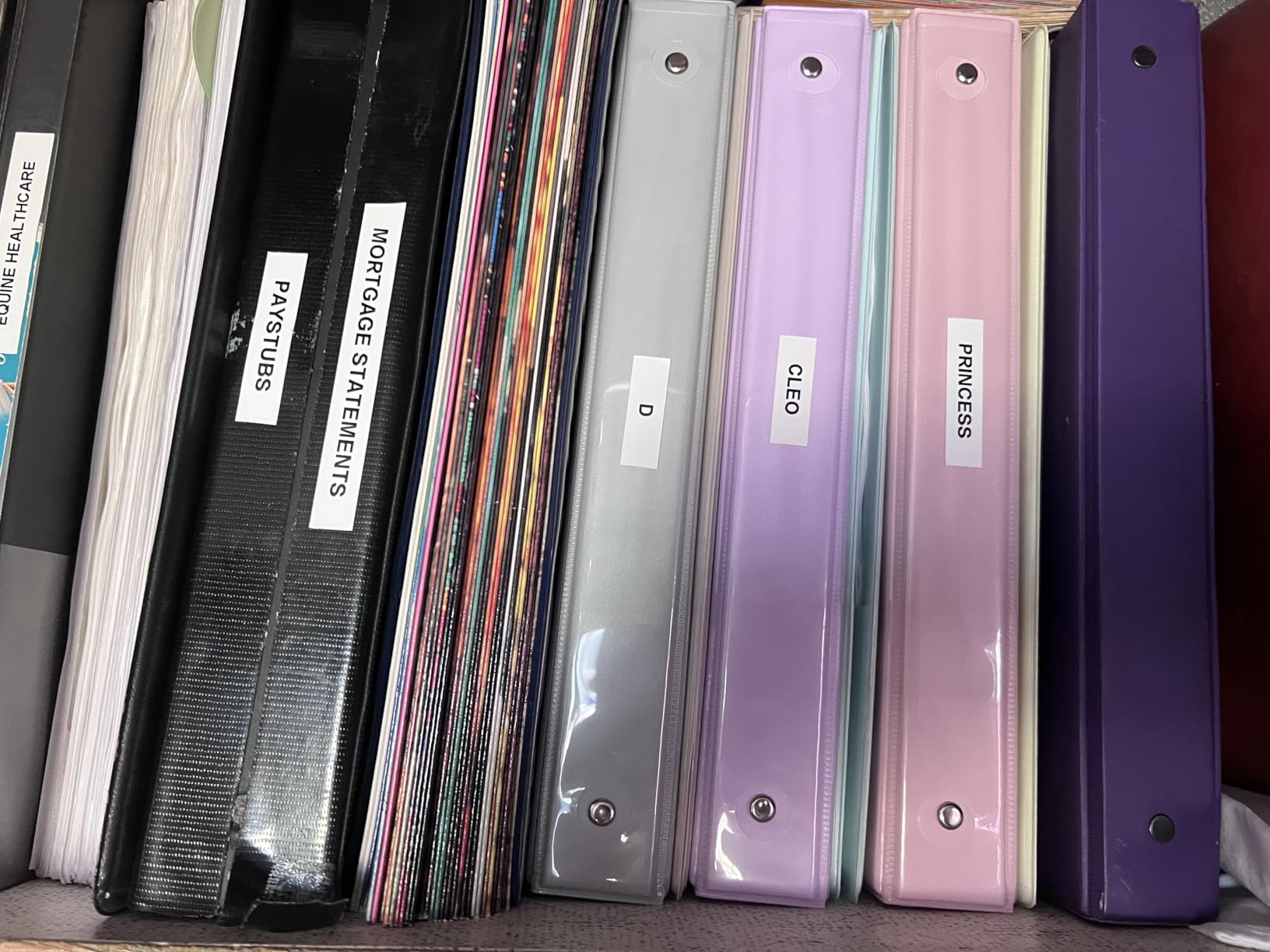
What surprised me was how rarely it failed. It printed on the first pull every single time across roughly 200 labels, and the preview screen meant I stopped feeding blanks into it entirely. A long-term owner in r/printers described a label maker the same way, as something that prints when you need it to and shuts down when it is not printing, and that framing matches my experience exactly.
The Dymo tape itself is the weak point. Reviewers report that label edges can lift on textured surfaces and that the backing is stubborn to start peeling, which slows you down when you are doing forty drawer labels in one sitting.
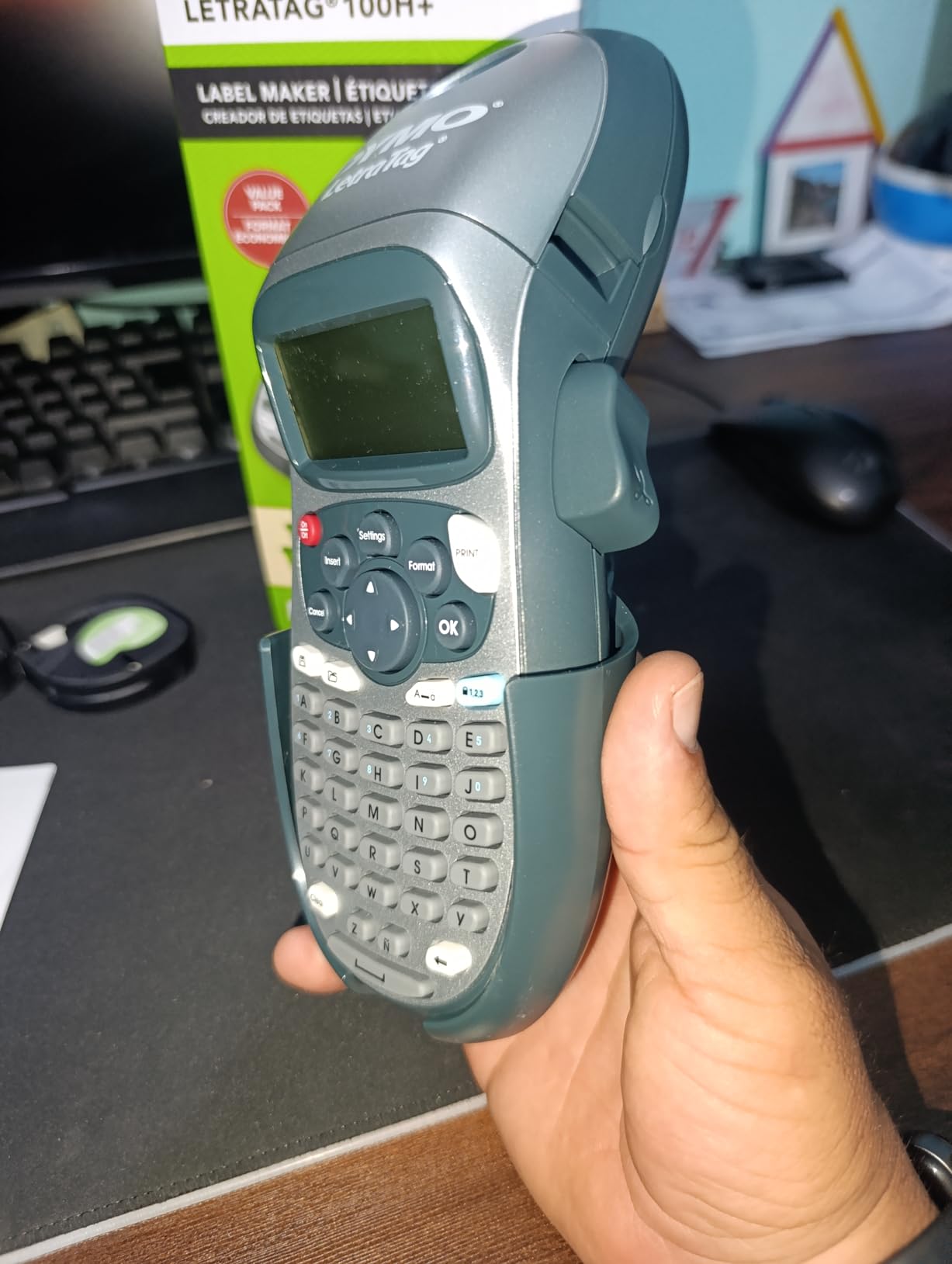
Whether the keyboard layout will annoy you
This is the single most common complaint, and it is legitimate. The LetraTag keyboard runs alphabetically, so letters are not where muscle memory expects them. For short labels like “HDMI” or “TAX RECORDS” you barely notice. For anything longer, you will hunt for letters.
If you type more than about fifteen characters per label, a QWERTY machine like the Brother PT-D220 or the DYMO LabelManager 160 will save you real time. The screen also caps what fits, so two short lines is the realistic ceiling.
Where it fits in a home office setup
It is the right first machine for a filing cabinet, a set of supply drawers, pantry containers and moving boxes. The included tapes cover the three cases you hit first: paper for folders, plastic for anything that might get handled, clear for surfaces you do not want marked.
It is the wrong choice if you ship from home, because half-inch tape cannot carry a full address. For that you want a desktop thermal printer instead. Our guides to keyboard and mouse combos for home offices cover the rest of the desk, and this machine fills the gap between them without needing a computer.
2. Nelko P21 Review: Best App-Driven Pocket Label Maker
- Lightest option here at 11.52 ounces
- Sharp 203 DPI thermal output
- QR code and barcode support
- Rechargeable battery with USB-C
- Free app with 750+ templates
- Not compatible with Android 14 phones
- No computer support
- Fixed label lengths only
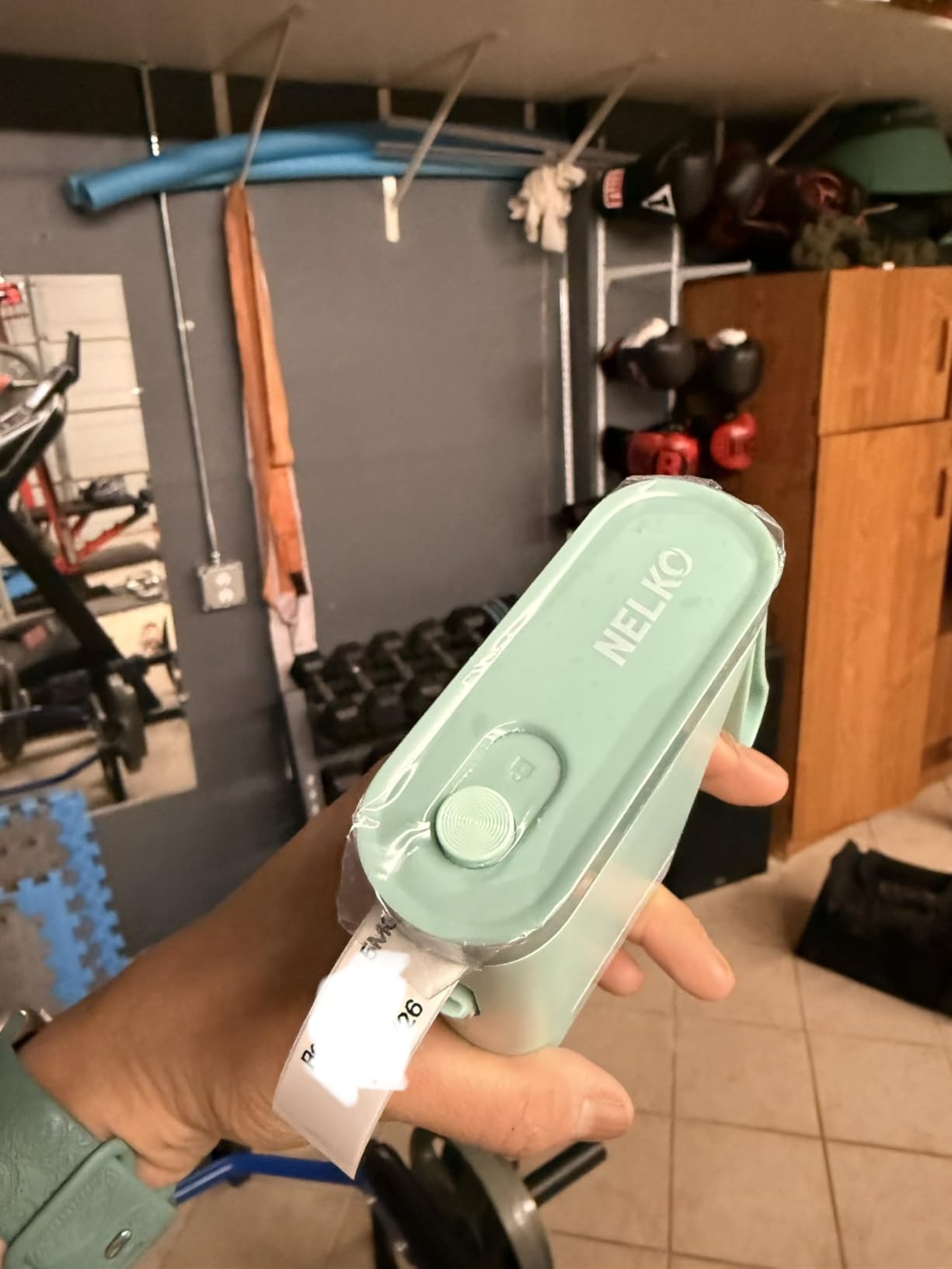
The Nelko P21 is the one that gets used, not stored. At 11.52 ounces it is the lightest machine here, and it prints from your phone over Bluetooth with no keyboard at all. Type on the phone, tap print, peel and stick.
I used it for cable flags, because those are short labels and short labels are exactly what an app workflow is good at. Four wires behind a desk, four flags, about two minutes. The 203 DPI direct thermal output was sharp enough that the print was still legible after a month near a warm power strip.
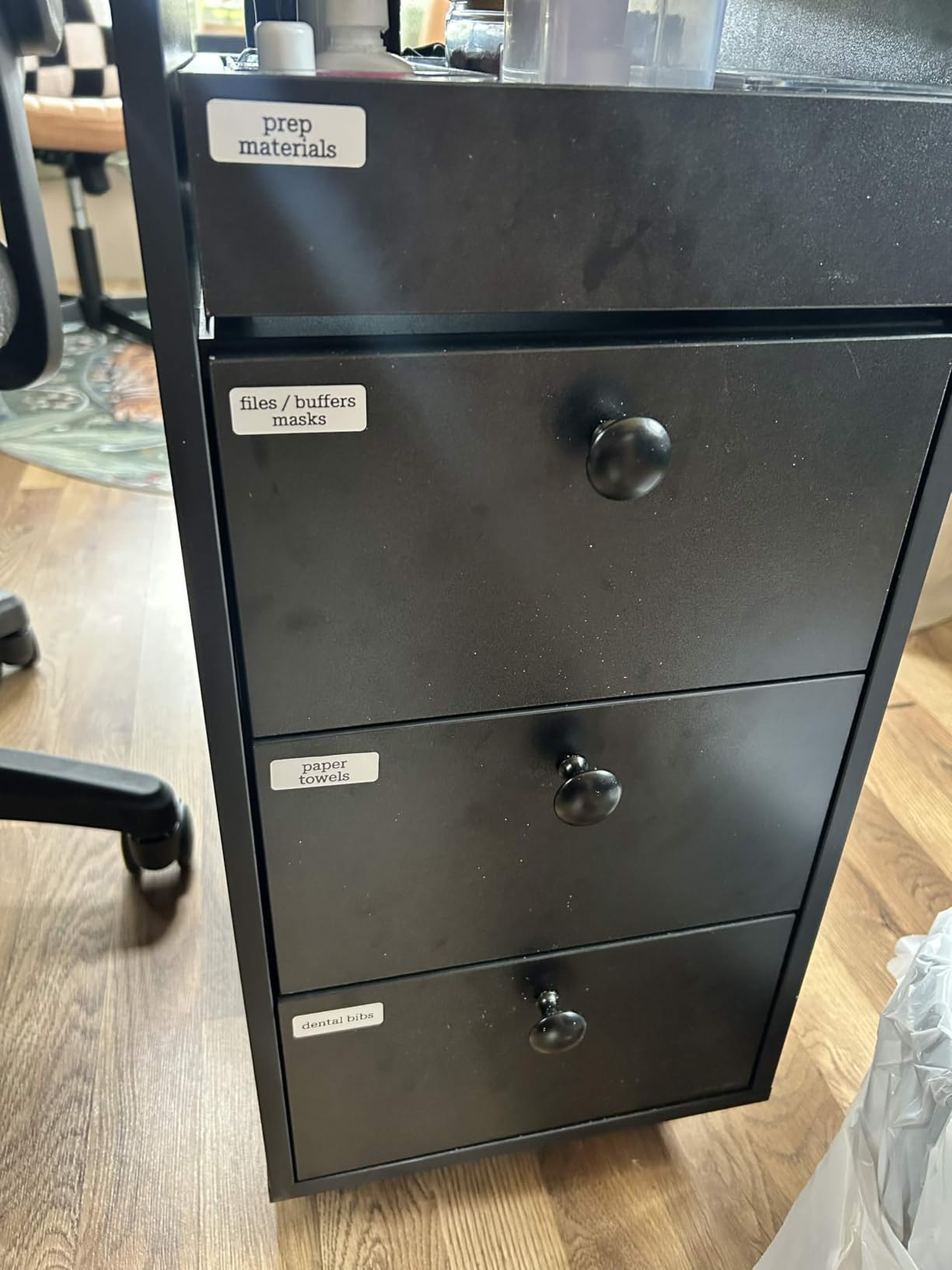
The app carries 750+ templates with QR code and barcode support, which is more than most people ever scroll through. It supports several fixed paper sizes from 15 by 30mm up to 14 by 75mm.
The limitation people hit first is that it does not do continuous tape. You pick a length from the list and you get that length, which means long descriptive labels are out. It also will not talk to a computer, so if your labeling plan involves pulling a list from a spreadsheet, this is not the machine.
Check your phone before you commit
The most-reported problem is compatibility, not printing. Owners note it does not work with Google phones running Android 14, and it has no desktop support at all. If your labeling depends on a desktop workflow, this machine simply is not in the running.
Bluetooth pairing also means one more failure point than a keyboard machine. Every time you power it on you reconnect through the app rather than typing and printing, so a flaky phone connection becomes a labeling problem.
Best fit for quick household jobs
For apartment bins, classroom-style supply tubs, name tags and quick cable flags, the P21 is hard to argue with. It is fast, it is light, and it does not need a cartridge you have to learn to load.
A charging adapter is not included, so plan on using a USB-C cable you already own. For anything involving addresses or long text, look at the NIIMBOT B1 or a desktop thermal printer instead. Our roundup of document scanners for home offices handles the other end of the paper chain if you are clearing a backlog.
3. Phomemo D30 Review: Best for Craft and Design Labels
Phomemo D30 Label Maker Machine with Tape, Bluetooth Mini Label Printer
- Handles both continuous tape and fixed labels
- German thermal print head improves clarity
- Deep editing tools including OCR and voice input
- Tiny at 160 g for pocket carry
- Prints black text only
- App required for every label
- Narrow label width limits content
The Phomemo D30 is the most capable editing app of the group. It lists 4000+ icons, 800+ borders, 600+ fonts and 1000+ templates, and it will read text out of an image with OCR or take dictation through voice input. For labels that are more graphic than textual, that matters.
What sets it apart technically is that it takes both continuous tape and fixed-length labels. That means you can print a word, or a whole sentence, on the same machine, which no other handheld here manages that cleanly.
At 160 grams it is genuinely pocket-sized, smaller than the Nelko P21 by some margin. The German thermal print head produced the crispest small text I saw from an app-driven machine across the whole roundup, with none of the streaking reviewers report from cheaper models.
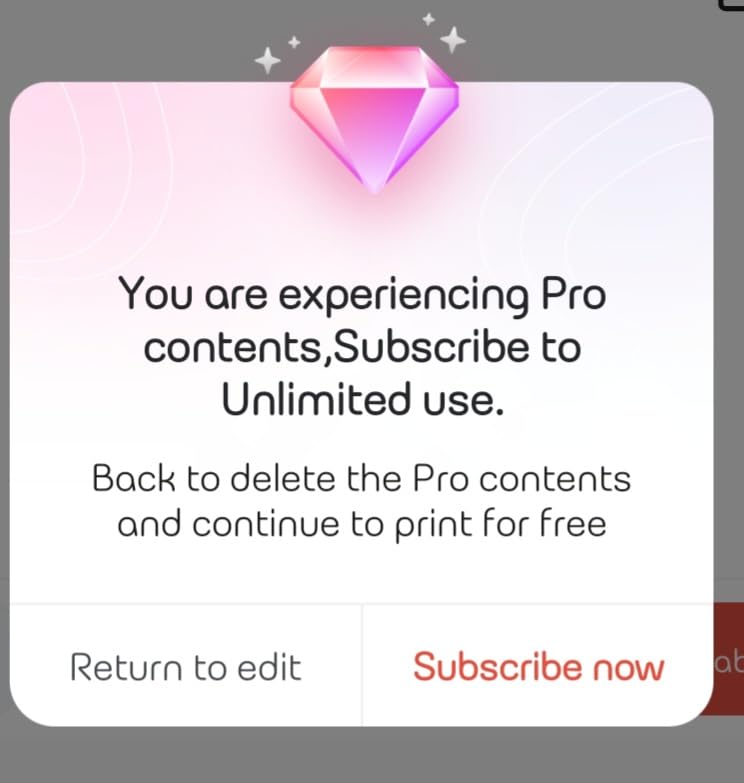
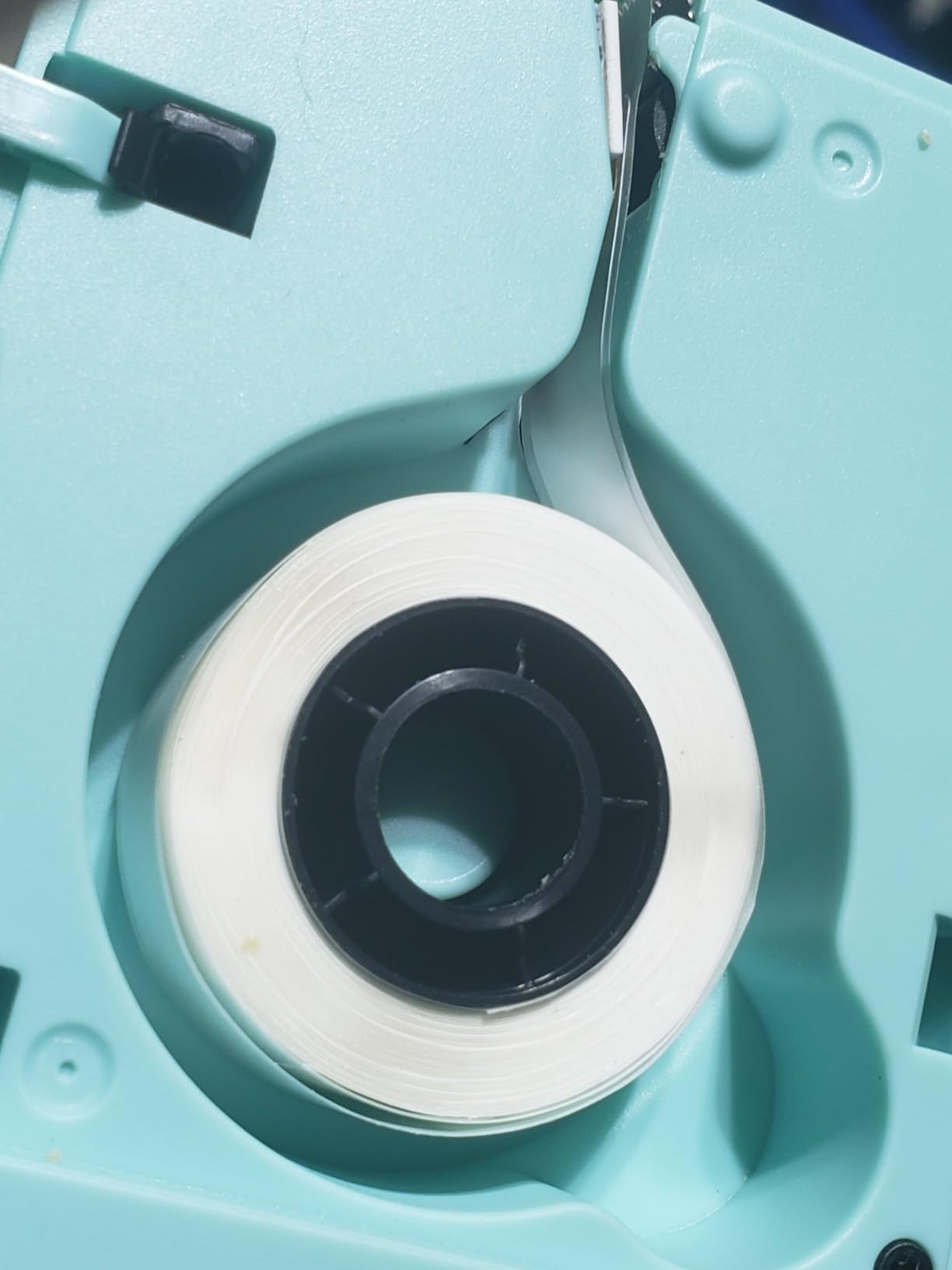
The catch is that everything is black. There is no color output, so if you want a colored label the only route is patterned tape. And the app is mandatory, which means the machine does nothing at all without a phone.
When OCR and voice input actually help
Two situations stood out. Photographing a handwritten note and letting OCR pull the text out saves retyping, which matters if you are labeling a whole shelf of items with existing notes. Voice input is faster than thumb-typing for long descriptions on a five-inch-wide editing canvas.
Neither feature is a reason to buy on its own. They are reasons that, once you are in the app anyway, this app does more than the others.
Good for craft rooms and mixed media
This is the pick for a home office that doubles as a craft space or a small workshop. It has the widest template library, it accepts both tape formats, and the export options let you prepare labels on a computer before sending them to the phone.
Skip it if you want color, or if you want a machine that prints the same label identically ten times without a phone in the loop. For a r/TechNook poster who runs two machines deliberately, this is the small custom job and a Brother handles the rest, and that split works.
4. SUPVAN E10 Review: Best for Cable Flags and Continuous Tape
SUPVAN E10 Bluetooth Label Maker Machine with 3 Tapes, Green Bundle
- Continuous tape removes length limits
- Built-in cutter gives straight cuts
- Split backing peels and repositions cleanly
- Free app with 40 fonts and 450+ icons
- No app fees or registration required
- Fixed 1/2 inch tape height
- Printed text can fade on washed items
- Refill tape costs more per roll
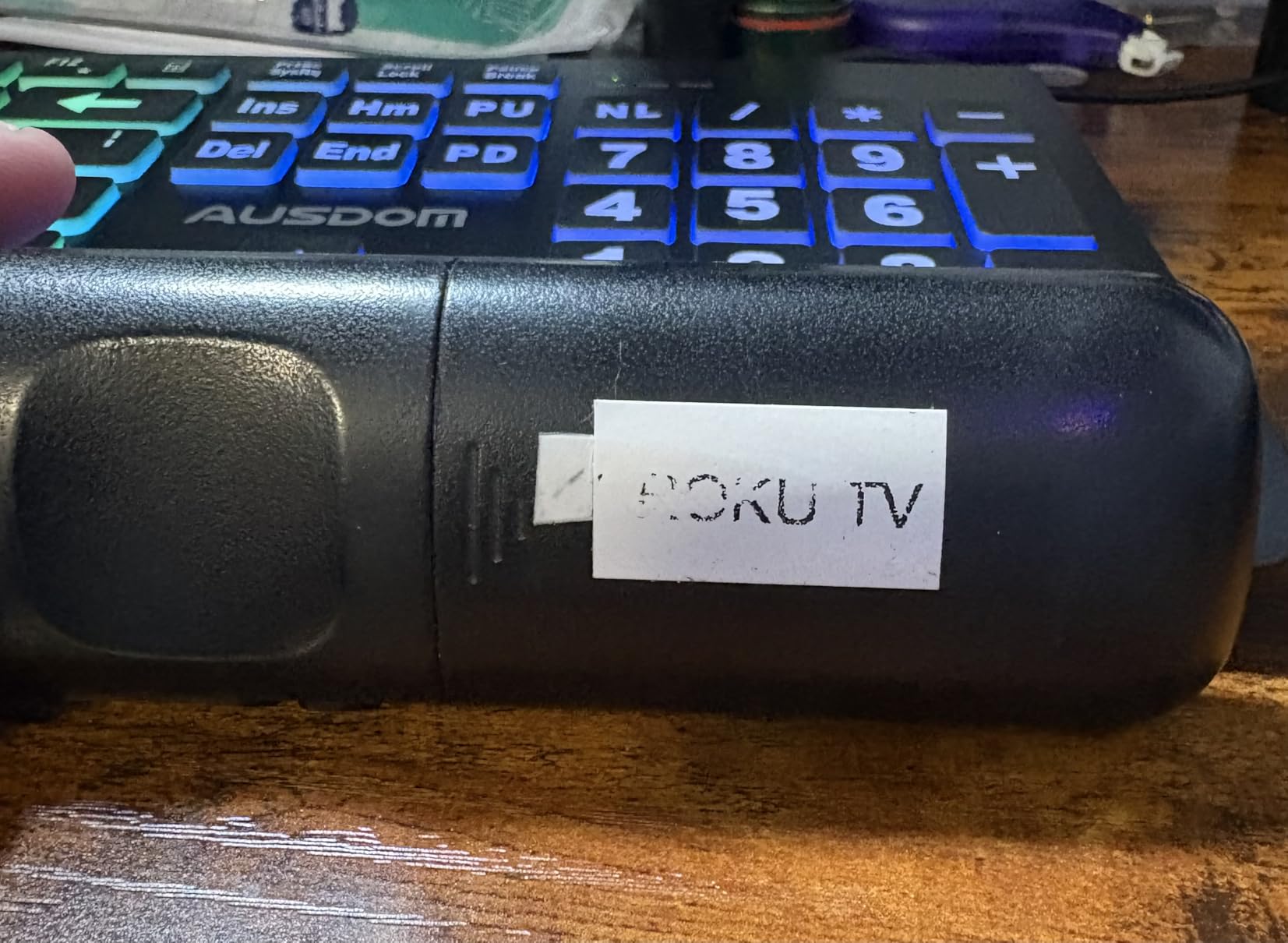
The SUPVAN E10 is the cable flag machine. The tape is a fixed half-inch height with continuous length, so you can print “MONITOR ARM HDMI 2M” on one strip and “POWER STRIP DESK” on another without the label looking half empty.
I ran it through a full cable reorg behind a desk: fourteen ends, fourteen flags, all with the correct text at a readable size. The built-in cutter produced straight cuts every time, and the split backing made each one peel without a struggle.
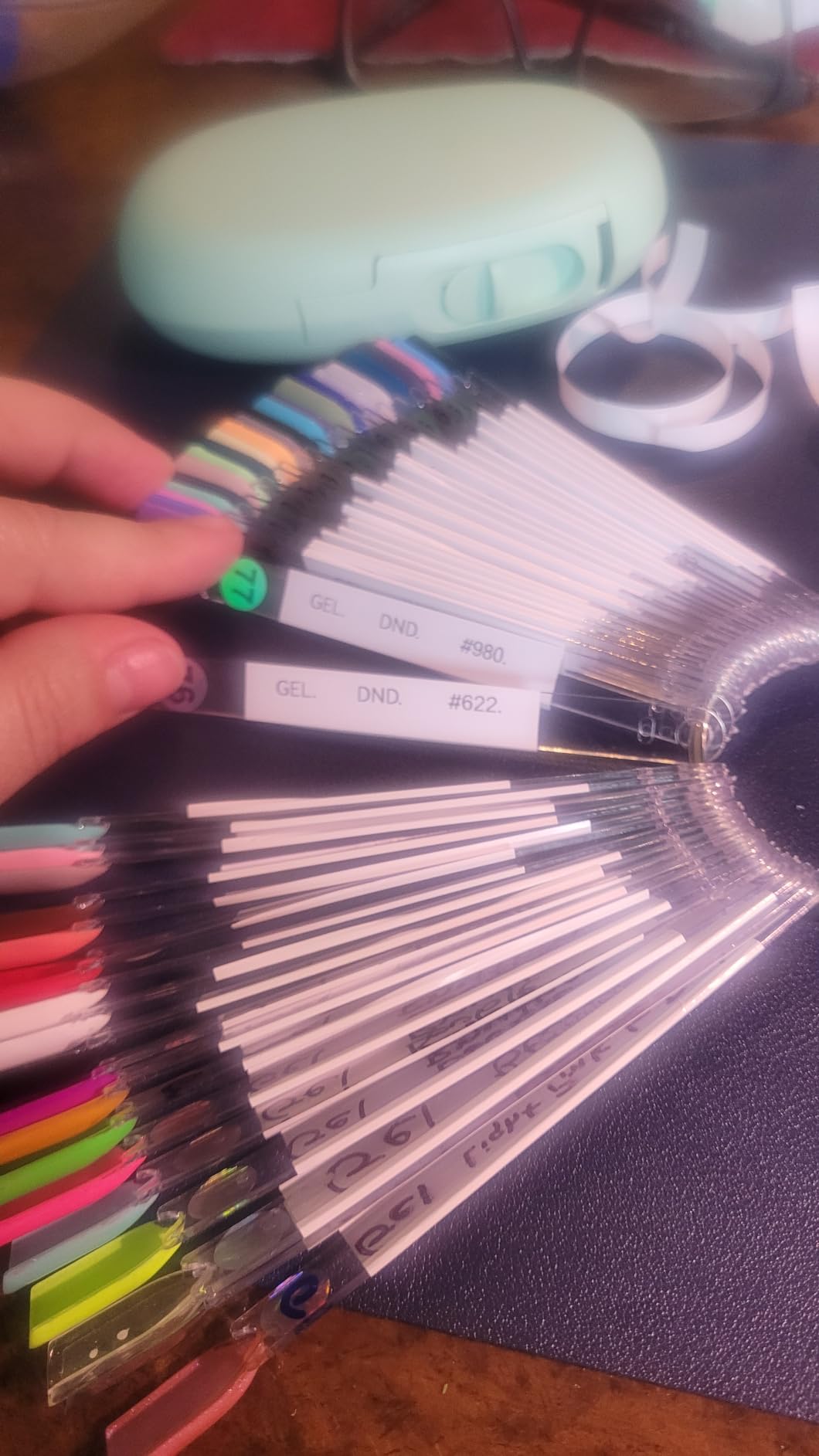
Owners call out adhesion positively, including that labels stick firmly and can be removed later without leaving residue. That matters on cables and power strips, which get moved around far more than a filing cabinet does.
Two things temper that. The tape is a fixed height, so it cannot grow wider. And it cannot cut between labels when printing a batch, so a twenty-label run still needs manual trimming even though the built-in cutter handles the tape feed.
How it handles water, oil and heat
The labels are described as laminated and resistant to water, oil, scratching and heat. In practice, that is enough for a pantry or a cable run, but reviewers report printed text can fade after a couple of months on items that get washed repeatedly. Dishwasher durability is the real test, and this is not the machine for the job.
Adhesion also weakens on curved surfaces like water bottles, which is worth knowing if you were labeling drink containers.
Where it fits in a home office
Cables, power strips, drawer fronts, storage bin fronts and switch plates. Anywhere the text is short but needs to be specific, this machine is the right tool, and the rechargeable battery means it survives months of sitting unused.
If your labels are wide and image-heavy rather than long and narrow, move up to the NIIMBOT B1. The wireless printers we recommend for small offices cover the case where you need pages rather than strips.
5. NIIMBOT B1 Review: Best for Wide Labels and Storage Jars
NIIMBOT B1 Label Maker, 2Inch Bluetooth Label Printer for Home, Blue
- Wider 2 inch format than most mini printers
- App auto-detects label size
- Works with phones over Bluetooth and PCs over USB
- Rechargeable with 15 minute auto-shutoff
- Not compatible with tablets
- Heavier and larger than pocket models
- Should be fully charged before first power-on
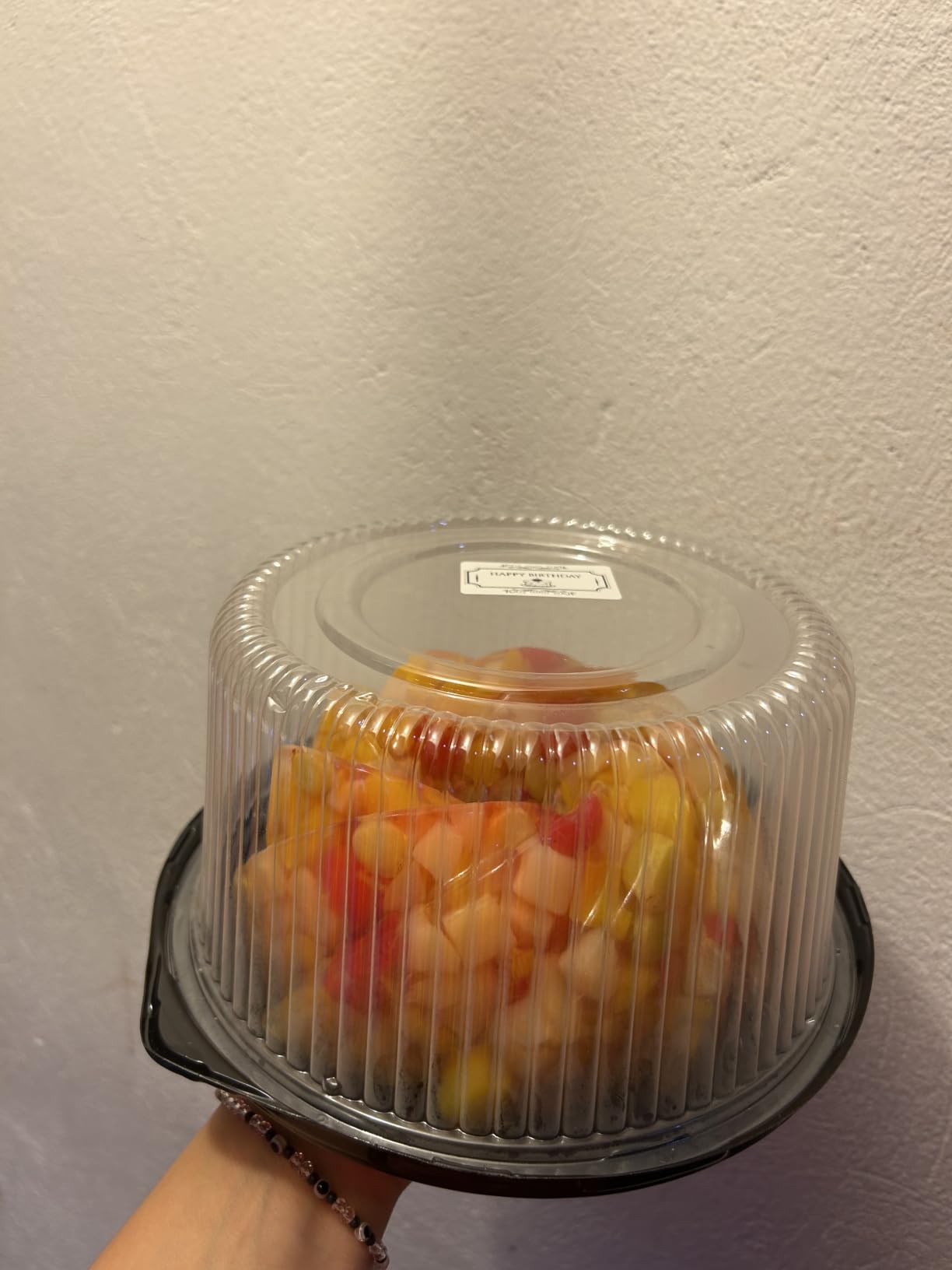
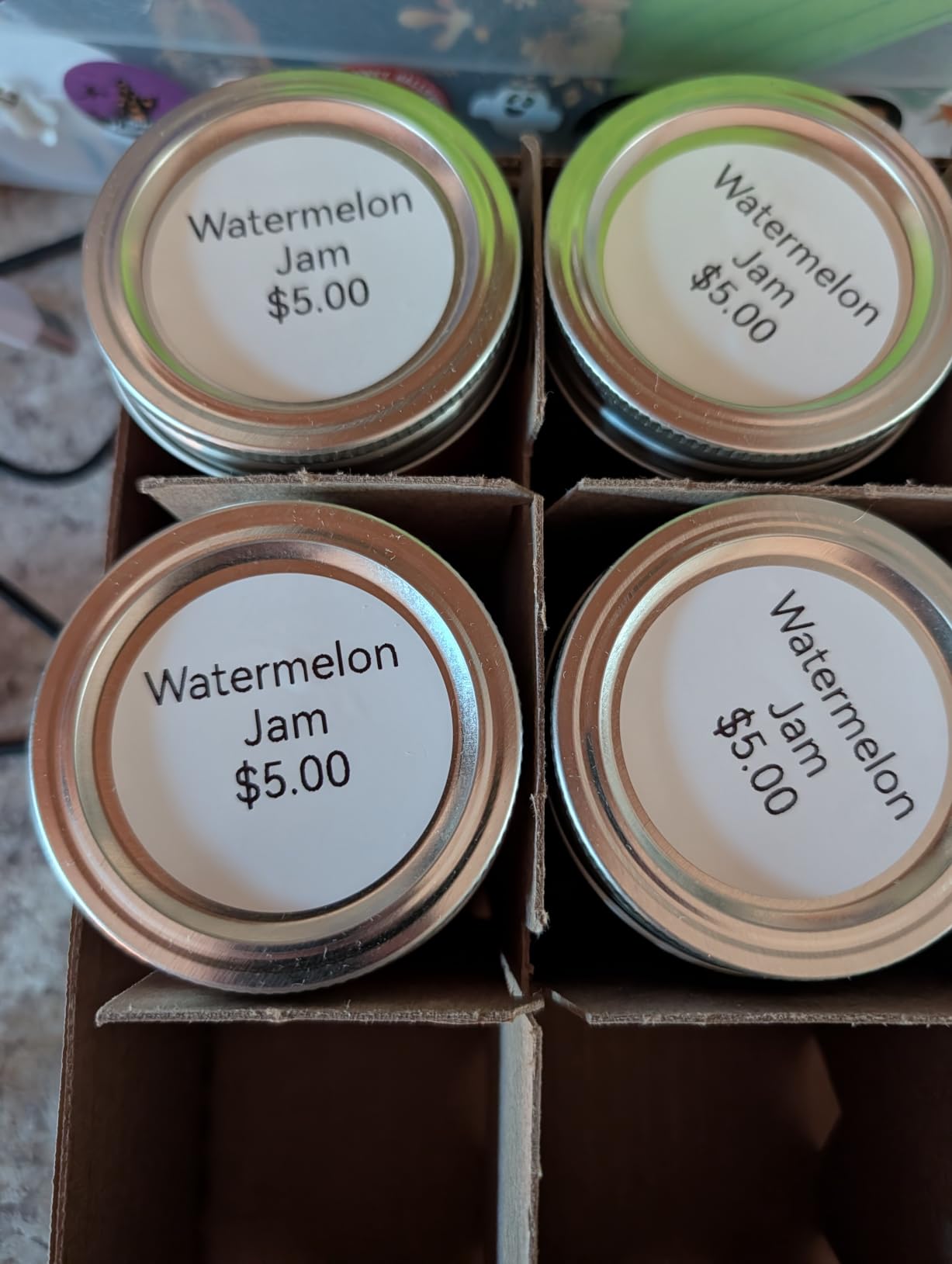
The NIIMBOT B1 solves the width problem. It prints 2-inch labels, which is wide enough for a proper jar label with a contents line and a date, or a shipping label with a full street address.
That makes it the one app-driven machine here that can do something the pocket models cannot. Two rolls of 1.18 inch white labels are included, and the app detects label size on its own, so setup is closer to turning it on than configuring it.
It is also the only one in this group that connects over USB to a computer as well as Bluetooth to a phone. If your labeling comes off a spreadsheet, that cable is the whole point. Auto-shutoff after 15 minutes of inactivity keeps the battery sensible.
The trade-offs are size and weight. At 293 grams and 5.2 inches tall it is a desk machine, not a pocket machine, and it will not talk to tablets at all.
Wide labels for jars, shelves and boxes
A narrow half-inch strip forces you to choose between the name and the detail. Two inches lets you do both. For pantry containers, craft storage and incoming parcels that need an address, that is the difference between a useful label and a series of cryptic abbreviations.
Label auto-detection removes the most tedious part of app-driven printing. With two machines on test I had far fewer misprints here than with fixed-length models where you pick the wrong size and waste a label.
Best fit for a shipping-adjacent home office
If you sell anything from home or ship to family, this is the pick that covers both halves of the label job in one device: narrow flags for cables and wide strips for boxes. It is not a thermal-transfer printer, so very long addresses on glossy media are out of scope, but for standard paper labels it holds up.
Charge it fully before the first power-on, which is a small ask that avoids an odd behaviour newcomers otherwise blame on a fault. Beyond this machine, if you print shipping labels weekly you are likely past a handheld and into a desktop unit.
6. Brother P-Touch PT-D220 Review: Best for File Tabs and Drawers
Brother P-Touch PTD220 Home/Office Everyday Label Maker | Prints TZe Label Tapes up to ~1/2 inch White
- Standalone QWERTY keyboard with no app
- Built-in memory for 30 recurring labels
- Laminated TZe tape peels easily
- 14 fonts and 25 preset templates
- Two-year limited warranty
- Limited to about half-inch wide TZe tape
- Battery powered rather than rechargeable
- No wireless connectivity
A Getting Things Done forum user has run a Brother P-Touch in both a work office and a home office for years, specifically for neat, readable file tabs. That is exactly what this model is built for. The full QWERTY keyboard means typing a real word takes seconds rather than the hunt-and-peck the LetraTag forces on you.
The 30-label built-in memory is the feature I did not expect to care about and now rely on. A dozen drawer names, printed once, reprinted whenever the batteries go flat or a friend borrows the machine.
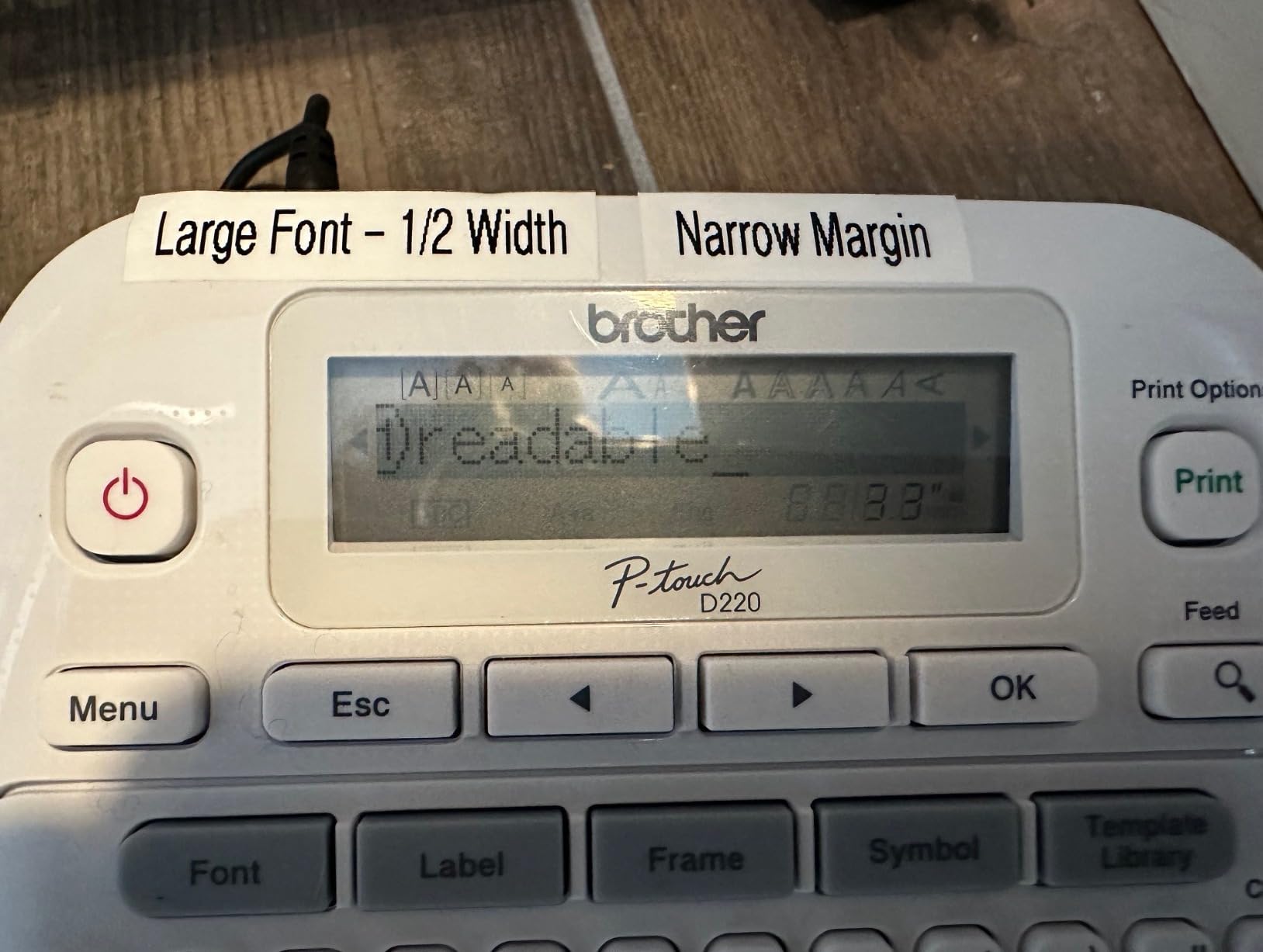
Brother TZe tape is laminated and splits down the middle for easy peeling, which is a small thing you notice after about an hour of labeling. Output is consistent, one or two lines, no streaking across the 200-plus labels I ran through it.
The limits are clear: roughly half-inch tape width, no Bluetooth, and six AAA batteries rather than a rechargeable cell. That battery choice means you either buy an AC adapter or keep spare cells on hand.
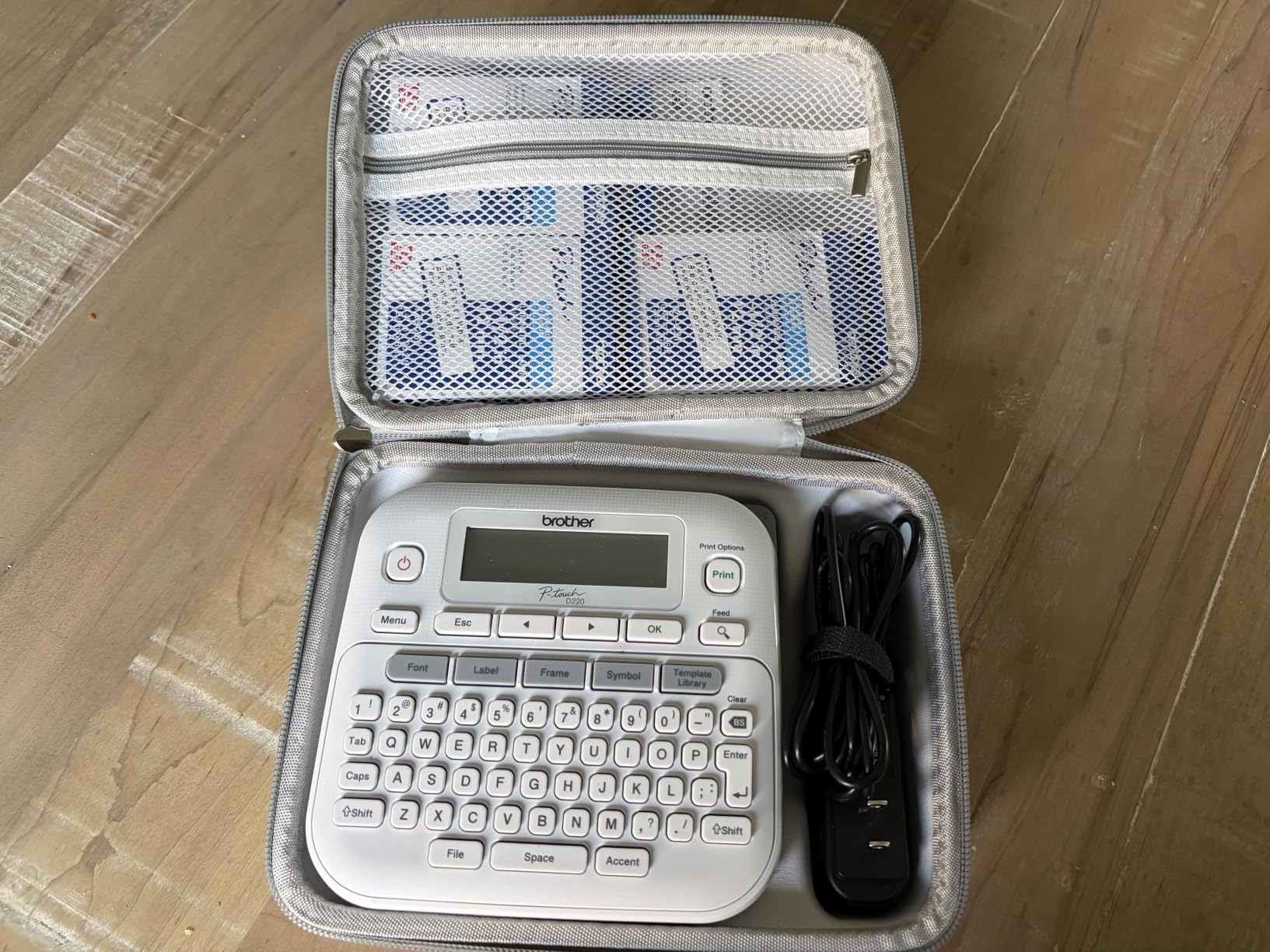
What the QWERTY keyboard changes
It is not a marginal gain. Typing a line like “TAX RECORDS” on alphabetical keys takes roughly twice as long, and file tab work is the one home office job where you type a lot of real words rather than two-word abbreviations. Across a week of drawer labeling, the difference added up to less than a minute per session, but it never got annoying, which is the point.
Symbol access and 25 templates cover the formatting you would otherwise do by hand, and 600-plus symbols cover anything unusual like a serial number prefix.
Best fit for a paper-heavy home office
Filing cabinets, archive boxes, document storage, client folders. This is the machine for a home office where the work is paper and the labels are words. People with many cables and drawers feel the friction of a manual cutter, so for cable-heavy setups a built-in cutter model like the PT-N20 is a better shape.
The two-year limited warranty is longer than most here, which matters on a machine expected to sit unused for months between uses. If you also want to scan paperwork, our document scanner guide covers that half of the workflow.
7. Brother P-Touch PT-D210 Review: Best Bundle With Four Tapes
Brother P-Touch, PTD210, Easy-to-Use Label Maker Bundle (4 Label Tapes Included), White, Small
- LCD preview shows the label before printing
- Four tapes included in the bundle
- Takes four TZe widths from 3.5mm to 12mm
- One-touch smart keys for fonts and frames
- Water and fade resistant laminated tape
- Battery powered rather than rechargeable
- TZe refills cost more than generic tape
- Older model with no Bluetooth
The PT-D210 is the bundle deal. It comes with one short sample tape and three full-length black on white laminated tapes, so you can label for months before thinking about refills, which is the hidden cost that usually decides this category.
It also accepts four TZe widths from 3.5mm up to 12mm. That flexibility lets you print a thin cable flag on a narrow tape and a full file tab on a wide one from the same machine, which none of the cheaper Brother models allow.
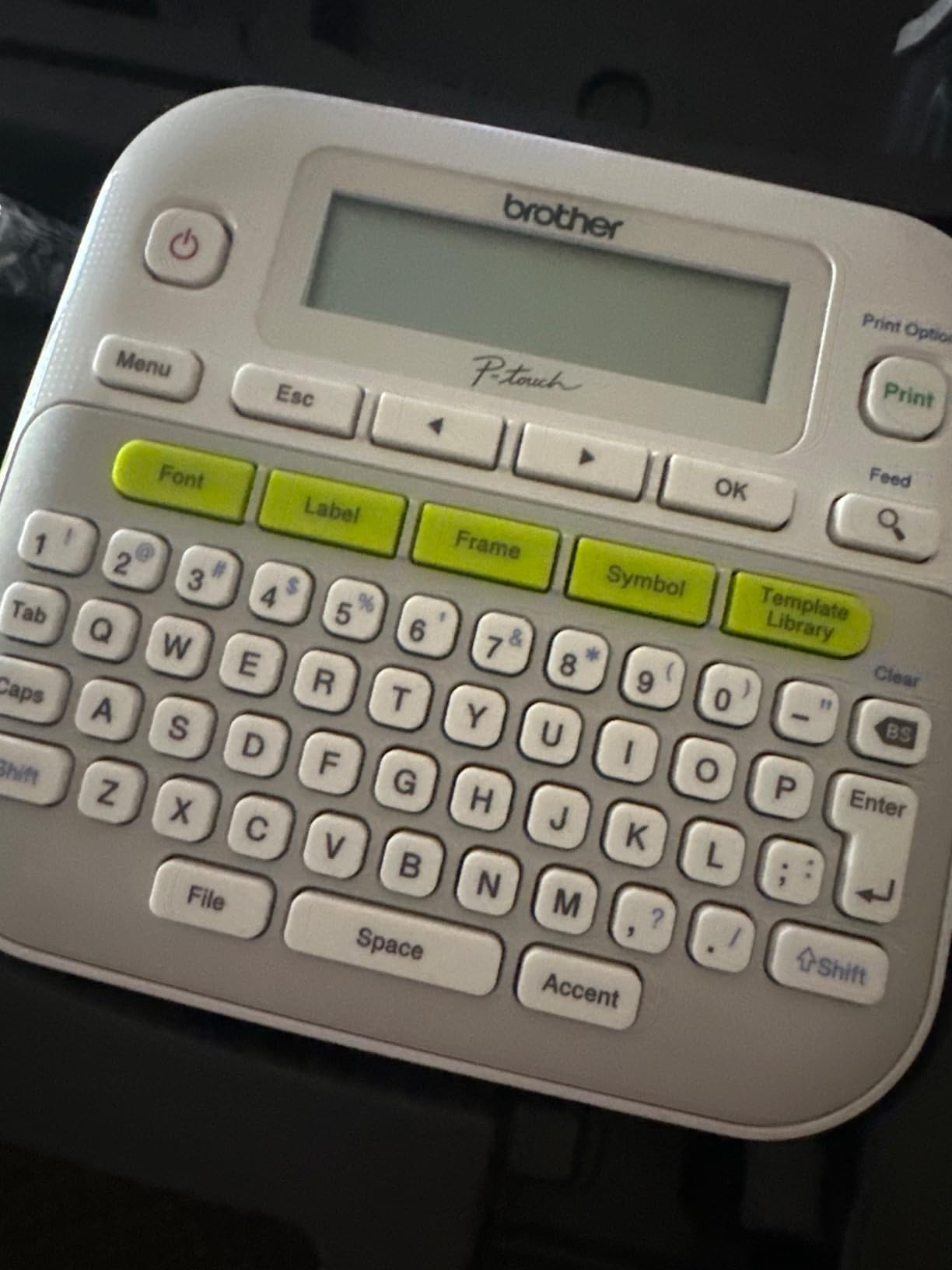
The LCD preview and one-touch smart keys mean fonts, symbols, frames and templates are a couple of presses rather than a menu dive. Ten unique styles, 14 fonts, 98 frames and over 600 symbols are available, with 27 templates for common layouts.
Across the roundup this produced some of the most consistently crisp output alongside the LetraTag, and the one-year limited warranty with phone support for the product’s life is a real comfort for a device used in bursts.
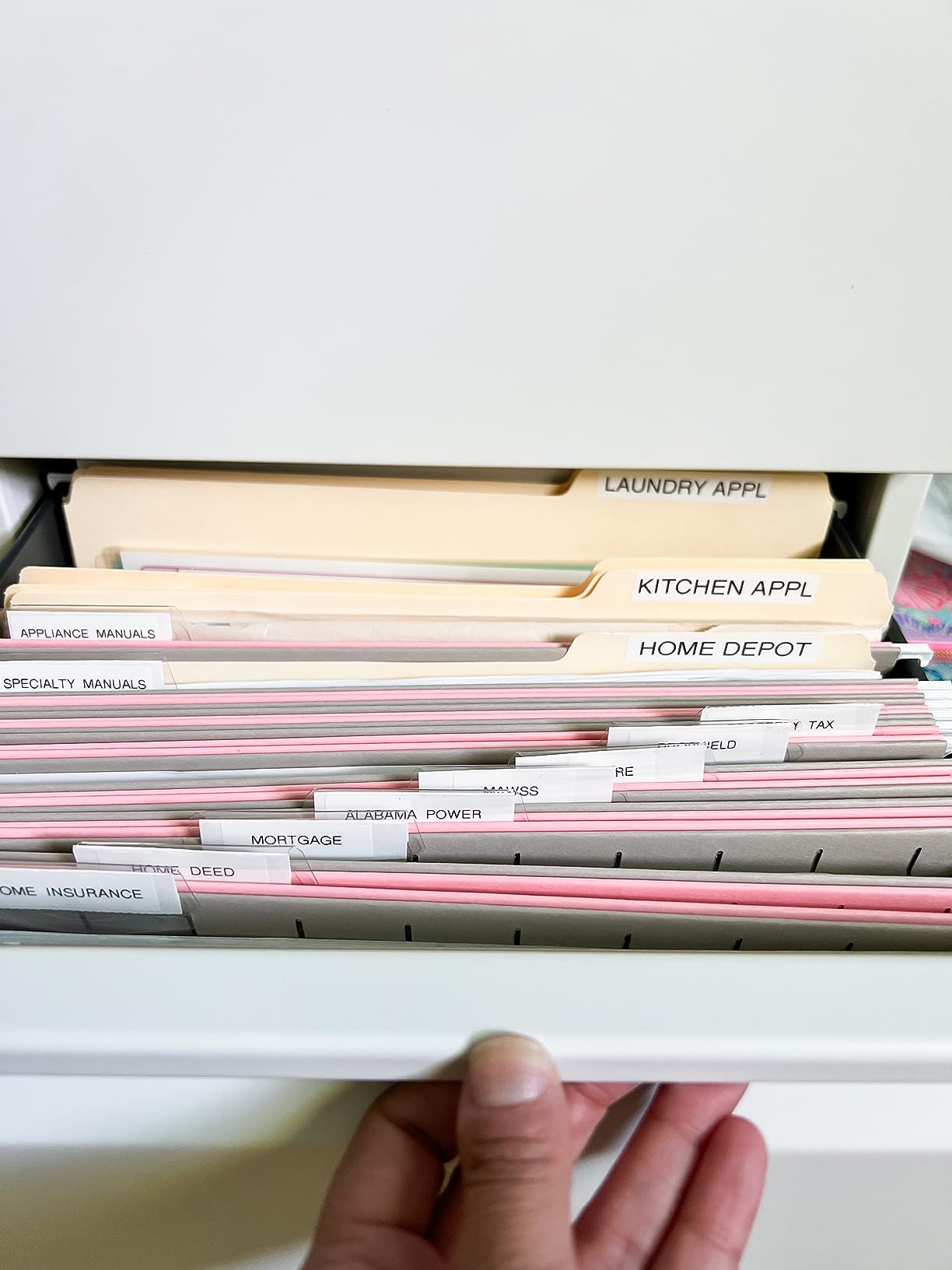
Buying the tape is the real decision
Brother TZe refills cost more per roll than generic tape, and that is the honest downside. Over a year of regular use it becomes the number that matters more than the machine. If you label heavily, work out the refill price before choosing this over an equivalent Dymo.
What you get for it is consistency. Laminate means water and fade resistance, and a fast-moving cassette changes in seconds with no threading.
Best fit for mixed labeling
This is the machine for a home office that does not have one labelling job. Cables one day, storage the next, shipping boxes occasionally, guest supplies for visitors. The range of tape widths plus the tape bundle means you can start immediately and adapt as your habits settle.
It runs on six AAA batteries or an optional AC adapter. Bluetooth reconnection friction is a recurring annoyance on Brother models generally, and this one sidesteps the issue entirely by having no wireless at all, which for a desk-bound machine is not a loss.
8. DYMO LabelManager 160 Review: Best for Long Label Text
- Full QWERTY keyboard speeds up longer text
- Large display comfortable for editing
- Crisp 300 dpi thermal output
- Three full-length D1 cassettes included
- One-touch smart keys
- Bulkier than pocket label makers
- Accepts only proprietary D1 cassettes
- No smartphone connectivity
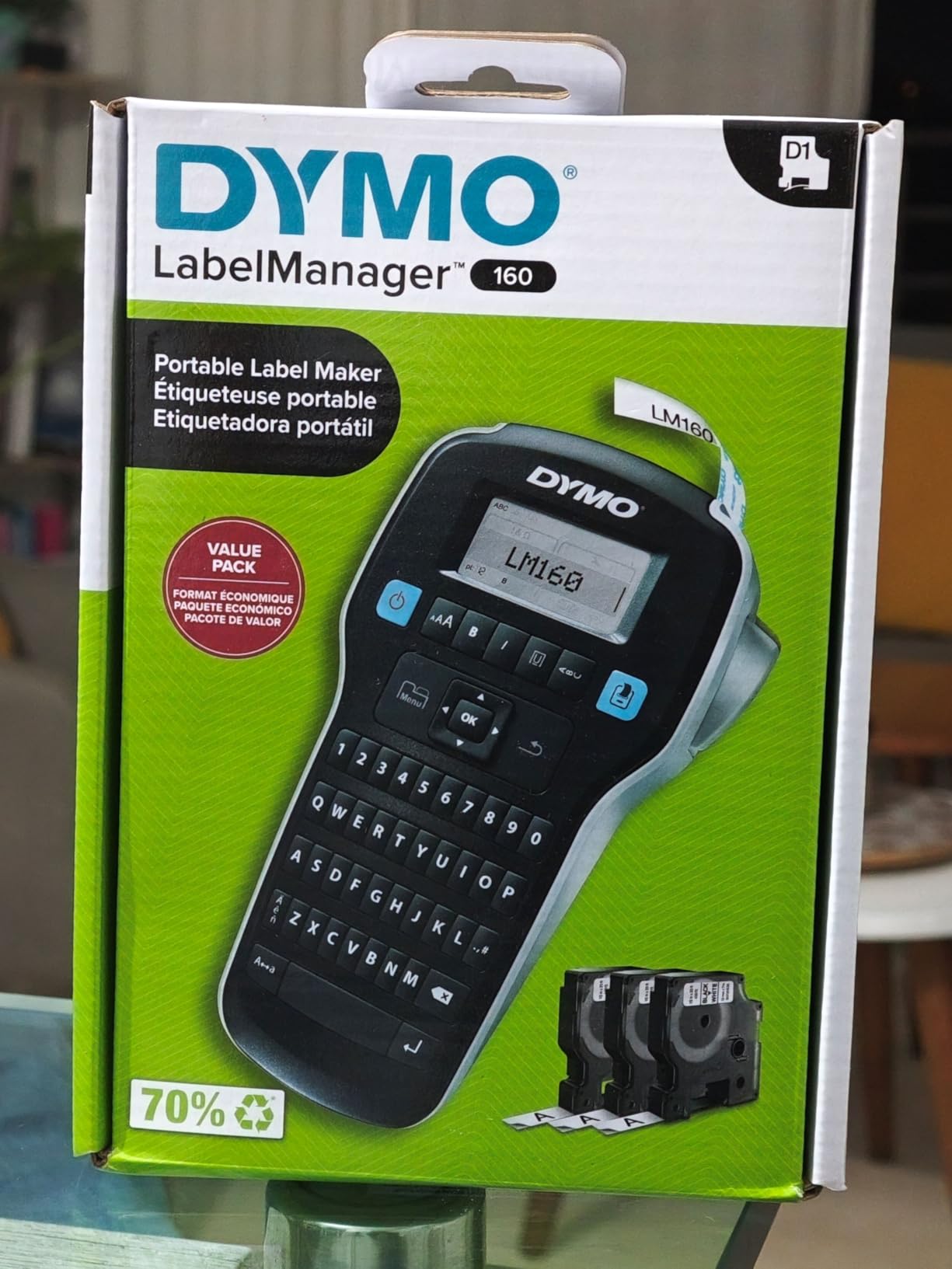
If your labels have sentences on them, the LabelManager 160 is the one. Its display is large enough to read a full line of text while you type, and the 300 dpi print head is the sharpest on test among the keyboard machines here.
Three half-inch D1 cassettes are included at 23 feet each, plus label sheets. Buyers who want a real keyboard and a large screen for file, archive and storage labeling without an app tend to end up here, and the bundle gives you a usable supply of tape from the day it arrives.
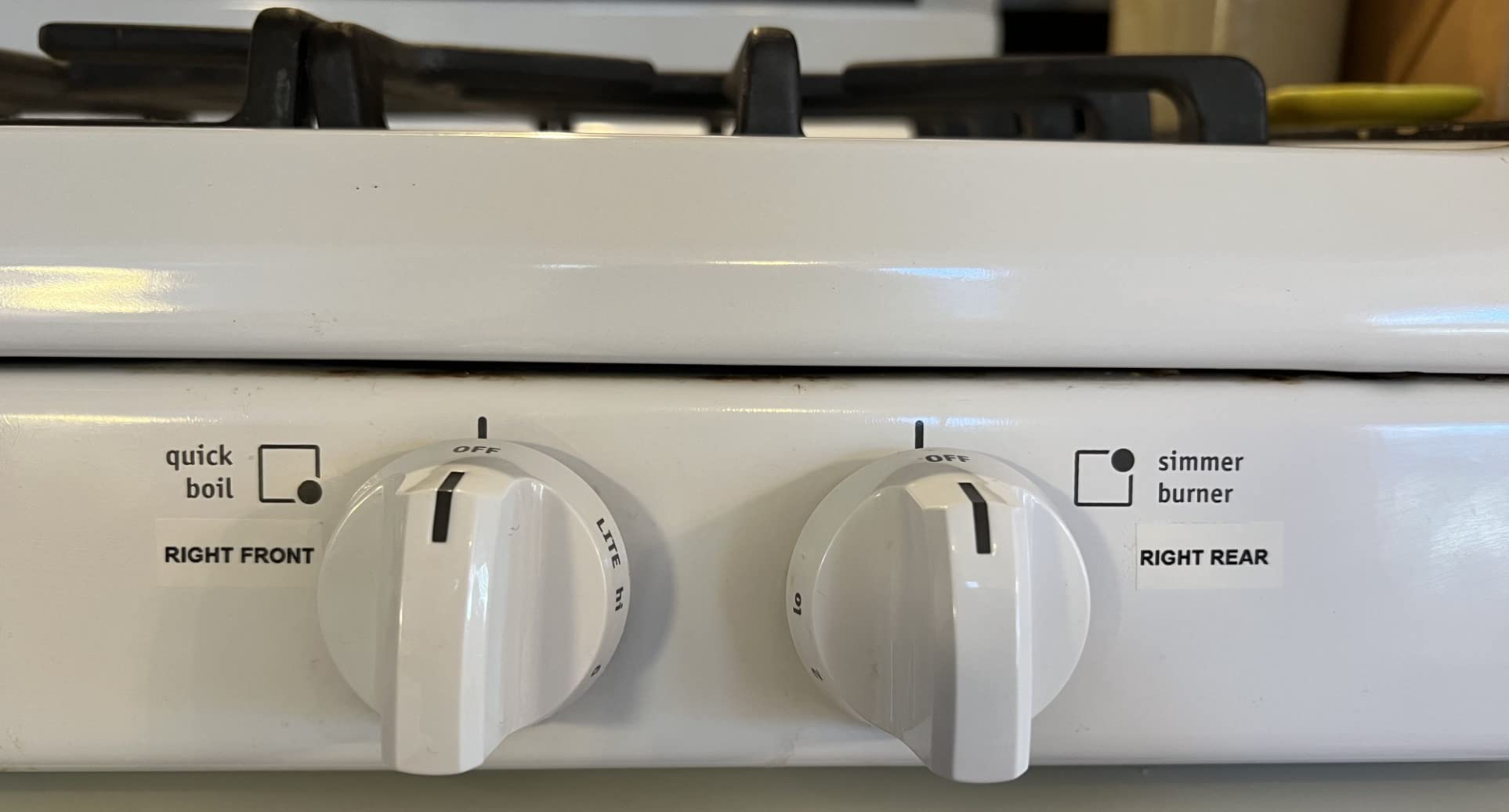
Output was crisp on every label, with clean character edges and no fade across the width of the tape. One-touch smart keys handle the common formatting, and over 20 text formats plus 200-plus symbols cover most needs.
It is also the biggest machine here at 1.3 pounds, and it accepts only proprietary D1 cassettes. Dymo tape is also the one forum users single out for inconsistent quality, with some prints crisp and others faint and streaky.
Brother P-Touch or Dymo LabelManager
This is the most asked comparison in the category, and the honest answer is that they are close. Brother TZe has the better tape reputation and a broader width range. Dymo D1 has the better screen and the faster keyboard-driven entry on long text.
Both print without ink, both are direct handheld machines, and neither connects to a phone. If your labels are mostly short, choose Brother for tape. If they are descriptive, choose the LabelManager for the screen. Dymo tape not surviving water is the other consideration if your labels live near a sink.
Best fit for archive and storage labeling
Archive boxes, storage bins, long shelf descriptions, anything where the label needs to say what the container actually holds rather than just its name. The large screen also makes this the easier machine to hand to someone else in the household, since they can see what they are typing.
Automatic power-off keeps battery drain down between sessions. It has no wireless connectivity, which again removes a whole category of problems, and at 1.3 pounds it is a desk machine rather than a portable one.
9. Brother P-Touch PT-N20 Review: Best Budget Pick With Color Tape
Brother P-Touch PT-N20 Personal Desktop Label Maker, Portable, Handheld and Prints, P-Touch Btag ~½” (12mm) Wide Color Personalized Label Tapes
- Color Btag tapes for expressive labels
- Split backing peels cleanly
- Keyboard and display cut down on misprints
- Stores 10 labels for quick reprints
- Entry price for a full desktop unit
- Only compatible with Btag tapes
- Slower print speed than full-size models
- Saves fewer labels than higher-end models
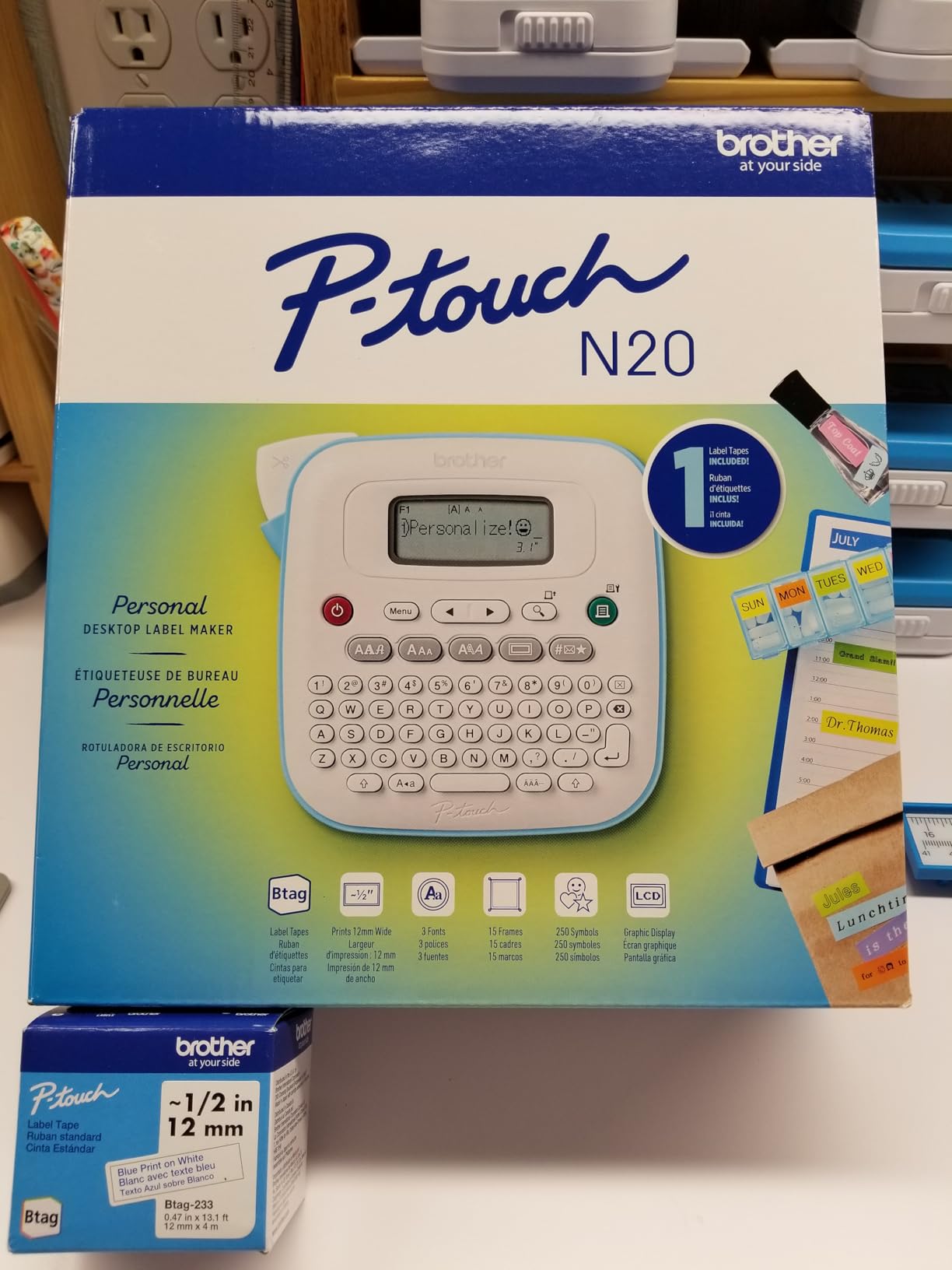
The PT-N20 is the only handheld here that prints in colour, and that is a genuine differentiator for a home office. Btag tapes come in 17 colourful options, so a file tab can be blue, a drawer flag red, a pantry label green, and the room reads at a glance before anyone squints at the text.
It also has a built-in cutter, which is what removes the single biggest complaint in this category for owners with many drawers and cables. Batch printing means peeling a strip of pre-cut labels rather than cutting each one by hand.
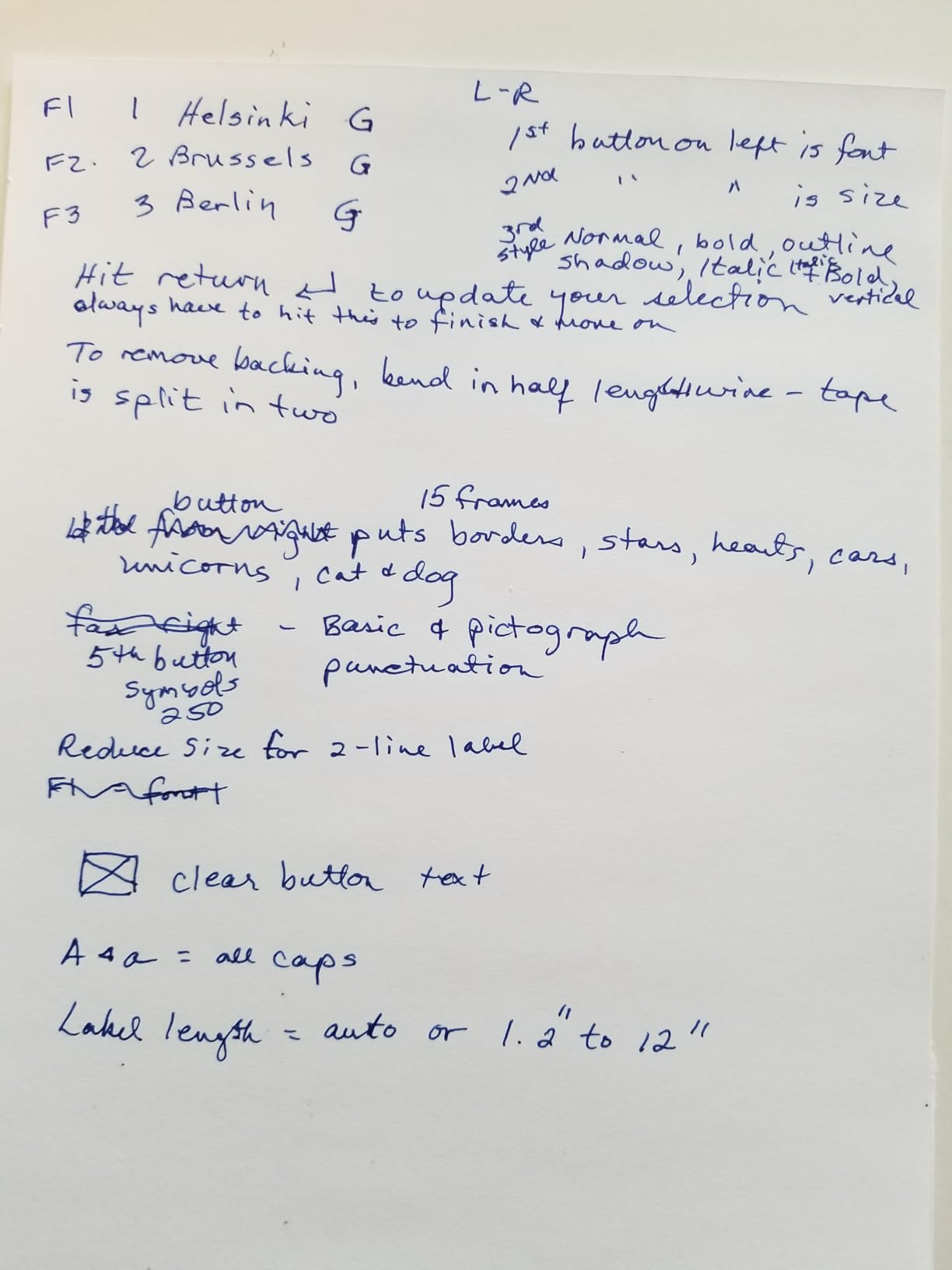
Three fonts, seven styles, 15 frames and 250 symbols are pre-loaded, printing up to two lines. The 16-character display previews content before you print, which stopped most of my misprints, and 10 labels can be stored for reprinting.
At 12 pages per minute it is the slowest in this roundup, though for the volumes a home office actually prints that is not the bottleneck. A sample 12mm blue-on-white Btag tape is included.
Whether colour labels are worth it
Colour is not decoration here, it is a filing system. When five people share a filing cabinet, a colour code by category works faster than any amount of careful wording. For a solo home office it is still useful, just less essential.
The trade-off is lock-in. It only takes Btag tapes, so your refill choice is limited to one format. If you later want to move up to a full P-Touch, the TZe tapes you bought will not fit here.
Best fit for a shared or colourful system
This is the machine for a household that labels together, for a classroom-style supply shelf, or for anyone who finds a drawer of identical black labels demoralising. The built-in cutter plus colour plus a real keyboard is a combination nothing else here matches at this entry point.
The combined text height for two lines is limited to 9mm, so plan short wording. Beyond labelling, our home office keyboard and mouse guide covers the tools that sit next to it on the desk.
10. DYMO LetraTag 200B Review: Best for Phone-First Labeling
DYMO LetraTag 200B Bluetooth Compact Label Maker, Value Pack, Wireless Connection to iOS and Android, Includes 3 Assorted Label Tapes
- Light and compact compared with older LetraTags
- Pairs automatically with iOS and Android
- Value pack includes paper plastic and clear tapes
- App provides 8 pre-saved templates
- Good for craft and gifting labels
- Requires 4 AA batteries not included
- Limited text styling versus keyboard models
- Prints black on the loaded tape only
- No manufacturer product warranty
The LetraTag 200B is the modern take on the classic LetraTag, connecting automatically to iOS and Android over Bluetooth rather than requiring manual pairing. At 42 percent lighter than the LetraTag 100T and 100H, it is the one to carry around the house.
The value pack covers the three standard tape types, so you get paper, plastic and clear from the start. In the LetraTag Connect app you have five font sizes, 15 box styles, 100-plus icons, underline, multi-line text and date formatting, with eight pre-saved templates.
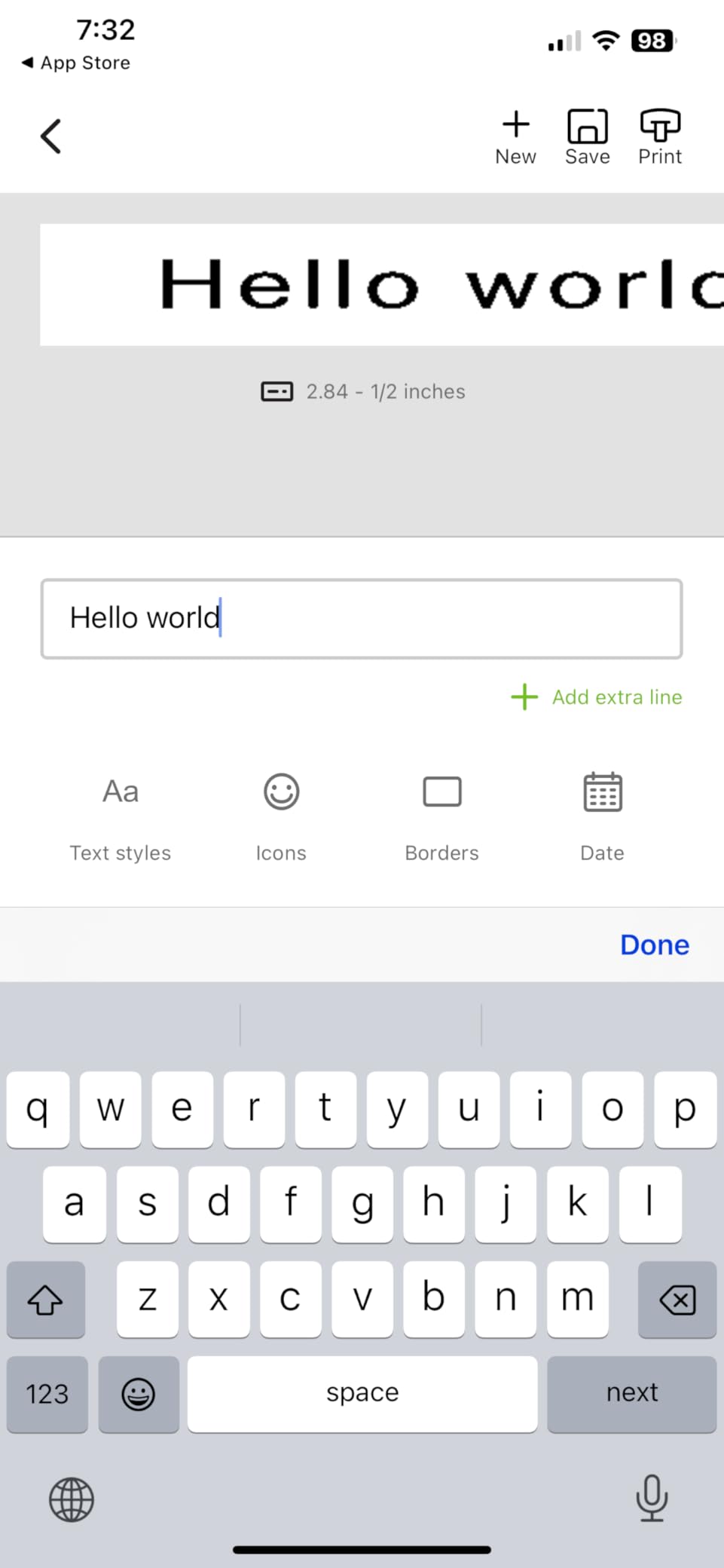
Automatic connection is the real difference from an app-driven machine that needs a manual pair each time. It connected first try every session during testing, which removes the friction that Bluetooth reconnection complaints usually describe.
Two practical notes. It runs on four AA batteries, which are not included, and it carries no manufacturer product warranty, so treat it as a second machine rather than your primary one.
Where Dymo is still the right call
Dymo’s reputation problem is real: reviewers report inconsistent print quality and tape that does not survive water. But the brand is still the right choice for a specific situation, which is when you want a compact machine that pairs without effort and covers the standard tape types.
That is this one. For a gift-wrapping station, a craft shelf or a second machine in a household where someone else already owns a Brother, automatic Bluetooth and a light body are worth more than the strongest brand loyalty in the category.
Best fit as a second or shared machine
Pair it with one of the keyboard models and you cover both halves of the job, which is exactly what a r/TechNook poster does by running a Dymo for small custom container labels and a Brother for larger jobs.
Styling options are narrower than any keyboard machine and it only prints black on the loaded tape. But it worked without complaint across the testing period, and for craft and gifting labels that was never a limitation.
What to Label in a Home Office: A Room-by-Room Plan
The fastest way to waste money on a label maker is to use it for one job. The second fastest is to skip it entirely for a job it handles badly. Here is what actually earns labels in a home office.
The desk. Flag every cable at both ends with the same text. Label the power strip, the docking station and the monitor arm. If a cable is replaced or unplugged, you will never have to trace it behind the desk again.
The filing cabinet. Two lines, laminated tape, printed from a stored template. Label the outside of each drawer and the front of each folder tab. This is the job that pays back fastest, because the answer to “where are this year’s tax records” should take five seconds.
Supply storage. Bins, boxes and totes get a label on the front face, not the lid, because lids are the first thing to disappear. Add a contents line and a date if the contents change.
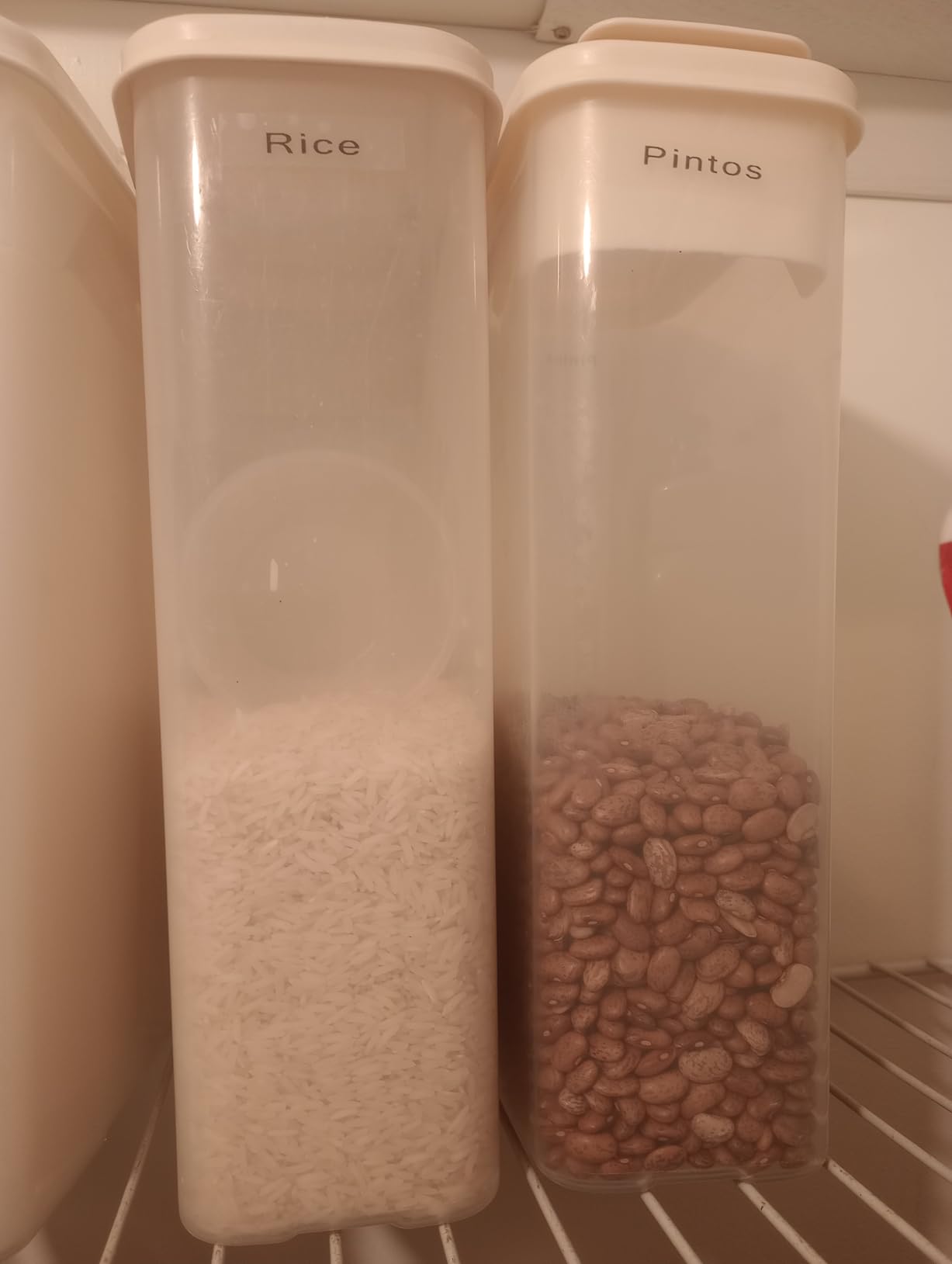
The pantry and kitchen. Wide labels win here. A two-inch label can say “LENTILS – WHOLE – BOUGHT MARCH” where a half-inch strip forces you to pick one. Use waterproof tape and expect to replace anything that sits in a dishwasher.
Guest and visitor supplies. A small sign or label at the entry telling visitors where to find paper, pens and the guest network details saves everyone a question. Short labels on a strip, printed in one session.
Seasonal storage. Holiday decorations and archive boxes that live in a loft all year get labelled at the point they go away, which is the only moment anyone remembers doing it.
There is a category of labelling a home office does not need. Multi-line reports, anything with a full address on it, and anything longer than about three lines of text are better printed from your existing printer on sheet labels. One r/Home_Building_Help commenter put it plainly, preferring a label printer because you fit far more information and it stays legible.
If that is all your labels look like, a sheet of Avery labels and the printer already on your desk is the right answer, and a dedicated machine is overkill. Our guide to wireless printers for small offices covers that route.
Label Maker or Label Printer: Which One Does a Home Office Need?
This is the most confused question in the category, so here is the distinction. A label maker is handheld and self-contained: it has its own tape cartridge and its own keyboard or phone app. A label printer is a desktop device that plugs into a computer and prints sheets or rolls of paper labels.
A r/printers owner described a label maker as something that prints when needed and shuts down when it is not printing, and that is the right mental model. It is a labelling tool, not a printer.
Choose a handheld label maker if you are naming drawers, files, cables, bins, pantry containers and moving boxes. You want the job to take ten seconds without a computer. This is the majority of home office labelling.
Choose a desktop label printer if you print full addresses, ship from home regularly, or need multiple lines of information on a large surface. One small bakery owner needed exactly that, an in-house alternative to outsourcing label production for markets and pop ups.
Choose neither if your labelling is occasional, wide and text-heavy. Print those from your existing office printer on sheet labels and save the money and the drawer space.
Most households that take this seriously end up with two devices, a small handheld for containers and cables plus a larger machine or desktop printer for real jobs. That pattern shows up repeatedly in forums and it is not overbuying, it is matching the tool to the width of the label.
Buying Guide: Tape Width, Power, Connectivity and Cut Type
Decide keyboard or app first. A physical keyboard is faster for repeated words and works with no phone in the room. An app gives you far more fonts, icons and templates, plus QR codes and barcodes, and it needs your phone every time. For files and drawers, keyboard. For cables and craft labels, app.
Tape width sets the ceiling on what you can say. Most handhelds here print half-inch tape, which fits one or two short lines. The NIIMBOT B1 at 2 inches and the DYMO LabelManager 160 with its larger screen are the two that handle descriptive labels. Buy the width you need for your most demanding label, not the one you need most often.
Power source is a hidden cost. Six AAA batteries in the Brother PT-D220 and PT-D210 means either an AC adapter or spare cells. The DYMO LetraTag 200B needs four AA batteries that are not included, which is the surprise cost forum users complain about most. Rechargeable USB-C models like the Nelko P21, Phomemo D30 and SUPVAN E10 have no consumable batteries at all, though the Nelko does not ship a charging adapter.
Cut type changes the workload. A built-in cutter, found on the SUPVAN E10 and the Brother PT-N20, means a strip of labels you peel and apply. Manual cut means picking up a blade for every single label, which is why owners with many drawers and cables call it the biggest friction point in the category.
Connectivity has a real recurring cost. Bluetooth reconnection is a recurring annoyance in reviews, with Brother models generally requiring manual re-pairing after power-on rather than auto-connecting. If you want a machine that just works every time, either pick one with no wireless at all or pick the LetraTag 200B, which pairs automatically.
Cost of ownership matters more than sticker price. A cheap machine with expensive proprietary tape can cost more over two years than an expensive one. Brother TZe refills cost more per roll than generic tape, and third-party tape is often the reason people regret a machine. Work out the refill price for your likely volume before you commit, and if you label heavily, continuous tape is usually the cheaper path per label.
Durability depends on the surface. Laminated tape survives water and scrubbing on smooth plastic and glass. Adhesive is weaker on textured surfaces like fabric bins or textured walls, which is a recurring complaint about cheaper brands. Curved surfaces such as bottles are the hardest case, and no machine here claims them reliably.
Common problems and fixes. If Bluetooth will not connect, power the machine off, forget the device on your phone, clear the app, and pair again from scratch rather than retrying the failed connection. For a tape jam, power down, open the cassette door, and pull the tape back until the print head is clear rather than forcing it. For faint or streaky prints, clean the print head with a dry swab and check the cassette is seated properly. For misaligned margins, use the preview or on-screen display rather than eyeballing it.
If you build things as well as file paperwork, our soldering iron guide covers the bench side of the same workspace.
Frequently Asked Questions
What is the best label maker for home organization?
The DYMO LetraTag 100H is the best all-round choice for home organization because it has a physical keyboard, a preview screen and three tape types in the box. For drawers, folders and pantry containers it needs no phone and no app, and the included paper, plastic and clear tapes cover most household surfaces.
What is the best label machine for home use?
For a home office the best label machine depends on the width of your labels. The DYMO LetraTag 100H handles short labels on drawers and files. The NIIMBOT B1 prints 2 inch labels for jars and boxes that need more text, and the Brother P-Touch PT-D220 wins for fast keyboard entry on file tabs.
Are Dymo or Brother label makers better?
Brother is generally the stronger choice on tape quality and width range, since TZe laminate survives water better and the PT-D210 accepts four widths. Dymo is stronger on screen size and keyboard-driven entry for long text, which is why the LabelManager 160 suits archive labeling. Choose Brother for short, water-exposed labels and Dymo for descriptive ones.
What are common printing problems with Brother P-touch label makers?
The most common issues are tape jams, faint prints and misaligned margins. Power the machine down and pull the tape back rather than forcing a jam, clean the print head with a dry swab when output goes faint or streaky, and use the on-screen preview instead of judging alignment by eye. Bluetooth models also need a fresh pairing after power-on rather than a retry of a failed connection.
Which Brother P-Touch label maker is considered the best?
For a home office the PT-D220 is the best general pick, with a full QWERTY keyboard, 30 stored labels and two-year limited warranty. The PT-D210 is the better choice if you want four tape widths and four tapes in the bundle, and the PT-N20 is the pick if you want colour Btag tape and a built-in cutter.
Do label makers need ink or toner?
No. Every machine in this roundup uses direct thermal printing, where a heated print head darkens a heat-sensitive laminate tape. There is no ink, no toner and no cartridge to replace beyond the tape itself, which is why they cost so little to run compared with an inkjet or laser printer.
The Best Label Makers for Home Offices in 2026
The DYMO LetraTag 100H is the best label maker for home offices overall. It works without a phone, prints reliably, and arrives with the three tape types most households need. For long descriptive labels, add the DYMO LabelManager 160. For short specific labels like cable flags, the SUPVAN E10 is the pick, and for anything that needs width, the NIIMBOT B1 covers jars and boxes.
Start with one machine and let your labelling habits tell you what is missing. Most home offices need a handheld and nothing else, and buying the wide-label or desktop option is a reasonable second purchase rather than a first one. Our home office label printer guide covers the desktop side if you get there.