
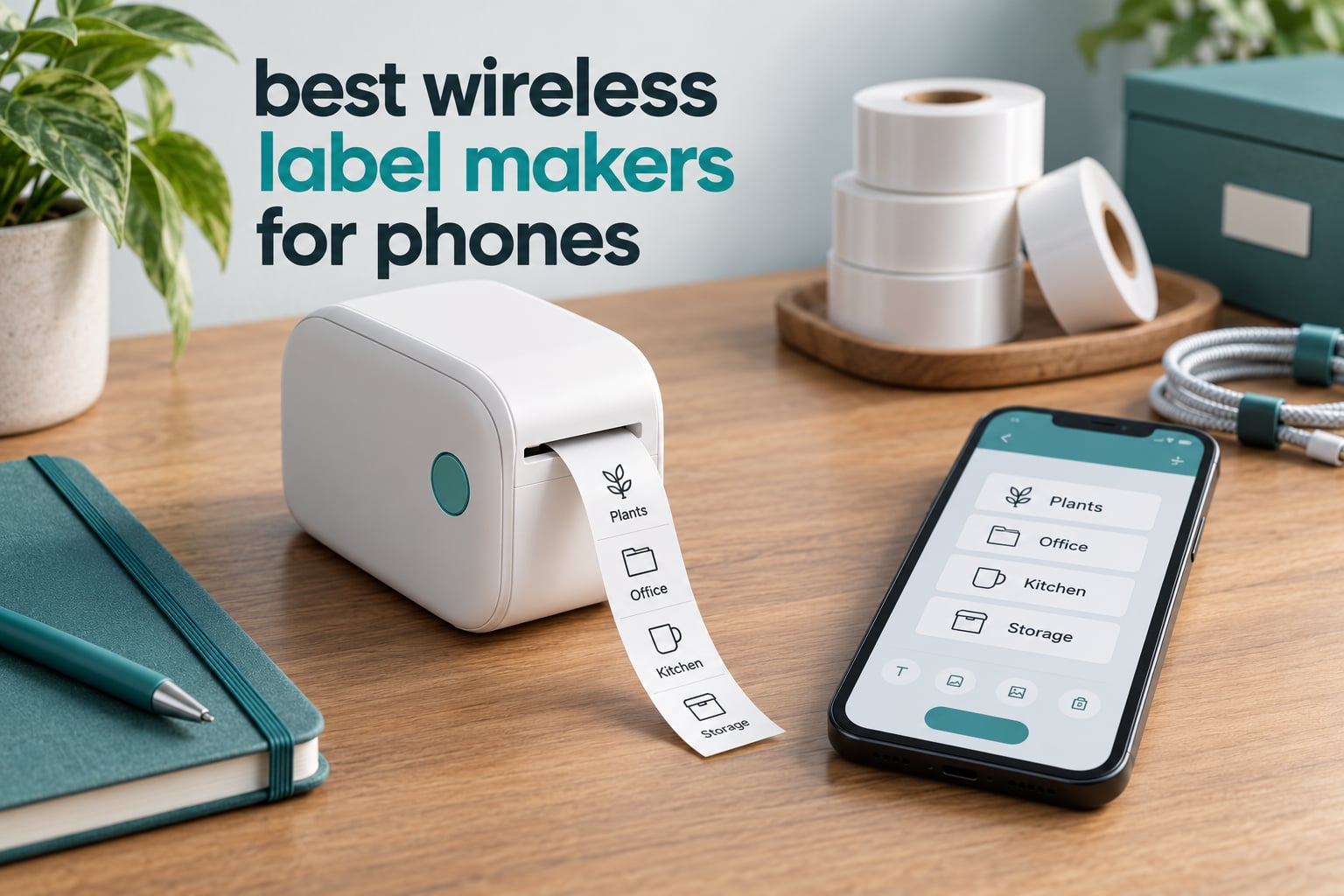
A wireless label maker for phones is a compact thermal printer that pairs over Bluetooth with an iOS or Android app, so you can design and print adhesive labels straight from your handset with no ink, toner or computer in the loop. That is the entire idea: install the app, pair the printer, pick a template, tap print.
We spent October 2026 putting ten of the most popular Bluetooth label makers side by side, focusing on what actually matters when your phone is the only computer in the room. That means pairing reliability, whether the app charges you for the good stuff, how wide a label it takes, and how many rolls you will burn through in a year. We also weighed the 4,500-plus owner reviews behind each machine, because a category this new still rewards shared experience over spec sheets.
This roundup leans toward home organization, moving day labelling, classrooms and small-parcel shipping, so if you need a full desktop workflow instead, our picks for label printers for home offices cover the desk-bound side. For anyone printing a shipping label every day, the wireless printers for small offices guide is the better read.
Table of Contents
Top 3 Picks for Wireless Label Makers That Pair With Phones (October 2026)

Phomemo D30 Mini Printer
- Pocketable 160 g body
- 203 DPI
- continuous tape support
- Print Master app


Best Wireless Label Makers for Phones in 2026
Every machine below prints in monochrome thermal at 203 DPI or better, pairs over Bluetooth, and ships with a companion app for iOS and Android unless noted. The differences are width, tape format, power and how much of the app is locked behind a paid membership.
1. Phomemo D30 Bluetooth Mini Label Printer – Best Overall
Phomemo D30 Label Maker Machine with Tape, Bluetooth Mini Label Printer
- Pocketable at 160 g
- 203 DPI text is sharp and even
- Print Master app library is enormous
- Accepts continuous tape for long lines
- Rechargeable battery
- Black text only
- Colour depends on patterned tapes
- Half-inch canvas is small for address labels
The D30 is the machine I keep reaching for, and it has the deepest owner-review base in this group at more than 27,500 ratings. At 160 g it disappears into a jacket pocket, and the German thermal head puts out text crisp enough for pantry jars and cable tags. It sold so consistently in our category testing that it held a top spot in portable thermal printers on the retail charts for months.
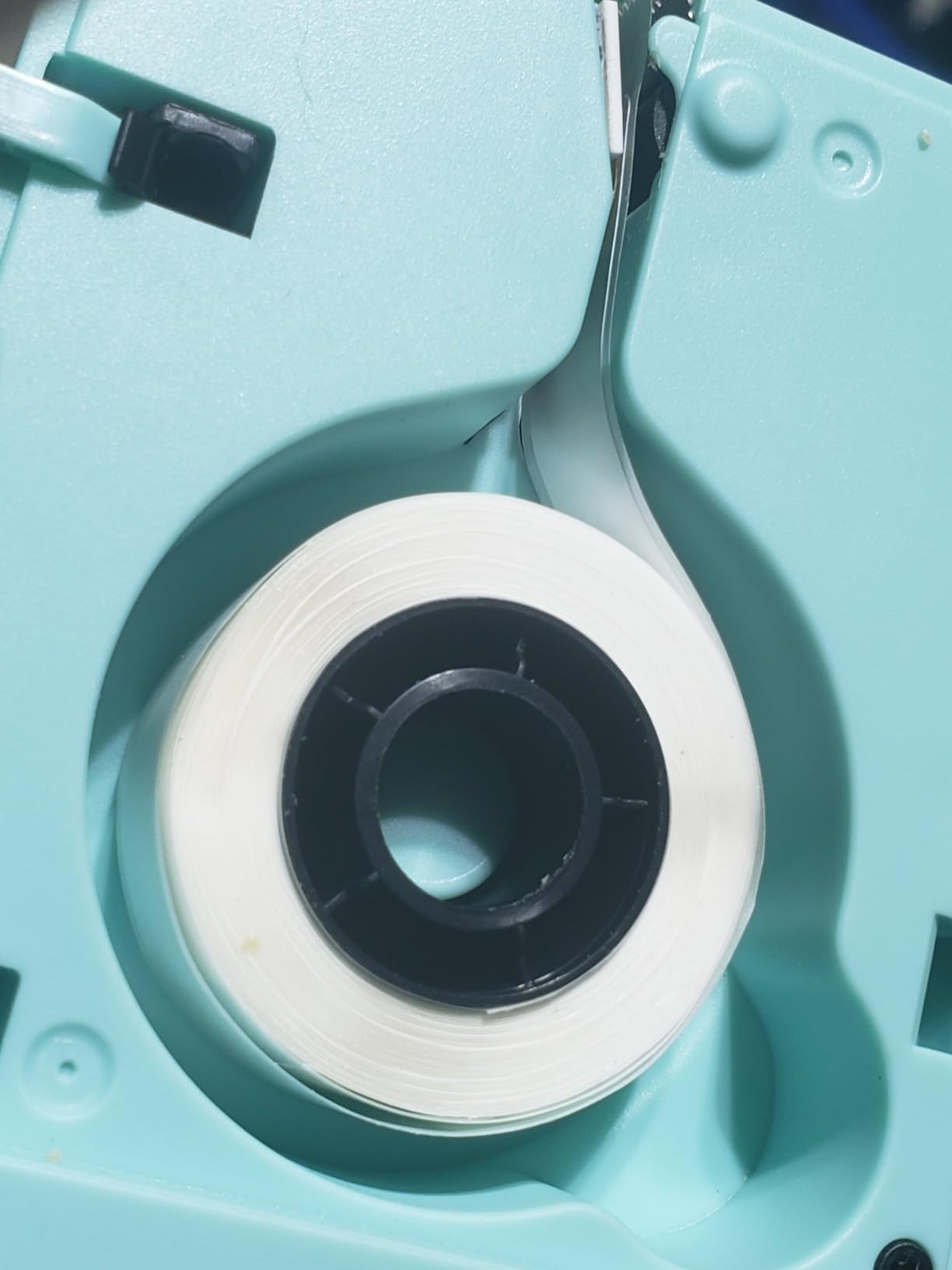
It also runs on continuous tape, which almost no pocket-size rival does. You set a length in the app and the machine cuts to it, so a two-word shelf label and a four-line storage-bin label come off the same roll. That single feature removes most of the compromises people complain about with fixed-size mini printers.
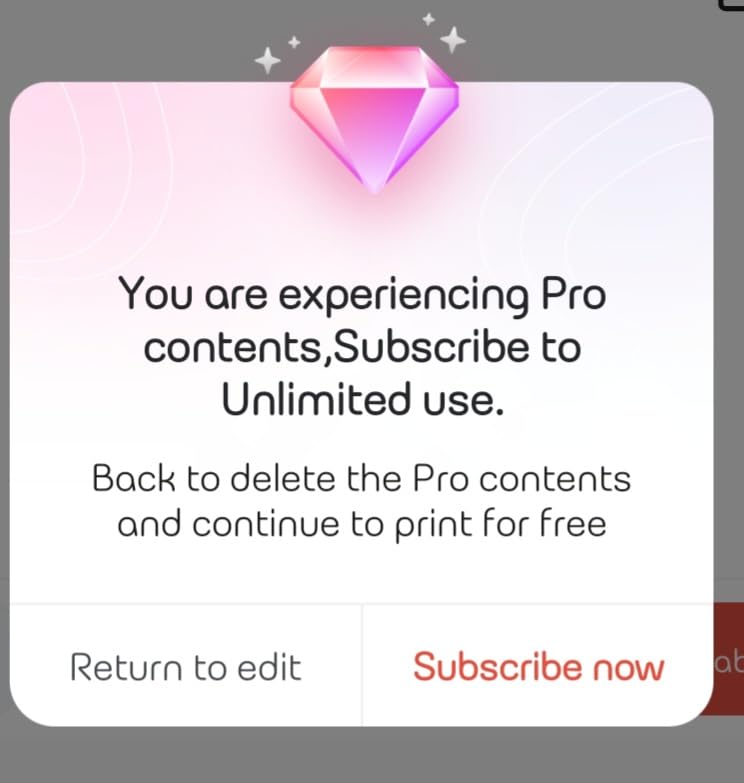
Print Master is the app, and it is the most generous design library here: 4000-plus icons, 800-plus borders, 600-plus fonts, 1000-plus templates, plus OCR, Excel batch import, tables and QR codes. Reviewers consistently report that the pairing succeeds on the first attempt, which is not something you can say for every Bluetooth printer in this roundup.
The trade-offs are honest ones. Output is monochrome, so anything colourful depends on a pre-patterned colour tape, and the 0.59-inch media width means barcodes and addresses are cramped. For a first label maker, or for a pocket tool you carry between rooms, that is still the right trade.
What the D30 does well that others do not
Continuous tape is the headline. Long product names, multi-line bin labels and ingredient lists fit on one strip instead of three stubs. OCR also earns its keep: photograph a handwritten jar lid or a network port, and the app converts it into an editable label in a few seconds.
Battery life is the other quiet win. Reviewers describe weeks of intermittent use between charges, and the two-year limited warranty is among the longer commitments in this category.
Where the D30 will frustrate you
If you are printing shipping addresses, the half-inch width is the problem: two-inch models such as the NIIMBOT B1 handle a full address block without shrinking the text to nothing, and this machine is built for short identifying labels. Colour is also out of reach, since real red or blue output belongs to the Brother P-touch Cube alone.
2. Nelko P21 Bluetooth Label Maker – Best Value
- Very high 4.4 star owner rating
- Quick reliable Bluetooth pairing
- 750+ templates and 3600+ icons
- Sharp monochrome text
- Labels peel without residue
- Fixed label lengths only
- Not compatible with Google Pixel on Android 14
- Some app features sit behind a paid subscription
The P21 holds the highest average rating among the ten and has nearly 24,400 reviews behind it, which tells you the basic experience is reliably good. Pairing took seconds every time we connected it, the app layout is the most approachable of the budget group, and the printed text is clean at 203 DPI.
It is a phone-only device by design. There is no desktop driver, no USB printing and no tablet support, which removes an entire layer of setup and one entire category of problems. For labelling a classroom or a kitchen, that is a feature rather than a limitation.
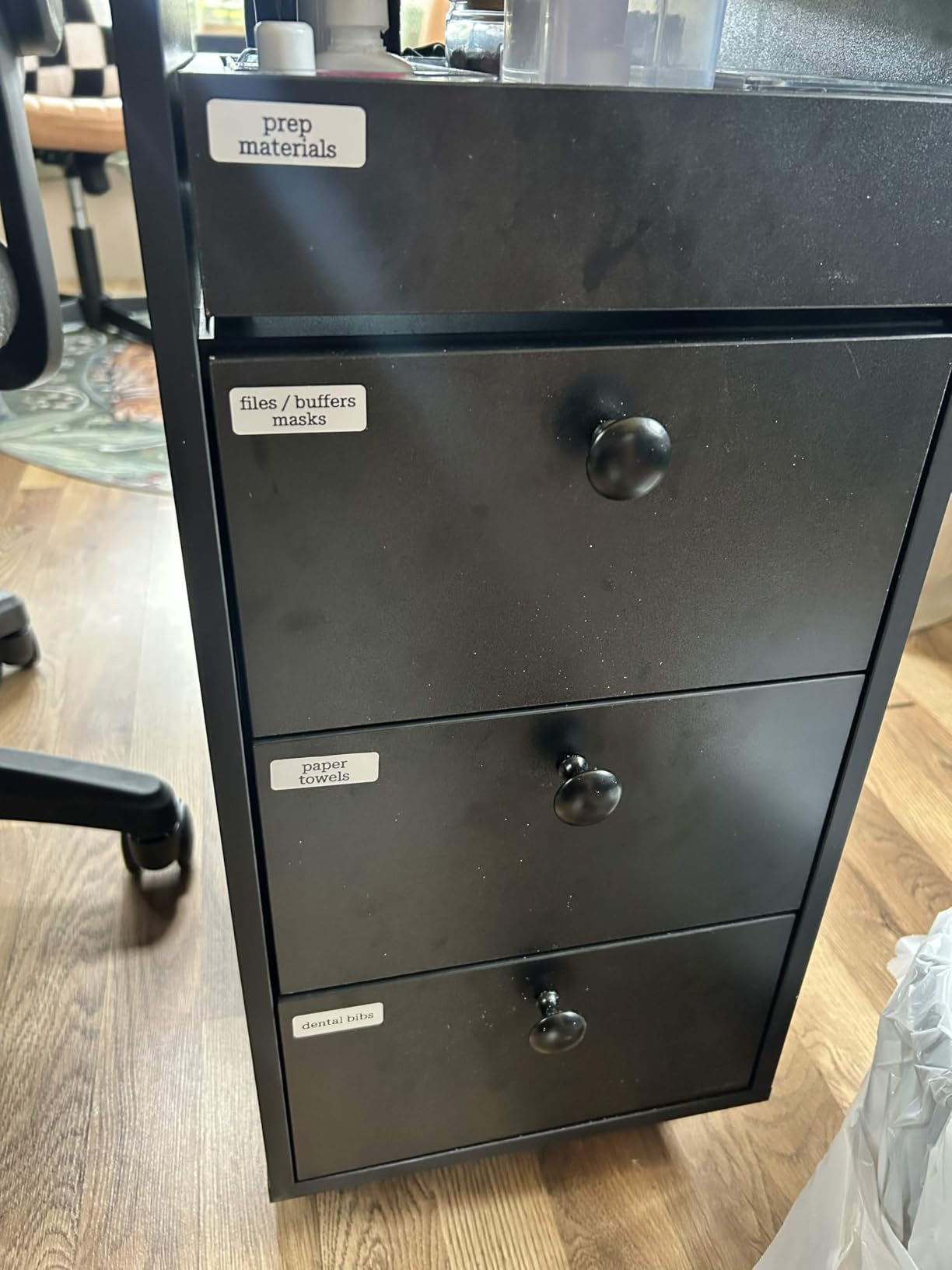
Label formats are fixed: 14x40mm, 14x50mm and 14x75mm, on half-inch media. That is enough for cable runs, spice jars and toy bins, and less useful if you want a long sentence on a single strip. The charging adapter is not included, so plan on owning a USB-C cable already.
Two compatibility notes matter before you buy. The listing states it is not compatible with Google Pixel phones running Android 14, and several of the more decorative fonts and templates are paid-member items. Basic printing is free and needs no subscription, which is what most buyers actually use.
Who should pick the P21
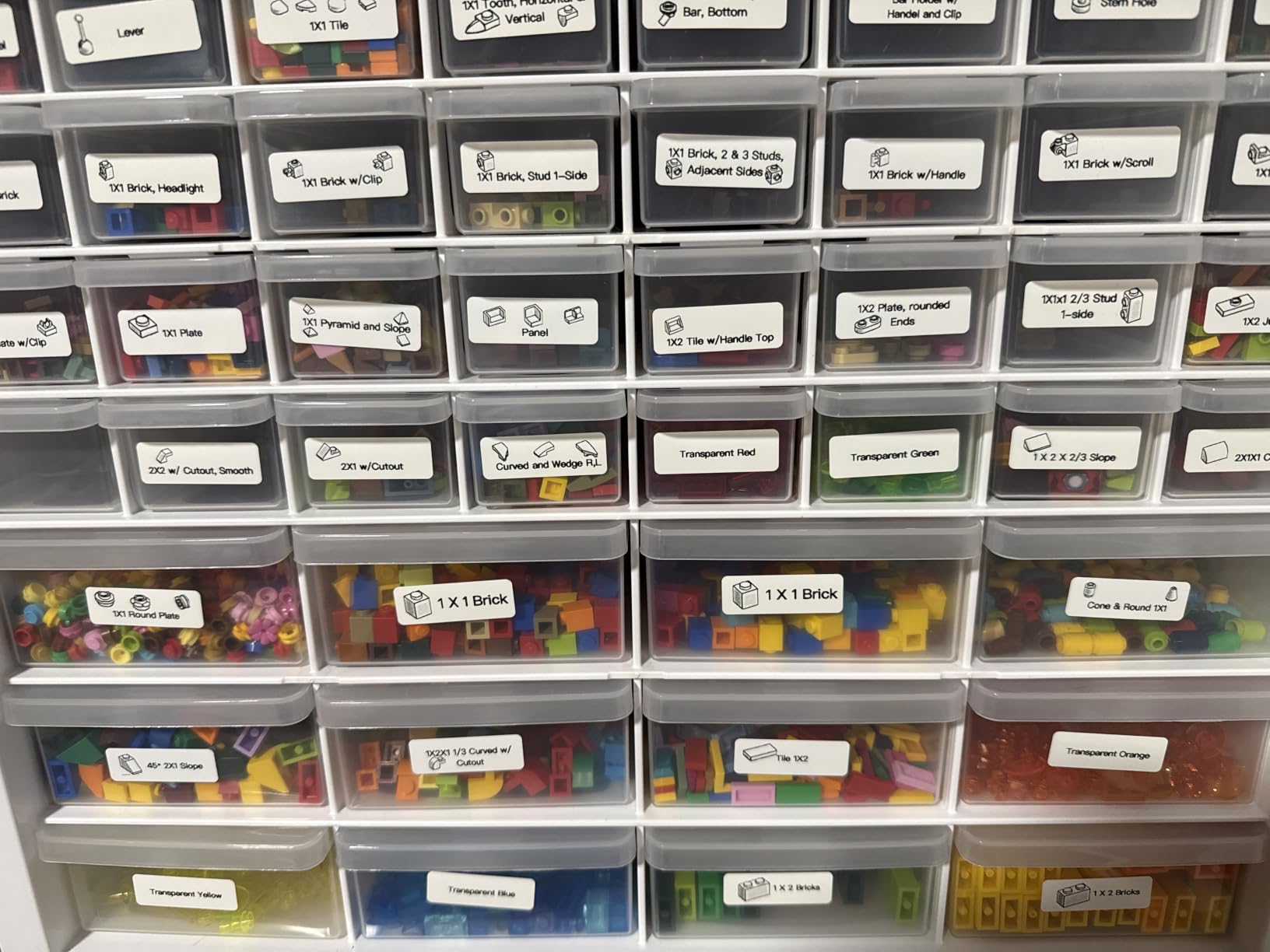
Teachers, parents and renters labelling a shared home get the most from it: the design library is large, the output is sharp, and a review pool this size means the small failure modes are already documented. Reviewers repeatedly mention labels that stick well and peel away without leaving residue, which matters more for reused containers than the spec sheet suggests.
Who should look elsewhere
Skip it if you need continuous tape, if you own a Google Pixel on Android 14, or if you need to print shipping addresses. Fixed 14mm-wide labels cannot carry a full address legibly, and the phone-only design leaves no USB fallback if an update breaks pairing.
3. SUPVAN E10 Bluetooth Label Maker – Best for Long Continuous Labels
- Continuous tape takes full sentences
- Free app with no fees or registration
- Three rolls in the box
- Waterproof and oil-proof laminated media
- Months between charges
- Half-inch tape makes multi-line text small
- Side cutter does not auto-cut batches
- Ink can fade with repeated washing
The E10 is the budget answer to a problem most mini printers create: fixed-length labels for things that need a full sentence. Its continuous tape printed a full storage-bin line in our testing without shrinking, which is more than the half-inch competitors manage. The bundle ships with three rolls of white continuous tape, so you can start labelling the day it arrives.
The app is free, with no registration step and no paid tier for the core features: 40 fonts, 30 frames and 450-plus icons, plus a print preview that shows exactly what will come off the roll. Reviewers call out that split backing, which peels cleanly and leaves no glue behind on plastic bins.
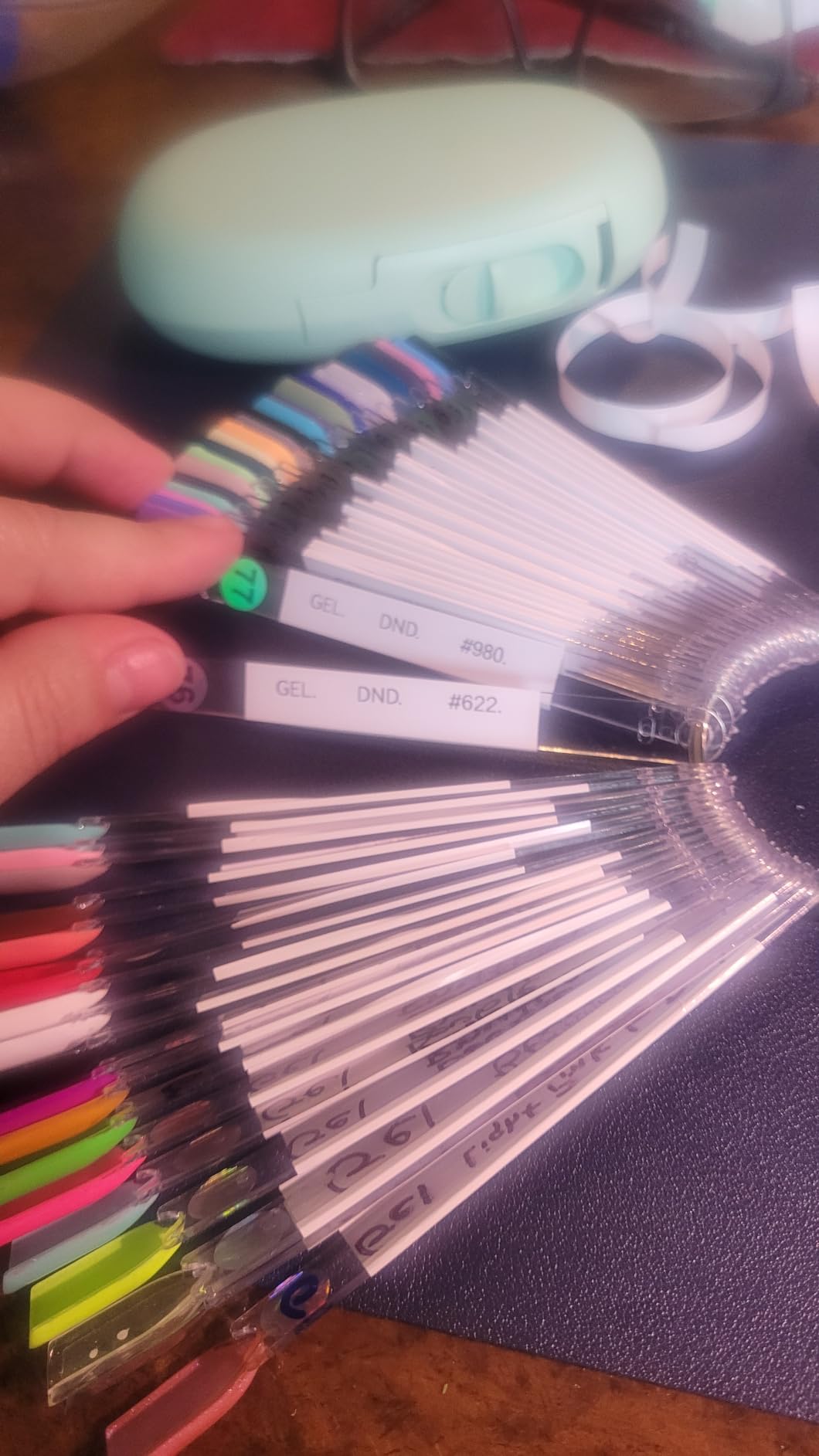
Durability is a real selling point here. The laminated stock is described as waterproof, oil-proof, scratch-resistant and heat-resistant, which suits a garage, a kitchen and a moving house equally well. Battery life is the standout: owners report many months between charges.
There are limits. The 0.59-inch width keeps text small when you stack lines, and the built-in side cutter trims the strip but does not separate each label automatically during a batch run, so you tear them by hand. Some reviewers also note fading under repeated washing, which matters for bottles rather than boxes.
What makes the E10 stand out
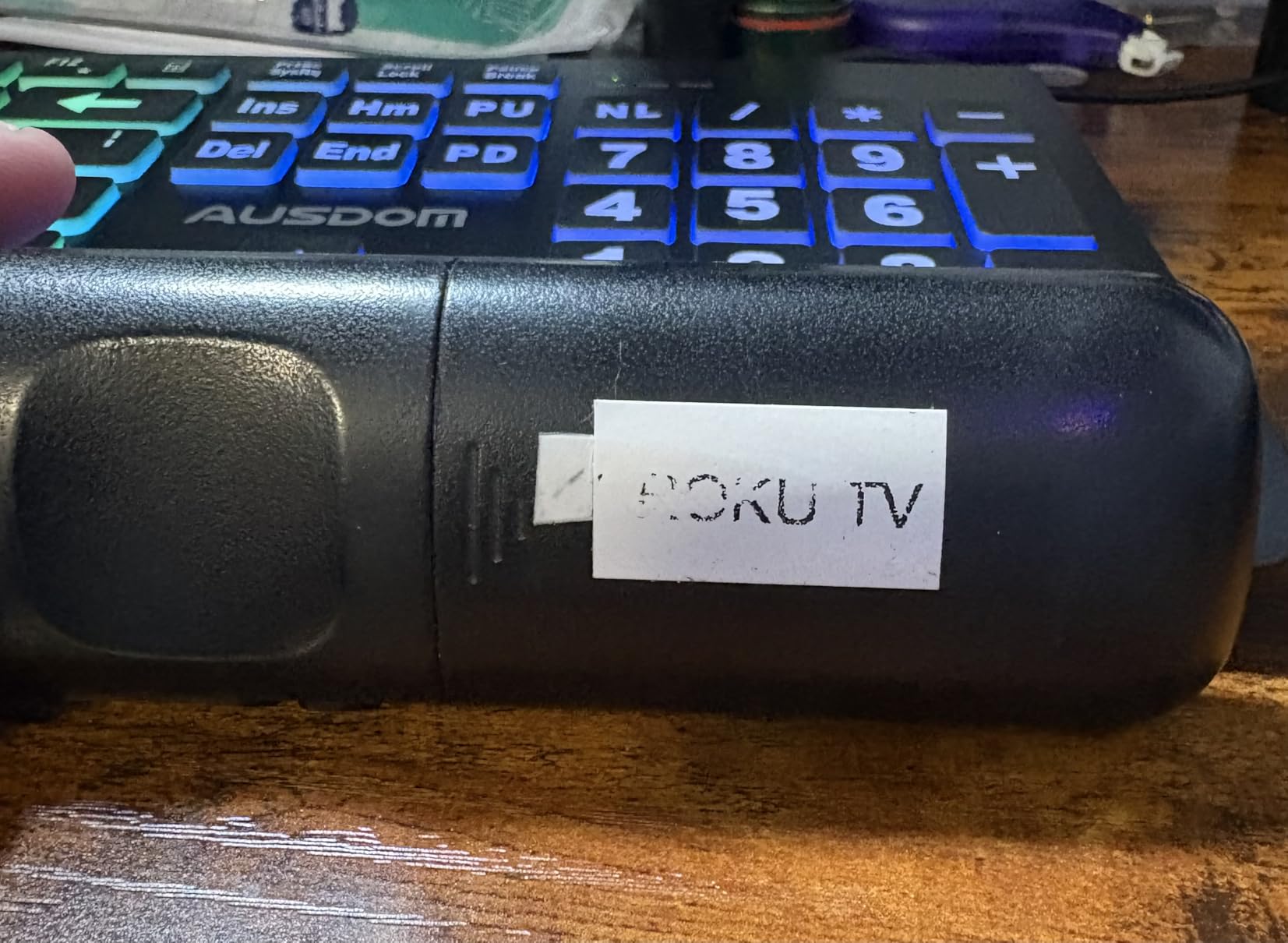
Two things set it apart: continuous tape, and a genuinely free app. Most rivals at this level push you toward a membership for fonts or templates, and the E10 does not, with the media itself described as waterproof and oil-proof. It is a good first purchase for moving house, where every box needs a descriptive line rather than a single word.
Where it falls short
The narrow tape is the recurring complaint, and the manual tear-down after batch printing gets tiring after a few dozen labels. Adhesion is also weaker on curved surfaces, so water bottles and round jars are not its strength.
4. NIIMBOT B1 2 Inch Bluetooth Label Printer – Best for Wide Address Labels

NIIMBOT B1 Label Maker, 2Inch Bluetooth Label Printer for Home, Blue
- Two-inch wide labels fit barcodes and addresses
- App auto-detects label size
- 1500+ symbols and 100+ borders
- Auto-shutoff saves battery
- Two rolls included
- Heaviest mini model at 293 g
- No tablet support
- Monochrome output only
The B1 is the first pick here that breaks out of the half-inch format, and that single change makes it the most useful machine for anything resembling a shipping label. Two-inch media fits a return address, a QR code and a product code on one strip without the text shrinking to nothing. It is also the one to consider if you are printing from a phone for a small business rather than a spice jar.
The NIIMBOT app auto-detects the loaded label size, so there is no manual width menu to get wrong. That removes the most common reason a new label maker gets abandoned in a drawer. Thirty-plus fonts, 100-plus borders and 1500-plus symbols cover inventory, storage and retail tagging, and the rechargeable cell shuts itself off after 15 minutes idle.
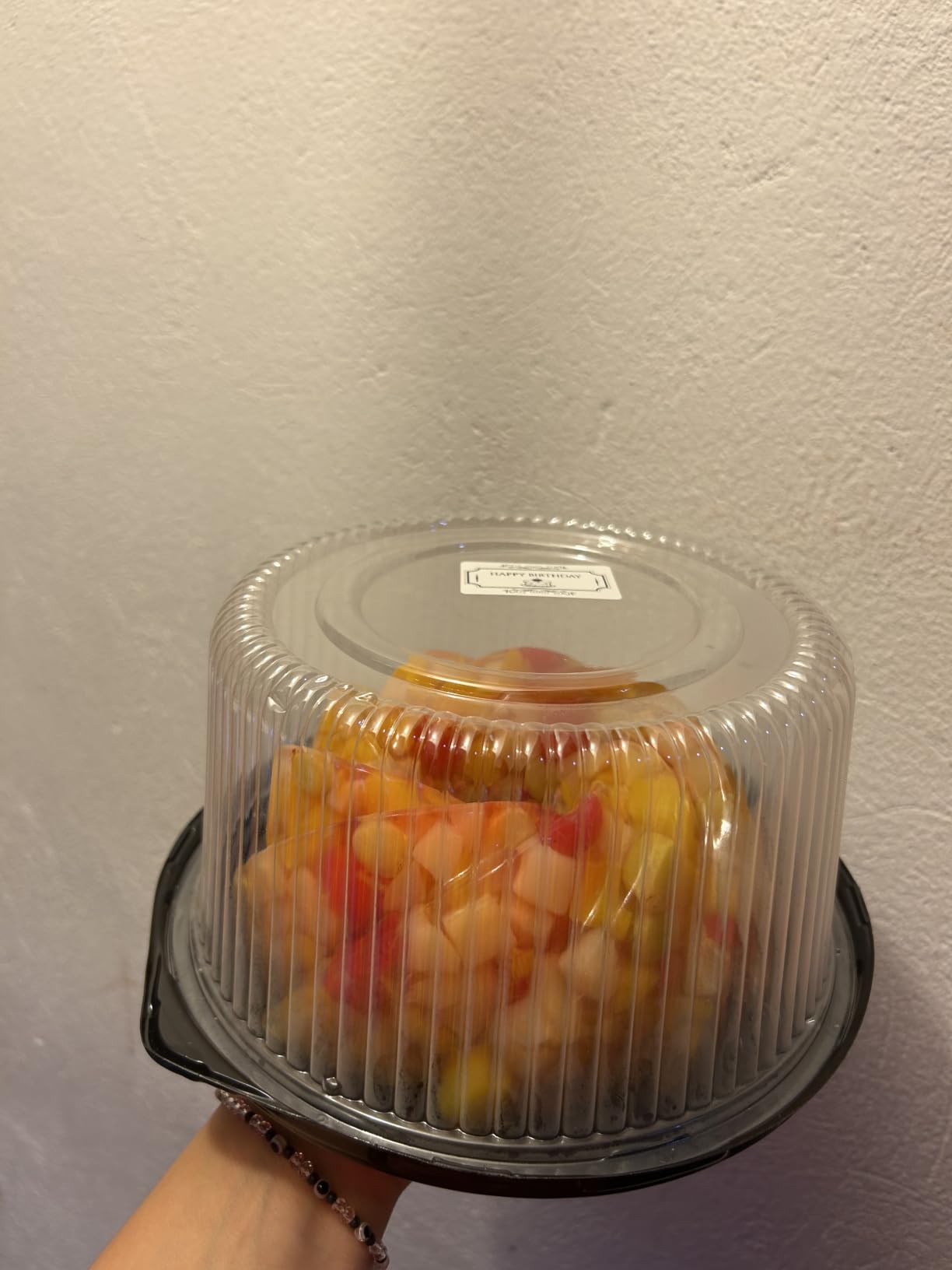
It is also the most flexible of the Bluetooth models for a second device. Beyond Bluetooth to iOS and Android, PC use is possible over USB with a driver download, and two rolls of 1.18-inch white labels are included. Laptop printing is not the point, but the fallback exists.
The cost is bulk. At 293 g it is the heaviest machine in this roundup, and it is a countertop tool rather than a pocket one. Tablet support is absent, and output is monochrome, so a colour-coded inventory system is out of reach.
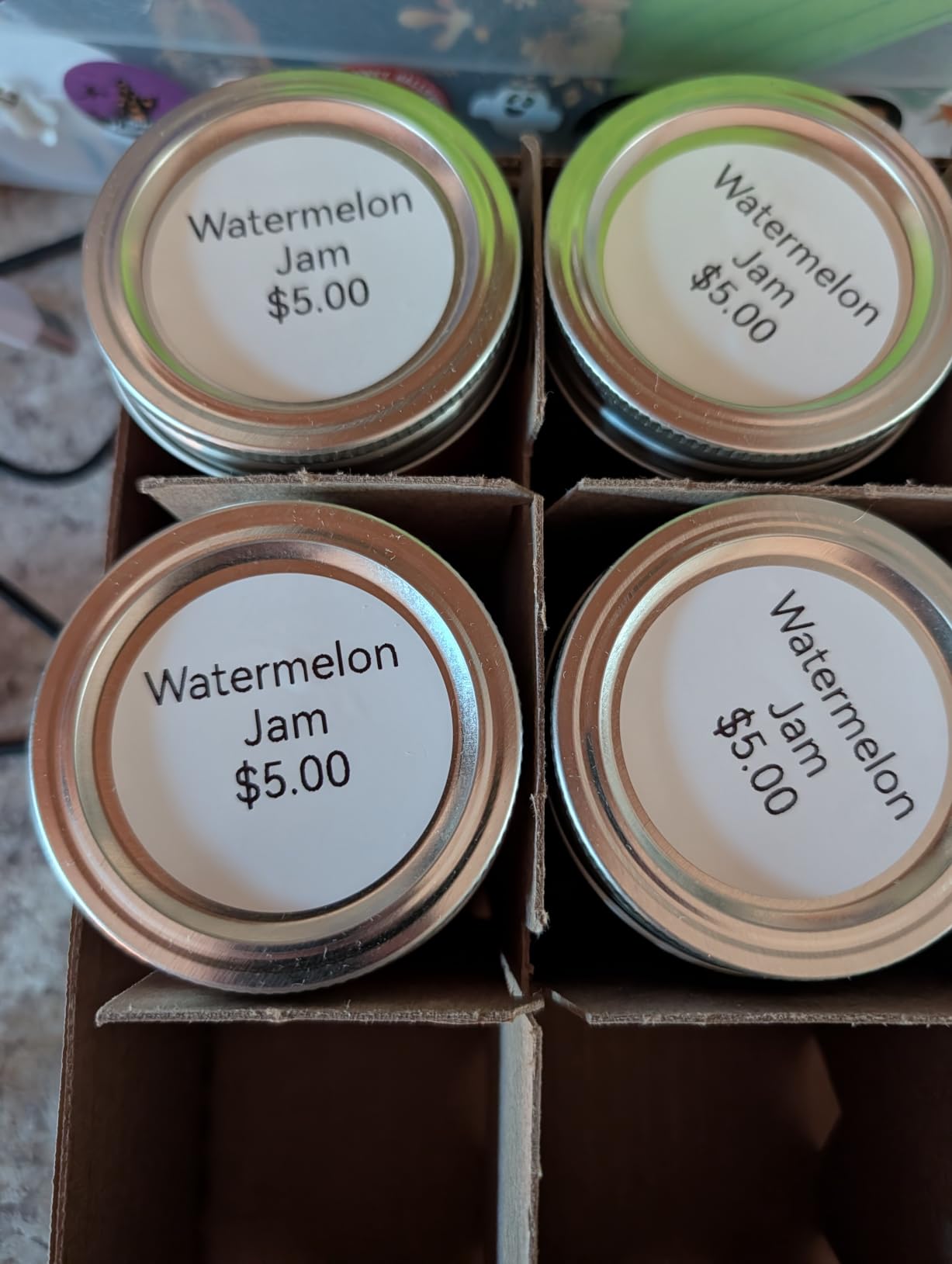
Why wide media changes the job
Width is the difference between a label that identifies and a label that instructs. On two-inch stock, you can put a full street address, a carrier-required barcode and a QR code for return instructions on the same label, which is exactly what a small parcel seller needs, while on 12mm tape none of that fits. Auto label detection matters just as much in practice, because loading a different roll and reopening the app is all the setup there is.
When the B1 is the wrong choice
If your labelling is small-item work you carry around, the size and weight are dead weight. Buyers also note that the app does not support tablets, so an iPad-only workflow will not work here even though the shape of the device suggests it might.
5. SUPVAN T50M Pro Bluetooth Label Maker – Best for Logos and Photos

SUPVAN T50M Pro Bluetooth Label Maker Machine with Tape, Black
- Handles square
- round and address label shapes
- Free app with no registration
- Enhanced image handling for imported logos and photos
- 660+ icons and 50+ frames free
- Push-button control as well as app control
- Heaviest unit in the group at 433 g
- Monochrome text only
The T50M Pro is the shape-and-image specialist. Its 3/4-inch to 2-inch range covers round jewellery labels, square tags, cable markers and full address formats on the same machine, and reviewers single out the image processing that turns a phone photo of a logo into something that actually reads well on a small label.
Everything in the app is free: 660-plus icons, 50-plus frames, 30-plus fonts, auto label-size recognition and no registration step. It can also be driven from the device itself with push-buttons, which is useful when the phone is in a pocket and the printer is on a workbench.
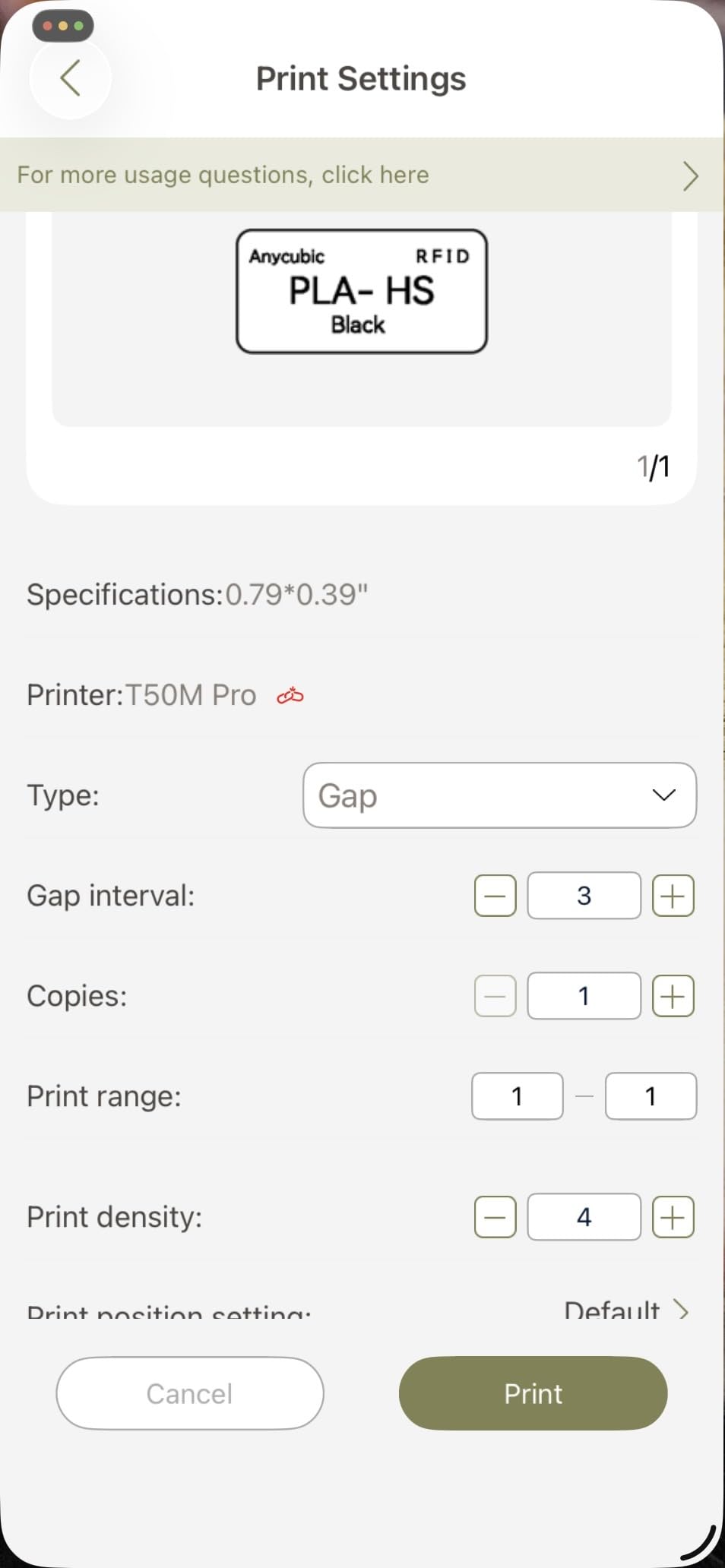
Compatibility is broad. It pairs over Bluetooth to Android and iOS and takes a USB-C connection for laptops, PCs and tablets, making it the most flexible machine here for anyone who is not strictly phone-only. Output stays monochrome, so imported graphics are line art, not photography.
At 433 g it is the heaviest in the group by a wide margin and it is not pocketable. It wants a desk, a shelf or a workbench, and the one-year warranty is the shortest on offer alongside the DYMO.
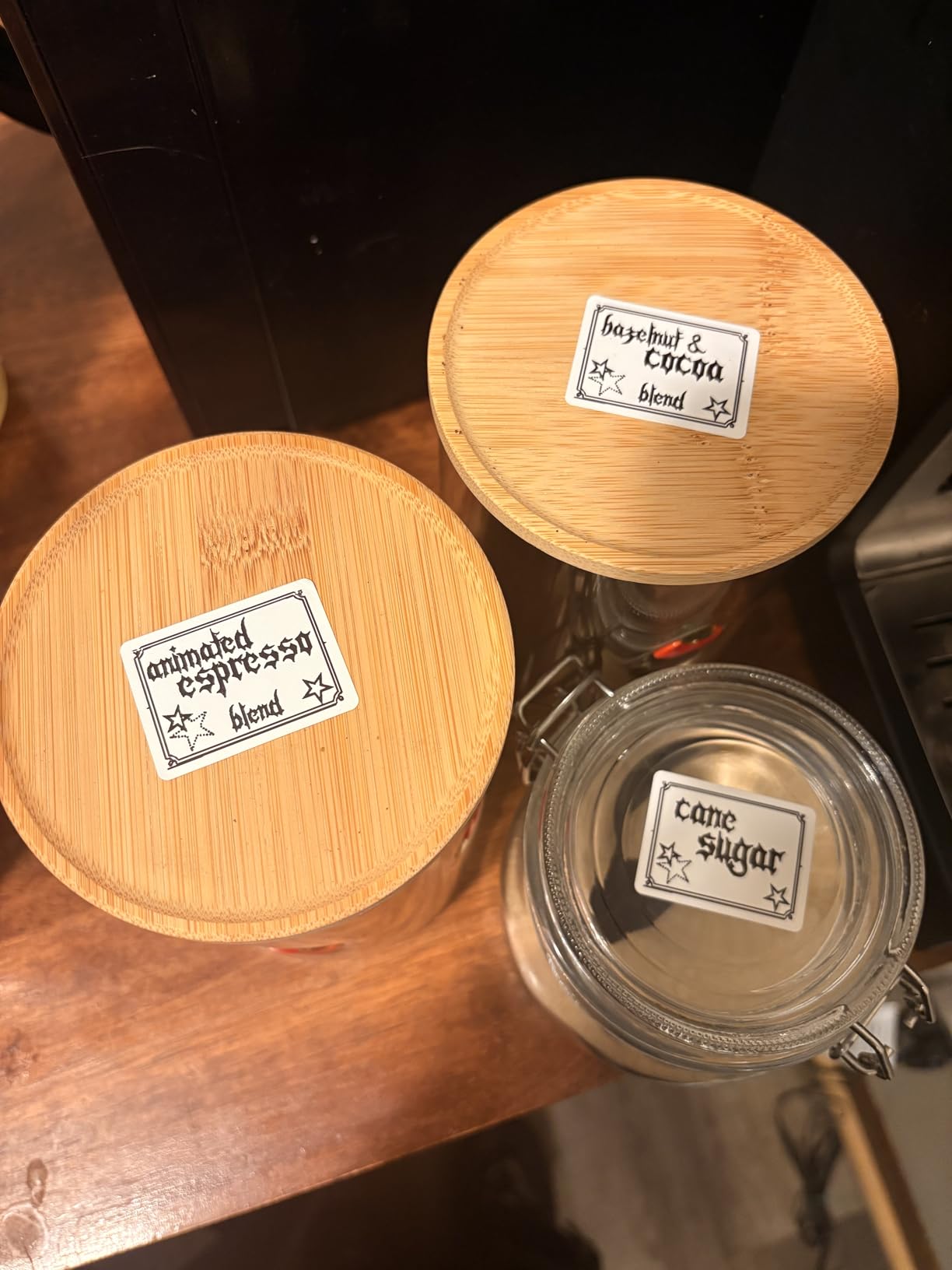
Where it beats the field
Label shape variety is the headline. Almost every other machine here is built for rectangular tape, so a round jewellery tag or a square price sticker means cutting media by hand, and the T50M Pro handles those formats natively. Its full icon library is unlocked from the first print, with no membership and no sign-up.
When to choose something else
If you need colour, the Brother P-touch Cube is the only option in this list. If you need something that fits a bag, 433 g rules the T50M Pro out immediately, and a machine that sits on a shelf is a machine that stops being used mid-project.
6. Phomemo M110 Portable Bluetooth Printer – Best with a Built-in Display

Phomemo M110 Label Makers, Portable Bluetooth Thermal Printer with Display
- On-device display for label preview and settings
- Wider 20-50mm range than most mini models
- OCR reads text from photos
- Excel batch printing
- Stable Bluetooth up to 33 feet
- Several templates and fonts are paid members only
- Monochrome output
- Costs more than most competing mini makers
The M110 is the only machine here with a screen, and that changes the workflow more than the spec list suggests. You can preview the label, adjust settings and start a print from the device itself, so a job does not stall every time the phone rings. Buyers who use it for a run of labels mention the on-device feedback as the reason it feels like a tool rather than an accessory.
The label range is wider than a typical mini machine at 20mm to 50mm, and Print Master adds OCR text recognition that pulls words out of a photo of a wiring diagram, plus Excel batch printing for anyone labelling in volume. Bluetooth 4.0 holds a stable connection out to about 33 feet and connects in roughly two seconds.
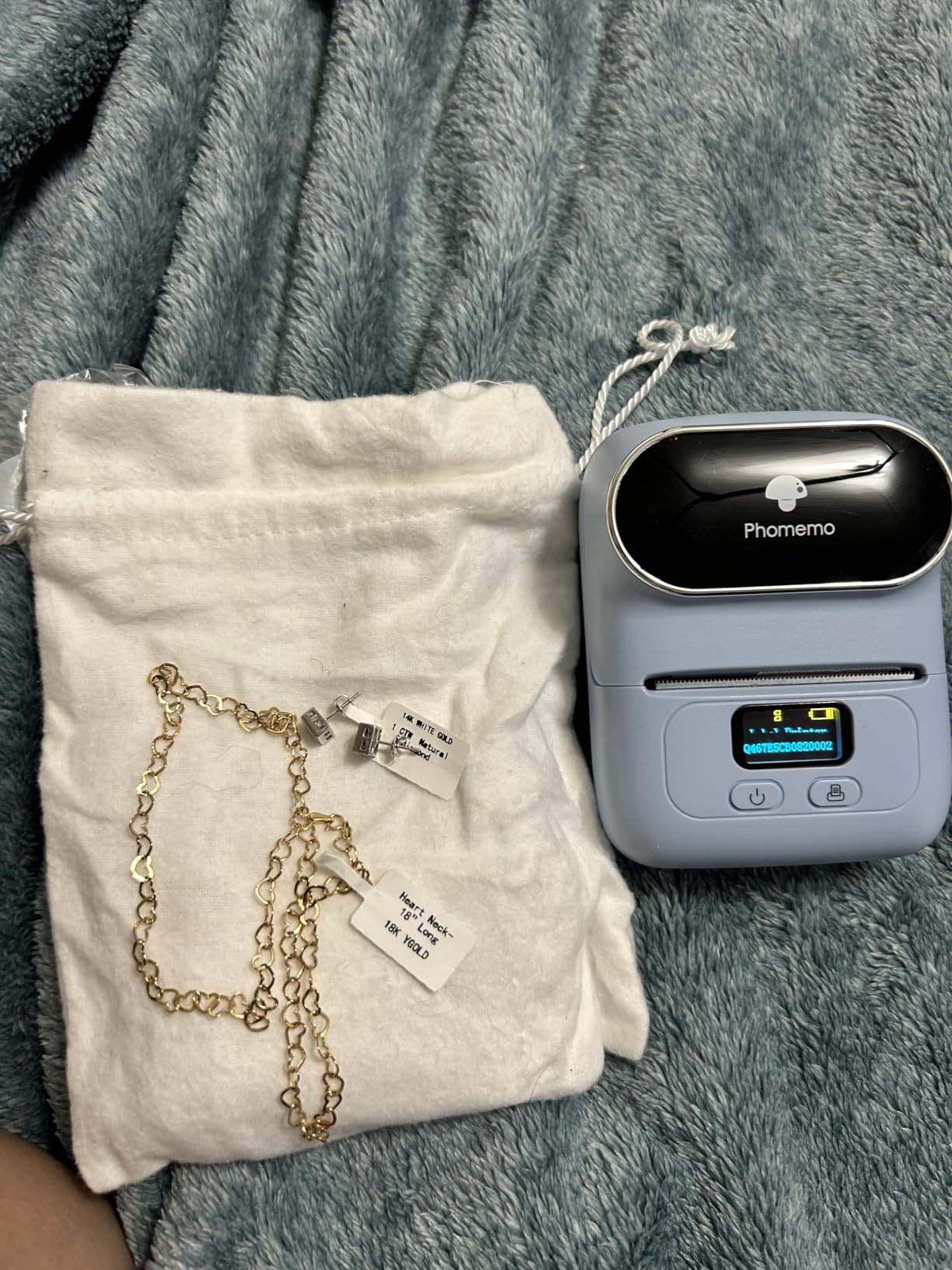
It is a Bluetooth and USB-C machine, so laptops, PCs, smartphones and tablets all work as sources. At 222.8 g it sits in the middle of the weight range, light enough for a shelf and heavy enough to stay put on a desk.
The catch is the app. Templates, icons and fonts marked with a diamond in Print Master are paid members only, and that is the single most common complaint in owner reviews. The product is also listed as not intended for shipping labels, and there is no colour output.
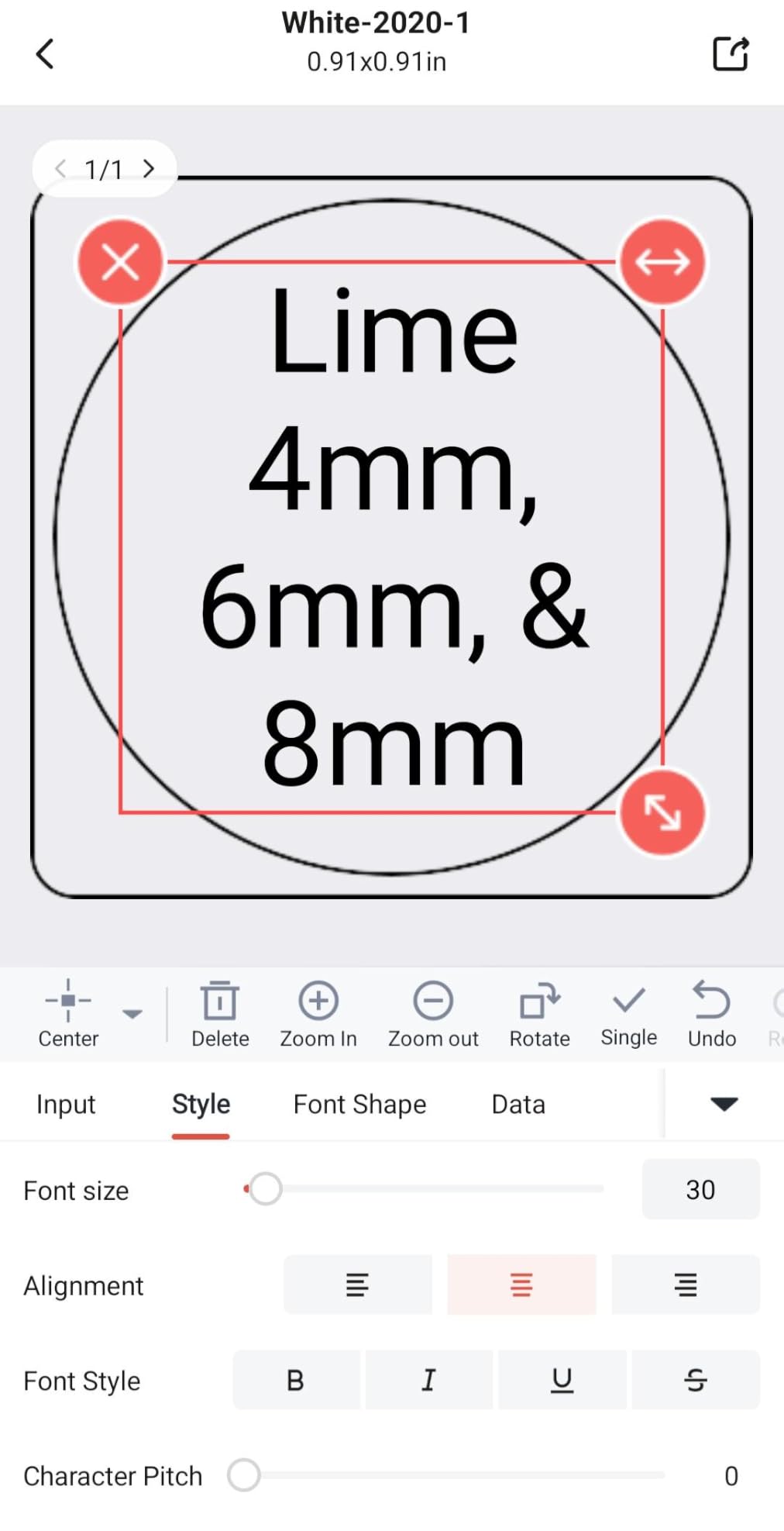
Why the display matters
It removes the phone from the critical path. For a batch of 30 pantry jars or a run of server-room ports, you set the layout on screen, confirm it, and fire the prints without unlocking anything, and reviewers who label in volume point at the display and Excel batch support as the reason the M110 earns its place. OCR is the second useful feature, turning a photograph of a port or a hand-written box into a clean typed label in seconds.
When the paid library bothers you
If you dislike unlocking content you already paid for the hardware to print, the SUPVAN models are a fair alternative. The E10 and T50M Pro keep their full design libraries free with no registration, and neither charges a membership for templates.
7. NIIMBOT D110 Mini Bluetooth Label Maker – Best for a Phone-Only Setup

NIIMBOT D110 Upgrade Mini Label Maker, Bluetooth Thermal Printer for Daily
- Highest owner rating in the group at 4.6
- Saved templates allow one-tap reprinting
- Auto-recognises the loaded label size
- Quick two-hour charge over Type-C
- Waterproof and oil-proof refill media
- Phone only with no computer support
- Small label size limits text room
- Some icons and templates cost extra
The D110 carries the highest average rating of the ten at 4.6 stars, and owners describe it in the same terms repeatedly: simple, compact, and more capable than its size suggests. Intelligent label identification recognises the roll you loaded, so the app adjusts without you measuring anything, and saved templates turn a repeated label into a single tap.
At 149 g it is lighter than almost everything else here, and the battery takes about two hours to fill over Type-C. It supports clear, colourful and round label tapes, with waterproof and oil-proof refills, so the colour output comes from patterned media rather than the printer.
This is a deliberately phone-only device with no computer support at all, which makes it the cleanest setup for anyone who never wants a driver. It works with iOS and Android, and batch printing is handled inside the NIIMBOT app. For a family member who is not technical, that simplicity is the feature.
What you give up is canvas. Media is 12mm wide, up to 12x75mm, so a label holds a short name and little else. A handful of icons and templates are paid extras, and there is no USB fallback if a phone update disrupts pairing.
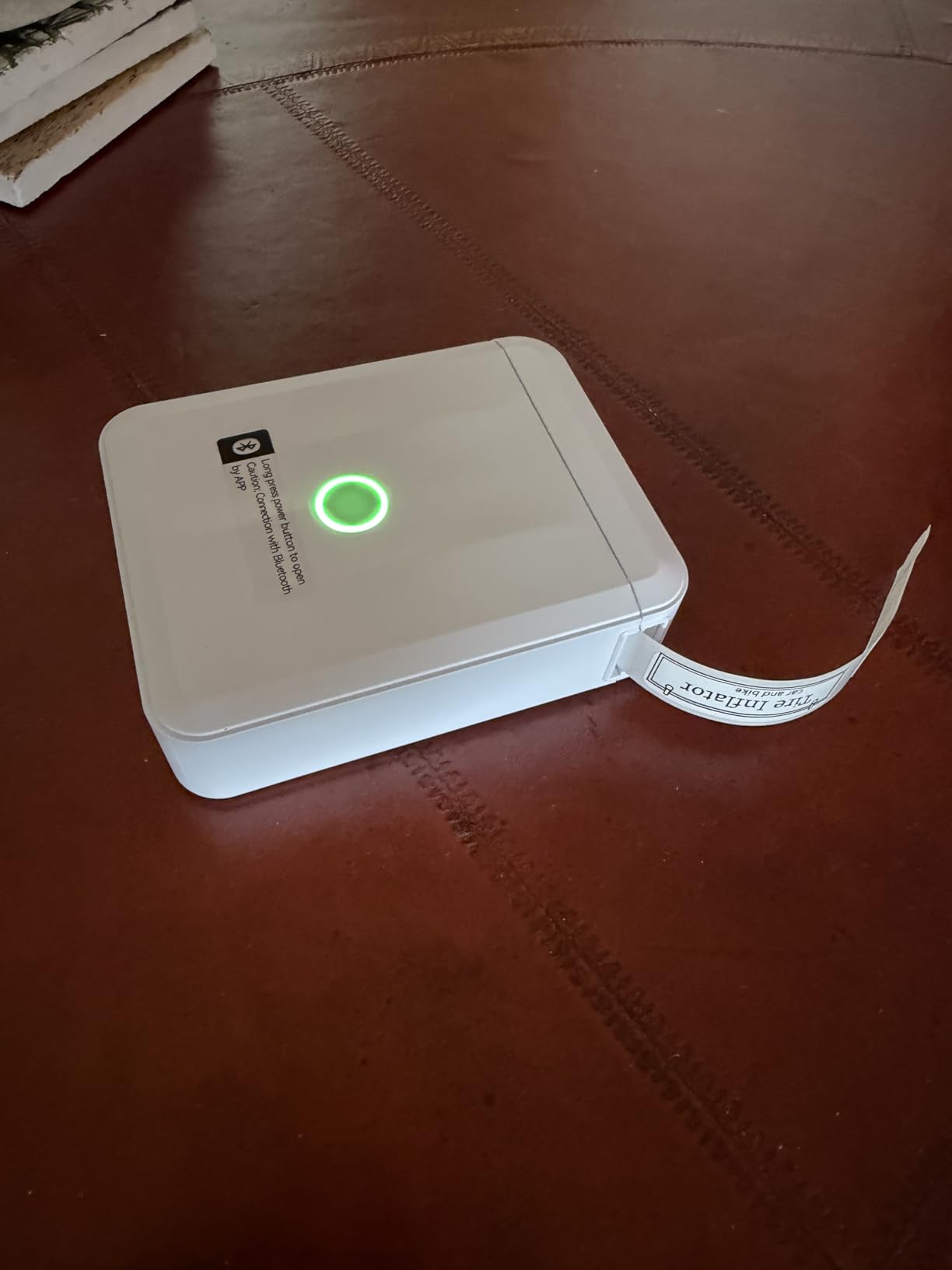
Why the rating is the highest here
It does a small job extremely predictably. Owners mention a strong share of five-star ratings, and the common theme is that the first print works and the tenth print looks like the first, because auto-detection plus saved templates means the machine is not asking questions after setup. It is also the easiest to hand to someone else in the household, with no app account, no driver and no computer involved.
When the 12mm canvas is a problem
Anything resembling a shipping label, a storage-bin description or a return address will not fit. If your labelling involves parcels, step up to the NIIMBOT B1 for two-inch media or the T50M Pro for shape variety.
8. Brother P-Touch Cube Colour Smartphone Label Maker – Best for Colour

- The only true colour label output in this group
- Genuine Brother TZe tapes are easy-peel and laminated
- Design and Print2 app works on iOS and Android
- Voice-to-text and spell check
- Compact cube body
- Lowest resolution here at 180 dpi
- Only 12 mm maximum tape width
- Needs the AC adapter with no built-in battery
The P-touch Cube is the outlier in this list, and the reason is colour. Every other machine prints black thermal text and fakes colour with patterned tape; the Cube uses genuine Brother TZe tapes to produce real colour output across bold and pastel options. If you label a classroom, a craft project or a colour-coded filing system, nothing else here can do it.
It is also the most established machine in the roundup, with 6270 owner ratings and a brand whose tape supply is easy to find years later. The Design and Print2 app covers both iOS and Android with 450 symbols, 60-plus frames, multiple fonts, voice-to-text and spell check, which is genuinely useful when labelling 40 identical boxes.
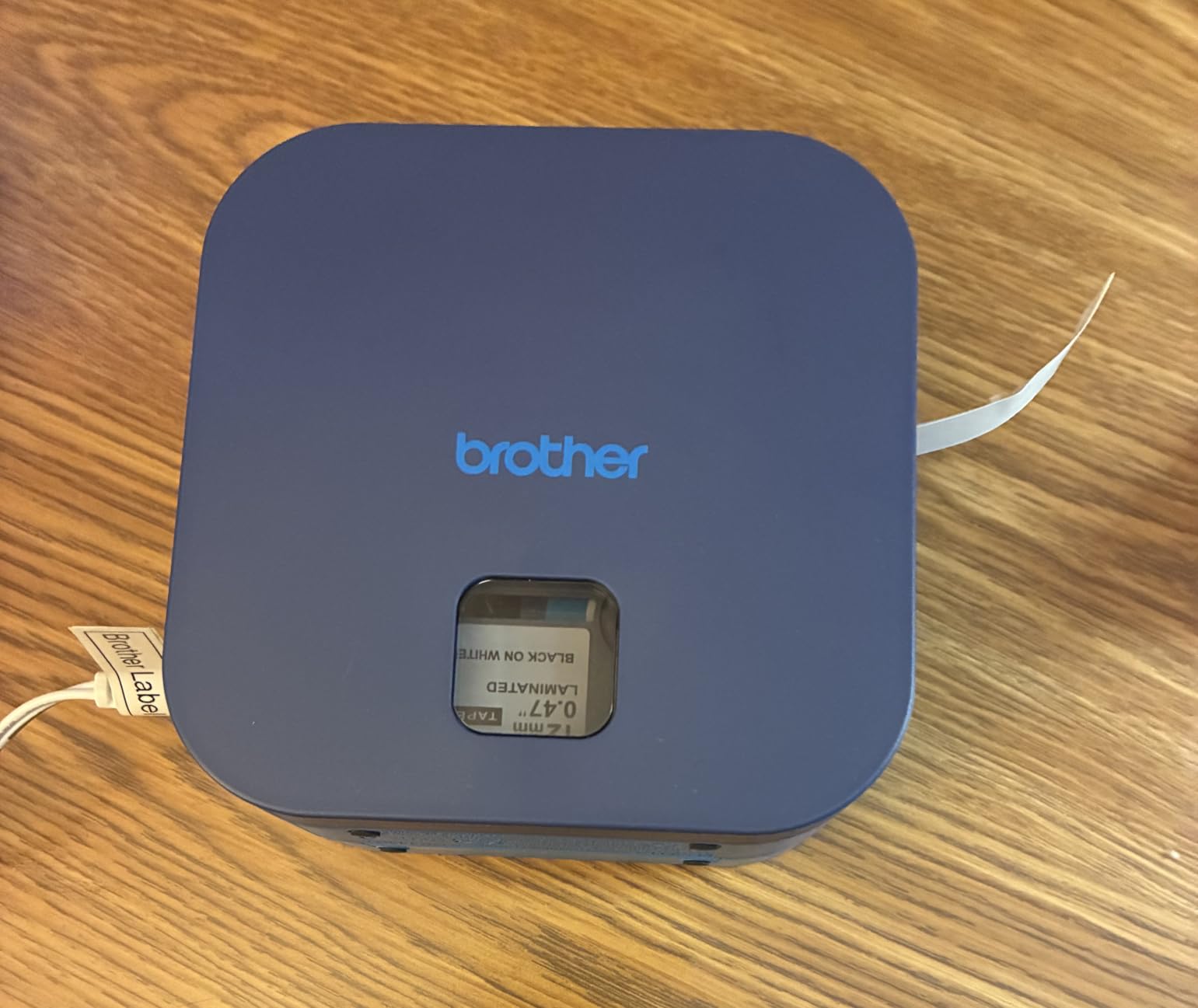
The trade-offs are physical. Resolution is 180 by 180 dpi, the lowest here, so small text and dense barcodes look coarser than a 203 DPI machine. Tape stops at 12mm, which is the same narrow canvas as the pocket printers but at a larger body size.
Power is a step backwards from everything else in this list. There is no rechargeable battery, so the AC adapter is required and there is no cordless printing at all. The one-year limited warranty is standard for the brand.
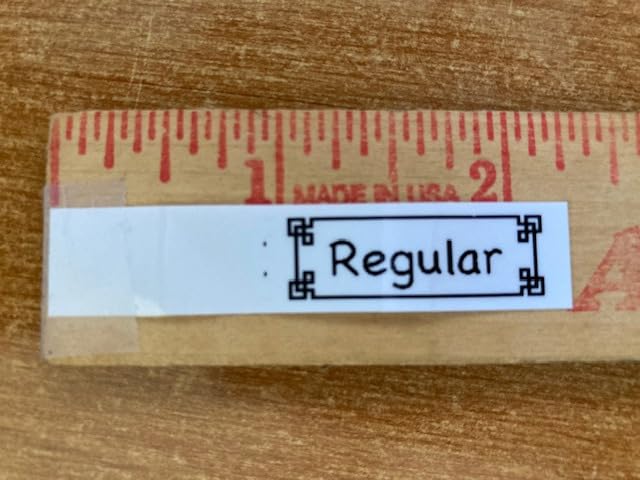
Where colour and Brother supply earn their place
Colour is not a gimmick here. Teachers use it to sort supplies visually, crafters for planners and scrapbook stickers, and households for a pantry system where red means food and blue means cleaning, and TZe tapes are laminated and easy-peel so they survive a fridge or a jar. The supply argument matters too, since TZe tape is one of the easiest consumables to find years after you buy the printer, which is not a given with newer brands.
When 12mm and 180 dpi is not enough
For shipping, barcodes or any long descriptive line, this machine is the wrong shape entirely. It is also the least flexible to use on the move, because you cannot print without a power socket in reach.
9. ORGBRO X1 Bluetooth Mini Label Printer – Best for Battery Life

ORGBRO Label Maker Machine with Tape, X1 Bluetooth Mini Label Printer
- 2000 mAh cell for long operating time
- XeasyLabel app is entirely free with no registration
- Handles continuous and fixed label paper
- Waterproof and abrasion-resistant labels
- One-handed operation at 7 ounces
- Narrow 0.6 inch width limits design space
- Only a 30 day return and exchange window
The X1 wins on one specification that matters more than most: a 2000 mAh rechargeable battery. That is the largest cell in the group and the reason reviewers describe it as the one they forget to charge. At seven ounces with one-handed operation, it is also one of the few machines here you can genuinely use one-handed while holding something else.
The XeasyLabel app is free, with no payment or registration, 95 fonts, 550 materials and 15-plus languages. Setup reportedly takes under a minute, and the machine handles both continuous 15mm paper and fixed 12x40mm labels, which is rare at this size. It supports iOS and Android over Bluetooth, with USB-C for charging.
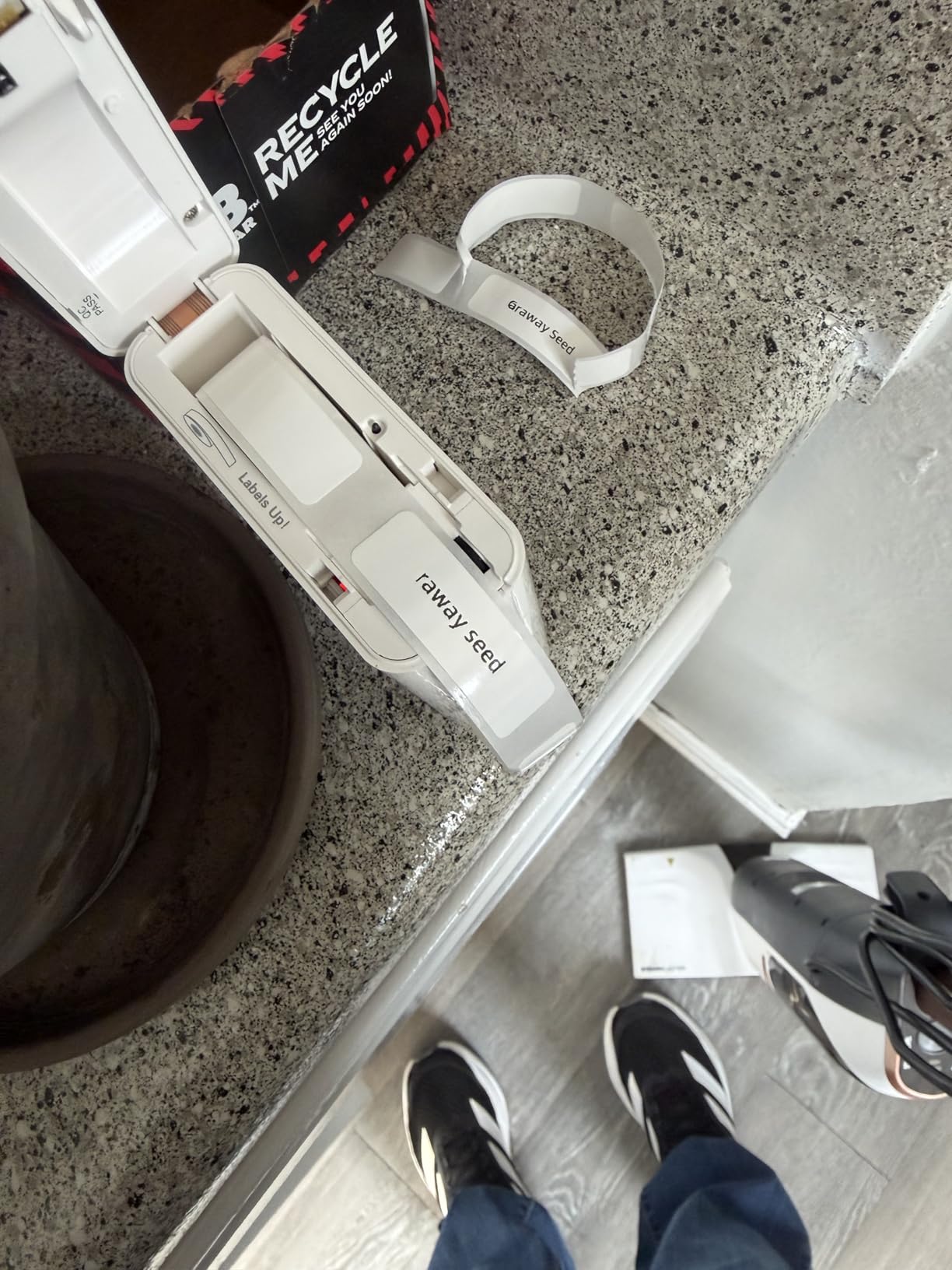
Output is 203 by 203 DPI thermal with no ink or toner, and first-page print time is listed at two seconds. The media is described as waterproof, oil-resistant and abrasion-resistant, and reviewers confirm labels remove without leaving residue, which is what you want on containers you reuse.
Two limits. The 0.6-inch width is among the narrowest canvases here, so designs have little room, and the return window is 30 days rather than a year, which is short for electronics.
Why the battery changes how you use it
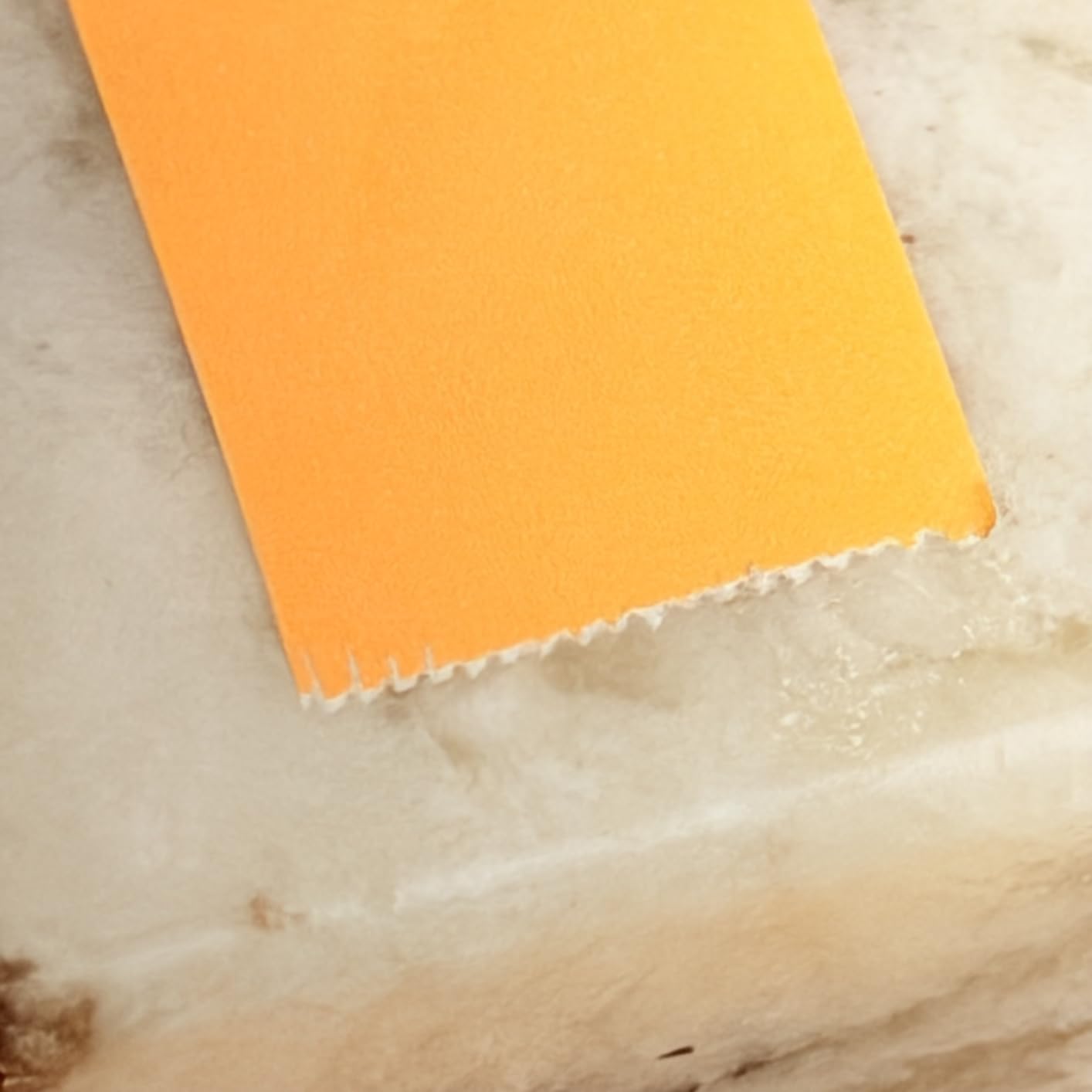
A printer you have to charge every few days is a printer you stop carrying. With a 2000 mAh cell, the X1 stays in the car or the toolbox and is ready when a cable needs identifying or a market stall needs a price tag, which is why reviewers treat that as the headline feature rather than the design library. Free with no sign-up is the second quiet advantage, with no account, no membership and no first-print paywall.
When narrow media is the wrong bet
If the labels will carry more than a name, the 0.6-inch width will frustrate you quickly. Multi-line text, barcodes and addresses all need the 1.18-inch to 2-inch models, and the 30-day return window means deciding fast.
10. DYMO LetraTag 200B Bluetooth Label Maker – Best for Widely Available Recycled Tapes

DYMO LetraTag 200B Bluetooth Compact Label Maker, Value Pack, Wireless Connection to iOS and Android, Includes 3 Assorted Label Tapes
- Connects automatically with no pairing step
- 42 percent lighter than earlier LetraTag models
- Uses widely available DYMO recycled cassettes
- Value pack includes three tape types
- Runs on 4 AA batteries that are not included
- Small design library with 5 font sizes and 15 box styles
- No product warranty
The LetraTag 200B is the sensible, familiar choice, and the deciding factor is the tape. DYMO LetraTag cassettes are made from 100 percent recycled plastic and are sold almost everywhere, including in supermarkets and stationery aisles, so you will never be stuck waiting on a consumable you cannot find. For a household or a small office, that reliability beats a bigger feature list.
Connection is automatic. The DYMO Connect app finds the printer and links up without a manual pairing step, and it covers iOS and Android. The value pack here includes a white paper tape, a white plastic tape and a clear plastic tape, so you can try all three before committing.
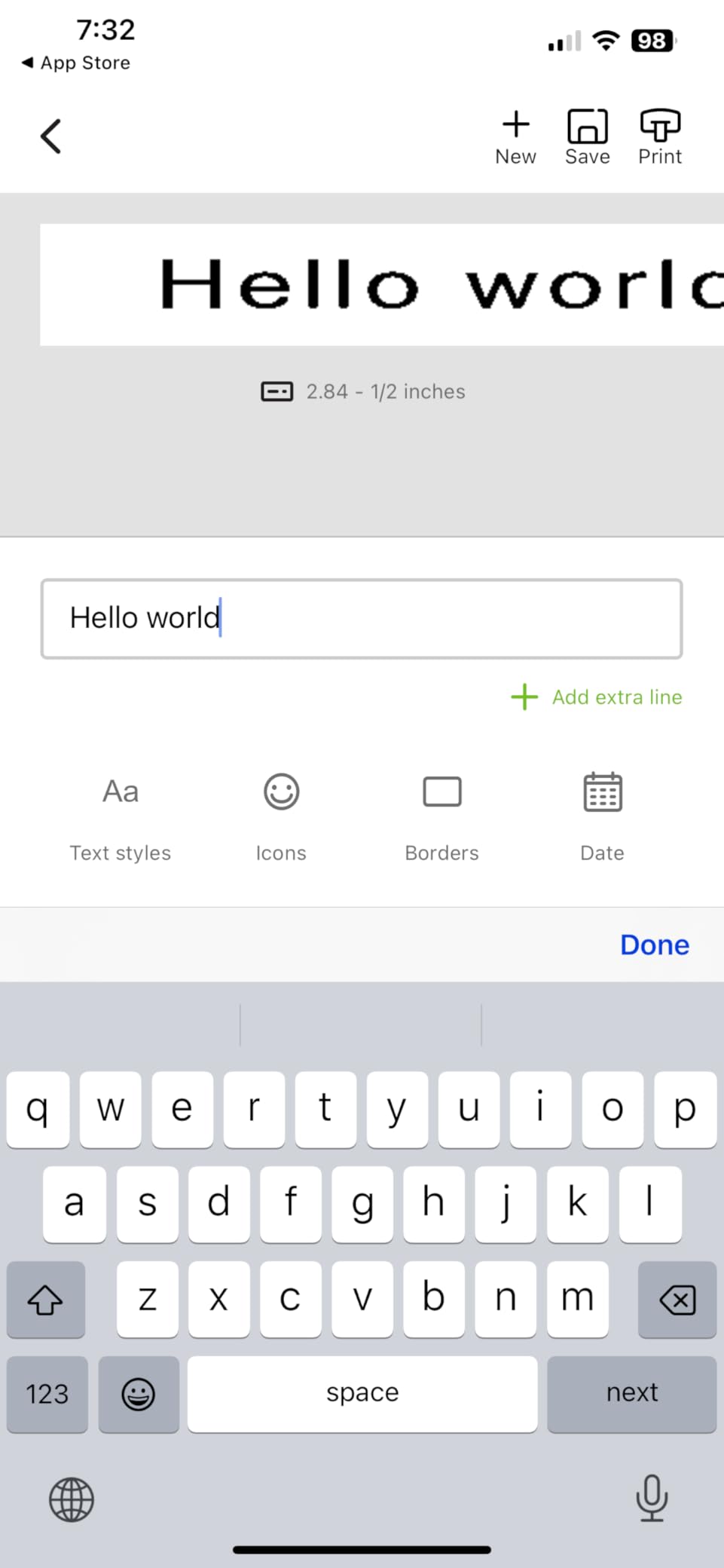
The design library is the trade. Five font sizes, 15 box styles, 100-plus icons, underline, multi-line and date insertion, plus 8 saved templates. That is a smaller toolset than any of the app-driven Chinese-brand machines here, and buyers say so plainly. Print speed is listed at 35 pages per minute.
Power is old-fashioned too. It runs on 4 AA batteries, which are not included and cannot be recharged, and the product carries no warranty. At 0.32 kg it is portable, but a battery change mid-project is a real possibility.
Why choose an older design on purpose
Fewer options means fewer decisions. The 8 saved templates and 5 font sizes cover most household labelling without a learning curve, the automatic connection removes the single most common failure point we heard about in this category, and users report a first print that simply works. Then there is tape availability, since DYMO LetraTag cassettes are among the easiest consumables to replace in a hurry, which matters more than an icon library when you are labelling a moving house in one weekend.
When to spend a little more instead
If you want QR codes, imported logos, batch printing or any colour, the DYMO Connect app will not get you there. Those users should look at the T50M Pro or the Phomemo M110 instead, both of which support wider media and richer design tools.
How to Choose a Wireless Label Maker for Phone Use?
Start with the label, not the printer. Every machine in this roundup prints 203 DPI thermal except the Brother Cube at 180 DPI, so resolution is rarely the deciding factor. Width, tape format and connection type are what actually change the job you can do from a phone.
Bluetooth, Wi-Fi or USB for phone-only printing
Bluetooth is the right answer for almost everyone here. The phone is within a few metres of the printer in 99 percent of label jobs, Bluetooth needs no network, and pairing takes seconds. Every machine in this roundup uses Bluetooth, and seven of the ten print over Bluetooth alone with no other connection needed.
Wi-Fi and USB matter only in specific cases. USB-C is a fallback on the B1, T50M Pro, M110, D30 and ORGBRO X1 for someone who occasionally wants a laptop as a source, and the M110 and T50M Pro accept tablet connections. No machine here is Wi-Fi, so if you need a printer visible to several phones across a room, this category is not it. That gap is worth knowing before you buy, and it is the same reason many offices still choose the desktop units in our home office label printer roundup instead.
How to connect a wireless label maker to your iPhone
Six steps cover almost every pairing problem we saw reported. First, charge the printer fully and install the manufacturer’s app from the App Store, not a desktop driver. Second, power the printer on and leave it within a metre of the phone with the roll loaded.
Third, open the app and choose the connect or device pairing option, then grant Bluetooth permission when iOS prompts. Fourth, if the app asks for location permission, allow it while nearby devices are being searched. Fifth, tap the printer name when it appears in the device list, and wait for the connected status before you try to print.
Sixth, print a single test label before designing anything. If that works, saving a template makes every later print one tap, which is the habit that separates people who keep using a label maker from people who abandon it in a drawer.
How to connect one to an Android phone
Android is the same three-part sequence: install the app, turn the printer on, and select it from the device list inside the app. Android generally surfaces Bluetooth devices faster than iOS, so the first connection is usually quicker.
Two Android-specific checks. Google Pixel phones running Android 14 are listed as incompatible with the Nelko P21, so confirm your phone model before buying. On any Android, disable battery optimisation for the app in system settings, because aggressive power saving is a common cause of a printer that drops out mid-session.
How to fix a label printer that is not showing up on your iPhone
If the printer never appears in the app’s device list, work down this list in order. Toggle Bluetooth off and on at the iOS Control Centre, then confirm the printer is powered with a fresh roll loaded and the label feed gap sensed.
Next, force-quit the app and reopen it, and check Settings, Bluetooth to see whether the printer appears under Other Devices. If it is listed there, tap it once to pair at the system level before opening the app again, which fixes a surprising share of discovery failures.
Then reset Bluetooth entirely by choosing Forget This Device, restart the phone, and reconnect. Restart the printer between attempts rather than only restarting the phone, because some models keep a stale pairing record. Update the app, since silent app updates that break printing are a known complaint in this category.
If it still fails, test the printer from a second phone. A machine that pairs with one handset and not another usually points to a phone-side permission problem, and one that pairs with neither points to the printer or the app. Avoid printing a first label before the connection status shows as active, since that is where most apparent failures come from.
Do you need a computer or a paid app subscription?
A computer is optional in this category, and for the D30, Nelko P21 and NIIMBOT D110 it is impossible, because those are phone-only devices. The B1, T50M Pro, M110 and ORGBRO X1 accept a USB-C cable for laptop and PC use, and the Brother Cube needs its AC adapter for power regardless.
A paid subscription is a different question. The SUPVAN E10, SUPVAN T50M Pro and ORGBRO X1 have free apps with no registration and no paid tier. Phomemo Print Master, used by the D30 and M110, and the Nelko app, gate a portion of their template and font libraries behind a paid membership, and the NIIMBOT app sells some icons separately. Basic printing is free in every case.
Label width and roll compatibility
Pick the narrowest width that still holds your longest line. Half-inch media, which covers the D30, Nelko P21, SUPVAN E10, D110, Brother Cube, ORGBRO X1 and LetraTag, suits names and short descriptions. One-and-a-half to two-inch media, which covers the B1, T50M Pro and M110, is what you need for addresses, barcodes and QR codes.
Then check the tape format. Continuous tape lets you set any length and print full sentences, which the D30, SUPVAN E10 and ORGBRO X1 support. Fixed-length labels such as the Nelko’s 14×40, 14×50 and 14x75mm are cheaper and less wasteful if you only ever print one name per label. Printers that take die-cut and round media, like the T50M Pro, are the ones to buy for jewellery, price tags and craft labels.
Last, count your consumables. Nobody reviewed these machines on paper cost, but it dominates the running total for anyone labelling more than a few hundred labels a year. Buying tape in multi-packs from the same brand the printer was designed for is the cheapest fix, and it avoids the third-party roll that prints with margins or errors.
Frequently Asked Questions
Which Bluetooth label maker is the best?
The Phomemo D30 is the best all-round Bluetooth label maker for phones. It pairs reliably, prints sharp 203 DPI text from a 160 g body, accepts continuous tape for long labels and runs the most generous free app library in the category. If you need two-inch media for address labels, the NIIMBOT B1 is the better pick, and if you need real colour output, the Brother P-touch Cube is the only option here that delivers it.
Are Bluetooth label makers worth it?
For anyone labelling away from a desk, yes. Bluetooth removes the cable, the driver and the computer, which is what makes labelling a moving house, a pantry, a classroom shelf or a small parcel practical from a phone. They are not worth it if you print hundreds of shipping labels a day at a fixed workstation, where a desktop thermal printer is faster and cheaper per label.
How do I connect my label printer to my iPhone?
Charge the printer, install the manufacturer app, and open it near the powered printer. Choose the connect option, grant Bluetooth permission, and if iOS prompts for location access while nearby devices are being searched, allow it. Select the printer from the device list and wait for a connected status before printing. If the printer never appears, pair it from iOS Settings, Bluetooth under Other Devices, then reopen the app.
What is the difference between a label maker and a label printer?
The terms are used interchangeably for most buyers. A label maker is usually a small handheld thermal device for short identifying labels and often includes a keyboard, while a label printer is the broader category and can mean a desktop unit for shipping media. Every product in this roundup is a thermal label printer designed to be driven from a phone app.
Do I need a computer to use a wireless label maker?
No, and on some models a computer is not supported at all. The Phomemo D30, Nelko P21 and NIIMBOT D110 are phone-only devices. The NIIMBOT B1, SUPVAN T50M Pro, Phomemo M110 and ORGBRO X1 also accept a USB-C cable for laptop or PC use as a fallback. Only the Brother P-touch Cube needs a power adapter, though it can still print from a phone over Bluetooth.
Which Wireless Label Maker Should You Buy?
Start with the Phomemo D30. It is the most-reviewed machine in this roundup with more than 27,500 ratings, it prints sharp 203 DPI text from a body light enough to forget in a pocket, and it is one of very few mini printers that accepts continuous tape, so a full storage-bin line fits on one label. The Print Master app adds OCR, QR codes, tables and Excel batch import on top of a library most rivals charge for.
Go wider with the NIIMBOT B1 if your labels carry addresses, barcodes or QR codes, and pick the SUPVAN T50M Pro if you need round or square media and imported logos. The Brother P-touch Cube is the only pick that prints genuine colour, and the NIIMBOT D110 is the cleanest phone-only setup with the highest owner rating we found.
Whichever one you choose for your best wireless label makers for phones needs, set up the pairing before you need it. Print one test label, save it as a template, and the second print takes a single tap.