
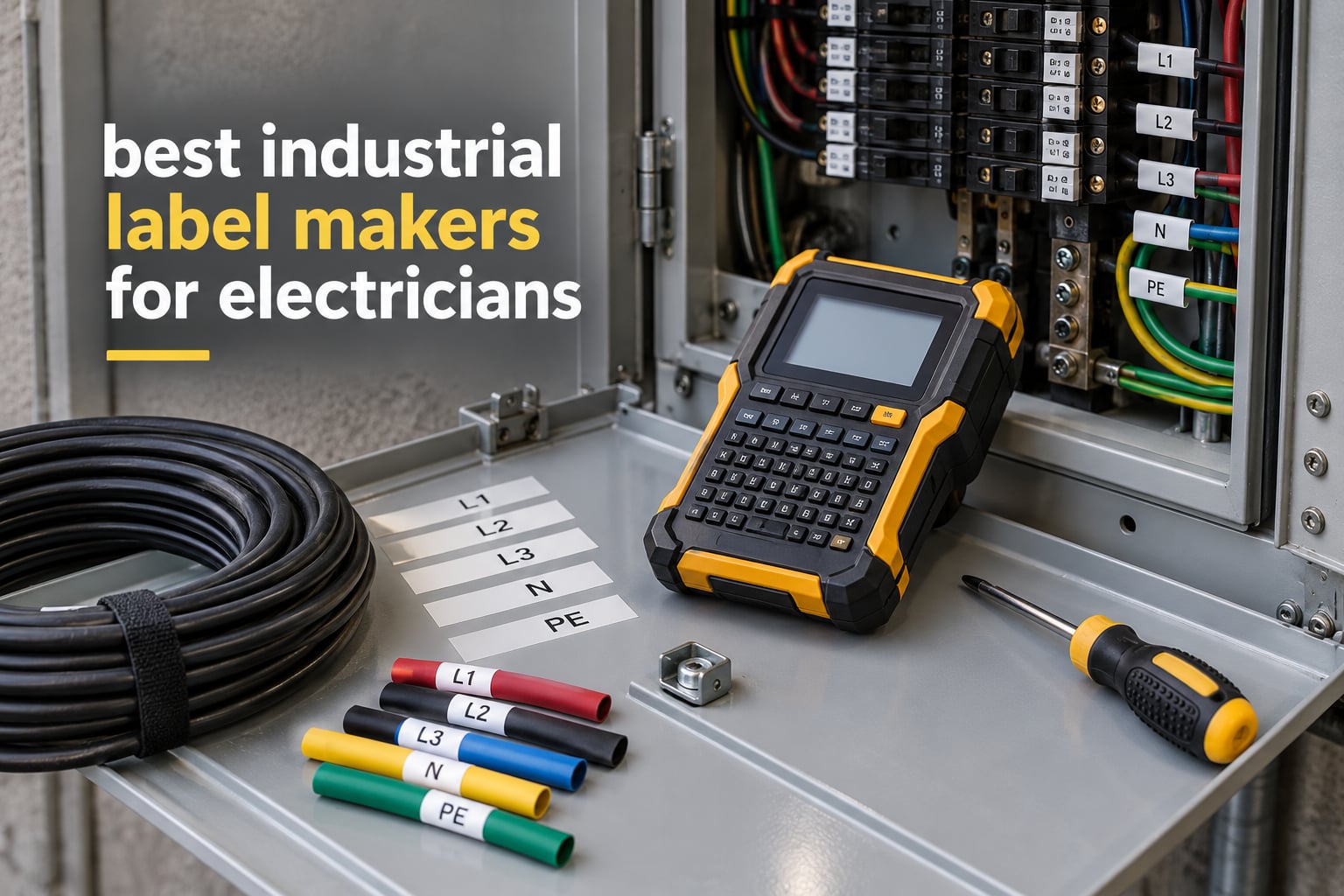
The best industrial label maker for electricians is the Brady BMP21-PLUS, because it combines a full QWERTY keyboard, a backlit preview screen and a rugged body in one handheld unit. It runs on six AA batteries, prints six font sizes from 6 to 40 point at 203 dpi, and it carries the largest review history of any machine in this roundup at 1,840 ratings averaging 4.7 stars. Those three things — keyboard, portability and proven durability — are what decide the job for most electricians.
That answer only holds for part of the work. A rough-in apprentice tagging a hundred conductors needs a cheap machine with cheap tape, while a controls tech printing a two-line directory on a 3/4 inch plate needs something else entirely. So we did not rank by brand the way most roundups do. We ranked by job: wire identification at rough-in, panel and breaker directories, control panel and PLC I/O tagging, and low-voltage and data comm work.
We spent October 2026 reading the spec sheets line by line, cross-checking them against the customer review record for each unit, and mapping every model against the media an electrician actually loads: self-laminating wraps, heat shrink tube, wire flags, vinyl and flexible nylon. Ten machines made the cut. Everything below is built from published specifications and aggregated owner feedback, and we say plainly where the ownership reports are thin.
If you want the short version and move on, the table under our multimeter guide shows the same house style: pick the tool that fits the job rather than the one with the longest feature list.
Table of Contents
Top 3 Industrial Label Makers for Electricians (October 2026)

Brady BMP21-PLUS
- QWERTY keyboard and LCD preview
- 203 dpi thermal
- 6 AA batteries
- 6 to 40 point fonts

Brady M210
- 203 dpi thermal
- 0.75 inch max media width
- Drop resistant to 6 feet
- App and USB editing
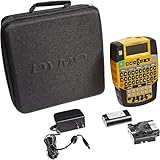
DYMO Rhino 4200
- QWERTY keyboard and backlit screen
- 300 dpi
- 1/4 to 3/4 inch media
- Prints heat shrink tubes
The BMP21-PLUS takes the top slot on the strength of its rating and the size of its review record. The DYMO Rhino 4200 matches it on stars with a smaller but still substantial history, and earns its place as the premium pick for anyone who prints heat shrink every week.
All 10 Industrial Label Makers Compared in 2026
| Product | Specifications | Action |
|---|---|---|
| Brady BMP21-PLUS |
|
Check Latest Price |
| Brady M210 |
|
Check Latest Price |
 DYMO RhinoPRO 5200 DYMO RhinoPRO 5200 |
|
Check Latest Price |
| DYMO Rhino 4200 |
|
Check Latest Price |
 Brady M211 Brady M211 |
|
Check Latest Price |
 Brother PT-E560BT Brother PT-E560BT |
|
Check Latest Price |
 LABELWORKS Epson LW-PX900PCD LABELWORKS Epson LW-PX900PCD |
|
Check Latest Price |
 Brother PT-E310BT Brother PT-E310BT |
|
Check Latest Price |
 Brother PT-E510 Brother PT-E510 |
|
Check Latest Price |
 DYMO Rhino 6000 DYMO Rhino 6000 |
|
Check Latest Price |
How Electricians Actually Label: Four Jobs and the Media They Need
Before any printer matters, you have to know what the label has to survive. Electricians fall into four recurring jobs, and each one loads a different kind of media into the machine.
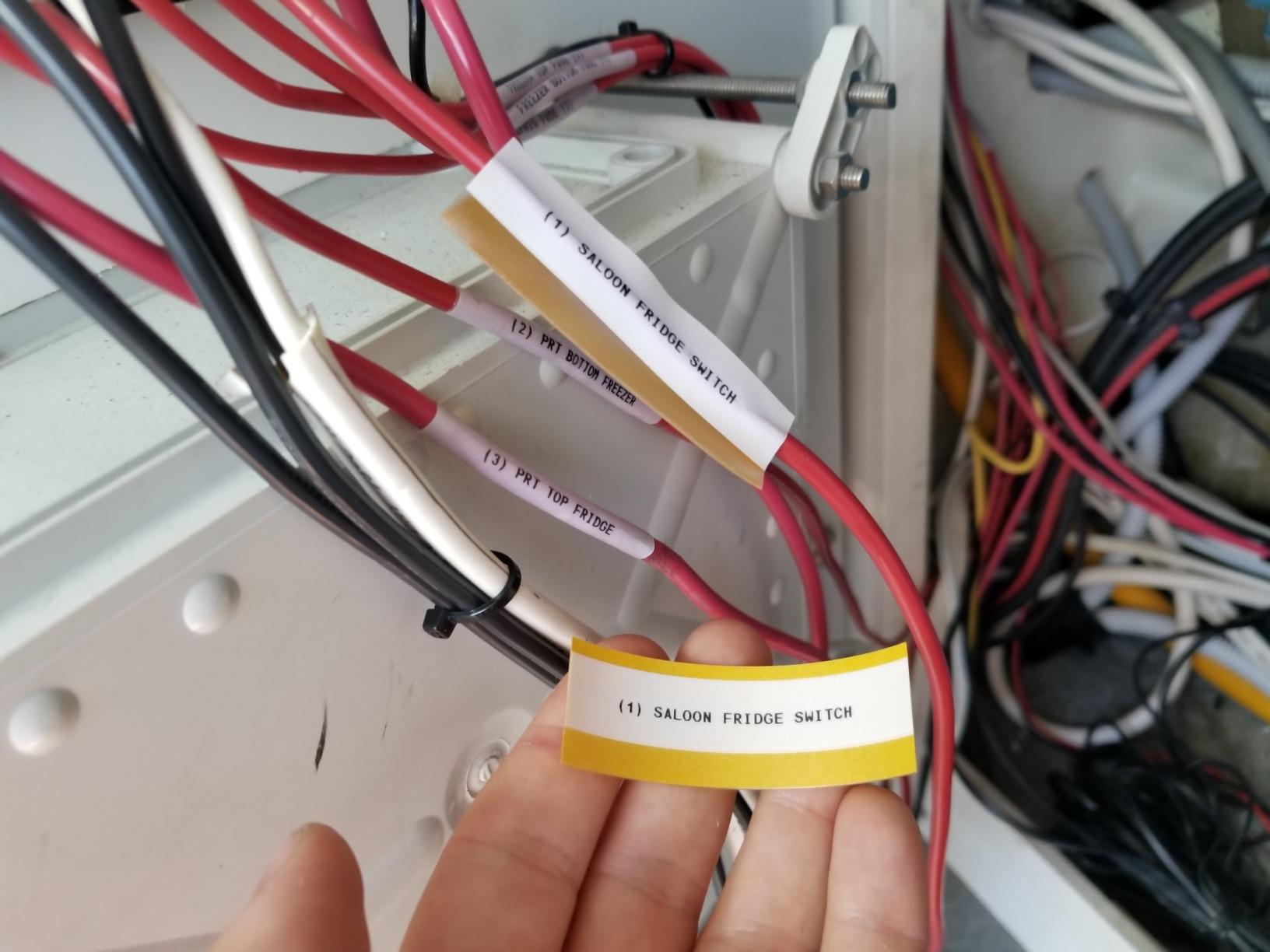
Job 1: field wire and cable identification at rough-in. You are standing in a basement with a bundle of 12 AWG and no clean surface. The label wraps around the conductor, so you want a self-laminating wrap that seals over its own print. A self-laminating label has a clear layer that you press down over the printed text, so the text is physically sandwiched and cannot scuff off or fade from handling.
Job 2: panel and breaker directories. A breaker directory line needs more text than a wire ID, so you step up to 3/4 inch or 1 inch wide material. This is where most cheap field units run out of width, and it is also where templates for 110 blocks and patch panel ports pay for themselves.
Job 3: control panel and PLC I/O labeling. Controls work leans on database printing: pull a point list from engineering software and print a hundred tags in a run rather than typing each one. Barcodes and QR codes matter here because they get scanned into a maintenance system.
Job 4: low-voltage, security and data comm. Ports, punch blocks, faceplates and cable flags. Most of this work sits in the 3.5mm to 12mm range, which is exactly what the Brother PT-E series is built around.
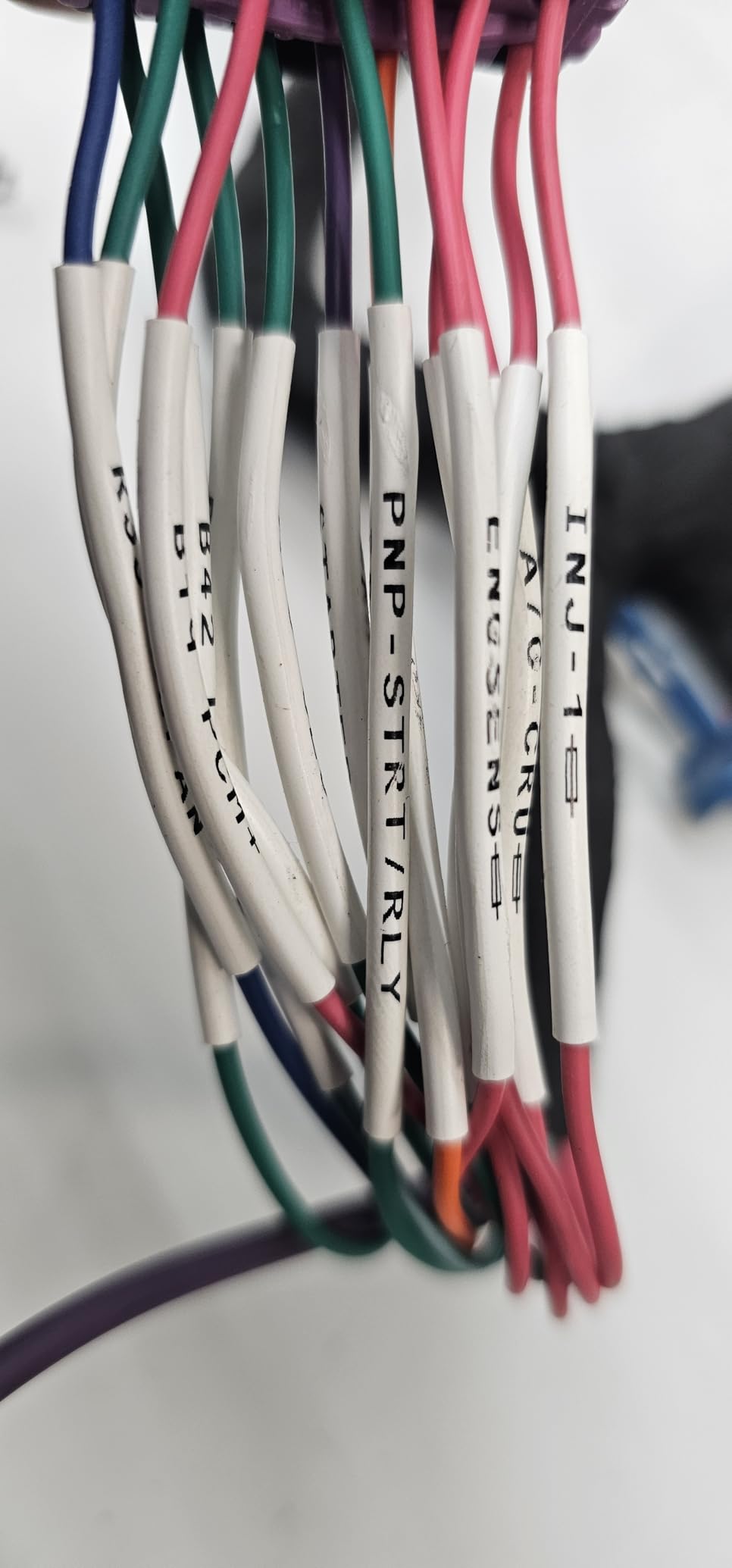
Two media terms come up constantly and are worth defining. Heat shrink tube labeling means printing directly onto the tube itself, then sliding it over the termination and shrinking it down; it becomes part of the wire and will not fall off because there is no adhesive involved. Flag labels are die-cut wraps that leave a tail sticking out past the cable, so a bundle of parallel conductors stays individually readable without you having to spin each one.
Two honest alternatives also come up in every trade forum. A Sharpie on a conduit or box cover is fast, free and genuinely fine for circuit numbers where the surface is dry and sheltered. A laser engraver produces panel labels that outlast anything printed. Electricians working in hot, oily or wet plant rooms tell us that neither holds up there, which is where a printer with industrial-grade media earns its keep.
1. Brady BMP21-PLUS: Best Overall Industrial Label Maker for Wire and Panel Work
- On-board QWERTY keyboard with LCD preview makes multi-line labels fast without a phone or PC
- Molded rubber bumpers for jobsite impact resistance
- Six font sizes from 6 to 40 point
- Continuous tape cartridges in varying widths
- Runs on six AA batteries so it is fully portable
- Single-color thermal output only
- Batteries and power cord are not included and tape is sold separately
- Works only with genuine Brady cartridges which rules out third-party media
- No wireless connectivity
This is the unit we hand to an apprentice on day one. The keyboard is the reason. Typing a full wire schedule on a phone app, in a basement, with one hand, is miserable work, and the BMP21-PLUS simply removes it from the process.
Owners treat it as a workhorse rather than a special instrument. Across 1,840 ratings the machine averages 4.7 stars, and the recurring praise is for the same two things: the keyboard and the molded rubber bumpers that take a drop without cracking. Print output is monochrome at 203 dpi, which is enough resolution for 6 point text on a wire wrap but not for dense equipment tags.
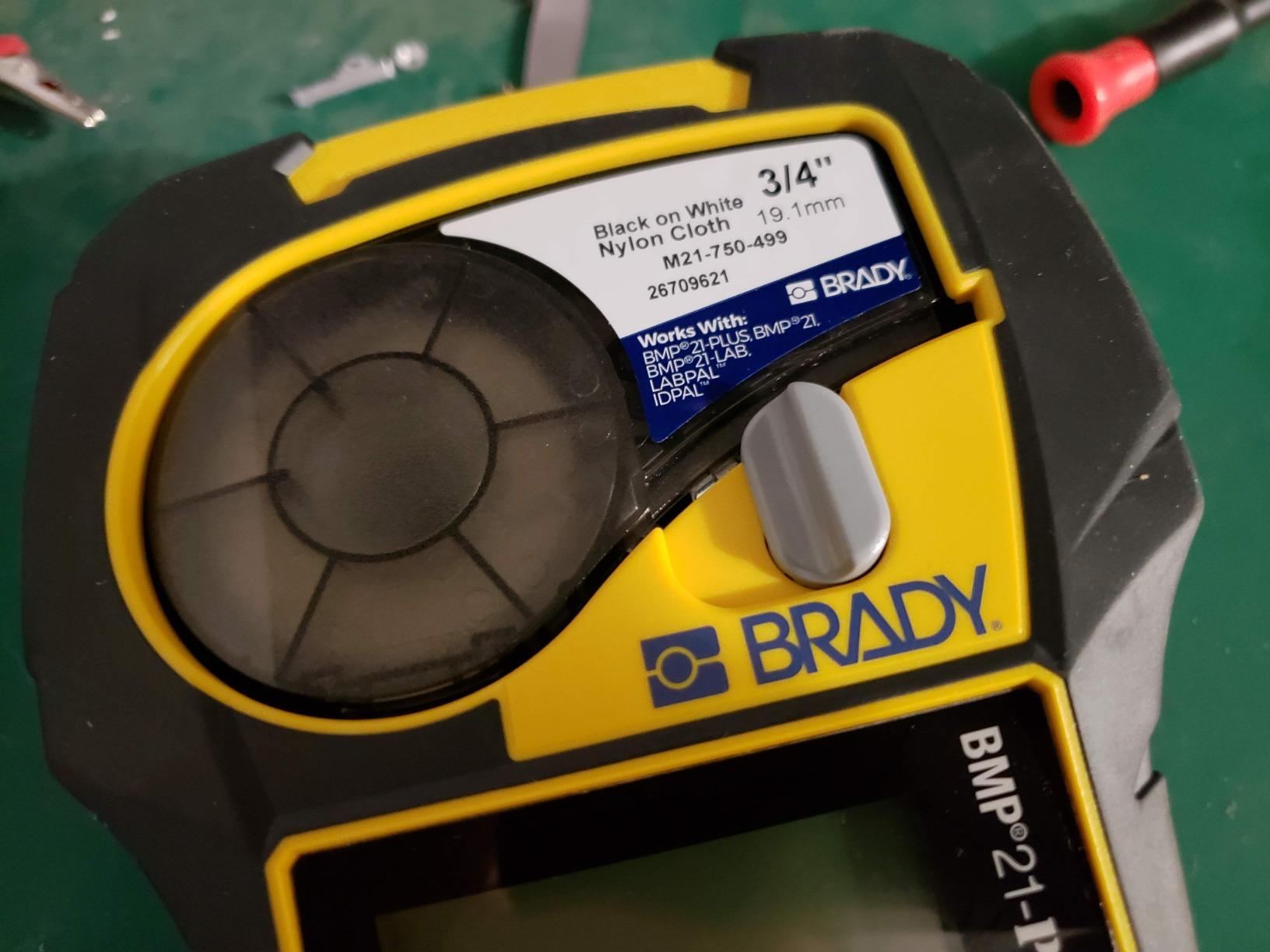
The media is continuous tape cartridges in varying widths, so you are not locked to die-cut sizes. That flexibility matters when you are labelling a mixed bundle of conductor gauges on the same afternoon. The catch is that genuine Brady cartridges are the only accepted consumable, and there is no third-party escape hatch on price.
Two operational details catch people out. Batteries and the power cord are not included, so budget for six AA cells before the first job, and keep a spare set in the case. At 4.9 pounds and roughly 9.5 inches tall it is not a pocket tool, though it does fit the belt clip pattern most electricians already carry.
What you should check before buying
Confirm the machine is sold as the BMP21-PLUS and not the earlier BMP21 generation, because the cartridge platform and key layout differ and the older model’s tape is harder to source. Second, decide how much of your work needs more than 3/4 inch of width, since this unit tops out well below the Brother PT-E510 and PT-E560BT.
Check your planned media against what you already own. If your shop standard is a Brady B-488 or M21 cartridge, this is a direct fit and your existing tape stock keeps working.
Where it will disappoint you
The product name mentions color, and the machine does not print color. That mismatch is the most common buyer surprise in the reviews and it is worth knowing before you commit.
It also has no wireless link at all. If your workflow is database-driven printing from a laptop, you are typing everything on the device keyboard instead, which is fast for a dozen labels and slow for a hundred.
2. Brady M210: Best Entry-Level Pick for Rough-In Wire Identification
- Lowest cost entry into a true industrial handheld labeler
- Drop resistant to 6 feet for tool bag and jobsite use
- Shares the M21-750-499 cartridge platform with larger Brady units
- USB connection plus app-based label editing
- App-driven workflow has a learning curve for keyboard users
- 0.75 inch maximum media width limits large panel or flag labels
- Monochrome thermal output only
- 16 sheet internal output capacity
The M210 is the machine we recommend to someone who wants a real industrial labeler without committing to the full cartridge ecosystem. It is drop resistant to 6 feet, which is the number that matters when the unit lives in a tool bag between basement and attic.
Its 1,195 ratings average 4.6 stars, and the review pattern shows it filling a clear niche: a rugged backup or apprentice unit rather than a primary machine. Amazon sales ranks put it second in its safety label maker category, which is a decent proxy for how many working tradespeople are buying it.
The cartridge compatibility is the quietly useful part. It runs the same M21-750-499 platform used by larger Brady units, so a shop that already stocks M21 tape can keep one consumable across machines. That single fact removes most of the running cost objection that people raise about industrial labelers.
Design happens in the app or over USB from a computer, with an LCD for preview. Owners who came from a keypad machine describe the first week as an adjustment rather than a problem, but it is a real change in how you work.
What you should check before buying
Measure the widest label you actually need. At 0.75 inch maximum media this unit will not take a full panel directory line, so it is a wire and equipment tool, not a directory tool. If more than a fifth of your labels are directory lines, skip this one.
Test the app on your own phone before you commit. The M210 has no built-in keyboard, so the app is not a convenience, it is the entire input method.
Where it will disappoint you
Internal storage is limited to 16 sheets of output, which is not enough to hold a panel schedule. For a rough-in crew labelling conductors one at a time, that limitation never surfaces.
Media width is the other ceiling. Wire flags and wide asset tags both need more room than this machine gives you, and the gap cannot be worked around with a different cartridge.
3. DYMO RhinoPRO 5200: Best for Patch Panels, 110 Blocks and Cable Flags
DYMO Industrial Label Maker & Carry-Case RhinoPRO 5200 Label Maker, for Job Sites and Heavy-Duty Labeling Jobs, Prints Fast, Includes 2 Rolls of DYMO Industrial Vinyl Labels
- One-touch Hot Keys format patch panel and 110 block and wire flag labels automatically
- Prints Code 39 and Code 128 barcodes on 3/4 inch wide labels
- 300 dpi output stays crisp on small text
- Rechargeable lithium ion battery with AA fallback
- Hard carry case and AC adapter included in the kit
- Non-QWERTY keyboard layout takes time to adapt to
- Fixed gap between labels wastes a noticeable amount of tape
- Symbol selection interface has a learning curve
- No sub or superscript capability
This is the telephone installation and patch panel specialist. The Hot Keys are the whole argument: press one key and the machine applies the right spacing and layout for a patch panel strip, a 110 block, a wire wrap or a flag, without you working out the formatting from scratch.
At 300 dpi it outprints every 203 dpi machine in this roundup, and the first page prints in about 2.5 seconds. Barcode support for Code 39 and Code 128 sits right on the button, which matters when you are labelling ports that a scanner will read later.
It also declares conformance to ANSI and TIA/EIA-606-A labeling standards, which is the cable identification standard low-voltage crews get asked about. A 1,274-rating review record averaging 4.6 stars makes this one of the better-provenanced machines here.
Two things owners praise beyond the spec sheet: the rechargeable lithium ion battery with AA fallback means you are never stuck waiting for a charge, and it accepts a wider range of label and heat shrink media than the smaller Rhino units, including non-OEM cartridges.
What you should check before buying
Decide whether you will type on a computer-style keypad that is not QWERTY. Electricians coming off a keyboard model report a genuine adaptation period, and it is the single most repeated complaint in the reviews.
Count your flags and short labels. The gap between printed labels is fixed, so a run of short flags consumes more cartridge than the same job on a machine with an adjustable margin.
Where it will disappoint you
Superscript and subscript are absent, which rules out exponent notation on some equipment ratings. The symbol selection menu also takes practice to navigate efficiently.
The rechargeable battery can show a charge indicator that does not match reality, so top it up overnight rather than trusting a mid-shift reading.
4. DYMO Rhino 4200: Best Heat Shrink Pick for Terminations
DYMO Rhino 4200 Industrial Label Maker Carry Case Kit with 1 Roll of 1/2″ All-Purpose Vinyl Labels, Black on White
- Computer-style QWERTY keyboard makes text entry much faster
- Prints 1/4 to 3/4 inch labels and heat shrink tubes directly
- Hot Keys for wraps and flags and barcodes and breaker labels
- Rechargeable lithium ion battery
- Backlit screen and large buttons work in dark panels
- Excess tape waste between labels cannot be adjusted
- Occasional printing artifacts across the center of the tape backing
- Limited hazard and warning placard symbol library
- Backlit screen and hard case add bulk
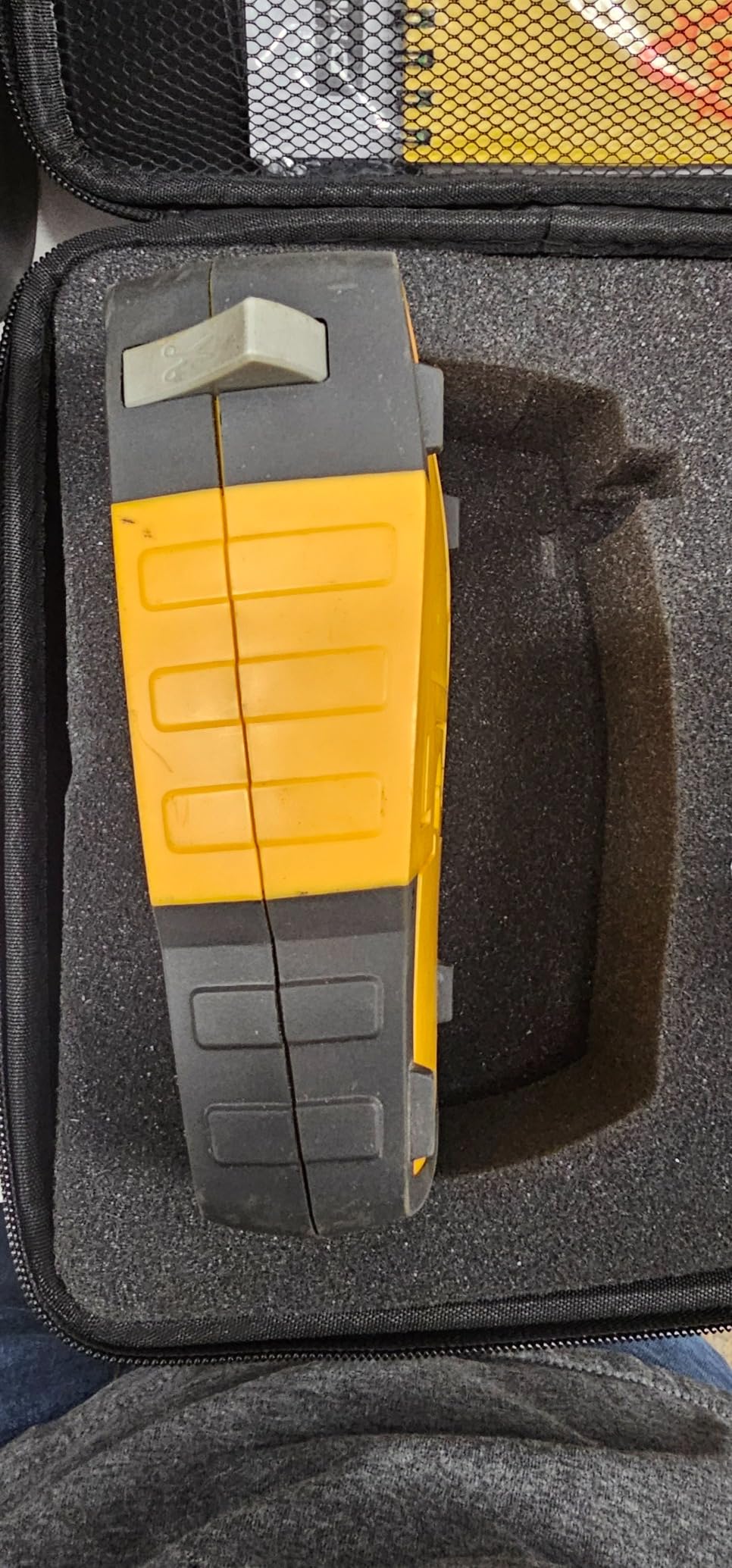
Every electrician who terminates control wiring asks the same question, and this is the machine that answers it: can it print straight onto heat shrink tube? Yes. The Rhino 4200 prints directly onto heat shrink as well as on 1/4, 3/8, 1/2 and 3/4 inch industrial labels.
It matches the BMP21-PLUS on rating at 4.7 stars, though across a smaller 437-rating record, and the feedback skews toward long-term fleet use. Technicians describe units that have been in service for years, which is the kind of durability evidence a spec sheet cannot give you.
Two design choices set it apart for controls work. The computer-style QWERTY keyboard means a hundred-line point list gets typed at speed, and the backlit screen with oversized buttons is genuinely usable inside a dark panel or a crawl space where the BMP21-PLUS screen is harder to read.
Favorites and Custom keys save recurring label formats, so a standard I/O tag is two button presses rather than a retyped string. The kit ships with a hard case, a 1/2 inch roll of all-purpose vinyl labels and a fast-charge lithium ion battery.
What you should check before buying
Confirm your heat shrink diameter fits the feed path. Smaller tubing works more reliably than oversized tube, and it is worth testing one of your own sizes before the job.
Check that off-brand tape cartridges are acceptable in your shop. This machine accepts widely available third-party cartridges, which quietly cuts your consumable spend compared with a genuine-media-only unit.
Where it will disappoint you
The fixed label gap wastes tape and you cannot adjust it. On a job that prints dozens of short wire flags, that waste is the running cost that decides whether a cartridge lasts a month or a year.
Some owners report intermittent print artifacts running across the center of the tape backing, and the hazard and warning symbol library is smaller than the category implies. Neither is a dealbreaker, but both are real.
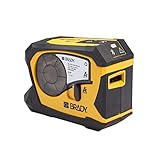
5. Brady M211: Best Compact Pick for Phone-Based Mobile Labeling
Brady M211 Portable Bluetooth Monochrome Label Printer, Yellow/Black
- Compact and rugged enough to live in a toolbox
- Bluetooth 5 pairs quickly with the Brady Express Labels app
- USB-C charging lasts a full working day
- Automatic cut after every label
- Blocks the print when a label will not fit and wastes less tape
- No built-in keyboard so all typing happens in the app
- Heat shrink tubes do not feed reliably even with other cartridges
- Brady cartridges cost more than generic tape
- Mobile app workflow needs a phone
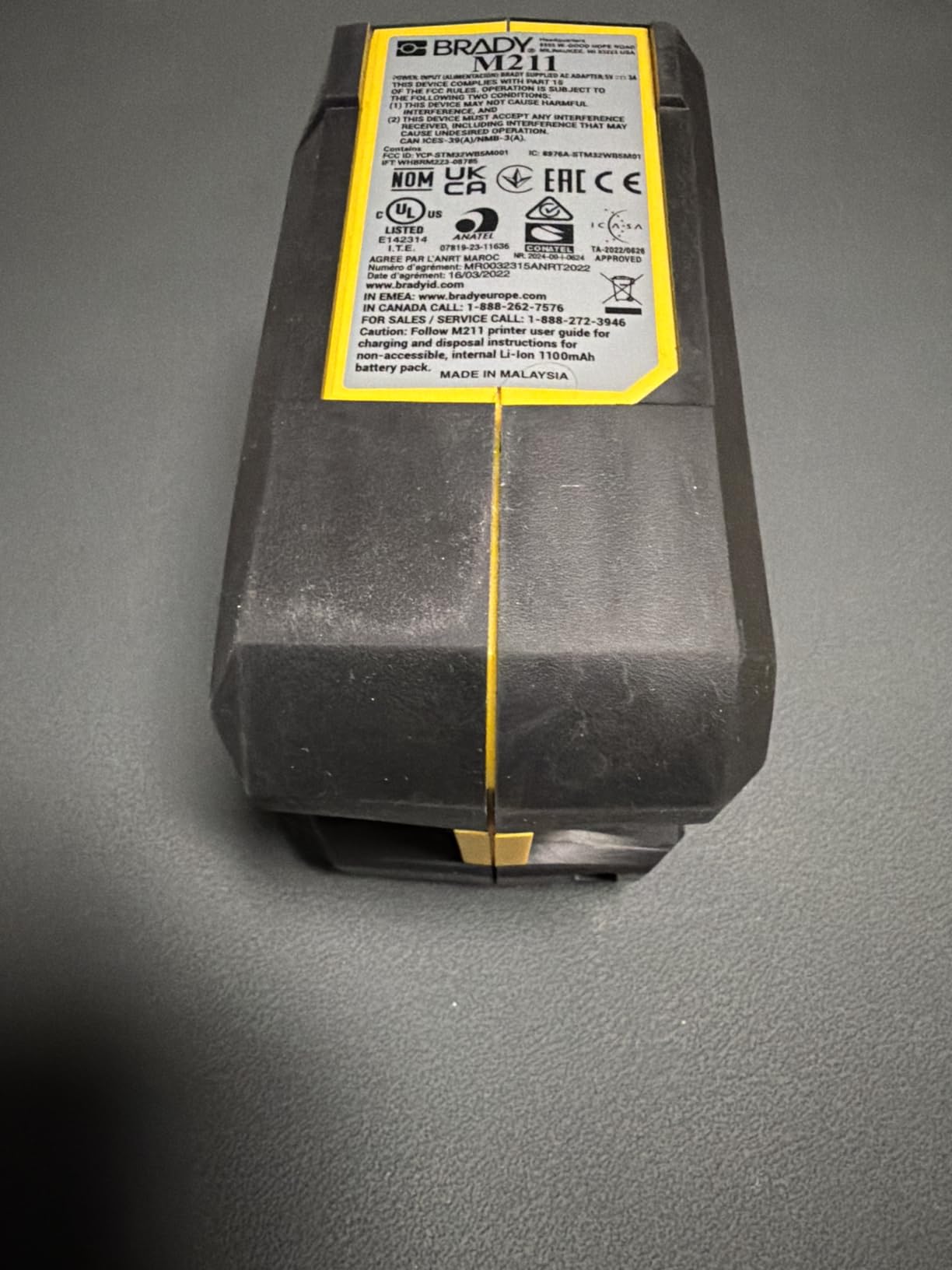
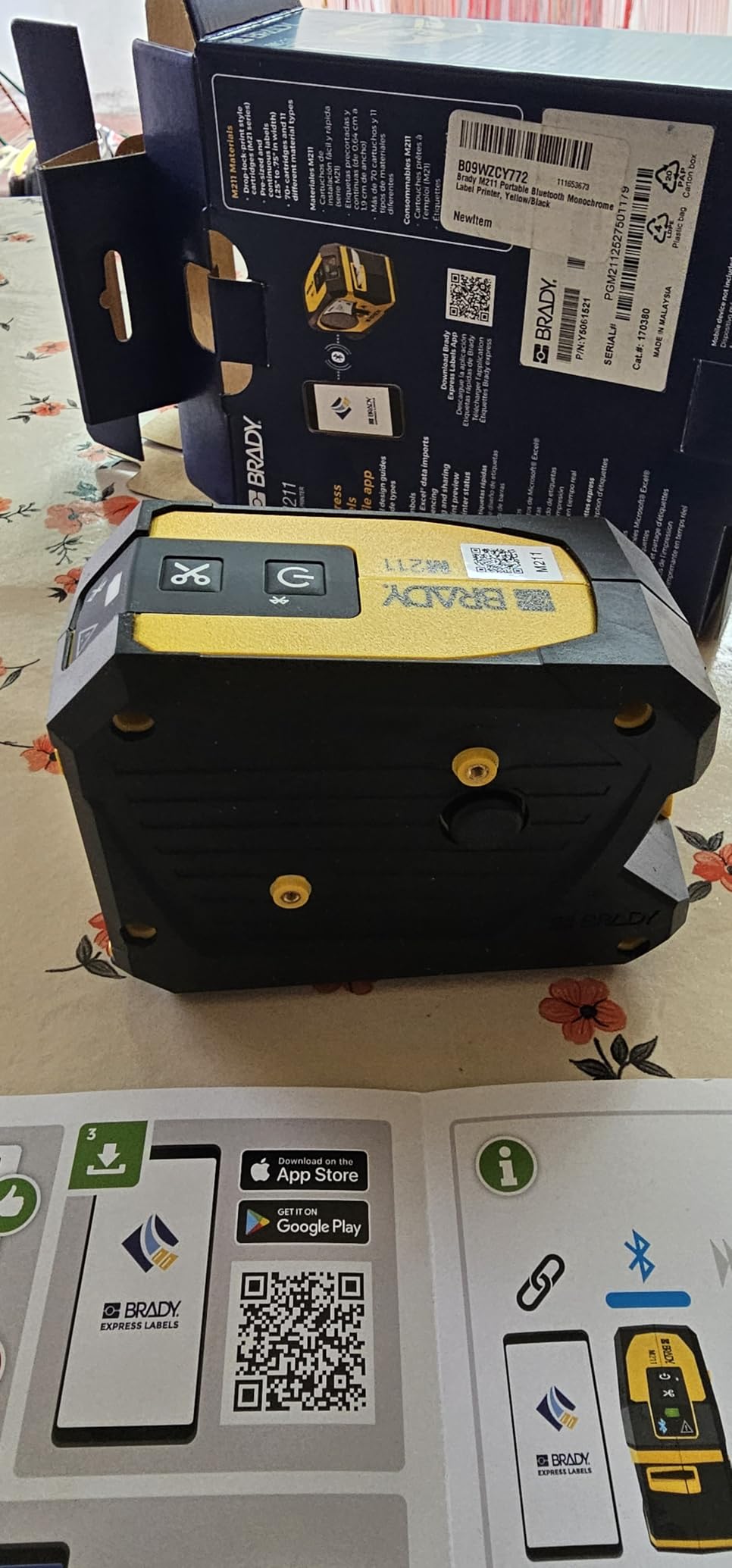
The bulk-plus-charge cycle is the single biggest reason electricians stop carrying a label maker. The M211 is our answer to that: a body small enough to live in a toolbox, USB-C charging that holds a working day, and Bluetooth 5 pairing straight to your phone.
Owners rate it 4.5 stars across 196 ratings, and the recurring positives are battery life, durability and an app people describe as well executed rather than an afterthought. The auto-cut after each print saves real time when you run a stack of labels.
One detail we like more than expected: the machine refuses to print a label that will not fit rather than burning cartridge on a misfeed. On a phone workflow where the media width is not obvious on screen, that saves tape.
Print output is 203 dpi monochrome on tape up to 0.75 inch wide, which matches the M210’s media ceiling. This is a wire and equipment machine, not a directory machine.
What you should check before buying
Ask whether your crew will actually carry a phone. If your shop standard is a belt-clip machine with a keyboard, the app dependency is a downgrade rather than an upgrade, and you will be typing on a screen in the dark.
Measure your typical label width. Anything wider than 3/4 inch needs a different machine entirely.
Where it will disappoint you
Heat shrink tube does not feed reliably on this unit, and swapping cartridges does not fix it. If terminations are a regular part of your week, this is the wrong tool.
The magnetic mount and other accessories are separate purchases, so budget for them if you plan to put the unit on a steel panel or van wall while it prints.
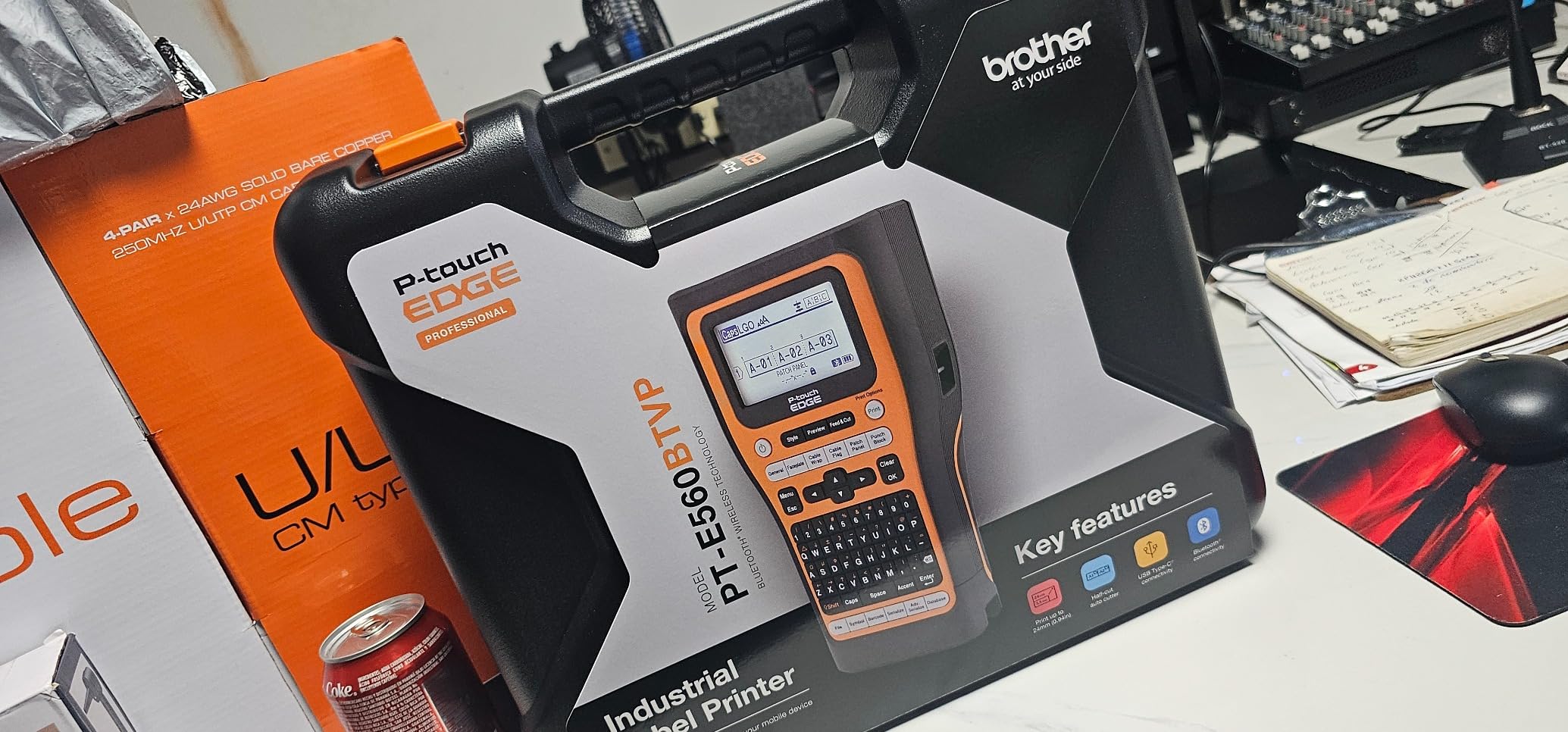
6. Brother PT-E560BT: Best for Wide Heat Shrink and Half-Cut Label Strips
Brother PT-E560BT Industrial Label Printer Bluetooth Cutter
- Dual auto-cutter produces half-cut peel-and-apply strips and cuts cartridge waste
- Handles heat shrink and laminated labels from 3.5mm to 24mm
- Stores databases and templates so repeat jobs print in seconds
- Ambidextrous strap and utility ring for one-handed field use
- Lowest average rating in this group with a longer low-star tail
- Heavier and costlier than the sibling PT-E310BT with no tape bundle included
- App-driven design is less efficient than an on-device keyboard for quick labels
- 2.43 pound body
The Brother PT-E560BT is the widest Brother machine in this roundup at 24mm of media, and that width is the reason to buy it. Anything larger than 18mm tape — bigger panel labels, asset tags, wide heat shrink — needs this class of machine.
The dual auto-cutter is the sleeper feature. It prints a strip of labels and cuts each one horizontally as well as vertically, so you peel one label off at a time and apply it with no scissors and far less backing waste.
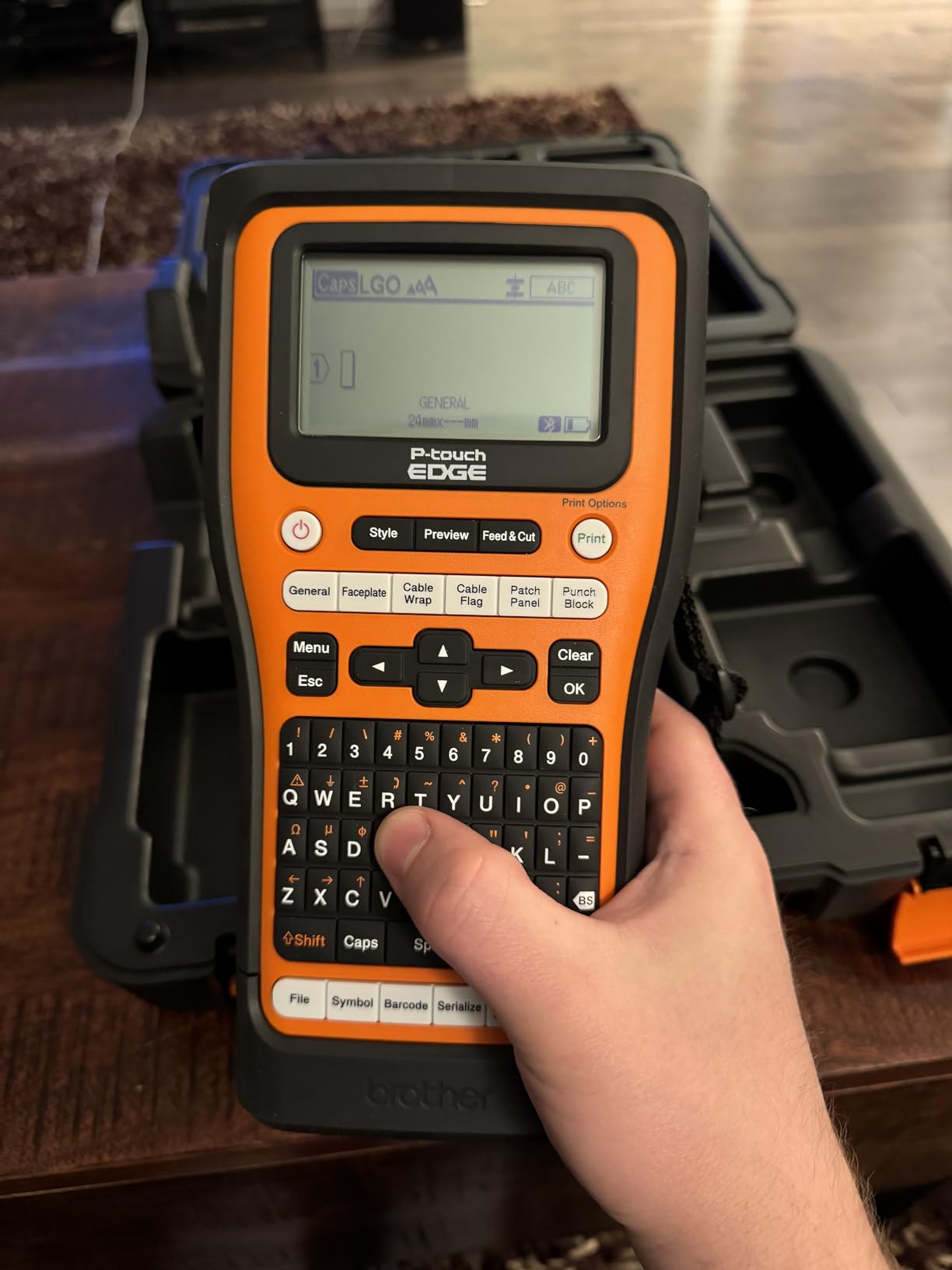
Quick application keys cover cable wrap, patch panel, punch block and faceplate work, and it handles QR codes and linear barcodes. Bluetooth printing through the Pro Label Tool app works alongside a USB-C PC connection to P-touch Editor, which is the escape hatch when a job needs real layout control.
The honest caveat is the rating. At 4.4 stars across 122 ratings it has the lowest average and a longer tail of low reviews in this set, so read the critical reviews before you commit rather than trusting the spec sheet.
What you should check before buying
Confirm you actually need more than 18mm. If your work tops out at patch panel ports and wire wraps, the PT-E310BT covers the same media range for less and is the smarter purchase.
Decide how you will design labels. There is no on-device keyboard here, so the app or a PC is your input, and that changes how fast you can turn out a one-off.
Where it will disappoint you
At 2.43 pounds it is heavy for a handheld unit, especially if you are printing overhead in a panel. The heavier body works against you at exactly the moment the machine is most useful.
Tape is not bundled on this configuration, so the first job starts with a cartridge purchase. Plan for that in your consumable budget.
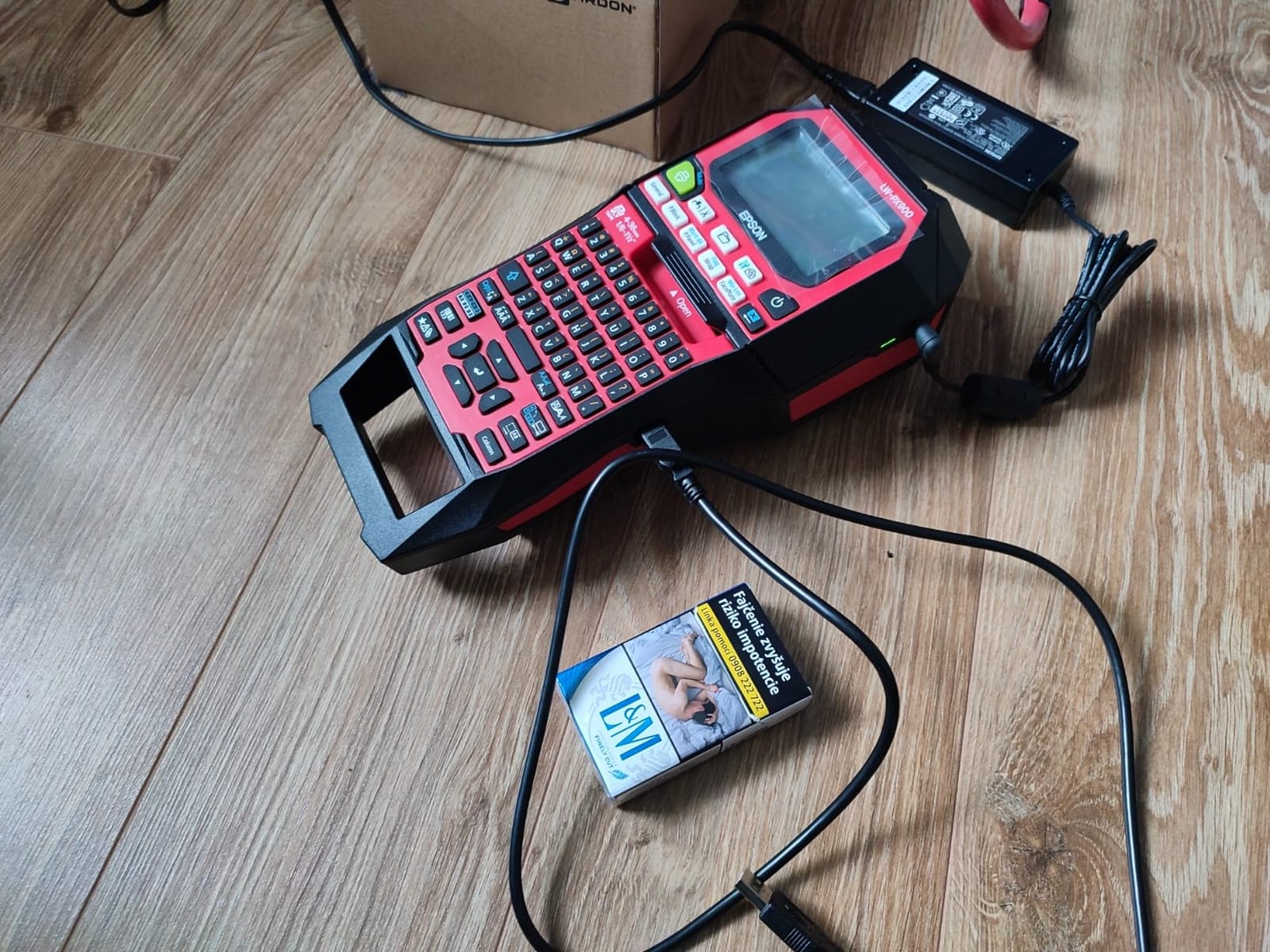
7. LABELWORKS Epson LW-PX900PCD: Best for Wide Panel Directories and Asset Tags
LABELWORKS Epson LW-PX900PCD Industrial Label Maker Kit – Tape Included
- Widest tape compatibility in this roundup at 36mm for large panel and asset tags
- Highest resolution here at 360 dpi with speeds up to 35 pages per minute
- Onboard keyboard and preview screen remove the need for a phone
- Auto tape rewind and 1mm margin settings materially cut waste
- Kit includes battery and AC adapter with a hard case and starter tape
- No wireless so it needs a USB connection to a PC
- Heaviest unit here at 7 pounds
- Label Editor Professional software is Windows-only
- Bulky form factor for a pocket-carry tool
This is the only unit here that takes a 1.5 inch wide tape, and that single fact moves it out of the handheld category entirely. If you produce equipment nameplates, large directory plates or asset tags that will be read from across a room, no other machine in this list can do it.
The 360 dpi print head is also the sharpest, which matters when the same label has to carry small text and a barcode together. It runs at up to 35 pages per minute, so a hundred-tag run finishes while you are still loading the next cartridge.
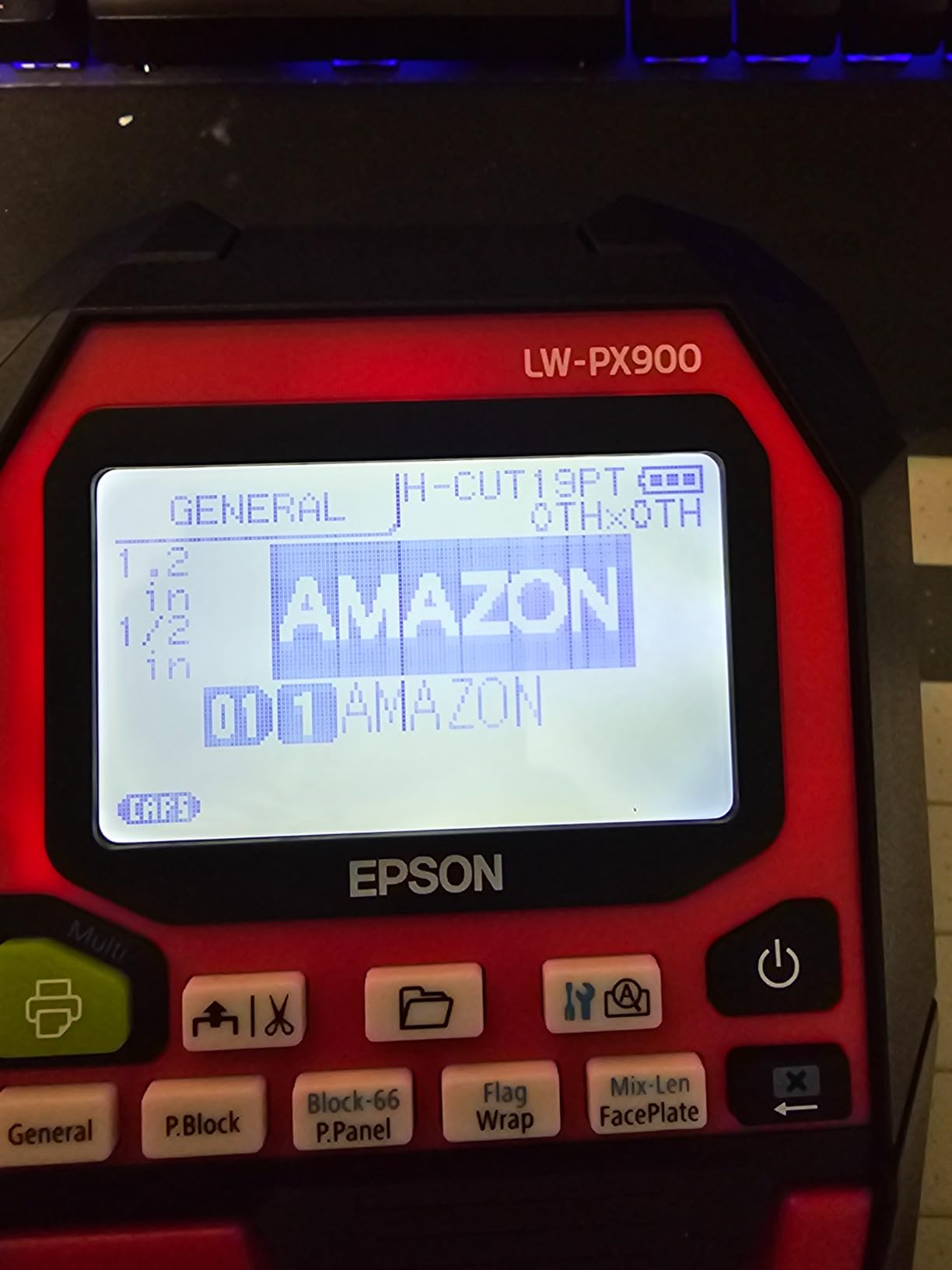
Two details set it apart on waste. Auto tape rewind pulls the backing back into the cartridge rather than trailing it out, and the 1mm margin setting shortens the unprintable gap so short labels consume far less tape. On high-volume work that is the difference between a cartridge lasting weeks and lasting months.
Owners rate it 4.6 stars across 115 ratings, and the accepted trade-offs are consistent: you give up wireless, you give up portability, and you give up Mac software to get width, resolution and a keyboard.
What you should check before buying
Confirm you have a Windows machine and a USB port. Label Editor Professional handles batch printing, barcodes and database output, and there is no mobile app path.
Check the 7-pound weight against your working style. This is a bench and van-console machine, not something that goes up a ladder with you.
Where it will disappoint you
It is tethered. Every label you print needs a laptop nearby, so it will not work as a standalone field printer at all, which rules it out for rough-in labeling.
Software is Windows-only, so Mac users need a workaround. And while the media range is huge, the cartridges are correspondingly more expensive than the small-width tape used by the rest of this list.
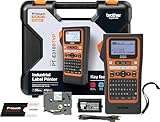
8. Brother PT-E310BT: Best Starter Kit for Data Comm and Patch Panels
- Handles laminated labels and heat shrink tubes from 3.5mm to 18mm
- Strong capability for the money with a generous kit
- Stores label databases and templates for repeat panel and cable schedules
- Light 1.8 pound body with USB-C charging
- 180 dpi resolution is the lowest here so very small text is less crisp
- 18mm maximum media width is narrower than the PT-E510 and PT-E560BT
- No integrated cutter so labels must be cut by hand
- App-based design workflow needs a phone or a PC
The PT-E310BT is the Brother to buy if your work lives between 3.5mm and 18mm, which is the range most data comm, security and AV port labeling actually occupies. It handles both laminated labels and heat shrink tubes across that full span.
Its 76 ratings average 4.6 stars, and reviewers consistently single out how much comes in the box: a carry case, a patch panel ruler, an 18mm black-on-white flexible ID tape, a USB-C cable and a wrist strap. That ruler matters more than it sounds when you are laying out a 24-port panel.
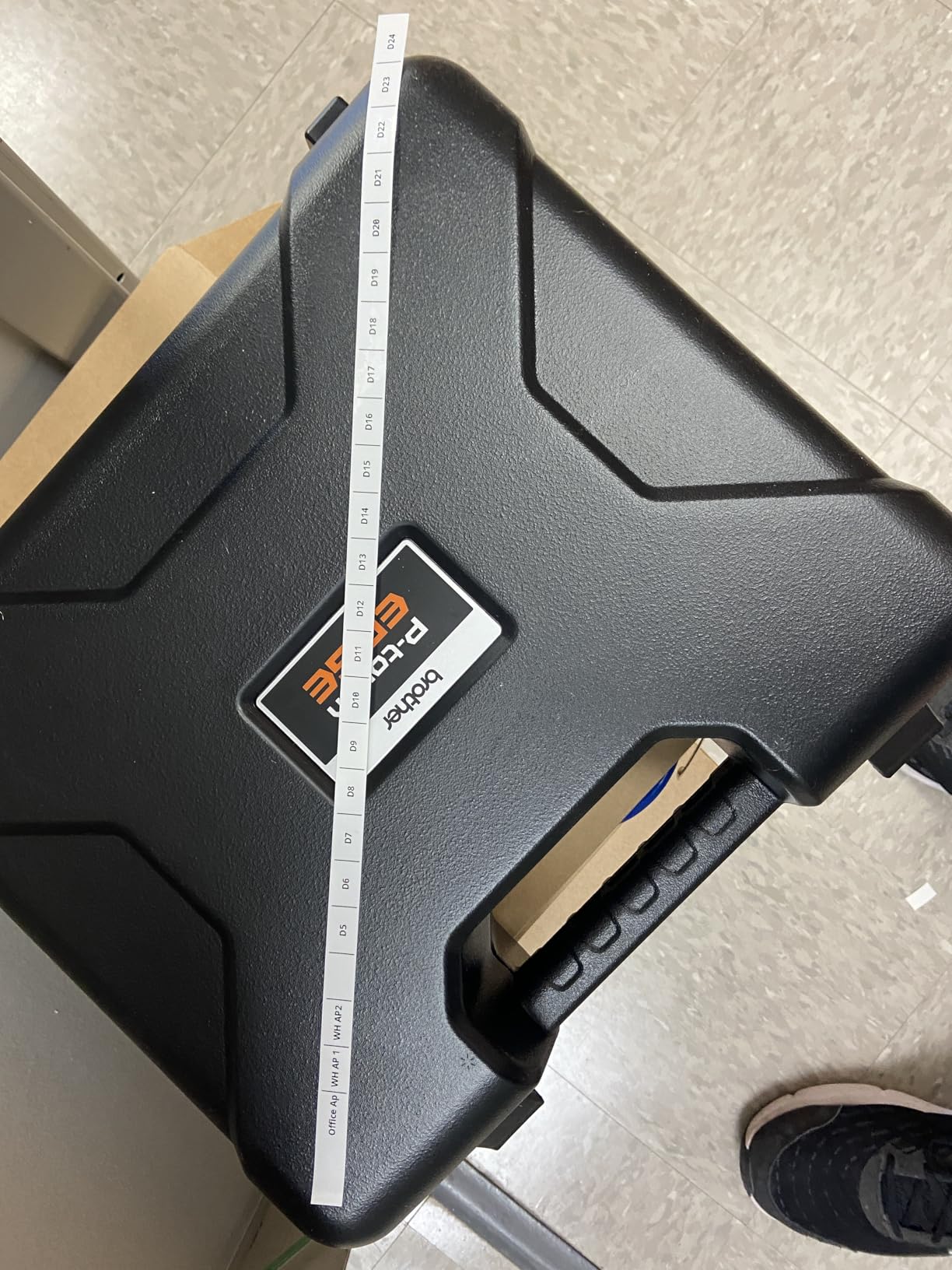
Quick application keys cover cable wrap, cable flag, patch panel, punch block and faceplate formats, and internal memory stores your databases and templates so a repeat schedule prints without setup. Bluetooth works through the Pro Label Tool app, with USB-C to a PC for P-touch Editor when you need full layout control.
At 1.8 pounds it is one of the lighter machines here, which makes it a realistic carry-everywhere unit once the phone workflow is accepted.
What you should check before buying
Measure your widest label against the 18mm ceiling. Anything at 24mm needs the PT-E510 or PT-E560BT, and there is no workaround short of trimming your design.
Bring scissors or plan for manual cutting. There is no integrated cutter on this model, so each label comes off the roll as a continuous strip.
Where it will disappoint you
180 dpi is the lowest resolution in this roundup, and it shows on 6 point text and on fine barcode bars. If you are printing very small conduit or wire IDs, the output is legible rather than crisp.
The app-first workflow is a change for anyone used to typing on the device. That is a preference, not a defect, but it is the reason we would not hand this to an apprentice on their own.
9. Brother PT-E510: Best for Tethered Panel Directory Work
Brother PT-E510 Industrial Label Printer USB-C Dual Cutter
- 24mm media width handles large panel labels and asset tags
- Dual auto-cutter produces half-cut peel-and-apply strips
- 203 dpi is a step up from the 180 dpi PT-E310BT
- Supports laminated labels and heat shrink across 3.5mm to 24mm
- No Bluetooth so design requires a tethered PC with P-touch Editor
- 2.4 pound body is heavy for extended handheld use
- Lowest review count in this group so less field history
- Wide heavy-duty media means costlier cartridges
Where the PT-E310BT stops at 18mm, the PT-E510 goes to 24mm at 203 dpi. That combination makes it the right Brother for panel directory work on a van console, where the machine stays plugged into a laptop and prints run after run.
The dual auto-cutter is the reason we like it for directories. It prints a strip of half-cut labels you peel off one at a time, which removes the scissors step and cuts the amount of backing you throw away per panel.
Compatibility is broad: TZe, HGe, HSe, Sle and STe cartridges, plus laminated labels and heat shrink tubes from 3.5mm to 24mm. QR codes and linear barcodes are supported, and stored databases and templates let you reprint a saved directory without redesigning it.
Its 61 ratings average 4.5 stars, the thinnest review record of the Brother models here. Treat that as a caution rather than a red flag: the machine is capable, but there is less long-term field evidence attached to it than to the BMP21-PLUS or the Rhino 4200.
What you should check before buying
Confirm you will always print from a PC. There is no Bluetooth on this model, so P-touch Editor over USB-C is the only design path, and a stand-alone workflow is not available.
Work out your true maximum width before buying. If 18mm covers your labels, the PT-E310BT is lighter, cheaper and simpler.
Where it will disappoint you
At 2.4 pounds it gets tiring in your hand over a long printing session, and there is no wireless fallback if you need to step away from the van.
Wider heavy-duty cartridges cost more than the small-width tape in the PT-E300 series, so your twelve-month consumable spend will be higher per label printed.
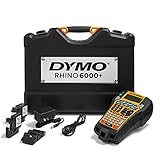
10. DYMO Rhino 6000: Best for Barcode-Heavy Asset and Panel Tagging
- Most advanced layout options here for complex panels and asset tags
- Hot Keys automatically size and space label text
- Kit includes a hard case with vinyl and flexible nylon cassettes and a rechargeable battery
- Matches ANSI and TIA/EIA-606-B labeling standards
- Some buyers report a clean upgrade path from older Rhino units
- Auto shutoff cannot be overridden during long labeling sessions
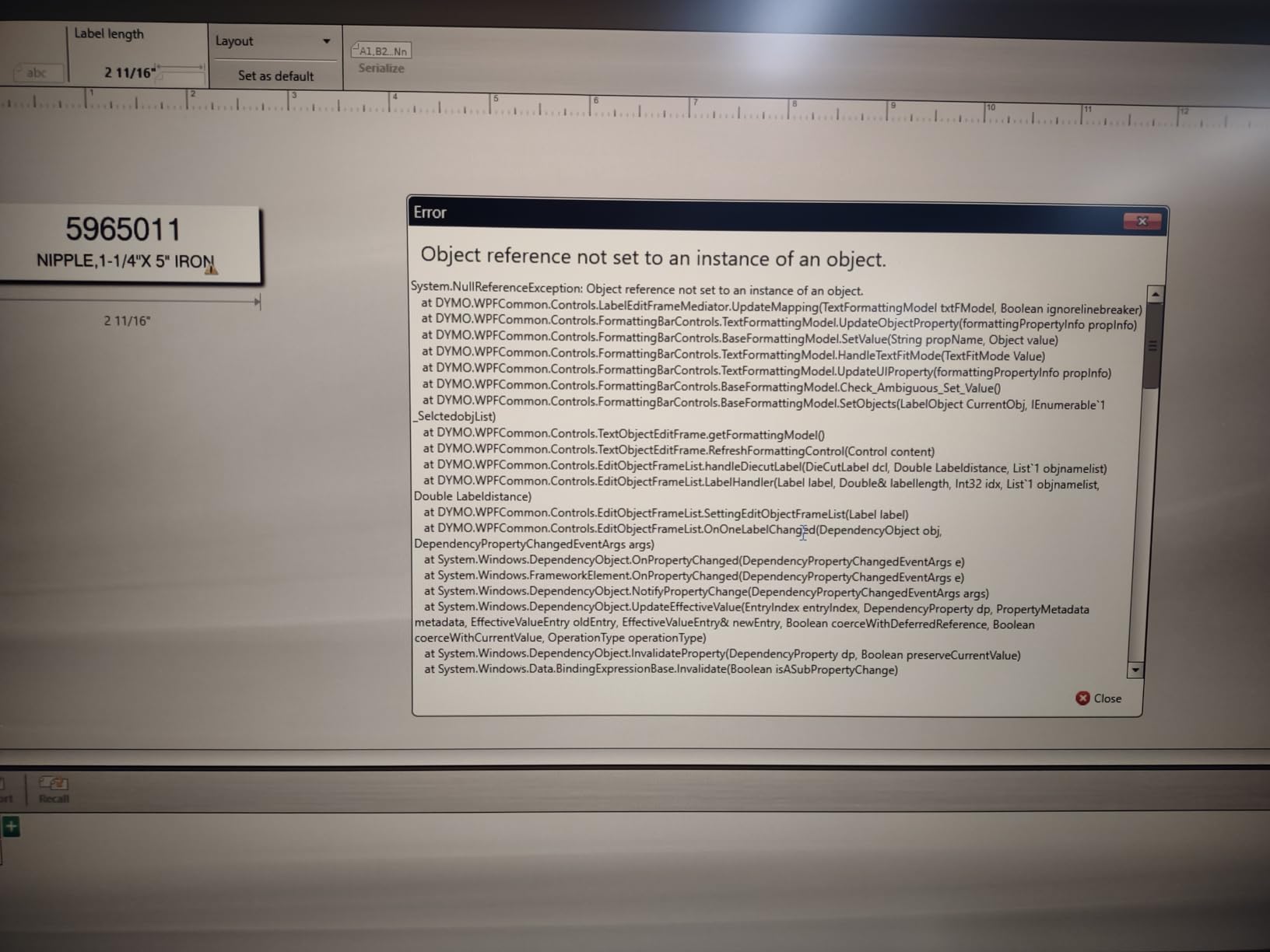
- DYMO ID software is widely criticized as unstable
- Tape jams and out-of-tape errors are reported by a share of owners
- Display is hard to read without backlight
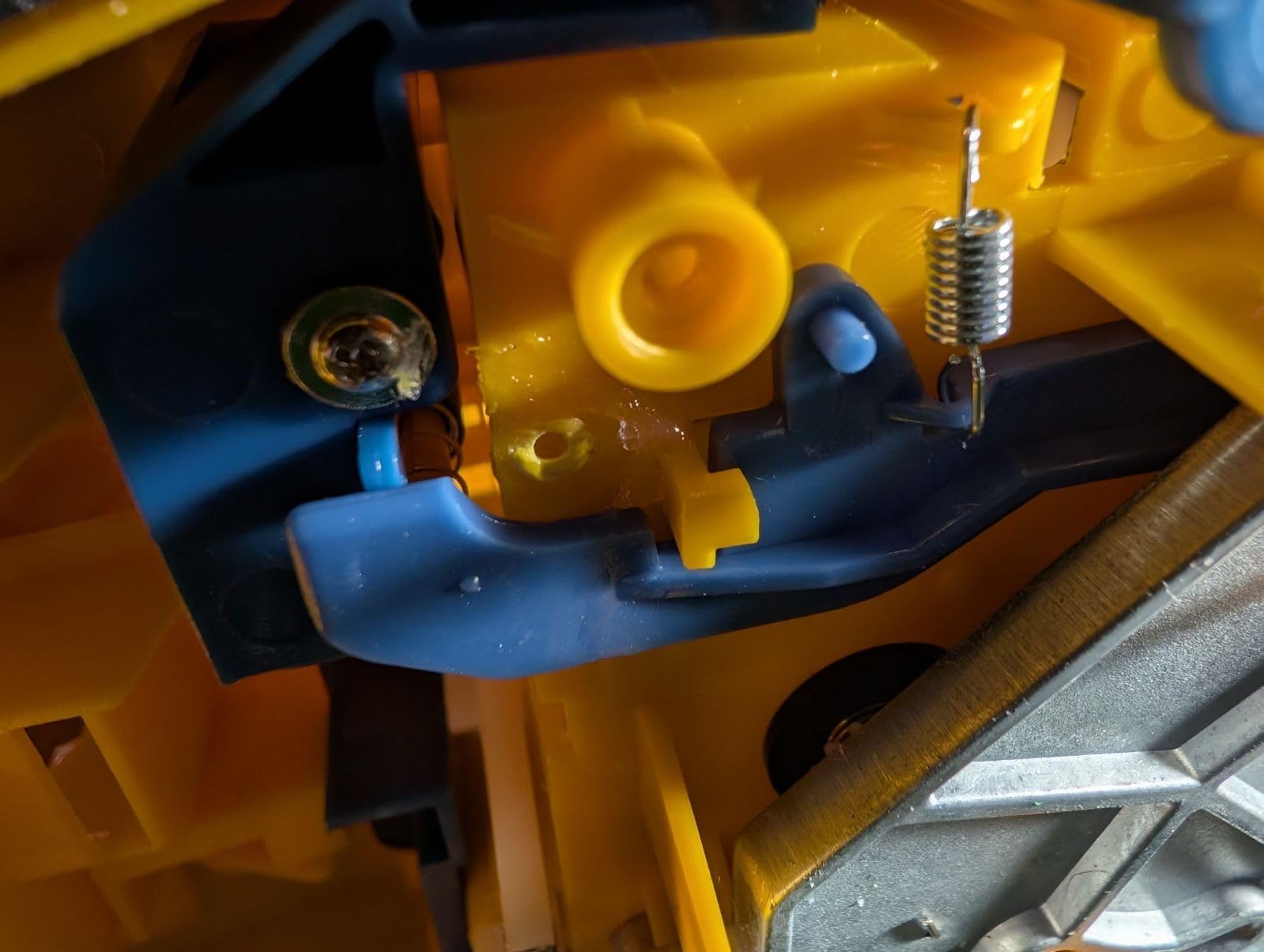
- Cartridge retaining arm is a known failure point
The Rhino 6000 is the software-driven option. Layouts, barcodes and complex multi-field tags come from DYMO ID on a PC, which is the only route here to a genuinely designed equipment tag rather than a typed line of text.
It declares conformance to ANSI and TIA/EIA-606-B, the newer revision of the cable identification standard that the 5200 does not claim, and the kit includes a hard carry case, a vinyl cassette, a flexible nylon cassette and a rechargeable lithium ion battery.
We put it at number ten deliberately. Its 61 ratings average 4.3 stars, the lowest in this roundup, with a meaningful share of one-star reviews, and the complaints cluster in a specific place: the software and the hardware feed path rather than the print quality.
Owners who came up from an older Rhino unit often report a smooth transition and praise the layout power. Others report software that crashes and needs restarting mid-edit, tapes that jam or throw out-of-tape errors, and an auto shutoff that cannot be overridden so a long batch needs constant restarting.
What you should check before buying
Test DYMO ID on a trial job before you standardize a crew on it. The software feedback is the biggest risk in this recommendation, and it is entirely avoidable if you test early.
Note that the maximum media size is listed as five lines and resolution is 180 dpi. This is a design-led machine, not a fine-print machine.
Where it will disappoint you
Warranty is listed as none on this listing, which is a real difference from the two-year cover on the Brother models and the limited warranty on the DYMO units above it.
Cartridge retaining arms are reported as a failure point after roughly a year of use, and the display needs backlight in a dark panel. If either happens, that is a service conversation, not a cartridge swap.
How to Choose an Industrial Label Maker for Electrical Work?
Start with print technology, because it sets your durability ceiling. A direct thermal printer puts pigment on the label itself and needs no ribbon, which means cheap and fast, but the print fades under heat and wears in chemical exposure. A thermal transfer printer pushes pigment from a ribbon onto the label, which costs more per label and adds a consumable, but the result resists oil, solvents and UV far better. For dry interiors and low-voltage work, direct thermal is fine. For plant rooms, engine spaces and outdoor panels, thermal transfer media is the one that stays readable.
Then pick the media width your widest real label needs. Wire wraps and most port labels live between 3.5mm and 12mm. Directory lines and equipment tags push to 18mm, 24mm and beyond. Buying a 0.75 inch machine and then trying to print a full panel directory on it is the most common wasted purchase we see in the review data.
Reference tools like the clamp meter roundup work the same way: the right spec only matters once it matches the measurement you actually need to take.
Decide keyboard or app, because it changes daily workflow. A QWERTY keypad lets you work in a basement with gloves on and no phone. An app workflow is lighter, syncs to your phone and makes database printing easier, but it fails completely when your phone is dead or your hands are wet. If your crew is mixed, a keyboard machine is the safer standard.
Check power honestly. Six AA batteries mean you can buy a replacement pack anywhere and never think about it. A rechargeable lithium ion battery means one cable for the whole crew, but it means a dead printer at 4pm if you forgot the USB-C cable. Either choice is defensible; carrying a spare is not optional.
Look for a screen you can read in the dark. Panels and crawl spaces have no light. A backlit LCD is the difference between labelling a panel and guessing at it, and it is the single most-cited defect on machines that lack one.
Confirm the symbol library and compliance before you need it. Grounding symbols, arc flash boundaries and OSHA hazard pictograms save a lot of time when you have not drawn them by hand. For compliance-sensitive work, look for materials and printers aligned to UL 969 for durable labeling, ANSI Z535 for safety message clarity, and the arc flash requirements in NFPA 70E, plus the OSHA and GHS pictogram set for equipment marking.
Price the consumables, not just the printer. Tape spend dominates the true cost of ownership. Two factors drive it: proprietary cartridges that only fit one machine, and label waste from a fixed gap you cannot adjust. Buying a machine that accepts third-party cartridges, or one with an adjustable margin like the LABELWORKS unit, can cut twelve-month spend more than a printer discount ever will.
Read the durability claims for your actual environment. Reviewers report units still in service after years, and also report print contrast degrading over time with no user-serviceable fix. If your work is outdoor or vehicle-mounted, prioritise a body with molded bumpers or a stated drop rating over one with a longer feature list.
Finally, know when you should not print at all. A marker on a conduit or box cover inside a dry building is faster than any label maker and costs nothing. That is the honest boundary, and a printer earns its place on the terminations, the directories and the plant rooms where a marker would not survive.
One troubleshooting note, because it comes up constantly: if a printer keeps producing half a label, check that the media width setting matches the cartridge you loaded, that the cutter arm is clear of backing fragments, and that your contrast setting has not drifted on a direct thermal tape roll. Run a half-cut test on a scrap piece before you reprint a whole panel schedule.
Frequently Asked Questions
What is the best industrial label maker?
The Brady BMP21-PLUS is the best all-round industrial label maker for electricians because it combines a full QWERTY keyboard, a backlit preview screen and a rugged molded body, and it runs on six AA batteries for field portability. It prints six font sizes from 6 to 40 point at 203 dpi on continuous tape cartridges, and it carries the largest review record of any machine in our roundup.
What are the best label printers for industrial use?
For industrial use, the strongest group in our roundup spans the Brady BMP21-PLUS, the DYMO Rhino 4200 and the DYMO RhinoPRO 5200 for handheld work, plus the LABELWORKS Epson LW-PX900PCD when you need 1.5 inch wide panel and asset tags. The handheld three handle heat shrink and 3/4 inch media; the Epson covers widths none of them can reach.
What do electricians use to label wires?
Most electricians use a self-laminating wrap that seals over its own printed text, applied around the conductor at rough-in. For terminations they use printed heat shrink tube, which becomes part of the wire, or a die-cut flag label that leaves a readable tail. For panel directories and equipment they step up to wider vinyl or polyester tape at 3/4 inch and above.
Which label maker is better, Brother or Dymo?
Choose Dymo if you want 300 dpi output, built-in barcodes and patch panel hot keys on a rechargeable battery. Choose Brother if you want the widest heat shrink and media range, up to 24mm, plus a dual auto-cutter that produces half-cut peel-and-apply strips. Dymo leans toward speed and templates, Brother toward media breadth and panel precision.
What is the best printer for cable labeling?
For cable and wire identification the DYMO Rhino 4200 and the DYMO RhinoPRO 5200 lead our roundup. Both print directly onto heat shrink tube, cover 1/4 inch through 3/4 inch industrial media, carry Hot Keys for wire wraps and flags, and produce Code 39 and Code 128 barcodes for asset tracking.
Why is my label printer only printing half of the label?
Usually the media width setting does not match the cartridge loaded, or the cutter arm has a fragment of backing stuck in it. Check the width setting first, then pull the cutter arm forward and clear it, then run a half-cut test on a scrap piece. On direct thermal tape a drifted contrast setting also produces faint half-prints.
What are the downsides of thermal labels?
Direct thermal prints fade under sustained heat and can be worn away by handling, solvents and UV exposure, so it is a poor choice for engine rooms and outdoor panels. Thermal transfer resists that but adds a ribbon to your consumable cost. Separately, proprietary cartridges and a fixed label gap that wastes tape are what make industrial labelers expensive to run.
Final Verdict: Which Industrial Label Maker Should You Buy?
The best industrial label makers for electricians start and end with the same question: what is the widest thing you label, and does it need to survive weather. If the answer is wire wraps and equipment tags at up to 3/4 inch, the Brady BMP21-PLUS is the one to buy, because the keyboard, the six-AA portability and the 1,840-rating durability record beat everything else in the field.
Buyers who need heat shrink on terminations should move to the DYMO Rhino 4200. Those who need 24mm of media and half-cut strips should look at the Brother PT-E560BT. Bench work on large equipment tags belongs to the LABELWORKS Epson LW-PX900PCD. Check your label widths before you check any feature list.
Related reading for the rest of the tool bag: our industrial camera picks and types of industrial robots explained cover the inspection and automation side of the same work.