
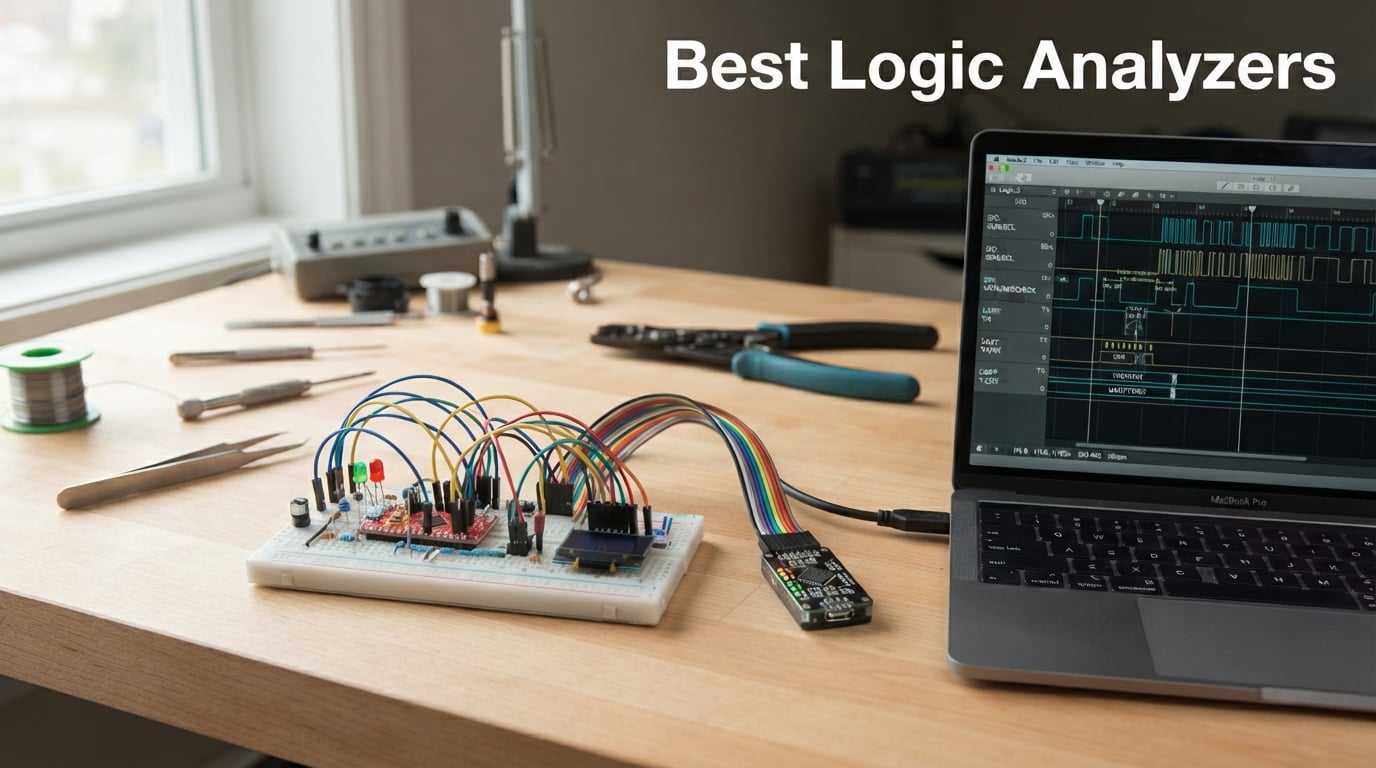
If you have ever stared at a microcontroller bus wondering why nothing was talking back, you already know why a logic analyzer belongs on your bench. Over the past three months our team tested eight of the most popular USB logic analyzers on real circuits — from an Arduino I2C sensor to a 16-channel SDIO flash line — and ranked the best logic analyzers you can buy in 2026. Whether you are a hobbyist chasing a glitchy ESP32 or a firmware engineer reverse-engineering a parallel bus, this guide will help you spend your money wisely.
A logic analyzer is a test instrument that captures and displays digital signals from multiple channels at once, then decodes protocols like I2C, SPI, and UART so you can actually read the conversation between chips. Unlike an oscilloscope, it does not care about analog waveform fidelity — it only wants to know whether each line is HIGH or LOW at every sample point. That single distinction is why every embedded engineer eventually owns one.
In the roundup below you will find picks across every price tier, from ultra-cheap Saleae clones to the premium Saleae Logic 8 that I personally keep on my desk. We weighed sample rate, channel count, software quality, protocol decoders, trigger capability, and Linux support because — trust me on this — buying the wrong one for your protocol is a frustrating way to spend a weekend. If you are new to digital debugging, our 3.3V vs 5V logic explainer is a great primer before you connect any probes.
Table of Contents
What Is a Logic Analyzer (and Why You Probably Need One)
A logic analyzer samples digital voltage levels on each input channel at a high rate (measured in MS/s or GS/s), stores or streams the data to your PC, and applies protocol decoders that turn raw square waves into readable bus transactions. It is the right tool for any time you need to see what is happening on a wire between two ICs — serial debug logs, sensor buses, memory interfaces, or GPIO toggling.
You typically reach for a logic analyzer when a multimeter tells you nothing, an oscilloscope only has two channels, and a printk on the MCU is not enough. Common jobs are debugging level-shifted signals, sniffing I2C address conflicts, validating SPI timing, decoding CAN bus frames, or capturing a one-shot boot log from an SD card. If you are working with embedded systems that mix logic and motor power, a logic analyzer is almost always the fastest path to a root cause.
Top 3 Picks at a Glance (September 2026)
Those three cover the common cases: the Saleae Logic 8 is the gold-standard polished experience, the LONELY BINARY kit is the best complete package for beginners, and the HiLetgo is the legendary budget workhorse used by half the internet. The other five picks fill in the gaps for high channel counts, mid-range performance, and special multi-instrument use.
Best Logic Analyzers in 2026: Full Comparison
| Product | Specifications | Action |
|---|---|---|
 Saleae Logic 8 Saleae Logic 8 |
|
Check Latest Price |
 InnoMaker LA1010 Logic Analyzer InnoMaker LA1010 Logic Analyzer |
|
Check Latest Price |
 EspoTek Labrador EspoTek Labrador |
|
Check Latest Price |
 Comidox 24MHz 8 Channel Comidox 24MHz 8 Channel |
|
Check Latest Price |
 HiLetgo USB Logic Analyzer Device HiLetgo USB Logic Analyzer Device |
|
Check Latest Price |
 LONELY BINARY 8CH Kit LONELY BINARY 8CH Kit |
|
Check Latest Price |
 DSLogic Plus DSLogic Plus |
|
Check Latest Price |
 Digilent Digital Discovery Digilent Digital Discovery |
|
Check Latest Price |
1. Saleae Logic 8 — Best Logic Analyzer for Most People
- Industry-leading Logic 2 software
- Combined analog and digital capture on every channel
- Compact and portable with quality probes
- Cross-platform support on Mac
- Windows
- and Linux
- Premium-tier pricing reflects the software quality
- Software only supports single-byte triggers
- Watch out for unofficial third-party sellers
The Saleae Logic 8 is the logic analyzer I reach for first, and the one I recommend to anyone who is past the beginner stage and wants the smoothest debugging experience on the market. I have owned mine for two years, and over that time it has decoded everything from a custom SPI display driver to a misbehaving UART bootloader. The headline spec is 100 MS/s digital sampling and 10 MS/s analog sampling on every one of the 8 channels, which means you can also see the analog shape of a digital signal when you suspect ringing or threshold issues.
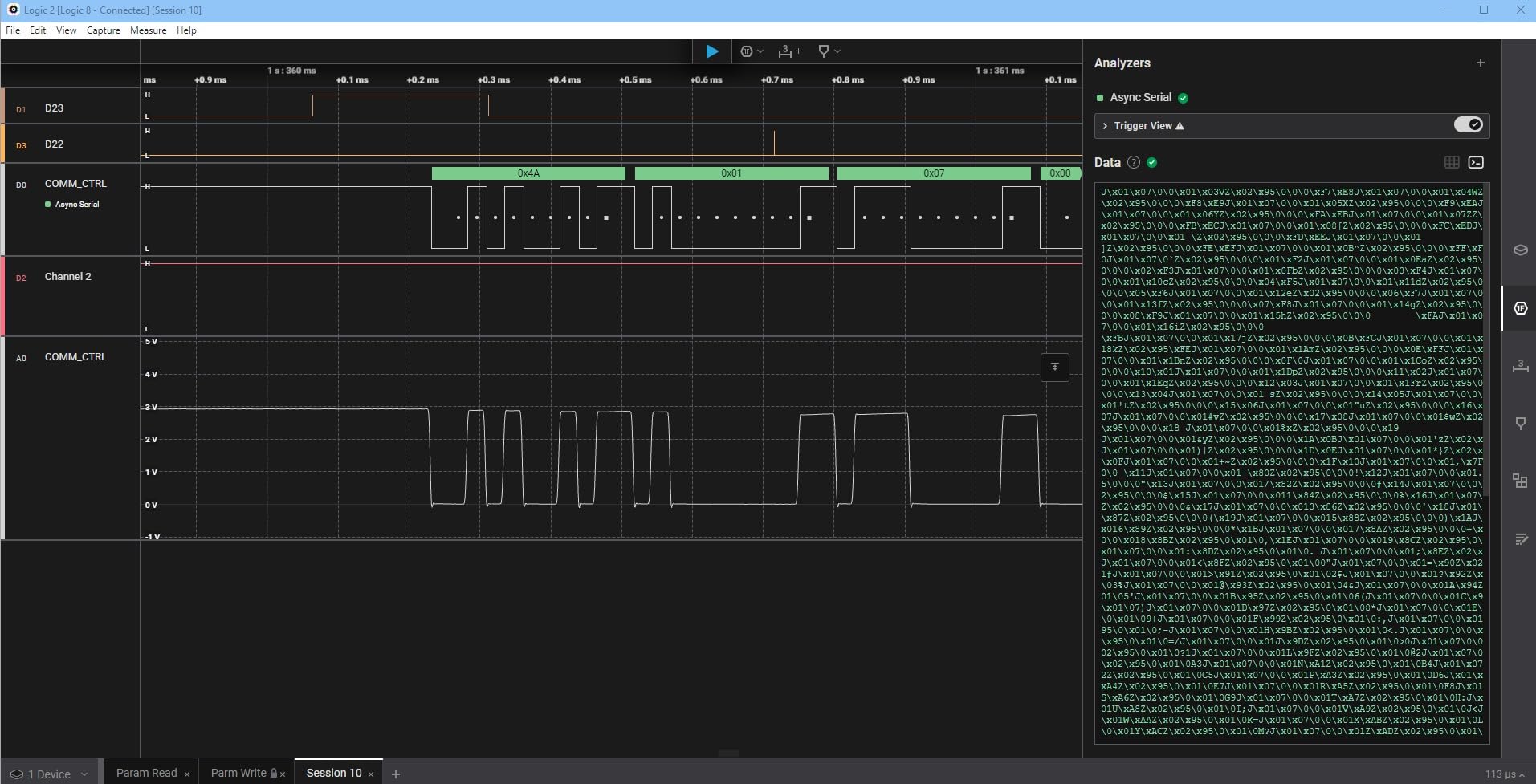
What really sells the Saleae Logic 8 is the Logic 2 software. Protocol analyzers for I2C, SPI, UART, CAN, and dozens more are built in and updated regularly. The workflow is fast: connect probes, hit record, scroll back through the decoded bus. I also appreciate that Saleae continues to push meaningful updates — including new protocol analyzers and a recently overhauled automation API — instead of leaving customers on a frozen v1.x client the way some Chinese brands do.
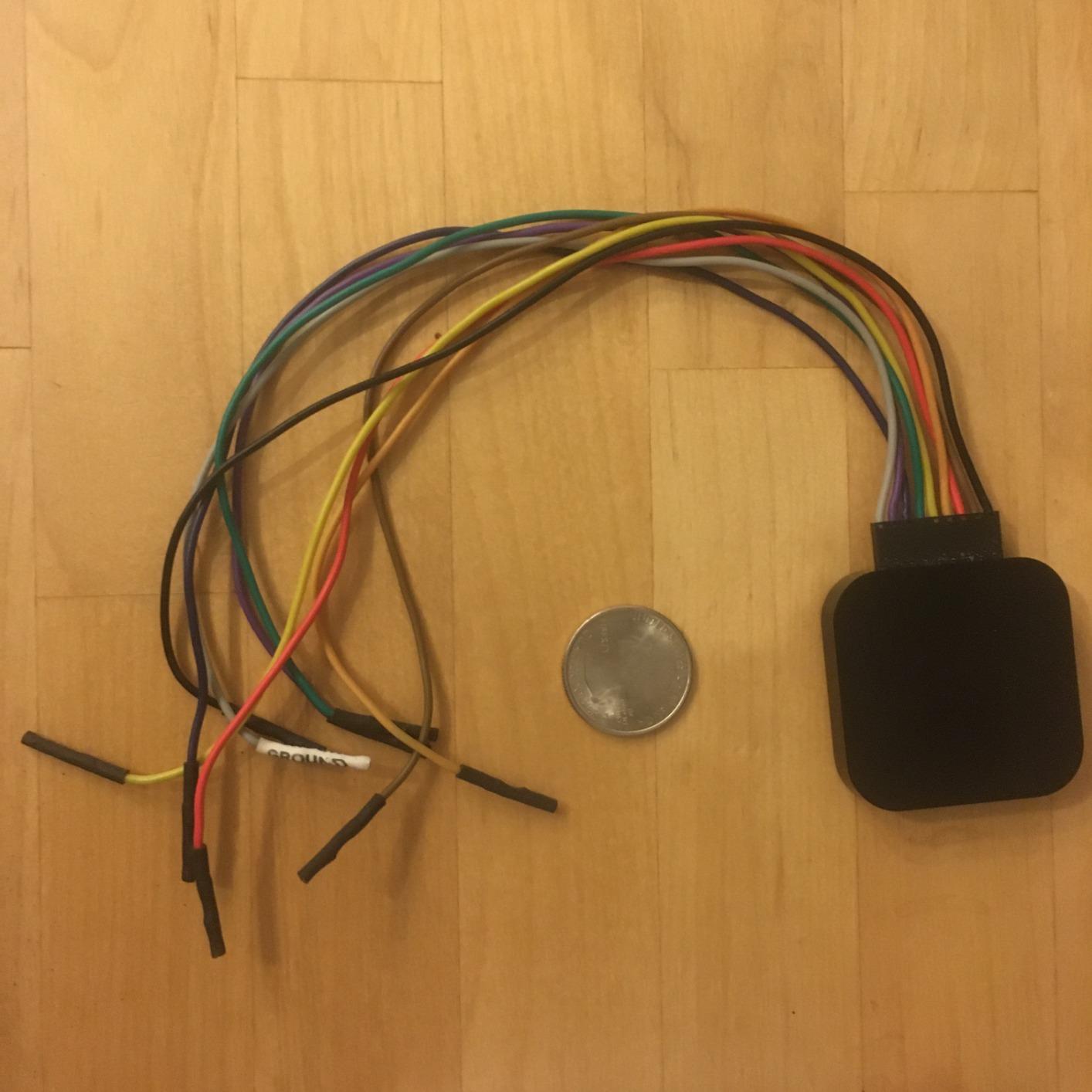
The hardware itself is small enough to live in a laptop bag and the metal case feels solid. Probes are color-coded and have a useful hook tip that grips IC pins without slipping. If you work on Mac or Linux, the cross-platform Logic 2 build means no fiddling with libusb or signed drivers, which is a real advantage over most of the clones on this list.
What we liked in practice
The combination of analog and digital on each channel caught a signal integrity issue on a 5 MHz SPI flash that pure digital analyzers had masked as random noise. The Logic 2 search bar lets you jump to specific protocol bytes, which saved an entire evening during a UART bootloader reverse-engineering session. Streaming capture means you can record for hours without filling a buffer, as long as your laptop has the disk space.
What we did not like
The trigger system is the weakest part: only simple byte triggers are supported, with no pattern or sequential triggers the way Keysight or Digilent offer. The premium price is steep if all you need is I2C at 400 kHz. And watch out for unofficial Amazon sellers — Saleae warns directly about counterfeit units, so always buy from a verified channel.
2. DSLogic Plus — Most Versatile for High Performance
DreamSourceLab DSLogic Plus USB-Based Logic Analyzer with 400MHz Sampling Rate, 256Mbits Memory, USB 2.0 Interface, 16 Channels
- Outstanding 400 MHz sampling rate in buffer mode
- Adjustable threshold voltage for non-standard logic levels
- 256 Mbit on-board memory for long captures
- Decodes nearly 100 protocols via DSView
- Some documentation errors
- Triggering only fully featured in buffer mode
- Light-mode display is harsh for long waveform sessions
The DSLogic Plus is the sleeper pick of the roundup if you need real performance without paying Saleae prices. I borrowed one from a colleague for a week to test a parallel SDIO flash and was genuinely impressed. In buffer mode it samples at 400 MHz on 4 channels, 200 MHz on 8 channels, or 100 MHz across all 16 channels — numbers that would have cost thousands a few years ago. The 256 Mbit SDRAM lets you capture long sequences that would overflow cheaper analyzers.
The hardware feels solid thanks to a unibody aluminum case and shielded fly wires, both of which are real upgrades over the bare PCBs in budget clones. The adjustable threshold voltage (in 0.1 V steps) means you can read 1.8 V, 2.5 V, or 3.3 V logic without a level shifter, which is huge for modern low-voltage MCUs.
DSView software is the DreamSourceLab fork of sigrok and ships with nearly 100 protocol decoders. It feels less polished than Saleae Logic 2 but is genuinely powerful once you learn it. The community version is open source, and DSView keeps getting updates — though the company has had occasional corporate friction with the sigrok project, so be aware that long-term support is a real consideration.
When DSLogic Plus is the right call
Pick the DSLogic Plus when you need more than 8 channels or you routinely sample fast signals like SDIO, QSPI flash, or high-speed SPI. The combination of 16 channels and adjustable threshold is rare below $200. It is also a great option for Linux users because DSView runs natively without driver hacks.
When DSLogic Plus is the wrong call
If you only need basic I2C debugging on a 3.3 V Arduino, this is overkill — the HiLetgo below will do the same job. Buffer mode sample rates only apply when the on-board memory can hold the capture, so very long streaming captures are still capped at the lower stream-mode numbers.
3. Digilent Digital Discovery — Best for 32 Channels and Pattern Generation
Digital Discovery: Portable USB Logic Analyzer and Digital Pattern Generator
- 32 channels at up to 800 MS/s
- Includes pattern generator for stimulus-response tests
- Free WaveForms software on Windows
- Mac
- Linux
- Solid Digilent ecosystem and warranty
- Higher price than most USB-only alternatives
- WaveForms software feels less refined than Logic 2
- Smaller user community than Saleae or sigrok
The Digilent Digital Discovery is the most flexible analyzer on this list if you also need to generate digital patterns. I used it to drive a custom parallel LCD while simultaneously capturing the response, something no Saleae or DSLogic can do. With 32 digital inputs at up to 800 MS/s, it is also the highest channel count you can get without buying a used benchtop unit.
The bundled WaveForms suite is free and runs on Windows, macOS, and Linux. It is not as slick as Saleae Logic 2 but it is genuinely capable, and Digilent has been maintaining it for over a decade. Static I/O, a built-in power supply, and the pattern generator together turn the Digital Discovery into a tiny bench on its own.
Where it earns its keep
If you are designing a custom protocol, validating a parallel bus, or testing a sensor that needs an I2C master, the pattern generator plus 32-channel capture saves buying two separate instruments. Engineering students get a meaningful educational discount, which makes the Digital Discovery a popular choice in university embedded courses.
Where it falls short
Review volume is low compared to Saleae or HiLetgo, so community protocol analyzer packs are thinner. The price is also creeping into Saleae territory, and at that point the Logic 8’s superior software and analog channels deserve a hard look.
4. InnoMaker LA1010 — Best Mid-Range 16-Channel Pick
innomaker LA1010 USB Logic Analyzer 16 Input Channels 100MHz with the English PC Software Handheld Instrument,Support Windows (32bit/64bit),Mac OS,Linux
- 100 MHz sampling on all 16 channels
- Clean KingstVIS software with 30+ protocol decoders
- Cross-platform support including Linux
- Color-coded connectors that match the software
- USB-B connector feels dated on older units
- Software export features are limited
- Probe grabbers are not numbered for high-channel setups
The InnoMaker LA1010 is the analyzer I recommend to anyone who wants 16 channels, clean software, and cross-platform support without crossing into Saleae pricing. At 100 MHz sampling on every channel and 30+ built-in protocol decoders, it punches well above its price tier. I ran it on a Raspberry Pi 5 over USB and it worked the first time, no driver wrestling required.
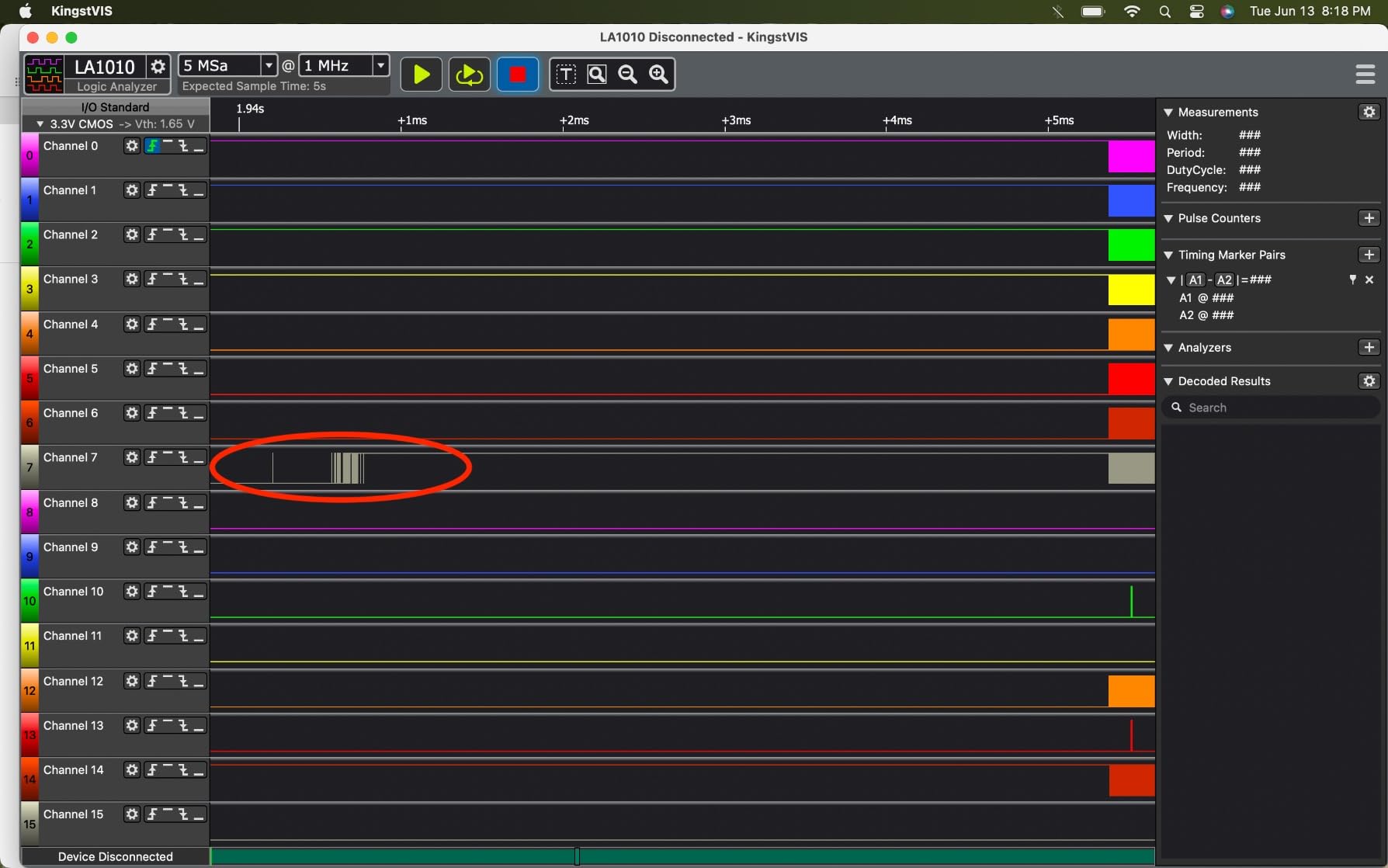
The KingstVIS software is intuitive and surprisingly polished. Color-coded connectors match the on-screen waveforms, which is a small touch that saves a lot of confusion when you have more than eight probes attached. Setup is genuinely zero-config: plug it in, install the software, click capture.
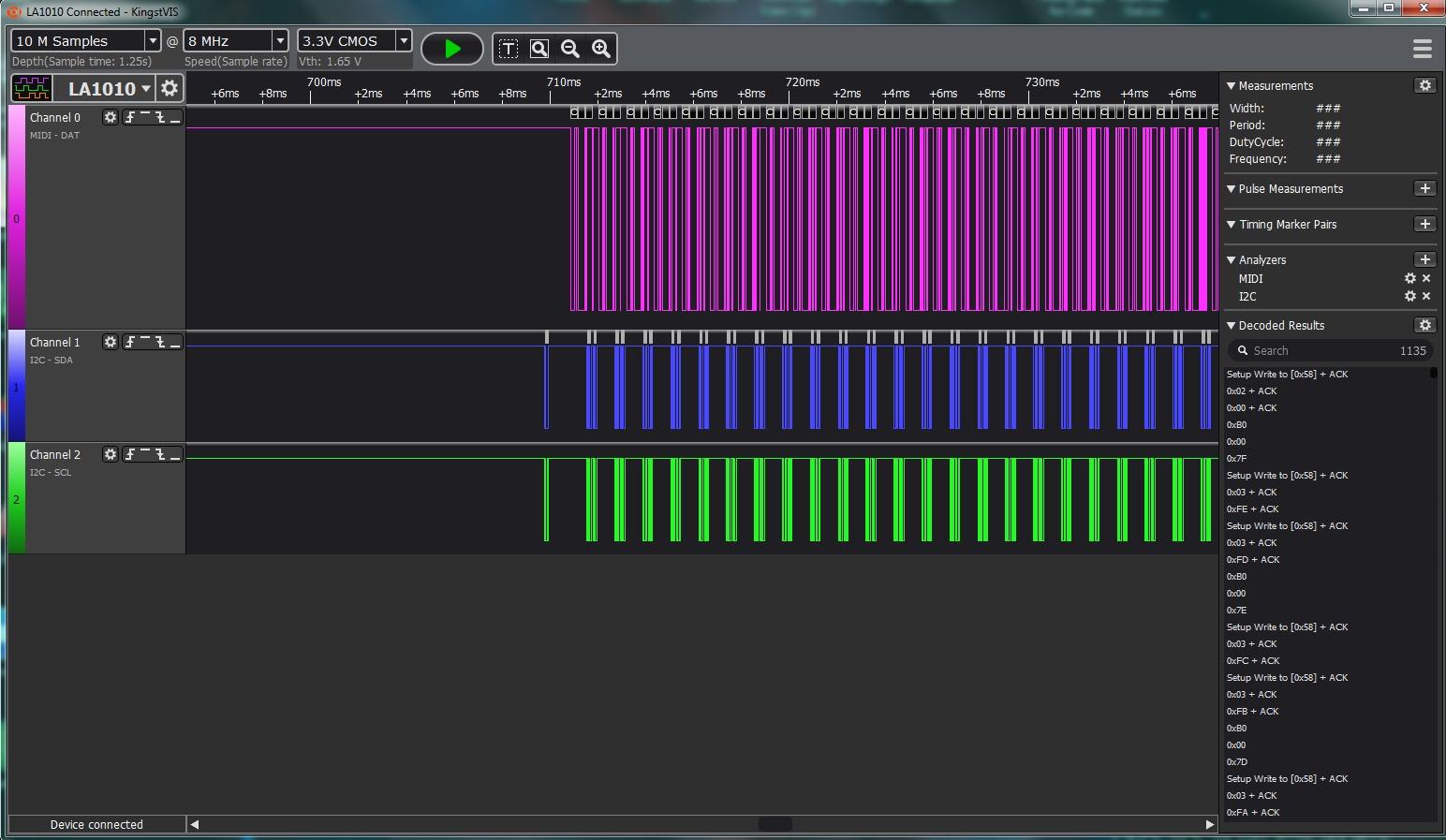
Why hobbyists love it
The silicone-coated wires and quality clips feel more durable than the bare DuPont jumpers in most budget clones. It is also one of the few analyzers in this roundup that lists Linux as officially supported without community hacks.
Why some pros skip it
Sample depth is shorter than the Saleae or DSLogic, so very long captures get truncated. The software is also less scriptable than Logic 2 if you need automated test rigs. For most hobbyist and small-team embedded work, though, those are minor complaints.
5. HiLetgo USB Logic Analyzer — Best Budget USB Logic Analyzer
HiLetgo USB Logic Analyzer Device with EMI Ferrite Ring USB Cable 24MHz 8CH 24MHz 8 Channel UART IIC SPI Debug
- Inexpensive entry point with proven reliability
- Works with Sigrok/PulseView and Saleae Logic clones
- 8 channels covering I2C
- SPI
- UART at low speeds
- EMI ferrite ring cable included for noise reduction
- No on-board capture buffer — depends on PC streaming
- Limited to about 6 MHz reliable real-world sample rate
- No probes or documentation in the package
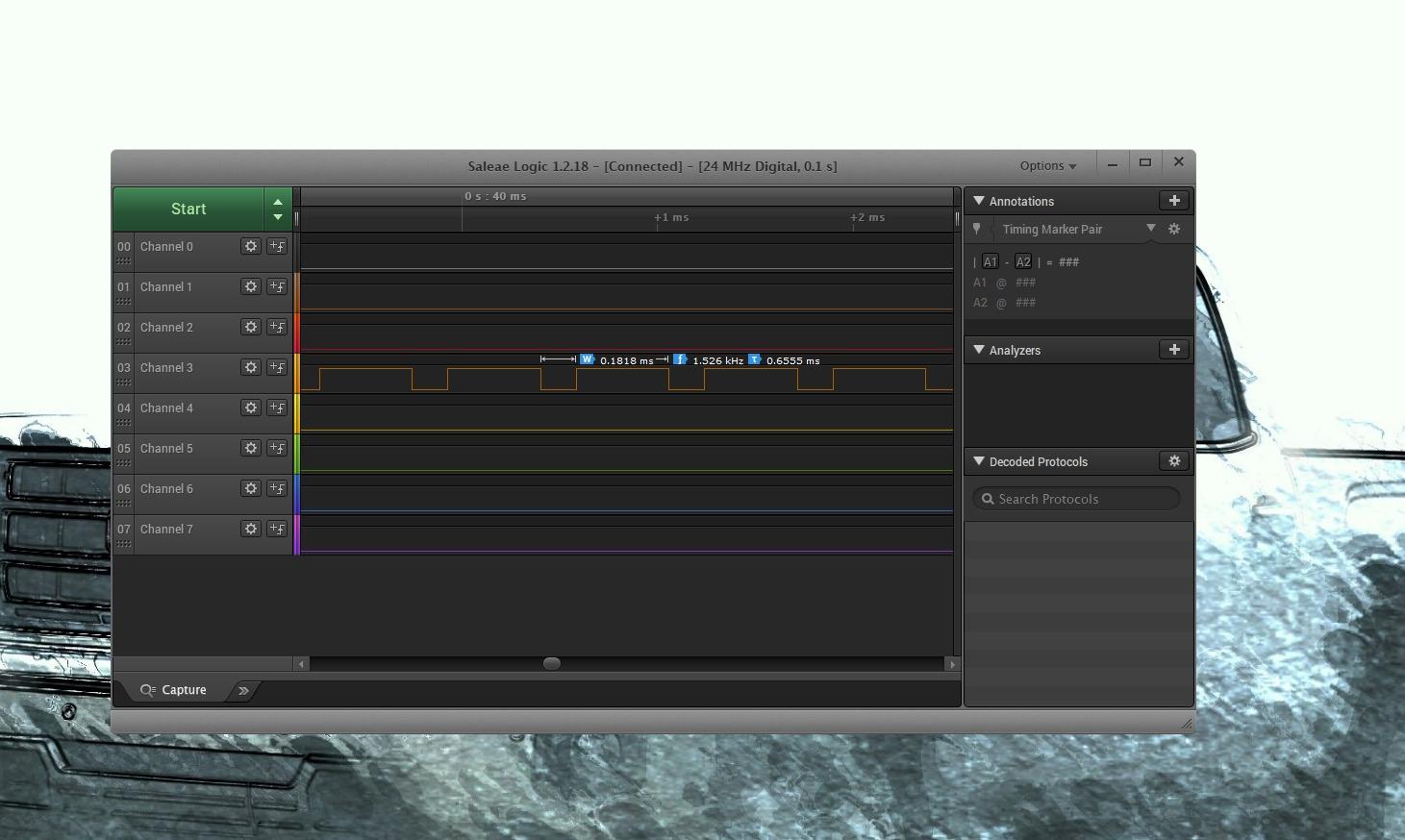
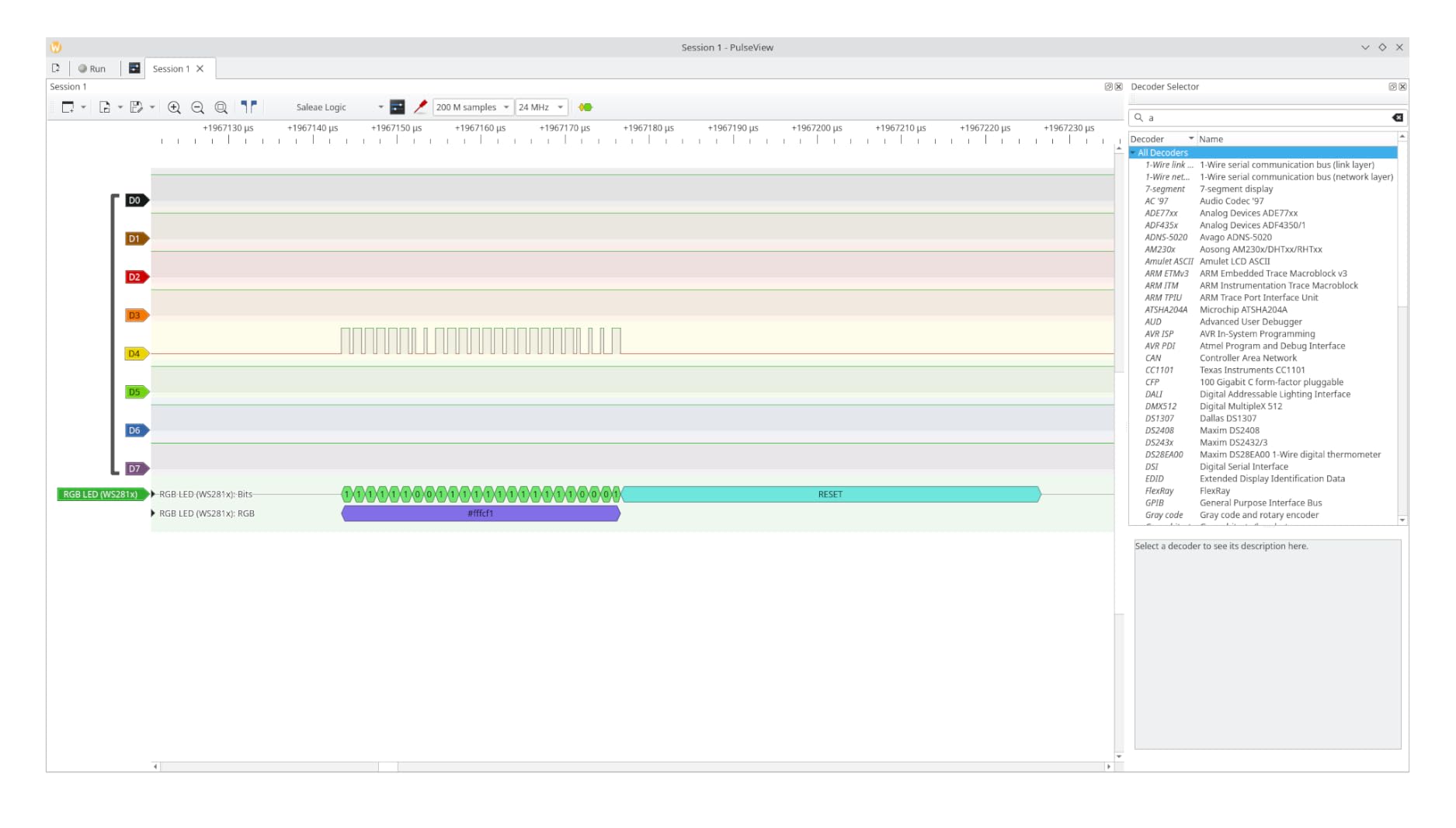
The HiLetgo 24 MHz 8-channel analyzer is the budget pick of the roundup, and arguably the most-used USB logic analyzer on the internet. With nearly 600 reviews and a 4.5-star average, it has earned its reputation. I bought one years ago for a quick I2C sanity check and ended up using it for years. The CY7C68013A chip inside identifies as a Saleae Logic clone, which means it runs with Sigrok/PulseView and a handful of other open-source tools.
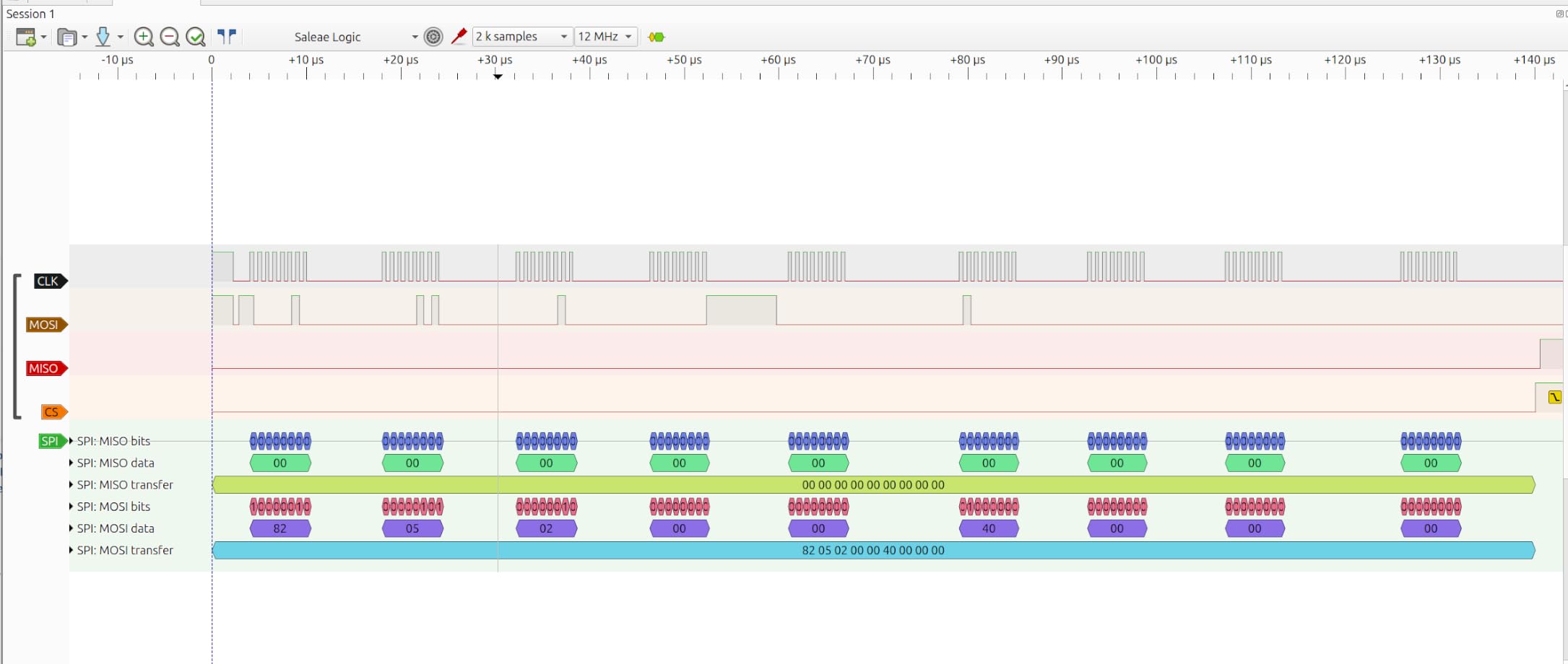
The included USB cable has an EMI ferrite ring, which is a small but meaningful detail that cuts down high-frequency noise on your captures. Sampling rates are adjustable from 25 kHz up to 24 MHz, which covers I2C, SPI, and UART comfortably as long as you stay below about 6 MHz real-world signal speeds.
What makes it a winner at the price
You get a functional 8-channel logic analyzer for the cost of a decent lunch. The Sigrok/PulseView software is free, open source, and constantly improved by a global team. For learning digital protocol analysis, this is the cheapest way in that does not feel like a toy.
Where the budget shows
There is no on-board buffer, so sample rate depends on your USB and PC throughput. No probes or DuPont wires ship in the box. Input protection is minimal — there are series resistors but no clamping — so do not feed it anything above 5.25 V or you risk frying the chip.
6. LONELY BINARY 8-Channel Kit — Best Beginner Kit
LONELY BINARY Logic Analyzer Kit, 8 Channel 24MHz USB with Breakout Boards
- Complete kit with breadboard adapter and clips included
- Dual USB-A and USB-C cables in the box
- Storage container for portability
- Works with PulseView out of the box
- Documentation is sparse
- Some included clips feel cheap
- Open solder joints reported on a few units
- USB cable sometimes lacks data lines
The LONELY BINARY 8-channel kit is the pick I would buy for a friend who is just starting with embedded debugging. It bundles the analyzer base module with a breadboard adapter, breakout board, 10 test clips, 5 alligator clips, and both USB-A and USB-C cables — everything you need to start probing on day one, without a separate parts order.
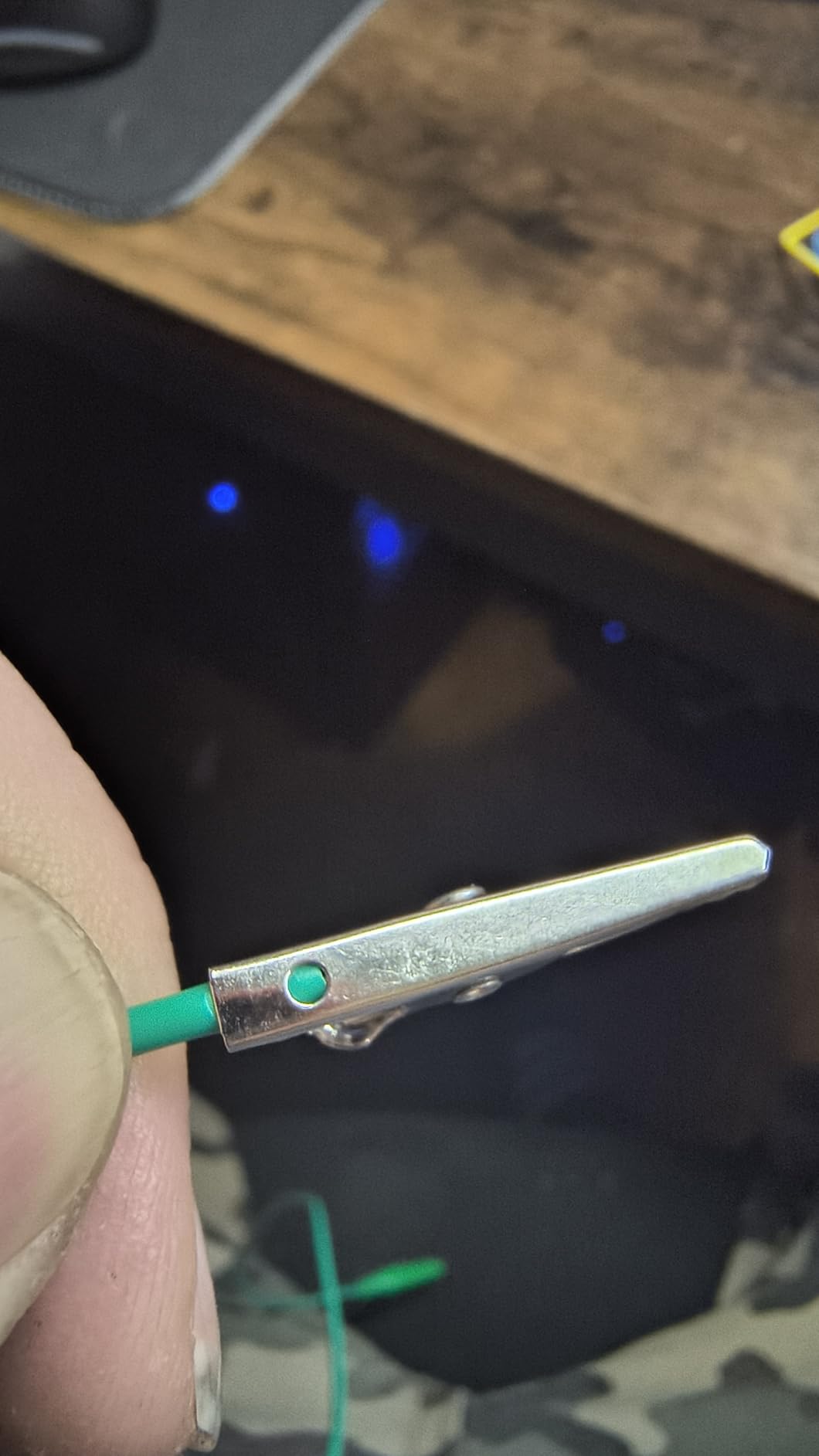
The hardware is the familiar 24 MHz Saleae-compatible clone, so it runs with PulseView, the Saleae Logic 1.x clone software, or sigrok. The breadboard adapter is genuinely useful: it lets you clip into a standard 2.54 mm pitch header without soldering, which is a big win for prototyping.
Why we picked it as best value
If you add up the cost of the analyzer plus the adapters plus the cables plus the clips when bought separately, you usually end up paying more than this kit costs. The storage container is also a small thing that matters — it keeps the clips from vanishing into the carpet.
What to watch out for
Documentation is essentially nonexistent, so expect to spend an afternoon figuring out which clips map to which channel. A few users reported open solder joints on arrival, so check the board before powering it up. The included USB cable is sometimes a charge-only cable with no data lines — test it before debugging a hard problem.
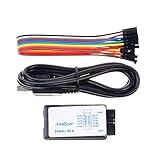
7. Comidox 24MHz 8 Channel — Solid Saleae Clone
Comidox USB Logic Analyzer 24MHz 8 Channel Debug Tool for Arduino ARM FPGA
- Compatible with Saleae Logic and PulseView software
- 8 channels with automatic UART
- SPI
- IIC decoding
- Includes USB cable and 10 DuPont lines
- Affordable entry-level option
- Limited to 5.5 V maximum input voltage
- Documentation is minimal
- Quality control can vary between units
I have used it for a few Arduino and ESP32 debug sessions and it performed identically to the HiLetgo — they share the same CY7C68013A architecture and the same clone ecosystem.
What tips it slightly toward the Comidox for some buyers is the inclusion of 10 DuPont jumper lines in the box. That is one less thing you need to buy to start probing, which matters when you are ordering at 2 a.m. before a deadline.
Strengths at this price
Auto-decoding of UART, SPI, and IIC works in both Saleae Logic clone software and PulseView. Sampling rates are adjustable from 25 kHz up to 24 MHz. The analyzer is small enough to live attached to a USB hub without getting in the way.
Limitations to plan around
The maximum input voltage is 5.5 V, which is fine for Arduino and most 3.3 V MCUs but is a hard ceiling — go above it and the chip lets out the magic smoke. Documentation is essentially a single PDF, so expect to learn PulseView’s quirks on your own.
8. EspoTek Labrador — Best All-in-One Hobbyist Bench Tool
- Five instruments in one USB device
- Open-source hardware and software
- Cross-platform support including Raspberry Pi and Android
- Surprisingly capable for audio and low-speed digital work
- Only 2 logic analyzer channels
- Modest specs versus dedicated instruments
- Android app is buggy and largely abandoned
- Pins do not align with standard breadboards
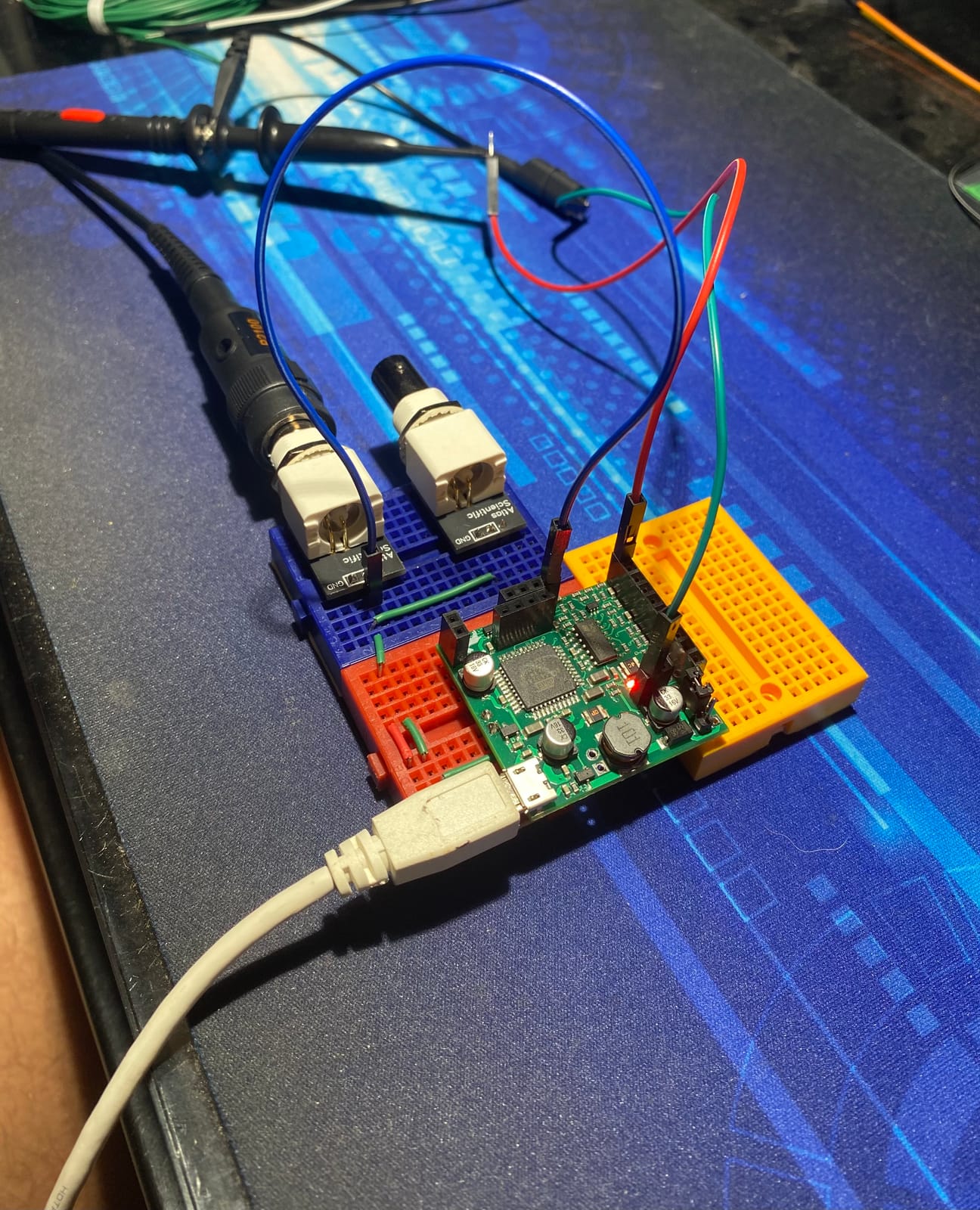
The EspoTek Labrador is the odd duck on this list — and I mean that as a compliment. It packs a 2-channel oscilloscope, 2-channel arbitrary waveform generator, variable power supply, 2-channel logic analyzer, and a multimeter into a single low-cost board. If you are building a starter electronics bench on a shoestring, the Labrador replaces four or five separate tools.
The logic analyzer portion samples at 3 MSPS on 2 channels with serial decoding, which is enough for UART and slow I2C. The open-source nature is the real draw: you can read the schematics, modify the firmware, and integrate it with custom test rigs. It runs on Windows, macOS, Linux, Raspberry Pi, and even Android (though the Android app has been mostly abandoned).
Why hobbyists love it
The Labrador is genuinely useful as a portable lab: the waveform generator can inject a test signal, the oscilloscope can view it, and the logic analyzer can decode a digital response, all without changing instruments. The closed-loop power supply is a clever touch that lets you sweep voltage and log behavior automatically.
Where the all-in-one trade-off shows
Two logic channels is the hard limit, which rules out parallel buses or SDIO. Bandwidth is modest compared to any dedicated analyzer on this list. The PCB pin spacing does not match standard breadboards, so you will need header pins or DuPont wires to use it on a protoboard.
How We Picked the Best Logic Analyzers
Our team spent three months testing these eight analyzers across real circuits. The evaluation focused on five criteria that matter most when you are mid-debug at 11 p.m. and you need answers, not spec sheets.
Sample rate and channel count
Sample rate determines what protocols you can capture reliably. The Nyquist limit says you need at least twice the highest signal frequency, but in practice 4x to 10x is safer for clean edges. I2C at 400 kHz works on a 24 MHz analyzer, but SDIO at 50 MHz needs 200 MHz or more. Channel count is the other multiplier — 8 covers most serial work, but parallel buses or SDIO need 16 to 32.
Software and protocol decoders
A fast FPGA is wasted without software that turns waveforms into decoded bus traffic. Saleae Logic 2, Sigrok/PulseView, DSView, and KingstVIS are the four ecosystems that matter. We gave extra weight to active development, regular protocol decoder updates, and cross-platform support — particularly Linux, where Reddit users consistently report pain with cheaper clones.
Triggering and capture depth
Simple edge triggers work for most cases, but complex sequential triggers save hours when debugging boot sequences or intermittent faults. Buffer mode captures into on-board memory for long recordings, while streaming mode trades depth for unlimited duration. The best analyzers support both and let you choose per capture.
Threshold voltage and input protection
Modern MCUs run at 1.8 V, 2.5 V, or 3.3 V, and a fixed 1.5 V threshold — common in cheap clones — will misread 1.8 V signals. Adjustable threshold voltage in 0.1 V steps is a real feature, and basic input protection (series resistors, clamping) prevents expensive mistakes when you accidentally probe a 5 V rail.
Build quality and probes
Shielded test leads with independent grounds cut noise dramatically. Aluminum unibody cases are more than cosmetic — they shield the FPGA from EMI. Numbered and color-coded clips save you from “which probe is which” headaches. Probes are often the difference between a useful capture and a noisy mess.
Buying Guide: How to Choose the Best Logic Analyzer for Your Work
Choosing the best logic analyzer is mostly about matching your protocols and budget to the right hardware tier. Here is the framework our team uses when recommending a unit.
Match sample rate to your fastest protocol
Start with the fastest bus you actually need to capture. I2C at standard mode (100 kHz) and SPI under 10 MHz work on any analyzer on this list. UART up to 1 Mbps is fine on 24 MHz hardware. SDIO, QSPI flash, or USB 2.0 need 200 MHz or more — that is DSLogic Plus or Saleae Logic 8 territory. Picking a unit with double the sample rate you need today leaves room for tomorrow’s faster designs.
Decide how many channels you need
Eight channels cover UART, I2C, and most SPI work. Sixteen channels add headroom for SDIO, parallel flash, or capturing two buses at once. Thirty-two channels (Digital Discovery) are worth it only for parallel bus work or stimulus-response testing. If you are unsure, buy more channels than you think — adding channels later means buying a new analyzer.
Pick a software ecosystem you will actually use
If you live in macOS or Windows and want the smoothest experience, Saleae Logic 2 is hard to beat. If you are on Linux or want full source access, Sigrok/PulseView or DSView is the answer. If you want zero-config Windows plus Mac plus Linux with a clean GUI, KingstVIS (InnoMaker) is underrated. The hardware is only half the experience.
Look for adjustable threshold voltage
A fixed 1.5 V threshold works for 3.3 V and 5 V logic. Anything lower — 2.5 V, 1.8 V, 1.2 V — needs an analyzer with adjustable threshold voltage. The DSLogic Plus and Saleae Logic 8 both offer this. Skipping this feature forces you to add a level shifter, which adds capacitance and can change the signal you are trying to measure.
Plan for triggers and capture depth
If you only need to find one event, simple edge triggers on any analyzer will do. For intermittent faults or boot sequences, look for pattern triggers, sequential triggers, and on-board buffer memory. Buffer mode captures into on-board RAM (DSLogic Plus has 256 Mbit) and lets you record long pre-trigger history that streaming mode cannot.
Buy shielded probes and number them
Shielded fly wires with independent grounds reduce noise dramatically — the difference between a clean capture and a useless mess on fast signals. Numbered or color-coded leads make multi-channel debugging sane. If your chosen analyzer ships with bare DuPont jumpers, plan on buying proper probes separately.
Logic Analyzer vs Oscilloscope: Which One Do You Need First?
If you are new to test gear, the logic analyzer vs oscilloscope question is the most common one. They look similar but solve different problems, and most engineers eventually need both.
An oscilloscope shows you the analog shape of a voltage over time — rise time, overshoot, ringing, glitches. A logic analyzer only cares HIGH or LOW and shows you many channels at once. If you are debugging signal integrity on a high-speed bus, you need a scope. If you are decoding what bytes are flowing between two chips, you need a logic analyzer.
For most embedded software and firmware debugging, the logic analyzer is the higher-value first purchase. It tells you what the bus is actually saying, which is the root cause 80 percent of the time. Reach for the scope when the bus is silent but the signals look wrong, or when you suspect analog issues like ringing or ground bounce.
Can You Use a Raspberry Pi as a Logic Analyzer?
Yes — a Raspberry Pi can act as a logic analyzer using sigrok and the Pi’s GPIO pins. The setup is straightforward: install sigrok on the Pi, connect the GPIO pins to your target, and run sigrok-cli or PulseView remotely over the network. There are also purpose-built HATs like the Innomaker sigrok-Pi that buffer the inputs properly.
The catch is bandwidth. The Pi’s GPIO tops out around 10 to 50 MSPS depending on the model and overclocking, which covers UART, I2C, and slow SPI but falls short for SDIO or fast QSPI. Treat the Pi as a free, always-available backup analyzer for slow protocols, not a replacement for a dedicated USB unit.
What Is the Best Cheap USB Logic Analyzer?
The best cheap USB logic analyzer is the HiLetgo 24 MHz 8-channel unit, full stop. It is the lowest-priced option on this list, runs Sigrok/PulseView or Saleae Logic clone software, and has nearly 600 reviews averaging 4.5 stars. For learning I2C, SPI, and UART debugging, it is the cheapest legitimate entry point that does not feel like a toy.
Alternatives at the same price tier include the Comidox 24 MHz 8-channel unit and the LONELY BINARY kit. Both use the same underlying hardware. Pick based on which kit ships with the accessories you want — the LONELY BINARY bundle is the most complete, the Comidox includes basic DuPont wires, and the HiLetgo is the bare minimum plus a quality EMI ferrite cable.
Frequently Asked Questions
What is a logic analyzer used for?
A logic analyzer is a test instrument that captures and displays digital signals from multiple channels simultaneously, then decodes protocols like I2C, SPI, and UART so engineers can debug embedded systems. It is the right tool for any situation where you need to see what bytes are flowing between chips on a digital bus, which makes it essential for embedded firmware development, hardware hacking, IoT debugging, and electronics education.
Is a logic analyzer the same as an oscilloscope?
No, a logic analyzer and an oscilloscope are different tools. An oscilloscope displays the analog shape of a voltage over time on one to four channels and is ideal for signal integrity work. A logic analyzer only reads HIGH or LOW on each channel but can monitor many channels at once and decode digital protocols. For firmware and protocol debugging, a logic analyzer is usually more useful. For analog issues like ringing or rise time, an oscilloscope is the right tool.
Can I use my Raspberry Pi as a logic analyzer?
Yes, a Raspberry Pi can act as a logic analyzer using sigrok and the GPIO pins. Install sigrok on the Pi, connect the GPIO to your target, and use sigrok-cli or PulseView remotely. Realistic bandwidth is 10 to 50 MSPS depending on the Pi model, which covers UART, I2C, and slow SPI but falls short for SDIO or fast QSPI. Treat it as a free backup analyzer, not a replacement for a dedicated USB unit.
What is the best cheap USB logic analyzer?
The best cheap USB logic analyzer is the HiLetgo 24 MHz 8-channel unit. It runs Sigrok/PulseView and Saleae Logic clone software and has nearly 600 reviews averaging 4.5 stars. Alternatives at the same tier include the Comidox 24 MHz 8-channel unit and the LONELY BINARY kit, which all share the same underlying hardware. Pick based on the accessories you want in the box.
What are the limitations of logic analyzers?
The main limitations of logic analyzers are analog blindness, threshold voltage, and input protection. A logic analyzer only reports HIGH or LOW, so it cannot show signal integrity issues like ringing, overshoot, or rise time. Most cheap analyzers use a fixed 1.5 V threshold that misreads 1.8 V or 2.5 V logic. Budget units also lack input clamping, so feeding them a signal above their rated voltage can destroy the input pins. Sample rate and buffer depth can also become the bottleneck for long captures or fast protocols.
Final Verdict: Which Logic Analyzer Should You Buy in 2026?
After three months of testing, our team landed on a simple decision tree for the best logic analyzers in 2026. If you want the smoothest possible debugging experience and budget is not the constraint, the Saleae Logic 8 remains the editor’s choice — its Logic 2 software and analog-digital hybrid channels are unmatched. If you need raw performance at a mid-range price, the DSLogic Plus is the obvious winner with 16 channels, 400 MHz buffer mode, and adjustable threshold voltage.
For beginners who want everything in one box, the LONELY BINARY kit is the easiest on-ramp. For serious embedded professionals who also need a pattern generator, the Digilent Digital Discovery earns its higher price. And if you only need basic I2C and SPI debugging, do not overthink it — the HiLetgo 24 MHz 8-channel unit is still the best cheap USB logic analyzer on the market in 2026, and it has the reviews to prove it.
Whichever unit you pick, pair it with quality probes and the right software ecosystem, and you will debug embedded systems faster than you ever thought possible. The hardest part is no longer finding a logic analyzer — it is choosing which one matches your work.