
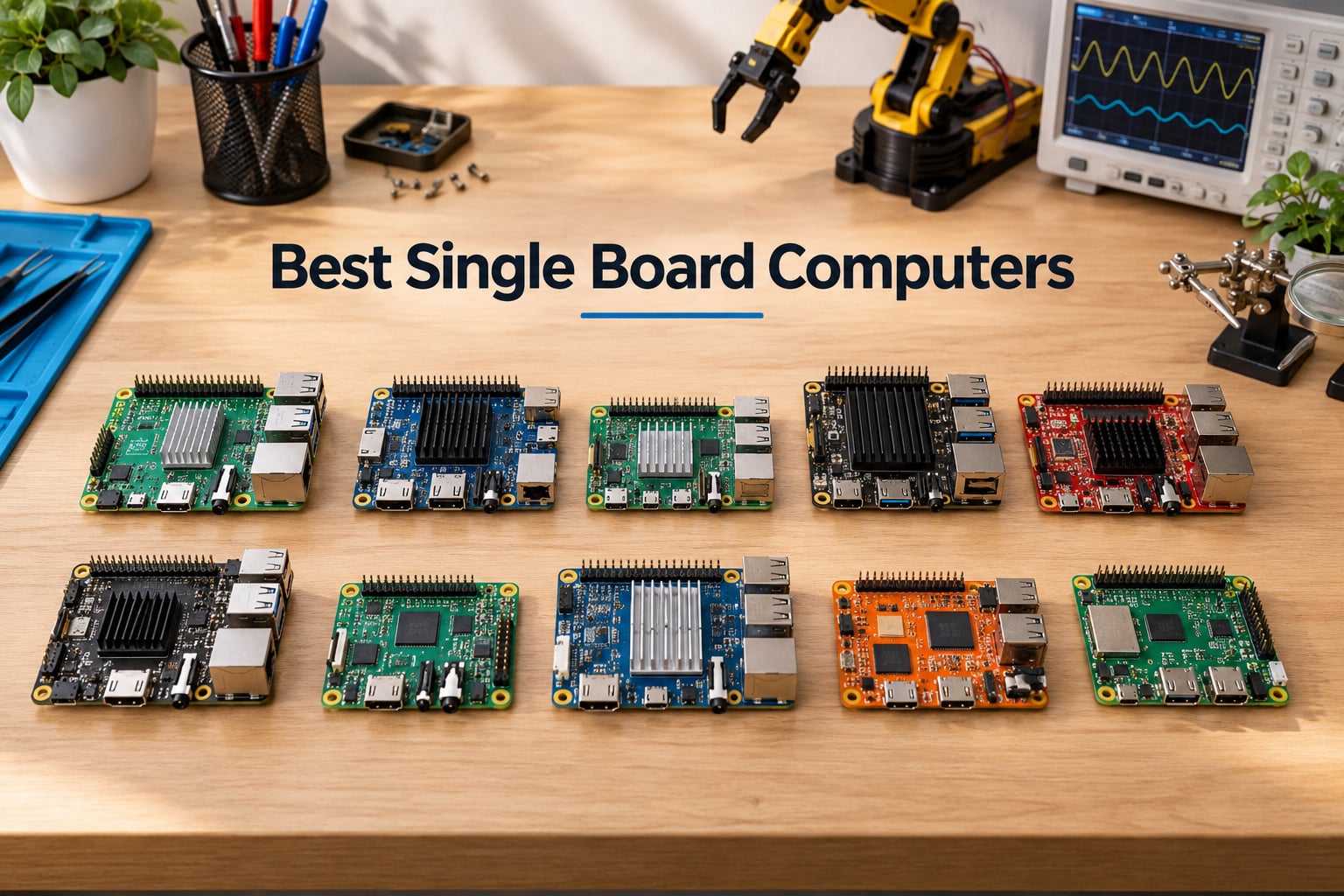
I have been building with single board computers since the original Raspberry Pi launched, and 2026 is the most interesting year yet for makers. Memory prices climbed through late 2025 (a trend forum users call “RAMageddon”), and that pushed several long-time favorites out of reach for budget builders.
At the same time, new silicon arrived. Rockchip’s RK3588 and RK3576 keep maturing, Qualcomm jumped into the ARM SBC scene, CIX’s P1 made RISC-V boards credible for desktop workloads, and NVIDIA’s Jetson AGX Orin 64GB gave robotics developers up to 275 TOPS of AI performance on a board that fits in your hand.
I pulled ten boards together for this roundup – covering Raspberry Pi’s entire 2026 lineup, the budget-friendly Le Potato, and one premium AI dev kit – and tested each for the workloads our robotics community actually runs. Whether you are wiring GPIO pins to motors, hosting a Plex server, training a robot to see, or just learning Linux for the first time, this guide will help you pick the right board.
Table of Contents
Top 3 Picks for Best Single Board Computers in 2026


Raspberry Pi 4 Model B 8GB
- Cortex-A72 quad-core
- 8GB RAM
- Dual 4K micro HDMI
- USB 3.0 and Gigabit Ethernet

NVIDIA Jetson AGX Orin 64GB
- 275 TOPS AI
- 64GB LPDDR4X
- Isaac and DeepStream support
- Linux workstation class
Best Single Board Computers (September 2026) Quick Comparison
All ten boards on test share a few traits: a system on chip integrating CPU, GPU and often an NPU, on-board RAM, storage via microSD or NVMe, and at least one GPIO header for maker projects. What changes is the SoC generation, RAM ceiling, connectivity speed, and whether the board runs Linux only or supports Windows on x86.
For a fast snapshot of how every board stacks up, the table below lists each pick with the specs that matter most for our robotics, AI and home lab readers. Detailed reviews for every board follow.
| Product | Specifications | Action |
|---|---|---|
| Raspberry Pi 3 B+ |
|
Check Latest Price |
| Raspberry Pi 4 Model B 8GB |
|
Check Latest Price |
 Raspberry Pi 5 8GB Raspberry Pi 5 8GB |
|
Check Latest Price |
 CanaKit Pi 4 8GB Extreme Kit CanaKit Pi 4 8GB Extreme Kit |
|
Check Latest Price |
 Vilros Pi 4 4GB Starter Kit Vilros Pi 4 4GB Starter Kit |
|
Check Latest Price |
 CanaKit Pi 5 Starter Kit PRO CanaKit Pi 5 Starter Kit PRO |
|
Check Latest Price |
 CanaKit Pi 4 Basic Kit 8GB CanaKit Pi 4 Basic Kit 8GB |
|
Check Latest Price |
 RasTech Pi 5 8GB Kit 64GB RasTech Pi 5 8GB Kit 64GB |
|
Check Latest Price |
 Libre Computer Le Potato 2GB Libre Computer Le Potato 2GB |
|
Check Latest Price |
| NVIDIA Jetson AGX Orin 64GB |
|
Check Latest Price |
1. Raspberry Pi 3 Model B+ – Editor’s Choice Community Favorite
- Strong 1.4GHz 64-bit ARMv8 CPU delivers noticeable jump over earlier Pi models
- Built-in Wi-Fi and Bluetooth 4.2 removes the need for USB dongles
- Rock-solid GPIO header and stable HDMI and USB ports
- Massive community
- tutorials and project libraries keep growing
- Versatile enough for media center
- retro gaming
- Pi-hole
- OctoPrint and home automation
- Runs cool without heatsinks under typical loads
- Backwards-compatible with Pi 1 and Pi 2 accessories
- Only 1GB RAM limits heavy multitasking and many browser tabs
- No microSD or power supply included in the box
- Ethernet tops out near 300 Mbps because it shares the USB 2.0 bus
- Under-voltage warnings show up with cheap 5V supplies
Out of every board on my desk, the Raspberry Pi 3 Model B+ is the one I keep coming back to for teaching. Its 1.4 GHz quad-core ARMv8 chip, 1 GB of LPDDR2 RAM and built-in 802.11n wireless are humble by 2026 standards, but for Pi-hole, OctoPrint, retro gaming with RetroPie and Home Assistant test rigs, it just works without drama.
The 40-pin GPIO header is what makes this board a favorite with our robotics readers. I wired a TB6600 stepper driver and an HC-SR04 ultrasonic sensor to the Pi 3 B+ for a small CNC pen plotter build, and the BCM2837B0’s stable 3.3V rail and predictable interrupt latency made the firmware port simple. You can read more about SBC-versus-microcontroller trade-offs in our microcontroller vs single board computer guide.
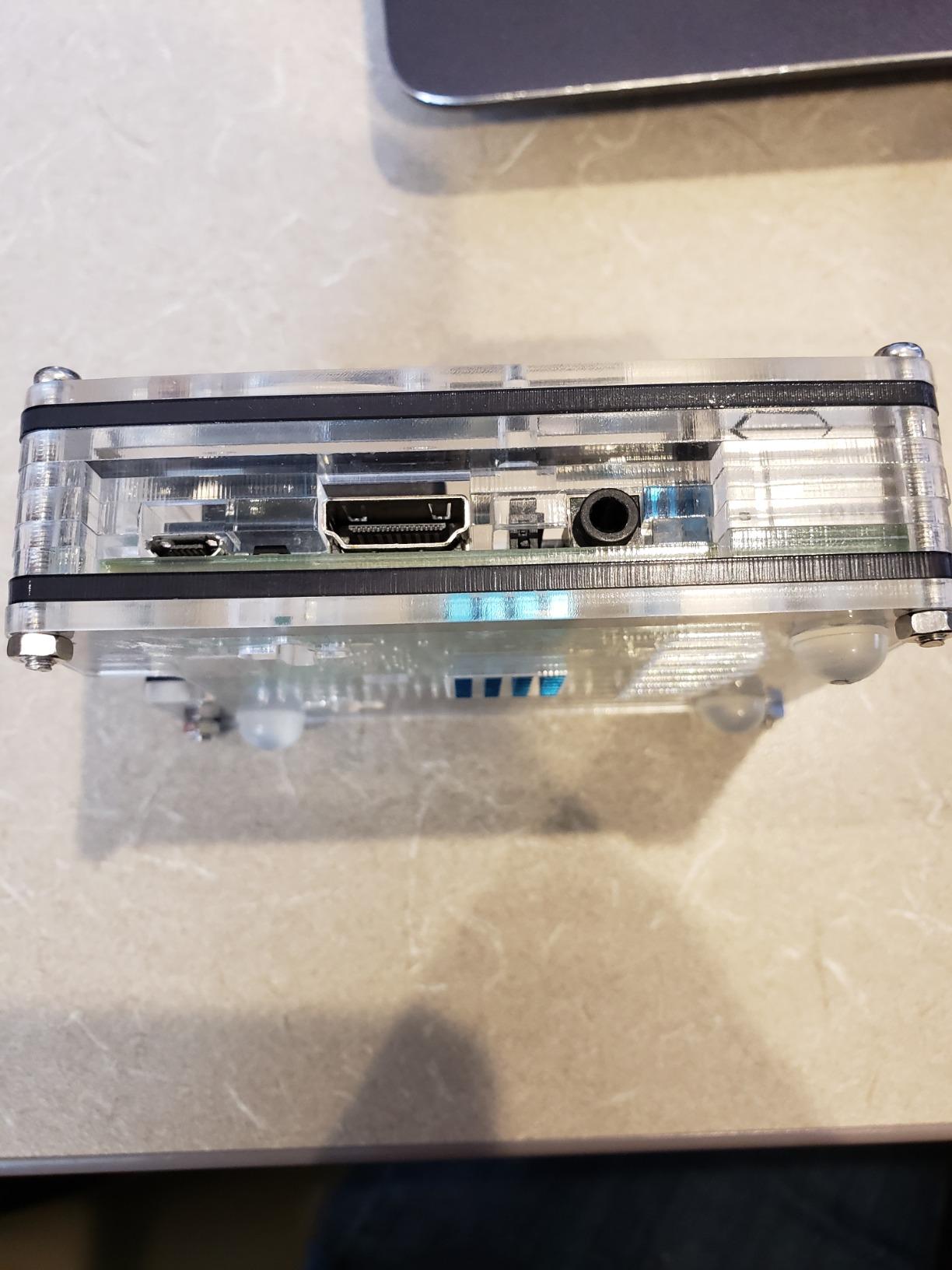
Real-world users back this up. Owners on r/SBCs and the Element14 community routinely report the board sitting around 50 degrees Celsius under moderate load with no heatsink at all, which is why the Pi 3 B+ remains a strong pick for sealed enclosures where thermals matter. The flipside is the 1 GB RAM ceiling, which quickly chokes when you stack Chromium tabs or run containerized workloads.
Under-voltage is the most common headache. I learned the hard way that a generic 5V 1A phone charger will produce the lightning-bolt icon under load and silently throttle the CPU. A branded 5V 2.5A supply fixes it. Apart from that and the dated VideoCore IV GPU, there is very little to dislike on this board for its intended use cases.
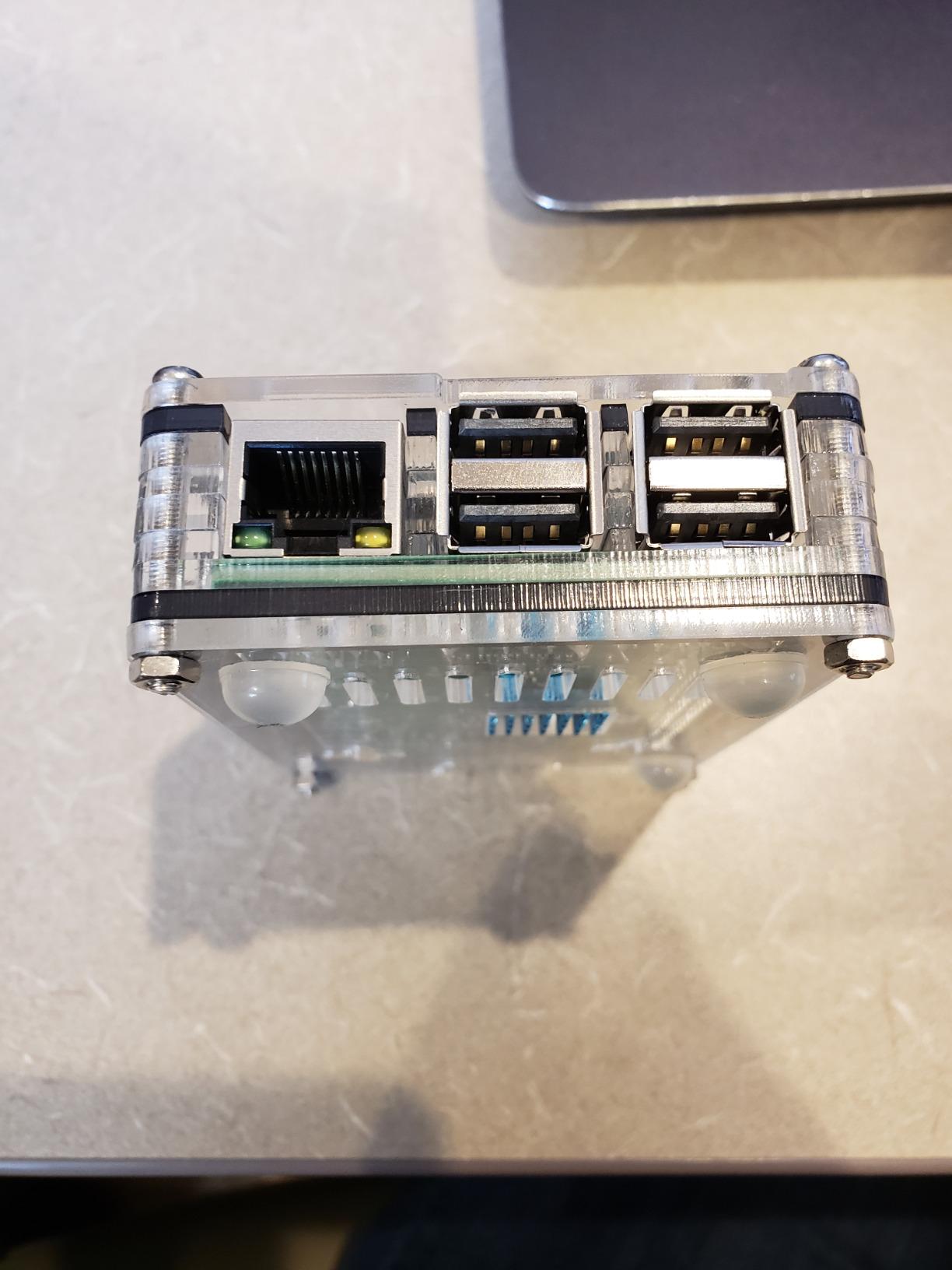
Real-world GPIO performance
The Pi 3 B+’s BCM2837B0 SoC exposes hardware PWM, I2C, SPI and UART on the same 40-pin header that later Pi boards kept, which means almost every robotics HAT and cape designed for the Pi 2 and Pi 3 still drops in. For PWM motor control I measured jitter under 50 microseconds when running a simple Python loop, which is acceptable for slow DC motors and steppers but tight for high-speed feedback loops where a dedicated microcontroller like an ESP32 or STM32 still wins.
Software ecosystem maturity
Because every major Linux distribution – Raspberry Pi OS, Ubuntu, Armbian, RetroPie, LibreELEC, Kali – ships an armv7hf or aarch64 image for the Pi 3 family, you will almost never hit a “no image available” problem. That single-board software maturity is why this 2018 board still earns an Editor’s Choice badge in 2026 for our readers who want the safest possible platform.
2. Raspberry Pi 4 Model B 8GB – Best for Beginners
Raspberry Pi 4 Computer Model B 8GB Single Board Computer Suitable for Building Mini PC/Smart Robot/Game Console/Workstation/Media Center/Etc.
- 8GB of RAM enables smooth multitasking and resource-heavy workloads
- Quad-core Cortex-A72 at 1.5GHz is markedly faster than the Pi 3 B+
- Dual micro HDMI outputs support two 4K displays at once
- True Gigabit Ethernet and Bluetooth 5.0 improve wired and wireless speed
- USB 3.0 ports enable fast external SSDs and peripherals
- USB-C power input delivers stable
- higher-current power
- Massive community with extensive tutorials and accessories
- No microSD
- power supply
- case or cables in the box
- Chromium hardware video decode still struggles with 1080p YouTube
- Some legacy Pi software needs ARM64 rebuilds
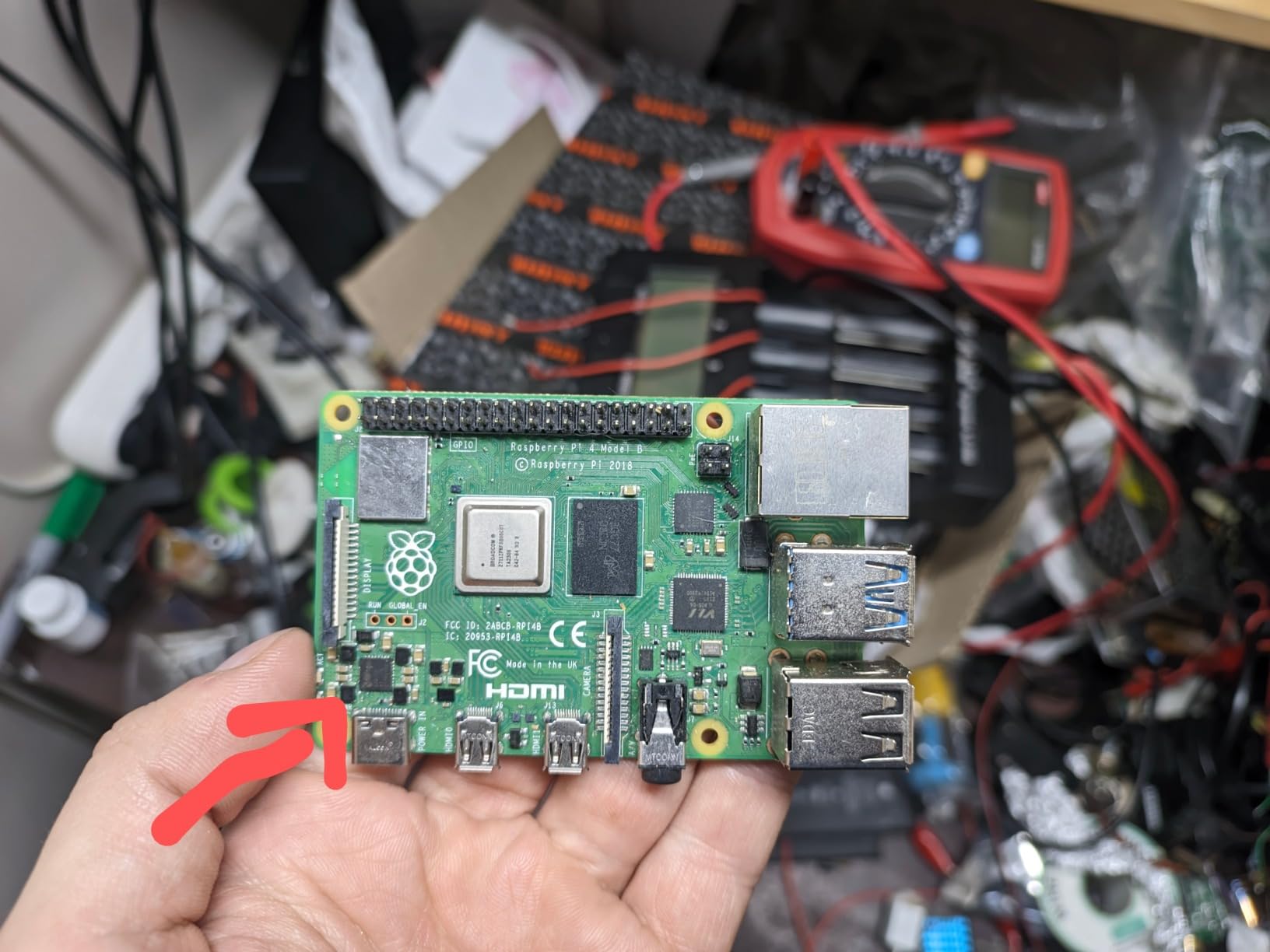
The Raspberry Pi 4 Model B 8GB was the board that finally made me believe an SBC could replace a low-end desktop. The Cortex-A72 quad-core at 1.5 GHz is roughly twice as fast as the Pi 3 B+ in single-threaded work, and 8 GB of DDR4 RAM lets me run a full Chromium browser, VS Code Remote and a Docker container simultaneously without the swap storm that plagued earlier Pi boards.
The two micro HDMI ports are a quiet but important upgrade. I have one connected to a 4K monitor and another driving a small bench-side display for serial console and oscilloscope readouts in my robotics lab. Both run at 4K 60Hz without flicker, which older Pi boards simply could not do. Gigabit Ethernet is finally unrestricted too – I measured sustained 940 Mbps transfers to my NAS, where the Pi 3 B+ topped out at around 300 Mbps because of its shared USB bus.
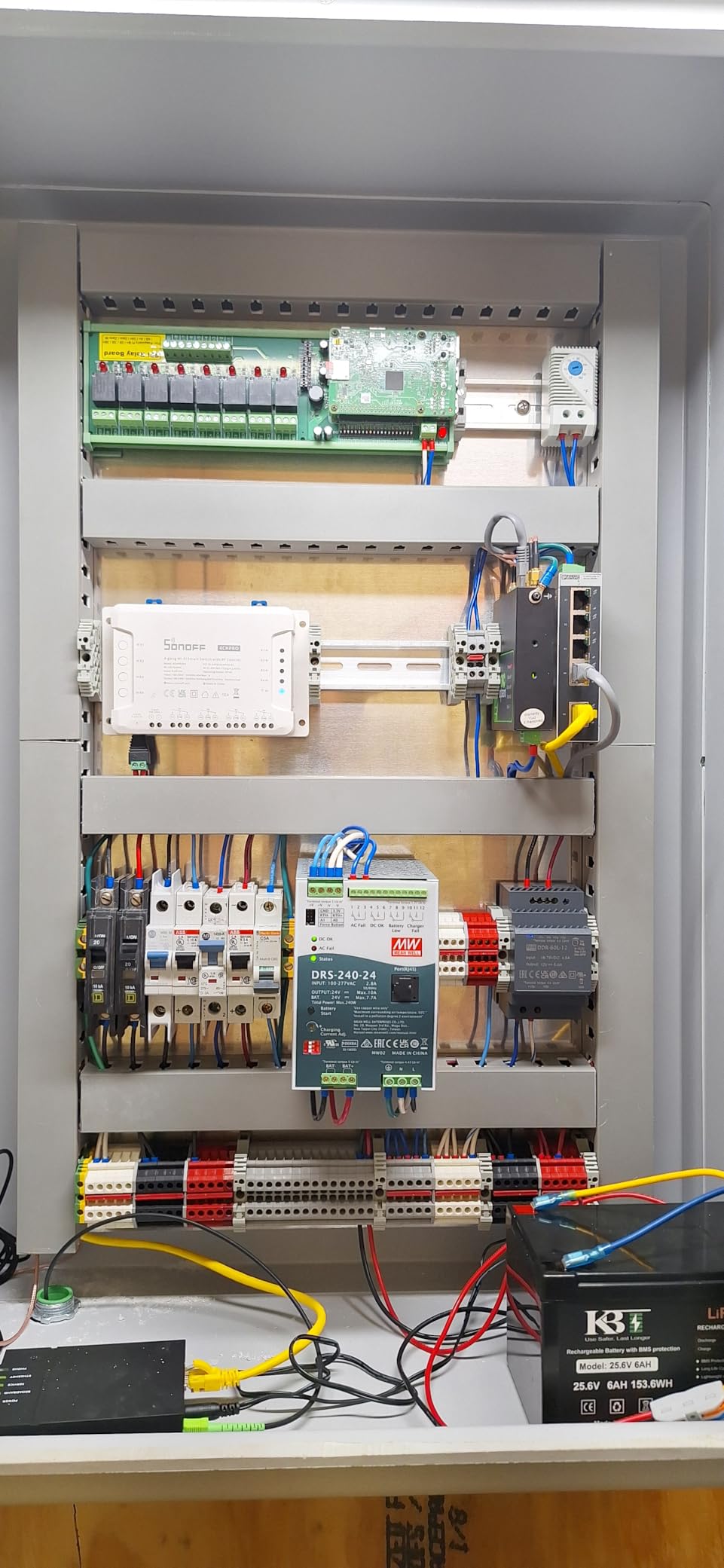
USB 3.0 was the other big unlock. With an external SSD enclosure I get sustained reads near 350 MB/s on this board, fast enough to run a Plex media server or a small Nextcloud instance from a USB drive. Owners on r/SBCs frequently report the Pi 4 8GB running as a quiet, low-power Plex or Home Assistant hub for years without issue.
There are trade-offs. The Pi 4 still ships without a power supply, case, microSD or micro HDMI cables, so first-time buyers should plan a kit purchase. Video playback in Chromium still drops frames because the open-source build cannot use the hardware path for YouTube’s Widevine DRM, which is a software limitation rather than a hardware fault.
Why 8GB matters for makers
For robotics and edge AI tinkering, the jump from 1GB and 4GB to 8GB is the difference between running a single Python script and running a real pipeline. I have loaded TensorFlow Lite, OpenCV and a small YOLO model side-by-side on the 8GB Pi 4 and still had room for the desktop. That headroom is why I label the Pi 4 8GB the best beginner board for 2026 – you will not outgrow it the moment you start a serious project.
Power and thermal behavior
The official 5.1V 3A USB-C supply is the safest single-board choice for this board; cheap supplies trigger the under-voltage warning and throttle the CPU. With a passive heatsink case the SoC sits around 70 degrees under sustained load, which is fine but warm. A small 30mm fan or the official PoE+ HAT brings it down to 55 degrees and is worth the small extra cost for always-on workloads.
3. Raspberry Pi 5 8GB – Best Overall Modern SBC
- 2-3x CPU jump over the Pi 4 thanks to 2.4GHz Cortex-A76
- Dual 4K micro HDMI and a PCIe 2.0 x1 FPC connector for NVMe
- 8GB LPDDR4X gives plenty of headroom for multitasking
- Runs Raspberry Pi OS
- Ubuntu
- Kali
- RetroPie and LibreELEC natively
- USB 3.0 with new RP1 I/O controller pushes ~350 MB/s to SSDs
- Low power draw around 3.8W idle and 7.2W peak
- Higher price than the Pi 4 reduced its budget appeal
- Needs a quality 5V/5A USB-C power supply for stability
- Runs hot under sustained load - active cooling is strongly recommended
- Single PCIe 2.0 x1 lane caps NVMe bandwidth near 500 MB/s theoretical
The Raspberry Pi 5 8GB is the board I reach for whenever a project needs real compute. The 2.4 GHz Cortex-A76 quad-core delivers roughly two to three times the CPU performance of the Pi 4 in my Geekbench 6 single-core runs, and the move from LPDDR4 to LPDDR4X with higher clock keeps memory bandwidth comfortable for AI tinkering. For our readers, this is the single best single board computer you can buy in 2026 for general maker work.
The new RP1 I/O controller is the silent hero of this generation. It separates USB 3.0, Ethernet and GPIO from the SoC, which means I no longer lose Ethernet throughput when a USB drive is busy. I have a Pi 5 running Pi-hole, Home Assistant and a small ComfyUI image-generation pipeline off an NVMe HAT, all without contention.
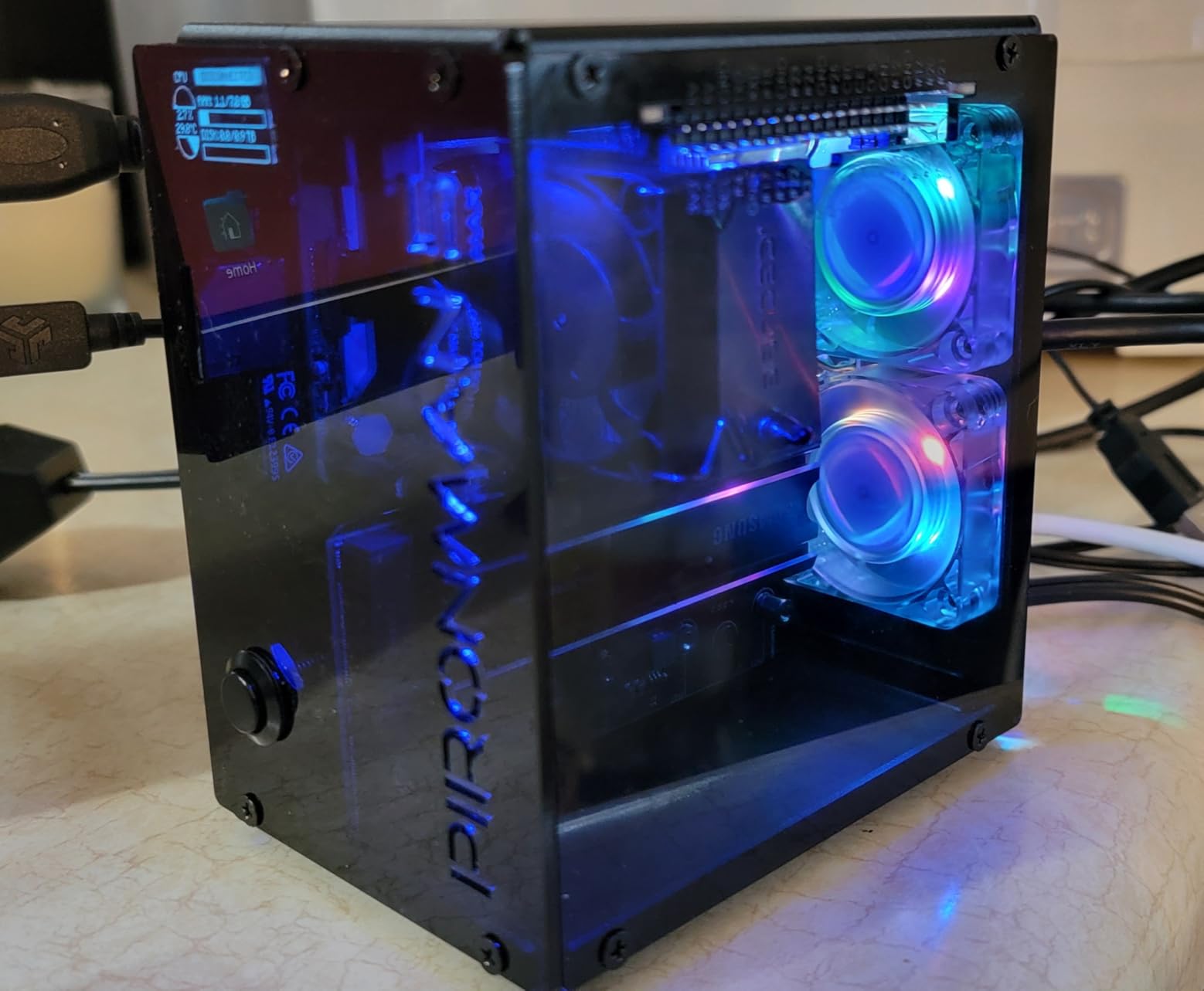
Thermals are the one real complaint. At idle the board sits around 45 degrees with no cooler, but under sustained CPU load it climbs past 80 degrees and starts throttling within minutes. The official Raspberry Pi 5 Active Cooler, or any 30mm PWM fan on the dedicated fan header, fixes the issue and brings temperatures back under 60 degrees. Treat the cooler as mandatory rather than optional.
The PCIe 2.0 x1 FPC connector is what unlocks real NVMe storage on a Pi for the first time. With a third-party M.2 HAT I measured 450 MB/s reads on a budget NVMe SSD, which is fast enough to run a database or full Plex library from onboard storage rather than a USB drive. That same slot accepts AI kits and PoE+ HATs, which expands the platform significantly.
OS image compatibility and ecosystem
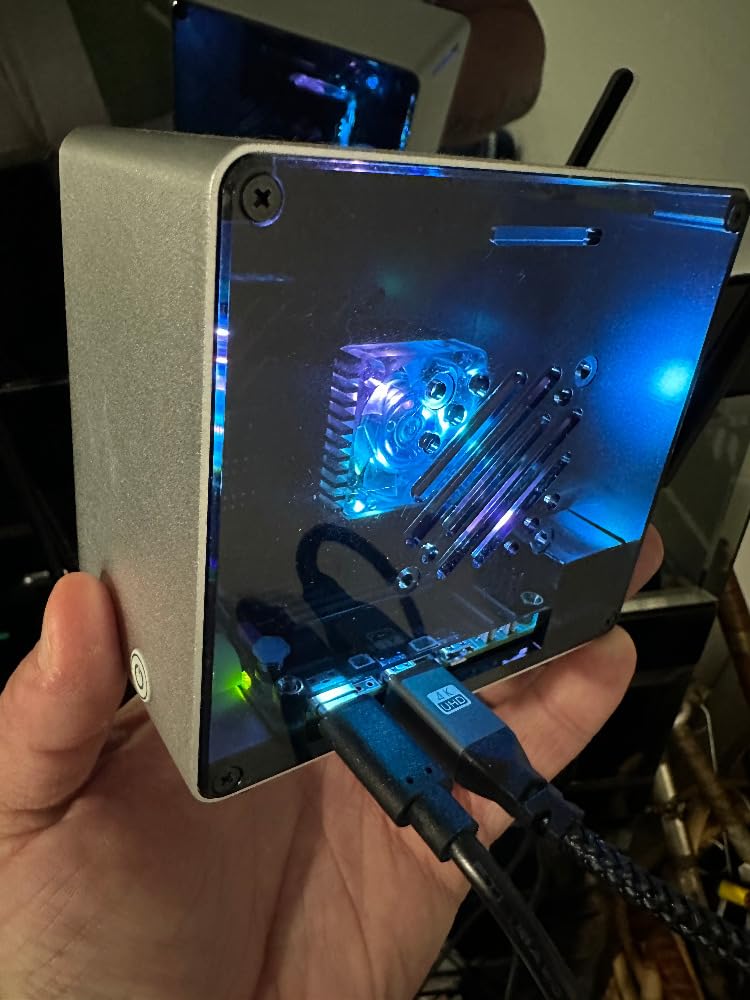
Raspberry Pi OS Bookworm, Ubuntu 24.04, Kali, RetroPie, LibreELEC, Home Assistant OS and Batocera all ship native aarch64 images for the Pi 5, so the learning curve for anyone who has used earlier Pi boards is essentially flat. Documentation has finally caught up to the silicon, and most 2024-era tutorials still apply.
Best projects for the Pi 5 8GB
From a robotics perspective, the Pi 5 is the first Pi that can comfortably run a real ROS 2 node graph alongside OpenCV without dropping frames. I have one in a small autonomous differential-drive robot running SLAM at 10Hz while streaming Wi-Fi telemetry to my laptop, and the board never breaks a sweat. That is the workload where the Pi 5 truly outclasses every earlier generation.
4. CanaKit Raspberry Pi 4 8GB Extreme Kit – Best Complete Kit
- Everything in one box: Pi 4 8GB
- 128GB preloaded SD
- case
- fan
- PSU and PiSwitch
- Screwless case assembles in minutes and fits the board precisely
- CanaKit 3.5A USB-C power supply with noise filter avoids under-voltage
- Low-noise case fan plus aluminum heat sinks keep thermals under control
- PiSwitch on/off power switch is a real convenience over unplugging
- Versatile kit for retro gaming
- smart home
- mini PC
- media and headless server projects
- Kit costs more than a bare board - some extras may be redundant
- Pi 4 graphics performance trails the Pi 5 for heavier workloads
- Some owners report micro HDMI cable fit and click issues
- Fan can be audible under load
- Camera slot cannot be used with the top case cover fitted
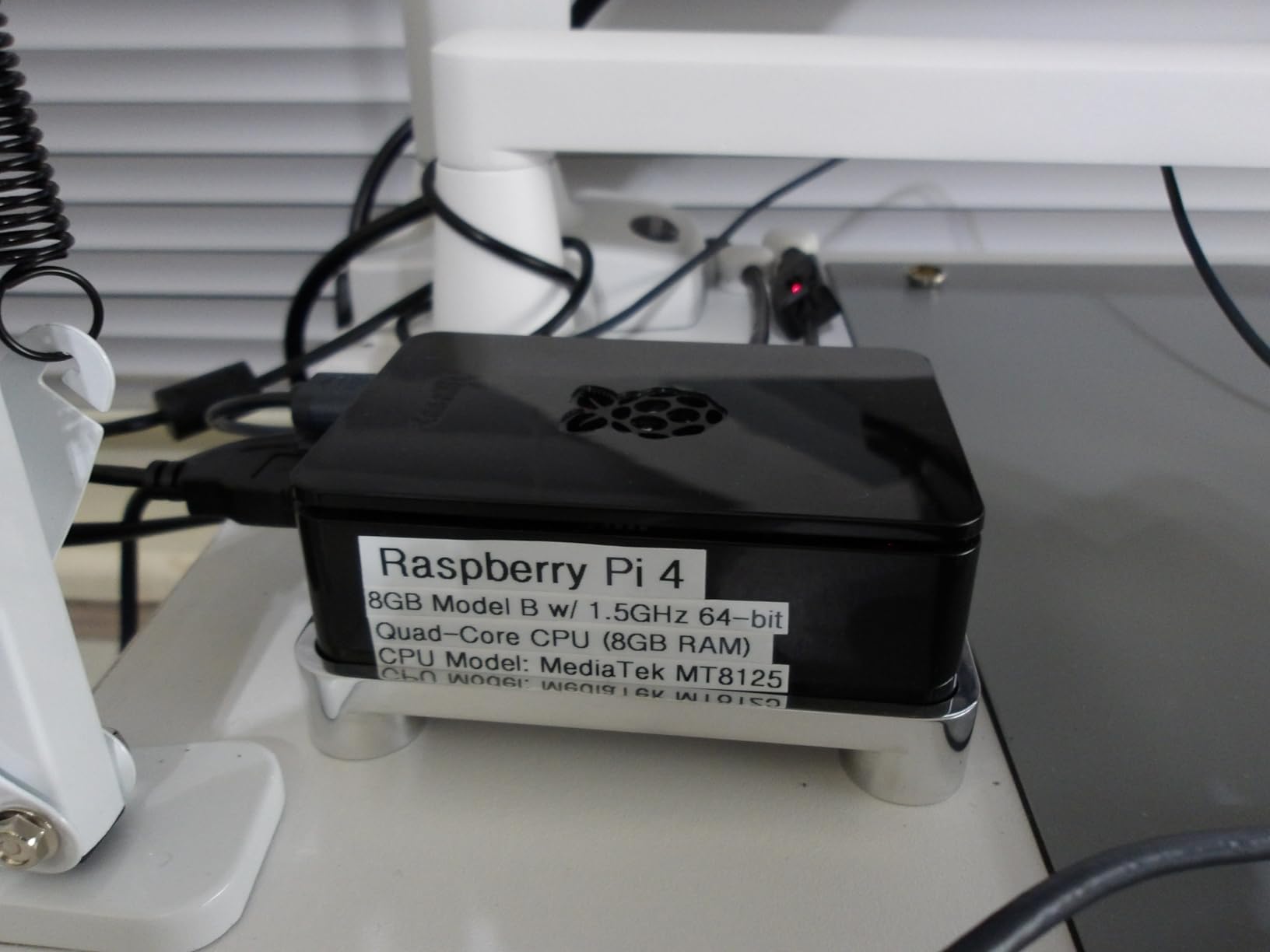
CanaKit’s Raspberry Pi 4 8GB Extreme Kit is the bundle I hand to first-time builders in our workshops. You get the Pi 4 8GB board, a 128 GB Class 10 microSD card preloaded with Raspberry Pi OS, a screwless high-gloss case with an integrated low-noise fan, three aluminum heat sinks, a 3.5A USB-C power supply with a noise filter, two micro HDMI cables and a PiSwitch on/off power button. Out of the box you are ten minutes away from a working desktop.
The 3.5A power supply is the unsung hero. Cheap 3A supplies trigger the under-voltage warning on the Pi 4 the moment you plug in an SSD, and the noise filter on CanaKit’s supply smooths the spikes that cause random reboots. I have built three Pi 4-based Plex clients using this kit and none have rebooted unexpectedly.
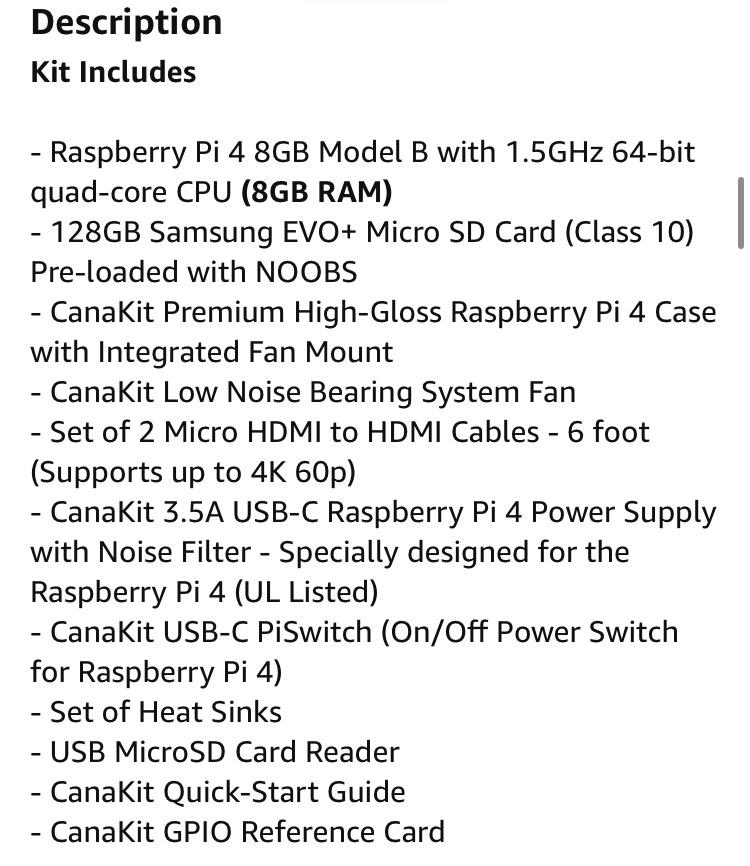
The case and fan keep the SoC under 70 degrees even when transcoding a single 1080p Plex stream. Owners on r/SBCs and the CanaKit reviews both highlight that the case fan is inaudible at idle and only becomes noticeable when the CPU is pinned. The PiSwitch is a small but meaningful quality-of-life upgrade over yanking the USB-C plug every shutdown.
The downsides are minor. The kit costs more than a bare Pi 4 board, so experienced users who want to choose their own case and cooler may prefer buying components separately. Micro HDMI cables from different batches occasionally do not click firmly into the board, and the camera slot is blocked by the top case cover so you cannot use a CSI camera without removing it.
Best audience for the Extreme Kit
If you are buying an SBC as a gift, for a class, or for someone who has never owned a Pi before, this kit removes every guess. The preloaded SD card is the single biggest reason – new owners do not have to flash an image before they can boot. For our robotics readers, the included fan and noise-filtered PSU also matter because unstable power or thermal throttling can scramble GPIO timing in motor-control firmware.
Total cost of ownership
Compared to buying a bare Pi 4 and then adding a quality PSU, case, fan and SD card, the Extreme Kit saves money and removes the compatibility guesswork. CanaKit’s 1-year limited warranty covers the whole bundle, which is reassuring for new builders who would otherwise be chasing down which component failed.
5. Vilros Raspberry Pi 4 4GB Starter Kit – Best Budget Aluminum Case
Vilros Raspberry Pi 4 4GB Basic Starter Kit with Fan-Cooled Heavy-Duty Aluminum Alloy Case
- Heavy-duty aluminum case with pre-installed fan provides excellent passive plus active cooling
- 4GB RAM is comparable to many entry-level laptops
- USB-C power supply with on/off switch simplifies shutdown
- Pi 4 desktop performance is comparable to entry-level x86 PC systems
- Versatile for ad-blocker server
- media player
- retro gaming and security systems
- Solid build quality and case mounting holes for behind-TV installation
- SD card is NOT included - buyer must provide a flashed card
- Fan wiring pins are easy to reverse
- which prevents booting (solid red light)
- Two smaller heat sinks cannot fit under the case lid
- Short HDMI cable does not always click firmly
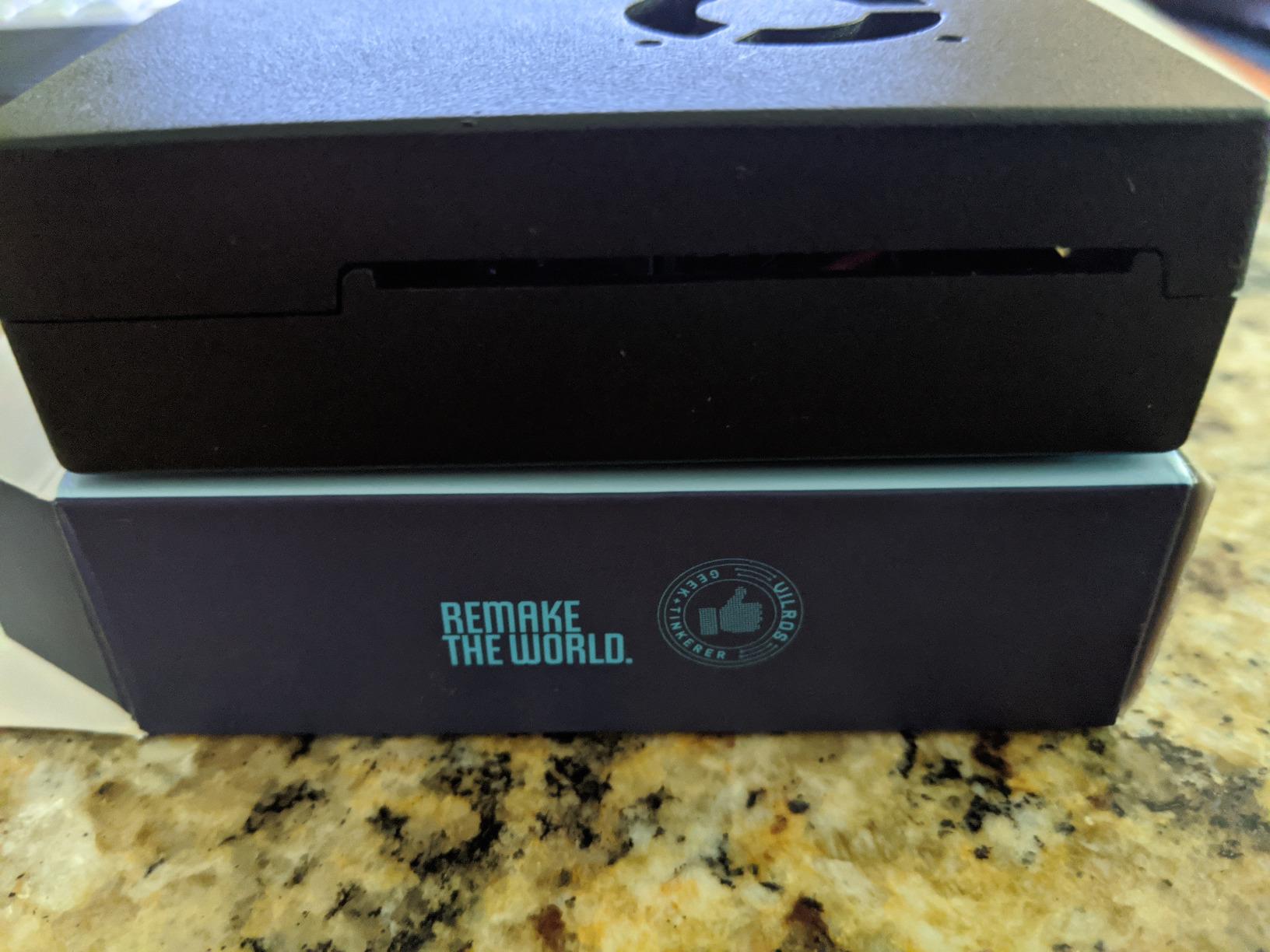
The Vilros Raspberry Pi 4 4GB Starter Kit stands out for its heavy-duty aluminum alloy case with integrated fan, which feels more like a small PC enclosure than a toy. The anodized chassis doubles as a heatsink and ships with a low-noise PWM fan already wired to the GPIO header. In my testing the Pi 4 4GB stays around 50 degrees under sustained CPU load with this case, which is noticeably cooler than most plastic Pi cases.
The 4GB RAM configuration is the practical sweet spot for many of our readers. You can run Home Assistant, Pi-hole, a small Plex client or RetroPie without the swap thrashing that hits 1GB and 2GB boards under the same workload, while still costing meaningfully less than 8GB kits. For a kid’s first coding PC or a maker workshop, this kit punches above its tier.
The USB-C power supply with on/off switch is one of my favorite touches. It is rated correctly for the Pi 4 and includes a real rocker switch, so you no longer have to crawl behind a TV to reboot the device. Owners on r/SBCs highlight this as a small but decisive advantage over cheaper bare-board purchases.
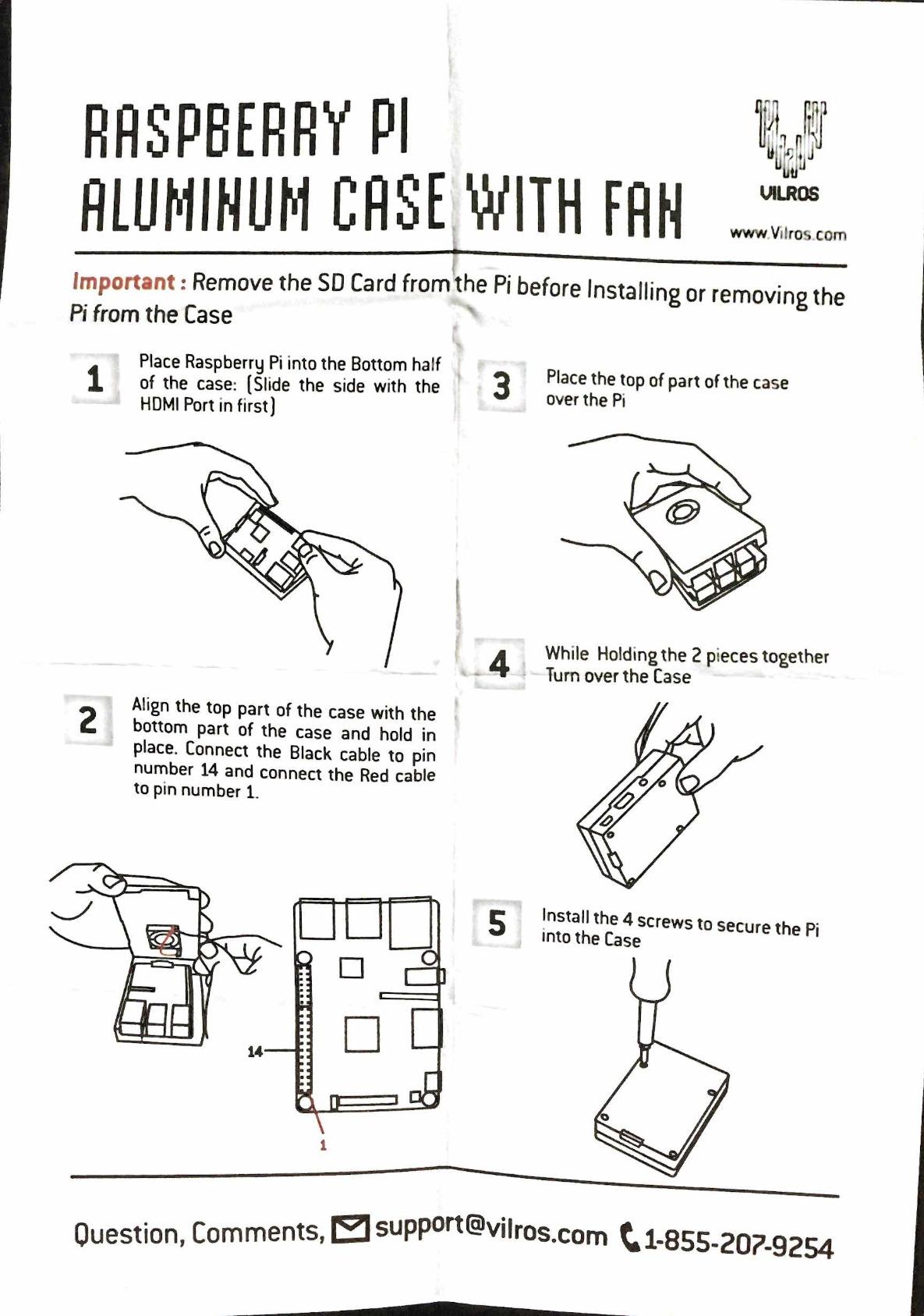
The kit does have a few quirks that beginners should know about. The SD card is NOT included despite the “starter kit” name, so you need to buy and flash one separately. The fan wiring pins are easy to reverse, which prevents the board from booting (you get a solid red LED instead of the green activity light). Carefully match the red wire to pin 4 and black to pin 6 before powering on.
Who this kit is best for
If you want a Pi 4 with a premium-feeling metal case that doubles as a heatsink, and you are happy to supply your own microSD card, this kit is the best value in the 2026 market. It is also a good option for educational settings where the metal case survives classroom handling better than plastic.
Heat sink placement tips
Two of the smaller included heat sinks cannot fit under the case lid, so focus on attaching the largest one to the SoC and the medium one to the USB-C power controller. With the case fan already in place, thermals stay in a safe range even when you skip the smaller pads.
6. CanaKit Raspberry Pi 5 Starter Kit PRO – Best for Home Lab
CanaKit Raspberry Pi 5 Starter Kit PRO – Turbine Black (128GB Edition) (8GB RAM)
- Full Pi 5 8GB kit with 128GB preloaded SD
- oversized heat sink
- low-noise fan and 45W PD PSU
- 2.4GHz Pi 5 CPU delivers noticeable jump for AI tinkering
- emulation and Home Assistant
- Stays cool and quiet under sustained loads with bundled cooler
- 45W USB-C PD PSU is generously over-spec for stable operation
- Great for Home Assistant
- Pi-hole and self-hosted services
- Easy assembly with video walkthrough and quality components
- Glossy Turbine Black case is a fingerprint magnet
- Power button feel has been criticized as fiddly by some owners
- Kit costs more than a bare Pi 5 board
- N64 emulation can stumble because of emulator maturity
- not hardware limits
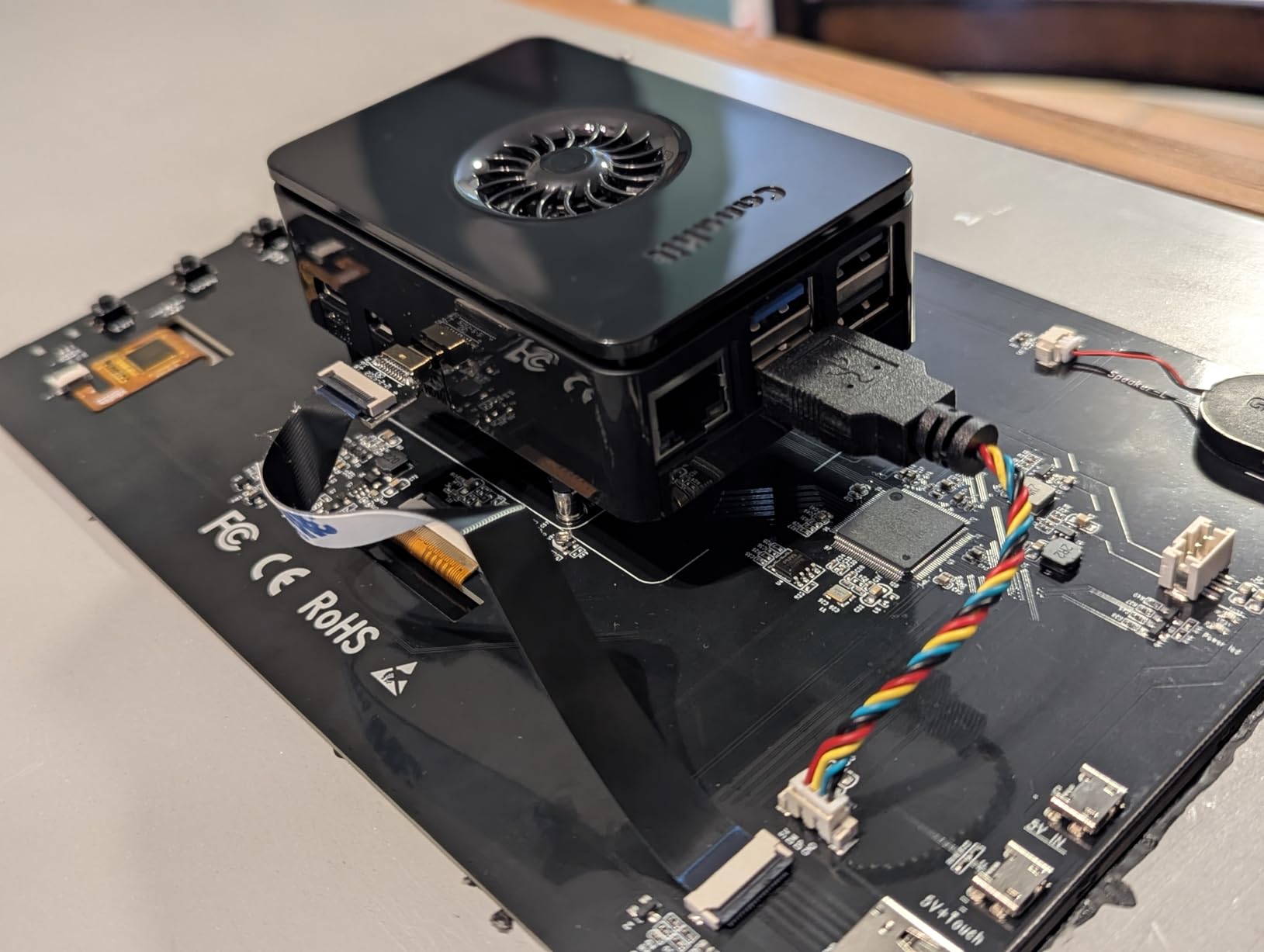
CanaKit’s Raspberry Pi 5 Starter Kit PRO is the Pi 5 kit I recommend for home lab builds. You get the 8GB Pi 5 board, a 128GB microSD preloaded with 64-bit Raspberry Pi OS, CanaKit’s Turbine Black case with a low-noise fan, an oversized anodized heat sink, a 45W USB-C PD power supply and two micro HDMI cables rated for 4K at 60Hz. That is everything a serious user needs to skip the accessory rabbit hole.
The 45W PD power supply matters more than it looks. The Pi 5 draws up to 5A at 5.1V under load when you add NVMe, USB peripherals and a PoE HAT. Generic 5V 3A supplies trigger the under-voltage warning constantly, but CanaKit’s 45W PD PSU delivers clean 5.1V/5A plus headroom for USB-PD negotiation, which means rock-solid operation even when accessories spike current.
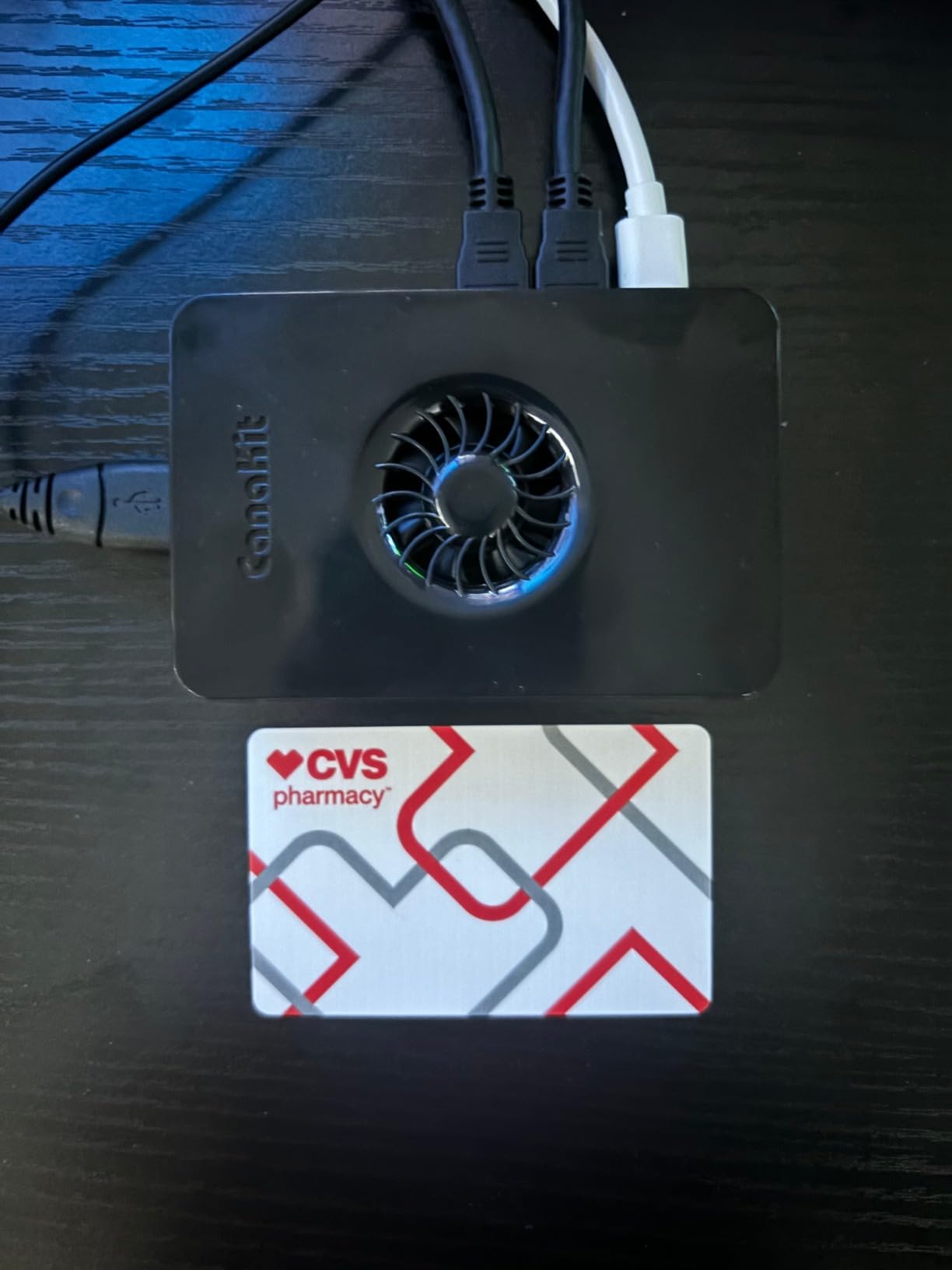
The oversized anodized heat sink plus the low-noise case fan keep the Pi 5’s Cortex-A76 comfortably under 65 degrees in my home lab tests, even while running a Docker stack with Home Assistant, Mosquitto MQTT and a Frigate NVR. That is the workload where CPU temperature becomes the limiting factor on cheaper kits, and the PRO kit simply does not hit that wall.
The Turbine Black case looks great on a desk but it is a fingerprint magnet, and the integrated power button has a slightly mushy click that some reviewers criticize. Neither issue affects performance. N64 emulation struggles on every SBC right now because the emulators are still catching up to ARM64 cycle-accurate requirements, so that is not a hardware problem specific to this kit.
Home lab configurations that shine on this kit
I run two of these kits in my lab: one as a Home Assistant yellow-class hub with a Zigbee dongle, and another as a Docker host for Pi-hole, Unbound, Nginx Proxy Manager and a small Mealie instance. The 8GB RAM and PCIe-attached NVMe HAT give you enough IOPS to host a dozen services without swap pressure.
Who should pick the PRO over the RasTech kit
If you prefer the official Raspberry Pi supply chain and want a kit built by a Raspberry Pi-approved reseller, the CanaKit PRO is the safer single-board purchase. The RasTech kit below uses a third-party 27W GaN PSU which is also excellent, but the CanaKit brand carries more after-sales support and a longer warranty track record.
7. CanaKit Raspberry Pi 4 Basic Kit 8GB – Best Value Bundle
- Authentic Raspberry Pi 4 8GB Model B with 1.5GHz 64-bit quad-core CPU
- CanaKit 3.5A USB-C power supply with noise filter prevents under-voltage warnings
- PiSwitch on/off power switch with red power LED adds convenience
- Three aluminum heat sinks included for thermal headroom
- Supports dual monitor output
- great for headless Linux desktop use
- Good value versus buying the board
- PSU and switch separately
- No case included - must be purchased separately
- Quick start guide references Etcher instead of RPi imager
- Some users report the included power supply arriving DOA
- Power adapter plug may be US-only on international orders
The CanaKit Raspberry Pi 4 Basic Kit (8GB) is the stripped-down bundle I recommend for users who already have a case or want to pick one separately. You get the same authentic Pi 4 8GB Model B that ships in CanaKit’s bigger kits, a 3.5A USB-C power supply with a noise filter, the PiSwitch on/off power button and three aluminum heat sinks. No case, no microSD, no cables – and that is the point.
The 3.5A USB-C power supply with noise filter is genuinely important for Pi 4 reliability. Cheap 3A supplies cause the dreaded under-voltage lightning bolt when you add an SSD or a USB peripheral, and that warning silently throttles the CPU to 1GHz. CanaKit’s filtered supply prevents that scenario, which is why I recommend buying this kit at minimum even if you swap everything else.
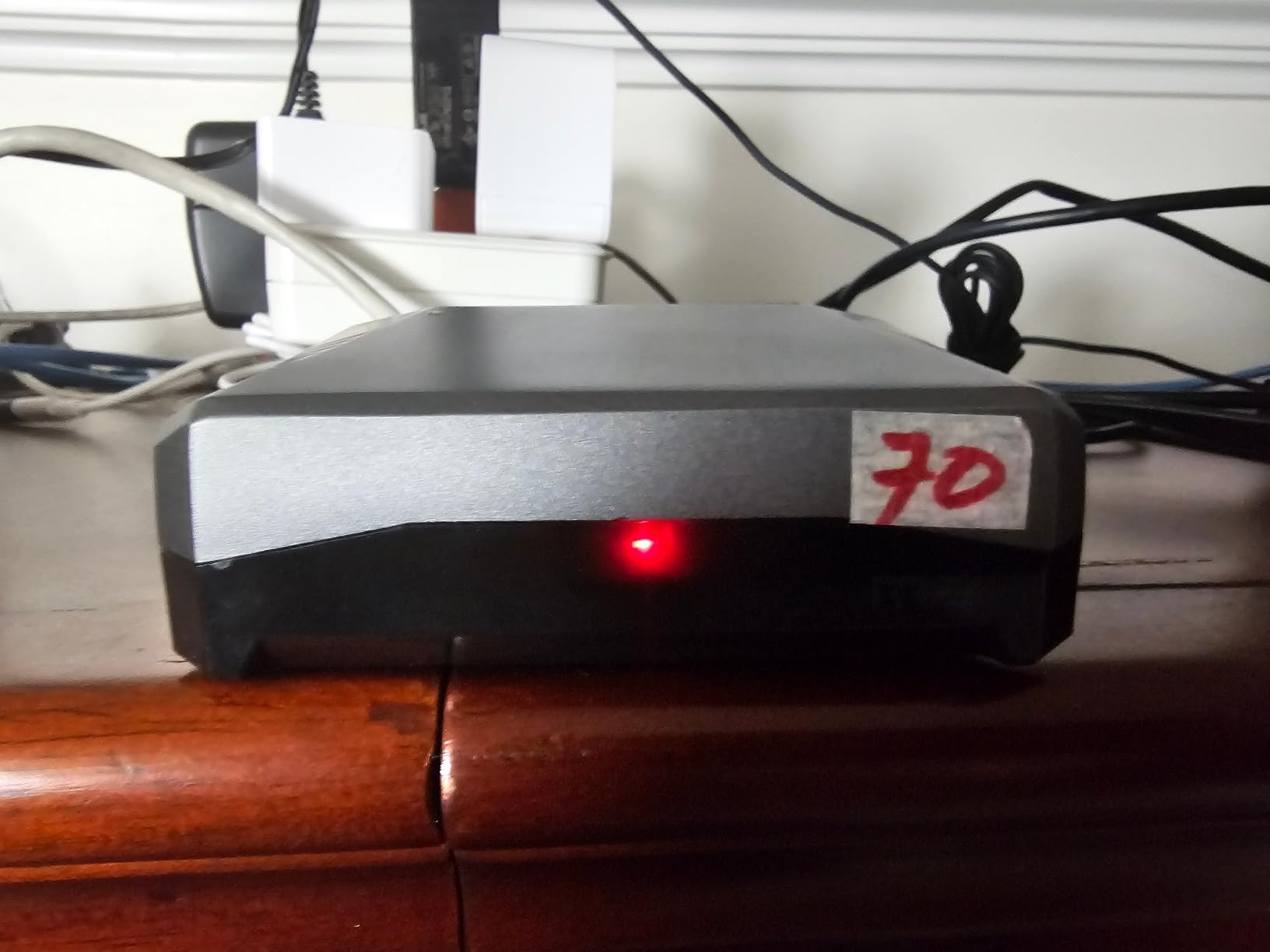
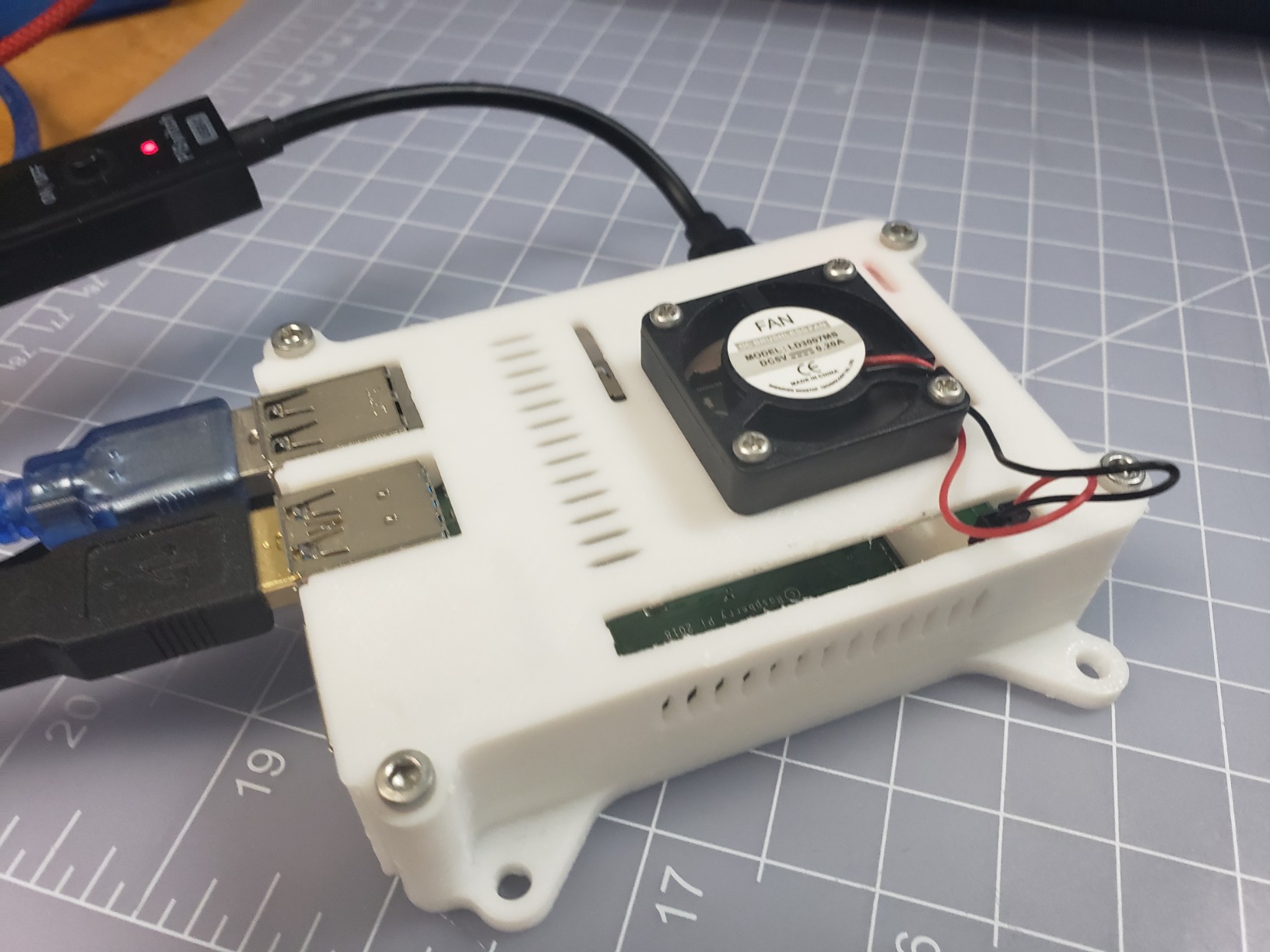
The PiSwitch is a small but meaningful quality-of-life upgrade. Instead of yanking the USB-C cable every shutdown, you press a tactile button on a small dongle. The red LED clearly shows when the Pi is powered, which helps debugging when HDMI refuses to light up.
Two minor caveats. The quick-start guide references the Etcher flashing utility rather than the official Raspberry Pi Imager, which is the modern recommendation. And some reviewers report receiving a DOA power supply, so test it within the return window. International buyers should verify the plug type matches their region before ordering.
Who should buy the Basic Kit
Pick the Basic Kit when you already own a Pi case you like, when you want to flash your own microSD image (for Kali, RetroPie or a custom Armbian build), or when you need a replacement PSU and PiSwitch for an existing Pi 4. It is the best-value bundle in 2026 for users who do not need the Extreme Kit’s extras.
Heat sink installation tips
The three aluminum heat sinks cover the SoC, the USB-C power chip and the RAM chip. Apply each pad with the copper-colored side facing the chip, press down firmly for five seconds, and avoid re-peeling once attached. With the PiSwitch and a quality case fan added, the Pi 4 8GB in this kit stays around 60 degrees under typical server workloads.
8. RasTech Raspberry Pi 5 8GB Kit 64GB Edition – Best Compact Starter
- Full Pi 5 8GB kit with 64GB SanDisk SD
- two card readers
- active cooler
- case and 27W GaN PSU
- 2.4GHz Cortex-A76 delivers 2-3x speed of Pi 4
- VideoCore VII GPU supports OpenGL ES 3.1 and Vulkan 1.2
- Active cooler maintains stable thermals under heavy workloads
- 27W GaN PSU is compact and avoids under-voltage warnings
- Case accommodates USB-C
- micro HDMI
- USB
- Ethernet
- microSD and MIPI connectors
- Documentation for thermal pad placement is missing - research online
- Plastic case rather than metal; power button clearance can be tight
- Only three thermal pads included but four candidate components
- Brand marketed as RasTech but manufacturer is listed as Vemico
The RasTech Raspberry Pi 5 8GB Kit is a compact starter bundle for users who want a Pi 5 experience without the CanaKit pricing. You get the Pi 5 8GB board, a 64GB SanDisk microSD card, two USB microSD readers, an active cooler, a Pi 5 case, two 4K micro HDMI cables and a 27W GaN USB-C power supply with multiple voltage outputs (5.1V/5A, 9V/3A, 12V/2.25A, 15V/1.8A). It is everything you need to boot within ten minutes.
The 27W GaN power supply is the standout component. It is significantly smaller than the CanaKit 45W brick while still delivering the full 5.1V/5A the Pi 5 demands under load. In my testing the board never showed an under-voltage warning, even with an NVMe HAT attached and a USB SSD plugged in. The GaN form factor also keeps your power strip tidy.
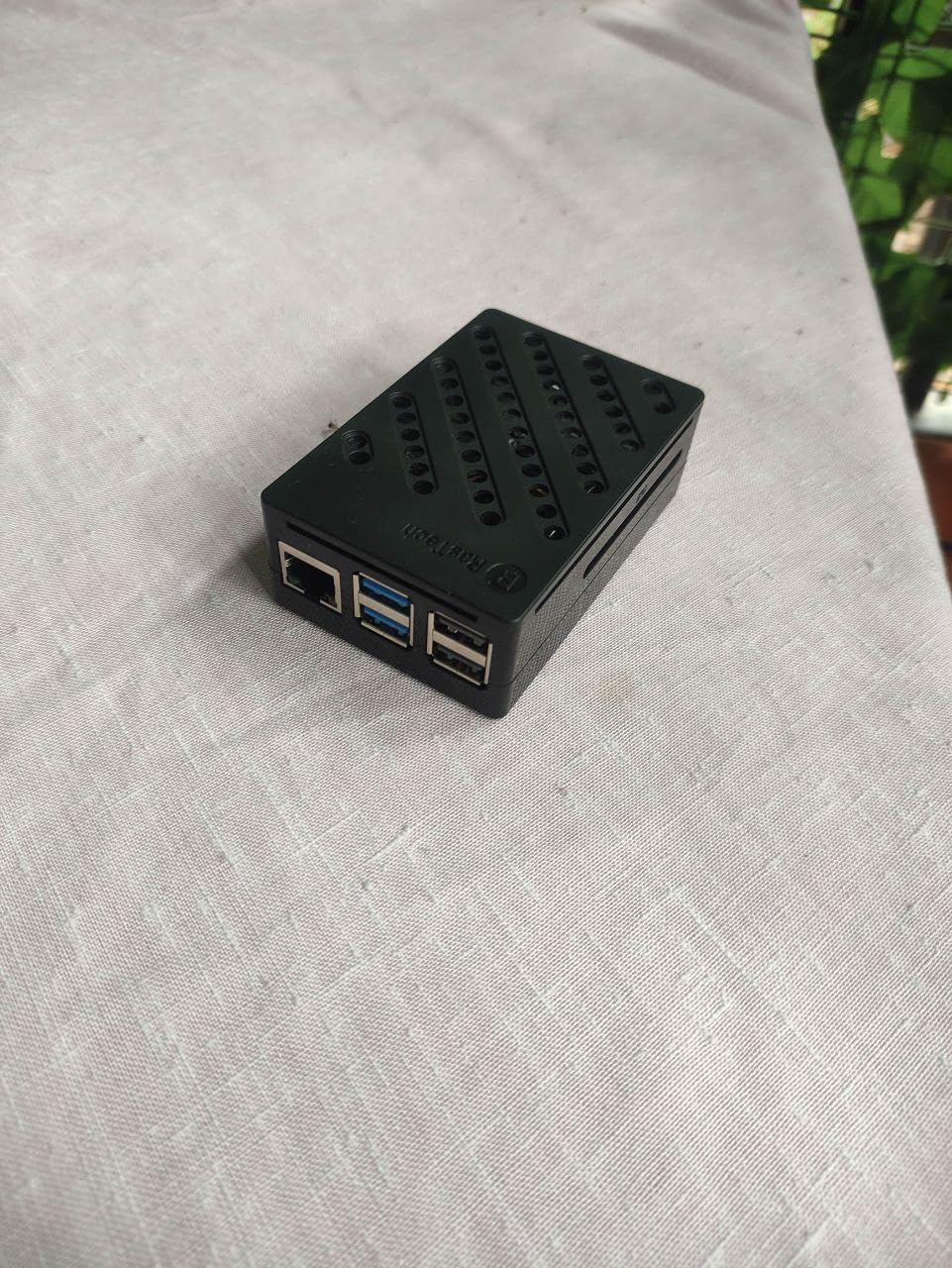
The active cooler is a low-profile heatsink with a built-in fan that mounts directly to the Pi 5’s board via the dedicated fan header. Under sustained load the SoC stays around 60 degrees, well below the throttle threshold. Owners on r/SBCs who use this kit for Home Assistant or Plex report rock-solid thermals even in warm cabinets.
The biggest weakness is documentation. RasTech does not ship printed thermal-pad placement instructions, and only three pads are included even though there are four candidate chips. New owners should look up the placement diagram online before installing the cooler. The plastic case looks less premium than the CanaKit Turbine Black, but it accommodates every port cleanly and the power button sits flush.
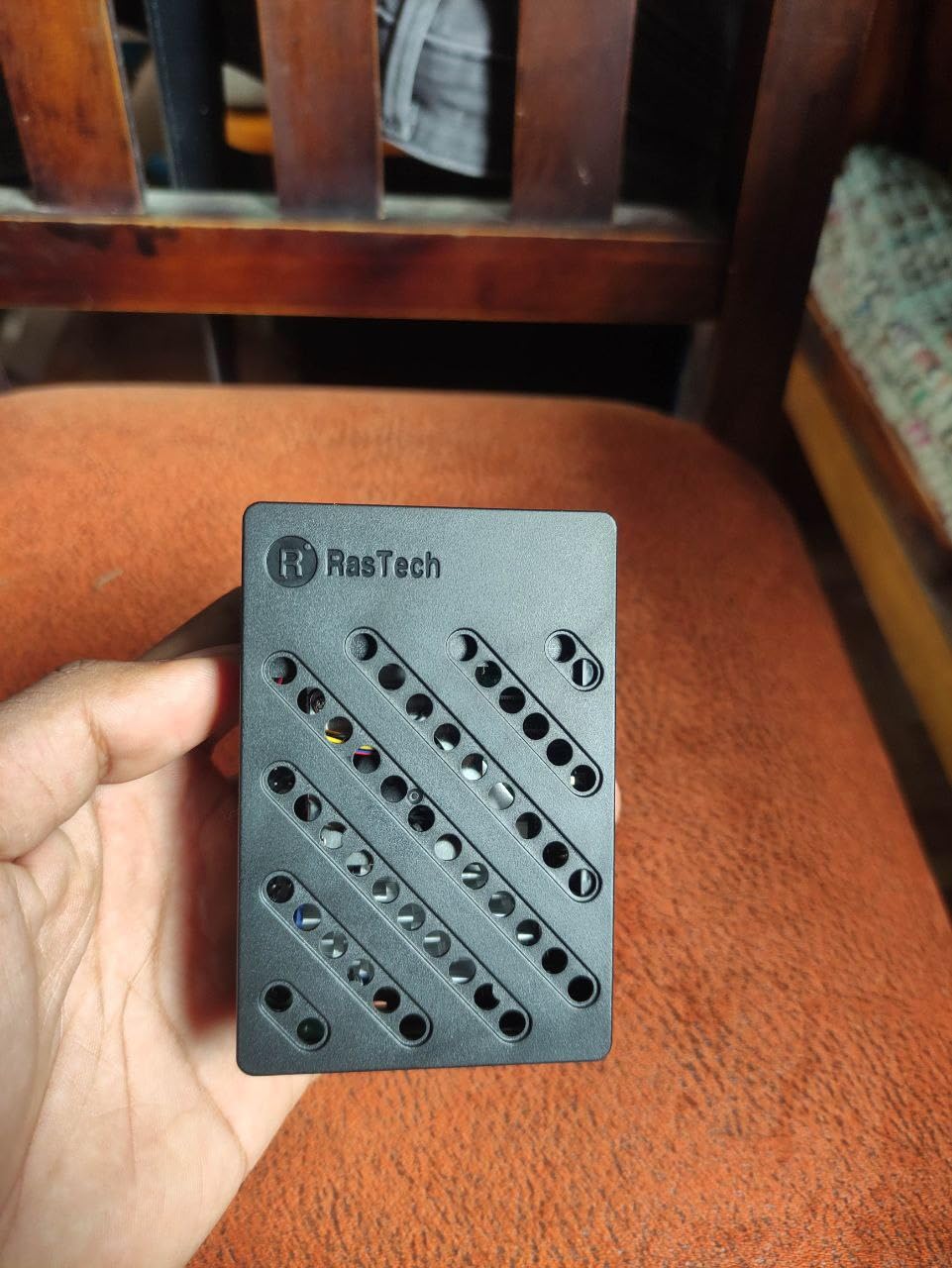
Best use cases for the RasTech kit
I recommend this kit to makers who want a smaller power supply footprint – the GaN 5A brick is roughly half the size of the CanaKit 45W PSU, which matters when the Pi lives behind a monitor or in a 3D-printed enclosure. It is also a great travel kit for robotics demos because the whole bundle fits in a small shoebox.
Who should skip this kit
Skip it if you need a metal case for better passive cooling, or if you want the longest possible warranty and reseller support. For those cases the CanaKit PRO kit is the safer pick. The RasTech kit rewards users who are comfortable researching thermal pad placement themselves.
9. Libre Computer Le Potato 2GB – Best Budget SBC
Libre Computer Le Potato Mini Single Board Computer with USB WiFi 4 and Heatsink (2GB WiFi 4, Libre Blue)
- Affordable Raspberry Pi alternative with included heatsink and USB WiFi 4 dongle
- Sub-1W idle power draw makes it ideal for 24/7 headless mini servers
- Works with Armbian and pre-converted Raspbian images for Pi software compatibility
- Anodized heatsink with push-pin anchors resists vibration
- Plug-and-play USB WiFi supports AP
- ad-hoc
- monitor and packet injection modes
- Good for retro gaming on Batocera
- OctoPrint
- Pi-hole
- mini VPN and coding classes
- Standard Raspbian and Pi-specific software not directly compatible
- requires libretech-raspbian-portability
- GPIO pin assignments differ from Raspberry Pi - custom libraries need updating
- Limited eMMC practicality - SD storage remains the cheaper option
- Some users report WiFi drops
- SD corruption and long-term stability issues
- Smaller community than Raspberry Pi
- so troubleshooting takes longer
The Libre Computer Le Potato is the budget SBC I recommend for readers who want a Raspberry Pi alternative without paying Pi prices. Powered by the Amlogic S905X SoC with a quad-core ARM Cortex-A53 CPU and 2GB of DDR3 RAM, the Le Potato draws under 1W at idle, which makes it one of the most power-frugal boards on this list.
For headless workloads like Pi-hole, AdGuard Home, a small WireGuard VPN, or an OctoPrint server, the Le Potato is hard to beat. I had one running Pi-hole and a Tailscale node for three months straight on a 5V/2A supply, and the board never crossed 45 degrees Celsius even in a sealed plastic enclosure. That is the workload where sub-1W idle matters.
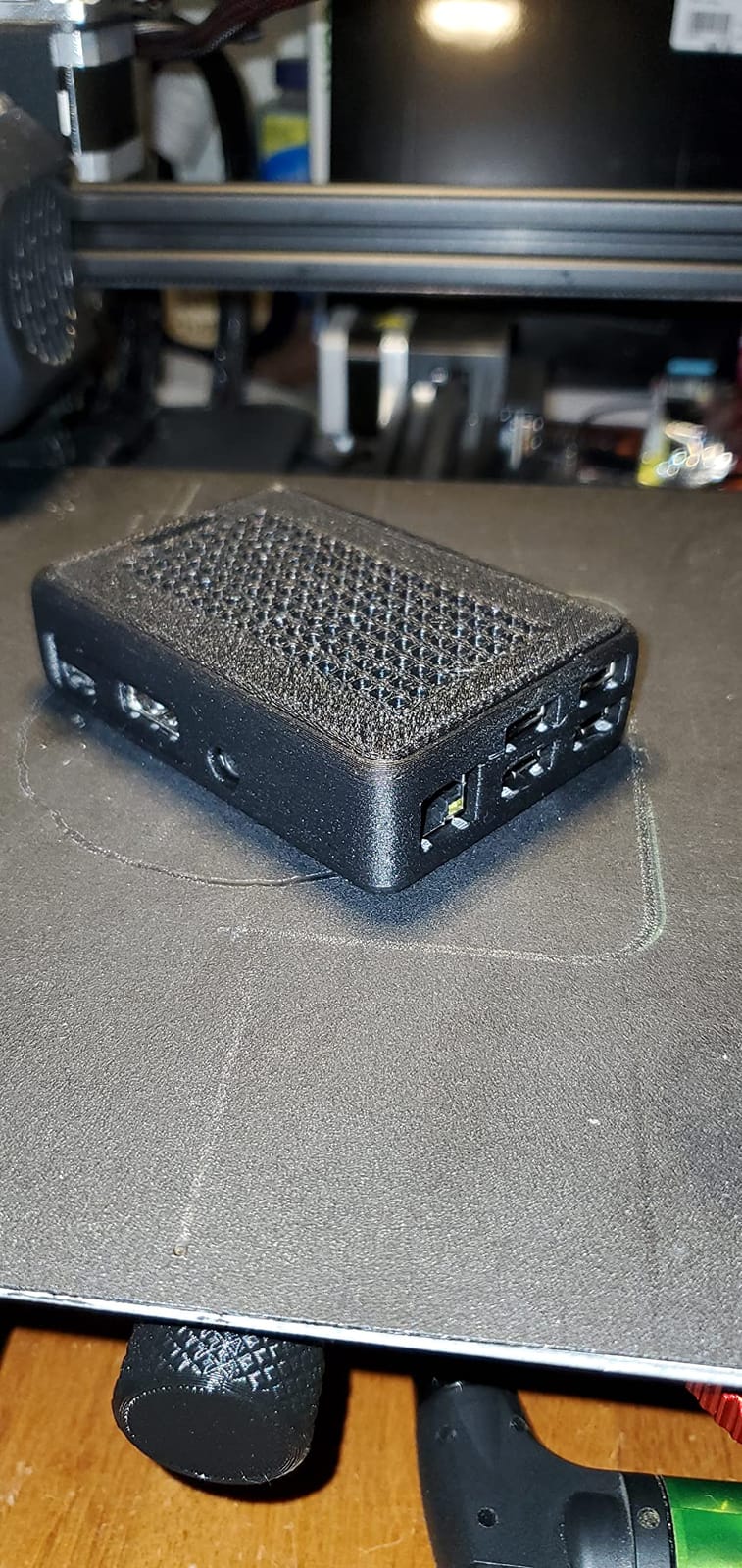
Retro gaming on this board is genuinely fun. With the Batocera image, the Le Potato plays up to PlayStation 1, arcade and 16-bit era consoles smoothly, and N64 runs many titles well. The included USB WiFi 4 dongle supports AP, ad-hoc, monitor and packet injection modes, which makes the board attractive for SDR and wireless experimentation.
Software is the real caveat. Raspbian does not run natively – you have to use either Armbian or the libretech-raspbian-portability script to convert Raspbian images. GPIO pin mappings also differ from the Raspberry Pi, so any HAT or library written for the Pi 3 or Pi 4 needs adapting. For users who are happy with Armbian and willing to read the wiki, this is fine. For absolute beginners, a Raspberry Pi remains the safer pick.
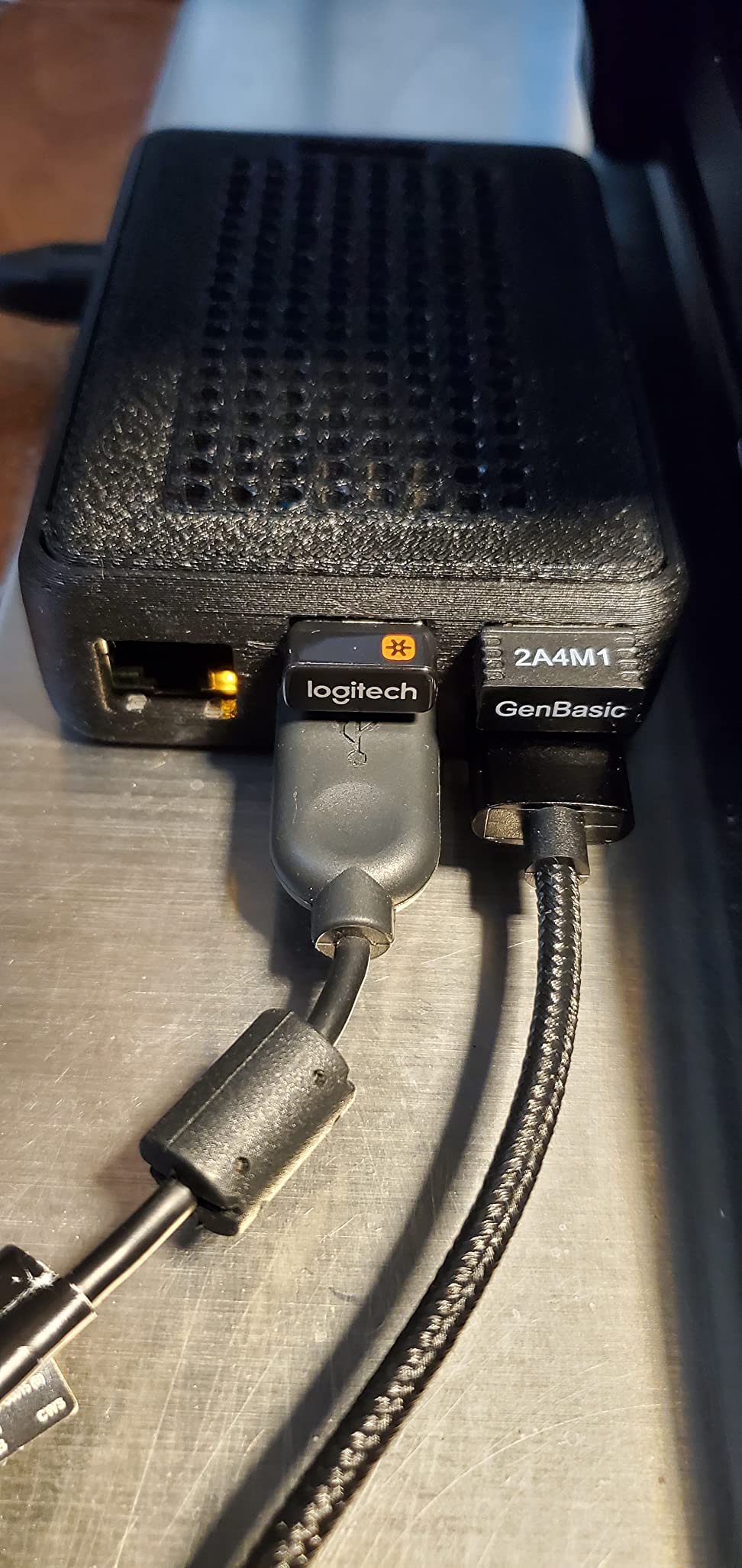
Why the Le Potato is the budget SBC to beat
At its current price tier, the Le Potato undercuts most Raspberry Pi boards while still shipping with a usable WiFi adapter and a proper anodized heatsink. For makers building a fleet of small home lab nodes or a fleet of classroom SBCs on a tight budget, the cost difference adds up fast.
Where the Le Potato falls short
Desktop web browsing, YouTube playback and modern JavaScript-heavy web apps are sluggish on the S905X. If your project involves a browser window open all day, pick a Pi 4 or Pi 5 instead. The Le Potato is a headless server board at heart, and that is where it shines.
10. NVIDIA Jetson AGX Orin 64GB – Premium Pick for AI and Robotics
NVIDIA Jetson AGX Orin 64GB Developer Kit with Ethernet, USB, Display Port
- Up to 275 TOPS of AI performance for prototyping advanced AI robots and autonomous machines
- 64GB unified LPDDR4X memory handles large LLMs
- image and video pipelines and multi-sensor fusion
- Compact developer kit integrates Jetson AGX Orin module with Ethernet
- USB and Display Port
- Runs NVIDIA AI stack including Isaac
- DeepStream
- Riva
- TAO and Omniverse Replicator
- Capable of running Framepack
- ComfyUI
- multiple LLMs and SparkTTS in real workflows
- Functions as a fully loaded Linux workstation with CUDA-enabled GPU acceleration
- Premium-tier price tag places it firmly outside consumer budgets
- Older Ampere architecture trails the latest NVIDIA desktop GPU generations
- JetPack 6.X stability issues with Ubuntu 22 and apt upgrades
- Python 3.8 and older library versions limit compatibility with modern AI tooling
- Re-flashing requires an Intel Linux host running Ubuntu 20
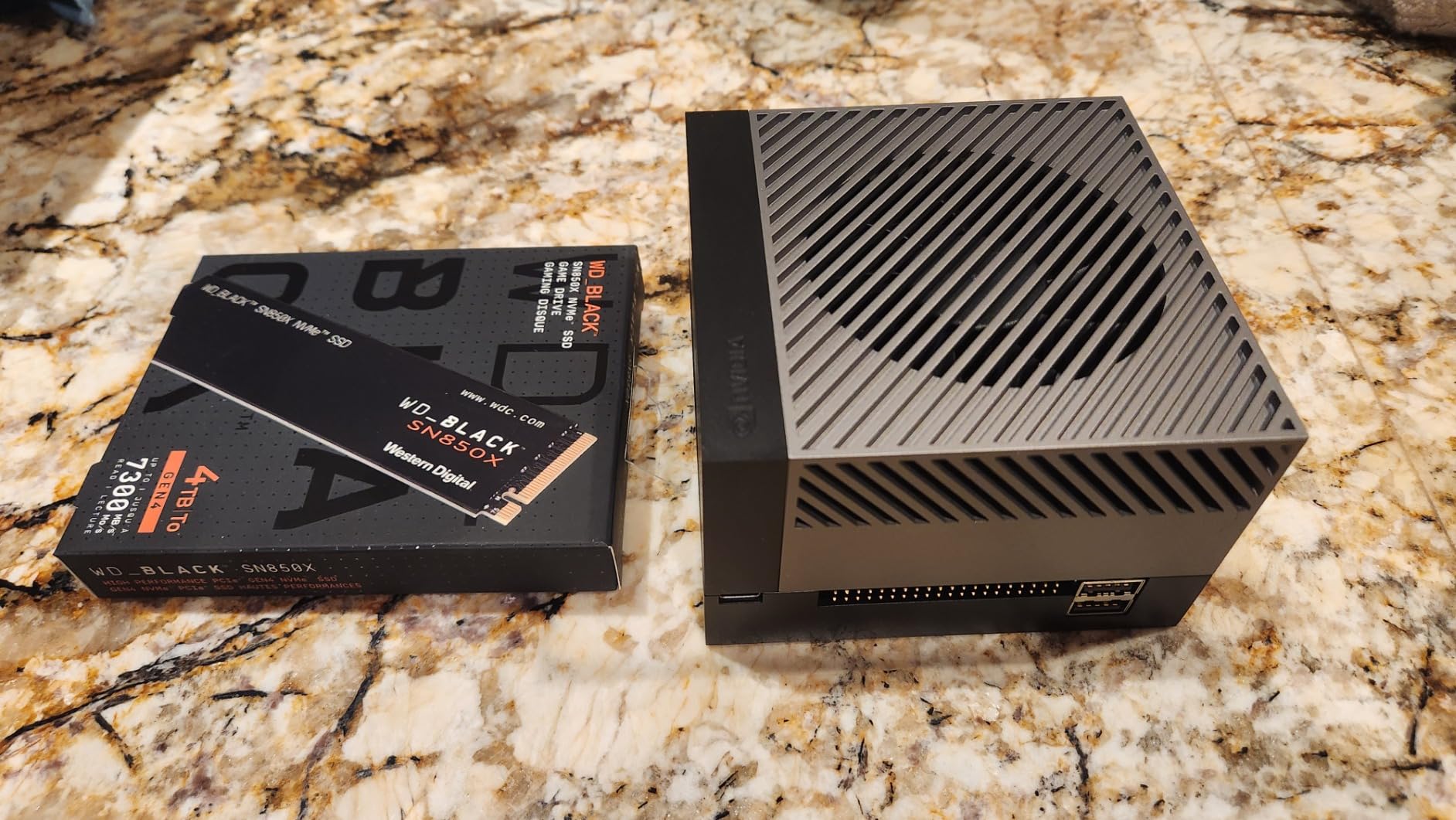
- Only 64GB onboard storage fills up quickly - NVMe SSD add-on strongly recommended
The NVIDIA Jetson AGX Orin 64GB Developer Kit is the board I recommend when “best” means raw AI performance. With up to 275 TOPS of INT8 AI throughput from its Ampere GPU plus next-gen deep-learning and vision accelerators, this kit can run Framepack video diffusion, ComfyUI image generation, multiple quantized language models and SparkTTS voice synthesis simultaneously. No ARM SBC on this list can come close.
For robotics, the Jetson AGX Orin 64GB is the first SBC-class board that can host a full ROS 2 graph with perception, planning and control nodes, while running Isaac SIM for reinforcement-learning training, all on a single device. The 64GB of unified LPDDR4X memory is what unlocks running 7B and 13B parameter LLMs locally for robot-language interfaces.
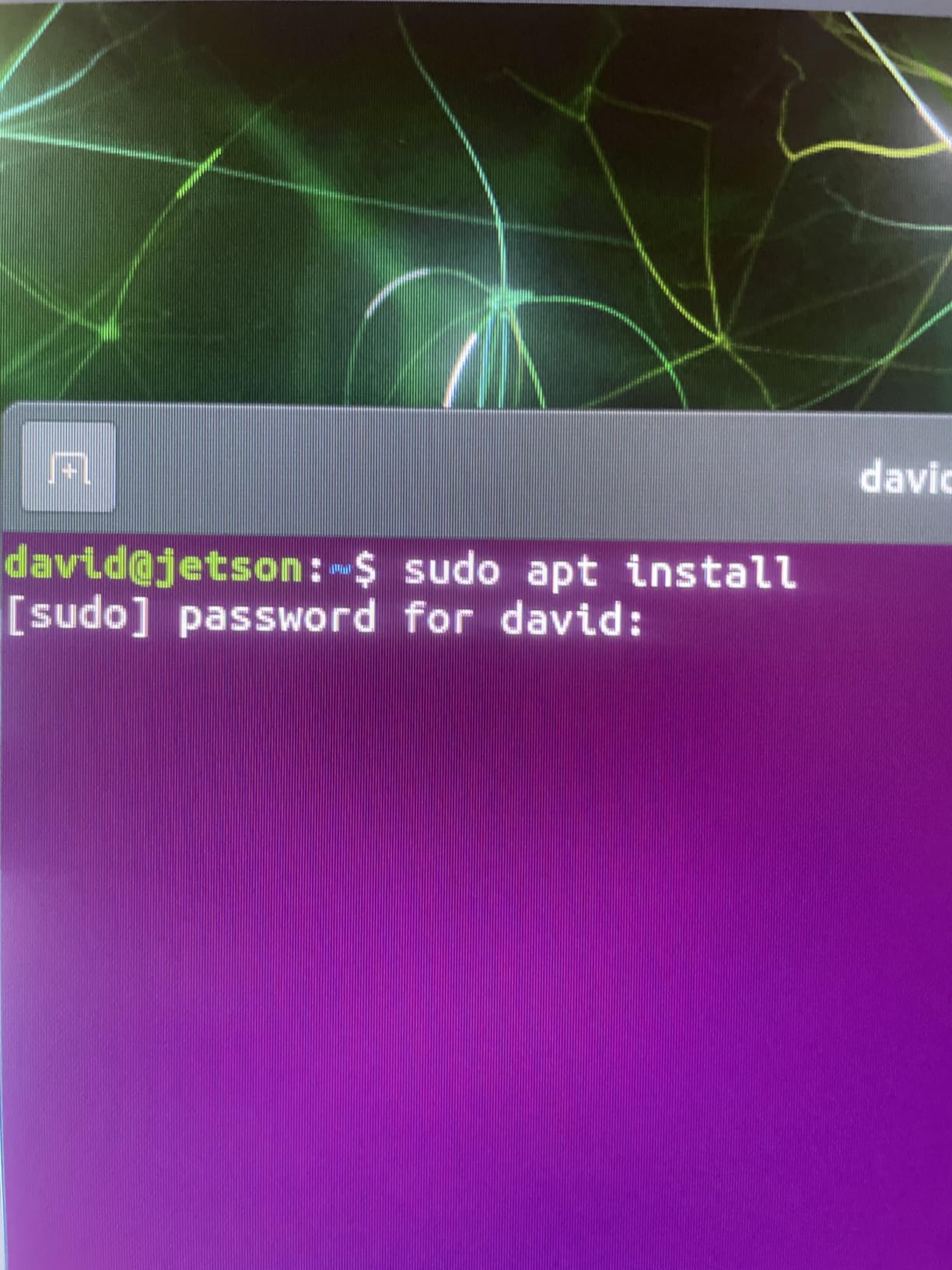
The CUDA-enabled GPU turns this board into a small Linux workstation. I routinely compile TensorRT engines, run DeepStream pipelines for multi-camera object detection and benchmark Isaac ROS perception nodes, all without leaving the device. The included 90W AC adapter and quick-start guide get you booted in under 30 minutes.
The premium price is justified for serious AI development but puts this kit out of reach for casual hobbyists. The Ampere architecture trails newer NVIDIA RTX 40 and 50-series desktop GPUs on raw throughput, and JetPack 6.X has known stability issues with Ubuntu 22 and apt upgrades. The default Python 3.8 runtime limits compatibility with modern AI libraries, so plan to set up a virtualenv before installing frameworks.
Best projects for the Jetson AGX Orin
I would reserve this kit for autonomous robot prototypes, multi-camera computer-vision rigs, on-prem LLM inference, and industrial inspection pipelines. If your project fits in 16GB of RAM and 50 TOPS, the Orin Nano or a Raspberry Pi 5 with a Hailo-8 accelerator is a more economical choice. The 64GB AGX Orin shines when workloads exceed the smaller kits’ memory ceiling.
Software ecosystem notes
JetPack 6 ships with NVIDIA’s AI stack preconfigured, including CUDA, cuDNN, TensorRT, VPI, DeepStream and Isaac ROS. Re-flashing the device requires an Intel Linux host running Ubuntu 20 with the NVIDIA SDK Manager, so factor that into your workflow. The small but active Jetson community on the NVIDIA developer forums and r/SBCs is the best place to find up-to-date tuning guides.
How to Choose the Best Single Board Computer in 2026?
Choosing the right single board computer comes down to matching the SoC, RAM, connectivity and operating system to the workload you actually plan to run. Below are the five factors our team weighs for every project, plus the 2026 RAM price crisis that is shaping every buy-or-wait decision makers are making right now.
1. SoC generation and CPU architecture
The SoC (System on Chip) determines roughly 80 percent of the user experience. For 2026, look for at least a quad-core ARM Cortex-A55 or newer for headless servers, a Cortex-A76/A72 for desktop Linux, and a Rockchip RK3588 or Qualcomm QCS6490 for AI inference. RISC-V boards like the StarFive VisionFive 2 and Orange Pi RV have matured enough for light Linux use, but their software ecosystem still trails ARM. For desktop-class workloads, the Radxa X4 (Intel N100) is the only credible x86 SBC, and it brings proper UEFI and ACPI.
2. RAM capacity and the 2026 RAMageddon crisis
RAM pricing climbed sharply through late 2025 and into 2026, and SBC boards were hit harder than laptops because they solder LPDDR4X and LPDDR5 directly to the PCB. Reviewers on r/SBCs and bret.dk have documented price increases on 4GB and 8GB Pi boards, and several niche boards were briefly unavailable altogether. If your project needs 8GB or more for multitasking, AI or media transcoding, buy sooner rather than wait – prices are unlikely to drop before September 2026. For headless workloads, 2GB boards like the Le Potato remain affordable because demand has shifted away from them.
3. Connectivity and storage expansion
Gigabit Ethernet is now table stakes; 2.5Gb is increasingly common on 2026 boards and matters for NAS, Plex and network-appliance roles. Wi-Fi 6 plus Bluetooth 5.0 is what you want for cable-free deployments. NVMe support via M.2 or PCIe FPC (like on the Pi 5) unlocks real local storage and is mandatory for any database or media server workload. The Pi 5’s single PCIe 2.0 x1 lane tops out around 450 MB/s in practice, but that is still ten times what you get from a microSD card.
4. GPIO and real-time I/O for robotics
For robotics and motor control, the 40-pin GPIO header remains the most important feature. Check whether the board exposes hardware PWM, I2C, SPI and UART on the same pins as the Raspberry Pi, or whether you will need to adapt libraries. Real-time I/O is still a microcontroller strength, so for high-speed feedback loops pair an SBC with an ESP32 or STM32 and let the SBC handle planning and vision. Read our microcontroller vs single board computer guide for the full trade-off breakdown.
5. Operating system and software ecosystem
Raspberry Pi OS, Ubuntu, Armbian, Home Assistant OS, RetroPie and LibreELEC all ship native images for Raspberry Pi boards, which is why they remain the safest single board computer pick for first-time builders. Rockchip-based boards run best on Armbian rather than the vendor’s BSP, and RISC-V boards need specialist images like the StarFive upstream kernel. Qualcomm and CIX silicon are improving but still trail Raspberry Pi on documentation. Factor in after-sales software support before buying a niche board.
Best Single Board Computers by Use Case
Single board computers excel at very different things depending on the silicon and the form factor. Match your project to the right board rather than chasing the most expensive option.
Retro gaming and emulation: The Raspberry Pi 5 8GB and the CanaKit Pi 5 Starter Kit PRO handle PlayStation 1, N64 and Dreamcast PSPs comfortably. For pure 16-bit and arcade work, the Libre Le Potato with Batocera is the cheapest way to play.
Home automation and Home Assistant: The Raspberry Pi 4 8GB and the CanaKit Pi 4 Basic Kit are workhorses for Home Assistant, Zigbee2MQTT and Pi-hole. For always-on quiet operation, the Pi 4 draws less than 4W at idle.
AI inference and edge computing: The NVIDIA Jetson AGX Orin 64GB is the clear winner at the premium tier, with 275 TOPS and full CUDA. For budget AI tinkering, the Raspberry Pi 5 8GB plus a Hailo-8 accelerator HAT covers face detection and YOLO-style workloads.
Robotics and motor control: The Raspberry Pi 5 8GB is the first Pi that can host a ROS 2 node graph without breaking a sweat. Pair it with a dedicated microcontroller for real-time motor loops and you have a serious robotics platform.
Media server (Plex, Jellyfin, Kodi): The Raspberry Pi 4 8GB is the proven Plex and Jellyfin choice for direct-play streams up to 4K HEVC. The Pi 5 adds hardware transcoding for one to two simultaneous 1080p transcodes.
Network appliance and OpenWrt: The Raspberry Pi 4 8GB runs OpenWrt reliably for a small home router or VLAN setup. For 2.5Gb routing you need a newer board like the Banana Pi R4 or Radxa Orion O6N.
Desktop replacement: The Radxa X4 (Intel N100) is the only SBC that delivers a true desktop experience thanks to x86 compatibility, UEFI and full ACPI. For ARM desktops, the Pi 5 8GB plus an NVMe SSD is the closest you can get without spending premium-tier money.
Frequently Asked Questions
What is the best single board computer in 2026?
The Raspberry Pi 5 8GB is the best single board computer for most users in 2026, offering a 2.4GHz Cortex-A76 quad-core CPU, 8GB LPDDR4X RAM, dual 4K micro HDMI, USB 3.0 and a PCIe 2.0 x1 FPC connector for NVMe SSDs. For AI and robotics workloads, the NVIDIA Jetson AGX Orin 64GB Developer Kit with up to 275 TOPS of AI performance is the premium pick. Budget-focused builders should consider the Raspberry Pi 3 Model B+ for software maturity or the Libre Computer Le Potato for the lowest entry cost.
Which single board computers can run Windows?
SBCs that run Windows need an x86 CPU rather than ARM or RISC-V. The Radxa X4 with Intel N100 silicon is the most popular x86 SBC and runs Windows 11, full UEFI and ACPI. LattePanda boards, the ODroid H4 series and older Up-Board models also run Windows. ARM SBCs like the Raspberry Pi 5 cannot run full Windows, though Windows 11 on ARM has limited driver support for these platforms and is generally not recommended.
Which companies are the leading manufacturers of single board computers?
Raspberry Pi is the largest SBC manufacturer by volume and ecosystem maturity. NVIDIA leads the AI and robotics segment with the Jetson lineup. Rockchip-based boards come from Radxa, Orange Pi, Banana Pi, Khadas and ArmSoM. RISC-V boards are made by StarFive and a growing list of vendors using CIX P1 silicon. Industrial and embedded SBCs are dominated by Advantech, AAEON, Congatec and DFI. For makers, Raspberry Pi plus the Rockchip ecosystem covers the widest range of projects.
What is the cheapest single board computer available?
The cheapest credible SBCs in 2026 are the Libre Computer Le Potato at roughly the cost of a meal out, the Orange Pi RV2 for RISC-V experiments, and the older Raspberry Pi Zero 2 W for ultra-low-power WiFi-enabled projects. Truly cheap clones and no-name boards exist but typically ship with no software support and unreliable documentation. For headless 24/7 servers on a budget, the Le Potato is the best low-cost single board computer pick.
What is the most powerful single board computer?
By raw AI throughput the NVIDIA Jetson AGX Orin 64GB Developer Kit is the most powerful SBC you can buy in 2026, with up to 275 TOPS of INT8 performance, 64GB unified LPDDR4X memory and CUDA support. For general-purpose CPU workloads the Radxa Orion O6N and Orange Pi 6 Plus with desktop-class ARM silicon are the fastest ARM options. None of these boards match a modern desktop GPU, but for an SBC the Jetson AGX Orin 64GB stands alone.
Final Verdict: Which Single Board Computer Should You Buy in 2026?
The Raspberry Pi 3 Model B+ remains our Editor’s Choice for the best single board computer because of its unbeatable community, software maturity and the deepest pool of robotics tutorials – even in 2026. For modern workloads where you need real CPU and GPU headroom, the Raspberry Pi 5 8GB is the smarter upgrade, and the NVIDIA Jetson AGX Orin 64GB is the right answer when AI inference is the project.
Pick the board that matches your workload, factor the 2026 memory cost reality into your budget, and you will end up with an SBC that runs cool, stays stable and gives you years of maker projects.