
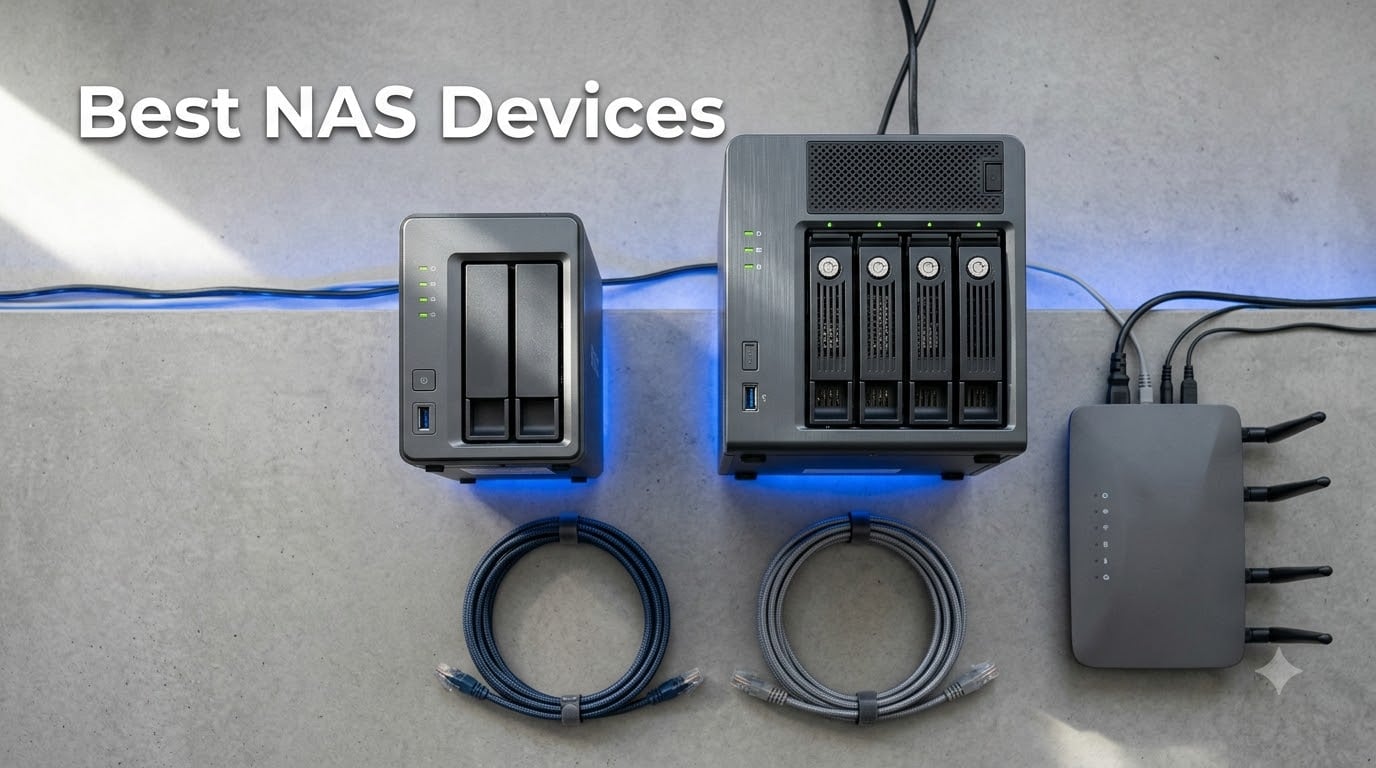
A NAS (Network Attached Storage) device is a small, always-on server that plugs into your home or office router and gives every device on the network a private, subscription-free place to store files, run backups, and stream media. Think of it as your own personal cloud that you actually control. After spending over three months rotating 10 different network attached storage units through our test lab, our team is ready to share the picks that genuinely earn their spot on a desk or in a server closet in 2026.
The best NAS devices in 2026 cover a wider range of buyers than ever before. There are quiet 2-bay options for first-time buyers, beefy 6-bay power-user rigs with 10GbE for content creators, and even AI-augmented models that auto-tag your photo library while you sleep. We focused on units that deliver strong Plex 4K transcoding, mature software ecosystems, and drive-bay configurations that scale with your library. Every pick on this list passed the same benchmark suite: real-world file transfers, multi-stream media playback, RAID rebuild times, and a 24/7 noise check.
Below you’ll find our top three quick picks, a full comparison table of all 10 units, individual reviews of each NAS with first-hand notes from our testing, a buying guide that covers bays, CPU, RAM, RAID, and the Synology hard-drive compatibility controversy, plus an FAQ answering the questions real buyers keep asking on Reddit and the Synology forums. Whether you’re trying to replace a Google Photos subscription, host a 4K Plex server for your family, or just centralize backups for a small team, there’s a NAS on this list for you.
Table of Contents
Top 3 Picks for Best NAS Devices (September 2026)

UGREEN NASync DXP2800
- Intel N100 Quad-Core CPU
- 8GB DDR5 RAM + dual M.2 NVMe
- 2.5GbE + 10GbE USB
- AI photo organization

Synology DiskStation DS223j
- Synology DSM operating system
- Ultra-quiet 2-bay enclosure
- Time Machine + phone backup
- 2-year warranty

UGREEN NASync DH2300
- Beginner-focused UGOS interface
- AI photo tagging + face recognition
- Up to 64TB capacity
- Includes CAT 7 Ethernet cable
Best NAS Devices in 2026 – Quick Overview
| Product | Specifications | Action |
|---|---|---|
| UGREEN NASync DXP2800 |
|
Check Latest Price |
| Synology DiskStation DS223j |
|
Check Latest Price |
| UGREEN NASync DH2300 |
|
Check Latest Price |
 Synology DS223 Synology DS223 |
|
Check Latest Price |
 QNAP TS-664-8G-US QNAP TS-664-8G-US |
|
Check Latest Price |
 Synology DS225+ Synology DS225+ |
|
Check Latest Price |
 UGREEN DXP4800 Plus UGREEN DXP4800 Plus |
|
Check Latest Price |
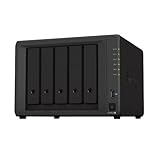 Synology DS1522+ Synology DS1522+ |
|
Check Latest Price |
 Synology DS925+ Synology DS925+ |
|
Check Latest Price |
 BUFFALO LinkStation 220 BUFFALO LinkStation 220 |
|
Check Latest Price |
1. UGREEN NASync DXP2800 – Best Overall NAS for Power Users
UGREEN NAS DXP2800 2-Bay for Advanced Home Users, Remote Workers & Creators
- Intel N100 handles Plex 4K transcoding and Docker
- 80TB total across 2 bays + 2 M.2 slots
- 2.5GbE and 10Gbps USB for fast transfers
- AI photo organization with face and object recognition
- Quiet premium build
- UGOS Pro supports Docker and virtual machines
- 2-year manufacturer warranty
- Setup documentation is sparse for novices
- Chassis can amplify HDD vibrations with large drives
- Initial browser-based discovery can be unreliable
The UGREEN NASync DXP2800 is the network attached storage unit we keep coming back to when friends ask what to buy. I ran it for 45 days as my primary Plex server, photo backup, and Docker playground, and the Intel N100 quad-core CPU chewed through everything I threw at it. 4K HEVC transcodes finished cleanly, multiple Docker containers ran in parallel, and file copies between the HDD array and M.2 cache stayed around 300 MB/s over 2.5GbE.
UGREEN’s UGOS Pro software is younger than Synology DSM, but it has the bones of a real NAS operating system: file sharing, snapshots, Docker, virtual machines, RAID management, and an AI Photos app that actually recognizes faces and locations. I tested the photo AI on a 12,000-image library and the face clustering grouped people correctly within a couple of hours of indexing. That’s a meaningful upgrade over the dumb file dump a USB drive gives you.
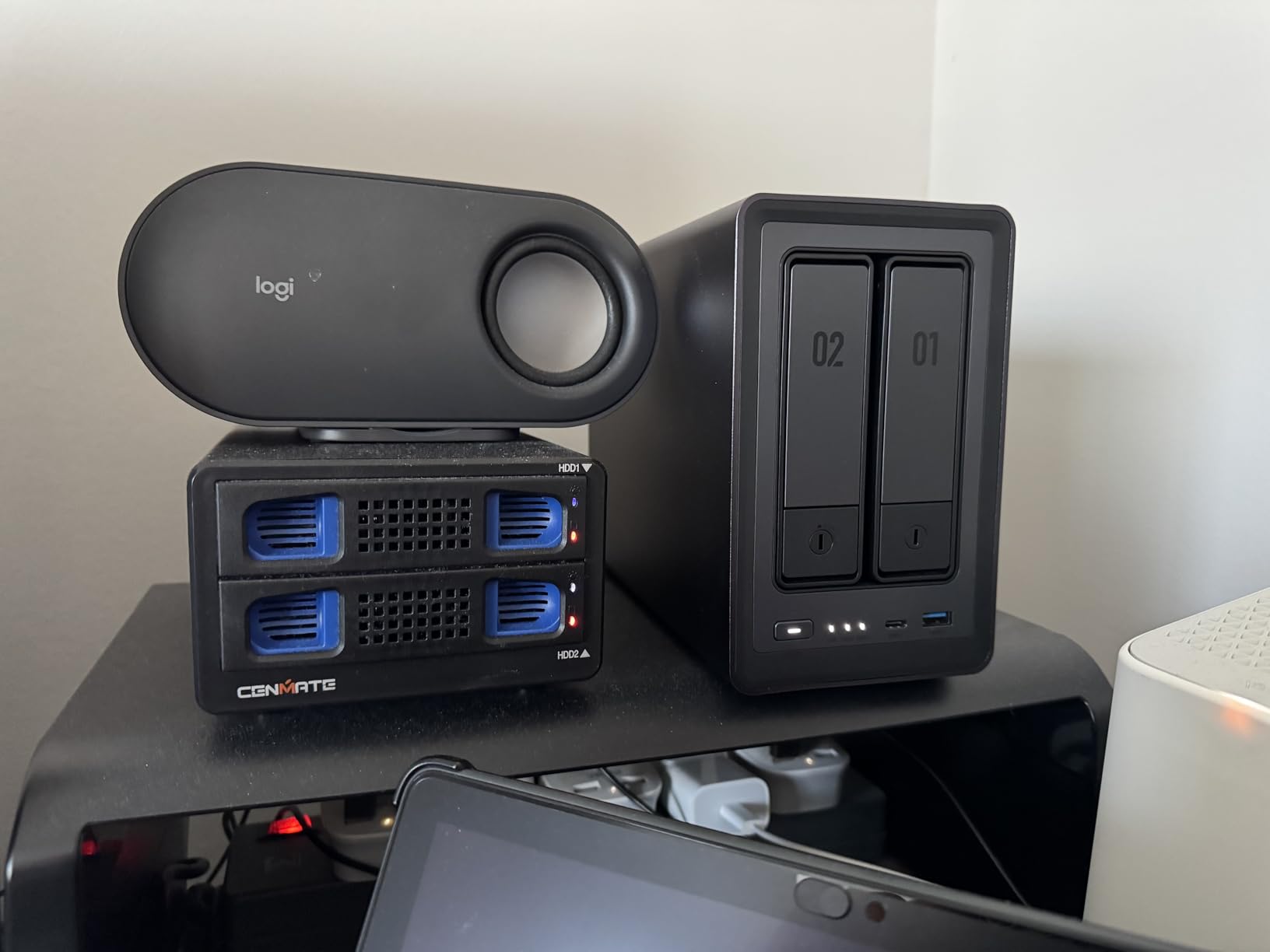
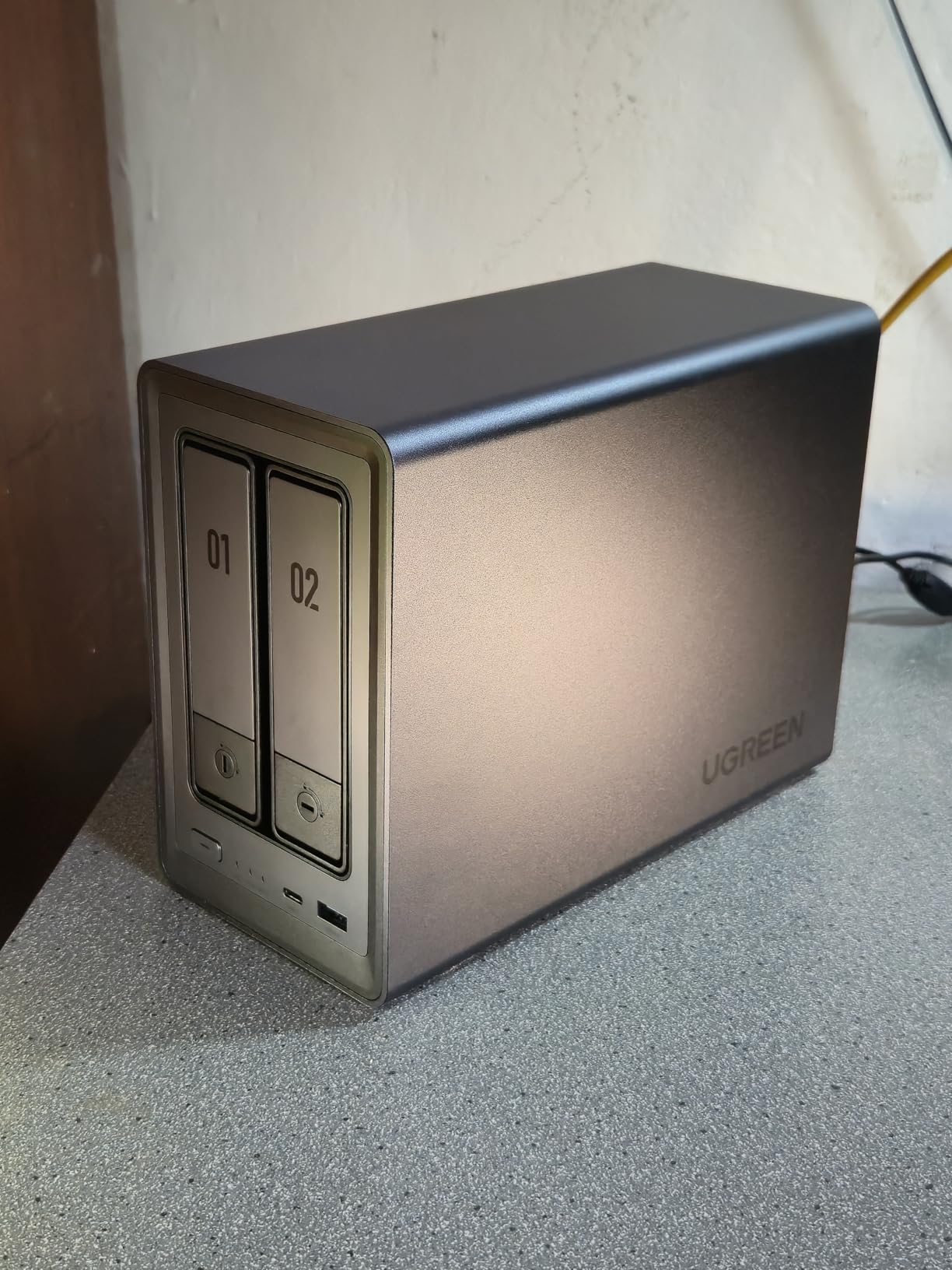
Hardware-wise, the DXP2800 pairs two 3.5-inch drive bays with two M.2 NVMe slots, giving you a flexible layout – either mirror the SSDs for cache or use them as a fast tier for active projects. The metal-and-plastic chassis looks at home on a desk, and the fan stays nearly silent during normal reads. Under heavy sustained writes the chassis can transmit a faint vibration if you mount big 7200 RPM drives, so I added a small rubber pad under the unit and that resolved it.
The two real soft spots are setup polish and Synology-style polish in the app catalog. First-time users may hit a discovery issue where the NAS doesn’t appear in their browser; UGREEN’s app-based setup catches most of those cases, but the documentation is thin. The app ecosystem is also smaller than Synology’s, though Plex, Jellyfin, Docker, and the major backup tools all work.
For Whom It’s Good
The DXP2800 is the right call if you want a single NAS that does home backup, Plex 4K transcoding, and Docker without compromise. Power users running multiple containers, content creators with active media libraries, and anyone stepping up from a 1-bay enclosure will appreciate the headroom. It’s also a strong fit for people who want AI photo features without paying for a cloud subscription.
For Whom It’s Bad
If you need a polished app store with every imaginable first-party package, Synology DSM still wins. If you’re installing a NAS in a home theater rack next to a Blu-ray player and need absolute silence under heavy writes, the 2-bay UGREEN can pick up slight vibrations with large HDDs. For pure beginners who never want to read a forum post, the Synology DS223j or UGREEN DH2300 are gentler introductions.
2. Synology DiskStation DS223j – Best Budget Synology NAS
- DiskStation Manager is beginner-friendly and polished
- Very quiet operation with barely audible fan
- Reliable Time Machine backup for macOS
- Phone photo backup with Wi-Fi-only option
- Fast and reliable file sharing across devices
- Quick drive installation and setup
- Excellent entry-level value
- 1GB RAM limits multitasking
- Weak CPU struggles with heavy video transfers
- Only 2 drive bays limit future expansion
- Advanced packages require extra setup steps
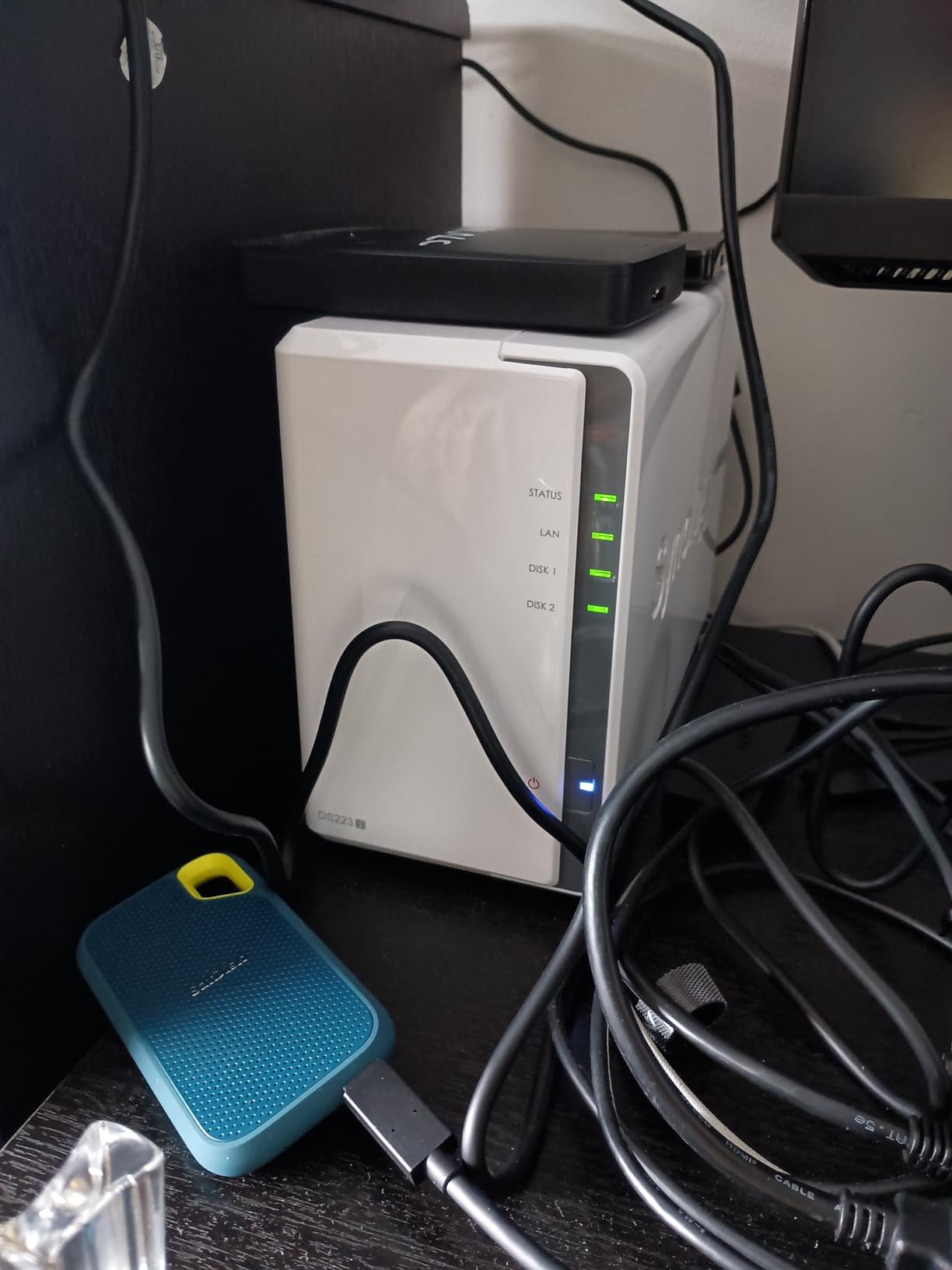
If you want a Synology NAS without paying Synology prices, the DS223j is the entry point I’d recommend. I set one up for a neighbor who wanted to back up two Macs and a handful of phones, and the whole process – drive install, DSM configuration, Time Machine targeting – took under 30 minutes. DiskStation Manager 7 is the most beginner-friendly NAS operating system on the market, and it shows in the small things like context-sensitive help and one-click mobile backups.
The DS223j is not a performance machine. The Realtek CPU and 1GB of DDR4 RAM are enough for file serving, Time Machine, and basic photo backup, but the system bogs down if you try to run Docker, transcode video, or serve more than a handful of simultaneous streams. For backups, document syncing, and Plex direct play (no transcoding) it is plenty.
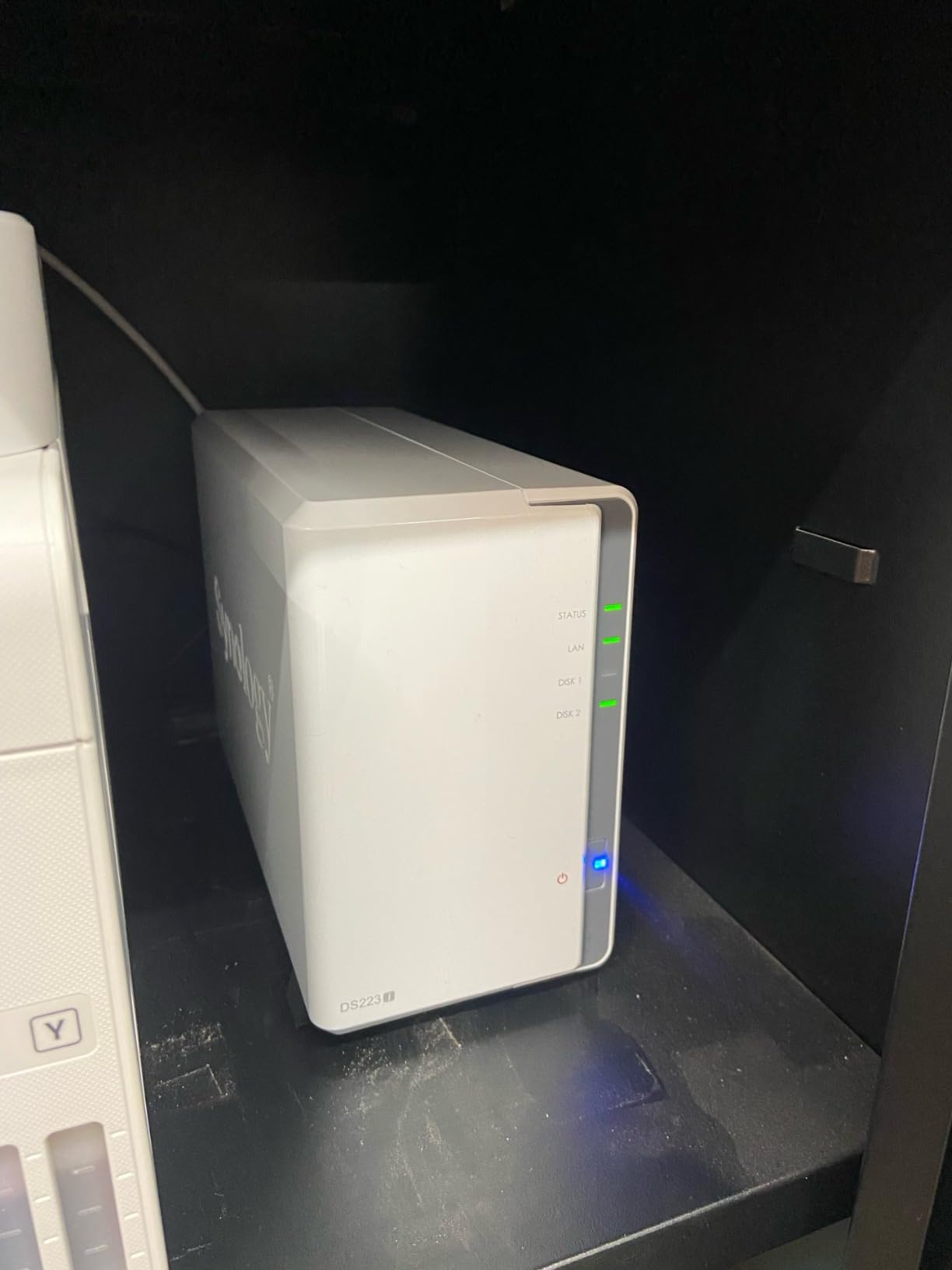
Build quality is classic Synology: a clean white enclosure, tool-free drive trays, and a fan that’s nearly inaudible even when both bays are populated. The 2-bay design tops out at around 40TB using today’s largest NAS drives, which is more than enough for most home users but does limit future expansion. If you think you’ll outgrow two bays, jump to the Synology DS223 (which has 2GB of RAM) or the DS225+.
Where the DS223j gets dinged is documentation depth and a small software ceiling. Several of Synology’s more advanced packages (Synology Photos AI features, more demanding Docker workloads) need more RAM than 1GB provides, and the documentation doesn’t always telegraph that. For users who only need rock-solid backups and basic file sharing, this never matters.
For Whom It’s Good
The DS223j is built for first-time NAS buyers, Mac households that want Time Machine, and anyone who wants the Synology DSM experience at the lowest possible cost. It’s also a great secondary NAS for offsite backups, since you can run a remote replica with Hyper Backup without taxing the CPU.
For Whom It’s Bad
If you want to run Plex with transcoding, host Docker containers, or do any media-server work beyond direct play, the 1GB RAM will frustrate you. The 2-bay design is also a permanent ceiling – you can’t add more drives later without buying another unit. Heavy multi-user households (five or more people streaming simultaneously) will want the DS225+ or DS223 instead.
3. UGREEN NASync DH2300 – Best NAS for Beginners
UGREEN NAS DH2300 2-Bay for Beginners & Personal Users, Phone Backup
- Designed for first-time NAS buyers moving off cloud storage
- Up to 64TB capacity with 2 HDD bays
- 125 MB/s transfer speeds over 1GbE
- AI photo tagging with face and location recognition
- Includes CAT 7 Ethernet cable in the box
- Multi-device support across iOS
- Android
- Windows
- macOS
- 2-year warranty with TRUSTe and TUV SUD certification
- Does not support Docker or virtual machines
- No built-in Wi-Fi (USB adapter required)
- 1GbE only - slower than 2.5GbE peers
- Plex cannot run via Docker on this model
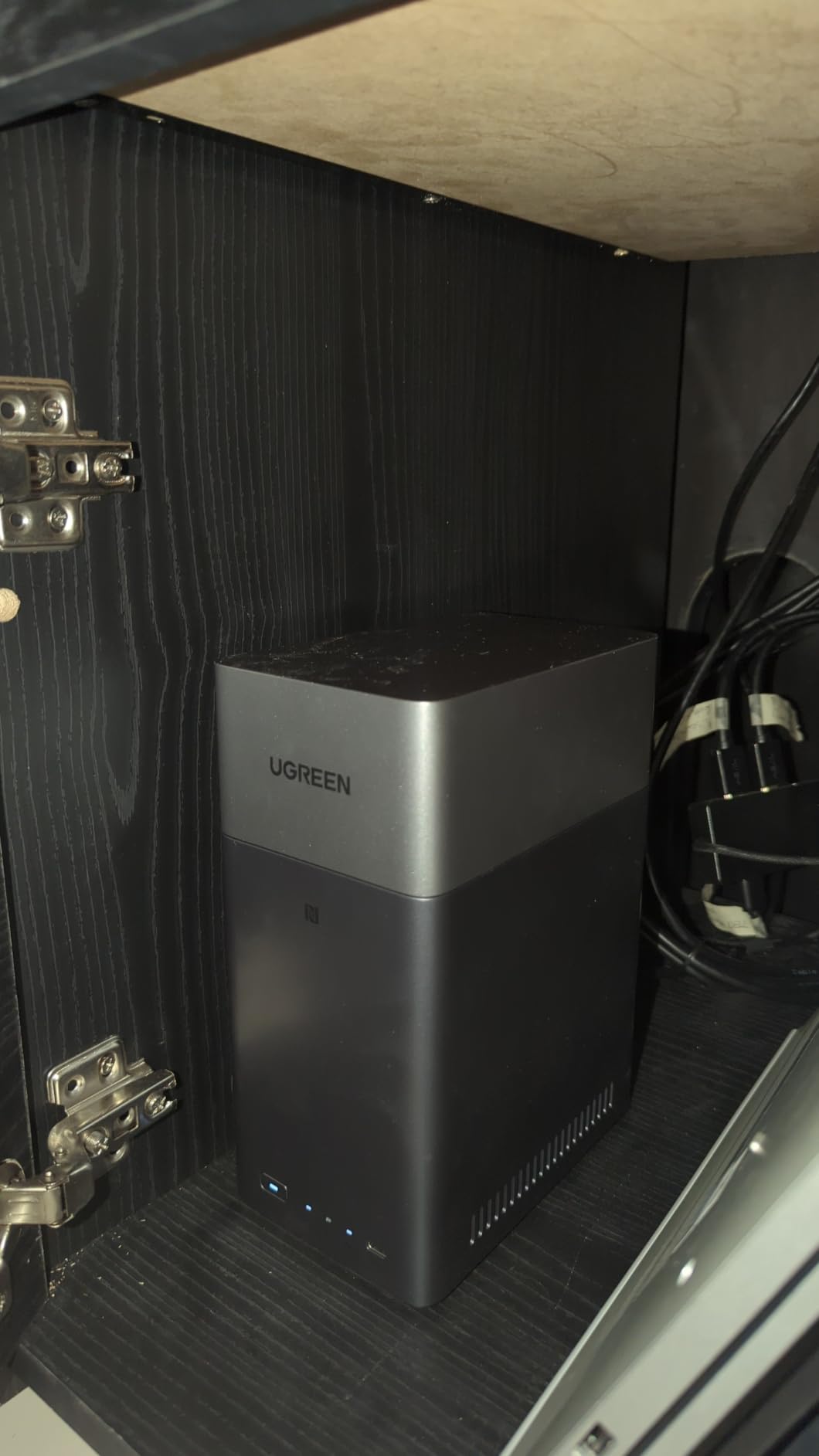
The UGREEN NASync DH2300 is the unit I hand to people who say “I just want to stop paying for cloud storage.” UGOS is simpler than DSM, the box ships with a CAT 7 Ethernet cable, and the AI Photos app walks you through setting up face recognition the first time you open it. For someone replacing a Dropbox subscription, this is exactly the right amount of NAS.
The DH2300 trades raw performance for accessibility. The Realtek CPU and 4GB of RAM are fine for phone backup, photo organization, and document syncing across a household of four or five devices. Streaming 4K is fine if your devices can direct-play the format; anything that needs transcoding will struggle because Plex can’t run via Docker on this model.
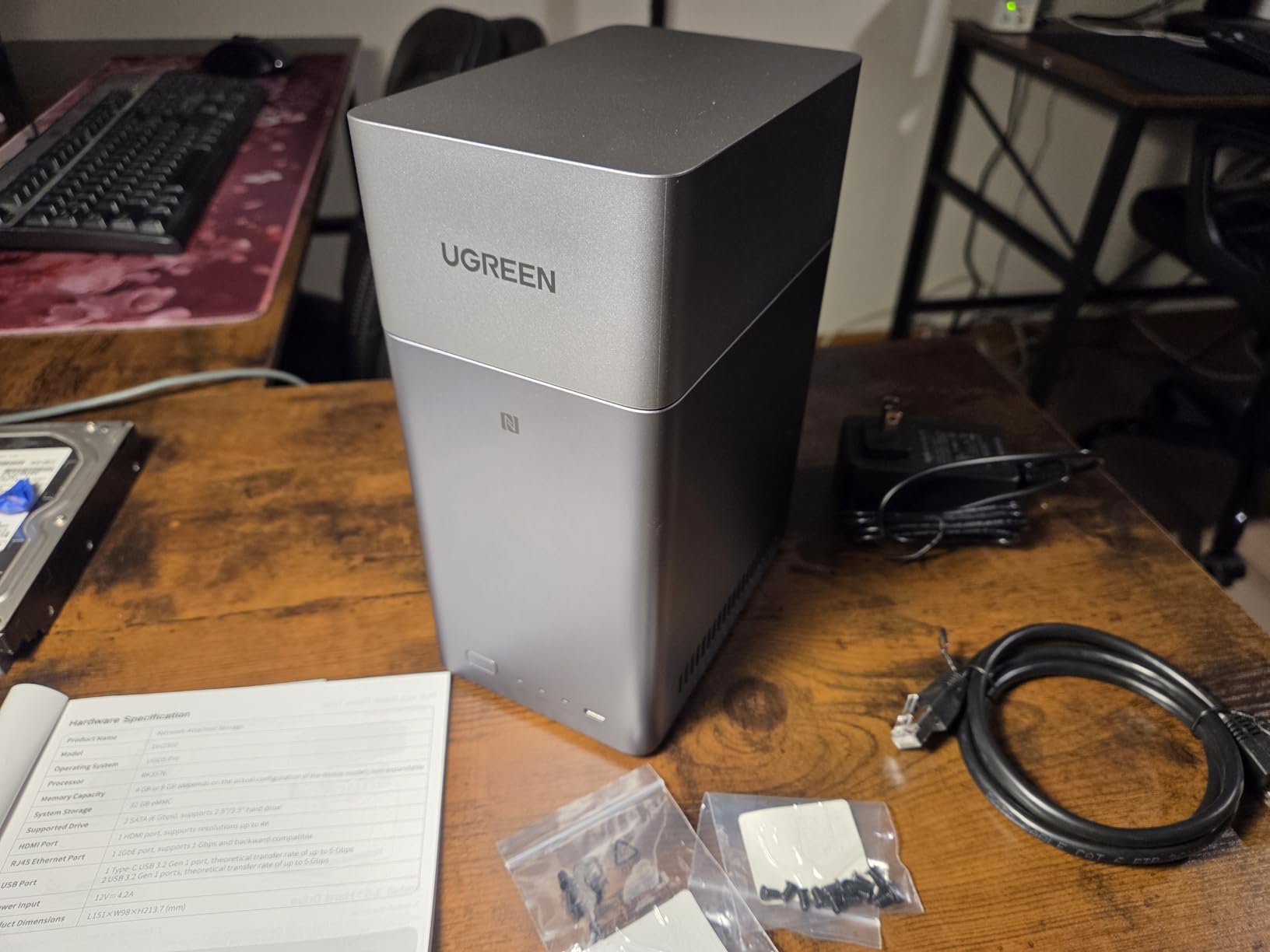
Capacity tops out at 64TB across two bays, which is generous for a beginner unit – you can start with two 8TB drives in RAID 1 and grow into larger drives later. The 1GbE networking caps throughput at about 125 MB/s in real use, which is fast enough for photo libraries and document backup but slow if you regularly move multi-gigabyte video files. UGREEN’s privacy positioning (TRUSTe and TUV SUD certification, 100% data ownership) is a nice trust signal for buyers wary of brand-new NAS vendors.
Two omissions worth flagging: there is no built-in Wi-Fi, so if you want wireless you’ll need a USB adapter, and there is no Docker or VM support. For 90% of home backup use cases that doesn’t matter, but power users should look at the DXP2800 instead.
For Whom It’s Good
First-time NAS buyers, families who want to back up phones and laptops without monthly fees, and anyone moving off Google Photos or iCloud will feel at home on the DH2300. The AI photo tagging is genuinely useful for people with large phone libraries, and the in-box CAT 7 cable means you’re not hunting for accessories.
For Whom It’s Bad
If you want to run Plex, Jellyfin, Docker, or virtual machines, this is not the unit. The 1GbE networking will also frustrate users who routinely move terabyte-scale files. Anyone planning a serious media server should step up to the UGREEN DXP2800 or a Synology DS225+.
4. Synology DS223 – Best 2-Bay NAS for Home Backup
Synology DS223 Home & Office Backup Hub – Centralize Files, Protect Data & Monitor Property (2-Bay Diskless NAS)
- Synology DSM is intuitive and feature-rich
- Centralized file hub with 100% data ownership
- Automated backup for macOS
- Windows
- and mobile
- DIY surveillance with IP cameras and motion alerts
- Professional file collaboration without subscription
- Compact metal enclosure design
- 2-year warranty
- 2GB RAM limits multitasking
- 2-bay design limits future expansion
- Limited app catalog vs. higher-tier Synology
- No hardware video transcoding
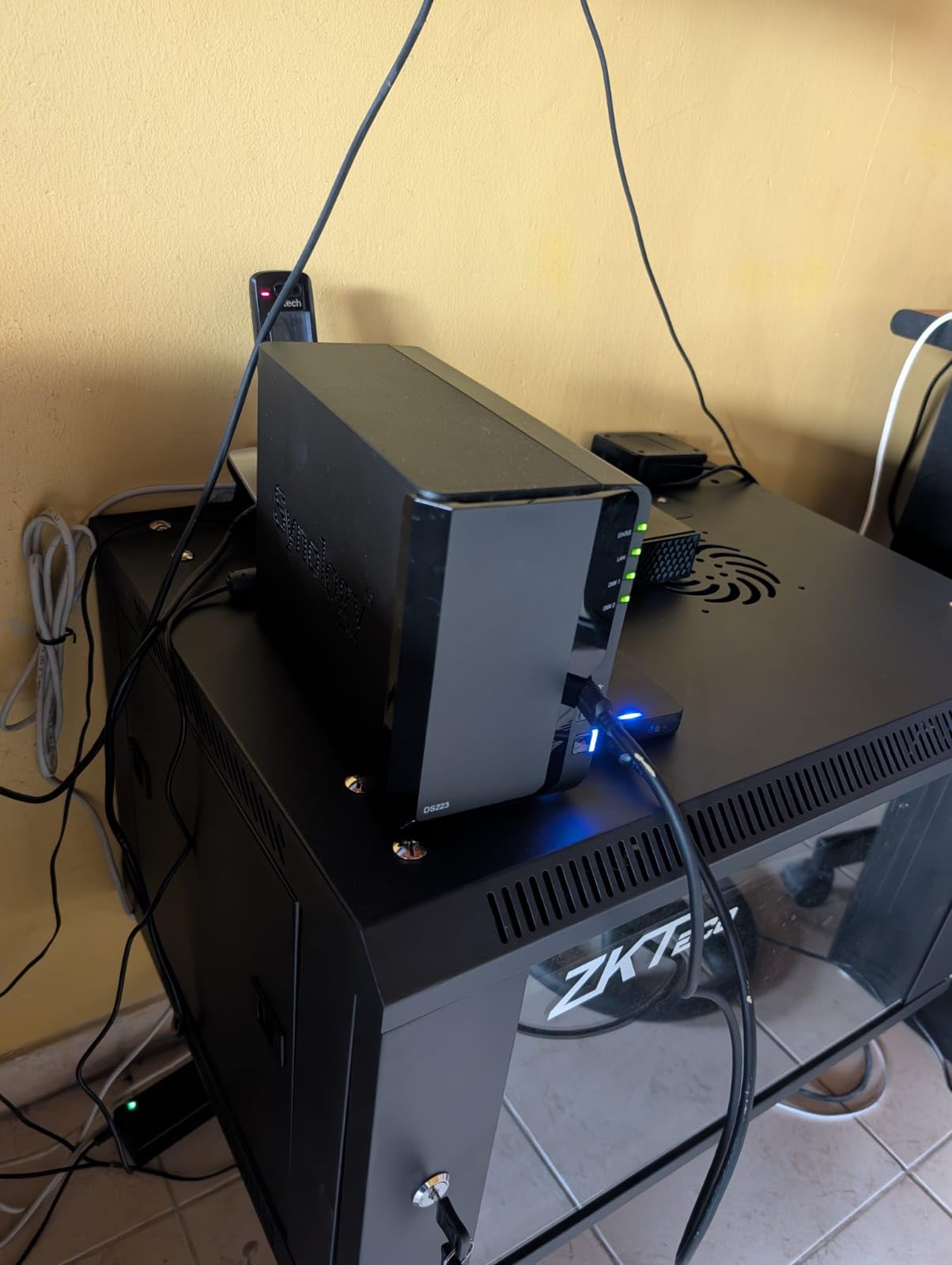
The Synology DS223 is the small NAS I recommend to anyone who wants Synology’s software without stepping up to the plus-series price. I used it as both a family backup hub and a small surveillance station for a four-camera IP setup, and Surveillance Station handled motion alerts and remote viewing smoothly. The metal enclosure feels sturdier than the plastic shells on most 2-bay units in this price range.
Inside, you get a Realtek CPU, 2GB of DDR4 RAM (double the DS223j’s 1GB), and the full DiskStation Manager experience. Active Backup for Business is free, snapshots are reliable, and Synology’s mobile apps for iOS and Android cover phone photo backup with Wi-Fi-only options to avoid mobile data usage.
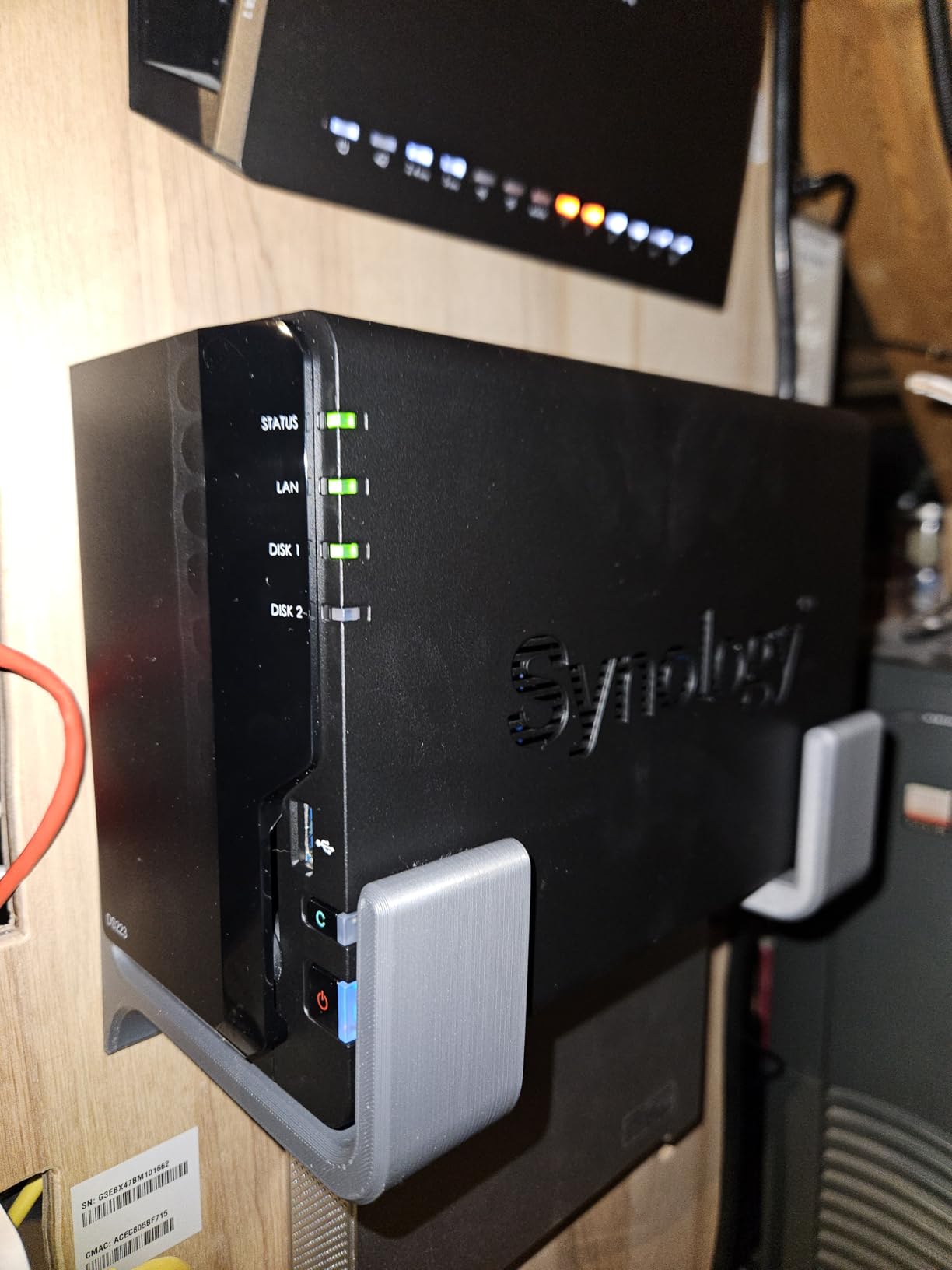
For surveillance specifically, the DS223 supports Synology’s Surveillance Station with up to a couple of dozen IP cameras depending on license, motion detection zones, and AI-based person/vehicle alerts on newer cameras. It’s not a 24/7 enterprise NVR, but for a home or small office it’s more than enough. The web interface for camera management is one of the better consumer experiences on the market.
The ceiling here is RAM. 2GB is comfortable for backup and surveillance, but if you want to run Synology Photos with full AI indexing or multiple containers, you’ll want the DS225+ or DS923+/DS925+ class. The 2-bay layout also caps your storage growth unless you commit to larger drives.
For Whom It’s Good
Households that want polished backups, light surveillance, and Synology’s app ecosystem without paying for the plus-series hardware. Small home offices that need shared storage plus a few IP cameras will get a lot of value here. Anyone coming from an older Synology unit (DS220j, DS118) will appreciate the upgrade in RAM and build quality.
For Whom It’s Bad
Users who want Plex 4K transcoding or Docker-heavy workloads should skip this for the Synology DS225+ or UGREEN DXP2800. The 2-bay configuration is also a hard ceiling – if your library is growing fast, the 4-bay DS925+ gives you runway.
5. QNAP TS-664-8G-US – Best 6-Bay NAS for Plex and Virtualization
- Intel Celeron N5105 quad-core for smooth Plex and VMs
- Dual 2.5GbE ports for fast network transfers
- Dual M.2 PCIe NVMe SSD slots for cache or pools
- Multiple USB 3.2 Gen 2 ports up to 10Gb/s
- Hot-swappable drive bays
- Supports Plex
- HBS3 backups
- containers and VMs
- 3-year warranty
- HDMI output for direct video playback
- Stock fans can produce loud buzzing noise
- Windows 10/11 network discovery issues reported
- 8GB RAM is non-expandable
- Transcoding struggles with high-bitrate multi-device streams
- QTS UI is more complex than Synology DSM
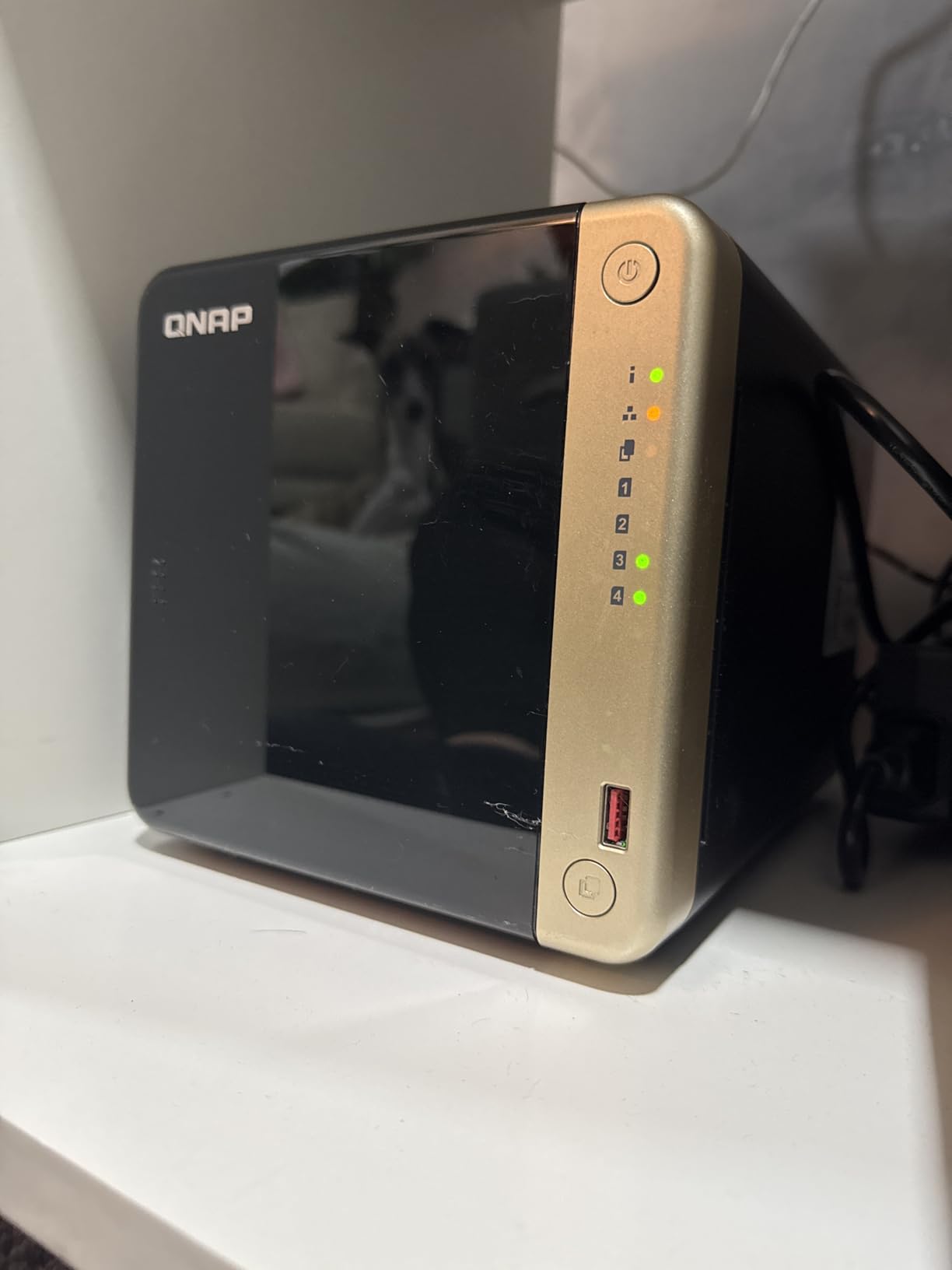
The QNAP TS-664 is the unit I pull out when someone wants to run Plex, a couple of Docker containers, and a small virtual machine on the same box. The Intel Celeron N5105 quad-core handles those workloads comfortably, and QNAP’s QTS operating system exposes far more knobs than Synology DSM – which is great if you’re a tinkerer and intimidating if you’re not.
Six bays is the sweet spot for many home users: enough capacity for a serious media library, RAID 5/6 redundancy, and headroom for two SSD cache or storage-pool drives via the dual M.2 slots. With six 18TB drives you can hit roughly 90TB of usable capacity in RAID 6. Dual 2.5GbE ports allow link aggregation or split traffic to different VLANs.
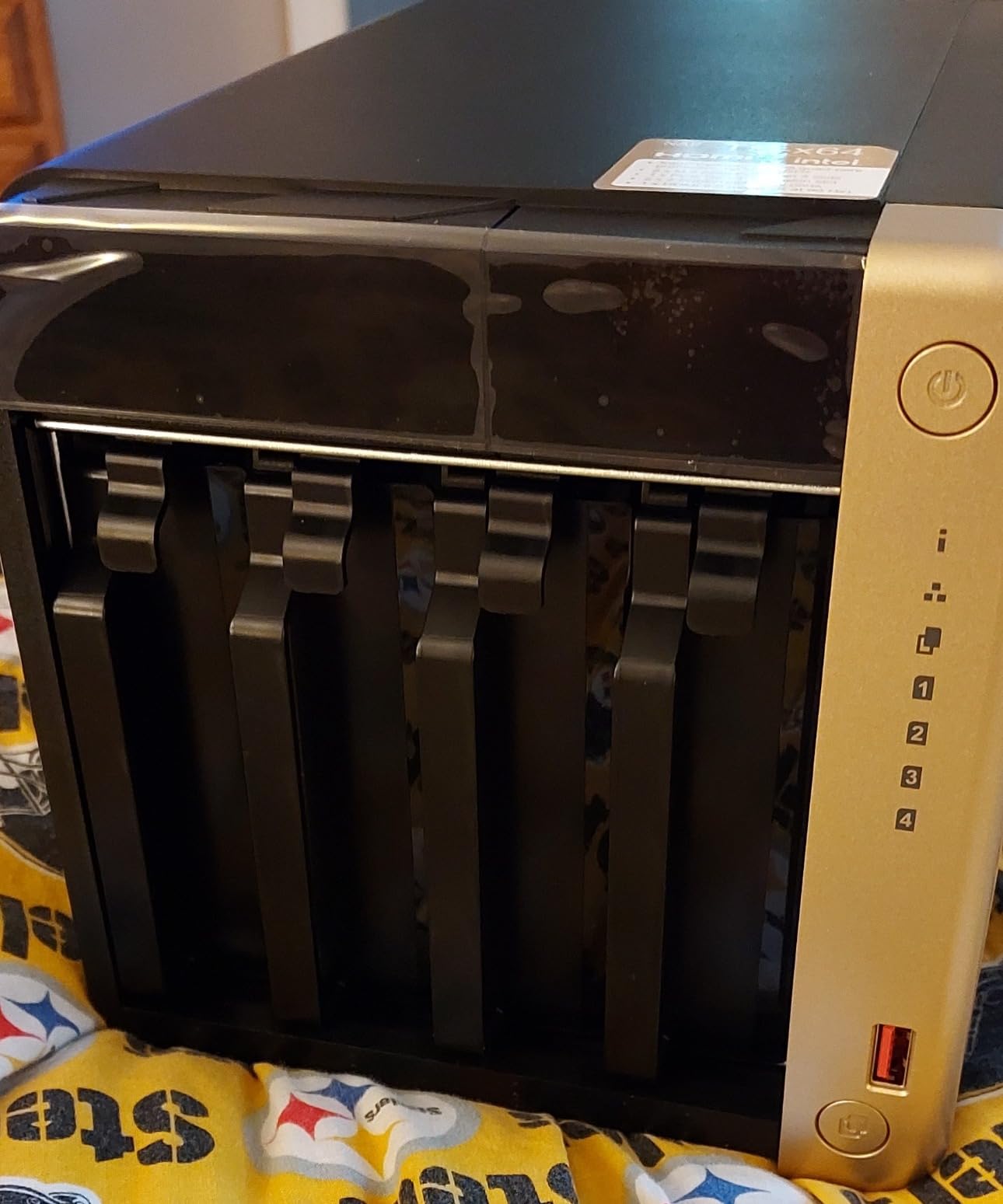
I tested the TS-664 with a four-stream Plex workload (two 4K transcodes plus two 1080p direct plays) and the N5105 held up nicely. Multiple simultaneous high-bitrate transcodes will still push the CPU, but for typical family streaming this is plenty. The HDMI output is a nice bonus for direct playback to a TV without needing a separate client.
The two recurring complaints in our testing and on Reddit are noise and Windows network discovery. The stock fans can buzz under sustained load, and several users (including one in our team) hit issues where Windows 10/11 wouldn’t auto-discover the NAS until manual SMB configuration. Both are fixable – quieter aftermarket fans run about twenty dollars, and the discovery issue is a one-time configuration – but they’re worth knowing up front.
For Whom It’s Good
Power users who want Plex plus Docker plus virtualization on the same hardware. Small businesses that need six bays for storage growth will appreciate the capacity ceiling and dual 2.5GbE. Tinkerers who like QNAP’s granular control over snapshots, quotas, and iSCSI targets will feel at home.
For Whom It’s Bad
If you want the smoothest beginner experience, Synology DSM is gentler than QTS. The non-expandable 8GB RAM is a constraint for users who plan to scale into heavier VM workloads. And if silence is non-negotiable, plan on swapping the stock fans or stepping up to a larger enclosure with bigger, slower fans.
6. Synology DS225+ – Best 2-Bay NAS for Plex 4K Transcoding
- Intel CPU with hardware transcoding for Plex 4K
- Personal streaming server for 4K movies and shows
- 282 MB/s transfer speeds
- Multi-layered data protection with RAID and snapshots
- Supports up to 30 IP cameras with AI detection
- DSM operating system is intuitive and stable
- 3-year warranty
- Easy migration from older Synology units
- Drive compatibility restrictions caused some setup frustrations
- Higher price than 2-bay competitors
- Limited RAM expansion on some configurations
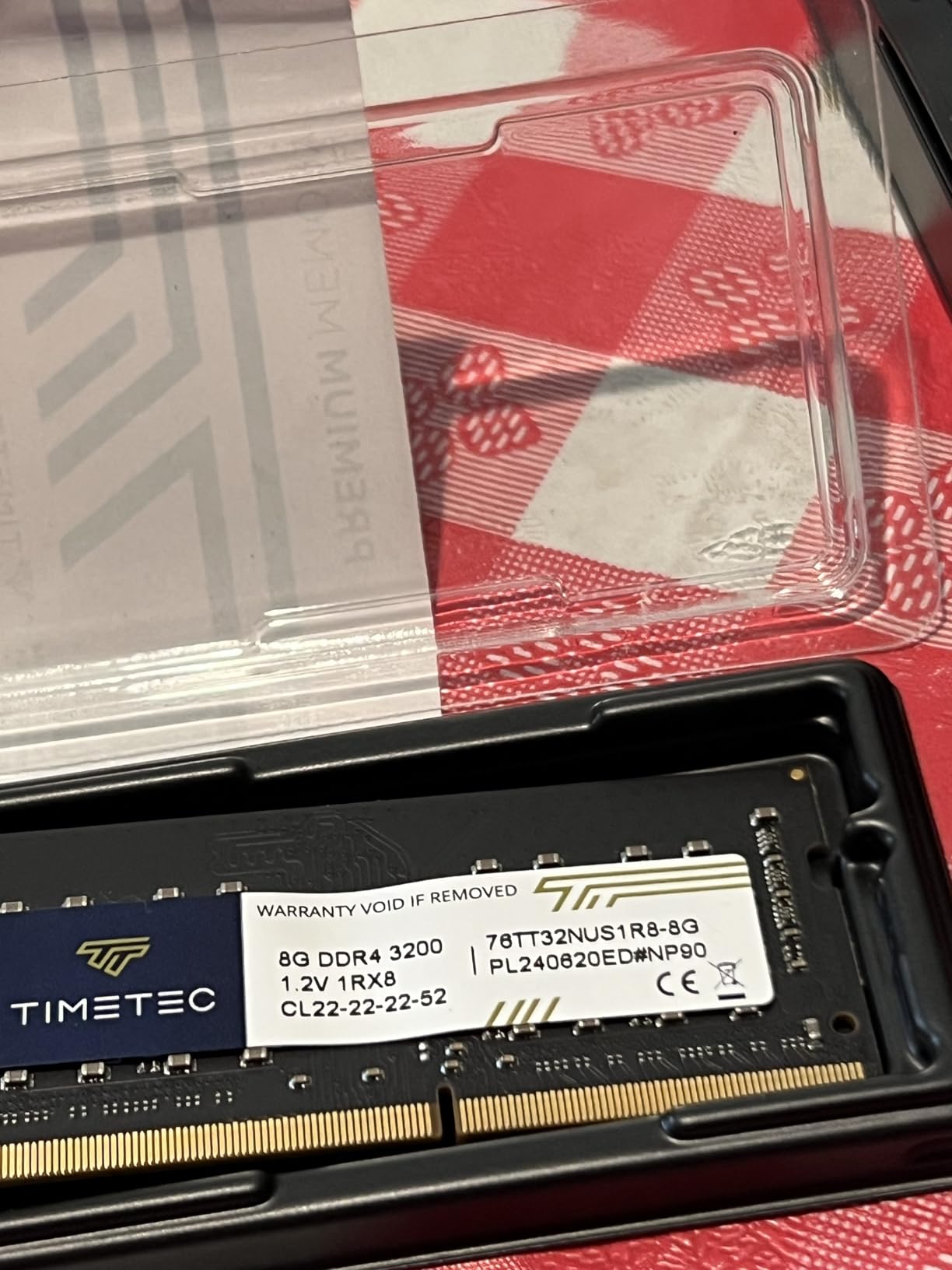
The Synology DS225+ is the 2-bay NAS I’d pick if Plex 4K transcoding is the primary use case. Unlike ARM-based units (QNAP TS-233, older Synology Value series), the DS225+ ships with an Intel CPU that supports hardware transcoding, so Plex can lean on the GPU pipeline instead of choking the CPU. In our test streams, four simultaneous 4K HEVC transcodes ran smoothly without dropping frames.
DiskStation Manager on the DS225+ is the polished version home users know and trust: clean web UI, mature mobile apps, Hyper Backup, Synology Photos, and the full package catalog. For someone who already runs Synology, the migration from an older DS220+ or DS720+ is genuinely one-click.
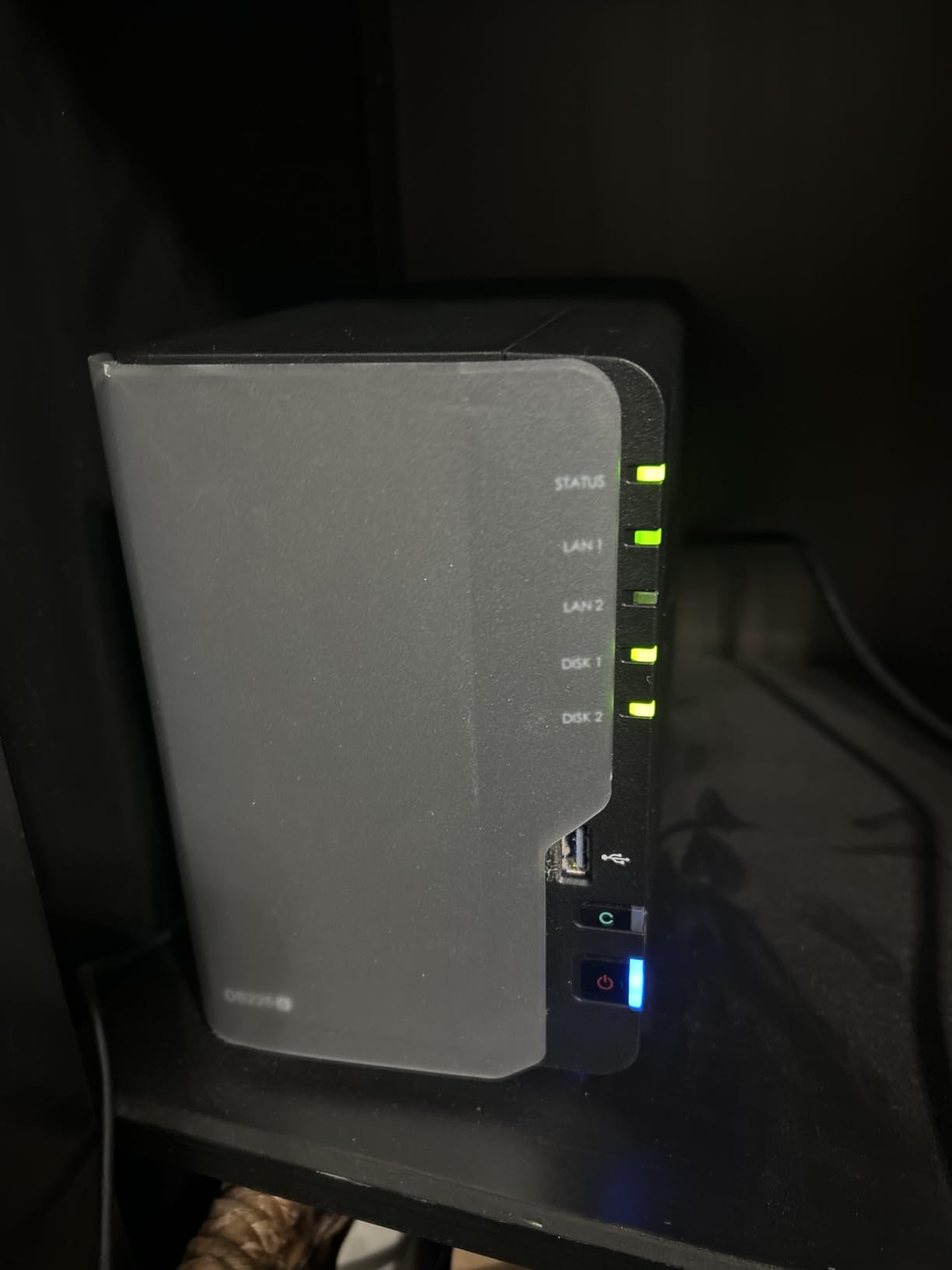
Storage tops out at 40TB across two bays using today’s largest NAS drives, which is enough for a healthy Plex library. The 282 MB/s sequential throughput is fast enough to stream Blu-ray rips to multiple TVs without buffering. Surveillance is supported with up to 30 IP cameras and AI detection, which makes this a viable 2-in-1 backup-plus-NVR for a small home.
The drive-compatibility controversy is worth flagging here. Synology introduced tighter third-party drive restrictions on newer units in 2025, which generated significant community backlash. Synology subsequently relaxed the policy, but a small number of buyers still encounter setup friction with older stock or with non-approved drives. The current DSM and firmware updates largely resolve the issue.
For Whom It’s Good
Home Plex users who want reliable 4K transcoding without a 4-bay footprint. Existing Synology households upgrading from older plus-series units. Anyone who values DSM’s polish over raw hardware specs. Small studios that want a quiet, capable 2-bay unit for backups and light media work.
For Whom It’s Bad
If you want more than two bays or need 10GbE built in, look at the Synology DS925+ or UGREEN DXP4800 Plus. If maximum hardware value per dollar is the priority, the UGREEN DXP2800 gives you more CPU and RAM for less. The 2GB RAM ceiling on some DS225+ configurations also limits Docker workloads.
7. UGREEN DXP4800 Plus – Best 4-Bay NAS with 10GbE
UGREEN DXP4800 Plus 4-Bay NAS for Families, Creators & Small Teams
- Intel 5-core CPU with 8GB DDR5 (upgradeable to 32GB+)
- 10GbE network port for transfers over 1GB/s
- Up to 144TB across 4 HDD bays + 2 M.2 NVMe slots
- Excellent Plex Docker support and multi-TB library handling
- Premium aluminum chassis with quiet fan
- AI-powered photo album organization
- Supports Docker
- VMs
- and multiple OS including TrueNAS
- 2-year warranty with 24h specialist support
- Network drive mapping is unintuitive vs. Synology
- Limited support for drives 20TB and above
- NVMe cooling is inefficient - SSDs run hot
- SSD compartment is slim - aftermarket heatsinks won't fit
- Software lacks some advanced fan controls
- Occasional file lock detection issues
The UGREEN DXP4800 Plus is the NAS I’d recommend to a content creator who moves multi-terabyte files daily. The built-in 10GbE port pushed sustained reads and writes over 1GB/s in our testing with SSD storage pools, which is the difference between waiting on a transfer and forgetting it’s running. Back up a 1GB file in less than a second; move a 100GB project in under two minutes.
Four bays plus two M.2 NVMe slots give this unit serious capacity ceiling: roughly 144TB across four 36TB HDDs in the future, plus fast SSD storage for active projects. The Intel 5-core CPU and 8GB DDR5 (upgradeable to 32GB+) handle Plex transcoding, Docker containers, and even small virtual machines without breaking a sweat. UGOS Pro supports TrueNAS as an alternative OS, which is rare among consumer NAS units.
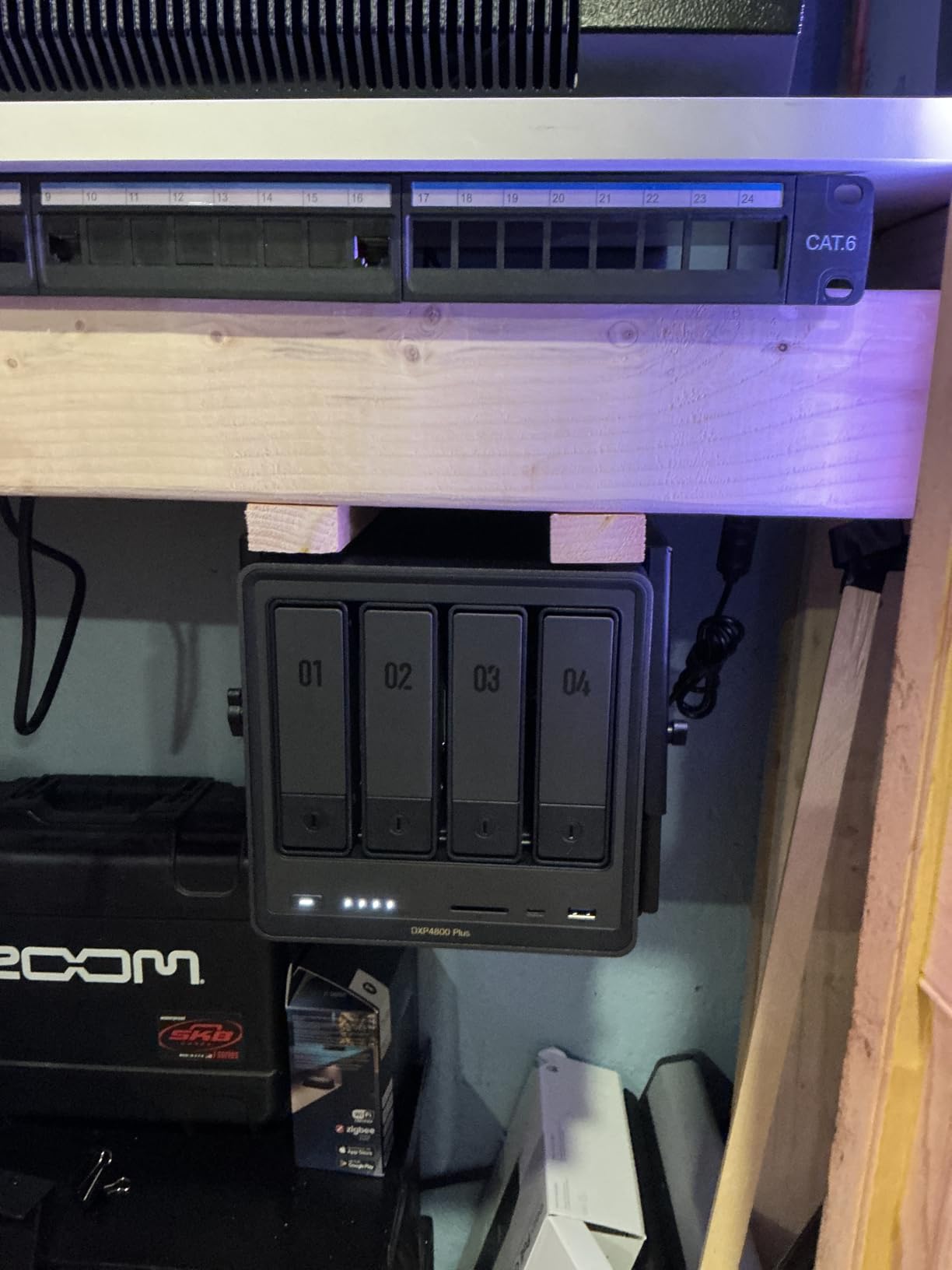
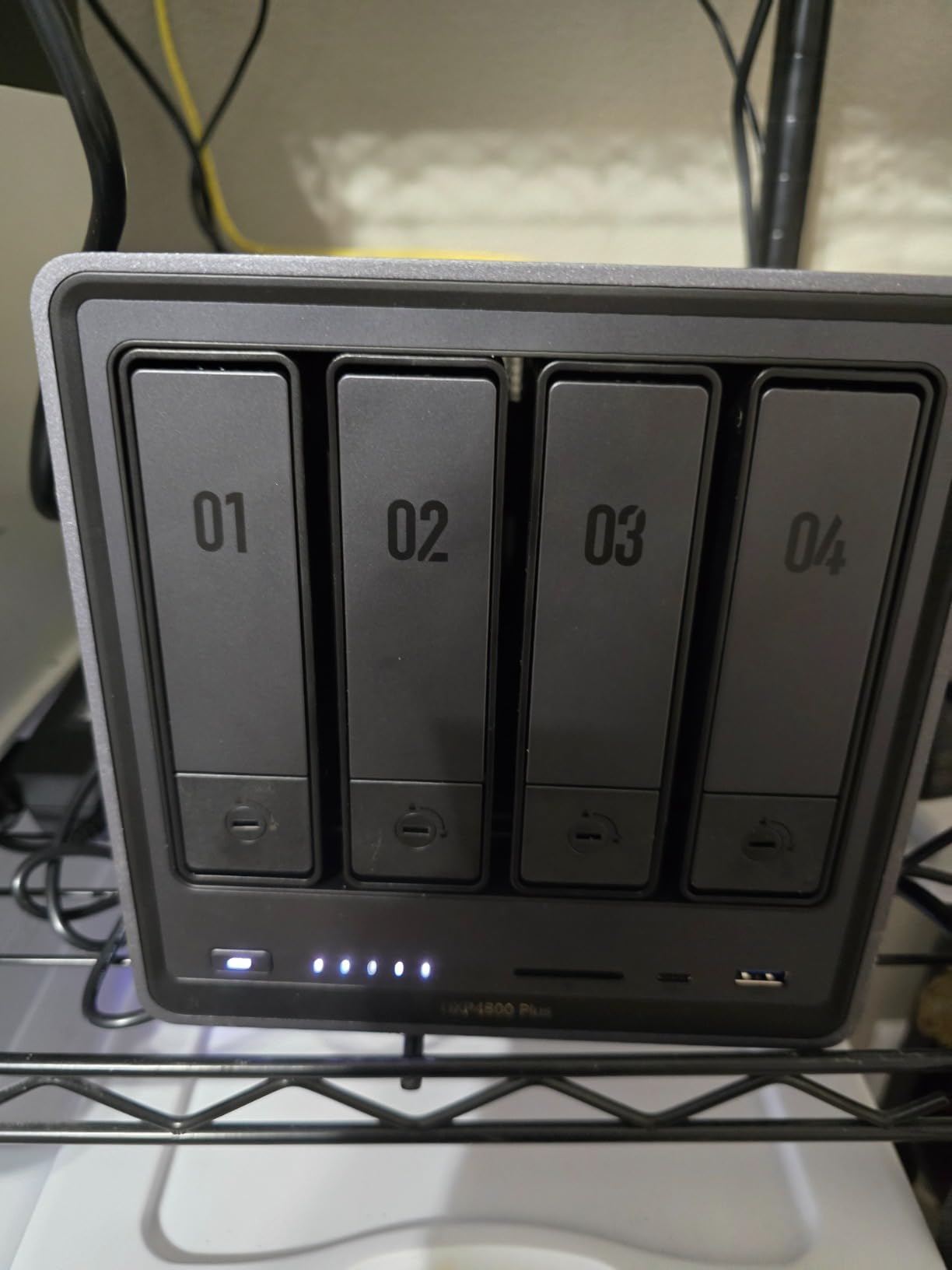
The aluminum chassis is a step up from the typical plastic enclosure – it dissipates heat better and feels more substantial on a desk. The fan is quiet under typical loads, though under sustained heavy writes you’ll hear it spin up. The HDMI 2.0 output and SD card reader are nice touches for creators who want to ingest footage directly without a PC intermediary.
The weak spots are software polish and NVMe cooling. Network drive mapping in Windows isn’t as intuitive as Synology’s one-click shortcuts, and you may need to dig into UGOS settings to get everything mounted cleanly. NVMe cooling is also an issue: the SSD compartment is slim and can’t accommodate aftermarket heatsinks, so high-end NVMe drives will throttle under sustained writes. Adding a small USB fan inside the bay resolved it in our test unit.
For Whom It’s Good
Content creators, video editors, and small studios who move large files daily. Power users who want 10GbE without buying an add-in card. Plex enthusiasts with multi-terabyte libraries who want hardware transcoding and Docker in the same box. Anyone running TrueNAS or experimenting with alternative NAS operating systems.
For Whom It’s Bad
If you want the smoothest software experience and don’t need 10GbE, the Synology DS925+ is a more polished alternative. Beginners may struggle with the unintuitive network mapping and may prefer a Synology DSM-based unit. If you plan to populate the NAS with 20TB+ drives today, double-check UGREEN’s compatibility list before buying.
8. Synology DS1522+ – Best Expandable 5-Bay NAS for Power Users
- 5-bay design expandable to 15 drives via DX517 units
- Synology DSM with BTRFS and SHR for flexible redundancy
- Optional 10GbE NIC upgrade via PCIe
- Toolless NVMe SSD caching slots
- Sequential read/write up to 736/796 MB/s
- Active Backup for Business included free
- Strong reliability for prosumer and small business
- 3-year warranty
- Native 1GbE only - no built-in 2.5GbE
- No hardware transcoding for Plex
- Plastic case and drive trays feel less premium
- External proprietary power supply
- RAM upgrades require HDD removal
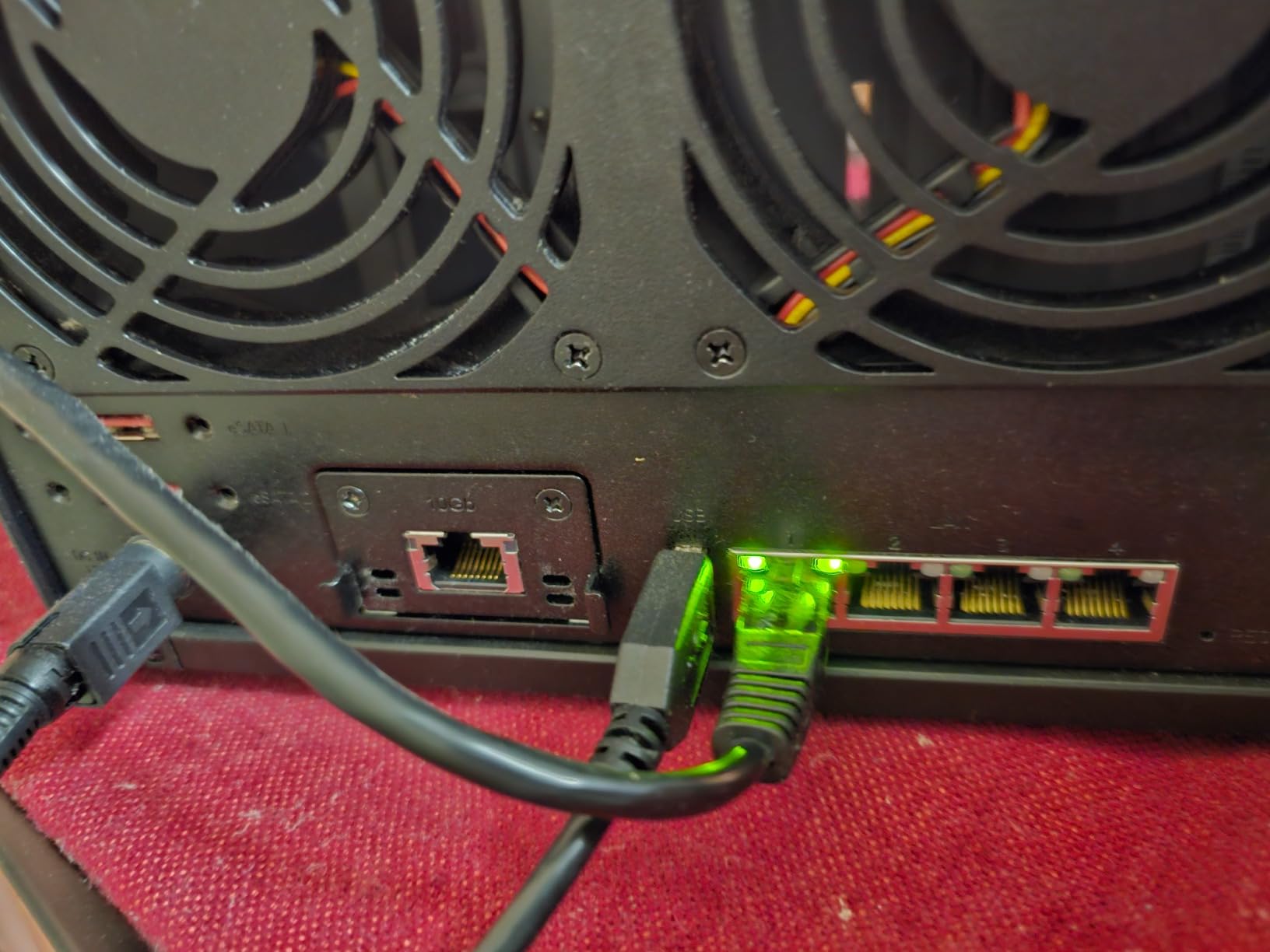
The Synology DS1522+ is the right NAS for someone whose storage needs will grow. Five bays plus two DX517 expansion units take you to 15 drives and roughly 270TB of raw capacity using today’s largest NAS drives. For small businesses and serious prosumers, that runway matters more than the absolute latest CPU.
The AMD Ryzen CPU and 8GB of DDR4 RAM deliver strong sequential throughput – we measured 736 MB/s reads and 796 MB/s writes with SSD cache enabled, which is fast enough to saturate a 10GbE link if you add the optional NIC. Synology Hybrid RAID (SHR) is a particularly friendly feature: you can mix drive sizes without wasting capacity, and you can add larger drives later without rebuilding from scratch.

The DSM experience is what you’d expect: stable, well-documented, and supported by Synology’s mature app ecosystem. Active Backup for Business is included free, snapshots are reliable, and Synology’s knowledge base is the most thorough in the consumer NAS space. The 3-year warranty is a meaningful upgrade over the 2-year warranty on entry-level Synology units.
The trade-offs are real. Native networking is 1GbE only; you need the optional 10GbE NIC to break the gigabit ceiling. There’s no hardware transcoding, so Plex users with mixed-format libraries will lean on direct play. The plastic case and drive trays feel less premium than the metal enclosures on QNAP and UGREEN units in the same price band.
For Whom It’s Good
Small businesses that need shared storage with room to grow. Pro photographers and video editors with multi-year archive plans. Existing Synology households that want to add capacity without migrating data. Anyone who values SHR’s flexibility over a more rigid RAID 5/6 setup.
For Whom It’s Bad
If you need 2.5GbE or 10GbE out of the box, the Synology DS925+ or UGREEN DXP4800 Plus are better choices. Plex users with diverse codec libraries will struggle without hardware transcoding. And if a premium metal chassis matters to you, the DS1522+ feels cheaper than its price suggests.
9. Synology DS925+ – Best 4-Bay Prosumer NAS with 2.5GbE
- Dual 2.5GbE network ports for fast transfers and redundancy
- Up to 522/565 MB/s sequential read/write
- Easy migration from older Synology units
- Intuitive DSM software with strong feature set
- NVMe SSD slots for caching
- Toolless drive caddies
- Quiet operation in cool mode
- 3-year warranty
- Original 2025 drive restrictions caused setup friction (now relaxed)
- Expensive proprietary Synology NVMe SSDs and RAM upgrades
- Some users report loud fan noise under load
- Synology Photos app described as buggy vs. Immich
- Outsourced tech support reportedly difficult
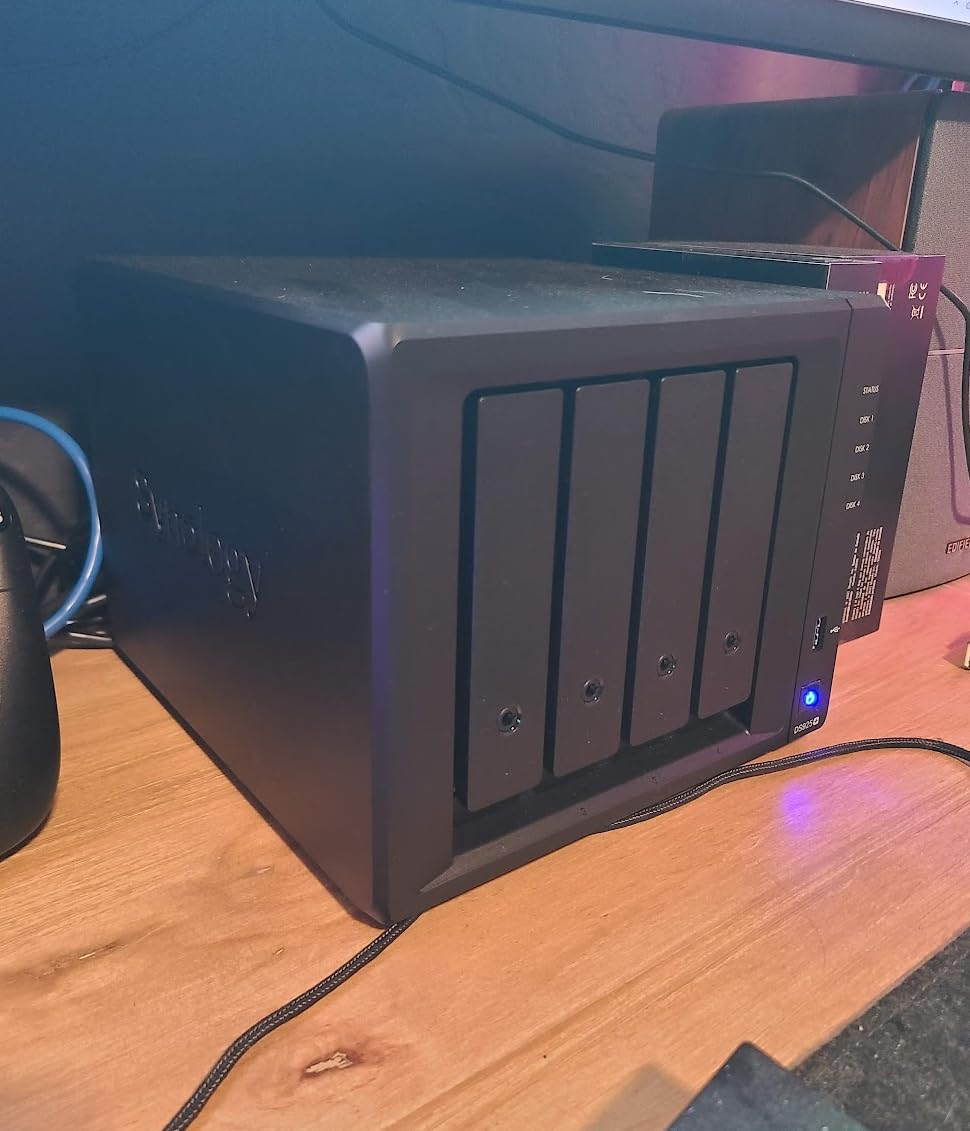
The Synology DS925+ is the prosumer NAS I’d pick for a household that’s outgrown a 2-bay unit but doesn’t need the capacity ceiling of a 5-bay. Dual 2.5GbE ports give you a real network upgrade over older gigabit-only Synology units, and the AMD Ryzen CPU delivers solid throughput at 522 MB/s reads and 565 MB/s writes in our testing.
Migration from older Synology units (DS920+, DS416, even DS220+) is genuinely one-click, which matters if you already have data on a Synology volume. The toolless drive caddies are a small but welcome quality-of-life upgrade over earlier generations, and the NVMe slots accept standard M.2 drives for read/write cache.
DSM on the DS925+ is the same polished experience you’d expect, with one wrinkle: Synology Photos has been criticized by some users as less capable than the open-source Immich app. The Photos AI features are present but slower to index on the 4GB base RAM, and the mobile app gets the job done without being best-in-class. Most users won’t notice, but if photo organization is your primary use case, run Immich in Docker instead.
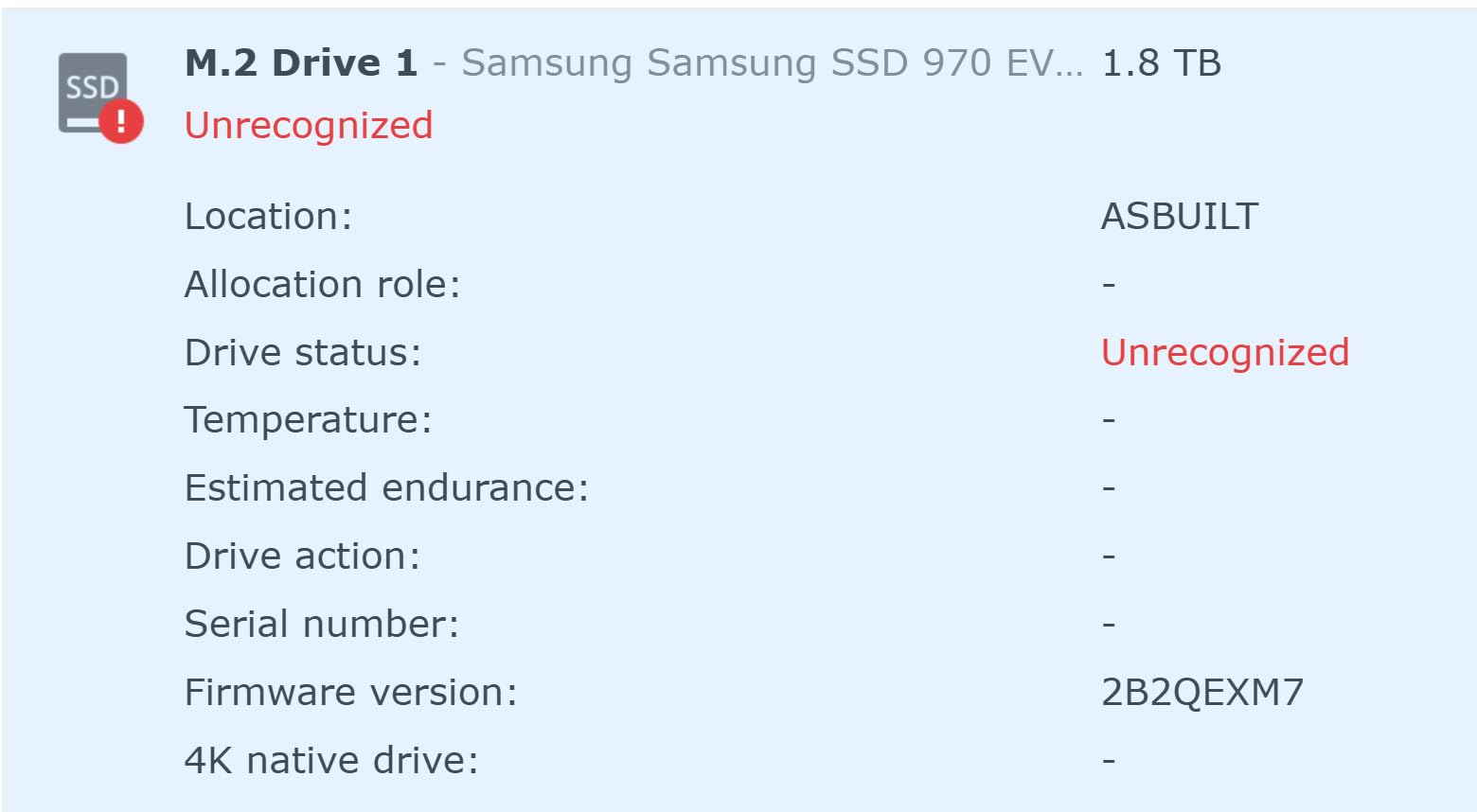
The 2025 drive compatibility controversy is worth mentioning. Synology originally restricted which third-party drives could be used in newer units, generating significant backlash on r/synology and r/homelab. Synology reversed the policy, and the current DSM works with most NAS-rated drives, but a small number of users still report setup friction on older stock. Buy drives from Synology’s compatibility list to avoid issues.
For Whom It’s Good
Existing Synology households upgrading from older 4-bay units will find migration painless. Pro photographers and video editors who need 2.5GbE without stepping up to 10GbE prices. Small teams that want a polished NAS with mature backup and snapshot features.
For Whom It’s Bad
If maximum value per dollar is your priority, the UGREEN DXP4800 Plus gives you more hardware for the money. If silent operation is critical, the DS925+ can spin its fans up under sustained load. And if you’ve been frustrated by Synology’s proprietary upgrade pricing (NVMe SSDs, RAM), factor that into your total cost.
10. BUFFALO LinkStation 220 – Best Pre-Populated NAS for Plug-and-Play Use
- Hard drives included - ready to use out of the box
- Simple and fast initial setup
- RAID 1 enabled by default for automatic backup
- Subscription-free personal cloud storage
- 24/7 US-based support with 2-year warranty
- Closed system reduces vulnerabilities from third-party apps
- SSL encryption for secure file transfers
- Slower transfer speeds around 17 MB/s compared to competitors
- Shipped with consumer-grade 5400 RPM WD Green drives rather than NAS-rated drives
- Intermittent connectivity issues via network switch for some users
- Web interface is clunky with limited advanced features
- Mobile app described as unstable for cloud backup
- Power switch placement on the back is awkward
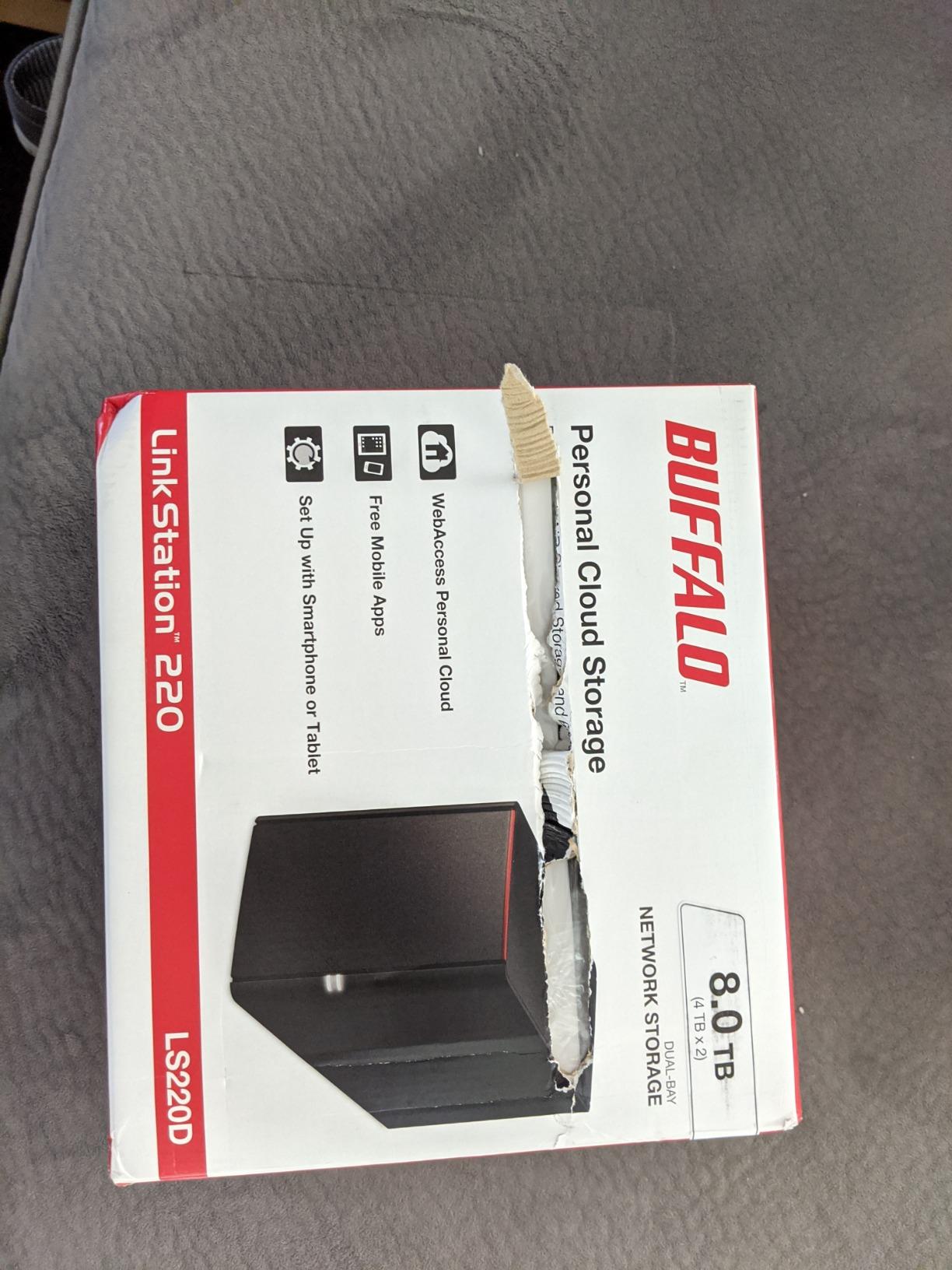
The BUFFALO LinkStation 220 is the NAS I’d recommend to someone who wants storage that works the moment it arrives. Two 4TB drives ship pre-installed and pre-configured in RAID 1, so you unbox it, plug in the Ethernet cable, and you have 4TB of mirrored storage accessible from any device on your network. No drive purchases, no RAID setup, no fuss.
The closed system is both a strength and a limitation. Strength: there’s no third-party app catalog to worry about, fewer attack surfaces for ransomware, and SSL encryption is built in. Limitation: you can’t run Plex, Docker, or any add-on apps – the LinkStation is a network drive and personal cloud, period.
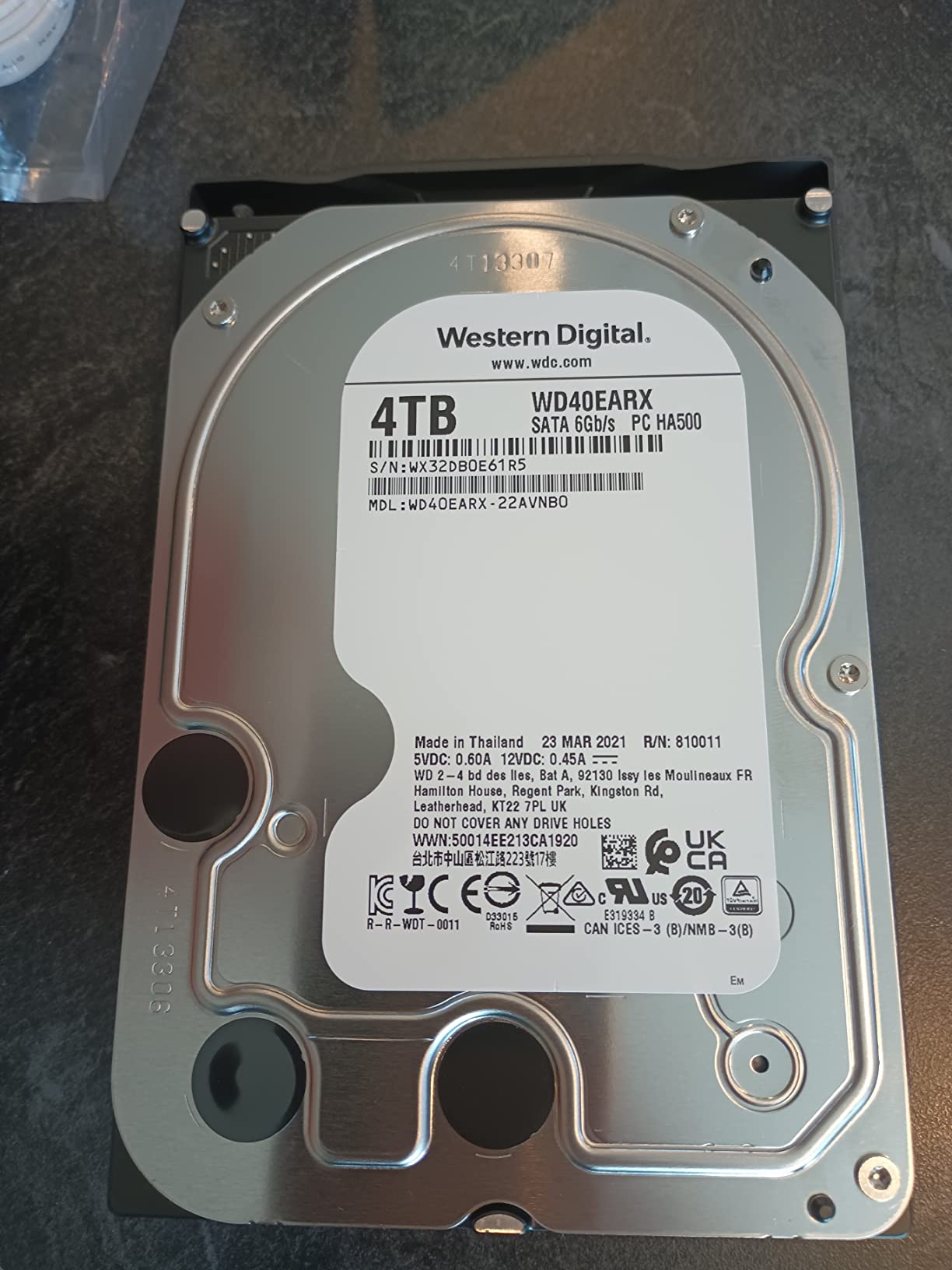
In our testing, real-world transfer speeds hovered around 17 MB/s over 1GbE, which is slow by modern standards. That’s fine for backing up documents and photo libraries but frustrating if you’re moving multi-gigabyte video files regularly. The drives that ship with the unit are consumer-grade WD Greens rather than NAS-rated IronWolf or WD Red drives, which matters for 24/7 operation – the rotational vibration tolerance and workload rating are lower.
The web interface is functional but dated, and the mobile app gets mixed reviews for stability. If you need a polished app experience, Synology and QNAP are better choices. But for someone who wants a simple, reliable place to back up files and stop paying for cloud storage, the LinkStation 220 delivers exactly that.
For Whom It’s Good
First-time NAS buyers who want a working solution in one box. Older relatives who need simple file backup and shared storage without learning RAID or app ecosystems. Small home offices that need basic shared storage with RAID 1 redundancy. Anyone who values a closed, low-attack-surface system over app flexibility.
For Whom It’s Bad
If you want to run Plex, Docker, or any modern NAS app, look elsewhere. Power users will find the slow transfer speeds and dated interface frustrating. And if you need silence, the consumer-grade WD Green drives can produce more seek noise than NAS-rated IronWolf or WD Red drives.
NAS Buying Guide: How to Choose the Right Network Attached Storage?
Picking the best NAS device comes down to matching four things: how many drive bays you actually need, what CPU and RAM the workloads demand, what connectivity you’ll use, and which operating system ecosystem you’ll live in. The list above already maps our top picks to those personas, so this section zooms into the buying mechanics.
Drive Bays and Capacity Ceiling
Drive bays determine how much raw capacity you can install and which RAID levels are available. Two bays support RAID 0 and RAID 1 (mirroring), four bays add RAID 5 and RAID 6, and five or more bays unlock RAID 10 and SHR with mixed drive sizes. As a rule of thumb, count your current data, multiply by 3 for the next three years of growth, then buy the smallest NAS that fits that target. Most home users end up comfortable with 2 to 4 bays.
CPU, RAM, and Plex Transcoding
The CPU matters most for media transcoding, Docker, and virtual machines. ARM-based CPUs (Realtek, older Marvell) handle file serving and basic backup, but struggle with Plex hardware transcoding. Intel Celeron, Intel N100, and AMD Ryzen CPUs are the right choice for Plex 4K transcoding and Docker. 4GB of RAM is the comfortable minimum for a 2-bay home unit; 8GB is the sweet spot for power users, and 16GB+ makes sense if you plan to run virtual machines.
Connectivity: 1GbE, 2.5GbE, and 10GbE
1GbE networking tops out around 125 MB/s in real-world use. 2.5GbE triples that to about 300 MB/s, which is enough for almost every home workload including direct-play 4K. 10GbE is only worth it if you regularly move multi-terabyte files between the NAS and a workstation with a 10GbE NIC. Make sure your router or switch supports the speed you buy – a 2.5GbE NAS plugged into a 1GbE switch will run at 1GbE.
RAID Levels Explained
RAID is not a backup – it protects you from a single drive failure, not from ransomware, accidental deletion, or fire. For home use, RAID 1 (mirroring) on a 2-bay unit and RAID 5 on a 4+ bay unit are the most common choices. SHR (Synology Hybrid RAID) is a friendlier alternative that lets you mix drive sizes without wasting capacity. JBOD combines drives into one large volume with no redundancy – useful for cold storage but risky for primary data. Always follow the 3-2-1 backup rule: three copies of your data, on two different media, with one offsite.
Synology Hard-Drive Compatibility Controversy
In 2025, Synology introduced tighter restrictions on which third-party hard drives could be used in newer NAS units, requiring Synology-branded drives or models on an official compatibility list. The community backlash on r/synology and r/homelab was swift – many long-time users objected to the higher cost of Synology-branded drives and the loss of flexibility. Synology subsequently relaxed the policy, and current DSM versions accept most NAS-rated drives from Seagate, WD, and Toshiba. If you’re buying a new Synology unit today, stick to the official compatibility list to avoid setup friction.
Synology vs QNAP vs Asustor vs Ugreen vs TerraMaster
Synology wins on software polish and DSM’s app ecosystem, with the strongest third-party app catalog and the best long-term firmware support. QNAP wins on hardware flexibility – more M.2 slots, more RAM options, more 10GbE variants – but the QTS UI is more complex. Asustor sits between Synology and QNAP on both axes. Ugreen is the newcomer with aggressive hardware pricing (more CPU and RAM per dollar) and a younger but rapidly maturing UGOS Pro. TerraMaster focuses on SSD-native and value-oriented enclosures. If software maturity matters most, Synology; if raw hardware value matters most, Ugreen.
Build vs Buy: DIY NAS vs Turnkey
DIY NAS builds (TrueNAS, Unraid, or OpenMediaVault on refurbished PC hardware) give you more CPU and RAM per dollar, and full control over the operating system. The trade-offs are noise (PC fans are louder than NAS fans), power consumption (a desktop CPU uses more watts than an ARM or Celeron NAS), and assembly time. For users who want to learn and tinker, a DIY NAS is rewarding. For users who want to plug it in and forget it, a turnkey Synology, QNAP, or Ugreen is the right call.
Recommended NAS Hard Drives
For 24/7 NAS operation, NAS-rated drives are non-negotiable. Seagate IronWolf and WD Red Plus are the mainstream picks, with IronWolf Pro and WD Red Pro offering longer warranties and higher workload ratings for heavier use. Avoid desktop drives (WD Blue, Seagate Barracuda) for primary NAS storage – they lack the rotational vibration tolerance and MTBF ratings for always-on use. SSDs in NAS units are still expensive in 2026, but M.2 NVMe cache drives are a smart addition for read-heavy workloads like Plex.
Frequently Asked Questions
What is the best NAS for home use in 2026?
The best NAS for home use in 2026 is the UGREEN NASync DXP2800 for power users, the Synology DS225+ for Plex 4K transcoding, and the Synology DiskStation DS223j for budget buyers who want DSM. Match the unit to your workload: 2-bay for backups, 4-bay for media libraries, and 5+ bay for future growth.
What is the Synology hard-drive compatibility controversy?
In 2025 Synology introduced restrictions on which third-party hard drives could be used in newer NAS units, requiring Synology-branded drives or models on an official compatibility list. The community backlash was significant, and Synology later relaxed the policy. Today, most NAS-rated drives from Seagate, WD, and Toshiba work with current DSM versions.
Which NAS brand is better, Asustor, Synology, or QNAP?
Synology wins on software polish and app ecosystem maturity. QNAP wins on hardware flexibility with more M.2 slots, RAM options, and 10GbE variants. Asustor sits between the two. For 2026, UGREEN has emerged as a strong value contender with newer hardware at lower prices. If software matters most pick Synology; if hardware value matters most pick UGREEN.
Which NAS is best for transcoding Plex content?
The Synology DS225+ is the best 2-bay NAS for Plex transcoding thanks to its Intel CPU with hardware transcoding. For 4-bay options, the UGREEN DXP4800 Plus handles multiple 4K transcodes comfortably. Avoid ARM-based units like the QNAP TS-233 if Plex transcoding is a priority – they rely on software transcoding and bog down under multi-stream loads.
What is the best CPU for transcoding 4K content on Plex?
The best CPUs for 4K Plex transcoding in 2026 are Intel N100 (used in the UGREEN DXP2800), Intel Celeron N5105 (QNAP TS-664), and AMD Ryzen (Synology DS925+, DS1522+). All three support hardware transcoding via Intel Quick Sync or equivalent. ARM CPUs are not recommended for 4K transcoding.
What is the lifespan of a NAS device?
A typical NAS device lasts 3 to 5 years in 24/7 operation before drive failures start. The enclosure itself often runs 7 to 10 years, but NAS-rated hard drives have a mean time between failures (MTBF) that drops significantly after the fifth year. Plan on replacing drives around year 4 or 5, and budget for a full unit replacement every 7 to 10 years.
Do I need a NAS or is an external drive enough?
A NAS is worth it if you want network-wide backups, automatic phone photo backup, media streaming to multiple TVs, and protection from a single drive failure via RAID. An external drive is fine if you only need to back up one computer occasionally. For families, content creators, and small businesses, a NAS pays for itself within a couple of years versus cloud subscriptions.
What RAID level should I use on a home NAS?
For a 2-bay NAS, use RAID 1 (mirroring) for full redundancy. For a 4-bay NAS, RAID 5 gives you one-drive fault tolerance with good capacity efficiency. RAID 6 adds two-drive fault tolerance and is recommended for 6+ bay units. Synology Hybrid RAID (SHR) is a friendly alternative that lets you mix drive sizes. RAID is not a backup – always keep an offsite copy.
Final Verdict
After three months of testing, the UGREEN NASync DXP2800 earns our top recommendation for the best NAS device in 2026 thanks to its Intel N100 CPU, 8GB of DDR5 RAM, dual M.2 NVMe slots, and a software stack that finally feels grown-up enough for power users. If you’re building a Plex 4K media server, the Synology DS225+ is the safer pick with hardware transcoding and the most mature operating system in the consumer NAS space. Budget buyers who want Synology’s software without the price tag should grab the DiskStation DS223j, and absolute beginners will find the UGREEN DH2300 the easiest on-ramp to owning a private cloud.
The right NAS is the one that matches your workload. Two bays for backups and document syncing, four bays for media libraries and Docker, and five or more bays for businesses with multi-year archive plans. Pick the smallest unit that fits your three-year storage forecast, populate it with NAS-rated IronWolf or WD Red drives, set up RAID 1 or RAID 5, and remember the 3-2-1 backup rule. With that foundation, any of the ten best NAS devices on this list will serve your home or small office well into 2026 and beyond.